Featuring easy to access Smart Cast buttons and ROCCAT’s EASY SHIFT[+], the KOVA 2016 can double up its array of buttons to provide up to 22 programmable functions.
Product on Review: ROCCAT KOVA
Manufacturer & Sponsor: ROCCAT
Street Price: US: $59, EU: €59.99, UK: £49.99
The KOVA builds upon the old ROCCAT favourite in a more streamlined shape that is suitable for left and right handers. Featuring easy to access additional ‘Smart Cast’ buttons located on the outside of the traditional mouse clicks along with two pairs of side buttons, the total of programmable buttons available is 12, then throw in ROCCAT’s EASY SHIFT[+] feature, it doubles up and allows up to 22 programmable buttons in the palm of your hand. Under the hood comes a native 3500dpi Pro-Optic R6 sensor which has been powered up with the aid of ROCCAT’s Turbo Core V2 processor, allowing for a stable double up of an effective 7000dpi.
Aesthetically, ROCCAT are moving away from rubberised plastic and more towards smooth, high quality plastics similar to what we have experienced with the ROCCAT NYTH and of course comes with 16.8M customisable RGB LED lighting in two lighting zones. Fully supported by ROCCAT’s unified driver software ‘Swarm’ the all new KOVA checks many boxes gamers desire in a mouse.
Overview by ROCCAT
Raw performance in a sleek design built for pure power and speed? That’s the all new Kova, forged using the legacy of its fan favorite Kova[+] predecessor as its blueprint. It’s got double the button functions on a streamlined frame with fine lines and angles reminiscent of a high-end sports car. Double-powered DPI for precision gaming, finished off with a world-class illumination suite integrated into an ambidextrous-use, expertly engineered package. The new Kova is double the ROCCAT® power in the palm of your hand.
Technical Specifications
– Pro-Optic Sensor R6 with up to 3500dpi
– Up to 7000dpi with Overdrive Mode
– 1000Hz polling rate
– 1ms response time
– 20G acceleration
– 12-bit data channel
– 72MHz Turbo Core V2 32-bit Arm based MCU
– 512kB onboard memory
– 1.8m braided USB cable
Dimensions / Weight
– Width 6.7cm, Height 4.0cm, Length 13.0cm,
– Weight 100g
System requirements
– Windows® 8, Windows® 7, Windows® 10
– USB 2.0 Port
– Internet connection for driver installation
– Up to 7000dpi with Overdrive Mode
– 1000Hz polling rate
– 1ms response time
– 20G acceleration
– 12-bit data channel
– 72MHz Turbo Core V2 32-bit Arm based MCU
– 512kB onboard memory
– 1.8m braided USB cable
Dimensions / Weight
– Width 6.7cm, Height 4.0cm, Length 13.0cm,
– Weight 100g
System requirements
– Windows® 8, Windows® 7, Windows® 10
– USB 2.0 Port
– Internet connection for driver installation
Packaging & First Look
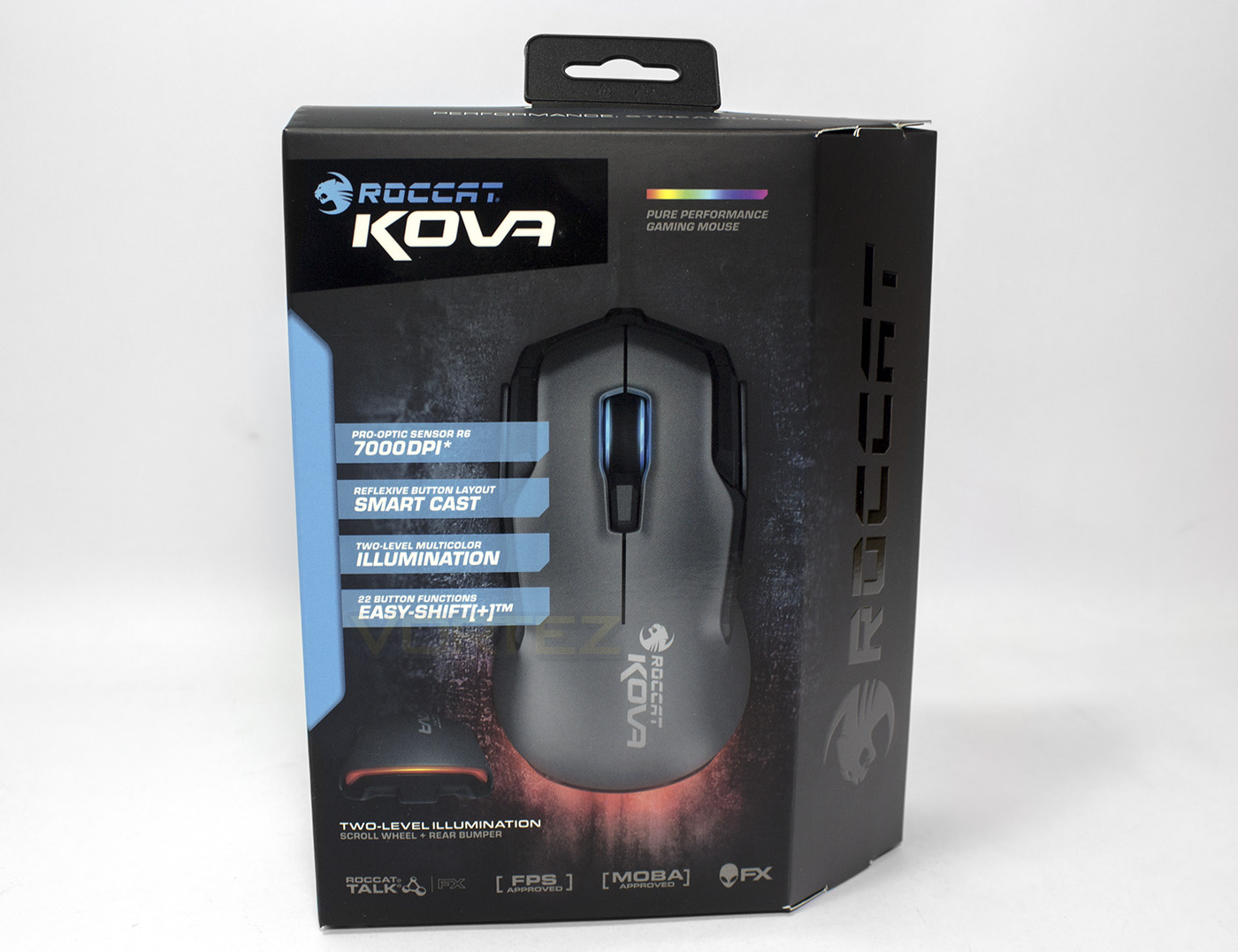
The packaging is much in line with the brand image ROCCAT, with blues on blacks with key features displayed over the product image itself. It clearly defines itself as having RGB LED lighting in two zones, the mouse wheel and rear bumper.
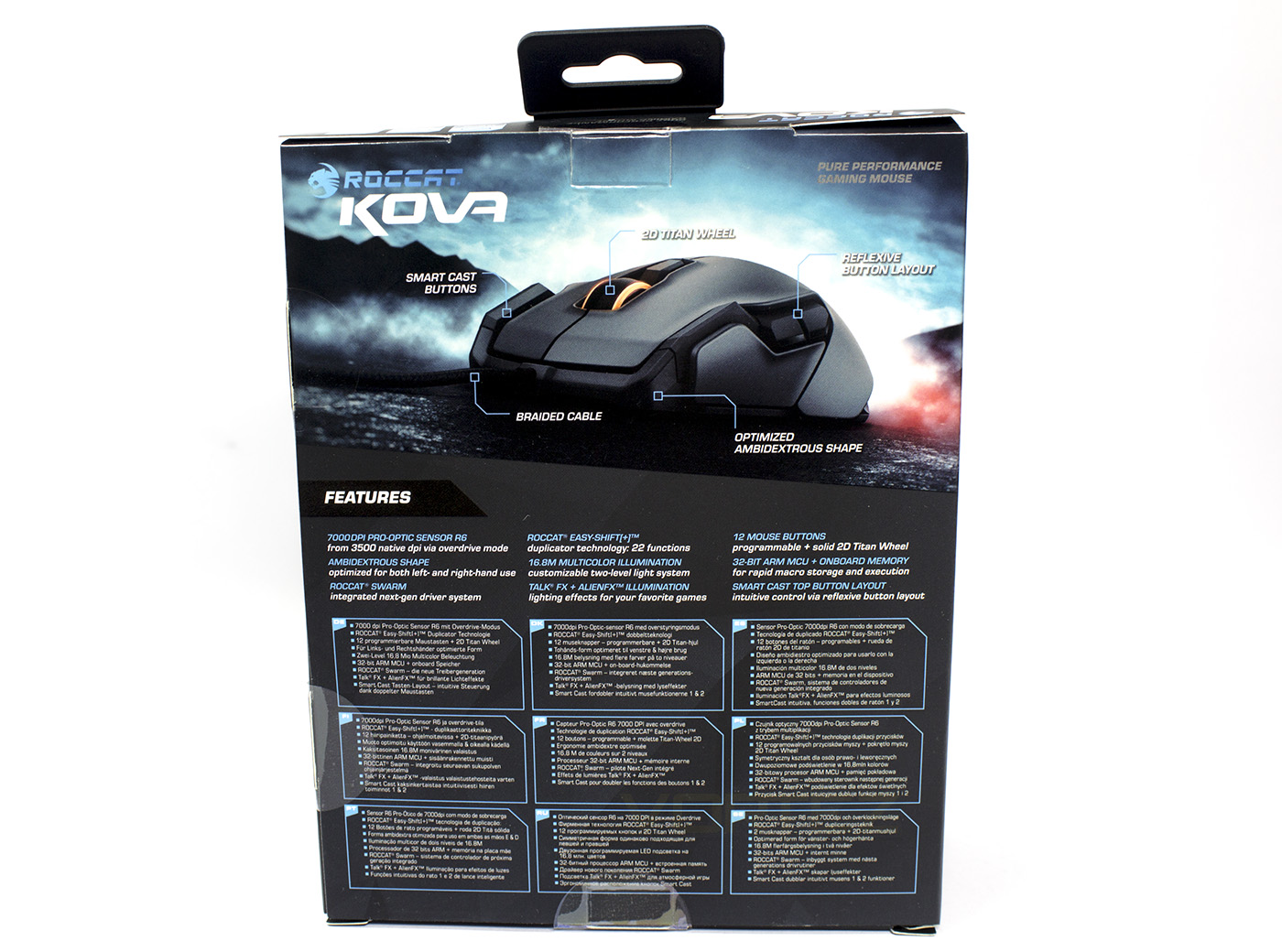
At the back there are other key features noted including the ambidextrous design, the smart cast buttons and a braided cable.
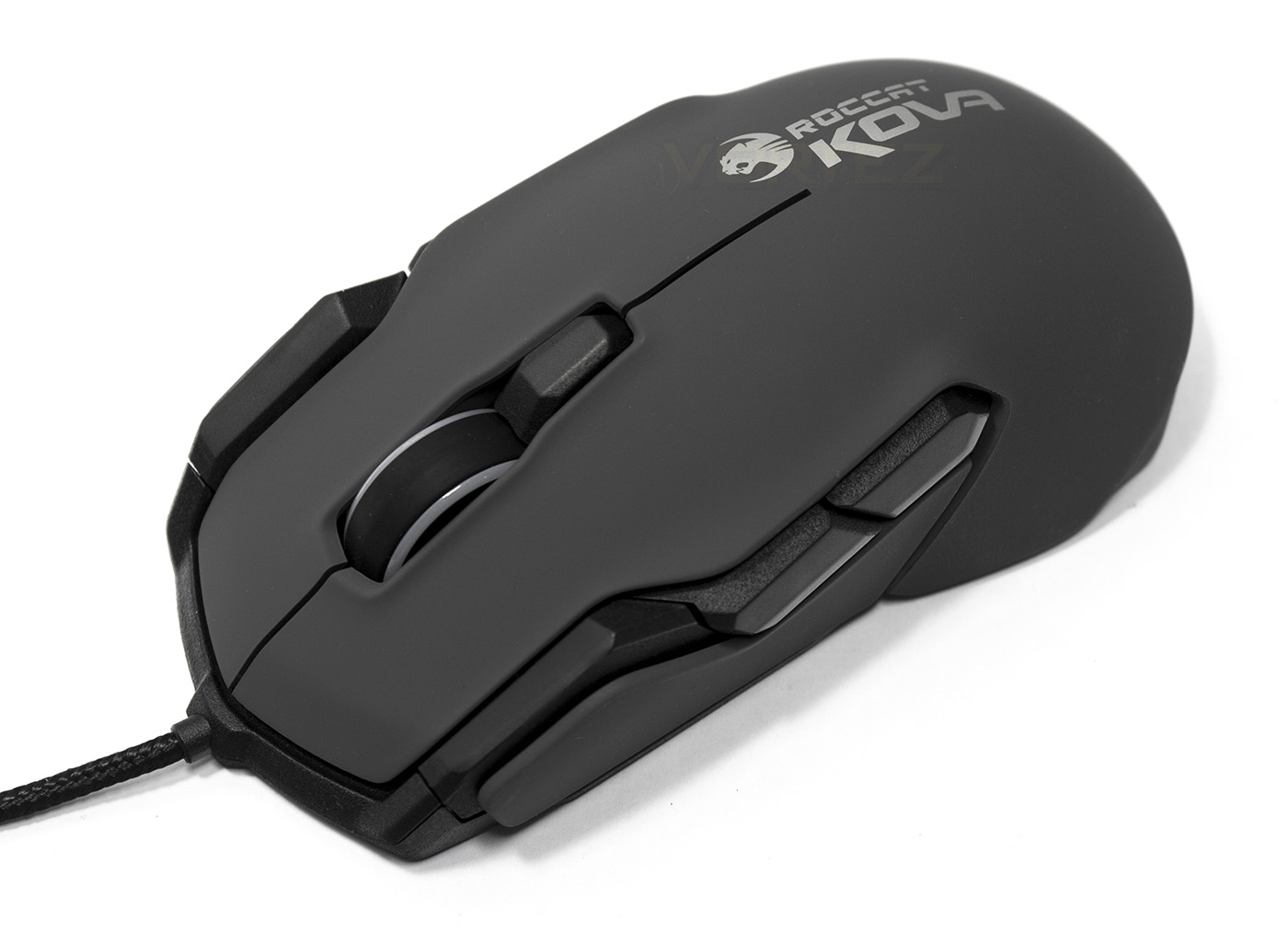
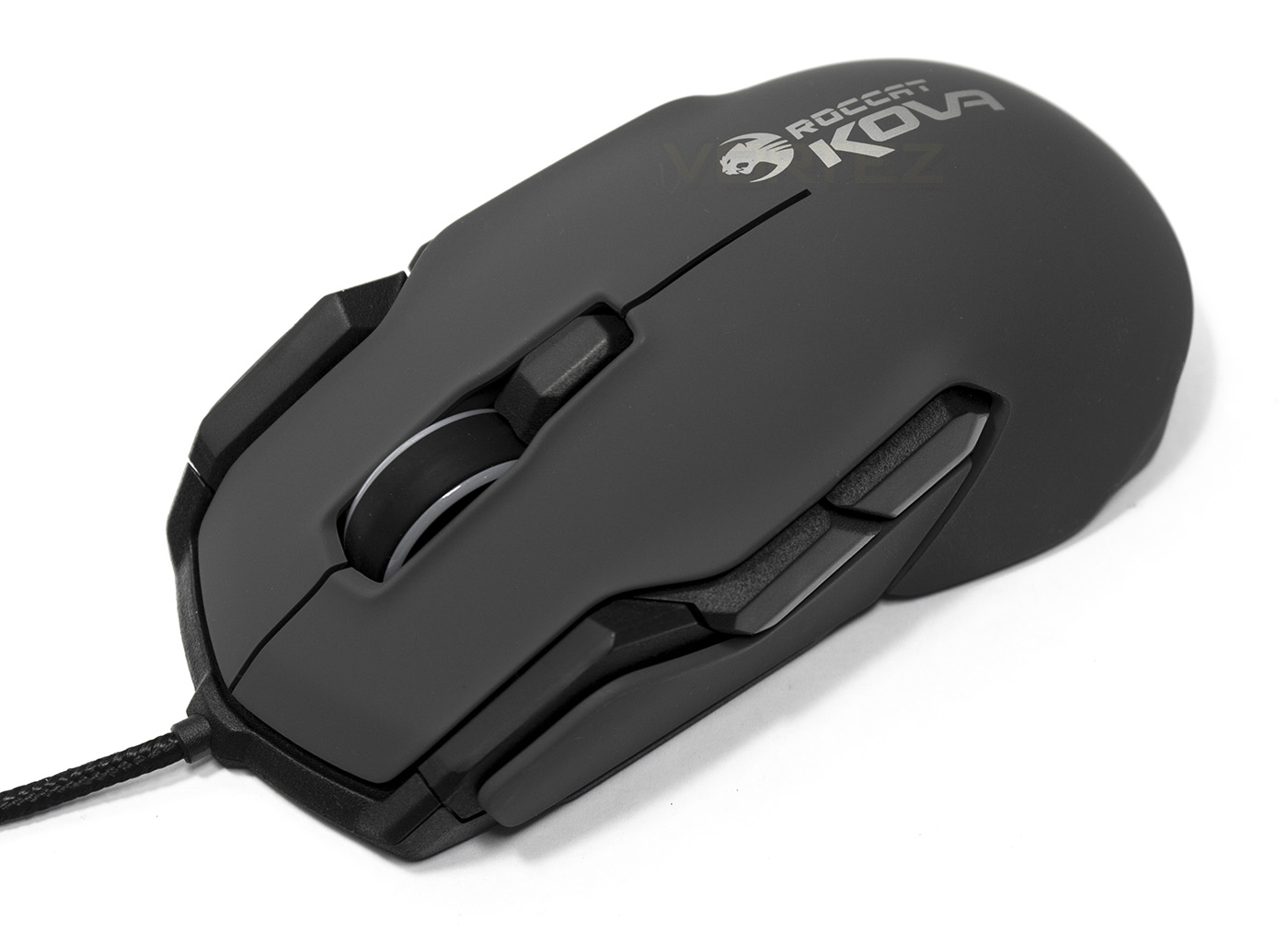
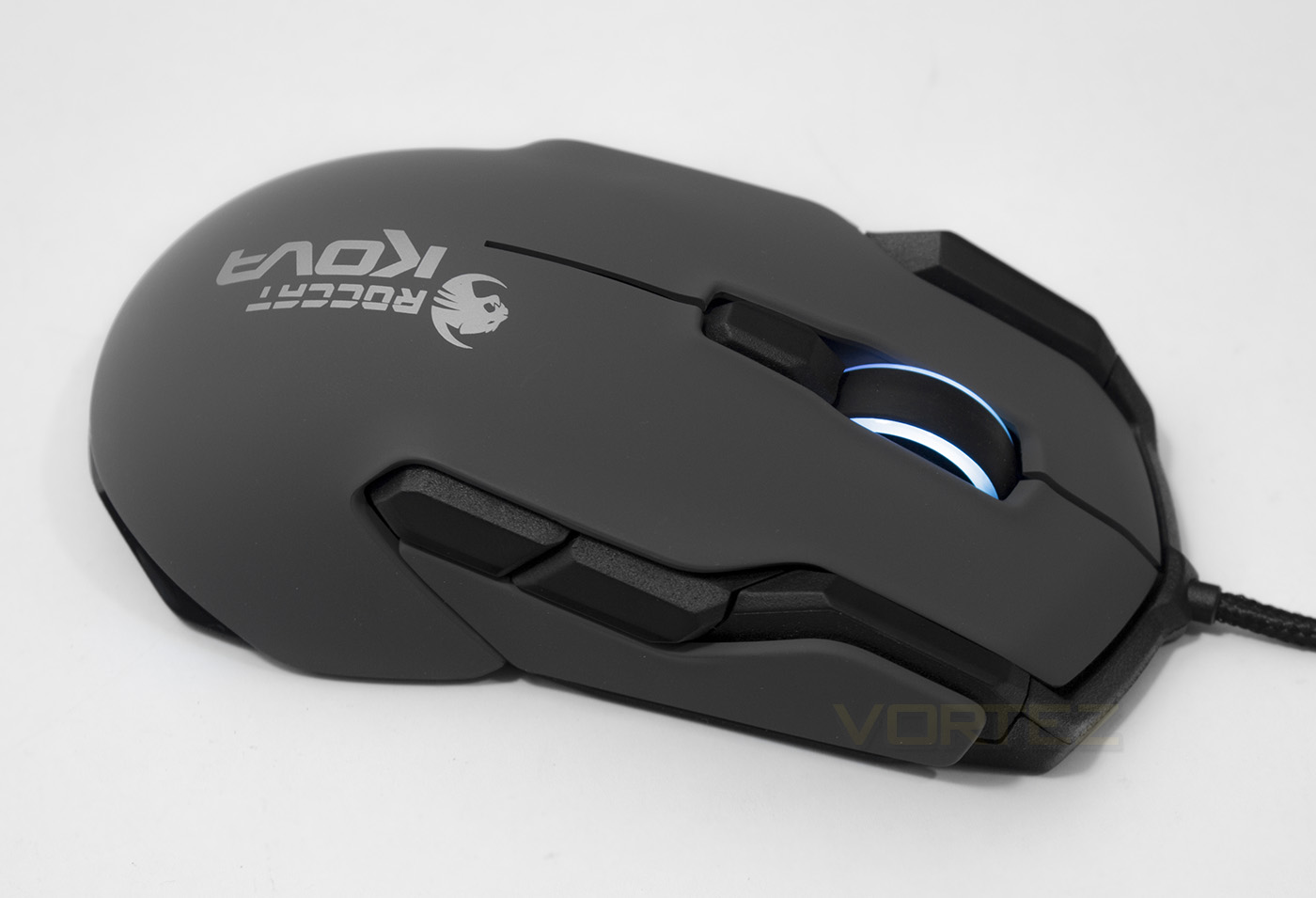
The KOVA mouse is distinctively revamped from the original, with a large 2D ‘Titan’ Wheel, two extra ‘Smart Cast’ buttons and large side buttons. The plastic outer shell is reminiscent of what we observed (and loved) on the NYTH in a gunmetal greyish colour.
Closer Look
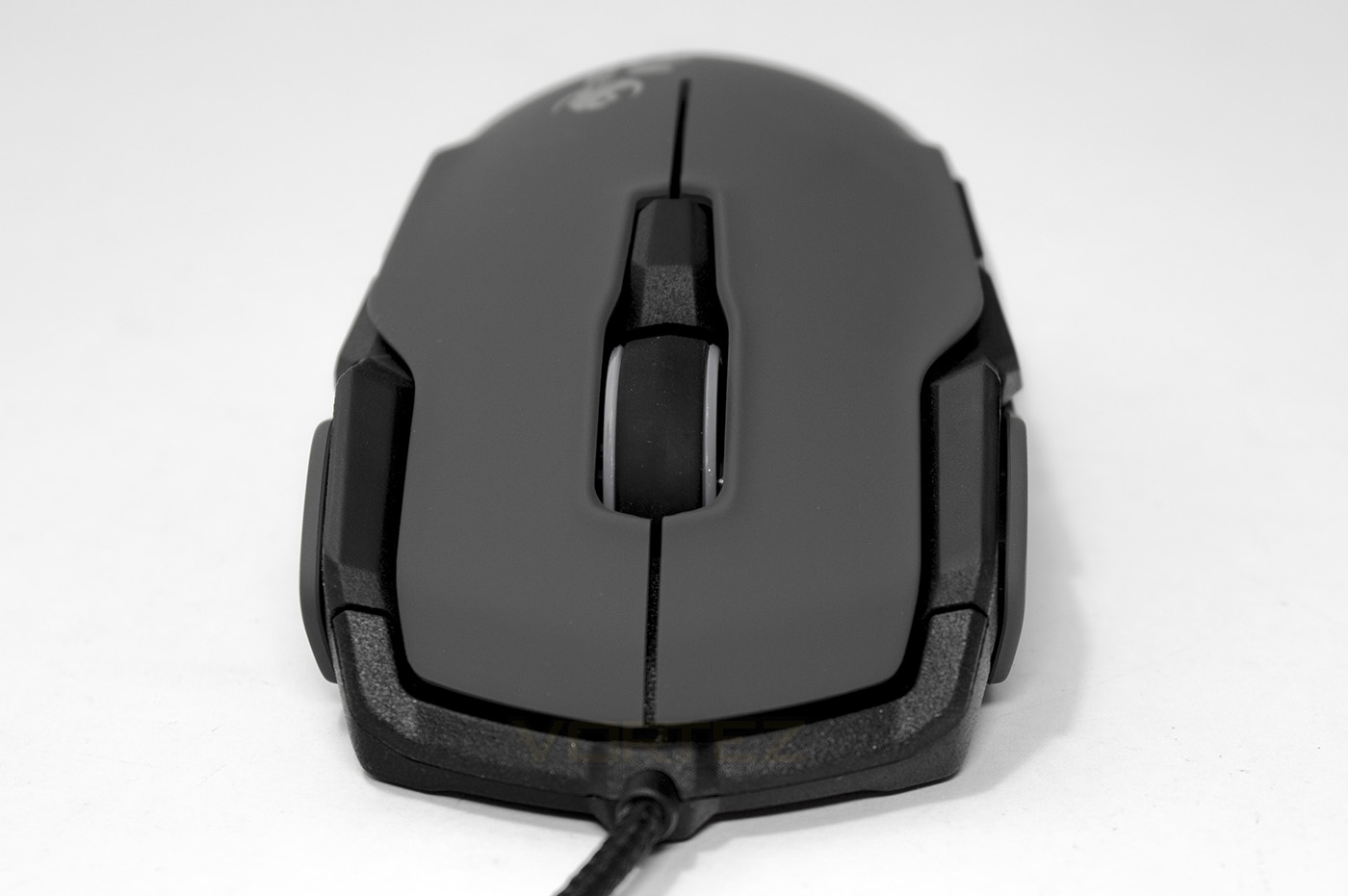
Behind the 2D Titan wheel, there is a DPI toggle button which looks fairly large, though isn’t quite as interesting as the dorsal fin on the NYTH which granted two way selection. Otherwise, in the spirit of being ambidextrous, from the front it is symmetrical.
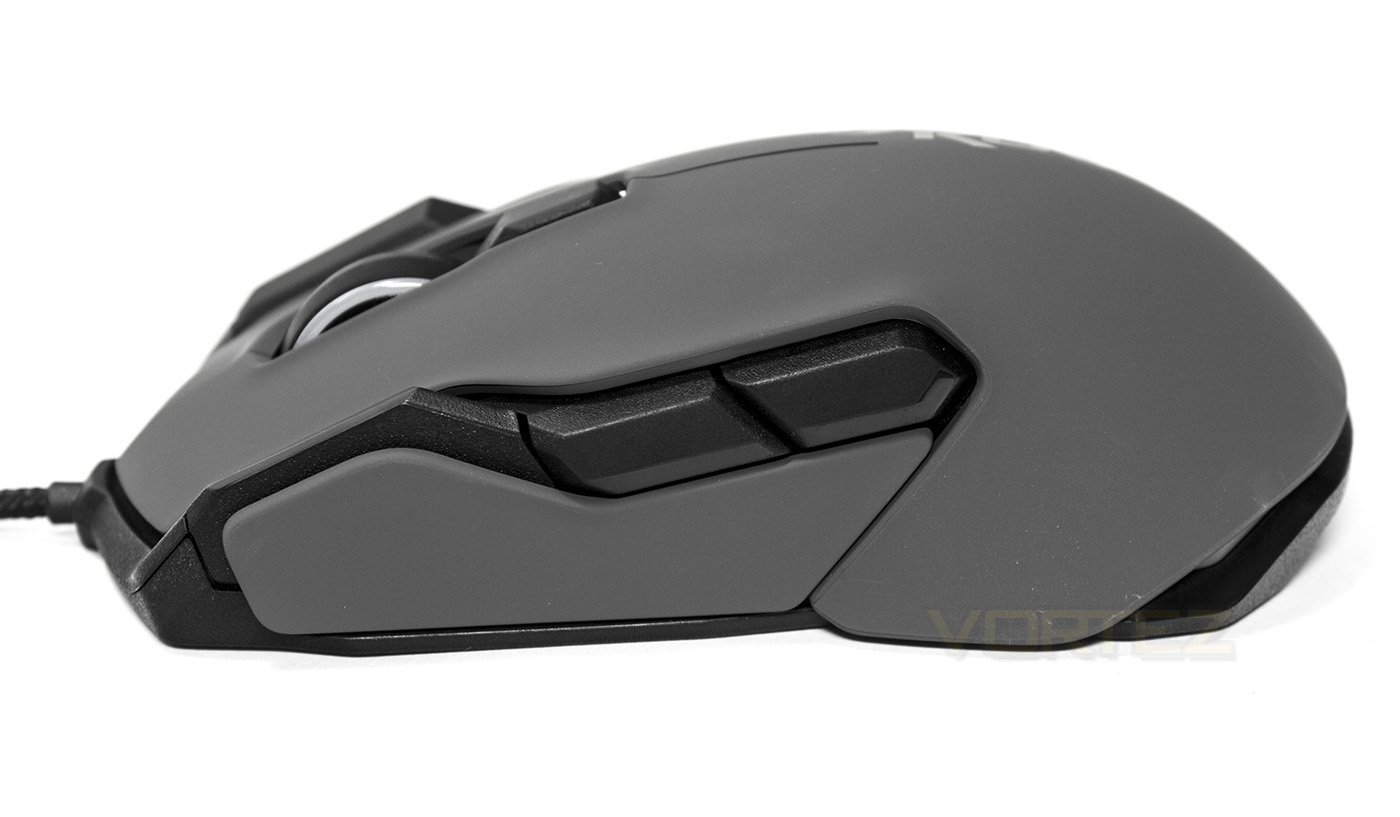
Two large side buttons with the smart cast button stretching forth for finger use.
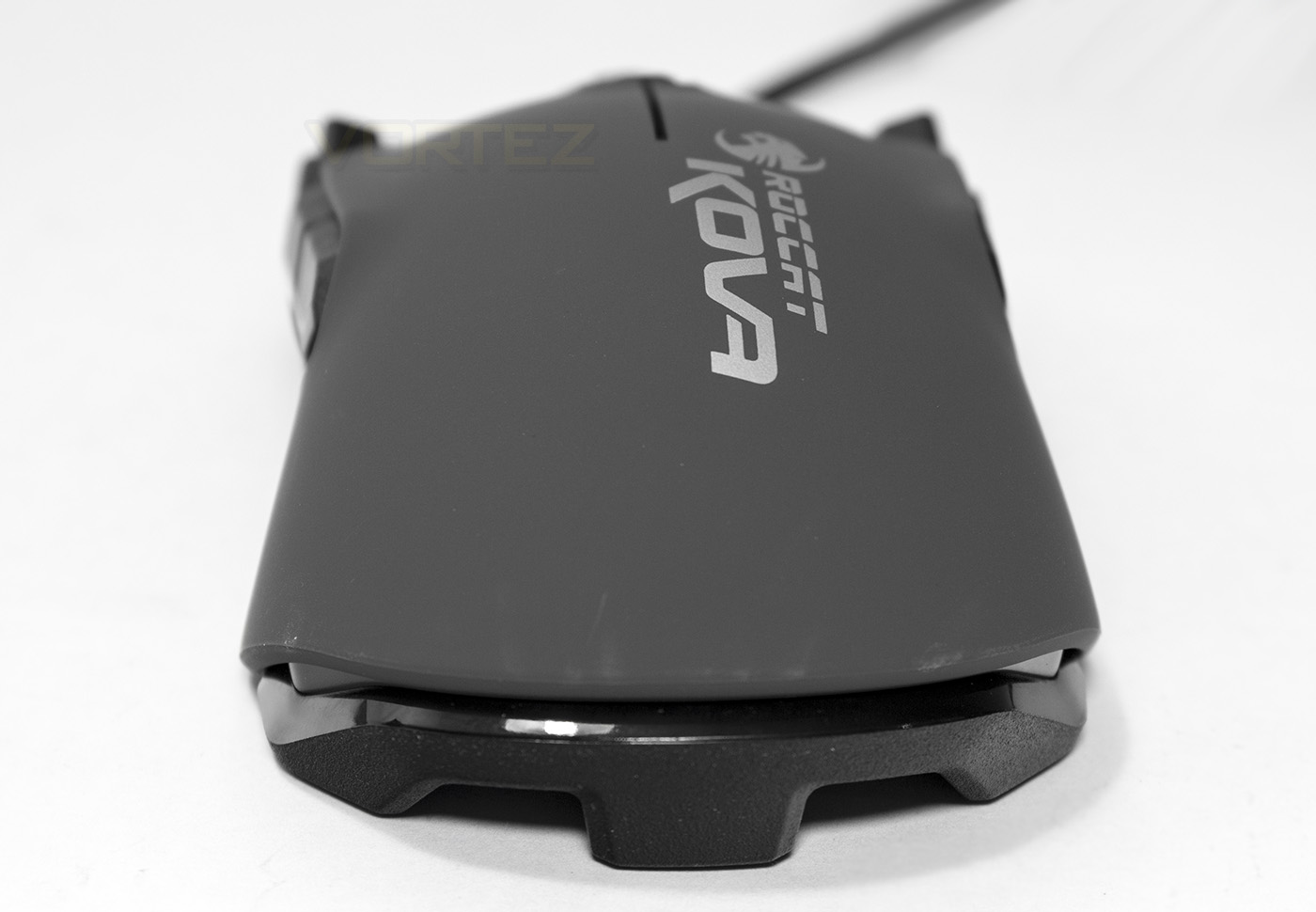
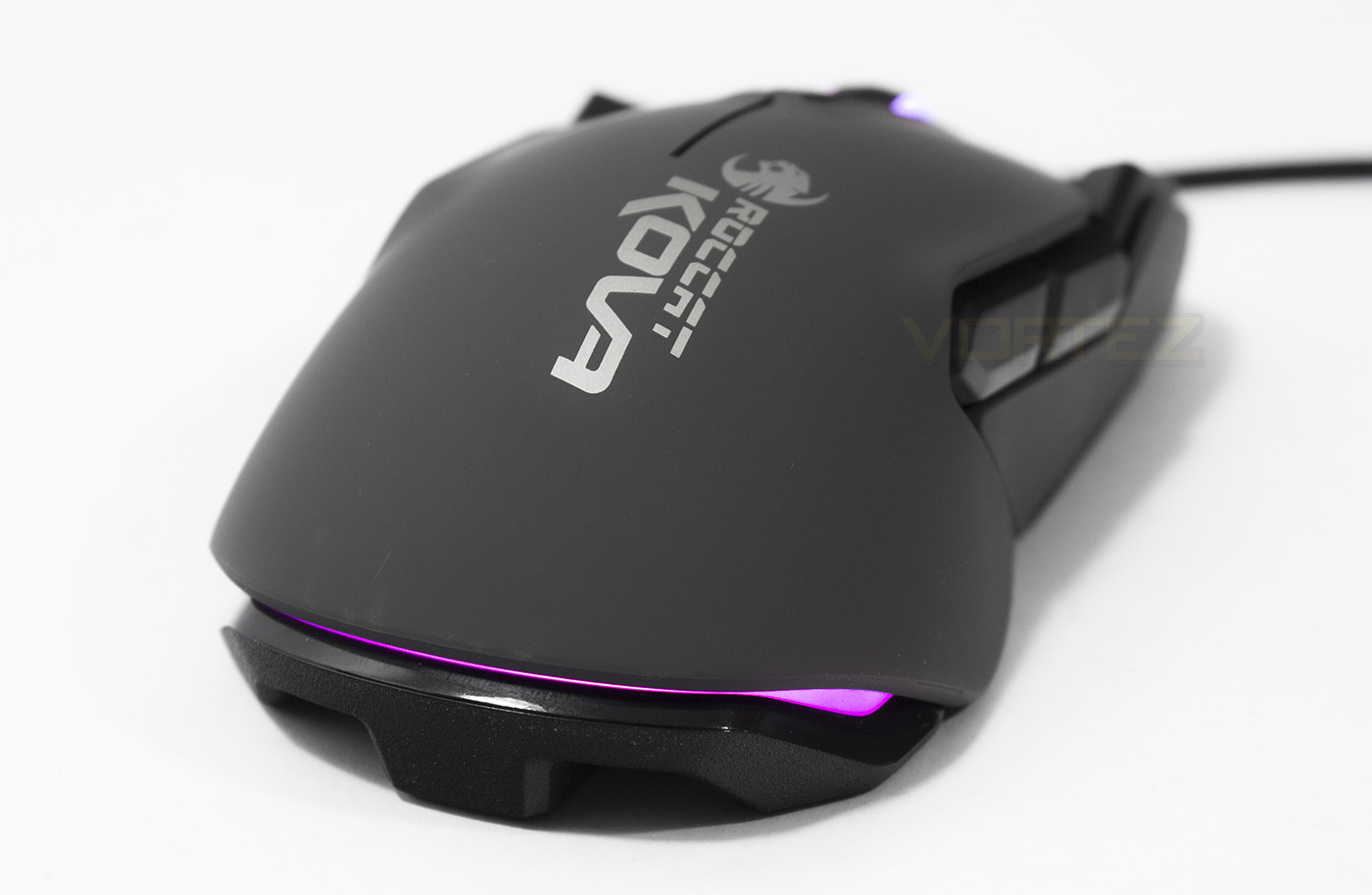
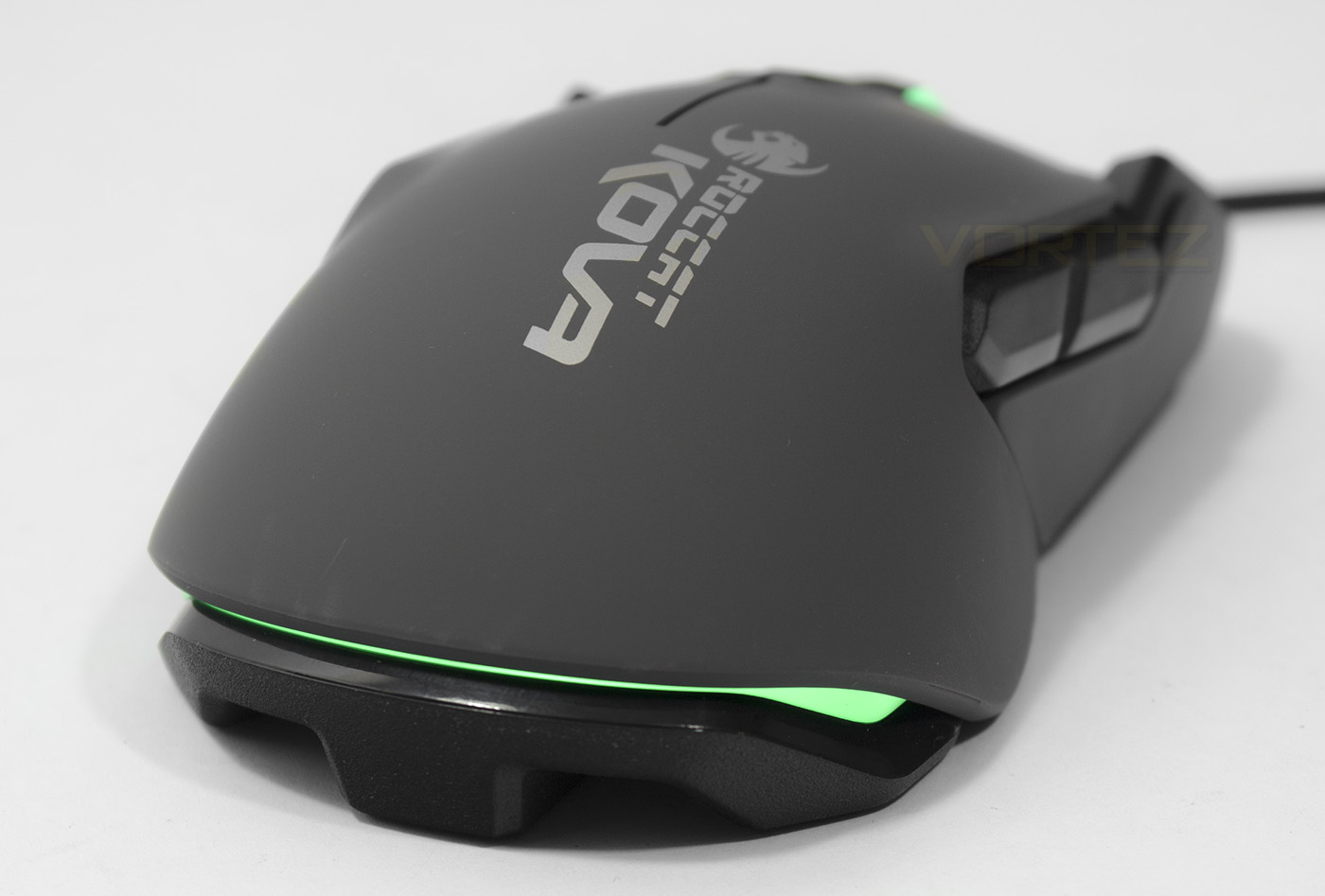
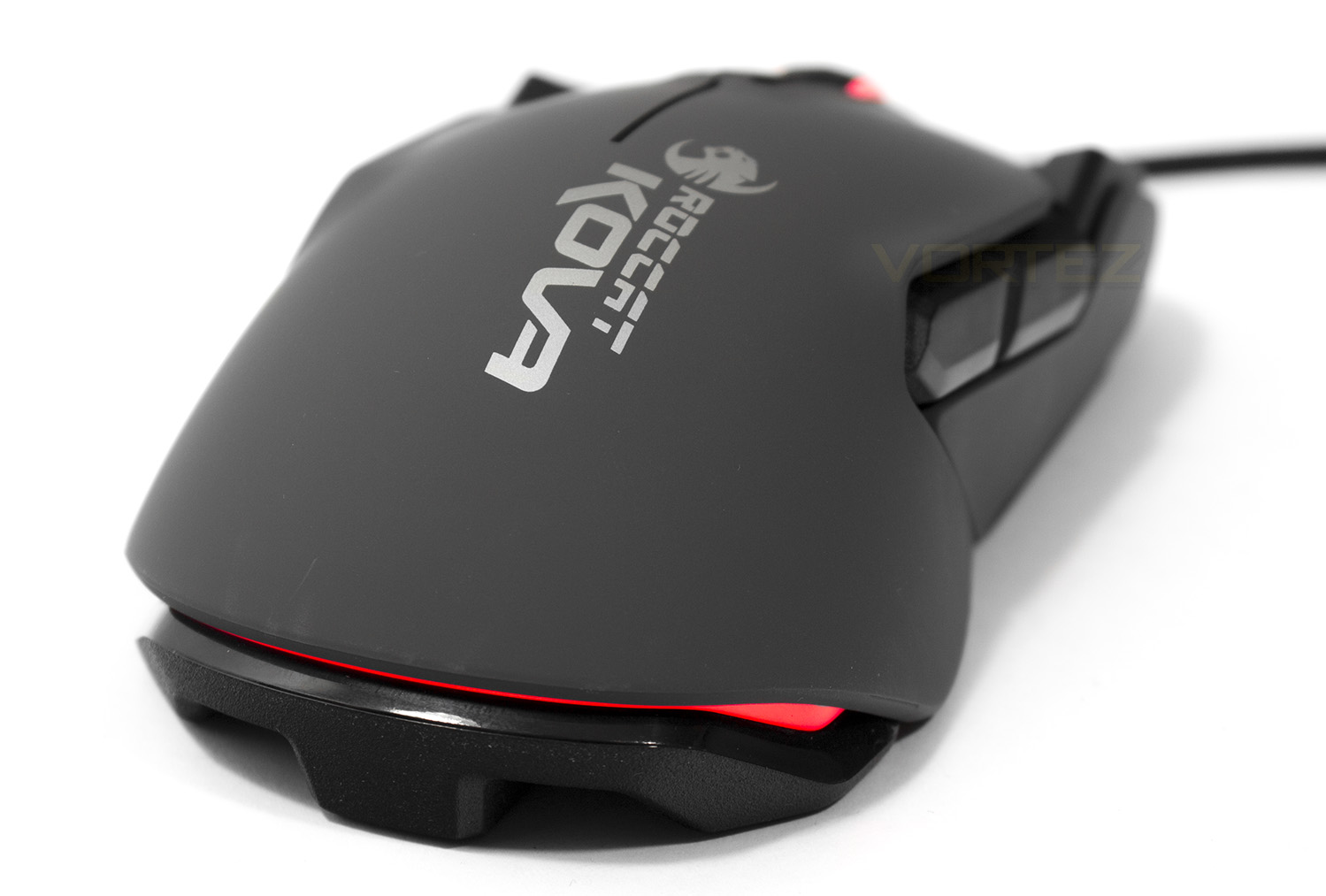
Missed the alignment a touch but the KOVA from behind is also symmetrical, just above the base is a LED lit bumper.
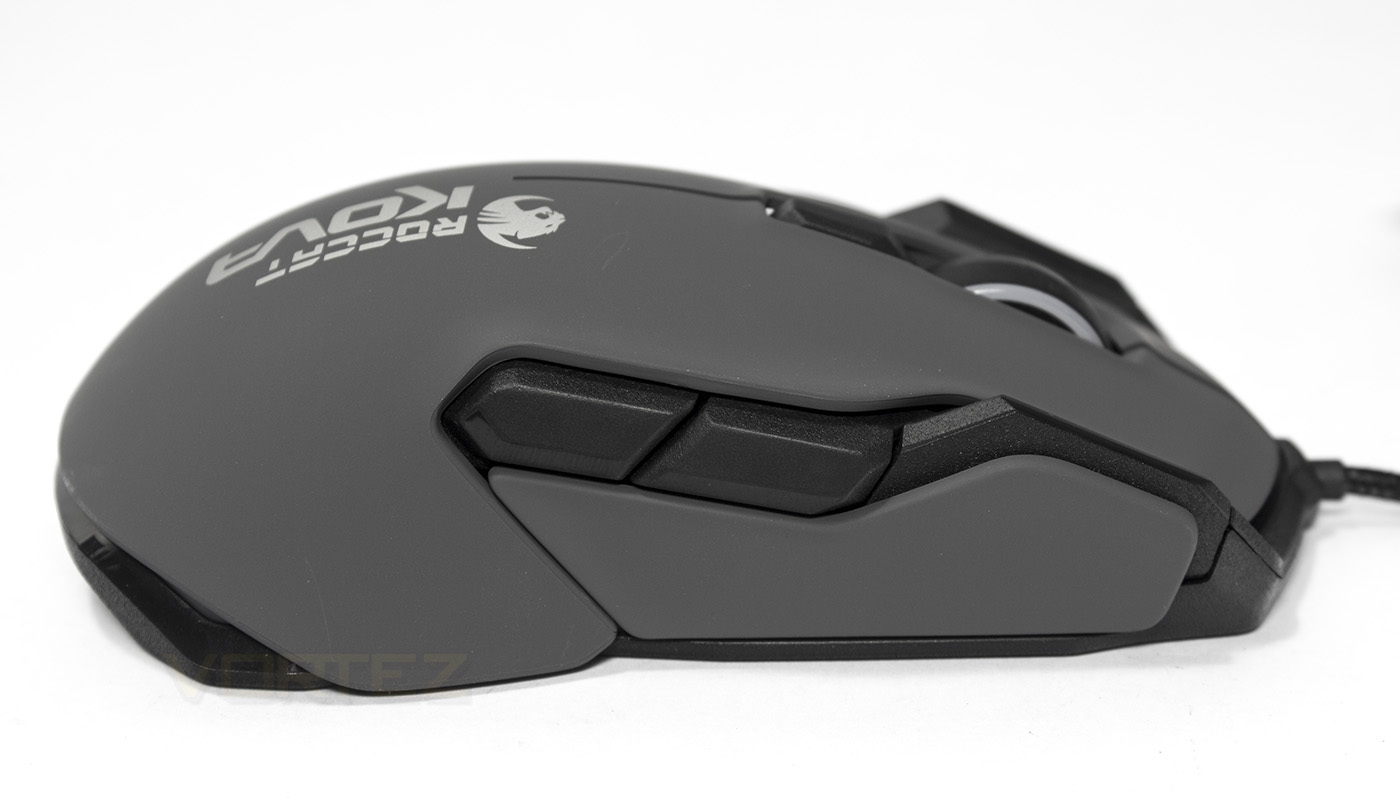
On the right side, there are again two large side buttons and another smart cast button, fulfilling the ambidextrous requirements.
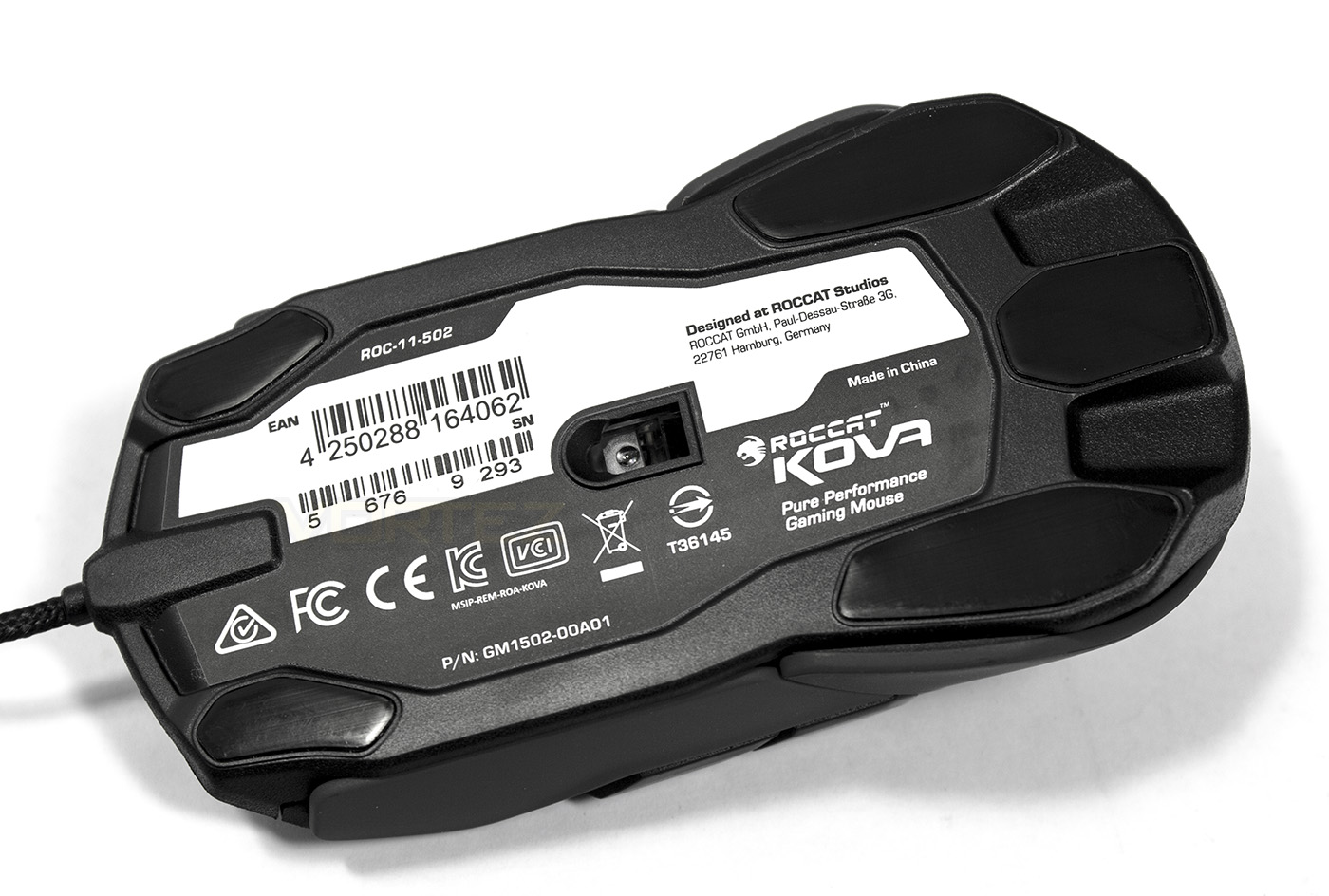
Underneath we get an interesting slip pad arrangement, with the sensor falling almost perfectly in the centre.
Software & Lighting
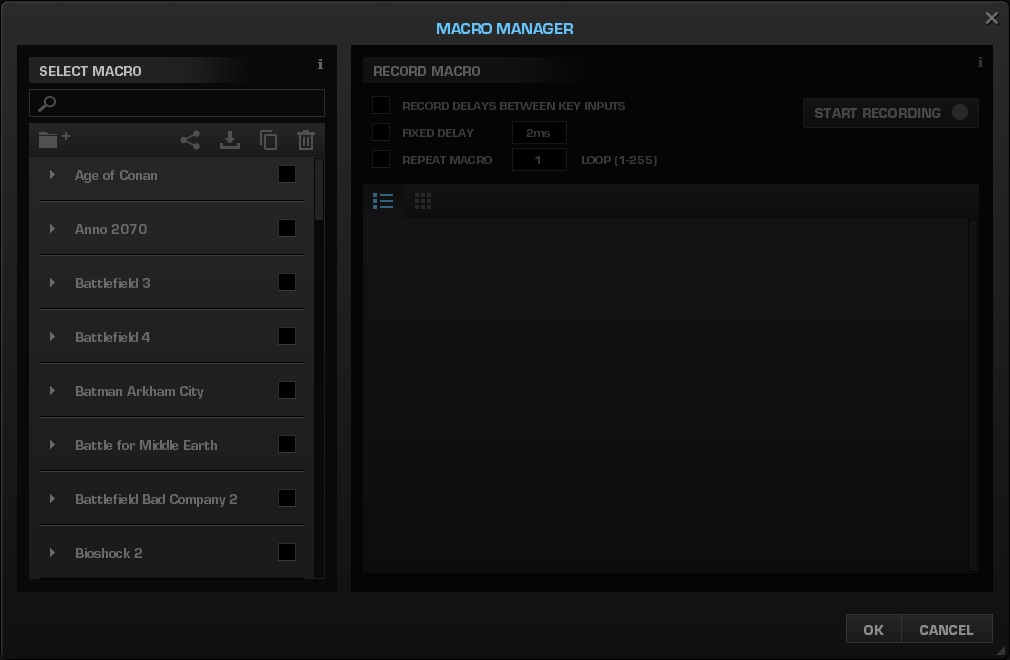
The ROCCAT SWARM driver is ROCCATs latest unified driver software which allows you to download and install each module for individual ROCCAT products you may have. As with Synapse/CUE/SSE3, this gives a great advantage to syncing all your devices together and sharing macros/control profiles, though takes a little while to install. Meaning, you need to download the swarm driver, then wait for the software to download the driver module for your ROCCAT device, and then it may want to update the firmware, though at least in doing this all it makes life easier in the long run, at least you do not need to log in like with Razer’s Synapse.
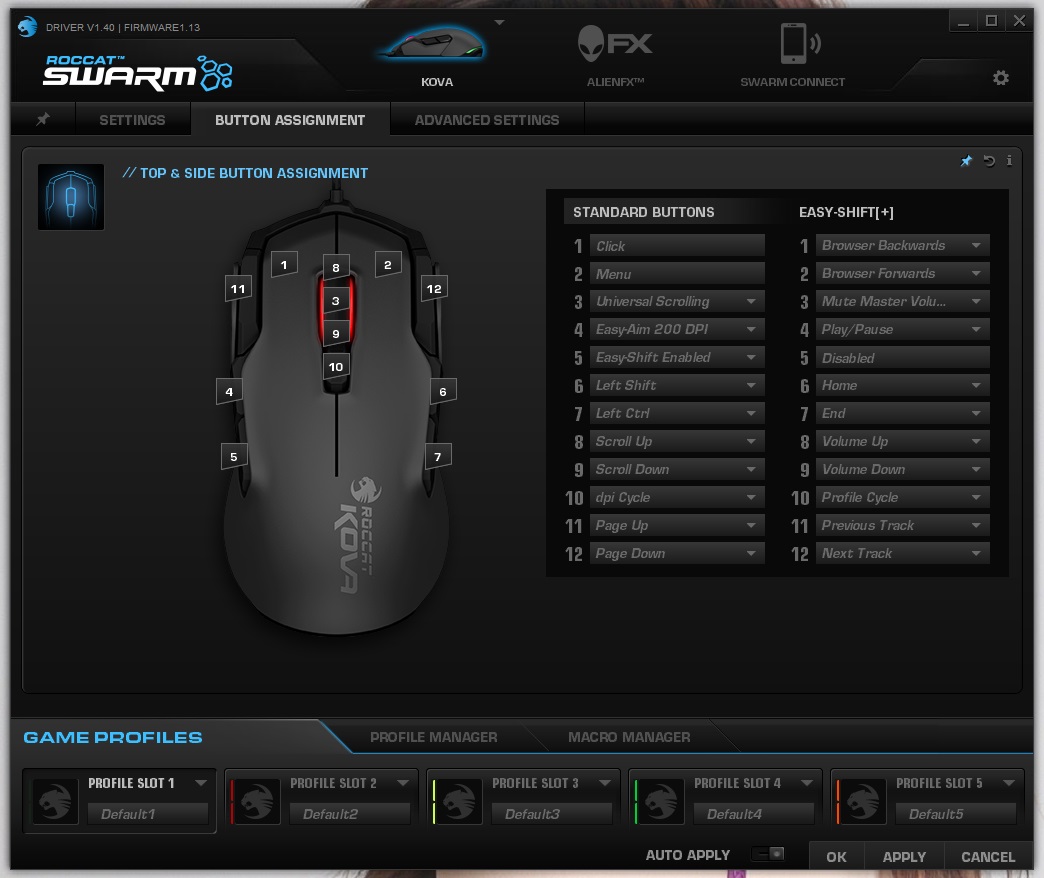
A great feature of the Swarm software is that you can pin your most used functions to the first menu, which you can either fullscreen or scroll through. All the functions you need are present and the most useful thing is actually the button assignments. By default the left side thumb buttons are ‘easy aim 200DPI’ and the easy shift button, which instantly remaps all the buttons on the mouse, buy holding this button you can instantly double the amount of commands you have in your hands.
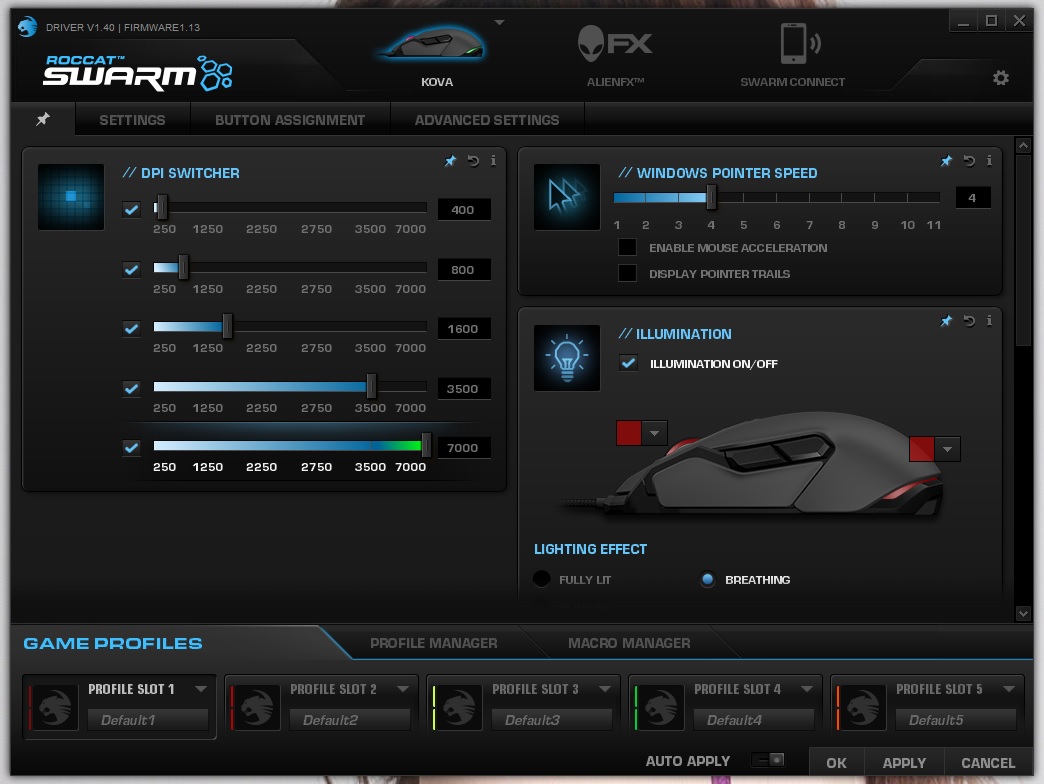
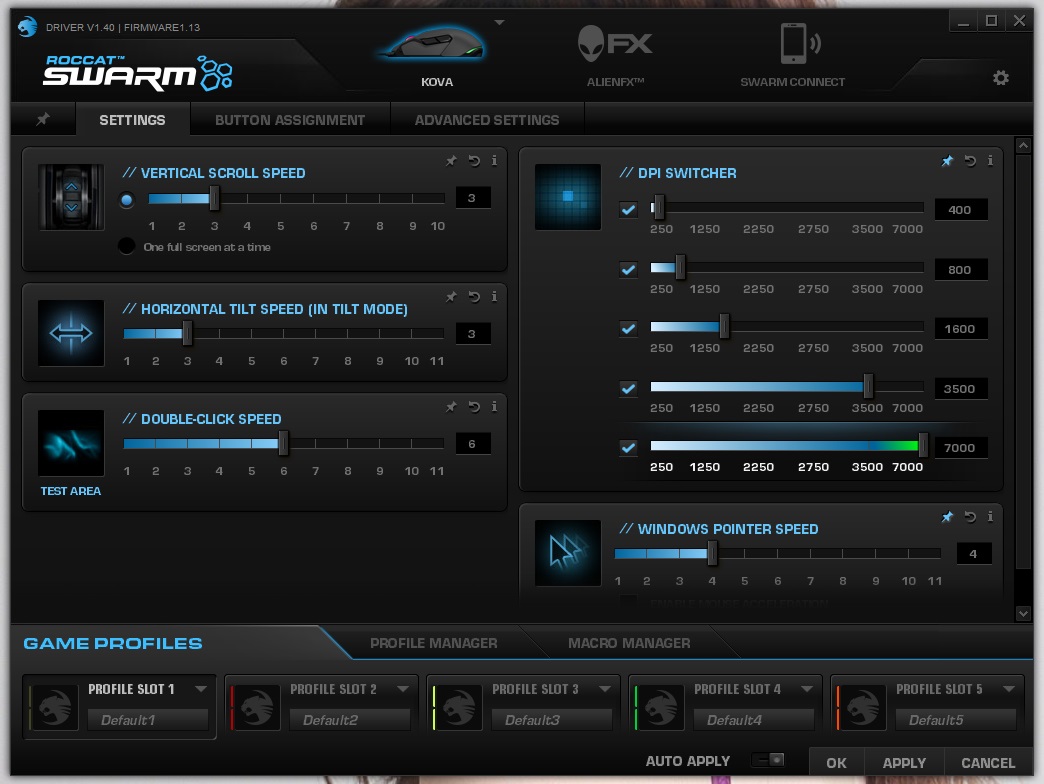
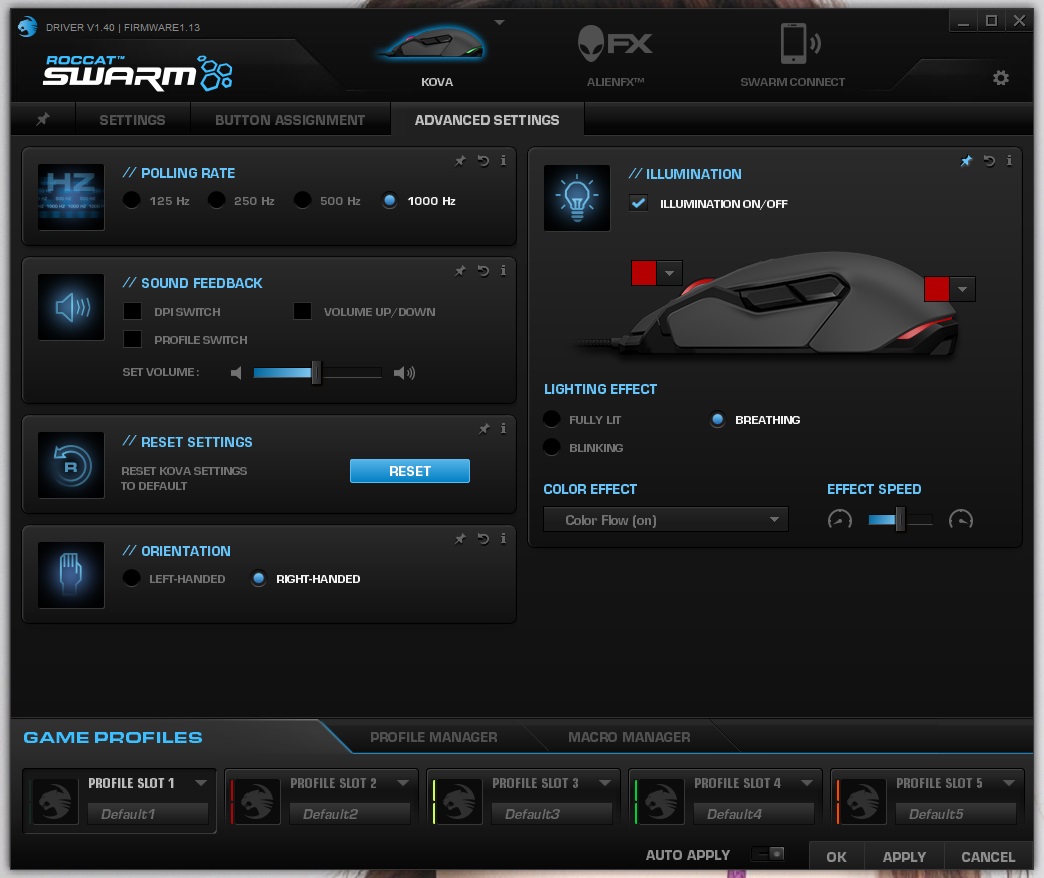
The two lighting zones are an attractive feature and can be synced with your other ROCCAT devices, however, I found certain colours wouldn’t replicate correctly, various ‘in between’ shades of orange, and yellow/green and /turquoise would end up displaying as white, this could either mean I was unfortunate enough to get some broken LEDs, or simply the RGB LEDs aren’t functioning as they should. All the primary colours including green, blue, red, yellow and magenta were displayed very vividly despite this.
Performance Testing
Setup, Design & Observations
Setting up is fairly easy and works well via plug & play using a default profile from the internal memory. Installing the Swarm driver is painless and it does a great job making sure all the firmware and drivers are up to date for all your ROCCAT devices.
In the hand, from a claw grip, I felt that the mouse clicks were a little narrow and forced into position to make way for the smart cast buttons. Though the smart cast buttons are relatively easy to reach, I felt that my particular grip style caused me to have to spread my index and middle fingers as if I was telling someone to jog on. Overall the feel of the mouse was cool and smooth and felt very good quality, noticing that the frame of the KOVA uses a similar high quality resin as we have seen with the NYTH, which makes us believe that the precise 3D design of the frame may in fact be professionally 3D printed (can this be confirmed?) This may be what allows for the sleek design aesthetic to shine through so accurately. Unfortunately, the KOVA is a little narrow to be friendly to a true palm grip, though whichever your preferred grip the symmetrical design feels good. The KOVA is a little on the lighter side at 100g, and is
Performance
In testing, at the overdrive dpi of 7000, the KOVA was flawless on standard black fabric mouse mat, black paper, white paper though struggled on glossy coloured surfaces. Each button click felt good quality and reliable including the 2D Titan mouse wheel. The lift off distance was relatively high compared to what we recently experienced with the SteelSeries Rival 100, but seemed to top out around 3mm at an estimate.
Jumping into some games I was able to observe an interesting downside. The buttons on the mouse are only registered as pre-existing commands or macros and there was no option for independent, standard ‘mouse buttons’. This means that by default I could not in-game assign the side thumb buttons (default profile has them set to ‘easy aim 200dpi’ and ‘EASY SHIFT[+]’) without reprogramming them to an existing key (such as browser forward/back) then having to go back in game to again reassign them. This became incredibly long winded to setup. It would be better to have the mouse set to a ‘standard’ profile which required the EAST SHIFT[+] function to be enabled as this would be significantly more convenient for gamers who just want to jump in and play, where as gamers that will choose to make use of the advanced features and commands such as EASY SHIFT[+] will undoubtedly be roaming through the drivers anyway. As it stands, you are forced to dive into relatively advanced features just to get the mouse to work ‘as standard’. On that note, by default the Smart Cast buttons are set to PG UP and PG DOWN.
Conclusion
As far as performance goes, anyone that has experienced a ROCCAT mouse will know how accurate and reliable they are; this again rings true with the KOVA. The Turbo Core 32bit ARM MCU was flawless in keeping the sensor stable while the Swarm software guarantees vast customisation and programmability.
The EASY SHIFT[+] feature will give a wealth of options to MMO gamers or even FPS gamers with the easy to access Smart Cast buttons, but some may find that the learning curve and the contortional hand movements to take advantage of such wealth may take a fair bit of getting used to. The average gamer that likes to jump in game and assign the two side buttons to suit may find themselves faced with an uphill challenge when they realise the effort needed to go through for something which, normally, tends to be so simple.
Looking further into the aesthetics the RGB lighting was a bit of a disappointment with various preset colours in the so called spectrum failing to display entirely, defaulting to white instead of replicating a vaguely relevant hue. This adds to the list of ‘simple’ functions not functioning.
Considering these downsides, ROCCAT have created an attractive, highly versatile, excellent quality ambidextrous mouse that performs with deadly precision. If you can master the Smart Cast buttons and the EASY SHIFT[+] feature, you will undoubtedly have one of the most powerful gaming mice in your hands.
The powerful built in processor provides the KOVA will killer accuracy while the innovative Smart Cast and EASY SHIFT[+] features will allow gamers to expand their control beyond all expectation.
VIDEO REVIEW – VORTEZ TV
Pros.
+ Ambidextrous
+ Attractive/ sleek design
+ Good build quality
+ Lots of programmable buttons
Cons.
– Inconsistent lighting (* ROCCAT have since released a firmware update which has fixed this issue.)
– Long winded button setup
– Takes a little getting used to
+ Ambidextrous
+ Attractive/ sleek design
+ Good build quality
+ Lots of programmable buttons
Cons.
– Inconsistent lighting (* ROCCAT have since released a firmware update which has fixed this issue.)
– Long winded button setup
– Takes a little getting used to
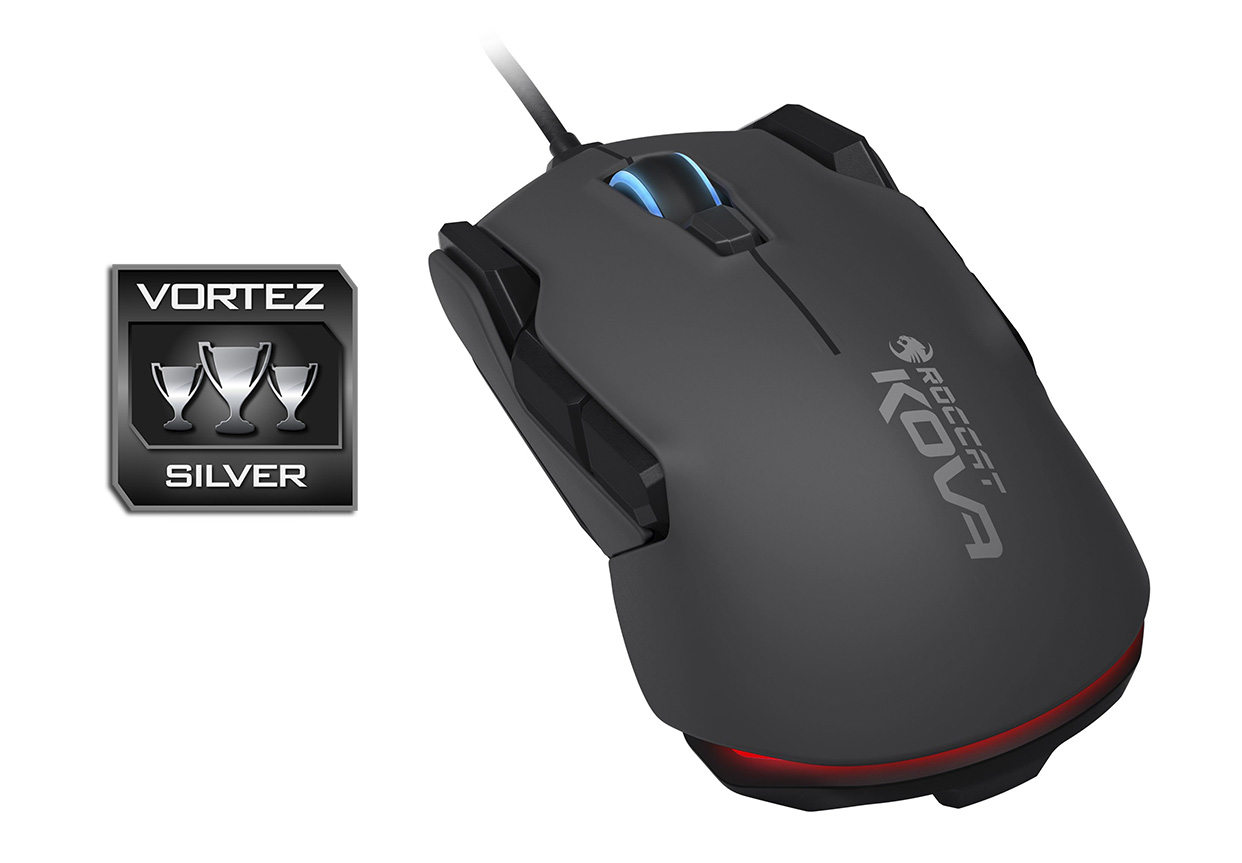
Click here for an explanation of our awards at Vortez.net.