The ROCCAT KIRO is an ambidextrous optical mouse that has a DPI of up to 4000 in overdrive mode, it is also shipped with four side plates for a customisable layout.

Product on Review: ROCCAT KIRO
Manufacturer & Sponsor: ROCCAT
Street Price: US: $39.99, UK: £34.99
Ambidextrous mice are the common compromise for many a left-hander, but the KIRO offers much more than just the standard symmetrical shaped mouse. It is shipped with four side plates, 2x blanks, 2x with buttons, allowing the user to have the ideal left or right handed mouse. It also comes with the promise of 3D print support, allowing for endless customisation options.
Aside from the external shape, ROCCAT ensure that the KIRO is a fully equipped to be a competitive mouse. It features the Turbo Core V2 32-bit ARM-based MCU, allowing it to double up the native 2000DPI to a stable 4000DPI, on-board memory and the use of OMRON switches. So its fairly safe to say that for just £35/$40, the KIRO has a lot to offer.
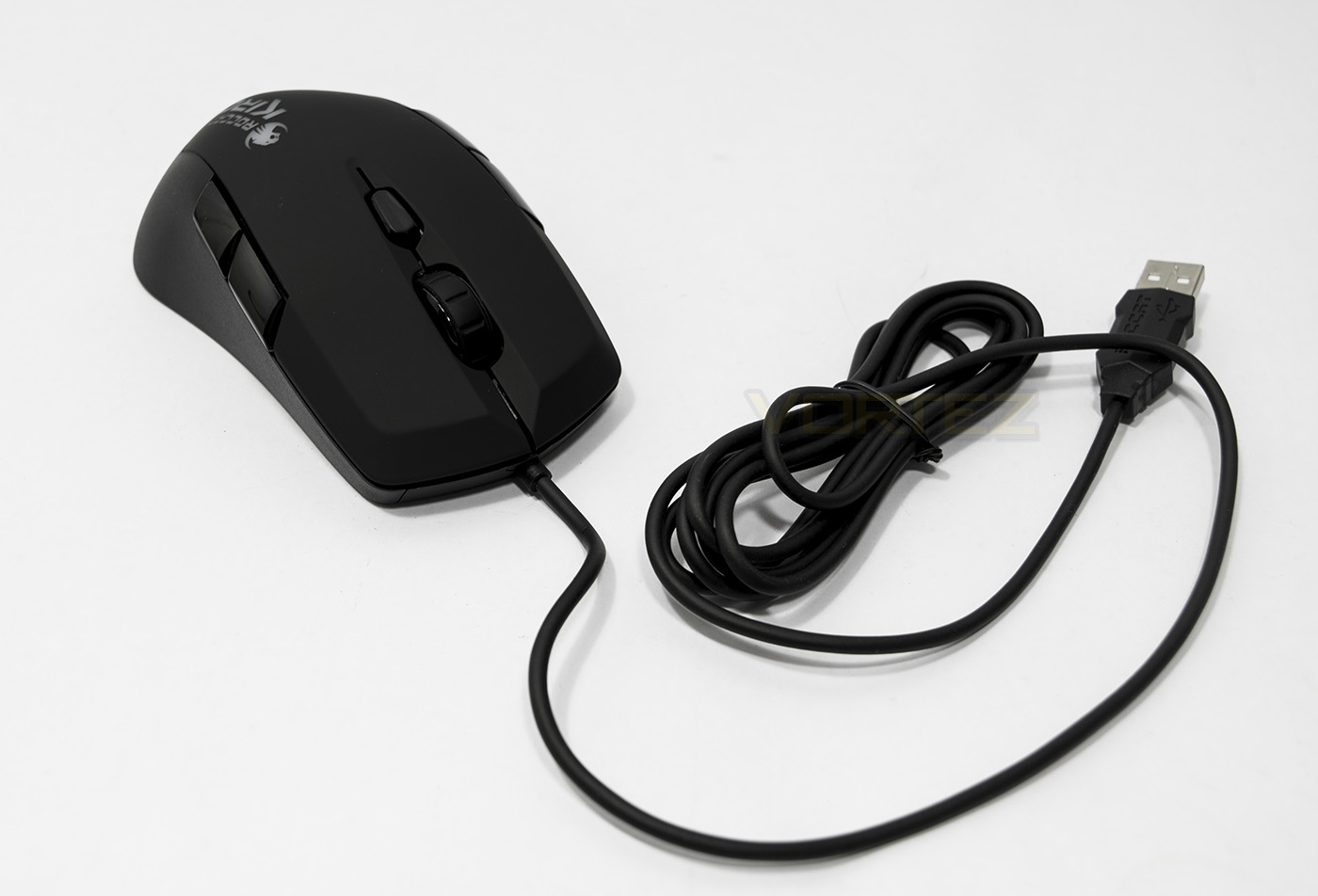
Overview by ROCCAT
Meet the Kiro, the bigger brother of the Lua. With its highly modular, superdextrous build, the game has been changed for ambidextrous mice. Perfectly optimizable for both left- and right-handed gamers out of the box, it ticks all the boxes for gamers who thrive on a highly functional mouse with a clean, ergonomic design. With no-sweat parts comprised of a ROCCAT-pioneered soft-touch surface, the Kiro is the flexible ergonomic mouse that lets you win your way.
Technical Specifications
– Pro-Optic Sensor R2 with up to 2000dpi
– Up to 4000dpi with Overdrive Mode
– 1000Hz polling rate
– 1ms response time
– 20G acceleration
– 1.5m/s (60ips)
– Turbo Core V2 32-bit Arm based MCU
– 1.8m USB cable
Dimensions / Weight
Width 6.7cm, Height 3.0cm, Length 12.0cm, Weight 103g
System requirements
– Windows® 8, Windows® 7, Windows® 10
– USB 2.0 Port
– Internet connection for driver installation
– Up to 4000dpi with Overdrive Mode
– 1000Hz polling rate
– 1ms response time
– 20G acceleration
– 1.5m/s (60ips)
– Turbo Core V2 32-bit Arm based MCU
– 1.8m USB cable
Dimensions / Weight
Width 6.7cm, Height 3.0cm, Length 12.0cm, Weight 103g
System requirements
– Windows® 8, Windows® 7, Windows® 10
– USB 2.0 Port
– Internet connection for driver installation
Packaging & First Look
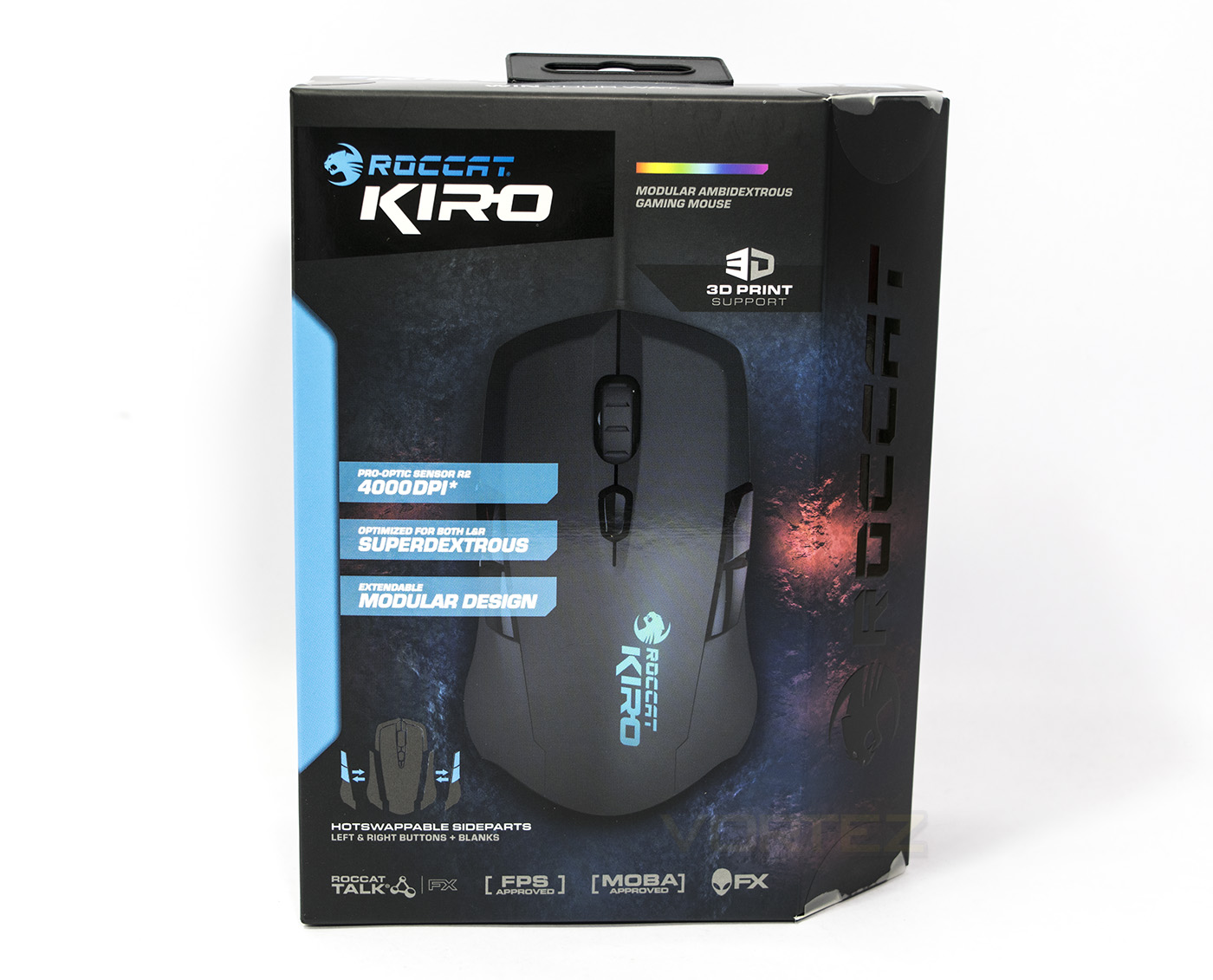
The KIRO is easily identifiable as a ROCCAT product though the face comes a little busy with the various features. There is a spectrum to indicate the 16.8M LED, the 3D print support, hot-swappable side parts and various other software compatibilities like ROCCAT talk and the Alien FX.
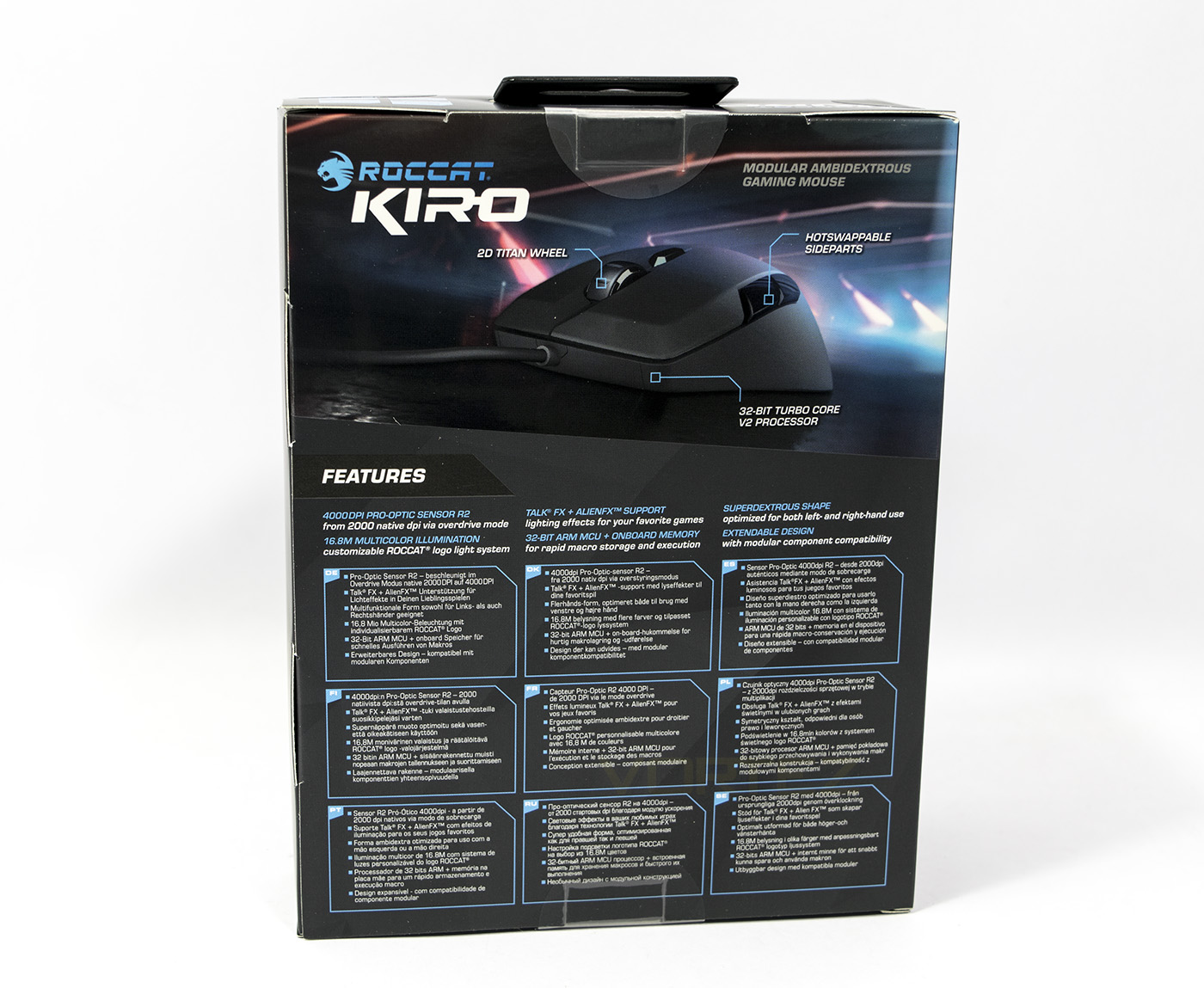
At the back there is a diagram talking about more of the same repeated in various languages.
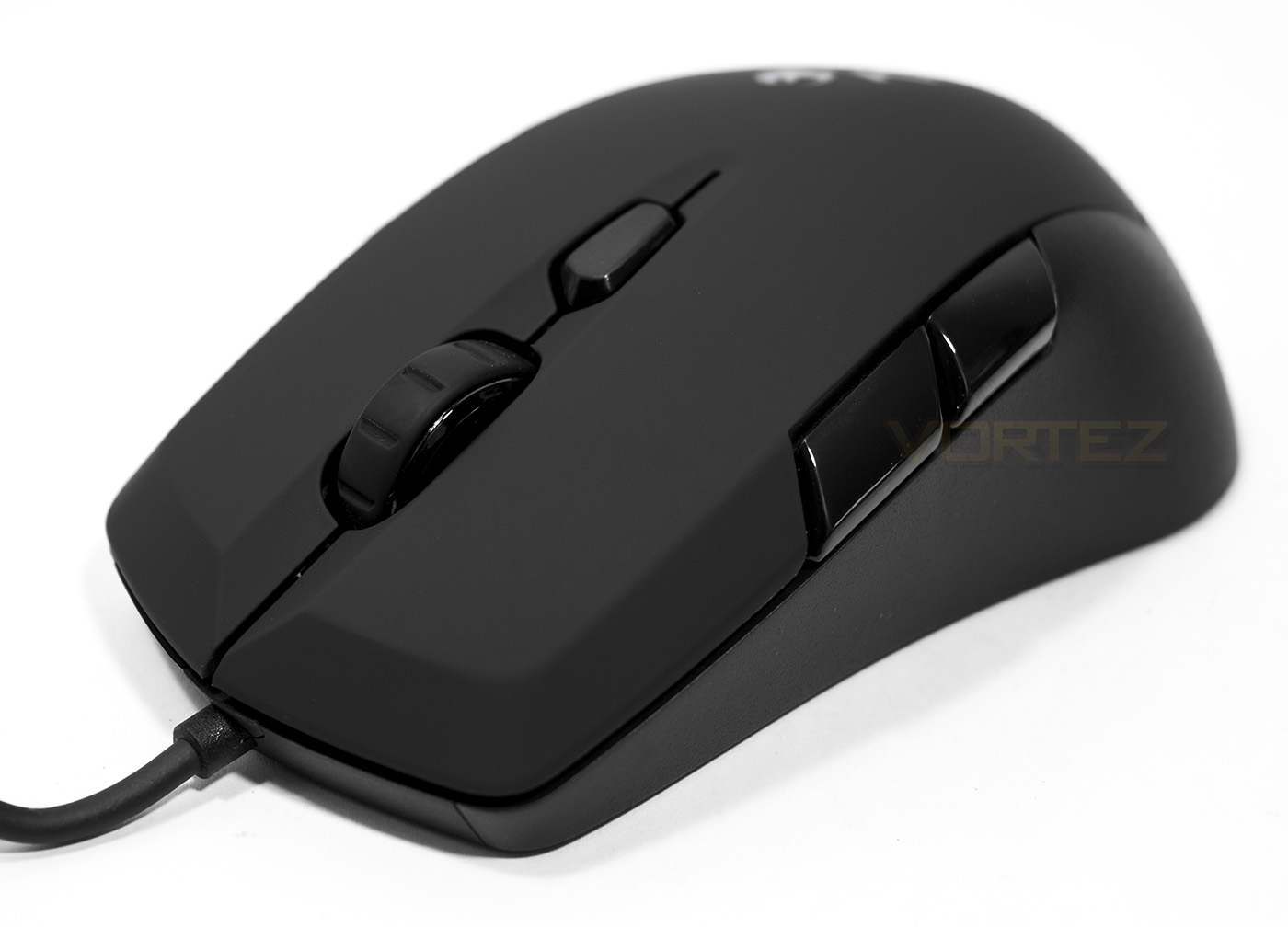
The KIRO features the 2D Titan Wheel, which is ROCCATs robust mouse wheel with up and down scrolling and click. Behind that is the on the fly DPI adjustment button which can be reassigned/programmed according to preference.
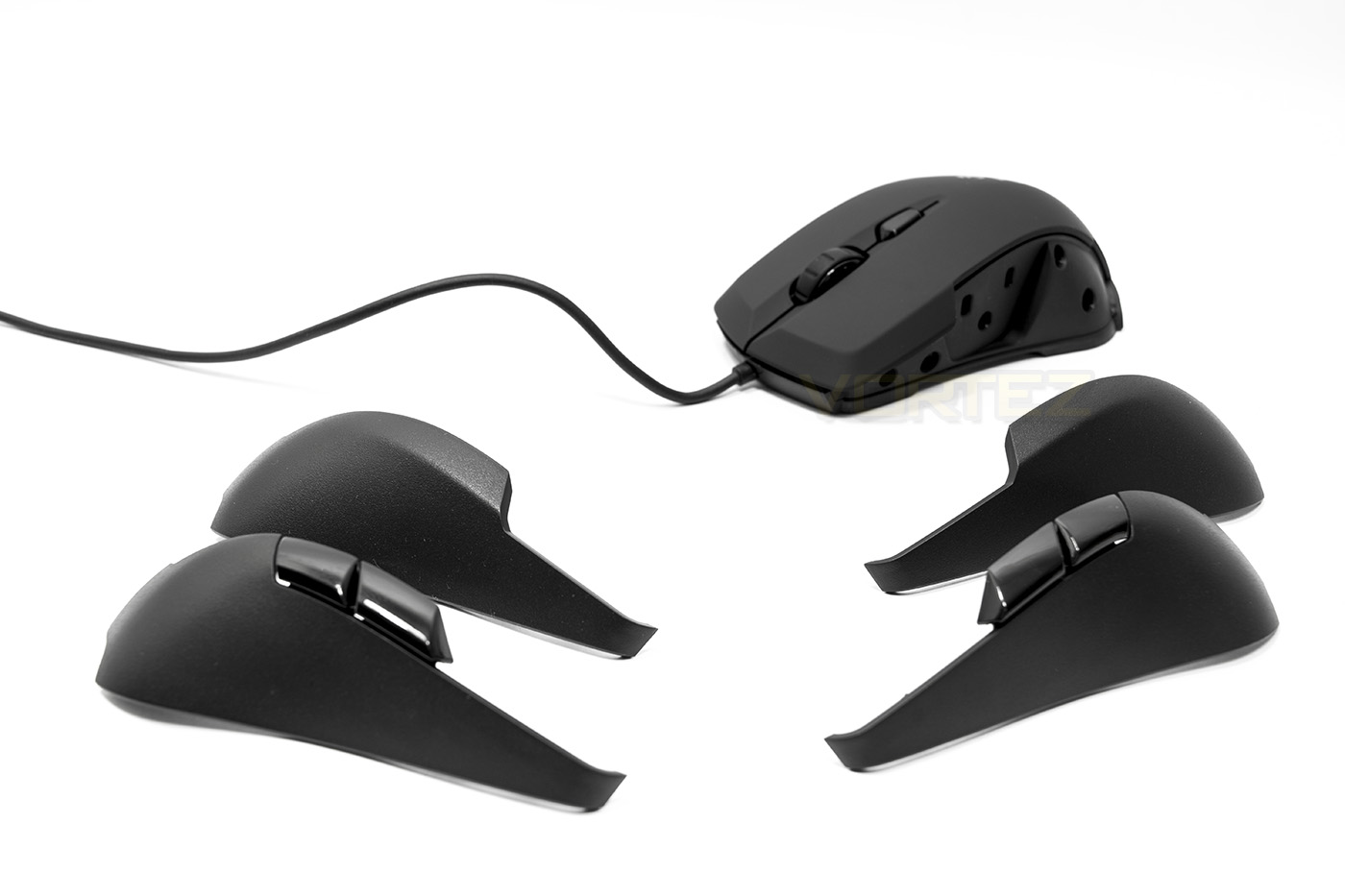
Broken down, the side plates are magnetically attached/removed and there are four in total included. 2x blanks, 2x with buttons. Each are good quality and fit perfectly.
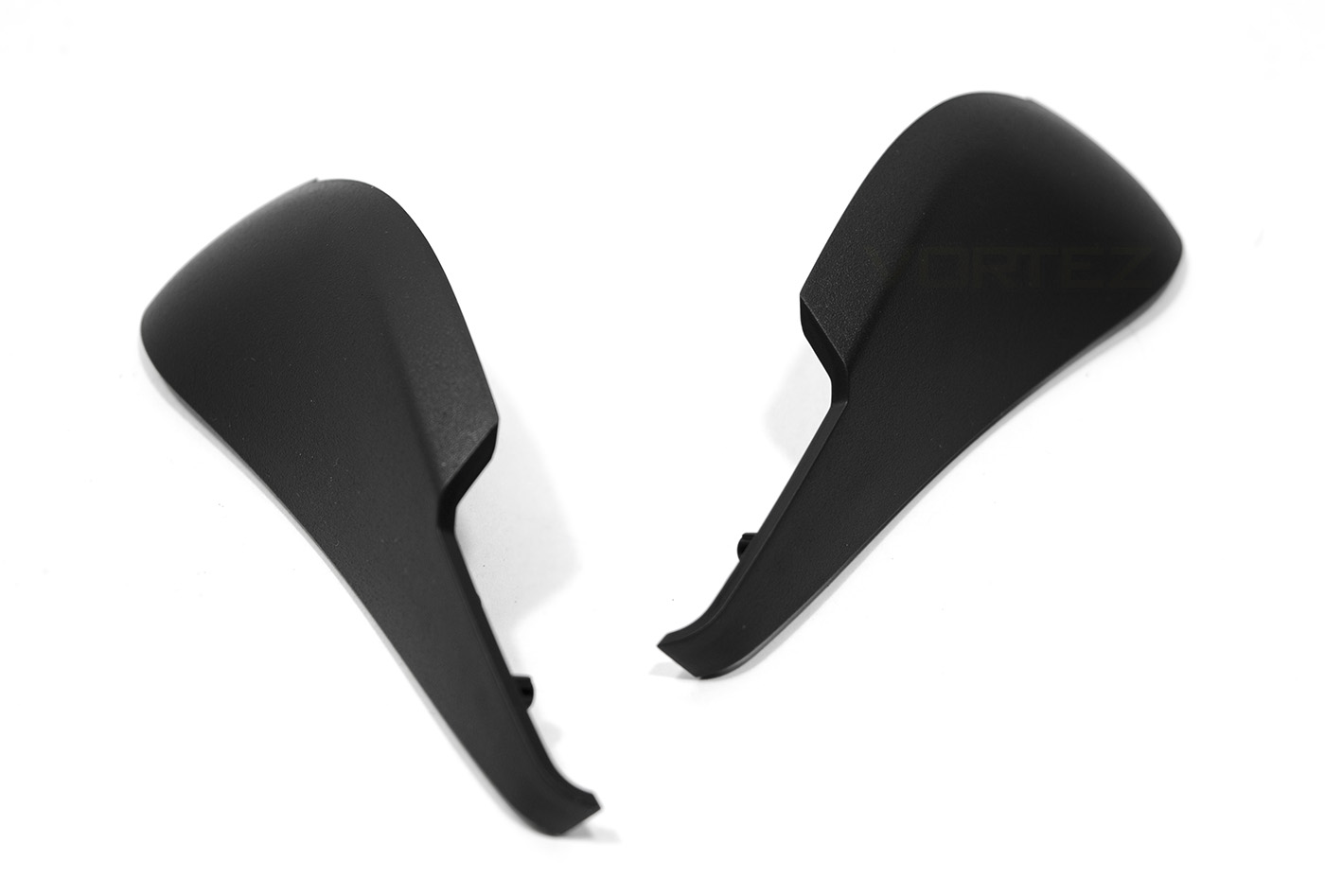
The side plates are made of a textured plastic which feels good quality.
Closer Look
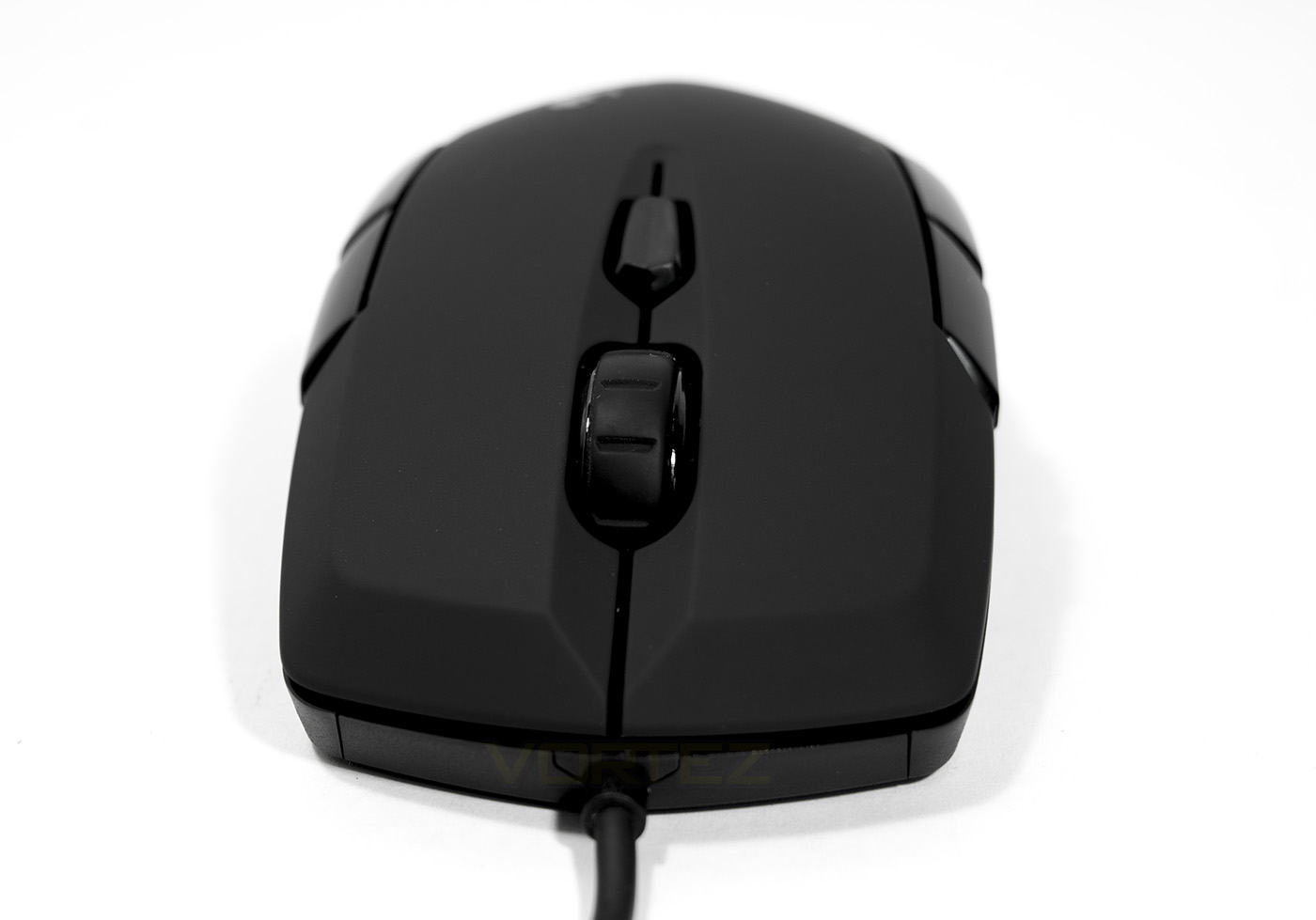
The edge around the mouse buttons are wedge shaped which gives and interesting aesthetic. The rubberised cord is fixed centrally as to give no preference towards a left/right orientation.
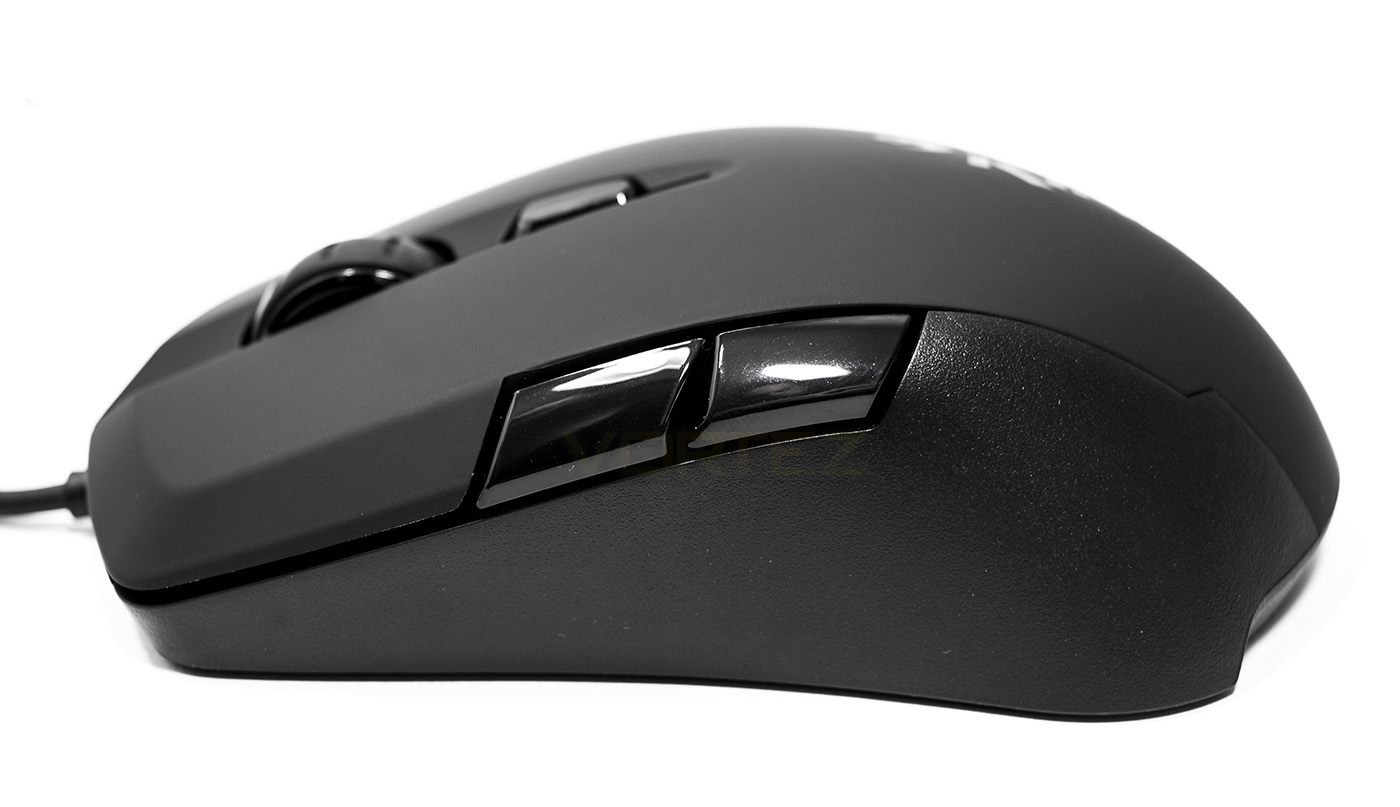
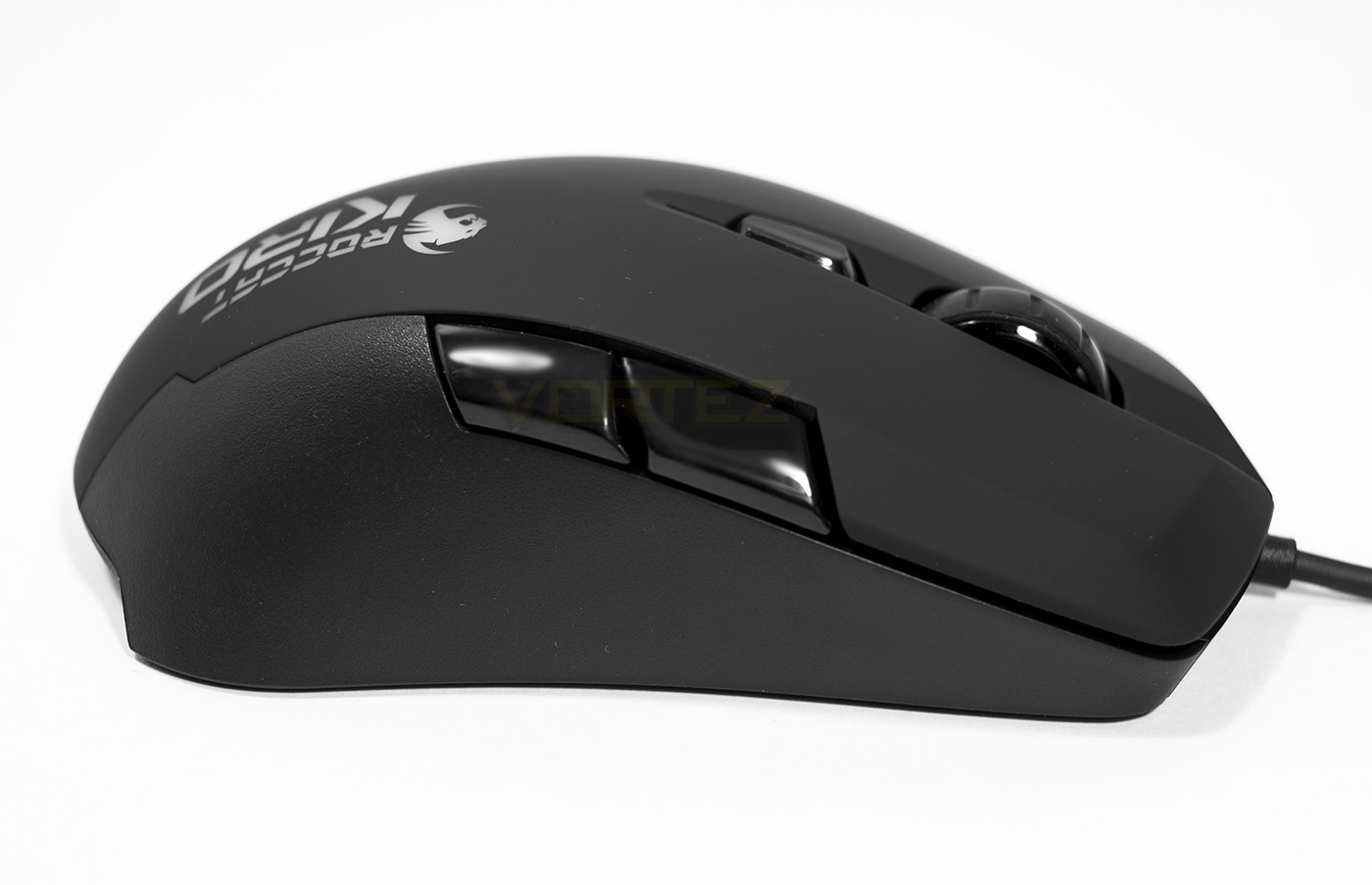
The side profile reveals that the buttons are rather large and you can notice the contrast between the soft touch on top and the plastic grip at the side.
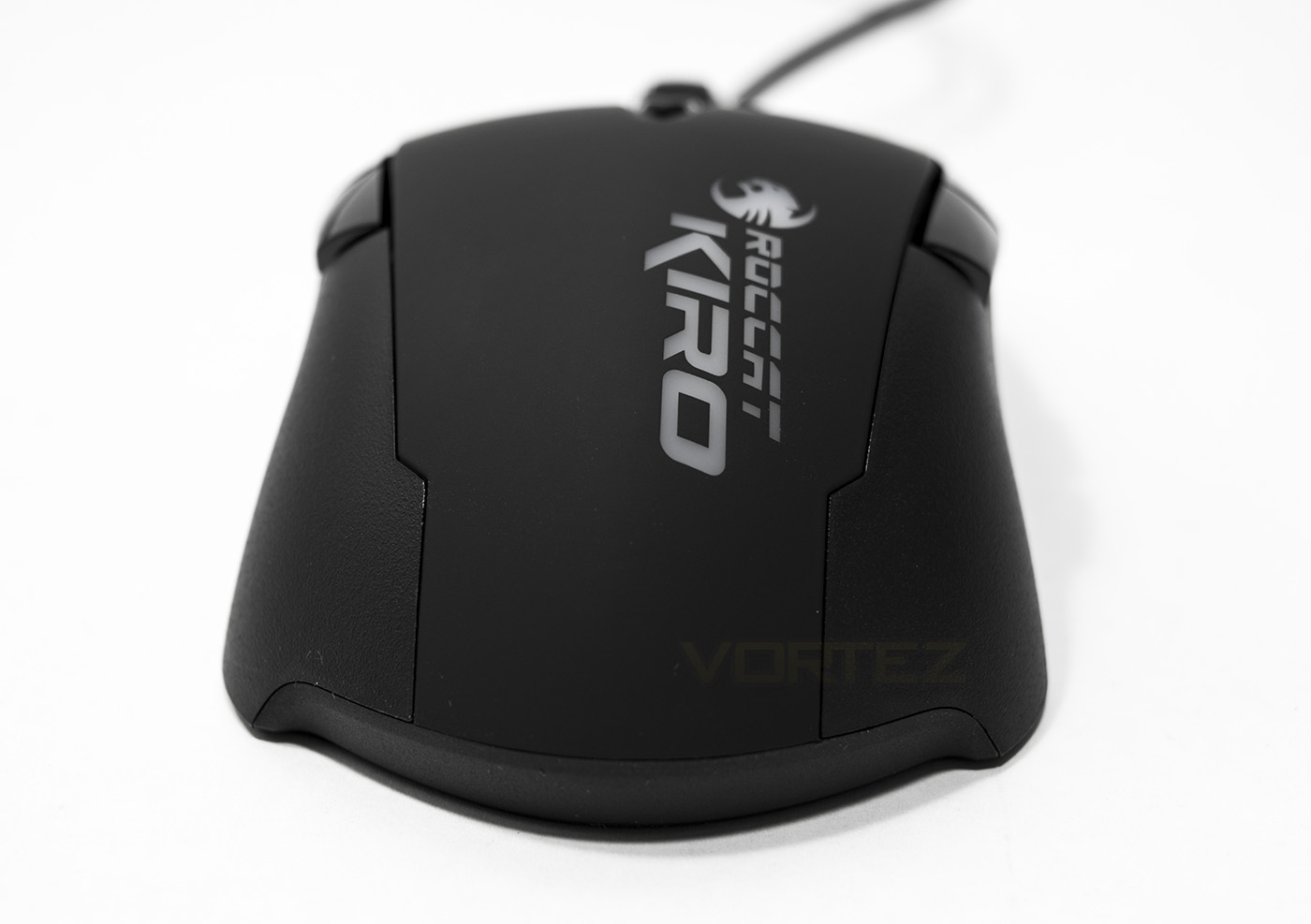
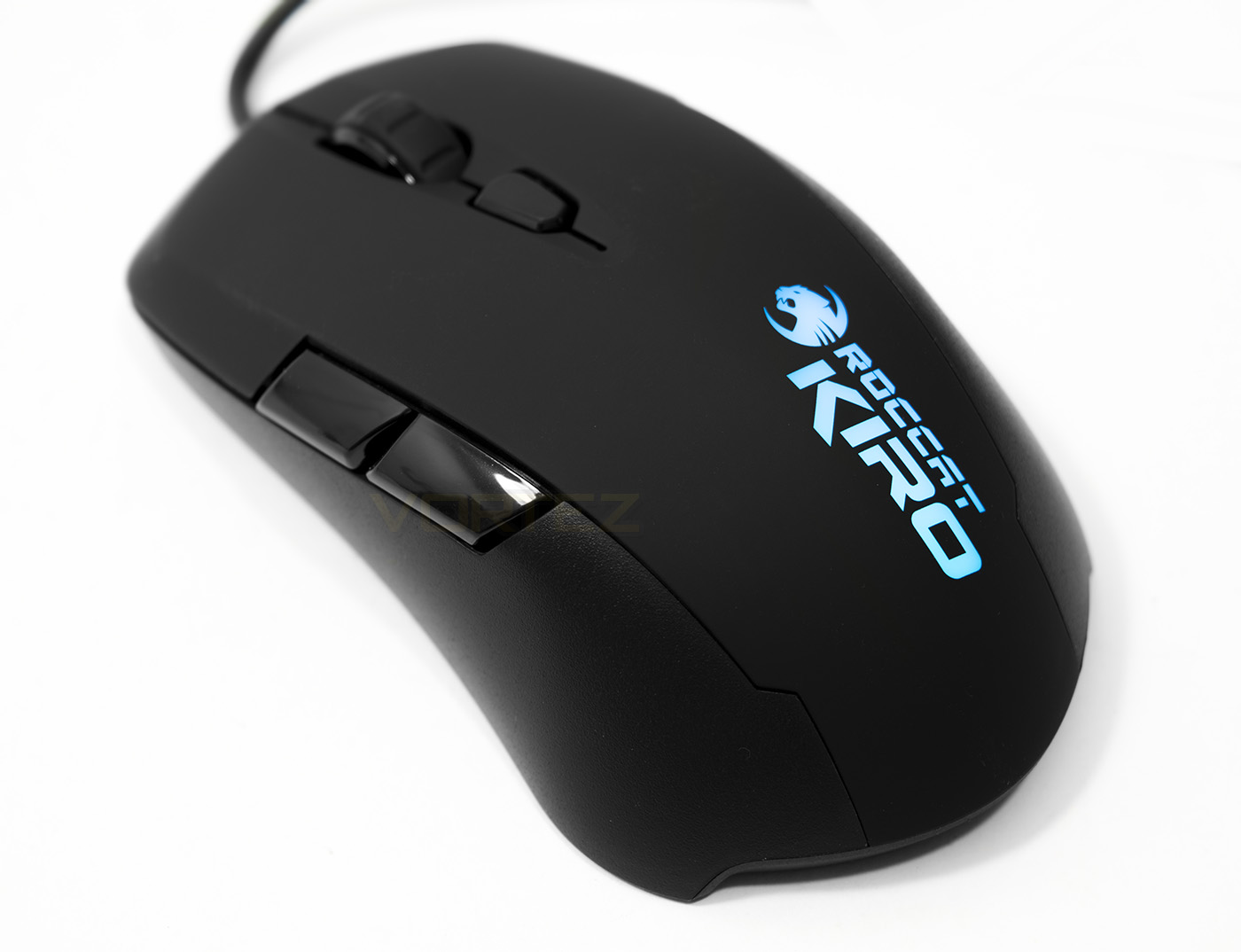
The ROCCAT logo is positioned towards the rear, though interestingly will read upside down if used in the left hand, though is an oversight, a final detail like that can make a difference. The Logo features 16.8M colour LED backlighting, again, being the only point of lighting, which will spend most its life under someones hand seems like a bit of a waste.
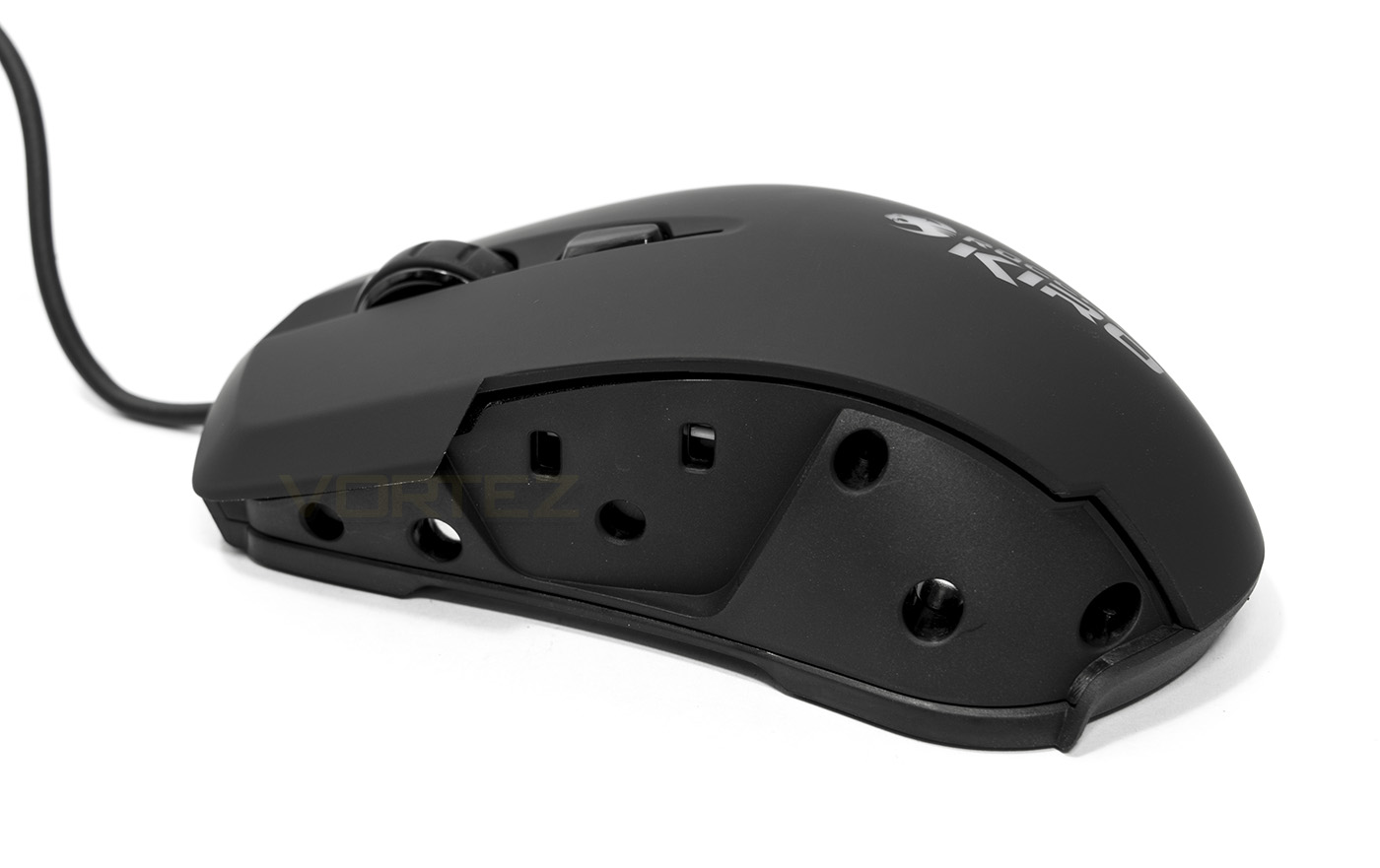
After removing the side panel, you can see the mounting holes with magnetic contacts, and contacts for the buttons.
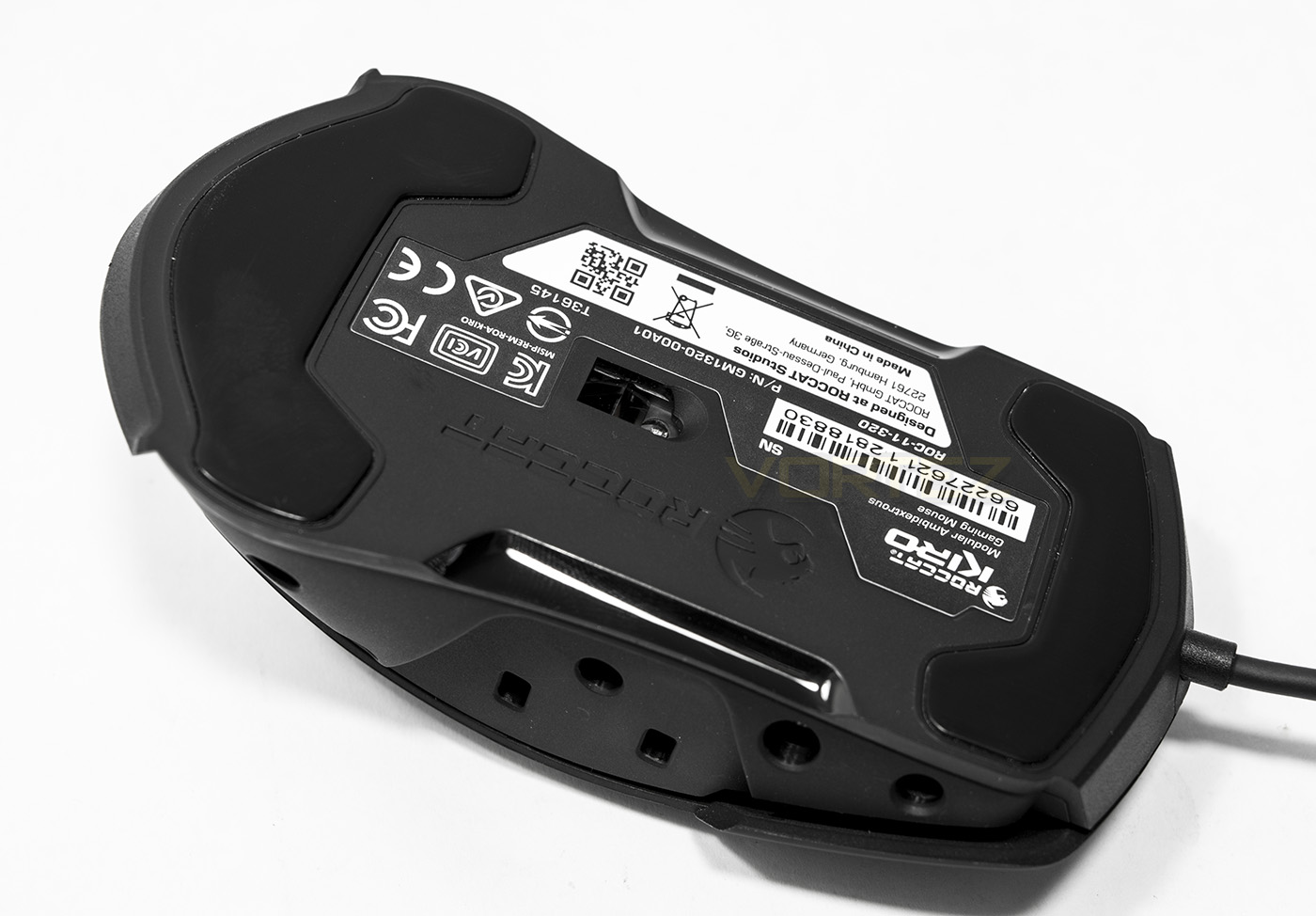
Underneath, the sensor is perfectly alighted to the centre of gravity and features two large slip pads at the front and rear.
Software & Lighting
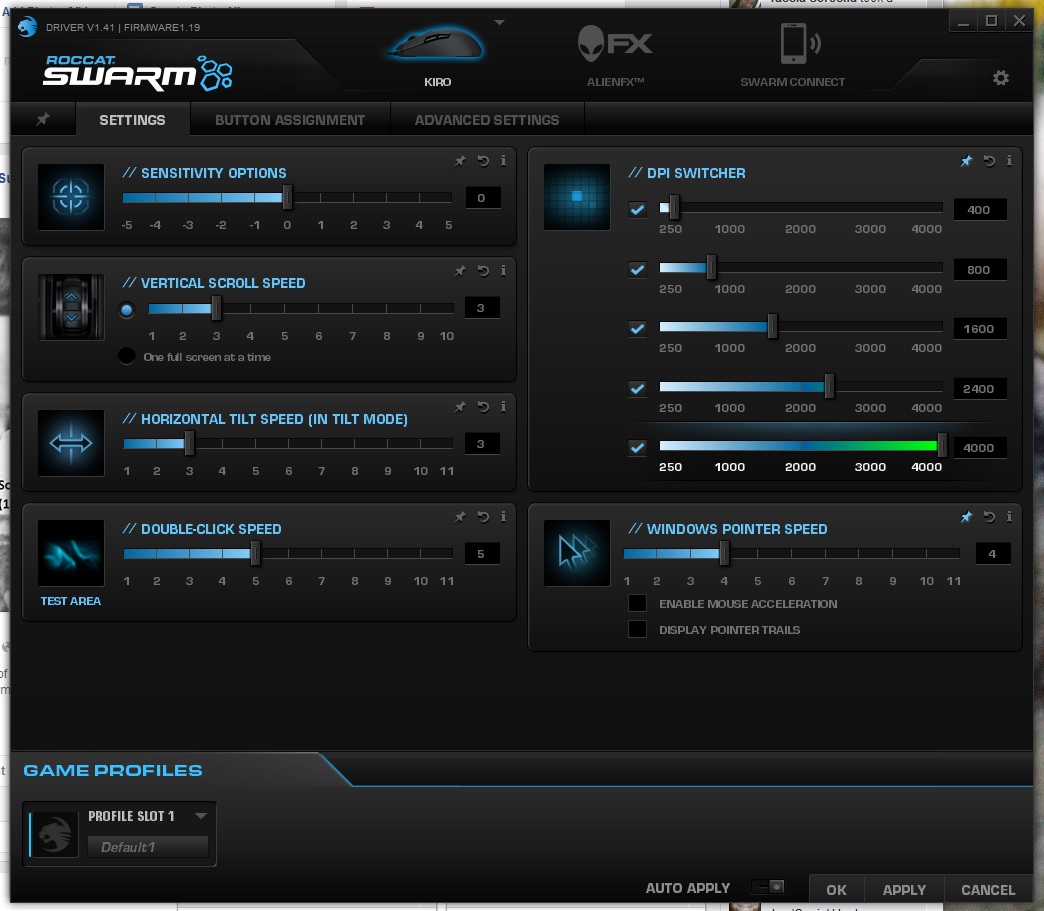
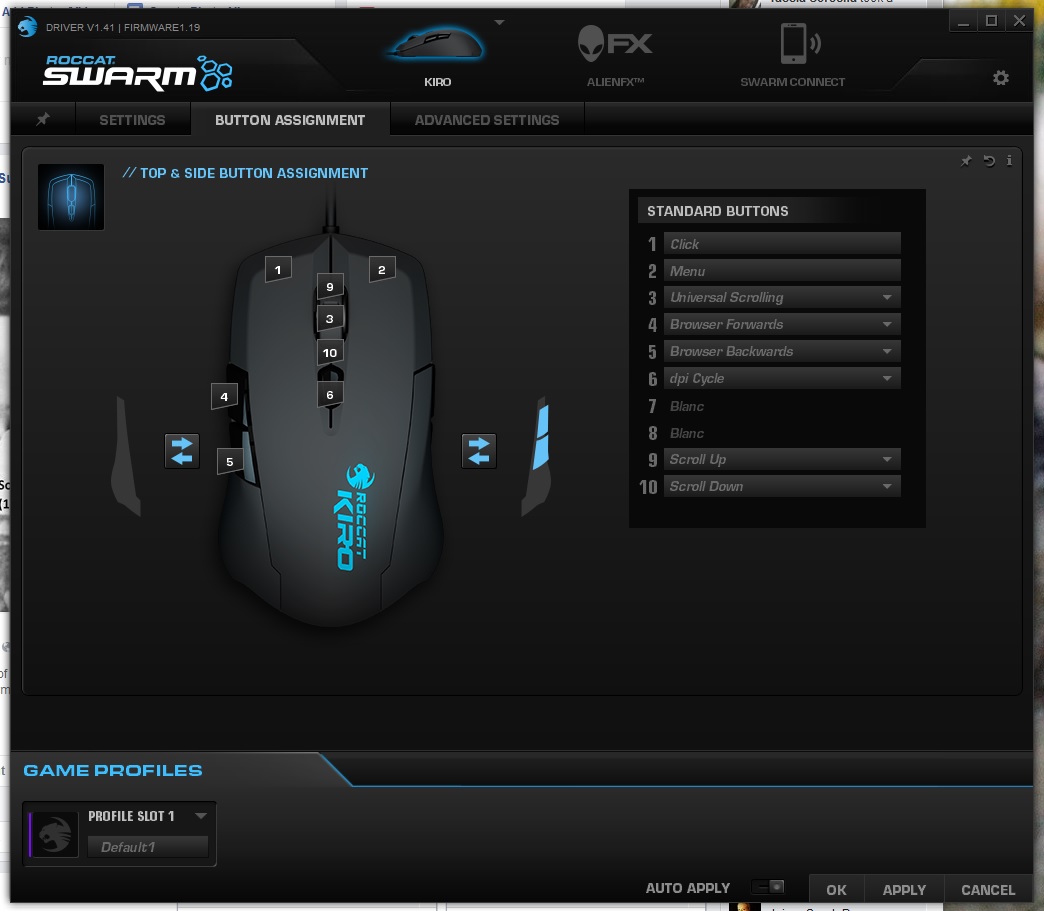
The ROCCAT SWARM software is easy to use and once installed, you will be prompted to install the relevant software for the KIRO mouse. Each tab is clear and well laid out, giving access to each essential function of the operation of the mouse. The KIRO by default has the left side buttons set to browser forward/back, but it allows you to indicate how you have the KIRO setup so it will automatically blank out unused buttons. There are various other features such as an adjustable lift off distance, the cheesy DPI voice as well as a quick orientation swap between left and right handed.
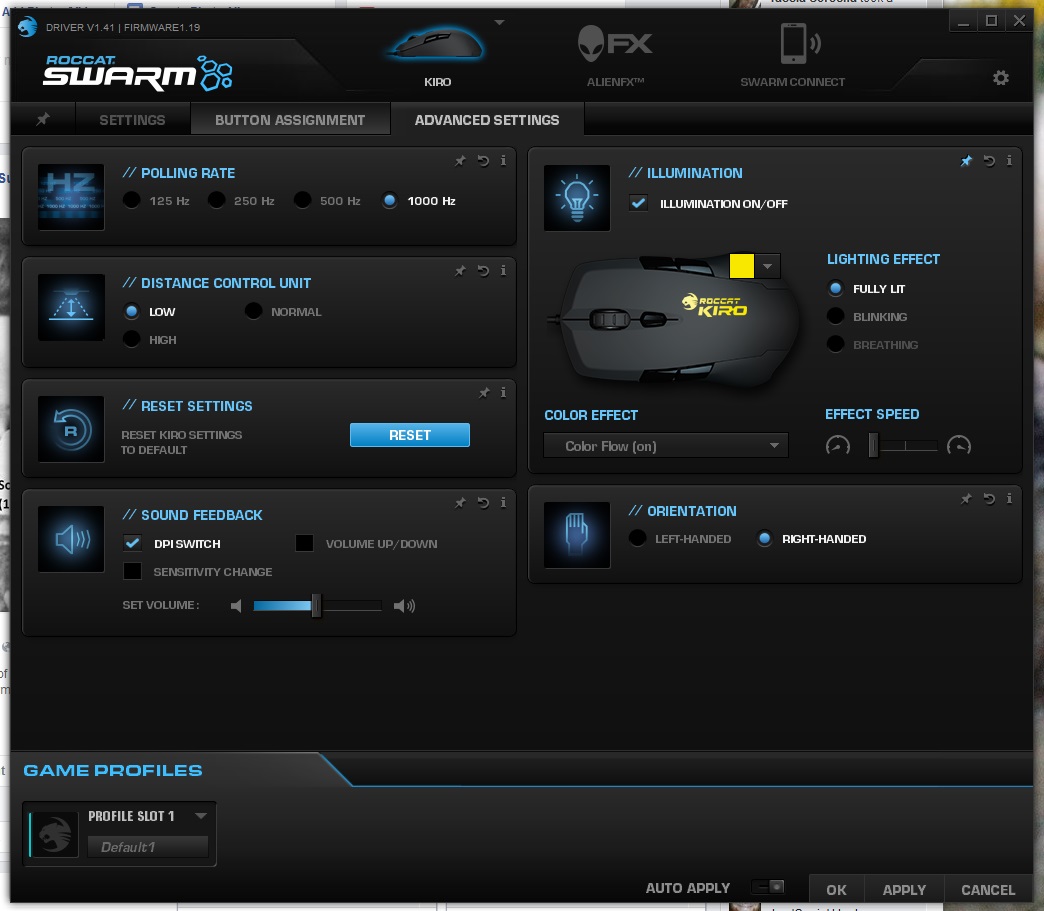
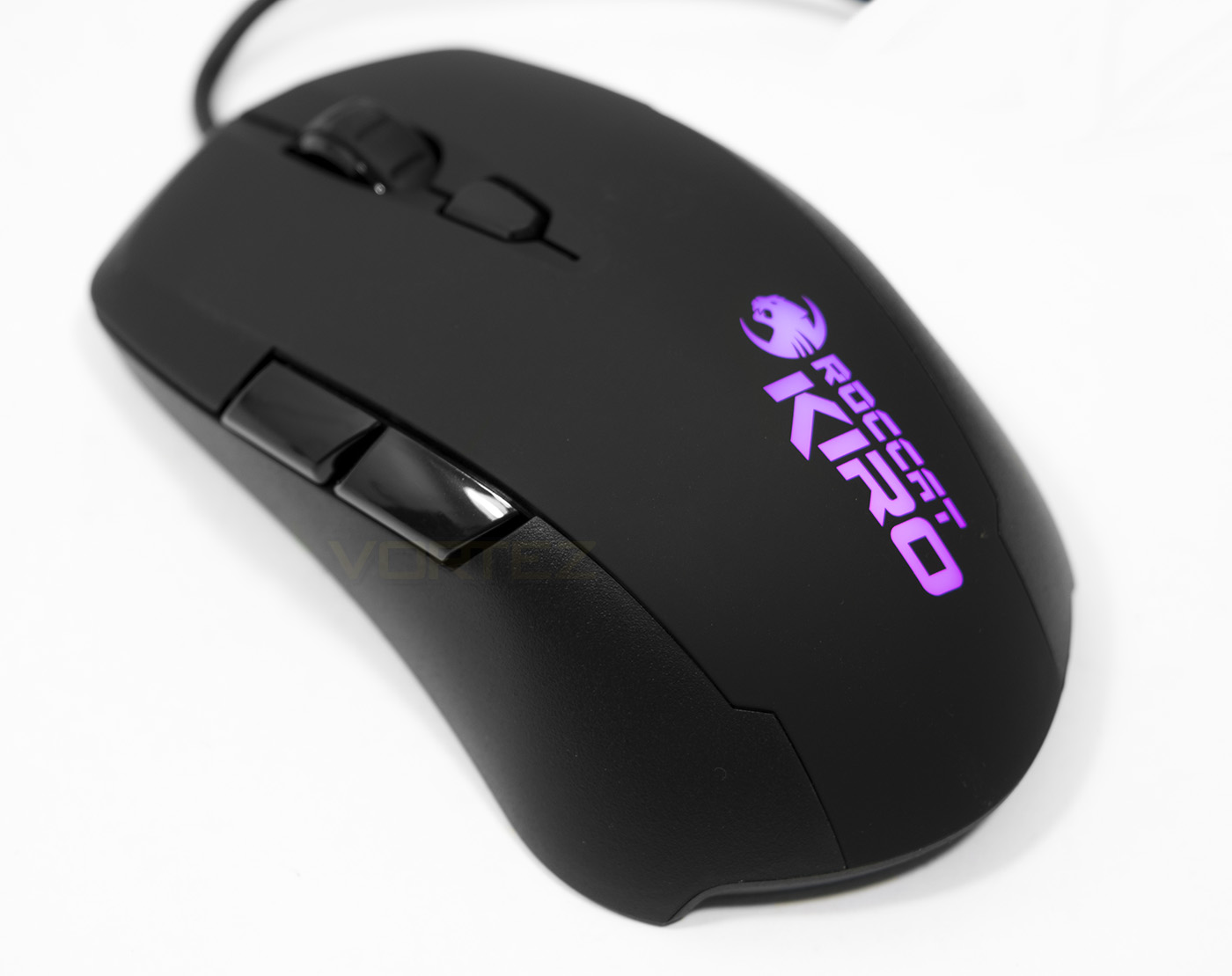
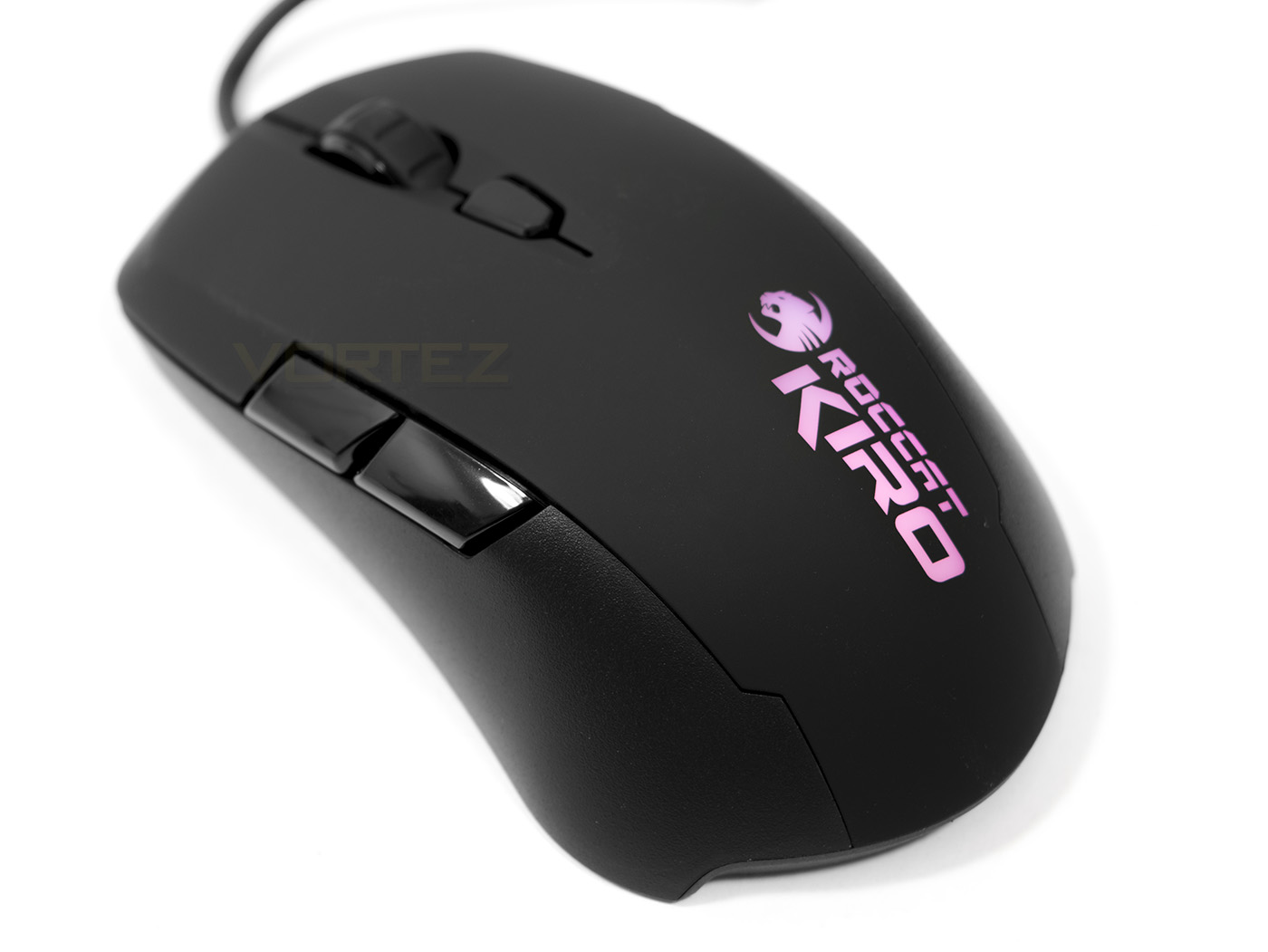
The lighting modes available are fully lit, blinking or breathing, with a variable effect speed. You can also turn on a colour flow to cycle through the spectrum. Many in between colours seem to look fairly washed out though all the major colours look great when set, Though there isn’t anything to complain about as the LED lighting is not a primary feature of the KIRO and it is an attractive feature to have.
Performance Testing
Setup, Design & ObservationsOut the box the KIRO works well, though you will want to install the Swarm driver to get the most out of it.
The KIRO feels quite small in hand even though is similar in size to the SteelSeries RIVAL 100, this would likely be because it is a little lower in height. This makes for quite a comfortable mouse for various grip types, as a claw gripper I personally found the size Ideal, big enough for a comfortable palm grip, small and light enough (103g) for finger tippers to enjoy too. Though, it’s likely that people who use a palm grip may prefer a larger, heavier mouse. In my standard claw grip, I didn’t find any problem with hitting the large side buttons, but I would have preferred them to be moved around 10mm forwards.
The rubberised surface feels a little different to other soft feel surfaces, feeling smooth and cool which can be attributed towards the non-sweat aspect of the technology ROCCAT have used.
The side panels are easy to remove and replace with magnetic contacts, they remain in place tightly, without movement or gaps to distract you while it is in use.
Performance
Setting the DPI to maximum, we tested the sensor on various surfaces. First up is the standard black cloth mouse mat, where, like every ROCCAT mouse in our experience, performed smooth and precise. Next up we tested on white paper, interestingly the cursor barely moved, shaking on the spot. Moving on to multi-coloured card semi-glossy card, the KIRO performed flawlessly. Finally we tested the KIRO on a highly glossy surface, where the cursor moved in a fairly uncontrollable manner. It is safe to saw that this optical mouse is best used with a standard black cloth mouse mat situation but will fair well in coloured mouse mat situations too, though it is best to avoid matt white surfaces.
In DOTA 2, I found that the KIRO was capable of seeing through the fast paced action with the precision and reliability needed, each click feeling comfortable and solid.
Conclusion
The KIRO enters as a mid-range ambidextrous mouse and offers a lot in the way of performance and build quality. There is the potential for further expandability due to being part of ROCCAT’s 3D print support line. Though we did experience issues with the sensor in regards to tracking on matt white paper, this is not a scenario many people will be placing their mouse in and in a normal gaming environment, the sensor is precise and reliable.
The build quality is solid and the use of the tried and tested OMRON switches ensures that the KIRO can be expected to last a fair bit of time. The magic with the KIRO and its selling point isn’t that it is just ambidextrous, but is a mouse that is suitable for all grip types too, offering comfort and control. Something you definitely want from your mouse.
At this price point the KIRO has to go toe to toe with the SteelSeries RIVAL 100 that is priced a little cheaper. All things considered however, there is enough to warrant the extra cost of the KIRO, meaning that there are some fantastic mice available for the consumer to choose from in the £30-40 ($40-50) segment.
Regardless of your grip type or preferred hand, the KIRO will provide you with the comfort, reliability and the precision you expect from a quality gaming mouse.
Pros.
+ Ambidextrous with adjustable panels for L/R handed
+ Comfortable for various grip types
+ Solid construction
+ OMRON switches
+ On-board processing and memory
Cons.
– None
+ Ambidextrous with adjustable panels for L/R handed
+ Comfortable for various grip types
+ Solid construction
+ OMRON switches
+ On-board processing and memory
Cons.
– None
Click here for an explanation of our awards at Vortez.net.