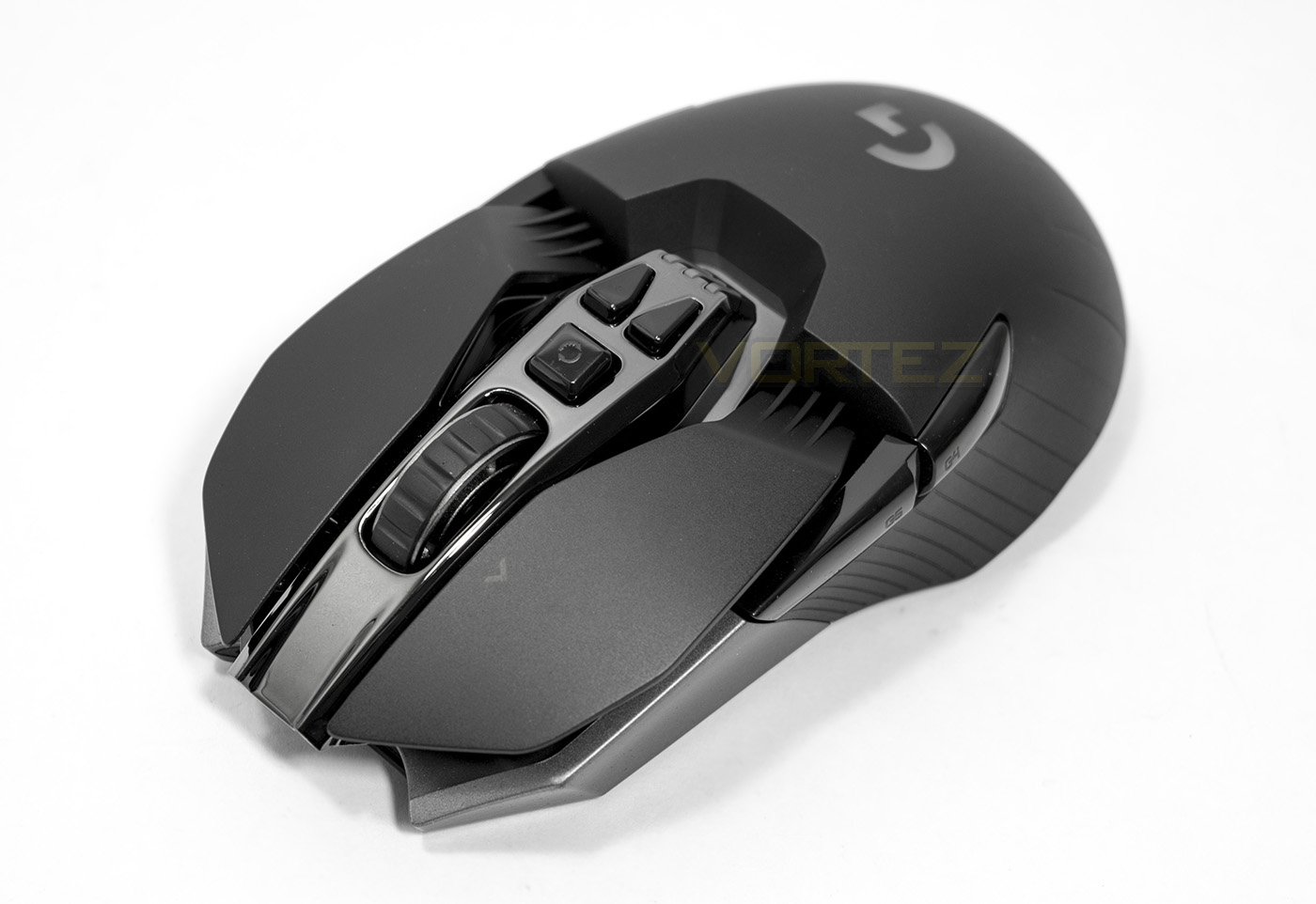
In our hands today we have the latest wireless/wired gaming mouse from Logitech. It is a lightweight, ambidextrous mouse that features professional grade wireless technology for ultra responsiveness with what is considered to be the best gaming sensor available, the PWM 3366.

Product on Review: Logitech G900 CHAOS Spectrum
Manufacturer and Sponsor: Logitech
Street Price: £149.99, $149.99, € 179
As a companion piece to this review, this article explains some of the design motivations Logitech had in the creation of the G900.
Logitech are arguably one of the most established names in computing peripherals and it is big news when said established brand makes a statement such as ‘Our best gaming mouse ever’. The professional grade wireless connection delivers a 1ms report rate which can outperform wireless and wired competitors. It also uses Delta Zero Technology along with the PWM 3366 sensor to provide highly responsive, zero smoothing, zero acceleration performance. Logitech have also used clock-tuning technology, to reduce the sensor power consumption, by doing so they have been able to create a wireless mouse that has 24 hours of battery life, or 32 hours if you switch the LED lighting off.
The internals certainly sound impressive, though the body of the mouse itself is painstakingly designed for universal comfort across all grip types, as well as being ambidextrous. This attention to detail falls down to even the mousewheel being hollowed out with a spoked design. The end result is a mouse that weighs just 107g, making it the lightest wireless gaming mouse available. It doesn’t stop there, The mouse click buttons have been made using a pivot design to ensure a rapid, satisfying feedback no matter where you press.
Overview by Logitech
The Logitech® G900 Chaos Spectrum™ Professional Grade Wired/Wireless Gaming Mouse is the most responsive gaming mouse. With a one-millisecond report rate, and highly optimized 2.4GHz wireless connection, the Logitech G900 Chaos Spectrum outperforms its competitors, including wired ones. It features professional grade wireless technology, Logitech’s most accurate optical gaming sensor, a flexible ambidextrous design, customizable lighting, a mechanical pivot button design and lightweight construction, for maximum performance and comfort over long gameplay sessions.
Technical Specifications
Dimensions (L x W x D): 130 mm x 67 mm x 40 mm
Weight: 107 g
OS/Platform Support (at release)
Windows 7, Windows 8, Windows 8.1, Windows 10
System Requirements
USB 2.0 port
Internet connection (for software download)
Software Support (at release)
Logitech Gaming Software
Mouse Specifications
Connection Type
USB (corded); Wireless
USB Protocol
USB 2.0
USB Report Rate
1000 Hz (1ms)
DPI (Min/Max)
Hardware adjustable (3 settings);
Software adjustable; Min: 200 / Max 12000
Sensor
PMW3366
Tracking
Resolution: 200 – 12,000 dpi
Maximum acceleration: >40G
Maximum speed: >300 ips
Sensor Type
Optical, Visible light: No
Onboard Memory
5 hardware memory profiles (maximum)
Scroll Wheel
Vertical scroll type: Hyperscroll
Left/Right tilt: Yes
Indicator Lights (LED)
G-logo: Selectable color (RGB)
DPI setting: Selectable color (RGB)
Standard Buttons
Left & Right
Scroll Wheel Button
Tilt Wheel Buttons
Forward (2)
Back (2)
Special Buttons G-Keys
DPI + / –
Profile toggle (under mouse)
Hyperscroll toggle
Connect/Power On/Off Switch (under mouse)
Battery Details Type: Rechargeable
Quantity: 1
Accessible: No
Size: Proprietary
Technology: Li-polymer
Battery Life Discharge time: Up to 32 hours (no lighting); Up to 24 hours (default lighting)
Recharge time: 2 hours (estimated)
Cable Length 6 feet or 1.8 meters
Receiver Specifications
Connection Type USB (Wireless)
USB Protocol USB 2.0
USB Speed Full-speed
Wireless Protocol 2.4 GHz (Custom)
Wireless Report Rate 1000 Hz (1ms)
Receiver Profile Nano receiver
Connect Button No
Indicator Lights (LED) No
Weight: 107 g
OS/Platform Support (at release)
Windows 7, Windows 8, Windows 8.1, Windows 10
System Requirements
USB 2.0 port
Internet connection (for software download)
Software Support (at release)
Logitech Gaming Software
Mouse Specifications
Connection Type
USB (corded); Wireless
USB Protocol
USB 2.0
USB Report Rate
1000 Hz (1ms)
DPI (Min/Max)
Hardware adjustable (3 settings);
Software adjustable; Min: 200 / Max 12000
Sensor
PMW3366
Tracking
Resolution: 200 – 12,000 dpi
Maximum acceleration: >40G
Maximum speed: >300 ips
Sensor Type
Optical, Visible light: No
Onboard Memory
5 hardware memory profiles (maximum)
Scroll Wheel
Vertical scroll type: Hyperscroll
Left/Right tilt: Yes
Indicator Lights (LED)
G-logo: Selectable color (RGB)
DPI setting: Selectable color (RGB)
Standard Buttons
Left & Right
Scroll Wheel Button
Tilt Wheel Buttons
Forward (2)
Back (2)
Special Buttons G-Keys
DPI + / –
Profile toggle (under mouse)
Hyperscroll toggle
Connect/Power On/Off Switch (under mouse)
Battery Details Type: Rechargeable
Quantity: 1
Accessible: No
Size: Proprietary
Technology: Li-polymer
Battery Life Discharge time: Up to 32 hours (no lighting); Up to 24 hours (default lighting)
Recharge time: 2 hours (estimated)
Cable Length 6 feet or 1.8 meters
Receiver Specifications
Connection Type USB (Wireless)
USB Protocol USB 2.0
USB Speed Full-speed
Wireless Protocol 2.4 GHz (Custom)
Wireless Report Rate 1000 Hz (1ms)
Receiver Profile Nano receiver
Connect Button No
Indicator Lights (LED) No
Packaging & Bundle
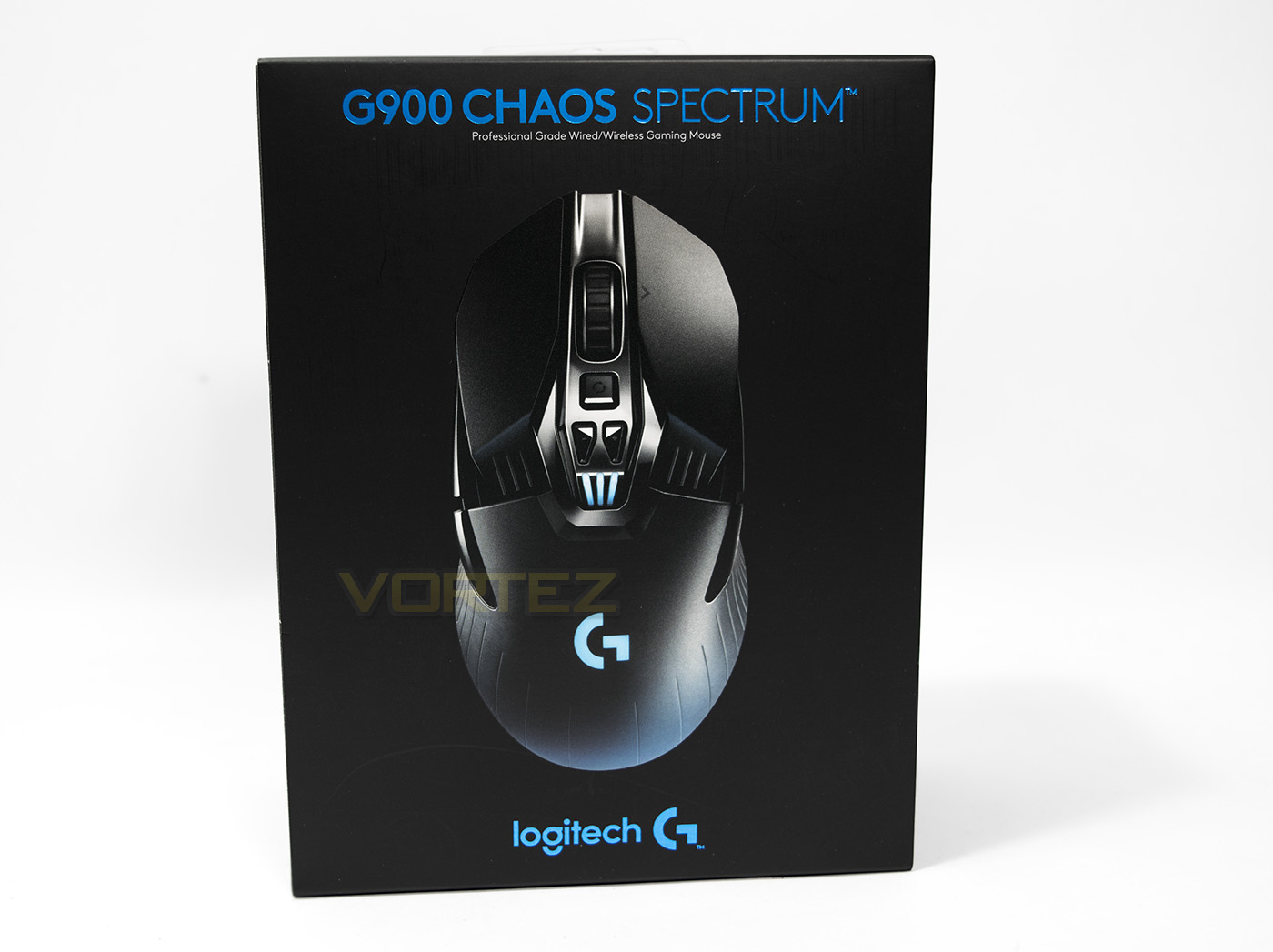
Logitech have created a sleek minimalistic design for the G900 packaging, with blue trims and the image of the mouse doing all the talking.
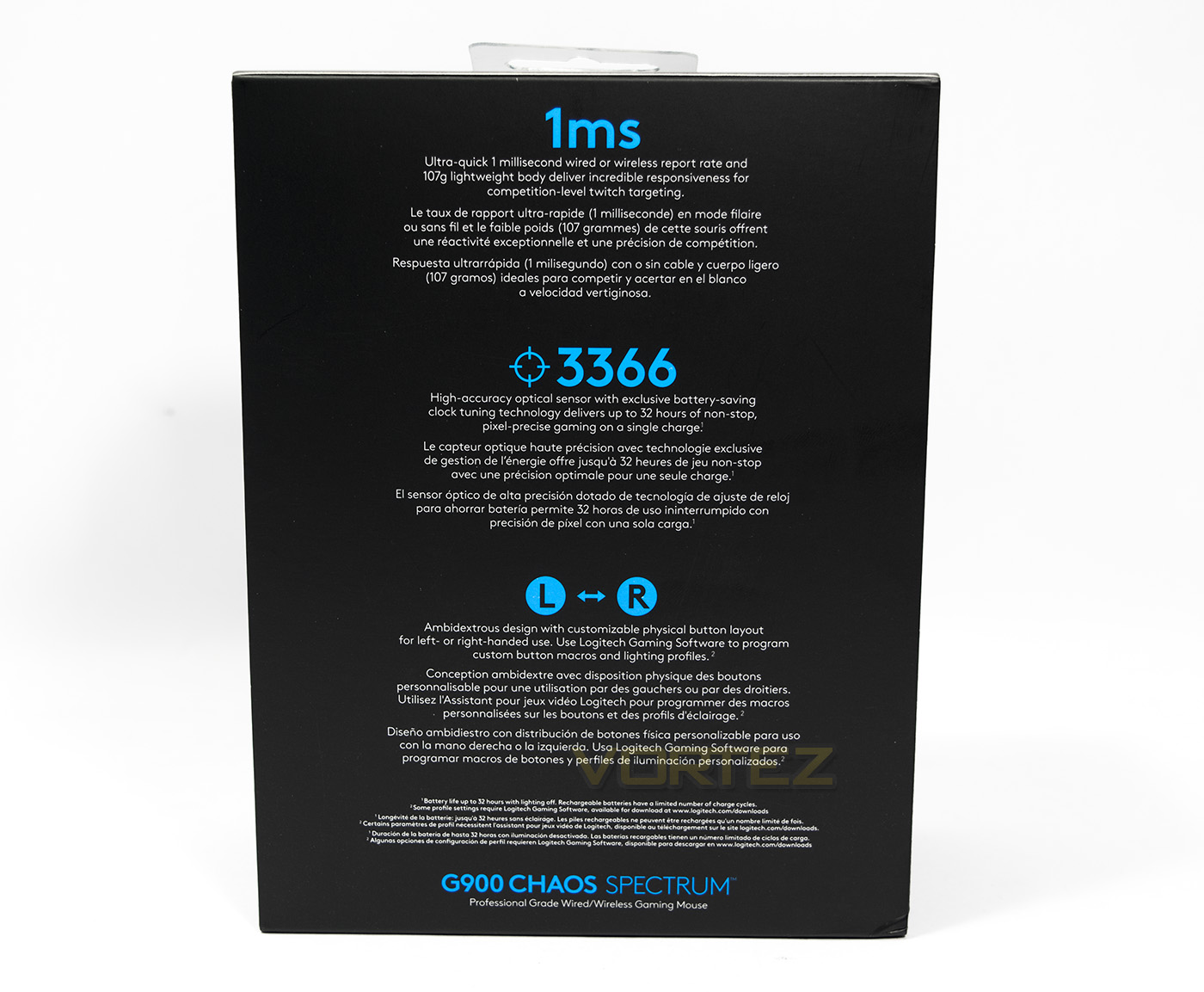
At the back there is information about the key features of the G900 including its 1ms wireless report rate, lightweight and its PWM3366 sensor. There is also mention that the G900 is ambidextrous with replaceable buttons.
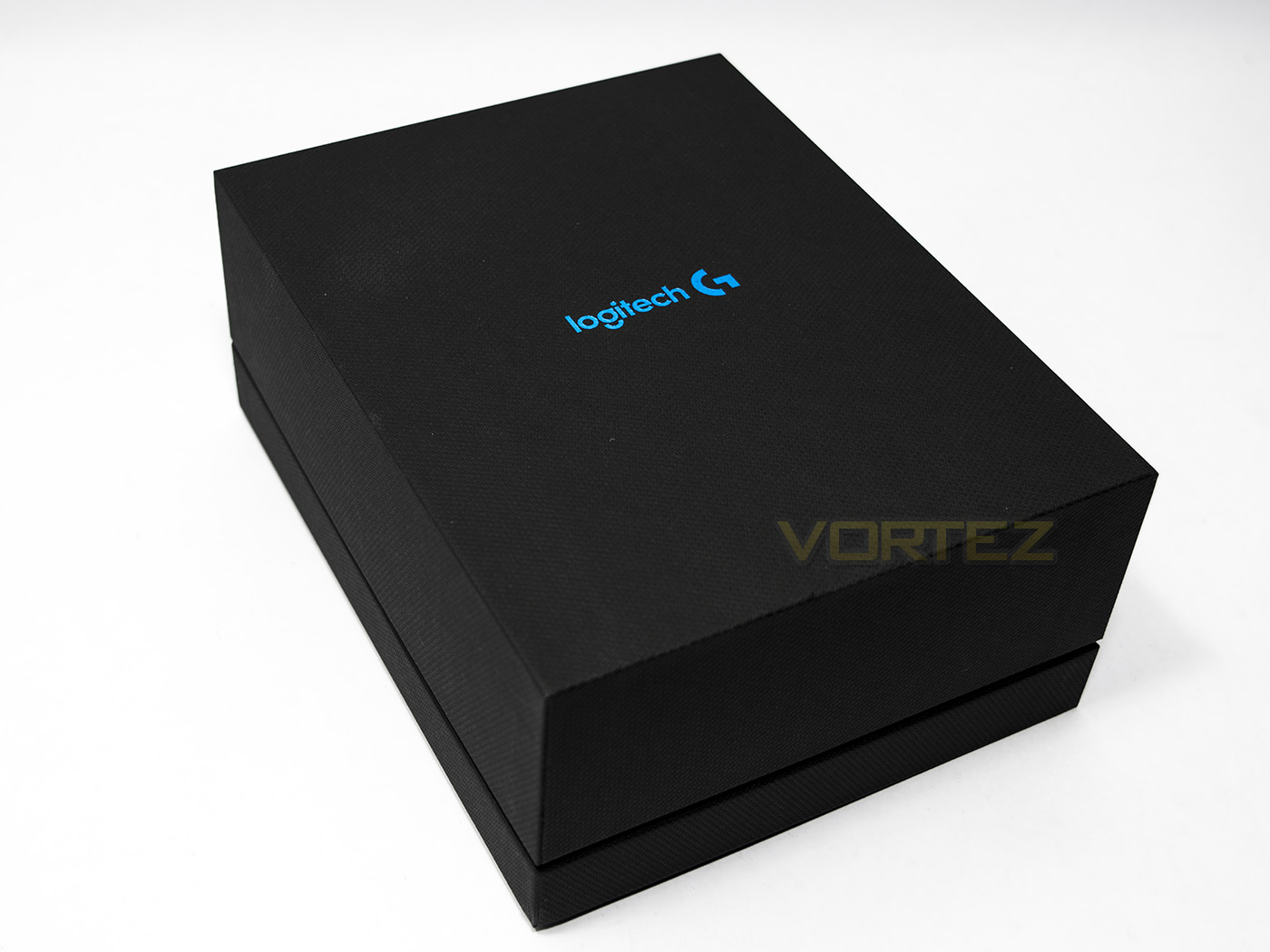
Inside is another quality box, that sleek metallic blue really looks great.
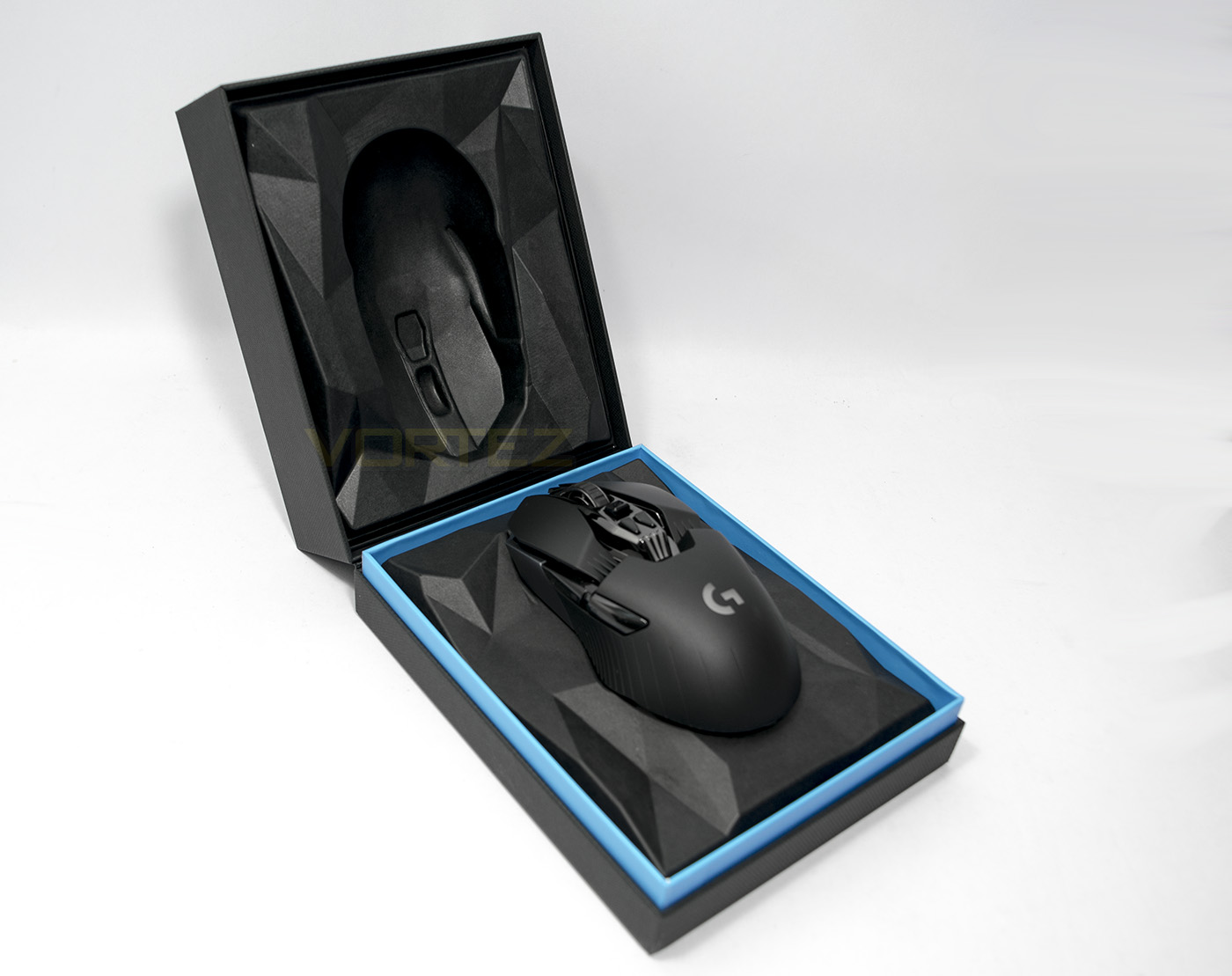
Opened up we are greeted by the G900 mouse itself on a pedestal.
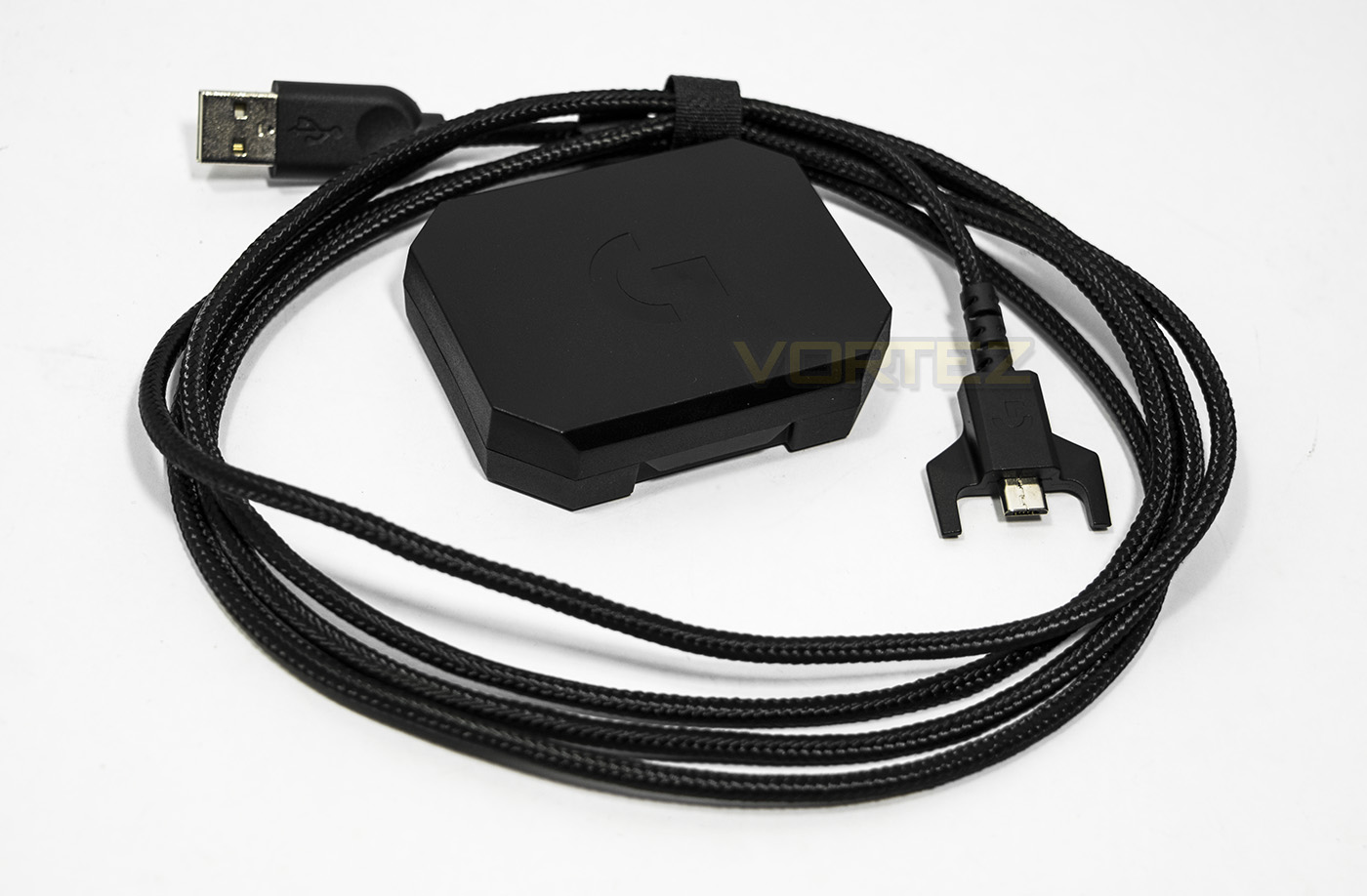
Underneath the mouse there is a USB – microUSB braided cable and a small plastic box
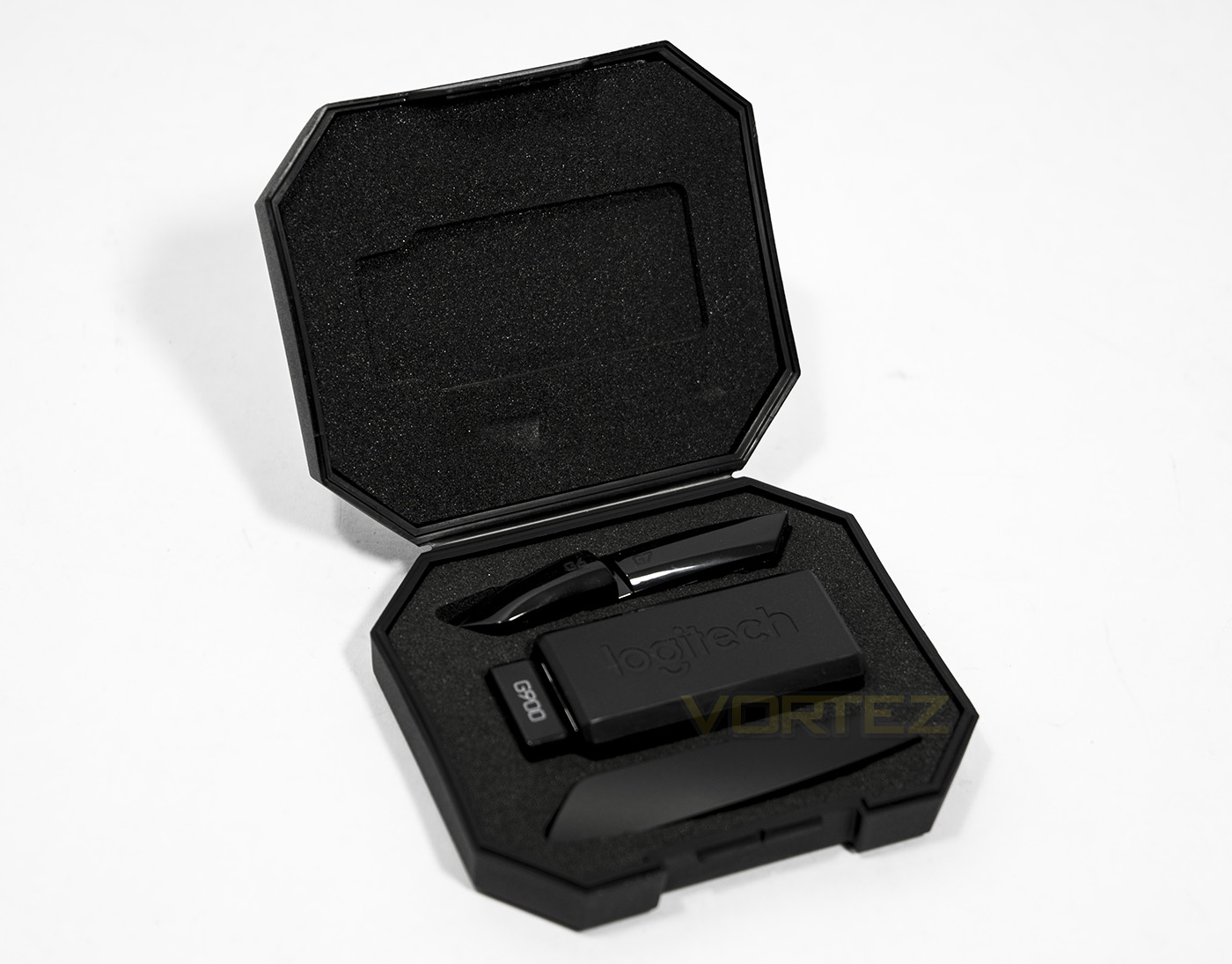
Inside the box you will find the USB receiver and the left side thumb buttons and the right side blank.
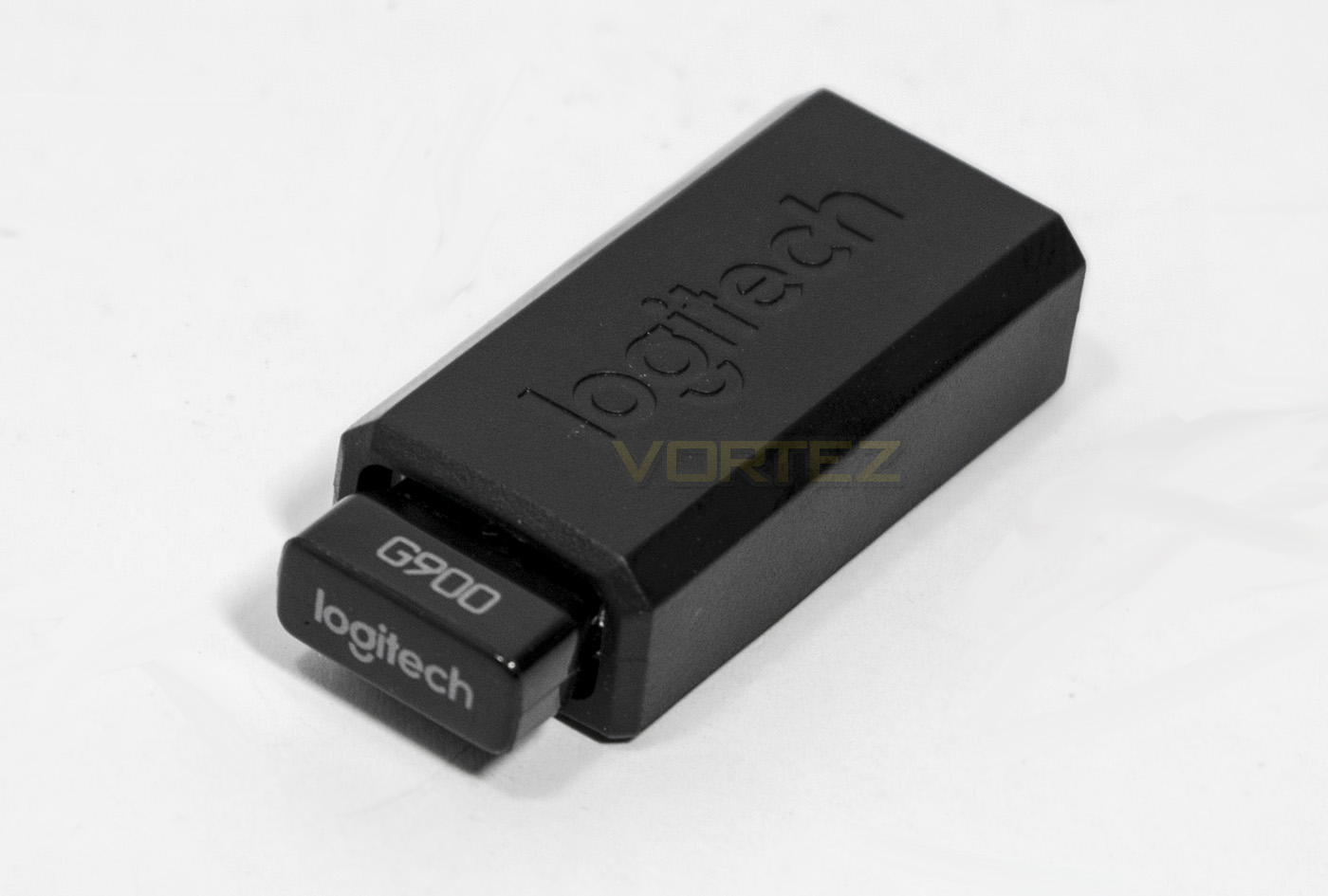
The USB receiver is housed in a USB – microUSB housing which doubles as a dongle that can be kept on the desktop for closer proximity and versatility.
Closer Look
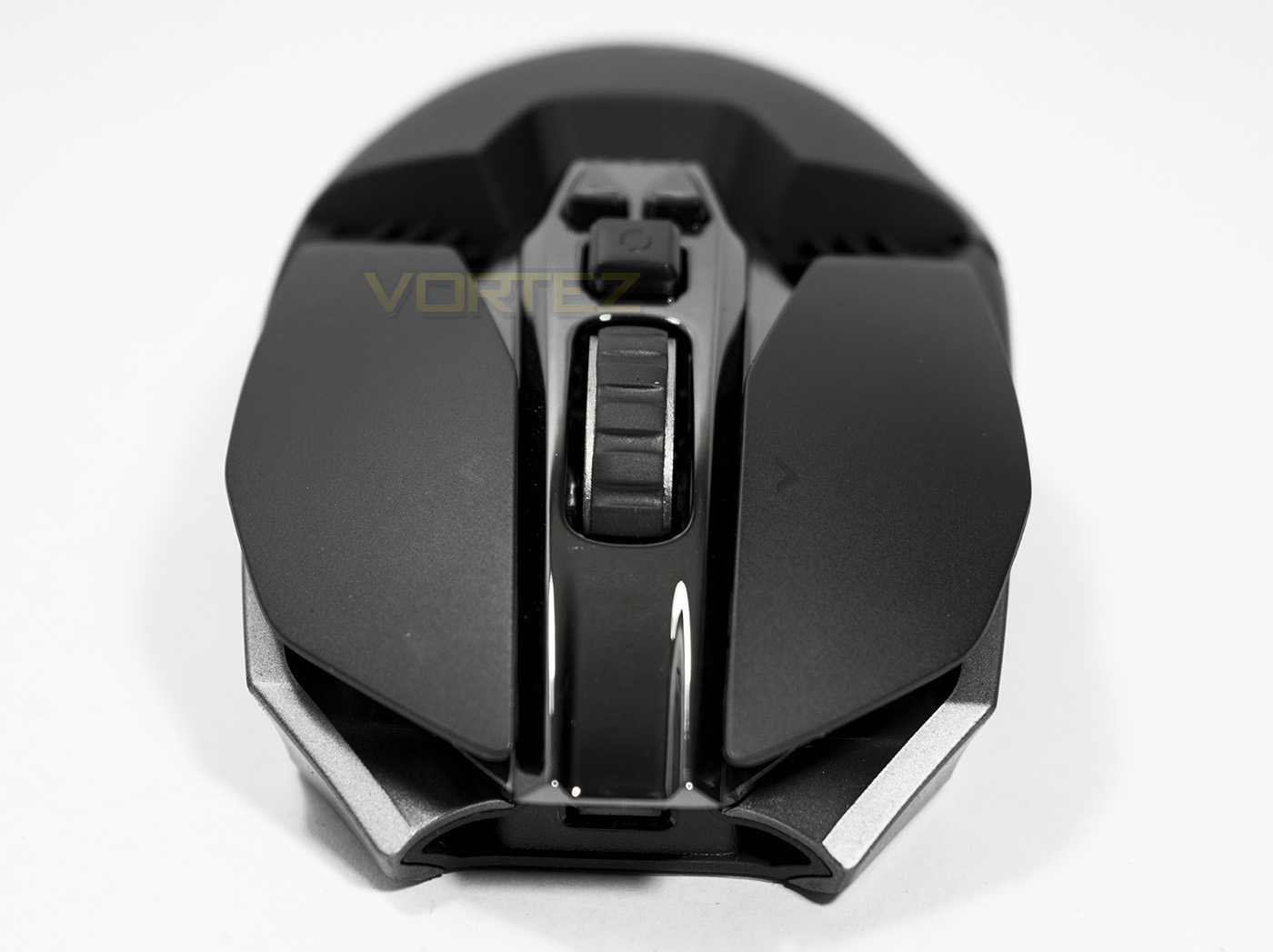
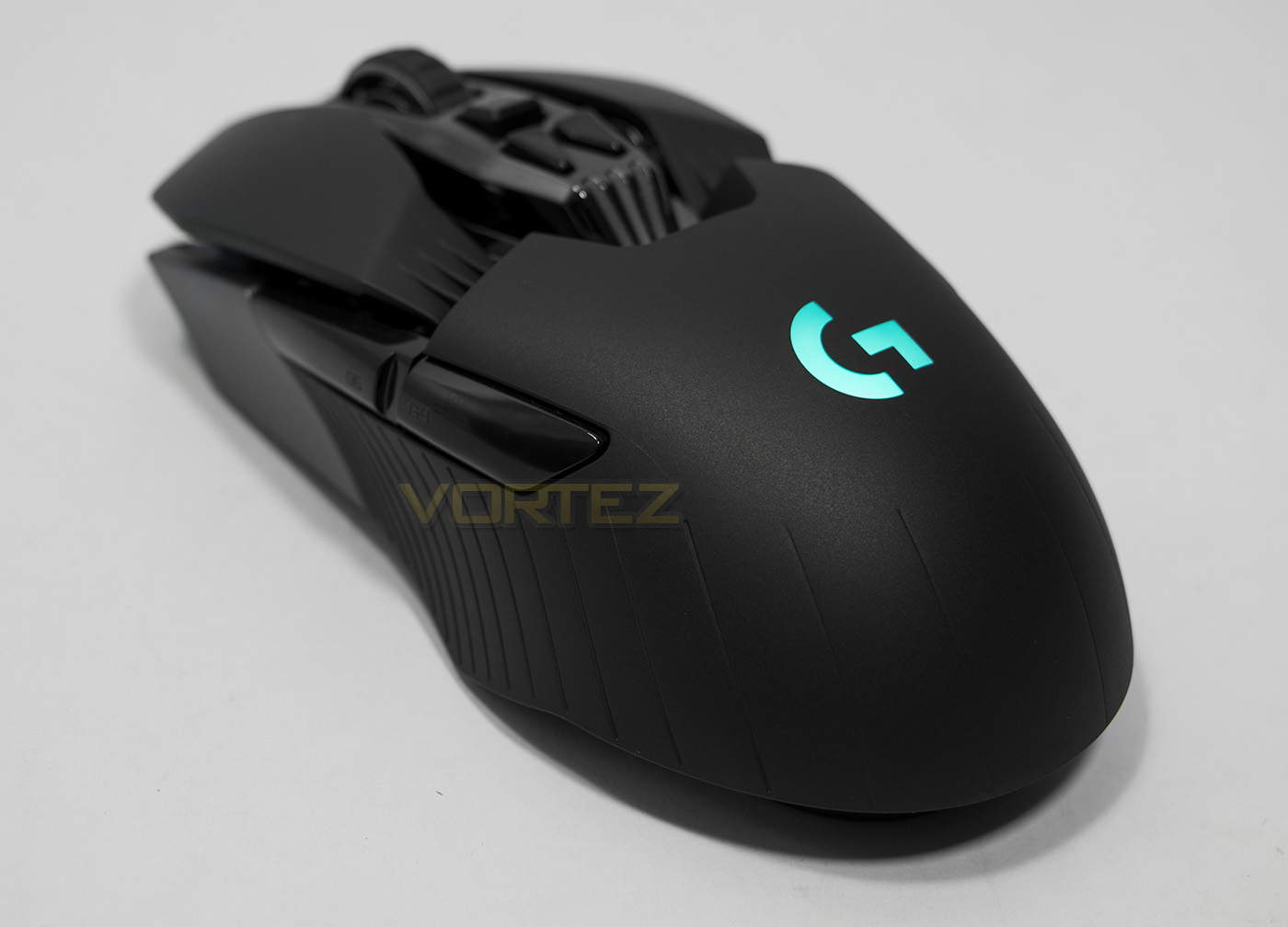
The front shows of an almost Italian super car styling, the microUSB port in the centre front. Each mouse click is an independent pivot design button.
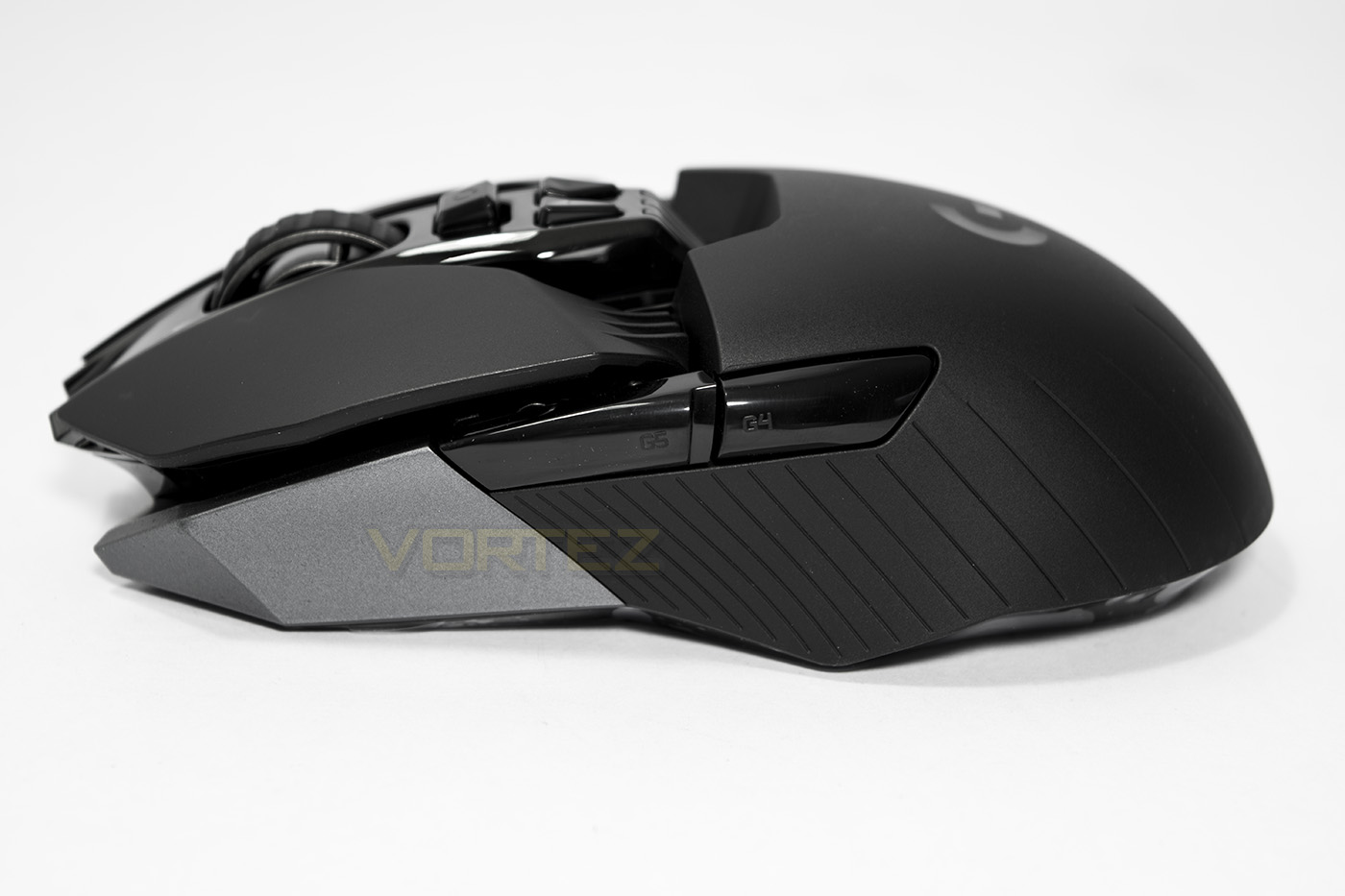
By default the side buttons are geared for right handers, and we can see that the G buttons are quite large which should make them easy to press.
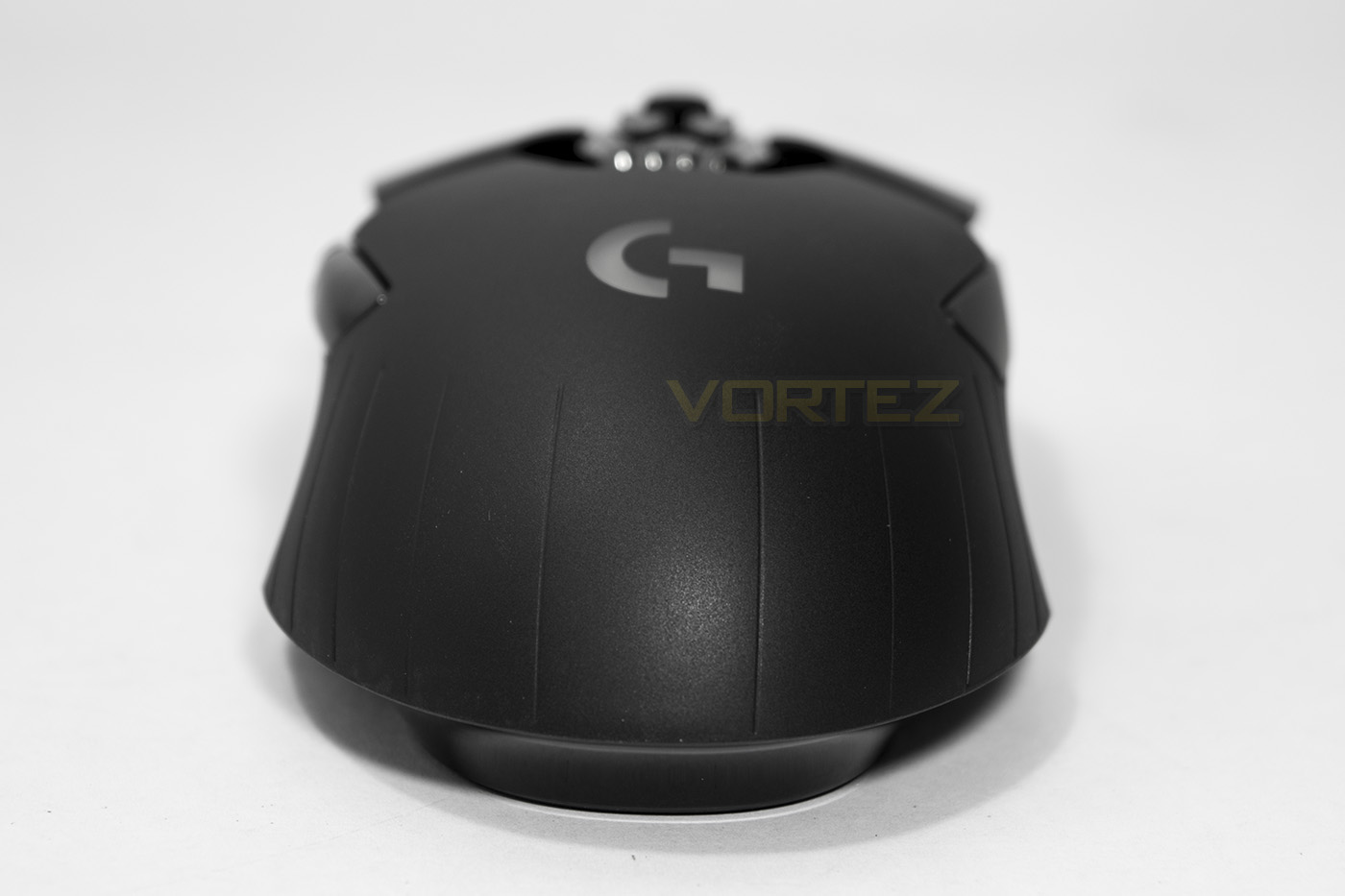
The rear side view shows off the G logo and its ergonomic, symmetrical shape.
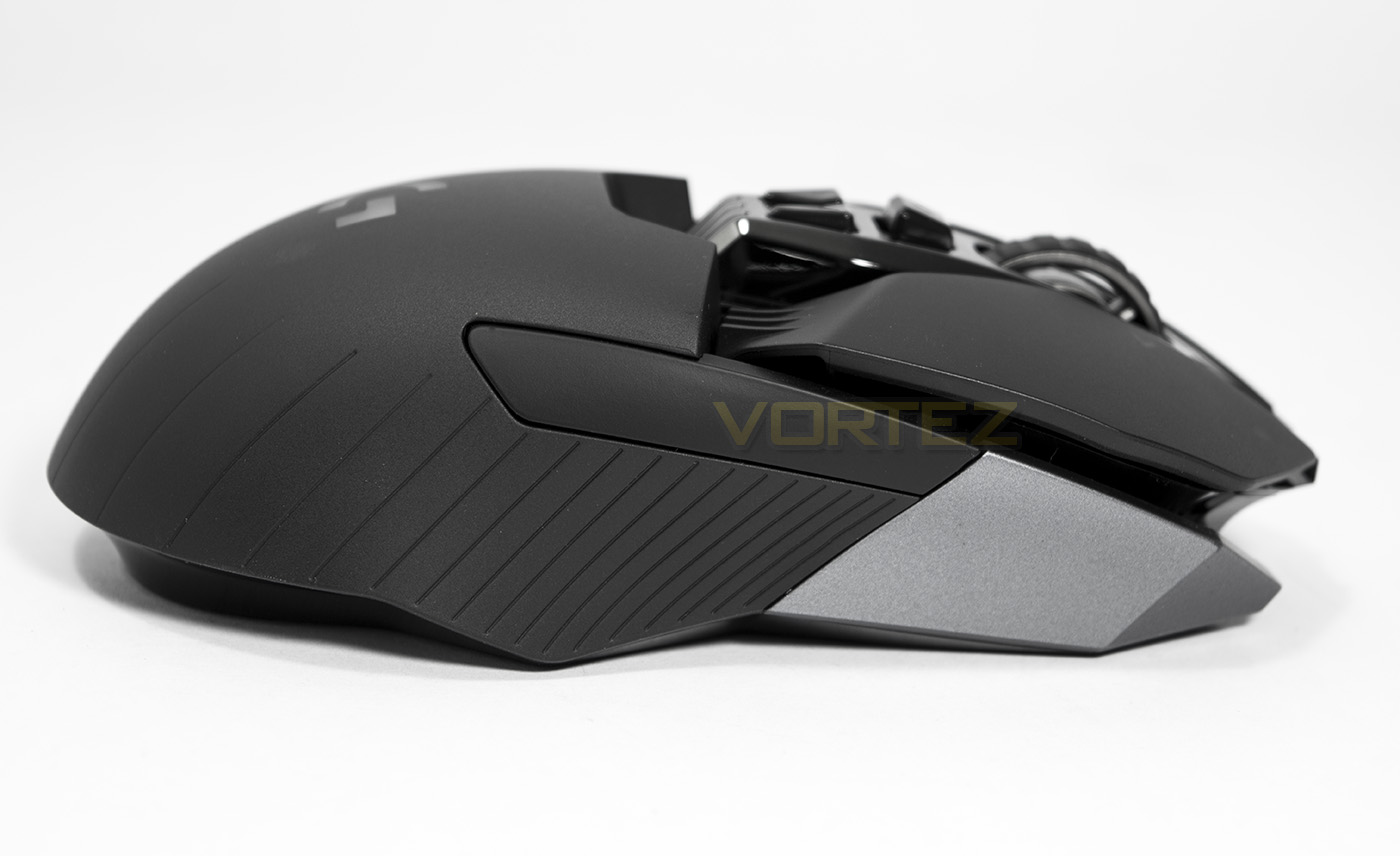
The outside face is has a removable blank installed by default and can be removed to install the thumb buttons for left handers.
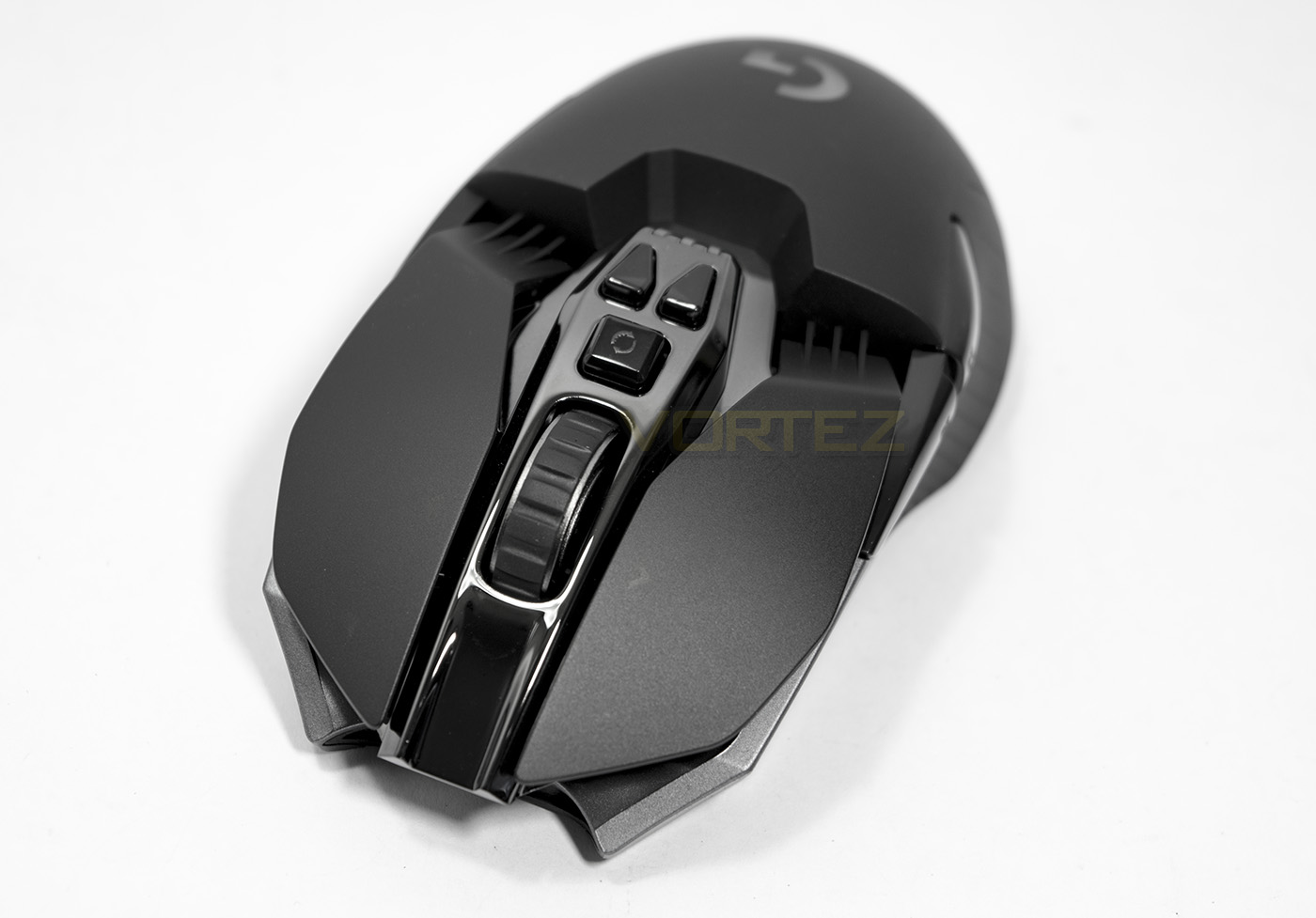
The mouse wheel, as part of Logitech’s desire to chase weight loss, has a spoked design, yet remains wide and strong with a rubberised coating. There is a button that allows you to toggle a free spin of the wheel for fast scrolling, or a tactile scroll for precision and control. Then there are two extra buttons used for DPI up and down.
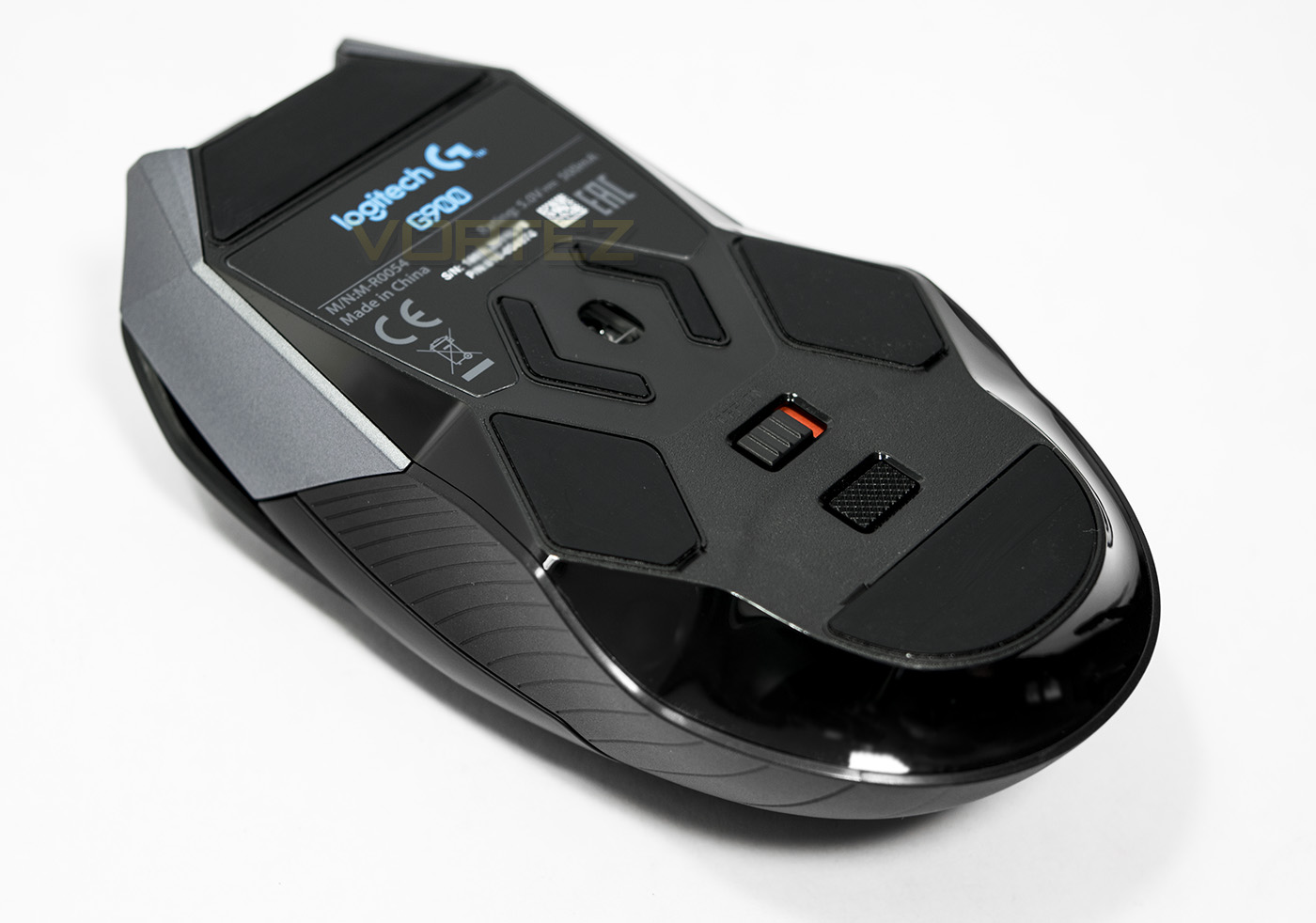
Underneath we get to see the central mounted sensor, the power switch and the profile reset switch.
Software & Lighting
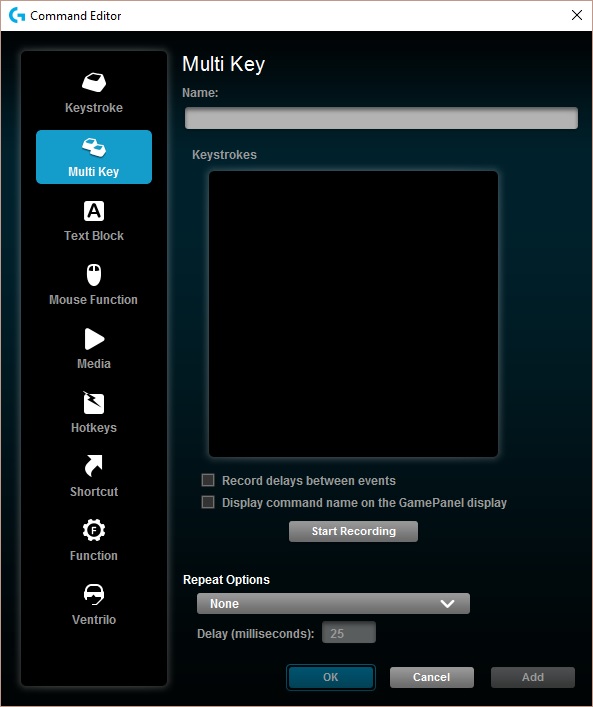
LGS (Logitech Gaming Software), is Logitech’s unified driver software which is smooth and easy to navigate. You get the choice to work from profiles saved to your system or saved to the onboard memory of your device directly. There are various options for DPI profiles, lighting, button assignment, as well as a macro recorder. The macro recorder took a little while to find and though there are a variety of options, I found that it didn’t register any input from the mouse itself. So there is still room for improvement in some areas, though once you get used to it, it is a smooth, modern and comprehensive software suite.
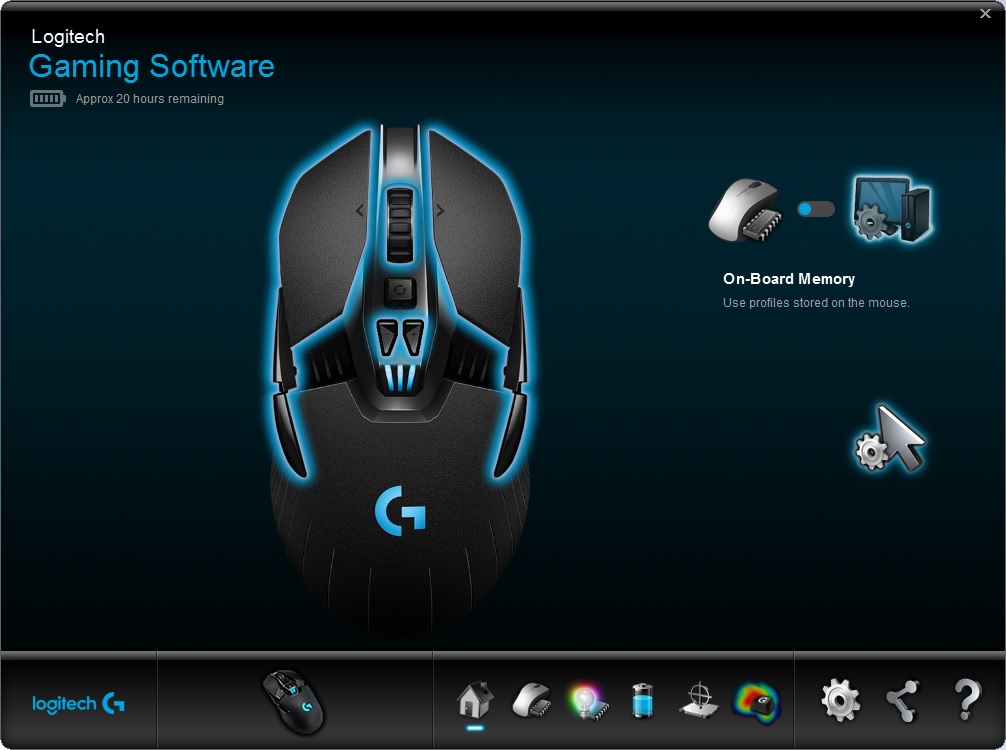
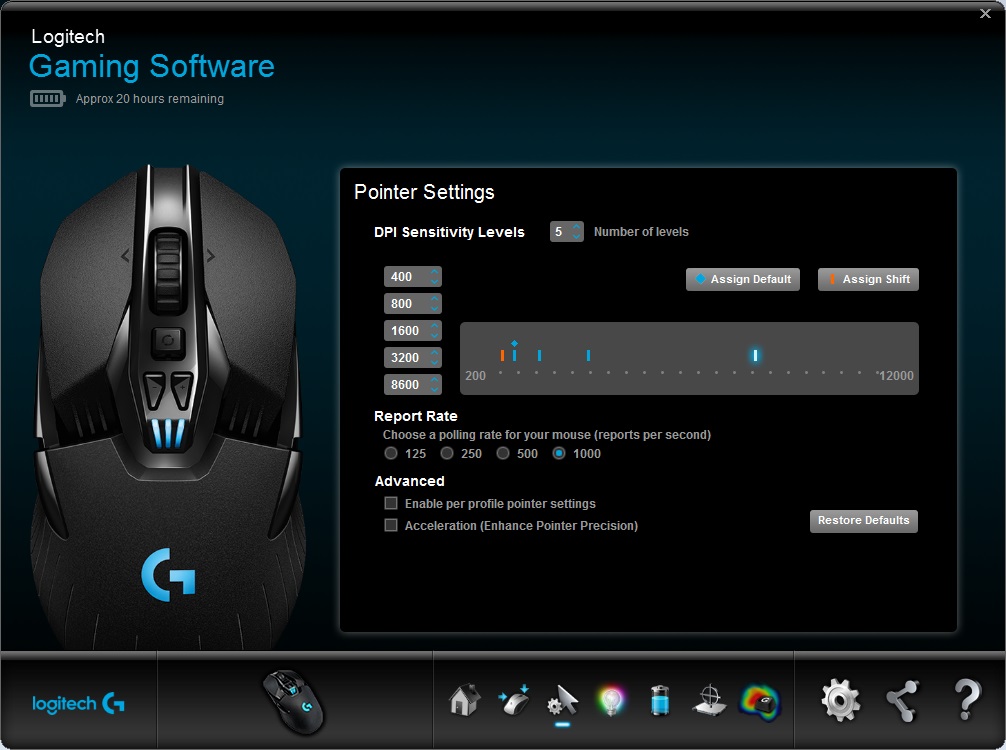
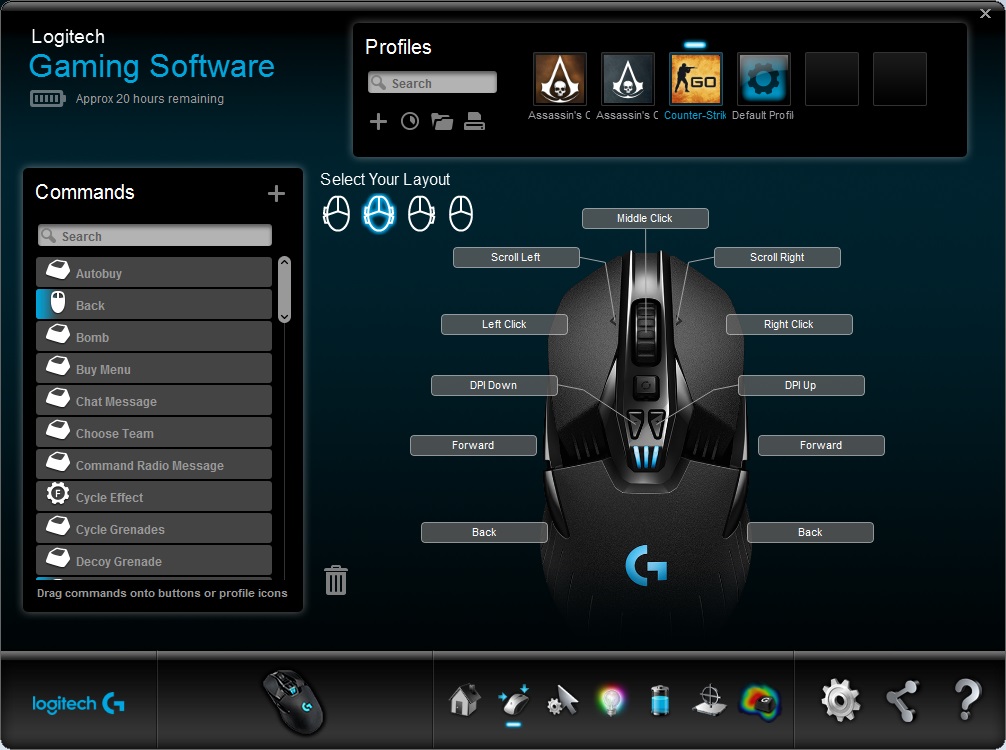
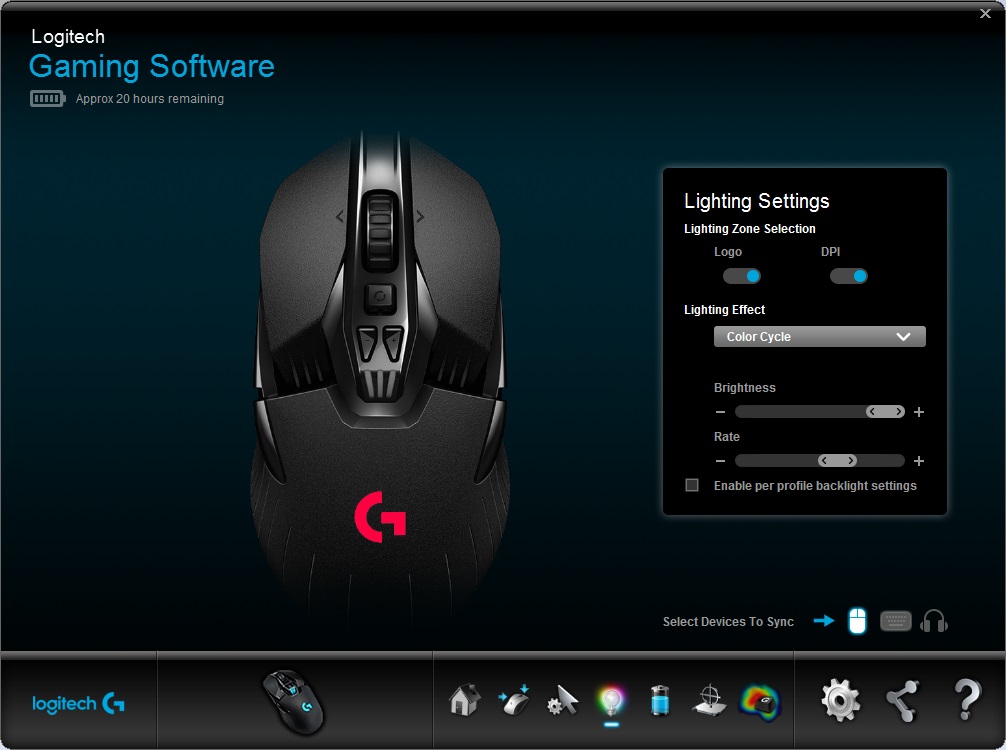
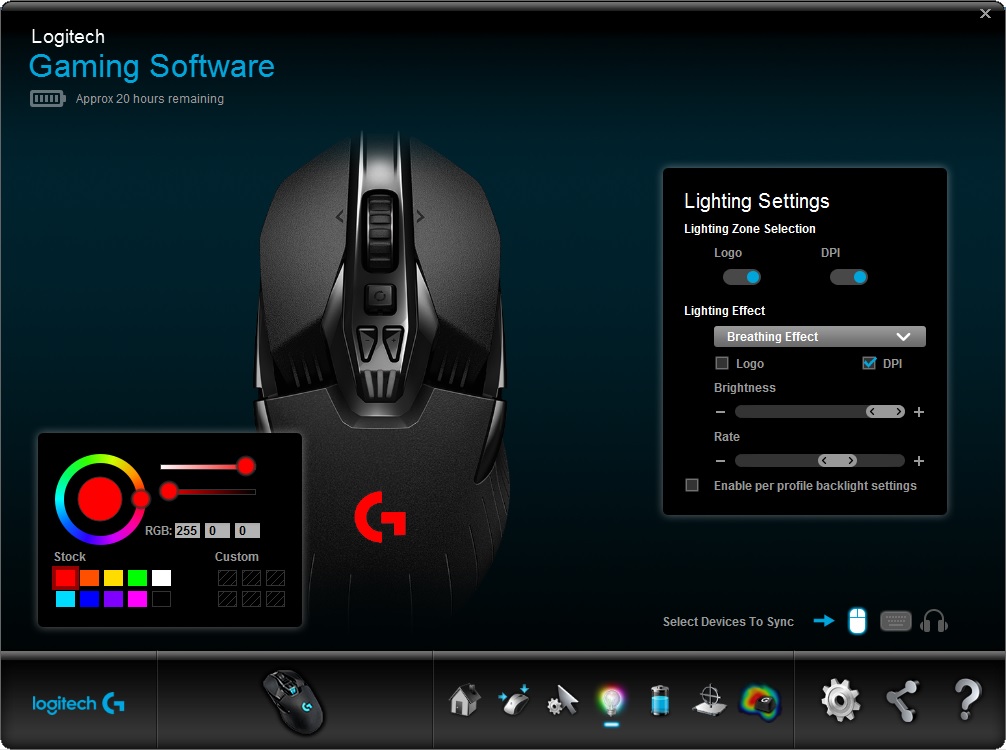
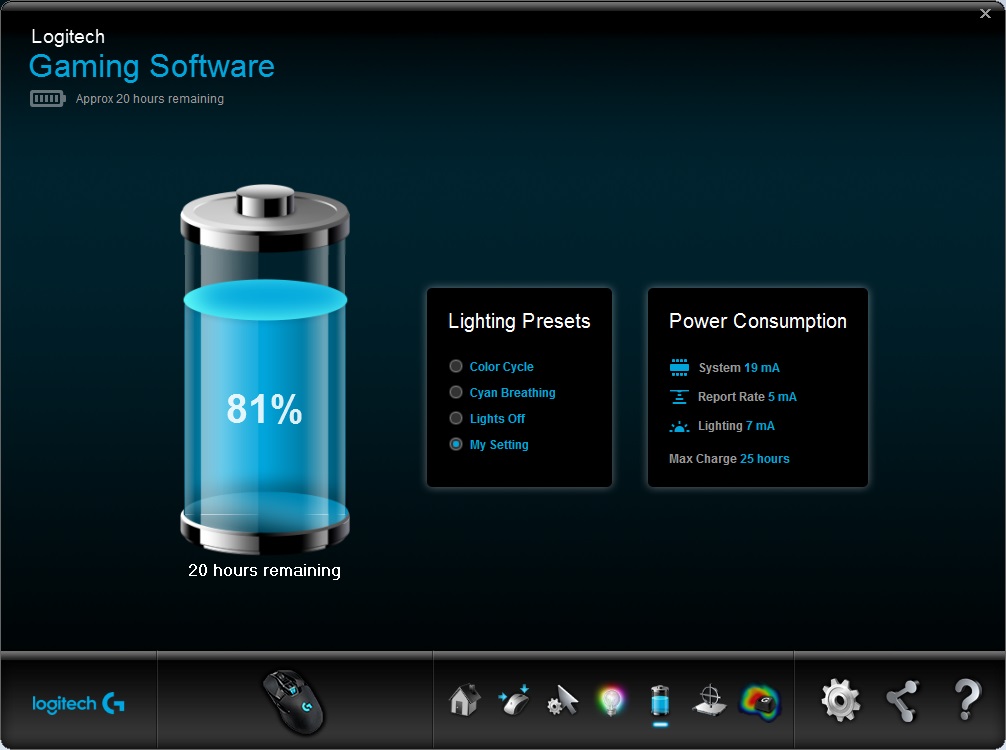
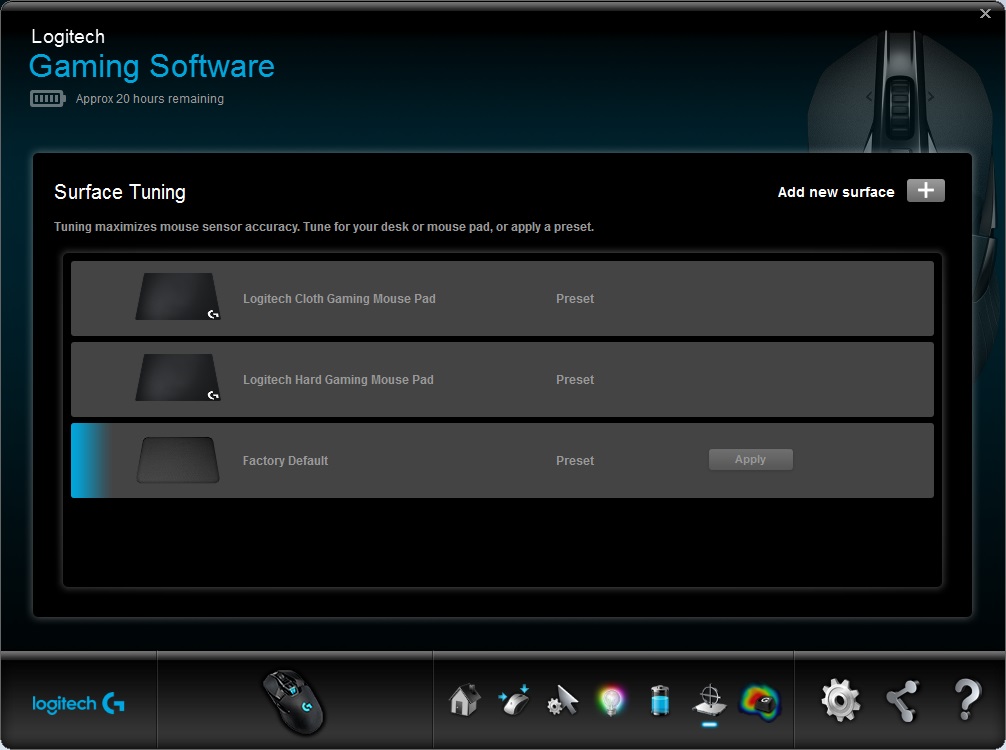
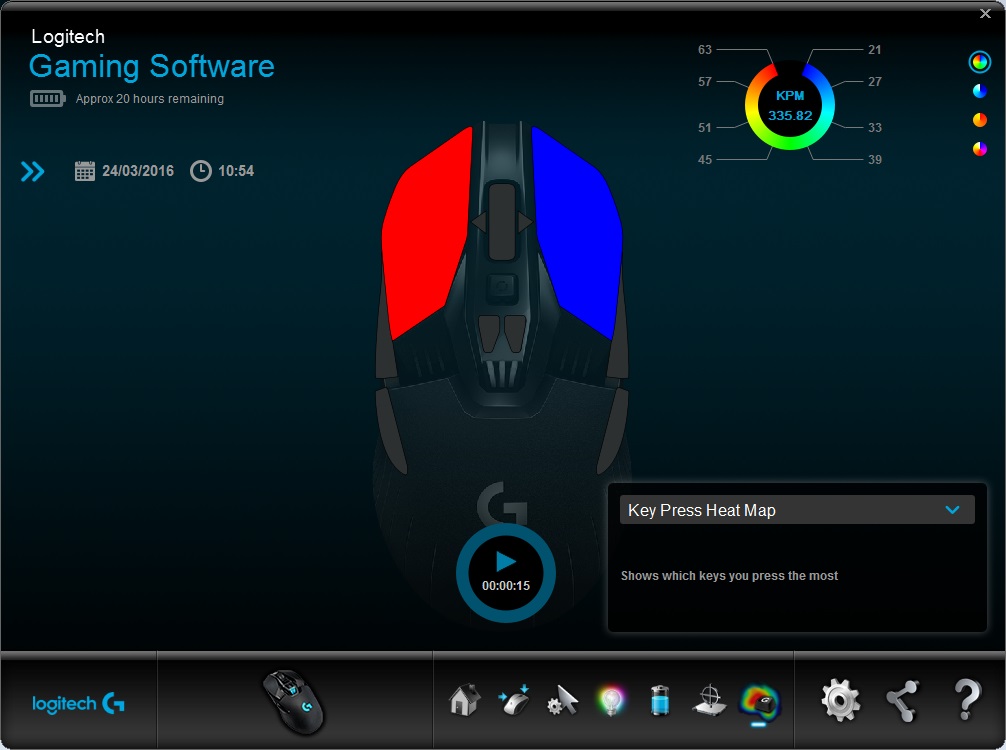
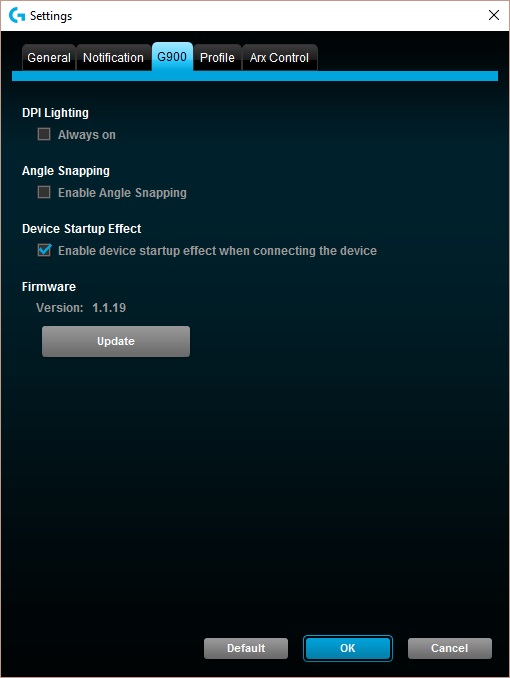
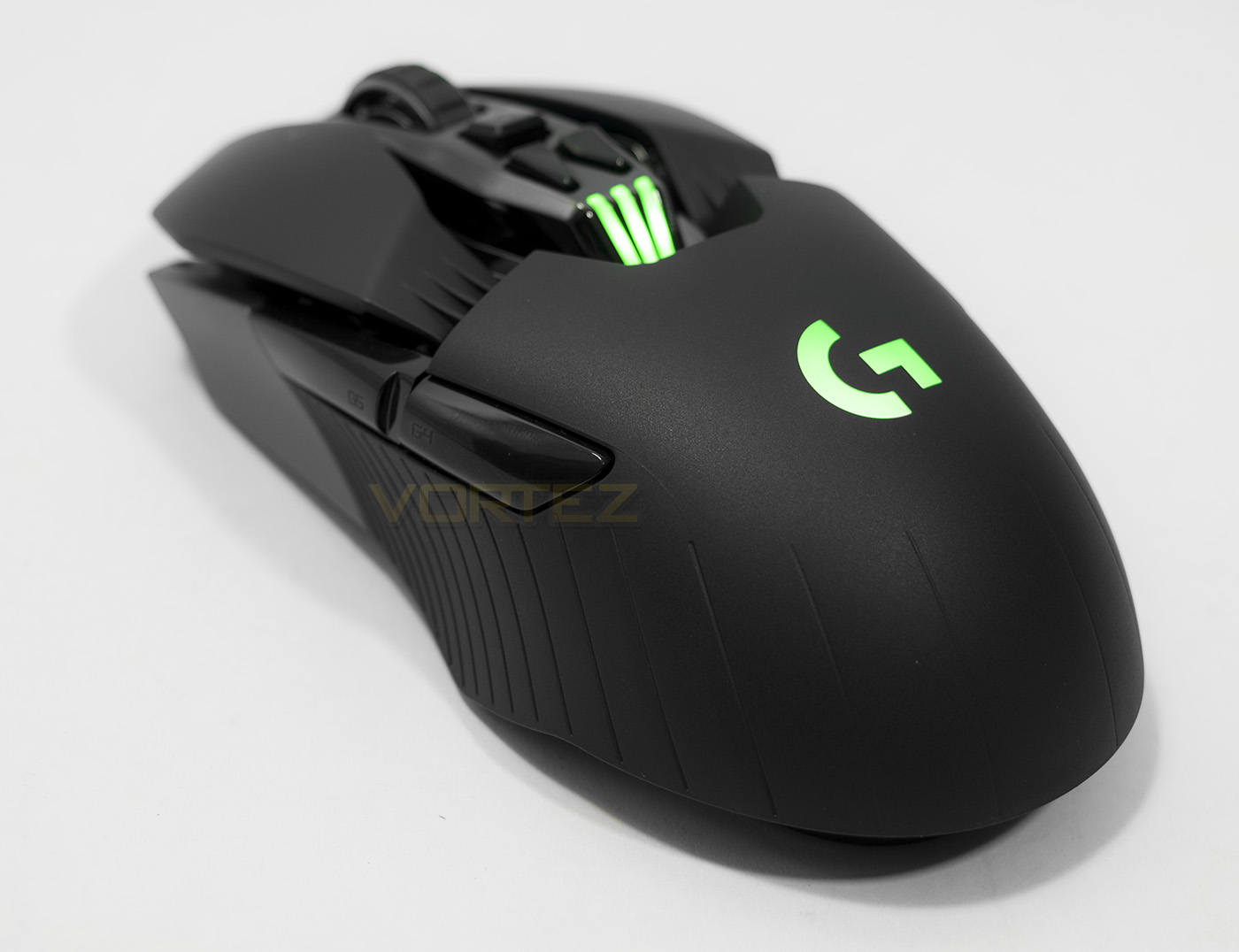
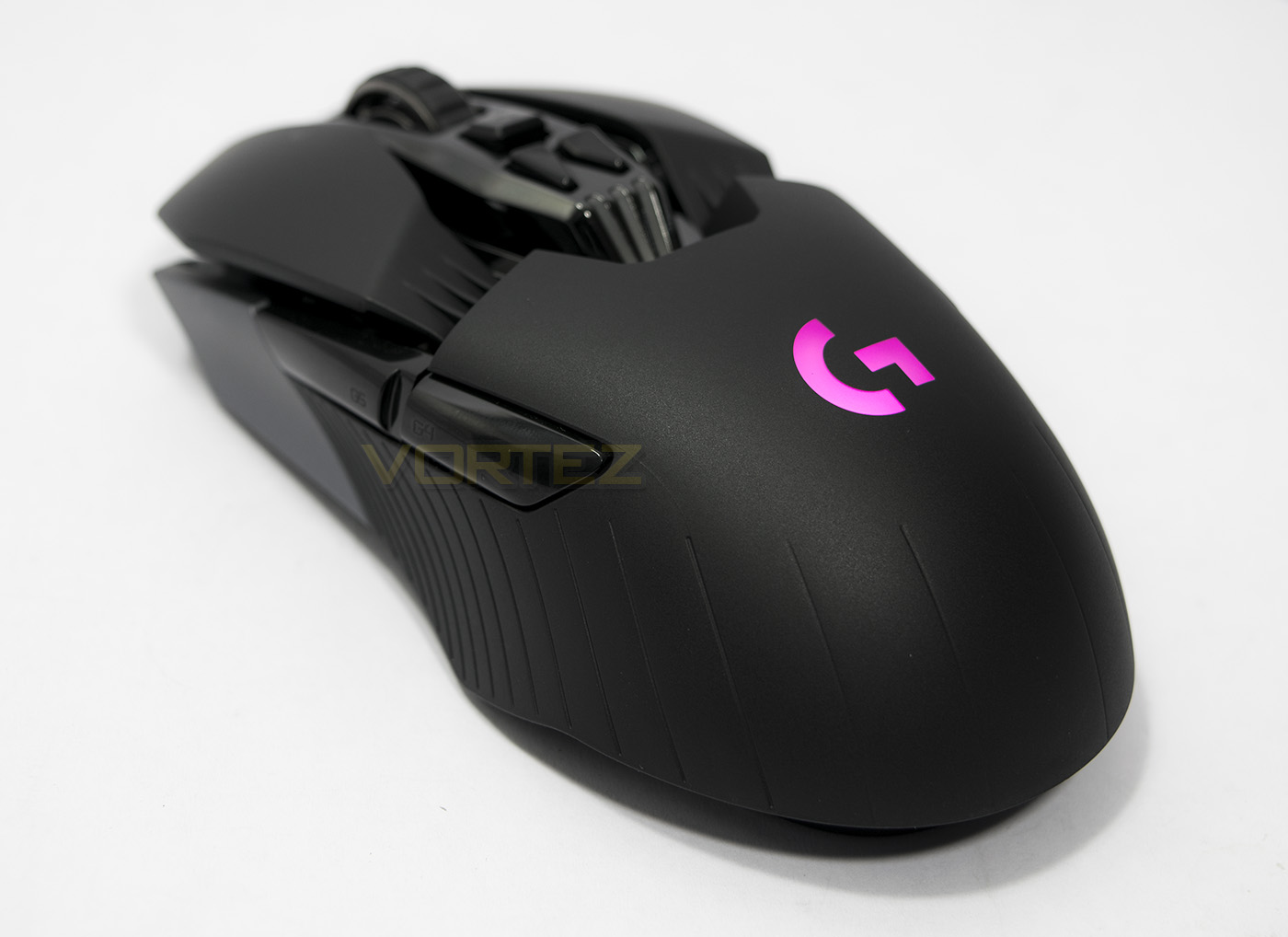
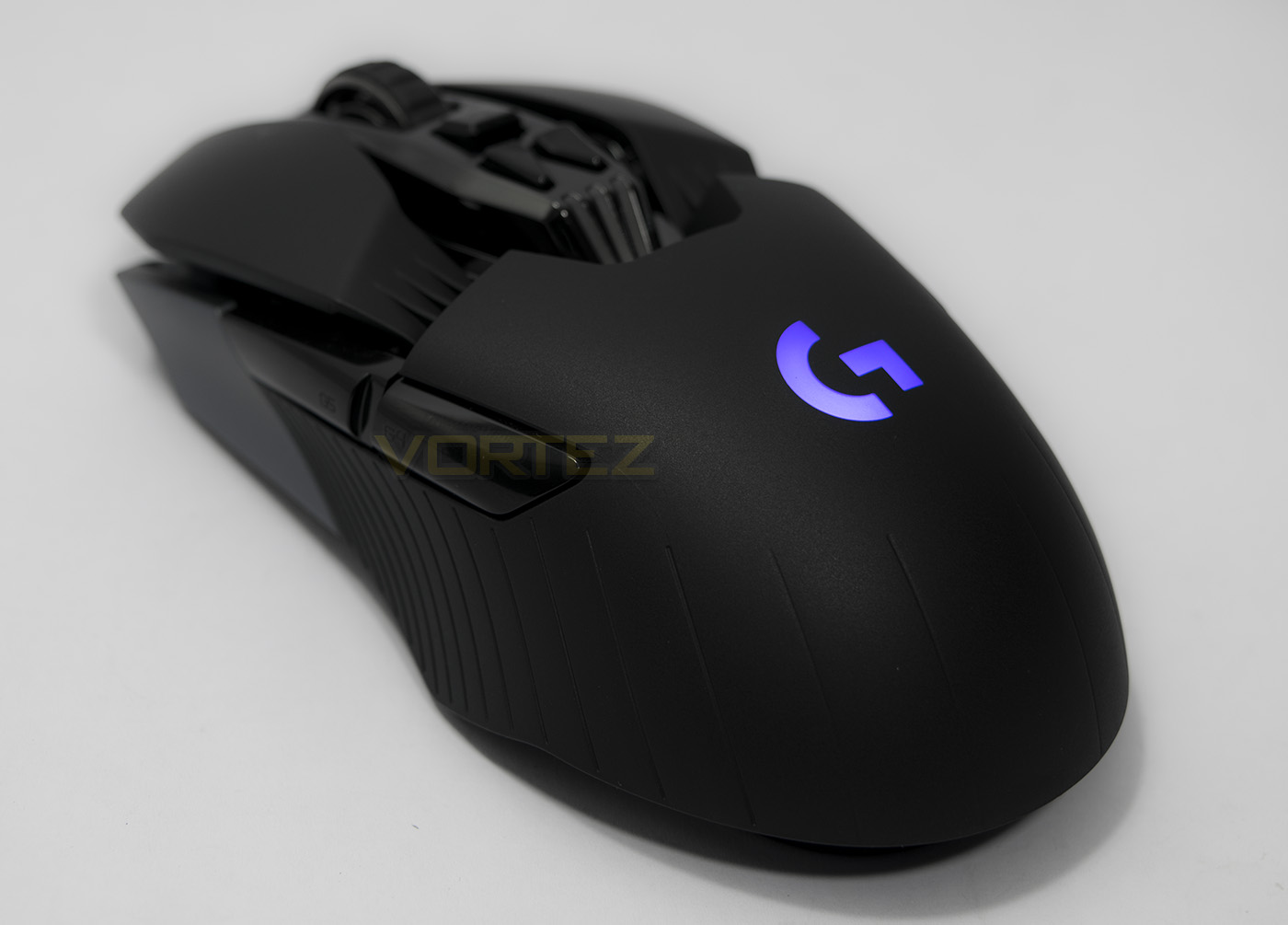
The lighting can be customised on the logo and profile indicator, though the lighting is bright and vibrant. There are two effects available, either breathing or colour cycle, or can be turned off.
Performance Testing
Setup, Design & Observations
In the hand, the G900 feels fantastic for claw and palm grip and being on the smaller end of mid-sized mice combined with its 107g body, finger tippers will be pleased too. The mouse is well balanced with the sensor placed at its centre of mass. The mouse works directly as plug and play once you have put the USB receiver in a free USB port and switched the mouse on. For more advanced features and customisations you can download the Logitech software.
The mouse clicks feel fantastic and can easily be rapidly pressed, each click being crisp and satisfying. The mouse wheel too feels awesome and can be pressed, tilted and rotated. If you want speedy scrolling, Logitech have added a button to enable a free spin mode. The side buttons can be removed and replaced with a blank, and if you are left handed you can install the extra included buttons. Pressing the side buttons felt a little less crisp and responsive, leaning more towards slow and squishy and I found that being so long, that it made pressing the back button (or G4) a little more inconvenient than is necessary, either the side buttons could have been a little more compact, or could have been moved forwards 5mm or so.
The included braided cable is good quality and can be used to charge the G900, or you can attach the included USB dongle and nano receiver for more flexibility and coverage for the wireless function. Though this can cause an inconvenience in regards to recharging your mouse as there is no charging dock included. This may not be an essential addition, but considering the price and competition, many may prefer the convenience of having a charging dock. This could be an oversight consider microUSB cables are pretty widespread, but this could also be a deal breaker for some as this ensures that there will definitely be plug in time. In regards to the lifespan of the battery, it would be difficult to guage without spending a considerable amount of time in use, though after an entire 12 hours of use with LEDs on, the LGS (Logitech Gaming Software) still reports 60% battery life, if accurate the 24-32 hour lifespan is wholly believable.
There is on board memory to store up to 5 profiles, so you can cater for various play styles you may have.
Performance
Testing the 3366 sensor at its max DPI of 12,000, black fabric cloth mouse mat, coloured glossy card, glossy wood veneer desk, plastic mouse mat, white paper, cardboard even black glass, tracked amazingly well with no noticeable jitter, and was highly responsive. It was so responsive it even made the wired Mamba TE feel very laggy in comparison. In game, I felt the difference this well designed mouse made, I felt comfortable, in control, and amazing. Several click spam matches on DOTA2 later, and I was loving every second with the G900.
Conclusion
Our experience may have well substantiated Logitech’s claim that the G900 is not just their best gaming mouse ever, but potentially the best mouse ever. Its optical sensor was flawless on every surface we tested it on, and was super responsive, and super accurate. The moment the G900 was in our hands we knew it was a game changer, wireless sceptics be silenced.
A premium product comes with a premium price tag and the one the G900 has seems reasonable at $149, directly competing against the Razer Mamba. Though the G900 destroys the Mamba in regards to performance, responsiveness, precision and comfort. There are a few inescapable facts to consider, one is that Razer supply a charging dock, something that ensures that the gamer at home will never need to plug a cable into their mouse unless they end up gaming longer than the battery life. On the flip side, the G900 is guaranteed to require being plugged into a cable to be charged. Despite that, it is worth considering the professional connotations that the G900 has in the eSport scene. Its long battery life and pro-grade wireless technology will provide an intensely liberating wireless experience, making the reality outweigh something that is relatively trivial. Then we reach the second point, the EU pricing of €179/£149, its a fair bit higher than the Razer Mamba with a RRP of £135 and the exclusion of a charging dock makes the G900 seem like it provides lower value. (Maybe an included carry bag could add some value to a wireless mouse aimed at eSport pros?)
Ultimately, questioning the value of a product is almost always going to be on the cards regarding premium goods, and here it certainly feels like you get what you pay for. The G900 is testament to Logitech’s experience in creating leading products for gamers and I wouldn’t hesitate to say that it is the best mouse I have ever used. Ditch those wires and fall in love.
Logitech present their most advanced mouse to gamers everywhere with the intention to bring tears of joy and wireless goodness, damn this thing is so shiny, so new, wow.
Pros.
+ Solid build quality
+ Comfortable for most grip types
+ Fast, responsive, precise sensor
+ Ambidextrous
+ Looks as awesome as it feels
+ Long battery life
+ Lightweight
Mediocre
+- No Charging dock
+- Side buttons are rather long
Cons.
– Price (EU)
+ Solid build quality
+ Comfortable for most grip types
+ Fast, responsive, precise sensor
+ Ambidextrous
+ Looks as awesome as it feels
+ Long battery life
+ Lightweight
Mediocre
+- No Charging dock
+- Side buttons are rather long
Cons.
– Price (EU)
Click here for an explanation of our awards at Vortez.net.