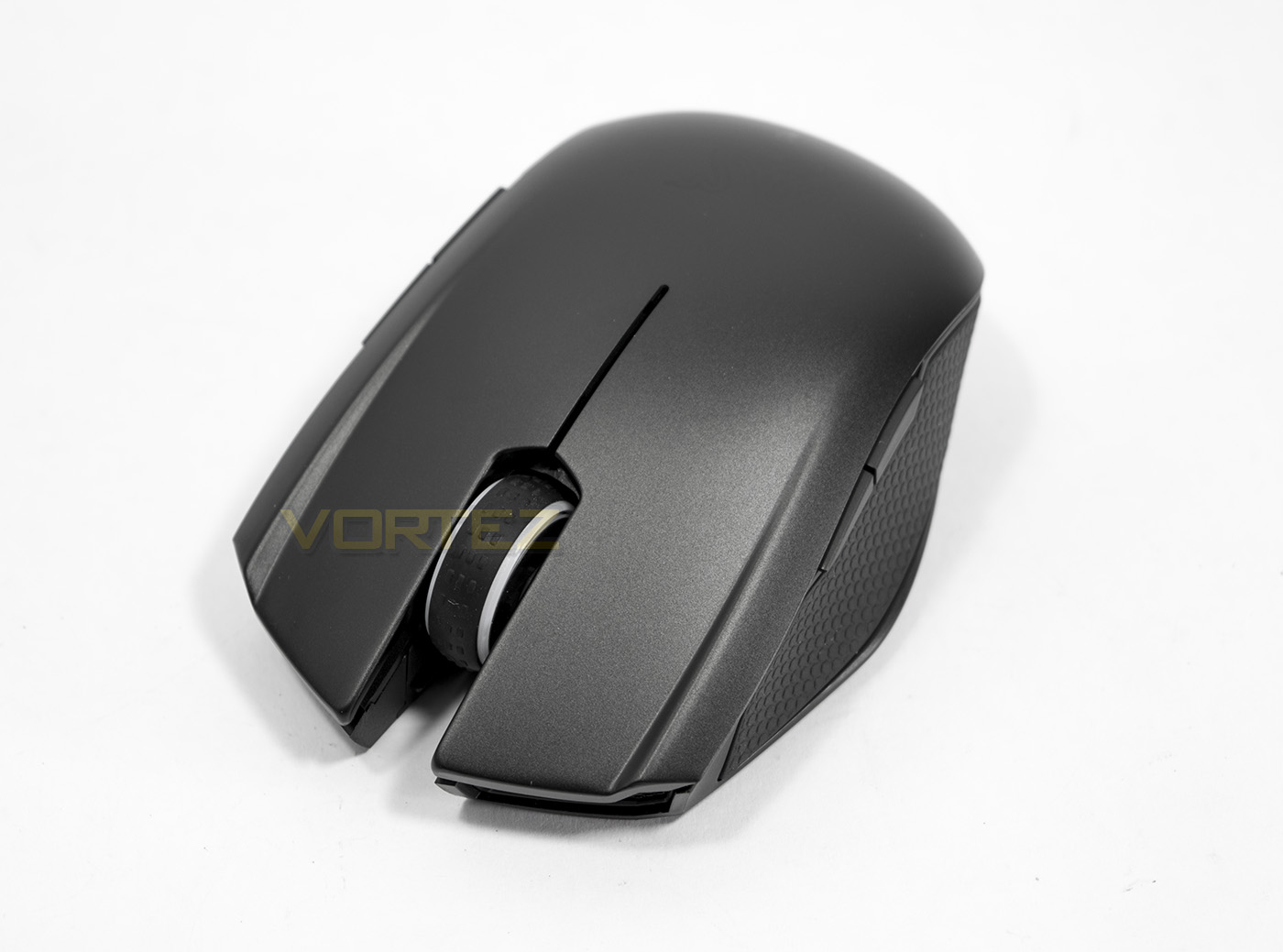
The Razer Orochi is a portable wireless mouse that has the power to game on the go, fitted with a 8200 DPI 4G laser sensor, it promises users a long battery life and precise performance.

Product on Review: Razer Orochi
Manufacturer and Sponsor: RAZER
Street Price: £64.99 GBP – $69.99 USD
Portable in size, the Orochi looks to notebook users that are often moving around but also want that little extra from their mouse for some side gaming. The Orochi caters for exactly this situation by improving its battery life by up to double over its predecesor due to switching to Bluetooth LE connectivity. This Promises around 60hours of continuous wireless usage, so there is plenty of juice to keep you going in casual circumstances. In wireless mode, the Orochi boasts a modest 8ms response time (125Hz polling), but when you want to get down and serious with some gaming, you can unlock the beast by plugging in the USB cable, resulting in a more gamer friendly 1ms response time.
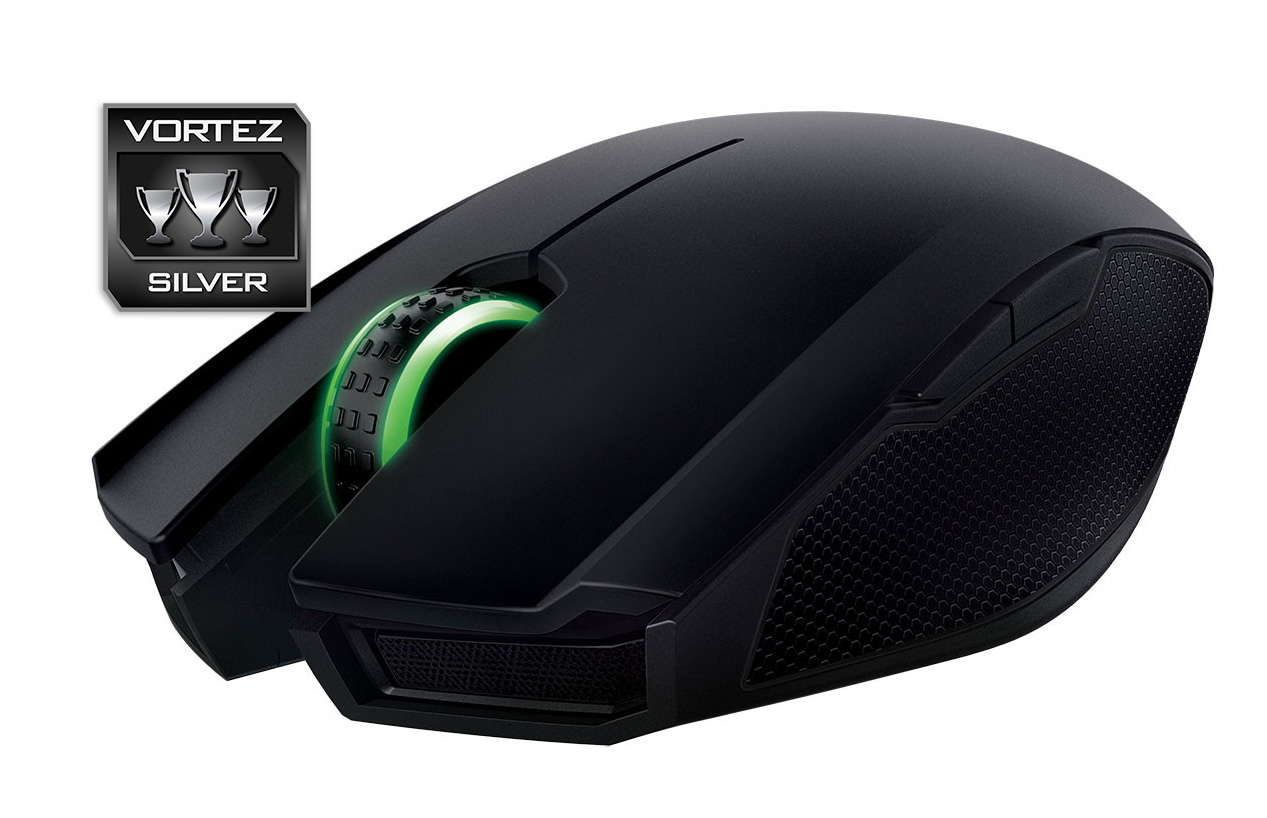
The Orochi comes with various changes to keep in with its contemporaries including a slightly refreshed aesthetic, rubberised side grips and Chroma lighting.
Overview by Razer
Retaining the name of its predecessor, the new Razer Orochi features the latest in sensor and battery technology to give gamers pinpoint accuracy and more than double the playing time in wireless mode. Complimenting this overhaul, Razer has also added Chroma lighting, dual mode connectivity and a completely re-engineered shell with a metal top to make the Razer Orochi the most advanced notebook mouse to date.
At the heart of the new Razer Orochi is a 4G, 8,200 DPI laser sensor – the highest DPI sensor ever designed into a mobile gaming mouse. The result is pinpoint precise tracking for incredible accuracy and movement speeds of up to 210 inches per second with 50 G acceleration, making the Razer Orochi ideal for every game and play style, from fast reaction FPS-gameplay through to high accuracy MOBAs.
At the heart of the new Razer Orochi is a 4G, 8,200 DPI laser sensor – the highest DPI sensor ever designed into a mobile gaming mouse. The result is pinpoint precise tracking for incredible accuracy and movement speeds of up to 210 inches per second with 50 G acceleration, making the Razer Orochi ideal for every game and play style, from fast reaction FPS-gameplay through to high accuracy MOBAs.
Technical Specifications
– Dual wired/wireless Bluetooth 4.0 technology
– 1,000 Hz Ultrapolling (Wired) / 125 Hz Ultrapolling (Wireless)
– 1 ms response time (Wired) / 8 ms response time (Wireless)
– 8,200 DPI 4G laser sensor
– 210 inches per second / 50 G acceleration
– Battery life: Approximately 60 hrs (continuous gaming) or 7 months (normal usage)
– Ambidextrous form factor with textured rubber side grips
– Chroma lighting with true 16.8 million customizable color options
– Inter-device color synchronization
– Seven independently programmable buttons
– Razer Synapse enabled
– 1 m / 3.28 ft braided fiber USB charging cable
– Approximate size: 99 mm / 3.90 in (Length) x 67 mm / 2.64 in (Width) x 35 mm / 1.38 in (Height)
– Approximate weight: 110g with Batteries.
– 2 x AA batteries*Battery life depends upon its usage.
SYSTEM REQUIREMENTS
– PC or Mac with a free USB port
– Windows® 10 / Windows® 8 / Windows® 7
– Internet connection
– 100 MB of hard disk space
– Razer Synapse registration (requiring a valid e-mail), software download, license acceptance, and internet connection needed to activate full features of product and for software updates. After activation, full features are available in optional offline mode.
– 1,000 Hz Ultrapolling (Wired) / 125 Hz Ultrapolling (Wireless)
– 1 ms response time (Wired) / 8 ms response time (Wireless)
– 8,200 DPI 4G laser sensor
– 210 inches per second / 50 G acceleration
– Battery life: Approximately 60 hrs (continuous gaming) or 7 months (normal usage)
– Ambidextrous form factor with textured rubber side grips
– Chroma lighting with true 16.8 million customizable color options
– Inter-device color synchronization
– Seven independently programmable buttons
– Razer Synapse enabled
– 1 m / 3.28 ft braided fiber USB charging cable
– Approximate size: 99 mm / 3.90 in (Length) x 67 mm / 2.64 in (Width) x 35 mm / 1.38 in (Height)
– Approximate weight: 110g with Batteries.
– 2 x AA batteries*Battery life depends upon its usage.
SYSTEM REQUIREMENTS
– PC or Mac with a free USB port
– Windows® 10 / Windows® 8 / Windows® 7
– Internet connection
– 100 MB of hard disk space
– Razer Synapse registration (requiring a valid e-mail), software download, license acceptance, and internet connection needed to activate full features of product and for software updates. After activation, full features are available in optional offline mode.
Packaging & Bundle
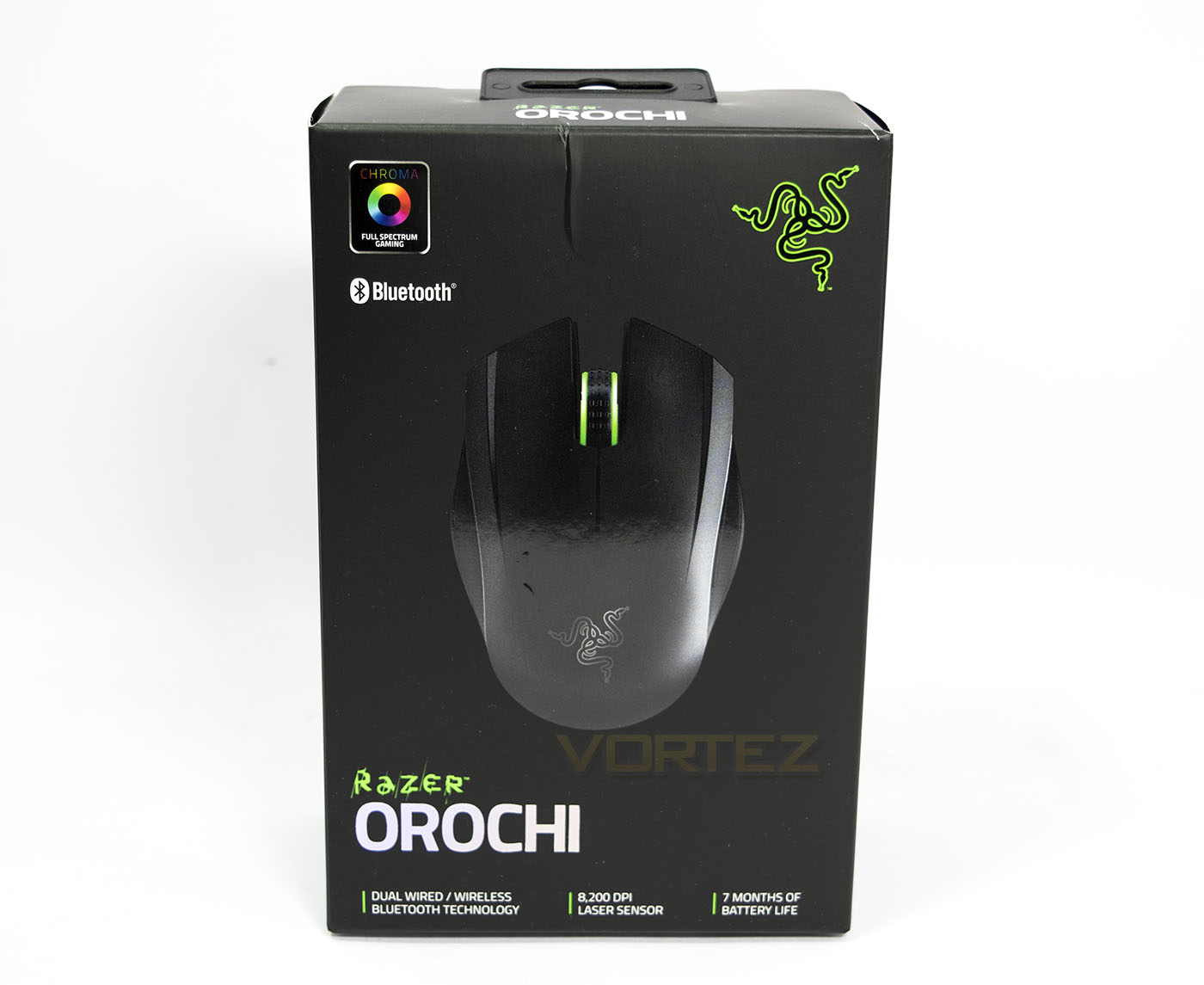
The packaging the Orochi comes in is very typical of the current line of Razer products, featuring quality black card with an image of the product, with a reflective print of the product name. There are various details about its features listed including Chroma lighting, Bluetooth connectivity. Overal very sleek and appealing.
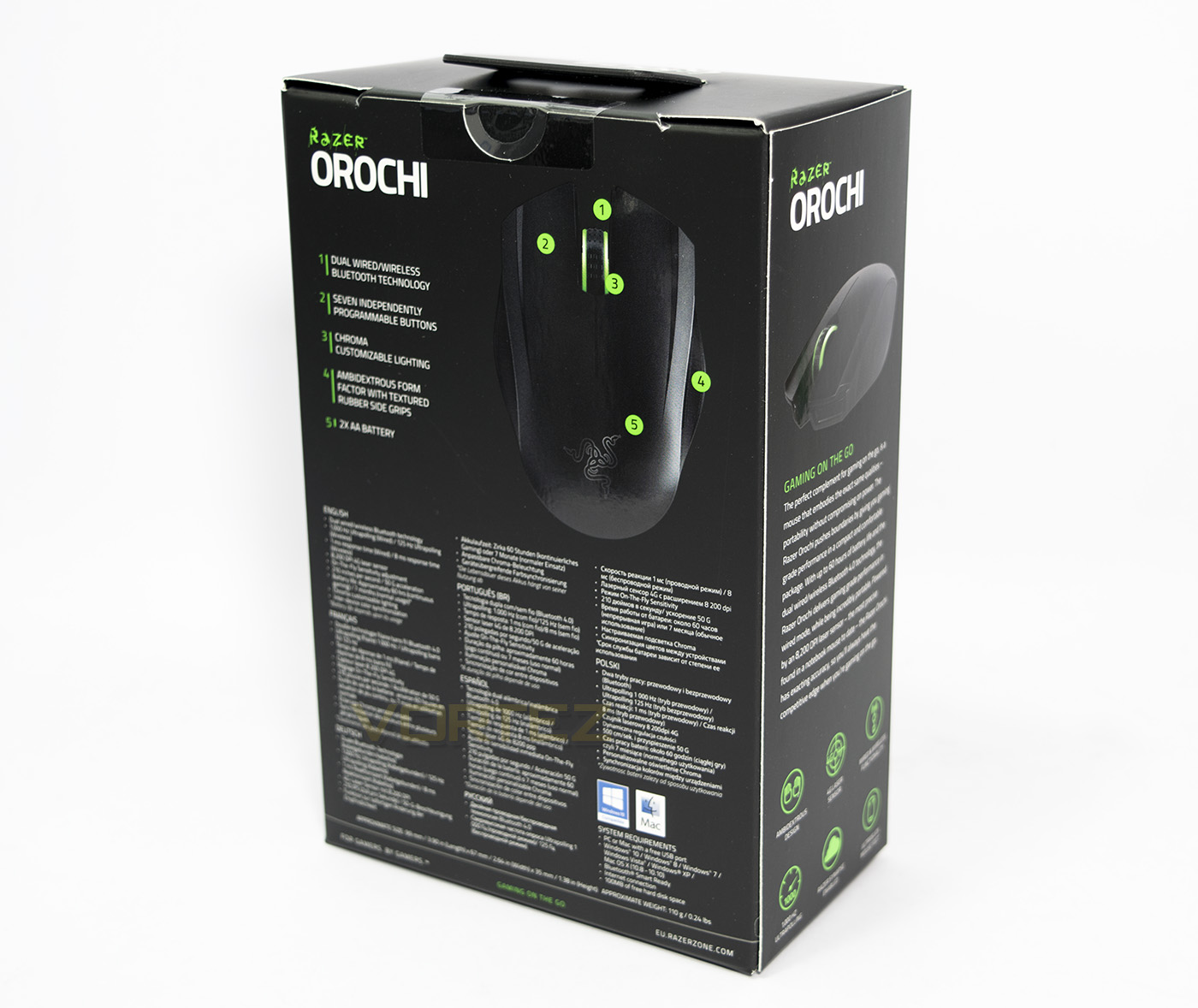
On the side there is a product overview, while at the back there are further details about the Orochi mouse with the technical specifications listed in various languages.
Inside the box is another box, two toned with black on Razer green.
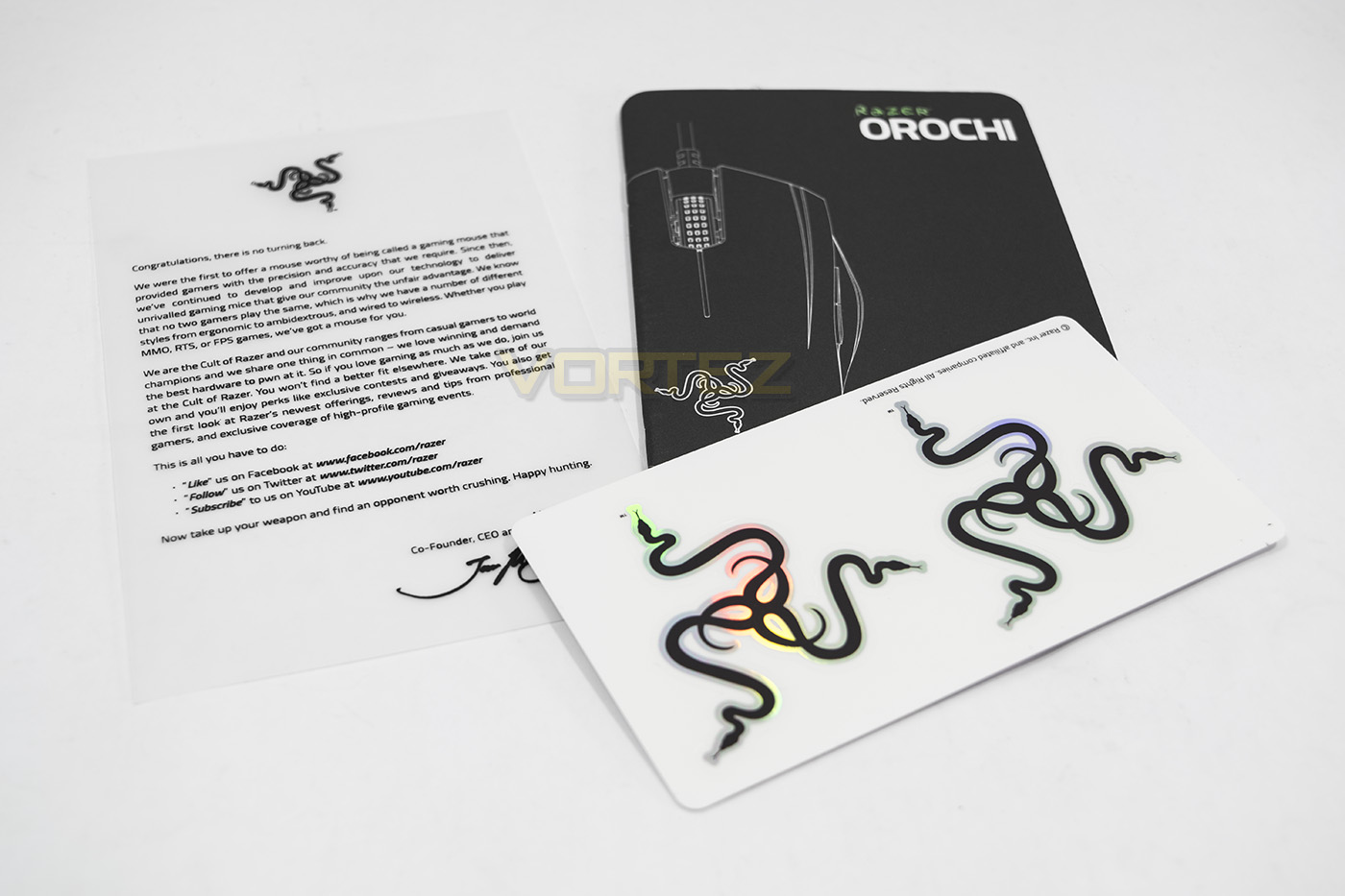
Inside we find a welcome note, quick start guide and some reflective Razer stickers.
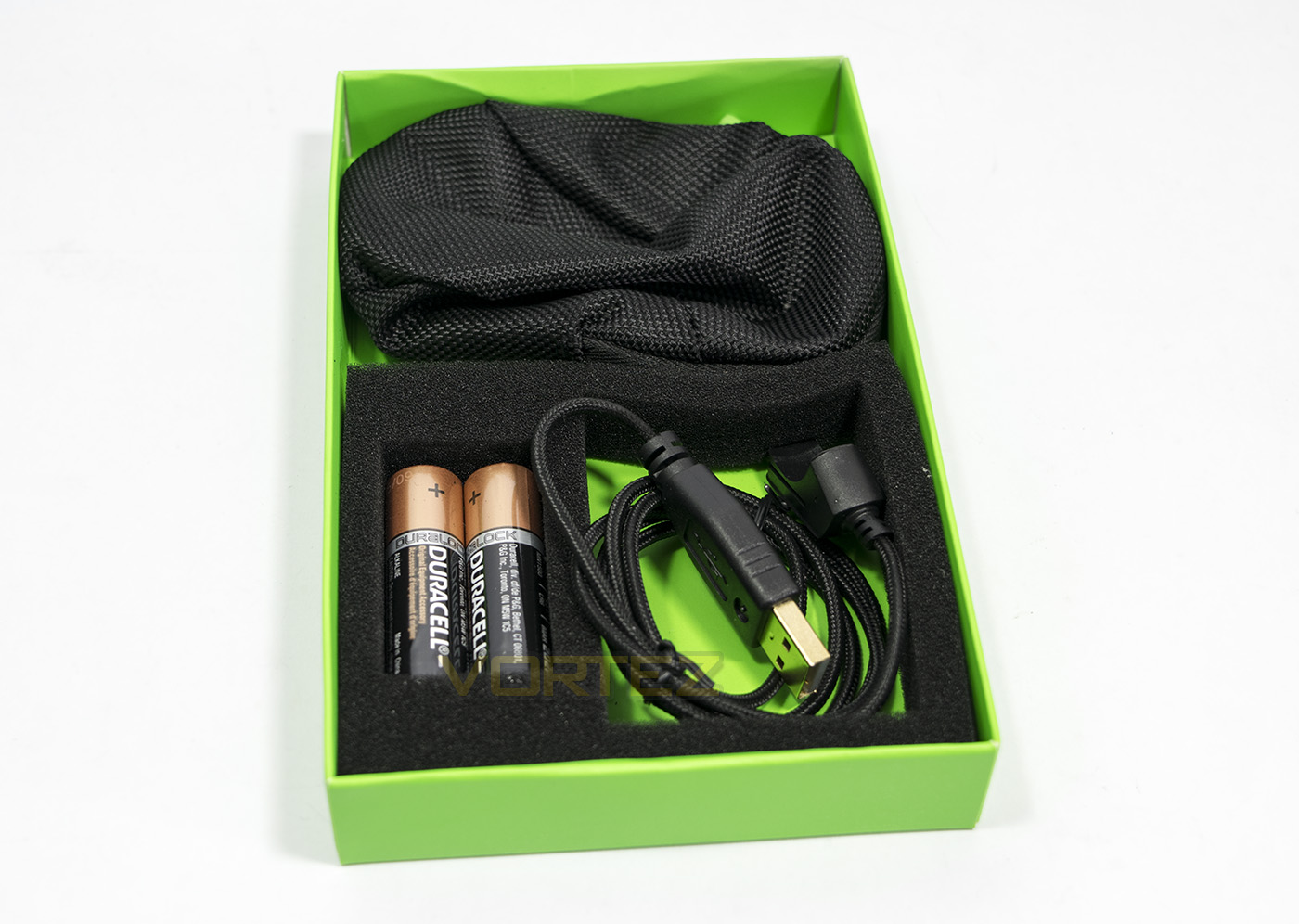
Underneath the paperwork, we find a welcome selection of accessories including 2x AA Duracell batteries, a protective travel pouch and a braided cable.
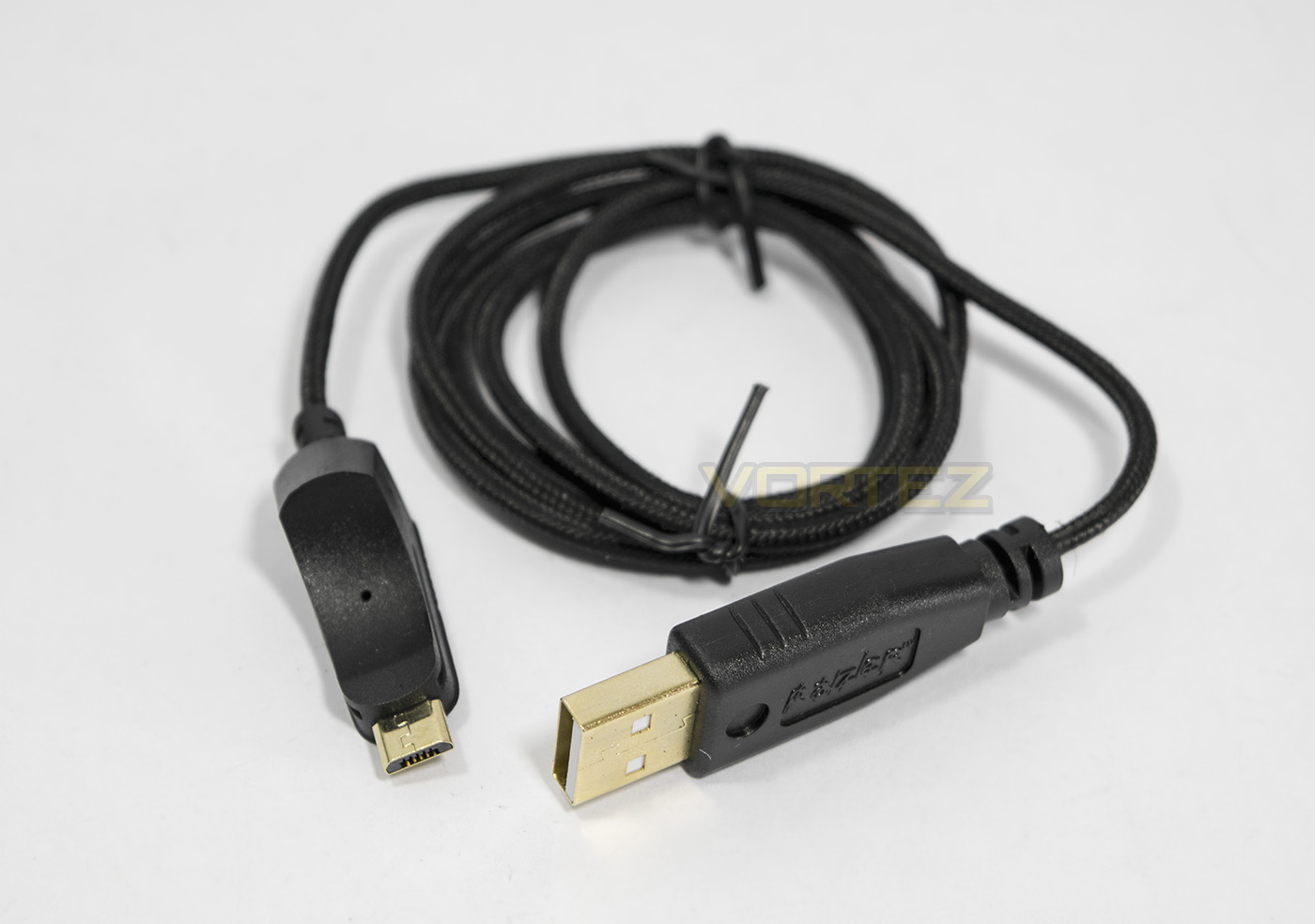
The braided cable looks good quality and has gold plated connectors.
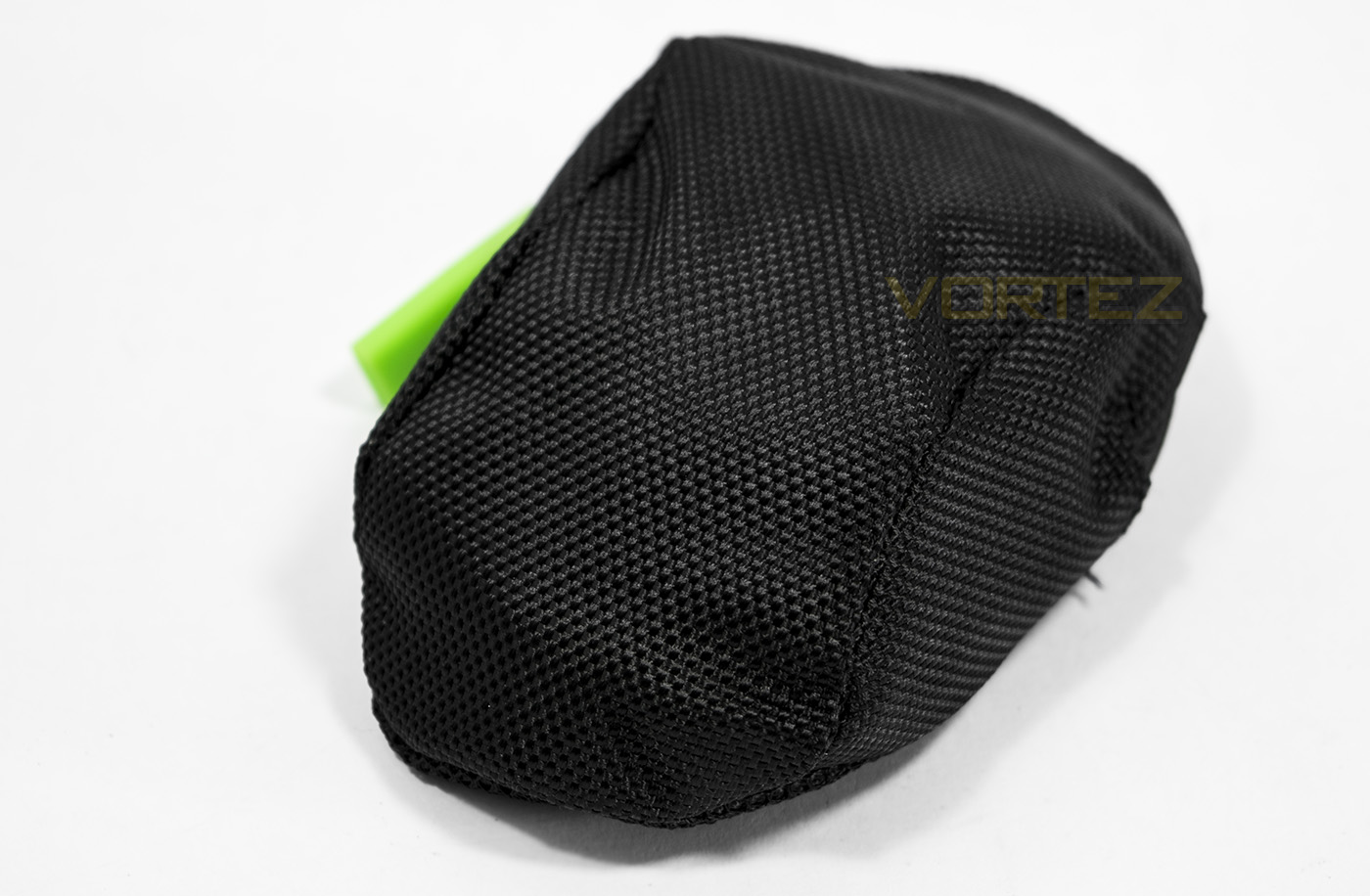
The travel pouch is a durable nylon bag which the Orochi fits inside and has a small mesh pocket to fit the cable.
Closer Look
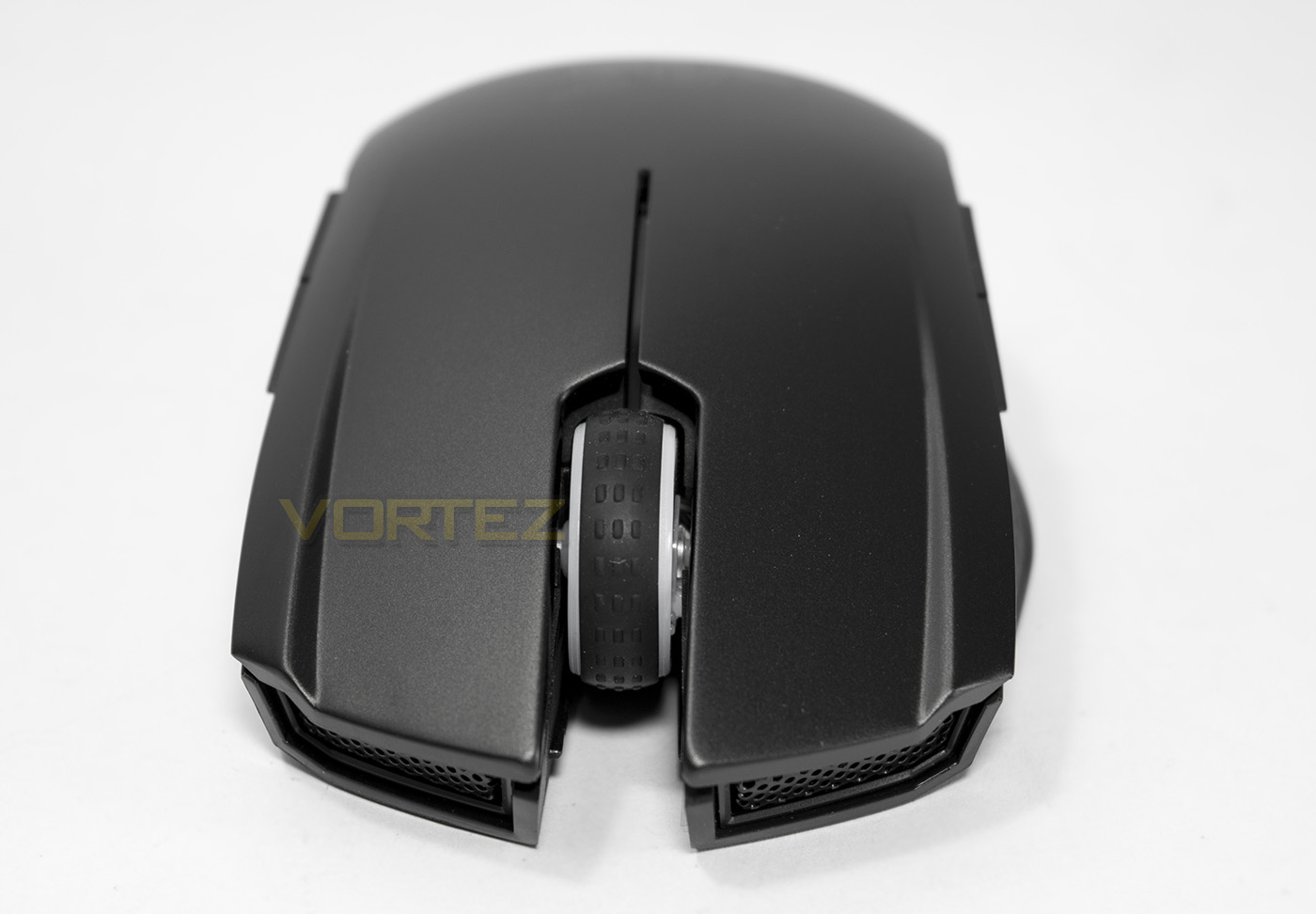
Face on, the Orochi has the mesh grills that we have seen on various other Razer mice. There is a large parting for the microUSB connector to slot into neatly.
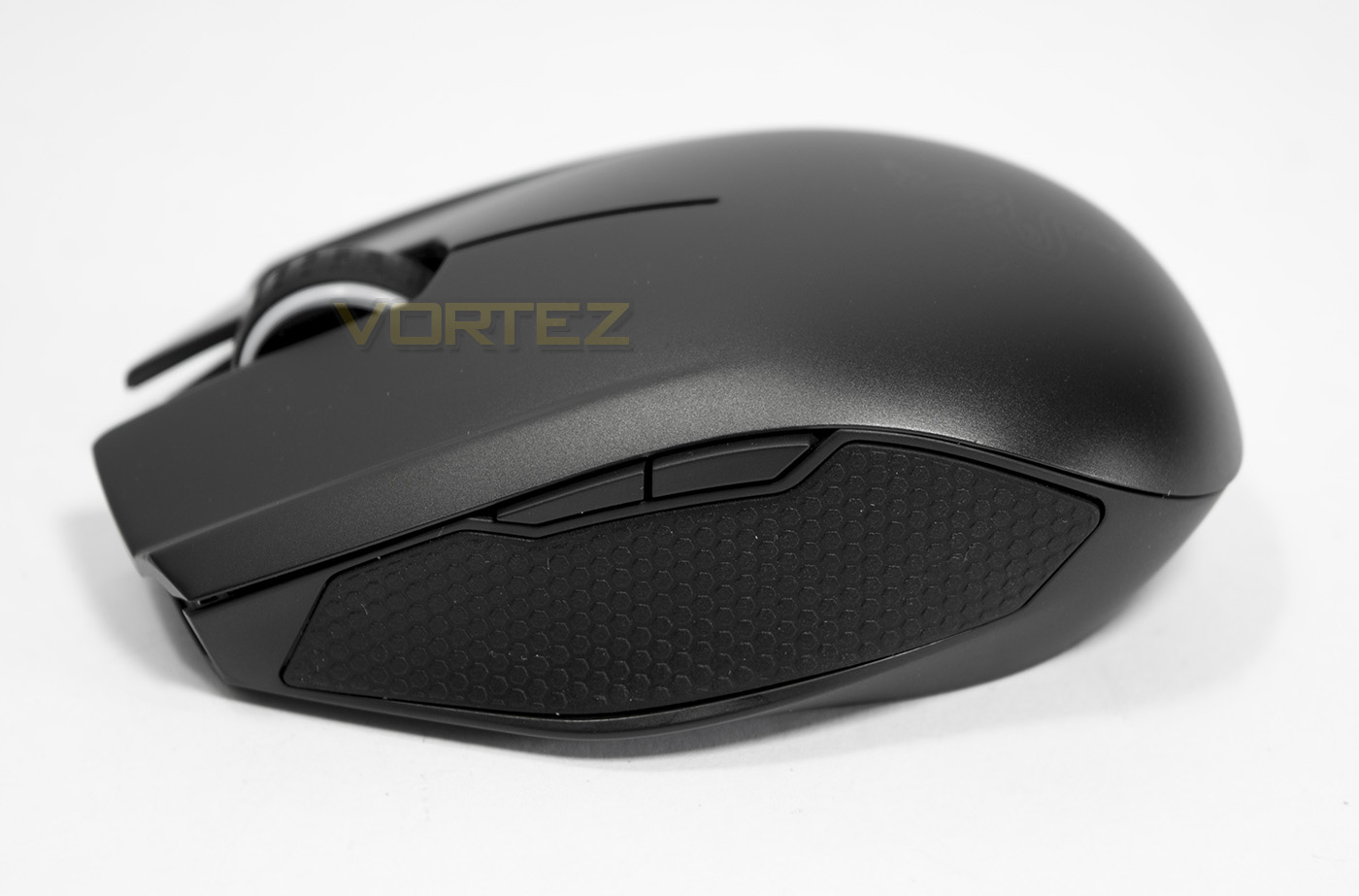
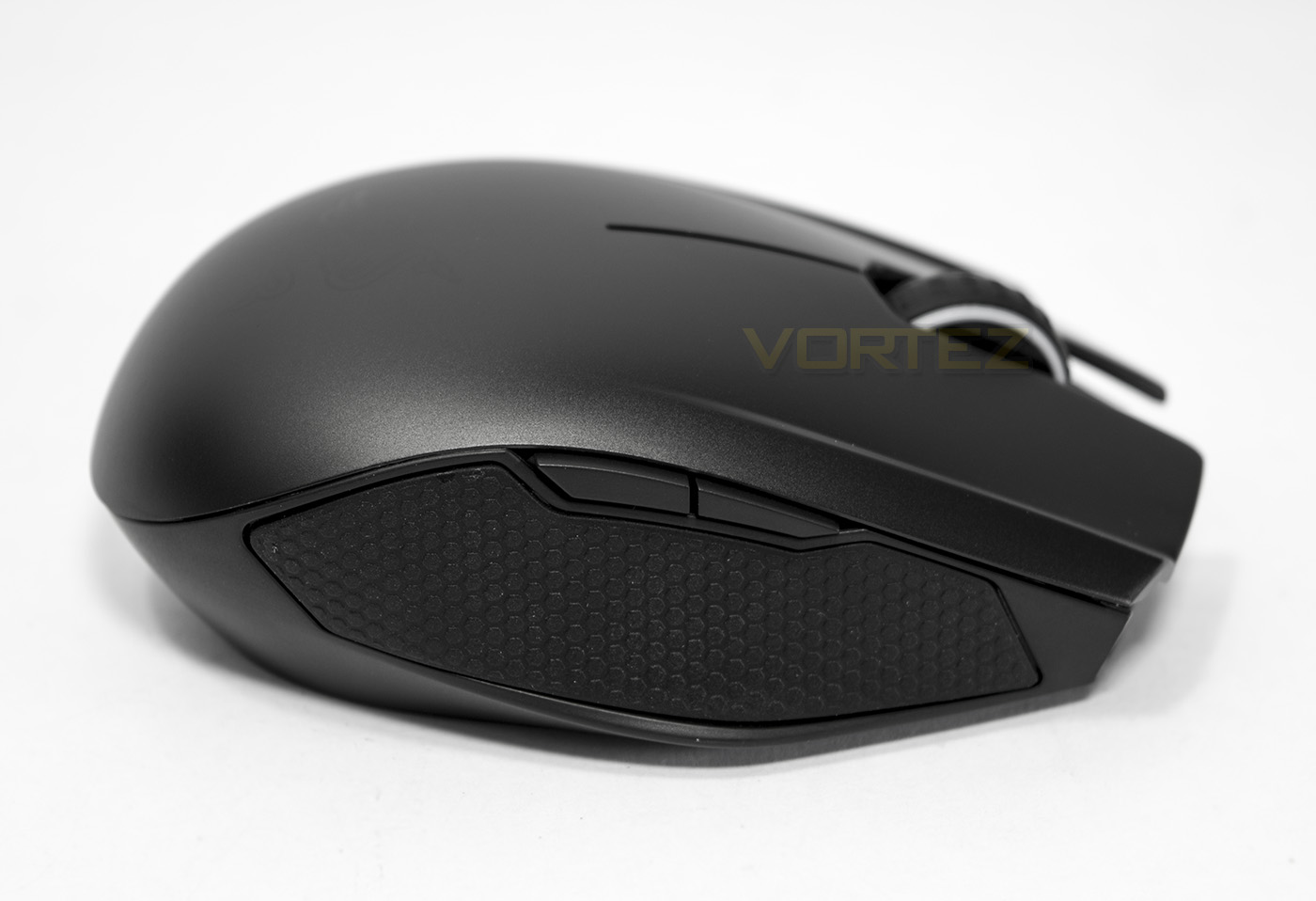
The sides each have a rubberised grip, and features two buttons.
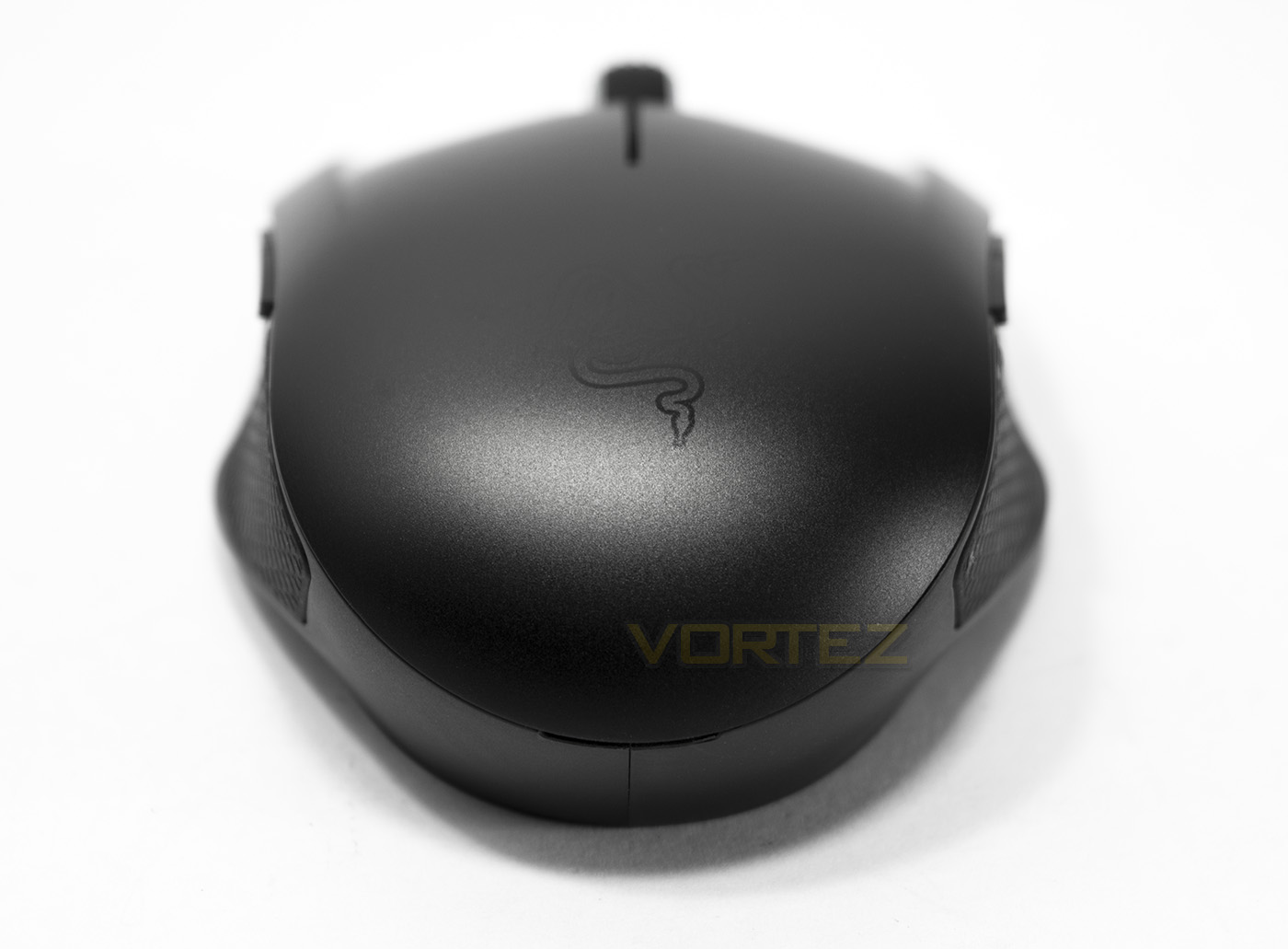
The rear side shows the faint detailing of the Razer logo, understandably not lit up using fancy LEDs for the sake of battery life. You can also see a slight flanged shape for comfort and grip.
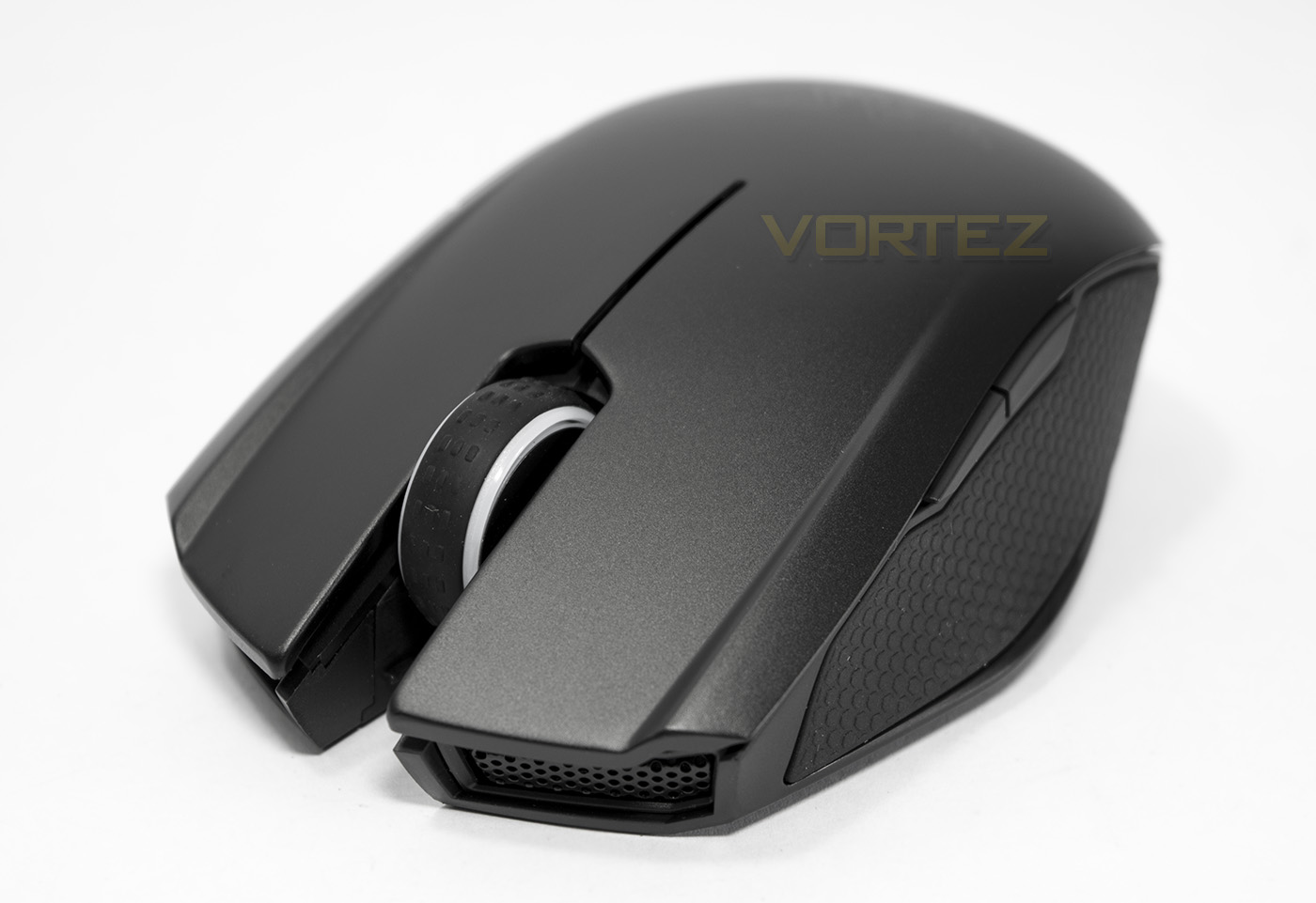
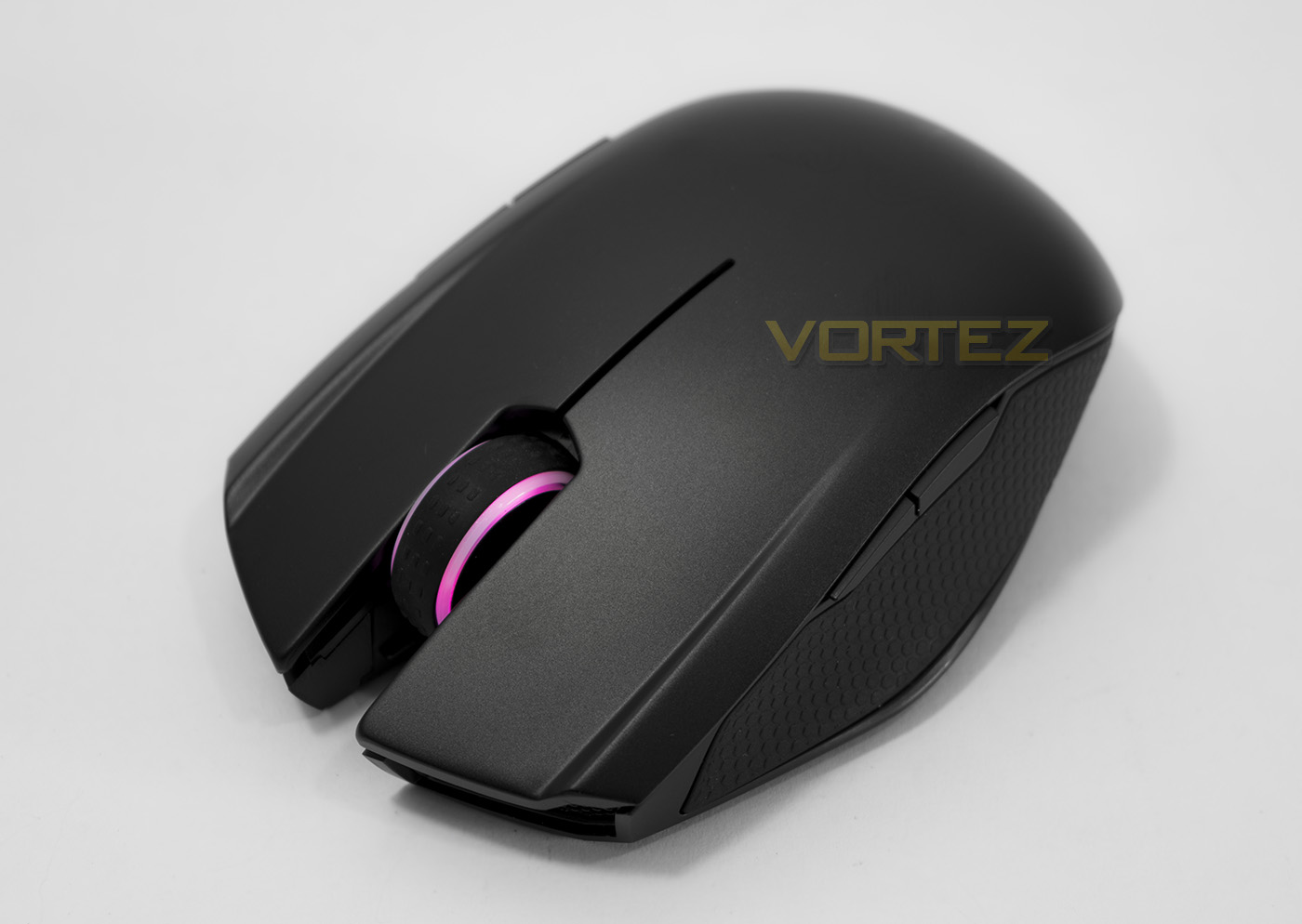
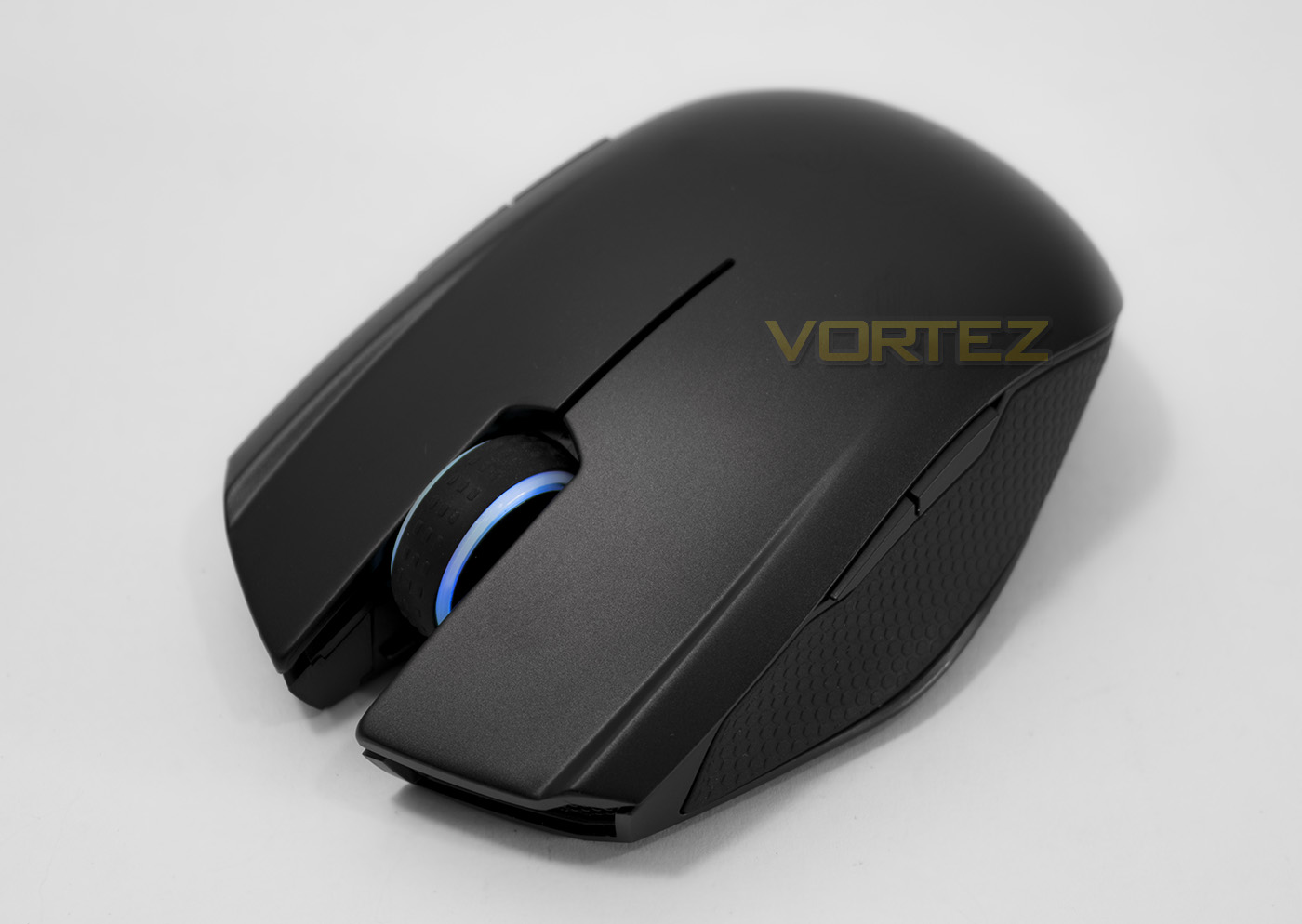
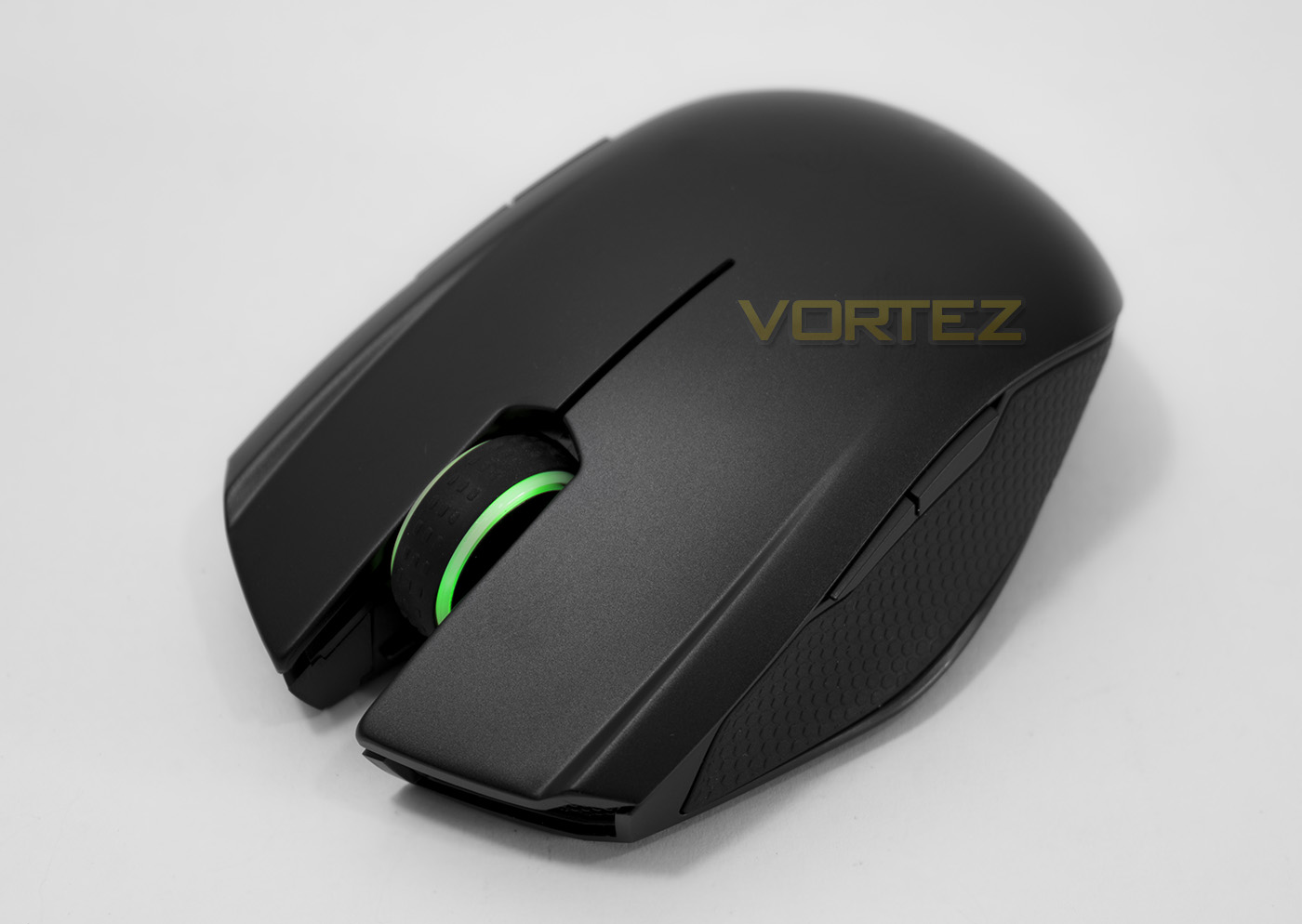
The mouse wheel is thick and strong with a rubberised grip, it also serves as the RGB lighting point, and doubles in use as a low battery indicator.
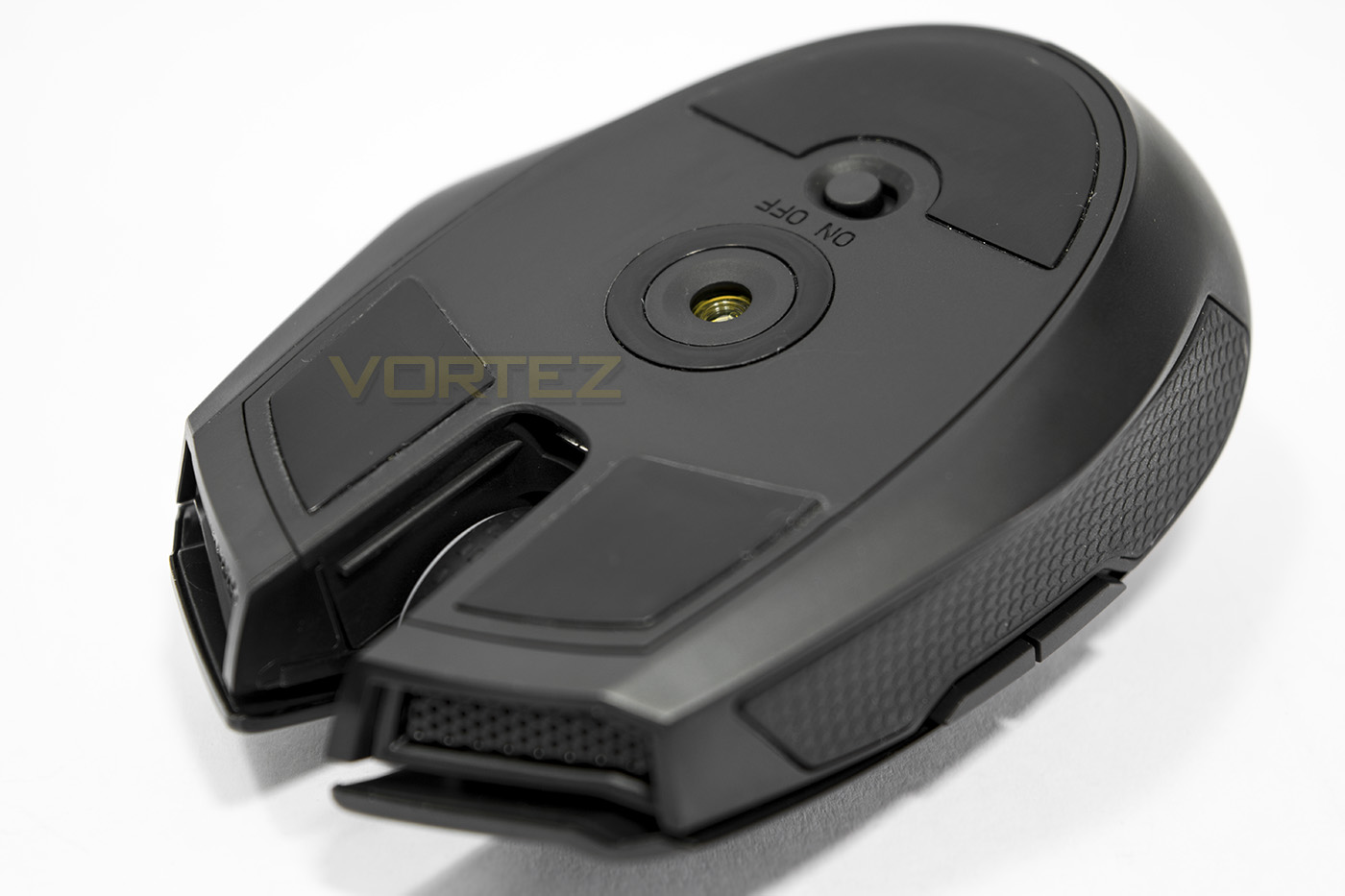
The base of the Orochi features three large slip pads and an on/off switch, while the sensor is mounted around the centre point.
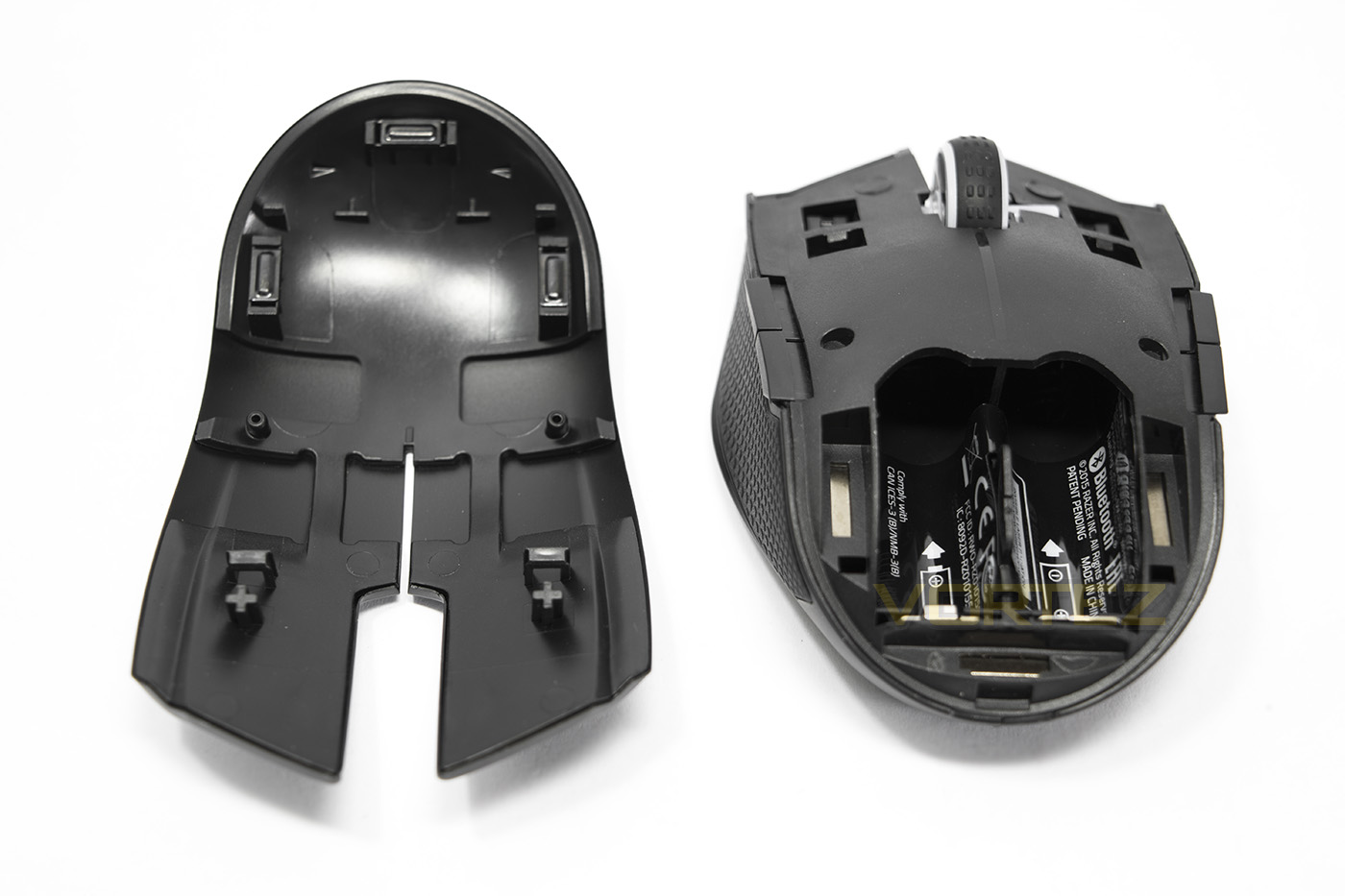
The top shell of the mouse can easily be removed to install the batteries, the shell easily falls back into place and is secured by magnets.
Software & Lighting
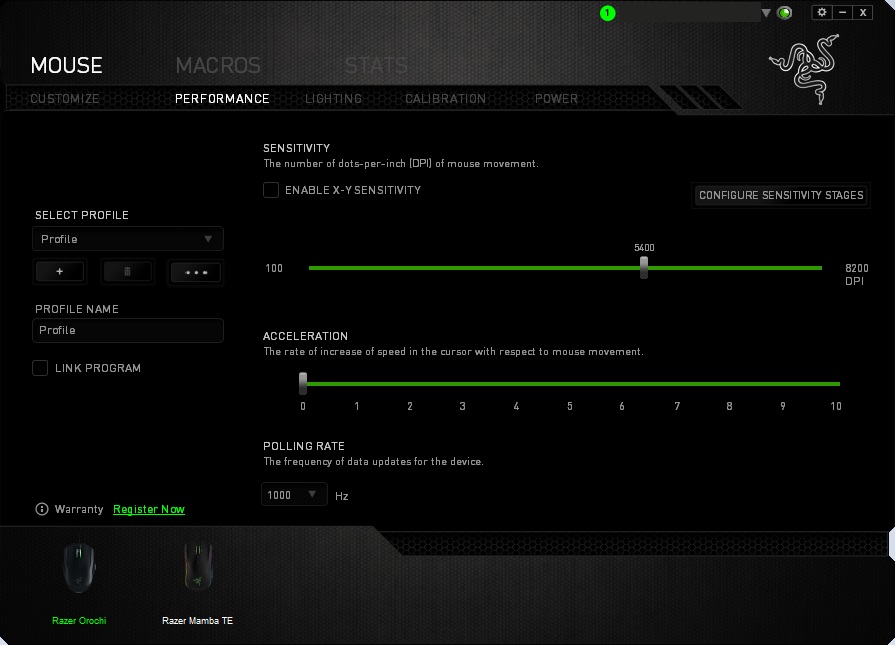
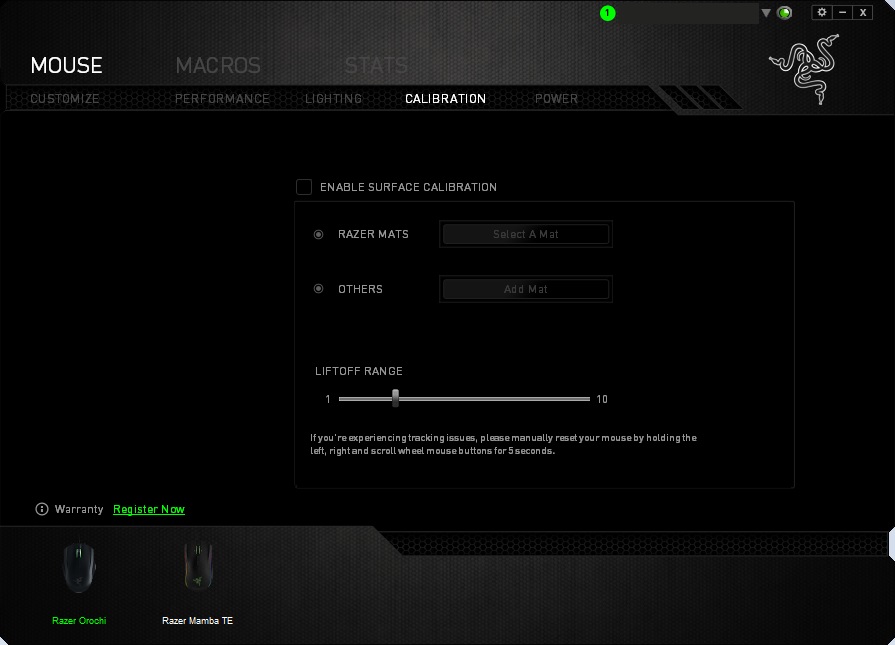
The Razer Synapse software, to some may be a pain as you have to download, install, update, create an account/sign in, but once you have gone through the trouble you are rewarded with a clean GUI filled with all the features you need for a modern gaming peripheral. Each feature is easy to locate and adjust, it also includes a macro recorder as well as advanced stats about the usage of your peripheral in game. The cloud based application will save your settings, macros and other information so that when you log into a different system, your settings can easily be synced. You could critiise Razer as this reduces the need for features such as onboard memory to save profiles to.
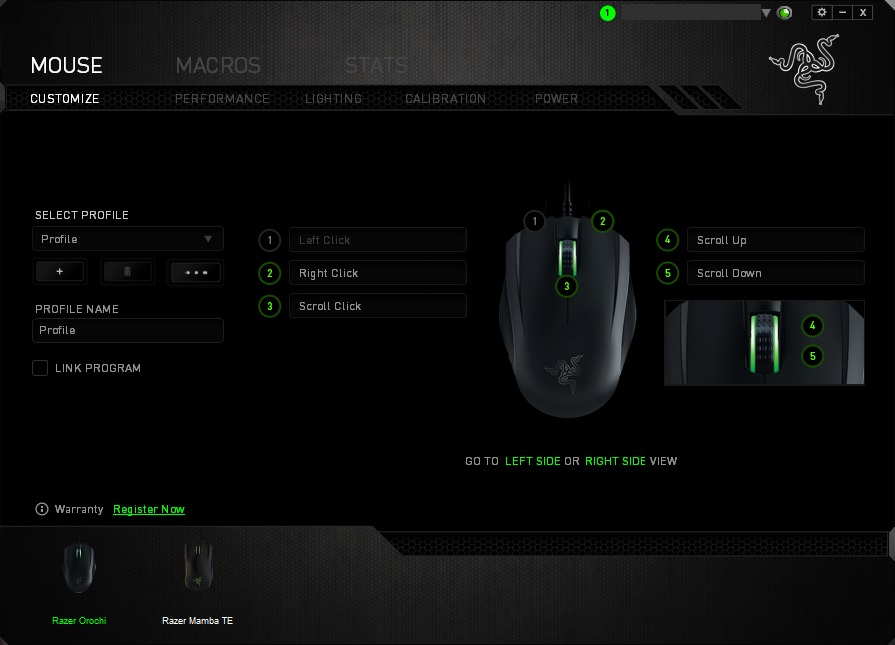
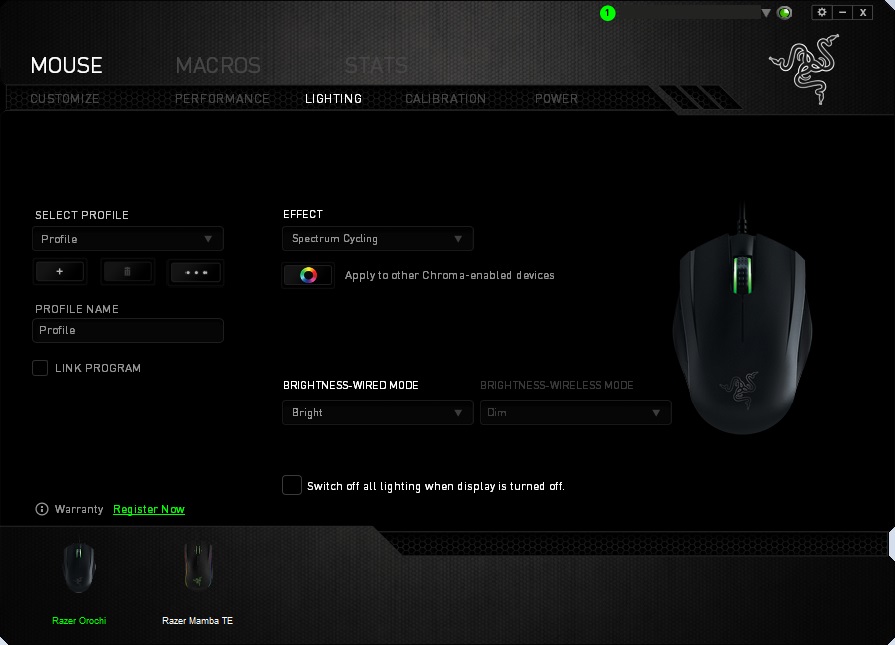
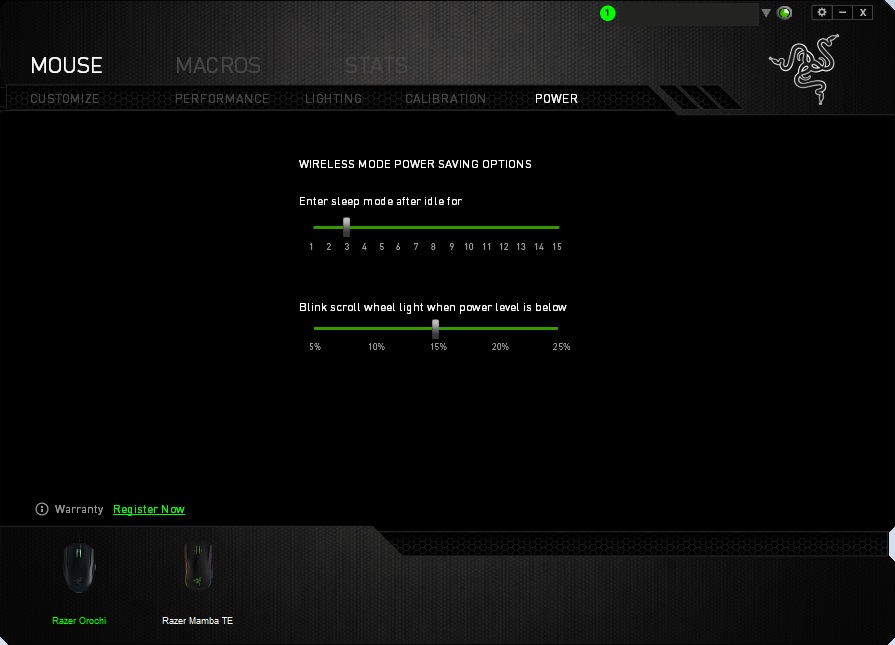
The lighting of the Orochi is a somewhat uninteresting standard RGB affair that isn’t particularly that bright, though it does reproduce colours well and serves as a low battery indicator which by default is set to 15%.
Performance Testing
Setup, Design & Observations
Setting up the Orochi undergoes various processes, and though operates without installing the driver software, for best performance it is best to do so. As the Orochi doesn’t come with a dedicated Bluetooth dongle/thumb tab, there is potential for conflicts in busy environments, the kind that this mouse is specifically aimed at. Though being a few feet from our system in a not so busy environment there was no problem connecting via connecting and we didn’t experience any dropouts.
Plugging in the USB cable isn’t too difficult, though I felt that there could be a small extension to get a better thumb grip when trying to remove it from the mouse.
The on/off switch feels nice quality, though it wasn’t immediately clear whether the Orochi should be switched on or off while it is plugged into the system via the USB cable. It is worth noting that you should only use alkaline batteries with the Orochi, and it does not recharge. Considering the price, it does seem like it should have come with a rechargable battery of its own.
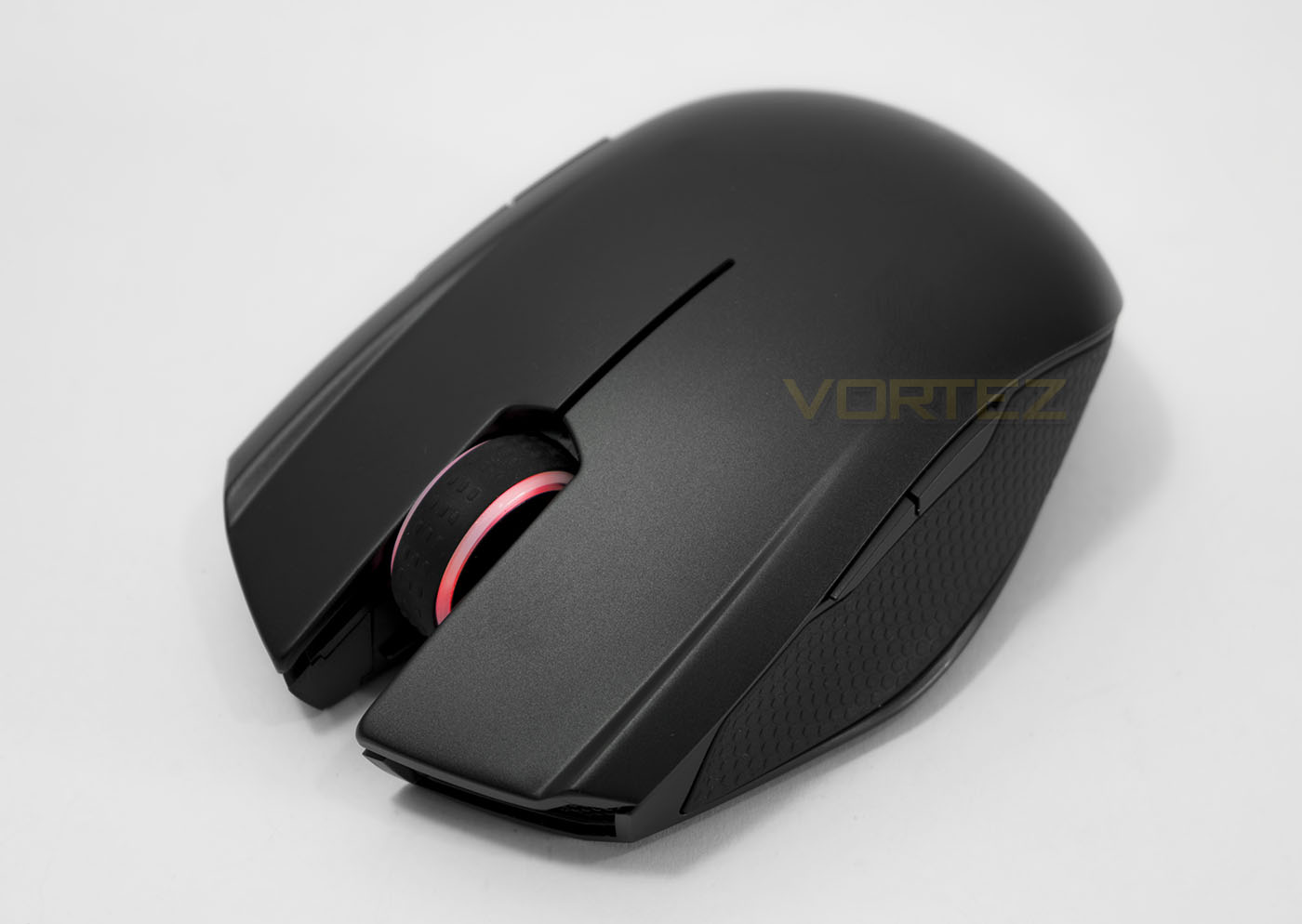
In the hand, the small mouse feels solid with a decent weight, 68g without batteries – 110g with. The main mouse clicks feel great with no issues to report while the mouse wheel rotates with nice feeling bumps and clicks in perfectly too. The side buttons as they are click perfectly fine, but they may take a little time to get used to in regards to their placement, this will depend mostly on your grip style but this is due to the limited amount of space on the small mouse.
Performance
The tracking performance across a selection of surfaces was rather good, flawless on standard black fabric mouse mat, and a solid performance on coloured card, matt card and white paper. Glossy surfaces introduced a little jitter but was nothing too bad. We noticed that if you turn the mouse off and on, you will need to re-bind it to your Bluetooth connection, once you have done this, the pointer is sometimes a little sluggish. This subsides and the wireless performance is somewhat decent, though the responsiveness moving from wireless to wired is like night and day.
Casual gaming will be okay when using the Orochi wirelessly, though I would recommend that for any gaming, this mouse should always be used wired. Having a couple of matches on DOTA2, felt good though in the heat of action, I felt I had to change my grip to a more finger tip style. I had a similar response in Gears of War: UE where I would move towards a finger tip style grip to allow me to better use the side buttons. Taking off locust heads while they bobbed in and out of cover was simple thanks to the precision of the sensor.
Conclusion
The primary role that the Orochi was created to fulfil, is aimed at the notebook user with a busy lifestyle. So if you are a student, or office worker often moving around place to place with a spare lunch hour you like to smash out a gaming session in bursts, the Orochi is for you. The Razer Orochi is certainly a powerful mouse in a small form factor with competent gaming capability. The small size makes it highly portable and the included travel pouch will help protect it while it knocks around in your bag.
There are a number of missed opportunities with the Razer Orochi, mainly being with the sensor as it could have used latest generation laser or optical sensor, as well as the lack of a Bluetooth dongle that causes you to rely on any integrated solution on your notebook or system. This may cause problems in particularly signal busy areas. Though you could always just use it wired, right? But that isn’t the point of a wireless mouse is it? If you end up using this mouse wired all the time, or you specifically want this mouse to game with, unless you are a pro-finger tipper and want a high performance small sized mouse, this mouse is not for you.
On the plus side, the battery life genuinely seems rather long and over the course of a few days normal use, the batteries didn’t break a sweat. Yes batteries… 2x AA alkaline batteries. While promising 60 hours of use, (maybe more if you turn off the LED lighting) the 7 month statement seems to be a huge stretch when you consider that, this number must have considered ‘wired’ time as part of the normal usage. If this is ‘intended to be a wired mouse’ then, they should have just made it wired and cheaper. Regardless if the mouse can perform to its 60hr life span on quality batteries and you are a casual user, the running cost of the Orochi will be a negligeable £8-16 a year under normal use (say <4hrs a day depending on how much time you use wirelessly). If you are using this mouse day in day out for work, presentations, casual gaming, and general social media time, meaning you practically live on your notebook, over a year you could easily spend more on batteries than the mouse itself costs. Jumping back to that horribly bad statement, 'You can always use it wired, right?'.
From that perspective, sitting at £65 and not including a rechargeable battery or Bluetooth dongle, doesn’t make it seem like good value. Though there is space for the Orochi in the market. There are people that desperately need the convenience of a powerful, portable wireless mouse that they can use on the go in various situations and has the precision for some serious gaming once they have the time to plug in and relax. This makes the Orochi rather niche, and it is perfect for that exact situation; and maybe for those that love small mice.
The Razer Orochi is like a secret weapon versatile for everyday, yet deadly enough for some serious gaming.
Pros.
+ Attractive Aesthetic
+ Ambidextrous
+ Wireless/ Wired design
+ Small and portable
+ Nice bundle including travel pouch + batteries
Cons.
– Price
– Not rechargable
– No included dongle
+ Attractive Aesthetic
+ Ambidextrous
+ Wireless/ Wired design
+ Small and portable
+ Nice bundle including travel pouch + batteries
Cons.
– Price
– Not rechargable
– No included dongle
Click here for an explanation of our awards at Vortez.net.