The Logitech PRO has a simple yet elegant design, though on the inside it boasts the PWM3366 optical sensor for uncompromised, sheer performance.

Product on Review: Logitech PRO Gaming Mouse
Manufacturer: Logitech
Street Price: UK: £69, US: $69.99
Based on the relatively simple shape of the Logitech G100, the Logitech PRO in its elegance is aimed at the no frills, no compromise competitive gamer. Using their experience and know-how, Logitech have created a lightweight (83g) yet robust mouse by using hard wearing materials, mouse buttons rated for 20million clicks, and mouse feet rated for 250KM surface travel and thus are backing the PRO with a 2 year warranty.
As the focus is towards competitive gamers, high-speed preicision is a must and what better sensor is there than the PWM 3366, considered by many as the (current) worlds best optical sensor capable of tracking over 300ips (inches per second) at an acceleration of 40G. Helping retain that focus on high speed precision, Logitech have created an advanced tension system for the main mouse clicks that provides a speedy and responsive click while requiring a low actuation force. Of course, it doesn’t stop there, internally it also has a 32bit ARM controller, onboard memory for saving your configurations, and as it is 2016, it is complete with RGB lighting.
Overview by Logitech
The difference between winning and losing in today’s games isn’t measured in meters or seconds, but micrometers and milliseconds. When the stakes are at their highest, a single click can be the difference between going home with $5k or with $500k. That’s why Logitech G created the Pro Gaming Mouse. Its lightweight body and optical gaming sensor are engineered for the unprecedented speed and precision aiming needed at the highest level of esport competition.
Technical Specifications
Tracking
Resolution: 200 – 12,000 dpi
Max. acceleration: >40G
Max. speed: >300 ips
Responsiveness
USB data format: 16 bits/axis
USB report rate: 1000 Hz (1ms)
Microprocessor: 32-bit ARM
Durability
Buttons (Left / Right): 20 million clicks
Feet: 250 kilometers
Mouse Specifications
Connection Type: USB
USB Protocol: USB 2.0
USB Speed: Full speed
DPI (Min/Max): 200-12,000
USB Report Rate: 1ms
Sensor: PMW3366
Indicator Lights (LED): Yes, RGB
Buttons: 6
Other Features: onboard memory
Dimensions
Height: 116.6 mm
Width: 62.15 mm
Depth: 38.2 mm
Weight: 129.5 g, mouse with cable
Weight: 83 g, mouse only
Resolution: 200 – 12,000 dpi
Max. acceleration: >40G
Max. speed: >300 ips
Responsiveness
USB data format: 16 bits/axis
USB report rate: 1000 Hz (1ms)
Microprocessor: 32-bit ARM
Durability
Buttons (Left / Right): 20 million clicks
Feet: 250 kilometers
Mouse Specifications
Connection Type: USB
USB Protocol: USB 2.0
USB Speed: Full speed
DPI (Min/Max): 200-12,000
USB Report Rate: 1ms
Sensor: PMW3366
Indicator Lights (LED): Yes, RGB
Buttons: 6
Other Features: onboard memory
Dimensions
Height: 116.6 mm
Width: 62.15 mm
Depth: 38.2 mm
Weight: 129.5 g, mouse with cable
Weight: 83 g, mouse only
Packaging & First Look
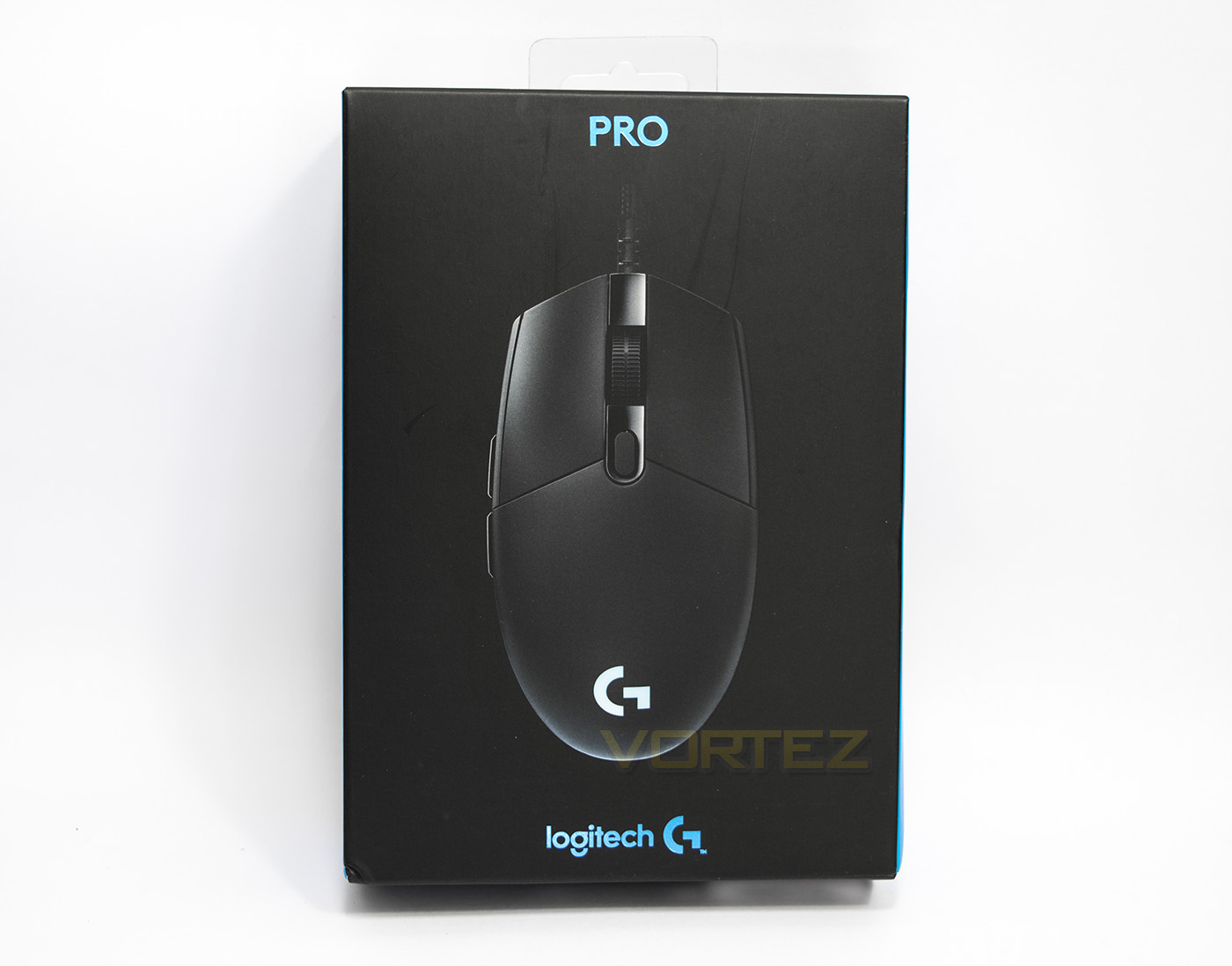
The packaging is rather small and elegant, fitting in with the latest Logitech Gaming branding of blue on black. There is an image of the product inside, with the the model and brand name
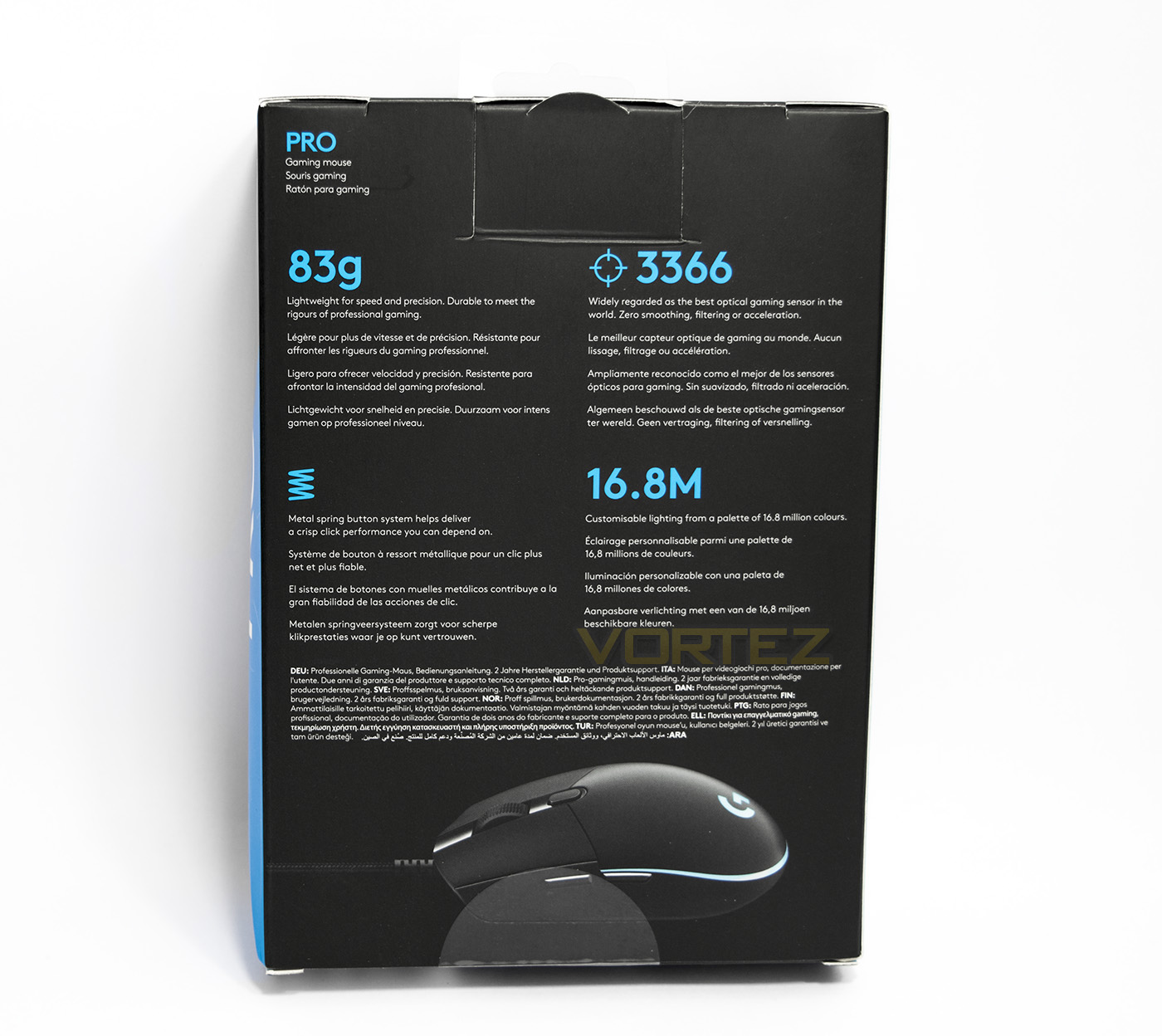
At the back there is multi-lingual information given about its specific features including its lightweight construction, the sensor and its lighting, all presented in a no-nonsense manner.
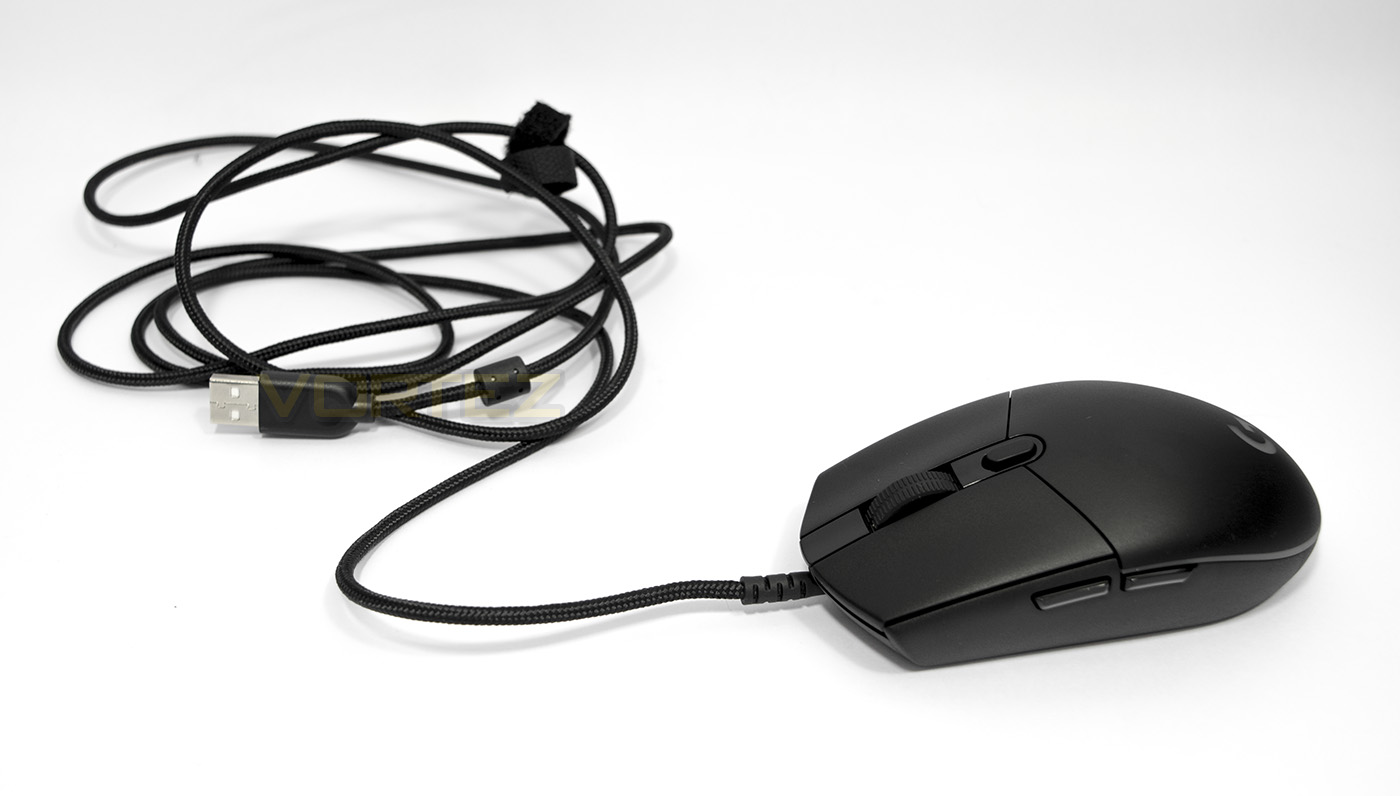
Inside there is nothing but a quickstart leaflet and the mouse itself. It features a lone braided cable with USB connector, and the mouse itself is a mid sized mouse that appears rather low profile at 38.5mm tall.
Closer Look
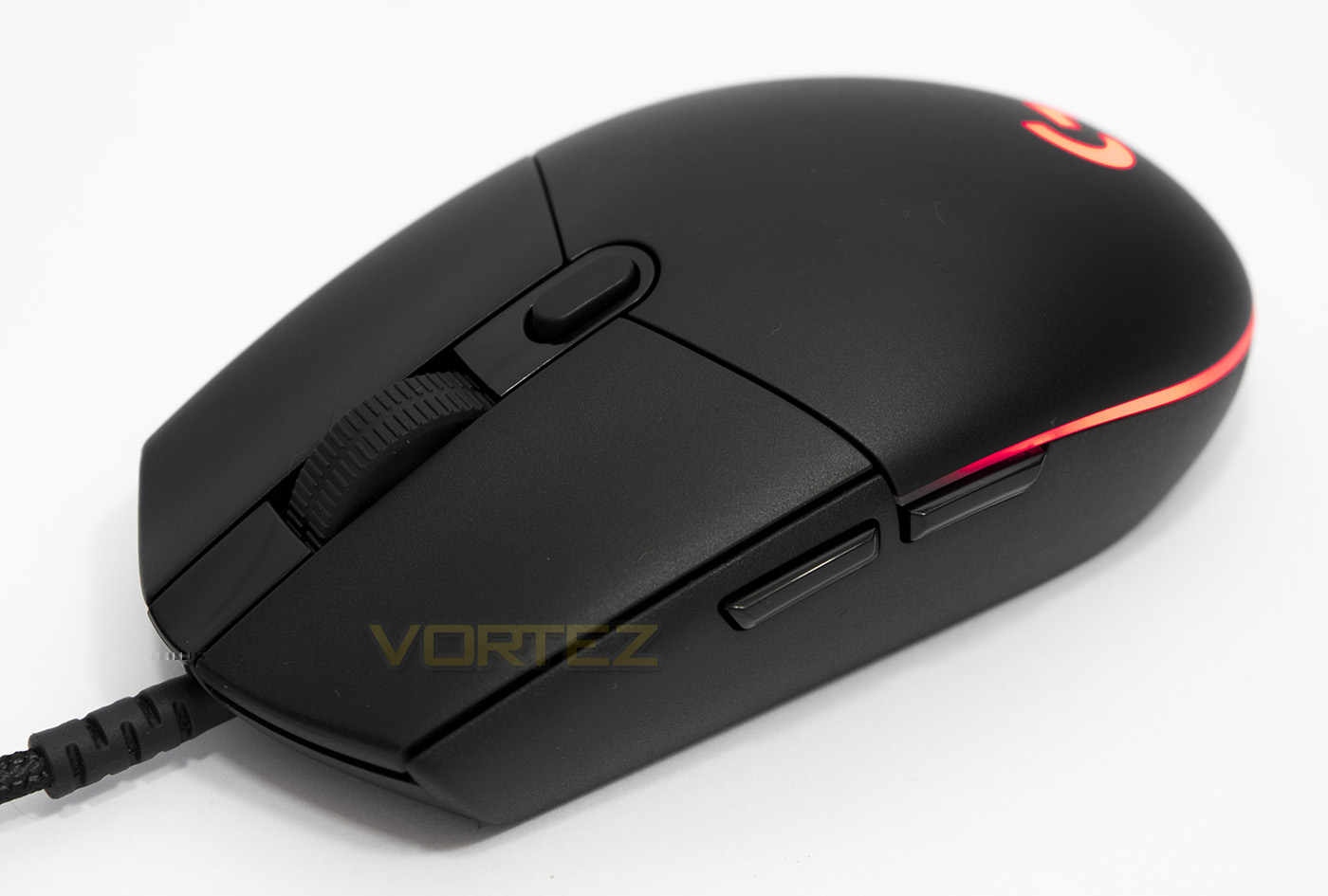
The mouse clicks are made from independent segments rather than a ‘bending plastic’ design and the overall shape is pretty much symmetrical. It would appear ambidextrous but the side buttons are only on one side convenient for right handers.
The shape is sleek and simple with a low profile and with no defining stand out points of interest, suggesting Logitech seriously put function first.
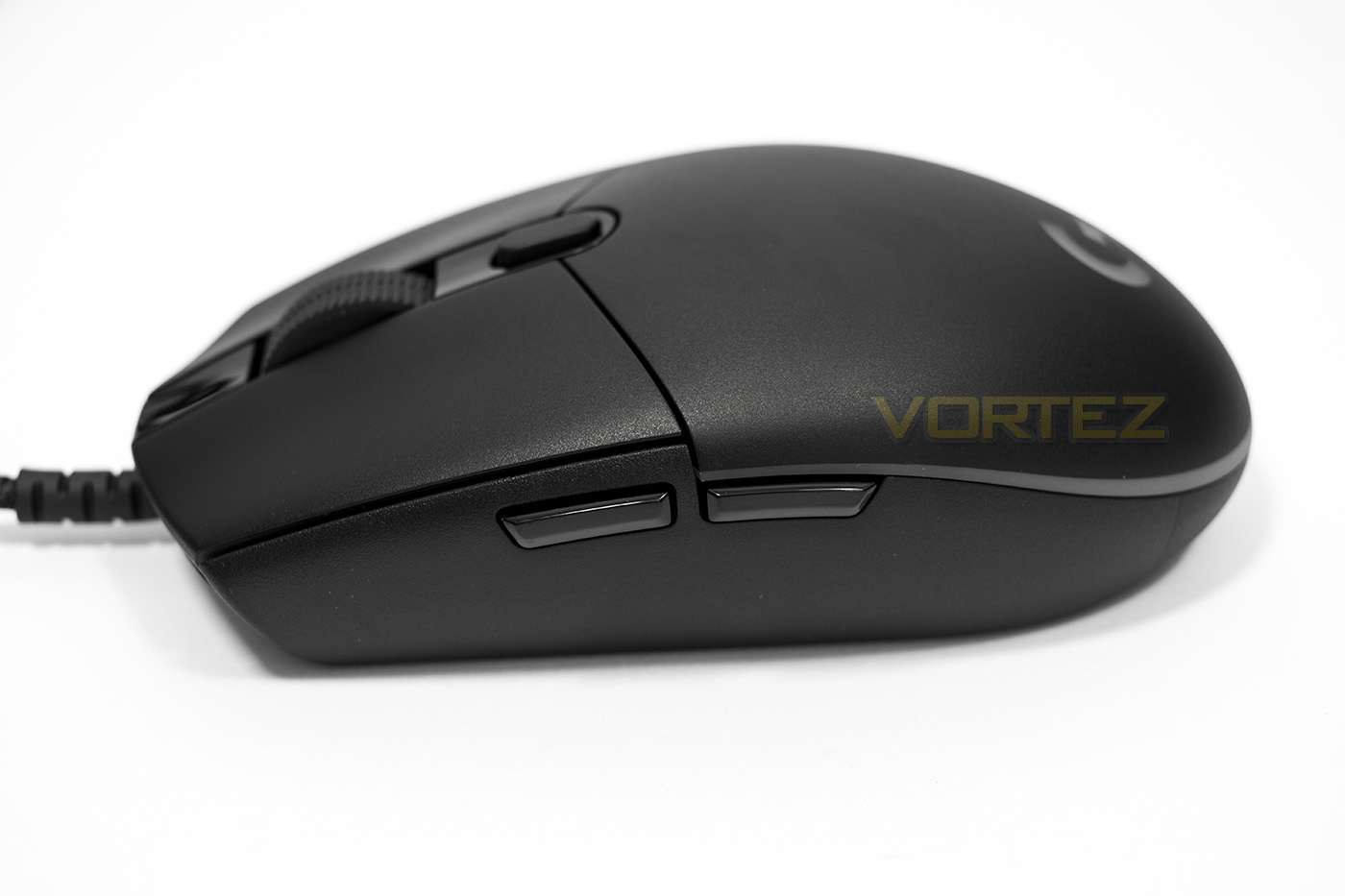
This side we see the forward/back side buttons, they have a angular surface for quick tactile locating for your thumb and have a smooth, glossy surface.
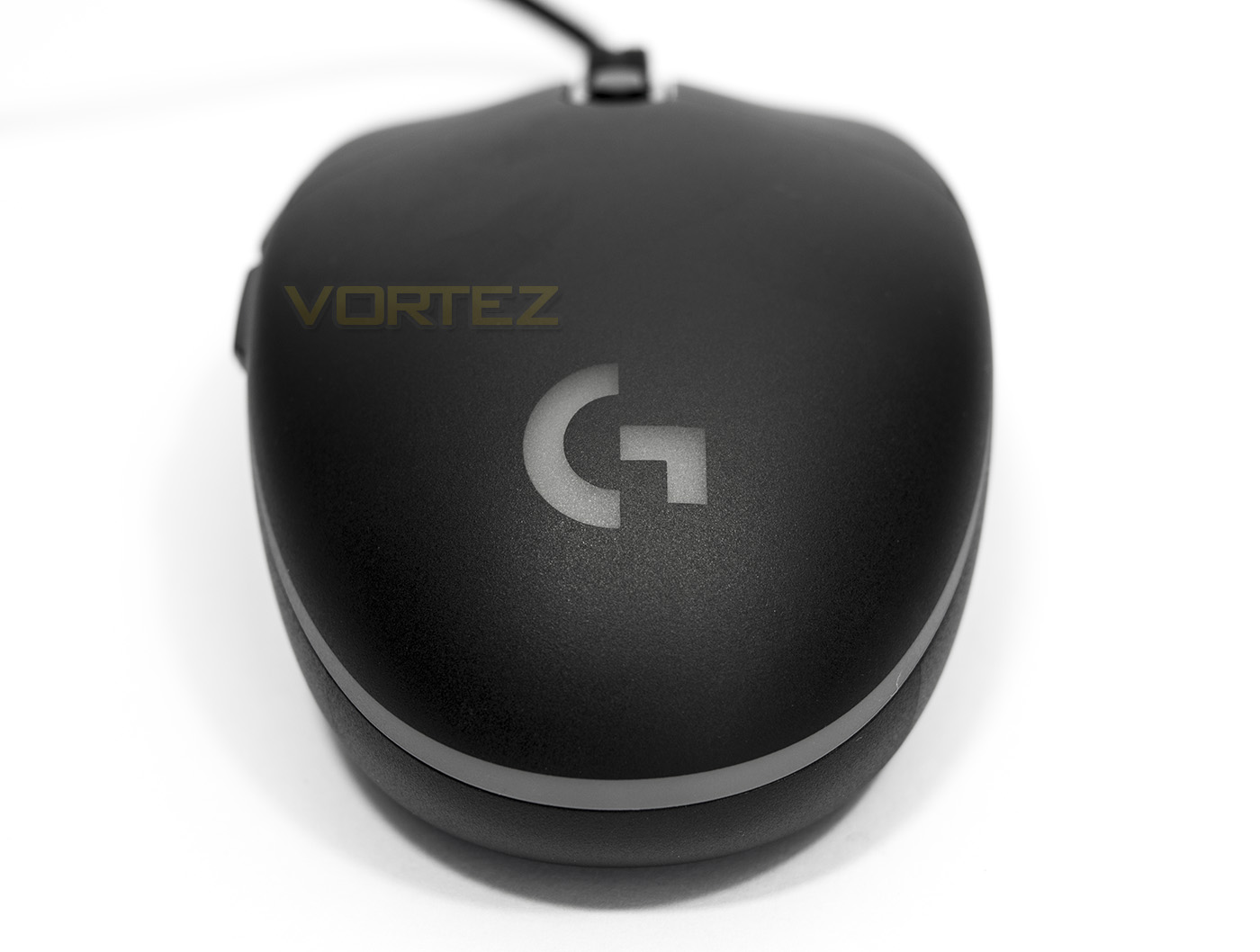
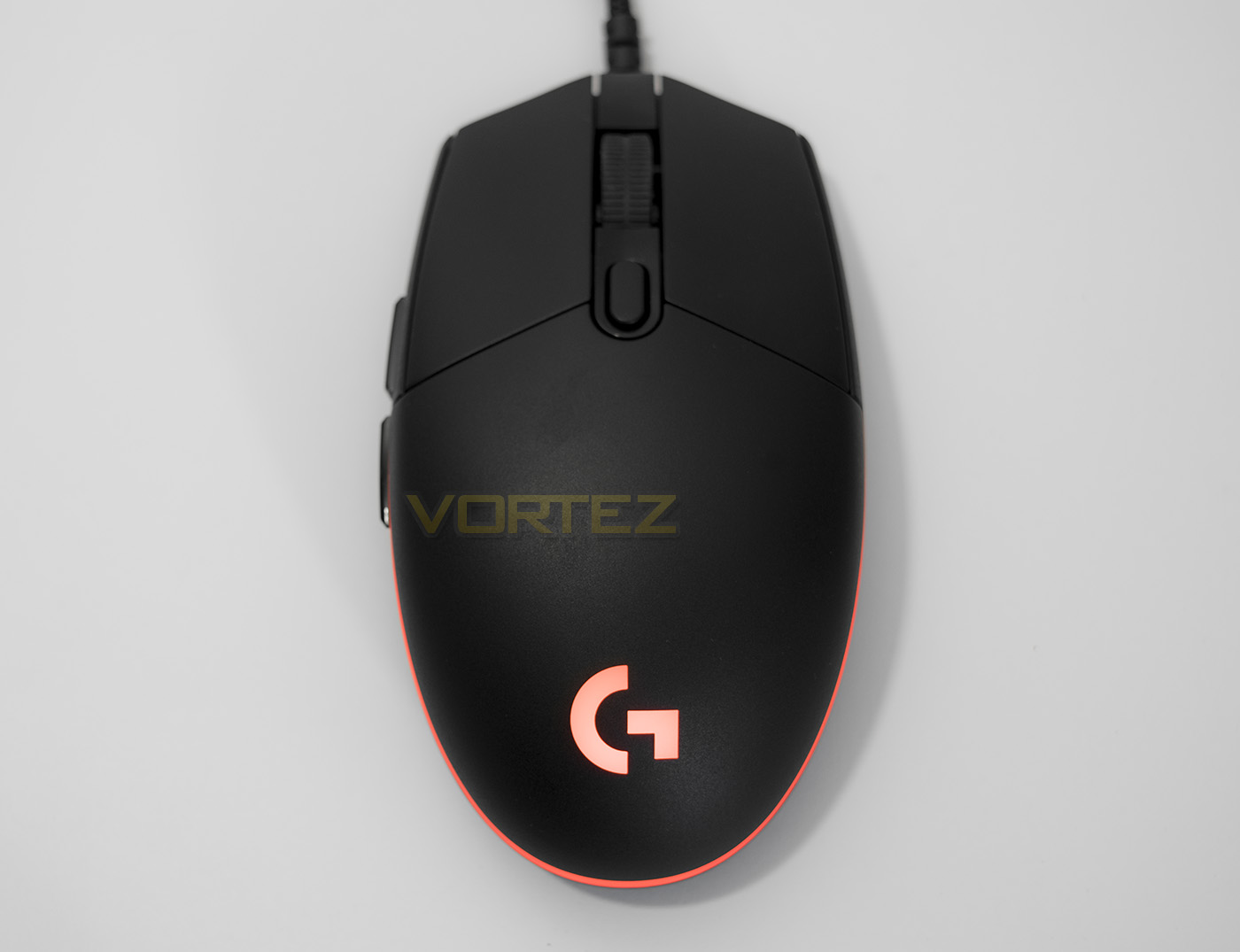
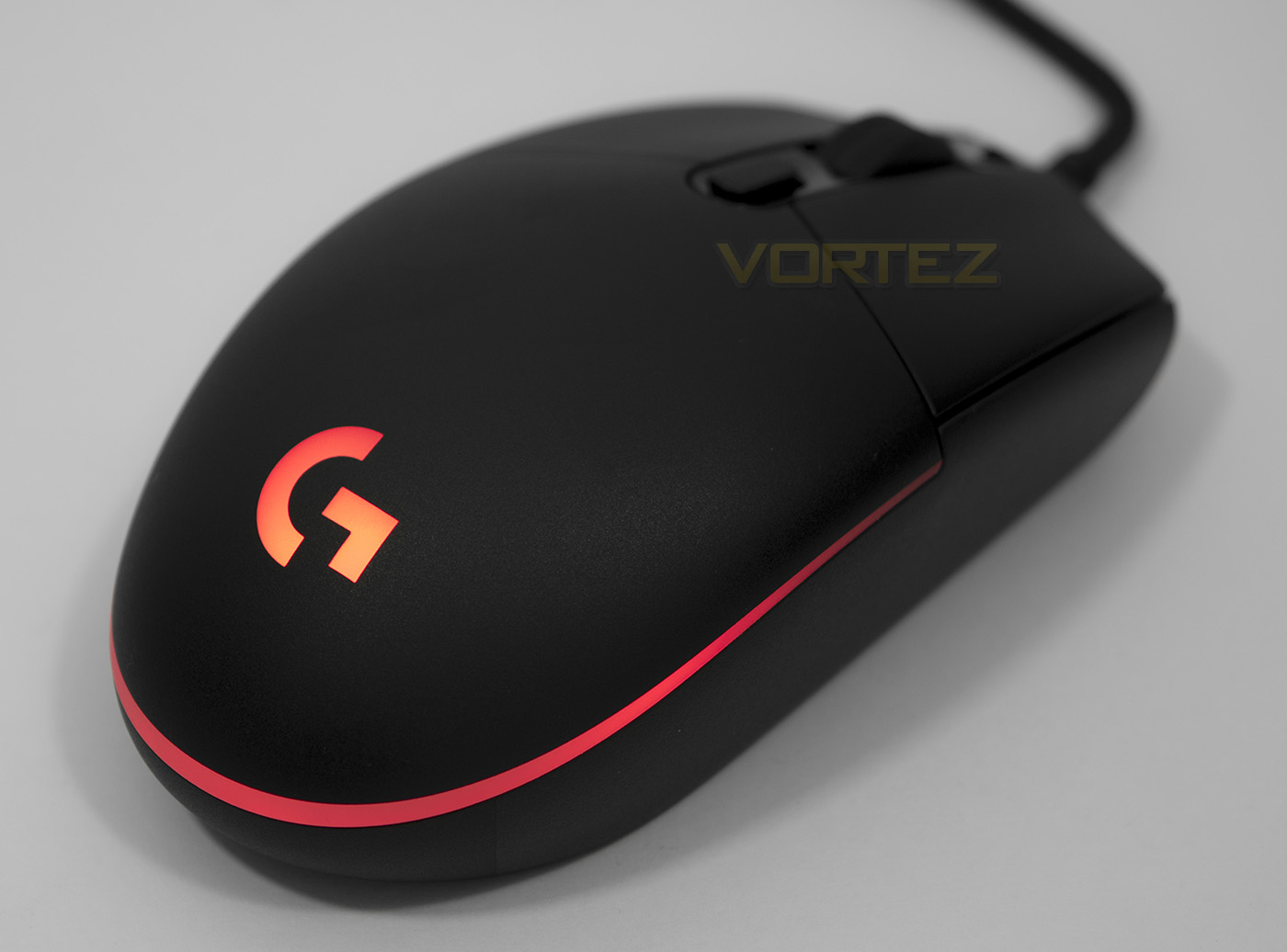
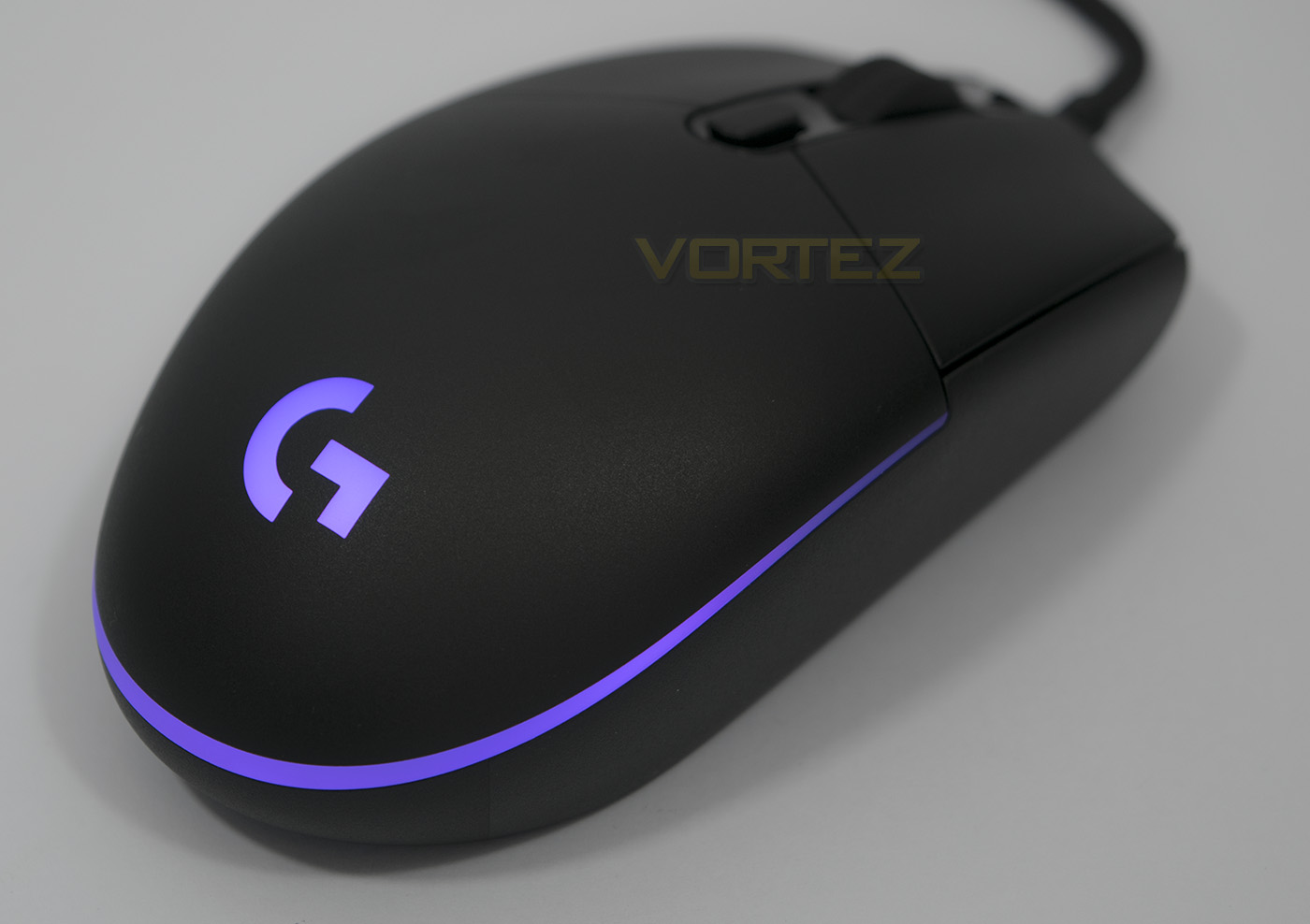
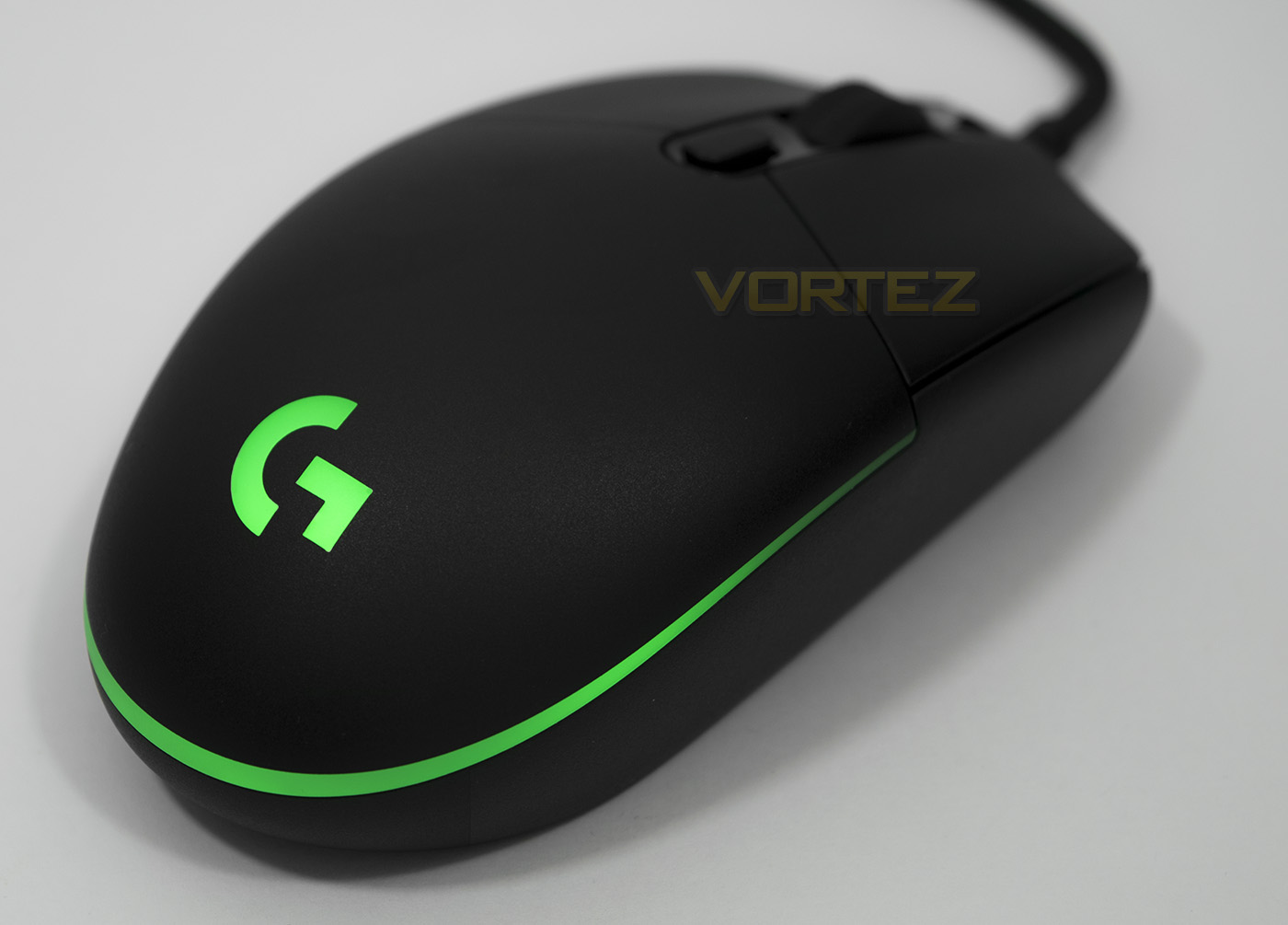
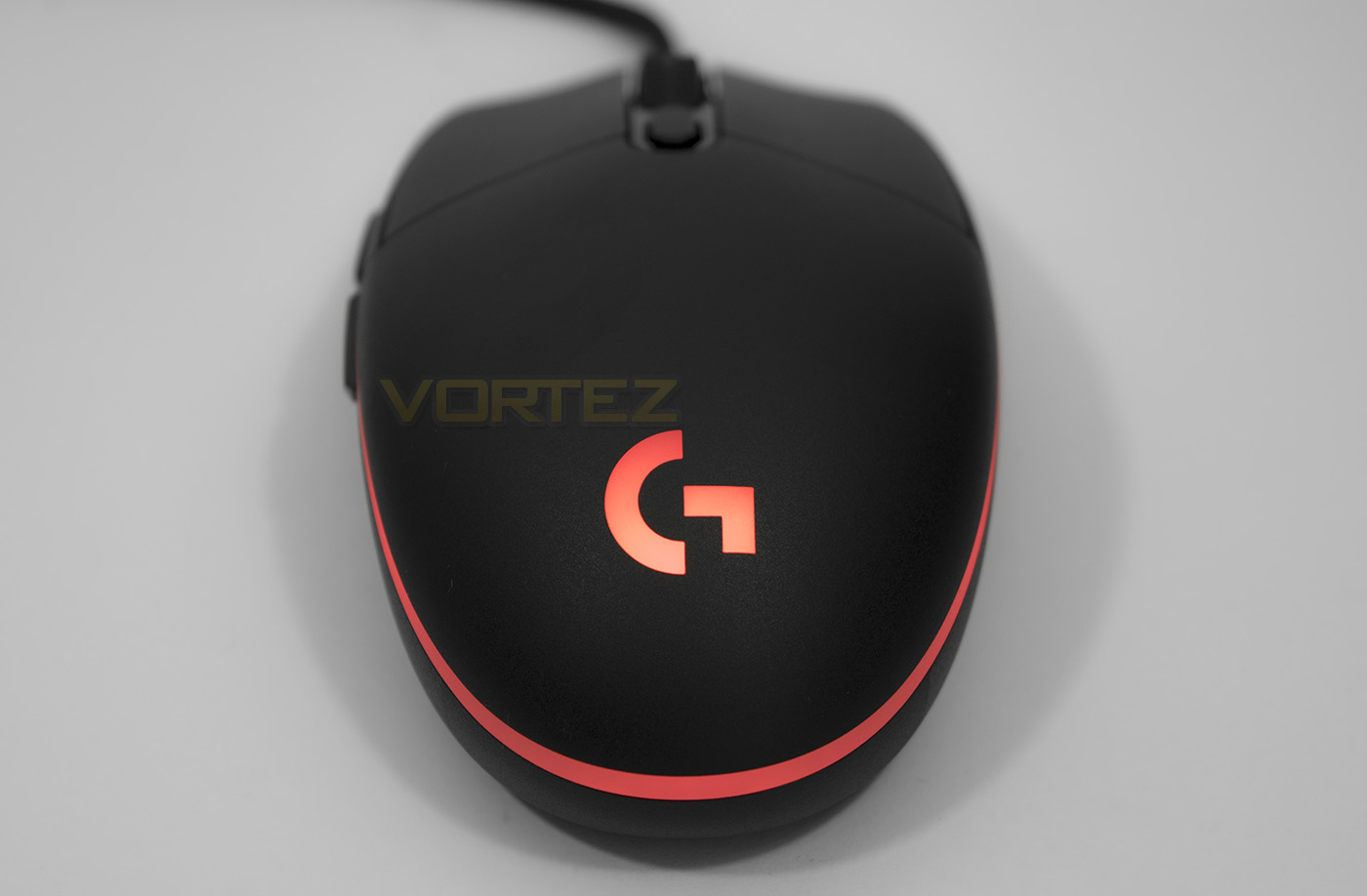
Here we see the lighting zone, which is a simple, yet attactive highlight surrounding the rear edge of the mouse with the Logitech G logo situated in the middle.
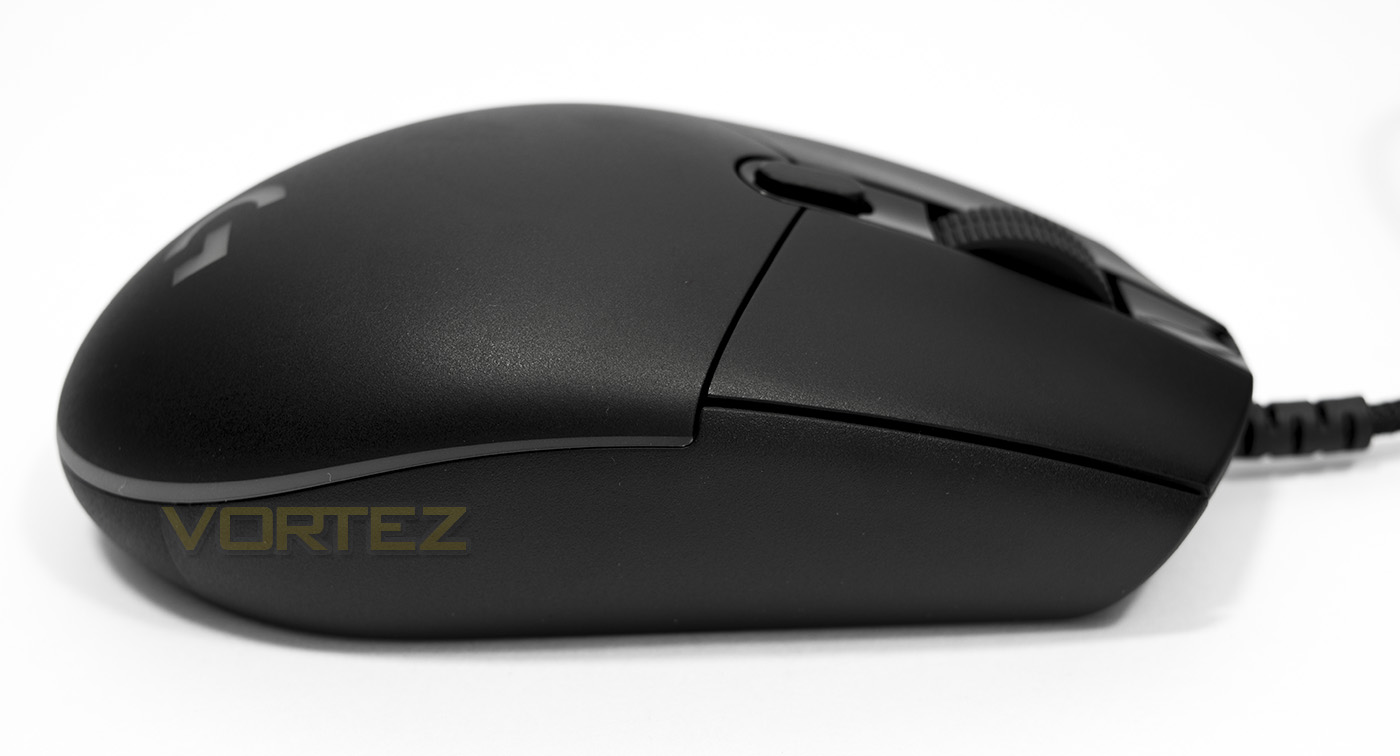
It is a shame that Logitech didn’t make the PRO completely ambidextrous with buttons on both sides. Other than that thought, there isn’t much else happening here.
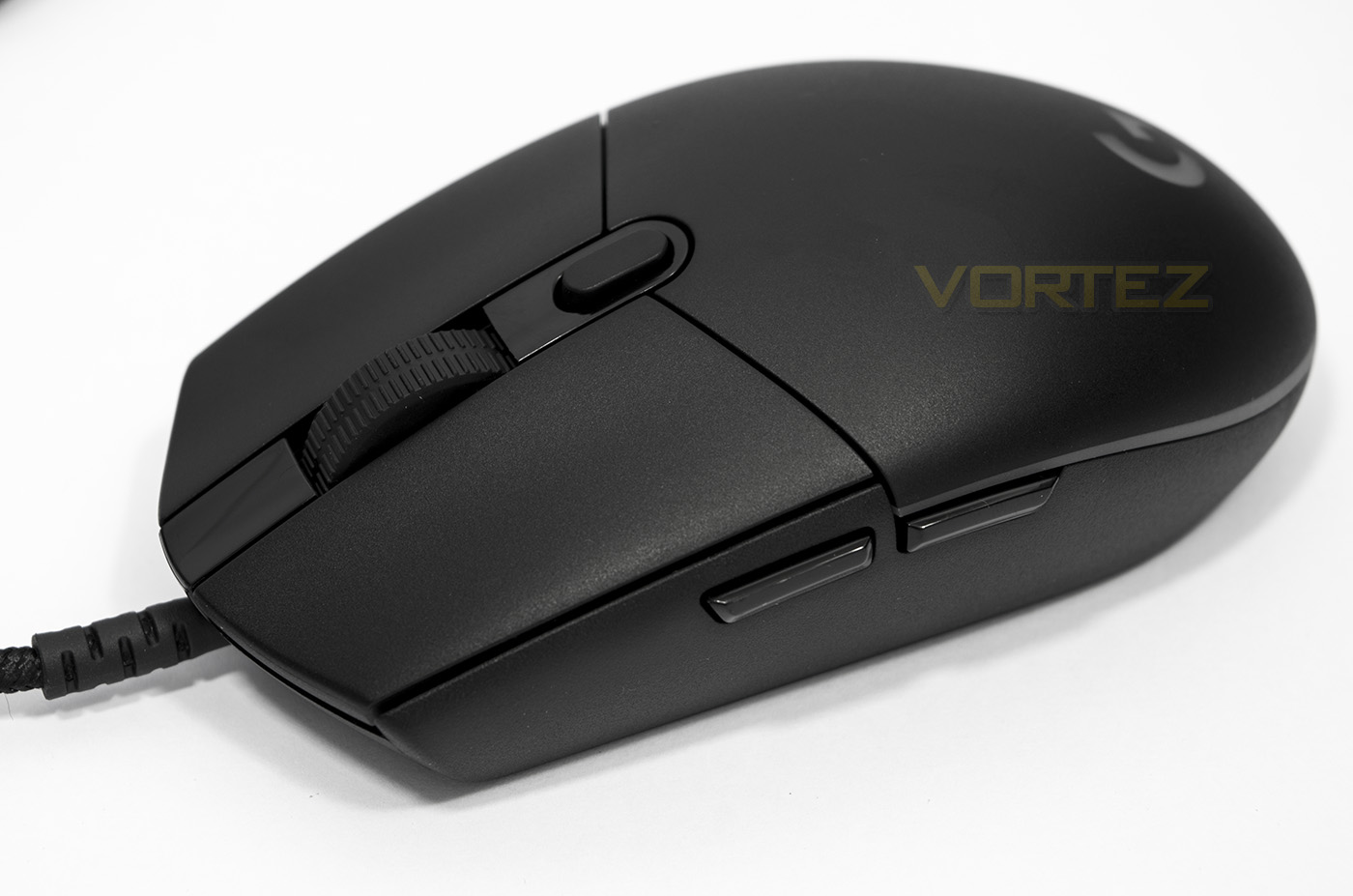
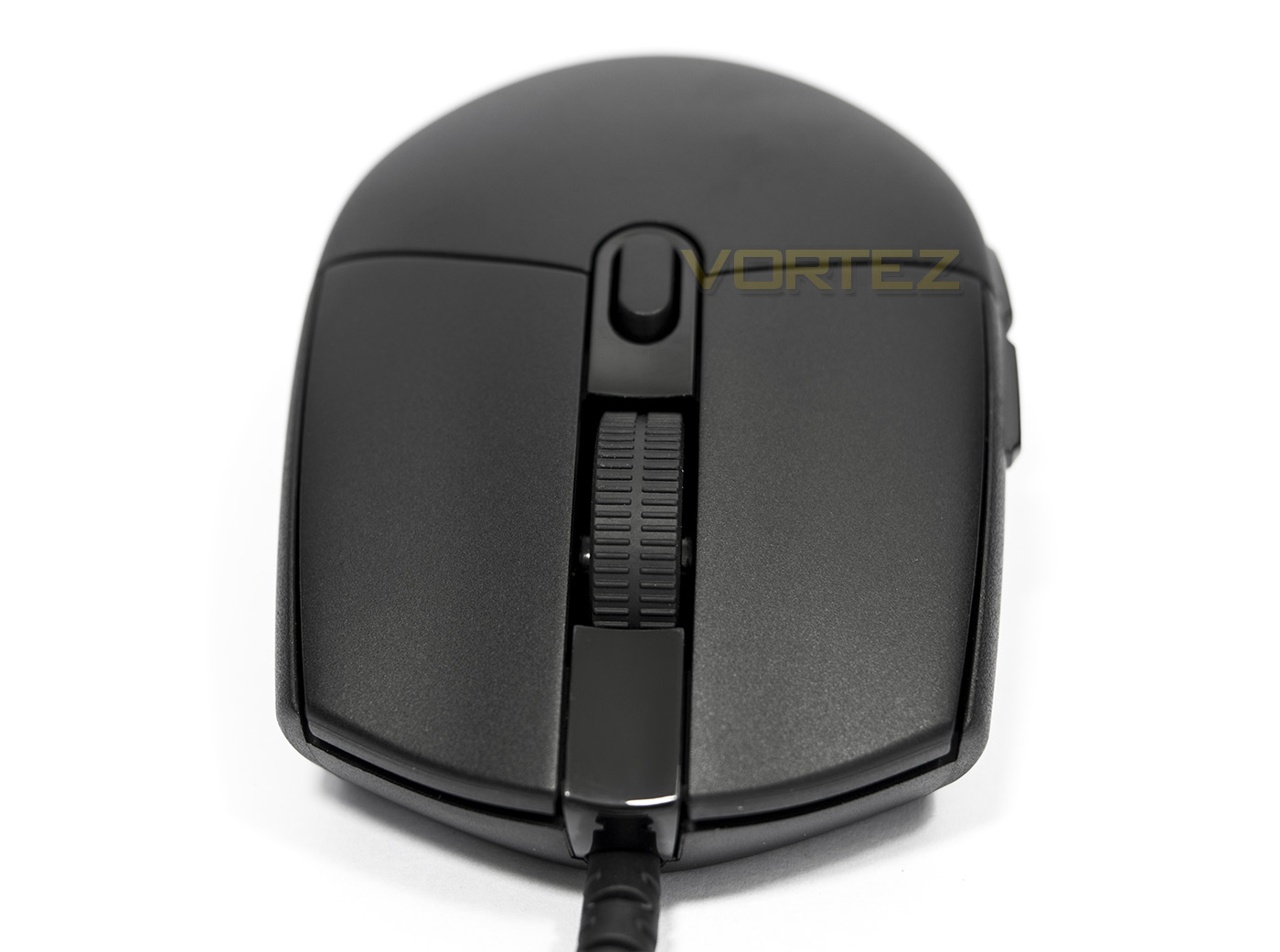
The mouse wheel has a wide textured rubber that looks geared towards absolute control, while behind that is a single DPI toggle button.
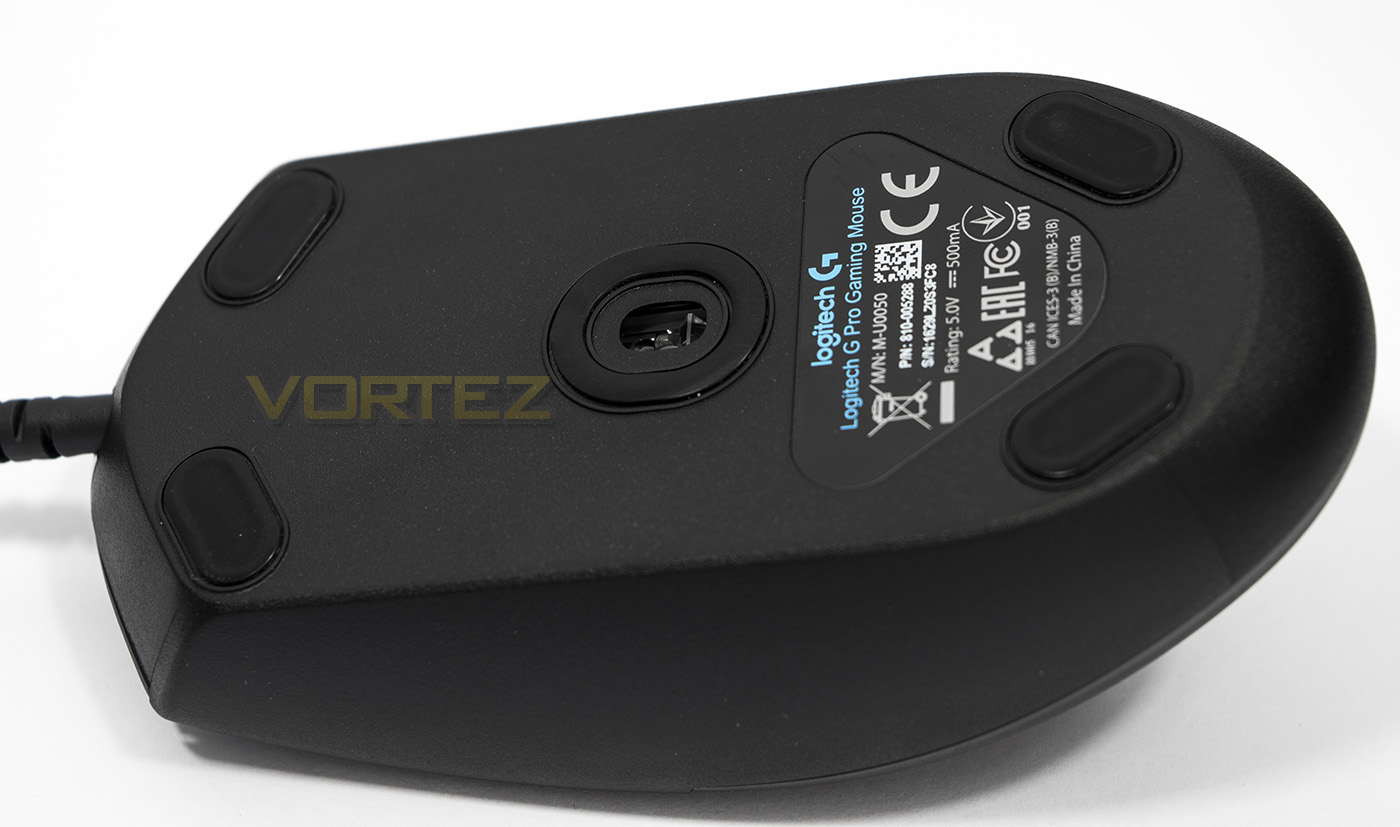
On the underside the sensor is situated in the centre and is surrounded by a circular glide pad, there are four more small feet situated in each corner. The theory behind glide pads is a rather interesting one and maybe now would be a good time to discuss that a little. I have received some questions about why some mice have small glide pads, while others feature large almost all encompassing pads. The quick answer is that it is a balancing act of pressure/resistance and stability and by altering the position, shape, and surface area of the pads, you can alter how the mouse flows. The safest bet tends to be a symmetrical design that provides similar resistance in all directions because unbalanced resistance can cause unbalanced mouse movement, not great for something that requires precision. Similarly, by altering the material and/or surface area, you can increase/decrease drag to which we could say alters the control/speed of the mouse. The Logitech PRO features relatively small feet for low resistance, high speed.
Software & Lighting
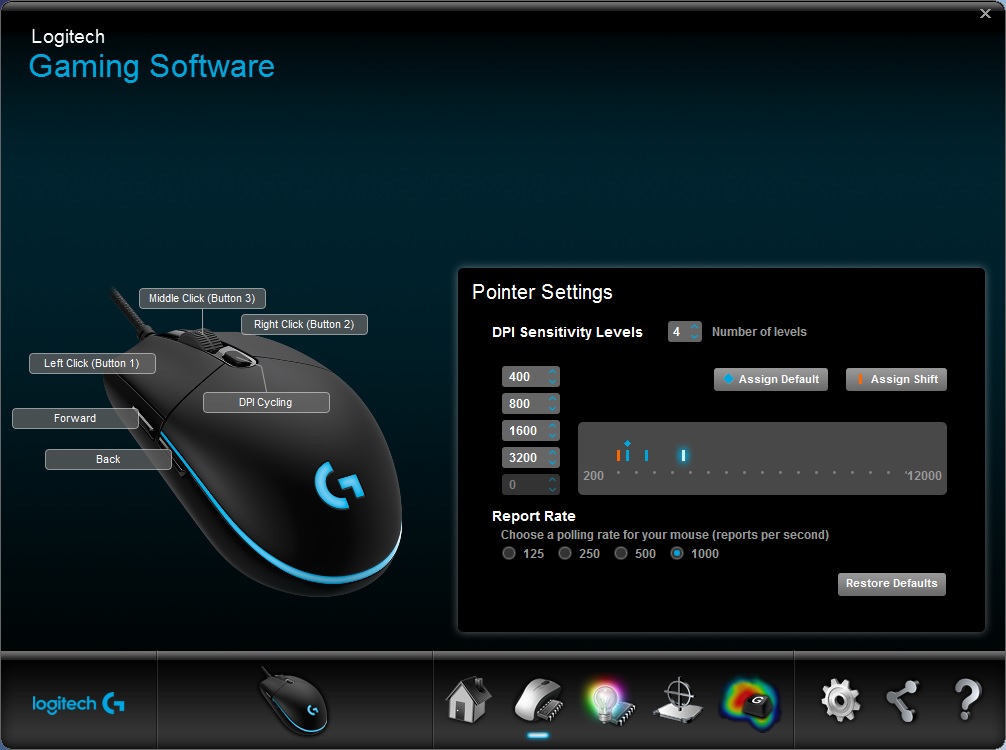
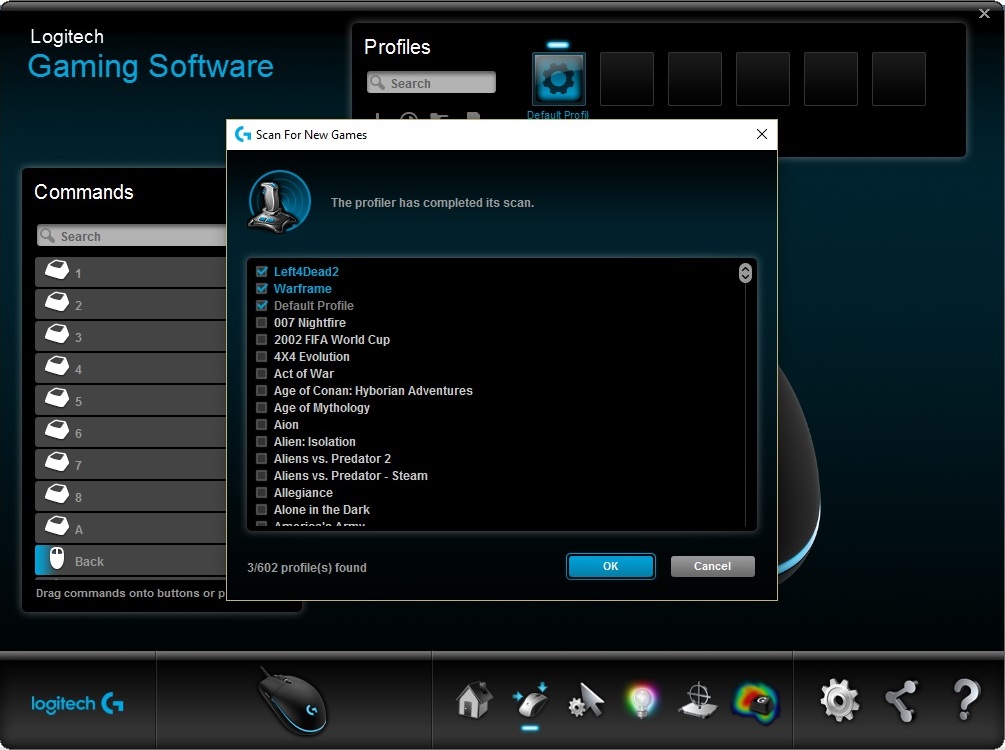
The PRO doesn’t require the software download to function, but it is supported by the Logitech Gaming Software (LGS) for more advanced controls and settings. You can choose between the saved configuration onboard the mouse or use pre-defined mouse settings for various games, though you may have to manually select from the game list as it didn’t seem to pick up various games installed on my system, but that is easy to do. Despite claiming that you can program 6 buttons, it doesn’t actually allow you to change the main clicks other than reverse the left/right click, so there are only 4 programmable buttons. The sensor can be adjusted in increments of 50 DPI, and has a range of 200 – 12,000, while having up to five settings you can toggle between on the fly.
Lighting is fairly simple with just the one zone, you can choose between the colour cycle, breathing or static (off) effects, or you can turn the LED lighting off. You can also adjust the cycle/breathing rate and turn on an LED sleep timer.
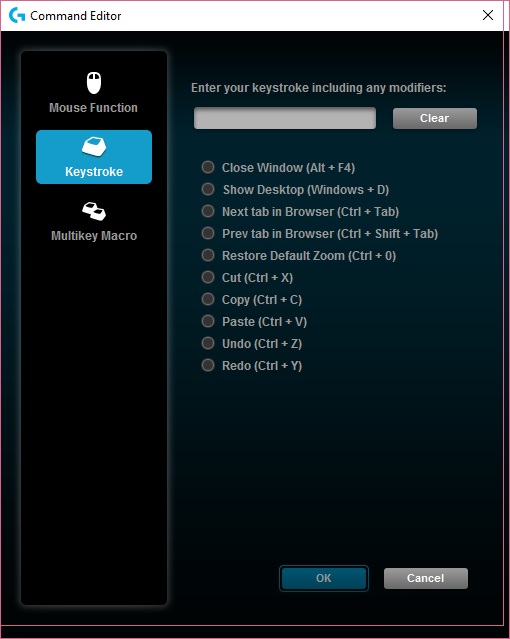
Within the software there are various other utilities including including surface tuning, macro/keystroke recorded (unfortunately doesn’t record mouse actions), key heatmap (counts mouse usage) as well as general maintenance information including firmware/software updates.
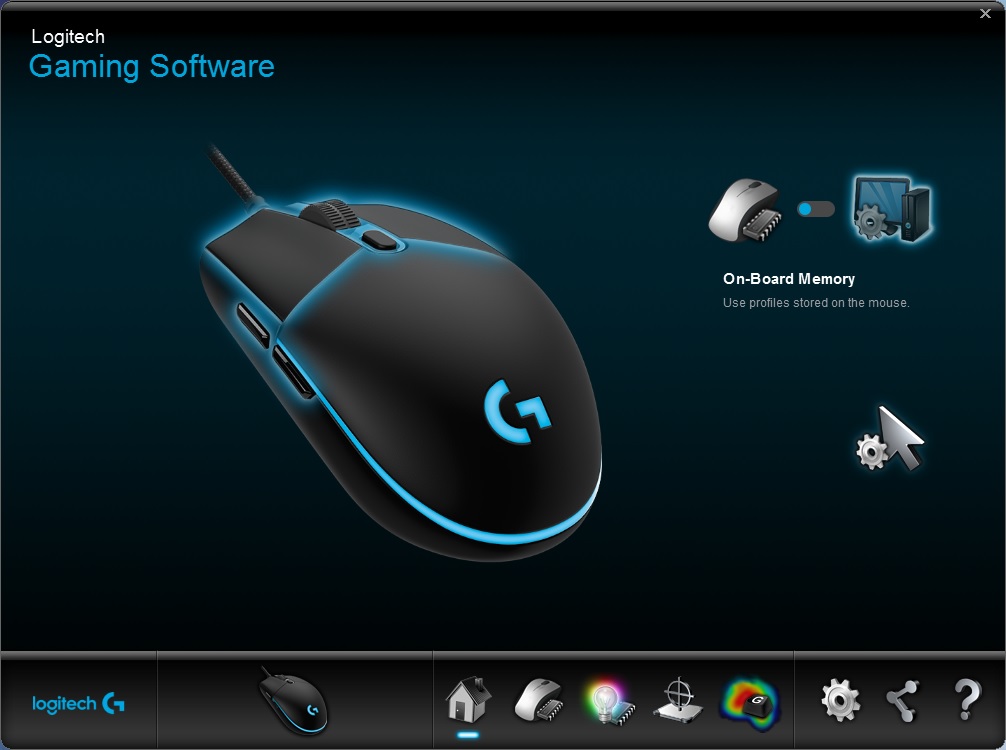
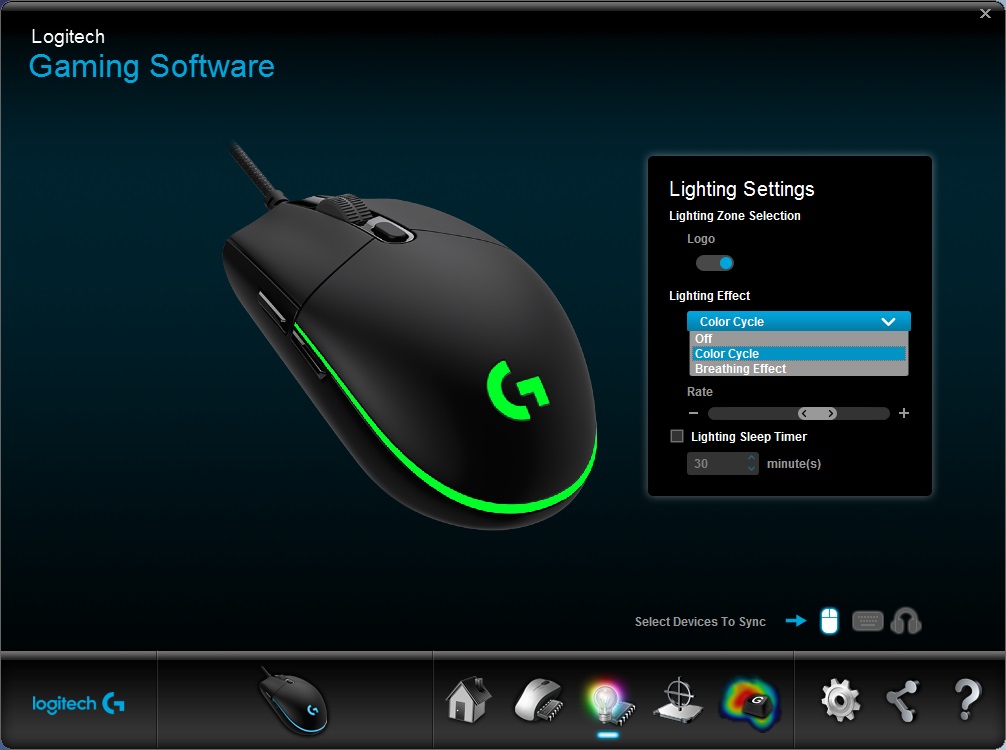
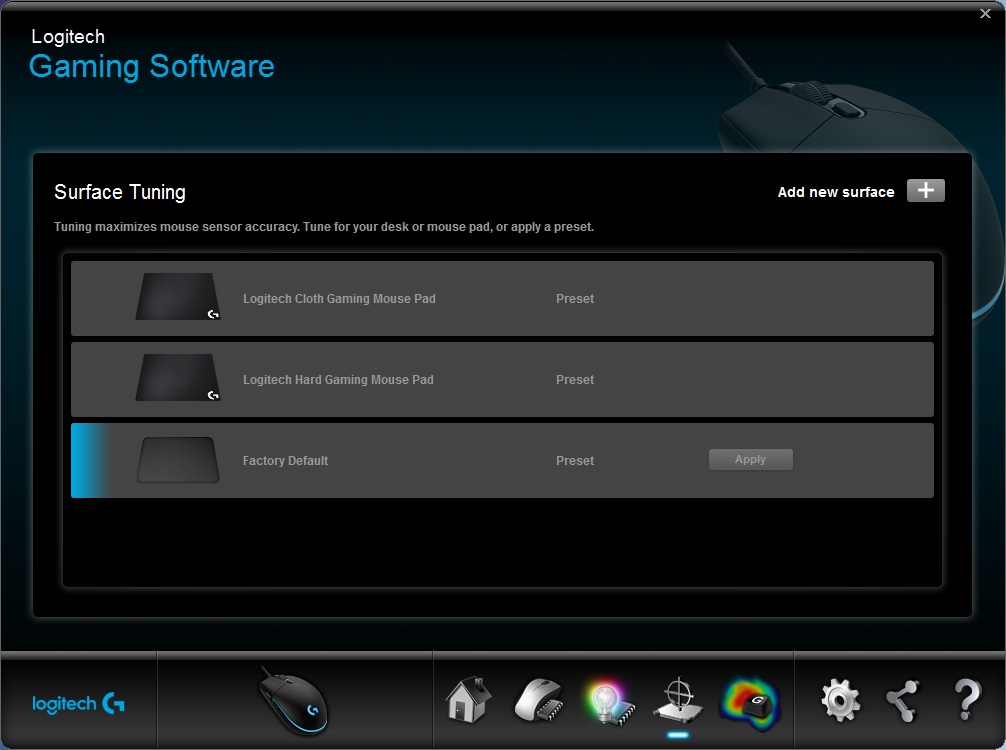
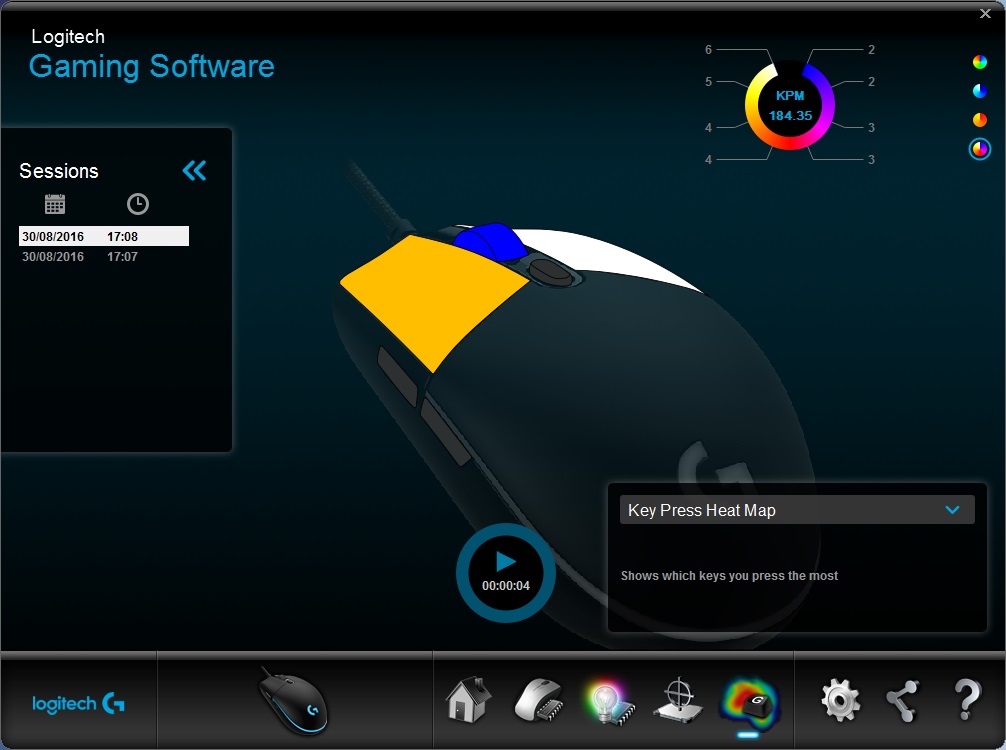
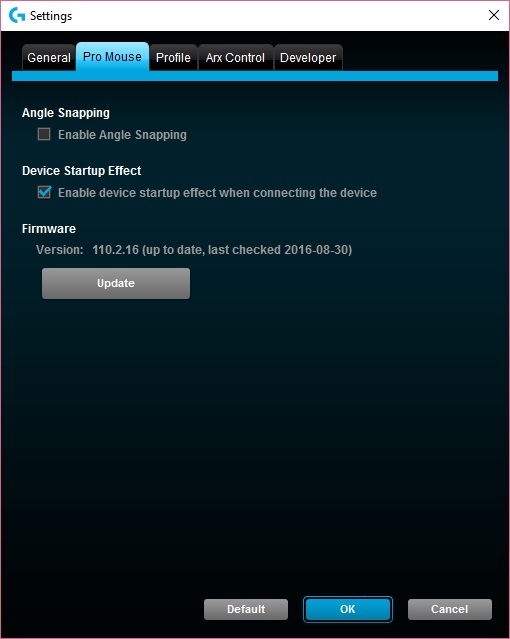
The lighting is bright and attractive, the subtle design simply adds that touch of life to an otherwise lifeless mouse design. The RGB lighting renders all colours very accurately and while white is rendered slightly cool this can be adjusted in the RGB values.
Performance Testing
Setup, Design & Observations
In the hand, the Logitech PRO feels a little smaller than it is due to its relatively low height. The material has an anti-sweat matte finish that feels fantastic and despite its lightweight nature, it feels solid. Due to its neutral shape, most grip types will find this mouse very comfortable, though if you are someone that prefers large, ergonomic palm type mice, you will almost certainly find the PRO a little too small.
The main mouse clicks feel awesome, testament to the advanced tension system implemented by Logitech. They are fast and snappy with just the right amount of force needed to press follow by that satisfying ‘tic’ each time. The side buttons too felt great as did the DPI toggle button. Though things seem to have gone a little strange with the mouse wheel design. I found it stiff, too stiff to both rotate and press. This could be intentional so that there are no accidental mouse wheel clicks or rotations, this is likely due to the wide, grippy texture of the mouse wheel as it did seem to provide more controlled scrolling to prevent overshooting your weapon change in game. Though, subjectively, I would certainly prefer something a little less stiff.
Performance
At max DPI there was virtually no sign of any jitter, and we found tracking to be flawless across various surfaces including wood veneer, white paper, glossy coloured card, glossy plastic, and of course, it works fine on a standard black fabric mouse mat too. Using a more reasonable DPI for gaming, we found that the PRO delivers exactly what it set out to do. Provide gamers with a simple, comfortable, high speed mouse with impeccable tracking, precision and control. I almost felt like I had levelled up in CS:GO (I am actually so bad at that game), while in DOTA 2, the PRO mouse filled me with confidence to move around knowing the cursor will go exactly where I expect each time I had to make a split-second decision.
Conclusion
Recently we have had a look at some excellent mice, and comparatively, those equipped with the 3360/3366 are certainly in a league of their own. The PRO is no exception and is another fantastic mouse under Logitech’s belt. From first use, the responsiveness and jitter free tracking instantly impresses and it is clear that Logitech had a focus on creating a no-frills high-speed mouse that is solid, reliable and ultra precise, making the PRO ideal for competitive gamers.
The design is arguably simple and maybe even dull, but the charm comes back with the subtle use of RGB lighting. Once is it in your hands, it becomes an unadulterated beast. Though, there are a few gripes to be had. Firstly, it costs £69 and it does seem a little expensive for such a simple mouse and to be ultra critical, one could argue that the PRO may offer little value over mice such as the Rival 100 or the KIRO for many gamers, though it is hard to deny the outright performance advantage given by that awesome PWM3366 sensor. As it is priced alongside the G502 Proteus Spectrum, the PRO offers a great alternate choice for those that aren’t particularly fond of ‘that style’ of mouse. It might be worth mentioning the stiff mousewheel and the lack of side buttons for left-handed gamers, though these may be minor points at best as we could argue that the mousewheel ensures less chance of making a mistake, and that additional buttons could interfere with the gaming experience of the majority (an unfortunate statistical fact).
Don’t be fooled by its humble appearance, the PRO gaming mouse is armed with some of the best technology out there, making it fast and devastatingly accurate.
The Logitech PRO gaming mouse will be available from September 10th 2016.
Pros.
+ Features 3366 optical sensor
+ Flawless tracking across various surfaces
+ Zero acceleration
+ Comfortable for various grip types
+ Lightweight (83g)
+ Simple yet sleek aesthetic
+ Solid construction
Cons.
– Price
+ Features 3366 optical sensor
+ Flawless tracking across various surfaces
+ Zero acceleration
+ Comfortable for various grip types
+ Lightweight (83g)
+ Simple yet sleek aesthetic
+ Solid construction
Cons.
– Price
Click here for an explanation of our awards at Vortez.net.