Ergonomically shaped for a full palm grip, the Naos body has been fitted with the Pixart PWM3360 optical sensor, it also records advanced biometric and movement information.

Product on Review: Mionix NAOS QG
Manufacturer and Sponsor: Mionix
Street Price: UK: £119.99, US: $129.99
Mionix created the Naos QG (Quantified Gaming) in association with thousands of Twitchcon viewers and received the backing of more than 800 people via kickstarter. Quite an impressive level of support for the humble hand-held device. So what makes the Naos QC different? Well it isn’t the advanced 4 layer rubberised surface, or the awesome 12,000 DPI Pixart PWM3360 sensor. It isn’t even the use of the latest ARM Cortex M3 processor. What is interesting is the addition of a Pixart PAH8001EI -2G heart rate sensor that can measure the users heart rate and be displayed live via a special overlay courtesy of the Overwolf app. It also has a GSR (Galvanic Skin Response) sensor that measures the electrical conductivity of the surface of the skin which changes in nuances based on human emotion. Strong emotions, either happiness, joy or fear tend to show dramatic changes. This information, along with advanced tracking and usage information can be recorded and shared via the new Mionix Hub software.
You can expect other features commonly found in gaming mice also including on-board memory to save profiles, OMRON and TTC switches with a total of 7 customisable buttons. The price tag seems steep but for such technology to be implemented for a new way for visual interaction specifically with viewers, or even for sake of curiosity is something rather interesting. Those that have watched the latest season of Black Mirror will also be rather paranoid should game makers start using this information being measured to develop horror games, fortunately you can turn the heart monitor off.
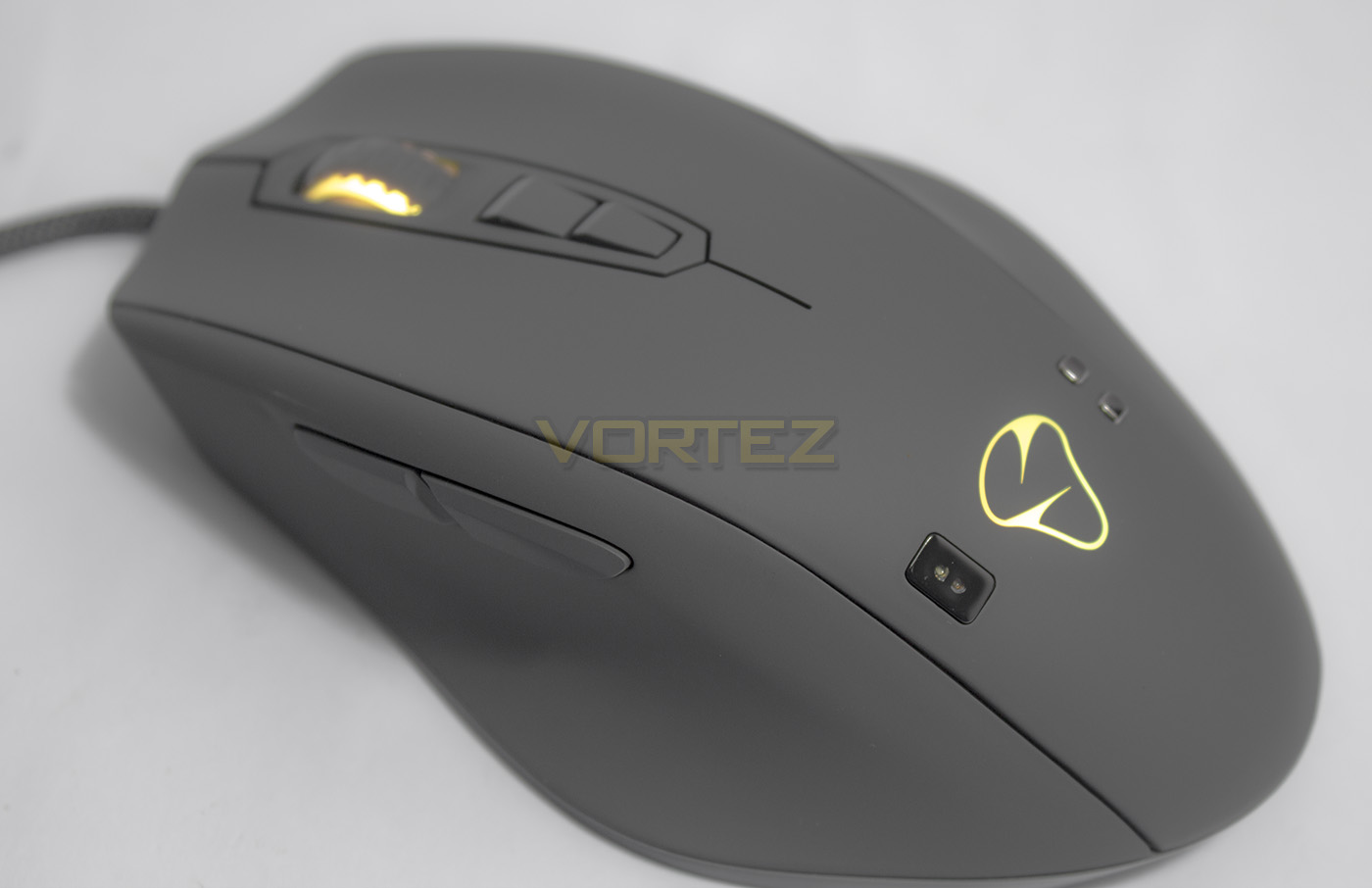
Overview by Mionix
The Naos QG (Quantified Gaming) is a next generation gaming mouse that measures the user’s biometric information and movement data. By
monitoring heart rate and activity in real time via multiple sensors, the Naos QG provides valuable, interesting and fun insights that create a richer
user experience.
monitoring heart rate and activity in real time via multiple sensors, the Naos QG provides valuable, interesting and fun insights that create a richer
user experience.
Technical Specifications
Heart Rate Sensor: Pixart PAH8001EI‐2G, up to 3000 fps, 6.8Mhz
GSR Sensor: TiN coated copper electrodes
Navigation Sensor: Pixart PMW-3360, 12000 DPI, 70MHz, up to 12000 fps, 250ips
Shape: Right handed ergonomic palm grip
Mouse surface: Grip friendly four layer rubber coating (Dark Grey)
Number of Buttons: 7 fully programmable buttons
DPI Adjustment: Ingame 5 step DPI adjustment
Button micro-switches: L/R: Omron 20mn, DPI/side and scroll wheel: TTC
Lighting: Two LEDs in two color zones, lighting effects and up to 16.8 Million color options
On-Board memory: 128 kb built-in memory
Processor: 32bit ARM processor running at 32Mhz
Mouse feet: Large PTFE feet
USB Connection: Gold plated, full speed USB 2.0 with plug&play
Cable: 2m long braided cable
Weight: 152g
GSR Sensor: TiN coated copper electrodes
Navigation Sensor: Pixart PMW-3360, 12000 DPI, 70MHz, up to 12000 fps, 250ips
Shape: Right handed ergonomic palm grip
Mouse surface: Grip friendly four layer rubber coating (Dark Grey)
Number of Buttons: 7 fully programmable buttons
DPI Adjustment: Ingame 5 step DPI adjustment
Button micro-switches: L/R: Omron 20mn, DPI/side and scroll wheel: TTC
Lighting: Two LEDs in two color zones, lighting effects and up to 16.8 Million color options
On-Board memory: 128 kb built-in memory
Processor: 32bit ARM processor running at 32Mhz
Mouse feet: Large PTFE feet
USB Connection: Gold plated, full speed USB 2.0 with plug&play
Cable: 2m long braided cable
Weight: 152g
Packaging & First Look
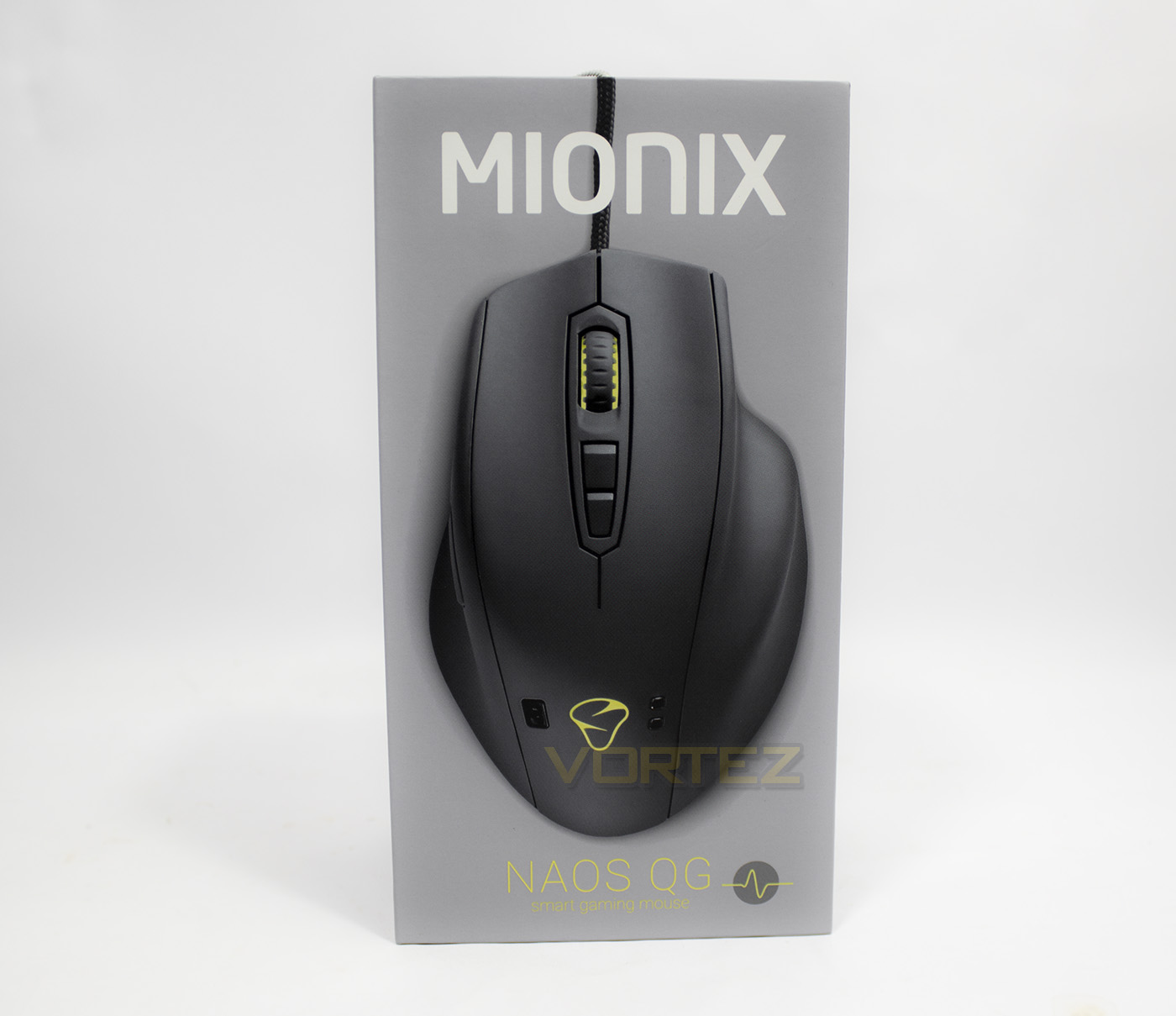
The packaging Mionix have used is similar in design to what we discovered with the Castor mouse, though in white, light-grey and yellow colouring as opposed to black and white.
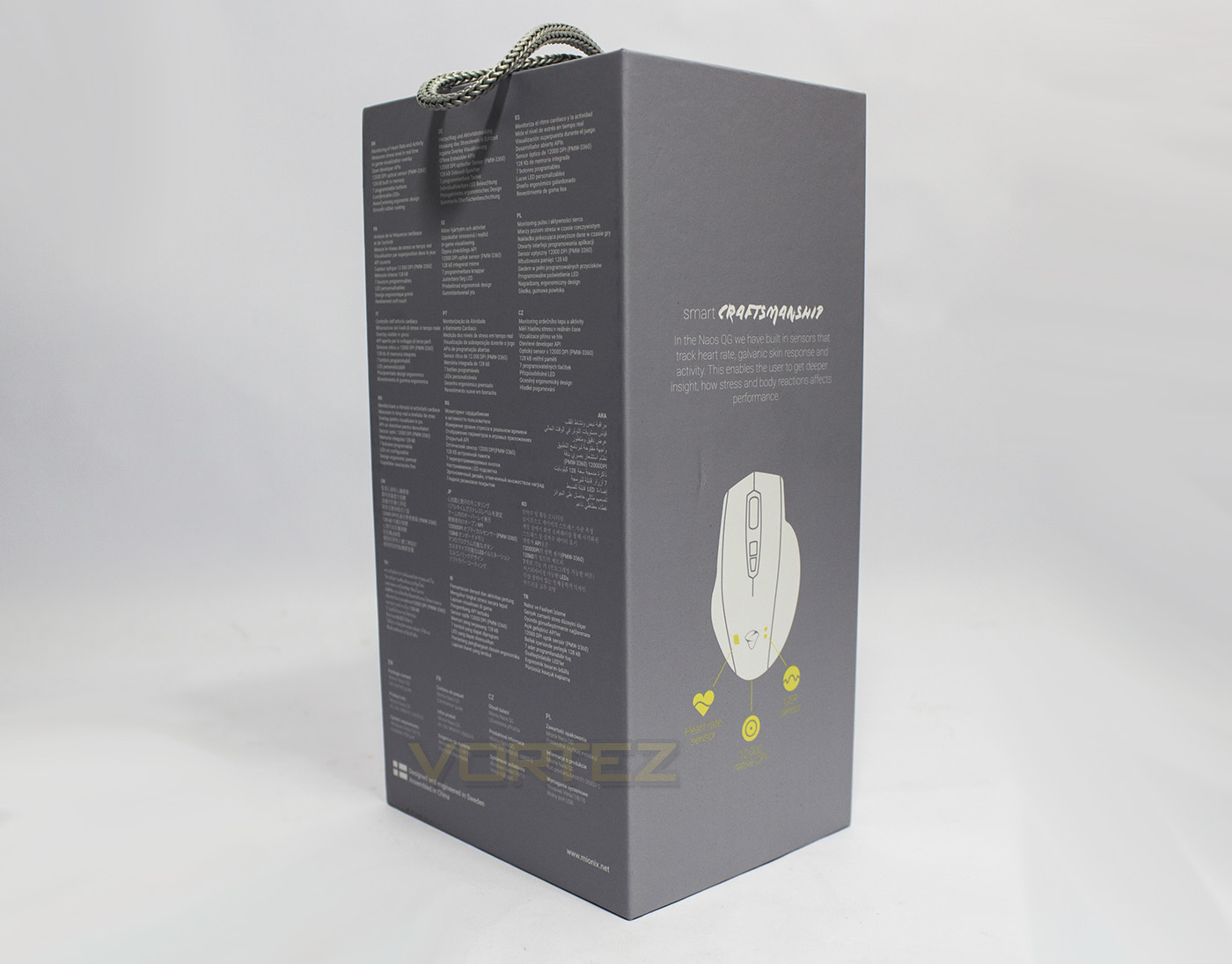
The rear/side of the packaging gives a detailed list of specifications in various languages along with information about what the mouse can do.
Inside the packaging there is a quickstart guide along with a selection of Mionix stickers.
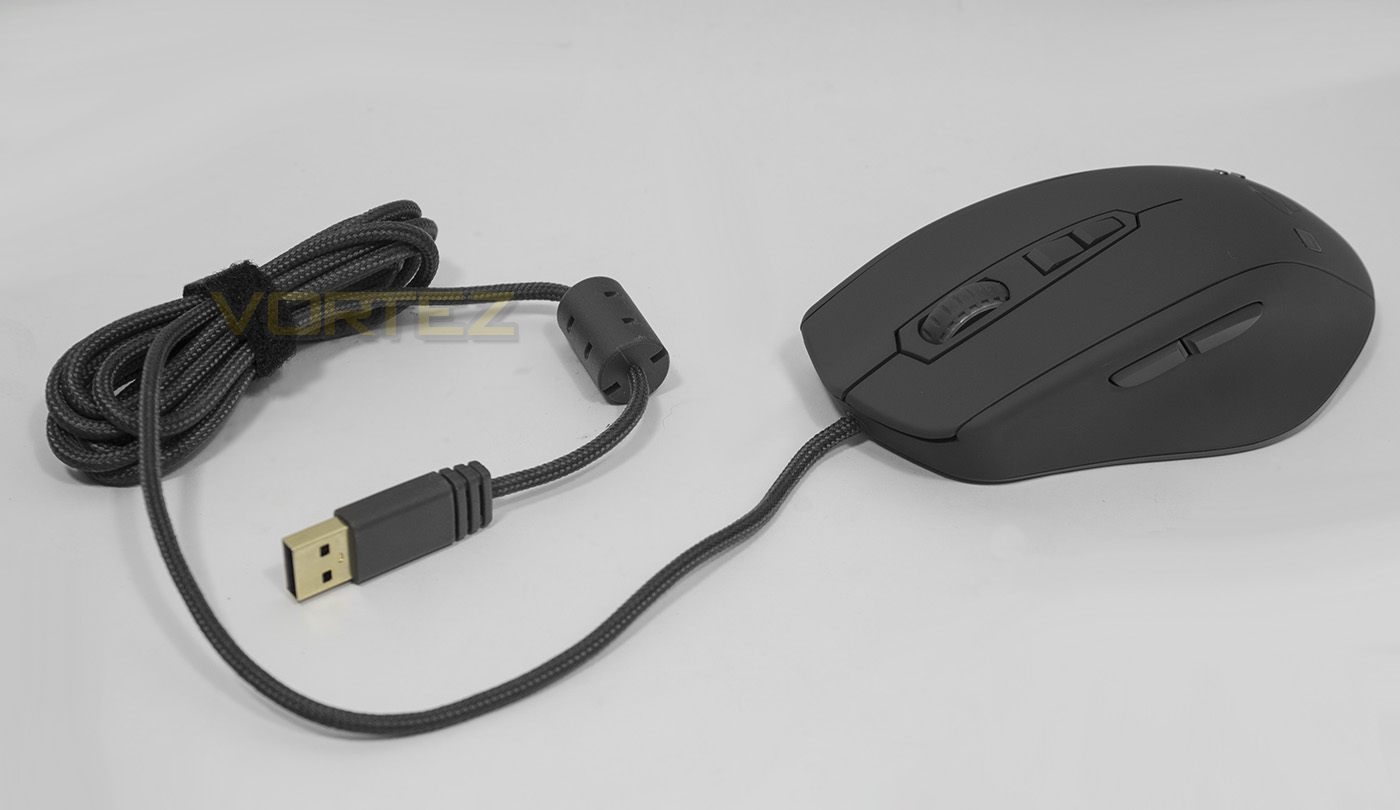
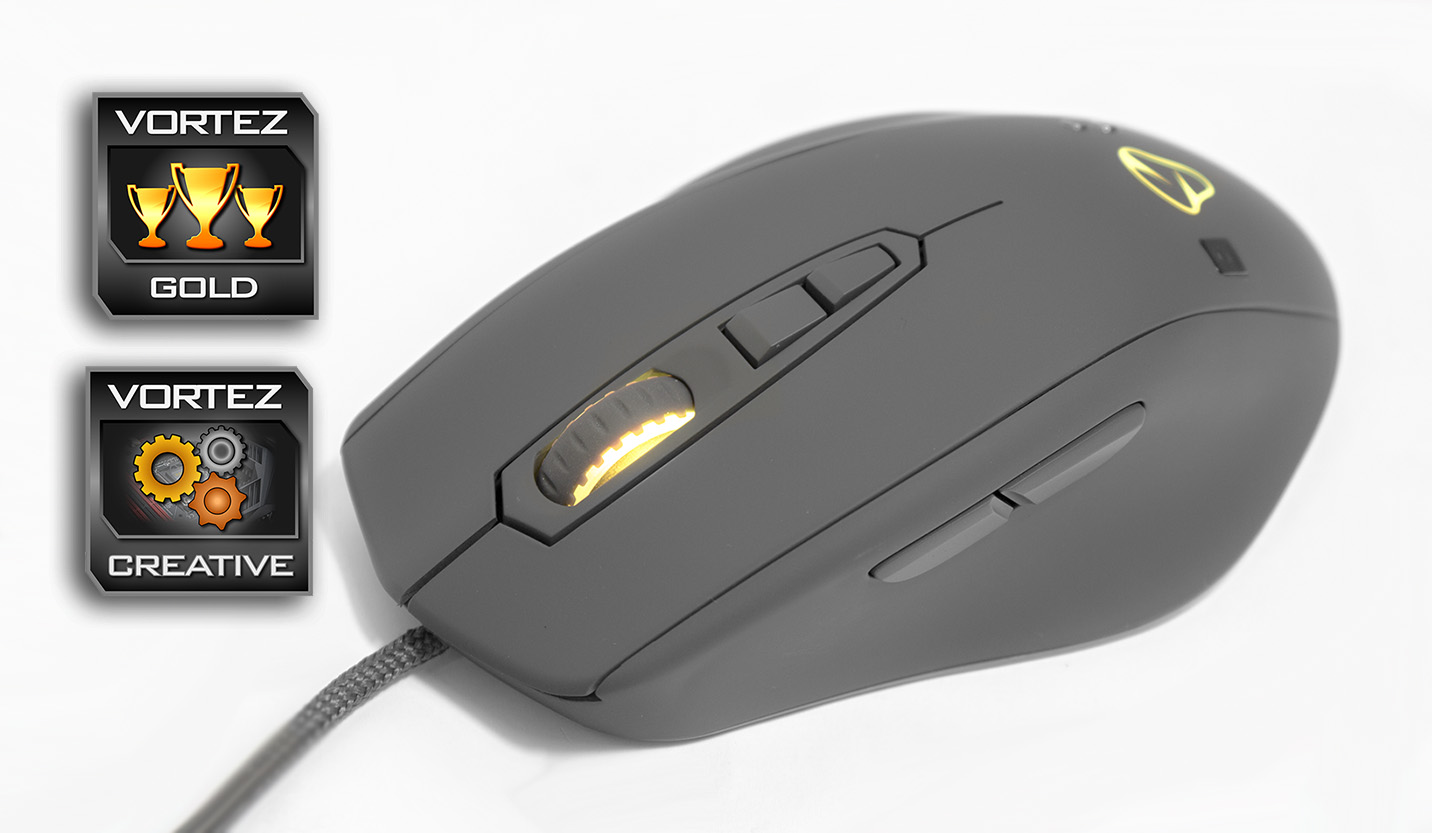
The Naos QG is a gorgeous light grey colour which is also reflected in the quality cable braiding and USB thumb grip.
Closer Look
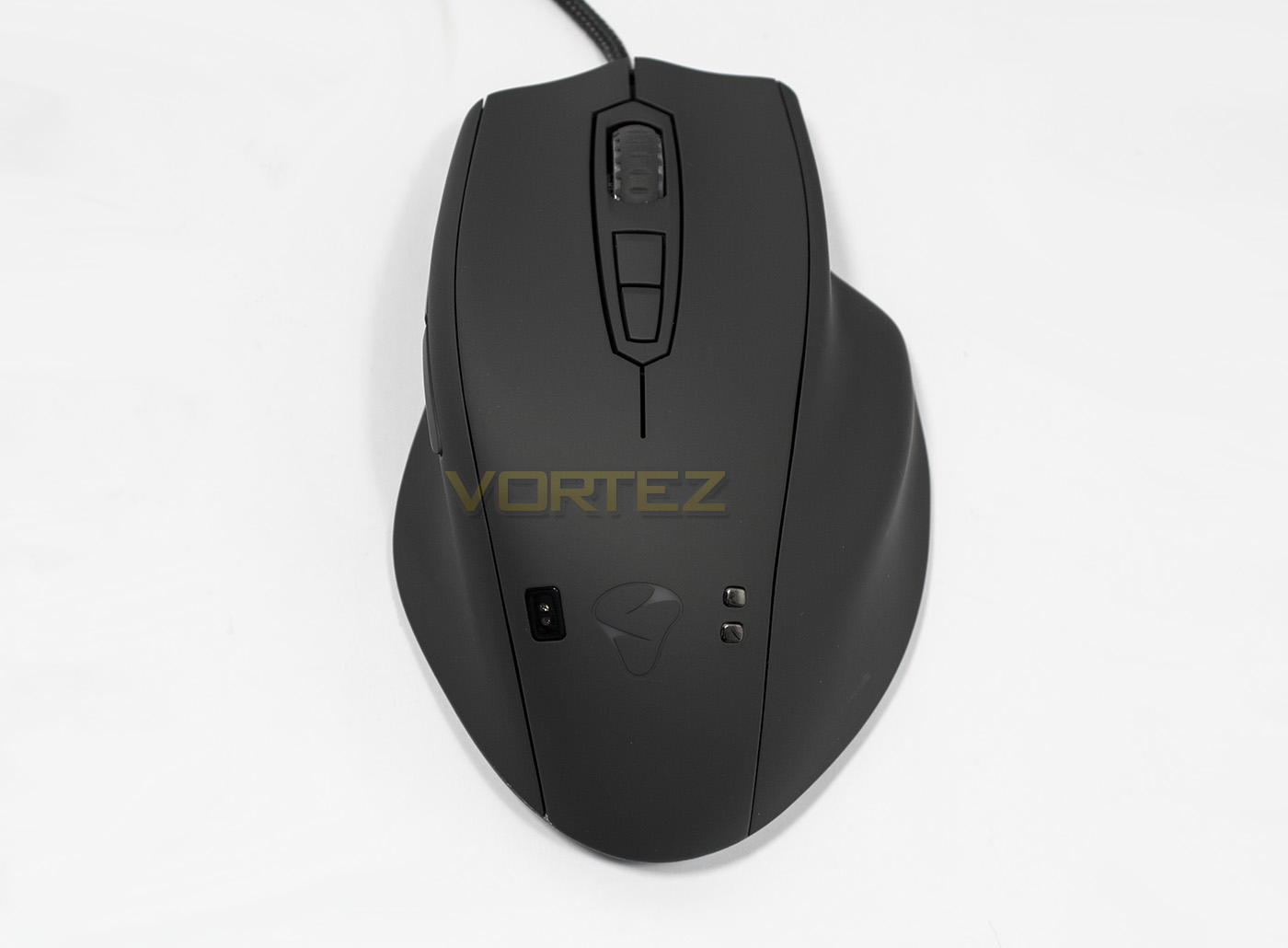
From the top down we can see that the Naos QG has a rather wide, ergonomic shape that has space provided for all five fingers.
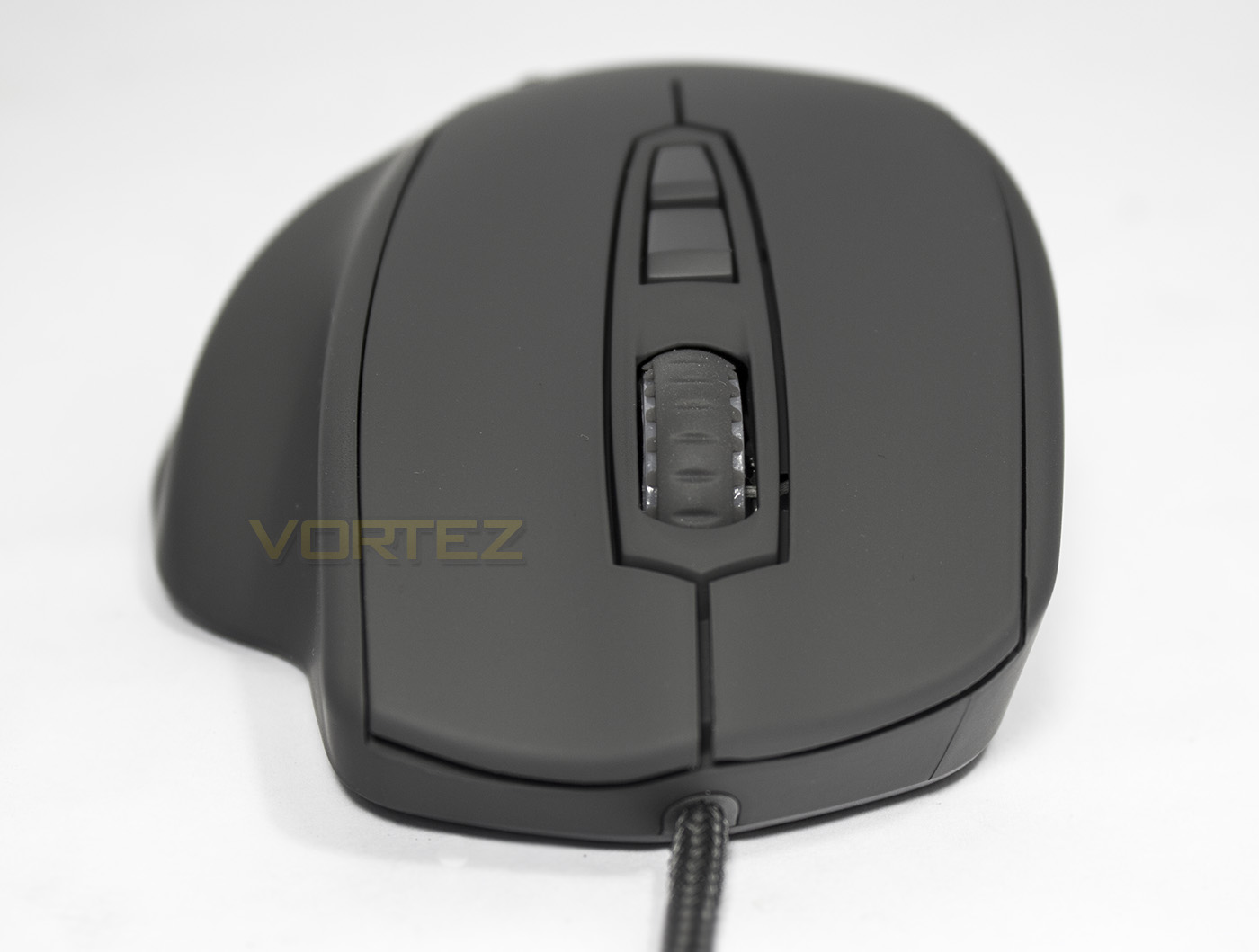
Face on, the Naos QG has a relatively shallow arch and large area for the main click buttons.
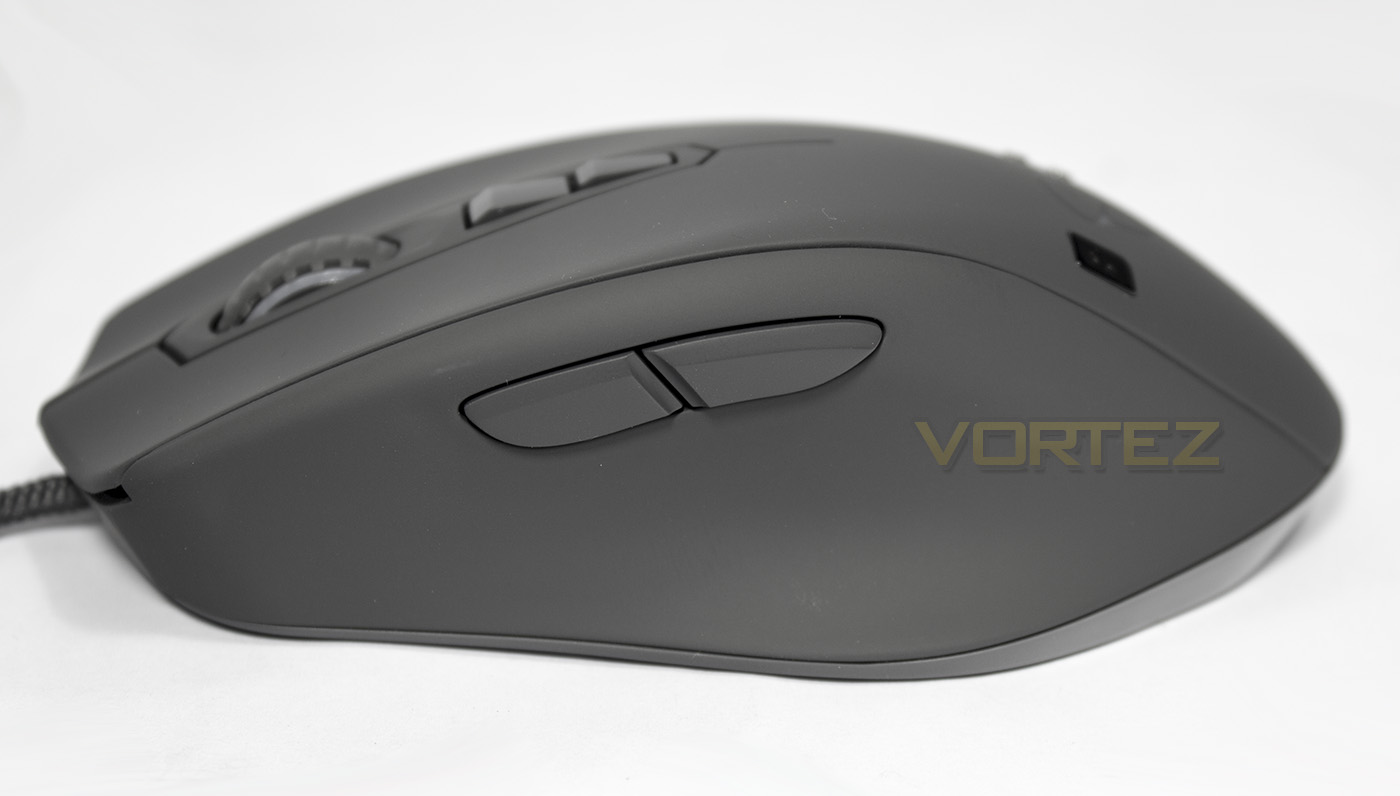
At the side there is a shaped area for the thumb to sit along with two relatively large side buttons (forward and back).
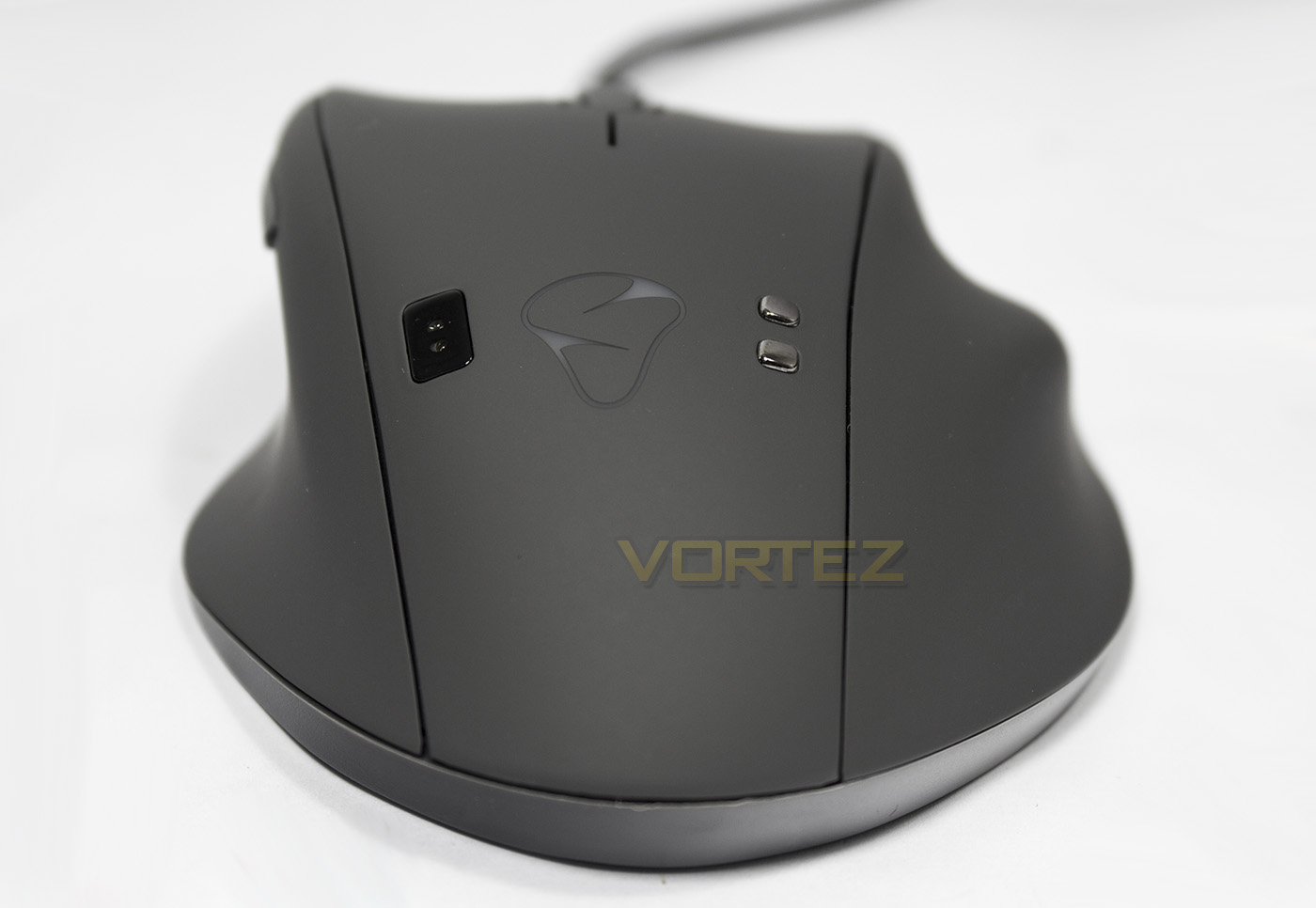
The rear view gives a more complete story on the ergonomic design while also giving a view of the Mionix logo and the biometric sensors.
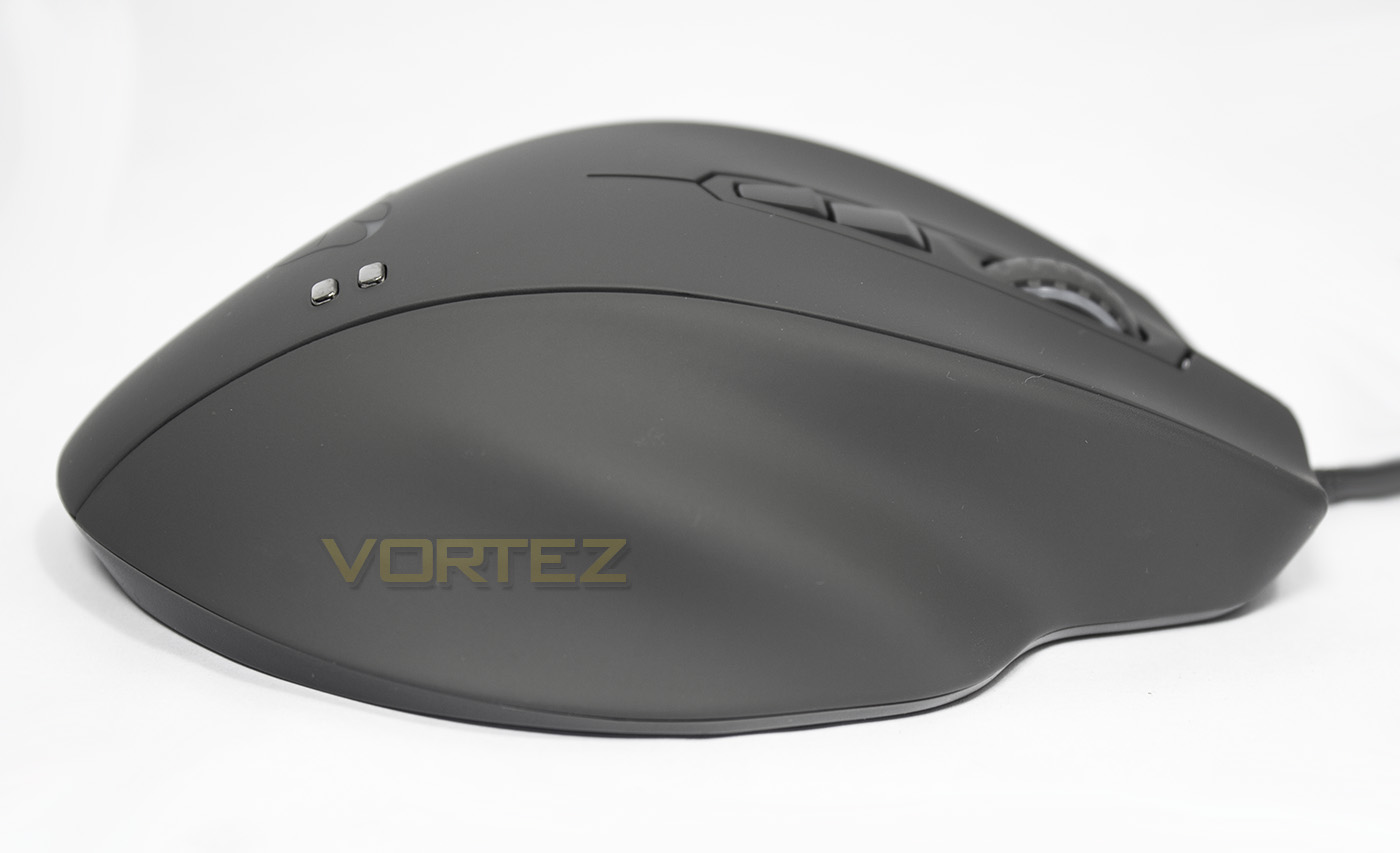
The right side of the mouse gives indication of the position of the ring finger and little finger.
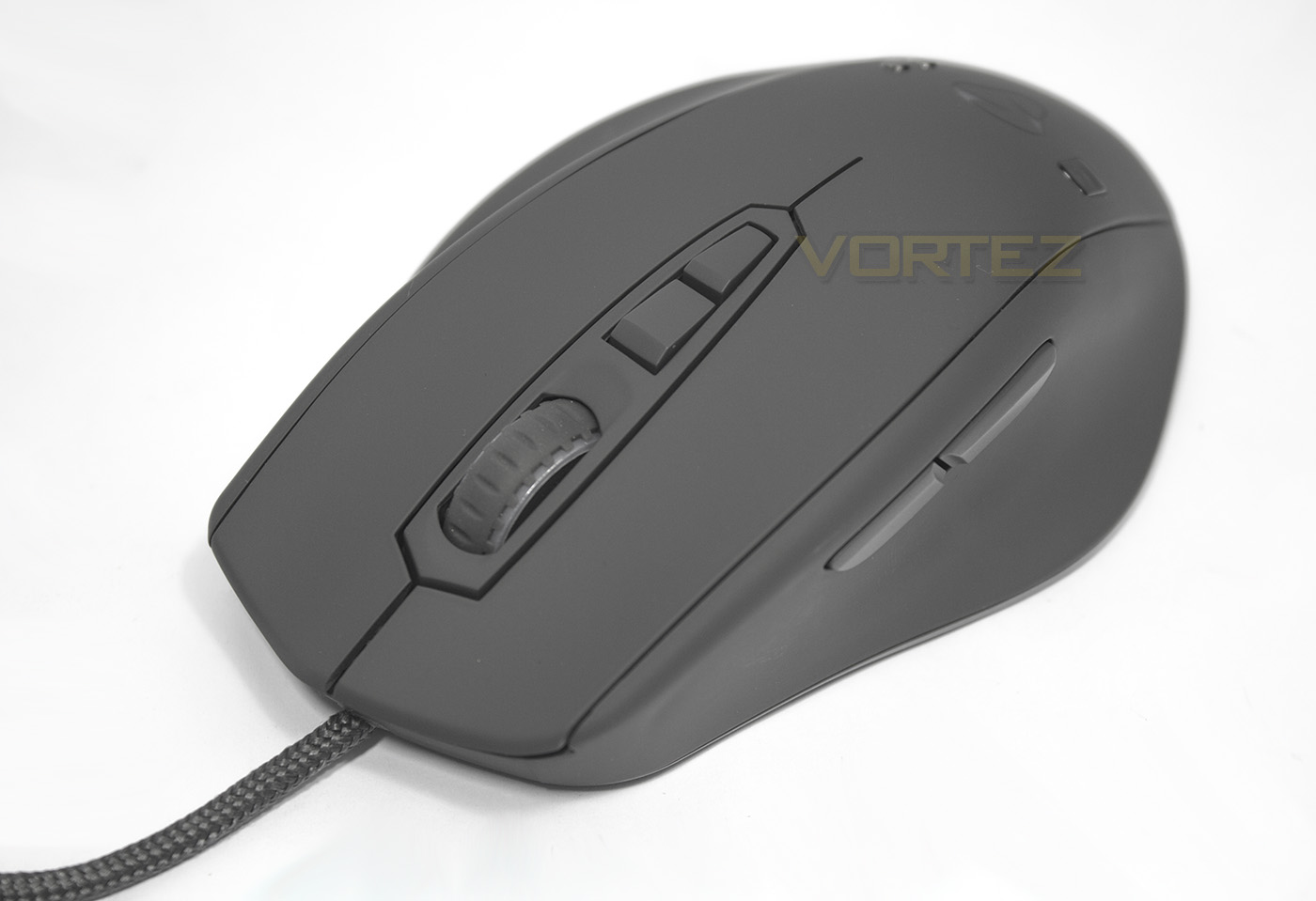
The mouse wheel has a grey rubber coated surface for grip, behind it you will find two additional buttons (DPI toggle).
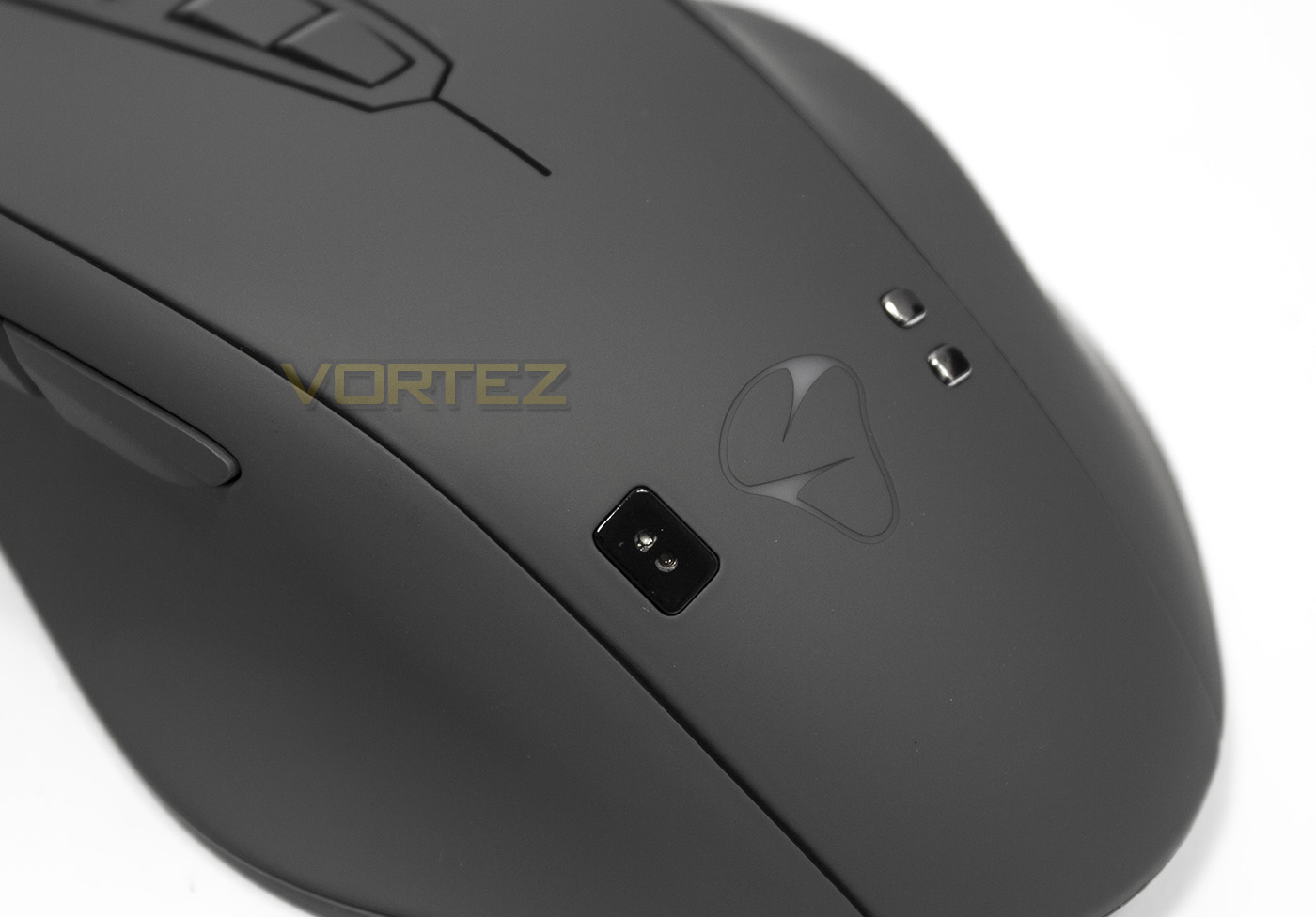
To the left of the Mionix logo you will see the photoplethysmography (PPG) sensor that monitors your heart rate, and on the right is the GSR sensor)
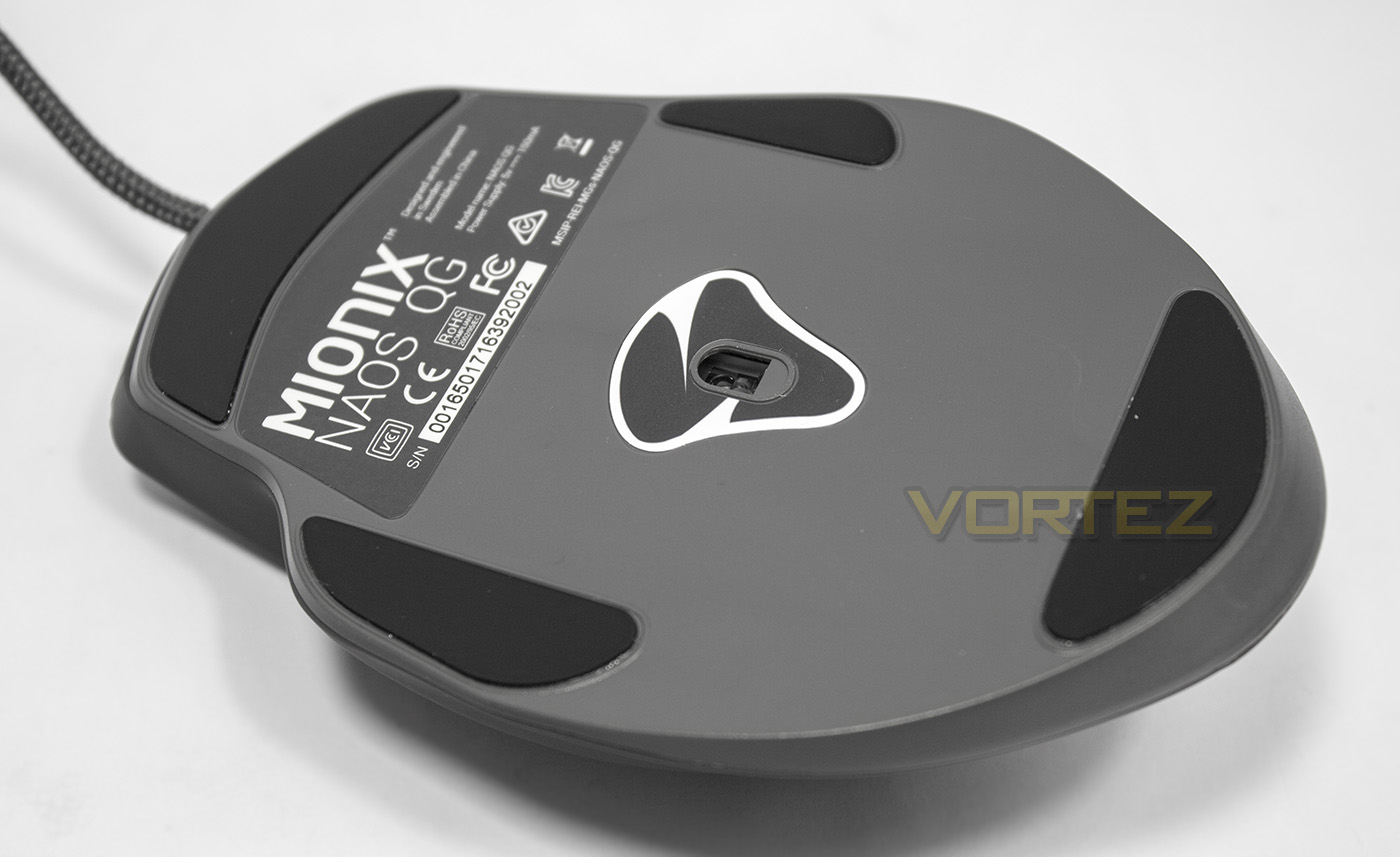
Due to the ergonomic shape of the mouse, the Naos QG has quite a large base, but there are PTFE slip pads in all the required places, the sensor seems to be positioned slightly more towards the rear, though this is likely due to it being slightly larger than most mice.
Software & Lighting
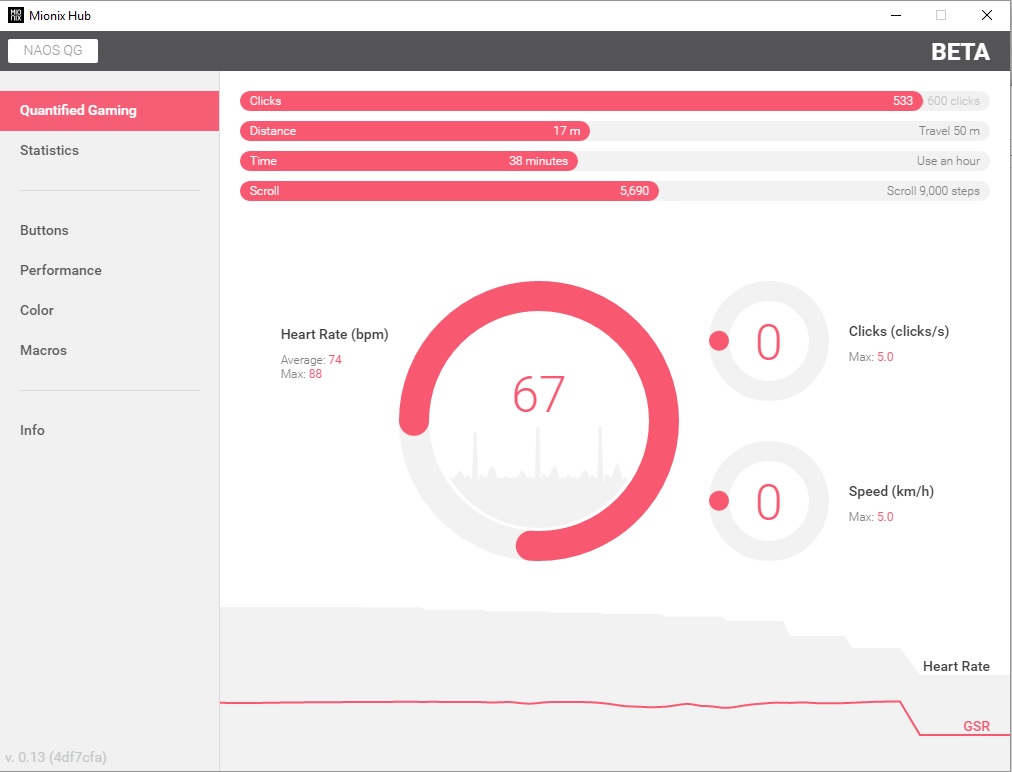
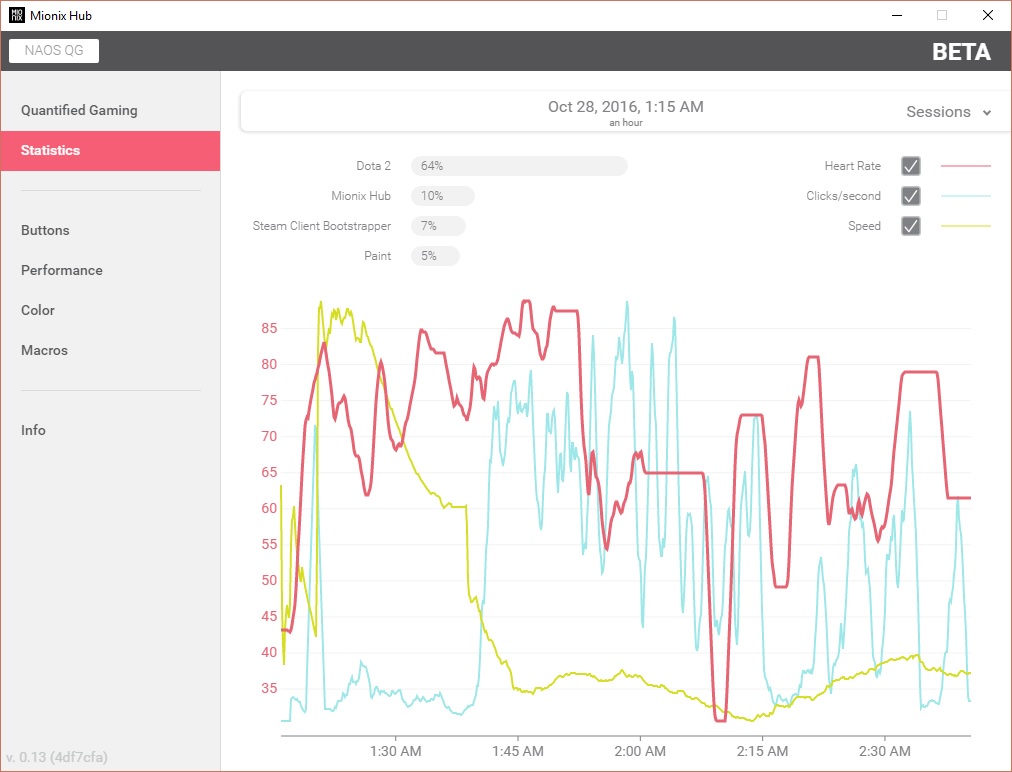
The Mionix Hub software is well laid out and visually attractive, making it easy to navigate and use. You are provided with detailed information about the number of clicks, the distance scrolled and distanced moved as well as a visual representation of your heartrate and GSR. The statistics page then shows you this information in a graph form (the large dips in heart rate will be where the hand has left the mouse for a period of time). This information can be shared if you like too.
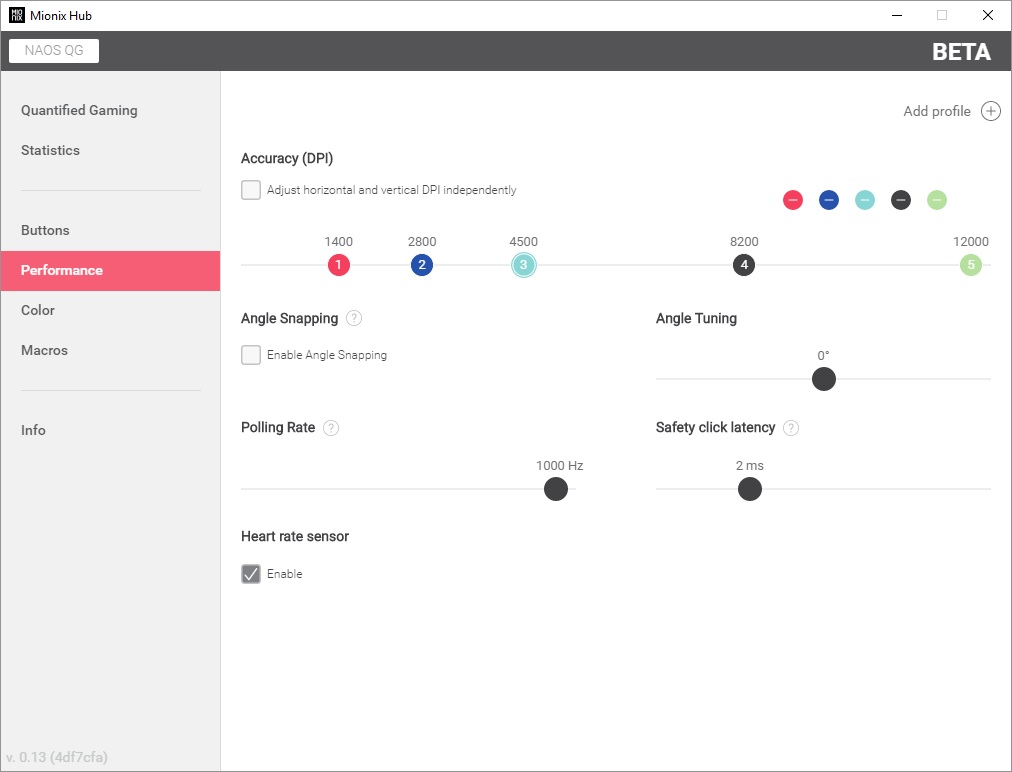
There is of course more traditional mouse performance options including reprogramming/assigning the buttons, the optical sensor performance, including the ability to add your own number of DPI steps up to a total of 5. The software isn’t quite complete at this stage as it appears we can’t access the Macro editor, but this will be coming shortly as Mionix intend to develop the software further.
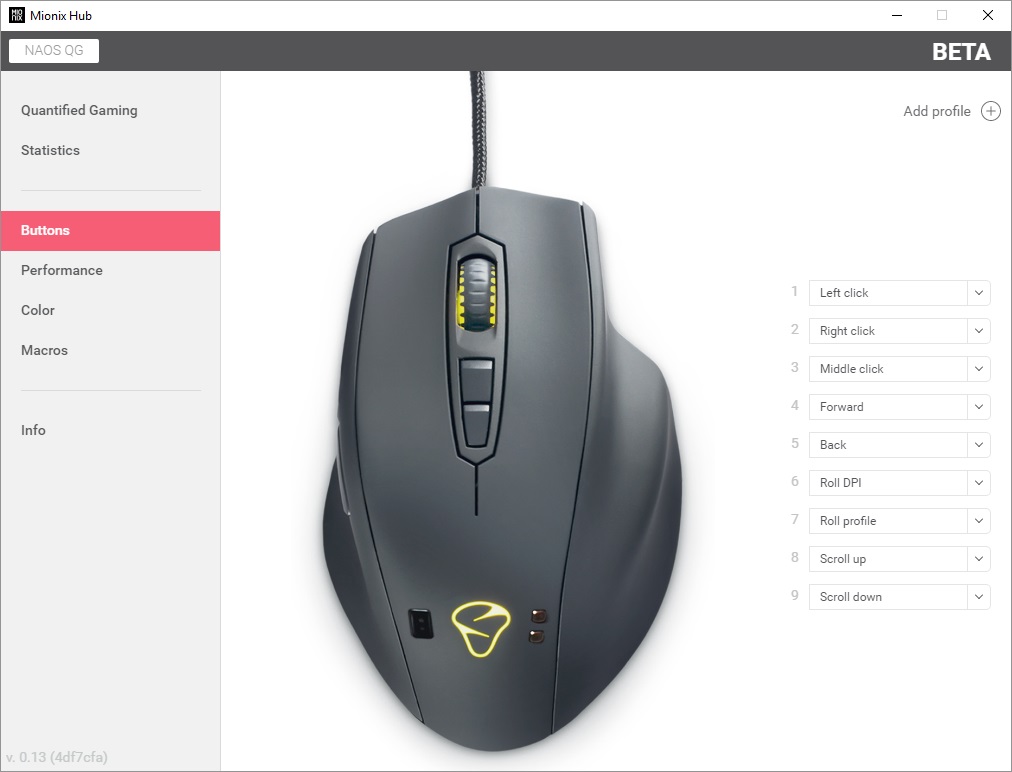
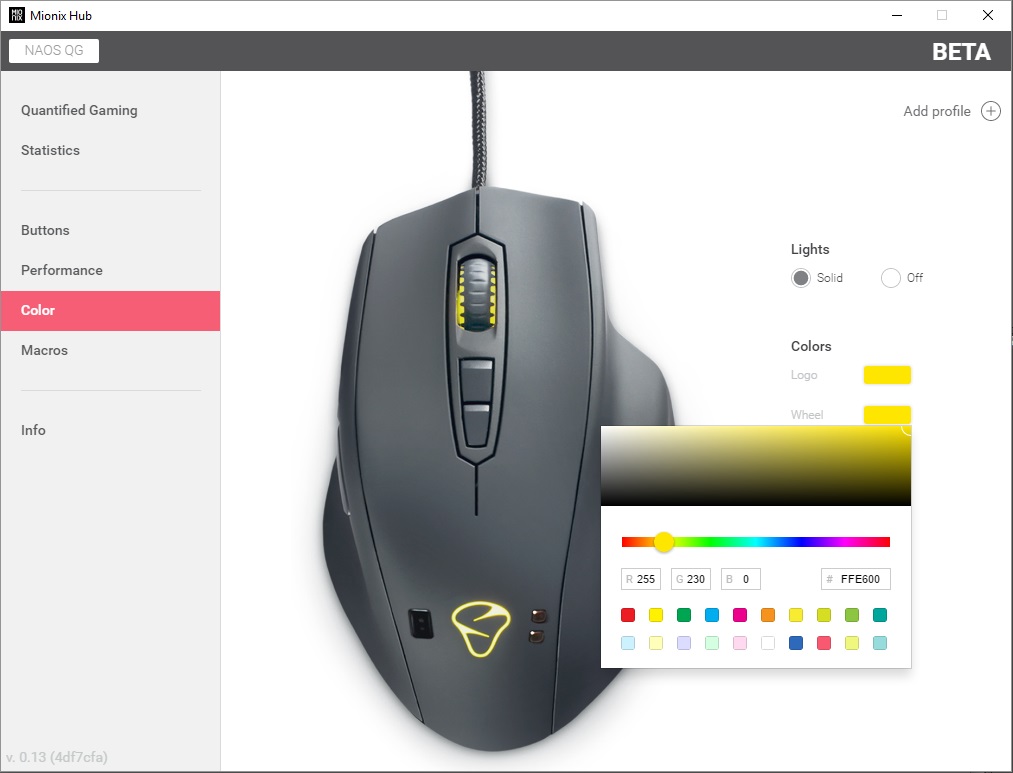
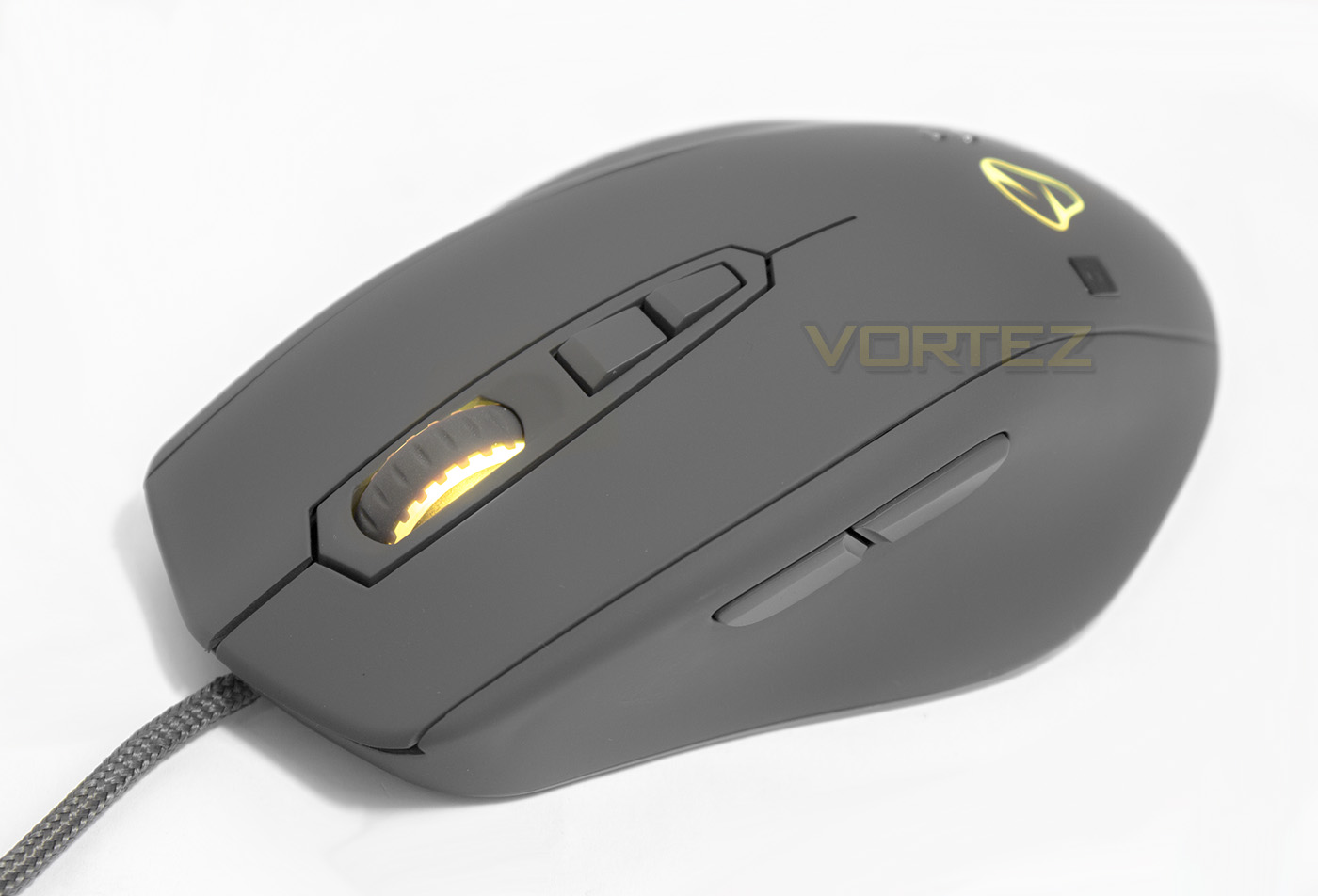
The lighting on the Naos QG is attractive, but takes a step back compared to some other mice in regards to prominence as a selling feature. There are two lighting zones, the mouse wheel and the logo and the colour rendering is fairly accurate. The mouse wheel white seems a little pinkish while the rear logo seems a little cooler.
Performance Testing
Setup, Design & ObservationsThe Naos QG will worth via USB and function with plug-and-play, though to adjust its settings and access its full functionality you will require the Mionix Hub software.
As I am one that often bashes rubberised surfaces I am pleased to say that the Naos QG has an advanced 4 layer rubberised surface that feels cool, smooth, and pleasing to touch without that sticky, velvety cringe worthy texture and so feels fantastic to hold. The ergonomic shape feels very natural and comfortable and I found no issue holding it with my natural claw grip style either, which is great as it is a palm mouse that doesn’t just need to be used by palm grippers.
All the button clicks (main by OMRON, side and mouse by TTC) feel great, each giving a sharp and rapid response. The mouse wheel specifically feels awesome, as it is light to press but not too easy to do so by accident.
In regards to the monitoring, it would be difficult to cross reference accuracy without the correct equipment, but it would be wise to not rely on the heart rate monitor as an accurate statement if you have a heart condition.
Performance
The Pixart PWM 3360 sensor provided the Naos with flawless tracking across various surfaces at its max 12,000 DPI. The surfaces we tested across are, plain black fabric mouse mat, white paper, glossy coloured magazine, plain card, and bare wood veneer desktop. The ARM processor controls the tracking impressively well, displaying only a tiny amount of jitter at its highest DPI.
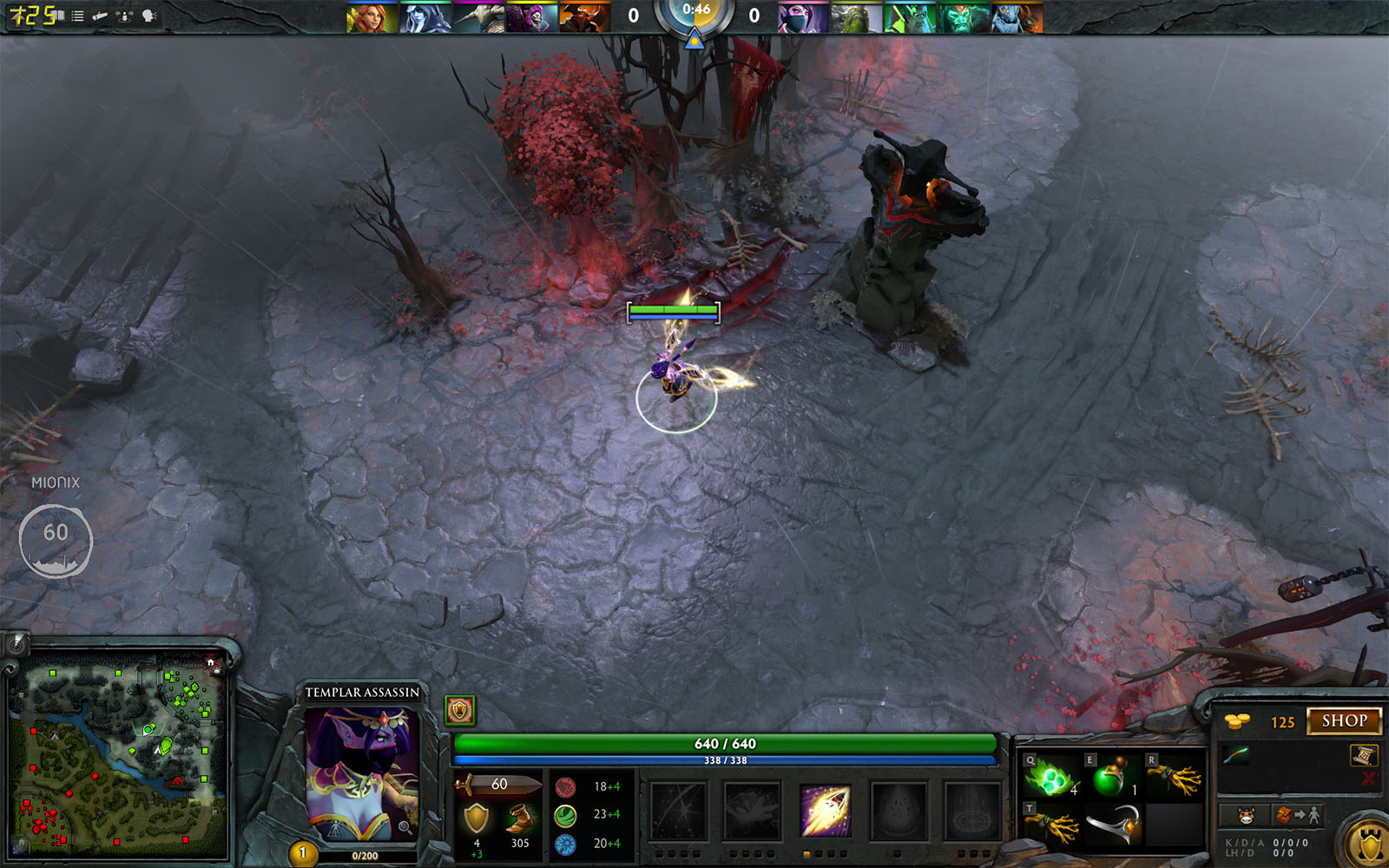
In our gaming tests across DOTA 2 and CS:GO, we found that the Naos QG have a responsive and highly accurate performance that felt comfortable and reliable. The overlay software via Overwolf we felt like it could be more of a distraction that its worth, but if you are someone that streams on twitch it could be an interesting way to display and share your experience with your viewers.
Conclusion
The idea of installing a heart rate monitor and a GSR monitor in a mouse is an interesting way to provide users an insight into your gaming experience and could be the start of something interesting. Though some may find this implementation a little premature, the reality is that the interaction between man and machine is growing ever closer and these measurements made on the Naos QG is something that is fairly inevitable, so why not start early? Despite the horror stories, games could eventually use this information to create custom experiences for the end user.
Besides the standout features, the Naos QG is a premiuim mouse that feels and performs as such, though its only real downside is that hefty price tag, something that may make some feel that this isn’t for them. Especially when you consider that the SteelSeries Rival 700 is a good £40-£50 cheaper! Though beside that one point, the comfort, quality and performance all stack in its favour and if you like larger, palm orientated mice, you will absolutely love this compared to something like the smaller, more neutrally designed Rival 700. If it captures your heart, go for it!
THe NAOS QG feels like a superb, premium gaming mouse with bags of performance to boot, the advanced data tracking and biometric information may seem a little much, but it could also be the start of something big.
Pros.
+ PWM 3360 optical sensor
+ Flawless performance across many surfaces
+ On-board Processor and memory
+ Comfortable, ergonomic design (good for palm and claw)
+ Easy to use software (*more features coming soon)
+ Heart rate and GSR monitor
+ Attractive design and finish
Cons.
– Price
+ PWM 3360 optical sensor
+ Flawless performance across many surfaces
+ On-board Processor and memory
+ Comfortable, ergonomic design (good for palm and claw)
+ Easy to use software (*more features coming soon)
+ Heart rate and GSR monitor
+ Attractive design and finish
Cons.
– Price
Click here for an explanation of our awards at Vortez.net.