Forming the final part of the desktop peripheral invasion, Creative send forth the Vanguard K08; with its custom Omron ‘PRES’ mechanical switches, ‘Aurora’ lighting, and dedicated macros, can Creative win the battle against the competition?

Product on Review: Creative Sound BlasterX Vanguard K08
Manufacturer: Creative
Street Price: UK: £159 US: $179
There is a wide array of impressive mechanical keyboards each catering for different tastes, such as the elegant K95 from Corsair, or the more gamer-chic Logitech G910. Though, for some looking for an inbetween compromise in style and design may find themselves short on options. Maybe the Corsair STRAFE RGB? But what if you wanted mechanical switches that were specifically designed for high-speed performance? How about dedicated macros, advanced lighting effects yet retains a minimal, elegant frame?
Creative has addressed all these things with the Vanguard K08. It features a low footprint appearance that is sleek and elegant, yet has the additional macro and media keys, and despite its elegant appearance, it features advanced customisable RGB LED lighting. Helping the Vanguard K08 standout, it features custom Omron mechanical switches, these are a silent, tactile type switch that features cross-point technology, dual contacts for fail-safe actuation, an actuation point of 1.5mm, a total travel distance of 3.5mm, with an actuation force of 45g. The LED lighting in installed into the centre of the switch, similar to the Logitech Romer G switches, and have a more stable design than most other switches, meaning that regardless of where you press the key, it will always result in a smooth, precise action that is ready for rapid action that won’t let you down. Oh, and it has some other nice goodies including a USB passthrough and an included wrist rest.
Overview by Creative
The Sound BlasterX Vanguard K08 is designed to keep you on top of your game. Crafted with ultra responsive and durable custom-made OMRON mechanical switches, the compact keyboard with 109 customizable keys, an ergonomically designed body, clean matte surface and fully programmable ambient-reactive lighting perfectly delivers your every command with pinpoint precision and speed.
Technical Specifications
Product Color: Black
Dimension (HxWxD): 215mm x 465mm x 37.6mm
Dimension Without Wrist Rest (HxWxD): 149mm x 465mm x 37.6mm
Switches: Custom Omron Mechanical (PRES)
Type: Silent, tactile
Lifespan: 70 million actuations
Actuation force: 45g
Actuation distance: 1.5mm
Total travel distance: 3.5mm
Package Contents
Sound BlasterX Vanguard K08 Mechanical Keyboard with 2.0m USB cable attached
1 detachable wrist-rest
1 key cap remover
Quick start leaflet
Dimension (HxWxD): 215mm x 465mm x 37.6mm
Dimension Without Wrist Rest (HxWxD): 149mm x 465mm x 37.6mm
Switches: Custom Omron Mechanical (PRES)
Type: Silent, tactile
Lifespan: 70 million actuations
Actuation force: 45g
Actuation distance: 1.5mm
Total travel distance: 3.5mm
Package Contents
Sound BlasterX Vanguard K08 Mechanical Keyboard with 2.0m USB cable attached
1 detachable wrist-rest
1 key cap remover
Quick start leaflet
Packaging & First Look
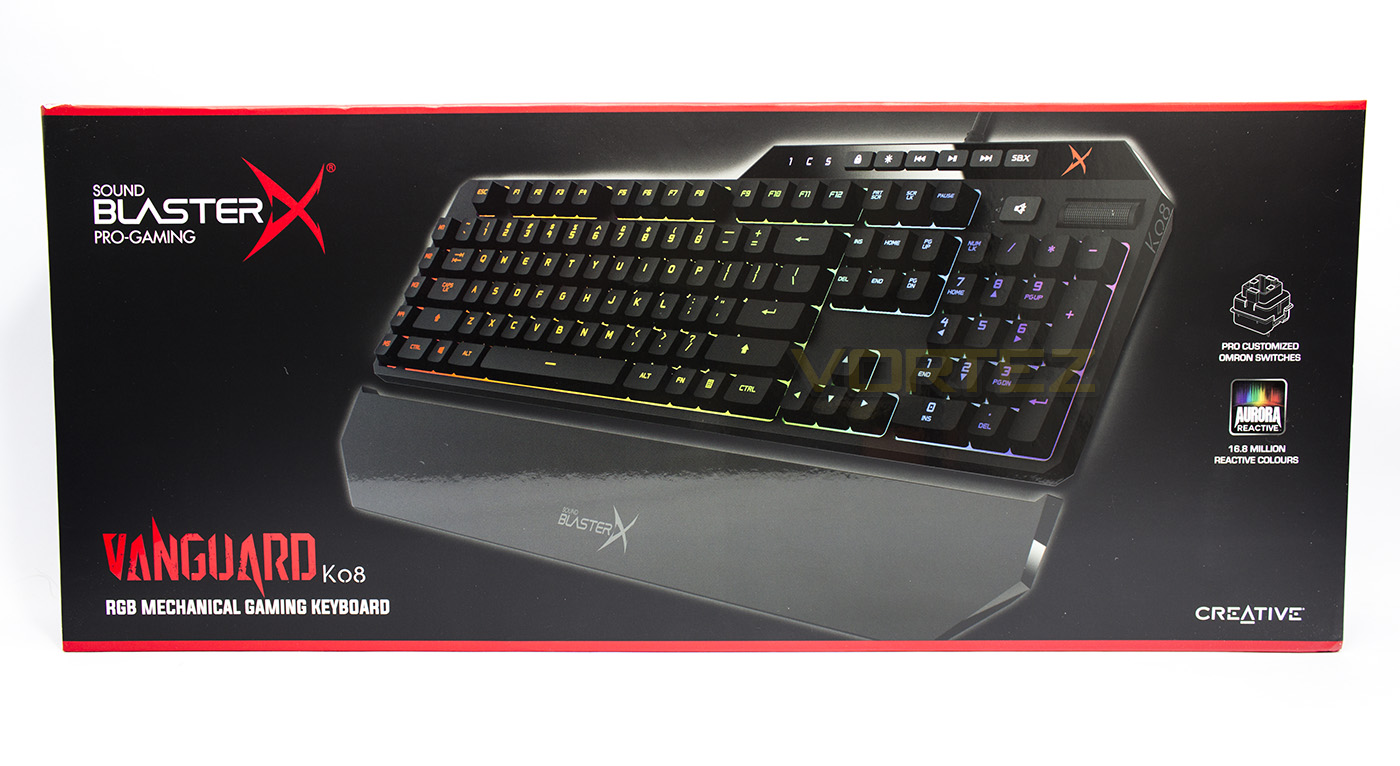
On the front of the box we are greeted with large image of the keyboard itself with a small amount of information given including the brand, product name and that it features custom mechanical switches and ‘Aurora’ RGB lighting.
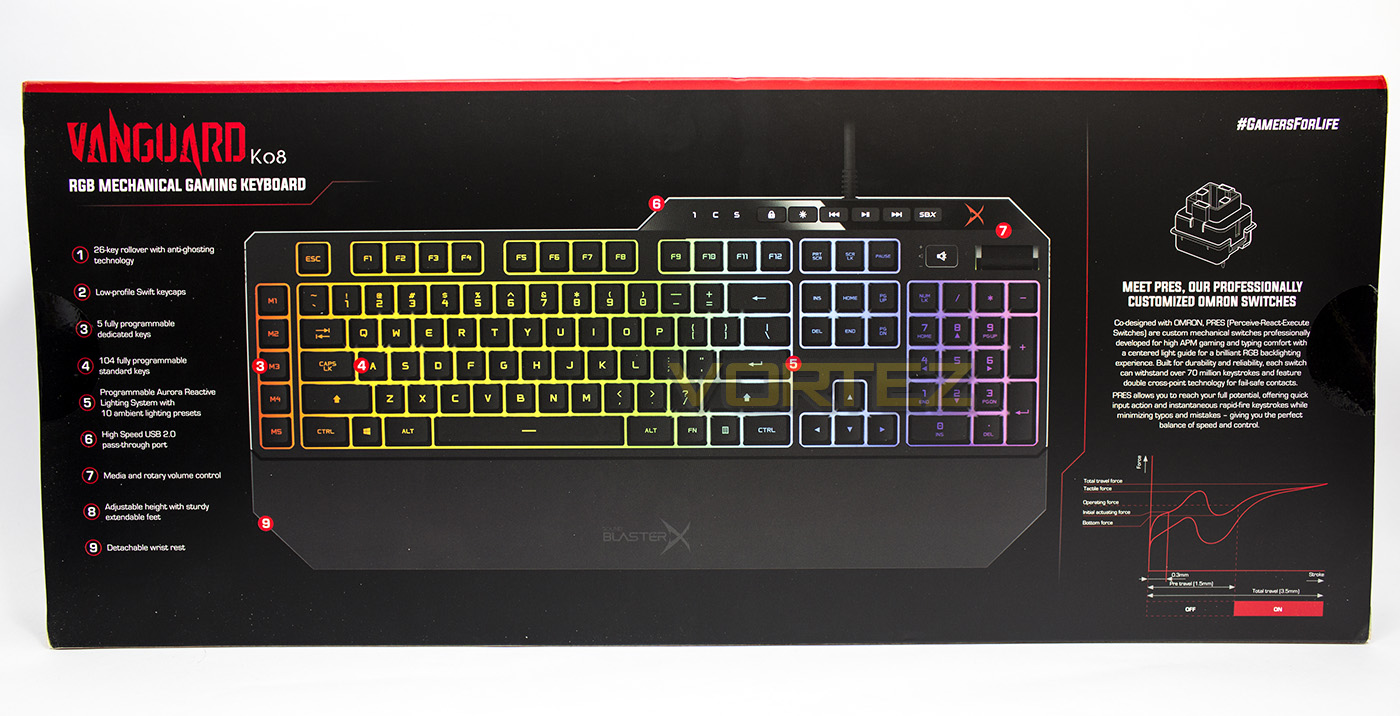
The reverse side provides us with a large diagram with a list of features, including the low-profile keycaps, 26 key rollover, as well as some detailed information about the custom mechanical switches.
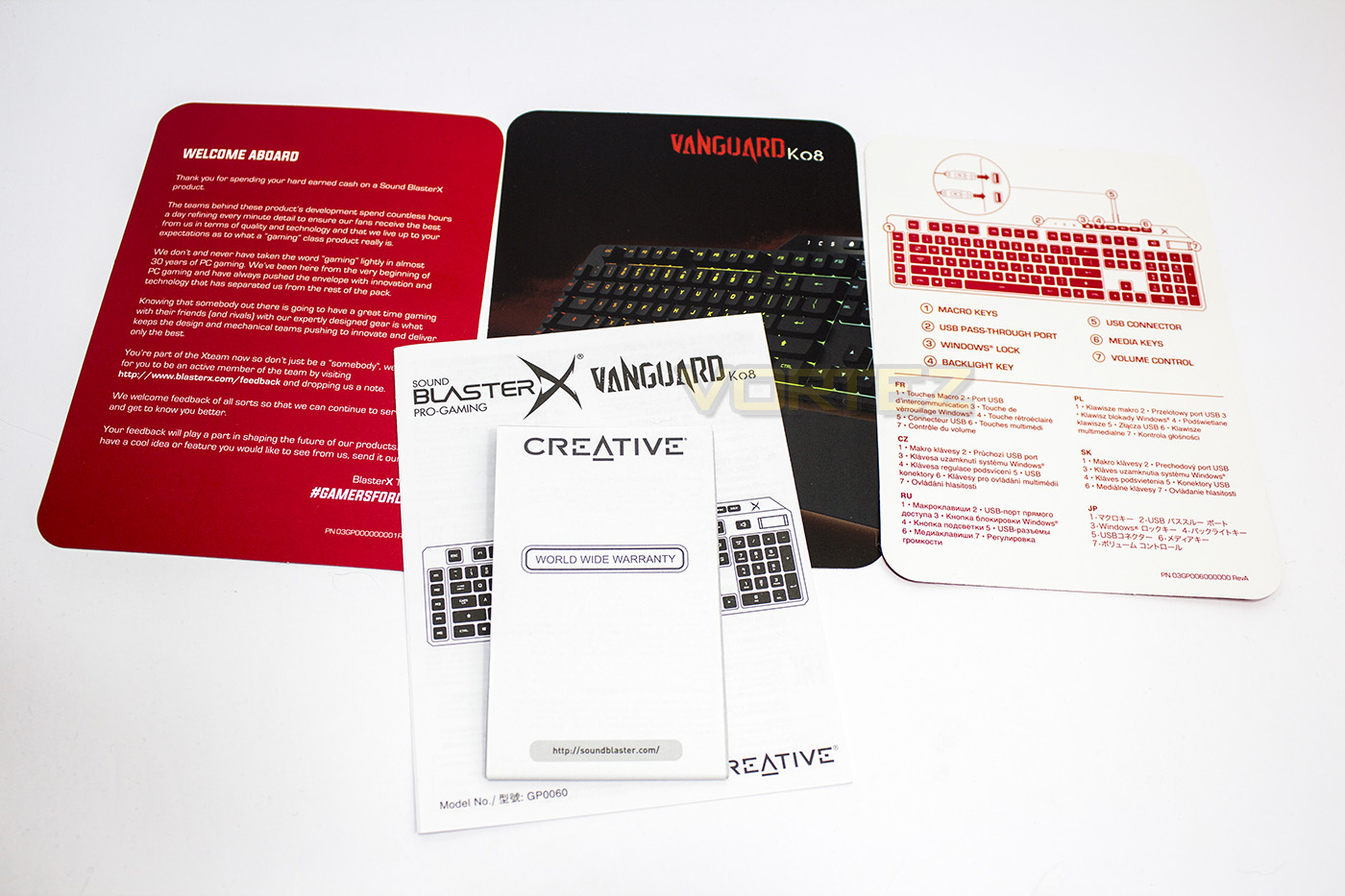
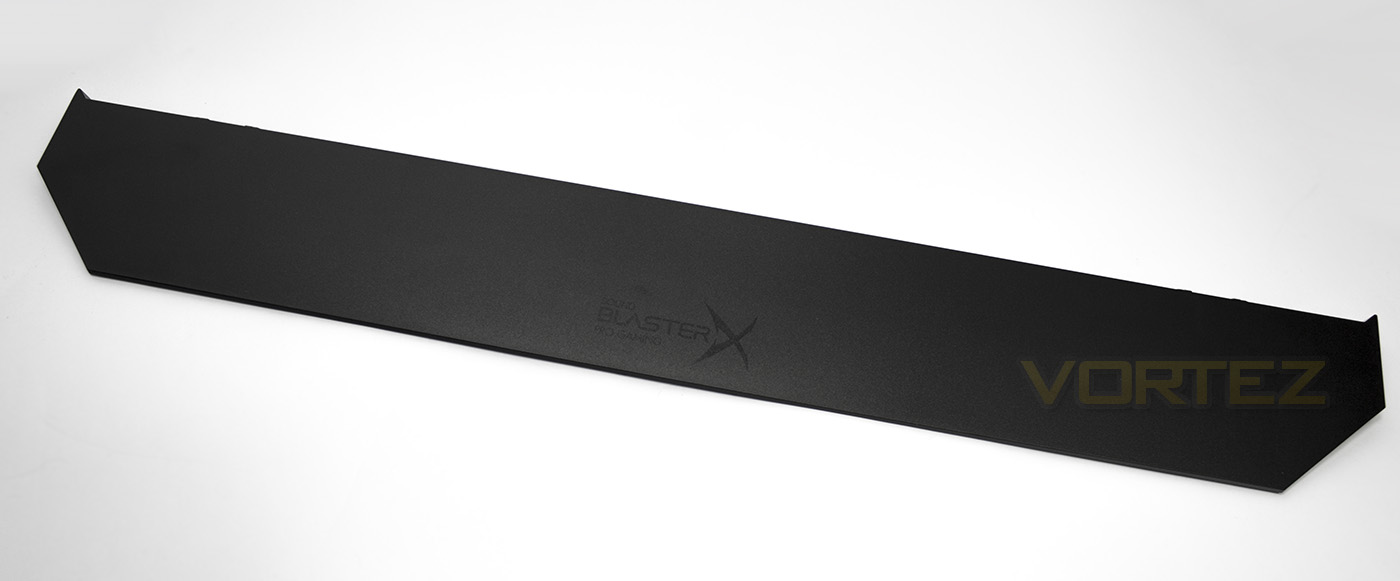
Included with the Vanguard K08 keyboard is the various paperwork/quickstart guide (apparently it should include a keycap remover too) as well as a plastic wrist rest. The wrist rest is a nice inclusion but we would have preferred it to at least been magnetic rather than plastic clips which can easily break.
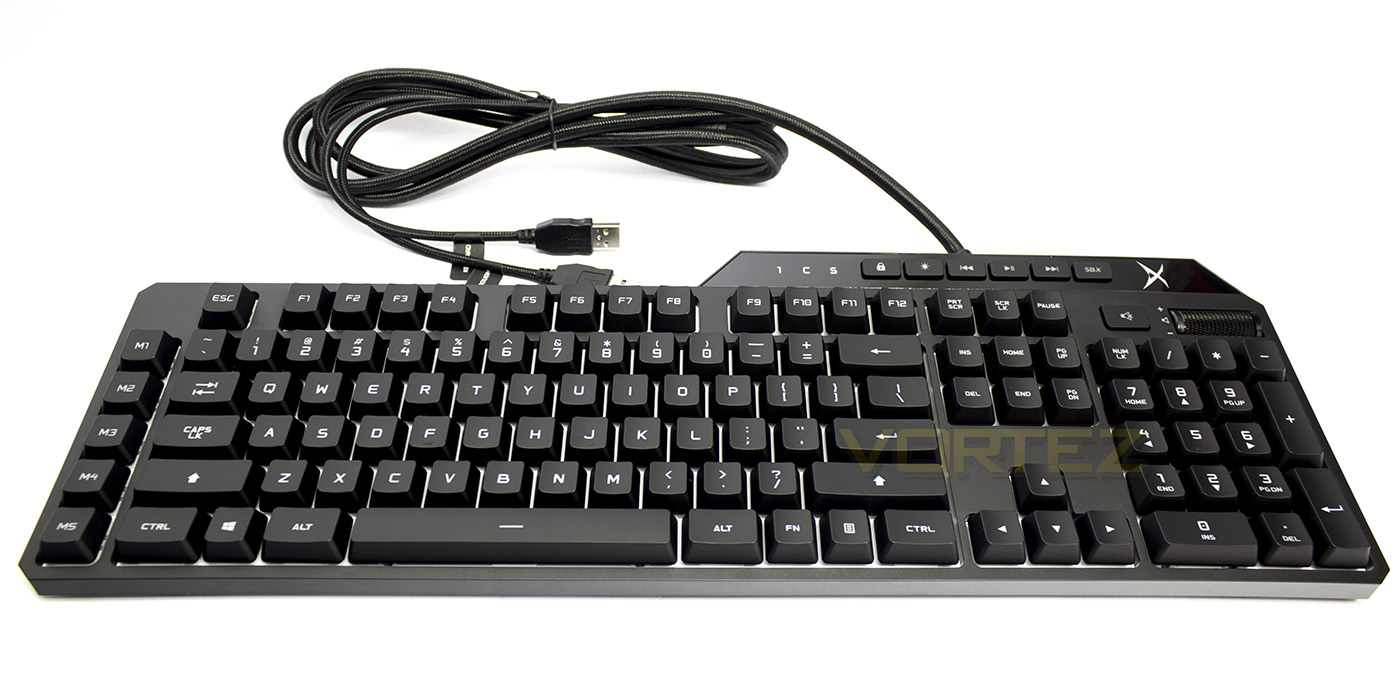
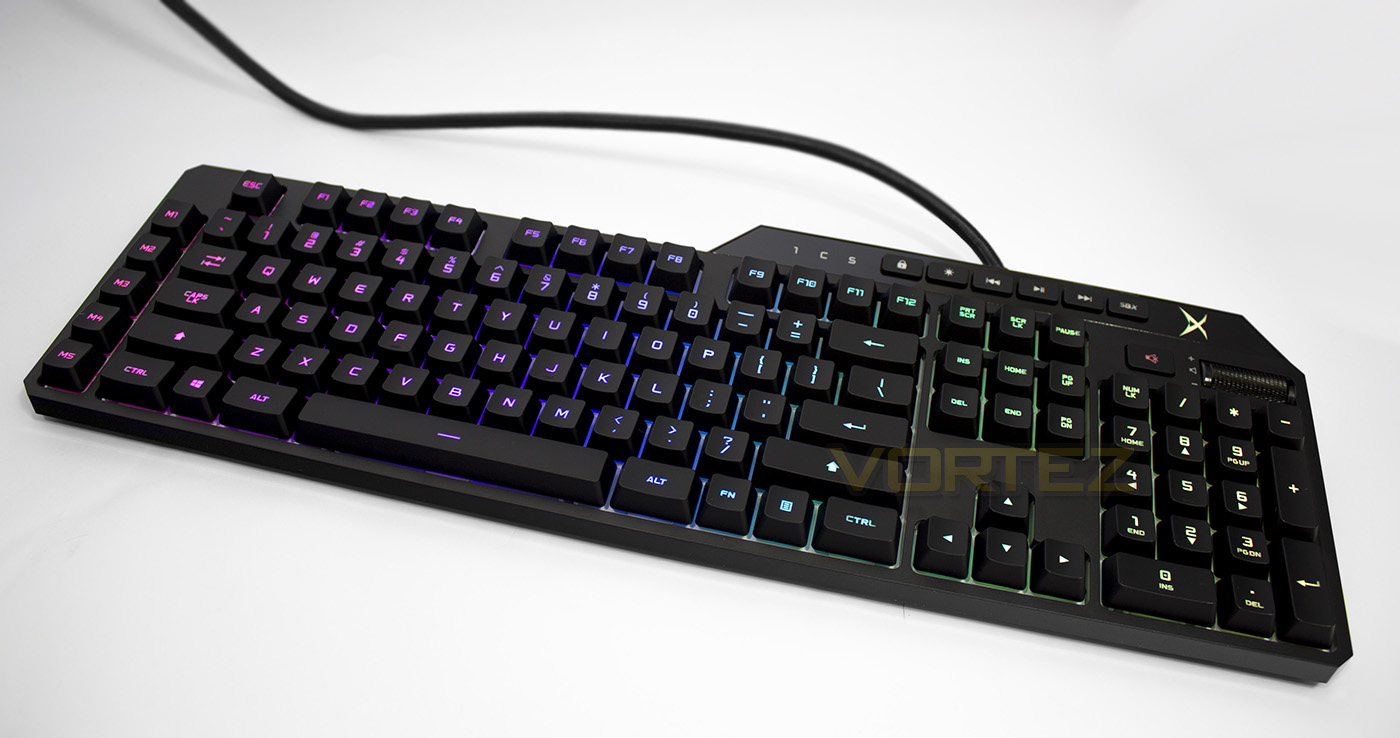
The keyboard itself features a 2m long braided cable with two USB connectors, one for the keyboard and the other for the USB passthrough. The frame that surrounds the keys is very thin giving it a low-footprint appearance, while the white background suggests that it has been designed intentionally to provide a vivid lighting experience.
Closer Look
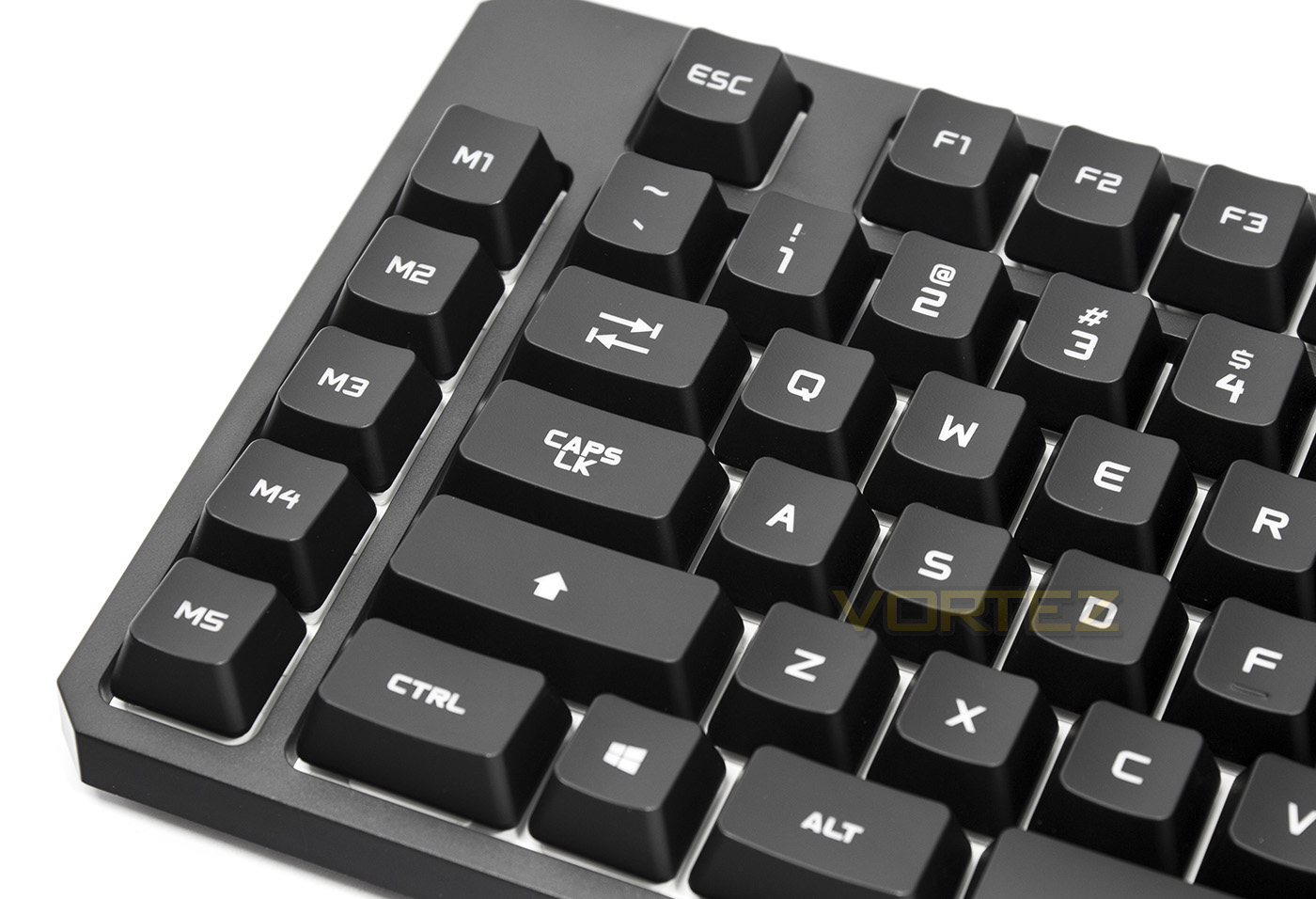
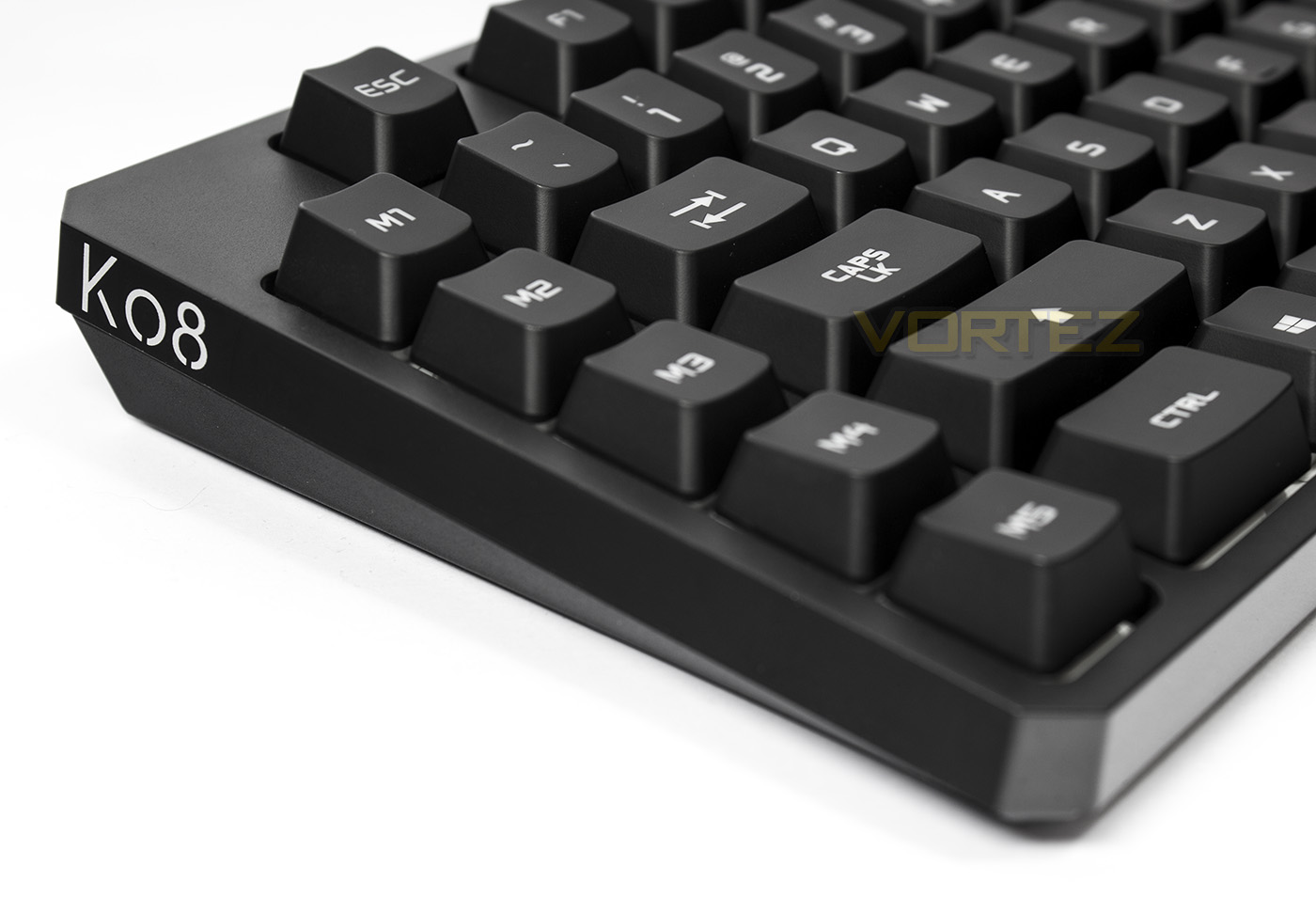
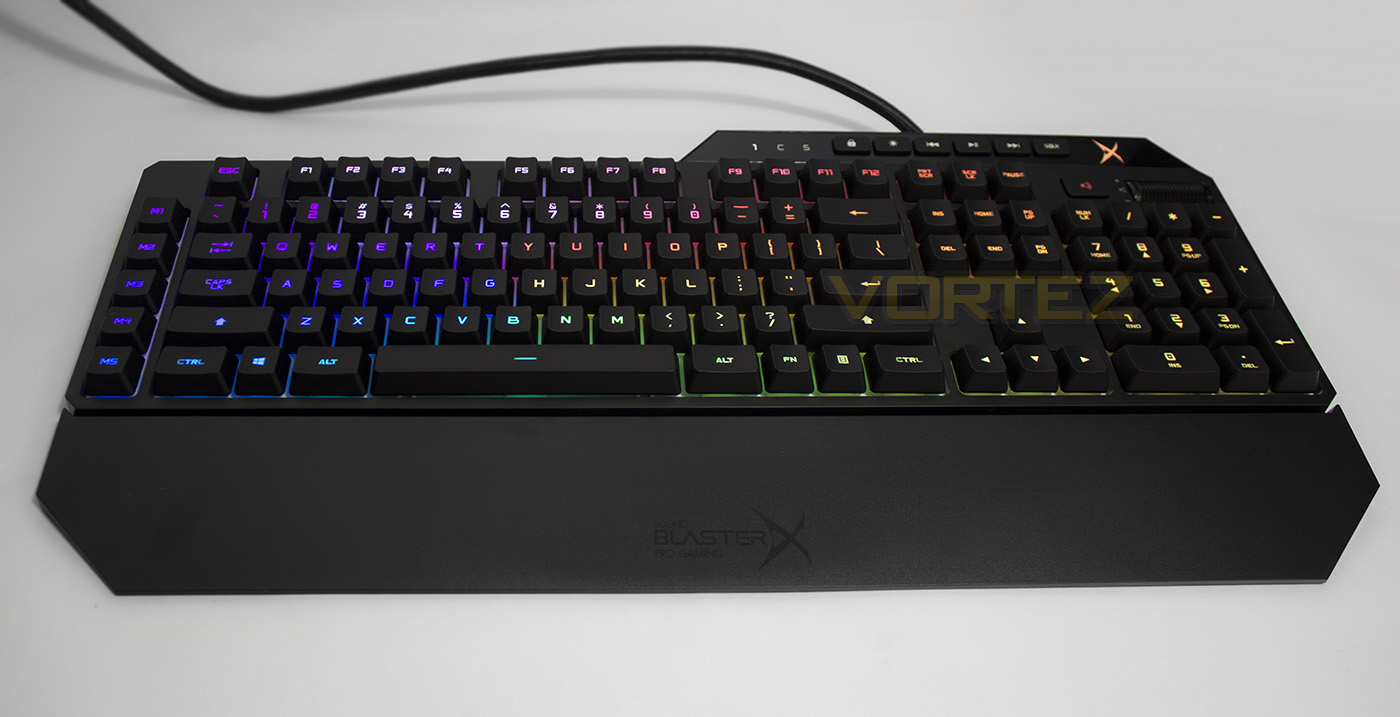
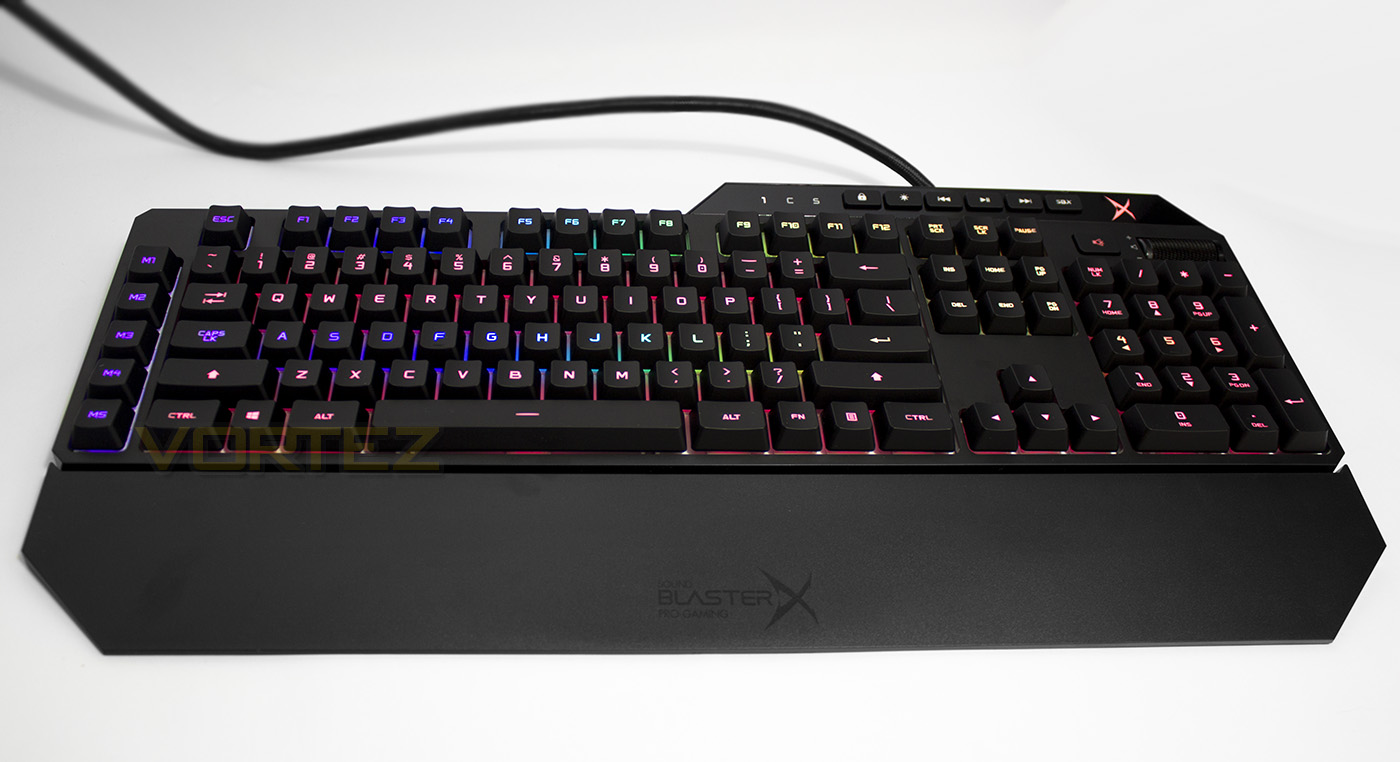
The left side features 5 dedicated macro keys, something many gamers will love taking advantage of.
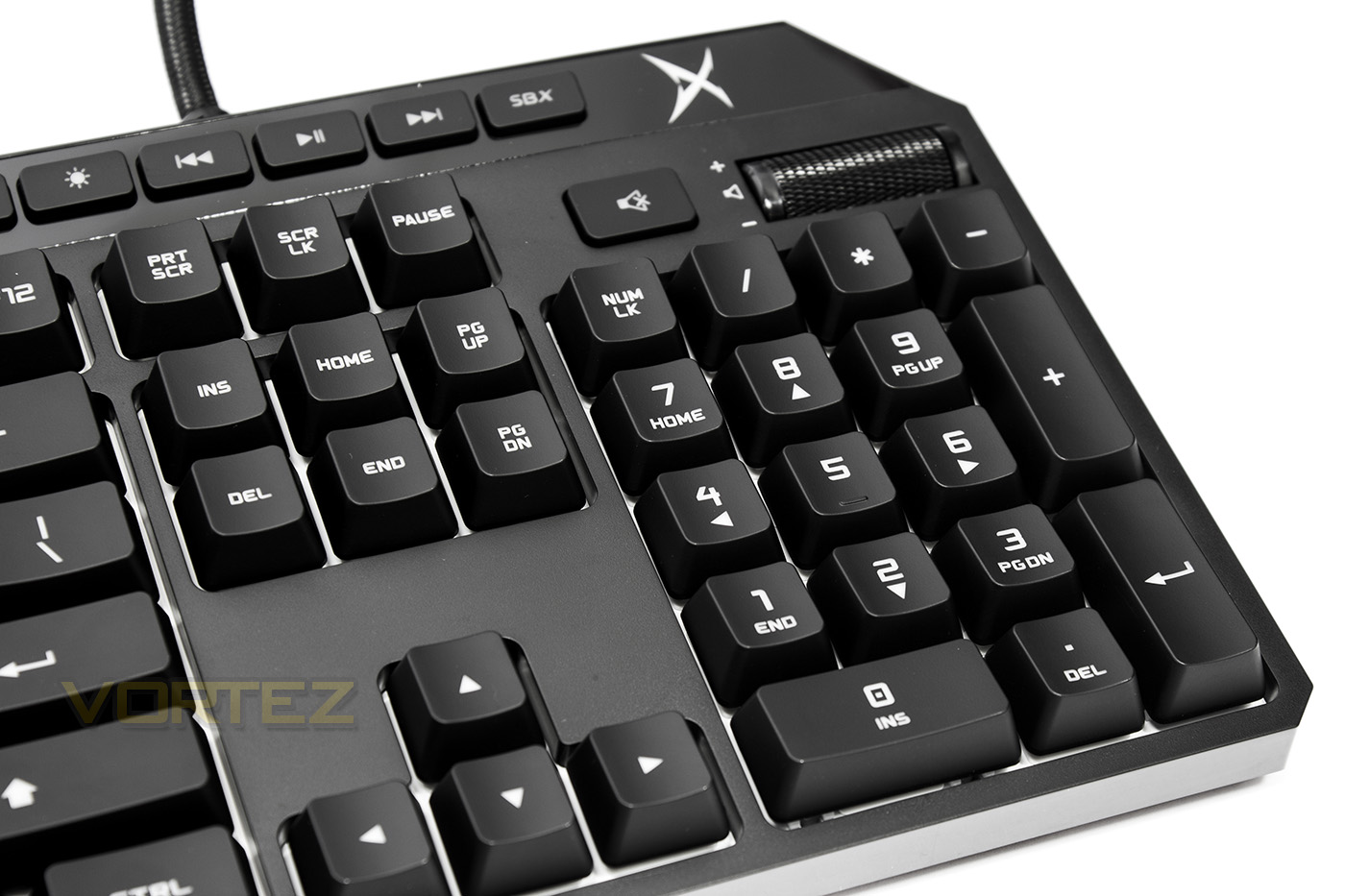
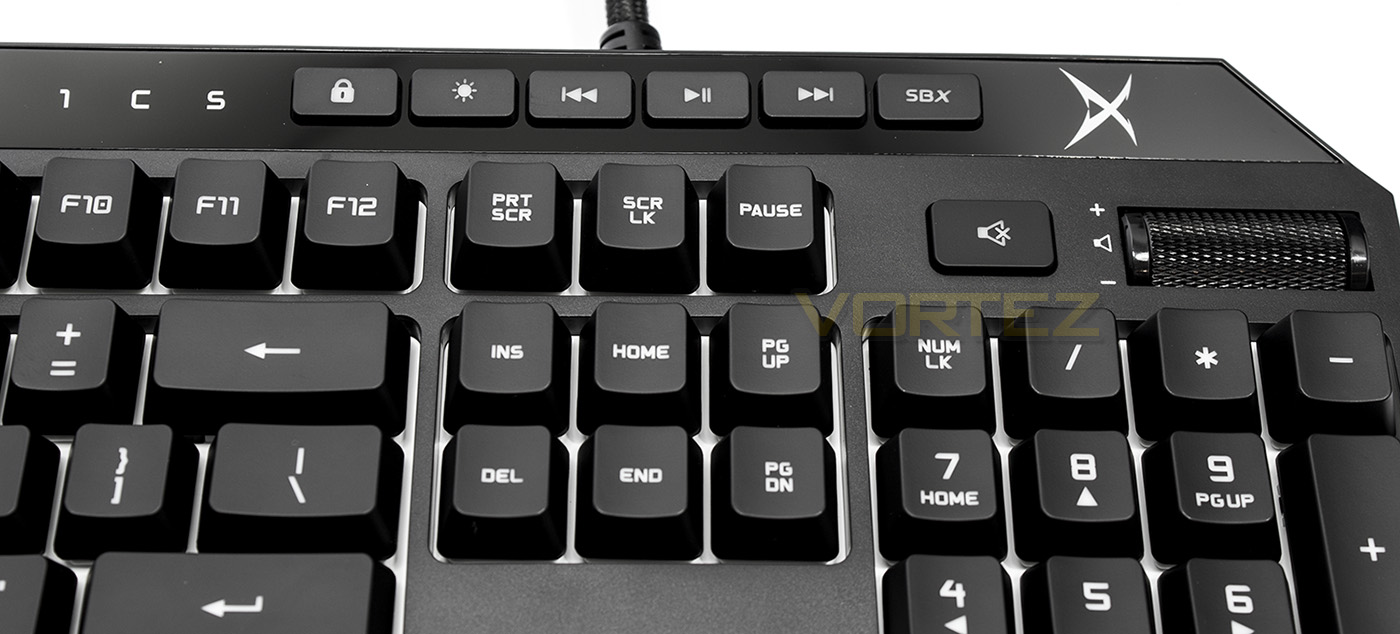
Sitting above the numpad region there are dedicated keys for Windows Lock, LED brightness, previous, play/pause, next. There is also a dedicated key to open the SBX software (when available) and a dedicated volume roller.
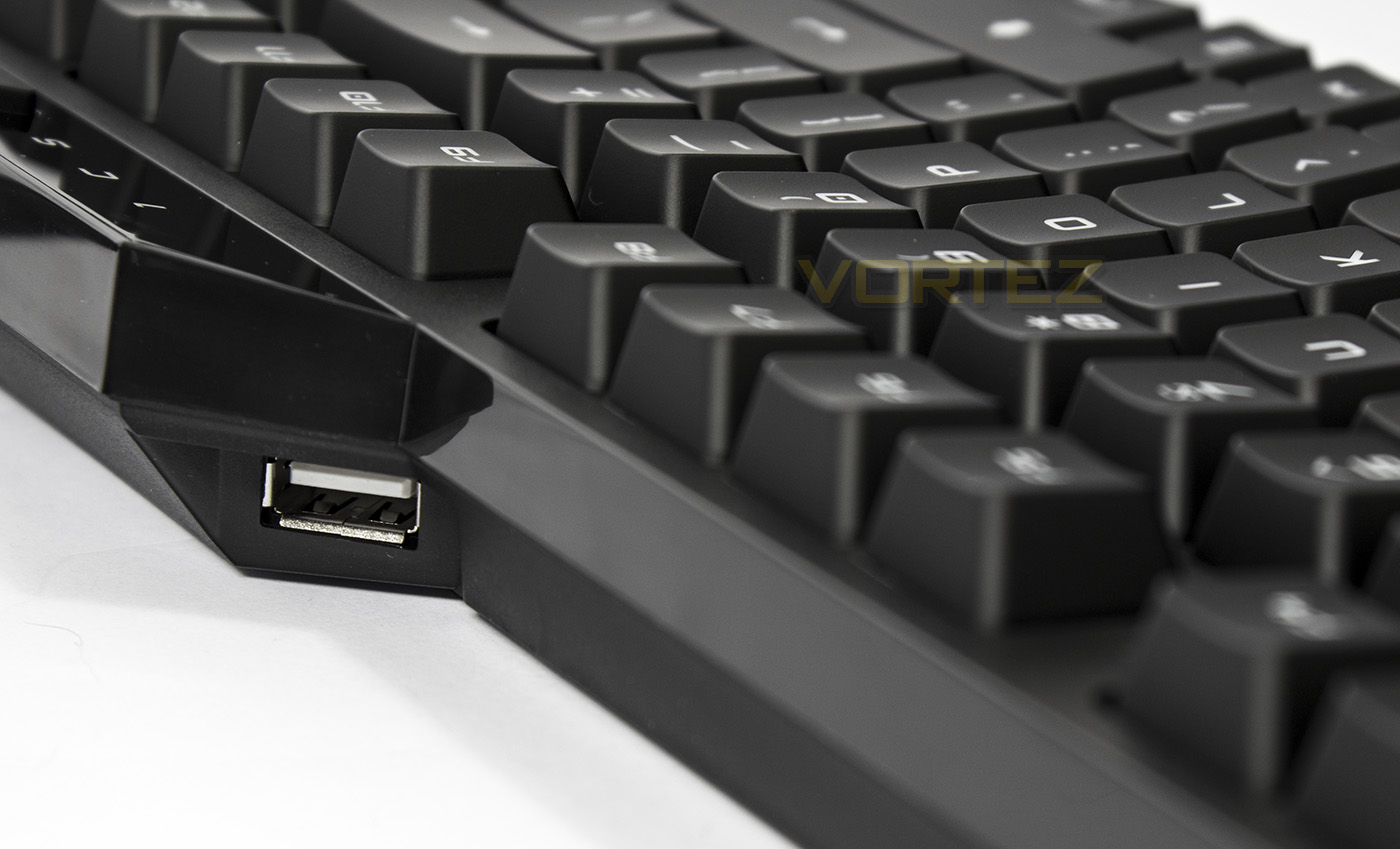
Sitting at a slight angle, the USB 2.0 pass-through is easily accessible, giving convenient access to a USB port (shame its not a USB 3.0 pass-through however).
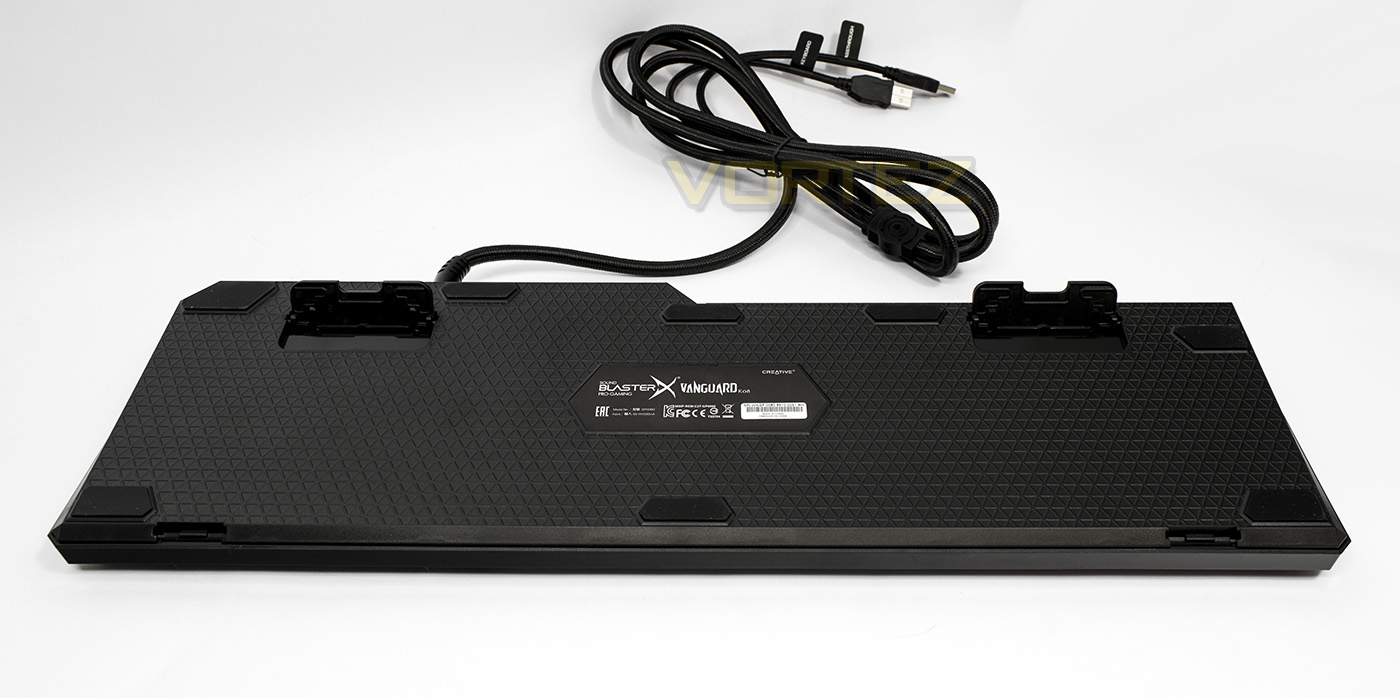
The underside is textured and has large non-slip feet. The angle adjustment feet too are wide, ensuring stability while in use.
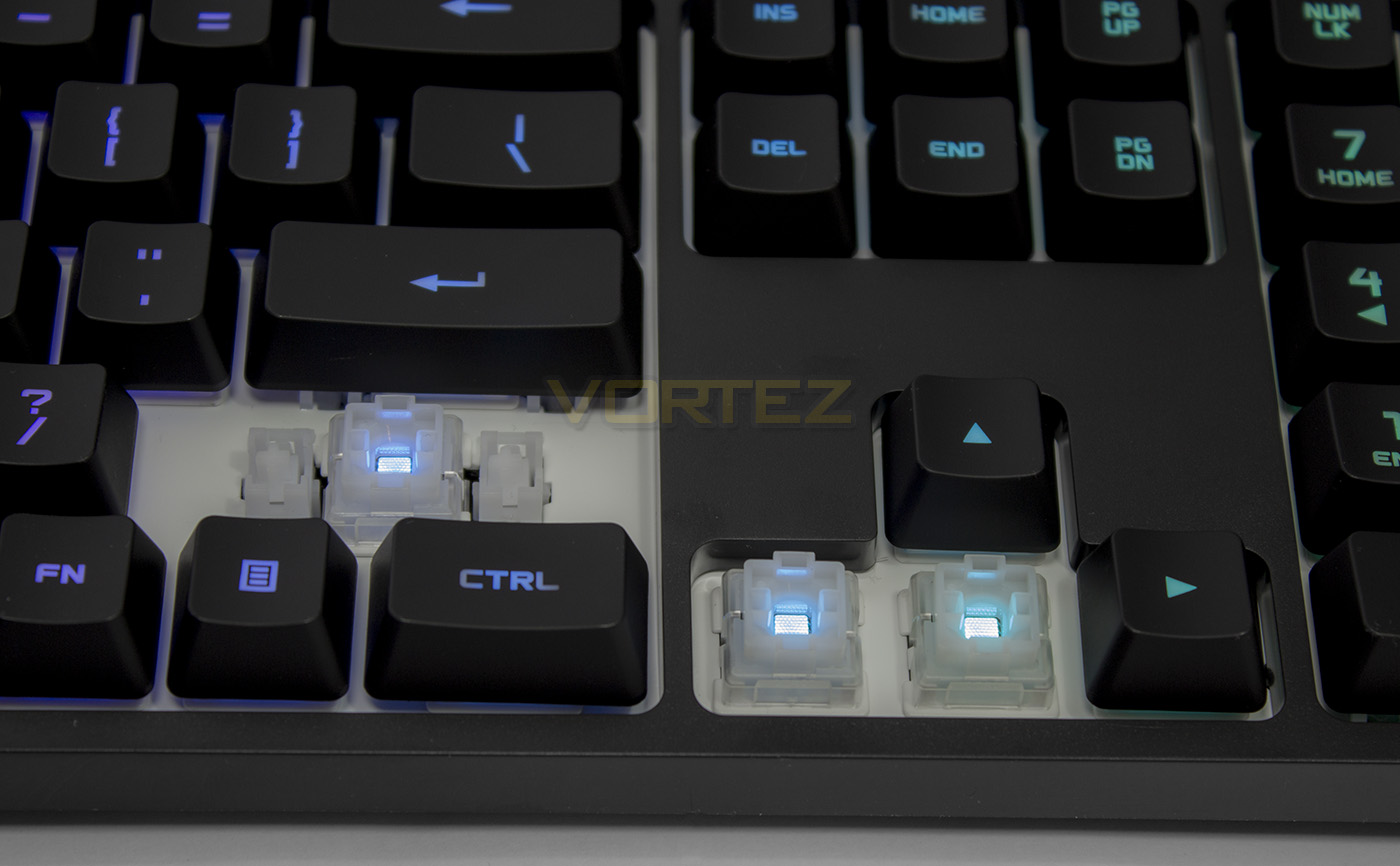
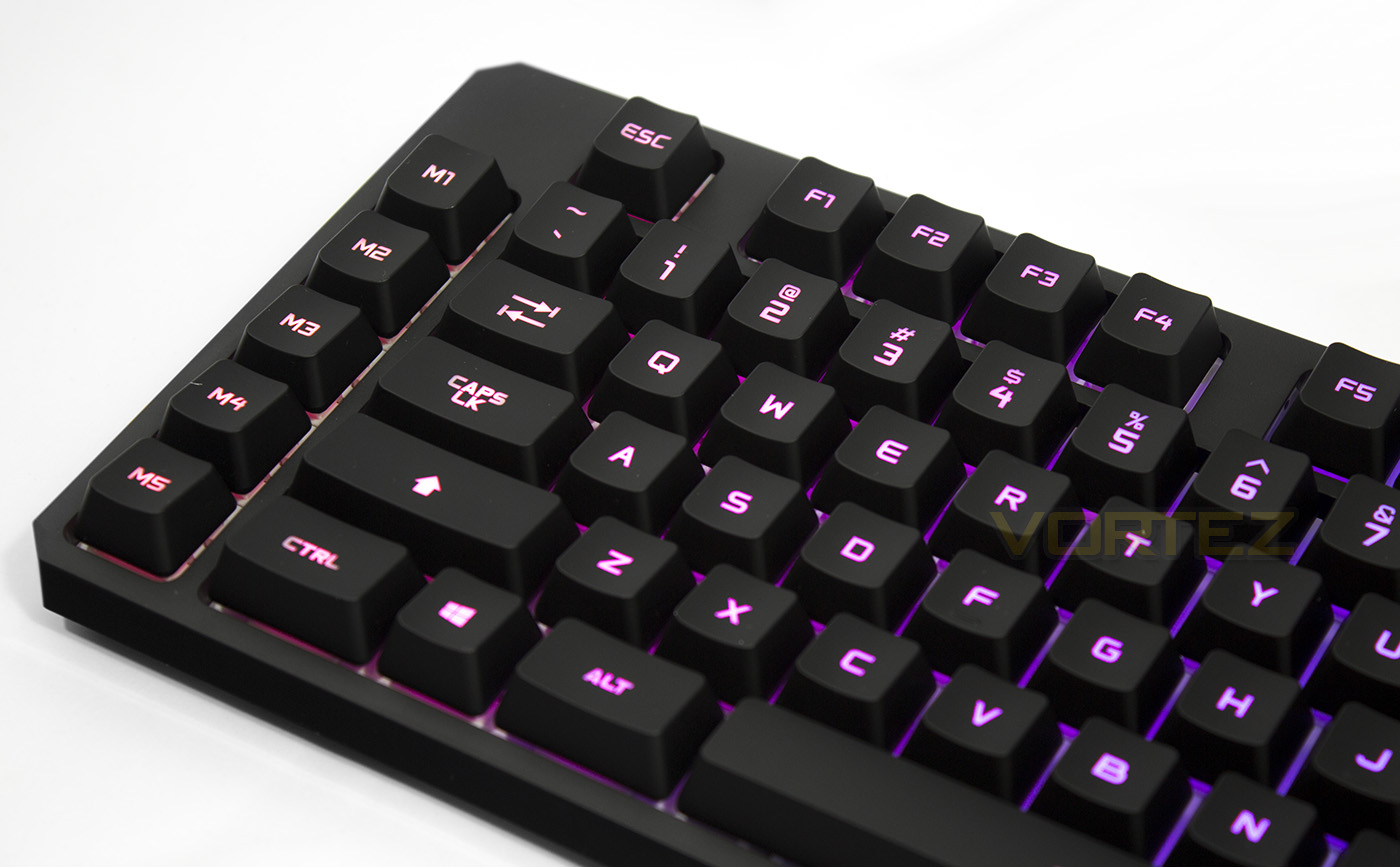
The switches give a wide mount for the keycaps, reducing keycap movement which ensures an even distribution of force regardless which side the keycap is pressed. The centre of the switch features a bright LED with a diffuser, ensuring well defined mixed colours shine through.
Software & Lighting
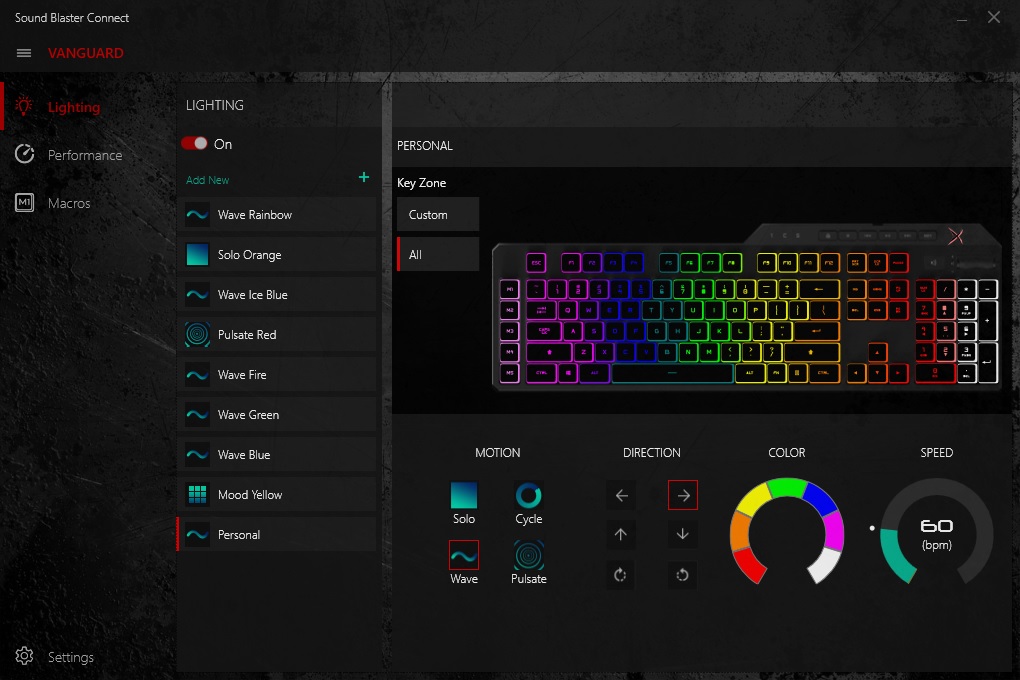
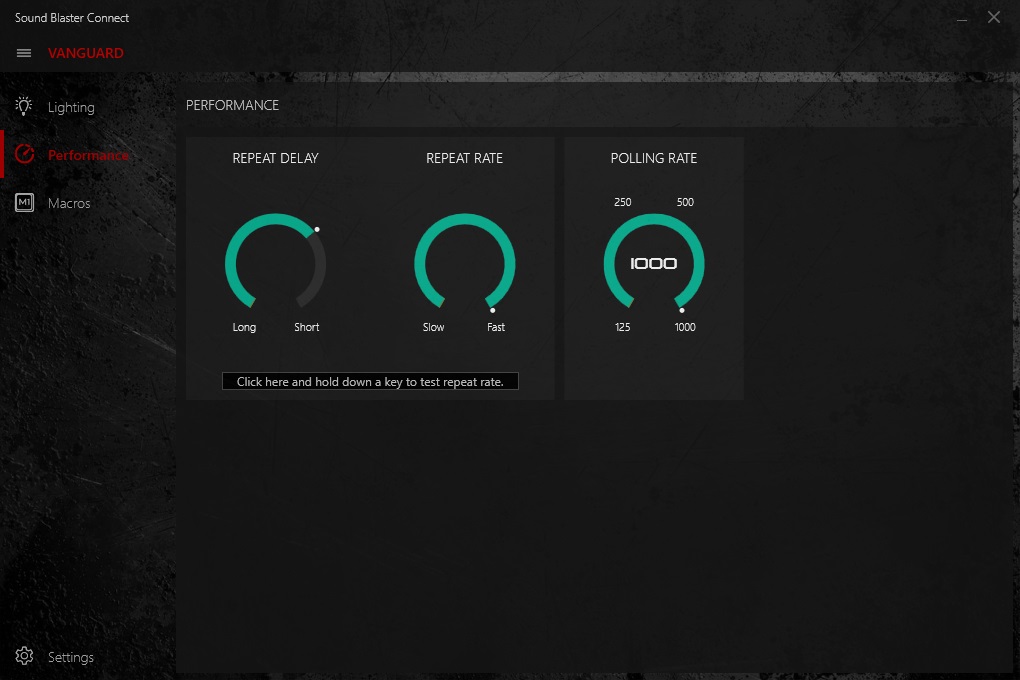
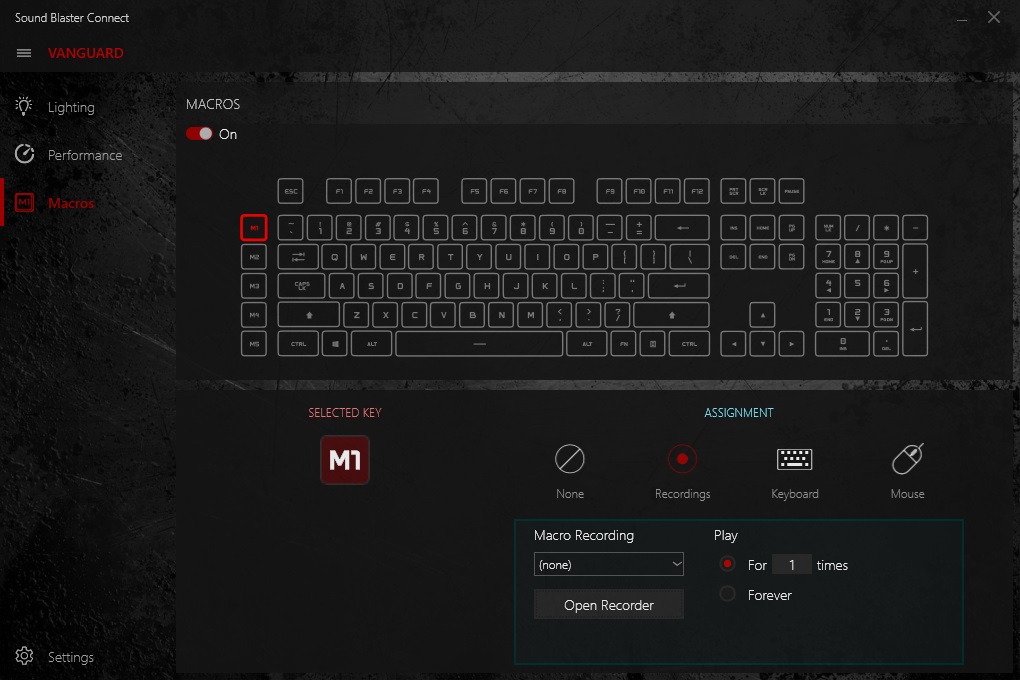
The software is not required for use, but is recommended to access all the features of the Vanguard K08 keyboard and is available to download from the product page. It appears as though the Sound Blaster Connect app is a unified software that is now used for many Creative products we have tested lately, including the Sound BlasterX Katana, the Sound Blaster iRoar GO, the Siege M04, and now the Vanguard K08.
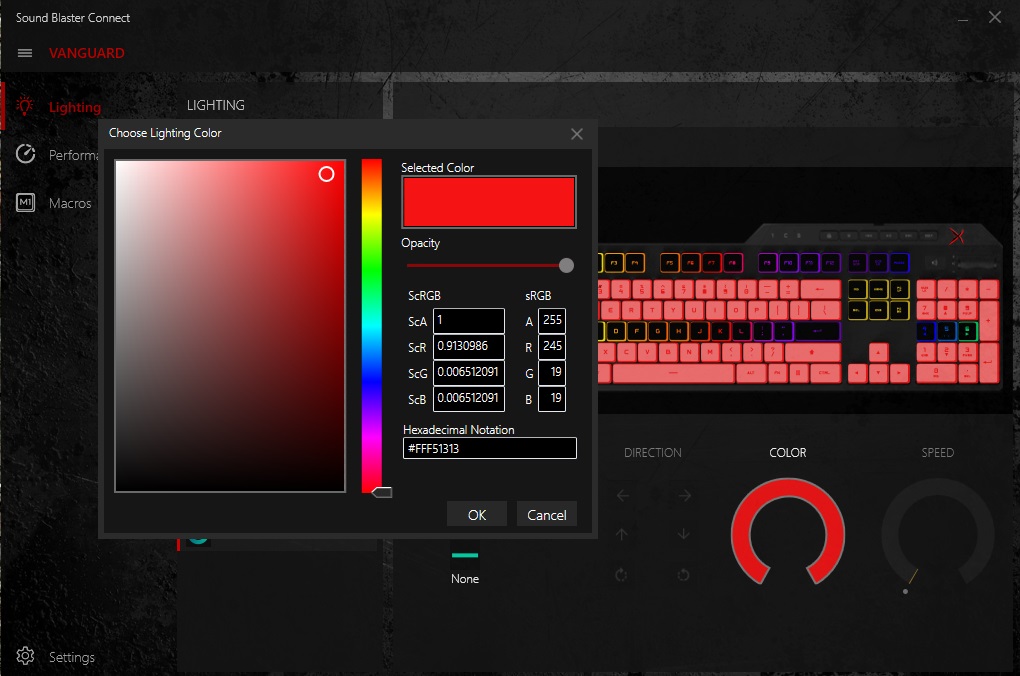
There is a wealth of preset lighting effects, as well as advanced customisable lighting effects, however it isn’t quite as intuitive as competing software (CUE/Synapse Chroma Configuator) which easily allows various layers, while the Sound Blaster Connect app only allowed two ‘layers’ to be used by selecting which effect you wanted to have, then by selecting ‘custom’ to add your own ‘layer’ over it. There was no way to select many keys at once while creating a custom lighting effect also as there was no drag to highlight box enabled within the software, making it rather time consuming having to individually select rows or blocks of keys at one time. The lighting effects are very bright, vibrant and render each colour very well.
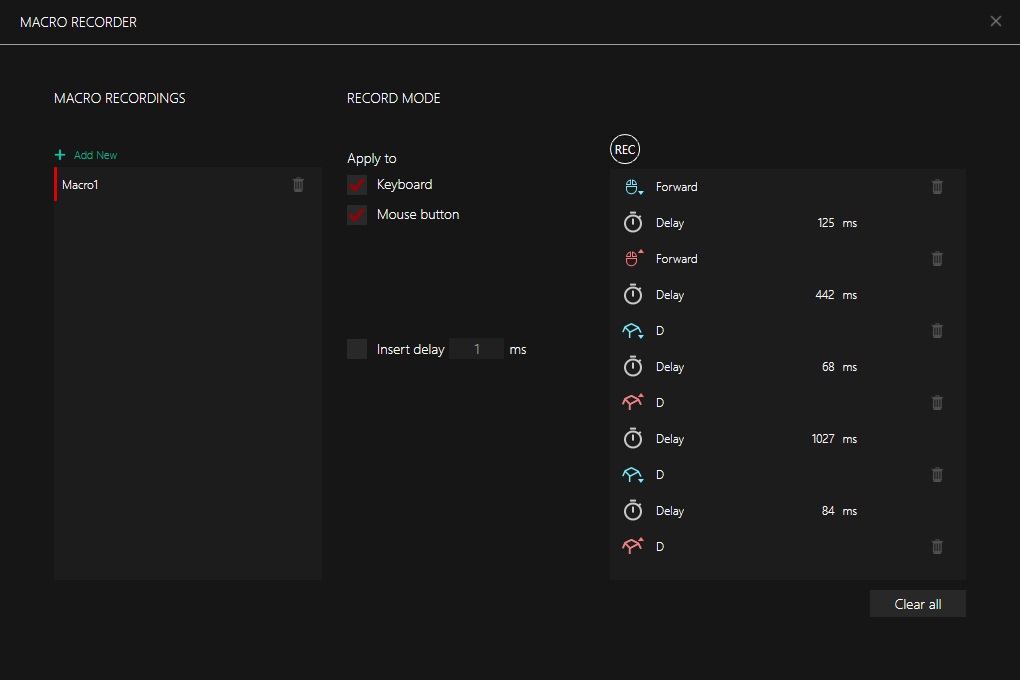
As each key is also programmable, the macro software however is very easy to use, and records all keys presses including any mouse activity and button presses. You can also remap and assign various keys or shortcuts for convenience.
Performance Testing
Setup, Design & ObservationsYou will need two spare USB ports for the Vanguard K08, one for the keyboard itself, the other for the USB pass-through. It is a shame that the pass-through featured is not USB 3.0, especially as many of the latest motherboards do not even feature USB 2.0 on their rear I/O.
The keyboard itself is sturdy and well made with no noticeable flex while in use. The keycaps and finish feels high quality but not quite fingerprint resistant. The media keys feel nice and satisfying to press in a rather enjoyable squishy kinda way while the volume roller gives a smooth but weighty impression.
Should you wish, connecting the wrist rest requires you to slightly lift the keyboard over the clips, then a little push to click into place. Once attached it will remain firm, but lifting the keyboard quickly may result in a flappy wrist rest, so be careful not to knock it while doing so as you could damage the plastic clip. Though some complain that magnetic wrist rests tend to move too much, I have never experienced an issue with them and I would certainly have preferred a magnetic solution.
In use, the Vanguard K08 is comfortable to use with or without the wrist rest, making it an optional extra, this is because the VK08 is only 37.8mm tall, which means it is low enough for hands to easily reach over the keyboard.
Performance
The switches were somewhat startling, as you will instantly notice that they have very little wobble and remain relatively silent while rubbing your finger over the surface of all the keycaps. The actuation force feels a little higher than we are used to, and once depressed, the key smoothly slides down and up with little lateral interference. The keystroke is quieter than most other mechanical switches we test (similar to MX Silent) yet felt quicker than normal due to a strong rebound force and shorter keystroke. In typing tests I was able to maintain an average of 67 words per minute which is slightly over my average typing speed of 58-63wpm which was despite my errors made due to using the US layout.
In our gaming tests we found that the keys felt clinical and spammable with very little wasted movement. The macro keys weren’t too close as to cause accidental keystrokes or hand-position error, though I felt that they could have given them a slightly different textured keycap to differentiate them that little more.
Conclusion
Creative again impress us with their entry into the gaming peripheral market, they have created a product that combine the best aspects of gaming specific technologies and features without over-doing it in the aesthetic design. The LED lighting is bright and attractive and has an impressive array of advanced effects, and though this area could do with improving especially when compared with some others, there is enough to satisfy gamers of the PRO RGB LED party rave hype, or those that find RGB LED lighting as just another tool.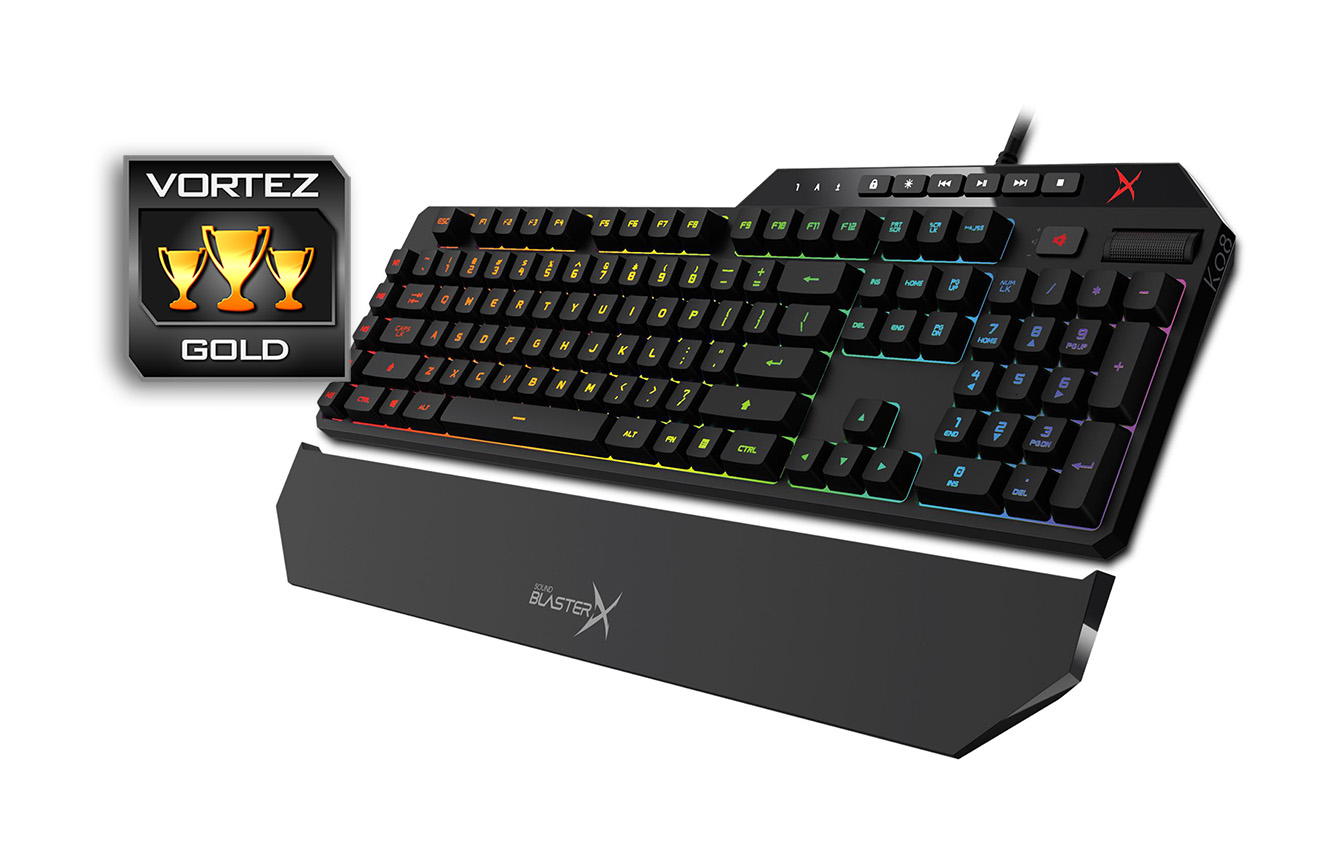
The real kicker with the Vanguard is in its switches, not only do they provide superbly bright LED lighting, nor that they are rated for 70million keystrokes, but they genuinely feel like a true switch for gamers. They are little rattle/wobble to them, and they are relatively quiet while in full use, lacking any click/clack sounds even experienced from other mechanical switch types. To put them in perspective, they are like a cross between Cherry MX Brown and Silver (maybe that will be gold?) with a stronger tactile feedback, a more direct down/up motion, and quieter operation.
The only real downside we can think of with the VK08 is that it is currently only available in US layout, and that Creative could have supplied some optional/textured keycaps. Otherwise this is a product worth checking out, as it is a worthy alternative to the various leading mechanical keyboards out there. In once sense, if you don’t mind a slightly less developed lighting repertoire, the Vanguard K08 is likely to be superior to the competitors on the back of those custom Omron ‘PRES’ switches. (Right now if you live in the USA, Creative have a promo sale on the Vanguard K08 for just $139!)
Creative bring another brilliant product to the market with the Vanguard K08, cementing the Sound BlasterX brand as one to look out for in regards to gaming peripherals.
Pros.
+ Sleek appearance
+ Good quality construction
+ Bright, customisable RGB LED lighting
+ Custom mechanical switches (high speed, silent/tactile)
+ Included wrist rest
+ USB pass-through
+ Dedicated macro keys
+ Dedicated media keys + volume roller
Cons.
– Didn’t use a USB 3.0/3.1 pass-through
– Only available in US layout (right now)
+ Sleek appearance
+ Good quality construction
+ Bright, customisable RGB LED lighting
+ Custom mechanical switches (high speed, silent/tactile)
+ Included wrist rest
+ USB pass-through
+ Dedicated macro keys
+ Dedicated media keys + volume roller
Cons.
– Didn’t use a USB 3.0/3.1 pass-through
– Only available in US layout (right now)
Click here for an explanation of our awards at Vortez.net.