RGB has taken off more than anyone ever expected, with companies now producing premium RGB kits to make your workspace look even more beautiful; the Razer HDK also offers Chroma integration to bring your games to life.

Product on Review: Razer Chroma Hardware Development Kit
Manufacturer: Razer
Street Price: £79.99 / $79.99 – £29.99 / $29.99
RGB lighting has taken the PC gaming market by storm, it seems as though we’re slowly transcending into a world ruled entirely by a range of 16.8M coloured lights. Razer is trying it’s very best to light up your battle station with the Razer Chroma Hardware Development kit; this is essentially a Chroma enabled controller from which you can individually control up to 64 RGB LEDs.
Razer claims that RGB lighting is more than just pure vanity and that the overall aim is to deliver true gaming immersion.
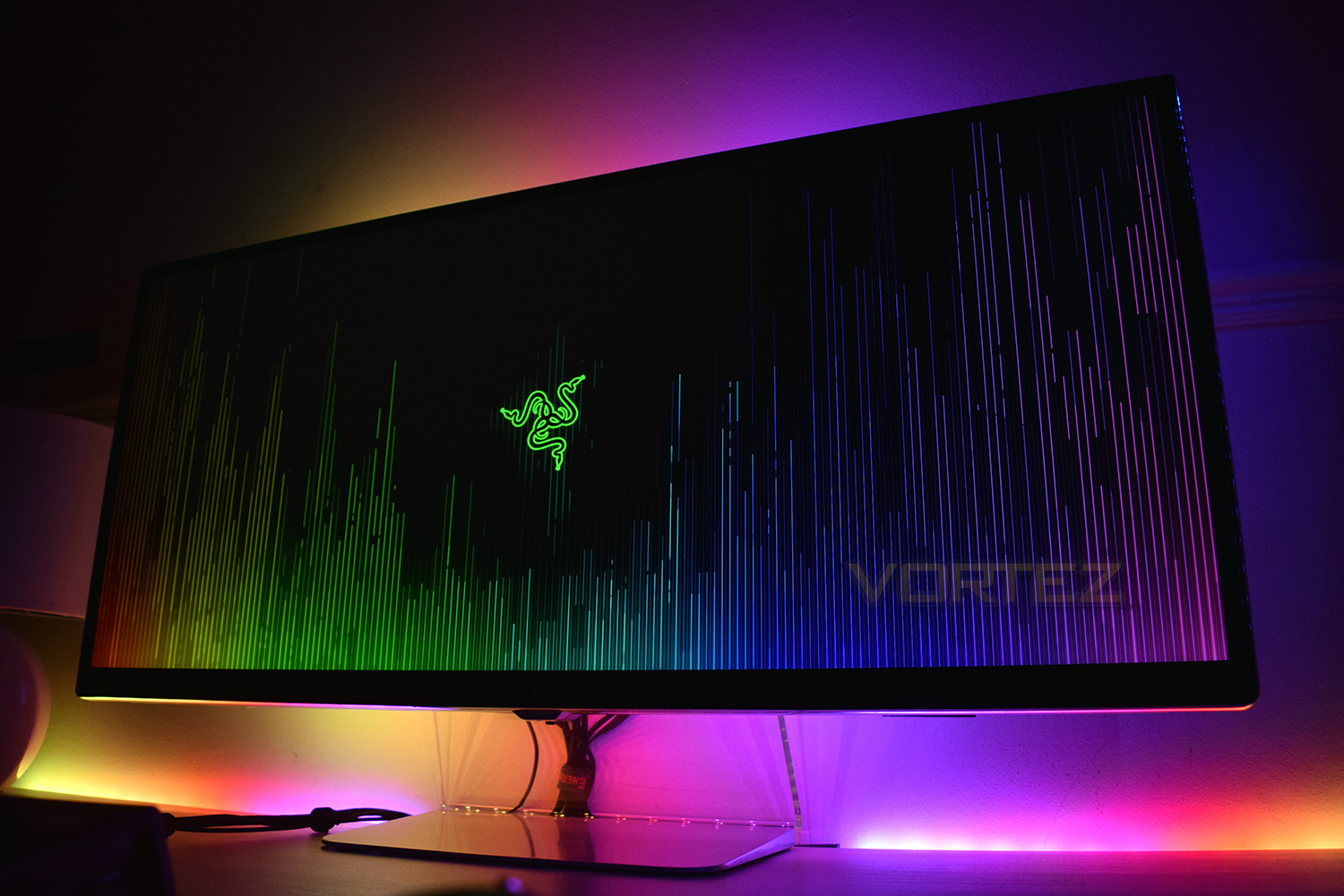
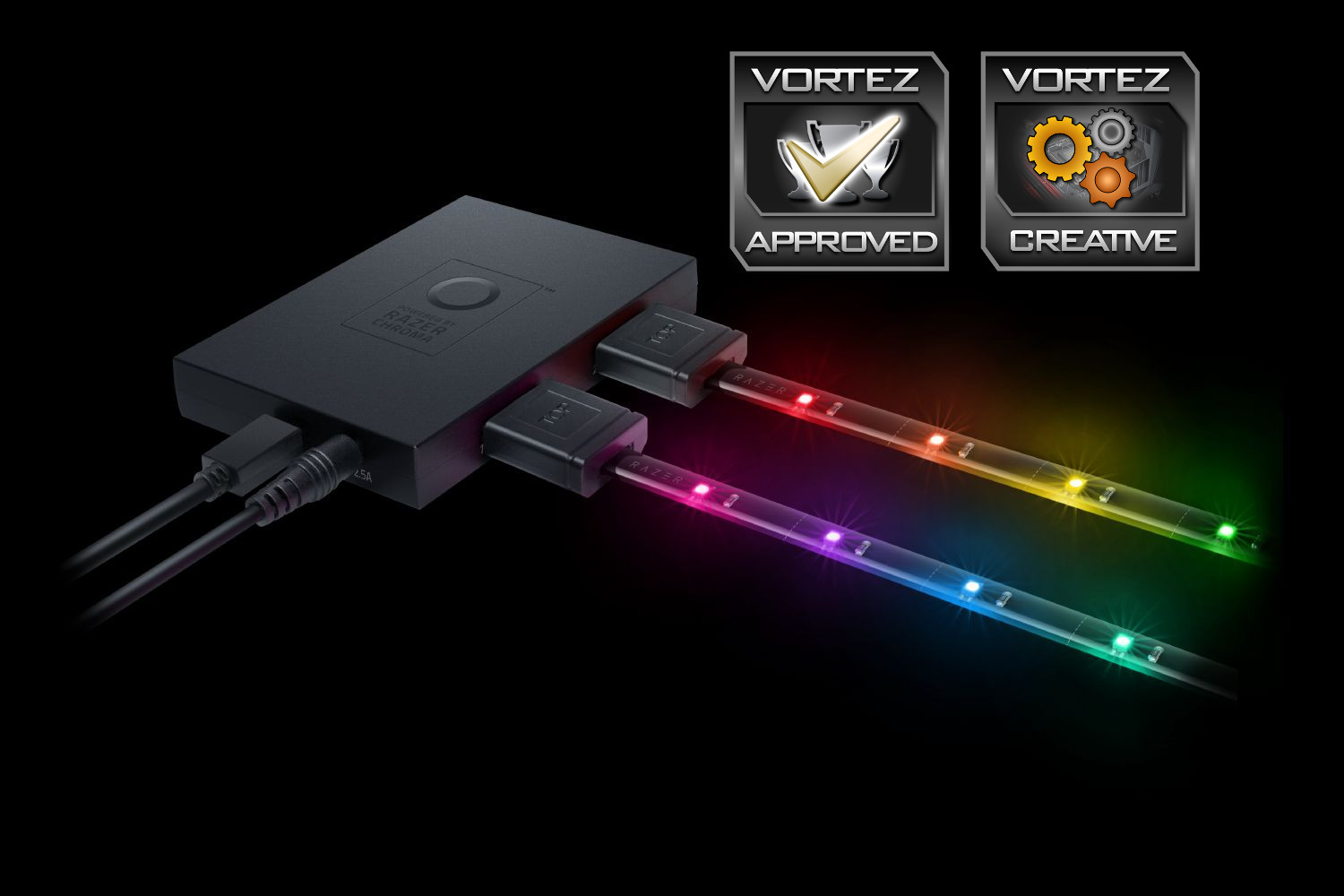
We’ve been provided with the Hardware development kit, which arrives with the controller, all of the relevant power and USB cables, along with 2x 500mm (19”) LED strips and 2x 280mm (11.1”) extension cables. Alongside this, we were also furnished with the Chroma HDK Light Pack, which provides an extra two extension cables and two more light strips. With 2 metres (Over 6 feet) of lighting strips, housing 64 LEDs, let’s see what kind of lighting effect we can create.
Razer on the Chroma Hardware Development Kit:
Razer Chroma has always been more than just pretty lights. Our true goal was to deliver total gaming immersion, and now we’re a step closer to that vision. Go ahead, personalize your gaming setup with our new LED strips and watch your whole room transform with full spectrum colour.
Technical Specifications
At a glance:
Razer Chroma HDK module with 4 lighting channels
Includes 2 LED strips
Install inside or outside your PC case
Works with Razer Synapse 3 and Chroma Studio
Razer Chroma SDK enabled
Specs:
Razer Chroma HDK with 4 channel lighting output
USB connection for data and power
DC output for additional power and brightness
Included Molex to DC power adapter for internal case lighting
Double sided adhesive tape for mounting
Razer Synapse enabled
Razer Chroma SDK enabled
Size and Dimensions:
Razer Chroma HDK: 10 cm / 3.9 in (Length) x 7 cm / 2.7 in (Width) x 1.5 cm / 0.6 in (Height)
LED strip length: 50 cm / 19.6 in
Extender cable length: 30 cm / 11.1 in
Micro USB data cable: 100 cm / 39 in
USB to DC power cable: 150 cm / 59 in
4-pin Molex to DC cable: 30 cm / 11.8 in
Package Contents:
Razer Chroma HDK module
2 LED strips (16 LED’s each)
2 Extender cables
Micro USB data cable
USB to DC power cable
4-pin Molex to DC cable
DC power adaptor
Razer Chroma HDK module with 4 lighting channels
Includes 2 LED strips
Install inside or outside your PC case
Works with Razer Synapse 3 and Chroma Studio
Razer Chroma SDK enabled
Specs:
Razer Chroma HDK with 4 channel lighting output
USB connection for data and power
DC output for additional power and brightness
Included Molex to DC power adapter for internal case lighting
Double sided adhesive tape for mounting
Razer Synapse enabled
Razer Chroma SDK enabled
Size and Dimensions:
Razer Chroma HDK: 10 cm / 3.9 in (Length) x 7 cm / 2.7 in (Width) x 1.5 cm / 0.6 in (Height)
LED strip length: 50 cm / 19.6 in
Extender cable length: 30 cm / 11.1 in
Micro USB data cable: 100 cm / 39 in
USB to DC power cable: 150 cm / 59 in
4-pin Molex to DC cable: 30 cm / 11.8 in
Package Contents:
Razer Chroma HDK module
2 LED strips (16 LED’s each)
2 Extender cables
Micro USB data cable
USB to DC power cable
4-pin Molex to DC cable
DC power adaptor
Packaging & Closer Look
The packaging that these products arrive in aren’t the flashiest or best looking, but they offer ample protection and house the components securely. After all, the packaging gets flung to one side anyway.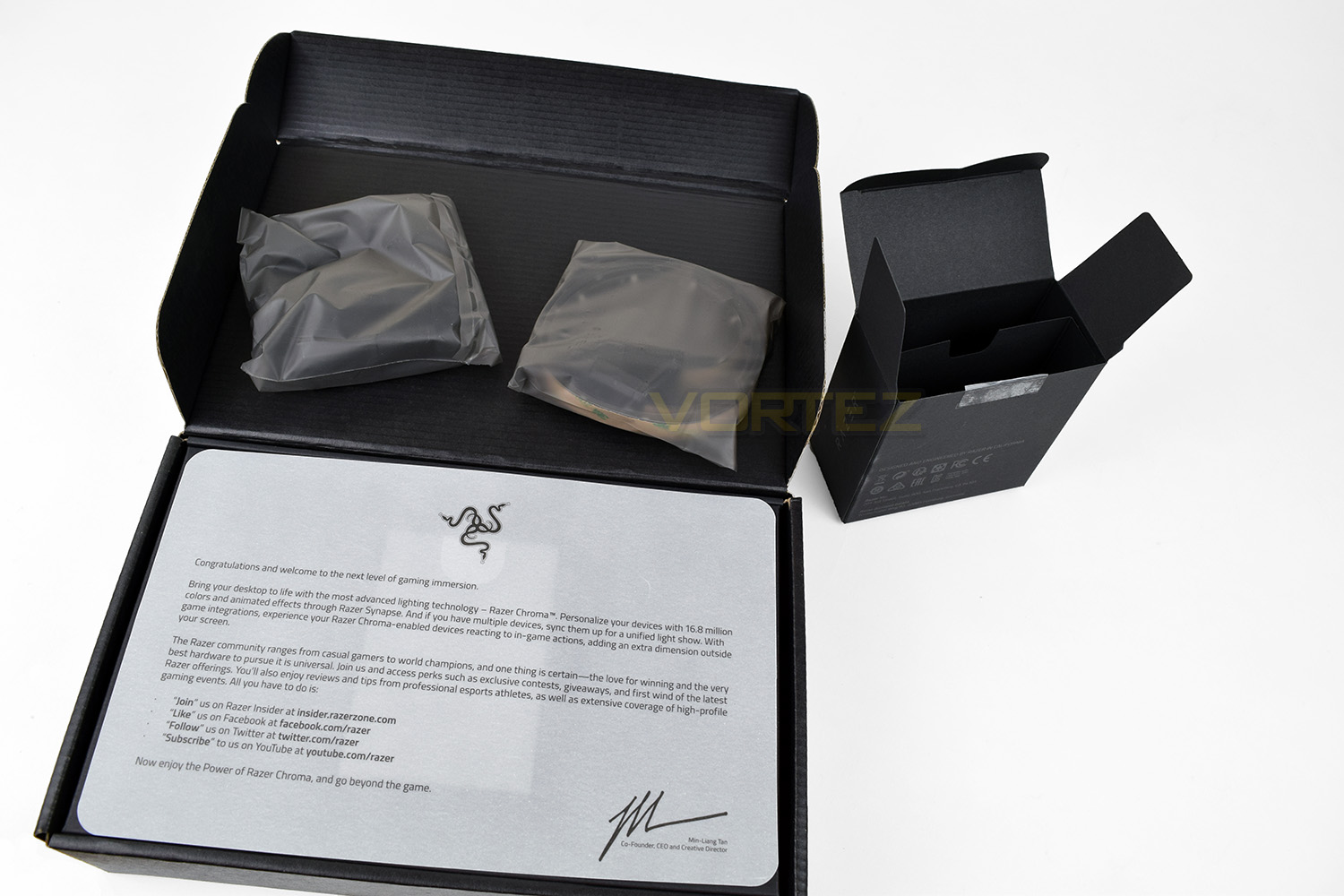
The hardware controller features an unbelievably sticky backing to attach it under your desk, inside your case, on the back of your monitor or just about anywhere you fancy. The controller houses two 20-pin connectors on each edge, with the Micro-USB and 5v DC power input on one end. The controller measures 100mm x 70mm x 15mm.
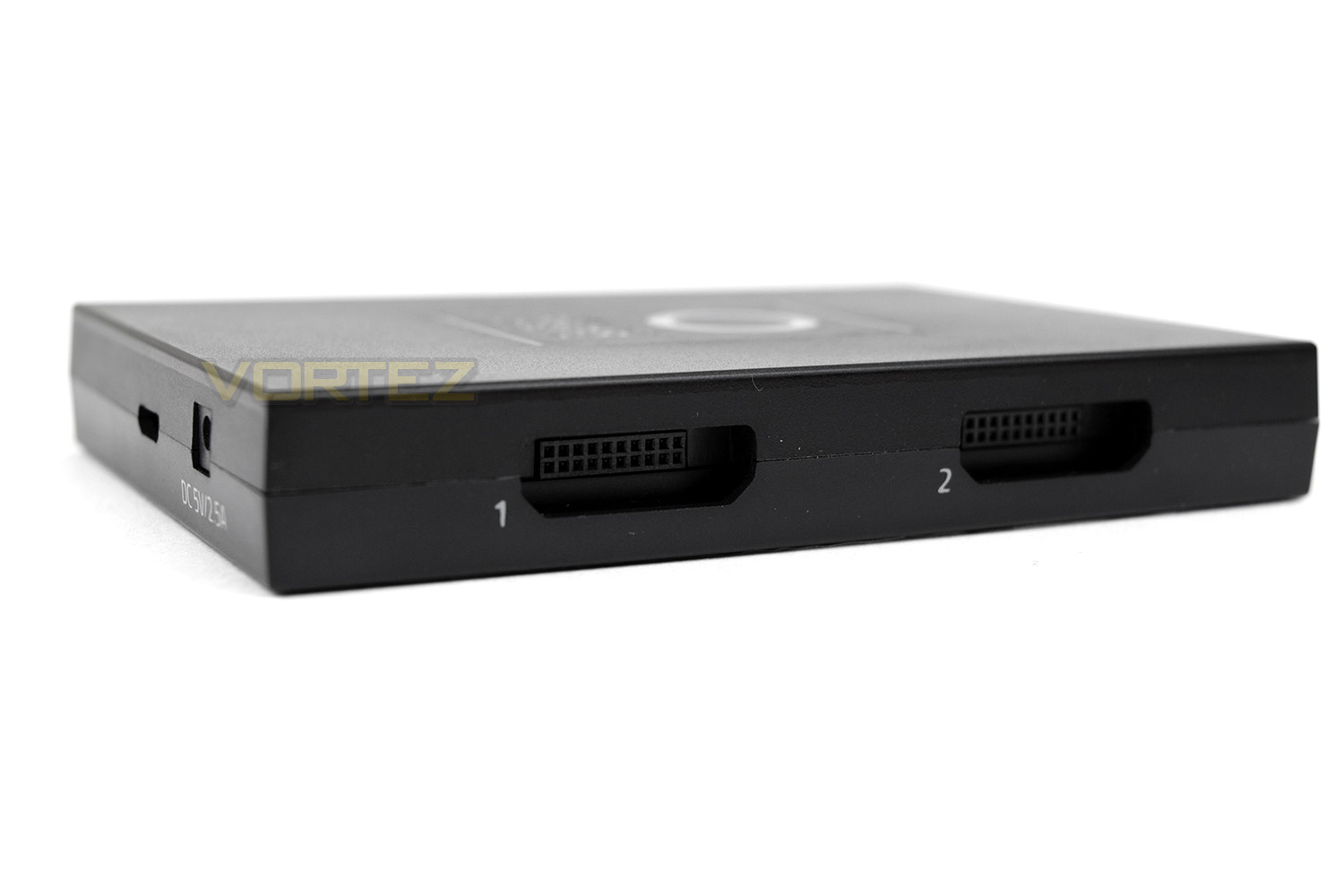
Razer has conveniently included a power adaptor for the several regions, along with a Molex power cable to help with internal routing when used inside a PC case.
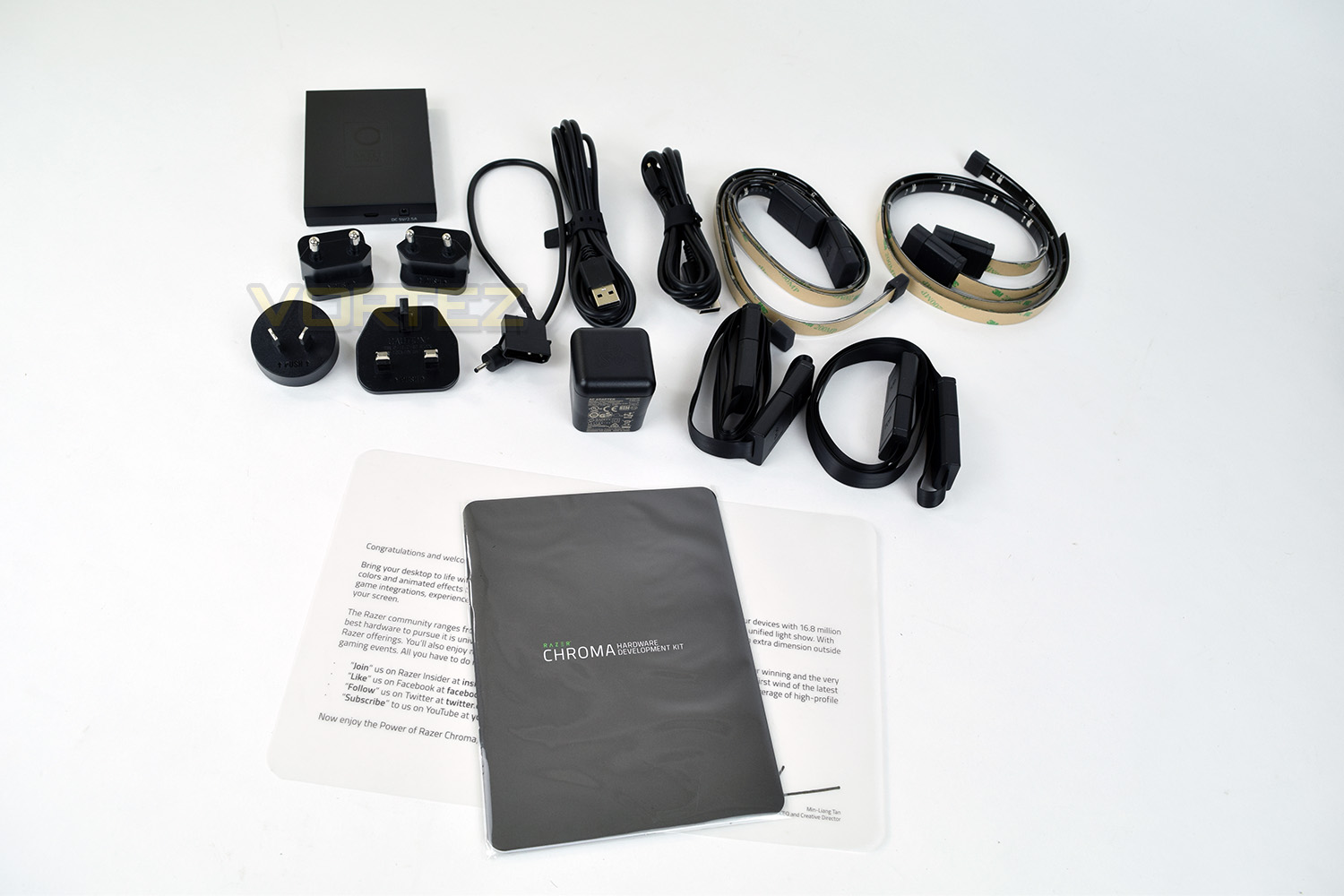
The LED strips are sticky backed to make installation as easy as possible. Once they’re stuck down, you’ll be hard-pressed to move them, so choose your positioning wisely and take your time.
The LED strips can be connected directly, or extended with the 280mm extension cables, these can be daisy-chained if you require more length but that will hinder the placement options of the other strips. Razer has printed lines on the strips to indicate where they can be cut if you find they’re too long for your requirements; this could be handy inside a computer case, though you may find this a little daunting when spending around £15 per strip.
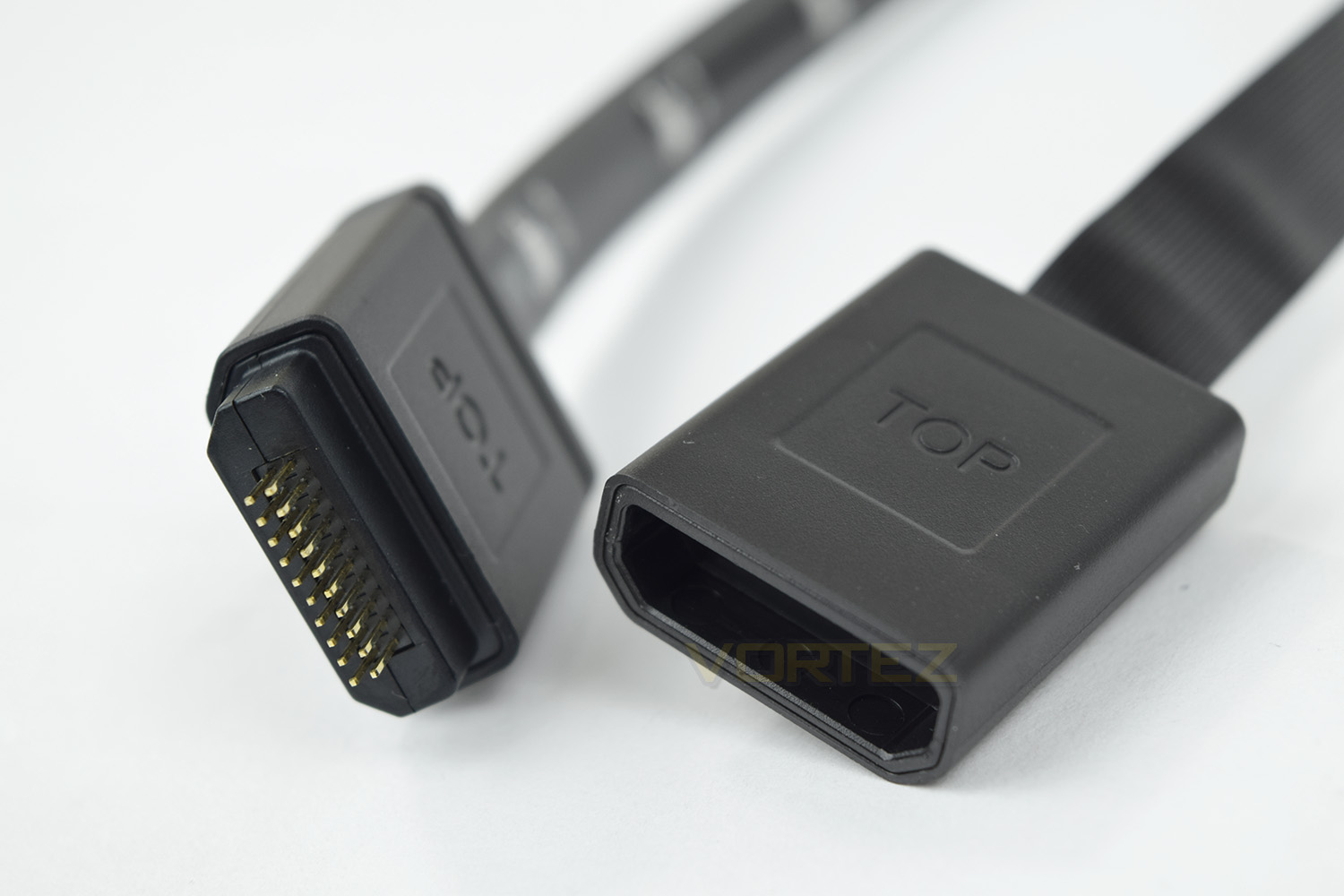
The connectors utilise a shaped head to prevent them being inserted incorrectly, though Razer’s choice to use two rows of 10 pins does make things slightly awkward, they feel prone to damage so care should be taken.
Software
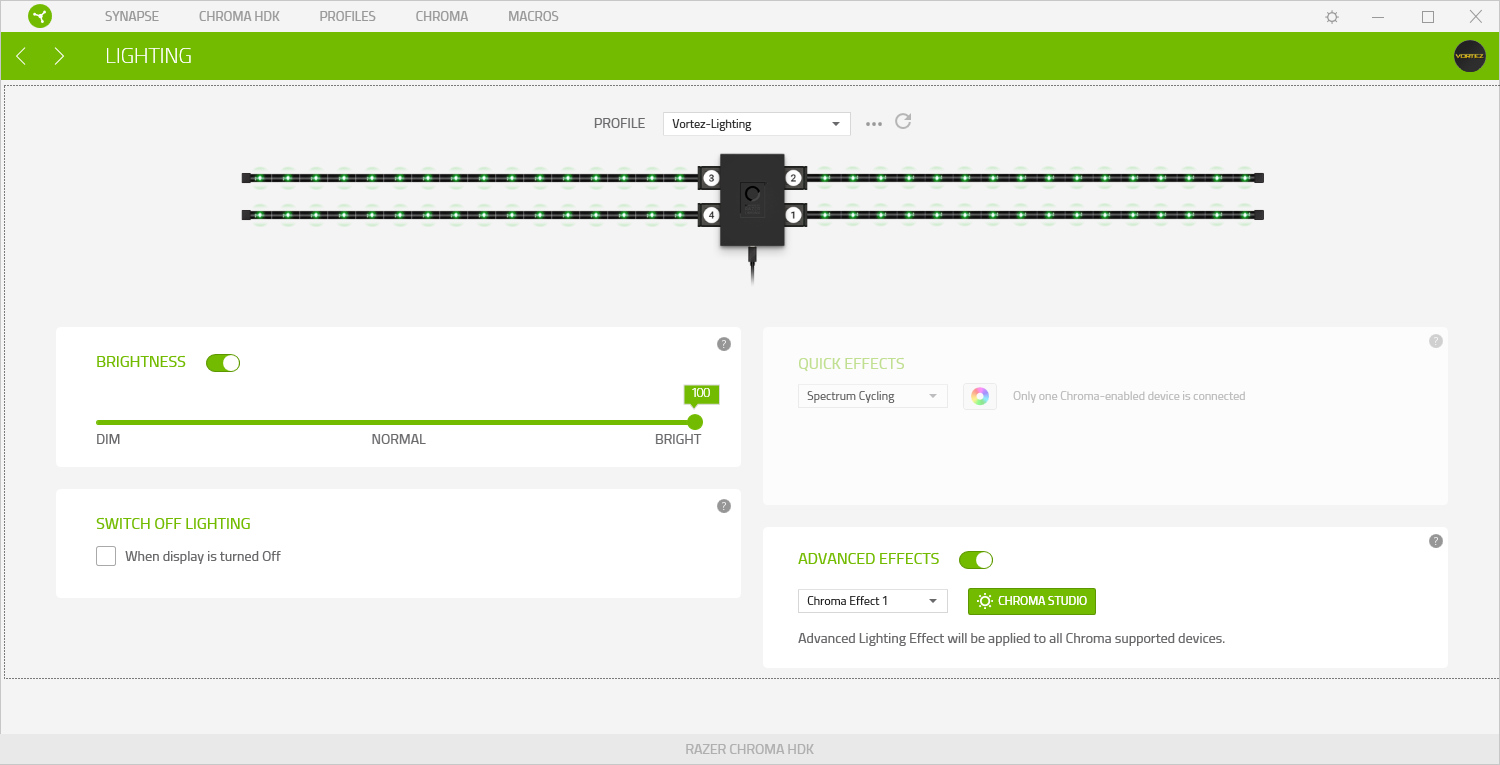
Razer has recently released the beta software for its latest Synapse 3.0, this is used to control all of the new devices and allow better configuration options as well a more robust and stable software suite. Due to the software still being in beta, it’s likely we may see some further features added in the near future.Opening the Chroma HDK within Synapse shows you which of the 4 ports are populated, as well as which LEDs are illuminated. You can adjust overall brightness from here, as well as enabling system-wide effects if further Chroma-enabled devices are connected.
Opening up the Chroma Studio, there’s a wide range of options to control those 64 LEDs. Each LED can be individually controlled, as far as separate effects, transitions or colours – anything is possible.
There’s a bank of preset effects in the bottom left, all of which look fantastic – the transitions are smooth and the colours are beautifully crisp.
One feature that could substantially improve the usefulness of this software would be a system to move and orientate the strips to reflect their real-world layout.
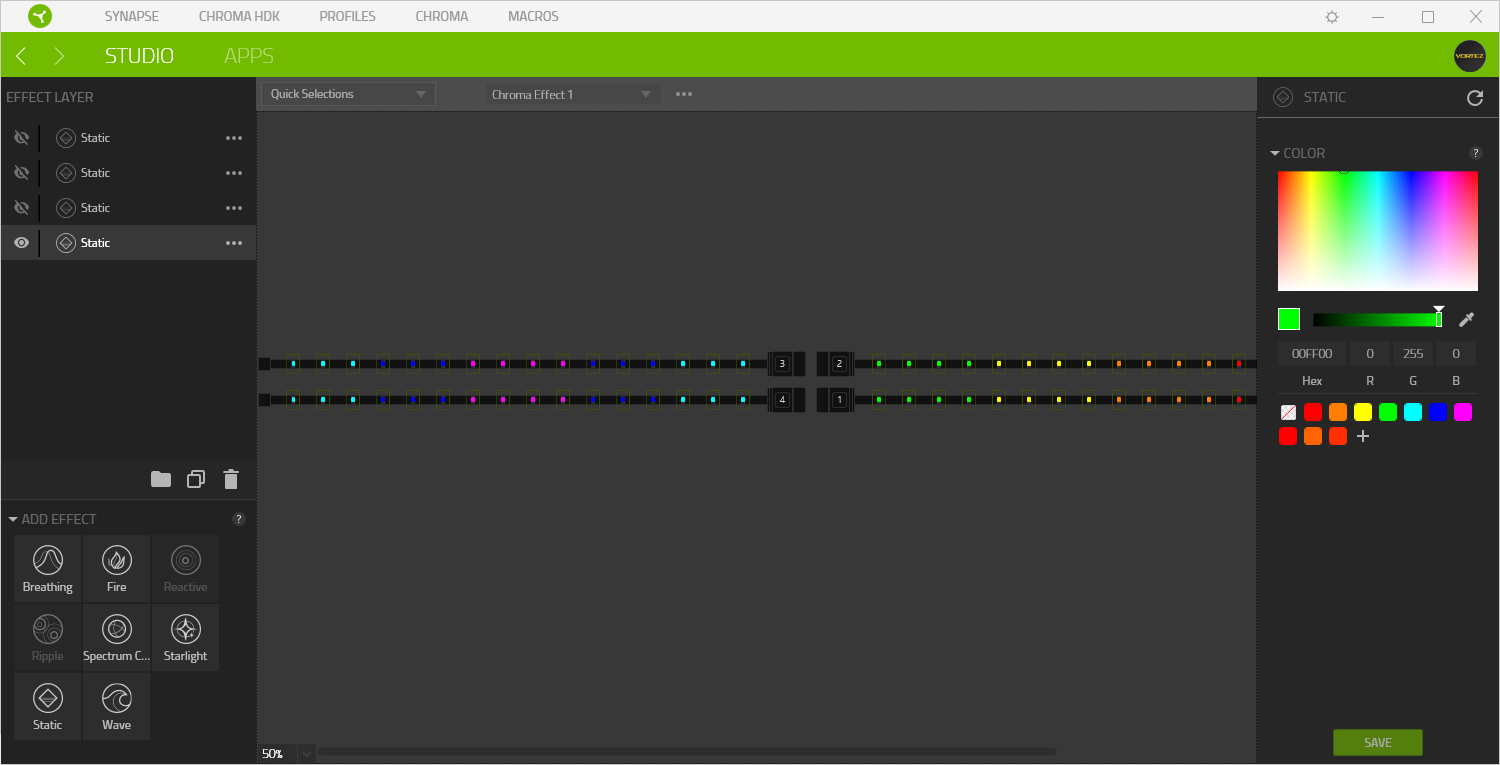
As mentioned earlier, each LED can be configured independently, this is the main appeal of the Chroma SDK when compared to cheaper LED strips; the cheaper options generally allow the control of large banks of the strip, if not the entire strip in one go, which limits your options.
Due to the lights being Chroma enabled, games like Overwatch, Rise of the Tomb Raider, Call of Duty Black Ops III and loads more can display effects throughout your entire room. The supported games are being increased on an almost daily basis, check out the Chroma Workshop here.
RGB Lights. Camera. Action!
This is how the RGB lighting can enhanced your display.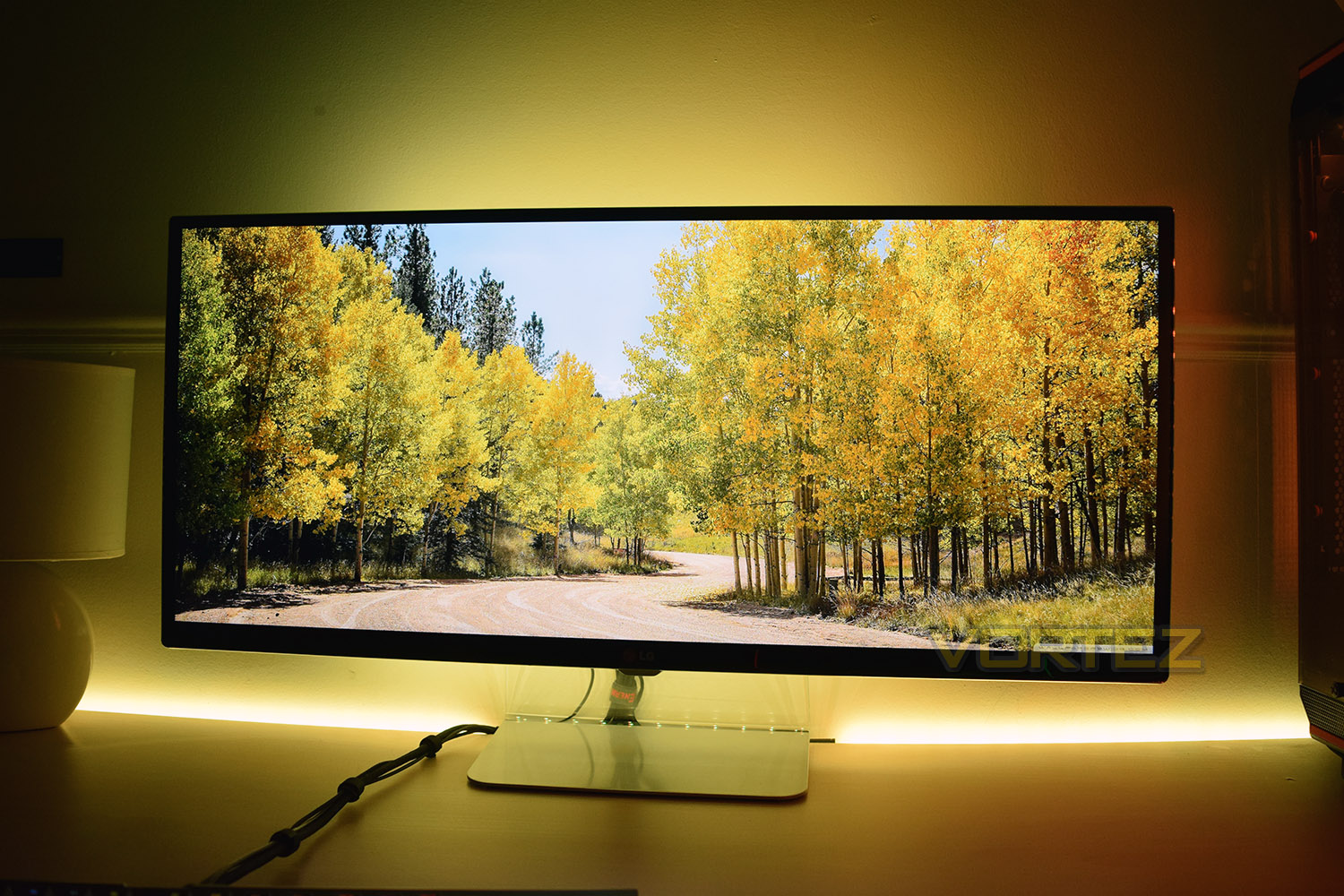
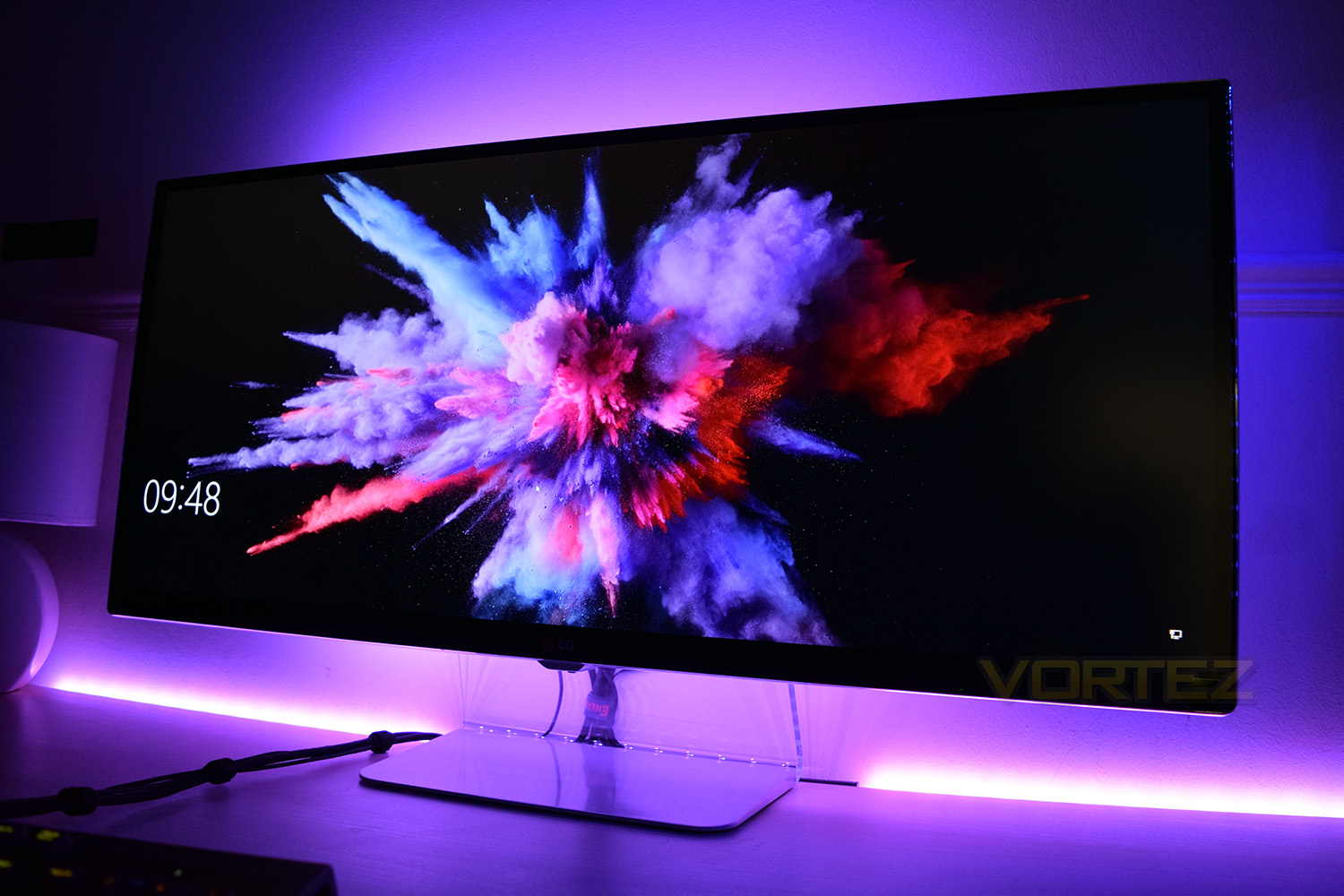
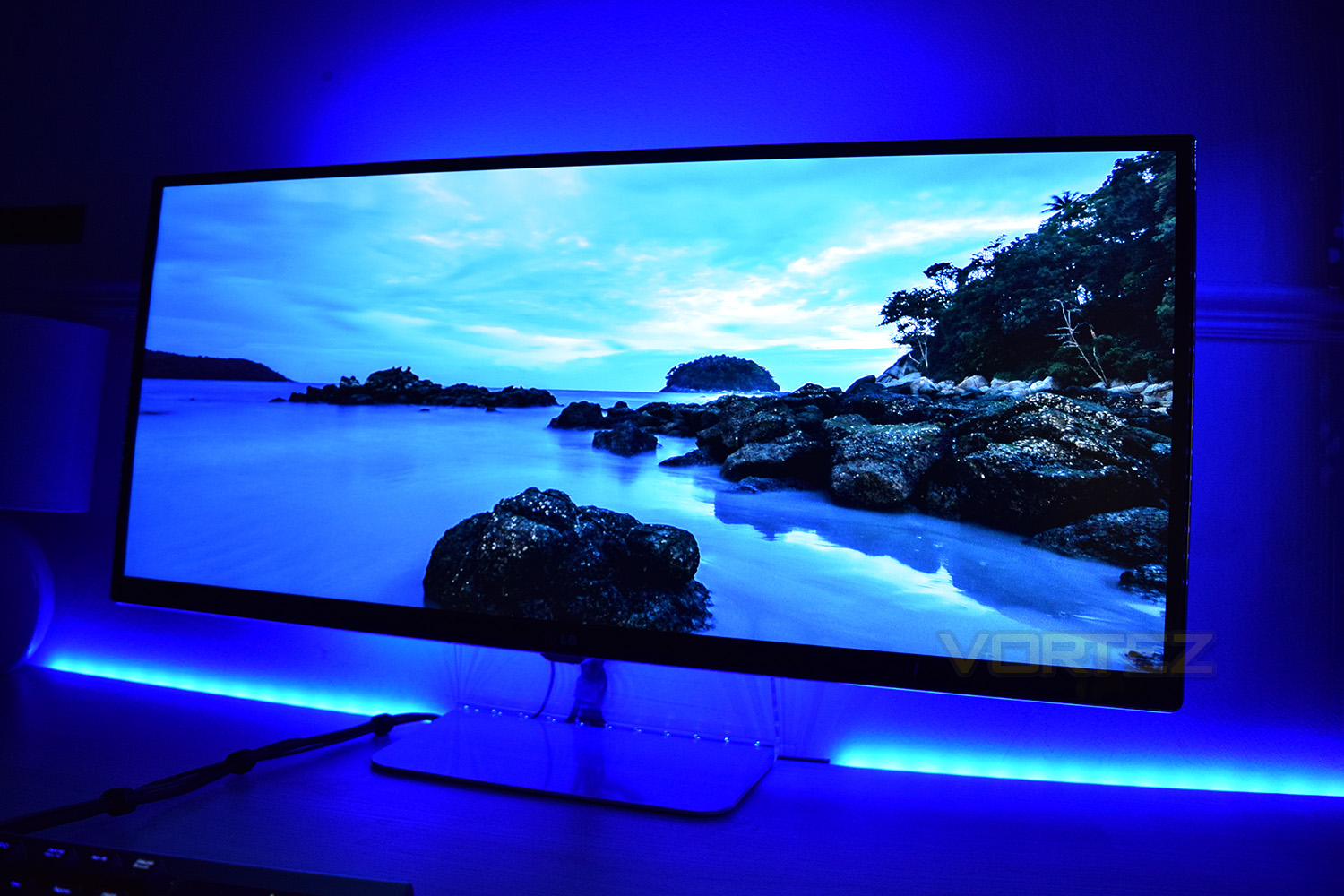
Conclusion
At £80 for the controller and two LED strips, along with an extra £30 for a further two strips and extension cables, the Chroma HDK doesn’t exactly represent value for money, but if your heart is set on RGB-theming your entire battle station, this has to be the kit for you.Despite Razer’s Synapse 3.0 being in beta, the software is stable, performs well and has the vast majority of features required of it; there are some things that could be added, but we’re sure they’ll get round to them.
The LEDs themselves are of an excellent quality, they produce a superbly crisp light no matter which colour is selected, however, as is always the case with LEDs, the brighter and more vibrant the choice, the better they will look. Transitions and effects also look amazing.
The scope for utilising this within a game is huge, if placed in the right zones they could lend themselves hugely towards a game like Overwatch or Orcs Must Die: Unchained, being used to show off effects or powerups, as well as the direction of attacks; the possibilities are near-endless.
Setting everything up is super-easy, especially with everything being sticky backed. A little bit of planning is required to work out how to route the cables and where to place the strips, but you can easily be up and running inside of an hour.
We don’t think anyone predicted the extent to which the RGB craze would take over, but it shows no signs of slowing down. It seems that every manufacturer has been forced to adopt the RGB lighting to compete in the peripherals sector, but Razer has taken that next-step in providing RGB strips with in-game integrations included.
If you live, breathe, eat and sleep RGB, this is the kit for you, though be prepared to part with many of those hard-earned pennies.
Pros
+ Easy to set up
+ Stunningly crisp, vibrant RGB lighting
+ Can create glorious effects behind your screen/in your case
+ Excellent software notwithstanding its beta status
Cons
– Not easy to move around
– Price
+ Easy to set up
+ Stunningly crisp, vibrant RGB lighting
+ Can create glorious effects behind your screen/in your case
+ Excellent software notwithstanding its beta status
Cons
– Not easy to move around
– Price
Click here for an explanation of our awards at Vortez.net.