As games like Fortnite grow at an ever expanding rate and sites like Twitch and YouTube chomping at the bit to get in on the action, now is a great time to jump in and get streaming. Today we’re outlining three full setups with everything you need to get started streaming in 2018.
Right now games like Fortnite, CSGO, League of Legends, PUBG and Overwatch are dominating the streaming platforms. Fornite is the latest offering from Epic Games and it has made huge waves in the gaming industry, especially with streamers like Ninja, Hysteria, Dakotaz and many more pulling in huge numbers on Twitch. CSGO, LOL and Hearthstone are more fan favourites that have attracted big numbers for many years and still do well to this day. PUBG and Overwatch are newer to the fold, yet are very popular games that streamers and gamers love to watch and play. So streaming is very much a growth industry and now is as good a time as any to become a game streamer.
That’s why today we will be looking at three different gaming setups that can help you on the right path to becoming a hobbyist or full-time streamer. We will be offering guides on three different tier setups, a Low Tier, Mid Tier and High Tier. All the setups will include a full PC system and also the relevant peripherals to get you going with your streaming hobby or potential career. Keep in mind that this is a guide and you are perfectly free to adapt this to your own style and part preference. Our aim was to show you the parts that would be ideal to start you off streaming games. Also worth noting is that the PC in this setup is designed to be the main gaming and streaming rig.
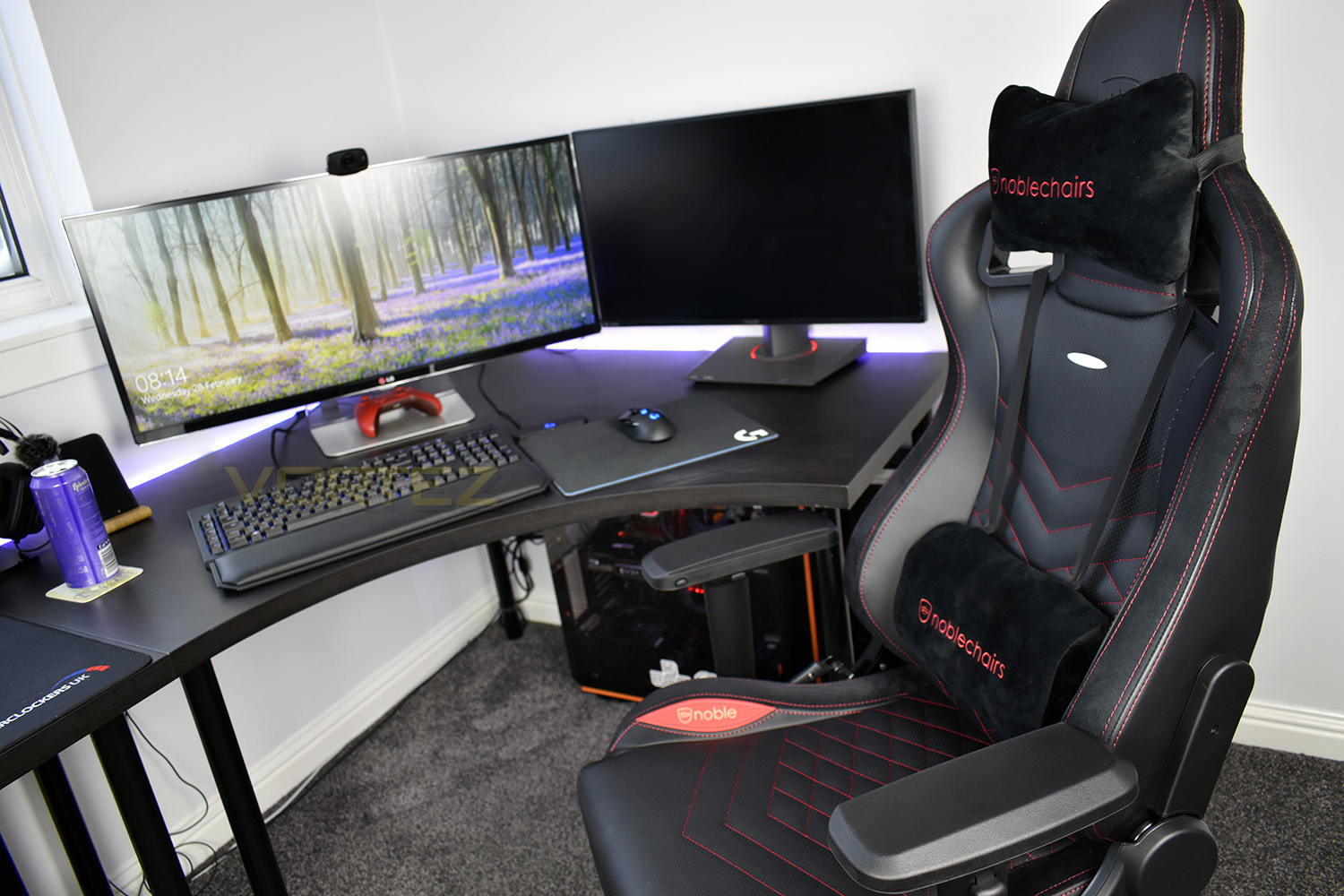
For our low tier setup, we wanted to select some components and gear that would be ideal to get you started for streaming. The idea is that this setup is designed to be upgraded and expanded upon if you so choose to.
The mid-tier choice consists of the same core components and gear as the low tier, but it will give you better gaming performance as well as improved visuals and audio.
The high tier choice is our top tier and will give you an excellent gaming experience as well as provide your potential viewers with a high-quality stream.
We will also be offering an optional extras guide. This will provide you with a list of add-on accessories to help improve your stream. All the items on the list are not essential to streaming, however, they can help if you want to advance not only your experience but also your potential audience.
Of course, there is more to streaming than just gear and a PC, and we want to clarify that these guides won’t guarantee success, but they will mean that you have everything you need to get going on this journey.
Low Tier – PC Builds
This is the low tier option which will give you great streaming and gaming performance.
We will now break down the setup to its core components to give you an idea of all the components you’ll need to get started with streaming. We’ll begin by parting out an AMD based system and also an Intel based variant. Some of the parts will be interchangeable between the two.
CPU – AMD Ryzen 5 2600
Price£169.99 (CCL Online UK)
$189.99 (Amazon.com US)
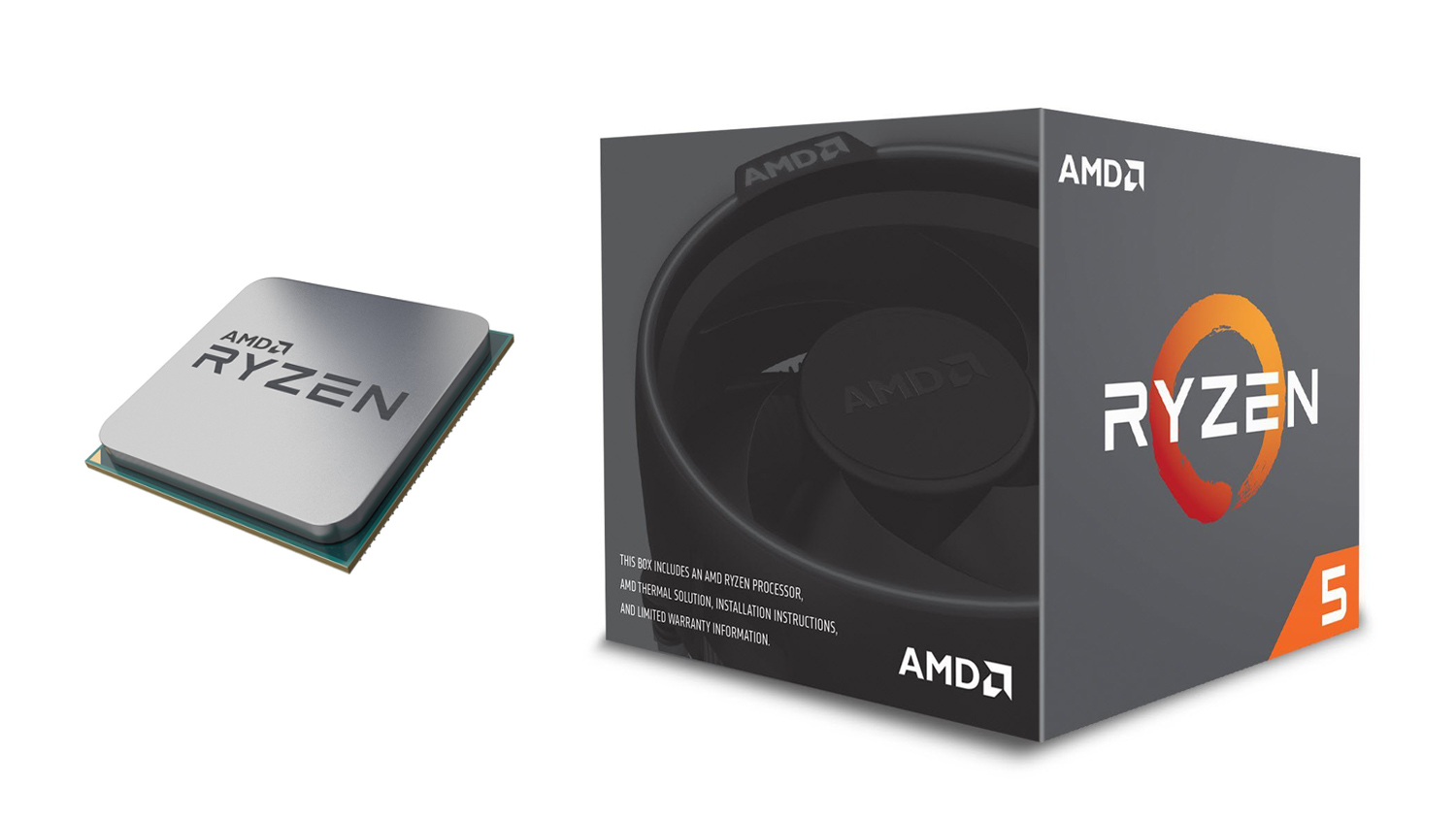
Our CPU choice for the low tier AMD system is their latest offering, the Ryzen 5 2600. This CPU is an ideal for streaming thanks to its 6 cores, 12 threads, 3.4GHz base clock, and up to 3.9GHz maximum boost clock. This gives the 2600 plenty of horsepower to run not only Fortnite but also your chosen application for streaming. Plus its low 65W TDP and included Wraith Stealth cooler means that you don’t need to splash out some extra cash on a CPU cooler.
The 2600 can also be overclocked if you wish to squeeze some extra performance out of the CPU. Alternatively, if that isn’t your scene, then you could opt for the Ryzen 5 2600X which does have higher clock speeds out of the box – which are 3.6GHz (base) and 4.25GHz (boost) respectively. The downside is that you’d have to then find additional resources for a CPU cooler as the 2600X doesn’t come included with one. Plus there is the extra £37 premium over the 2600 to consider as well.
CPU – Intel i5 8400
PricePrice £161.39 (CCL Online UK)
$178.99 (Amazon.com US)
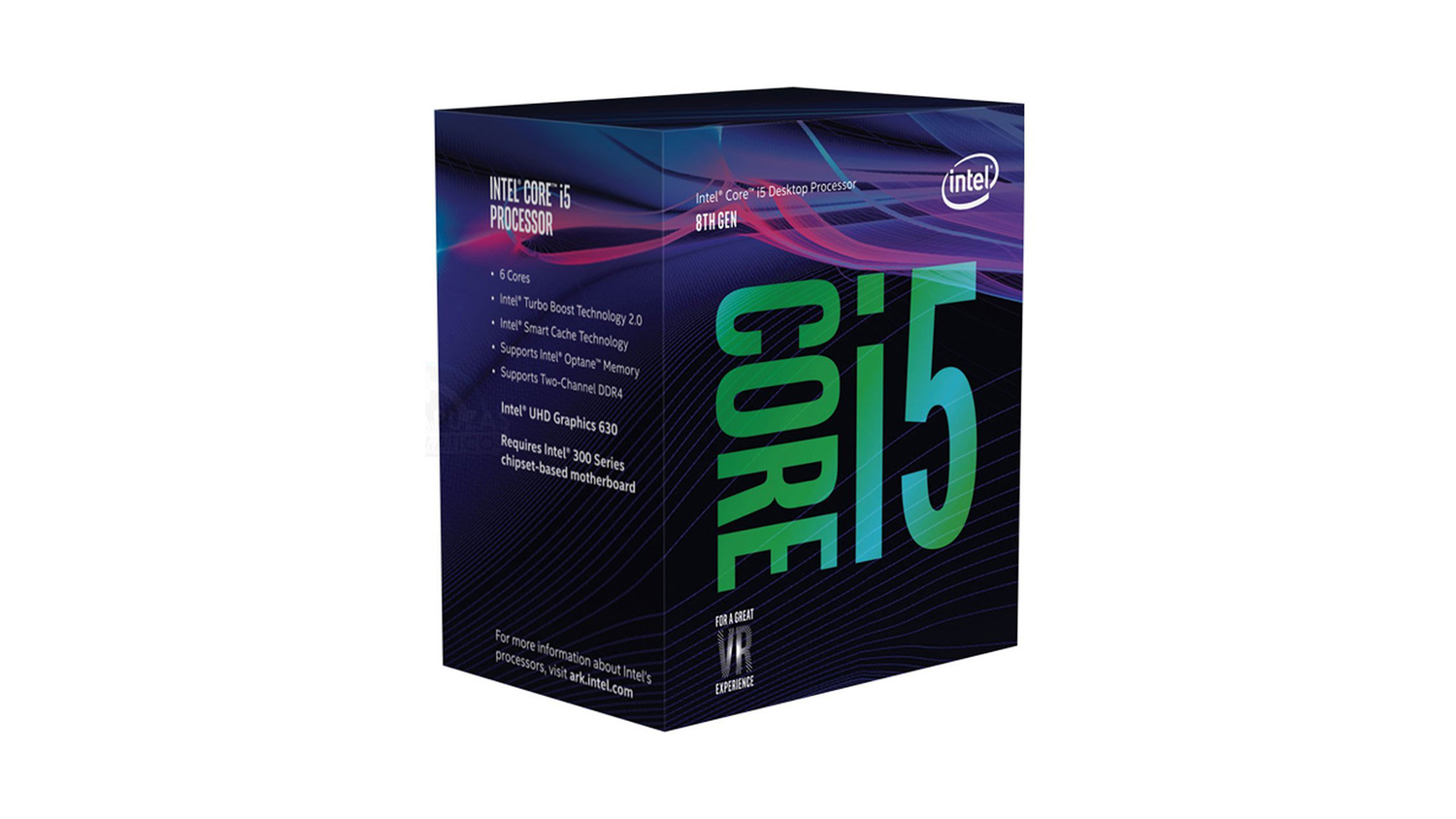
For the Intel counterpart system, we opted for the i5 8400, this like the 2600 and is a 6 core 12 thread CPU which boasts impressive out of the box clock speeds – 3.70GHz base and up to 4.7GHz boost respectively. Like the 2600 the i5 8400 has plenty of power to run multiple applications at the same time.
AMD Motherboard – MSI B350 Gaming Plus ATX
Price£75.16(CCL Online UK)
$97.09 (Amazon.com US)
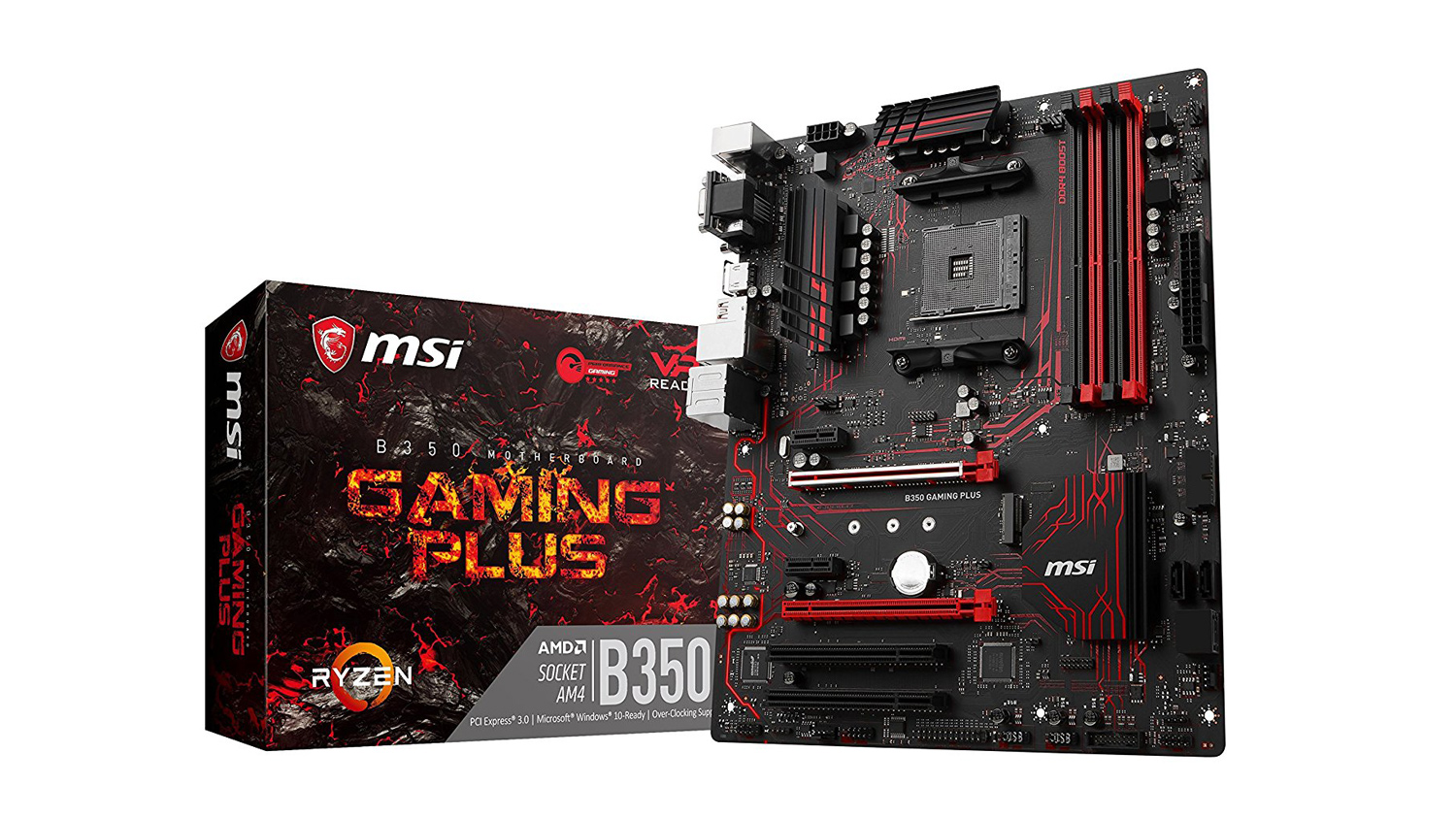
The choice for the motherboard was fairly difficult as there are a lot of good options at this price point. We wanted a motherboard that could grow with you and give you the ability to add new components as you need. We feel that the MSI B350 Gaming Plus offers a good solid feature set to base a system around. It has support for up to 64GB RAM at 3200MHz as well as support for an M.2 drive, USB Type C and solid CPU overclocking. The B350 also boasts Audio Boost for strong gaming audio. Also, it uses a user-friendly BIOS and has support for MSI’s Mystic Lighting. One thing to note is that if you opt for the Ryzen 2600 with this motherboard, you will need to update the BIOS in order for it to work.
Intel Motherboard – MSI Z370 Gaming Plus ATX
Price£103.34 (CCL Online UK)
$119.99 (Amazon.com US)
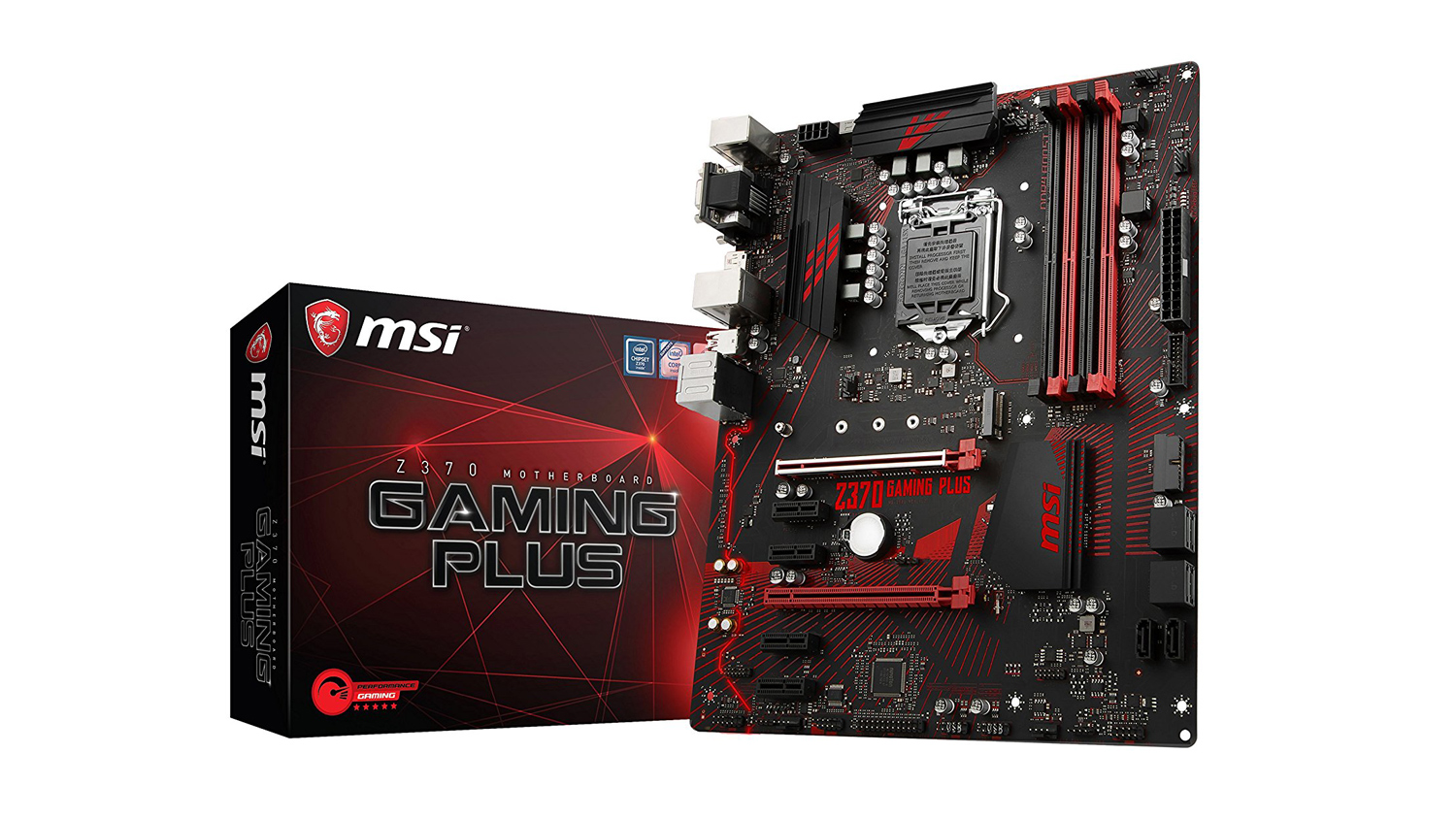
Intel’s offerings for Coffee lake are still limited to Z370 for now, but the MSI Z370 Gaming Plus is one Z370 that is affordable. It shares a lot of the features with AMD’s counterpart and would make an ideal motherboard to get you going whilst giving you some room to grow the system in the future.
RAM – Corsair Vengeance LPX 16GB 3000MHz
Price£162.99 (CCL Online UK)
$189.99 (Amazon.com US)
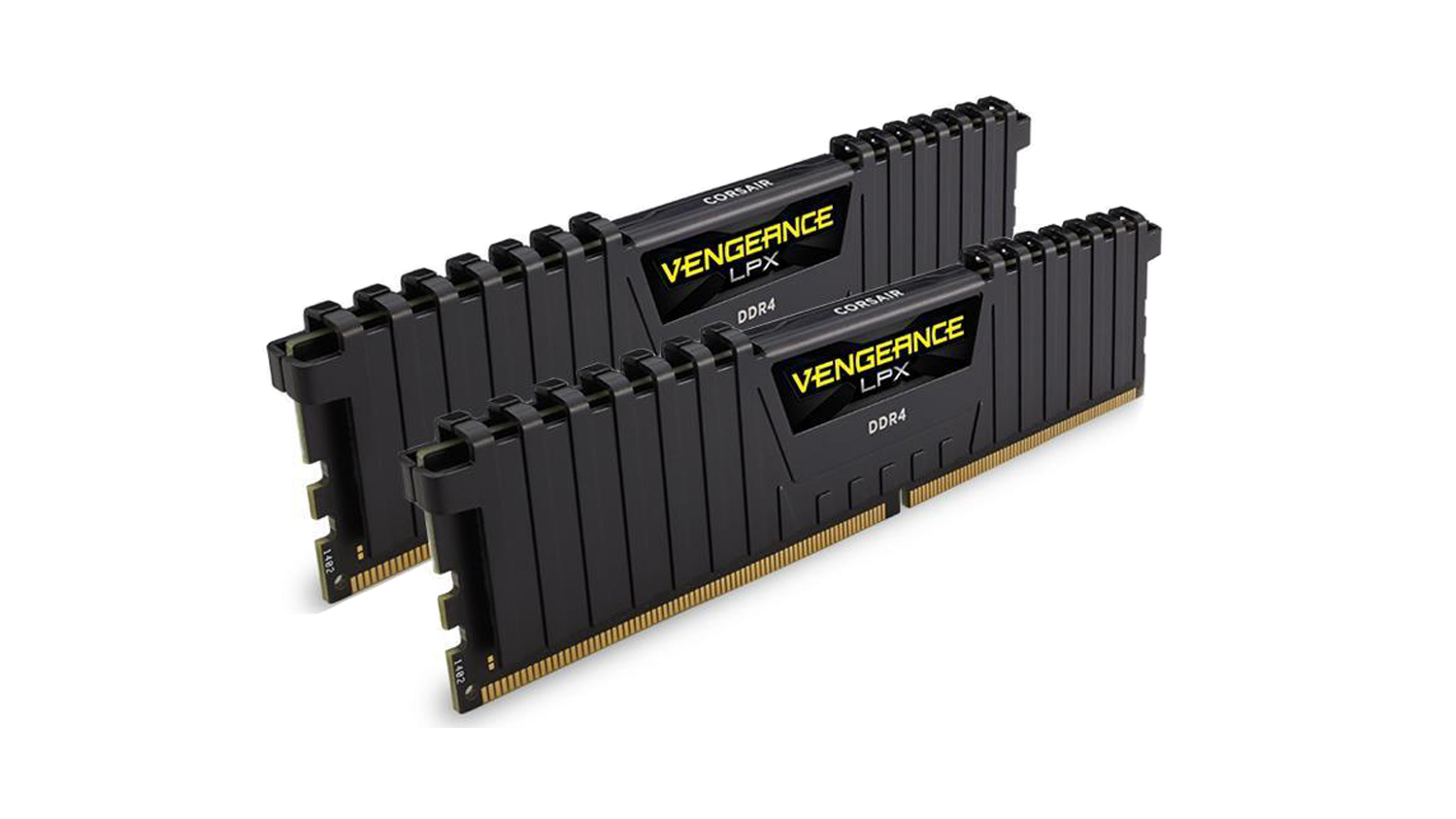
RAM choice was again tricky and given it’s pricing at the minute, it was difficult to find a reliable kit that offered great performance with Ryzen that was also not too expensive. We opted for 16GB of Corsair’s Vengeance LPX kit at 3000MHz. The reasoning behind this is that Ryzen performs better with higher speed RAM and although more expensive the performance gains we feel are worth it. The RAM also will work great with the Intel based system and provide a rock-solid companion for both speed and reliability. 16GB we decided is ideal as 8GB doesn’t provide enough headroom for both gaming and streaming simultaneously.
Graphics Card – Gigabyte G1 Gaming GTX 1060 6GB
Price£299.49 (CCL Online UK)
$339.99 (Newegg.com US)
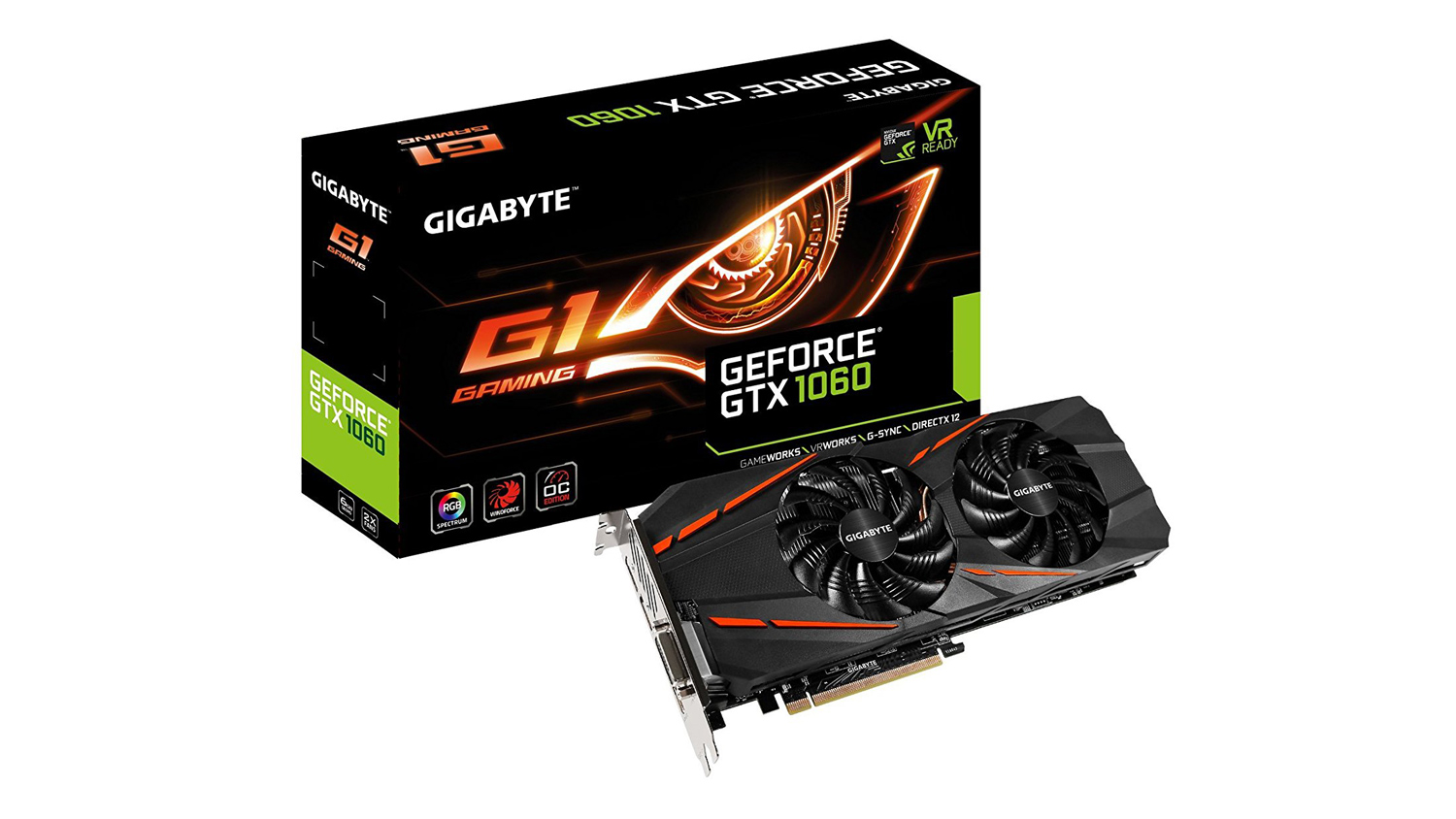
For the graphics card, we wanted to select one that we had tried and tested. The Gigabyte G1 stood out as a great card with solid price to performance. This is thanks to its great cooling performance which is beneficial as the GPU will be quite heavily taxed during any potential streams. It also has 6GB of GDDR5 which is plenty for 1080p gaming and also GPU encoding.
You can watch our video review if you’d like to see how it performs
SSD Storage – Toshiba OCZ TR200 240GB
Price£49.02 (CCL Online UK)
$57.99 (Amazon.com US)
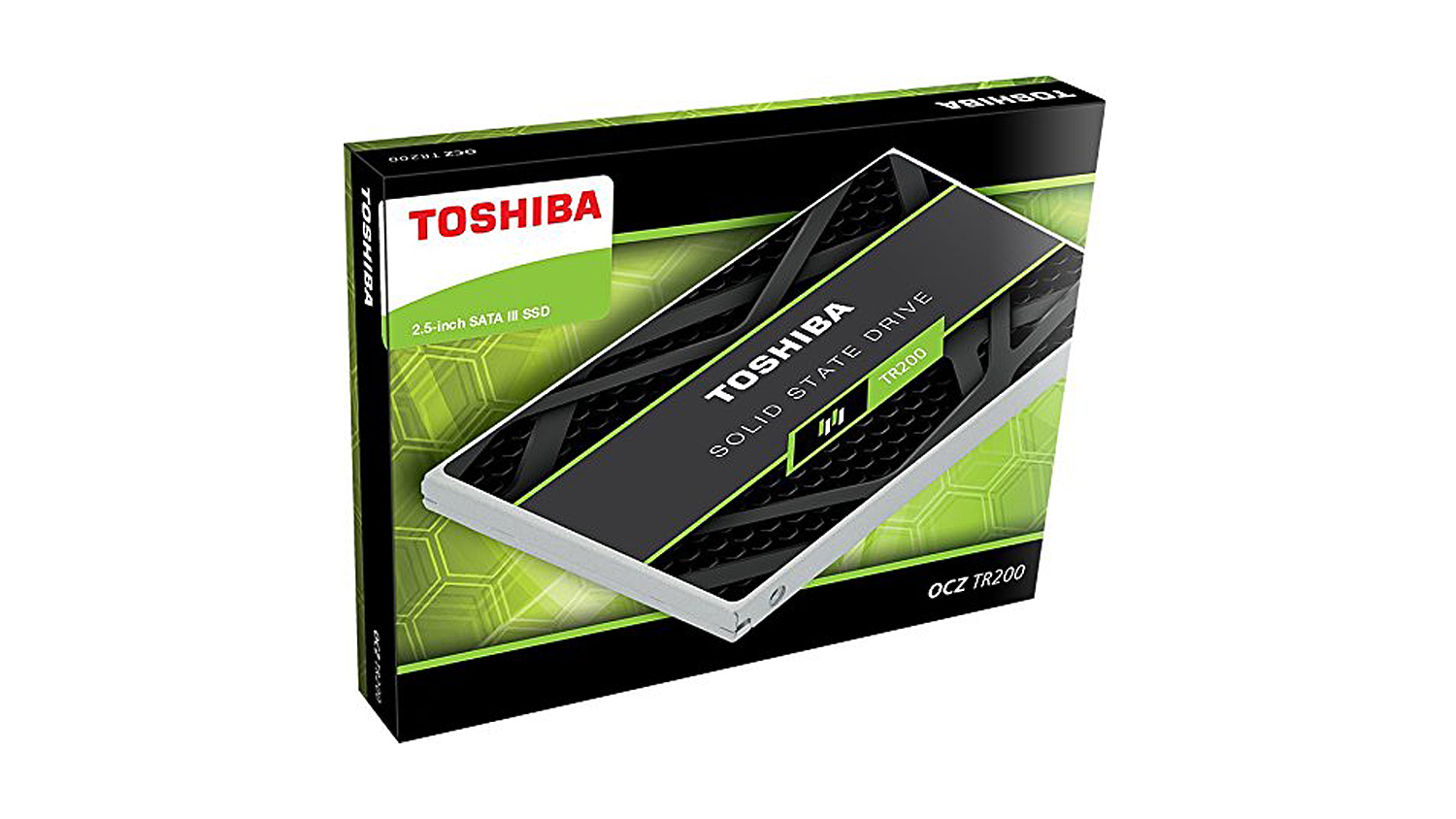
An SSD is a great bit of kit of any PC, although not necessarily needed for a system to work, their speed and performance outmatch any traditional HDD. The Toshiba OCZ TR200 is one of those SSDs that offer great price to performance as well as fast speeds and an impressive 3-year warranty. We’d advise you use an SSD for your operating system and applications to give them the best possible performance for the price point. Alternatively, you could opt for an M.2 based SSD, but these usually cost a slight premium over the SATA based variants.
HDD Storage – WD 1TB Blue 7200rpm
Price£36.97 (CCL Online UK)
$44.00 (Amazon.com US)
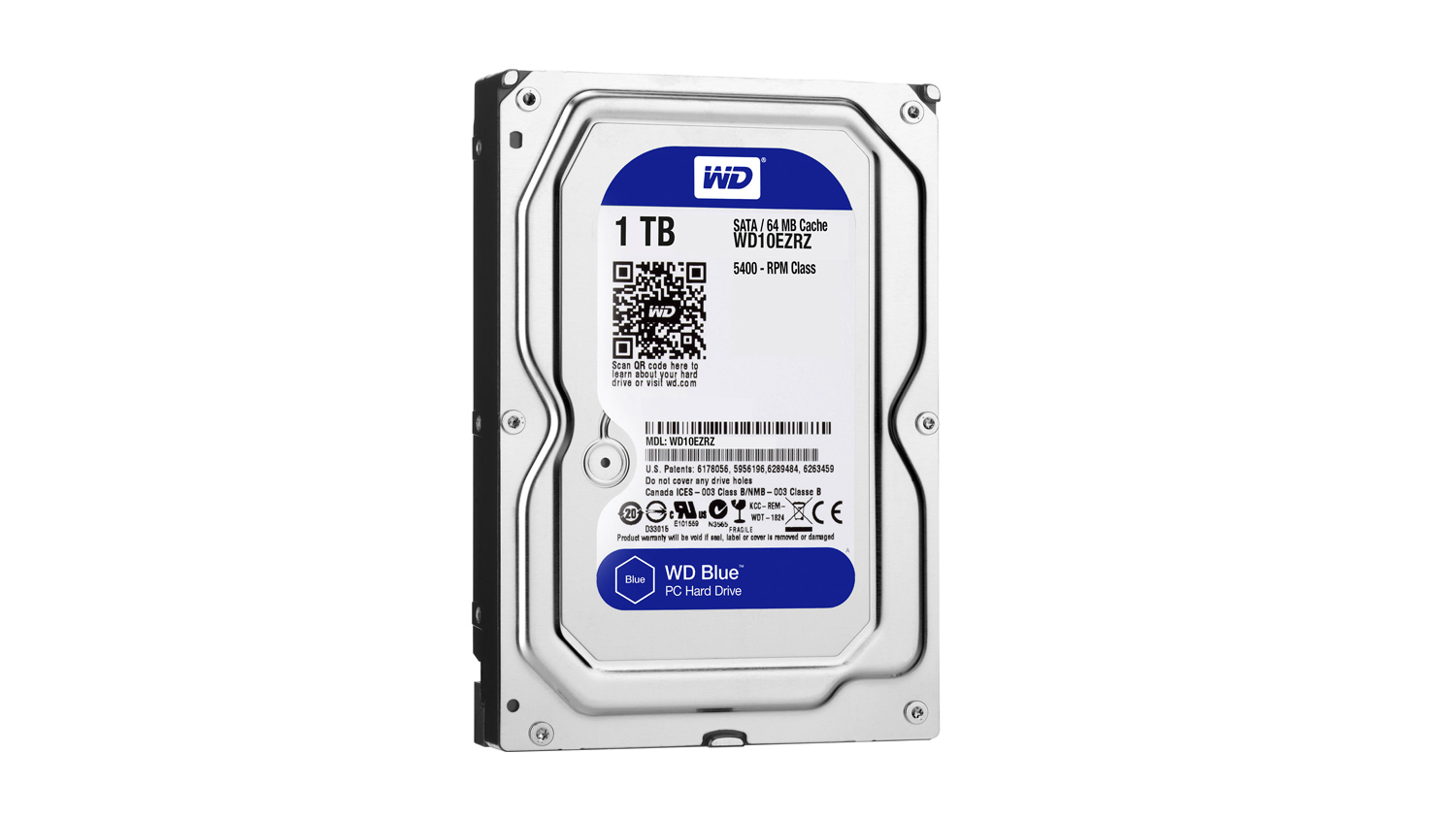
A HDD is something that pretty much all PCs have, their price to storage ratio is something SSDs just can’t match, and although not as fast, they offer large masses of storage for little cost especially when compared to an SSD. The Western Digital Blue is a drive that I use personally and have done for many years. It’s reliable and has stood the test of time, plus the 1TB storage is plenty for your games and even to store your game highlights on if you plan to upload your videos to social media or YouTube.
Power Supply – Corsair CX550M
Price£61.69 (CCL Online UK)
$49.99 (Amazon.com US)
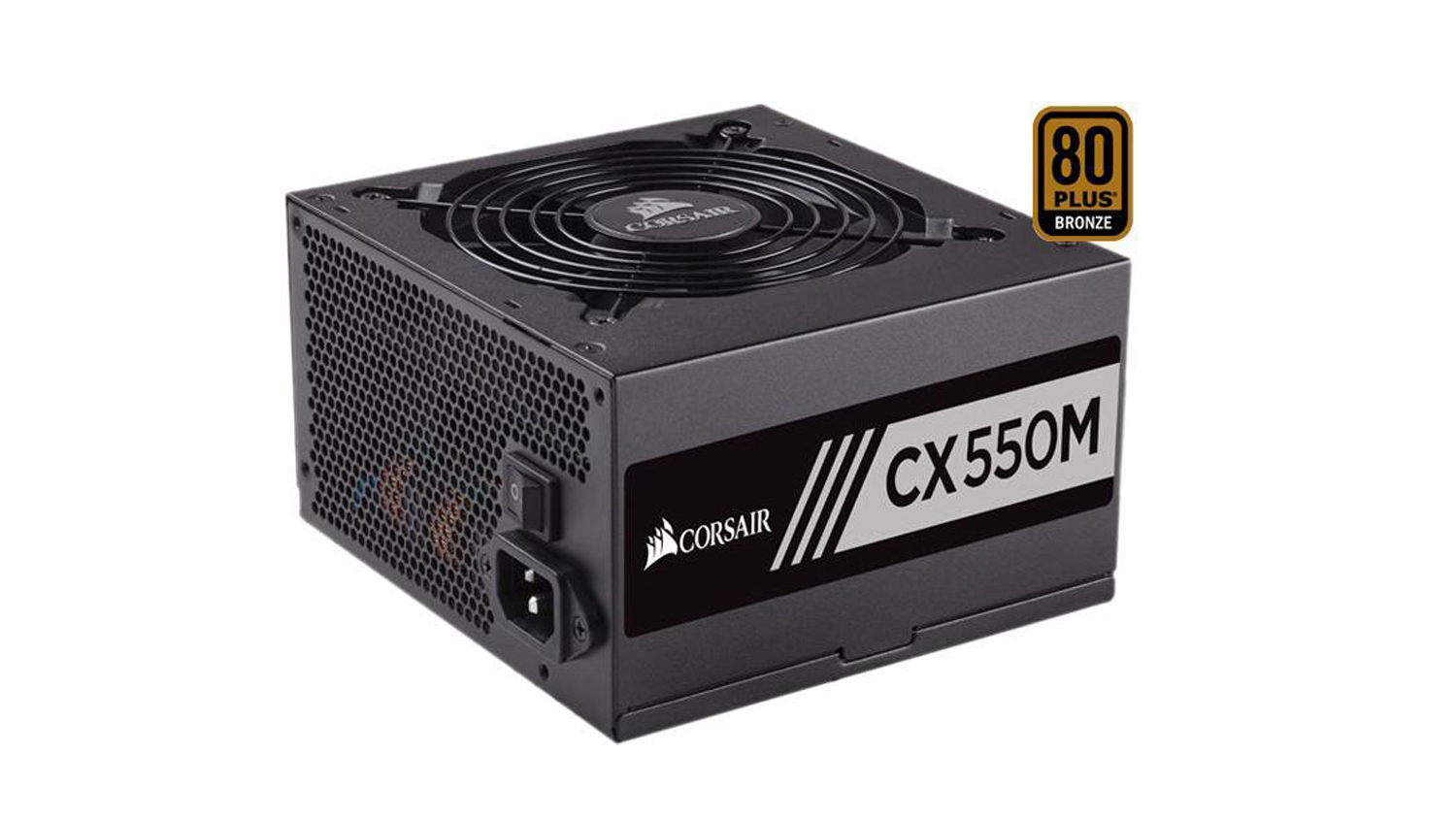
Now there may be cheaper PSUs on the market, but the Corsair CX550M is solid, reliable and just works. I’ve used Corsair PSUs for years and haven’t had any problems with them to date. The 550W on offer is plenty of power for this system and will give you some good headroom if you want to upgrade the CPU or GPU down the line.
Case – Phanteks Eclipse P300
Price£51.75 (CCL Online UK)
$50.18 (Newegg.com US)
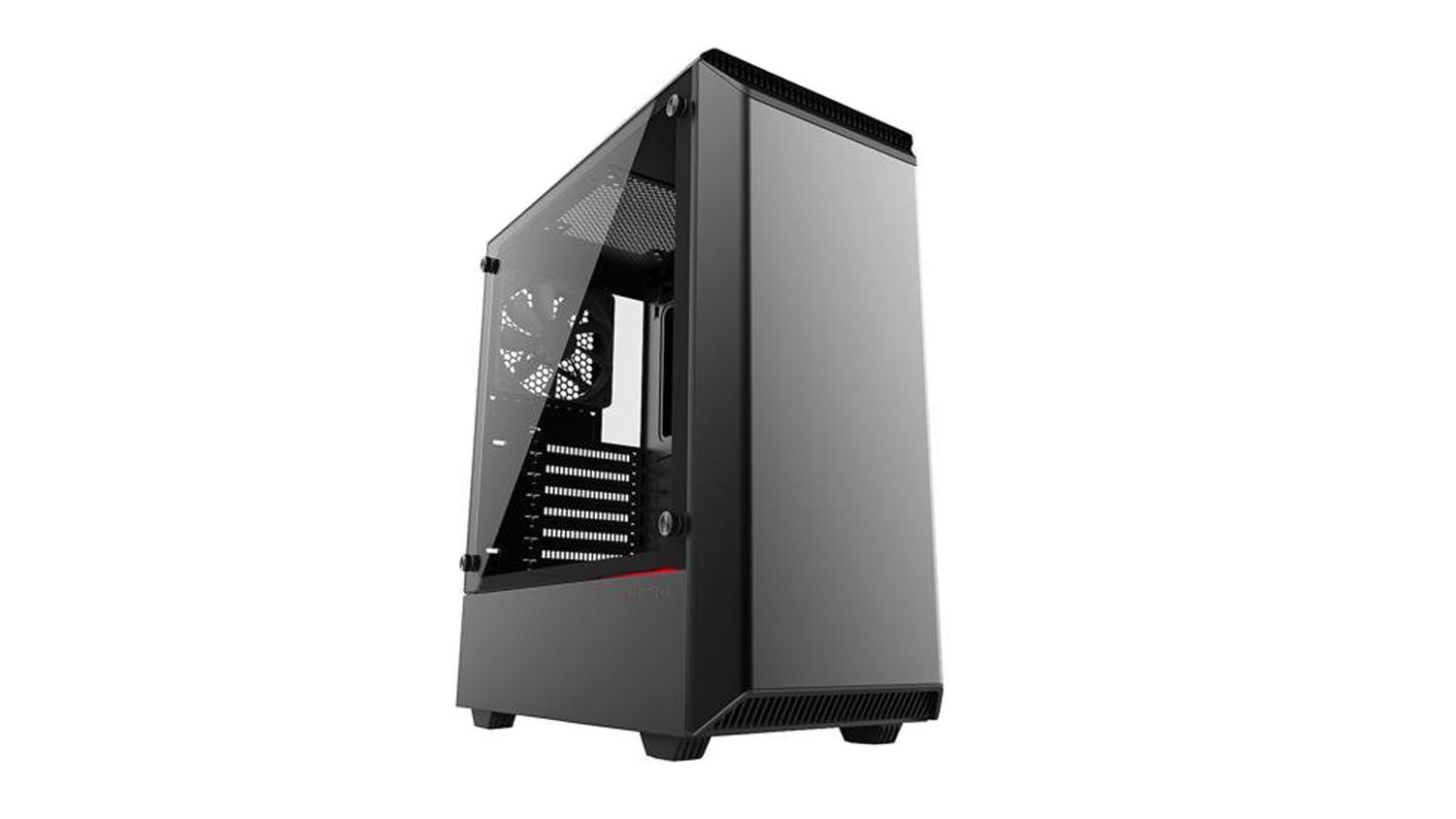
The case we opted for again is something that could be changed to suit your preference, but the Phanteks P300 offers attractive styling, good cooling and plenty of room to expand your system. It has support for up to ATX motherboards and can easily house a large GPU meaning if you were to upgrade you wouldn’t need to change the case.
Operating System – Windows 10
Price£83.95 (CCL Online UK)
$99.99 (Newegg.com US)
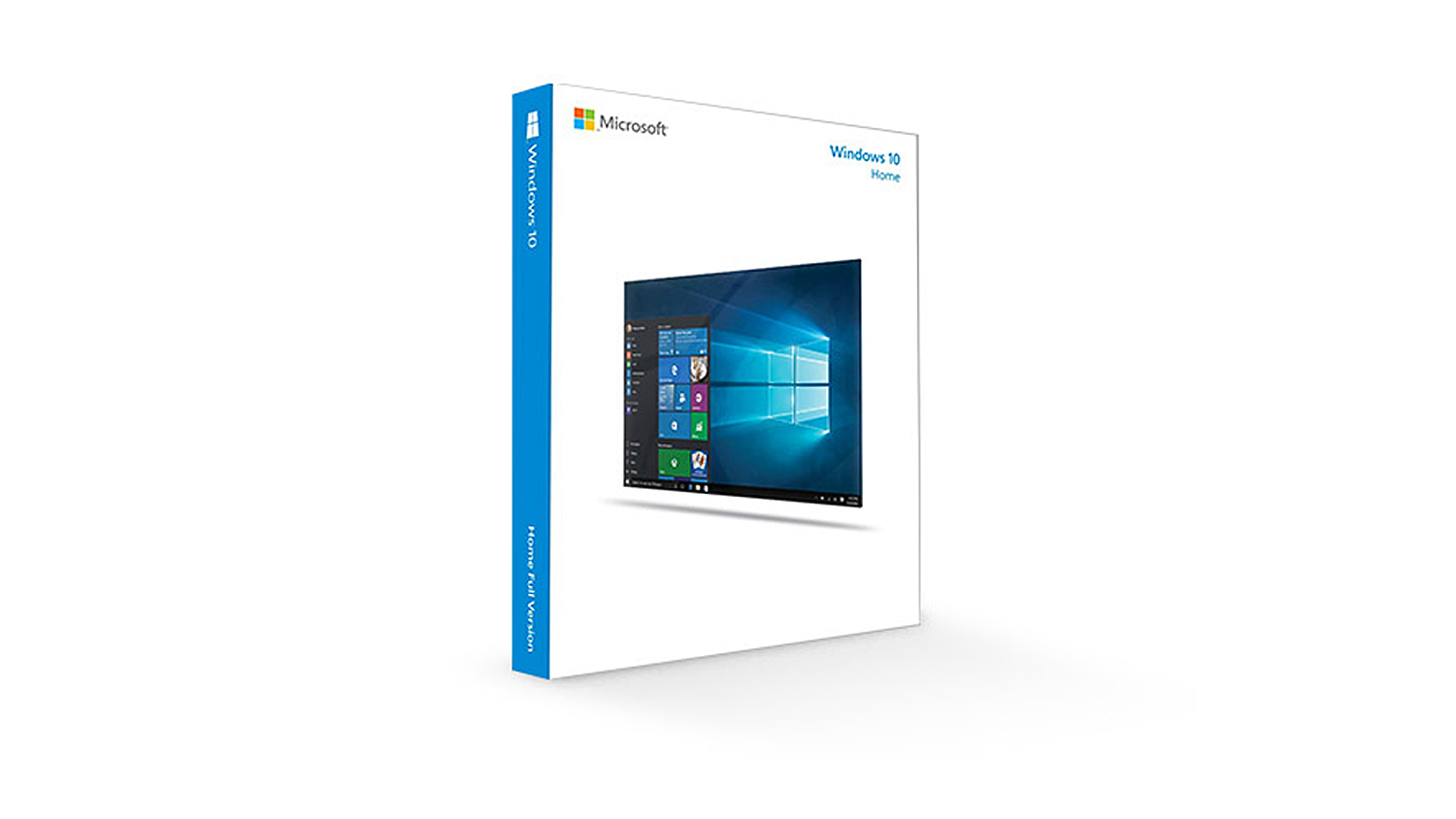
Of course with any PC build, you’ll need an operating system, we’d opt for Windows 10 Home 64-bit. This OS allows you to not only game and stream at the same time, but it will also allow you full access to software such as Adobe Premiere Pro or Sony Vegas for editing your videos. Also Win 10 is a great platform to get work done as we realise that there is more to streaming than just streaming.
Total PC Builds Cost
AMD System
UK £991.01
US $1,119.21
Intel System
UK £1,010.59
US $1,126.11
AMD System
UK £991.01
US $1,119.21
Intel System
UK £1,010.59
US $1,126.11
The systems we’ve parted out here will give you a good quality stream at either 720p or 1080p at 60FPS. This is, however, will be heavily dependent on settings, and choosing too high a bit rate or using the wrong encoding settings will impact performance. So be sure to do your research and find the optimal settings to stream to either YouTube or Twitch.
*Note – All prices in the article are correct as of the article upload date. These prices do fluctuate meaning the parts cost could vary over time.
Low Tier – Peripherals And Accessories
Peripherals are again a personal preference item, but we want to offer some good quality items that will help you on you get started with a good quality stream.
Monitor – Acer GN246HL 24” 114Hz
Price£158.11 (CCL Online UK)
$194.62 (Amazon.com US)
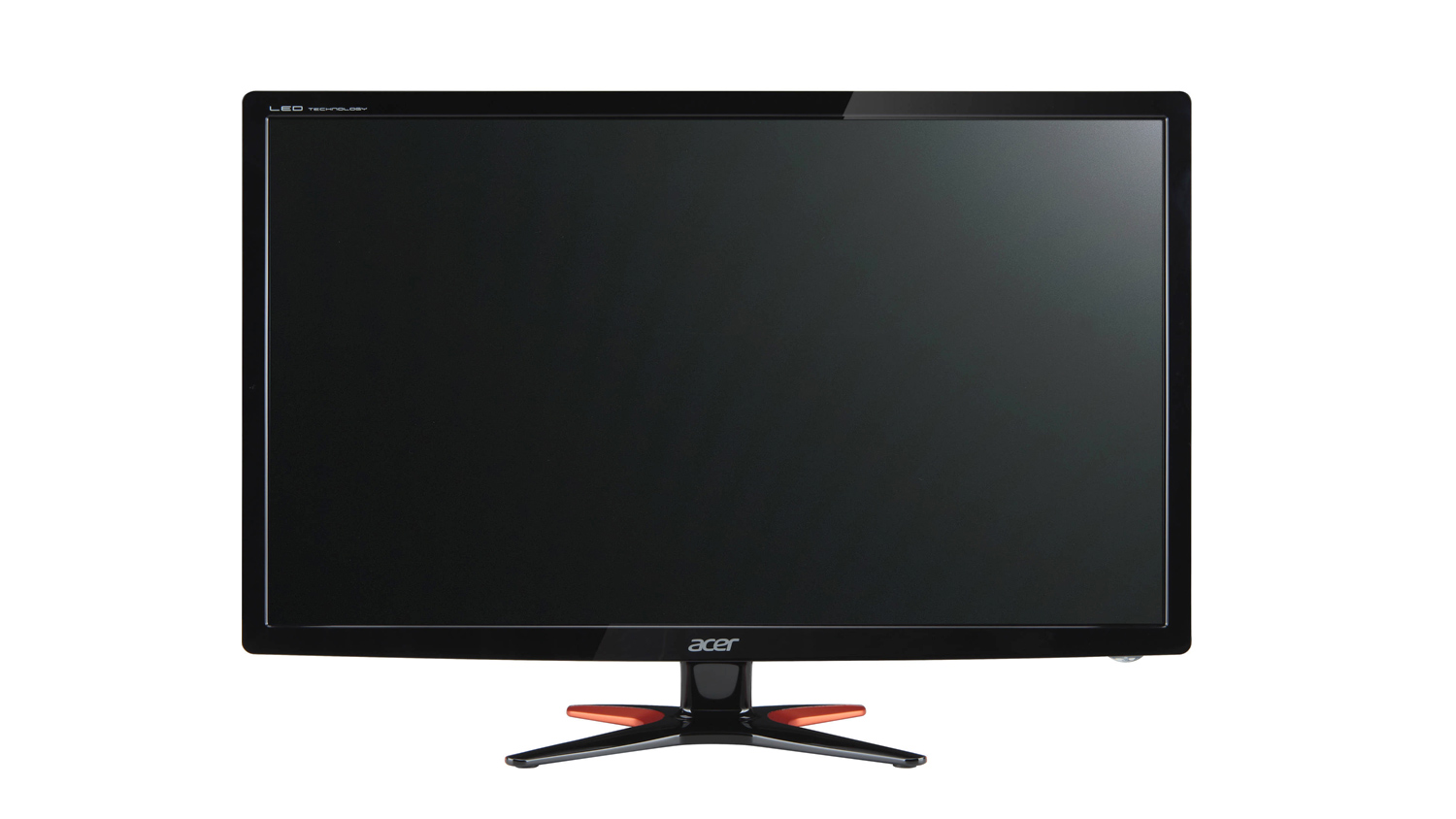
The reason why we chose the Acer GN246HL is simple, it’s full HD (1920×1080) and 144Hz and is considerably more affordable than a lot of other monitors with the same specifications. But what’s also good about this particular monitor is the ultra-low 1ms GTG response time, 350 nit peak brightness and its VESA mounting capabilities. The panel maybe TN so it won’t be as colour accurate as an IPS panel, but for gaming, it’s a solid starting out point. Also if you’re wanting to take streaming seriously and crave the best experience, we’d opt for two of these monitors, if your budget has room to accommodate that. The reason for a dual monitor setup is to make streaming content easier. For example, you’d have your game on your main display and OBS, chat and other applications running on the second screen. Again not needed, but it does help make things a lot easier.
Headset – Corsair HS50
PricePrice £54.22 (CCL Online UK)
$48.49 (Amazon.com US)
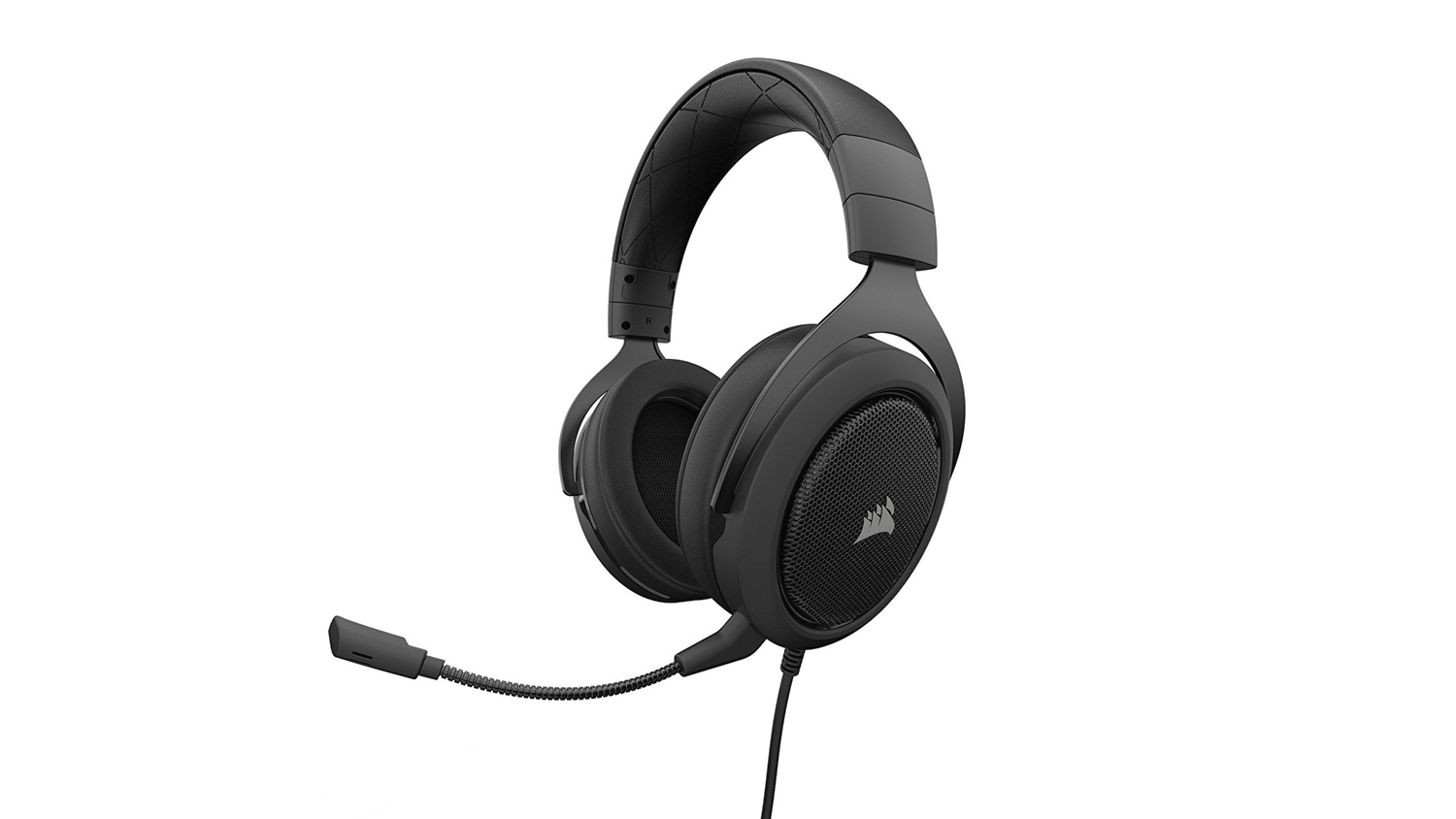
What makes the HS50 from Corsair a compelling choice is the overall package. The styling is clean and minimal, the built-in mic offers good sound quality meaning you may not even not to opt for a dedicated microphone straight away, and also the headsets sound – thanks to the 50mm drivers, is quite impressive. Of course, headset preference like many other things is personal, but you can’t wrong with the HS50 at this price point.
Keyboard And Mouse – Cooler Master MasterKeys Lite L
Price£40.03 (CCL Online UK)
$51.40 (Amazon.com US)
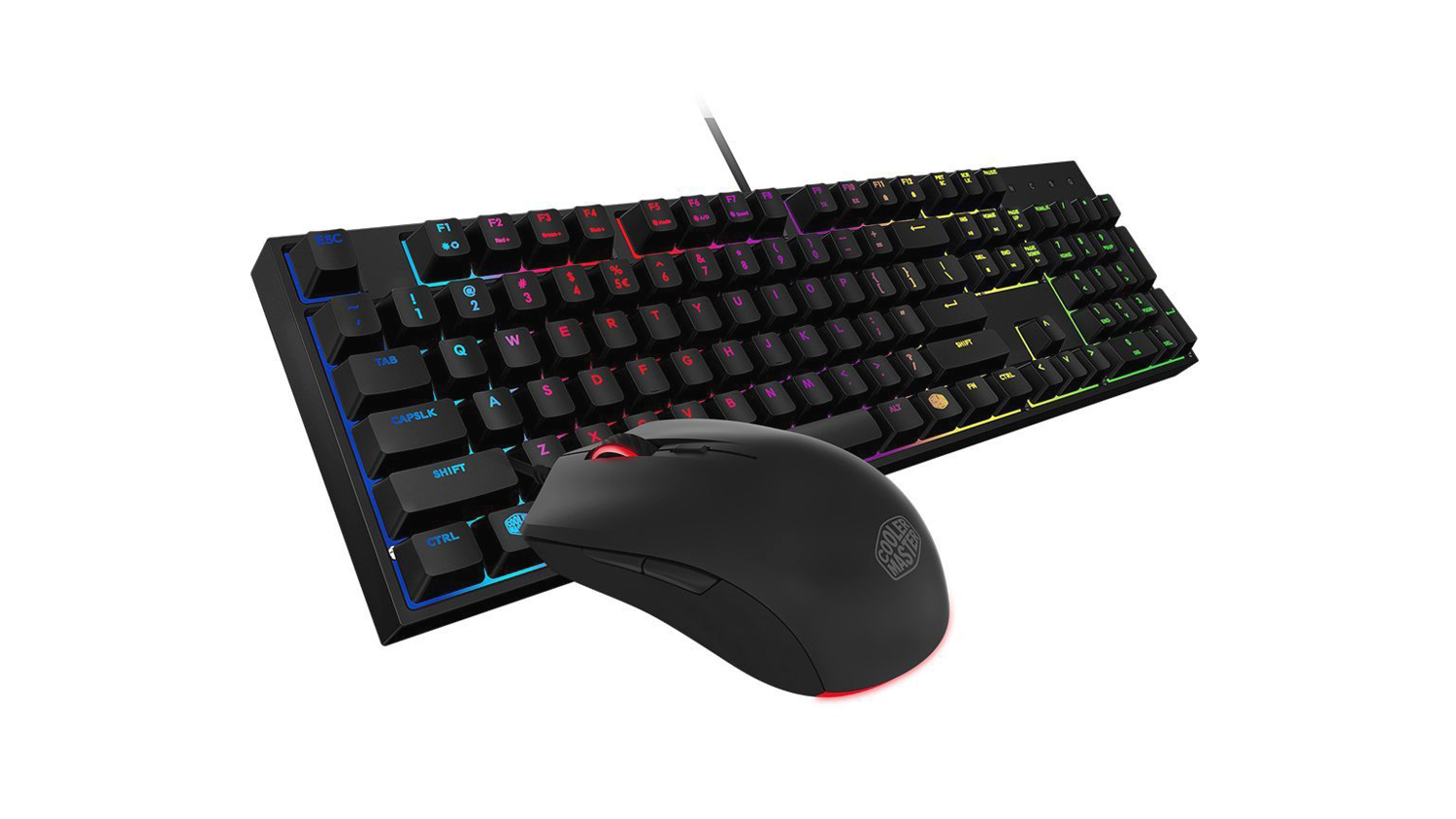
The Cooler Master MasterKeys Lite L is a keyboard and mouse bundle that offers some surprisingly strong features for a bundle at this price. The Keyboard features CM exclusive Mem-chanical switches that offer a more tactile feel than membrane switches do. The experience is more akin to a mechanical switch, but at a considerably less cost. It also features RGB lighting, splash resistance and on the fly controls. The mouse opts for an AVAGO 3050 optical sensor with Omron switches which is a combo you don’t see too often at this price point. It also features RGB and has a good body weight of 91g.
Microphone – Blue Spark Digital
Price£52.94 (CCL Online UK)
$199.99 (Amazon.com US)
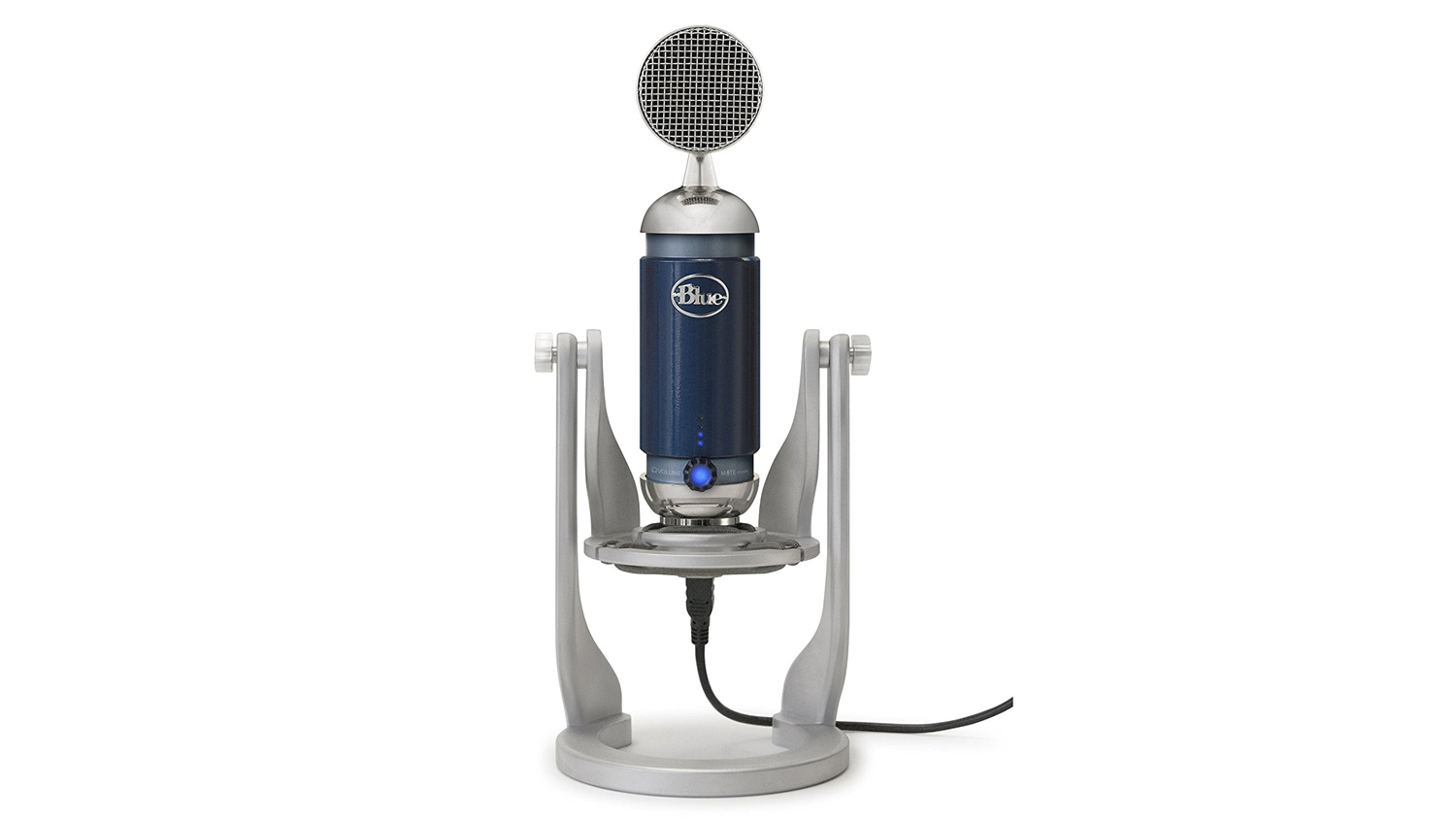
The microphone choice for this tier was a tough choice, it was a toss-up between the Blue Spark Digital and Blue Snowball iCE. The Spark Digital, we felt offered a better feature set for around the same price. It features an impressive frequency response of 26Hz to 20,000Hz, has an S/N ratio of 84dB and a sensitivity of 28mV/Pa. The only downside to the microphone is its age, it is an older model, but we still feel given its price currently it would be an ideal mic to start out with and even to grow with you.
As the Blue Spark Digital is $200 in the US, we’d recommend the Blue Snowball iCE we mentioned above. It costs $49 and still has an impressive feature set list. It may not provide as crisp audio as the Spark Digital, but it will be better than most microphones that are prebuilt into gaming headsets.
Webcam – Logitech C310
Price£39.40 (CCL Online UK)
$27.49 (Newegg.com US)
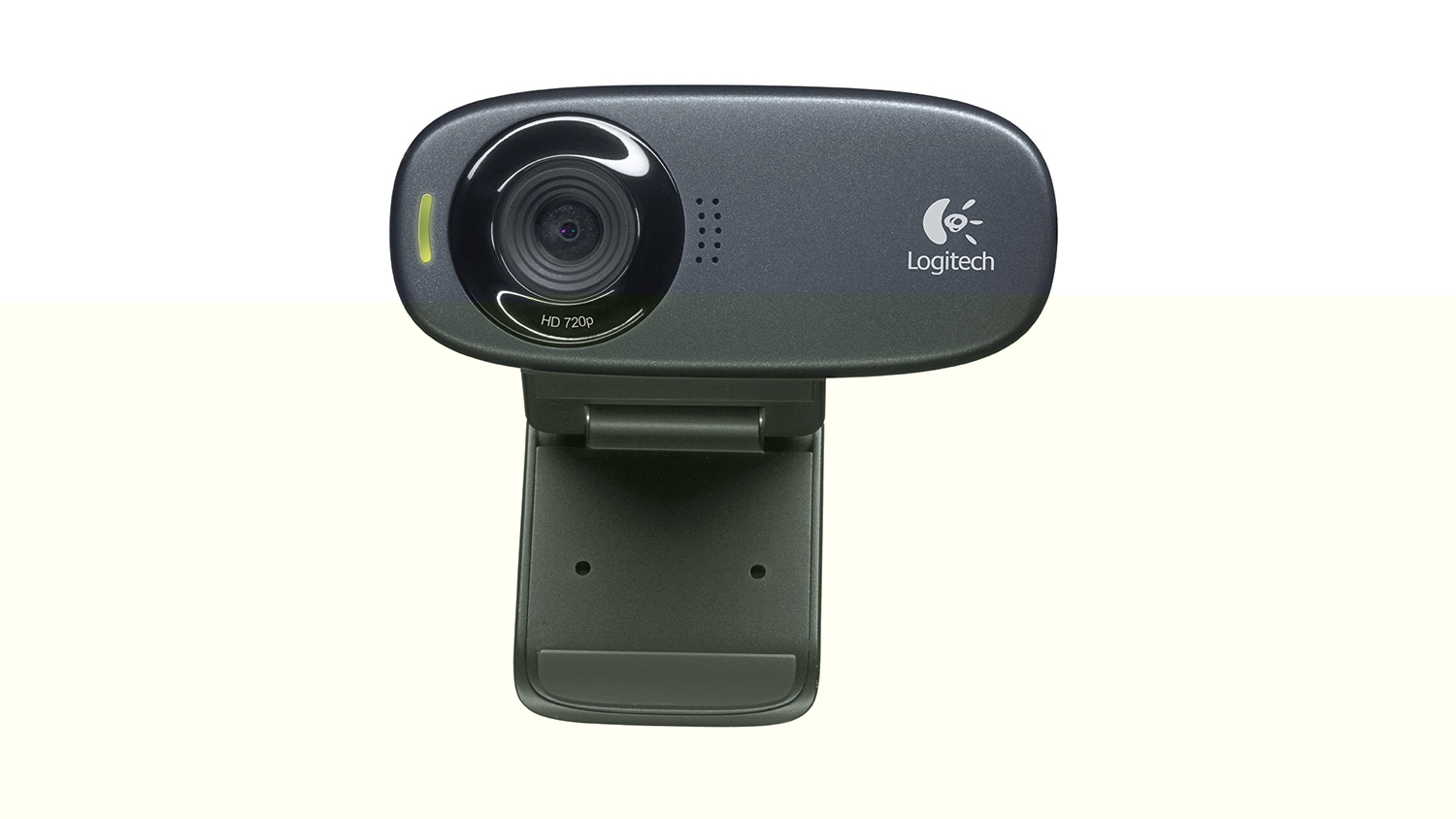
A webcam is not what we would deem a make it or break it type of product for your stream, but if you want to utilise one then the Logitech C310 would be a good beginner webcam. It may only shoot at 720p, but that is plenty as most streamers still only stream at this resolution or 1080p.
Mouse Mat – SteelSeries QcK mini
Price£9.11 (CCL Online UK)
$6.99 (Amazon.com US)
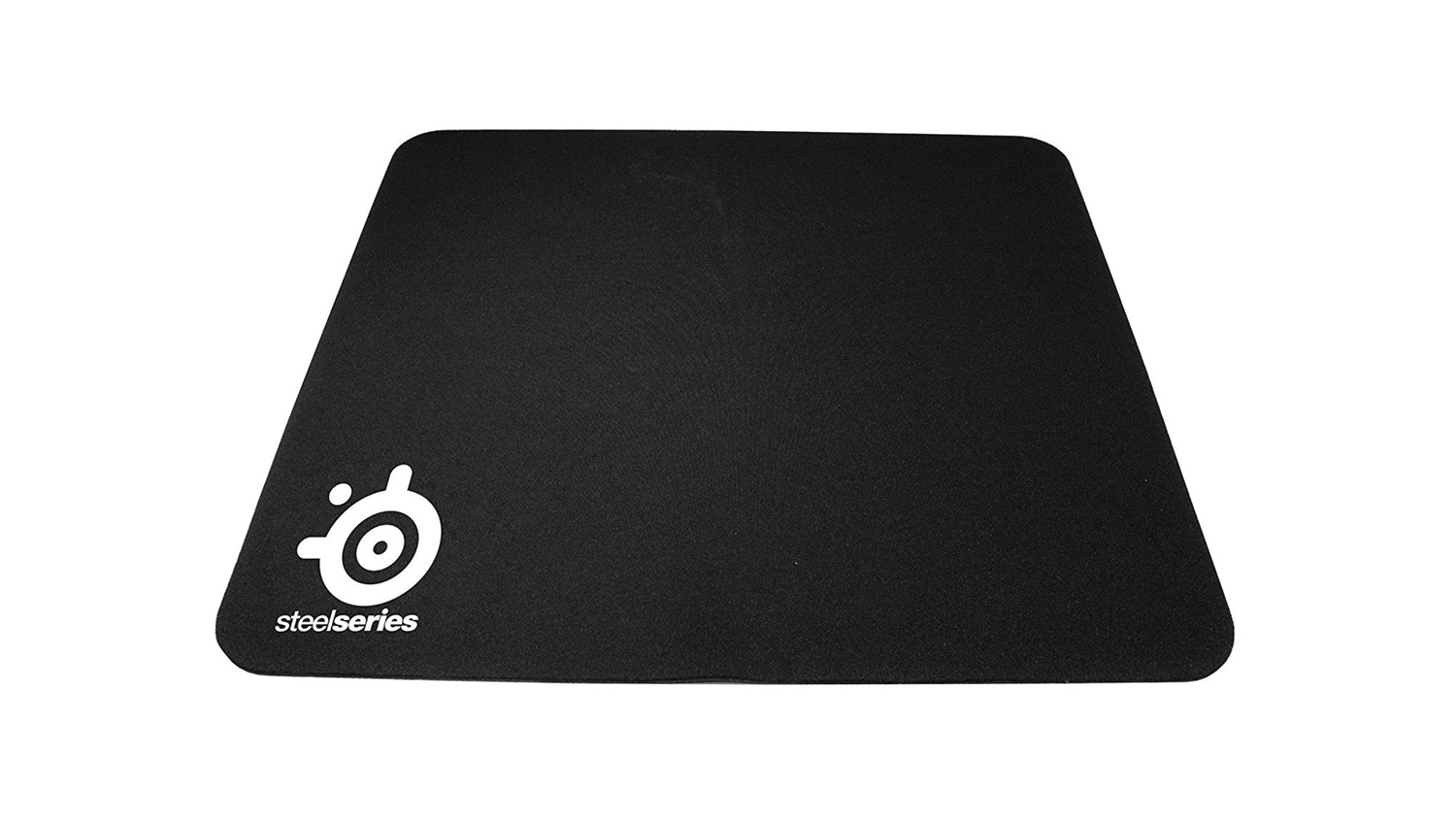
The SteelSeries QcK Mini was my go-to mouse mat for the longest time, it’s affordable, compact and just gets the job done. It may not be fancy, but it performs where it counts and doesn’t cost all that much.
All the peripherals and accessories in this list are of course open to being adapted, but we feel our choices are great to set on the right path to a good experience not only for streaming but also for gaming. Of course, not all these items are a necessity, and you could save a bit of money by using the microphone on the headset rather than purchasing an additional one. But if you want your stream to be the best it can and you don’t have the world to spend, the options for the low tier will do just that.
Low Tier Setup Cost
Peripherals and Accessories
UK £358.01
US $377.99
AMD setup
UK £1,349.02
US $1,497.20
Intel setup
UK £1,368.06
US $1,504.10
Peripherals and Accessories
UK £358.01
US $377.99
AMD setup
UK £1,349.02
US $1,497.20
Intel setup
UK £1,368.06
US $1,504.10
*Note – All prices in the article are correct as of the article upload date. These prices do fluctuate meaning the parts cost could vary over time. Also to note. The total price of the guide only includes one monitor, so another monitor would add an additional cost to the overall end total.
Mid Tier – PC Builds
Our Mid Tier option is designed to give you enhanced performance over the Low Tier guide. This tier uses the same core components as the Low Tier guide, but each of those core parts is different in the fact that they are considered more premium than the lower tiers offerings. This middle of the road setup will give you increased performance for both gaming and streaming meaning that you can push the settings of your stream to increase the quality.
CPU – AMD Ryzen 7 2700
Price£259.99 (CCL Online UK)
$289.95 (Amazon.com US)
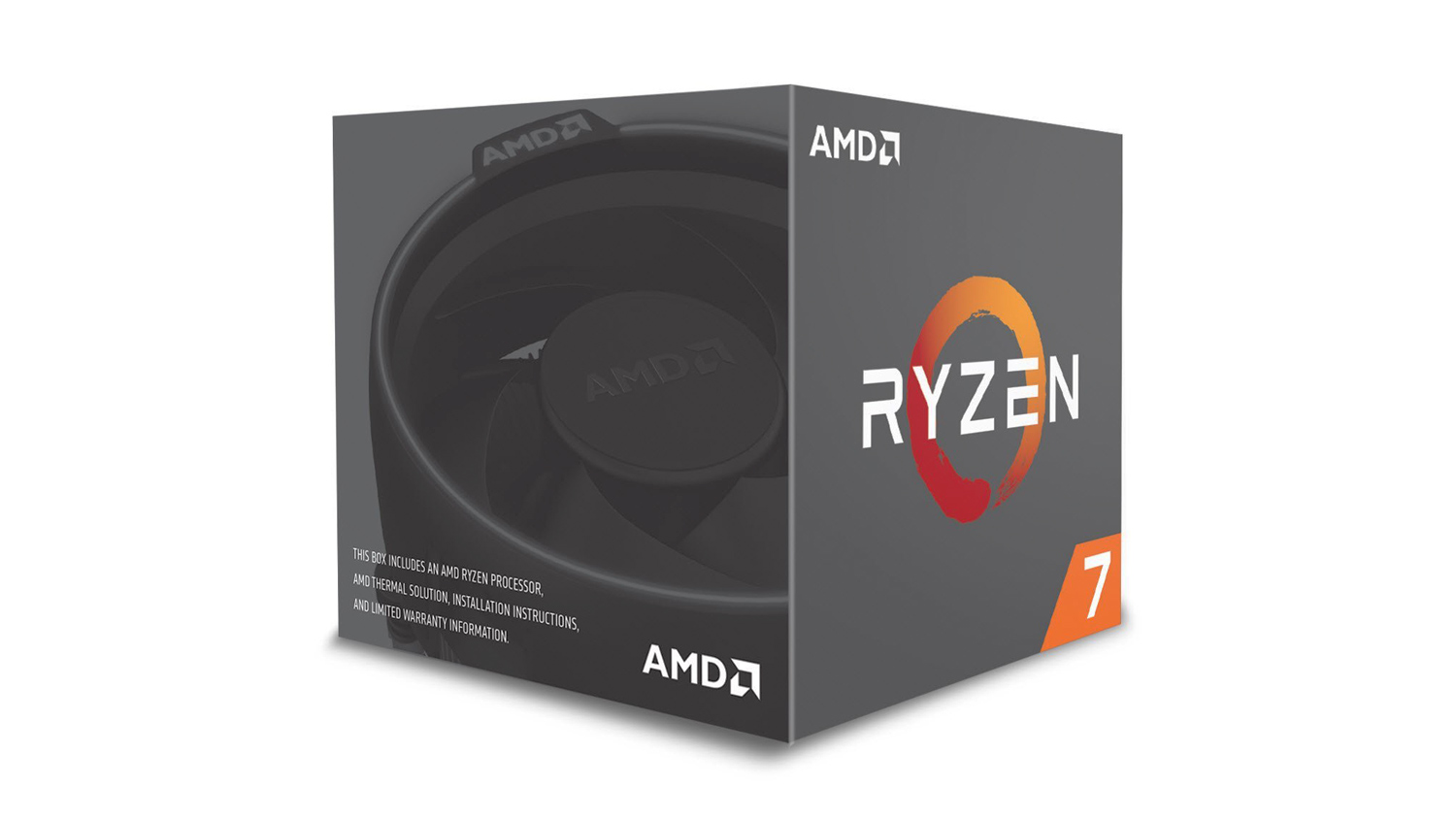
The Ryzen 7 2700 was the logical choice for our Mid Tier setup as it offers very impressive price to performance, plus it has an additional 2 cores, and 4 threads over the Ryzen 5 2600. These extra cores and threads will help with running multiple applications at the same time. The 7 2700 also has improved stock and boost frequencies over the previous generation – these are a 3.2GHz base and up to a 4.1GHz boost. Of course, the 7 2700 can be overclocked, but we’d recommend an aftermarket cooler if you are going down that route. If you don’t plan on overclocking, the stock cooler that comes with the 7 2700 is perfectly capable of keeping the CPU cool under this heavy workload.
CPU – Intel i7 8700
Price£269.99 (CCL Online UK)
$299.00 (Amazon.com US)
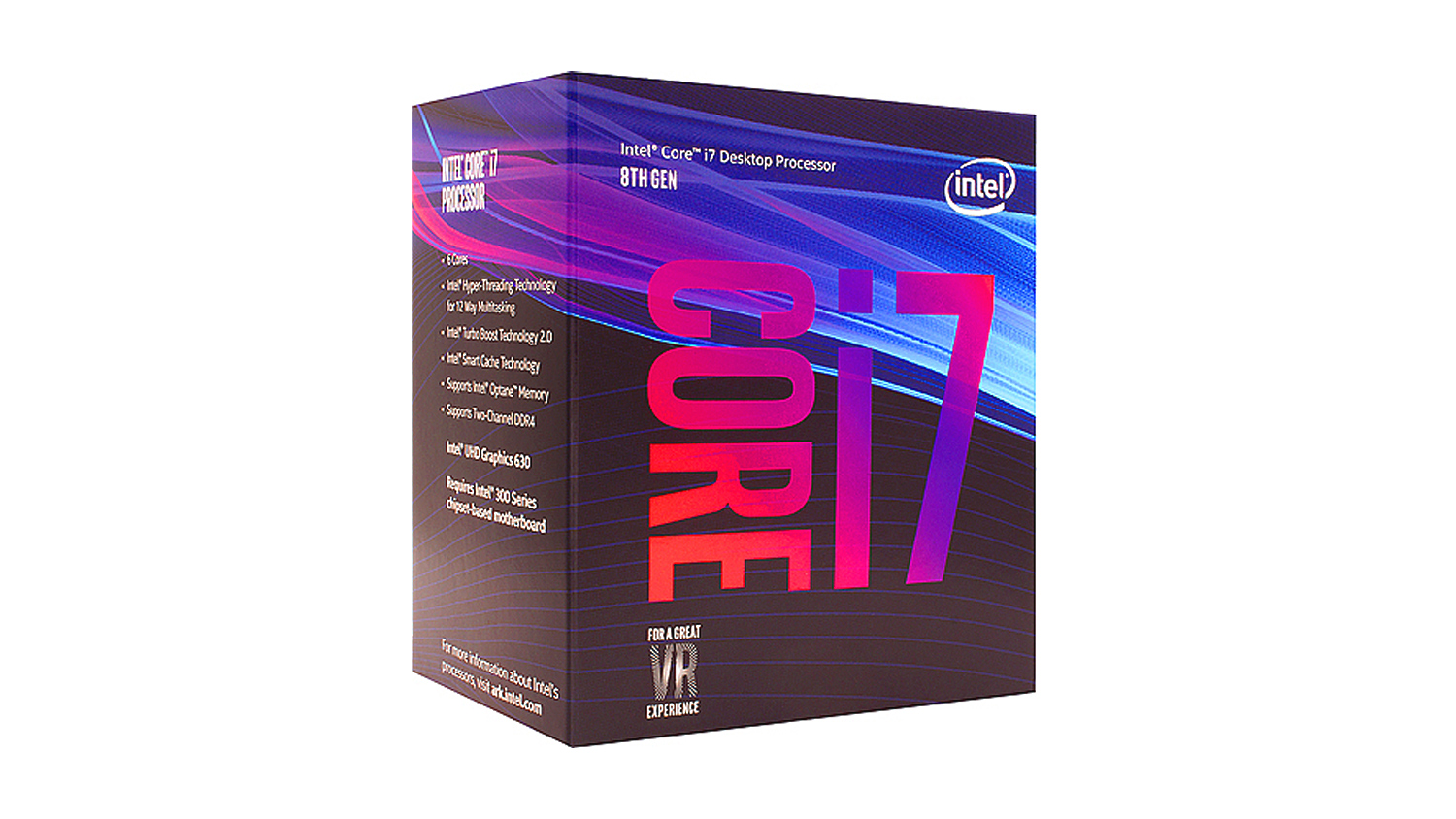
The i7 8700 is a popular choice for gamers as it offers one of the best gaming experiences on the market. It may not match AMD for the core count, but it makes up for that with speed. The base clock is 3.7GHz and it will boost to 4.7GHz, this is quite a way beyond what the stock 2700 can muster. However, unlike the 7 2700 the i7 8700 can’t be overclocked, and if you are planning to, then you’ll have to opt for the more expensive 8700K. This will add an additional cost to the overall price, but it could be worth for the extra potential the K variant provides.
Intel CPU Cooler – Be Quiet! Dark Rock 4
Price£54.77 (CCL Online UK)
$74.90 (Amazon.com US)
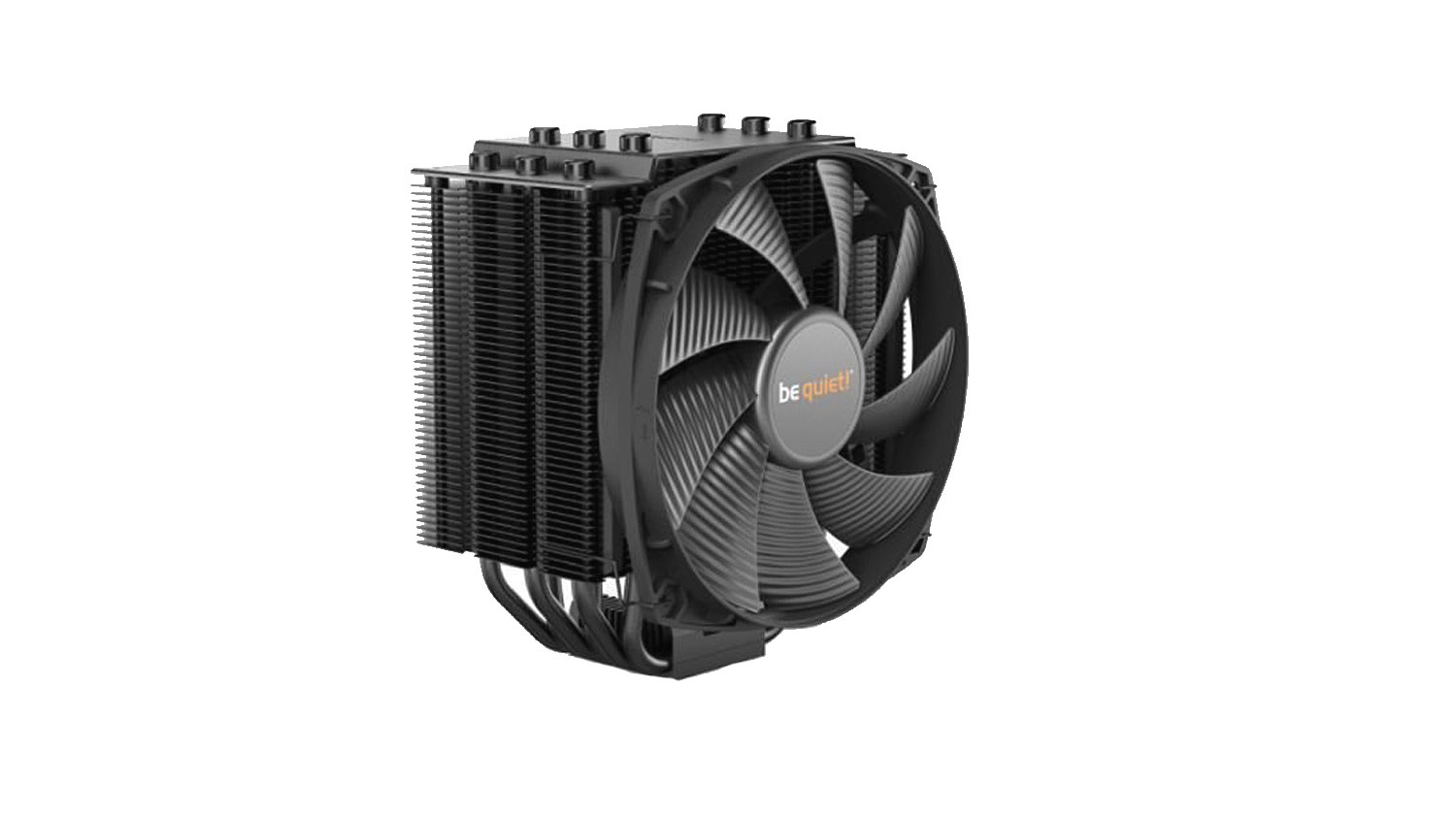
The Be Quiet! Dark Rock 4 is a new offering from Be Quiet! and builds upon the success of their 3 series. The newer model features a large 135mm PWM Silent Wings fan that is barely audible just emitting 21.4dB9(A) at load. Plus it has a massive cooling potential of 200W meaning that you have plenty of headroom to overclock the i7 8700K if that is the CPU you opt for. It will also work with Ryzen if you plan to overclock the 7 2700. Also worth noting is that you could save money by opting for a cheaper CPU cooler if you choose for the 8700 and don’t plan to overclock.
AMD Motherboard – ASUS Prime X470 Pro
Price£159.79 (CCL Online UK)
$177.39 (Amazon.com US)
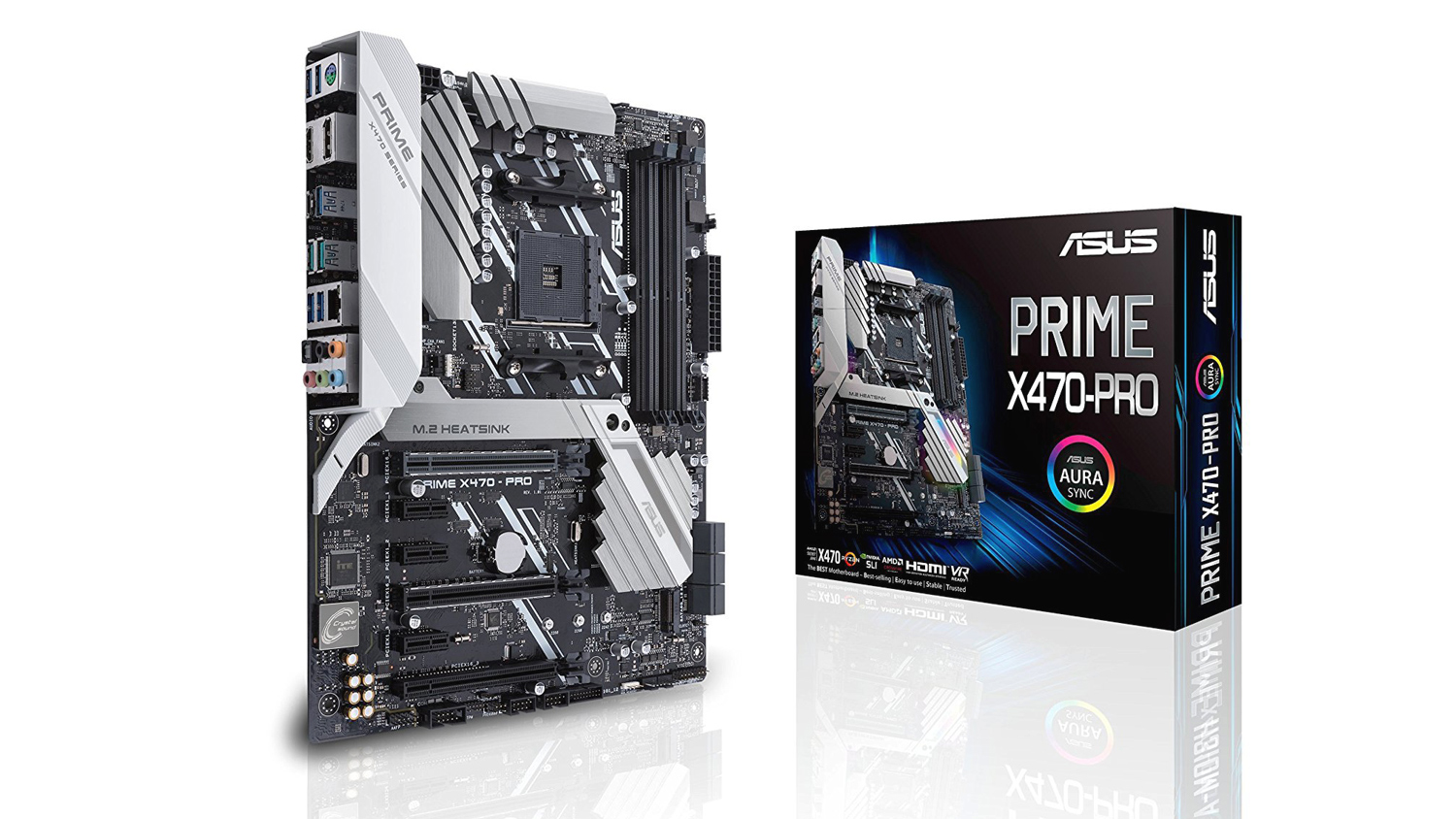
ASUS’s Prime X470 Pro provides a solid platform for any system with all the features you’d possibly need or want. It’s very stylish and with main features that include support for up to 64GB RAM at speeds up to 3466MHz, one-click overclocking and ASUS Aura sync, make it a strong choice. Things like dual M.2 drive support, USB 3.1, Intel Ethernet, solid options for water-cooling and enhanced Crystal Sound 3 audio only enhance the package. Of course, like everything else, you are free to make your own selections, but we feel the ASUS Prime X470 is a solid mid-level motherboard.
Intel Motherboard – ASUS Prime Z370-A
Price£156.20 (CCL Online UK)
$159.99 (Amazon.com US)
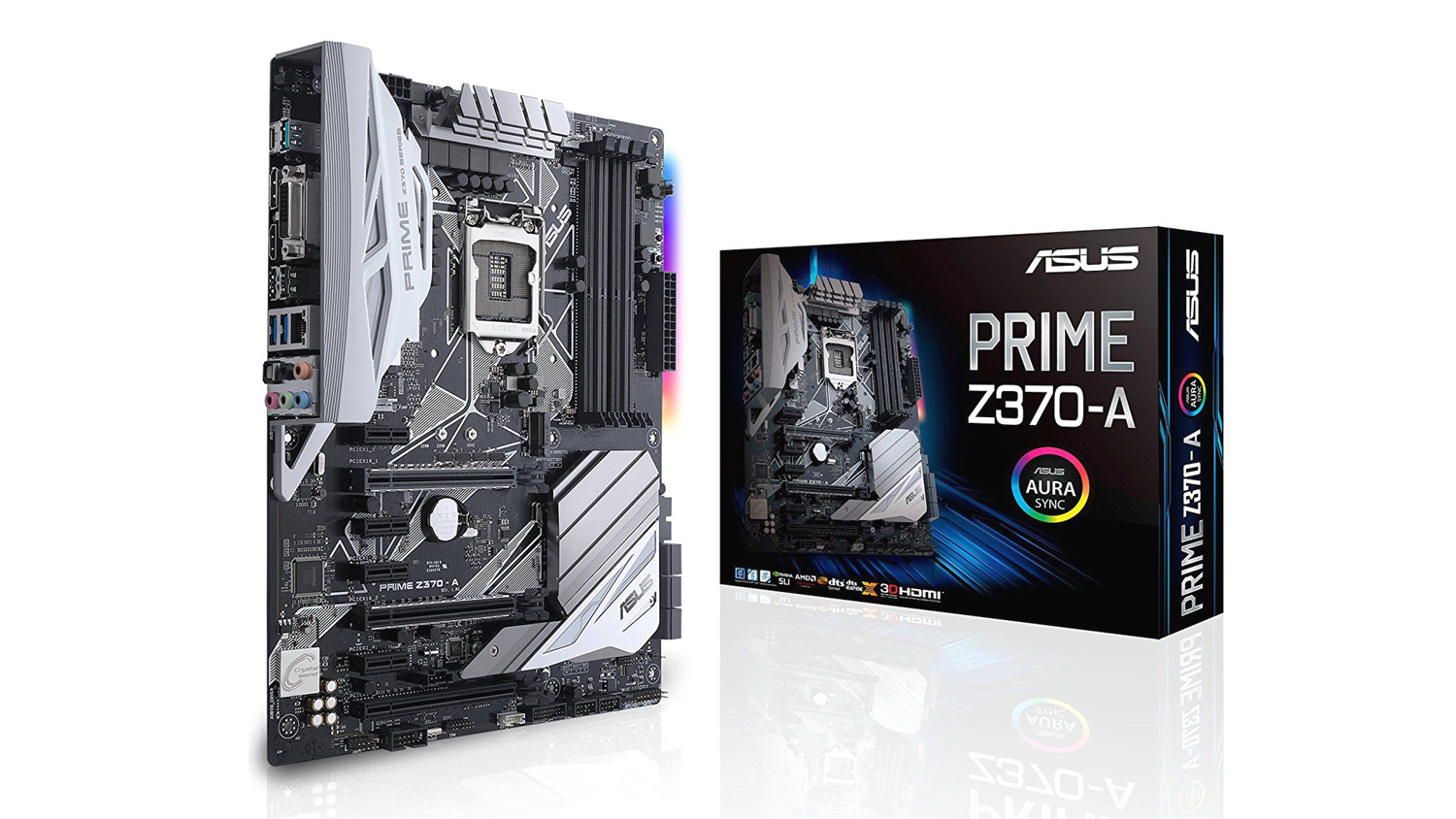
Like the AMD counterpart, the ASUS Prime Z370-A has a great feature set and is equally as attractive as the X470. It features the same maximum RAM capacity, however, the Z370-A can support RAM speeds up to 4,000MHz which the AMD counterpart simply can’t match. This board also supports a ThunderboltEX3 Card – you have to purchase this separately, but it provides speeds up to a massive 40Gbps through a single cable. This is up to 4 times faster than other data-transfer protocols.
RAM – G.Skill Trident Z RGB 16GB 3200MHz
Price£199.49 (CCL Online UK)
$222.15 (Amazon.com US)
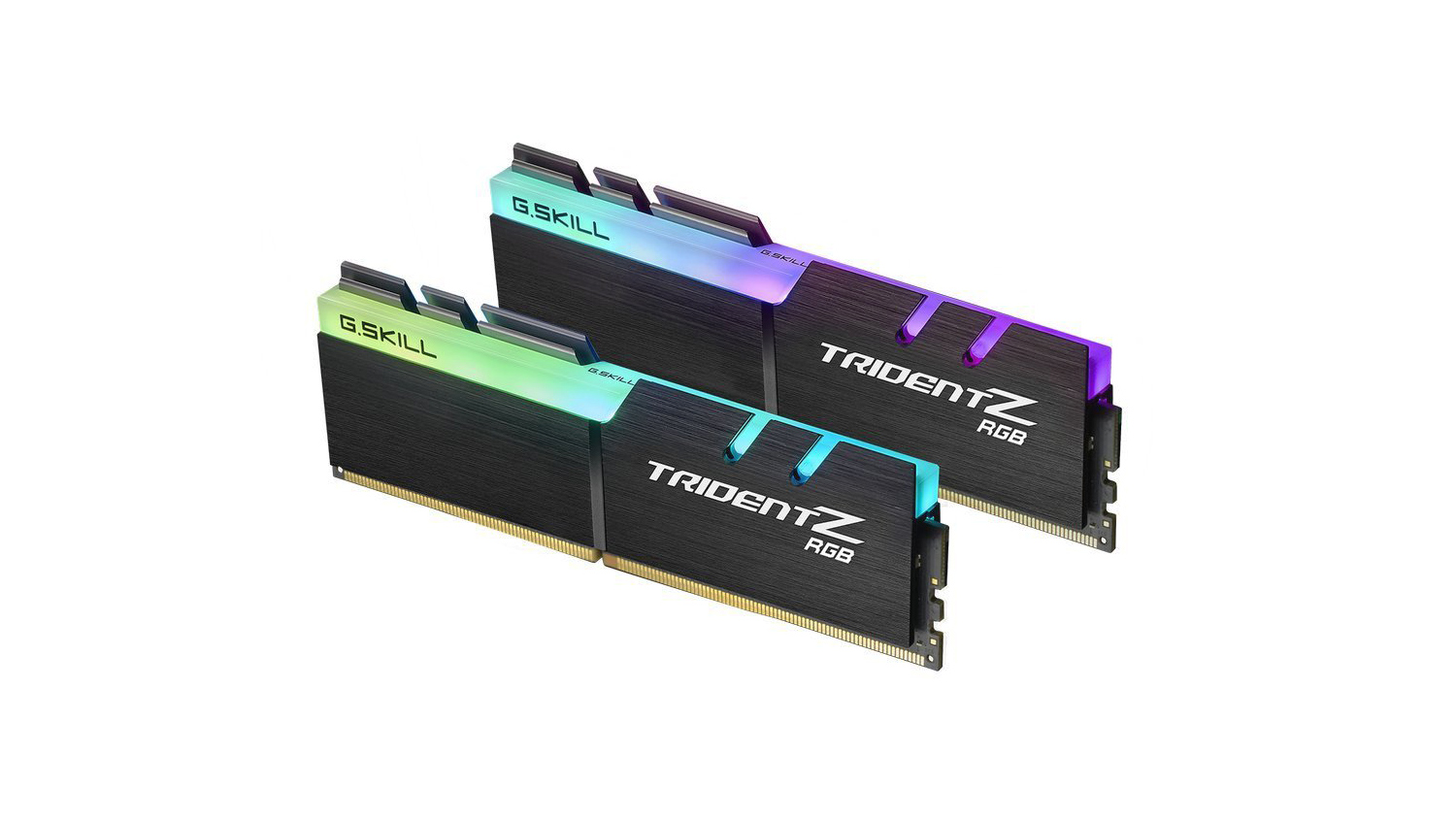
RAM choice as you can imagine isn’t as easy as it once was. But we think that the 16GB G.Skill Trident Z RGB kit of 3200MHz speed is a good choice. There may be cheaper options on the market, but we know that this kit works well with both Intel and AMD systems, and is arguably one of the best looking RAM kits currently available. With timings of 16-18-18-38 and a Cas Latency of 16 they still offer quick performance if not the quickest out there. If you want a faster kit we’d suggest taking a look at the G.Skill Flare X, the kit is over £50 more expensive, but with tighter timings and lower Cas Latency, the kit could just squeeze that bit more out of your system.
GPU – Gigabyte G1 Gaming GTX 1070
Price£449.99 (CCL Online UK)
$489.99 (Amazon.com US)
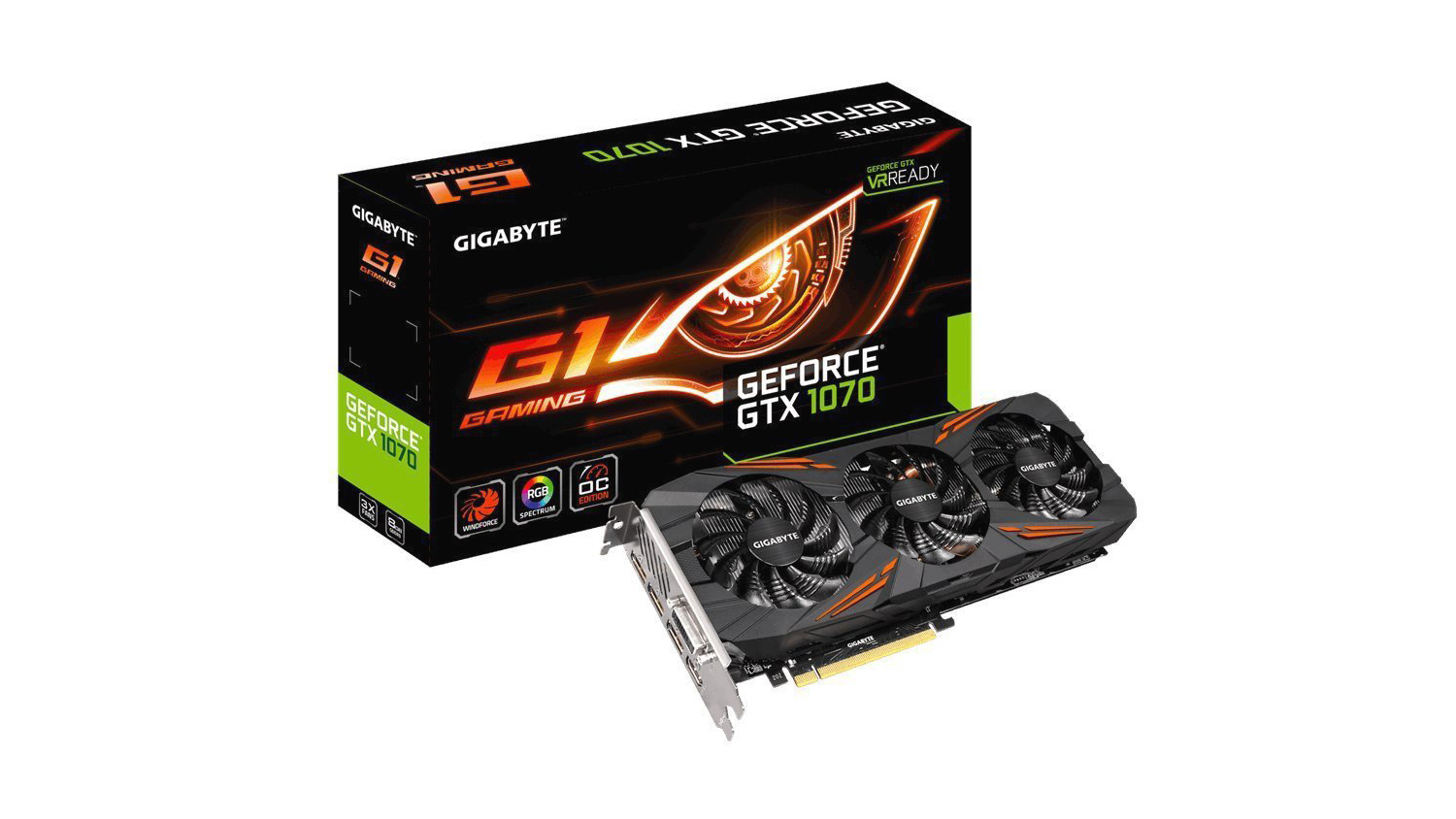
The Gigabyte G1 Gaming is a card we’ve tested thoroughly and know that it offers great performance. The triple cooler design also helps keep the card cool under load as well as being very quiet. Plus the 8GB GDDR5 is plenty enough to pump out constant frames at 1080p whilst being tasked with GPU encoding. You can check out our review if you’d like more information on the card. However, if you want that bit extra performance and your budget can accommodate it, then a GTX 1070Ti would be a great choice.
M.2 Storage – WD Black 250GB
Price£74.94 (CCL Online UK)
$79.99 (Amazon.com US)
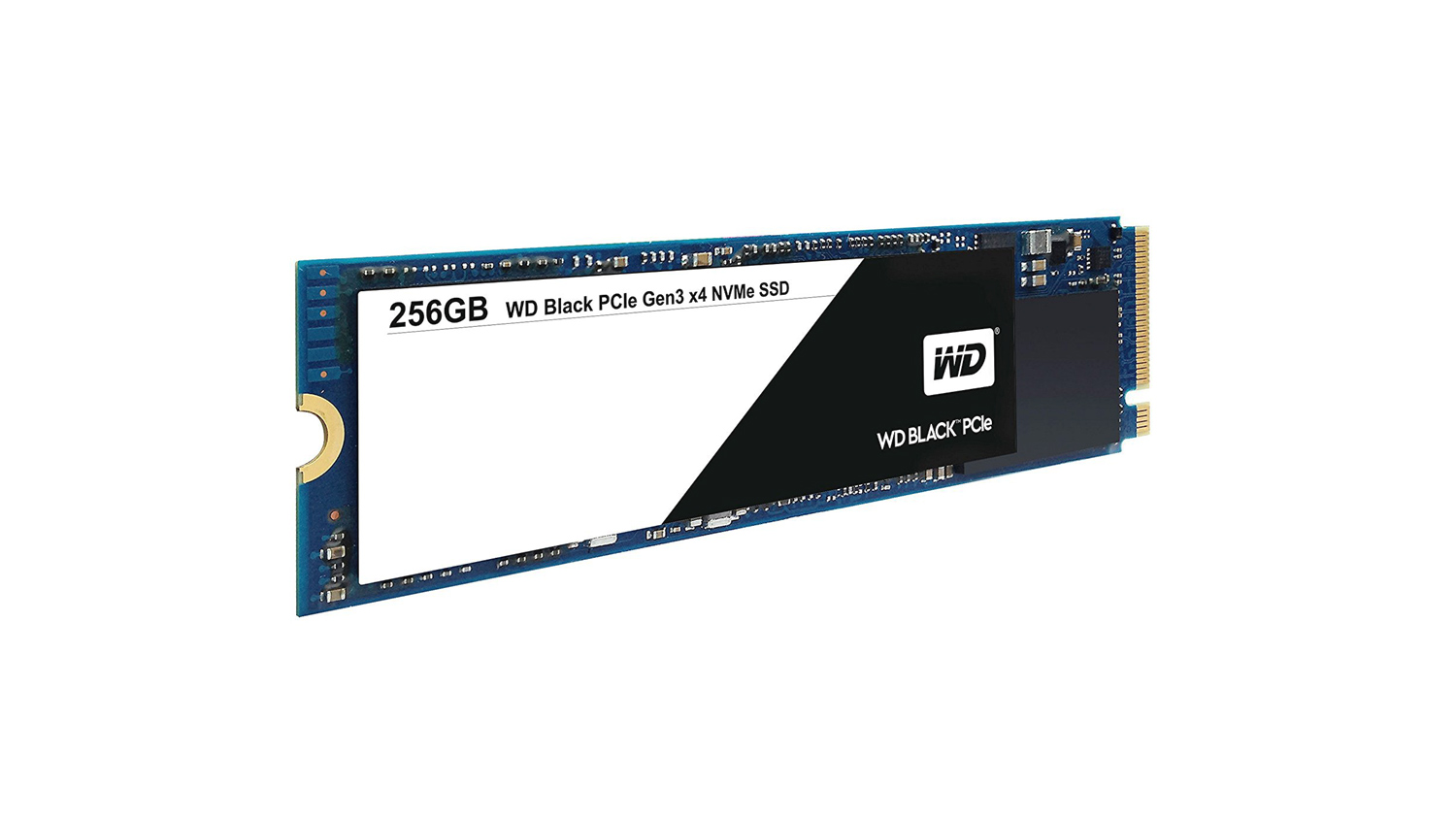
For this Mid Tier option, we decided that an M.2 was the right choice. SATA based SSDs maybe cheaper, but M.2 offer much higher rates of speed and also take up less room in your system. The one we’ve chosen is the Western Digital Black 250GB. The reason for this is because of WD’s reliability and also impressive speeds. This version, in particular, has a read speed of up to 2050MB/s and 700MB/s write. Plus you get a 5-year warranty which gives you that extra piece of mind.
HDD Storage – Seagate Barracuda 2TB
Price£52.95 (CCL Online UK)
$59.99 (Amazon.com US)
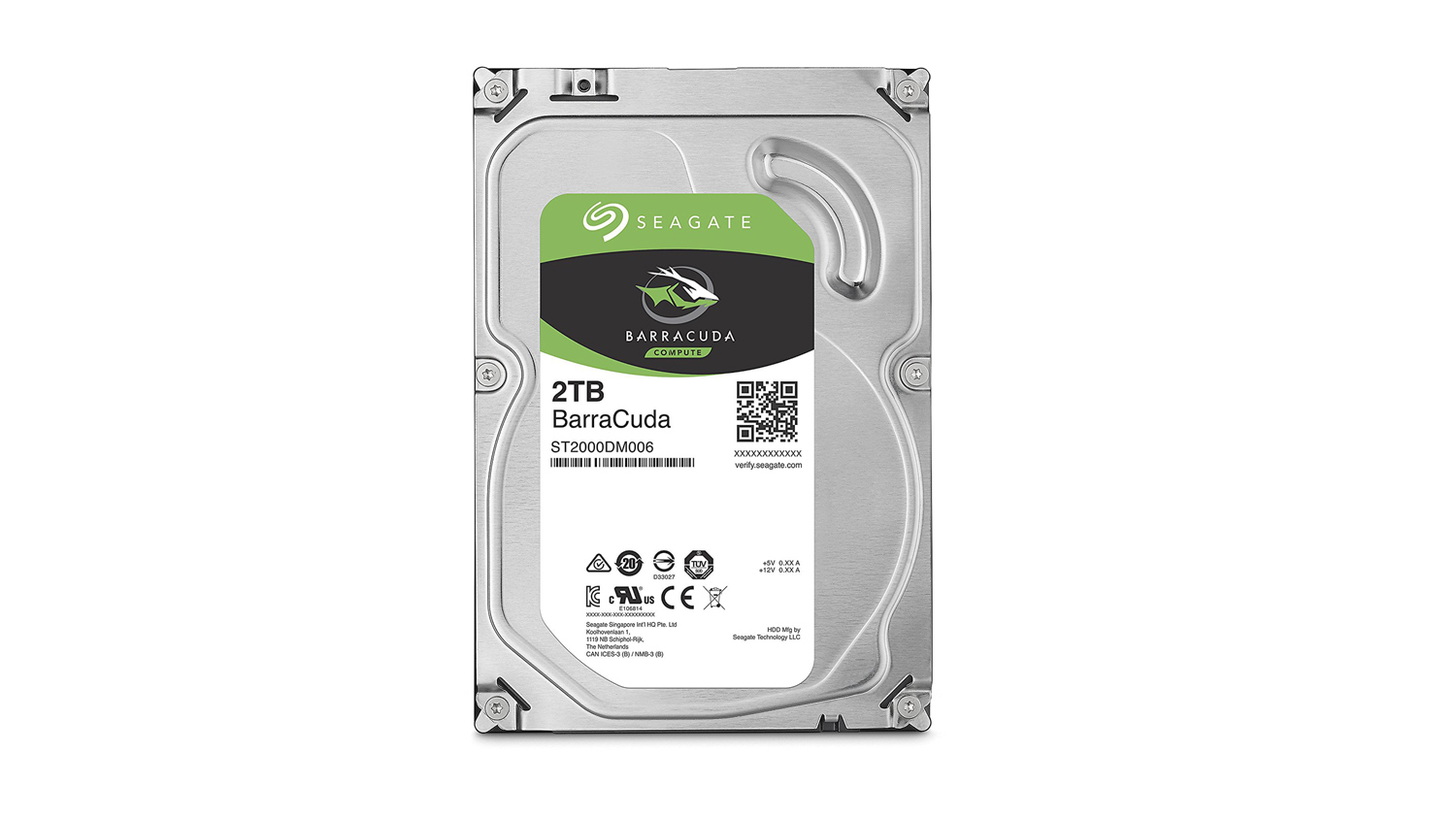
Our HDD choice for this build is the Seagate Barracuda 2TB. Seagate is a very well known company for making high quality and affordable drives, and this is just one of those examples. It offers 64MB Cache and 7200RPM performance meaning it will perform smoothly and reliably. Plus with the extra storage you’ve got plenty scope to store all your game library as well as of tonnes of miscellaneous files and applications.
Power Supply – EVGA Supernova 650GS
Price£81.46 (CCL Online UK)
$89.99 (Amazon.com US)
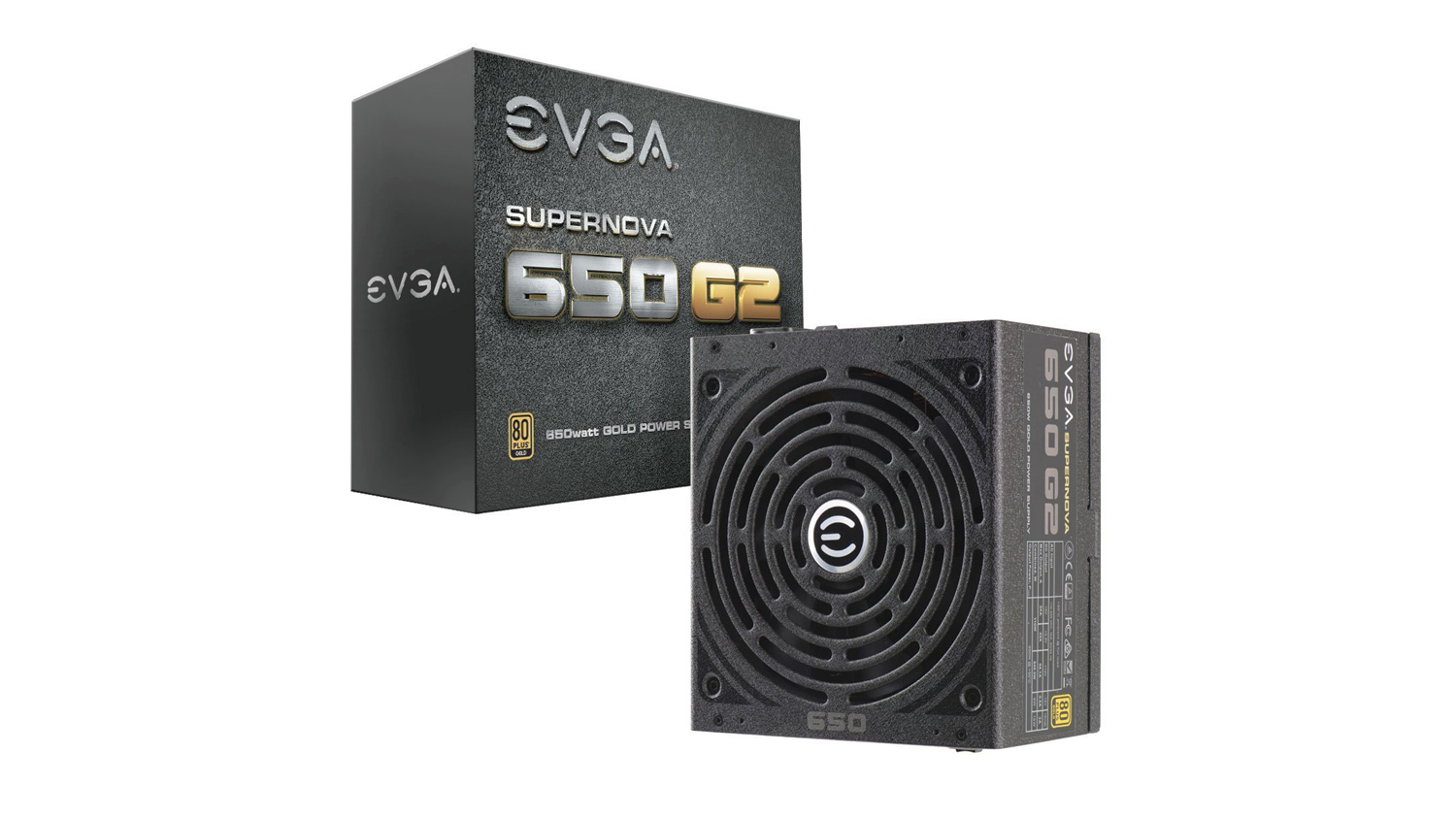
A good solid PSU is a must for any gaming PC and the EVGA Supernova 650GS is a great choice. It’s an 80 Plus Gold rated modular PSU that has a 90% efficiency, it uses fully modular cables meaning you only need to select the cables that you require and it also utilises a large double bearing 140mm fan for cooling. Also, 650W is plenty of power to run the system while also providing room for future upgrades.
Case – Fractal Design Meshify C
Price£78.88 (CCL Online UK)
$78.01 (Newegg.com US)
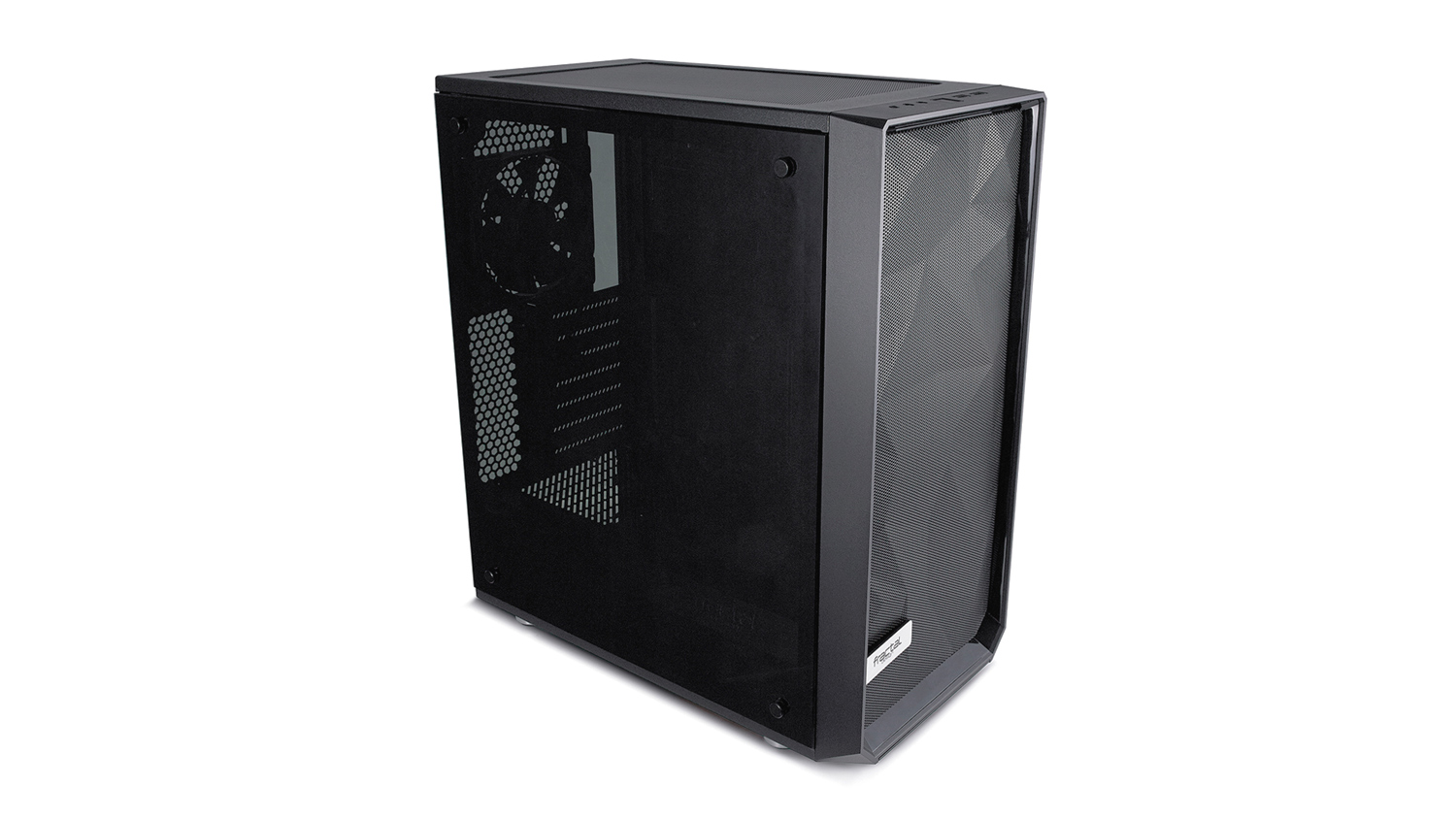
The Fractal Design Meshify C has often been regarded as one of the best cases you can currently buy at this price point. This is thanks in part to its styling, open-air mesh intake at the front and an easy to use interior layout. Plus it has support for GPUs up to 315mm and a max CPU cooler height of 172mm. This gives you plenty of clearance for the components we’ve selected for this build.
Operating System – Windows 10
Price£83.95 (CCL Online UK)
$99.99 (Newegg.com US)
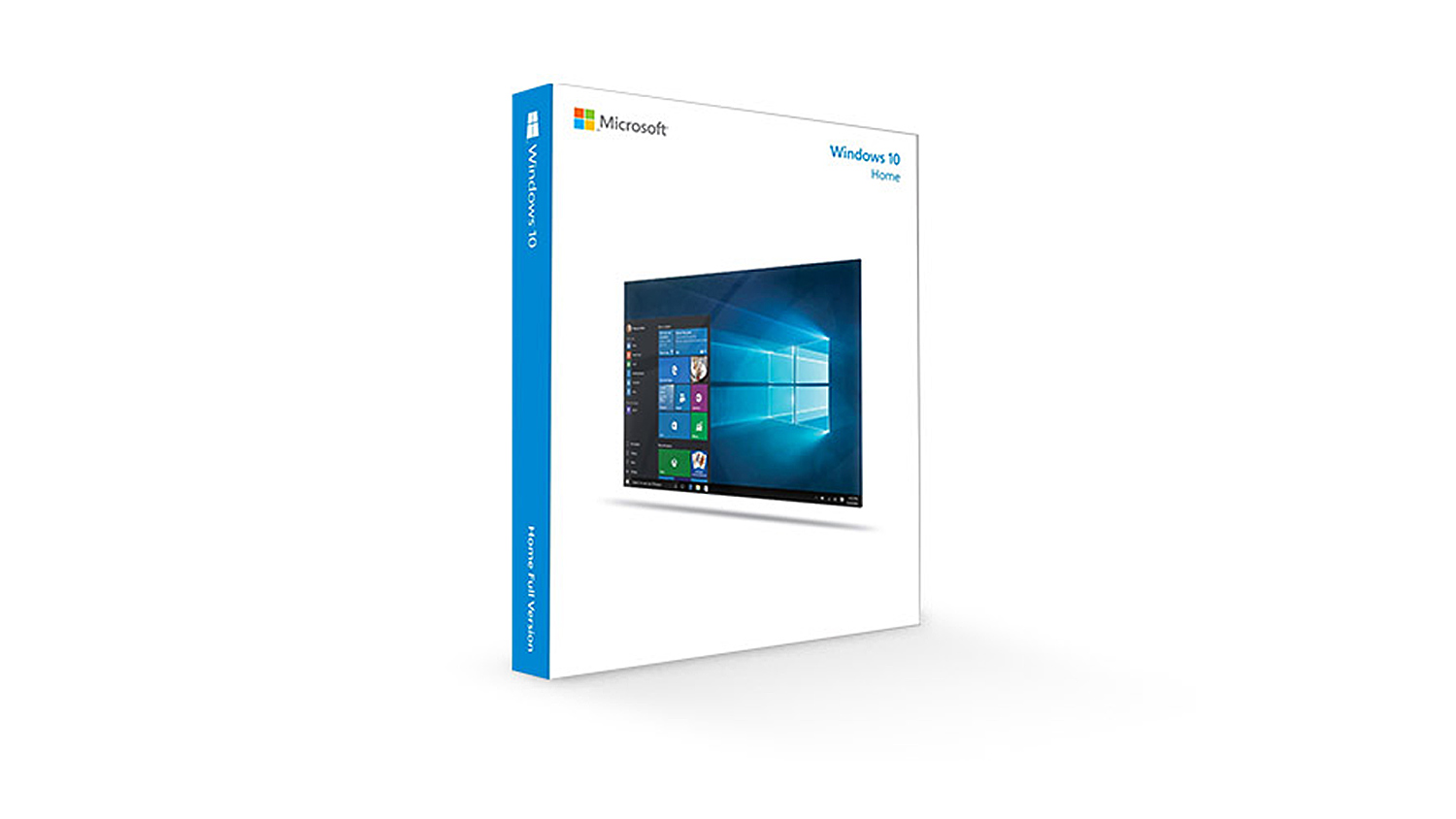
With this PC build, you’ll need an operating system to run everything. For the OS we’d pick Windows 10 Home 64-bit as it offers everything you need and more.
Total PC Builds Cost
AMD System
UK £ 1,359.98
US $ 1,587.36
Intel System
UK £1,502.62
US $1,653.91
AMD System
UK £ 1,359.98
US $ 1,587.36
Intel System
UK £1,502.62
US $1,653.91
Our Mid Tier selection will allow you to stream smoothly at 1080p 60FPS no problem. However, as with the previous Low Tier option, settings do matter and ensuring they are correctly implemented is key to getting the most from this system. It is all about finding the optimal settings to provide a good looking and smooth stream. This system gives you a good amount of headroom to adjust the stream’s bitrate and also the encoder settings. This should then allow you to boost the visuals whilst maintaining smooth framerates. Also to note that if you wanted to overclock the Ryzen 7 2700, then using the selected Be Quiet! CPU cooler would allow you do that. Keep in mind that this will add an extra cost to the final build.
*Note – All prices in the article are correct as of the article upload date. These prices do fluctuate meaning the parts cost could vary over time.
Mid Tier – Peripherals And Accessories
Our peripheral and accessory selection for the Mid Tier setup contains all the items you’ll possibly need to not only game well, but also to stream well too. Our choices below will provide an enhanced experience over the Low Tier setup, this will, however, come at an extra cost.
Monitor – MSI OPTIX G24C 144Hz 1080p
Price£188.49 (Overclockers UK)
$218.32 (Newegg.com US)
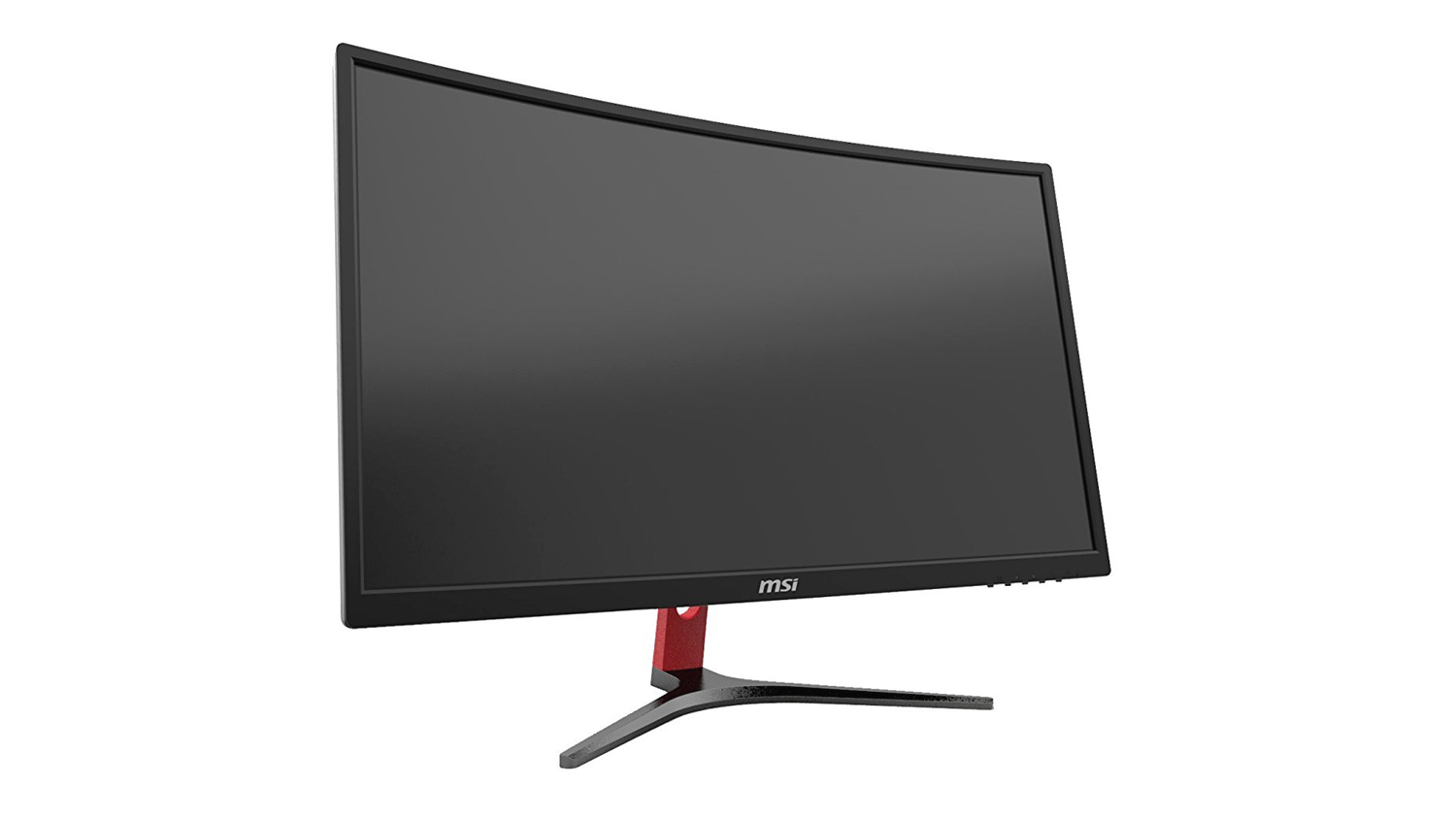
Our monitor choice for the Mid Tier setup is the MSI OPTIX G24C. This panel is impressive and boasts features like a 144Hz and FreeSync. Although our GPU choice won’t work with FreeSync, there is nothing preventing you from going that route if this is a technology you wish to benefit from. However, AMD GPUs face a bit of a premium still and are quite expensive in comparison to their Nvidia counterparts. The OPTIX G24C does feature an LCD LED panel and should make for a great monitor for editing your YouTube thumbnails. The only downside to this monitor is the 4ms GTG, so it isn’t a fast as some others. Another good option to consider is the ASUS VG248QE, especially if you really need that 1ms response time. Like with the Low Tier option – if your budget can flex enough, we’d suggest you pick up two of whichever monitors you select. This, although not needed, does make streaming that much easier.
Headset – Kingston Hyper X Cloud Pro
Price£67.69(CCL Online UK)
$74.95 (Amazon.com US)
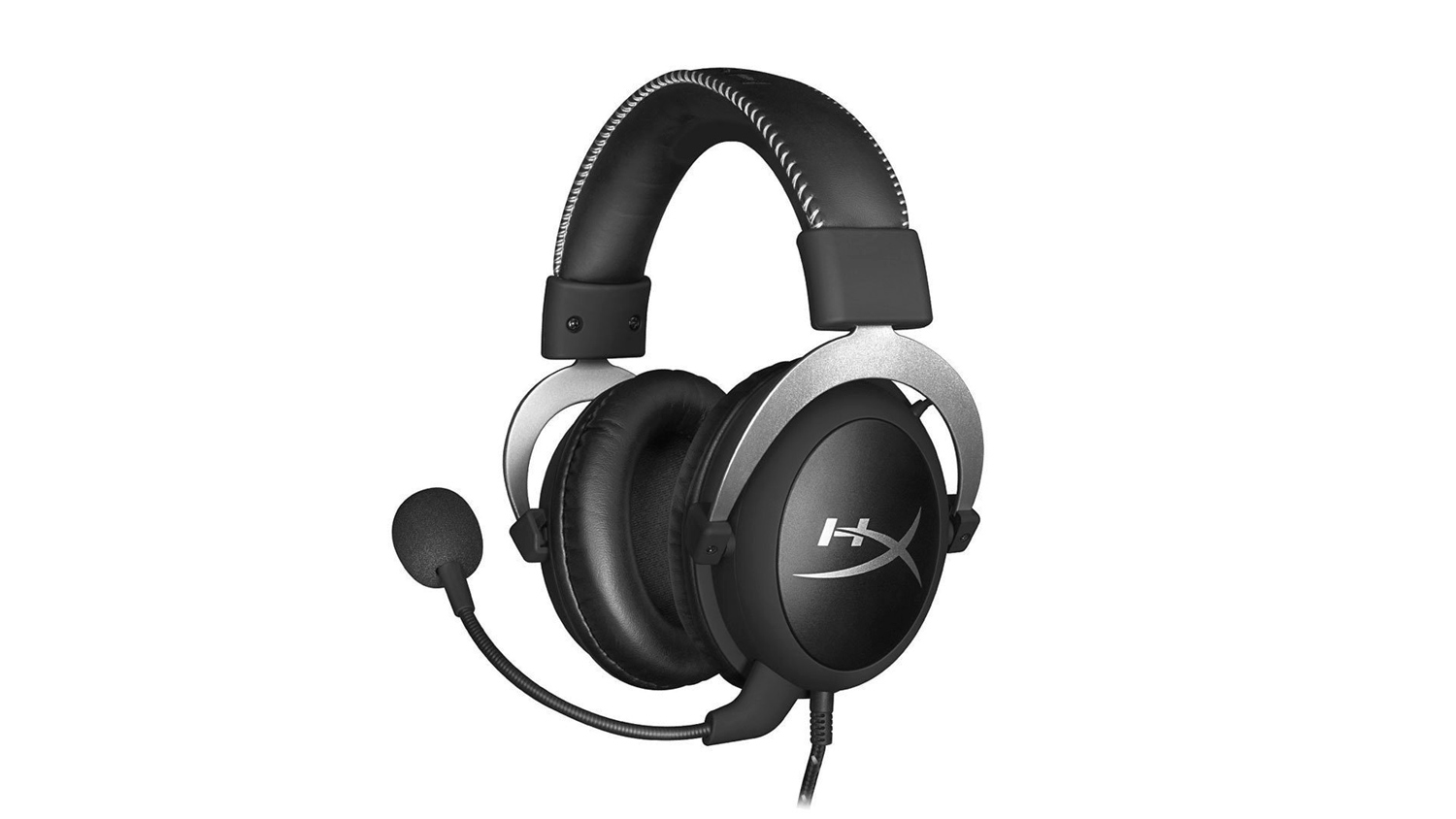
Our headset choice had to be the Hyper X Cloud Pro as it is regarded as the one of the best, if not the best headset for the price. It does by nailing home all the key features that make a great gaming headset. The 53mm drivers help produce brilliant audio, the microphone is strong and they’re well built. They also boast a detachable microphone and in-line audio controls.
Microphone – Blue Yeti USB
Price£114.95 (Overclockers UK)
$128.99 (Amazon.com US)
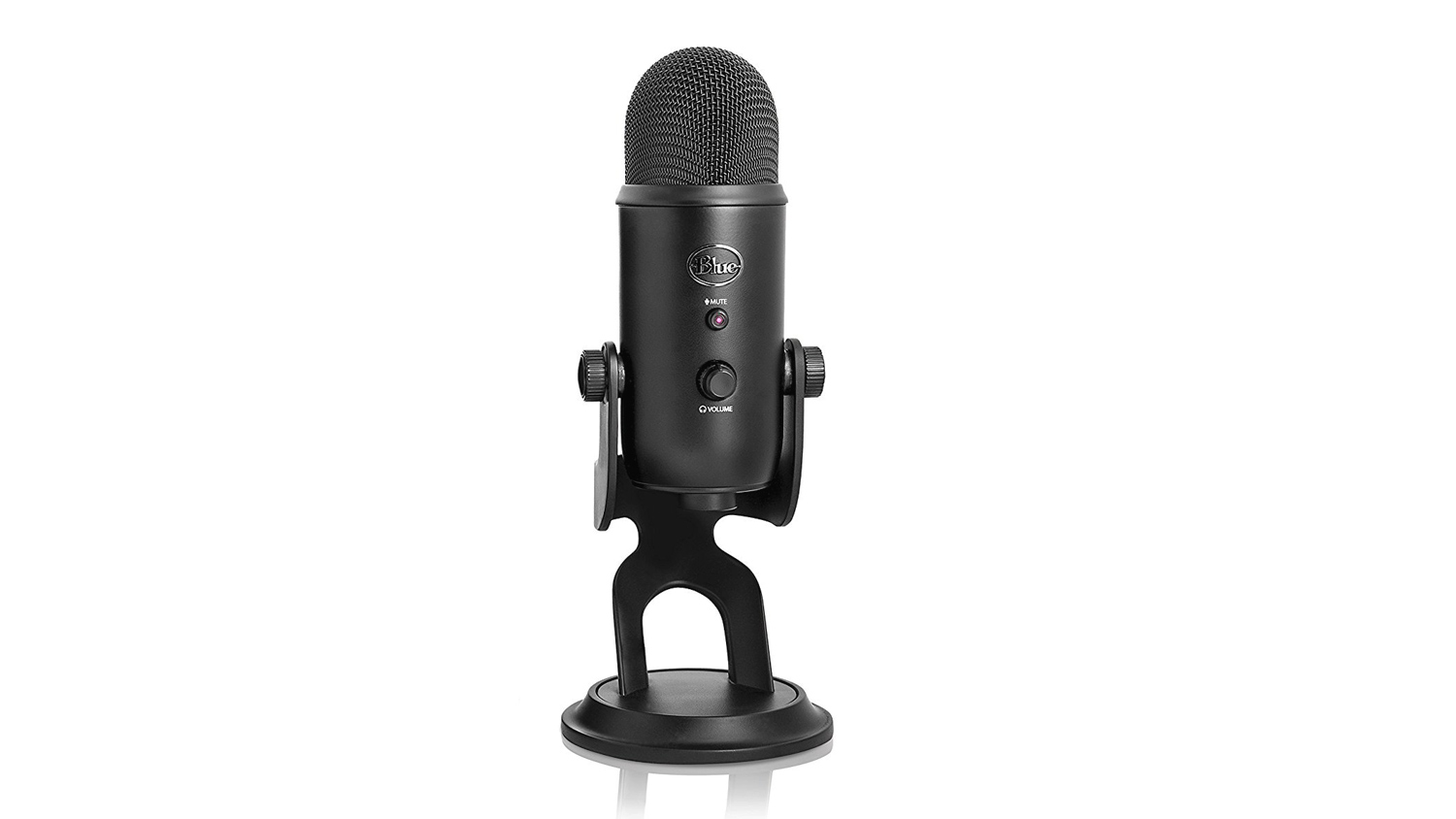
The Blue Yeti is a strong choice for YouTubers and streamers alike. The Tri-capsule array and multiple pickup pattern selection make it highly versatile and easy to position in your setup. It has a frequency response of 20Hz to 20,000Hz meaning it covers a very broad spectrum and will provide you with good treble and bass pickup. Plus it also includes a headphone monitoring with zero-latency, so if you need to voice over some gameplay footage, this will have you covered.
Mouse – Mionix Castor
Price£37.79 (CCL Online UK)
$59.00 (Amazon.com US)
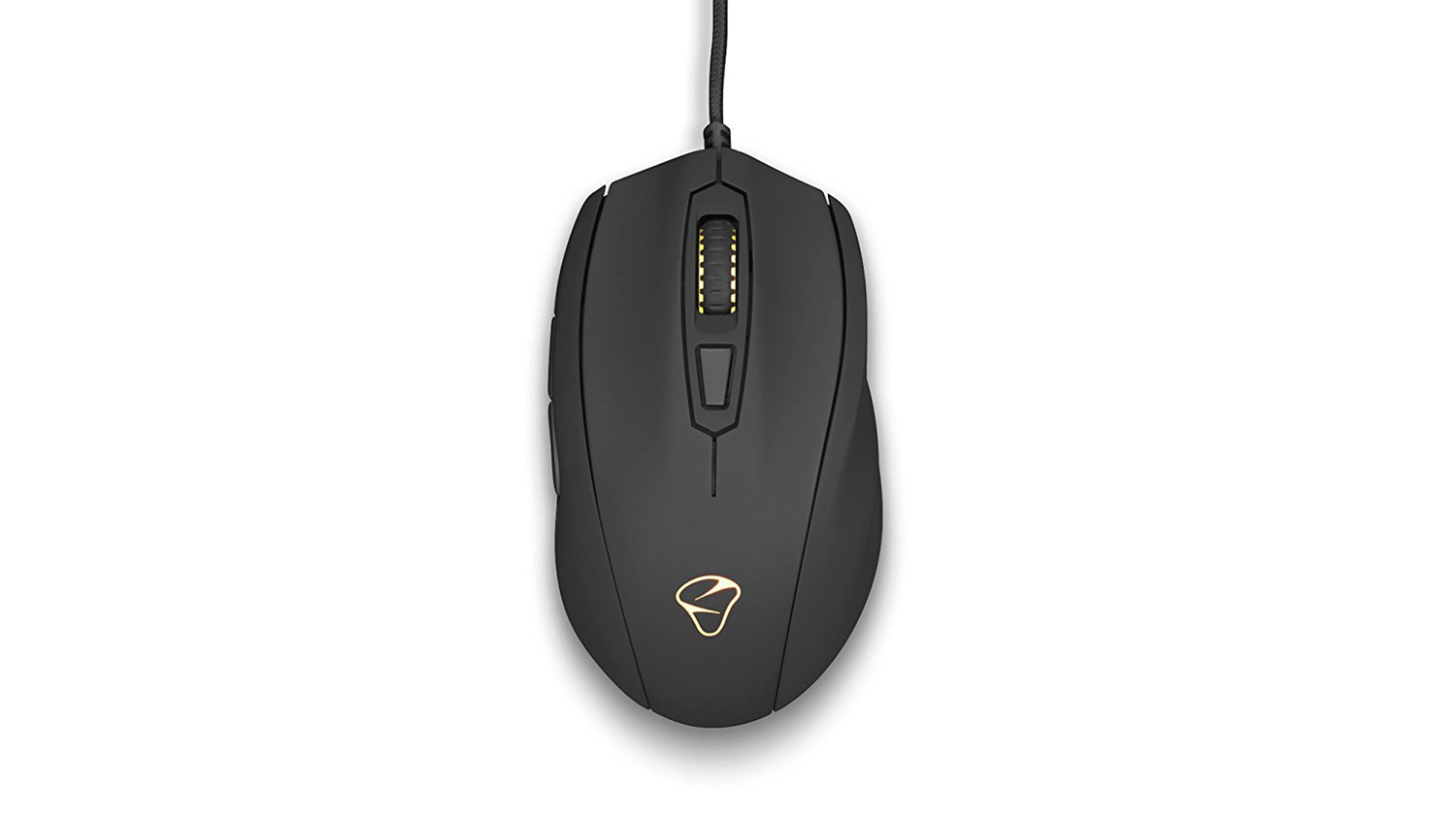
The Mionix Castor has been a strong choice for a gaming mouse for the longest time, it’s comfortable for right-hand users while offering 1:1 tracking, no positive or negative hardware acceleration and also a great PMW-3310 optical sensor. The left and right click are nicely weighted and responsive. The Castor also features 6 fully programmable buttons, adjustable polling rate that can be tuned to a maximum of 100Hz (1ms) and Mionix’s AURORA RGB lighting. You can check out our review if you wish to find out more. If you so happen to need an ambidextrous mouse then we’d recommend the SteelSeries Sensei 310. It uses the TrueMove3 sensor and combines that with a CPI of up to 12,000 and 1:1 tracking. The Sensei 310 is also a mouse that we have reviewed and if you want more information, check out the review to get more details.
Keyboard – G.Skill RipJaws KM750 RGB
Price£60.99 (Amazon.co.uk UK)
$83.86 (Amazon.com US)
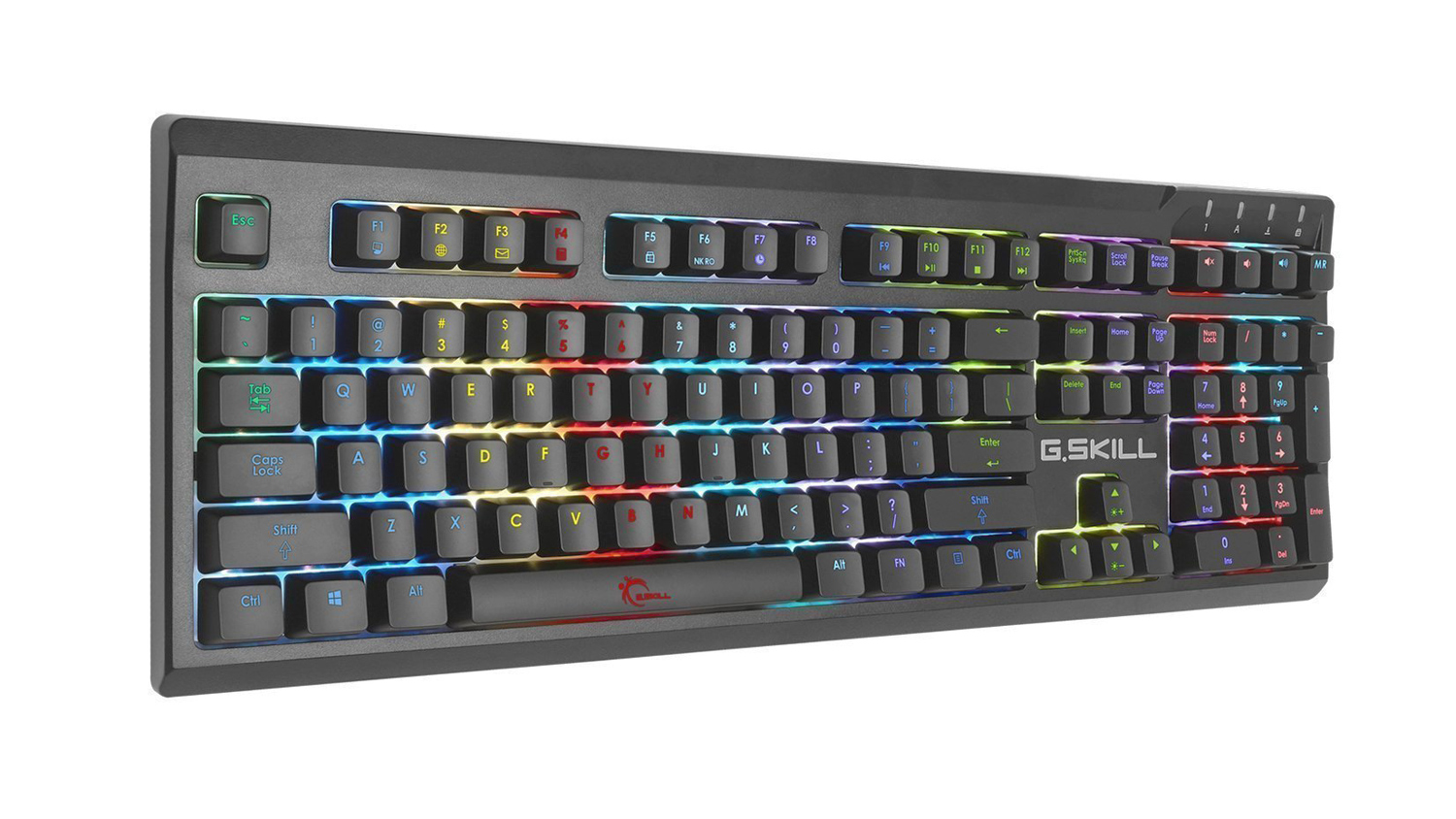
Our keyboard choice at this price point was a hard one as there are quite a few great options out there. One stood out from the crowd, however. That was the G.Skill RipJaws KM750 RGB. The KM750 RGB uses genuine Cherry MX switches which is a rare sight at this price. Not only that but it offers quick response times from the 1000Hz polling rate, a wide selection of different Cherry Switches that include Red, Blue, Brown and Silver Speed. You can check out our comprehensive review if you wish to know more.
At the moment the KM750 RGB keyboard seems to be out of stock in the UK and because of that, we’d suggest taking a look at the GAMDIAS HERMES M1. It is a touch more expensive than the G.Skill, but it utilises a similar feature set to the KM750 RGB. It may not use Cherry MX switches, but it does use GAMDIAS certified ones. It also features OTF macros and wrist rest which is something the KM750 RGB does not. We’ve also reviewed the HERMES M1 if you require a better look.
Mouse Mat – Patriot Viper Supersized
Price£13.36 (CCL Online UK)
$24.99 (Amazon.com US)
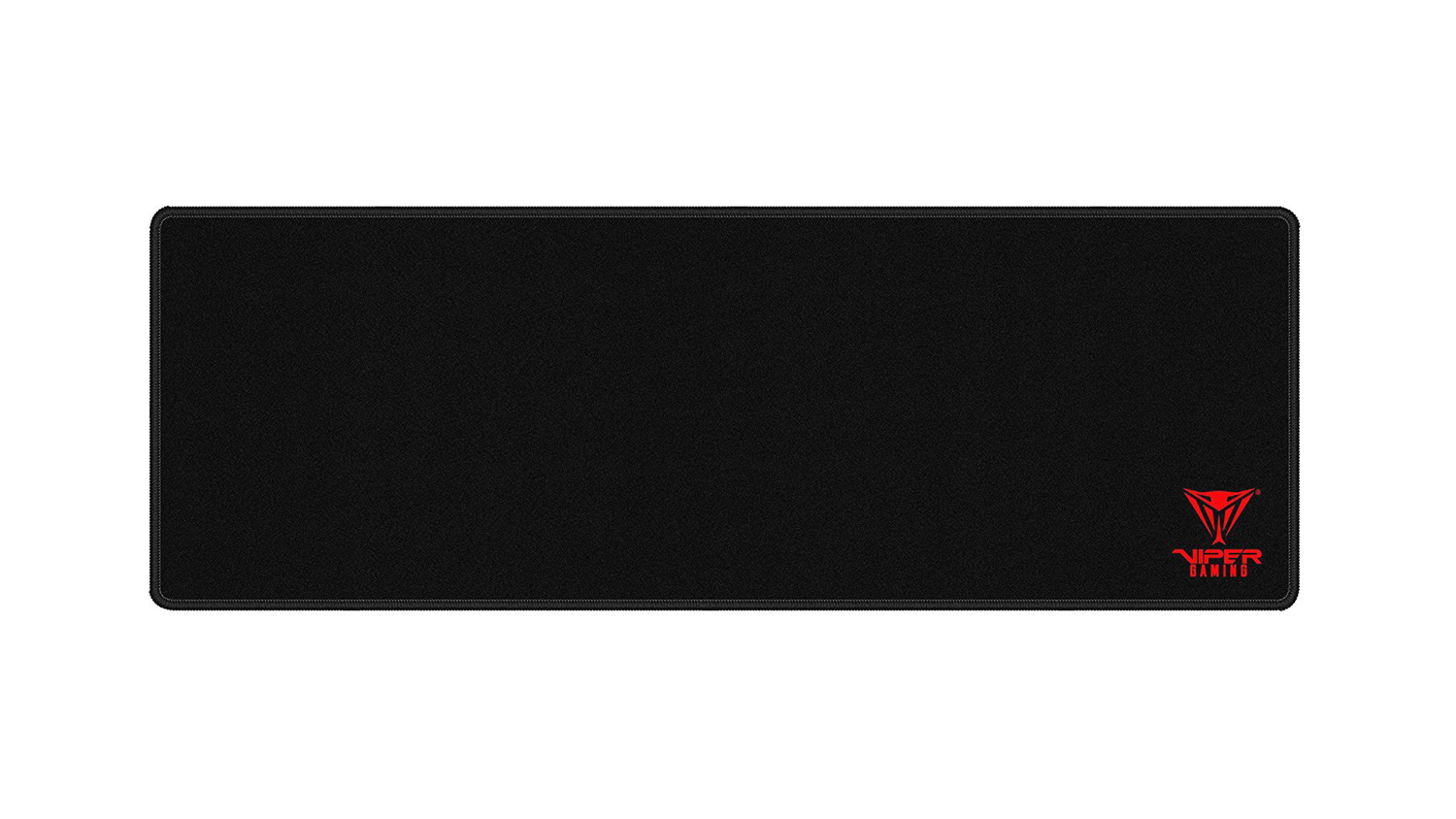
A good mouse mat can make the world of difference, but yet you wouldn’t want to invest too much of your budget on one. The Patriot Viper Supersized offers just that. It uses a premium Polyester fabric surface for smooth tracking as well as featuring edge stitching to prevent overrunning beyond the borders. Finally it adopts a rubberised underside for extra grip when gaming.
Webcam – Logitech C920
Price£84.14 (CCL Online UK)
$49.99 (Newegg.com US)
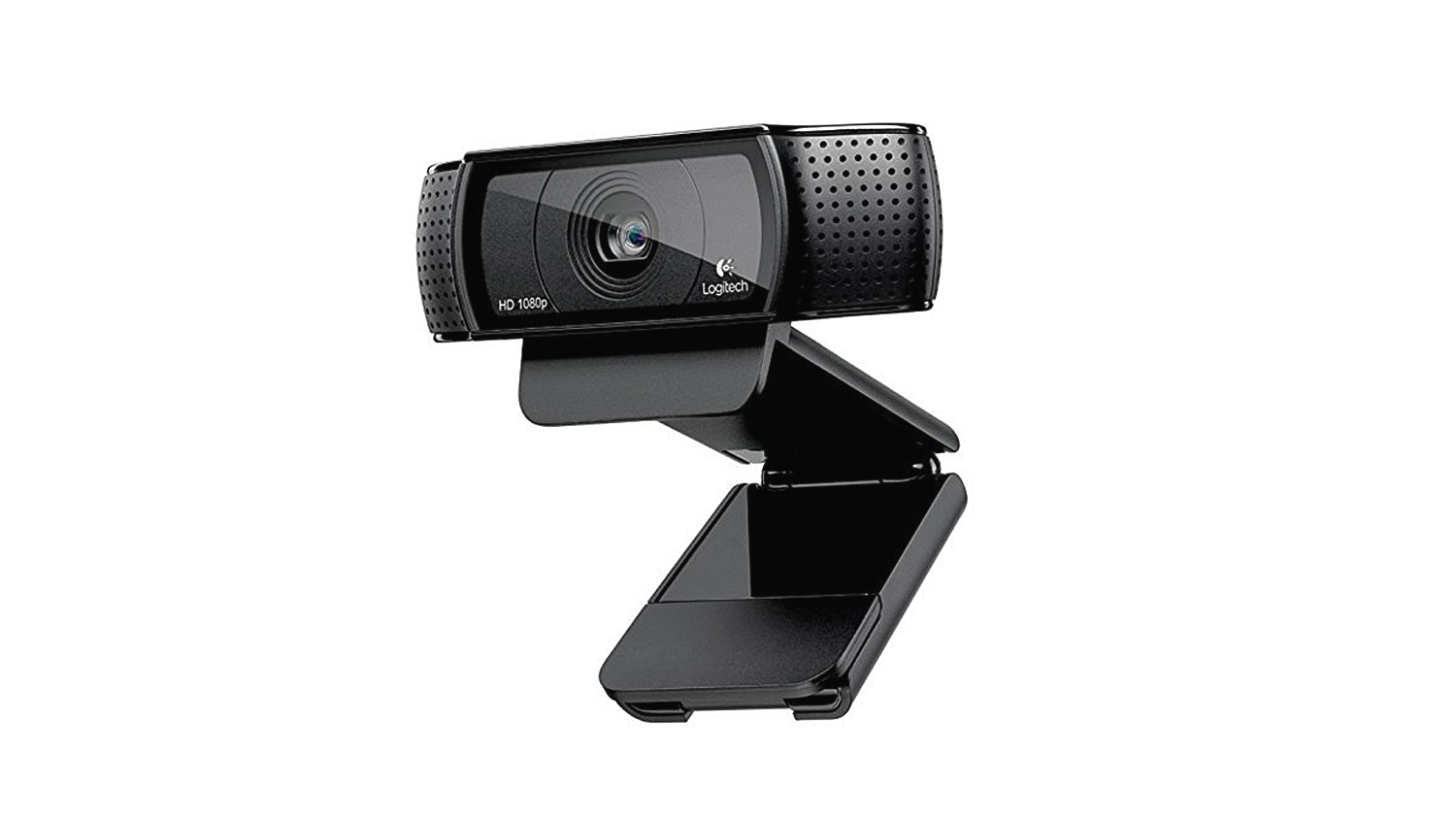
The C920 from Logitech is a popular webcam for many reasons, it offers full 1080p video using H.264 advanced compression. It also has strong autofocus meaning that it won’t be hunting for focus all the time. The included software enables you to pan, tilt, zoom as well as track your face. Another strong feature is the automatic light correction, this will automatically correct settings for low-light scenarios.
Mid Setup PC Cost
Peripherals and Accessories
UK £567.41
US $639.60
AMD setup
UK £1,927.39
US $2,226.96
Intel setup
UK £2,142.22
US $2,293.51
Peripherals and Accessories
UK £567.41
US $639.60
AMD setup
UK £1,927.39
US $2,226.96
Intel setup
UK £2,142.22
US $2,293.51
*Note – All prices in the article are correct as of the article upload date. These prices do fluctuate meaning the parts cost could vary over time. Also to note. The total price of the guide only includes one monitor, so another monitor would add an additional cost to the overall end total.
High Tier – PC Builds
The High Tier guide is designed to give you excellent performance both for streaming and gaming. This guide does come at a premium over the other two tiers, but, we feel that if you’d like a pretty much no compromise system then this is what you’d want. Not to discredit the other two systems that will get the job done, this system, however, offers stronger performance in every key area.
CPU – AMD Ryzen 7 2700X
Price£285.99 (CCL Online UK)
$319.99 (Amazon.com US)
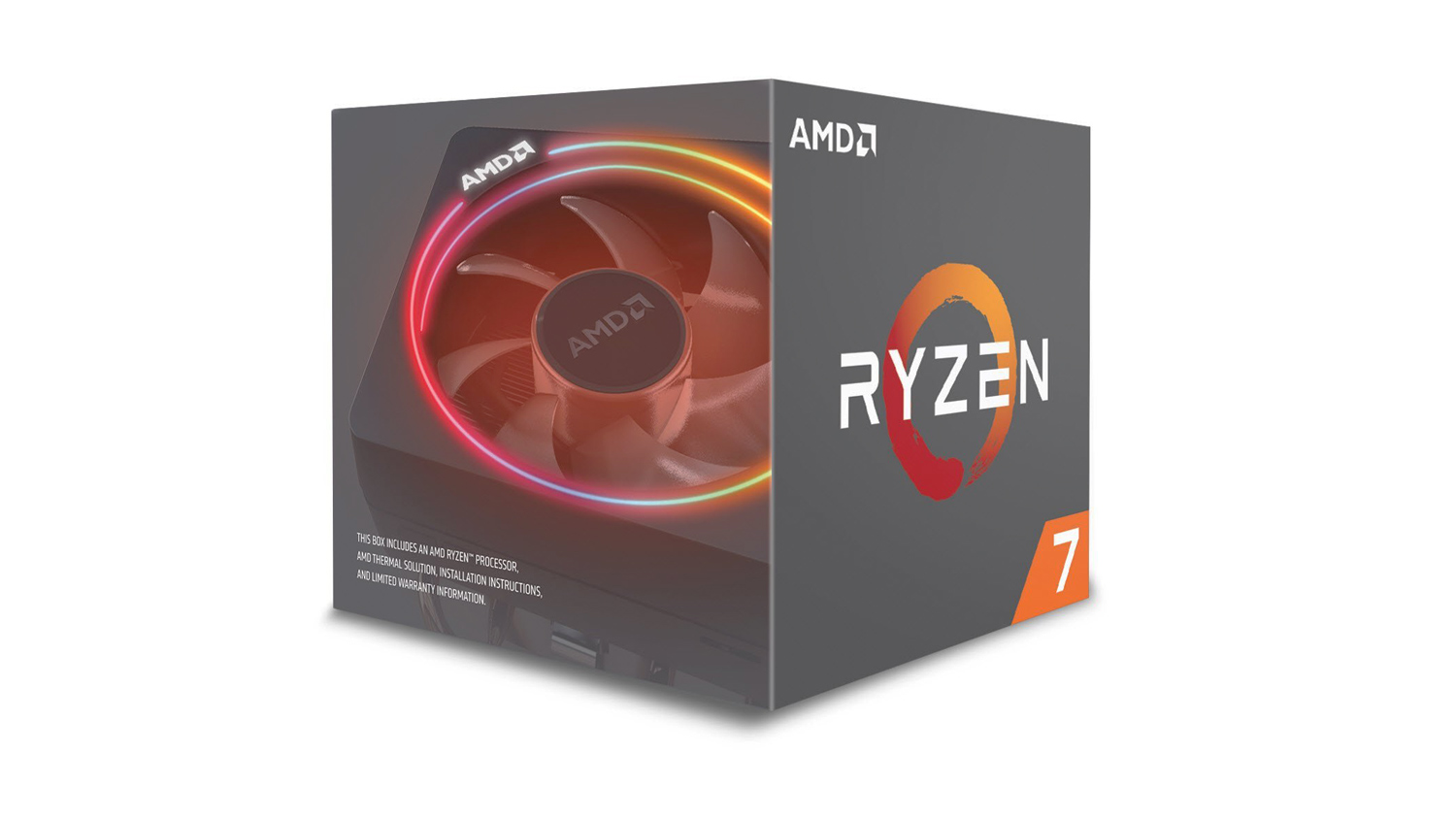
For the CPU for this build we were initially swaying towards a ThreadRipper 1900X based system, however, after some more research, we found that the Ryzen 7 2700X offers almost as good performance – if not better in some cases, at a fraction of the cost. This currently makes the 7 2700X one of the best price to performance CPUs from AMD right now. AMD may sometime in the future release a 2800/2800X SKU, as of now though, the 2700X is their top tier 2nd generation CPU. It features the same 8 cores and 16 threads as the 2700 but it offers higher core speeds out of the box. Plus it’ll overclock decently too, given enough cooling headroom. Plus it also comes bundled with a CPU cooler meaning you don’t need a third party one – unless you plan on overclocking. You can read our review on the Ryzen 7 2700X if you require more information.
CPU – Intel i7 8700K
Price£326.97 (CCL Online UK)
$349.89 (Amazon.com US)
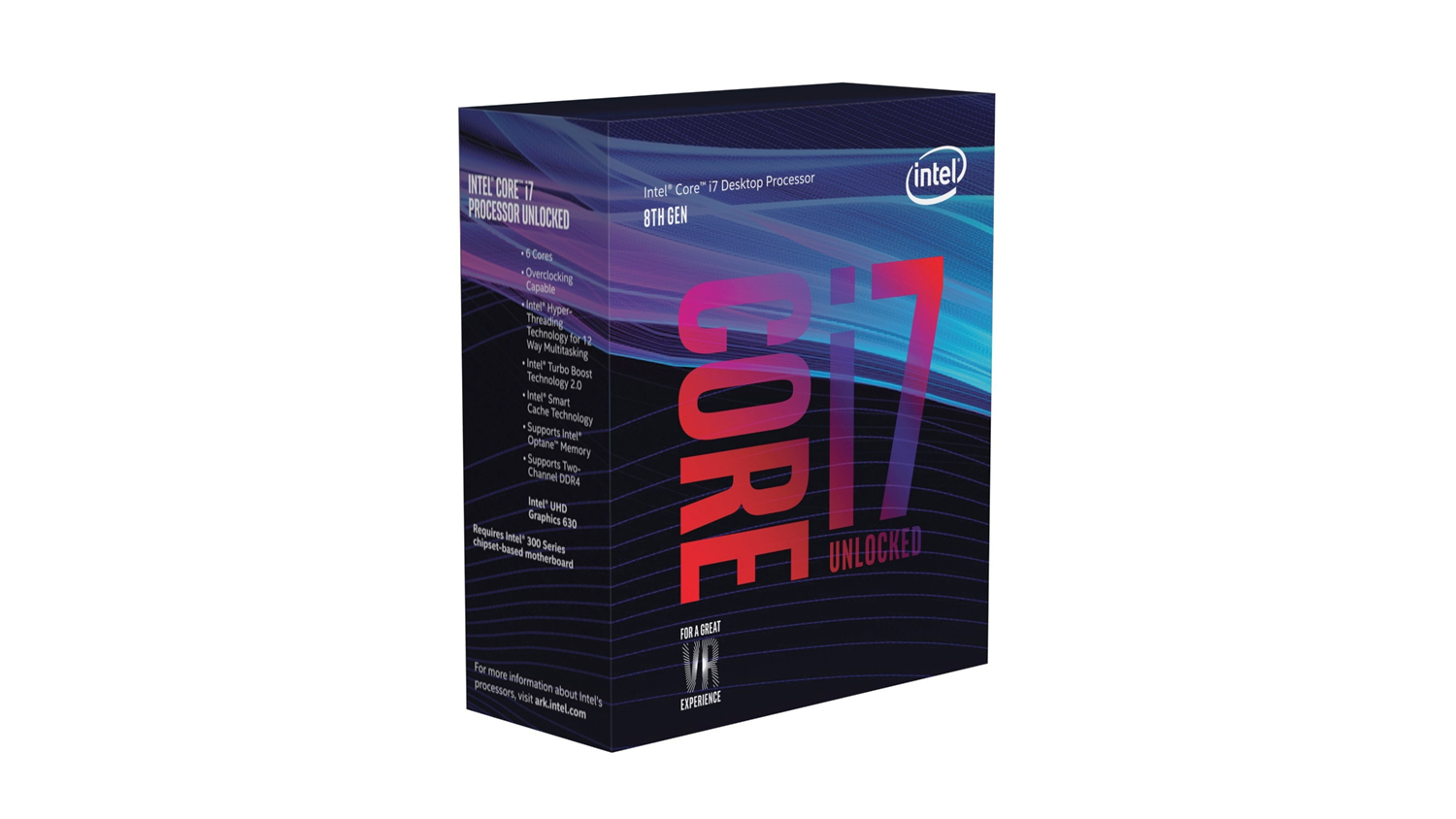
The i7 8700K is a firm favourite for gamers as it offers incredible speeds and consistency, it can overclock like a champ too. It may be down on cores and threads when compared to the AMD 2700X, but it makes up for that with it’s higher core speeds. Plus this variant features 6 cores and 12 threads for better multitasking and running applications smoothly at the same time. This would make it an ideal choice for not only gamers but for those gamers that want to stream their content on the big platforms. You can read our review, if you want to see how the 8700K performs.
CPU Cooler – EVGA CLC 240 AIO
Price£99.99 (Currys PC World UK)
$89.99 (Amazon.com US)
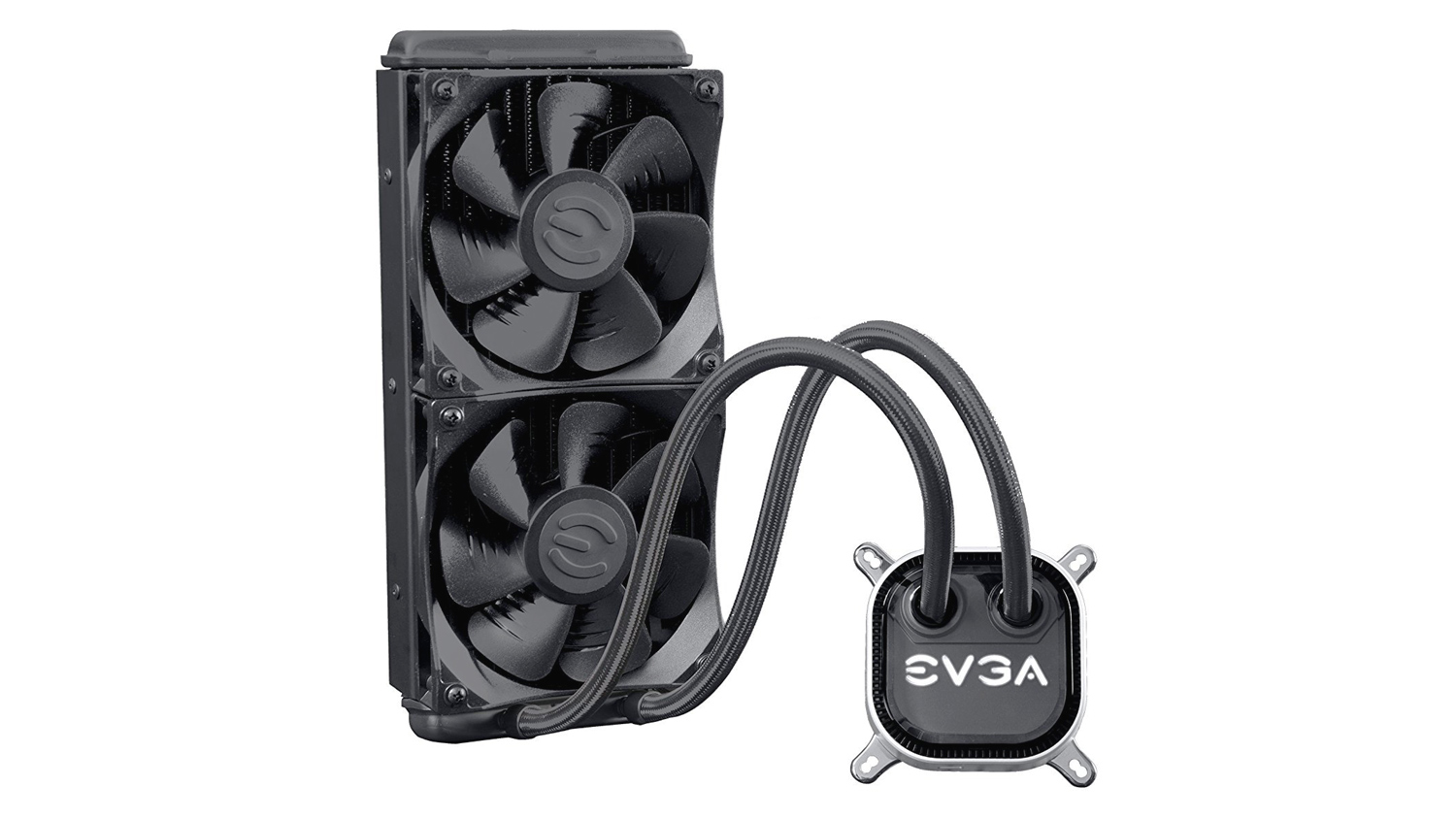
The choice for a good solid performing CPU cooler is quite broad as there are a lot of great options. For the High Tier list, we’ve opted to with a water-cooled based AIO. The EVGA CLC 240 may not be the fanciest cooler on the market, but it will provide ample cooling for either the 2700X or 8700K. It features two 120mm fans that can push air through the radiator at a rate of 74.82CFM. The max noise level is 39.9dB so it may not be the quietest, but it will get the job done. If this doesn’t look appealing we’d also suggest taking a look at the NZXT Kraken x62, it is a fair amount more than the EVGA, but it offers better cooling, quieter operation and has better lighting customisation. If you prefer air cooling, then either the Cryorig R1 or the Be Quiet! Dark Rock Pro 4 would be our choice. Both use a two fan configuration and have plenty of power to cool either CPU.
AMD Motherboard – MSI X470 Gaming M7 AC
Price£218.99 (CCL Online UK)
$229.99 (Amazon.com US)
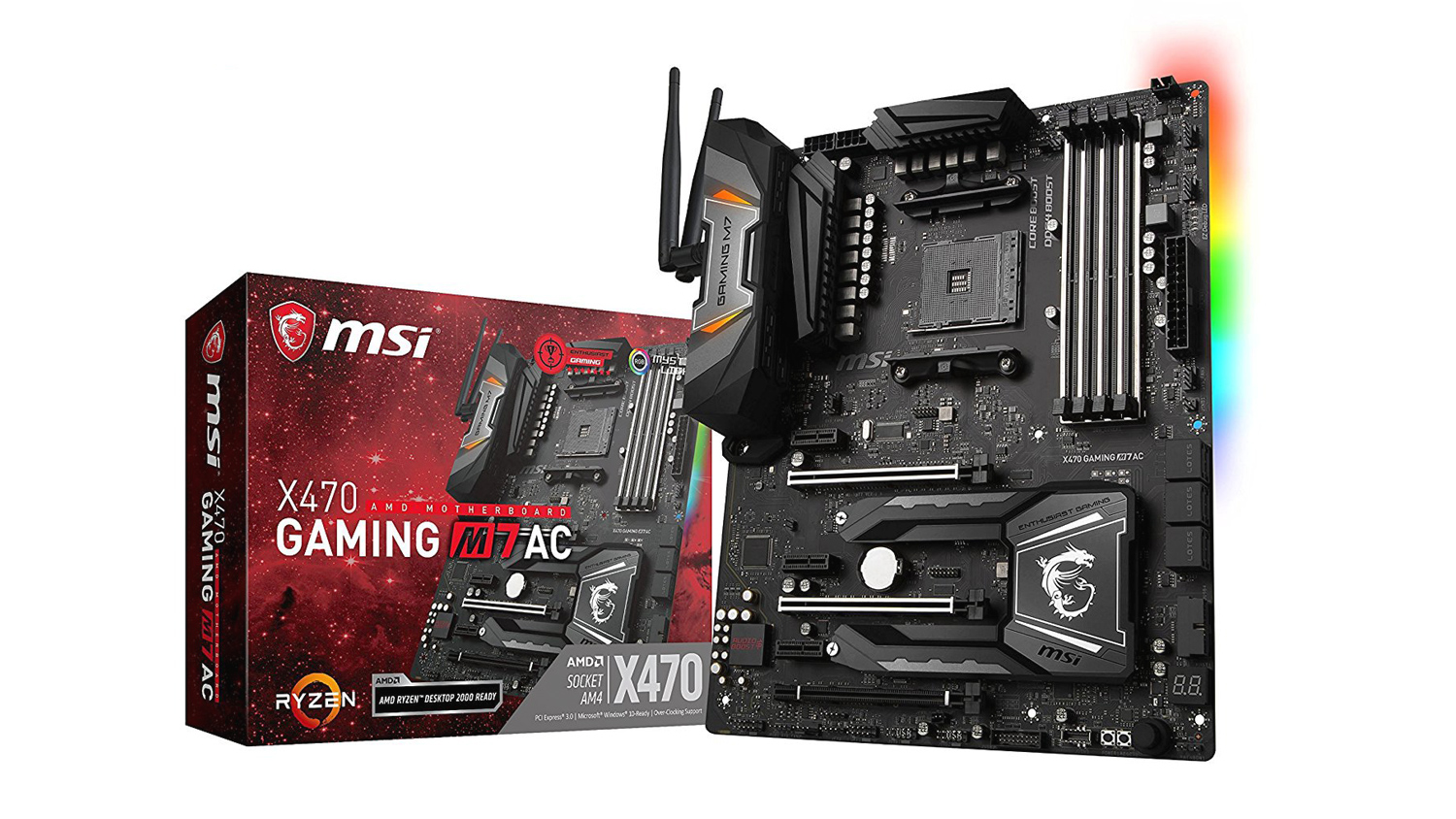
The MSI X470 Gaming M7 AC we believe is the perfect choice for the High Tier PC build. It offers every feature you’d possibly need and then adds some more. Some of its stand out feature include the dual-purpose M.2 shielded cooling, a 14+2 power phase combined with an 8+8 CPU power delivery system that helps provide a stable and reliable overclock. That isn’t all as it supports Killer LAN, DDR4 up 64GB in capacity with speeds up to 3600MHz as well as an isolated Audio that uses MSI’s Audio Boost 4 combined with Nahimic 3. You can check out our full review of the MSI X470 Gaming M7 AC if you’d like to do some further reading.
Intel Motherboard – ASUS ROG STRIX Z370-F
Price£174.96 (CCL Online UK)
$179.88 (Amazon.com US)
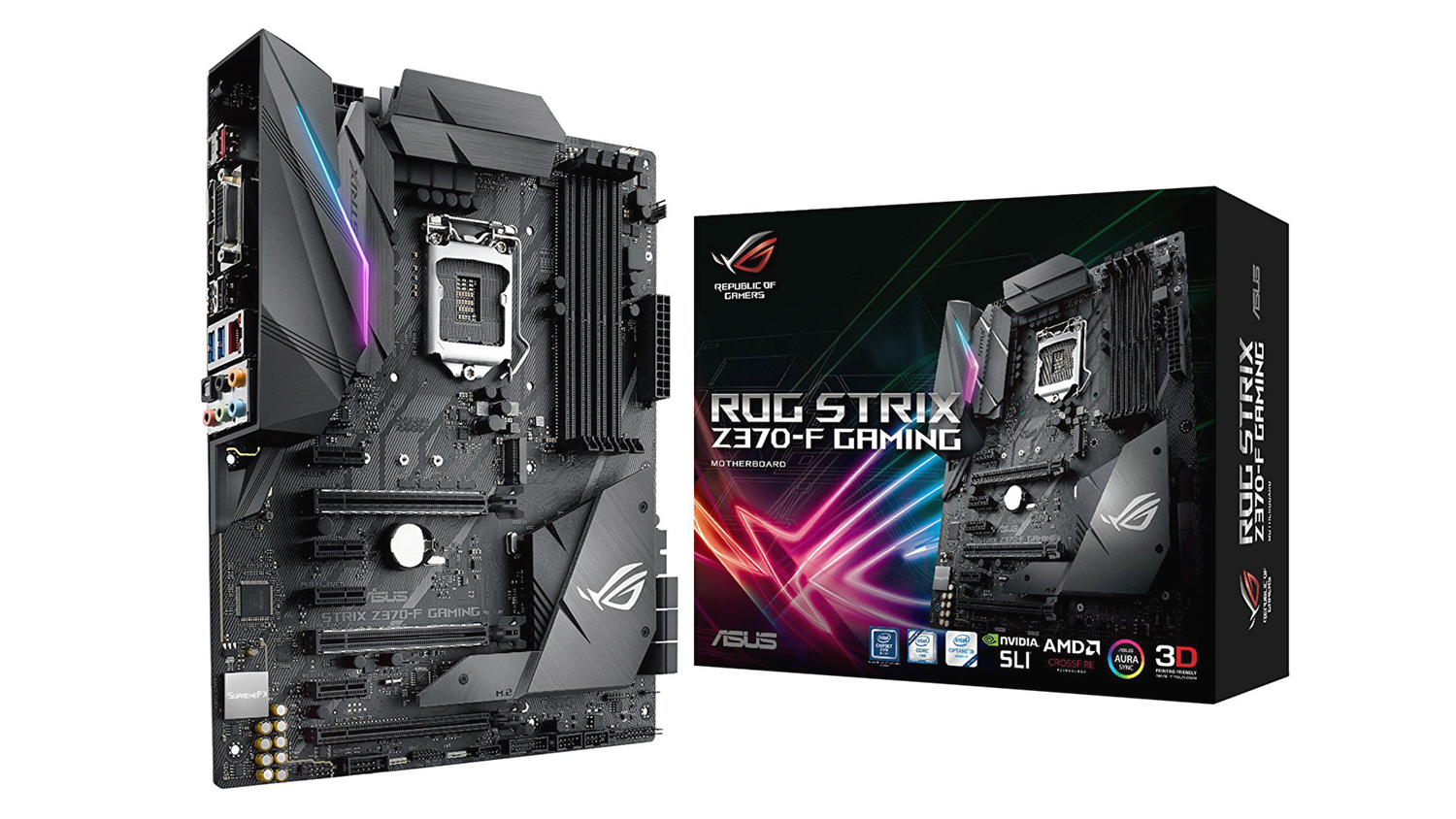
The ROG STRIX Z370-F is a really attractive motherboard with – no surprise, a great feature set. On-board M.2 cooling, SupremeFX S1220A audio and Gigabit Ethernet are features we like very much, but it also has more in spades. If lighting is your thing, then ASUS’s Aura Sync is one of the best in the business and it works will so many other none ASUS branded gear. It isn’t all just show either as it also offers OC voltage control and reduced jitter thanks to ASUS’s Pro Clock technology. If you’d wish to take a deeper dive into the ROG STRIXs performance, then you can read our in-depth review.
RAM – G.Skill Flare X 16GB 3200MHz
Price£251.42 (CCL Online UK)
$257.00 (Amazon.com US)
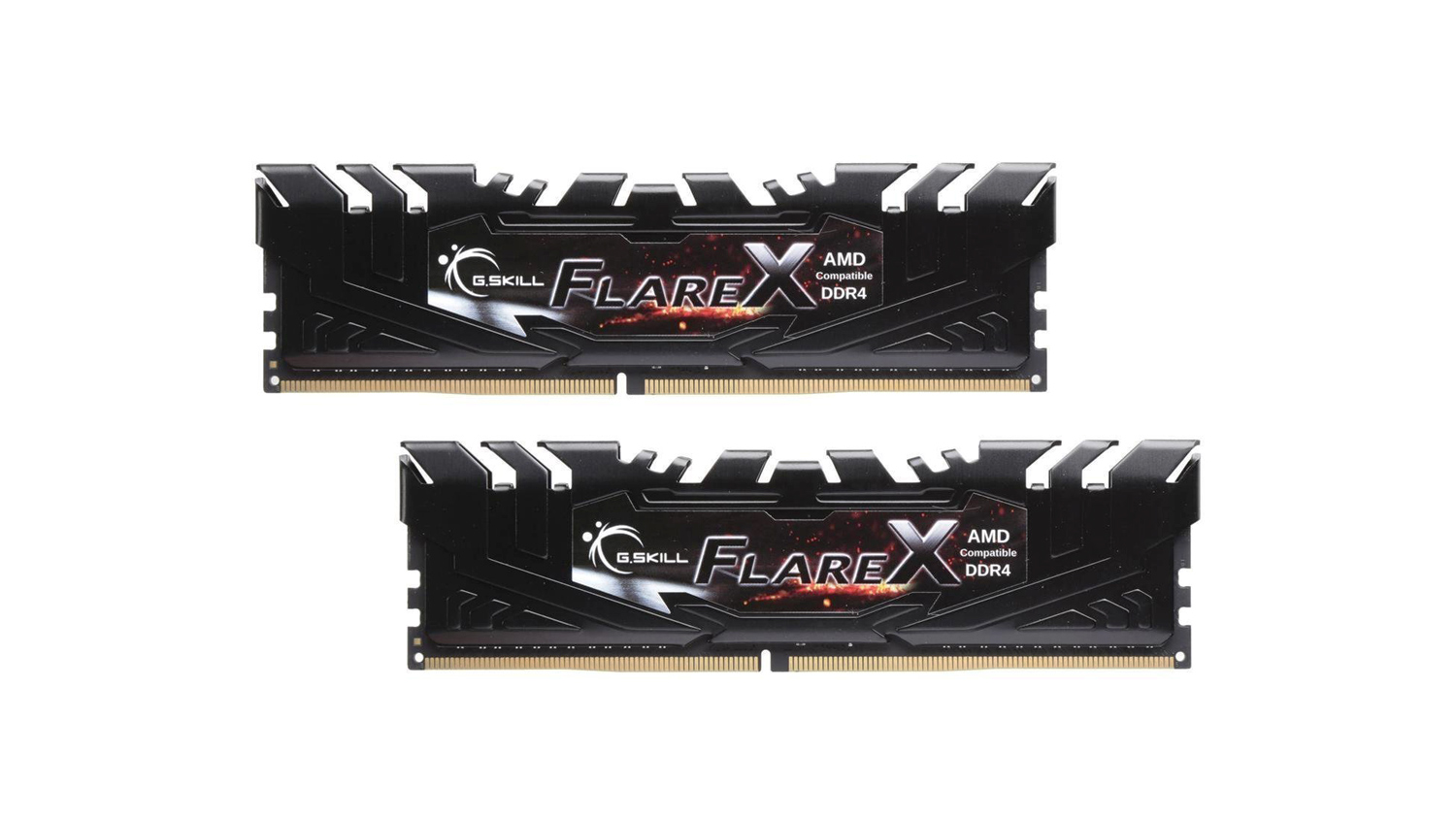
The G.Skill Flare X is a kit we recommended for the Mid Tier build, and we’d say the same for this tier. It offers tight timings and low Cas latency for great performance. If you do want that extra bling, then the Trident Z RGB is the kit to opt for.
GPU – Gigabyte G1 Gaming GTX 1080
Price£509.99 (CCL Online UK)
$589.89 (Amazon.com US)
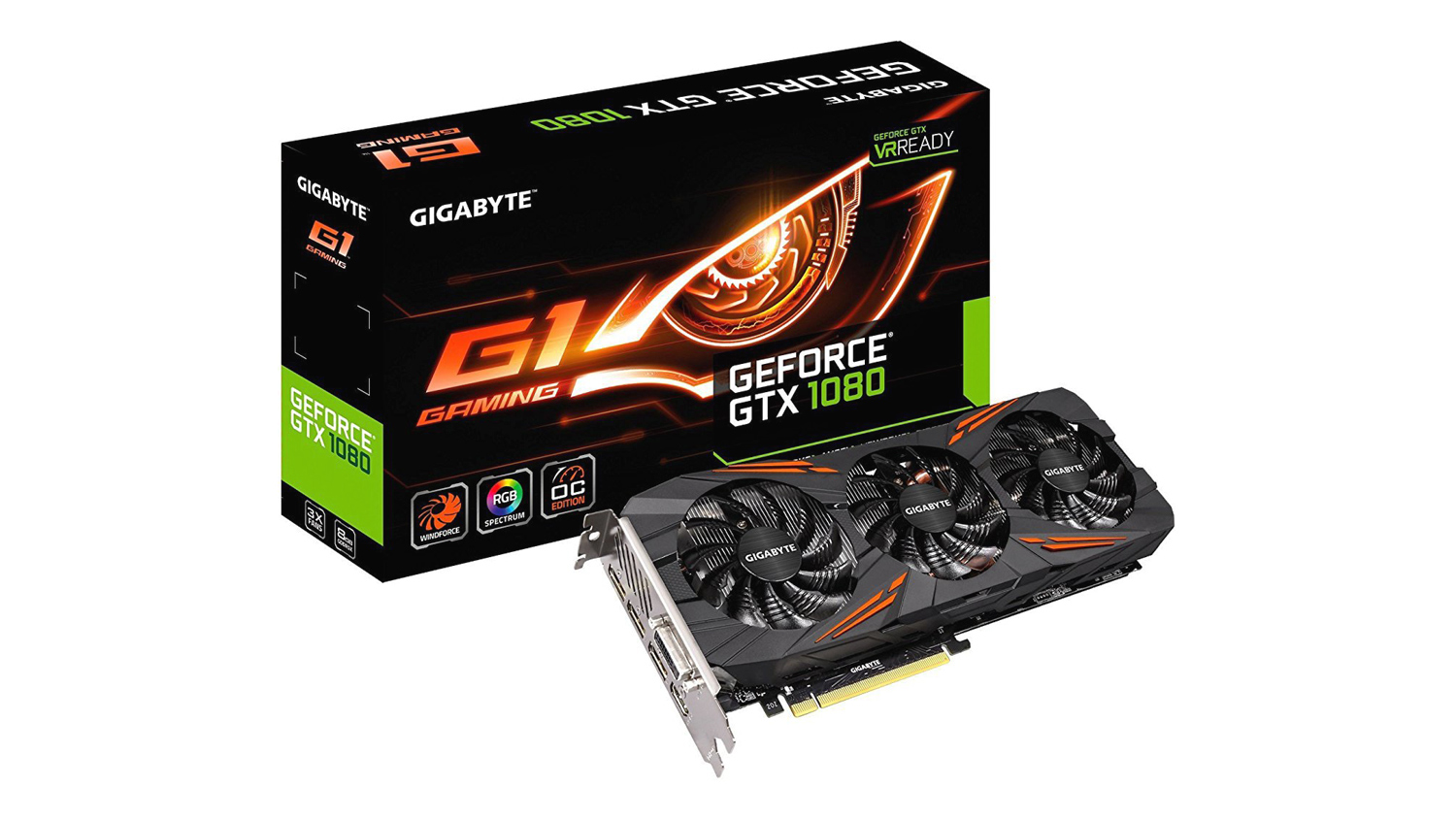
Again we’ve opted for the G1 Gaming from Gigabyte, and the main reason behind this choice is the price. It costs £60 less than the ROG STRIX 1080 and £40 less than the offering from EVGA. Now there is nothing preventing you from purchasing the STRIX or EVGA, but we feel that at the moment, the G1 offers a better price to performance ratio. This could change in time, but for now, the G1 Gaming is one of the cheapest full-size 1080s that we can put the seal of approval on. You can read our reviews on the ROG STRIX and G1 Gaming to see which is the best choice for you. Whichever you opt for, they will all provide you with very smooth gameplay while running your stream.
M.2 Storage – Samsung 970 EVO 500GB
(Will work with both systems) Price£187.85 (CCL Online UK)
$197.99 (Amazon.com US)
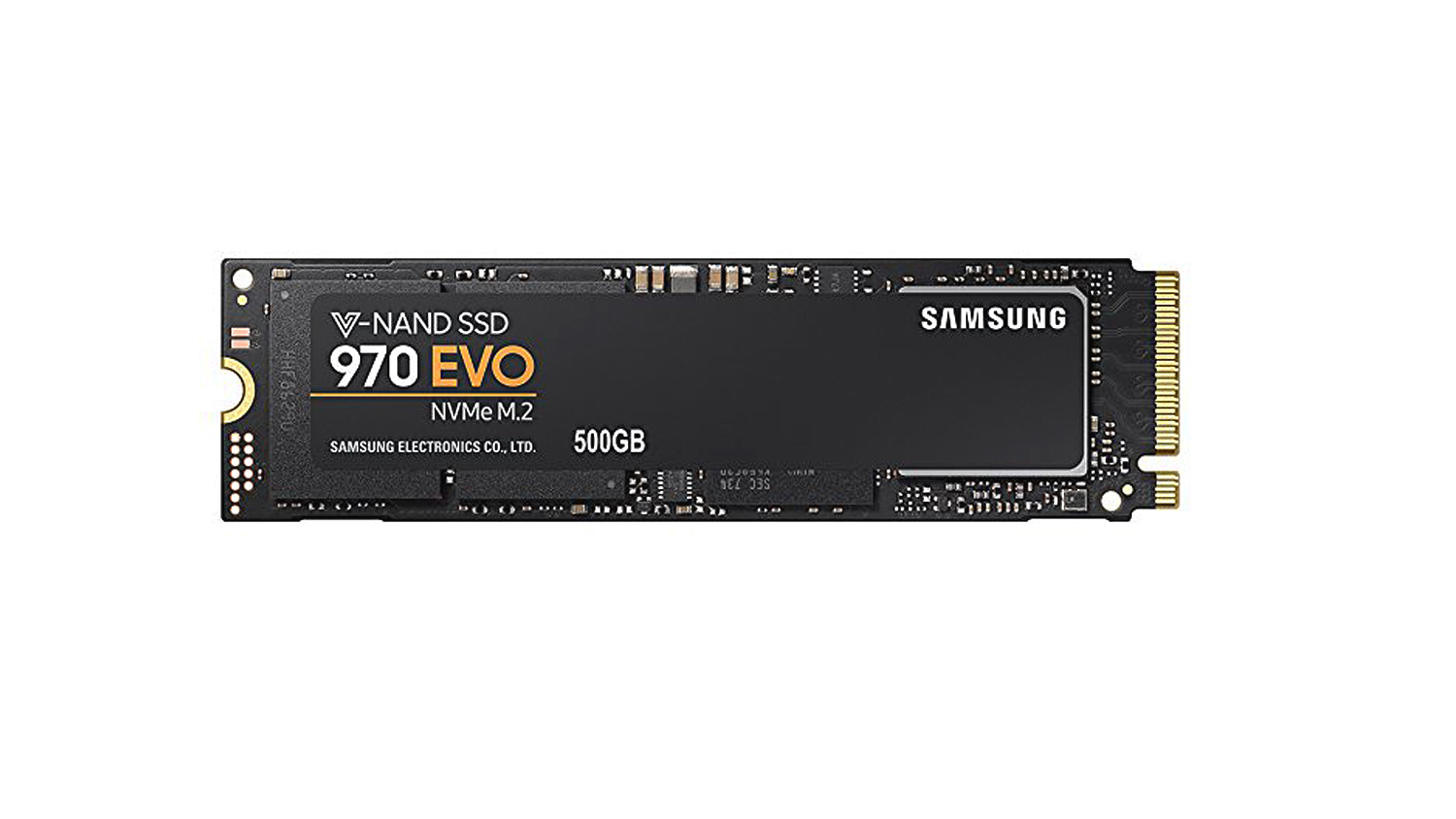
For the main OS drive, we’ve selected the Samsung 970 EVO, this is latest in the EVO lineup from Samsung, and it’s their best to date. It utilises the latest V-NAND flash memory and Phoenix controller for great, long-term reliability. The 970 EVO is fast too, it boasts speeds up to 3400MB/s read and 2300MB/s write, so it will keep up with anything you task it with. You can see how the 970 EVO performed in our review if you’re still undecided.
If you’d like to save some money and get performance very close to the 970 EVO, then we’d suggest looking at the XPG SX8200.
HDD Storage – Seagate Barracuda 2TB
Price£52.95 (CCL Online UK)
$59.99 (Amazon.com US)
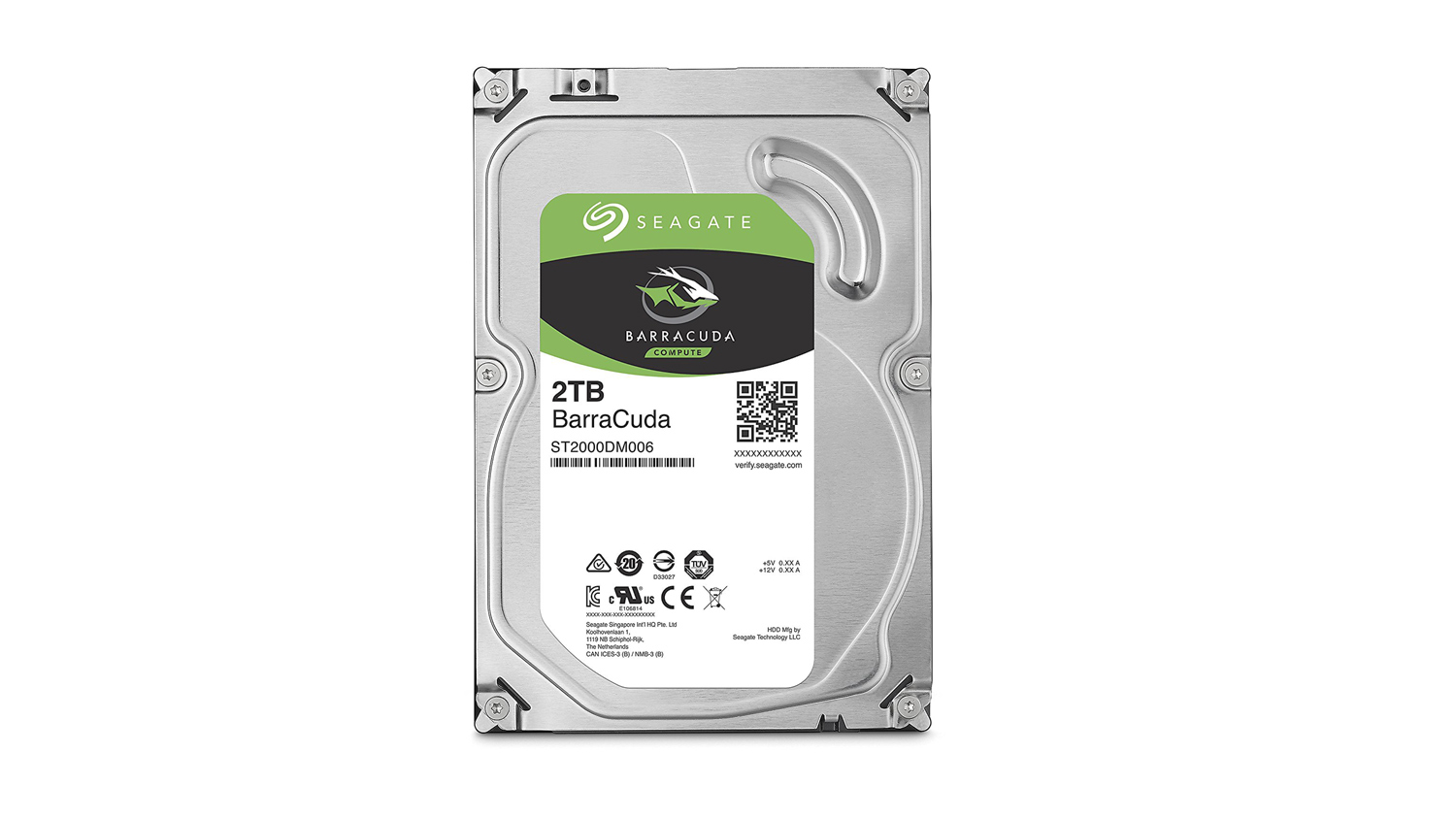
We offered this choice for the Mid Tier build, and we stand by that for the High Tier as well. It offers great price to performance and still gives you plenty of space for all your gameplay clips and recordings. If you need more space, then the Seagate 4TB Barracuda 7200RPM would be a good choice. But at more than 2x times the cost, it is quite pricey. Because of that, it makes more sense to opt for two 2TB variants. It would take up more room in your system, but if that doesn’t matter to you, then it will save you some money if you need the extra storage.
Power Supply – EVGA 750 GQ
Price£91.62 (CCL Online UK)
$84.87 (Amazon.com US)
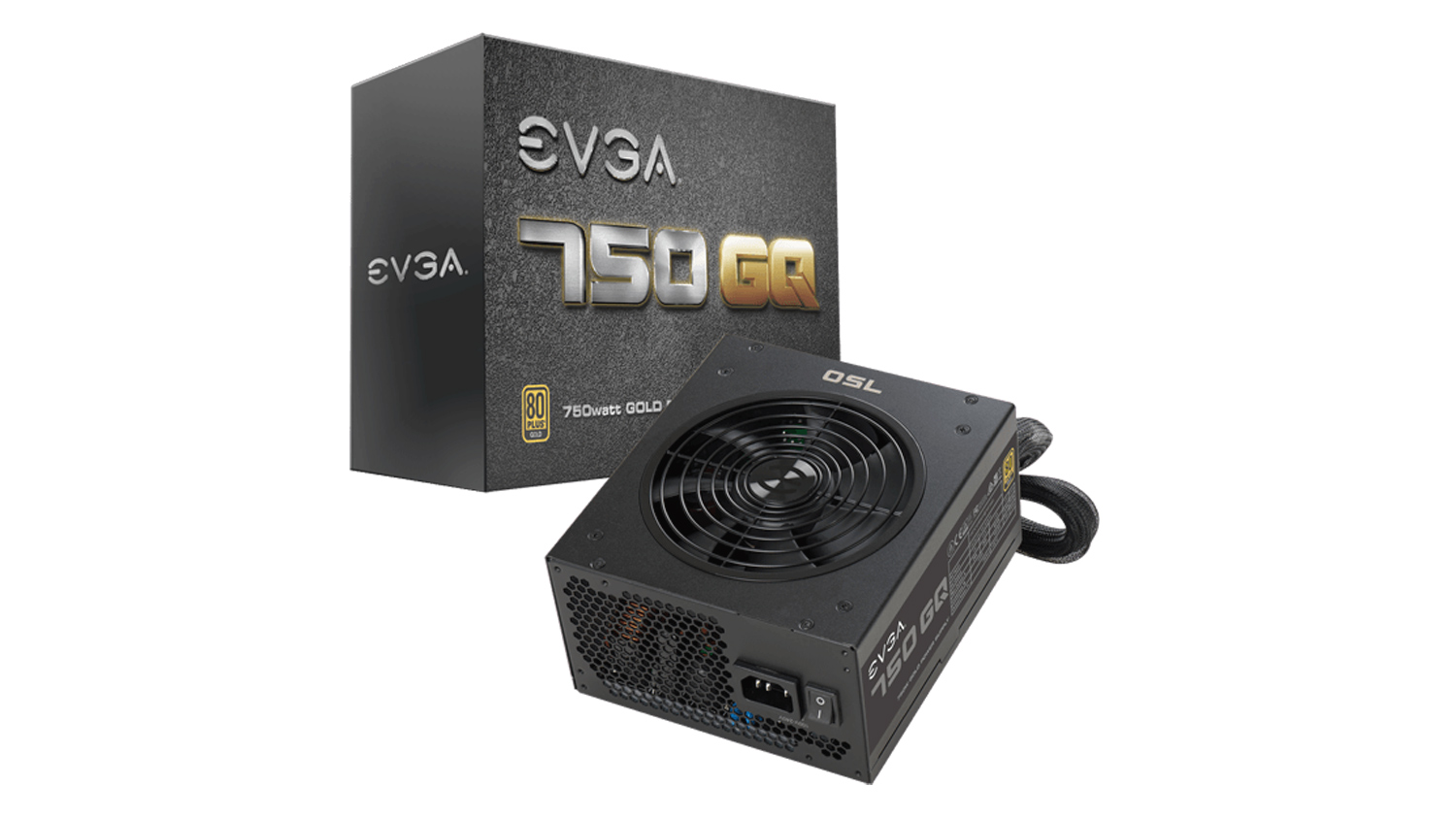
The EVGA 750GQ is a semi-modular PSU that has enough in the tank to run this system while providing enough headroom to add any upgrades down the line. With 750W available and a Gold Plus 90% efficiency rating, you can be sure that this power supply will keep your system running, even during intense gaming and streaming. It also has an ECO fan mode for almost silent operating when not under direct load, and it makes use of Japanese capacitors for solid reliability.
Case – Cooler Master MasterCase H500P Mesh
Price£134.99 (CCL Online UK)
$149.99 (Newegg.com US)
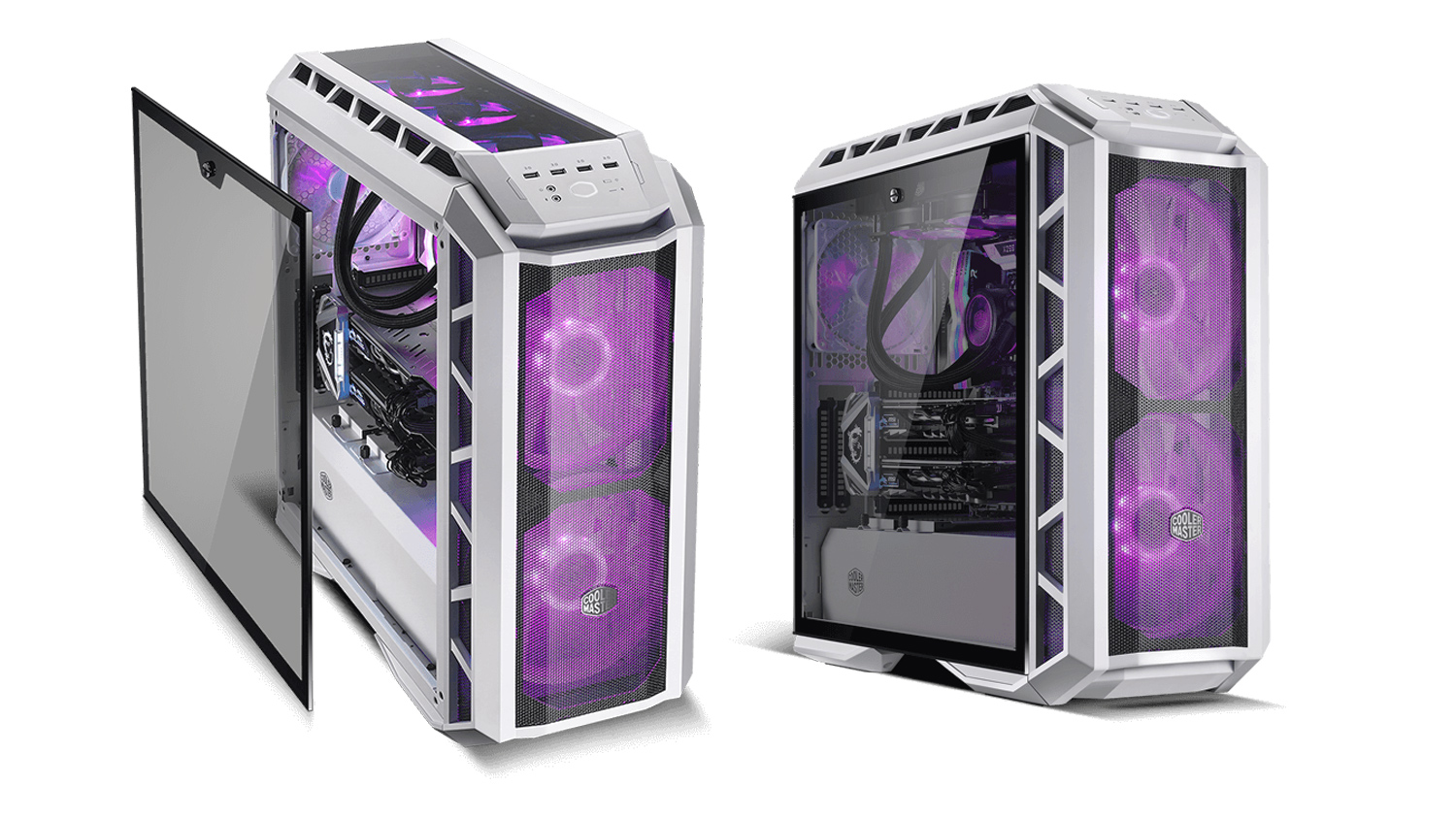
This might seem like a controversial choice for some as Cooler Master didn’t get off on the right foot with the original H500p. This revised model fixes all the issues that plagued the original H500p. This Mesh model offers improved airflow thanks to the open air mesh design at the front and cooling cutouts at the top. The H500p Mesh also brings a full-length PSU shroud to the table as well as a clever cable management system. Plus the interior is well thought out and spacious enough to fit all the components in this list. If the H500P Mesh isn’t for you, then we’d suggest you take a look at either the Corsair 460X RGB or 570X RGB. Priced at £115 and £170 respectively, they both offer impressive cooling as well as great RGB integration, a full PSU shroud and tonnes of tempered glass. You can read our review on them to find out more. If these options are a bit too costly, then the Meshify C we selected for the Mid Tier guide would be a great choice. One small problem that case does have though – depending on your CPU cooler choice, is the CPU cooler max clearance. So keep that in mind.
Operating System – Windows 10
Price£83.95 (CCL Online UK)
$99.99 (Newegg.com US)
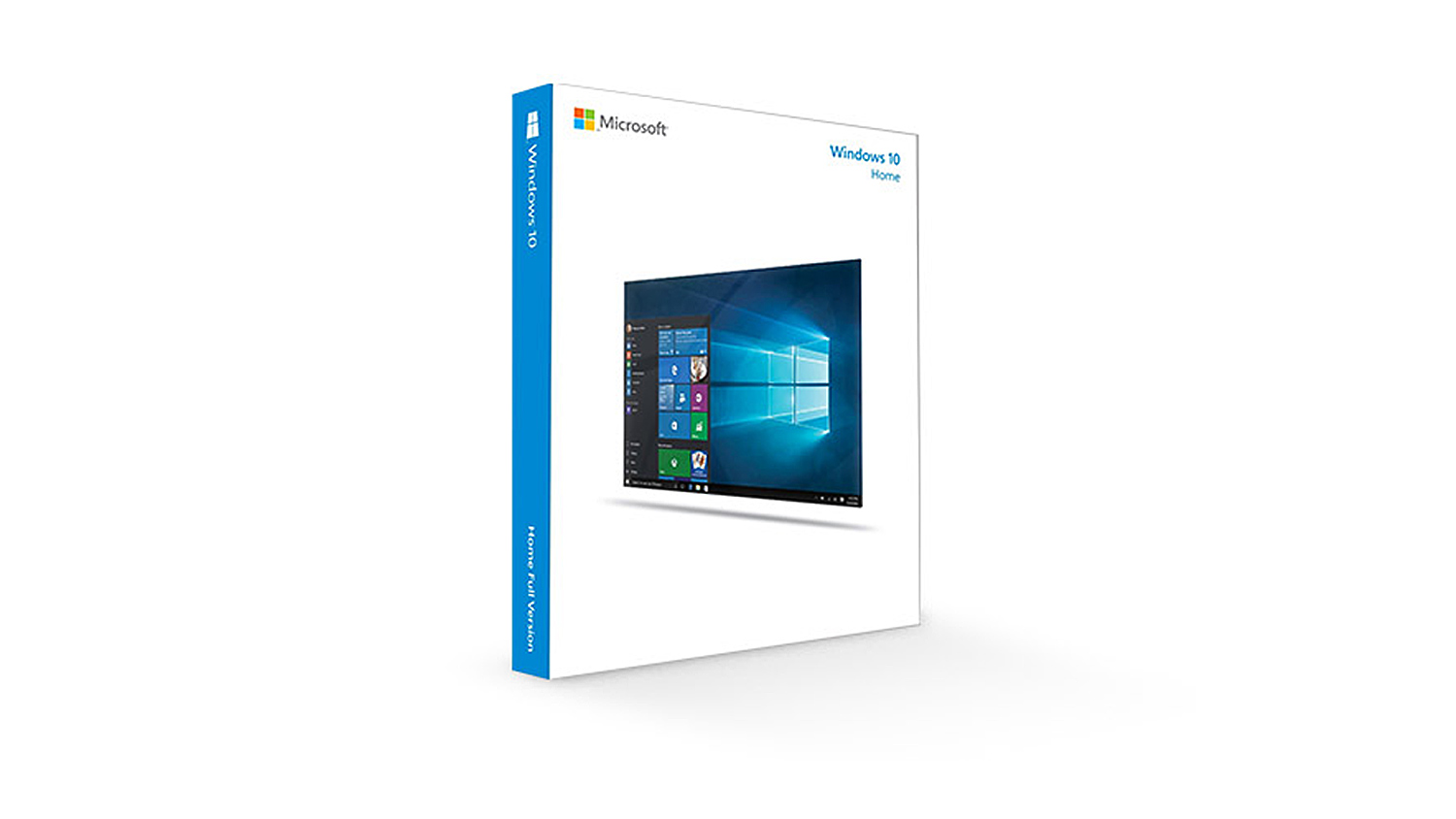
With this tier PC build, you’ll need an operating system to run everything. For the OS we’d pick Windows 10 Home 64-bit as it offers everything you need and more.
Total PC Builds Cost
AMD System
UK £1,917.74
US $2,079.79
Intel System
UK £1,914.69
US $2,059.48
AMD System
UK £1,917.74
US $2,079.79
Intel System
UK £1,914.69
US $2,059.48
Our High Tier guide will allow you to not only game very smoothly but also to stream and perform other tasks at the same time. This means that you can enjoy your game without having to worry about background applications slowing you down.
*Note – All prices in the article are correct as of the article upload date. These prices do fluctuate meaning the parts cost could vary over time.
High Tier – Peripherals And Accessories
Our High Tier peripherals and accessories guide offers more premium items and will provide you with an excellent gaming and streaming experience.
Monitor – ASUS VG278Q 27” 144Hz 1080p
Price£319.49 (CCL Online UK)
$294.50 (Amazon.com US)
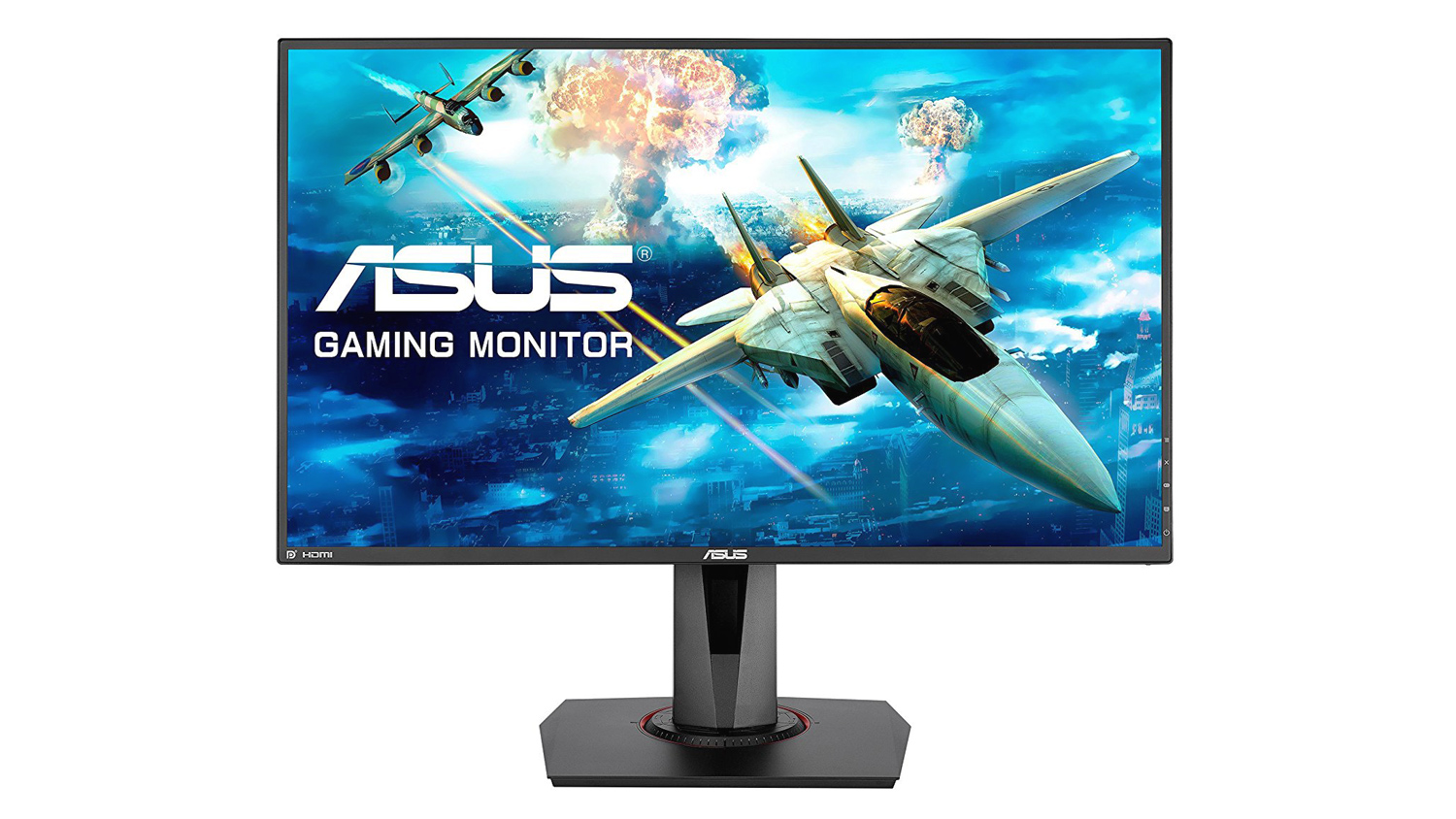
The ASUS VG278Q was designed with gamers in mind and that makes it an ideal choice for this list. It offers the usual 1ms GTG, 144Hz and full HD resolution, but it also makes use of ASUS’s gaming know how. Things like ELMB – Extreme Low Motion Blur, adaptive-sync technology and low input lag make the monitor all that more appealing. If you plan on doing some creative work, the TN may not be ideal and also the lack of any USB ports may put some off, but for just gaming in mind, the VG278Q is quite hard to top. If you do need IPS and are willing to shell out a bit more, then ASUS’s MG279Q could be just what you’re looking for. It has an IPS panel, it’s 144HZ and also bumps the resolution to 2560×1440. The GTG time does increase to 4ms, but it would make a great compromise if you need to get work done outside of gaming. Like with the other two guides, we’d opt for a dual monitor setup as it makes streaming life so much easier.
Headset – HyperX Cloud Alpha Pro
Price£86.99 (Amazon.co.uk UK)
$99.99 (Amazon.com US)
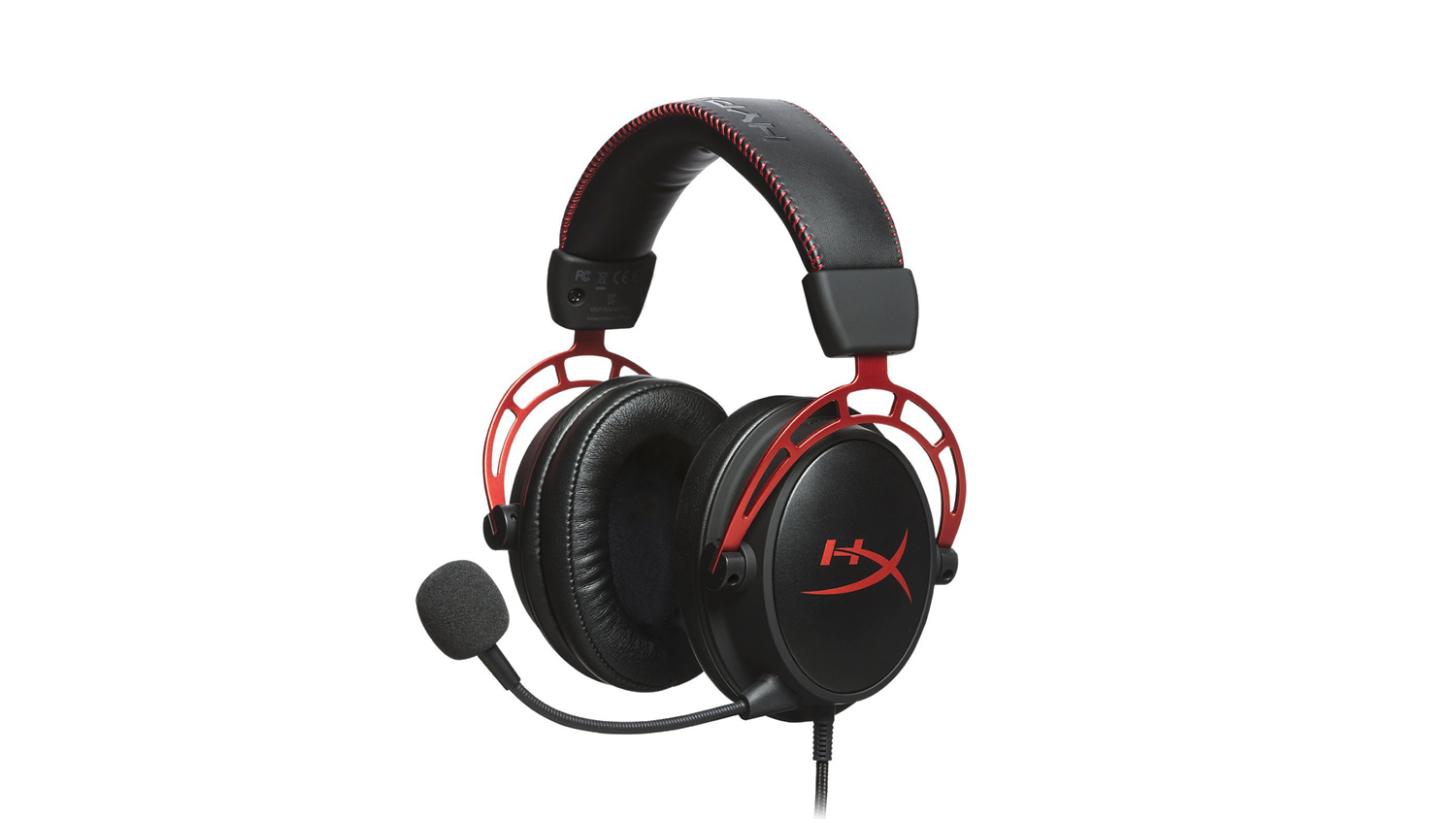
The HyperX Cloud Alpha Pro is a gaming headset that we have tested thoroughly and know that it offers high quality, precise sound. Not only that but they’re comfortable, very well made, feature a removable microphone and fully modular cable. Other great options at this price point include the Sennheiser GSP 303 and Logitech G433.
If you want to take your audio experience to the next level, we’d suggest opting for the SteelSeries Arctis Pro + Game DAC. It is over £200 in the UK and $249 in the US, but it offers incredible performance, an attractive design and great comfort. You can read our review on the Arctis Pro if you need to know more.
Microphone, Microphone Arm And Shockmount – RODE NT-USB, RODE PSA 1 and RODE PSM 1 Shockmount
PricesRODE NT-USB
£125.00 (Amazon.co.uk UK)
$169.00 (Amazon.com US)
RODE PSA 1
£62.00 (Amazon.co.uk UK)
$98.76 (Amazon.com US)
RODE PSM 1
£32.00 (Amazon.co.uk UK)
$39.00 (Amazon.com US)
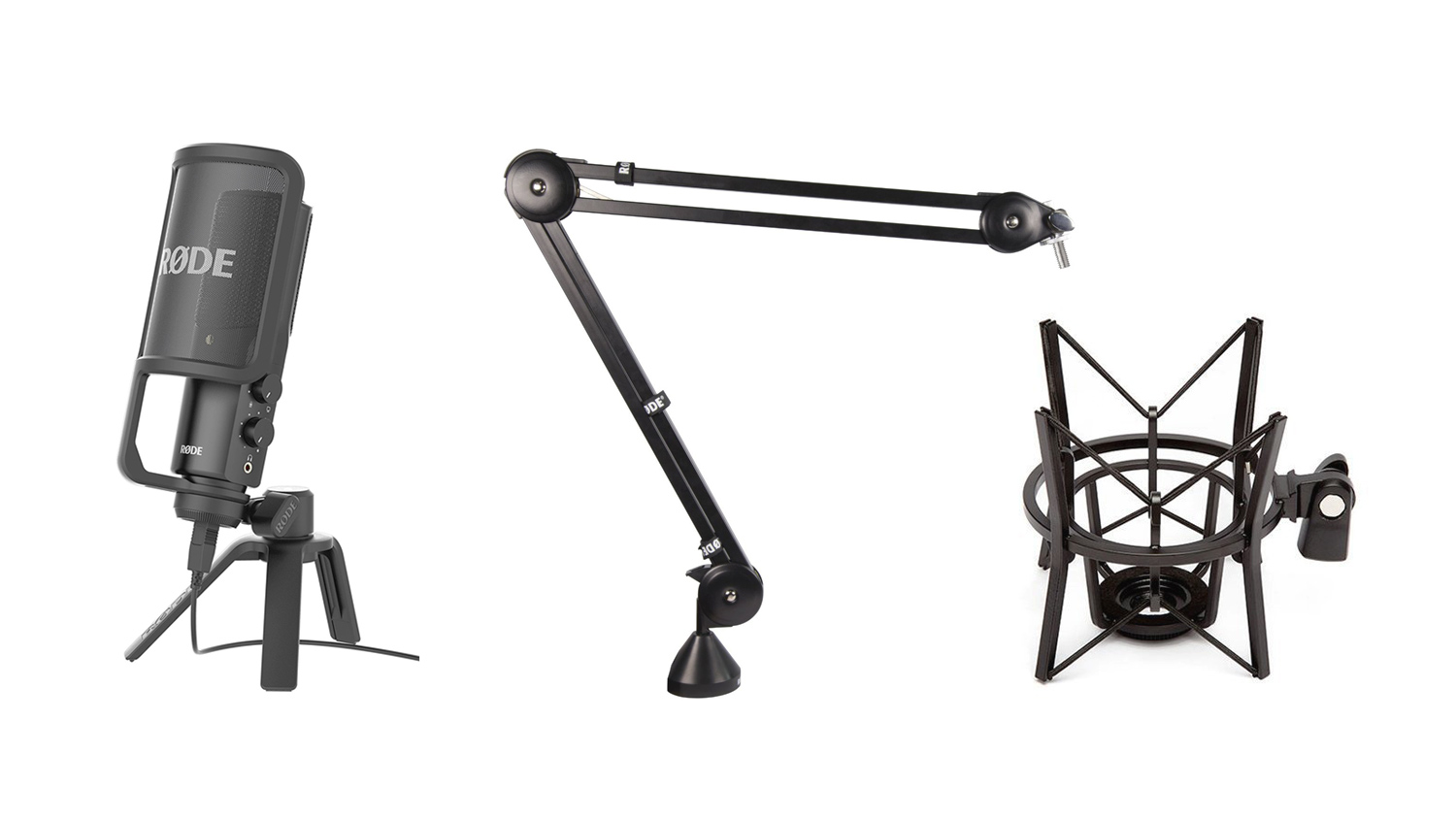
Firstly we’d to clarify that you don’t need all the items to make the NT-USB work. The NT-USB will function perfectly well on its own. However, if you want to get the best from the NT-USB, then we’d opt for the entire set. If your budget won’t allow this, then we’d suggest purchasing the microphone first and then adding the arm and shock mount if you feel you need them. The full kit on Amazon.com will set you back $306.79 and £219.00 on Amazon.co.uk. Back to the NT-USB and we feel that is one of the best choices for a streaming microphone out there. The audio it produces is crisp, clean and detailed. It uses a cardioid pickup pattern and has a frequency response of 20Hz to 20,000Hz. Not only that, but it features a zero-latency headphone monitoring and has on-mic adjustable controls.
Mouse – SteelSeries Rival 600
Price£74.99 (Overclockers UK)
$77.49 (Amazon.com US)
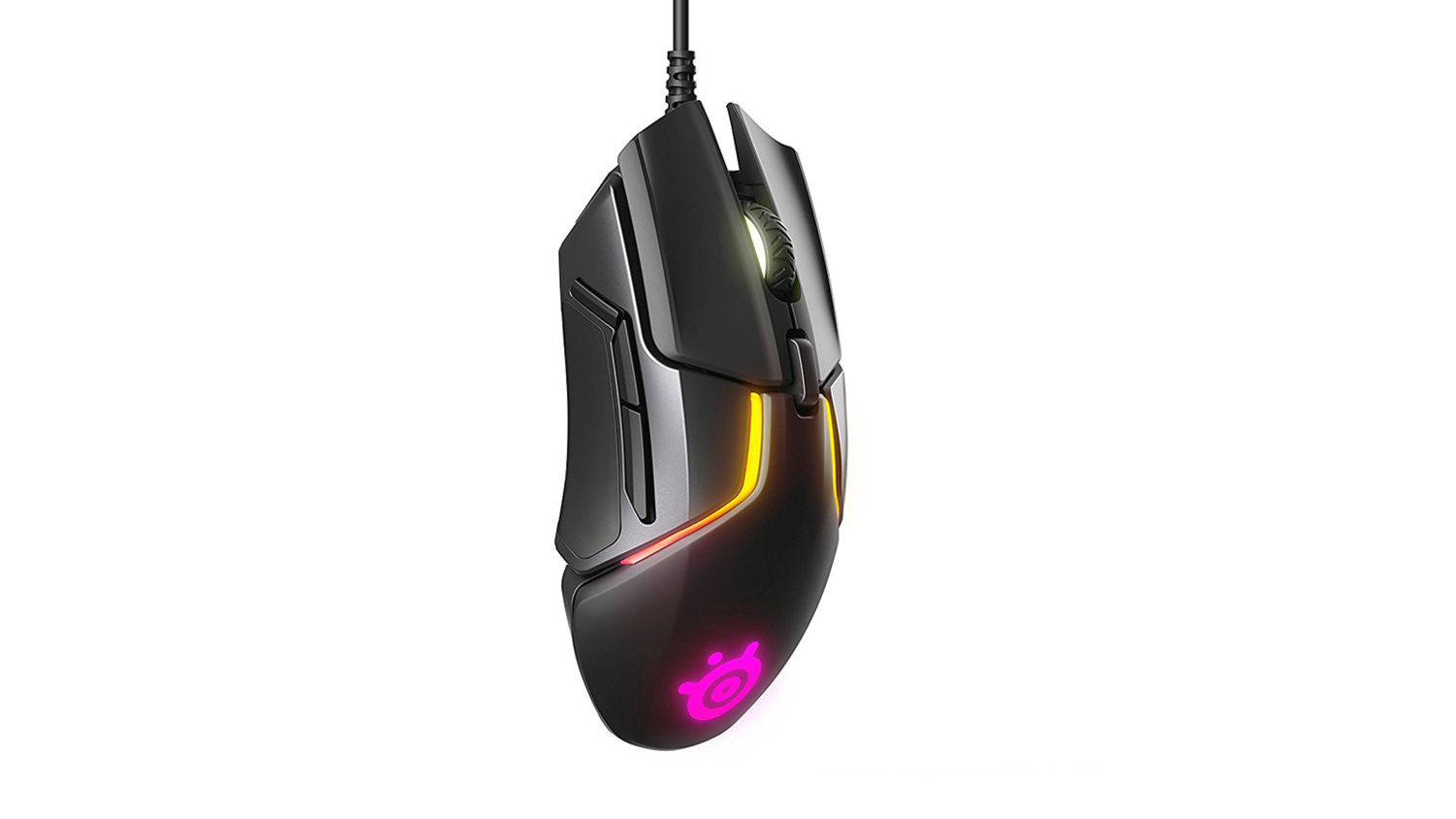
The SteelSeries Rival 600 has quite possibly the best sensor on any mouse we’ve tested – so far. The TrueMove 3+ combined with the depth sensor is an almost perfect combo when combined with the 12,000DPI sensor and 1:1 tracking. The Rival 600 also features zero acceleration and an onboard ARM processor. The implementation of RGB on the Rival 600 is great too, it provides vibrant colours and a good variety of preset effects. You can read our full review if you want to find out if the Rival 600 is the right choice.
Keyboard – HyperX Alloy Elite
Price£95.99 (Amazon.co.uk UK)
$109.99 (Amazon.com US)
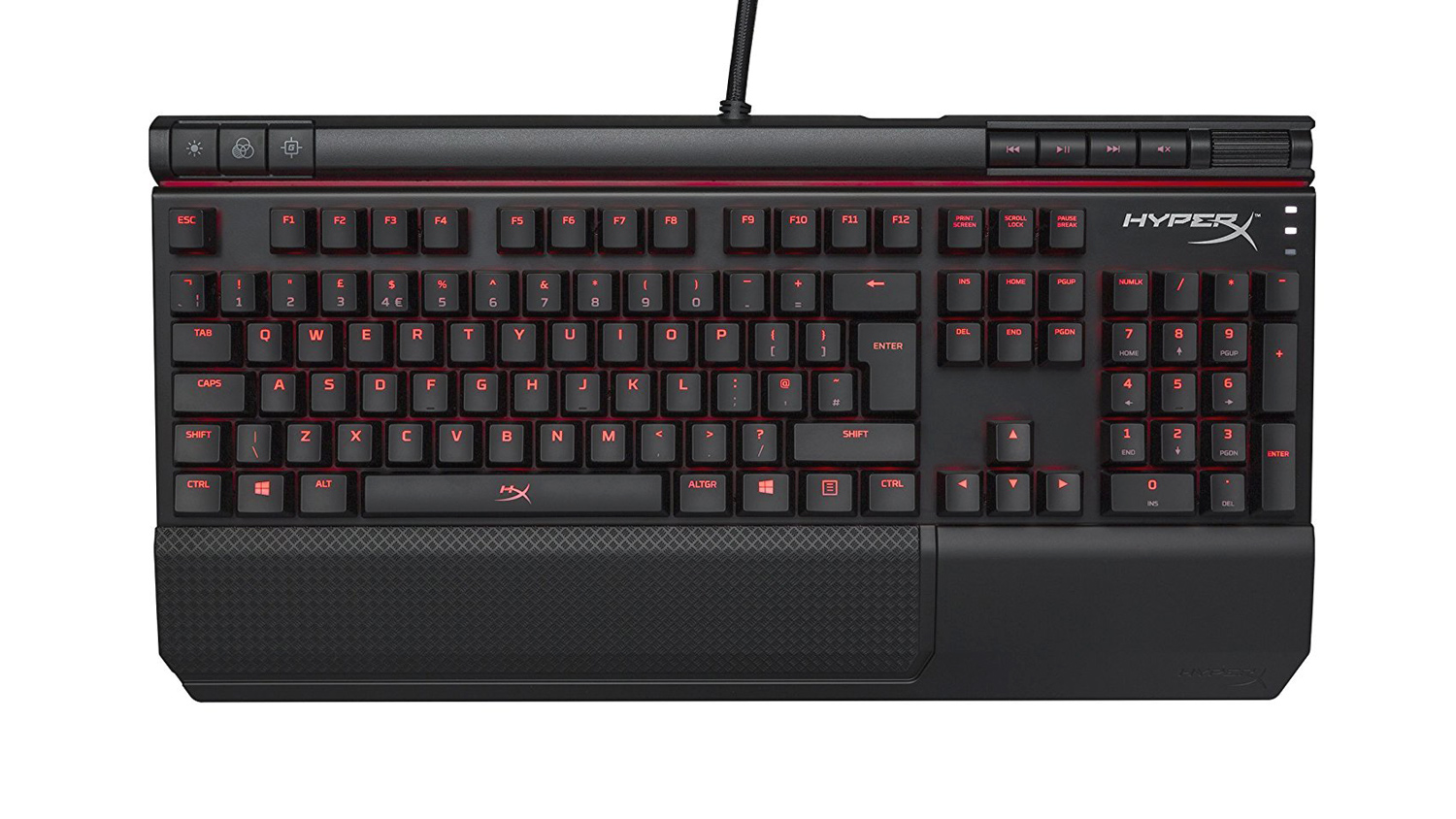
The HyperX Alloy Elite may not have been a choice you’d have thought we’d have picked. But the Alloy Elite has all the right ingredients to make it a great choice. It features genuine Cherry MX switches, 1000Hz polling rate, 100% anti-ghosting, USB 2.0 pass through and a wrist rest. If you wish to find out more, then you can read our full review on the HyperX Alloy Elite. Other great options at this price point include the Corsair Strafe, Corsair K70 LUX and the Fnatic MiniSTREAK Pro. If you crave a higher end experience, then the ASUS ROG STRIX Flare is one to consider, it offers an attractive design, brilliant RGB, dedicated media control, excellent Cherry switches and a removable wrist rest. You can read our review on the STRIX Flare here. If you don’t have the budget to stretch, then out mid-tier choice – the G.Skill Ripjaws KM750 is a great choice for gaming and isn’t as much as the others on this list.
Mouse Mat – Corsair Gaming MM200 Extended
Price£21.99 (CCL Online UK)
$27.29 (Amazon.com US)
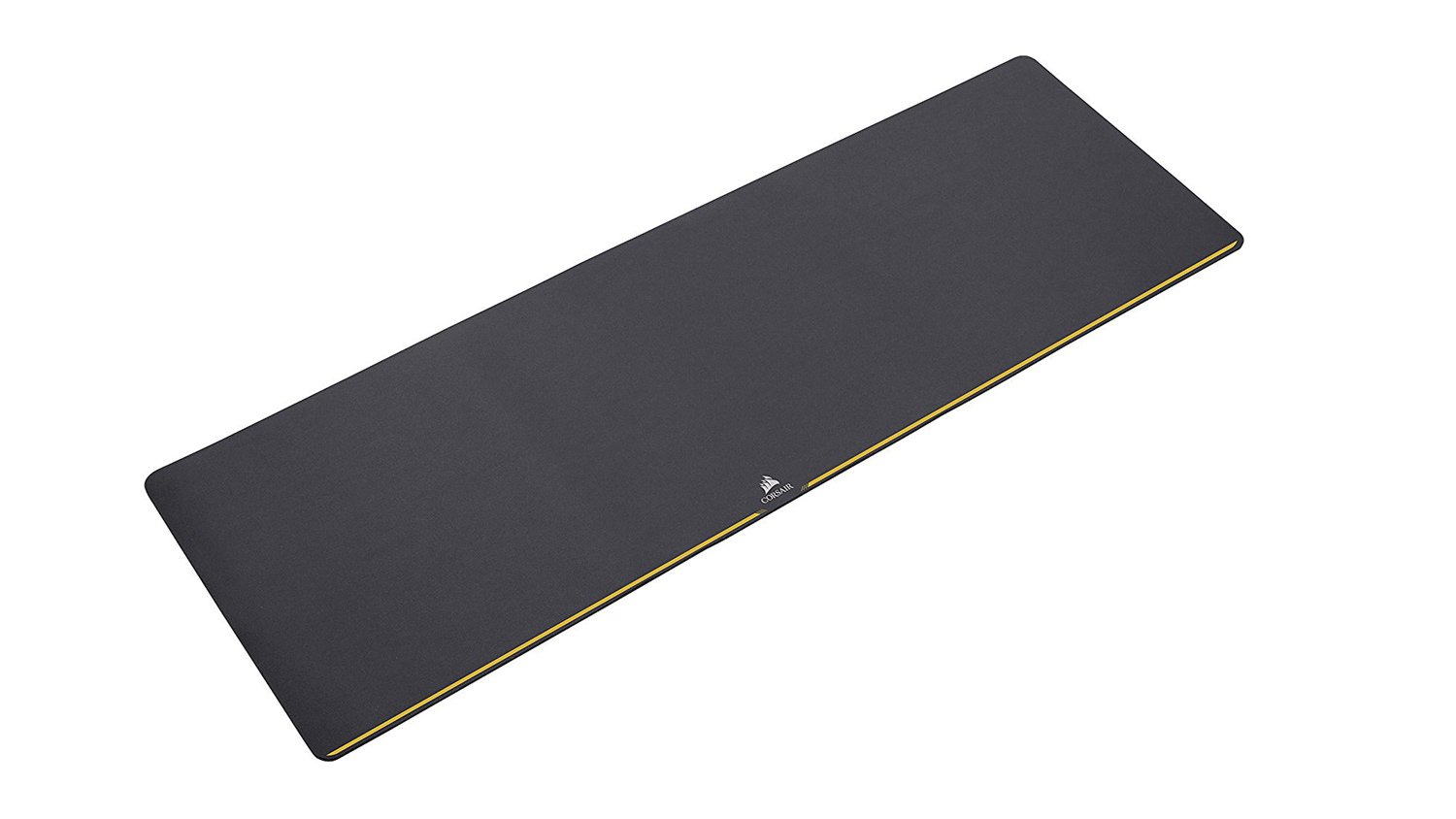
This full extended length mouse mat from Corsair is a great buy. It offers a smooth cloth surface that can handle the fastest mouse movements, a rubberised underside to make sure it stays planted on your desk and is plenty large enough to fit a full-size keyboard and mouse. It is pretty big coming in at 930mm x 300mm x 2mm, and if your desk can’t quite squeeze that on, then we’d opt for the MM200 Standard which is a much smaller variant of the MM200 extended.
Webcam – Razer Kiyo
Price£112.79 (Amazon.co.uk UK)
$97.09 (Amazon.com US)
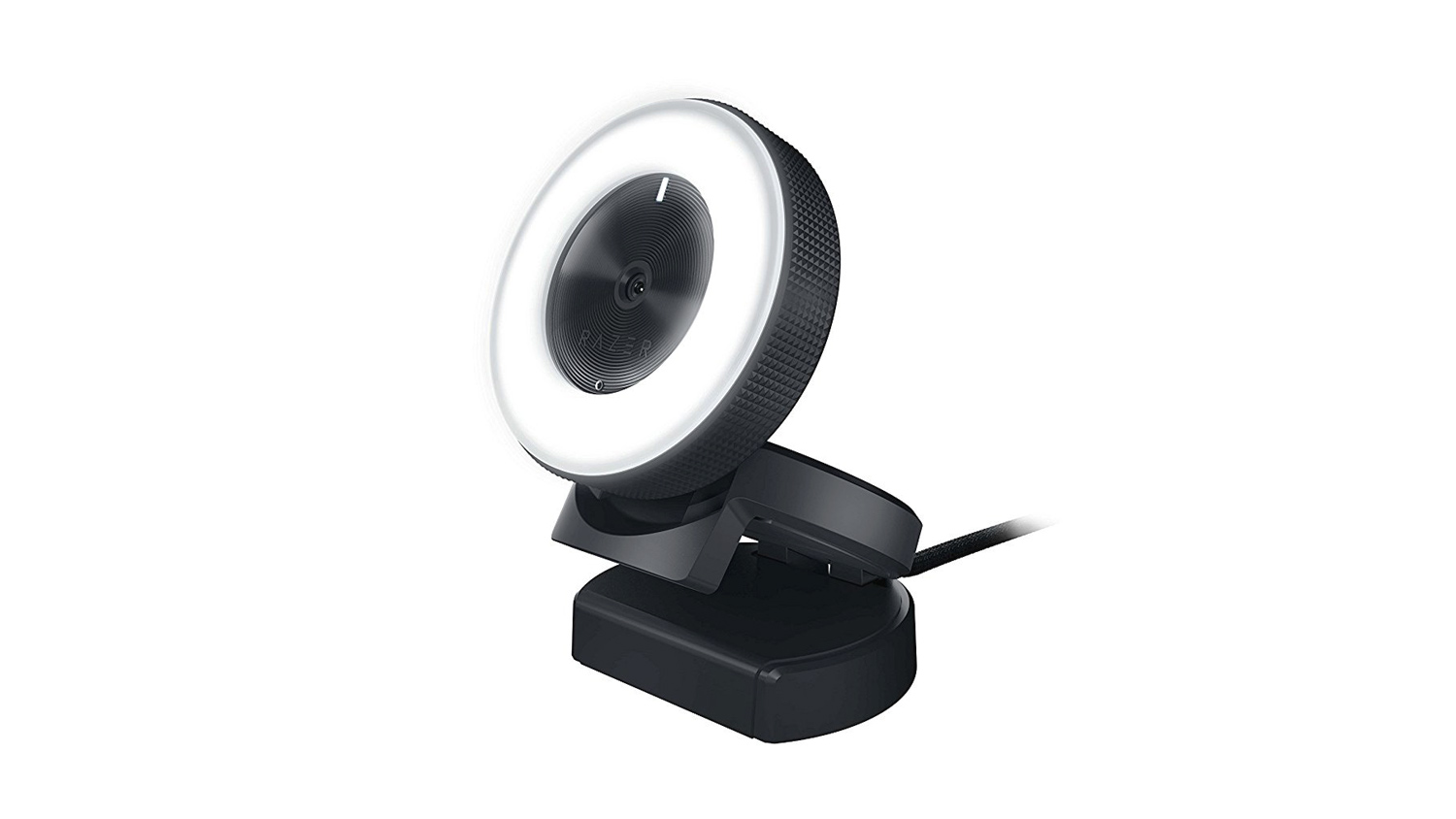
The Razer Kiyo makes a great choice for streamers as it can capture video at 720p 60FPS, this means that it will nicely sync with your 60FPS stream. It will also record at 1080p 30FPS. Another great feature of the Kiyo is the built-in adjustable ring light. This provides you with a nice light source for your stream and would benefit you if you don’t have good natural light or if you simply stream later in the evenings. The Kiyo is pricey, however, and because of that, we’d also suggest looking at the Logitech C922x/C922. It is cheaper coming in at around $20 less in the US £28 in the UK. Plus it offers the same 60FPS recording/streaming at 720p. The only major difference is the missing source light from the C922 when compared to the Kiyo, but if you can live without that, you could save a fair amount.
High Tier Setup Cost
Peripherals and Accessories
UK £837.24
US $876.05
AMD setup
UK £2,754.98
US $2,955.74
Intel setup
UK £2,751.93
US $2,935.53
Peripherals and Accessories
UK £837.24
US $876.05
AMD setup
UK £2,754.98
US $2,955.74
Intel setup
UK £2,751.93
US $2,935.53
*Notes – The total cost of the High Tier accessories and peripherals guide does not include the price of the PSA 1 or PSM 1. This is because they are classed more as an optional extra rather than a core item. Also to note. The total price of the guide only includes one monitor, so another monitor would add an additional cost to the overall end total.
– All prices in the article are correct as of the article upload date. These prices do fluctuate meaning the parts cost could vary over time.
Optional Extras
Now we look at the extra bits of kit that aren’t 100% needed, but they do go a long way to help improve your stream. They may not offer extra gaming performance or increase the smoothness of your stream, but they will help make those little extra details that bit better.
AVerMedia Live Gamer Extreme 2
Price£159.98 (scan.co.uk)
$195 (Amazon.com US)
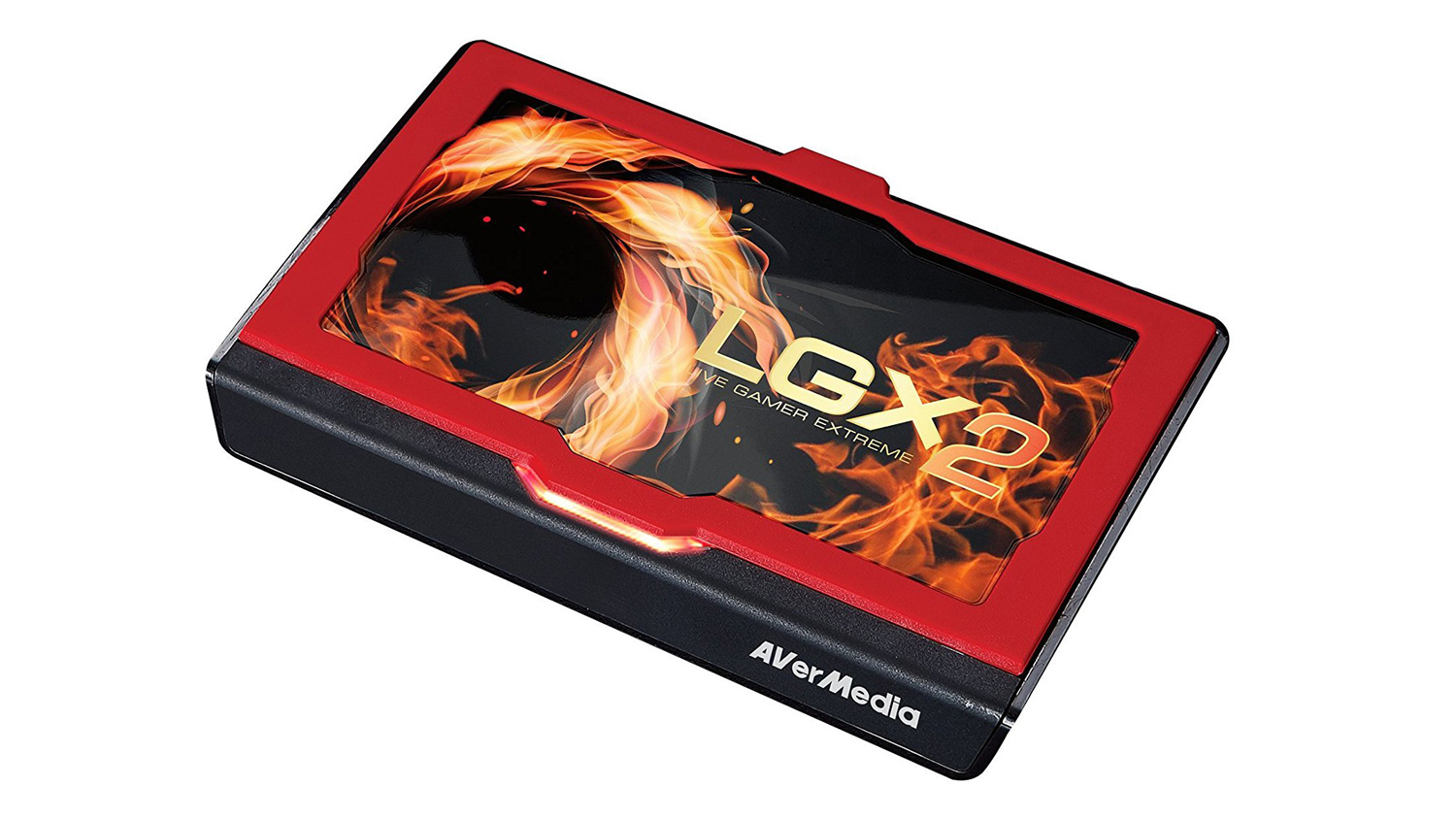
The AVerMedia Live Gamer Extreme 2 is a capture card that enables you to record your gameplay without having any impact on your system. It features a 4K60p pass-through that enables you to game at resolutions up to 4K while streaming at 1080p60. It also has ultra-low latency that allows you to capture your footage in an uncompressed format, that isn’t all as the bundled software can perform audio mixing, set up a multistream and so much more. You can read our review here for more information.
Elgato Stream Deck
Price£129.99 (Amazon.co.uk UK)
$139.95 (Amazon.com US)
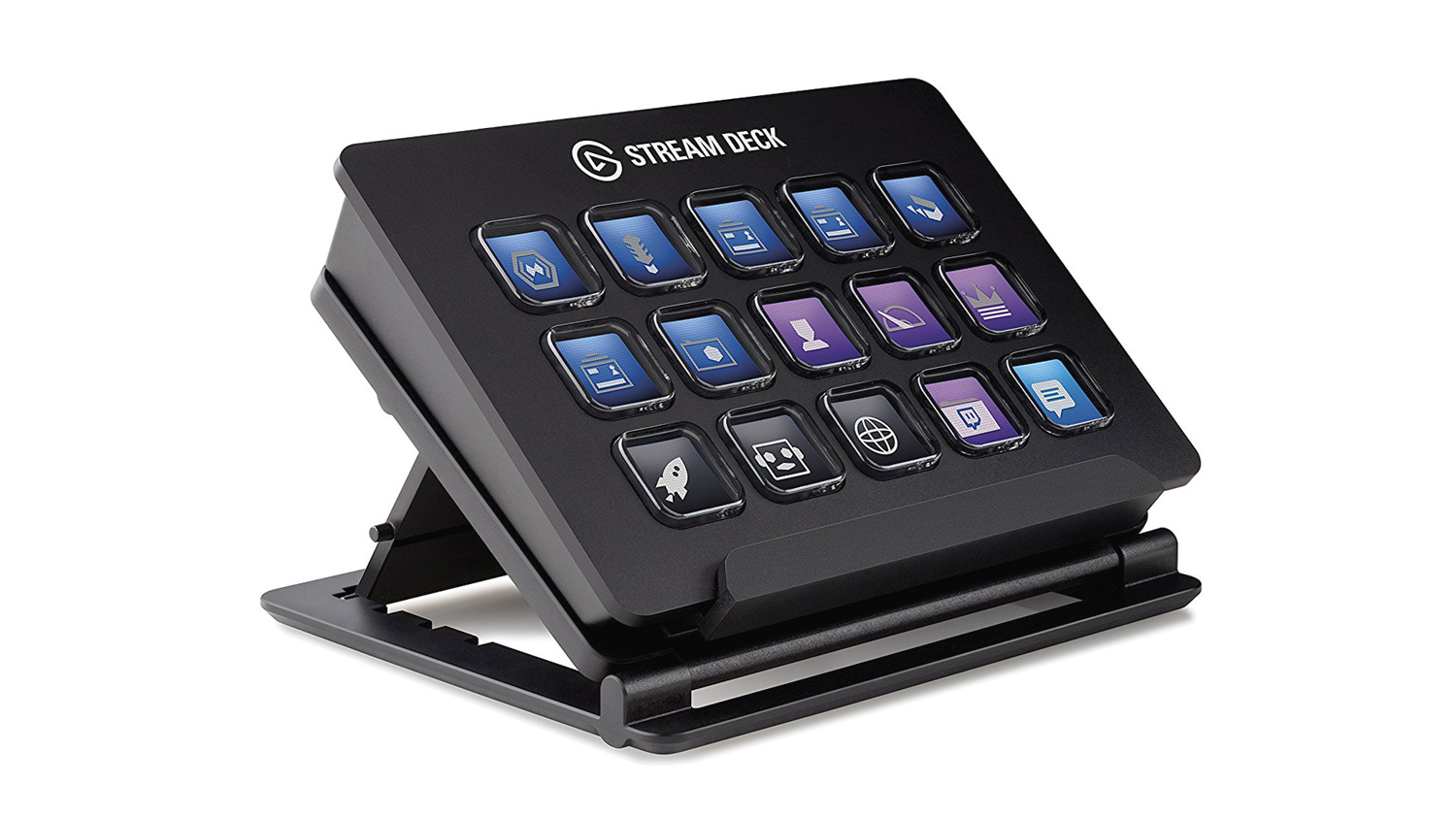
The Elgato Stream Deck is quite new but is already becoming popular among streamers. It features 15 LCD keys that are fully customisable with different icons and actions. This is great as you’d no longer need to memorise or map keyboard shortcuts. Also with the stream deck, you can launch media, adjust your audio and so much more. Plus it will work with all the big streaming applications such as OBS and XSplit.
2.0 Speakers – Logitech Z200, Creative Inspire T10, Creative T15W
PricesLow Tier – Logitech Z200
£24.98 (Amazon.co.uk UK)
$25.96 (Newegg.com US)
Mid Tier – Creative Inspire T10
£39.99 (Amazon.co.uk UK)
$44.99 (Amazon.com US)
High Tier – Creative T15W
£66.62 (Amazon.co.uk UK)
$52.65 (Newegg.com US)
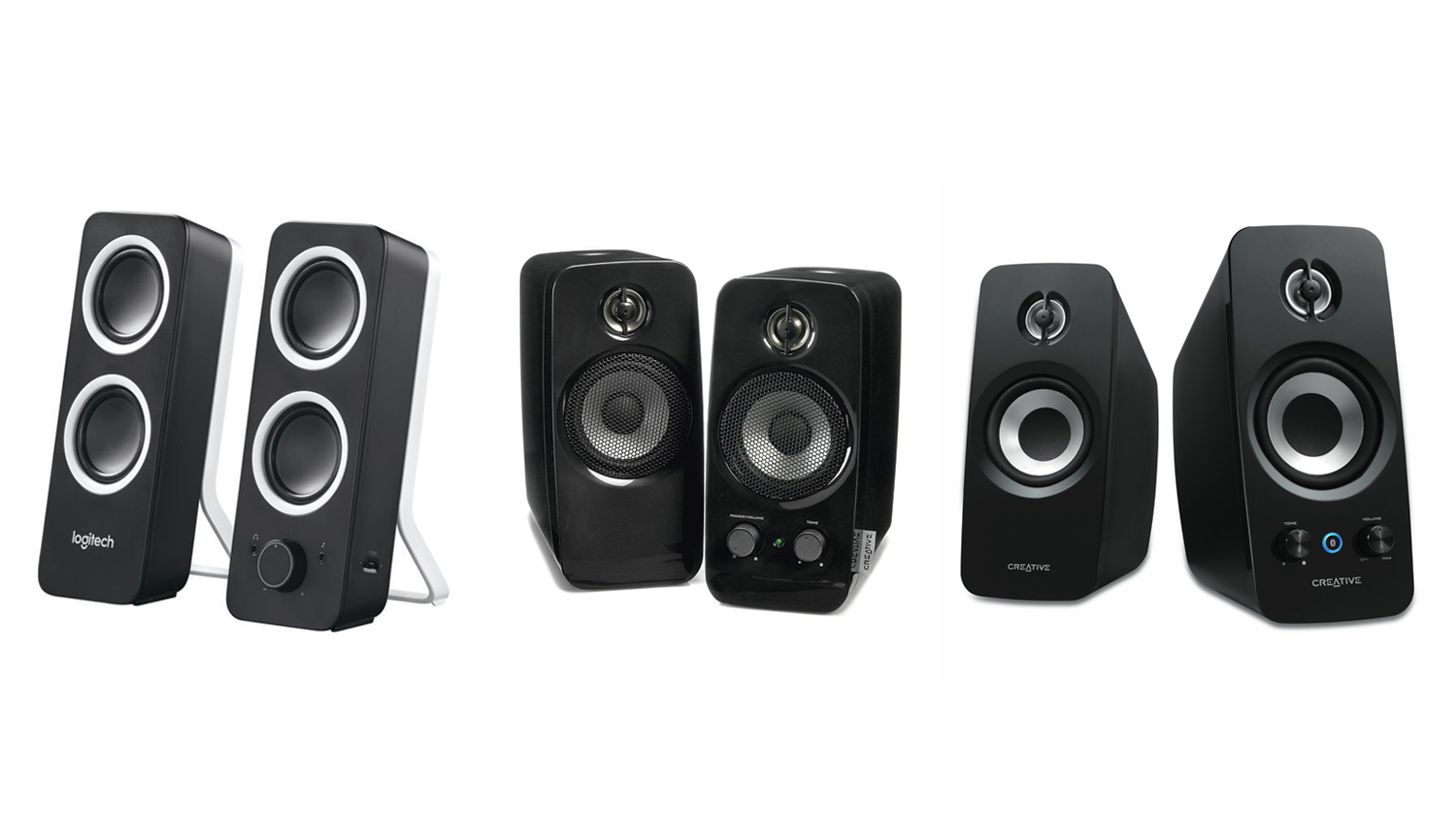
You may have noticed that speakers have been absent from this list thus far. This is because speakers aren’t a needed item, as such. Technically you can get away with just using a headset for your audio. However, we recognise that sometimes you don’t want to use a headset and would, therefore, require some dedicated speakers. Each of our selections for this list we will offer you varying levels of audio quality, but, each of them will offer good sound quality for their relative prices. The Z200 deliver 10W of peak power and surprisingly good bass for their small stature. They also have dedicated volume control, headphone port and a port to use an external audio source. The Creative T10 may only have the same peak output as the Z200, but they offer stronger bass and a cleaner treble. Plus with the built-in controls at the front, you can easily adjust the sound without delving into your PC settings. The T15W from Creative opts for a similar configuration to the T10 but adds Bluetooth connectivity and improved drivers for better overall sound.
If you have the room and extra budget, we’d suggest looking at something like the Edifier R1280DB. They cost £119 and offer sound that the other 2.0 on this list simply can’t match. If you want something a bit a fancier, then the Edifier LUNA Eclipse or Razer Nommo would be our picks.
2.1 Speakers – Creative A250, Logitech Z333, Logitech Z533
PricesLow Tier – Creative A250
£27.97 (Amazon.co.uk UK)
$29.99 (Amazon.com US)
Mid Tier – Logitech Z333
£49.99 (Amazon.co.uk UK)
$59.99 (Amazon.com US)
High Tier – Logitech Z533
£73.99 (Amazon.co.uk UK)
$126.99 (Newegg.com US)
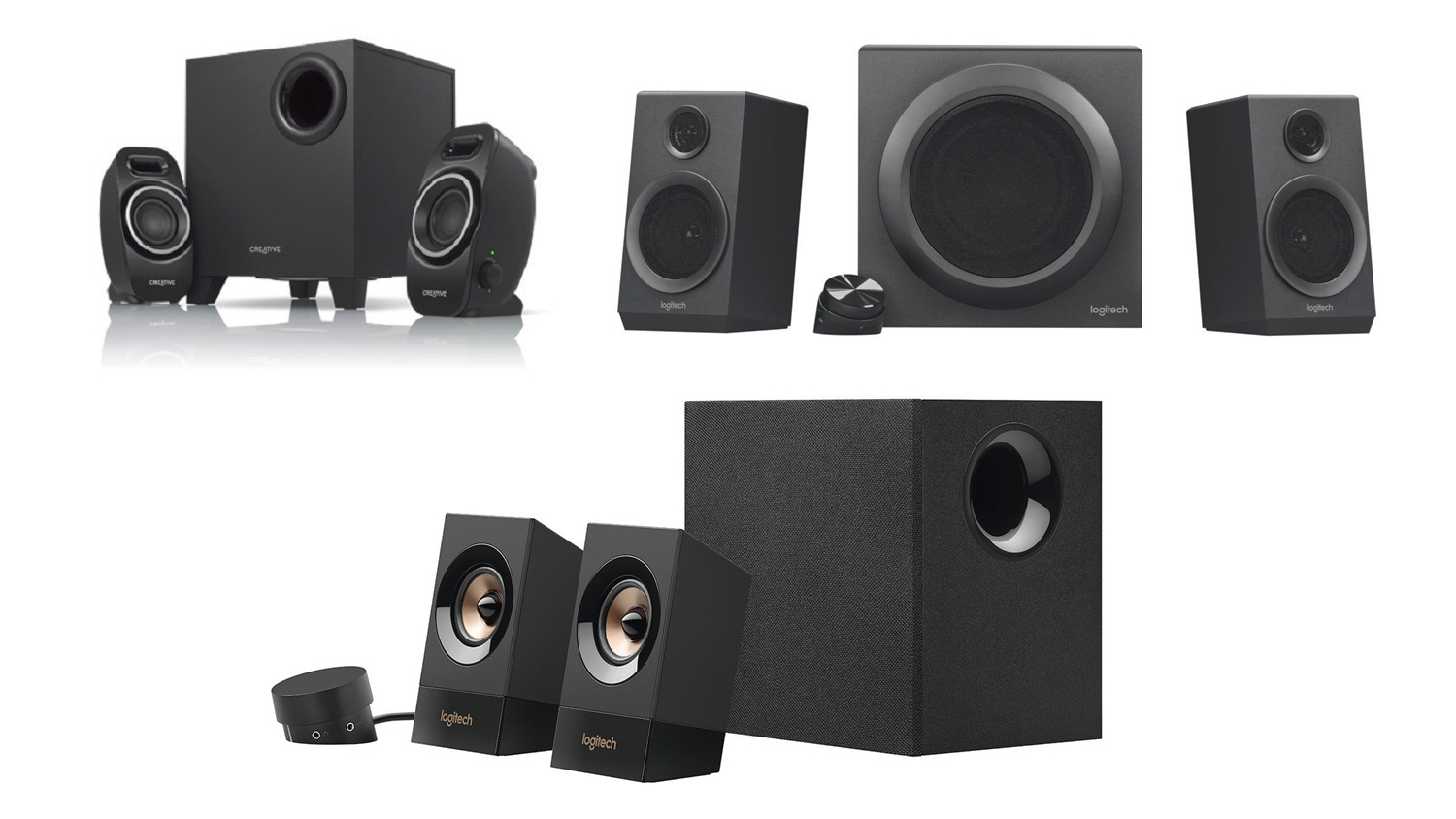
If you want that bit better gaming experience than what a 2.0 setup can offer, then a 2.1 is what you want. A 2.1 makes use of a 2.0 setup but with an added sub for extra bass. These do take up more room, so bear that in mind. The Creative A250 is a solid choice for those on a tighter budget, it still offers great sound but doesn’t have as many features as the more expensive offerings on the list. The Z333 takes it up a notch and adds more power with a peak of 80W (40W RMS), strong bass is on offer to thanks to the 5” front firing sub. Another great feature of the Z333 is the control dial, this not only allows you to easily control the master volume, but it also has a built-in headphone port. The Z533 from Logitech uses a similar control dial to the Z333 but increases the peak power to 120W (60W RMS) for that bit extra potency. If you’ve got more cash to spend, and want to add RGB to the mix as well as even more power, then the Logitech G560 might just be what you’re after. It is expensive coming in at £209.00 in the UK and $199.00 in the US, but it offers lovely RGB lighting and a massive peak power of 240W (120W RMS). You can read our review if you’d like to see how it performs.
Green Screen – Neewer 700W Pro lighting Kit, AbeStudio Backdrop
PricesNeewer Pro Lighting
£52.99 (Amazon.co.uk UK)
$70.97 (Amazon.com US)
Abeststudio
£34.99 (Amazon.co.uk UK)
Alternative Product $69.99 (Amazon.com US)
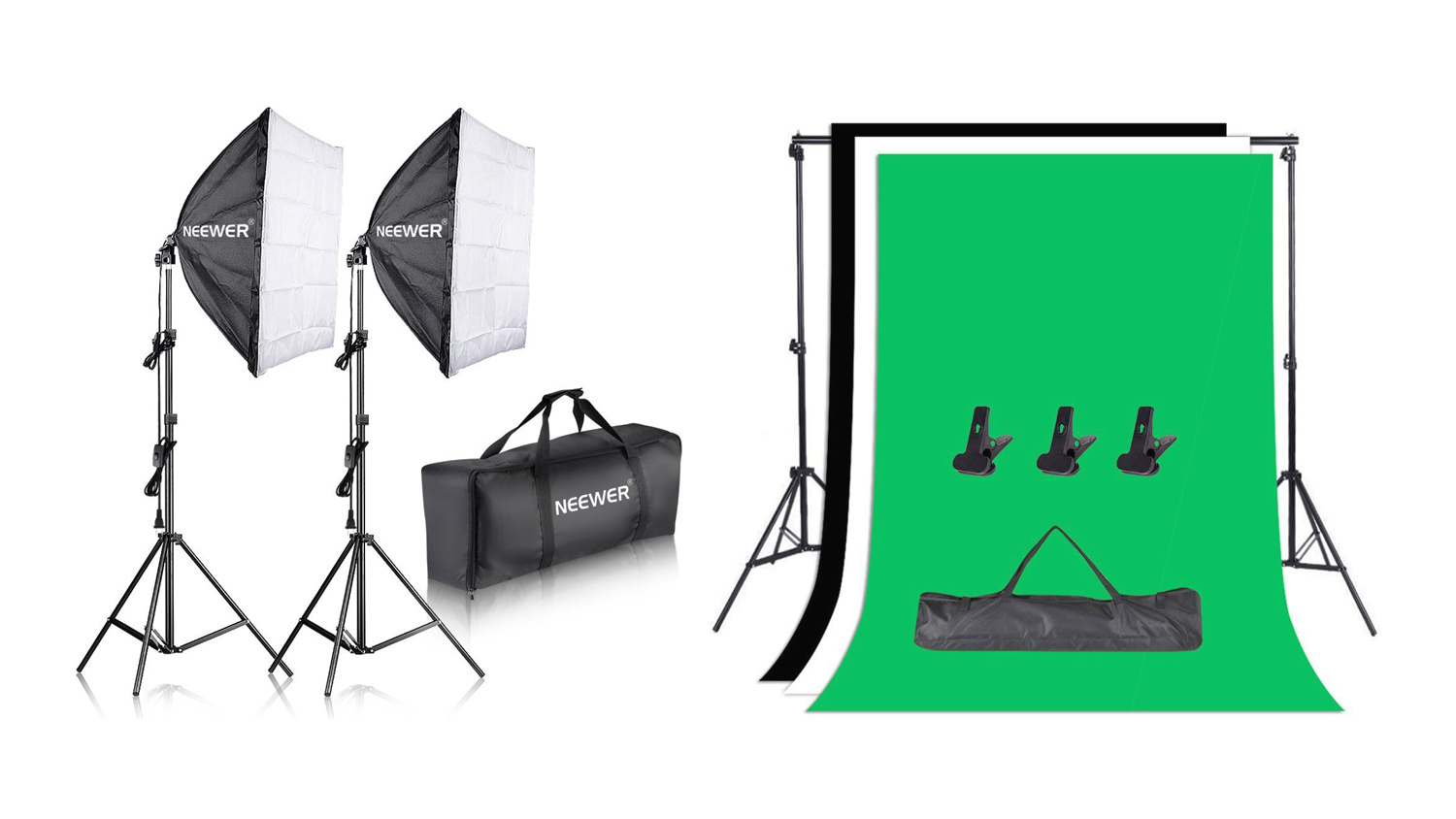
If you plan on making use of a green screen for your stream then you’ll need good lighting and a solid backdrop. Our selections will give you good results without costing too much. A green screen can be a good-looking addition to your stream as you can eliminate your background and have the gameplay directly behind you, this can create a more immersive experience. Of course, a green screen isn’t for everyone, and again isn’t classed as a must have, but if you do want to utilise one, this setup will allow you to do so.
Desk Light – AUKEY LED (UK), TaoTronics TT-DL029 (US)
PricesAUKEY
£19.99 (Amazon.co.uk UK)
TaoTronics TT-DL029
$29.99 (Amazon.com US)
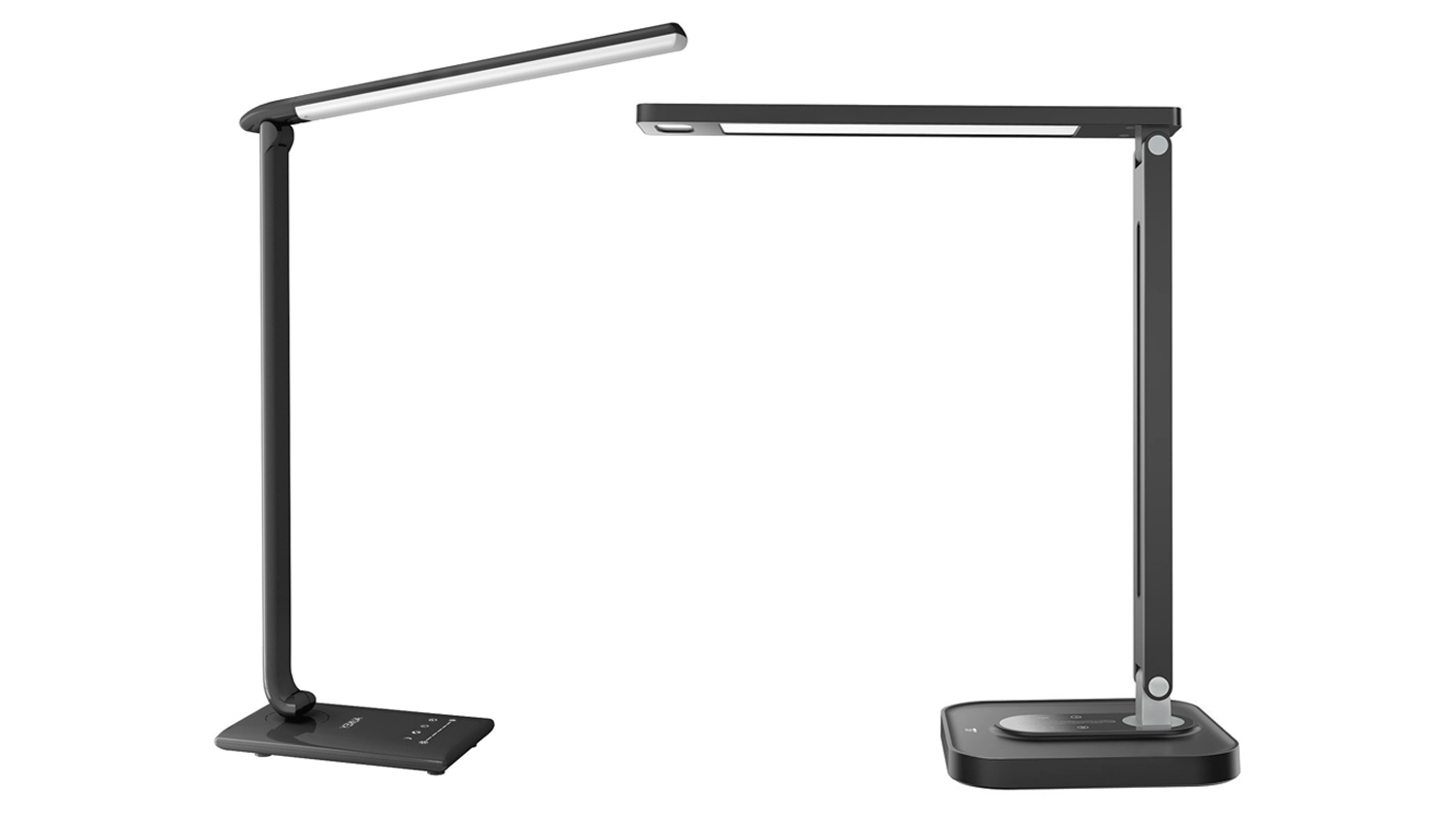
Lighting is important, not just as it’ll give you that bit more light for your webcam, but also for your eyes. Sitting a PC for hours on end can cause a lot of eye strain, and a good desk light can help reduce that a little bit. The AUKEY is one I’ve used personally, and it works great. It has an adjustable swivel head, a single USB port for charging your devices, 5 different colour temps and 7 levels of brightness. TheTaoTronics is a close equivalent to the AUKEY and offers the same range of colour temps but only makes use of 5 different brightness levels. That is still plenty to illuminate your desk if you plan on streaming in the evenings.
Monitor Mounts – Duronic DM252 (UK), VIVO Dual (US)
PricesDuronic
£24.99 (Amazon.co.uk UK)
VIVO
$29.99 (Amazon.com US)
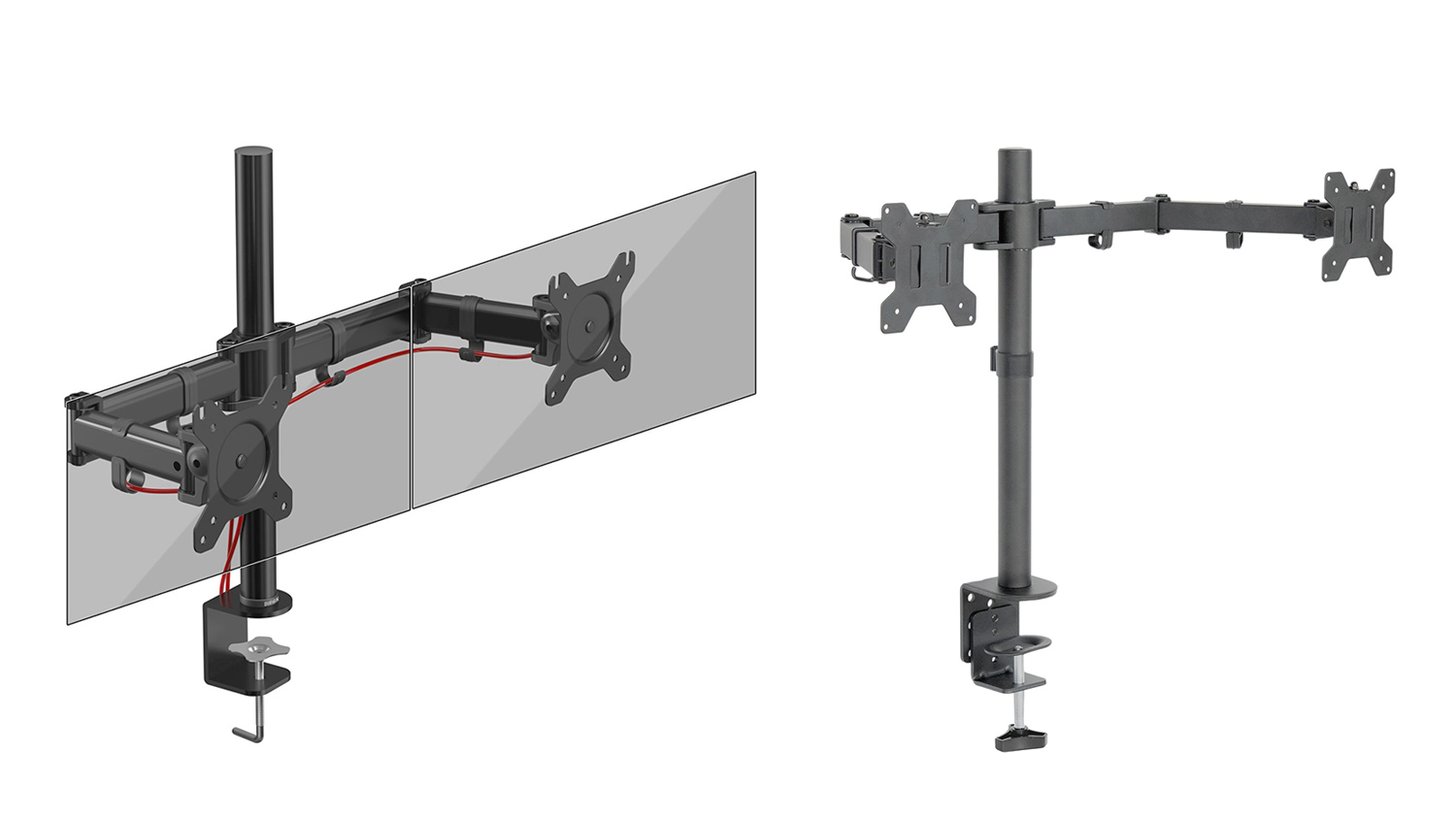
Although monitor mounts aren’t needed, they can make a big difference if you’re short on desk space. The ones selected here, are for if you’ve opted for a dual monitor setup, which is something we’d advise to make streaming that bit easier for you. The Duronic can hold monitors up to 8kg and is compatible with both VESA 75 and VESA 100. It uses fully adjustable arms and even has hooks for routing your cables. The VIVO is essentially the same as the Duronic but rated to carry 9kg. Both use a heavy duty C-clamp to mount to your desk. The Duronic can support desks up to 63mm (2.4”), and the VIVO can support much thicker ones up to 4” (101.6mm). So keep this in mind when looking to purchase one.
*Note – All prices in the article are correct as of the article upload date. These prices do fluctuate meaning the parts cost could vary over time.
Conclusion
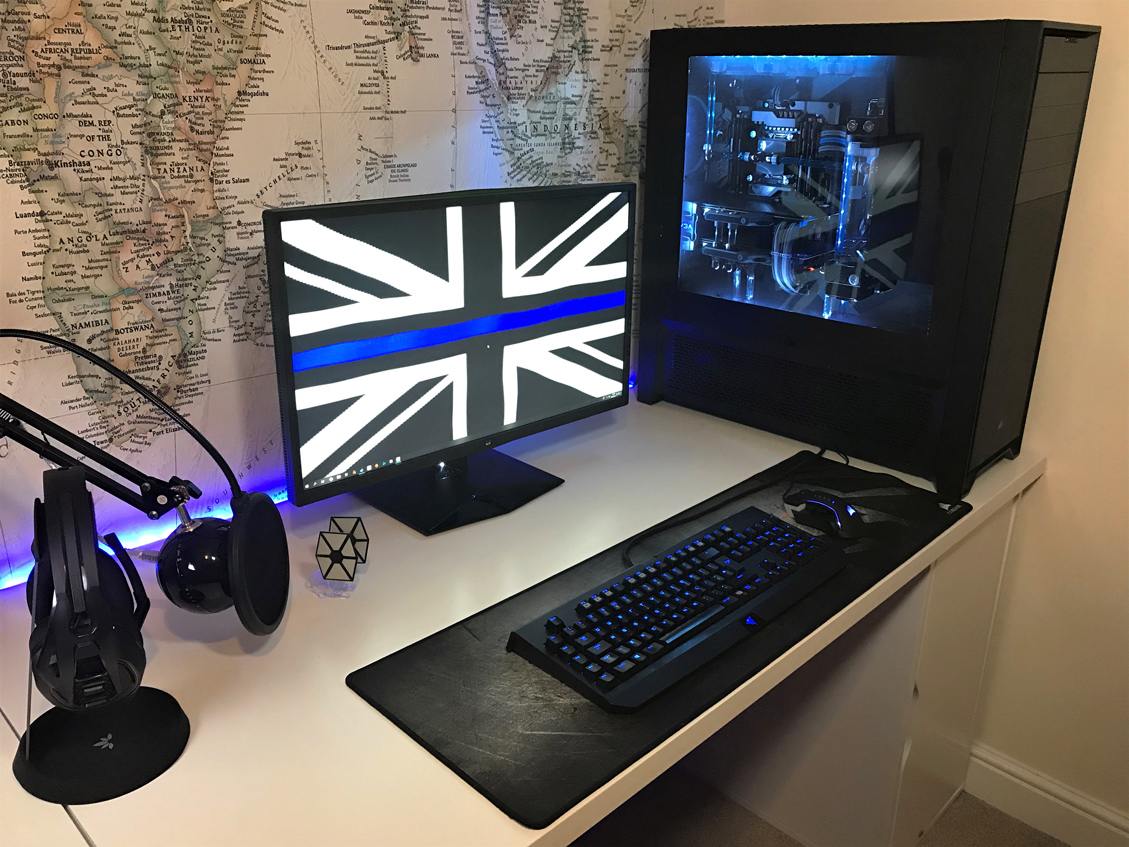 Image Credit:@PCTechHubUK | YouTube.com/PCTechHub
Over the course of this complete guide, we’ve offered a comprehensive list of everything you would need to get setup and to start streaming. Outside of the hardware recommendations, the internet connection plays a key role in the operation of streaming. It is therefore advisable to verify the package you currently have with your ISP, checking whether it can sustain streaming activity at peak hours. While the download bandwidth will serve in obtaining the latest titles and their patches efficiently, the upload bandwidth is critical for streaming games and anything less than 1Mbps could present intermittent lag/buffering.
For our Low Tier build, we did opt to go for CPUs that were a bit more expensive than what you’d usually find in a lower end system, and one of the reasons for this is because of future proofing. If you skimp on core components like the CPU, then it could become an issue down the line. We have designed this list to make sure that you are set for the near future. Another reason we opted to go for higher end parts is due to trends. Now games like Fortnite and Overwatch may not be as popular in the future as they are right now and no-one can predict when gamers will start to lose interest. We’re not saying that this will happen anytime soon, but you never know. So, our idea was to part out the Low Tier system with components that could cope with more demanding titles as well as the games we mentioned in the introduction. This way, if games like we mentioned previously do suddenly become less popular, this system can adapt with you. For example, you could opt for a lower tier CPU that could stream Fortnite perfectly adequately but, what would happen if you wanted to stream something more demanding and your CPU couldn’t cope with the extra demand? That is why, we think it’s best to invest sensibly in the beginning, so you don’t have to spend more money on an upgrade further down the road. Now we’re not saying that you can’t upgrade, but it is better to get it right the first time.
Our Mid Tier and High Tier guides were designed a little bit differently. We wanted to offer parts that we believed would be great performers for their price points. The Mid Tier PC build did offer CPU choices that were usually reserved for higher end builds. This is due to us opting to select a mid-level CPU for the Low Tier guide. The reason behind that is explained, and we believe that we made the best choice given the huge scope of the streaming landscape. Our High Tier guide is quite typical of a high-end gaming system in 2018. It features the latest offerings from both Intel and AMD and would provide you with an excellent experience for gaming as well as streaming. We did opt to choose a 1080p monitor rather than a 1440p as sometimes down-scaling a 1440p monitor to 1080p does not always yield the best results. We did, however, recommend a 1440p monitor if you plan on gaming at higher resolutions outside of streaming.
Our accessories and peripherals choices were mainly based on items that we have tried and tested ourselves, and we are confident with every one of those selected. The ones we haven’t tested were selected based upon a lot of research and reading of relevant reviews. This way we could be sure that what we’re recommending would be well suited to the task.
Total Costs Of The Setups
Low Tier Setup – AMD Based
UK £1,349.02
US $1,497.20
Low Tier Setup – Intel Based
UK £1,368.06
US $1,504.10
Mid Tier Setup – AMD Based
UK £1,927.39
US $2,226.96
Mid Tier Setup – Intel Based
UK £2,142.22
US $2,293.51
High Tier Setup – AMD Based
UK £2,754.98
US $2,955.78
High Tier Setup – Intel Based
UK £2,751.93
US $2,935.53
Low Tier Setup – AMD Based
UK £1,349.02
US $1,497.20
Low Tier Setup – Intel Based
UK £1,368.06
US $1,504.10
Mid Tier Setup – AMD Based
UK £1,927.39
US $2,226.96
Mid Tier Setup – Intel Based
UK £2,142.22
US $2,293.51
High Tier Setup – AMD Based
UK £2,754.98
US $2,955.78
High Tier Setup – Intel Based
UK £2,751.93
US $2,935.53
We want to mention that the total costs of the system may seem excessive, but you have to keep in mind that the total prices are for a full PC with an operating system as well as all the relevant accessories and peripherals you’d need for streaming. We also understand that you may already have parts on this list and don’t require the full setup, but, we approached this with a mindset of creating a guide that was designed for someone who was starting fresh. Also, this guide is free to build upon and adapt to your preference.
Stay connected with the Vortez Social Media pages:
Join in with the discussions on Discord