When you think of a gaming brand, EasySMX might not be the first company that springs to mind, but could their T47 Gaming mouse help change that?

Product on Review: EasySMX T47 Gaming Mouse
Manufacturer: EasySMX
Street Price: £18.45 / $25.99 / € 21.05
EasySMX is a company that some of you may be unfamiliar with. They hail from Shenzhen China and are a relative newcomer – only being founded in 2012. Originally they began as a Networking technology company, and it was only in 2014 when they decided to switch paths and drive focus towards gaming peripherals. In the beginning, they mainly focused on the Chinese market but more recently they have begun to make an emergence in markets such as the US, and across Europe.
In today’s review, we’ll be taking a look at the EasySMX T47 RGB Gaming Mouse. The T47 may cost under £20 in the UK, but it does have some quite impressive features for that price point. The T47 boasts 6 levels of adjustable DPI that extends all the way up to a lofty 10,000DPI, left and right clicks that have been tested to withstand 20 million clicks and also a quick shift DPI button. The T47 also utilises a Pixart PMW-3325 optical sensor and is up to date with RGB illumination trend.
Question is, can the T47 shake the reputation that often surrounds gaming mice at this price point?
About EasySMX:
EasySMX Network Technology is an innovative technology company established in 2012. We are headquartered in Shenzhen, a fast-growing high tech city of China. As from 2014, we started to focus on gaming peripherals and accessories with a mission is to selling high-quality gaming accessories every gamer can afford and rely on. We have already established direct connections with many excellent suppliers in China, and gathered a large number of outstanding R & D talents to deliver high-quality products to gamers over the worlds. Our products have been selling on Amazon in U.S. UK, Germany, France, Spain, Italy and Japan and get high appraisal from customers. In the near future, we plan to include other international markets, and create more winning gaming accessories for our customers.
Technical Specifications
Sensor System
Sensor – Pixart PMW-3325
Sensor type – Optical
DPI – 50 – 10,000 (50 DPI increments)
IPS – 100
Acceleration – 20g
Polling rate – 500Hz (Can adjust to 1000 via software)
Design
Number of buttons – 8
Programmable buttons – 7
Illumination – 2 RGB Zones (synced together) 1 LED zone (DPI indicator)
Weight – 122g mouse body (142.5g with cable)
Dimensions – 132.8mm (L) x 79.9mm (W) x 42mm (H)
Cable type – non removable, soft coated
Cable length – 1.8m (5.9ft)
Compatibility
OS – Windows, Mac (USB port required)
Software – EasySMX software V1.1
Packaging & First Look
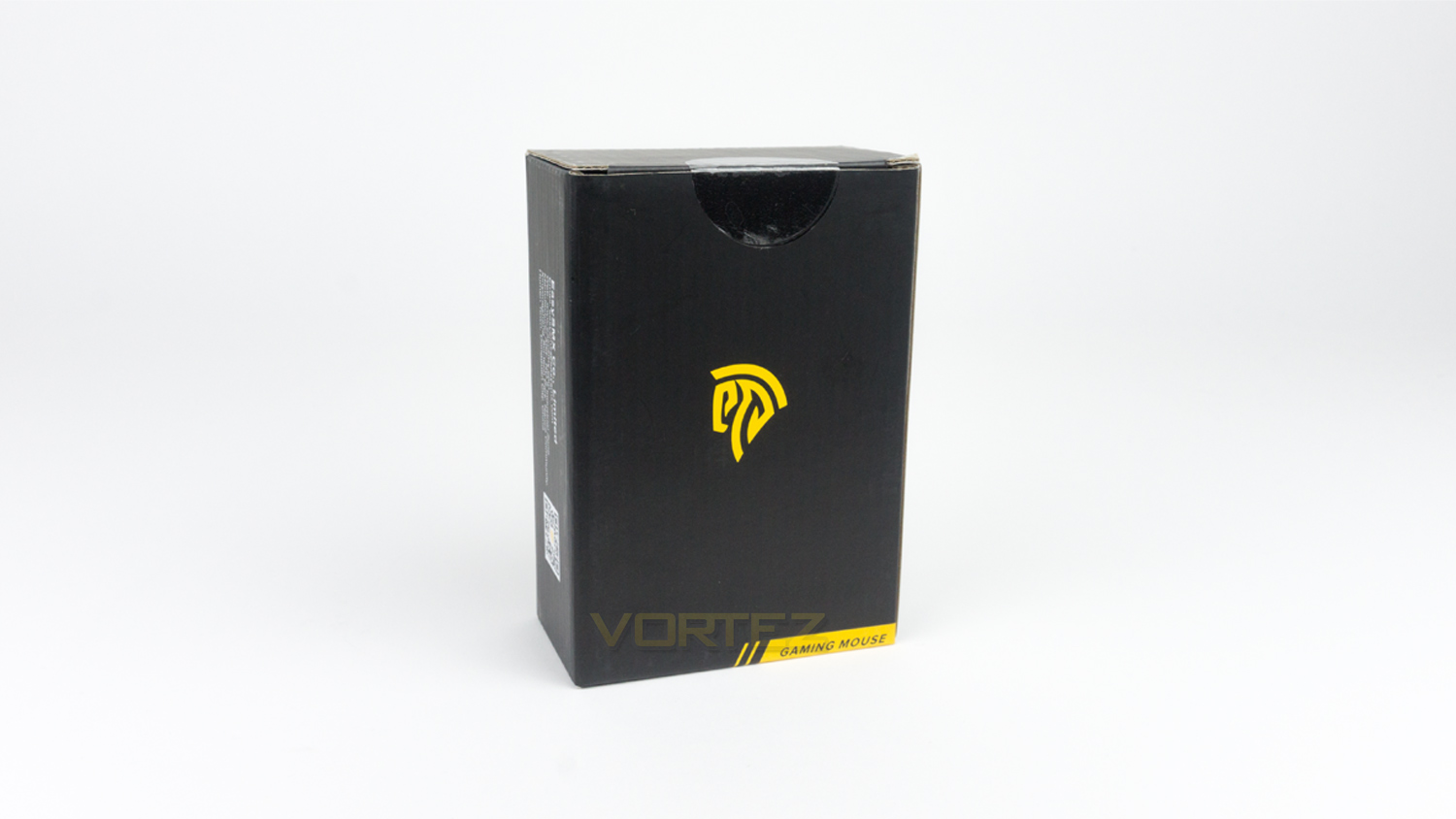
The T47 gaming mouse comes in a very basic, understated box. There is the EasySMX logo in the centre and a lower thirds style piece of text in the bottom right corner.
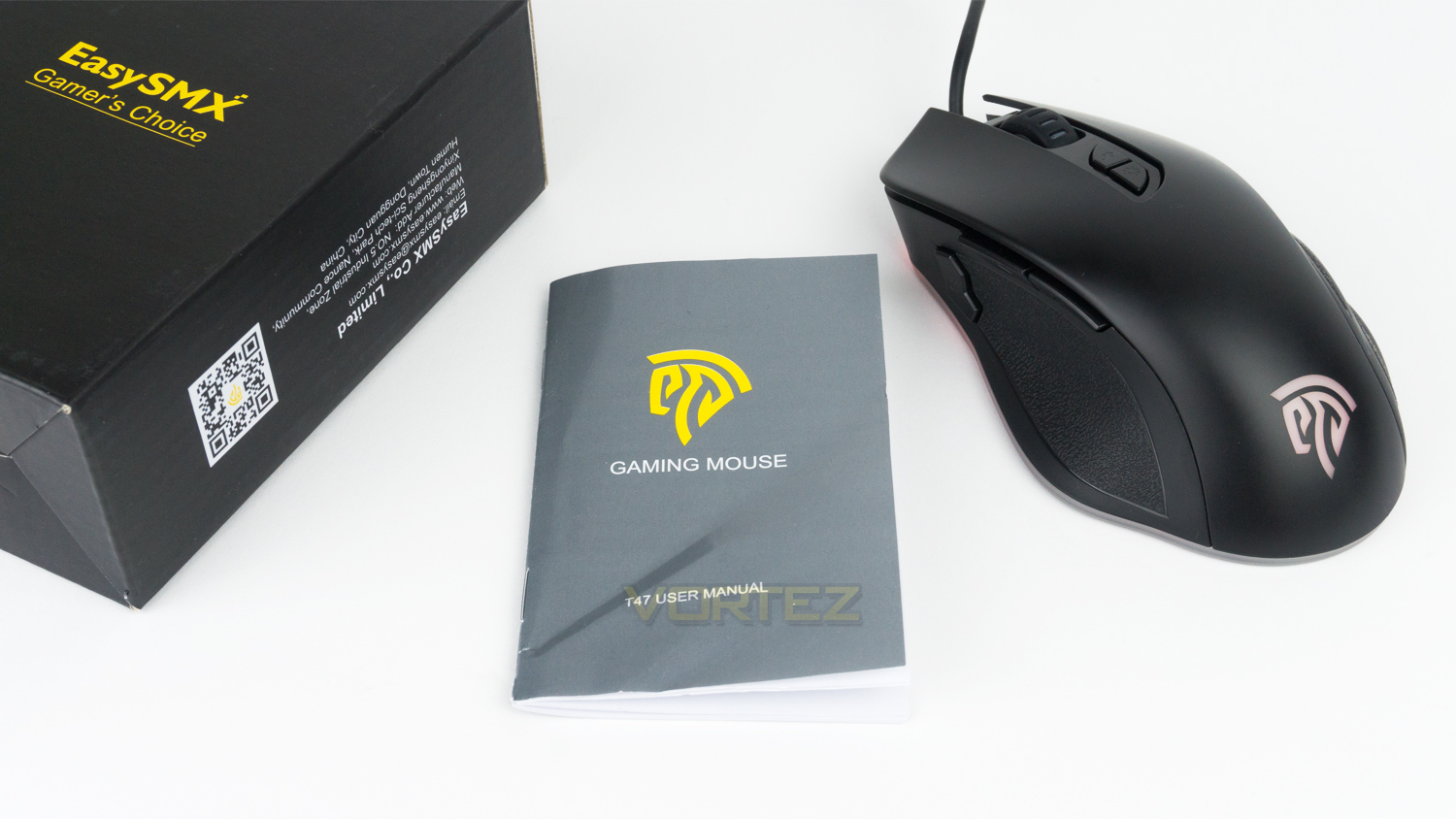
Inside the box, there is simply the mouse and a user manual.
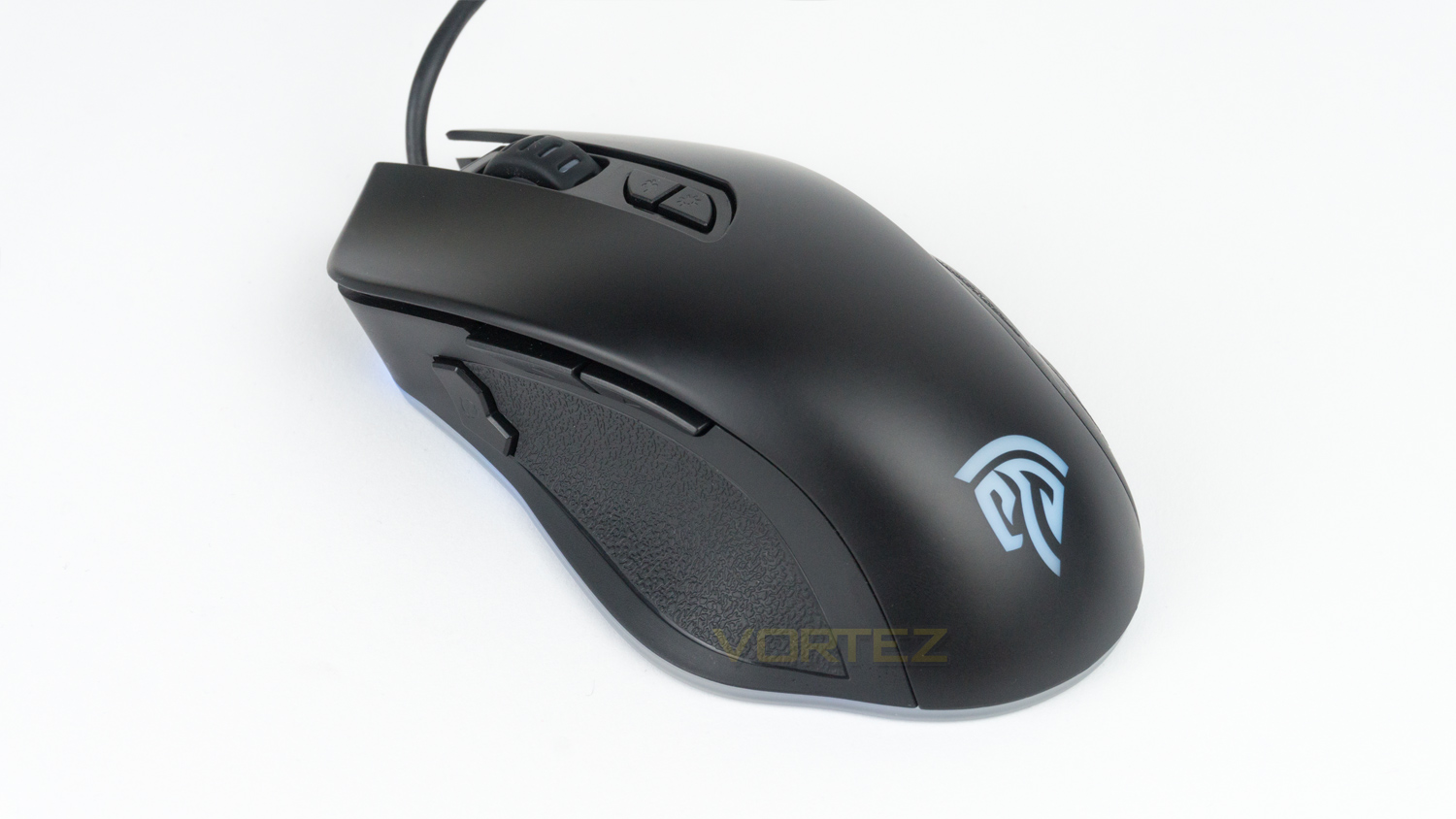
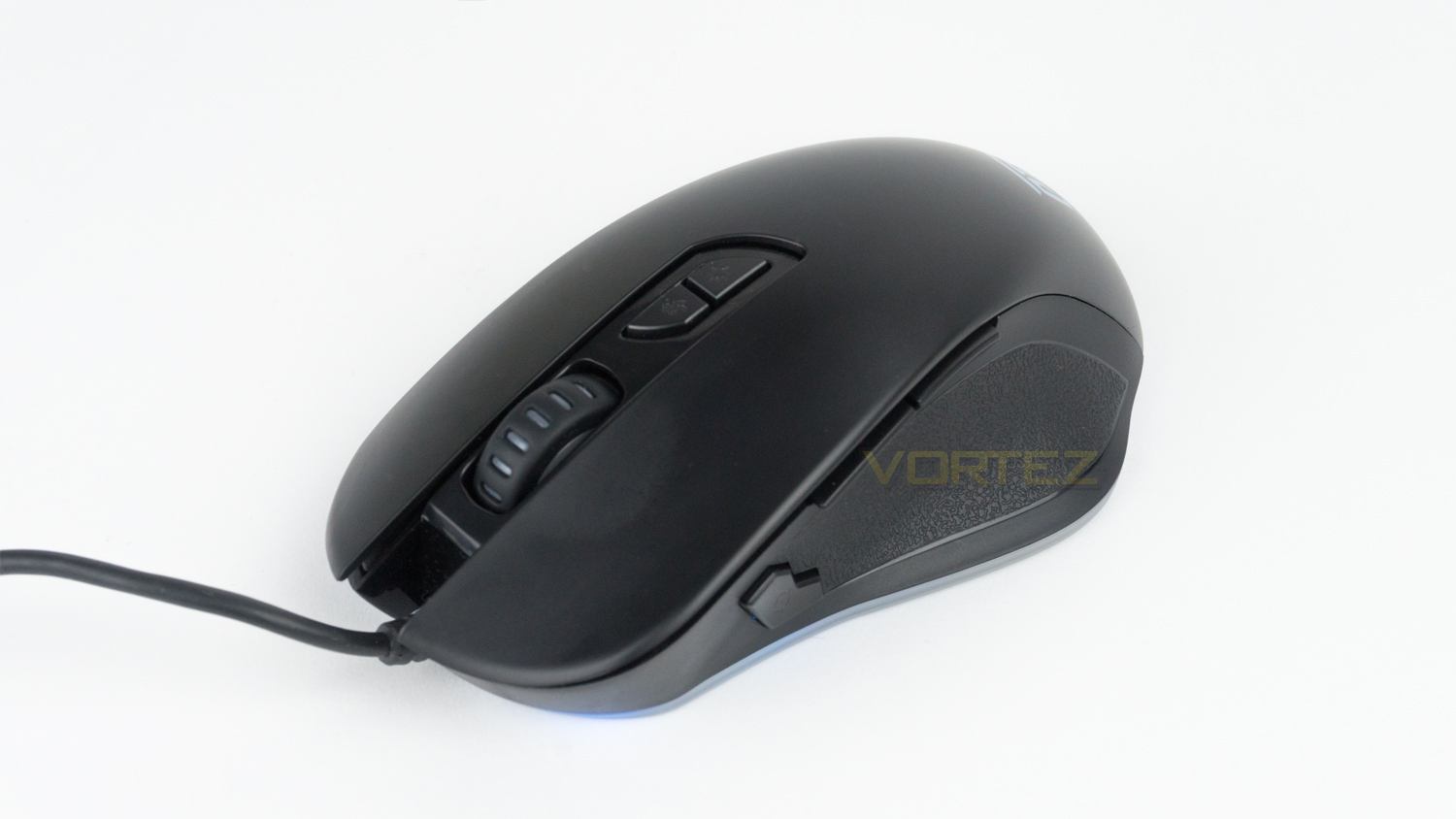
Taking a first look at the T47 and it looks a touch more premium than its cost would suggest. The body is all Black and semi-matte in nature. The overall aesthetic is nice, and it avoids the main design pitfalls that can sometimes be found among mice at this price.
Closer Look
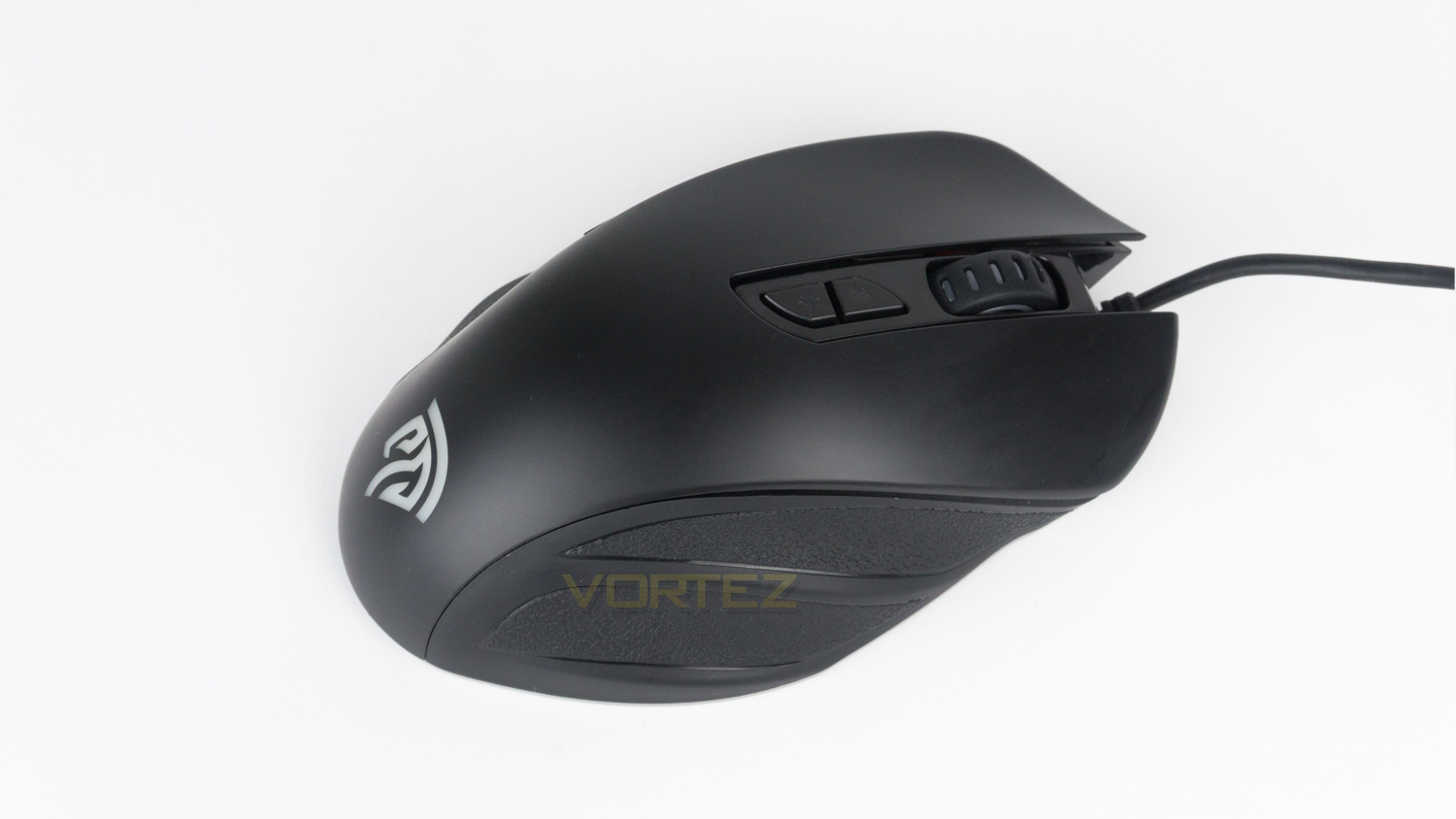
The top profile of the T47 is like many other budget orientated mice, at the front, there is the scroll wheel, a DPI button and button to toggle the illumination effects.
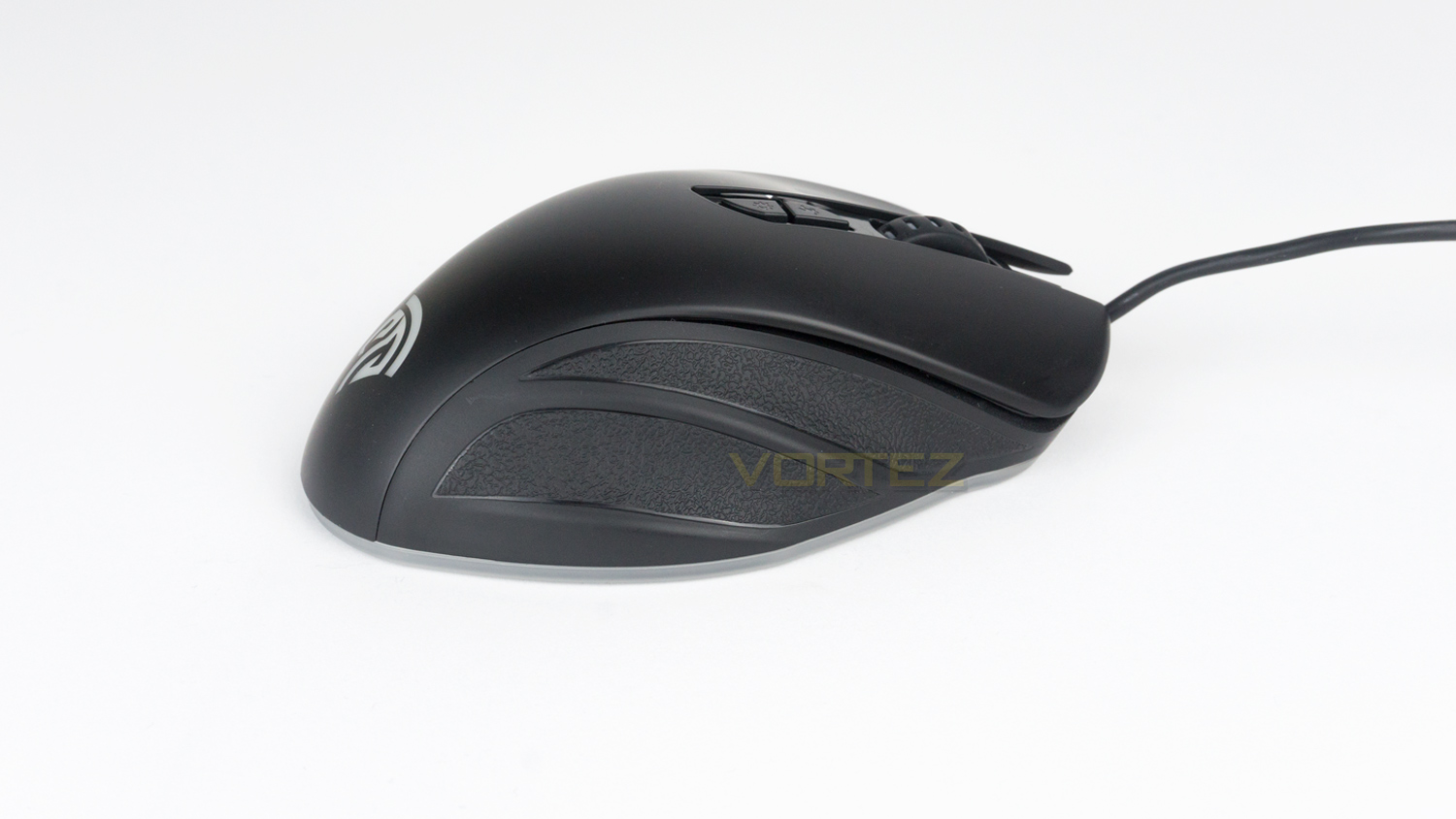
The side profile of the T47 has a nice curvature that isn’t too tall and is nicely rounded. There are no aggressive angles or slopes that can sometimes cause discomfort. The right side features two textured finger grips that are plastic. This area could have been improved if it featured some texturised rubber in place of the plastic.
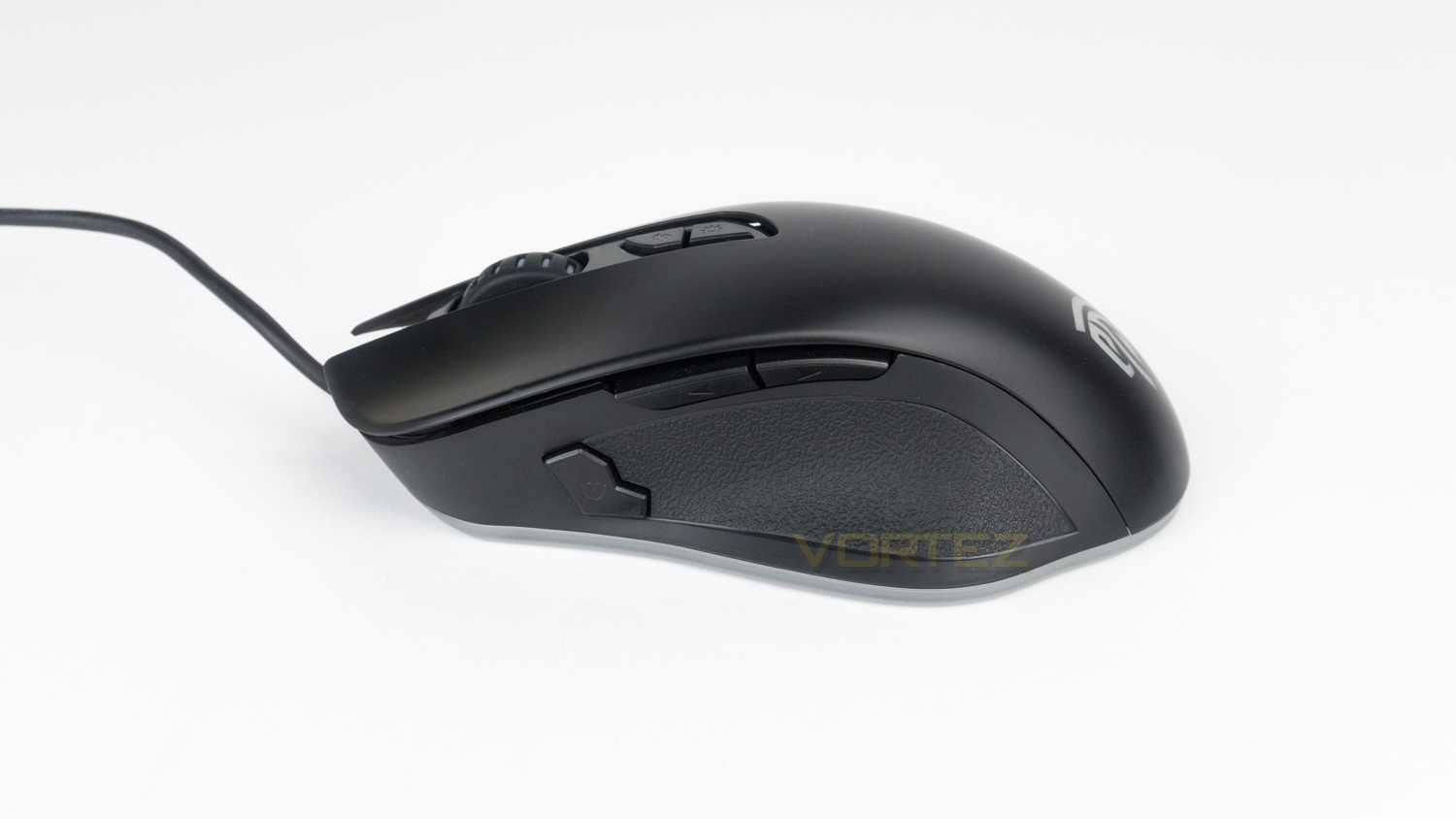
The left side has a large grip area which is again plastic. On this side, there are also three buttons. The two main act as a forwards and backwards button for web browsing. These can be customised using the downloadable software. The third button acts as a quick shift for the DPI level.
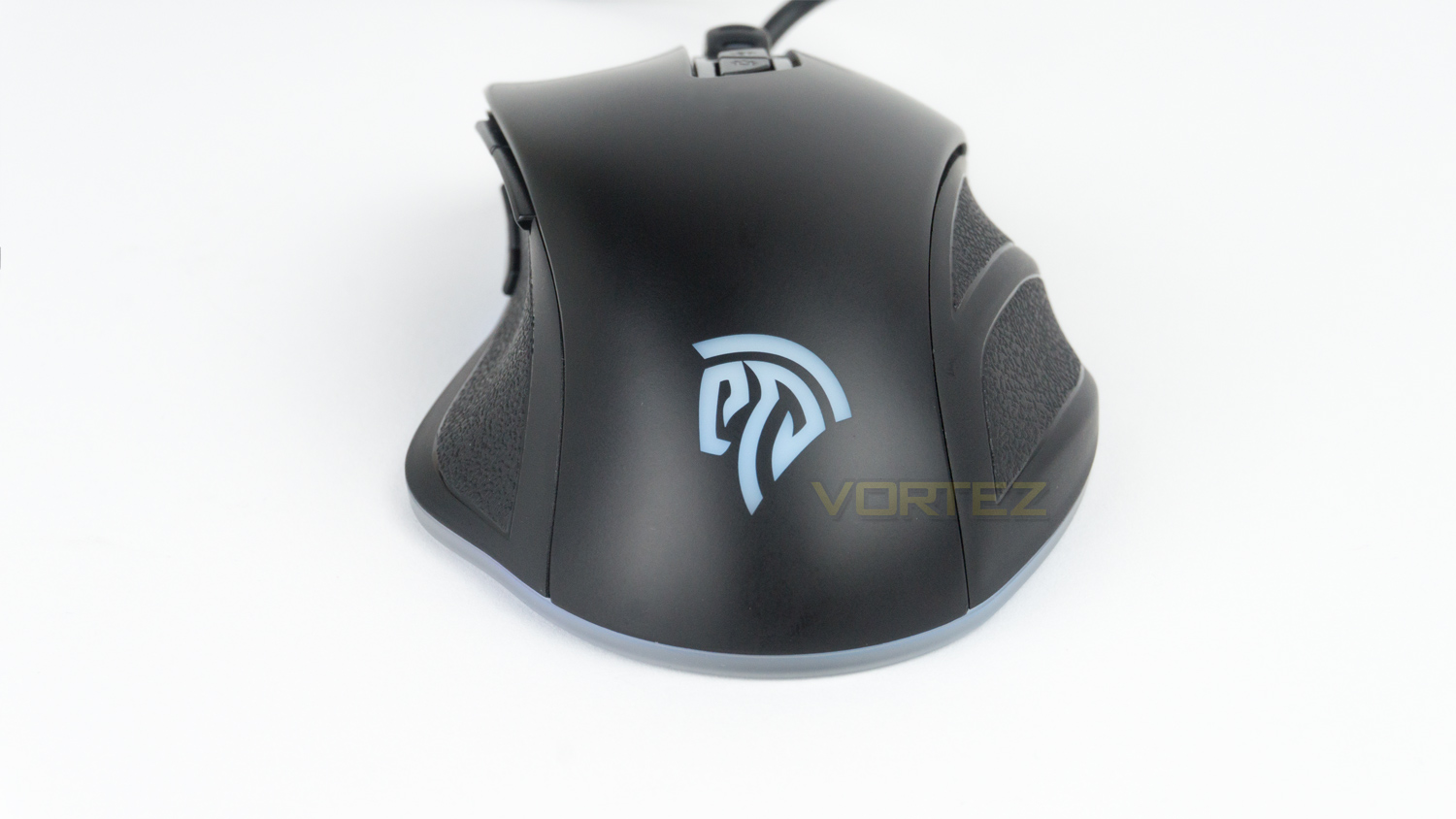
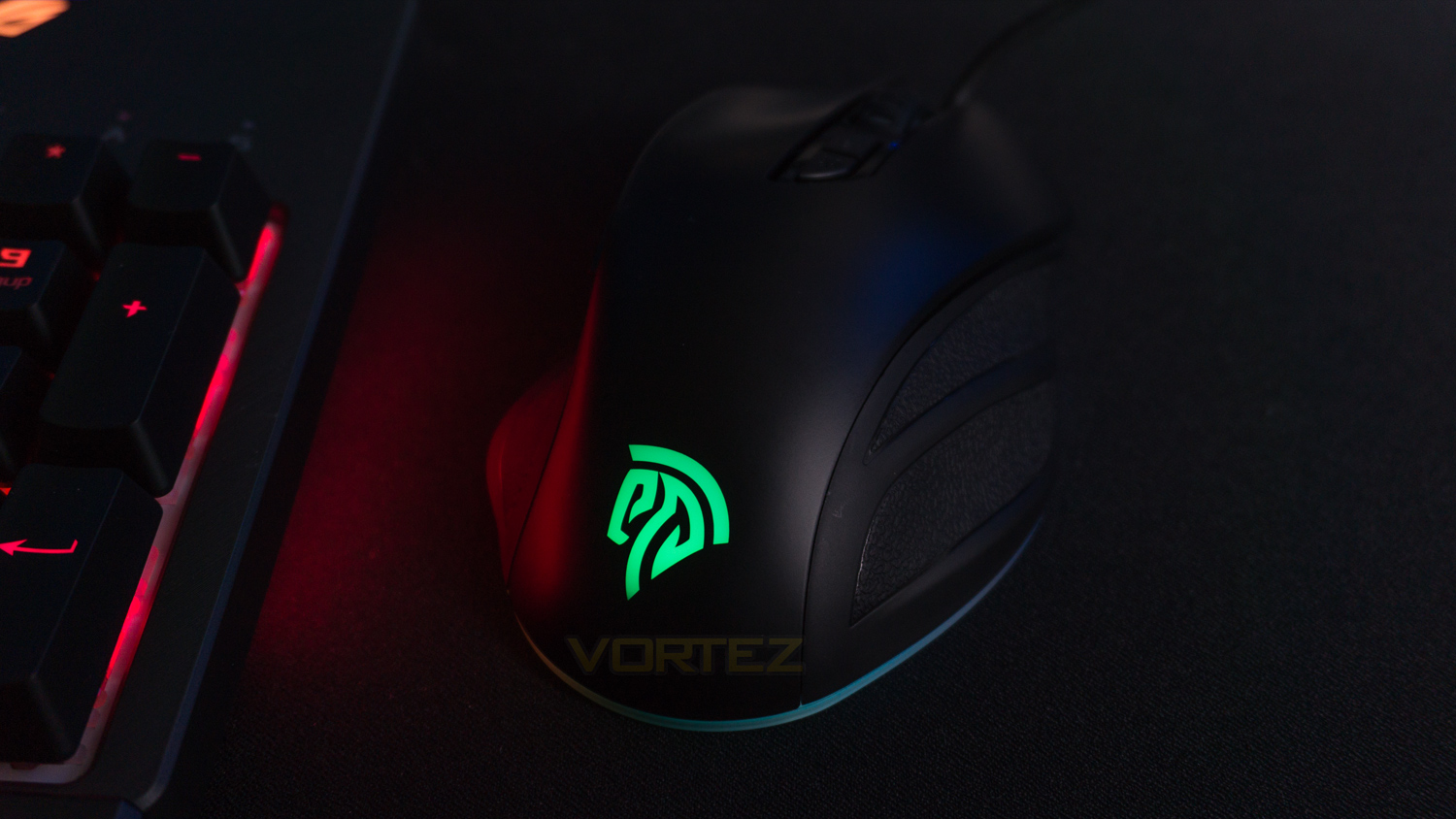
At the back of the mouse, there is the EasySMX logo that is one of the two RGB zones. You can also see the second RGB area that flows around the entire bottom of the mouse.
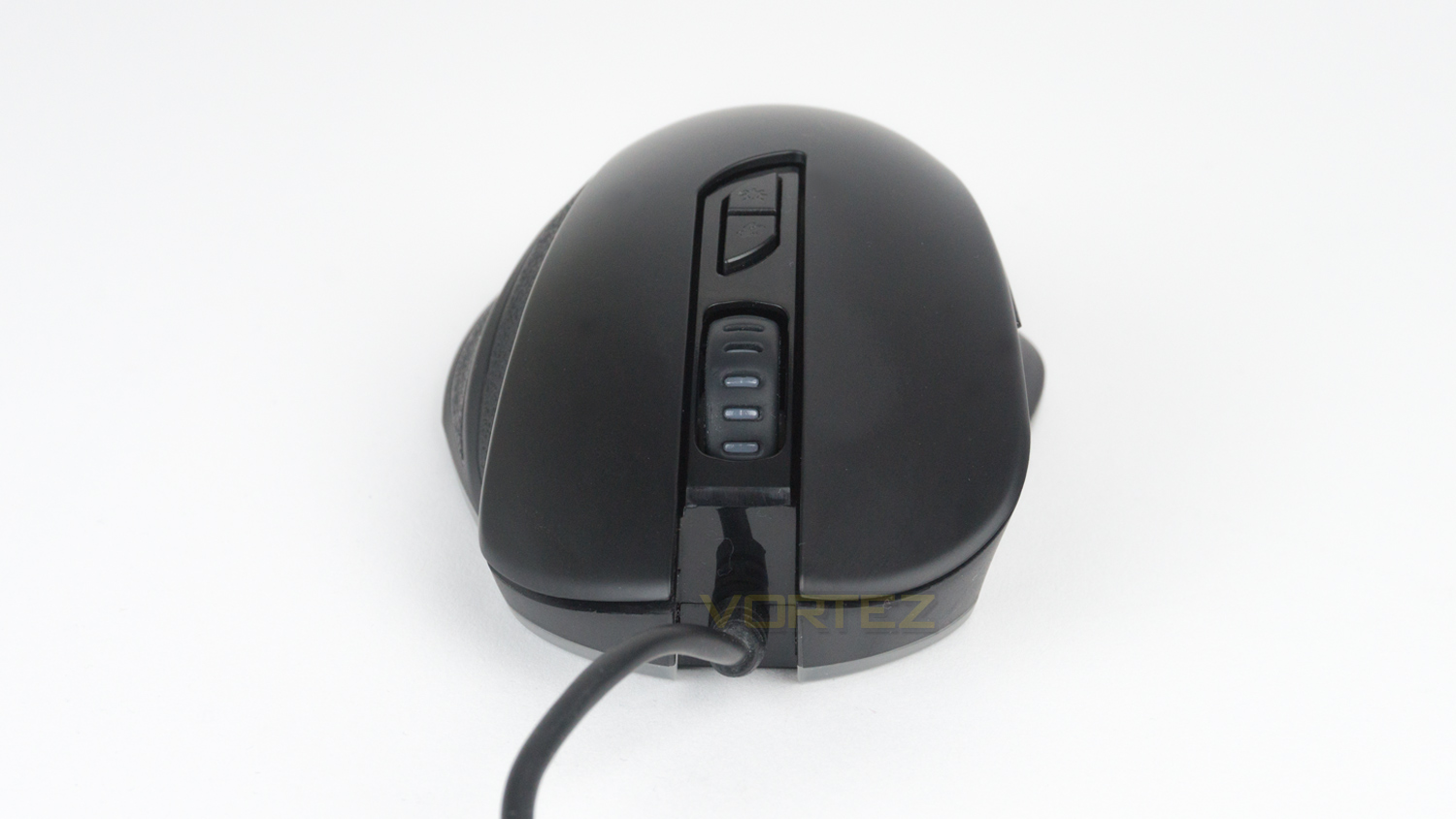
The front section gives you a closer look at the left and right buttons. The left click adopts a slight curved concave whereas the right is slightly convexed. This may sound odd, but in reality, it feels quite natural when in use. The front also reveals the non-removable rubberised cable.
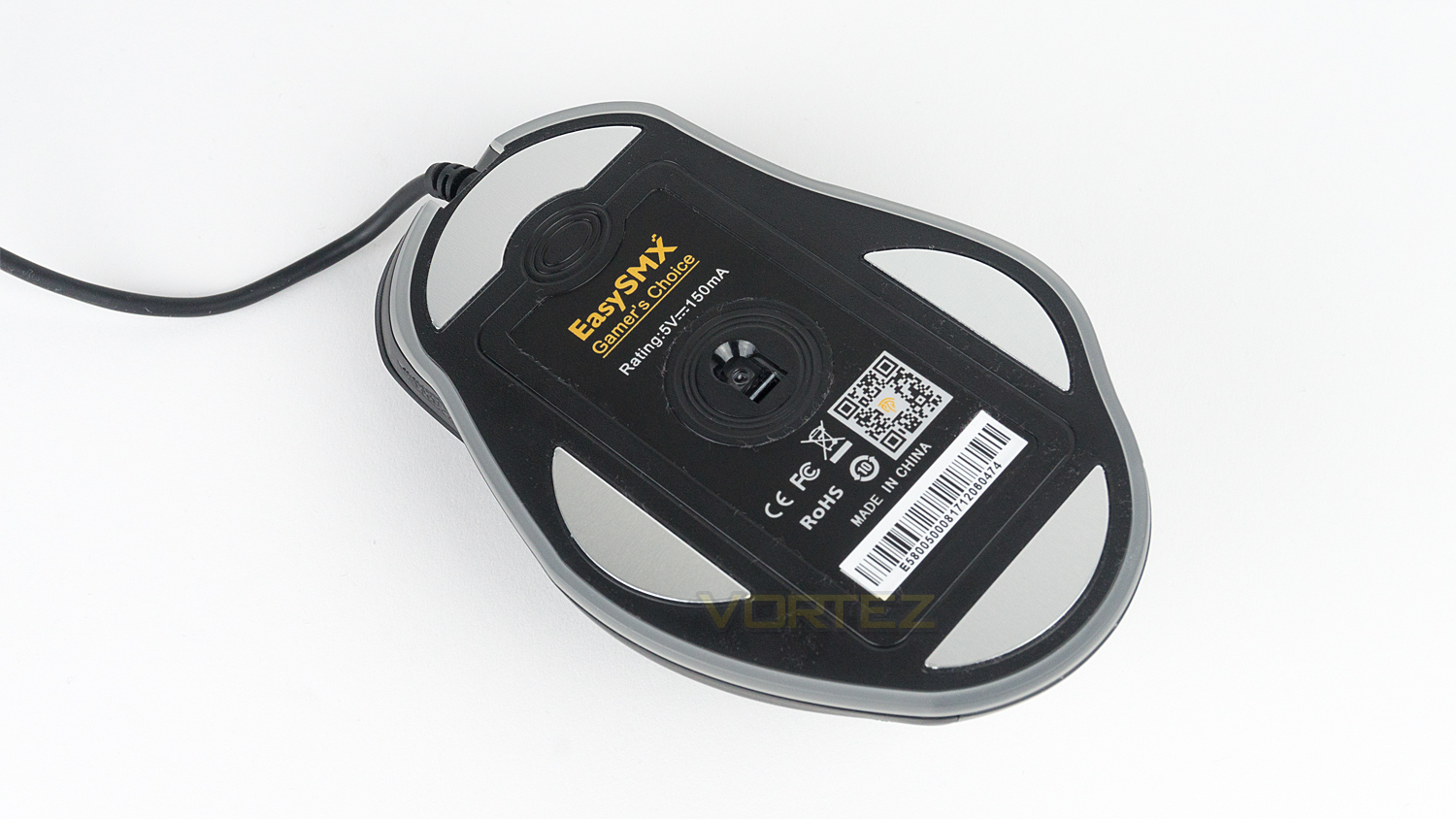
Underneath the T47 there are the four decently sized glide pads that are made from plastic but in a faux metal style. The sensor is located in the middle and is surrounded by some text, a QR code and the EasySMX branding.
Software
The software for the T47 is not listed on the product page, and you have to perform a Google search to find it. If you search for EasySMX download centre, that will enable you to find the page and access the download link. It would have been nice if the software was listed on the product as it would have saved a step in the initial setup process.
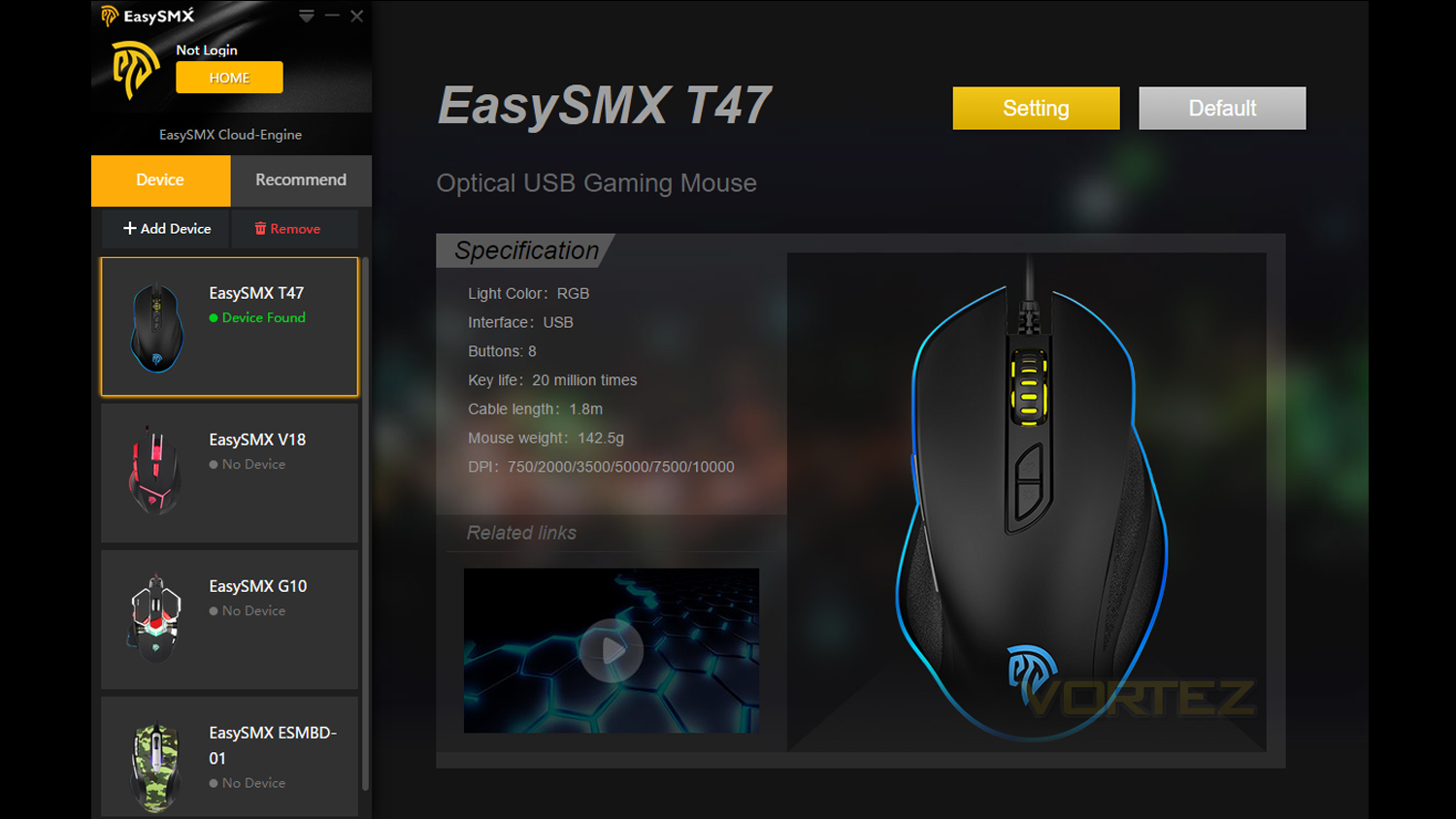
The main landing page of the software provides you with a list of all the mice that are compatible with the software. To the right side of that, you get a brief rundown of some of the key features of the mouse. To launch the main customisation application, you simply have to press the button marked “Setting”.
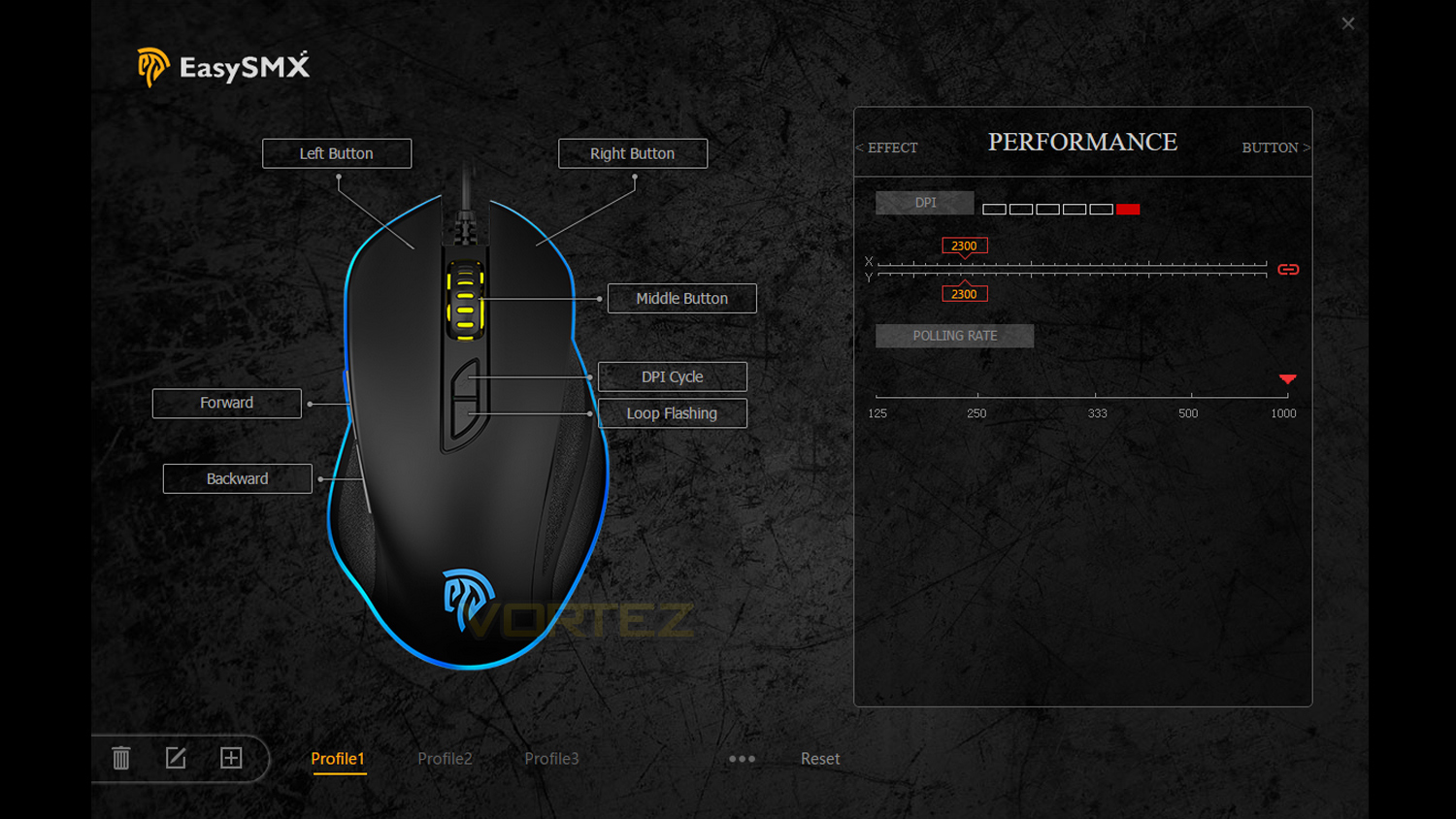
On the main software – on the left side, there is a labelled image of the mouse featuring all the buttons that at are programmable. To the right of this, there are three distinct categories that can be customised. The section marked “performance”, is very basic and allows you to adjust the polling rate – which is set to 500Hz by default, but can be increased to 1000Hz for a 1ms response time. The DPI adjustment is surprisingly good. You get the option to preset six different levels. To do this, you simply click on one of the highlighted boxes and use the slider to set the level of DPI you desire. To lock this choice, simply select the icon on the right-hand side of the slider.
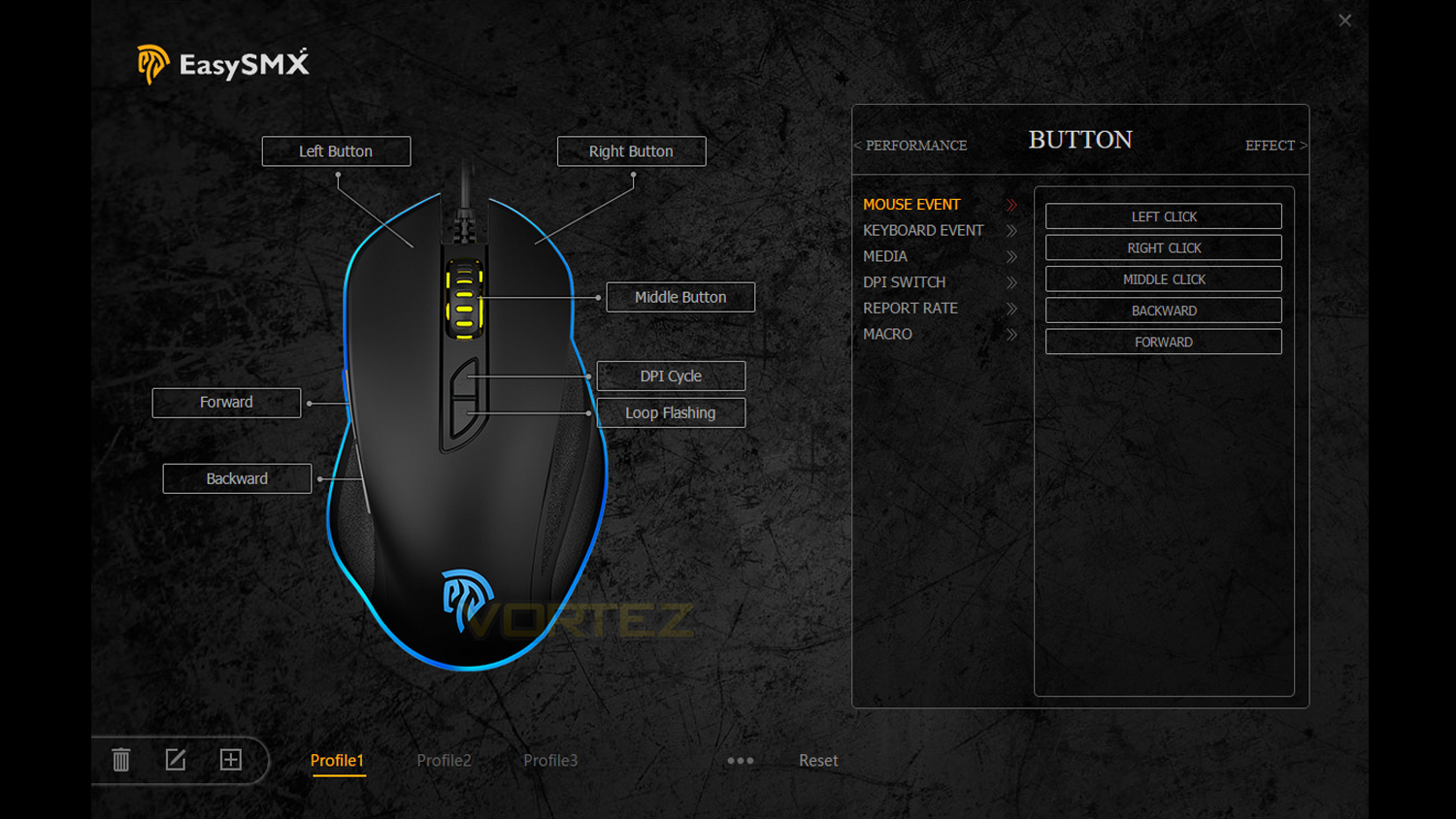
The “button” option allows you to programme 7 out of the 8 buttons. This can be done by selecting the button you wish to programme, and then you can choose what function you wish to add.
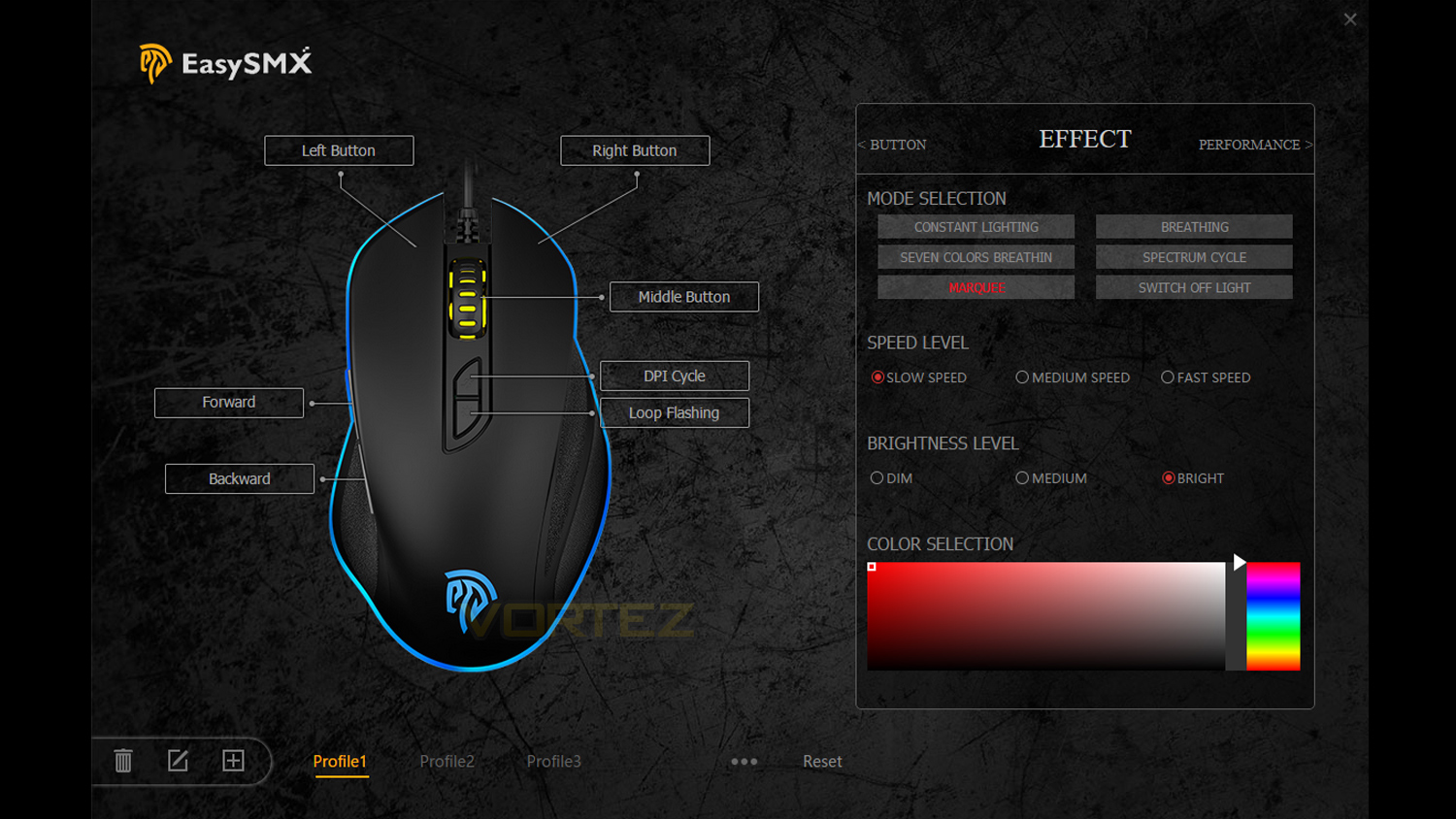
“Effect” is where you focus on lighting customisation. There are 5 main lighting effects to choose from, and an option to fully switch off the illumination. Below that there are 3 different levels of speed and 3 levels of brightness control. At the very bottom, there is the colour spectrum selector which allows you to pick a solid colour if you wish to match it to your setup.
Although the software is basic, it functions very well and allows you to customise the T47 to your preference.
Performance Testing
Setup and ObservationsThe initial setup is easy, all you require is a spare USB 2.0 port. If you want to make full use of the mouses’ features, then you’ll need the software. Our first main observation is that the T47 is more aimed towards users to adopt a palm grip style – due to the shape. A hybrid or claw grip style is possible, but not as comfortable. The glide feet on the underside of the mouse are not the smoothest, and there is a bit more resistance than what a Teflon coated set would offer. The side grips would benefit from having a rubberised texture rather than the plastic which is currently used. We understand that for the price point some cutbacks must be made, but rubberised grips would go a long way to help improve long-term comfort and grip.
RGB illumination
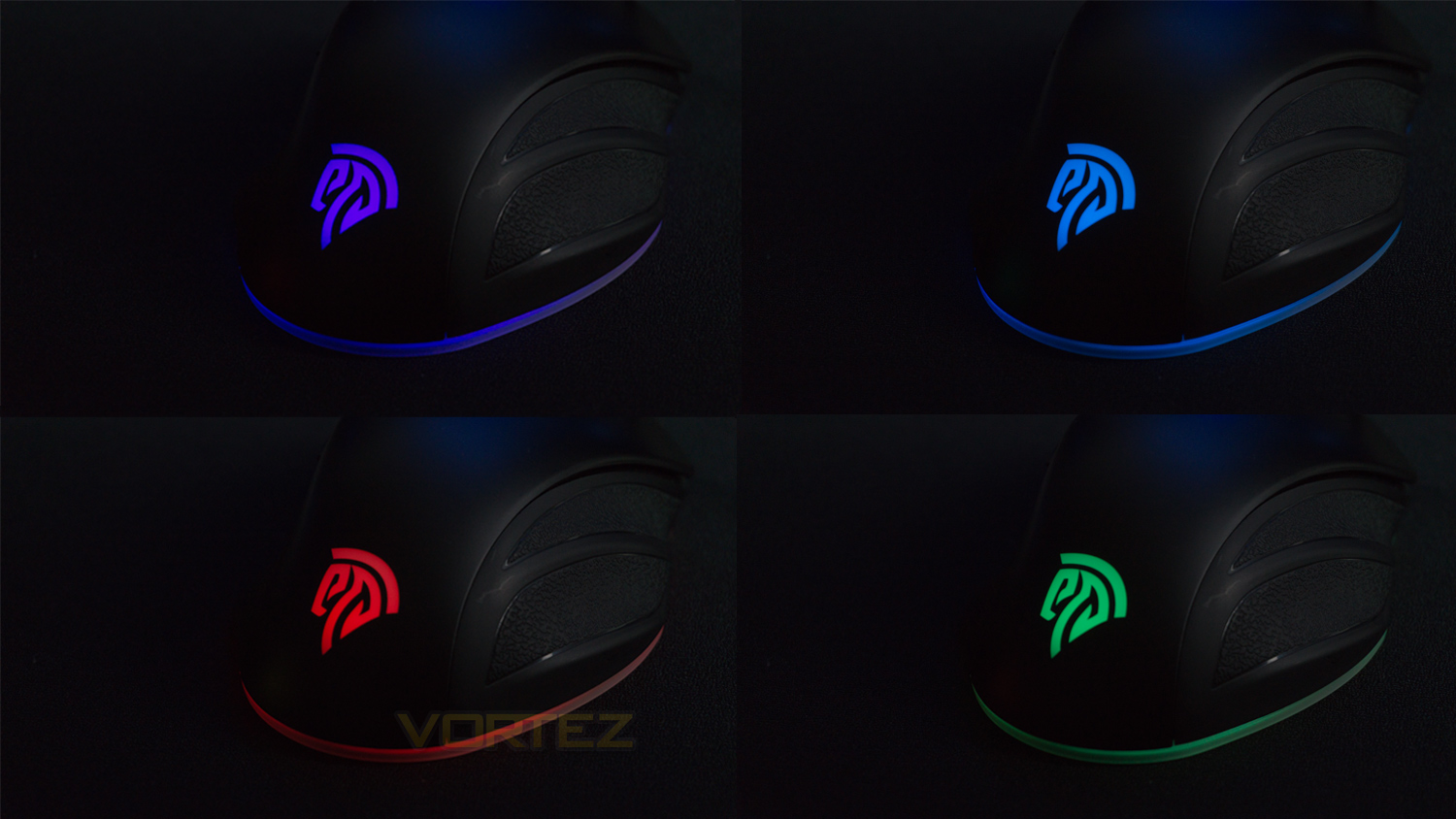
The RGB implementation on the T47 is better than expected. The RGB is mostly vibrant, and the colours have nice levels of saturation and fairly good accuracy. The RGB illumination on the rear logo is strong and doesn’t appear to have any visible thinness or hot spots. The second RGB area – the one around the bottom of the mouse, does not do as good a job – in certain situations. When under a desk light, the lighting isn’t as bright as the main logo, and there are some areas where the illumination is quite thin. When the light source has been switched off, the lighting effect does improve, but as you’re likely to use the mouse in the daytime or under lighting, the RGB illumination in this area suffers.
Performance
Day-to-day performance is good, and the T47 gave us no problems at all when using it for web browsing, document editing and even for some light photo manipulation in Photoshop. The left and right click are responsive even though not the quickest we’ve ever come across. Cursor movement and control is great until you starting pushing the DPI to its higher limits. The sensor seems to struggle to maintain smoothness at higher levels of DPI with the mouse becomes very difficult to control accurately. The scroll wheel, however, is decent. The scroll steps are good, but the scrolling action isn’t the smoothest we’ve come across. It is still very usable for everyday tasks though.
Gaming with the T47 was a good experience, the slower left and right click did sometimes impair the ability to perform burst, and rapid-fire actions in games like Overwatch, but if you play slower paced titles this shouldn’t pose an issue. The left and right buttons – on the left side of the mouse, are a bit softly sprung and fairly slow to react. The PWM-3325 sensor is solid, but again, not as responsive as sensors like the PWM-3310. For fast-paced games, it does hold its own and can just about keep up with quicker actions and movements, again it doesn’t quite match the performance of the 3310 sensor. Tracking and accuracy is quite respectable, but the lift-off distance is a bit high. Unfortunately, there is no option to tweak the lift-off distance, and if you often lift your mouse to move it, this could cause a few problems.
Conclusion
The T47 Gaming Mouse from EasySMX is not your typical affordable gaming mouse, it nails home a lot of important features that some others at the price point struggle to. It all starts with how the mouse looks and in one word, it is, “attractive”. The T47 doesn’t borrow from other cheap mice and use brash branding or any over the top gamer orientated flourishes that can sometimes be found on mice in the sub £20 category. The build quality of the mouse is a bit of a letdown, and it does rely on cheaper plastics and plastic in areas where other materials should have been used. But, this is by no means a deal breaker as you can’t expect the higher grades of materials at this low price point. The ergonomics of the mouse are solid, and it is comfortable for long use. The software you can download for this mouse is a little basic, but it does get the job done.
Although what we said in the performance section of this review sounded a bit critical, you have to bear in mind that this is a £20 mouse, but yet it performs better than most mice at this price point. It doesn’t and can’t compare to more expensive mice, and if you do want an amazing gaming experience, then you have to be willing to pay for it. This mouse offers great performance for the price bracket it’s in and would suit casual gamers on a budget or gamers looking to make a start in PC gaming, but perhaps aren’t willing to invest a big sum of money right away. If you want a mouse for competitive gaming, we would suggest looking at an alternative that uses the PWM-3310 sensor or similar, but if you want to play competitive titles casually, this is a solid choice.
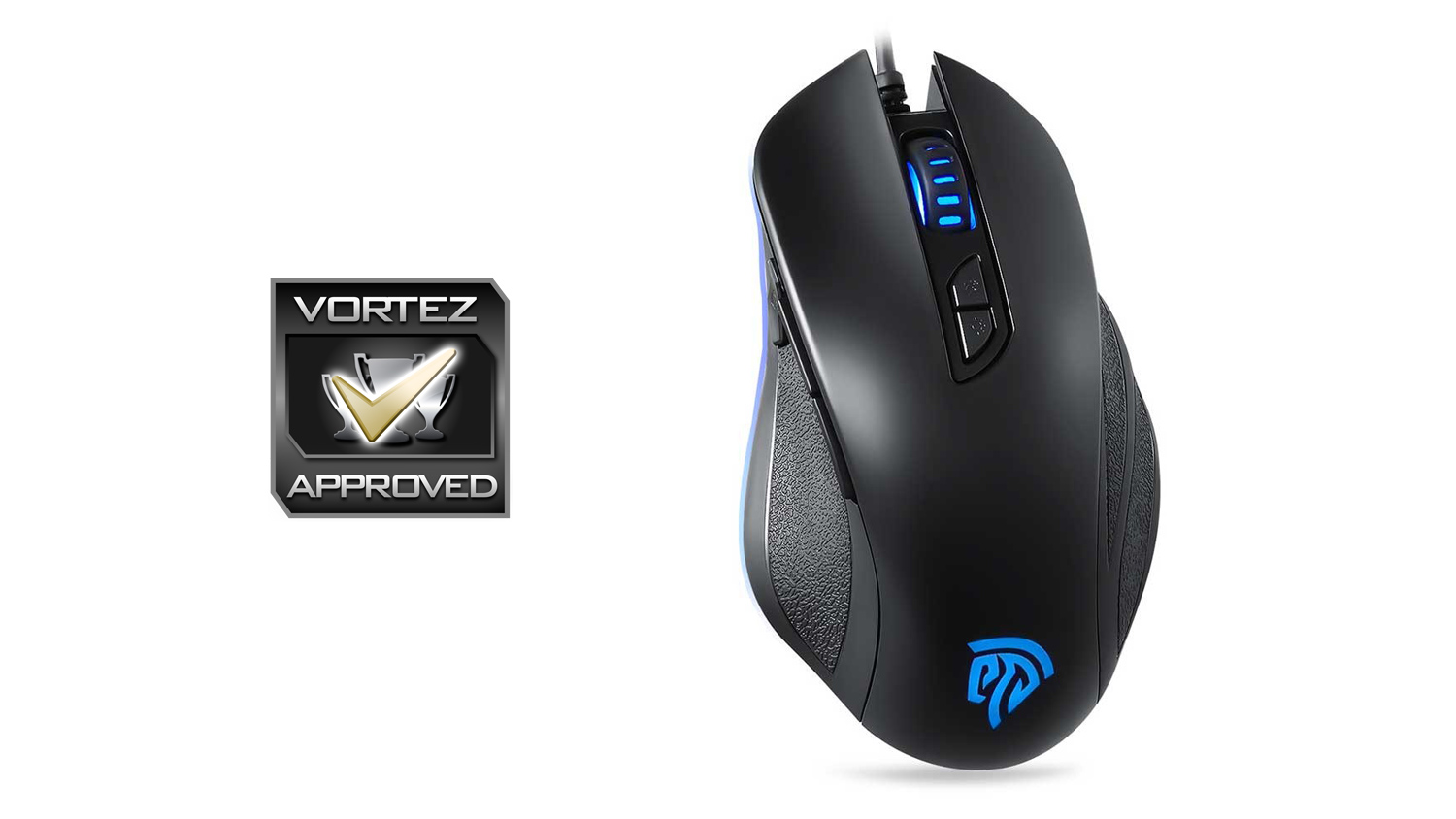
The T47 Gaming Mouse from EasySMX bucks the usual trends of affordable gaming mice and genuinely offers great all-around performance for its price.
Pros
+ Subdued styling
+ Comfort
+ Good gaming performance for the price
+ Solid day-to-use capabilities
+ Surprisingly capable if basic software
+ Price
Neutral
+- Build quality
+- RGB illumination isn’t all good
Cons
– Plastic side grips
– Not the smoothest glide
+ Subdued styling
+ Comfort
+ Good gaming performance for the price
+ Solid day-to-use capabilities
+ Surprisingly capable if basic software
+ Price
Neutral
+- Build quality
+- RGB illumination isn’t all good
Cons
– Plastic side grips
– Not the smoothest glide
Click here for an explanation of our awards at Vortez.net.
Stay connected with the Vortez Social Media pages:
Join in with the discussions on Discord