Have Logitech finally made an affordable wireless gaming mouse that can rival a wired option? Let’s take a look at their G305 to find out.

Product on Review: Logitech G305
Manufacturer: Logitech
Street Price: £51.99 / $59.99
Earlier in the year we reviewed a trio of Logitech wireless mice, these were the G603, G703 and G903. All these were highly impressive, so can Logitech’s G305 impress us as much as their other offerings?
Well it’s off to a good start thanks to Logitech’s LIGHTSPEED tech, HERO sensor, ultra-low 1ms response time and highly impressive battery life. If you’ve read our G603 review, you’ll already be familiar with LIGHTSPEED and its capabilities, and it is great that we now get this tech in an even more affordable package. If you didn’t catch our review here is a brief overview. LIGHTSPEED is a form of wireless connection that is capable of both a high-performance mode and efficiency mode, this is great as you can switch between the two depending on what task you are carrying out. Furthermore, with this tech, a 1ms response time has been achieved which is brilliant – especially when gaming. The 12,000DPI HERO sensor is also impressive and is capable of delivering accurate actions with velocities over 400 IPS; and even manages this feat without the need for any smoothing, acceleration or filtering.
One more stand-out feature is the up to 250 hours of battery life when using a AA battery, that is partially thanks to the technology mentioned above and the software that can alter the G305’s behaviour to make it even more efficient.
All this sounds mighty impressive, but there is still one question, and that is can it rival a similarly priced wired offering?….. Let’s find out.
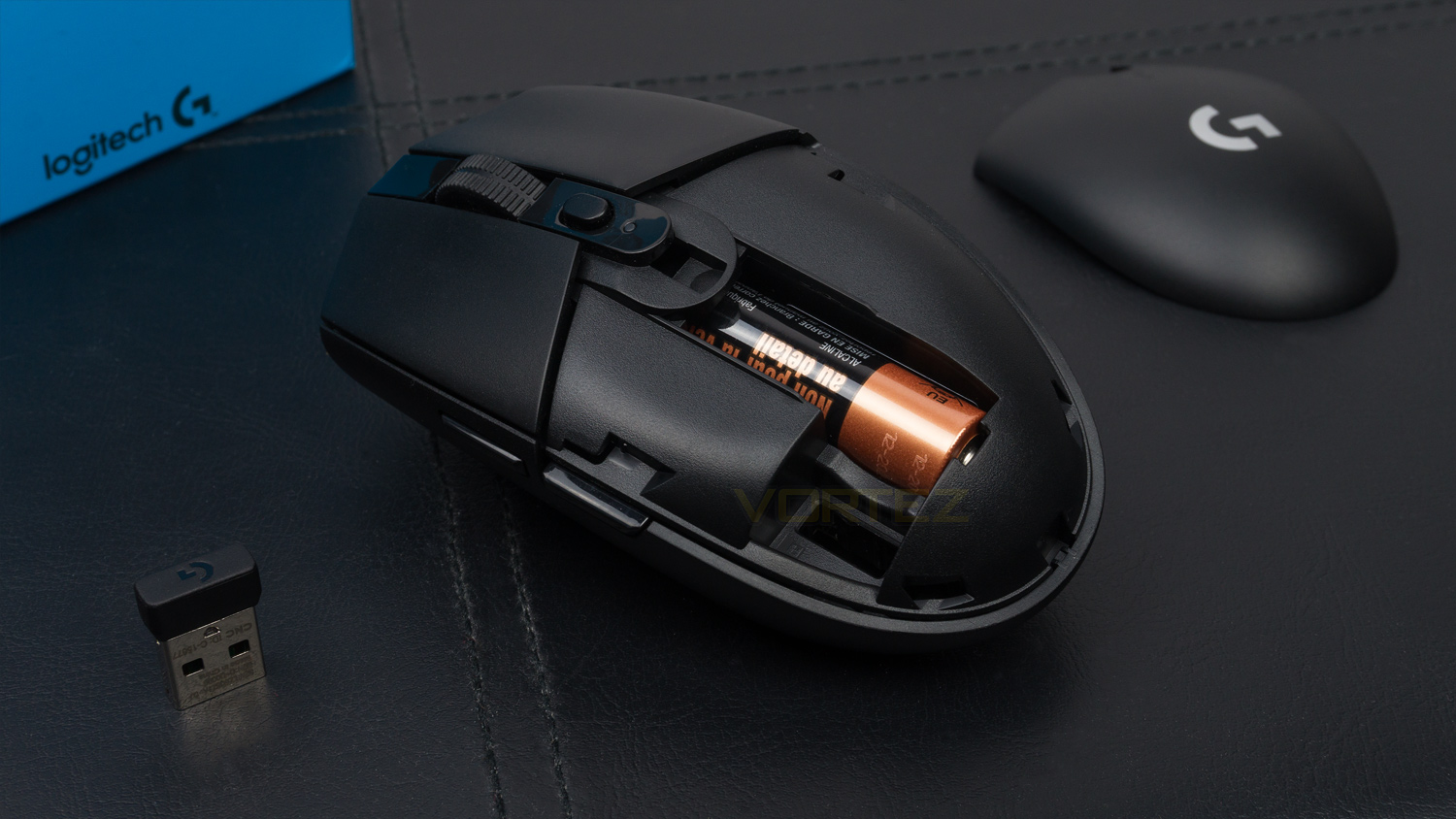
Logitech on the G305:
G305 is a LIGHTSPEED wireless gaming mouse designed for serious performance with latest technology innovations at an affordable price point. It’s next-generation wireless gaming, now ready for any and every gamer.
Technical Specifications
Mouse
Sensor – Hero
Sensor resolution – 200 – 12,000DPI
Max acceleration – 40G
Max speed – 400 IPS
Wireless report rate – 1000Hz (1ms)
Wireless technology – LIGHTSPEED
Microprocessor – 32-bit ARM
Battery life – up to 250 hours
Onboard memory – 1 profile
Mechanical button tensioning system
Durability – Buttons = 10-million clicks
PTFE feet – 250-km range
Dimension & Weight
Size – 116.6mm (H) x 62.15 (W) x 38.2 (D)
Weight – 99g
System requirements
OS – Windows 7 or later, macOS 10.11 or later, Chrome OS
USB port
Internet for software
Sensor – Hero
Sensor resolution – 200 – 12,000DPI
Max acceleration – 40G
Max speed – 400 IPS
Wireless report rate – 1000Hz (1ms)
Wireless technology – LIGHTSPEED
Microprocessor – 32-bit ARM
Battery life – up to 250 hours
Onboard memory – 1 profile
Mechanical button tensioning system
Durability – Buttons = 10-million clicks
PTFE feet – 250-km range
Dimension & Weight
Size – 116.6mm (H) x 62.15 (W) x 38.2 (D)
Weight – 99g
System requirements
OS – Windows 7 or later, macOS 10.11 or later, Chrome OS
USB port
Internet for software
Packaging & First Look
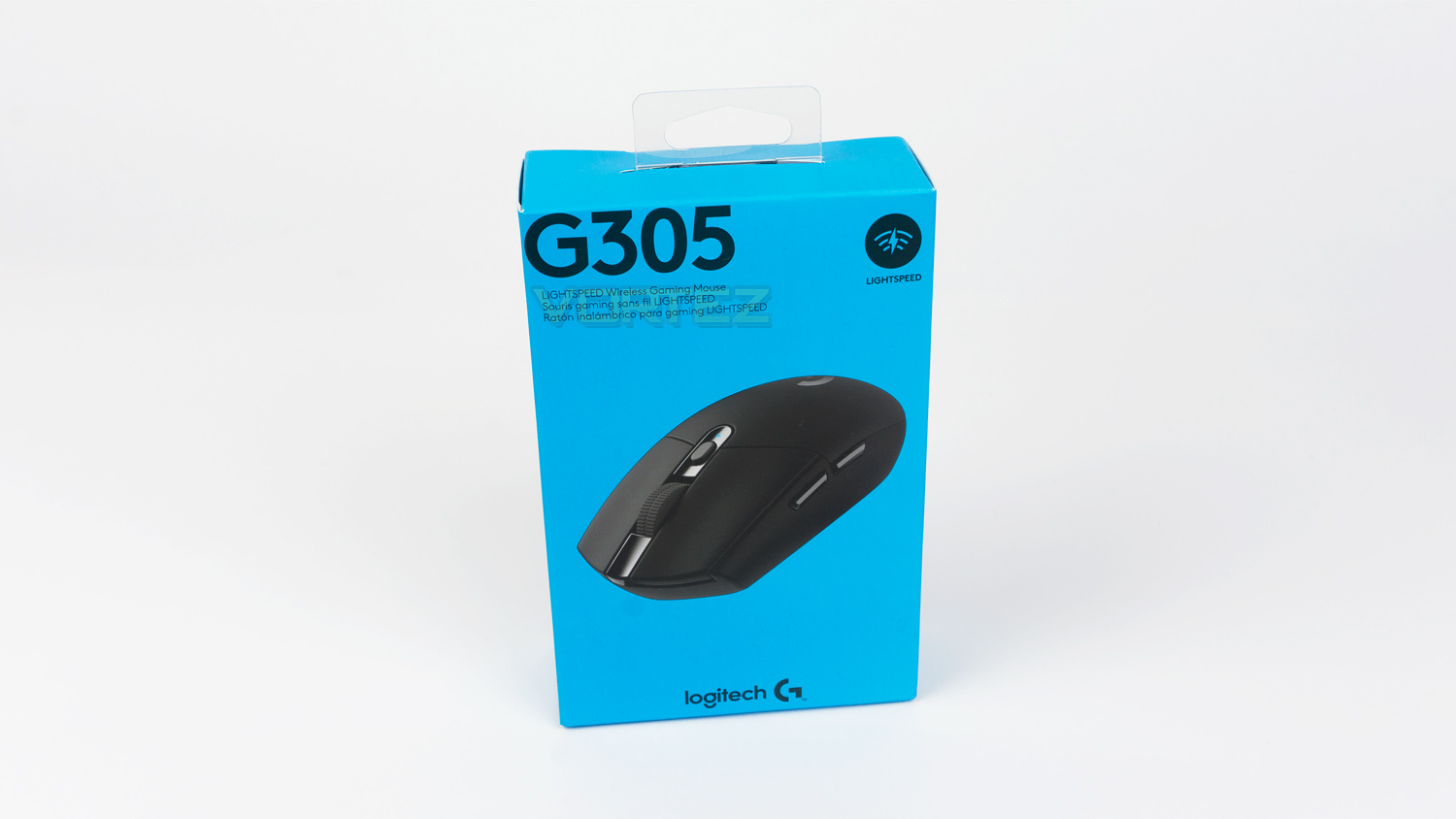
Most G branded Logitech mice arrive in either a Grey box or a black one for the Pro lineup, but the G305 comes in a vibrant blue one which also has a completely different style to the rest of their offerings.
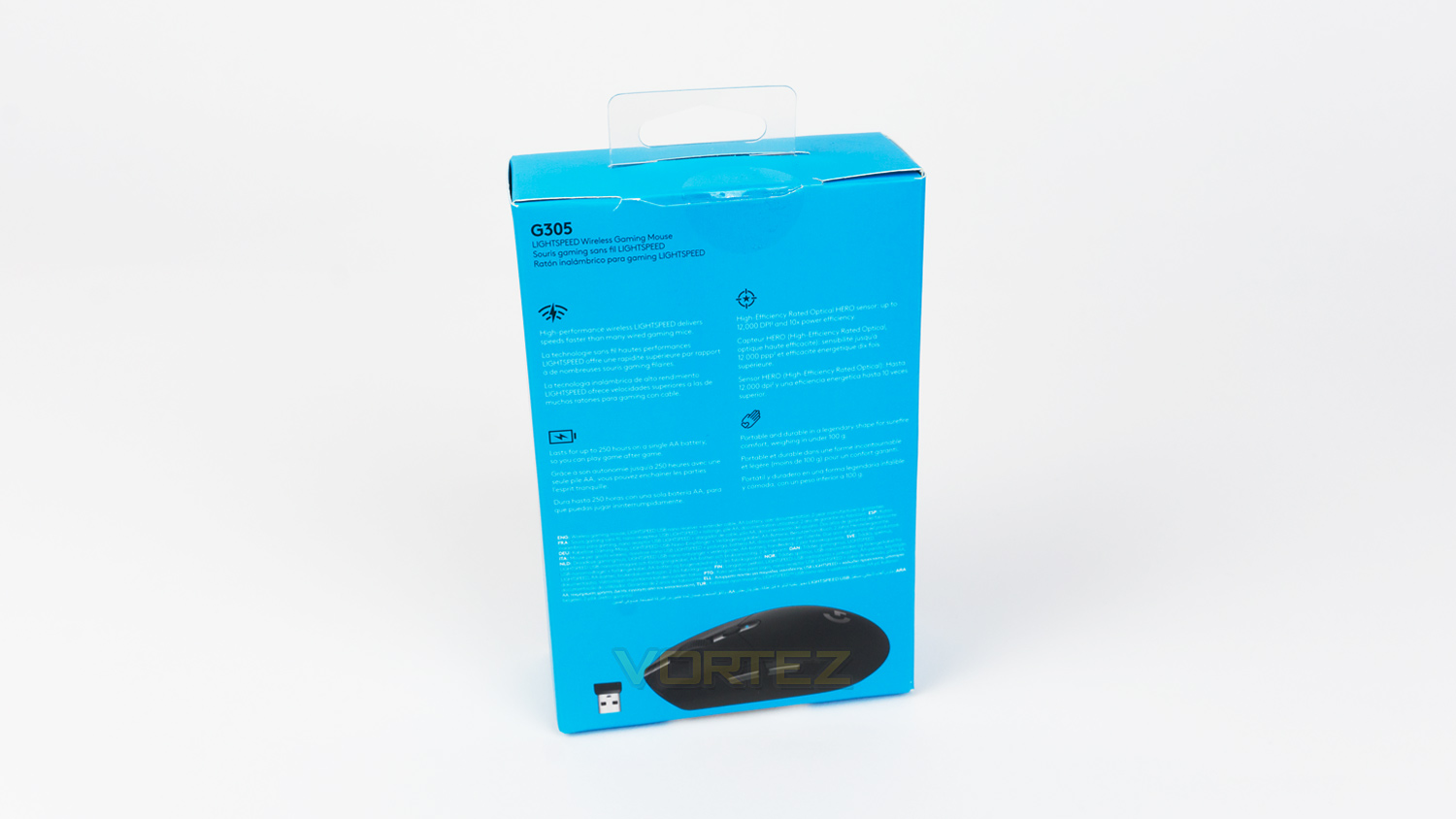
At the rear of the box, there is a fair amount of information on the various different technologies used within the G305.
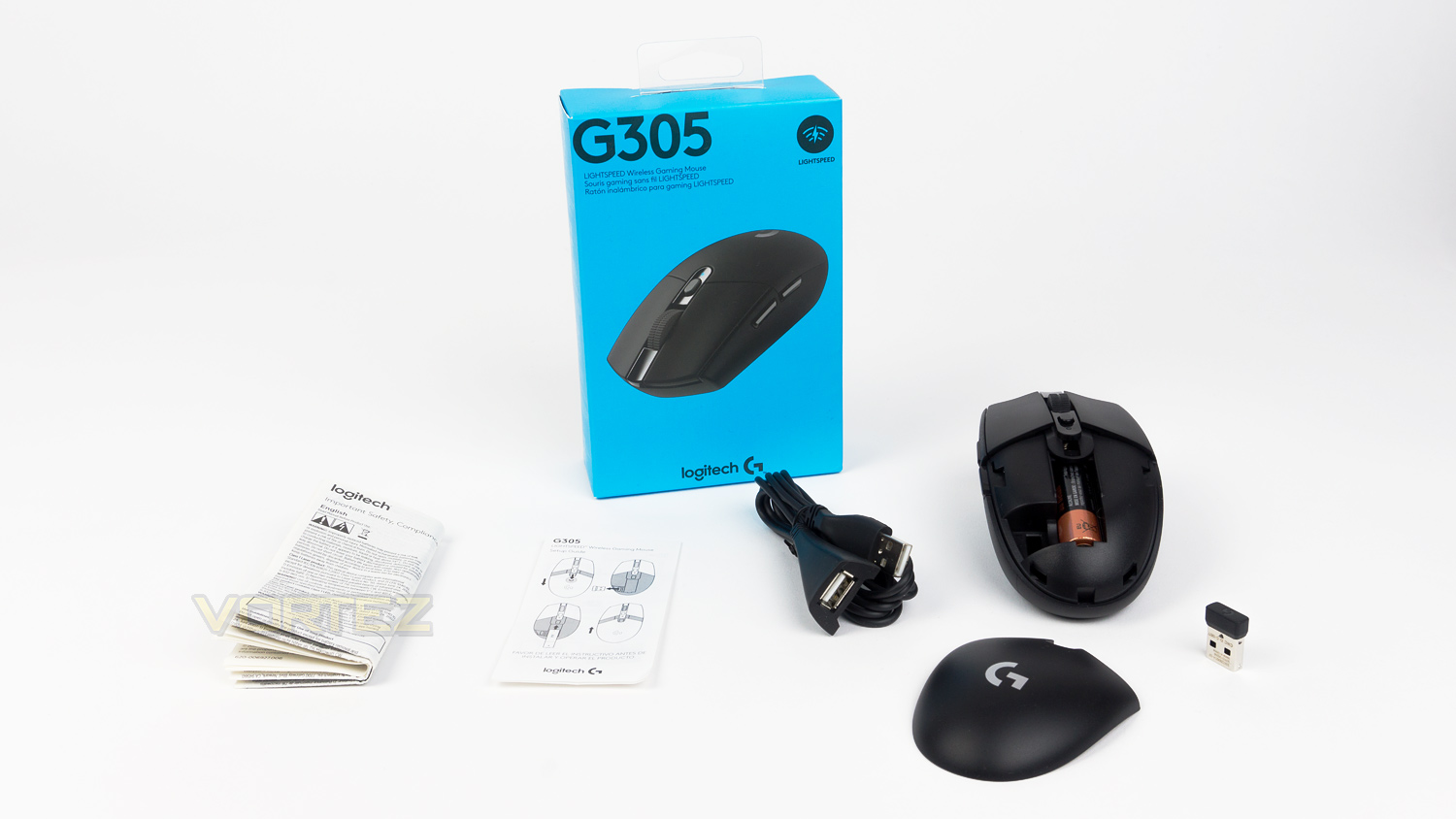
Within the box, there is the mouse, AA battery, the wireless receiver, USB extension cable and the documentation.
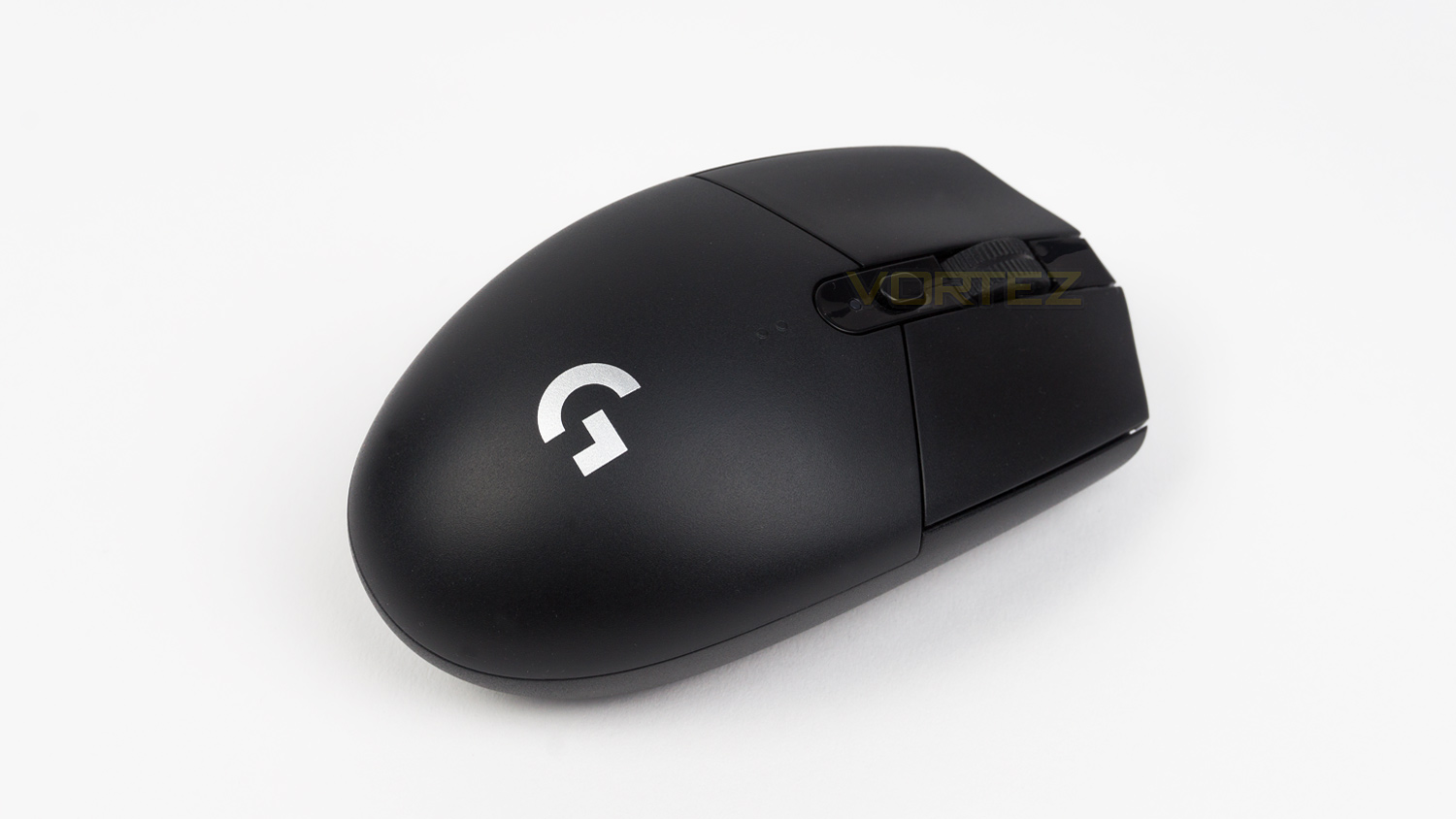
The G305 does strike a remarkable resemblance to their Pro gaming mouse in terms of shape, style and layout. This isn’t a bad thing though as the design is clean and well thought out. You’ll also note that there is no RGB which is good in this case as it will prolong battery life.
Closer Look
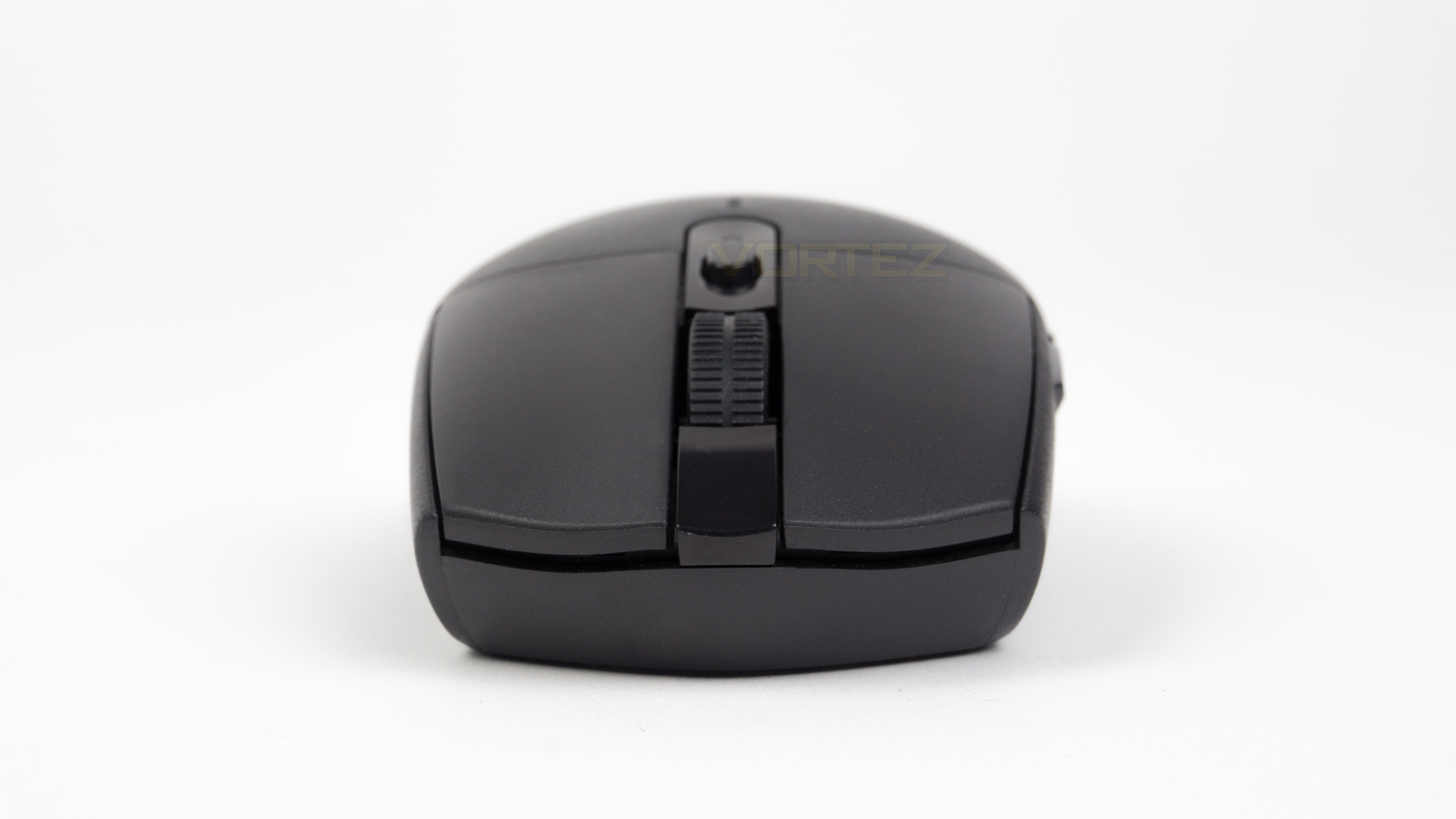
The front profile of the G305 is very small as this is a low-profile mouse. From this angle, you can see the slight curvature which helps position your fingers in use.
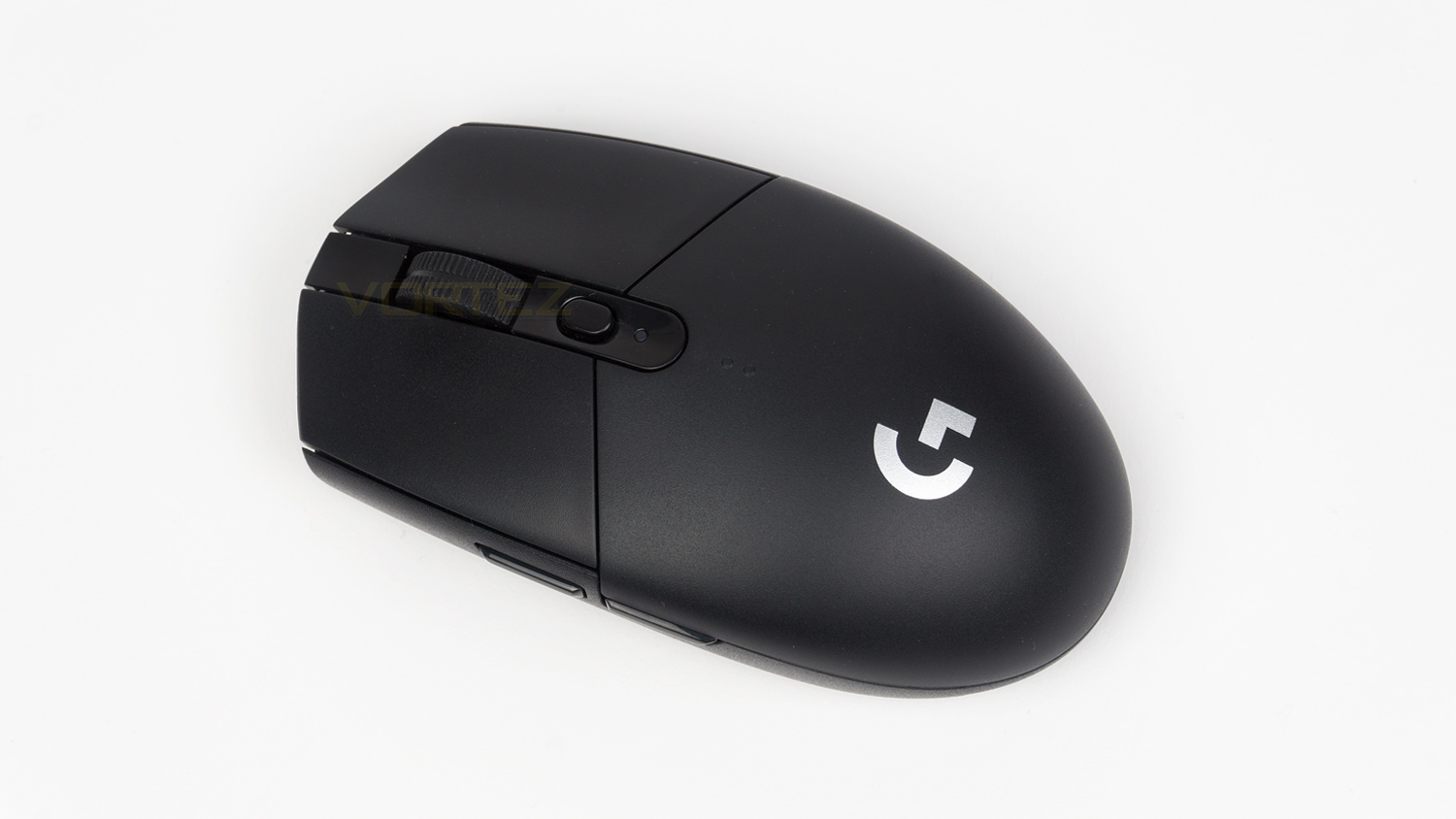
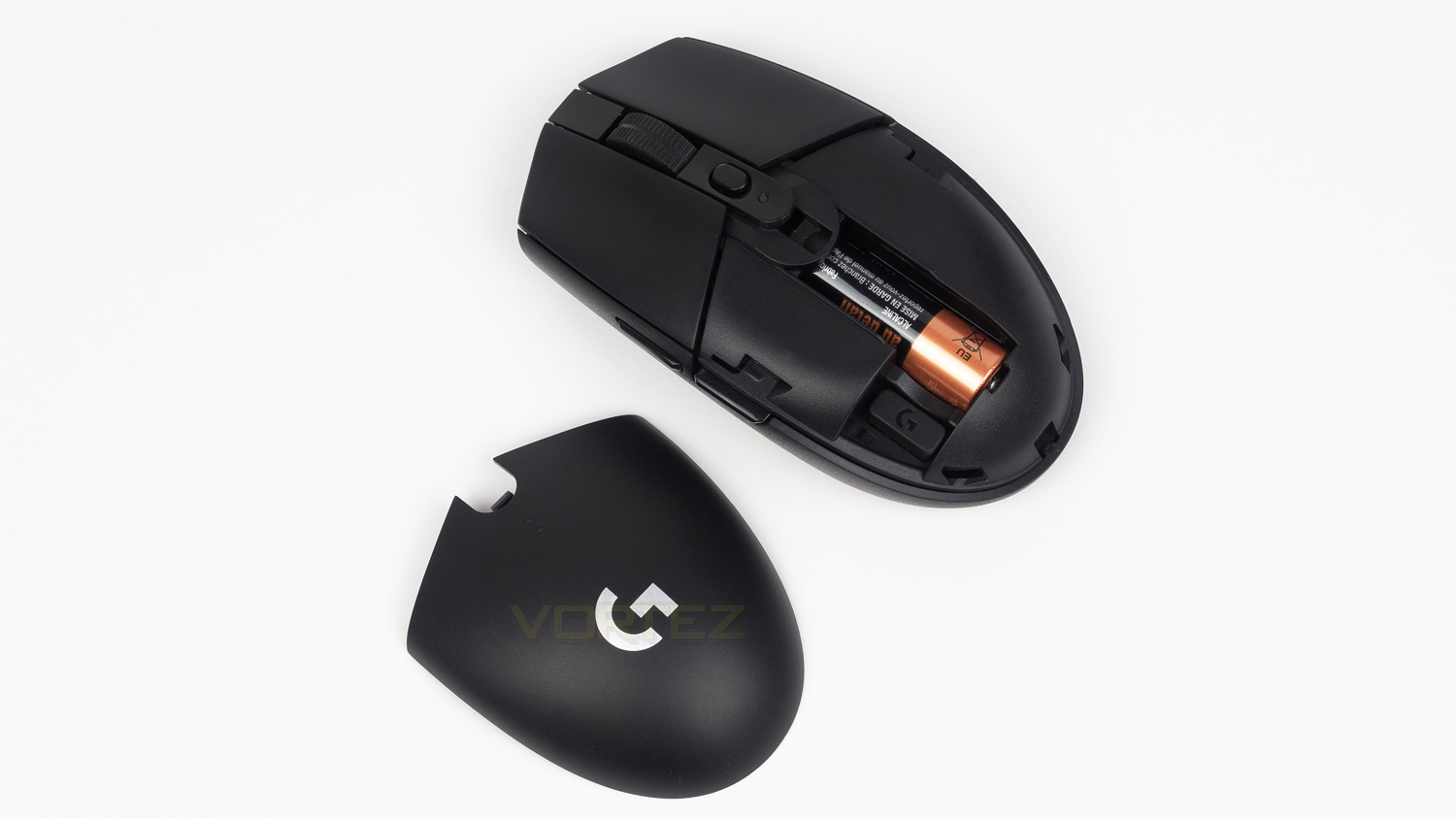
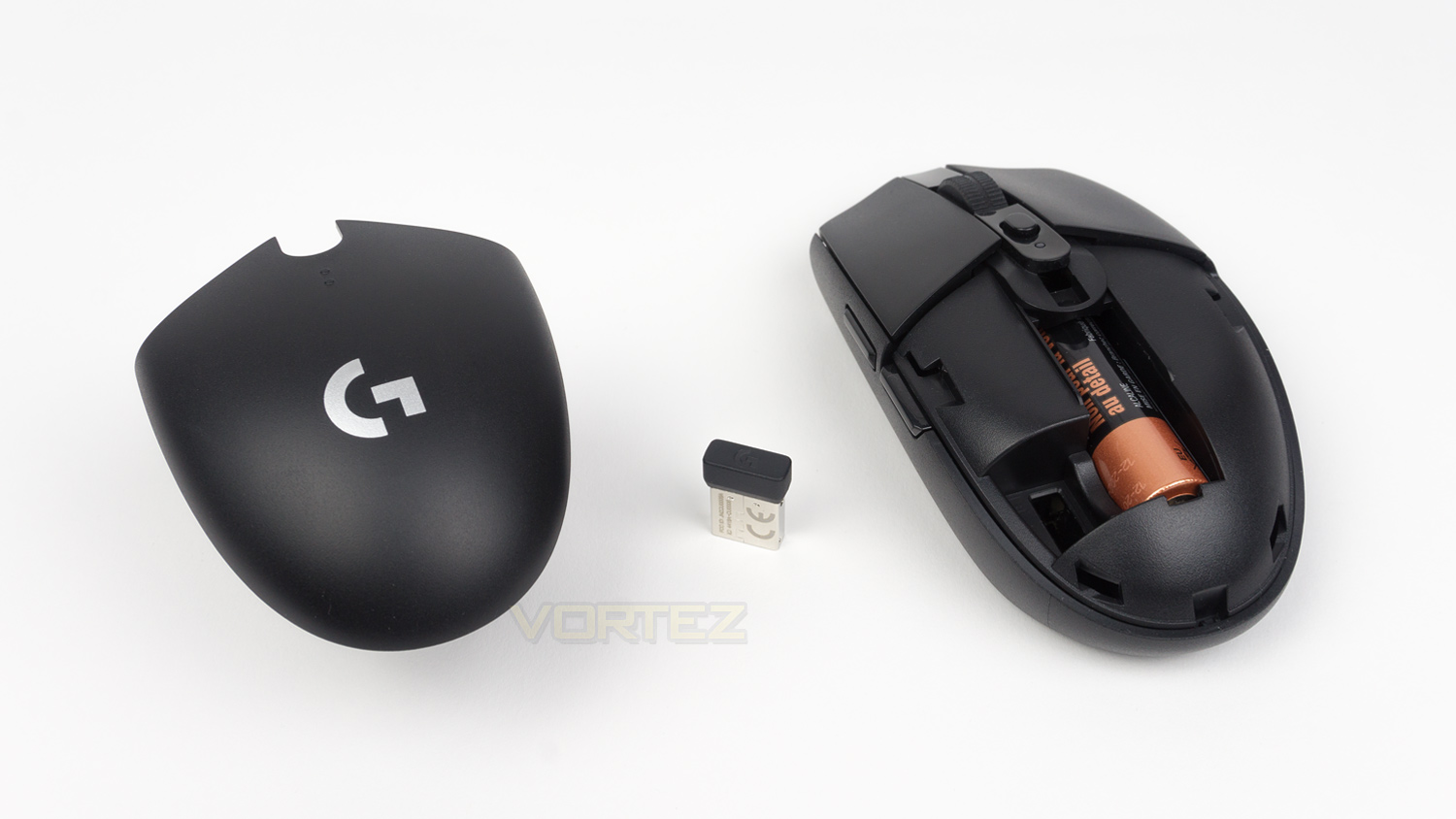
At the top, you get a look at the single DPI switch along with the LED indicator and the scroll wheel. The scroll wheel features a ridged texture which is nice a grippy. The rear section is removable and provides access to swap out the AA battery as well as store the wireless receiver.
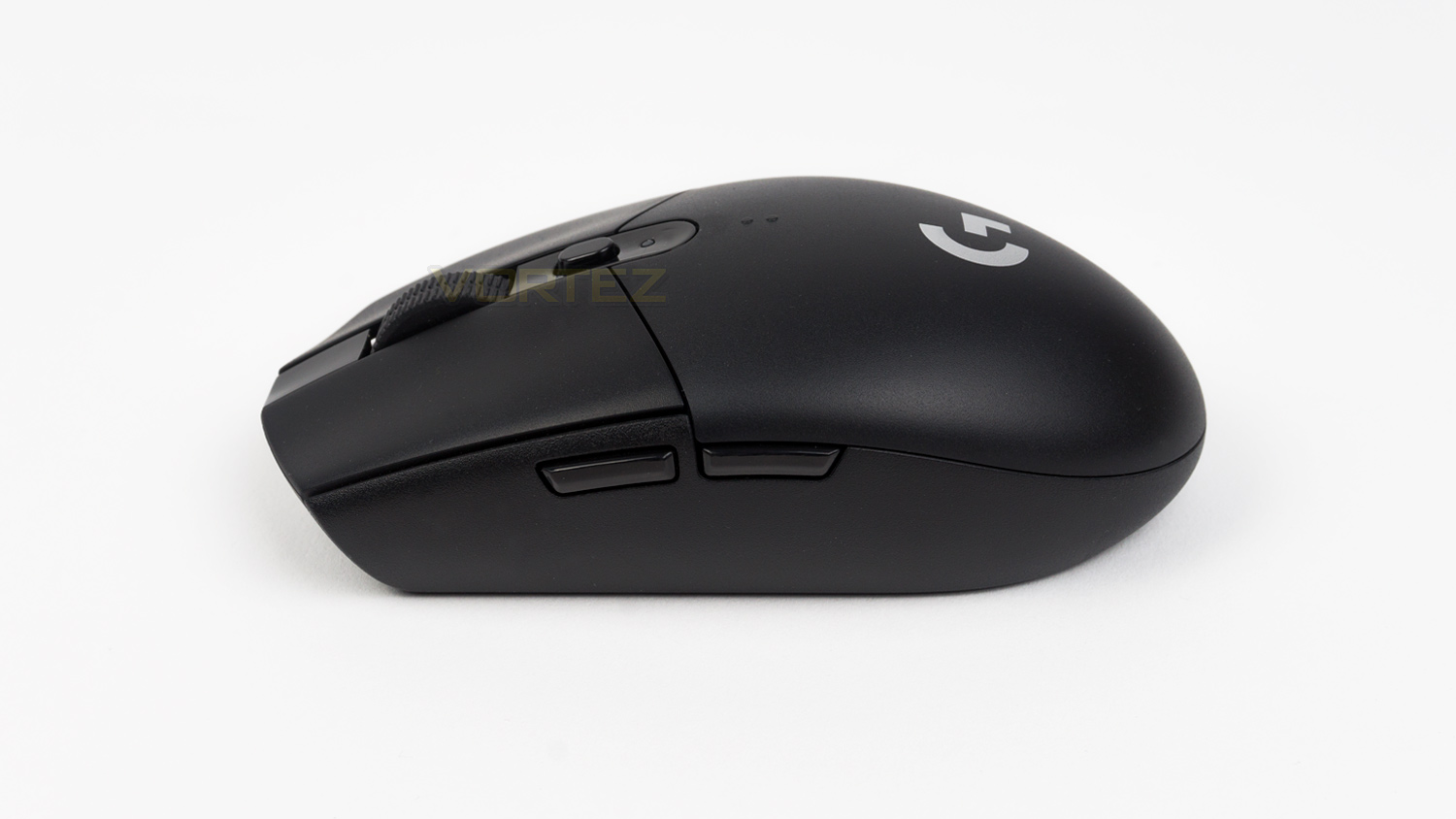
On the left side, there are the two forward and back buttons. What is missing though is the rubberised grips, the side is slightly textured, but it isn’t as grippy as some.
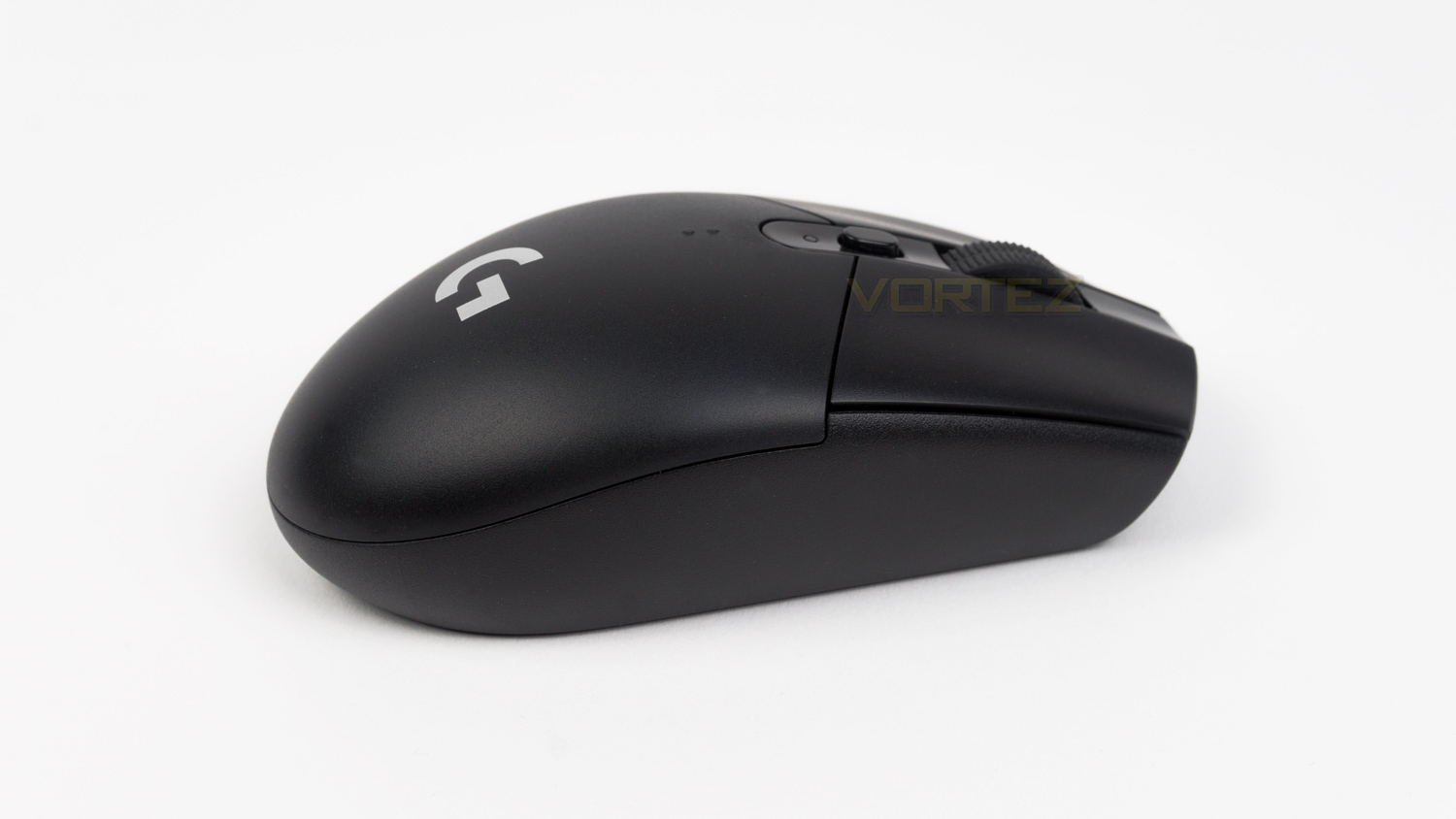
The right-hand side is clear but does feature the same slight textured finish as the left. The profile of the mouse is low and doesn’t have a massive prominent hump, there is a slight curve, but it is gentle.
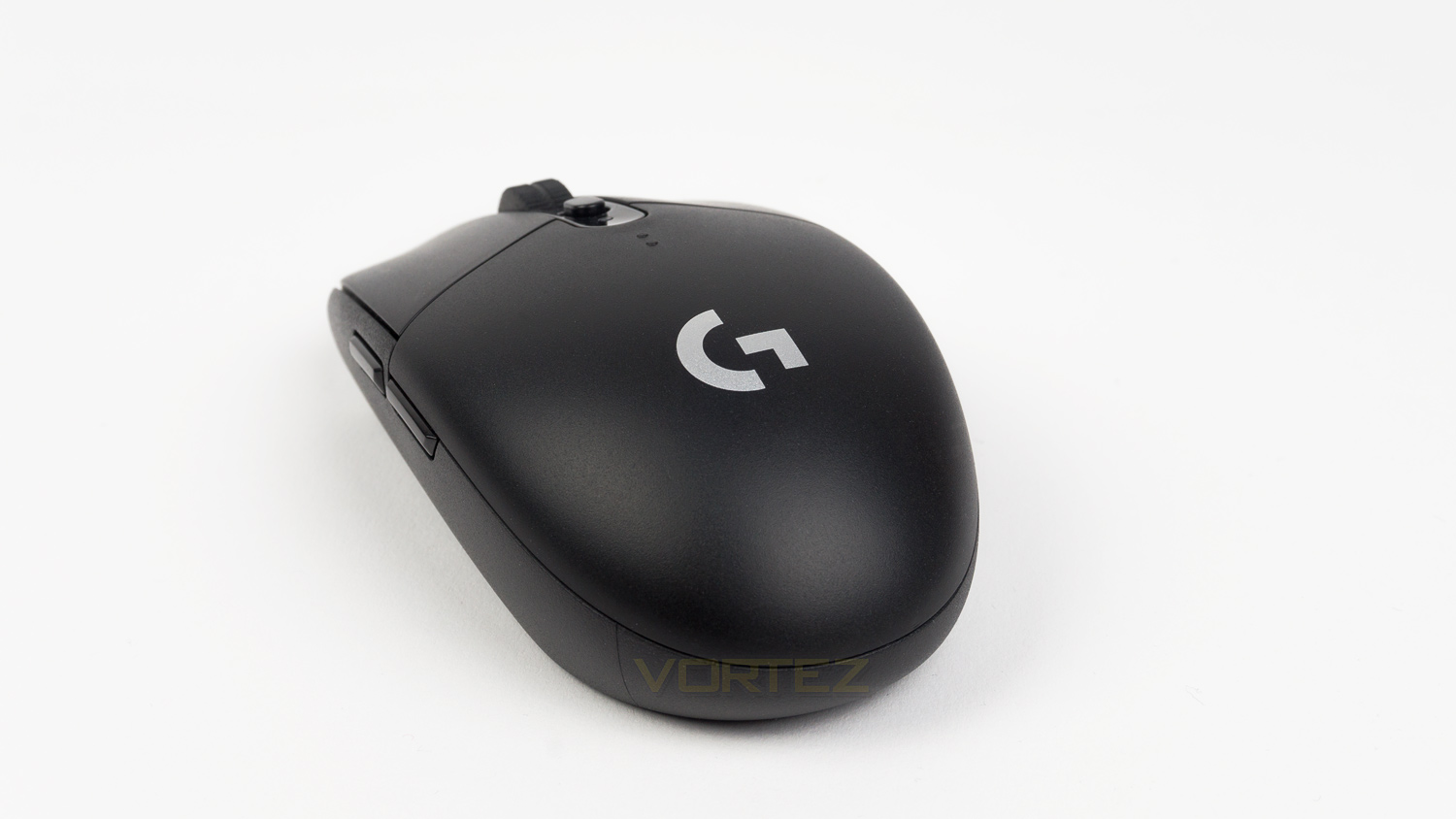
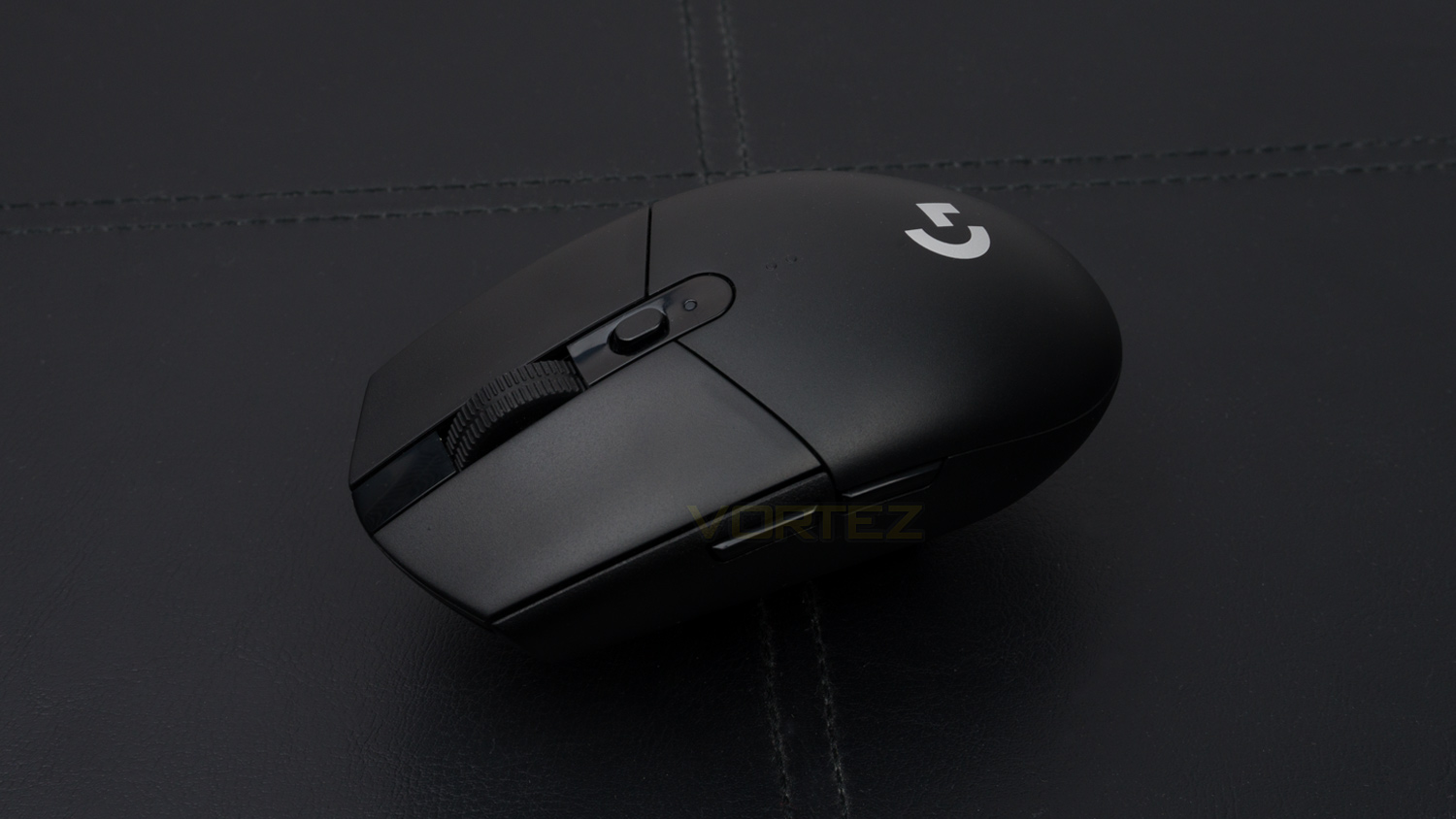
The back of the mouse simply features the G logo and that is all.
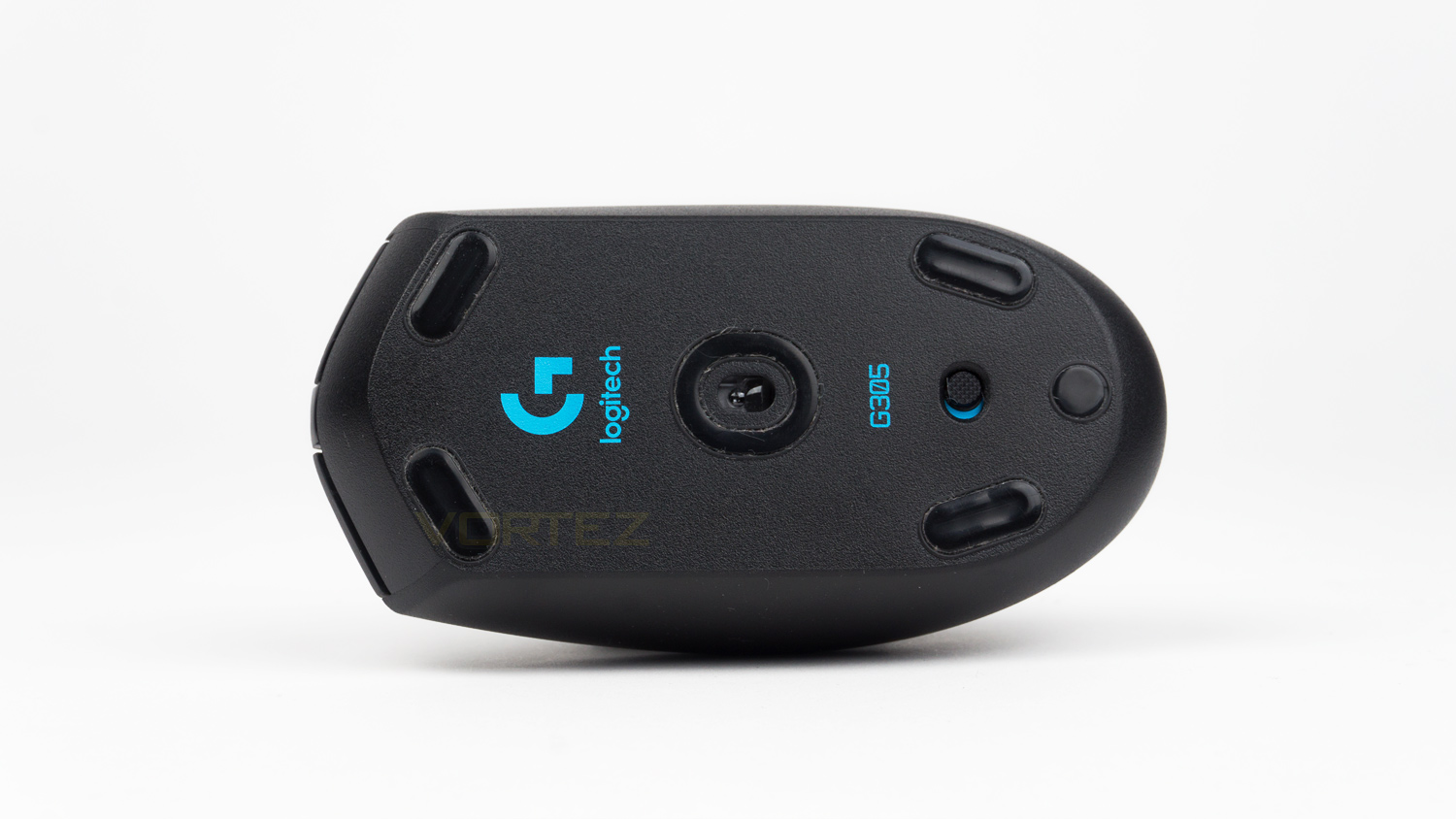
The underside of the G305 has four small PTFE feet as well as the Hero sensor, on/off switch and Logitech G branding.
Software
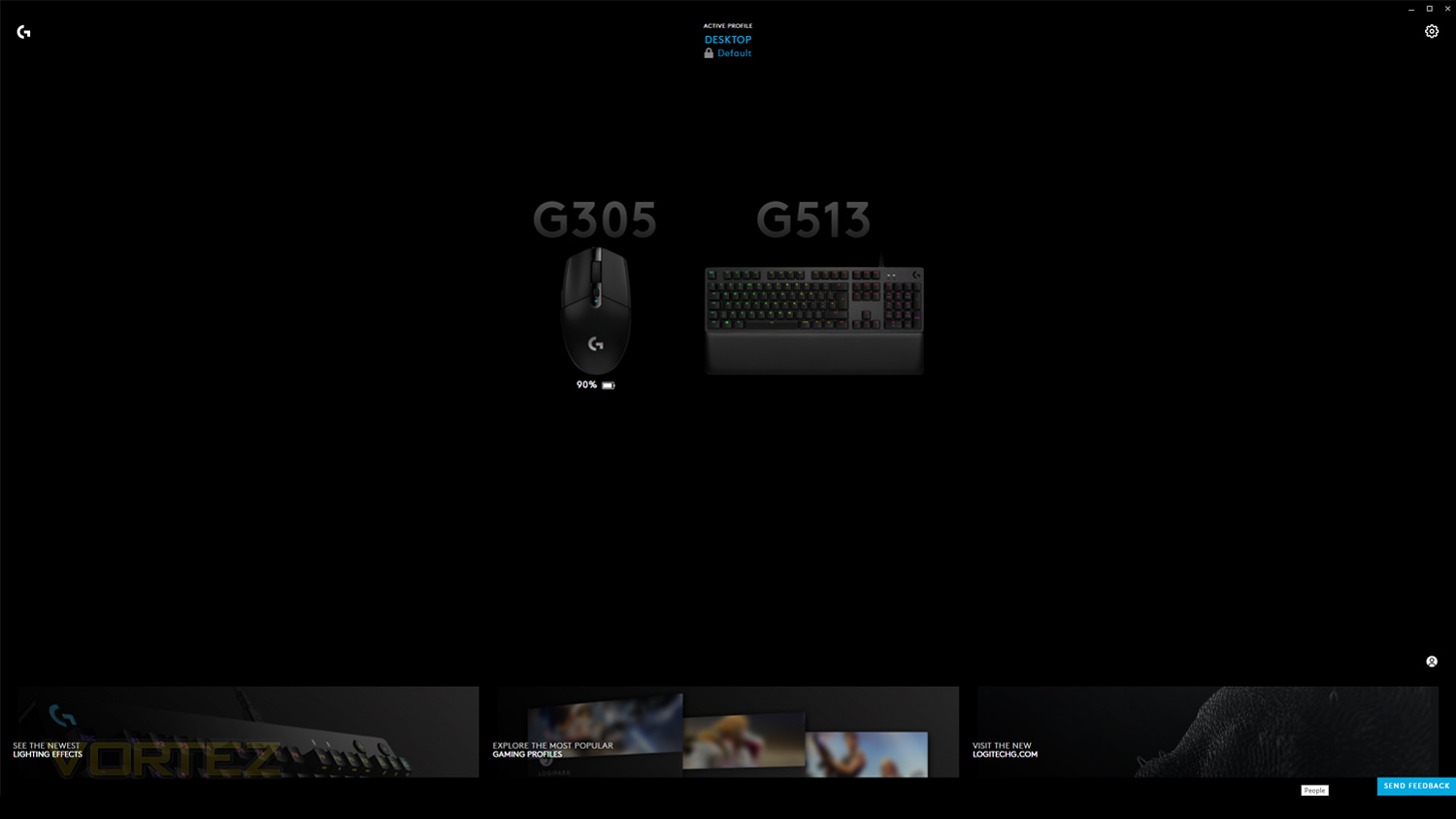
It appears that are two software suites that work with the G305 mouse; there is the older version (Logitech Gaming Software) – which you can see a demo of in our review of the G513 keyboard and then there is the newer Logitech G Hub. The G Hub suite has a newly designed UI that is more modern than the older LGS version. When first opening the G Hub software there is a slick animation which is shortly followed by the homepage, on the homepage you can see which compatible peripherals are connected alongside a profile switcher, settings toggle and a set of active cards at the bottom.
Below is a demo and overview of the new G Hub software that can be downloaded via LogitechG.com. It is worth keeping in mind that this software is in the early access phase and will likely be seeing a few tweaks, so if you want a fully ready version then there is the option to download the older LGS software. So far though we haven’t encountered any bugs when using the G Hub suite and all seems to be working just fine.
Performance Testing
Setup & Observations
Getting going with the G305 is a very easy task, all you have to do is remove the back, insert the AA battery, plug in the wireless receiver and let Windows do its thing. We do advise though that you install either the Logitech G Hub software or Logitech’s Gaming Software to make the most of the mouses’ features and of course to set up the mouse to your preference.
Using the G305 did take some time to get adjusted to. Coming from a wired mouse the extra freedom and flexibility did take some time to adapt to, this wasn’t a bad transition at all, but in fact, it was one that was quite liberating. It was nice just to be able to move the mouse and not feel any pull or resistance from a cable. It isn’t all great though as the G305 is not without its quirks, the first being the petite size. When put against my old daily driver it is a considerable amount smaller with a much lower slung profile; this would be ideal for those that have smaller hands, but if your hands are larger than average then the G305 will likely be too small. It is still manageable if you do have average sized hands, however you may need to adjust your grip style to fit the body of the mouse. Also on the smaller side are the side buttons. Their positioning is good, but the buttons are not the most generous in size, this is due to the low profile nature of the mouse, yet if the buttons were any larger then they would eat into the thumb grip space which is just about passable as is. Another omission worth noting is the lack of any rubberised side grips, there is a slight texture to the sides, but they don’t feel anywhere near as grippy as they could.
On a more positive note, the wireless connectivity is superb, even in a tech-filled room, there has been no drops, latency issues or interference of any kind. The connection has been rock solid and highly stable all throughout testing; this robustness is thanks to Logitech’s LIGHTSPEED wireless technology. This uses a traditional style receiver that pairs with an antenna in the mouse which is in turn connected to an RFIC (Radio Frequency Integrated Circuit), the MCU (Microcontroller) and the SPI (Serial Peripheral Interface). Logitech’s engineers took this and optimised every area until there was no weak link and it really does show; it’s almost like having a wire but without the actual wired connection.
Design and build are more key factors when looking at a mouse, and the G305 is good in one regard, but the other does show its price a bit. The design is well done as its unfussy, clean and works well. There are no obvious styling flairs and RGB doesn’t make an appearance – for that, you’ll want to look at their G703 which is a hefty premium over the G305. But as whole the design is nice and tastefully done, the build, however, does slightly show the lower end cost of the mouse. The body is plastic which is fine enough as it is well put together and feels decently solid, it just misses out on the soft touch coating and although not a deal breaker a soft touch coating does have its benefits. One big plus though is that you don’t have to keep cleaning the G305 as the plastic finish doesn’t pick up any palm grease. The left and right click feel good, but the side buttons are a touch softly sprung.
Performance
The G305 utilises Logitech’s HERO sensor, this has a DPI range starting from 200 and extends to a maximum of 12,000 and manages to do this with zero smoothing, filtering or acceleration. The result, it is impressive, even when pushed to the higher limits. For gaming in titles like Overwatch, Fortnite, PUBG, Rise of the Tomb Raider the sensor felt responsive, accurate, fluid and never once felt sluggish. There was no sign of jitter or stuttering, but we did note that when lifting the mouse and placing it back down that there was some deviation in cursor movement, this means that if you perform lift-offs, accuracy is somewhat impacted. The left and right clicks are good as they are fast and feel responsive, tactile feedback is somewhat subdued though. As mentioned above the side buttons are softly sprung which does reduce their performance as they feel slow to react, the scroll wheel click is a bit light and lacking a tactile response, but again it works decently enough.
Although the void between wired and wireless is narrower than ever, there is still a slight performance deviation between the two. When comparing the G305 against a similarly priced wired mouse, we did note that the left/right click didn’t feel as tactile or as responsive as the wired offering. In regards to the HERO sensor, the difference is not that much when compared with the Pixart 3360 on the wired mouse, but we will say that the 3360 just edges it ever so slightly. Both were accurate, quick, fluid and very responsive, it’s just the Pixart just felt that touch more heightened in every regard. It felt a little faster and a bit more accurate. In reality, when directly swapping from one to another you’d be hard pushed to find a difference as it is that slight, it’s only when tried side-by-side you can gauge the performance gap. Tracking was impressive on both fronts and both impressed equally. This is high praise indeed though, as the 3360 has often been regarded as one of the best sensors in class, so the HERO is in good company and it just goes to show how far wireless tech has come in the past few years. A few years ago, you’d be very hard pushed to find an affordable wireless mouse with a sensor that could go toe-to-toe with a good wired mouse and almost match its performance. The gap is closing all the time and its mice like the G305 that are making that gap smaller and smaller.
When thinking about the battery life of wireless gaming mice most people think that its – to be honest, not great, but the G305 has an expected life of up to 250 hours, that’s 10 full days of use with a little bit to spare. This can be made even longer using endurance mode, but that will impact performance. In real-world cases, this is even more impressive as we don’t usually use a PC for 24 hours straight. A typical use case is anywhere from a few hours to several and even using the mouse 7 days a week for around 7 hours would net you around 5 weeks of use before needing a new battery. Our testing so far has seen a 10% loss in the battery life over 9 days of use with around 5 to 6 hours use per day; it’s worth noting that this was achieved using the performance mode with a mixed-use case of writing, web browsing and gaming and would likely have been better if using the more economical setting. This is highly impressive as a normal wireless gaming mouse would have need charging at least twice in that same time frame. All this is thanks to Logitech’s implementation of their high-efficiency HERO sensor and LIGHTSPEED wireless tech, that when combined together create less power draw on the battery and thus improve the battery life.
Conclusion
The Logitech G305 is a great low-cost wireless gaming mouse though it is far from perfect. The design and build are good as the styling is subdued and the build is solid, it does miss out on a soft touch finish which can be both a pro or con depending on your preference. Comfort wise the G305 is again decent, still it could be a touch small for some users, and it can lead to change in grip position to adjust to the more compact form factor. One omission we did note is the lack of any RGB, to be honest, though RGB on a wireless mouse is somewhat questionable as it only hurts battery performance and is a feature that we could live without especially with how good the battery life on the G305. In just over a week we have only seen a 10% drop in life with around 5 to 6 hours of use per day, every day. If you really need RGB then you’d have to opt for Logitech’s G703 which is almost 2x more expensive than the G305.
In terms of usability, the sensor performance is not really hampered by it being wireless, the G305 is still somewhat let down slightly in other areas though. The HERO sensor used in the G305 is brilliant and puts in a performance that almost matches the highly praised Pixart 3360, it’s just things like the side buttons and main clicks that don’t feel as tactile as some wired mice do within the same price range, they are still good but just not entirely up to the same level. Nonetheless, it makes up for that with the impressive stability of the wireless connection thanks to Logitech’s LIGHTSPEED tech, fast 1ms response time which is a rare sight on wireless mice at around £50, and the excellent freedom of movement.
All in all for £51.99 in the UK and $59.99 in the US, the G305 is a great entry in the gaming mouse market as the price is easily justified thanks to the brilliant performance on offer. So if you really do hate wires, the G305 is a superb choice for those looking to cut the cord without breaking the bank.
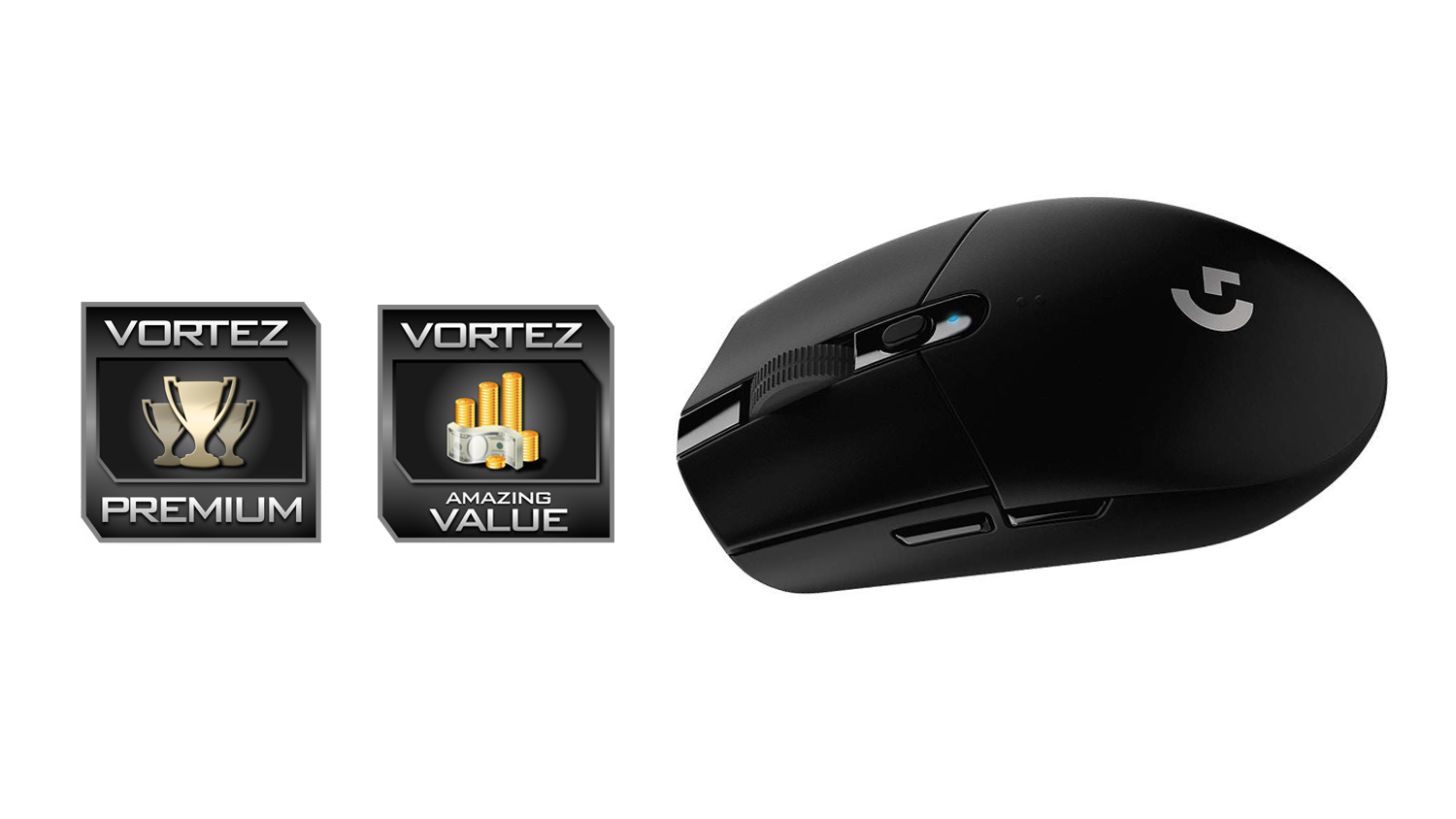
No compromise performance – that is something that couldn’t be said about an affordable wireless gaming mouse a few years ago, but Logitech has done just that with their G305 as it offers near wired performance without the permanent tether.
Pros
+ Great all-around performance
+ 1ms response time
+ Highly stable wireless connection
+ Superb battery life
+ Unfussy and clean design
+ Comfortable
+ Ideal for travel
+ Well priced
Neutral
+- No rubberised side profile grips
+- Possibly a touch small for some users
Cons
– No rechargeable battery as standard
+ Great all-around performance
+ 1ms response time
+ Highly stable wireless connection
+ Superb battery life
+ Unfussy and clean design
+ Comfortable
+ Ideal for travel
+ Well priced
Neutral
+- No rubberised side profile grips
+- Possibly a touch small for some users
Cons
– No rechargeable battery as standard
Click here for an explanation of our awards at Vortez.net.
Stay connected with the Vortez Social Media pages:
Join in with the discussions on Discord