NZXTs latest lighting kit goes under the.. spotlight.. today. Let us share our thoughts and some pictures with you.

Product on Review: NZXT HUE 2 RGB Lighting Kit
Manufacturer: NZXT
Street Price: GBP £59.99 / USD $74.99 / AUS $119.00
NZXTs philosophy has always been to deliver an immersive and enjoyable gaming experience on the PC and with today’s craze revolving around RGB implementation, they’ve brought about their range of HUE lighting products.
We were invited to build a system inside their award-winning NZXT S340 Elite while also using the NZXT Kraken M22 CPU Cooler and, of course, their latest NZXT HUE 2 lighting kit.
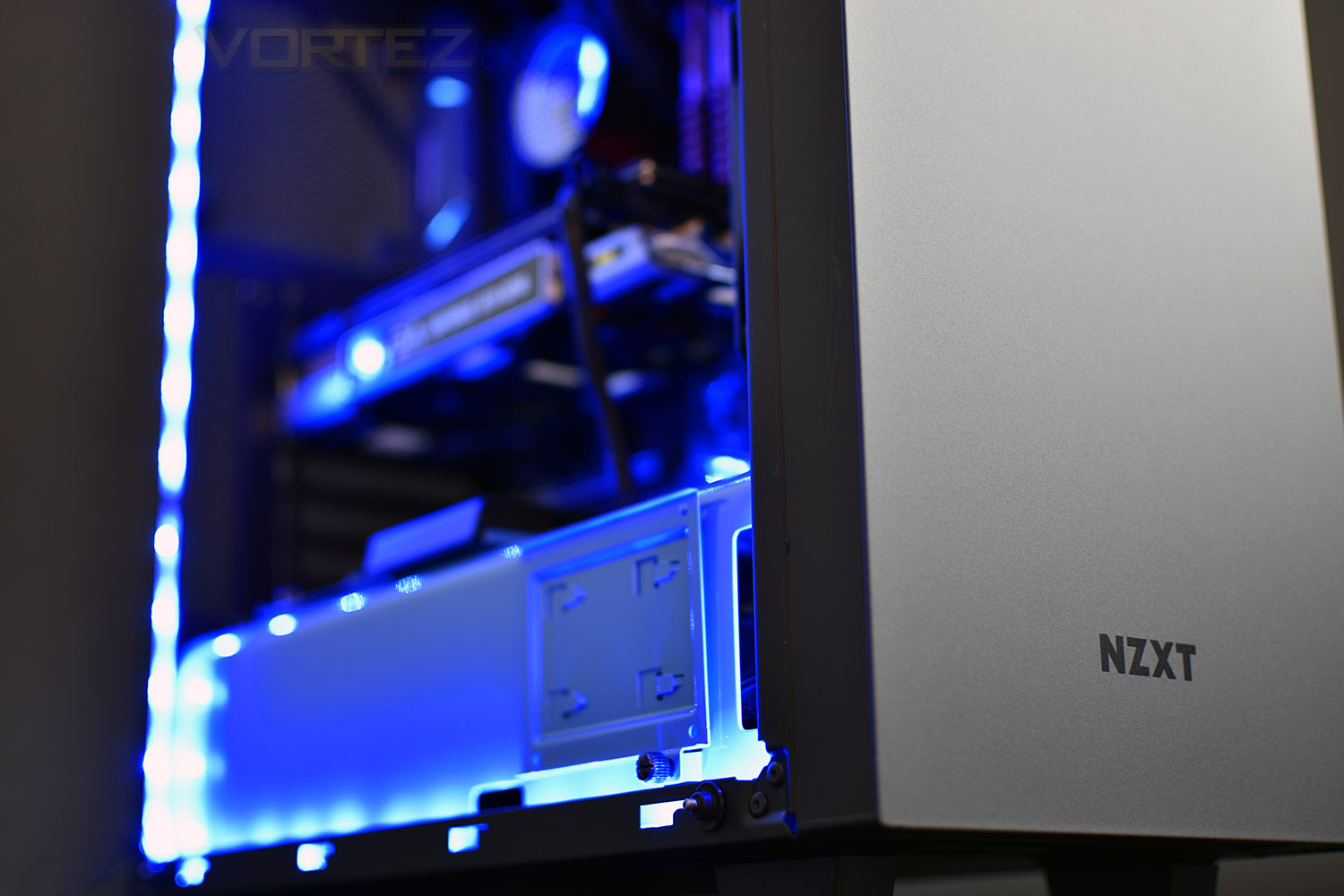
The HUE 2 RGB Lighting Kit offers the ultimate way to customise your case, over and over again, with four independent lighting channels which can support up to 6 accessories each.
Included with the HUE 2 kit is the hub controller, four extension cables, four LED light strips and all of the fixings you’ll require.
NZXT on the HUE 2 RGB Lighting Kit:
With four separate channels, individually addressable RGB LEDs, and a variety of compatible accessories, the HUE 2 RGB lighting kit takes PC lighting to the next level. The HUE 2 is powered by CAM, so it’s easy to change modes, sync lighting effects, and express your creativity with the perfect lighting for your build.
Technical Specifications
Dimensions: 76 x 100 x 15mm
Form Factor: 2.5″ Drive bay
Mounting: Magnet and screws (included)
Control Method: CAM Software
Input Channel Voltage: 12V DC, 2.6A
Output Channel Voltage: 5V DC
Output Channels: 4
Output LED Quantity:
Up to four LED strips – 10 LEDs per strip
Up to five Aer RGB fans
Up to six HUE 2 accessories
LED Strip Length: 300mm x4
LED Strip Width: 10mm
Included Cables:
600mm Micro-USB cable x1
300mm Molex power cable x1
500mm Connection cable x4
500mm Extension cable x1
300mm Extension cable x1
100mm Extension cable x2
Included Accessories:
Screws: x4
LED Strips: 300mm x4
Warranty: 2 years
Form Factor: 2.5″ Drive bay
Mounting: Magnet and screws (included)
Control Method: CAM Software
Input Channel Voltage: 12V DC, 2.6A
Output Channel Voltage: 5V DC
Output Channels: 4
Output LED Quantity:
Up to four LED strips – 10 LEDs per strip
Up to five Aer RGB fans
Up to six HUE 2 accessories
LED Strip Length: 300mm x4
LED Strip Width: 10mm
Included Cables:
600mm Micro-USB cable x1
300mm Molex power cable x1
500mm Connection cable x4
500mm Extension cable x1
300mm Extension cable x1
100mm Extension cable x2
Included Accessories:
Screws: x4
LED Strips: 300mm x4
Warranty: 2 years
Packaging, Bundle & Closer Look
As previously mentioned, we were provided with a case, the S340 Elite, a CPU watercooling loop, the Kraken M22 120mm and the HUE 2 RGB Lighting kit, which is the piece the focus of this article will be placed upon.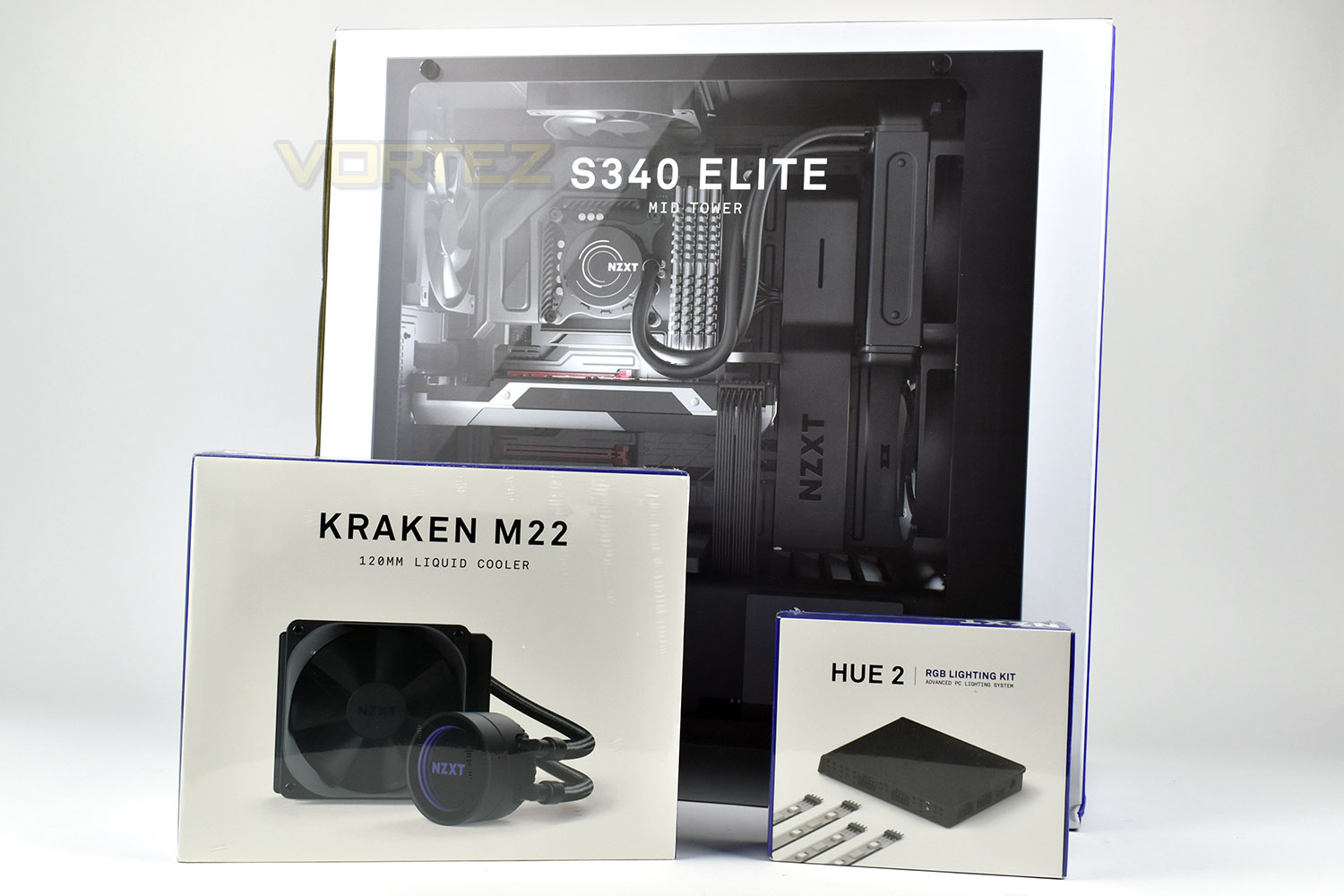
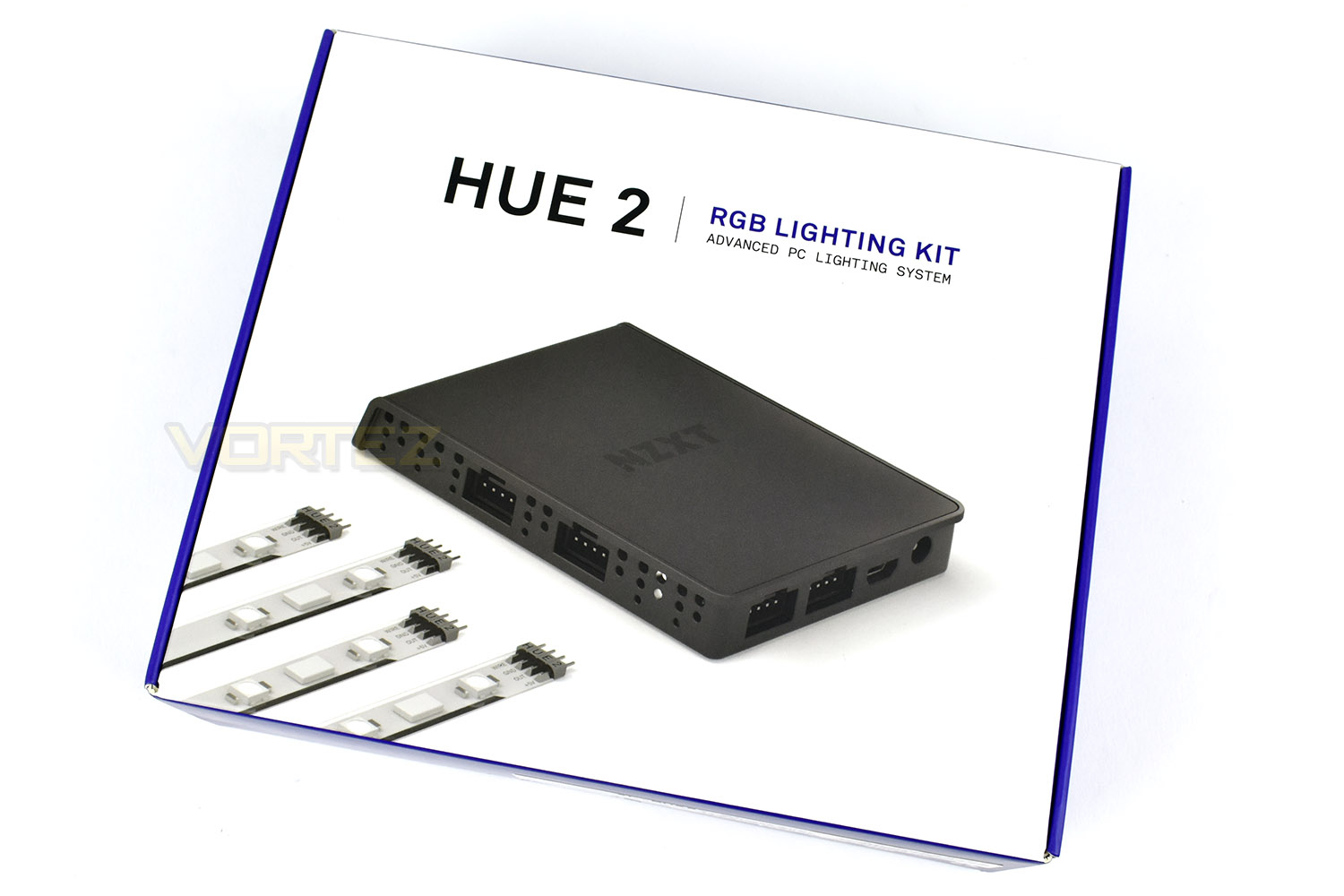
The front of the packaging doesn’t exactly give away much, but the image is perfectly clear and shows the basics.
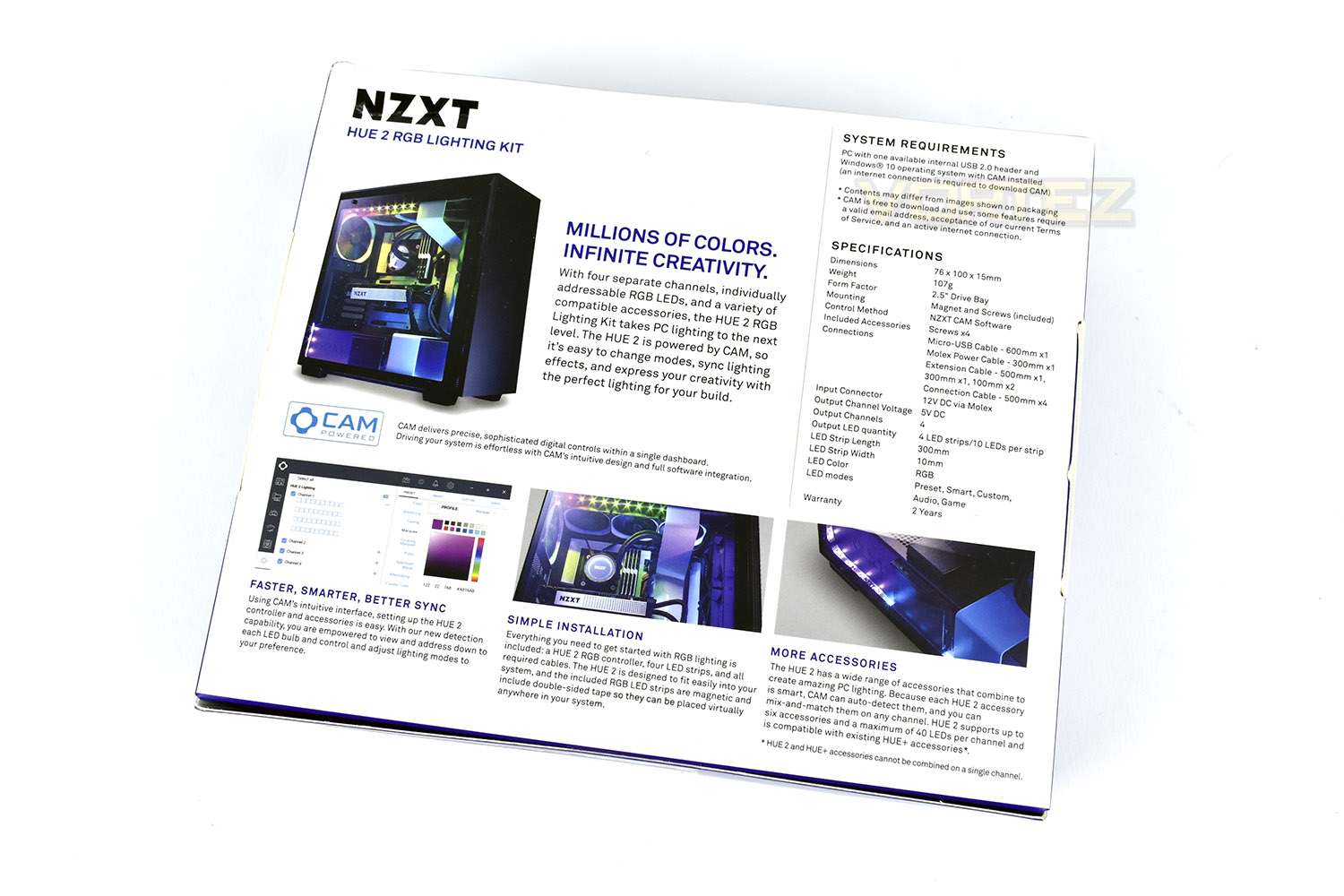
Taking a look at the reverse side, NZXT have done a good job of ramming as much information onto such a small packet without creating a mess.
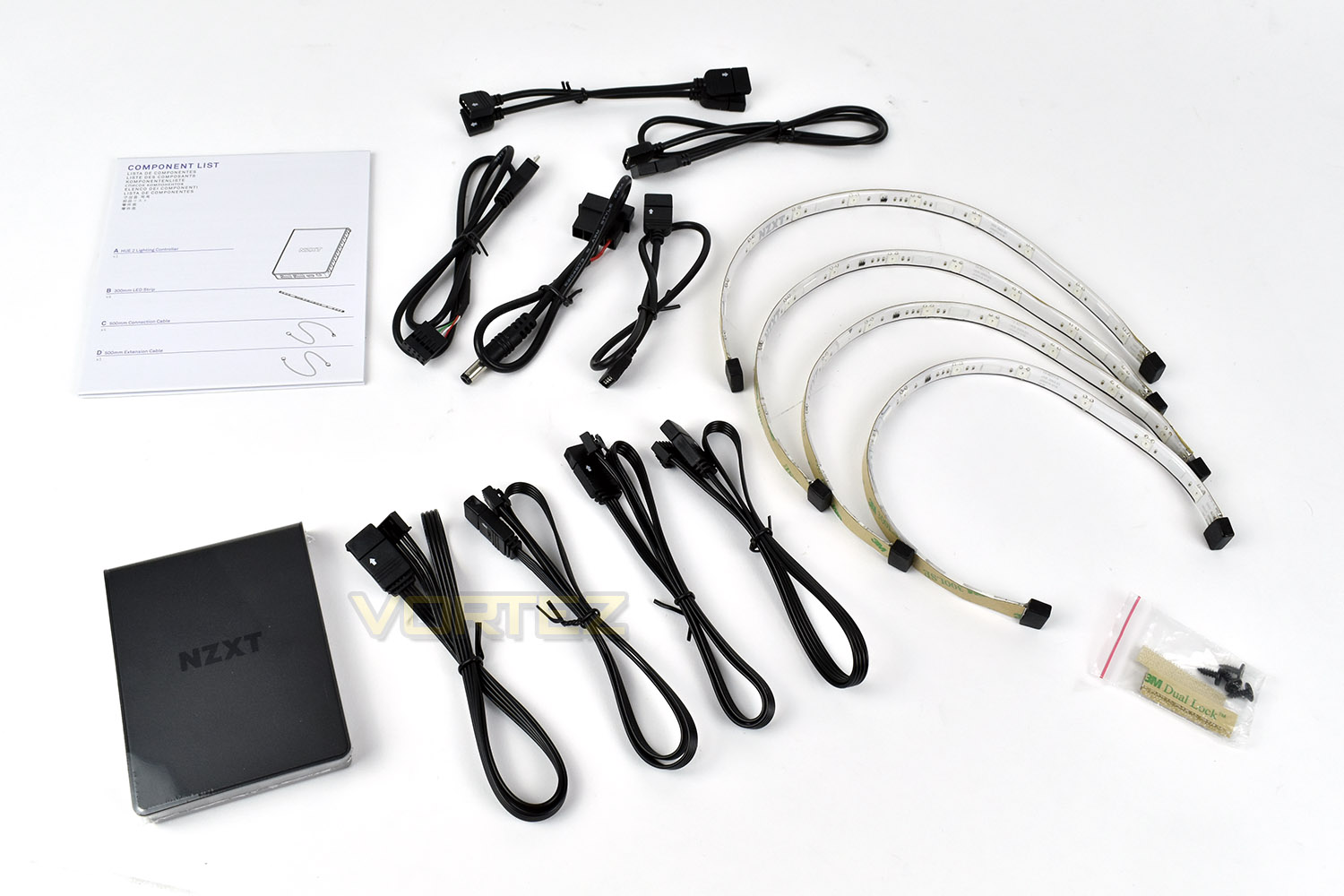
Included within the HUE 2 packaging is 4 sets of LED strips, measuring 300mm x 10mm, with both 3M sticky back tape pre-applied to the back and magnets along the length. There’s a USB motherboard connection, MOLEX power adaptor, a pair of short RGB extensions and a pair of longer extensions. Four connecting cables and a fixing pack including 4 screws for mounting to a 2.5” drive bay and 3M Velcro.
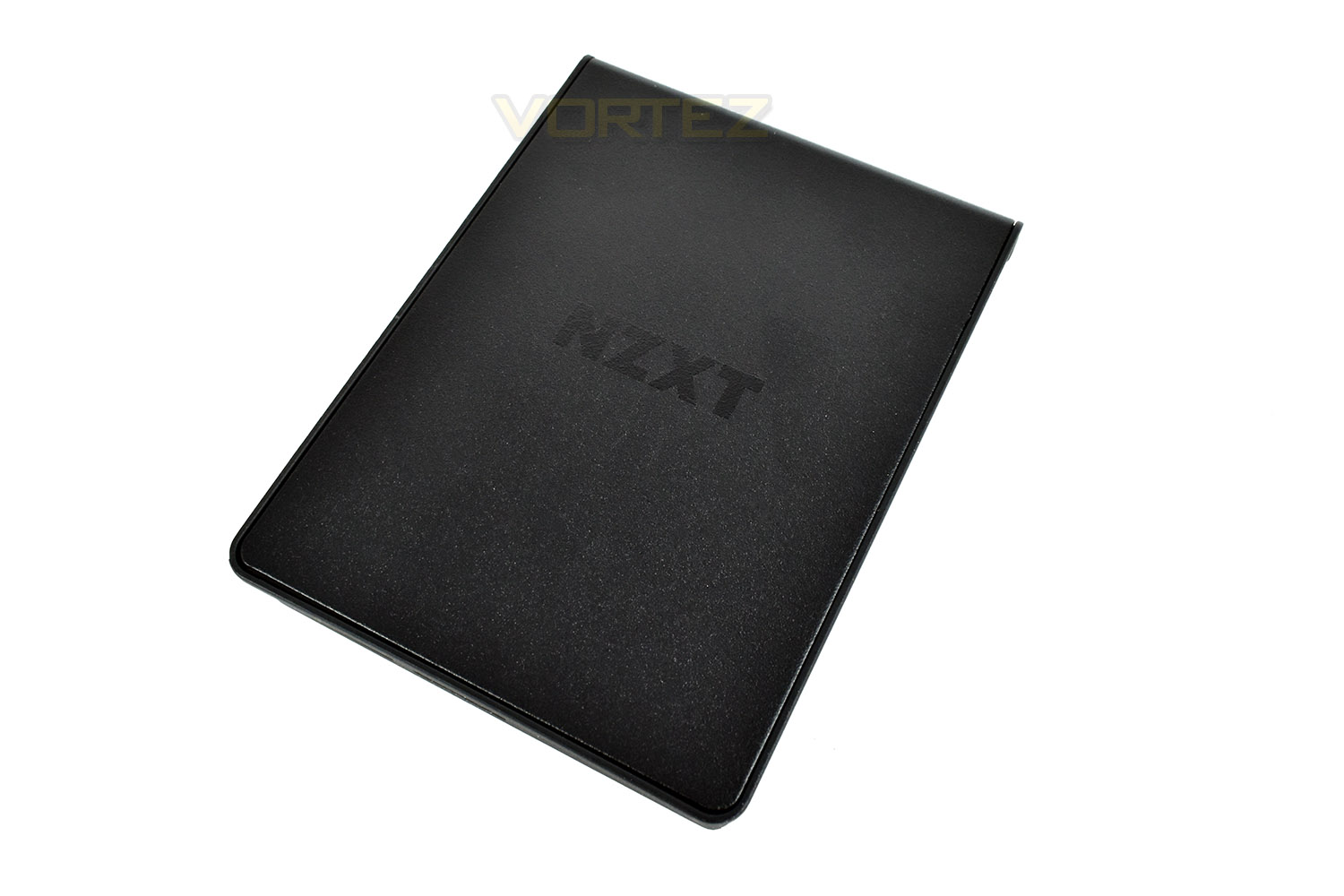
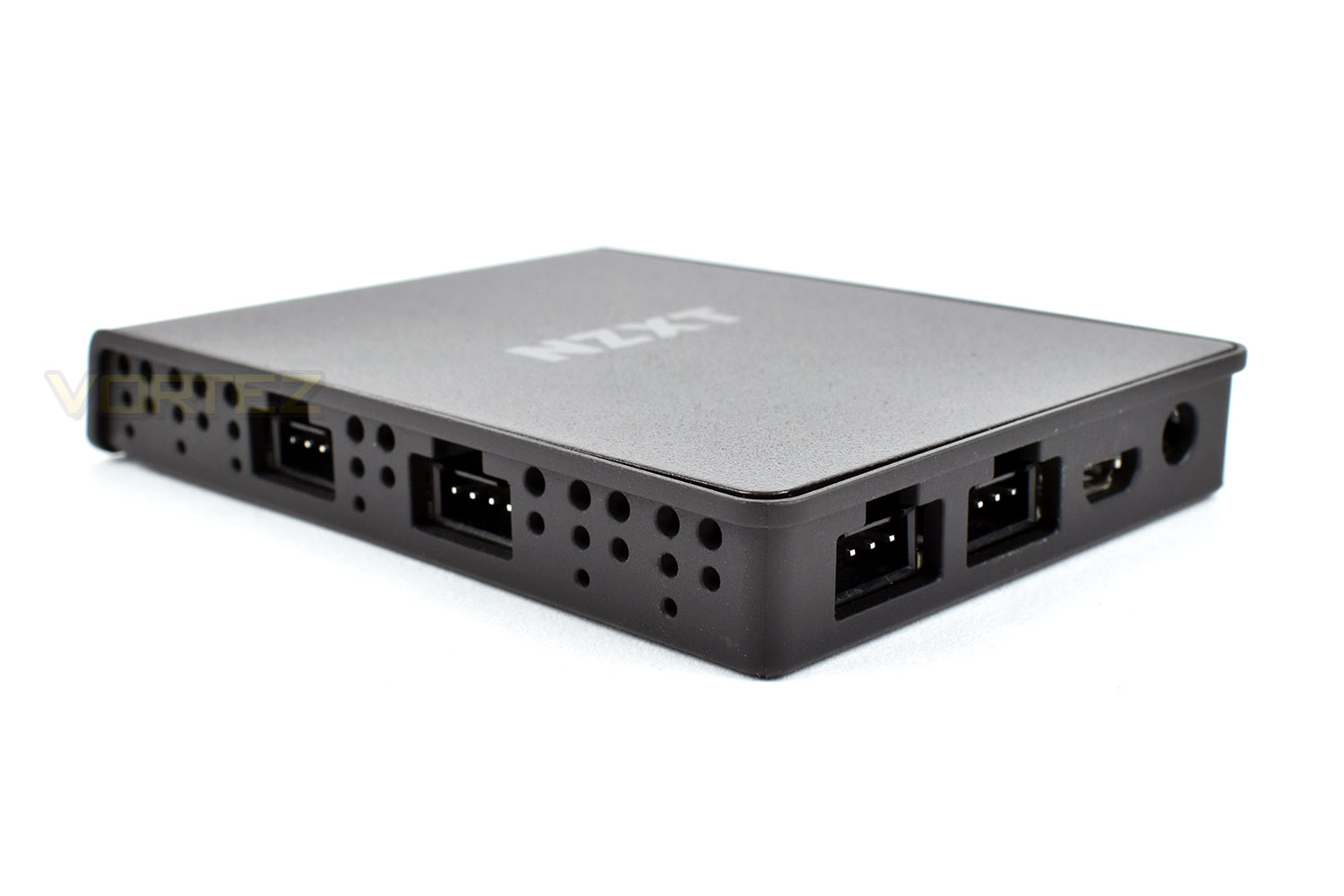
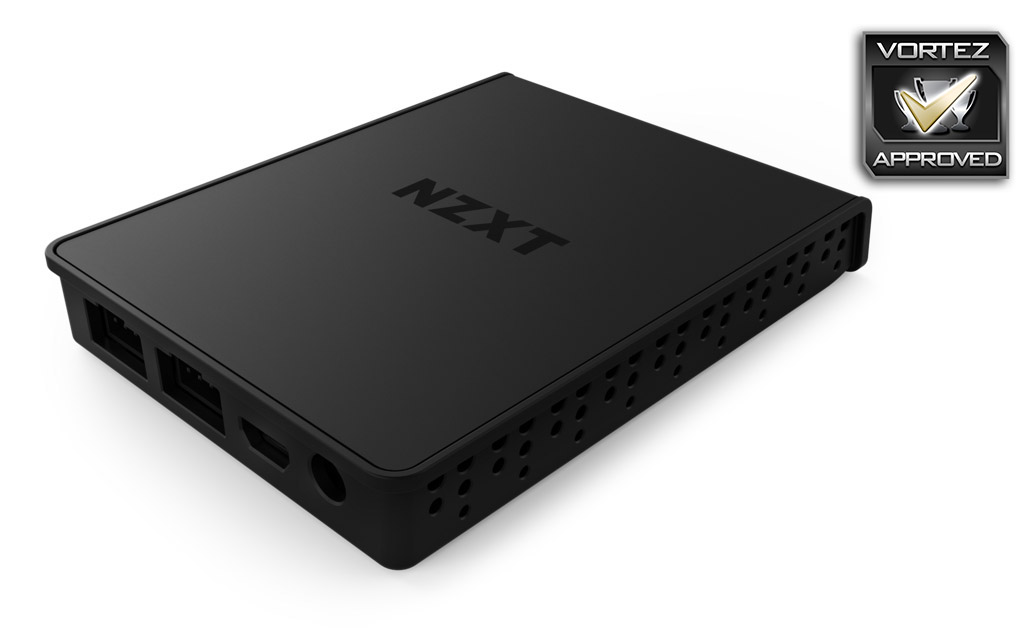
The HUE 2 hub is roughly the same size as a standard SSD and controls everything from one neat package.
All connections are dealt with from two sides, unlike some similar controllers with use three or sometimes four sides. This makes wire routing considerably easier.
RGB Lighting
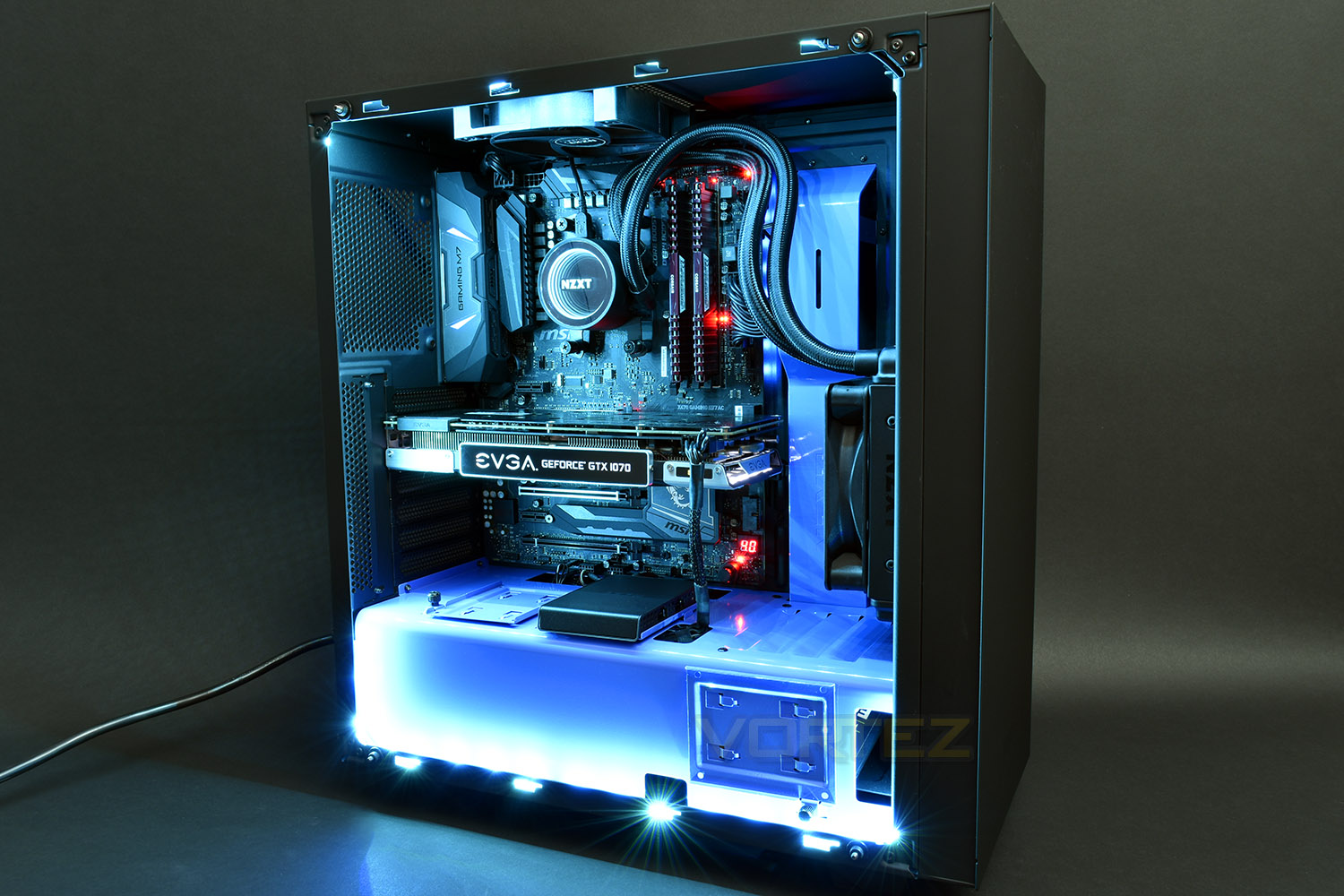
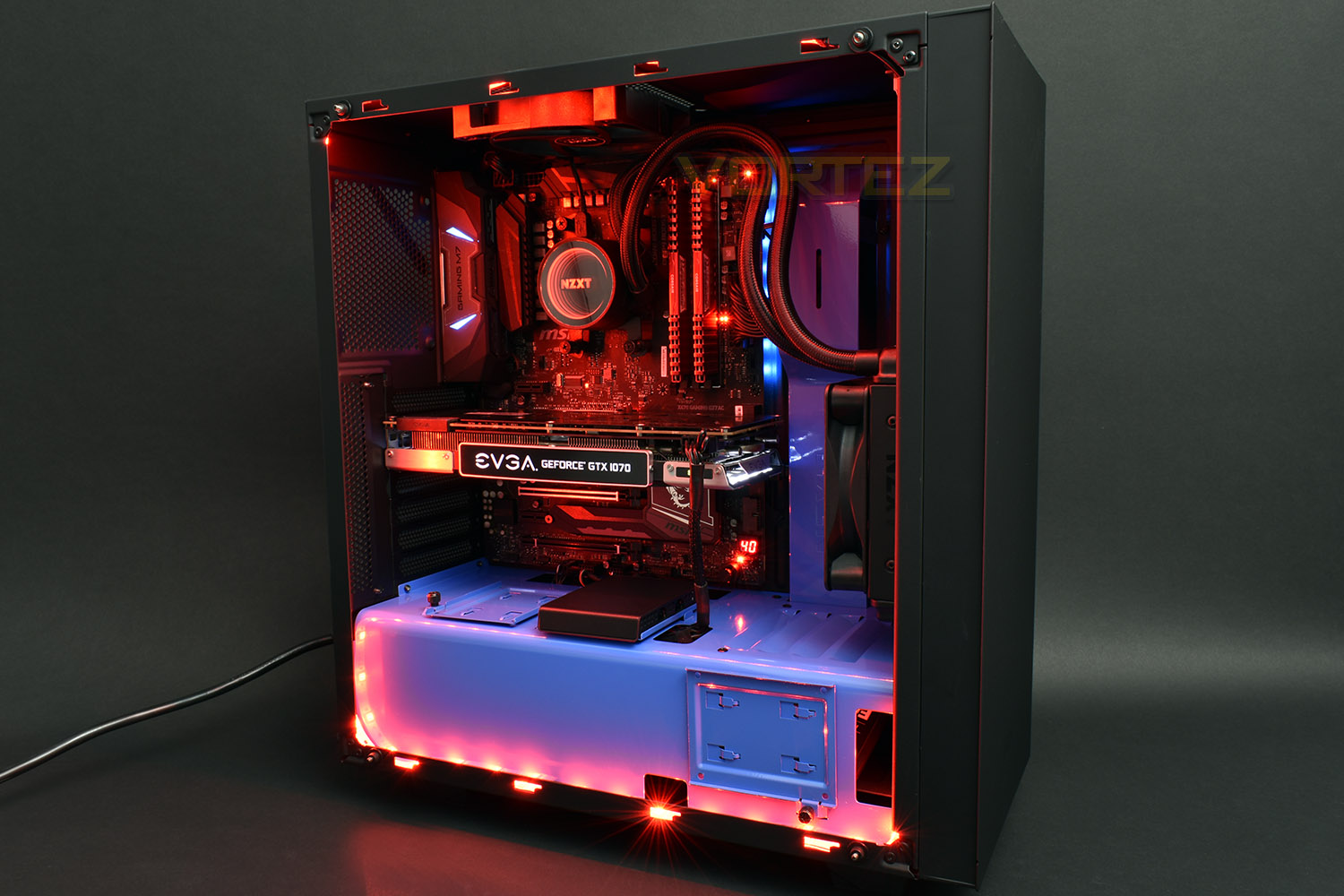
Here’s a short video showing some of the lighting effects to expect alongside some still images.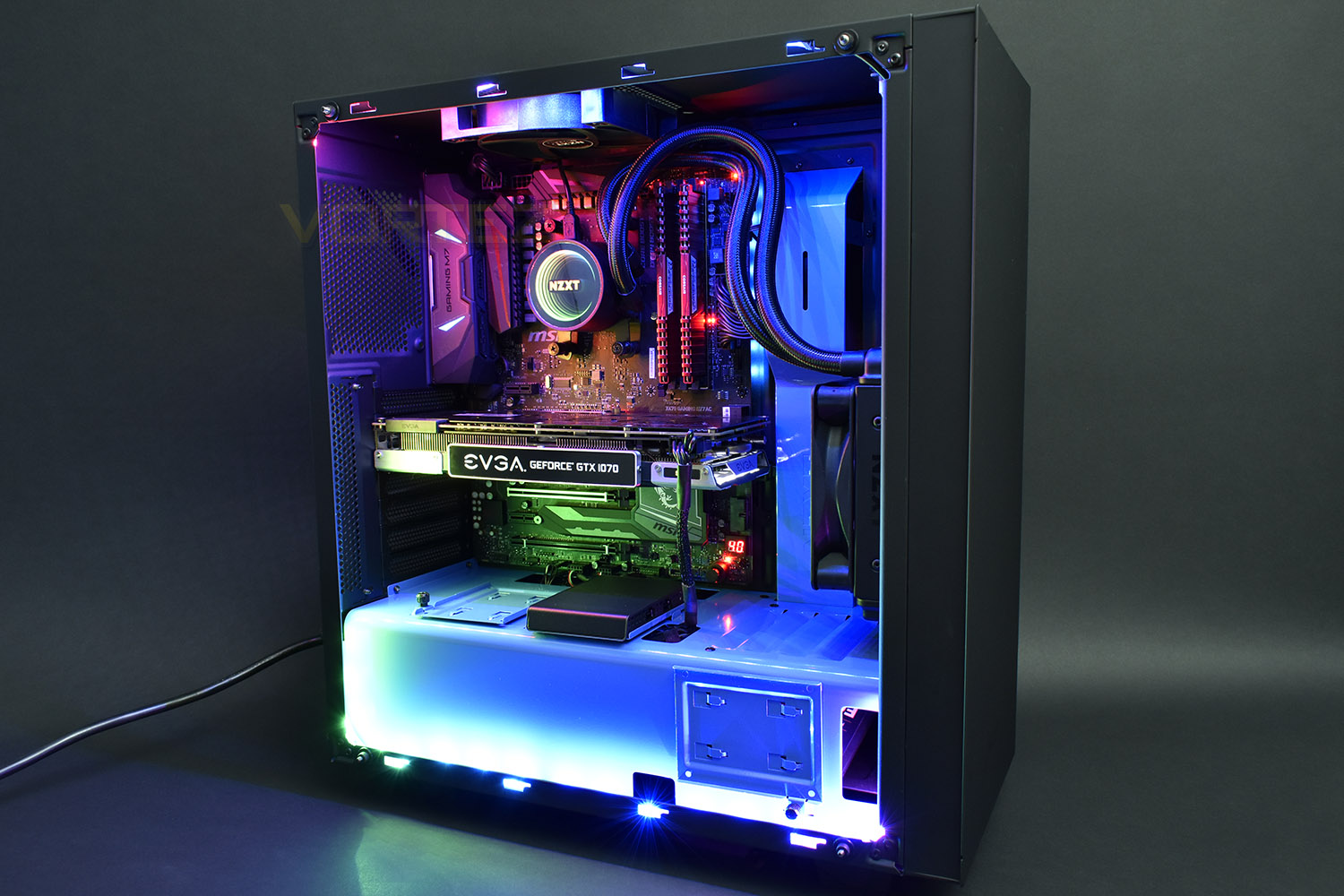
Conclusion
The PC market is divided into two distinct camps, those that do like RGB lighting and those that are wrong. If you fit into the first camp, then the HUE 2 RGB Lighting Kit will suit your needs very well.Focusing purely on aesthetics for a moment, the colours produced were reasonably accurate considering the usual variance we experience from one set to the next, though with four 300mm strips, the overall vibrance and brightness was more than enough to illuminate a large tower case with plenty of oomph.
The NZXT CAM software makes adjusting effects and lighting incredibly easy, but we ran into compatibility issues between the M22 cooler and the HUE 2 kits, with some effects being blanked out. However, despite that, we’re sure you’ll agree that the RGB lighting page shows off what a difference this can make to your system.
Installation was somewhat of a mixed affair; firstly, we set out using a Corsair power supply, with modular cabling, but then had to dig out the old Molex adaptor cable from the pile of boxes. We feel that 2018 should be Molex free, with their likelihood of mis-aligned pins and clunky size. A SATA power adaptor would be much better received, especially with the 2.5” size of the controller. Having said that, the rest of the installation was plain sailing; the extension cables are more than long enough and being able to daisy chain up to 4 strips on one channel meant we only required a single cable. The HUE 2 controller hub is also magnetised, meaning you can mount it almost anywhere in any case, and with the included screws for a 2.5” bay and the Velcro pieces, the versatility provided is excellent.
At £59.99 in the UK, the price is much more reasonable than similar kits we’ve seen, namely the Razer Chroma Hardware Development Kit which arrives with a price tag a little higher but only provides a pair of LED strips, asking an extra £30 for two more. Sure, there’s some much much cheaper RGB lighting kits which you can buy online but they won’t compare with the NZXT in terms of software control and lighting effects.
£59.99 isn’t cheap, but the lighting effects and vibrancy do go some way to make up for the asking price while the simple installation and great versatility of the entire kit appears well thought out and designed.
Pros
+ Bright and vibrant
+ Easy to install
+ Four RGB strips as standard
+ The HUE 2 hub is well thought out and looks good
Neutral
+- Price
Cons
– Molex adaptors don’t belong in 2018
+ Bright and vibrant
+ Easy to install
+ Four RGB strips as standard
+ The HUE 2 hub is well thought out and looks good
Neutral
+- Price
Cons
– Molex adaptors don’t belong in 2018
Click here for an explanation of our awards at Vortez.net.
Stay connected with the Vortez Social Media pages:
Join in with the discussions on Discord