SteelSeries are well-known in the PC gaming industry for their high-performance, high-cost devices but they’ve had a go at something much friendlier on the wallet, the Rival 3, priced at around half of their alternative offerings.

Product on Review: Rival 3
Manufacturer: SteelSeries
Street Price: GBP £34.99 / USD $34.99 / AUS $78.99
SteelSeries have been producing gaming peripherals for nearly two decades now, with them seeing some really serious success in the last few years, including best gaming headset, best gaming mouse and many more impressive accolades.
Today we’re looking at something a little cheaper than the typical all-singing, all-dancing, a budget-orientated gaming mouse that, thanks to the effects of trickle-down development, SteelSeries claim still packs quite a punch with many of the same cutting-edge technologies you’ll find in their pro line of gaming mice.
Featuring an 8500 DPI TrueMove Core sensor with 1-to-1 tracking, high-grade polymer outer shell for improved durability and strength, 3-zone RGB lighting, robust and reliable mechanical switches and a lightweight 71g chassis, the Rival 3 certainly sounds good on spec’s alone.
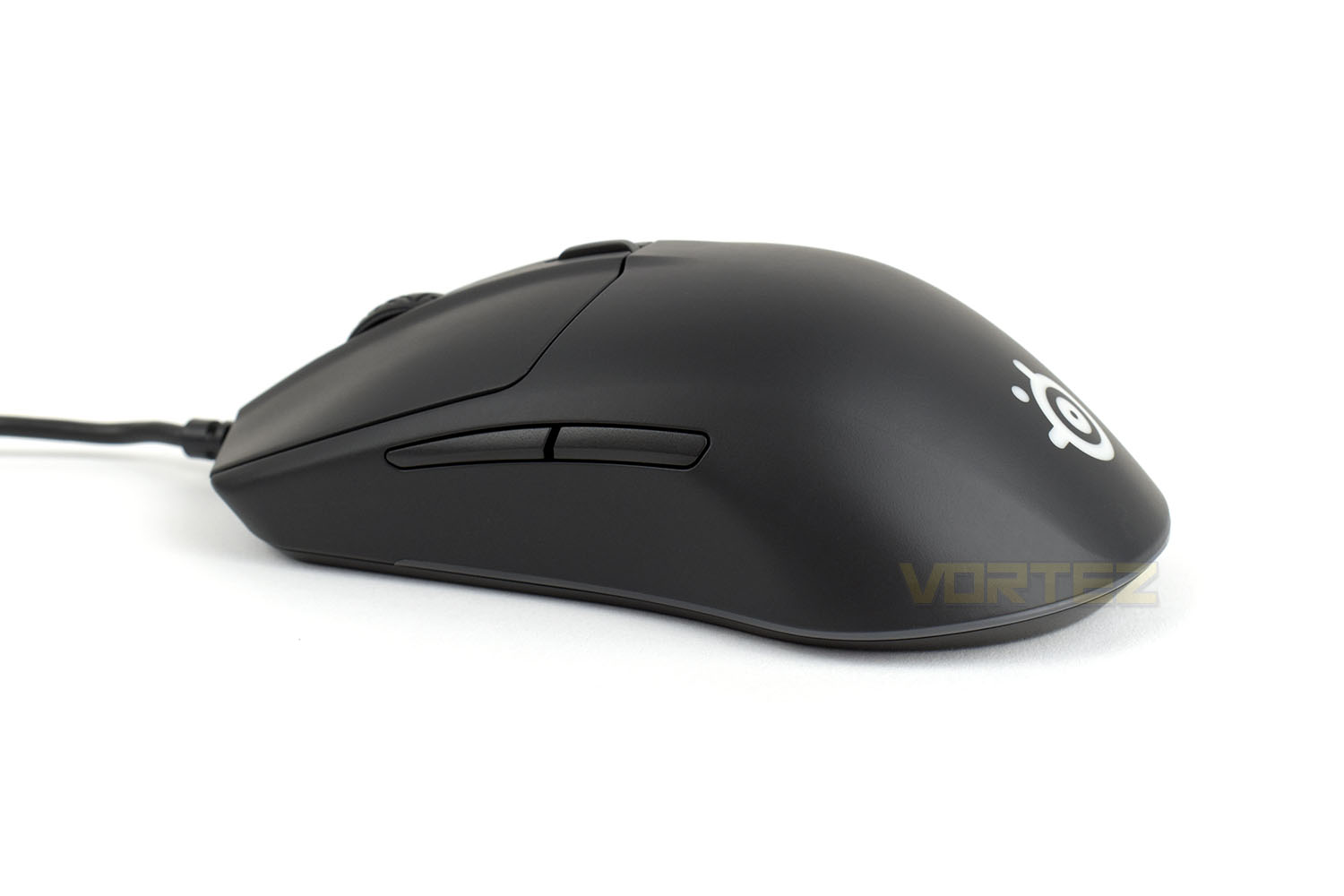
Priced at £35/$35/$49, the Rival 3 is, by almost half, the cheapest mouse that SteelSeries offers, opening up their product range to more casual gamers who can’t justify dropping a bunch of cash on a gaming mouse that might not see a great deal of use. Let’s dive in and put the mouse through its paces, we’ll be playing close attention to the feel and performance compared to their more expensive offerings.
SteelSeries on the Rival 3
Using the same cutting-edge technology as our pro line of gaming products, including brilliant Prism lighting, a new performance-focused sensor, and unreal levels of durability, the Rival 3 was made for gaming.
Technical Specifications
Sensor
Sensor: SteelSeries TrueMove Core
Sensor TypeOptical
CPI: 100–8,500 in 100 CPI Increments
IPS: 300, on SteelSeries QcK surfaces
Acceleration: 35G
Polling Rate: 1000Hz 1 ms
Hardware Acceleration: None (Zero Hardware Acceleration)
Design
Back Cover Material: Black Matte Finish
Core Construction: ABS Plastic
Shape: Ergonomic, Right-Handed
Grip Style: Claw or Fingertip
Number of Buttons: 6
Switch Type: SteelSeries mechanical switches, rated for 60 million clicks
Illumination: 3 RGB Zones, Independently Controlled
Weight: 77g (2.7oz) without cable
Length: 120.60mm / 4.75 inches
Width: 58.30mm / 2.30 inches (front), 67.00mm / 2.64 inches (back)
Height: 21.50mm / 0.85 inches (front), 37.90mm / 1.49 inches (back)
Rubber Cable Length: 1.8m / 6 feet
Compatibility
OS: Windows, Mac, Xbox, and Linux. USB port required.
Software:SteelSeries Engine 3.15.1+, for Windows (7 or newer) and Mac OSX (10.12 or newer)
Packaging & Bundle
SteelSeries use a fancy orange and white styling that gives their packaging a unique and striking appearance. On the front of the packaging are some brief points at the bottom and a good, full-size image of the device.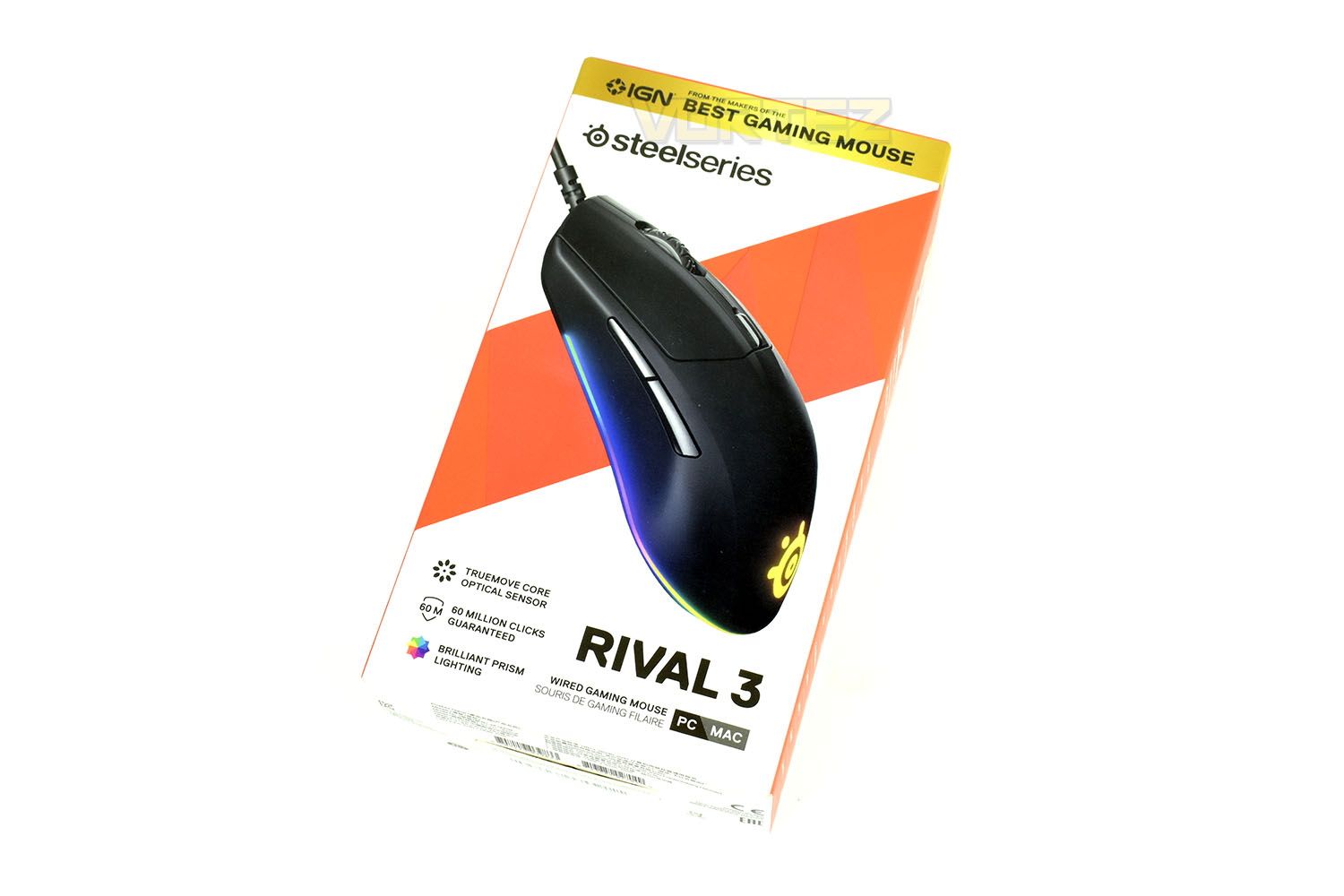
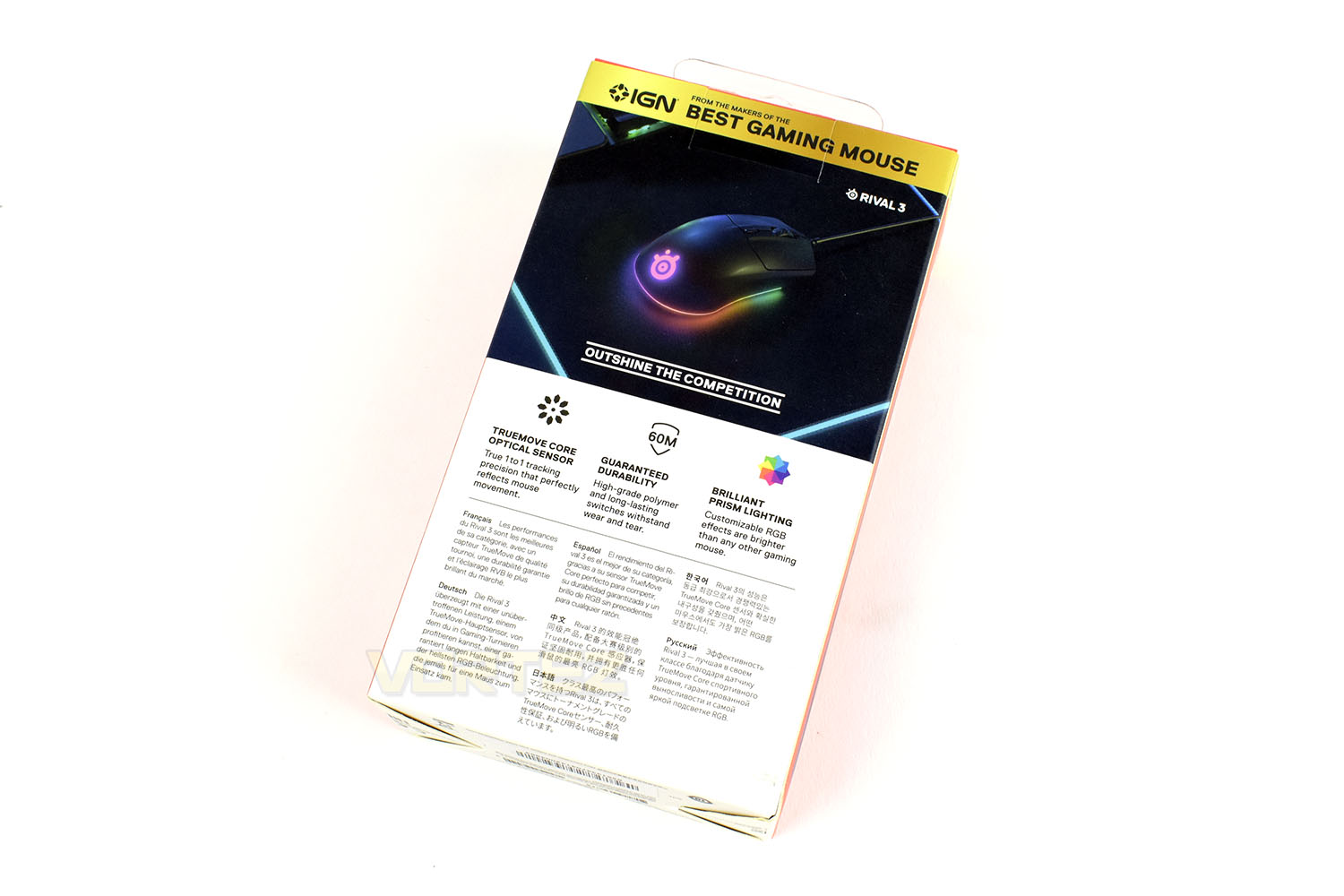
The rear gives more information with detailed specifics placed on the sides.
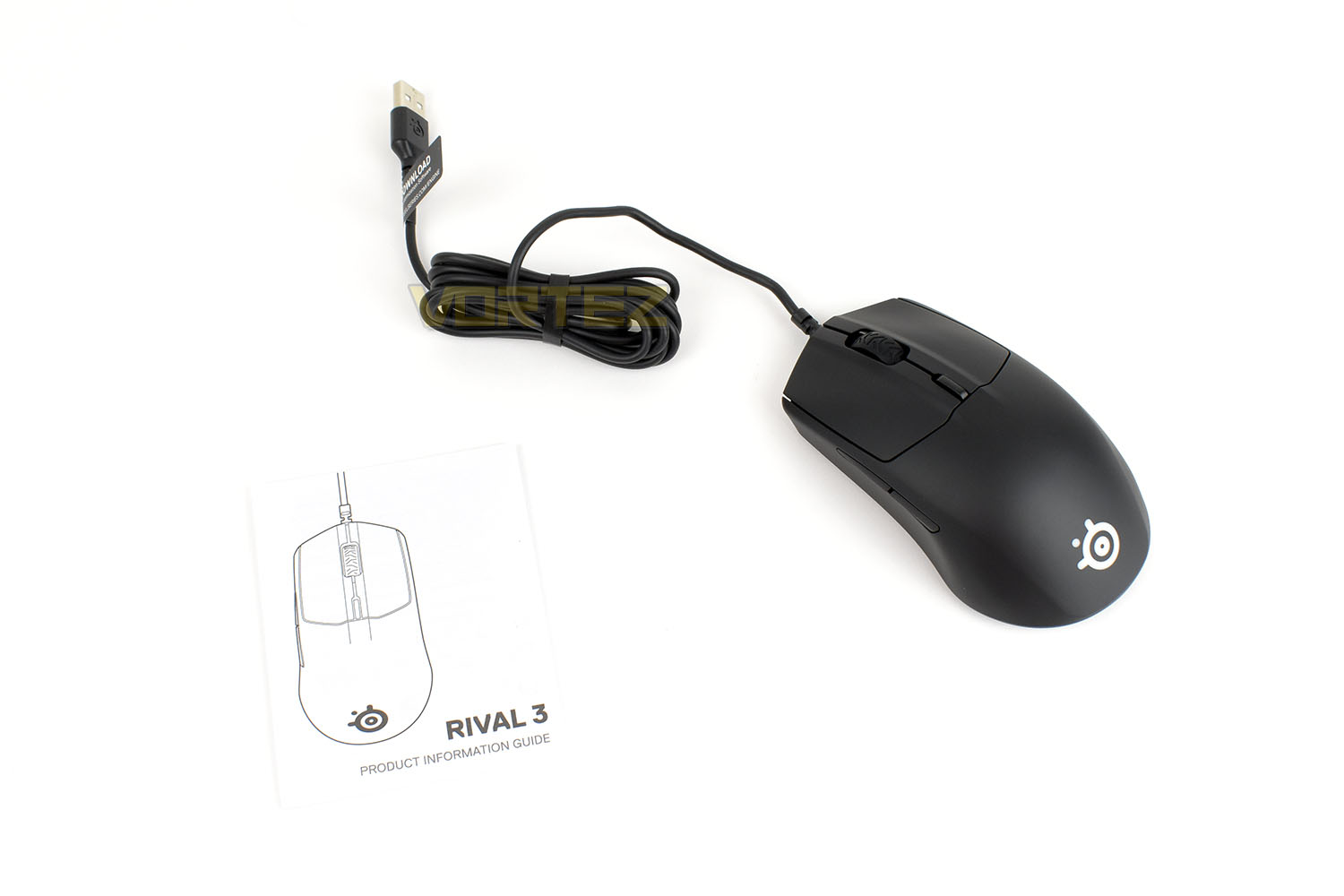
Obviously, with the mouse being budget-orientated, SteelSeries haven’t wasted any expenditure on superfluous items; you get an information guide and your mouse.
Closer Look
The Rival 3 is being marketed as a right-handed mouse but the design of the shell is largely ambidextrous with no lean towards the right that you’d normally find. SteelSeries have gone to lengths to shave off as much bulk as possible, resulting in a mouse weighing only 77g.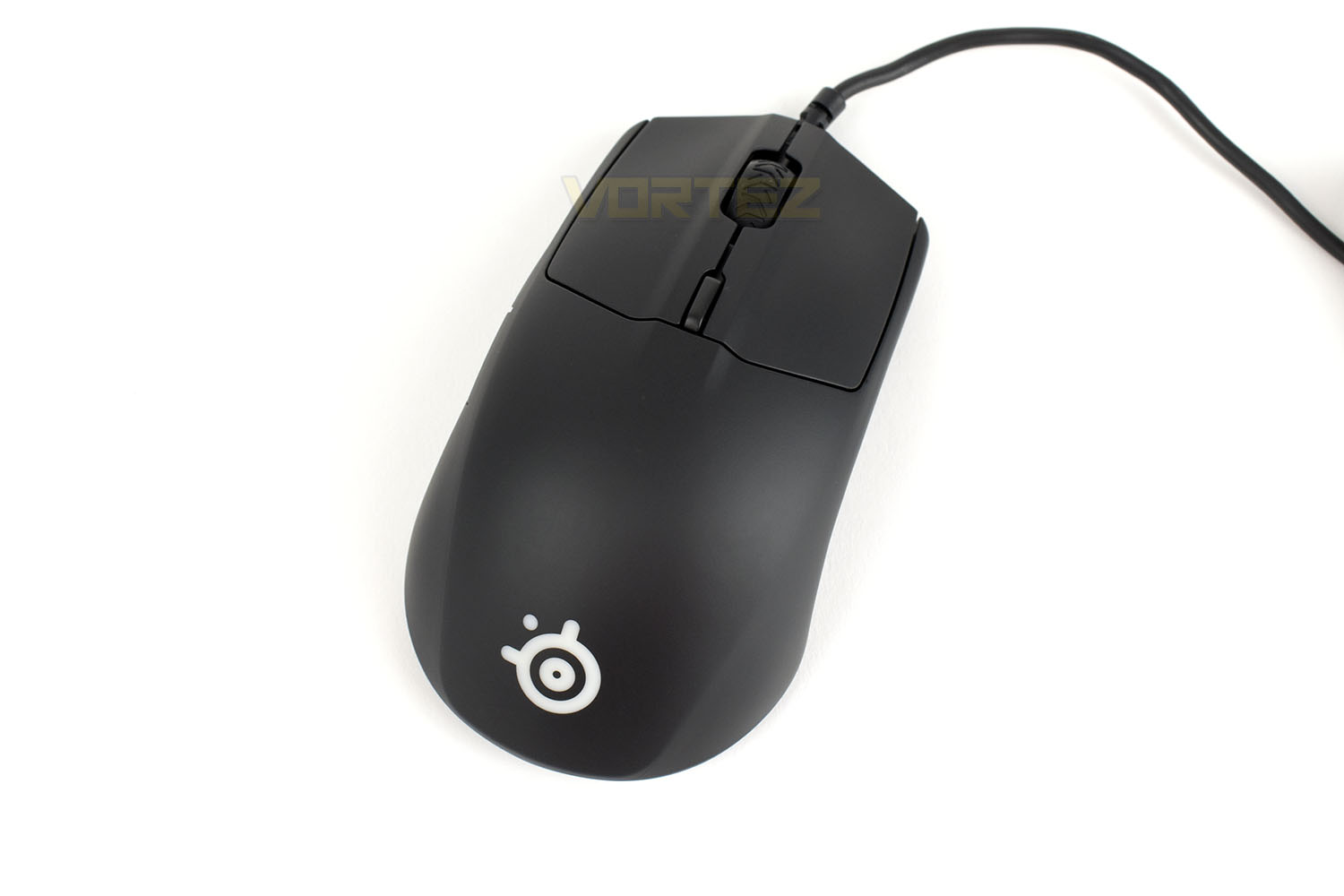
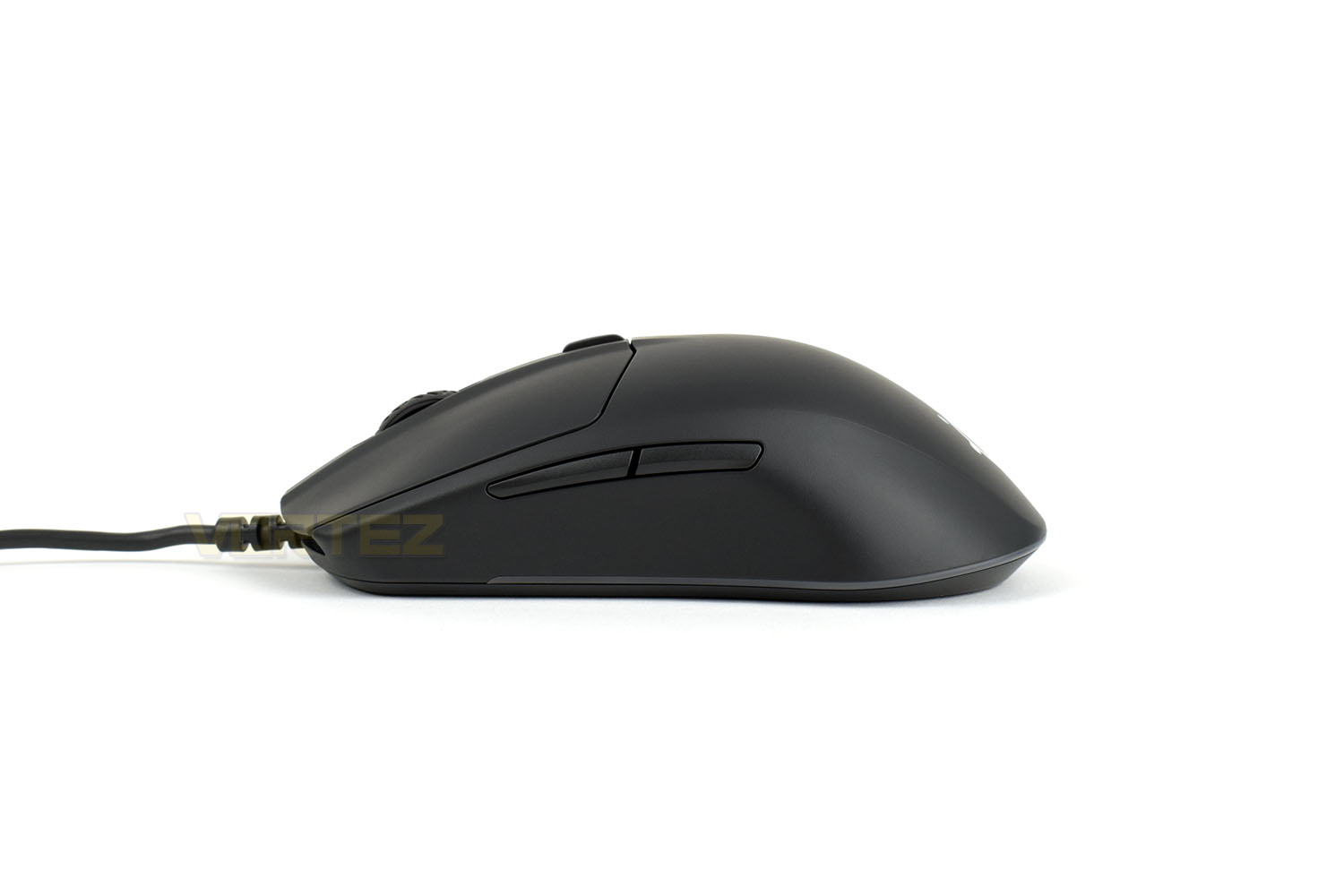
The left-hand-side of the Rival 3 features a couple of slim buttons, traditionally used for forwards/backwards functions within the operating system or web browser but they can also be remapped in the SteelSeries Engine 3 software to give additional functions in your games.
Around the skirt of the mouse, you should also notice the thin translucent strip – hidden behind that are a string of RGB LEDs.
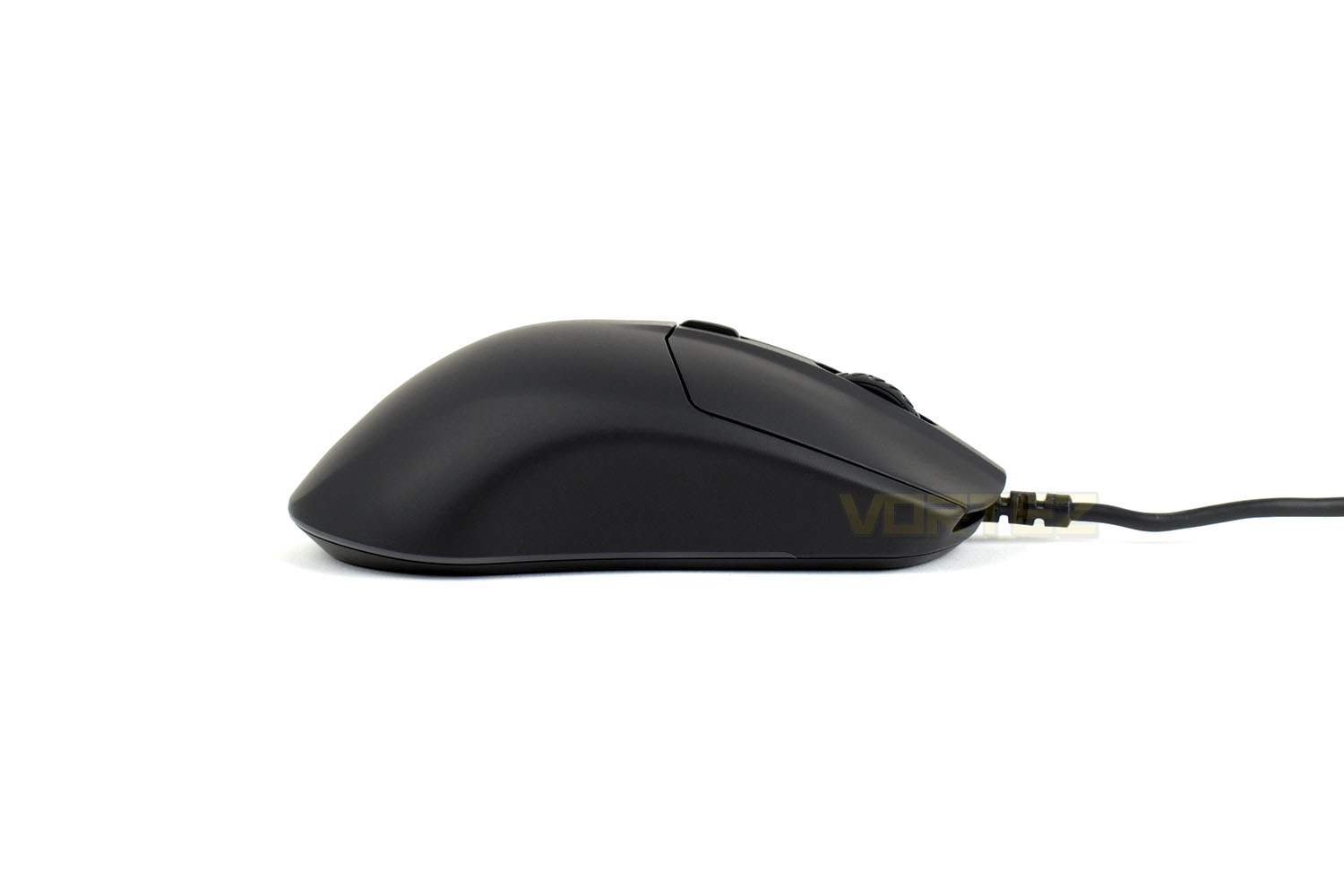
On the right-hand-side, there’s a clear absence of thumb buttons but the design is largely the same as the opposite side. This lack of buttons is why the mouse is marketed as right-handed, but there’s no reason why a leftie user wouldn’t be happy with the device, providing the thumb buttons aren’t important to them.
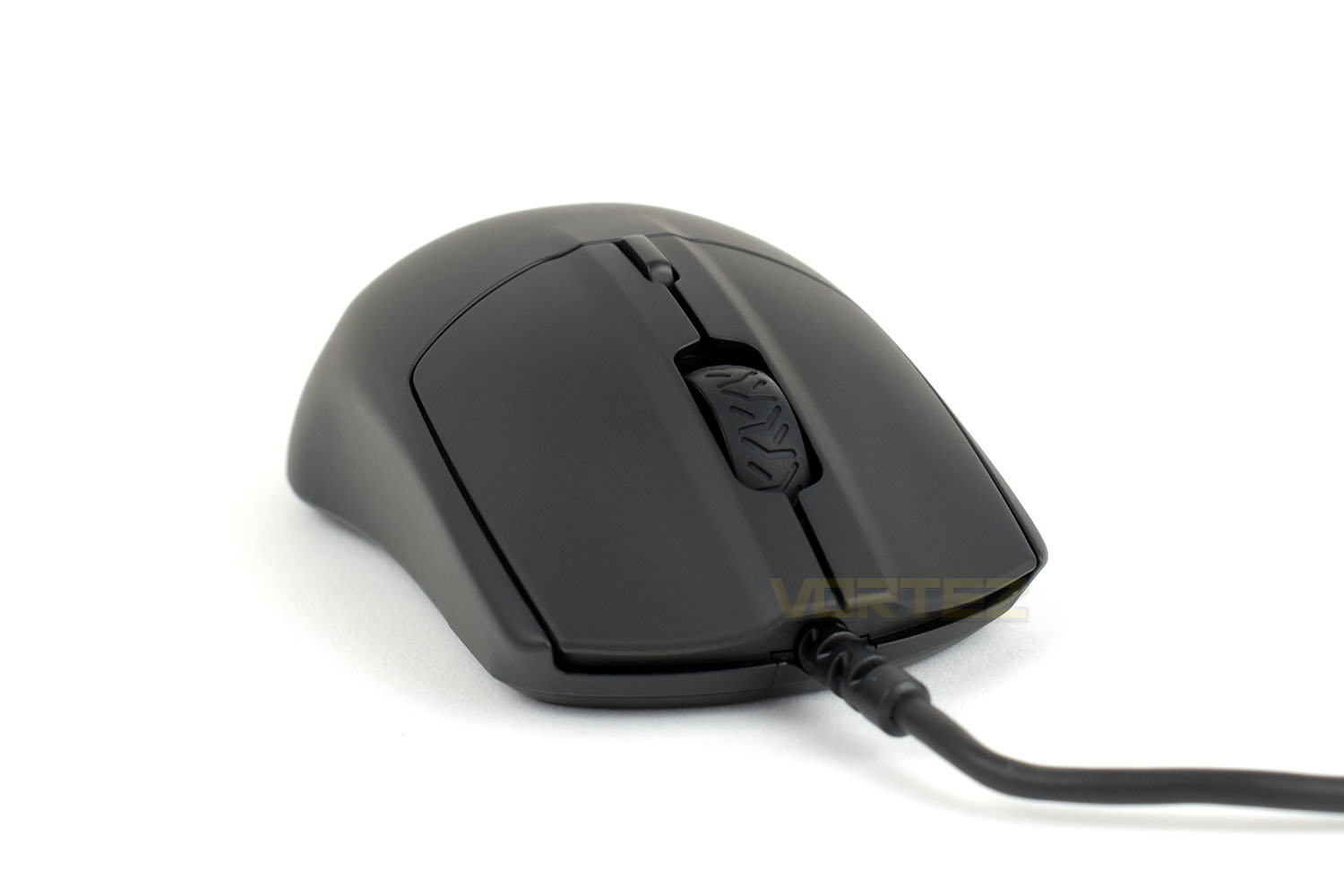
Hidden under the two large buttons at the front, which are on their own hinge mechanism that’s separate from the main shell of the mouse, are the usual 60 million click mechanical switches. SteelSeries claim these are the exact same switches that they use on their most expensive mice.
The scroll wheel looks like a streetbike rear tyre with the tread pattern moulded into it, just behind that is a DPI-toggle.
The 1.8M rubber cable is raised off the surface slightly which helps to reduce cable drag as much as possible, something that can ruin the feel of wired mice if not taken seriously in the design phase. Something we’d usually see on SteelSeries mice is a braided cable, but they’re not cheap and would’ve undoubtedly increased the cost of the device, instead we get a thin rubber cable.
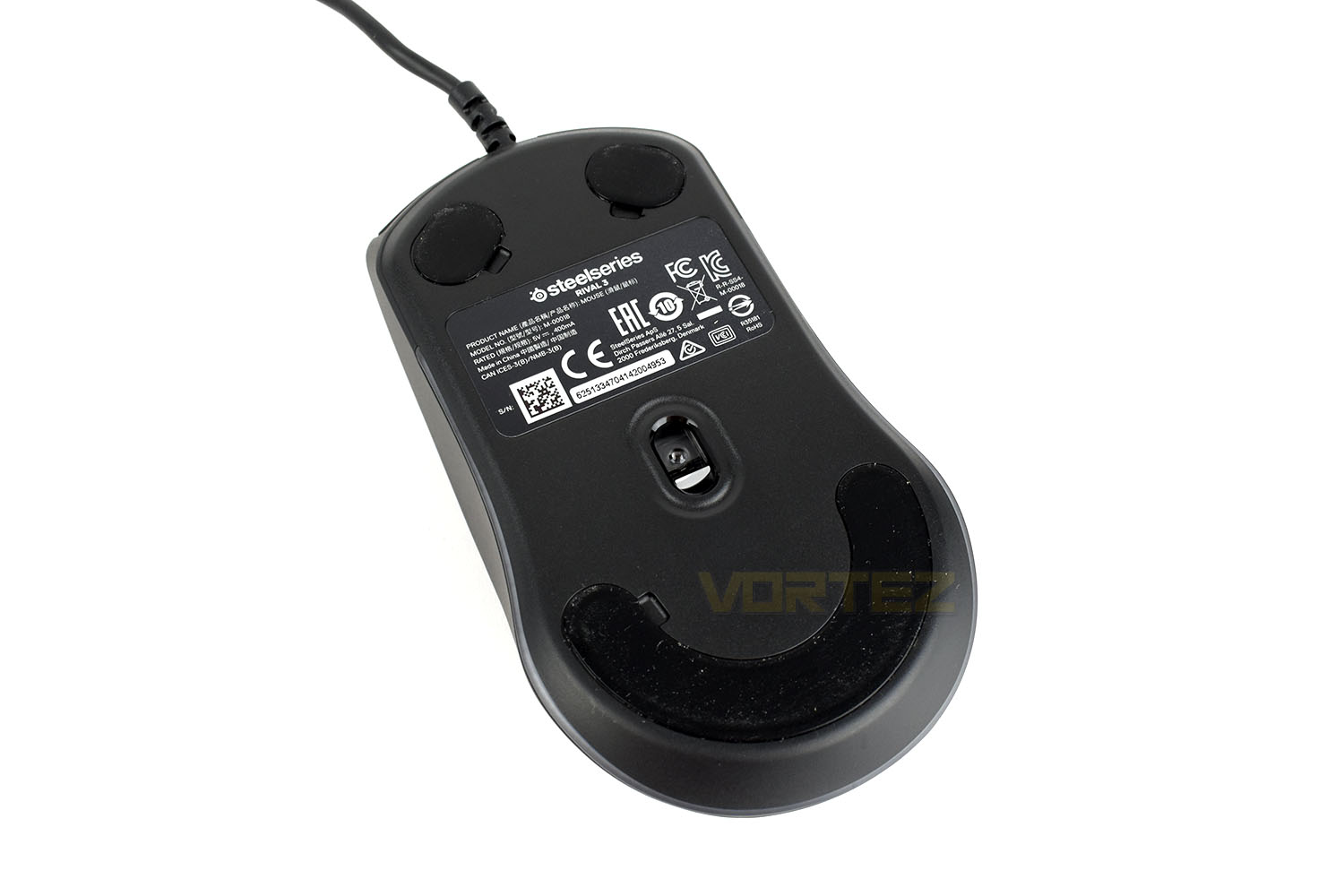
Flipping the mouse on its back we can see the sensor is located further towards the palm of your hand instead of being centralised in the device. This can alter the feel of the mouse depending on whether you pivot your motions from the wrist or the elbow. There are also three large PTFE pads to allow the mouse to glide; they’ve even engineered in a small recess next to each pad for easy replacement once these wear out.
Software
SteelSeries Engine 3 is a unified suite that controls all of their peripherals including headsets, keyboards, mouse mats and, obviously, mice.Below is a short(ish) demo of the software and customisation options available within the device.
We’ve always found SteelSeries’ software to be one of the best around. Some manufacturers can produce some excellent software but then completely let themselves down with terrible drivers, not here though. Once again everything was easy to understand, with handy tool-tips dotted around all over and with the Live Preview option turned on, RGB effects could be observed instantly to make finding the perfect option that little bit easier.
Performance Testing
It doesn’t matter whether you’ve spent £100 or £35 on your gaming mouse, you still expect things to be developed to an acceptable degree with proper tracking and robust software/drivers. To that end, we’ve not held back while evaluating the Rival 3, treating the device with the same rigour that we’d put any other gaming mouse through.For day to day usage, the Rival 3 is absolutely fine, the sensors that SteelSeries use are so well tuned these days that you don’t give them a second thought, with the lightweight chassis and comfortable shape also helping the overall appeal. It’s a shame that SteelSeries couldn’t stretch to adding in thumb buttons on both sides so that left-handed users could join in on the fun but tight budgets cause cutbacks.
Gaming, a true leveller for mice of this price bracket, will either expose the drawbacks of spending less cash or show off the manufacturer’s true colours in their ability to delivery good performance at a wallet-friendly price point. Well, it’s good news from where we’re sitting. We tried the mouse out at a low-DPI of 400 in CSGO and War Thunder, two games were being accurate at a distance can make all of the difference; we were pleasantly surprised by the tracking and mechanical switches under the two mouse buttons, it certainly didn’t feel like a cheap mouse. Dialling up the DPI for games that don’t require as much accuracy, like strategy or MMO type games, also faired very well. All in, the Rival 3 passed our gaming tests with flying colours. We had no complaints at all and would happily use this daily going forwards.
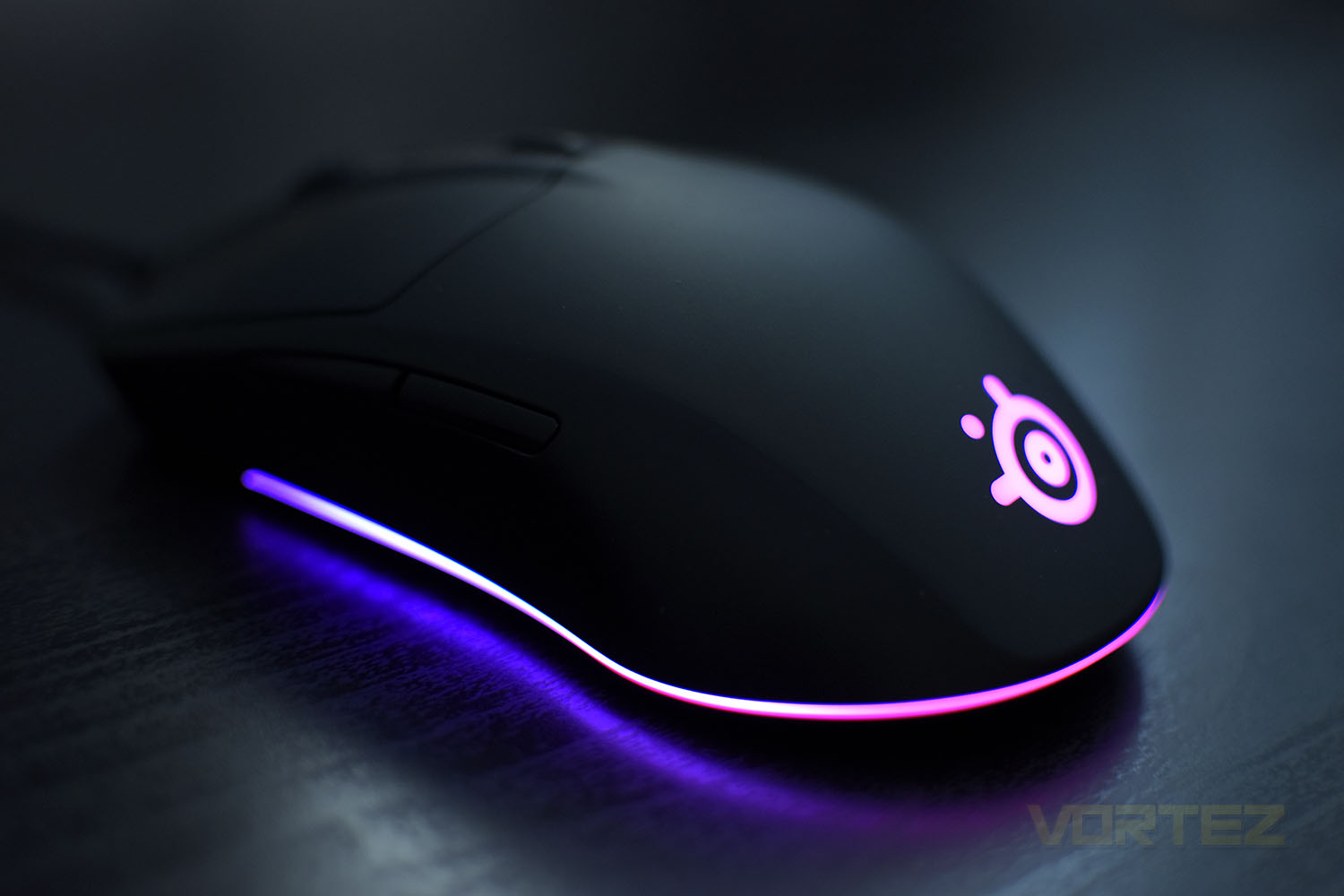
The RGB lighting, helped along by the Engine 3 software, looks decent, but it is evident that, in an effort to save costs, SteelSeries have used fewer RGB LEDs than they might’ve liked to. The brightness and vibrancy of the colours is excellent but any kind of sweeping effect through the lighting skirt is notchy lacking in the absolutely smoothness offered by their higher end offerings.
Conclusion
SteelSeries have a reputation to uphold, something they’ve worked incredibly hard to earn over the years, but we’re pleased to announce that they’ve done a sterling job on this Rival 3.Gaming and everyday usability is up there with the best in the market. As wild a claim as that might sound, SteelSeries certainly haven’t held back where it matters. The 8500 DPI TrueMove Core sensor is fantastic, the 60M click rated mechanical switches are way above what we expect at this price point and the overall shape and weight of the device makes it suitable for fast-paced or more ponderous gaming or even just office tasks at home; something which might become more commonplace for a lot of people in the coming months and years as working from home becomes more popular.
SteelSeries software is one of our favourites, we’ve never had any issues from it, regarding crashes, incompatibilities or freezes while updating the connected devices. It’s easy to negotiate, features loads of handy tool-tips to tell you what specific things do, such as angle snapping or sensor acceleration, and it’s light on system resources too. You get a thumbs up from us for your software, SteelSeries.
Moving onto the RGB lighting. No gaming peripheral is complete without this, but thankfully they’ve not wasted precious resources by covering the device in LEDs so it shines out of every crevice. A simple lighting skirt around the bottom and the logo at the back is all it needs, and even at that they’ve kept things low cost by using only a few LEDs. It looks nice but it’s not gonna blow your mind, though at this price point we can forgive that somewhat.
With such a low asking price, at around half of anything else SteelSeries offer, we went into the review a little sceptical, worried even, but they’ve pulled it off remarkably well! It’s a great all-round mouse that’s comfortable, looks good, performs amazingly well and will suit almost all budgets.
One of the few issues we do have with the mouse is the odd choice to present the mouse with a symmetrical design but not ensure left-handed users can use the mouse with thumb buttons on both sides.
If you’re looking for a mouse for some casual gaming and office based tasks, this thing should be top of your list. Hats off to SteelSeries on this one.
Pros
+ Staggering value for money
+ Great gaming performance
+ Comfortable
+ Easy to use software
+ Mechanical mouse buttons
+ Lightweight
Cons
– RGB lighting effects are jumpy/notchy
– Not ambidextrous despite being symmetrical in shape
+ Staggering value for money
+ Great gaming performance
+ Comfortable
+ Easy to use software
+ Mechanical mouse buttons
+ Lightweight
Cons
– RGB lighting effects are jumpy/notchy
– Not ambidextrous despite being symmetrical in shape
Click here for an explanation of our awards at Vortez.net.
Stay connected with the Vortez Social Media pages:
Join in with the discussions on Discord