The SteelSeries Apex 3 sheds some bulk and arrives in the increasingly popular TKL form, but how does it stack up against the competition?

Product on Review: SteelSeries Apex 3 TKL
Manufacturer: SteelSeries
Street Price: UK £49.99 / US $55.99 / AU $69.99
Trends occur within every market, whether it’s clothing, vehicles, pets, they all go through stages; the peripherals market is going to an eSports boom at the moment, something which doesn’t seem to show any signs of slowing down. Obviously, one of the most important tools any eSports player has is the mouse, being able to move that around freely and unhindered is unmatched in its importance; removing the number pad from a keyboard reduces its width considerably, allowing the mouse additional room to move around. These keyboards are called ten key less, or TKL for short, and are proving to be incredibly popular within gaming crowds.
Today we’re looking at one of SteelSeries’ offerings of this kind, the Apex 3 TKL. We’ve already looked at the full-fat version back in June last year, finding almost nothing wrong with it, and praising it highly for the very cost efficient approach SteelSeries employed. The good news here, then, is that the TKL arrives a full £10 under that asking price; a bargain, it would seem.
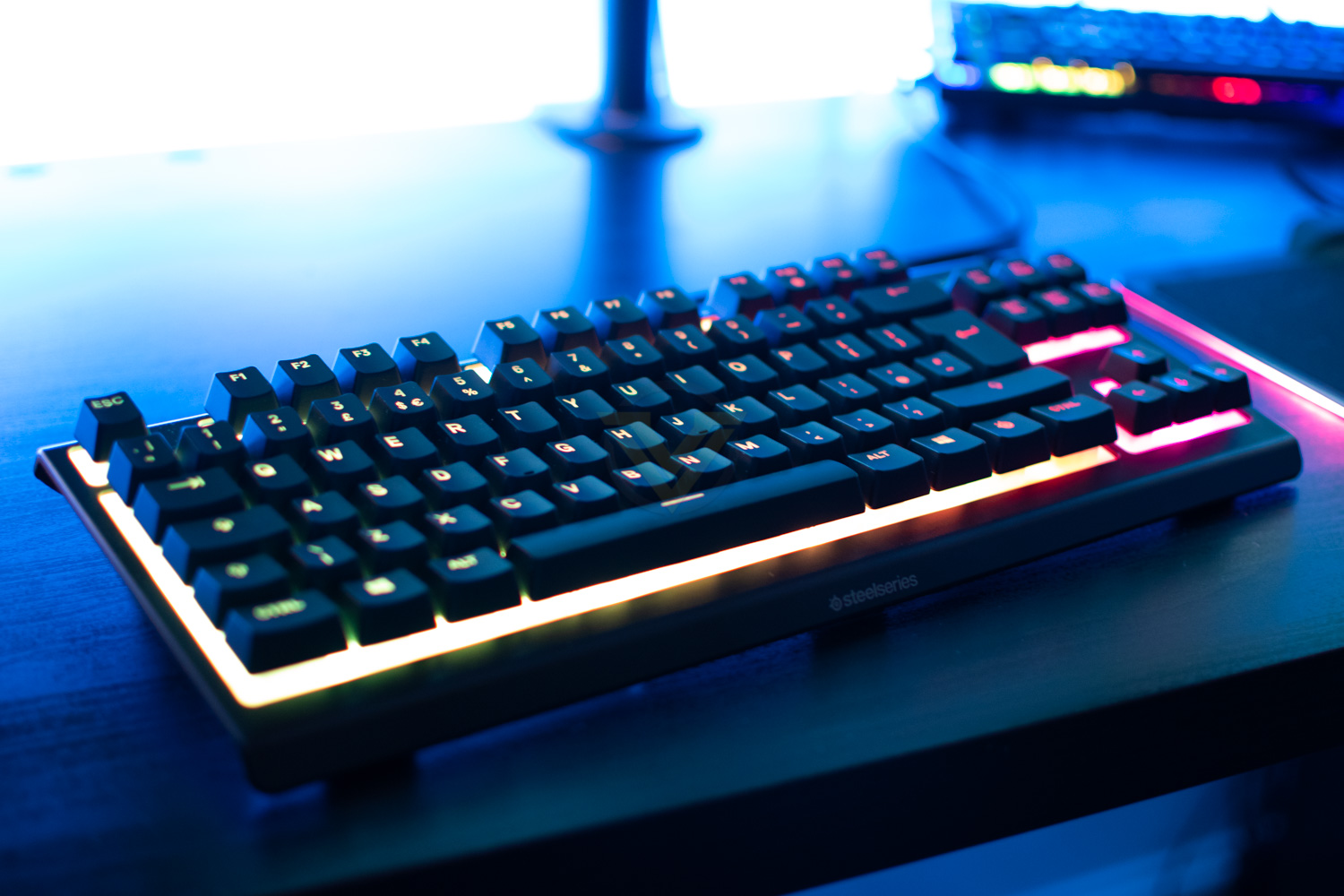
Rocking 16.8m colour RGB, in 8 independent zones, whisper-quiet key switches, dedicated media controls, water resistance (very handy if you’re clumsy with your drinks), anti-ghosting, cable routing options and much more, the Apex 3 certainly isn’t short of features.
There are plenty of other manufacturers offering low-priced keyboards out there, but is the Apex 3 TKL a true competitor to them? There’s only one way to find out.
SteelSeries on the Apex 3 TKL:
Engineered in the form factor of choice among esports pros and packed with SteelSeries’ cutting edge gaming technology, the Apex 3 TKL will give you an edge on your competition.
Technical Specifications
Design
Top Material: High quality polymer frame
N-Key Roll Over: 24 keys
Anti-Ghosting: Gaming Grade
Illumination: 8-Zone RGB Illumination
Weight: 639g / 1.41lbs
Height: 40mm / 1.57 in
Width: 364mm / 14.3 in
Depth: 150mm / 5.9 in
Switch
Type & Name: SteelSeries Whisper-Quiet Switches
Lifetime: 20 Million keypresses
Top Material: High quality polymer frame
N-Key Roll Over: 24 keys
Anti-Ghosting: Gaming Grade
Illumination: 8-Zone RGB Illumination
Weight: 639g / 1.41lbs
Height: 40mm / 1.57 in
Width: 364mm / 14.3 in
Depth: 150mm / 5.9 in
Switch
Type & Name: SteelSeries Whisper-Quiet Switches
Lifetime: 20 Million keypresses
Packaging & First Look
The Apex 3 TKL is delivered in the usual orange and grey packaging, very recognisable by most PC gaming fans by this point. The front of the box is dominated by an illuminated image of the keyboard, surrounded by the key features.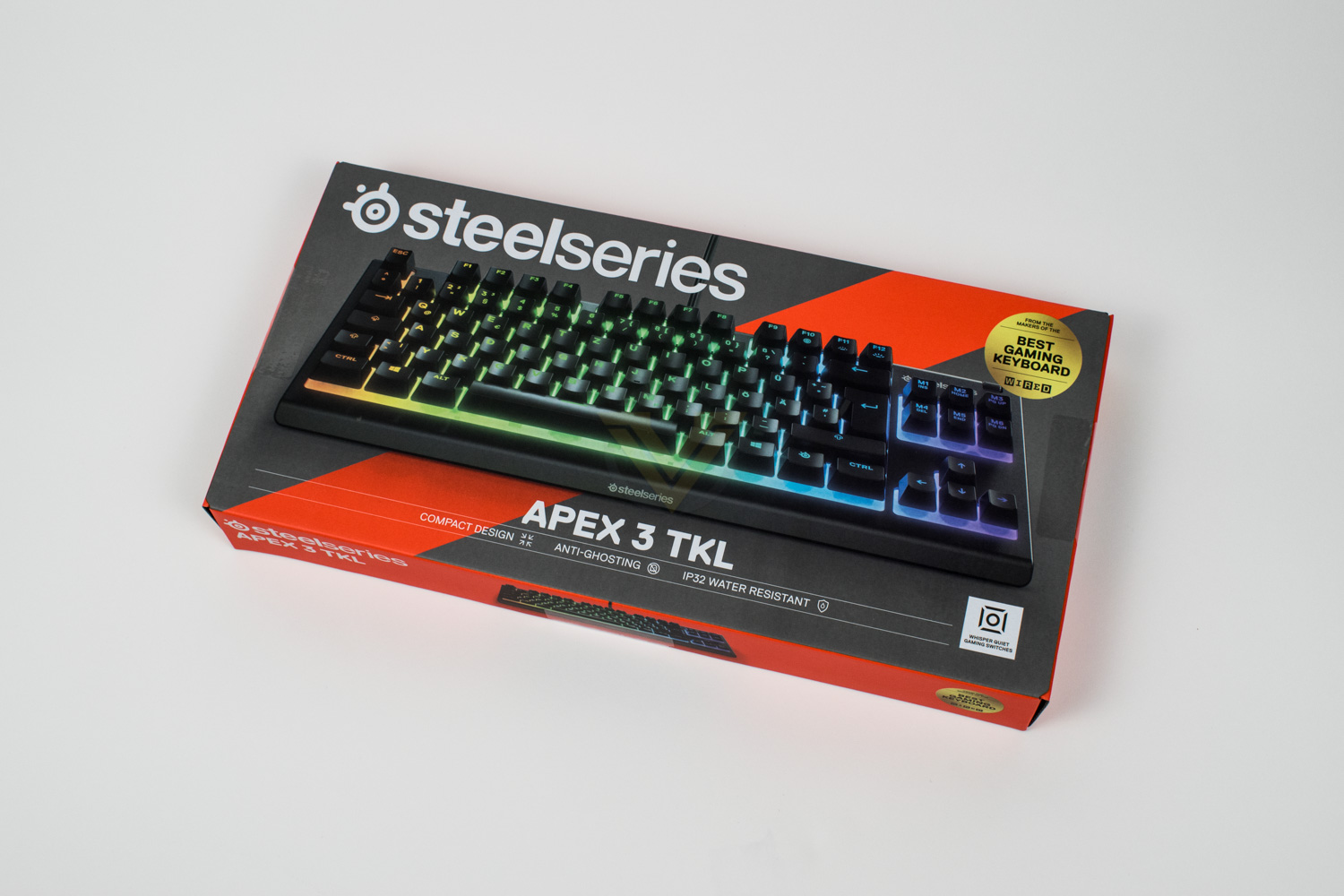
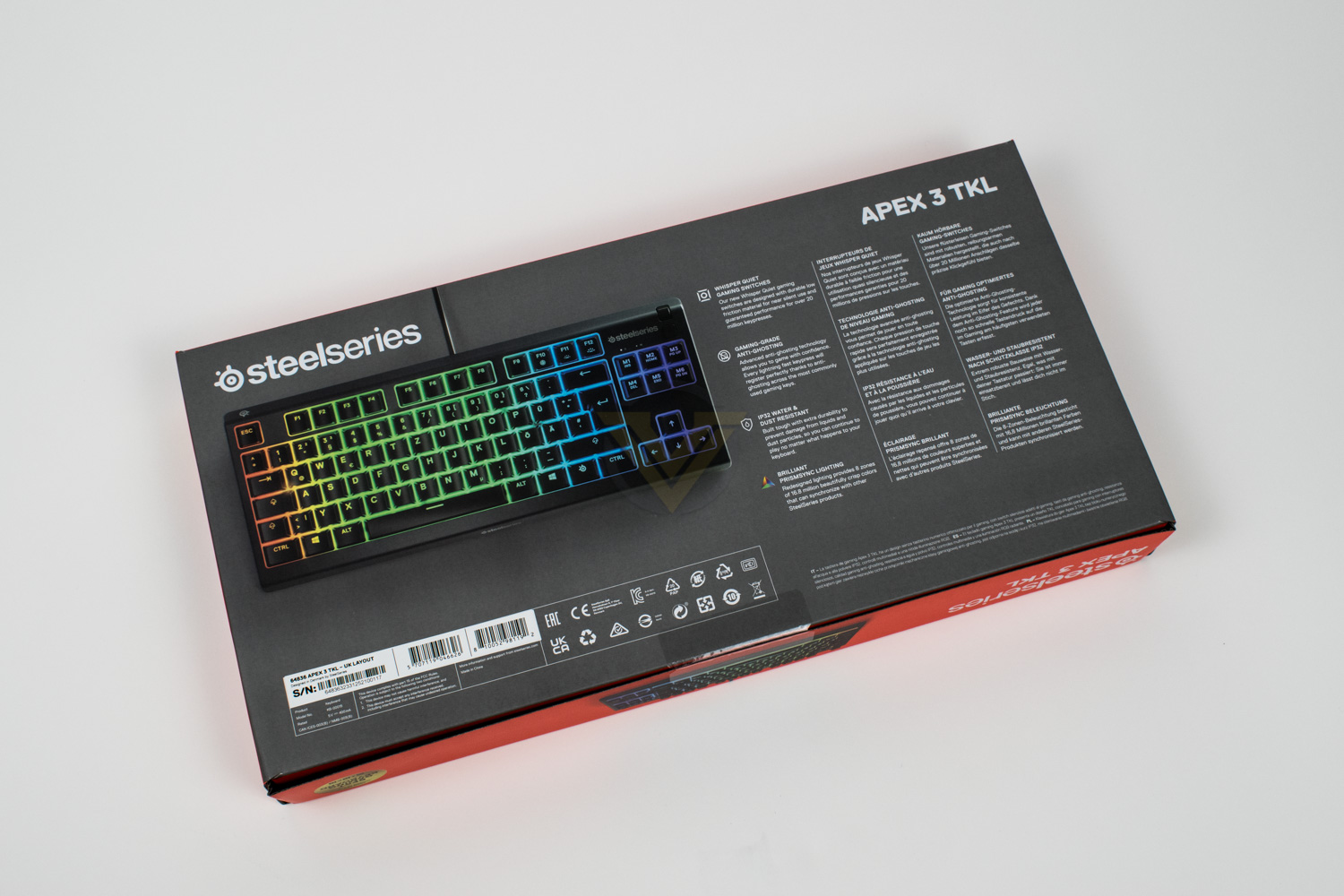
On the back side you’ll find a brief run-down of the features and what they do. There’s also a slightly-less-arty image of the keyboard so you can see it from above.
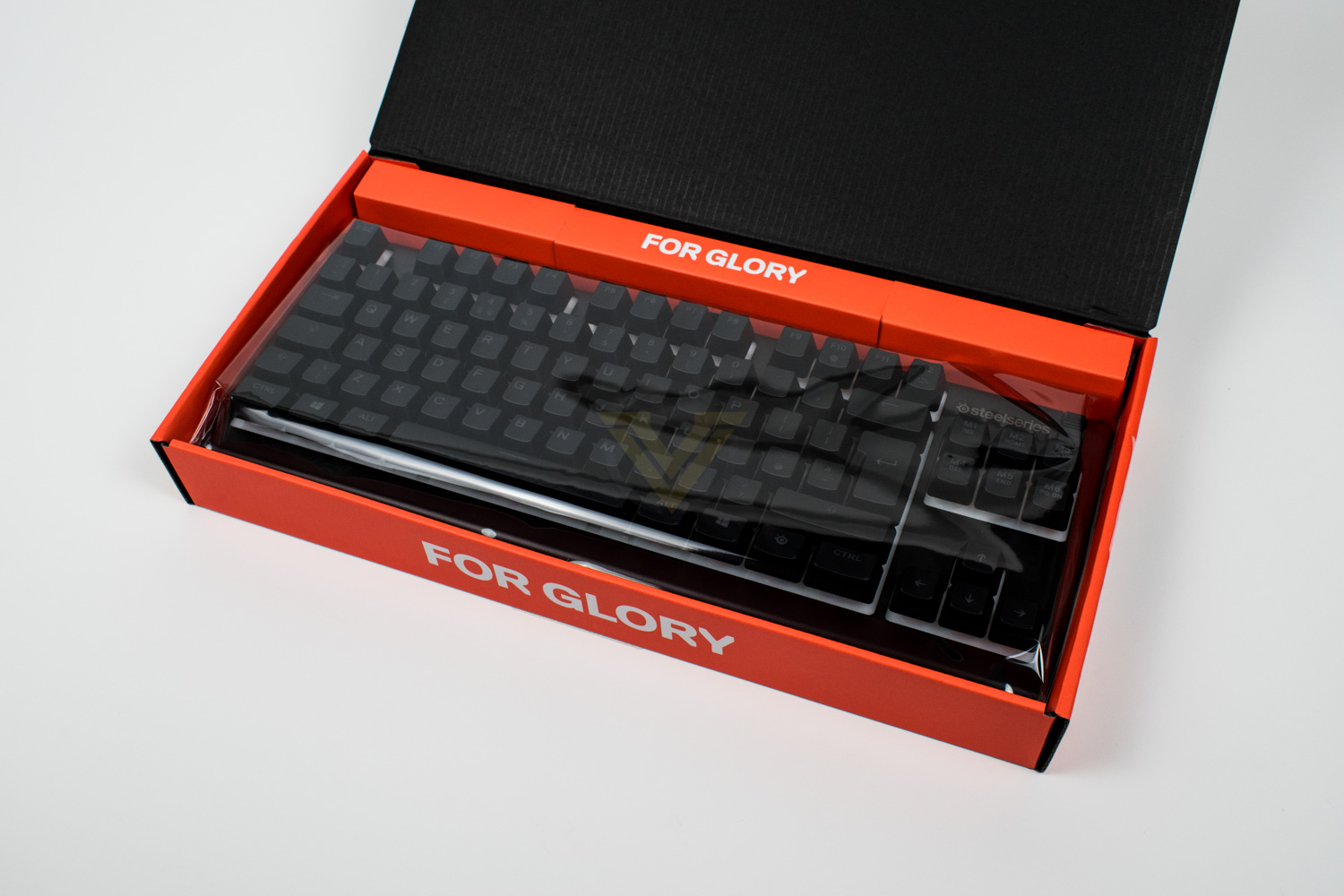
Keeping things nice and simple, the packaging contains a keyboard, and only a keyboard. There’s a small instruction booklet included but that’s par for the course really.
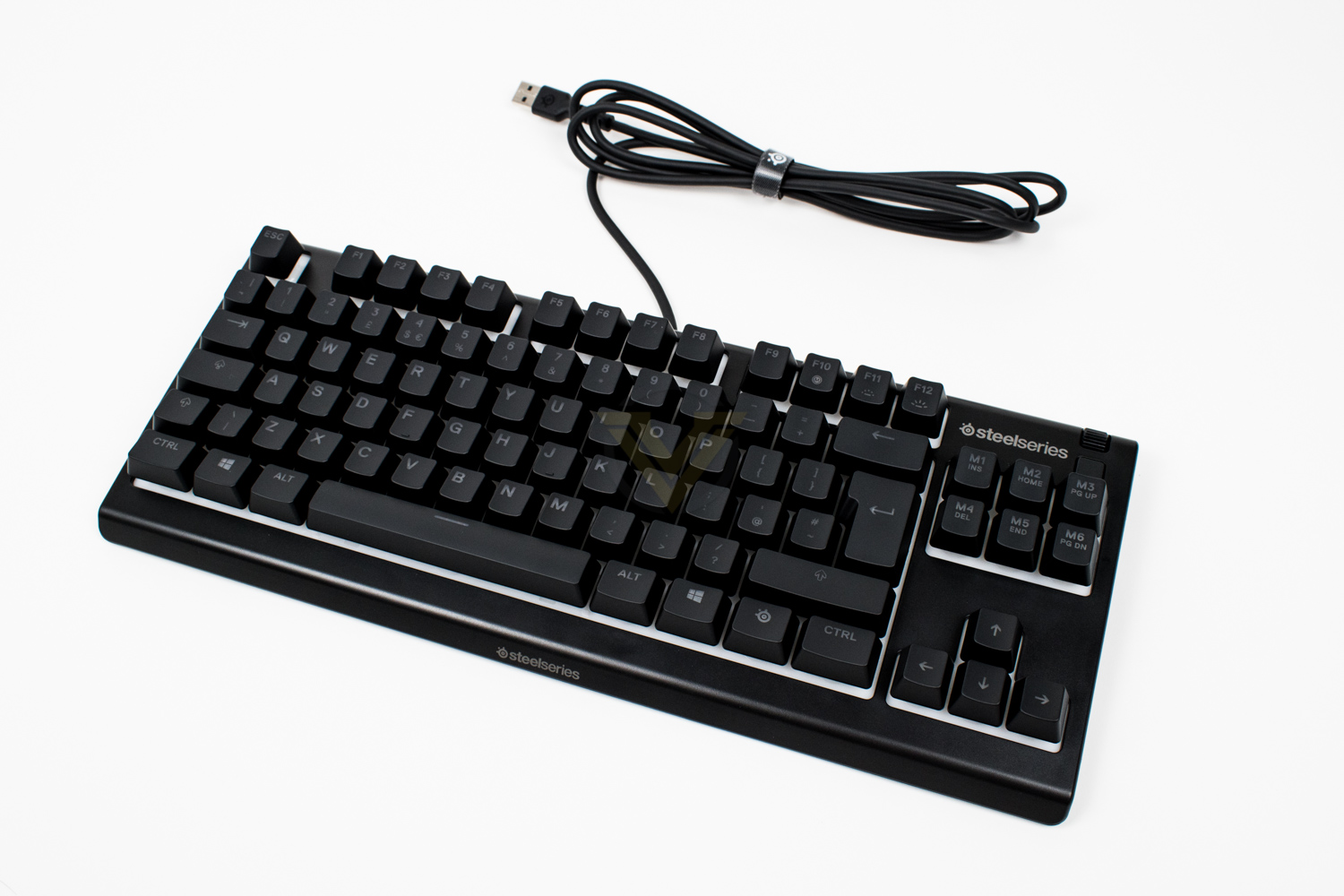
First impressions matter, as we’re always told, but they’re certainly good with the Apex 3 TKL, the small size is immediately apparent when compared to its fully grown brother.
Closer Look
Looking at the keyboard from the end, you can see how tall the keycaps are, they’re much taller than a keyboard with mechanical switches but do offer very good lateral stability.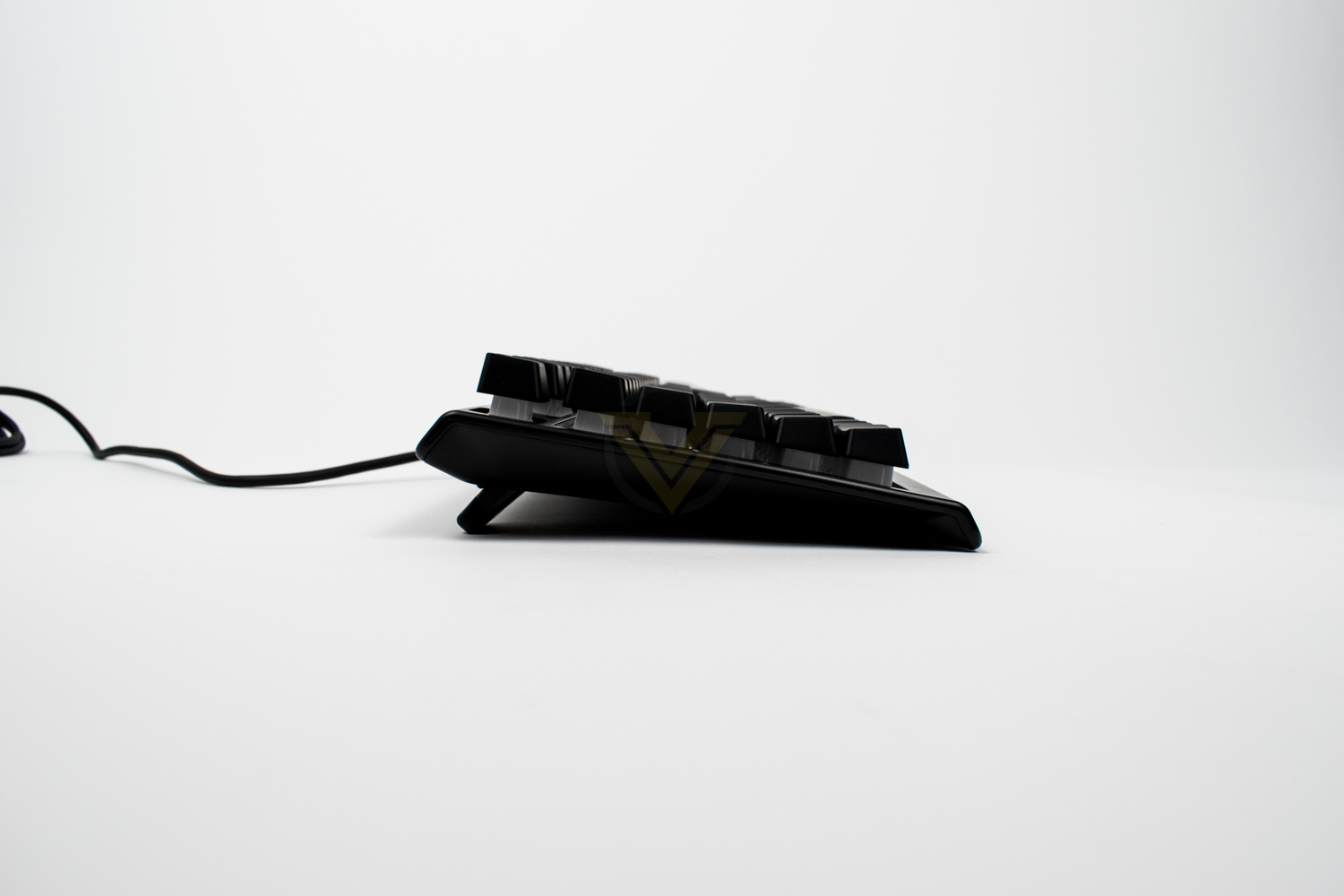
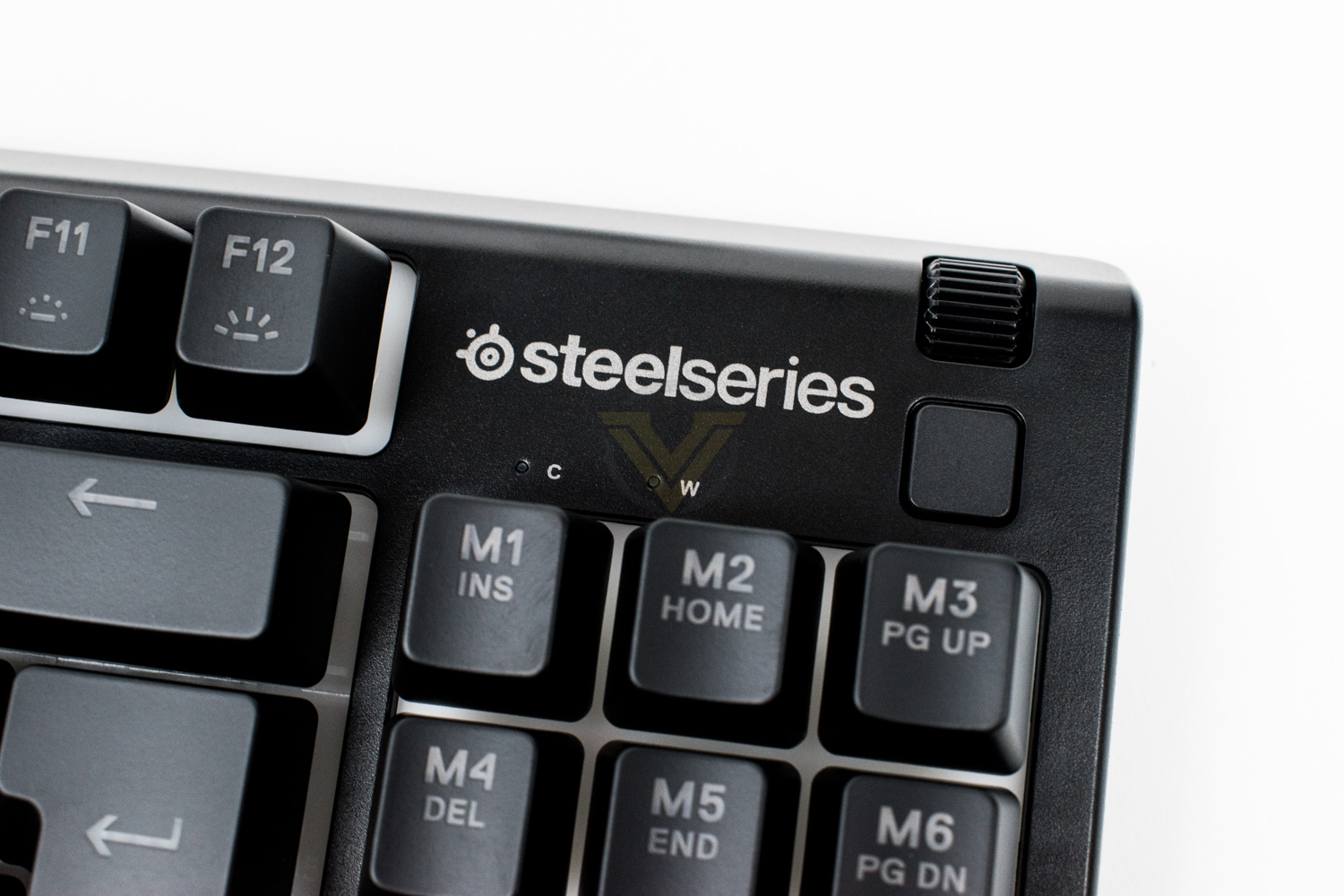
In the top-right of the keyboard is a scroll wheel, configurable from within the SteelSeries Engine software, which can be used for things like volume control or skipping songs. We also get a play/pause button, but again that can be configured to perform different actions within the software. Caps Lock and Windows Key Lock indicators are included in this region as well. The Num Lock and Scroll Lock indicator LEDs are missing, and the button and scroller have both been down-sized fairly significantly, but there’s no massive change here compared to the full size model.
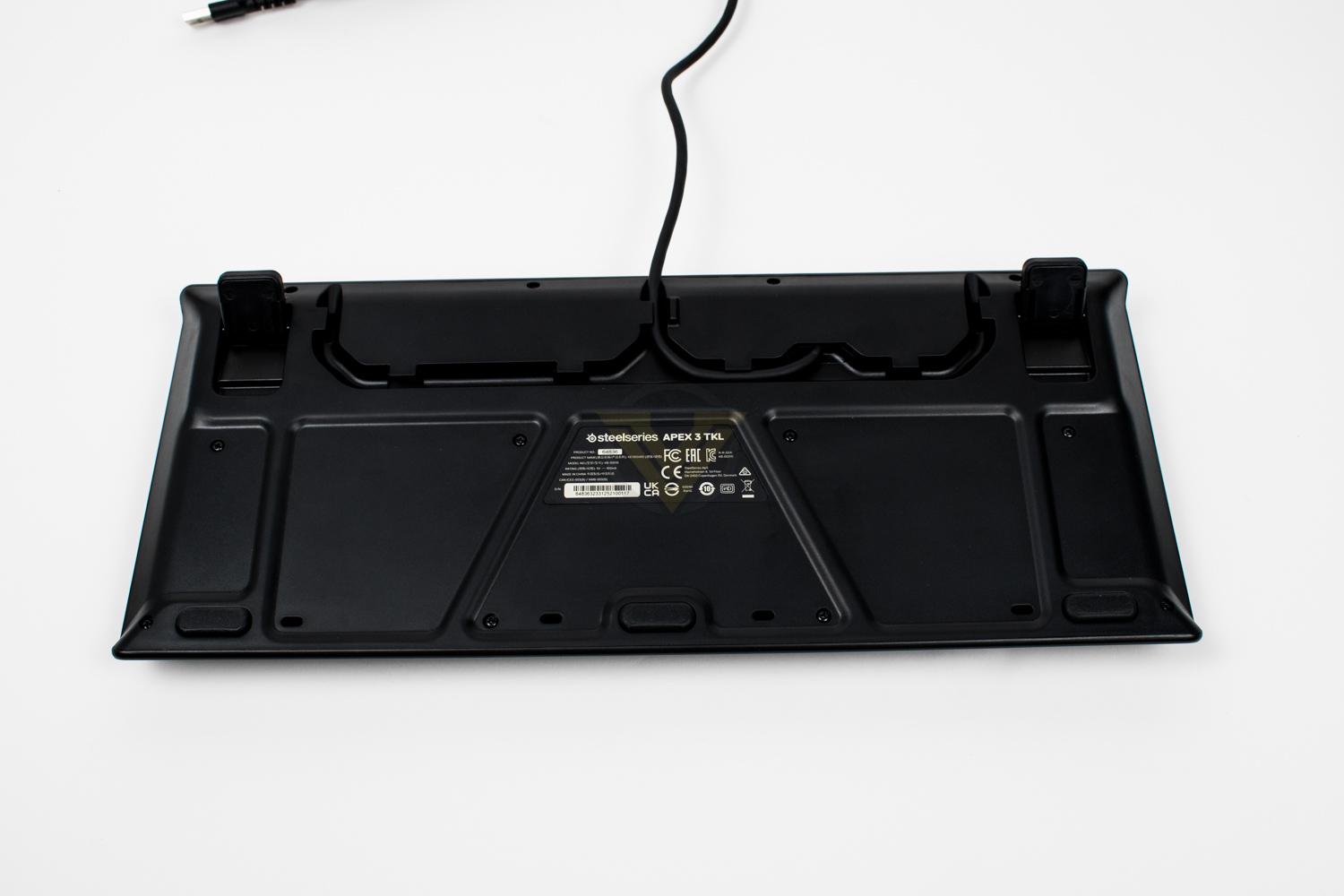
On the underside of the keyboard, SteelSeries have moulded some cable routing into the plastic. With this you can have the cable leave the back of the keyboard in one of three locations, allowing you to neaten up your cable management somewhat. There are also three decently thick rubber grips at the front of the keyboard to prevent it sliding around on slick surfaces (like most desks).
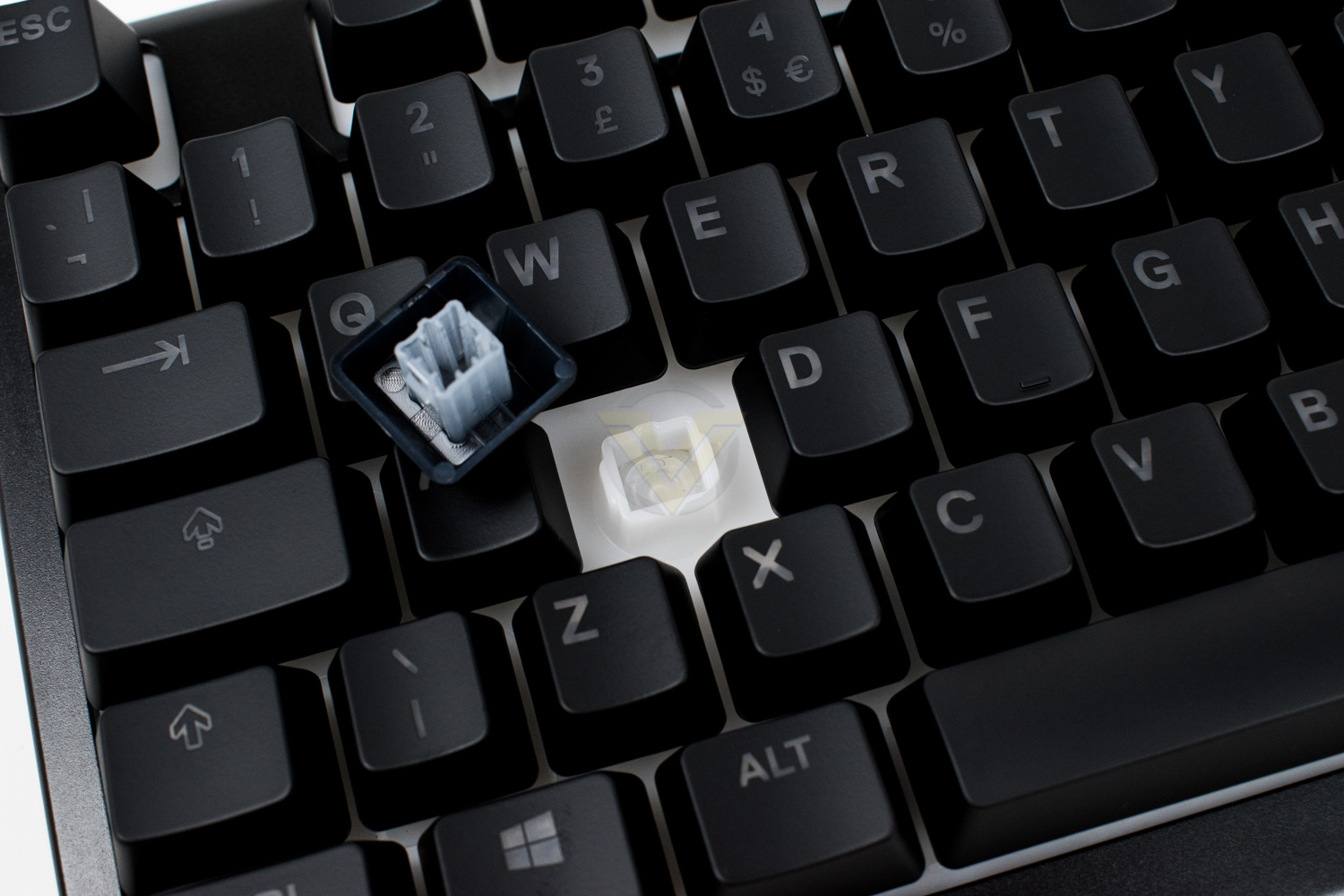
Pulling up a keycap we can see the switch underneath. This is a synapse key switch, not mechanical in any way, but as we previously mentioned the lateral stability is excellent.
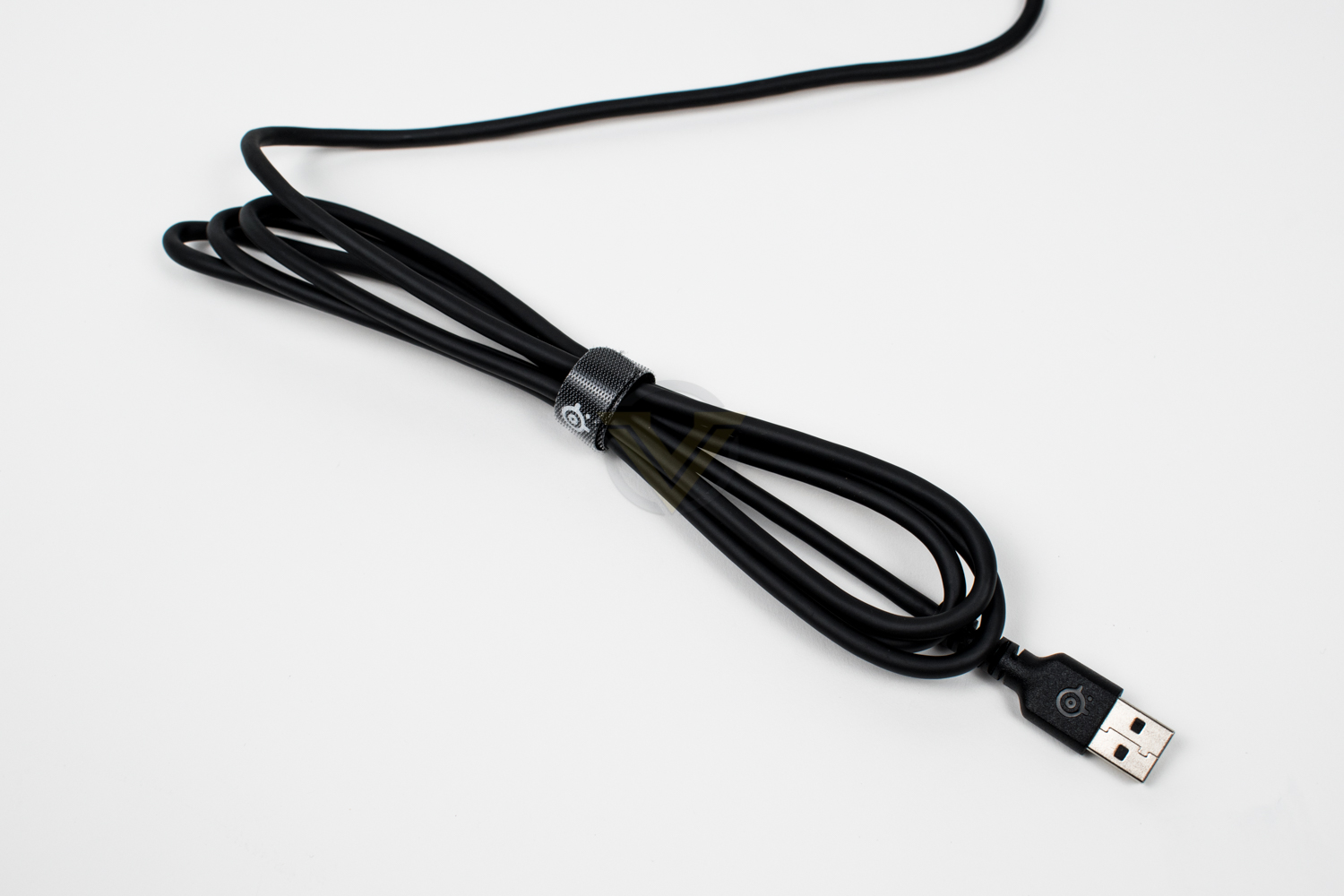
The USB cable is 1.8M in length and is entirely no-frills, it’s a simple rubber-coated wire with a fairly basic Velcro cable tidy. All about cost savings at this price point, so you can get the best possible keyboard experience for the least possible money.
Software
SteelSeries have used their Engine software for years now, but recently have moved over to the new GG software. We have plenty of experience with Engine but this is brand new to myself, though another editor has covered it recently and found it to be quite the piece of software.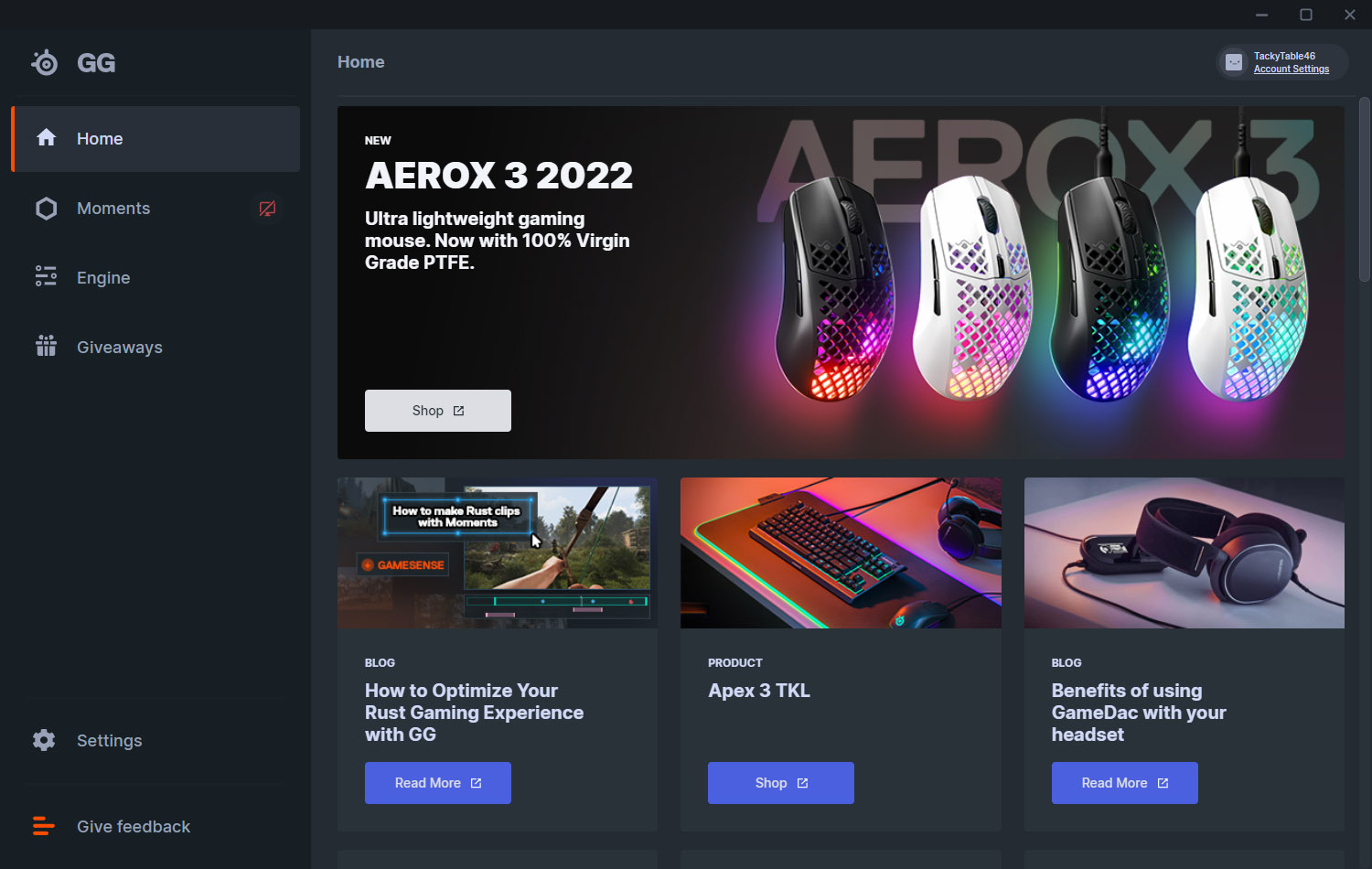
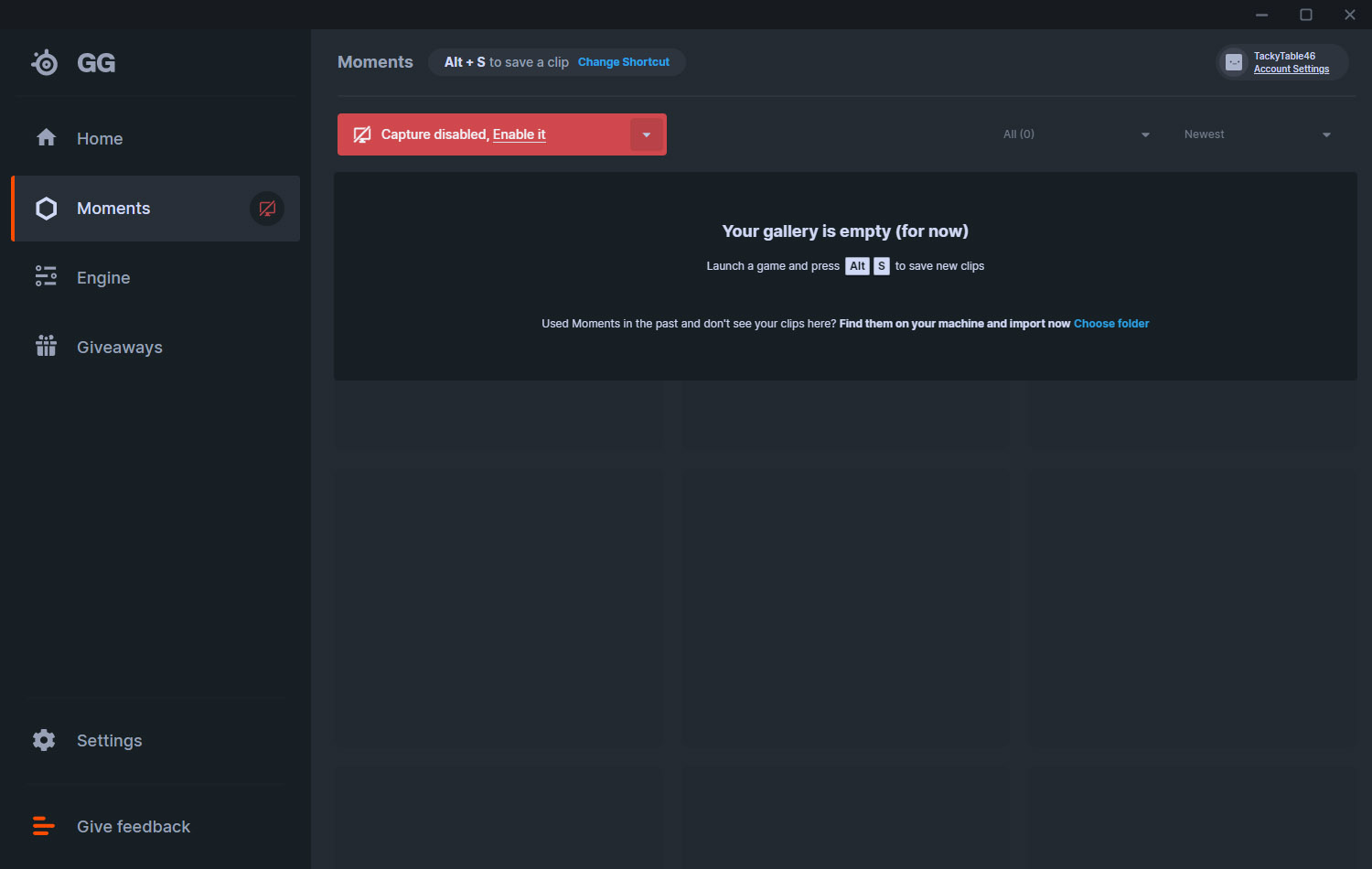
GG carries all of the same functionality that you come to expect from SteelSeries but they’ve spiced things up a bit with some great new features; chief amongst which is Moments, a gameplay capturing suite that makes editing and sharing snippets of your best gaming moments super easy. There are other social features baked into the new software, including some giveaways and the ability to store profiles in the cloud, but these do require a free SteelSeries account to be created.
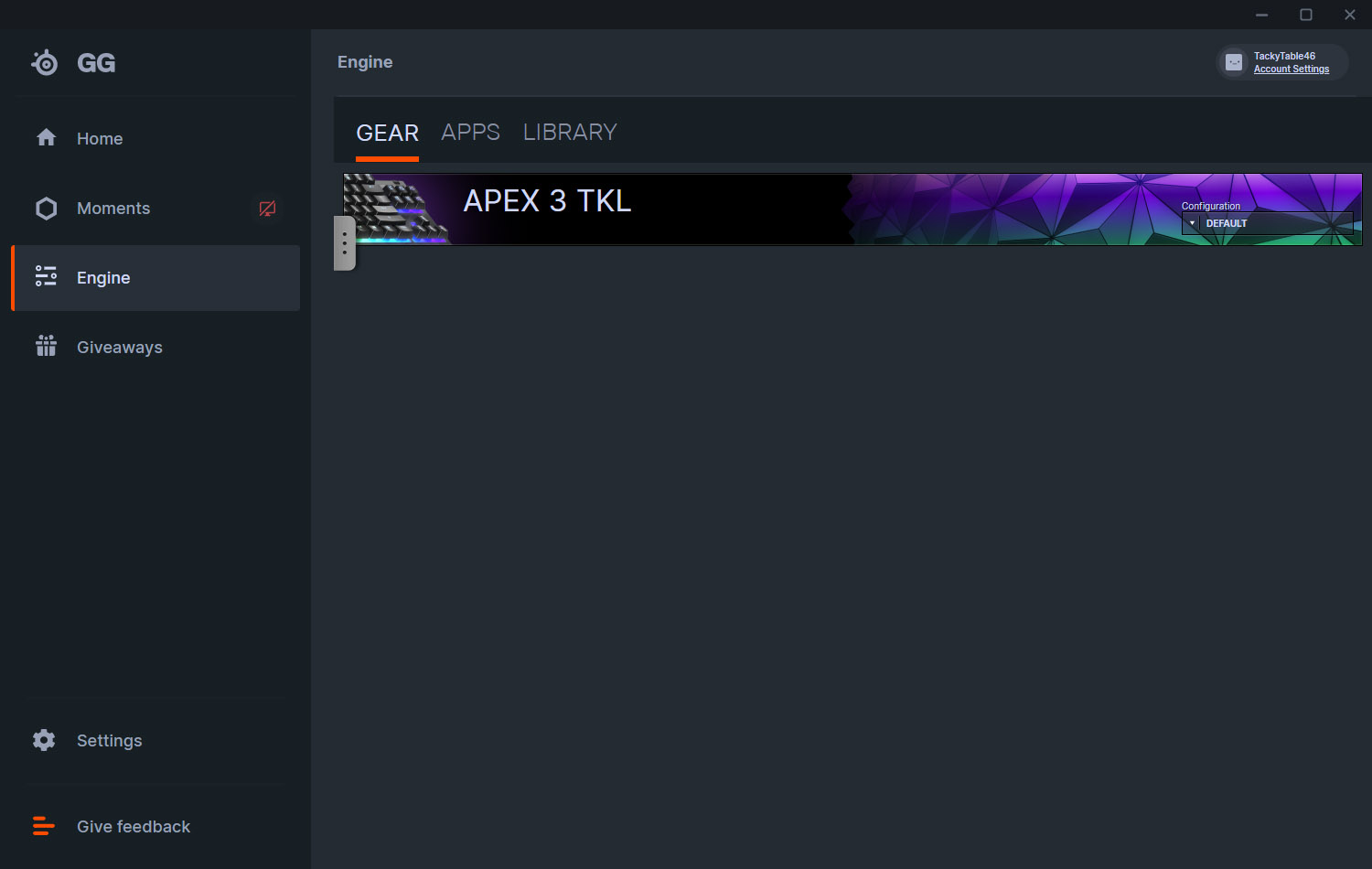
Opening the Engine portion of the software, you receive a list of the SteelSeries peripherals you have ever attached to the system. You can select profiles from here or delve into your products to make tweaks and adjustments.
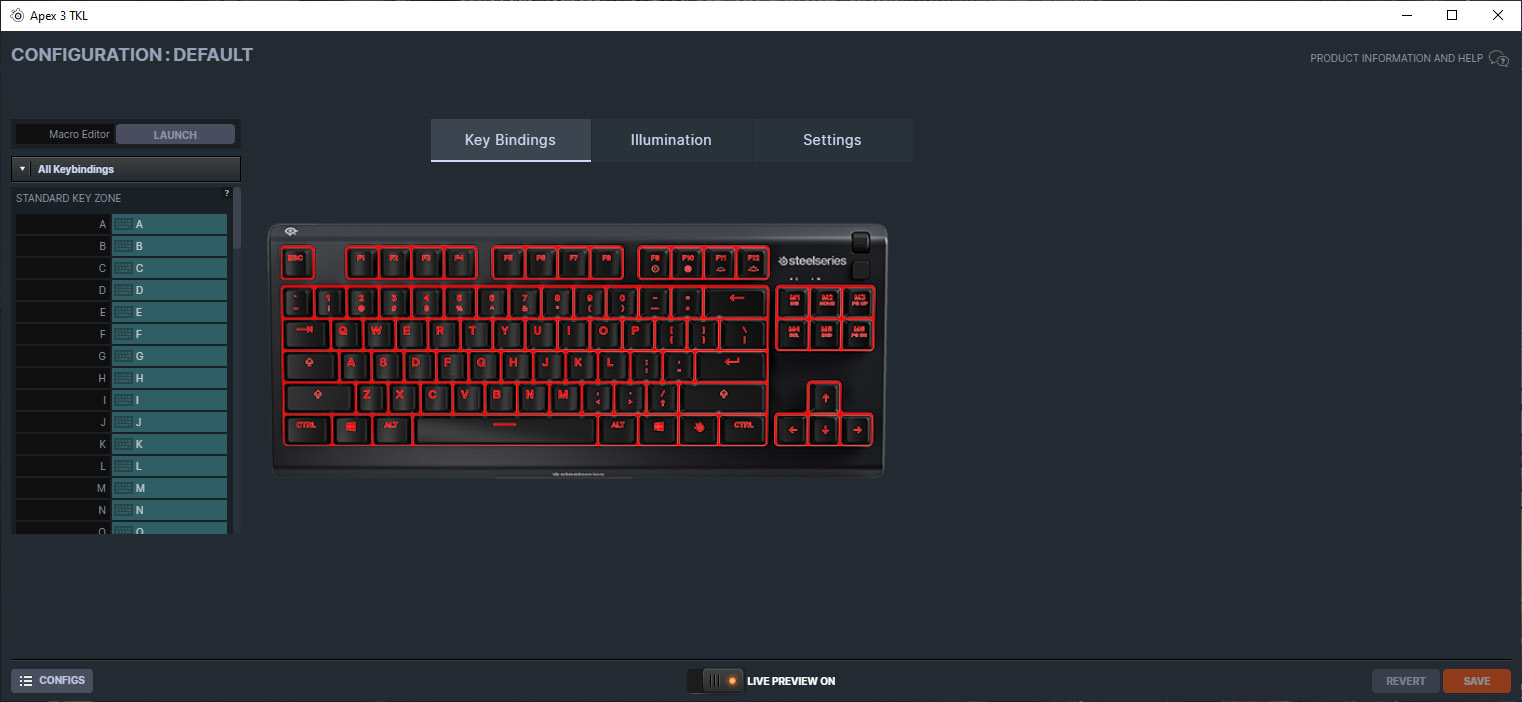
First things first, you’re greeted with the ability to set up keybinds. With a TKL keyboard, there are fewer keys to play with, but there are still plenty of options available. For example, SteelSeries haven’t included a print screen key on the TKL version, so you’ll likely want to learn the Windows key shortcut (Win + Shift + S) or set up your own.
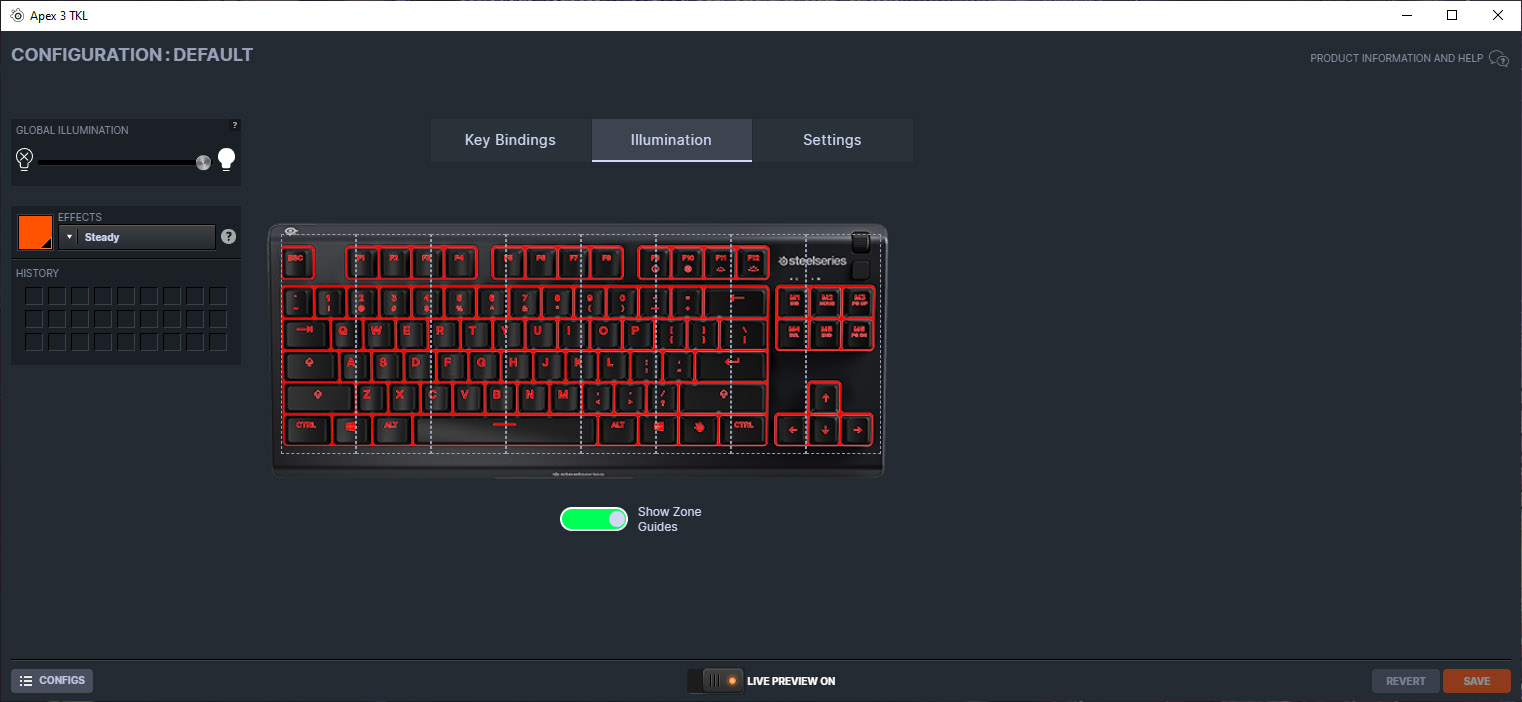
The following screen is where you adjust the shiny shiny. The keyboard is divided up into 8 addressable RGB zones, you can tweak these to your liking but you’re somewhat limited to what effects can be chosen due to the vertical segregation of the different zones.
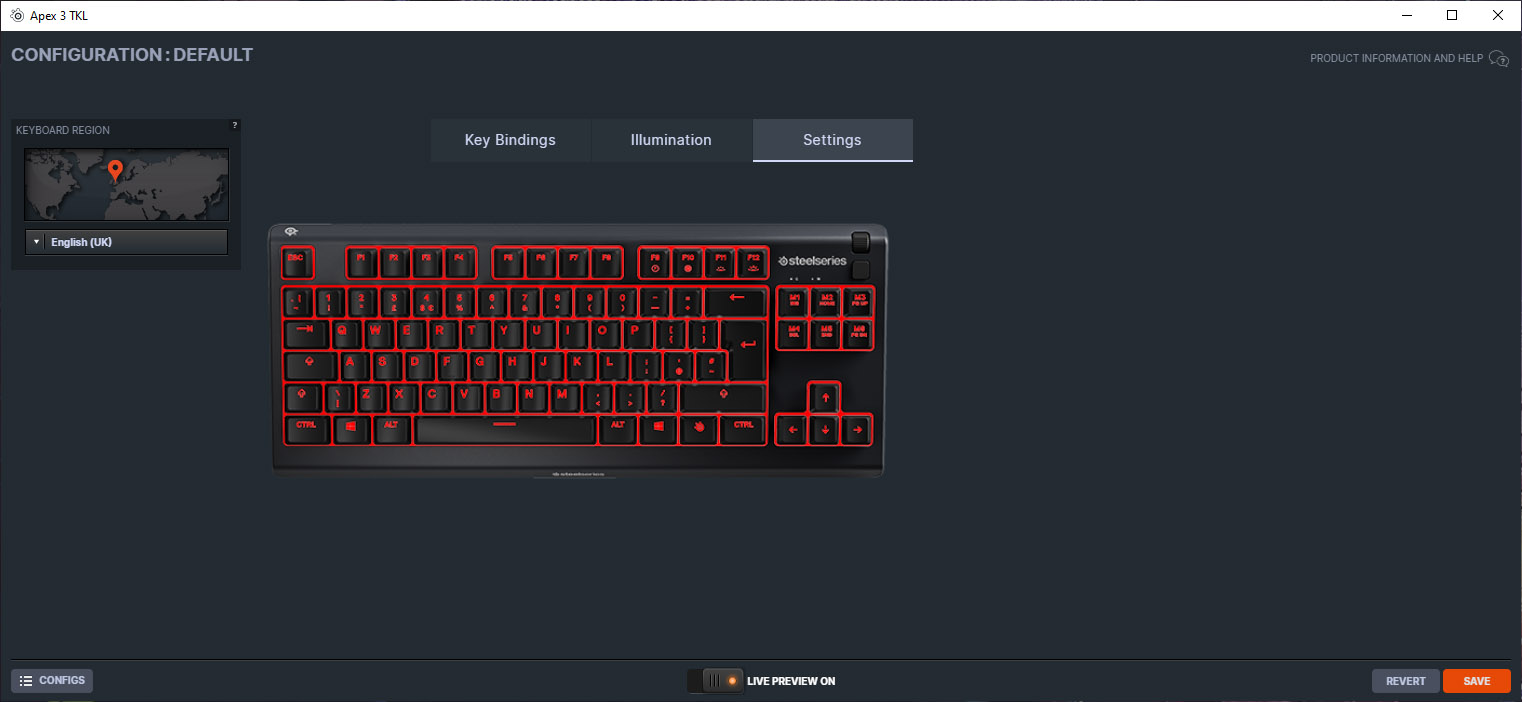
The last of the three, for completeness, is the settings page. There isn’t really anything to do on here apart from pick which part of the world you’re in.
Performance Testing
Thanks to the simplicity of the device, set up was nice and easy. There are no double USB cables or wrist rests to deal with, the only choice you need to make is feet up or feet down.Getting right into it, and this is something we feel is important to any keyboard, whether primarily aimed towards gamers or not, is its daily usability. The first thing that struck us immediately is the absence of the wrist rest which comes as standard with the full-size version – this hinders the comfort of the keyboard enormously; quite frankly almost to the point of ruining the feel entirely. Sure, there are plenty of people out there who are happy without a wrist rest but this is a big mark down from myself. If you paid close attention to the side angle photo in our Closer Look section, you’ll see the keyboard is relatively tall, this requires you to angle your hand back against your wrist quite a bit just to get over the space bar and to the WASD. The lack of the ten key buttons also hinders daily productivity a little, depending on your use-case of course, but you knew that already.
Following on from the daily use section, one weird omission from the Apex 3 TKL is the print screen button, something I’m sure most people use on a very regular basis, I certainly do. SteelSeries don’t appear to include this on any of their TKL keyboards, instead keeping keys like PGUP, PGDN, END and HOME. Of course, the GG software allows you to set up your own key shortcut for print screen, or you can use the one that’s built into Windows, but it still comes as an odd choice not to include it anywhere on a function row or similar.
The Apex 3 uses SteelSeries’ Whisper Quiet Switches, which is a fancy term for synapse switches. These don’t offer the tactile feedback or rapid response of mechanical switches but, as with all things, one of the big advantages is a much cheaper production cost, having said that, they do feel very nice and unless you use a proper mechanical board on a daily basis, or are replacing a mechanical keyboard, we feel you’ll be perfectly happy with the switches. SteelSeries use highly durable POM rubber for the rubber domes which provide some tactile feedback but they do need to be completely bottomed out to actuate. As promised, they’re pretty quiet, despite being bottomed out (which can often bring its own noise problems), so late night gaming sessions shouldn’t cause big problems for the people you live with.
And now for the gaming tests, we played about with the keyboard for around a week and a half, mainly jollying around in Sea of Thieves and kicking butt in Borderlands 3. The key switches feel surprisingly good considering their rubber-dome design, and the rigid construction, despite being entirely plastic, is very reassuring. As mentioned earlier on, the lack of a wrist rest seriously killed the vibe with this keyboard, the height of the keys from the desk was just too extreme for my wrists, so it scores almost 0/10 for comfort.
Build quality feels decent for a keyboard in this price bracket. You obviously don’t get the same stiffness that you’d expect from a keyboard with a metal plate but at no point during the testing did it feel cheap or flexible. The key switches have amazing lateral stability, beyond even that of a mechanical keyboard, so typing feels tight and secure.
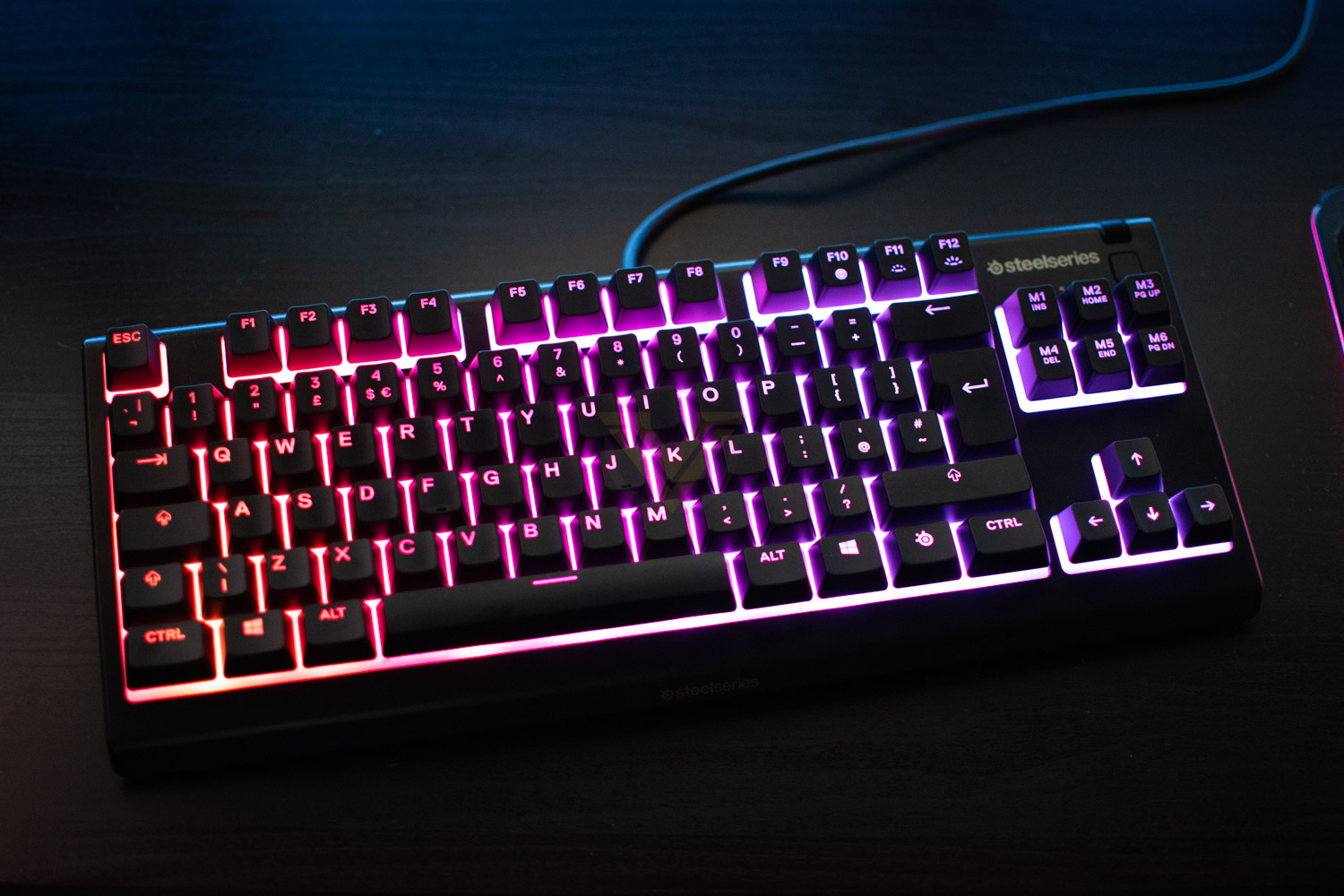
As for lighting, a key feature that any self-respecting gaming keyboard must have these days, is a genuine strong point. The adjustability, while limited on paper, really doesn’t cause any problems in the real world; effects are still lovely and fluid across the keyboard and the RGB LEDs pack a decent punch. If you like your per-key illumination for setting up different profiles for specific games, you may want to look elsewhere, but that is a niche use case for RGB in most cases.
Conclusion
The TKL keyboard certainly is popular amongst gamers these days, and there are some big trade-offs but these are outweighed by the advantages of the smaller form-factor. The Apex 3 TKL, however, probably doesn’t do enough to maintain that balance.Starting with the positives, the build quality is great, a proper sturdy keyboard for its price point, despite the all-plastic construction. The keycaps feel nice under the fingers, are as stable as a mountain goat and provide genuinely lovely feedback considering they aren’t mechanical switches.
Gaming performance is spot on, and if you’re a big swiper in your favourite FPS games, with one of those enormous desk pads, a TKL will certainly save you the bother of smashing your mouse into your keyboard as often as you do right now. Full N-key rollover means all your inputs will be fully registered and a 1000Hz polling rate are pretty standard for gaming keyboards, but it’s still nice to know they’re there.
RGB lighting, like we saw on the big brother, is plenty bright enough with lovely vivid colours, but the 8 lighting zones do limit things slightly. SteelSeries could invest a little more time into some default effects within the software, but as a whole the RGB is a very decent offering.
Onto daily usage, this is where the Apex 3 TKL takes a big dive; the lack of a wrist rest caused noticeable discomfort after only a short amount of time. This may well be due to being very used to most keyboards coming with included wrist rests, or that the Apex 3 TKL is relatively tall, but whatever the reason, I just didn’t get on with it. This is made all the stranger by the fact that they include an excellent wrist rest with the non-TKL version. We also want our print screen button back!
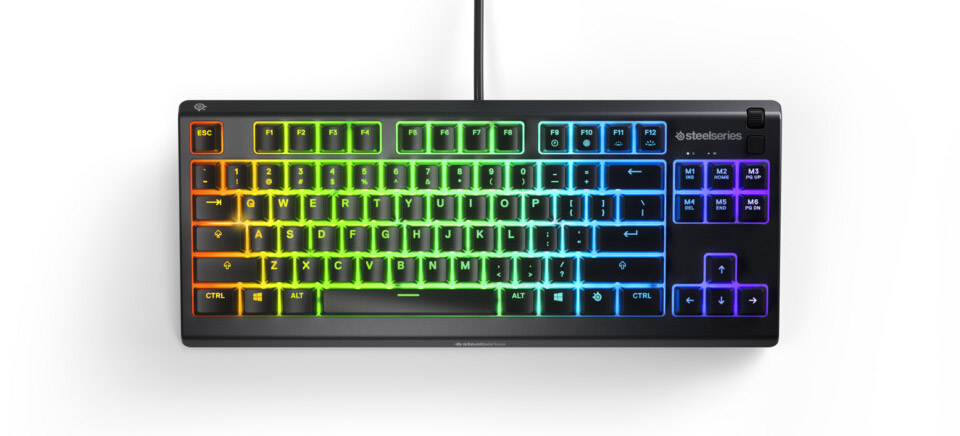
SteelSeries have a lengthy history of producing excellent quality peripherals for serious gamers, with the Apex 3 TKL being no exception. However, it’s not without its flaws.
Pros
+ Great build quality
+ Bright, vibrant RGB lighting
+ Lovely keyswitch actuation
+ Reasonably priced
Cons
– Very uncomfortable without a wrist rest
– No print screen button
+ Great build quality
+ Bright, vibrant RGB lighting
+ Lovely keyswitch actuation
+ Reasonably priced
Cons
– Very uncomfortable without a wrist rest
– No print screen button
Click here for an explanation of our awards at Vortez.net.
Stay connected with the Vortez Social Media pages:
Join in with the discussions on Discord