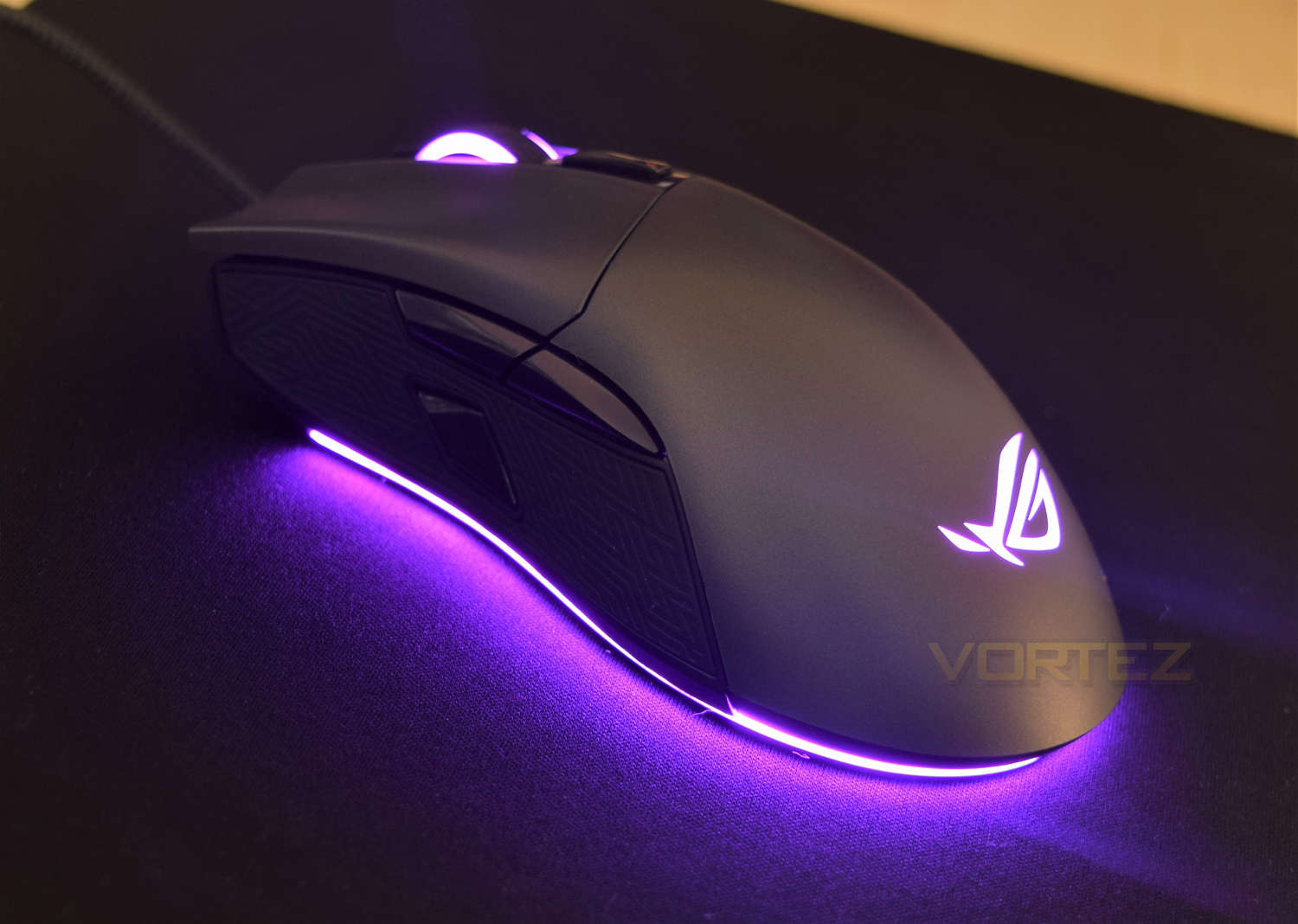
The Gladius II is a feature packed offering from ASUS, fitted with replaceable OMRON switches, full RGB lighting and a 12000 DPI sensor.

Product on Review: ASUS ROG Gladius II
Manufacturer: ASUS
Street Price: £79.99 GBP / $TBC
You’ve probably noticed the current shift towards RGB-everything in the PC market, with ASUS heavily towing the line; some love it, some loathe it, but it’s here to stay and is being adopted rapidly. ASUS seem keen to update their product line to incorporate their “ASUS Aura” branding across the board.
ASUS Republic of Gamers (ROG) was founded in 2006, aiming to deliver the most innovative, hardcore hardware for truly dedicated gamers.
Here we have the ASUS ROG Gladius II in for testing, so lets put it through its paces and see if they’ve managed to improve on the, previously well-regarded formula, of the Gladius.
ASUS on their Gladius II:
The successor to the popular ROG Gladius optical gaming mouse. Gladius II features an ergonomic right-handed design that is optimized for first-person shooter (FPS) games. It has an exclusive push-fit switch socket design for varied click resistance, and durable switches rated to at least 50 million clicks. In addition, it features a dedicated DPI target button for more accurate sniping, an advanced 12000 DPI optical sensor and ASUS Aura RGB lighting technology with Aura Sync support.
Technical Specifications
Connectivity Technology: Wired
Tracking: Optical
OS Support:
Windows® 10
Windows® 8.1
Windows® 7
Dimensions: L 126 x W 67 x H 45 mm
Weight:110g without cable
Resolution: 12000dpi
Interface: USB
Contents:
1 x 2-meter braided USB cable
1 x 1-meter regular rubber USB cable
2 x Japanese-made Omron switches
1 x ROG pouch
1 x ROG logo sticker
Compatible switch list for ROG switch socket:
-Omron D2F Series switches: D2F, D2F-F, D2F-01, D2F-01F
-Omron D2FC Series switches: D2FC-3M, D2FC-F-7N, D2FC-F-7N(10M), D2FC-F-7N(20M)
Packaging & First Look
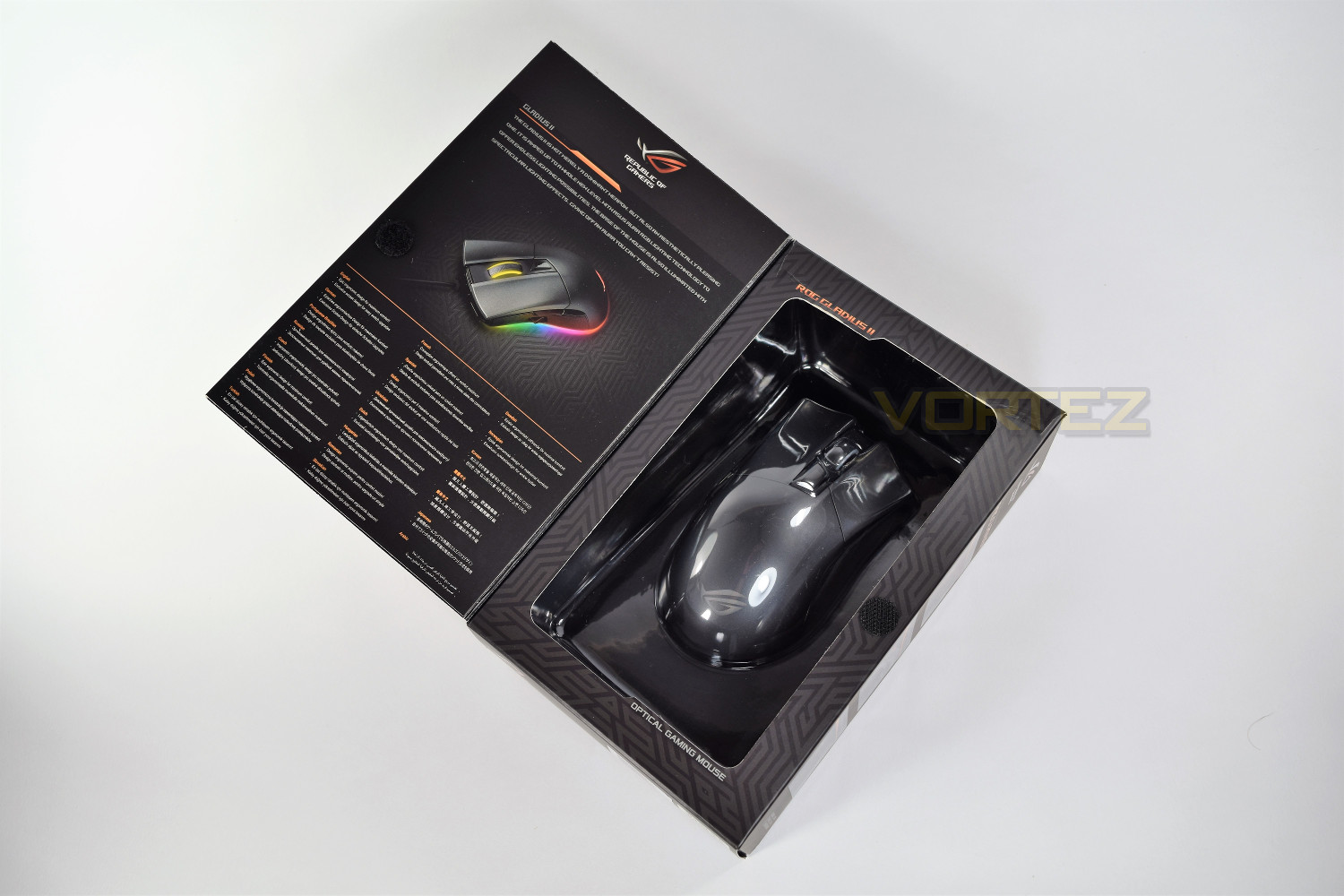
Obviously confident with the brand and appearance of the mouse, ASUS have gone with a very bold front to their packaging, with almost no information at all.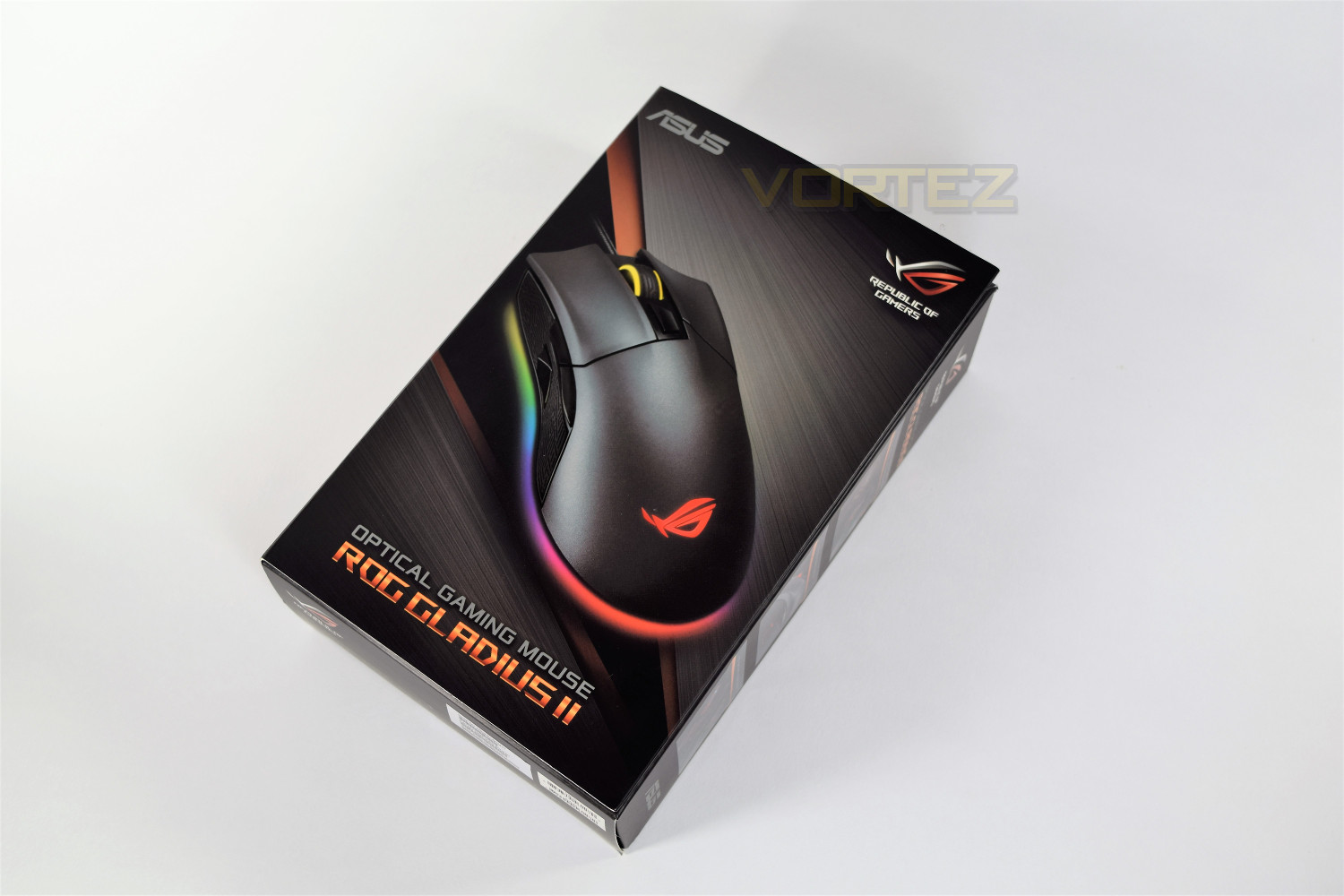
Assuming the front of their packaging caught your eye, it’s round to the sides and back that you’ll see the specifications and stand out features.
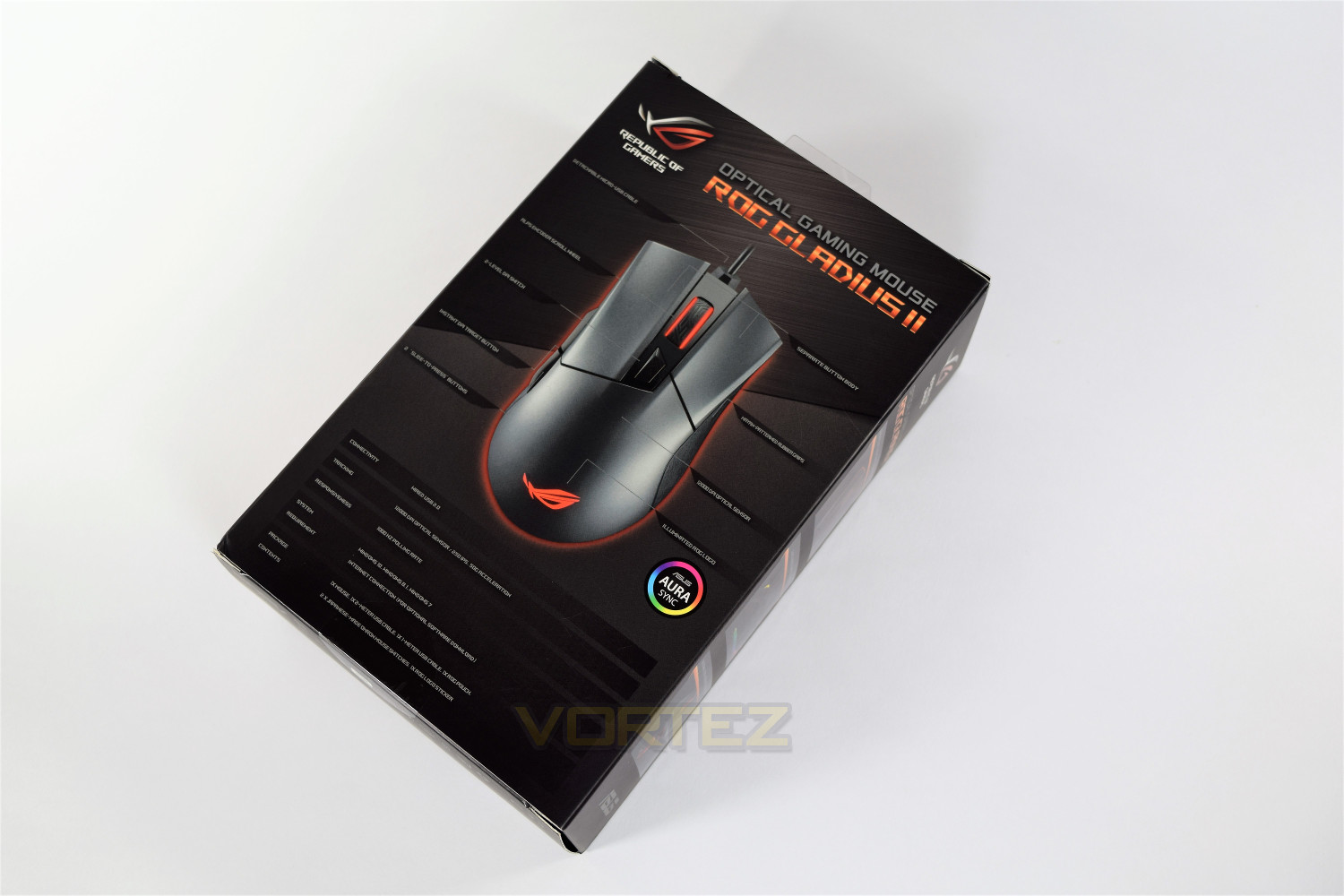
The front cover folds out of the way, allowing you to see the physical size of the mouse, this being an important deciding factor when choosing the mouse you’re going to fork out 80 pounds of your hard earned money for.
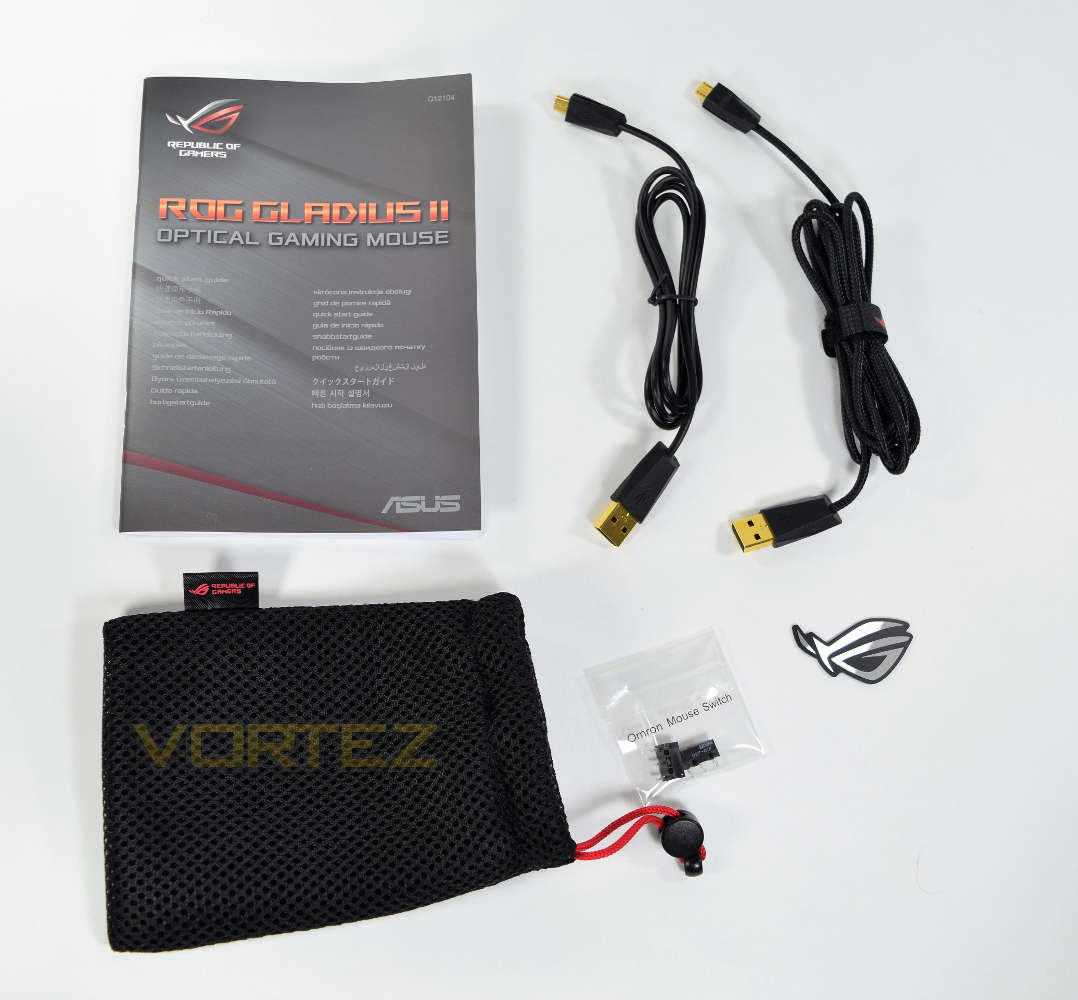
Included extras certainly aren’t thin on the ground. In the box you’ll find two cables; one is a braided 2M cable, the other a 1M rubber length, with the idea of it being used for LAN parties; those with intricate desktop setups will appreciate the ability to use a separate cable on the go. You will also spot the ASUS case sticker, a carry pouch and some replacement switches, which we’ll touch on later.
Closer Look
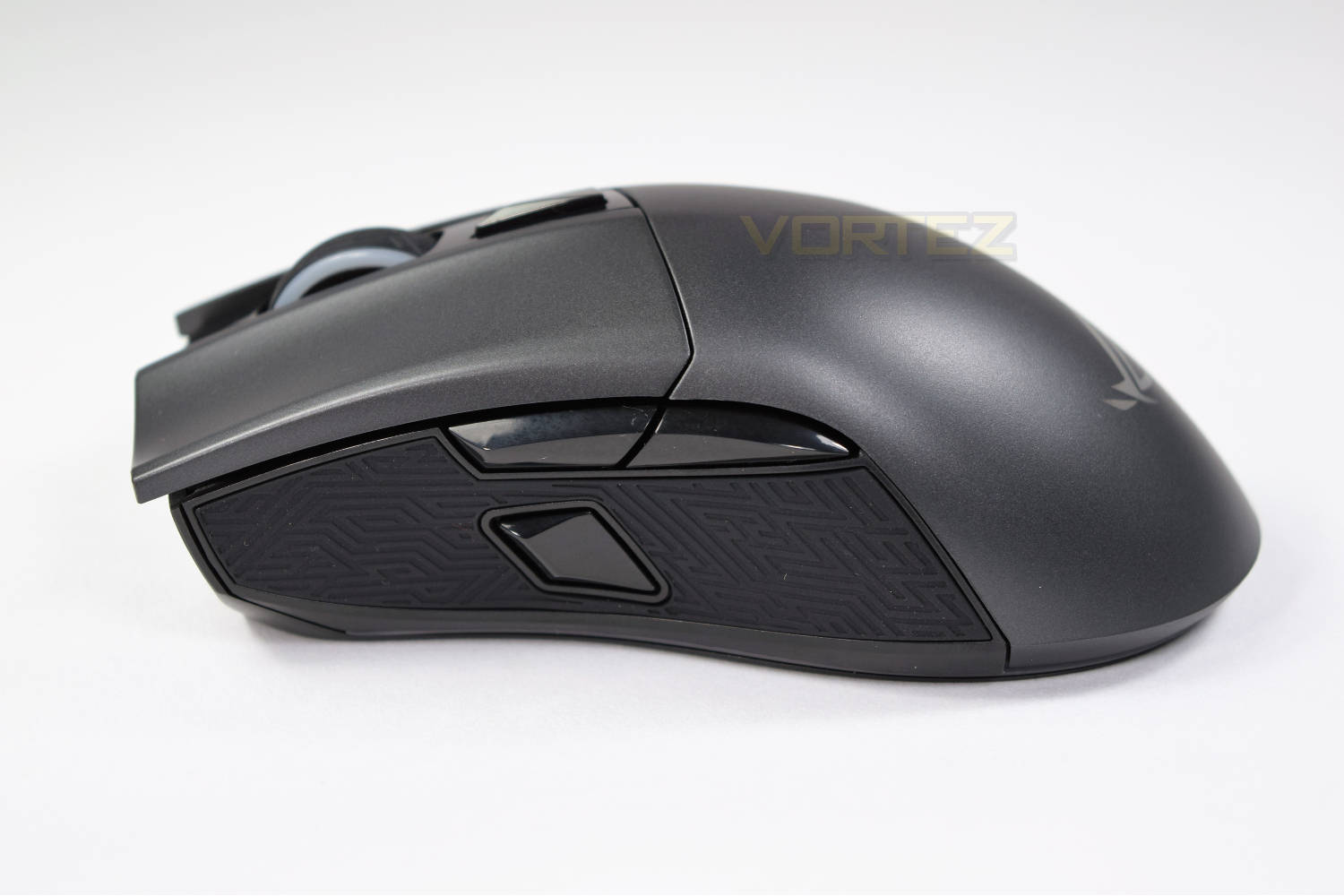
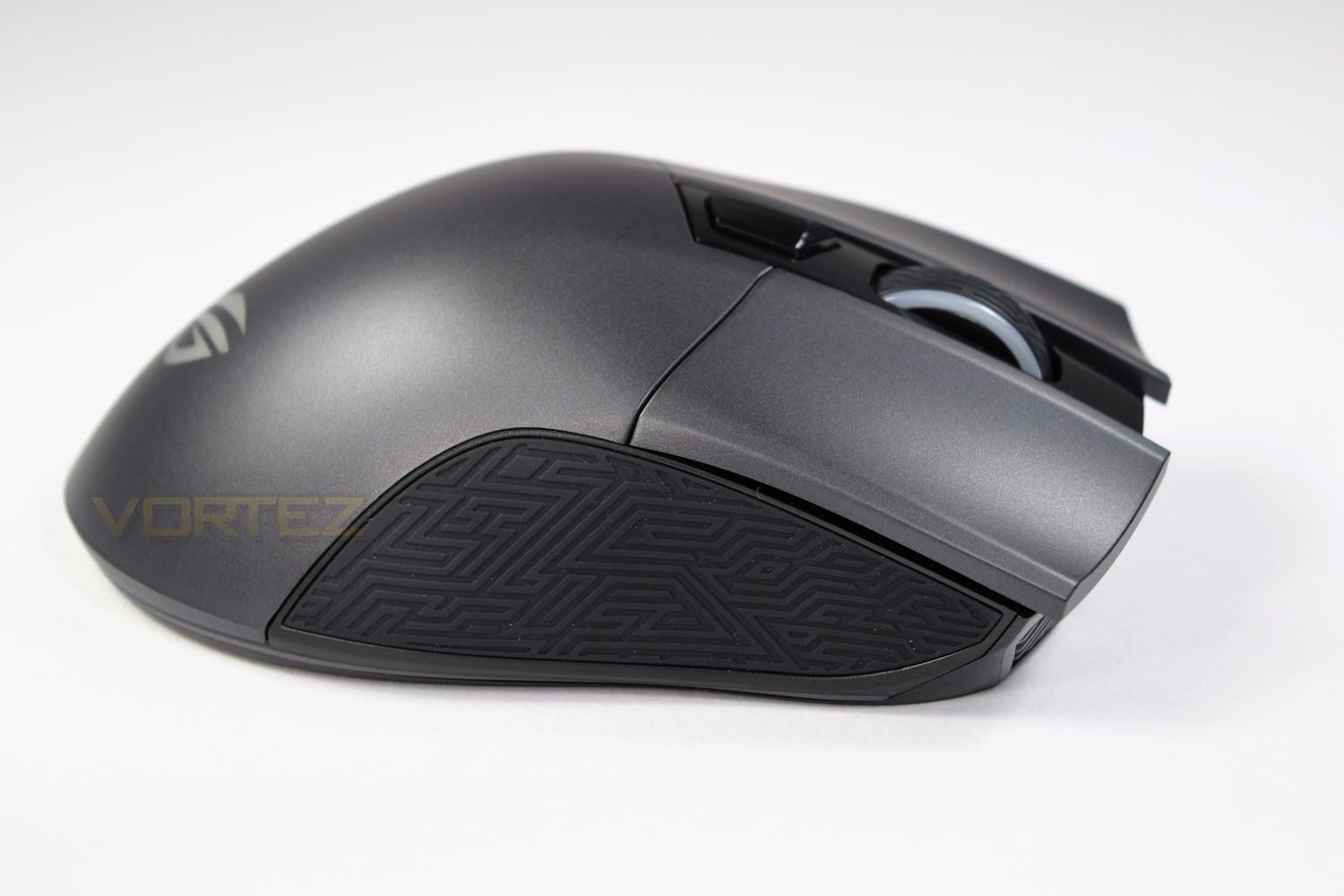
Sleek and simple but very beautiful. ASUS have largely stuck to the original right-handed design, with only some minor tweaks.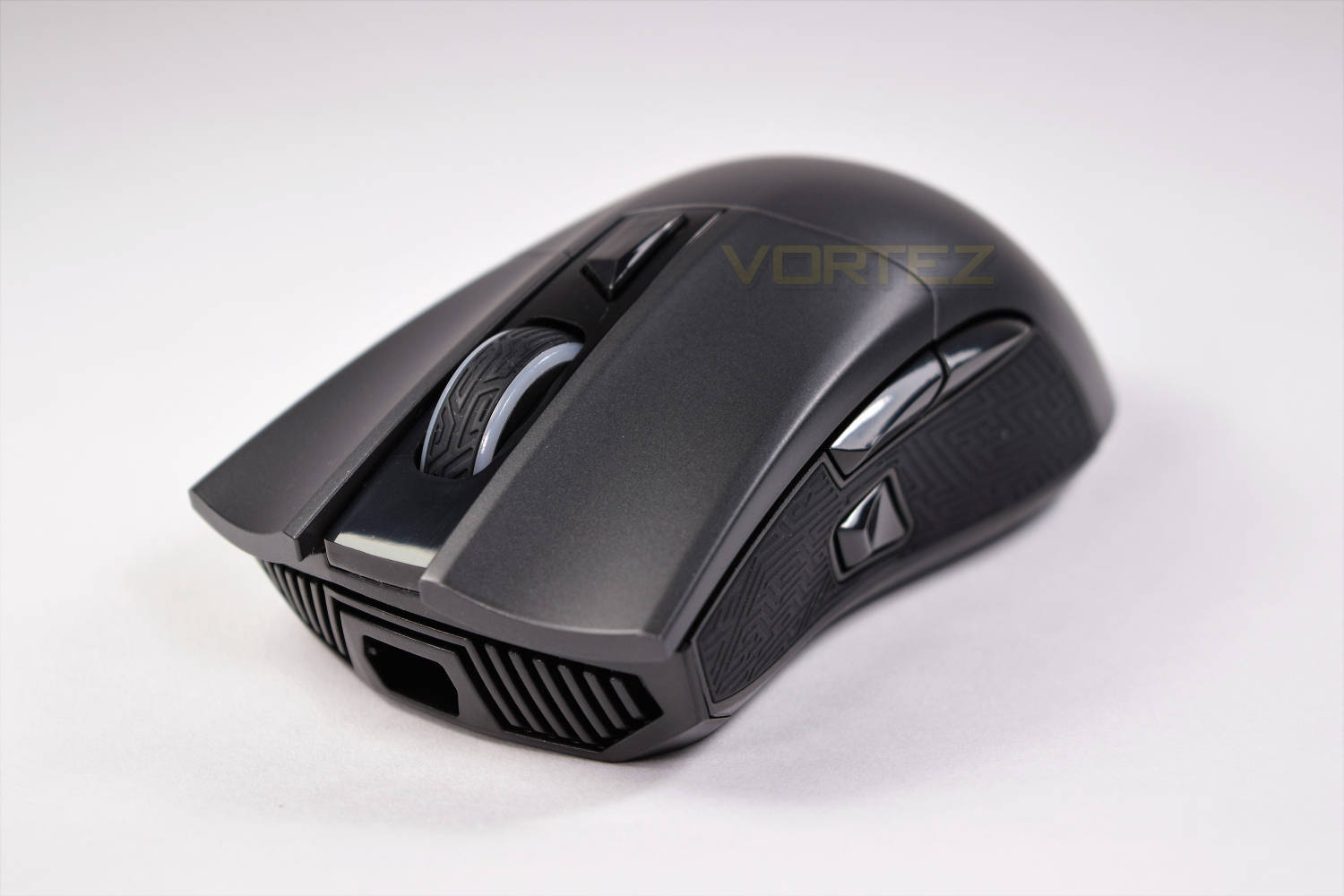
Deep, gradually recessed click buttons ensure your hands are comfortable and minimise any slip during a prolonged gaming session. The wide scroll wheel is perfectly positioned with a very nicely weighted scroll action.
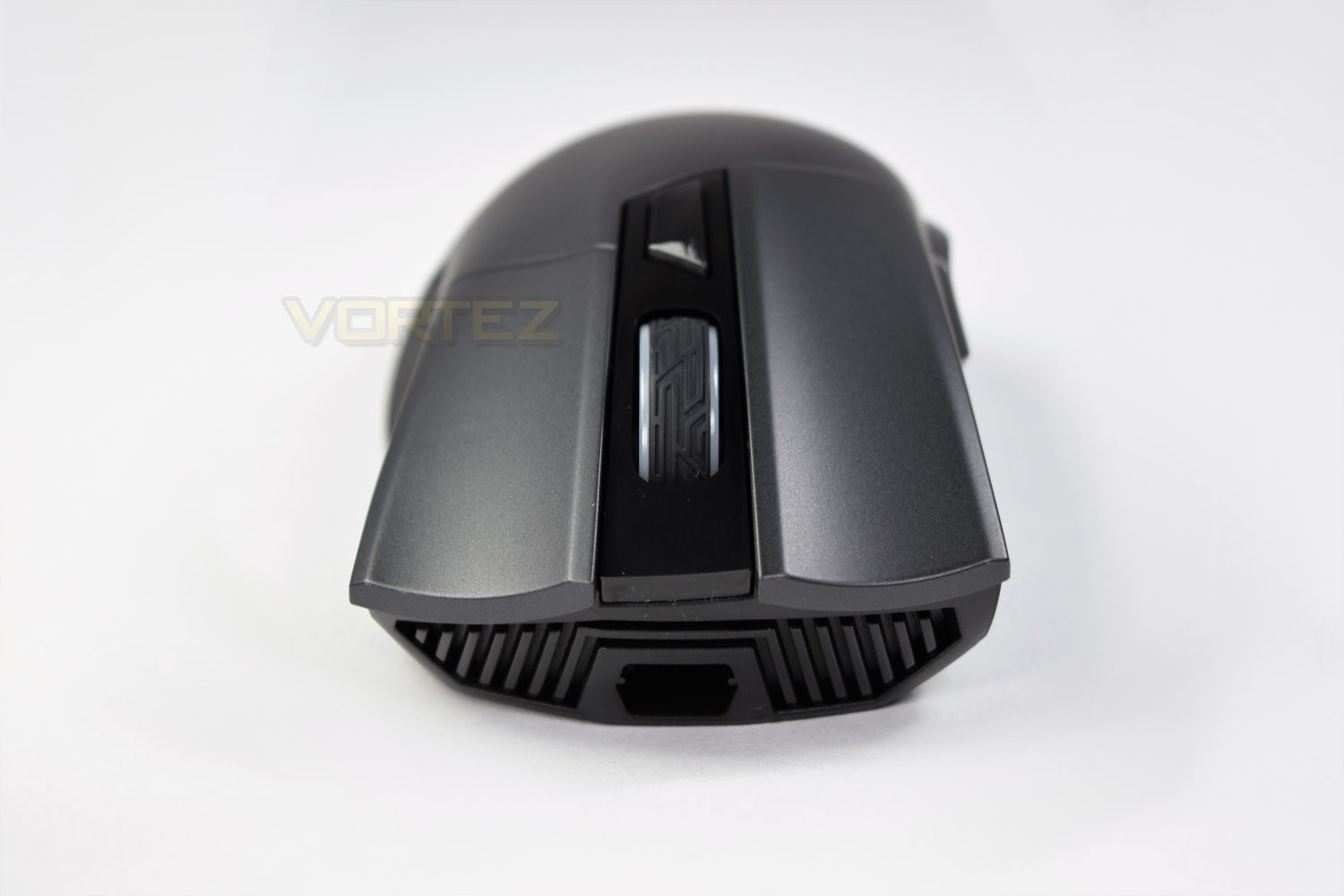
Large, rubber, Mayan style pads adorn the left and right hand side, further helping to increase grip; these are especially useful for lifting the mouse from the gamepad. You will also notice the DPI Target Button and forward/backwards buttons.
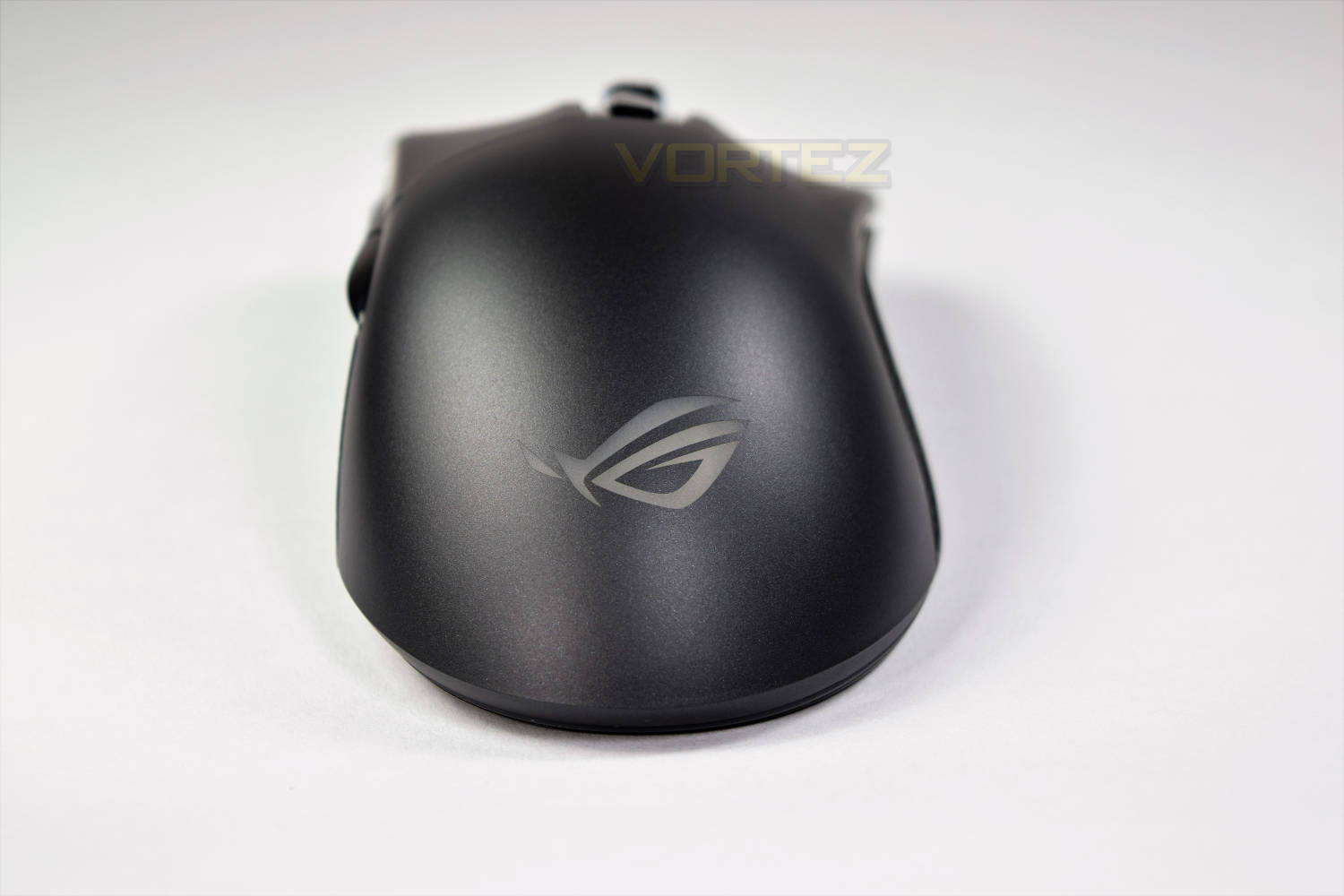
The rear of the mouse is extremely clean, with the ROG logo sitting proud in the centre. When lit, this section looks beautiful and crisp.
Closer Look (Continued)
Looking at the underside, you can see the four Teflon feet in the corners with the large sensor right in the centre. At the top of the mouse, there is a release switch to disconnect the USB cable.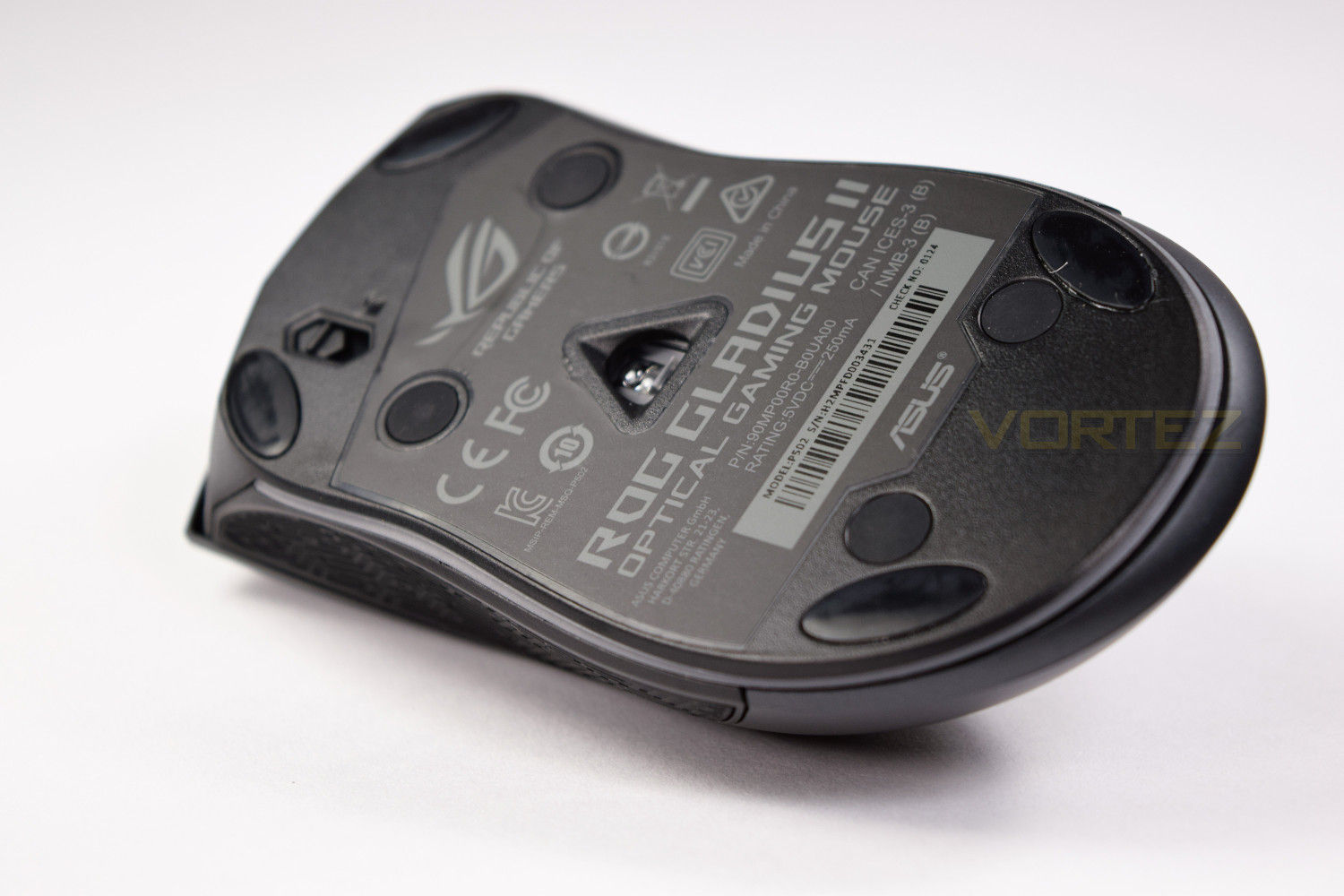
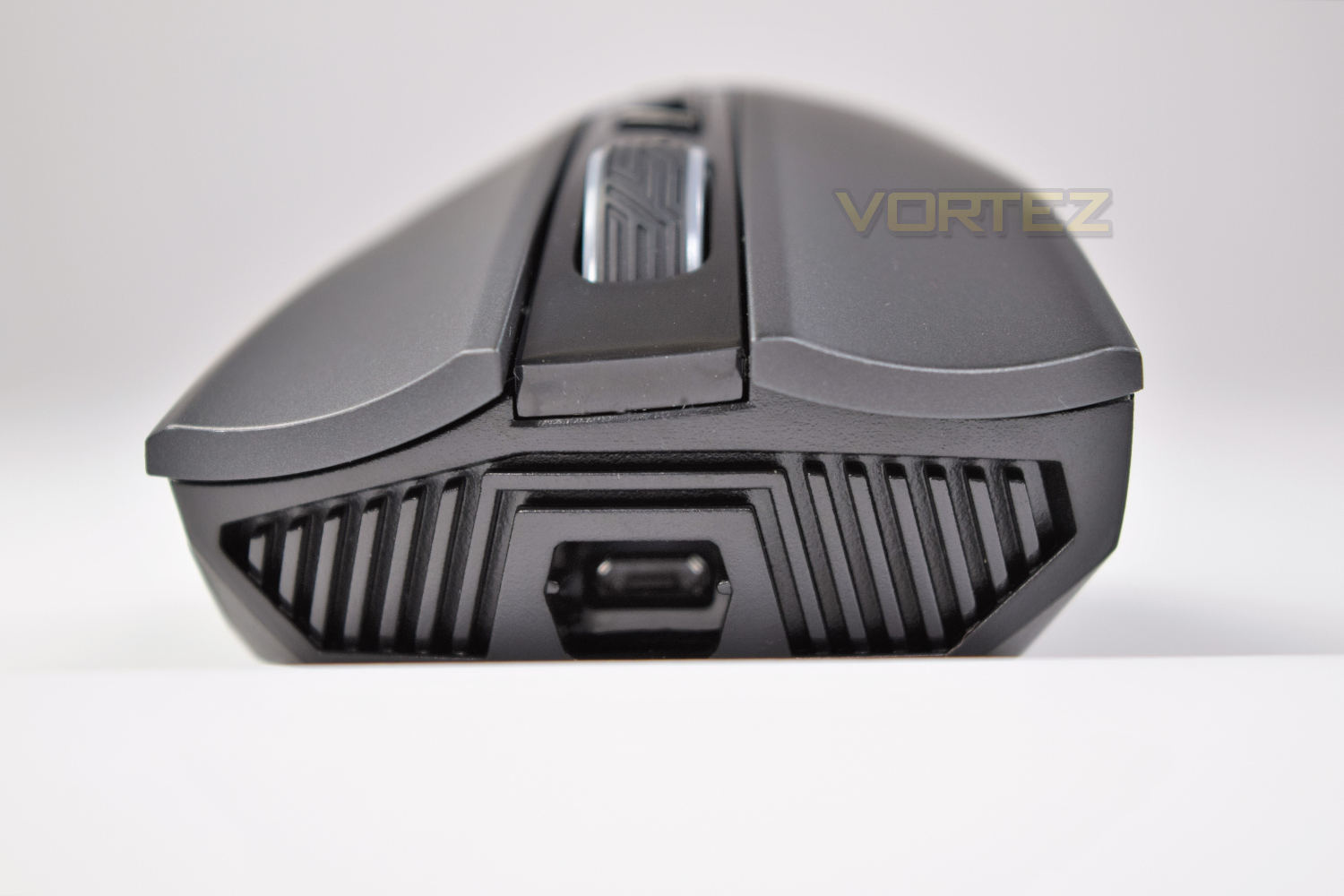
Carrying on with the Mayan styling, we’ve got a fancy, almost radiator-inspired, grill at the front of the mouse. That is the micro-USB connection in the centre of the mouse, which is slightly tilted upwards to help prevent the wire from dragging; a nice touch! You also get a great view of the click buttons, with their deep inset shape.
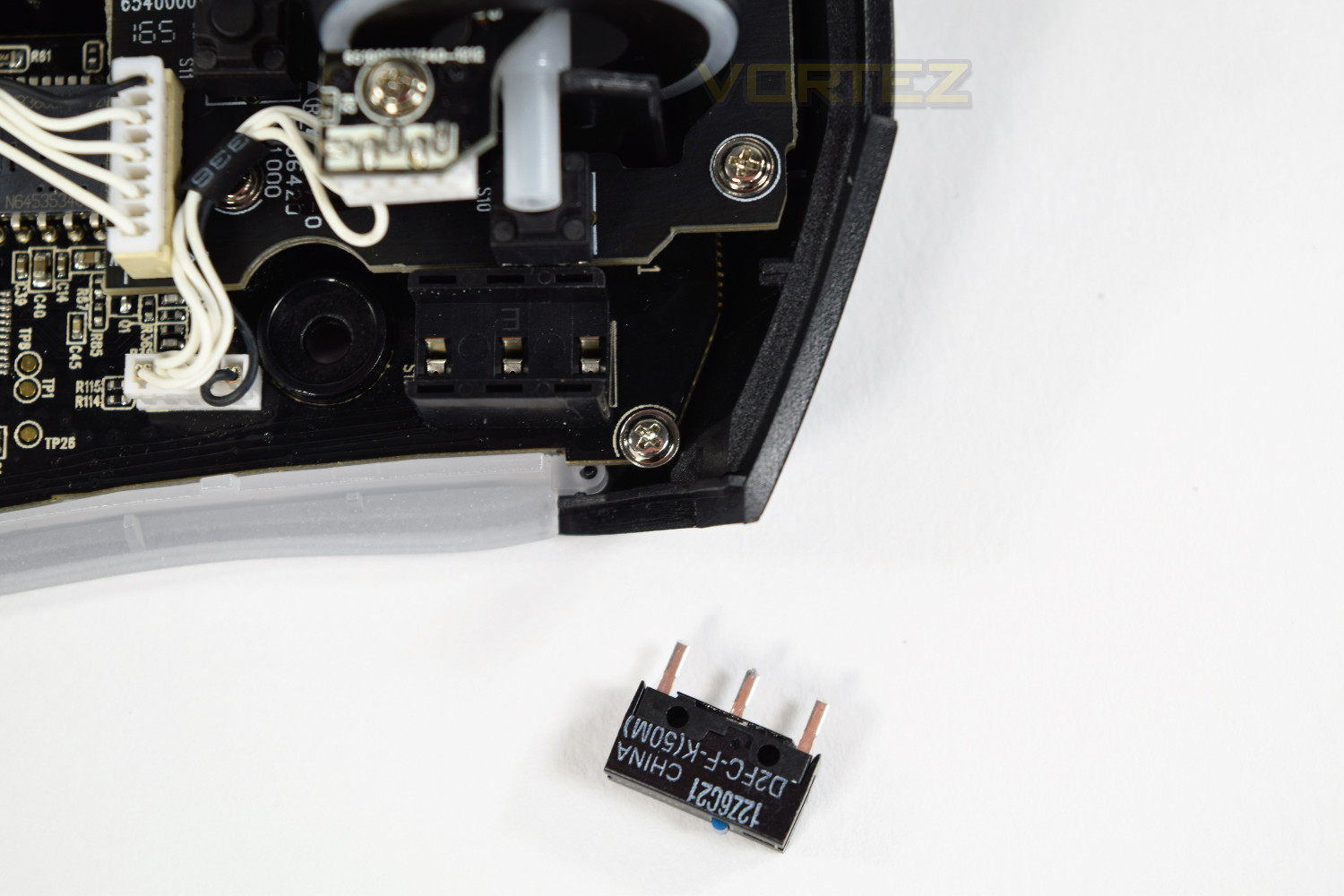
As previously mentioned, the Gladius features interchangeable switches for the right and left click. The bonus being the ability to adjust the feel of the mouse, and also being able to extend the life of the mouse; however the provided switches guarantee at least 50 million clicks, which is double the life-span of the original Gladius. They can be accessed by undoing 4 screws on the bottom of the mouse, and lifting out the switches. It’s a pretty simple process, which ASUS trusts the user to do themselves. The provided switches are Omron D2FC-F-K but Omron D2F-01F can be sourced if the user wishes to customise the click resistance.
Switch Replacement
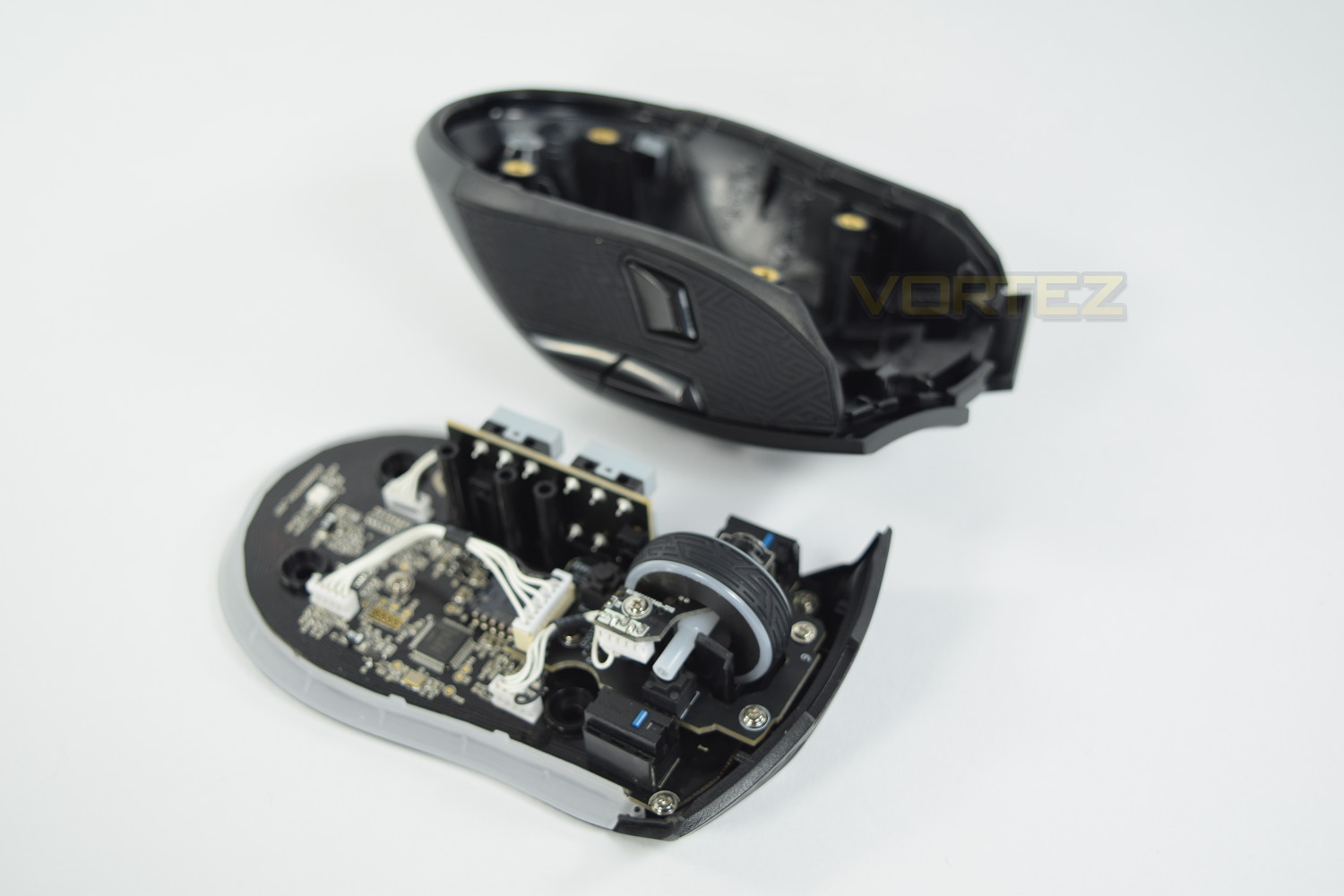
There is the ability to remove the mouse 1 and mouse 2 switches, either for repair, or to tailor the mouse to your specific requirements, through purchase of alternative switches. The process is relatively easy, requiring only a Phillips screwdriver and some long nails to pull out the rubber caps. Once the screws are removed, the top removes incredibly easily, with no ribbon wires or connection of any kind to the lid.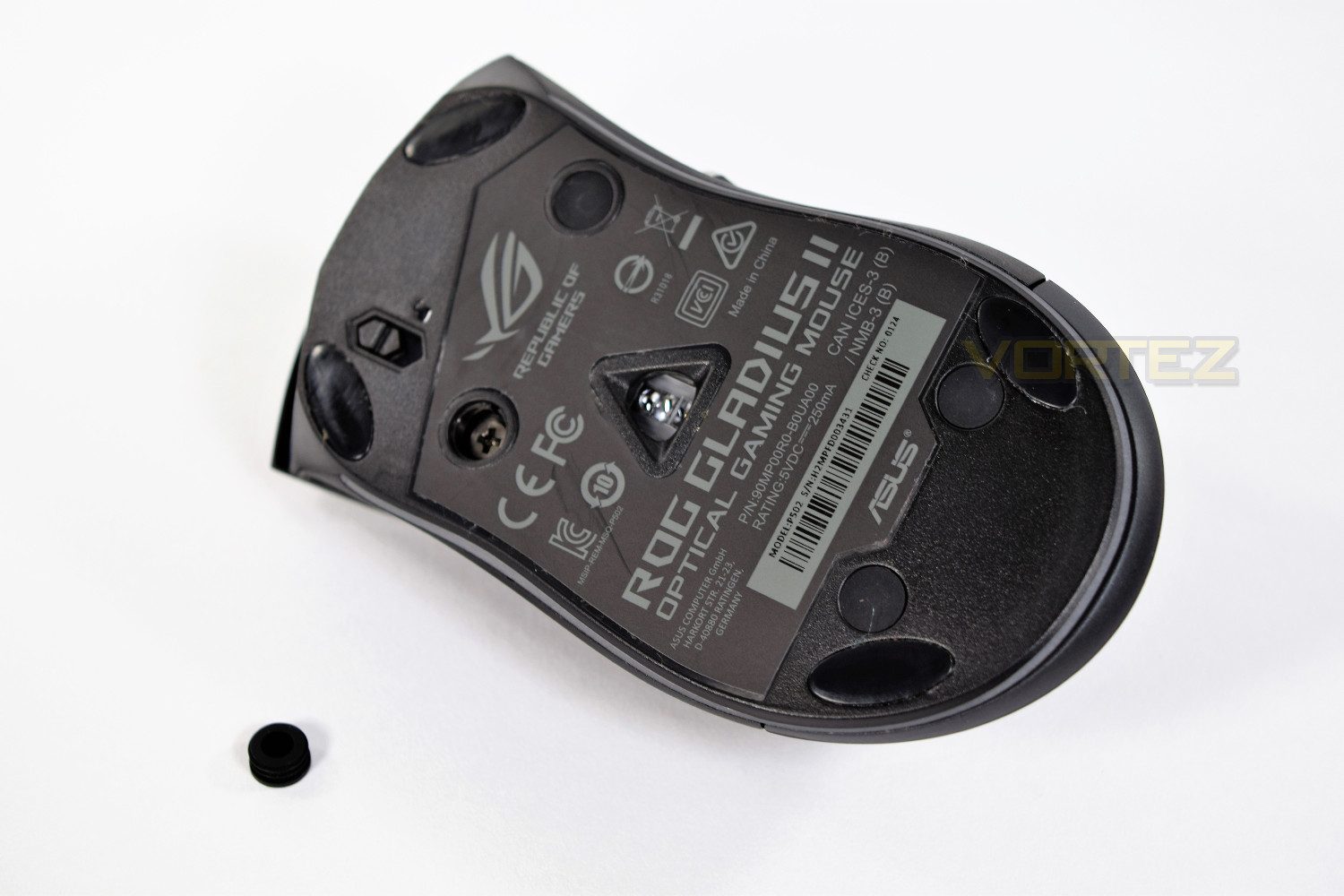
Inside you will see the switches, exactly where you would expect to find them. They’re pulled out with absolute ease, requiring no tools, with the replacements requiring nothing more than a gentle push. ASUS have made this process as simple as possible.
Although ASUS claim their switches can endure twice the amount of clicks than the previous generation, this is a great inclusion from ASUS, allowing customisation and repair from home, without the need for any returns procedure.
Performance Testing
After downloading the ASUS Armoury software and proceeding to update the mouse’s firmware, you’re quickly presented with an incredible light show, right through the RGB range, swirling around the mouse with pace.The software is well laid out, easy to use and feature packed.
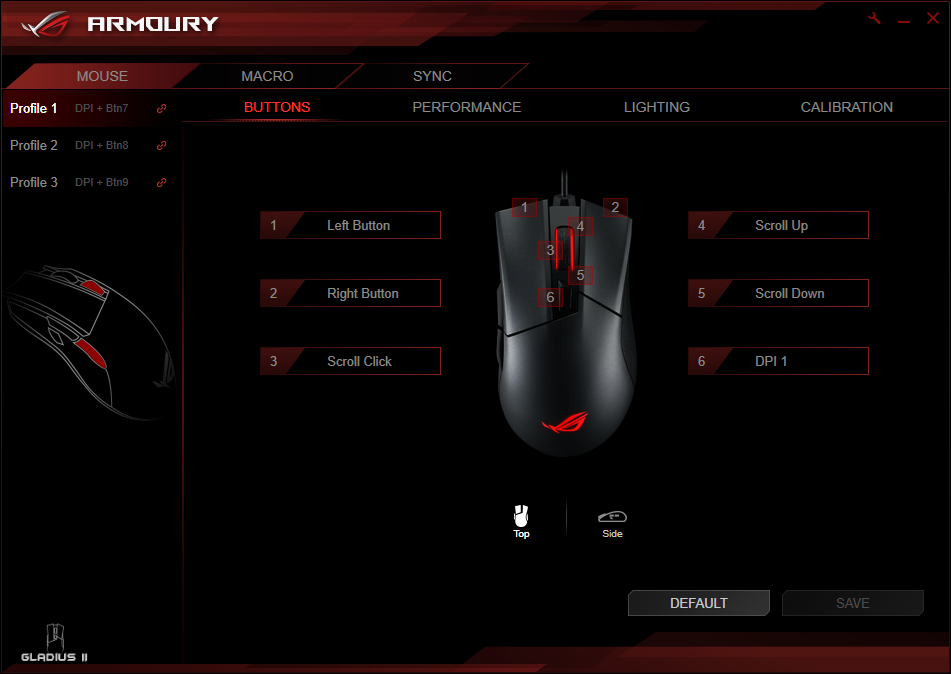
On the first page, you’re able to swap the function of each button on the mouse. This section may interest some, but we left this completely alone.
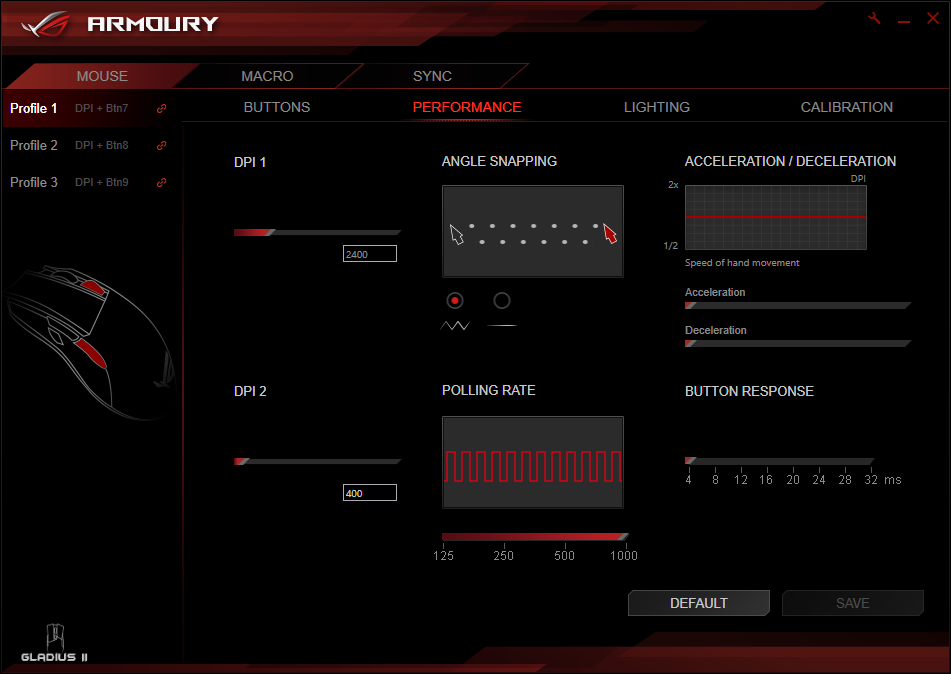
The performance page is probably where you’ll find yourself going next. This section is interesting, with features you may or may not be familiar with. As we mentioned previously, the DPI Target Button can be customised on this page, where you set up a couple of presets with which you can quickly switch between, using the DPI selector on the top of the mouse, or press and hold the DPI Target Button to momentarily slow down or speed up the mouse, dependant on your settings.
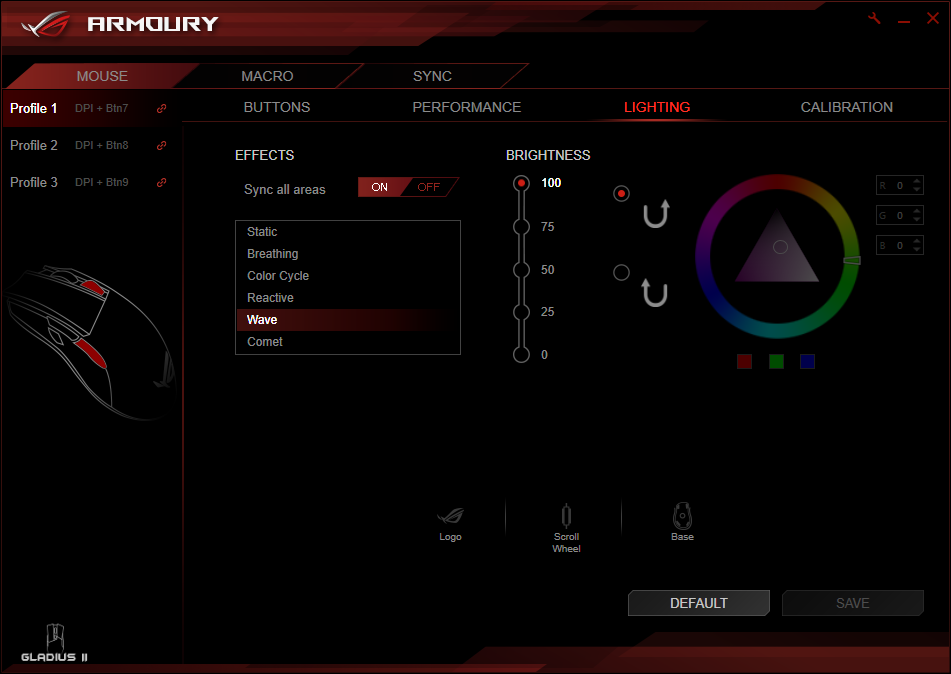
Lighting is a big new feature with this mouse, and they’ve not left the options lacking. With 6 different effects and 16.7 million colours to choose from, as well as the ASUS Aura sync, you will be sure to find something to your tastes.
After doing a quick surface calibration, we found the mouse to be incredibly accurate, absolutely no jitter at all, even when turned all the way up to 12,000. It baffles us to think that people can take advantage of such a sensor speed, but it’s nice to know that it’s there. The mouse performed equally well on a cloth mousepad and a finished wooden surface.
The mouse, weighing in at 110g, felt about right for our tastes; some users, I’m sure, would prefer the ability to adjust the weight slightly, but this omission doesn’t hurt the feel of the mouse at all, in our opinion. The Teflon glides on the bottom do their job magnificently.
The size felt almost perfect, so Bravo to ASUS for that, they’ve certainly done their homework in that respect. ASUS also claim that this mouse is designed “By gamers, for gamers” and will fit a claw grip, fingertip grip or palm grip equally well.
The rubber grips on the sides are excellent, providing brilliant grip and looking great at the same time! The DPI Target Button could be better placed for my liking; it can seem a little too easily activated when pressured during games, but that could be due to grip style.
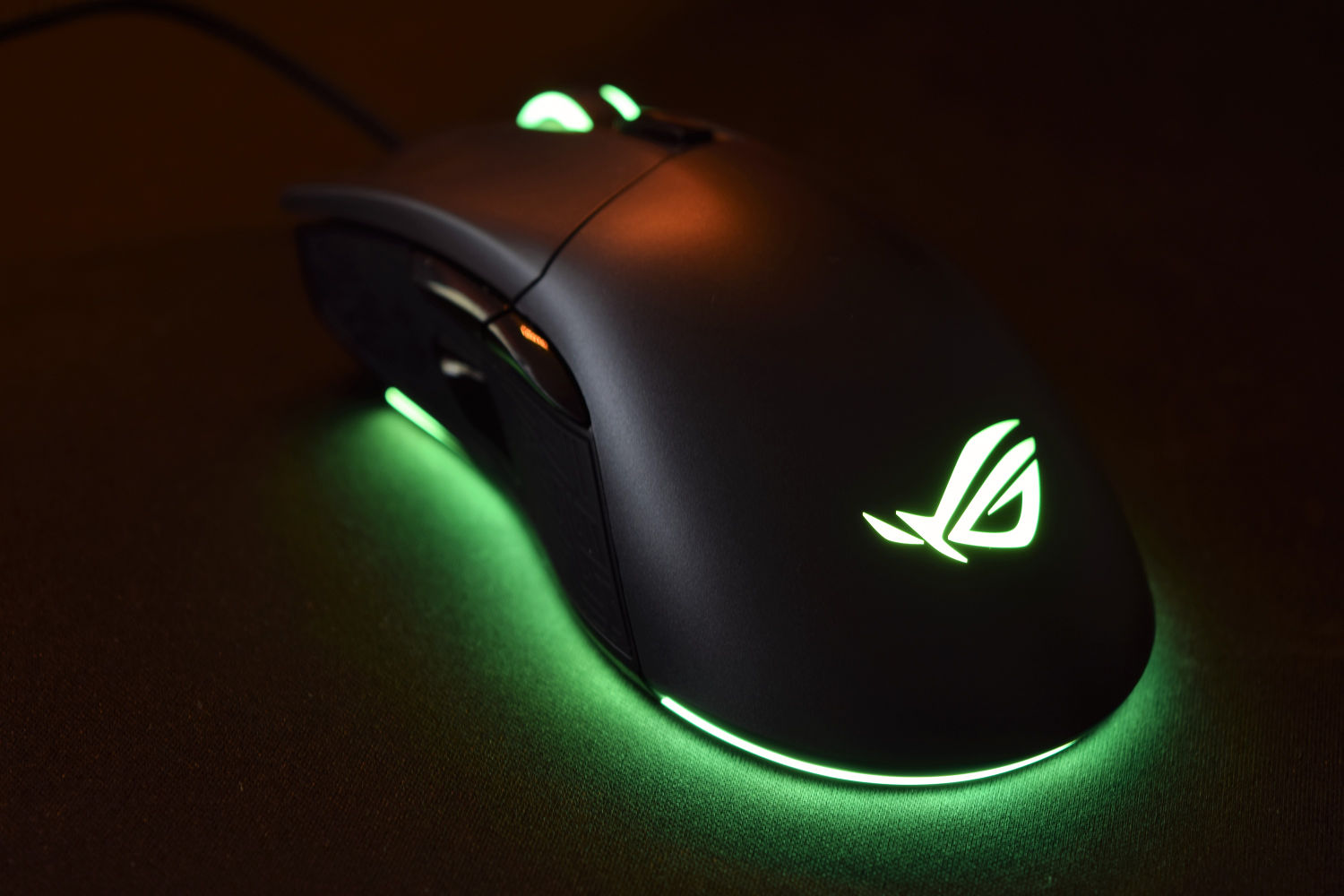
The lighting is incredibly crisp and bright, providing a genuinely lovely glow around the skirt of the mouse.
Conclusion
When we first received the ASUS Gladius II, we were extremely excited to open it and try out their latest revision of the popular Gladius gaming mouse. It seems that they’ve managed to improve where improvement was required, and appreciated their good work the first time around with the other areas.Overall, the mouse is excellent; however, some will not be able to stomach the £80 price tag, which to us is the biggest hurdle.
The build quality is exactly what you’d expect from a premium offering, the RGB lighting is vivid and clean, with the added extra of the ASUS Aura Sync Technology. The ability to swap out the OMRON mouse 1 and 2 switches is a nifty idea, allowing a degree of personalisation. The sensor performance is absolutely rock solid, at all DPI levels; it was imperative that ASUS got this bit right, with it being a high-end gaming mouse. The inclusion of more than one cable and the carry pouch are fine finishing touches, allowing safe travel of your most precious weapon.
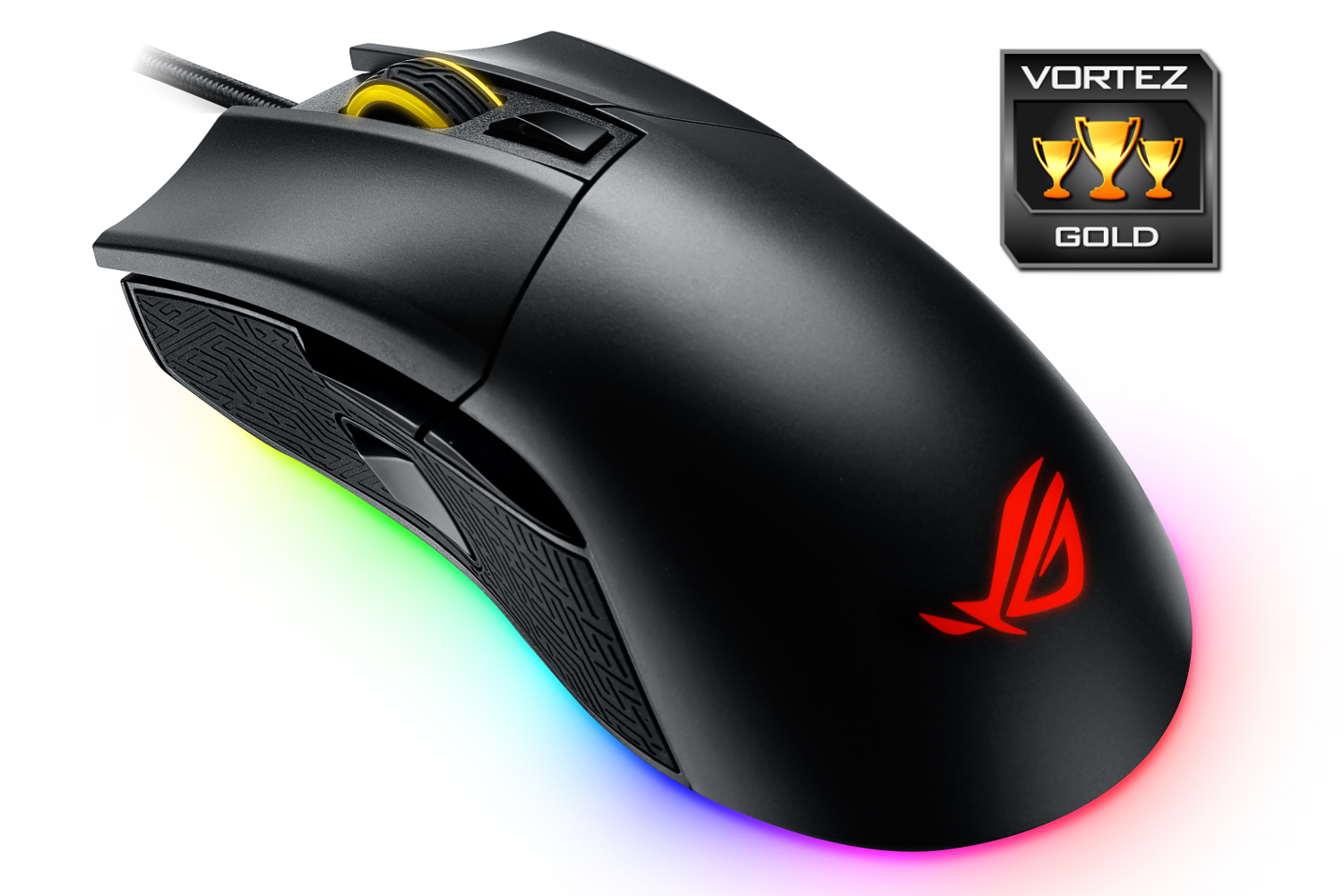
We see this as a brilliant step up from ASUS, they’ve delivered a mouse at an £80 price tag, and given the exact level of performance I would expect, nothing other than brilliant.
If you’re in the market for a premium gaming mouse, with gorgeous RGB effects, you should, at the very least, consider the ASUS ROG Gladius II.
Pros.
+ RGB Lighting is stunning
+ Right-handed design is spot on
+ Excellent sensor performance
+ Switch and cable customisation
+ Excellent software
Cons.
– DPI Target Button can get in the way
+ RGB Lighting is stunning
+ Right-handed design is spot on
+ Excellent sensor performance
+ Switch and cable customisation
+ Excellent software
Cons.
– DPI Target Button can get in the way
Click here for an explanation of our awards at Vortez.net.