The latest mouse in the ROG line up is the Strix Evolve, with a 7200DPI sensor, OMRON switches and modular replaceable lids, lets put the Strix Evolve under the spotlight and see what it’s made of.

Product on Review: ASUS ROG Strix Evolve
Manufacturer: ASUS ROG
Street Price: £59.95 / $59.95
ASUS has built up a name for themselves with the Republic of Gamers branding on their most focused hardware, aimed purely at gaming and the most extreme edge of computing. The ROG Strix Evolve promises to deliver on this front.
The ASUS Republic of Gamers (ROG) was founded in 2006, aiming to deliver the most innovative, hardcore hardware for truly dedicated gamers.
The ASUS ROG Strix Evolve was first announced back on the 7th of June at Computex in Taipei.
Featuring a properly-done ambidextrous design, OMRON switches claiming a lifespan upwards of 50 million clicks, RGB lighting with ASUS Aura Sync and a 7200DPI optical sensor, let’s see what the Strix Evolve is made of in testing.
ASUS ROG on the Strix Evolve:
Optical gaming mouse featuring changeable top covers to enable four different ergonomic styles and Aura RGB lighting with Aura Sync support.
Technical Specifications
Connectivity Technology: Wired
Tracking: Optical
OS Support: Windows 10, Windows 8.1, Windows 7
Dimensions: L 125mm x W 65mm x H 41mm
Weight: 100g without cable
Resolution: 7200DPI
Interface available: Mouse: USB
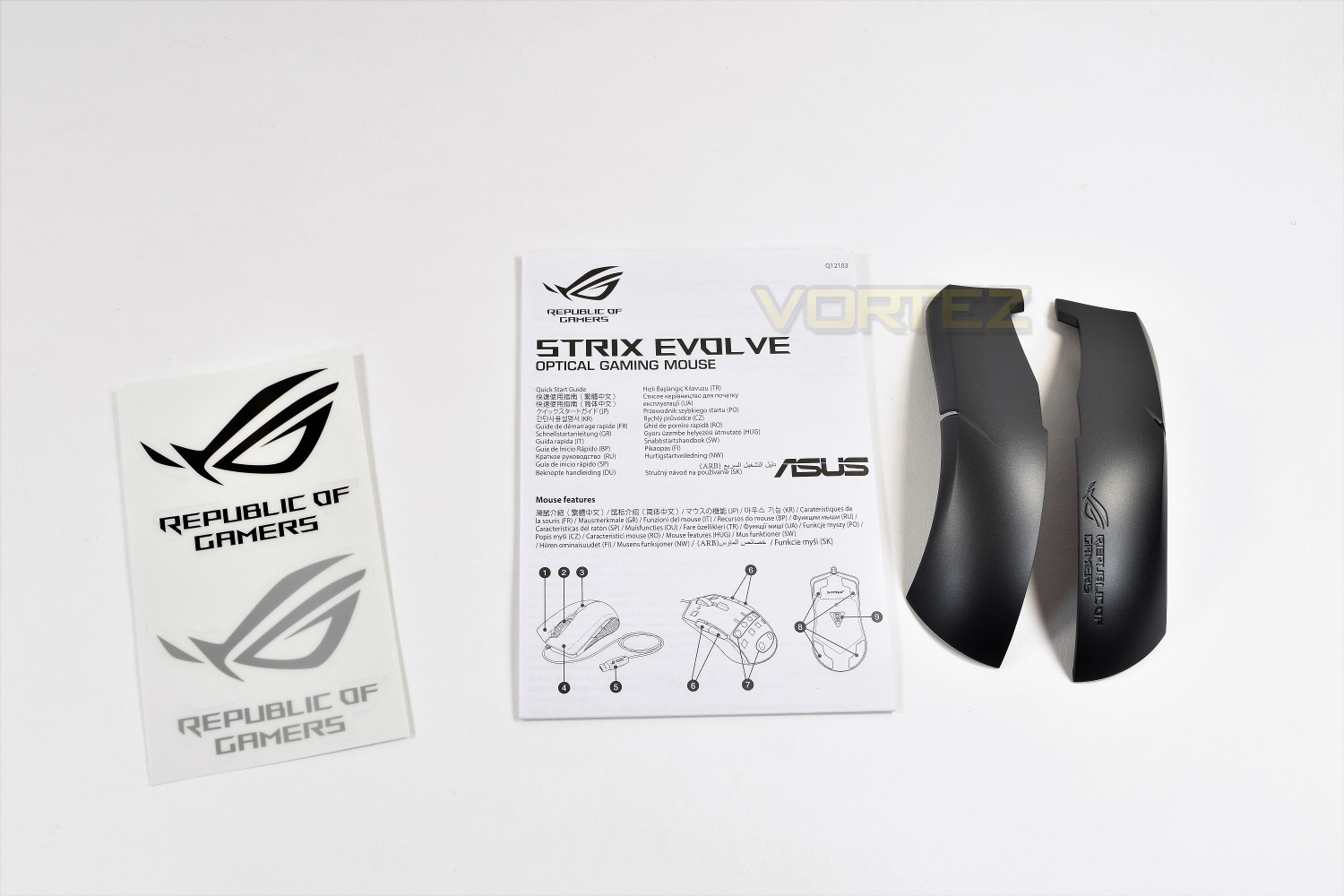
Contents: 2x ROG logo stickers, 2x Top cover sets, User documentation
Tracking: Optical
OS Support: Windows 10, Windows 8.1, Windows 7
Dimensions: L 125mm x W 65mm x H 41mm
Weight: 100g without cable
Resolution: 7200DPI
Interface available: Mouse: USB
Contents: 2x ROG logo stickers, 2x Top cover sets, User documentation
Packaging & First Look
Striking, vibrant packaging is almost a trademark of the ROG branding; the Strix Evolve delivers on this. Very appealing and simple.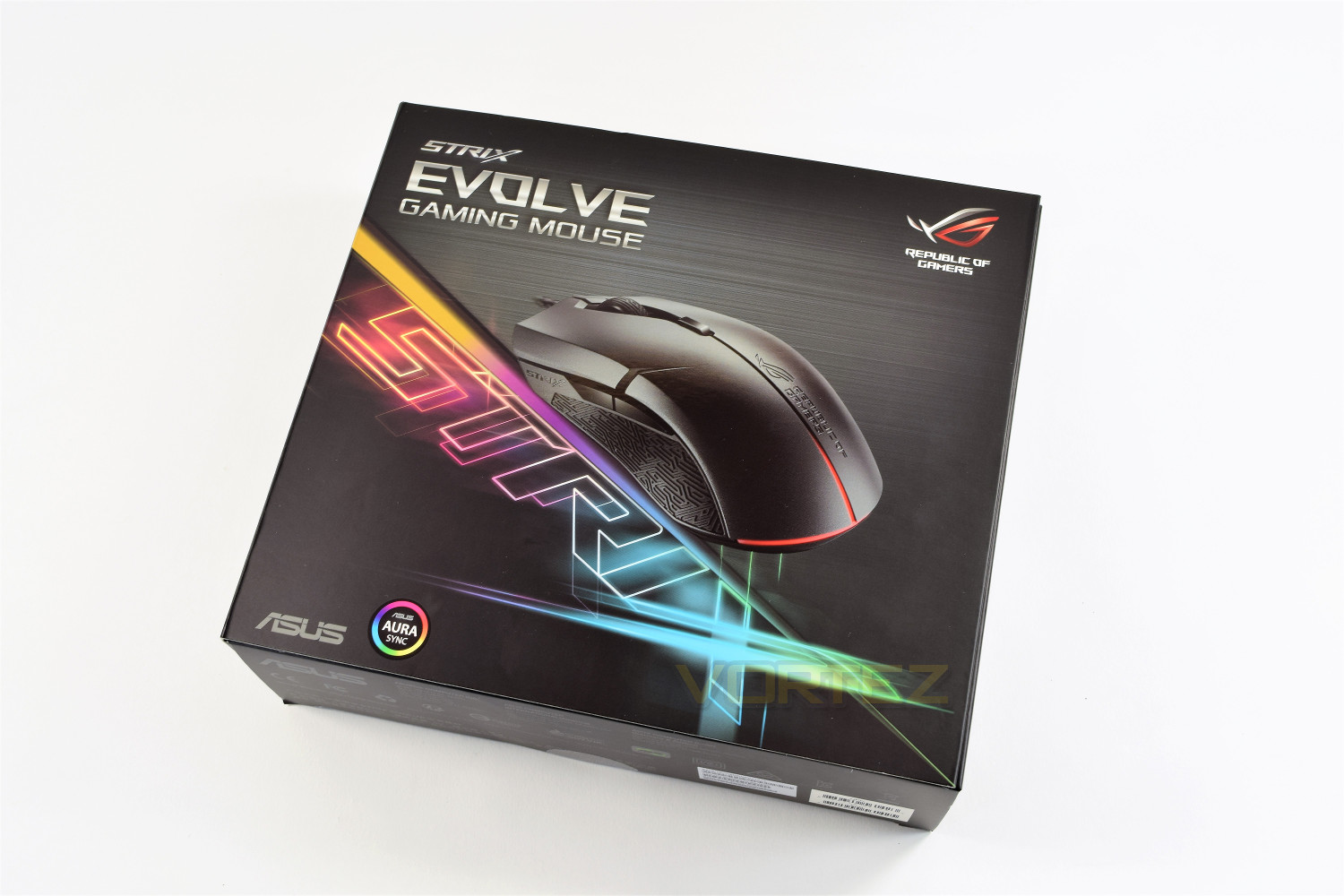
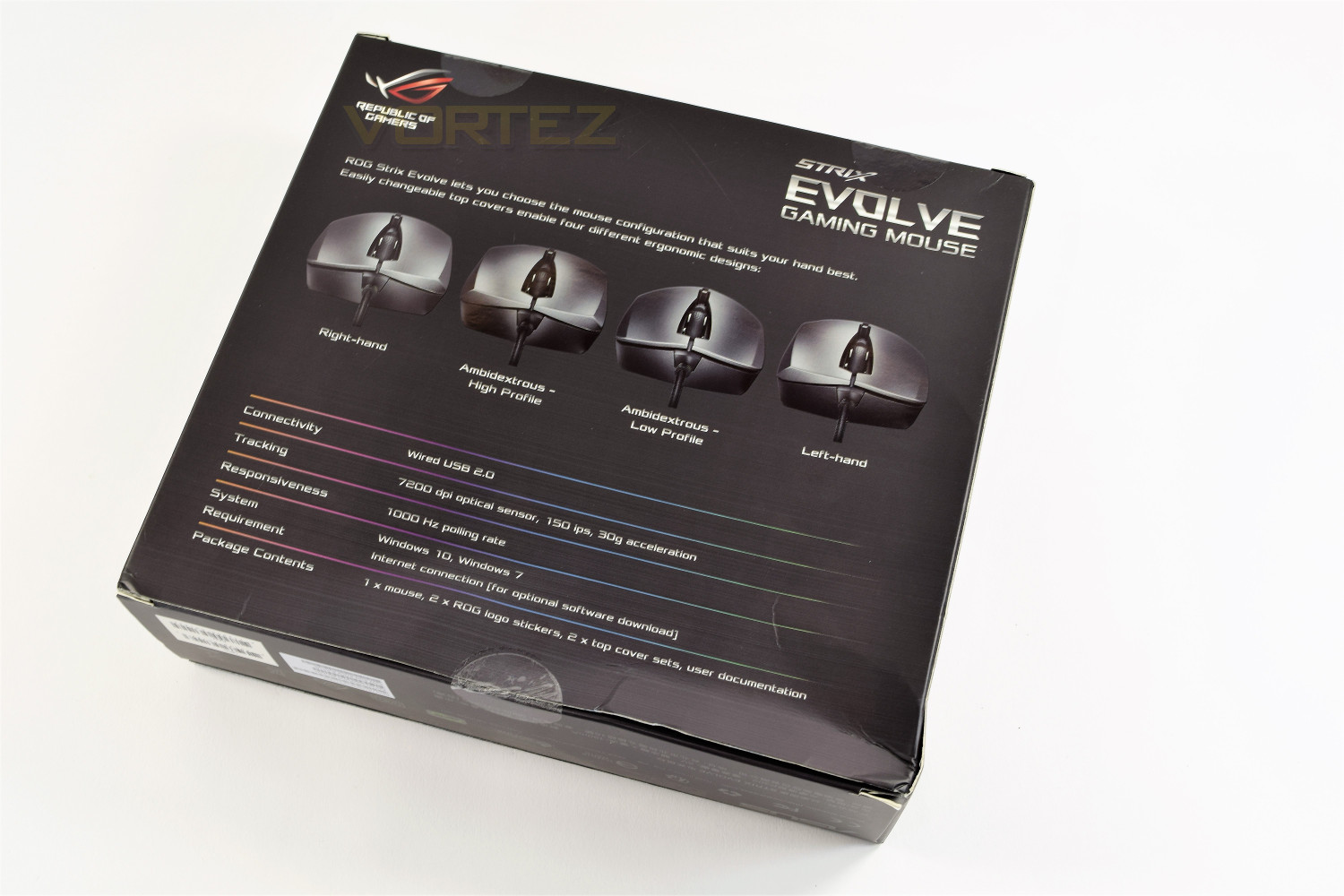
Flipping over the box gives you all of the information you could possibly require, while also showing off the swappable parts on top of the mouse, offering a proper ambidextrous design.
A trend has become apparent amongst manufacturers, offering the ability to pop open the front of their packaging to get an almost unhindered preview of the mouse, the ROG Strix Evolve is no different.
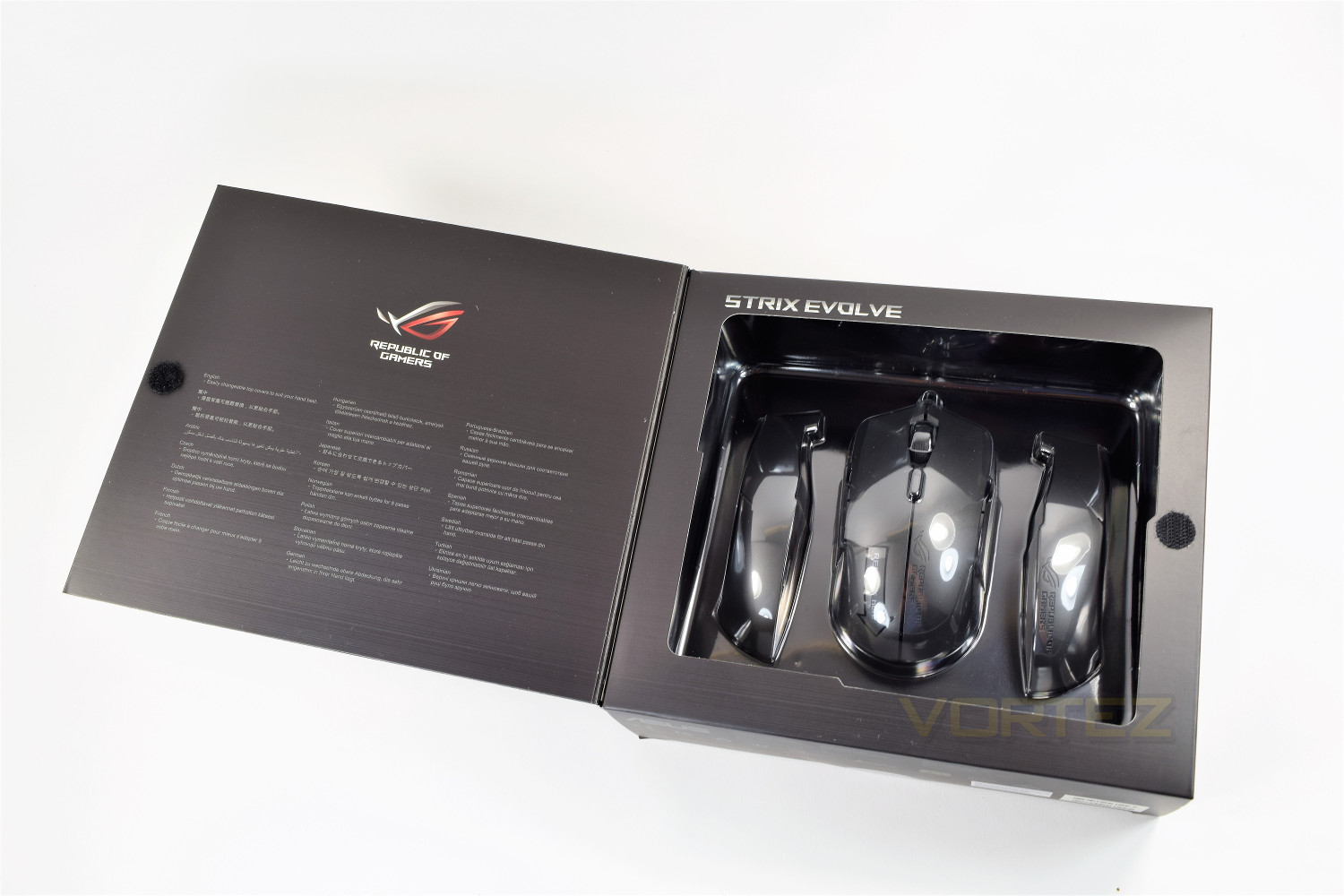
Included extras aren’t aplenty, but in an effort to decrease the cost for the consumer, you don’t receive anything you won’t need (apart from maybe those stickers.)
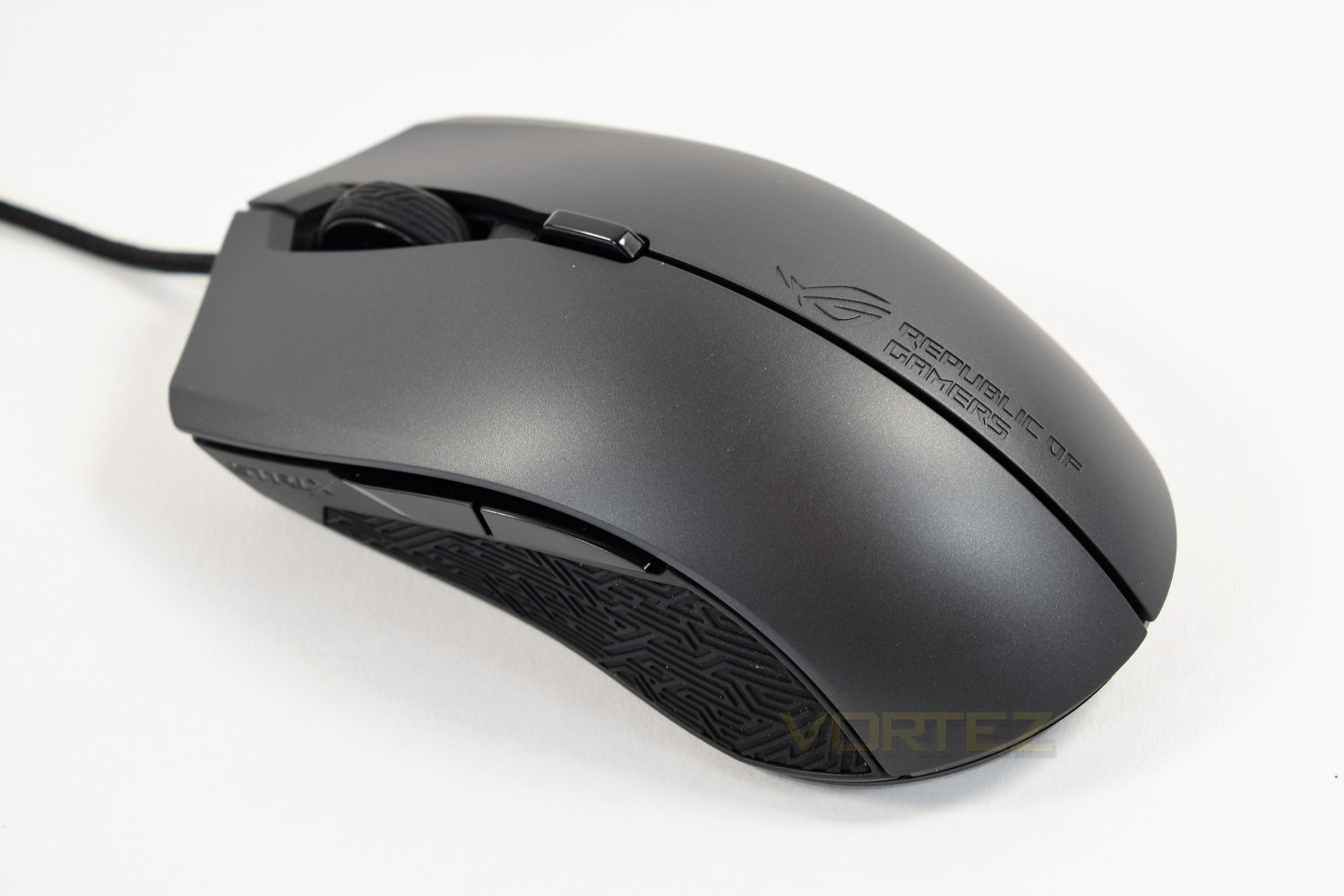
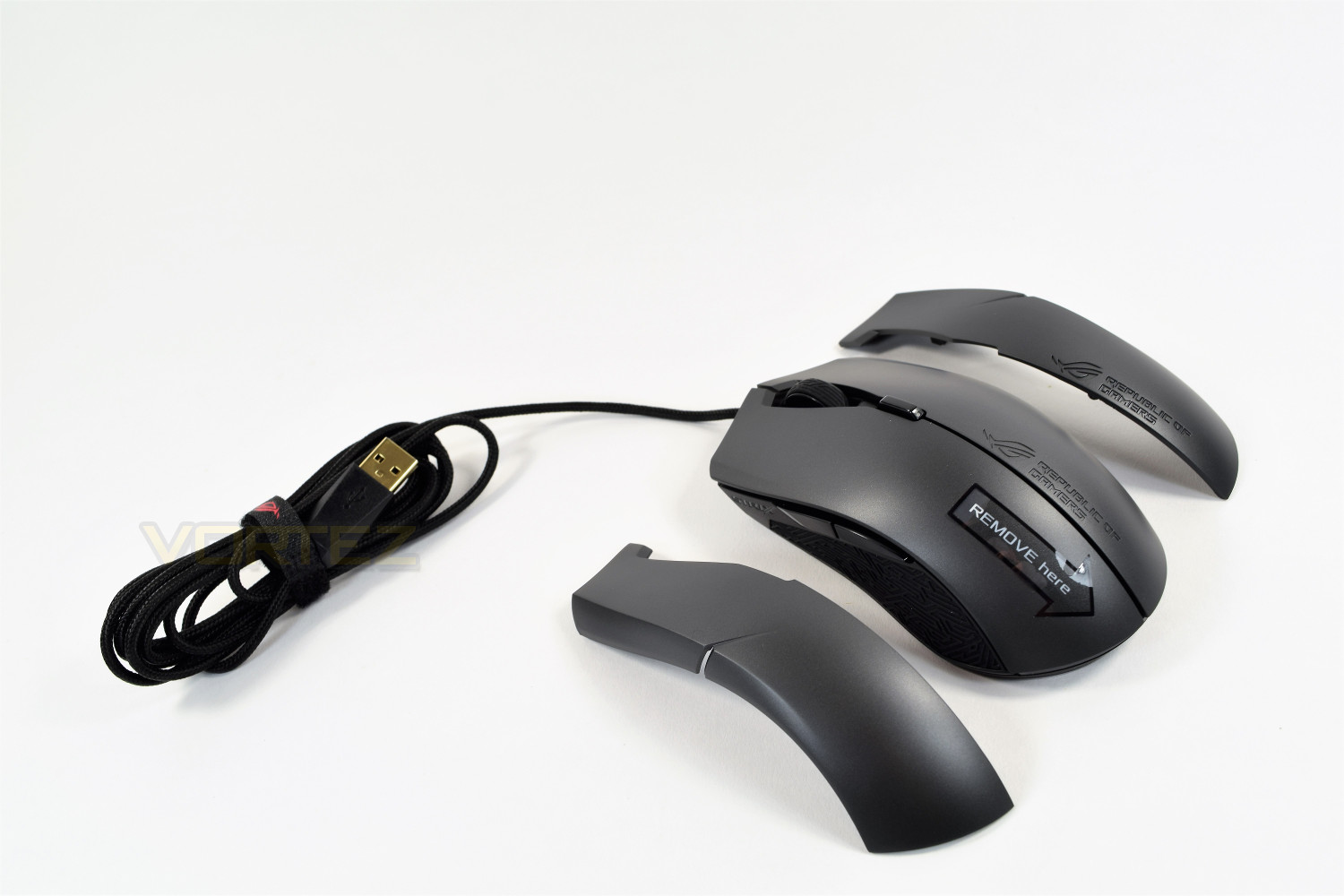
First impressions are good, the matte coating and Mayan-style rubber grips complement each other well, which, along with the embossed Republic of Gamers branding, looks fantastic.
Closer Look
The ASUS ROG range of gaming peripherals have recently adopted the Mayan styling, mainly focused on the rubber grip areas and scroll wheels of their gaming mice. The Strix Evolve is no exception. The top of the mouse features a DPI switch key, which can be programmed with the settings.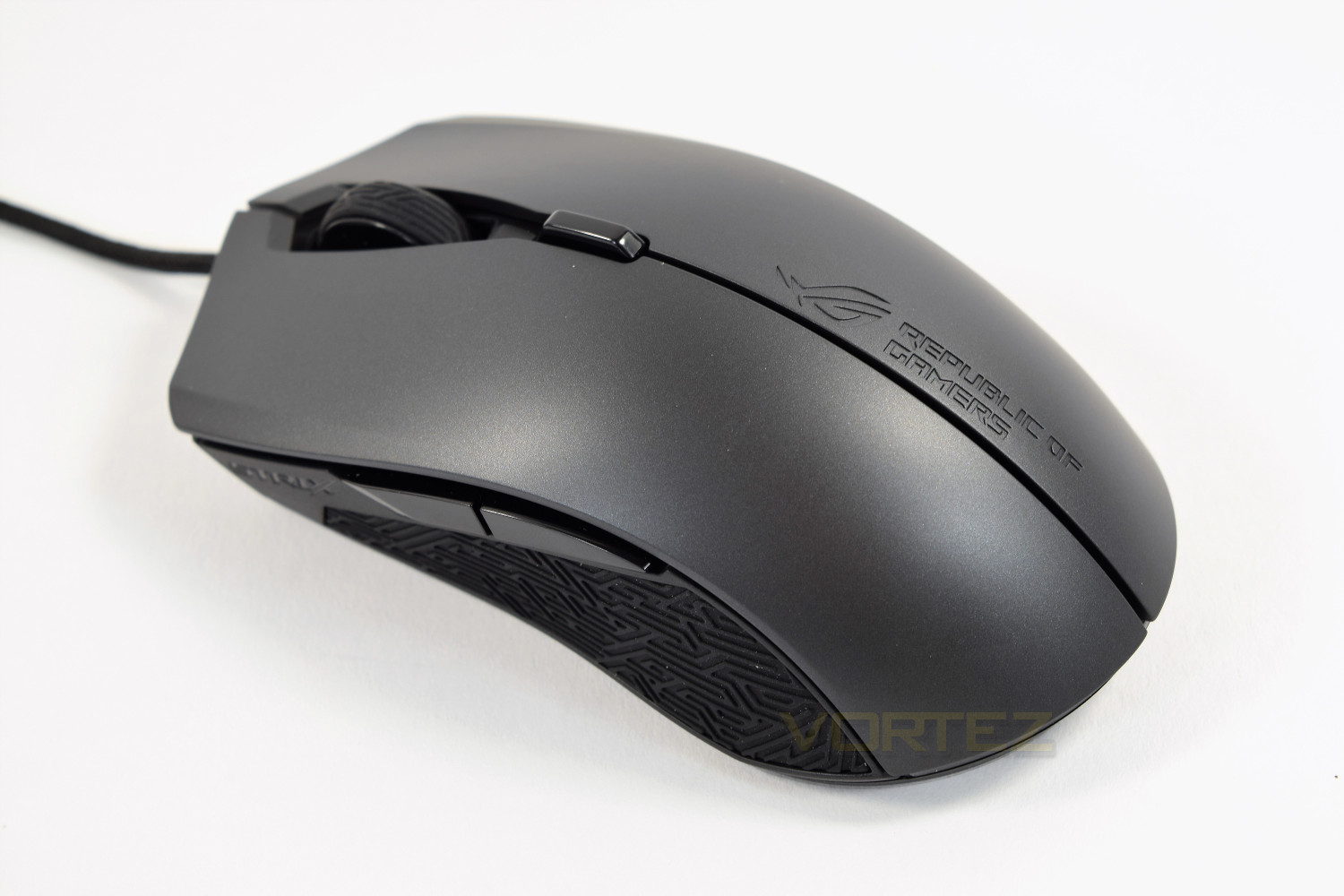
The left and right-hand sides of the Evolve are identical in order to provide the fully-ambidextrous shape. It’s worth noting at this stage, that the buttons can be assigned independent functions, on each side of the mouse, through the software; the default is back/forwards.
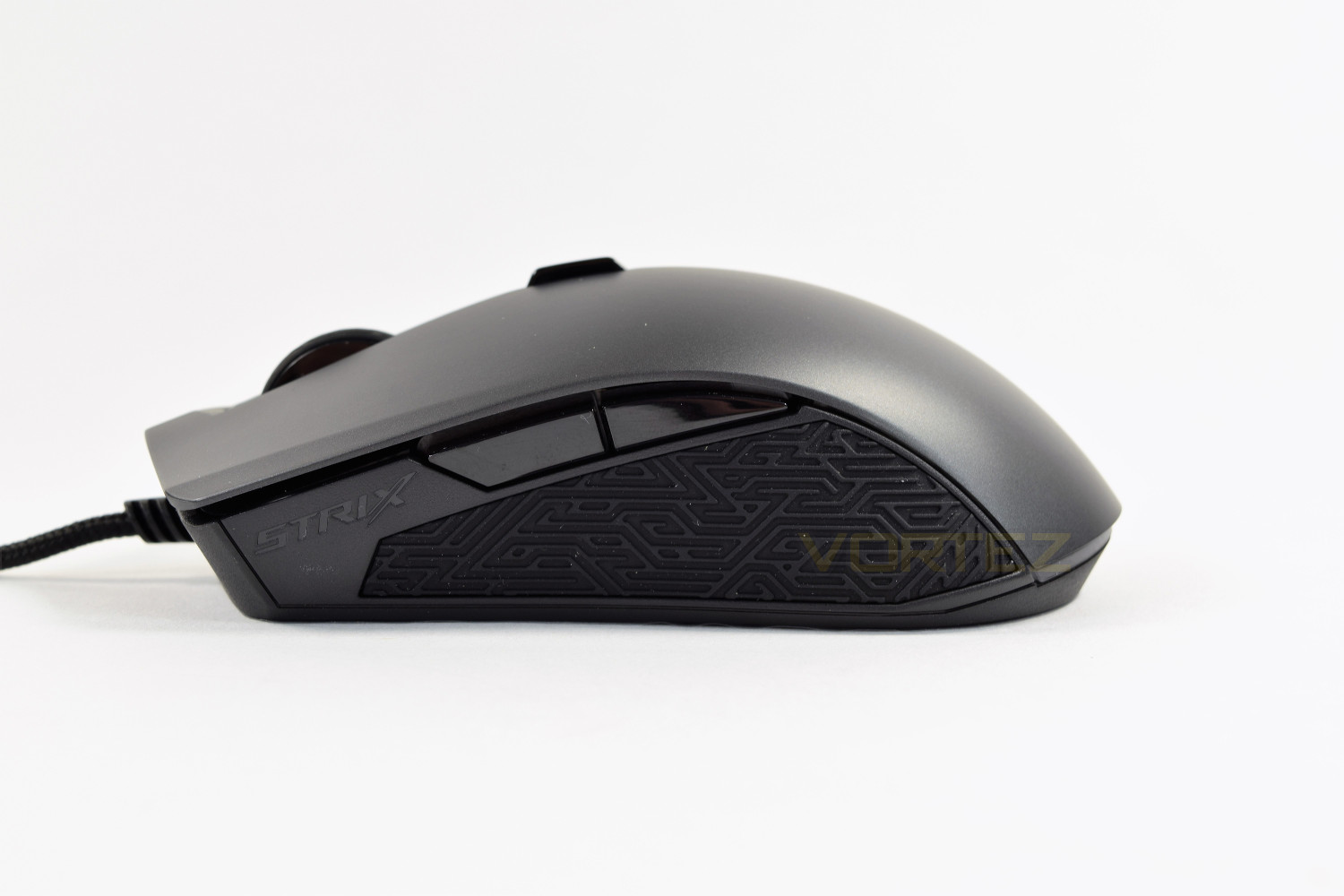
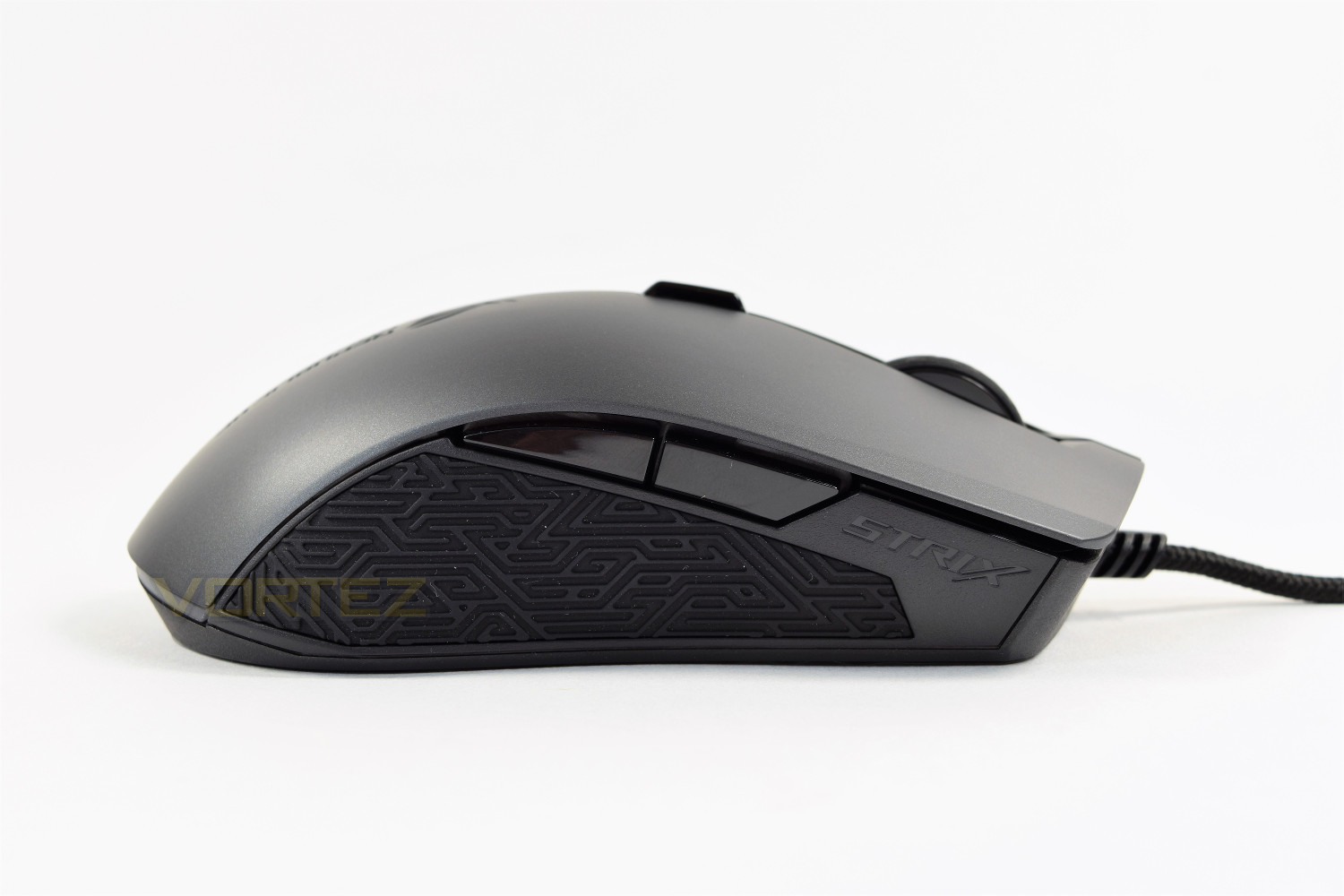
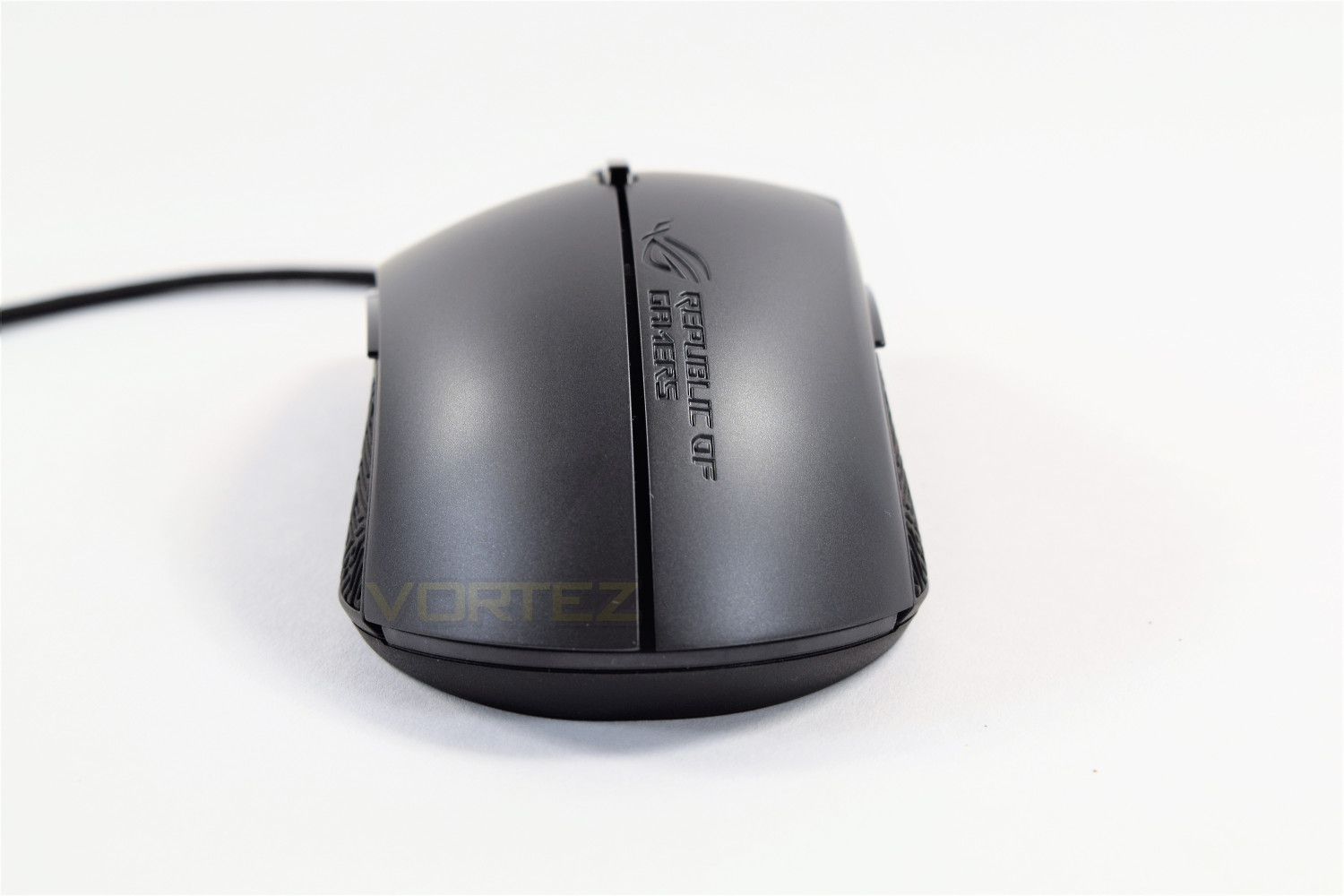
The rear of the mouse features a curved design and an embossed section showing the Republic of Gamers branding, which is present on both of the modular lids that occupy the right-hand side of the mouse.
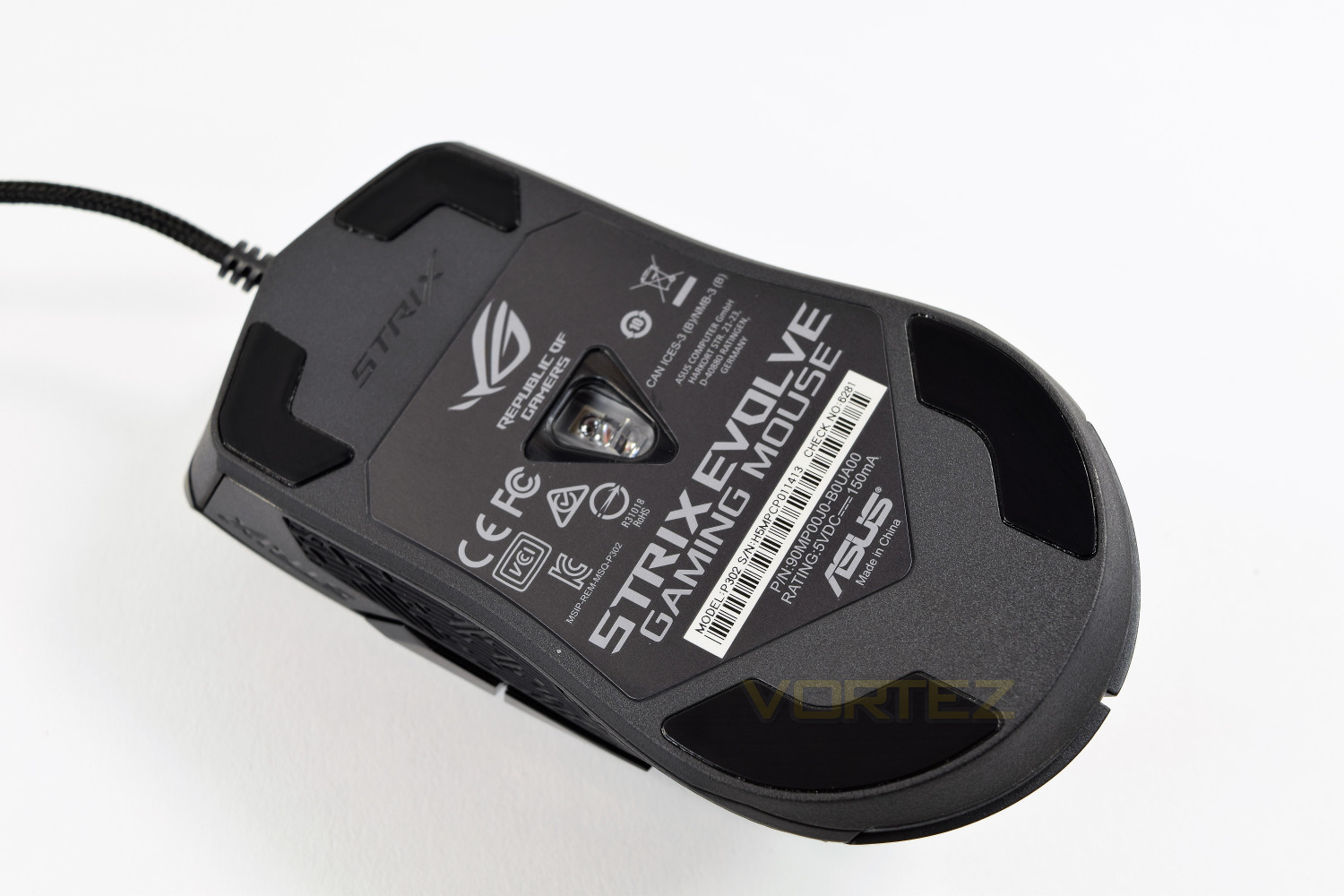
The underside of the mouse is host to four Teflon pads with the 7200DPI optical sensor placed in the centre.
Ambidextrous Design Done Properly
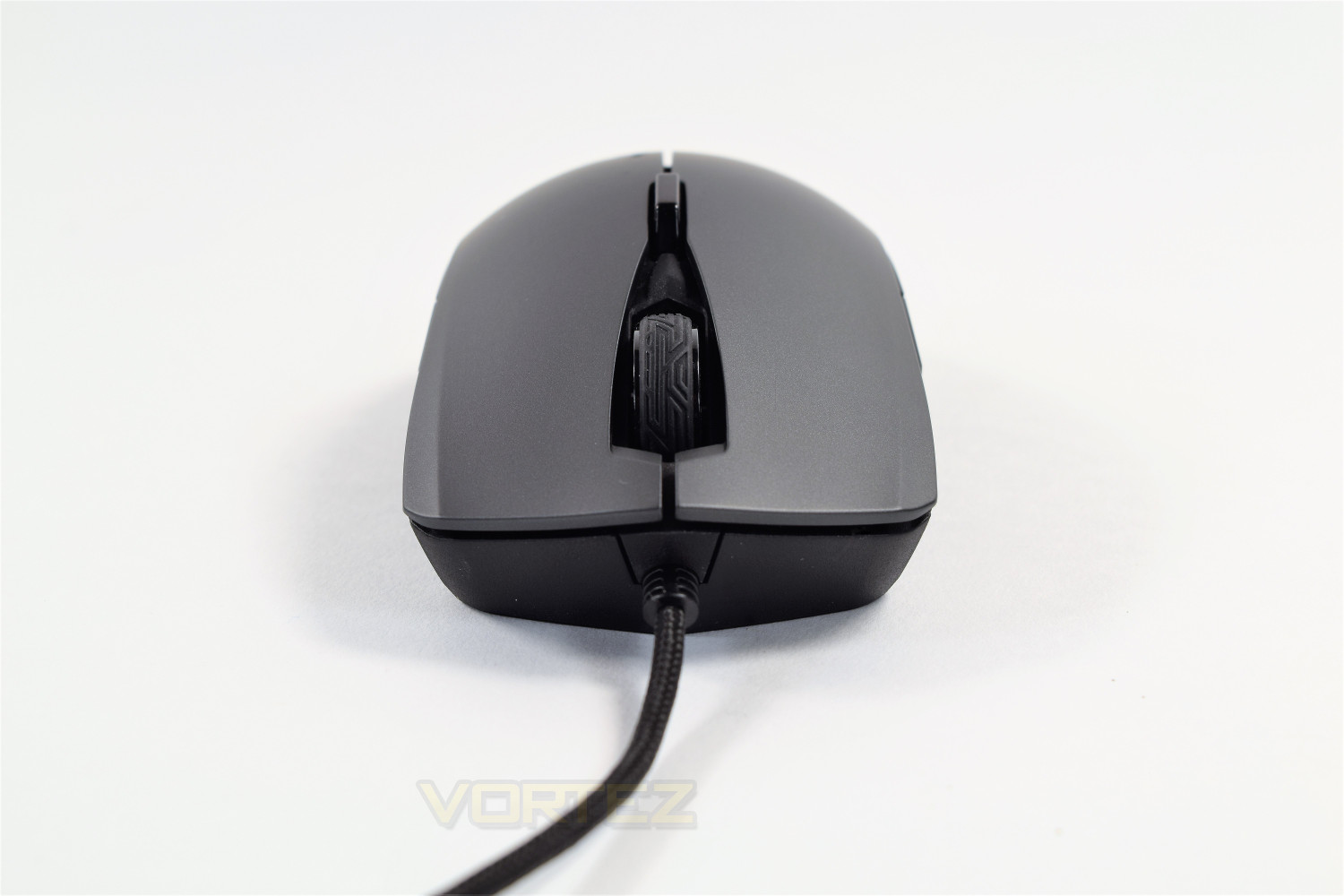
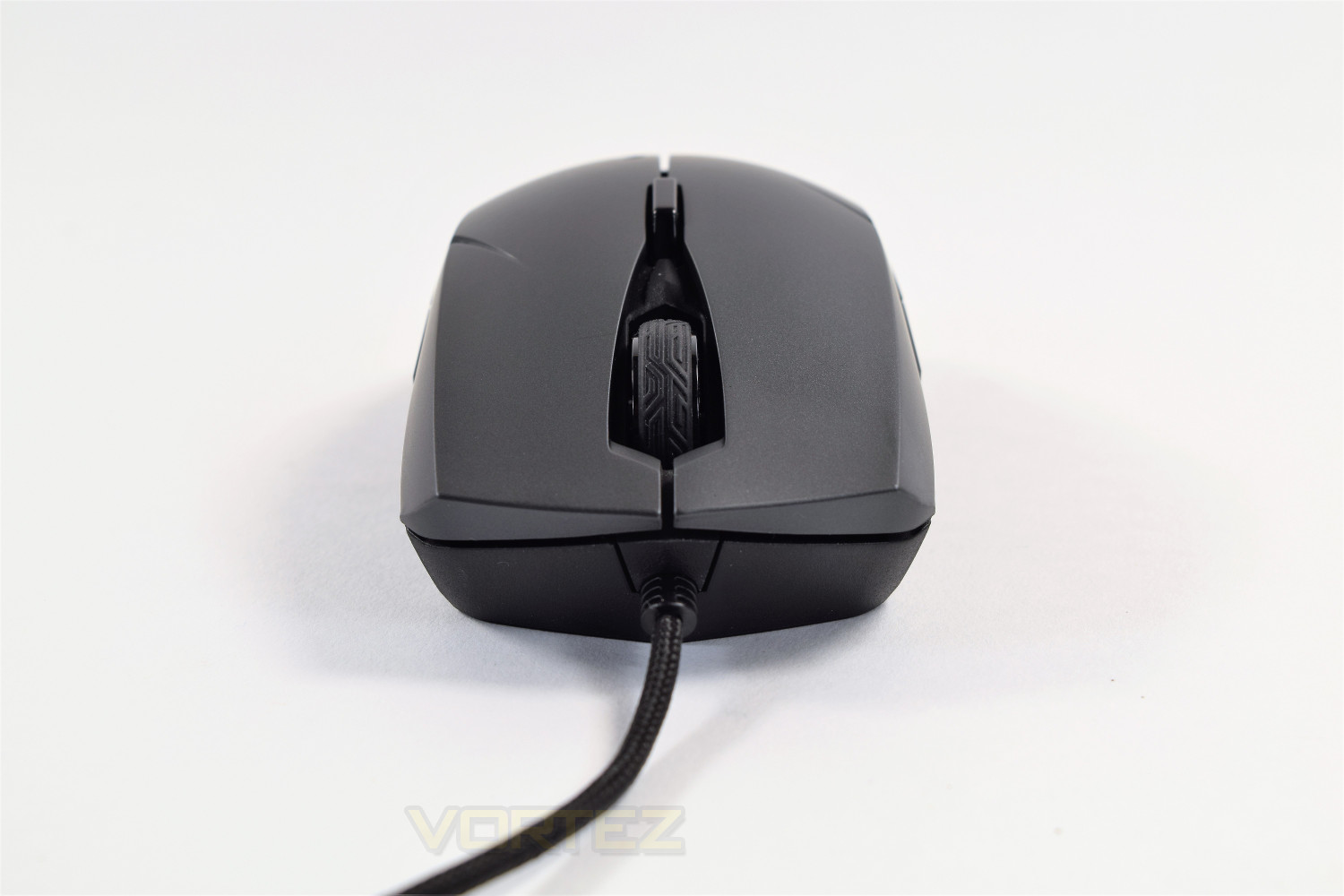
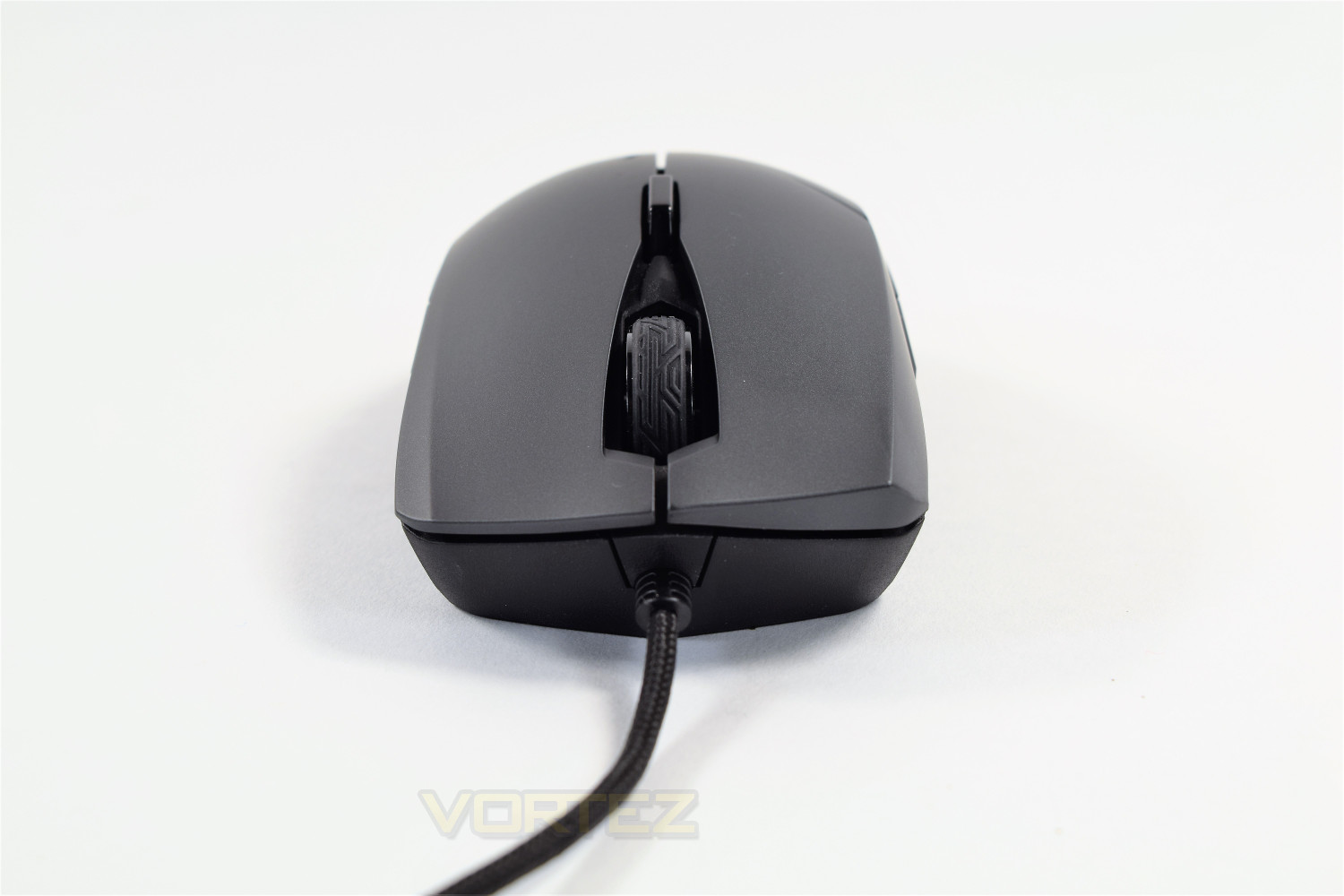
The pièce de résistance of the Strix Evolve is the ability to swap the lid, for a total of 4 different variations. This feature allows you to tailor the mouse between a larger or smaller design, as well as left or right-handedness. Being able to swap the left and right-hand side of the mouse independently is a far better way of offering an ambidextrous shape, this is how it’s done properly and deserves recognition from all of you neglected lefties out there.Low-profile ambidextrous:
High-profile ambidextrous:
Right-handed:
Left-handed:
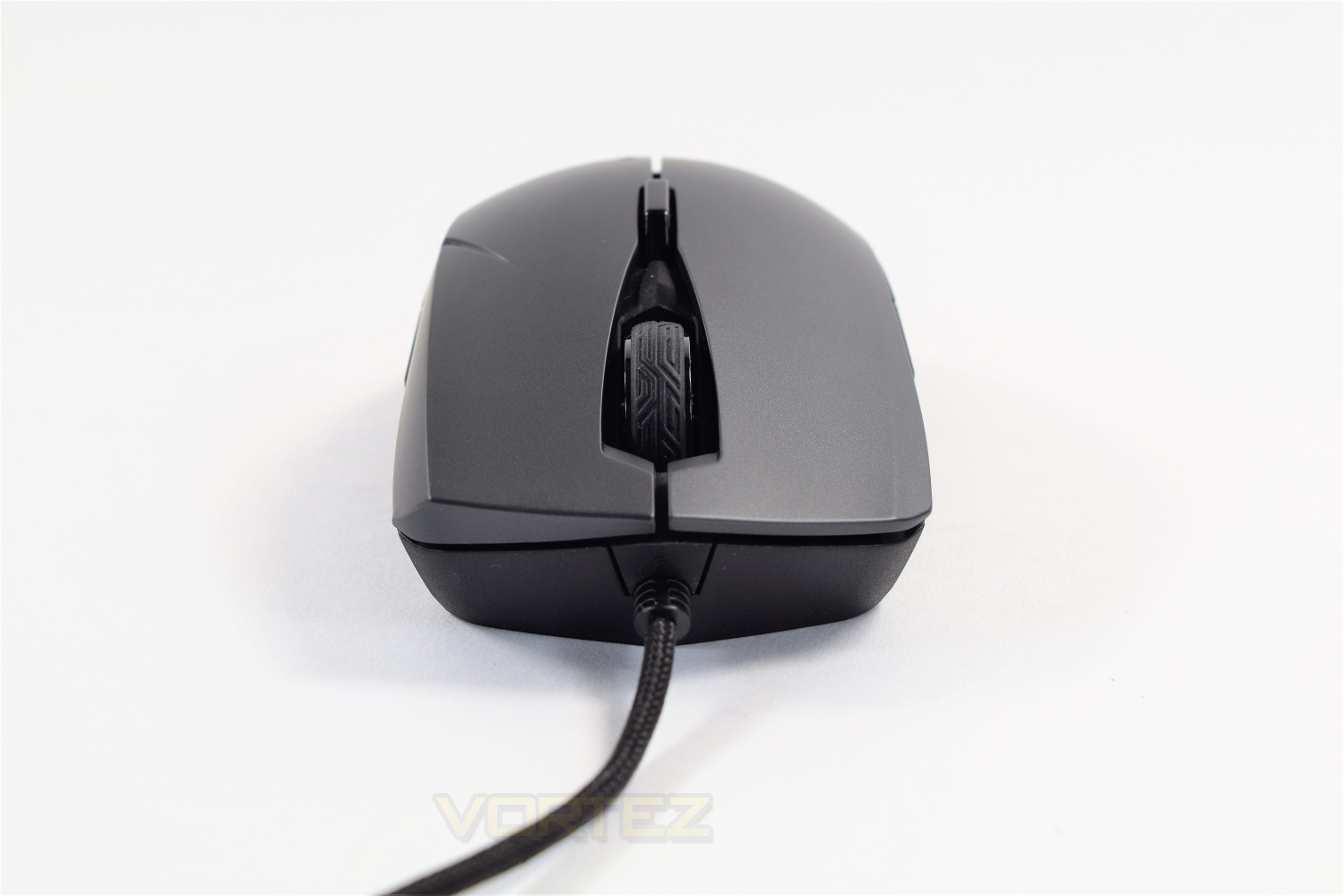
The swapping over of the pieces couldn’t be easier, to remove, you lift from the rear of the mouse while gently pushing forwards. To replace, you slot the extrusion into the slot at the front and slide gently backwards, while clicking into place at the rear.
ASUS has also ensured that the mouse perfectly mirrors itself on both sides, to ensure the Strix Evolve is identical, no matter which hand is dominant.
Software
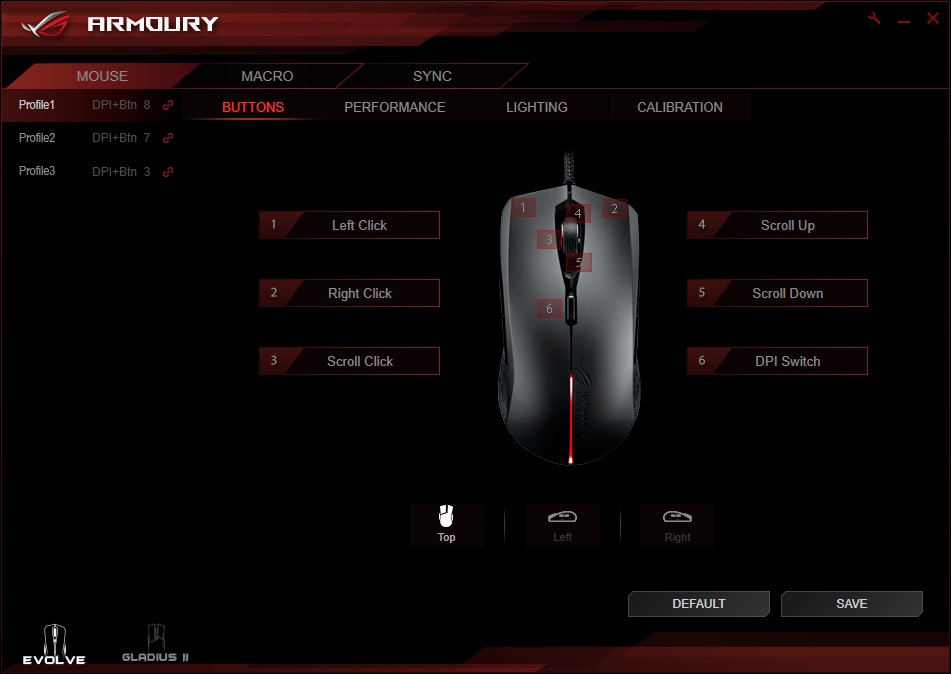
The ASUS ROG Strix Evolve utilises the ROG Armoury in pretty typical fashion, giving you all of the features you require in a well-optimised piece of software.Upon the initial launch, you’re presented with the option of swapping the functions of any of the mouse buttons. It’s unlikely you would want to swap any on the top, but the left and right could be useful to some users.
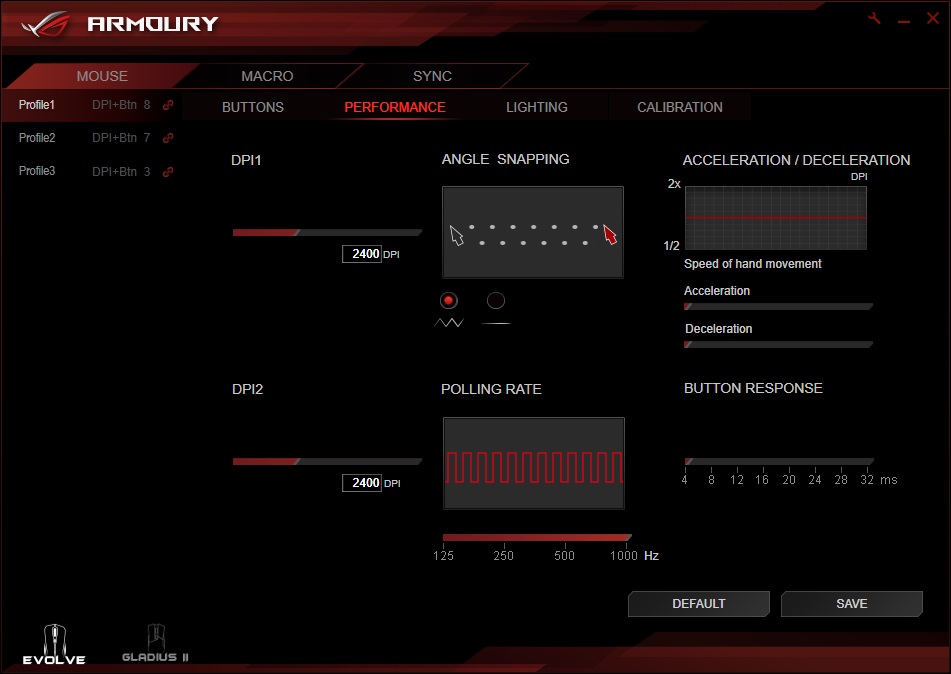
The performance tab of the ROG Armoury offers a host of variables, allowing the adjustment of almost everything. It’s worth being aware that this page is set up in an odd fashion, with button response and polling rate both being set at a lower parameter than the mouse is capable of.
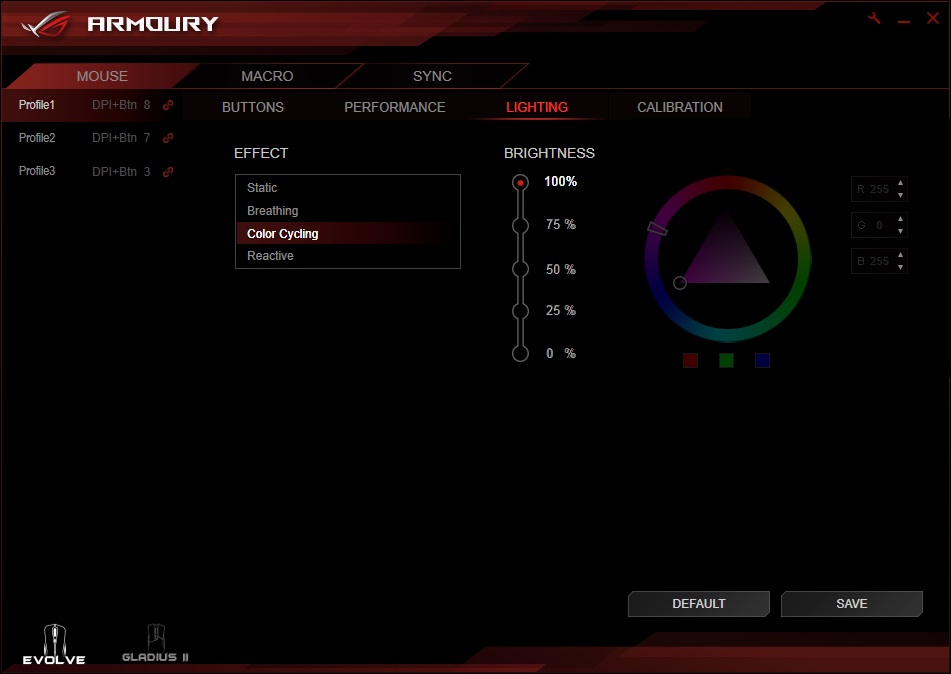
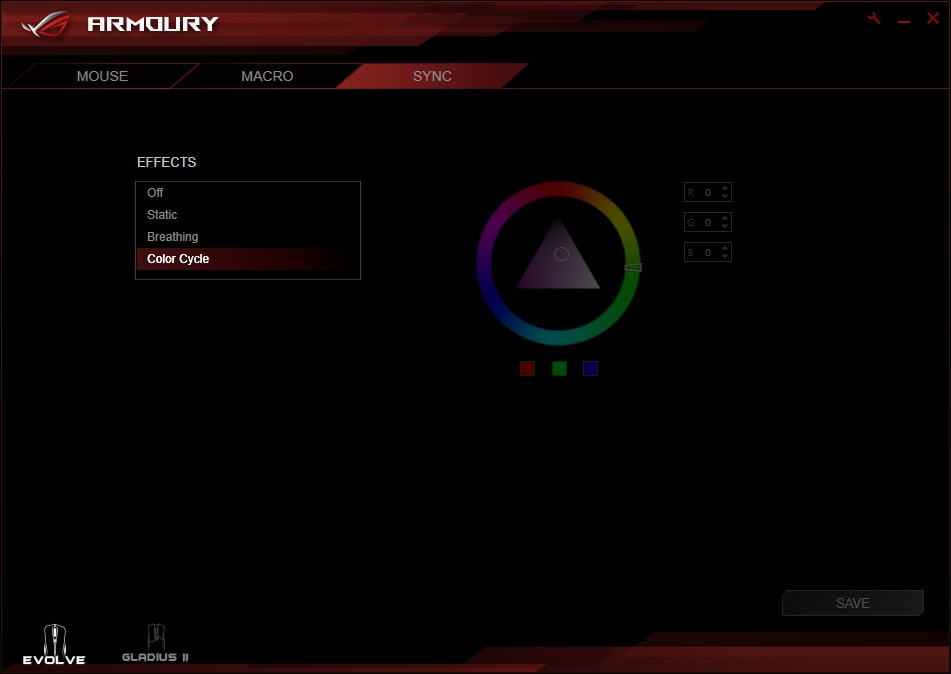
Lighting is next on the customisation tabs, allowing 4 different effects and a full range of 16.7 million colours from the RGB range. The Strix Evolve only features single-zone RGB, so the effects are a little more limited than some of their higher-tier products; this can cause a knock on effect when trying to use the Aura Sync, limiting what the other products are then capable of.
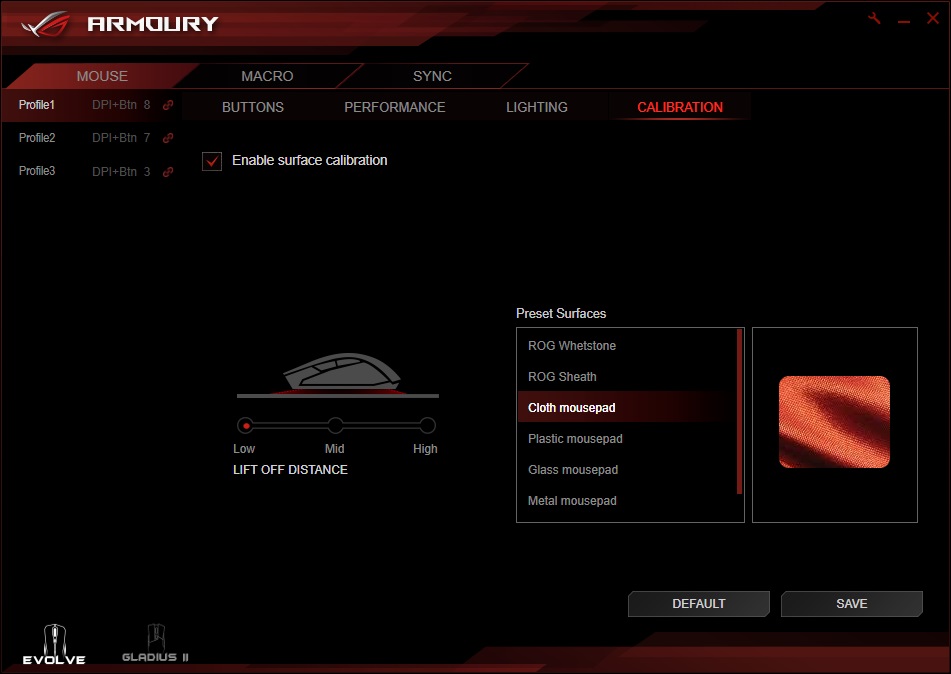
The calibration section is done a little differently to other ROG mice tested recently; where you select the preset surface that best matches the one you’re using. There wasn’t a noticeable difference between the presets, but we trust ASUS have made small tweaks to ensure the best possible response and performance.
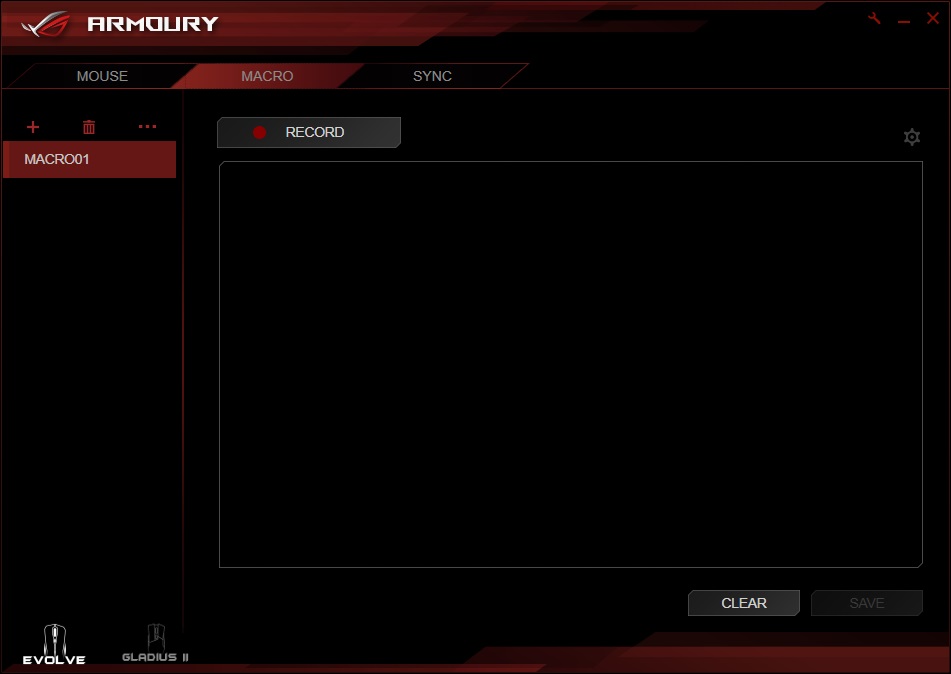
The Macro tab allows the user to record an unlimited sequence macro, combining the keyboard and mouse. You’re then able to assign the recorded macros to a button on the mouse.
The Sync section relates to ASUS’ Aura Sync, marrying up all of your compatible hardware into one harmonised lighting show. As mentioned earlier, the options are slightly limited due to the Strix Evolve only housing a single LED for the lighting effects.
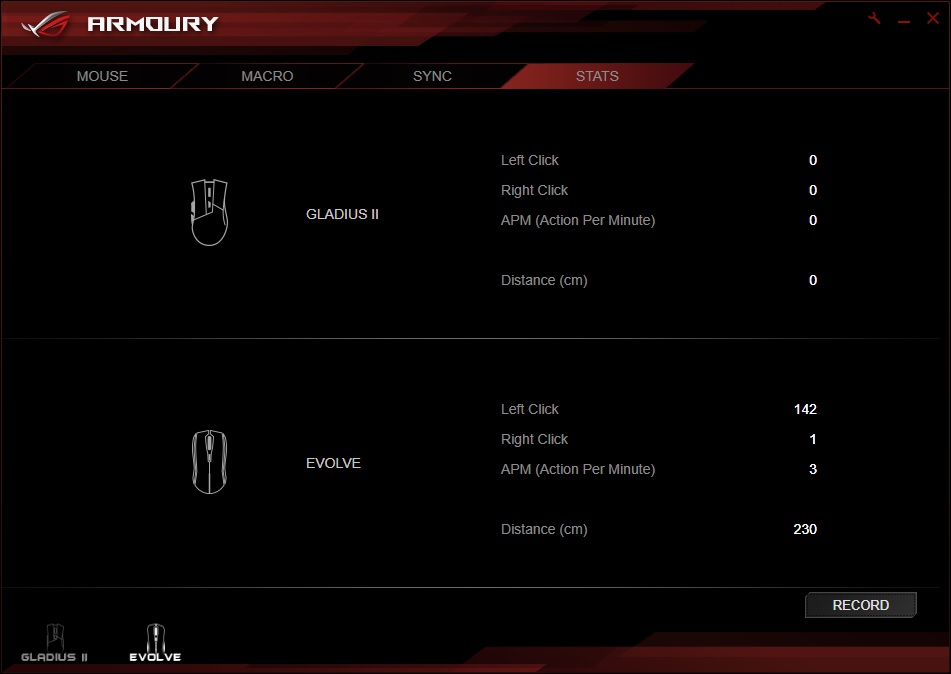
Finally, a recent addition by ASUS to their Rog Armoury is the ability to record your mouse usage, it’s pretty basic but it gets the job done effectively.
Performance Testing
First things first, you need to go about choosing which of the 4 possible lid combinations best fits your hand, there’s only one method to this, and that’s through trial and error. This solution from ASUS to fix the age-old problem of the “one size fits all” mouse is an incredibly well-implemented solution. The mouse was comfortable for a right-handed user for a 3-hour stint on War Thunder and Battlefield 4. The mouse performed perfectly well on both games with no noticeable issues at all.The overall shape and design are simple but very mean, the Mayan grips on the left and right, matched up to the embossed logo on the lid and grey styling is glorious. The overall weight of the mouse, at 100g, is spot on, which tagged onto the large Teflon glides underneath makes the mouse very easy to move around on a decent quality mouse mat.
Moving on from the shape and design of the mouse, the sensor performance is excellent, whether you’re on a mouse mat or a polished wooden surface; the sensor didn’t miss a beat and performed brilliantly, no matter the DPI chosen. Alongside the excellent sensor performance, the OMRON switches used are meaty and provide a solid rebound.
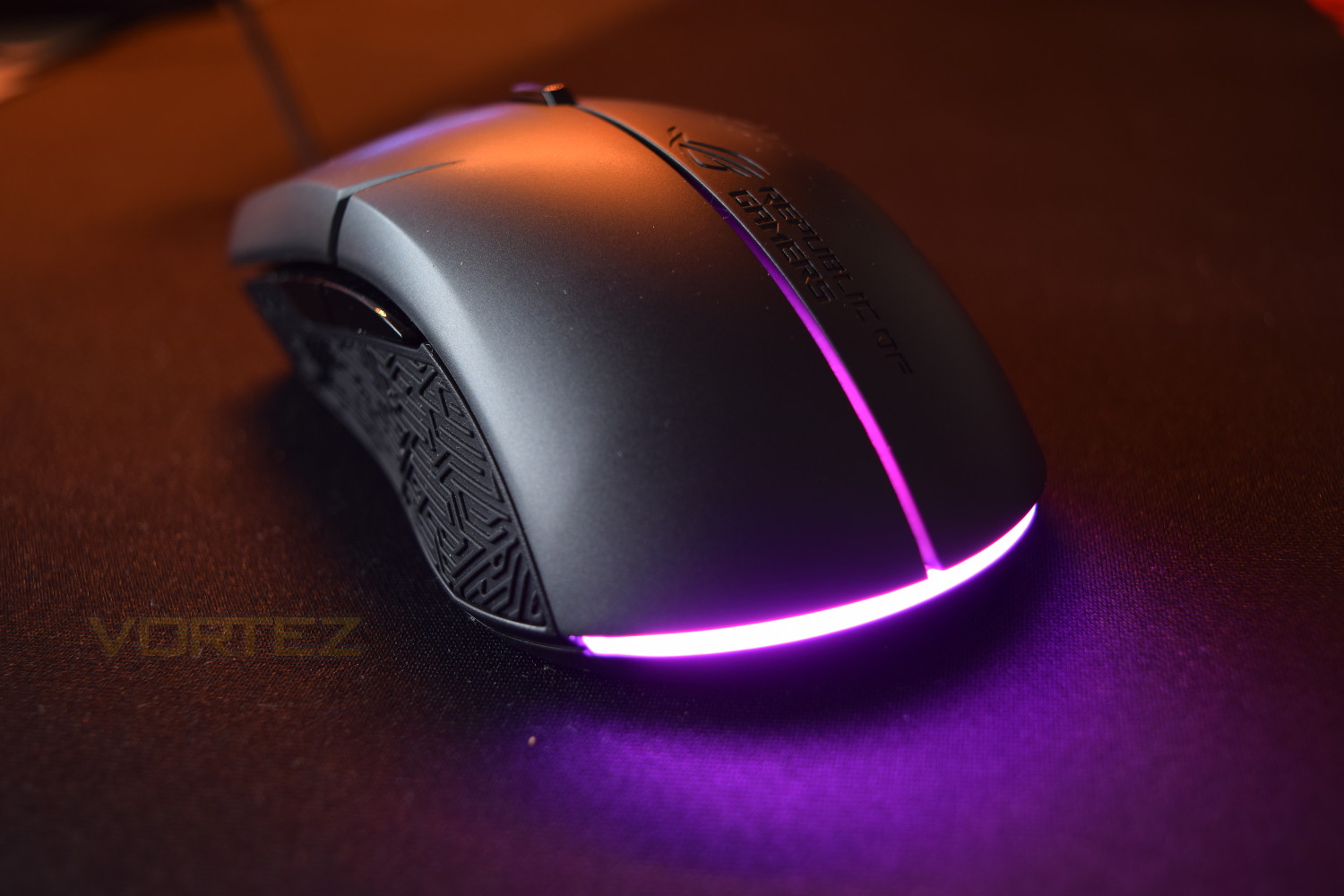
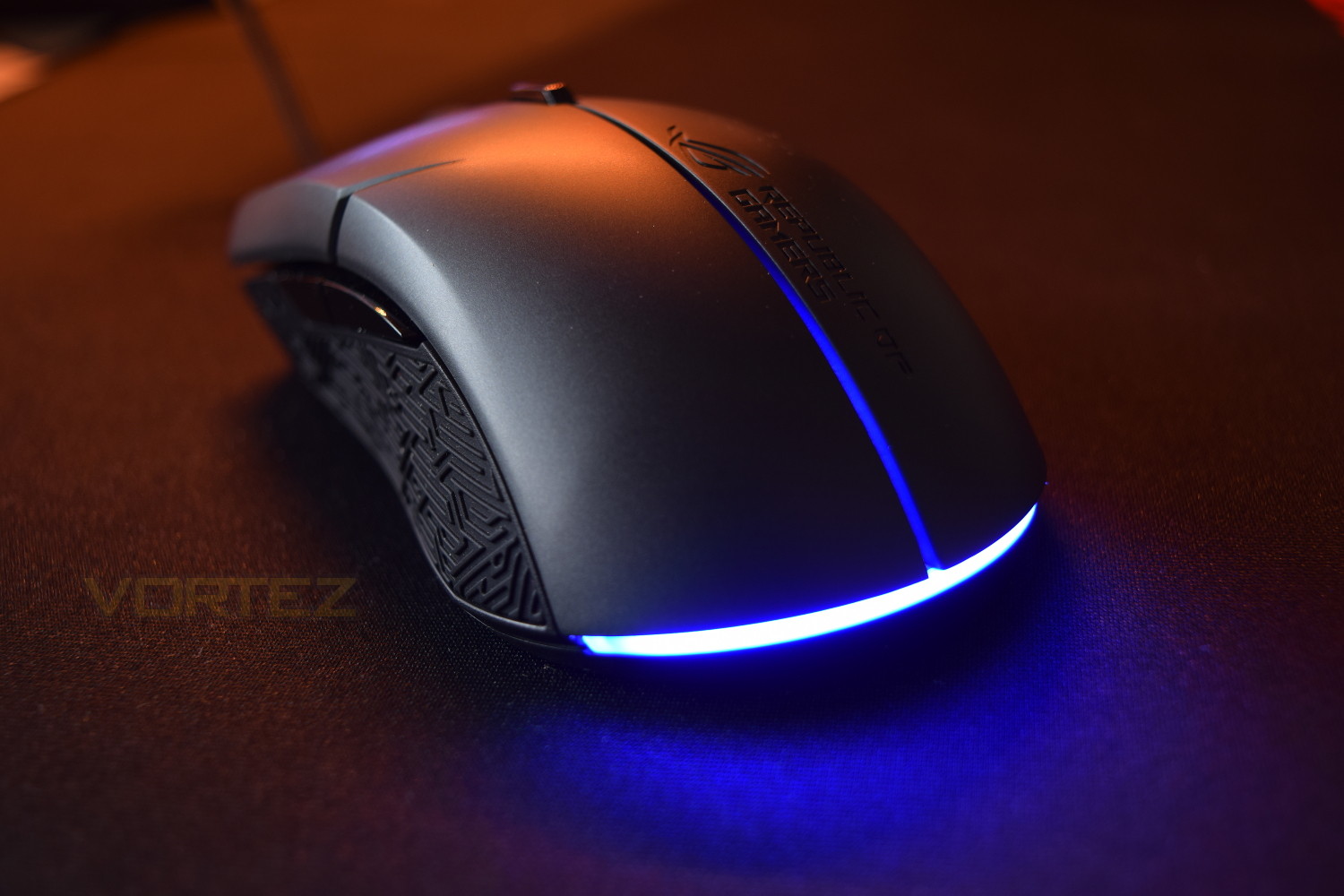
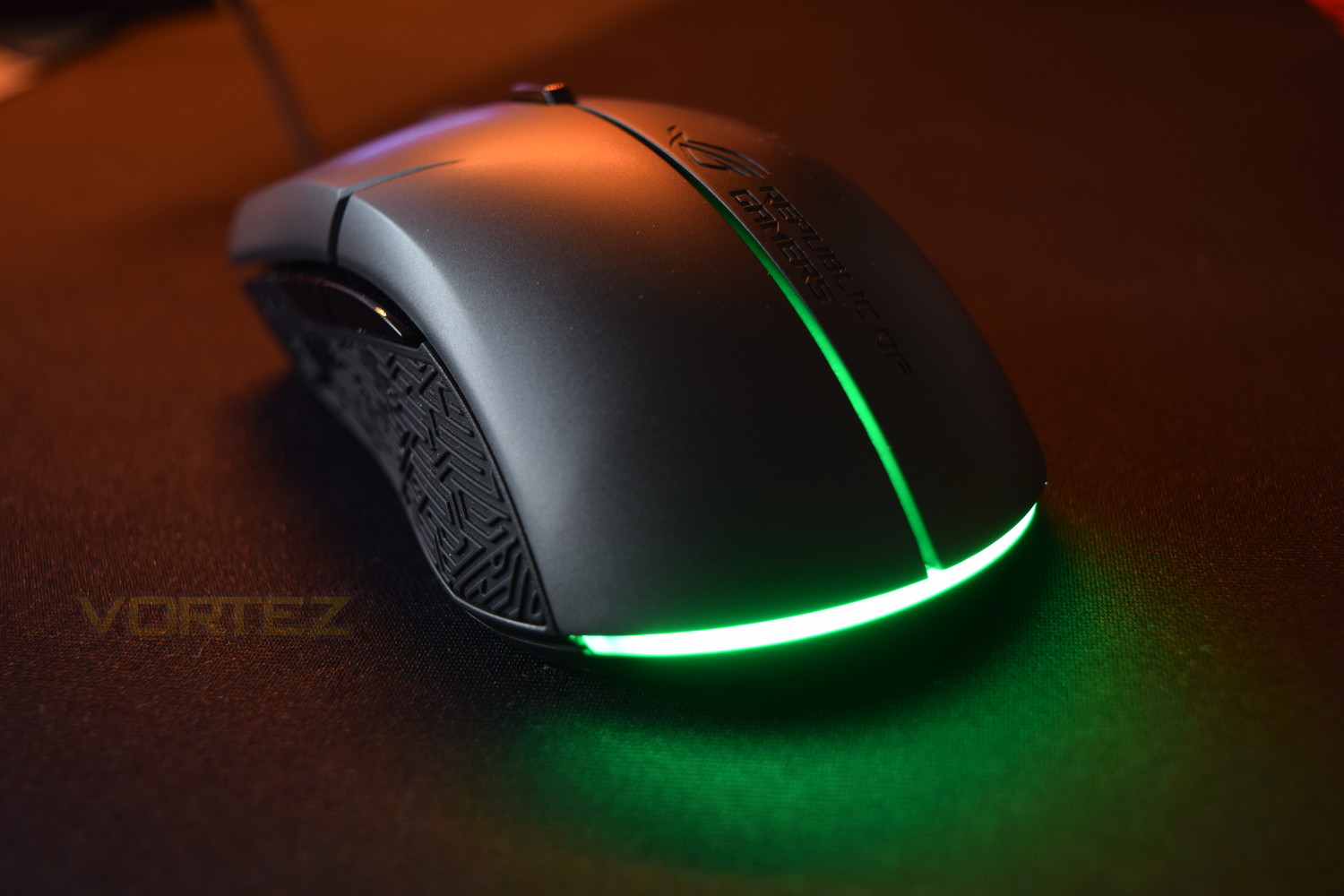
The lighting on the mouse isn’t anything to write home about, being relatively dim when compared to other RGB products. All of the ‘oomph’ is provided by one lonely LED and distributed through thick translucent plastic. If you’re considering the ASUS ROG Strix Evolve to accompany the Aura Sync capabilities of other products, you may feel a little let down by this product. However, if you do require a slightly less “in your face” approach to RGB lighting, this could fit that bill.
Conclusion
All things considered, ASUS ROG has introduced a strong contender into the pack here, the RGB lighting may not be amazing, but apart from that, you’ll be hard pushed to find a better mouse for under £60. The ability to swap out the top of the mouse is a game-changer in terms of compatibility with many different users, and the ease of doing so is unbelievable, that feature is certainly worthy of the Creative Award.The software compliments the mouse really well, backing up all of the features previously mentioned through the ability to adjust so many different parameters. The OMRON switches are brilliant, the grips on the left and right do their job perfectly well and the weight is about where it should be.
Overall build quality is good, with a solid feel to every component. The replaceable modular lids also feel solid, despite their construction of thin plastic.
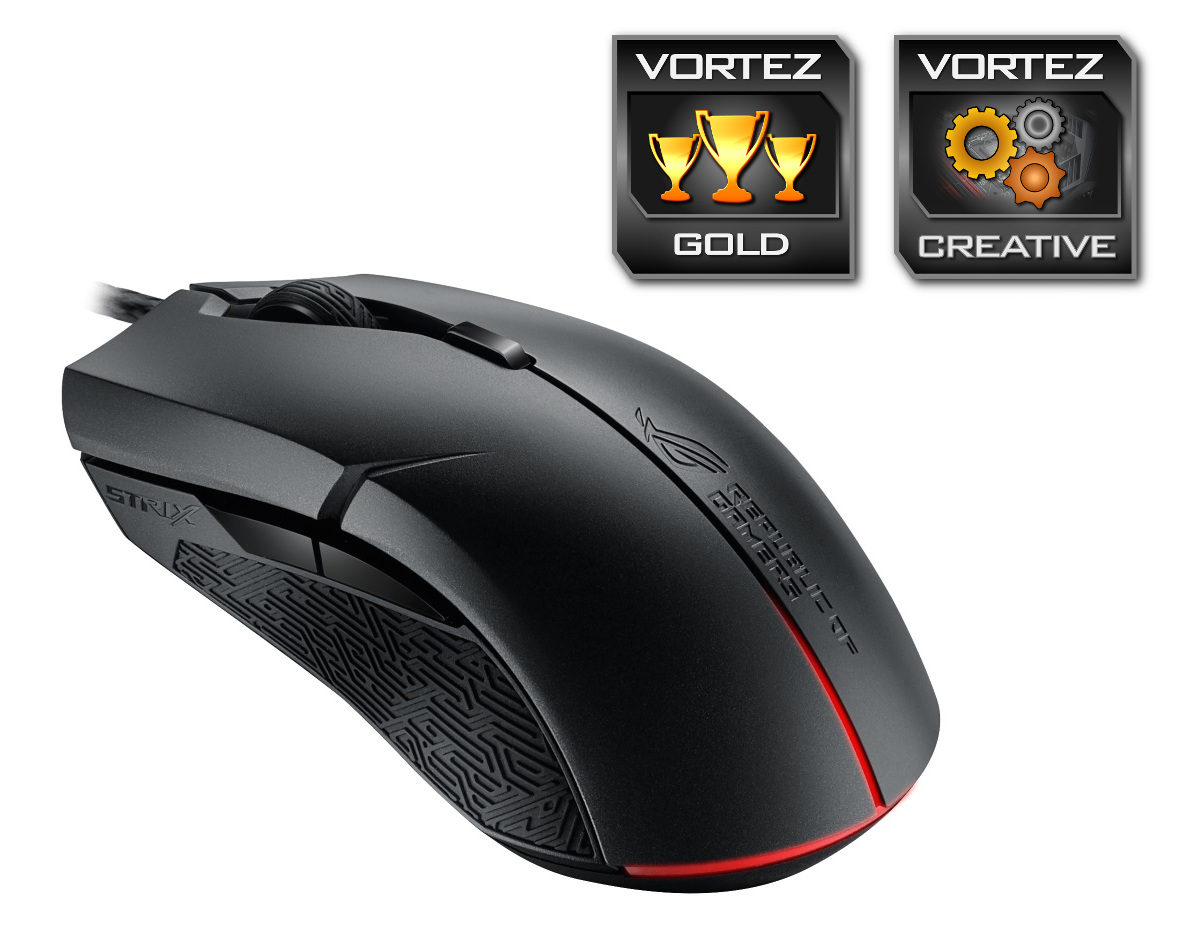
The approach ASUS have employed to designing a mouse capable of fitting a wider audience is applaudable, along with the excellent sensor performance and the inclusion of OMRON switches, this mouse is certainly a strong contender within the sub £60 price bracket.
Pros
+ Modular top covers
+ Truly ambidextrous design
+ Attractive styling
+ Great sensor performance
+ OMRON switches
+ Has RGB lighting
Cons
– Poor RGB lighting
– RGB Aura Sync is limited
+ Modular top covers
+ Truly ambidextrous design
+ Attractive styling
+ Great sensor performance
+ OMRON switches
+ Has RGB lighting
Cons
– Poor RGB lighting
– RGB Aura Sync is limited
Click here for an explanation of our awards at Vortez.net.