A 1080p IPS display with ALL the bells and whistles – HDR10, 1ms response time, G-SYNC and 360Hz refresh rate. Is this the best monitor in its category?

Product on Review: ROG Swift 360Hz PG259QNR
Manufacturer: ASUS
Street Price: USD $900 | AUD $1300 | GBP £790
When indulging in a full system upgrade on a tight budget there are regrettably trade-offs that need to be made. More often than not it is the CPU, memory and graphics card which become the main focus and which undoubtedly consume a vast majority of that budget. Perhaps it is the case, CPU cooler or even the monitor which isn’t as carefully considered and ends up having compromises applied.
However, narrowing down a decent display is actually quite important. If you’re spending a substantial amount of cash on the graphics card to play the latest gaming titles, playing these games on a cheap display with poor response time, refresh rate and colour reproduction will result in a shoddy gaming experience. It makes sense to invest in a good monitor – after all, you’ll be spending all your time viewing gameplay with your eyes. Give them something good to look at!
Up for review today is a new display from the ASUS ROG team – the Swift PG259QNR. This may be a 24.5-inch monitor designed for 1080p but it has every conceivable feature you could dream of for competitive gaming. HDR10, G-SYNC, 1ms response time and a whopping 360Hz refresh rate.
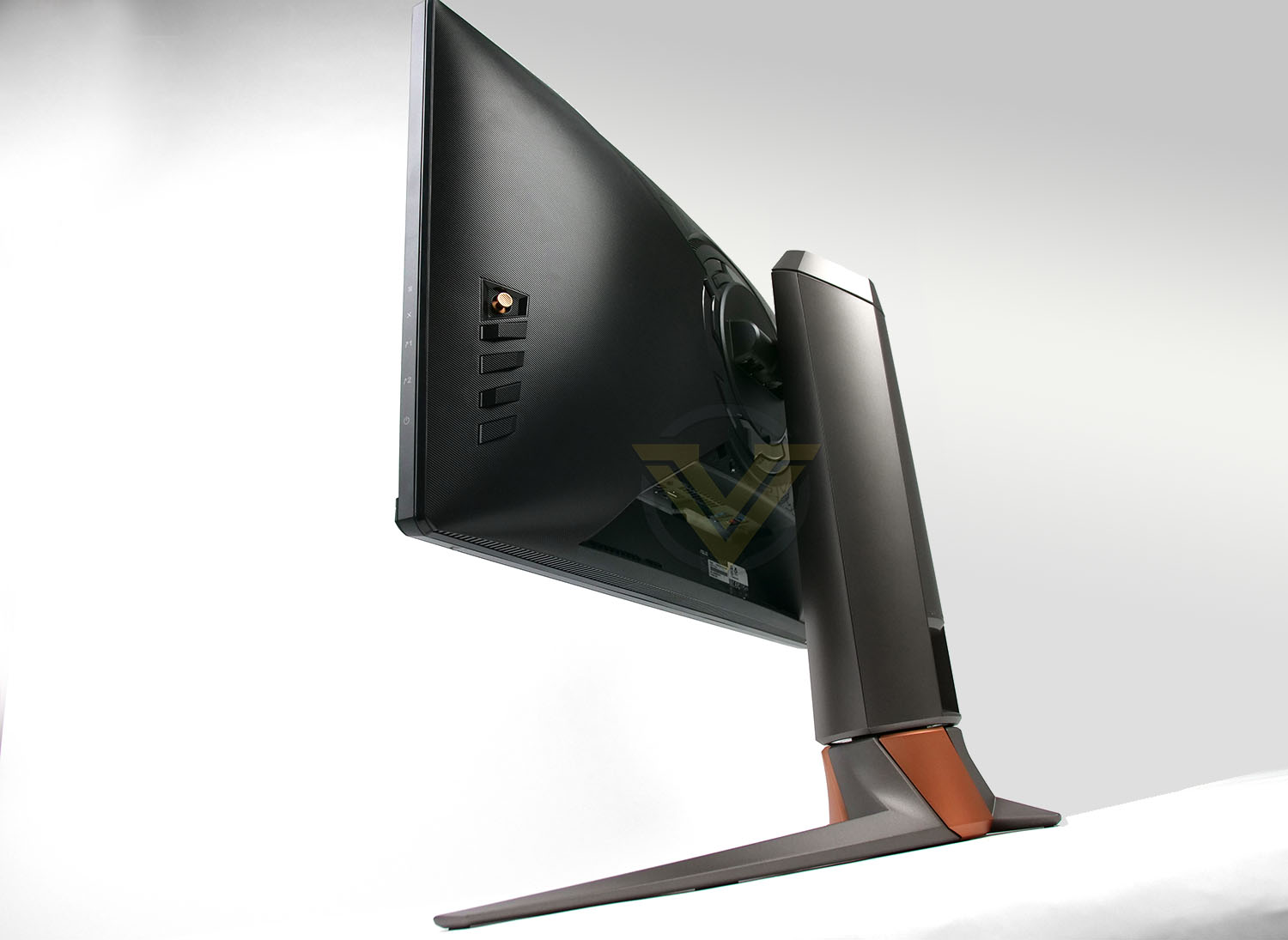
ASUS ROG on their PG259QNR
ROG Swift 360 Hz PG259QNR is the perfect gaming monitor for esports and fast-paced action games. This FHD (1920 x 1080) display features a Fast IPS panel with up to a 360 Hz refresh rate, 1 ms gray-to-gray (GTG) response time, and NVIDIA Reflex Latency Analyzer, a revolutionary integrated system latency measurement tool. PG259QNR also includes the ROG Desk Mount Kit, allowing it to be clamped to the edge of almost any flat work surface to make more room for a keyboard and mouse.
Technical Specifications
Below are the technical specifications surrounding the PG259QNR supplied directly from ASUS.
Screen Size
24.5-inch
Resolution (max.)
1920×1080
Panel Type
IPS
Backlight Technology
LED backlight
Brightness
400cd/㎡
Native Contrast(typ.)
1000:1
Viewing Angle (L/R;U/D) (CR>=10)
178/178
Response Time
1ms
Refresh Rate
360Hz
Aspect Ratio
16:9
Display Colors
10.7 billion colors
Color Gamut
100% sRGB
Display Area(mm)
543.168 x 302.616 mm
Color Bit
10 bit
HDCP
2.2
VESA Wall Mount
Yes – 100x100mm
FreeSync/G-Sync
G-SYNC
Connectivity
HDMI (v2.0) x1
DisplayPort 1.4 x1
USB 3.2 Gen1 Type A x 2
Headphone x 1
Power
27W
Dimensions without stand(HxWxD)
557 x 330x 88 mm
Net Weight with stand
7.1KG
Tilt (down/up)
-5˚ – 20˚
Height Adjustment (mm)
0~120mm
24.5-inch
Resolution (max.)
1920×1080
Panel Type
IPS
Backlight Technology
LED backlight
Brightness
400cd/㎡
Native Contrast(typ.)
1000:1
Viewing Angle (L/R;U/D) (CR>=10)
178/178
Response Time
1ms
Refresh Rate
360Hz
Aspect Ratio
16:9
Display Colors
10.7 billion colors
Color Gamut
100% sRGB
Display Area(mm)
543.168 x 302.616 mm
Color Bit
10 bit
HDCP
2.2
VESA Wall Mount
Yes – 100x100mm
FreeSync/G-Sync
G-SYNC
Connectivity
HDMI (v2.0) x1
DisplayPort 1.4 x1
USB 3.2 Gen1 Type A x 2
Headphone x 1
Power
27W
Dimensions without stand(HxWxD)
557 x 330x 88 mm
Net Weight with stand
7.1KG
Tilt (down/up)
-5˚ – 20˚
Height Adjustment (mm)
0~120mm
Packaging & Bundle
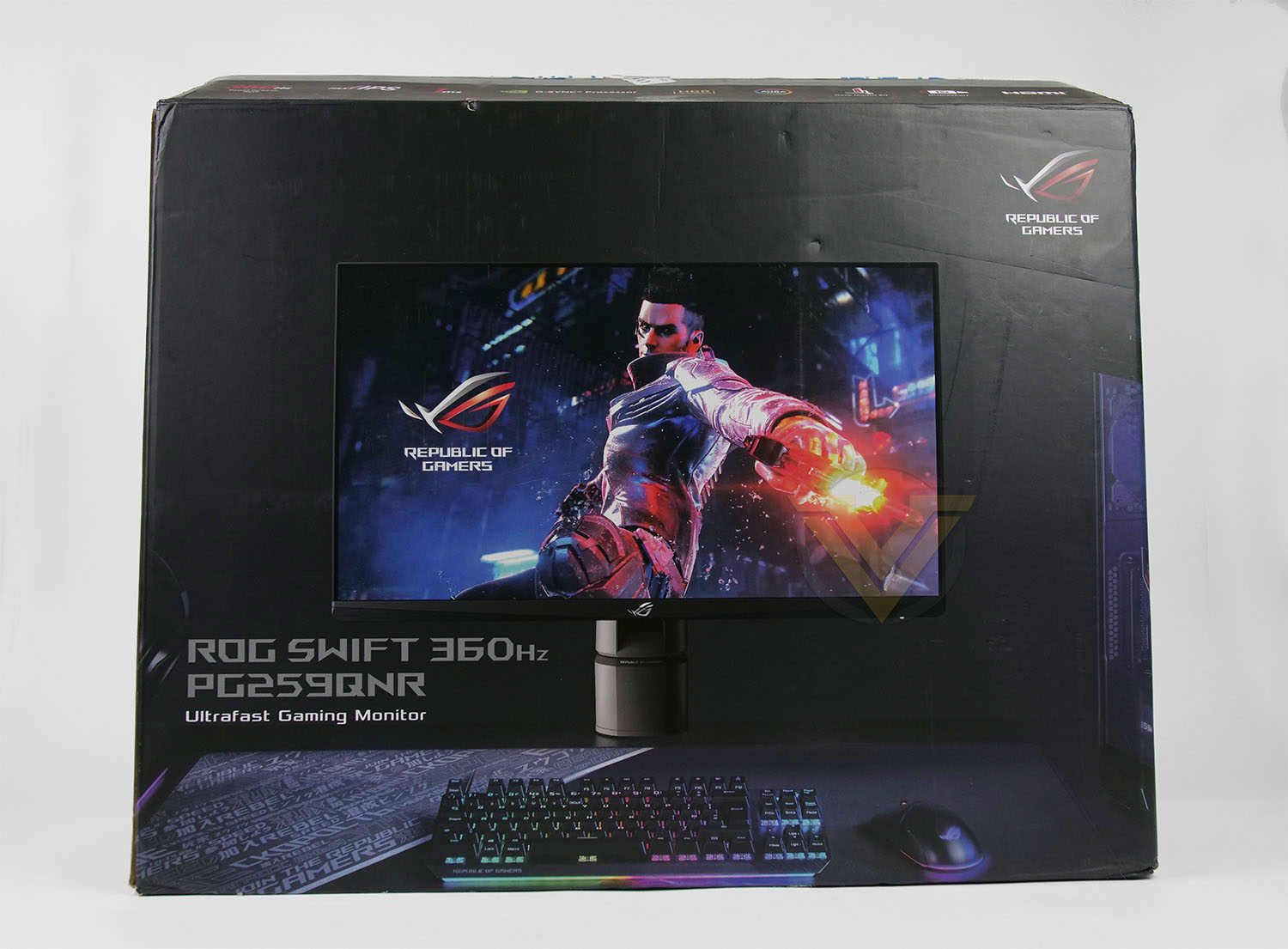
Our Swift display arrives in a large box which has a complete listing of all the included technologies and standards. If you aren’t planning on keeping the box afterwards, this can be recycled thanks to the eco-friendly packaging.
Inside, as can be expected, the screen is extremely well protected with large polystyrene blocks and plastic covers.
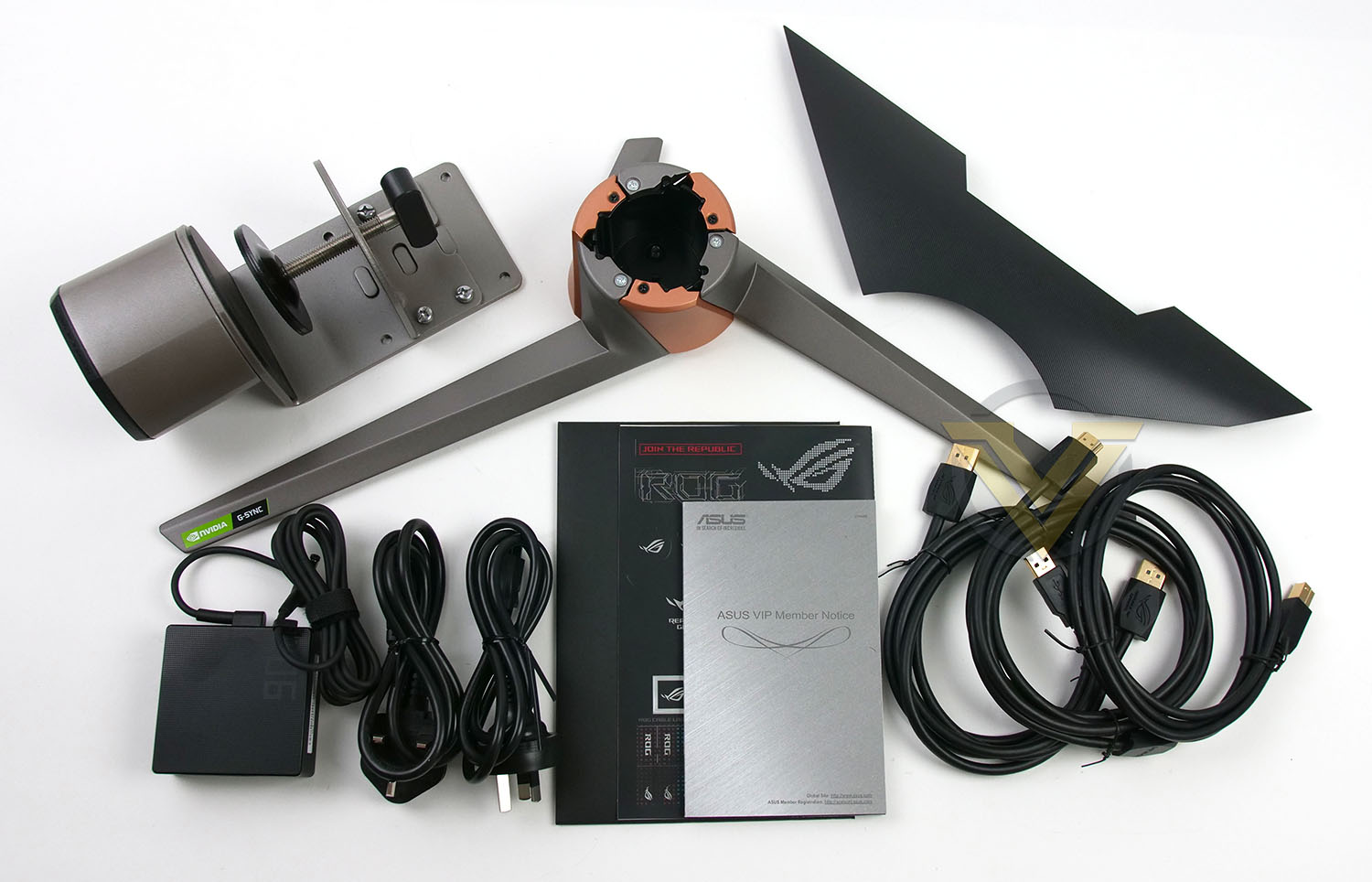 ]
]The bundled accessories include a number of items:
• Desk C Clamp
• Cables – displayport, HDMI and USB
• Power adapter
• IO panel cover
• Regional Power cord
• Docs – Colour pre-calibration report, quick start guide, ROG sticker, welcome card
Closer Look
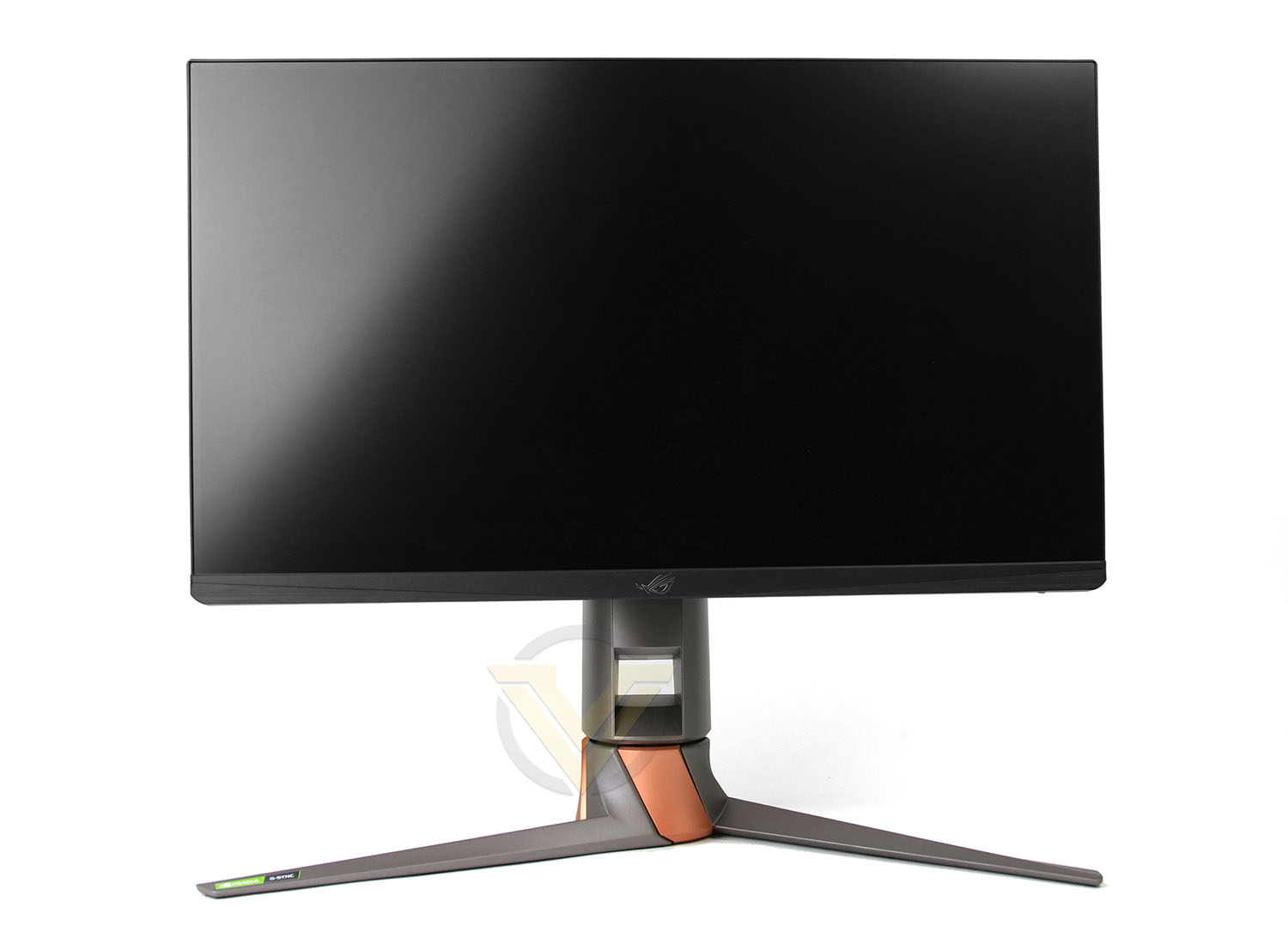
PG259QNR is a 24-inch 16:9 display and therefore has a maximum resolution of 1920×1080 or 1080p. The bezel on this display is extremely thin, measuring just a few mm. The bottom-edge is somewhat thicker but this can still be regarded as sleek and minimalist. It should be noted when inside Windows, there is a 5mm black digital border between the edge and the usable area. The viewable area does not fit precisely to the very edge as you can see on the “Viewing Angles Page”.
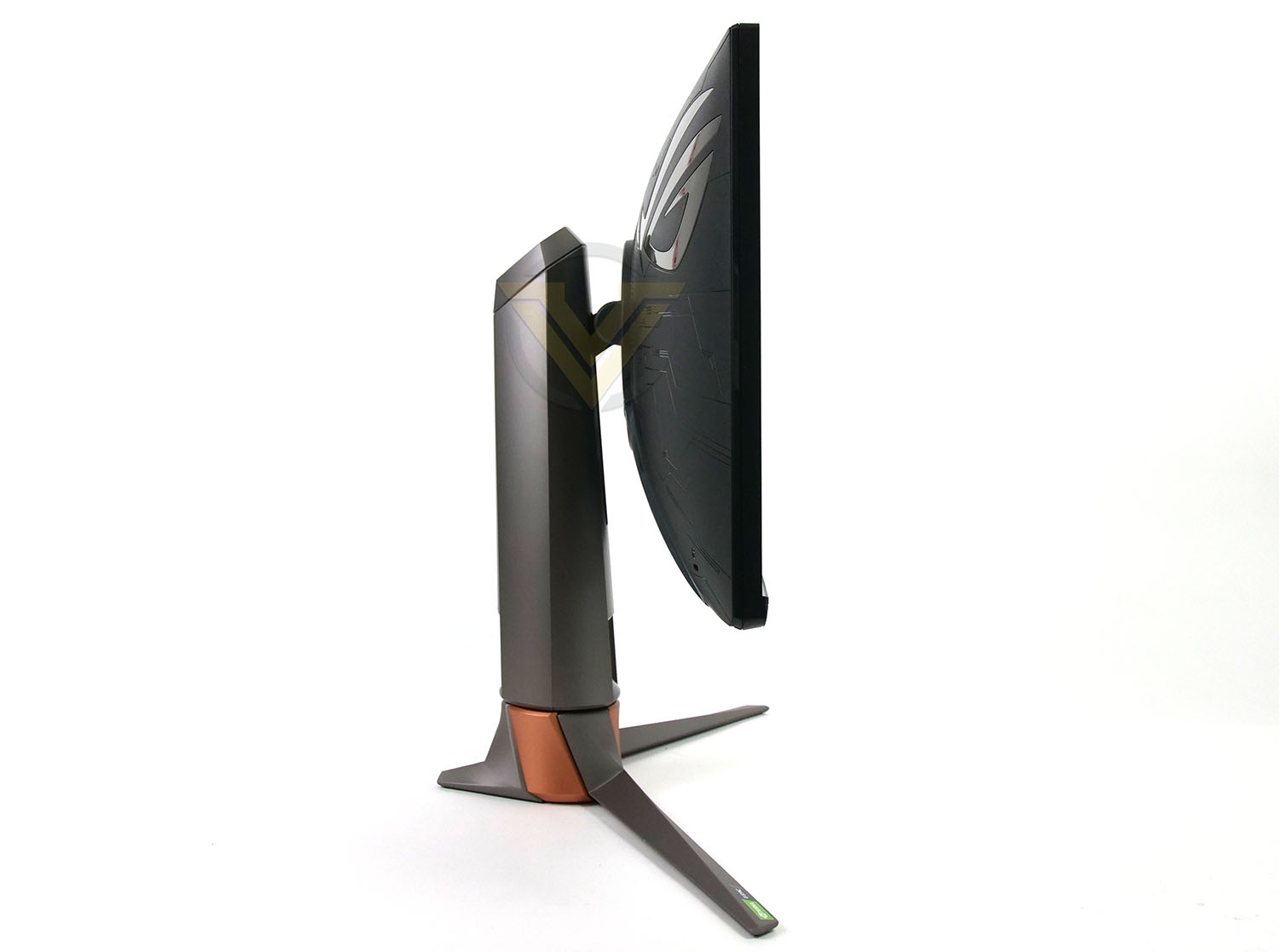
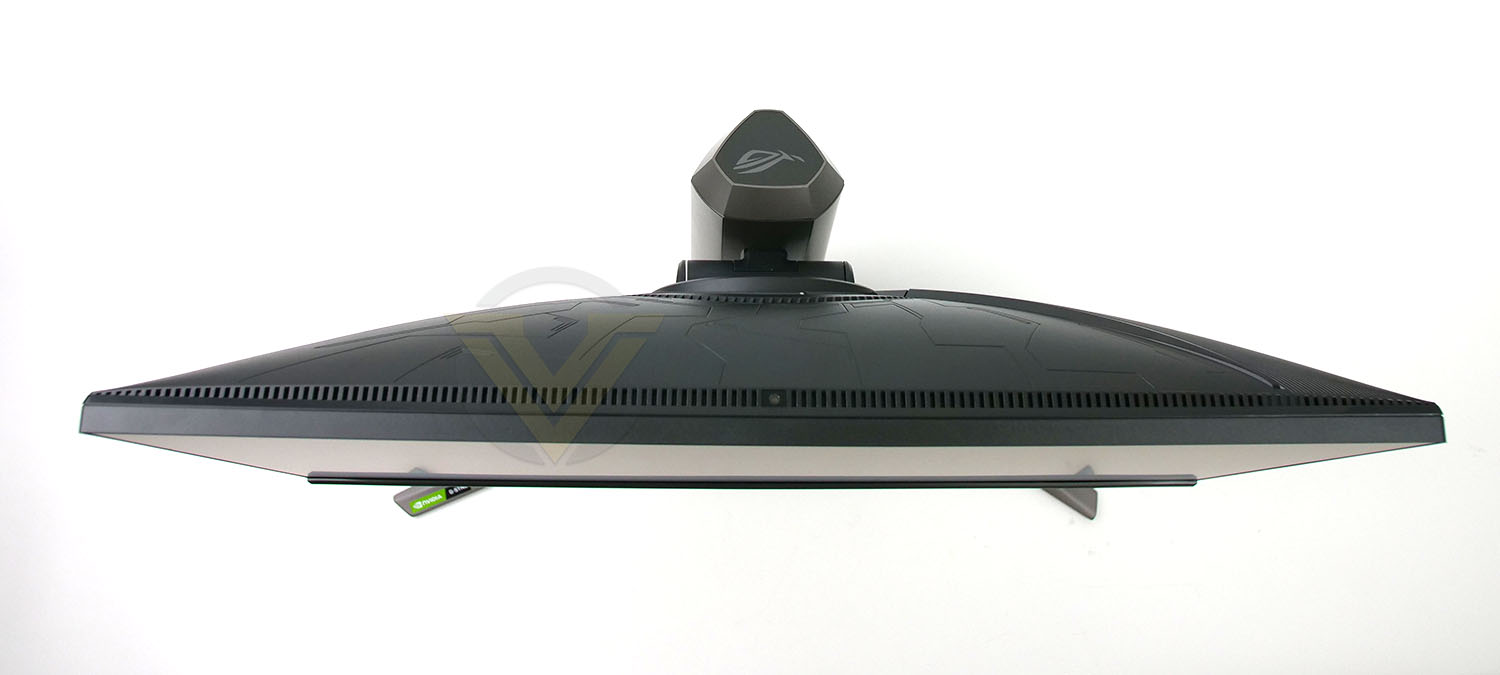
Opting for a flat surface rather than a curve which has now become very popular, the surface texture avoids being reflective which we’re very pleased to see – instead we have a smooth, lustreless display.
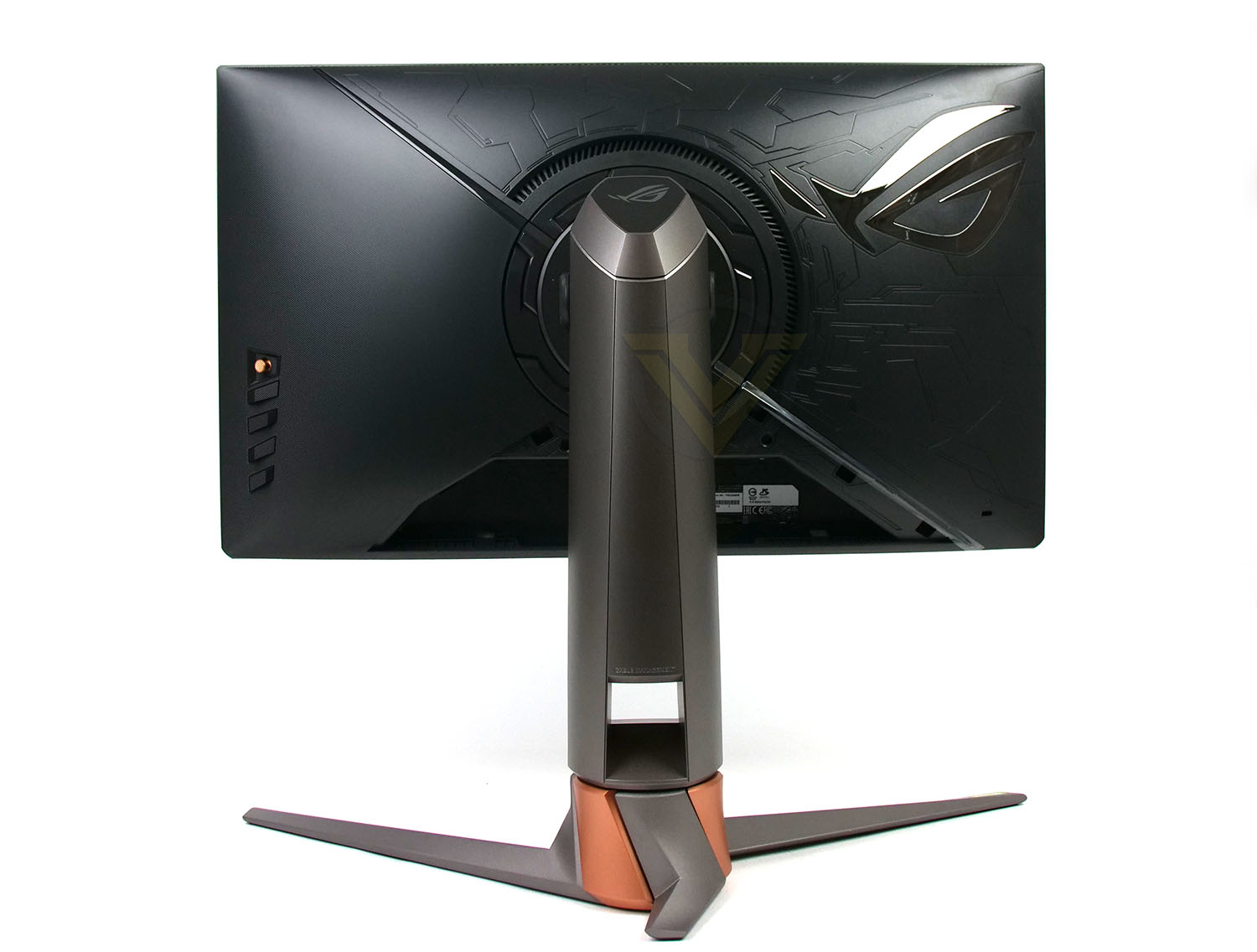
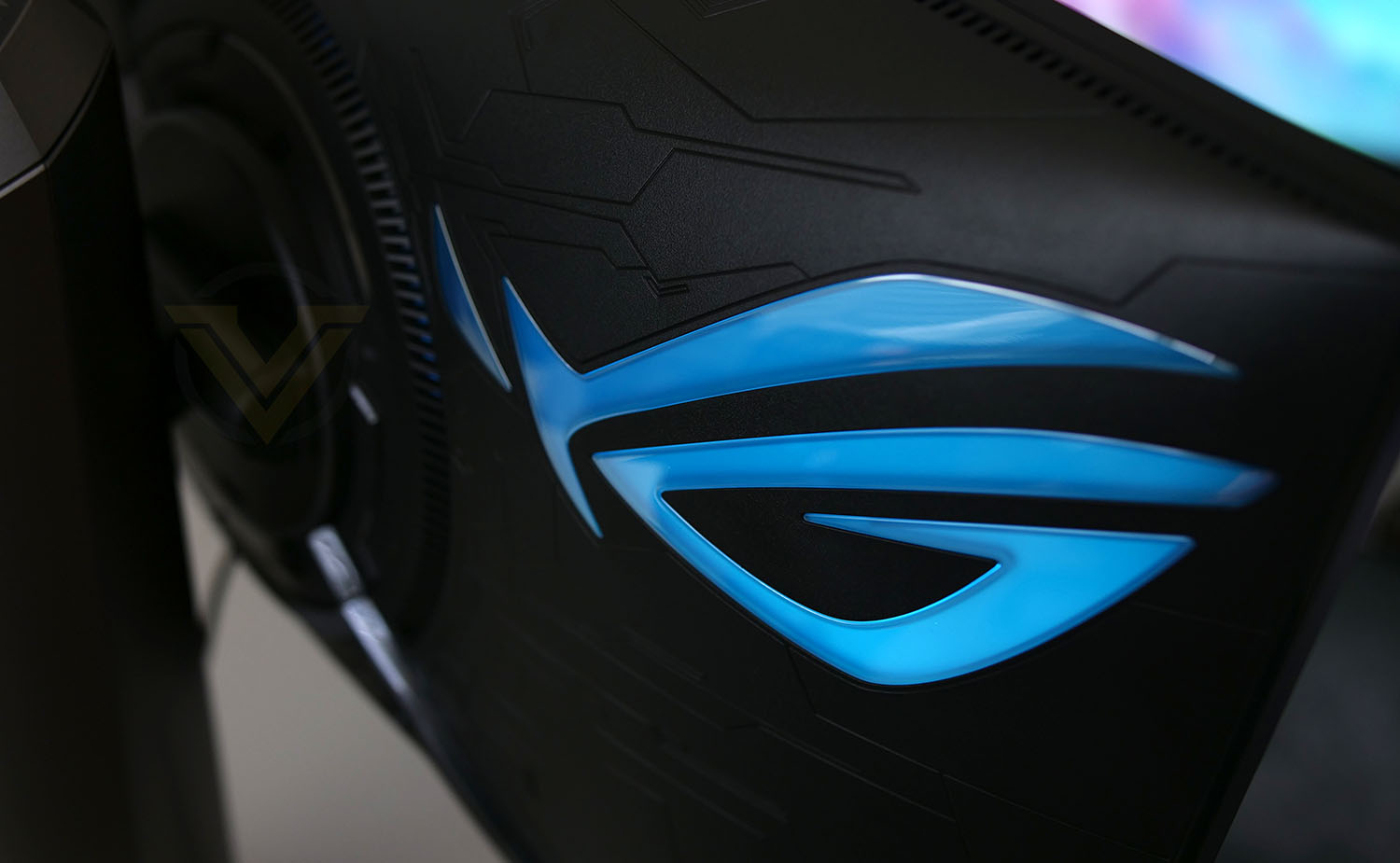
Not straying from the gaming-esque design which this monitor is intended for, the reverse of the panel has a multi-texture style to it which looks great, it’s just a shame this will be hidden from sight during usage.
The ROG team has also equipped our monitor to feature a large ROG logo which has RGB functionality – this can also be tuned into Aura Sync to coordinate with the rest of your ASUS components.
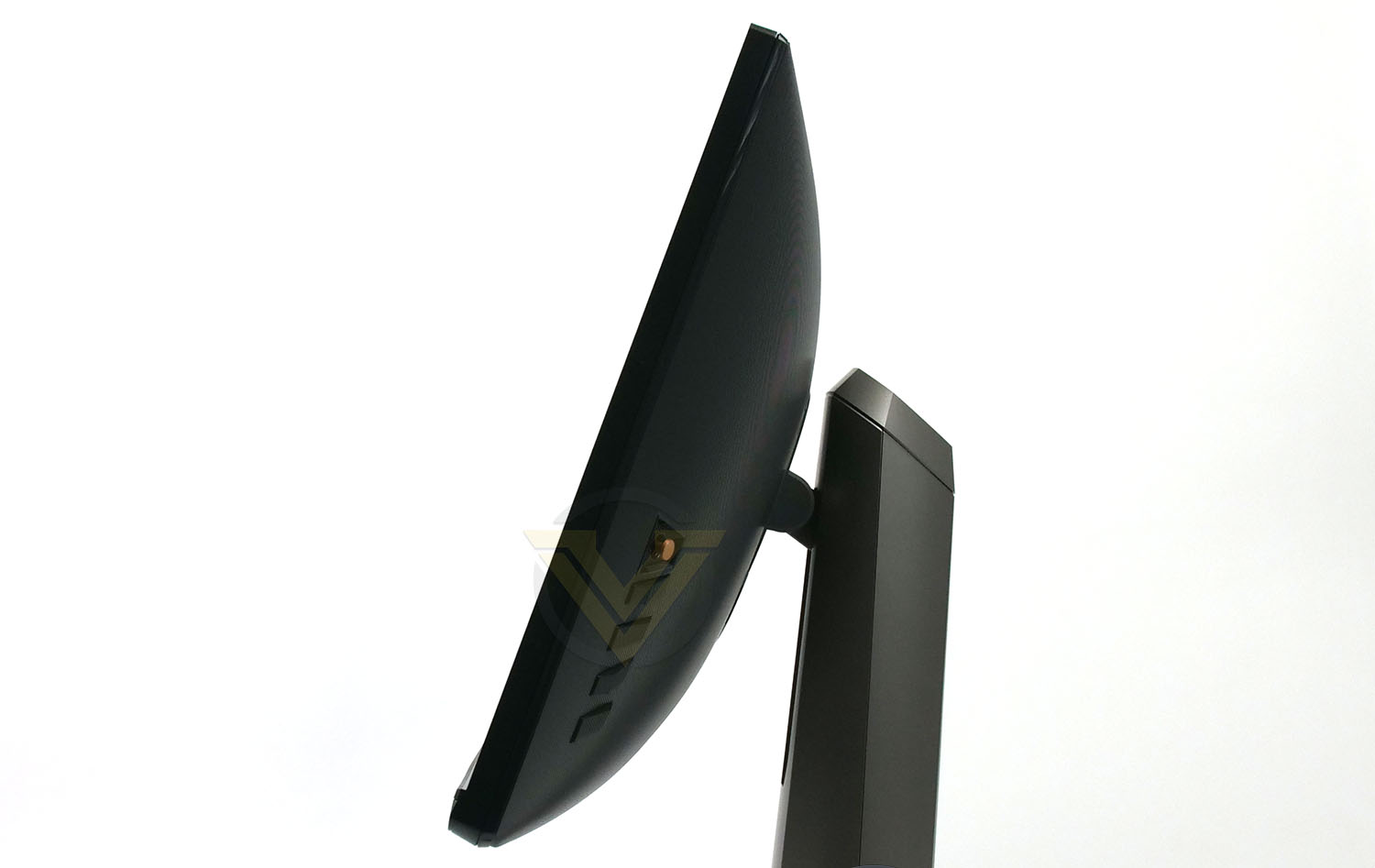
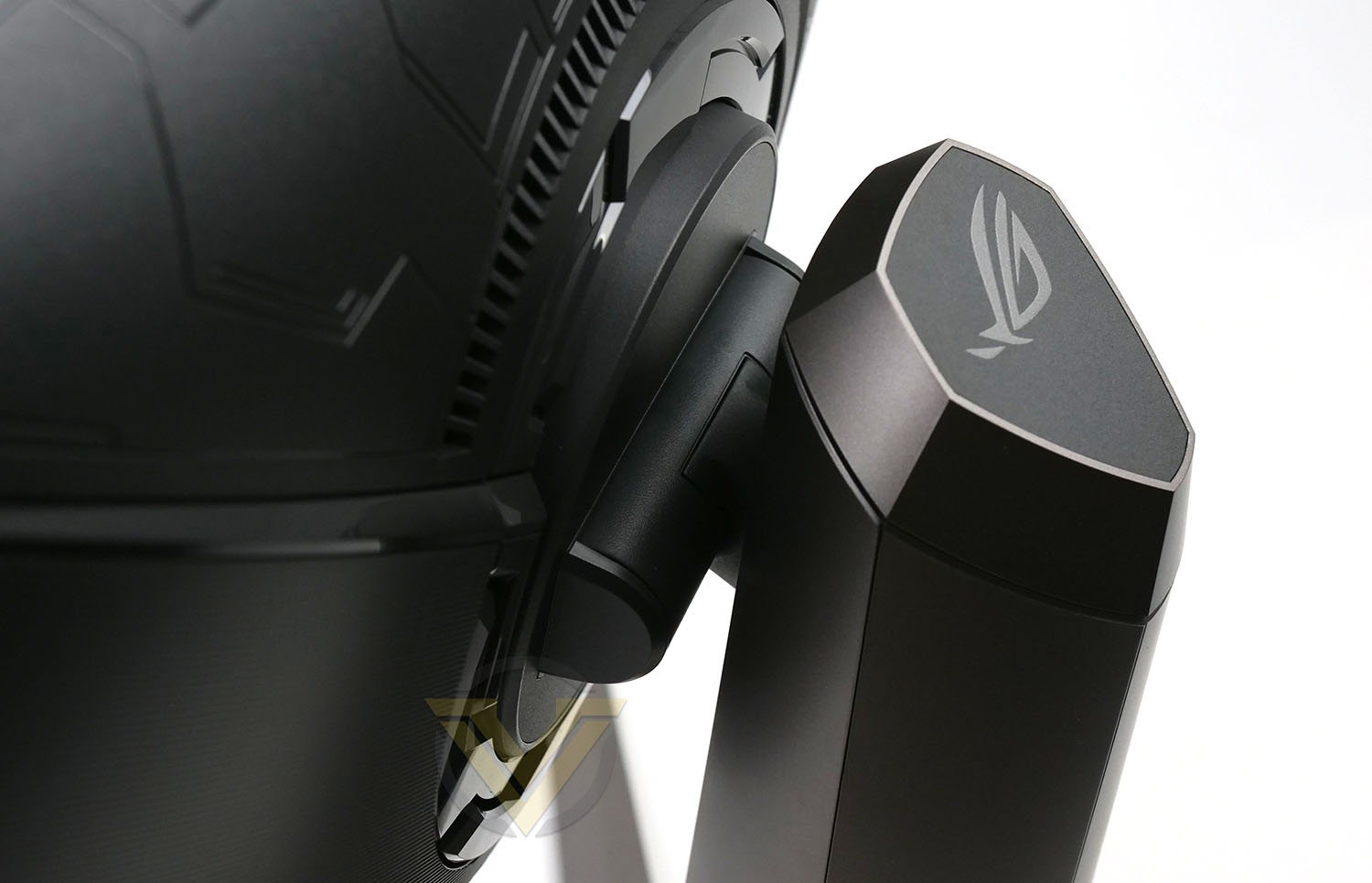
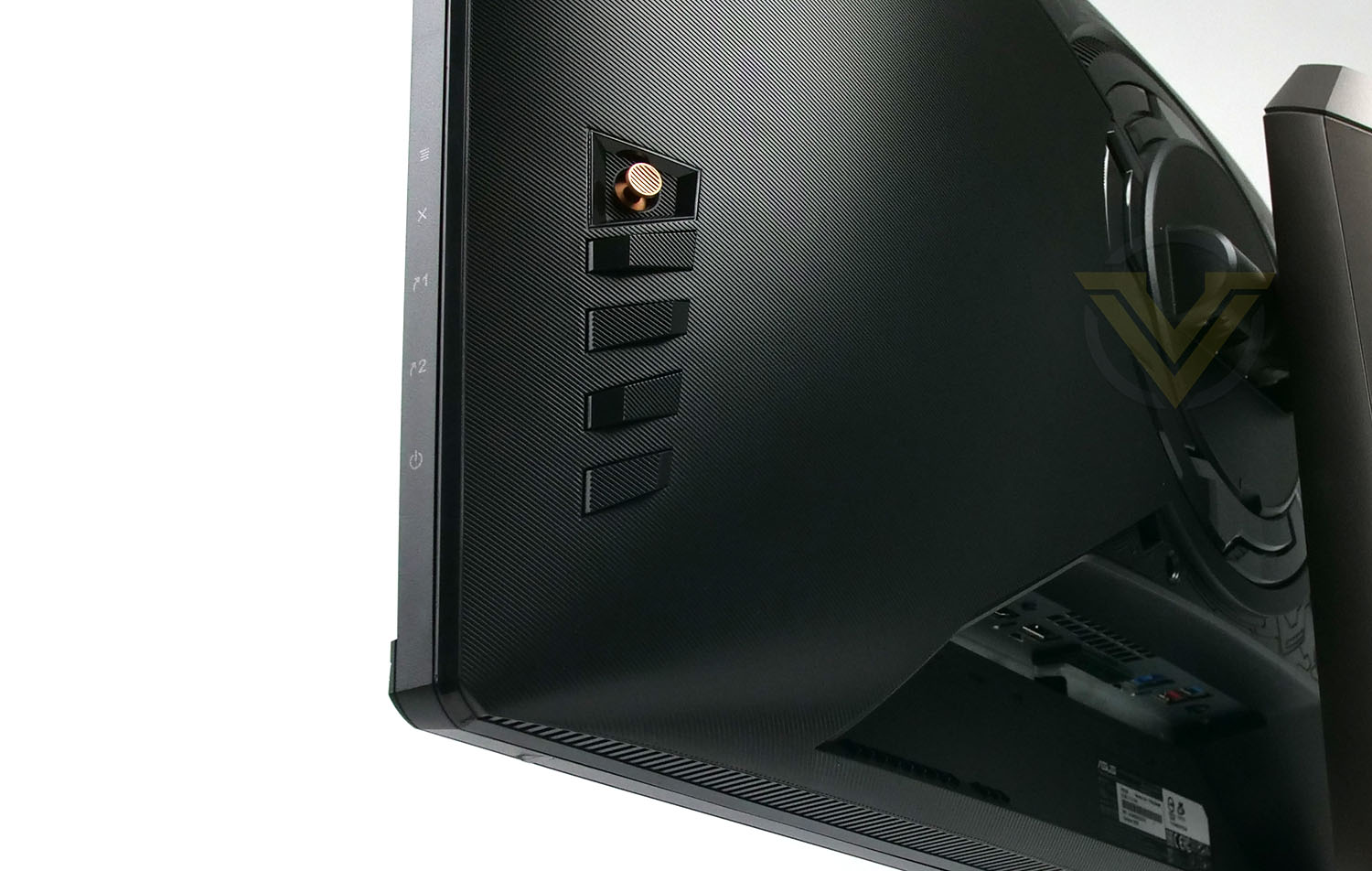
The stand features a sliding mechanism which allows for ~120mm of height adjustment ,-5°~20° of tilt movement is also available.
To access the OSD settings there is a small bronze joystick on the back panel with a series of buttons which allows navigation through the menu system.
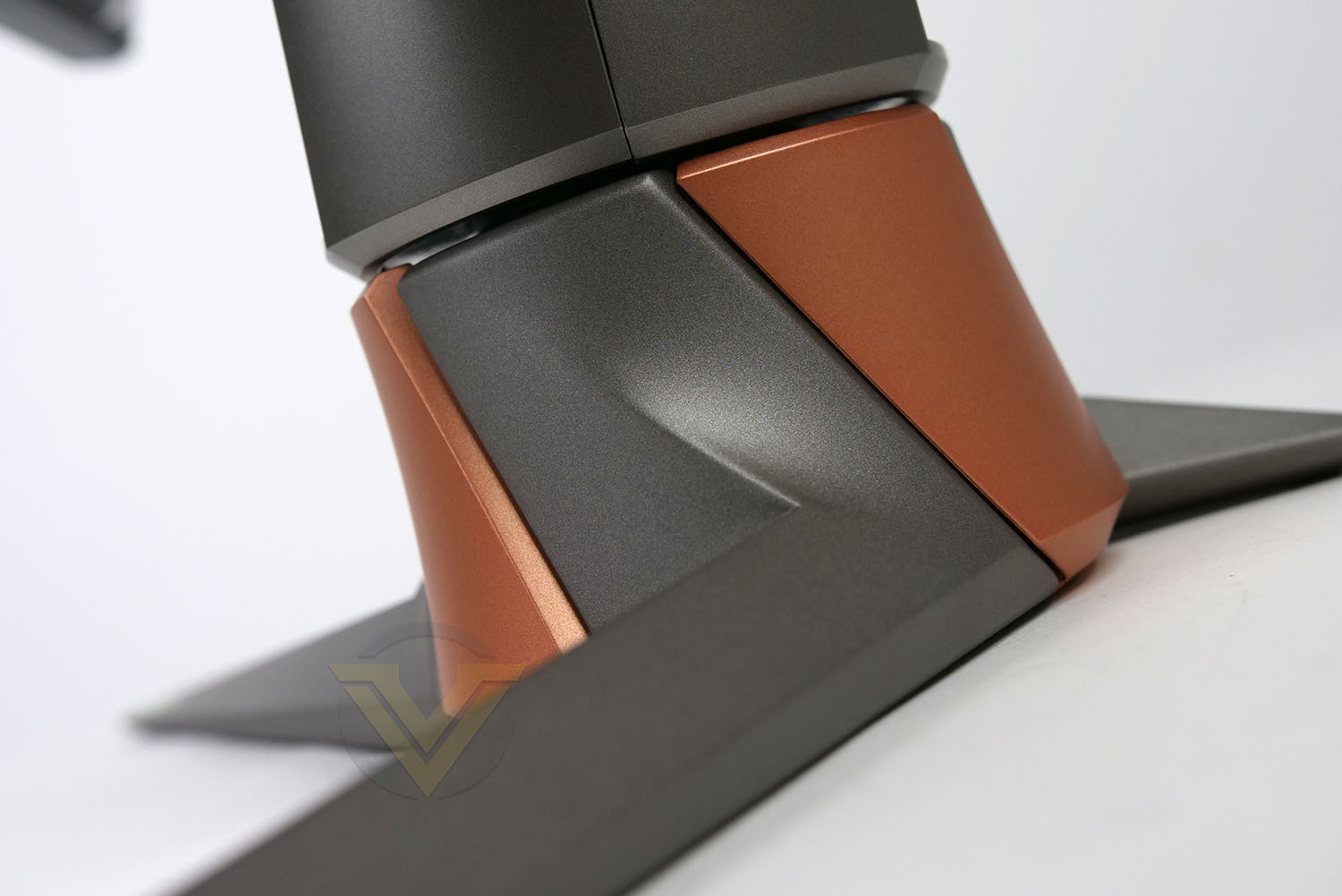
ASUS provide two methods to make use of this monitor – by attaching to the desk with the provided clamp, or by using the conventional method of using feet to rest on the desk.
These feet are sturdy, strong and consume very little space on the desk.
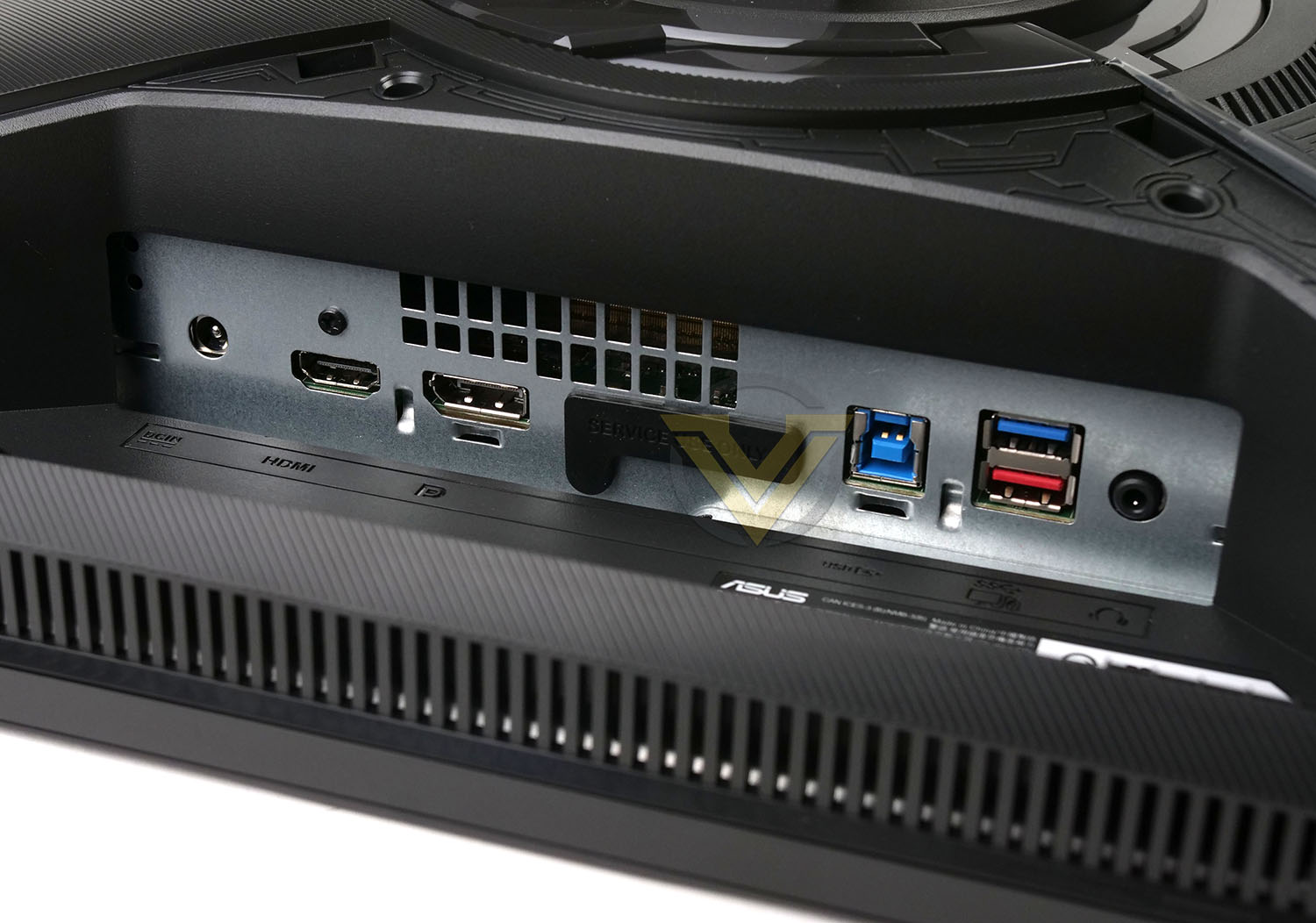
Tucked away underneath the backpanel there are an interesting assortment of ports. Available here we have:
• 1x Power port
• 1x Headphone jack
• 1x HDMI 2.0 ports
• 1x DisplayPort 1.4
• 2x USB 3.2 Gen1 Type A
• 1x USB Type-B
This should satisfy most needs but we do expect to see HDMI 2.1 on a new display like this, especially since recently released graphics cards are arriving with this new standard.
Viewing Angles, HDR, Gaming
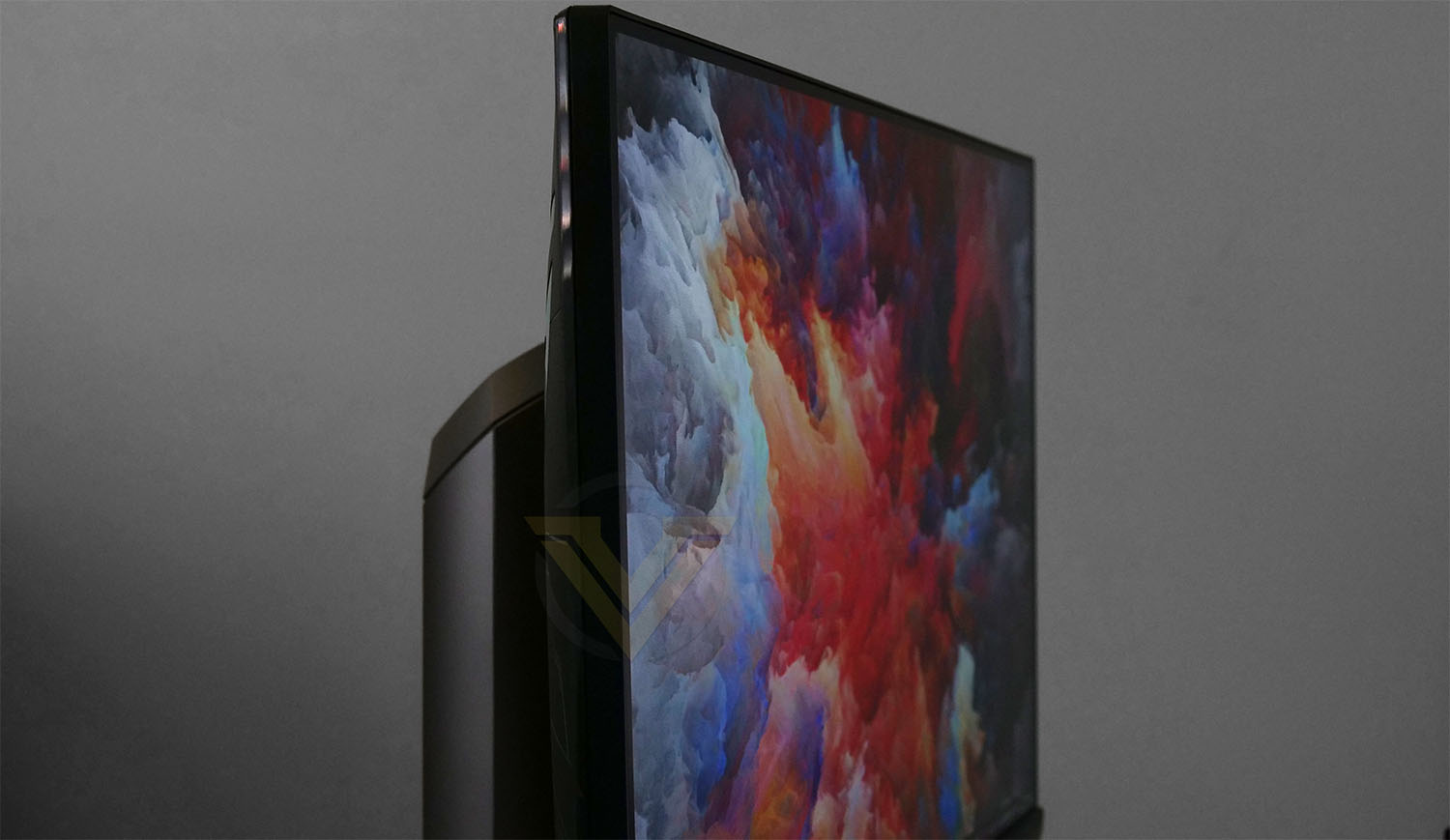
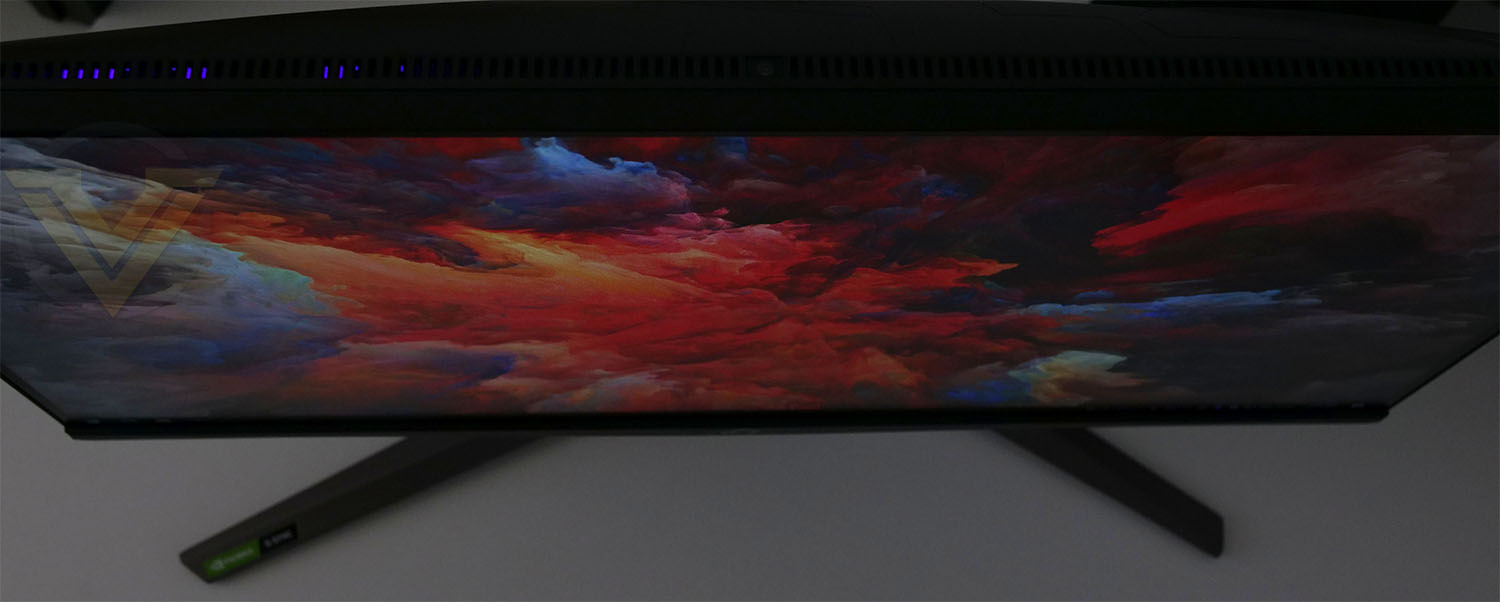
VIEWING ANGLES
Our monitor uses an IPS panel. The viewing angles on offer by this display are excellent, IPS are well-known for offering the best viewing angles of the different standards. It isn’t absolutely necessary to be sat square on to the display to still experience the clearest angle.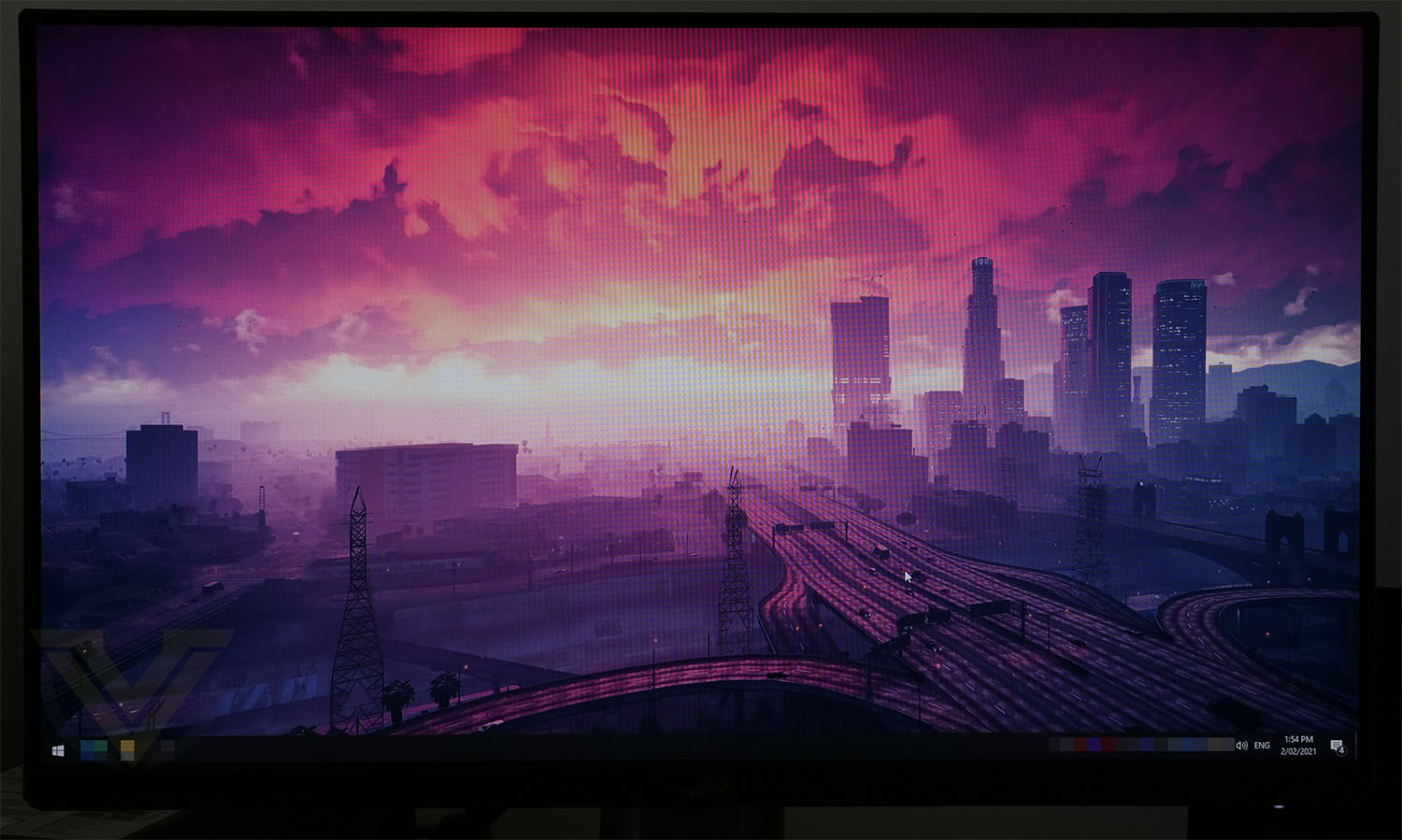
HDR
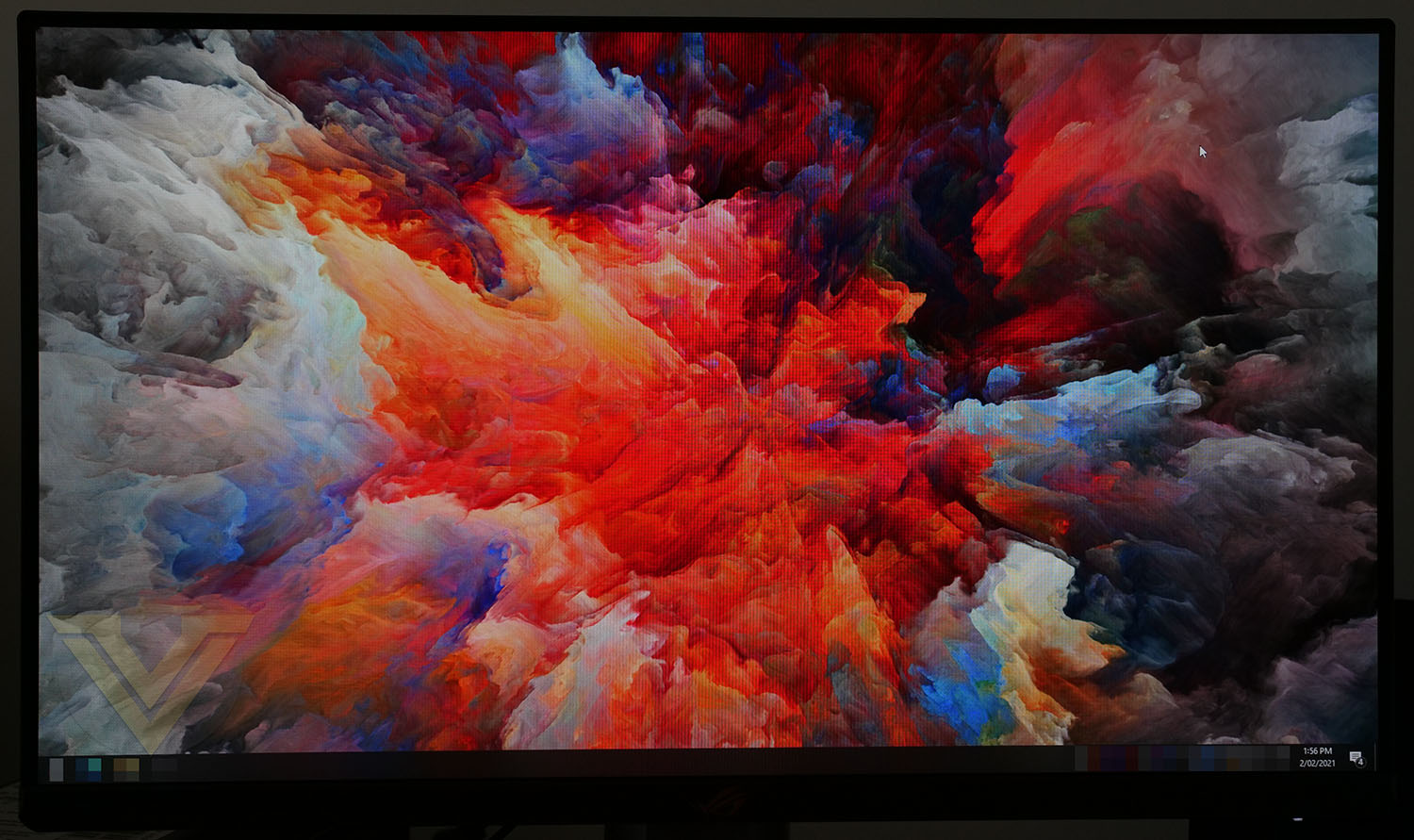
PG259QNR benefits from HDR10 and it does not disappoint in this area. Brightness, contrast and vibrancy are key attributes when we’re considering HDR and this monitor is strong in each of these sector. The shadows are deep while the highlights aren’t overexposed or blown out. PG259QNR has a 100% sRGB color gamut which is wide, and offers more than acceptable color space for a range of scenarios including media creation. In fact, it covers this with a high-level of accuracy.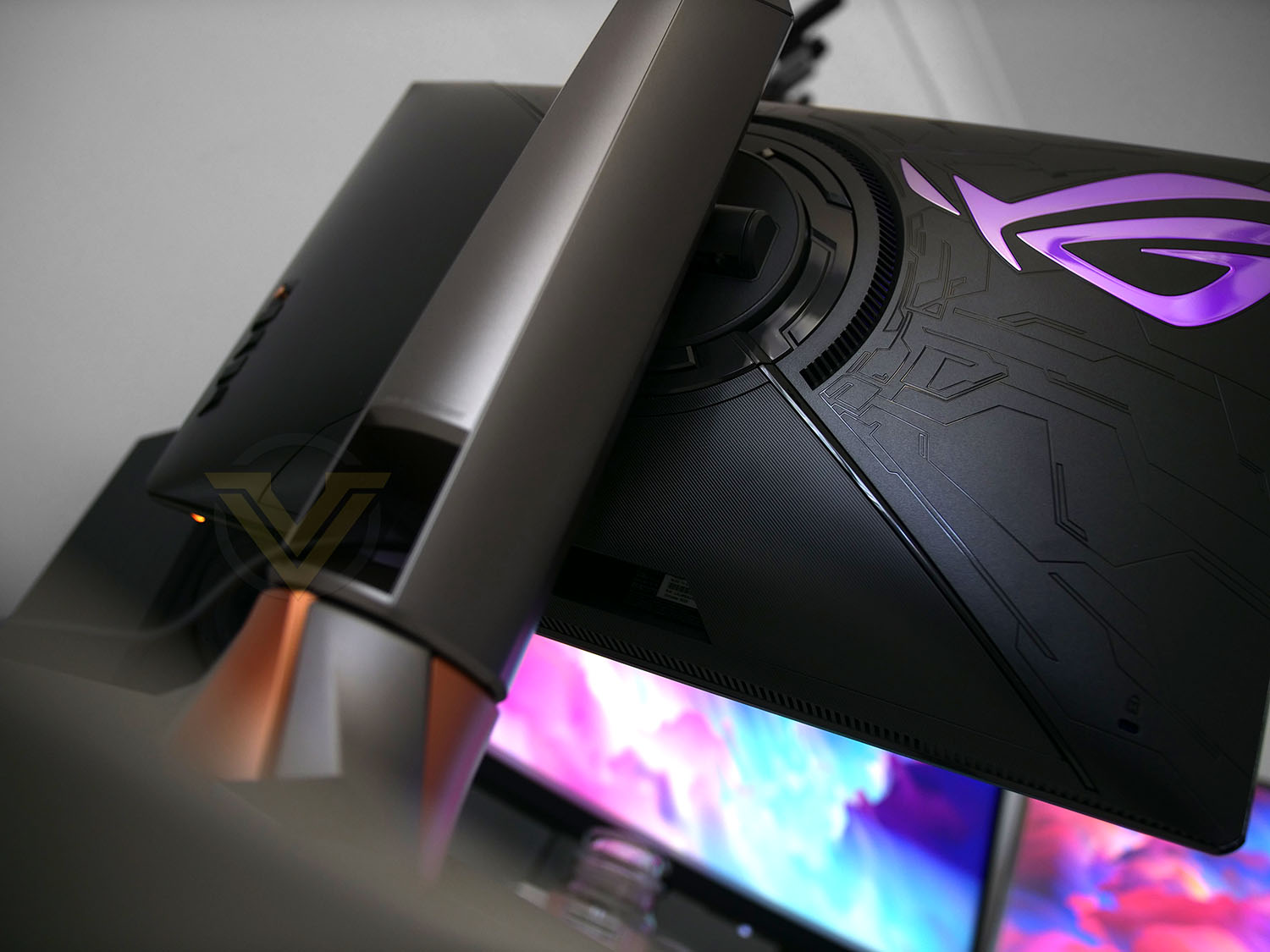
GAMING PERFORMANCE
In order to examine PG259QNR properly, we loaded up some of the latest games to flex that 360Hz and to test our HDR we used titles such as Battlefield V and Resident Evil 3. The results were outstanding.To take full advantage of 360Hz you will need to use the DP cable rather than HDMI, the latter only allows us to tap into 240Hz. This is the first time we’ve stepped up to 360Hz and we have to admit, it is silky, buttery smooth and definitely takes things up a notch considerably from the likes of 120Hz. Users may not instantly see a huge difference between 240Hz and 360Hz.
Combining the 360Hz with the ultra-fast response time of 1ms and having G-SYNC certification transfers this entire product into another dimension. Without pushing it too far, all of these features combined transform the gaming experience to one which is memorable and very satisfying.
Conclusion
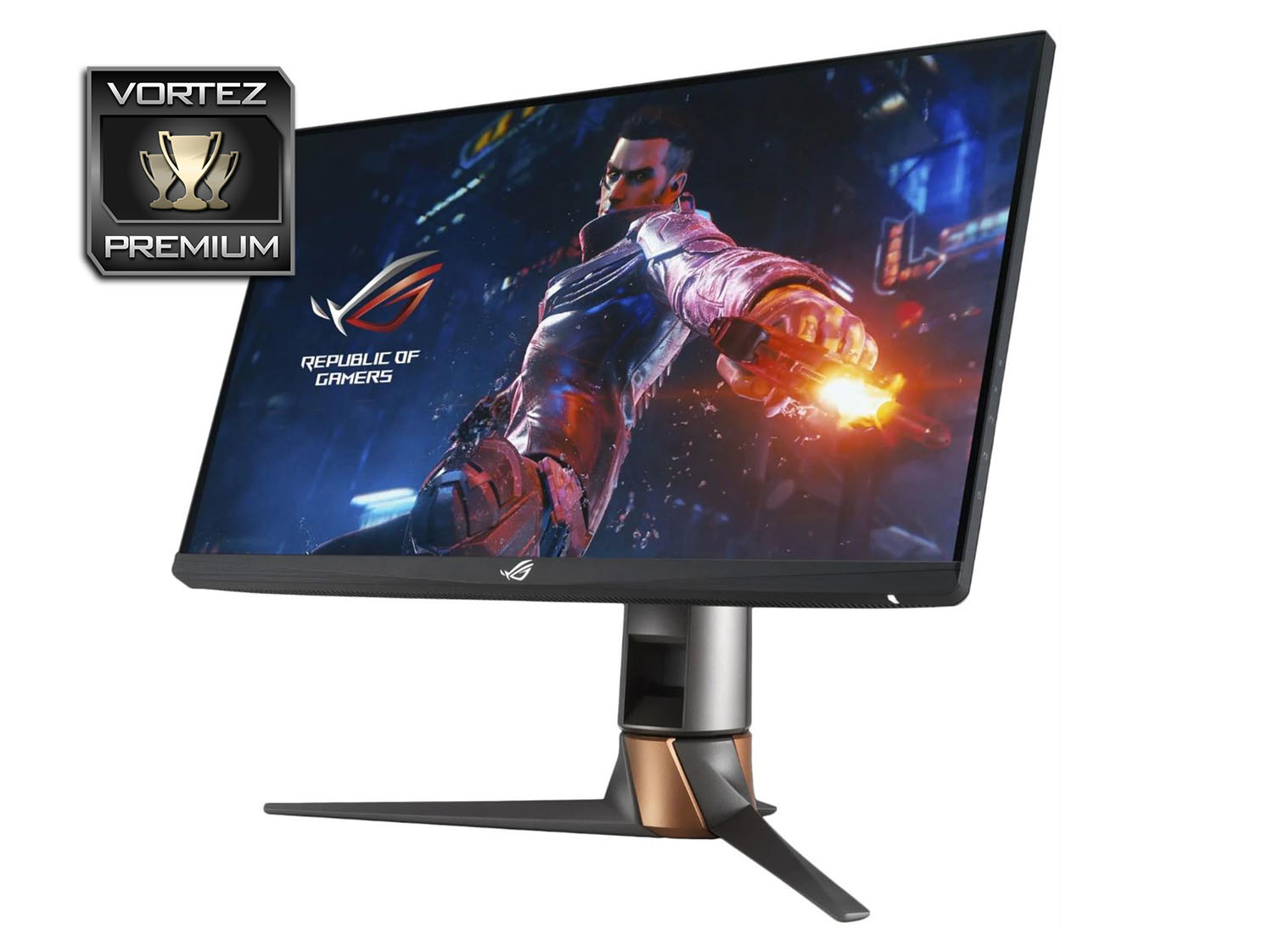
The ASUS ROG team never do things by halves and this is evident in the Swift PG259QNR. This new display is jam-packed with features and tech, showing all the hallmarks for a flagship gaming monitor.
The headline feature for the PG259QNR is that 360Hz refresh which presents the silkiest performance we’ve ever encountered. Combine this with HDR10, 1ms ultra-fast response time and G-SYNC and all the ingredients for a thrilling gaming experience.
NVIDIA Reflex Latency Analyzer is a new feature/technology which has been included in this monitor and other 360Hz G-SYNC capable models. In a nutshell, this tool allows gamers to understand system responsiveness and identify what requires an adjustment to optimise a system configuration and prevent unnecessary latency.
While you may turn to another model for tasks outside of gaming, the colour restoration is not to be disregarded. We found the colour to be strong, vibrant and with a good balance of brightness and contrast.
All of this tech does come at a cost though and this 24-inch model arrives with the ludicrous price-tag of USD $900 | AUD $1300 | GBP £790. In some cases, this is almost double that of other 24-inch 1080p gaming displays which also adopt G-SYNC but with 240Hz refresh. You will find most of these models opt for a TN panel which are inferior to that of IPS in terms of viewing angles, clarity and colour reproduction. Response time is typically within a TN panelled monitors favour but this Swift unit combats that by offering 1ms ultra-fast response. So yes, this ticks all of the boxes for being the best all-rounders for competitive gaming. It shows little-to-no weaknesses. Another factor to consider is that the price-tag here enters 27-inch territory and we’d probably be more inclined to move to larger screen realestate (while still having 165Hz and G-SYNC) for similar money.
If you’re a hardcore gamer that wants the very best features in a 1080p monitor, the Swift PG259QNR is the best you can get!
Pros
+ Easy to use OSD
+ Silky smooth 360Hz refresh rate
+ Ultra-fast 1ms response time
+ NVIDIA Reflex Latency Analyzer ready
+ Wide color gamut
+ Good viewing angles
+ HDR with Rich contrast
+ 100x100mm VESA mount ready
+ Includes a desk clamp
+ Colour reproduction is not only great in game, but in Windows
Cons
– Thin bezel but still retains border within Windows
– New display, but doesn’t arrive with HDMI 2.1
– Expensive, enters 27-inch territory
+ Easy to use OSD
+ Silky smooth 360Hz refresh rate
+ Ultra-fast 1ms response time
+ NVIDIA Reflex Latency Analyzer ready
+ Wide color gamut
+ Good viewing angles
+ HDR with Rich contrast
+ 100x100mm VESA mount ready
+ Includes a desk clamp
+ Colour reproduction is not only great in game, but in Windows
Cons
– Thin bezel but still retains border within Windows
– New display, but doesn’t arrive with HDMI 2.1
– Expensive, enters 27-inch territory
Click here for an explanation of our awards at Vortez.net.
Stay connected with Vortez social media pages: