Combining the benefits of tablet and notebook the Transformer Book T100HA is a creative 2-in-1 10-inch mobile device with Windows 10 pre-installed.

Product on Review: Transformer Book T100HA
Manufacturer & Sponsor: ASUS
Street Price: £190 GBP / $250 USD
The tablet marketplace has become extremely buoyant in the last 3-4 years – so much so that it can almost be guaranteed that the average household will own at least one of these products. Although popularity has risen for this type of device there are still some setbacks which niggle certain individuals and may even put off traditional users from a purchase and that issue is the lack of keyboard functionality.
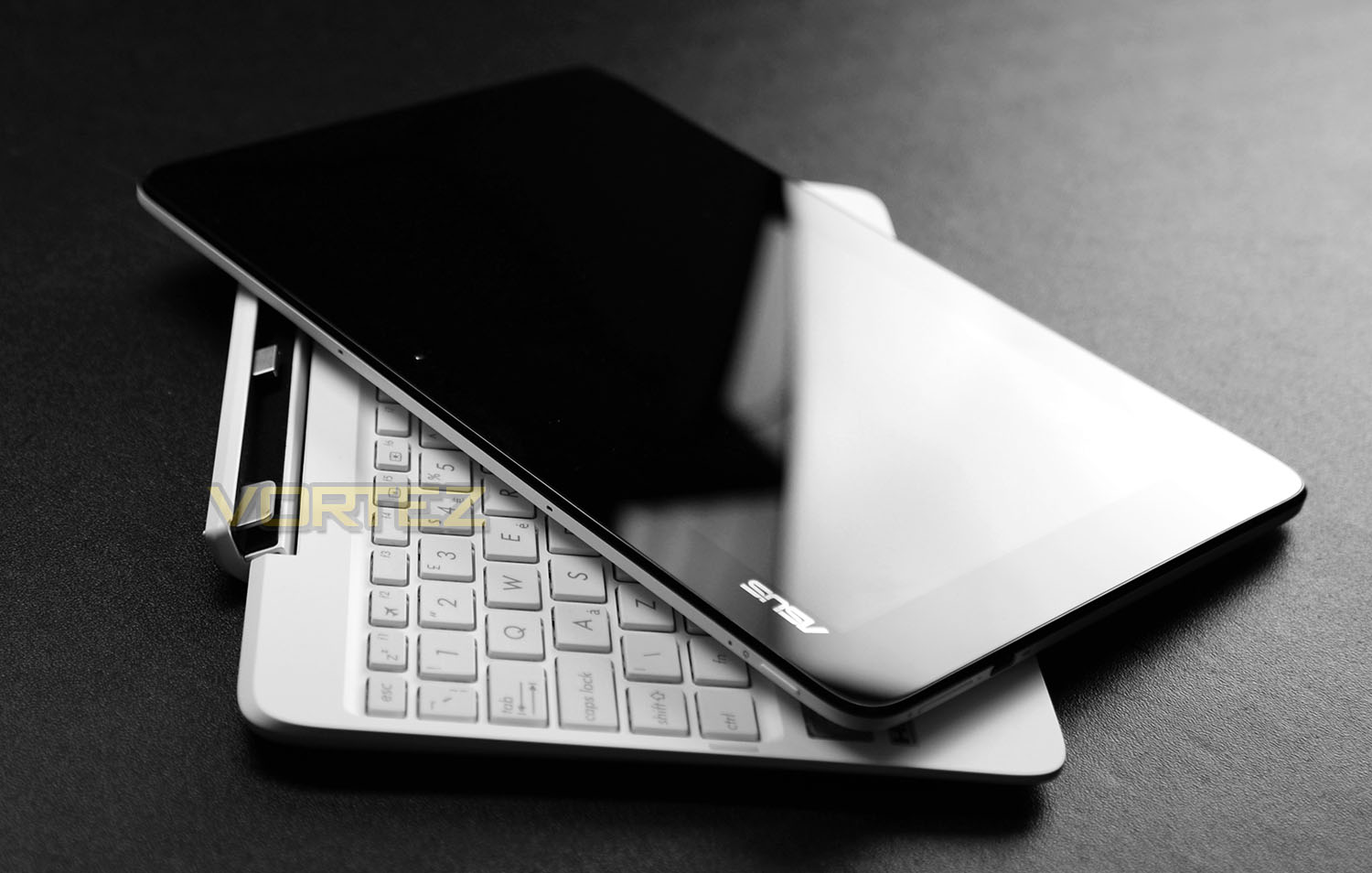
Seeking to merge the tablet and notebook together, ASUS has engineered the trusty Transformer Book T100HA. This 2-in-1 device is essentially a 10-inch Windows 10 tablet that comes with a detachable keyboard. Being able to combine both these components allows the user to get the best of both worlds while on-the-go. Furthermore, ASUS has added in a burly quad-core Intel Z8500 processor and the capability to take advantage of up to 12 hours of usage. Is this enough to make the new Transformer Book a good deal? Let’s find out!
ASUS on their Transformer Book T100HA
Let’s admit it: carrying both a tablet and a laptop is a nuisance. The 10.1-inch T100HA is a 2-in-1, which means exactly what it says — it’s a laptop with a keyboard that detaches, turning it into a 8.4mm-thin and 580g-light Windows 10 tablet (yes, Windows 10 is pre-installed!). So it’s two devices, in one amazing package. It’s a simple idea that’s elegant and convenient, too. Need to work? It’s a powerful laptop. Time to relax? Detach the keyboard and it’s a handy tablet. No fuss, no hassle. What’s more, it’s the only 2-in-1 with the revolutionary time-saving USB 3.1 Type-C port. And with up to an incredible 12 hours battery life, it’s always ready — for work or play!
Technical Specifications
Processor
Intel® Cherry Trail Quad-Core Z8500 Processor
Operating System
Windows 10 Home
Windows 10 Pro
Memory
OnBoard Memory 2 GB
Display
10.1″ 16:10 WXGA (1280×800)
Graphic
Integrated Intel® HD Graphics
Storage
– 32GB eMMC
– 64GB eMMC
Card Reader
2 -in-1 card reader (Micro SD/Micro SDXC)
Camera
Front 2 Mp and Rear 5 Mp
Networking
Integrated 802.11 a/b/g/n
Built-in Bluetooth™ V4.0
Interface
1 x Microphone-in/Headphone-out jack
1 x USB 2.0 port(s)
1 x USB-C Gen 1 (up to 5 Gbps)
1 x Micro USB
1 x micro HDMI
Audio
Built-in Speakers And Digital Array Microphone
Battery
30 Whrs
Power Adaptor
Output :
5 V DC, 2 A, 10 W
Input :
100 -240 V AC, 50/60 Hz universal
Dimensions
Tablet:
265 x 175 x 8.45 mm (WxDxH)
Dock:
265 x 173.7 x 10.54 ~1.84 mm (WxDxH)
Weight
Tablet:
0.58 kg
Dock: (Mobile Dock)
0.46 kg
Intel® Cherry Trail Quad-Core Z8500 Processor
Operating System
Windows 10 Home
Windows 10 Pro
Memory
OnBoard Memory 2 GB
Display
10.1″ 16:10 WXGA (1280×800)
Graphic
Integrated Intel® HD Graphics
Storage
– 32GB eMMC
– 64GB eMMC
Card Reader
2 -in-1 card reader (Micro SD/Micro SDXC)
Camera
Front 2 Mp and Rear 5 Mp
Networking
Integrated 802.11 a/b/g/n
Built-in Bluetooth™ V4.0
Interface
1 x Microphone-in/Headphone-out jack
1 x USB 2.0 port(s)
1 x USB-C Gen 1 (up to 5 Gbps)
1 x Micro USB
1 x micro HDMI
Audio
Built-in Speakers And Digital Array Microphone
Battery
30 Whrs
Power Adaptor
Output :
5 V DC, 2 A, 10 W
Input :
100 -240 V AC, 50/60 Hz universal
Dimensions
Tablet:
265 x 175 x 8.45 mm (WxDxH)
Dock:
265 x 173.7 x 10.54 ~1.84 mm (WxDxH)
Weight
Tablet:
0.58 kg
Dock: (Mobile Dock)
0.46 kg
Packaging & Bundle
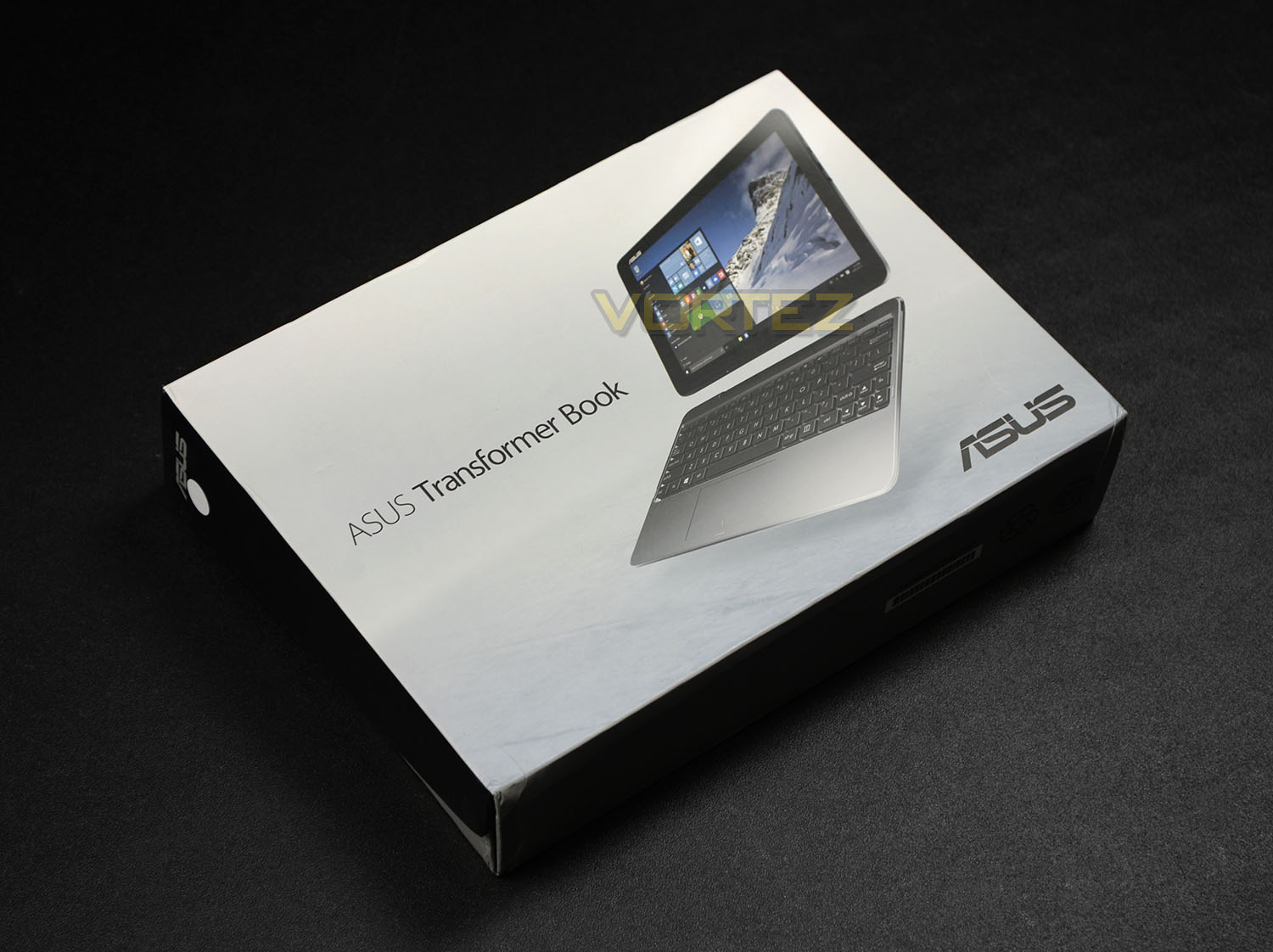
The T100HA arrives in a professionally designed box which has a depiction of the Transformer Book on the front while on the reverse there is a small label which highlights the technical specifications. As far as packaging goes, this is fairly standard in regards to tablet-type devices.
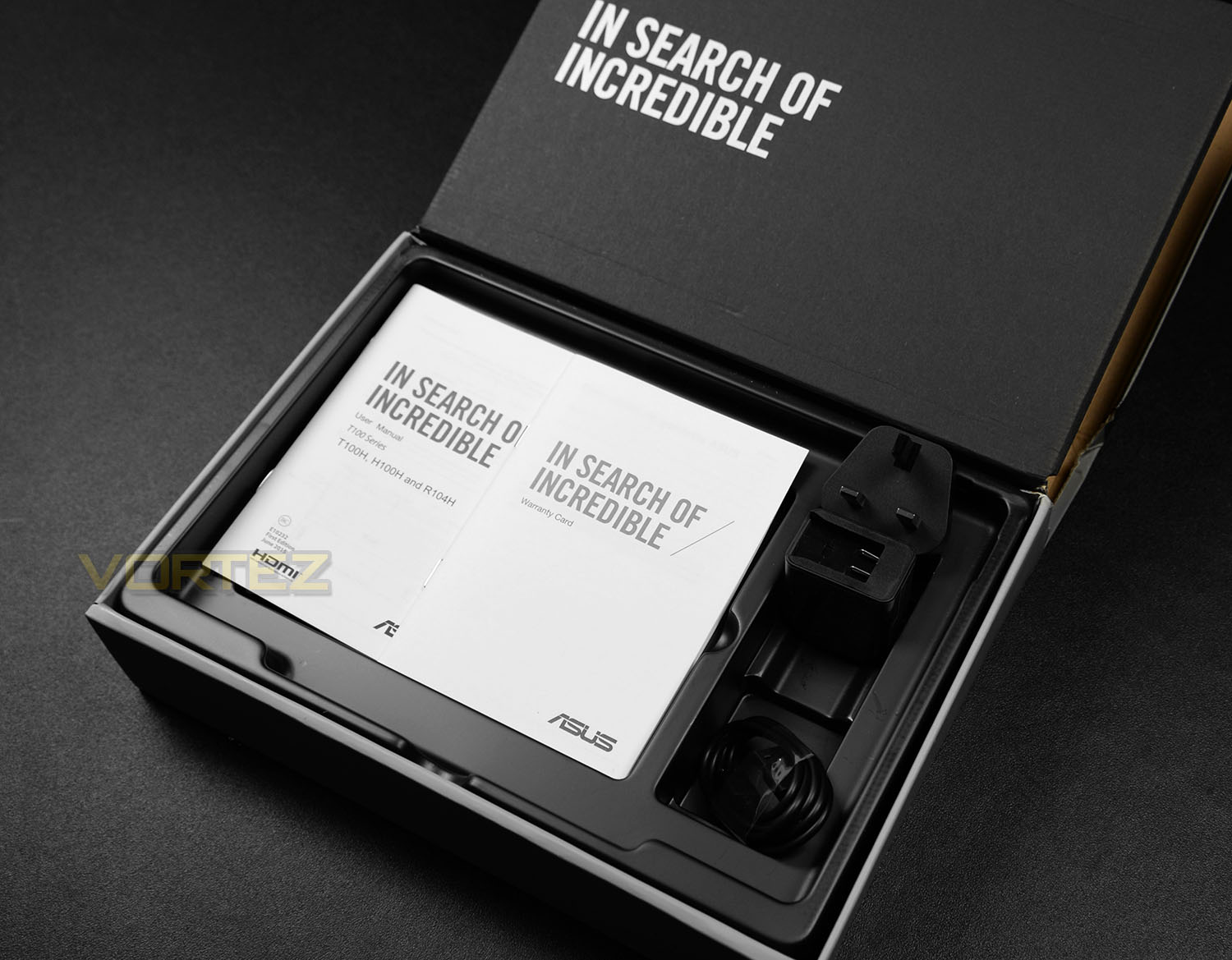
Opening this box up reveals the small accessories bundle which is included with T100HA. The Transformer Book and these parts are concealed within a plastic container and consist of:
• Documentation: Warranty, user guide
• Micro USB cable
• Power socket with UK attachment
The power socket combines with the USB cable to allow the Transformer Book to be charged. This socket has an interchangeable wall-mount system which is rather convenient if you’re planning to use this device in other countries and need to attach an EU/US adapter for example.
Closer Look
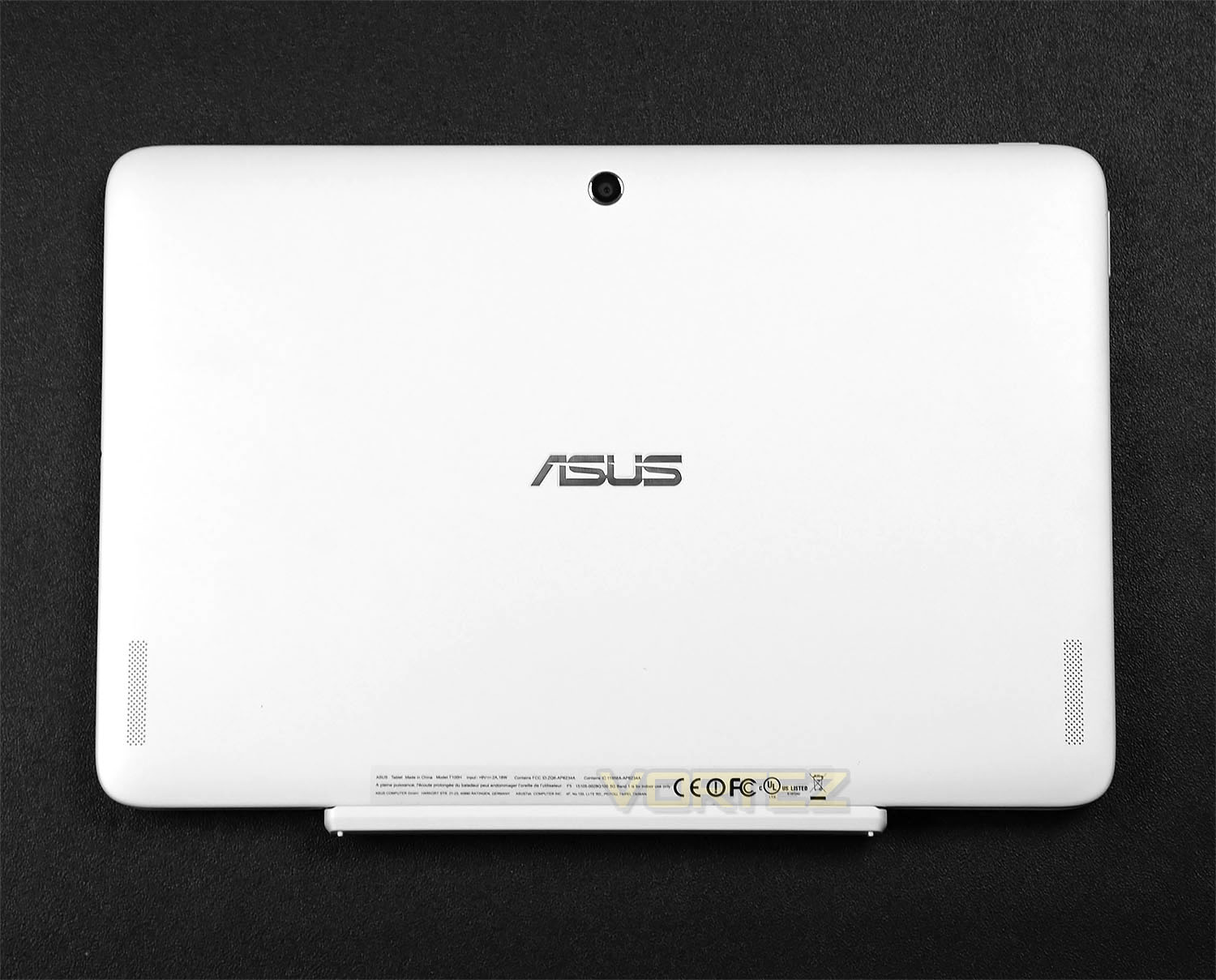
T100HA is a 10-inch Windows-based tablet that arrives in an assortment of different colours – Tin Grey, Aqua Blue, Rouge Pink or Silk White; ours being the latter. In this variant the finish is matt and feels of good quality. Having used T100HA for over a week and knocked it a few times we’re pleased to report this product doesn’t pick up scratches easily.
On the reverse side of the screen resides a metallic ASUS emblem, twin speakers and a handy 5 MegaPixel webcam.
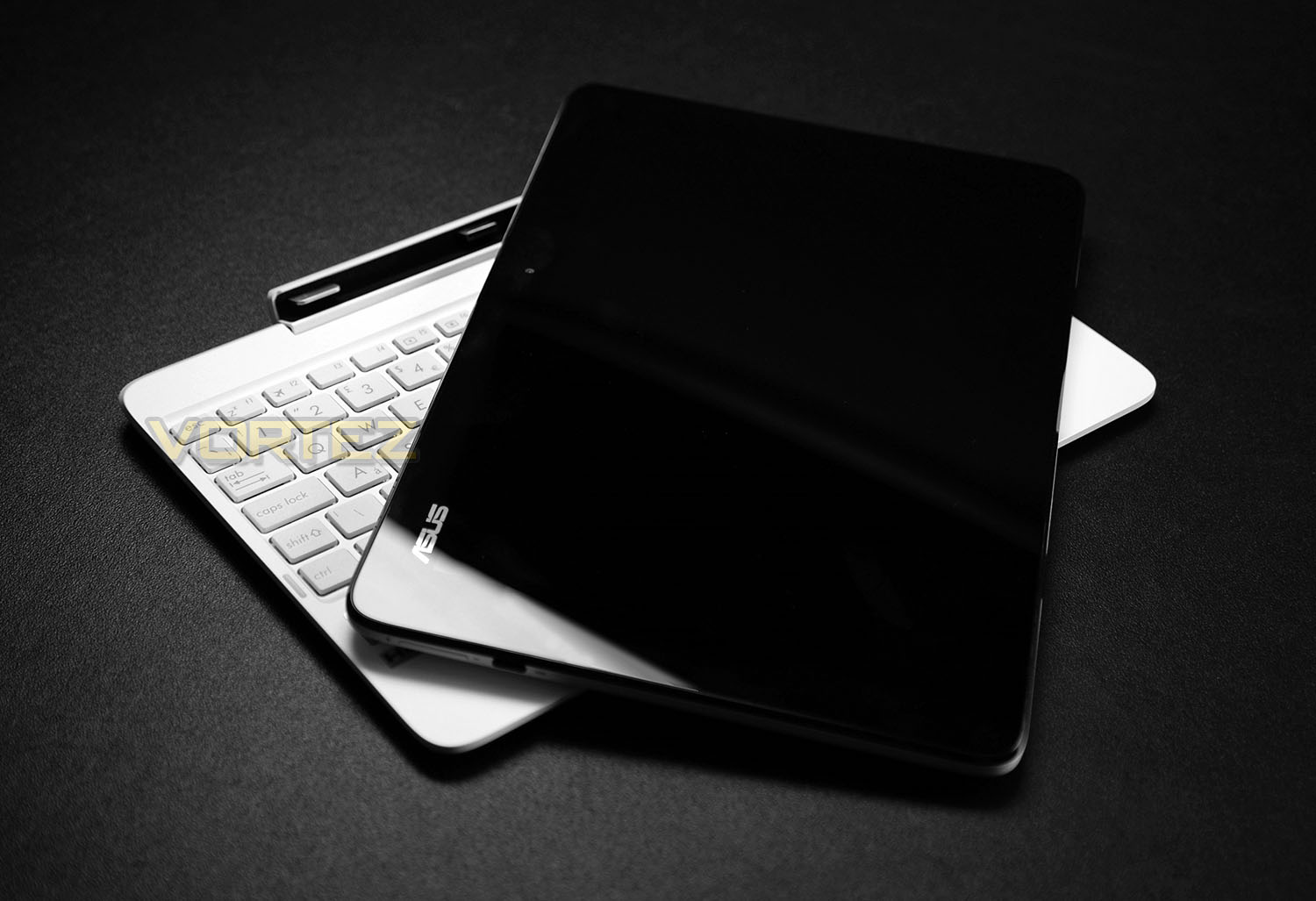
The beauty of owning such a device like T100HA is that the supplied keyboard can be combined with the tablet to enhance overall functionality and provide a much more flexible user-experience.
Powering T100HA is Intel’s Cherry Trail Z8500 CPU – a quad-core Atom chip with 2MB Cache and which operates at up to 2.24GHz. This chip is also responsible for the graphics delivery via Intel HD Graphics (600MHz). ASUS has also installed 2GB of LPDDR3 1600 for memory usage and 64GB of solid state storage – there are in fact 32GB and 64GB versions. All of this combines to bring a rather capable Windows 10 tablet.
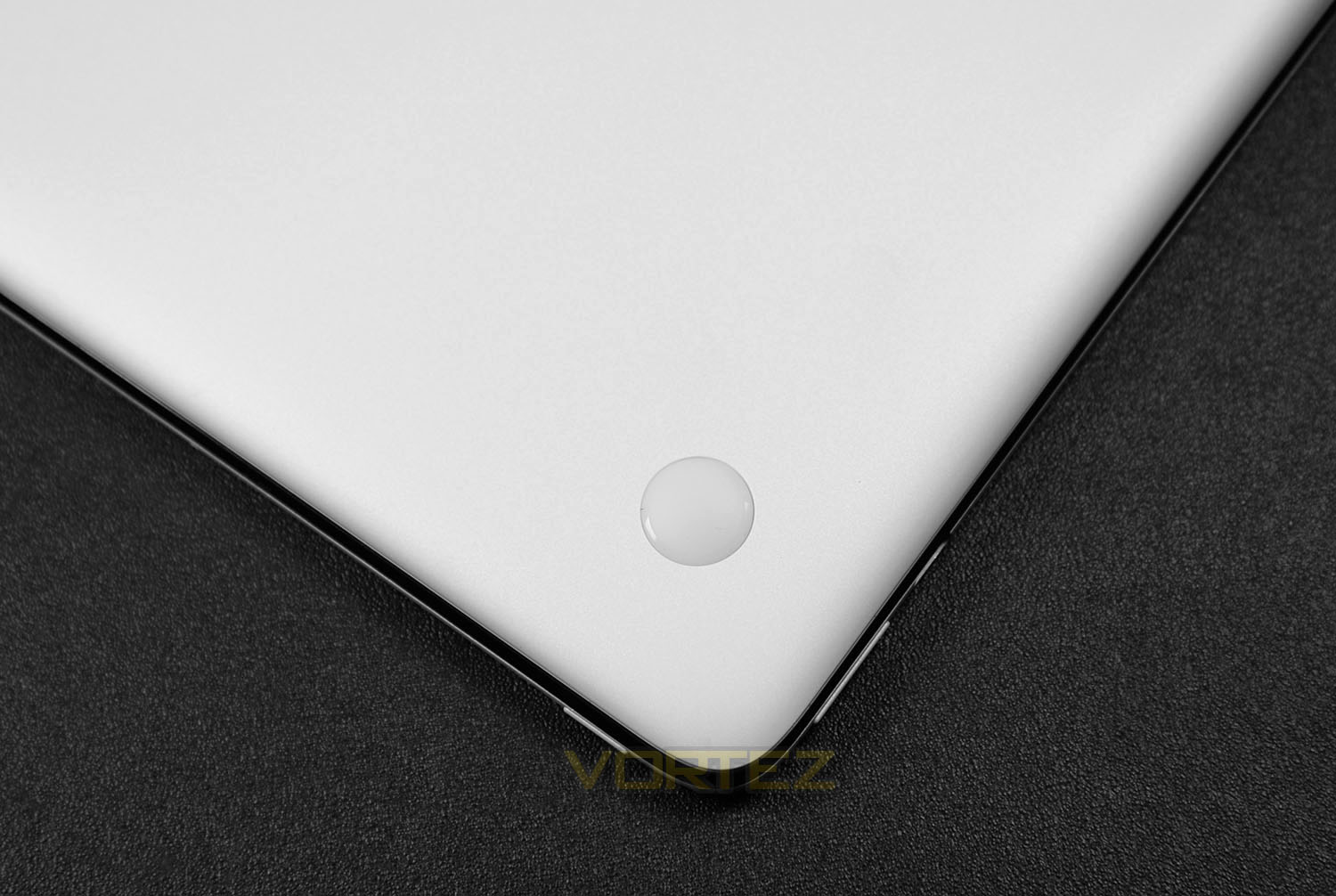
On the underside of T100HA there are four circular rubber studs which help to prevent the unit from slipping around when the keyboard attachment is fixed onto the tablet.
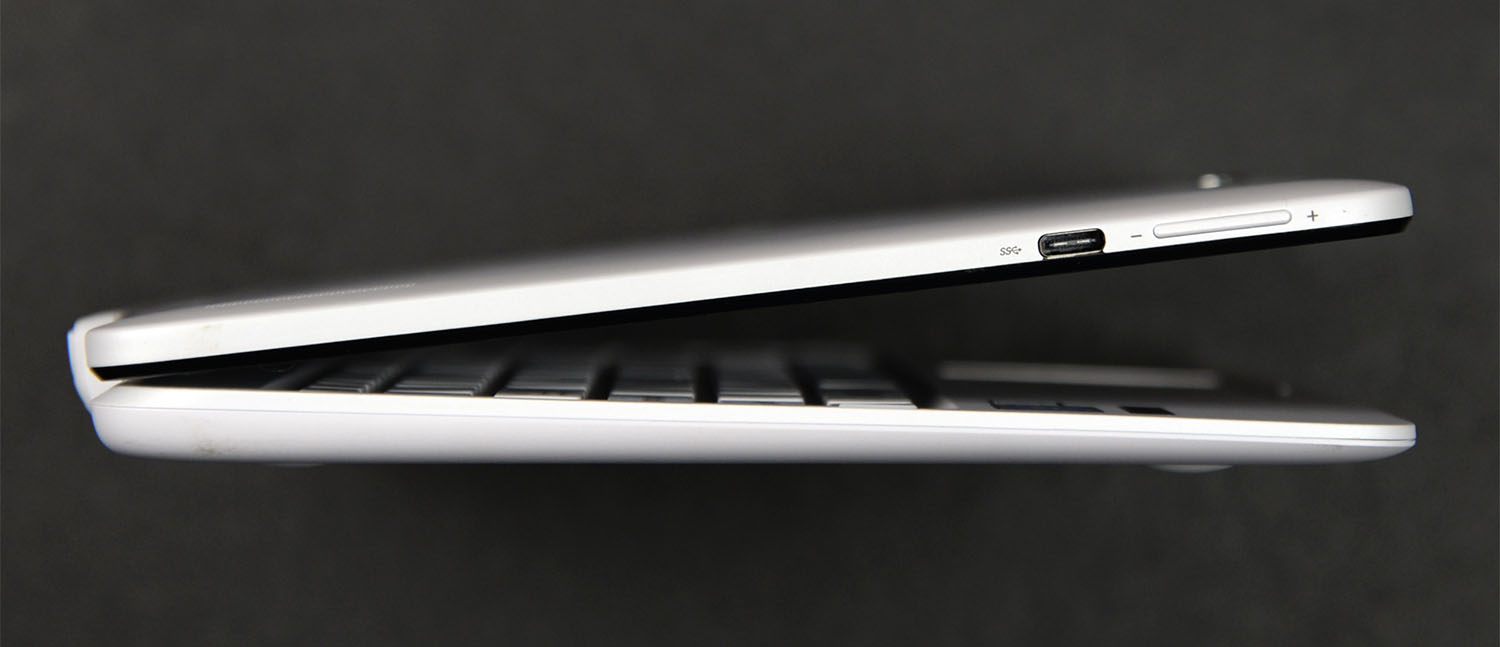
Casting our eye over the left-side of T100HA we’re surprised to see the implementation of USB 3.1 Type-C. This port is up to 10 times faster than USB 2.0 and is a handy bit of functionality to have on such a device – there may not be many Type-C devices on the market just now but this certainly future-proofs this product.
Immediately next to this port there is a volume rocker button allowing volume to be increased or decreased.
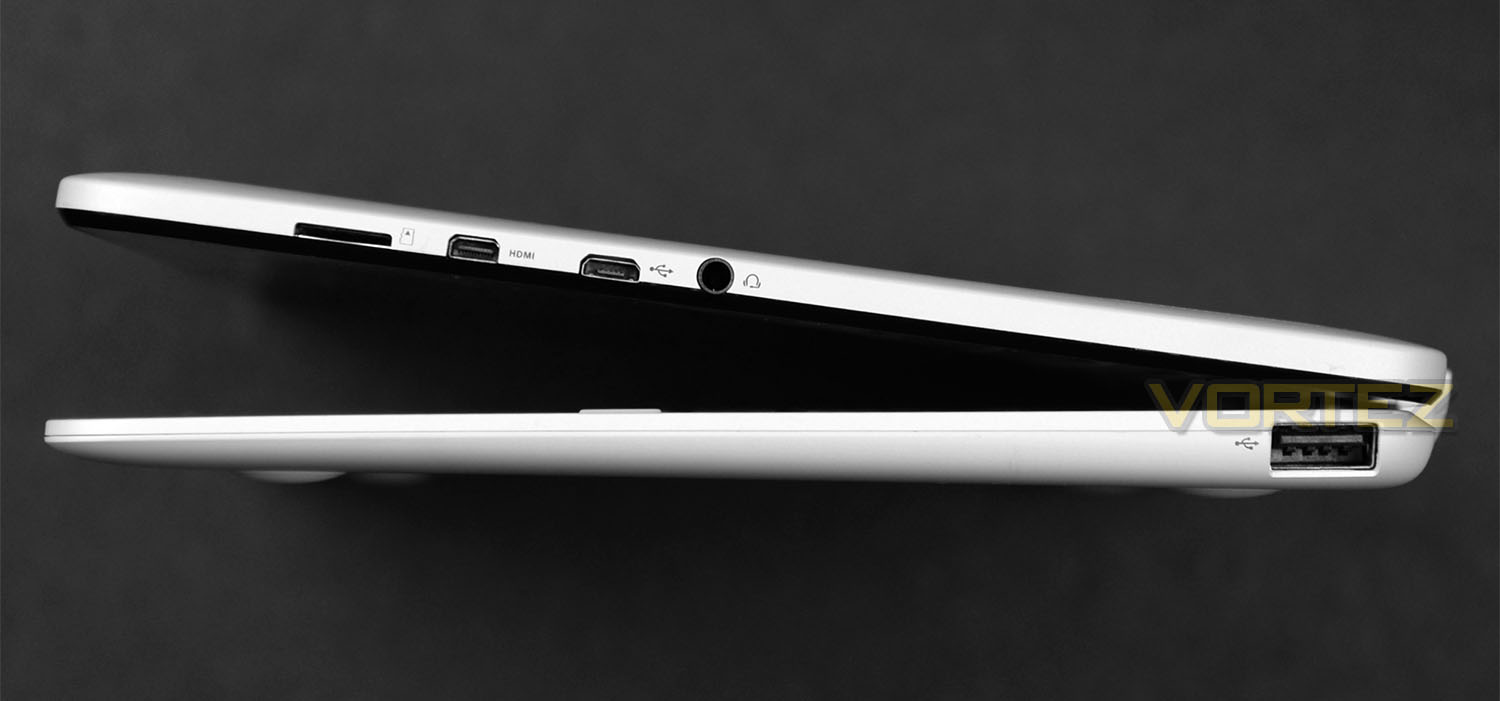
Over on the other side there are even more ports to take advantage of. From left to right we have:
• Micro SD card slot
• Mini HDMI port
• Micro USB port
• Headphone jack
• USB 2.0 port
The inclusion of these ports means that T100HA is extremely flexible; additional storage devices can be connected, headphones can be attached using a standard mini-jack and the display can be projected onto a larger screen to playback video, view pictures or even engage in a Powerpoint presentation.
The micro-USB port doubles up to act as the charging port for T100HA – the supplied cable plugs into this port.
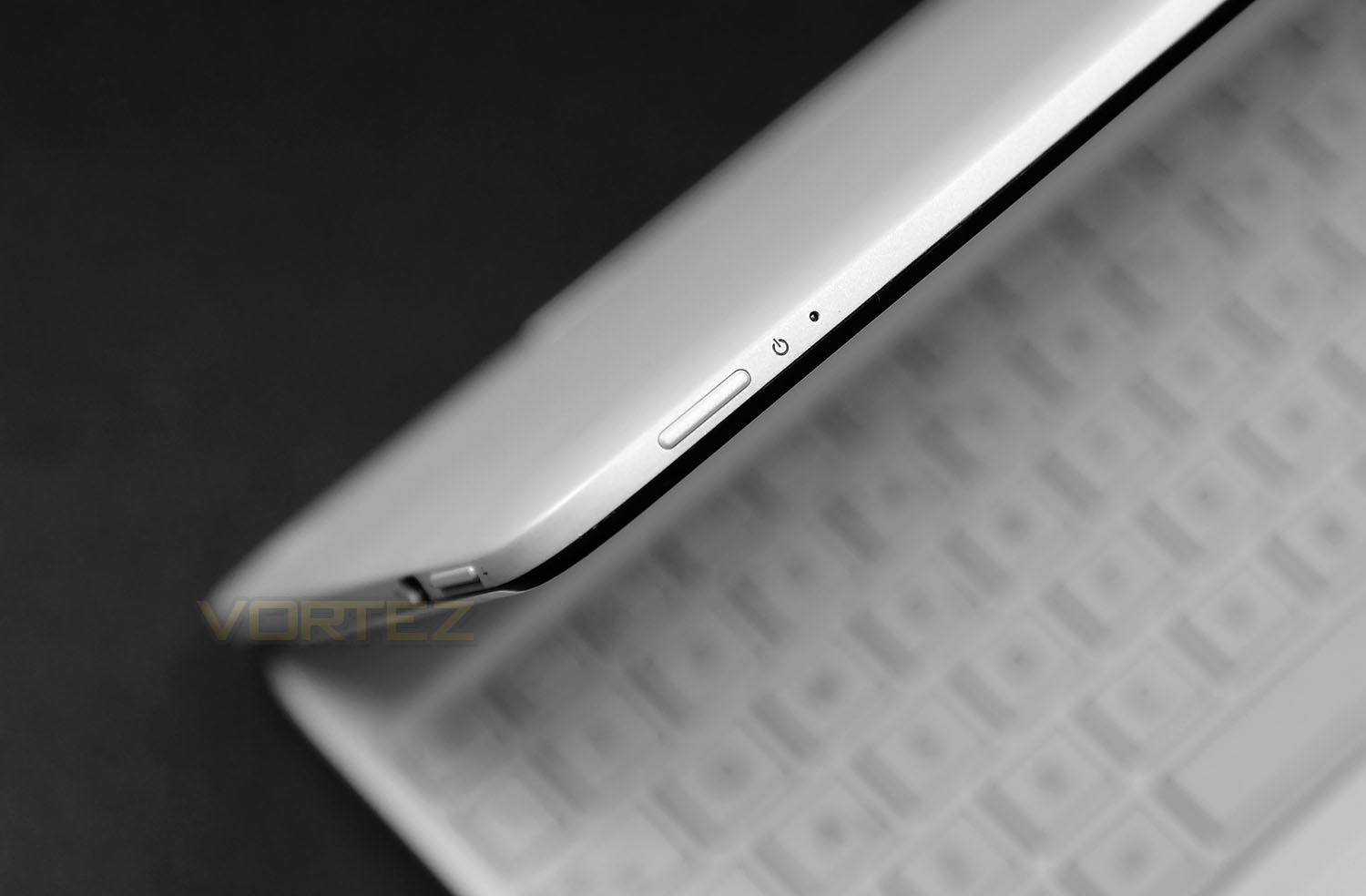
At this stage you might be wondering “where exactly is the power button?” Well, this has been integrated to the front-edge of the screen/tablet. This small elongated button also has a respective LED to indicate activity.
On the next page we’ll continue our close look at T100HA.
Closer Look (Continued)
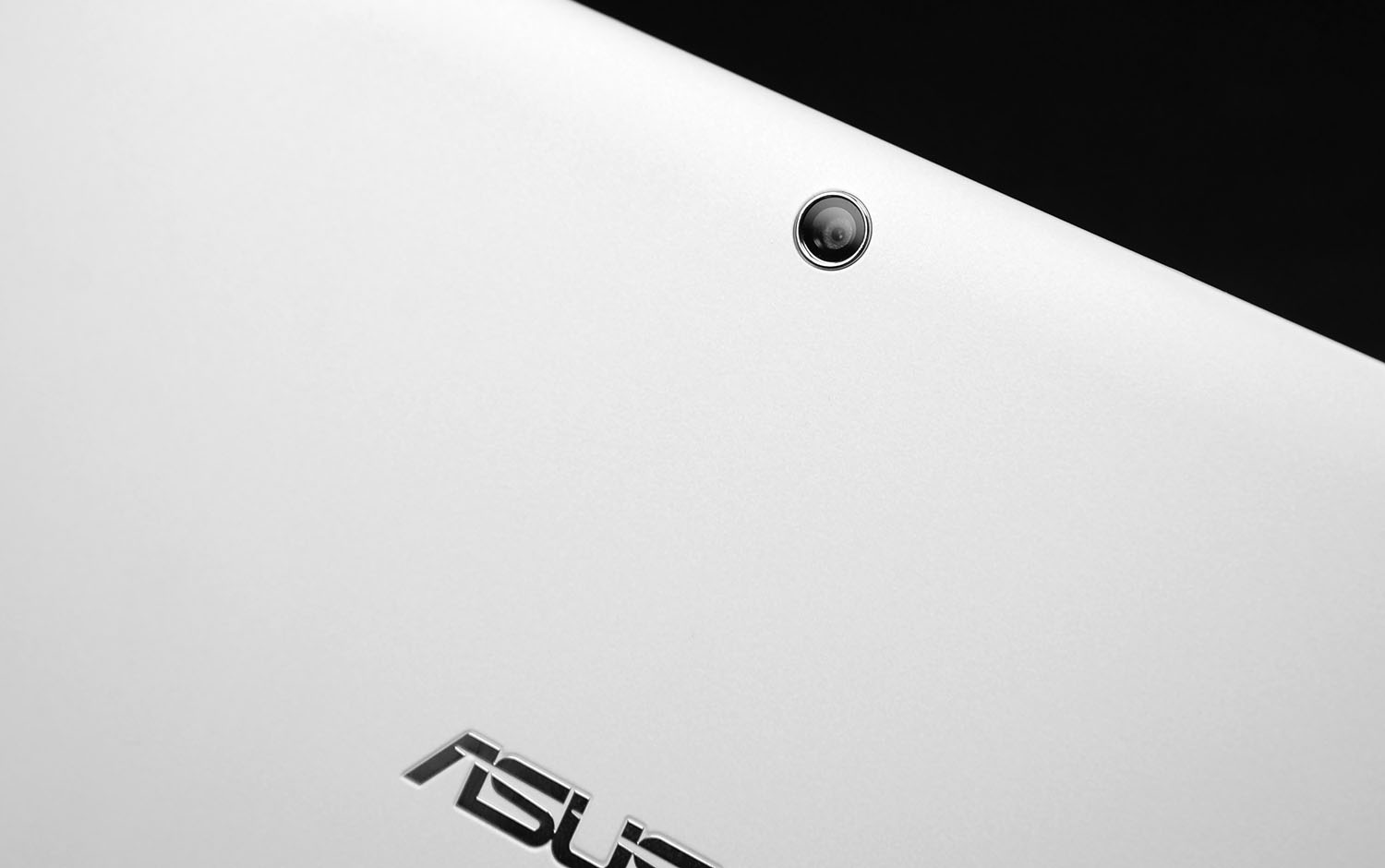
T100HA arrives with two webcams – one is placed on the reverse of the screen and is 5 MegaPixels in specification and the other is 2 Mega Pixels and is situated off-centre on the actual display. Both can be used for either taking pictures or for conference call settings such as Skype.
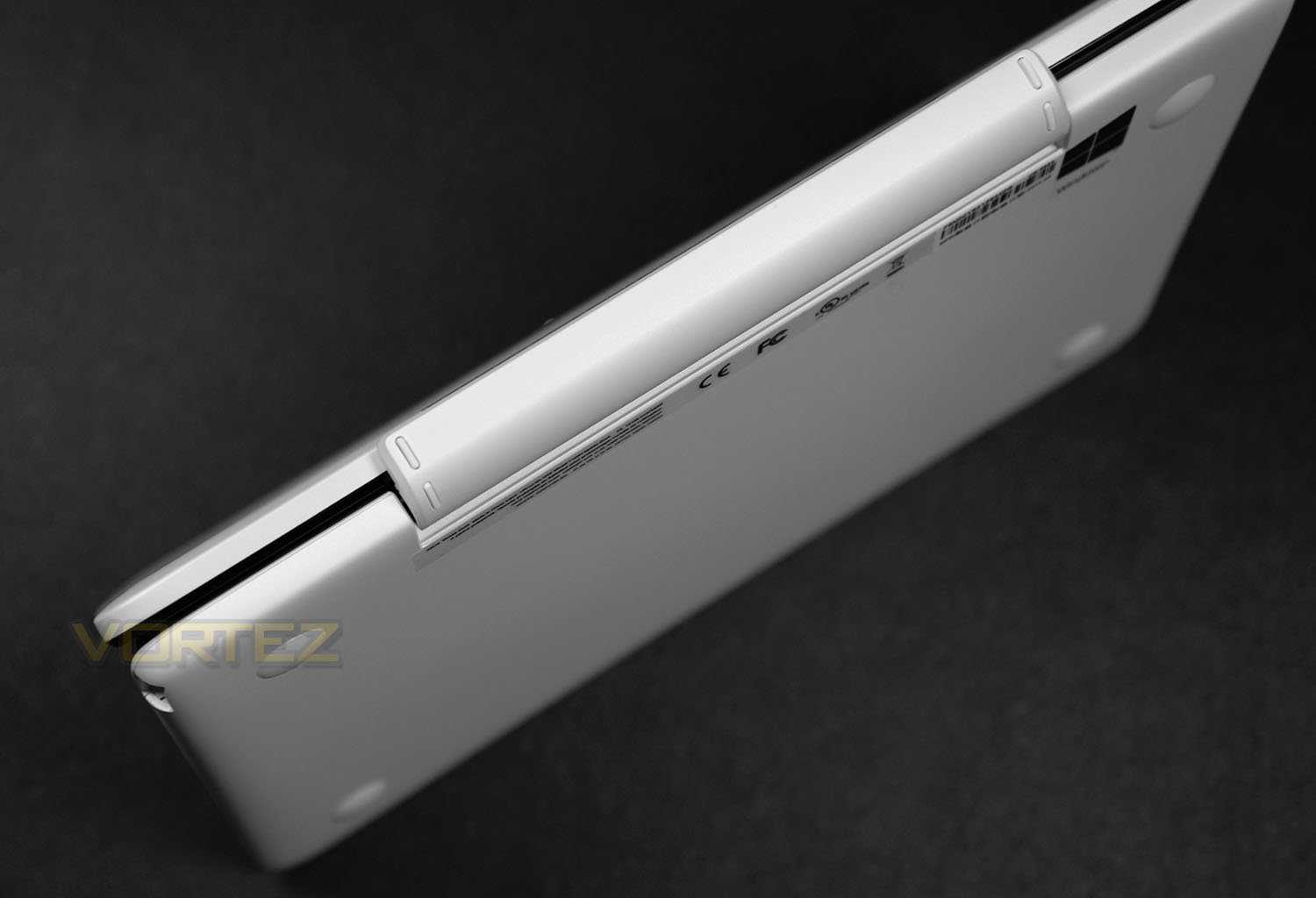
Merging both the keyboard and tablet is a robust plastic hinge which, when the tablet is attached, allows it to be folded back to approximately 120°.
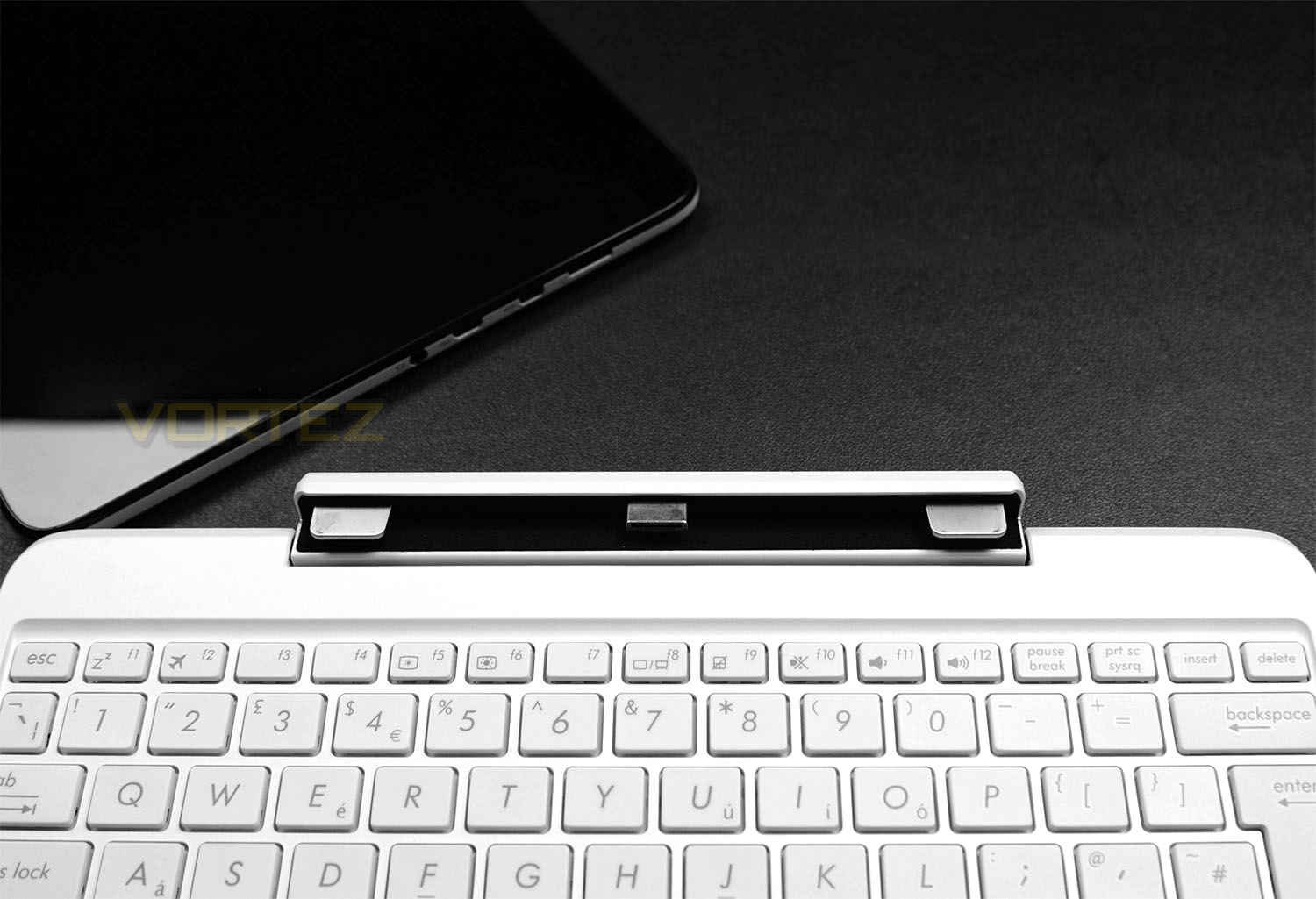
To detach the tablet/screen a soft upwards pulling motion gently separates the two components. After removing the tablet/screen we can clearly see the mounting mechanism and screen connector; at either end there are two metal brackets which position and support the screen while the connectivity for the screen is directly in the centre.
Separating both parts can be performed while T100HA is powered up.
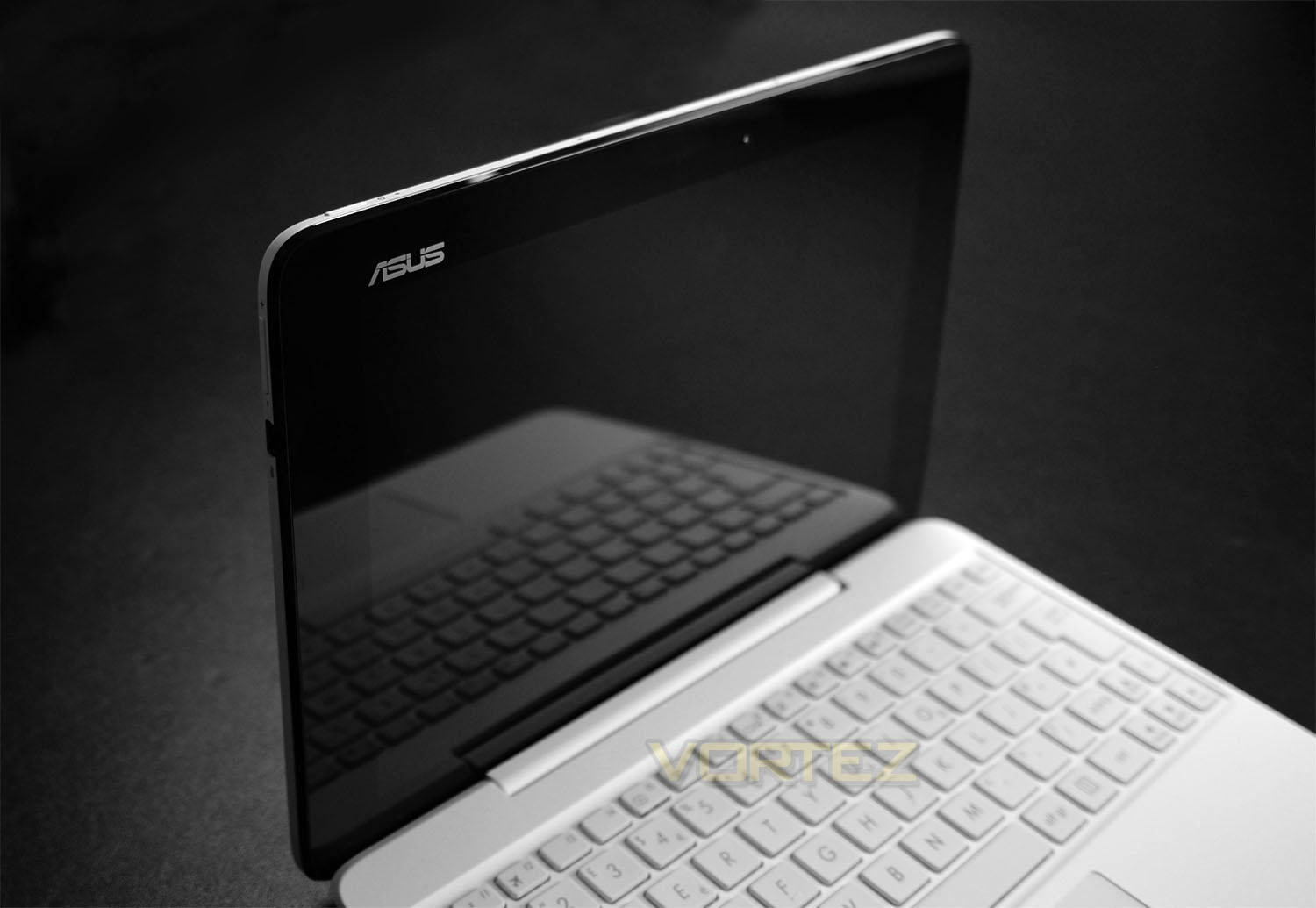
ASUS are using a 10.1” display for T100HA. This screen offers up to 1280×800 resolution (16:10 WXGA) and offers an extremely clear, precise and vibrant view. If being using with the keyboard the screen operates in landscape mode but if T100HA is being used solely as a tablet the view can be snapped to either landscape or portrait by simply shifting/twisting the display as you would with any tablet.
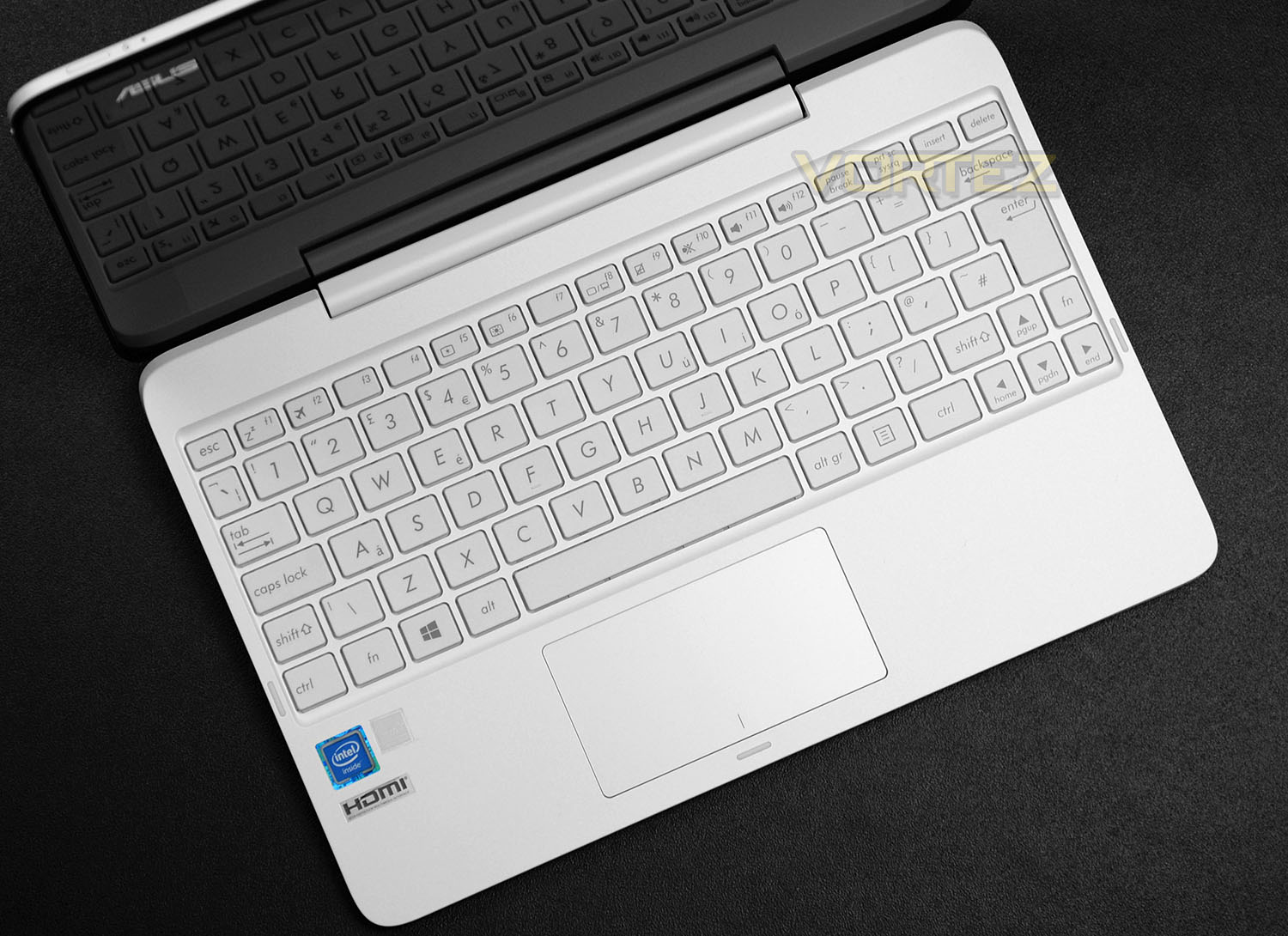
The option to use the keyboard in a combo configuration with the tablet is a useful thing. Sometimes inputting details into a tablet can be cumbersome but if you’re on-the-go and need to type up emails, documents or just generally want to input more than just a few characters it makes the entire process much more hassle-free.
The keyboard which ASUS has used follows a condensed QWERTY design. All of the required keys have been included but are obviously smaller in size and if you’re used to using a standard keyboard for typing, some alterations are needed. Upon initial use, we found ourselves incorrectly typing certain words due to the slightly different arrangement.
It should be noted that when typing, the keyboard has a certain amount of give in it due to a lack of rigidity in its baseplate. We should stress that this isn’t a quality issue, but can make for a typing experience that isn’t ideal in extended sessions.
Below the keyboard area there is a small touchpad which lacks any independent left/right buttons – the touchpad can be pressed on either side to perform this type of command.
Benchmarks: Boot Up Time & Battery Life
Two aspects which are crucial to any mobile device is the bootup time and battery life. To monitor the boot into Windows 10 we use a digital stopwatch to record the duration of time from pressing the button to the moment we arrive into the OS. Battery uptime is essential and we therefore record the idle performance (no apps running) and the active performance by having the PCMark 8 benchmark test running continuously.
Benchmarks: PCMark & 3DMark
PCMark 8 combines performance benchmarking with battery life measurement and includes tests based on popular Adobe and Microsoft applications. Whether you are looking for long battery life, or maximum power, PCMark 8 will help you find the devices that offer the perfect combination of efficiency and performance for your needs. It’s the complete PC performance benchmark for home and business.
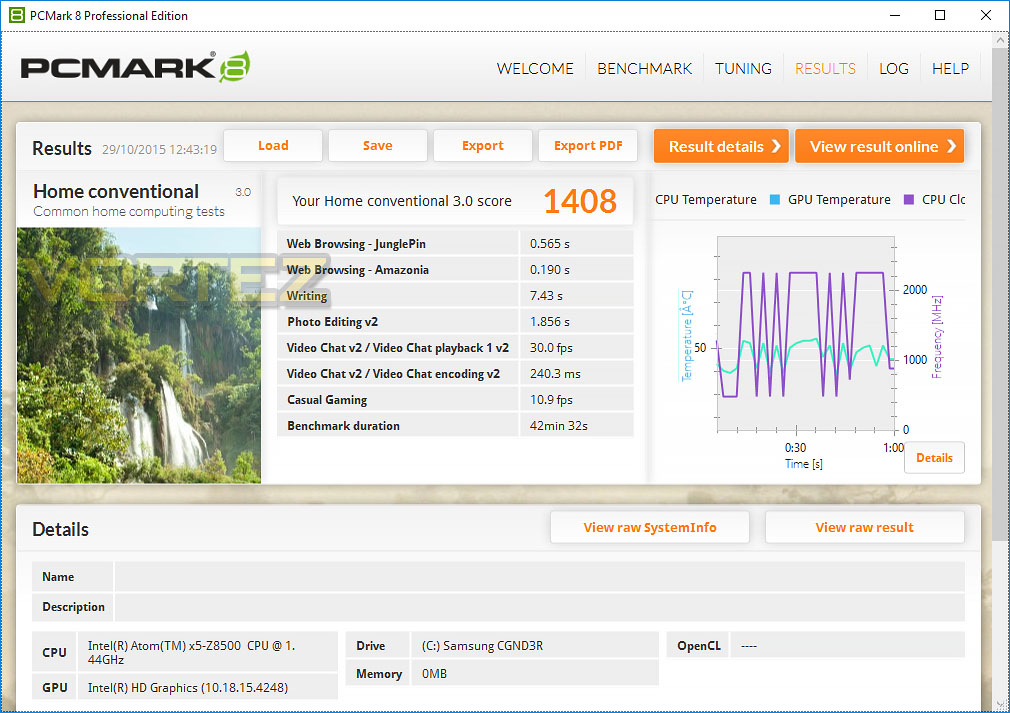
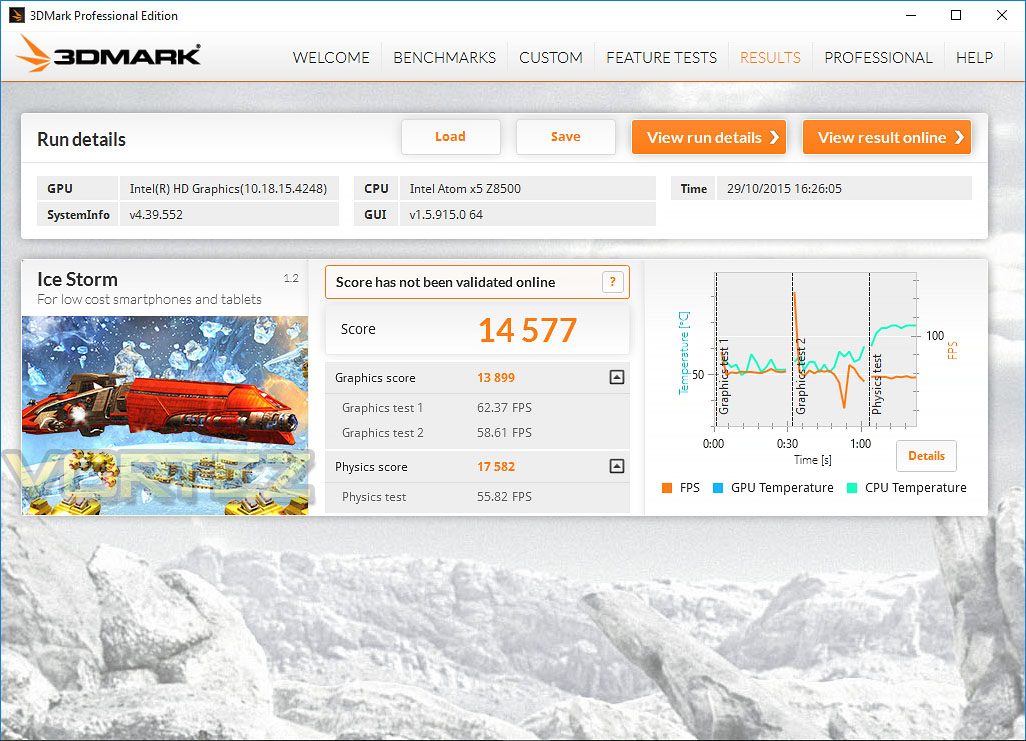
Benchmarks: CrystalDiskMark
CrystalDiskMark is a disk benchmark software that analyses different types of hard drive. Giving sequential benchmark write and read statistics in MB/s. A simple program that is very useful.
Benchmarks: Camera Quality Test
Rear Facing Camera – 5 MegaPixel

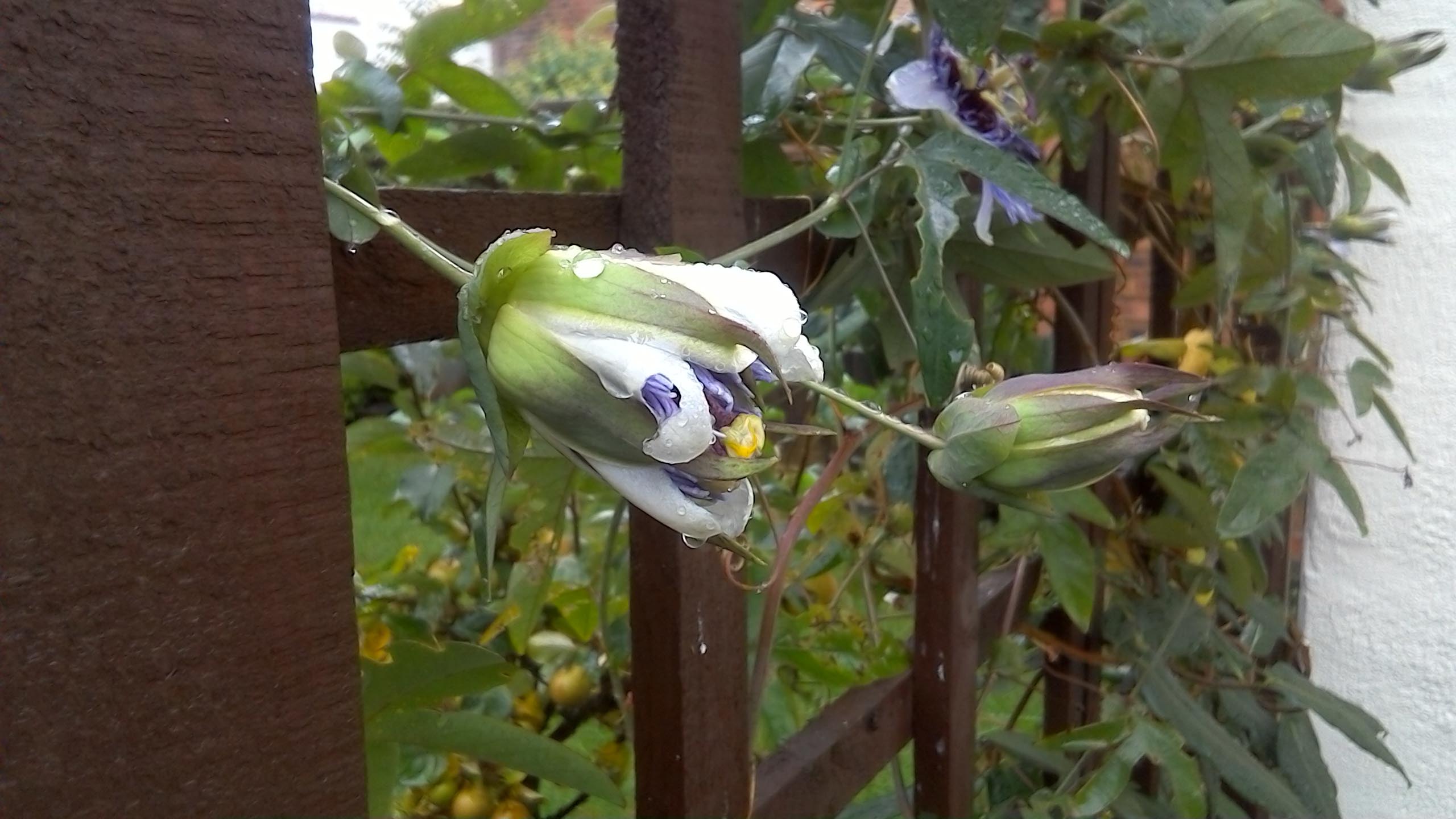
We’ve taken two pictures with the rear facing camera to demonstrate the image quality and contrast ratio. As you can see, colours are vibrant and the focus is accurate; it’s possible to get as close as 10cm away from an object and still have the camera focus.
Front Facing Camera – 2 MegaPixels

The front facing camera is notably different in its picture quality. Pictures aren’t as sharp and are somewhat pixelated when you pull them up on a larger screen.
Conclusion
One of the biggest attractions to the ASUS Transformer Book T100HA is the ability to use this device as an independent tablet or as a netbook. Being able to offer this 2-in-1 package expands T100HA’s versatility.
There are moments when using a tablet can become quite challenging – typing sentences and paragraphs of text for example is a task which isn’t really designed for touchscreen usage. As such, having this combo is especially useful. Those who require a mobile device which can be used for work and play will find T100HA a worthwhile investment.
Although the actual unit itself is compact and slim in its design, ASUS has engineered critical ports to further enhance the functionality. There is a USB 2.0 port, a micro-USB port and slots to expand storage by way of micro SD but the USB 3.1 Type-C inclusion is the element we’re most excited about as this is a new standard; future-proofing T100HA and securing access to super-fast devices.
Throughout our time with T100HA we found this 2-in-1 portable device to be a nifty piece of kit. The screen is sharp and vibrant and has responsive touch screen sensitivity. T100HA demonstrated good performance in the benchmarks we ran further highlighting that this device can take on common tasks without struggling.
The battery life is perhaps one of the fundamental, standout features with T100HA as it allows the user to enjoy up to 12 hours of usage – a milestone to which other tablets aspire to but do not attain. This means that you can use T100HA for an entire day; engaging in an assortment of demanding tasks such as movie playback without having to reach for the charging unit.
We did however find a few niggles – some of which wouldn’t deter from an actual purchase. The WiFi capabilities lacked 802.11ac – something which we expect mobile products in 2015 to now fully support. The screen rotation when clipped into the keyboard is also limited to a 120° angle which may, or may not be a problem for some and we’d prefer to have independent left/right buttons for the touchpad – sometimes when fingers are placed over the buttons the touchpad’s sensitivity detects movement and the cursor can move.
T100HA can be picked up for the modest price of £190 GBP / $250 USD. We can’t argue with this at all, for this price we’re getting a fully fledged Windows tablet which can also act as a notebook; having a quad-core processor and solid state storage.
The Transformer Book T100HA bridges the gap between tablet and notebook; this 2-in-1 device offers a new level of flexibility in one nifty package. This unit offers an impressive 12 hours of usage, carries with it Windows 10 functionality and delivers solid performance via Intel’s quad-core Z8500; what’s not to like?!
VIDEO REVIEW – VORTEZ TV
Pros
+ Attractive finish/styling
+ Sharp and vibrant display
+ Flexible 2-in-1 in design
+ Generous assortment of functionality
+ USB 3.1 Type-C support
+ Up to 12 hours battery life
Cons
– Touchpad is over-sensitive
– Lacks 802.11ac
– Screen has limited rotation of 120°
+ Attractive finish/styling
+ Sharp and vibrant display
+ Flexible 2-in-1 in design
+ Generous assortment of functionality
+ USB 3.1 Type-C support
+ Up to 12 hours battery life
Cons
– Touchpad is over-sensitive
– Lacks 802.11ac
– Screen has limited rotation of 120°
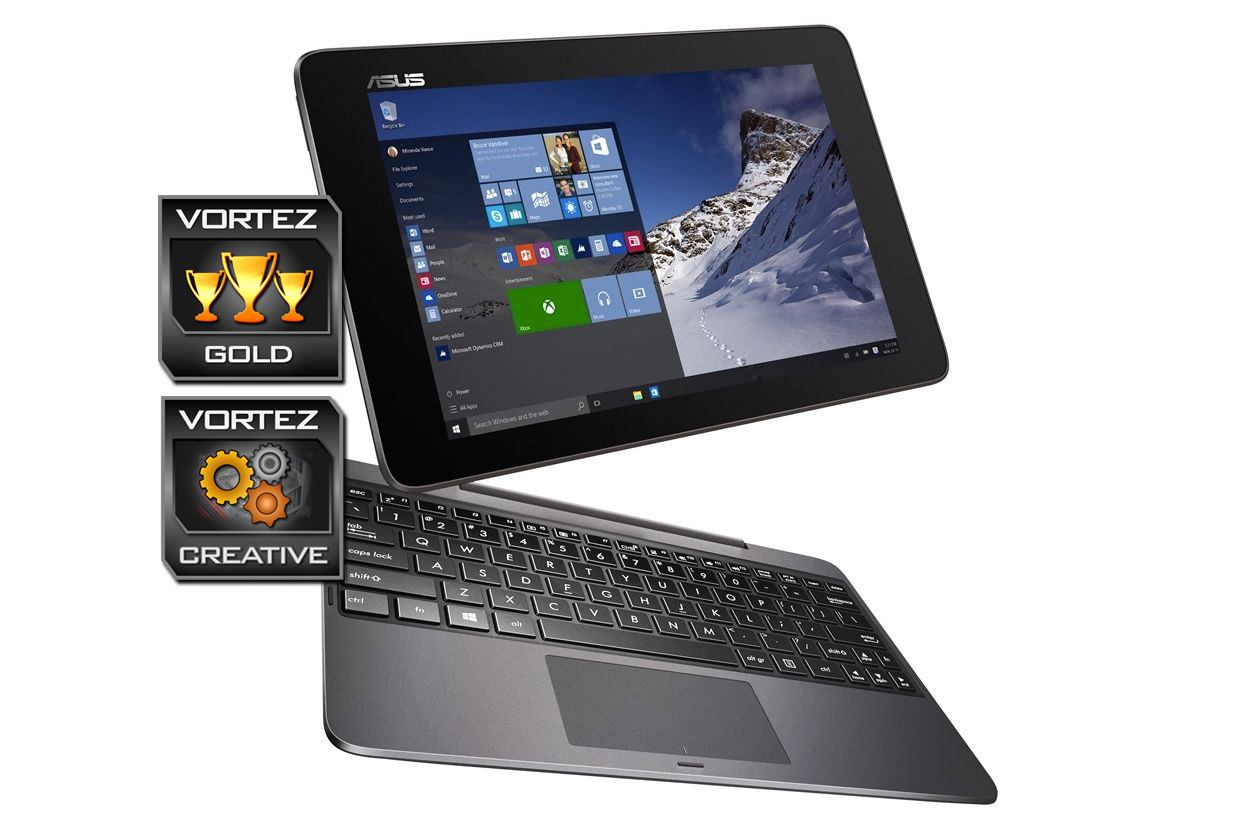
Click here for an explanation of our awards at Vortez.net.