If you’re in the market for an affordable RGB gaming mouse, Cooler Master could have just what you’re looking for with their CM310.

Product on Review: Cooler Master CM310
Manufacturer: Cooler Master
Street Price: £26 / $30 / AUS$ 47
The budget end of the gaming peripherals market is fast becoming one that is packed full of great options. Cooler Master wants in on this action, and their brand new CM310 is how they’re going to attack the competition head-on. The CM310 only costs £26 in the UK and $30 US and for that you get a surprising amount of features.
The first notable element is a Pixart A3328 optical sensor, albeit a lower end setup it still offers a DPI range from 500 to 10,000 as well as all the performance benefits of it being optical. It also features some good illumination for the RGB enthusiasts out there as well as including rubberised side grips and a nicely weighted body. One thing that is missing is the software, this could be a blessing in disguise for some as it’s one less on your PC, but for those that appreciate software, it could be a potential turn off. To combat this though, Cooler Master have included two DPI buttons and also one to toggle the illumination effects.
So with the sensor and feature set, you may be wondering – like we are, why this mouse is so cheap? Well, that is why we are putting to the test today.
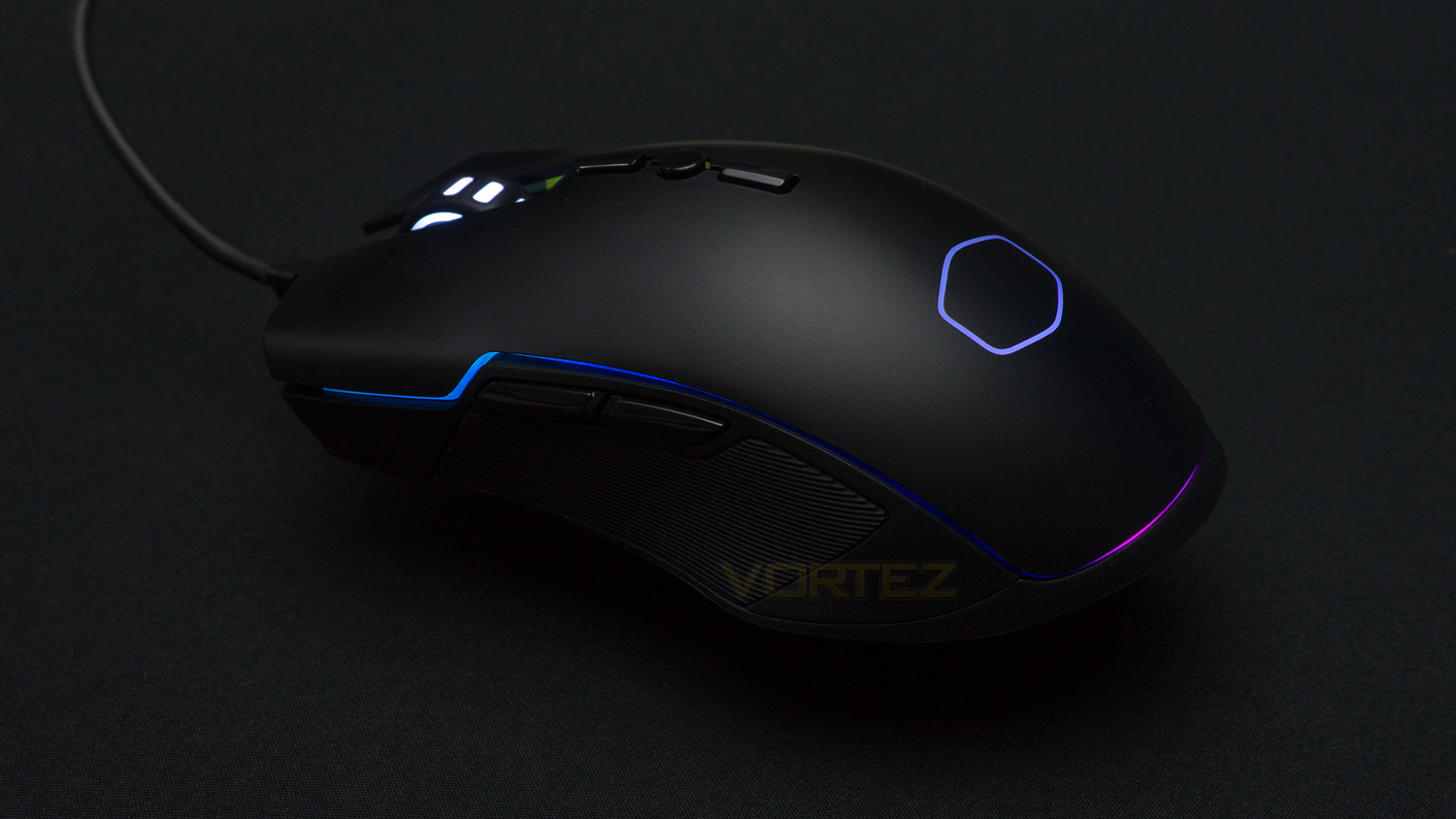
Cooler Master on the CM310:
The choice for gamers of all levels, providing unassuming dependability and reliability without asking for much – like that one nice guy who’s been friend-zoned but sticks around “just in case.” An adjustable DPI optical sensor offers gaming-grade performance, while the rubber side grips and weighted body give just the right level of comfort. And if you want to add some flavor, RGB Illumination gives your mouse the personality it deserves. Dependable and solid, the CM310 is an impressive mouse that will most likely never see you as more than just a friend.
Technical Specifications
Mouse
Sensor – Pixart A3328
Sensor type – Optical
DPI – Max 10,000
Levels – 7 (500, 1000, 2000, 3000, 4000, 5000, 10000)
Acceleration – 20G
Tracking speed – 20ips
Lift off distance – Less than or equal to 3mm
Polling rate – 1000Hz
Design
Number of buttons – 8
Body coating – Matter UV
RGB – 7 modes (1 RGB zone, 2 LED DPI indicator zones)
Dimensions – 127 x 71.5 x 39.5mm (5 x 2.8 x 1.6 inch)
Weight with cable – 135g (0.29lbs)
Weight without cable – 100g (0.22lbs)
Cable length – 1.8m (5.9ft / 70.8 inch)
Cable type – Rubberised
Compatibility
OS – Windows (USB port required)
Sensor – Pixart A3328
Sensor type – Optical
DPI – Max 10,000
Levels – 7 (500, 1000, 2000, 3000, 4000, 5000, 10000)
Acceleration – 20G
Tracking speed – 20ips
Lift off distance – Less than or equal to 3mm
Polling rate – 1000Hz
Design
Number of buttons – 8
Body coating – Matter UV
RGB – 7 modes (1 RGB zone, 2 LED DPI indicator zones)
Dimensions – 127 x 71.5 x 39.5mm (5 x 2.8 x 1.6 inch)
Weight with cable – 135g (0.29lbs)
Weight without cable – 100g (0.22lbs)
Cable length – 1.8m (5.9ft / 70.8 inch)
Cable type – Rubberised
Compatibility
OS – Windows (USB port required)
Packaging & First Look
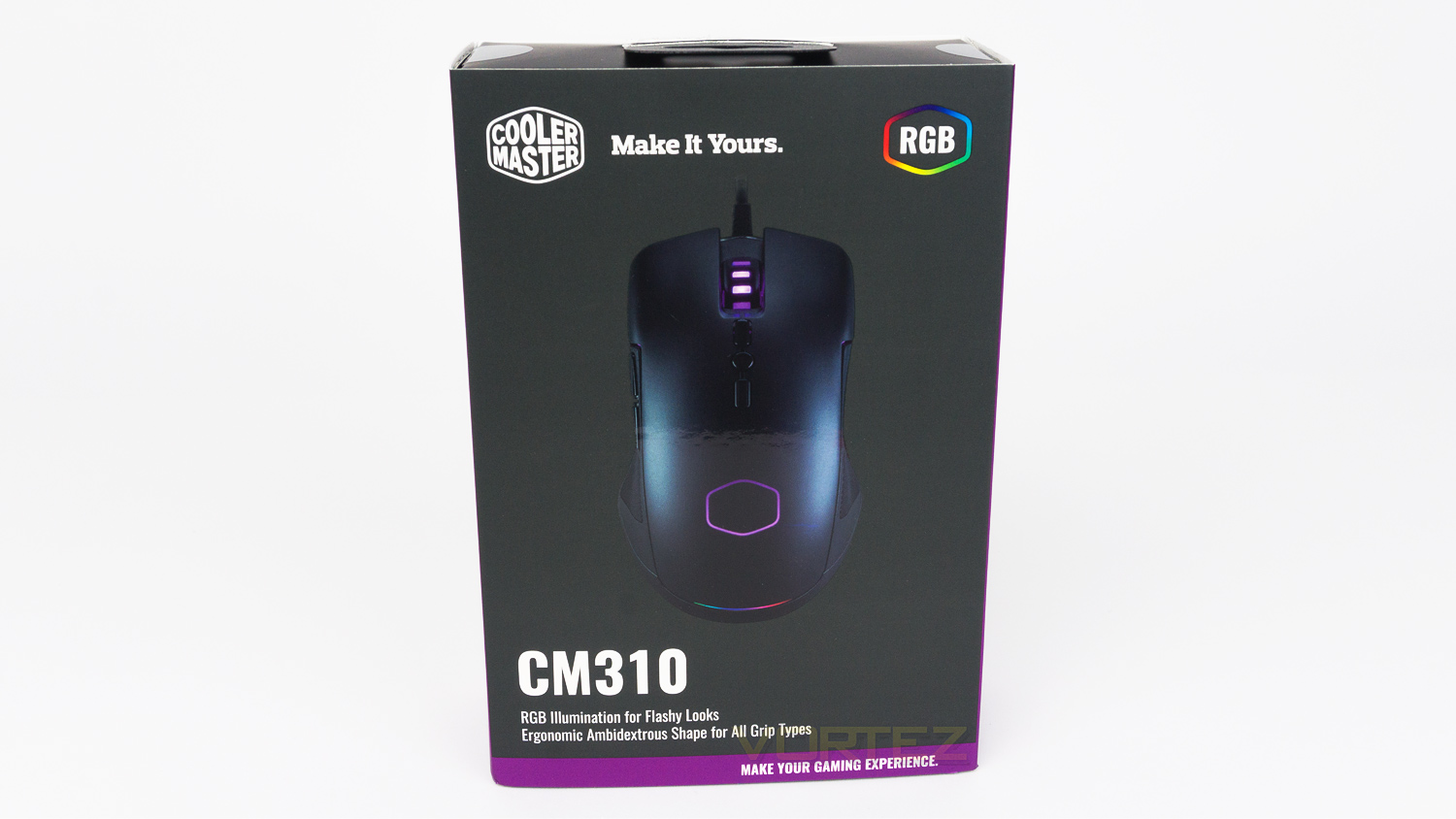
The front of the packaging is mostly grey and features an image of the CM310 in the centre. The top left features the Cooler Master logo and slogan. At the bottom has the model number and a brief bit of information about the mouse.
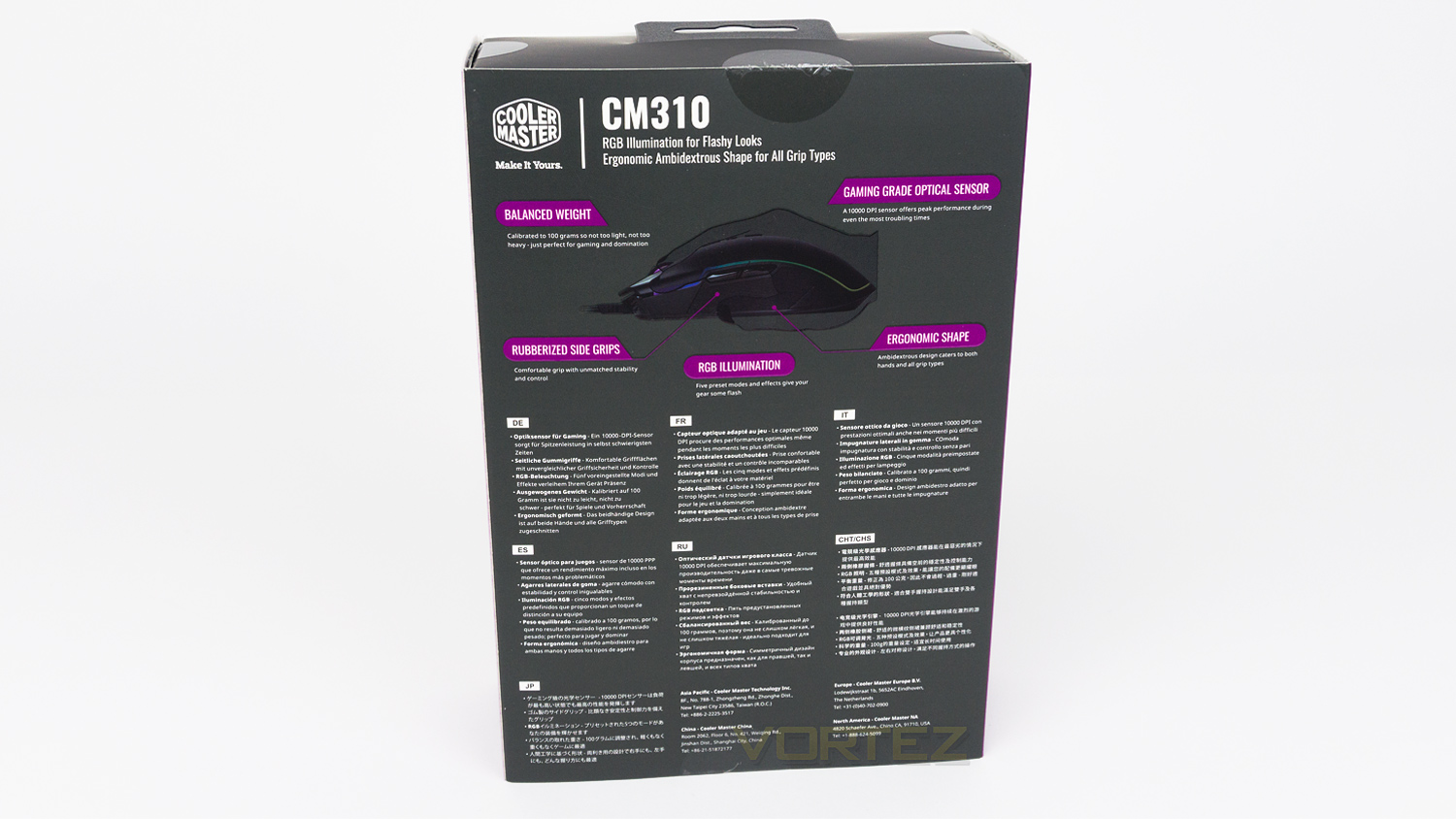
Flipping the box to the back reveals another image of the CM310 surrounded by some key details about the mouse. Below that is a section of information displayed in multiple languages.
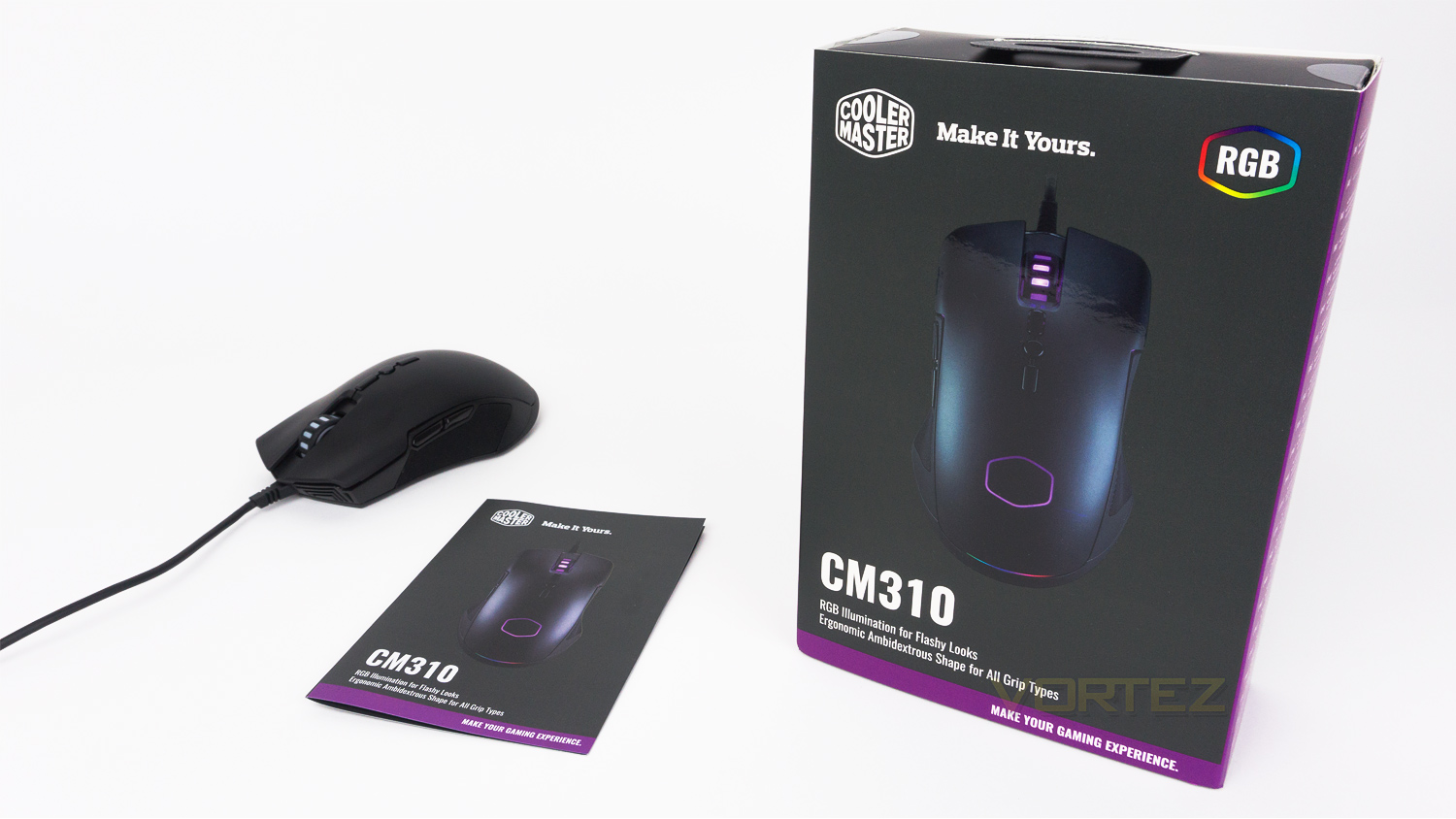
In the box, there is the mouse and quick start guide.
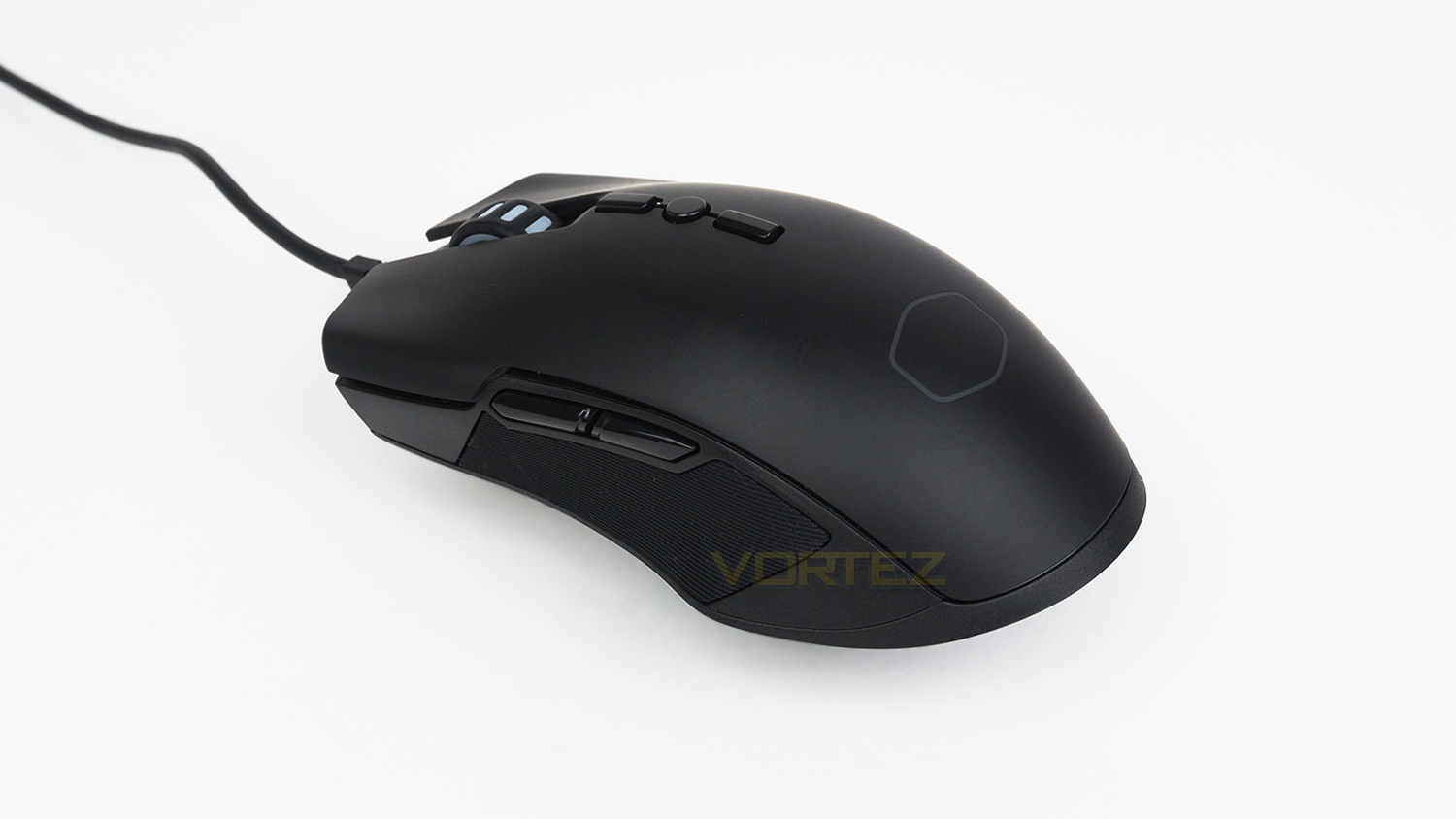
Taking a first look at the CM310 and you’d be hard pushed to realise that this mouse was a cheap as it is. The design is quite simple and features a matte black body which is UV protected, though it isn’t soft coated like some mice.
Closer Look
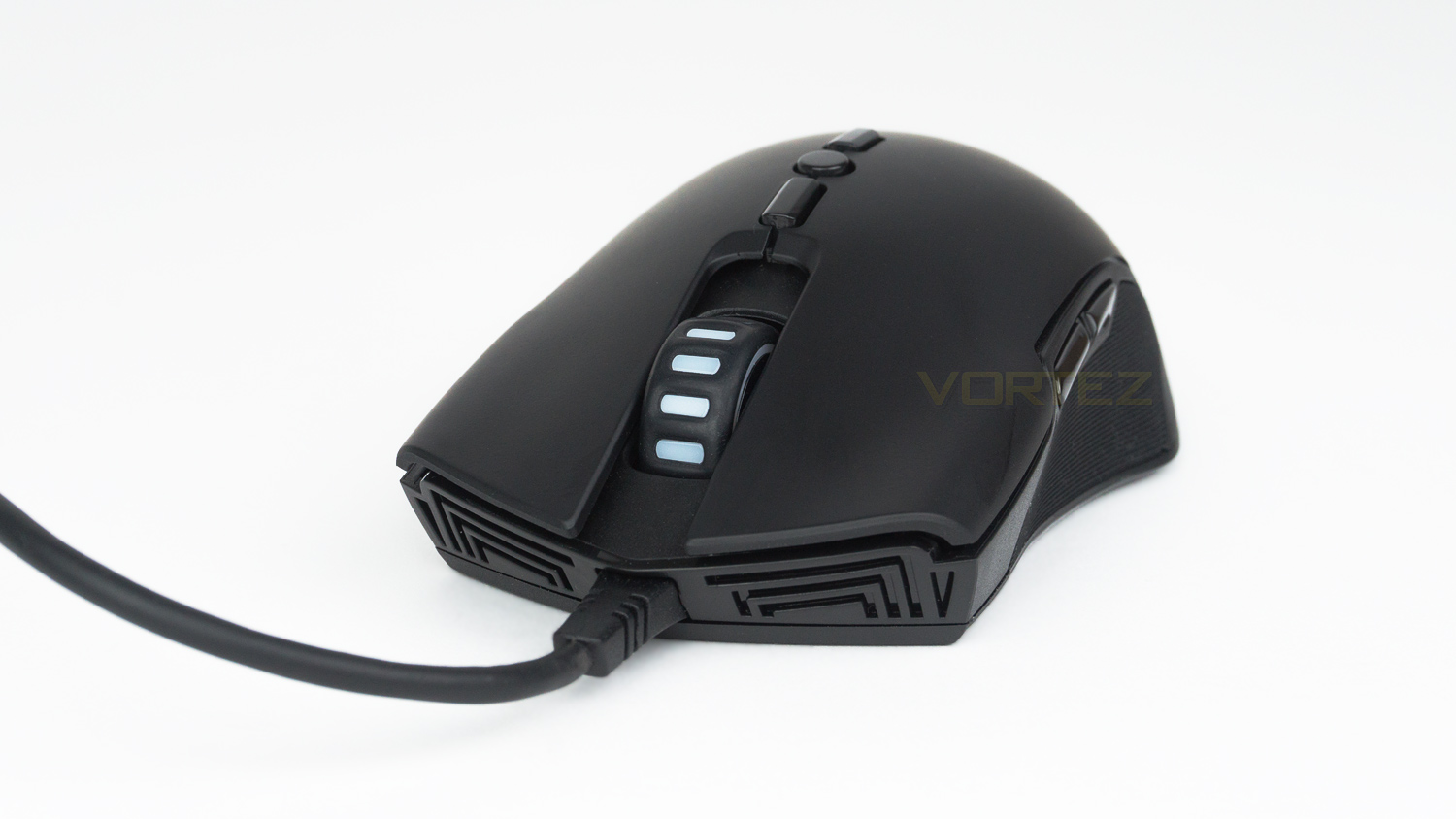
Looking at the front, you can see the left and right click as well as the non-removable cable. The left and right click are a good size and feature a gentle curvature. There is also a mirrored pattern design present here as well.
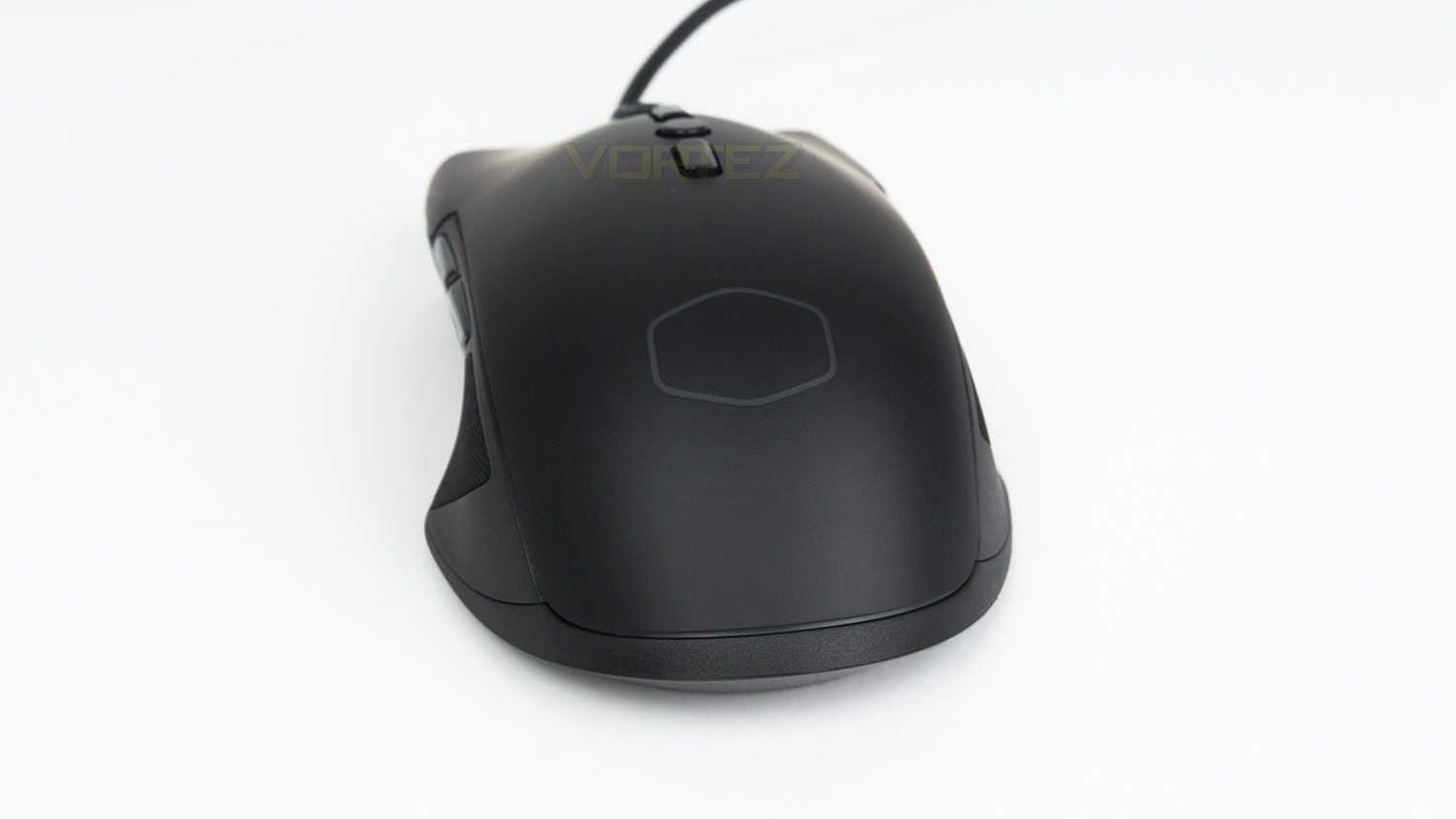
At the back, there is the CM logo that acts as an area of illumination for the DPI setting.
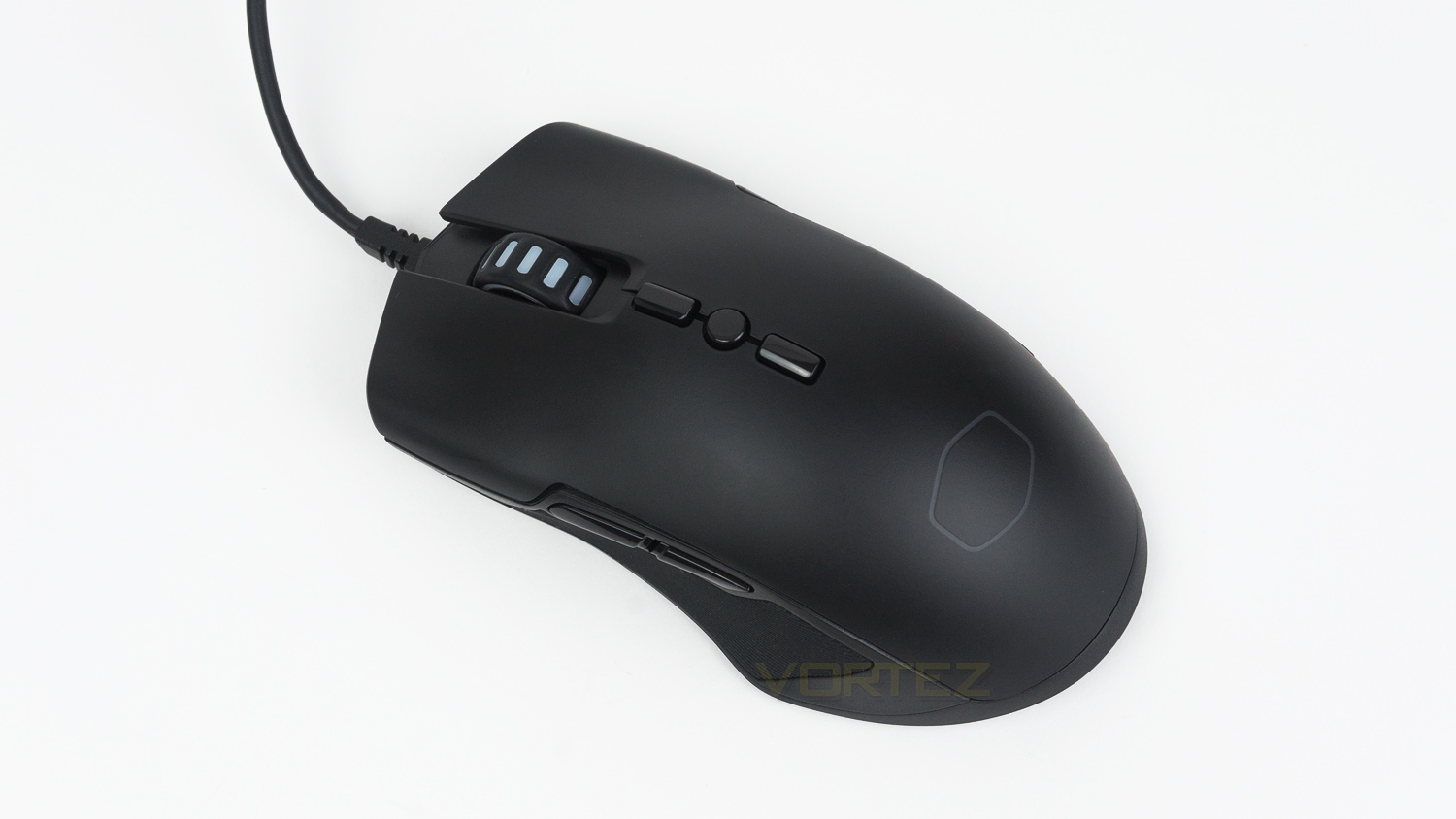
The top section features a scroll wheel that is recessed into the body, this helps prevent any accidental clicks on the DPI buttons. Speaking of, there are two DPI buttons on top with a lighting toggle button in-between them.
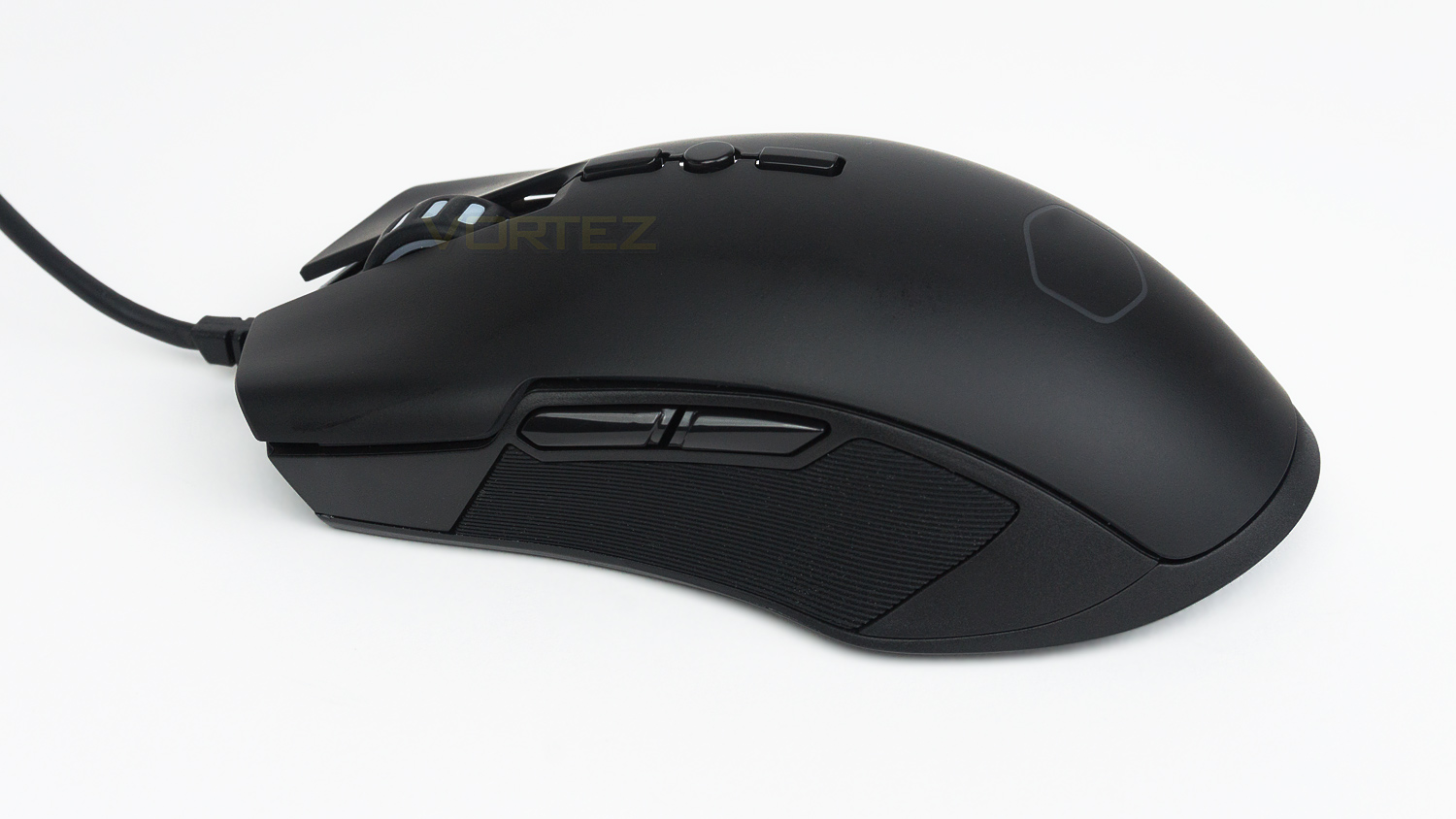
The left side of the mouse features two thumb buttons and a small rubberised grip area. The thumb buttons are a touch on the small side, as is the rubberised thumb grip. The side profile has a centralised tall hump that gently slopes downwards towards the rear of the mouse.
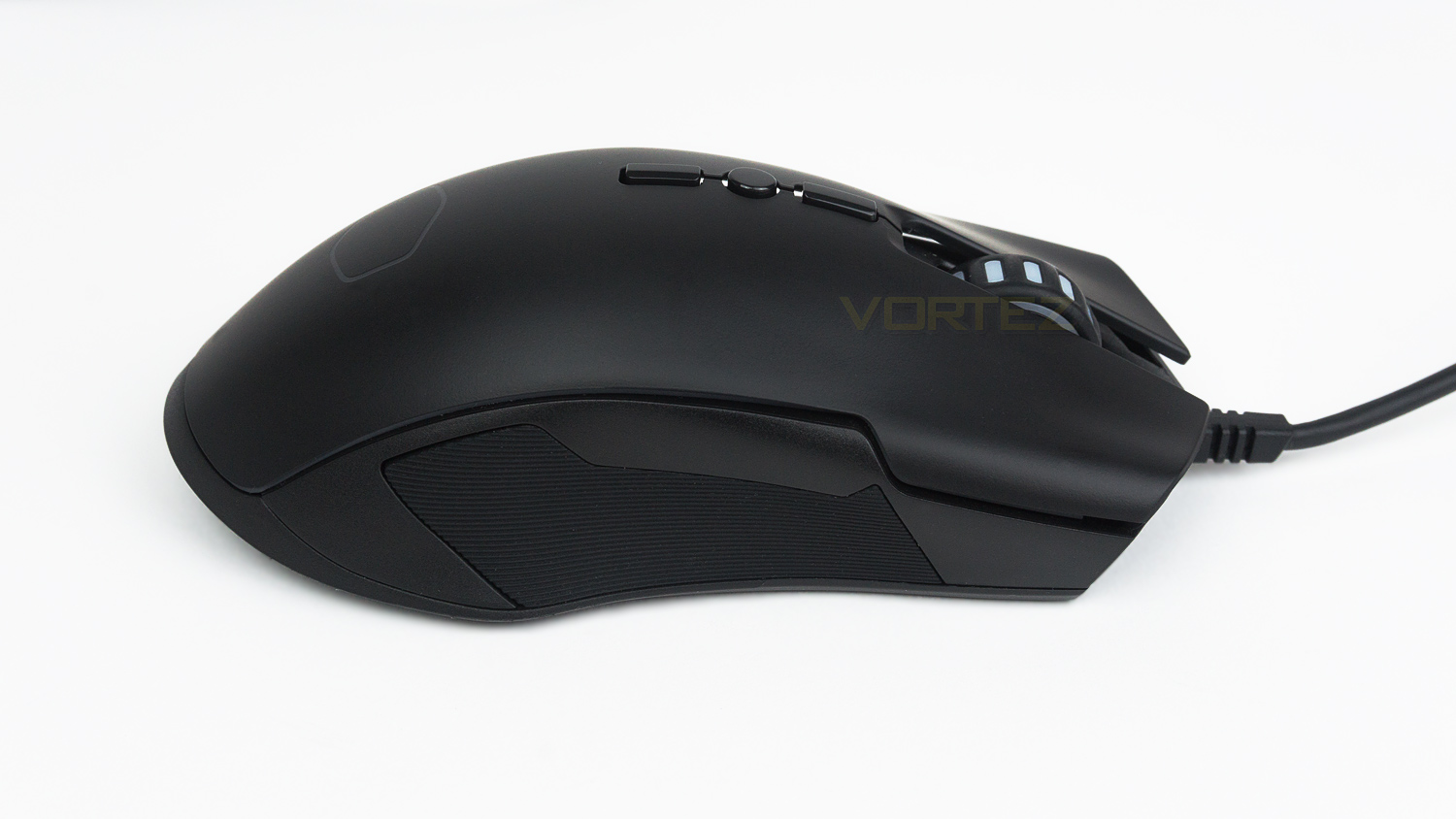
The right side has the same sized grip area as the left and also the same notch style where the thumb buttons are located, this makes the overall design very coherent.
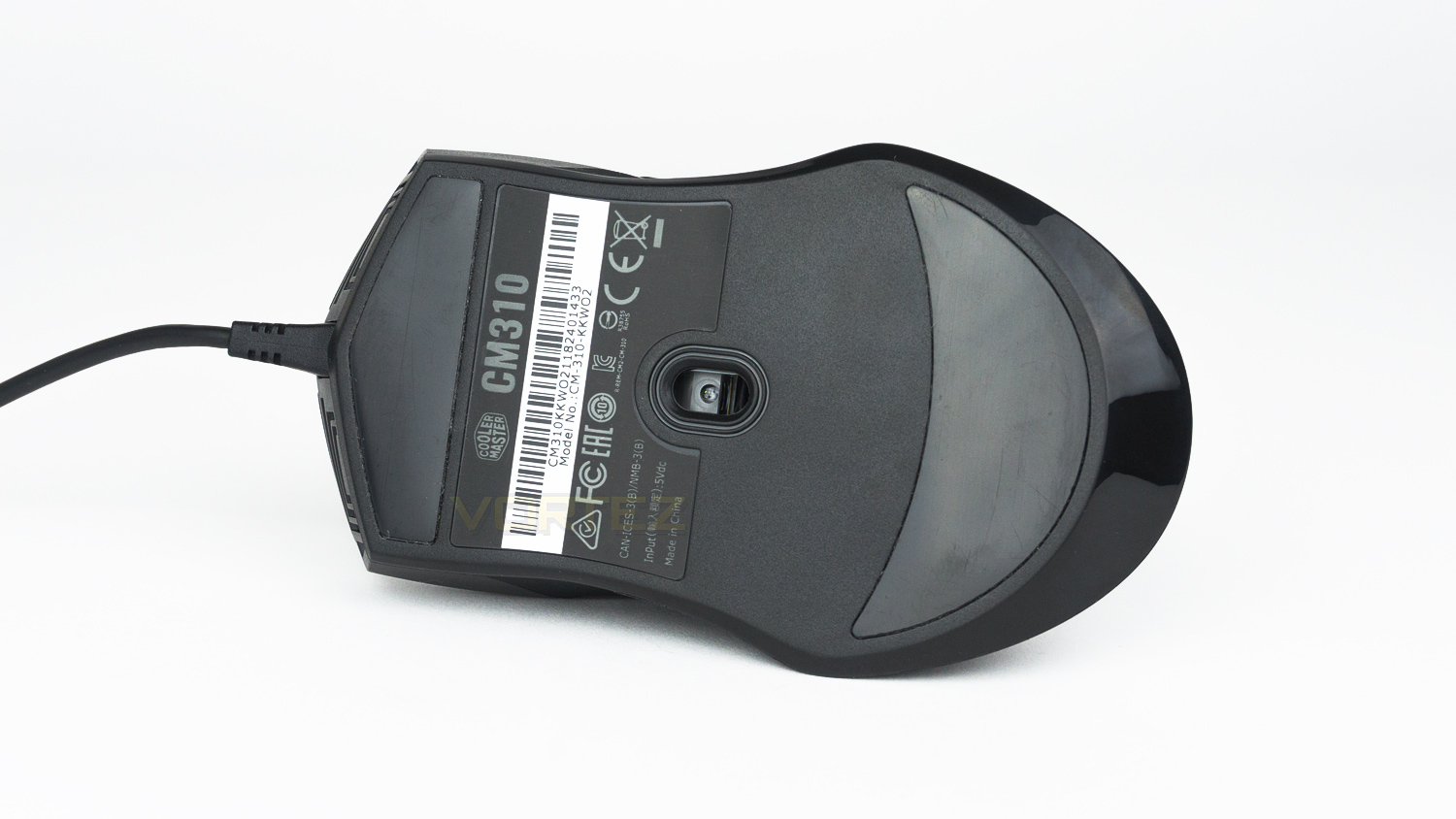
Underneath there are two large glide feet with the branding close to the top and sensor in the middle.
Performance Testing
Setup & Observation
Setting up is as simple as finding an empty USB port and plugging it in. As there is no software, you don’t have to download anything and windows will install the drivers for you, everything else is taken care of by the mouse. The comfort levels of the CM310 are not the strongest, initially the mouse isn’t too bad, but the more it gets used, the more some comfort issues start to creep in. This is due to the hump around the DPI buttons, it’s quite prominent and puts some pressure on your knuckles – especially if you use a palm style grip. This, in turn, causes some discomfort for short-term use and then gradually worsens if you game for longer sessions. Claw grip users shouldn’t experience this, but if you opt for a hybrid style, then it possibly could. It’s also worth noting that you may not notice this, especially if you are coming from a mouse that features a prominent hump. The side grips are rubberised and feel great, they offer pretty good levels of grip and are comfortable to use. The only downside is that if you have very large thumbs, you may find the grip area a touch on the small side. The feet underneath are a good size and provide a really smooth glide.
RGB illumination
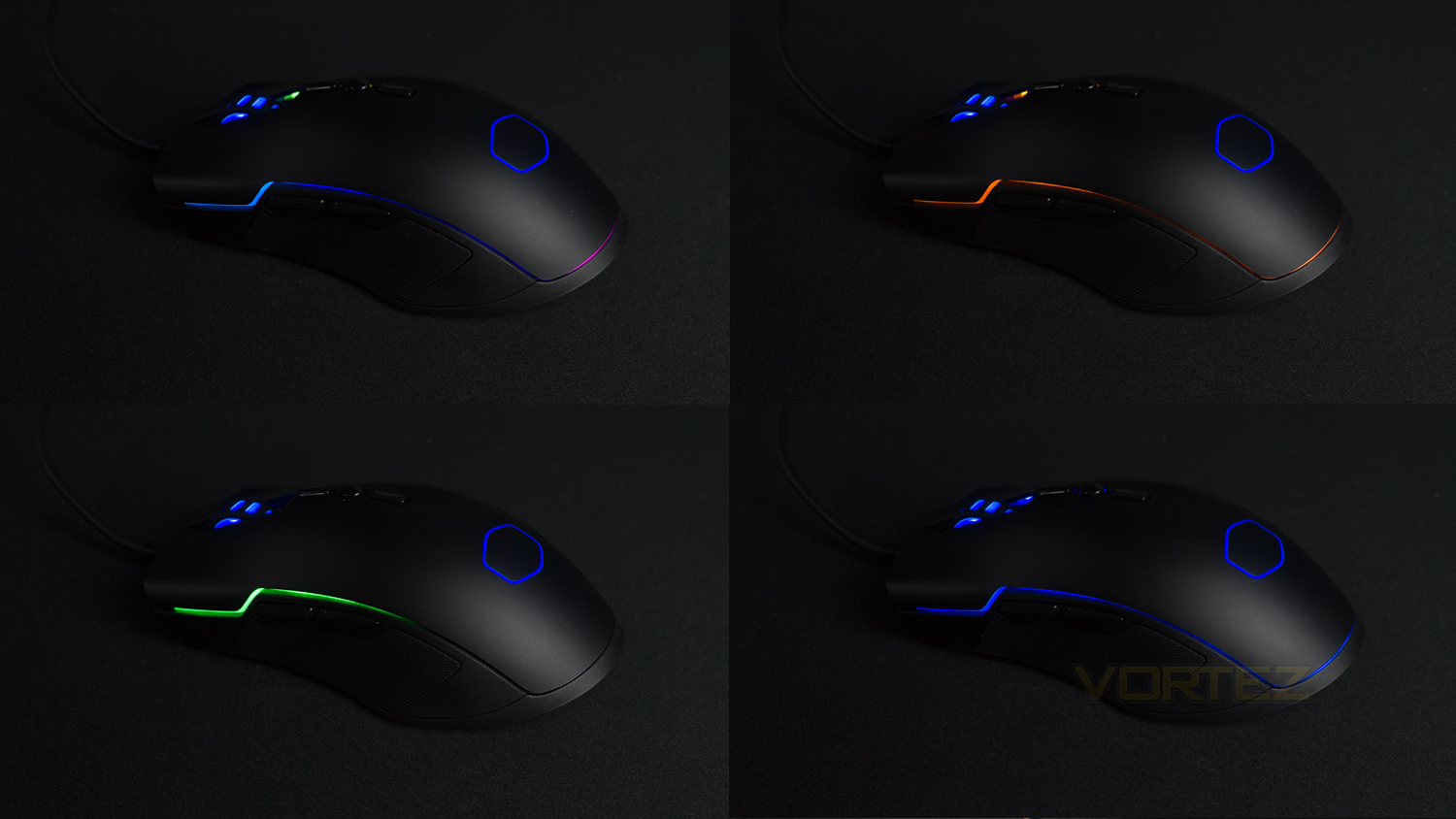
The illumination provided by the CM310 is good, the light output is bright, and the colours are vivid. The lighting is quite full, and it’s even bright under direct light from a LED desk lamp. There are a few small hotspots around the bordering RGB strip but other than that minor issue the lighting is good. There are five effects to choose from, and they can be changed using the button located in the middle of the DPI buttons. The effects are quite interesting and very well done for such an affordable mouse. The LED illumination on the scroll wheel and CM logo are good too, you don’t get the same effects as the strip, but the LEDs do change colour when switching the DPI level.
Performance
Everyday performance when web browsing, editing documents and doing some photo work was good, the CM310 performed great thanks to the smooth sensor not suffering from jitter or any stuttering. The scroll wheel is solid and has nicely defined scroll steps while being reasonably smooth. It isn’t the most free-flowing of scroll wheels, but that could be of benefit to some. The left and right clicks are responsive and accurate too. It isn’t without fault though and a little issue with the mouse when using it daily is the DPI options. As there are only 7 settings, not all levels are covered, and there is no in-between the main options. For example, the settings between 500 and 1000 are often the sweet spot for many users, but with the CM310 this isn’t available as you can either pick 500 or 1000 and nothing in the middle. So 500 could be potentially a little slow feeling for some and 1000 may be slightly too fast for others. Software would solve this problem, but there is none to use.
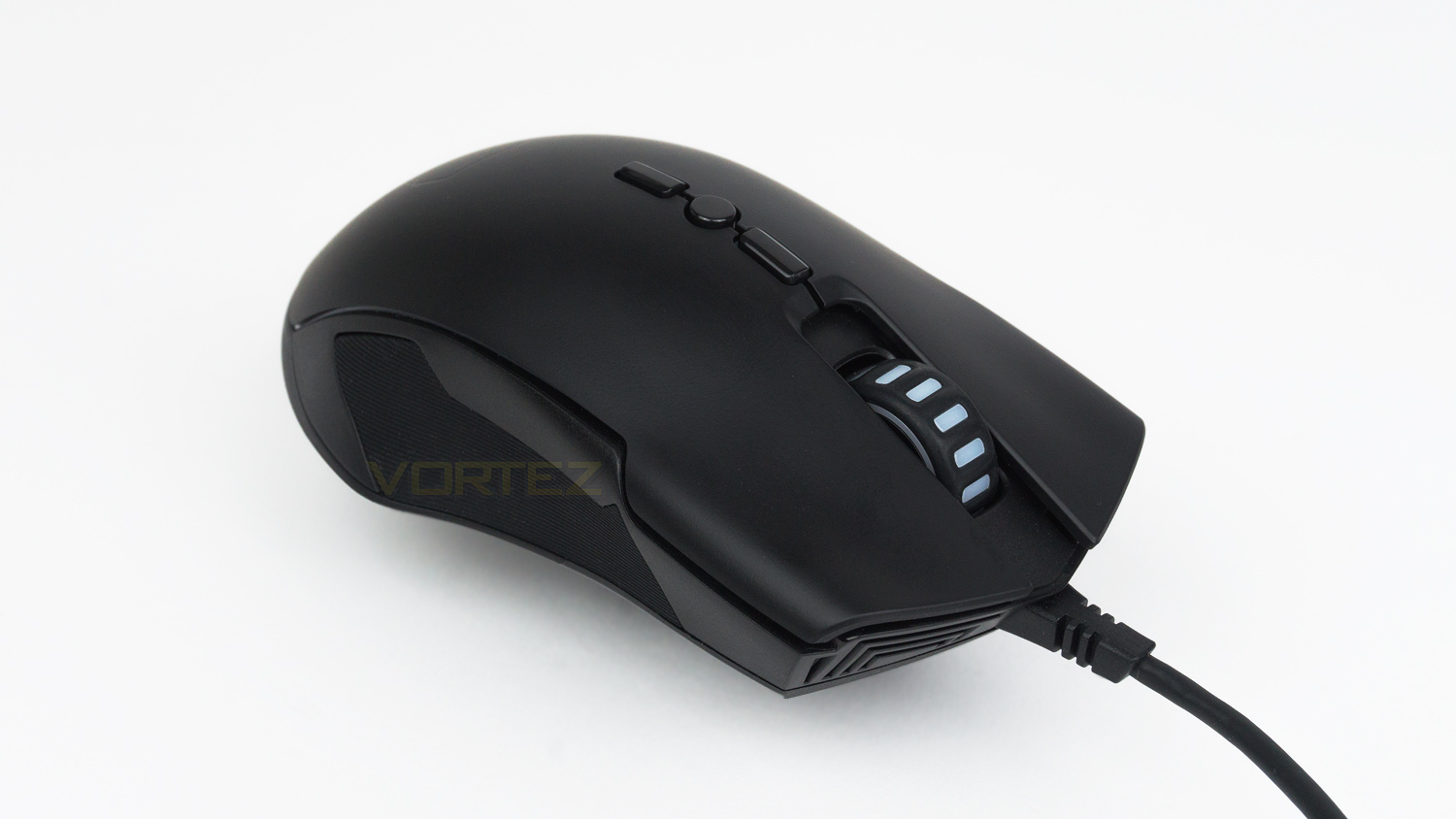
The gaming performance delivered by the CM310 is surprising, we were expecting a commendable performance but what we got was something a lot better. The left and right clicks are accurate, responsive and well sprung so that they don’t feel too slow, nor are they too quick, and they have a nice balance which is great for a variety of different genres. As for the Pixart A3328 sensor, it again impressed, it’s not on a par with something like the 3360, but the performance on offer is great. The sensor feels fast, fluid and is great for tracking. Even though it only has an IPS of 60, it never felt like it hampered the performance at all. The left and right buttons are a touch small which resulted in a few misclicks in the beginning. But given some time, they can be adjusted to. Their in-use experience is good, and though they are a touch softly sprung, that didn’t impede their performance, and they are very passable given the price point. The scroll wheel click is good, it feels quite responsive and is reassuringly tactile. One small problem we noticed with the CM310 was when performing lift offs. When lifting the mouse and placing it back down the cursor does mover a fair amount which can cause some accuracy issues. This issue is worth noting, especially if you find yourself doing this regularly.
Conclusion
The Cooler Master CM310 is a superb budget-friendly gaming mouse that has so much to offer on all fronts. Its design is nice and minimal and doesn’t fall to some of the usual tropes found on mice at the price point. The build quality is better than expected and it feels well put together for what it costs. There is heavy use of plastic, but it doesn’t feel flimsy or cheap, plus the matte finish has a UV coating which is quite rare this side of the market. In terms of illumination, it scores highly as well. RGB at this price point is very hit or miss and its either done well or not. With the CM310 it’s the former, and the illumination is vivid with good colours and effects. Taking all that into account, the strongest suit is yet to be played and that how it games. It genuinely offers performance that was much better than expected and does not befit the £26 price tag. The CM310 is fast, fluid, responsive and delivered a performance that is rarely seen on mice under £40.
It does have some issues, however, and the first being the lack of a dedicated software suite, for some that may not be a deal breaker but for others that want the experience, the lack of software will be a bit of a letdown. Software does bring so many benefits, but we understand why Cooler Master has opted not to create any for this mouse. What we don’t understand is why the CM310 doesn’t work with their existing Cooler Master Portal software, this would have made more sense than creating a unique suite, but as of now, the CM310 doesn’t work with it. The other slight issue is the comfort, now this may not affect all users, but we found that it isn’t the most comfortable of mice, it causes some issues and discomfort over long use.
If you can see past the minor flaws, the CM310 is one mouse that should be a serious contender if you’re looking to get into PC gaming or simply looking for a gaming mouse that offers great performance, but won’t break the bank.
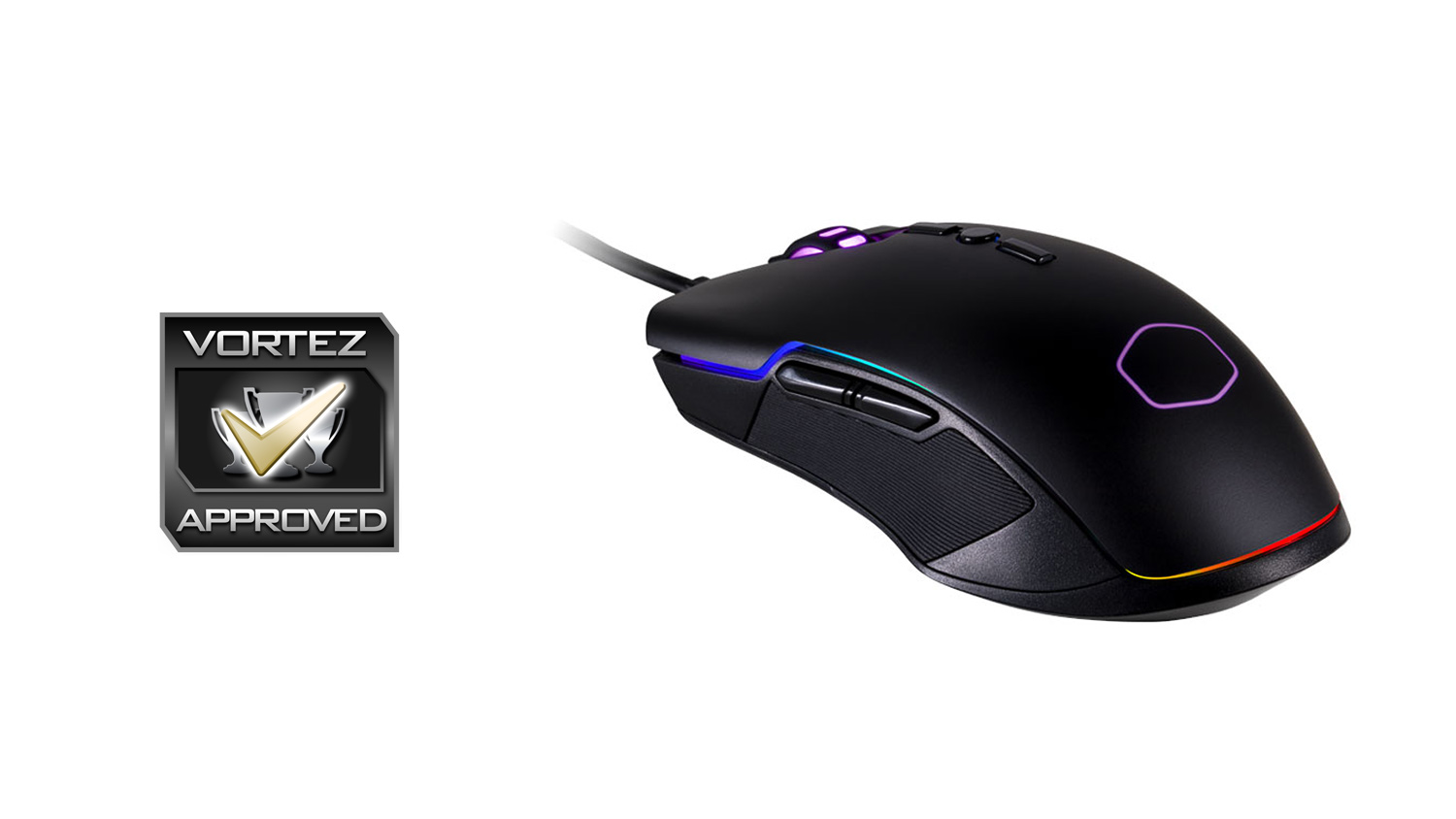
The Cooler Master CM310 offers quite a lot, for not very much, but the stand out feature is the sheer performance delivered when it comes to gaming.
Pros
+ Design
+ Solid feeling
+ Great for day-to-day work
+ Very strong gaming performance
+ Good RGB integration
+ Price
Cons
– Lack of software could be an issue for some
– No programmable buttons
– Not the most comfortable mouse
+ Design
+ Solid feeling
+ Great for day-to-day work
+ Very strong gaming performance
+ Good RGB integration
+ Price
Cons
– Lack of software could be an issue for some
– No programmable buttons
– Not the most comfortable mouse
Click here for an explanation of our awards at Vortez.net.
Stay connected with the Vortez Social Media pages:
Join in with the discussions on Discord