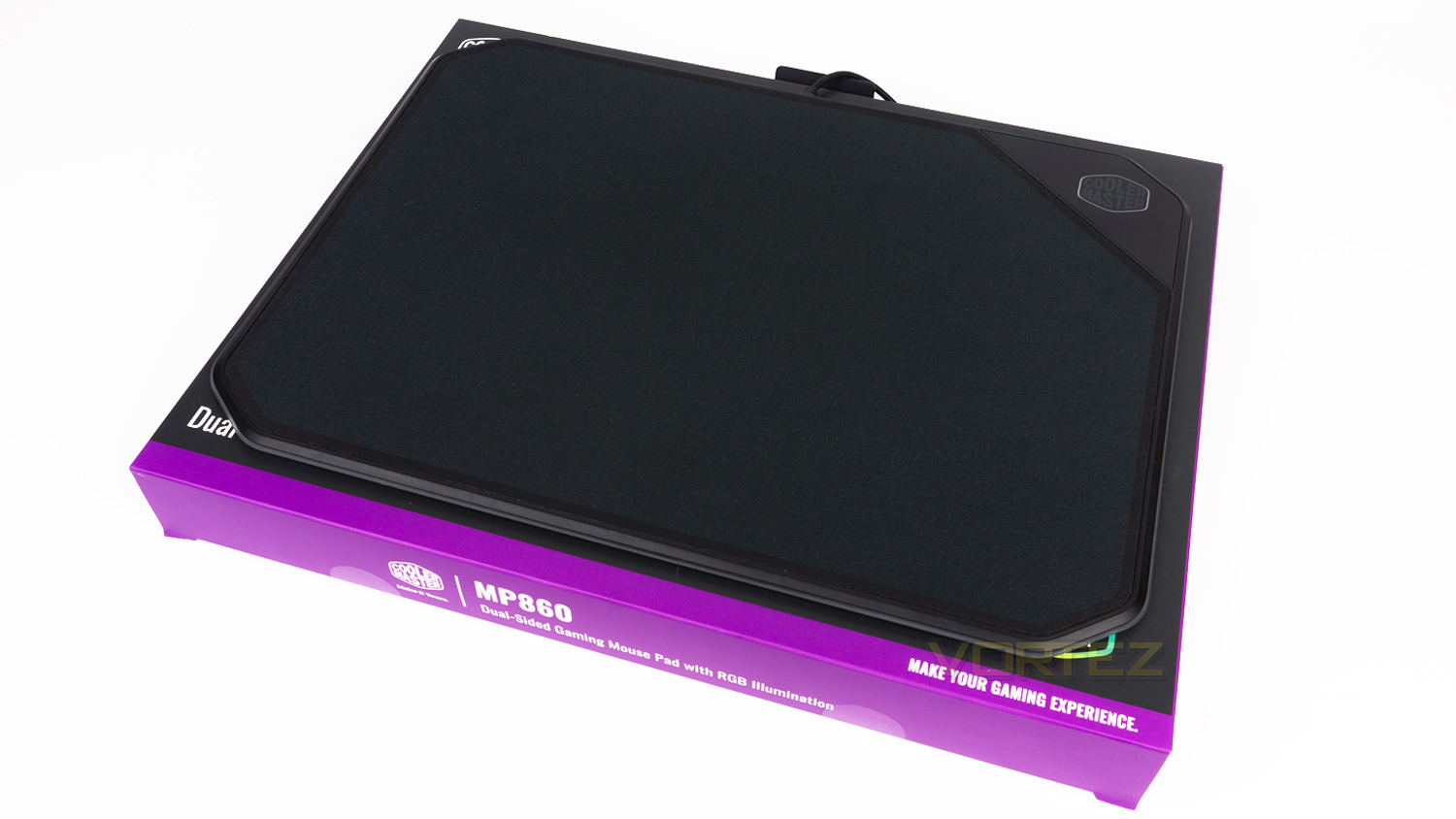
If you’ve ever wanted two different gaming experiences from one mouse mat, then the MP860 from Cooler Master may just be what you’re looking for.

Product on Review: Cooler Master Masteraccessory MP860
Manufacturer: Cooler Master
Street Price: £79.95 GBP / $89.00 AUS
RGB enabled products are a growing trend that shows no signs of slowing down anytime soon and its no surprise that companies want in on the action. We’re now seeing RGB enabled chairs, monitors, headphone hangers and honestly just about anything else that can have lights implemented into them. Well, now its the turn of the humble mouse mat. We’ve seen RGB mouse mats in the past, and now Cooler Master added to that group with their Masteraccessory MP860, but is it a good entry?
It’s off to a good start thanks to a few key features, the first being the dual-sided nature of it. This is thanks to Cooler Master opting to add both a premium cloth surface as well as an Aluminium one. This is quite a rare sight as usually its a polymer-based surface rather than metal one that is used. The next notable feature is a low profile cable and power housing. The older RGB mouse mats and even some more recent releases have had a significantly sized plastic housing that contains all the electrical components, Cooler Master though has managed to hide that away, and all that is left is just the cable. This means that it doesn’t block or snag your mouse cable. Other notable features include 19 bordering LEDs and software control.
So, let’s take a closer look and see if the £79.95 ($89.00 AUS) price tag is justified.
Cooler Master on the Masteraccessory MP860:
The MP860 Dual-sided Gaming Mousepad is a functional option that adapts to your gaming situations. The cloth side uses low-friction fabric for fast, speedy mouse action, while the aluminum side gives you high precision and control. Smooth RGB illumination with customizable effects adds personality, and can even be sync’d up to other connected Cooler Master devices.
Technical Specifications
Dimensions
Dimensions – 360mm (L) x 260mm (W) x 10mm (H) / 14.17” x 10.23” x 0.39”
Cable – 1.2m / 3.93ft braided fabric
Mouse Mat
Materials – Cloth / Plastic / Anodised Aluminium / Rubber
Surfaces – Cloth / Aluminium
Connectivity – USB
Colour – Black
LED – RGB 16.7 million colours
Number of LEDs – 19
Warranty – 2 Years
System Requirements
Spare USB port
Internet connection to download software
Dimensions – 360mm (L) x 260mm (W) x 10mm (H) / 14.17” x 10.23” x 0.39”
Cable – 1.2m / 3.93ft braided fabric
Mouse Mat
Materials – Cloth / Plastic / Anodised Aluminium / Rubber
Surfaces – Cloth / Aluminium
Connectivity – USB
Colour – Black
LED – RGB 16.7 million colours
Number of LEDs – 19
Warranty – 2 Years
System Requirements
Spare USB port
Internet connection to download software
Packaging & First Look
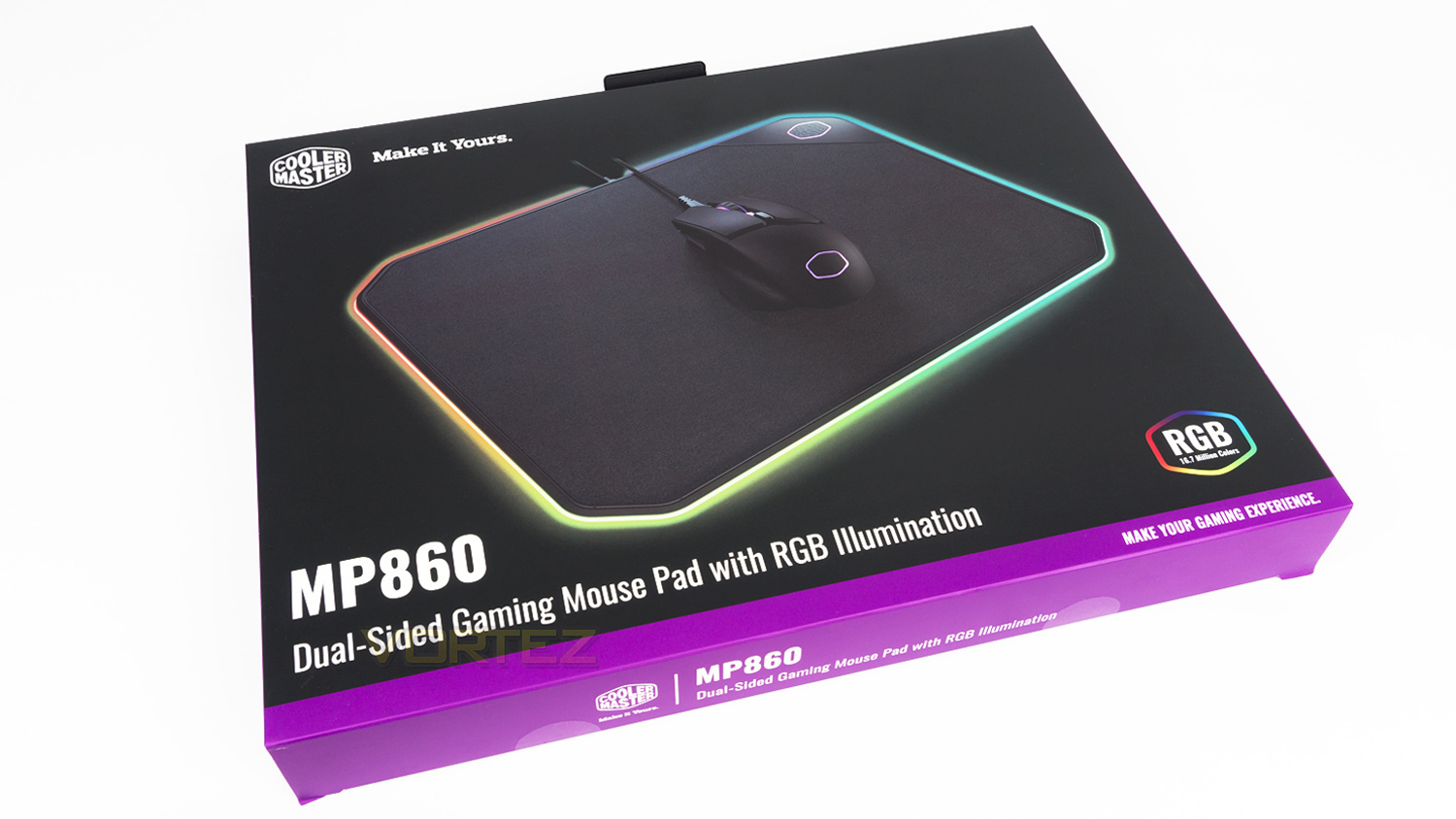
Cooler Master has opted to stick with their colour scheme, and we appreciate the cohesion it creates for the brands’ identity. The front is very toned down and only features the relevant branding and information.
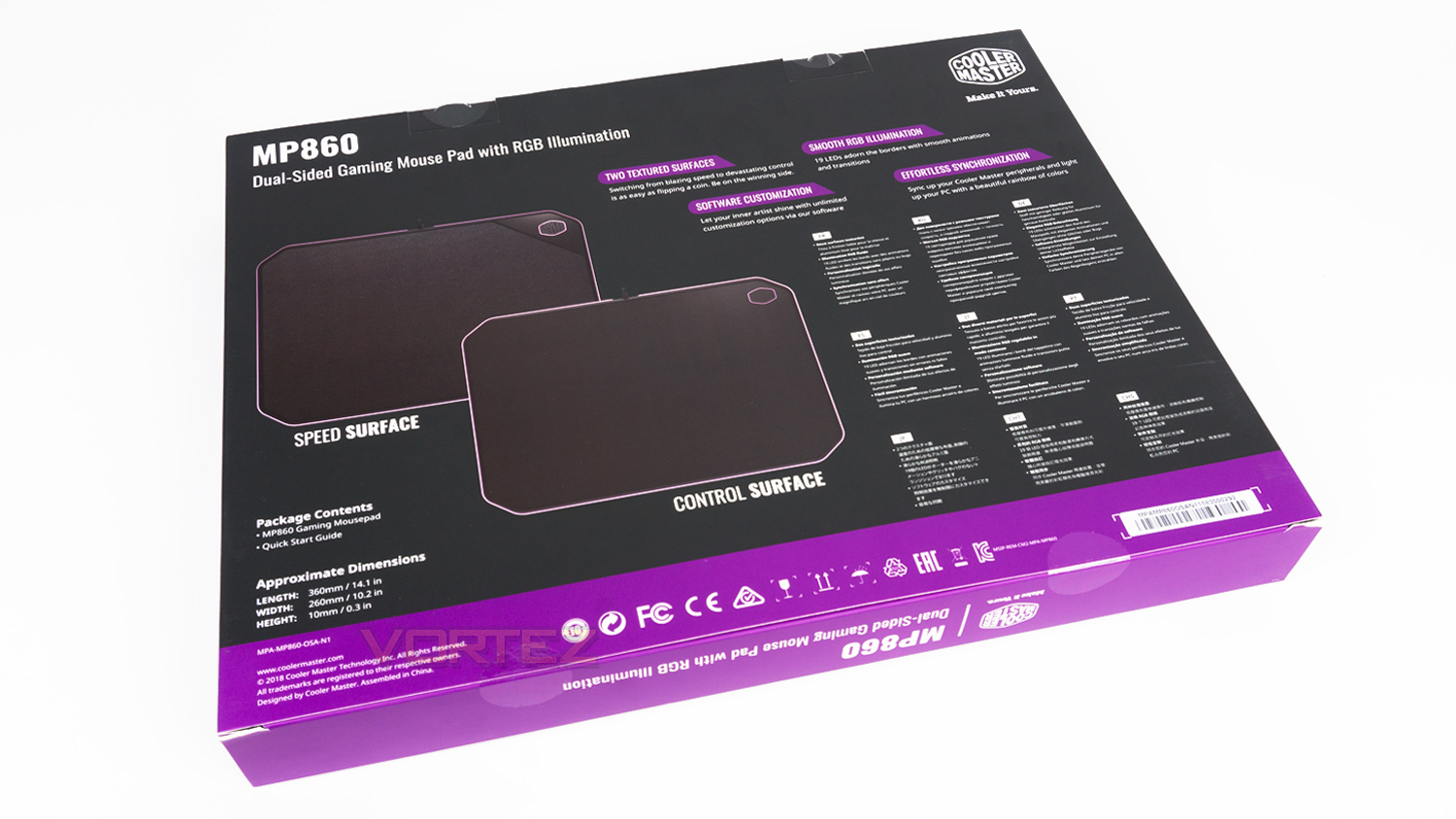
Spinning the box to the rear, we are presented with some of the key features of the MP860 alongside the dimensions.
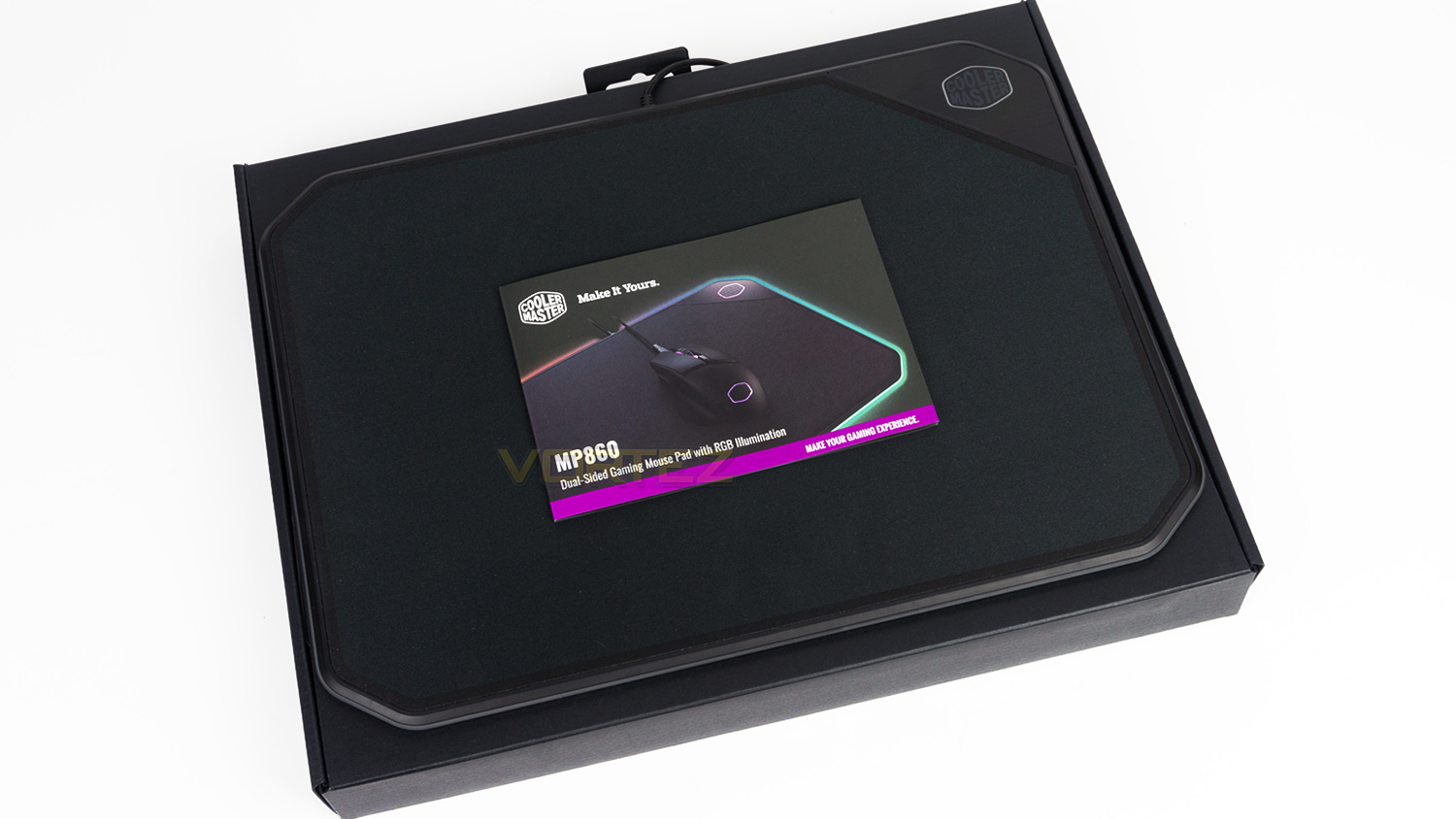
Within the box, there is the MP860 itself and the documentation.
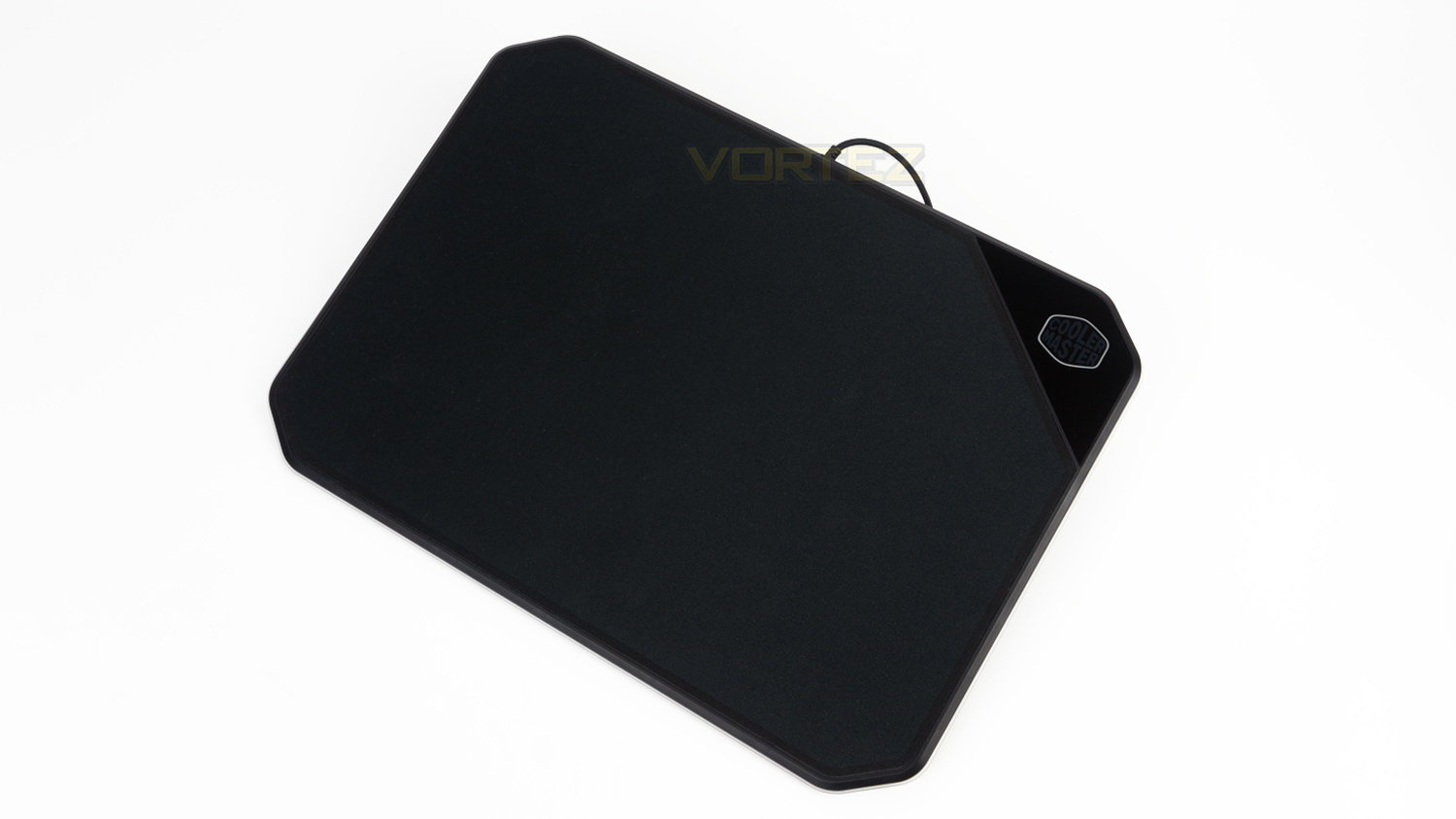
The styling of the MP860 is very clean and doesn’t have much in the way of design flair; this is great as it blends in with a PC setup very nicely.
Closer Look
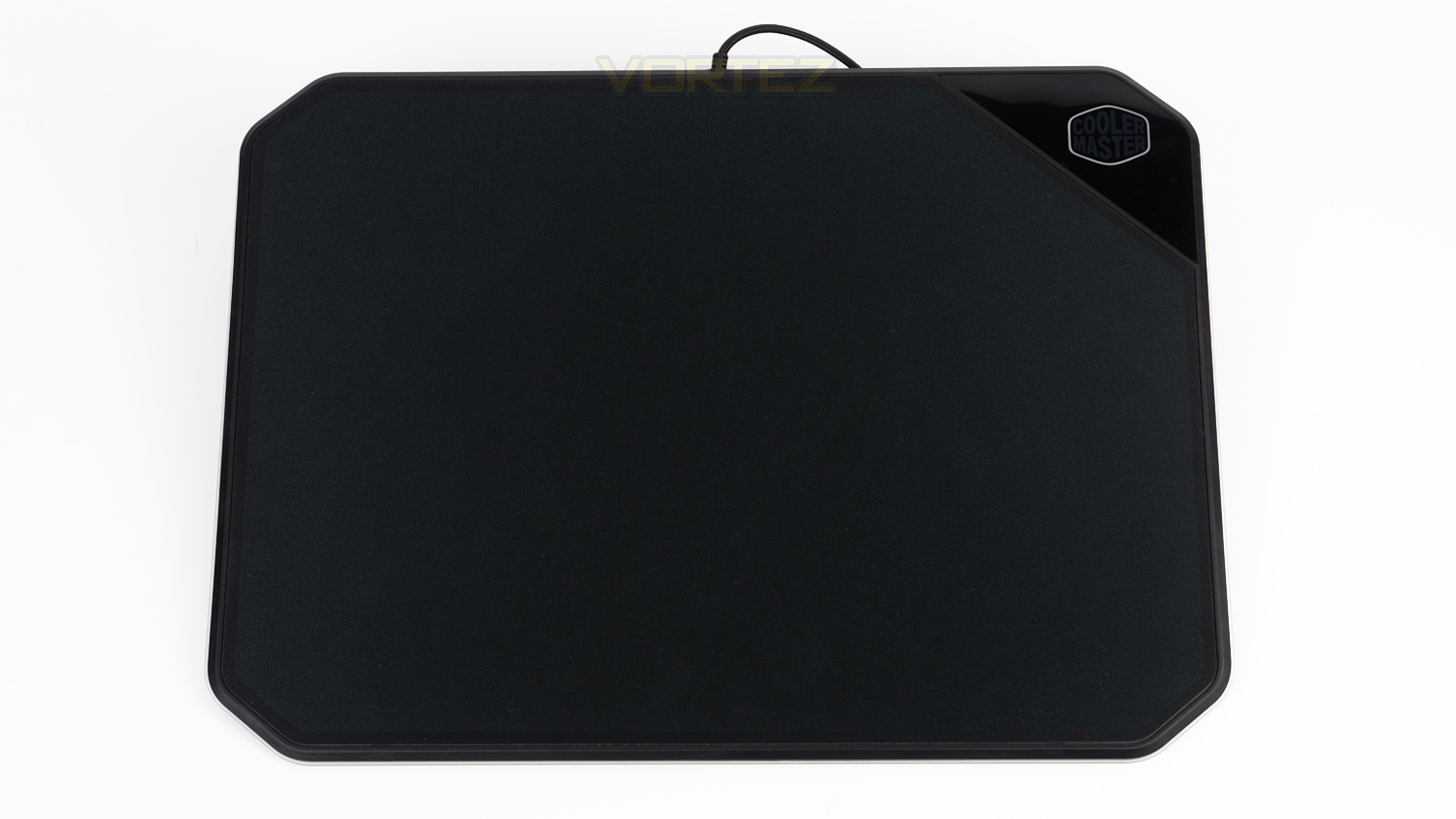
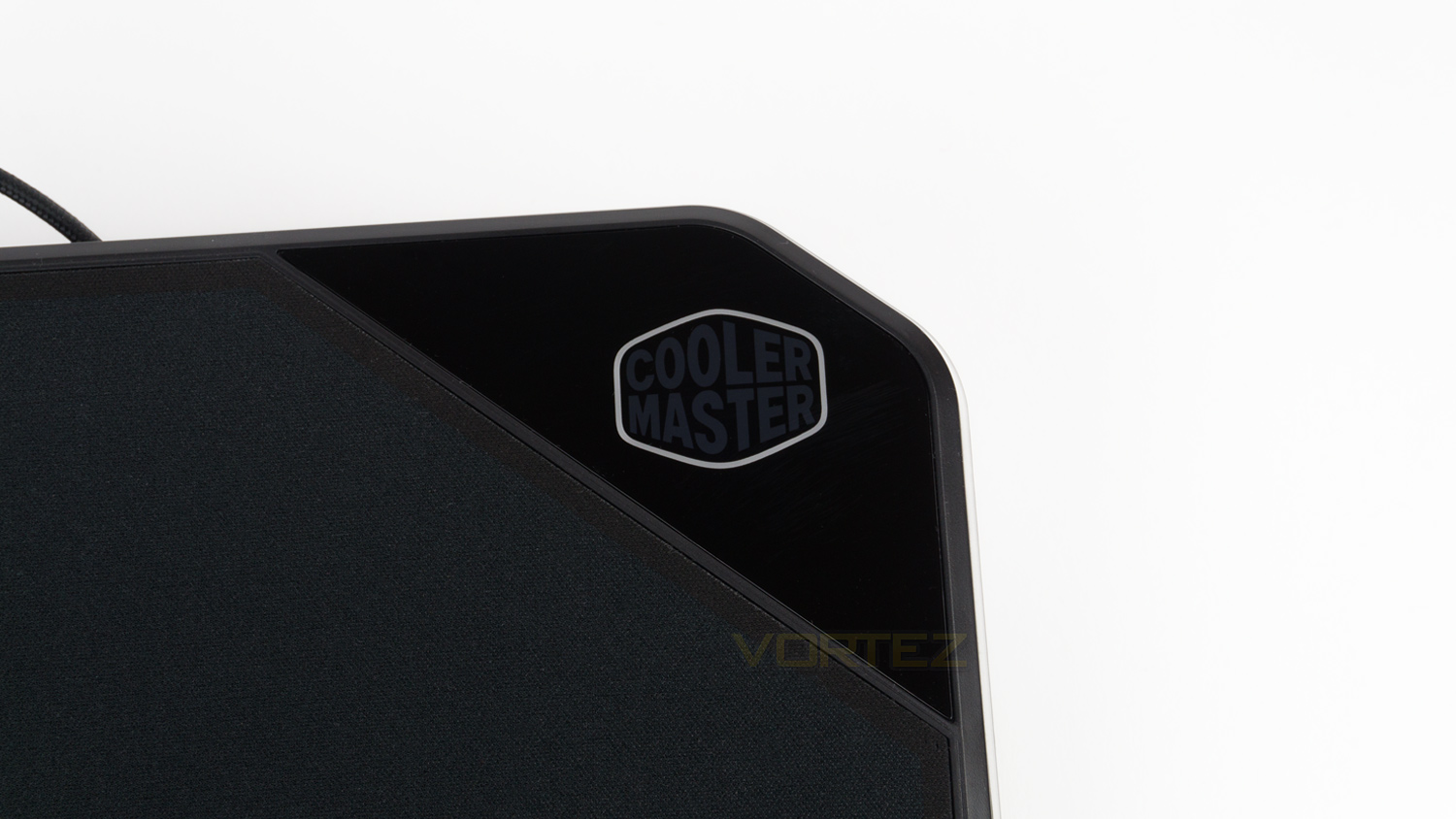
As the Masteraccessory MP860 is dual-sided there are two sides with two different materials, one of these sides is cloth and the other is Aluminium.
Taking a look at the cloth side first and you’ll note that there is an area in the top right that is plastic, this section is utilised for the branding which just so happens to be an RGB zone. This does add to the aesthetic but as a consequence reduces the size of the usable surface area.
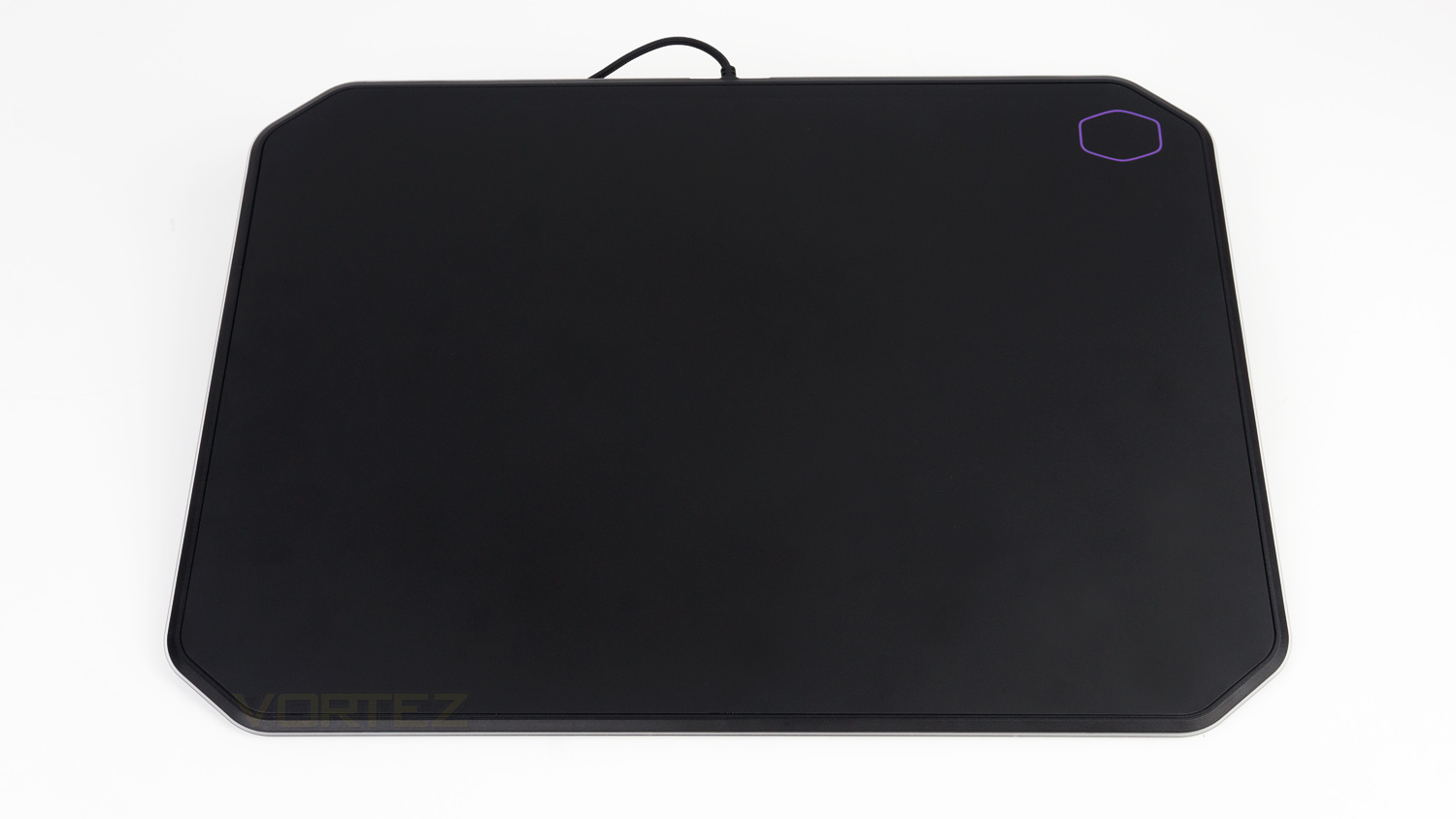
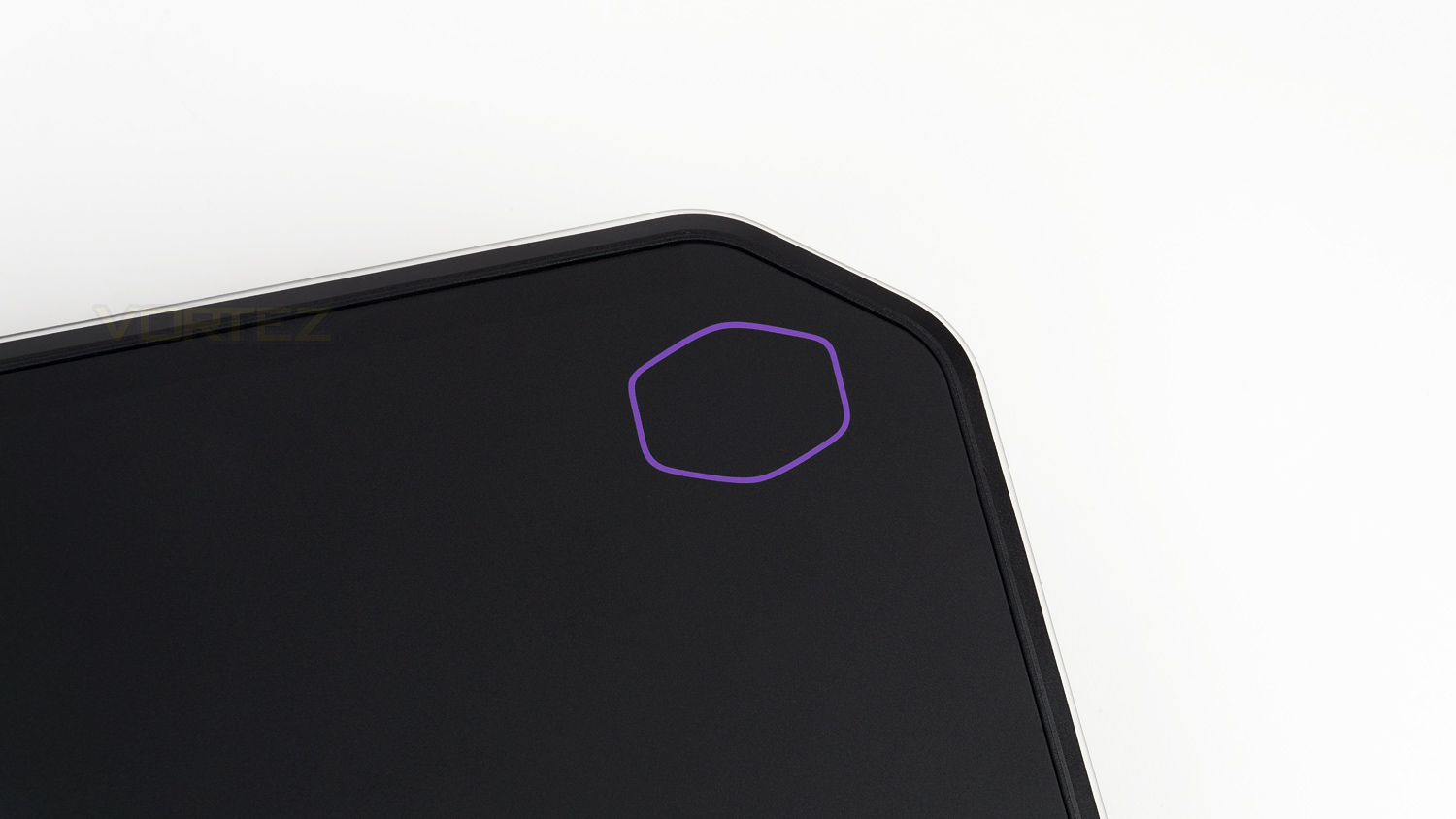
Flipping the MP860 over reveals the Aluminium side that has a much larger surface area. This side also has some branding in the top corner, but this time it’s not RGB.
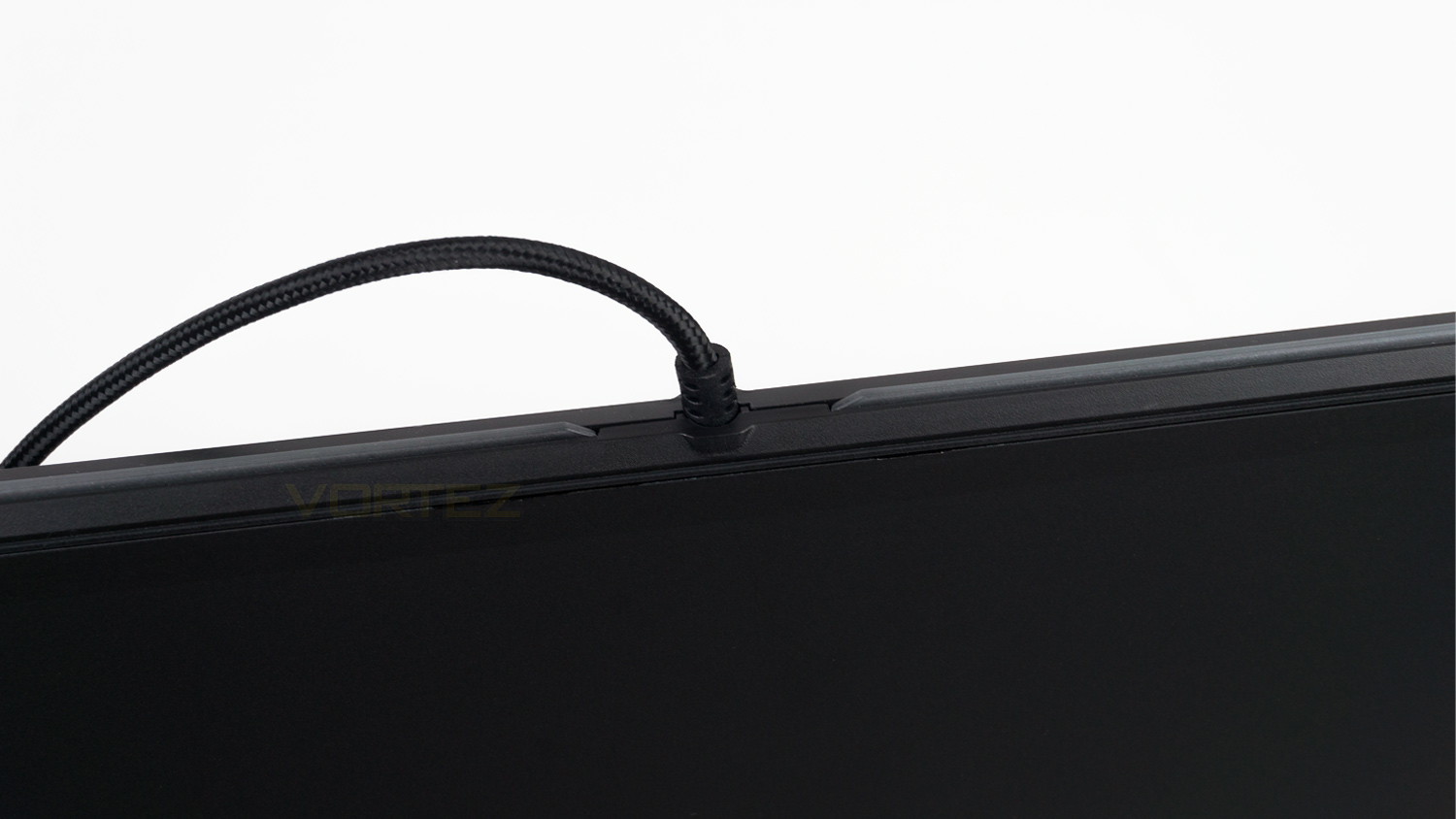
In the centre of the MP860 there is the cable point, this area is very small, and we like this approach as it doesn’t interfere with your mouse cable at all.
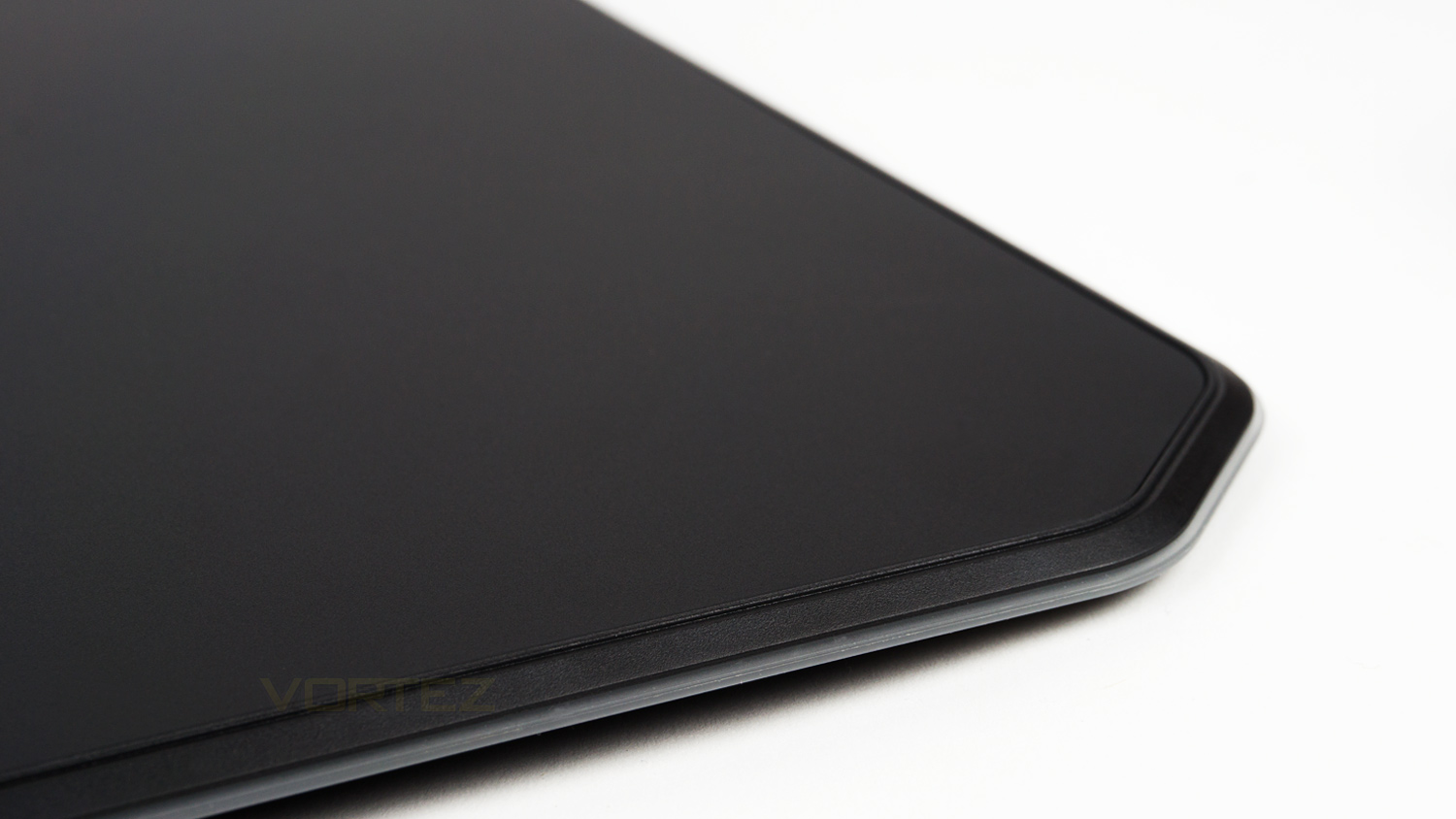
Round the edge of each side is a rubber lip, this provides a small amount of grip and helps to prevent the MP860 from moving when in-use.
Software
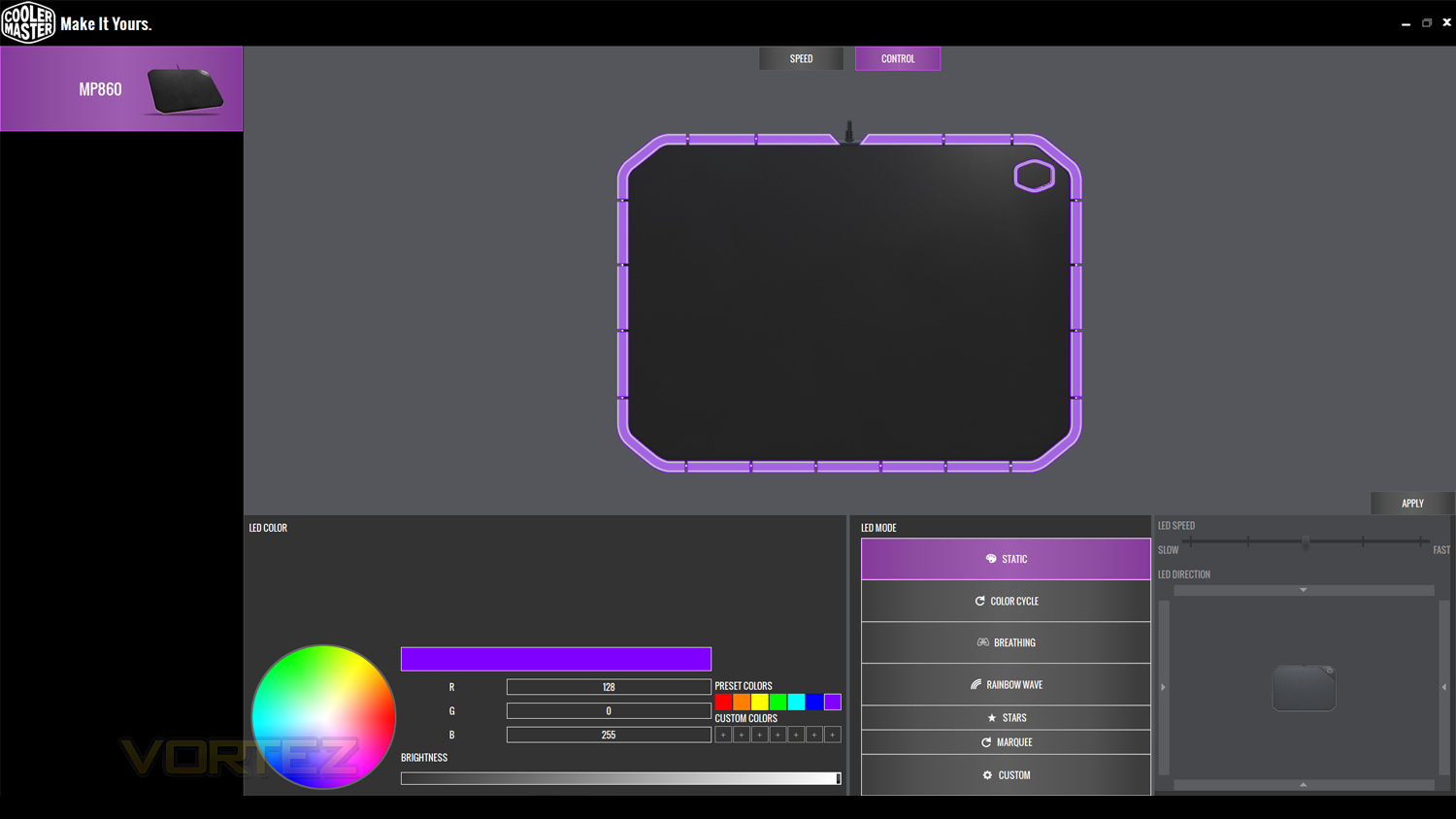
Cooler Master’s Portal software enables you to customise the lighting on a select few of their peripherals. The suite is designed in typical Cooler Master fashion with uses of grey, black and of course Cooler Master purple. The Portal software lets you add different effects and colours to your products, though the choices are limited when compared to some other offerings, the effects though are well done and transfer to the peripheral very well.
In our experience during the testing phase, the software ran very well with only one fault which was the speed that the effect was displayed within the software. When reducing or increasing the speed via the software it failed to match and display what was set, however, this did change on the MP860. There was no issue when adding effects and changed colours though as the moment you select or change them, they were applied. It also has the plus of showing the effects and colours in real-time so that you can see how the effect or colour will look before selecting it.
Below is a quick overview of the software.
Performance Testing
Setup & Observations
Getting going with the MP860 is as simple as any other other USB peripheral and just requires a spare USB port as well as space to place it on your desk surface. After that, you’ll likely want to download the software to fully appreciate what the MP860 can do.
In use, the MP860 does take some brief adjustment as it is considerably thicker than a traditional mouse mat. A normal cloth one will be around 3mm to 5mm thick whereas the MP860 is 10mm, this doesn’t sound like much, but in reality, that thickness is noticeable and does feel a bit odd at first. Earlier in the review we also brought up the rubber lip that borders the mat, this can rub against your wrist and cause a bit of irritation. On a more positive note, the lip does its job well and helps keep the mat planted even during some intense gaming.
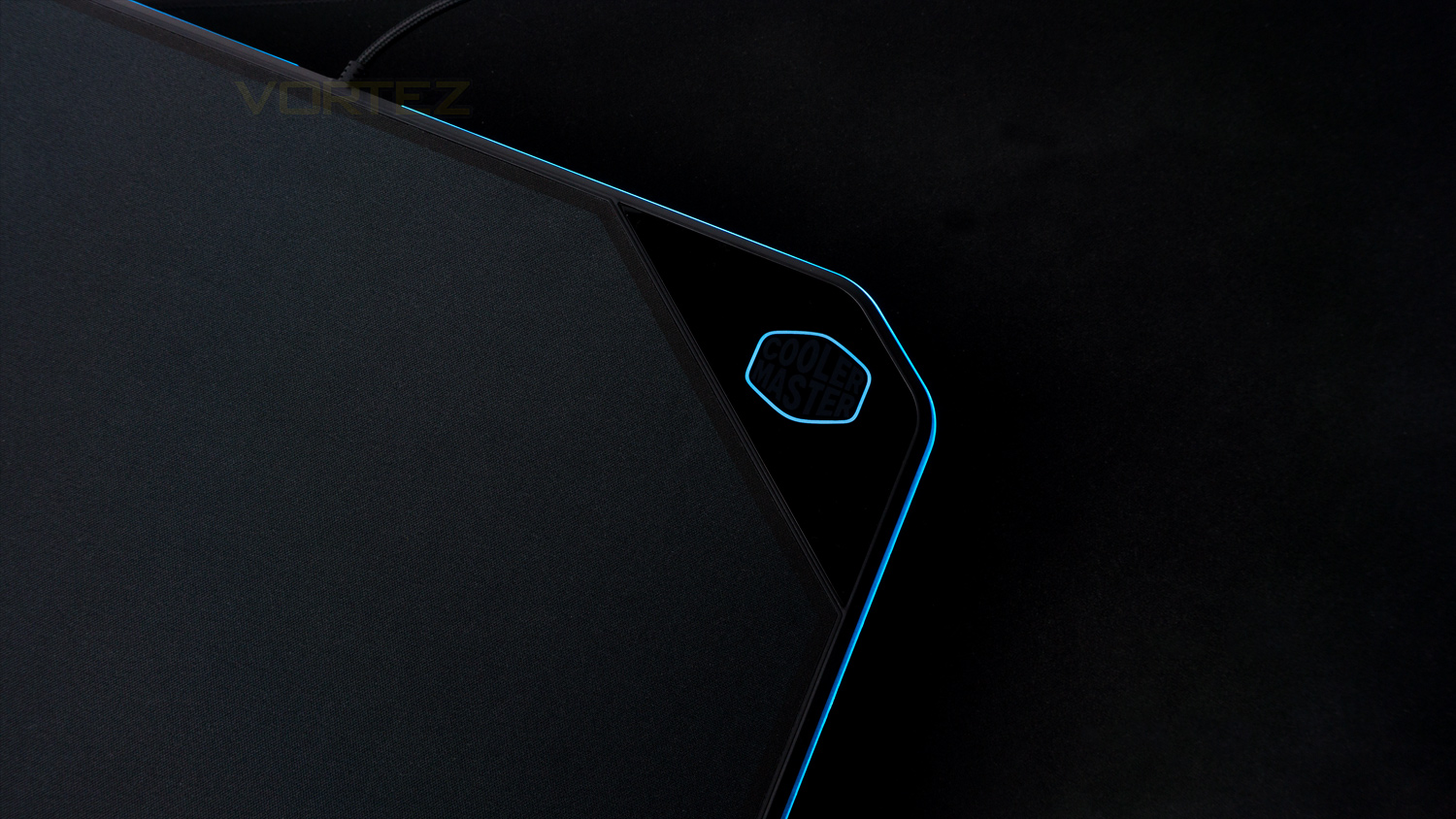
Another thing we observed when utilising the cloth side was that there was a substantial amount less real estate than the Aluminium side. In our experience, we didn’t notice this interfering with regular or gaming use; though if your gaming style is a touch more vigorous then you could run into the side of it. Luckily it doesn’t bring your mouse to a dead stop, but there is a slight lip that your mouse could potentially run over. We also noted that the lip around the border of the mouse mat can cause some obstruction, especially if you like to use the full space of the surface. Again though, like in our experience this may be a non-issue, but it is worth mentioning. On the plus side though there is no large block, by that we mean the area of plastic which is usually reserved for the electrical components or in some cases a USB pass-through. This feature or should we say lack of feature is good as your mouse cable has nothing to catch against, thus there is nothing to impede its usability.
In regards to design and build the MP860 scores well, the design is subdued as it lets the RGB do the talking. The colour palette is predominantly colour neutral with the exception of the purple logo on the Aluminium side. This is great as it can blend with pretty much any style of gaming setup and not look out of place. In typical Cooler Master fashion, the MP860 is well made as the mat feels rigid and very well put together which is thanks to the materials choice as well as how its constructed. Cooler Master could have easily utilised cheaper materials, but they haven’t, and that does help contribute towards justifying the asking price.
Performance
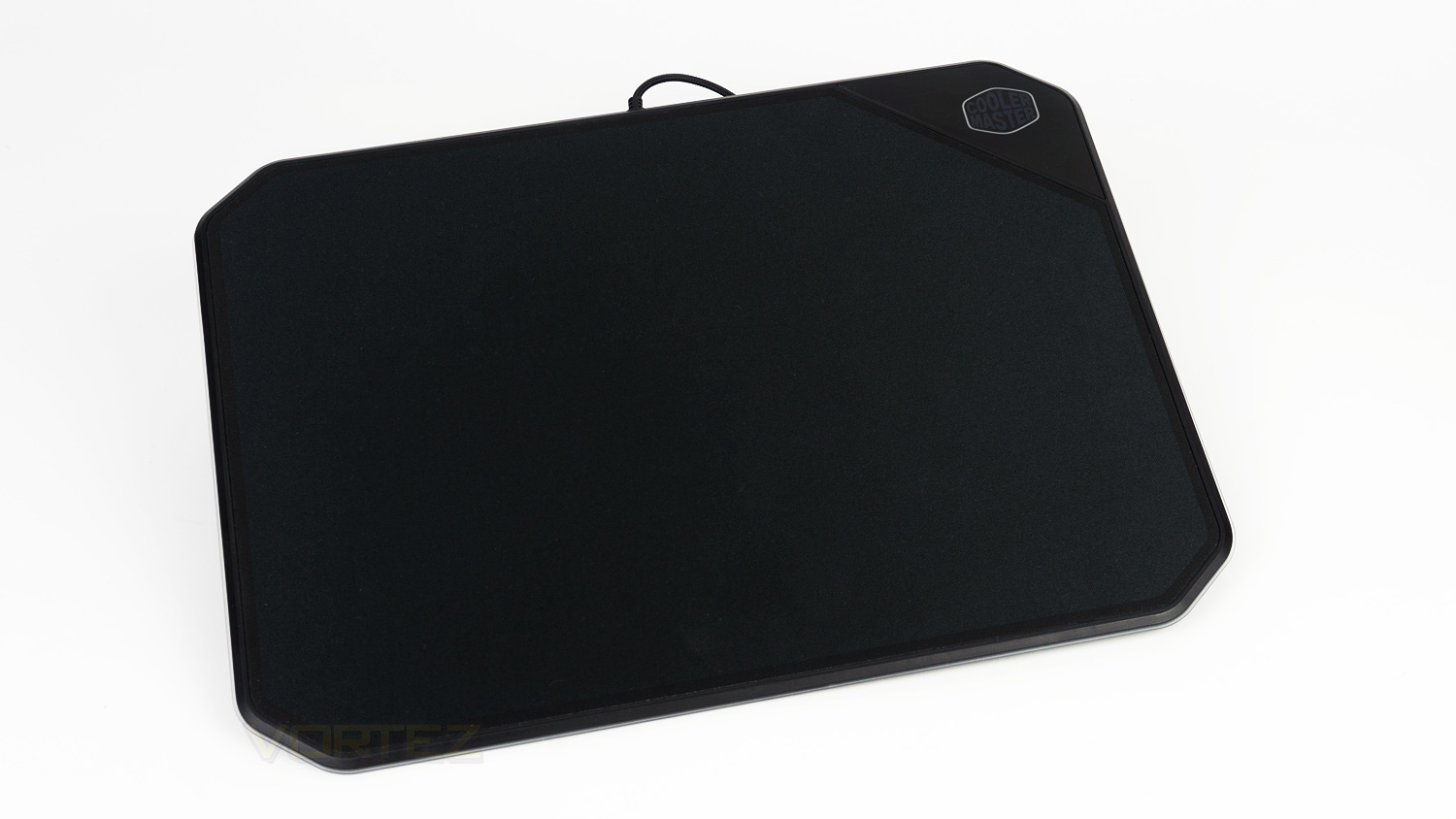
As there are two sides to cover we’ll be breaking them down into two sections and covering each side individually as the experience they offer is different. First up is the cloth side, and in terms of quality it easily ranks up there with the best feeling we’ve encountered. The surface is smooth, soft and doesn’t have rough spots or other flaws in it. For testing, we used a Logitech G305, and a Hyper X Pulsefire gaming mouse and the result was impressive. The cloth surface has very low levels of friction and as a result is very fast which translates to impressive tracking of quick moving targets; this makes the cloth side ideal for fast-paced games that require you to be on your toes a lot. If you’re a fan of sniping or slower paced games that don’t require as much quick movement, then the cloth side is still usable but may require you to adjust your DPI to counteract the speed. That way you can accurately nail a headshot or carry out a task that needs that extra precision.
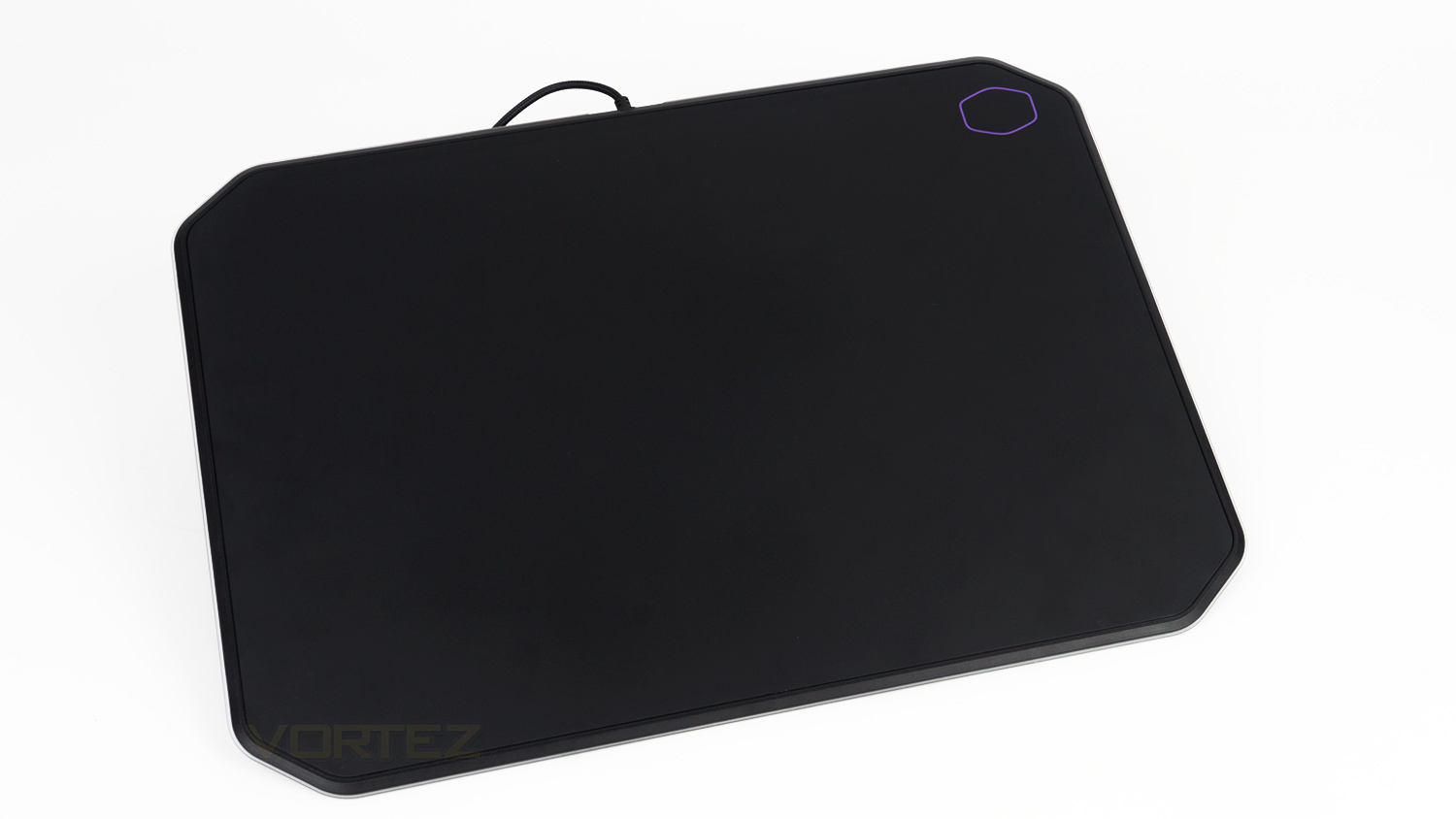
The Aluminium side is again smooth yet much more controlled than that of the cloth side. In our experience we noted that the glide offered by this side feels a touch more resistive and not as buttery smooth, this is a good thing though as it enables you to track slower moving targets or hit targets that are at a distance with more accuracy as you can make slight adjustments without overshooting your target. This is due to the characteristics of the surface making slower movements easier to control. For example, if you’ve got a target 500+m away, you can make minute movements to ensure that you get pinpoint accuracy. This can be achieved on the cloth surface, but would likely require you to drop your DPI to do so; whereas with the Aluminium side, you can keep settings the same.
In summary, the cloth is better for freedom of movement and for fast-paced action, whereas the Aluminium surface is all about precision which it offers without the need to adjust your mouse settings. Which side you use would depend on the type of games you play, but that is where the benefit is, you are free to choose without the need for two separate mats with two different surfaces.
Illumination
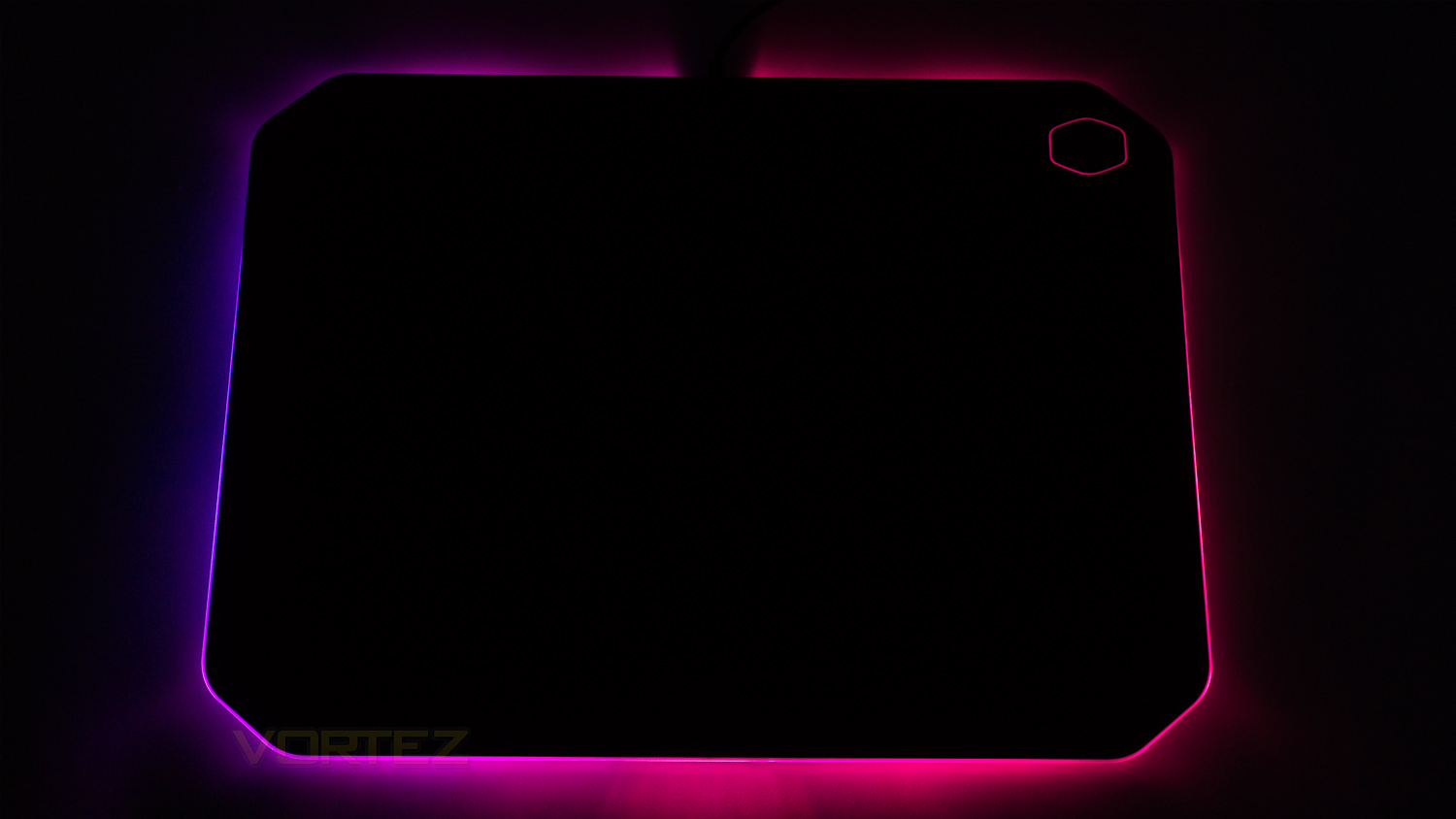
The RGB illumination on offer with the MP860 is good. Within the software, there are six preset effects to choose from as well as a custom mode where you can add any colour you want. This means you can go all one colour or pick a different one for each of the individual areas.
As for the illumination its solid, the lighting isn’t too bright as Cooler Master has gone for a more ambient glow, this works great as it’s not overly distracting. The effects are well done and look very nice when utilised. Colours are vivid and have good levels of saturation as the whites aren’t too warm nor too cool, this means that they don’t have a heavy blue or yellow tinge which results in a white output that quite crisp and clean. The lighting around the border is very nice and full which creates a good amount of light spill across any surface its placed on. There is also the area around the Cooler Master logo which looks nice too as it helps to add a certain bit of flair to the overall effect. There is one issue though, around the area where the cable is located. There is no LED here which leaves a gap in the light fill, this isn’t a deal-breaking issue, but it does have a small impact on the overall effect.
Conclusion
Cooler Master has got a lot right with their MP860, it’s nice to look at, very well made, and great in-use – in most cases. At times the bordering lip – which we have mentioned, can cause a slight bit of irritation and also at times so small interference with your mouse. There is also the corner cut-out on the cloth side that does reduce the surface area of it. In our use case we didn’t notice it cause any issues, but for some, it could.
The performance though is where it shines; the cloth surface is one of the best we’ve ever used as its smooth, fast and feels great. The Aluminium side also offers an experience that is brilliant, but in a different way thanks to the heightened precision it offers. Then to the RGB which isn’t too over the top and does add a nice ambient glow to your setup.
One thing that is missing is the USB pass-through, this could either be a blessing in disguise or possibly a feature you can’t live without – depending on what side of the fence you sit on. On the one hand, the lack of this feature means there isn’t a bulky bit of plastic getting in the way of your mouse cable. On the other hand, it is a useful feature for connecting peripherals or card readers. So you’d have to decide if it is a feature that you can make do without.
Is the MP860s price tag of £79.95 ($89.00 AUS) worth it though? Well, we would say so. The MP860 is essentially two mouse mats rolled into one as you’re getting a great cloth surface and a very precise Aluminium one to boot. Then add the RGB illumination, the design and build and the value does start to make itself apparent. In terms of what else is available, there are a few cheaper rivals, but none of which offer the exact same experience as what the MP860 does.
If you feel you need both speed and precision for gaming, then the Cooler Master Masteraccessory MP860 is a great choice as it offers both in one tidy package.
Pros
+ Minimal design
+ Solid build quality
+ Offers two different gaming experiences in one product
+ Very nice ambience created by the RGB
+ Simple to use software
+ No mouse cable interference
Neutral
+- The cloth side has an area which does reduce the surfaces real estate
+- Bordering lip can cause irritation and interference in some cases
+- Missing USB pass-through could potentially be a deal-breaker for some
Cons
– None to note
+ Minimal design
+ Solid build quality
+ Offers two different gaming experiences in one product
+ Very nice ambience created by the RGB
+ Simple to use software
+ No mouse cable interference
Neutral
+- The cloth side has an area which does reduce the surfaces real estate
+- Bordering lip can cause irritation and interference in some cases
+- Missing USB pass-through could potentially be a deal-breaker for some
Cons
– None to note
Click here for an explanation of our awards at Vortez.net.
Stay connected with the Vortez Social Media pages:
Join in with the discussions on Discord