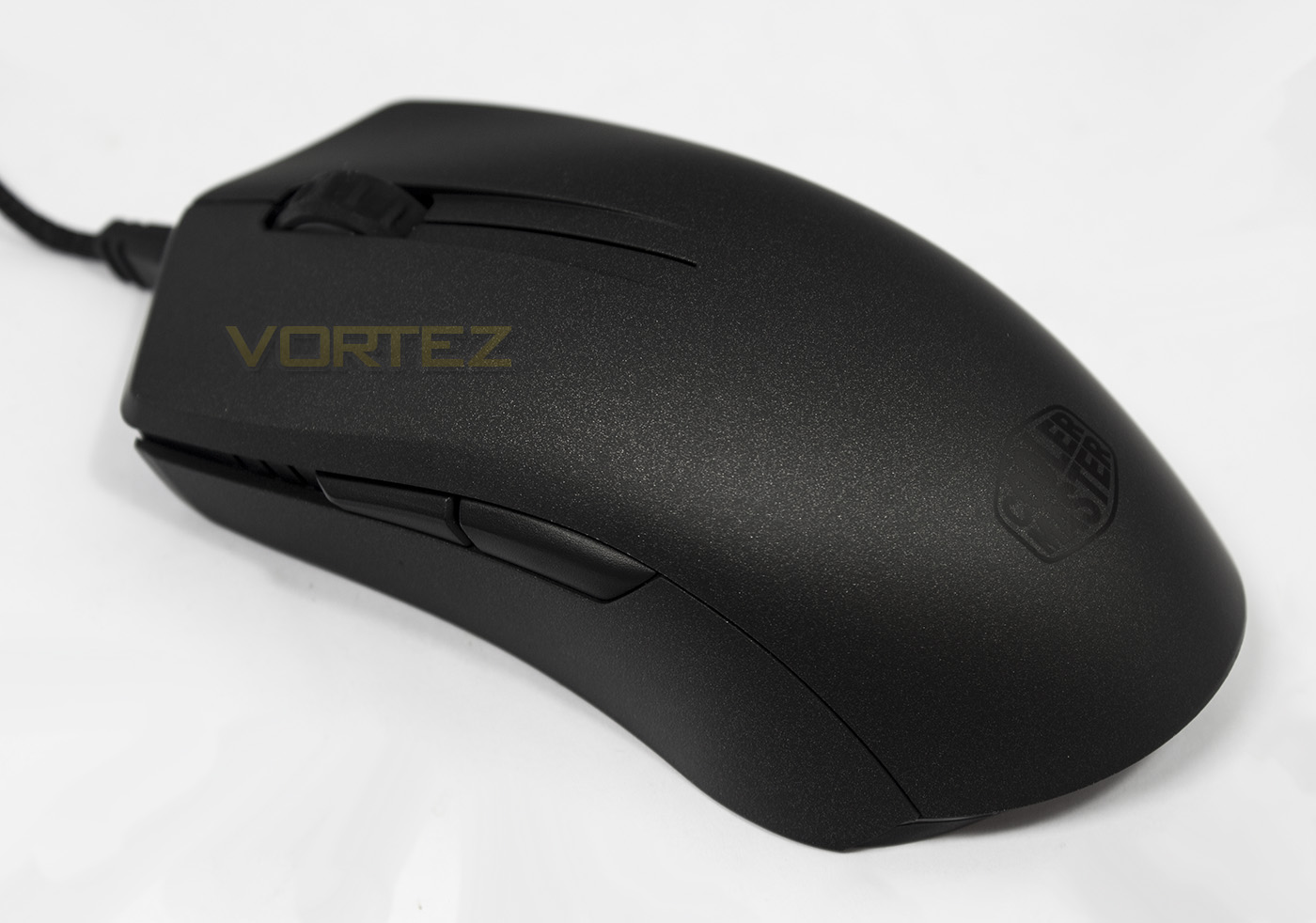
The MasterMouse PRO L is an ambidextrous mouse fitted with the PWM 3360 sensor. As it is part of the Master Series, there are downloadable files available for you to customise your own 3D printable parts.

Product on Review: Cooler Master MasterMouse PRO L
Manufacturer & Sponsor: Cooler Master
Street Price: UK: £54.99, US: $69.99
The Pixart PWM3360 optical sensor is well and truly settling into the market, becoming firmly established as the current favourite. So finding it at the heart of Cooler Masters latest gaming mouse that is part of a highly customisable series donning the classy ‘Master’ epithet is not surprising.
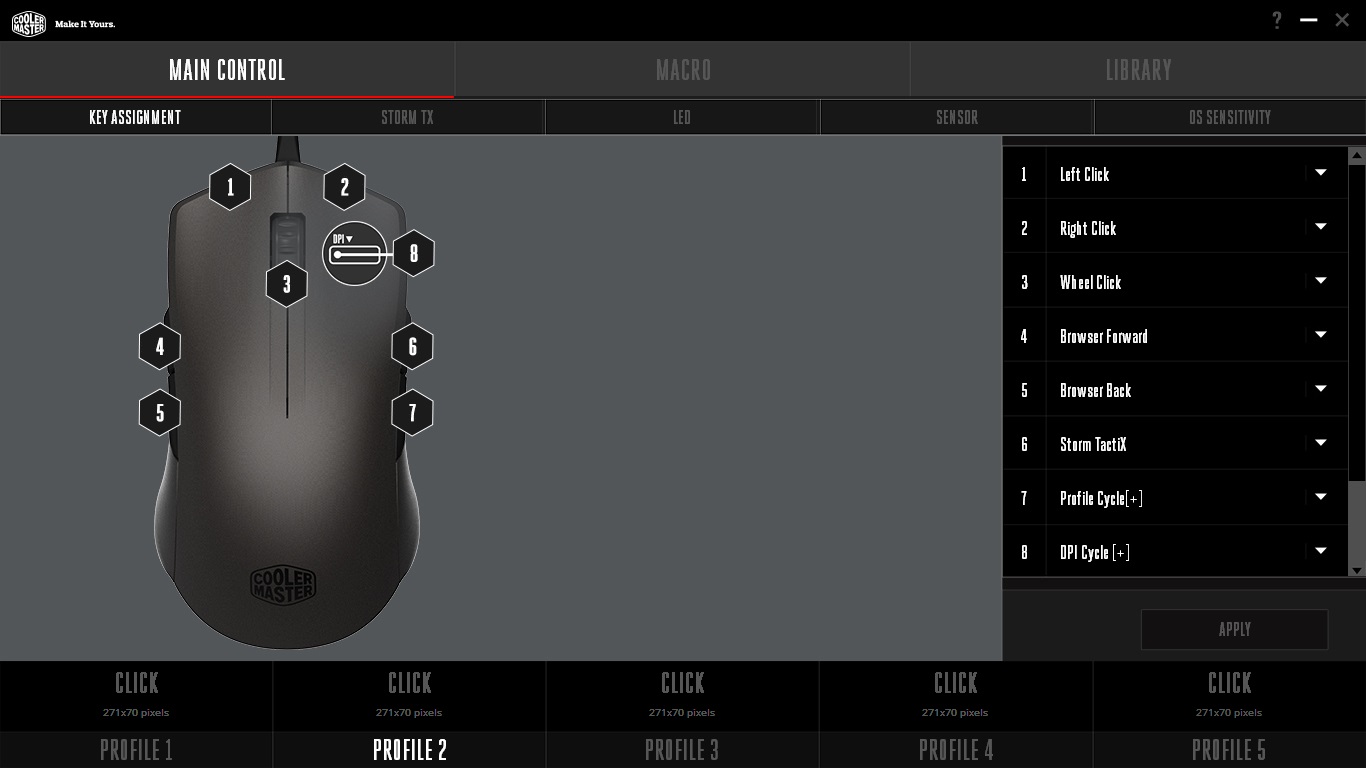
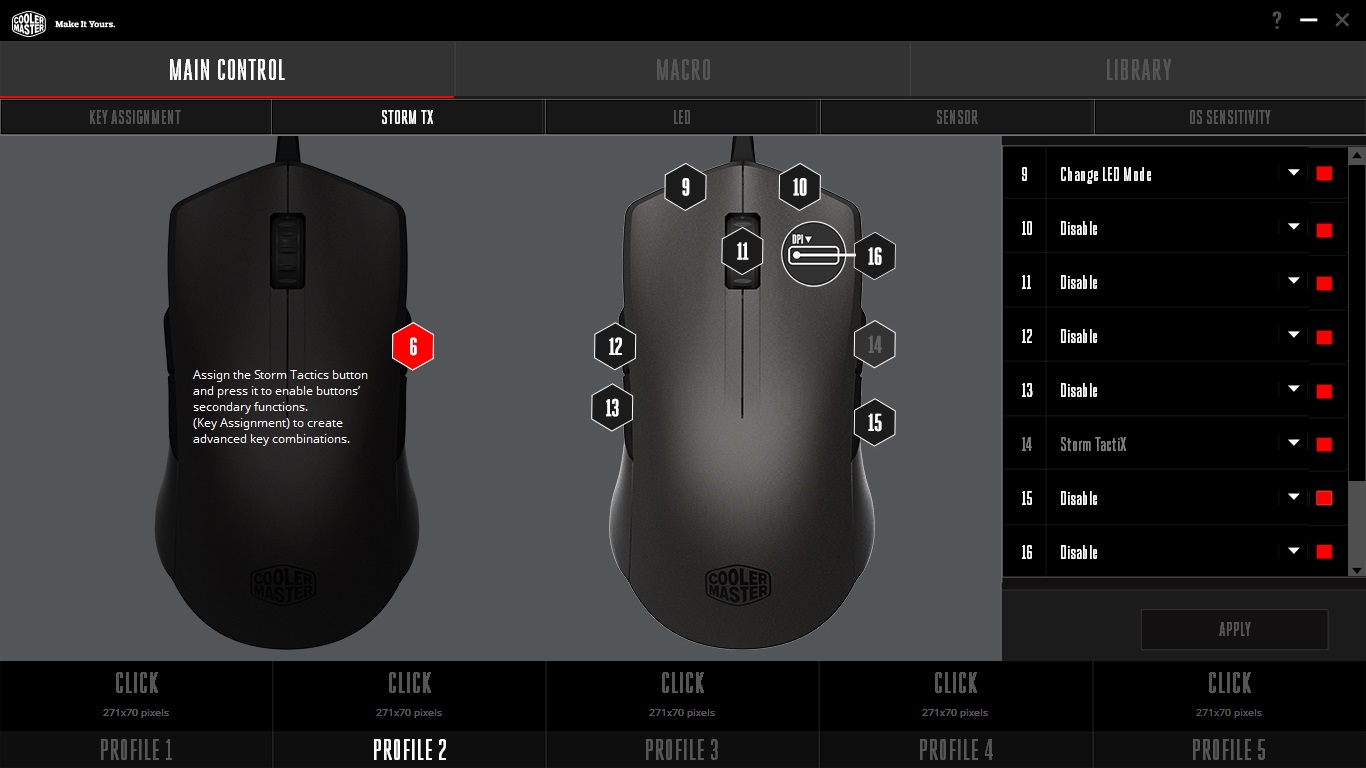
Lefties rejoice, the MasterMouse PRO L is ambidextrous and not the pretend kind that features just two side buttons. It has a total of 8 programmable buttons and features the Storm Tactix Function (Labelled TX) which means you have a second layer of programmable buttons once activated to increase the total to 14 programmable buttons. It has on-board 512kb memory, and a 32bit ARM processor. The MasterMouse PRO L also features 16.7m customisable lighting with some advanced effects that is supported by the flashy new software from Cooler Master.
Finally, Cooler Master supply two pairs of grips, one textured, one smooth, alone with two shells, one 125mm long (more suited for claw grip) and one 135mm long (more suited for palm grip). For an even more custom experience, you can download the files from the product page, the designs of the side grips and shell so you can design and 3D print your own parts. Though not a new idea, as this is something we have seen from ROCCAT, and SteelSeries, this is something that is likely to become more and more common, so why not get an early start?
Overview by Cooler Master
Arm yourself with the MasterMouse Pro L and customize your grip with modular top covers and side grips. No matter how you choose to play, the ergonomic, contoured design and matte finish offer the best grip for even the most demanding gamers. Get an Avago sensor with up to 12000 DPI, brilliant RGB illumination with 16.7 million color options, and user-friendly software to customize and synchronize your rig’s color scheme.
Technical Specifications
Grip Type: Palm & Claw Changeable
Material: Plastic / Rubber
Color: Gun Black
LED Color: 16.7 MillionRGB
Sensor: Avago PMW3360 Optical
CPI / DPI: 4 Levels (400~12,000dpi)
Tracking Speed: 250 ips/50g
Lift Off Distance: < ~2mm / Adjustable
Polling Rate: 1000 Hz / 1 ms
Angle Snapping: Yes
Mouse acceleration: No acceleration
Programmable Profiles: 5
Processor: 32 bit ARM processor
On-board Memory: 512KB
Switches, Lifespan: Omron,20 million
Programmable buttons: 8
Body coating: Matte UV Coating
Connector: Gold-plated
Cable Length: Braided Cable , 1.8 Meters
Dimensions (mm/inch): 125(130) x 67.8 x 38 / 4.92(5.12)x 2.67 x 1.5 inch
Weight: 127 / 128 g, 0.28 / 0.283 lbs
Weight (without USB Cable): 98 / 99 g (0.216 / 0.218lbs)
Warranty: 2 years
Material: Plastic / Rubber
Color: Gun Black
LED Color: 16.7 MillionRGB
Sensor: Avago PMW3360 Optical
CPI / DPI: 4 Levels (400~12,000dpi)
Tracking Speed: 250 ips/50g
Lift Off Distance: < ~2mm / Adjustable
Polling Rate: 1000 Hz / 1 ms
Angle Snapping: Yes
Mouse acceleration: No acceleration
Programmable Profiles: 5
Processor: 32 bit ARM processor
On-board Memory: 512KB
Switches, Lifespan: Omron,20 million
Programmable buttons: 8
Body coating: Matte UV Coating
Connector: Gold-plated
Cable Length: Braided Cable , 1.8 Meters
Dimensions (mm/inch): 125(130) x 67.8 x 38 / 4.92(5.12)x 2.67 x 1.5 inch
Weight: 127 / 128 g, 0.28 / 0.283 lbs
Weight (without USB Cable): 98 / 99 g (0.216 / 0.218lbs)
Warranty: 2 years
Packaging & First Look
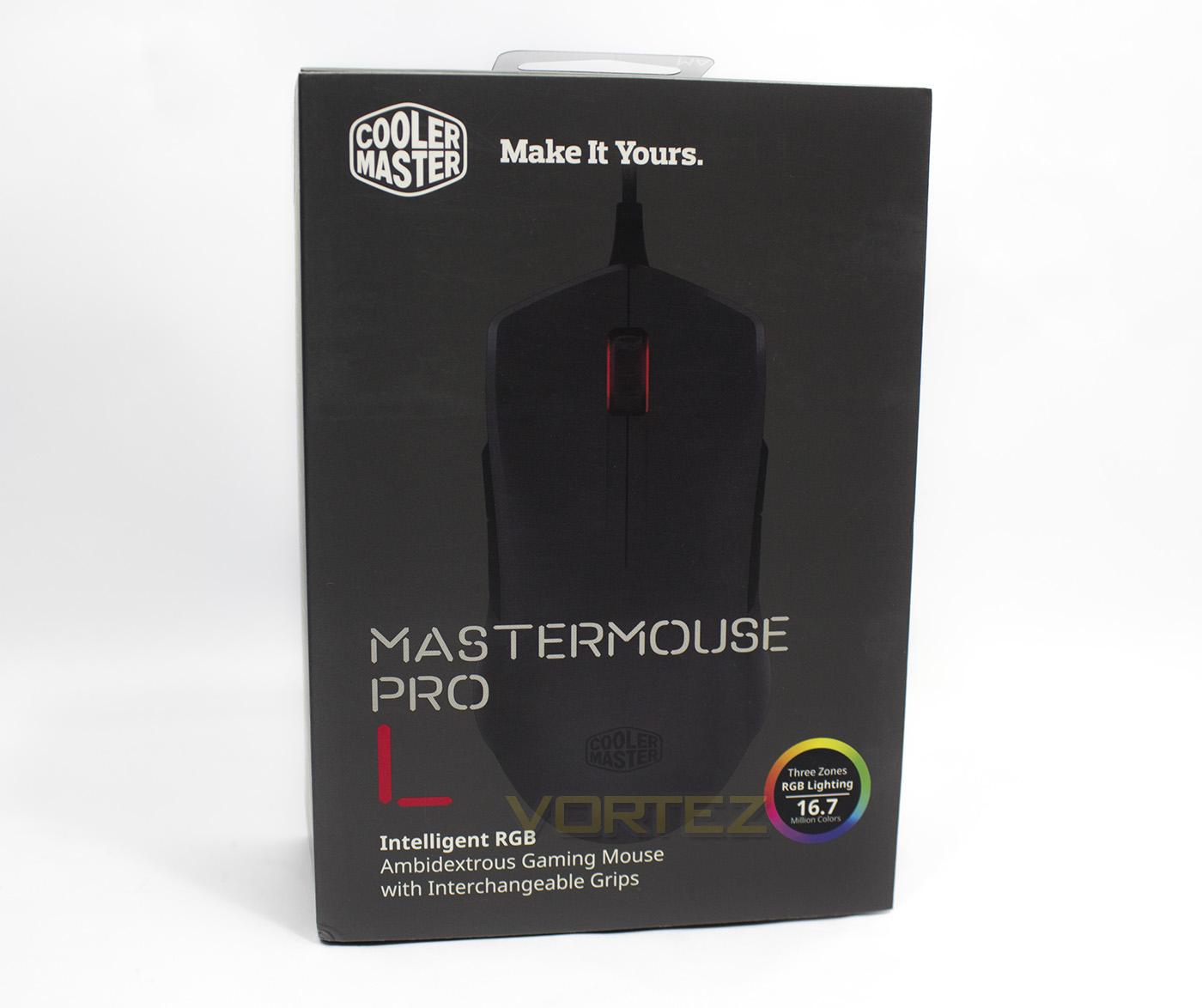
Cooler Master have moved away from the old CMStorm look, and have moved onto a minimalistic elegance that is both clear and attractive. The gunmetal grey colour theme helps the colour wheel dance off the packaging, while the image of the mouse itself does all the talking.
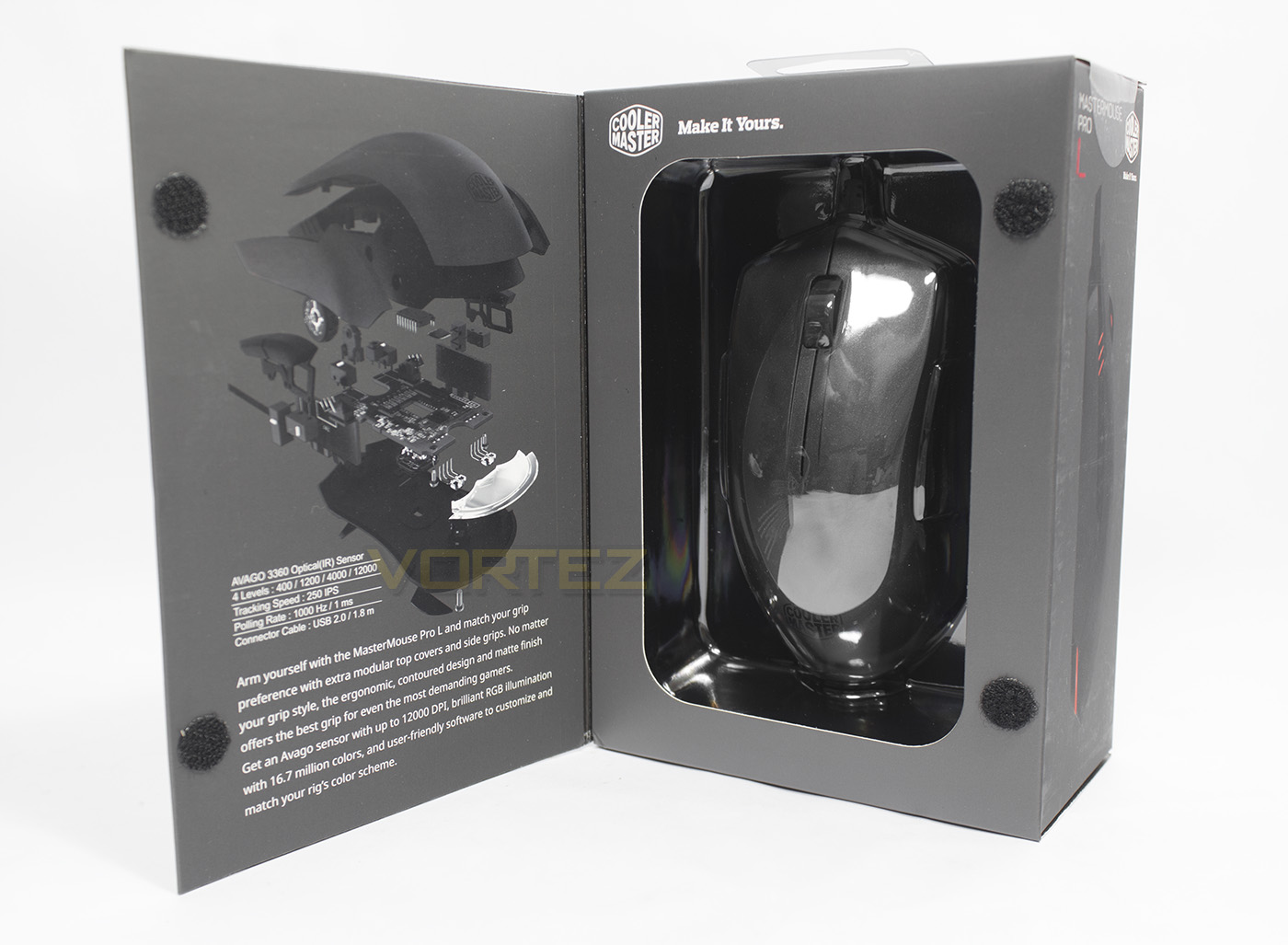
The front cover opens up and reveals information about the specification and gives an overview of the product.
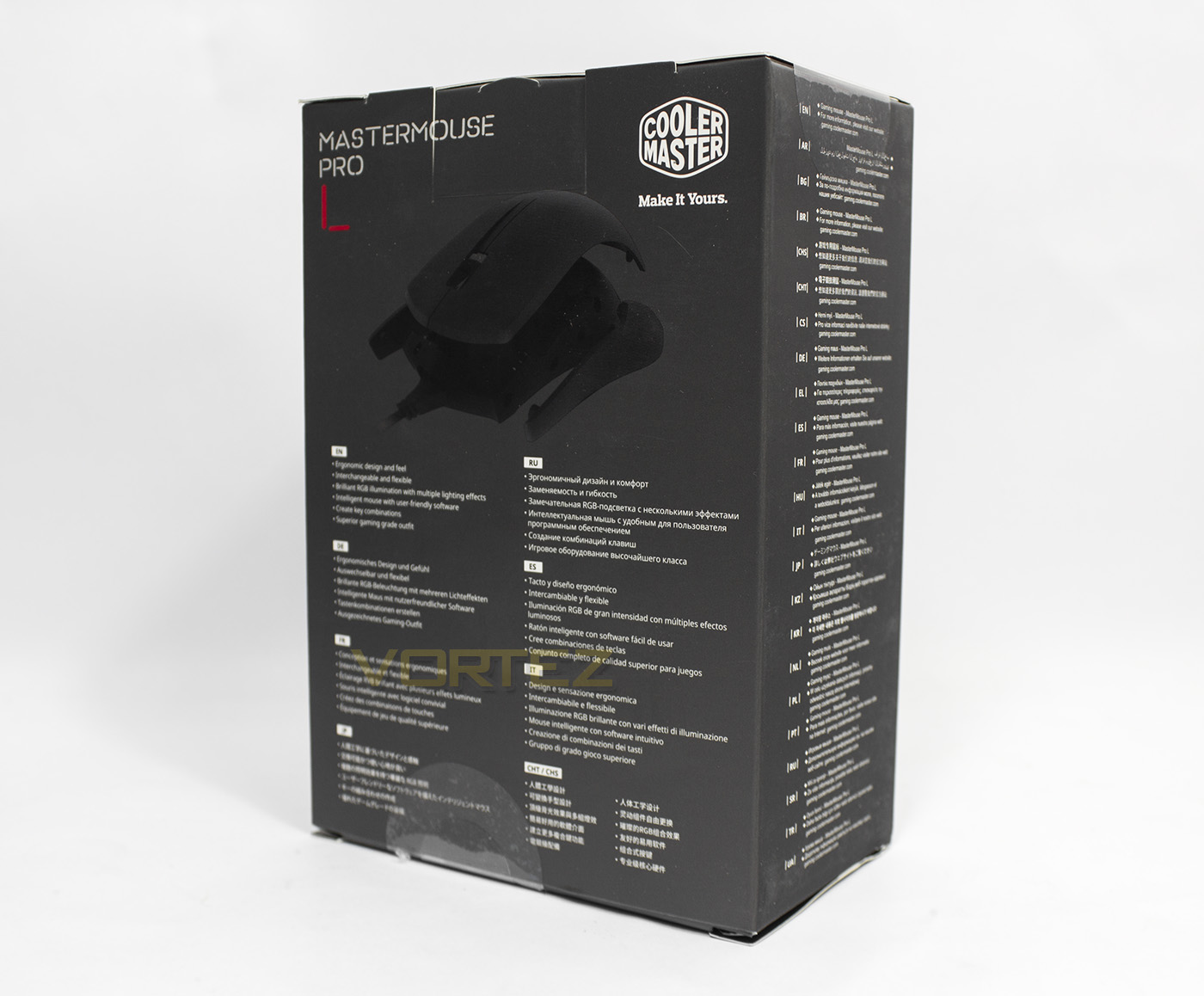
The rear gives a brief description of the features in various languages.
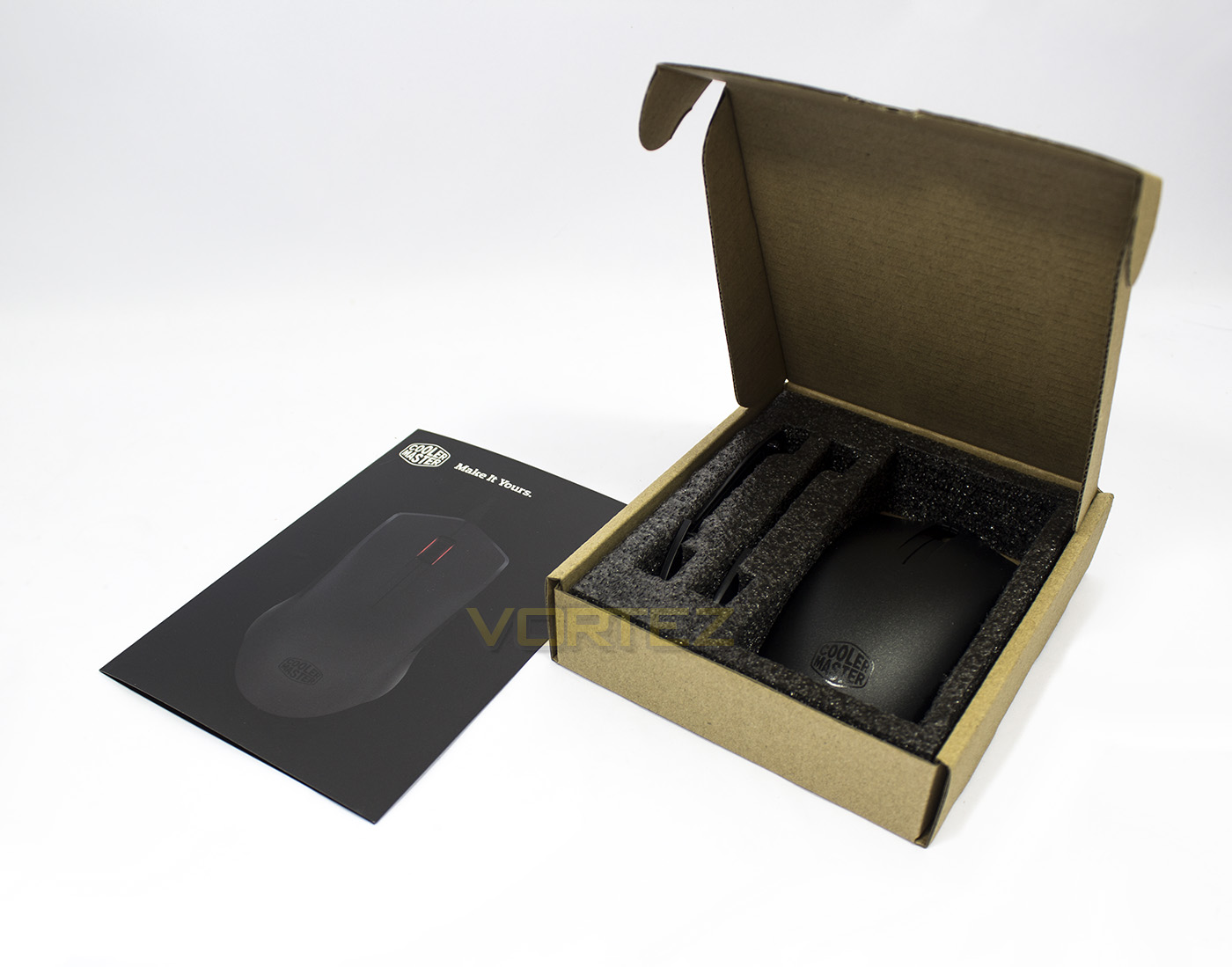
Inside we are greeted by a box of additional extras packed in well with protective foam.
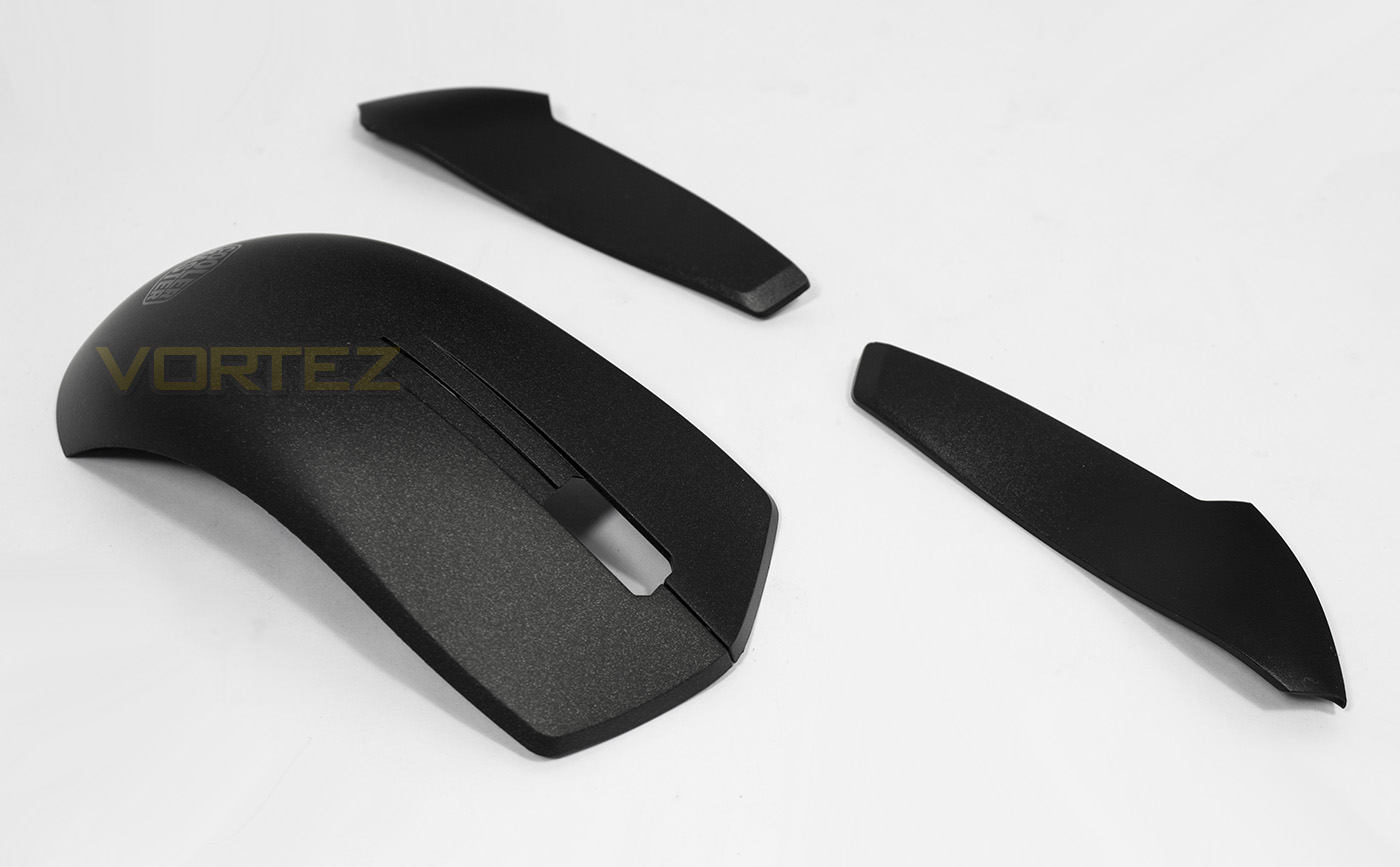
Included in the box are additional textured side grips and a slightly longer top shell for those that prefer a palm grip.
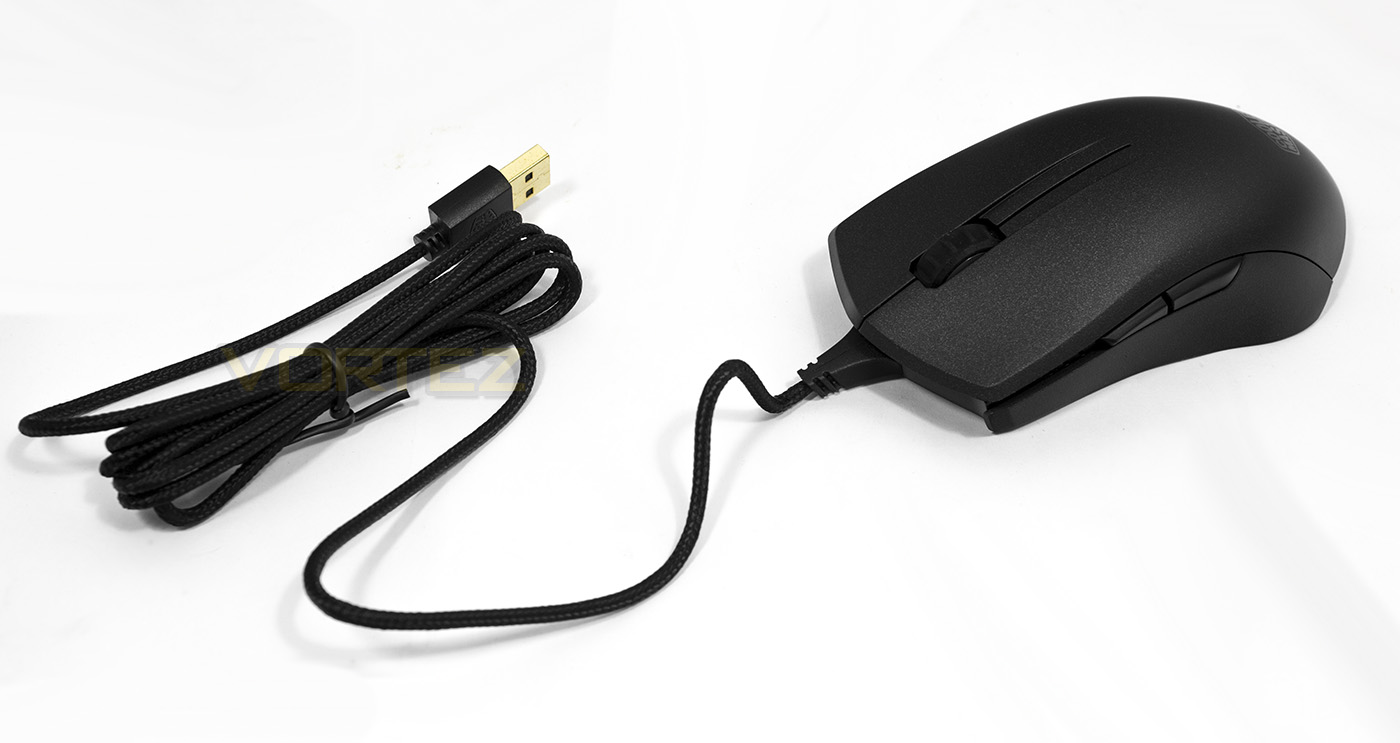
The MasterMouse PRO L has a reinforced cable lead, giving extra strength to prevent damage when the cable is snagged. The cable is 1.8m long and is braided, ending with a gold plated USB connector.
Closer Look
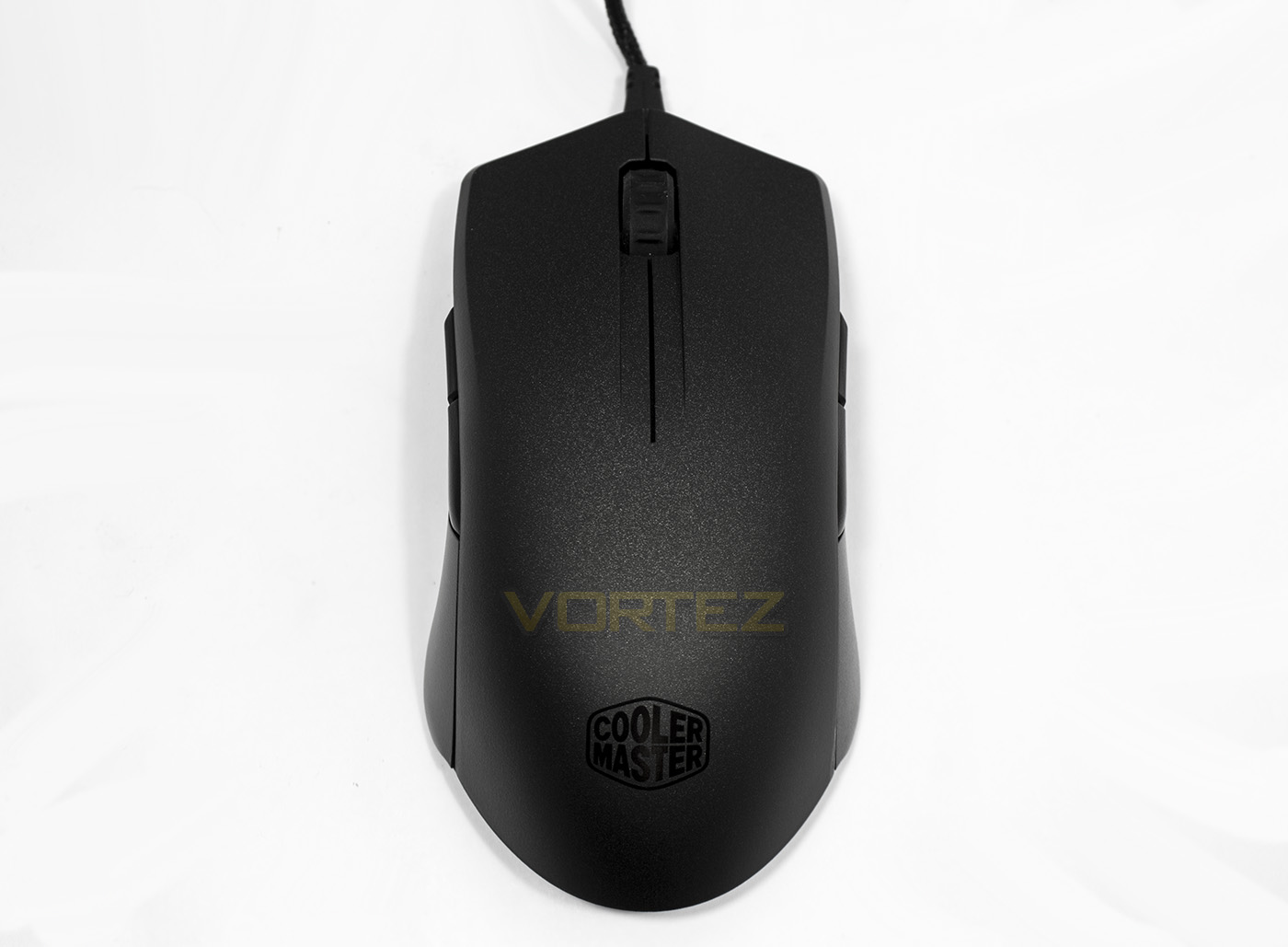
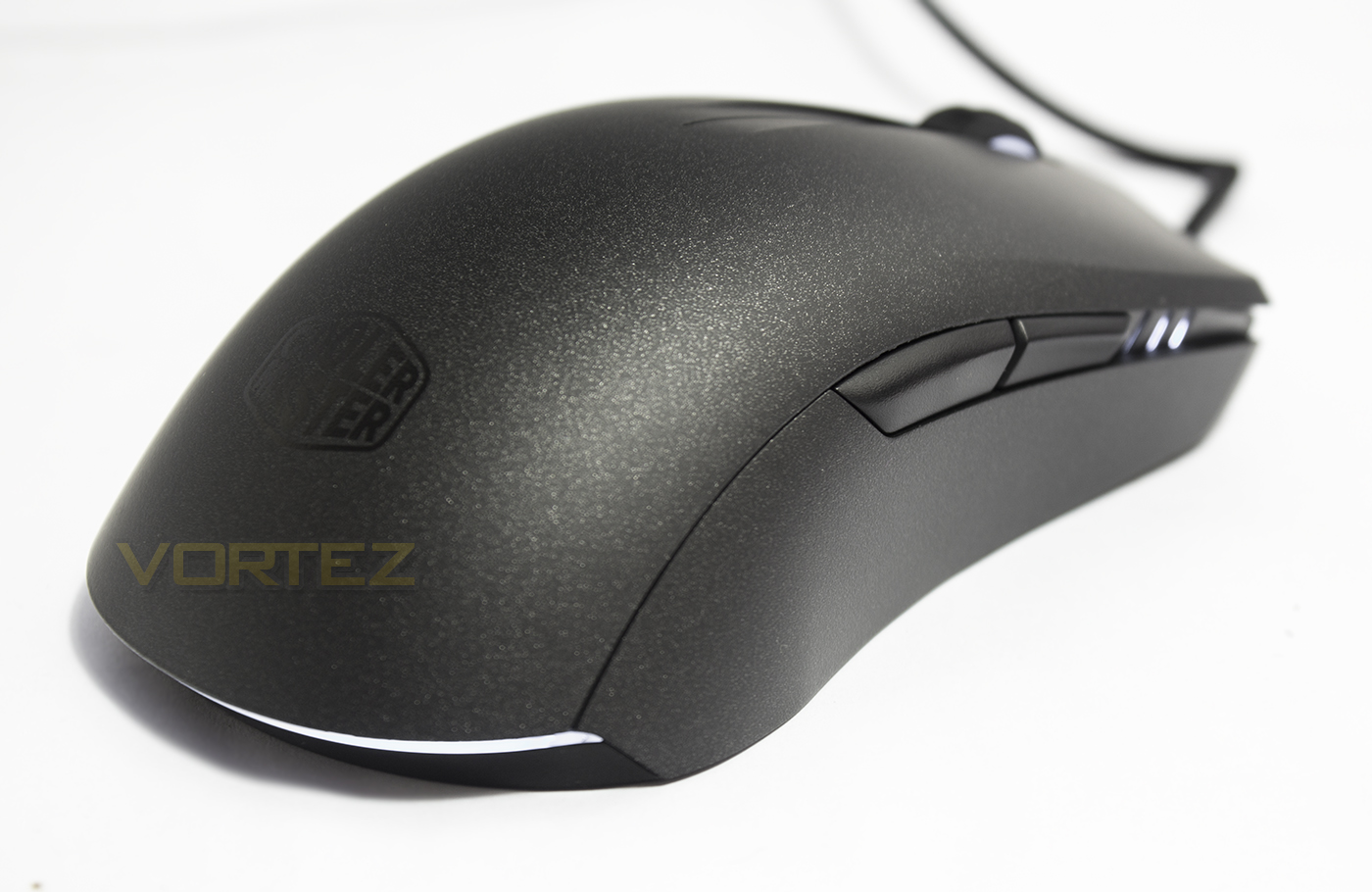
The shape is symmetrical, as expected with an ambidextrous design, featuring a slightly wider rear section when compared to the front.
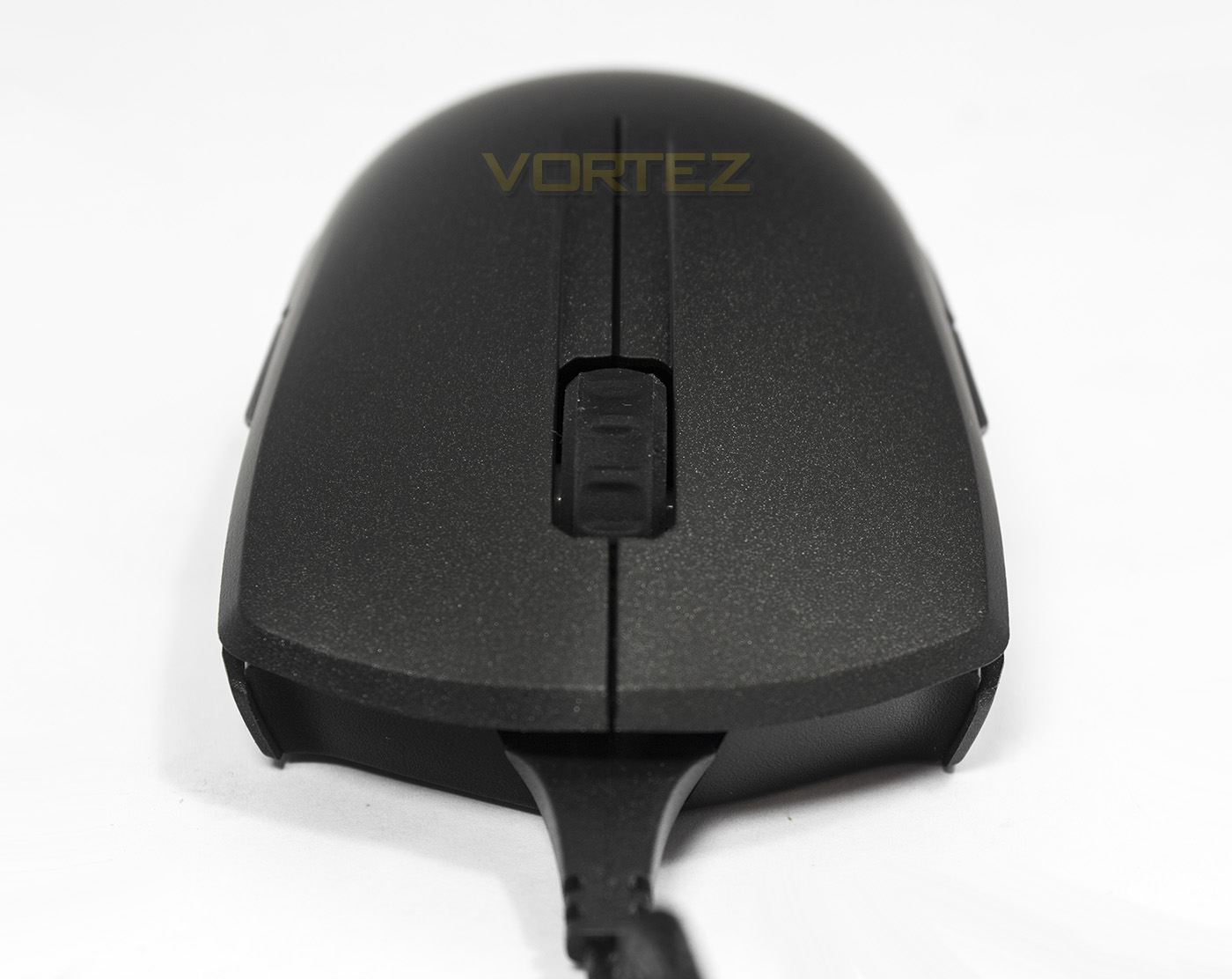
The front too is rather plain, giving the whole design a more minimalistic appeal due to having no additional buttons around the mouse wheel.
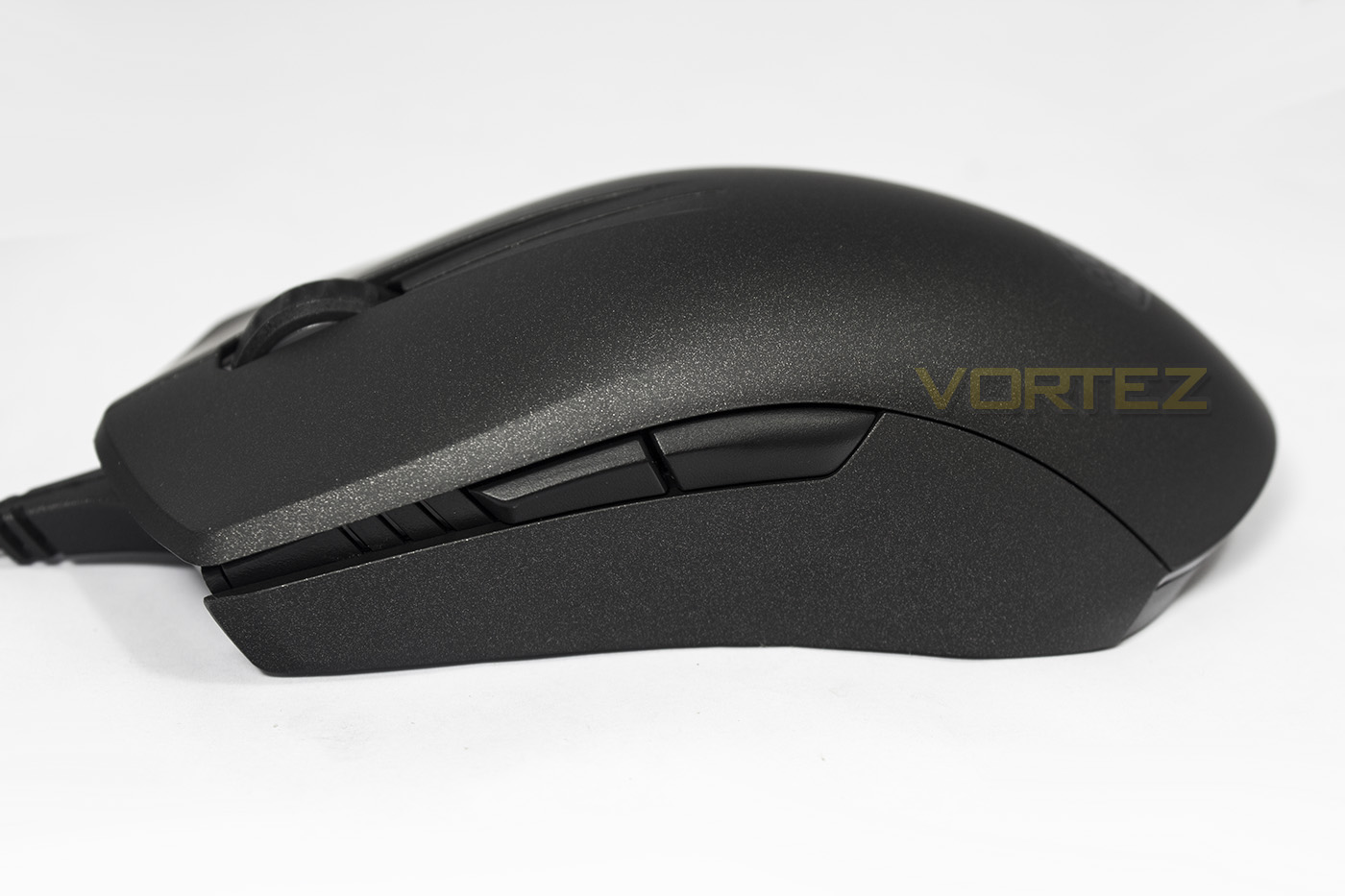
The side buttons are relatively large and are positioned slightly forward of the central point.
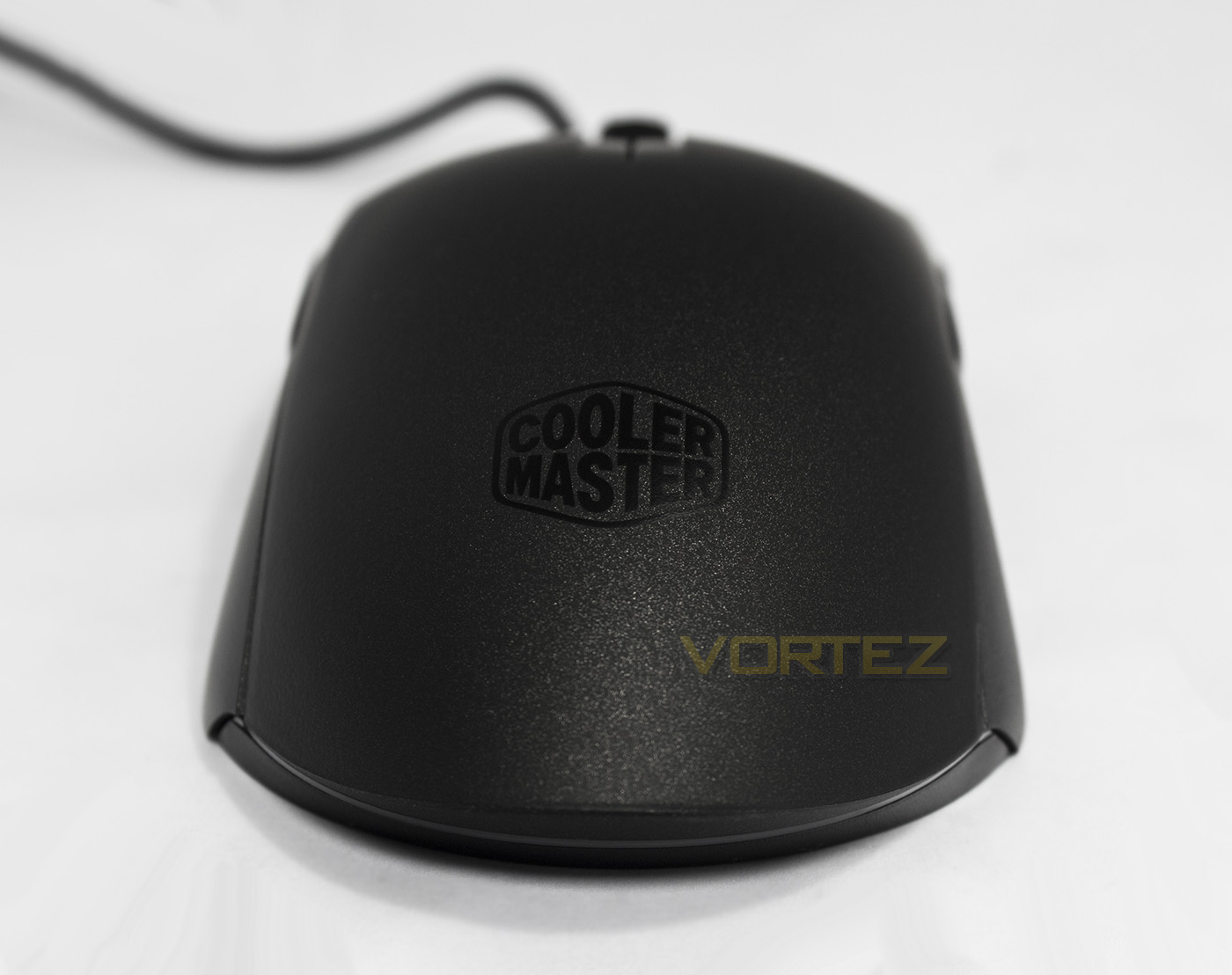
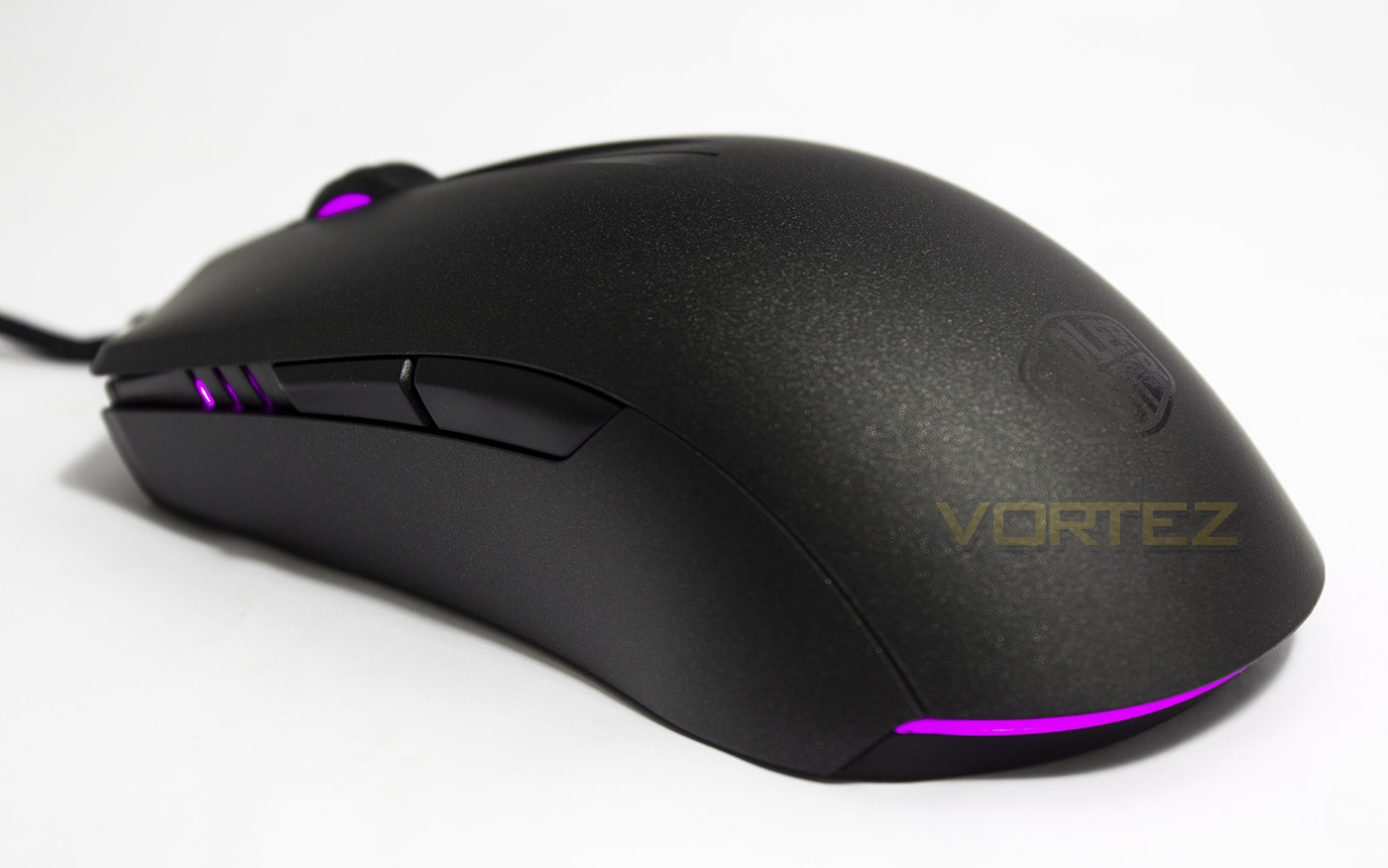
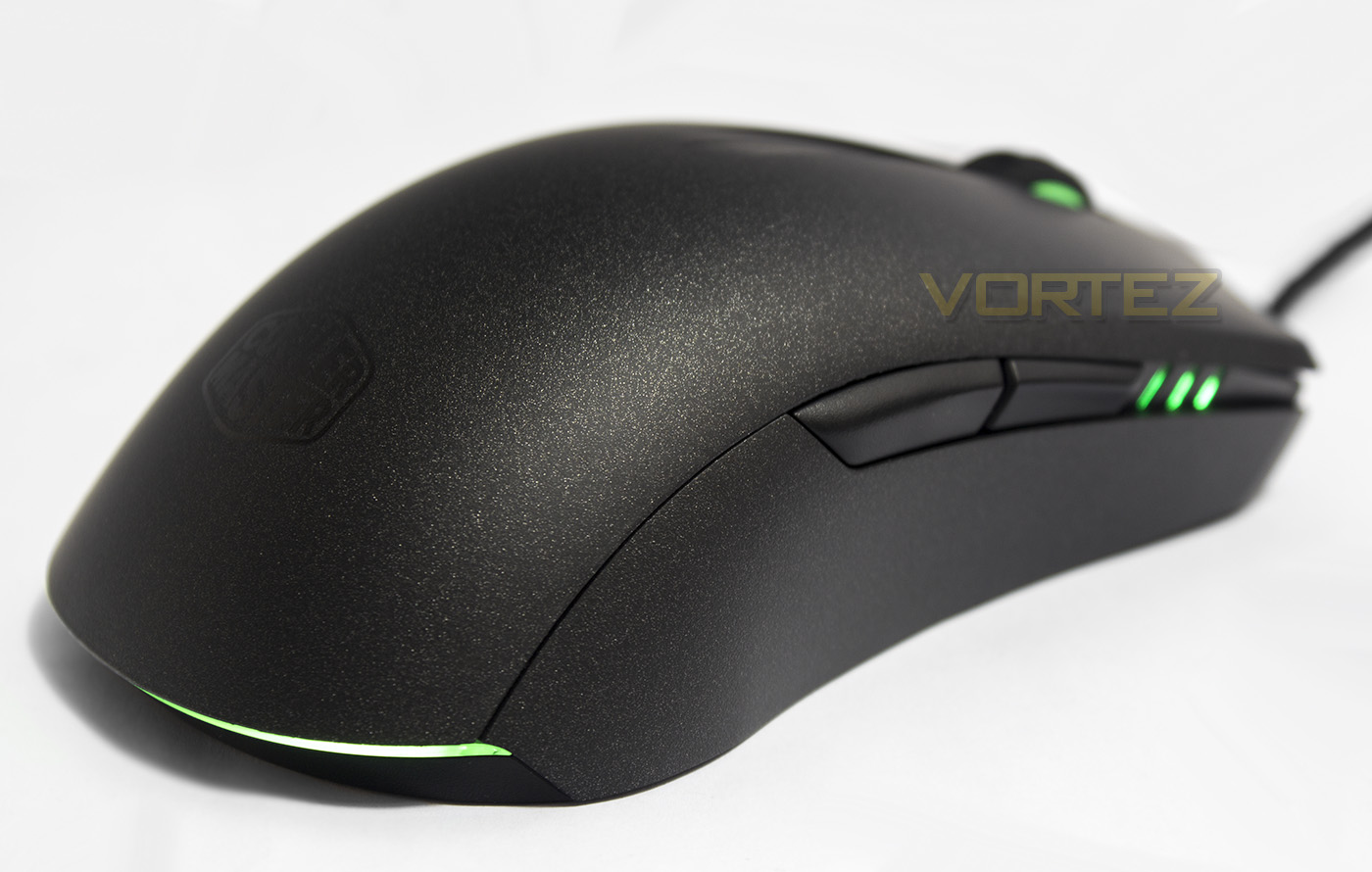
Interestingly, the rear logo is not the lighting zone as seen with most RGB LED lighting of late. There is a lighting bar that frames the rear base of the mouse instead.
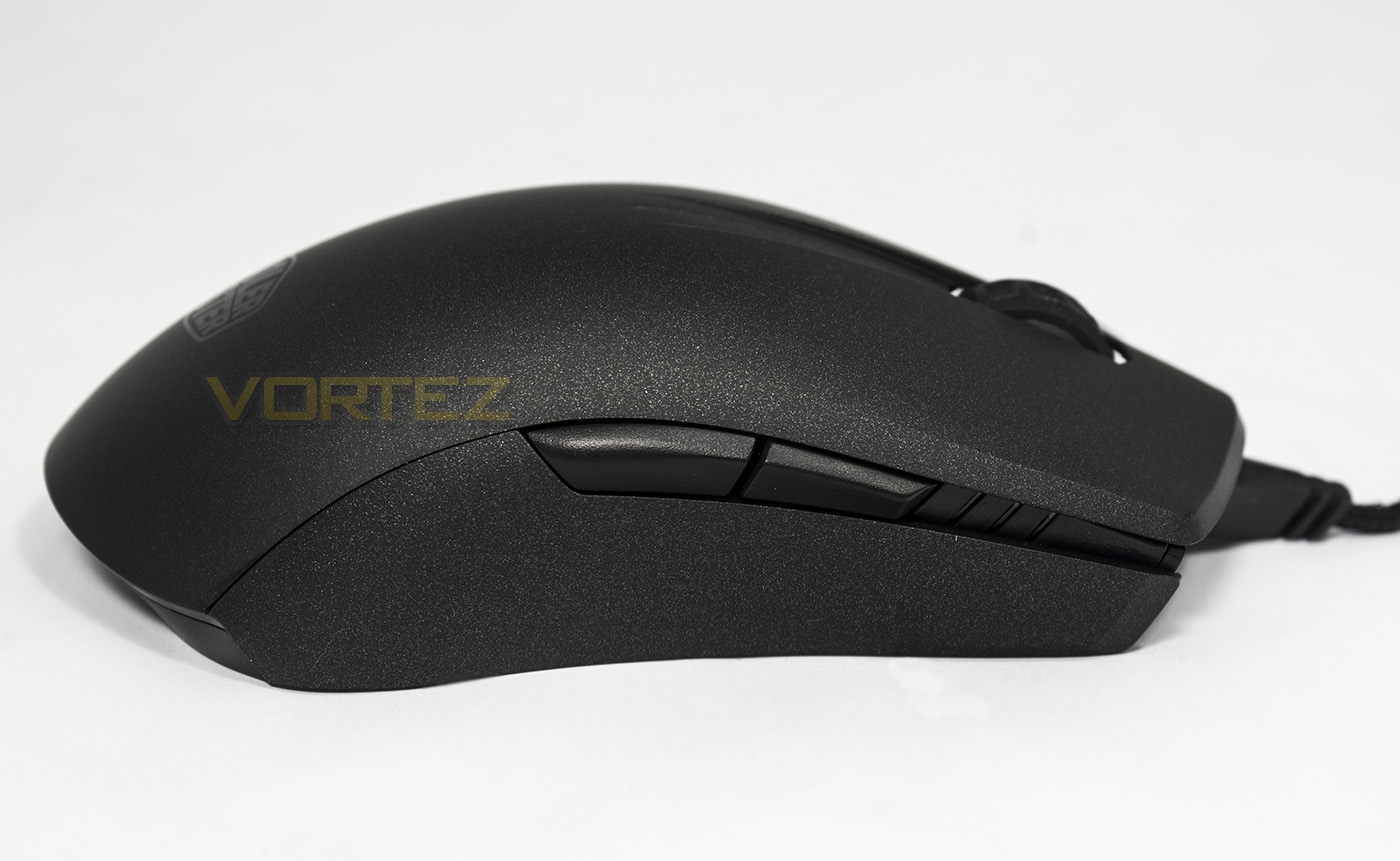
The right hand side is a mirror image of the left, affording side buttons for left handers in a true ambidextrous design.
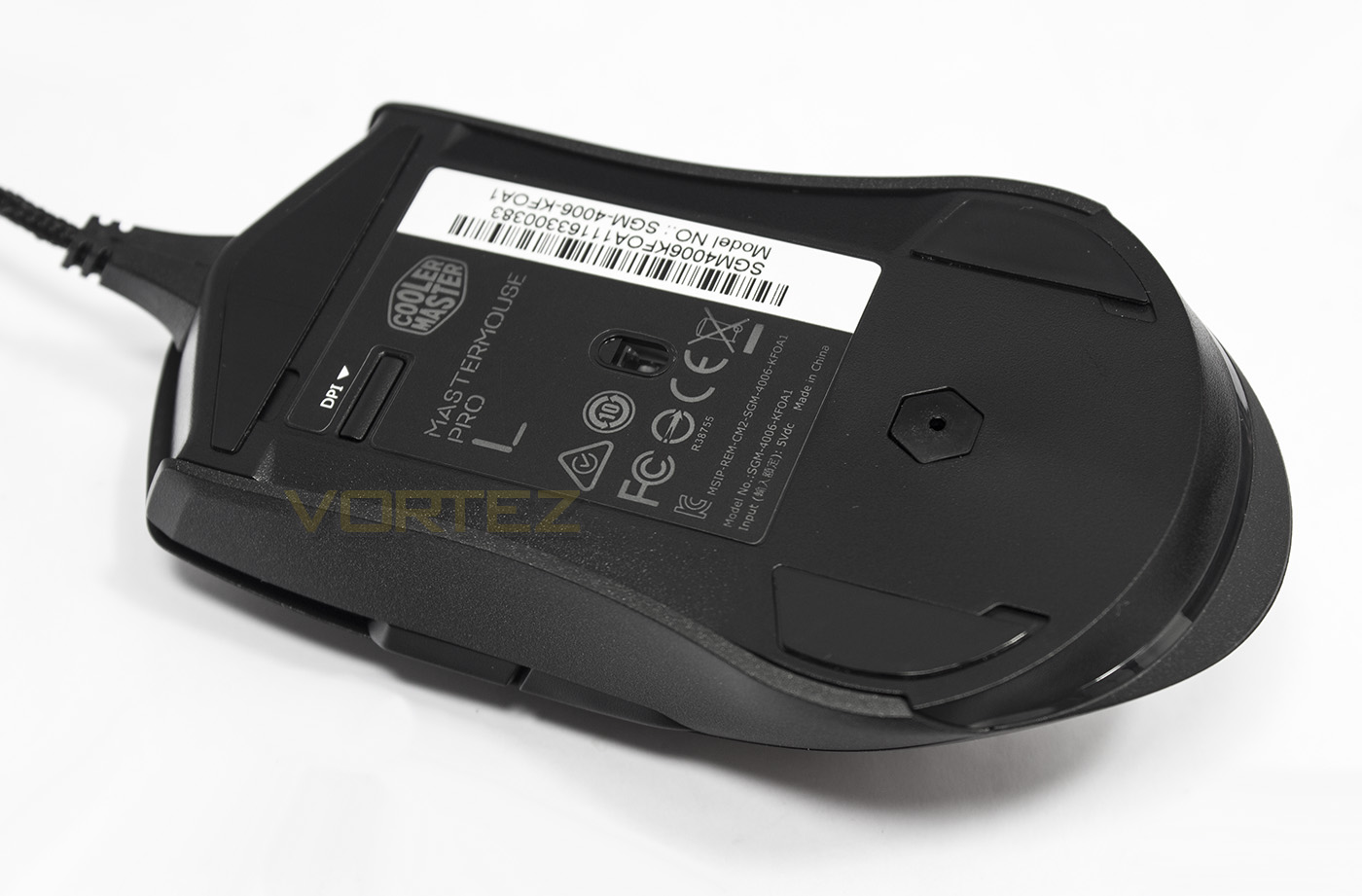
Underneath the sensor is positioned central to the base, sitting behind that is a hex shaped rubber plug that covers up a screw used to hold the top shell in place. Towards the front of the mouse you will find the DPI button. Strange place to put it, especially when it too is counted as a programmable button.
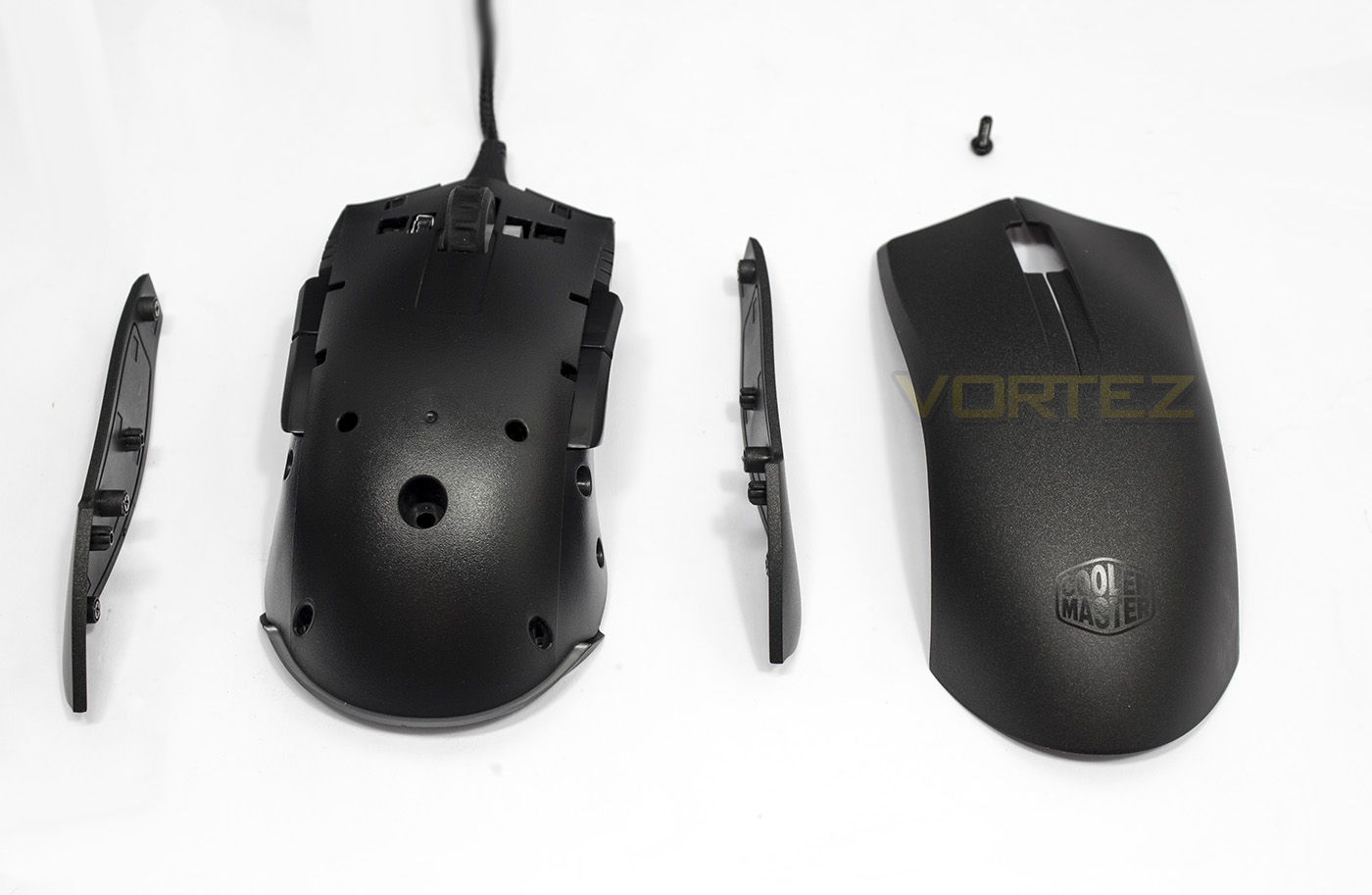
Stripped down, the product reminds us of what we experienced with the ROCCAT KIRO however, the side buttons cannot be removed/covered with a blank. Something that may disappoint some. The side grips are held in place magnetically.
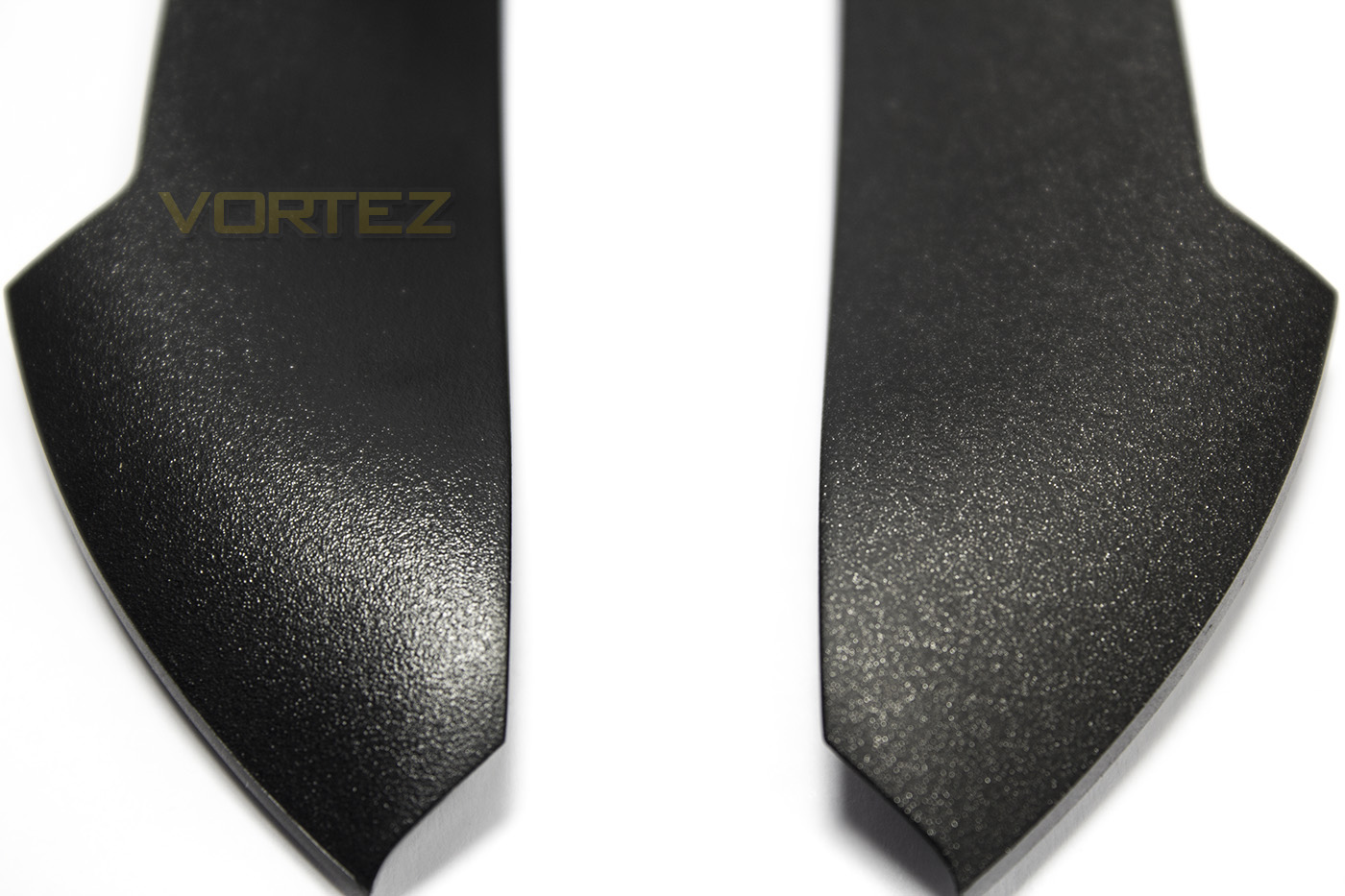
there are two pairs of side grips and each have a variant of the heavy duty UV coating, one is a textured, high grip surface, (right), the default is the smooth surface.
Software & Lighting
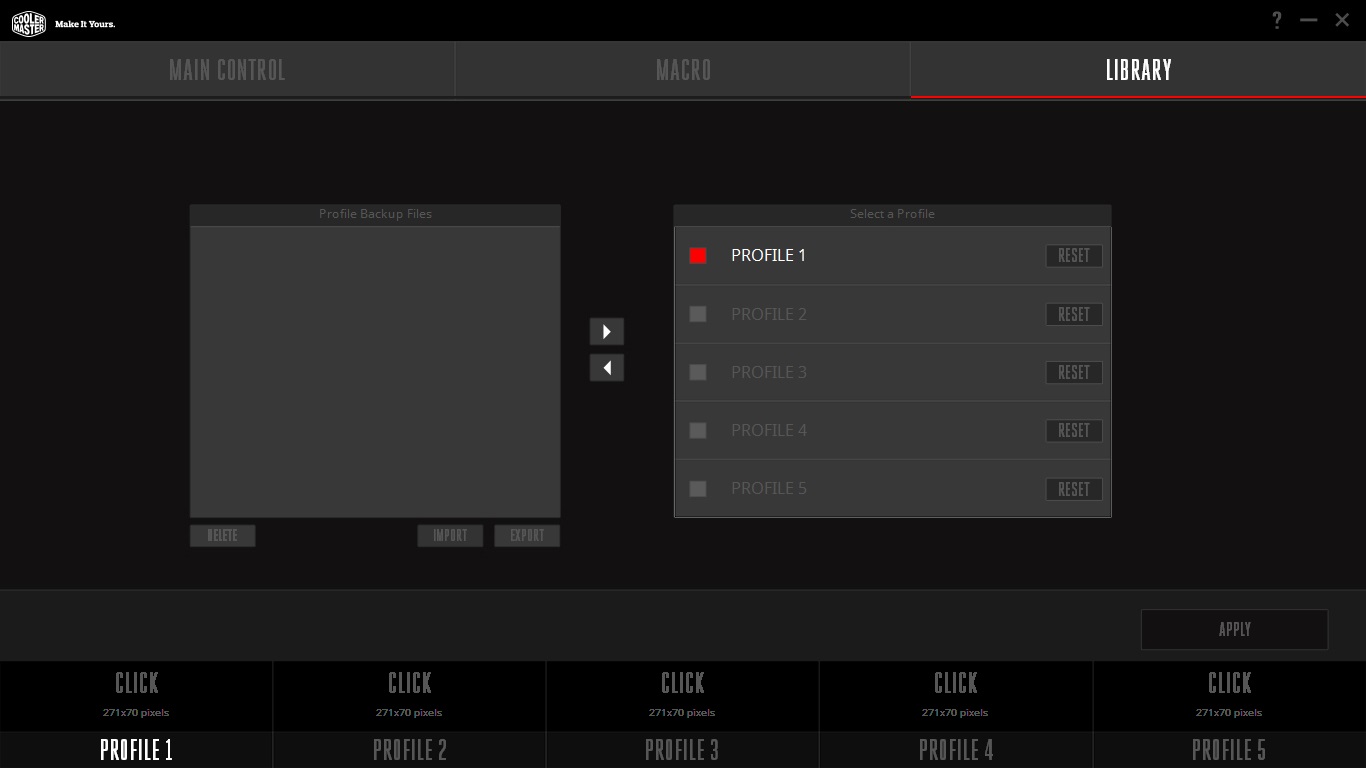
The MasterMouse PRO L will work without the software driver, and it has on-board memory that will save your preferred settings for when moving to a new system. However for full control and customisations installing the software in advised.
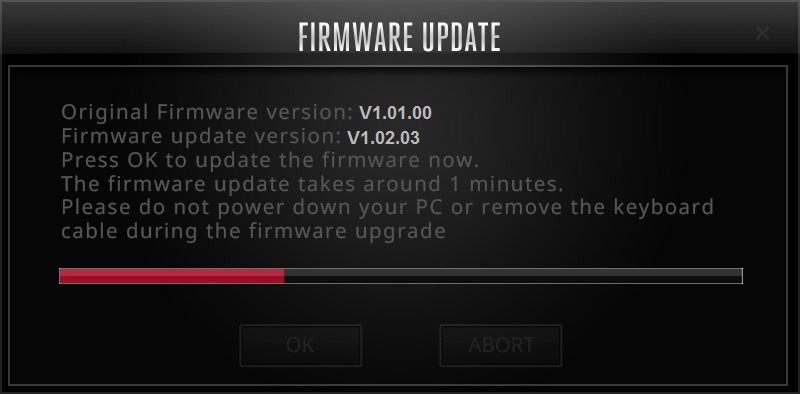
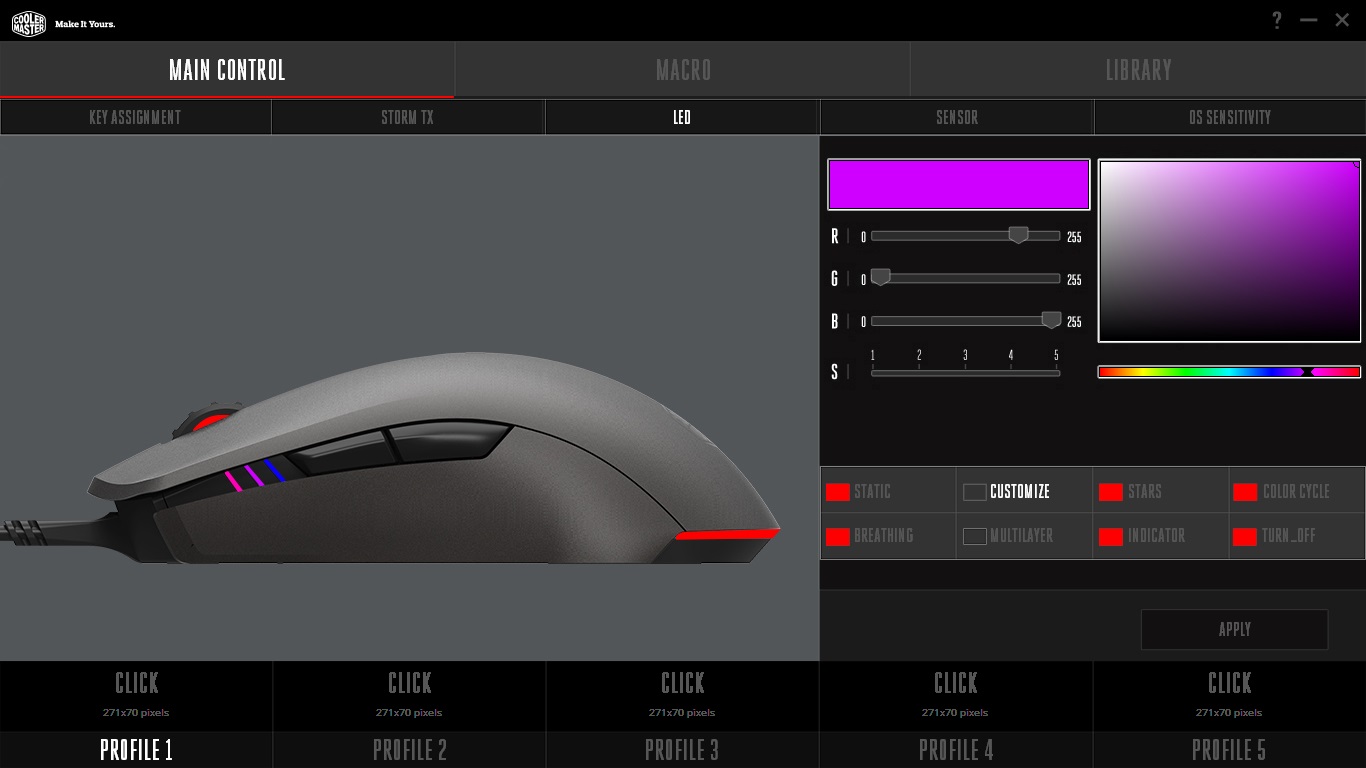
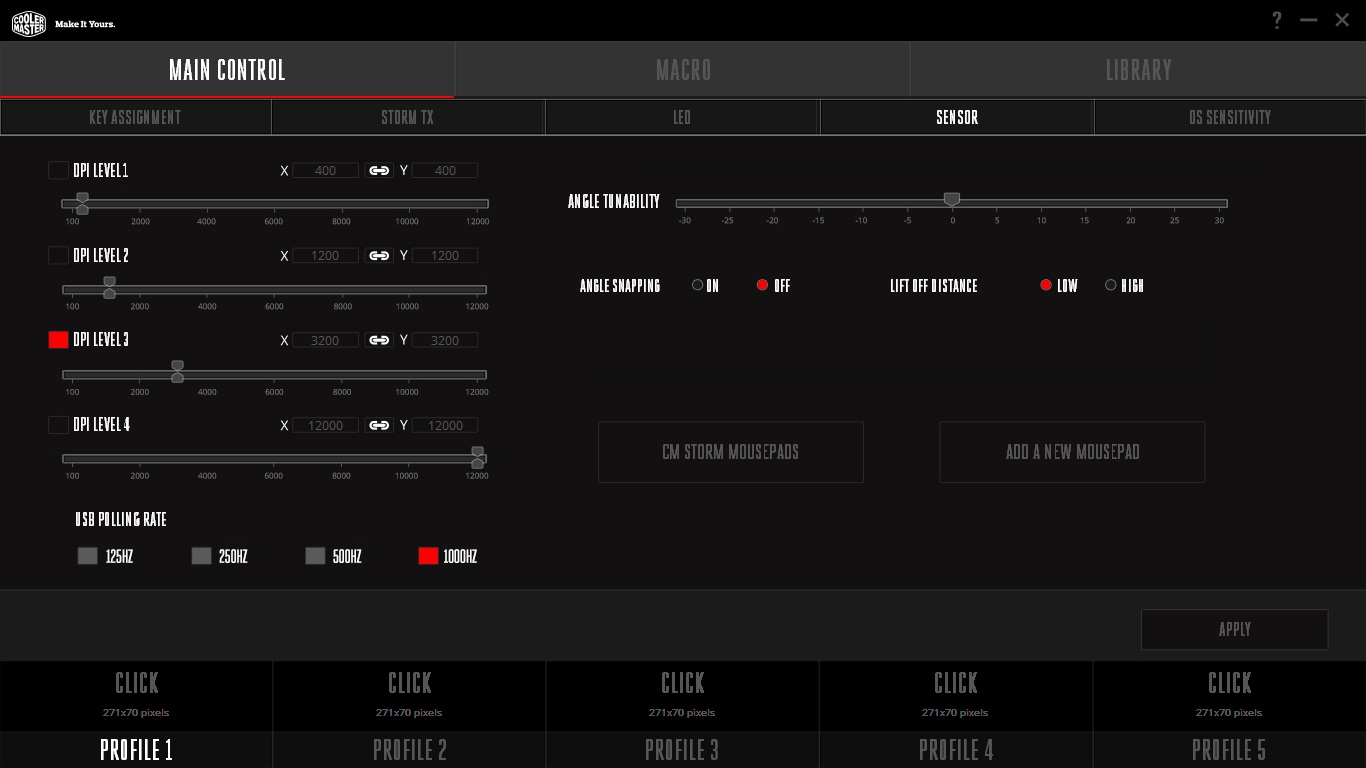
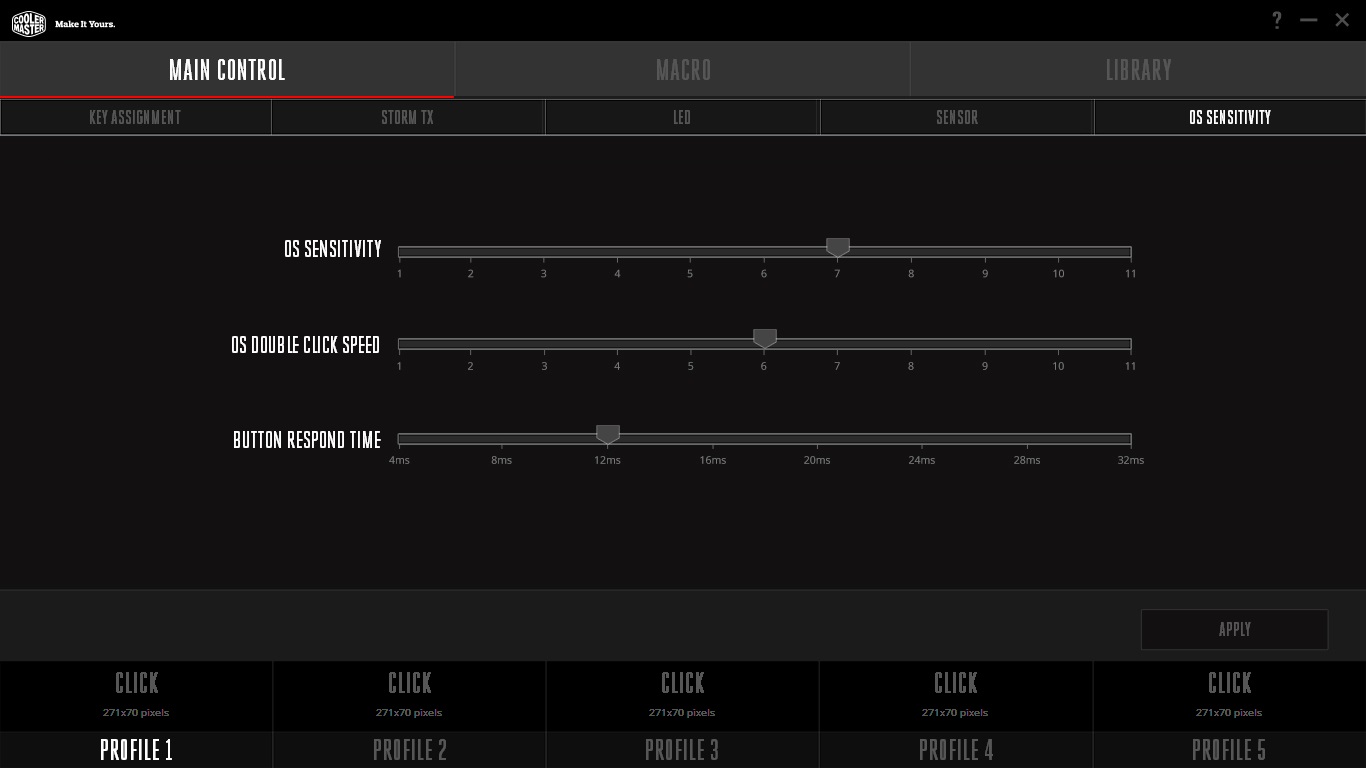
On installing the software, it promptly updated the firmware without any problems. The GUI is fantastic, and is easy to navigate and find all the features. It reminds me a little of AMD’s current software interface with a little bit of SteelSeries Engine thrown in too. There is a good amount of performance and sensor related setting including angle tuning, lift off distance and DPI settings. There is also a surface calibration feature which is great to see.
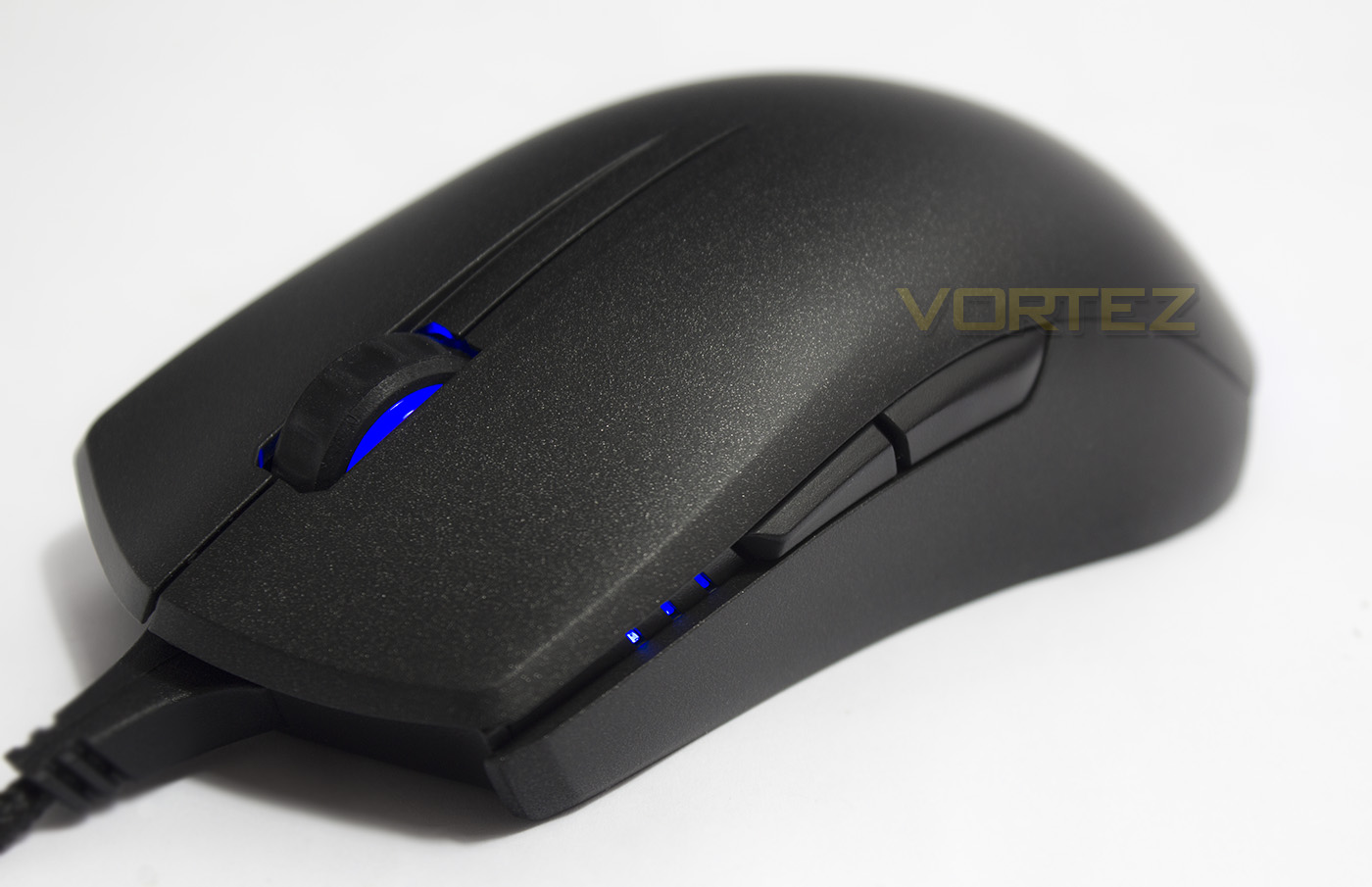
The LED lighting control is fairly complex, allowing for various customisable layers, enhancing the lighting effects possibilities outside of the standard cycle, static and breathing. The three strips on the side each have their own LED light, so it gives a total of 4 lighting pairs (the three lights on the side are paired with their opposite counterpart, and the mousewheel and rear LED lighting are paired). The colour rendering is impressive, white looks white, and every colour between is vibrant and attractive. Having multiple colours on the go, or experimenting with the ‘Star’ effect can create a subtle, yet satisfying experience.
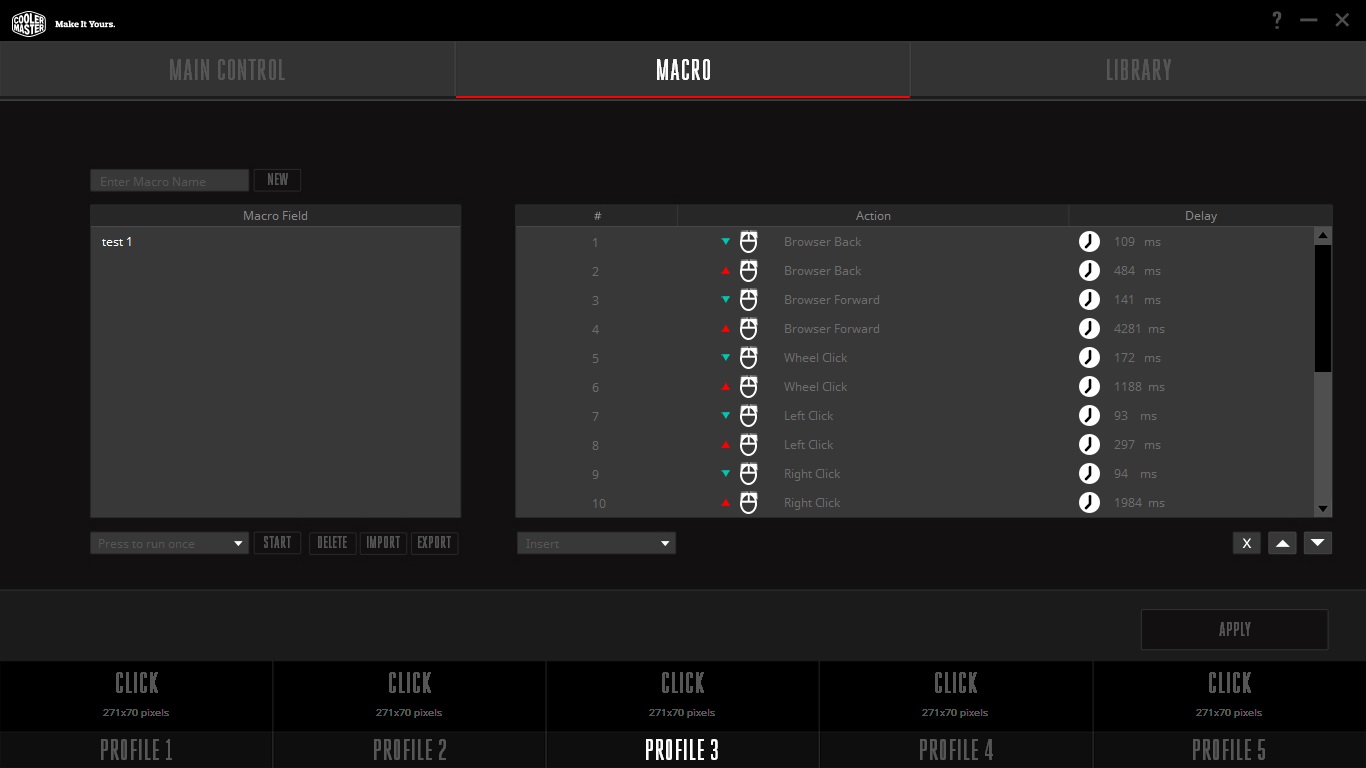
As with most gaming software, it wouldn’t be complete without a macro recorder, and this one is great. It doesn’t provide the same amount of various options as Corsair’s CUE, but boy do I love what Cooler Master has done. You get the standard choices of recording delays, no delays, or auto/custom delay, as well as being able to edit later. It records all mouse actions, with exception to the TX, profile switch/dpi switch, unless you reassign them a different function. It even allows you to add mouse tracking/motion.
Performance Testing
Setup, Design & ObservationsBefore starting, it is worth choosing which top shell will work with your grip style best. Be default it is fitted with the slightly shorter 125mm, which is more for Claw or for finger tip grips, while palm grip users will want the additional length of the 130mm top shell. Equipping the longer of the two, I found it good for claw grip still, and felt nice in a palm grip also, though due to the low hump, it made the mouse feel a little smaller, and so true palm grippers may prefer a slightly larger mouse. As a native claw gripper I found that the MasterMouse PRO L was immensely comfortable, and satisfying to hold. It feels as elegant as it looks.
Inside, Cooler Master have used Omron switches, and so the mouse buttons feel great. The side buttons have a nice click to them also, and they are positioned perfectly for my natural grip type, which is a slightly more to the front. As we then inspect the mouse wheel, it has tactile rubber grip that gives great control while scrolling, and it clicks rather nicely too.
Other observations we made as that it was noticeable when the cable was grinding against the mouse mat and various other desktop things the cable shared its space with, this could be due to the long plastic cable strain acting like a resonator, giving force feedback to everything the cable is going through.
Performance
To test out its performance we set it to its maximum DPI, and try it out on various surfaces. The 3360 in our previous experience could pretty much track flawlessly on most surfaces, and the MasterMouse PRO L is no different. From plain black fabric mouse mat, white paper, to glossy coloured plastic and bare desk wood, it could do it all. Though, testing for jitter across its DPI range, it gave a slightly disappointing result. Showing a jittery performance from its lowest DPI and getting worse all the way up to 12K. Though it remained completely usable at its entire range, this is tied with the Corsair M65 PRO Advanced for most jitter seen with the 3360 sensor. Strangely, fast motions resulted in lower jitter. This low speed jitter, especially if you game on a monitor sub-1920×1080, will be significantly noticeable in FPSs if you are aiming via sniper scope. In the main, it remained true and didn’t become a hindrance at 2800DPI in CS:GO.
Conclusion
Overall the MasterMouse PRO L is a nice step away from the old Sentinel and CMStorm mice in general. It is a much more elegant, modern desirable mouse that has been fitted with features that people have come to want and expect. Not only does it look good, but it feels good too. Performance in game was fine, but the jitter we noticed could be improved upon, though that could happen with a firmware update. Considering the price point, the MasterMouse PRO L, offers some interesting features not seen in its rivals.
The included extras are a nice addition, though we could argue that the extra grips aren’t entirely needed. I think most people would be happy to just save a little and do without. Especially as 3D printers still aren’t yet widespread, as with the knowledge to customise a 3D design at home, and so this feature is only available to a limited few. We can also argue that the slightly longer shell has little impact on grip comfort, and despite feeling fantastic and comfortable, some will simply prefer a larger mouse.
Overall there are few minor points to pick up on, such as the inaccessible programmable button on the base, the stiff cable, and a little jitter (which could be ruled out with a firmware update). Despite these, it is hard to deny that the MasterMouse PRO L is an attractive mouse with a whole host of features that is available for less than its various competitors, and so there is no reason why this mouse shouldn’t be on your shortlist.
The MasterMouse PRO L is elegant, its lighting is beautiful, and the finish is deadly, keep your eye on this!
Pros.
+ Solid construction
+ Comfortable for any grip
+ Ambidextrous
+ Top quality UV coating
+ Excellent new software
+ Attractive aesthetics and lighting
+ On-board processor and 512kb memory
+ Swappable Shell/grips
+ 3D Print Support
Cons.
– Stiff cable
– Jittery at low speed
– DPI button on base
– Can’t cover up side buttons with blanks
+ Solid construction
+ Comfortable for any grip
+ Ambidextrous
+ Top quality UV coating
+ Excellent new software
+ Attractive aesthetics and lighting
+ On-board processor and 512kb memory
+ Swappable Shell/grips
+ 3D Print Support
Cons.
– Stiff cable
– Jittery at low speed
– DPI button on base
– Can’t cover up side buttons with blanks
Click here for an explanation of our awards at Vortez.net.