Boasting an impressive feature set at this price point seems to set the MM830 up for victory, will it live up to expectations? Read on to find out.

Product on Review: Cooler Master MM830
Manufacturer: Cooler Master
Street Price: UK: GBP £59.99 / USD: 69.99 – 79.99 Depending on region
Cooler Master are taking aim at the elite echelons of gaming mice with their new offering, The MM830. Packing a Pixart 3360 Optical Sensor that can track as high as 24,000 DPI, A “hidden” 4-way D-Pad side button and a precision scroll wheel with a Japanese ALPS encoder as well as a customisable OLED display & 4 zones of 16.7 million RGB lighting means that for a mouse of this price the feature set goes above and beyond.
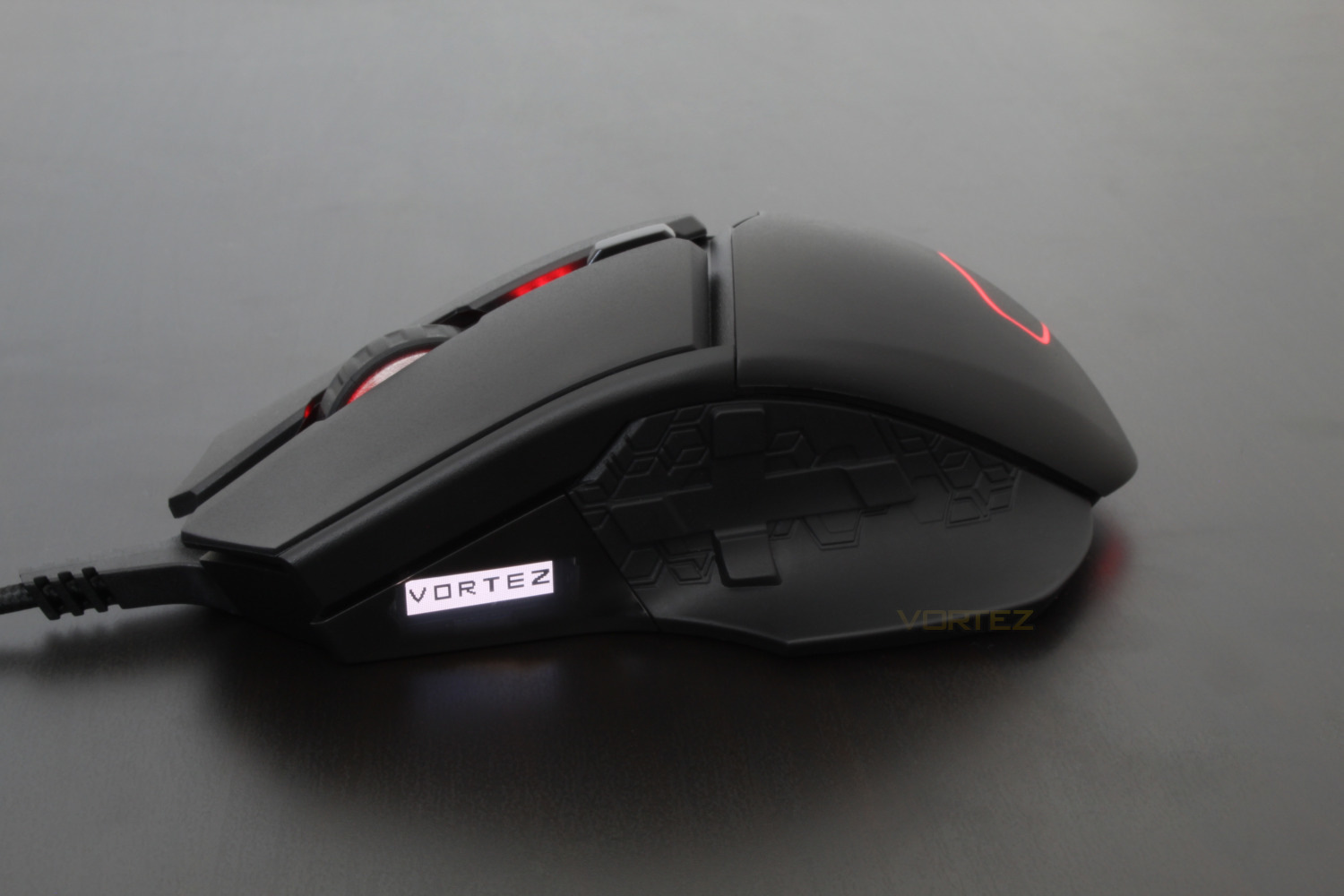
At first glance the OLED display seems to have limited uses so this is definitely something that we will look at during the course of our time with the MM830.
We’re also interested to see how Cooler Masters first foray into the “MMO” gaming mouse market turns out and we’ll see if they get everything right the first time round.
Cooler Master on the MM830:
Control is the name of the game with the Ergonomic MM830 gaming mouse. We pack this top of the line gaming mouse with all the beefy specs and high-performance features you need to secure a flawless victory. That includes the standards like ultra-precise optical sensor and supremely durable housing and buttons – but we’ve added even more, like a customizable OLED and integrated D-pad for fast access to your most vital skills. Flashy and full-featured, the MM830 is the weapon of choice for those who want to carry their team to victory.
Technical Specifications
Grip Type: Palm / Claw
Construction Materials: PBT Plastic / Rubber
Color: Gun Metal Black
LED Color: 16.7 Million RGB
Sensor: Pixart 3360 Optical
CPI/DPI: 4 Levels (100~24,000dpi)
Tracking Speed: 250 ips / 50g
Lift Off Distance: <~2mm / Adjustable
Polling Rate: 1000 Hz / 1ms
Angle Snapping: Yes
Mouse Acceleration: No Acceleration
Programmable Profiles: 5
On-board Memory: 512KB
Switches/Lifespan: Omron, 20 Million
Programmable Buttons: 8
Body Coating: PBT Textured Plastic
Connector: Gold-Plated
Cable Length: Braided Cable, 1.8 Meters
Weight: 162g (0.36lbs) +/- 5g
Weight (Without USB Cable): 122g (0.27lbs) +/- 5g
Warranty: 2 Years
Construction Materials: PBT Plastic / Rubber
Color: Gun Metal Black
LED Color: 16.7 Million RGB
Sensor: Pixart 3360 Optical
CPI/DPI: 4 Levels (100~24,000dpi)
Tracking Speed: 250 ips / 50g
Lift Off Distance: <~2mm / Adjustable
Polling Rate: 1000 Hz / 1ms
Angle Snapping: Yes
Mouse Acceleration: No Acceleration
Programmable Profiles: 5
On-board Memory: 512KB
Switches/Lifespan: Omron, 20 Million
Programmable Buttons: 8
Body Coating: PBT Textured Plastic
Connector: Gold-Plated
Cable Length: Braided Cable, 1.8 Meters
Weight: 162g (0.36lbs) +/- 5g
Weight (Without USB Cable): 122g (0.27lbs) +/- 5g
Warranty: 2 Years
Packaging & First Look
Looking at the front of the box we’re presented with a shot of the mouse, and 5 of the unique selling points for the MM830.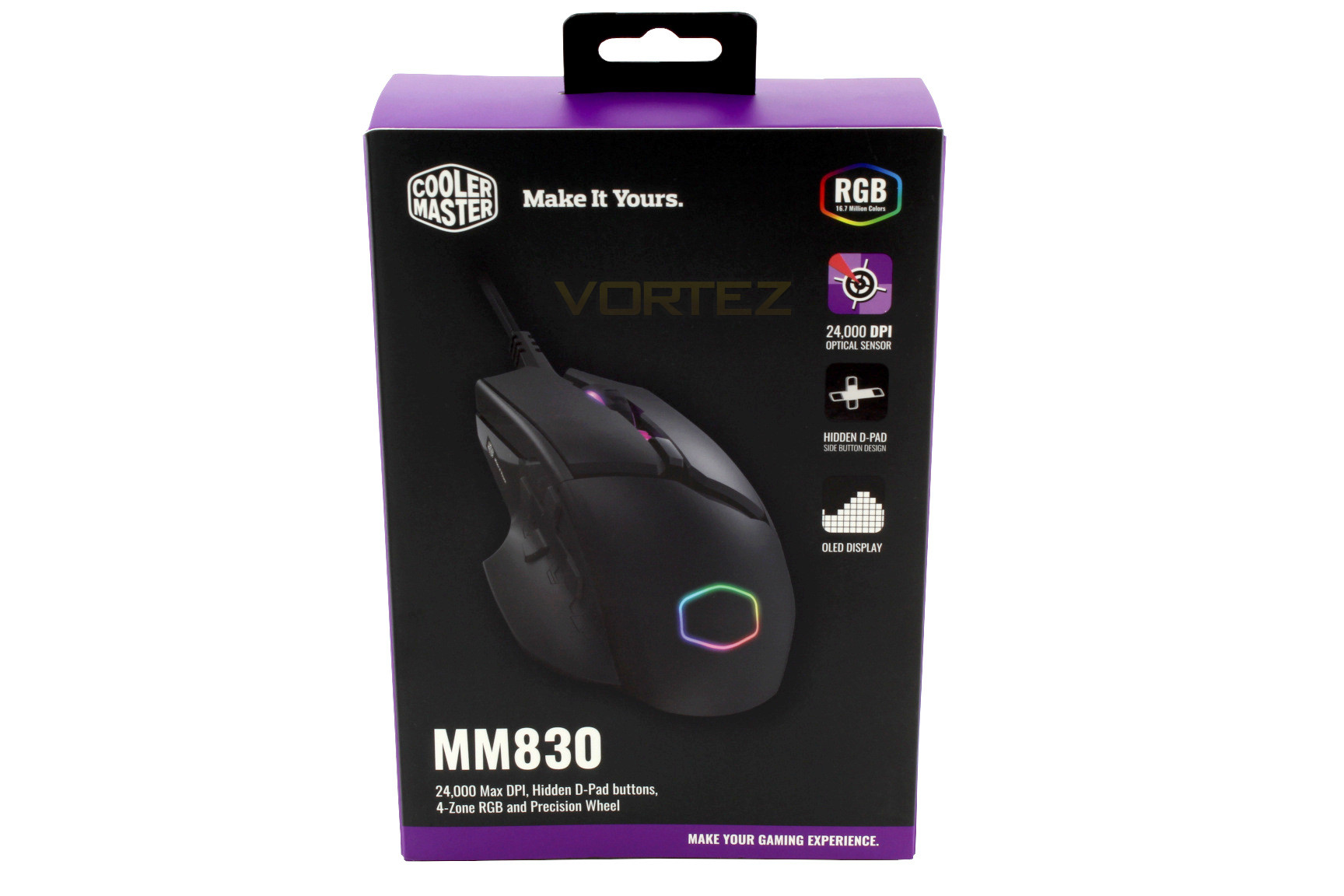
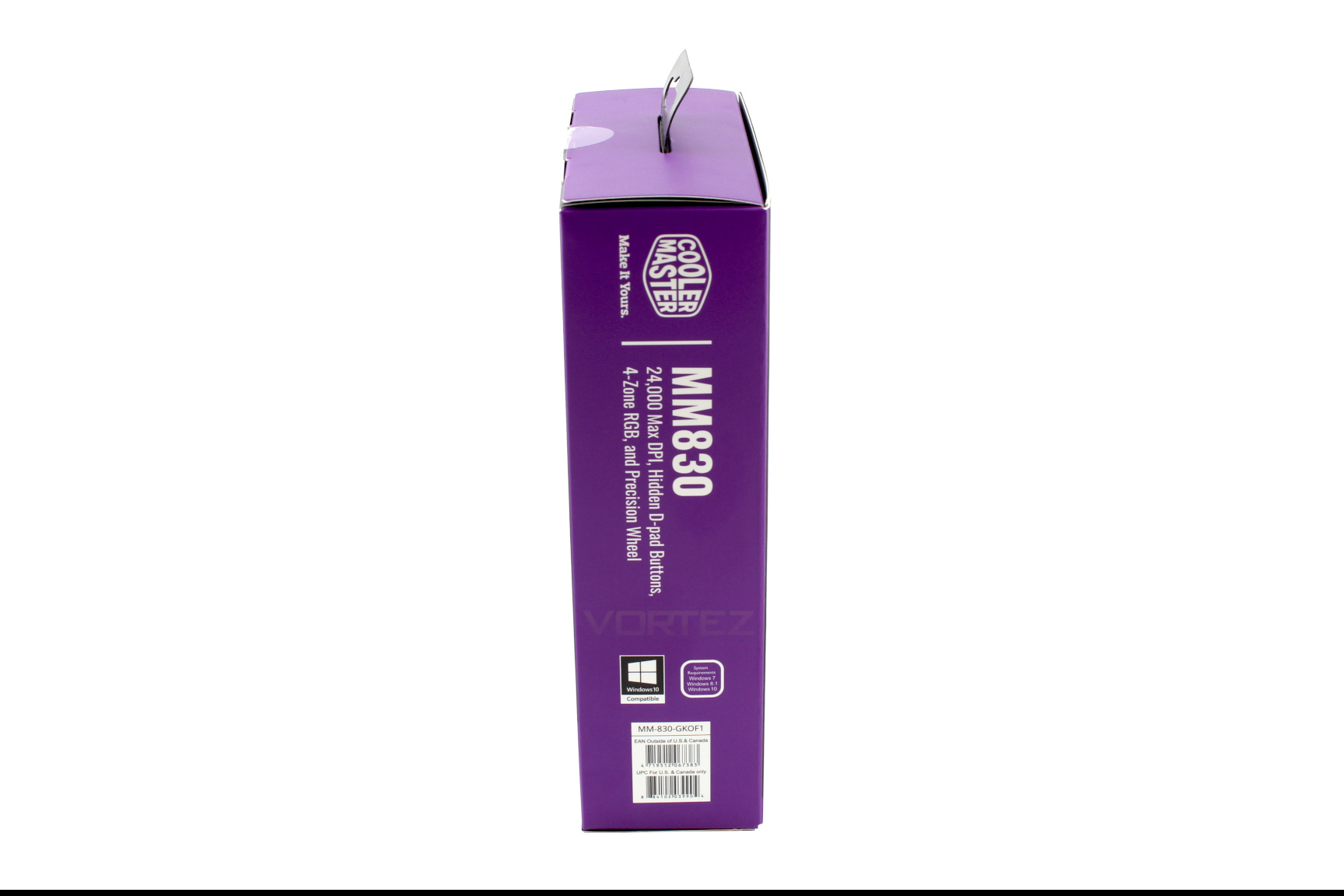
On the left hand side we can see that Cooler Master are hammering home the unique selling points with these re-iterated here.
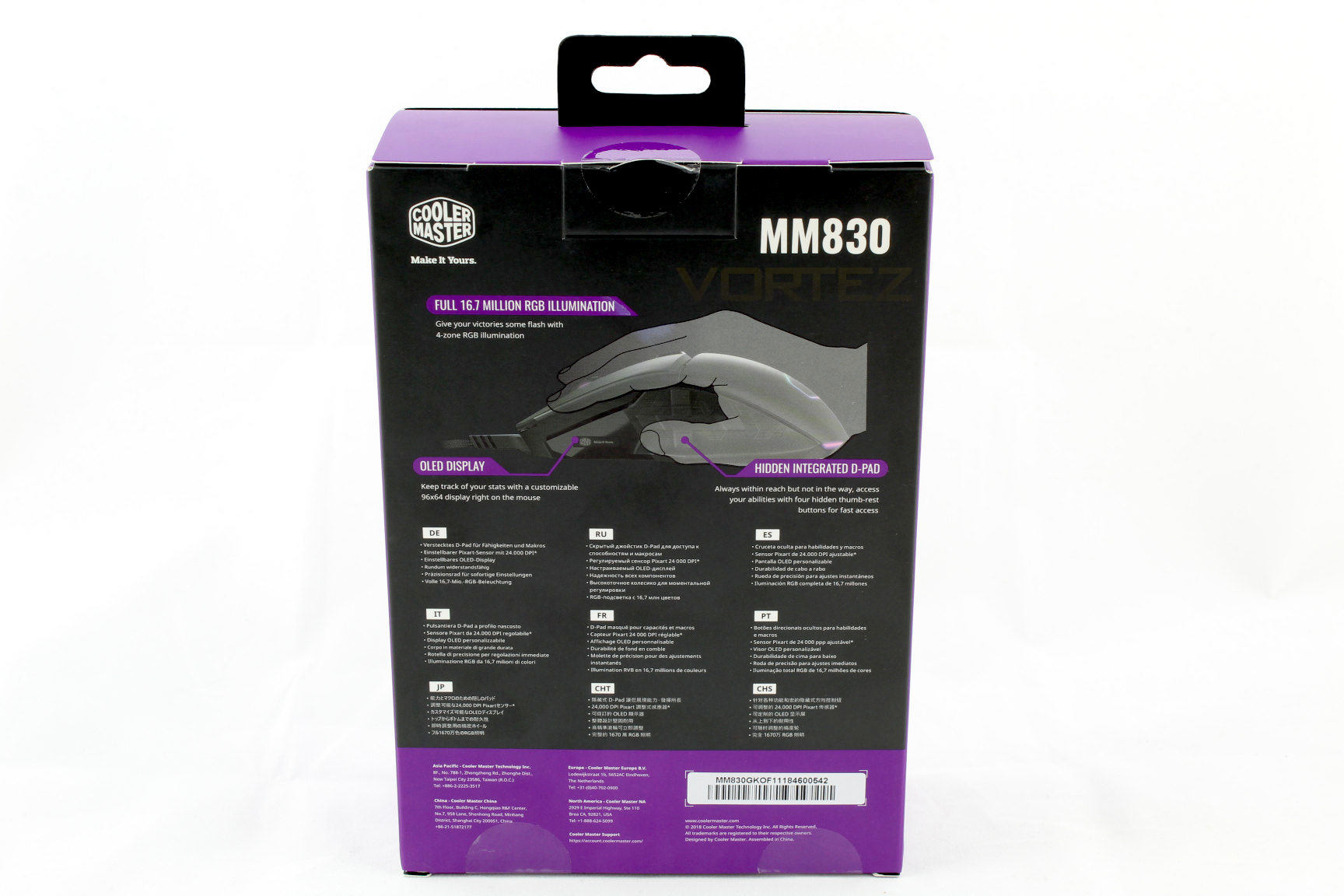
Turning our attention to the back of the box and we’re given a more in depth explanation of the RGB specifications, OLED display and the “hidden” D-pad.
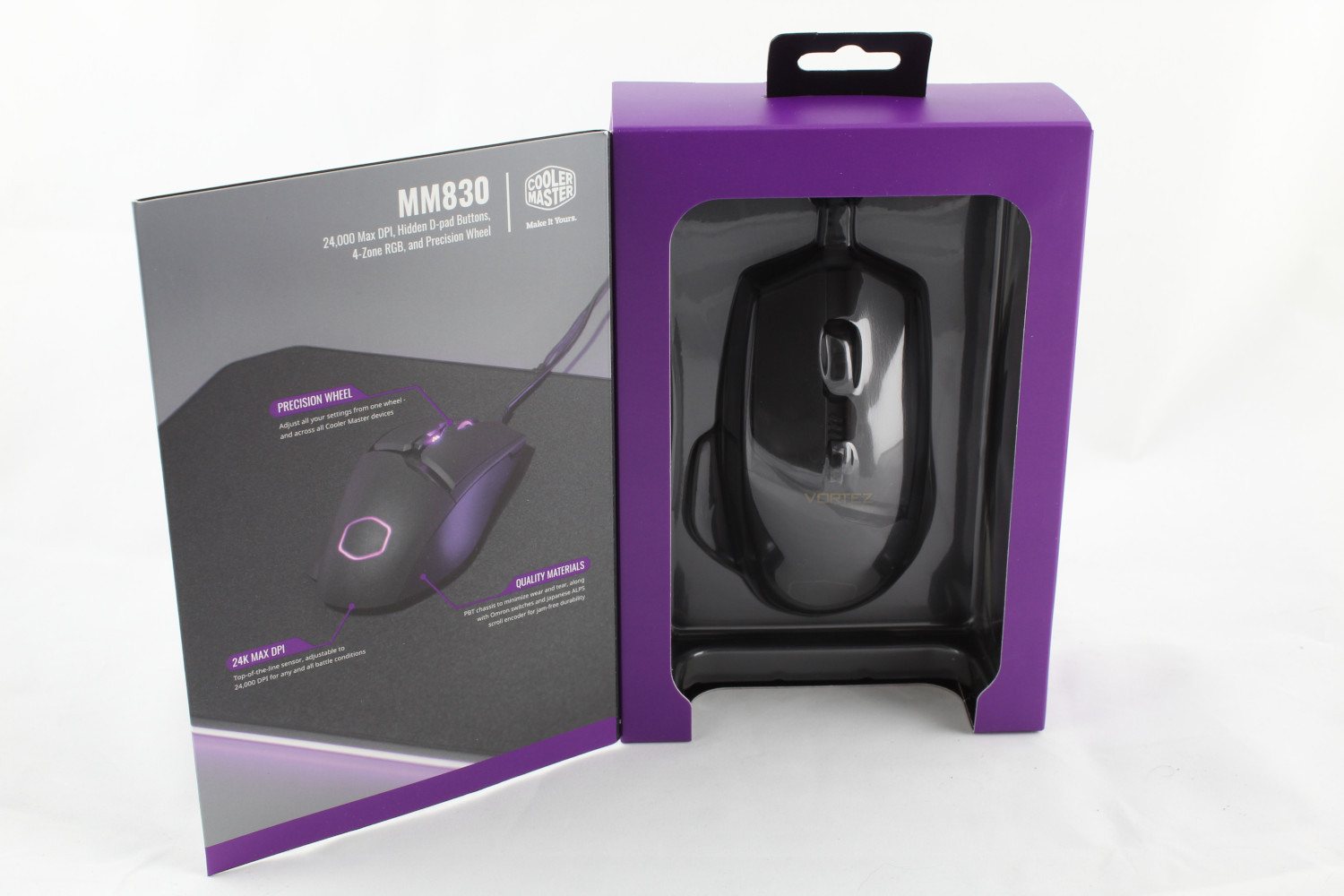
Opening the door we can get a sneak peak of the mouse and on the rear of the door the other unique selling points of the mouse are covered here.
Closer Look
Opening the box and we’re greeted by the mouse and a quick start guide which covers the technical specifications and where the 8 programmable buttons are.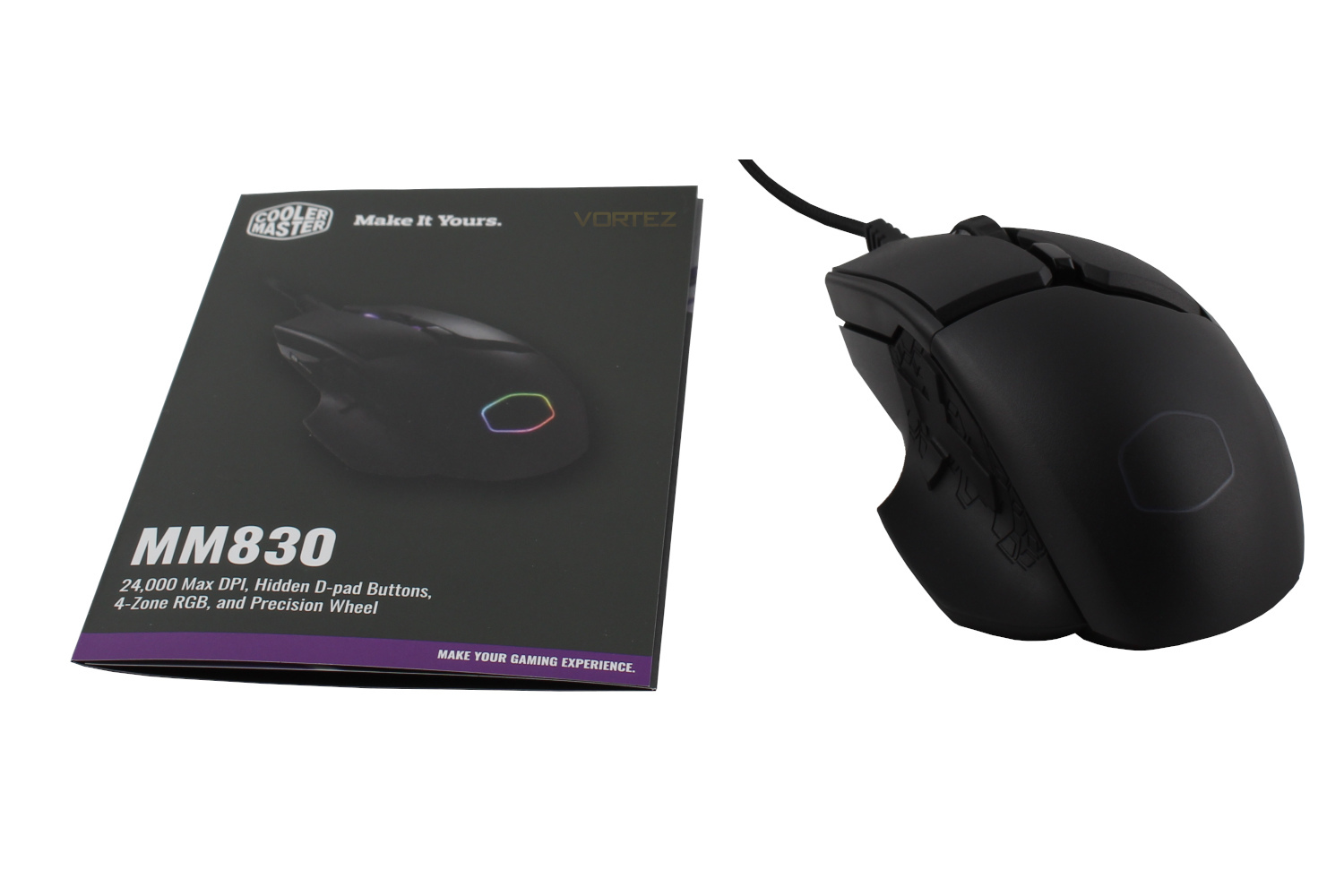
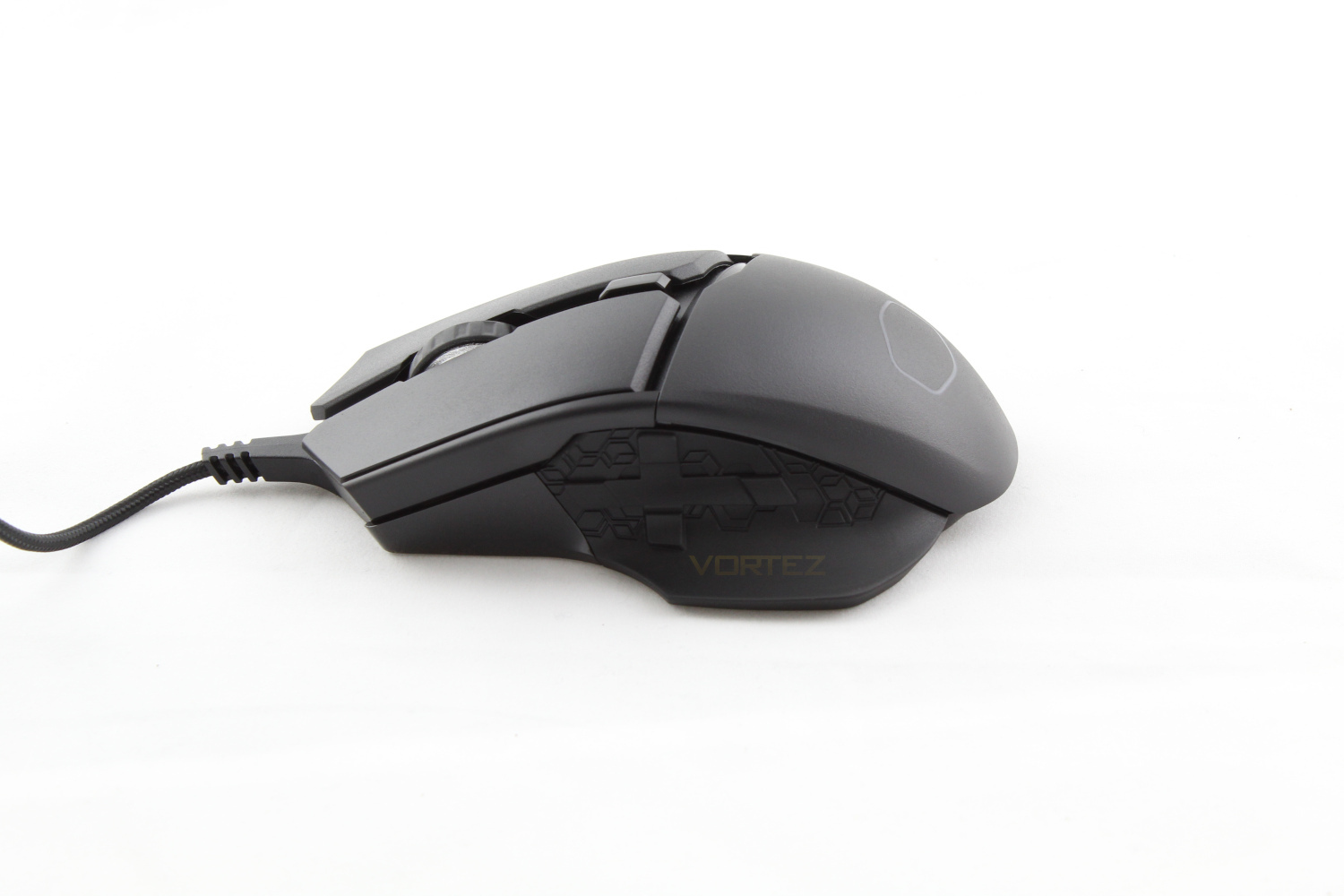
Releasing the mouse from it’s plastic housing and we’ll start with the most interesting, left side. This side features the MM830’s “hidden” 4 way D-pad, the customisable OLED Display and the smooth thumb rest. You can also see the first and second RGB zones which are the scroll wheel and DPI indicators respectively.
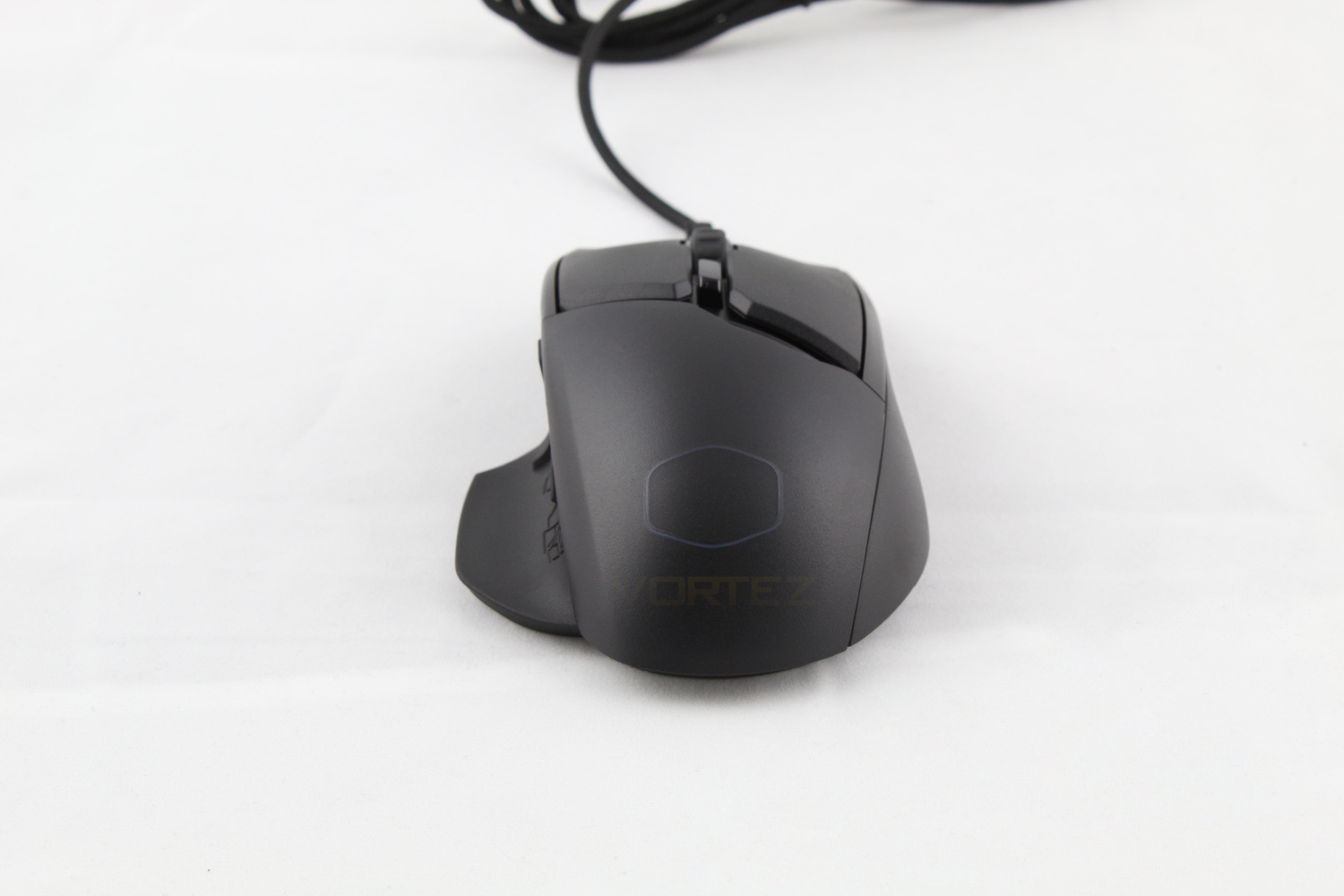
Looking at the mouse from the front and you can see the third of the RGB zones in the shape of the Cooler Master logo.
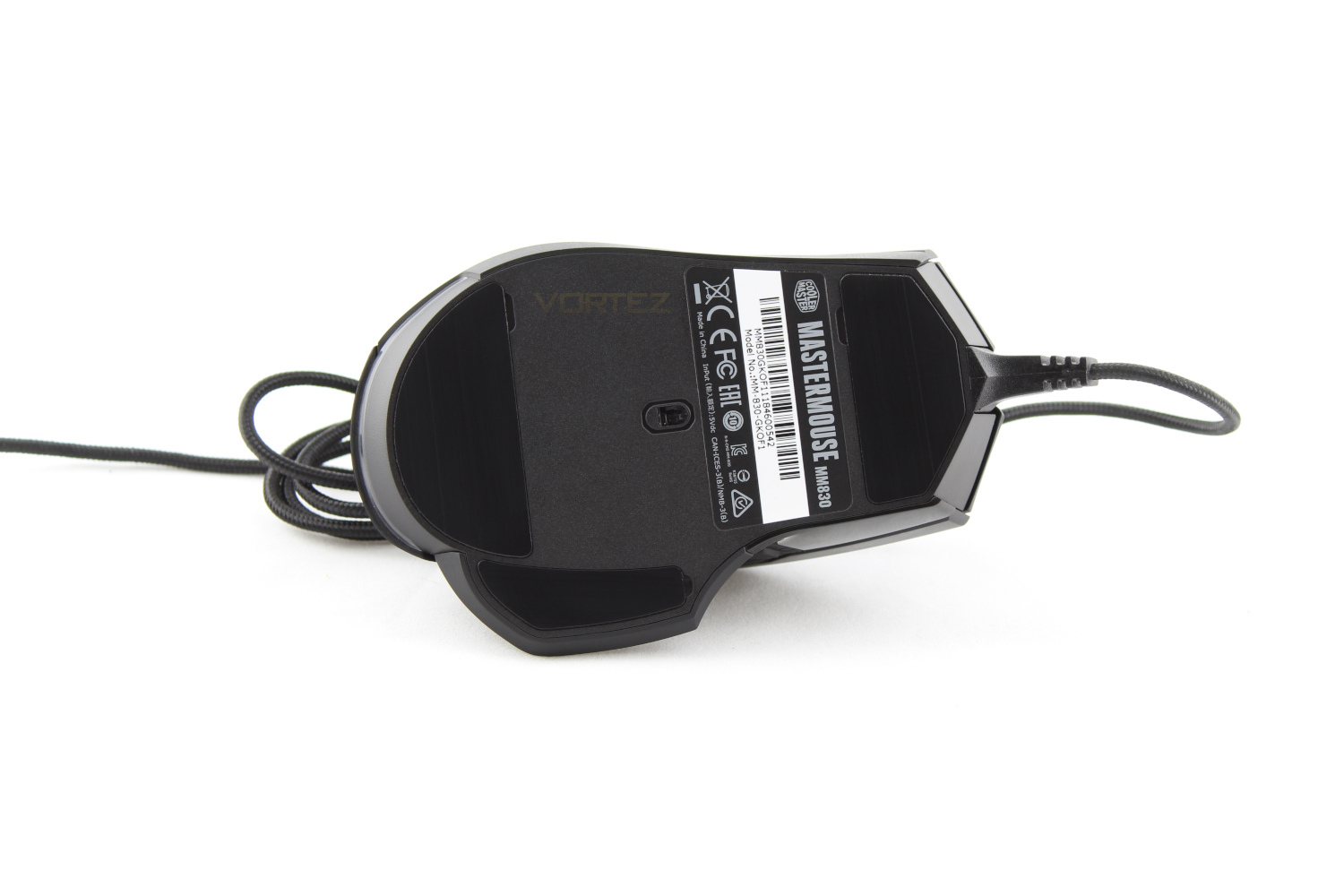
Looking underneath the mouse and this uncovers the Pixart 3360 sensor and the final RGB zone is found just underneath where your palm rests.
Software
Setting up the Cooler Master portal software is easy and straight forward, however we would like to point out that there are separate programs for different peripherals, we recently tested the Cooler Master SK650 keyboard and when using both in tandem we had to have both programs open to control each peripheral, we would really like to see the functionality rolled into one program.Within the software for the MM830 you have everything and more that you would expect from a self styled “pro-grade gaming mouse”. In the first tab you can assign any of the mouse’s buttons to any function that you could think of, from macros to multimedia keys. The second tab is where you can deep dive into the performance settings of your mouse and get it tailored exactly to your liking. In the lighting tab you can control all of the RGB settings, including the LED effects speed & brightness. In the tab labelled OLED you have access to the controls for the OLED screen, and you have the option of setting up multiple OLED profiles, you can upload a bitmap to display, or you can create your own within the easy to use software. The macros tab is where your macros are created and stored. Opening the Profiles Tab and we have the option to reset, rename, import & export your profiles.
For a more visual look at the software, watch the video below.
Performance Testing
Starting from the beginning, the MM830 does have the option of just being plug and play rather than installing the software for it as Cooler Master have employed their On-the-Fly technology seen on the SK650 within the MM830 and you are able to control the OLED display, your DPI settings & the LED mode & colour through the “Tactix” button, which works much like the function key on a keyboard and allows you to set alternative functions, as an example we used the back button on the D-pad as a to lower our DPI to aid with sniping within Counter Strike.Counter Strike proved to be the optimal game to test out the Pixart 3360 sensor, there were no issues with tracking our rapid, sometimes erratic movements. The MM830 is a little heavier than other mice, weighing in at 122 grams but this doesn’t go as far as being a hindrance or uncomfortable during long play sessions.
One game that the D-pad made a great impression in was Elite Dangerous, if you’ve ever played Elite Dangerous you will understand what an extra 8 programmable buttons means. For the uninitiated among us, Elite Dangerous is a space flight sim and there can be over 20 commands that need key binds and finding room for them all on a keyboard can be a hindrance. The Tactix button really shone here, however it does take a while to get used to, especially if you’re re-locating commands from your keyboard to these buttons.
One feature that was lacking from a practicality point of view is the OLED display, while you can display useful system information such as GPU & CPU utilisation there is not a lot that can be displayed that would be of much use within a game.
The other negative in regards to the OLED screen is that it’s small enough that to get a good look at the information displayed you have to tilt the mouse upwards, this isn’t a good idea within most games as you don’t want to be distracted from what’s going on in the game itself.
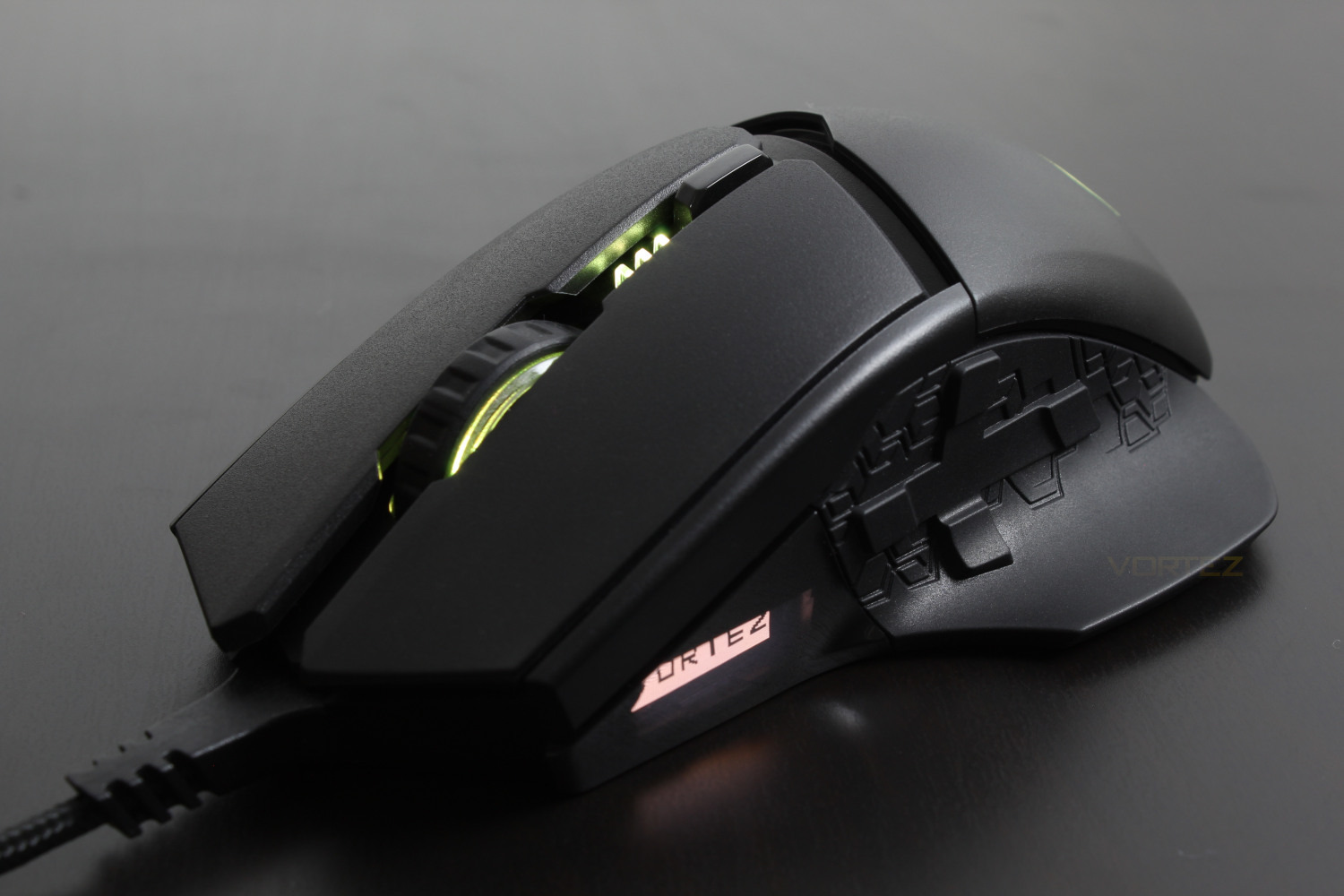
The OLED screen is great from a personalisation point of view, as you can see we have taken the liberty to display our very own logo, barring this there is not a lot of usability to be had from the OLED display due to it’s location and, at least in our case it is partially covered by our thumb.
The MM830 is a beast of a mouse and we can imagine people with smaller hands may struggle and find themselves stretching for the D-pad.
Conclusion
Coming in at £59.99 the Cooler Master MM830 goes above and beyond the expectations we set for it.Though the 96×24 pixel OLED display is lacking any real use cases it is a nice option for personalisation, though of course if it were not included it would bring the price down further, making the value proposition that much sweeter.
If you’ve used a Cooler Master mouse from recent times the PBT plastic that is used will feel very familiar, it brings with it a great grip and a high degree of control that some smooth mice lack.
The stand out feature that we feel needs to be called out is the “hidden” D-pad buttons, though not very hidden we found that the extra options for key bindings were very useful and we can see scope for use outside of the games we tested the MM830 with, for example in DOTA 2 for your skills or indeed the ever popular Fortnite.
Another call out feature is that the software Cooler Master has developed for this mouse is outstanding, the amount of customisability in terms of lighting, the performance settings available, the OLED display and the options for macros means that the feature set here is second to none and really deserves commendation. The only negative around the software is the fact that you can’t control each RGB zone independently which is not a big loss, but the option would be nice.
The build quality on the MM830 is above our expectations at this price point, it features a gold-plated USB connector and braided cable, the scroll wheel spins smoothly with just enough resistance to not be loose which we appreciate, and every button on the mouse responds with a nice tactile click when used.
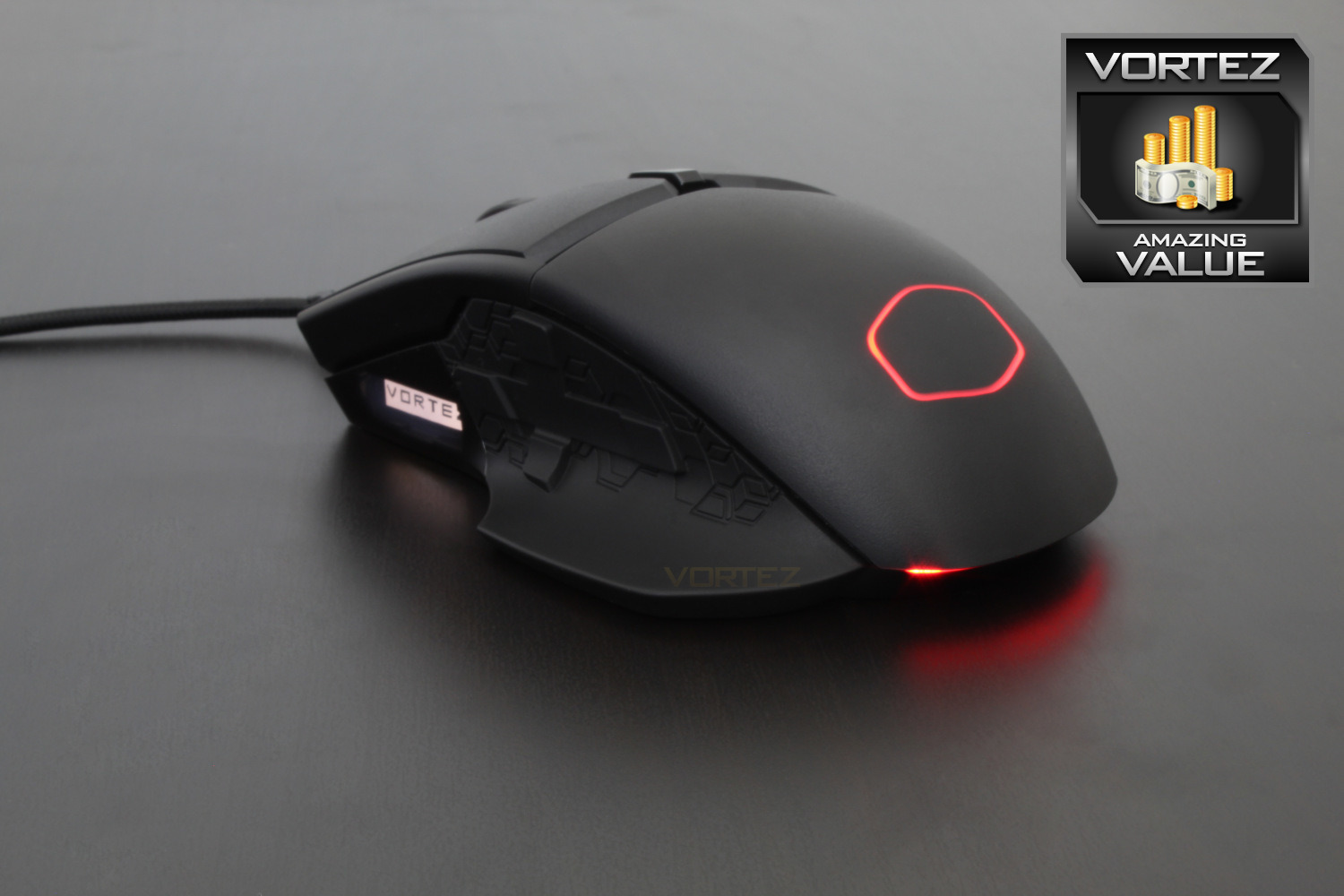
For the features included with this mouse to be available at £59.99 is a great achievement from Cooler Master and we feel that the MM830 is worthy of our Amazing Value award.
Pros
+ Customisability
+ Responsiveness
+ Great ergonomics
+ 4-Way D-pad greatly speeds up response times
+ Extremely high build quality
+ Price
Neutral
+- The higher DPI limit will not be much use to those without ultra steady hands
+- The rear D-pad option is situated far back on the mouse
Cons
– Heavy
– May not be suitable for claw grip
+ Customisability
+ Responsiveness
+ Great ergonomics
+ 4-Way D-pad greatly speeds up response times
+ Extremely high build quality
+ Price
Neutral
+- The higher DPI limit will not be much use to those without ultra steady hands
+- The rear D-pad option is situated far back on the mouse
Cons
– Heavy
– May not be suitable for claw grip
Click here for an explanation of our awards at Vortez.net.
Stay connected with the Vortez Social Media pages:
Join in with the discussions on Discord