The Quick Fire XTi is a minimalistic mechanical keyboard ready to go without the need for a software download, yet it provides gamer friendly features such as customisable per-key illumination in an elegant red/blue combination, and recordable macros.

Product on Review: Cooler Master Quick Fire XTI
Manufacturer & Sponsor: Cooler Master
Street Price: US: 139.99, UK: £129.99
There are some gamers out there that cringe at the thought of over designed gaming peripherals and will naturally opt for a more plain/sleek aesthetic with a minimal fuss setup. Though looking at the choices, they may equally feel left in the dark in regards to contemporary features such as programmable per-key back lighting and macros. This is where the CM Quick Fire XTi locks on to.
Available with Cherry MX switches in Red, Blue or Brown that are set in a minimalistic, heavy duty body the Quick Fire XTi offers more than meets the eye, considering it is a driverless plug & play keyboard. The customisable per-key lighting uses just the red/blue LEDs to create a palette of 35 colours, on top of that, there is an on-board macro recording feature too which can be saved across 4 profiles.
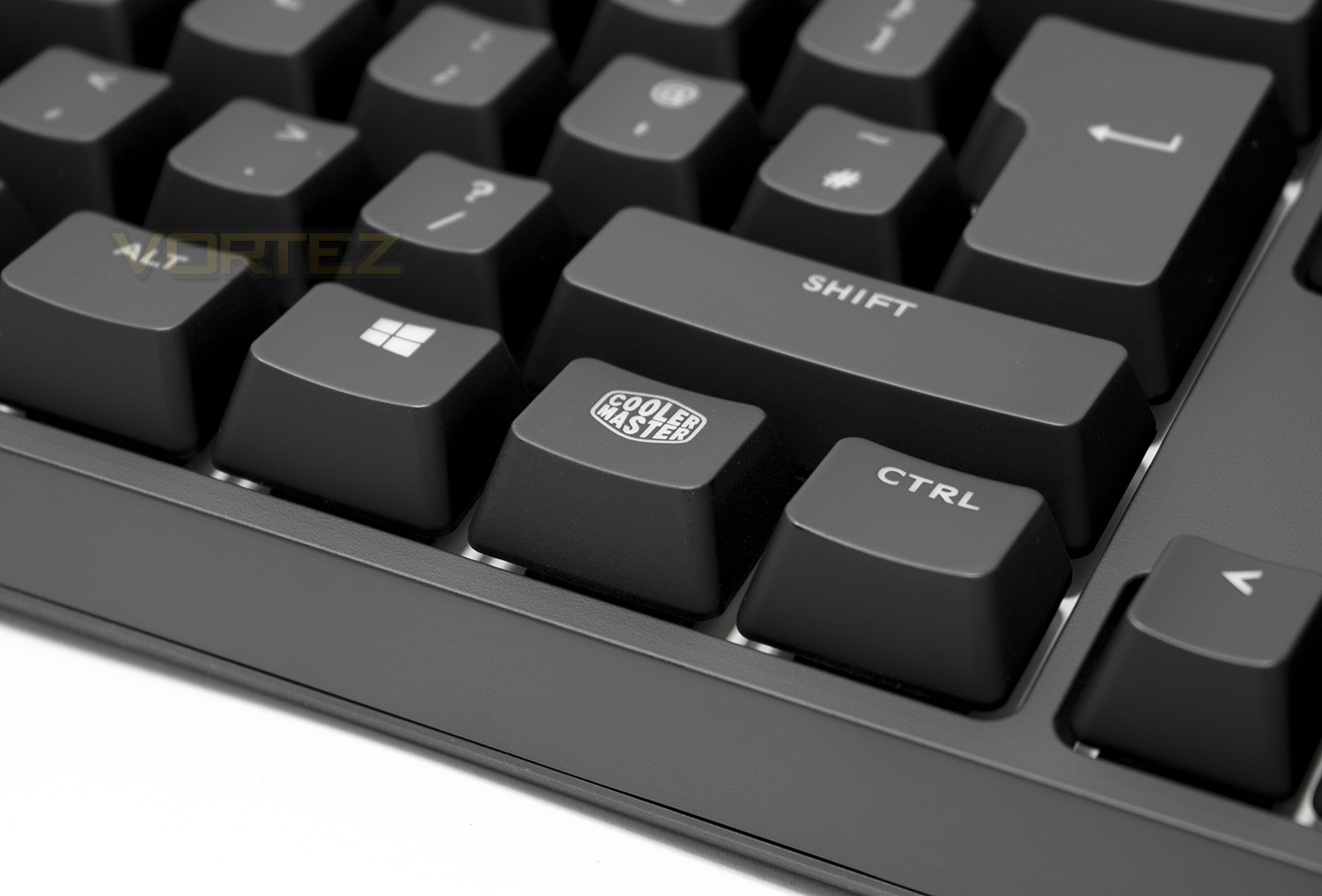
Overview by Cooler Master
The Quick Fire XTi mechanical gaming keyboard by Cooler Master is the ultimate in minimal design and sleek simplicity. Luxurious UV coated keys include a streamlined multicolor per-key backlighting system built with 100% Authentic Cherry MX switches. Plug and play design ensures color, backlighting modes, profiles and macros are all quickly and easily customizable without the need for complex software.
Technical Specifications
Model Number:
SGK-4060-KKCL1 (Blue switch)
SGK-4060-KKCM1 (Brown switch)
SGK-4060-KKCR1 (Red switch)
Key Switch Type: CHERRY MX Blue/ Brown/ Red
Key Rollover: NKRO (Windows only)
Keycaps: ABS, grip coated, removable
Polling Rate: 1000 Hz/1ms
Backlight: Full backlit, 35 colors, 5 settings
Windows Key Lock: Yes
Media Keys: Yes (via F keys)
Interface: Micro USB 2.0, full speed
USB cable: 1.5m braided, gold plated and removable
Dimensions
43.9(L) *13(W) *4.1(H) cm
17.28(L) *5.12(W) *1.61(H) inch
Weight
1114 g / 2.46 lbs
SGK-4060-KKCL1 (Blue switch)
SGK-4060-KKCM1 (Brown switch)
SGK-4060-KKCR1 (Red switch)
Key Switch Type: CHERRY MX Blue/ Brown/ Red
Key Rollover: NKRO (Windows only)
Keycaps: ABS, grip coated, removable
Polling Rate: 1000 Hz/1ms
Backlight: Full backlit, 35 colors, 5 settings
Windows Key Lock: Yes
Media Keys: Yes (via F keys)
Interface: Micro USB 2.0, full speed
USB cable: 1.5m braided, gold plated and removable
Dimensions
43.9(L) *13(W) *4.1(H) cm
17.28(L) *5.12(W) *1.61(H) inch
Weight
1114 g / 2.46 lbs
Packaging & First Look
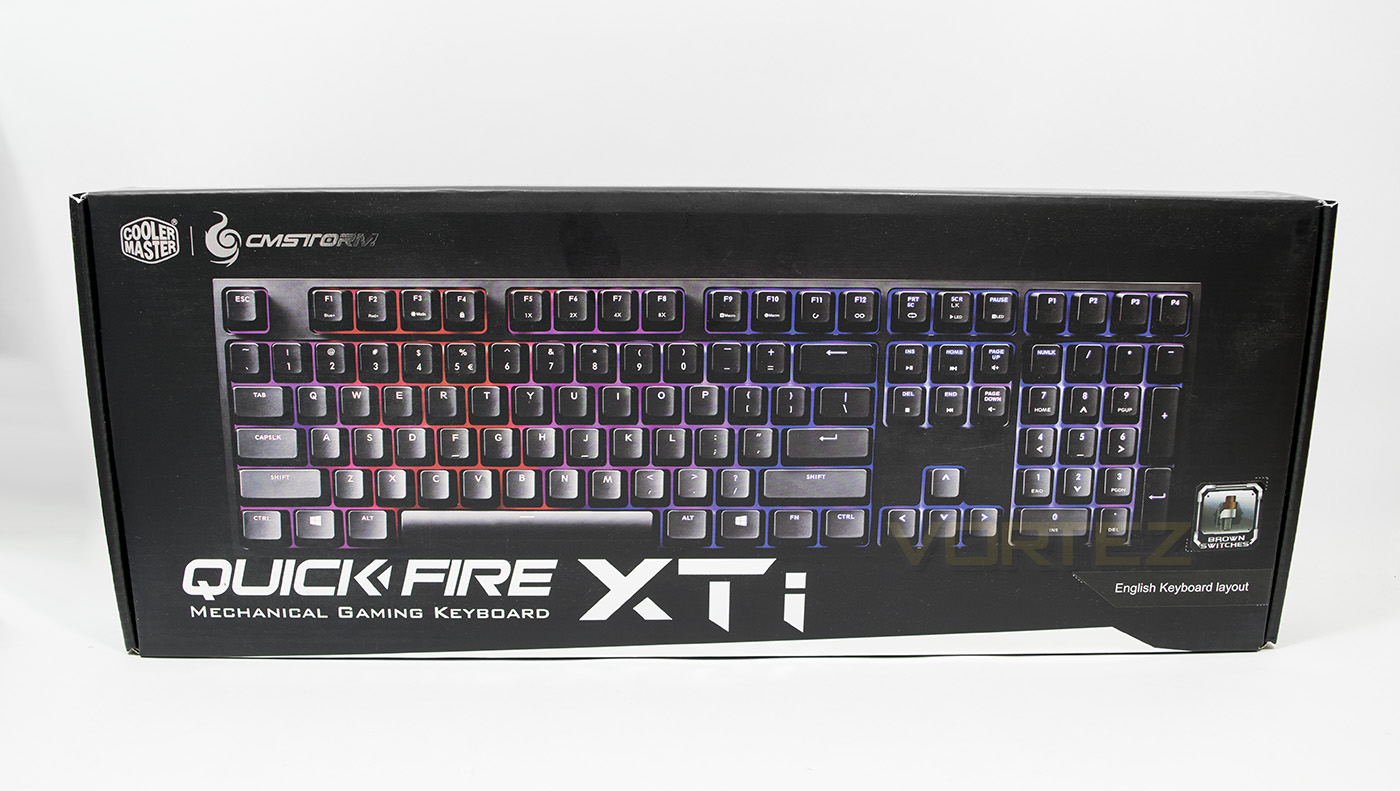
The packaging reflects the minimalistic design of the keyboard with plain black background, with the product name written in a metallic finish. The only information given here is that we have the UK layout and it features brown switches.
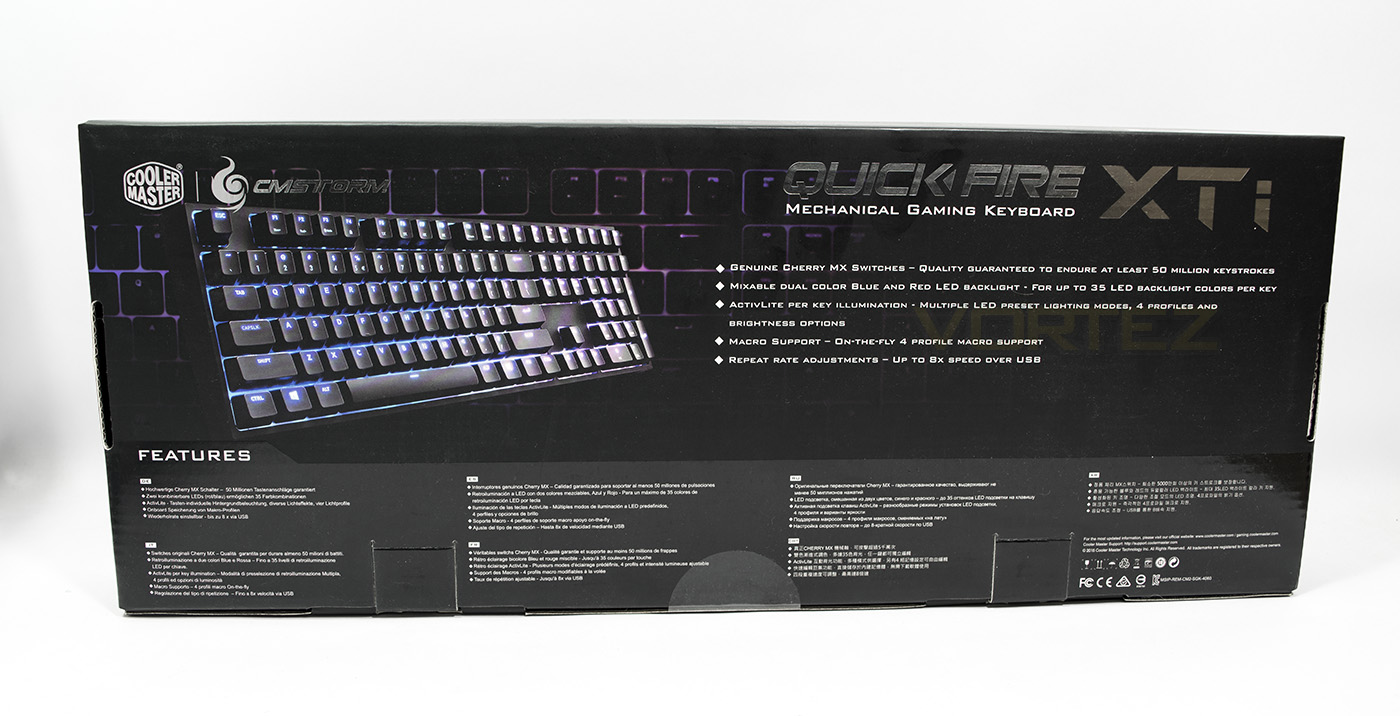
At the back we are told that it uses genuine Cherry MX switches rated for 50million key strokes. Other features are also listed including the mixable dual colour per-key lighting and macro support.
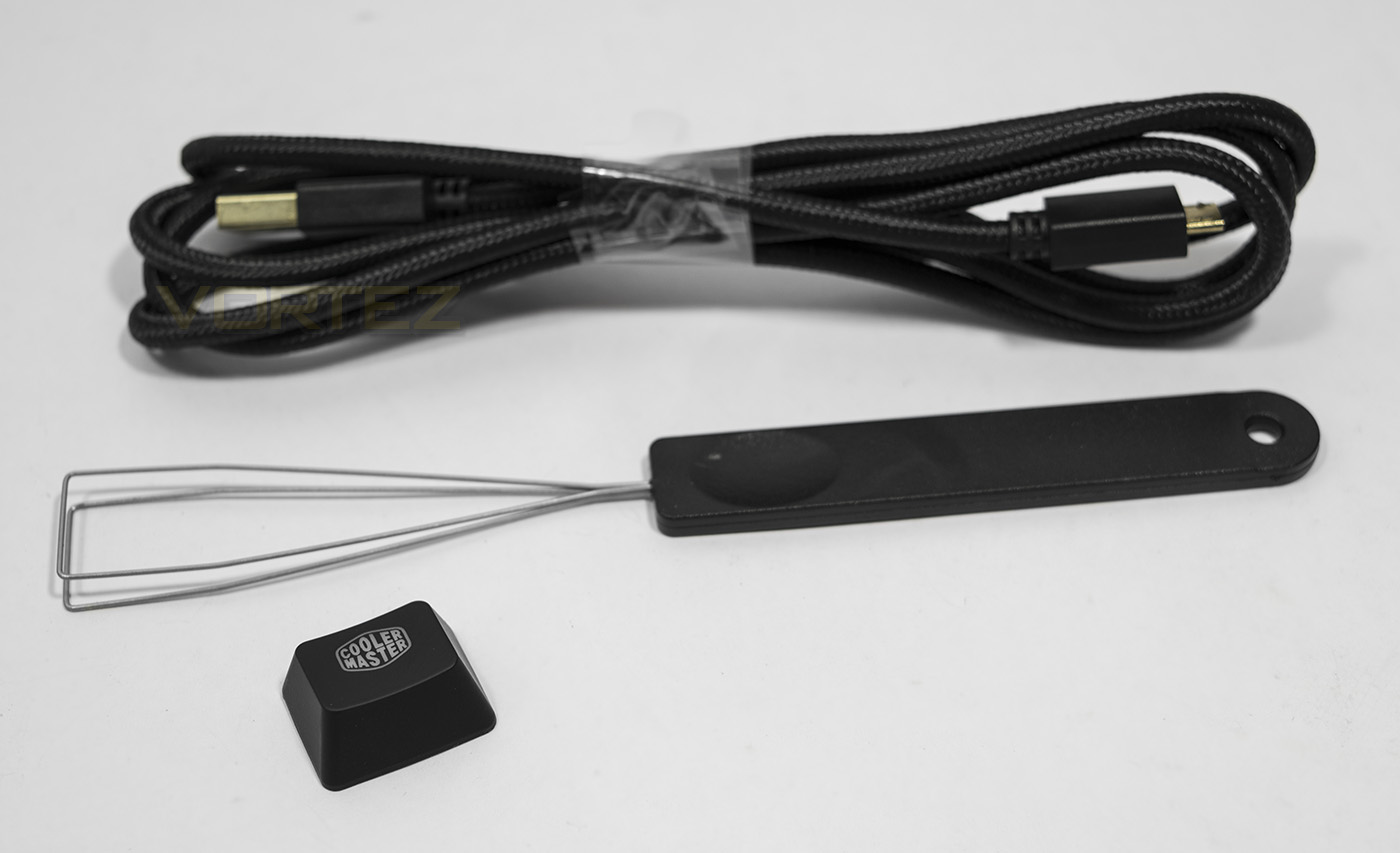
Included inside are a 1.5m braided detachable cable, a wire key cap remover and a Cooler Master logo keycap used to replace the FN keycap.
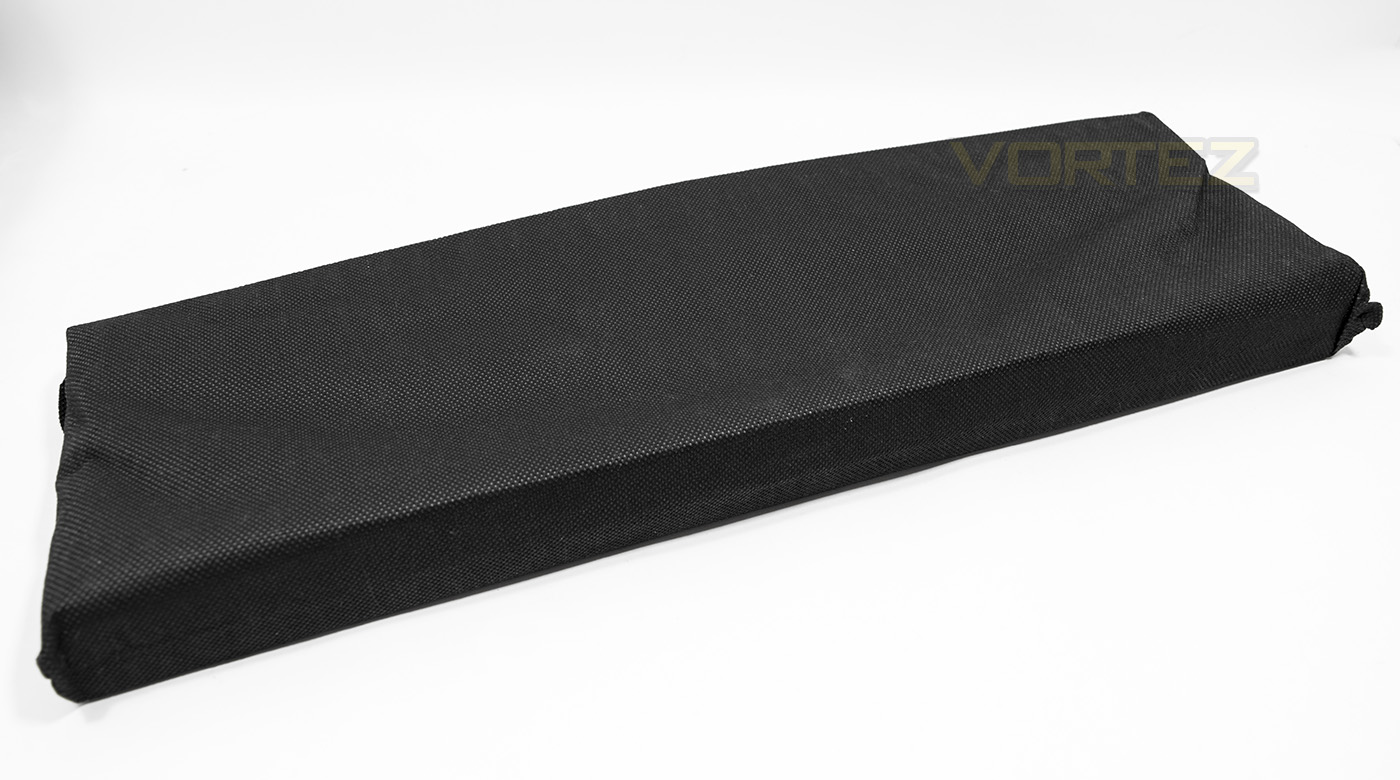
The keyboard itself is shipped in a durable sleeve.
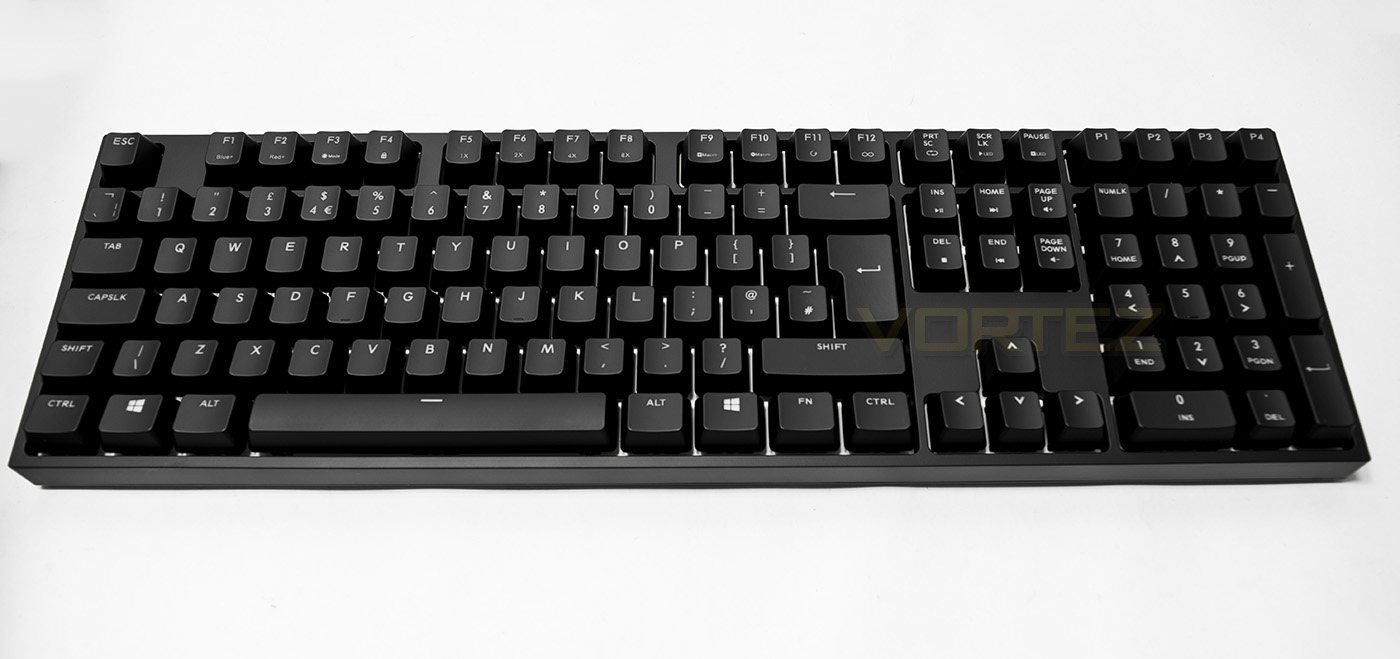
The keyboard itself has a thin bezel and no space for any indicators, so caps lock/scroll lock/ etc will use the LED backlight as an indicator.
Closer Look
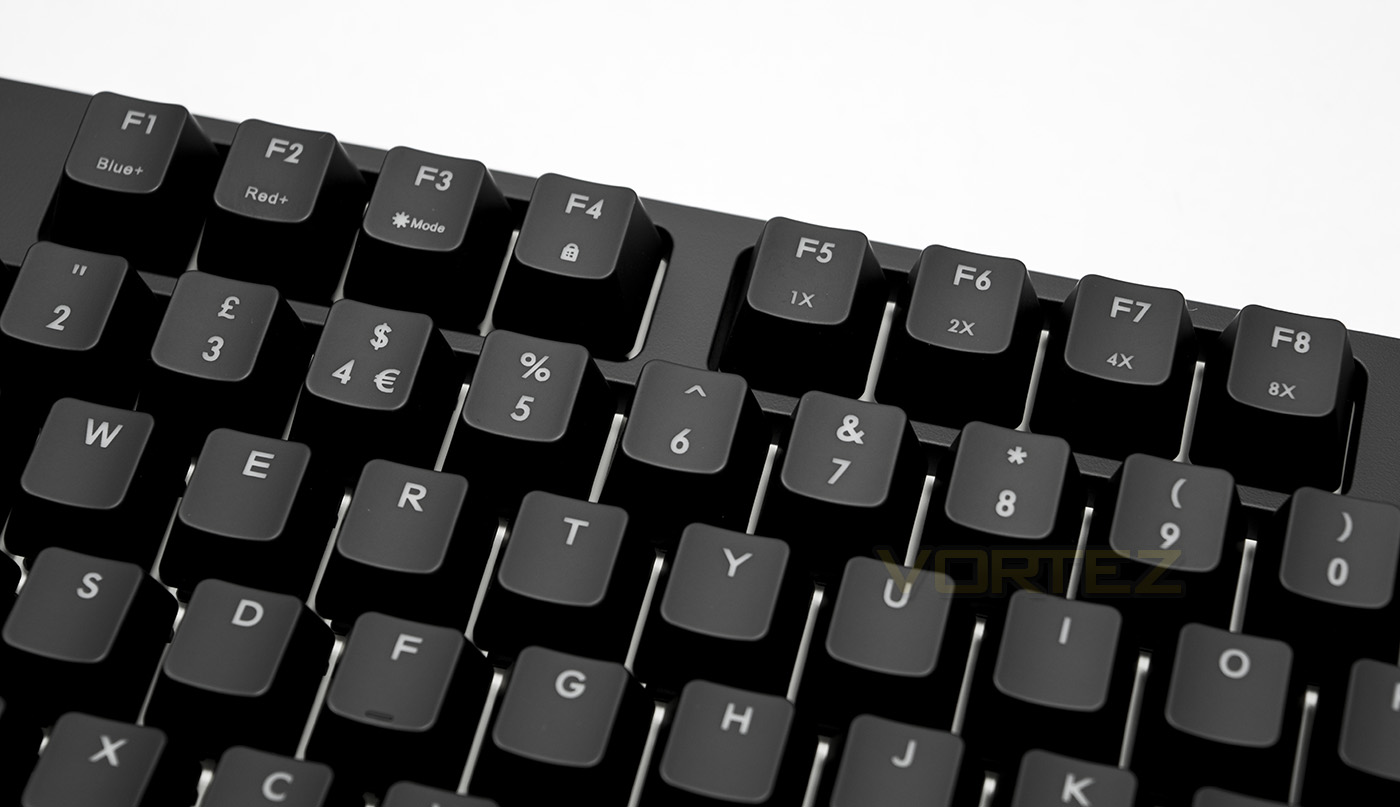
The Quick Fire XTi piles on most of the controls as FN enabled keys: F1-2 controls the various brightness of the blue/red LEDs thus creating difference colours between them. F3 changes the lighting mode, from off, reactive, breathing, wave, ripple snake. F4 toggles the Windows key lock. Just a note about the Windows key function in W10, if you haven’t checked out some of the functions of the Windows game bar yet, you may be surprised to find that it has easy in-game capture and screen shots (its list of features will likely grow). Still, it can be slightly annoying to have to have it enabled to use its features when an errant finger could drop you out of game. On-the-fly lock/unlock like this becomes a much more attractive option than having to open up software to do it. F5-8 change the repeat speed of the keyboard, allowing for x8 over USB 2.0, not a mode for the faint hearted.
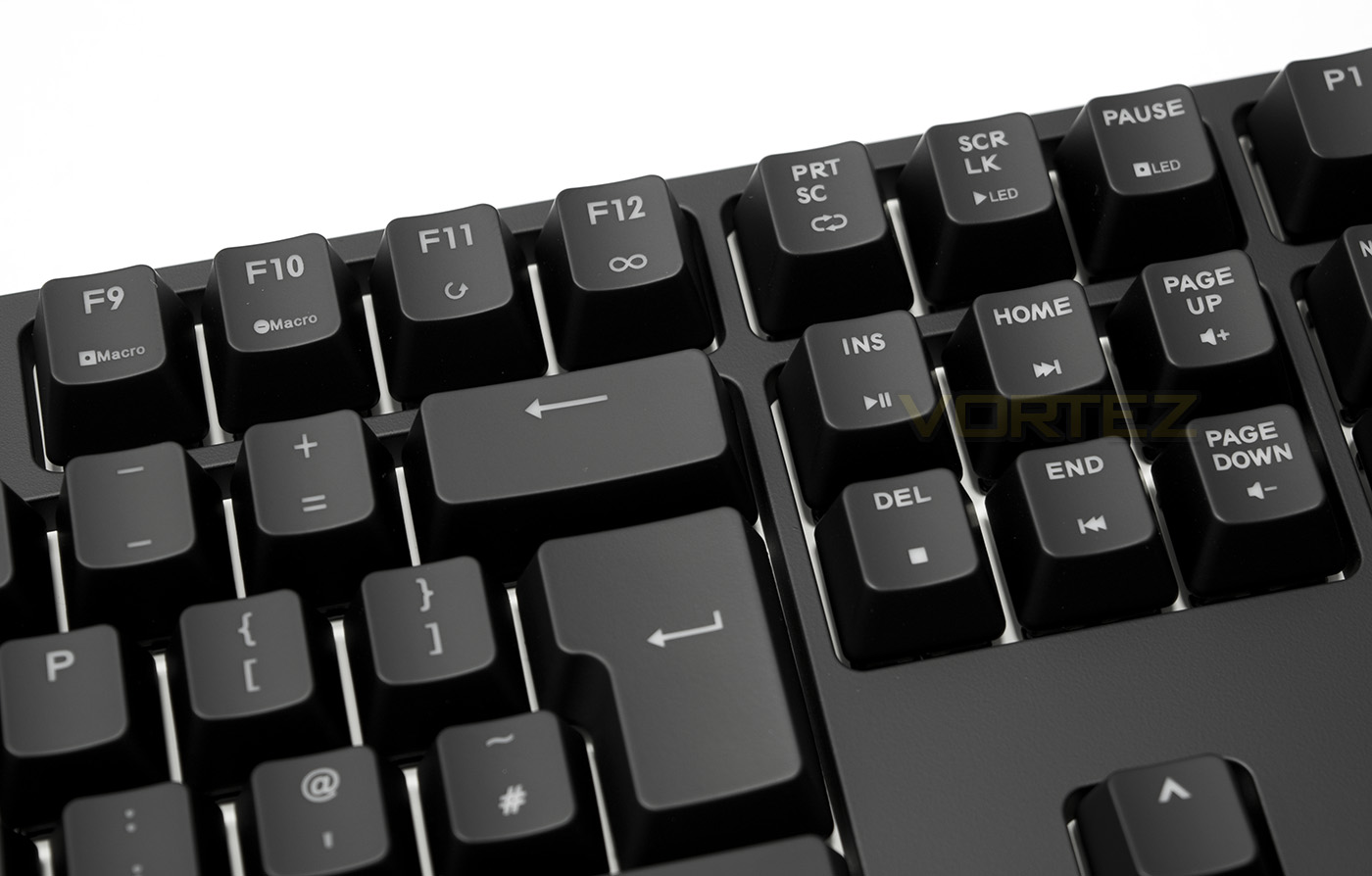
More FN keys include the use of F9 as the macro record button, F10 macro delete, F11 ‘one time’ playback, F12, toggle, prt sc as loop. Scroll lock and pause are for recording custom LED layouts. Further FN keys found are a complete set of media keys.
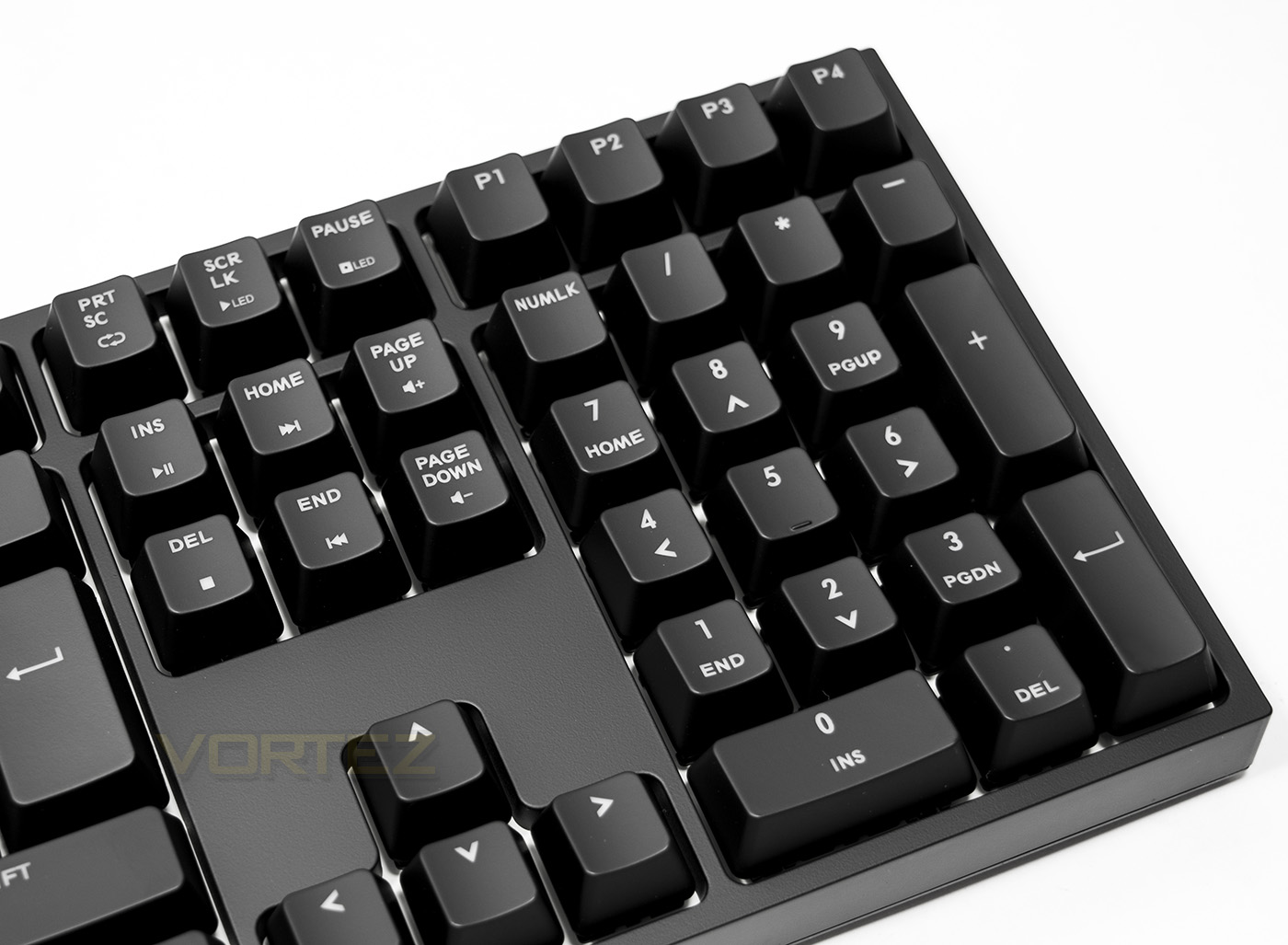
At the top right part of the keyboard you will find the 4 profile buttons for easy profile switching.
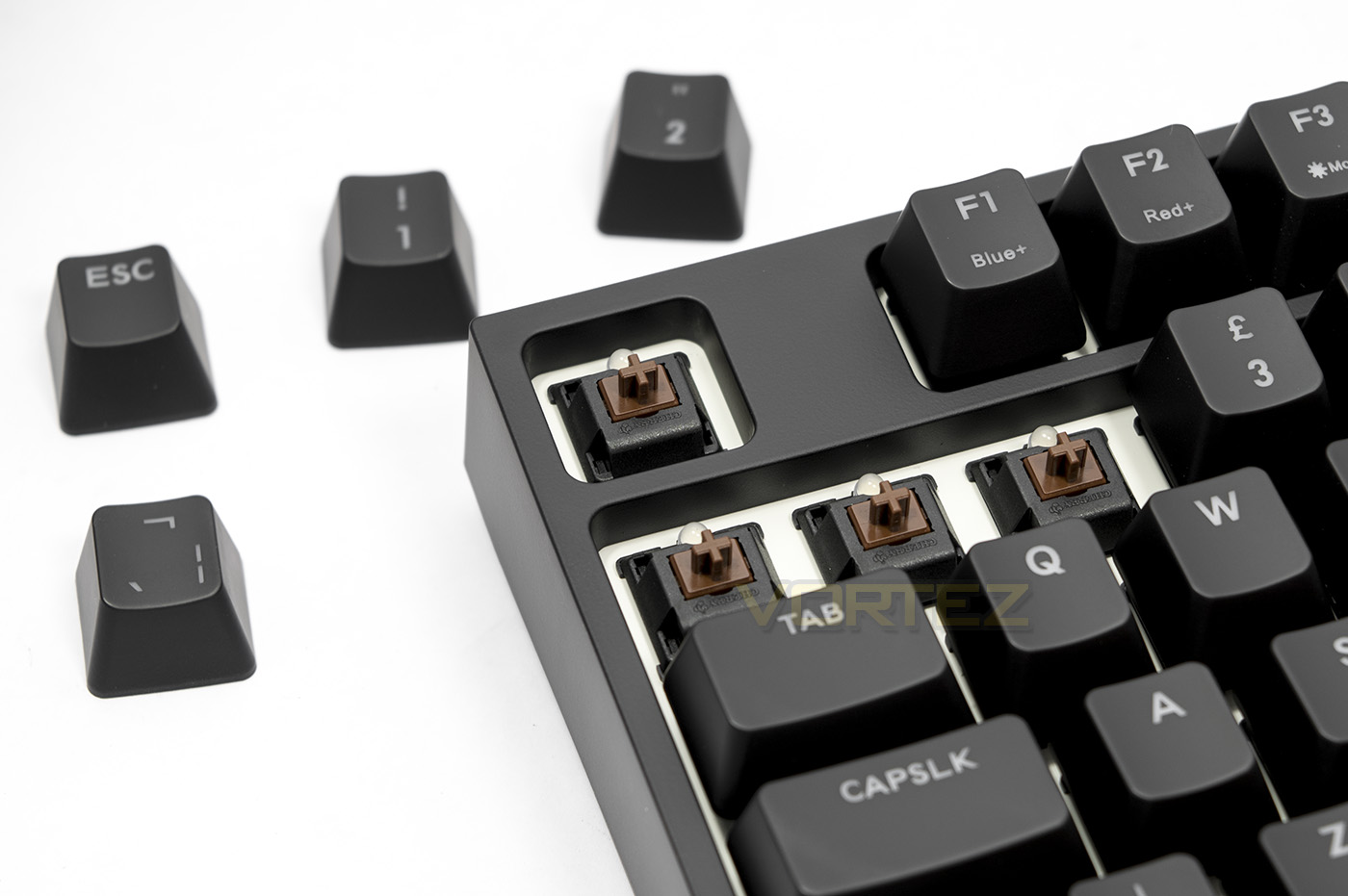
The keycaps feel decent quality, not too thin and not too thick and have a durable, UV coating. Underneath we find the Cherry MX Brown switches.
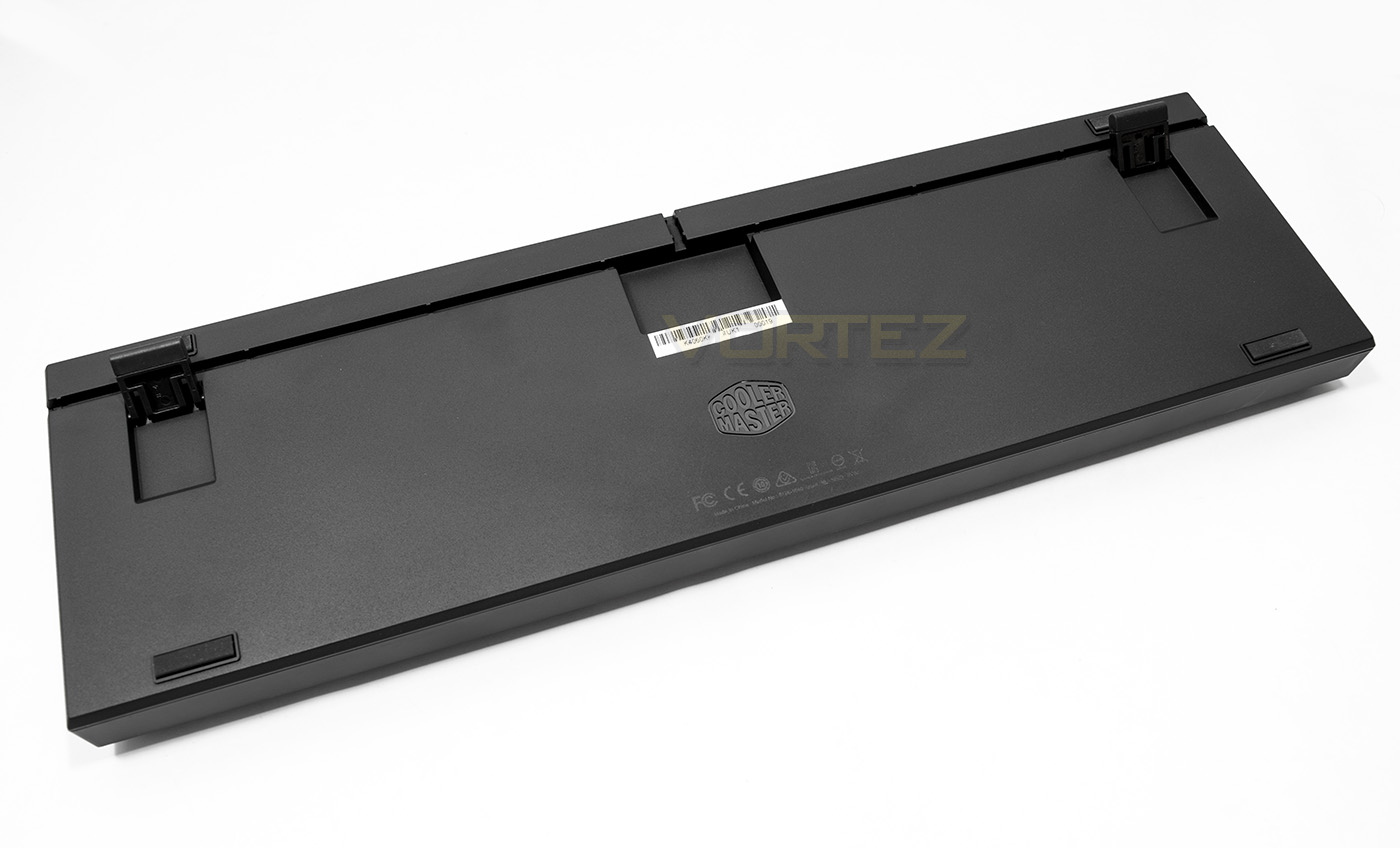
Flipping the keyboard over we find the well where the detachable cable is plugged into as well as some routing channels. People may be pleased to find that this keyboard uses micro USB rather than mini USB, the latter of which is known to wear quite quickly.
Lighting and controls
The learning curve to customising your own lighting and macros seems more daunting than it is. Cooler Master have created the Quick Fire XTi to be driverless, so all functions are done on board. This includes customising the lighting and recording macros.
The FN key is king here, with individual controls over the blue and red brightness settings which in turn adjusts the hue based on the strength of each when combined. Then there is a mode function tied to the F3 key. F4 is used for Windows Lock and like the other Lock keys, customisation of this key is limited due to having a native on/off reserved for its primary function. F5-8 are reserved for key repeat speed, 1x for normal rate or for the super fast typists out there it goes all the way to 8x normal speed. To record macros, you can press the macro record key followed by the key you wish to bind the macro to. Then press the sequence you want, when finished you can set whether you want to use the ‘one time’, ‘toggle’ or loop modes, then to exit FN+ESC. The downside to recording macros like this is that there is no way of editing them and they playback at the speed which they were recorded at. Though with a bit of practice, this won’t be a major issue. Below is the video manual for the Quick Fire XTi that shows clearly the functions of the keyboard.
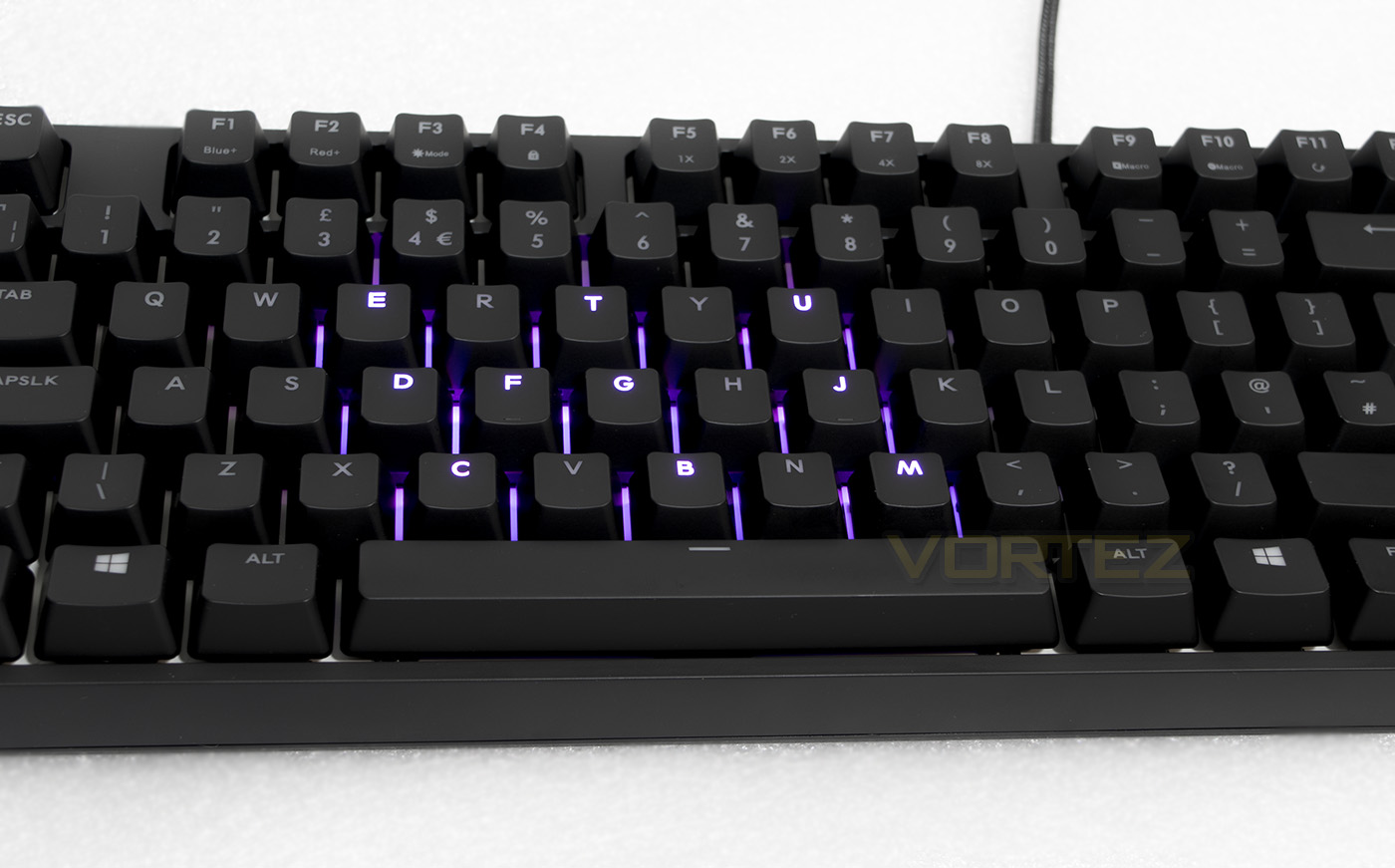
The Cooler Master Quick Fire XTi features customisable per key back lighting using red/blue LEDs, while seemingly limited compared to a full RGB keyboard, it does give a distinct character.
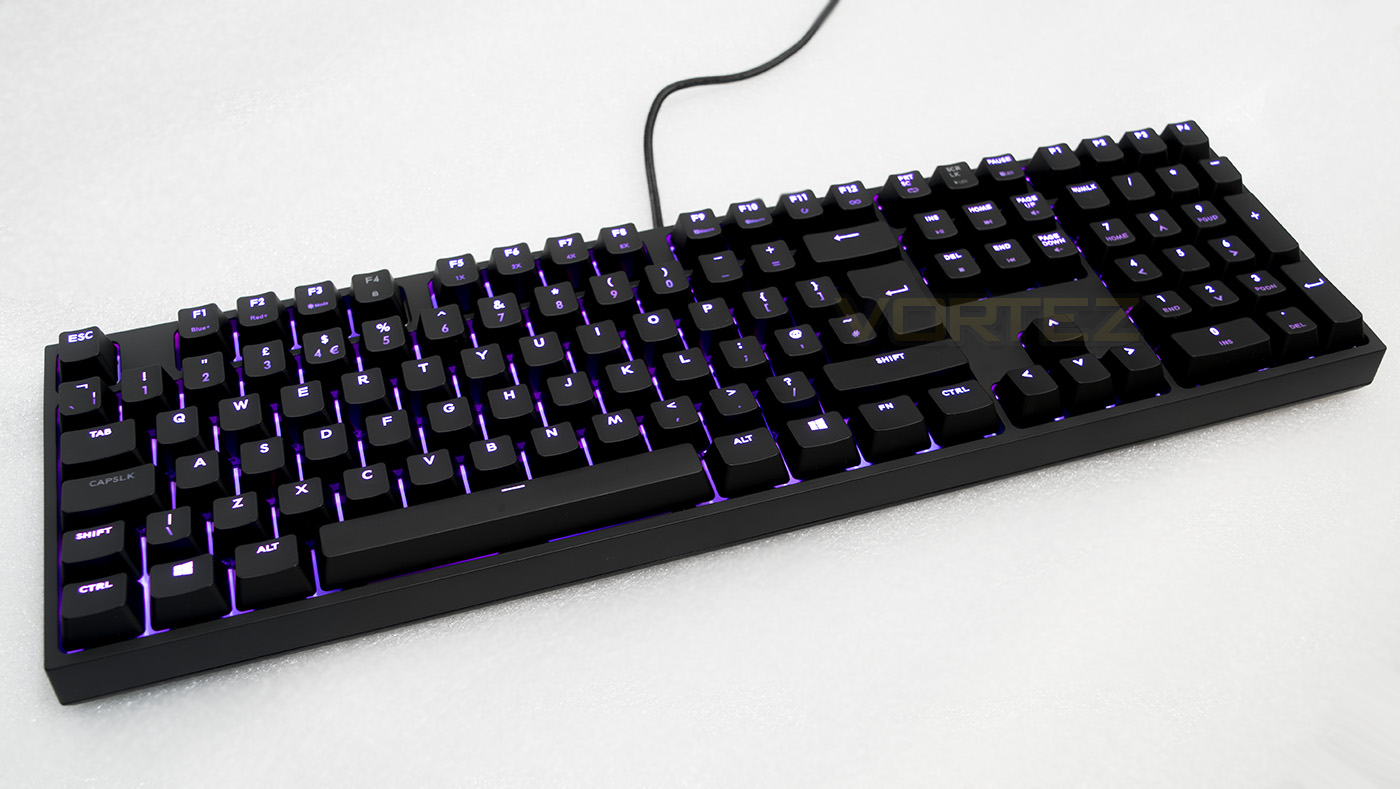
Fully lit you can choose from off, blue, red, and anything in between.
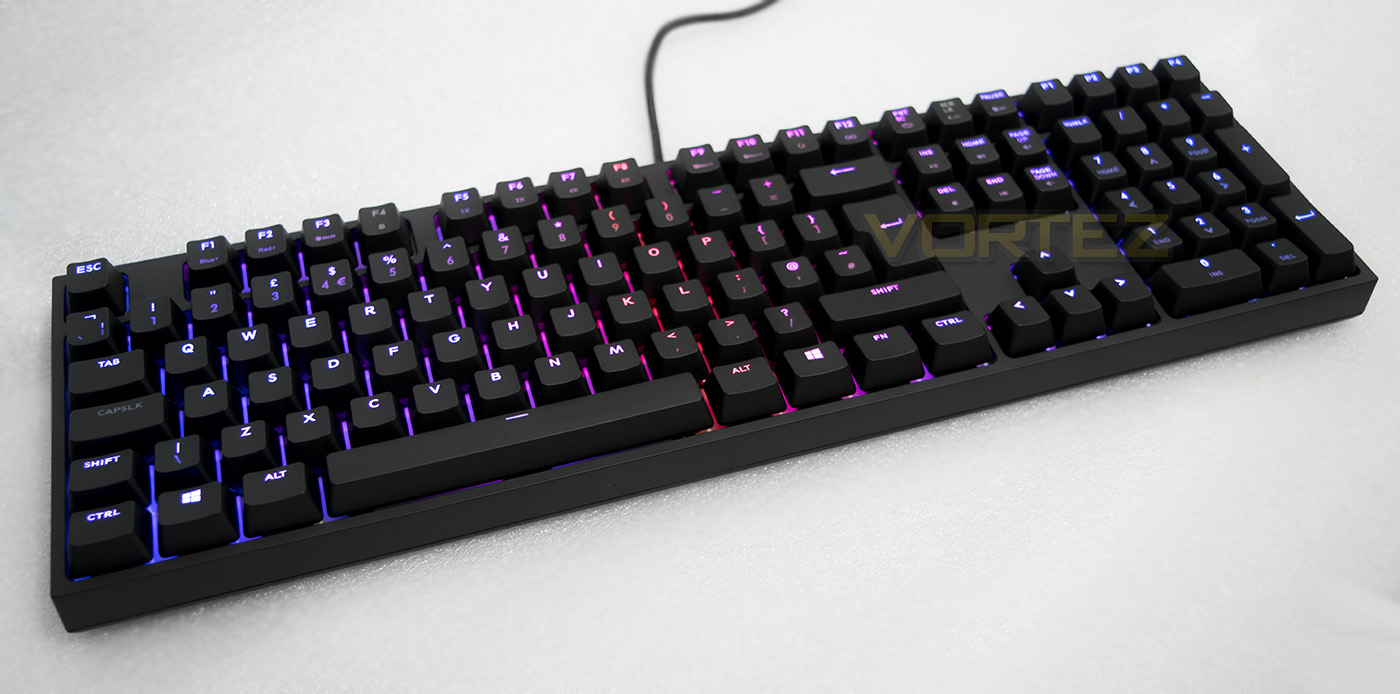
The spectrum wave mode shows off the red/blue spectrum quite nicely
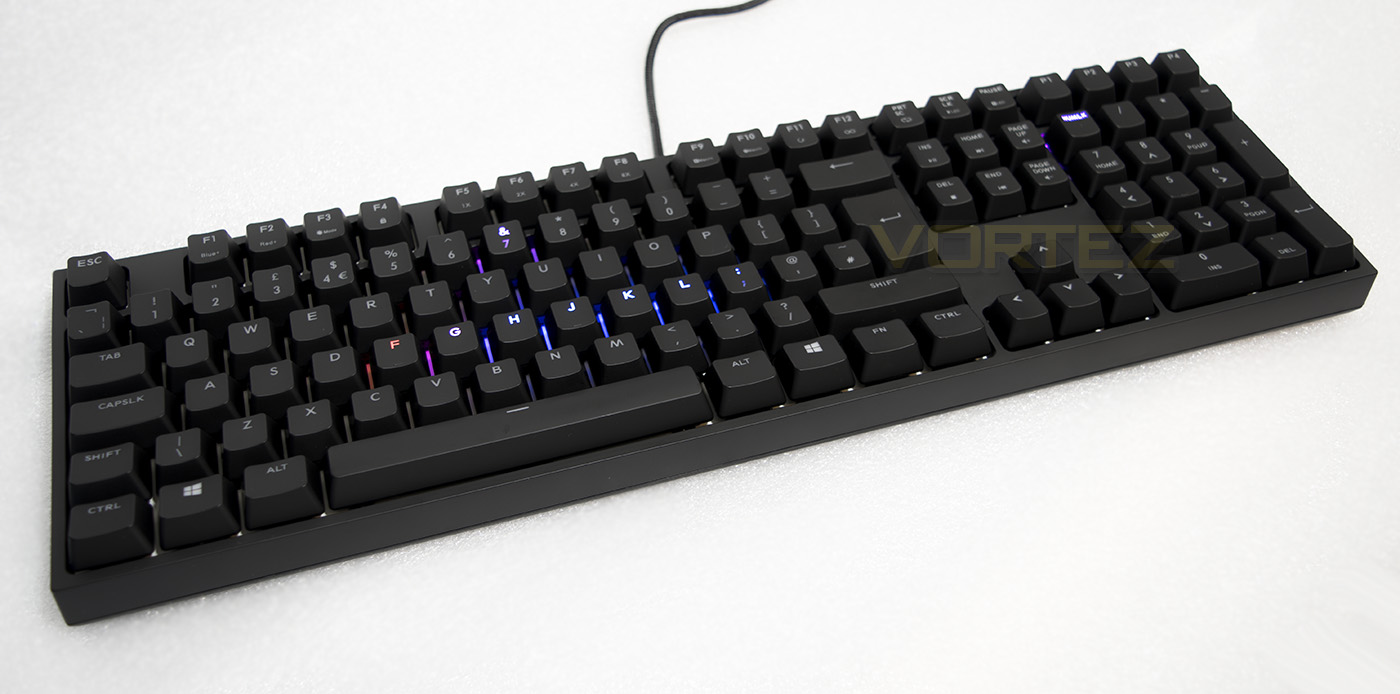
Snake mode, use the cursor keys to play!
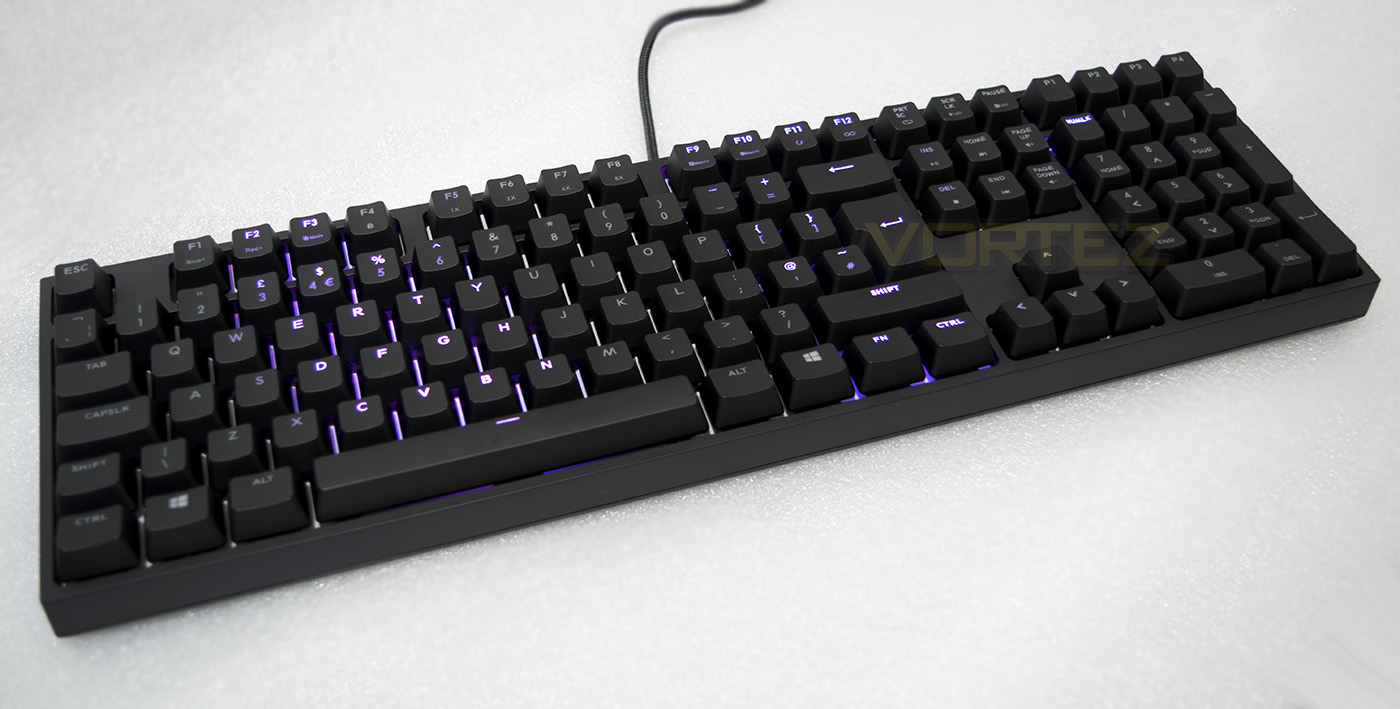
Not so much circular ripple, but more a wave ripple effect.
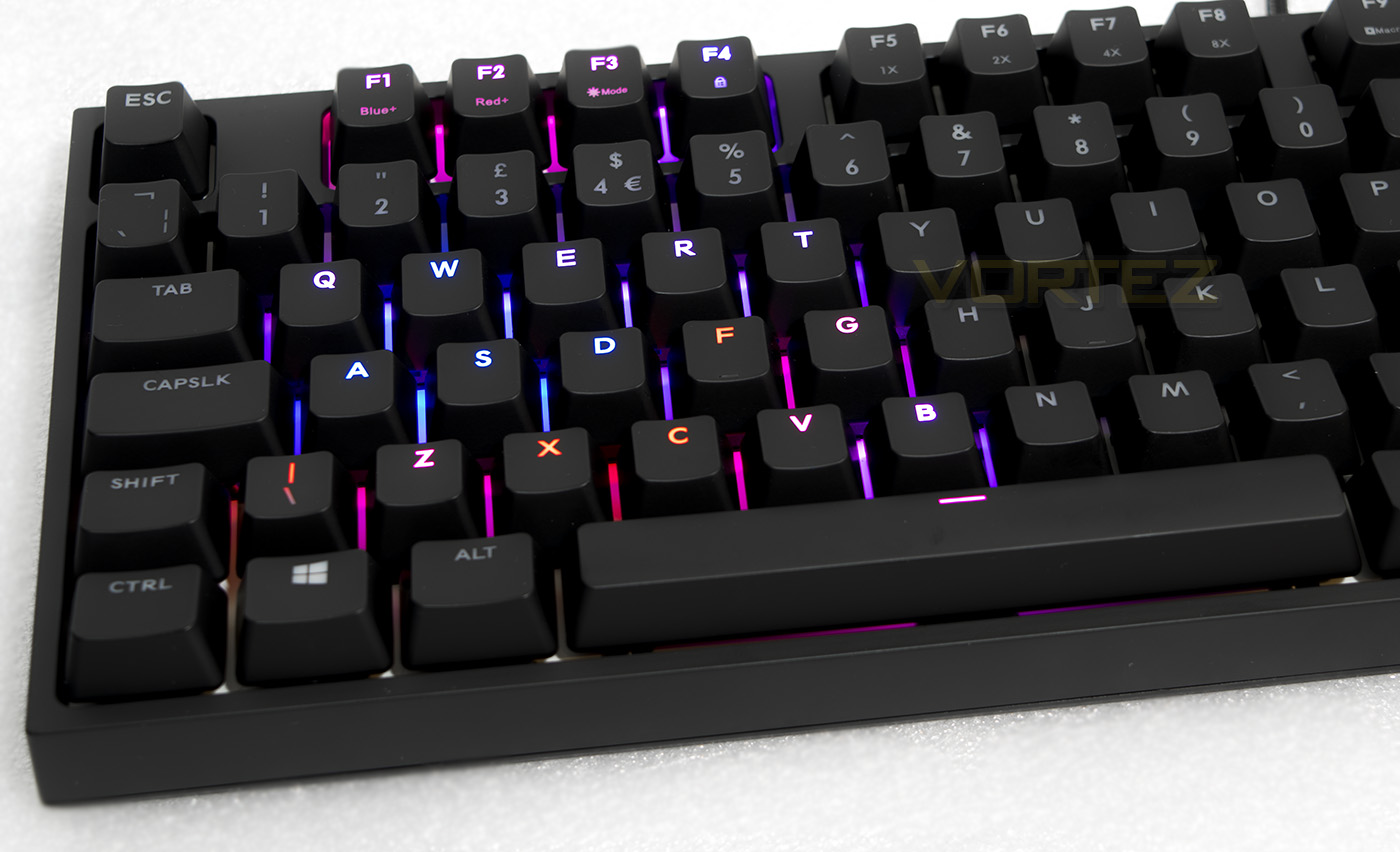
Customise lighting to your own controls.
Performance Testing
The Quick Fire XTi has a detachable braided cable which will need to be plugged in underneath before use. It uses a microUSB attachment that clicks in nice and easily. From that point on, all you need is a USB 2.0 port and you are flying, no drivers are needed here. It is worth checking for the latest firmware as there may be new features added.
There is a good weight to the Quick Fire XTi and it feels structurally solid. The soft feel UV coating is promised to be durable and long lasting, and did a good job of keeping finger prints away when compared to some competing keyboards. The resting height of the keys seem a little high and depending on your seating angle, may cause discomfort in your wrists and shoulders, so it’s a shame that there is not an included wrist rest with the Quick Fire XTi.
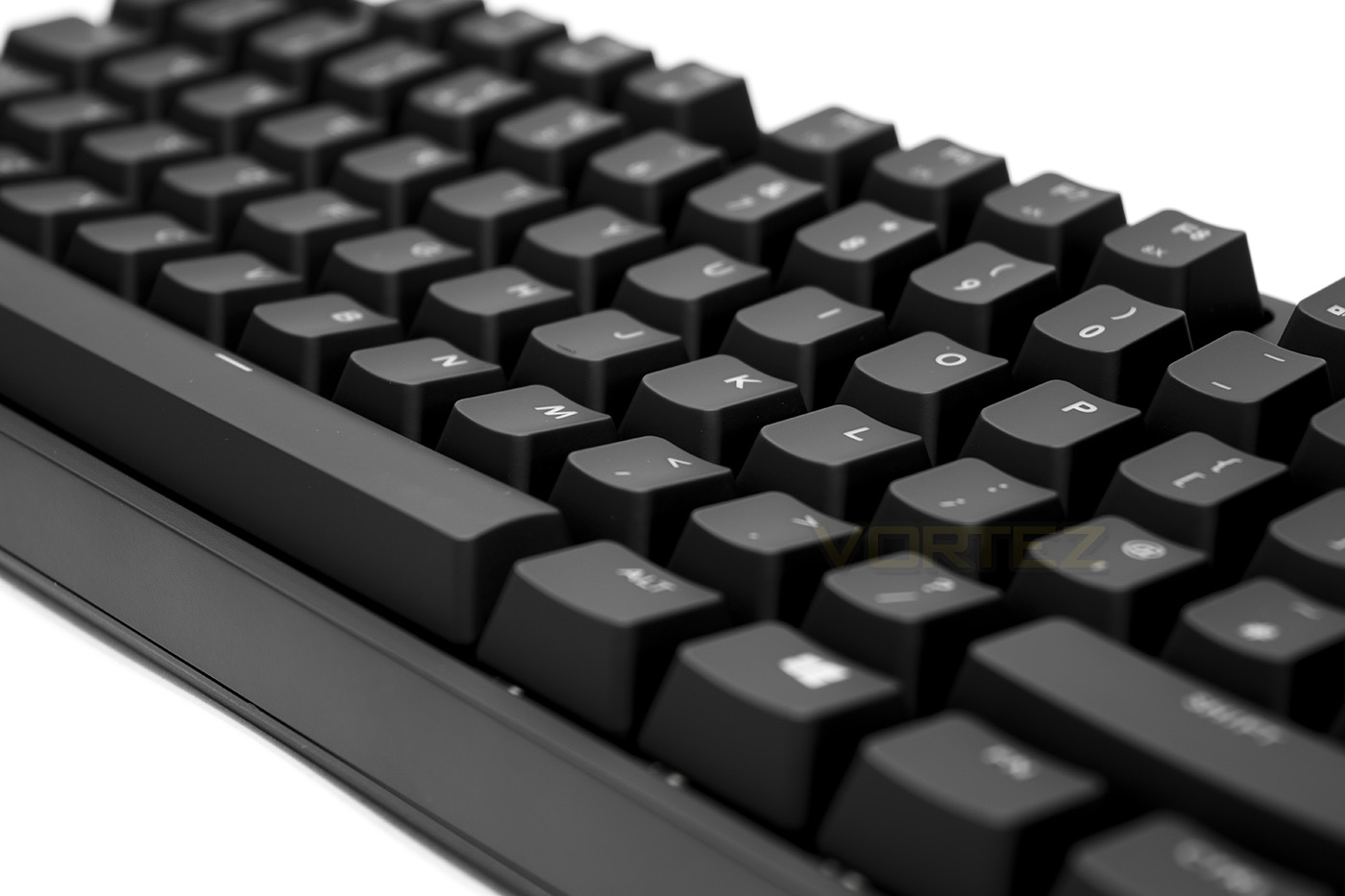
Cooler Master interestingly didn’t opt to include full RGB LED backlighting with the Quick Fire, the blue/red lighting looks very attractive and really pops out against the white/reflective background of the keyboard. The blue, violet, purple, magenta and red palatte give a real charm and will compliment and blue/red setup gamers may have. As we expected, notification for toggling any key locks are displayed by the LED backlighting, this limits the customisability of the LED lighting of these specific keys though is unlikely to cause any major problems.
In our game and typing tests, the Quick Fire XTi was reliable and showed no signs of any problems and gamers can be assured by the full NKRO/ 100% anti-ghosting. The choice Cherry MX switches will ultimately be down to the buyer and which switch you use will have the last say in how a keyboard will feel (other than the quality/finish of the keycaps). Our version has the MX Brown switches, the Brown switches are similar to Blues, however instead of an audible click, there is a silent tactile bump.
Conclusion
The Quick Fire XTi was surprising in various ways. The lighting is rather dynamic considering its relative limitation; the red/blue combination works really well. As these colours are commonly used in the world of gaming peripherals, it won’t look out of place amongst the many different desktop themes and setups people will have. Lighting ‘modes’ can be essentially gimmicky on keyboards and even with the addition of snake, this position will ring true for many. That doesn’t dampen the fact that once you get used to the Quick Fire XTi, it allows for quick on-the-fly customisations, this is rare between other keyboards with or without drivers. Then you have a functioning macro recording system that will open up many possibilities for gamers, sure there are limitations, but these are a worthy trade for the people that dislike navigating relatively useless bloatware that is essentially not needed to the running of their system.
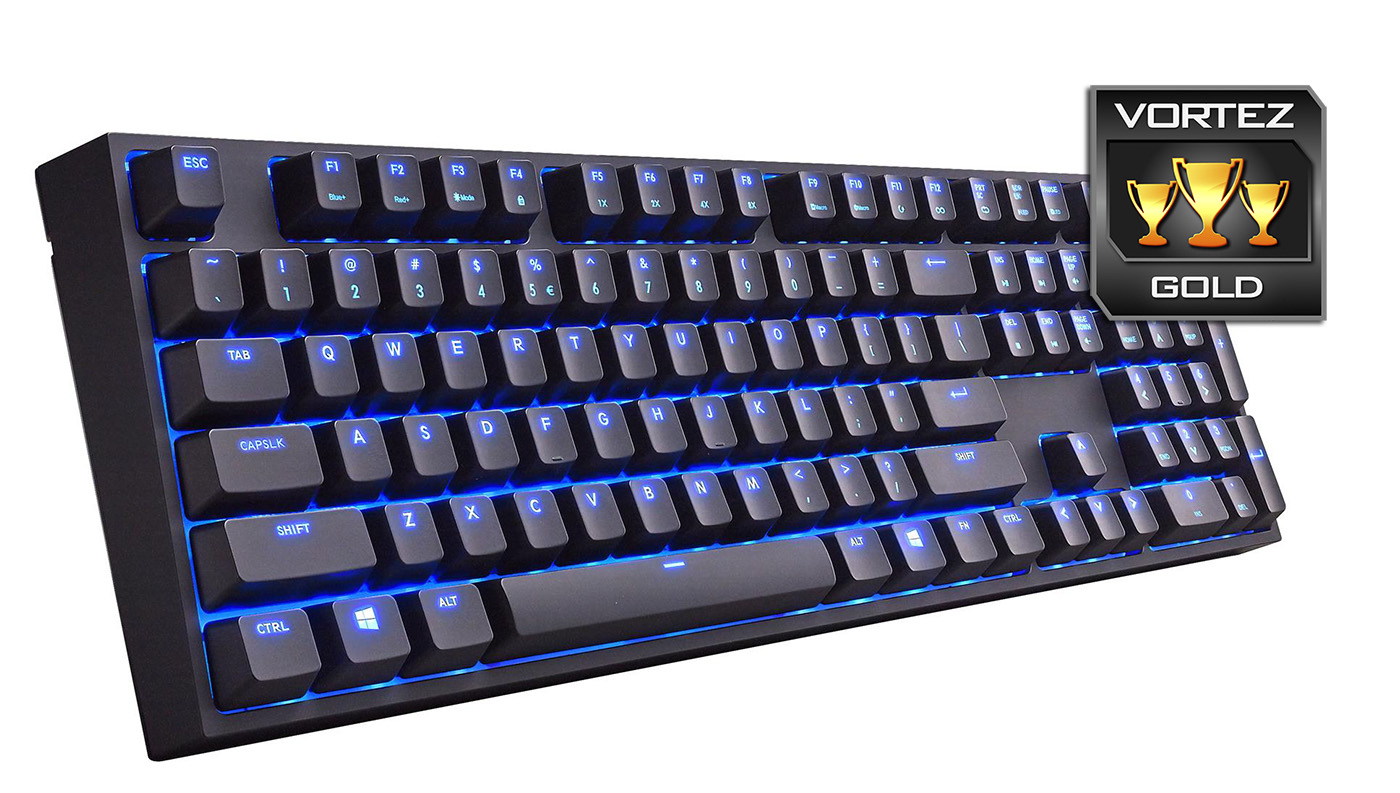
Other than the limitations, there are a few things to consider with the Quick Fire XTi. Firstly, the functions and customisation takes a little getting used to and you will likely need to experiment a little till you get the hang of it. Once you have, you will find that the visual feedback amongst the blinking LED lights is rather tactile and natural. Other than this, it would have been good to see this keyboard shipped with a nice wrist rest.
Found for around £129, it is a little pricey, understandably considering it sports Cherry MX switches. Again for the price, some may feel that a full RGB keyboard would be better, especially when you consider that the Quick Fire XTi is in the same ballpark as the Corsair STRAFE RGB, though you could counter that argument by saying the red/blue lighting actually creates a distinctive character that sets it apart. Regardless, this keyboard is sleek and elegant in all the right ways and will make a excellent addition to your desktop.
The Quick Fire XTi gets you in the game instantly without fuss, powered by the reliability of Cherry MX switches and full NKRO; of course should you want it (why wouldn’t you) there is on-the-fly LED customisation and macro recording available without the need for additional software.
Pros.
+ Sleek, understated design
+ Solid construction
+ Attractive red/blue lighting
+ Available in Cherry MX Red, Blue and Brown switches
+ 4 on-board profiles
+ Software free w/ macro recording
+ You can play snake!!
Cons.
– The functions take a little getting used to
– No wrist rest included
+ Sleek, understated design
+ Solid construction
+ Attractive red/blue lighting
+ Available in Cherry MX Red, Blue and Brown switches
+ 4 on-board profiles
+ Software free w/ macro recording
+ You can play snake!!
Cons.
– The functions take a little getting used to
– No wrist rest included
Click here for an explanation of our awards at Vortez.net.