Sporting a host of improvements over its predecessors, the Sentinel III offers the high precision Avago 3988 optical sensor in an ergonomic palm grip body that is finished in a hard wearing matte UV coating.

Product on Review: Cooler Master Sentinel III
Manufacturer & Sponsor: Cooler Master
Street Price: US: $59.99, UK: £39.99
We first had a look at the CM Storm Sentinel way back in 2009, which impressed is with its forward thinking, performance and feature set. The Sentinel III is the latest incarnation where we see the ergonomic palm grip shape return with its adjustable weight system, LED headlights and customisable OLED display with various improvements.
Say goodbye to the rubberised grips and say hello to a sleek looking, hard wearing matte UV coating which gives a slight glamourous sparkle to the aesthetics. The Sentinel III adopts the use of the Avago 3988 optical sensor capable of 6400 DPI and 50g of mouse acceleration. You will now find a 32bit ARM processor with 512KB on-board memory for saving profiles for on the go use. There have also been a number of improvements within the software to allow a new TX mode, (acts similar to ROCCAT’s Easy Shift [+]) which enables further expansion and use of the 8 programmable buttons.
Overview by Cooler Master
As you advance in your game, you need a mouse that can keep up. The Sentinel III introduces a host of improvements, building upon the ergonomic, palm grip design that fans have come to love. Spearheaded by full spectrum 16.8 million color LED illumination for customization, greatly improved intuitive software, and matte coating with acrylic top panel, the Sentinel III is the perfect choice for palm grip gamers looking for a comfortable mouse with the most advanced features.
Technical Specifications
Grip Type: Palm
Material: Plastic / Rubber
Colour: Black
LED Colour: RGB
Sensor: Avago 3988 Optical Sensor
CPI / DPI: 4 Levels / Up to 6400 DPI setting
Tracking Speed: 200IPS / 50g
Lift Off Distance: Adjustable (<2.1mm)
Polling Rate: 1000Hz / 1ms
Angle Snapping: Yes
Mouse acceleration: 50g
Programming Profiles: 5
On-board Memory: 512KB
Programmable buttons: 8
Connector Cable: USB 2.0
Cable Length: 1.8 Meters
Dimensions: 135 x 83.6 x 40 mm (5.3 x 3.3 x 1.6 inch)
Weight: 177.5 g / 0.392 lbs
Weight (w/o weights): 155 g / 0.342 lbs
Weight (w/o cable): 115 g / 0.254 lbs
Additional Weights: 5x 4.5 g / 5x 0.009 lbs
Warranty: 2 years
Material: Plastic / Rubber
Colour: Black
LED Colour: RGB
Sensor: Avago 3988 Optical Sensor
CPI / DPI: 4 Levels / Up to 6400 DPI setting
Tracking Speed: 200IPS / 50g
Lift Off Distance: Adjustable (<2.1mm)
Polling Rate: 1000Hz / 1ms
Angle Snapping: Yes
Mouse acceleration: 50g
Programming Profiles: 5
On-board Memory: 512KB
Programmable buttons: 8
Connector Cable: USB 2.0
Cable Length: 1.8 Meters
Dimensions: 135 x 83.6 x 40 mm (5.3 x 3.3 x 1.6 inch)
Weight: 177.5 g / 0.392 lbs
Weight (w/o weights): 155 g / 0.342 lbs
Weight (w/o cable): 115 g / 0.254 lbs
Additional Weights: 5x 4.5 g / 5x 0.009 lbs
Warranty: 2 years
Packaging & First Look
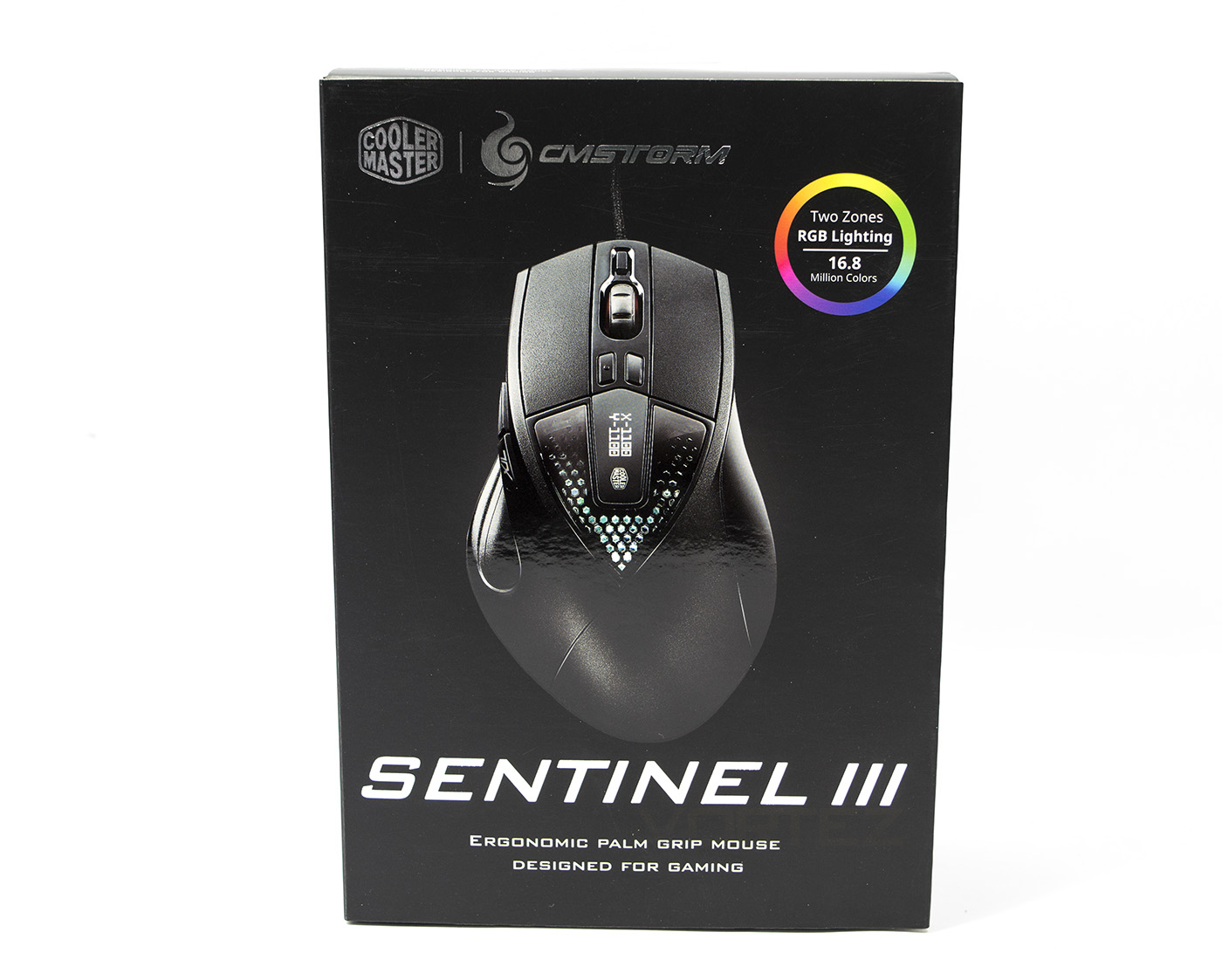
THe packaging is sleek black card with an opening front panel fastened by velcro. The CM Storm logo appears more mature, and minimalistic compared to some products we have viewed in the past.
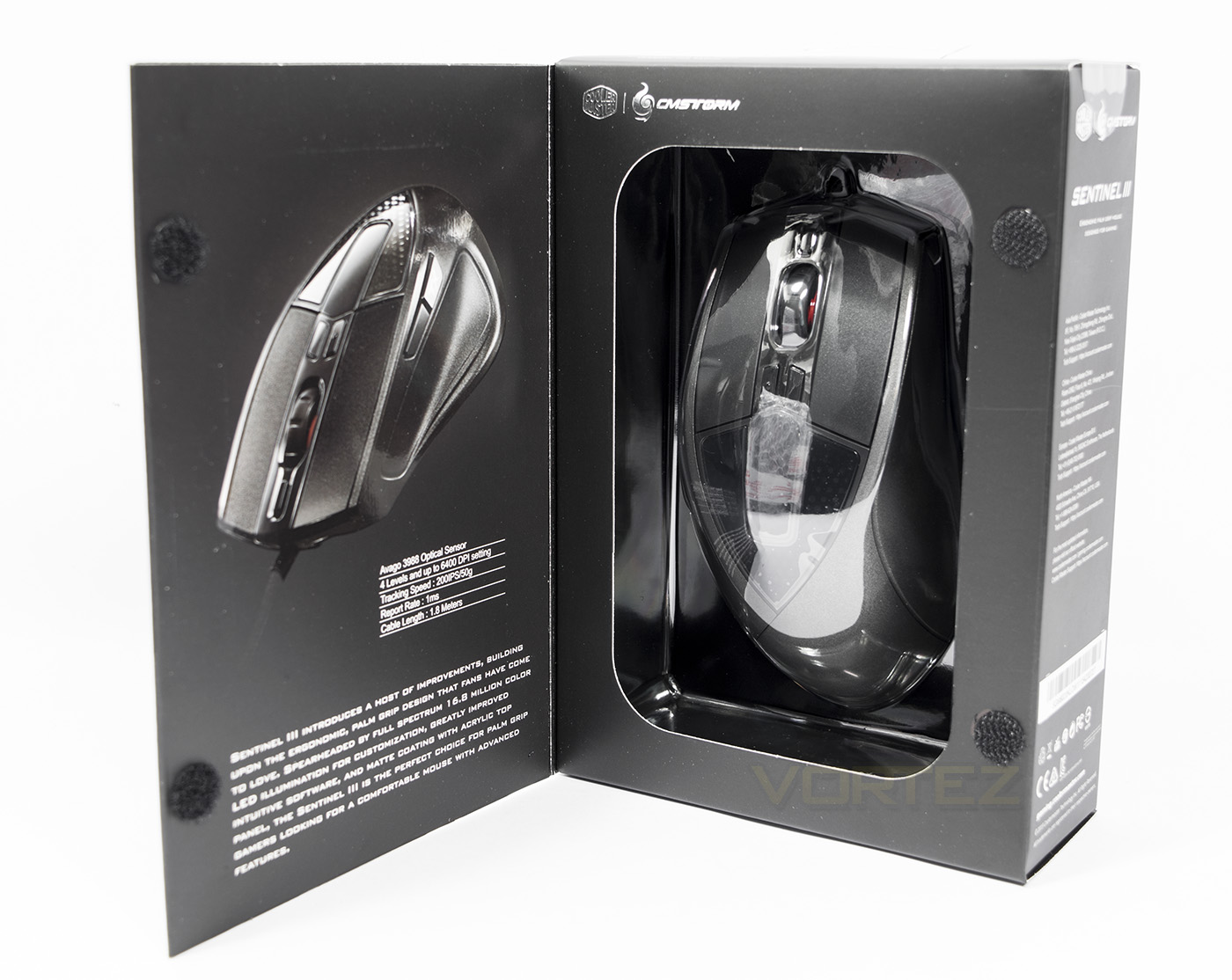
On the inside we get a direct view of the product itself alongside some technical specifications about the Sentinel III and the design overview.
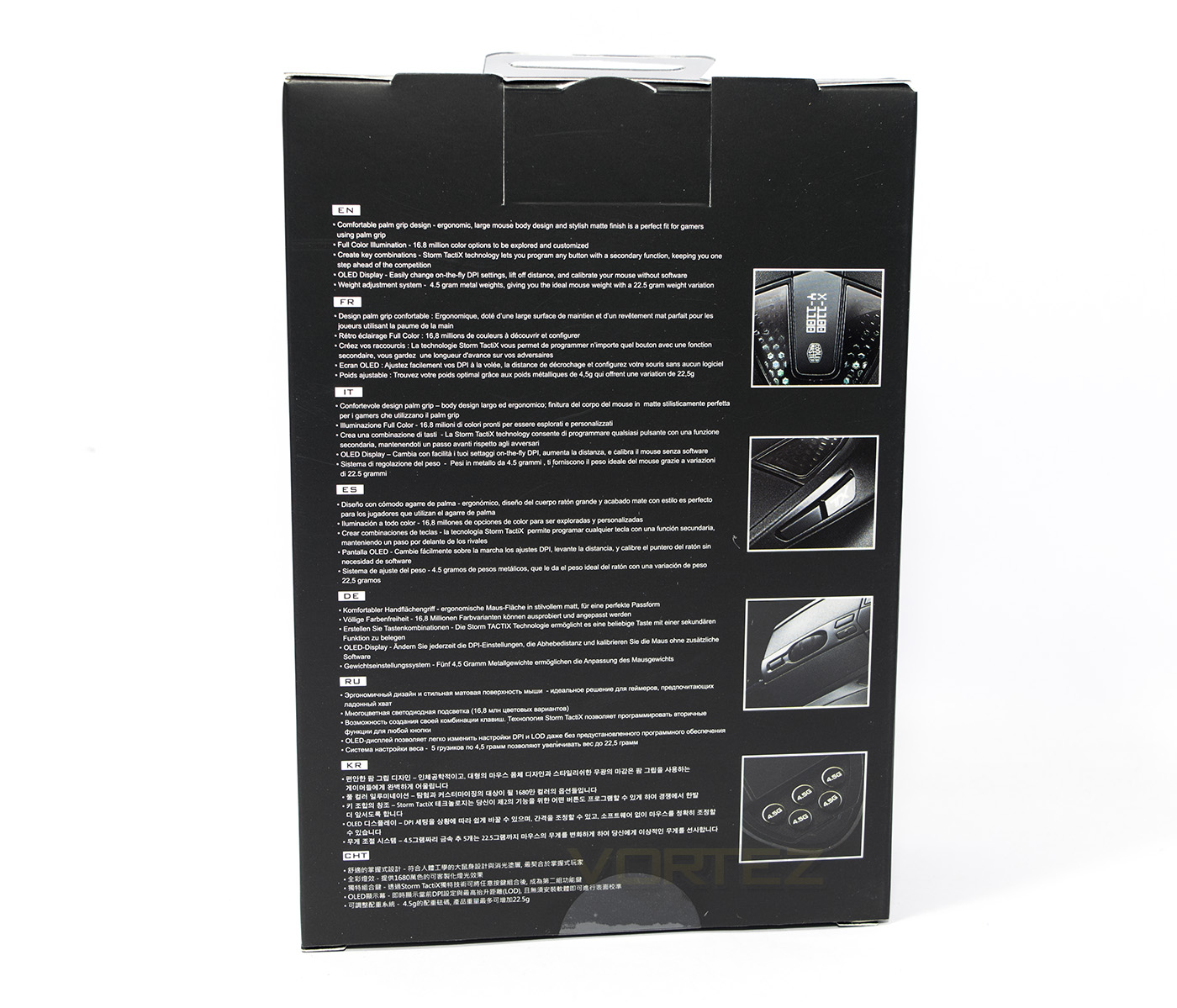
The reverse side lists the various features in multiple languages.
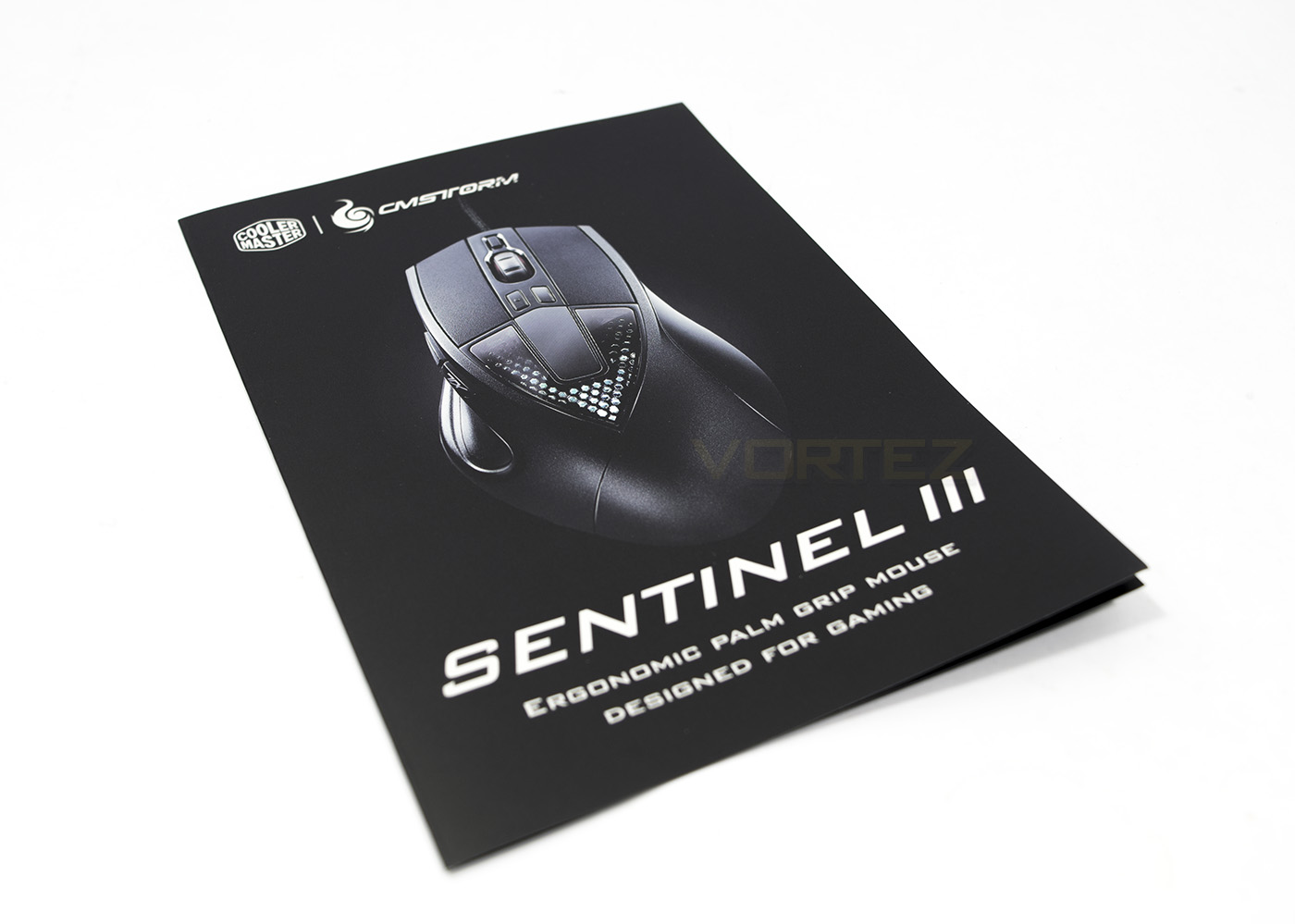
Inside the accessories are a little light with just the quick start guide included.
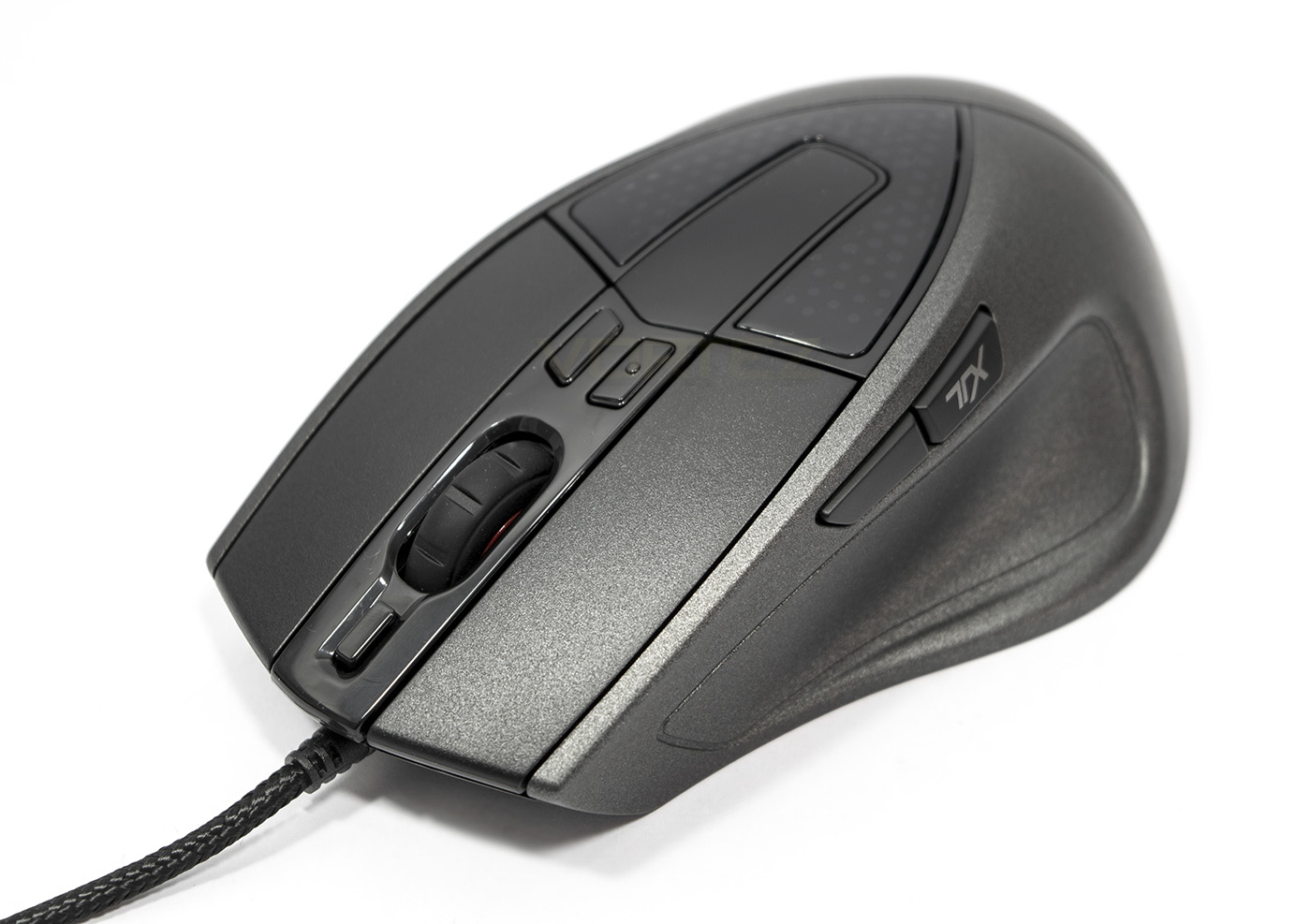
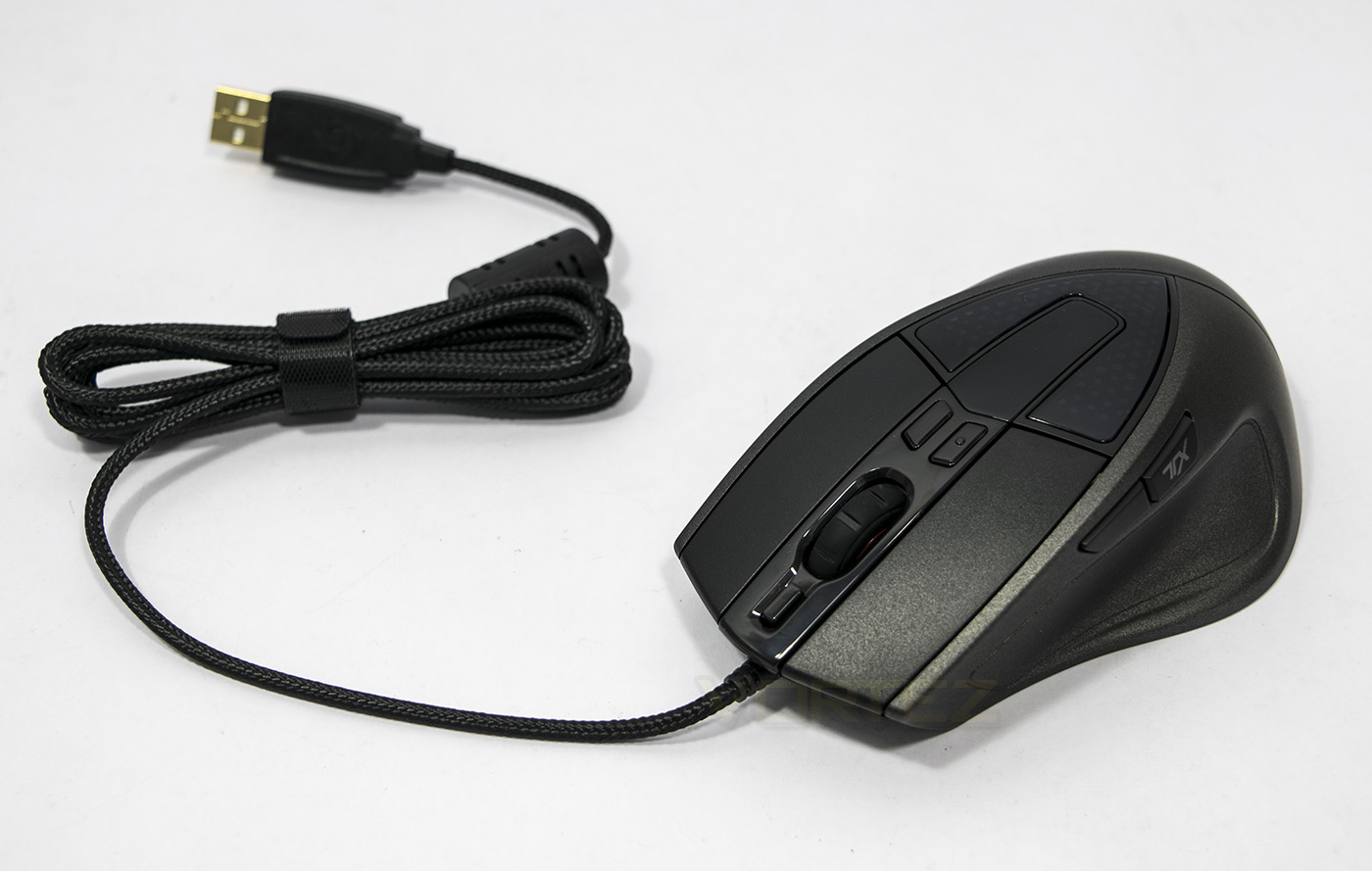
The Sentinal III mouse.
Closer Look
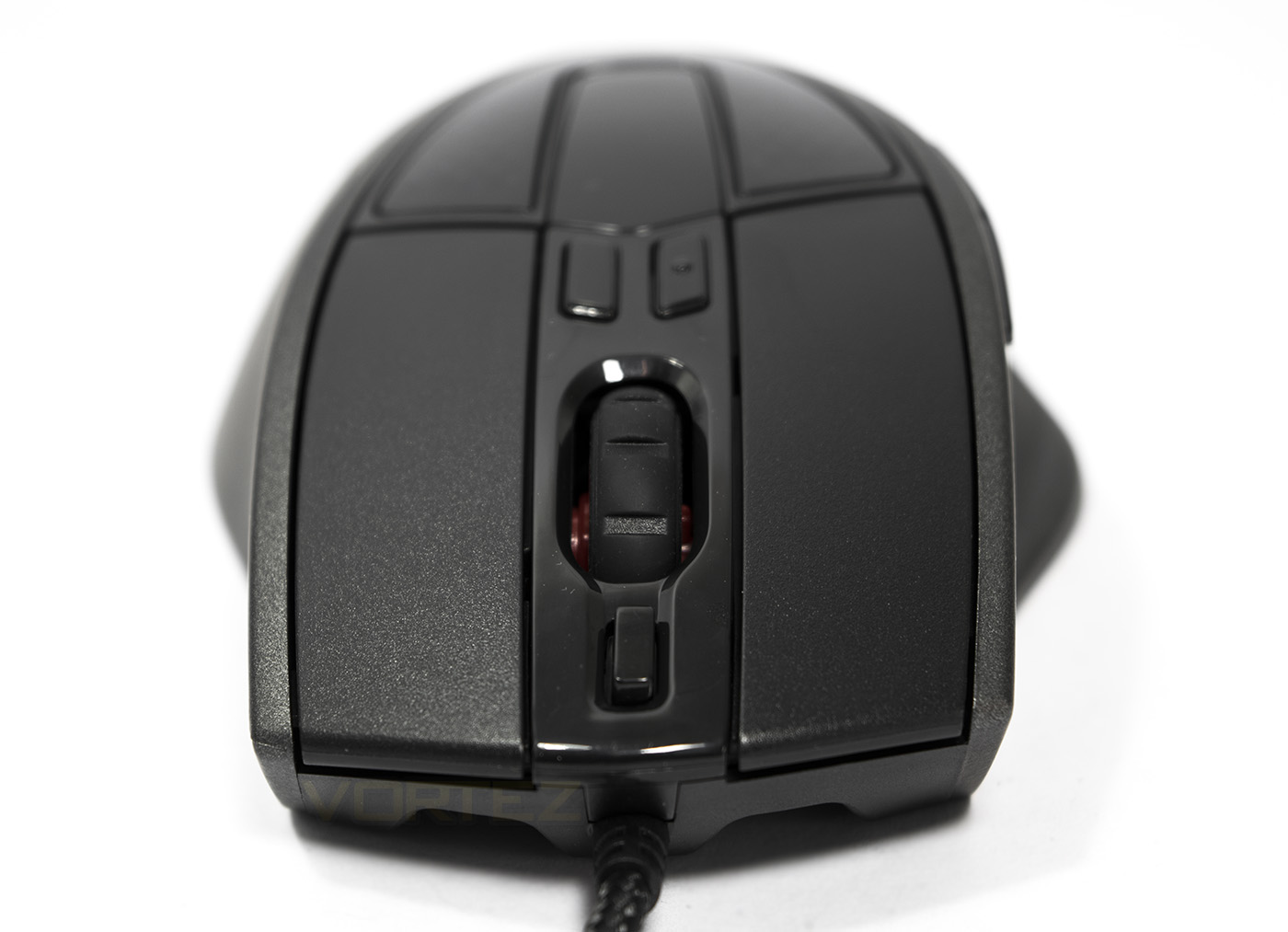
At the front we are greeted by the familiar layout of the Sentinel mouse, including the arches for the headlights at the base, and the centralised braided cable. At the sides you can see the swooping shape for the ergonomic palm design.
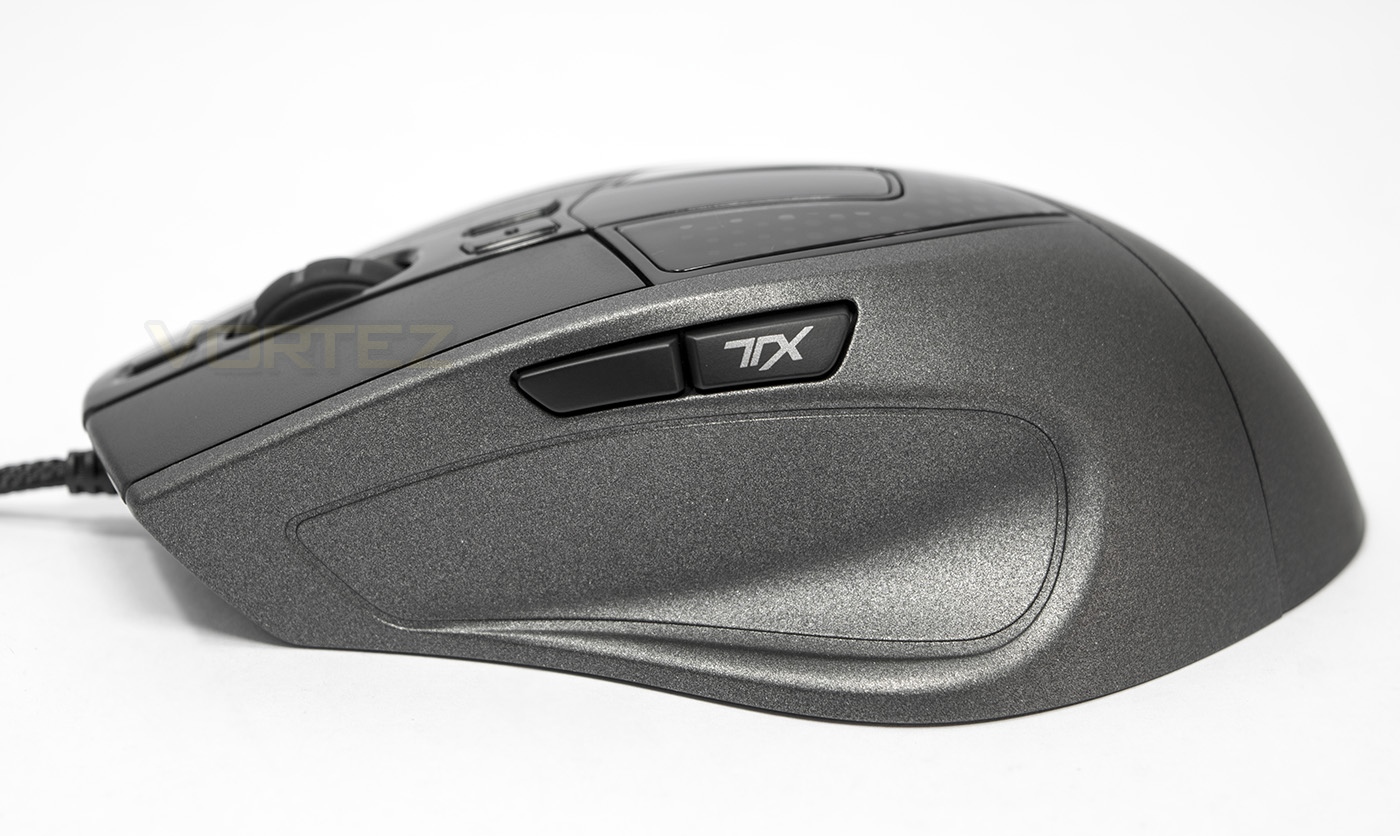
On the left hand side we find the forward/back button, the back button can also be enabled to be the TX button.
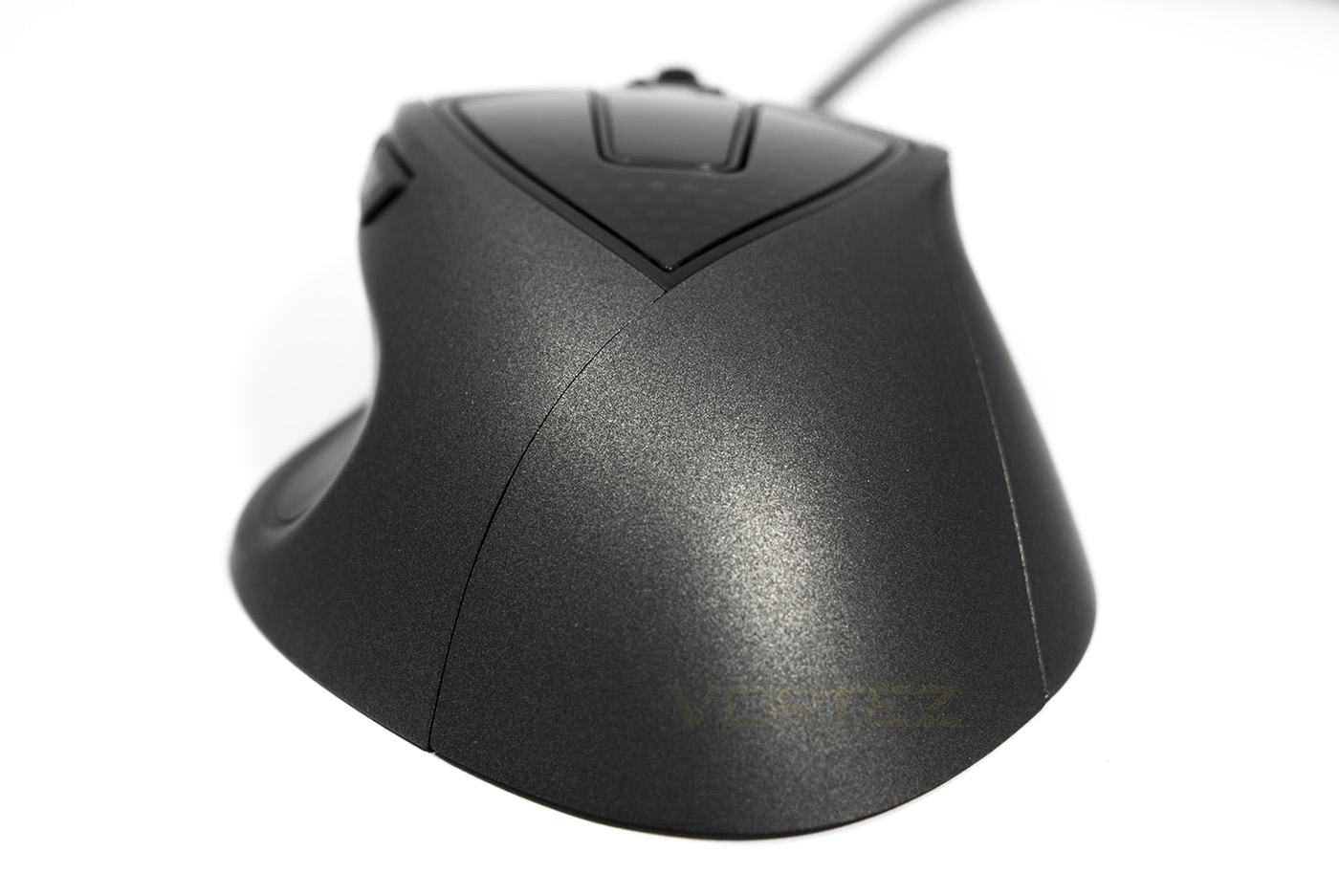
The back end shows of that sparkly UV coating, as well as the ergonomic shape to fit a palm grip.
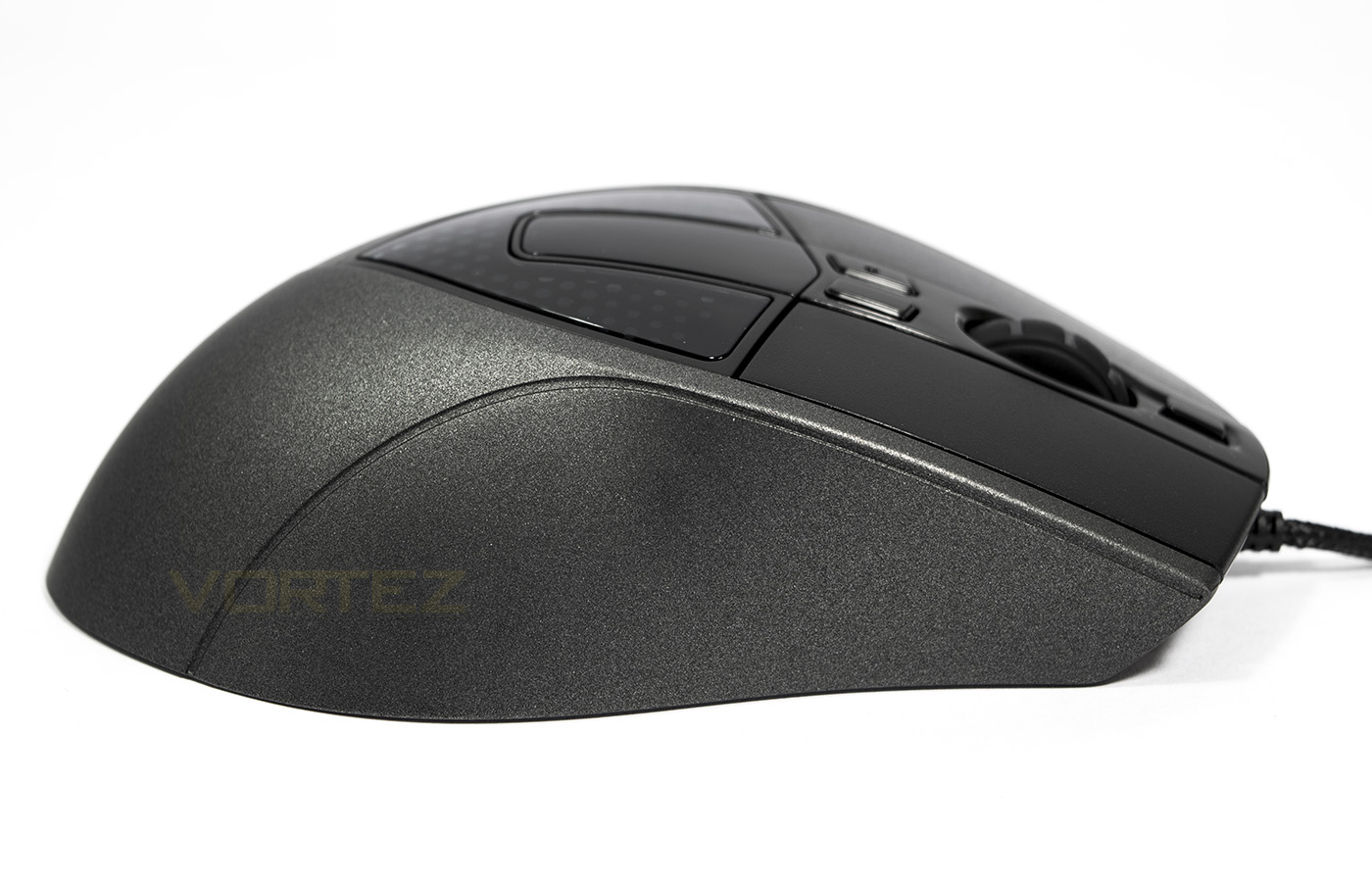
The right side is fairly plain with a slight contour to give room for your ring and pinky finger.
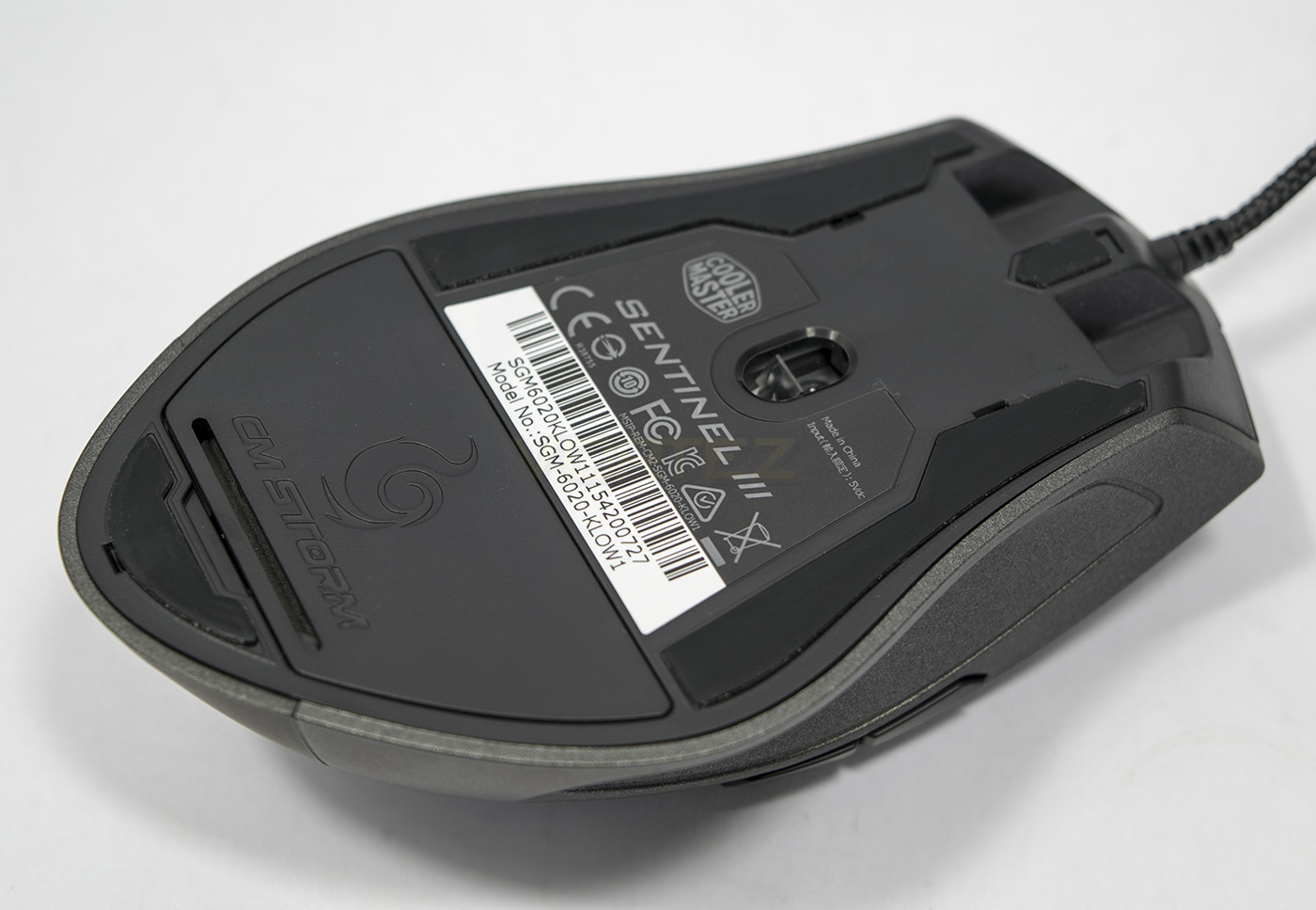
Underneath we find the slip pads and the opening for the adjustable weight system. The sensor is positioned more towards the front of the mouse, this will increase the speed/travel distance of the sensor using wrist based movements.
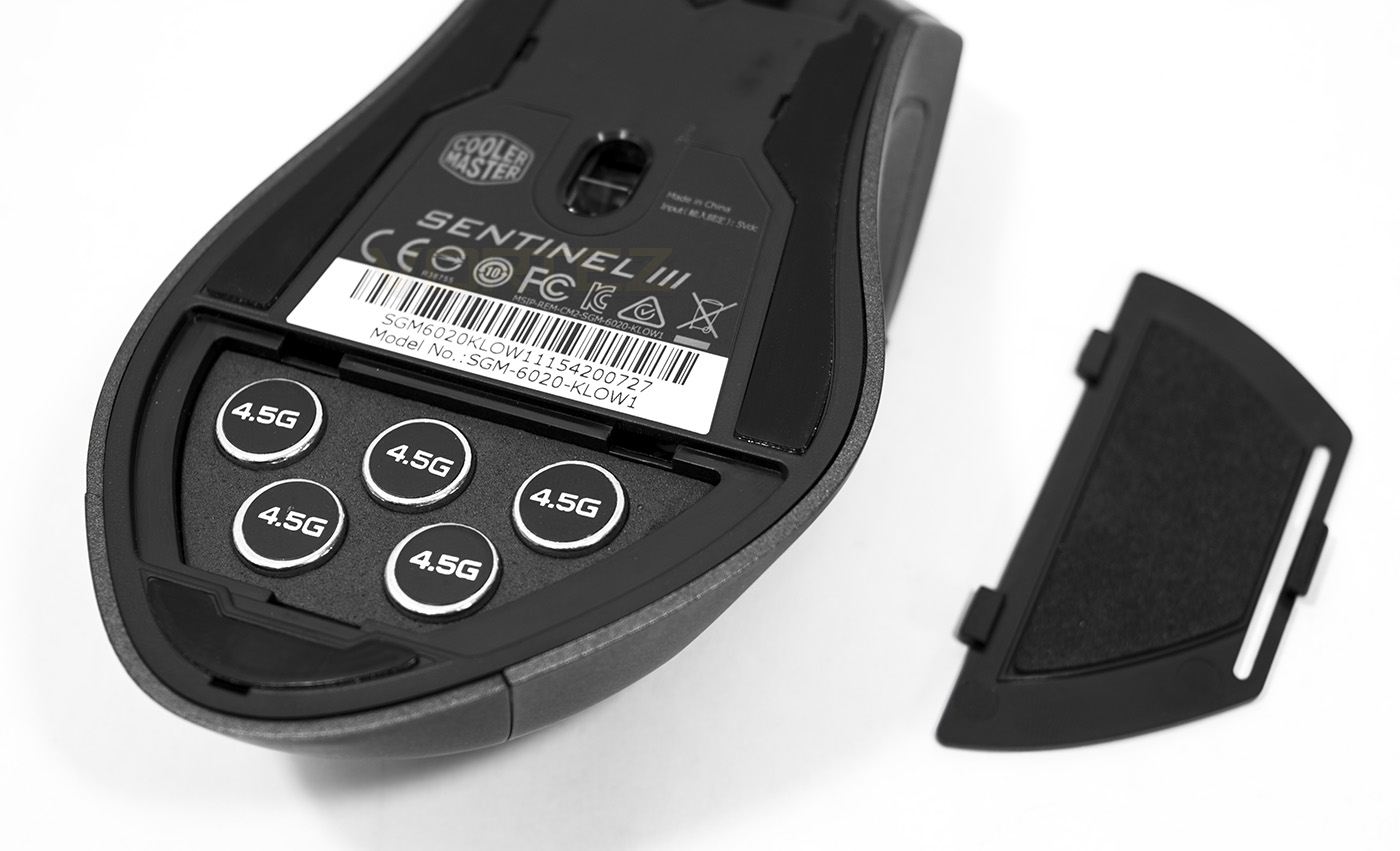
There are 5x 4.5g weights which can adjust the overall weight of the mouse to suit your preference. That is 22.5g lifting the overall weight from 155g to a whopping 177.5g.
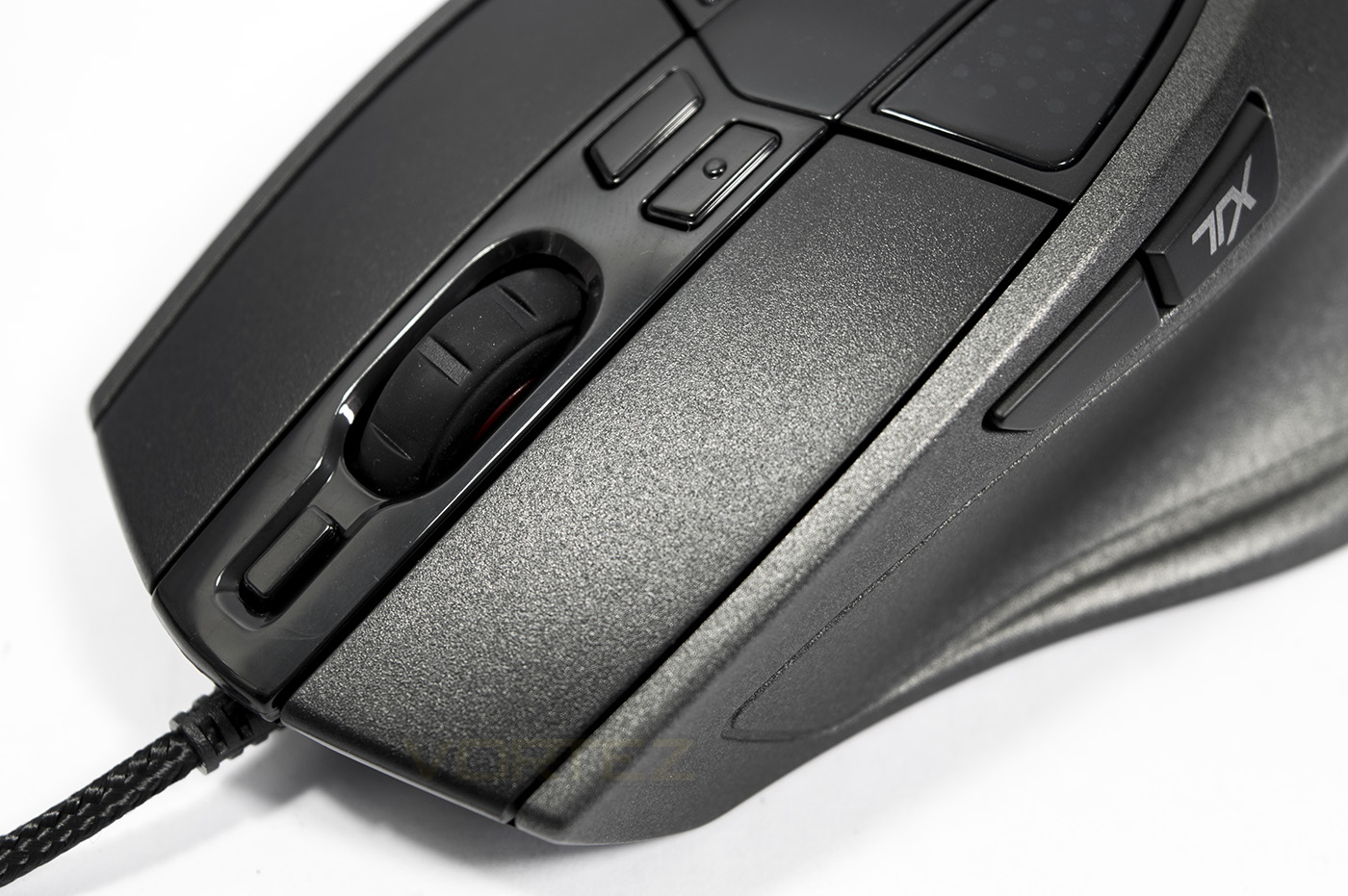
At the front you find the profile button, the mouse wheel, followed by the two DPI buttons.
Software & Lighting
Though the Sentinel III isn’t supported by a cloud based/ centralised software driver as we are seeing with many other products of late, the driver software is easy to navigate and comes fully featured to get the most of out the mouse. To enable TX mode, you can reassign the default function to button 5 on the first screen, then in the Storm TX tab, you can then assign additional functions for each button excluding button 5.
There are various performance tuning settings, including independent X-Y resolutions, with a DPI range of 50-6400, adjustable in increments of 50. There are options for adjusting lift off distance, angle snap strength, as well as angle tuning to compensate for how one holds their mouse.
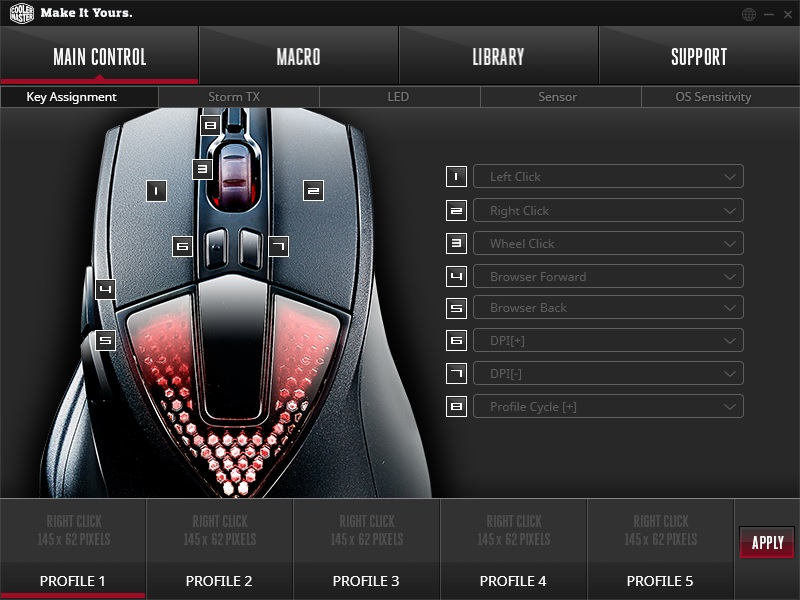
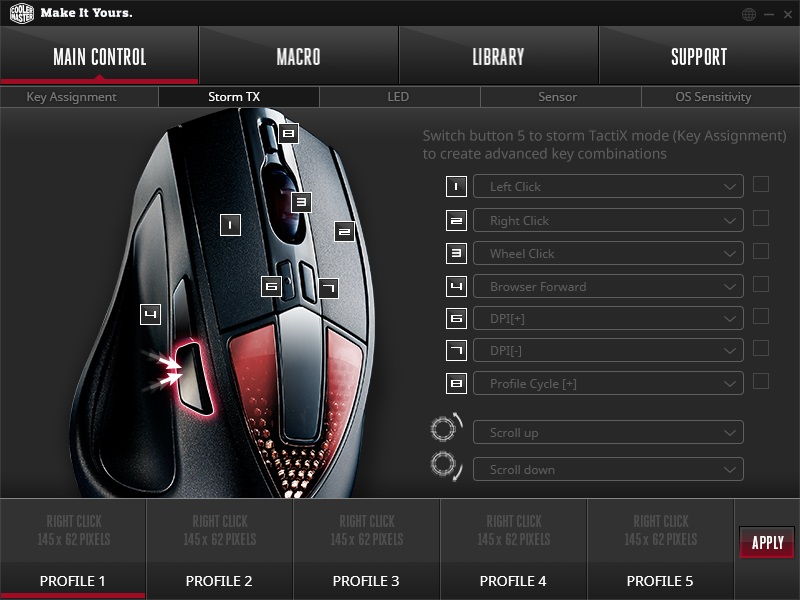
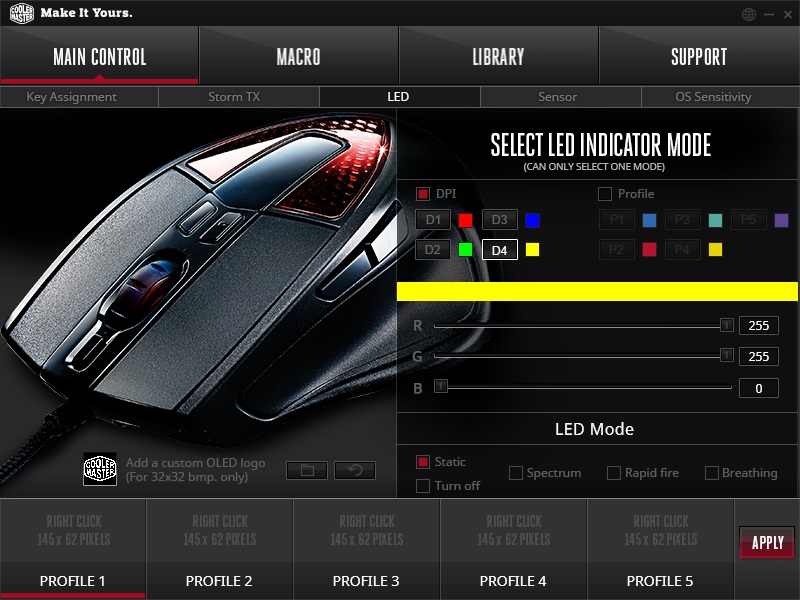
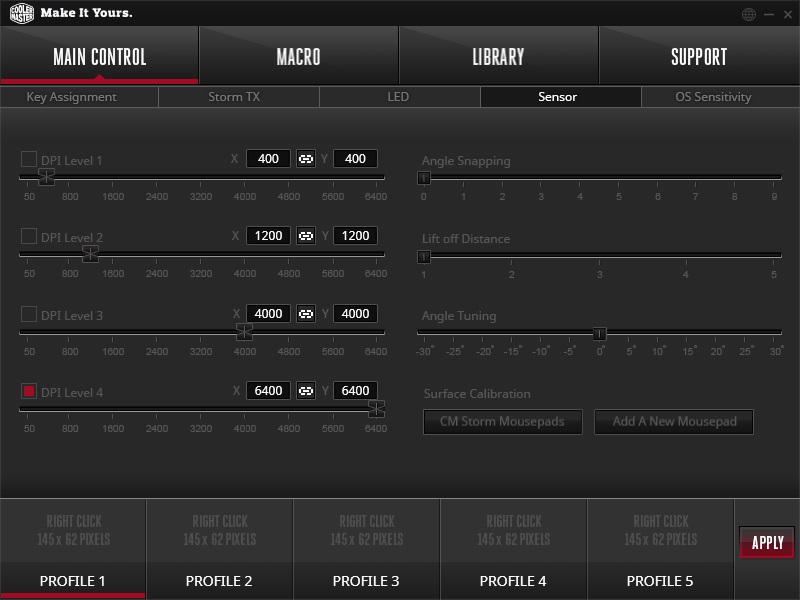
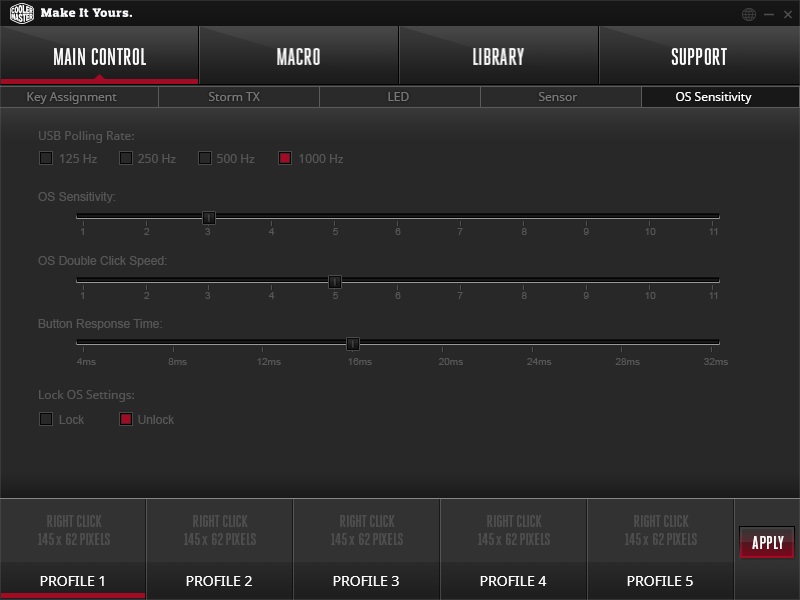
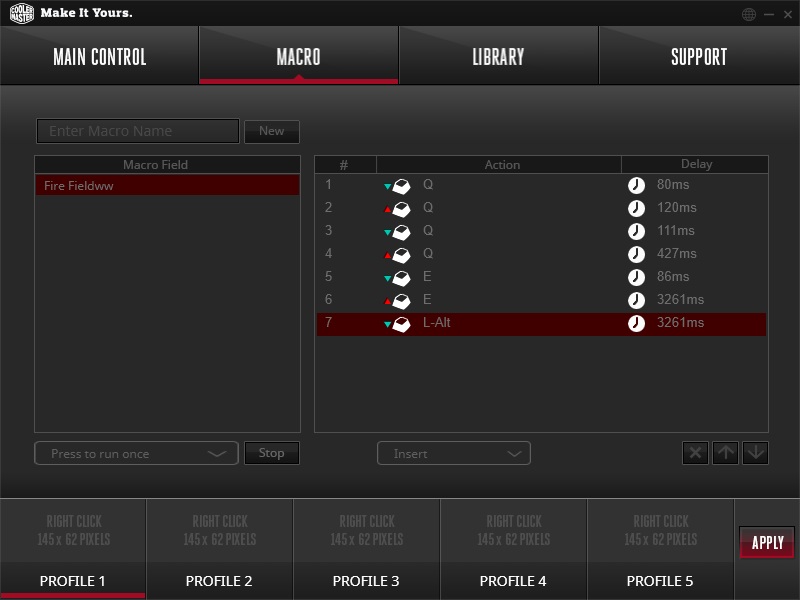
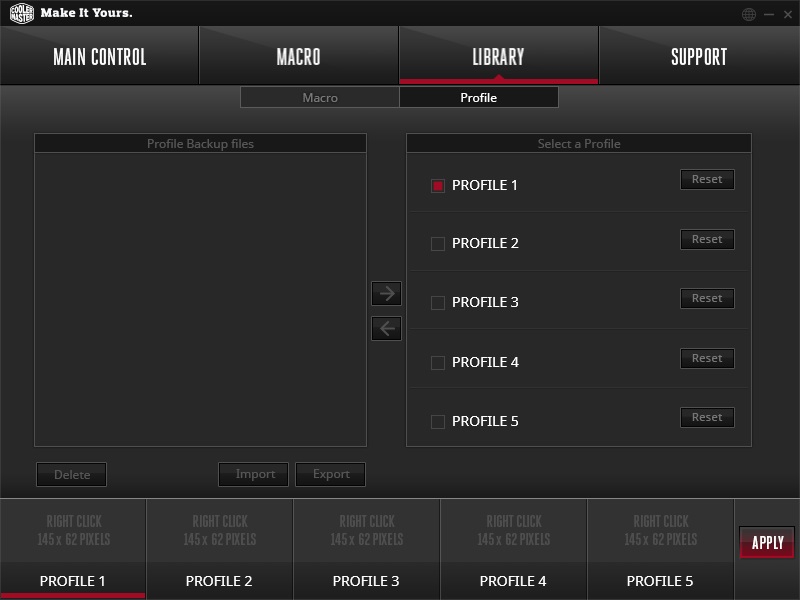
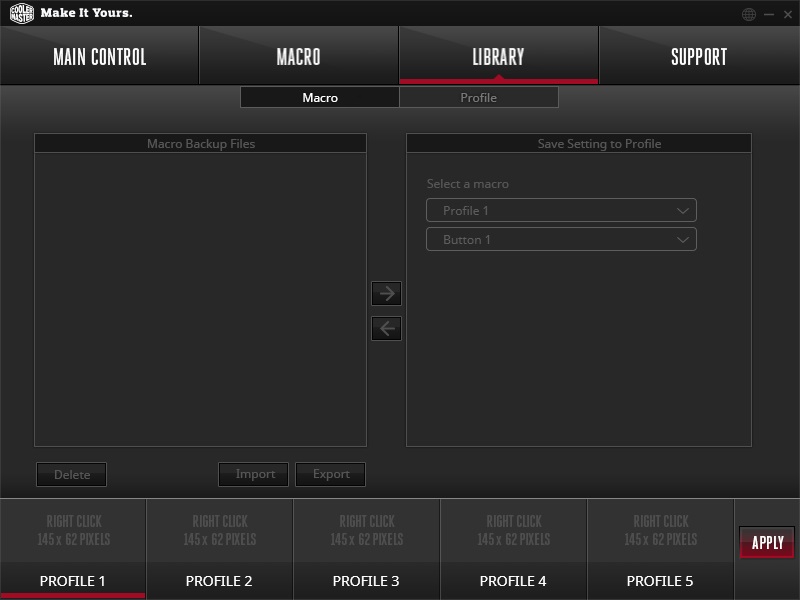
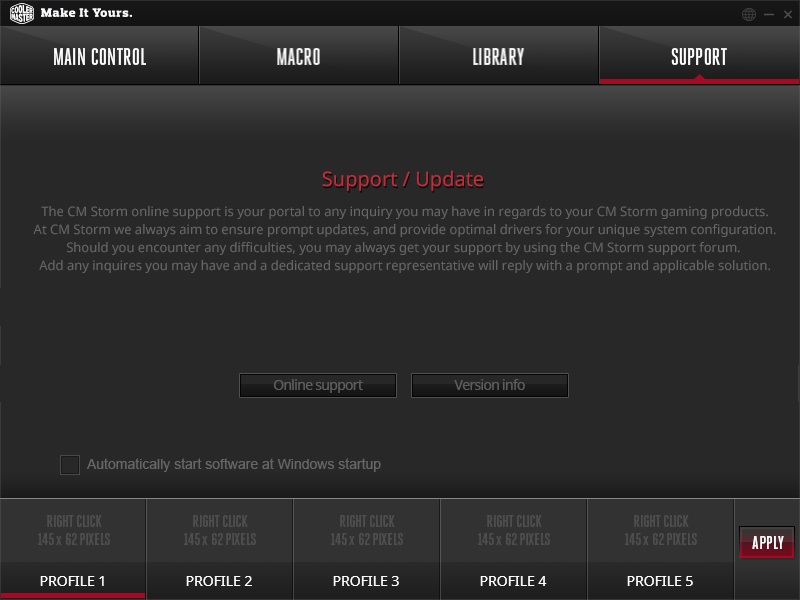
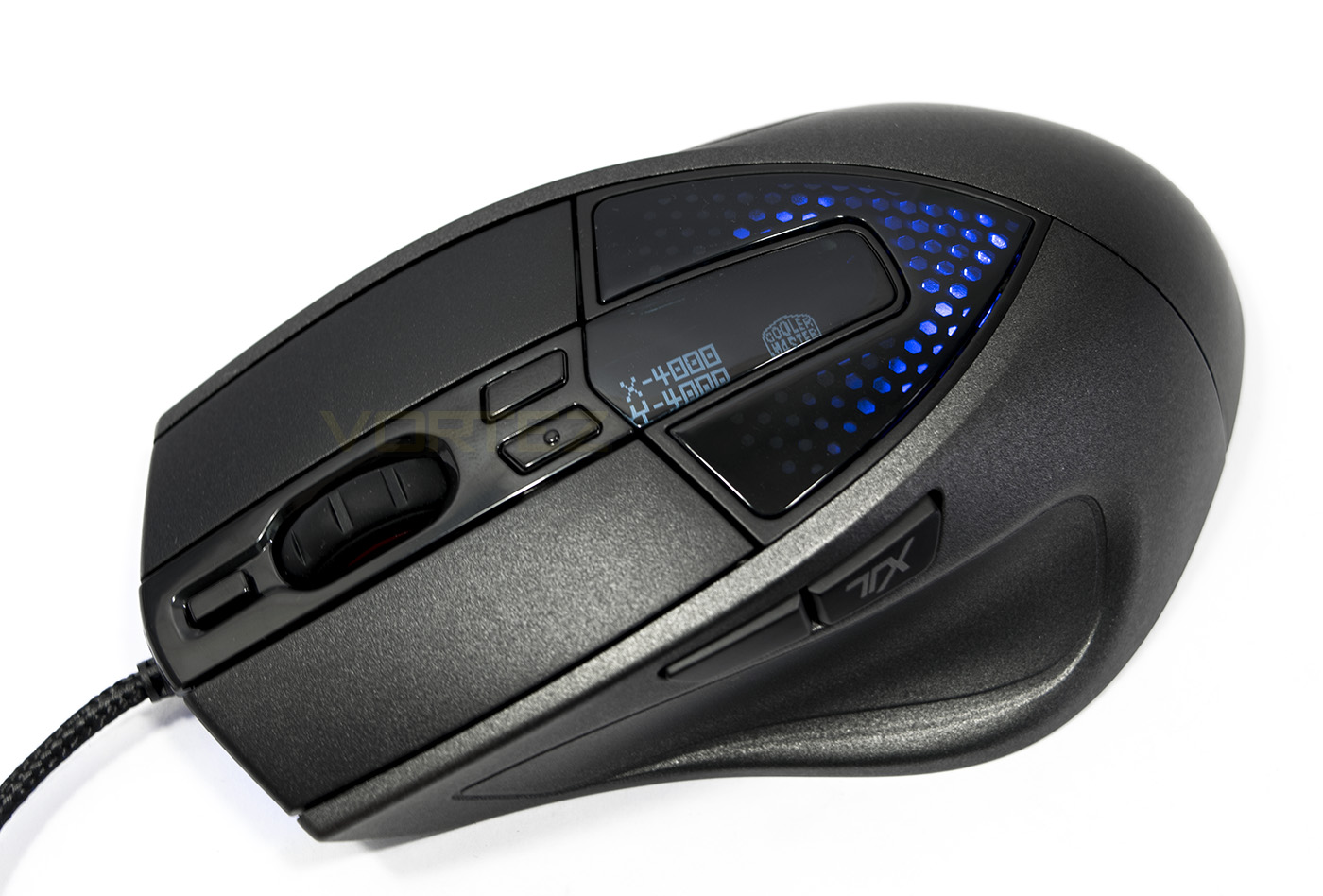
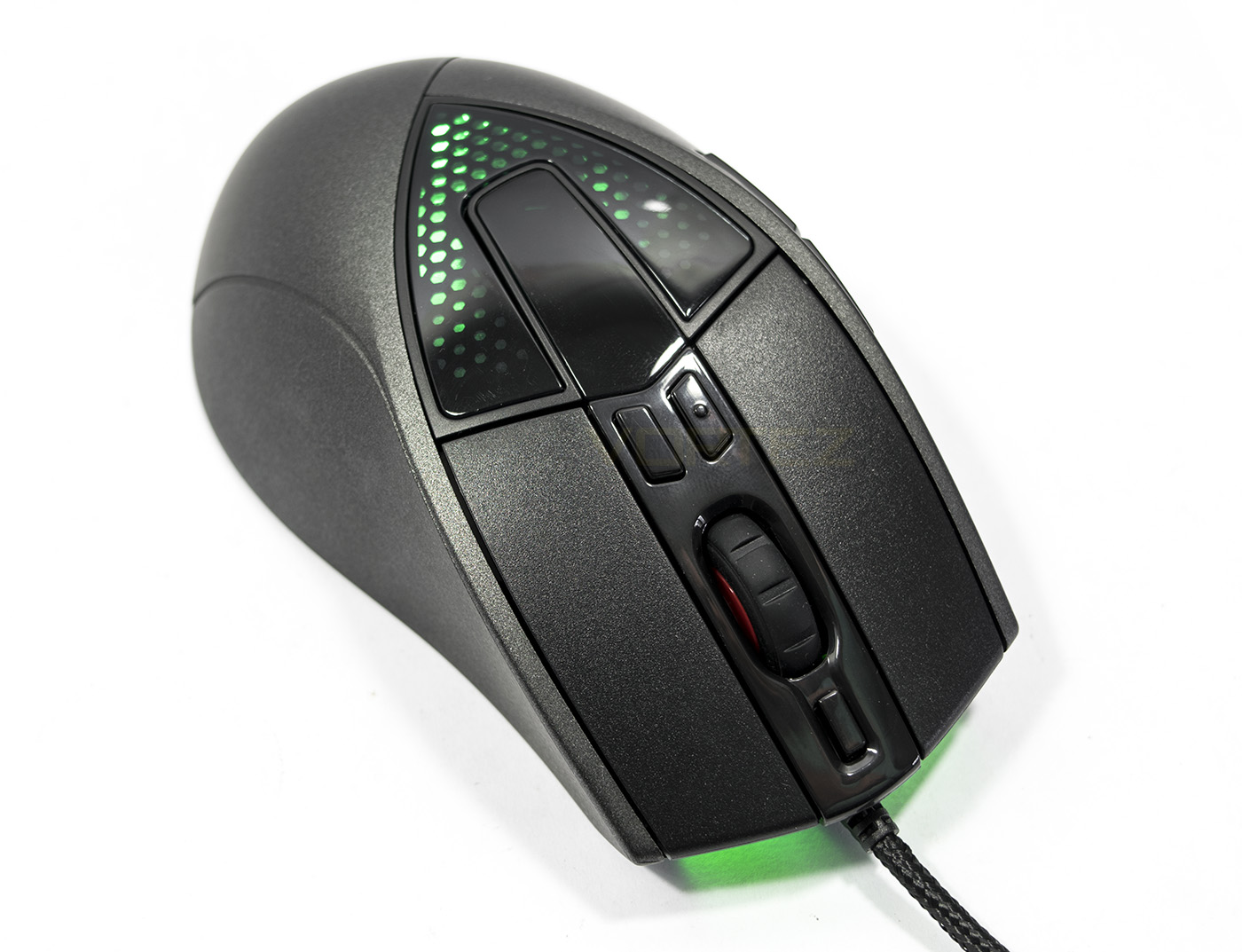
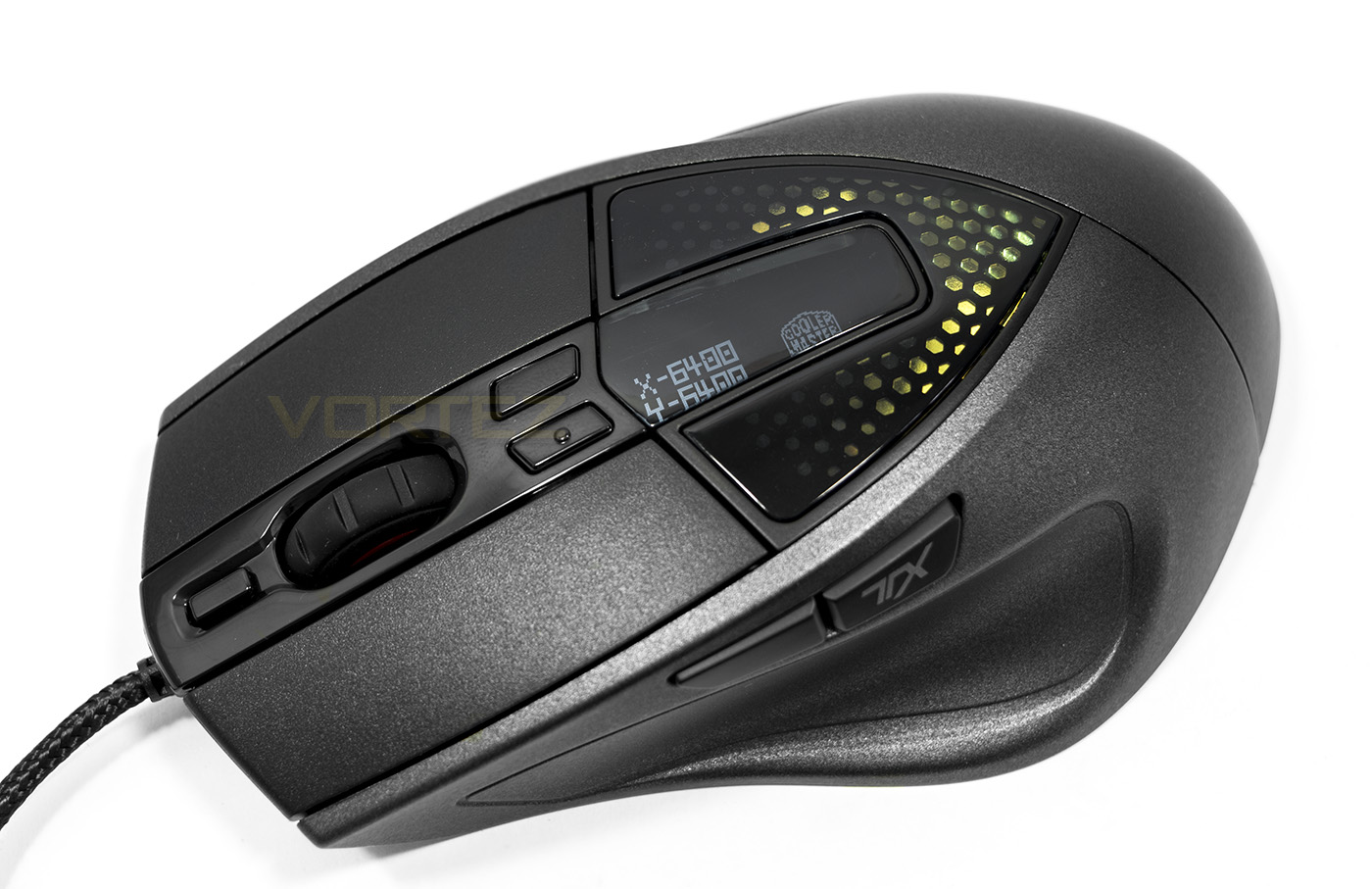
There are various LED options, including the ability to save a 32×32 px .bmp file as a logo (the Cooler Master logo is used as default, replacing the CM Storm logo) to the OLED display for those interested in using their team logo or graphics. There are lighting modes for profile/DPI settings too which can be customised. The LED lighting has an interesting look and is vibrant, with the headlights giving a nice glow in the dark. There are various effects which can be used too including the spectrum, rapid fire, breathing or off modes. The lighting is superior to the older Sentinel models, as expected in a time where 16.8m colour customisation has pretty much become standard.
Performance Testing
Setup, Design & Observations
The Sentinel III is ready to go out the box, with saved preset DPI settings of 400, 1200, 4000, 6400 DPI and standard functions for each button. Of course to get the most out of it, you will need to download and install the software and if needed, update the firmware which is available from the product page.
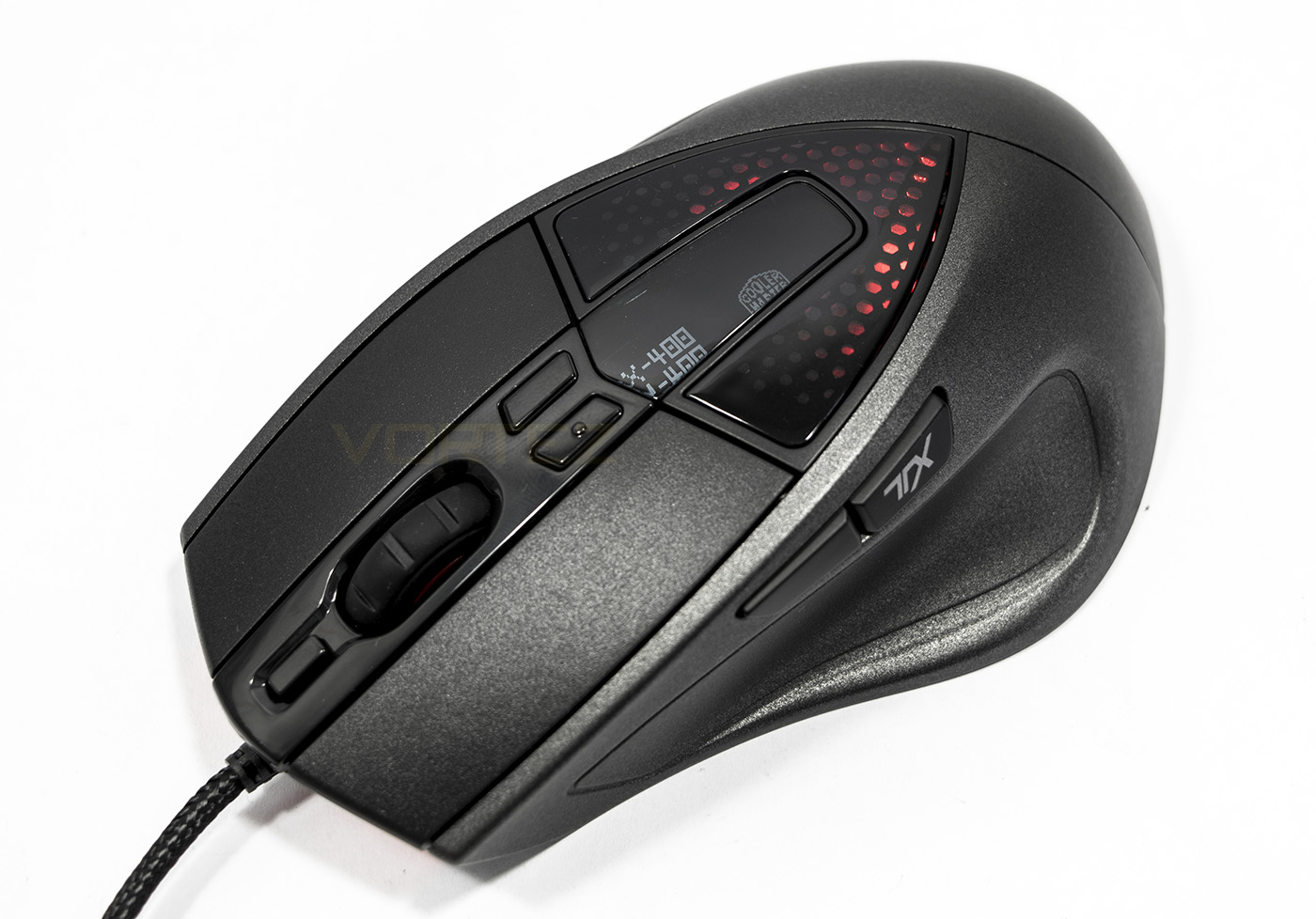
The mouse feels cool and smooth in hand and and rather comfortable from the aspect of a palm grip. The comfort/shape is near identical to the Sentinels before it, though, it is a shame that the side button placement wasn’t actually where your thumb rests. Instead they are still positioned on the ridge above your thumb which is awkward to reach, requiring inconvenient thumb movement to reach. This motion, at least for me personally, is akin to laying your hand flat on your desk, then trying to raise your thumb. If the buttons were placed inside the thumb groove where your thumb will naturally be resting, comfort would be significantly improved.
However, it is worth remembering that this is an ergonomically designed mouse intentionally for those that prefer a palm grip. The size, shape and weight reflect this fact. Several times during testing, my hand tried to revert to my own natural claw grip, which was uncomfortable and felt outright strange. Finger tippers beware too, as the ass end of the Sentinel III contains most the mass, which would result in strange cursor motion, as the front side of the mouse is significantly lighter and easier to move (removing the weights helps a little). So in summary, this mouse in intended for palm grip only, others avoid.
The appearance and finish of the Sentinel III looks sleek, the shimmering UV finish combined with the LED lighting actually works really well, with an overall solid build quality and construction. The glossy panel on the back will undoubtedly accrue fingerprints and smears, but that will be little noticed against the finish across the rest of the mouse.
The mouse wheel feels good, rotating nicely, and clicks well but lacks that solid feeling we experienced with the ROCCAT 2D Titan wheel sported on the recently viewed Kiro.
Performance
The optical sensor in the Sentinal III was put to test on various surfaces at its maximum DPI. Firstly, the trusty matte black fabric gaming surface, to which the Avago s3988 sensor performed excellently, giving accurate and well controlled motion. This performance was repeated even on matte white paper. As we progressed through this testing, we found that tracking became uncontrollable on any glossy or coloured surface, this included printed card, glossy laminated desk surface. So its best to stick to the plain black fabric surface here.
In games I found that the click force required was spot on, the mechanical switches used, felt great, not too strong, which could become tiring in a game like DOTA 2, and not too weak where misclicks were common. Each of the additional buttons actuated nicely also.
Conclusion
Cooler Master have done a great job in reading the market and updating the Sentinel model to deliver a precise optical mouse that is kitted out with some interesting features. The Avago s3988 is the same sensor used in the Razer Deathadder 2013, an optical mouse loved by many. The Sentinel III encases this known and tested sensor in an ergonomically shaped house specifically for those that love large and heavy palm grip mice.
The software, while perfectly functional, feels behind the curve in regards to it being a stand alone software installation specifically for this one mouse, rather than having a unified software driver as we are commonly seeing from the likes of Corsair (CUE), Razer (Synapse), ROCCAT (Swarm), Cougar (UIX), SteelSeries (SSE3). Making it seem a little dated, though this is an oversight at best and is merely a consideration.
To discuss some critical points of the Sentinel III one would have to mention that it lacks any real innovation or development. Here is why.
Though the matte UV coating looks great with the promise of durability, the actual shape and design of the Sentinal III appears to have made zero changes. The adjustable weight system is particularly a real throwback of a poor design feature. Though there are likely those that enjoy being able to adjust the weight of their mouse, the reality is that it is a remnant of the past left in place to limit any changes made to an existing production line, a feature created in a time when new ‘must have’ features were pulled out of the hat to expand the list of check boxes. The result of this leaves in place imbalanced mouse design that is ass heavy even without the weights. Arguably there will be those that like the hefty feeling of the Sentinel III and any improper motion potentially caused by this imbalance is likely offset by the fact that the Sentinel III specifically targets palm grip gamers, a grip that will naturally counter most motion issues. (Please note that we recognise that adjustable weight systems with the right design can/may have their place in mouse design and this isn’t an all encompassing hate speech, but simply discusses the situation at hand)
The side buttons could have been moved into the thumb groove providing a more comfortable experience. As it stands, the existing position is very inconvenient to reach, at least for my stubby thumbs. Though the existing position is not terrible and some may find no issue with it, it seems like a no brainer that a more ergonomic button placement will give greater comfort and control.
The asking price of the Sentinel III at £39 ($49-59 USD) has a particularly strong position when you consider its competitors, most of which tend to cater towards a more neutral/ambidextrous design. This is where the Sentinel may find its true following by those that prefer a mouse specifically catered towards the palm grip.
The Sentinel III doesn’t just get a shimmering external make-over, inside it packs a precise optical sensor and a 32bit ARM processor for brilliant performance.
Pros.
+ Attractive finish
+ Ergonomic shape for palm grip
+ Easy to use software + Storm TX
+ On-board processor and memory
+ Reliable sensor
+ Customisable OLED logo
Cons.
– Lacks innovation
– Side buttons are in an awkward position
– Not suitable for any other grip type
+ Attractive finish
+ Ergonomic shape for palm grip
+ Easy to use software + Storm TX
+ On-board processor and memory
+ Reliable sensor
+ Customisable OLED logo
Cons.
– Lacks innovation
– Side buttons are in an awkward position
– Not suitable for any other grip type
Click here for an explanation of our awards at Vortez.net.