With Cooler Master introducing the new SK Series keyboards we are taking a look at the SK650 full-sized model, boasting new Cherry MX Low Profile switches we ask how this stacks up against the competition, read on to find out.

Product on Review: Cooler Master SK650
Manufacturer: Cooler Master
Street Price: GBP: £159.95 / USD: $139.99 – $159.99
Due to the exclusivity agreement between Corsair & Cherry there are not many options if you are looking for a keyboard sporting the Cherry MX RGB Low Profile Switches, however with this deal ending we are starting to see more manufacturers offer this switch on their keyboards.
In today’s review we are taking a look at the latest offering from Cooler Master in the form of their SK650 full size keyboard.
The SK line up comes in 2 size variations at this moment in time, Full Size (SK650) & Tenkeyless (SK630) however Cooler Master have announced 3 wireless versions at CES this year but pricing and availability on these models are not known as of time of writing.
Cooler Master on the SK650:
The SK650 Mechanical Keyboard is a sleek new full-sized keyboard with all the signature Cooler Master features like On-the-Fly Controls and RGB backlighting – plus new Cherry MX Low Profile switches in striking, chiclet-style design. Reduced travel and actuation distance with extra-flat keycaps means you get all the precision and durability of a mechanical keyboard with the slim stylings of a minimalist chiclet keyboard. Add in a refined brushed aluminium housing and understated LED halo around the keyboard, and you have a keyboard that looks as good as it performs.
Technical Specifications
Switch Type: Cherry MX RGB Low Profile Switches
Construction Materials: Aluminium & Plastic
Colour: Gunmetal Black
Polling Rate: 1000Hz
Response Rate: 1ms / 1000Hz
MCU: 32 bit ARM Cortex M3
On-board Memory: 512LB
Multi-media Keys: Yes, Through Function Key (FN)
Cable: USB Type-C Detachable & Braided
Cable Length: 1.8m
Dimensions: 43 x 12.5 x 2.5 cm
Warranty: 2 Years
Construction Materials: Aluminium & Plastic
Colour: Gunmetal Black
Polling Rate: 1000Hz
Response Rate: 1ms / 1000Hz
MCU: 32 bit ARM Cortex M3
On-board Memory: 512LB
Multi-media Keys: Yes, Through Function Key (FN)
Cable: USB Type-C Detachable & Braided
Cable Length: 1.8m
Dimensions: 43 x 12.5 x 2.5 cm
Warranty: 2 Years
Packaging & First Look
The packaging design for the SK650 is simplistic, but it does its job in making you take a second look if you see it on a shelf. The front of the box sports a shot of the keyboard itself and a sticker informing you of which switches this keyboard has.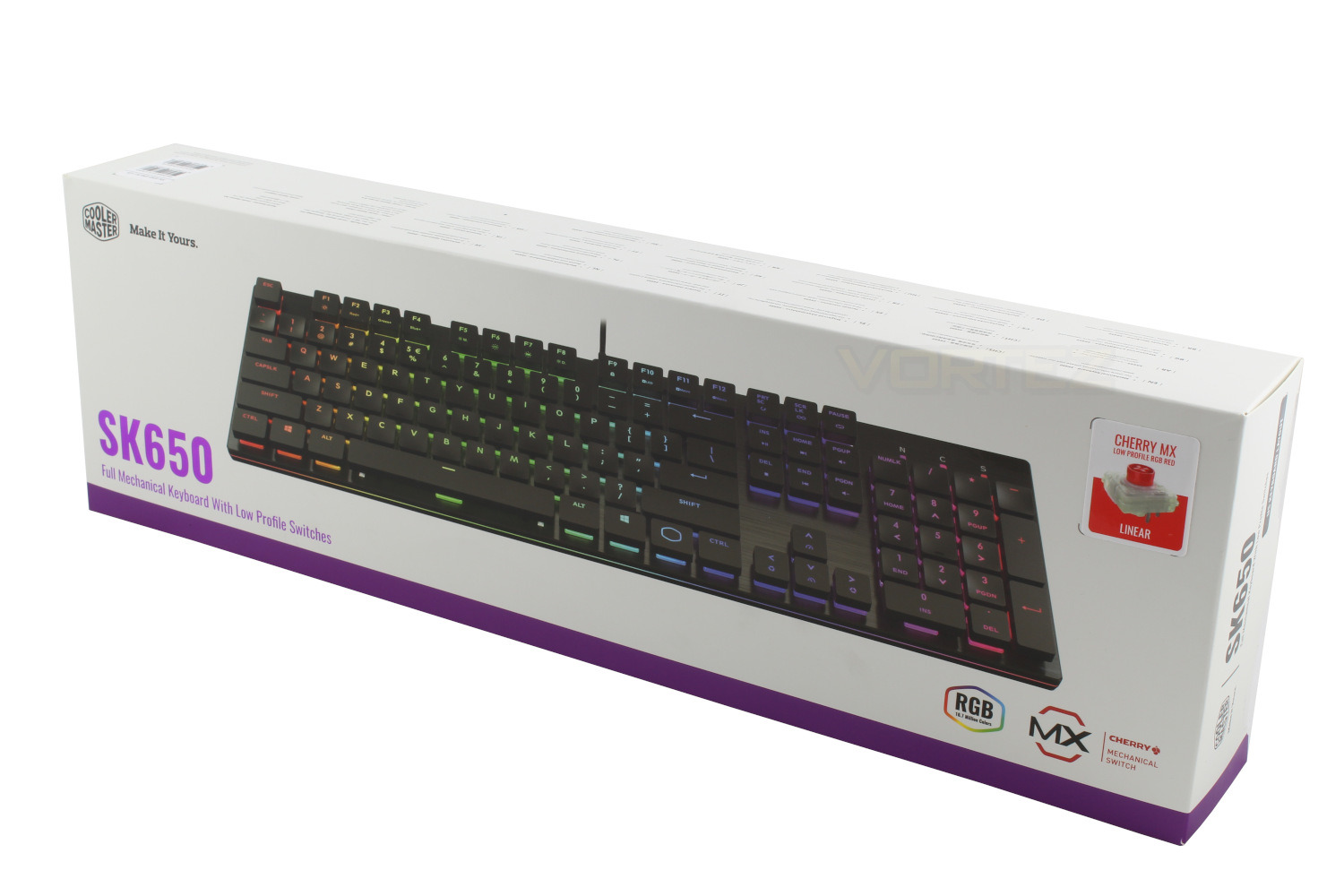
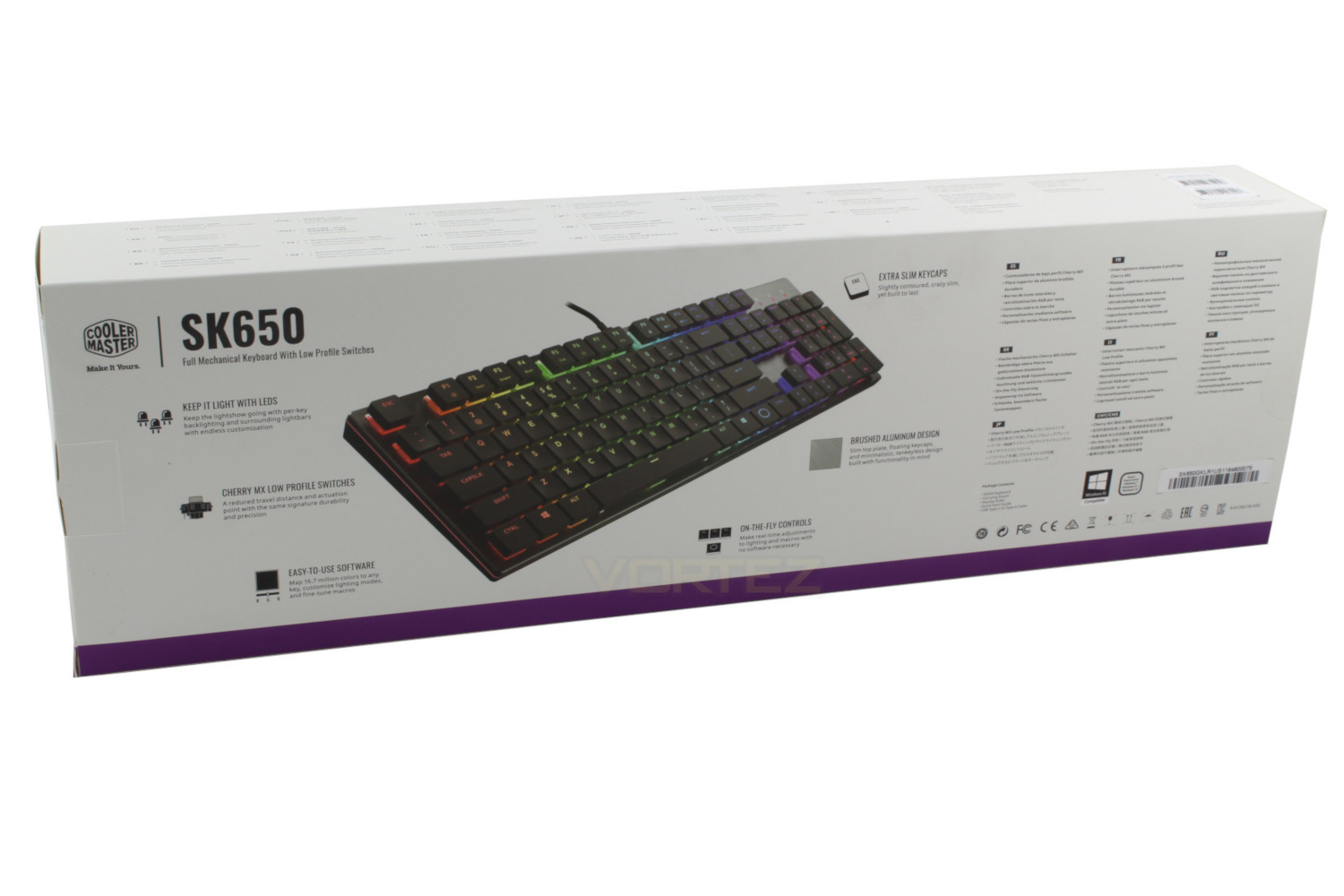
Moving to the back of the box and we’re given another shot of the keyboard and 6 snippets of information giving you the main unique selling points of the model.
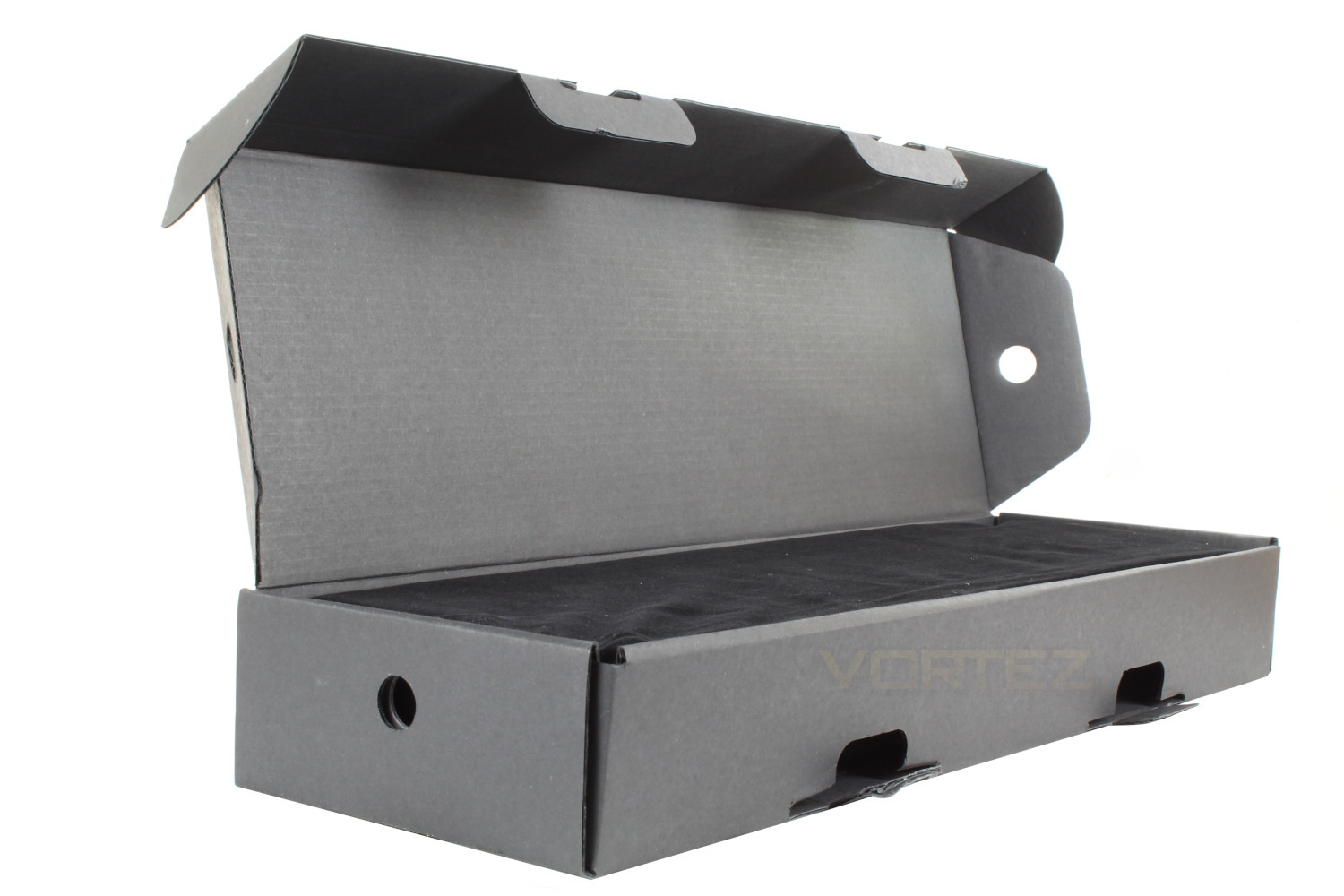
Upon opening the box we are greeted by another box, this time black in colour, within this box there is a plush, almost velvet carry case, which is a nice touch and separates Cooler Master from the crowd.
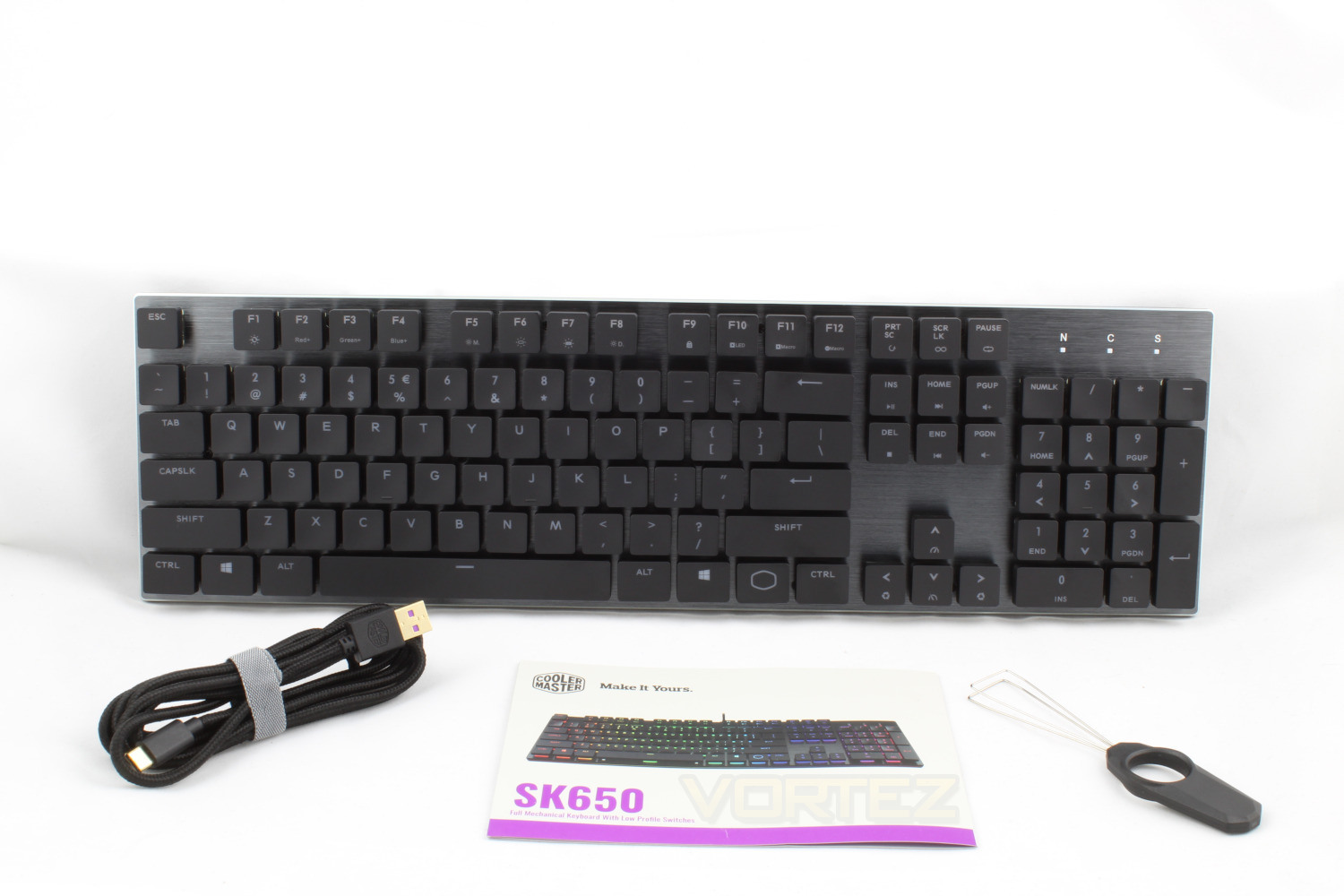
Inside the box you get a Quick Start Guide which details the many FN functions, a keycap puller & a USB Type-C to Type-A Cable which is braided, detachable and gold plated, the braiding is to be expected at this price point however the fact that it is detachable is a plus.
Closer Look
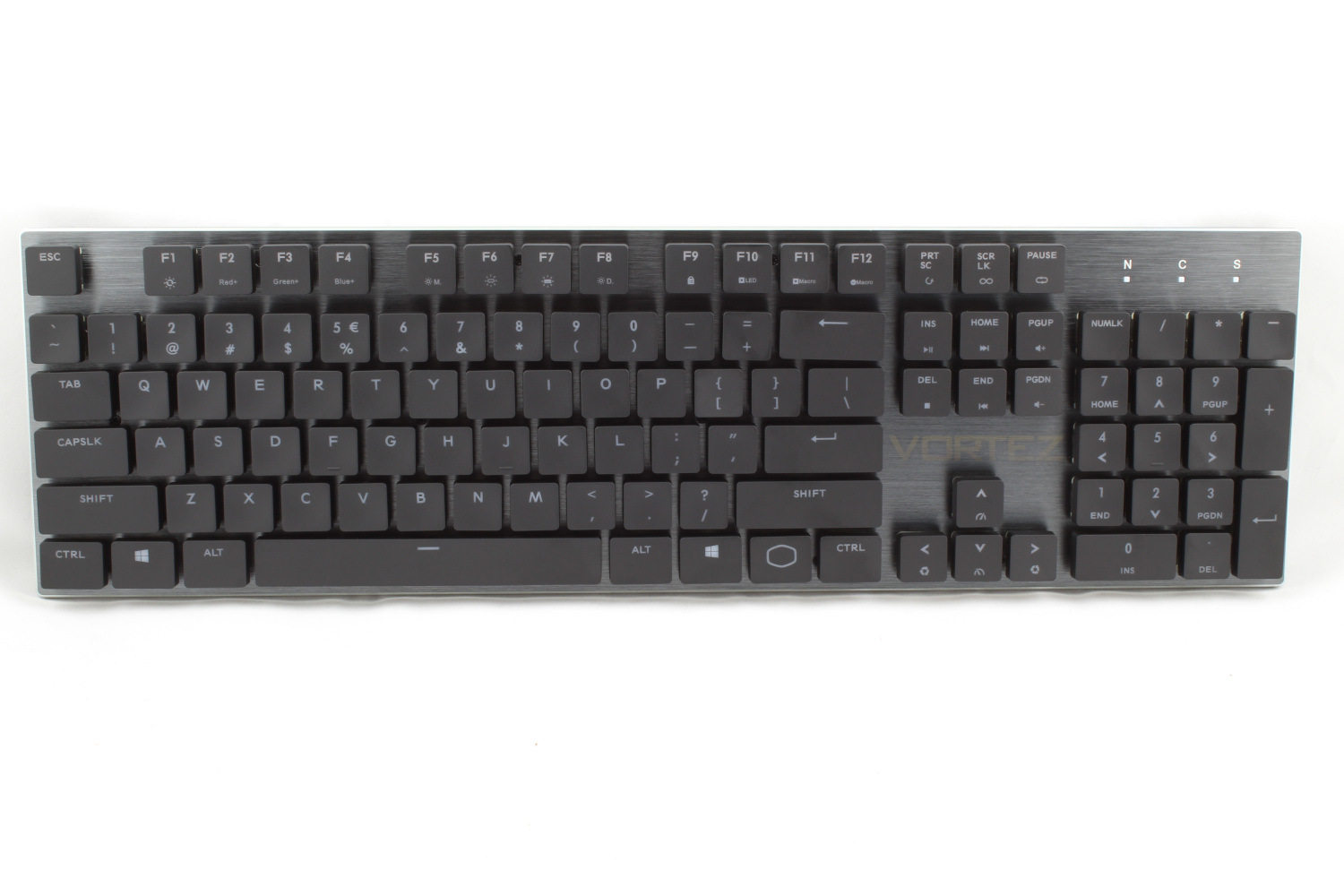
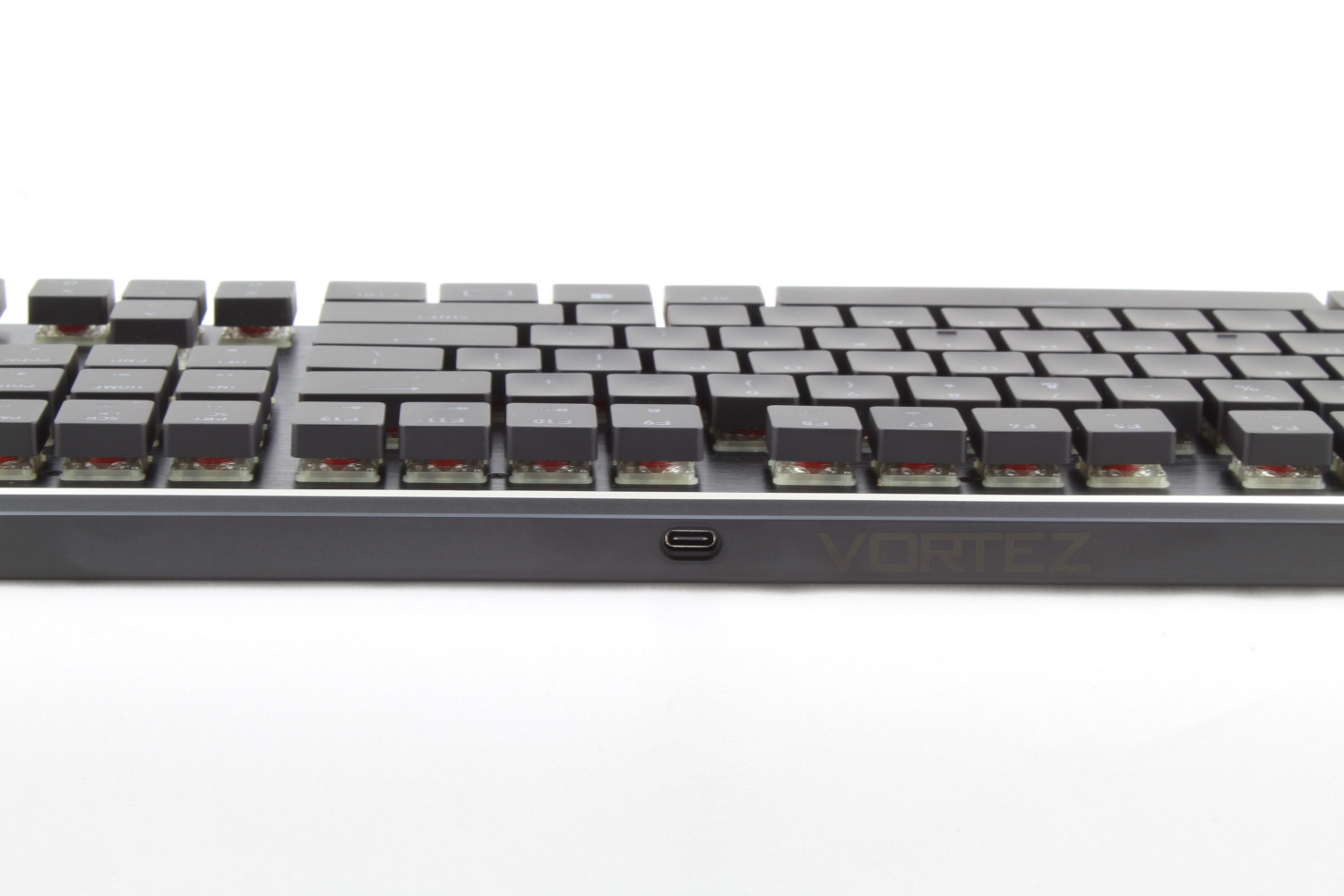
Retrieving the keyboard from out of its carrying pouch and the first thing that we noticed is a distinct lack of branding on the front of the keyboard, barring the Cooler Master Halo which in this case functions as the FN key. The brushed aluminium top plate, contoured keycaps & chamfered edges make for a sleek looking keyboard and overall we find the SK line up aesthetically pleasing.On the rear of the keyboard you’ll find the Type-C USB port, and in this shot you can see just how low profile this keyboard is, from the base to the tip of the key cap is only 25mm.
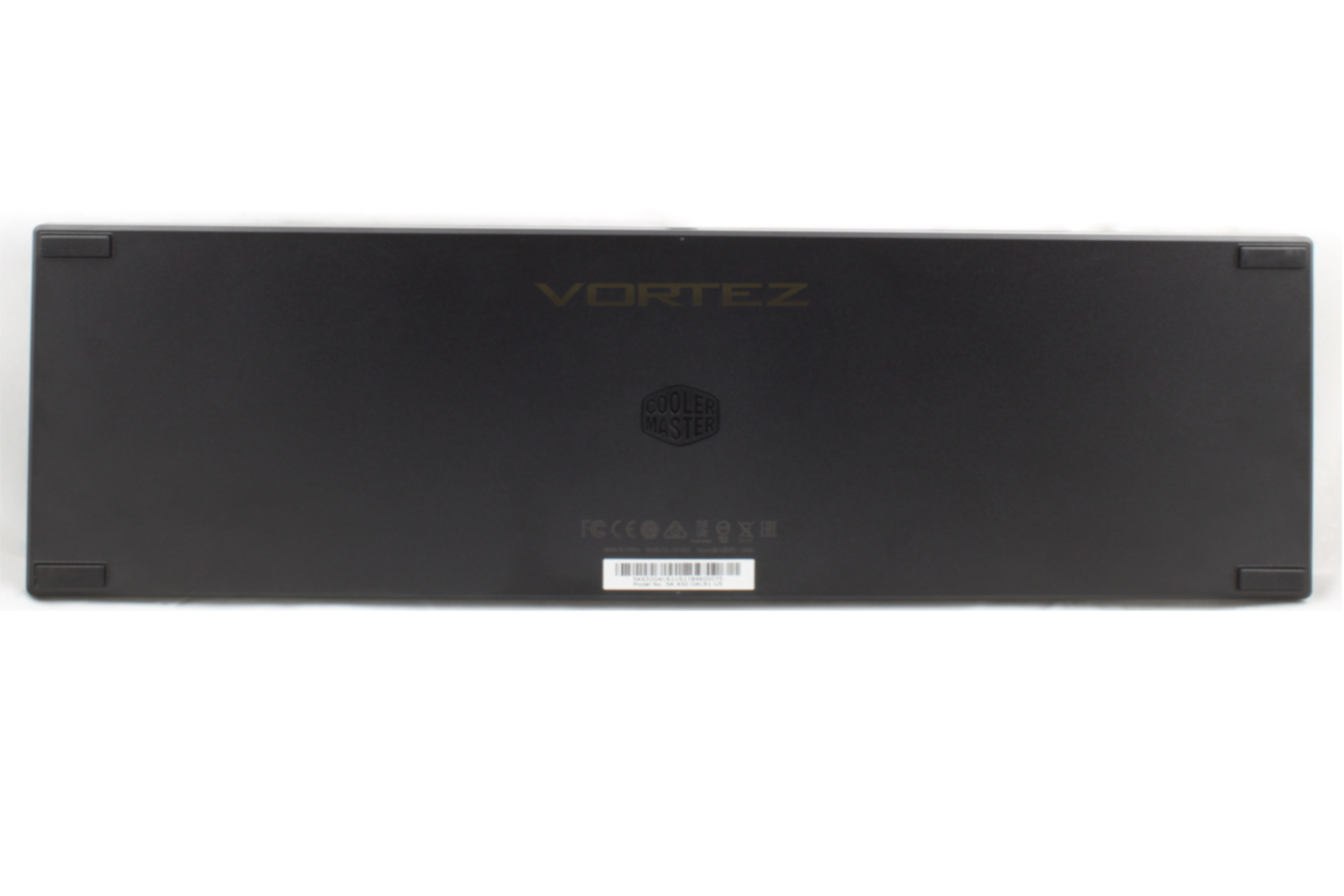
Turning our attention to the back of the keyboard and we’re welcomed by the cooler master logo, one thing we’d like to draw attention to is the lack of extendible feet, which again, we’ll touch on again in our performance testing.
Closer Look (Continued)
One of the major selling points for this Keyboard is the “On-the-Fly” shortcuts that are built in to the keyboard. This feature allows you to control everything from the lighting to your macros without installing any “Bloatware” on your system.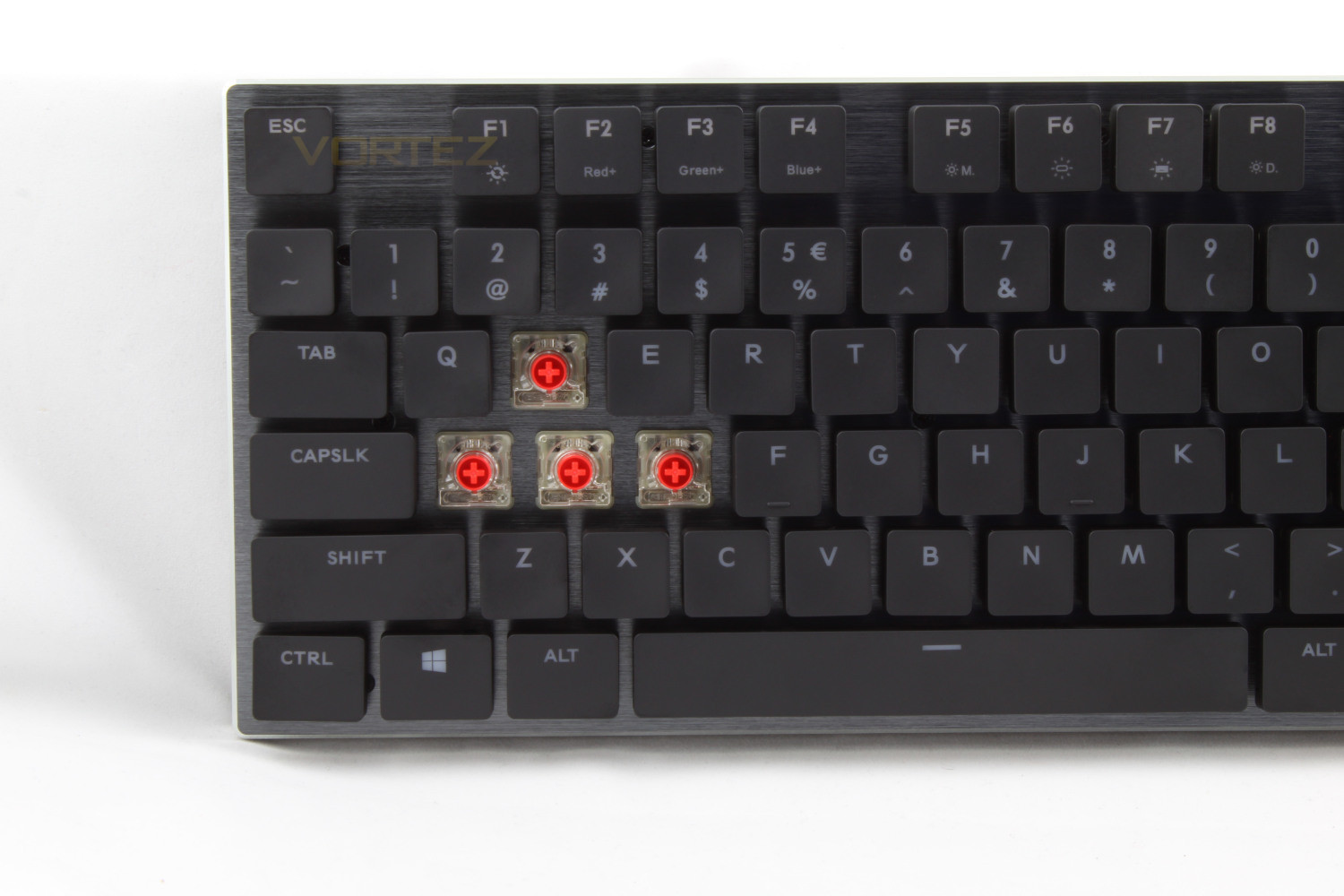
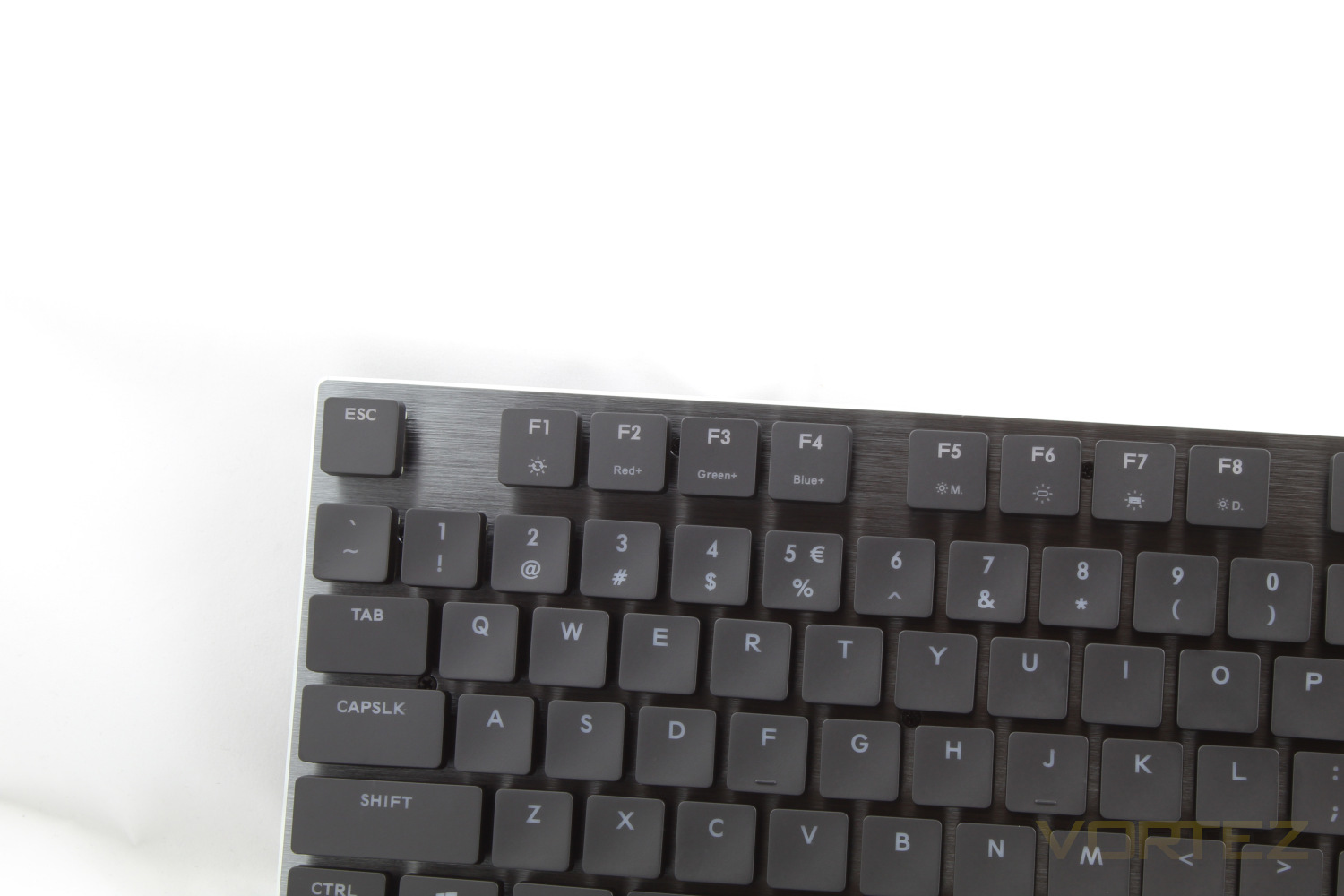
Most of the On-the-Fly shortcuts are along the F key row, meaning that you won’t have to worry about accidentally knocking them. Escape is used to activate the default profile, while 1,2,3 and 4 are used to select your custom profiles. F1 to F8 is used to control the backlighting, F1 scrolls through 9 colours & various modes. F2, F3 & F4 allow you to adjust the colour levels. F5 allows you to change the LED modes, F6 & F7 allow you change the “Foreground” & “Background” effects respectively and F8 starts a lighting demo mode, which is only really useful if you want to show off.
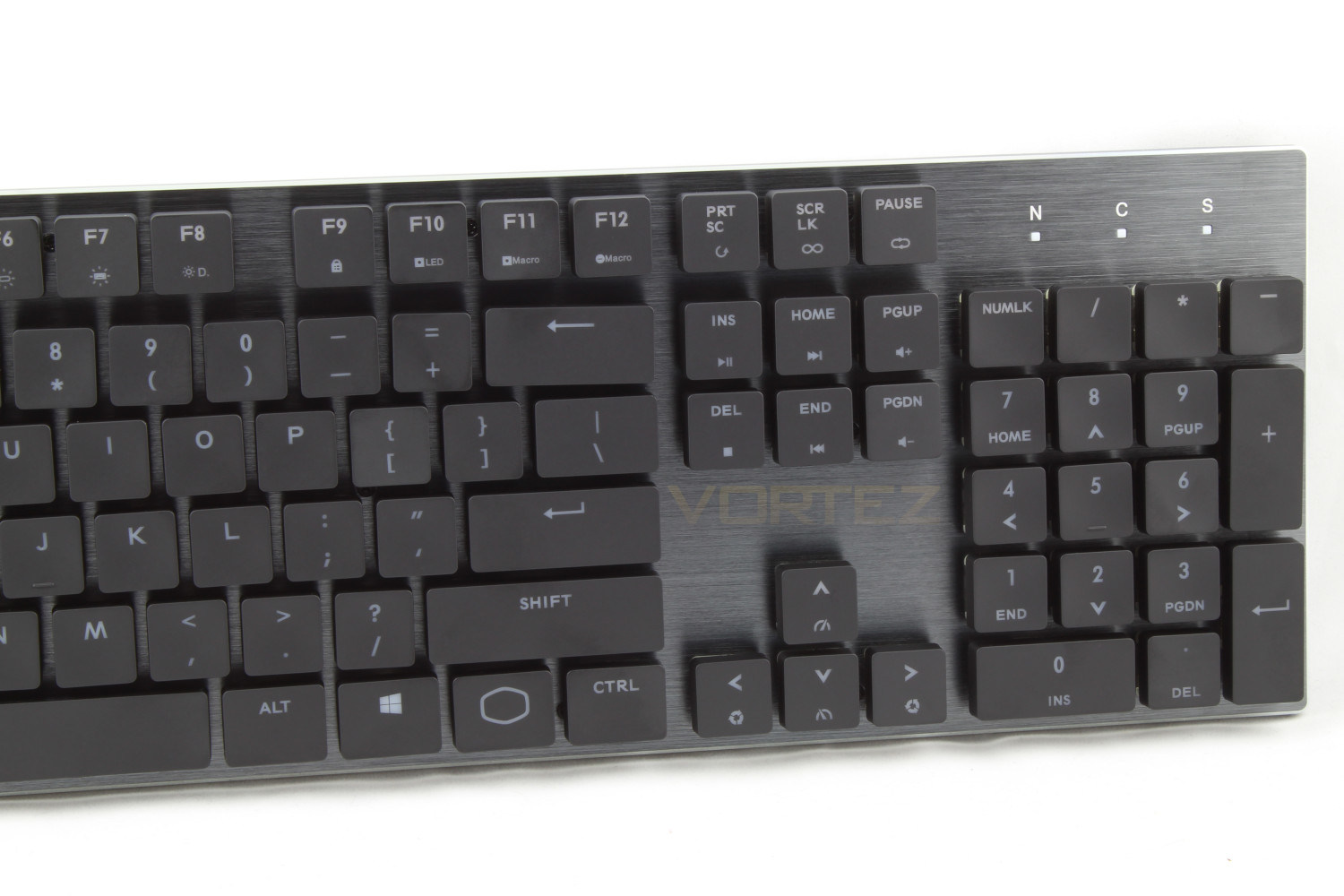
Looking on the right side of the keyboard you have F9 which locks the windows keys and F10 which allows you to record the LED Backlight colour, this is only for the Static Colour and Per Key modes. F11, F12, Print Screen, Scroll Lock and Pause are used for recording macros. Insert, Home, Page Up, Page Down, End and Delete all function as media keys with the noticeable lack of a mute short cut. Utilising the arrow keys alternate functions you can adjust the speed and direction of the applicable modes.
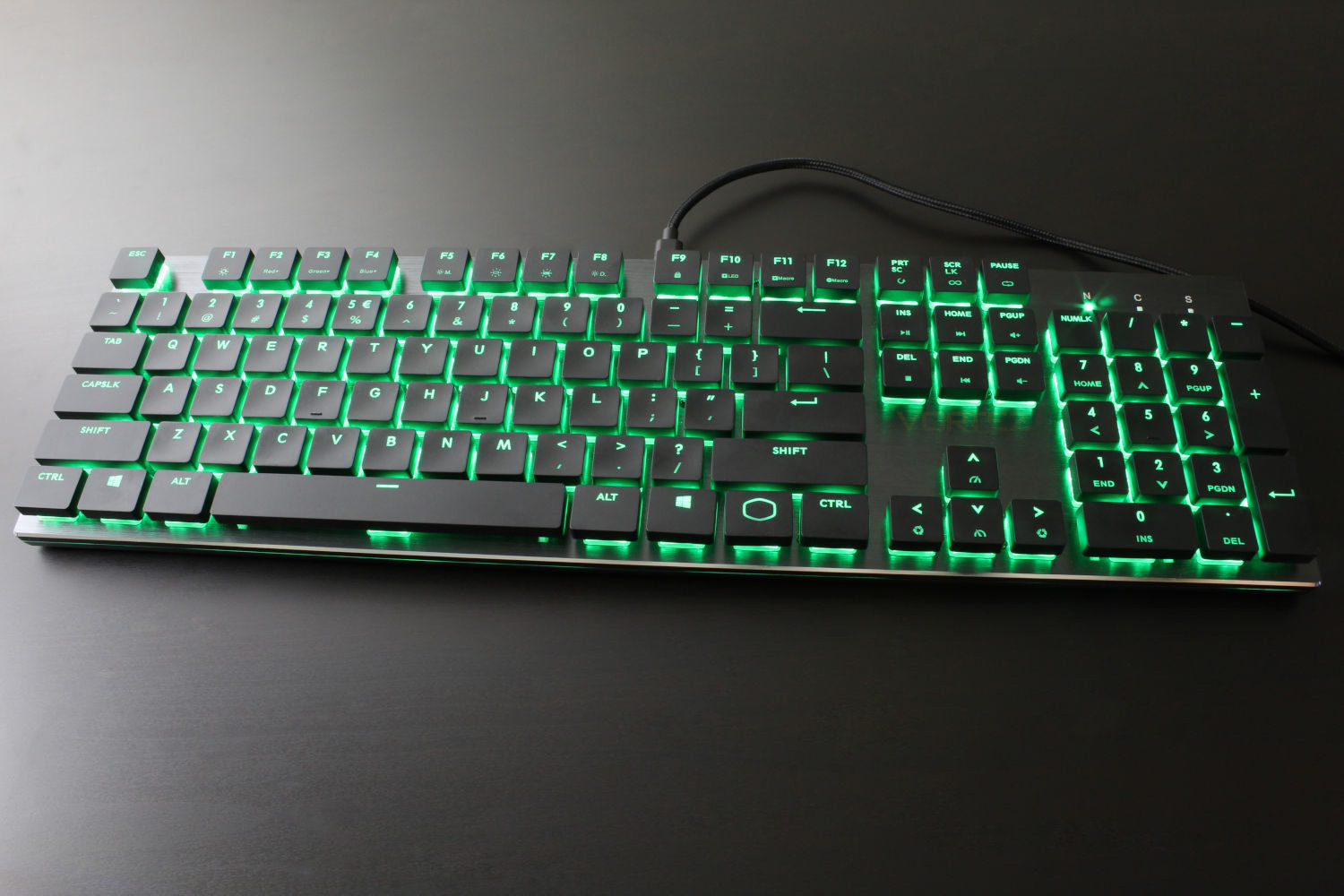
Cooler Master have hit the ball out of the park with the RGB on these keyboards, the design they have implemented for the key caps really helps combat the fact that the low profile Cherry switches have slightly dimmer LEDs than their regular counter parts. An example of the RGB illumination is below, for a more in depth look take a look at our software demo.
Software
We had no issues downloading and installing the Cooler Master Software, Within the program you can edit the various LED options, you can create and edit your macros, another nice feature here is that you can re-assign and disable unnecessary keys, and you can switch between 1 of 4 profiles. (Please ignore the horrendous Snake skills on show!)Performance Testing
During our time with the SK650 we have used it for gaming as well as writing this review and editing the photos, the main stand out point is that the key spacing is very small, around 2mm which we found to impact the accuracy of our typing, at least at first. Our daily driver is spaced at around 6mm and is the Razer Blackwidow V2 for reference. If you are used to the Apple Magic Keyboard or to typing on a laptop then you may find this a non-issue.We found that the key spacing alongside the fact that there is a lack of extendible feet and no wrist rest included meant that using the keyboard for an extended period of time became cramped and uncomfortable, while the small key spacing is just a matter of adapting to the keyboard, the lack of a wrist rest & feet does seem like a real missed opportunity as introducing a wrist rest to our set up greatly improved our experience and we would like to see one included in the next release of the SK Series. Our words typed per minute on start at around 80 and once we got settled and introduced a wrist rest our results on the SK650 came up to 95+, this is slightly lower than 105 words per minute we usually type with and we would put this down to the smaller key cap spacing.
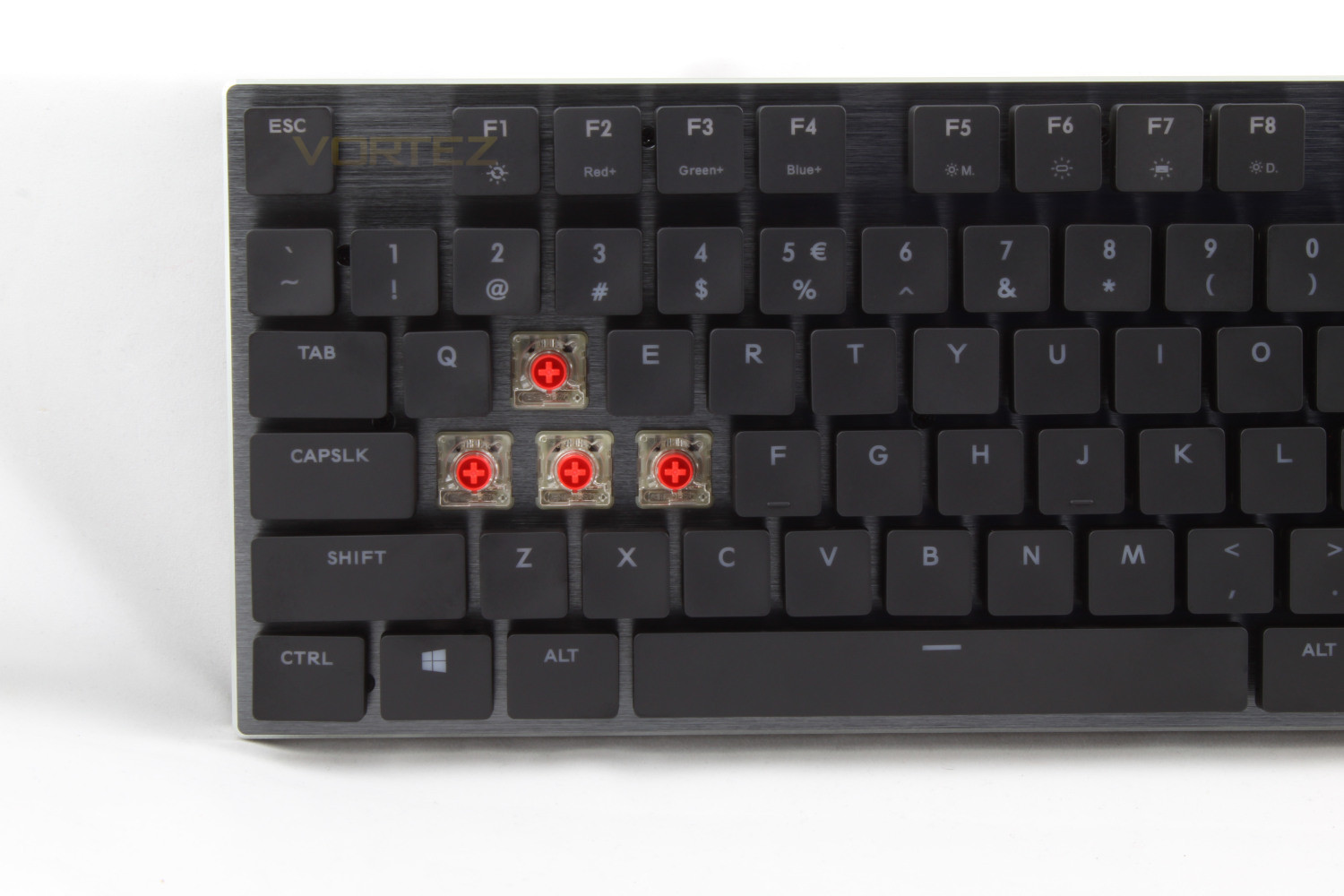
The low profile Cherry reds are great to type on once you’ve got accustomed to the key spacing and introduced a wrist rest, the contour of the key caps is not as extreme on some other models, and again this is another feature that you’ll either like or not depending on what you’re used too. Another call out of these switches is how quiet they are, compared to other kinds they are whisper quiet and would definitely be welcomed in a quiet office as well as being useful to minimise noise if you stream and record videos.
In gaming the SK650 responds very well, there were no issues with ghosting and the reduced travel time and actuation point is definitely noticeable in both gaming and typing. We did notice a lack of dedicated macro keys which means you’ll be searching for an unused button to assign your macros to.
The RGB lighting on the SK Series is great, and a feature that endeared us to the product is the fact that the “lock” keys are RGB rather than the white you’re forced to use on most other models. The key caps are well designed in aiding the light to shine through, resulting in vibrant colours rather than the muted look you can sometimes get on other brands.
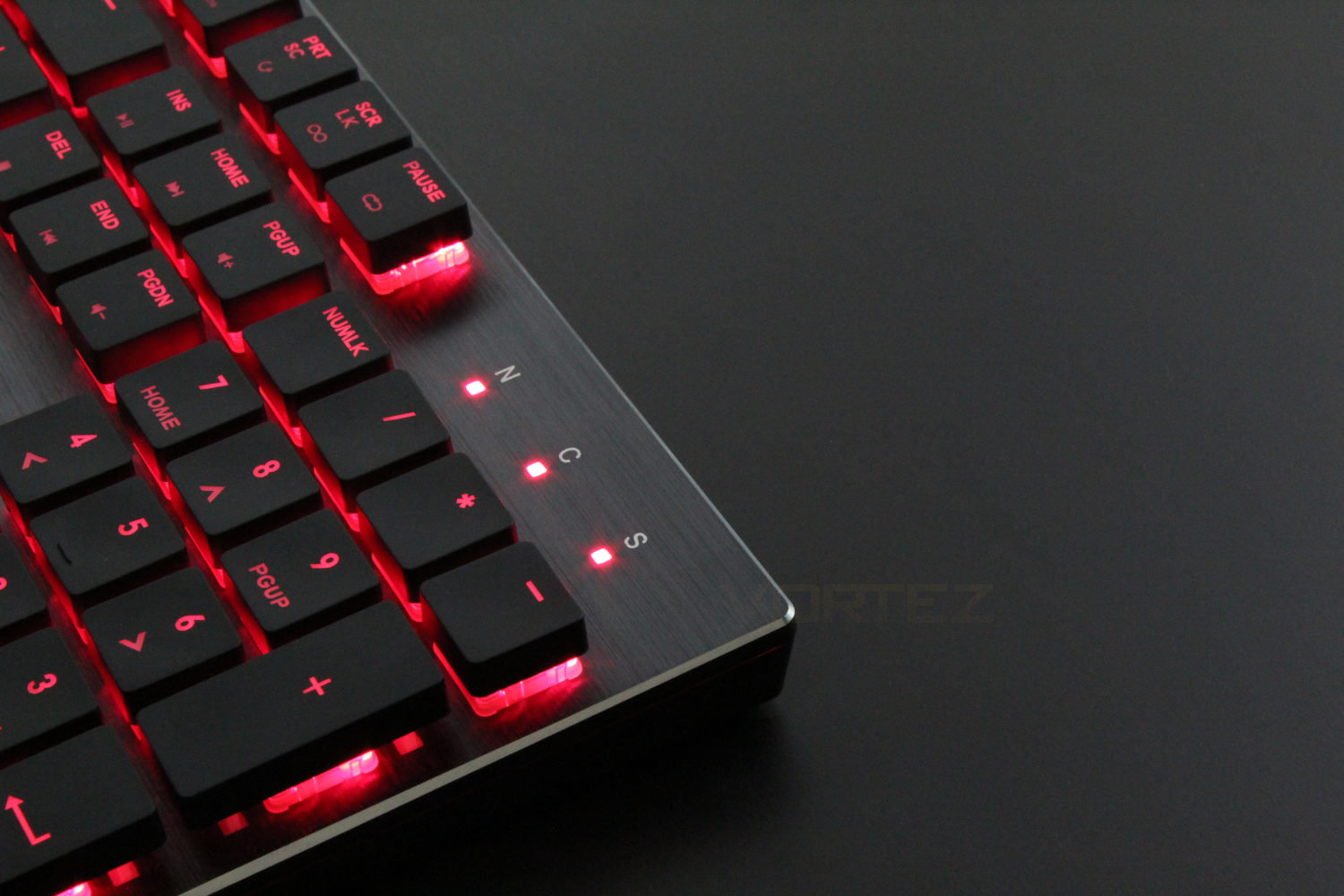
The build quality of the SK650 is fantastic, the brushed aluminium looks sleek, and even though the main body of the keyboard is plastic there is no flex thanks to the top plate. All of this is aided by chamfered edges and an LED halo that runs around all edges of the keyboard.
Conclusion
It’s our opinion that the SK650 will be quite a polarising keyboard, and we would definitely recommend that you try it first to make sure it’s compatible with your typing style.The Cherry Low Profile switches are practically silent compared to the Razer Greens on our daily driver, and as stated, they would be well appreciated in a quiet office, and to this end, if you like to take your keyboard with you to work or indeed to LAN parties the SK650 would definitely be high on our list of recommendations. The size & weight alongside the included carry pouch lends itself to being taken on your travels. The carry case does it’s job well in protecting the brushed aluminium top plate, even when in tightly packed spaces.
This keyboard, in our opinion, is one of the best looking keyboards on the market, the vivid RGB really makes the brushed aluminium face plate really pop and even with the RGB disabled the keyboard looks sleek and very classy.
The lack of dedicated macro & media keys is somewhat mitigated by the fact you can assign your macros to any unused key and that you have access to media keys through the Function button. Your key bindings can be saved to 1 of the 4 profile slots that are available but this only goes some way to combating the fact that you have to change your keyboard profile to have access to them when adding macro keys would have only added an extra inch or so to the length of the keyboard.
We understand that Cooler Master were aiming to design a sleek, low-profile keyboard however the lack of a wrist wrest and adjustable feet is a deal breaker for us unfortunately, especially at this price point and we can’t see that adding feet to the keyboard would add too much extra height. It’s a shame that Cooler Master didn’t make the decision to include these as it would replace our daily driver, if only they were included.
With all this said if you’re looking for a low-profile keyboard that doesn’t sacrifice the feel and performance of mechanical switches, the Cooler Master SK650 would be high in our list of recommendations with the caveat that you try before you buy.
This keyboard looks great and would be at home on a minimalist work station, it’s great to type on once you get used to the key spacing and work around the comfortability issues. We recommend trying it to make sure your typing style is compatible before you buy as if it isn’t you will need to purchase a wrist rest.
Pros
+Extremely quiet switches
+High quality carry pouch
+Perfect for travelling
+Exquisite RGB
+Beautiful design
Cons
-No wrist rest
-No tilt adjustment
-No dedicated macro and media keys
+Extremely quiet switches
+High quality carry pouch
+Perfect for travelling
+Exquisite RGB
+Beautiful design
Cons
-No wrist rest
-No tilt adjustment
-No dedicated macro and media keys
Stay connected with the Vortez Social Media pages:
Join in with the discussions on Discord