A new high airflow-focused chassis which boasts a triple helping of RS120 ARGB cooling fans and support for reverse-connector motherboards.

Product on Review: 3200D RS ARGB
Manufacturer: CORSAIR
Street Price: £79 GBP | $89 USD | $145 AUD
The CORSAIR 3200D RS enters the mid-tower segment as a modern airflow-focused chassis designed to balance thermal performance, component compatibility, and clean internal presentation. Built from a combination of steel, plastic, and tempered glass, the enclosure follows a conventional ATX layout while integrating contemporary design priorities such as unobstructed intake and simplified cable routing. With dimensions of approximately 476 × 214 × 446 mm, it sits squarely within the mainstream mid-tower footprint, but aims to differentiate itself through internal flexibility and cooling scalability.
A key emphasis of the 3200D RS is airflow and cooling support. The case features a mesh front panel and ships with three pre-installed 120 mm RS120 ARGB fans, forming the foundation for a high-volume intake configuration. Beyond the stock setup, the chassis supports an extensive fan layout—up to nine or more total mounting positions depending on configuration—including additional mounts on the PSU shroud to provide direct airflow to the GPU. Radiator compatibility is equally robust, with support for up to 360 mm radiators in both the front and top positions, positioning the case as a viable platform for high-end air and liquid-cooled systems.
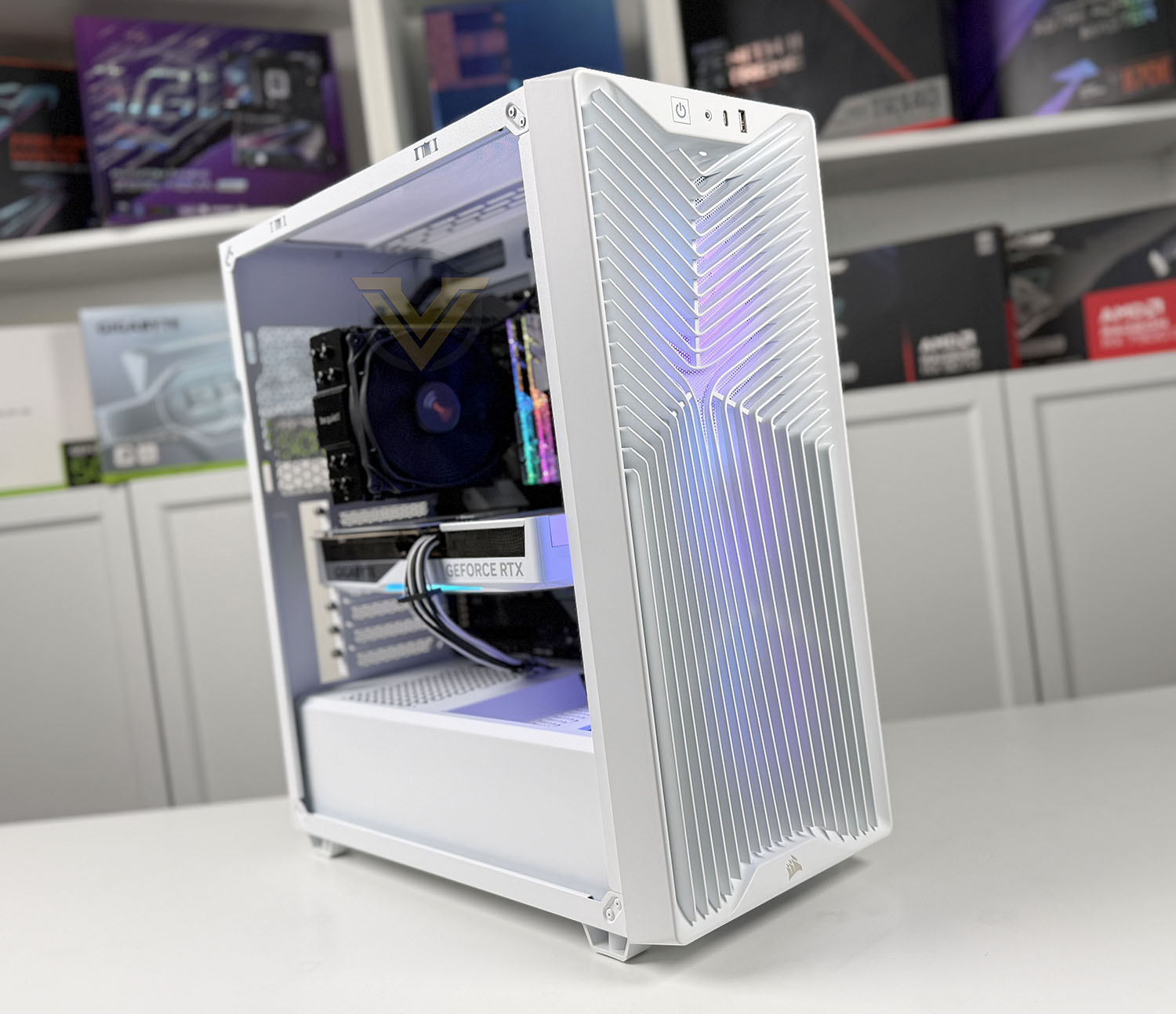
Internally, the 3200D RS is engineered to accommodate modern hardware trends, including large GPUs and alternative motherboard designs. It supports ATX, Micro-ATX, and Mini-ITX motherboards, with clearance for graphics cards up to 400 mm in length and CPU coolers up to 170 mm in height. Notably, compatibility with “hidden connector” motherboard standards such as ASUS BTF and MSI Project Zero reflects a forward-looking approach to cable management. Storage is modest but functional, with support for two 2.5-inch SSDs and one 3.5-inch drive, complemented by a cable shroud and routing features intended to maintain a clean internal aesthetic.
In this review, we will evaluate how effectively the CORSAIR 3200D RS translates its design goals into real-world performance. Our testing will include a full system installation to assess build experience, followed by controlled thermal testing to determine how well the case’s airflow design performs under load.
Technical Specifications
Below are the technical specifications surrounding the 3200D:
Closer Look
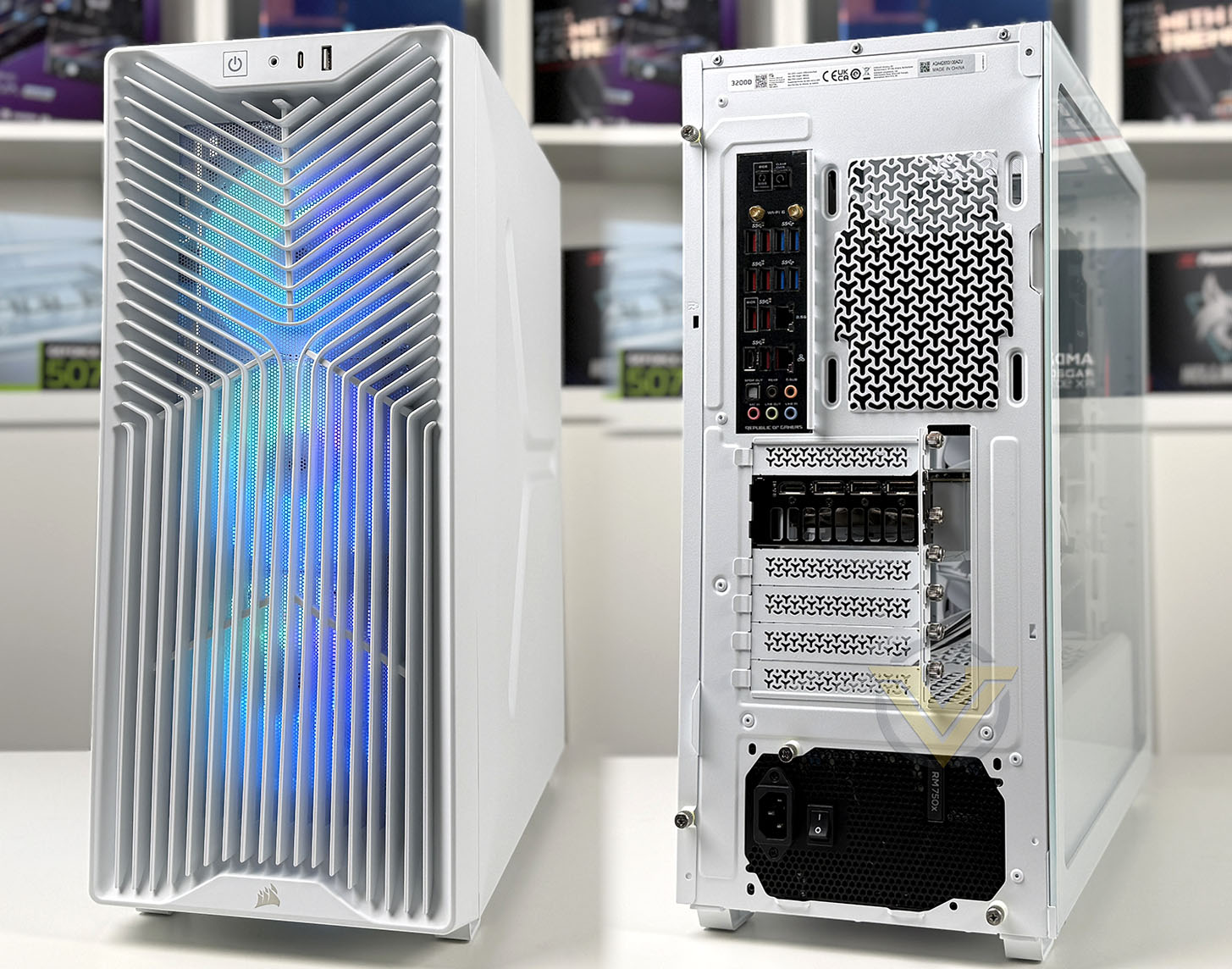
CORSAIR has designed 3200D to focus on high airflow and as such the front opts for a fully ventilated front panel which allows cool air to enter the chassis. This front panel is plastic and beneath it has a detachable dust filter – to access this, it is necessary to forcibly detach the front fascia. Underneath, we have a trio of RS120 ARGB cooling fans which are 120mm. These fans are all configured in a push-configuration to blow air across the system and out through the rear of the case.
Around the back of the case we have the space for a 120mm cooling fan but CORSAIR does not include one. There are a total of 7 expansion slot covers, and the PSU seating area is at the bottom of the chassis, and it’s pleasing to see that we have some included thumbscrews to make attaching a PSU that little bit easier. PSU installation is limited to just 180mm units, our RM750x just about fit.
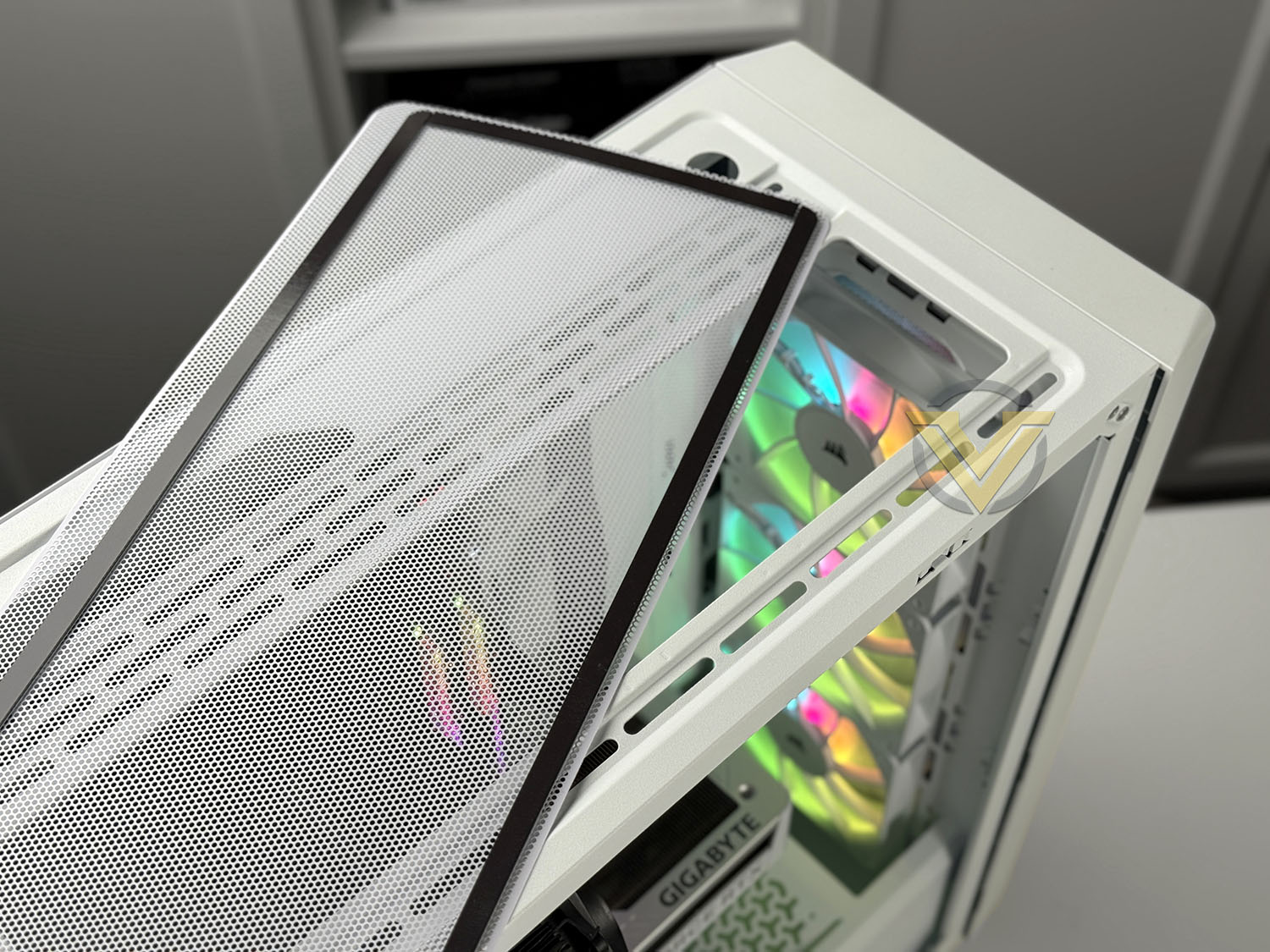
Just like the front of the case, at the top there is a magnetic dust filter which prevents dust entering the chassis. This filter is somewhat flimsy.
Underneath, there is allocation for 3x120mm fans and conversely a 360mm radiator.
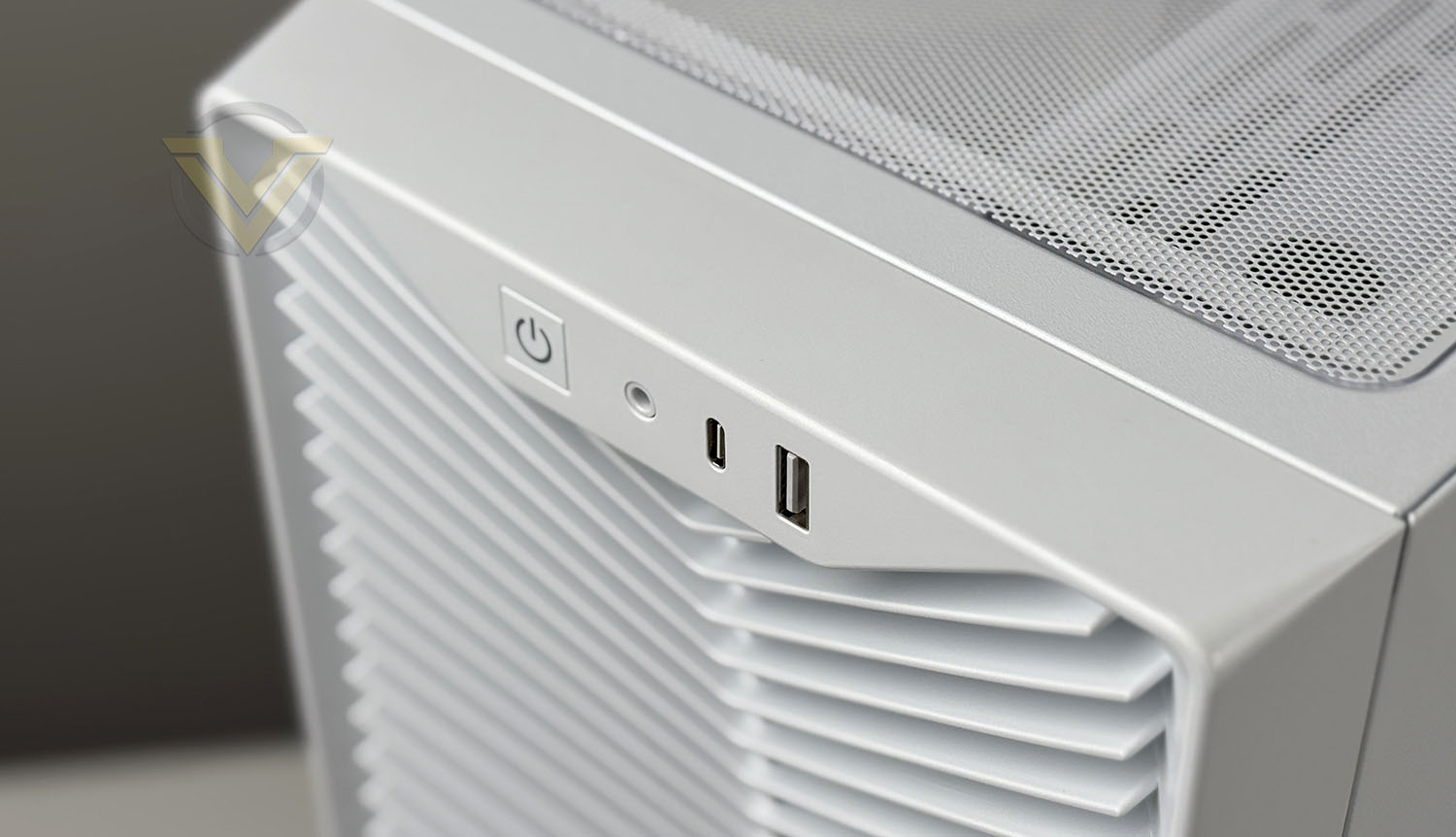
Front panel connectivity provides a single USB 2.0 Type-A and a single USB 3.2 Gen 2×2 Type-C port, an audio/microphone jack and a power button.
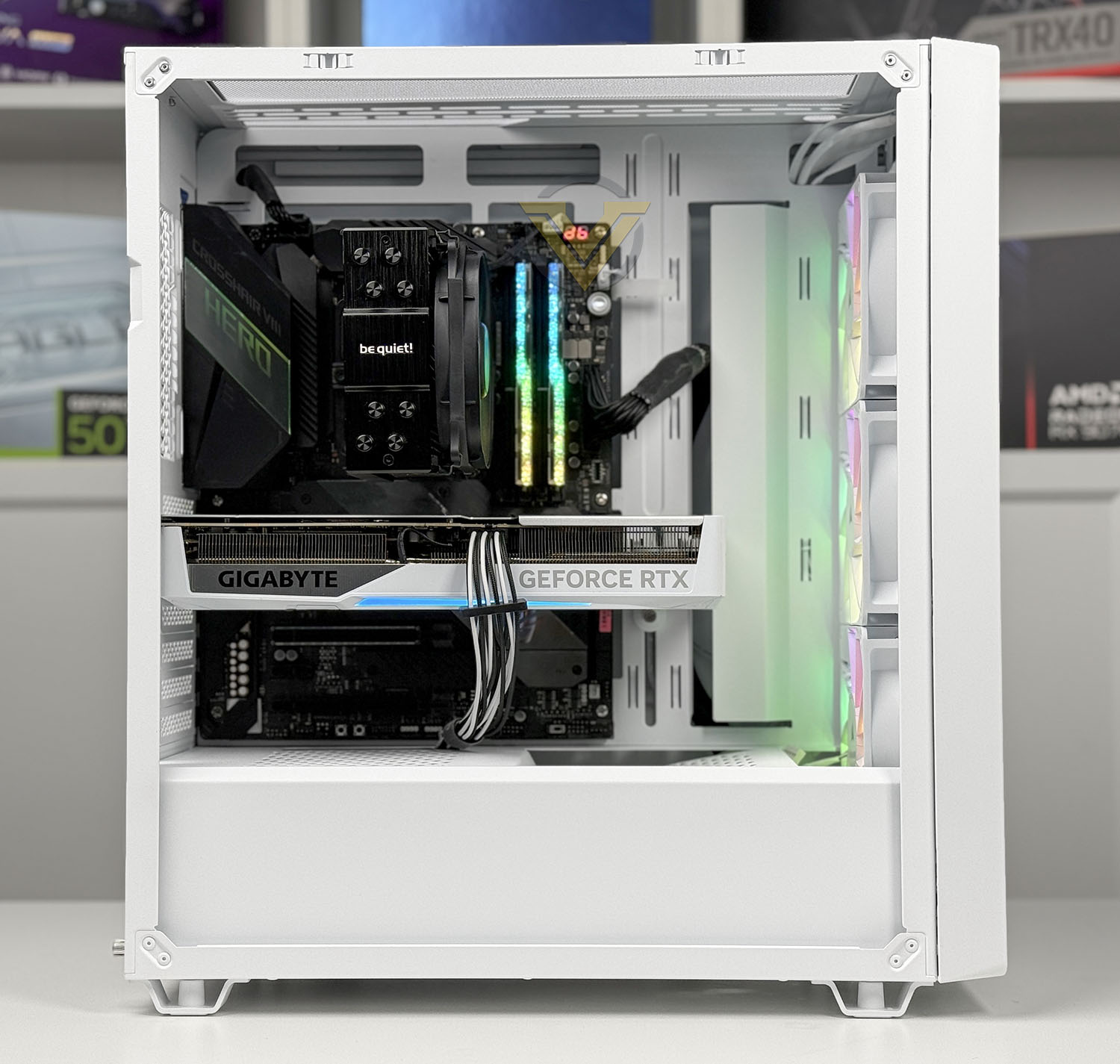
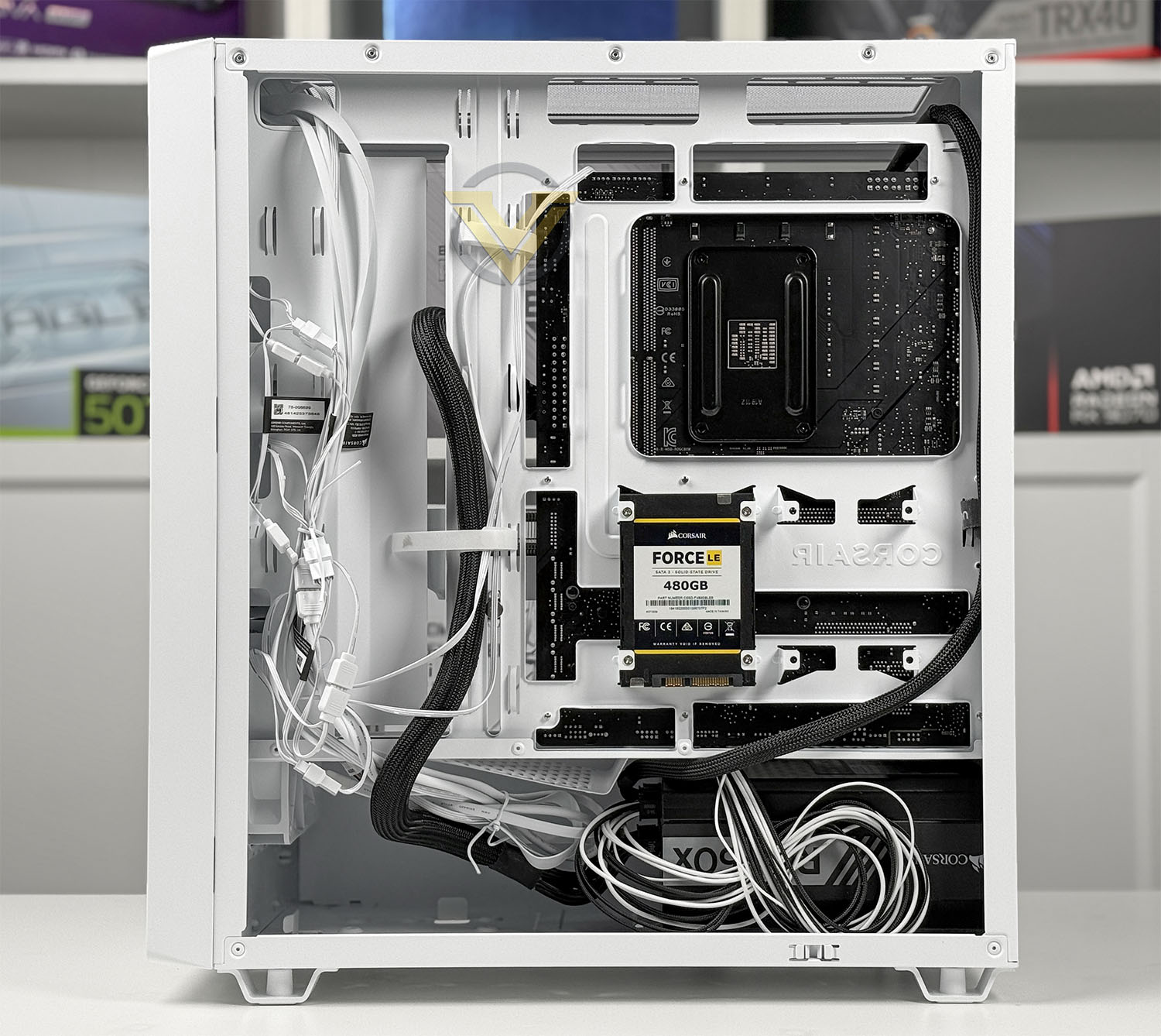
3200D follows a traditional layout and can accommodate motherboards up to the ATX form factor, and even the newer reverse-connector motherboards due to the motherboard tray design. It’s great to see this included.
There is enough room for large-ish CPU coolers (up to 165mm) and long graphics cards (up to 370mm). The only issues that we foresee are the larger CPU coolers which have a height of 180mm.
You can clearly see that above the motherboard there is a huge amount of space for attaching liquid cooling. Fitting a radiator and fan combo will be no issue, even for the thicker variants. The top can house 360mm radiators, and likewise, the front can also.
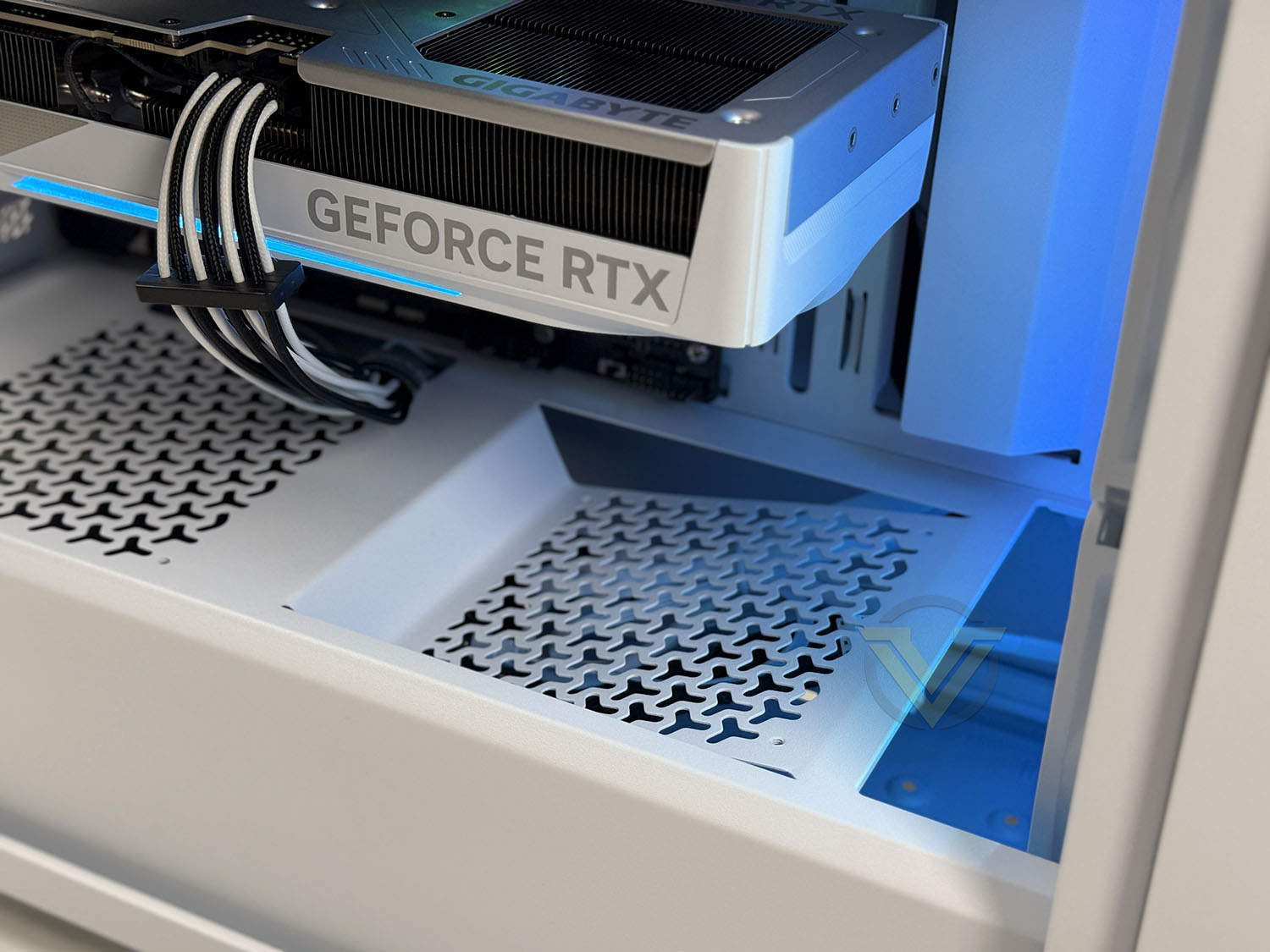
One of the stand-out features on this case is the inclusion of the anti-sag arm, which takes the unwanted strain away from the PCIe slot. This arm is adjustable and can move vertically depending on where you install the GPU. It’s a brilliant tool to have!
3200D has a total of 9 cooling fan spots and one of them is even angled to face the GPU for added GPU cooling potential.
On the reverse side there is good allocation for cable management, and cut-outs to feed cables into the necessary locations. CORSAIR has actually designed this case to include a built-in cable shroud which makes it easy to tuck away unruly cables.
On the backside of this case there are 2x SSD attachment trays and a single spot for adding in a larger 3.5” HDD.
Overall, we found 3200D very easy to work with. Installing our test system inside the chassis was an absolute breeze and we encountered no compatibility issues, nor did we experience any quality gripes.
Thermal Performance Testing
Inside 3200D there are three 120mm cooling fans – placed as front intakes. We would have liked to see a push-pull configuration out of the box as this would typically yield better results, but if we only have the choice of intake or exhaust, intakes are more favourable for cooling.
To discover the thermal performance of 3200D we will record idle temperatures after 20 minutes from a cold boot. We will then stress the system and temperatures will again be monitored after 30 minutes have elapsed.
For the purpose of accurate analysis, the idle and load temperatures for CPU will be recorded and the range between idle and load will be calculated to determine how efficient cooling is.
NOTE: Ambient temperature is 20C
The below system configuration is different to that which is displayed/installed within the pictures. We use this below configuration for historic comparison.
System Components
CPU Intel Pentium K G3258 @ 4GHz
Motherboard GIGABYTE Z87X-D3H
CPU Cooler Cooler Master Hyper 212 EVO (Different to cooler in pictures)
Graphics NVIDIA GTX 760
Memory 4GB Kingston HyperX DDR3
HDD Samsung Spinpoint 500GB SATA-II
PSU DeepCool DQ750
Motherboard GIGABYTE Z87X-D3H
CPU Cooler Cooler Master Hyper 212 EVO (Different to cooler in pictures)
Graphics NVIDIA GTX 760
Memory 4GB Kingston HyperX DDR3
HDD Samsung Spinpoint 500GB SATA-II
PSU DeepCool DQ750
Noise
3200D is highly ventilated and as such, the fan noise is definitely noticeable but is by no means disruptive or overbearing. Since the case is clearly designed for airflow, this is one of the expected trade-offs.
Conclusion
The Corsair 3200D RS ARGB presents itself as a well-rounded mid-tower chassis that successfully blends modern aesthetics with a highly functional internal layout. Its clean exterior design, tempered glass side panel, and integrated ARGB lighting give it strong visual appeal, while the overall construction quality—utilising steel framing and well-finished panels—reinforces its position in the mid-range market. Corsair has clearly focused on delivering a case that not only looks contemporary but also feels robust and purpose-built for modern hardware configurations.
From a builder’s perspective, the 3200D RS ARGB stands out for its ease of assembly and thoughtful internal design. Features such as pre-installed PSU thumbscrews, a built-in cable shroud, and abundant cable tie-down points significantly streamline the building process and improve overall cable management . Support for reverse-connector motherboards further enhances this by enabling cleaner, cable-free front-facing layouts. Additionally, the inclusion of a GPU anti-sag stabilisation arm addresses the increasing size and weight of modern graphics cards, ensuring both structural support and long-term reliability.
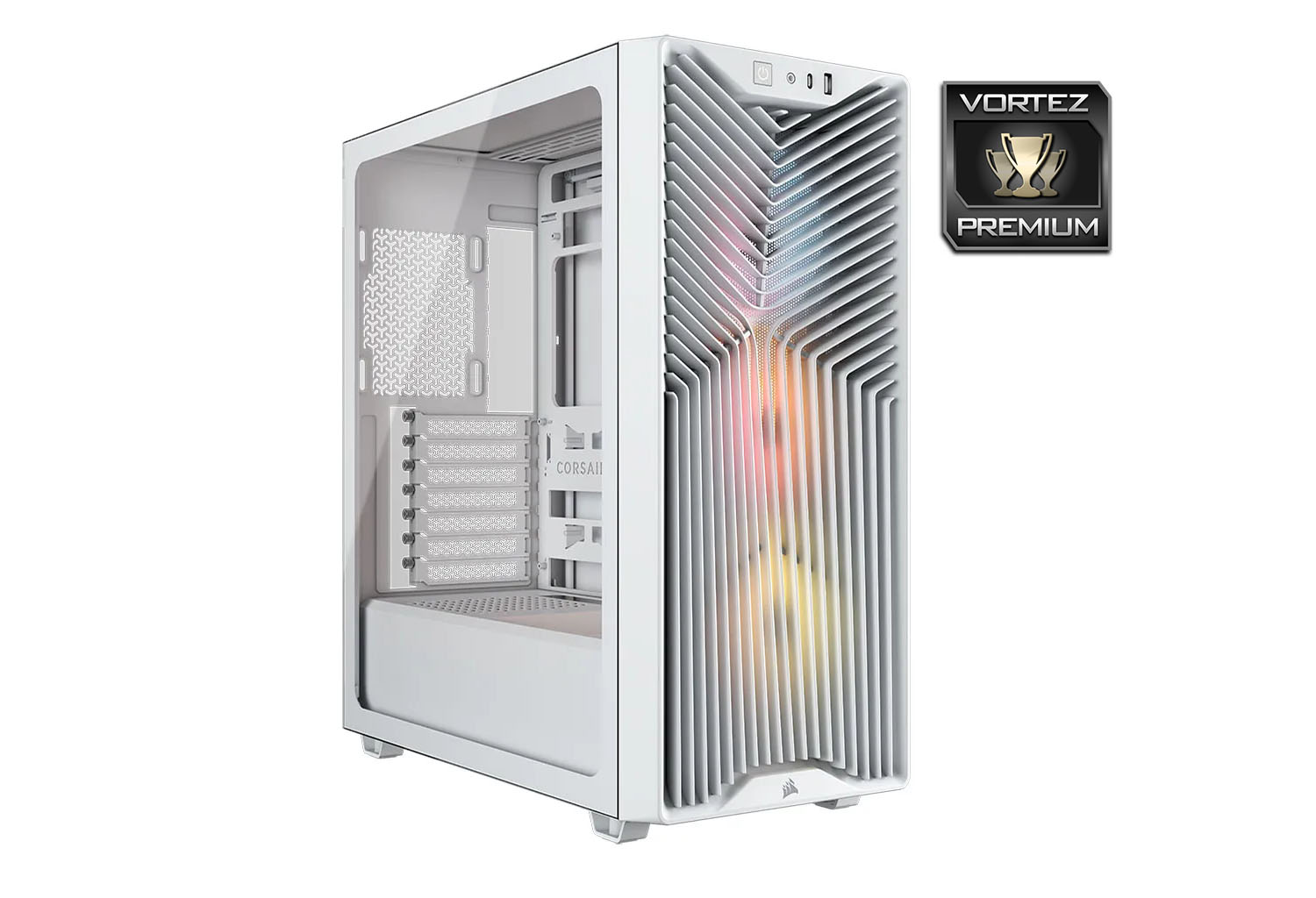
Cooling capability is one of the strongest technical aspects of this chassis. With support for up to nine 120mm fans and dual 360mm radiators, the case offers substantial headroom for both air and liquid cooling configurations . The three pre-installed RS120 ARGB fans provide solid baseline airflow, leveraging features such as optimised blade design and magnetic dome bearings to balance airflow performance with low noise output . The inclusion of a USB 3.2 Gen2x2 Type-C port on the front I/O further complements the case’s forward-looking feature set, ensuring high-speed connectivity alongside its thermal flexibility.
There are, however, a few limitations worth noting. The airflow design is primarily optimised for a push configuration, which may restrict more advanced cooling setups for enthusiasts seeking push-pull arrangements. Maintenance could also be improved, as accessing the front dust filter requires removal of the front panel. Internally, PSU clearance is somewhat limited, which may impact compatibility with longer power supplies in more complex builds.
Despite these drawbacks, the aggressive pricing—around £79 GBP, $89 USD, or $145 AUD—positions the 3200D RS ARGB as an excellent value proposition, offering a compelling balance of features, performance potential, and build quality in its segment.
Pros
+ Appealing to the eye
+ Easy to build inside
+ GPU anti-sag feature
+ Plenty of options to expand cooling
+ Includes USB 3.2 Gen2x2 Type-C
+ Three 120mm ARGB fans included
+ Reverse-connector motherboard support
+ Pre-installed thumbscrews for PSU install
+ Good build quality
+ Excellent cable management options
+ Decent value for money
Cons
– Push cooling configuration only
– Front panel removal necessary to clean dust filter
– Limited PSU clearance
+ Appealing to the eye
+ Easy to build inside
+ GPU anti-sag feature
+ Plenty of options to expand cooling
+ Includes USB 3.2 Gen2x2 Type-C
+ Three 120mm ARGB fans included
+ Reverse-connector motherboard support
+ Pre-installed thumbscrews for PSU install
+ Good build quality
+ Excellent cable management options
+ Decent value for money
Cons
– Push cooling configuration only
– Front panel removal necessary to clean dust filter
– Limited PSU clearance
Click here for an explanation of our awards at Vortez.net.
Stay connected with the Vortez Social Media pages: