Based on the Phison PS5007-E7 controller, Corsair release their very first M.2 NVMe SSD – the MP500, more specifically the 480GB model.

Product on Review: Force Series MP500
Manufacturer & Sponsor: Corsair
Street Price: UK: £329 US: $254
The SATA-based SSD market has now become quite stagnant and saturated. Prices have tumbled in recent years which has been great for mainstream users who can benefit from a slice of solid state action. However, with the arrival of NVMe technology and the humble M.2 slot enthusiasts can now breach the 550MB/s threshold and benefit from significant bandwidth increases. Today we’ll be looking at one such drive which has been in the works for quite some time.
In the spotlight today is Corsair’s new MP500; an M.2 SSD using NVMe technology and PCI Express Gen3 x4. Corsair’s SSD portfolio has been dormant for the last few years and advocates of the brand have been eagerly waiting for the arrival of an M.2 SSD and that anticipation has been quelled with the MP500; this is Corsair’s first SSD using such a form factor and promises to deliver astounding performance reaching up to 3000MB/s.
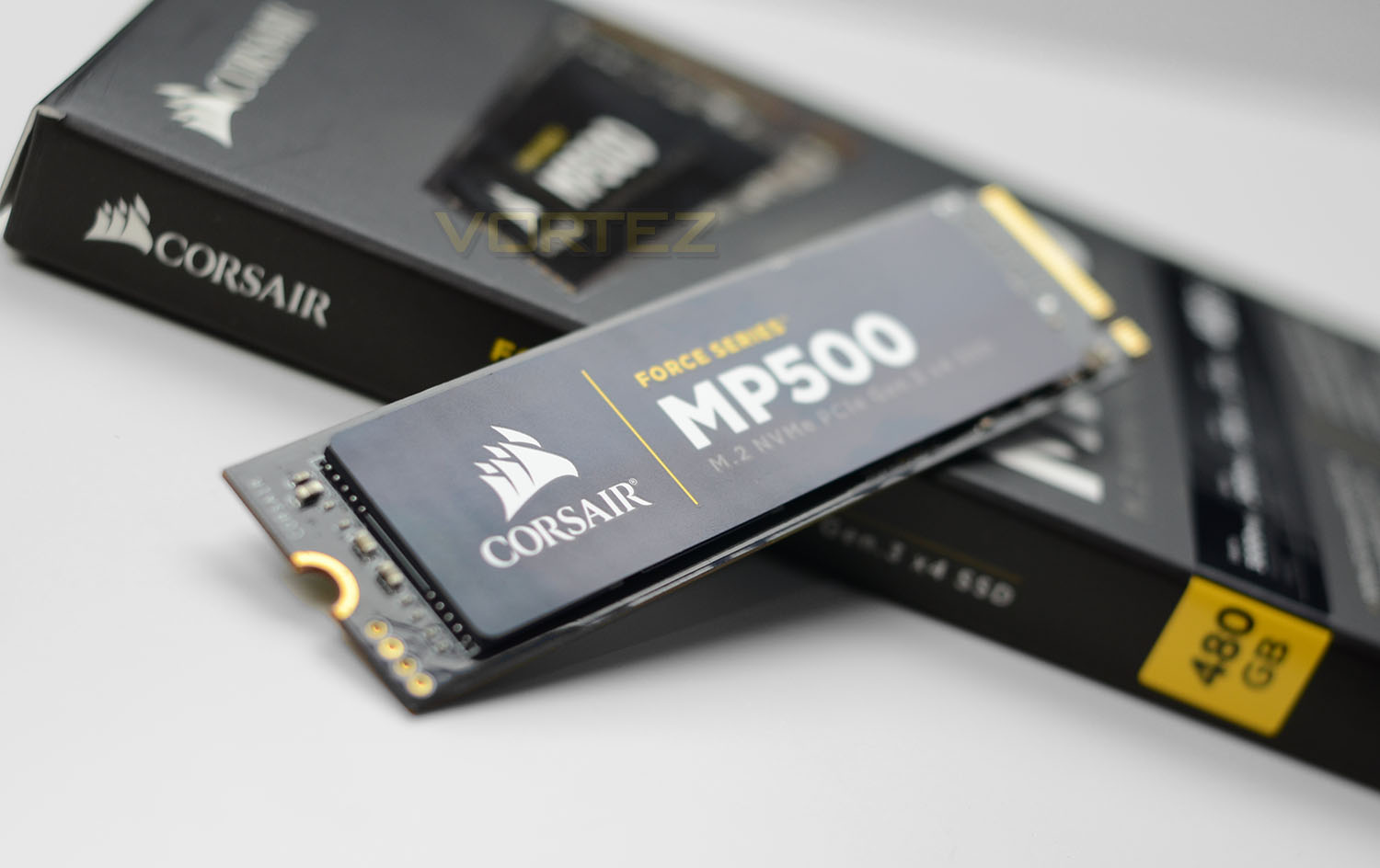
Corsair on their MP500
CORSAIR Force MP500 series M.2 SSDs deliver high performance, quick system boot ups, blazing fast transfer speeds and ultimate reliability in a compact form factor. The Force MP500 allows you to access all of your data, load files and launch games up to 4x faster than SATA3 6Gbps SSDs.
Available in various capacities, and compatible with Microsoft Windows, Mac OS X and Linux, with no special driver or administrative rights required. Enhanced error correction, static and dynamic wear-leveling and advanced garbage collection come together to ensure maximum reliability and data retention.
Available in various capacities, and compatible with Microsoft Windows, Mac OS X and Linux, with no special driver or administrative rights required. Enhanced error correction, static and dynamic wear-leveling and advanced garbage collection come together to ensure maximum reliability and data retention.
Technical Specifications
Packaging, Bundle & Closer Look
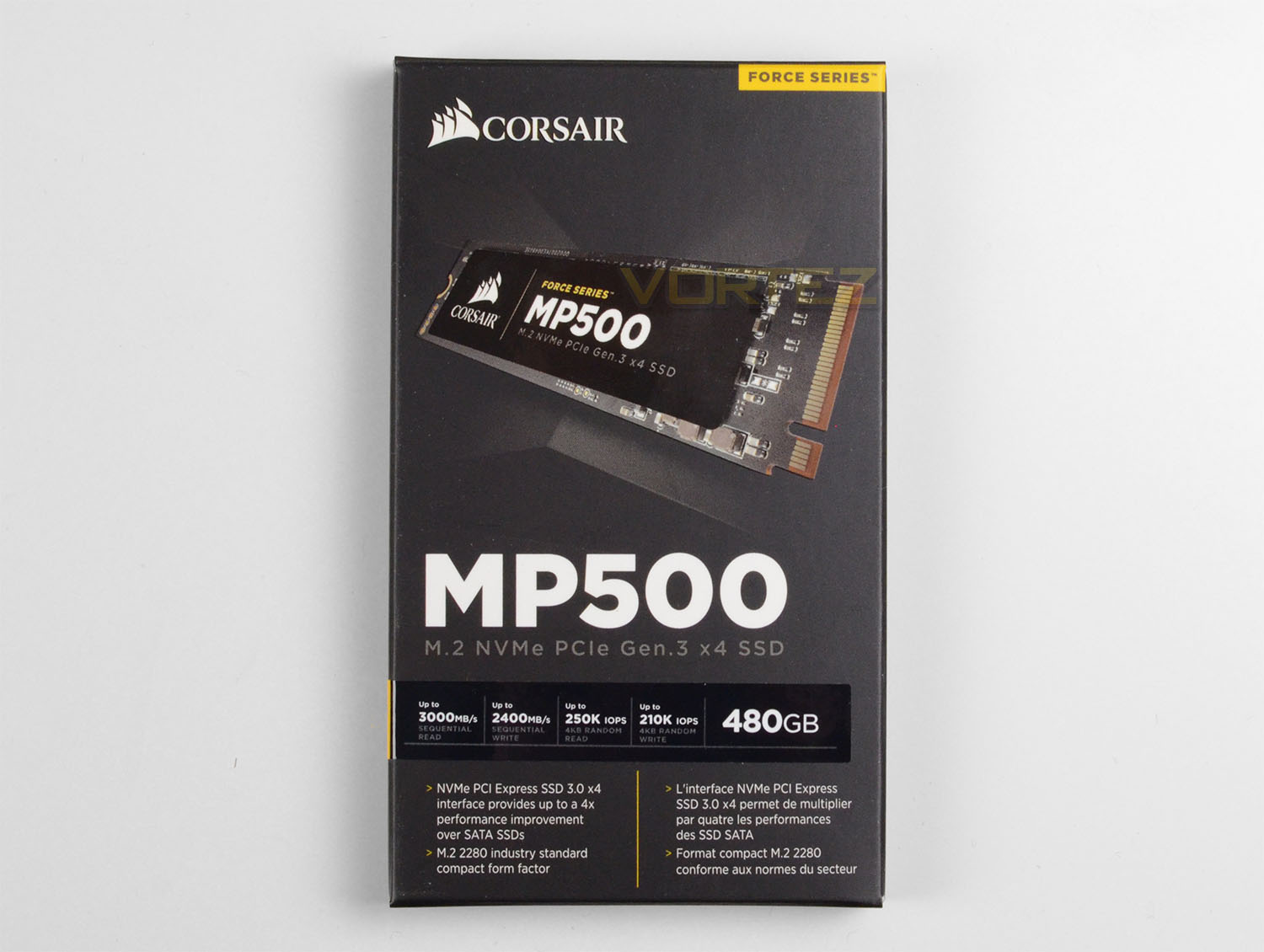
MP500 arrives in a small packet which shows a depiction of the drive with accompanying information surrounding the capacity, form factor and expected transfer rates. Aside from a warranty leaflet, the SSD is scarce of bundled accessories. However, our small M.2 drive does sit within a plastic case to ensure no damage occurs during the delivery process.
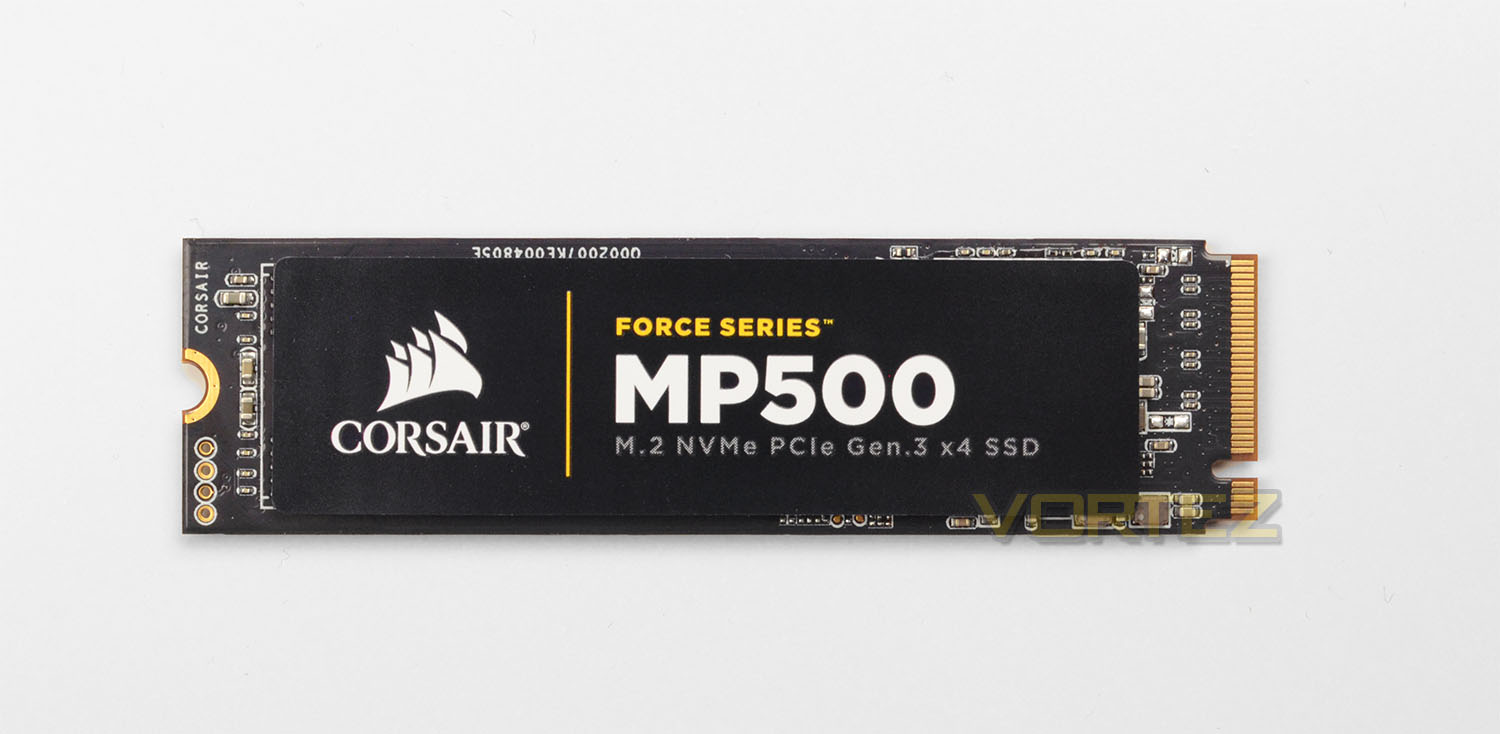
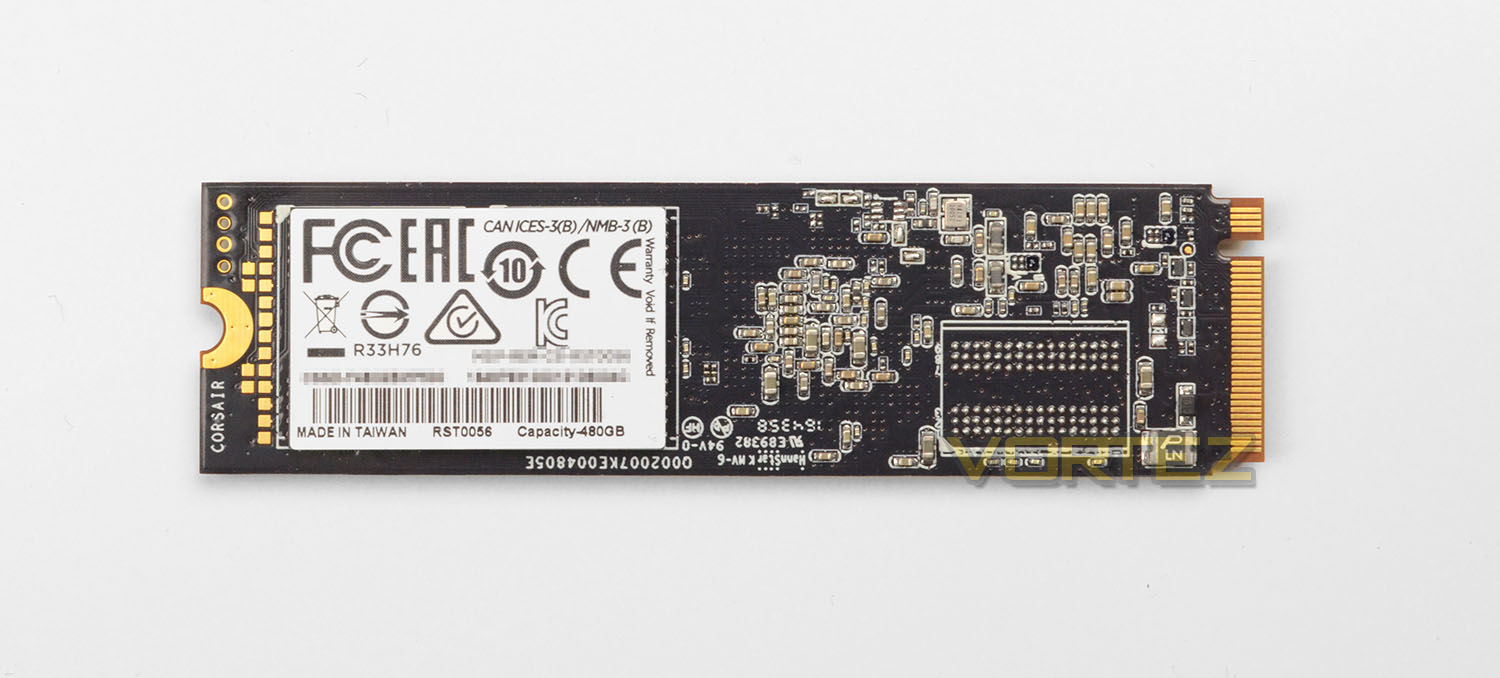
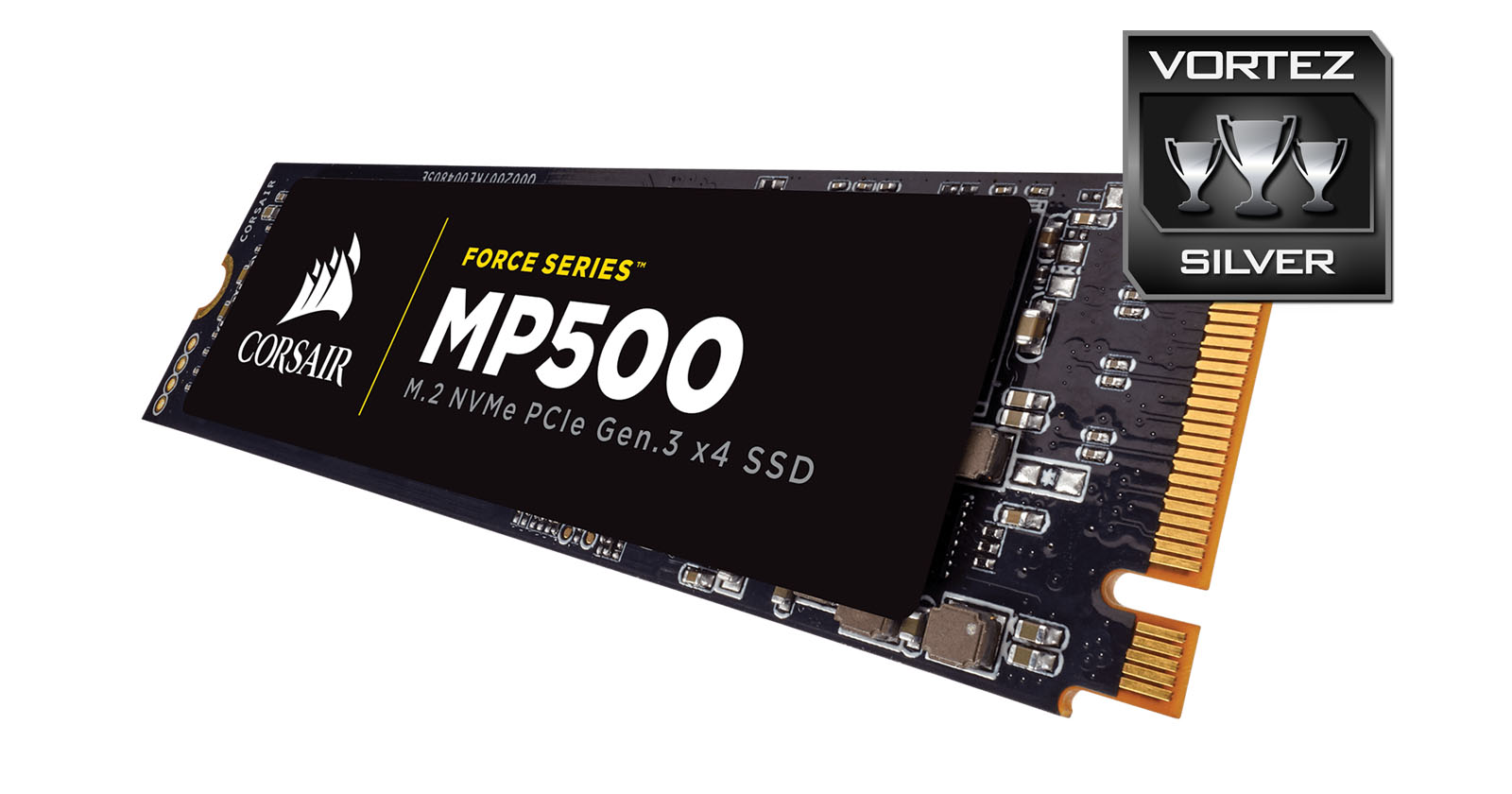
MP500 conforms to the M.2 form factor and more specifically the 2280 size. Aesthetics are still an important factor on such a dainty product as an M.2 SSD and since this drive may well be on full display for users with a side panel on their chassis, it’s great to see an attractive design which is likely to coordinate well with the rest of the system.
Corsair’s MP500 is based on the Phison PS5007-E7 controller which offers eight-channels and is a quad-core variant. This drive also uses twin 15nm Toshiba MLC NAND, our 480GB model actually uses 128GB NAND while the 120GB model uses just 32GB.
Since MP500 utilises PCI Express Gen 3 x4, we expect strong sequential read/write performance from our drive – Corsair actually claim up to 3000MB/s read and 2400MB/s write and 250K IOPS.
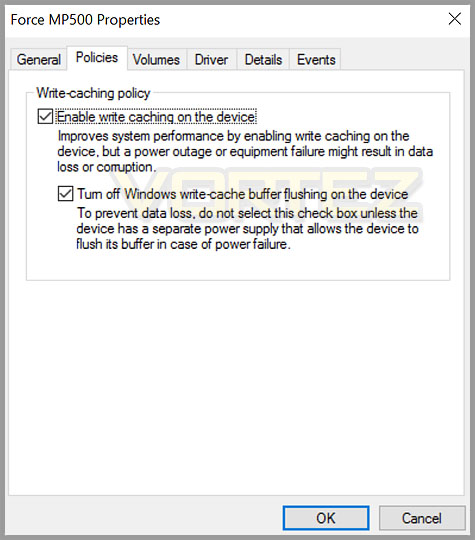
One important factor which customers should be aware of (which isn’t mentioned) is that MP500 pairs up with Windows without needing a drive – in Windows 10 the drive is automatically detected and uses the default Windows NVMe driver. This is convenient, however due to this driver’s avoidance of the FUA (Force Unit Access) command being written to the DRAM, the commands arrive at the cache instead and the end result is a cap of 400MB/s for write transfer rates.
So, to sidestep this poor performance, it is necessary to bring up the drive inside Device Manager > Policies and disable the write-cache setting in Windows 10.
Test Setup & Methodology
Our test system is formatted and a fresh version of Windows is installed with just drives in place – no additional applications. Windows is then updated to the latest release and the drivers are installed.
Included in the list of benchmarks are the following applications:
Benchmarks
Anvil Pro
AS SSD
ATTO Disk Benchmark v2.46
Futuremark PCMark 8
AIDA64
AS SSD
ATTO Disk Benchmark v2.46
Futuremark PCMark 8
AIDA64
Test system
CPU
Intel Core i7-6700K
Motherboard MSI Z170A GAMING M7
Graphics PALIT NVIDIA GTX 760
Memory 32GB Corsair Vengeance LPX 3200MHz DDR4
HDD
– Corsair MP500 480GB (NVM Express)
– Samsung 960 EVO 500GB (NVM Express)
– Samsung 960 PRO 512GB (NVM Express)
– Samsung 950 PRO 256GB (NVM Express)
– Crucial MX300 750GB (Sata 6Gbps)
– Crucial BX200 960GB (Sata 6Gbps)
– OCZ Vector 180 240GB (Sata 6Gbps)
– Crucial MX200 1TB (Sata 6Gbps)
– Corsair Force LX 256GB (Sata 6Gbps)
– Corsair Neutron GTX 480GB (Sata 6Gbps)
PSU Corsair HX1050 Gold
OS Microsoft Windows 10 Professional 64-Bit
Intel Core i7-6700K
Motherboard MSI Z170A GAMING M7
Graphics PALIT NVIDIA GTX 760
Memory 32GB Corsair Vengeance LPX 3200MHz DDR4
HDD
– Corsair MP500 480GB (NVM Express)
– Samsung 960 EVO 500GB (NVM Express)
– Samsung 960 PRO 512GB (NVM Express)
– Samsung 950 PRO 256GB (NVM Express)
– Crucial MX300 750GB (Sata 6Gbps)
– Crucial BX200 960GB (Sata 6Gbps)
– OCZ Vector 180 240GB (Sata 6Gbps)
– Crucial MX200 1TB (Sata 6Gbps)
– Corsair Force LX 256GB (Sata 6Gbps)
– Corsair Neutron GTX 480GB (Sata 6Gbps)
PSU Corsair HX1050 Gold
OS Microsoft Windows 10 Professional 64-Bit
Benchmarks: Anvil Pro
Anvil Pro from Anvil Storage utilities is one of the most popular storage benchmarking utilities today thanks to the large suit of tests available. You can test pretty much anything from Read/write Speed to IOPs with many variables to tweak allowing you to get either a single or host of results to compare with other likeminded enthusiasts. In our test we ran the standard suite 5 times, subtracting both the highest and lowest scores and determined the final result from the average of the remaining three results.
Benchmarks: AS SSD
AS SSD Benchmark is a straightforward tool for measuring the speed of your SSD drive.
Simply launch the program, choose your drive, click Start, and it’ll test your SSD’s read and write speed in a variety of ways, delivering a score for each when it’s done. And if that’s not enough, there are also additional file copy and compression-related benchmarks available from the Tools menu. (The author’s support page is German only, but if you need further English explanations then there’s a thread on the program at the OCZ Technology forum.).
Simply launch the program, choose your drive, click Start, and it’ll test your SSD’s read and write speed in a variety of ways, delivering a score for each when it’s done. And if that’s not enough, there are also additional file copy and compression-related benchmarks available from the Tools menu. (The author’s support page is German only, but if you need further English explanations then there’s a thread on the program at the OCZ Technology forum.).
Benchmarks: ATTO
The ATTO Disk Benchmark performance measurement tool is compatible with Microsoft Windows. Measure your storage systems performance with various transfer sizes and test lengths for reads and writes. Several options are available to customize your performance measurement including queue depth, overlapped I/O and even a comparison mode with the option to run continuously. Use ATTO Disk Benchmark to test any manufacturers RAID controllers, storage controllers, host adapters, hard drives and SSD drives and notice that ATTO products will consistently provide the highest level of performance to your storage.
Benchmarks: AIDA64
AIDA64 Product PageThis simple integer benchmark focuses on the branch prediction capabilities and the misprediction penalties of the CPU. It finds the solutions for the classic “Queens problem” on a 10 by 10 sized chessboard. At the same clock speed theoretically the processor with the shorter pipeline and smaller misprediction penalties will attain higher benchmark scores. For example — with HyperThreading disabled — the Intel Northwood core processors get higher scores than the Intel Prescott core based ones due to the 20-step vs 31-step long pipeline. CPU Queen test uses integer MMX, SSE2 and SSSE3 optimizations.
Benchmarks: PCMark 8
PCMark 8 Product PageWe use the Futuremark PCMark 8 utility to measure storage via Photoshop performance under both light and heavy loading conditions. Accelerated (open CL) is used to perform this test. The test is measured in seconds to complete.
Conclusion
It’s been a while since Corsair unveiled a new SSD and today marks their first attempt with the M.2 form factor under the guise of NVMe.
The storage sector has now fully embraced a step forward and away from SATA-based SSDs and there are already a lineup of prevailing options – most notably from storage giants, Samsung. Knocking this brand off the podium is a huge undertaking and while Corsair may not have toppled the likes of the new 960 PRO and EVO, they have shown prowess in this department.
We found MP500 to be a solid M.2 SSD which is able to deliver some good numbers in terms of sequential read/write and IOPS. Putting such a drive next to a SATA-based SSD will highlight the substantial benefits to moving over to a PCI-Express Gen3 x4 option. The performance increase is significant and is a worthwhile consideration for enthusiasts wanting to tap into more efficient workflow.
By default, Windows 10 will pick up the MP500 and use a pre-loaded Windows driver. While this may be convenient there is a downside (as we pointed out earlier) in that write cache is automatically enabled and as such write performance is severely impeded unless this is disabled in Device Manager. Corsair should release a driver to counter this as some customers may not be aware of needing to alter such a setting – and frankly, they shouldn’t be required to.
The MP500 is currently on preorder in the UK but is available in the US. Prices indicate that the 480GB model we reviewed today can be had for £329 UK and $254 USD. Making it around the same price as equivalent Samsung models in the UK but $100 cheaper in the US. You also get a lengthy 3 year warranty which adds further value to the deal.
Corsair’s first M.2 NVMe SSD offers superb storage transfer rates and will be the icing on the cake for Corsair advocates.
Pros
+ Good overall performance
+ Pleasing design
+ Compact form factor
+ Corsair SSD toolbox with TRIM options
+ 3 Years Warranty
Cons
– Good case airflow is needed
– Rival M.2 NVMe drives are somewhat faster
+ Good overall performance
+ Pleasing design
+ Compact form factor
+ Corsair SSD toolbox with TRIM options
+ 3 Years Warranty
Cons
– Good case airflow is needed
– Rival M.2 NVMe drives are somewhat faster
Click here for an explanation of our awards at Vortez.net.