







The Corsair Gaming range rebrands the M65 RGB laser gaming mouse with 16.8M RGB LED customisation, is this still one to tempt you?

Product On Review: M65 RGB LASER Gaming Mouse
Manufacturer & Sponsor: Corsair Gaming
Street Price: £60 GBP
Though the M65 isn’t new to the market, its continuation into the Corsair Gaming lineup comes as no surprise and in this scenario the saying ‘If it isn’t broke, don’t fix it’ certainly rings true.
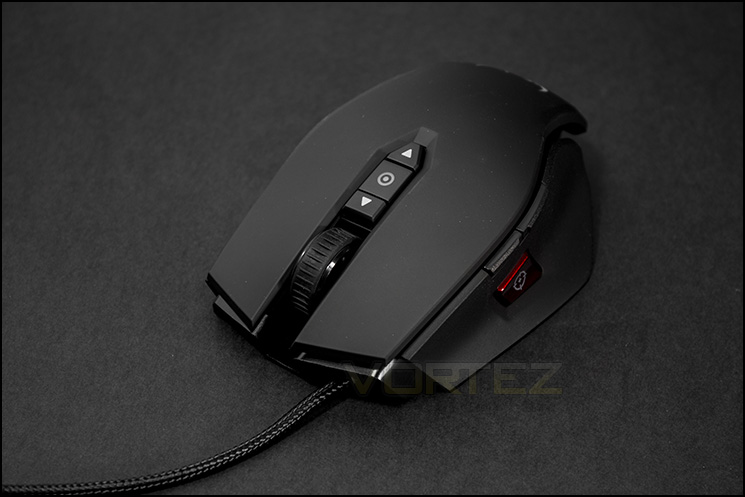
The Corsair M65 is a mouse on the heavier side of things that is dedicated to FPS gamers, we see the oversized sniper button returns that can drop your DPI from up to 8200 down to 50 (the Sniper button is at 400 default), this allows you to get that extra control and precision just when you need it.
As this is the RGB version, customisation hits the maximum with 16.8M colour LEDs in addition to 8 programmable keys and 5 levels of on the fly DPI adjustments (including the Sniper button). So if you are a person that desires absolute control and customisation, you may find what you need with the M65.
About Corsair
Corsair is a global company bringing innovative, high-performance components to the PC gaming market. Specializing in very high performance memory, ultra-efficient power supplies, and other key system components, our products are the choice of overclockers, enthusiasts, and gamers everywhere.
Founded as Corsair Microsystems in 1994, Corsair originally developed Level 2 cache modules for OEMs. After Intel incorporated the L2 cache in the processor with the release of its Pentium Pro processor family, Corsair changed its focus to DRAM modules, primarily in the server market. In 2002, Corsair began shipping DRAM modules that were specifically designed to appeal to computer overclocking enthusiasts. From its roots in high-performance memory, Corsair has expanded its award-winning product portfolio to include ultra-efficient power supplies, builder-friendly cases, ground-breaking CPU coolers, blazing-fast solid-state drives, and other key system components.
Corsair has developed a global operations infrastructure with extensive marketing and distribution channel relationships. Corsair’s products are sold to end users in over sixty countries worldwide, primarily through leading distributors and retailers.
Founded as Corsair Microsystems in 1994, Corsair originally developed Level 2 cache modules for OEMs. After Intel incorporated the L2 cache in the processor with the release of its Pentium Pro processor family, Corsair changed its focus to DRAM modules, primarily in the server market. In 2002, Corsair began shipping DRAM modules that were specifically designed to appeal to computer overclocking enthusiasts. From its roots in high-performance memory, Corsair has expanded its award-winning product portfolio to include ultra-efficient power supplies, builder-friendly cases, ground-breaking CPU coolers, blazing-fast solid-state drives, and other key system components.
Corsair has developed a global operations infrastructure with extensive marketing and distribution channel relationships. Corsair’s products are sold to end users in over sixty countries worldwide, primarily through leading distributors and retailers.
Technical Specifications
Warranty: Two years
DPI: 50 dpi – 8200 dpi
Sensor Type: Laser
Mouse Backlighting: 3 Zone RGB
Prog Buttons: 8
Report Rate: Selectable 1000Hz/500Hz/250Hz/125Hz
On-board Memory: Yes
Weight: 135.5g – w/o weights 115g
Mouse Feet: Extra Large PTFE
CUE Software Enabled
Cable: 1.8m Braided Fiber
Game Type: FPS
Dimensions: 118mm x 72mm x 39mm
Weight System
(x 3) Screws,
(x 3) Weights
20.5g total adjustability
DPI: 50 dpi – 8200 dpi
Sensor Type: Laser
Mouse Backlighting: 3 Zone RGB
Prog Buttons: 8
Report Rate: Selectable 1000Hz/500Hz/250Hz/125Hz
On-board Memory: Yes
Weight: 135.5g – w/o weights 115g
Mouse Feet: Extra Large PTFE
CUE Software Enabled
Cable: 1.8m Braided Fiber
Game Type: FPS
Dimensions: 118mm x 72mm x 39mm
Weight System
(x 3) Screws,
(x 3) Weights
20.5g total adjustability
The technology you need to win. The customization you need to make it your own.
Featuring three-zone 16.8M color customizable backlighting and an 8,200 DPI laser sensor, the Corsair Gaming M65 RGB gaming mouse optimizes hardcore play with a tactile high-mass scroll wheel, eight easily programmable buttons, a dedicated sniper button, top-grade Omron switches, and a solid, weight-tuned aluminum base for a precisely balanced, professional feel.
Comfortable for Hours of Game Play
Carefully selected materials and superior ergonomics, combined with precise tracking and advanced customization, help M65 cross that point where it doesn’t feel like a mouse, but like an extension of your hand.
Beautiful but deadly
The M65 RGB is based on the award-winning M65. It’s upgraded with three-zone backlighting that lets you choose from 16.8 million colors for virtually infinite customization.
Highly accurate tracking
The M65 RGB has an 8,200 DPI gaming-grade laser sensor for pixel-precise tracking. It’s custom tuned to give great performance, even on not-so-great surfaces.
Easy configuration and onboard profile storage
The Corsair Utility Engine (CUE) makes it easy to set up button mapping and other parameters for each of your favorite games. And, you can save a gaming profile directly to your M65 RGB and take it with you.
Selectable response time
Tune the performance for your desktop surface by choosing between 1000Hz, 500Hz, 250Hz, or 125Hz (1ms, 2ms, 4ms or 8ms).
High-Mass scroll wheel
The solid metal, rubberized scroll wheel doesn’t just feel great — it gives you the precision you need when selecting weapons. Precise tactile feedback and accuracy help make sure that you select the right weapon every time.
Dedicated programmable sniper button
Quickly switch sensor resolution when you need extreme accuracy in FPS games. It’s not just for when you’ve selected a long-range weapon – it’s an indispensible feature any time you need to quickly switch to ultra-precise control.
Aluminum unibody design
A unibody aluminum frame is the secret behind its low weight, high rigidity, and optimal mass distribution.
Adjustable weight system
Three adjustable tuning zones allow you to customize the weight of your M65 RGB to give it just the exact feel you want.
PTFE glide pads
The M65 RGB is designed with low-friction contact points for swift, precise movement with minimal effort.
Packaging & Bundle
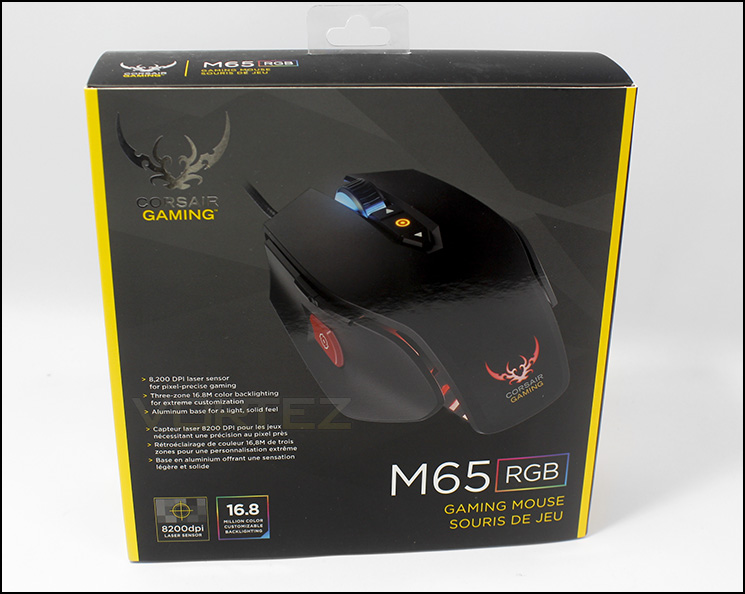
Box front
Repackaged in the black and yellow colours of Corsair Gaming adorned with the twin sabres in silver, the packaging is really eye catching. The RGB features is displayed in quite large so it would be hard to mistake which version it was, as well as noting that this contains a high precision 8200 DPI sensor.
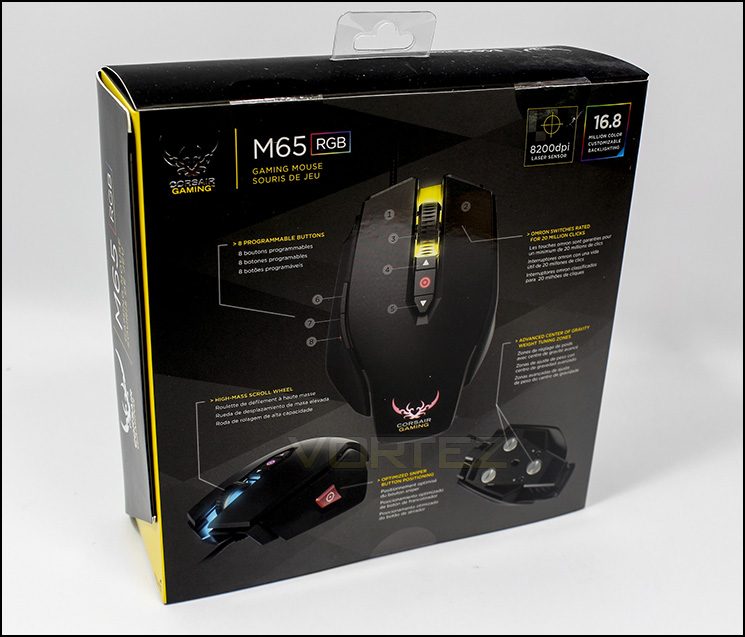
At the back
On the reverse side there is a diagram of the product pointing out some of the major features, Omron switches rated for 20 million clicks (That’s DOTA2 sorted for a week), a high mass scroll wheel, and adjustable weights are all returning features for the M65.
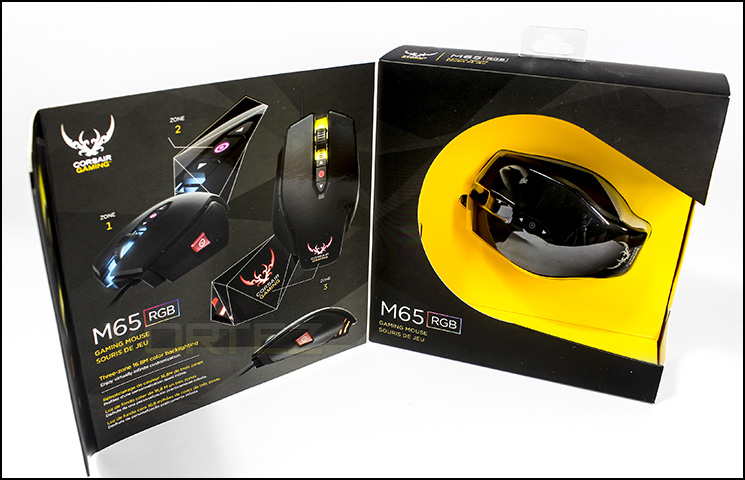
Opened up
The packaging allows the customer to peer inside at the mouse should they wish to take a look before they buy, this also allows for some more information to be displayed about the LED customisation.
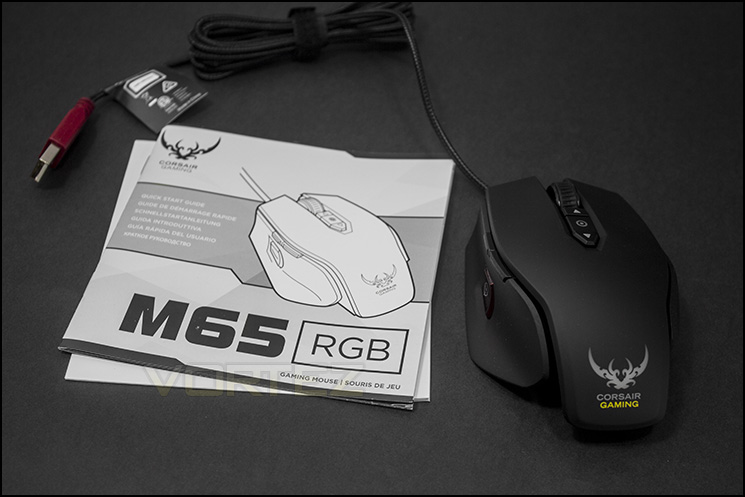
Included items
Inside the packaging the bundle is a little scarse, with just the mouse, a quicks start guide and a warranty card to be found. Which is curious as many other mice at this price level would at least include a small case to place the adjustable weights in.
Closer Look
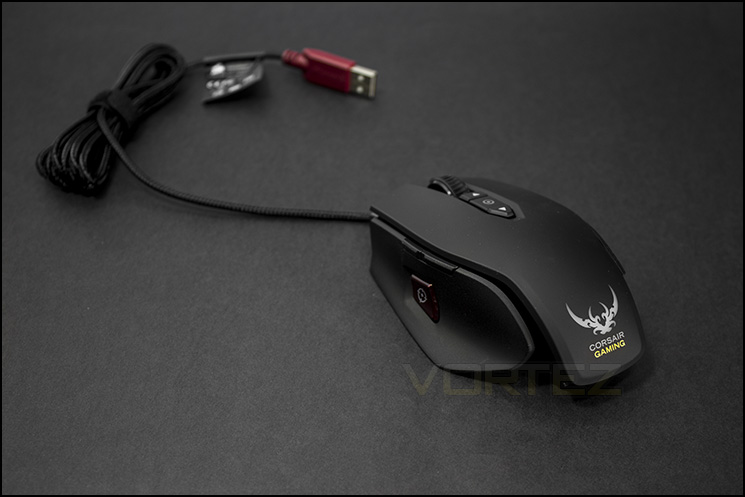
The M65 gaming mouse
The mouse itself has the rubberised soft surface seen on many peripherals and is anchored to 1.8m of braided cable.
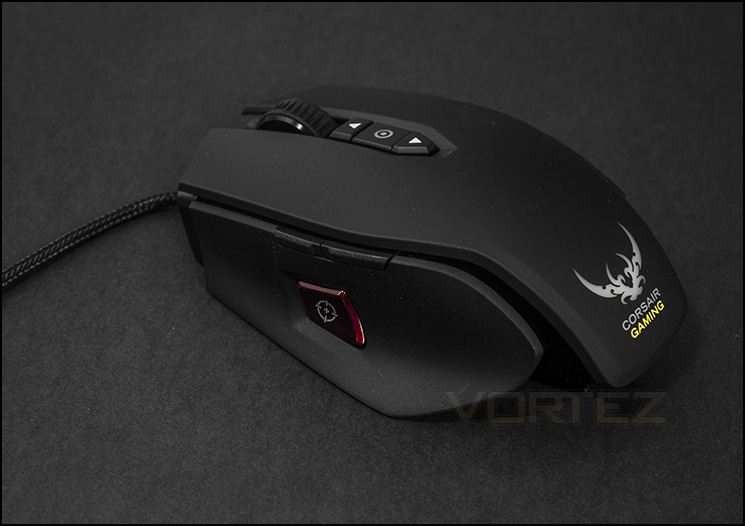
Large sniper button
Quick DPI adjustment for extra precision when you need it is easy with the large sniper button. Just above the sniper button are the forward and back buttons.
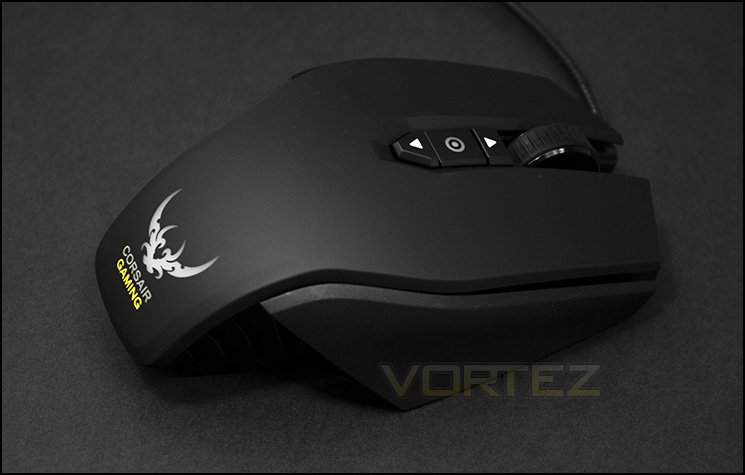
Right side
Lefties miss out as this is not ambidextrous nor available for left handers, so the right side of the M65 is plain, though the side panels are textured for grip as opposed to being smooth like it is on top.
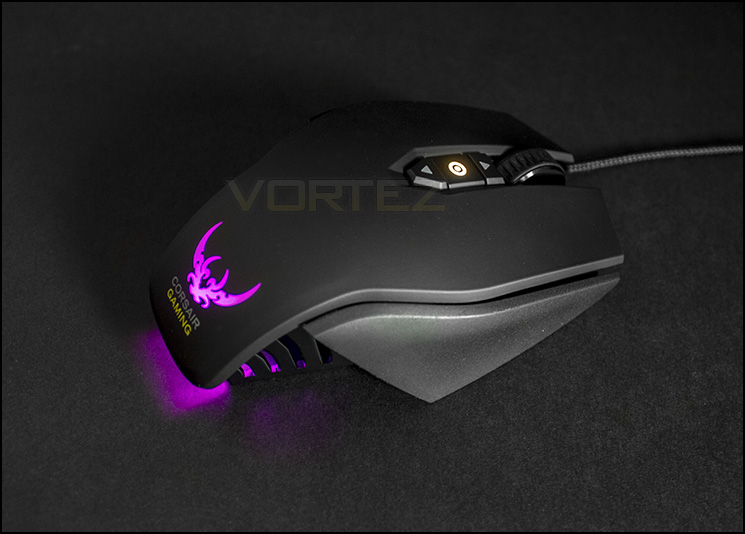
Customisable LEDS
At the rear side, the LED lighting gets seen through ribs in the aluminium chassis and is projected down behind the mouse. The lighting at the front isn’t as strong as it could be, and isn’t very visble unless you are in a dark room.
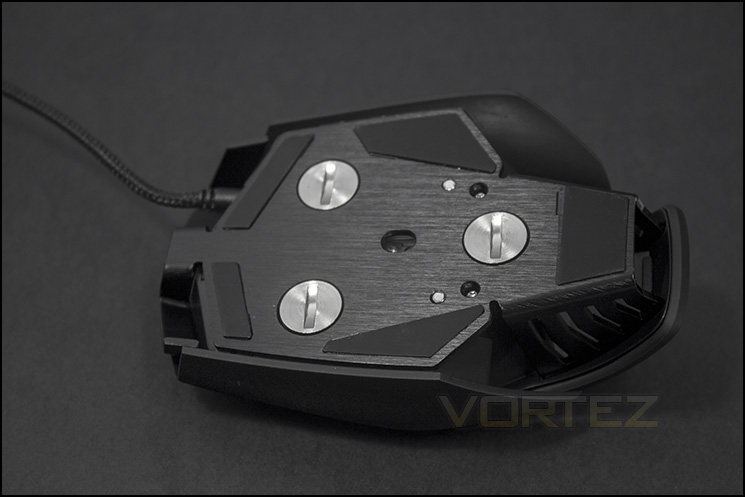
Underside
Underneath reveals the aluminium chassis, and the adjustable ‘weight’ system as well as the PTFE glide pads.
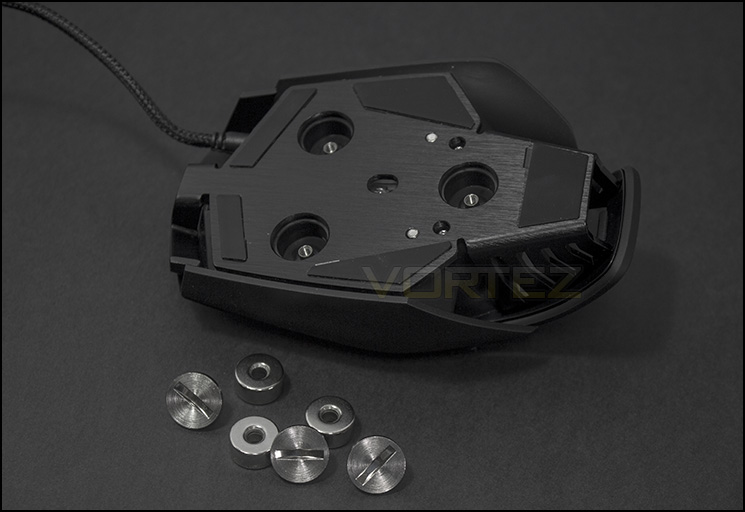
A weight off your mind?
Reducing the mass by 20.5g, leaves the mouse at just 115g which is a fair difference over the 135.5g.
Software & Performance
Software
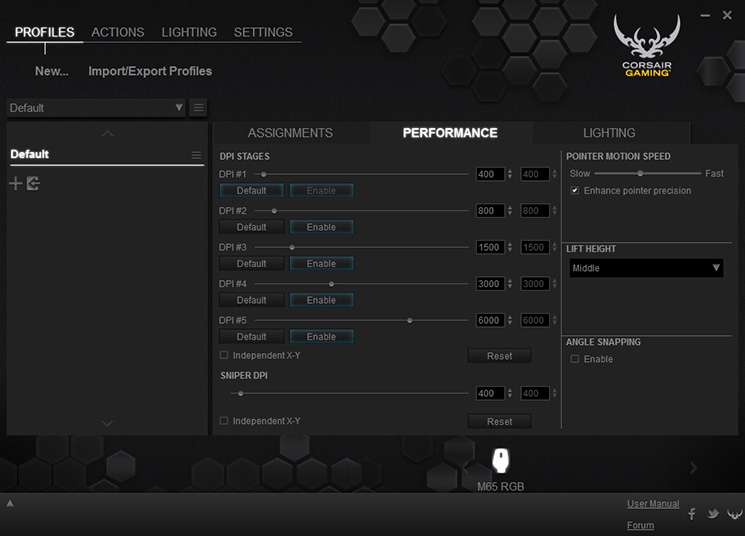
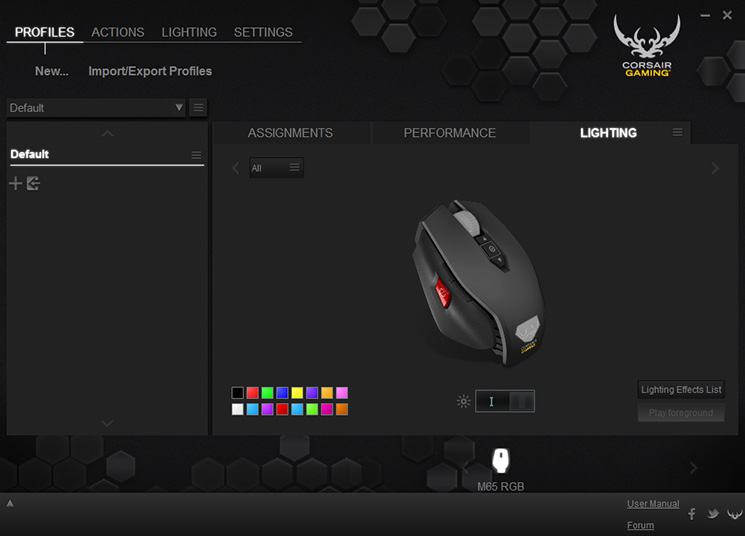
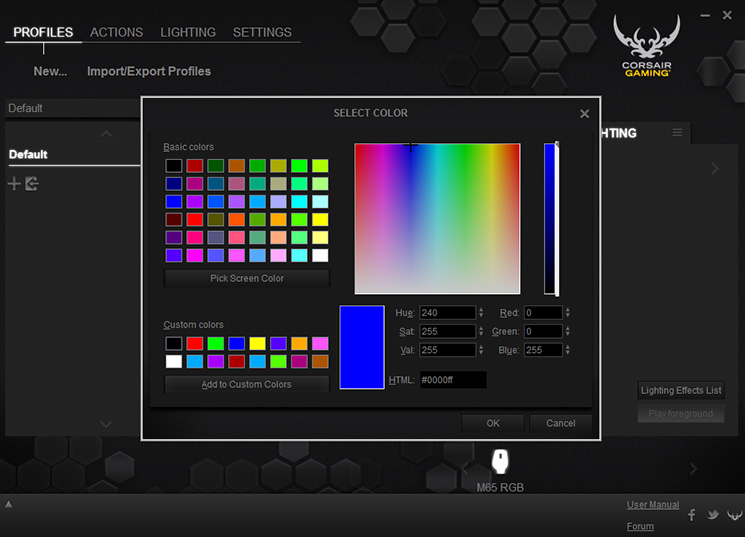
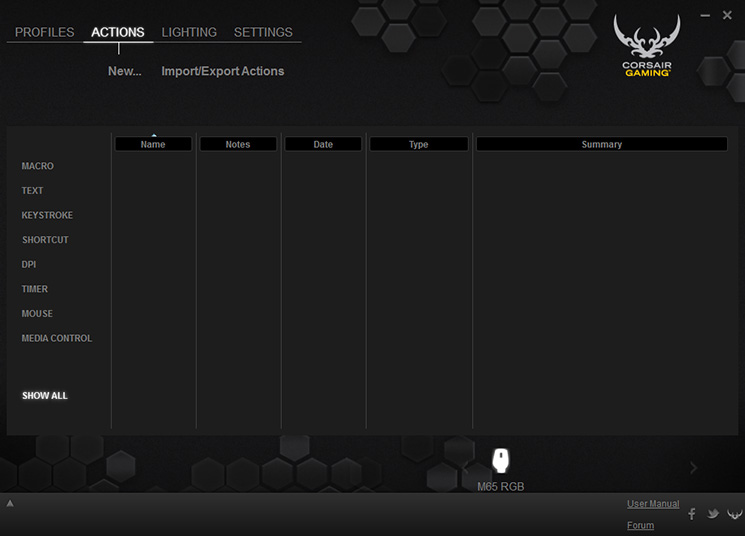
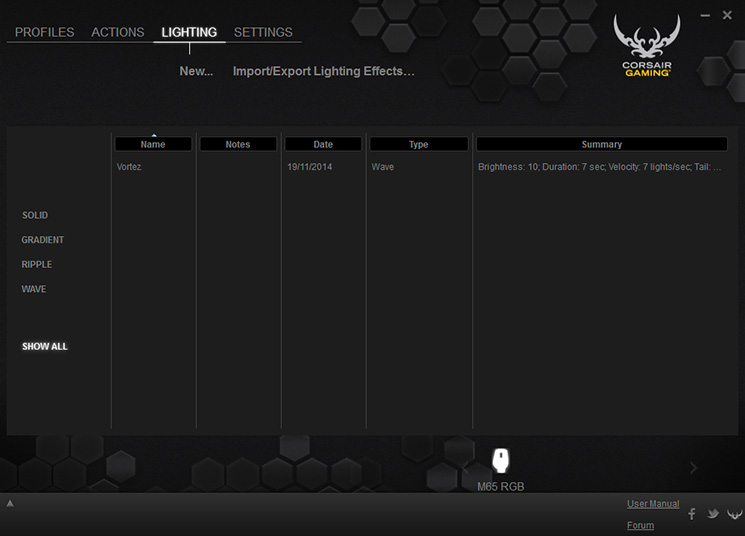
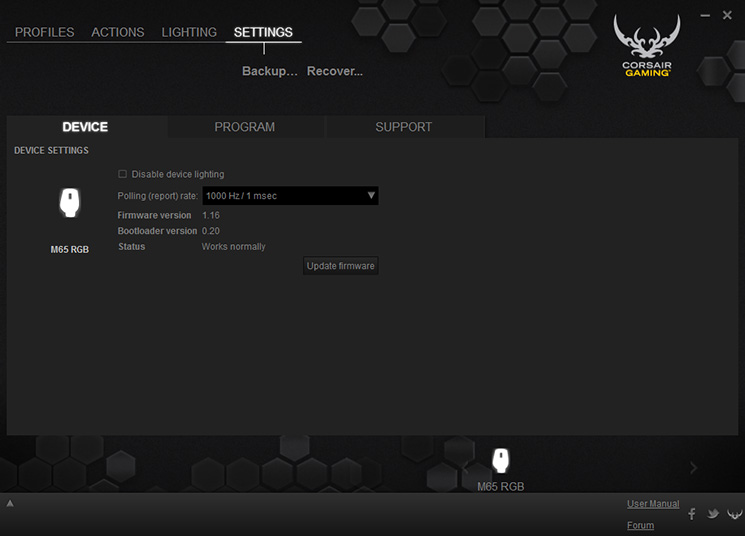
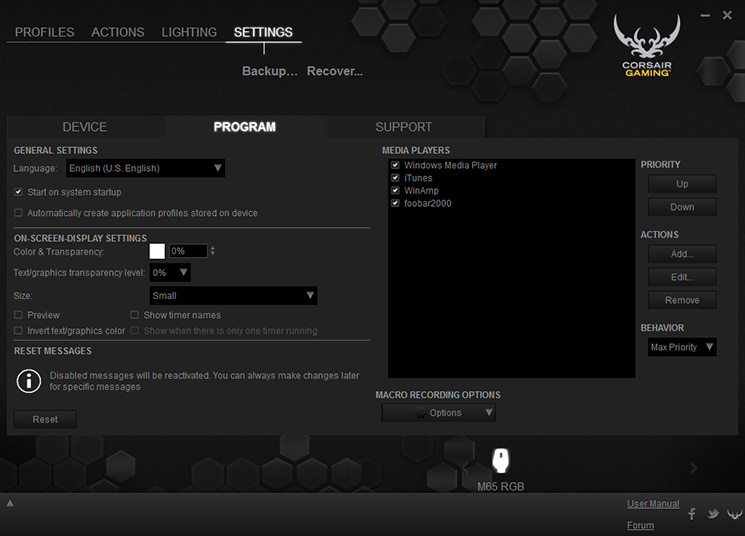
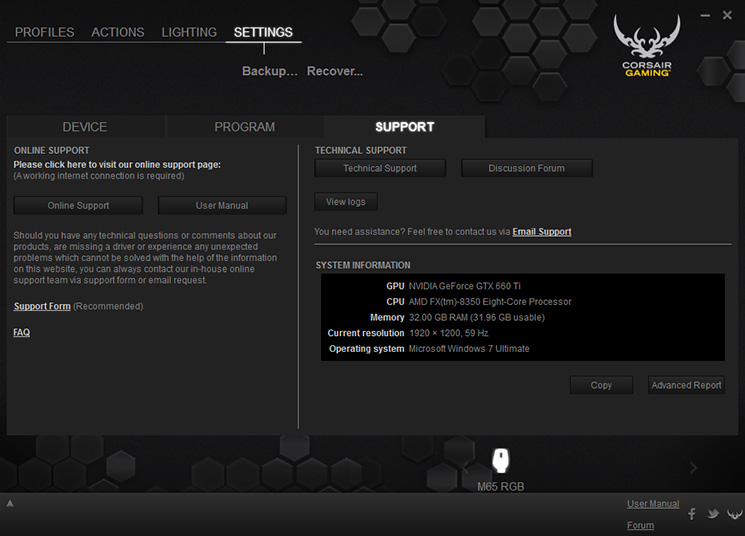
The Corsair Utility Engine (CUE) is a comprehensive software suite that unifies Corsair Gaming products, including the K70 RGB into one package. The software itself is pretty complex and may leave many scratching their heads, especially because the direct instructions for the CUE are tied in with the K70. For more help with the software, you can read this PDF on the CUE. Something that always puzzles me about 16.8M customisable lighting is how misleading it is. RGB lighting itself rarely achieves more than 256 perceivable colours, however, considering you can adjust brightness and there are two seperate customisable lighting areas, this number can shoot up a little. Nitpicking aside, lighting is a nice feature and there will be many who welcome that little glamour to their mouse.
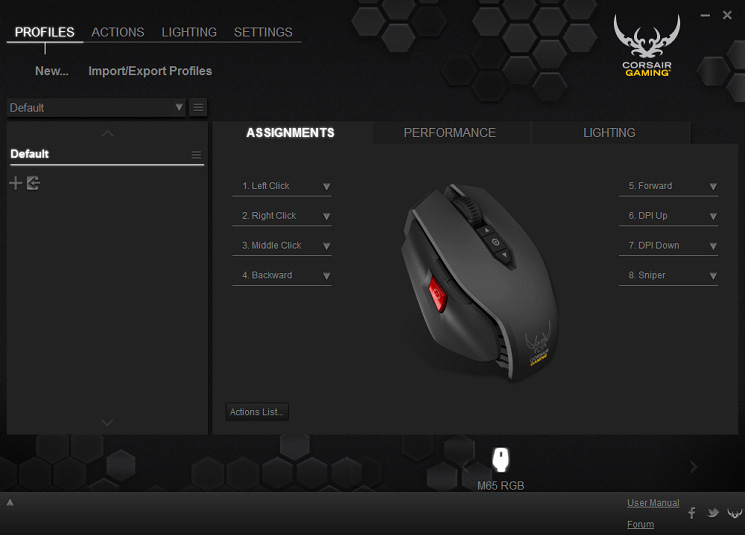
Performance
The ergonomics of the M65 is aided by the curved side, allowing your thumb to rest naturally. Though the M65 is on the larger, heavier side, you shouldn’t run into too many issues regardless of your grip style. The precision sniper button has decent resistance so it is rare for you to push unintentionally, which is a good thing considering how large it is. The forward and back buttons are placed in a typical position that is easy to find without thinking, while the highi mass scroll wheel feels sturdy with tactile bumps in each movement. The DPI selection buttons seem a bit backwards compared to the older M65 which had bars to gauge what level has been select, where as on this version, the circular pattern just changes lighting colour.
Tracking was excellent on a standard black mouse mat, white paper, glossy paper of varied colours and on the gloddy wooden finish of the desk. There was no extra curricular movement where the cursor will slide across your screen experienced.
DOTA2 tested those glide pads and mouse clicks as you would expect from an intense MOBA, while Battlefield 4 put the Sniper button to use to test the precision. Overall the performance of the M65 was rock solid and has your back at every point with zero tracking issues.
Conclusion
After spending some time with the Corsair Gaming M65 RGB, the performance has proved to be strong and satisfying, making a trusted weapon for all FPS enthusiasts. Some may prefer a slightly smaller type of mouse that is lighter, this can be marginally addressed by removing some weight so don’t be put off by the shape. At this price there is a lot of competition that offer various things, including cases for their adjustable weights, though the strength in the M65 is in its reliable precise performance and study construction.
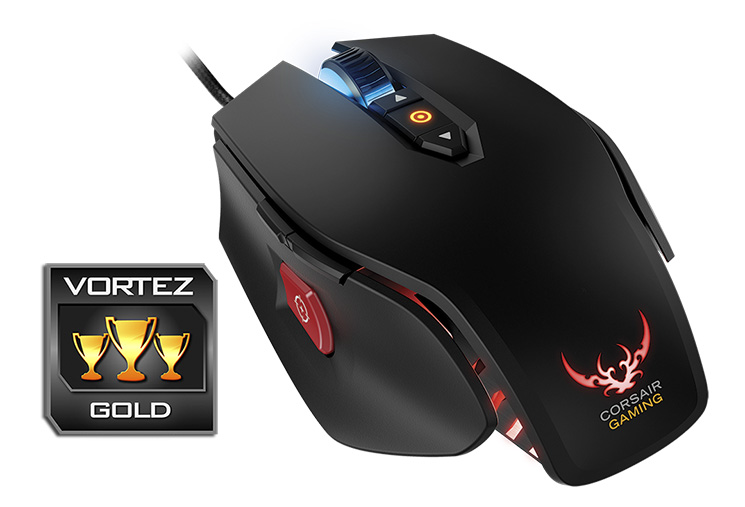
The Corsair Gaming range is expanding and the M65 RGB is a staple addition to this line up. The LED lighting will always be attract a certain buyer and if you like the twin sabres of the Corsair Gaming logo, the lighting, subjectively, looks sweet. The front LED lighting could be more intense as it is fairly dim, even when you are gaming in the dark. Overall there are few changes to the M65 and despite the complexity of the software there is enough to keep most people satisfied.
A staple addition to the Corsair Gaming range, the M65 RGB is a combination of solid performance and customisation.
Pros
+ Sturdy aluminium chassis
+ Attractive design
+ Excellent performance on a variety of surfaces
+ Detailed software suite
+ Sniper button
+ On-the-fly DPI changes
+ 8 Fully programmable buttons
+ Adjustable weight
Cons
– Front LED not very intense
– Software can be a little complex
– No case for removable weights
+ Sturdy aluminium chassis
+ Attractive design
+ Excellent performance on a variety of surfaces
+ Detailed software suite
+ Sniper button
+ On-the-fly DPI changes
+ 8 Fully programmable buttons
+ Adjustable weight
Cons
– Front LED not very intense
– Software can be a little complex
– No case for removable weights

Click here for an explanation of our awards at Vortez.net.


