The HARPOON RGB is a smaller sized lightweight mouse from Corsair. Not only does it have an attractive price tag but it is also fitted with an advanced 6000DPI optical sensor.

Product on Review: Corsair HARPOON RGB
Manufacturer and Sponsor: Corsair
Street Price: UK: £29.99, US: $29.99
High speed, lightweight mice have gained popularity especially in the field of esports and competitive gaming as they cater for well for FPS, RTS and MOBA gaming. Though for some of the leading mice out there, some may wince at the prices, especially those that remember when £30-40 WAS the price for a top-end gaming mouse, and fortunately, Corsair won’t leave you out in the cold this winter.
Keeping in with the seafaring nomenclature, the HARPOON RGB is a lightweight (85g) small-to-mid sized mouse that packs some high-grade performance; with thanks to the Pixart 3320 sensor. The body is shaped to suit various grips styles and features rubberised sides, a total of 6 programmable buttons, Omron switches, and finally, RGB lighting. The HARPOON RGB joins a growing selection of mice in the £30/$30 mark that aims to provide huge performance at a more affordable price point.
Overview by Corsair
The HARPOON RGB mouse is built to perform, featuring a 6000 DPI optical gaming sensor with advanced tracking for precise control. The lightweight, contoured design to support the quickest of movements. The contoured shape and rubber side grips accommodate various hand grips and play styles. Equipped with six fully programmable buttons and on-board memory, the HARPOON RGB enables extensive customization and
portability. On-the-fly DPI switching adapts your mouse sensitivity to the situation for total command in every environment. The Omron switches are rated for 20 million clicks, providing an ultrafast response and reliability over time. Immersive, dynamic multicolor backlighting offers virtually unlimited customization to make HARPOON RGB your own.
portability. On-the-fly DPI switching adapts your mouse sensitivity to the situation for total command in every environment. The Omron switches are rated for 20 million clicks, providing an ultrafast response and reliability over time. Immersive, dynamic multicolor backlighting offers virtually unlimited customization to make HARPOON RGB your own.
Technical Specifications
Warranty: Two years
DPI: 250 dpi – 6000 dpi
Sensor Type: Optical
Mouse Backlighting: 1 Zone RGB
Prog Buttons: 6
Report Rate: Selectable 1000Hz/500Hz/250Hz/125Hz
On-board Memory: Yes
Weight: 85g
Mouse Feet: Large PTFE
CUE Software: Enabled
Cable: 1.8m
Game Type: FPS
Dimensions: 111.5mm x 68.3mm x 40.4mm
DPI: 250 dpi – 6000 dpi
Sensor Type: Optical
Mouse Backlighting: 1 Zone RGB
Prog Buttons: 6
Report Rate: Selectable 1000Hz/500Hz/250Hz/125Hz
On-board Memory: Yes
Weight: 85g
Mouse Feet: Large PTFE
CUE Software: Enabled
Cable: 1.8m
Game Type: FPS
Dimensions: 111.5mm x 68.3mm x 40.4mm
Packaging & First Look
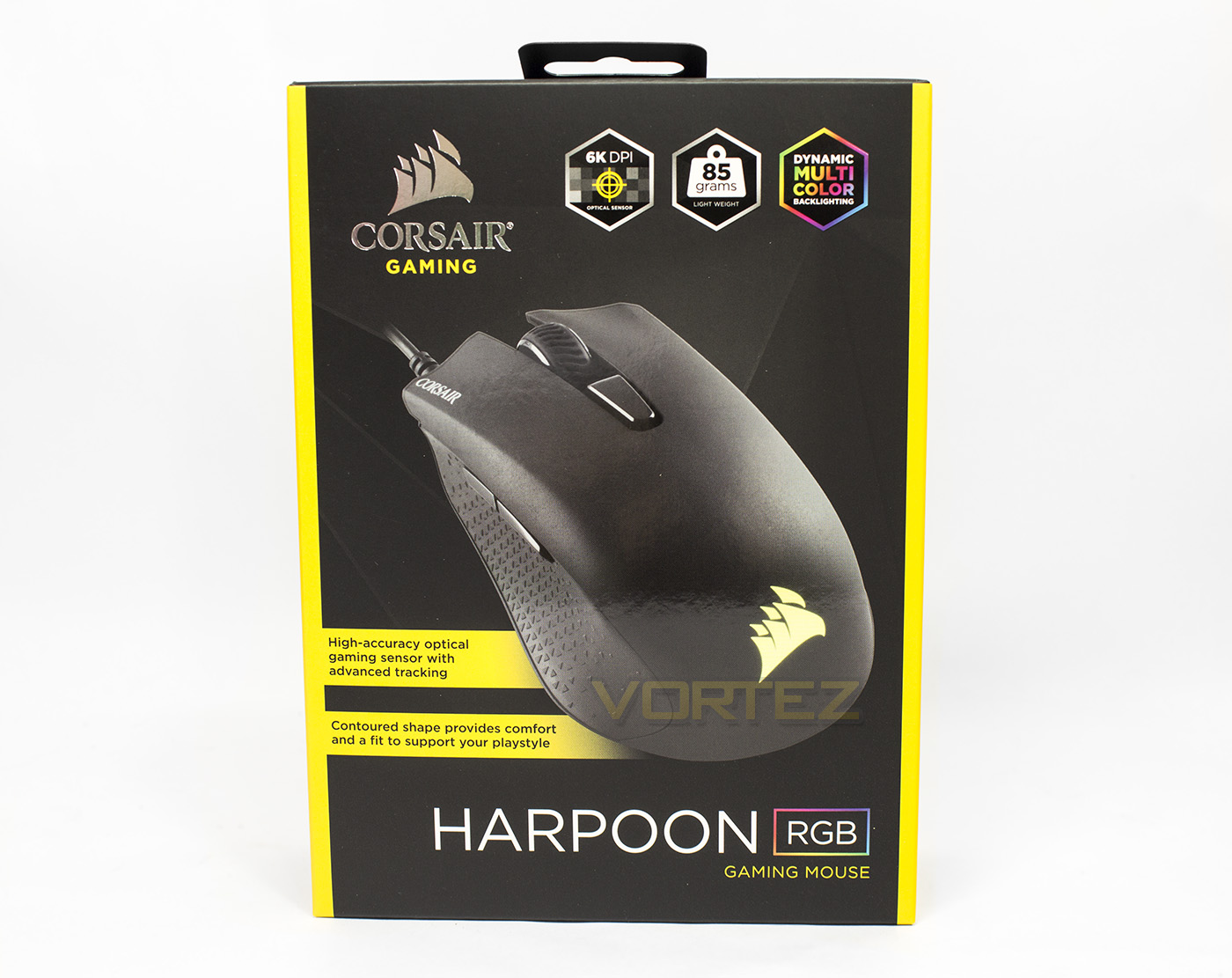
The packaging is very distinguishable as a Corsair Gaming product featuring the yellow on black colours, and opts for a more clean, detailed layout with its branding, naming and the image of the product. There are various icons detailing the features of the mouse including the RGB lighting, its lightweight body and use of a 6000DPI optical sensor.
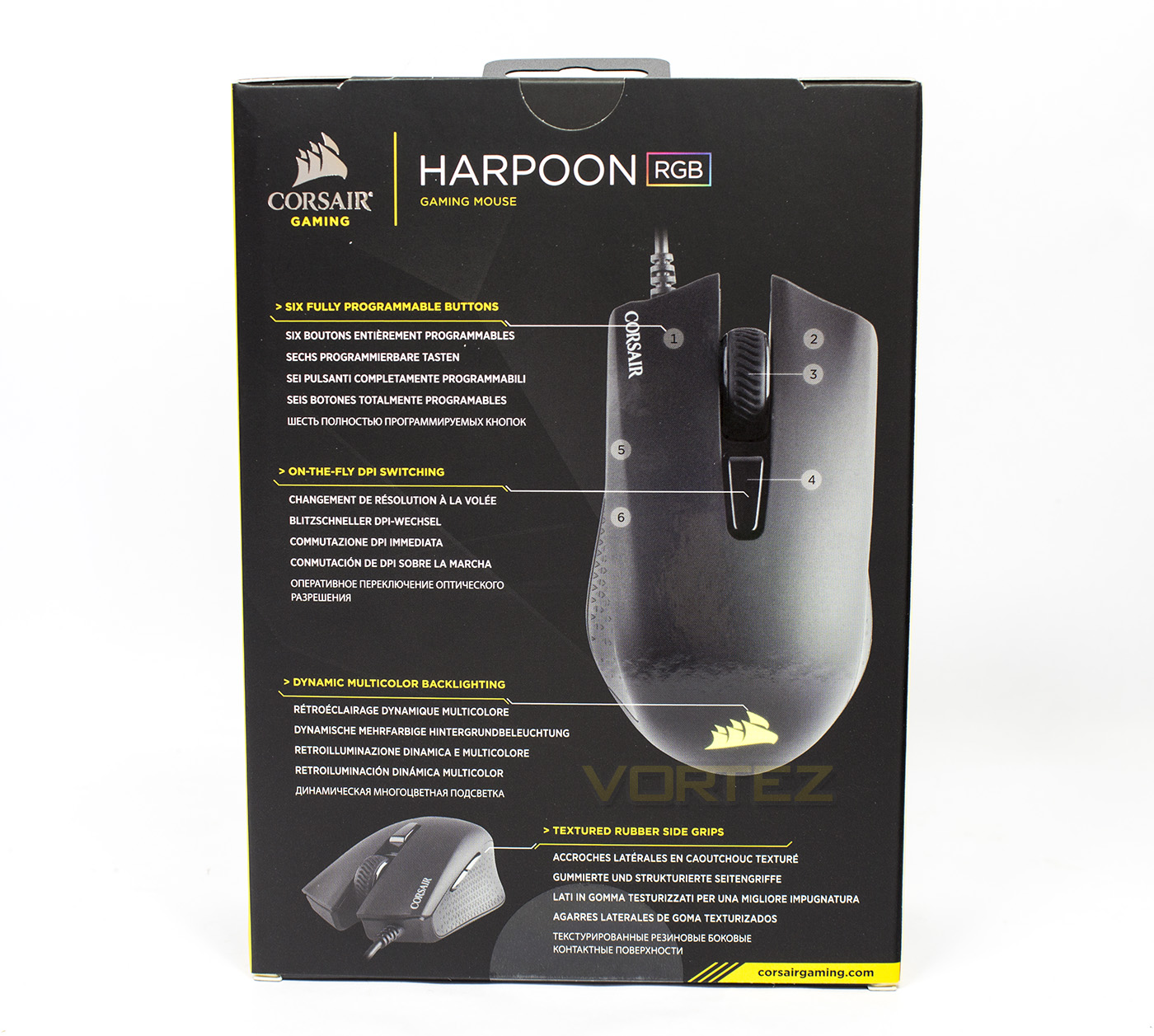
The reverse side offers up a diagram labelling the points (6 programmable buttons, DPI switch, RGB lighting, and rubber side grips) in various languages.
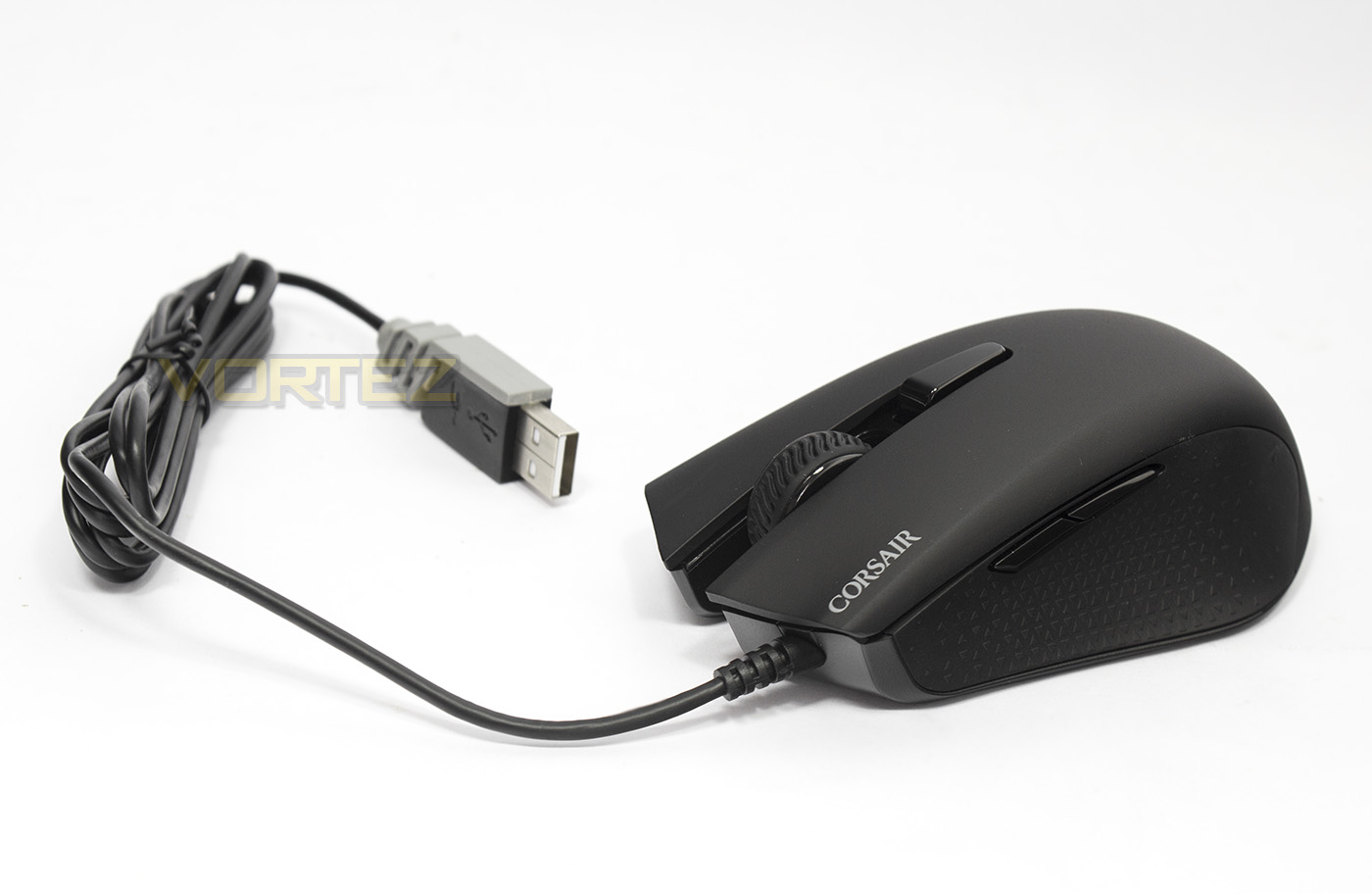
The HARPOON RGB is a little smaller than the average mid-sized mouse that most people would be used too and it features a 1.8m plain cable. It would be nice to have had a softer or braided cable but this seems to be fairly standard for the price point.
Closer Look
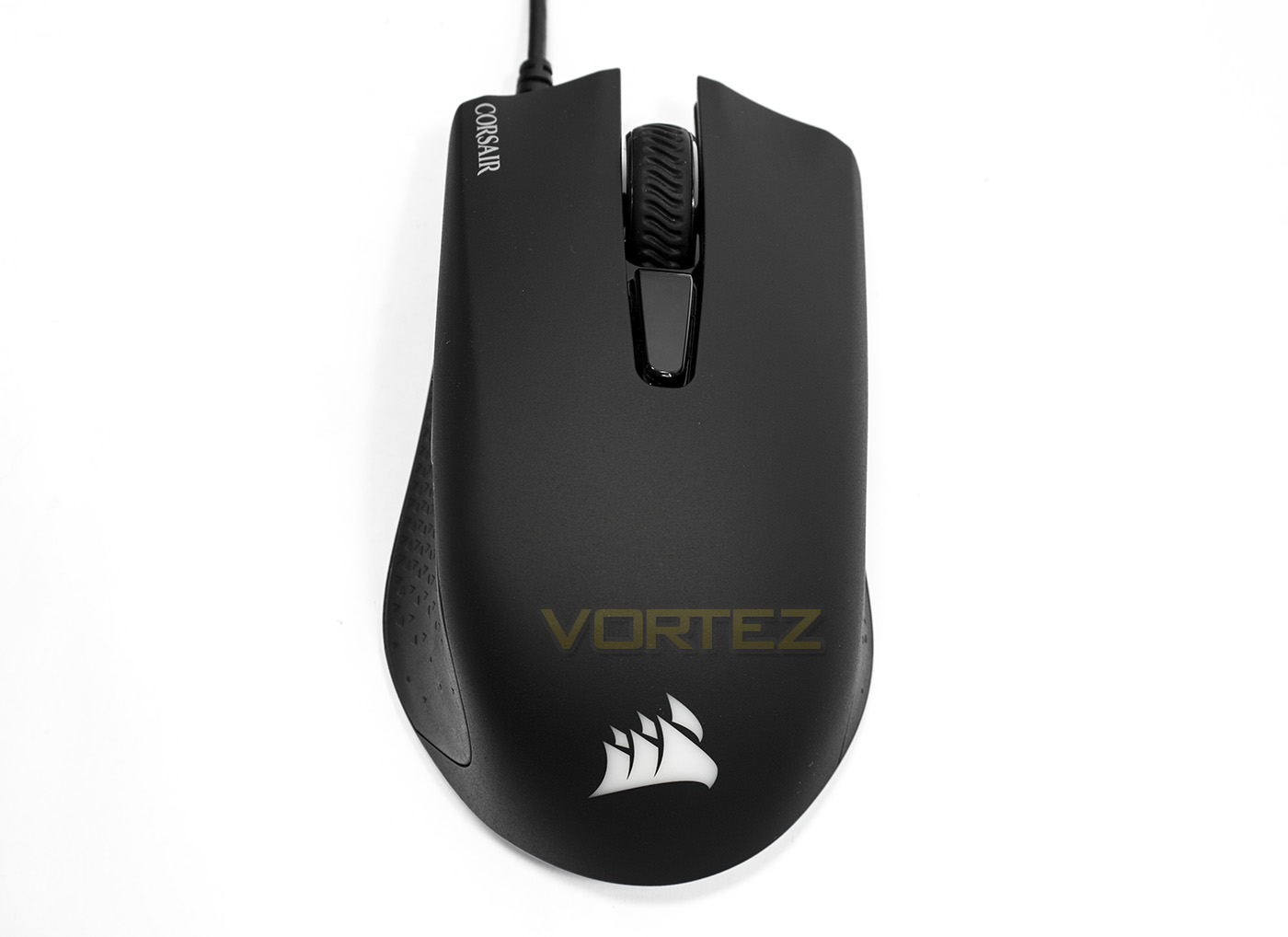
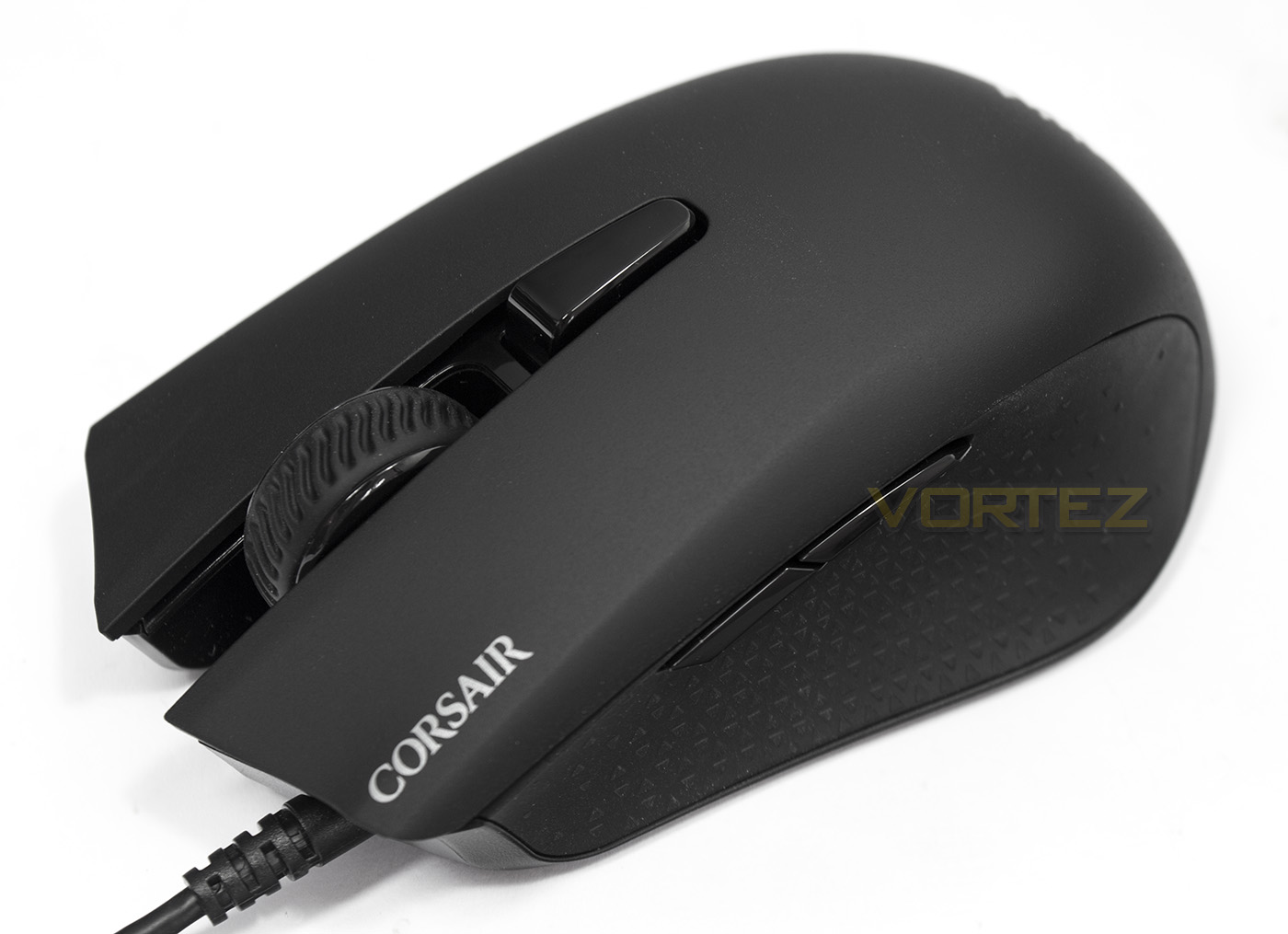
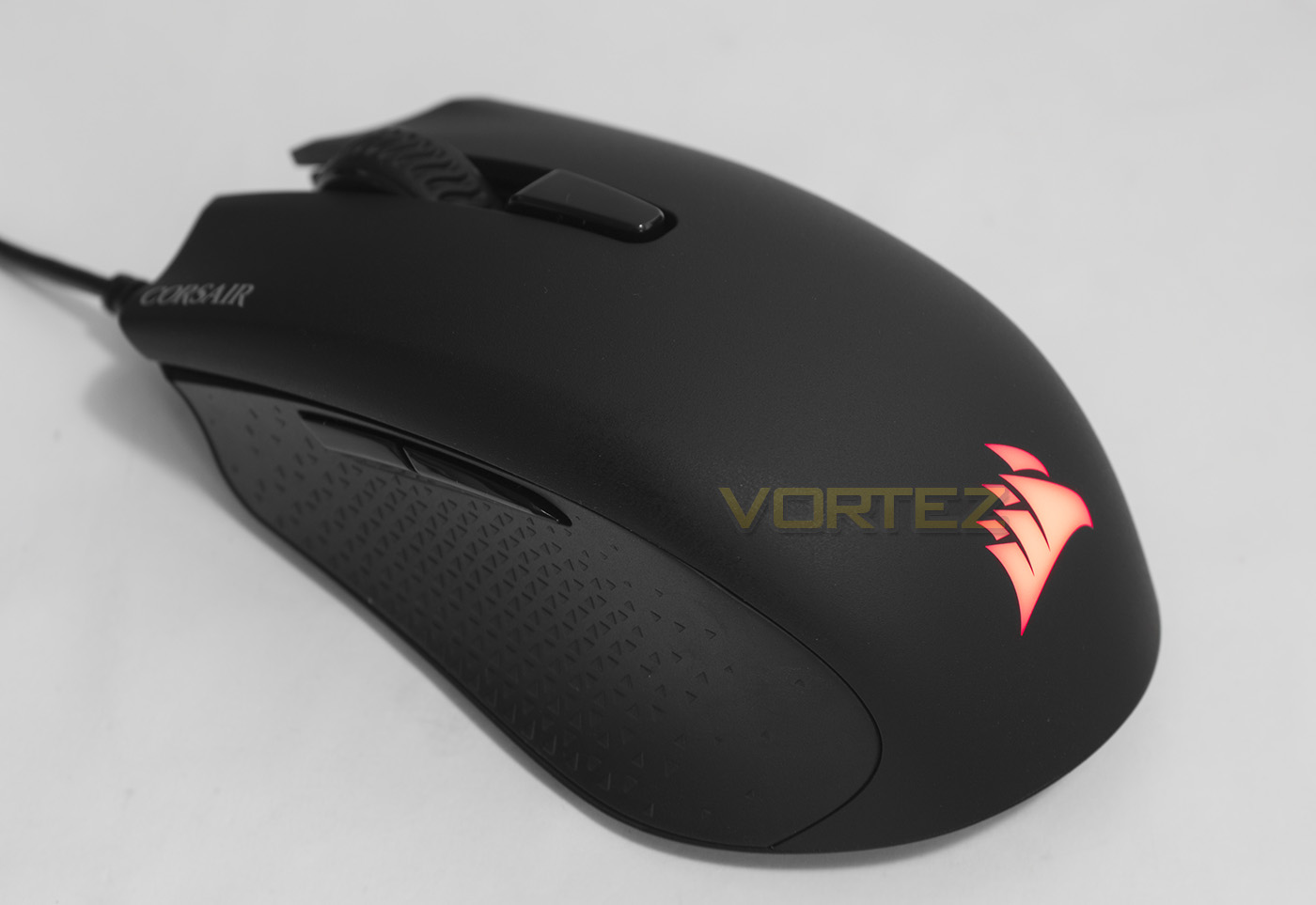
From the top down, the HARPOON RGB looks quite stout with a shaped design, clearly showing the concave thumb groove on the left side.
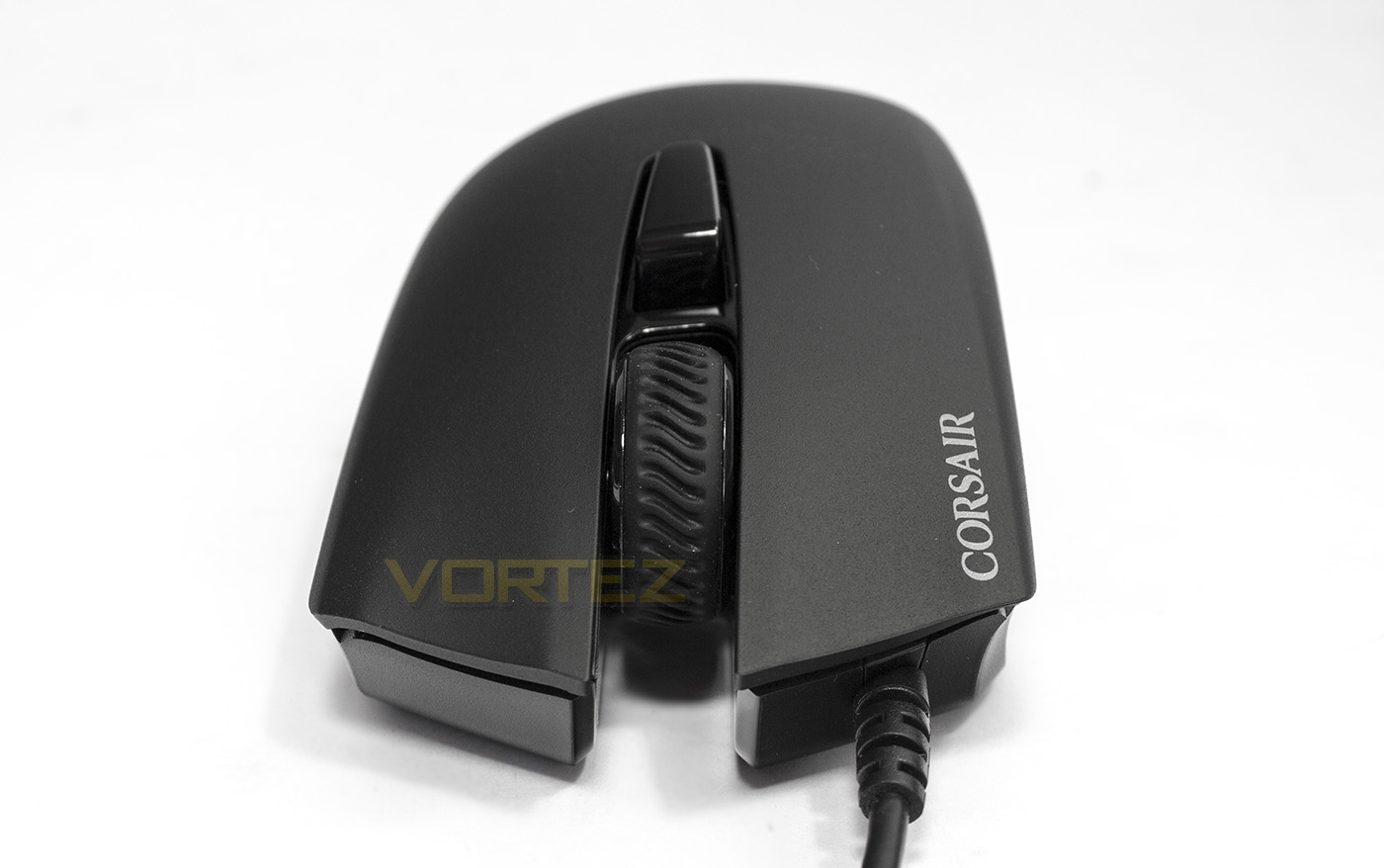
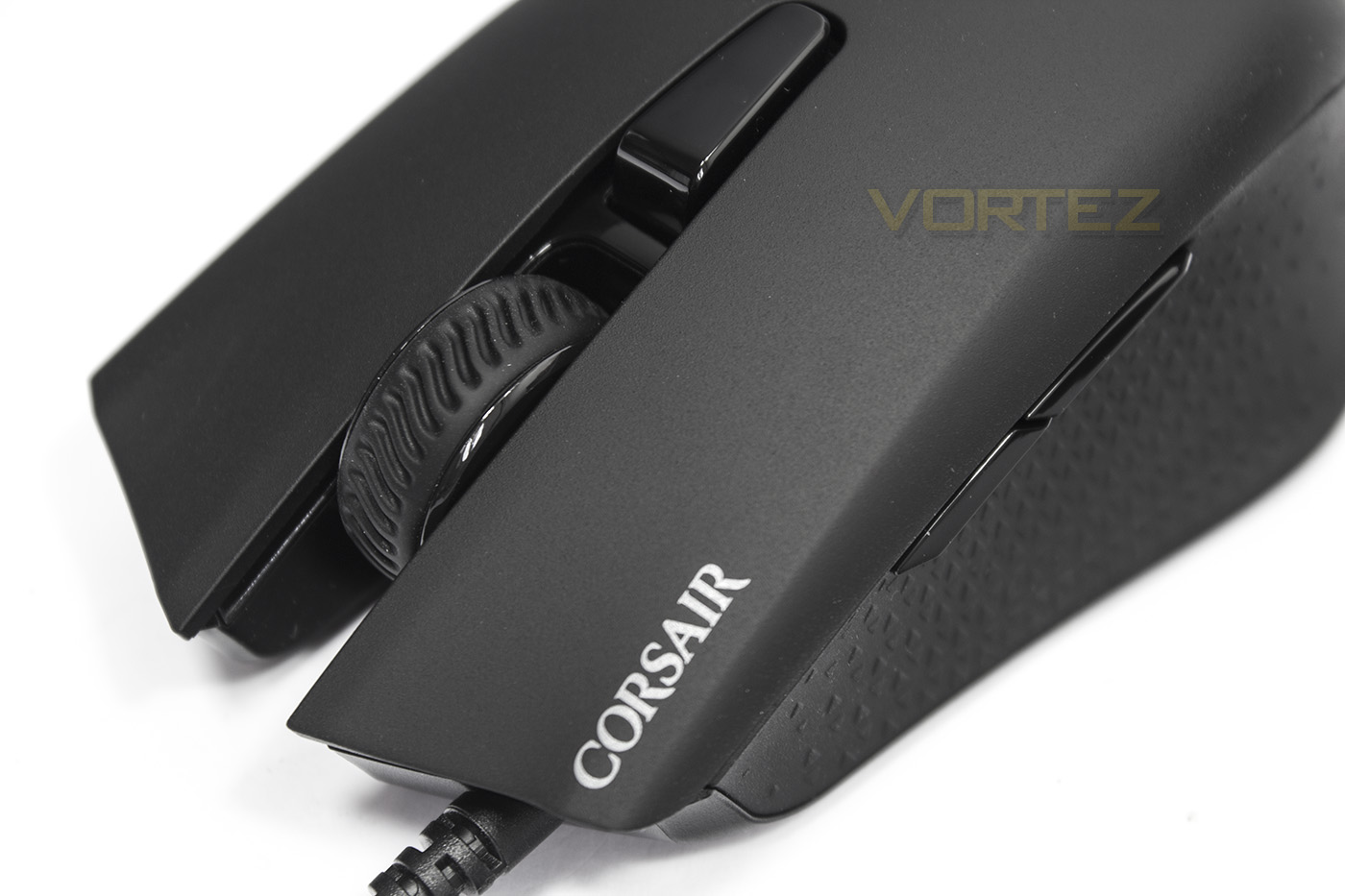
The front of the mouse features an open mouse wheel design, where the mouse wheel is relatively wide with a rubberised surface, sitting just behind the mouse wheel is the DPI button.
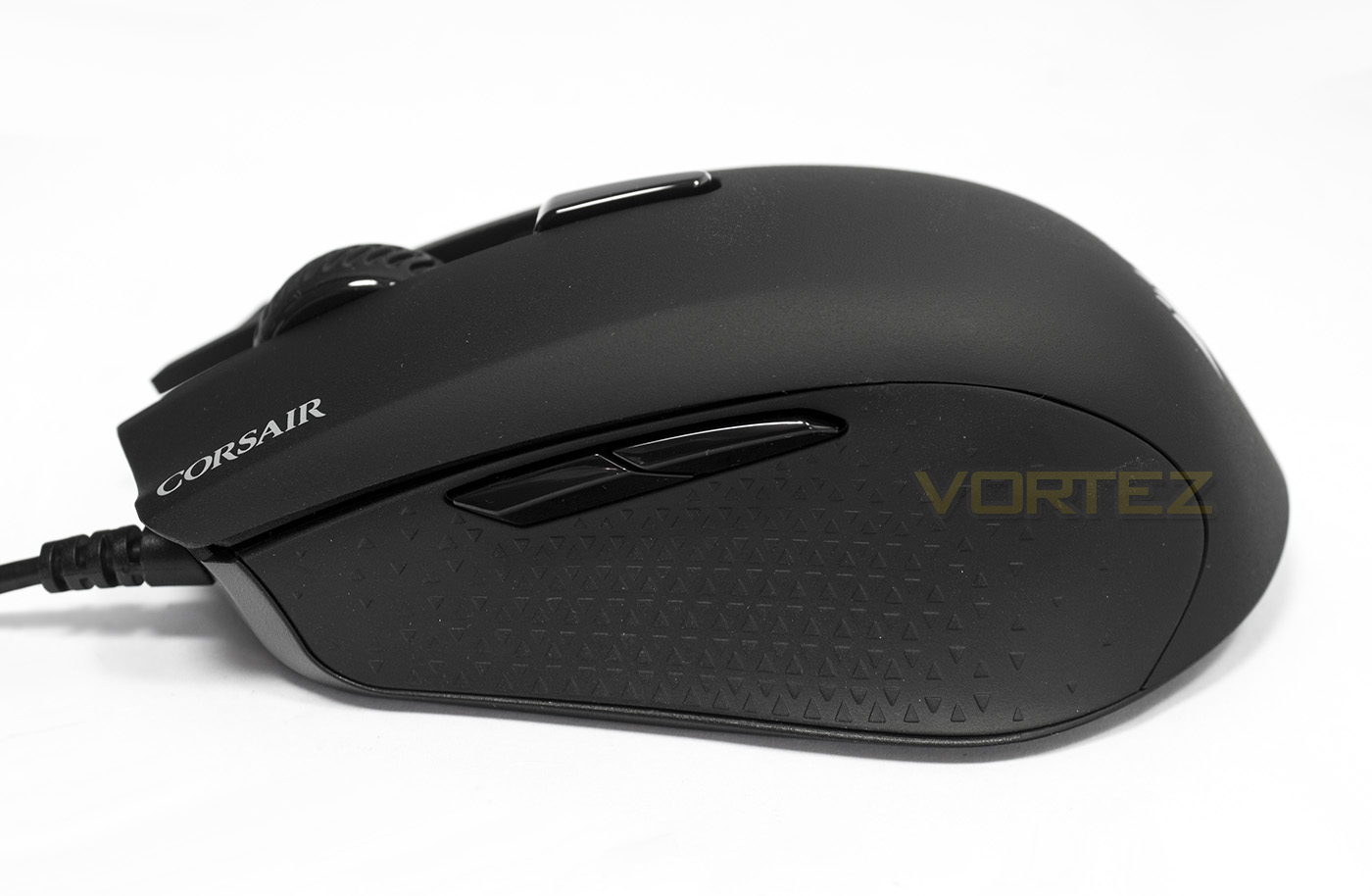
On the left side we see a large rubberised section that features two side buttons (forward/back).
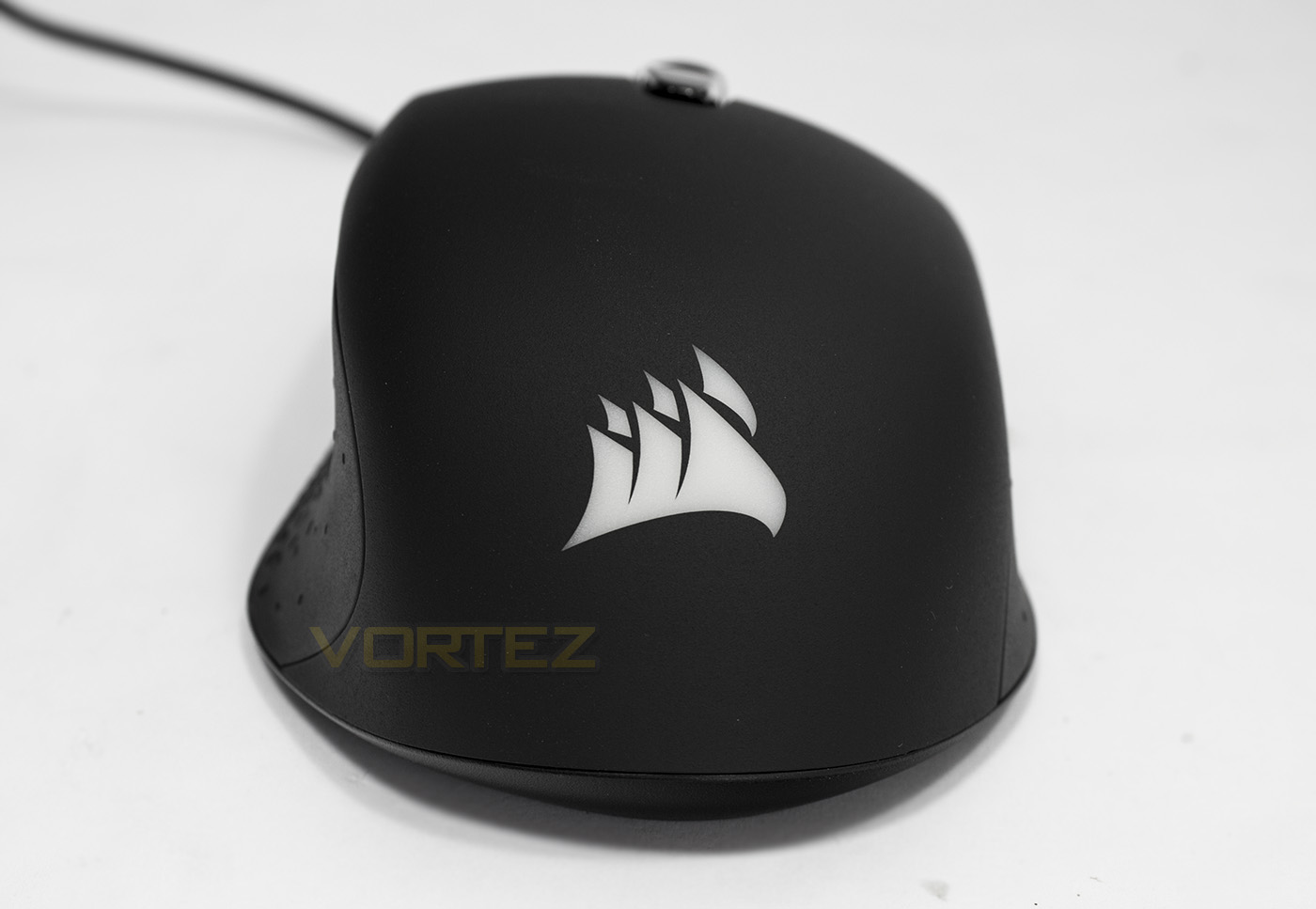
The rear side reveals more details of the level the ergonomic shaping goes to, including the slight shaping on the right side.
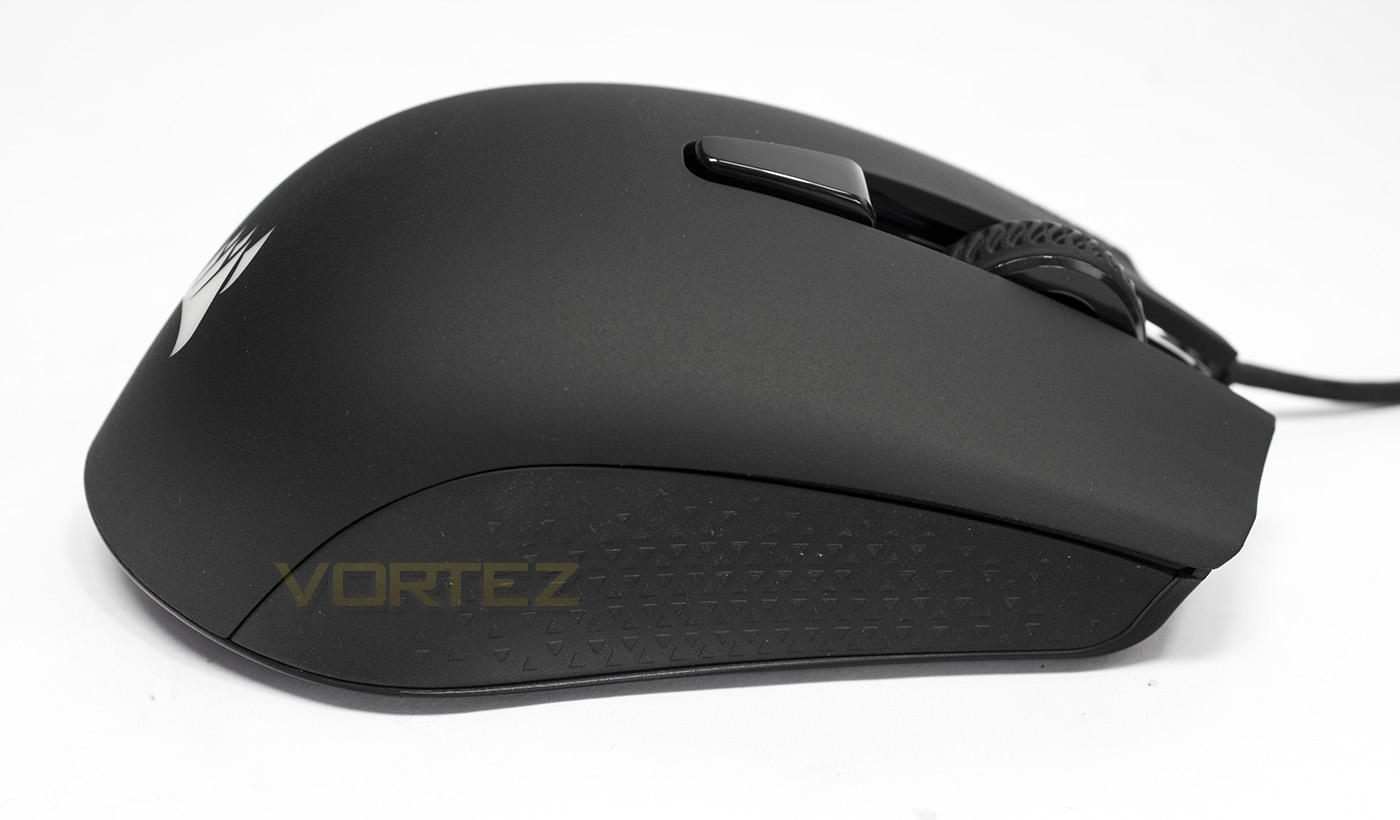
Here we can also see that this side also has a more subtle concave presence and also features the rubber grip.
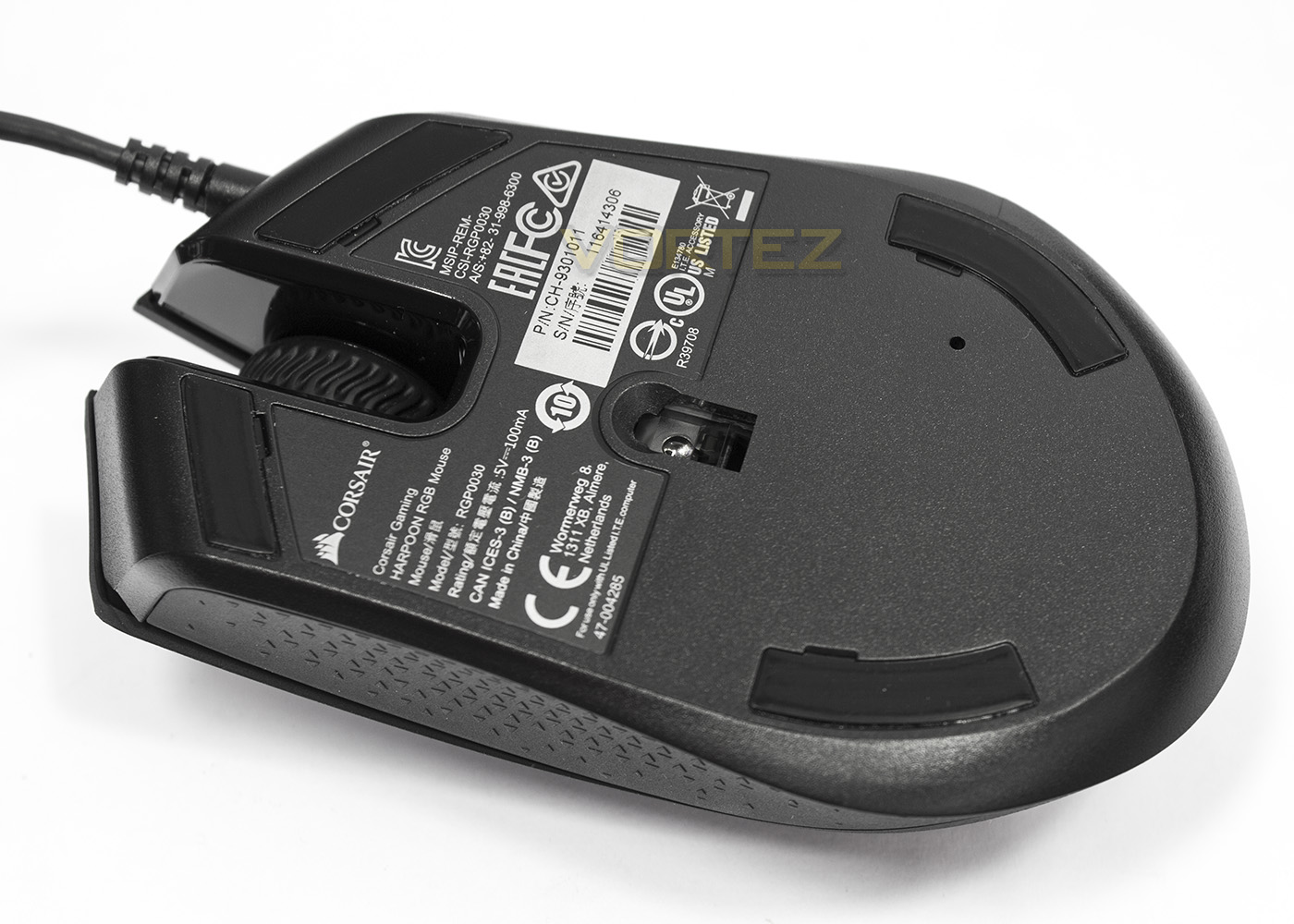
Underneath we find that the sensor is approximately central to the base, and at the front and towards the rear there are some PTFE slip pads.
Software & Lighting
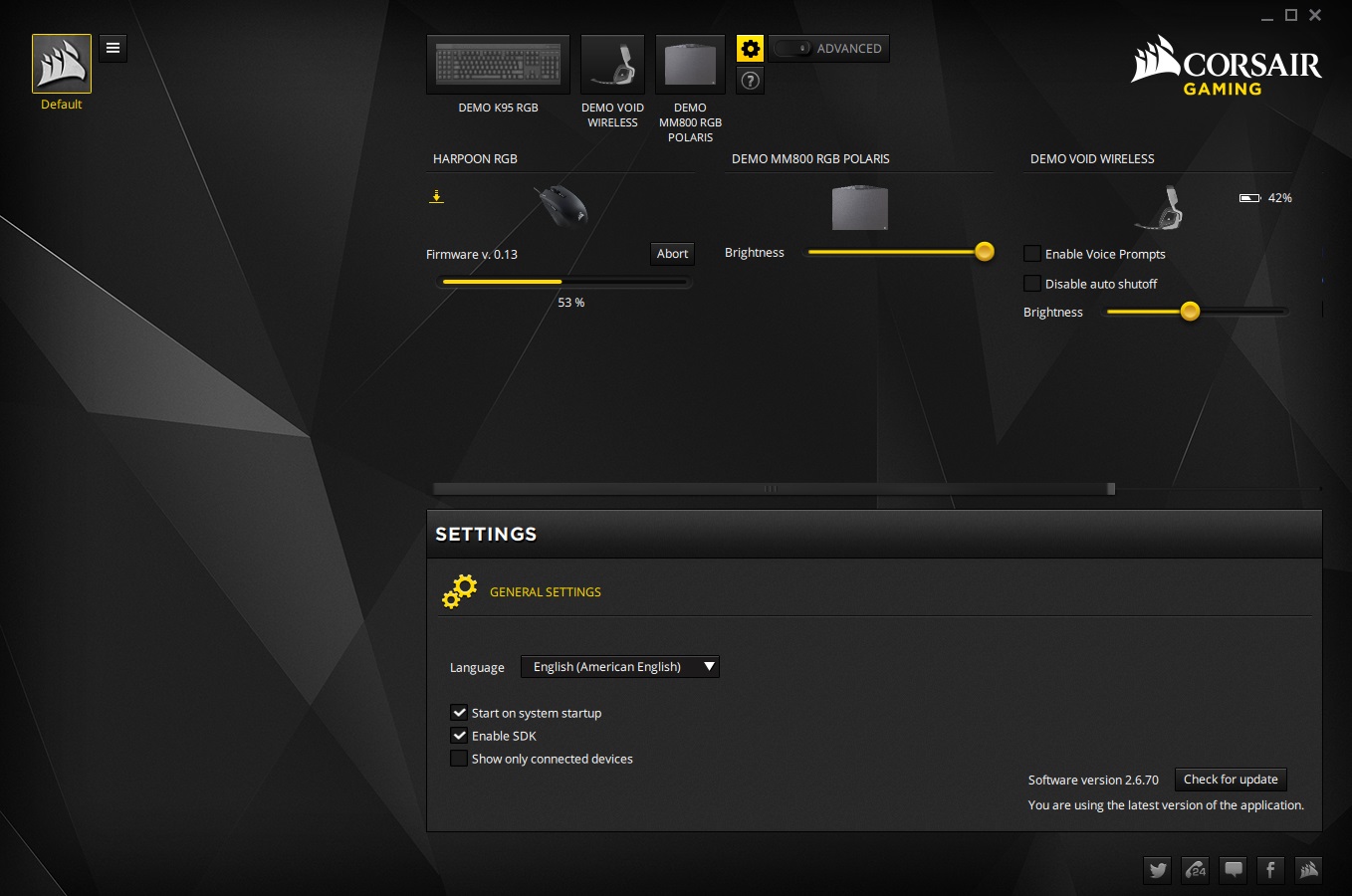
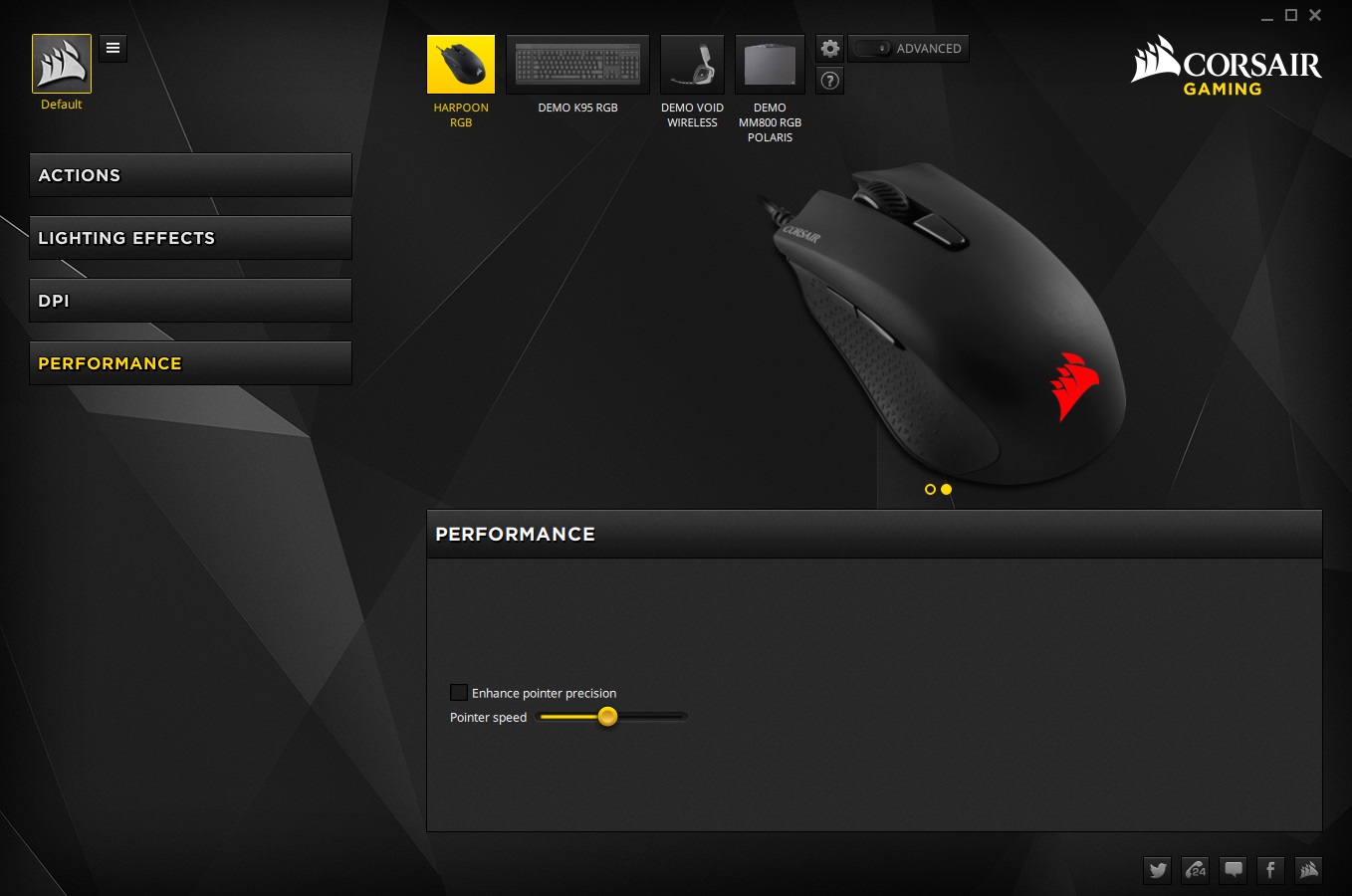
The HARPOON RGB can work independently without the software using its onboard memory profile, but to make any changes the software will be needed.
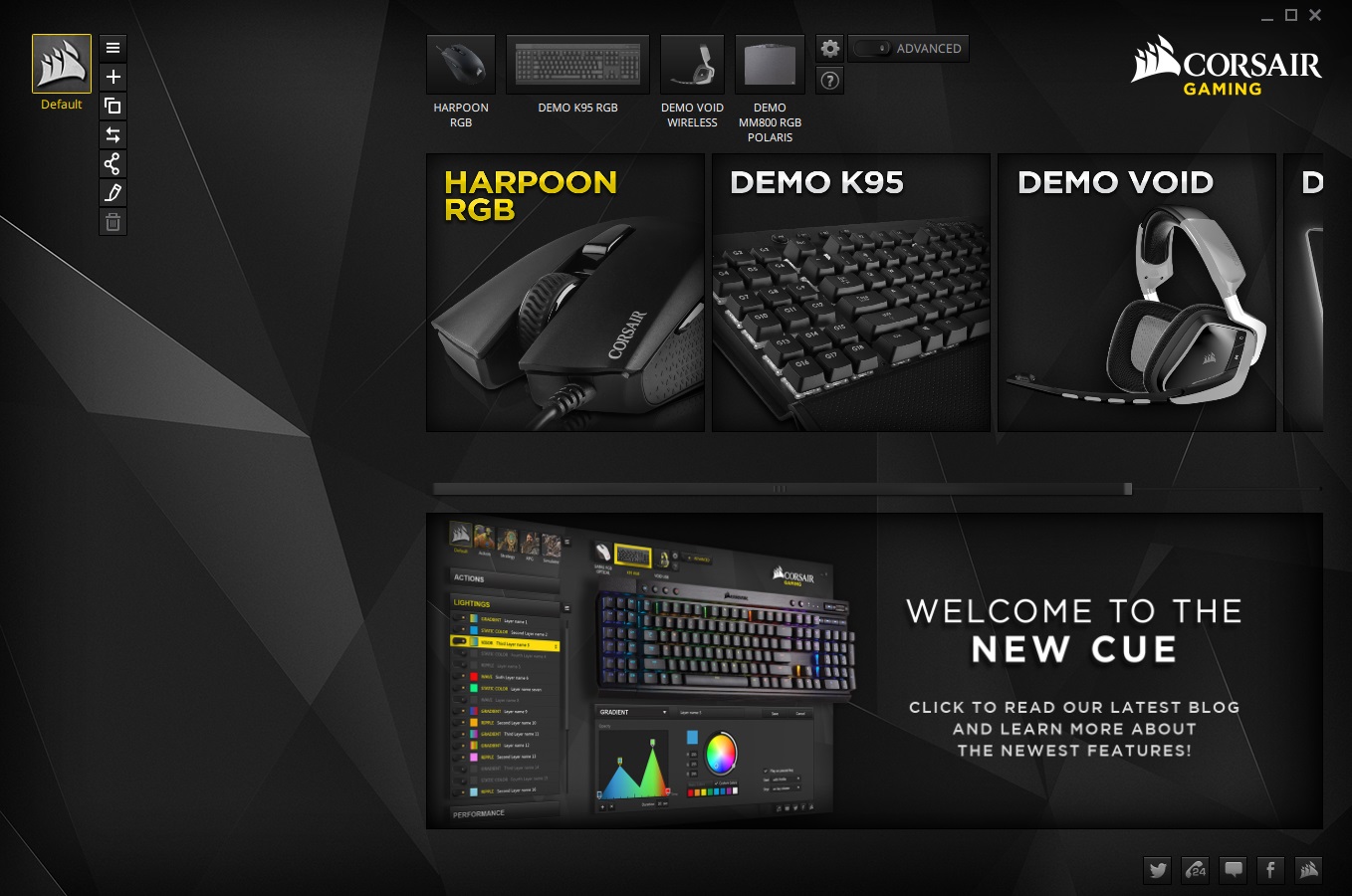
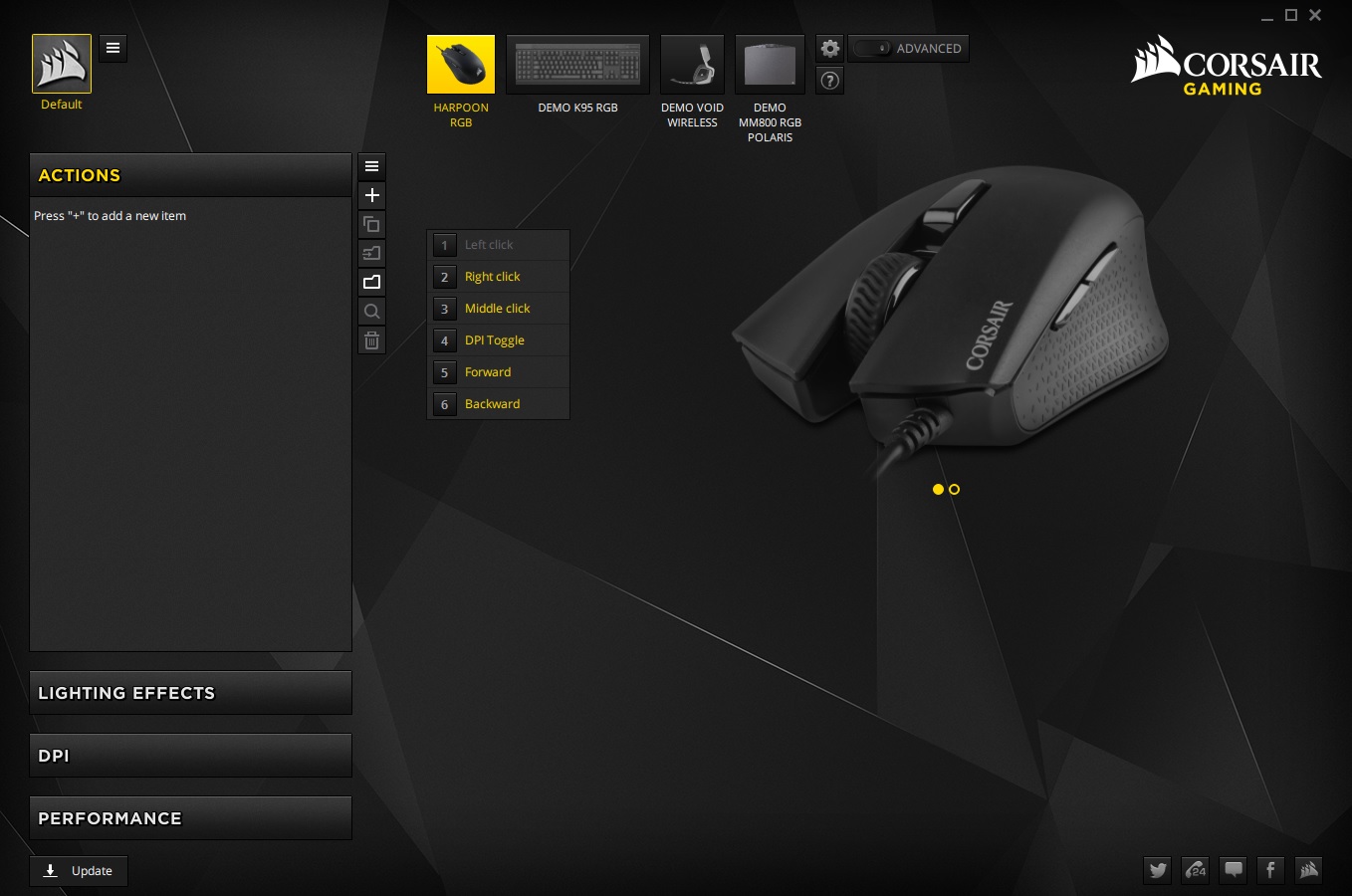
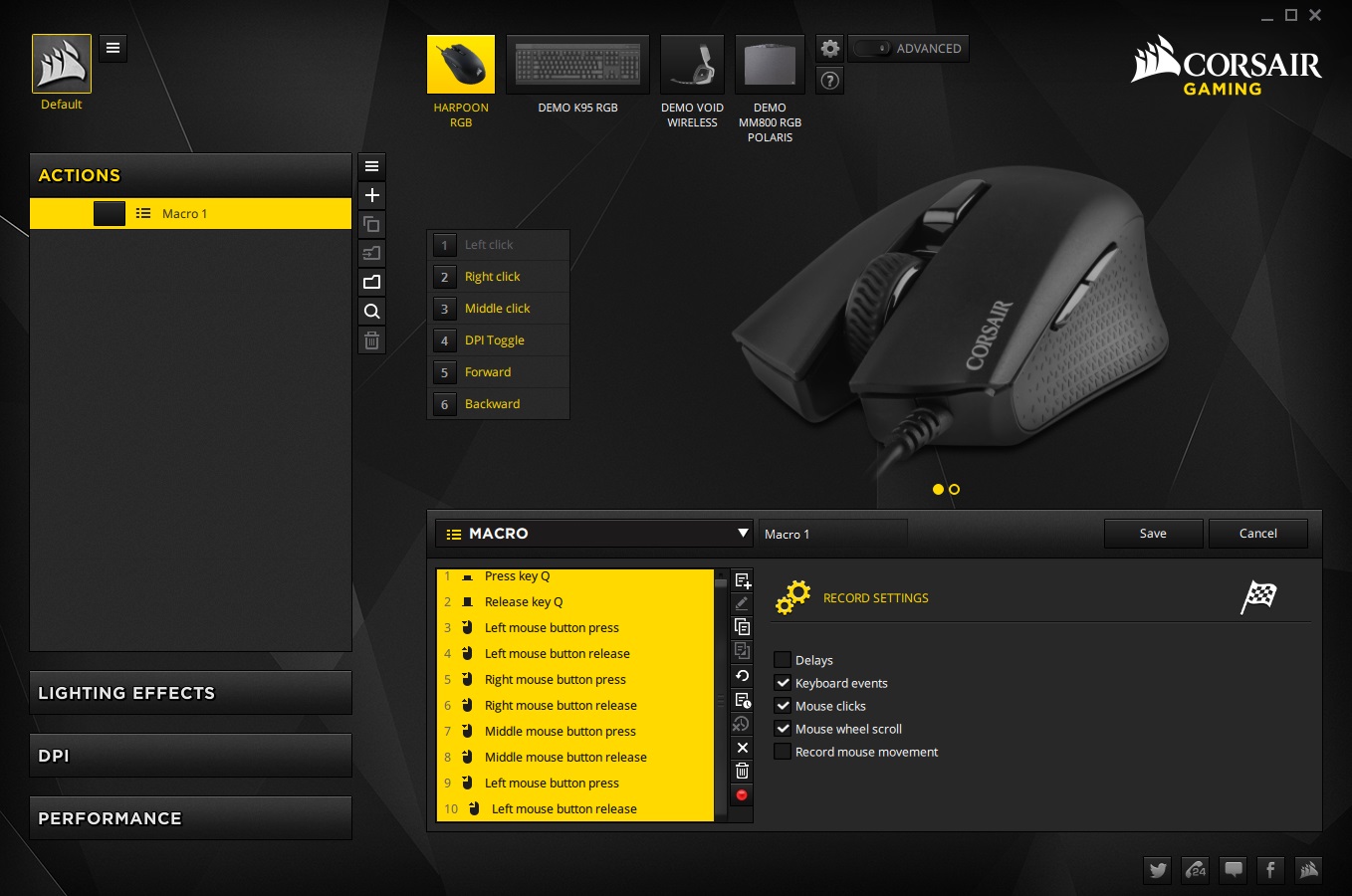
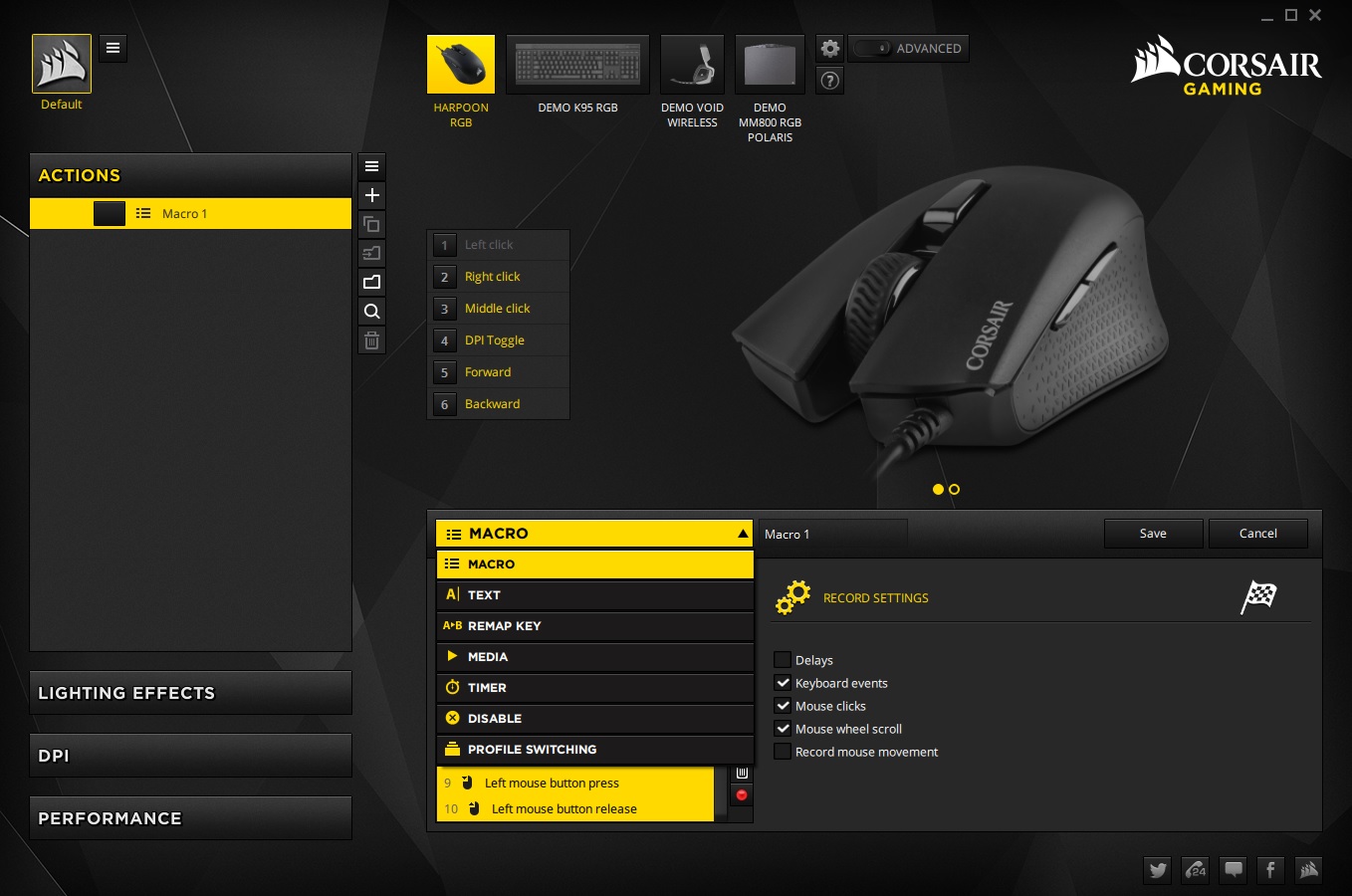
In any case, Surprise!! The Corsair Utility Engine (CUE) has been given a UI facelift and is now super slick, easy to navigate and use. The HARPOON RGB features 6 programmable buttons, and the macro and program options remains as powerful as ever. This time you can individually select the instances you wish the macro to record. Unfortunately it didn’t recognise the mouse side buttons.
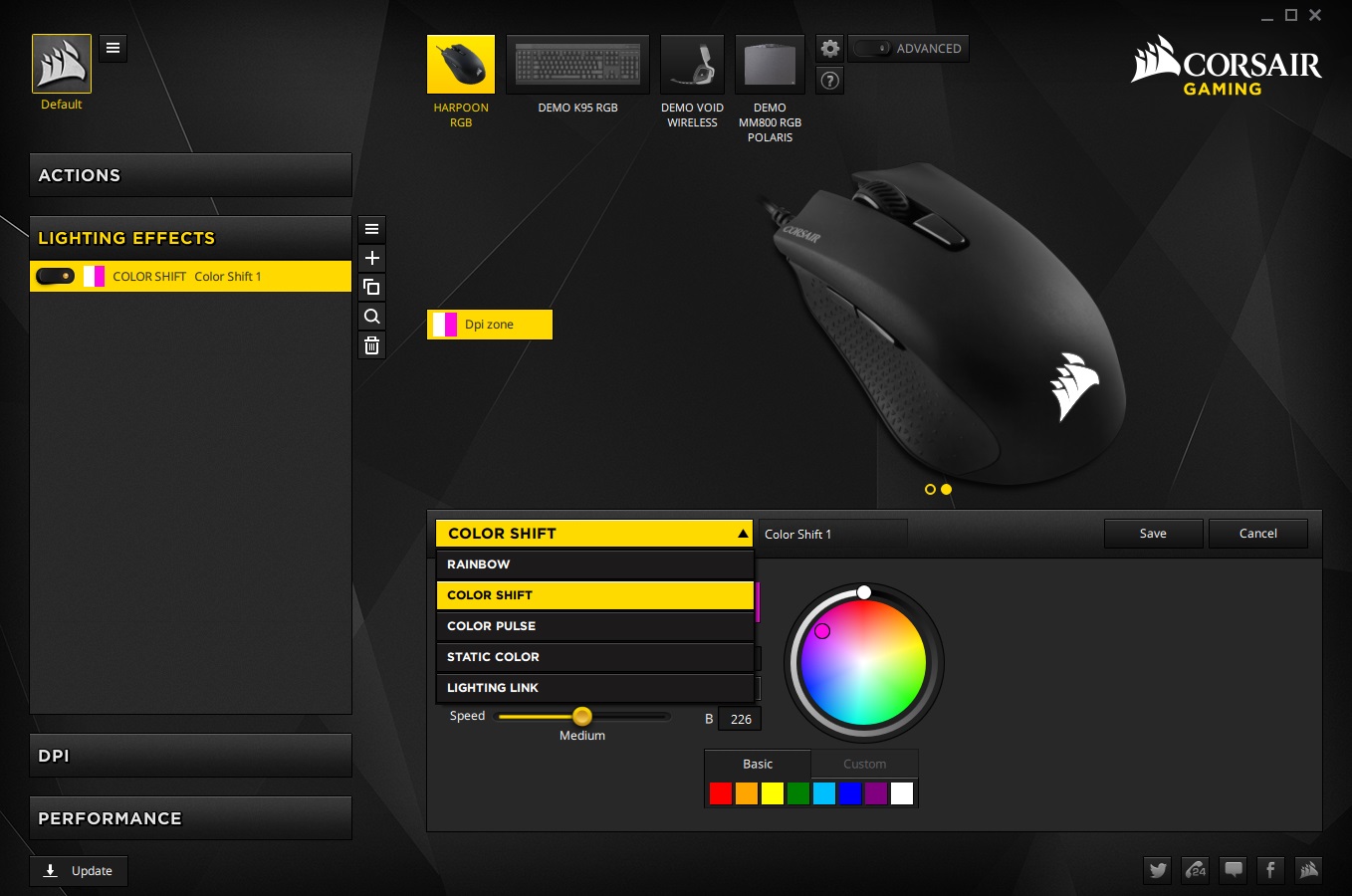
We are given a selection of lighting options, but considering it is just the only just the one lighting zone there isn’t anything spectacular about it. The colours are bright and vibrant with fairly good rendering quality, though white appears to be slightly blue/violet, but this can be compensated by reducing the blue content in the RGB gamut.
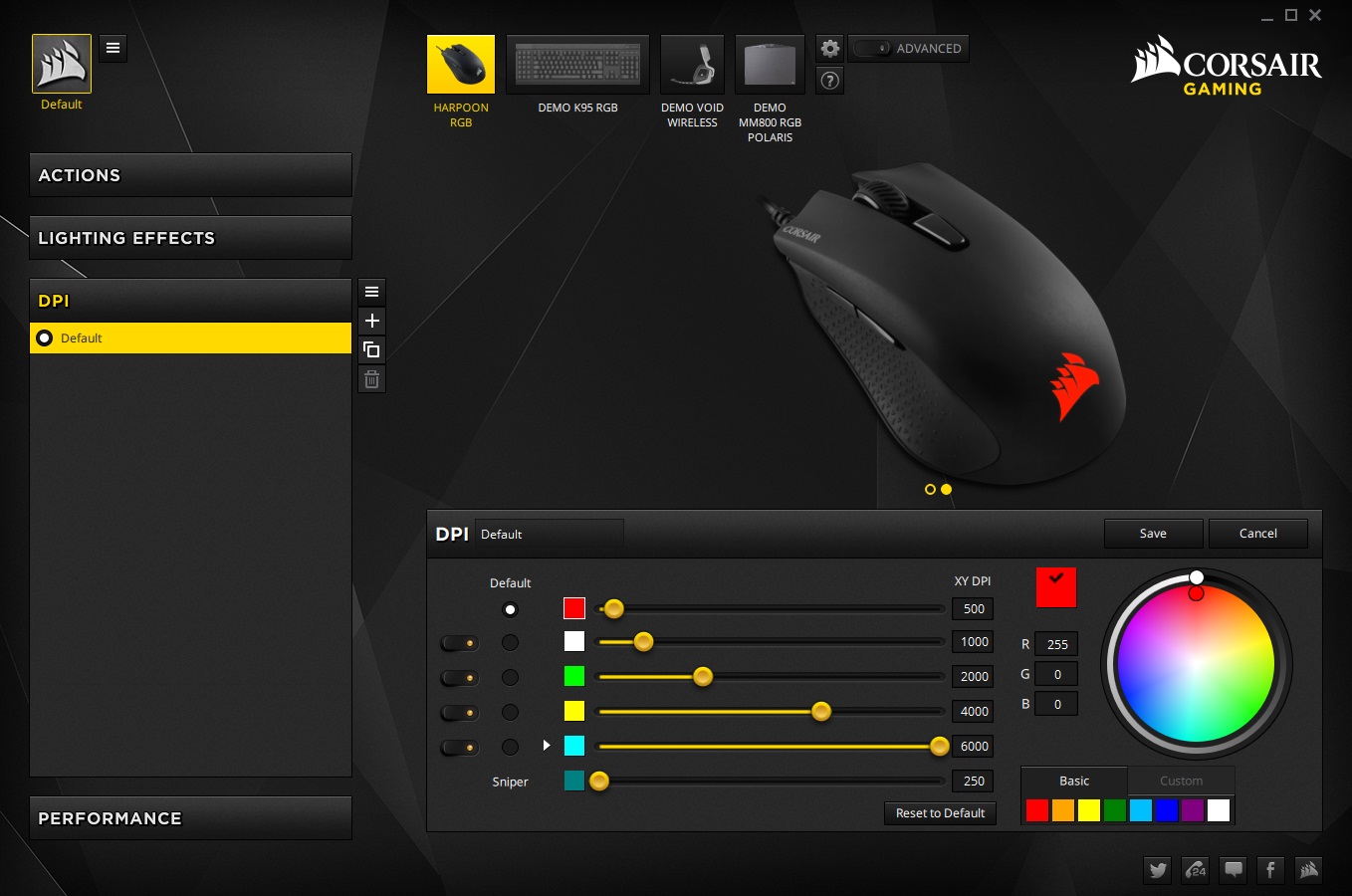
The DPI performance is set to 500/1000/2000/4000/6000 DPI by default and you can assign each setting a colour indicator when toggled on the mouse. DPI increments are in fairly large blocks of 250 for each step but this shouldn’t cause a problem for most people.
Performance Testing
Setup, Design & Observations
Visually the HARPOON RGB looks quite sleek, well designed and of solid construction. The use of Omron switches makes each click fast and satisfying. The mouse wheel too is quite solid, though I felt it was a little too easy to rotate when pressing it down. The feel of the materials used by Corsair is great, being a rough, anti-sweat finish. This surface texture may be a little love/hate depending on preference, my only qualm with it is that it does wear down over time, creating smooth and rough patches.
The ergonomic shape is rather interesting as I found that it is on the smaller side for palm grip users, but the shaping is geared more towards a palm grip. I found that using my natural claw grip, the pressure at the rear, and its lack of a PTFE slip pad at the rear-centre, made it easy to lift the front, which caused some problems in game. Also, I found that the position of the angled rear just before the right side concave thumb groove dug into the base of my palm, creating a noticeable dull ache after a while of use. That isn’t to say that it isn’t compatible or even comfortable for Claw grip, that is more just a subjective observation based on my personal grip style. Others may not experience this. Considering it weights just 85g and is on the smaller side, finger tip users may find that this is perfect for them, offering grip and comfort in the right places. The only other issue I had was with the side buttons, this may be a null point for some users that do not rely on them for gaming, but I do. Again, this is rather subjective to my natural claw grip. First, I found that the side buttons were hard to distinguish between front and rear as there was no tactile distinction between them, and secondly, they are positioned in a strange place like the inside upper section of a curve, almost facing downward, and thought they have been designed with a lip on them to help locate, they feel like they need to be pressed upward and inward, rather than just inward, and at sometimes I found that I was pressing the seam between the buttons and the edge of the top plate of the mouse which overhangs just above the side buttons.
Performance
The HARPOON RGB features the Pixart 3320 optical sensor which was initially thought to be the successor to the 3310, a gaming favourite. However the 3320 in its raw performance is somewhat of a step back. Where the 3320 shines is purely in its advanced tracking capabilities. This was observed in our testing on black fabric mouse mat, bare desktop, glossy coloured paper, even on shiny coloured foil, it tracks flawlessly. Though, that does little to stop the fact that it is fairly jittery over 4000DPI, and not quite as responsive as some would expect. This is because the native DPI of the 3320 sensor is 3500, meaning Corsair have interpolated the sensor for a higher DPI gain.
In our gaming tests, (DOTA2/CS:GO) we found that the HARPOON RGB is quick and performs great across various surfaces, and it edges out some mice at this price point in regards to speed. Being an optical sensor there is no acceleration to worry about either, something that FPS fans will always be relieved with.
Conclusion
The HARPOON RGB strikes us as a little bit of a mixed bag, mostly because it is a great mouse at a great price but left us with an impression that it could have spent a little more time on the drawing board. It enters into the category of smaller, high speed mice, yet it is shaped like a palm grip mouse, a grip style that tends to prefer mid-large sized mice. comfort wise for claw and finger tips is certainly fine, (much better for finger tips) but it makes me wonder what is wrong with creating a neutral ambidextrous mouse shape? What’s more, depending on your grip style, you could potentially lift the front of the mouse by pushing down at the very rear due to the absence of a slip pad. I have to be conscious that these statements are wholly subjective towards grip style and that most people will not experience any problems at all.
The use of the 3320 optical sensor is certainly interesting and considering the price, users are getting a high resolution optical mouse (6000DPI) that can pretty much track across any surface. Though it does have some minor drawbacks due to being interpolated, giving rise to noticeable jitter at higher resolutions.
Despite any perceived gripes, the pricing of the HARPOON RGB is highly competitive and it provides great all round performance and build quality. If you prefer smaller sized mice, it should certainly make it on your shortlist!
The HARPOON RGB gave a solid and enjoyable performance, and its advanced tracking will give peace of mind regardless of which surface you use it on.
Pros.
+ lightweight
+ Good build quality
+ Attractive aesthetics + RGB lighting
+ Onboard memory
+ NEW CUE GUI!
+ Price
Cons.
– Position of side buttons
+ lightweight
+ Good build quality
+ Attractive aesthetics + RGB lighting
+ Onboard memory
+ NEW CUE GUI!
+ Price
Cons.
– Position of side buttons
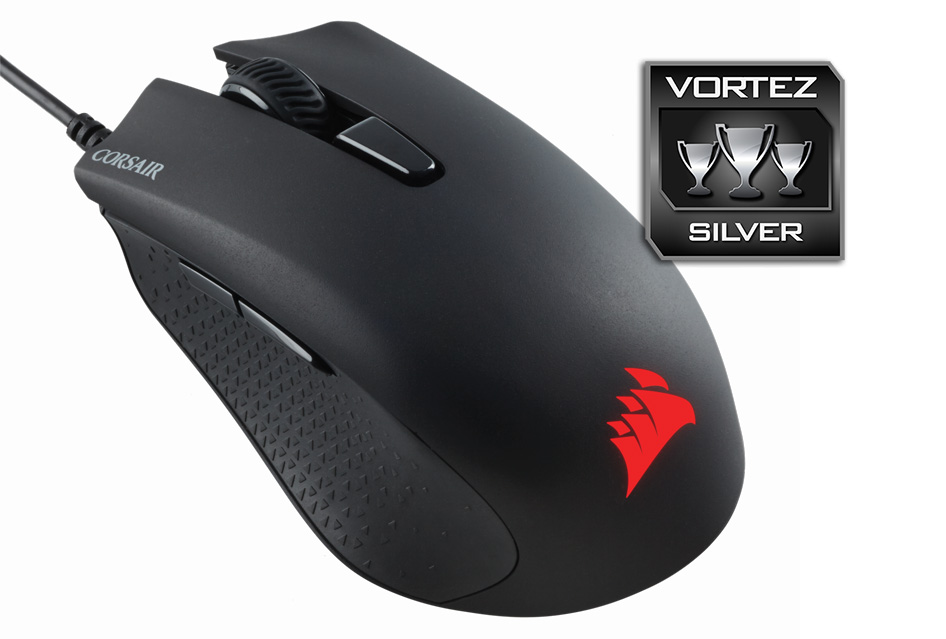
Click here for an explanation of our awards at Vortez.net.