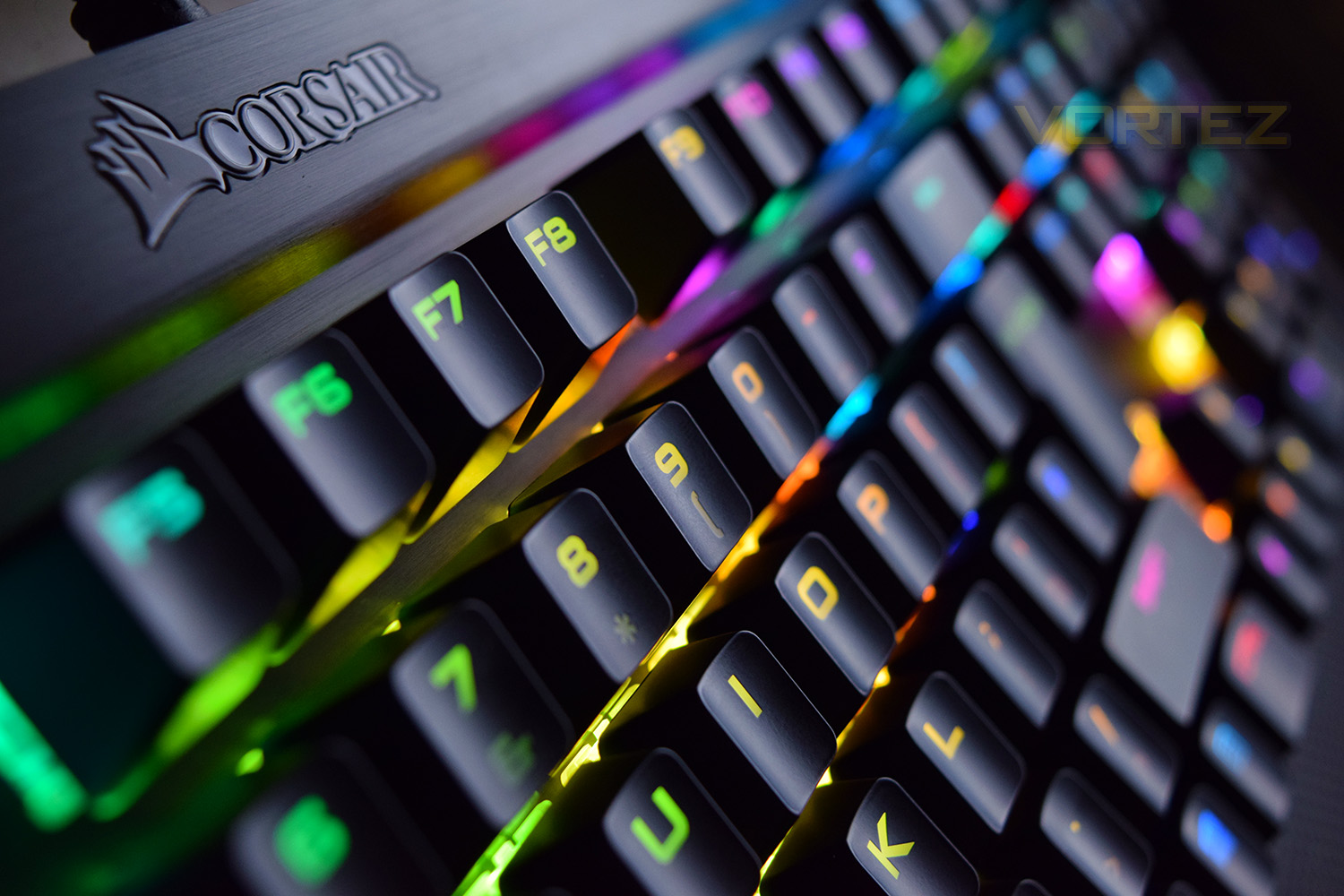
Featuring the latest Cherry MX Silent switches, the Corsair K70 LUX RGB lands back in our labs for testing, with the main focus being on the hush-hush switches, do they work?

Product on Review: Corsair K70 LUX RGB
Manufacturer: Corsair
Street Price: £169.99 / $169.99
Under the microscope today is Corsair’s K70 LUX RGB. We’ve reviewed several other Corsair K70 keyboards, all of which have received huge praise. This time, the K70 comes equipped with the Cherry MX Silent mechanical keys which are up to 30% quieter than other Cherry switches.
We get the usual 100% anti-ghosting, 1000Hz polling rate, per-key RGB backlighting, aluminium frame and powerful CUE (Corsair Utility Engine) software, all of which we’ve come to expect from Corsair.
The MX Silent switches feature an overall travel of 4mm with an actuation point of 2mm, the motion is entirely linear with a debounce of roughly 4ms, partly down to reducing the noise output.
Corsair on the K70 LUX RGB:
With virtually unlimited customization directly integrated into legendary CORSAIR construction, the LUX line of gaming keyboards is the key to breaking through the competition.
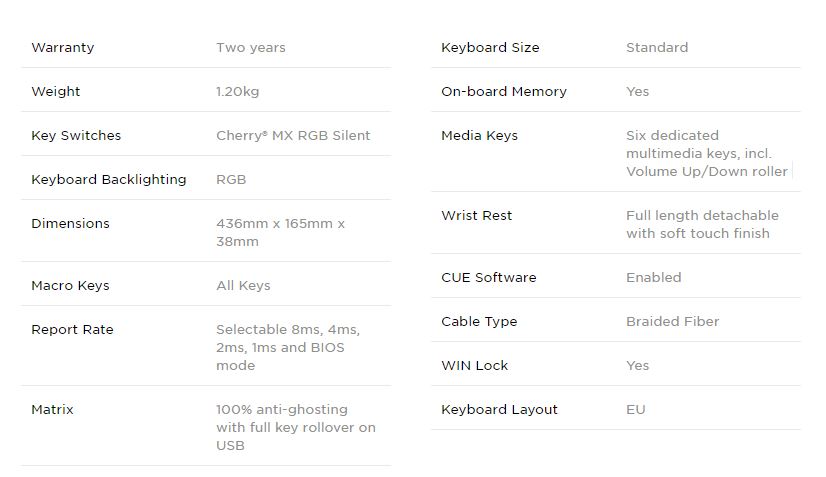
Technical Specifications
Packaging & First Look
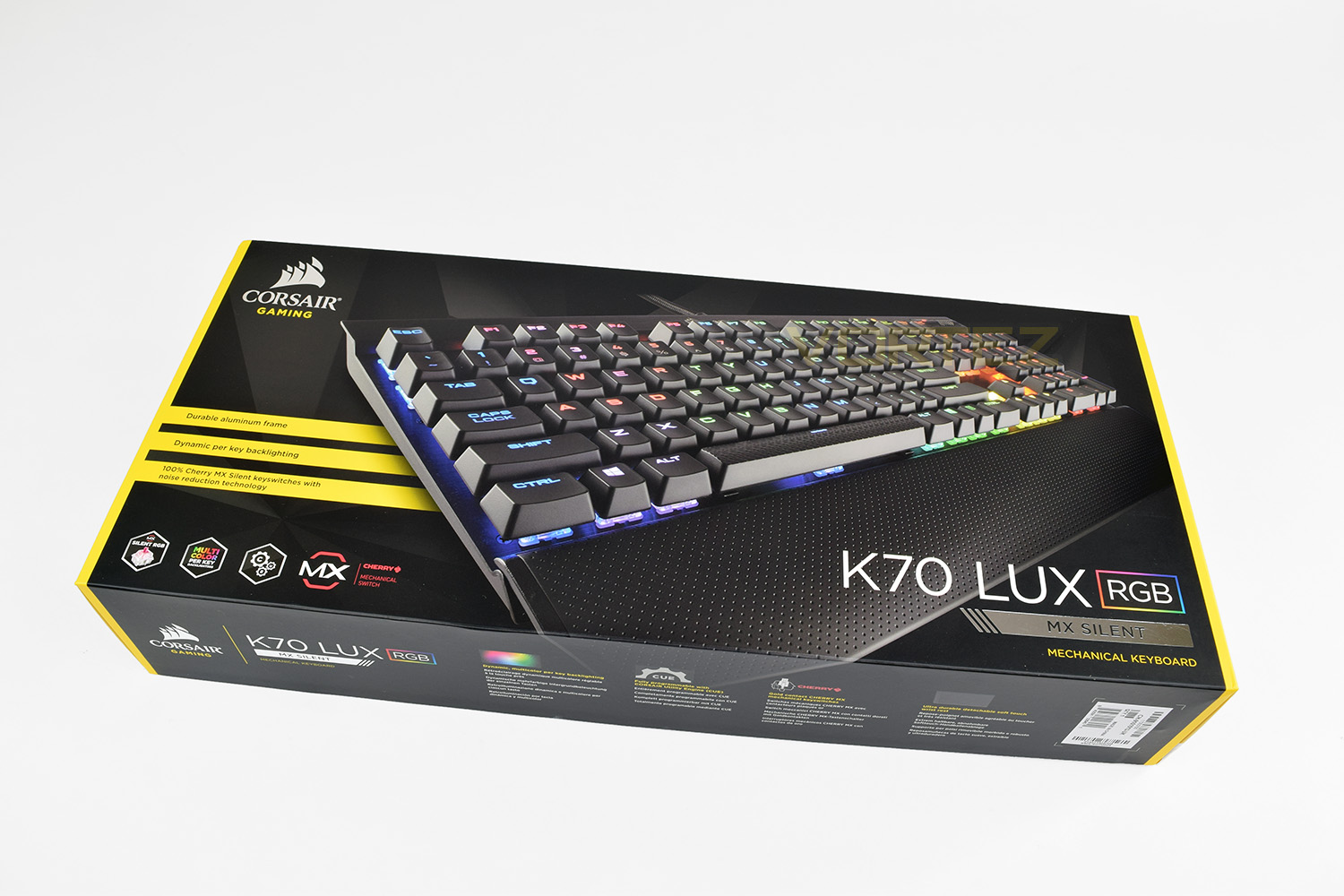
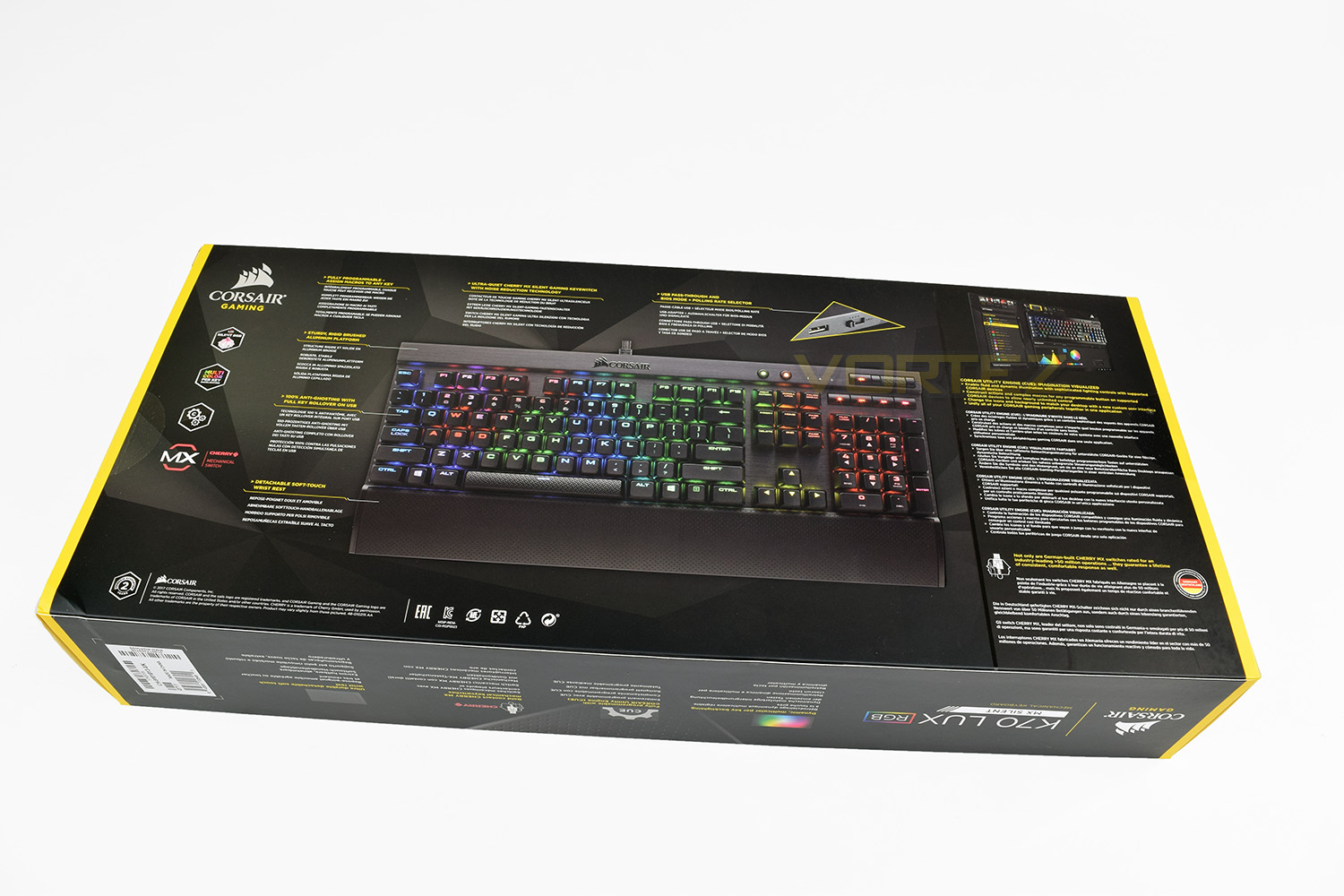
Corsair’s black and yellow theme is well-established within the gaming peripheral market, standing out well on the shelves of retail stores. The K70 LUX RGB is no exception.The keyboard dominates the front of the packaging, showing off the RGB backlighting and key features, as well as the MX Silent switches.
The reverse side is jam-packed full of information, possibly too much, but it’ll more than likely answer any questions without pestering the sales assistant.
The internal box certainly isn’t pretty, but it’s made up of thick cardboard with everything held tightly inside. The included quick start guide, as well as warranty information, have their own cubby hole, as do the gaming keys and key-puller. The wrist rest resides underneath.
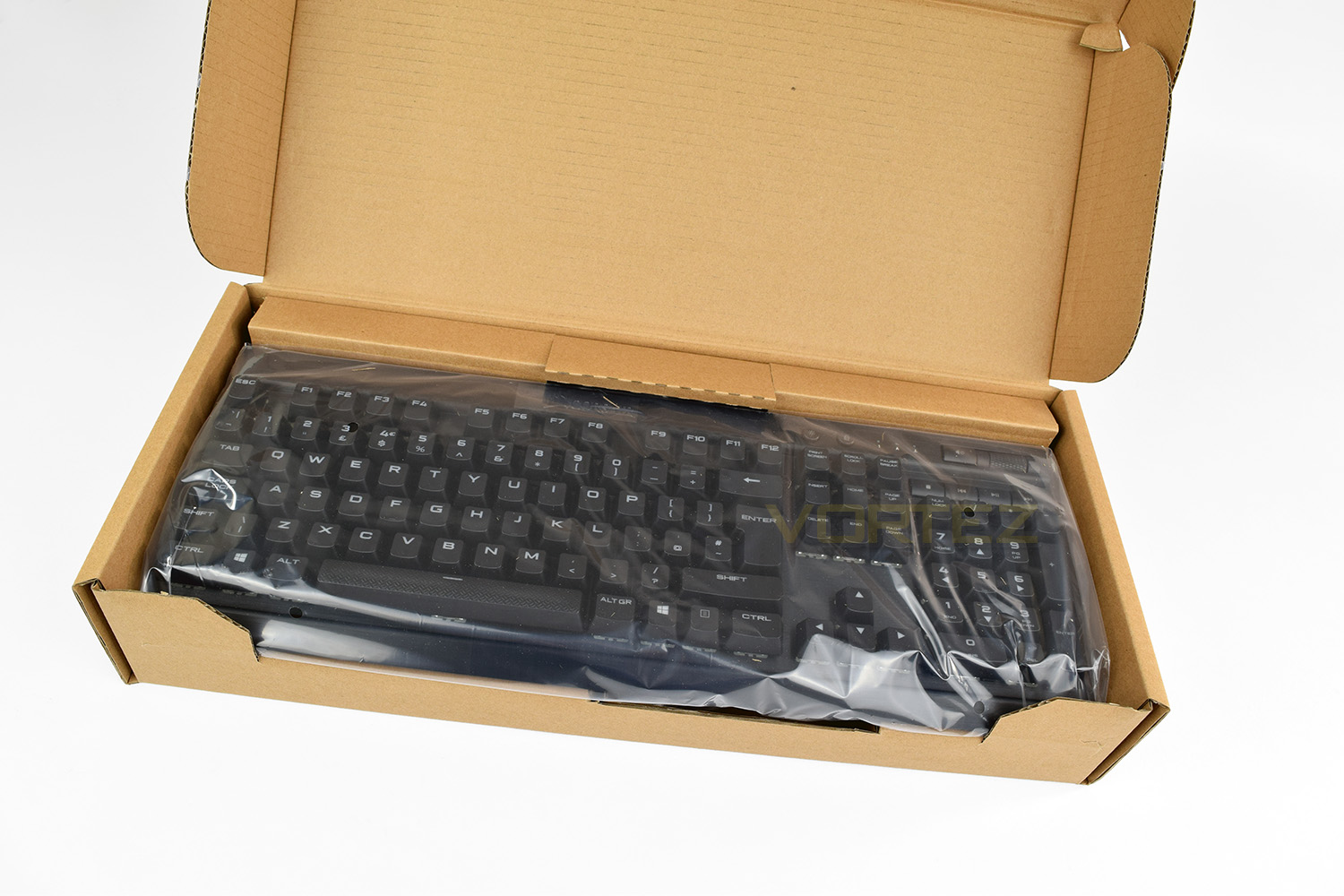
Initial thoughts are very positive, the keyboard feels solid and weighty, the keys look great and the brushed aluminium backing plate is stunning.
Closer Look
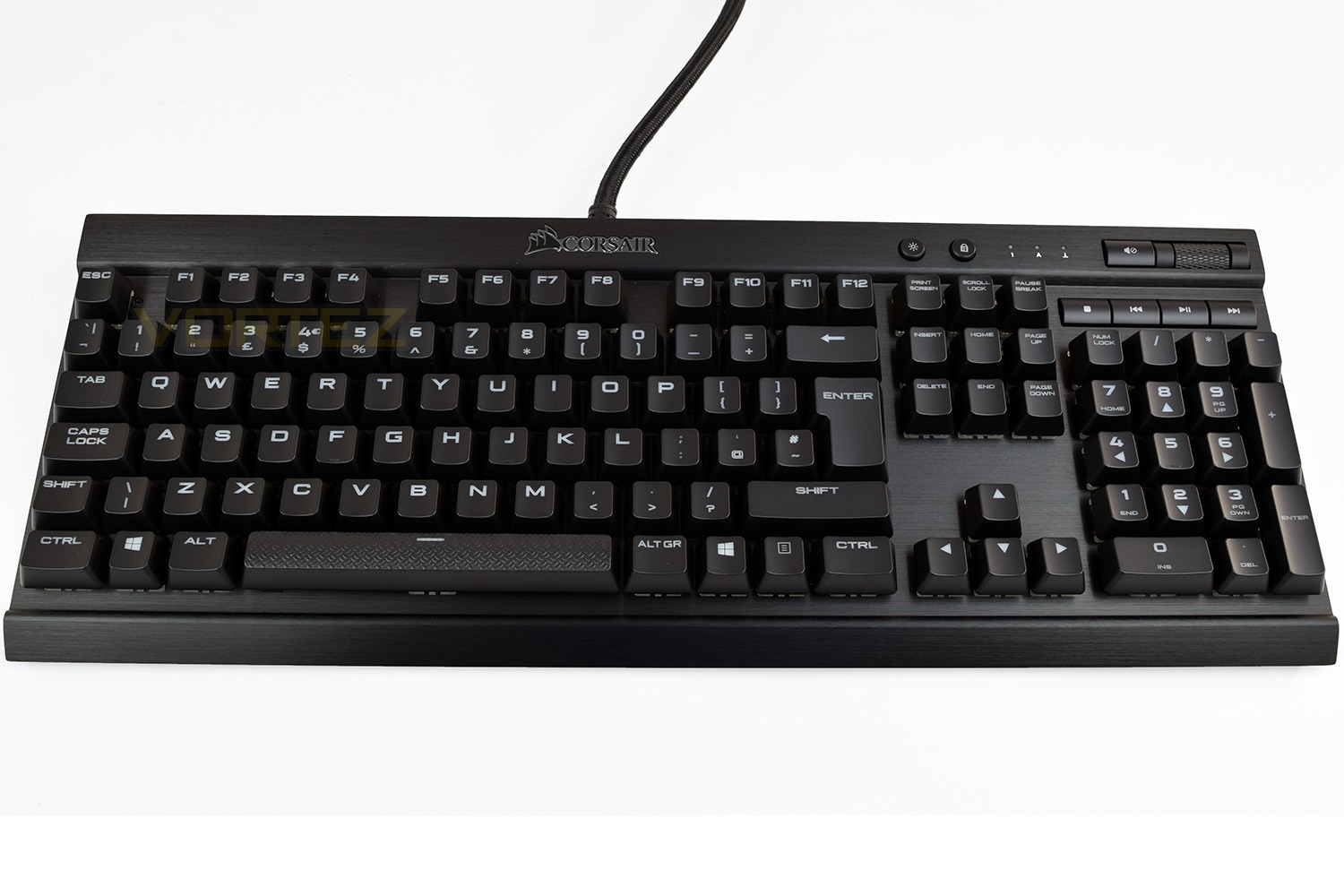
Adding the wrist rest finishes off the look, the K70 LUX is beautiful. It’s on the larger side of keyboards, that’s for sure.Picture

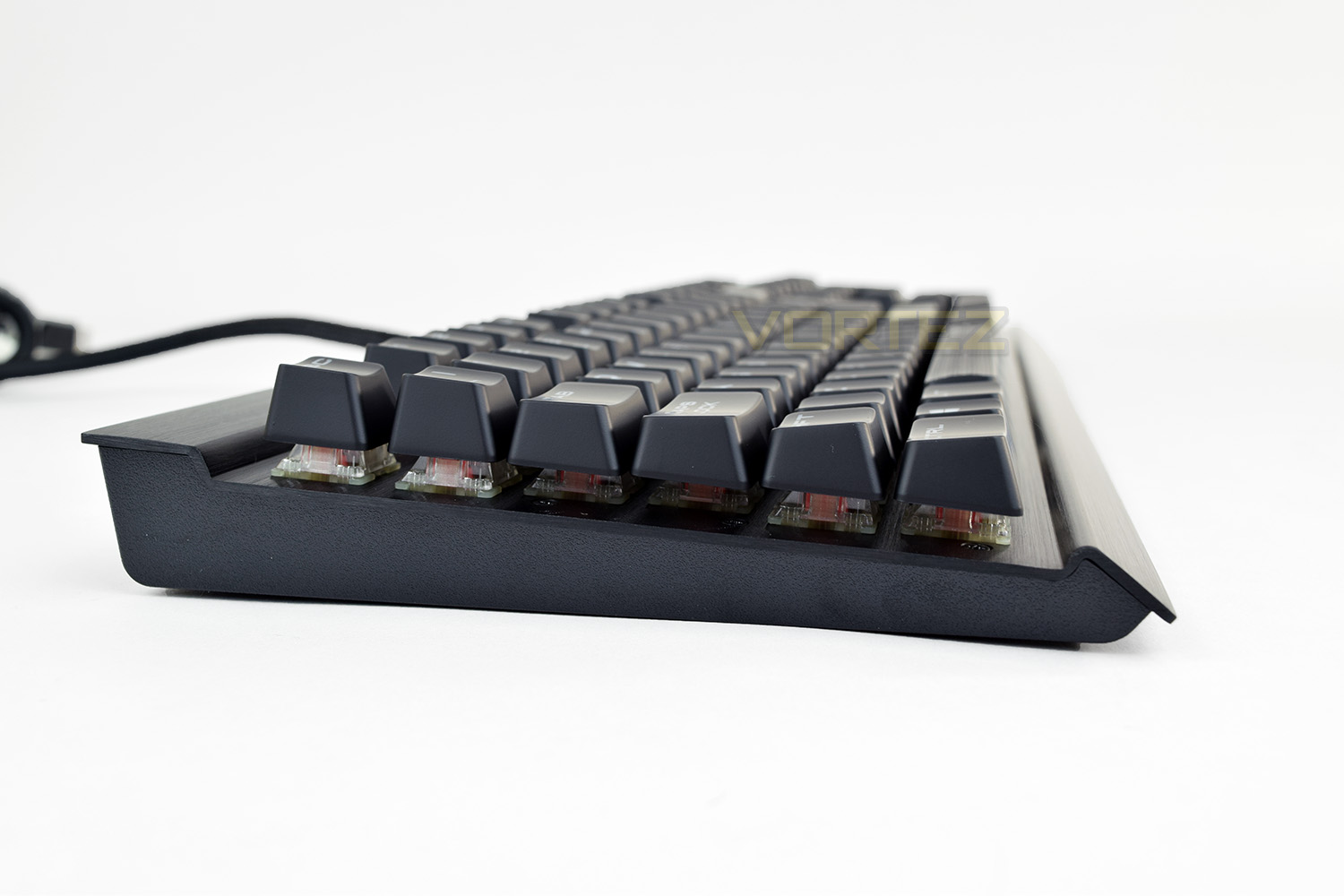
Looking at the keyboard from the left and right, there’s a small channel, within which the majority of the keys sit. This allows the tall Cherry MX switches to appear lower and also improve access to the volume controls as well as Windows key-lock and lighting toggle.

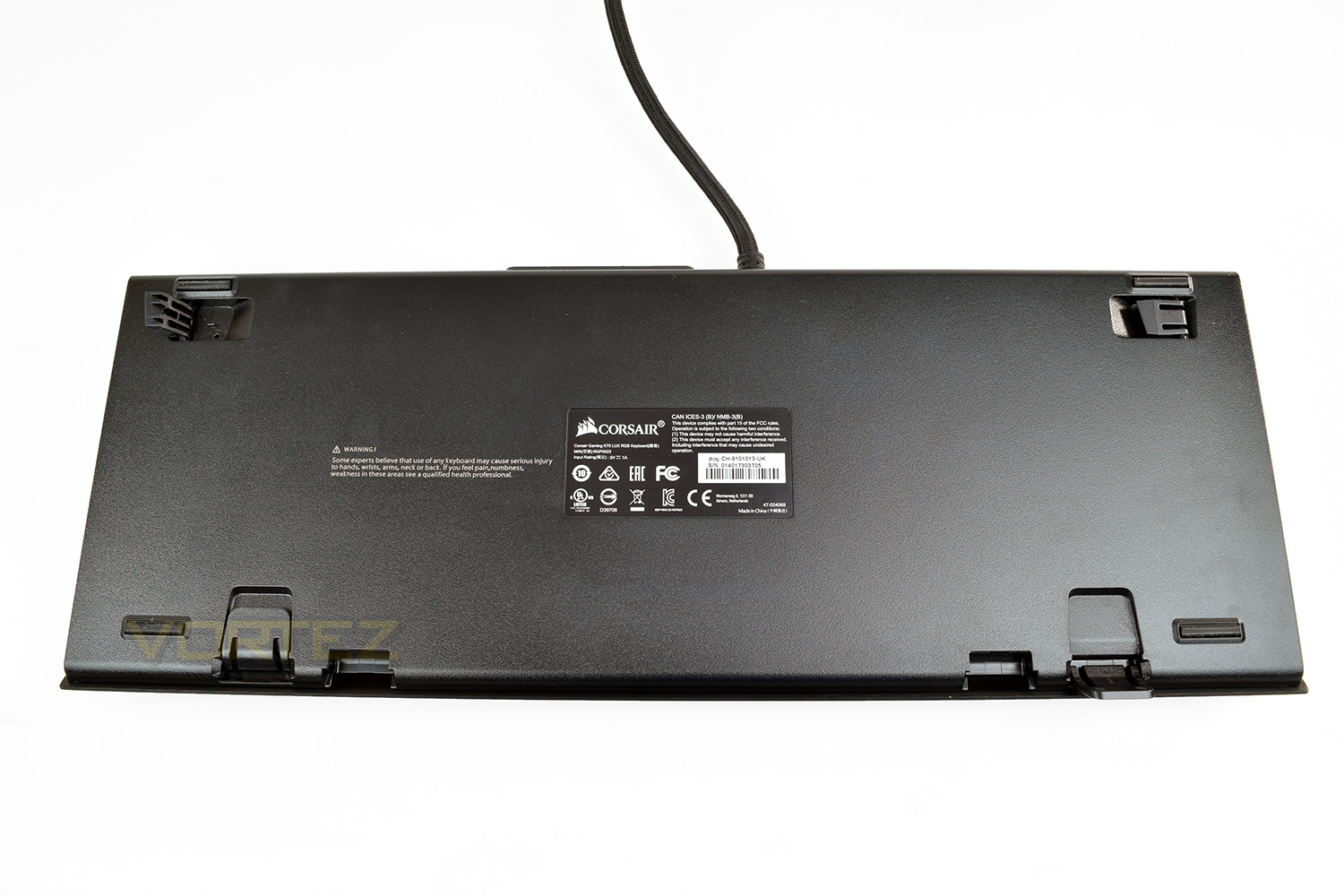
The underside features 4 small rubber pads to grip the work surface, along with 2 feet at the back, which open laterally and two at the front which opens towards you. The rear feet add 9mm of elevation, whereas the front adds 11mm. It’s worth noting that none of the 4 feet features a rubber tip, so the keyboard is much more likely to move around when fully elevated.
Corsair doesn’t rely on any kind of function key for the K70, leaving things simple and straightforward for typing and general use.
Picture

Closer Look (Continued)
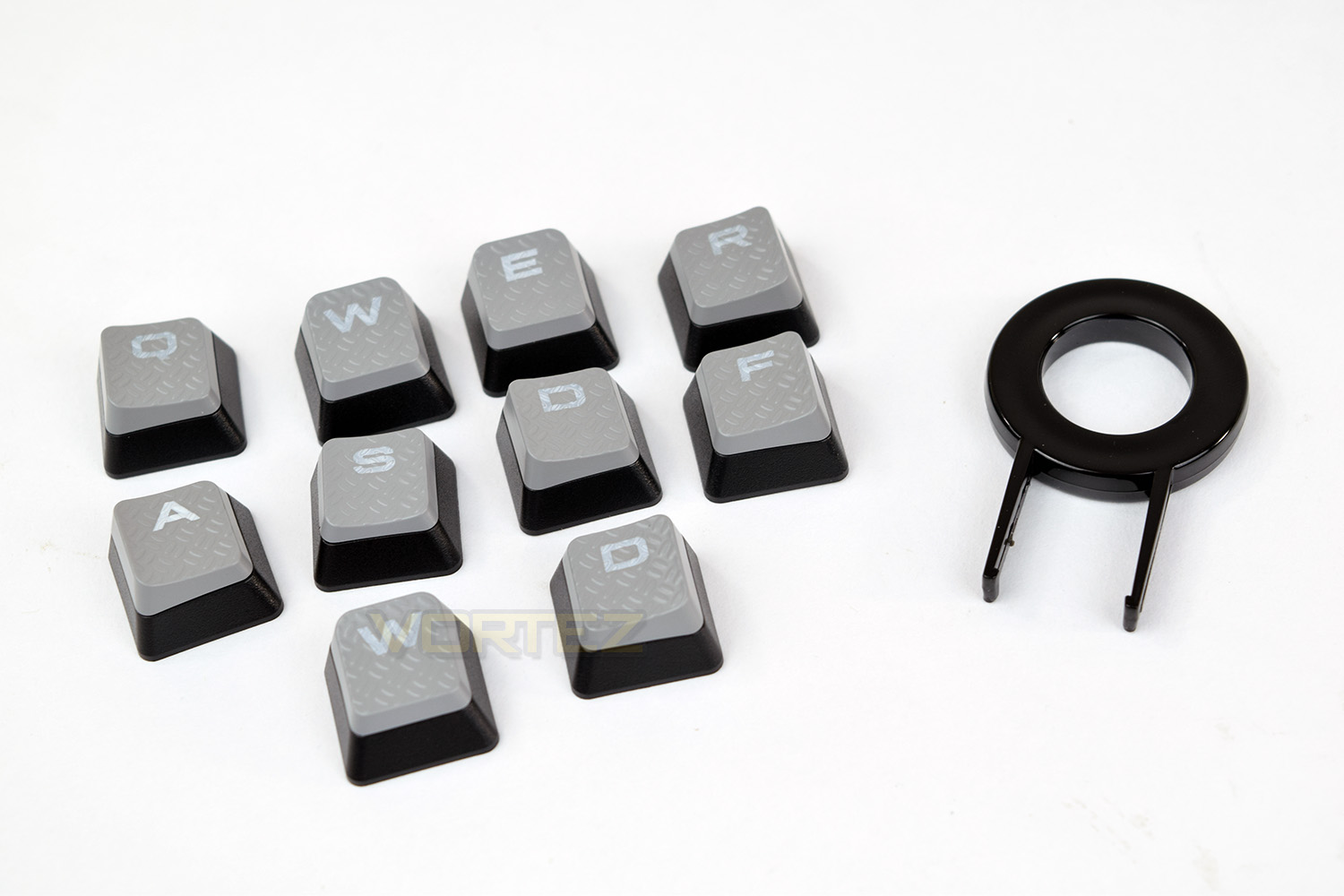
If gaming is more your thing, (which let’s be honest, you’re reading a gaming keyboard review, so it probably is) Corsair include a small selection of textured keys to replace the standard black keycaps.
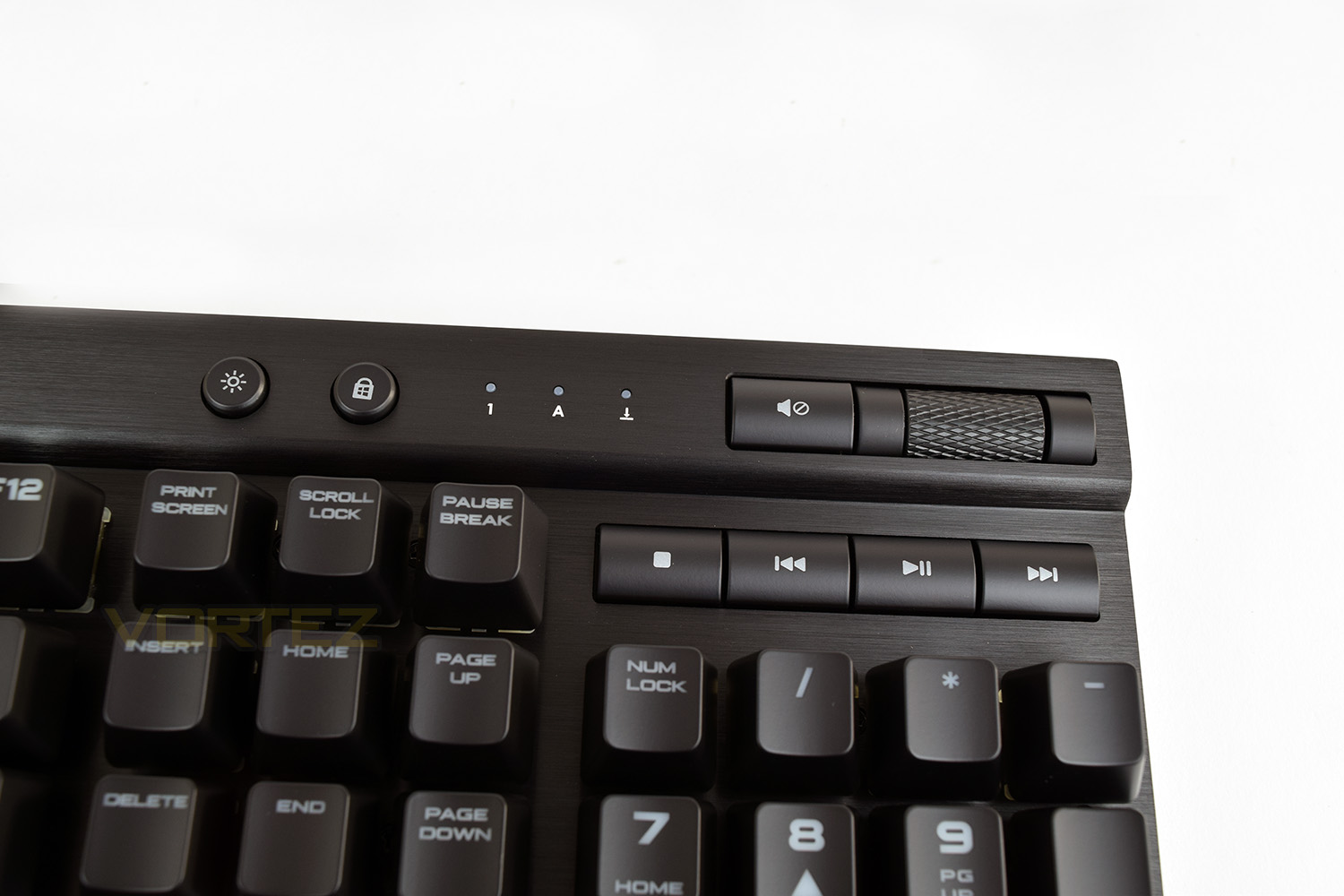
Volume and playback controls are placed in the top-right of the keyboard, with a textured volume roller. There are also 3 small indicator LEDs for the CAPS lock, NUM lock, and Scroll Lock. Left of those are the backlight brightness toggle and a Windows key-lock.
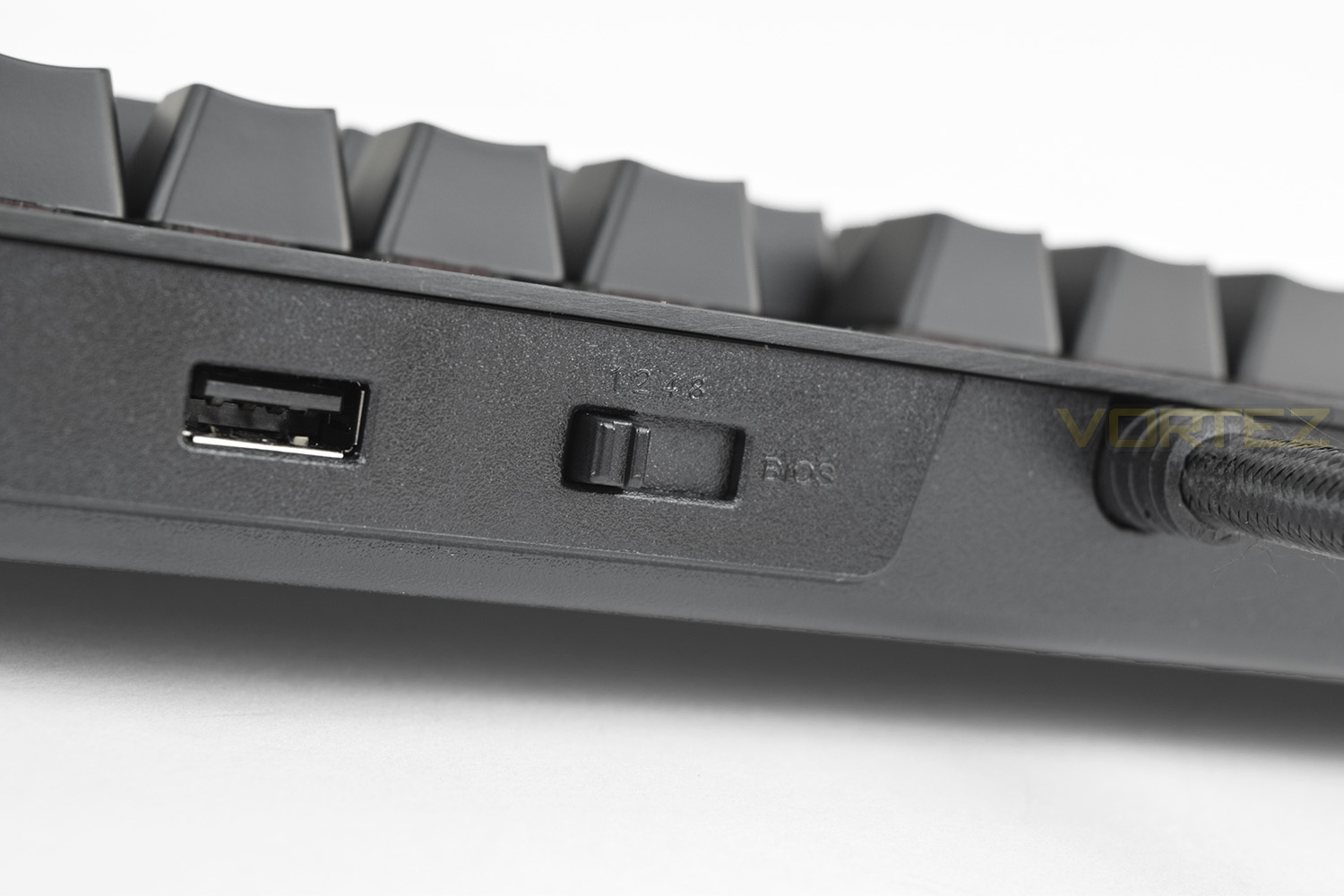
To the rear, just to the right of the USB cable is the polling rate switch, with 1000Hz, 500Hz, 250Hz and BIOS (100Hz) modes available. There’s also the USB 2.0 pass-through.
Software
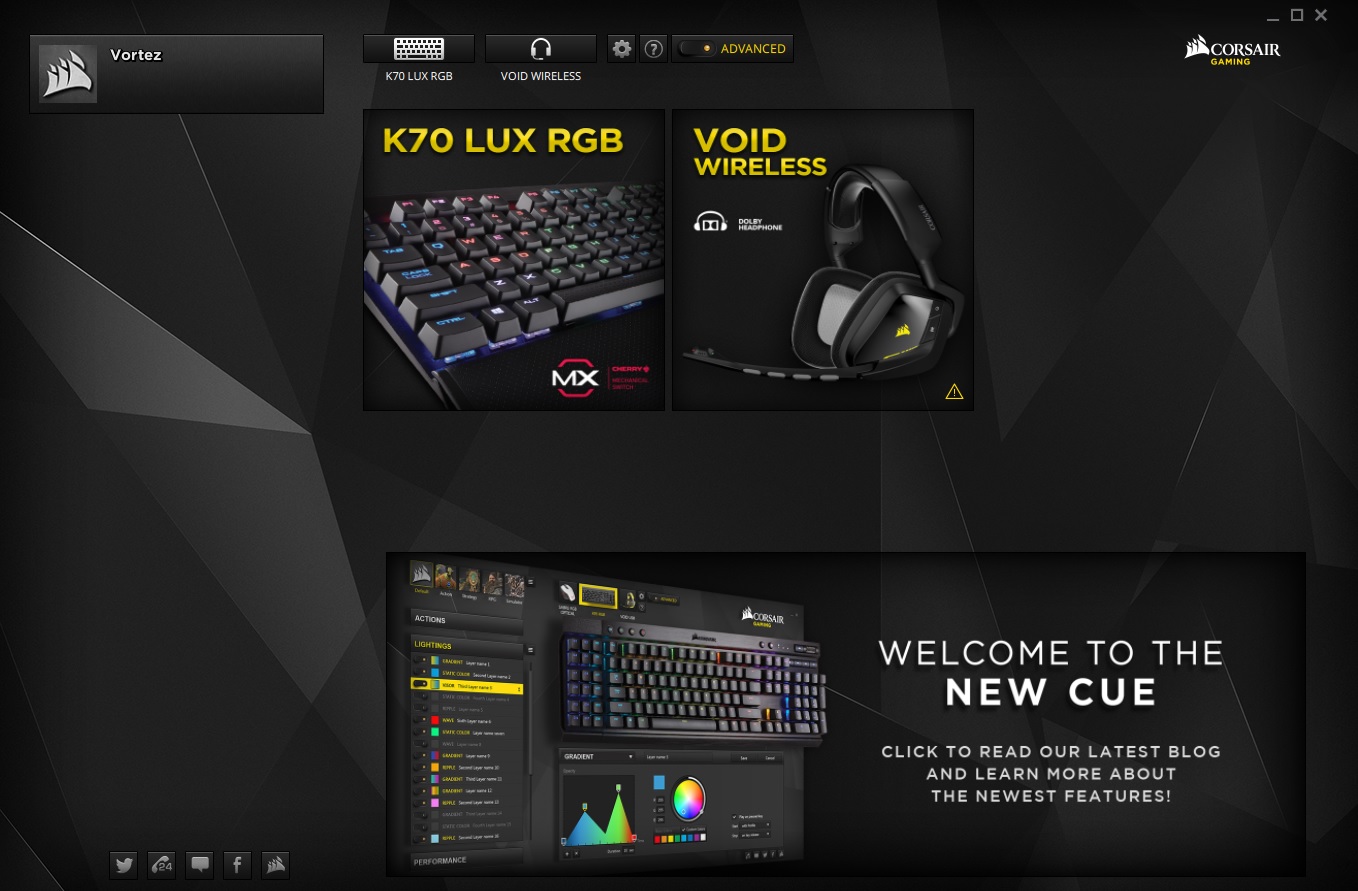
Corsair has developed CUE, the Corsair Utility Engine, to unify their plethora of peripherals into one centralised system.As you can see, we have the K70 LUX RGB and the VOID Wireless RGB connected, though it’s compatible with multiple products at any one time.
Upon opening, the software will detect any Corsair hardware connected. From there, you can set up a profile on the left-hand side, or plough straight in and set up your device.
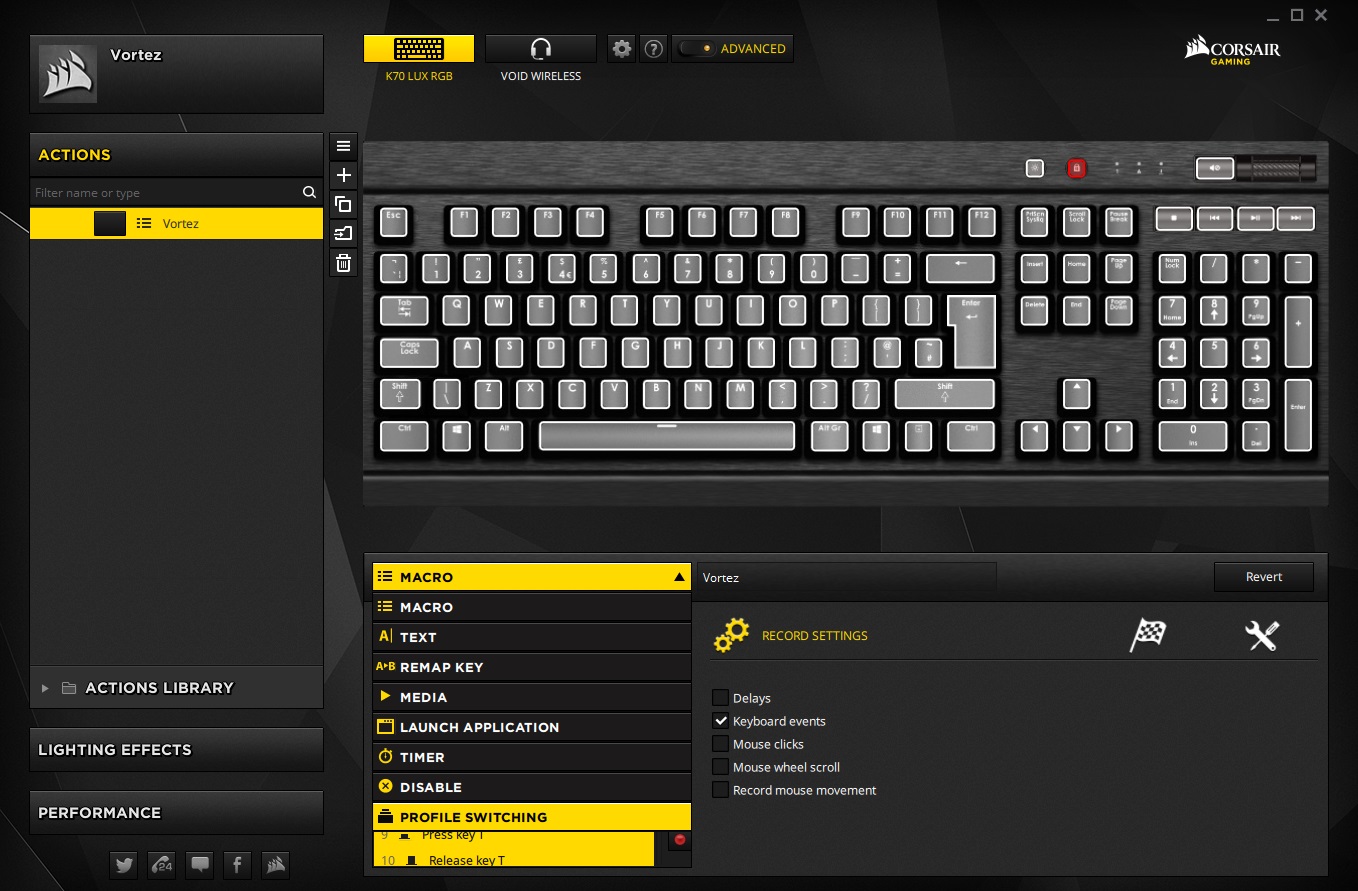
Within the Actions tab, you’re able to set up macros, strings of text, application launches and the like. Unfortunately, the K70 LUX lacks any dedicated macro keys, so keyboard shortcuts have to suffice, or you can sacrifice keys entirely.
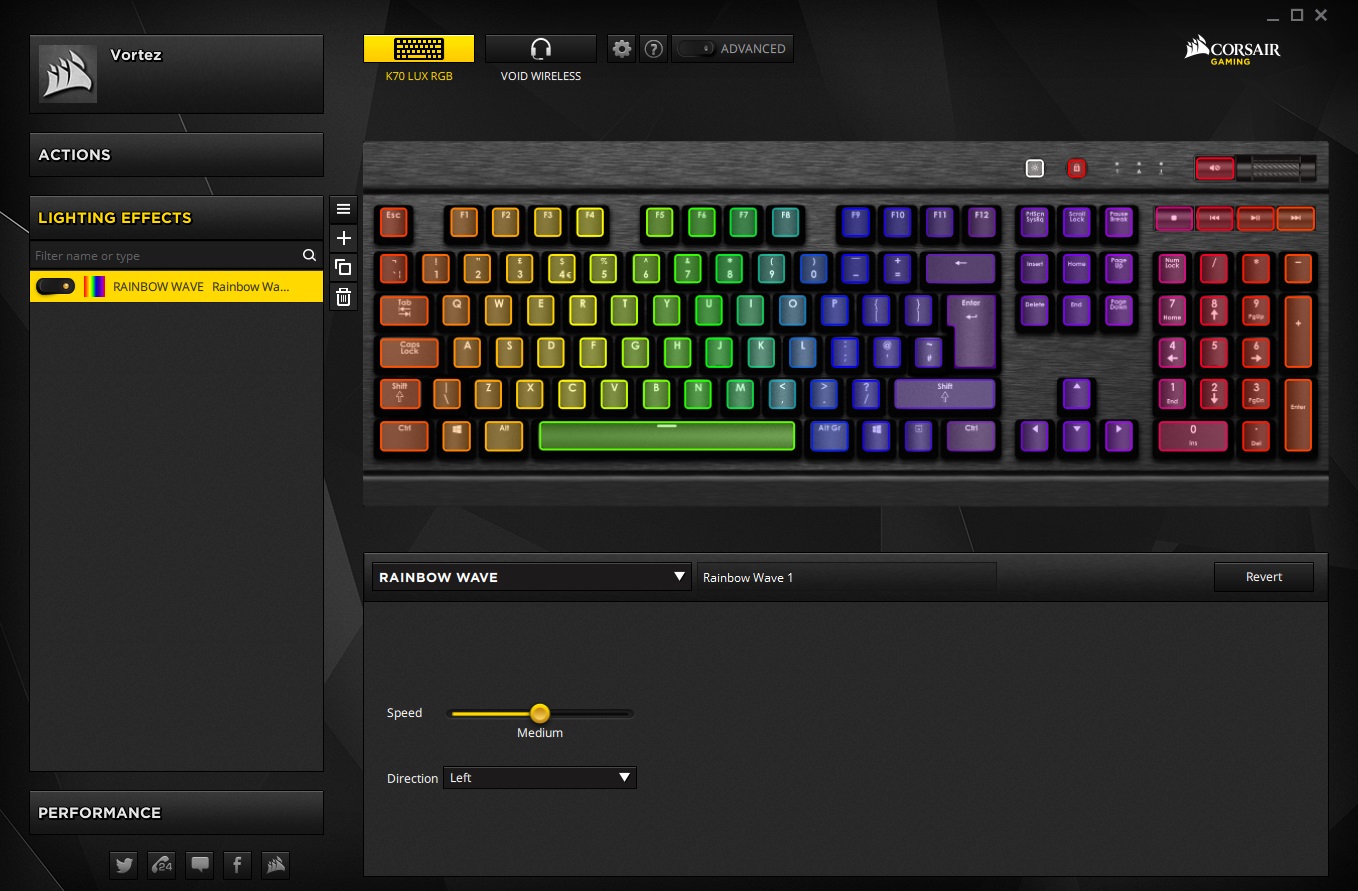
The Lighting Effects are excellent within CUE. There’s a “simple” and “advanced” toggle option at the top of the screen, which related to the lighting section. The simple selection is good for those wishing to use the built-in effects, some of which are truly stunning.
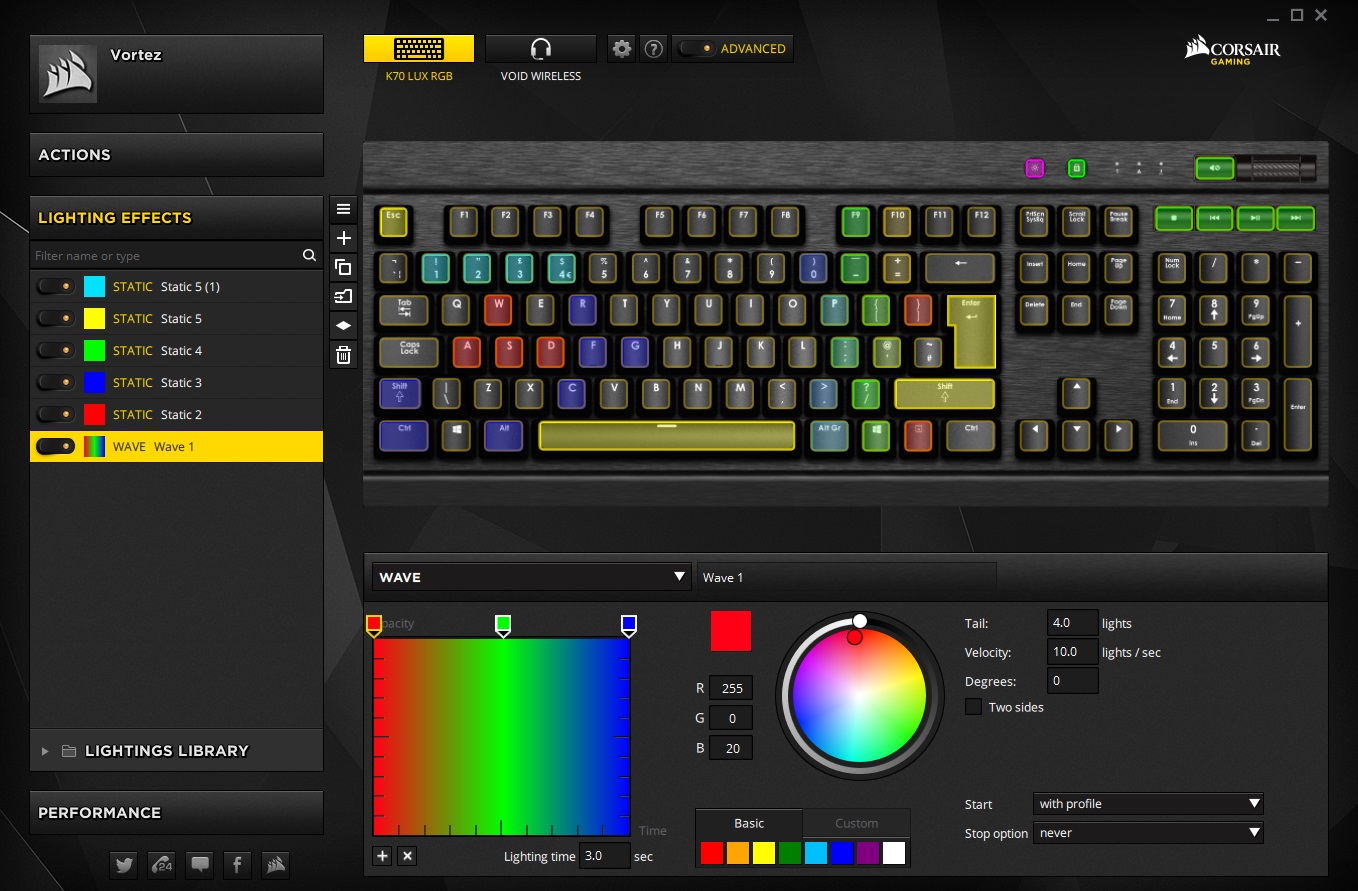
Following on, within the Advanced section, you’re able to create just about anything you can imagine, with a bit of patience and a touch of creativity, the results can be awesome. Gradient curves can be adjusted, along with timings and tail lengths. The layers can be stacked and rearranged to produce the exact effect you’re aiming for. Of course, you’ve got 16.7 million colour to play with, so the world’s your oyster.
In the final tab, you can adjust the effects and LEDs of those two rogue buttons near the playback keys. Colours can be adjusted, along with the entire keyboard. It’s a shame the LED indicators next to them can’t be altered.
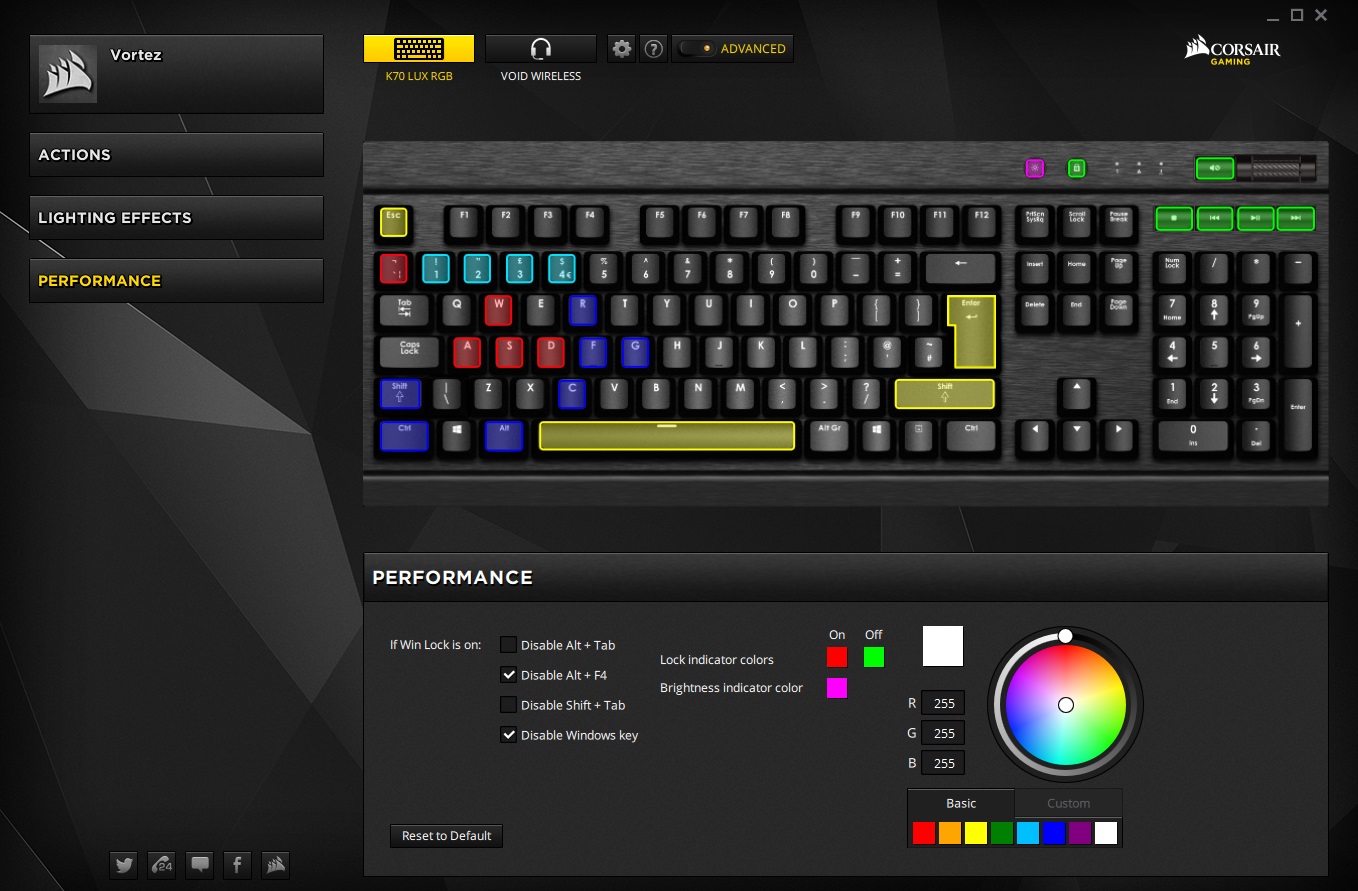
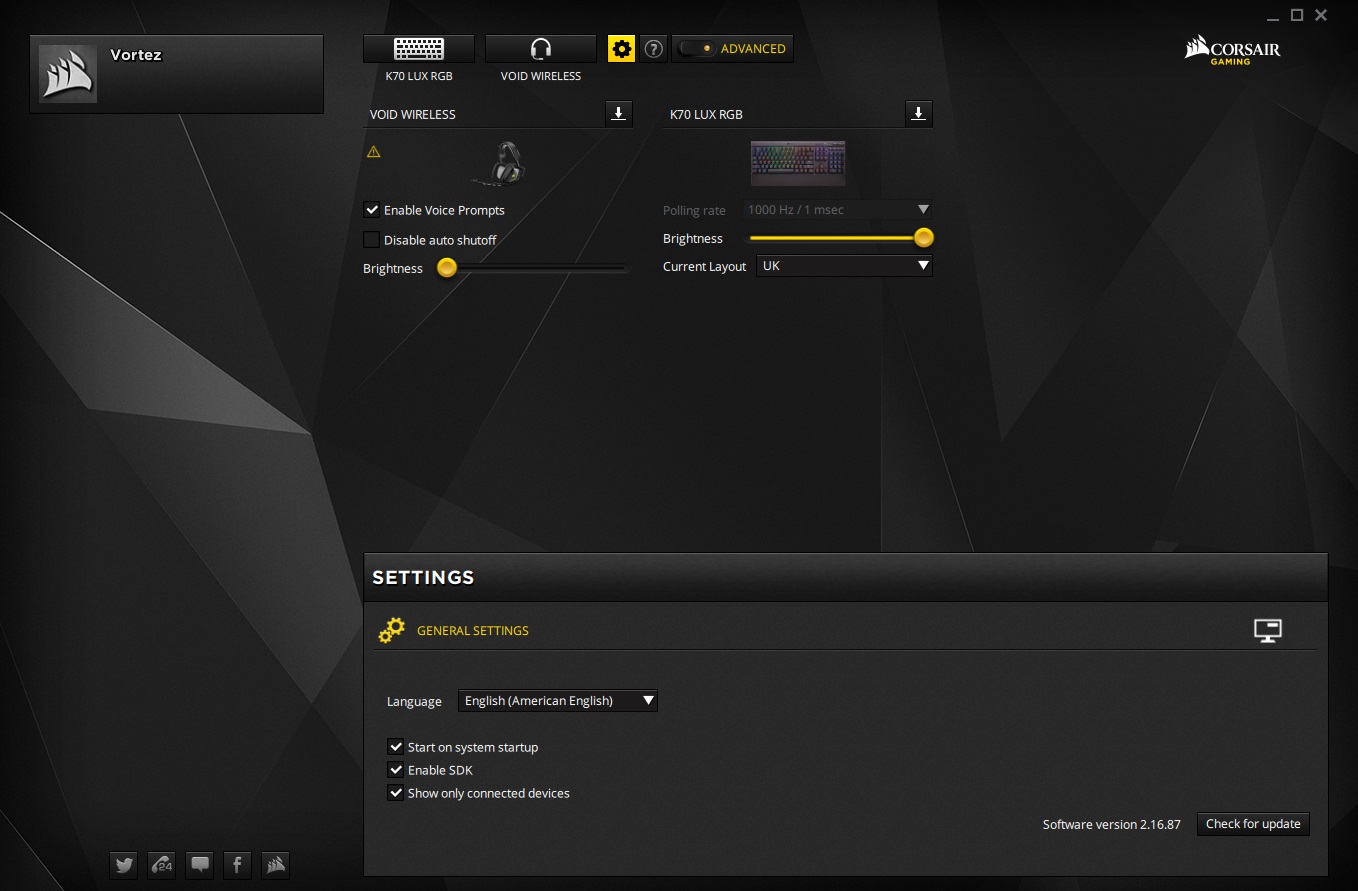
The final area is the Global Settings, for adjusting overall keyboard brightness, though this can be achieved via the physical button as well. Polling rate is greyed out due to the switch on the rear of the keyboard which controls this function.
Performance Testing
Mechanical keyboards have become a “must-have” within the gaming industry, most notably for their improved response times over membrane keyboards; they also generally require less force to depress and rebound faster. Corsair has struck a deal with Cherry to use their MX Silent keys on the LUX RGB. The main focus of the silent keys is to provide a linear key without the clicky sound that can annoy many users; some bask in the glory of mechanical keyboard clicks but you can soon be the bane of everyone in the office, or even your chosen chatroom if your microphone can detect the noise.Cherry has limited the spring force, which has slightly slowed the debounce of the key but also reduced noise by around 30% compared to competitive switches. They feel fairly similar to Cherry MX red switches but are noticeably quieter.
Obviously, with the switches aimed at speed and silence, we forged ahead and booted up the latest games; all of which performed excellently. The keyboard responded perfectly and we can report, from users on the end of Discord, the keyboard is quiet. Testing was done via PLAYERUNKNOWN’S BATTLEGROUNDS, Paladins, War Thunder, Battlefield 1 and Orcs Must Die: Unchained.
The included wrist rest sits flush with the front of the keyboard, a few millimetres away from the closest row of keys. The comfort this adds is excellent, though some kind of padding would be welcomed.
It’s worth quickly touching on build quality, though we’ll keep it short; there’s nothing to worry about here, everything feels absolutely solid and should last you through many a gaming session. The Cherry MX Silent keys are rated to 50M actuations, which is way beyond what anyone can realistically achieve on a single key.
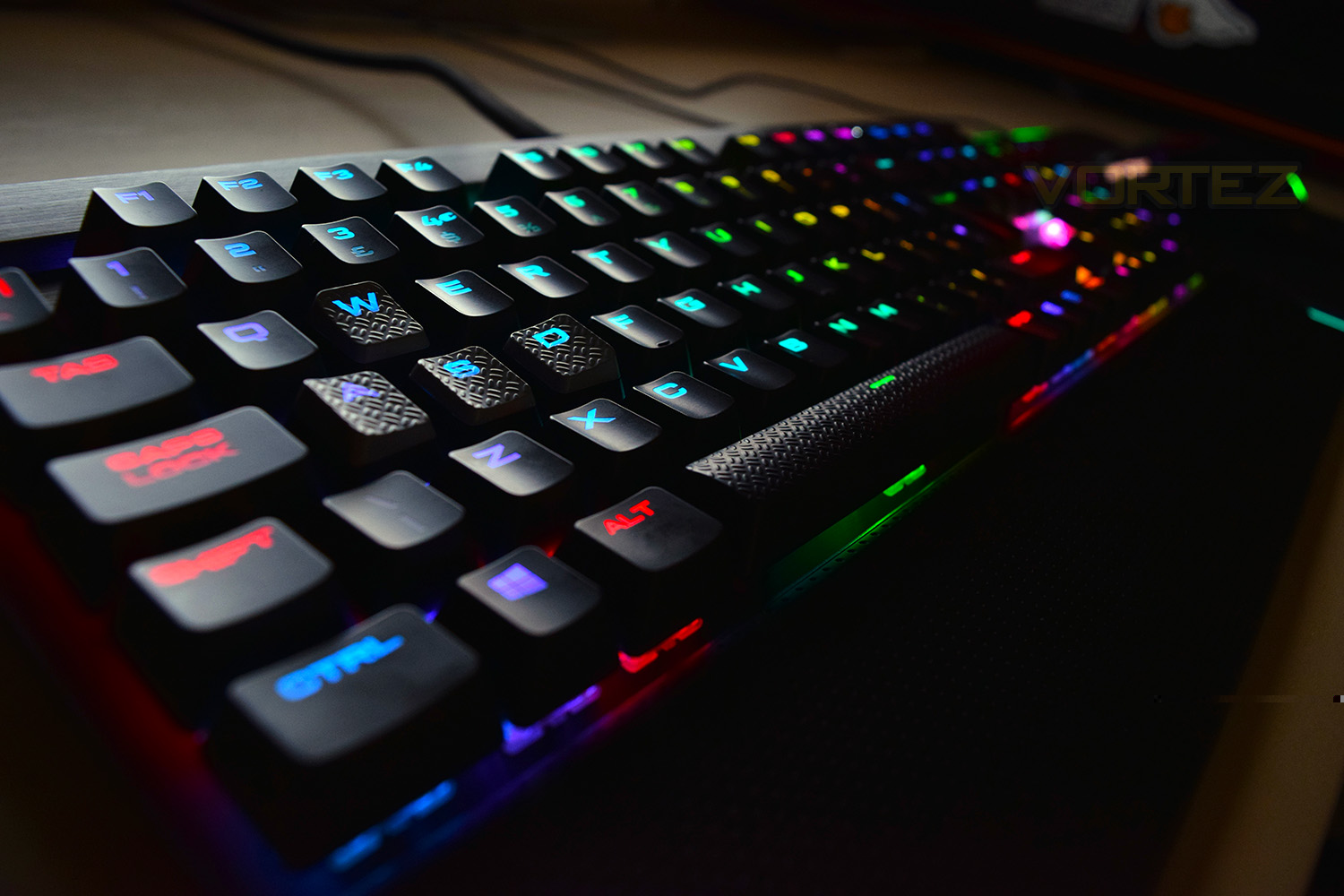
Corsair’s decision to produce a large keyboard, instead of condensing things down and requiring function keys is a refreshing change from the current breed of keyboards; this provides an unadulterated, distraction-free way to type your latest Facebook status or delve into your game of choice. The volume/media playback keys in the top right are fantastic, especially the volume roller, there’s no more natural way to adjust the volume than that. Despite the keyboard’s large size, there aren’t any dedicated macro keys which may be a big turn-off for some.
RGB backlighting on a keyboard has hugely caught on, especially within the mechanical sector. Of course, the K70 LUX RGB is no exception and it performs incredibly well on this front. The LEDs are bright and reproduce colours fairly well, though the pièce de résistance is the CUE software, providing an excellent platform within which you can develop almost any lighting effects you can imagine.
Conclusion
The K70 LUX RGB is an excellent piece of kit, firming stating Corsair as a dominant manufacturer within the peripheral industry. The quality of the finish is excellent, which is very typical of a Corsair product. The brushed aluminium backplate looks gorgeous with the RGB backlighting and matt keys.Luckily for you, the K70 LUX comes with a wide range of Cherry MX keys to match any taste (Silent, Red, Blue and Brown). The Cherry MX Silent keys, when used correctly without bottoming out the overall travel, are relatively quiet for a mechanical key.
The option of swapping the gaming keys to enable a more positive WASD positioning is a positive choice from Corsair – this allows the user choice, which everyone enjoys.
We’ve not yet touched on the price. At £170 in the UK, the price is dangerously close to that of the K95 Platinum, which doesn’t feature the Cherry MX Speed keys, but does have dedicated Macro buttons as well as all of the great features you find on the K70 LUX RGB. There are also many many keyboards competing at this price point, though arguably not quite as well put together and certainly not featuring the Corsair CUE software which is fantastic.
All things considered, the Corsair K70 LUX RGB would make a fine addition to any gaming desktop but also wouldn’t look out of place in the office, with the right backlighting options, of course.
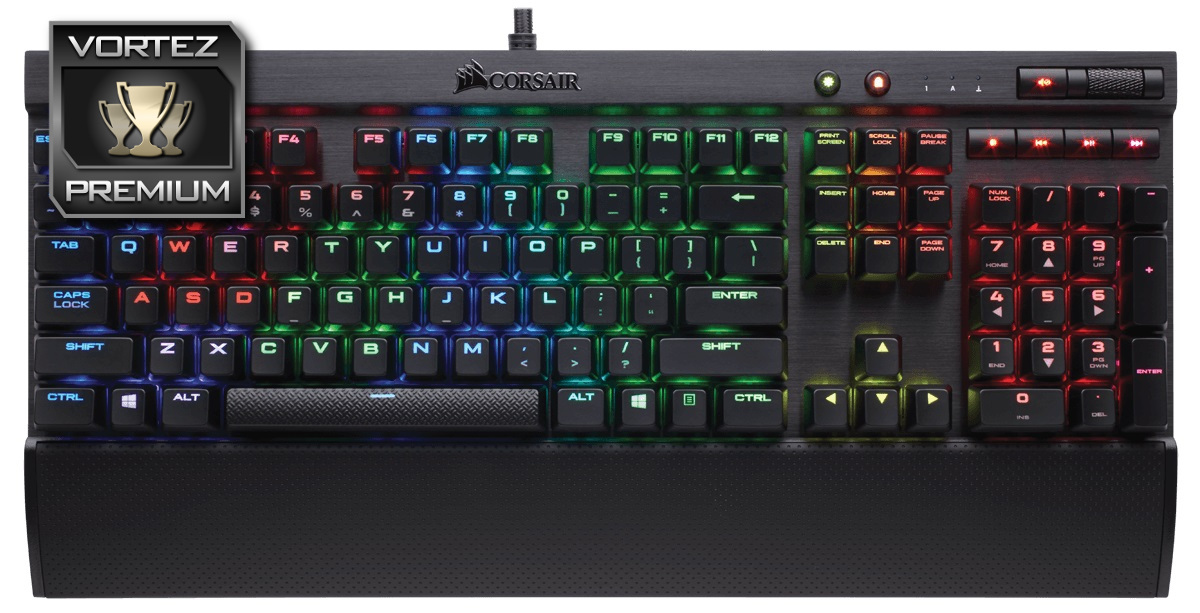
If you’re looking for RGB backlighting, quiet mechanical keys, independent volume controls, almost unlimited customisation via CUE, beautiful design, but above all else, gaming performance, the K70 LUX RGB is the keyboard choice for you.
Pros
+ Solid build quality
+ Beautiful RGB lighting
+ Detachable wrist rest
+ Cherry MX Silent keys
+ Excellent CUE software
+ Dedicated media controls
+ On the fly brightness/gaming key
+ USB pass-through
+ Braided USB cable
+ Optional gaming keys (WASD…)
+ Full N-Key Rollover
Cons
– Lack of Macro keys
– Price
+ Solid build quality
+ Beautiful RGB lighting
+ Detachable wrist rest
+ Cherry MX Silent keys
+ Excellent CUE software
+ Dedicated media controls
+ On the fly brightness/gaming key
+ USB pass-through
+ Braided USB cable
+ Optional gaming keys (WASD…)
+ Full N-Key Rollover
Cons
– Lack of Macro keys
– Price
Click here for an explanation of our awards at Vortez.net.
Stay connected with Vortez social media pages: