PC gaming in the comfort of your living room, the Lapdog Gaming Control Center is the perfect fit for the K65/70 keyboards and features a 4-port USB 3.0 hub to power all your gaming peripherals.

Product on Review: Corsair Lapdog
Manufacturer and Sponsor: Corsair
Street Price: UK: £119.99, US: $119.99
(Save £29.99 when bought with a K70 keyboard)
Gaming in the living room environment has been dominated by the games consoles for, well, ever. Though with the coming Steam machines, Steam OS, combined with large, Ultra High definition TV screens, this trend is set to change. Using the living for PC gaming tends to be relatively stressful and awkward particularly with games where a keyboard and mouse is a must have. Our experiences alone range from sitting against the sofa, pulling up a coffee table, using cushions, chopping boards and receiving several splinters from left over ply. So Corsair have now released a solution to fix all of that and have rather fittingly named it the Lapdog.
Featuring a squishy memory foam cushion that attaches to the base of a frame via magnets, it perfectly encapsulates the popular K65/K70 mechanical keyboards (thus offering the Lapdog and K70 as a bundle). The 4-port USB 3.0 hub has 2x interior ports for your keyboard and mouse, and 2x exterior (including a fast charging port) for additional devices such as your USB gaming headset and smartphone. The mousepad area is a generous 11″ x 11″ so there is enough space for those that like to play FPSs with a low DPI.
Overview by Corsair
LAPDOG is the portable gaming control center that brings precision desktop gaming performance to your couch. Designed to support CORSAIR K65 and K70 keyboards and featuring a built-in large mouse pad with dedicated USB ports for your mouse, LAPDOG is engineered from the ground up to enable an authentic 4K gaming experience in your living room.
Technical Specifications
Product Name LAPDOG Gaming Control Center
Keyboard Compatibility: All Corsair K70 and K65 series mechanical gaming keyboards Connectivity USB
USB Compatibility: USB 2.0, USB 3.0 or USB 3.1 (Type A port) USB ports Built-in 4-port USB 3.0 hub, powered, fast-charging enabled
Product Dimensions: 735mm (L) x 261mm (W) x 94mm (H) / 28.94” (L) x 10.27” (W) x 3.70 (H)”
Product Weight: 2.63 kg / 5.80 lbs.
Warranty: Two years
Keyboard Compatibility: All Corsair K70 and K65 series mechanical gaming keyboards Connectivity USB
USB Compatibility: USB 2.0, USB 3.0 or USB 3.1 (Type A port) USB ports Built-in 4-port USB 3.0 hub, powered, fast-charging enabled
Product Dimensions: 735mm (L) x 261mm (W) x 94mm (H) / 28.94” (L) x 10.27” (W) x 3.70 (H)”
Product Weight: 2.63 kg / 5.80 lbs.
Warranty: Two years
Packaging & First Look
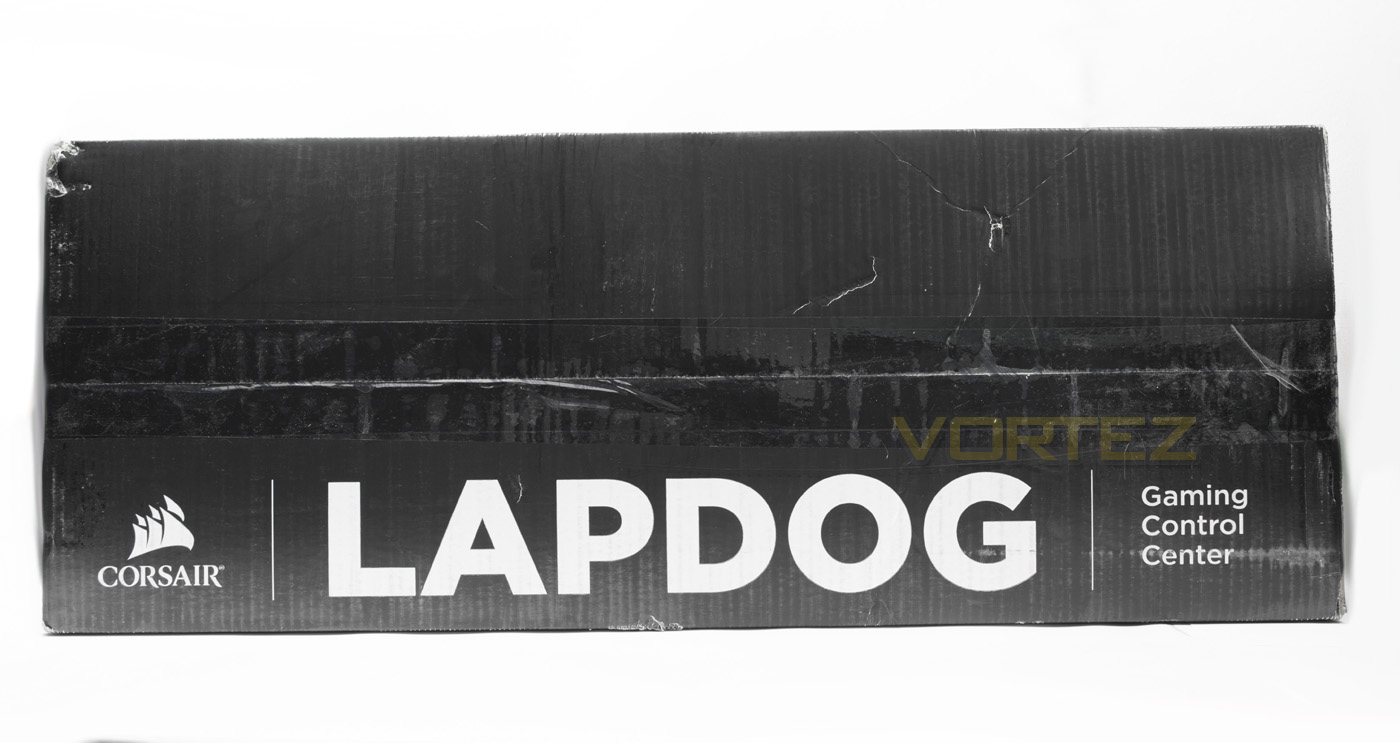
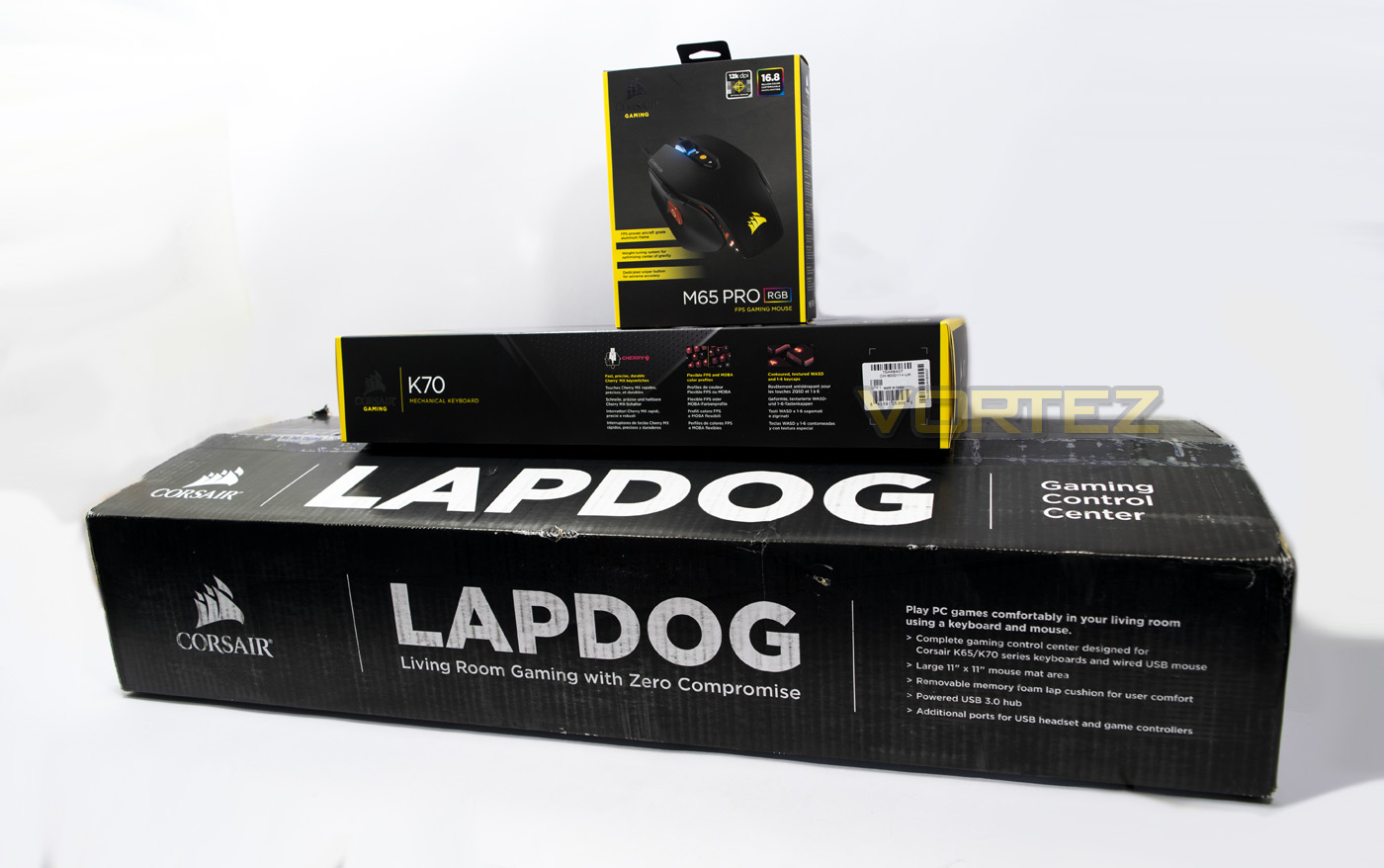
There is no denying that the box is huge, clearly dwarfing the K70 and M65 packaging, reflecting the product inside. The Corsair logo is set in a more neutral setting of black and white with the Lapdog name plastered across it in large bold writing.
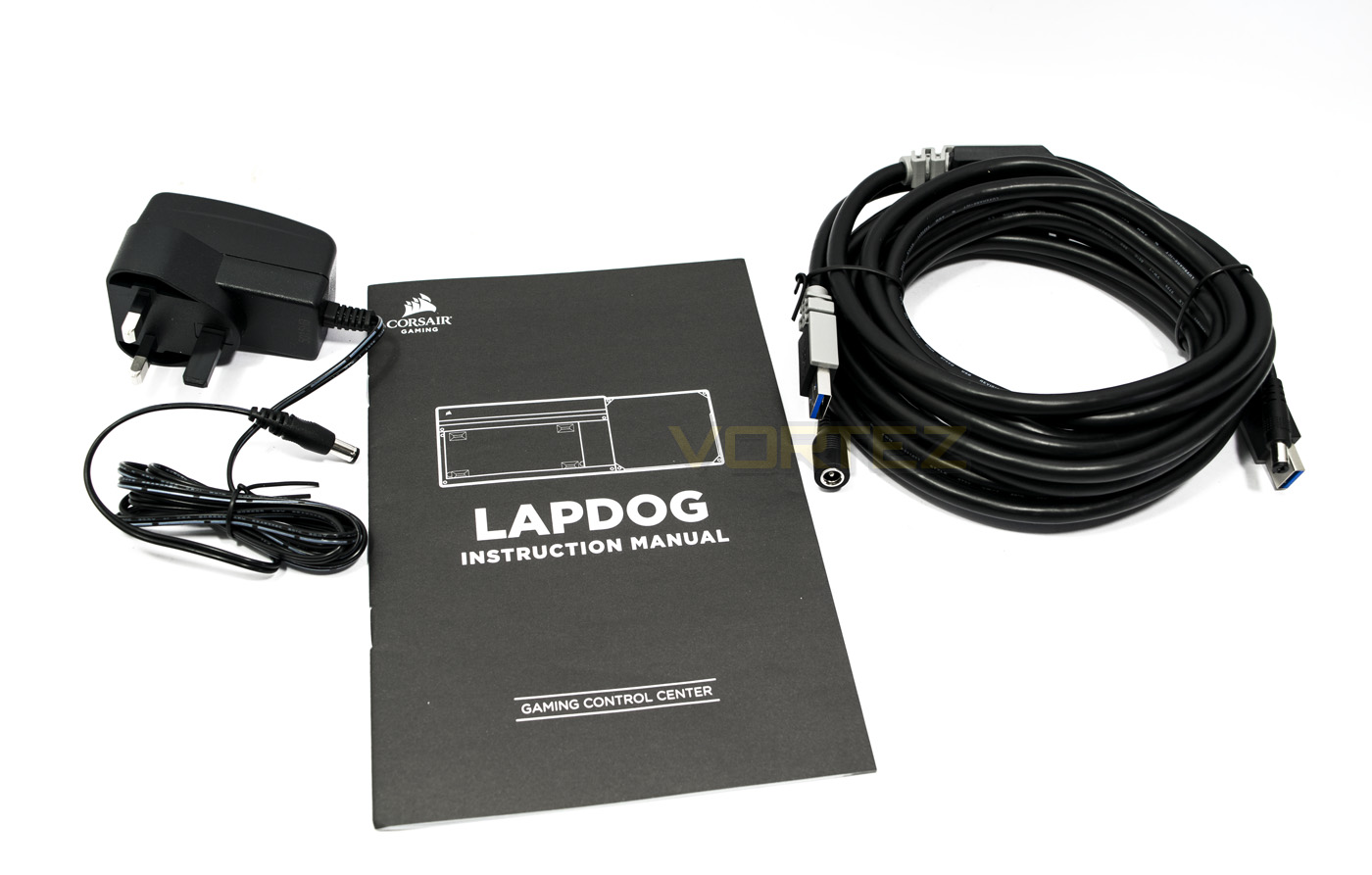
Inside there is a power adaptor, a long 16ft/5m USB/Power connection cable and the user manual.
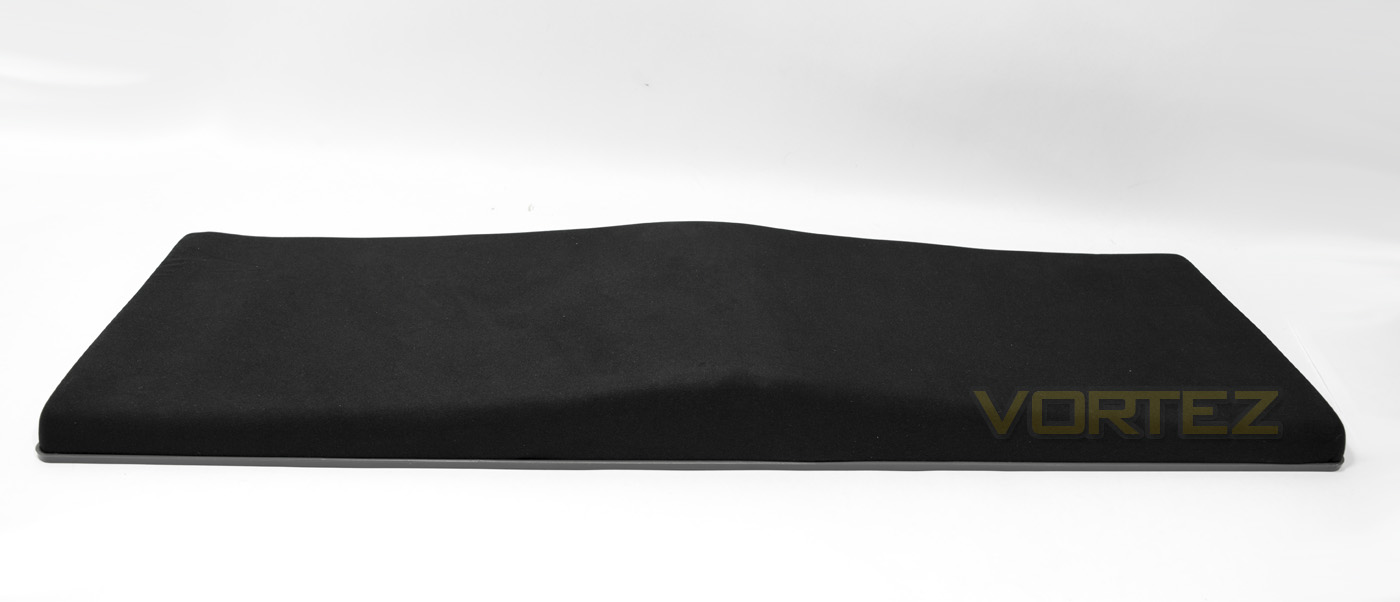
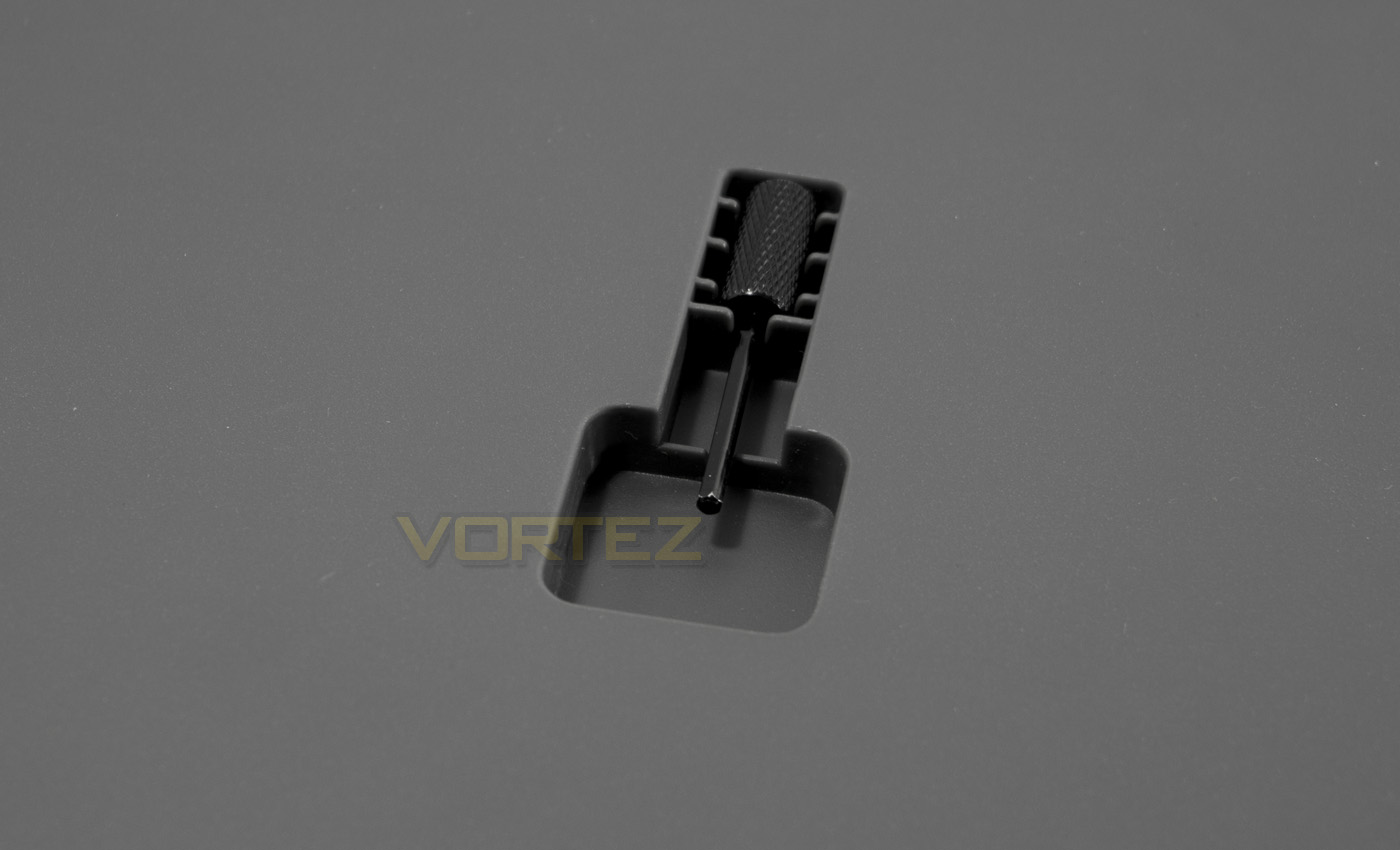
The lapdog comes in two parts, one of which is the contoured memory foam cushion and the reverse side is firm grey plastic where you can find the assembly/hex key stored. There are carefully positioned magnetic points on the cushion to attach to the base of the Lapdog
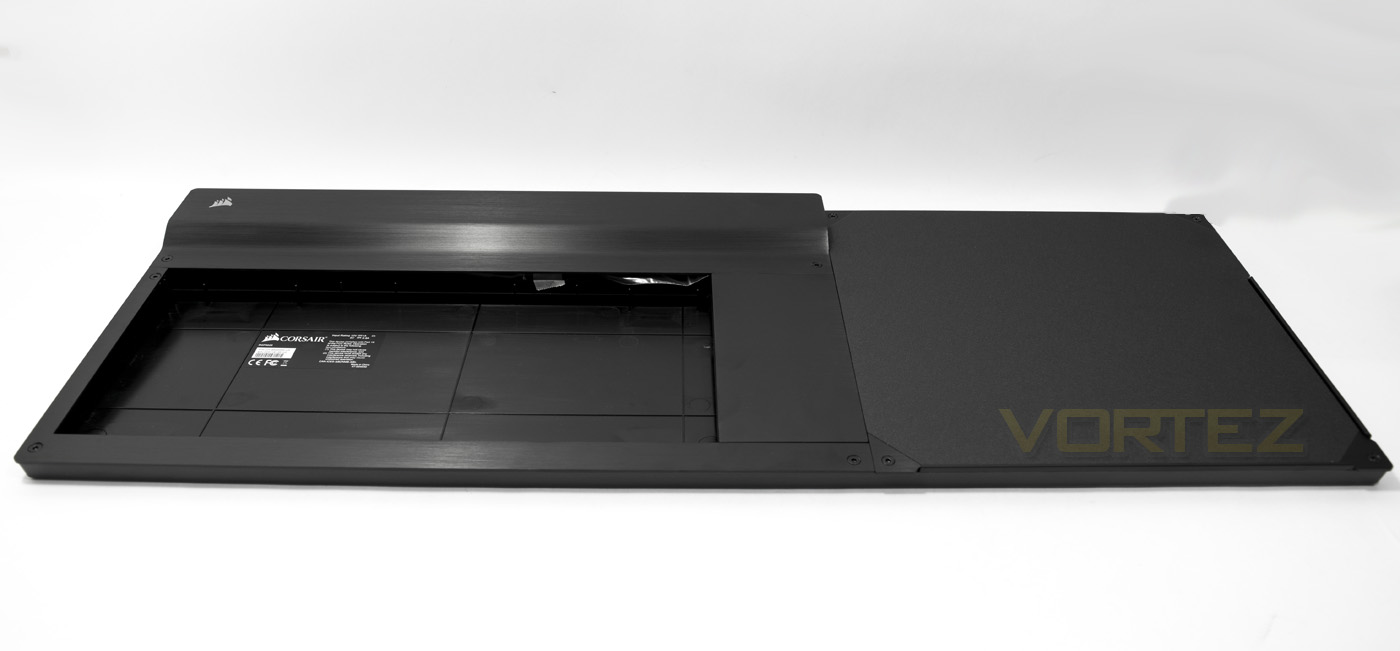
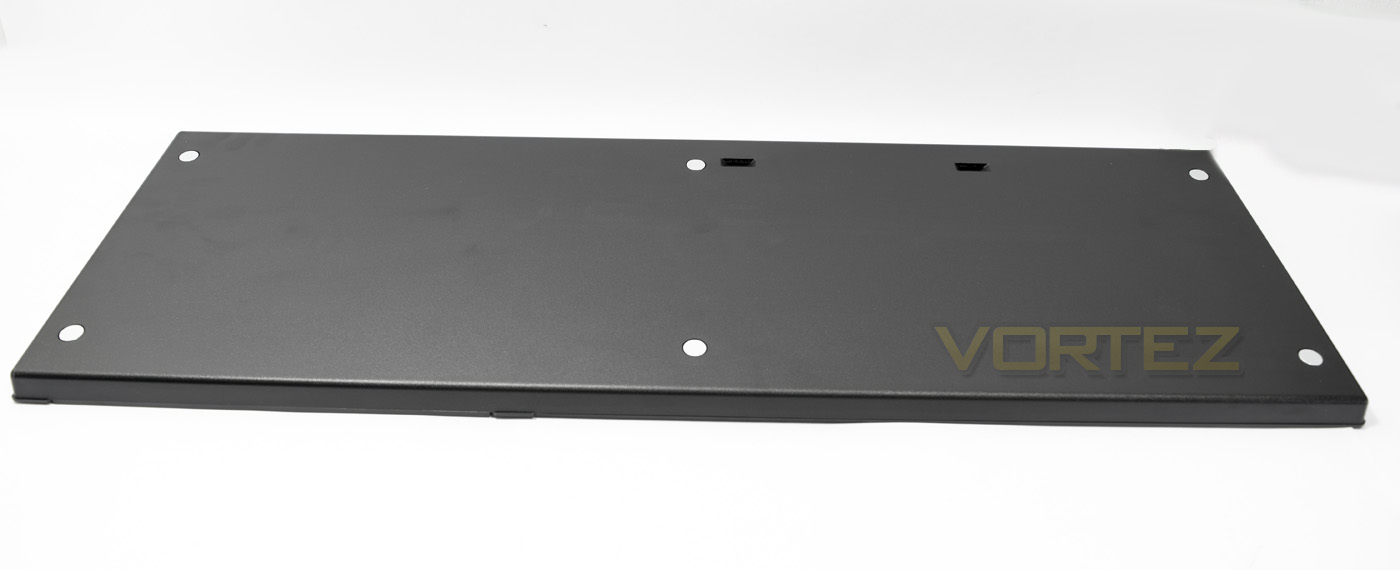
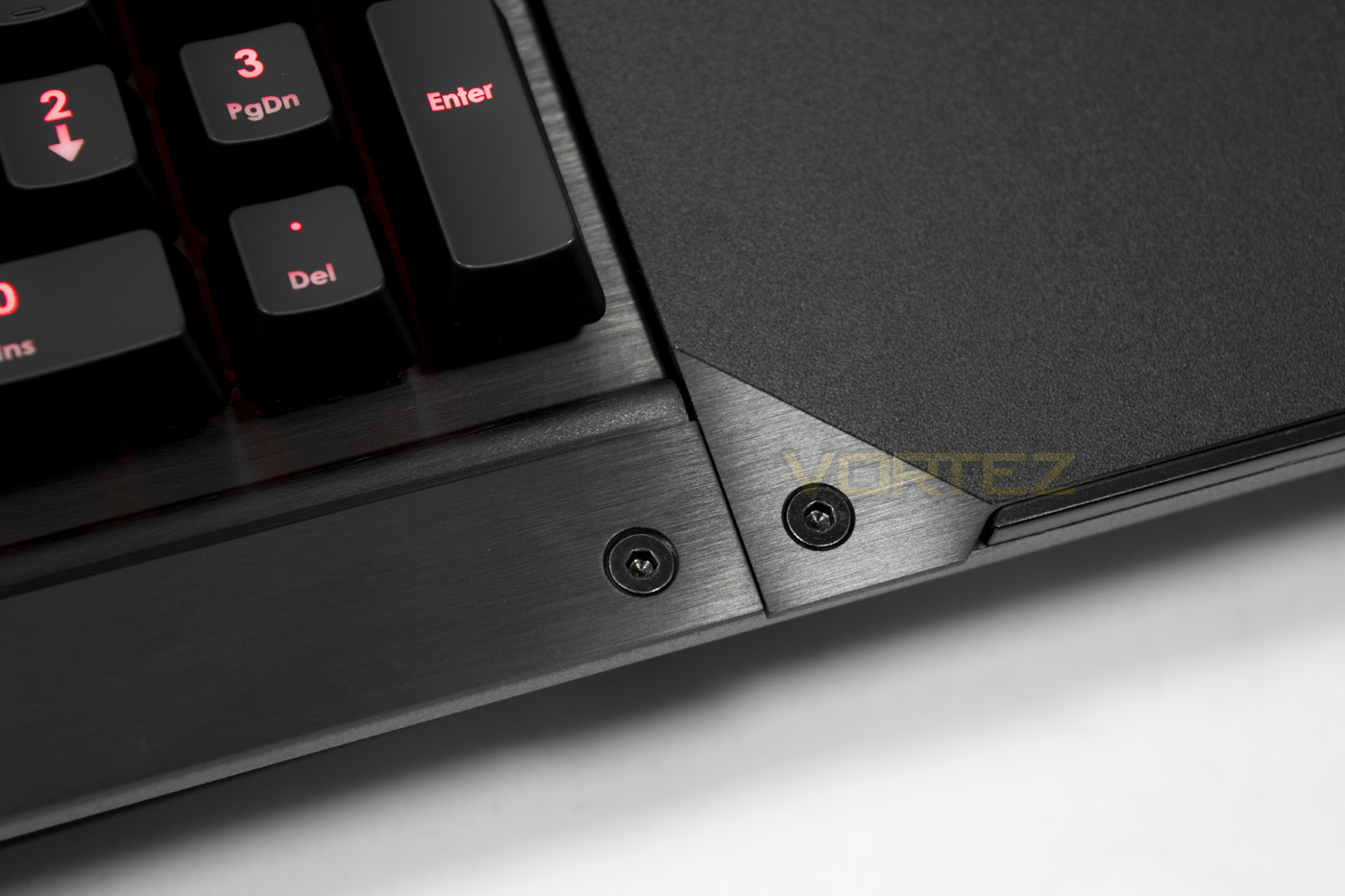
The lapdog is a combination of plastic and brushed aluminium helping to keep things strong yet relatively lightweight. The aesthetic is elegant and beautiful, as you would imagine being the perfect extension to the K70 keyboard. On the underside there are 6 strong magnets that will pull the cushion into place.
Closer Look
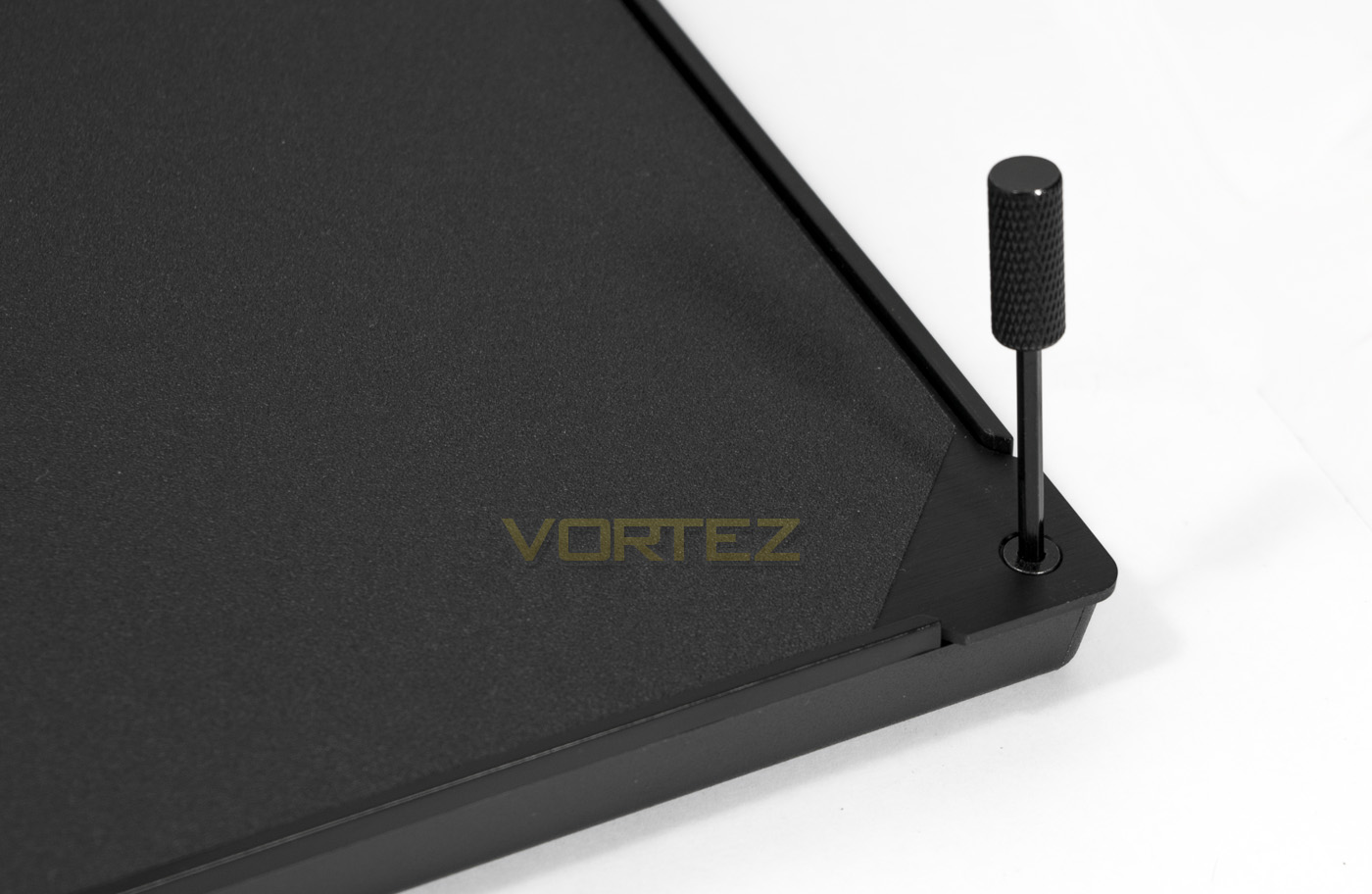
The included hex key is easy to use to unscrew all the plates for installation of your peripherals.
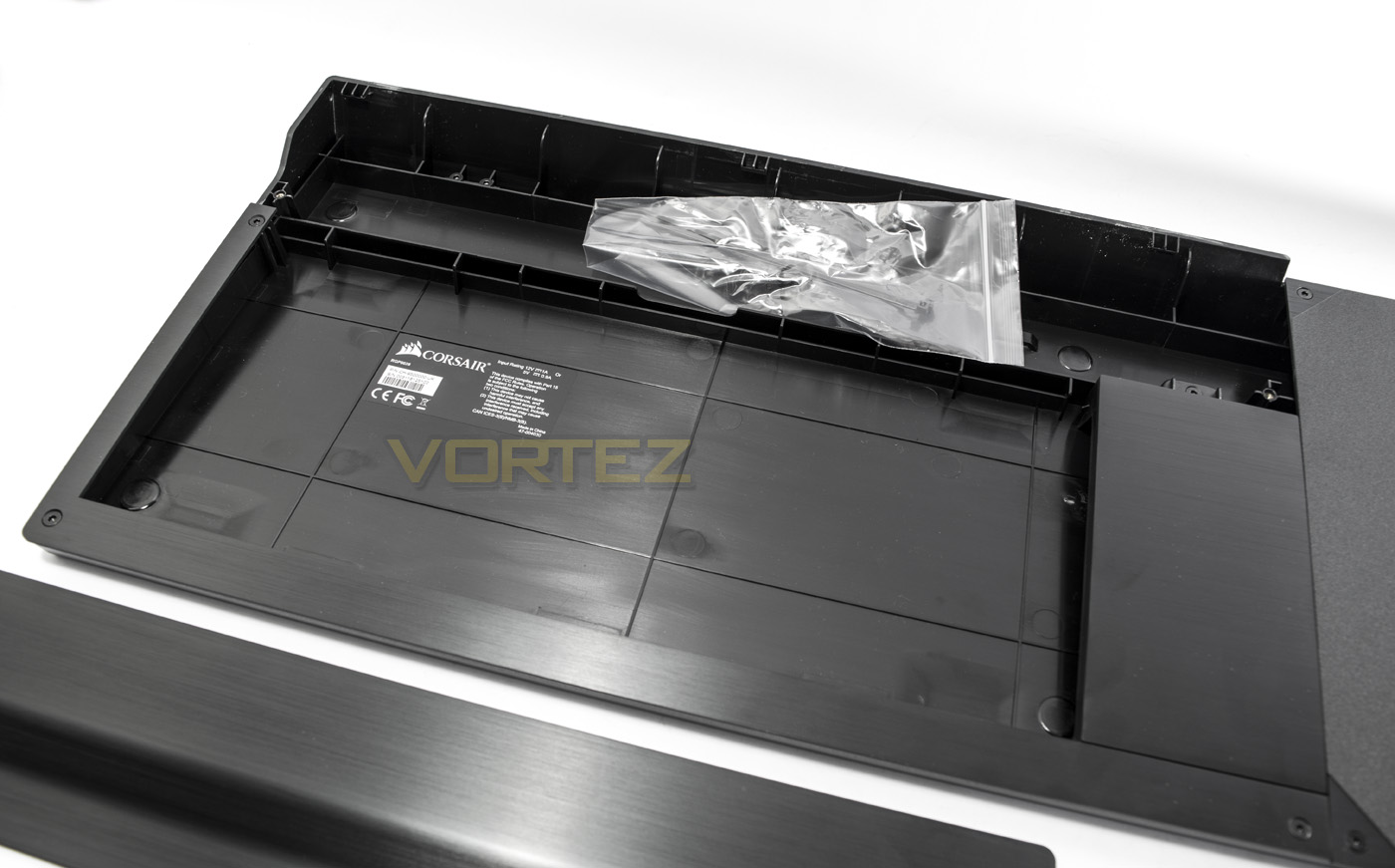
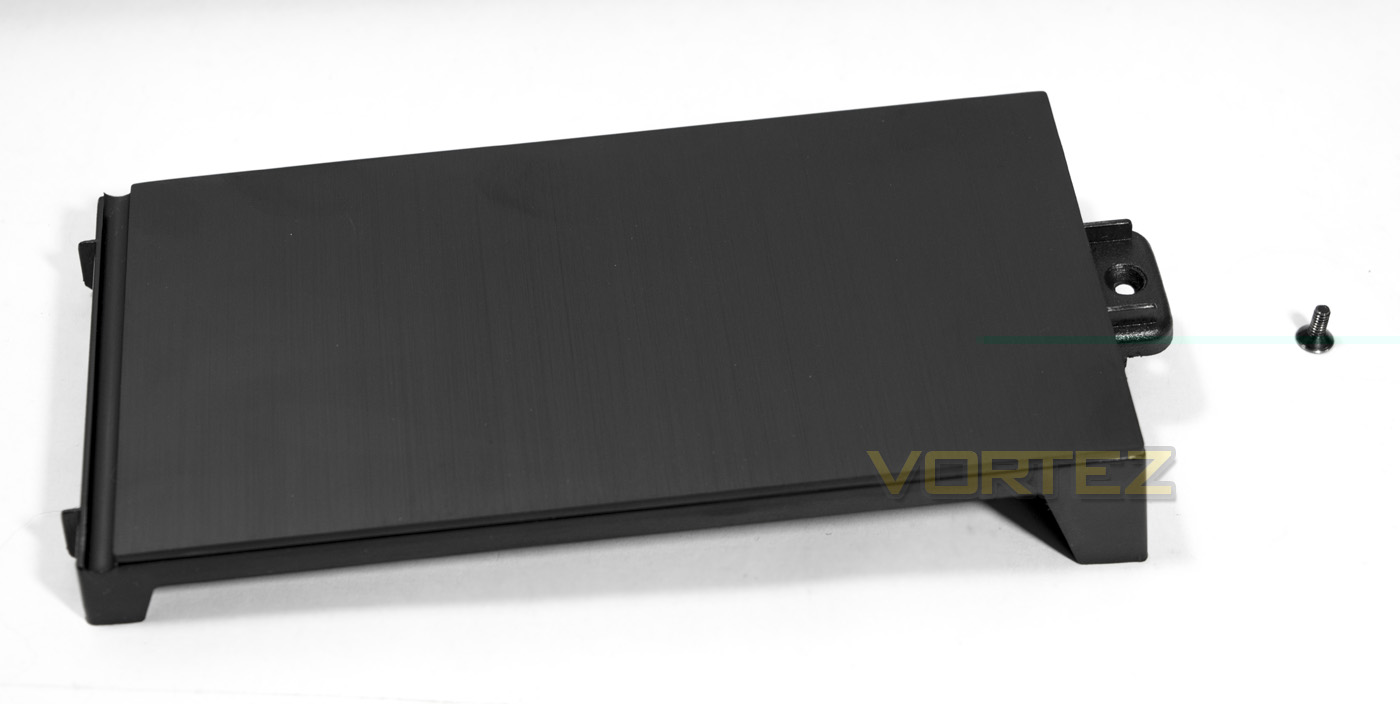
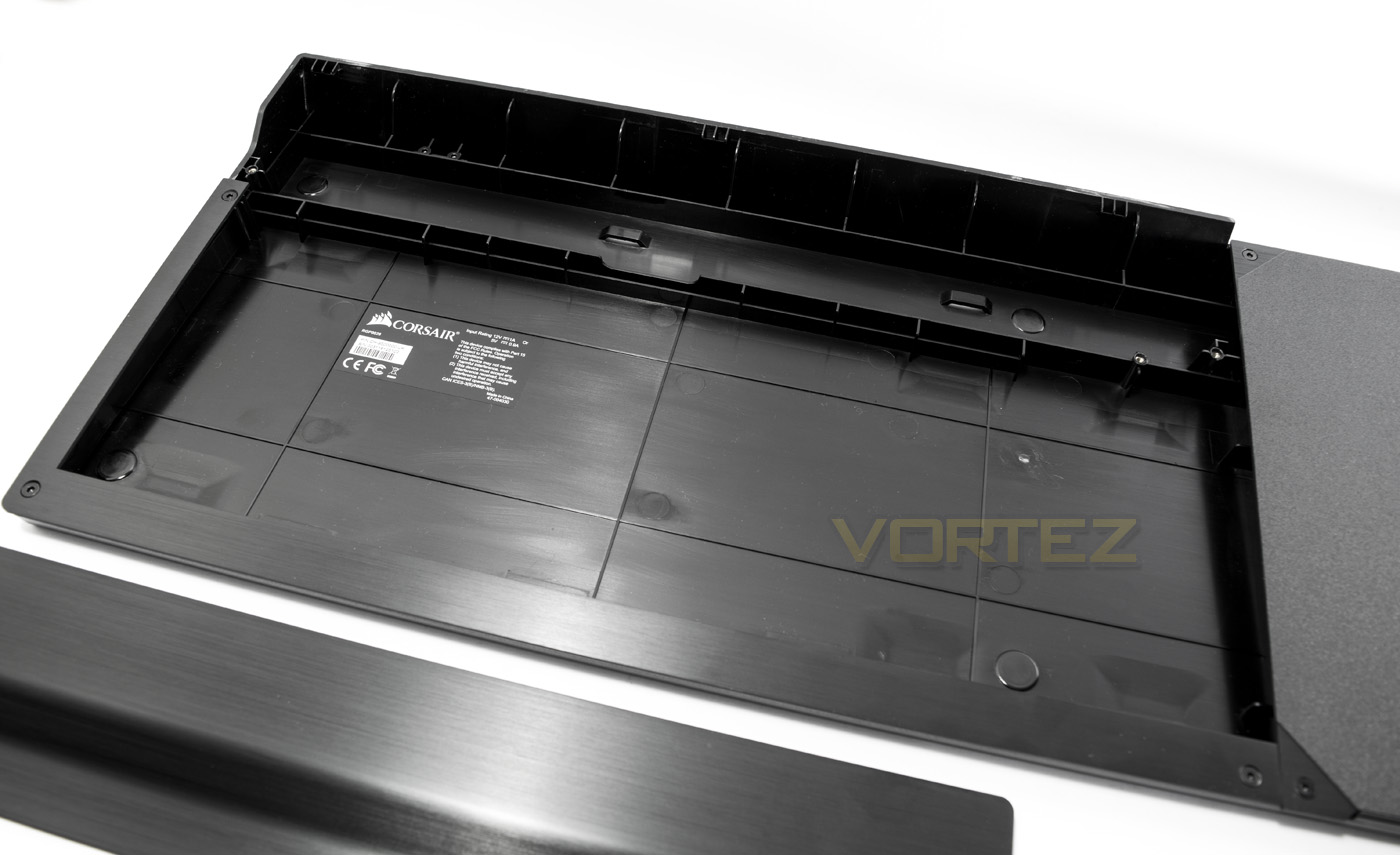
Removing the top plate reveals some additional extras in the form of 2x cable ties that are attached to the cable management channel, in which there are two tie points, this will help to keep things tidy inside. Removing this additional panel opens up the extra space from the TKL K65 size to accommodating the full-sized K70 keyboard.
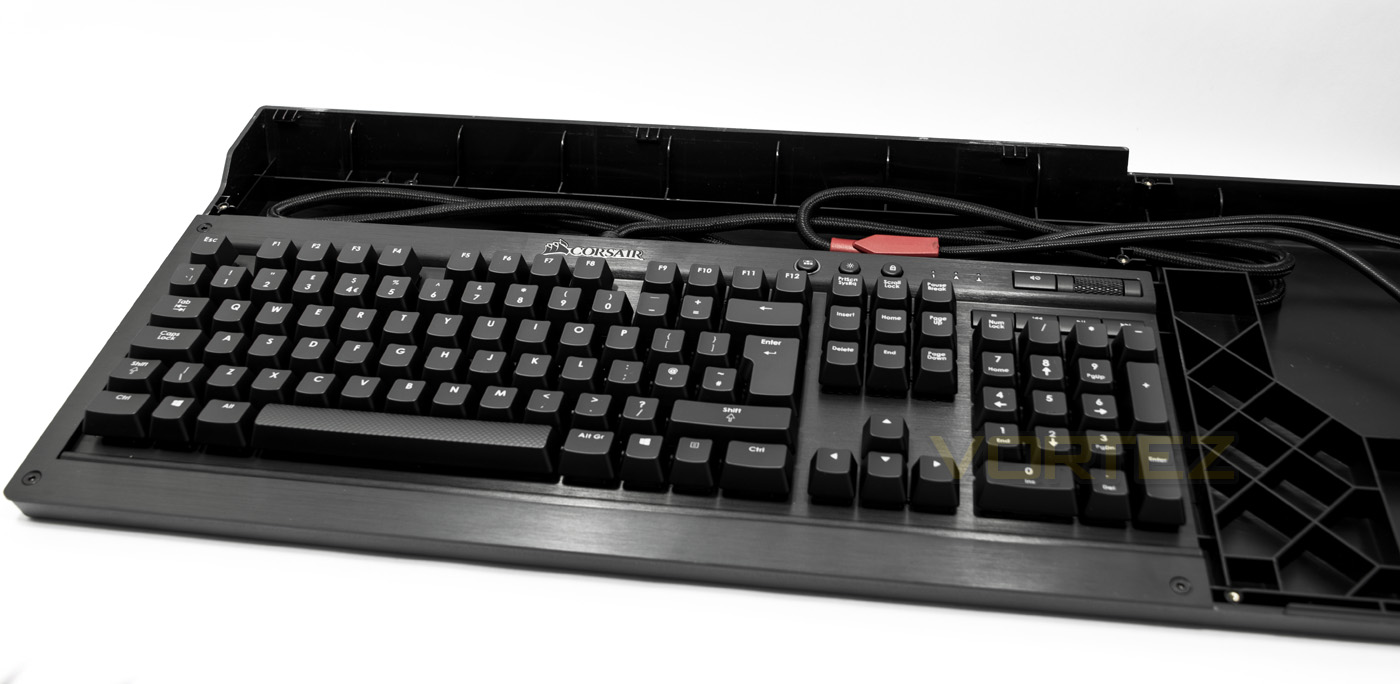
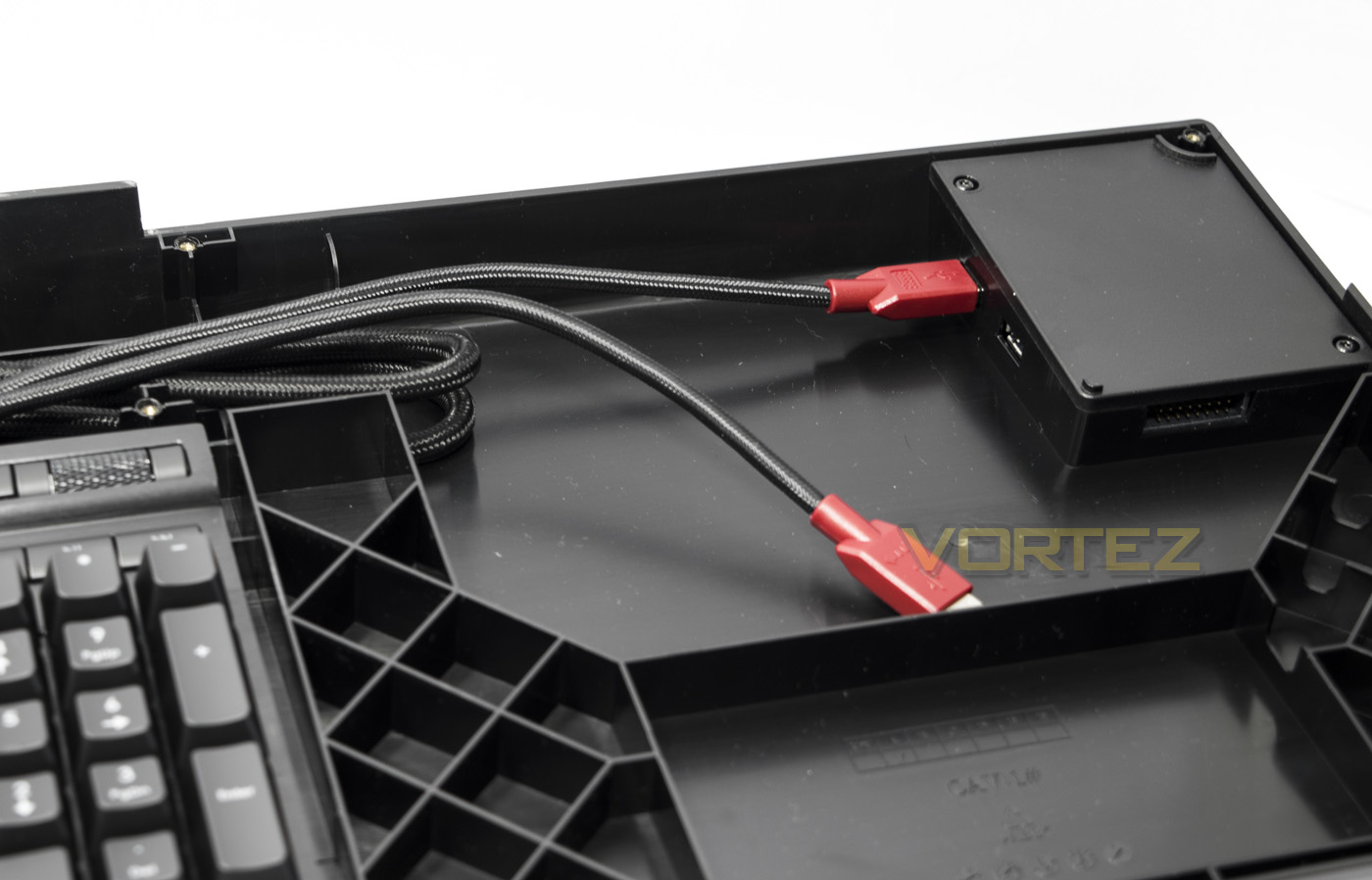
You can the track the ports down to internal side of the USB hub. You will not be able to make use of the USB passthrough of the K70, but this is fine considering the additional USB ports on the Lapdog. The additional internal USB port will be for your mouse. Underneath the mouse pad area is a storage compartment for any additional cables or parts for your peripherals that you may wish to store away.
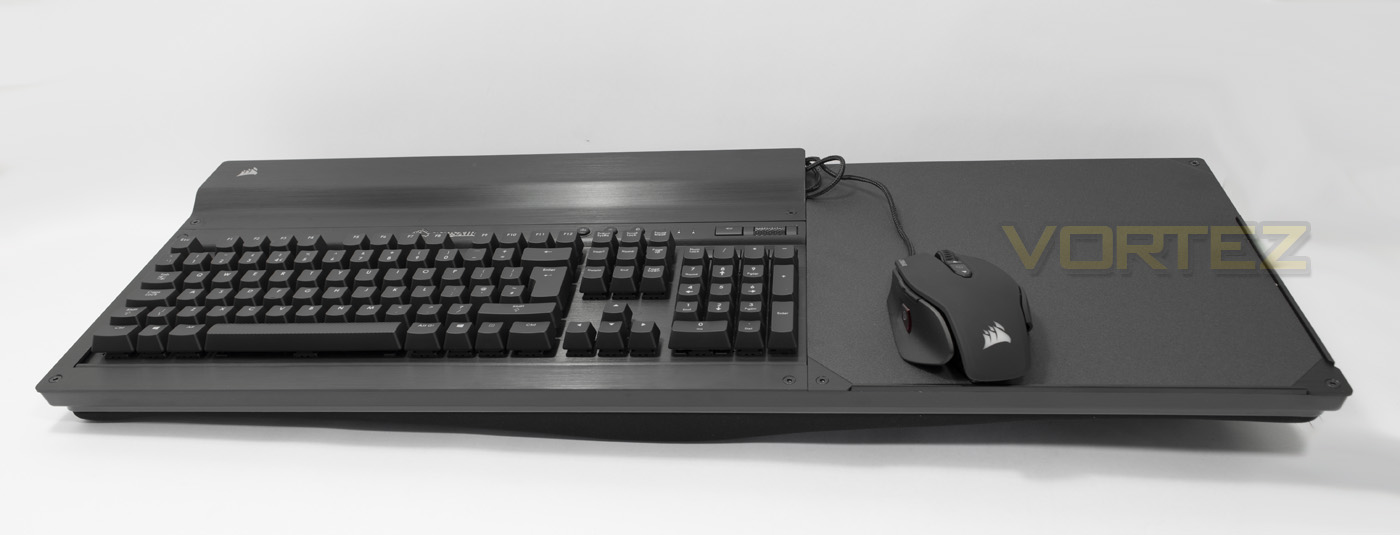
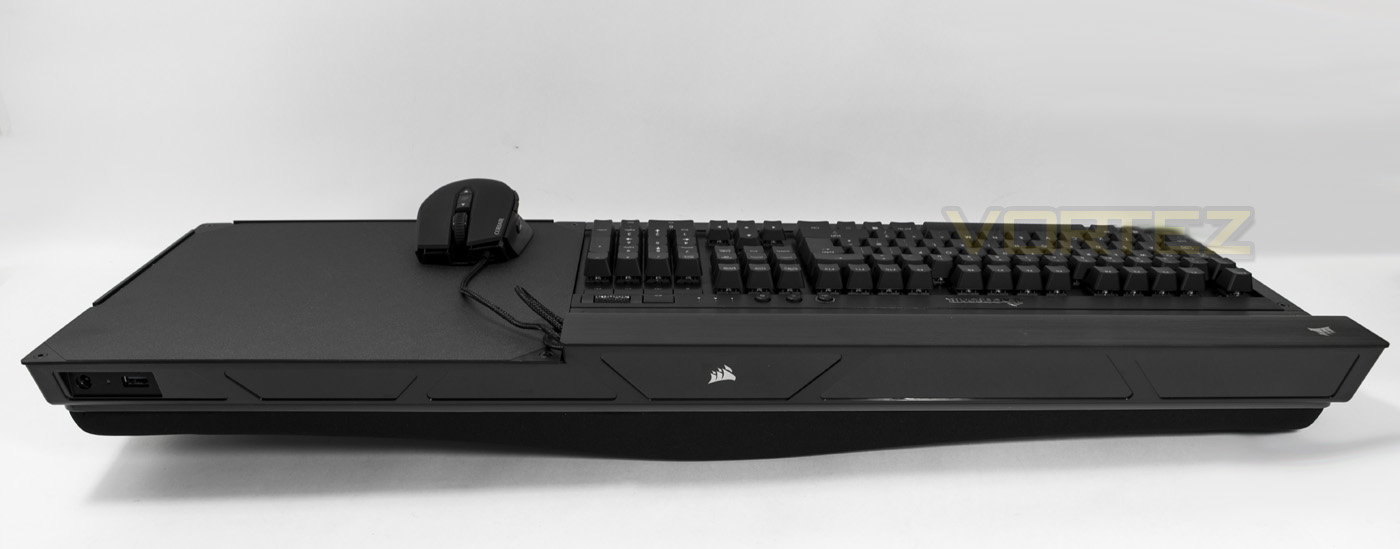
The Lapdog complete with installed K70 and M65 PRO. There is a gap in the top plate for the mouse cabling to come out from without being a pain.
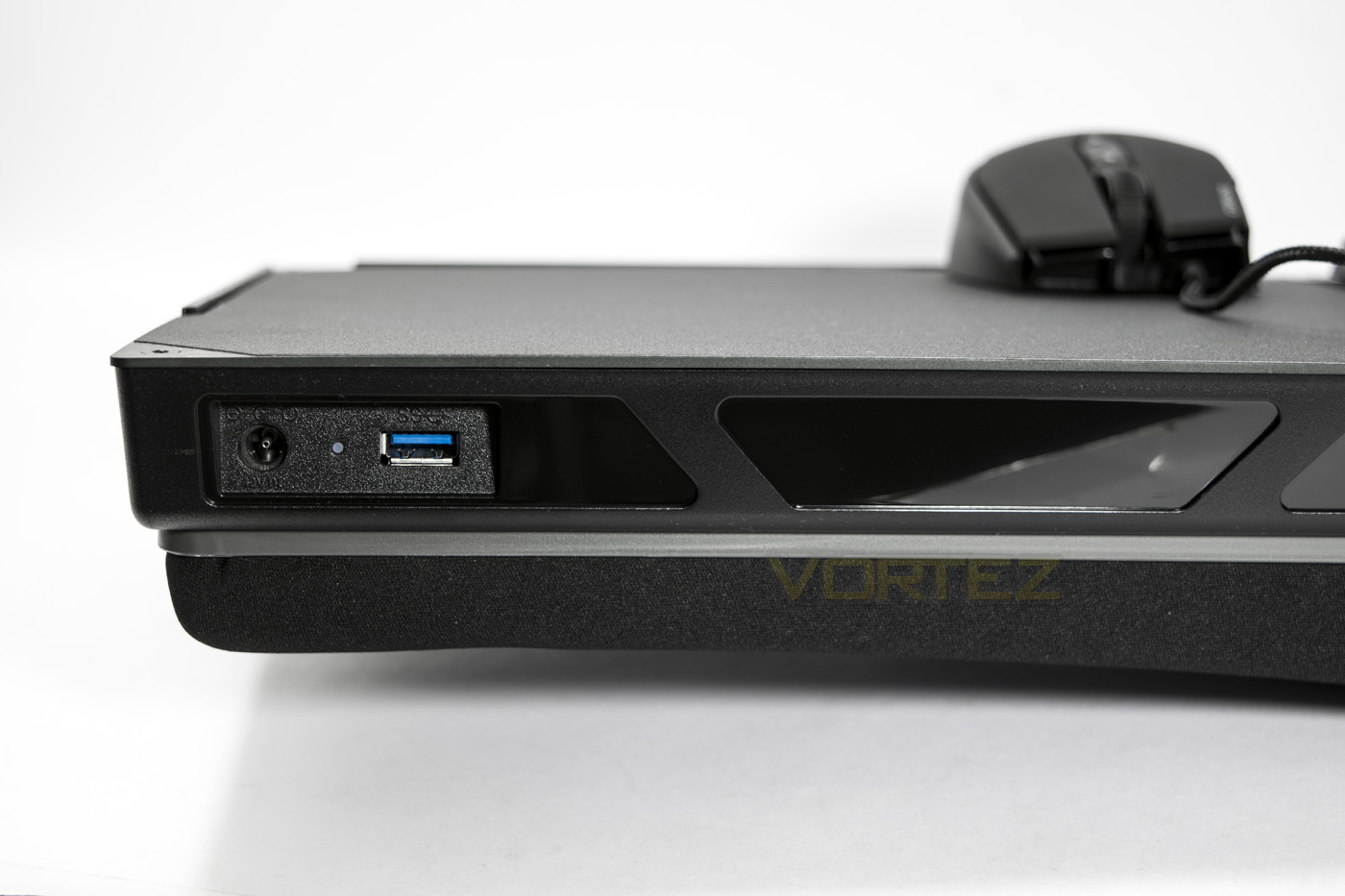
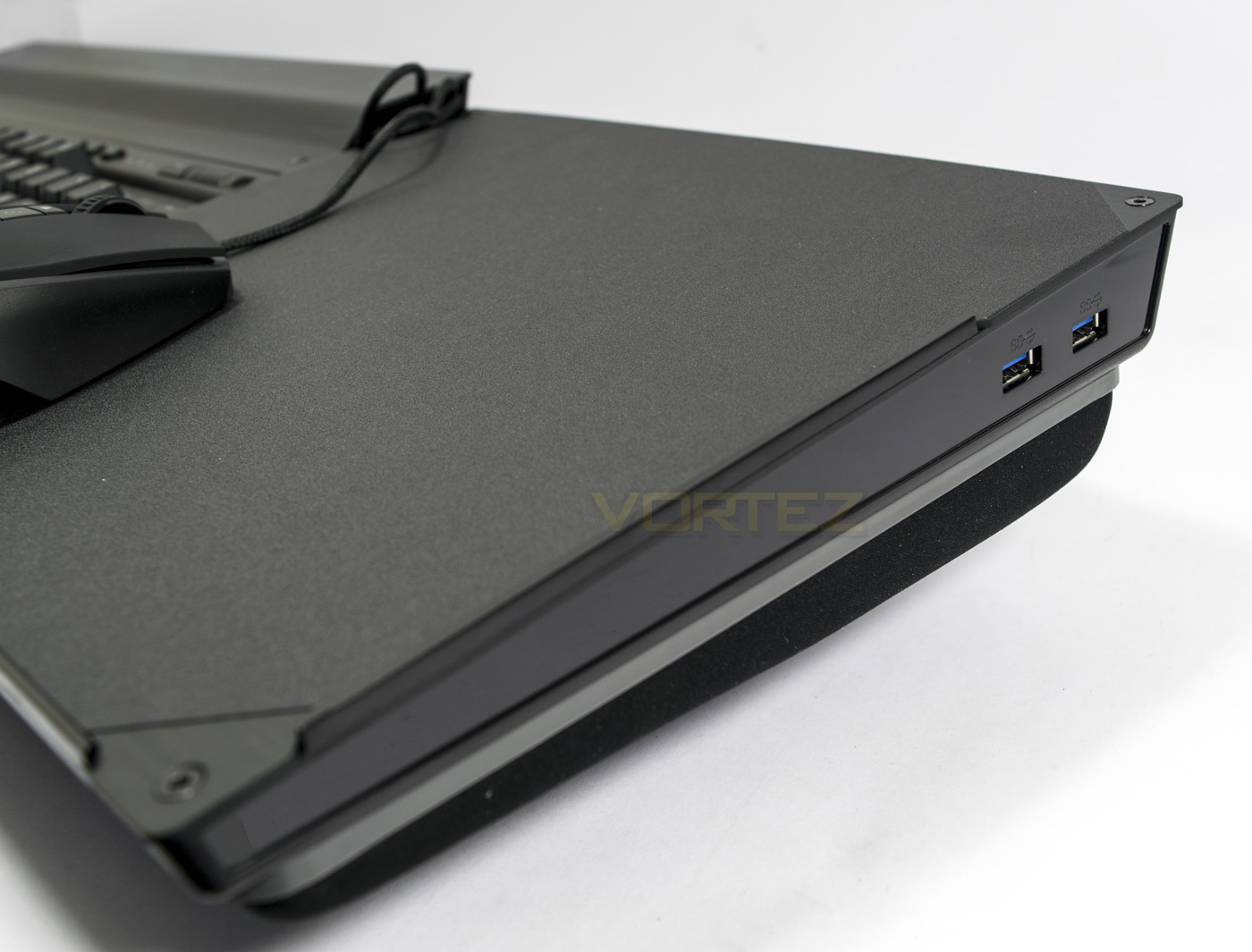
At the back you will find the ports for the power and connector, everything is done via USB 3.0 on the Lapdog, though is compatible with USB 2.0/3.0/3.1, though it would seem best to keep things flowing by plugging it into a USB 3.0 port on your system. On the right hand side there are two additional USB 3.0 ports, the first of which (left hand side) has a higher current for faster charging of your smartphone devices.
Performance Testing
Setup, Design & Observations
The setup of the Lapdog will take a little bit of time, though the hex key provided is all that is needed to get you going. You will need to install either a K65 or K70 keyboard, though it doesn’t seem impossible for others to fit, it wouldn’t be recommended as it would be extremely inconvenient for anyone to undertake the challenge of ensuring size and stability. There is plenty of room for cable management and the mouse surface is smooth and generously sized.
Sitting down in the living room to game with a large screen does bring about some conditions, firstly, you will need a system of sorts in your living room, then you will need to track a huge cable to where you are seated, and then considering the size of the Lapdog, you will want a stable surface (either on your sofa next to you or coffee table in front) to place it on when you need to get up.
In use, due to the healthy weight (around 4Kg with keyboard/mouse installed) feels like having a small furry pet sitting on your lap due to the soft and comfortable memory foam cushion, hence the fitting name ‘Lapdog’. The contoured cushion felt soft and yet stable whether you game sitting straight or with your legs partially folded (I tend to sprawl across a large sofa). I was surprised at the stability of the Lapdog, it would barely rock or sway unless you were making huge movements with your legs or repositioning yourself. Sometimes the mouse will slip across the surface, but there are two slight lips along the bottom and outer edges to stop it from falling off the board completely.
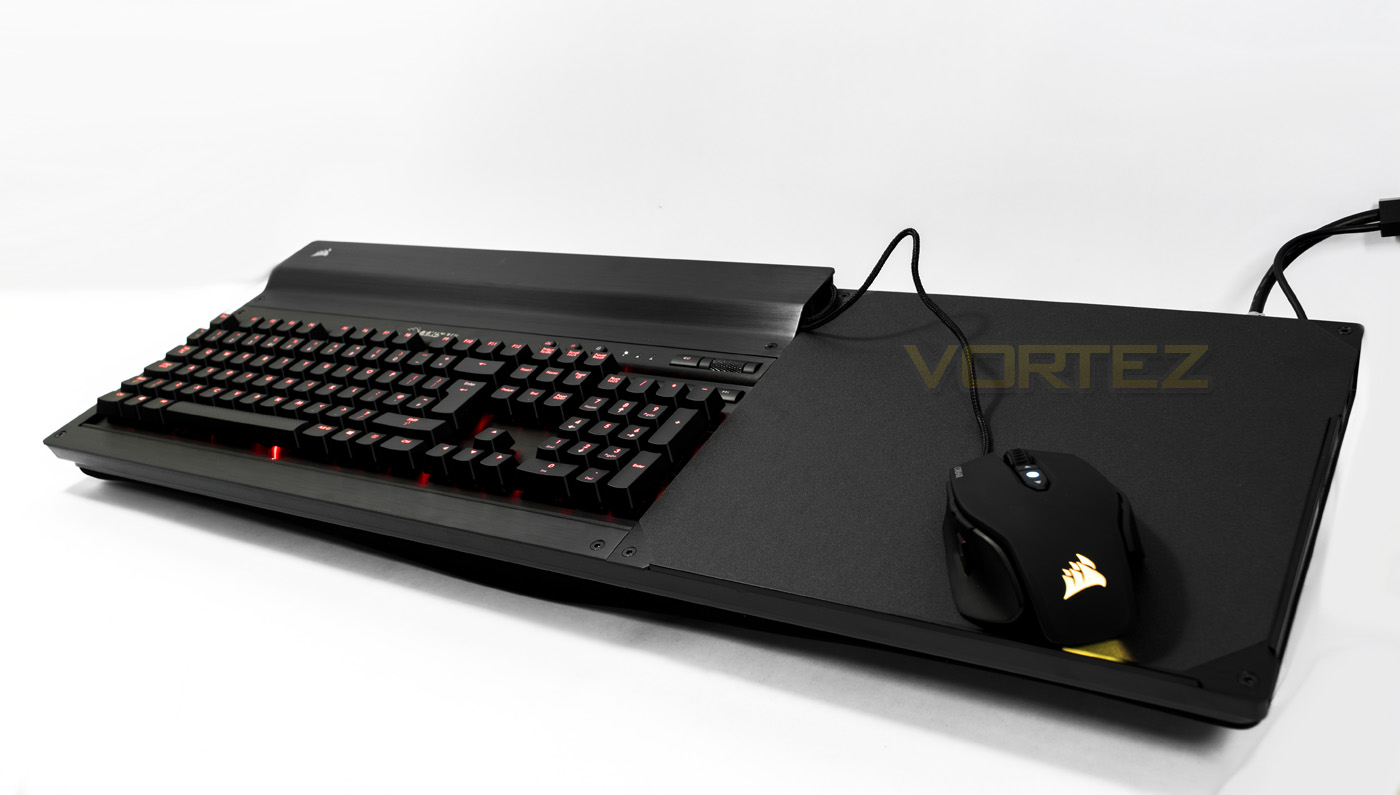
While gaming we found that we would have preferred a wrist rest or additional space to rest the wrist at least around the left hand side for WASD positioning as it felt like my hand was often floating or hanging on an edge which may cause some discomfort over long periods. considering the generous amount of cable space given, I would have preferred to have seen an exchange in space here, prioritising cables for ergonomics. Despite this, I had absolutely no problem enjoying a match of DOTA2.
Conclusion
The Lapdog is large, it is bulky, and this is expected for a product of this type. For those where gaming is life, having a dedicated setup for your sofa and big screen, accommodating the Lapdog will make this experience considerably more comfortable and convenient than the alternatives. Though there are other products out there for a similar purpose (ROCCAT SOVA), the Lapdog with the K70 keyboard looks incredible with its matching elegant aesthetics and has top quality construction that is easy to assemble. So if you want a Gaming Control Center for the living room, Corsair have made a stable, comfortable and outright awesome solution.
There are a few sad things to mention, such as, via the connected adaptor, you will lose the ability to customise your K70 and mouse via the CUE (Corsair Utility Engine) software. So you will need to do this separately first, save your settings to your peripherals then install them to the Lapdog for independent on-the-fly profile changes. You also need to remember that it has a large cable attached and though this is easily removed/stored, maybe considering the price, it’s a shame that Corsair didn’t come up with a wireless solution.
Some will find the pricing a little hard to justify, though considering that Corsair will offer the Lapdog as part of a bundle deal with the K70 (Red/Blue/Brown switches) with a decent discount, it makes the Lapdog seem that bit more reasonable, and if you are looking for that comfortable, big screen gaming experience the Lapdog enables that. Be warned however, your pets may become jealous!
The Corsair Lapdog makes living room gaming comfortable and convenient, it looks awesome and is easy to setup.
Pros.
+ Comfortable Cushion
+ Stable/ doesn’t slip
+ Sleek aesthetics
+ Large mouse pad area
+ Easy to assemble
+ 2x exterior USB 3.0 including a fast charge port
+ Living room gaming
Mediocre
+- No wrist rest
Cons.
– Cables/ not wireless
– No CUE support
+ Comfortable Cushion
+ Stable/ doesn’t slip
+ Sleek aesthetics
+ Large mouse pad area
+ Easy to assemble
+ 2x exterior USB 3.0 including a fast charge port
+ Living room gaming
Mediocre
+- No wrist rest
Cons.
– Cables/ not wireless
– No CUE support
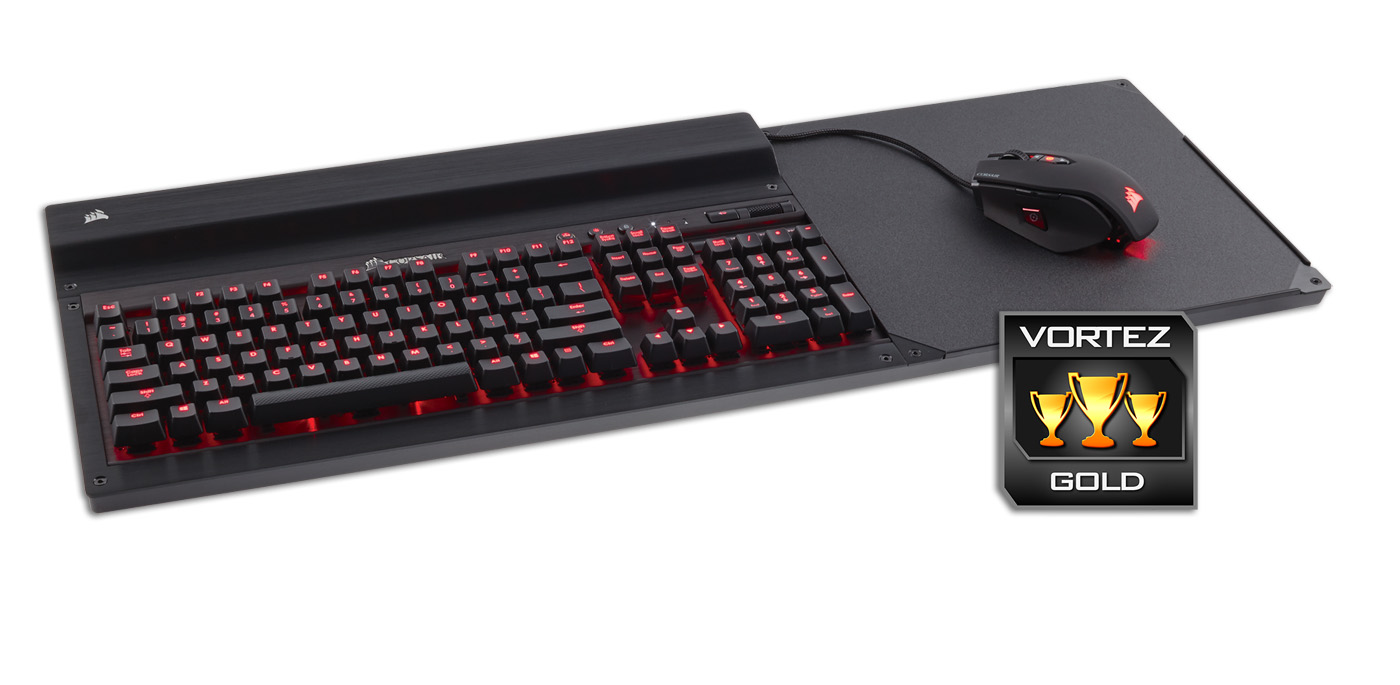
Click here for an explanation of our awards at Vortez.net.