The Corsair M55 RGB Pro claims to offer game-winning versatility with an ambidextrous design that fits any grip or hand and combines this with a 12,400 DPI optical sensor, today we find out if it lives up to their claims.

Product on Review: Corsair M55 RGB Pro
Manufacturer: Corsair
Street Price: $39.99 USD / £44.99 GBP / 49.99 EUR / $79.99 AUS
The Corsair M55 RGB Pro is an ambidextrous, multi-grip gaming mouse which features a 12,400 DPI optical sensor, it weighs in at only 86 grams, and is built to last with 50 million click-rated Omron switches and a premium braided cable.

The M55 RGB Pro boasts plug-and-play capability so you can get to gaming straight away, or you can deep dive into the Corsair iCUE software to assign macros, remap each of the 8 available buttons. Within the software you can also customise the 2 Zone RGB back lighting and manage the DPI settings, with a range from 200 to 12,400 adjustable in 100 DPI increments, you can also set 3-5 presets which can be changed on between on the fly.
The M55 RGB Pro is loaded with a PAW3327 optical sensor that has been developed in conjunction with Pixart, so should deliver high performance & high accuracy tracking. Corsair claim that the sensor can report the position of the cursor at speeds of up to 220 inches per second, with a mouse acceleration of up to 50G, which we’ll put to the test with CS:GO in our performance testing.
Corsair on the M55 RGB Pro:
The M55 RGB PRO fits any type of grip, be it palm, claw, or fingertip, while its symmetrical design makes it capable of high-level regardless of which hand you use. All the curves and contours were carefully designed to fit equally comfortably for both right and left-handed users.
Technical Specifications
Wired Connectivity: USB 2.0 Type-A
Sensor: PAW3327
Sensor Type: Optical
Resolution: 200 DPI – 12,400 DPI, With 100 DPI Steps. 200 IPS, 30 G
On-Board Profiles: 1
Backlight: 2-Zone RGB
Buttons: 8
USB report Rate: 1000Hz
Color: Black
Mouse Feet: Large PTFE
Cable: 1.8m 6ft, braided fiber, black fixed.
ICUE: Supported
Dimensions: 124.4(L) x 57.25(W) x 40(H)mm / 4.9” (L) x 2.25”(W) x 1.57”(H)
Weight: 86g / 0.19 lbs.
Warranty: Two Years
Sensor: PAW3327
Sensor Type: Optical
Resolution: 200 DPI – 12,400 DPI, With 100 DPI Steps. 200 IPS, 30 G
On-Board Profiles: 1
Backlight: 2-Zone RGB
Buttons: 8
USB report Rate: 1000Hz
Color: Black
Mouse Feet: Large PTFE
Cable: 1.8m 6ft, braided fiber, black fixed.
ICUE: Supported
Dimensions: 124.4(L) x 57.25(W) x 40(H)mm / 4.9” (L) x 2.25”(W) x 1.57”(H)
Weight: 86g / 0.19 lbs.
Warranty: Two Years
Packaging & First Look
The front of the box for the Corsair M55 RGB Pro does not diverge from what you would expect from Corsair, featuring a shot of the mouse on a yellow background with bold, black writing.On the left of the box we get a left hand side profile shot of the mouse.
On the rear of the box there are 5 unique selling points listed in multiple different languages so no one is left out here.
The right hand side of the box is adorned by Corsairs slogan for this mouse, “Control Freak”
Closer Look
Inside the box you don’t get anything in the way of accessories, but Corsair have included a quick start guide, which explains how to take advantage of the plug and play functionality of the M55 RGB Pro.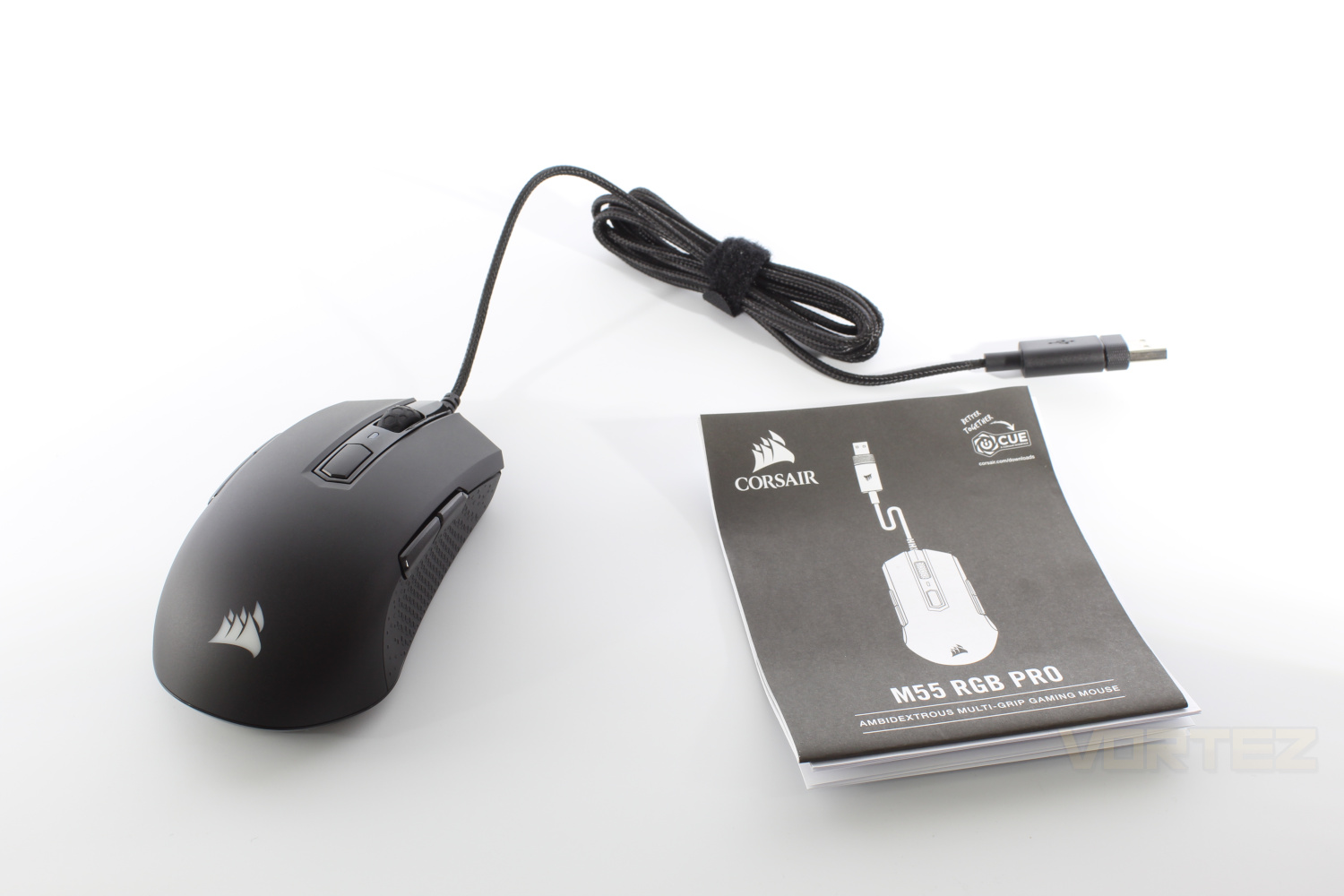
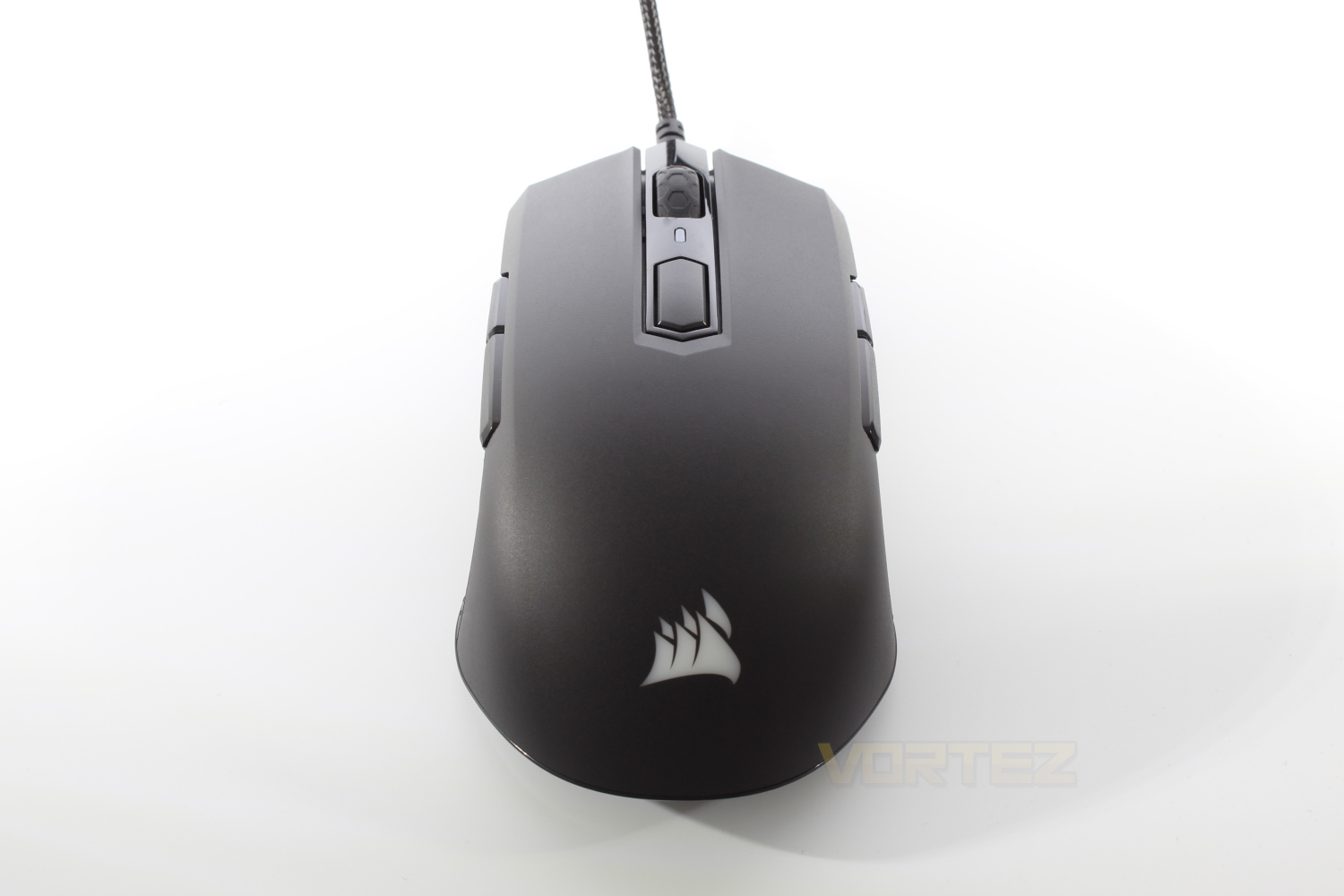
Looking straight on at the mouse and Corsair have gone for a minimalistic look, featuring only their logo and DPI indicator as the 2 RGB zones.
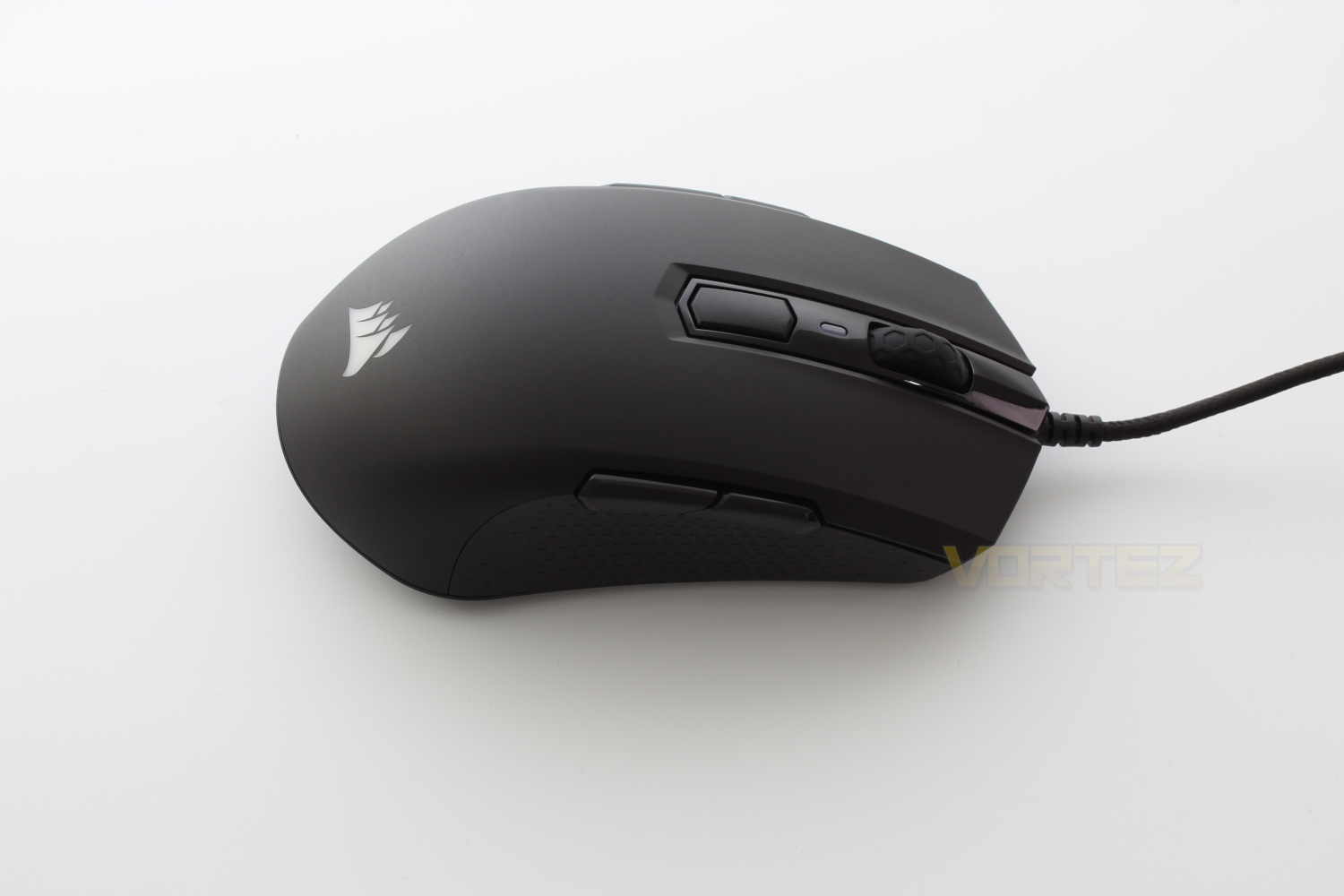
The left hand side features a rubber textured grip along with the standard forward and back buttons which have a nice, satisfying feel to them.
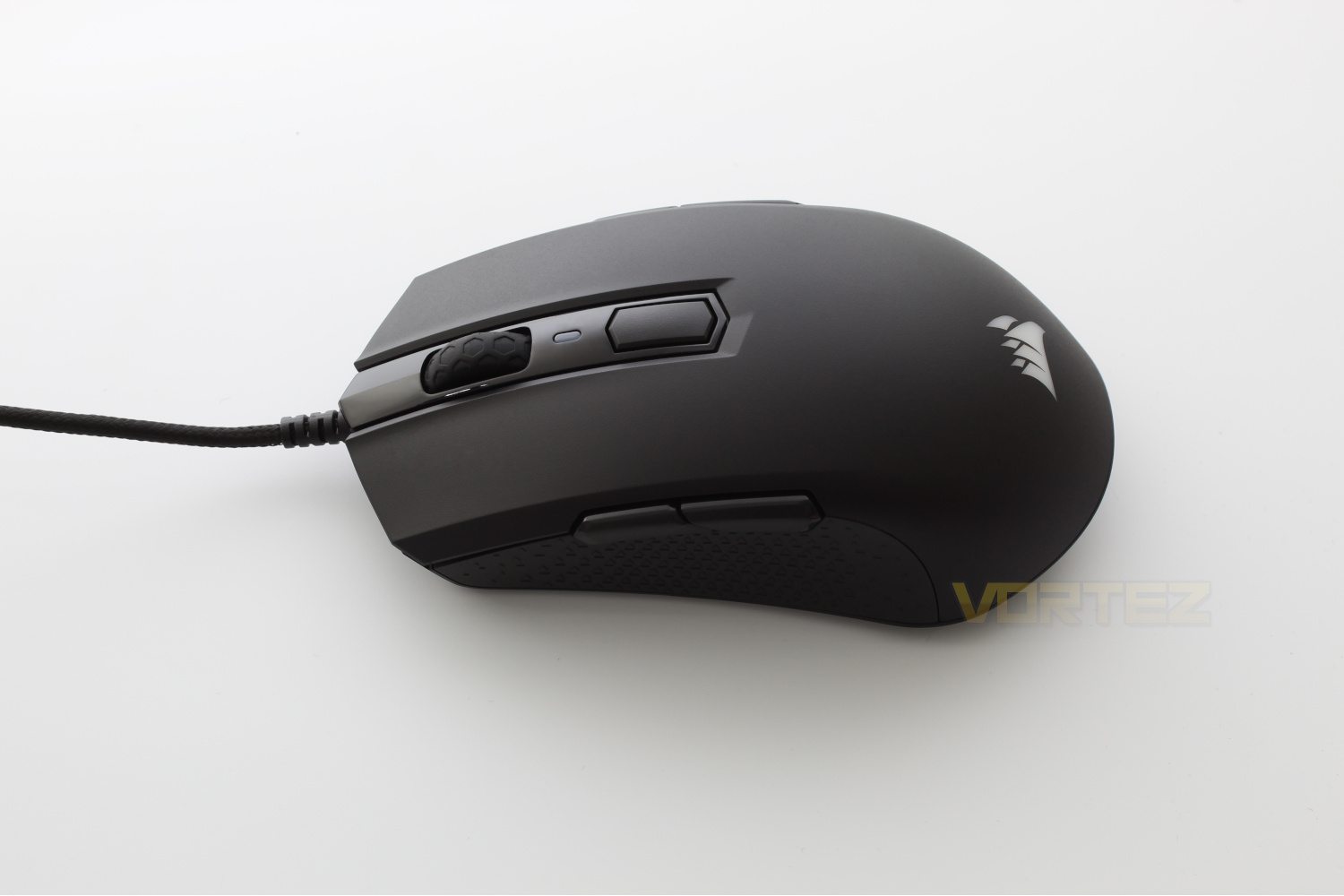
Looking at the mouse from the rear and we get a better look at the honey comb like grip that Corsair have adopted on their most recent mice.
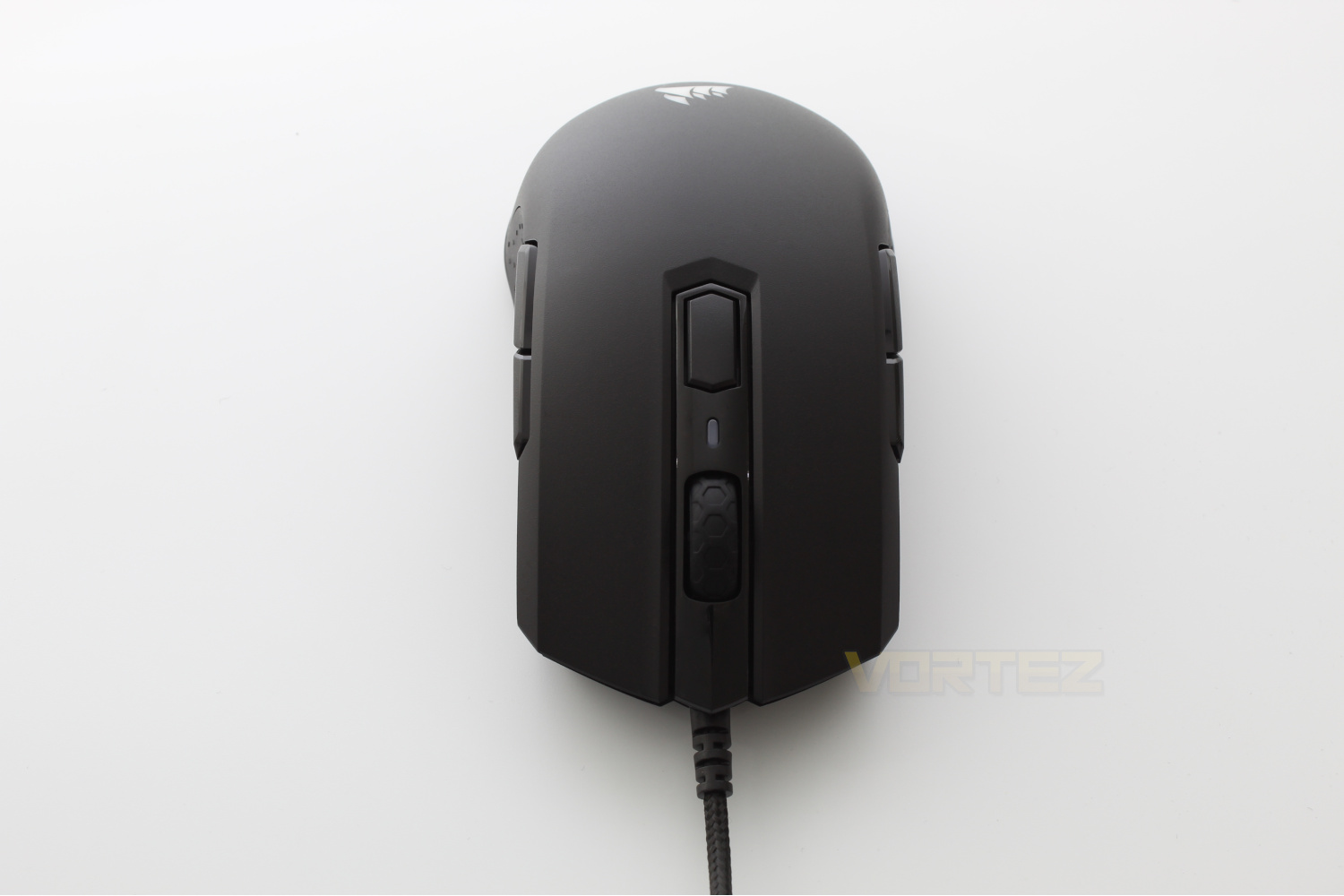
As the M55 RGB Pro is marketed as an ambidextrous mouse the right hand side is a mirror image of the left hand side, including the back & forwards buttons.
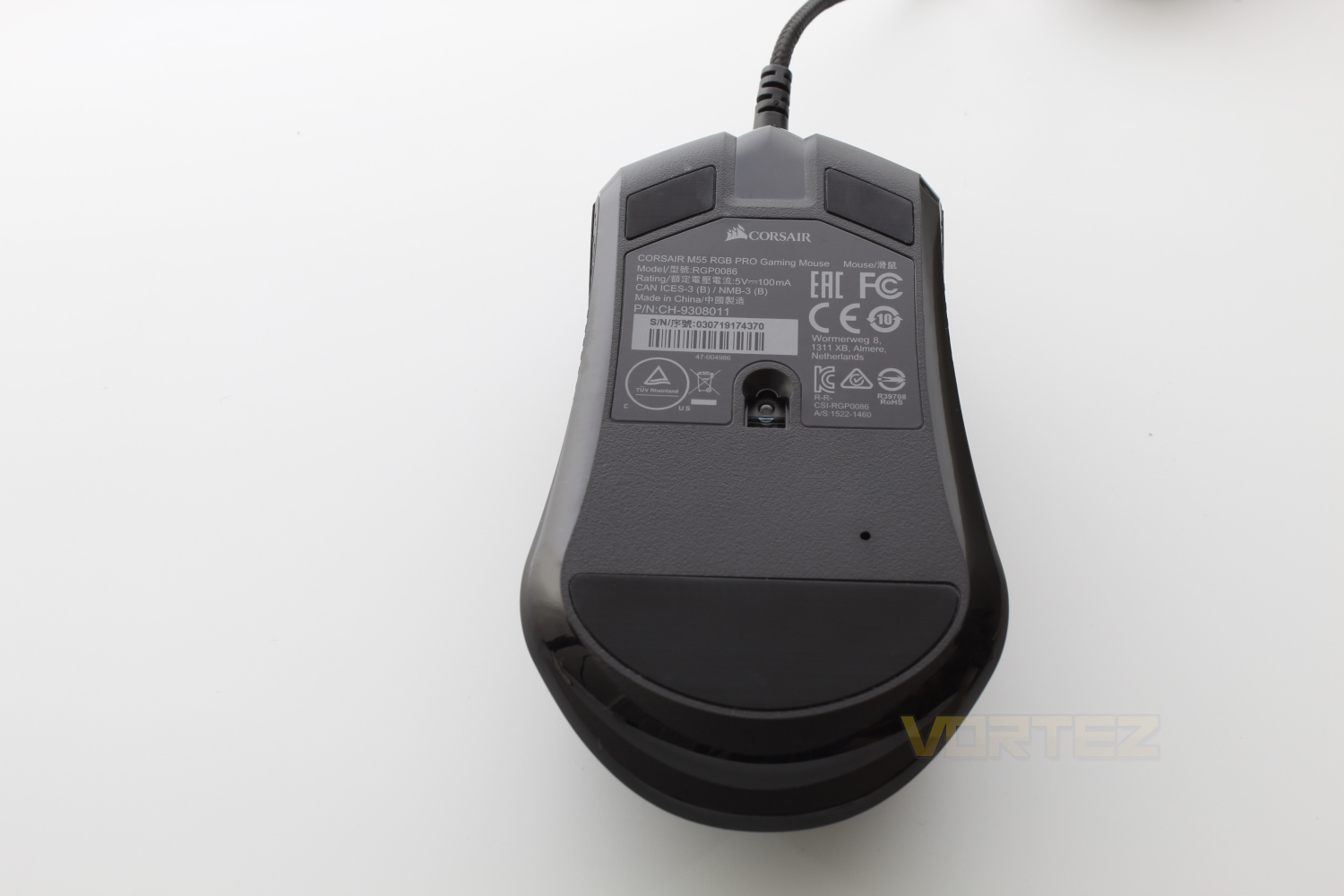
Flipping the mouse on its back reveals the PAW3327 Optical Sensor along with the large, PTFE feet which aide in reducing resistance on most surfaces.
Software
Like all of Corsairs recent mouse releases, the M55 RGB Pro makes use of Corsair’s iCUE software, which opens up a host of customisation options, the most interesting for us being the re-programmable buttons. A short demo of the software is available below.Performance Testing
Out of the box the M55 RGB Pro is set to the “Right-handed” mode by default, there are two ways to change this setting, the first is through a button combination, by holding the two left side buttons for five seconds to switch to the right handed mode, and holding the two right side buttons for five seconds to switch back to the former. The second way this setting can be changed is through the iCUE software by a simple toggle button in the settings menu.In right-handed mode (the default setting) the right Forward & Back Buttons are disabled , and if in left handed mode the left forward and back buttons are disabled. Enabling the buttons within the iCUE software is simple , there is a tick box which enables all buttons and toggling this setting to on allows you to remap the buttons to your hearts content.
While Corsair state that this mouse is built with any hand in mind, we found that it was too small to be comfortable for long periods of use, but this comes as no surprise as we are known to favour the larger mice on the market.
As we said in the introduction of this review, we put this mouse to the test in CS:GO, and found it to be more than responsive enough for our needs, and we noticed no particular issues with the mouse at any DPI levels. We also utilised the mouse for editing photos and general day to day usage, we found that while the right hand buttons may be situated well for some people they were not for us and were not usable as reprogrammable buttons.
Conclusion
Overall the Corsair M55 RGB Pro is a good value for money mouse, the build quality is better than average for a mouse in this price range and the sensor is responsive and will work for most, if not all gamers.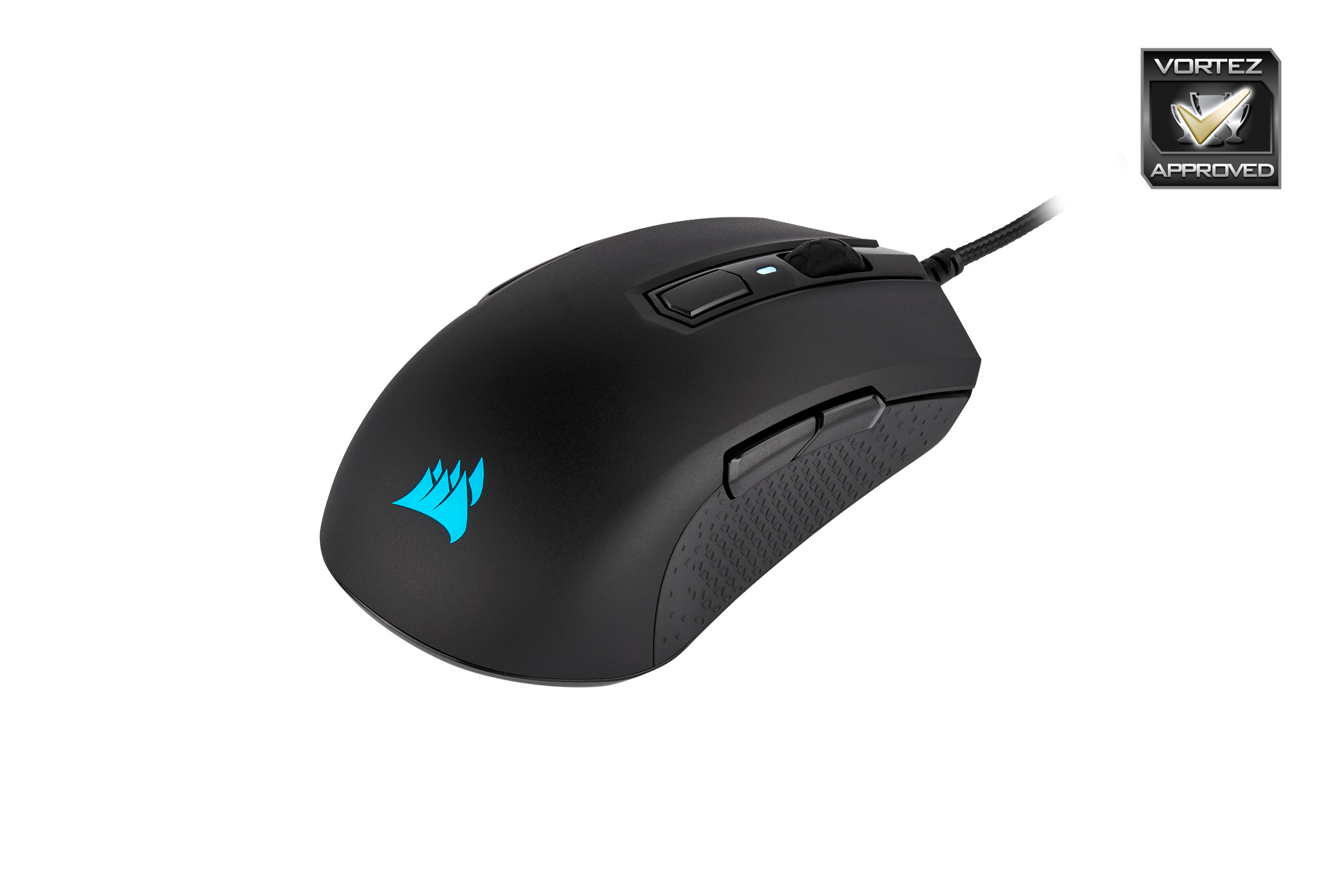
The mouse itself is a small, lightweight affair, while this may suit other users down to the ground we tend to prefer a slightly heavier, larger mouse, but as we say this is more down to personal preference.
While the mouse is small & light, the build quality has not suffered from whatever weight saving measures Corsair have utilised, the mouse feels solid, all buttons respond well when clicked and the scroll wheel doesn’t feel too loose or flimsy but there is some side to side movement.
One thing we did notice ourselves missing throughout our time with the M55 RGB Pro is the lack of additional programmable buttons. We used the mouse in the right-handed mode and while the forward and back buttons on the right hand side of the mouse are re-programmable, in practice we found that they were very hard to use, it would be nice to see an additional two buttons on either side like the Ironclaw RGB Wireless has.
If you’re after an ambidextrous mouse, the M55 RGB Pro is a good choice in this price range, however if you have larger hands or are keen on re-programmable buttons, it is one to avoid.
Pros
+Sensor accuracy
+Build Quality
+Price
Cons
-Small
-Lack of usable reprogrammable buttons
+Sensor accuracy
+Build Quality
+Price
Cons
-Small
-Lack of usable reprogrammable buttons
Click here for an explanation of our awards at Vortez.net.
Stay connected with the Vortez Social Media pages:
Join in with the discussions on Discord