Aiming to improve an already successful formula, Corsair have added some spice to the M65 with a new sensor and reduced weight.

Product on Review: Corsair M65 RGB Elite
Manufacturer: Corsair
Street Price: GBP £59.99 / USD $59.99
Today we look at Corsair’s flagship wired mouse, one that’s been with us in different iterations for some time now, the M65 RGB Elite.
The M65 retains the much-loved shape of previous models while boosting the internals and improving the materials used for better performance. Firstly, we find a brand new, custom-made PixArt PWM 3391 sensor capable of up to 18,000 DPI with sensitivity adjustments in 1 DPI increments. There’re also chassis improvements which reduce the weight to 97g without the optional weights.
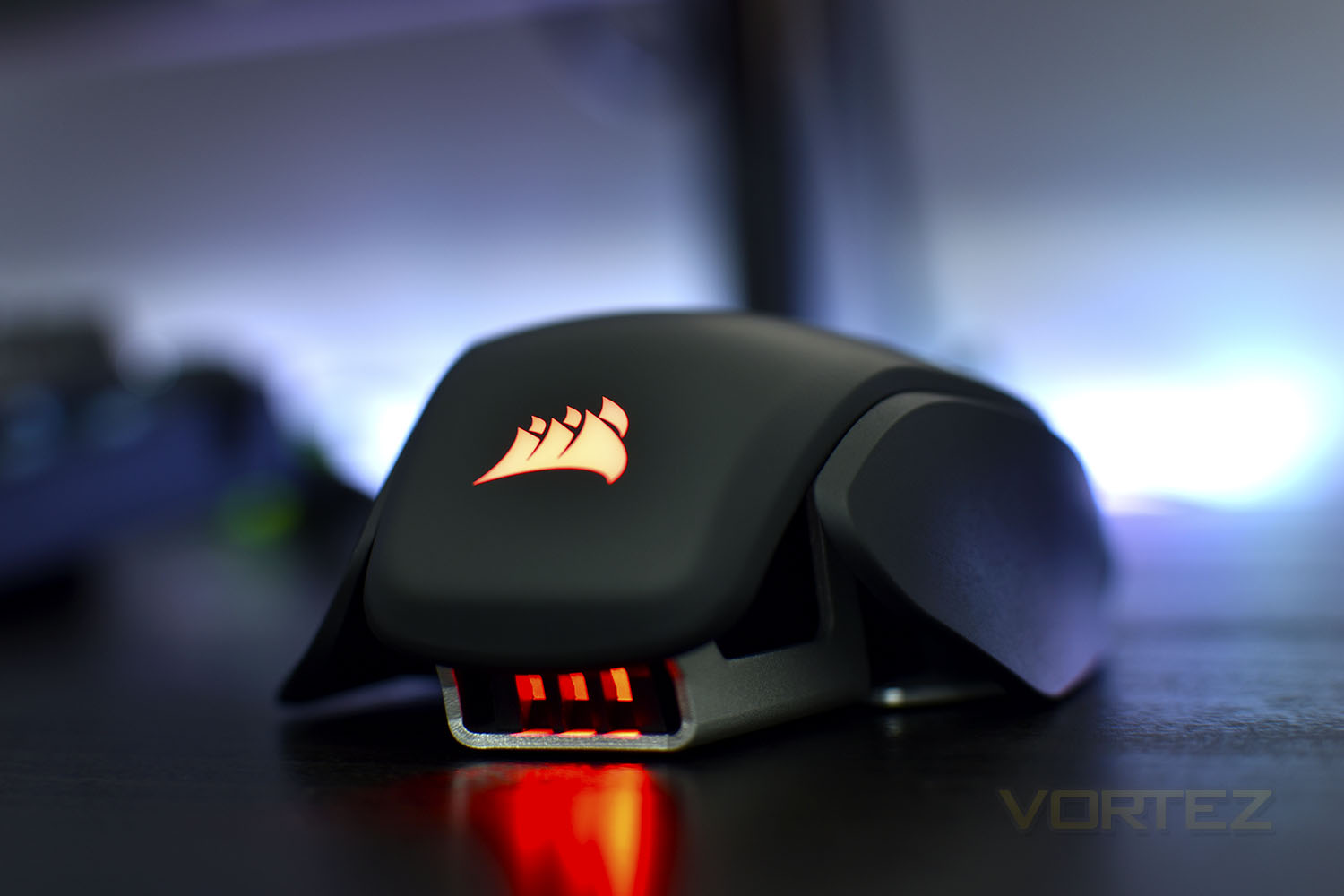
Ensuring the ultimate reliability, Corsair have equipped the left and right click with OMRON switches, rated to 50 million depresses. Alongside the switches, Corsair claim the anodized aluminium frame is built to withstand a lifetime of gaming.
Of course, it’s 2019, so the RGB train carries on at full steam. The M65 Elite arrives with two-zone RGB lighting on the rear and scroll wheel.
In the UK and US markets, the M65 Elite demands a 59.99 price tag, so the competition will be vast and fierce. Can it beat them off for the top spot?
Corsair on the M65 RGB Elite:
The CORSAIR M65 RGB ELITE tunable gaming mouse is CORSAIR’s most advanced FPS gaming mouse yet, built around a durable aluminium frame and equipped with a state-of-the-art 18,000 DPI optical sensor.
Technical Specifications
Mouse Warranty: Two years
Prog Buttons: 9
DPI: 18,000 DPI
Sensor: PMW3391
Sensor Type: Optical
Mouse Backlighting: 2 Zone RGB
On Board Memory: Yes
On-board Memory Profiles: 1
Mouse button Type: Omron
Connectivity: Wired
Mouse Button Durability: 50M L/R Click
Grip Type: Claw
Weight Tuning: Yes
Weight: 97g (w/out cable and accessories)
CUE Software: Supported in iCUE
Cable: 1.8m Braided Fiber
Game Type: FPS
Report Rate Selectable: 1000Hz/500Hz/250Hz/125Hz
Prog Buttons: 9
DPI: 18,000 DPI
Sensor: PMW3391
Sensor Type: Optical
Mouse Backlighting: 2 Zone RGB
On Board Memory: Yes
On-board Memory Profiles: 1
Mouse button Type: Omron
Connectivity: Wired
Mouse Button Durability: 50M L/R Click
Grip Type: Claw
Weight Tuning: Yes
Weight: 97g (w/out cable and accessories)
CUE Software: Supported in iCUE
Cable: 1.8m Braided Fiber
Game Type: FPS
Report Rate Selectable: 1000Hz/500Hz/250Hz/125Hz
Packaging & First Look
Corsair’s packaging design team have had an easy job of things of late, going with a bog-standard yellow background and placing an image of the device on top. It’s as simple as that for the front.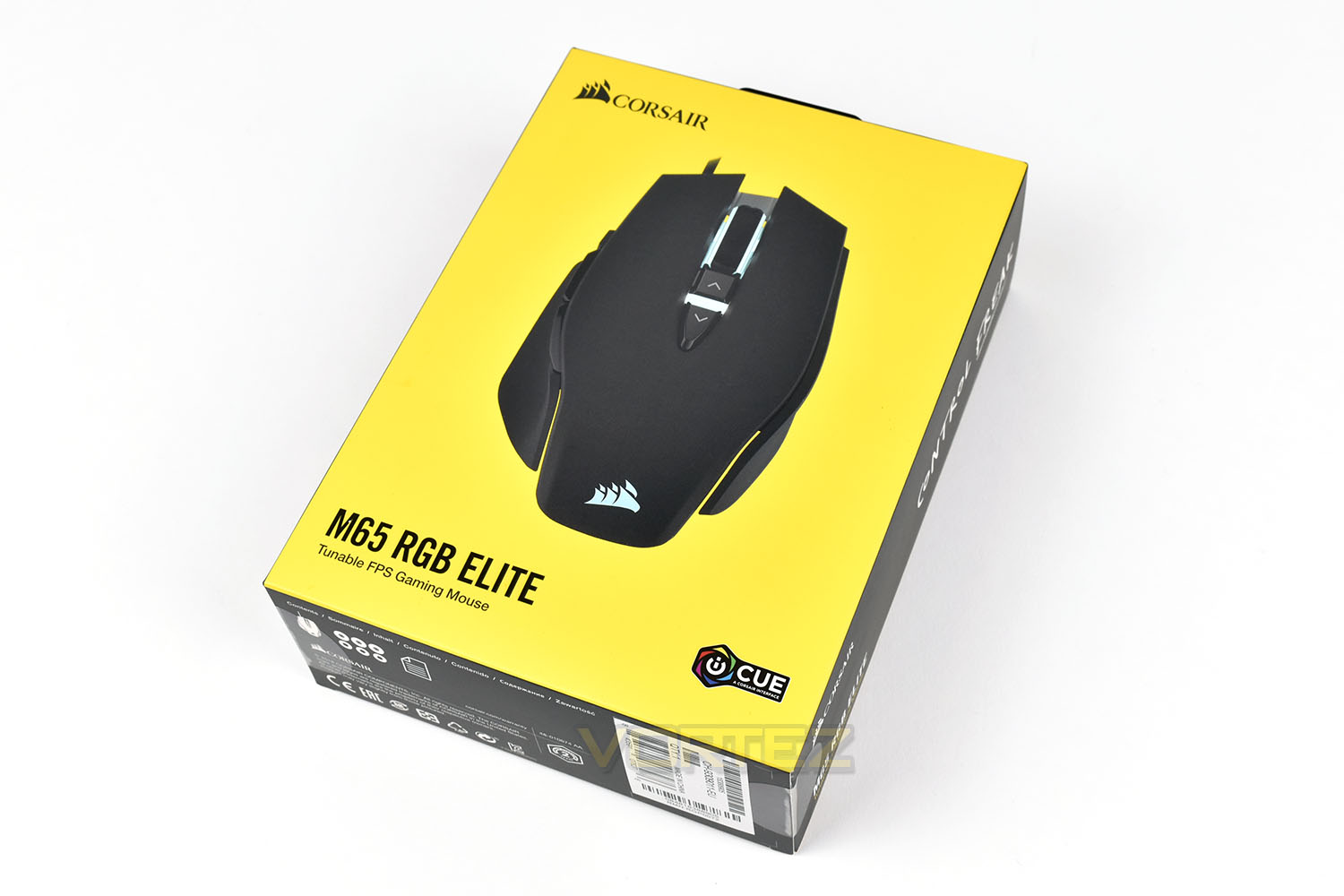
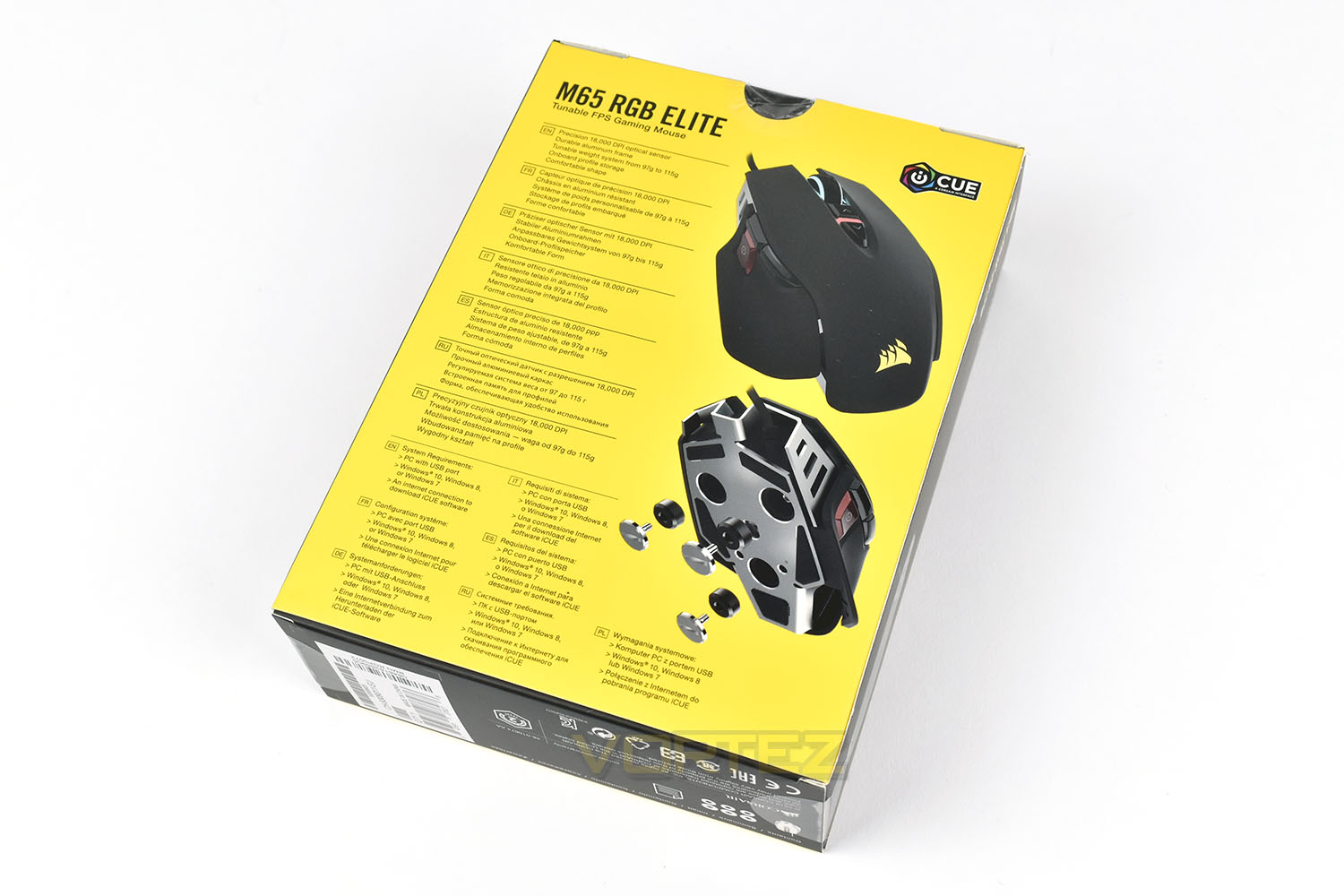
The rear gives a couple of other angles to look at, as well as a demonstration of how the weights are adjusted on the bottom of the mouse. The stand-out specifications are listed here also.
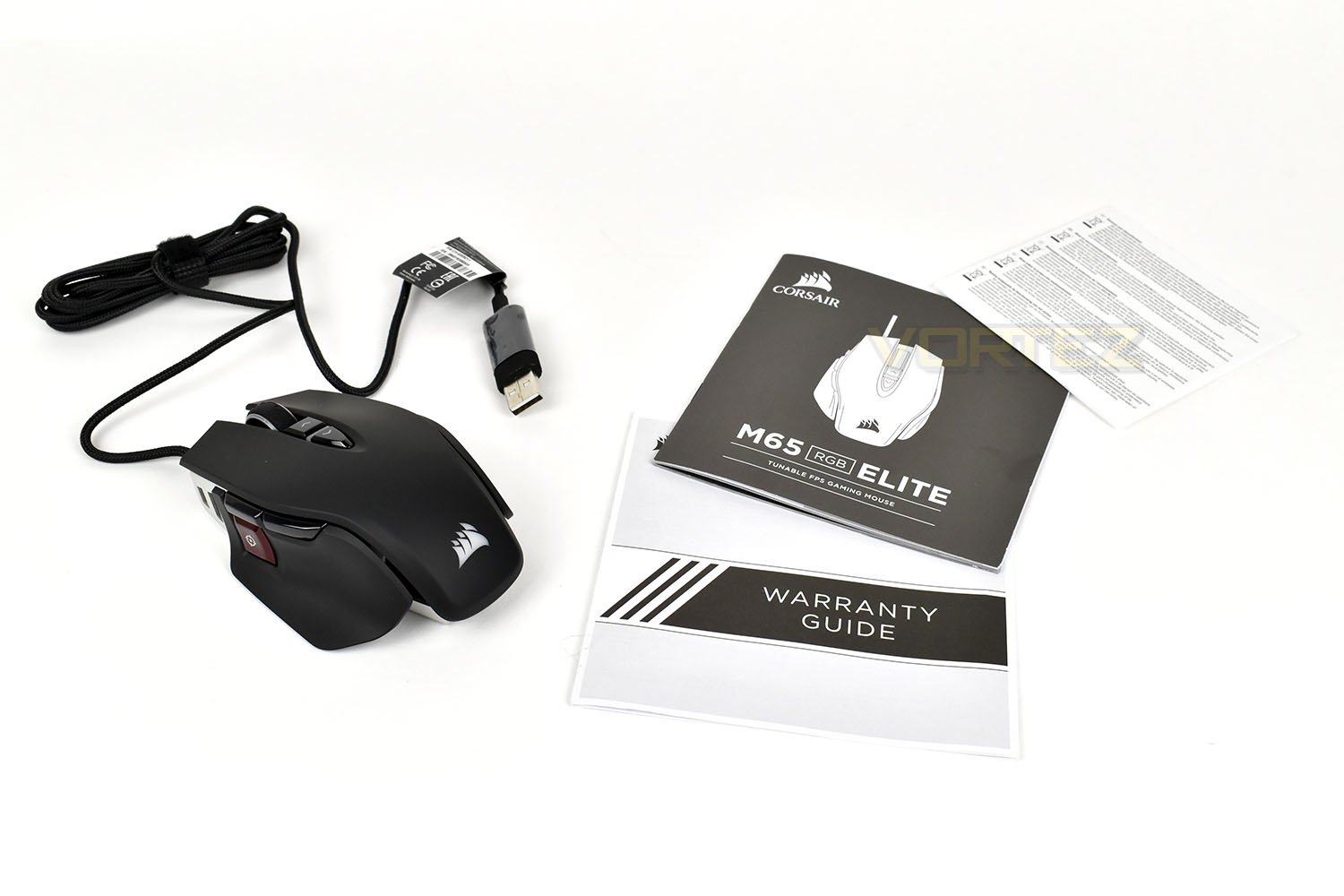
Along with the rest of the range, Corsair tends to bundle very little with their devices. There’s a warranty guide and a small instruction booklet.
Closer Look
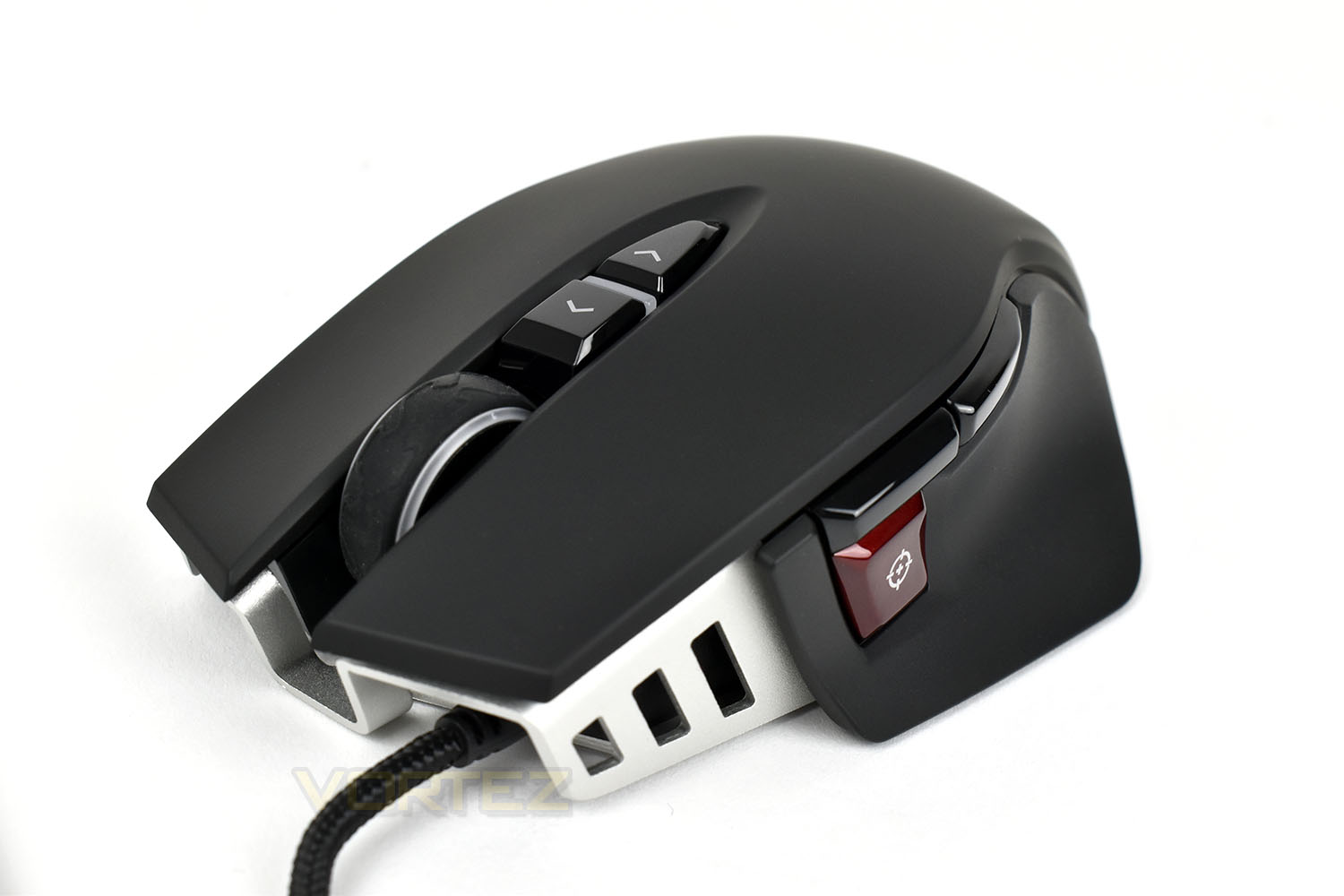
The front of the mouse is a rather basic design, with empty sections highlighting Corsair’s desire to build a lightweight mouse, though the thickness of the aluminium chassis is visible and it’s certainly not on the flimsy end of things. The braided USB cable extends out of the left side of the mouse, instead of the centre as is the norm.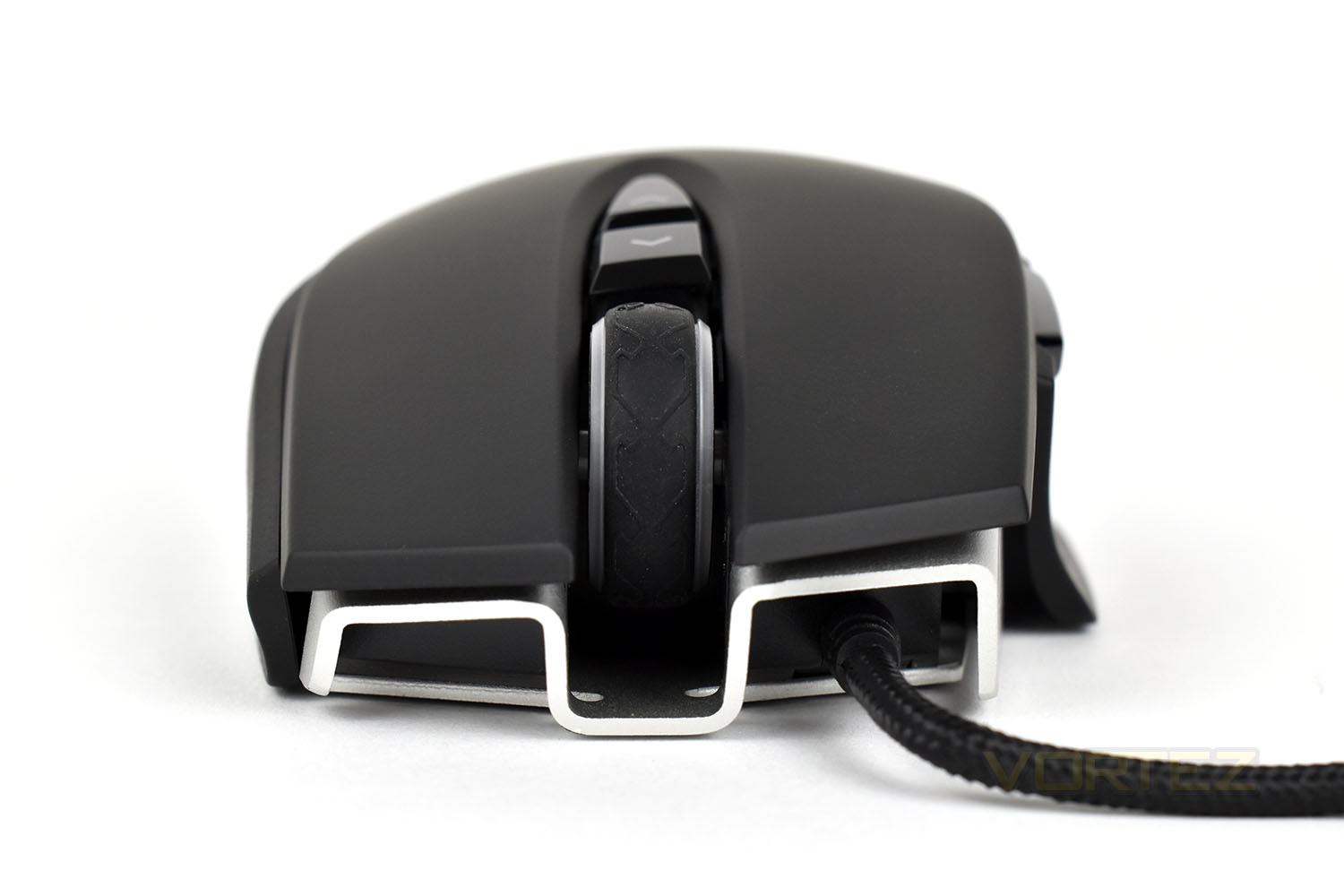
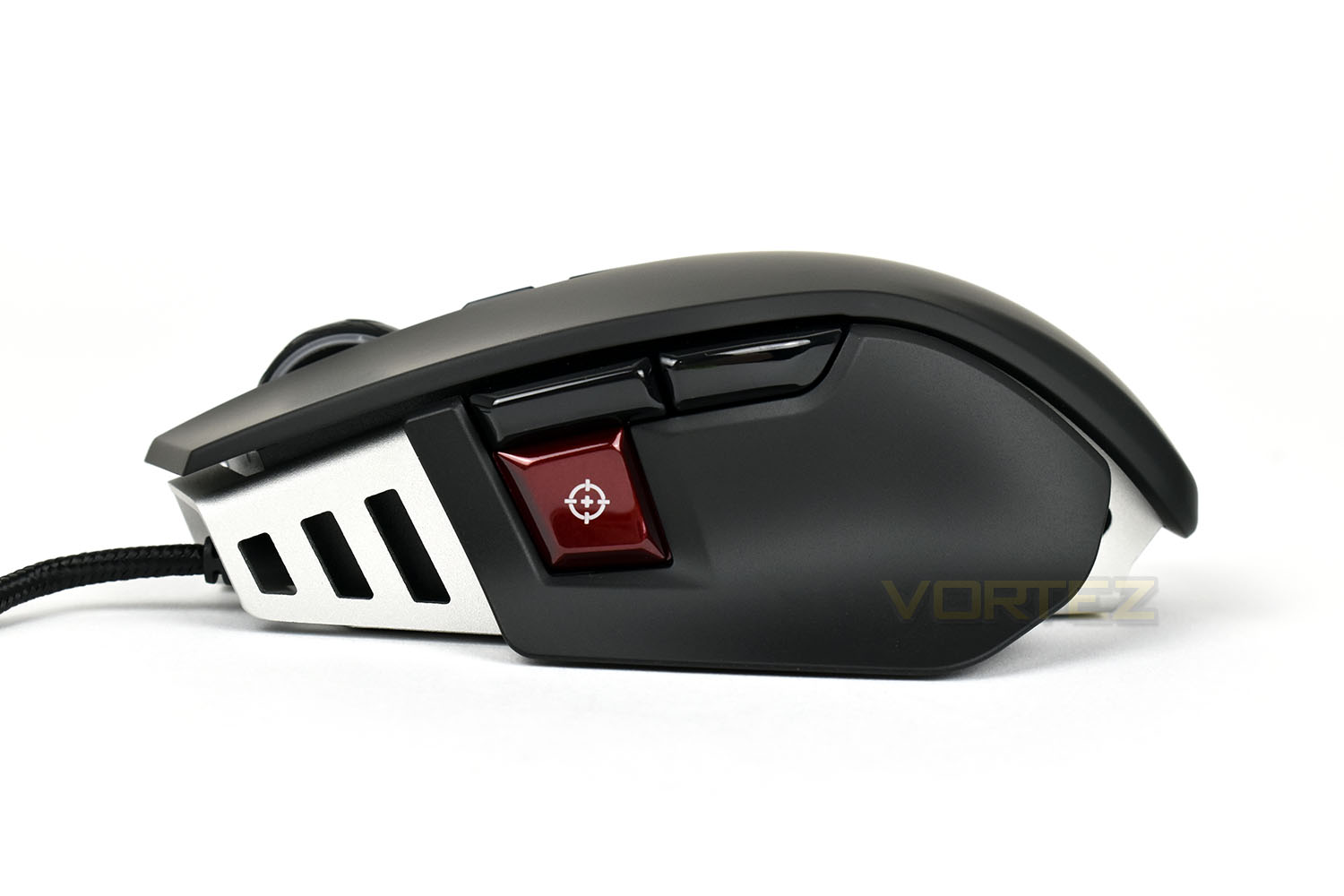
The left side of the mouse features, what looks like, a well known sporting brand’s logo towards the front, a pair of programmable thumb buttons, which default to forward and backwards in your browser. The red button with the crosshair is the “Sniper button”; when depressed, the mouse will immediately reduce the sensitivity to allow finer control of the cursor when lining up your headshot in FPS games.
The piece of plastic flares out slightly towards the base of the mouse to increase comfort for palm grip users and help maintain grip with other grip styles.
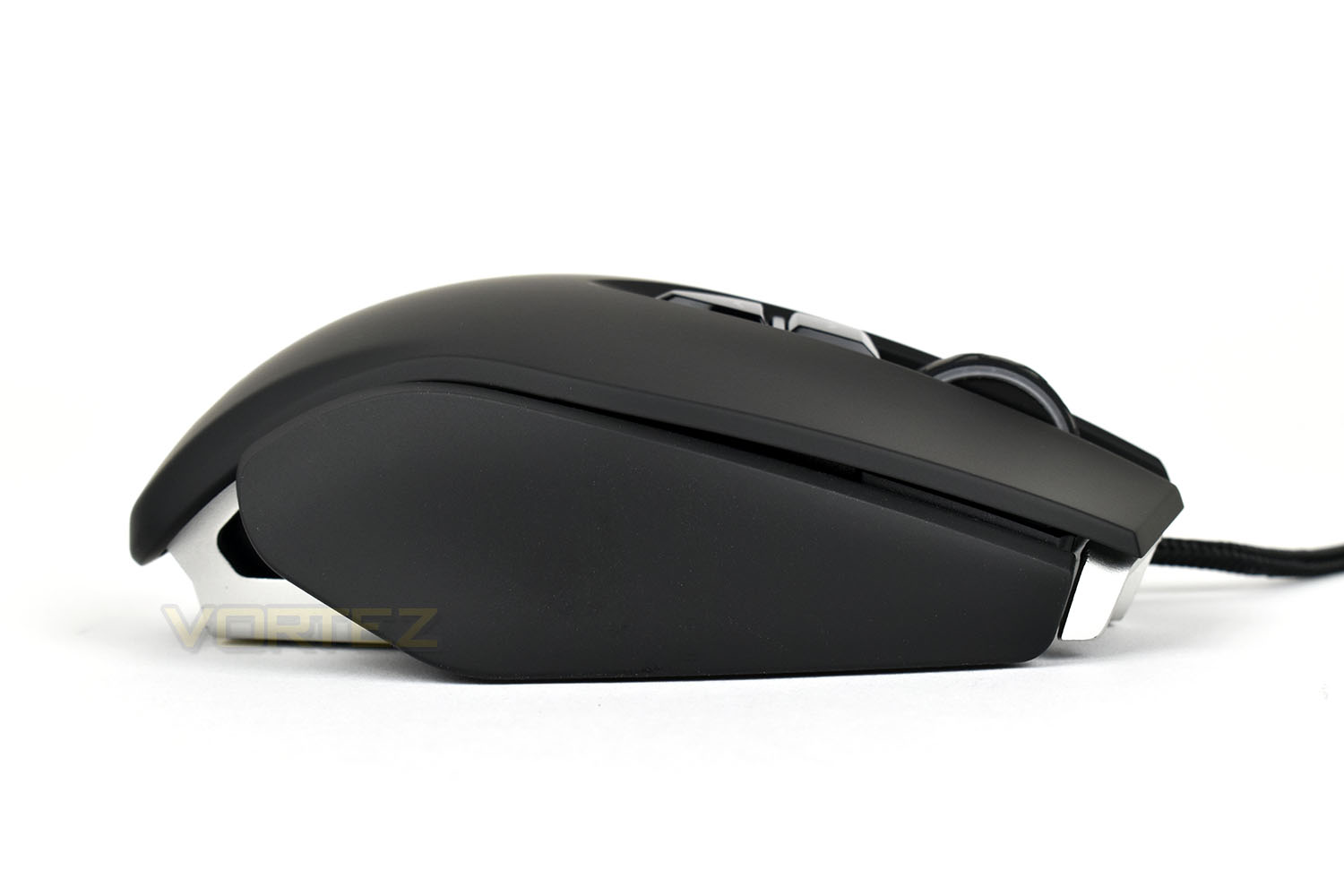
The right-hand side of the mouse is made up of a single slab of smooth plastic. There’s very little in the way of shape, though the top edge forms an almost 90° angle with little curvature.
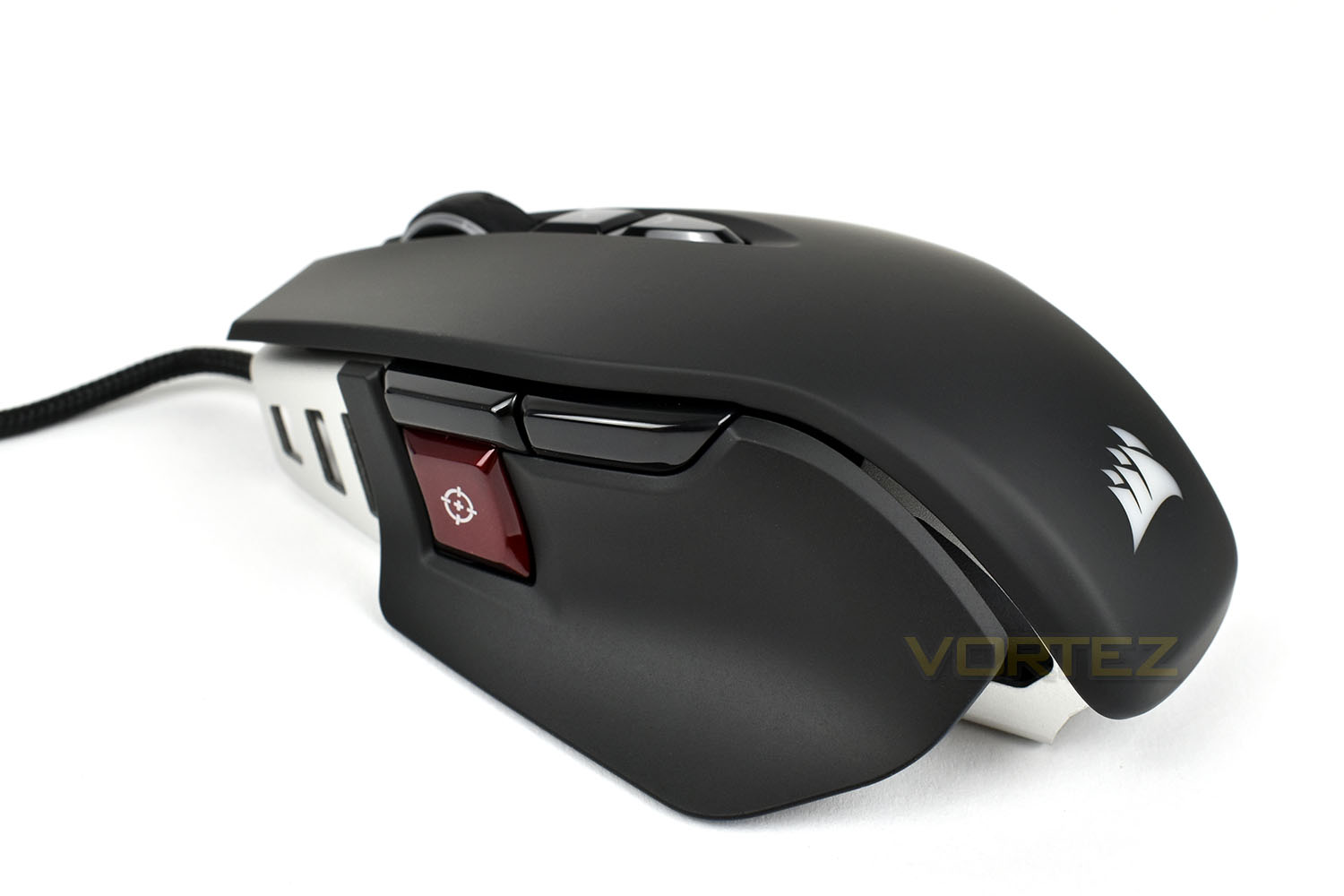
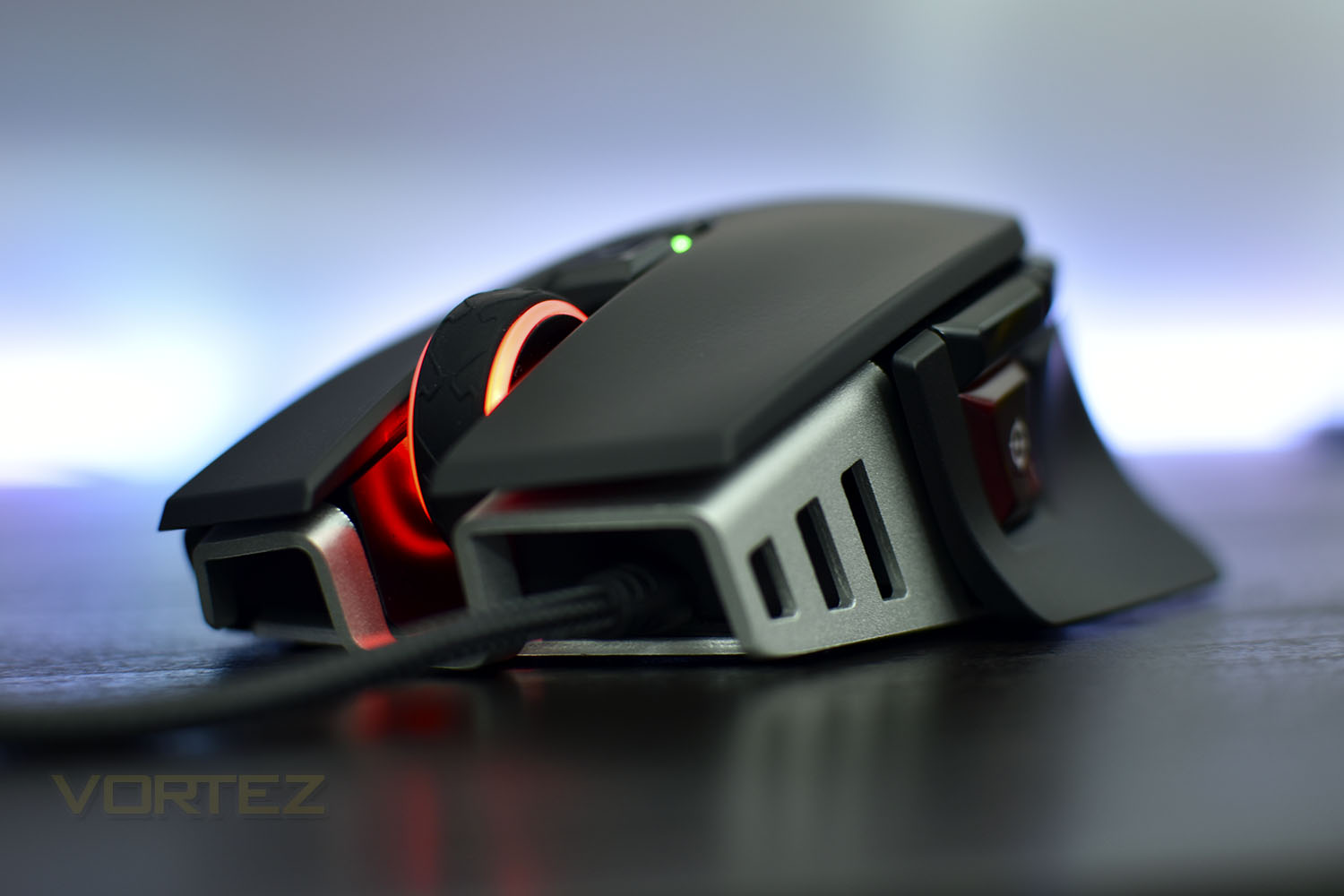
Moving to the back of the mouse, due to its short length, the rear slopes off quickly. The Corsair sail glows with RGB lighting, as do the three cut-outs under the plastic shell, leaving a glow on the mousemat.
The scroll wheel also features RGB lighting around the two clear plastic sections, which can be configured in tandem or independently of the rear section. Just behind the scroll wheel are a pair of DPI select buttons, one for up, the other for, down. The LED in the middle displays the currently selected option.
Closer Look (Continued)
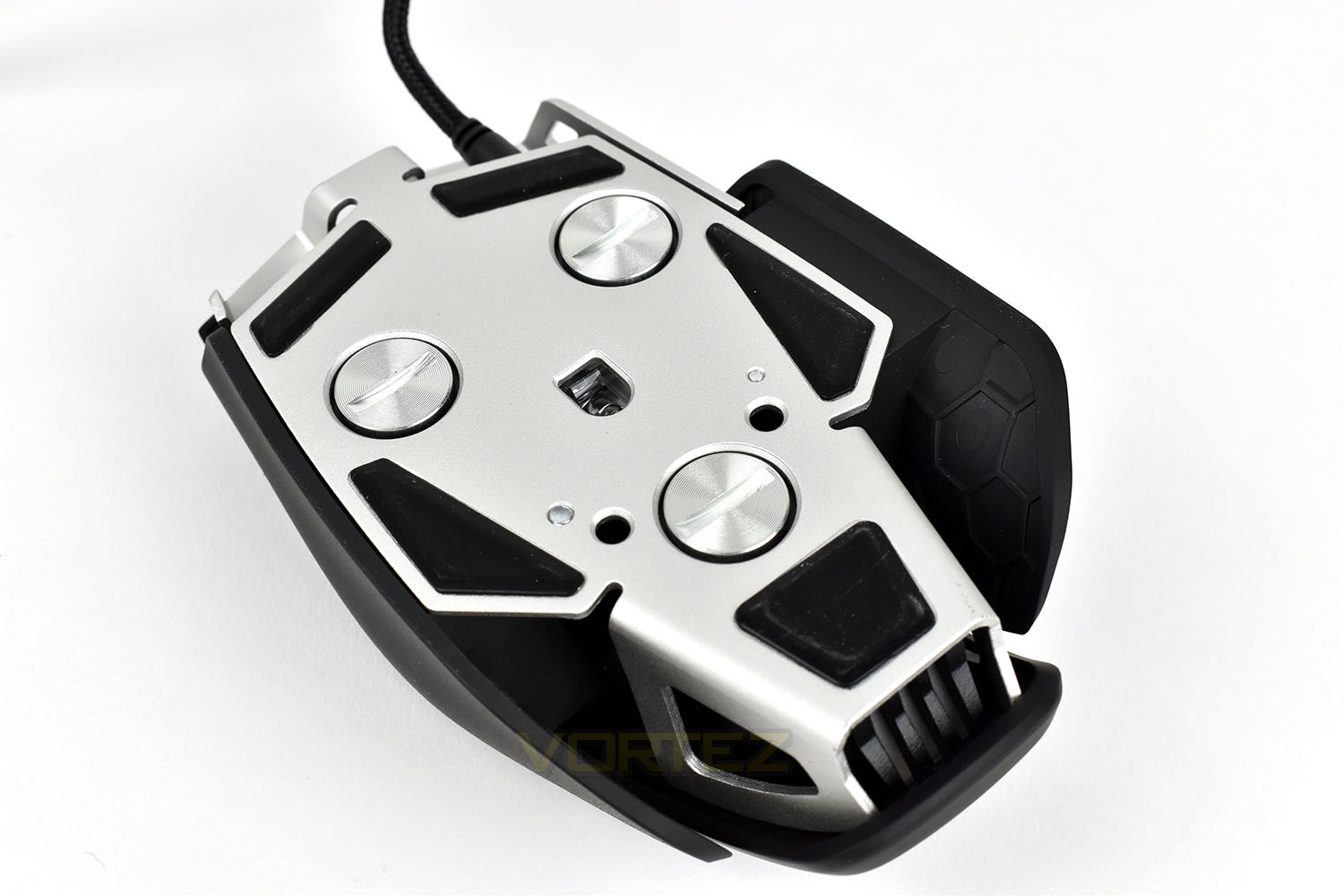
On the bottom of the mouse are five separate PTFE pads, ensuring the mouse glides with ease. The PMW 3391 sensor is planted almost perfectly in the centre of the mouse.The main point here is those three screw points. When undone, they allow a weight to be removed. Each weight is 6g, allowing a total of 18g to be added to the base 97g of the M65 Elite, though do bear in mind that you are able to pick and choose which are populated which can alter the balance of the mouse, if you wish. 6g isn’t a great deal, but 18g is around 20% of the 97g, so it does add up.
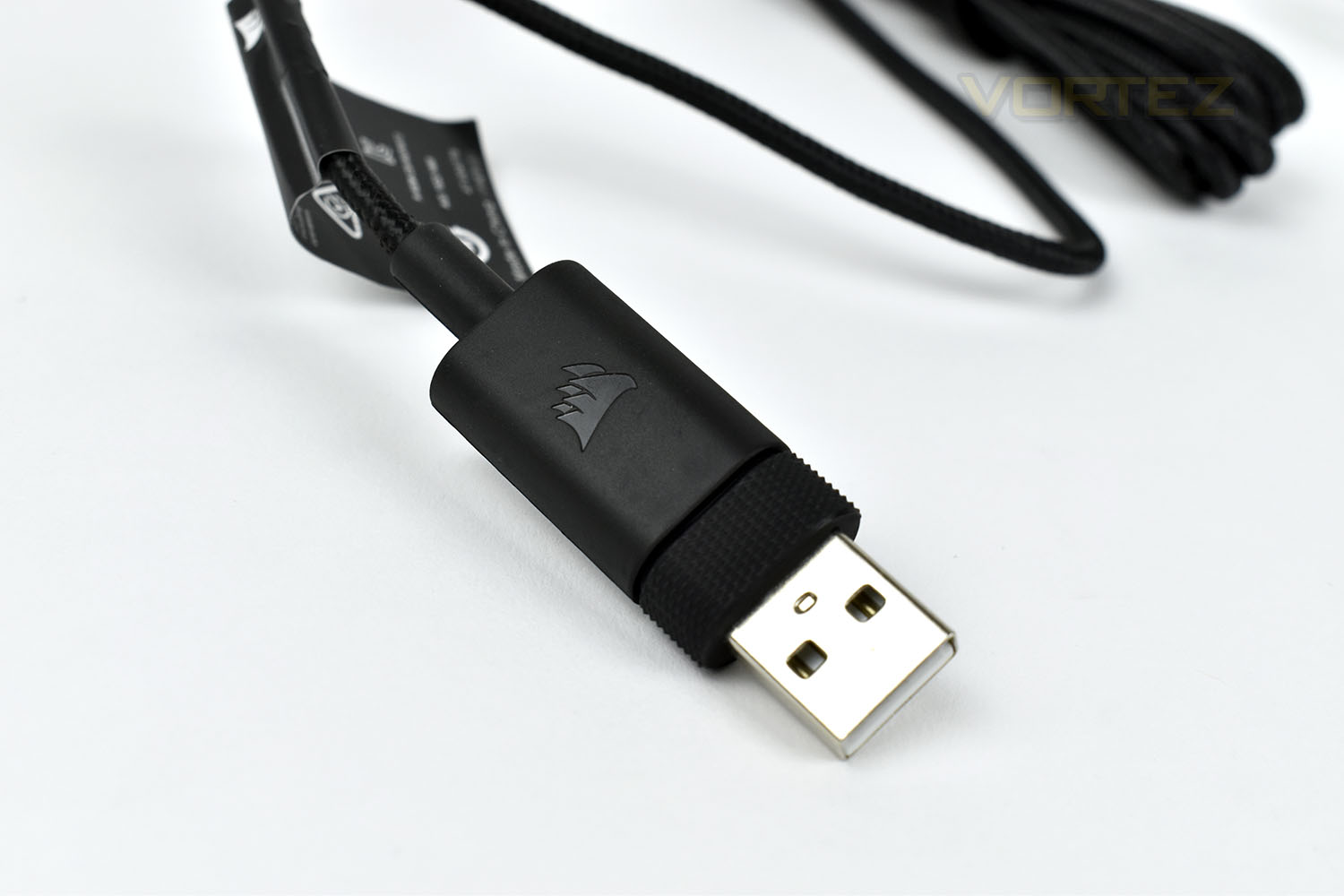
Finally, moving onto the cable. Corsair have opted to use a braided cable, which is pretty much a necessity on any mouse over about £30 these days. The moulded end feels nice and is even textured to help you pull it out of stubborn USB ports. The cable itself is 1.8M.
Software
The Corsair iCUE software is used to adjust the M65 Elite to your particular specification, including tweaking the DPI in increments of 1 and setting up the RGB lighting.Here’s a short clip showing the M65s options.
Performance Testing
Connecting the mouse to the PC is a simple USB connection, at which point the Corsair iCUE software recognises the M65 and immediately puts on a light show, cycling through the lovely RGB range. From the get go, the mouse is fairly well configured with a basic profile, in terms of DPI options and the sniper button’s default sensitivity.The M65 Elite is a smaller than average mouse, with a wide body, aimed at claw grippers or people with average to small hands. Corsair have tweaked the body in several ways compared to the previous M65 iteration, most notably on the side button cluster, increasing the prominence and size of the “forward and back” buttons as well as shifting the sniper button forward around half an inch. All of these improvements make the mouse more comfortable and easier to use. Corsair have also shaved off 15% of the weight from the previous model, bringing the M65 Elite down to 97g (without the weights). A lightweight mouse causes less drag, is easier to flick about and is generally more responsive, though a few grams might not sound like they make a great deal of difference, the human hand is an immensely well-tuned piece of evolution and is sensitive to much less. However, if you do want to pile the weight back in, the mouse will weigh 115g total. While speaking about the weights, it’s possible to adjust the balance of the mouse by picking and choosing which of the weights you leave in the mouse. It’s something you need to try out to appreciate properly, but it certainly changes the feel of the device.
Thanks to Corsair moving the sniper button forwards somewhat, making it more accessible, enlarging the thumb buttons and tweaking the weight, the M65 Elite is a tremendously comfortable mouse to use, with a satisfying build quality; Corsair’s claims that this mouse will last a lifetime of gaming don’t seem too far-fetched. This is further helped by the inclusion of OMRON switches beneath the right and left click, rated at 50M actuations each.
When testing this mouse out for gaming, we put it through Battlefield V, War Thunder and Borderlands 2. The PMW 3391 sensor, which we also tested in the Corsair Ironclaw RGB, has been developed in partnership with PixArt exclusively for Corsair. It features a maximum resolution of 18,000 DPI, and minimum of 100, making it one of the most versatile we’ve ever tested. The mouse performs exactly as you’d hope it would in-game, offering all of the reliability you need as well as pixel-perfect accuracy. PixArt and Corsair have done a fantastic job with the sensor in this model.
We’ve already touched on the DPI adjustability in the Corsair iCUE software, but we feel it’s worth mentioning again. Usually a manufacturer will offer steps of 50, or even 100 DPI at a time, making tweaks a little more difficult than they should be. While we don’t expect the vast majority of people will ever use individual adjustments of 1 DPI at a time, it’s possible and allows you to set the mouse up exactly as you want to.
RGB lighting is beautiful on this, with it illuminating both the desk and the mouse, as well as the translucent strips around the scroll wheel, all adding together to produce a brilliant light.
Conclusion
Let it not be said that Corsair cannot create a great mouse. This M65 Elite is easily one of the best mice created to date, and certainly worthy of the M65 name.Corsair’s improvements to the chassis, in the way of weight saving, along with the OMRON switches and tweaked side button placement have improved the previous formula while retaining the features that we already loved.
We found that our games felt smooth, accurate, reliable, and best of all, enjoyable, with the M65 Elite. The switches, sniper button, sensor and lightweight design all come together to create an excellent package that punches way above its class.
Overall, Corsair have pulled it out the bag with this mouse. If you’re a user with small or average sized hands that demands absolute performance with a well-refined design, this is the mouse for you. It’s also available in black or white, which is always nice.
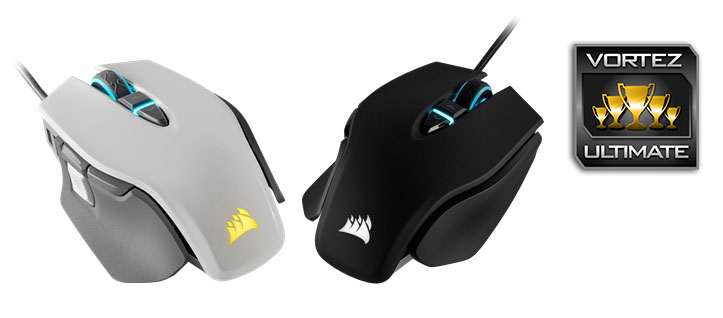
18,000 DPI, RGB lighting, adjustable weight, crushingly brilliant design and a reasonable price tag make this a must buy.
Pros
+ Great PMW 3391 sensor
+ Lovely RGB lighting
+ Lightweight chassis (if you choose)
+ Tweaks have only improved the formula
+ Comfortable shape
+ Reasonable price
Cons
– Weights were very difficult to remove the first time.
+ Great PMW 3391 sensor
+ Lovely RGB lighting
+ Lightweight chassis (if you choose)
+ Tweaks have only improved the formula
+ Comfortable shape
+ Reasonable price
Cons
– Weights were very difficult to remove the first time.
Click here for an explanation of our awards at Vortez.net.
Stay connected with the Vortez Social Media pages:
Join in with the discussions on Discord