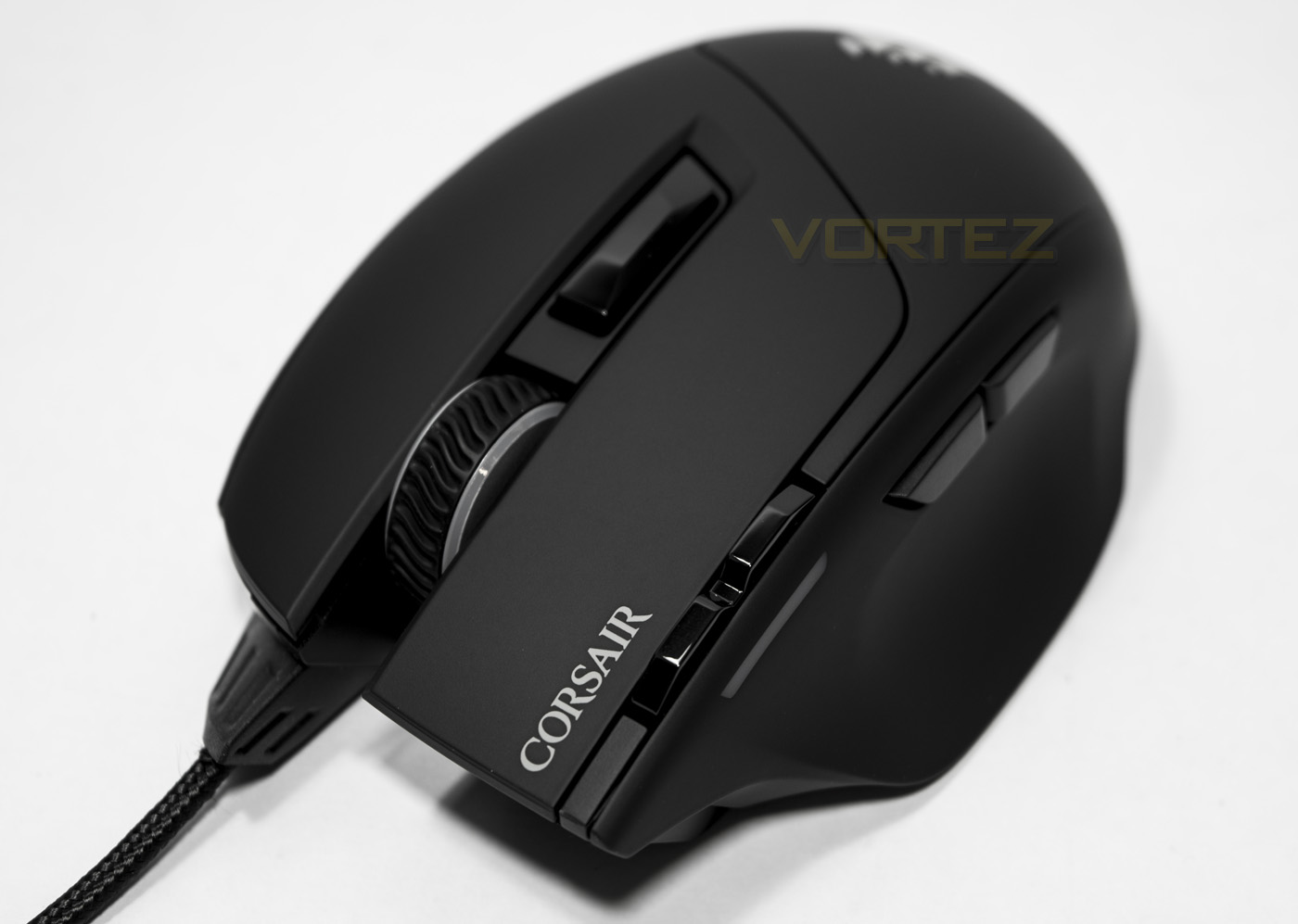
The Sabre RGB is a lightweight mouse geared for high speed gaming, it features 8 programmable buttons, customisable RGB lighting and an upgraded 10K DPI optical sensor.

Product on Review: Corsair Sabre RGB
Manufacturer and Sponsor: Corsair
Street Price: UK: £39.99, US: $49.99
The trusty sabre, a weapon of choice for nearly 200 years. Corsair have reimagined this trusty one handed sword into a lightweight gaming mouse with consideration towards fast paced action games such as FPS, RTS and MOBAs. To help gamers along the way, the mouse weighs a mere 100g and is ergonomically designed to be suitable for various grip types. It features 4 zone customisable RGB lighting (front, wheel, logo and profile indicator), Omron switches, 8 programmable buttons, 1000Hz polling, and a 1.8m braided easy-flex USB cable.
The listed features above, as some may be aware, are identical to the previous Sabre RGB mouse, though there are a few exceptions. One of which is the use of the more attractive sails logo as opposed to the Corsair Gaming logo, and of course Corsair have upped the resolution from 6400 DPI to 10K DPI. This is likely to appeal to those that are gaming on a high resolution/multi-monitor setup that requires a higher resolution mouse to span the screen/s with a more convenient hand movement.
Overview by Corsair
Light weight at just 100g, the Corsair Gaming Sabre RGB 10000 DPI gaming mouse offers easy comfort and fluid reach balanced by consistently accurate tracking, a 1,000 Hz refresh rate, eight configurable buttons, and super-responsive switches. Four-zone 16.8M color backlighting creates a beautiful, personalized look that matches your style.
Technical Specifications
Dimensions: 124mm x 80mm x 38mm
Weight: 100g
Game Type: FPS
DPI: 100 dpi – 10000 dpi
Sensor Type: Optical
Mouse Backlighting: 4 Zone RGB
Prog Buttons: 8
Report Rate: Selectable 1000Hz/500Hz/250Hz/125Hz
On-board Memory: Yes
Mouse Feet: Extra Large PTFE
CUE Software: Enabled
Cable: 1.8m Braided Fiber
Warranty: Two years
Weight: 100g
Game Type: FPS
DPI: 100 dpi – 10000 dpi
Sensor Type: Optical
Mouse Backlighting: 4 Zone RGB
Prog Buttons: 8
Report Rate: Selectable 1000Hz/500Hz/250Hz/125Hz
On-board Memory: Yes
Mouse Feet: Extra Large PTFE
CUE Software: Enabled
Cable: 1.8m Braided Fiber
Warranty: Two years
Packaging & First Look
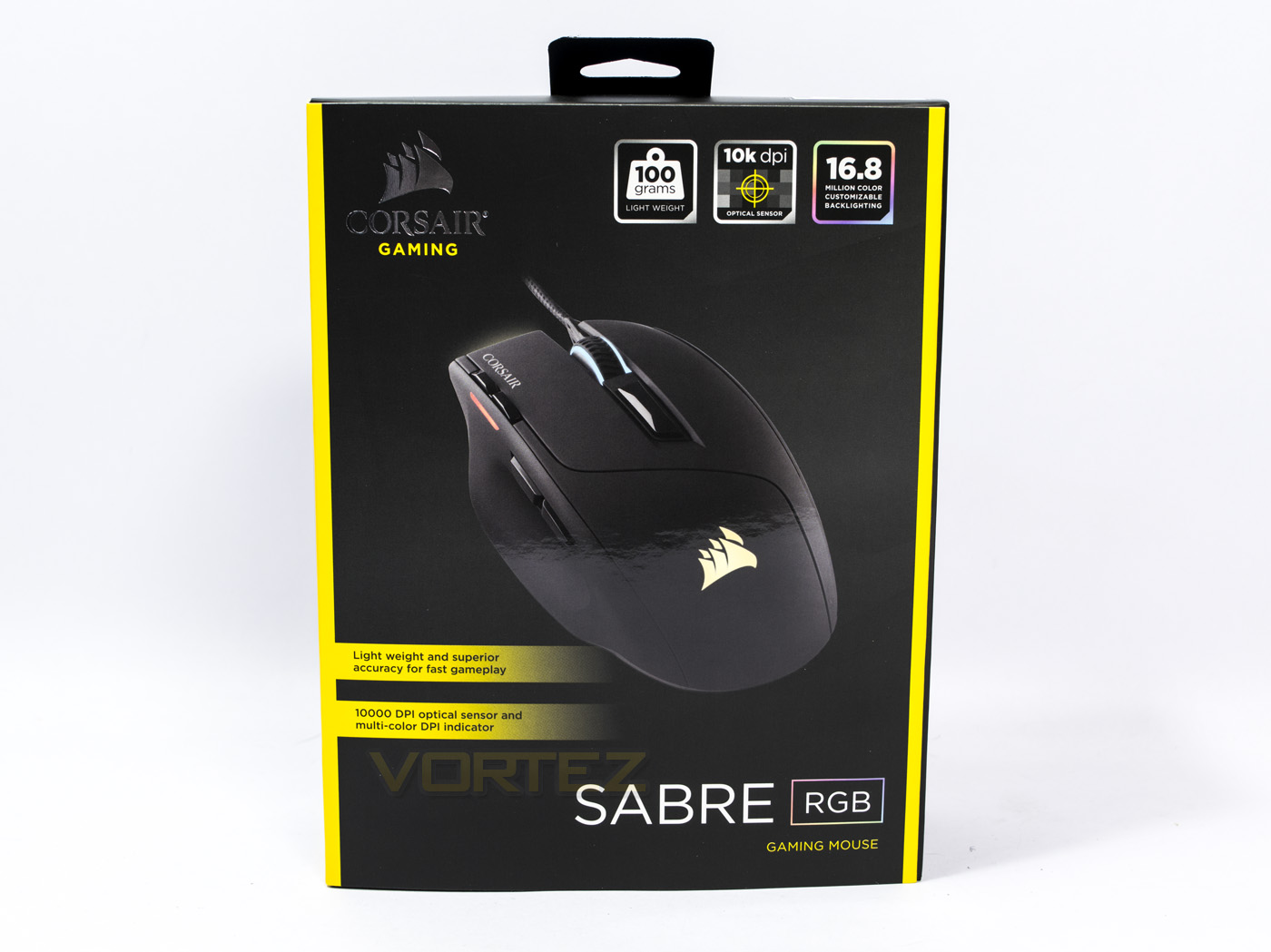
The packaging is easily identifiable as a Corsair product with the black and yellow colours standing out. The front face features a picture of the product and a few of the key features relating to it.
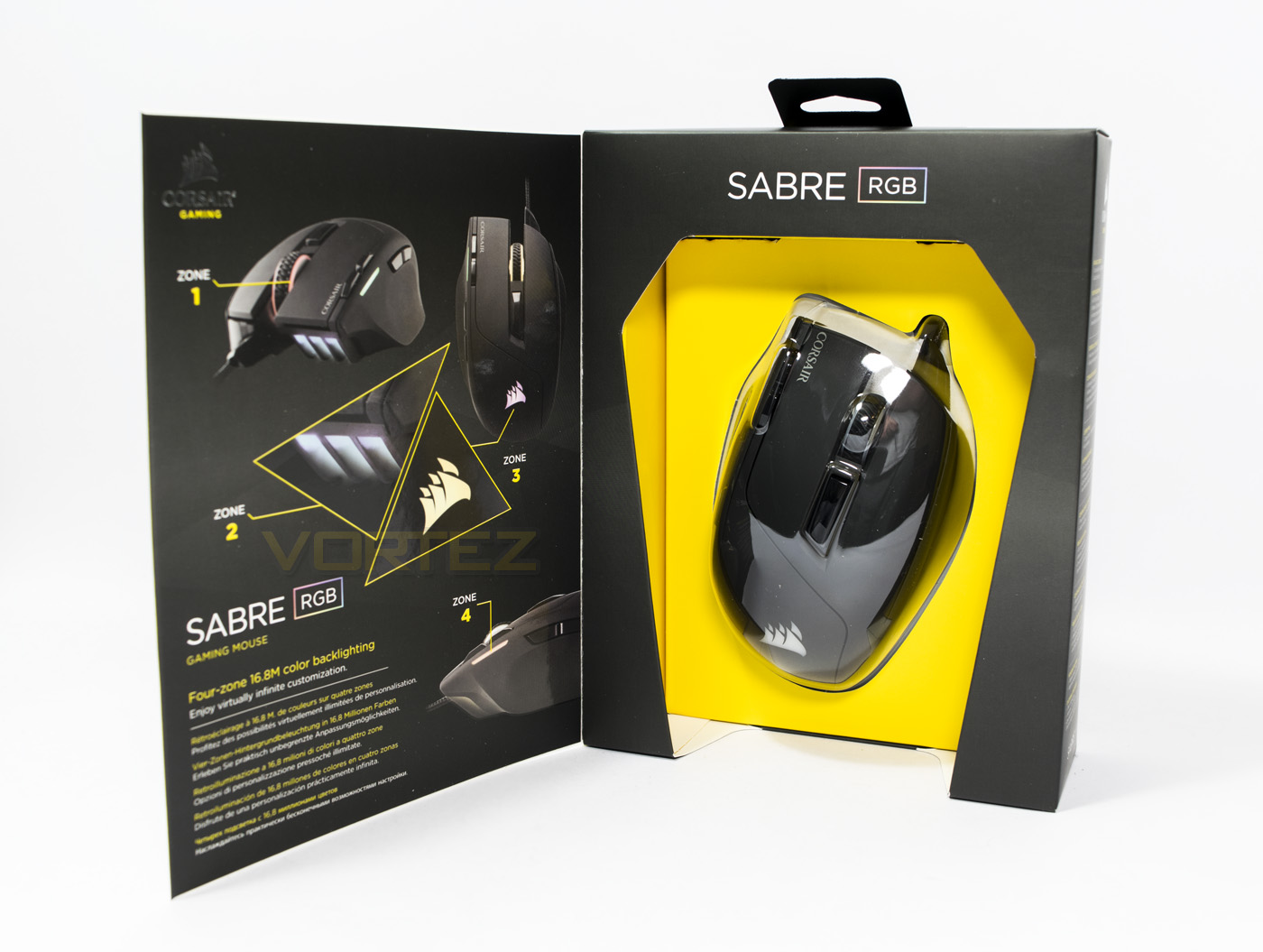
The front of the packaging opens up allowing for a good look at the product inside, on the inside face, there is information about the 4 zone customisable lighting, 3 of which can be synced with effects (front, wheel and logo) and side lighting can be customised to represent the 5 on-board profiles.
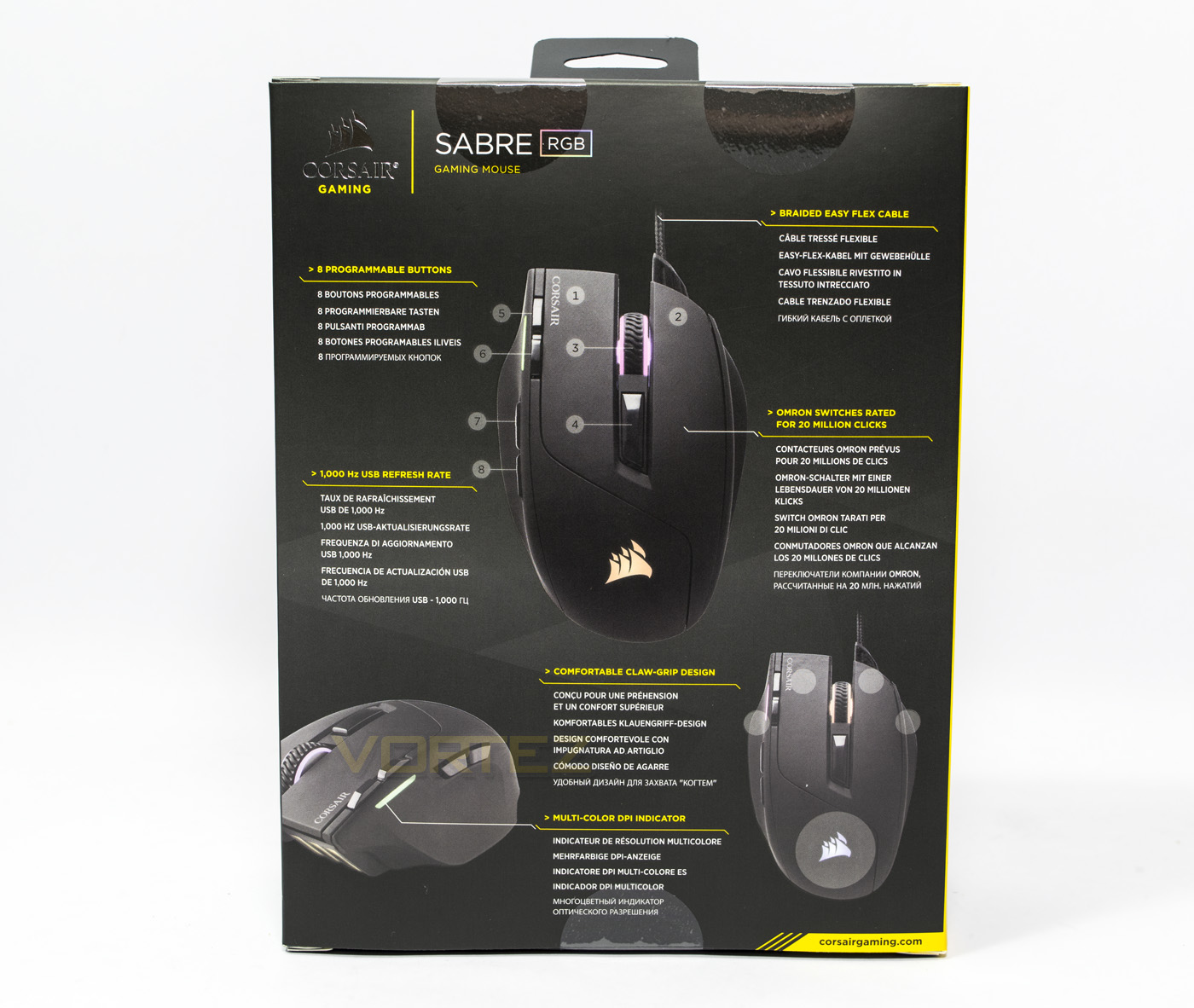
At the rear, there is a diagram detailing key points about the product in various languages. This mouse states that the design is good for claw grips.
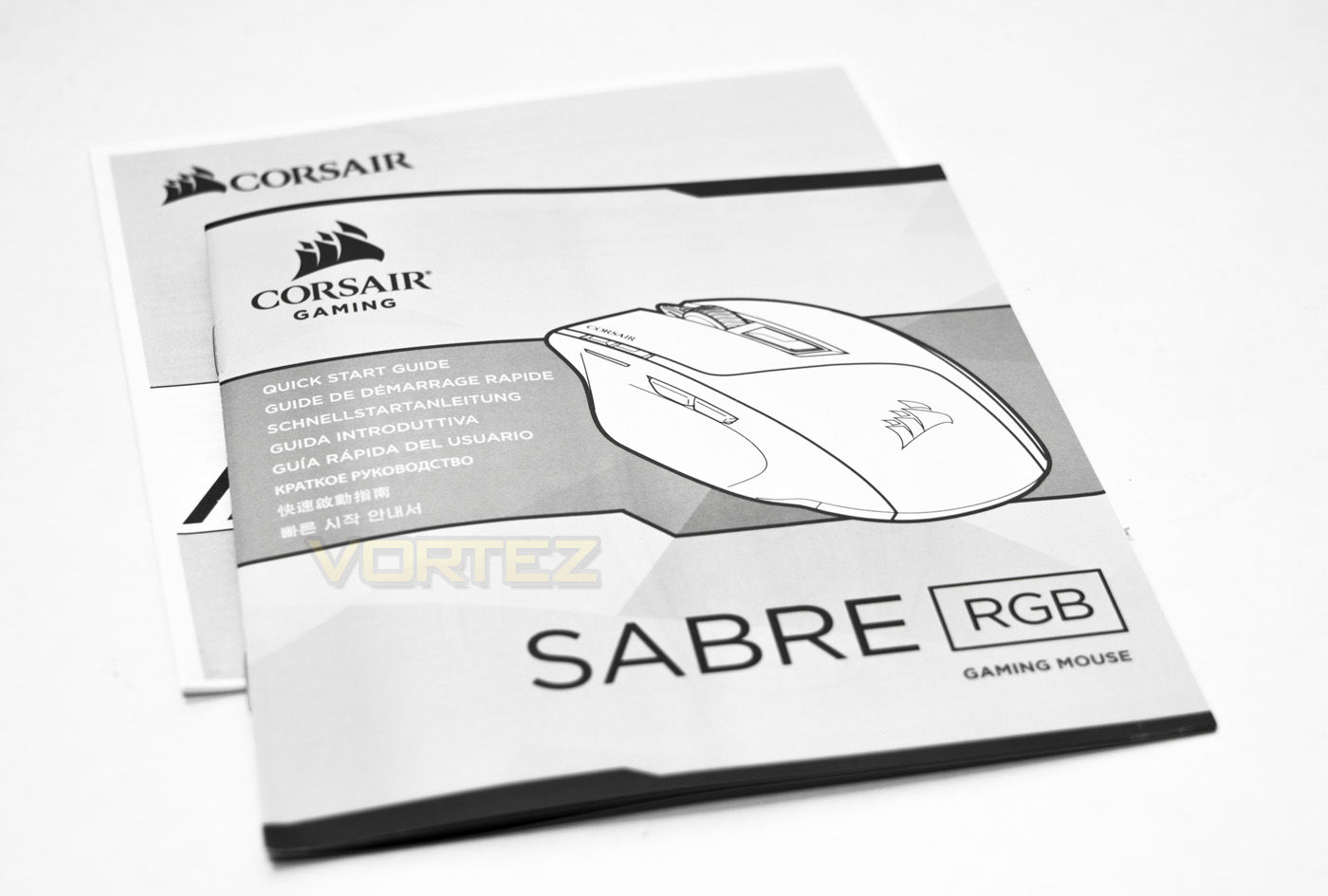
The bundle is rather light, including just the guide and warranty information, would be nice to see some Corsair stickers.
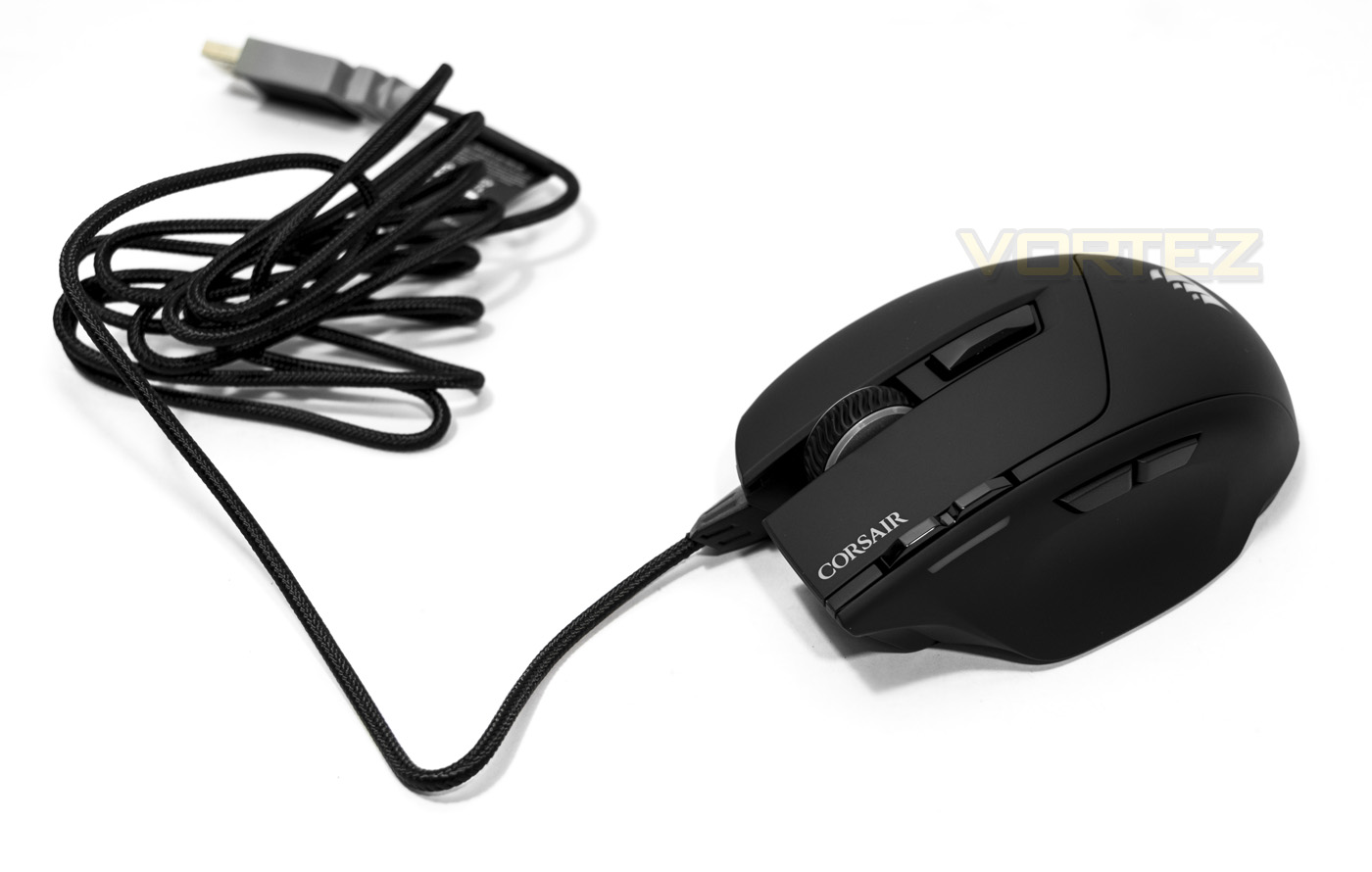
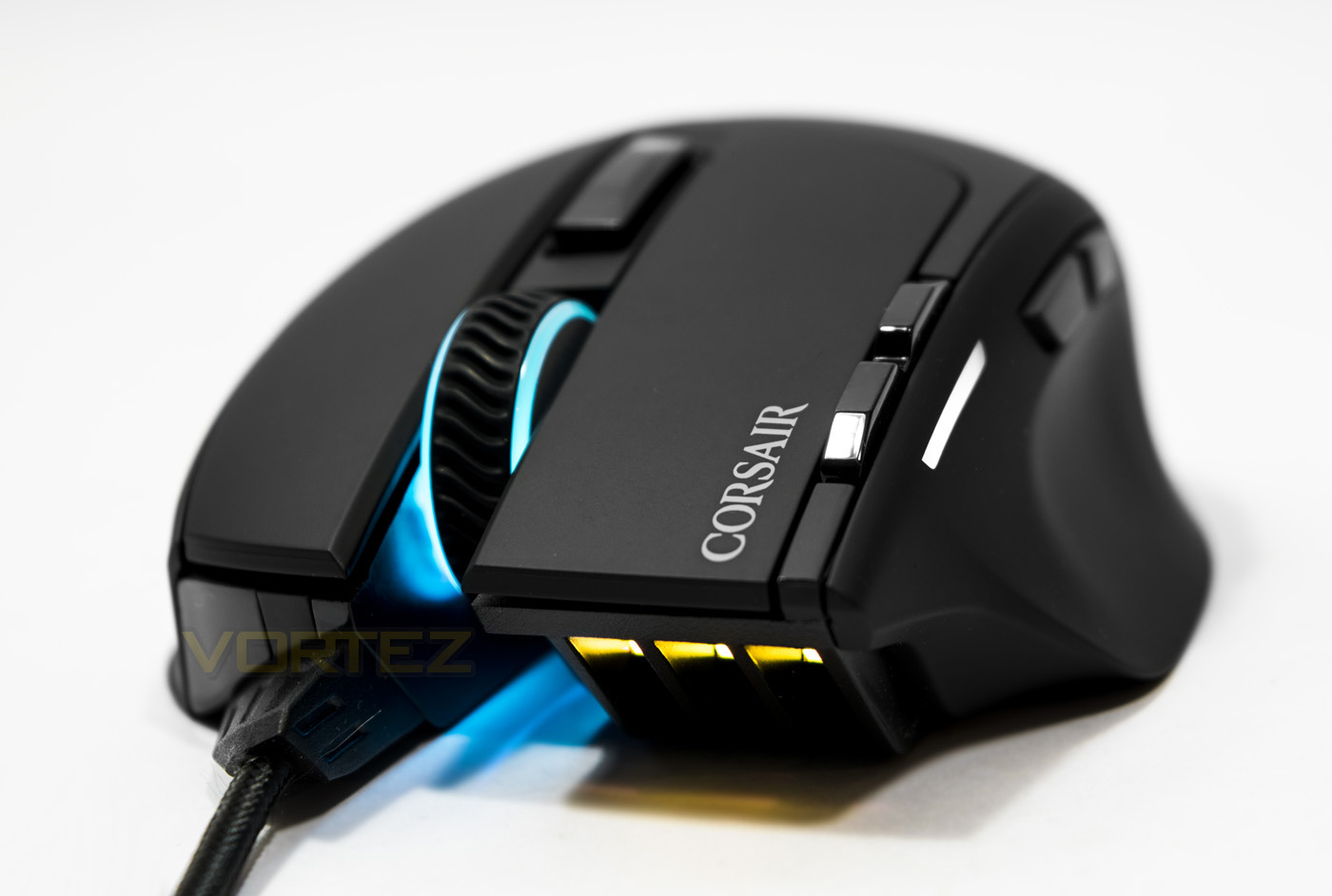
The Sabre RGB mouse has a 1.8m long braided cable that is fixed to the mouse by a firm extension, this prevents the cable from dragging on your surface directly in front of the mouse as this can create a little drag. As with the logo change, the bright yellow detailing from the USB connector seen on previous Corsair products has been replaced by a more neutral grey colour.
Closer Look
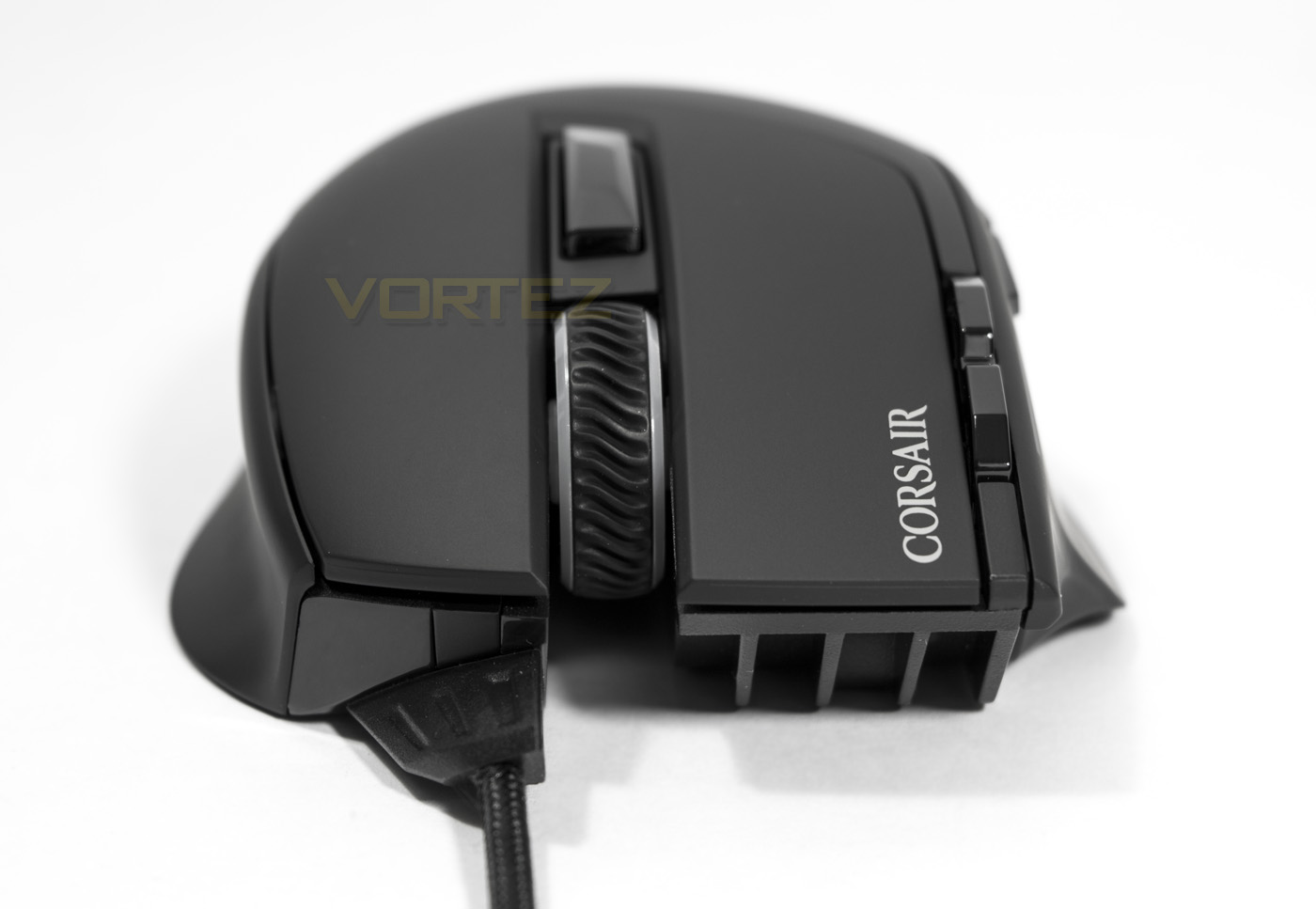
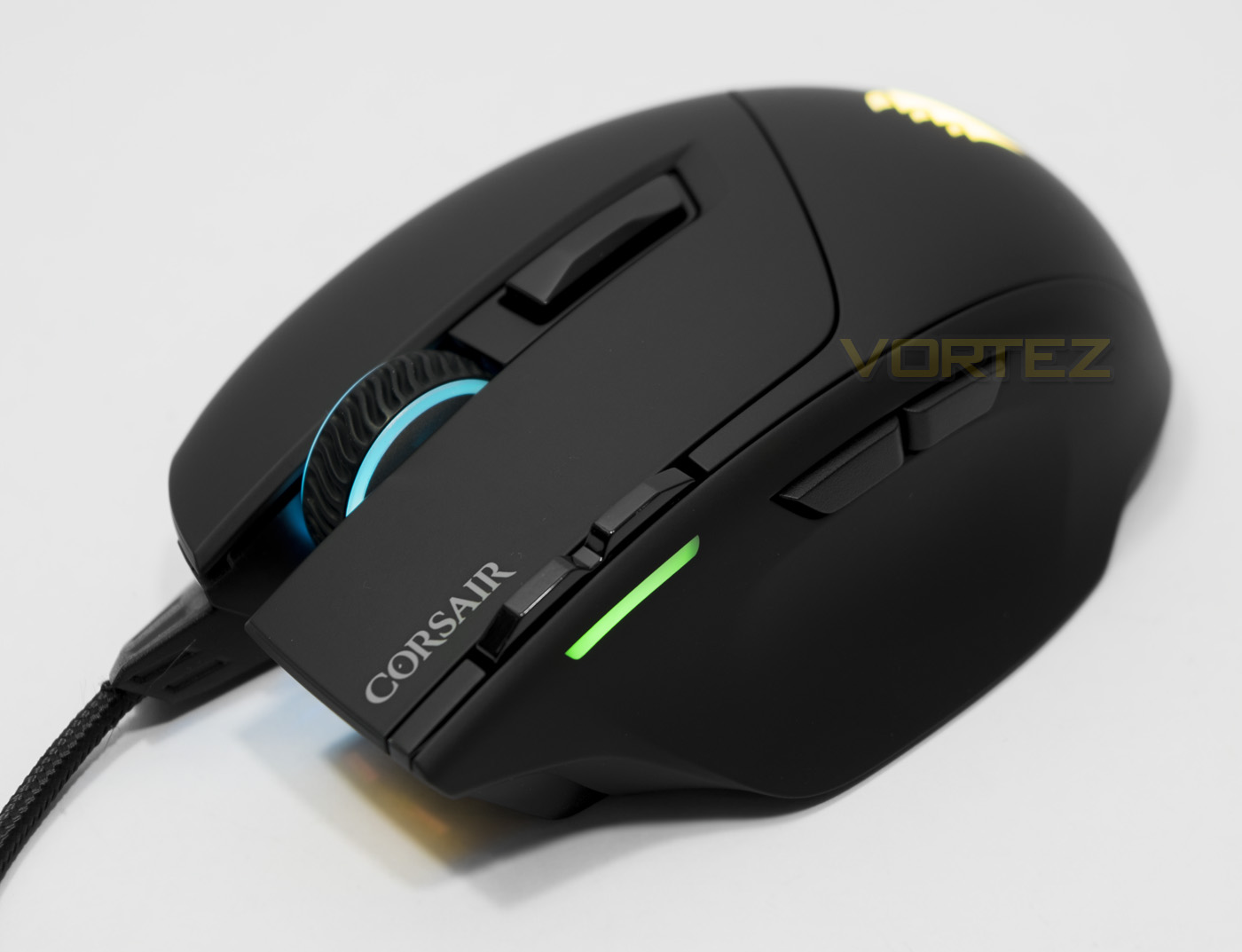
The front of the Sabre RGB has a very distinctive look, with the left side click is larger and more dominant that the right side. The cable is attached off centre, leaving the mouse wheel open.
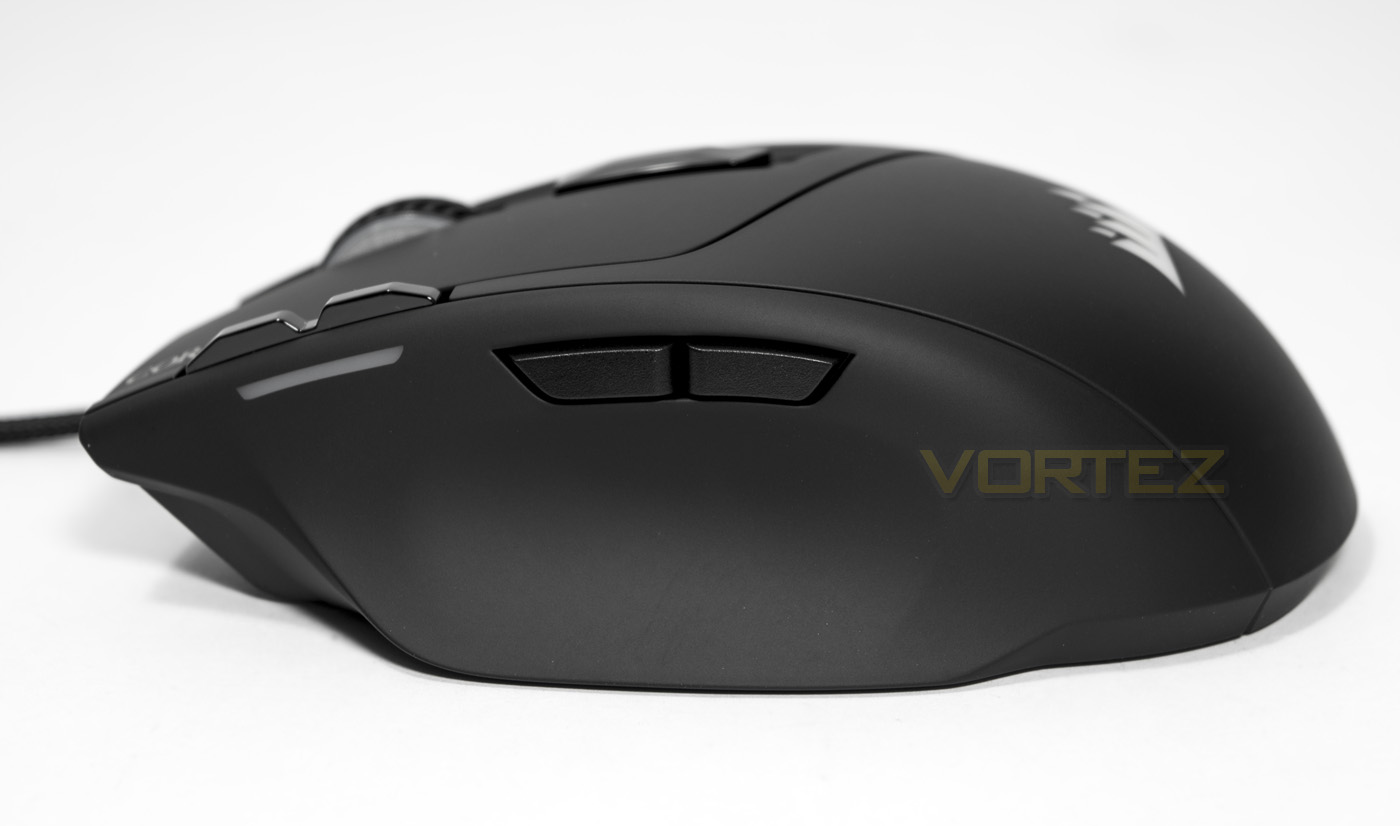
There are two side buttons (forward/back) and a profile indicator light towards the front. Just above where the indicator light is situated there are two extra buttons used for profile/DPI switching.
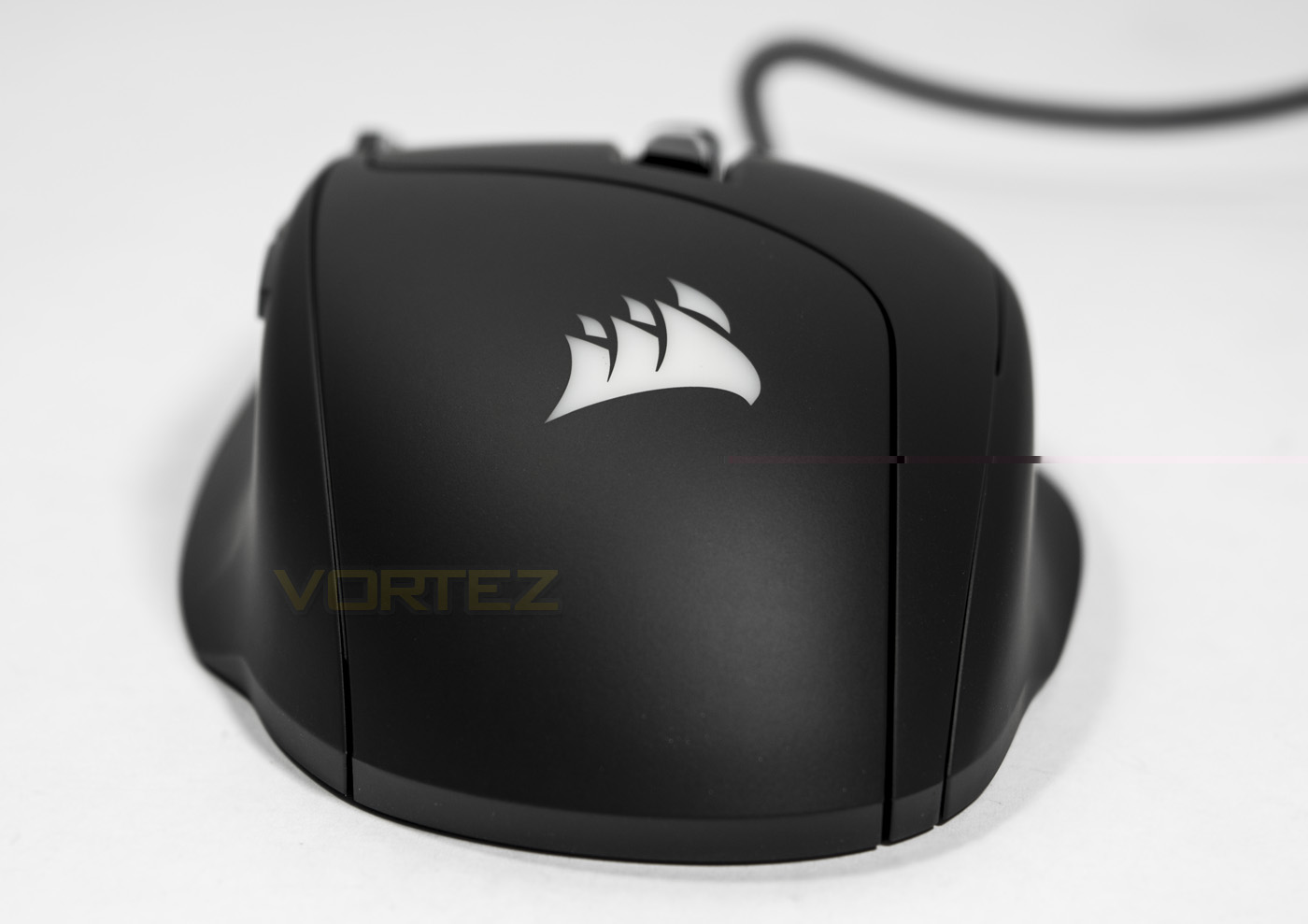
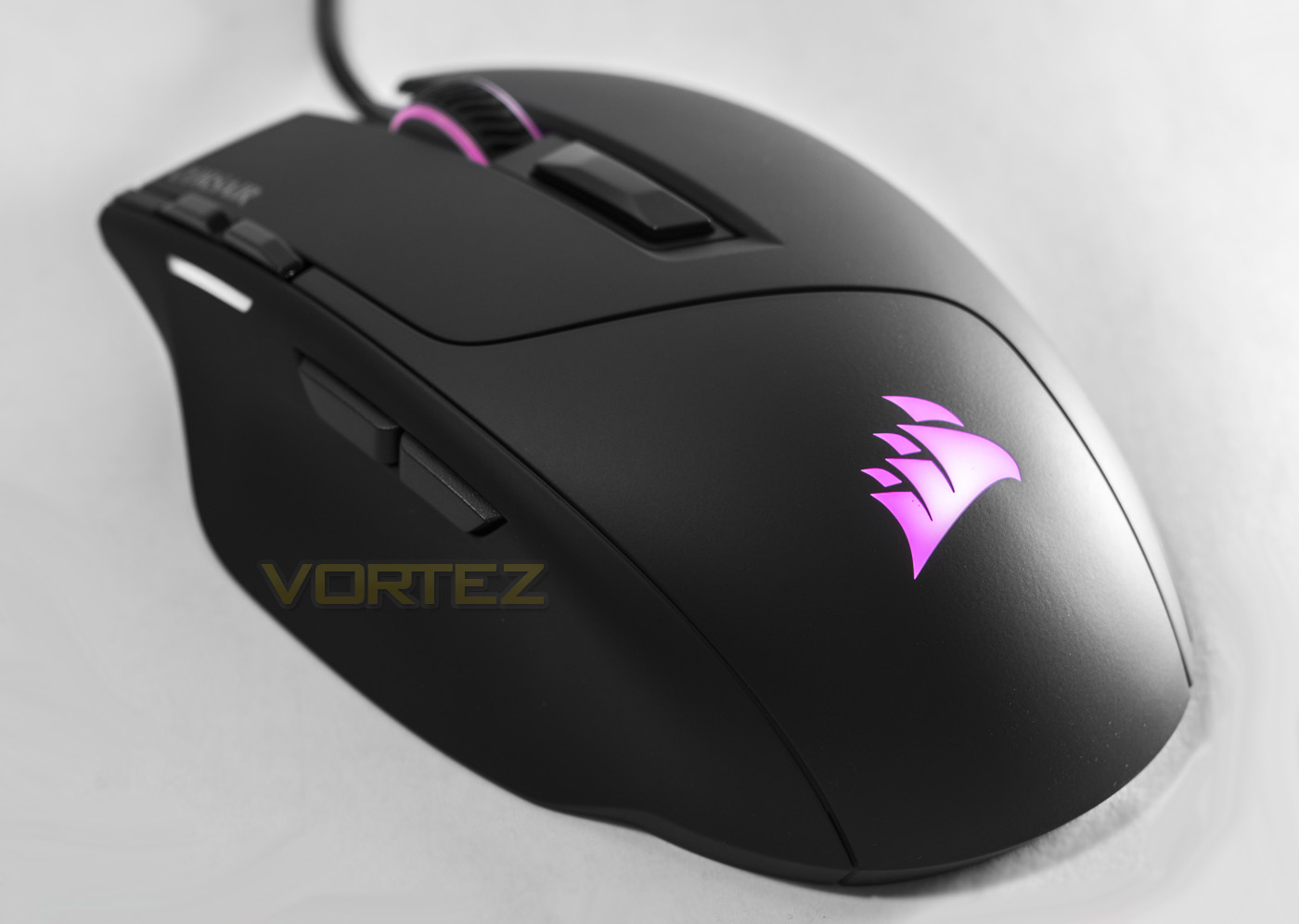
The sails logo is more sleek and elegant over the older Corsair Gaming logo, no yellow printed writing anywhere to be see either. Looking down the mouse from behind, you can see the ergonomically designed shape, giving an indent for the thumb to rest in, though it seems there is a similar shaping on the right hand side too.
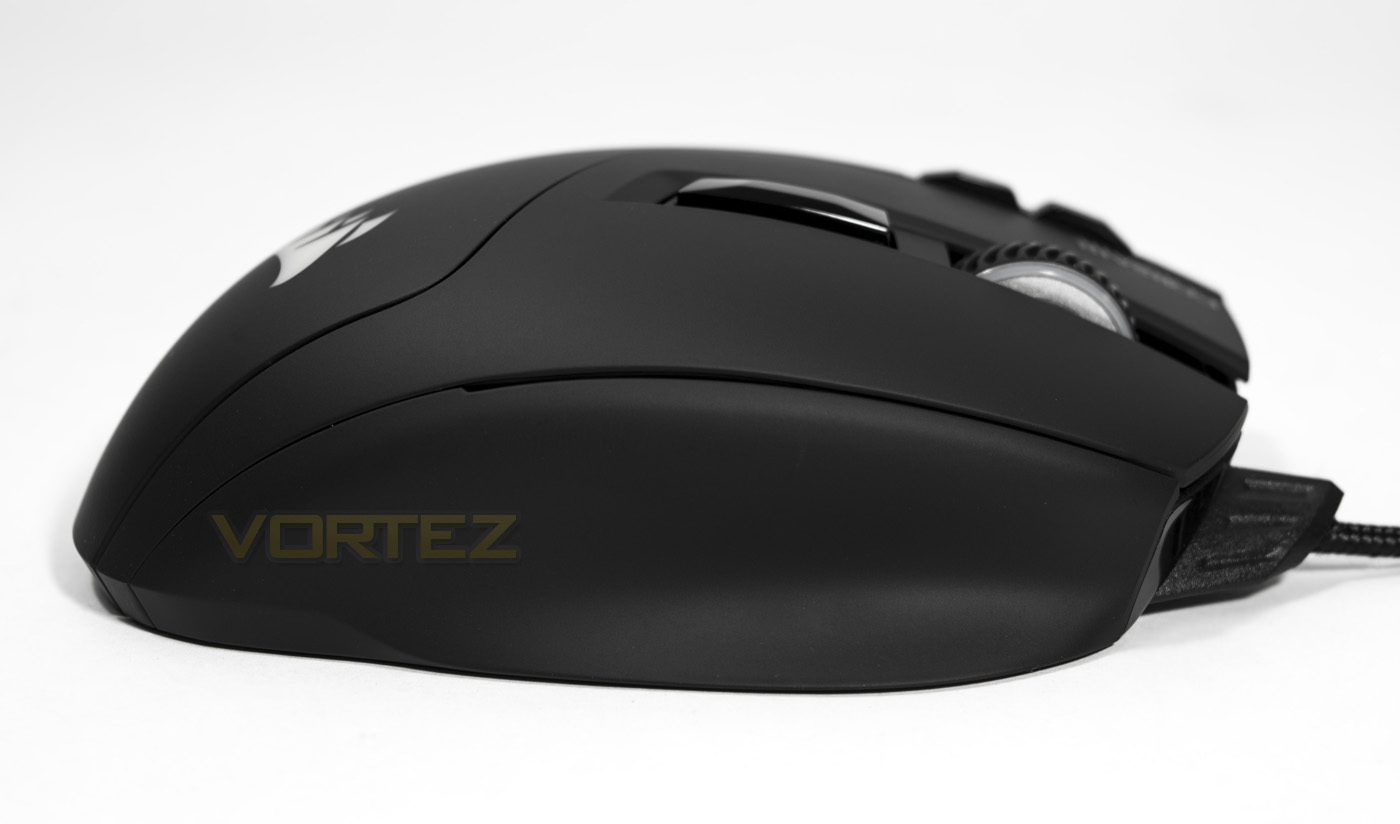
This side features some strange shaping, maybe to rest some extra fingers in different grip styles.
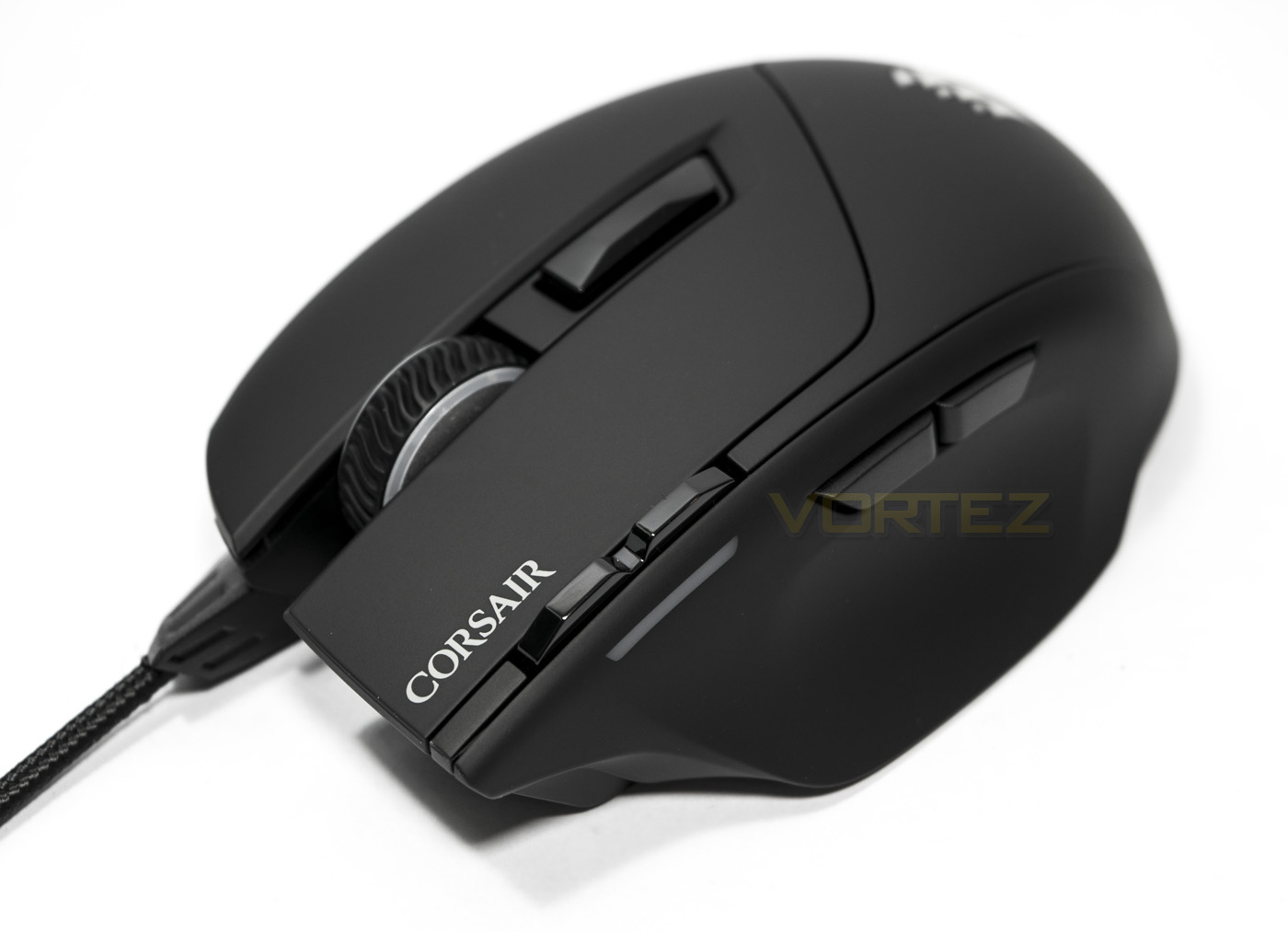
The mouse wheel has a rubber coating and forms another part of the customisable lighting zones. Situated just behind the wheel, there is another programmable button which is unassigned by default.
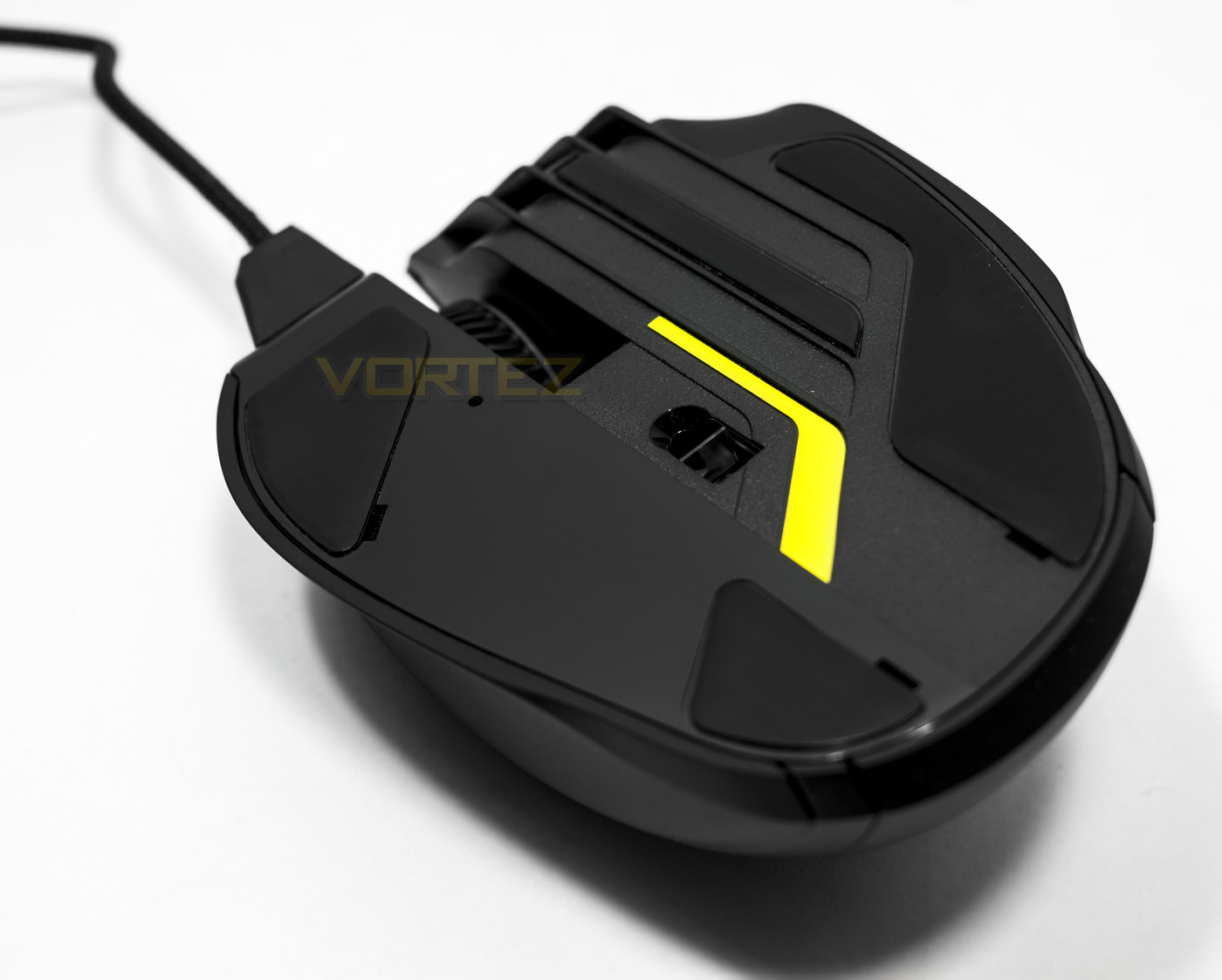
The base of the Sabre RGB reveals some large slip-pads, while the sensor is placed centrally, slightly more to the rear side.
Software & Lighting
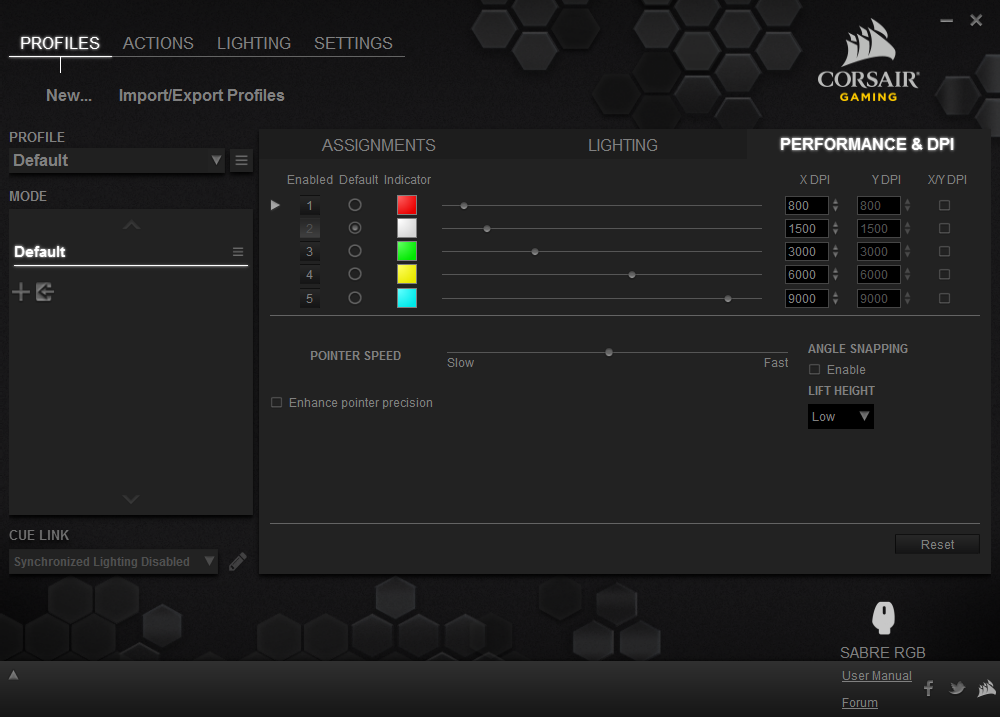
The Sabre is supported by the Corsair Utility Engine, a piece of advanced software that has built in profile manager, performance and lighting adjustments as well as a powerful keystroke/macro recorder. Though receiving complaints about the learning curve of the CUE software interface, most will be happy with the various preset lighting styles to keep things simple. However, should you wish to take advantage of the CUE software, there are advanced options to play around with.

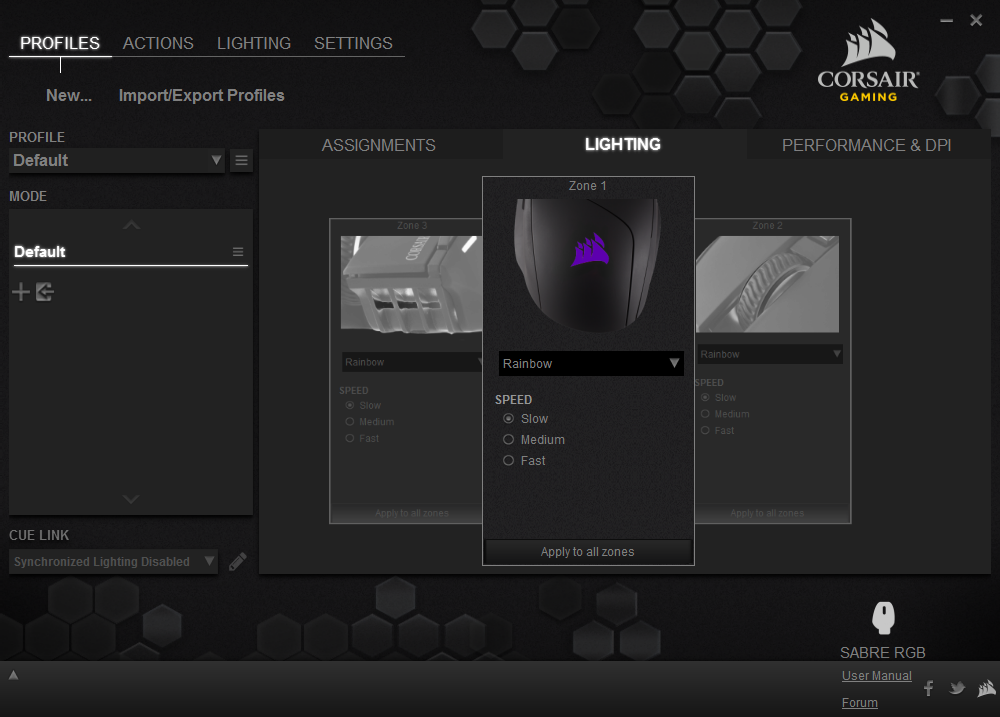
The lighting is attractive and vibrant with the three main lighting zones being able to have independent lighting effects, or can be synced with the same lighting effect. The main choices are, rainbow (spectrum cycle), static, pulsing and colour shift, the latter two you can assign two colours for the effect to work with.
Performance Testing
Setup, Design & Observations
The Sabre RGB mouse will work out the box with plug and play drivers and all you need to get going is a spare USB port. For full features and options it is recommended that you install the CUE software. Once plugged in and the CUE software was opened, the Sabre RGB firmware was promptly updated without problem.
Visually the Sabre looks interesting with its slightly larger on one side design. In use you can feel the nice smooth surface and great build quality. The ergonomic shape feels fine for claw and palm grip though palm grippers may prefer a larger mouse. Both grip styles revealed a common problem with the right side face where there is a little indent that is completely unneeded. It neither acts as a comfortable rest for your third finger nor does it aid grip in any way, so this is one area that could have been improved upon.
Another thing I noticed in use is caused by the shape/design, and that is with the balancing between the PTFE slip pads the shape of the base and the positioning of the sensor. As the very front of the mouse has an overhang, when clicking/gripping in various ways I felt the Sabre rock in certain directions due to lack of uniformity with the positioning of the pads, this can cause subtle lifting or angling of the sensor. As the sensor seems to be slightly towards the rear of the mouse, this instability may reveal greater effects of torsional motion (twisting on the spot) that can reduce accuracy.
Performance
In our standard testing for a mouse, we would crank up the DPI to its maximum and test it on various surfaces to see how consistent its tracking is. Optical sensors tend to be a little sketchy across glossy surfaces, preferring a simple plain black cloth mouse mat. We tested the Sabre RGB across
– Plain black cloth mouse mat
– Corsair MM300 mouse mat
– White paper
– Glossy printed paper
– Plain cardboard
– Glossy wood veneer (bare desktop)
Across the mouse mats we found that the tracking was good with a small amount of Jitter but was well under control for decent precision at 10,000 DPI, under 6000 DPI the jitter was barely noticeable and so the mouse felt responsive and accurate. On white paper, the Sabre barely tracked at all, sometimes it would pause and not register, move, then stop again. This trend was seen across the glossy printed paper and the desktop though on darker surfaces such as the plain cardboard, the Sabre gave decent performance, similar to the mouse mats.
In our games testing, the Sabre proved to be a reliable weapon in CS:GO and DOTA2, having good precision that felt responsive. The only gripe in game that came back to haunt me was my irritated ring finger that was struggling to find a comfortable place to relax which was amplified in tense situations in game as the shape of the mouse sometimes caused accidental lift-offs.
Conclusion
Corsair’s envisioning of the Sabre RGB seems rather reasonable, taking a fairly reliable recipe in regards to a fast paced gaming mouse (such as 1000Hz polling, lightweight, with an optical sensor) and put their own spin on it. The overall performance is good and responsive, but as a 10K DPI mouse, it feels somewhat strained and so should be taken with a pinch of salt. As noted in other Corsair mice, there tends to be a small amount of jitter at the higher resolutions.
Gamers are increasingly basing their purchase decisions on the sensor used in a gaming mouse and in the optical realm, there are few that doubt the Pixart 3310. The sensor used in the previous Sabre RGB is assumed to be the pricer s3988 and it seems reasonable to assume that the 10K sensor used here is the s3989 (as seen in the Razer Deathadder Chroma). This choice seems to be chasing paper performance or DPI gains rather than the reliability that gamers will appreciate more.
The construction is solid and is made from good quality materials, using the ubiquitous Omron switches. Generally, it is comfortable to hold, however, we have to consider that this mouse is not quite ideal in regards to its shape. The right side grip area, while not uncomfortable, may become a distraction as it doesn’t feel natural for any grip type. The Sabre RGB isn’t ambidextrous either, a common trait for mice in this category.
Corsair have priced the Sabre RGB rather competitively and so it will find its place amongst gamers, though it is hard to deny that there are some fantastic gaming mice out there that it has to fend off.
The Sabre RGB has great build quality and is ideal for those that want a lightweight mouse for face paced gaming.
Pros.
+ Lightweight
+ Solid construction
+ 8 programmable buttons
+ Good RGB lighting
+ Responsive optical sensor
Cons.
– Not ambidextrous/ unrefined shape
– Not great for varied surfaces
– A little jittery at high resolution
– Against strong competition
+ Lightweight
+ Solid construction
+ 8 programmable buttons
+ Good RGB lighting
+ Responsive optical sensor
Cons.
– Not ambidextrous/ unrefined shape
– Not great for varied surfaces
– A little jittery at high resolution
– Against strong competition
Click here for an explanation of our awards at Vortez.net.