Corsair offer up the VOID RGB USB for gamers that want a sleek yet customisable headset that features Dolby Surround and powerful 50mm neodymium drivers.

Product on Review: Corsair VOID RGB USB Dolby v7.1
Manufacturer and Sponsor: Corsair
Street Price: UK: £69.99, US: $79.99
This is our second outing from the VOID family of Corsair gaming headsets, we previously had a look at the Void Surround, a versatile analogue stereo headset that ships with a USB dongle. This time we go on a date with the VOID RGB USB, a dedicated USB gaming headset that had all the digital features and controls built in, including, as you would guess, RGB lighting. Dolby Surround returns to supply the virtual 7.1 rendering that is delivered by powerful 50mm neodymium drivers. The headband and earcups use memory foam covered in a microfibre mesh to keep things all snug.
At the £70 price point, the VOID RGB USB sits firmly in the middle of ground zero where it will ultimately have to butt heads with some fantastic competitors, though with a slogan like ‘upgrade to unfair’, Corsair seem ready for a fight.
Overview by Corsair
Enter the VOID—the innovative family of advanced gaming headsets from Corsair. Whether you choose wireless, USB, or stereo powered audio gear, you will always be one step ahead of your enemies.
Corsair VOID headsets not only feature great sound but are comfortable enough to stay on your head for long gaming sessions. The fast forward design features light weight, contoured ear cups, and other leading edge tech. Corsair VOID headsets are the ultimate synthesis of performance and comfort.
Corsair VOID headsets not only feature great sound but are comfortable enough to stay on your head for long gaming sessions. The fast forward design features light weight, contoured ear cups, and other leading edge tech. Corsair VOID headsets are the ultimate synthesis of performance and comfort.
Technical Specifications
Headphone
Warranty: Two years
Frequency Response: 20Hz – 20 kHz
Impedance: 32k Ohms @ 1 kHz
Drivers: 50mm neodymium
Connector: USB
Cable Length: 1.8m
Microphone
Type: Unidirectional noise cancelling
Impedance: 2.2k Ohms
Frequency Response: 100Hz to 10kHz
Sensitivity: -37dB (+/-3dB)
Warranty: Two years
Frequency Response: 20Hz – 20 kHz
Impedance: 32k Ohms @ 1 kHz
Drivers: 50mm neodymium
Connector: USB
Cable Length: 1.8m
Microphone
Type: Unidirectional noise cancelling
Impedance: 2.2k Ohms
Frequency Response: 100Hz to 10kHz
Sensitivity: -37dB (+/-3dB)
Packaging & First Look
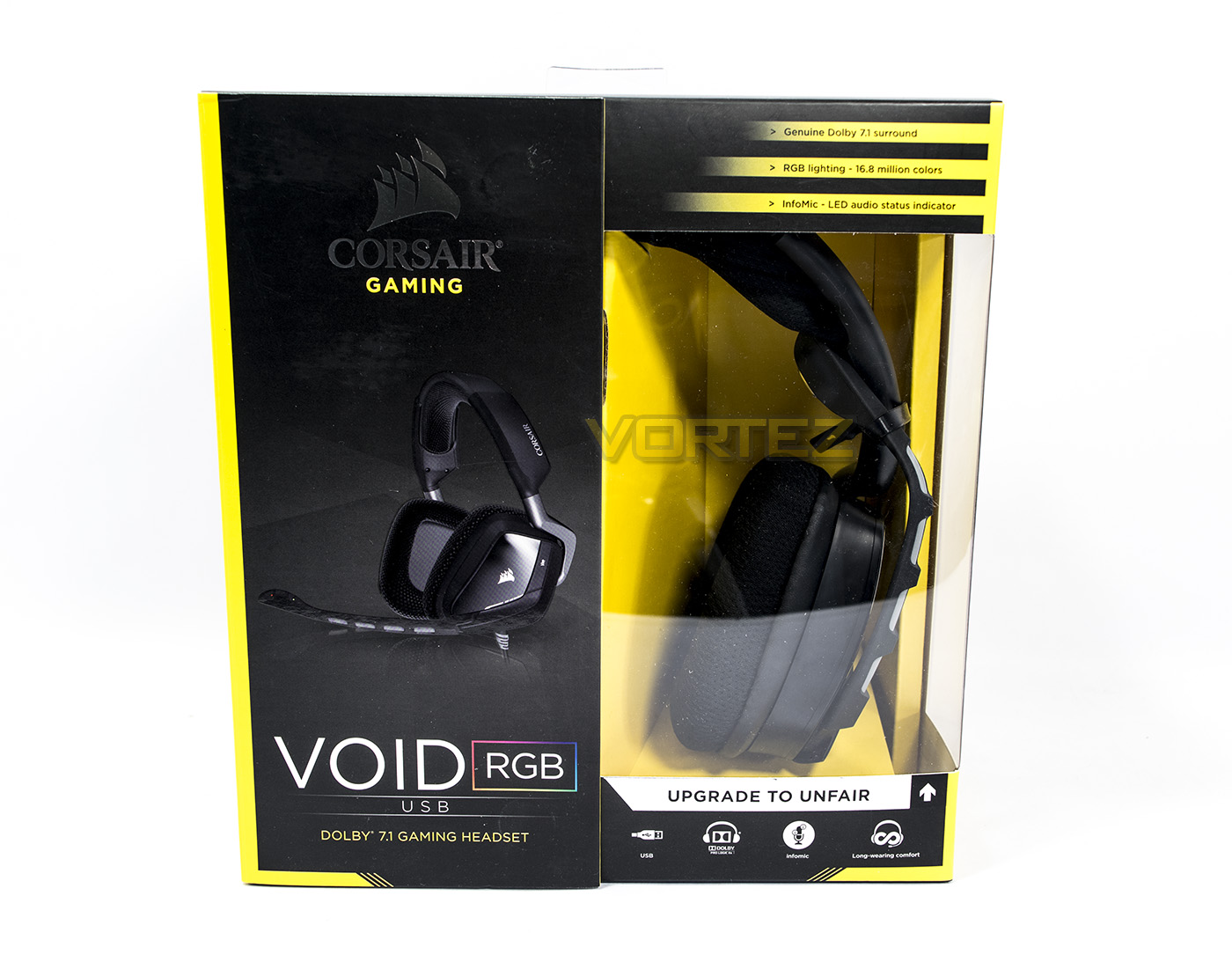
Boxed inside the Corsair Black and yellow colours, the VOID RGB USB has a partial window allowing the product to be seen on display.
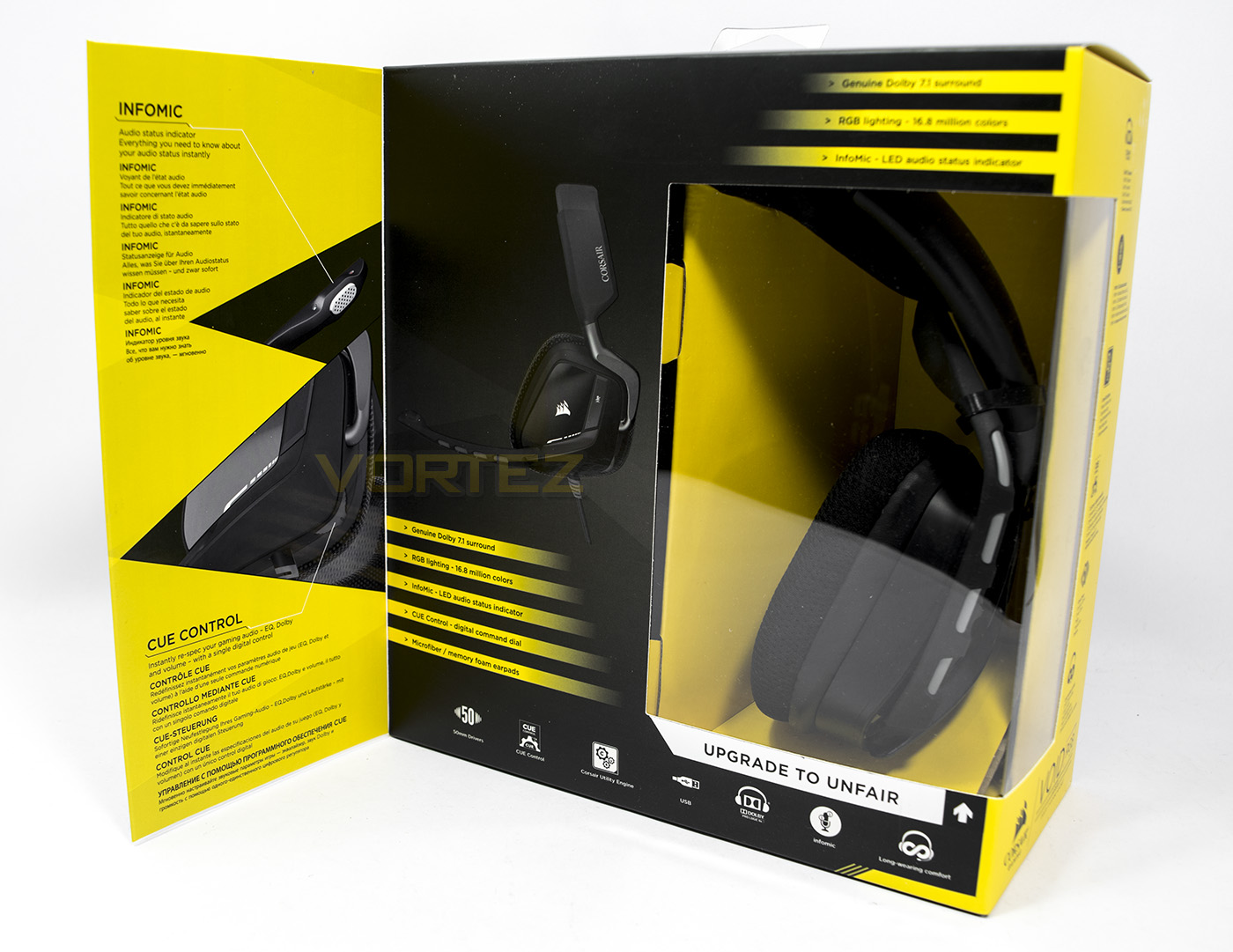
There is a partial open out front cover that provides potential readers information about an LED status indicator on the microphone as well as Corsairs CUE software.
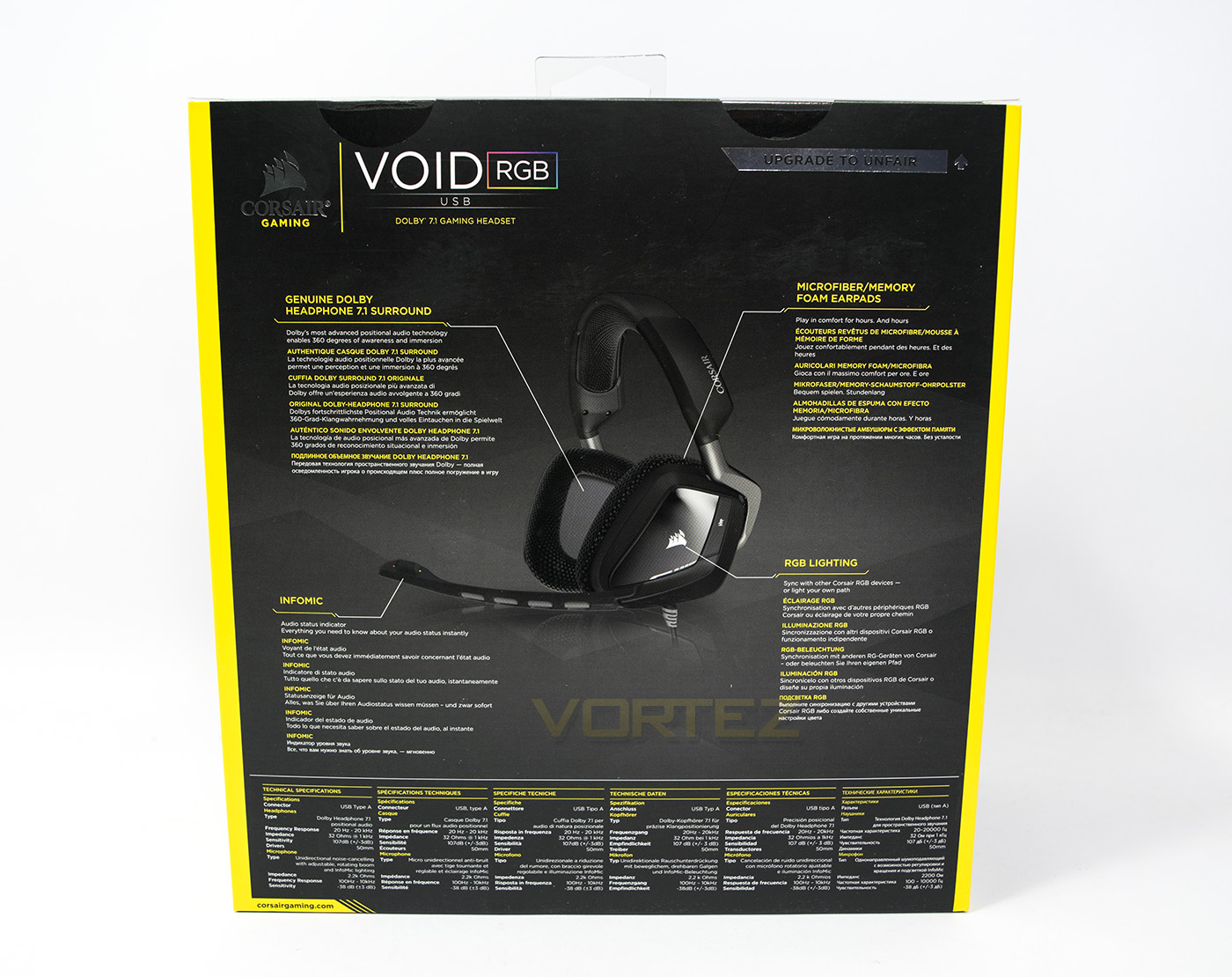
At the back there is a detailed diagram that gives information about various features, including the microfibre/memory foam earpads, RGB lighting as well as the use of genuine Dolby Surround.
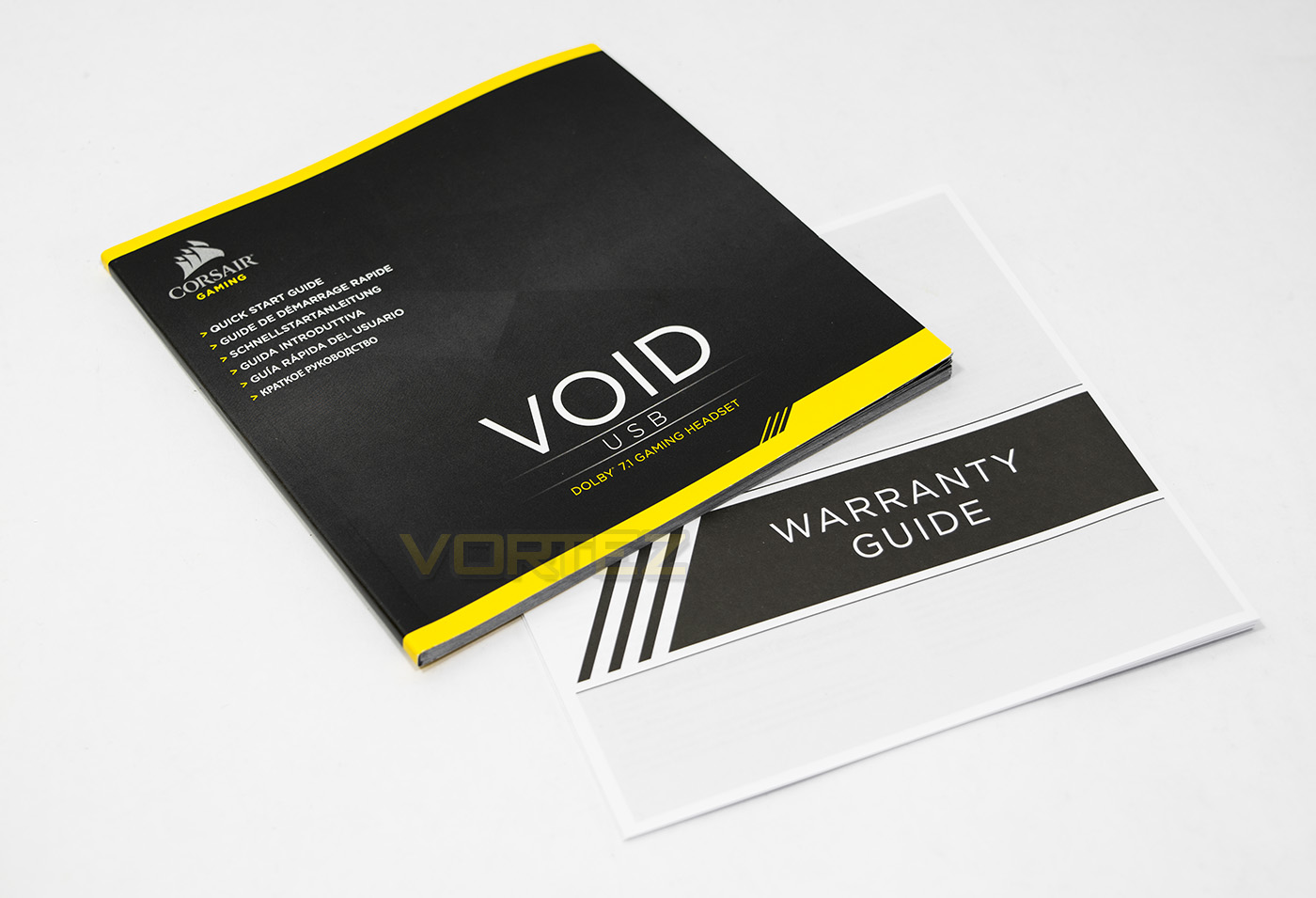
Inside the box you will find warranty information as well as a multi-lingual manual.
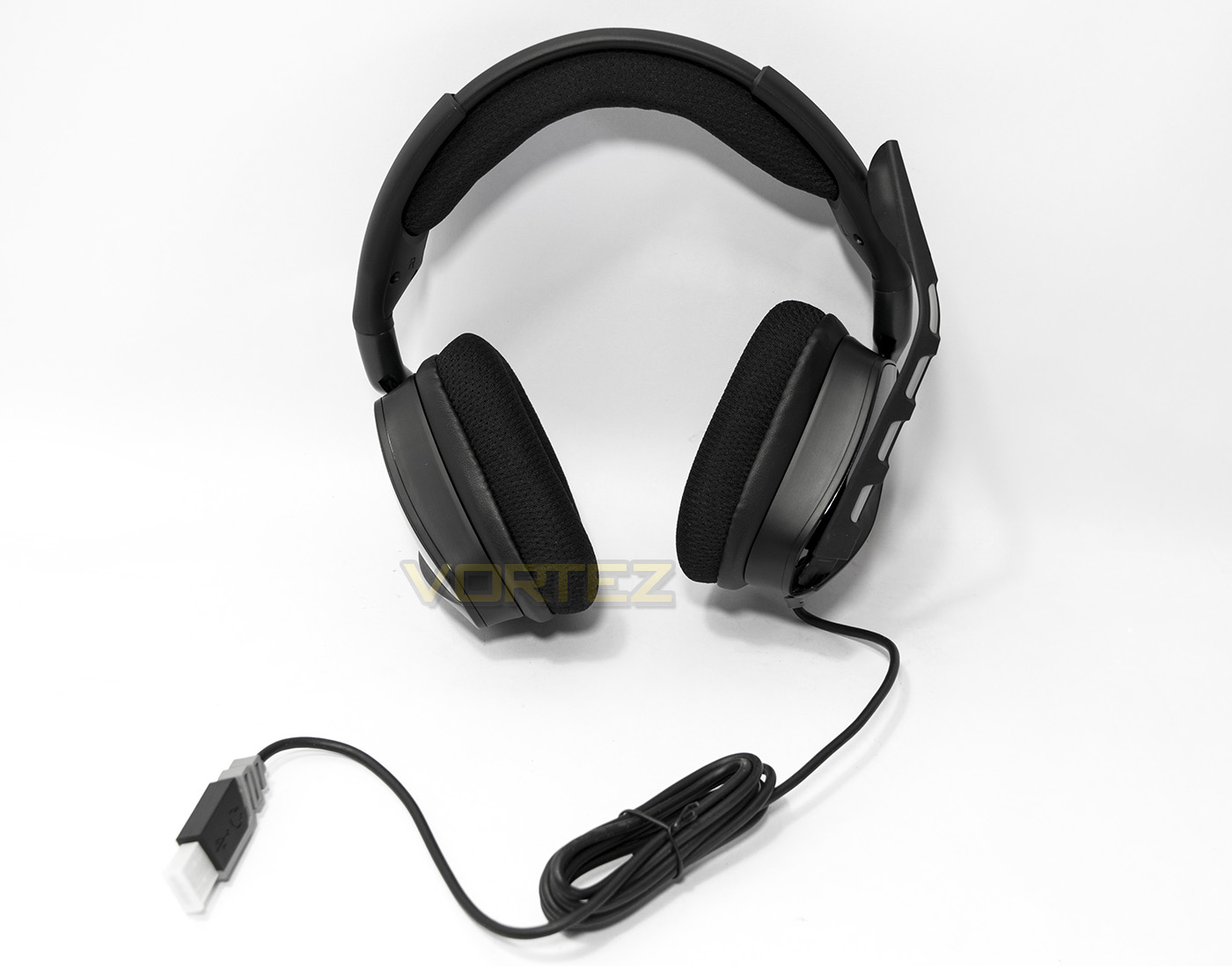
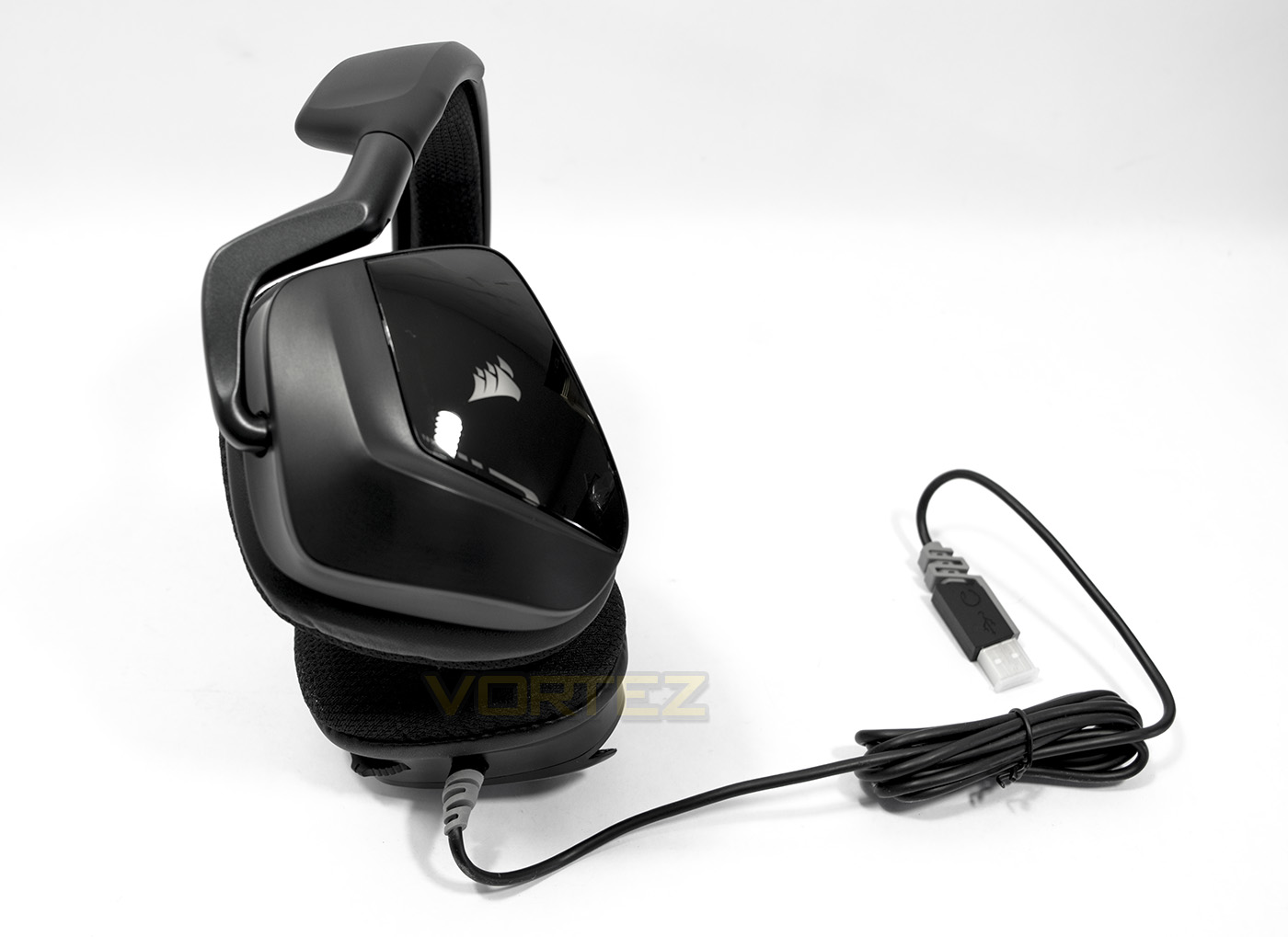
The VOID RGB USB has a 1.8m braided fibre cable with a USB port required to connect to.
Closer Look
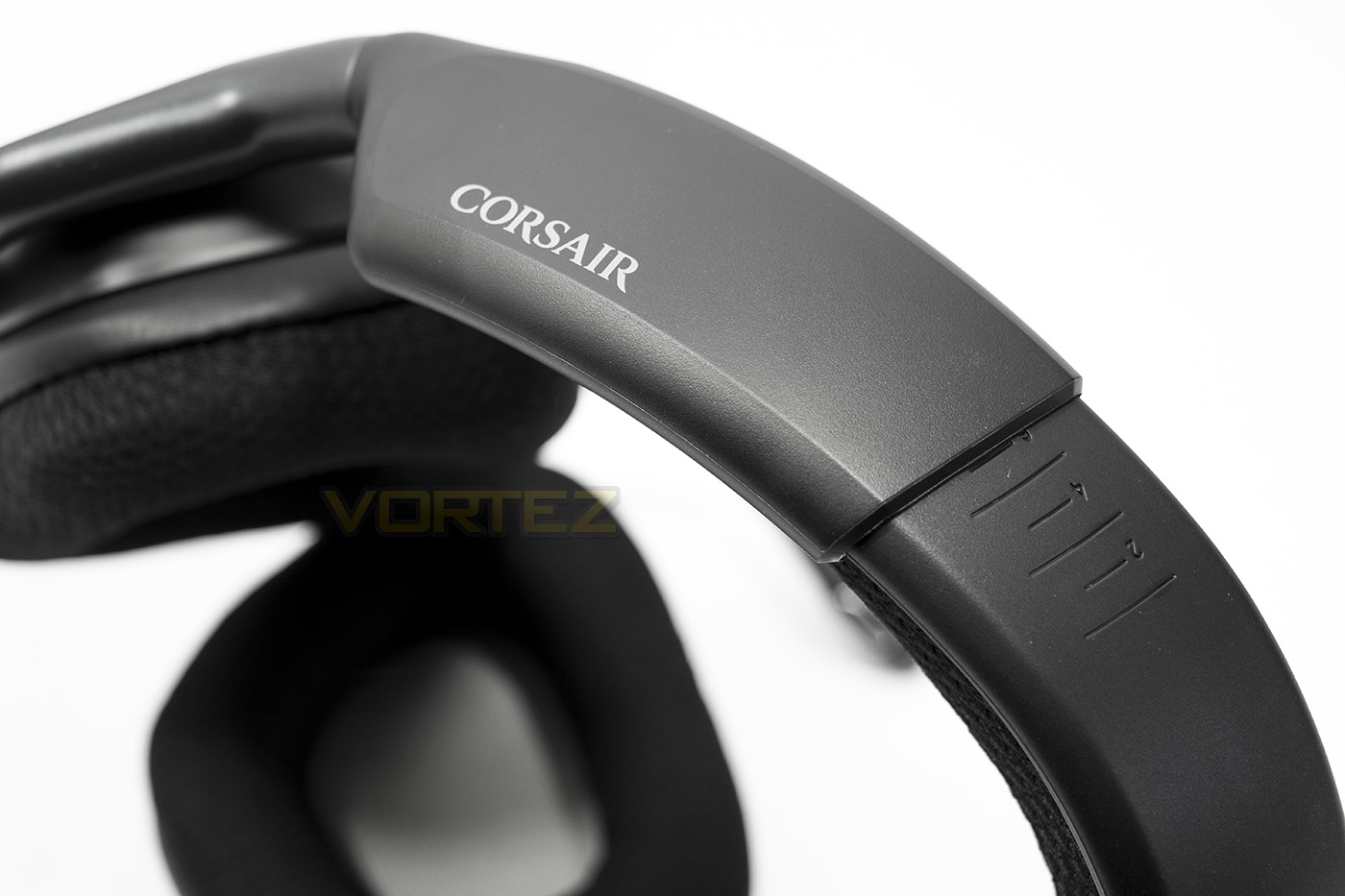
The headset can be adjusted using the sliding sides that click into place using a plastic frame that holds the headset firmly together.
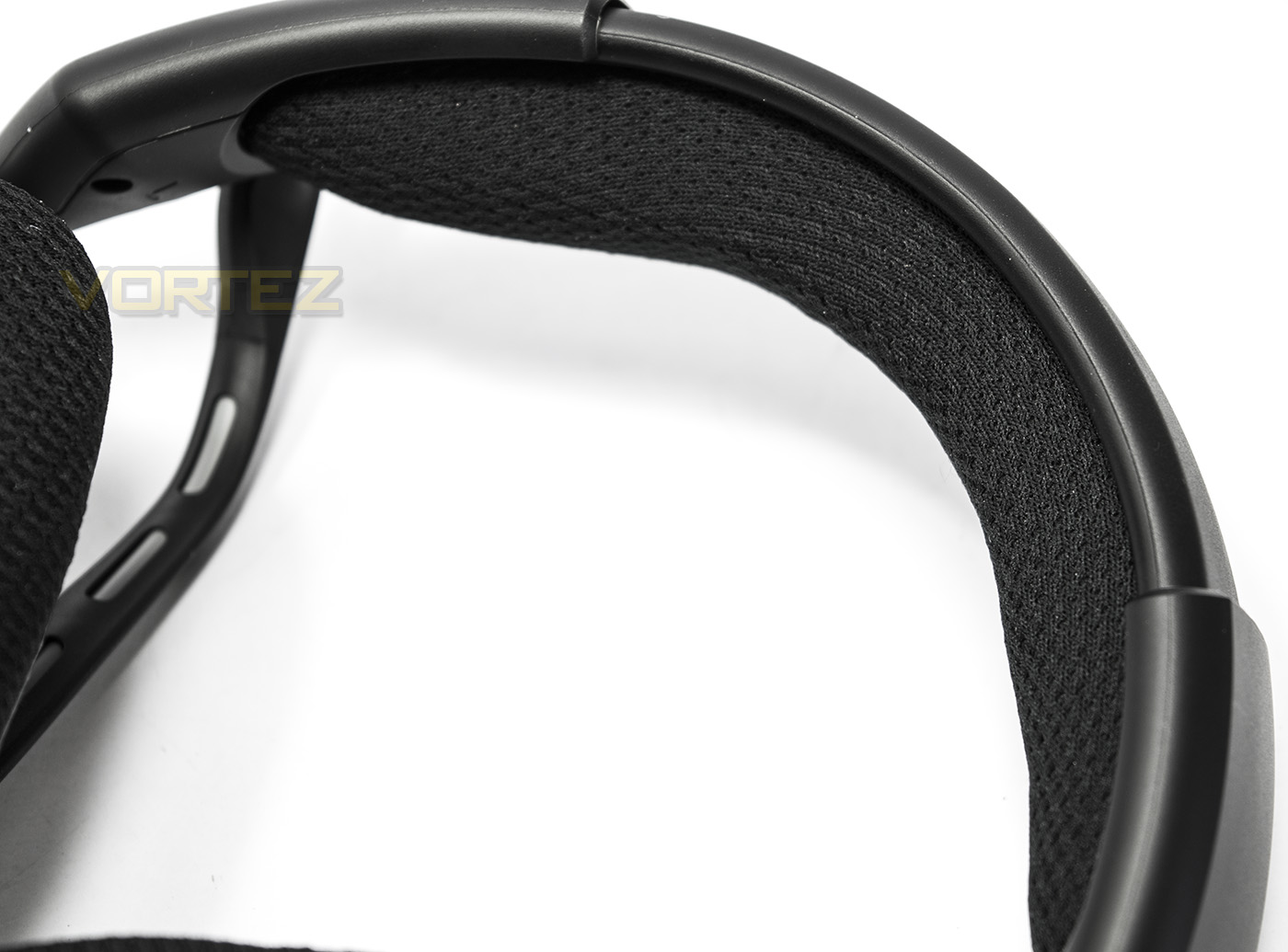
The headband is fitted with a microfibre mesh and memory foam to provide excellent comfort.
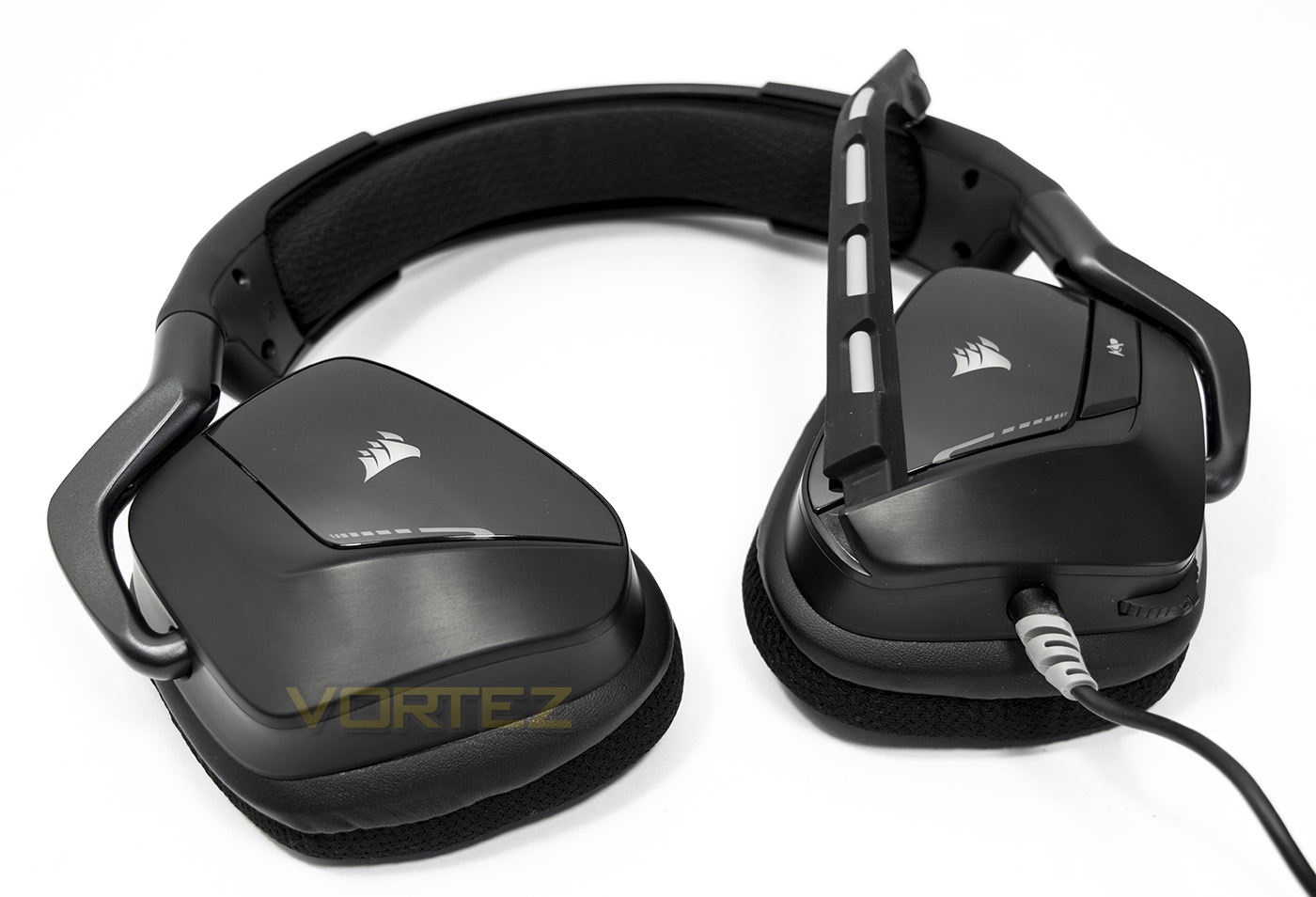
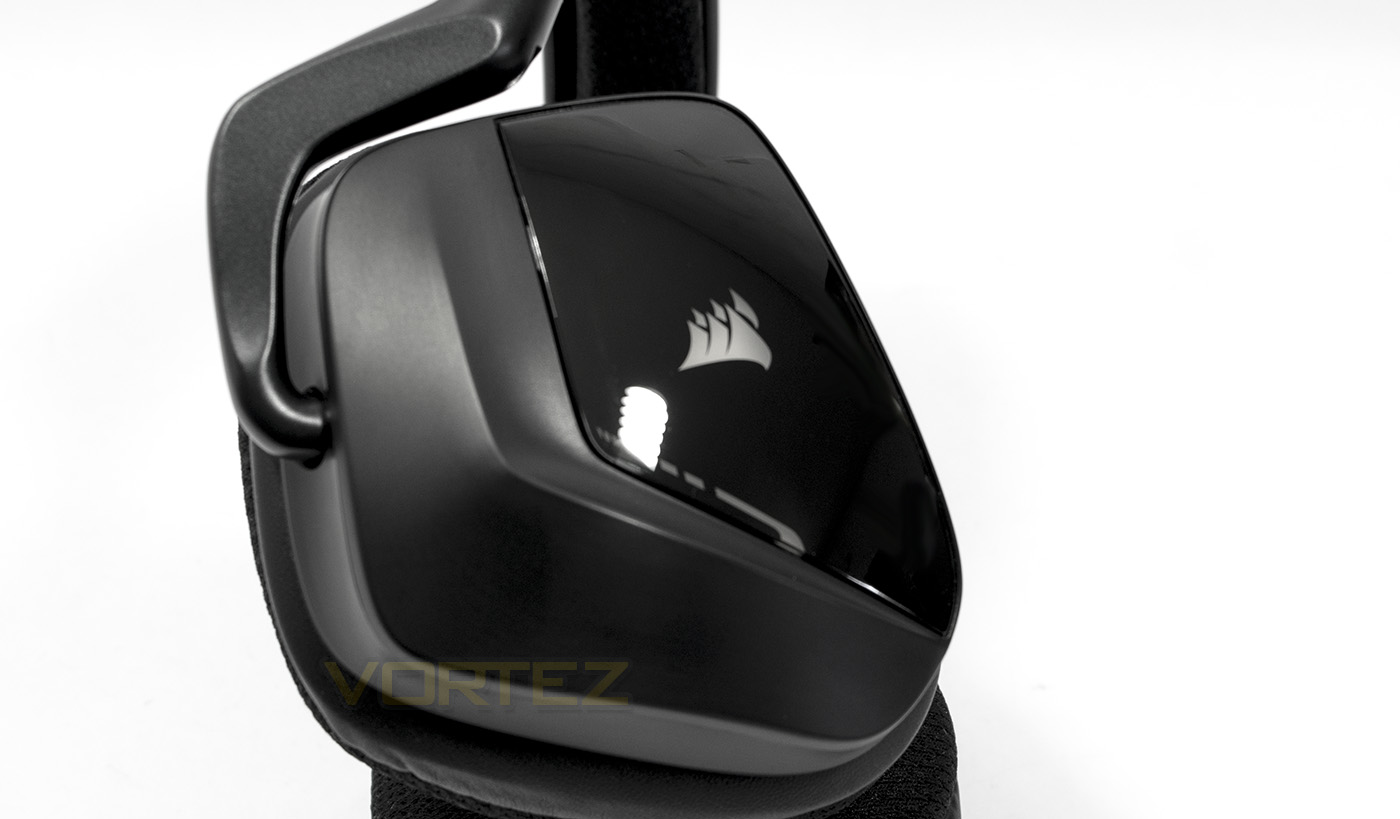
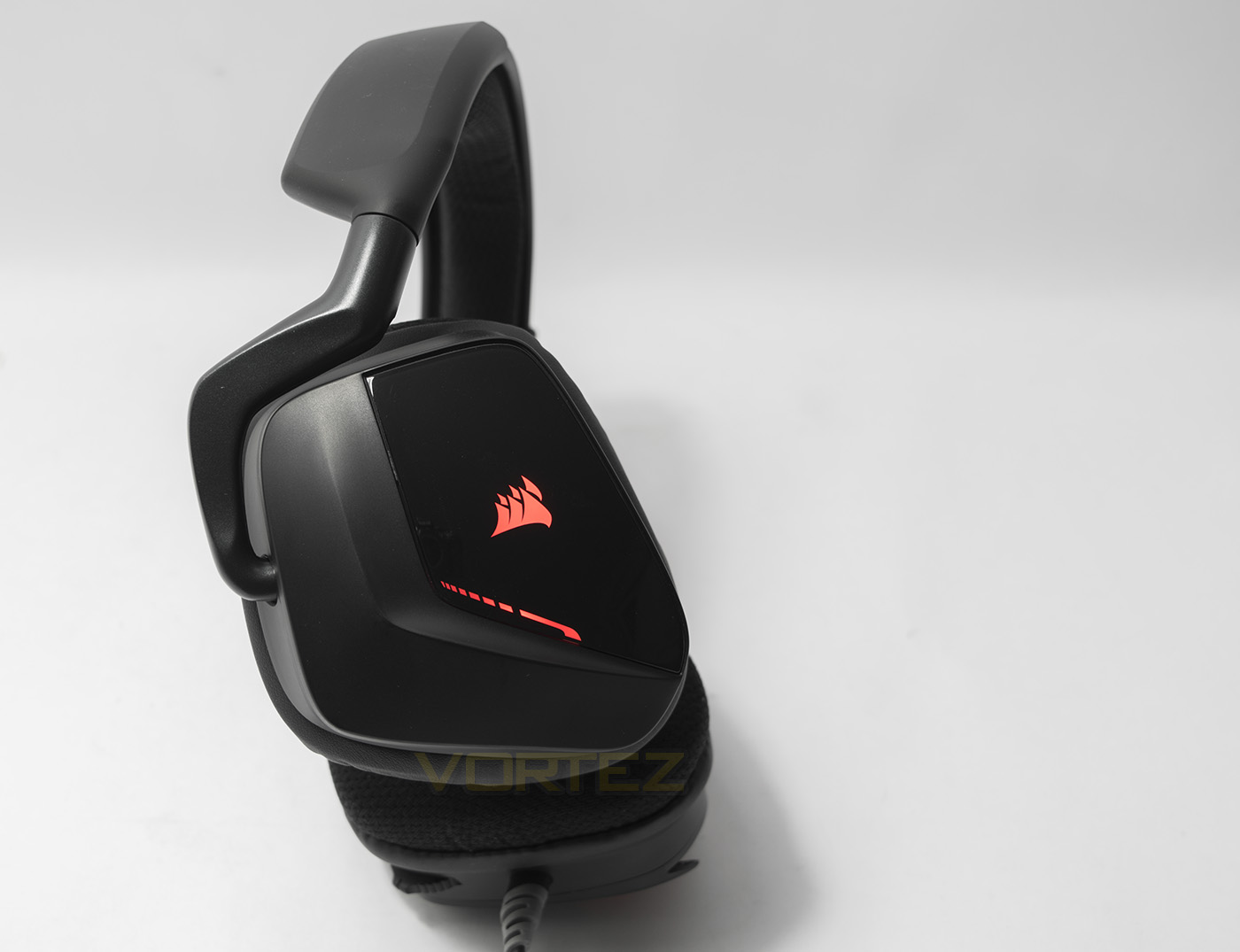
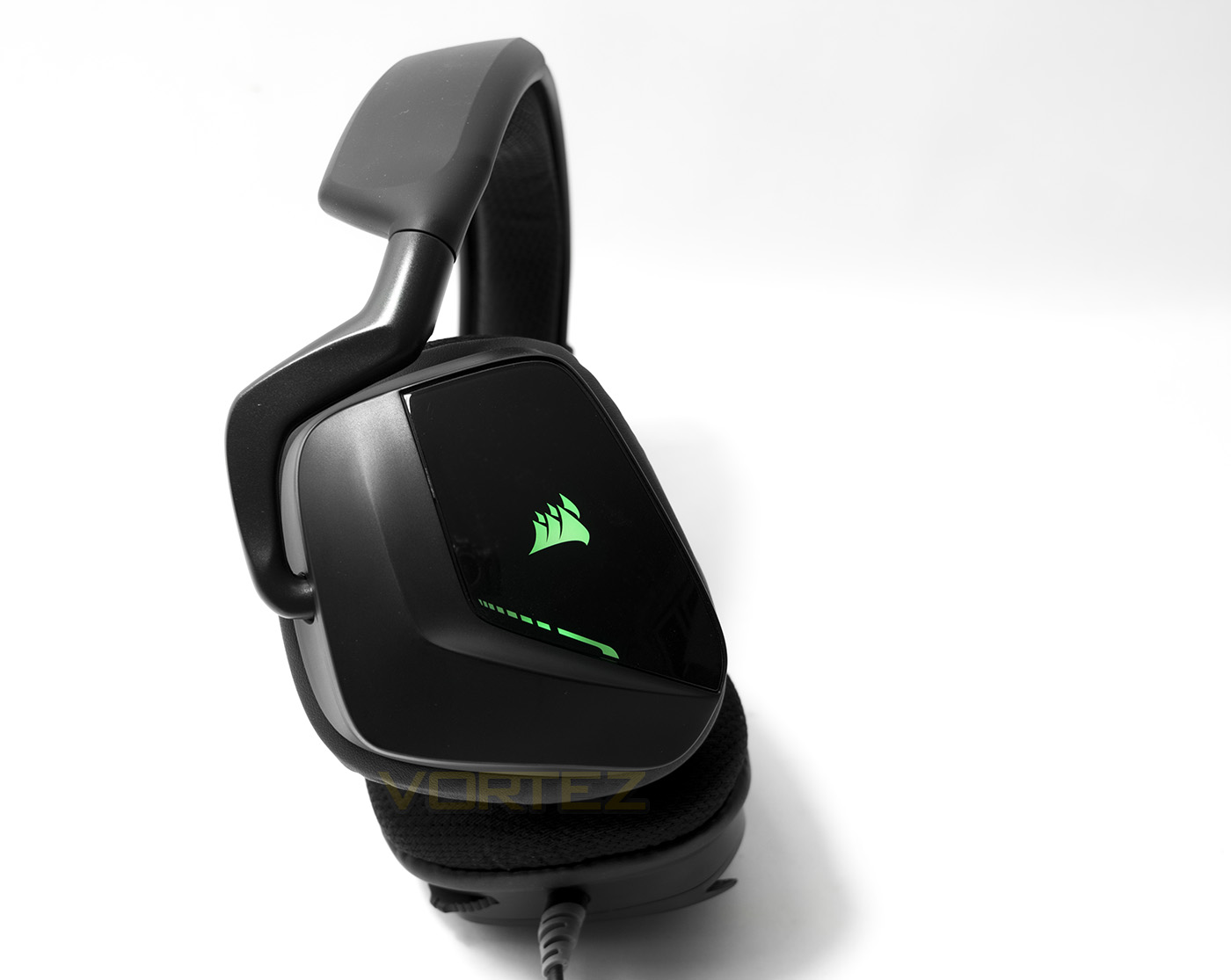
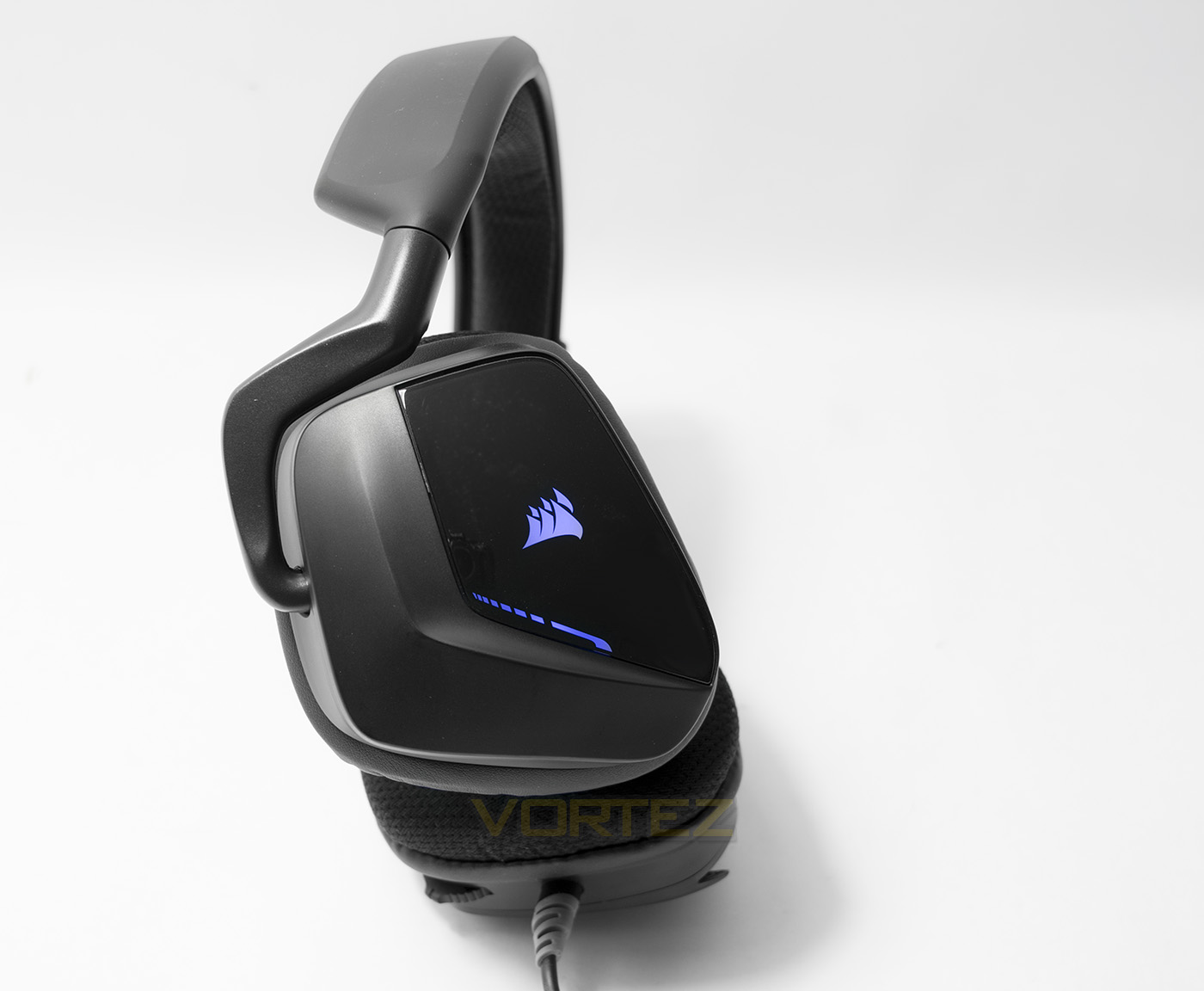
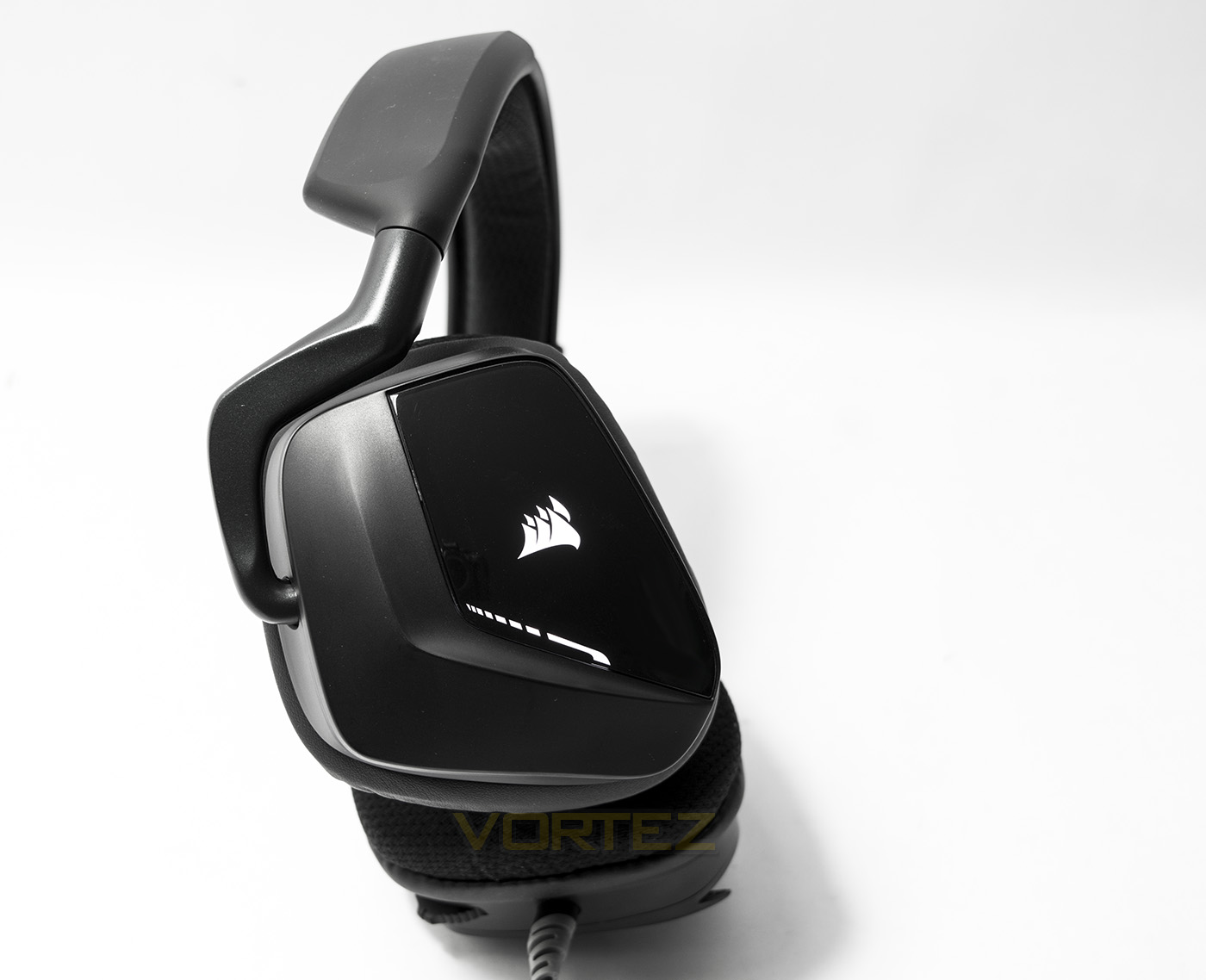
The VOID headsets have a special mount for the earcups that can be folded flat as well as give enough swivel and tilt to ensure a comfortable fit. Each earcup has angular wedge shape to it, giving the VOID its distinctive shape. In the middle of each earcup you will find the Corsair sails logo that will be backlit by the RGB LEDs.
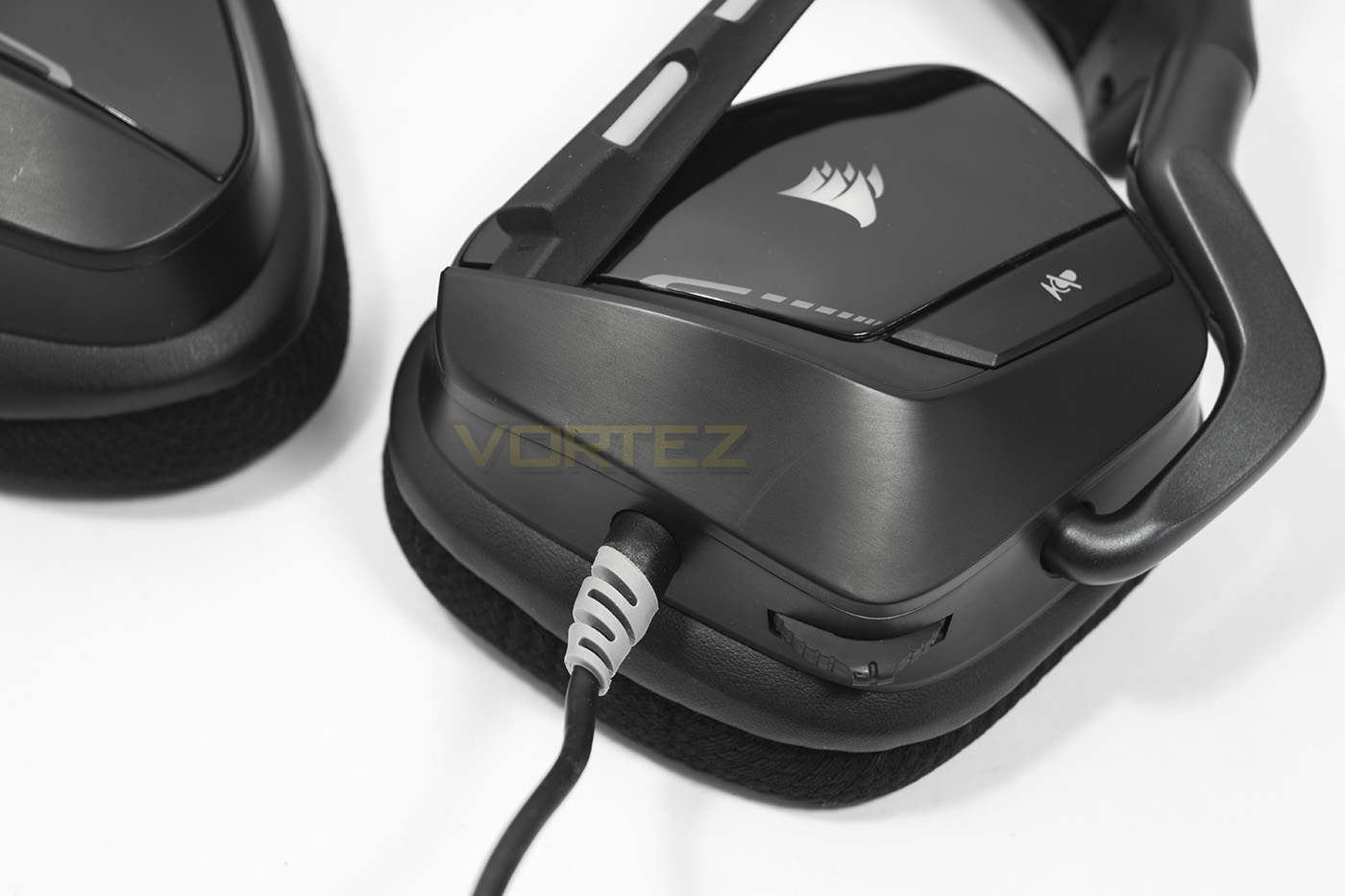
The left side earcup features a multi-function digital dial used for volume up and down, but can also be pressed in to swap profile, or held in to turn on/off Dolby Surround.
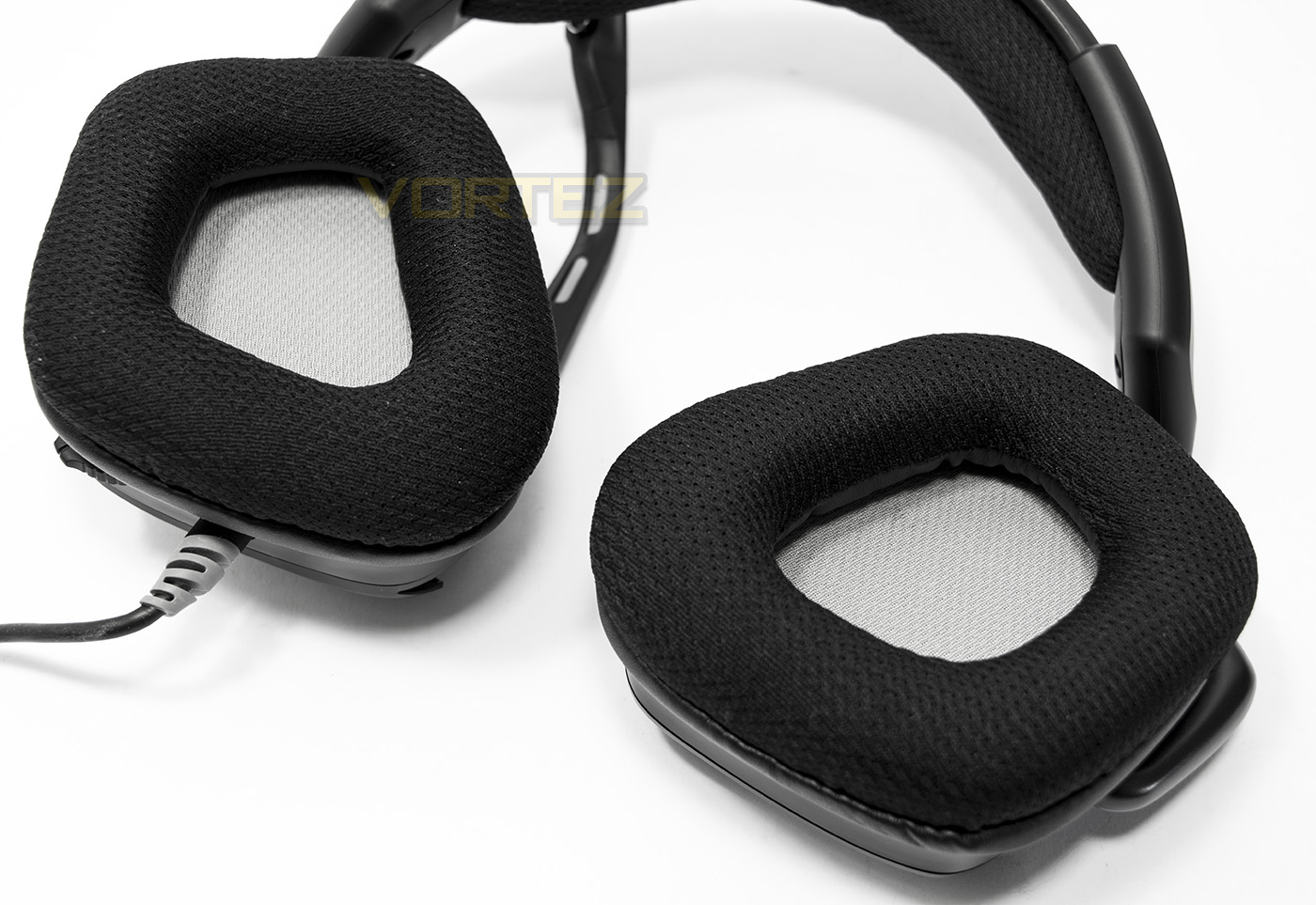
The earcups are also fitted with the micro-fibre mesh and memory foam to provide comfort. The space inside the earcup isn’t a huge amount, especially when compared to the older Corsair headsets, though the angular shape should fit around the majority of peoples ears.
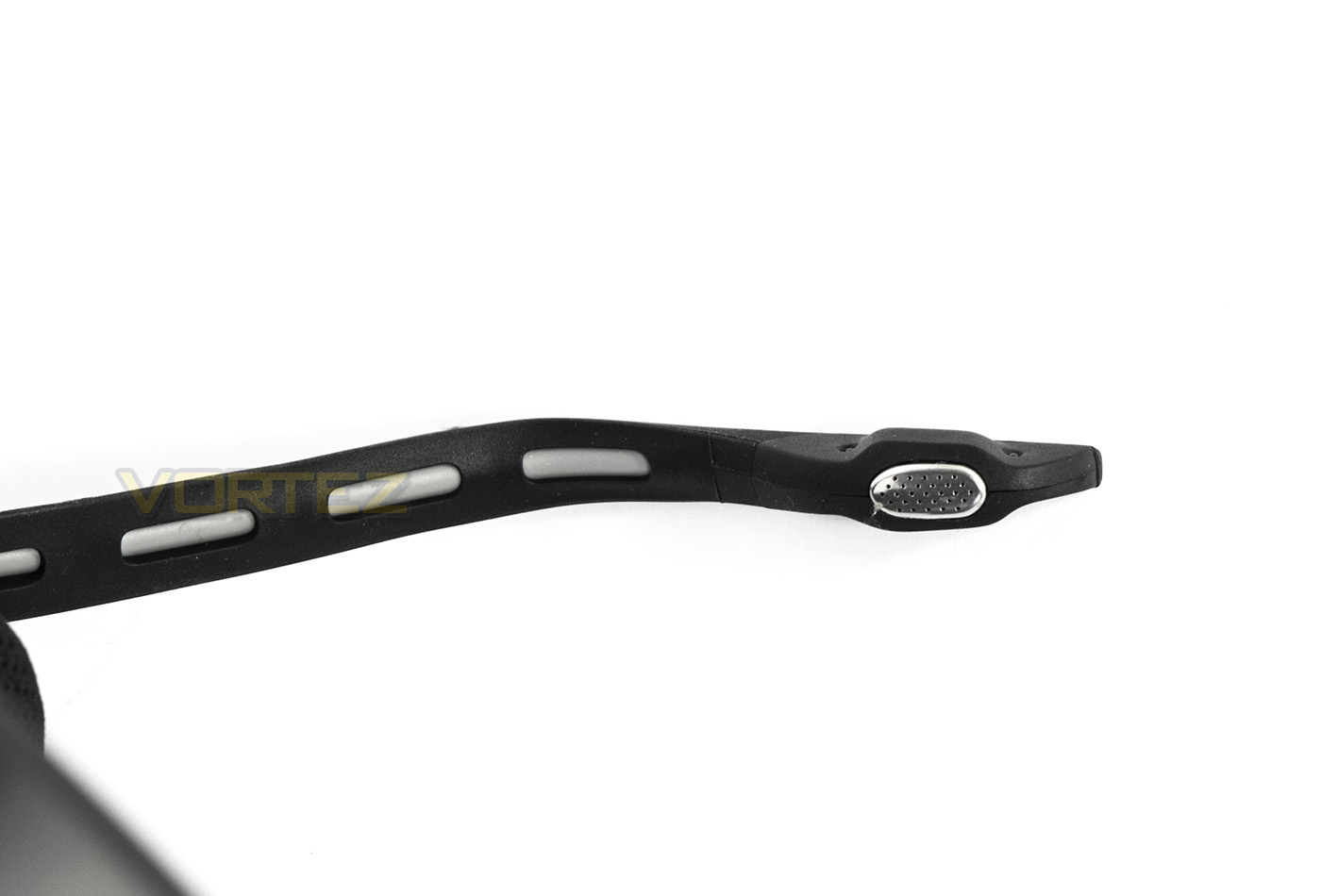
The microphone is fitted with an LED indicator that will let you know when you have your microphone muted as well as blinking to represent the selected profile.
Software & Lighting
The VOID RGB USB is supported by the Corsair Utility Engine (CUE) and to access the full features of the headset it is recommended to download and install. The CUE software is one of the most comprehensive software out there, though unlike with a Corsair keyboard, the settings and commands for the VOID RGB USB headset are fairly straight forward.
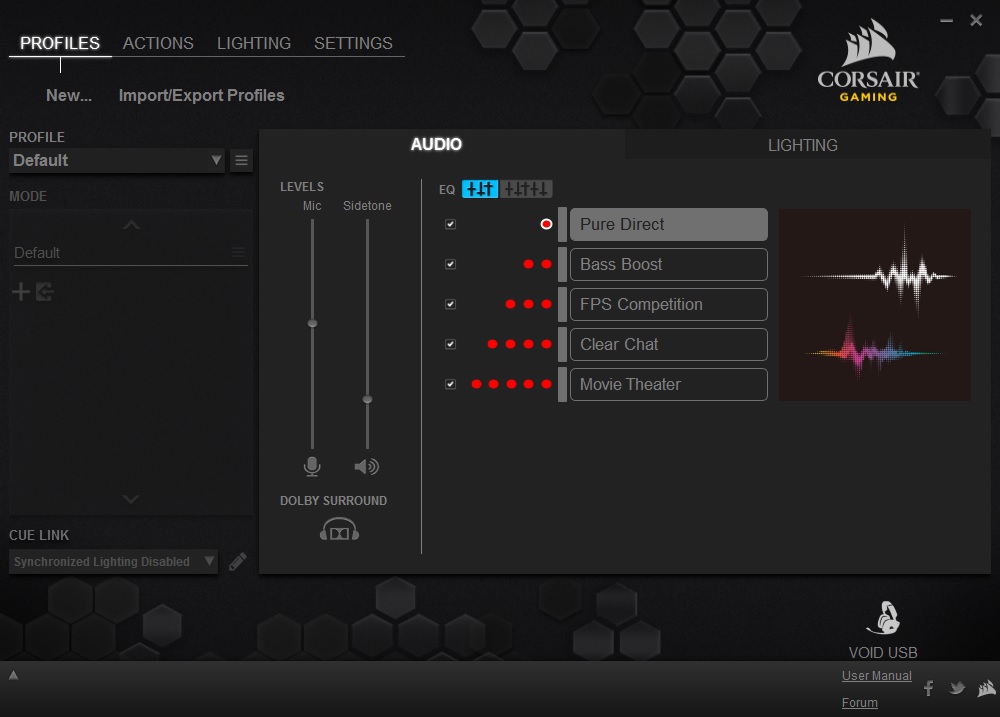
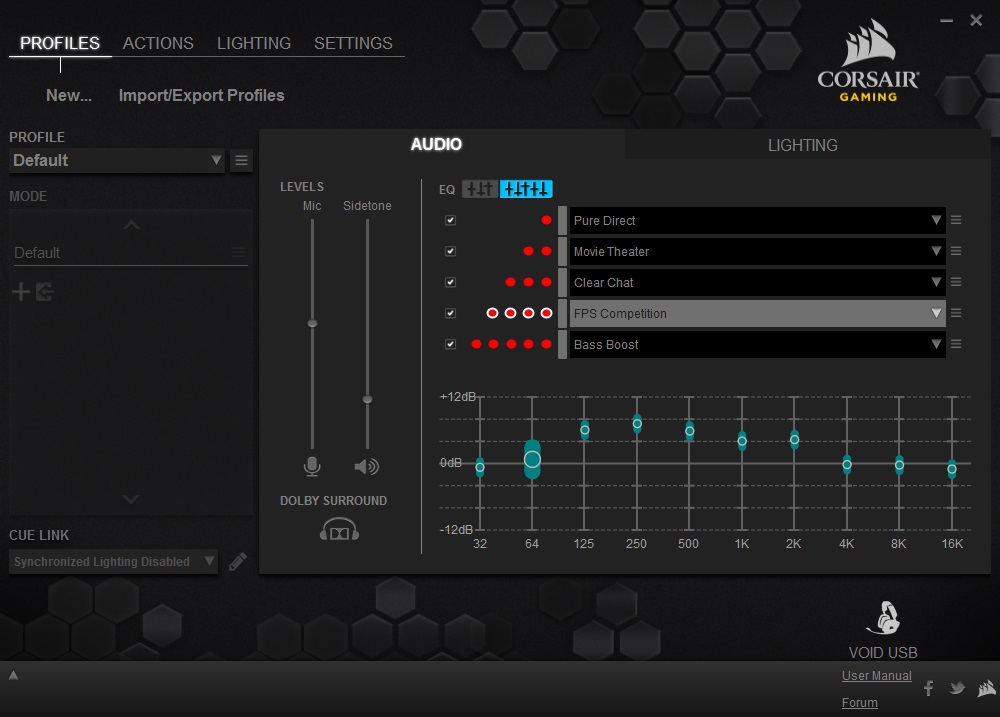
You are given 5 EQ profiles that you can select, rearrange and toggle between, that can also be customised within the advanced EQ tab. You are also given the option to turn on/off the Dolby Surround along with microphone sensitivity and sidetone options. As this is the RGB version, you also have a selection of lighting effects that can be customised. Interestingly however, effects like audio reactive (flashes to the beat of your music) as well as a static spectrum cycle seem to be missing, though it is likely that these effects are tied to being synced with a Corsair RGB keyboard.
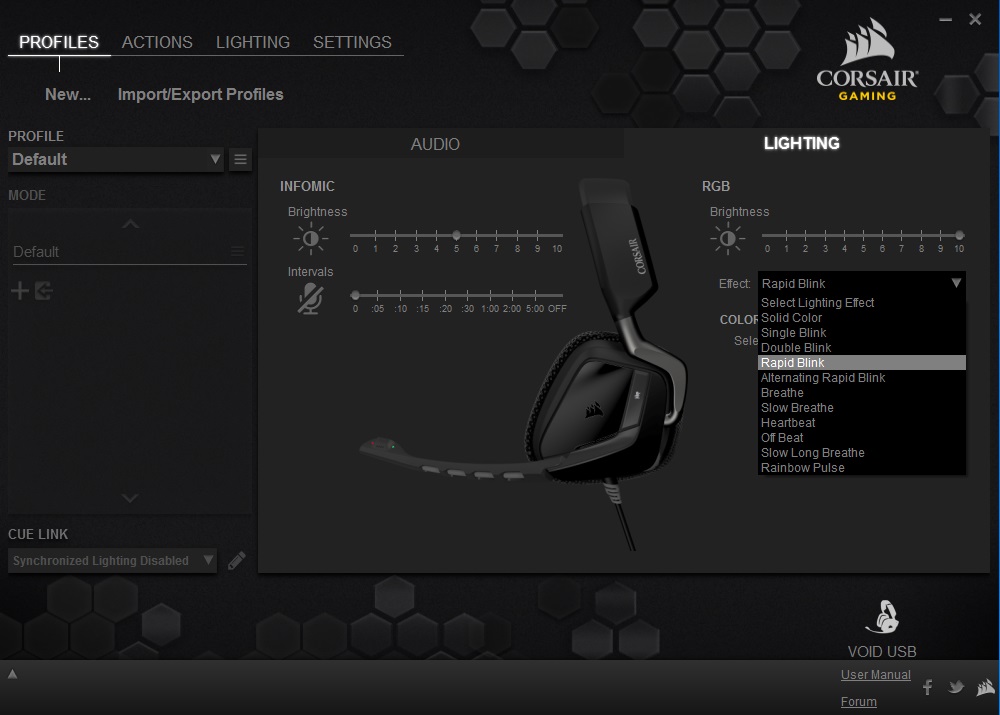
The lighting in the VOID RGB USB is subtle and attractive, being limited to a small portion on the side of the earcup (the logo and a small border). Generally the colour rendering is good, however, the default ‘true’ blue is closer to violet than it should be, while ‘white’ is slightly pinkish. This isn’t a major problem as you can select a custom colour to compensate for this, though I found it particularly difficult for ‘blue’ as it tended to always be more torwards the violet.
Performance Testing
Setup, Design & Observations
The VOID RGB USB will require a spare USB port on your system and will function without using the driver download. Though for full functionality it is worth installing the CUE software.
Upon wearing the headset, it feels lighter than expected with a medium/light grip strength. The micro-fibre fabric is smooth and soft feeling and some may prefer this kind of material over PU leather, especially in warmer months. The earcups had no issue in completely covering my ears, providing long lasting comfort, even while wearing glasses. Though due to the material type, there isn’t a great deal of audio isolation with a little noise leakage both from the internal, and external.
There are various onboard controls such as the digital dial (CUE control) (the kind that doesn’t rotate but you hold one direction, then it springs back). This controls volume, profile changes and enable/disables Dolby Surround. The button on the side of the headset will mute the microphone as well as enable/disable the sidetone when held. Some may prefer to have an in-line remote, but I would suggest that having built in controls on the headset is, mechanically, much more stable, (not to mention that some manufacturers tend to align/position in-line remotes rather close to the headset that are specifically designed for the use of the right hand. Contrary to this, our own research in this area (to justify some earlier criticisms about in-line remote designs), suggests that while the vast majority of people are right-handed, most people actually prefer to use in-line remotes with their left as to retain control of the mouse (a much more important position of control when in game). This is also something Corsair have stated in regards to their design consideration for the VOID headset.
‘There was a conscious effort to bring controls up to the left side of the headset, enabling quick changes without having to find a cord-based volume/mute control or button, so players could keep their finger on the trigger – or their mouse in most cases.’
Though, the left-hand side is the standard place for positioning controls in regards to wiring headsets, this reasoning is not unsubstantiated. The only difficulty I discovered, was that the resistance of pressing in the CUE control dial was stronger than the grip/weight resistance of the VOID headset, resulting in lifting or moving the headset completely unless you make the conscious effort to grab the whole headset completely. This isn’t a major issue as it is just a matter of getting used to it, and its not like it could be any lighter, otherwise you would constantly be swapping profiles whenever you wanted to adjust the volume.
The USB connector isn’t gold plated, the cable isn’t braided, nor is anything modular. That being said the cable is supple and feels good quality and matches the aesthetic of the headset itself. As we have the black version, it is all black on black on grey with RGB glowing logos. The overall impression is more ‘gamer chic’, being sleek and attractive with a more mature gamer orientated styling. This is where part of its strength may come from in consideration to some other top contenders. Some may want a complete matching setup with customisable lighting across their whole system, while others may actually like to express themselves with products where the design is more appealing to them.
Multimedia
Unlike what we experienced with the VOID Surround, the VOID RGB USB didn’t sound like a muddy mess from the offset. Instead its default profile was ‘Pure Direct’, and in listening to music the frequency separation was better than I expected from a standard 20Hz-20KHz driver unit too. There was good punchy bass that didn’t muddy the clear mids and crisp highs. The sound stage was decent too, lending itself to decent music listening and immersive movies.
Gaming is definitely the forte of the VOID RGB USB, in CS:GO I almost felt like I had an unfair advantage with the clarity of footsteps which was aided by the decent spatial awareness provided by the Dolby Surround, almost always identifying where someone was creeping around. When Dolby Surround is enabled, the audio signature sounds very expansive, without any major detrimental drop in quality, it does however, sound a touch echoey.
Microphone
The microphone sounds loud and clear, though seems a little compressed, lacking that natural sounding warmth. Despite that, it does a great job of reducing background noises and so is great for gaming and general VOIP functions.
Conclusion
The Corsair VOID RGB USB comes out swinging considering its price point. It has loud, punchy bass that does little to water down the clear mids and highs. The Dolby Surround gives a highly convincing and expansive virtual surround experience, giving that little extra boost to your gaming and movie enjoyment. The advantage of being a virtual sound solution, is that once you turn off the Dolby Surround, it provides decent stereo music playback also.
There are no real downsides to the VOID RGB USB though we will try to pick up on a few things to note. Firstly, there is no modularity, which means you are permanently stuck with a boom microphone attached and there is little versatility due to the hard-wired USB connector. Some would like to see a braided cable in place of the plastic cable, and others may prefer the use of PU/leatherette material on the earpads. Then we have to consider the competition about for the similar price. I have tried to avoid mentioning the HyperX Cloud 2 but it is increasingly difficult, especially as you can find it for less than the VOID RGB USB. Though Corsair’s offering holds its ground as it does have features that you won’t find on the Cloud 2 headset. The Dolby Surround is good, and the punchier bass may be something that those more gamer orientated will prefer. Not to mention the RGB lighting and the Corsair sails.
Corsair have nailed the gaming headset recipe with the VOID RGB USB. It has long lasting comfort, punchy drivers that supplies a top quality virtual surround experience, and is all wrapped up in a sleek design.
Pros.
+ Light and Comfortable
+ Good spatial awareness (Dolby Surround)
+ Punchy, yet precise gaming audio
+ RGB lighting
+ Attractive design
Cons.
– No modularity
+ Light and Comfortable
+ Good spatial awareness (Dolby Surround)
+ Punchy, yet precise gaming audio
+ RGB lighting
+ Attractive design
Cons.
– No modularity
Click here for an explanation of our awards at Vortez.net.