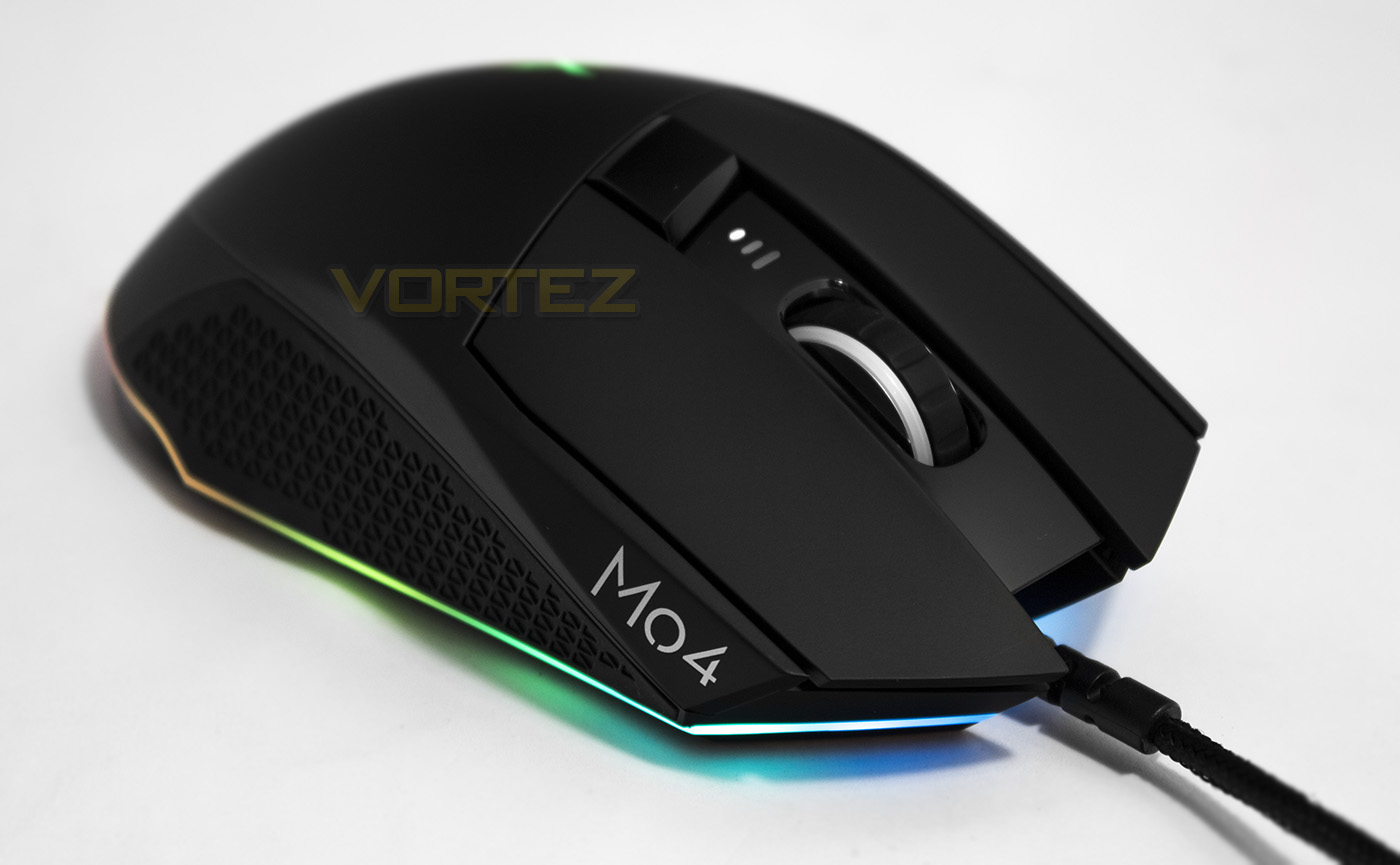
Creative lay Siege to the competition with their first entry into the gaming mouse market. The ergonomically designed mouse is powered by the PWM 3360 optical sensor and features ‘Aurora’ RGB lighting.

Product on Review: Creative Sound BlasterX Siege M04
Manufacturer: Creative
Street Price: UK: £69 US: $79
Creative have long been a household brand developing audio products for as long as many can remember and they have had a long standing relationship with gamers specifically with the SoundBlaster brand and currently the Sound BlasterX branded products. So it is only natural to move further into the realm of gaming by developing high quality gaming peripherals.
The Creative Sound BlasterX team designed and built the Siege M04 from the ground up after spending many years researching the habits of gamers from all over the world. Internally, the Siege M04 has at its core the renowned PWM 3360 sensor which is supported by a fast 32bit MCU. It features an ergonomically designed shape suitable for palm grips, on-board memory, 7 programmable buttons including a sniper button/dpi toggle, and a fingerprint resistant surface with textured rubber grips at the sides. As it is 2017, this premium mouse also features Creative’s Aurora Reactive (as seen on the Creative Sound BlasterX Katana) lighting that has 6 different lighting effects, and a total of 7 points where the RGB LED lighting can be customised.
Overview by Creative
The Sound BlasterX Siege M04 is our flagship gaming mouse. Armed with a gaming grade PMW3360 IR LED, it boasts a 1000 Hz polling rate and 12,000 native DPI that flawlessly tracks every minute hand movement with no inherent acceleration and prediction to ensure pixel perfect precision and a low lift-off distance. Designed ergonomically for right-handers, the Siege M04 fits snugly within your palm and suits palm or grip players. Its non-slide matte surface is fingerprint resistant, while its rubber-based textured regions provide the perfect grip – so this mouse won’t be going anywhere you don’t want it to. Equipped with all-edge LED lighting, the matte black Siege M04 is powered by the Aurora Reactive Lighting System that features fully customizable 16.8 million colours.
Technical Specifications
Length: 135.6mm
Width: 67.65mm
Height: 43mm
Weight without Cable: 110g
With Cable: 143g
Product Color: Black
Lifespan: 50 million clicks
Optical Sensor
PixArt PMW 3360
12,000 DPI
12,000 FPS
50G Acceleration
250 IPS Tracking Speed
2mm LOD
System Requirements
PC or laptop with Intel Core series processor or higher
Microsoft Windows 7 and above
2 GB RAM
200 MB free hard disk space
USB 2.0 port
Internet Connection
WARRANTY
2-year Limited Hardware Warranty
Width: 67.65mm
Height: 43mm
Weight without Cable: 110g
With Cable: 143g
Product Color: Black
Lifespan: 50 million clicks
Optical Sensor
PixArt PMW 3360
12,000 DPI
12,000 FPS
50G Acceleration
250 IPS Tracking Speed
2mm LOD
System Requirements
PC or laptop with Intel Core series processor or higher
Microsoft Windows 7 and above
2 GB RAM
200 MB free hard disk space
USB 2.0 port
Internet Connection
WARRANTY
2-year Limited Hardware Warranty
Packaging & First Look
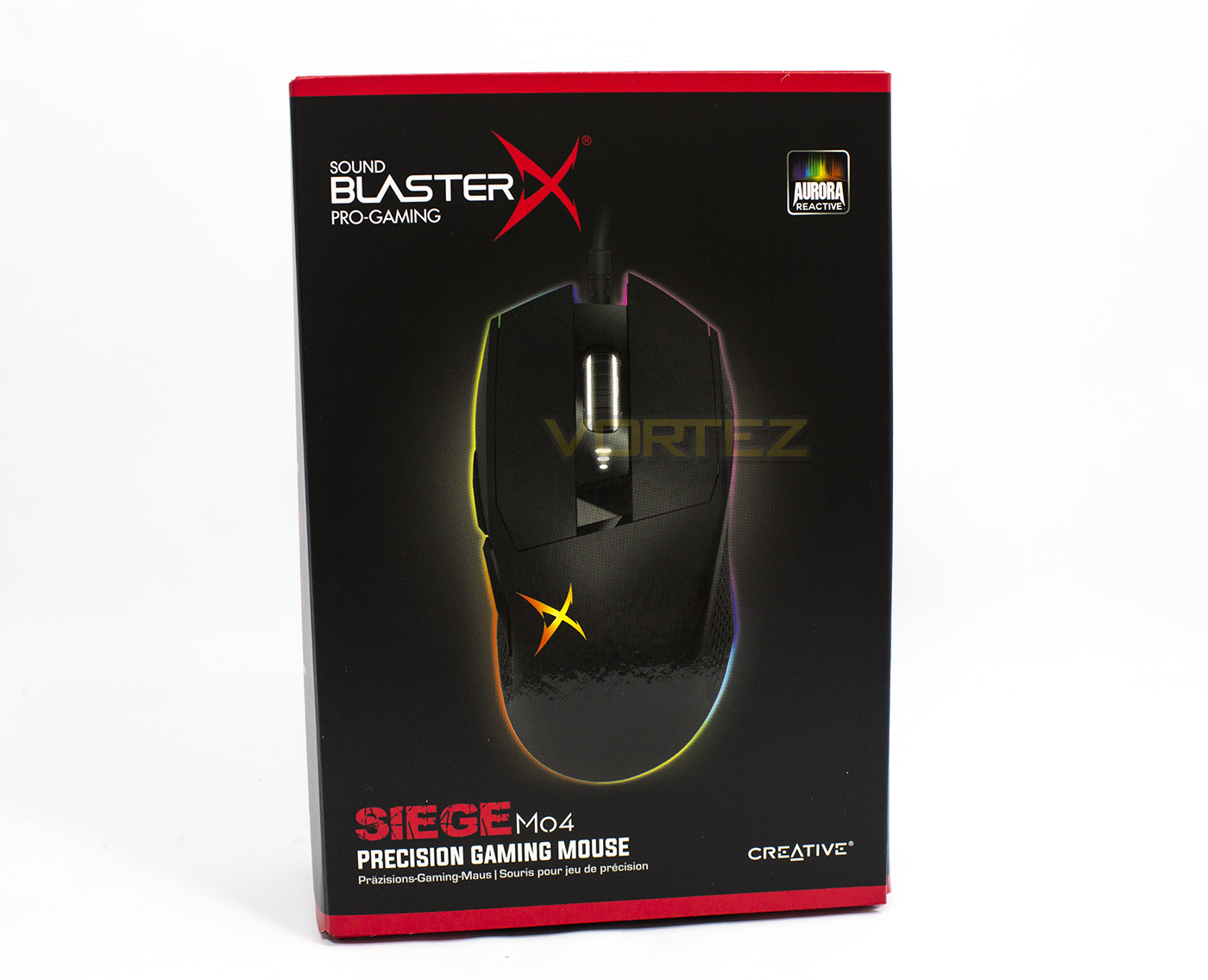
The Sound BlasterX Siege M04 comes in relatively sleek packaging, featuring the branding, the product name and what it is, along with the Aurora Reactive tile giving clue to its RGB customisation (if the image itself wasn’t too clear).
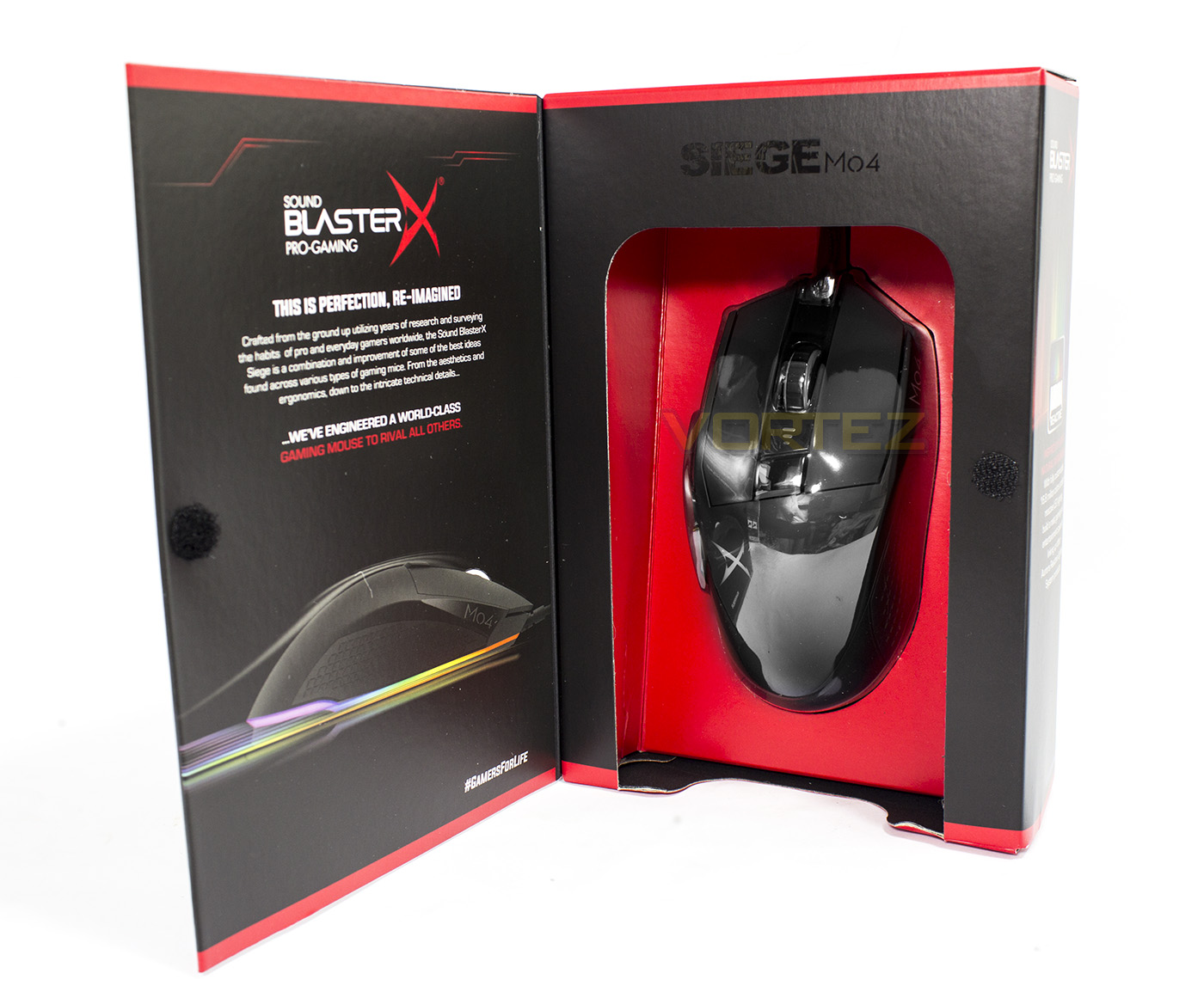
Perfection reimagined, the Packaging opens up to give prospective buyers an up close glimpse of the product inside.
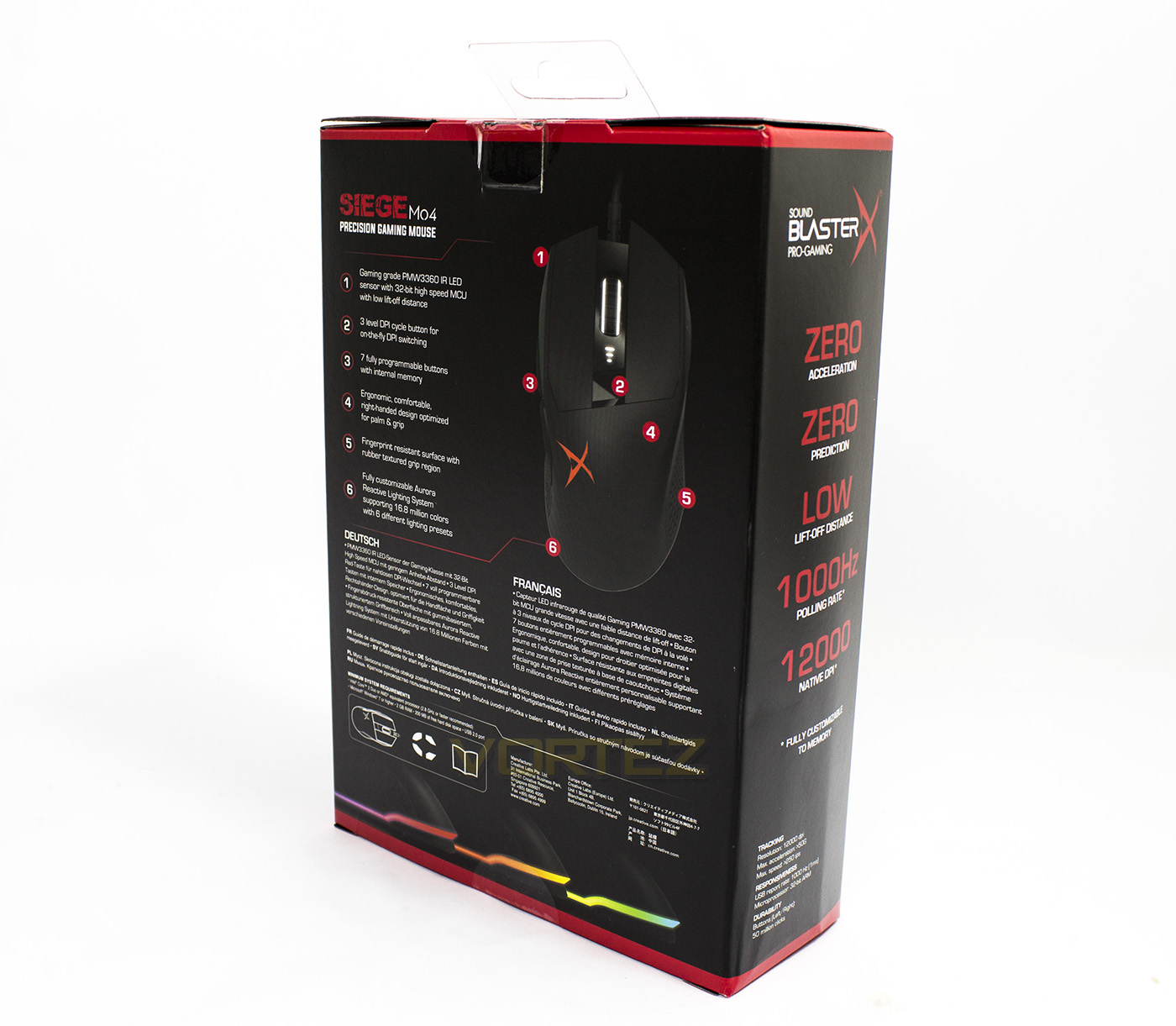
The rear side shows off the key features in a diagram, supplemented by various other languages.
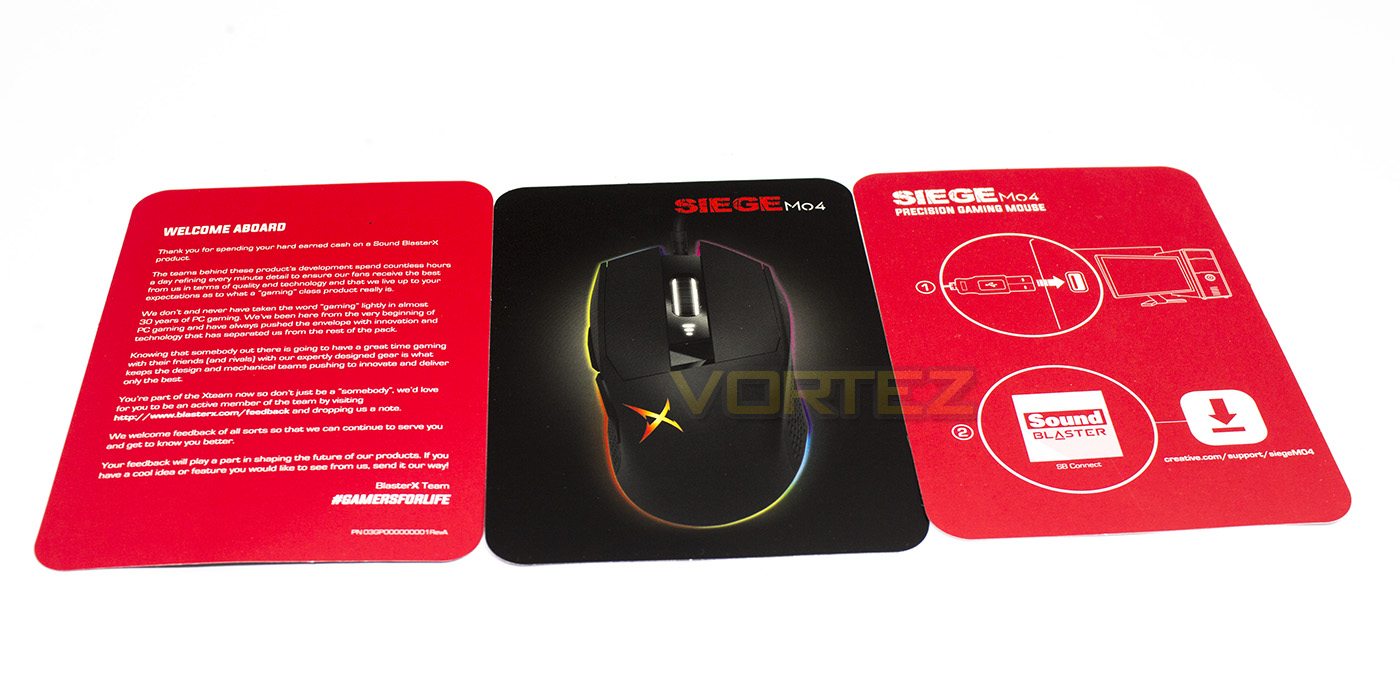
Inside the box there are no included accessories aside from quick start directions.
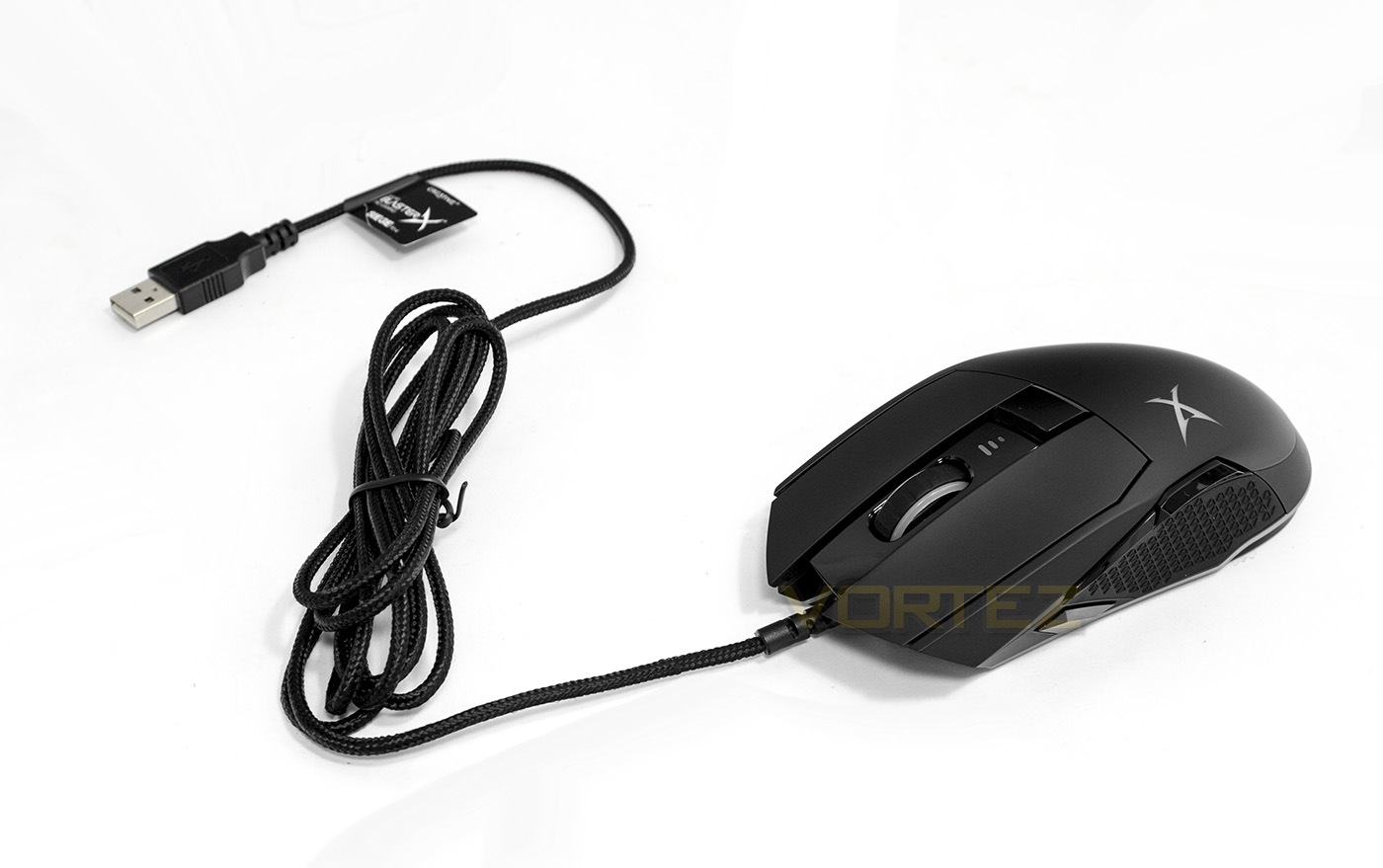
Attached to the Siege M04, we find a long, (2m) braided cable.
Closer Look
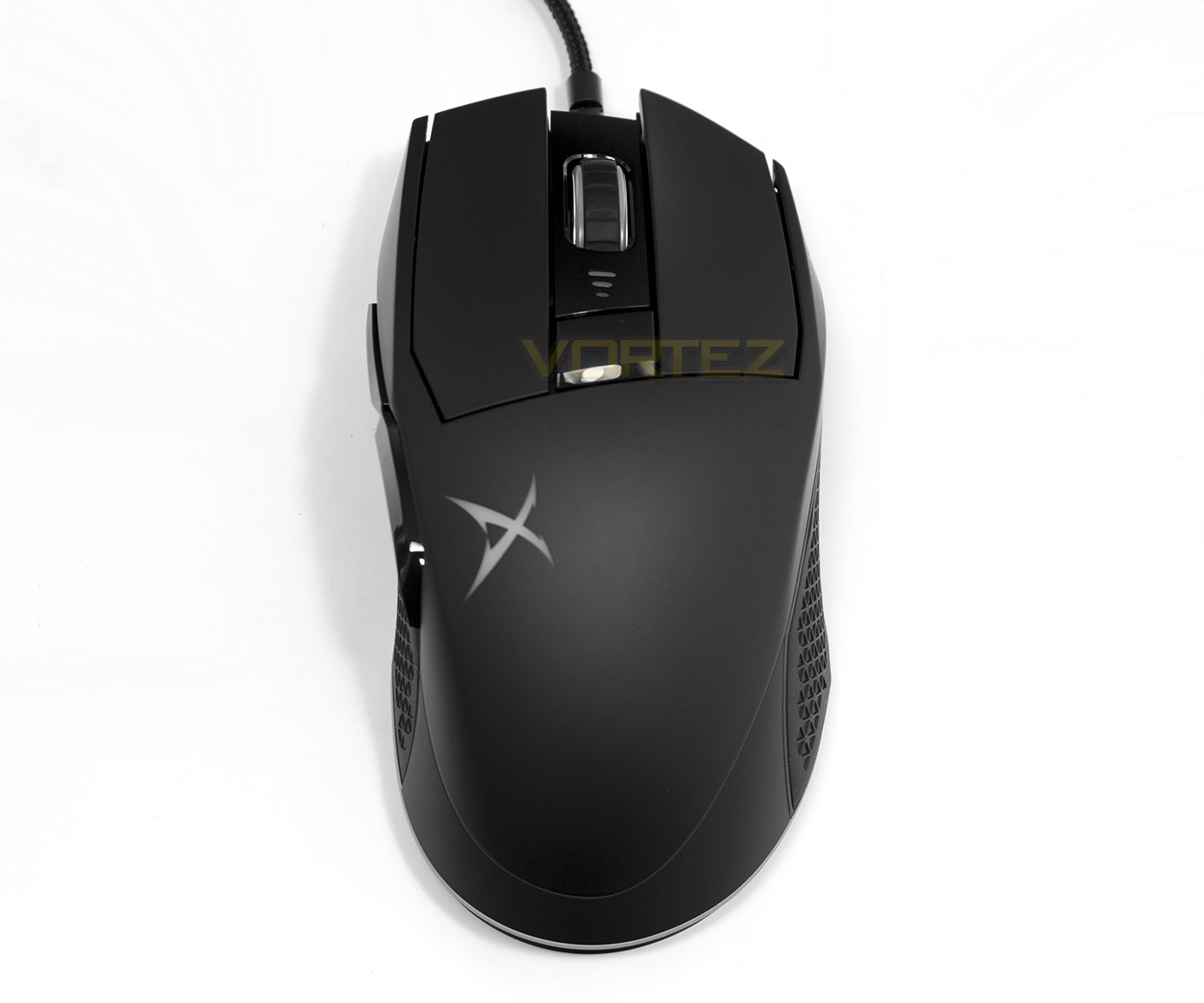
Given a birds-eye view of the Siege M04, we can see that there is a little narrow/wide trickery going on with the top portion of the mouse gradually following a natural contoured shape for the right hand. From this position we can see that each mouse click is independent without any bending plastic. There is an on-the-fly DPI change button, and forward of that is the mouse wheel.
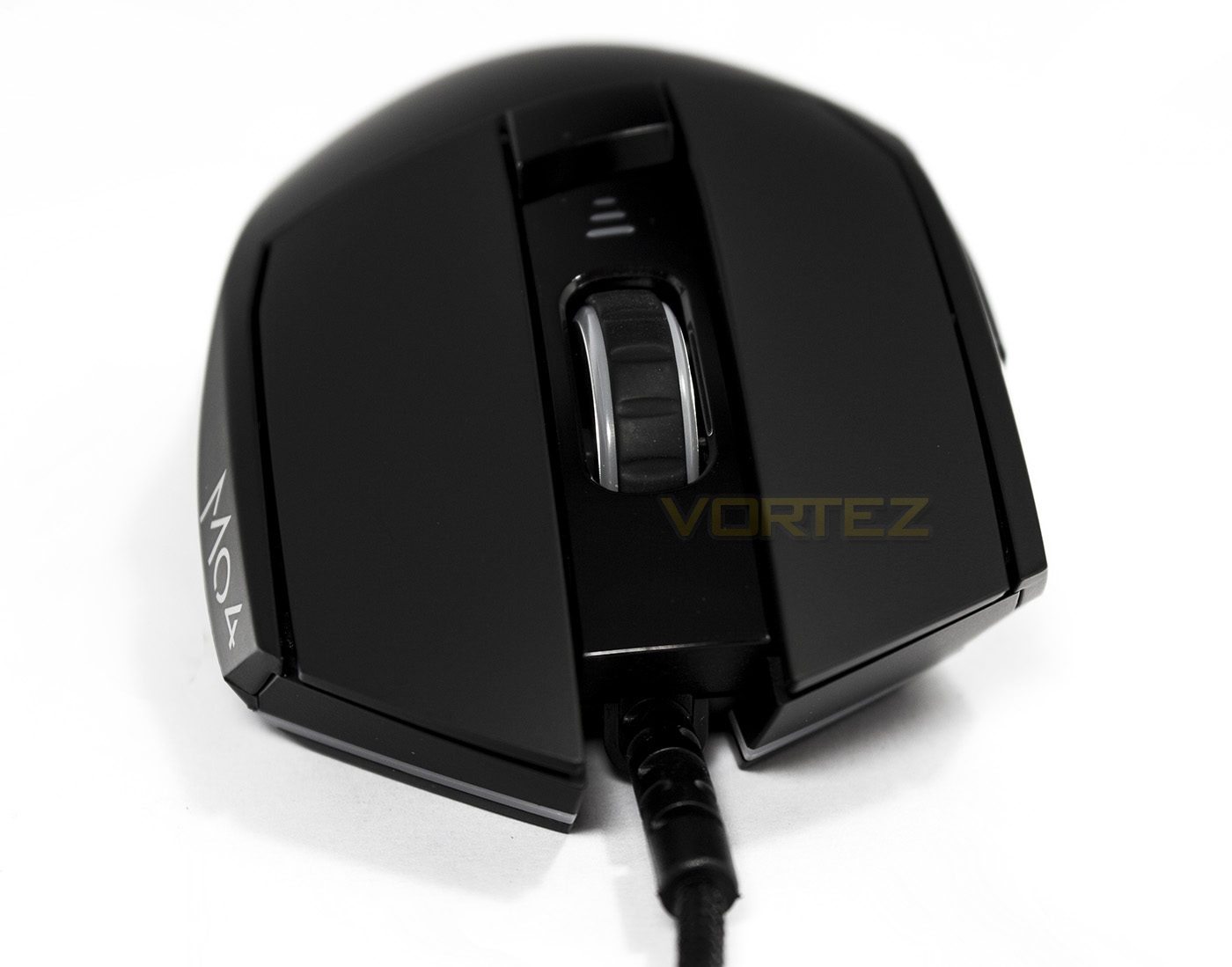
Face on, we can see the Siege M04 has a strange protruding right side, sitting a little farther forward than the left side.
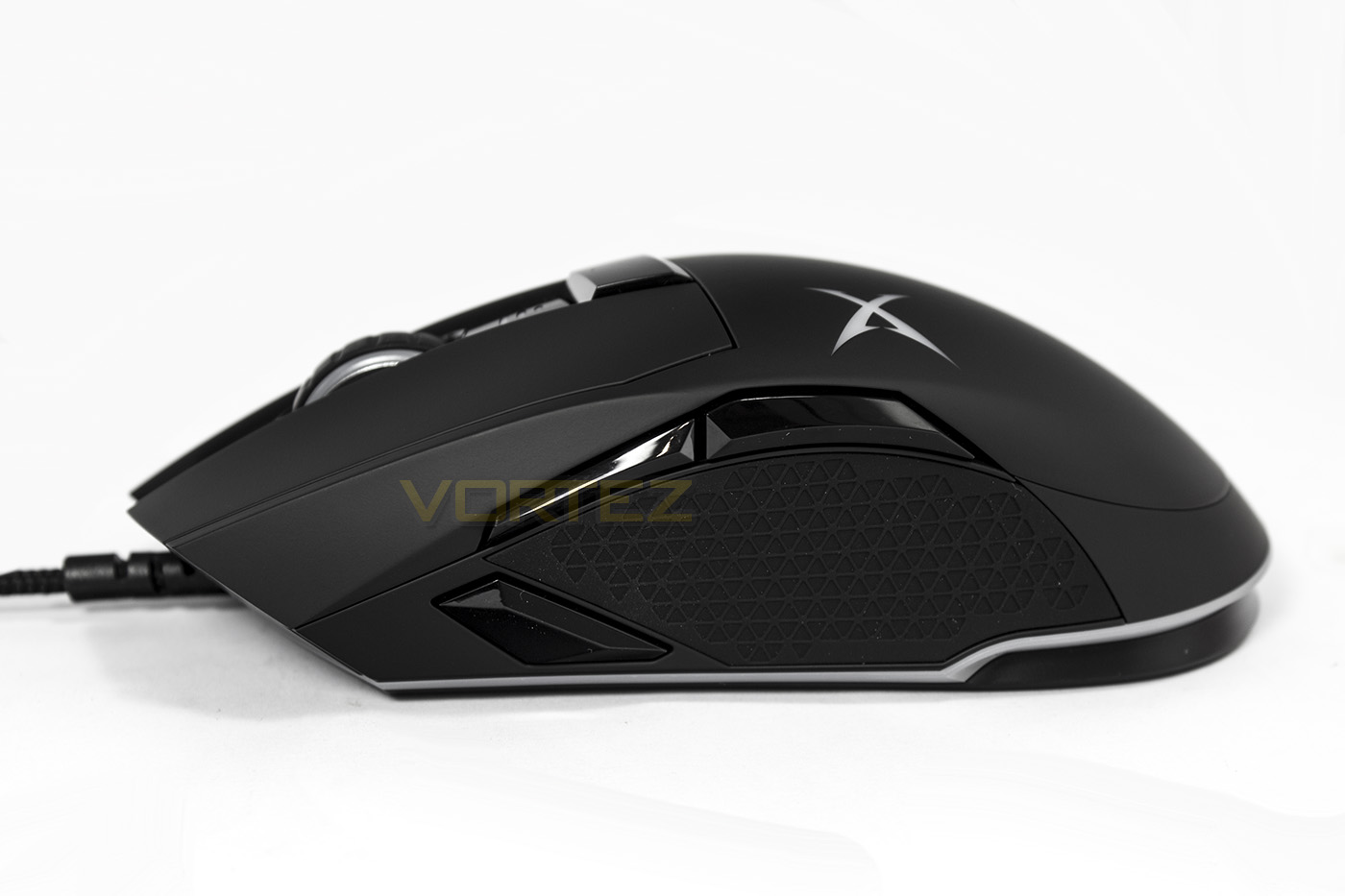
This side shows off its business, including the sniper button as well as the forward/back buttons that have been set into a rubberised grip.
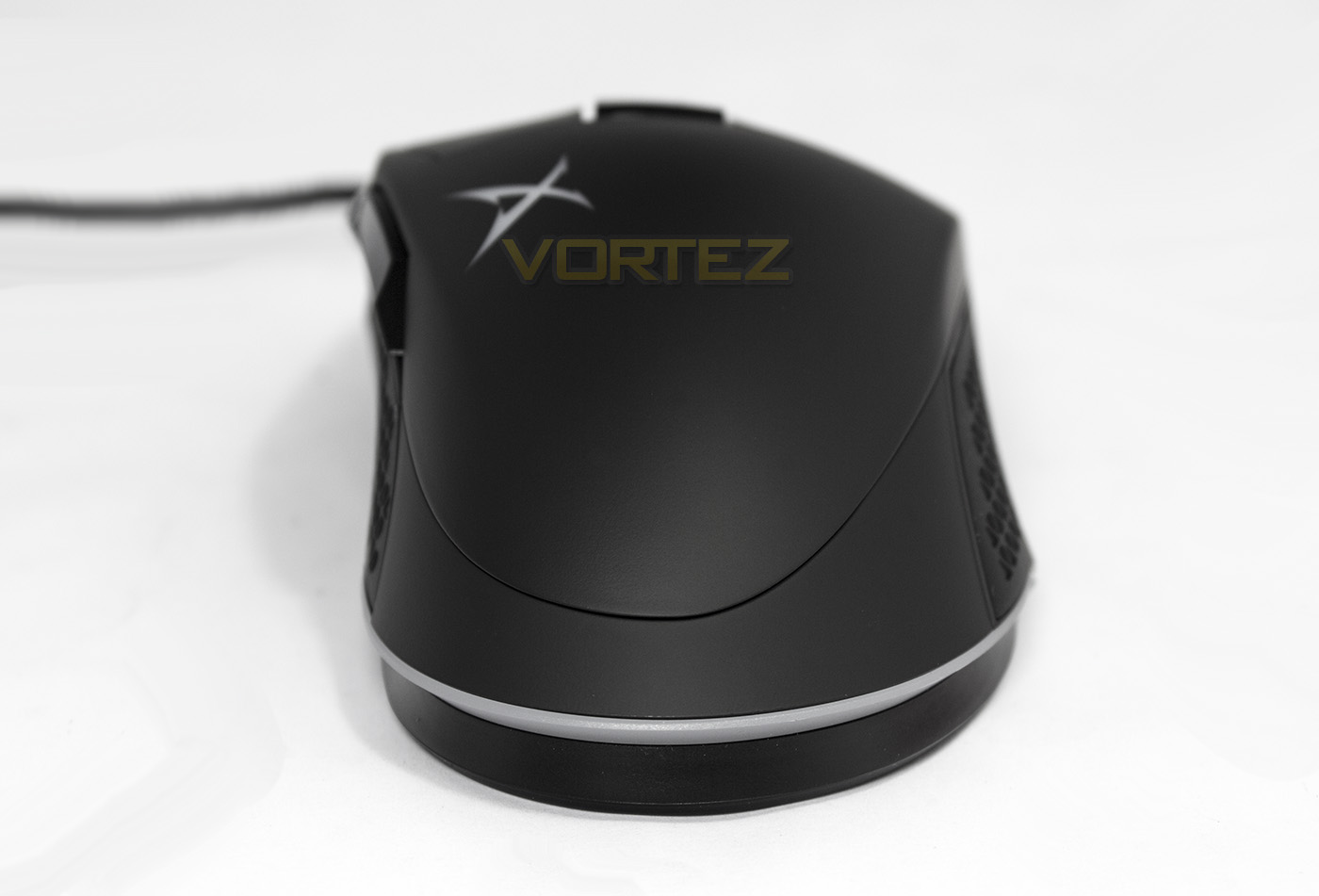
The rear end of our mouse shows the extenr of ergonomic contouring as well as part of the main feature, the LED bar.
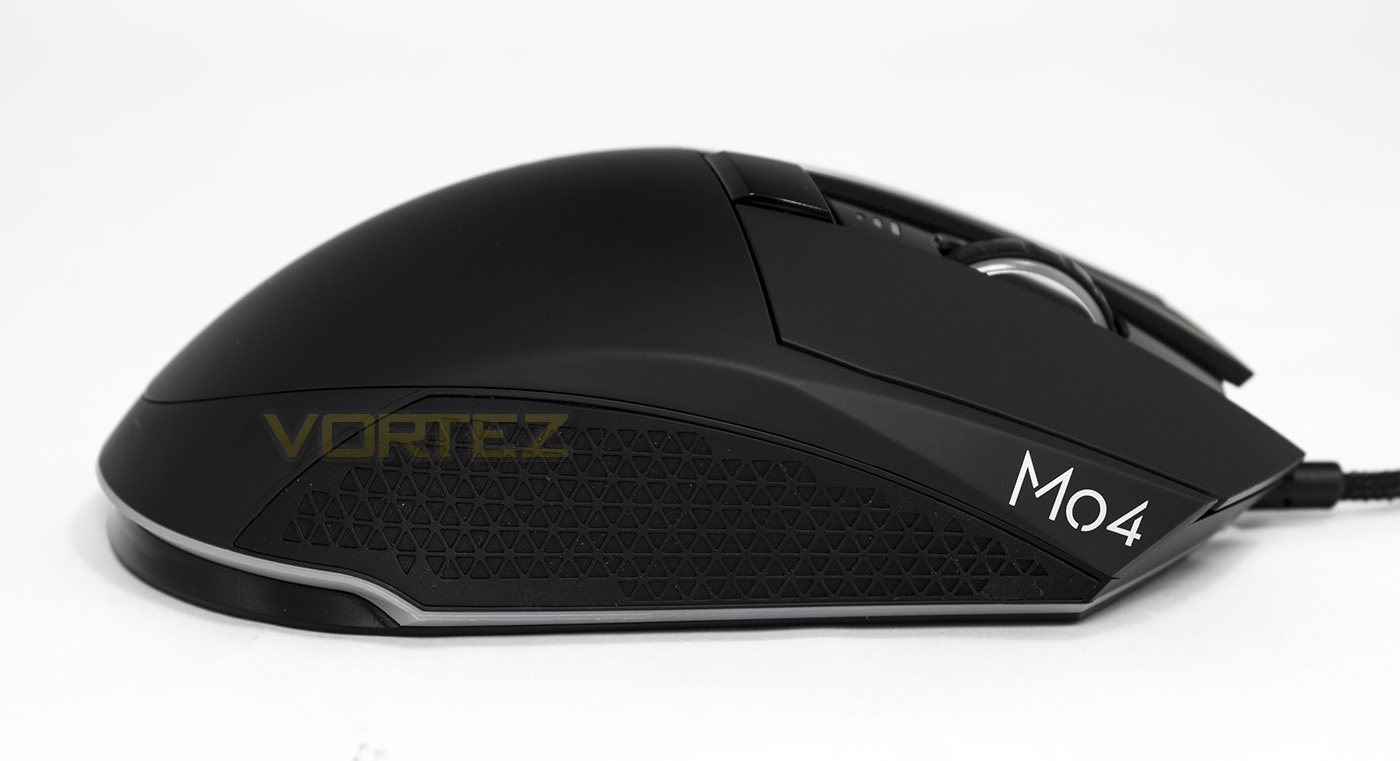
The right side of the Siege M04 is largely uninspiring, though the inclusion of the textured rubber side grip will allow for better grip and lifts in-game.
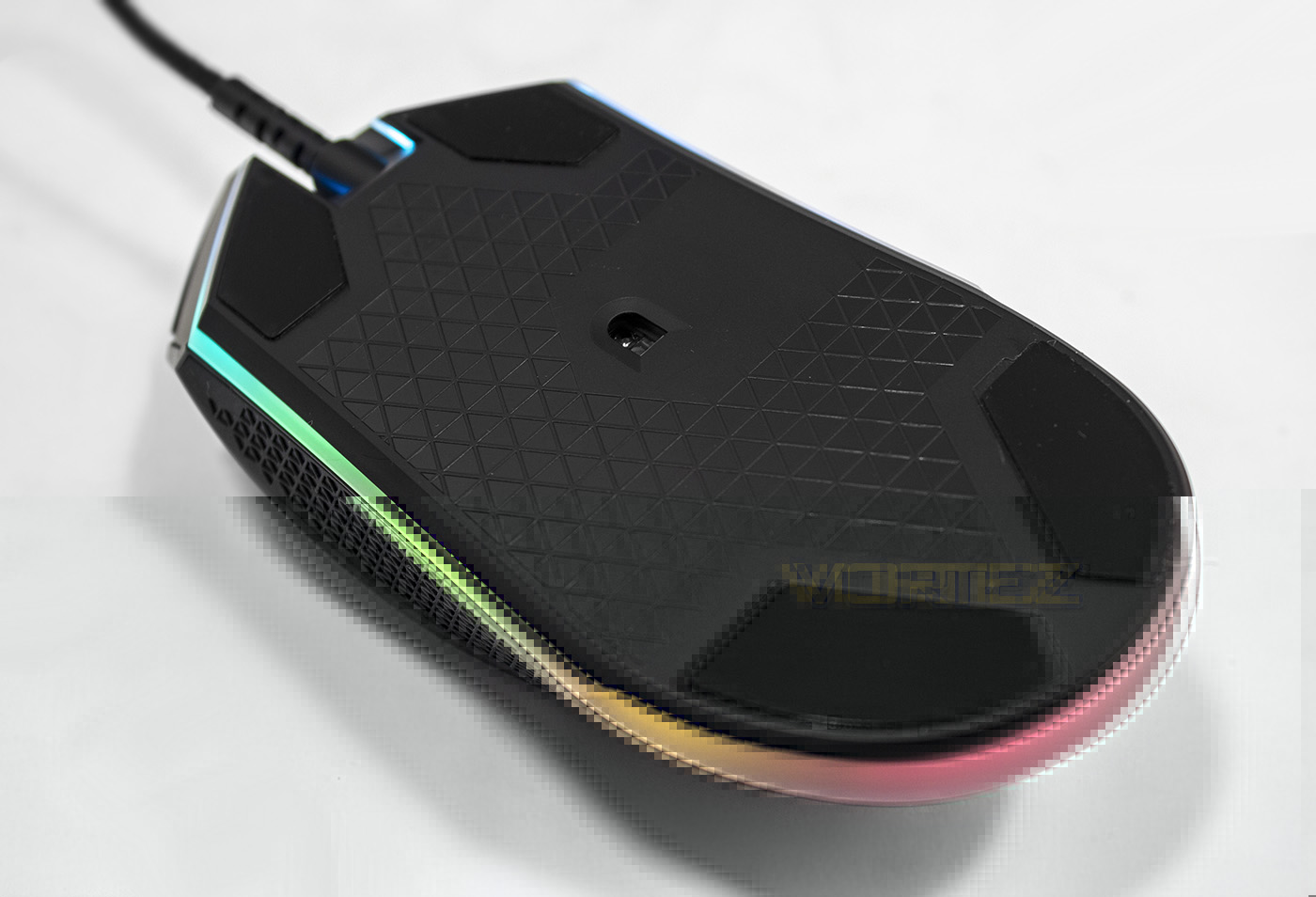
The sensor is positioned at the devices approximate centre and features a criss-cross cut-in diamonds.
Software & Lighting
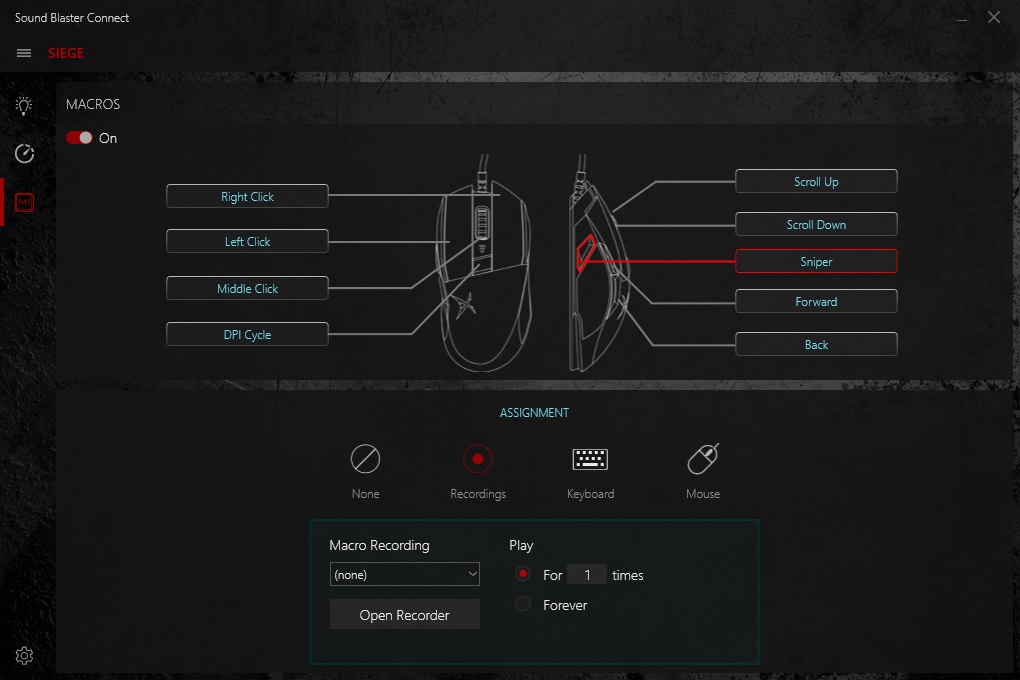
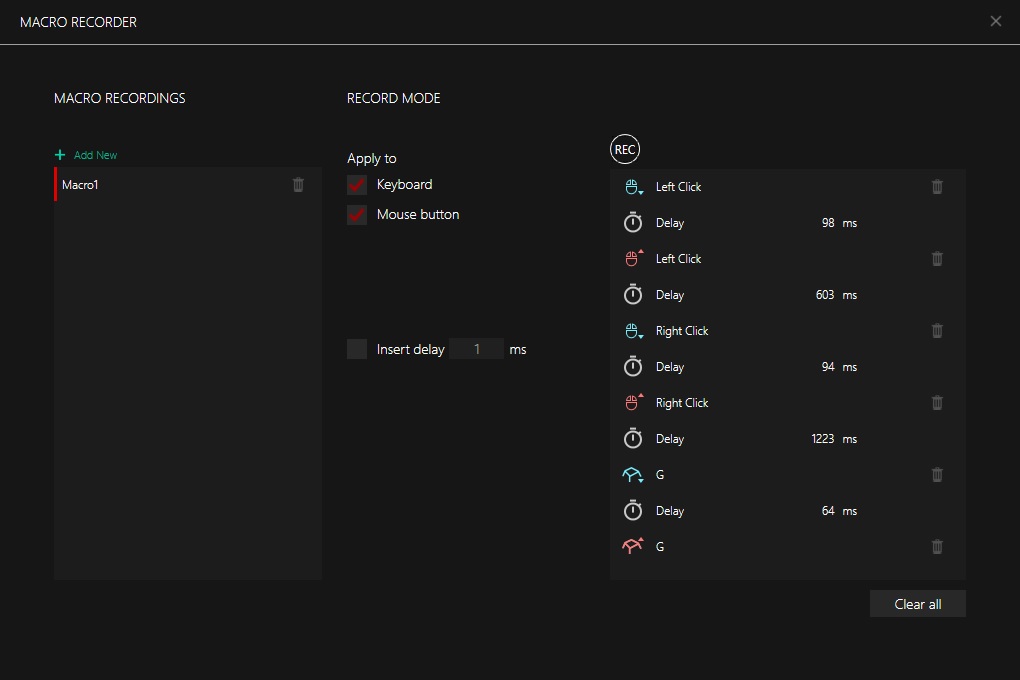
The Sound Blaster Connect app is available for download from the product page. Its GUI is similar to the PC version of the iRoar GOs, as well as the app used by the Katana sound system. This is good as it creates a familiarity across their product line. There is a new firmware update for the Siege M04 that has included auto firmware updates as well as enabling remapping of the mouse buttons and macros.The software enables you to re-map any of the 7 programmable buttons (including keyboard binds) or assign a recorded macro. The macro recorder is easy to use and relatively lightweight but it does the job perfectly, including being able to record mouse buttons and clicks.
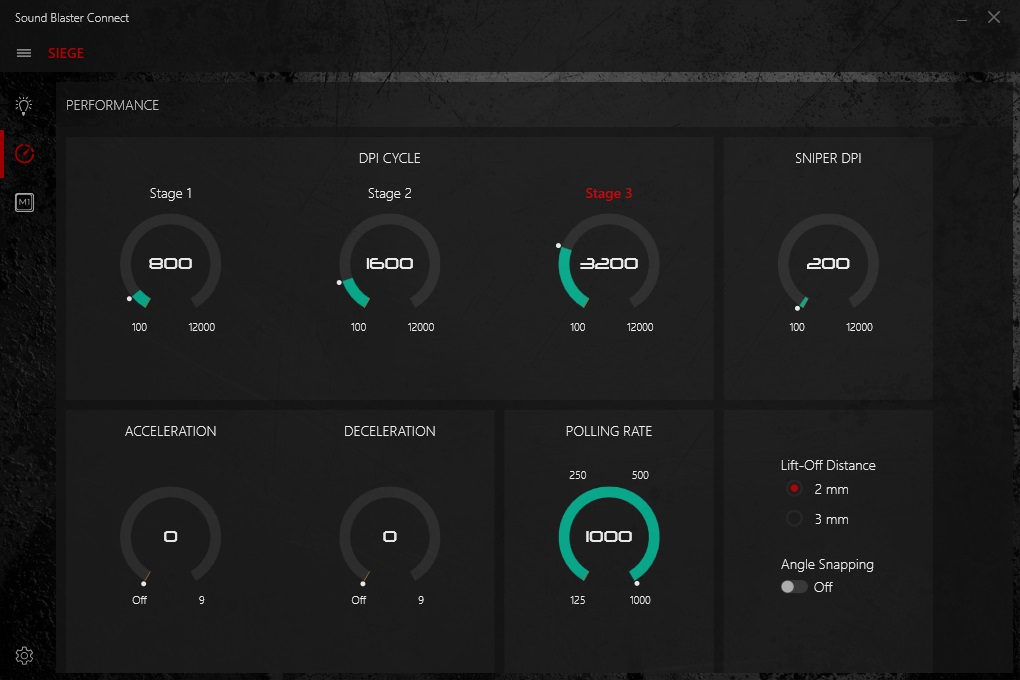
There is an array of performance features, including DPI adjustments in 100DPI increments, of which there are 3 on-the-fly adjustable stages, a sniper button DPI setting, as well as having adjustable lift-off-distance, acceleration, and angle snapping features.
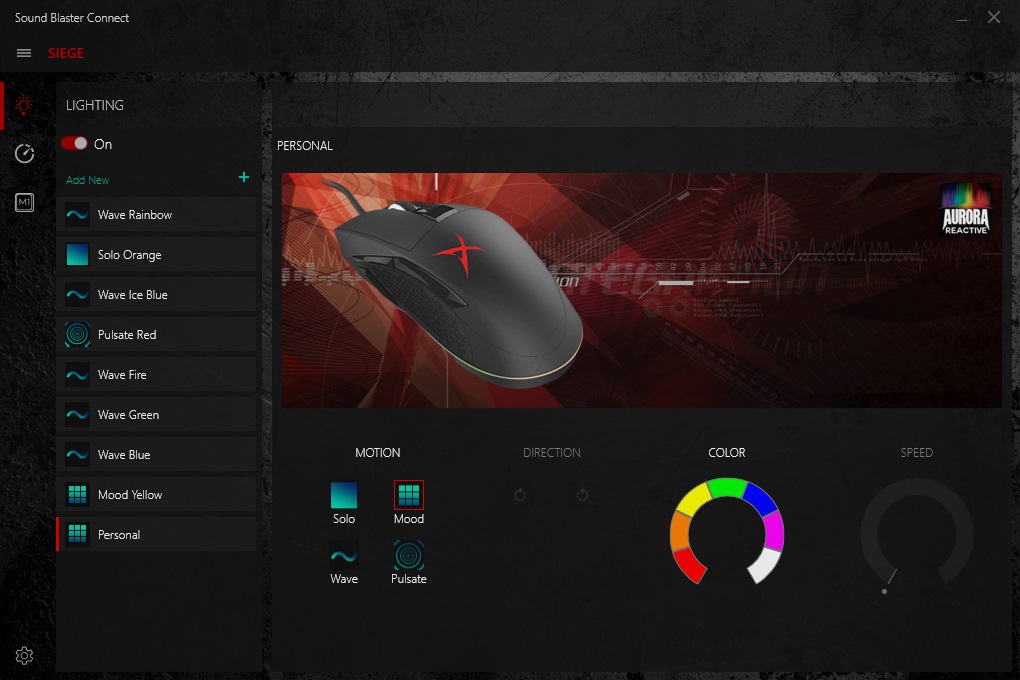
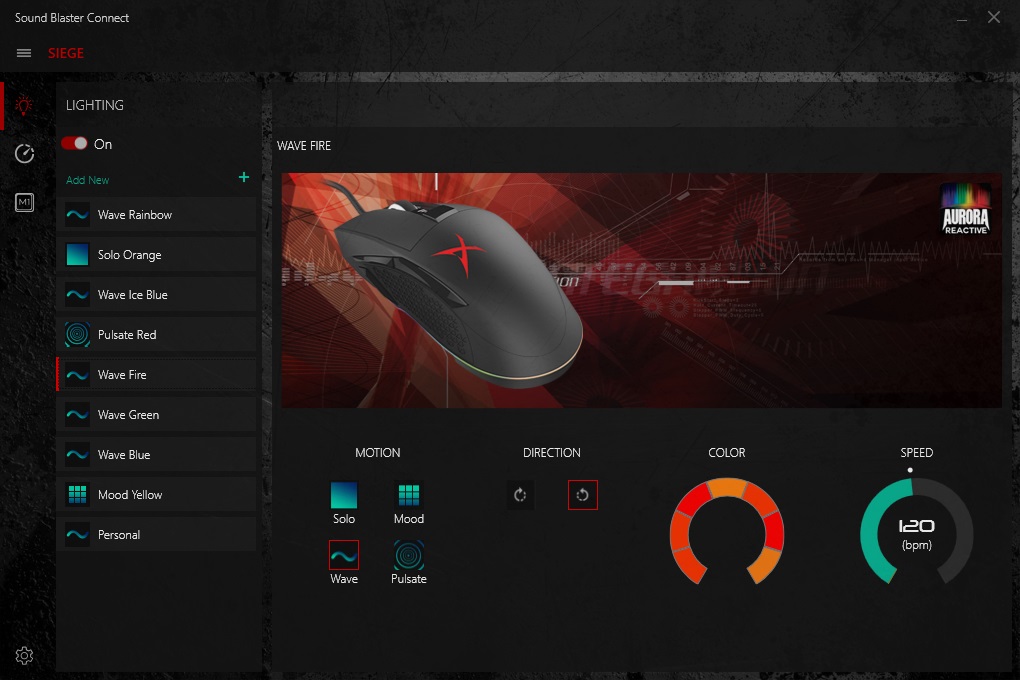
The lighting control seems to provide a clear and distinctive character that the Siege M04, not too dissimilar to the Razer Mamba Tournament Edition (albeit that the Mamba has a total of 16 customisable LEDs while the Siege has a mere 7). These 7 customisable zones can also be animated in either a clockwise or counterclockwise motion if using the Wave effect, and by using black/blank gaps, you can see different colours chasing around at a selectable speed. The biggest shame is that, right now, we can’t adjust the LED colour of the mouse wheel, the DPI indicator, or the Logo LED lighting, something that is enjoyed both on Razer and Corsair RGB mice.
Performance Testing
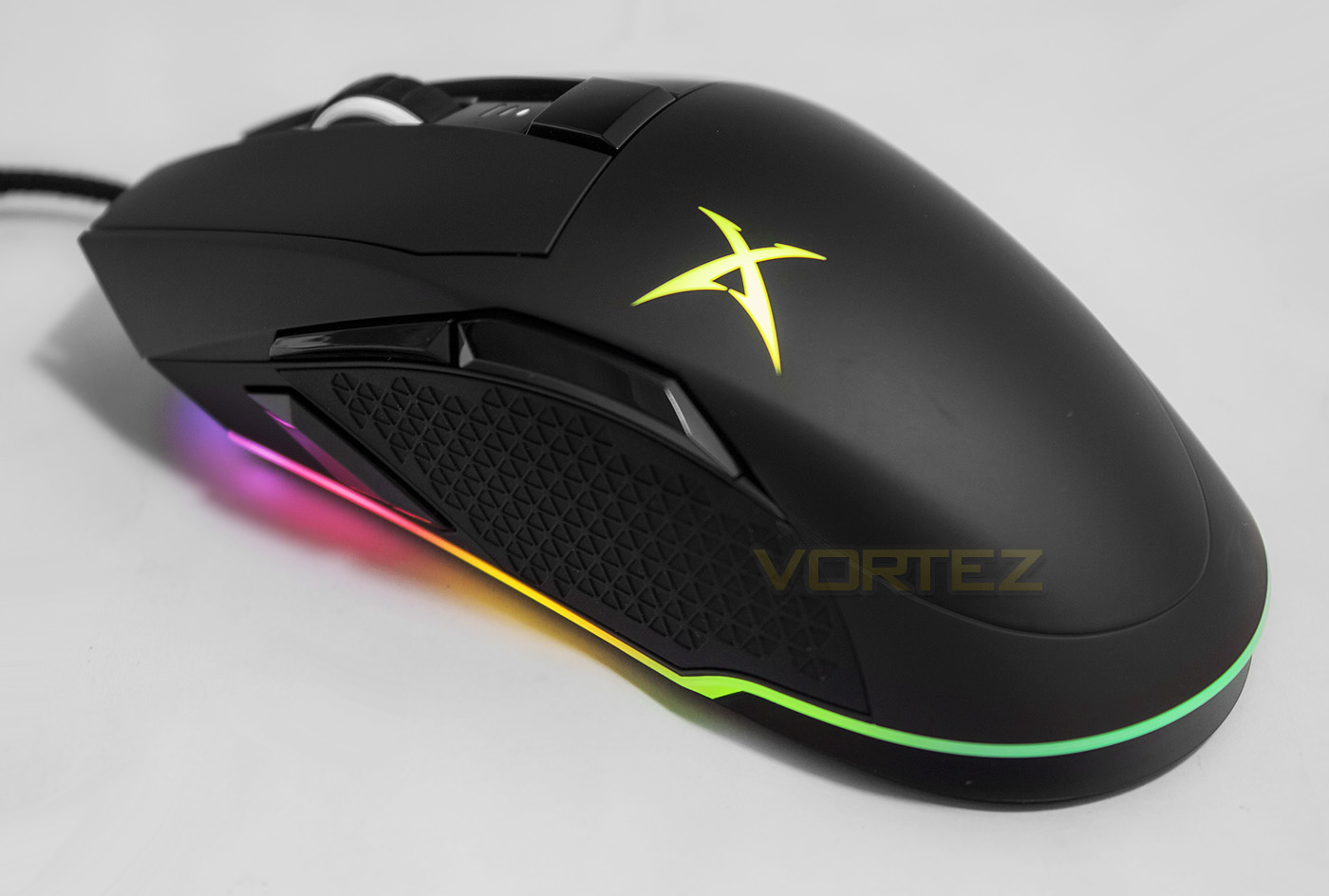
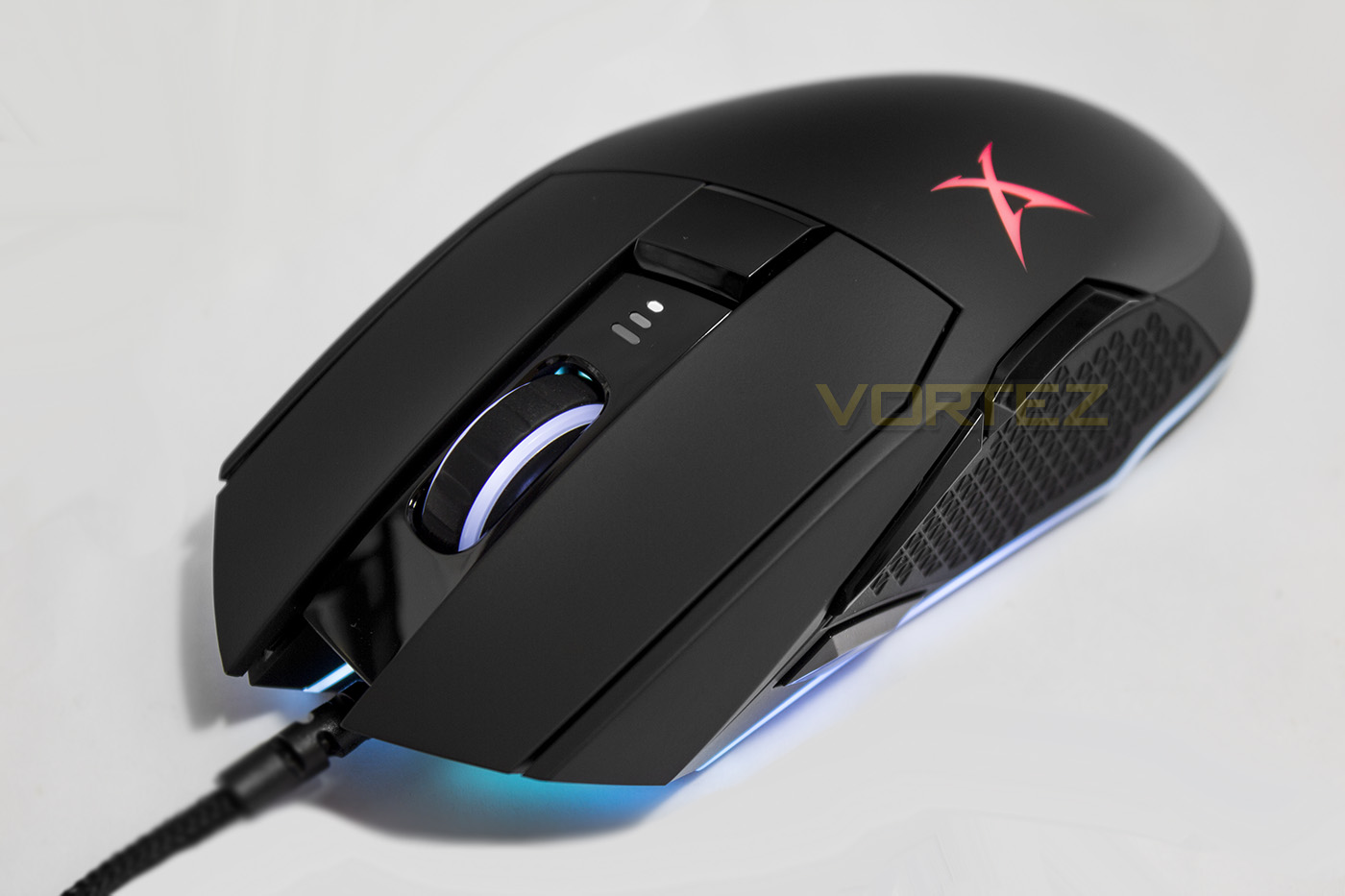
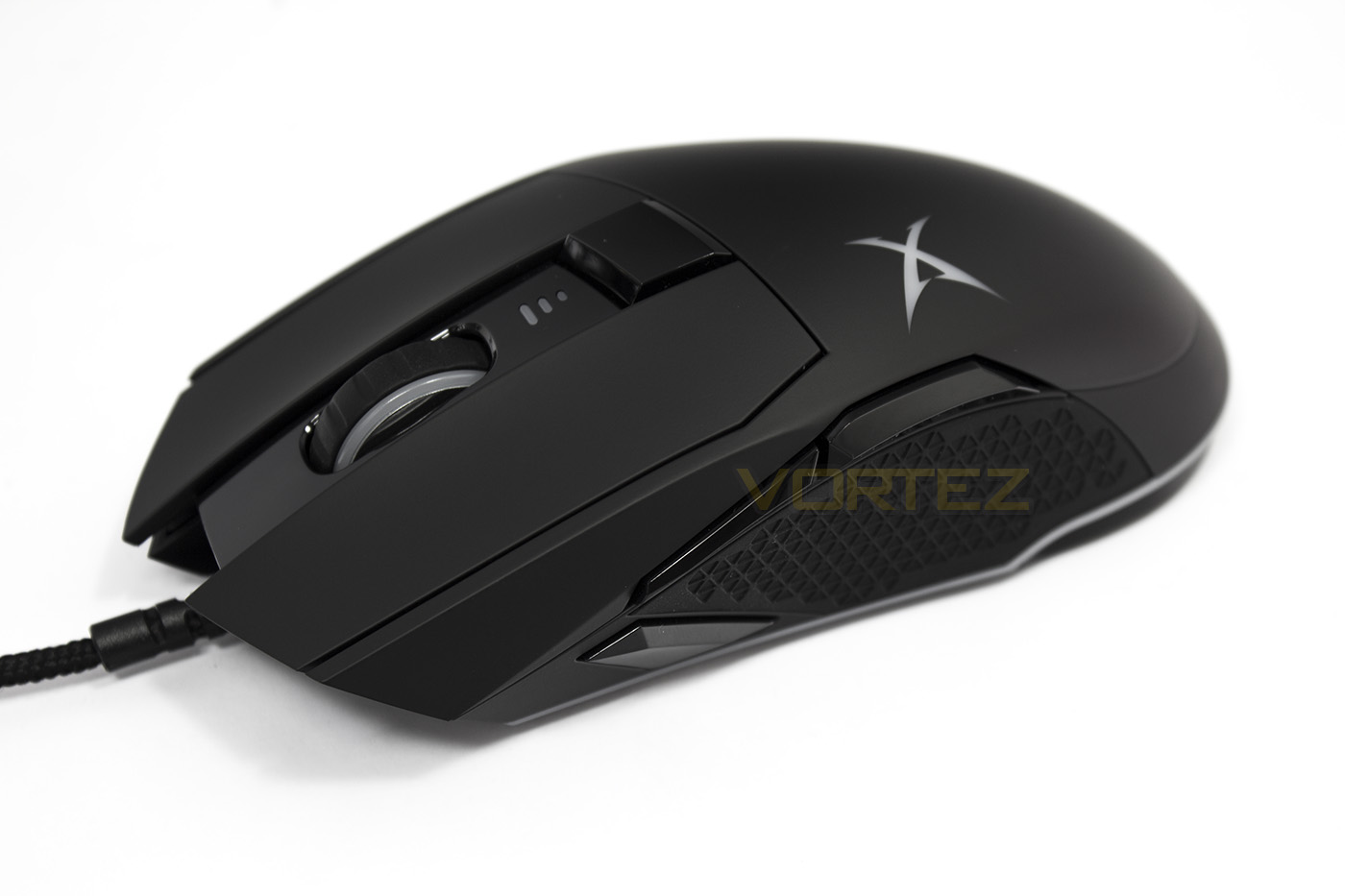
Setup, Design & ObservationsOnce you have found your spare USB port and plugged in the Siege M04, it will light up with a rainbow glow surrounding its base. Should you wish to customise any lighting effect or the performance settings, you will need to download and install the Sound Blaster Connect app.
In use, the materials used to make the Siege M04 feel solid, and is comfortable for palm and claw type grips. However, it seems a little large, and relatively heavy to be ideal for finger tipper. After a quick rattle test, there didn’t seem to be any loose parts (sensor lens, mouse wheel etc) which is good news. The side grips feel spot on for those that need the extra grip for lift-offs while playing, this is aided by a well distributed weight, with the CoG (Centre of Gravity) falling directly over the sensor meaning that it is perfectly balanced, minimising any potential abnormal motion.
The rubber coated mouse wheel feels reasonably good, as do the nice and responsive main mouse clicks. The side buttons contrarily feel a little strange and rather spongy. On top of this the side buttons could also get lost.
Performance
Testing out on various surfaces, including matte black fabric mouse mat, glossy card, coloured card, bare desktop surface, and white paper. The whole DPI range has virtually no jitter at all, again more proof of how awesome the PWM 3360 optical sensor can actually be. In other testing, such as rotational performance, we didn’t discover any discrepancies or abnormal behaviour nor would it spin out. The lift-off-distance is reasonable, almost true to stated (around 2mm) which is almost ideal for most situations.
In game I found the Siege M04 fast, responsive and reliable, capable of making that quick reflex shot in CS:GO just when you need it most. While in Dota2, it gave a sensation of confidence, knowing that I could blink my hero to exactly where I wanted, when I wanted without mistake. The use of the forward/back buttons in-game felt a bit better than consciously trying to reassure which I was pressing. Despite that, it does seem that the side buttons could be a little easier to access.
Conclusion
As their first gaming mouse, Creative have made a striking, ultra precise weapon that is certainly formidable. The supporting software can help expand its use in regards to programmability, macros, and impressive customisable lighting. As a leading optical sensor, the PWM 3360 is an ideal choice for a premium gaming mouse that can provide almost flawless performance when implemented correctly, as Creative have done here. The body itself is well constructed and comfortable to use and the use of high grade parts will ensure its reliability.
There are some things that could certainly be improved upon. One of which would be the size/shape/position of the forward/back buttons on the side of the mouse. They simply do not need to be that far away from the thumb or in such an awkward shape/size and it seems to be a decision made on design rather than function. Some may also find the mouse a little heavy, though we could argue that 110g isn’t too massive, and considering the Siege M04 balances on the sensor point, this isn’t really much of an issue.
The only real drawback one can foresee about the Siege M04 is that its pricing may put some people off, especially as many of the mice also sporting the PWM 3360 sensor can be significantly less expensive, and while the Aurora Reactive lighting is a neat feature, there are many that may not feel it is worth spending extra for it. Though, that will ultimately be the thing that turns people on or off towards the Siege M04. When compared to the Razer Mamba Tournament Edition, it could be argued that this level of RGB lighting is nothing unique or new. Despite that, it is hard to deny that the Siege M04 does provide top class performance, and so it is a distinctive alternative worth considering.
If you love the Aurora Reactive lighting, there is little reason to not go for the Siege M04 because it has an awesome gaming spirit that provides the top class precision and responsiveness you would expect from a premium grade mouse.
Gaming mice need to be precise, responsive, and reliable, and the Sound BlasterX Siege M04 is all of these things with the added bonus that it appears to be floating on a rainbow.
Pros.
+ Precise, jitter free performance
+ Comfortable to use for palm and claw grips
+ Interesting aesthetics
+ Aurora, Programmable LED lighting
+ Solid construction
+ Sniper button
Cons.
– Price
– Side buttons could be improved (position/size)
+ Precise, jitter free performance
+ Comfortable to use for palm and claw grips
+ Interesting aesthetics
+ Aurora, Programmable LED lighting
+ Solid construction
+ Sniper button
Cons.
– Price
– Side buttons could be improved (position/size)
Click here for an explanation of our awards at Vortez.net.