The Neon 250 from Element gaming is a headset featuring 50mm drivers and a controllable vibration function set in a stylish and robust frame.

Product on Review: Element Gaming Neon 250 Gaming Headset
Manufacturer & Sponsor: Element Gaming
Street Price: £24.99
In our second outing with Element Gaming, we take a look at another wallet friendly headset with a slight difference. Other than the slight aesthetic change compared to the Neon 300, we get the same 50mm drivers that provide v7.1 surround via USB. So what’s different? In short, a retractable microphone and a vibration feature. But is there more to the changes than what meets the eye?
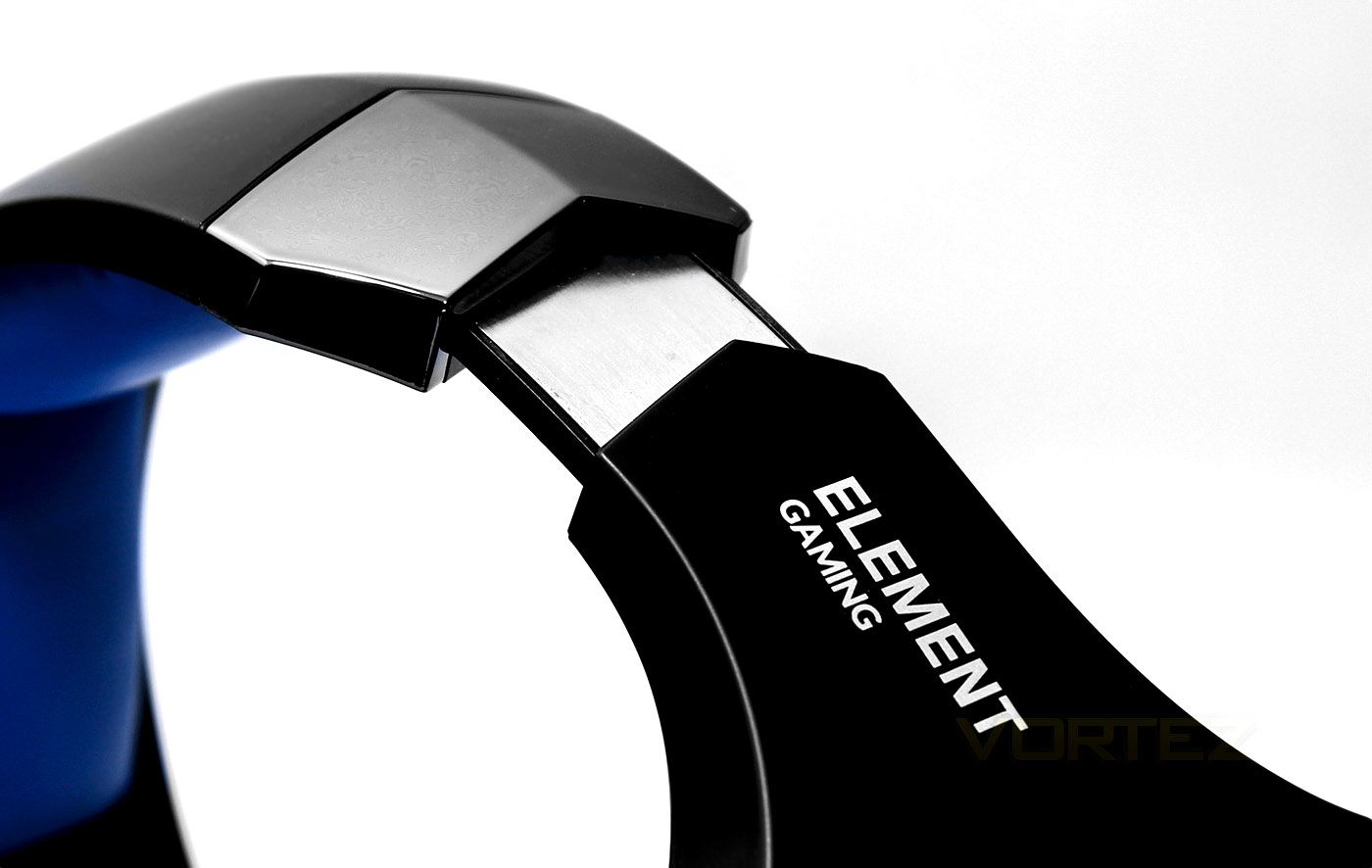
Overview by Element Gaming
Gaming, like so many things in life, requires concentration. No one wants to miss a vital clue in a line of dialogue or have the tension sucked out of a dramatic scene by a vacuum going off in the background. Similarly, others around you might prefer not to hear gunshots, death screams or the sound of high speed collisions blasting out from a cranked up TV set. Get around this tricky issue in style by immersing yourself in the audio splendour of Element’s Neon 250 gaming headset.
Technical Specifications
• 50mm speaker
• Wired USB connection
• Frequency Range: 20-20kHz
• Headset Sensitivity: 111db_+3db
• Distortion: 2.5% THD
• Max Power: 30mW
• Microphone Diameter: 6 x 5 mm
Packaging & First Look
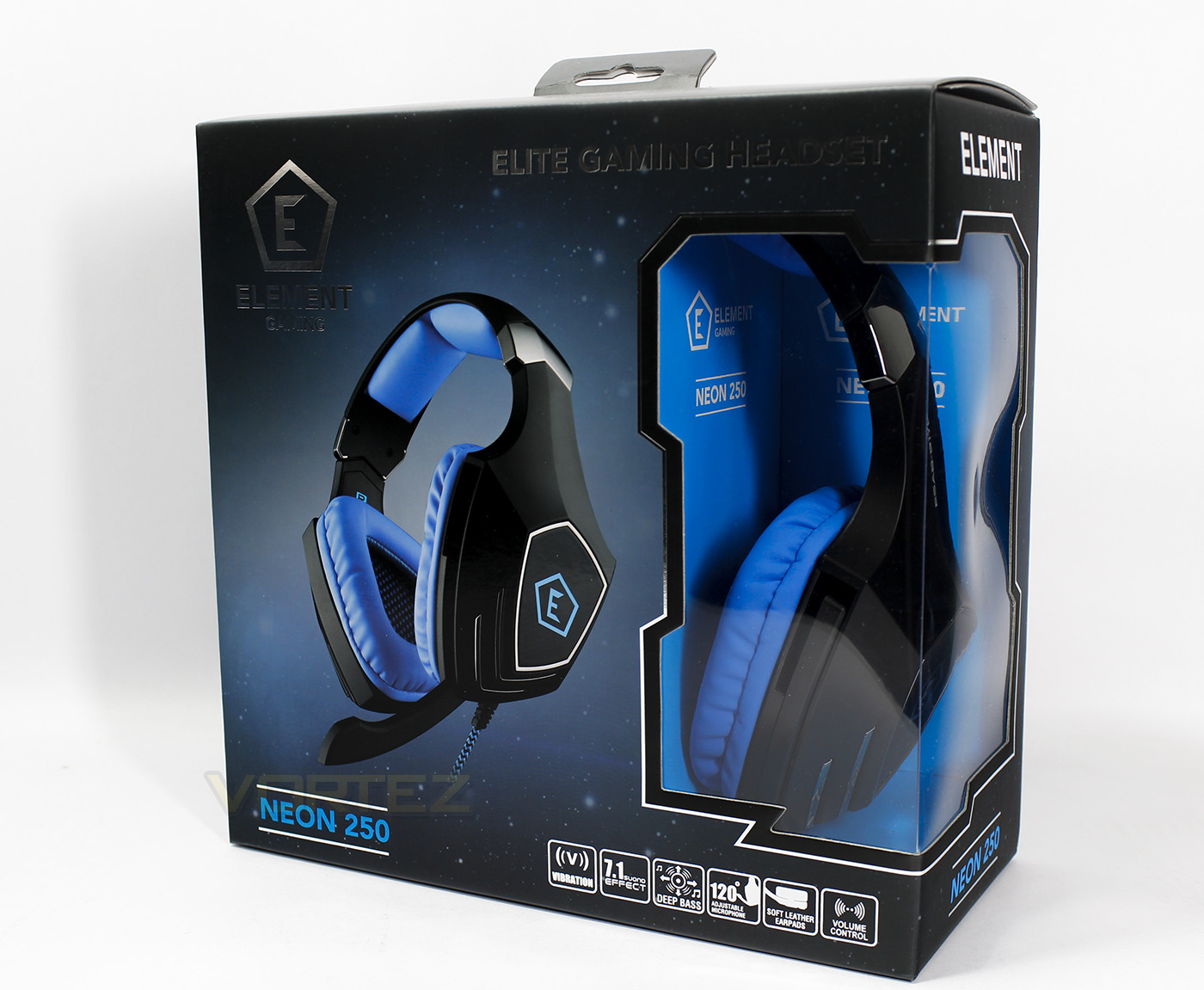
The packaging is good quality and is a little different to what we saw with the Neon 300. There is a small window partially showing of the product itself, while at the bottom there are icons clearly displaying the features of the headset.
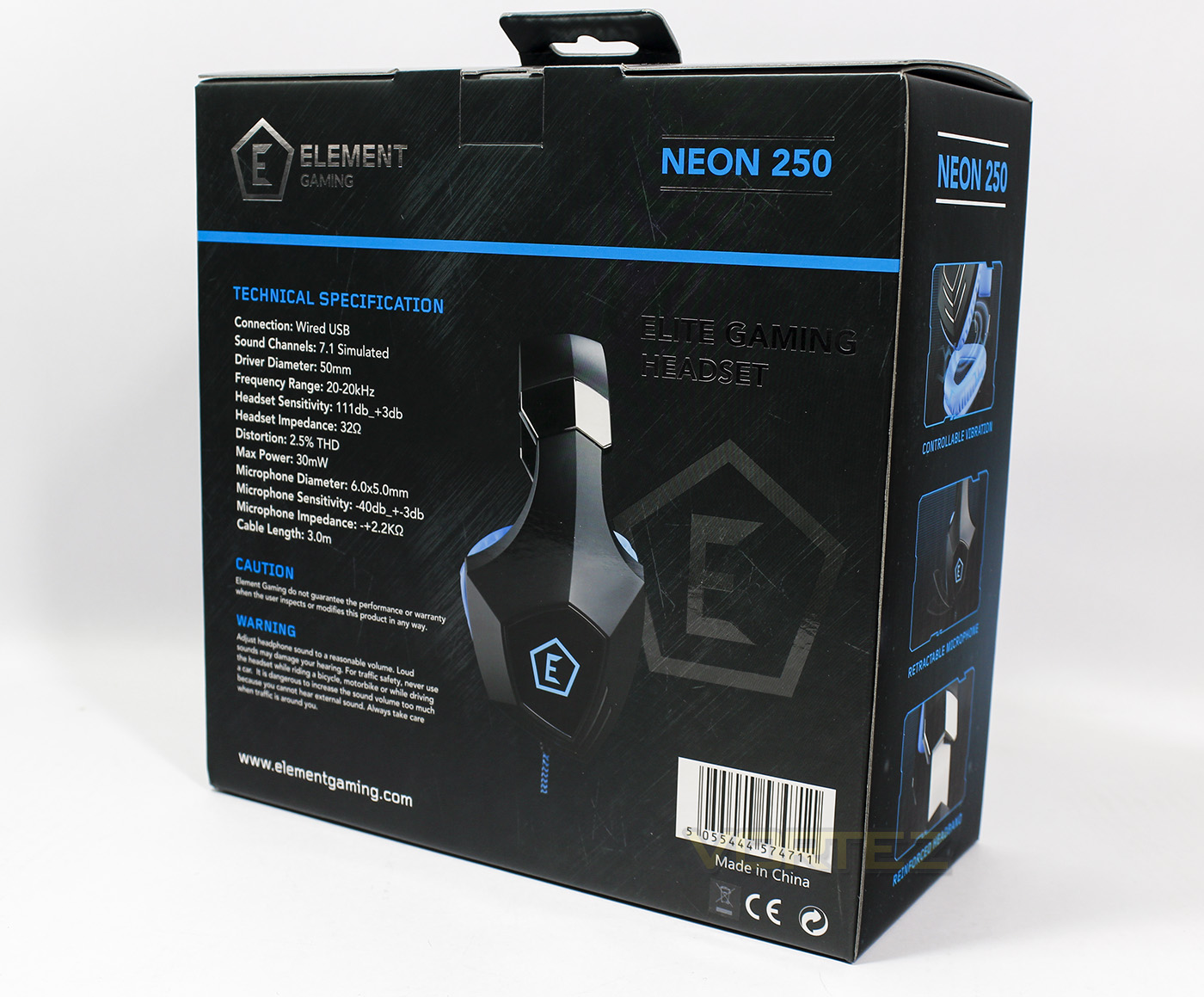
At the back is a list of the technical specifications.
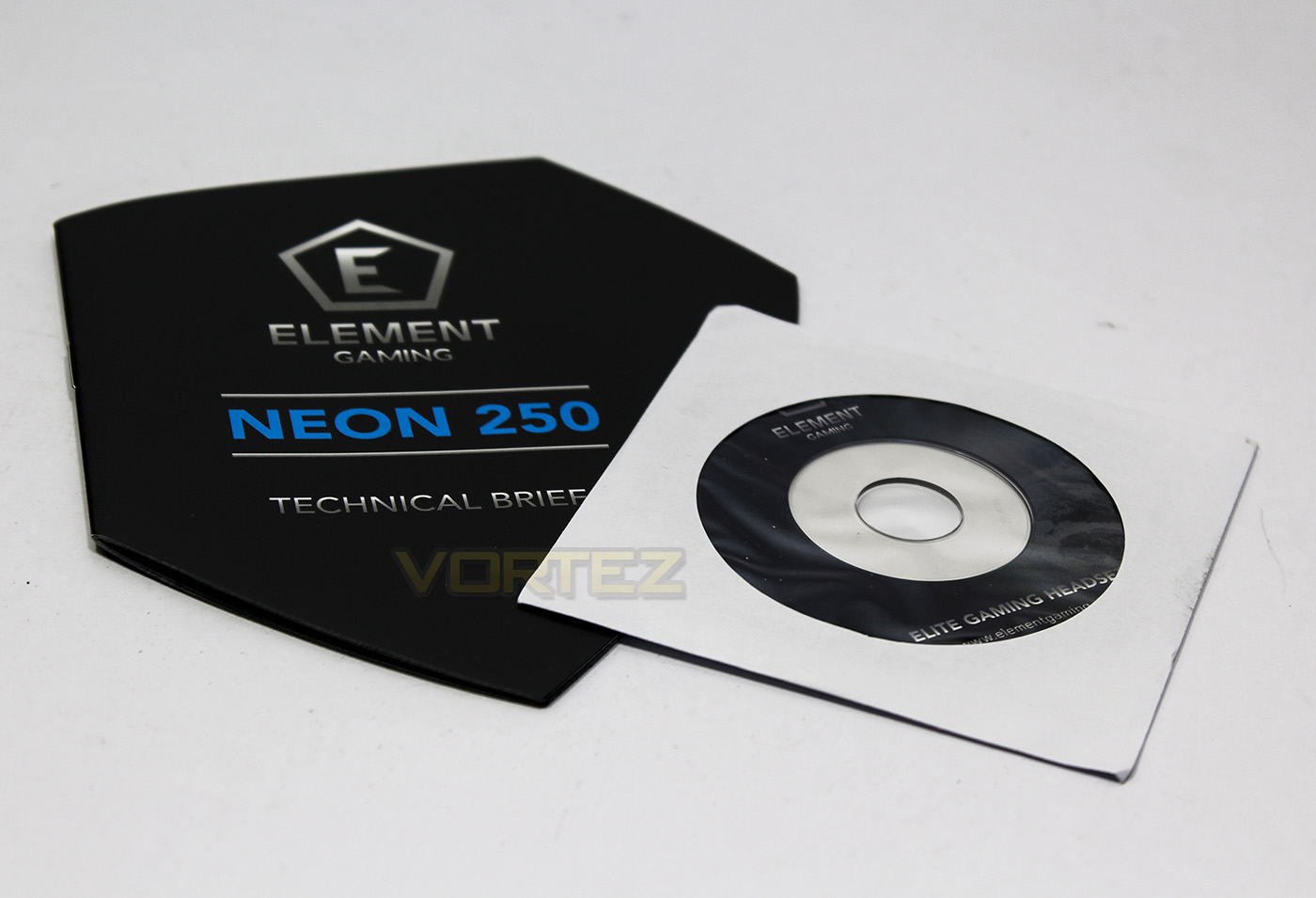
The accessories are similar to what we found with the Neon 300, a guidebook and driver disc, at this price point you wouldn’t expect more.
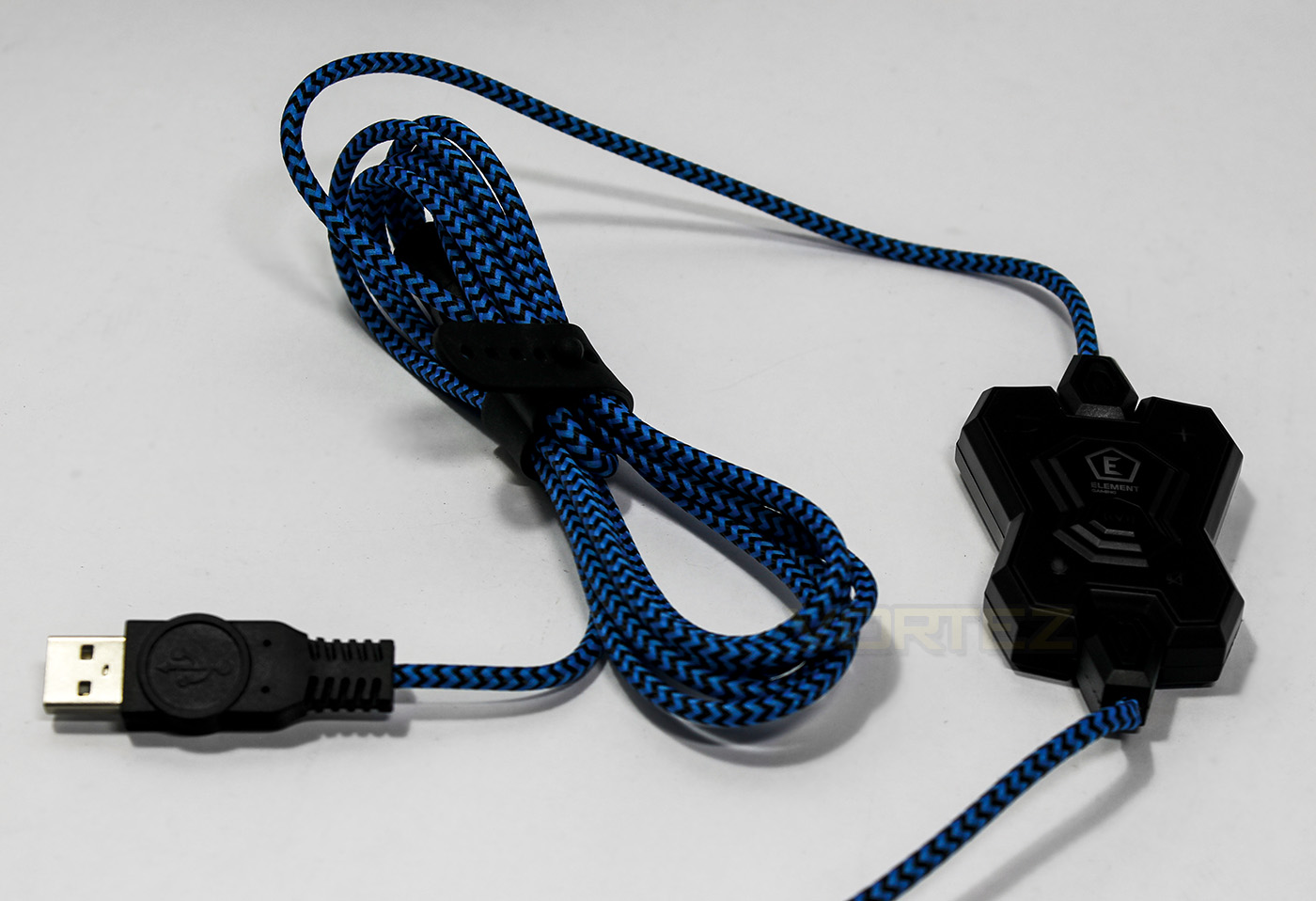
The braided cable is good quality and looks great while the inline remote looks very similar to the Neon 300.
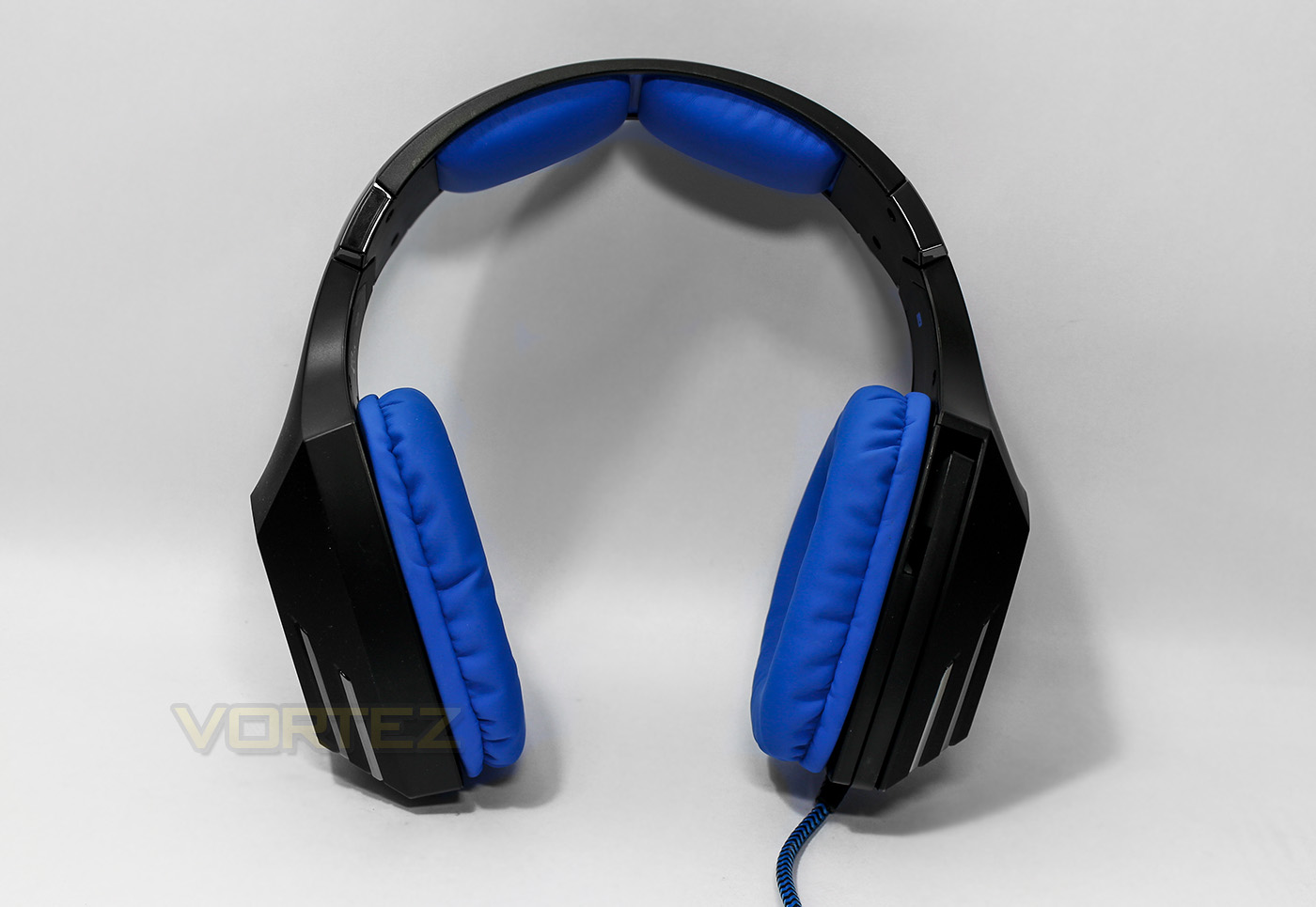
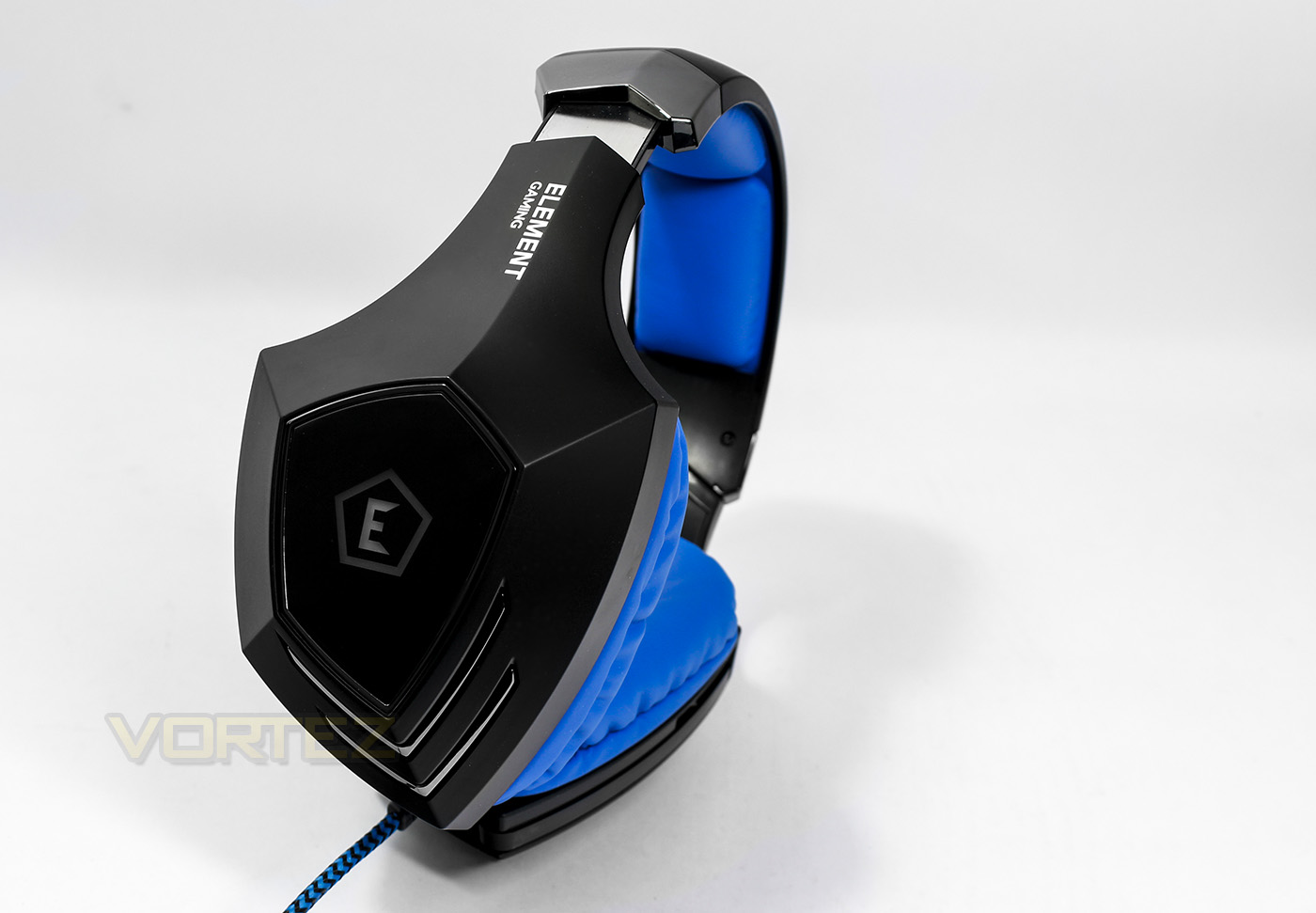
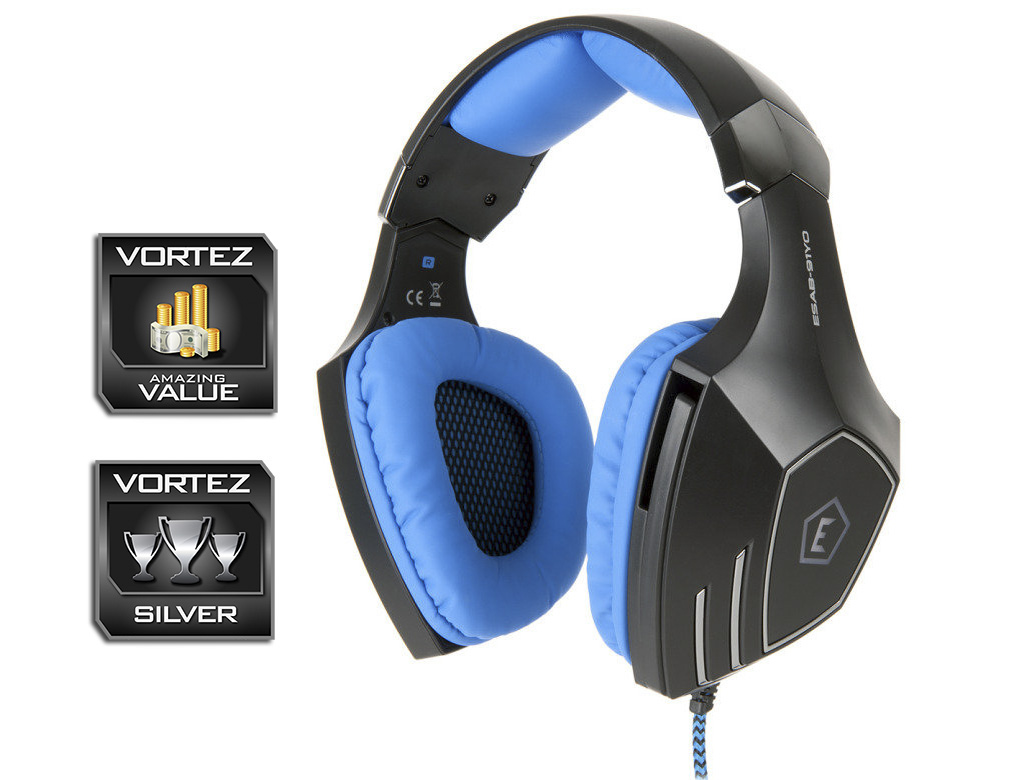
The Neon 250 headset looks quite sleek and not as noisy in design compared to the Neon 300. The microphone sits flush in the earcup , while the blue earpads and cushioned headband create a good contrast.
Closer Look
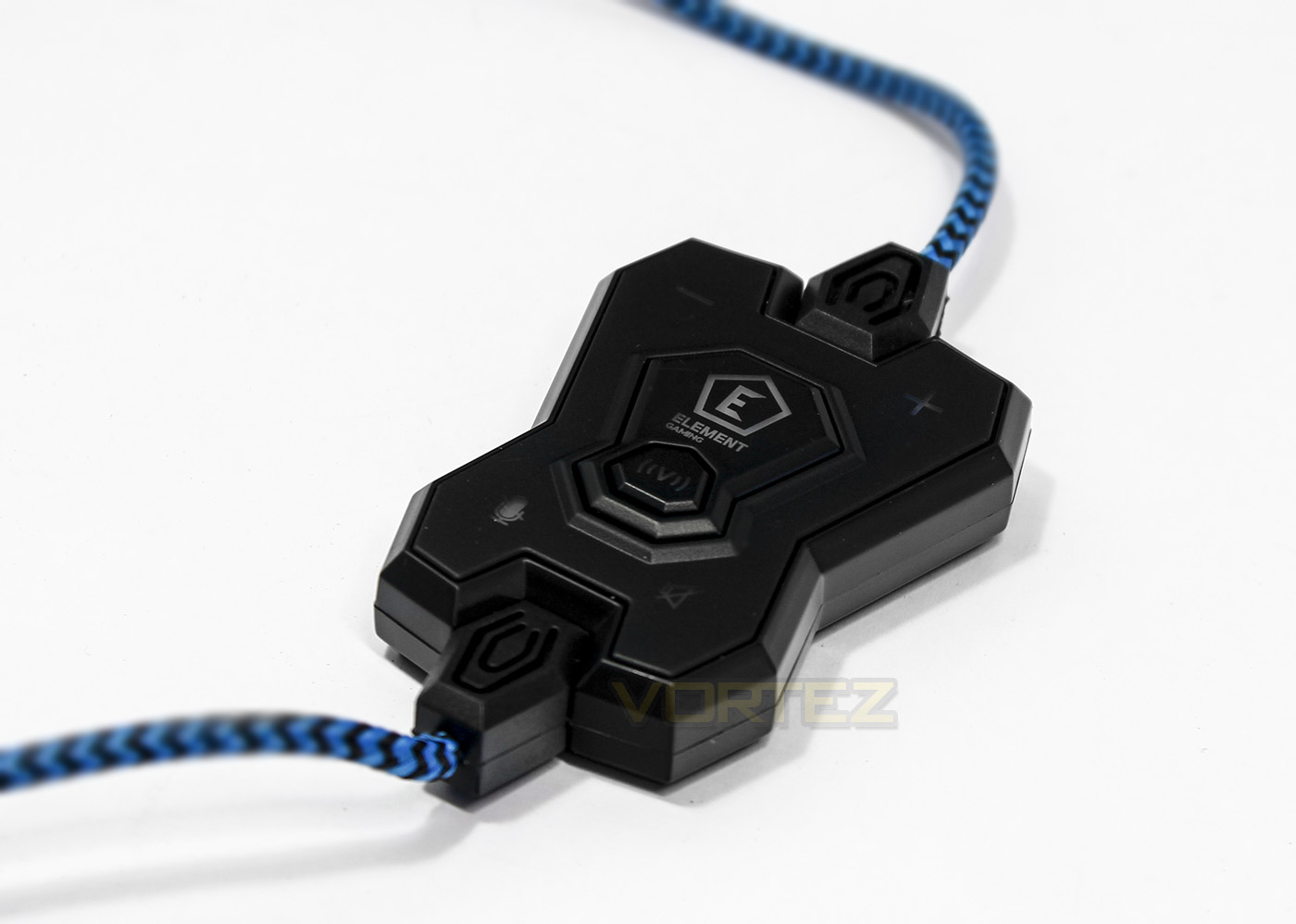
The in-line remote in shape is identical to the neon 300 but rather than controlling the LED lighting, the centre button controls vibration which has 3 levels. Off, light, strong.
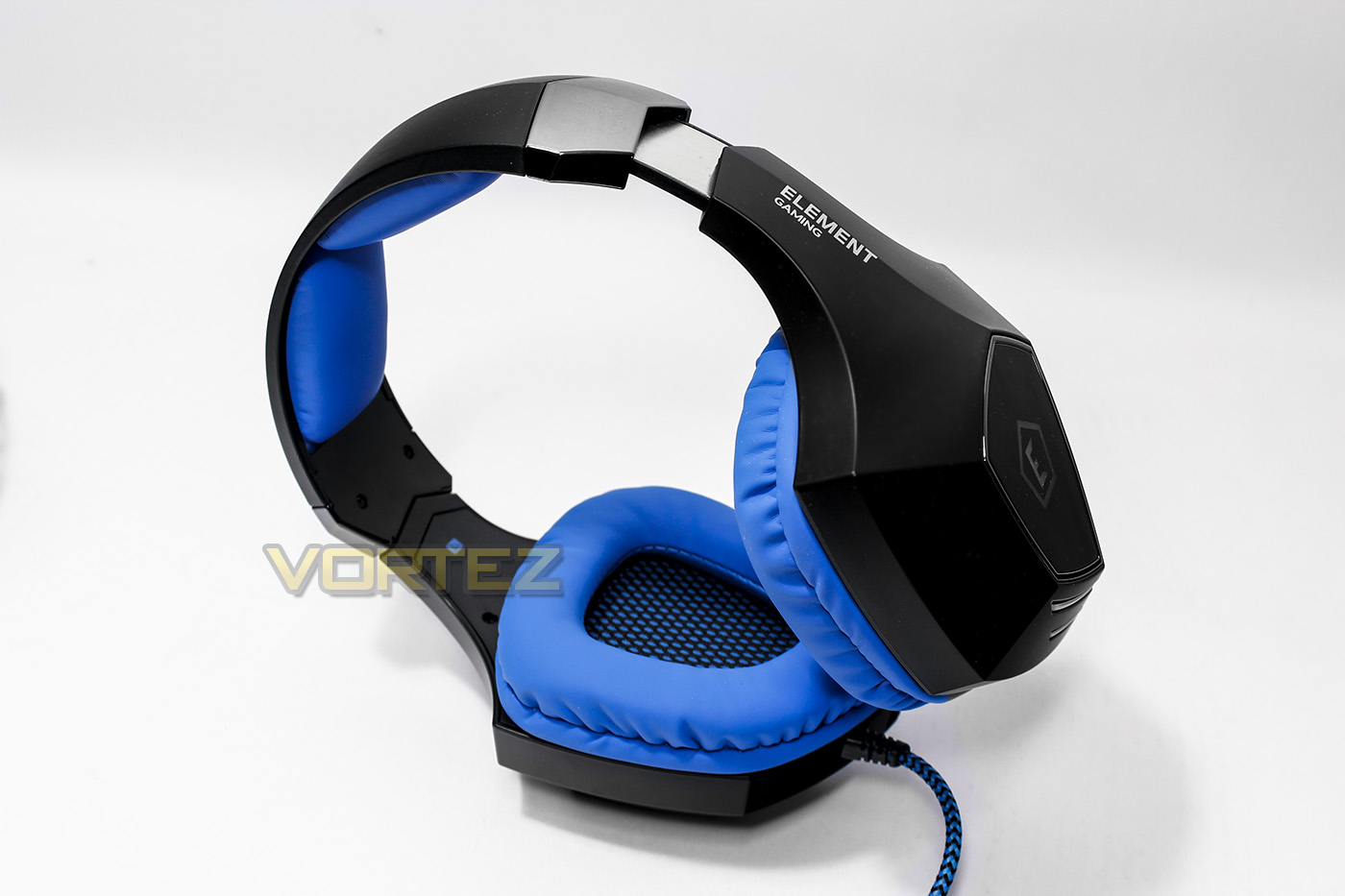
The headband is reinforced with metal and the construction appears strong and robust.
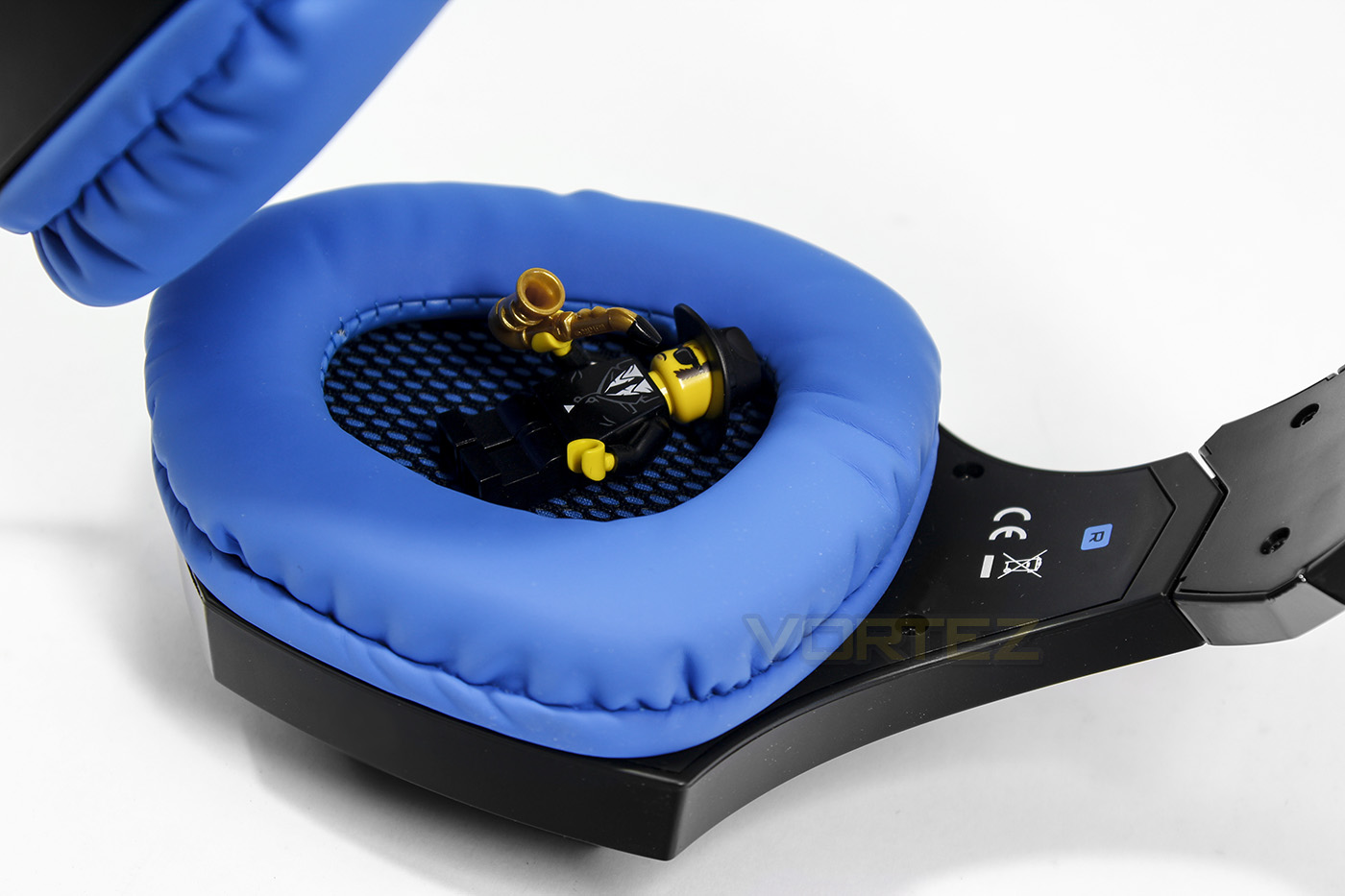
There is a lot of room in the earcups for your ears while the thick padding should provide good comfort.
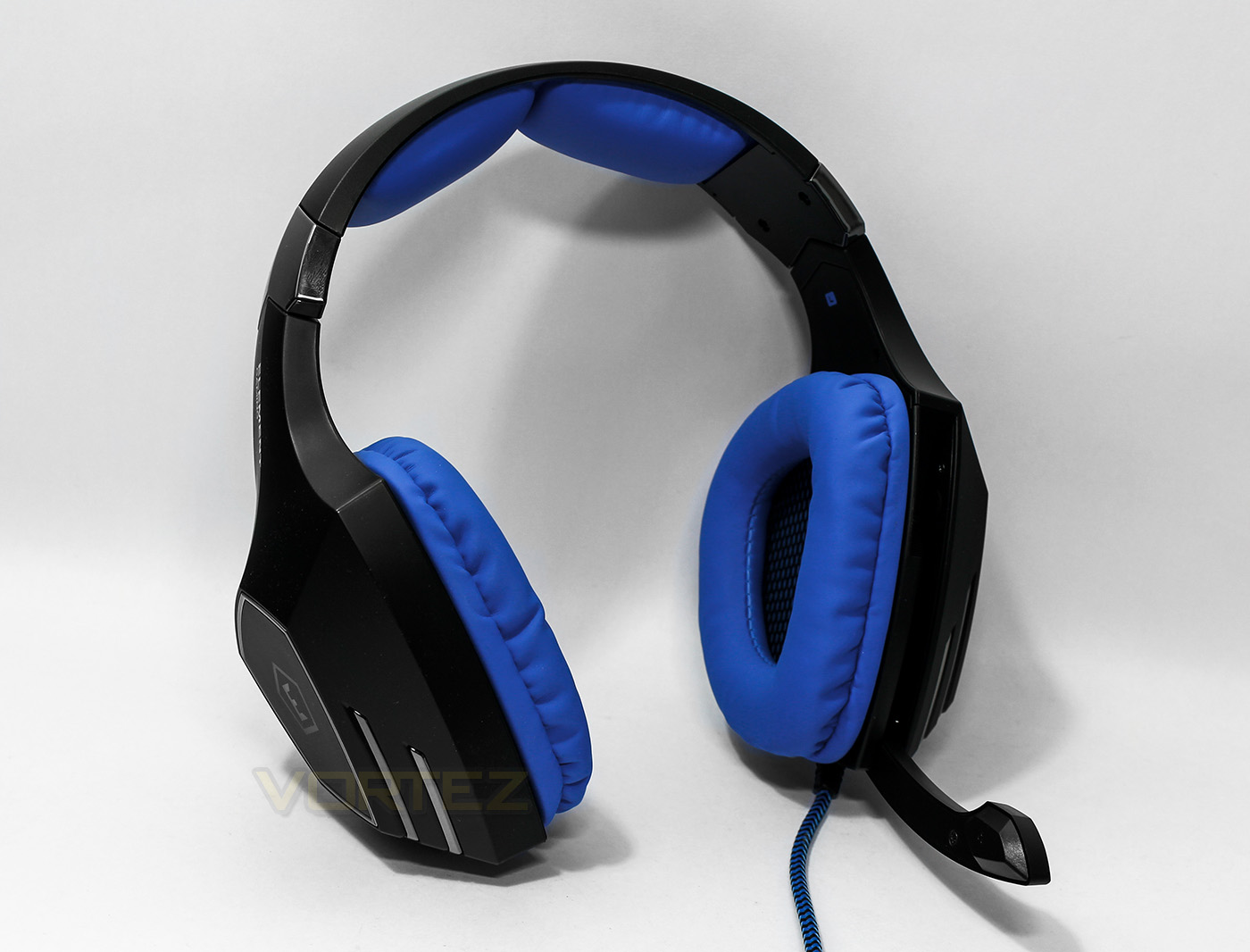
The microphone is short and not flexible, though this should reduce any fiddling around with position.
Software & Lighting
The software is identical to the Neon 300, which is easy to navigate, adjust audio resolution, equaliser settings, as well as various microphone sound effects and control for the v7.1 surround.
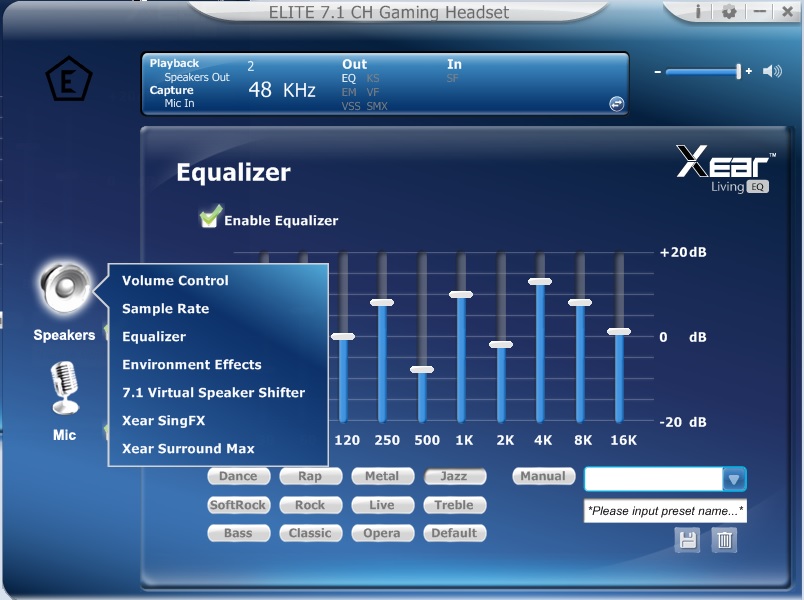
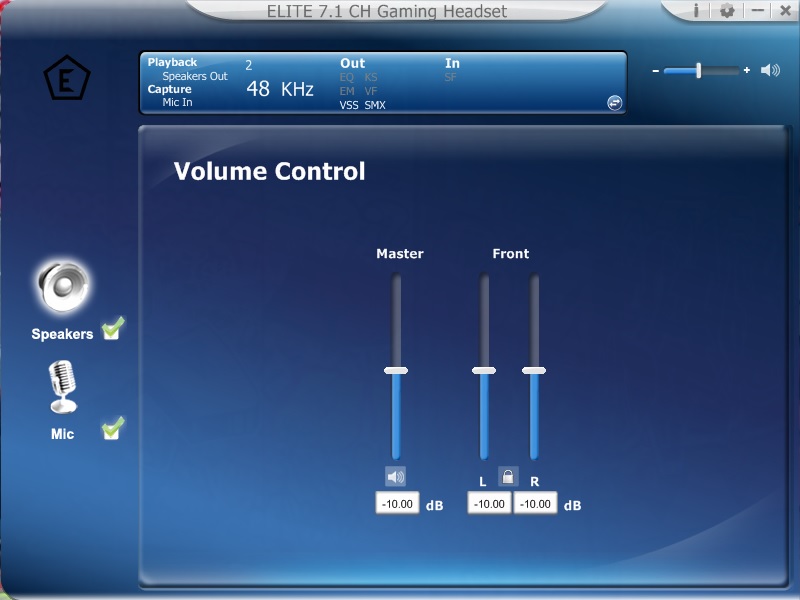
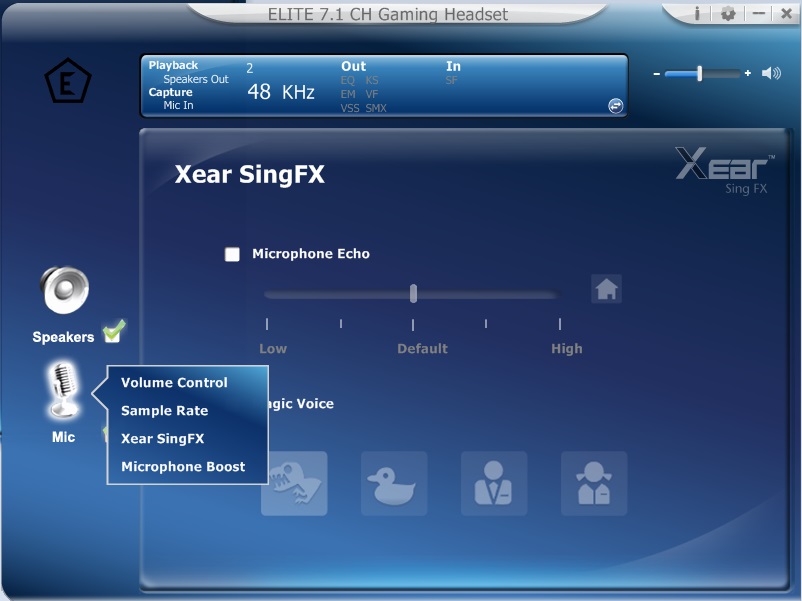
The lighting with the Neon 250 is fairly basic and there is no control, but considering the design, the colours are a nice effect and isn’t a primary feature.
Performance Testing
Setup, Design & Observations
Like with the Neon 300, the software has to be installed with the disc as there is not yet an option to download latest drivers, this may be a nusance to some who have done away with their optical drive but for most this process will be fairly painless.
On wearing the headset, the grip is light and the earcup padding does a good job keeping things comfortable. Over a long period of time there was a little of heat buildup, but this wasn’t a major issue due to the light head clamp, though this does mean that fast head movements may shake the headset off. The microphone was easy to pull down and push up, while the in-line remote was easy to find and use. The downside to the remote is shared with its sibling, in that it is rather heavy and large. Due to the 3m long cable, if the in-line remote drops from wherever you have placed it, as there is no clip on the back it can cause a snag/yank to the side of your head unexpectedly.
The vibration feature was actually a surprise, unlike many other implementations, the vibration did not rattle, nor diminish the audio quality by adding any buzz/static or reverb and was a genuine factor to improving in-game action and excitement.
Multimedia
The audio quality was very enjoyable, making Crystal Castles lastest track ‘Frail‘ sound warm and enjoyable. The vibration feature isn’t necessary for listening to music so is worth turning off unless you like your ears being tickled. Overall the audio quality seems just as good, if not, better than the Neon 300, while lacking in professional precision, it is still capable of giving an enjoyable experience. Good bass and well accounted for mids and highs. The maximum volume is reasonably high which can be increased using the equaliser or v7.1 mode.
In games, the Neon 250 really came to life, the vibration aided the thumping kick of gunshots and grenades going off in Killing Floor 2. The v7.1 didn’t really seem to add to much spatial awareness, merely made the audio a little louder.
Microphone
The microphone seemed to be the worst aspect which was very sensitive and very tinny, easily picking up background noises suck as keystrokes and mouse clicks (and passing sirens or jet planes) without any significant clarity in the vocals. Though it remains fit for purpose and is usable.
Conclusion
As an entry level headset, the Neon 250 ticks many boxes by delivering great gaming audio, good comfort in a robust and interesting body. The sleek design will appeal more to those looking to avoid the more ‘garish gamer’ designs with its neat angles and more subtle lighting effects. The finishing touches like the braided cable and the easy to use software really add a sense of value and if you are looking for a good gaming headset without breaking the bank, the Neon 250 is a a no brainer.
Looking at the downsides, its really difficult to press on the matters too hard in consideration to the price, however, the tinny microphone was the biggest issue in regards to functionality and having the ‘open mic’ option turned on in DoTA 2 is a sure fire way to round up the most reports in the shortest period of time. That being said, used sparingly with push to talk it does still function fine. The main consideration to picking up on the quality of the microphone is because the cheaper Neon 300 had a microphone which is much more reasonable in performance in comparison. It is worth noting that the in-line remote doesn’t have a clip on the back, this is mentioned as the repeated tug as the in-line remote fell from my lap became noticeable, and this is a common issue shared by the Element Gaming headsets, though its not really a major flaw, more a minor annoyance.
Overall the party piece of the Neon 250 is the vibration feature, adding to the excitment in games making this a great choice if you game solo and are on a tight budget.
The vibration feature compliments the warm bassy audio making in game action that bit more intense and engaging.
Pros.
+ Sleek aesethetic
+ Comfortable
+ Good gaming audio
+ Easy to use Software
+ Vibration works well
+ Price
Cons.
– Microphone is a bit tinny
+ Sleek aesethetic
+ Comfortable
+ Good gaming audio
+ Easy to use Software
+ Vibration works well
+ Price
Cons.
– Microphone is a bit tinny

Click here for an explanation of our awards at Vortez.net.