Element Gaming come in with a reasonably priced illuminated mechanical keyboard, though not made of the ultra lightweight metal ‘Beryllium’, we do find a nice portion of brushed aluminium in its stead.

Product on Review: Element Gaming Beryllium
Manufacturer: Element Gaming
Street Price: £64.98 inc VAT
Element Gaming have hit the market with a stable of good value peripherals and as we were impressed with a selection of their headsets such as the Neon 250 and the Xenon 700, so we were happy to get the chance to look at their mechanical keyboard. In keeping to the ‘element’ theme, the keyboard gets named after the rare metal ‘Beryllium’.
Featuring linear red mechanical switches by Kailh which are individually backlit, the Beryllium keyboard falls into the entry level warzone amongst the cheapest illuminated mechanical keyboards available. Many will be happy with the easy plug and play setup, as well as make the most of features such as the ‘Windows lock’ function and full N-Key Roll Over (NKRO).
Overview by Element Gaming
Every Trade has its essential tools and PC gaming is no different. If you’re a dedicated gamer, a standard keyboard just isn’t equipped to handle the punishment you can deal out during extended play sessions.
What you need is the Beryllium Mechanical Keyboard from Element Gaming. Packed full of features to help you up your gaming efficiency and make every keystroke count, including highly durable mechanical keys and a removable wrist support. It also features blue backlighting with red WASD and arrow keys.
What you need is the Beryllium Mechanical Keyboard from Element Gaming. Packed full of features to help you up your gaming efficiency and make every keystroke count, including highly durable mechanical keys and a removable wrist support. It also features blue backlighting with red WASD and arrow keys.
Technical Specifications
Features
• USB Cable (braided)
• USB Connecter (gold plated)
• Volume Control via scroll wheel
• Textured Wrist Support
Backlighting
• Individual blue backlighting for all keys
• Multiple backlighting patterns
• All keys are illuminated
• Illuminated WASD & arrows keys
• When pressed each individual key illuminates
• USB Cable (braided)
• USB Connecter (gold plated)
• Volume Control via scroll wheel
• Textured Wrist Support
Backlighting
• Individual blue backlighting for all keys
• Multiple backlighting patterns
• All keys are illuminated
• Illuminated WASD & arrows keys
• When pressed each individual key illuminates
Packaging & Bundle
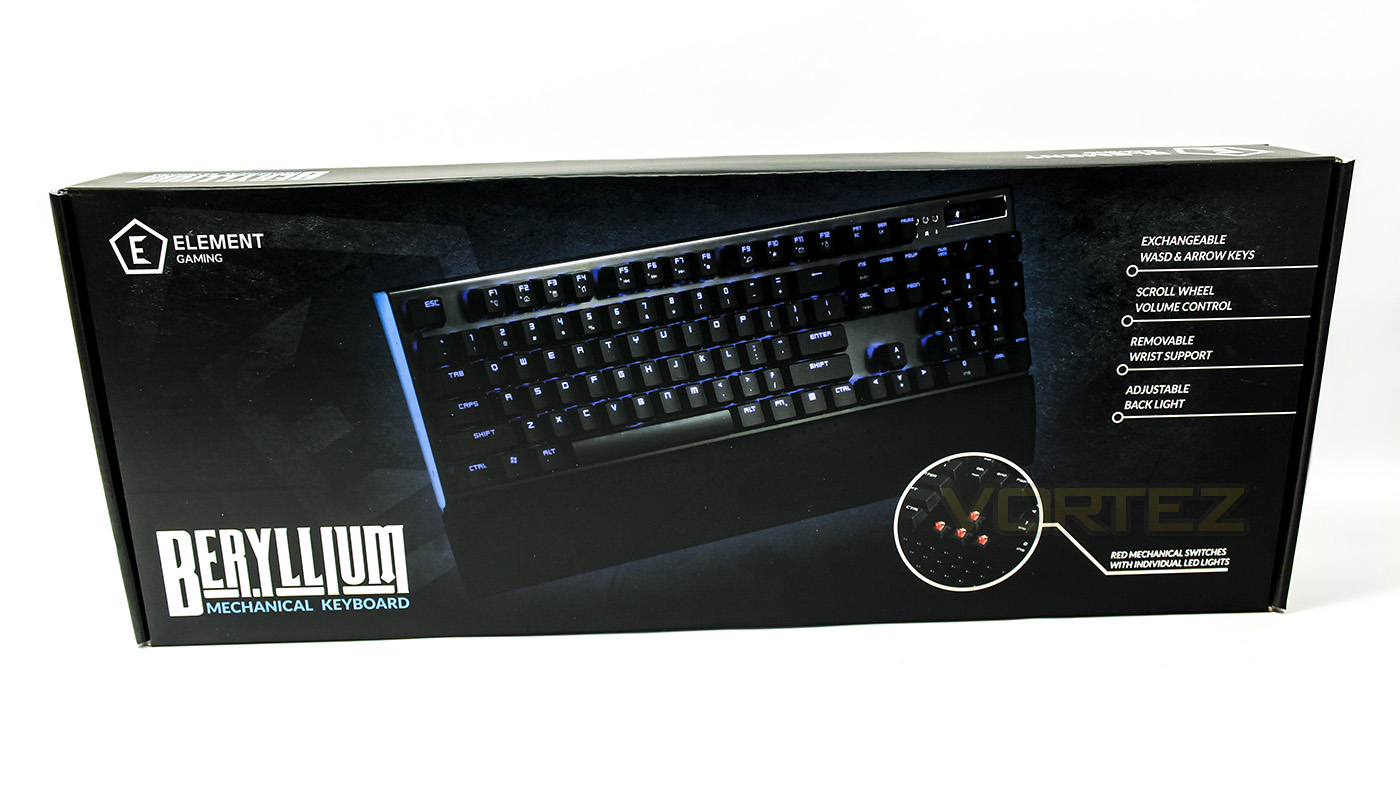
The packing looks clean and attractive with clear explaination of the product contained.
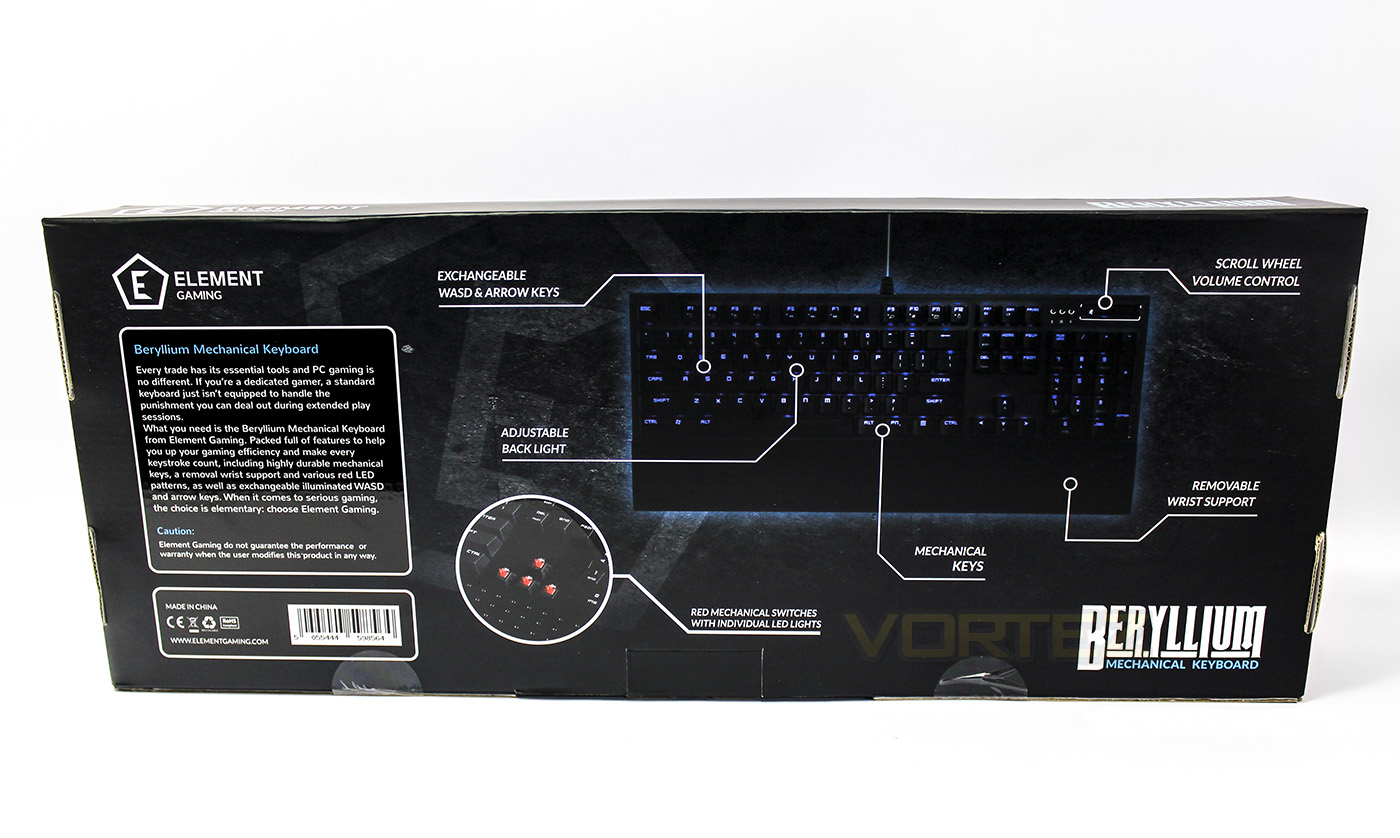
At the pack there is a diagram of the product pointing out some features as well as giving an overview of the product.
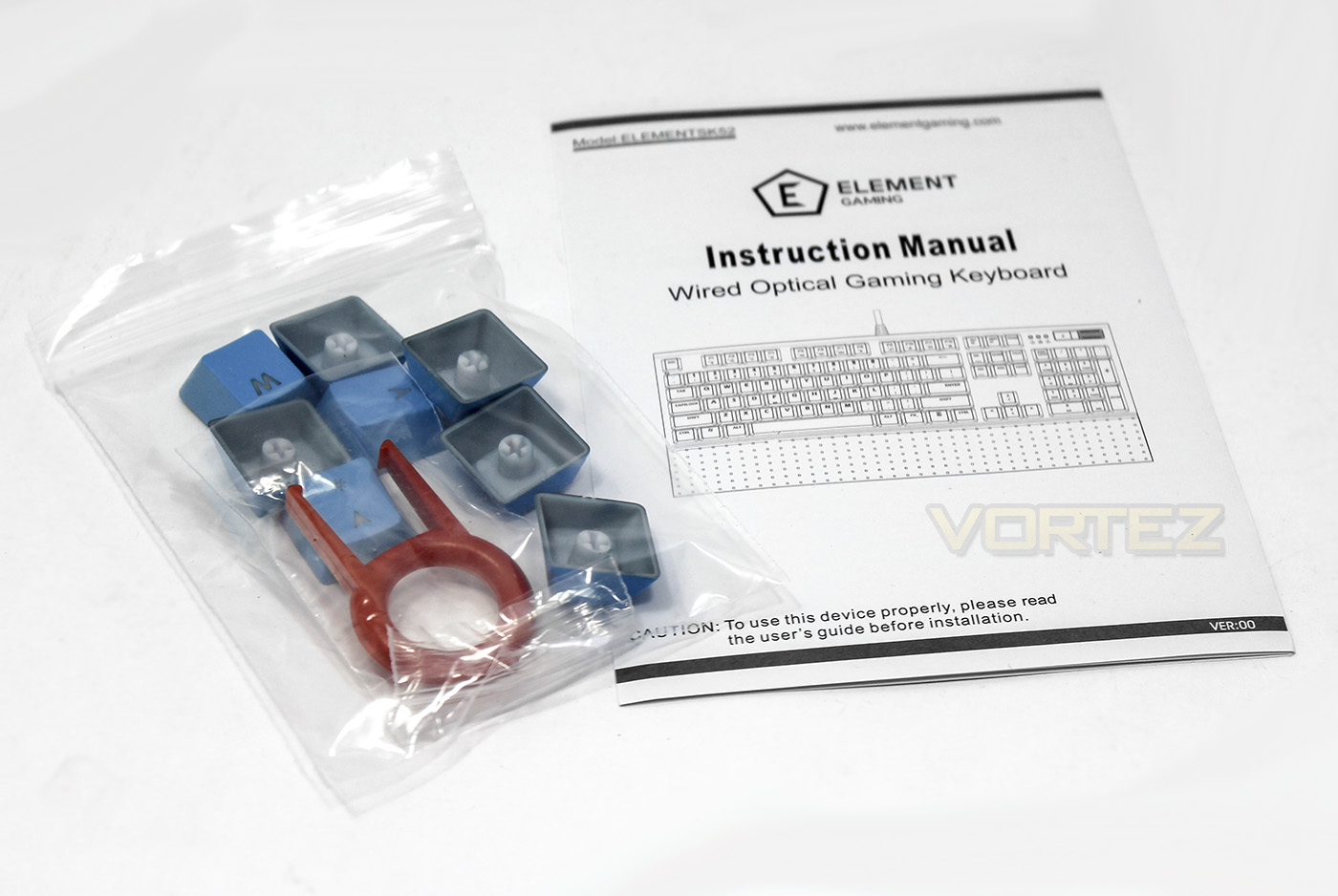
Inside we are greeted with a manual as well as replacement WASD and arrow keycaps in the aqua/blue colour associated with Element Gaming along with a keycap remover.
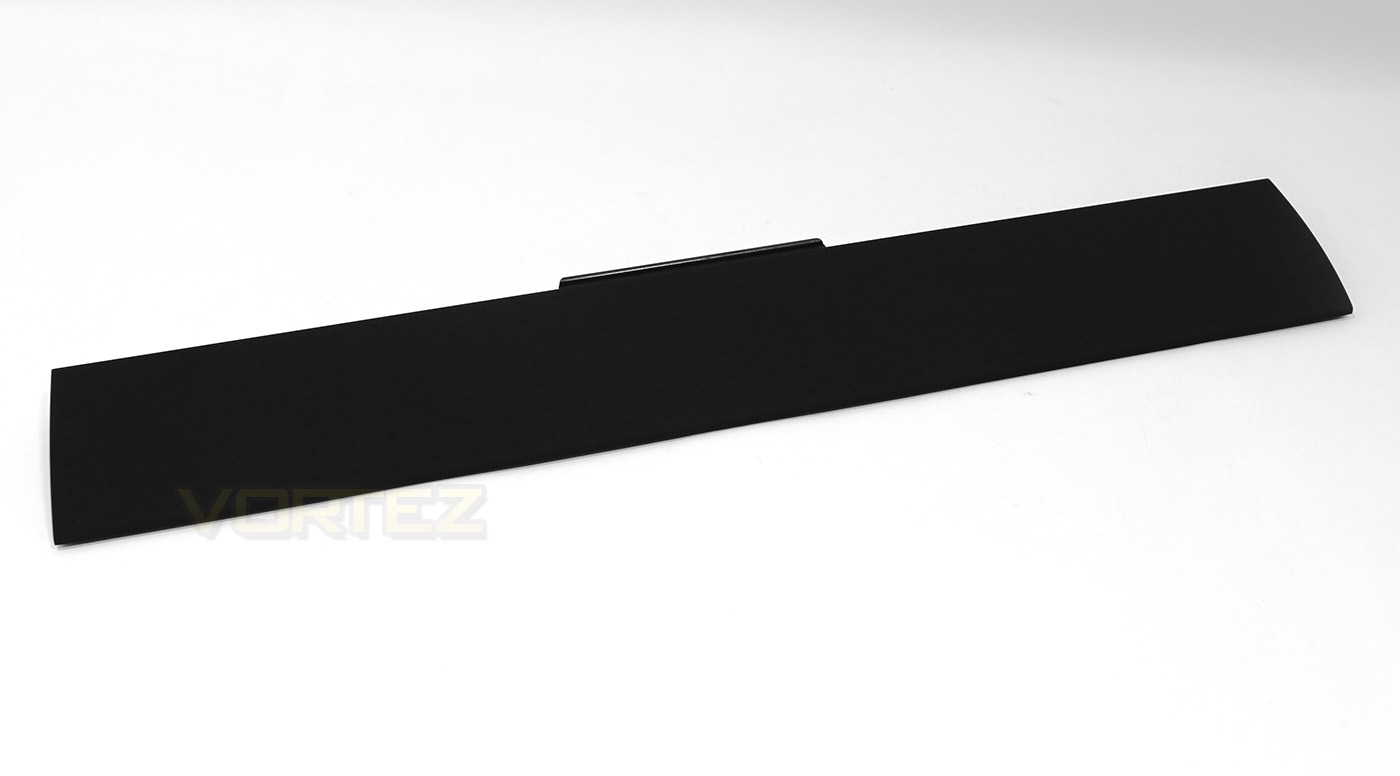
Surprisingly it is also supplied with a detachable wrist rest.
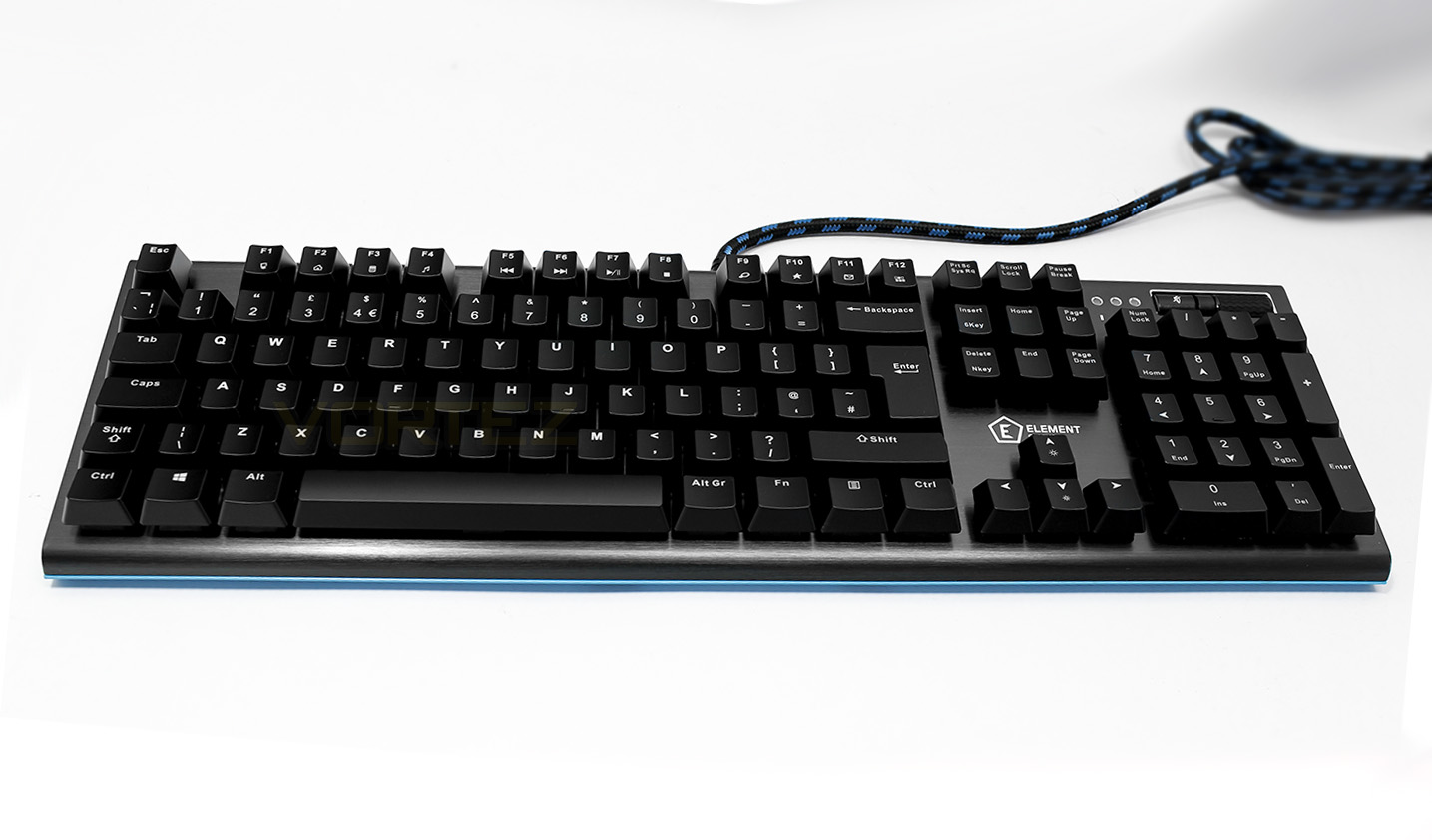
The Beryllium Keyboard.
Closer Look
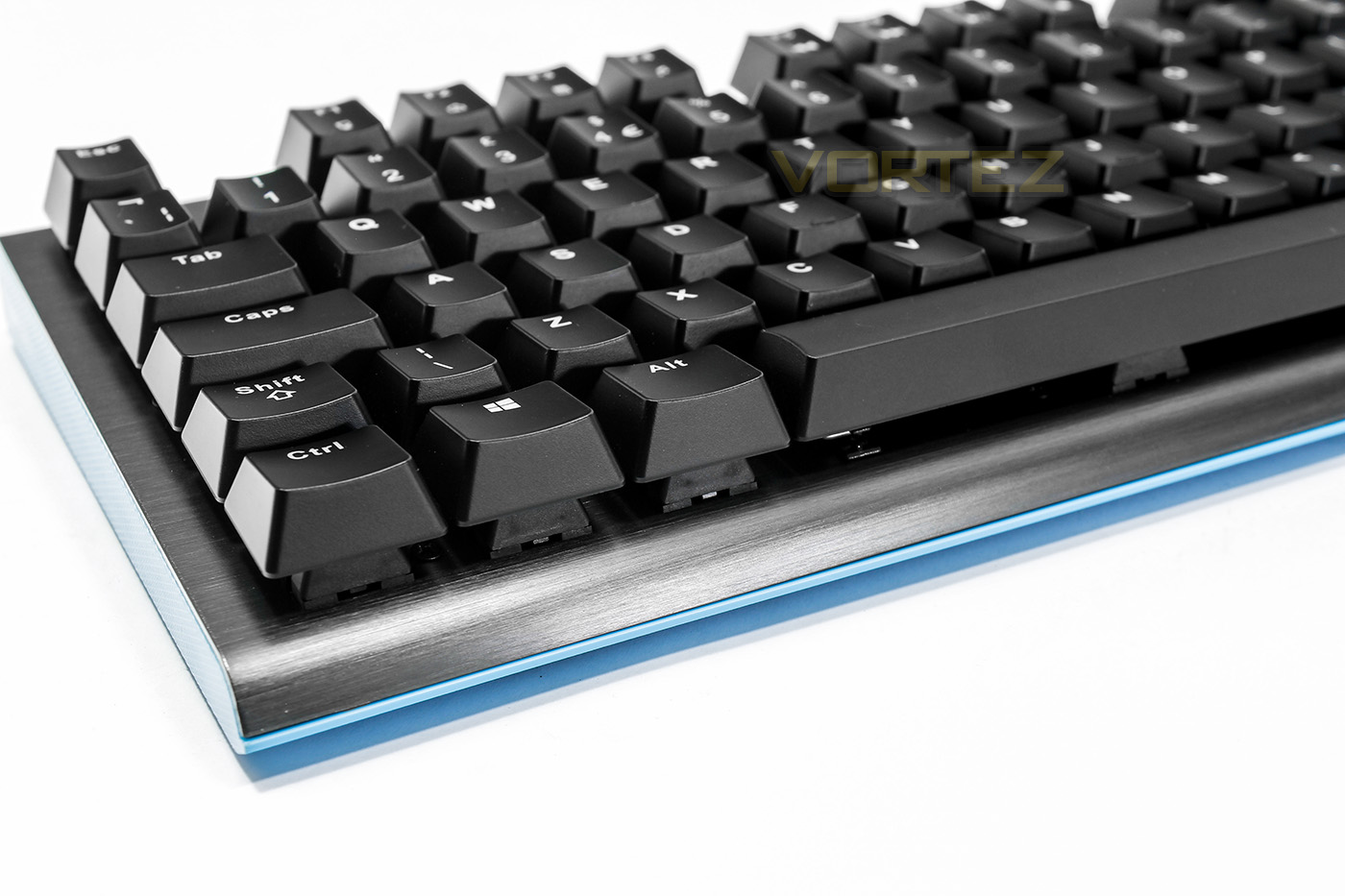
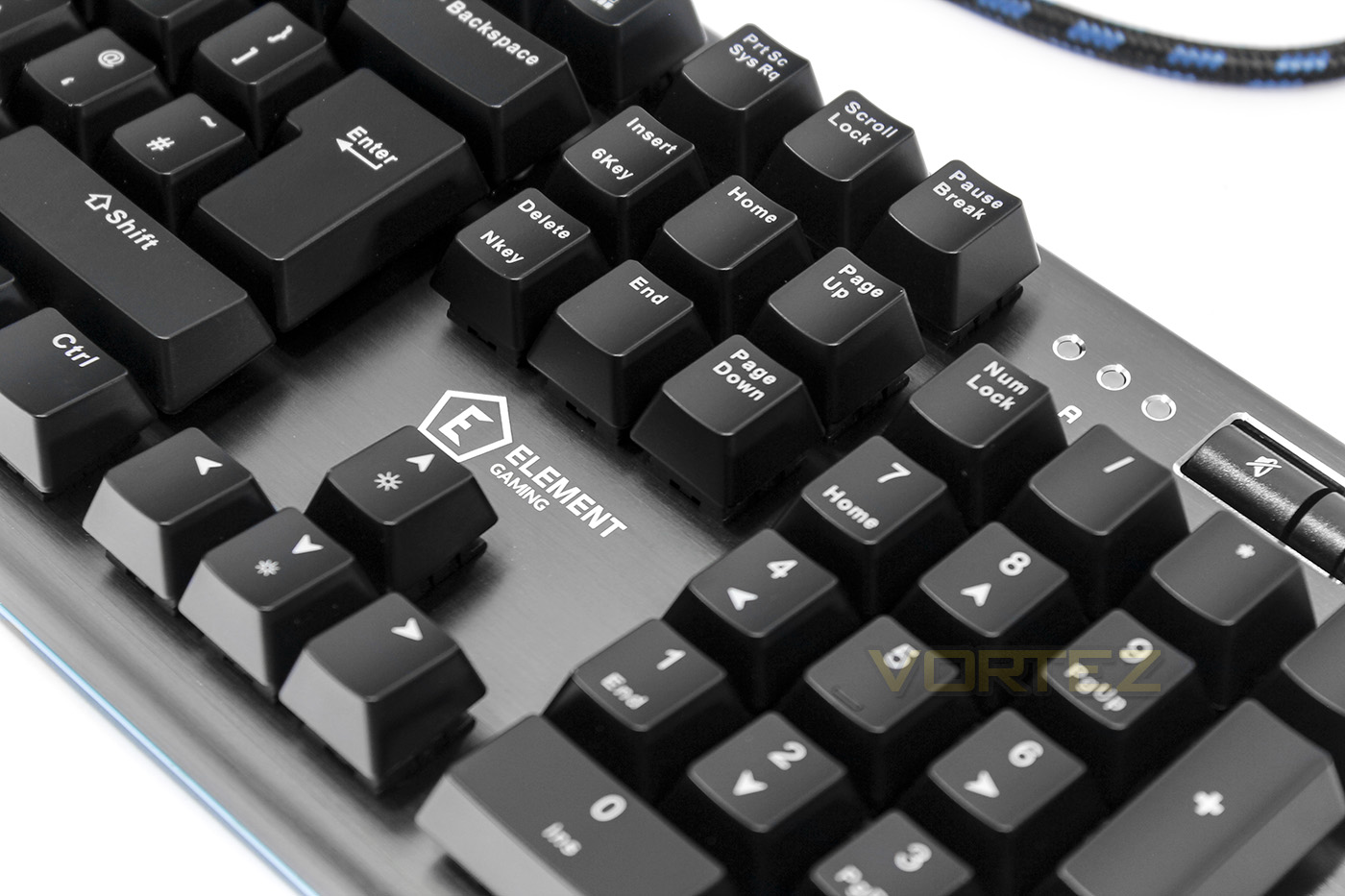
The switches are set directly into a sheet of brushed aluminium which looks great and feels tough.
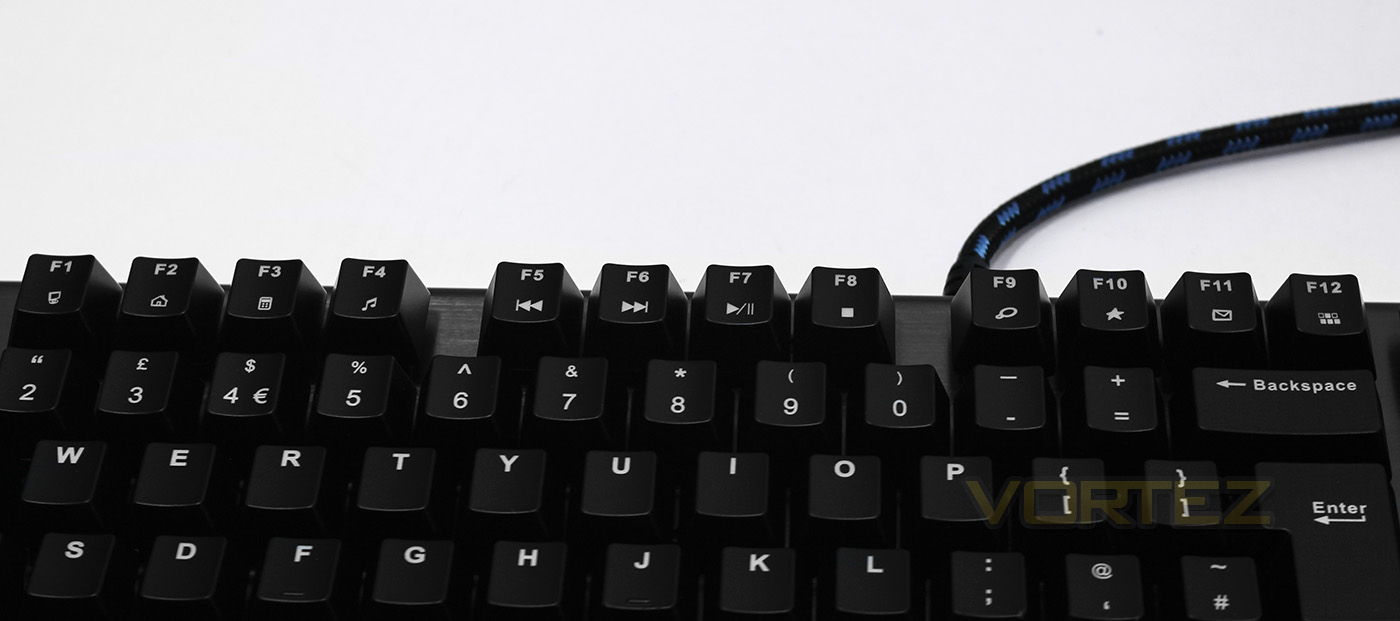
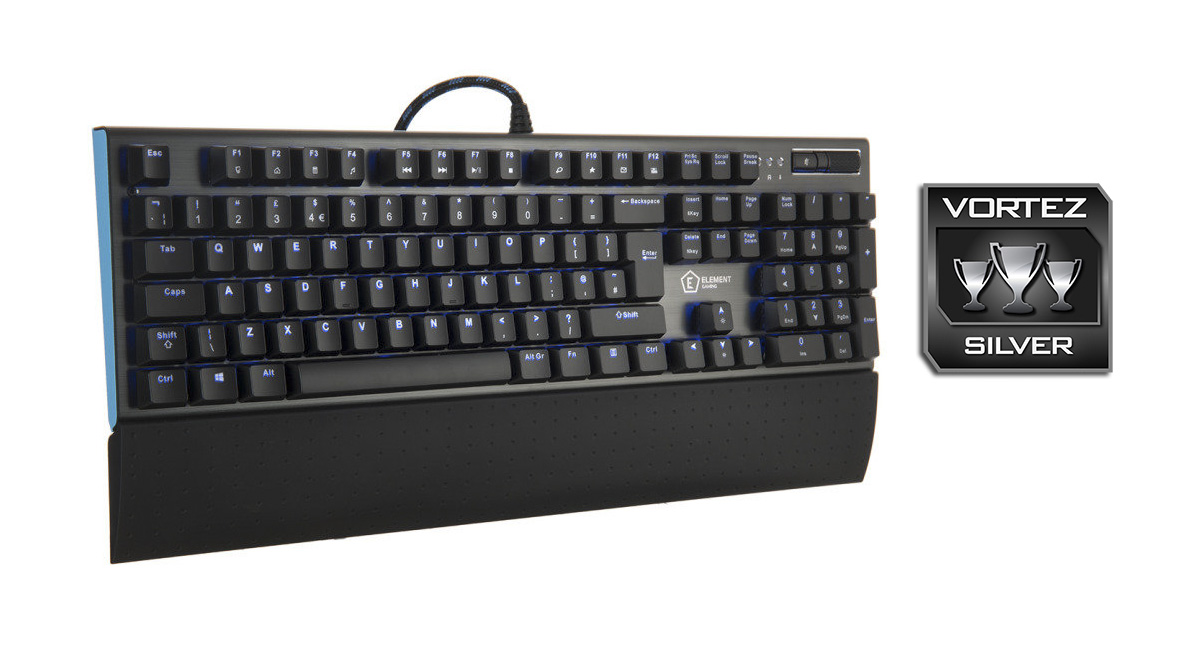
Along the top we get various shortcuts, media keys and function controls doubled up on the F keys.
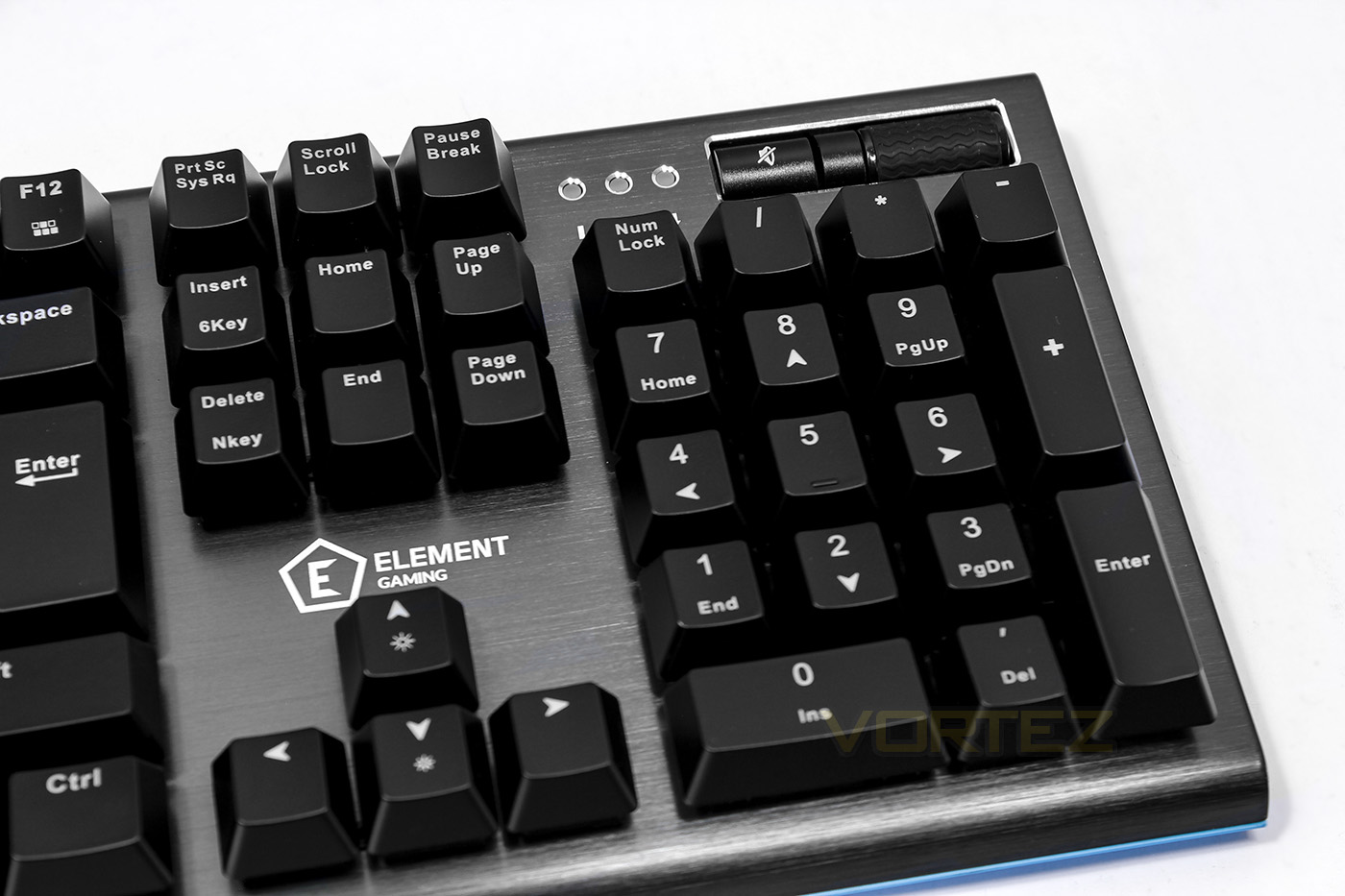
The Beryllium features a full num pad as well as a dedicated mute button and volume roller. You can also see that there is the choice to toggle between 6KRO and NKRO by using the Insert and Delete keys.
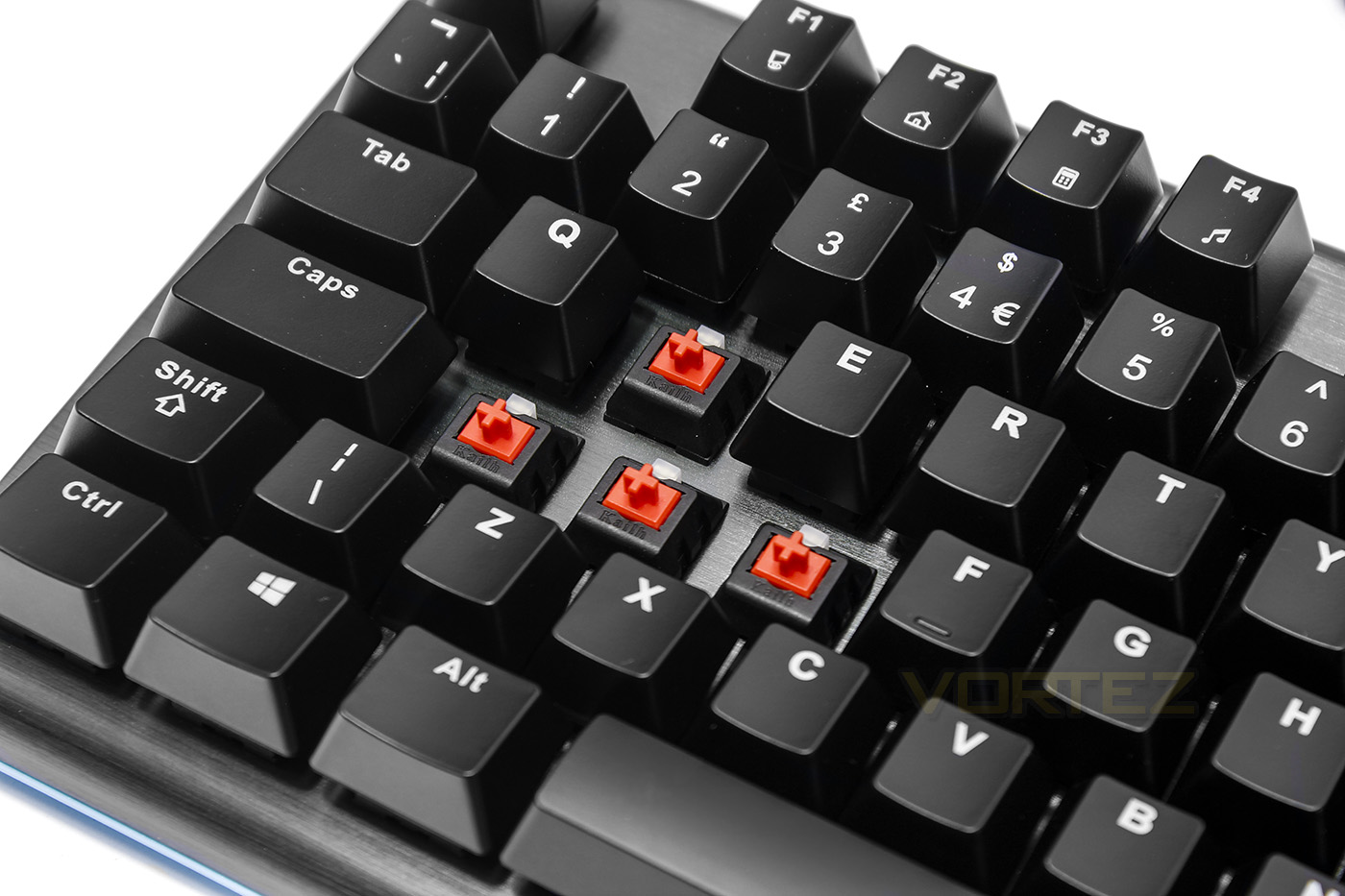
Under the keycaps we can see the Kailh RED switches with individual LED lighting.
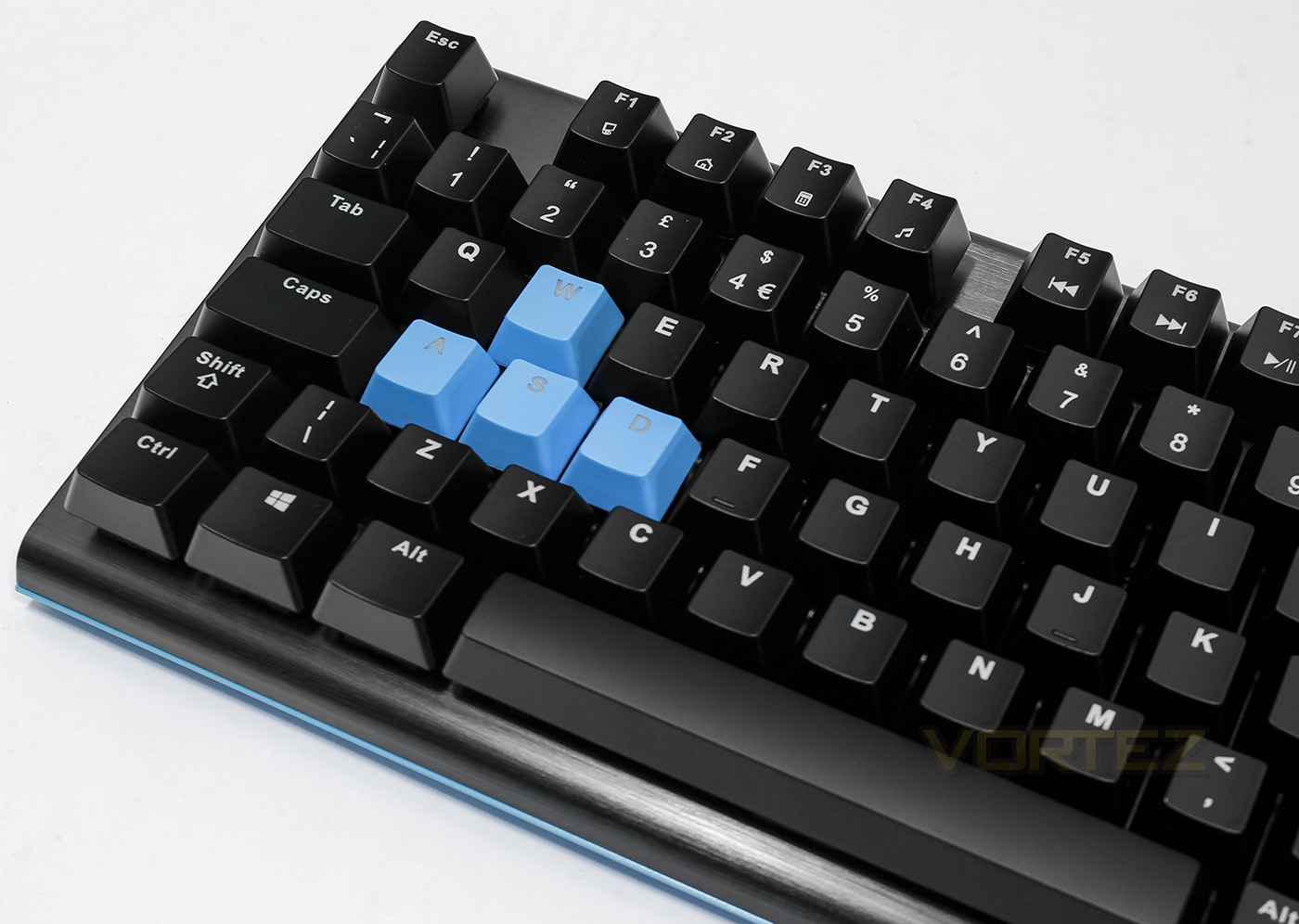
The included contrasting keycaps may be useful for some should they wish to change the colour to fit in with the base colour.
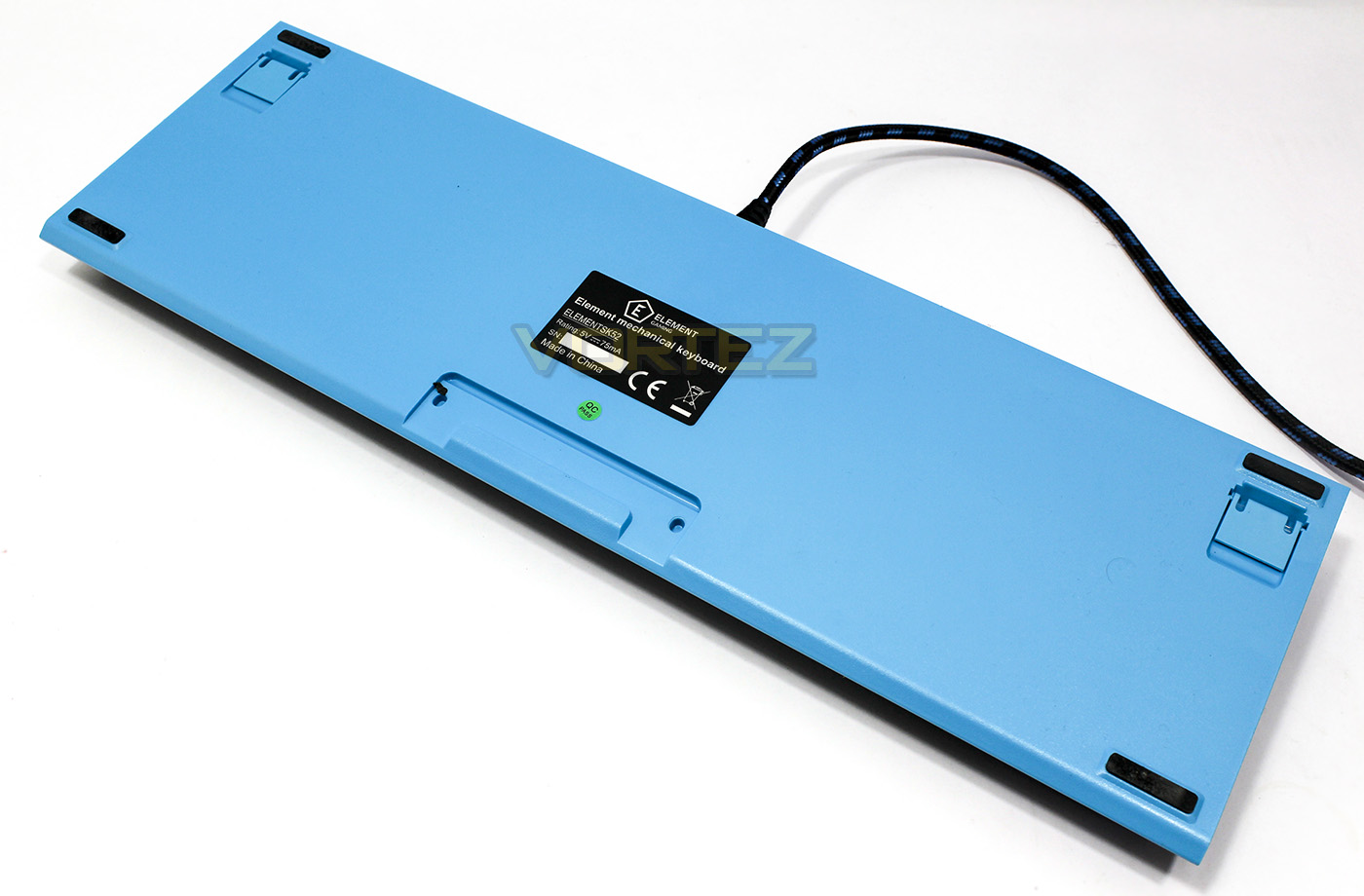
The under side is made of aqua coloured plastic with 4 non-slip feet to keep things steady on your desk and rear legs should you wish to use them.
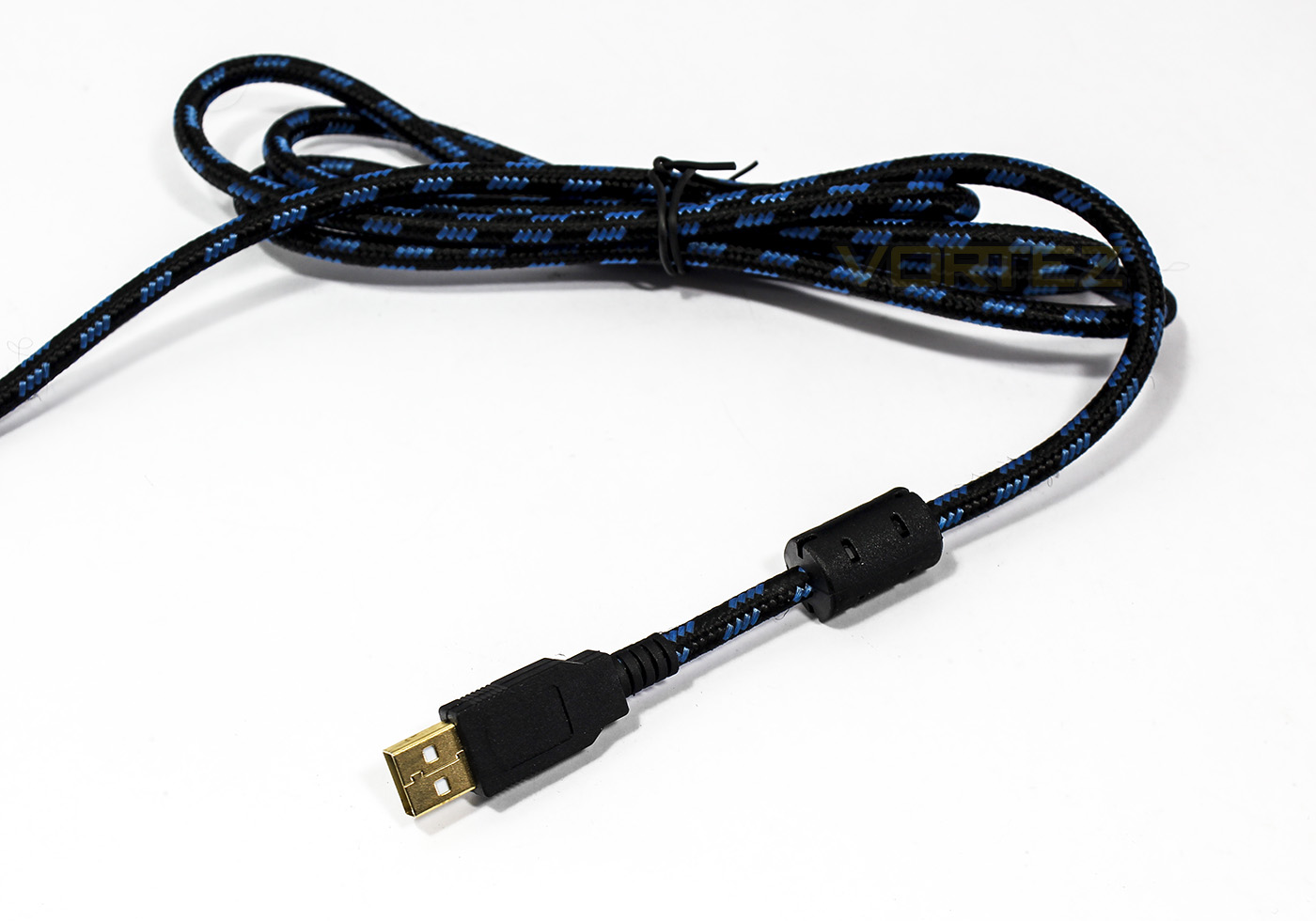
The braided cable is similar to that which we saw on the headsets, it is attractive and flexible.
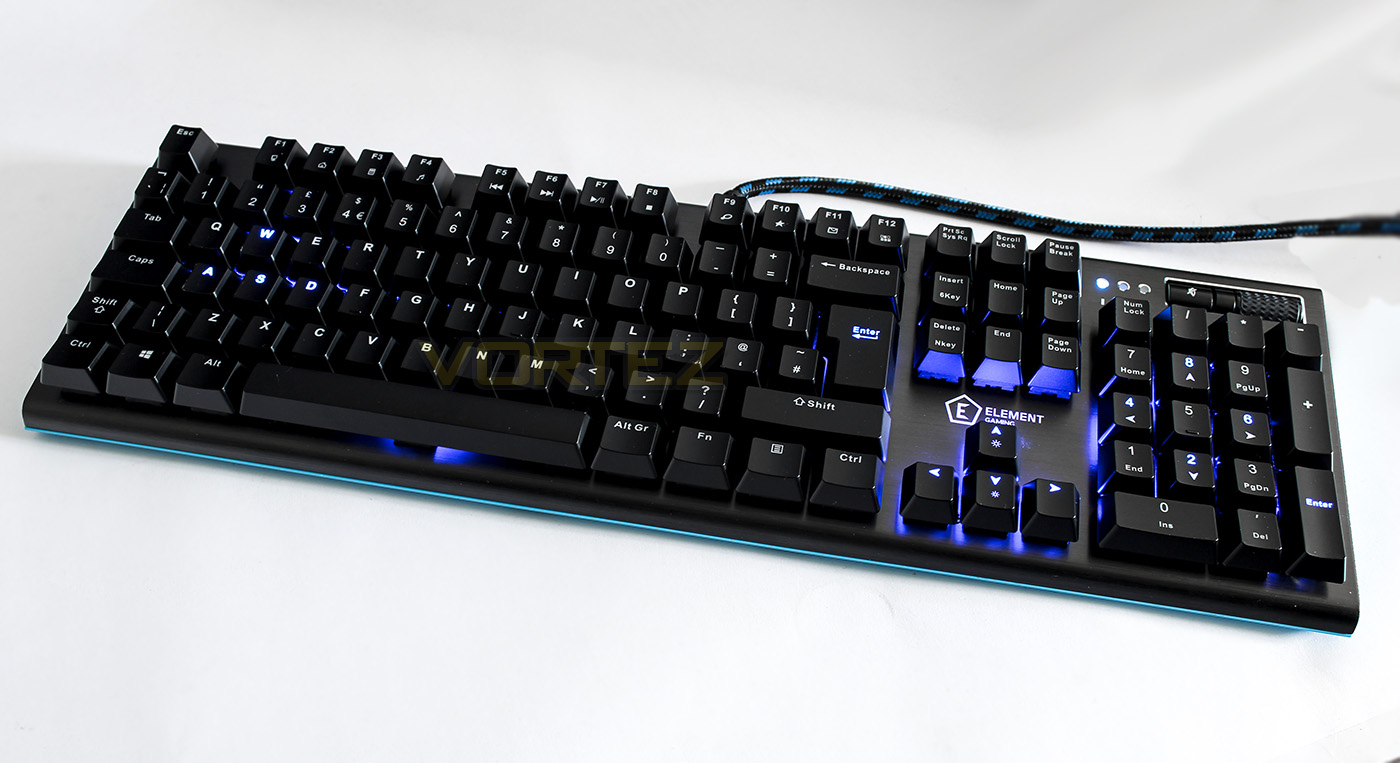
The lighting has several modes including WASD and arrow keys lit up, fully lit, and a reactive mode.
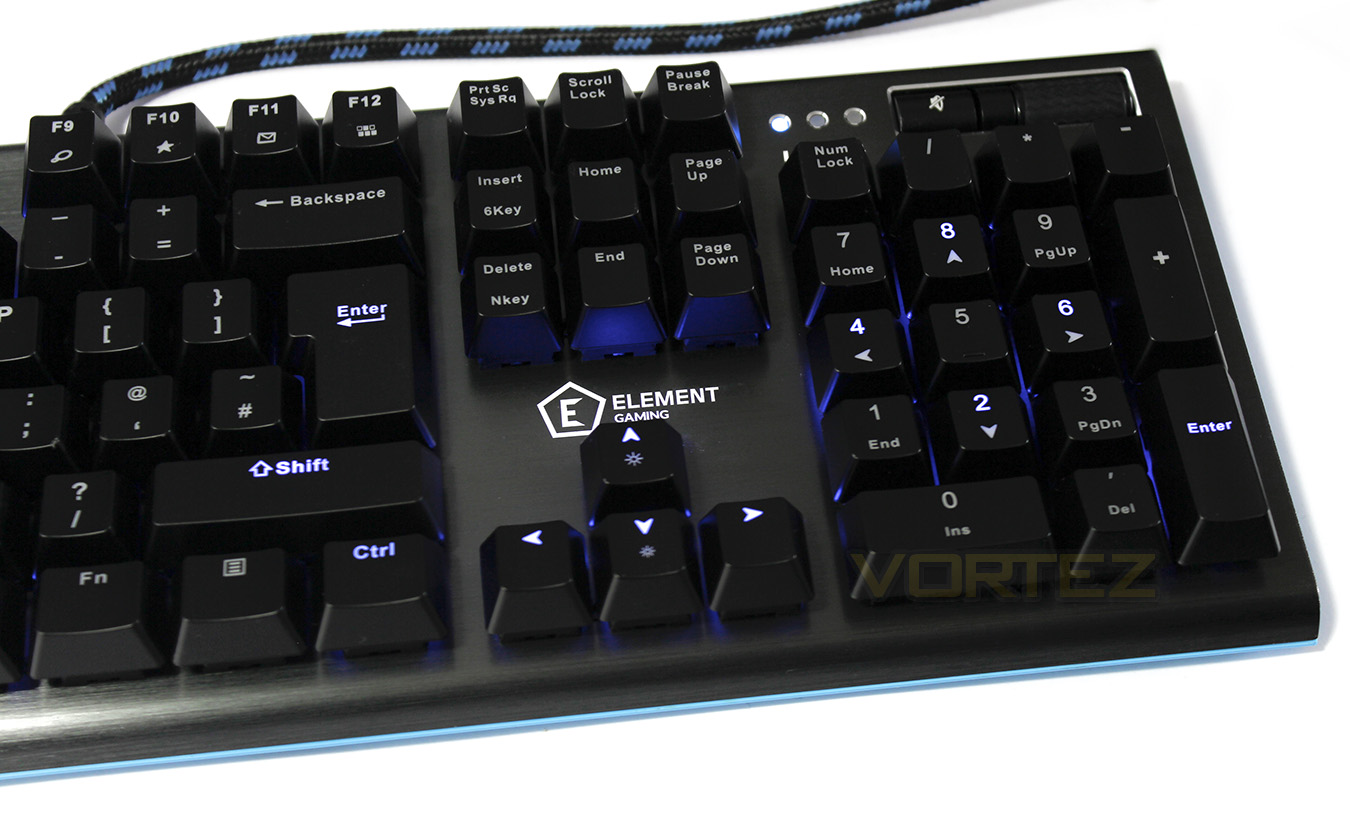
The lighting doesn’t seem as bright and clear we would expect, which could be a result of the keycaps blocking the light a little. There are 4 levels of brightness (25%, 50%, 75%, and 100%) as well as being able to be switched off.
Performance Testing
The Beryllium keyboard is plug and play and so doesn’t require dedicated software. Many will enjoy the simplicity in setting this up (plug into a spare USB port and go!) though some gamers may prefer a product with dedicated drivers for use of macros. The keyboard itself is of a standard layout but the way the switches are set into the aluminium plate looks and feels fantastic. The Red switches had a higher actuation force requirement than what I am used to but felt smooth satisfying to press. The coloured plastic at the bottom may put some buyers off as it may not fit well into their colour scheme but does look interesting in its own right.
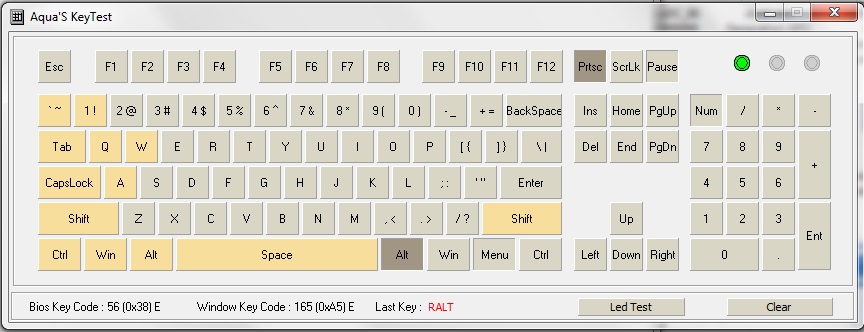
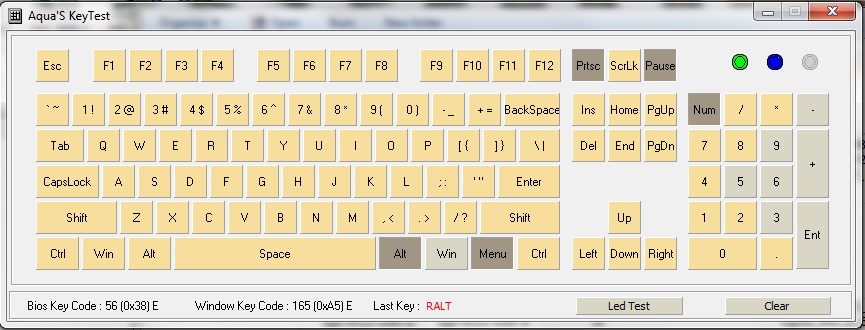
Testing both 6-KRO and N-KRO modes show the number of simultaneous key registrations.
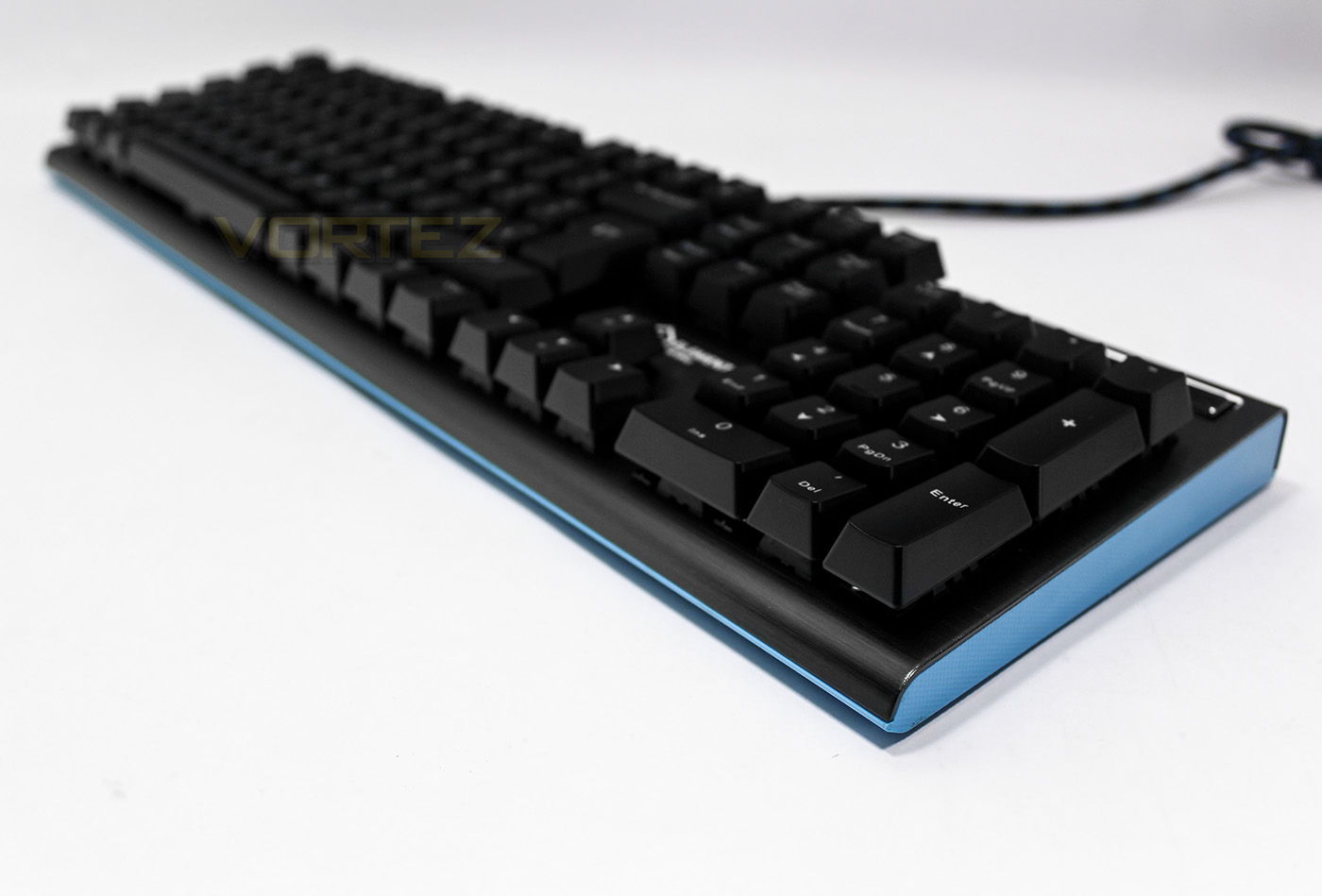
As we started out testing, we could feel that the keyscaps use on the Beryllium are a little flimsy, but not to any great concern. The linear switches feel great and was enjoyable for use in gaming, however this didn’t seem so true for typing, effectively reducing confidence after various spelling errors were induced by requiring more force. Though I suspect that this is simply a matter of getting used to the variation and can still be enjoyed regardless of your expected usage. The included wrist rest snapped into postition perfectly and adds a nice level of support for your wrists.
Conclusion
Element Gaming’s Beryllium offers various key functions gamers will desire. The switches set in brushed aluminium looks sleek while the contrast of the coloured plastic underneath gives a distinctive aesthetic which is rather pleasing. Many will love the minimum hassle setup of this keyboard while be thankful for the various features such as the windows key lock, and full NKRO for anti-ghosting.
There are shortcuts that can be noticed, primarily in the keycaps. If you are quick typist (and I know there are many that are far faster than my own 60WPM), due to the noticeably higher than expected force requirement for the switches combined with the cheap feeling keycaps, I sensed that enough torque or an accidental power jab at a keycap in the wrong position could result in unwanted damage: either to the switch or the keycap. In regards to the brightness of the backlighting (can be changed between 0%, 25%, 75%, and 100%) it could be that the keycap is blocking some of the light from the LED.
Considering the price mark, it is right at the entry point for illuminated mechanical keyboards and there is some stiff competition especially if you are looking for software support and macros. Though there is charm with the Beryllium and overall the premise of this product is a reliable, illuminated mechanical keyboard that provides solid performance.
Element Gaming’s Beryllium is a competitive illuminated mechanical keyboard with solid performance and a touch of charm.
Pros.
+ Easy to setup
+ Solid performance
+ Attractive design
+ Price
+ Various lighting modes
+ Nice bundle of extra keycaps and wrist rest
+ N-KRO
Mediocre
+- Actuation force of switches
Cons.
– Low quality keycaps
– Dim lighting
– No software
– No audio/USB passthrough
+ Easy to setup
+ Solid performance
+ Attractive design
+ Price
+ Various lighting modes
+ Nice bundle of extra keycaps and wrist rest
+ N-KRO
Mediocre
+- Actuation force of switches
Cons.
– Low quality keycaps
– Dim lighting
– No software
– No audio/USB passthrough
Click here for an explanation of our awards at Vortez.net.