If you’ve been looking to take your streaming game to the next level but can’t stretch to the Elgato Stream Deck, the Stream Deck Mini might just be what you’re after.

Product on Review: Elgato Stream Deck Mini
Manufacturer: Elgato Gaming
Street Price: £89.95 / $99.95
Elgato is a big name in the industry and has been for some time. They started out back in 2002 with the EyeTV collection, and they have evolved as a company and used that to grow an ecosystem of accessories for content creators and gamers alike. This year saw them become part of the Corsair family and they are still thriving to be the best at what they do. Today we will be focusing on and testing their brand new Stream Deck Mini.
Following on from the Stream Deck which was released last year, Elgato’s engineers have taken the best parts of the Stream Deck and miniaturised it to create the Stream Deck Mini. Instead of fifteen LCD keys, there are now six, but with Elgato’s new features, that shouldn’t be a concern at all. The Deck mini can still do everything the larger sibling can, but with a few benefits and of course some potential obstacles to overcome. These benefits are the compact stature and lower price point. The regular Stream Deck will cost you £139.99, whereas the Mini will be significantly cheaper.
So, will the size be a major compromise to the Deck Mini, or will it just simply be a mini Stream Deck like the name states?
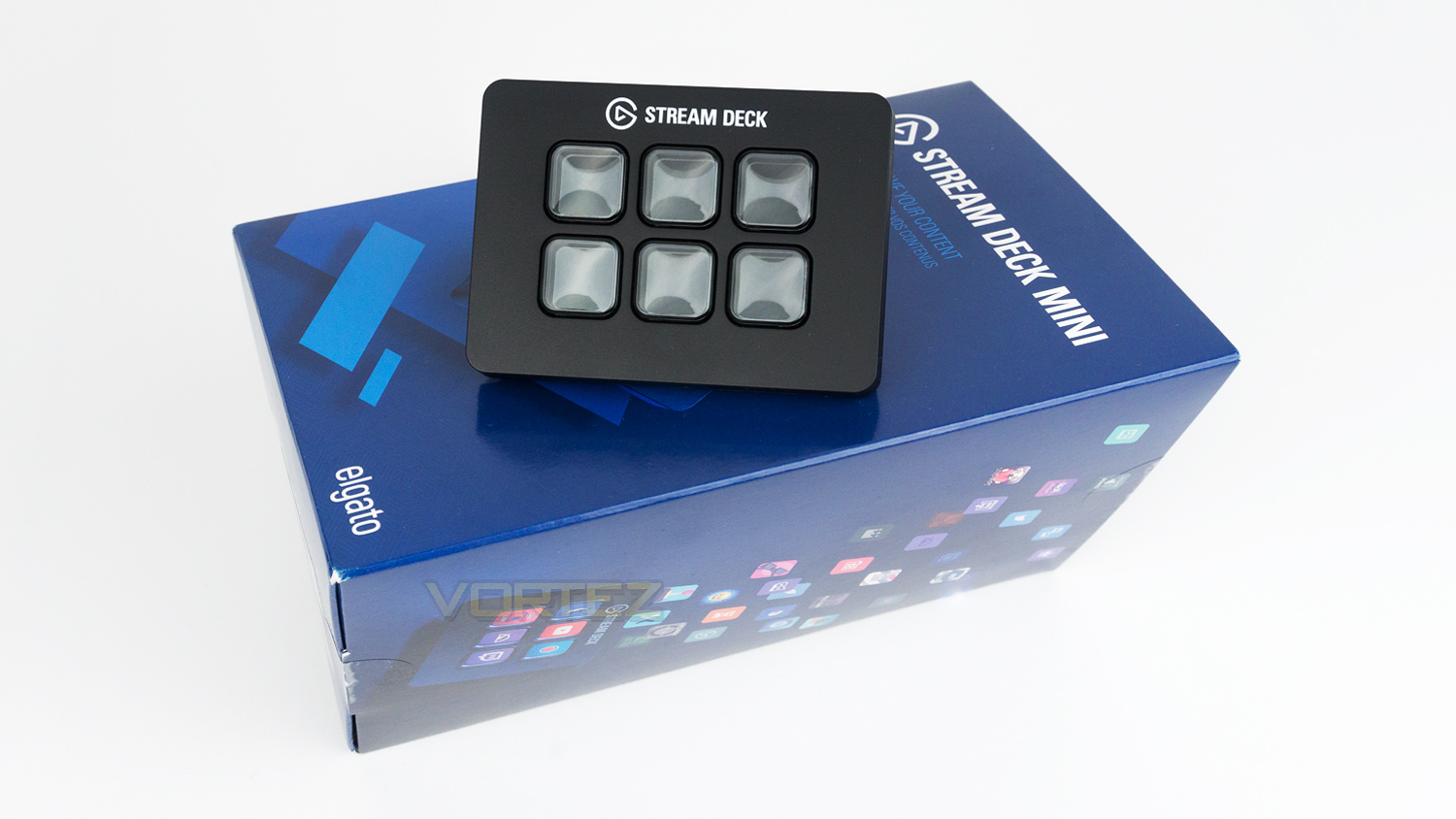
About Elgato Stream Deck Mini
Stream Deck empowers content creators to boost their production value, streamline their workflow, and ultimately maximize their audience engagement. LCD keys put professional-grade studio control at a creator`s fingertips. A quick tap will switch scenes, launch media, send a tweet, and more. Keys can be personalized with hundreds of pre-installed icons or even user-generated designs, and give visual feedback when executing a command.
Technical Specifications
Stream Deck
6 x customisable LCD keys
Interface – Integrated USB 2.0 cable
Dimensions – 84 x 60 x 58mm / 3.3 x 2.4 x 2.3 inch
Cable length – 1.5m / 59 inch
Weight – 160g
System Requirements
Windows 10(64bit)
MacOS 10.11 or later
6 x customisable LCD keys
Interface – Integrated USB 2.0 cable
Dimensions – 84 x 60 x 58mm / 3.3 x 2.4 x 2.3 inch
Cable length – 1.5m / 59 inch
Weight – 160g
System Requirements
Windows 10(64bit)
MacOS 10.11 or later
Packaging & First Look
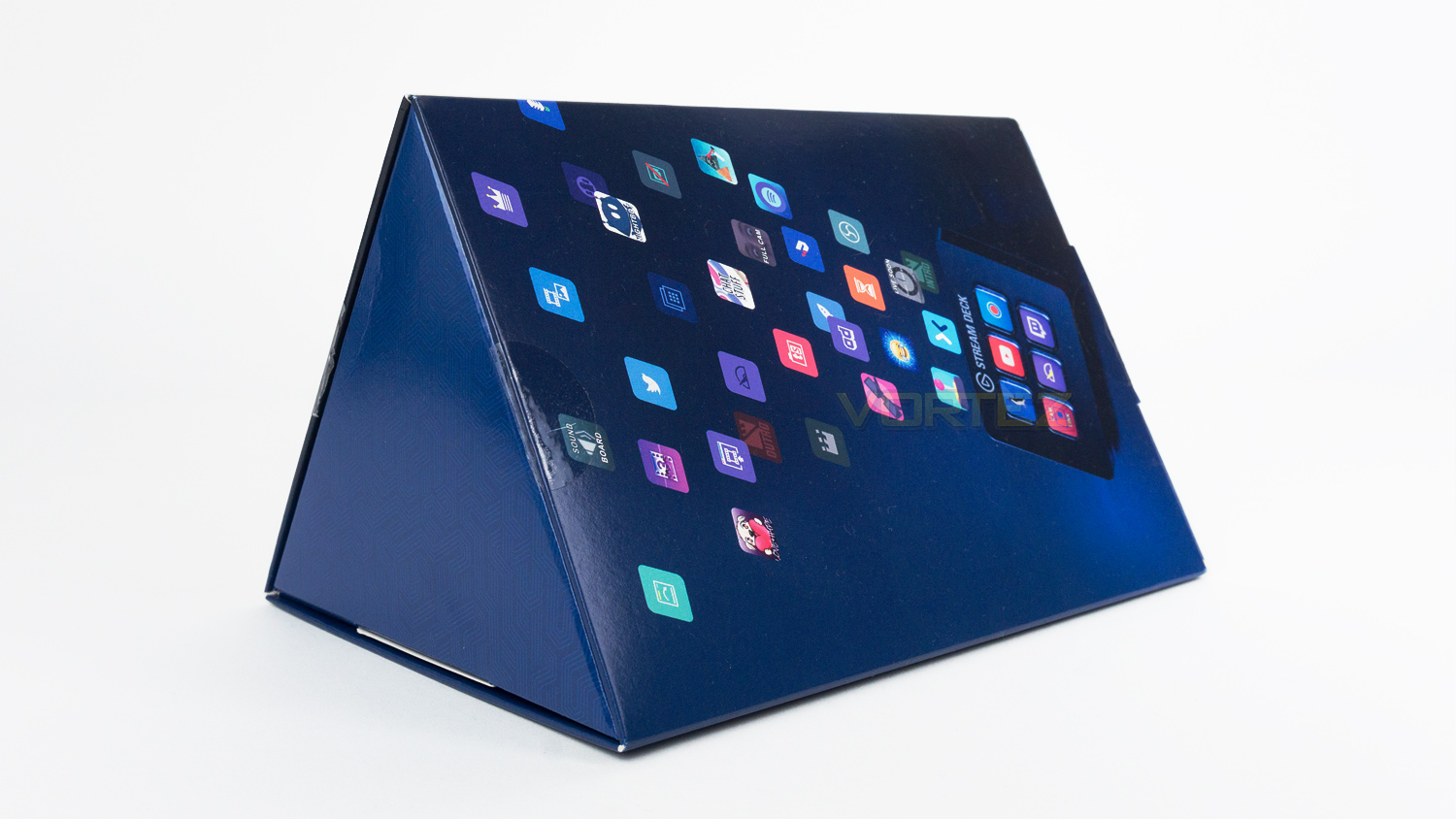
The Stream Deck Mini arrives in a quirky styled triangular prism-shaped box, this is of course not a guaranteed way to ensure the success of a product, but we appreciate it when companies deviate from the norm.
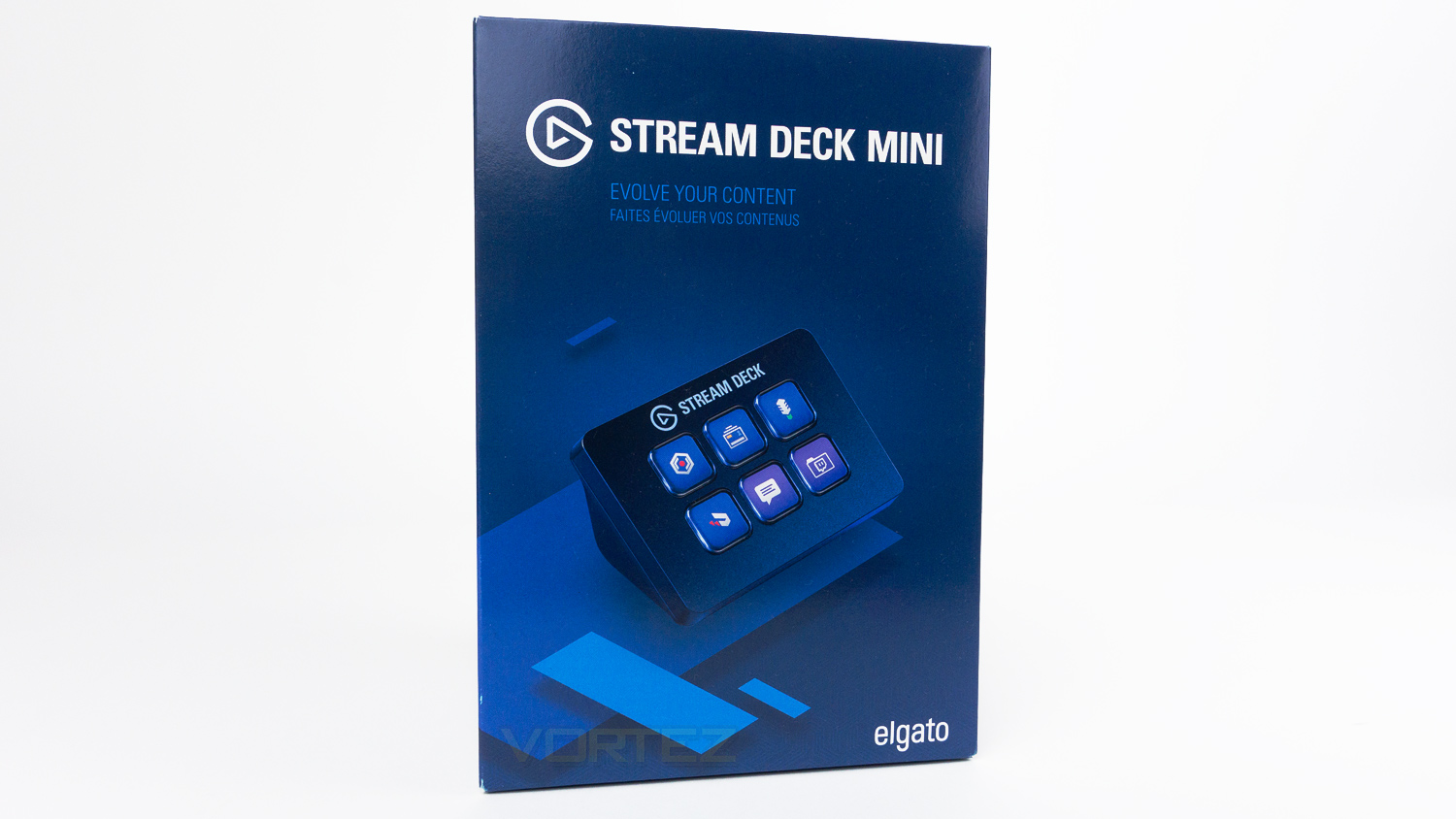
The front side of the box features an image of the Deck Mini with the product name and logo at the top, slogan just underneath and branding in the bottom right corner.
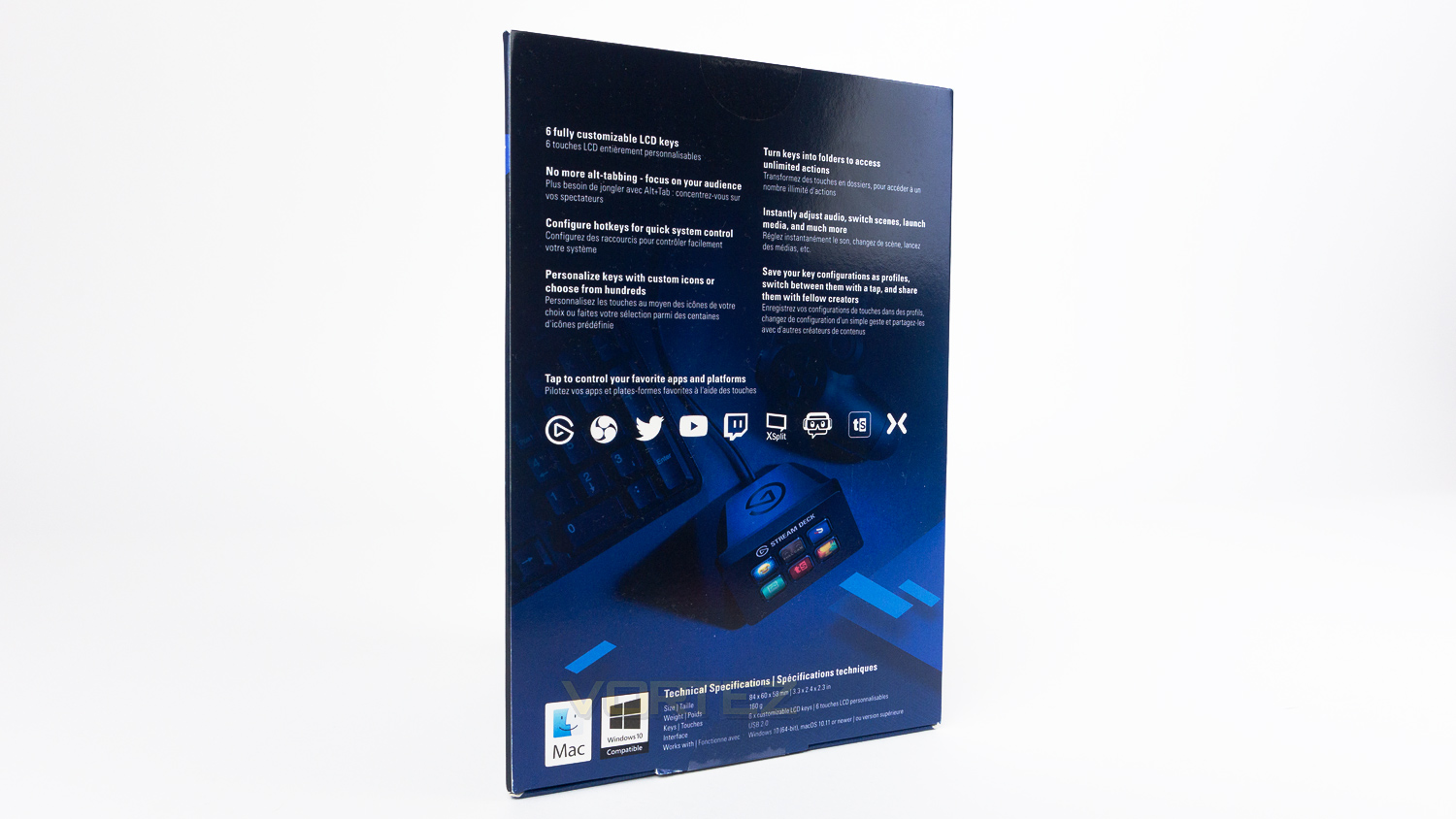
Turn the box to the back, and there is some information about the Deck Mini along with the compatible apps and platforms as well as the technical specifications.
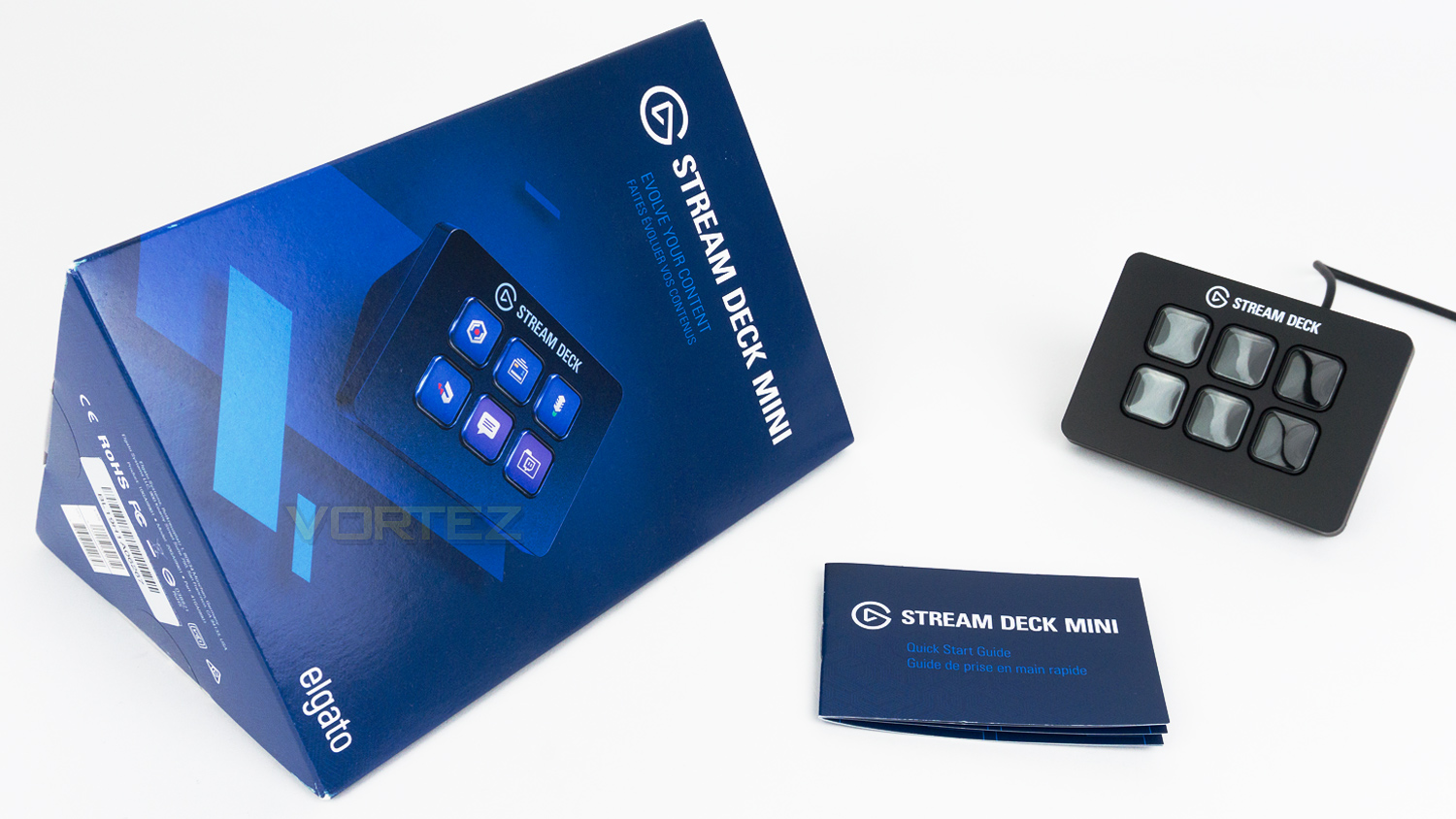
Included with the Deck Mini are the quick start guide and safety documentation.
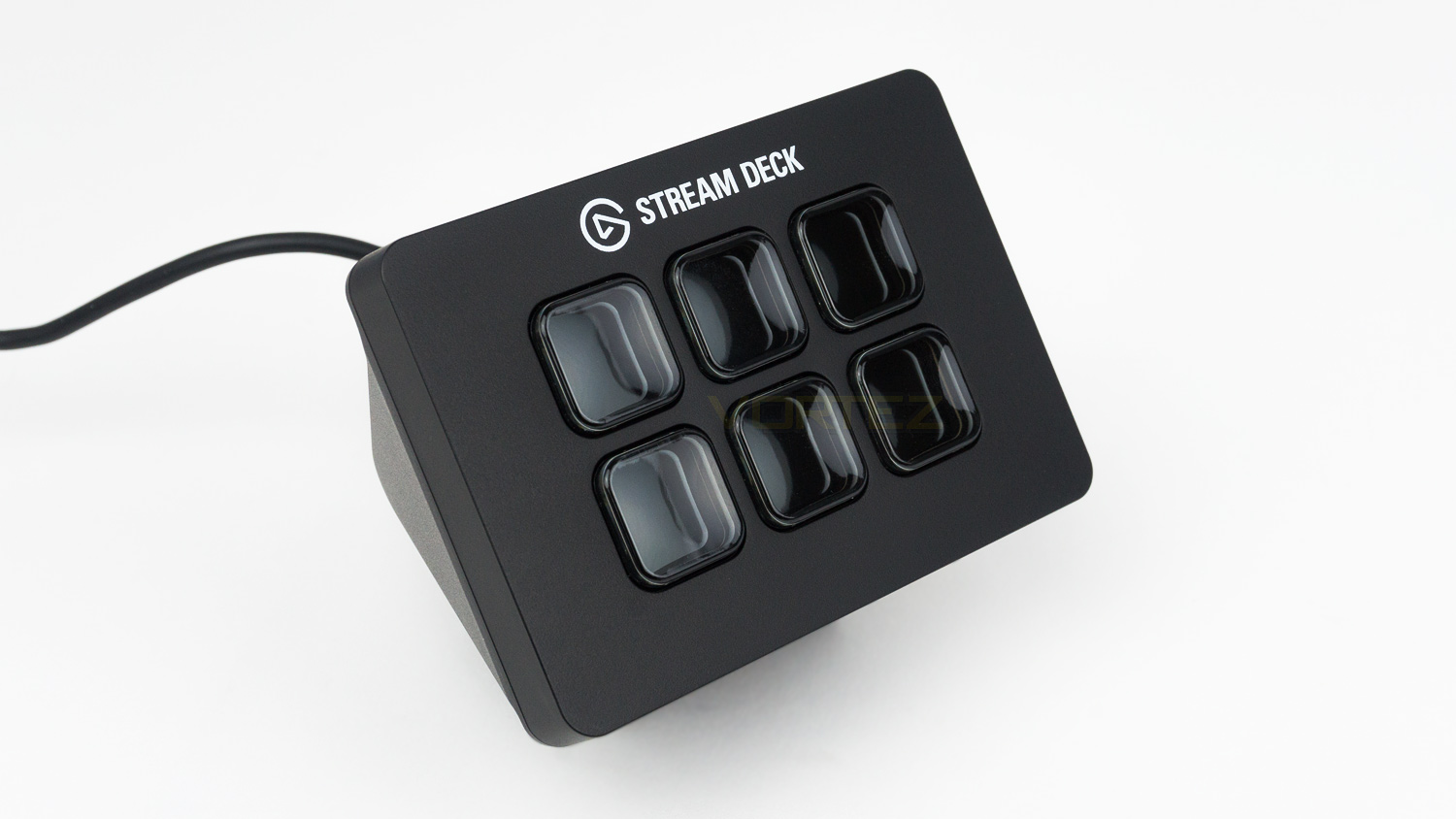
At first glance, the Deck Mini is essentially the same as the regular Stream Deck, but a fair bit smaller, this is great if you’re a bit short on desk space.
Closer Look
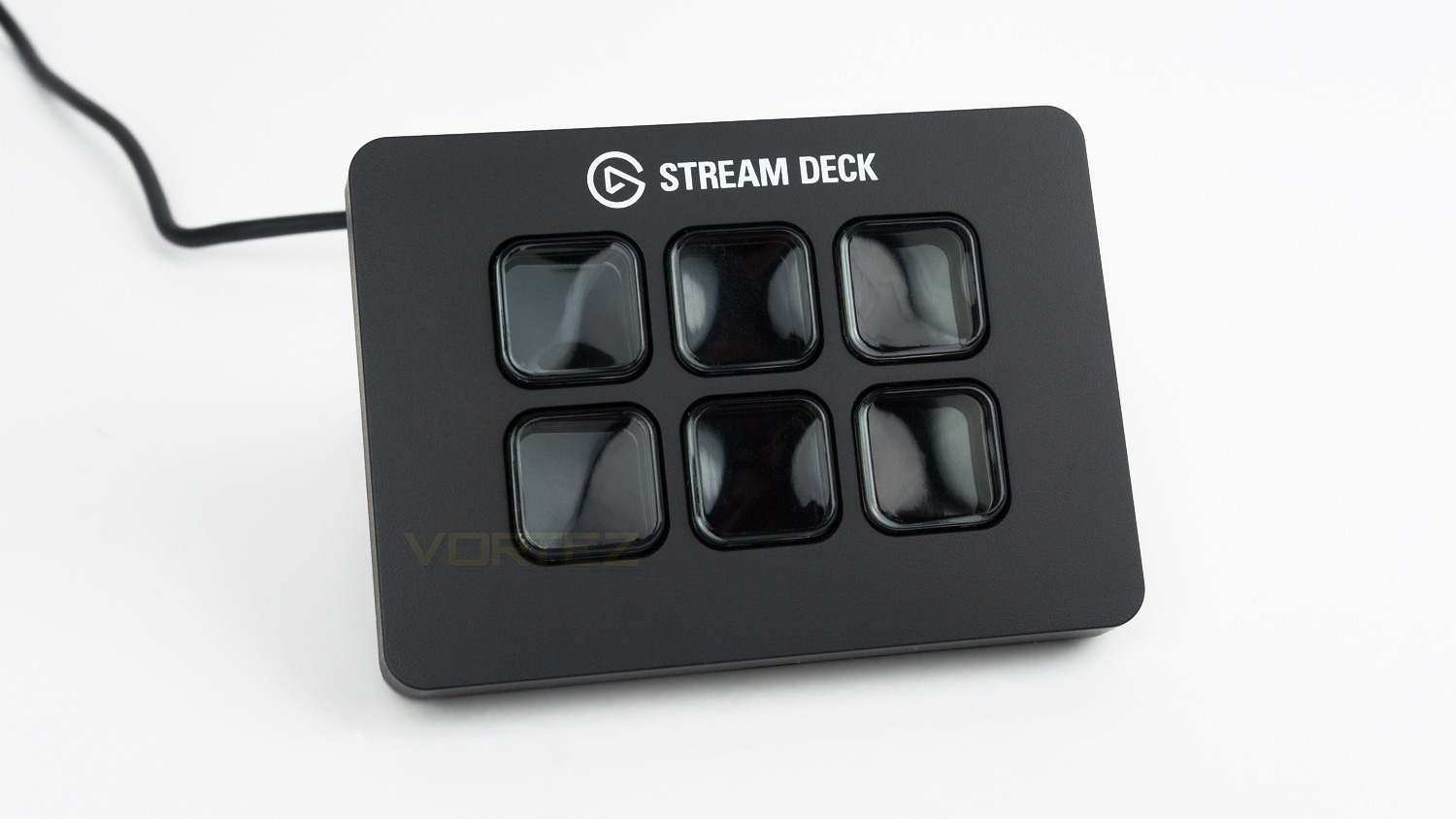
The front face of the Stream Deck Mini is very simplistic but functional. There is the branding top centre with six LCD keys below.
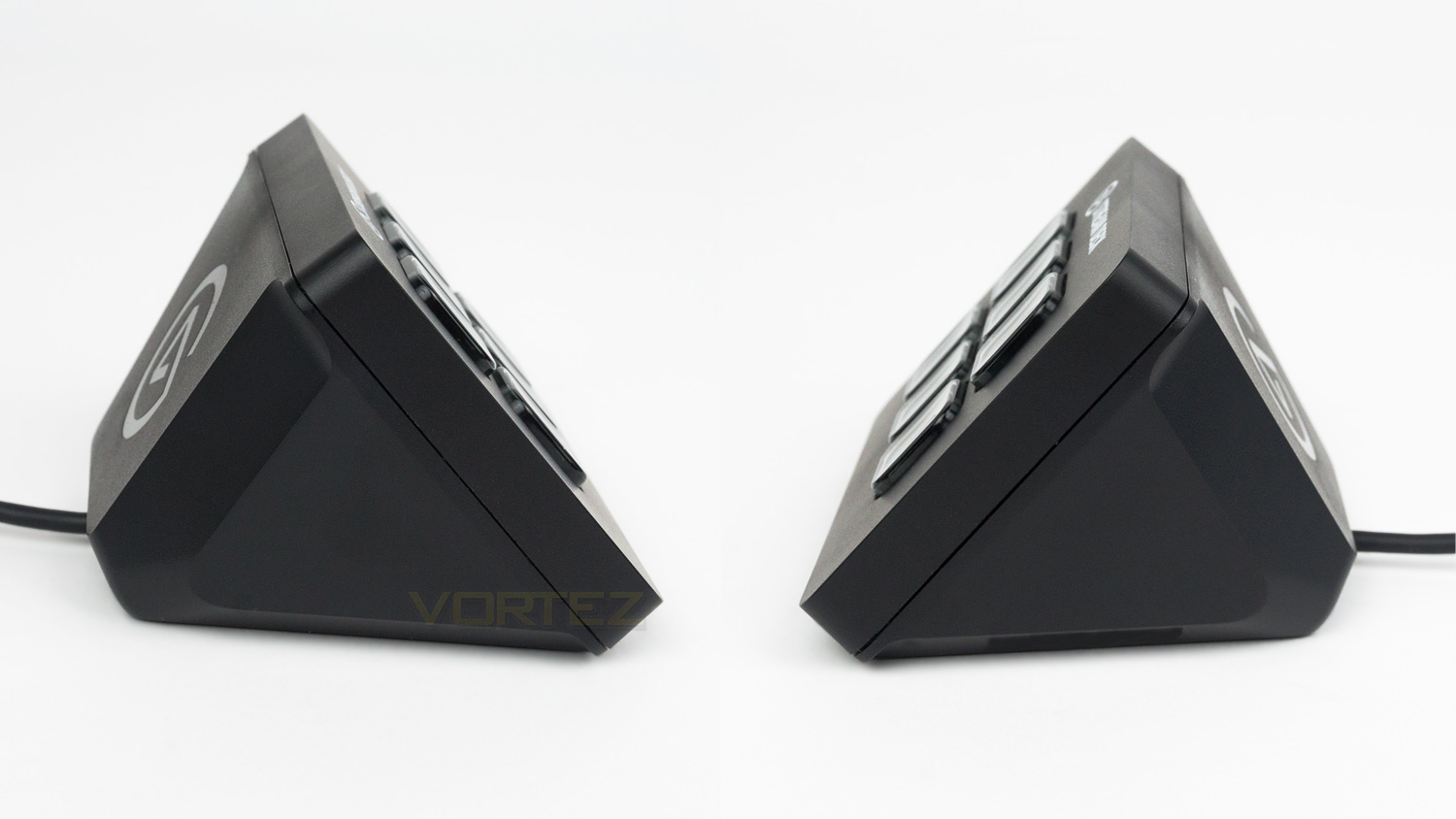
The left and right side profile remains clear and is made from a very solid plastic. The angle of the Deck Mini is ideal and makes it clear to see as well as use.
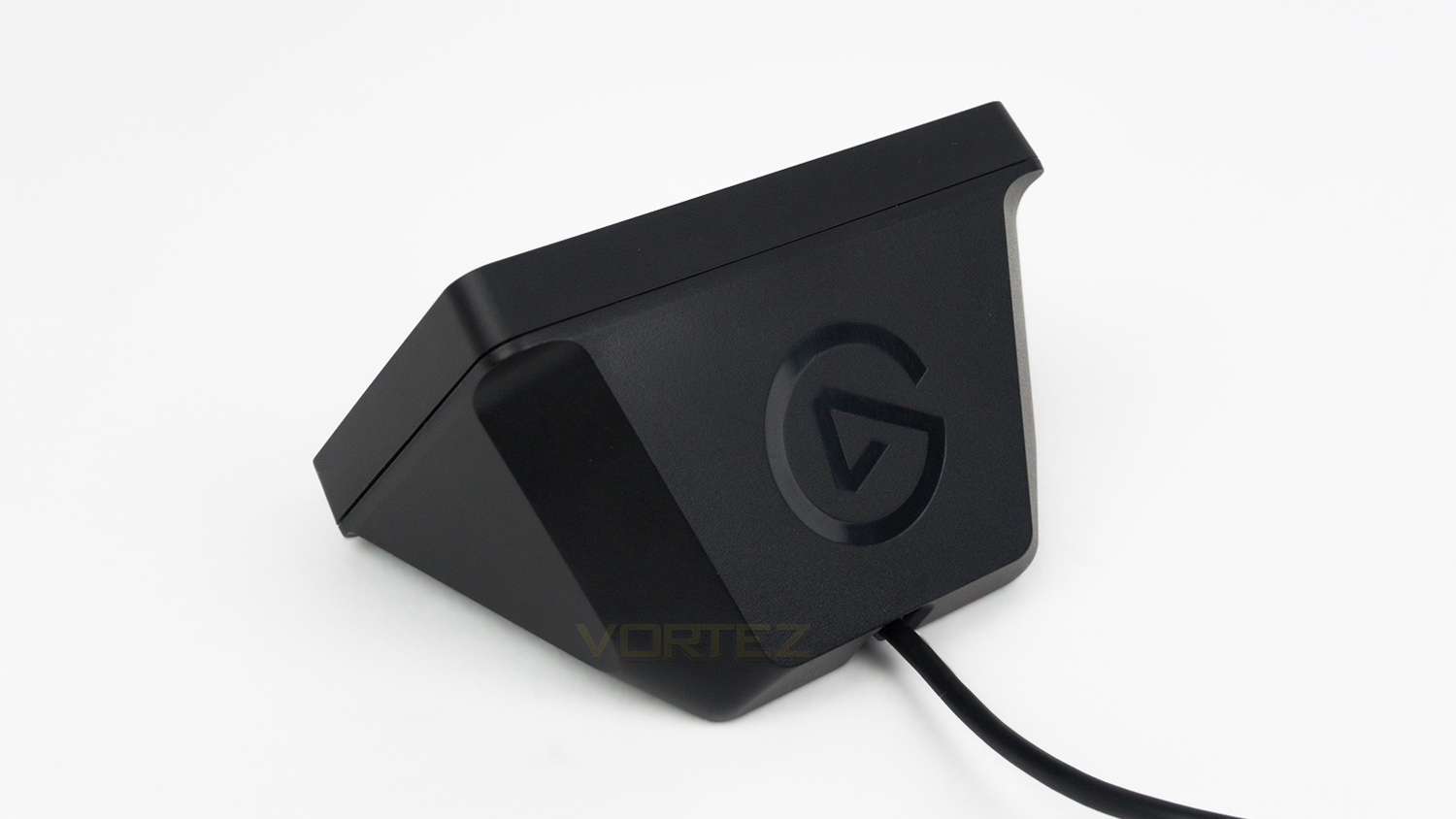
Looking at the top of the Deck Mini and there is a solitary Elgato logo in a glossy black finish.
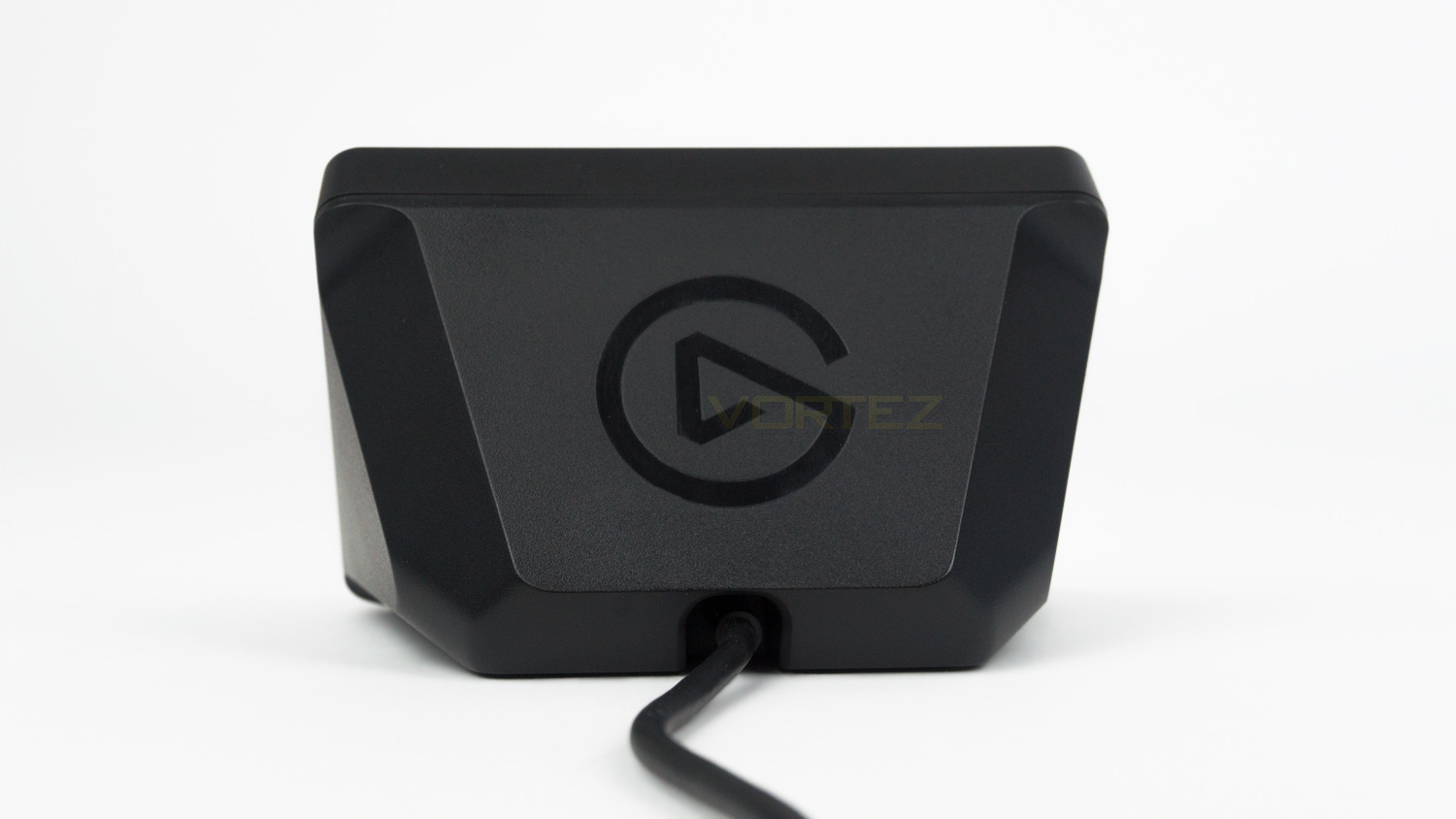
The back is again plain and simply features a cutout where the built-in cable is.
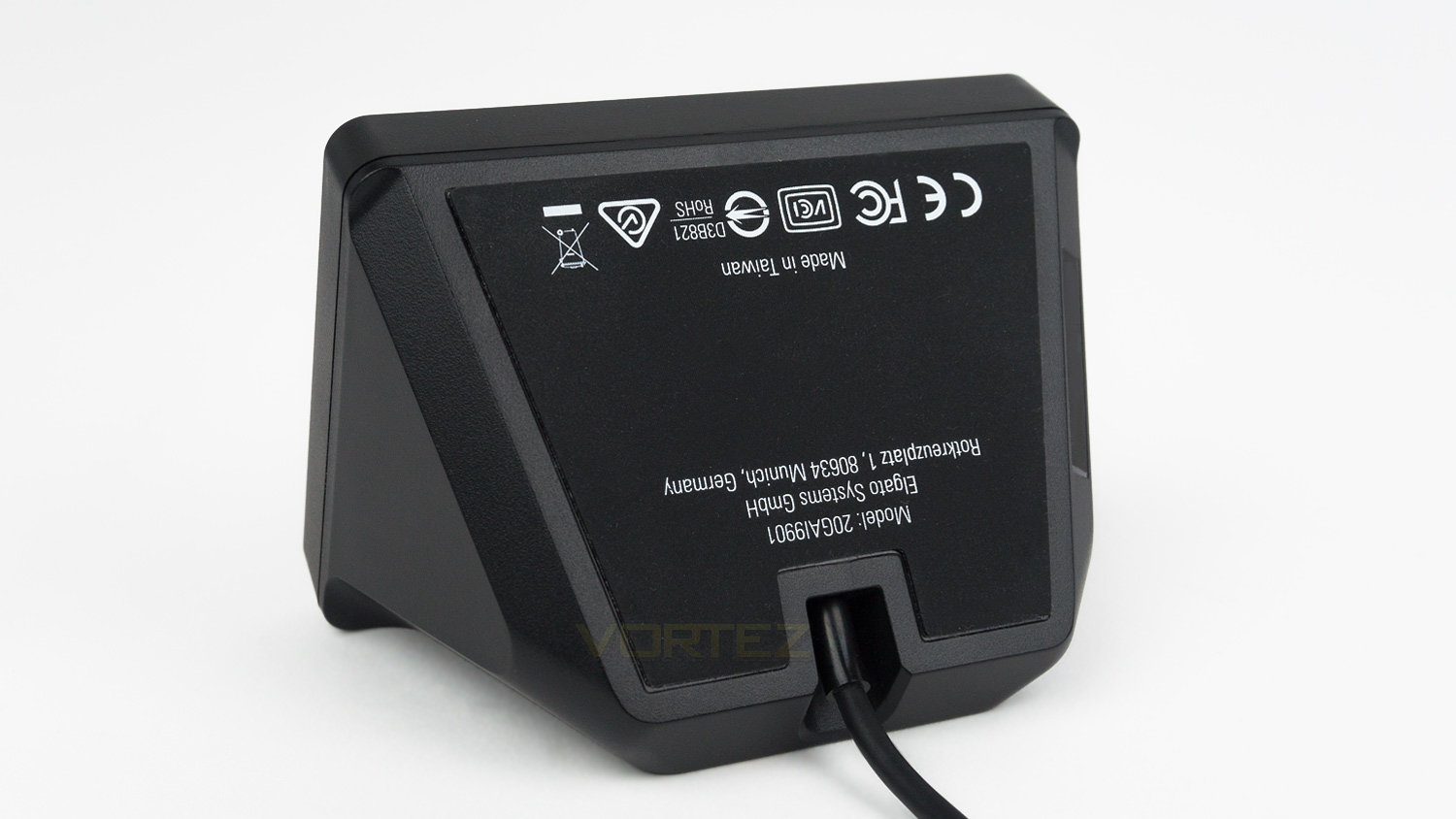
Underneath the Deck Mini, there is a large rubberised foot that acts as a bit of grip when on a desk surface.
Setup & Software
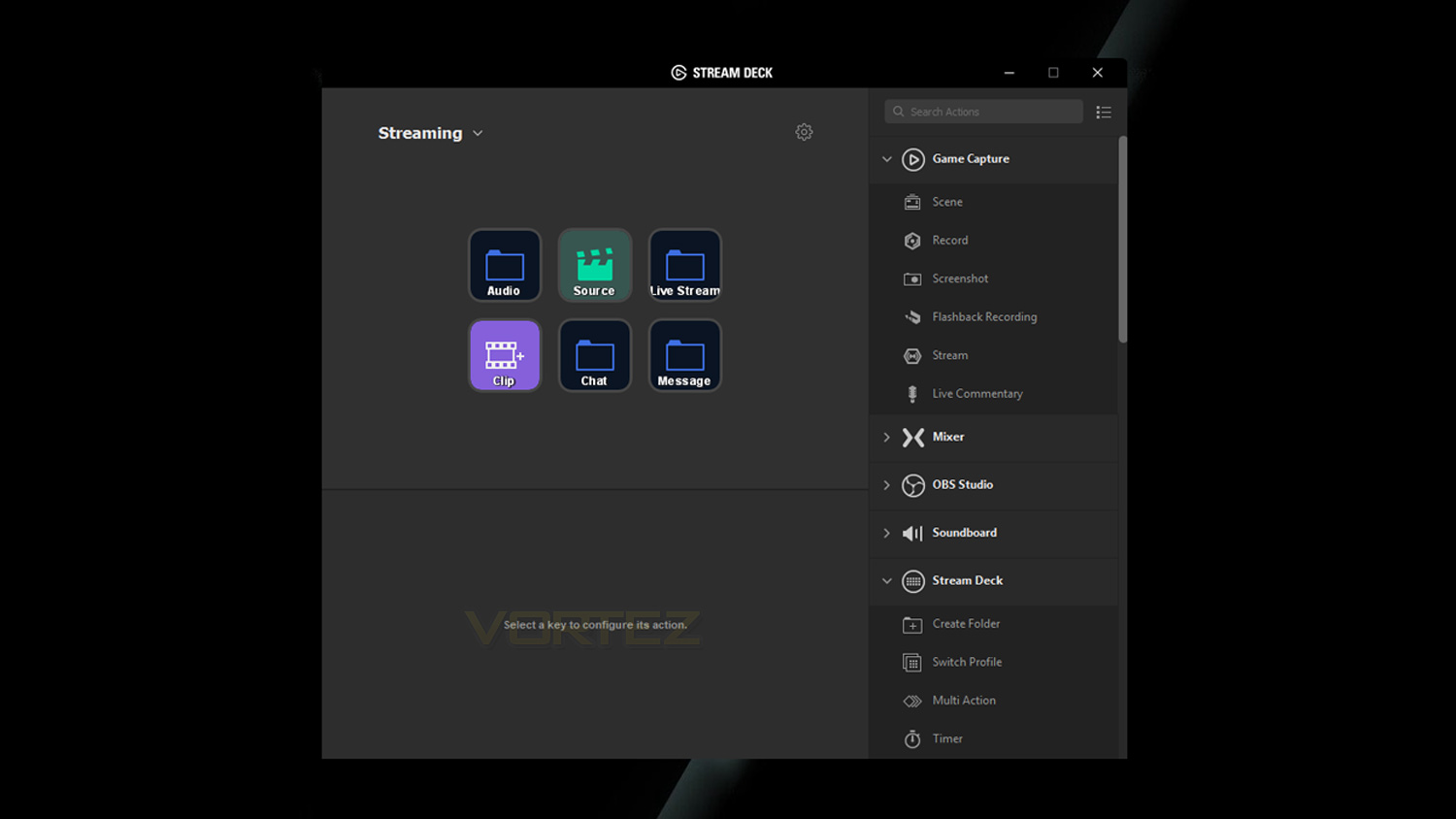
The initial setup for the Stream Deck Mini is easy, and all you’ll need is an internet connection to download the Stream Deck software, a spare USB port and some spare time. The first step is to download the software and then to plug in the Deck Mini. It is worth noting that Elgato advises that you don’t use a USB hub and that you install it directly into a USB port on your PC. The next step is to then launch the software and follow the instructions on the screen. Once completed you can then begin the customisation process. Elgato recommends using jpg or png files with a resolution of 72×72 for the best results. They also offer a service called “Key Creator” which is a tool on their website that allows you to create your own custom icons to be displayed on the Deck Mini or alternatively you can use one of their pre-made ones. The Stream Deck software works with the regular Stream Deck and the Deck Mini. This software allows the complete control of how they work and is very highly customisable. The software works not only with Twitch, YouTube and social media but also it can work within your system. For example, you could have a profile for streaming and one for everyday tasks. To add commands, you pick one the six keys, click it and then drag a command or action from the right side window onto the selected key. If you plan on using it for social commands, you’ll need to use the settings section to add your accounts.
The demo below provides a basic overview of the software.
Test Videos
Below are a few examples of the things that can be done with the Stream Deck Mini as not only is it designed for streaming, but it works with your desktop too.
Video 1 – How to add commands
Video 2 – Testing desktop functions
Video 3 – Adding folders
Video 4 – Testing the Multi Action feature
Video 5 – Testing pre-stream setup using Streamlabs OBS
When connected to Streamlabs OBS make sure that the collection matches the Streamlabs OBS theme, that way the Deck Mini knows where to source the information from to ensure that it works.
Video 6 – Testing some basic live stream features
There is so much more that can be done with the Stream Deck Mini if you’re willing to spend a bit of time setting it up and you can really tailor it to carry out everything that you’d ever need.
Performance Testing
To test the Elgato Stream Deck Mini, we did a few things. The first task we undertook was to familiarise ourselves with the software which was a very easy thing to do. Elgato’s developers have done a great job to not only make the software very functional but also easy to pick up and learn quickly. The interface is simplistic, and the drag and drop nature is both quick and intuitive which means you can set basic commands and functions with ease. Once you’ve got the basics out of the way, you can then delve deeper into the software and start to look at more complex actions and make use of the full feature set available, and there is a lot. But even with setting more customised tasks, it’s still easy to do and the software pretty much takes all the hassle away from you and makes using it an enjoyable experience.
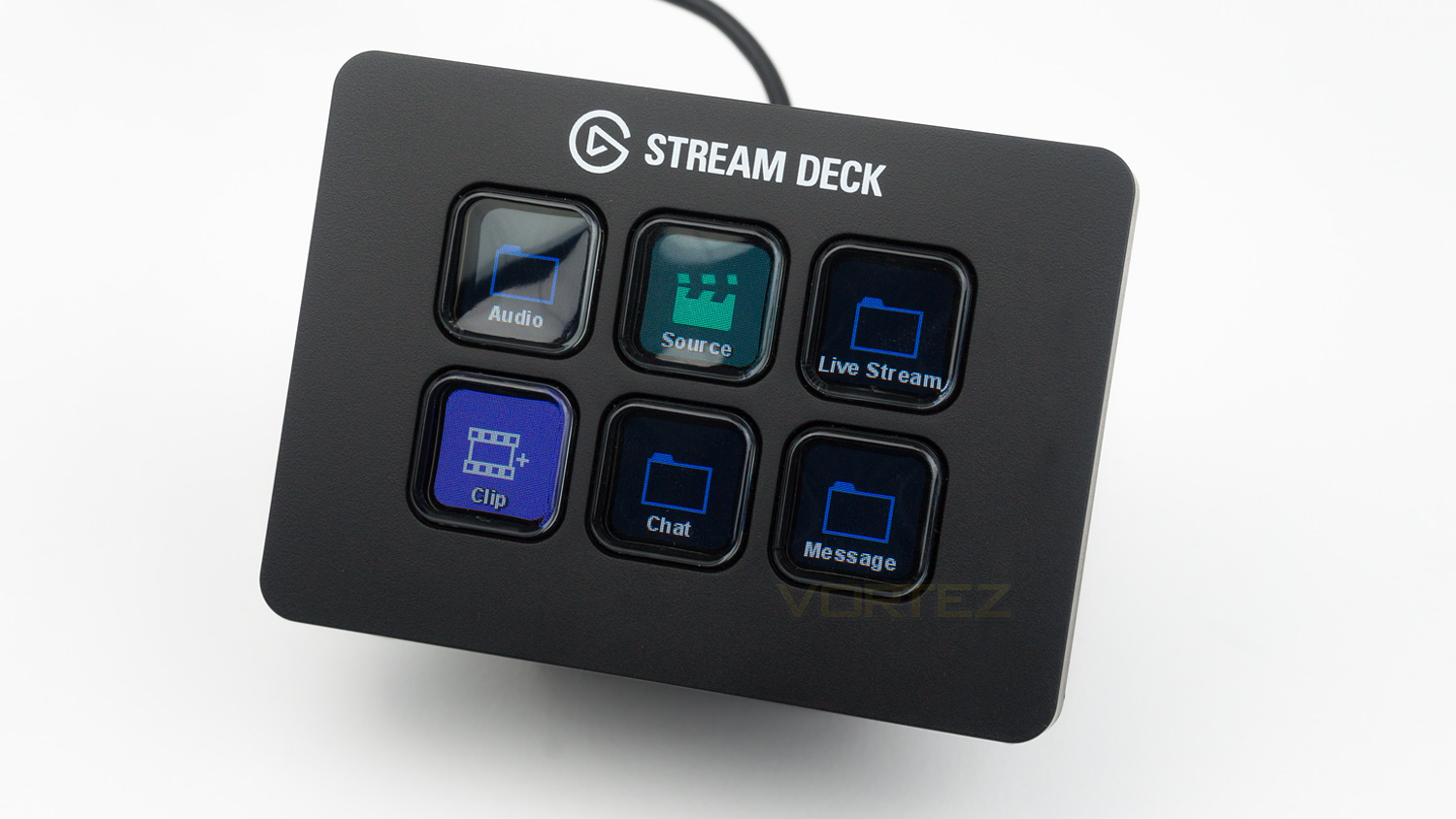
The next feature we tested was using the Stream Deck Mini to carry the tasks we set, and it worked without fault. The time taken from pressing a key to the action being carried was very quick, and the delay was minimal. We tested the desktop features first and used the Deck Mini to launch websites and software, both of which were carried out flawlessly – as long as you set the correct website and file path. The next logical step was to test out the streaming capabilities of the Deck Mini, we opted to use Streamlabs OBS, but it will work with OBS, Streamlabs and XSplit. To test this, an offline test was carried out to make sure that all the commands prompted worked as expected and it went very smoothly, you just have to ensure that the commands you set match the streaming software. You can see some more about this on the previous page of the review. Back to the test and it was faultless, we programmed some scene changes, as well as chat prompts and the integration was seamless as was the execution of the command. The final phase of testing was, of course, doing a stream and again we can’t fault the Deck Mini. The scene switcher worked with no flaws, but we did notice that there was a tiny bit of a delay when selecting a chat prompt, now this isn’t due to the Deck Mini and is more to do with the nature of streaming, so again we can’t fault it as every chat command set, worked great. If you wish to use more complex commands, things may need to be properly tested before trying it live, but the commands and prompts we tried, all worked without a problem.
The only small issue we had was with the number of keys. Now, this is sort of a double-edged sword. On the one hand, there is less to be distracted with, but on the other, the number can be an issue – depending on what you want the Deck Mini to do. As there are only six slots available, you have to be a bit more creative and make use of folders and the multi-action feature. Folders essentially allow you to take one key and turn that into five further commands, the multi-action feature allows you to take one key and make it do multiple actions. Folders work great and provide more space for actions, but they do take a bit longer to use as your commands are not right in front of you. However, they do what they are designed to do and work very well. The Multi-Action feature, essentially allows you to perform two or more tasks at the press of one button, now this one is a bit trickier to use as you have to be careful with the commands you set. The reason for this is because you wouldn’t want to actions that conflict with each other as they would clash. But if you set it right, it is very helpful. For our testing, we set it to open all our most used websites as well as a few applications and it opened them up simultaneously while also being very prompt. This is just one of the things you can do, but the possibilities of what you can do are quite broad.
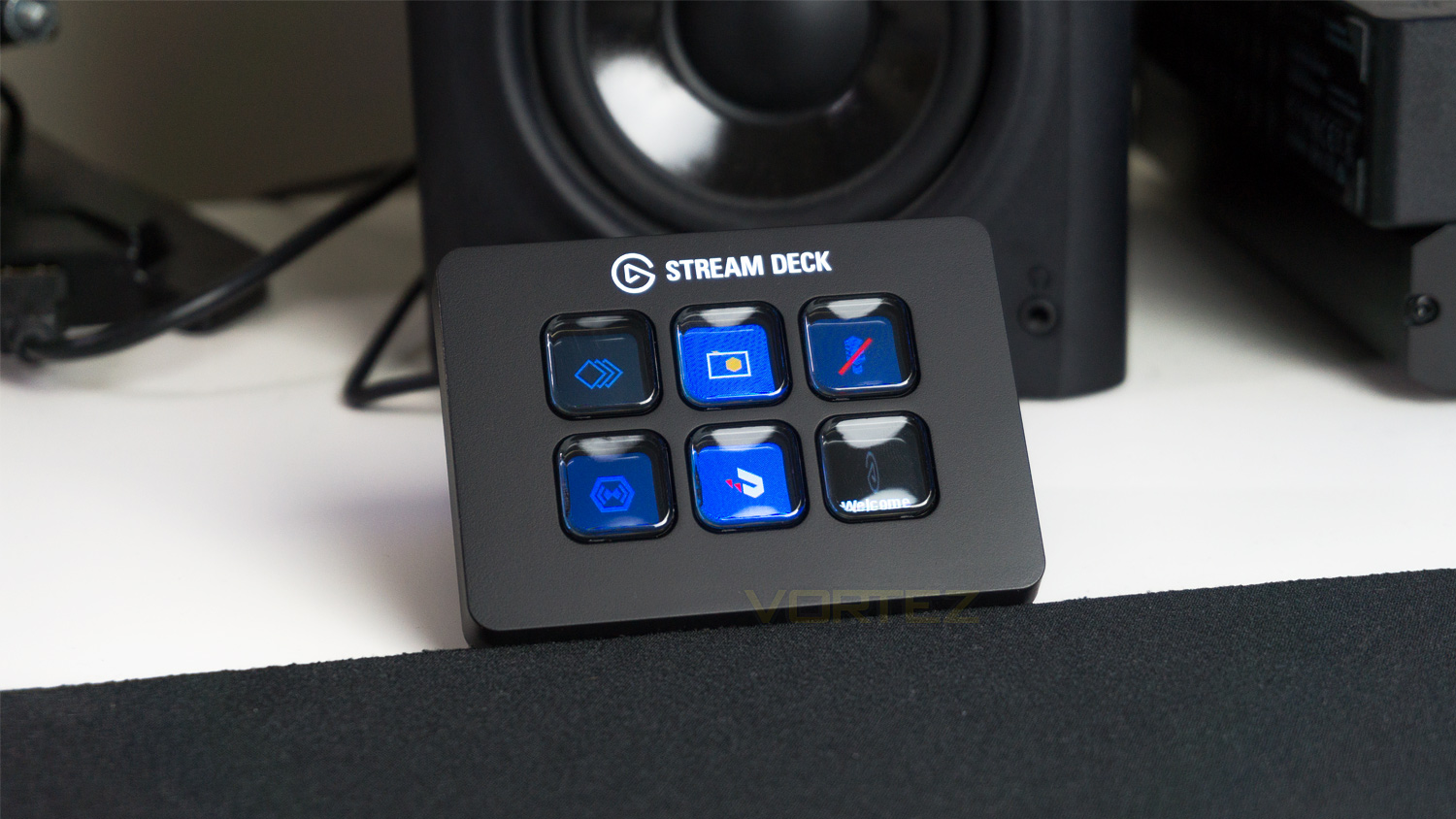
One addition we would have liked to have seen is a hardware-based profile switch, this inclusion we believe would improve upon the already solid foundation set by the Deck mini. As is, the Deck Mini is smart enough to automatically switch profiles when a stream is activated – which is great, but the only way to switch profiles is to use one of the LCD keys. This wouldn’t be an issue on the regular stream deck as there fifteen, but with the mini, there are only six, so if you were to make one of those keys to act as a profile switch, that would only leave five to customise. So by adding a hardware profile switch, that would free a key and make profile switches seamless. The other way to get around this is by either adding folders or using the multi-action feature – which again are very good features, but then it’s one more button to press. With the proposed profile switch, this would remove that extra input, plus you’d still get all six keys to play around with.
As for design, build quality and in-use experience the Deck Mini is mostly great. The design is simple, clean and very functional. The build quality is far superior than expected, and the Deck Mini feels reassuringly solid and robust. There are no signs of cheap plastics, and the buttons have a great feel to them. They are also very bright and easy to read even under a bright LED desk light. The only small issue is the rubberised base, the base is large, but during use, it doesn’t do the best job at providing grip. When pressing the buttons the Deck Mini does slide around a little, this isn’t a deal breaker as the movement isn’t massive, but it is still noticeable.
Conclusion
In the intro, we asked if the Stream Deck Minis size would be a major compromise and if safe to say that we couldn’t find any major issues that would be a deal breaker. There are a few small issues – like with every product, but nothing that is overly glaring. Once setup we found that the Deck Mini was very easy to use and also easy to customise. Even first-time users wouldn’t struggle due to the drag and drop nature of the software and also thanks to the vast amounts of tutorials available online. The design and build quality are both top notch as are the LCD keys. They are bright, easy to read, have great feedback and large enough to press easily. As for customisation, there is so much that can be done that we only scratched the surface of what it can offer. You can create custom icons, have custom strings of text, custom messages, media controls and so much more. There really is so much scope for customisation that you could easily sink a day into making it your own. Once you have customised it, the Deck Mini just works, it integrated seamlessly with Streamlabs OBS and became a very useful tool for commanding the desktop environment. Every task we set it was carried out without fault and it worked flawlessly.
One minor issue we did find is the reduction from fifteen to six LCD keys, now Elgato’s new multi-action feature and folders make up for that, but the folders feature does introduce a few extra inputs and adds extra effort, however, it still is very easy to use. So the only real compromise is a few extra button presses that take a split second longer to carry out, and if that is something you don’t want, then we’d suggest opting for the larger Stream Deck. Another small problem is the Deck Minis base, it is rubberised, but we found that it moves quite easily when pressing the keys, however, it would be an easy fix if you are willing to go down that route. We also mentioned that we would like to have seen a hardware-based profile switcher, now the software can do a profile switch, but it takes up a key and losing one is difficult as the Deck Mini only has six, to begin with. So by having the switch it would free up a key and make profile switching that much easier. Now, we can’t fault what Elgato have achieved, but we think that this addition would have improved usability, so maybe they could include this in a theoretical second addition or a product refresh?
So the Stream Deck Mini is pretty much what it is; a smaller Stream Deck. It does everything that the larger ones does, but it just that tiny bit slower if you plan to utilise folders or the multi-action feature which is a must as the six keys do get full quite quickly. The biggest big plus is the cost as it’s significantly cheaper than its larger sibling and if you couldn’t stretch to the Stream Deck, this would be the perfect introduction into the ecosystem.
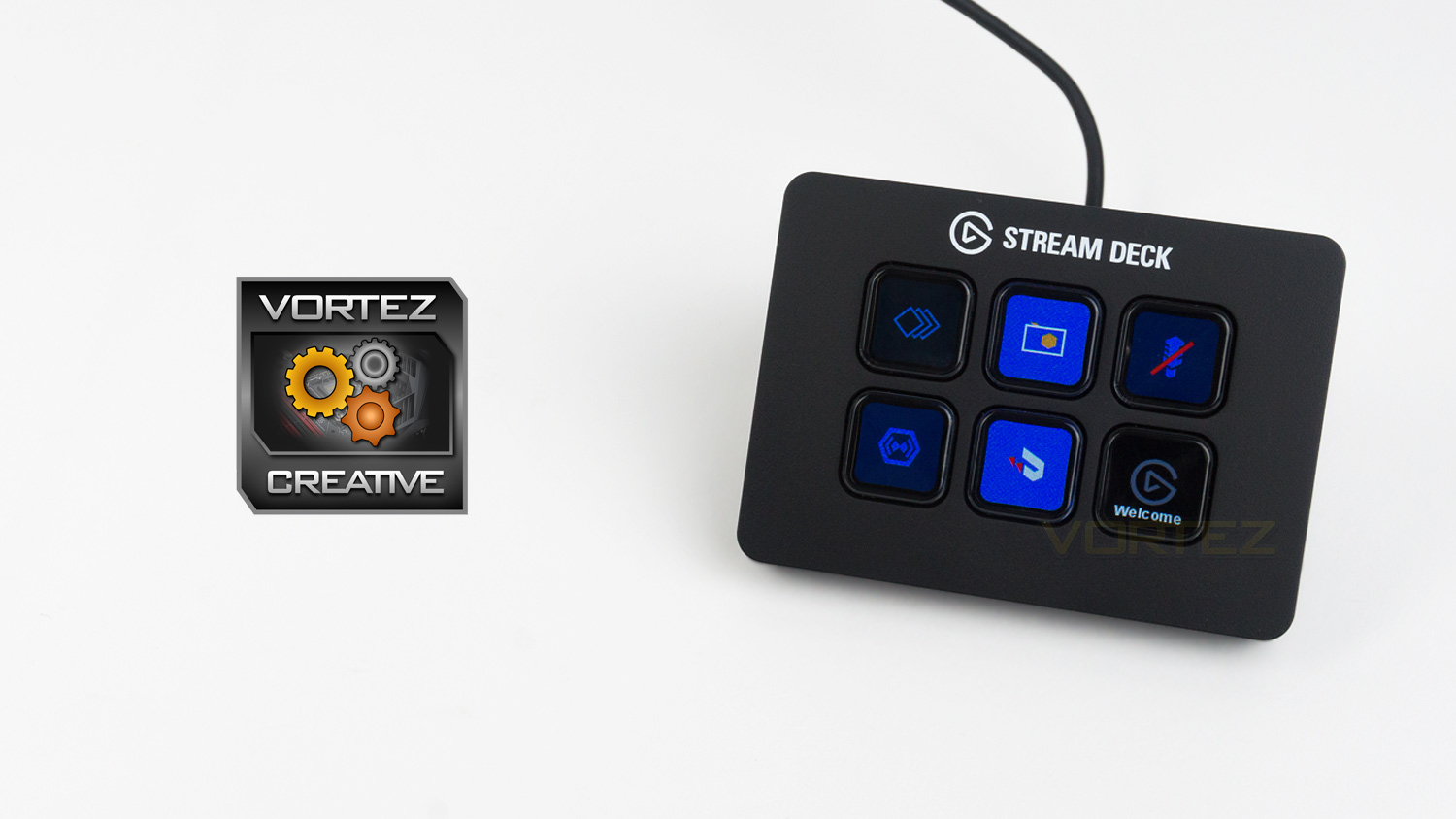
Don’t let the Elgato Deck Mini’s small stature fool you as it’s every bit as capable as the larger Stream Deck.
Pros
+ Great design and build quality
+ Amazing levels of customisation
+ Very easy to use
+ Compact
+ Very visible LCD keys
+ Brilliant software
Neutral
+- Moves around a bit when using it
+- Some tasks take a bit longer if you utilise folders
Cons
– None to note
+ Great design and build quality
+ Amazing levels of customisation
+ Very easy to use
+ Compact
+ Very visible LCD keys
+ Brilliant software
Neutral
+- Moves around a bit when using it
+- Some tasks take a bit longer if you utilise folders
Cons
– None to note
Click here for an explanation of our awards at Vortez.net.
Stay connected with the Vortez Social Media pages:
Join in with the discussions on Discord