







We have something a little different than ususal. A TouchCam from FaceVsion HD ready and able to deliver up to 720p.
Product on Review: FV TouchCam N1
Manufacturer and Sponsor: FaceVsion
Street Price: £69.99 @ DABS Price at time of review
The recession and current financial climate has forced many companies to cut-back on different aspects within business. Expenses are now keenly observed due to the economy sustaining difficulties at this time and so, more and more businesses are turning to alternative methods in all elements of operation. Skype whilst being popular amongst consumers is also a common application used by businesses the world over. Companies are training staff on how to use Skype because it is a free video conferencing application that is surprisingly effective.
And this is where our review subject comes in today. FaceVsion have recognised this niche in the market and developed a series of video conferencing ‘Touchcams’ in an effort to equip businesses with the ability to broadcast at HD 720p. Whilst the main directive is towards business users, the FaceVsion Touchcam N1 also engages with home users. Webcams are one of the items that feature highly in the makeup of the family computer, and the N1 hopes to give this type of user a taste of business premium.

FaceVsion’s Take:
Introducing FV TouchCam™ N1, a HD VideoCam with embedded H.264 codec chip and dual microphones supporting beamforming techniques, offers synchronized, crystal clear HD video (720p, 3X DVD resolution) and superior audio quality.
Now, with FV TouchCam™ N1 , Skype users worldwide can enjoy HD-quality video calling, stay even more closely with friends and family or effectively discuss business partnerships across time zones.
The world’s first Skype certified USB camera with embedded H.264 (3X standard DVD resolutions), realizing real-time two-ways true HD 720p video chat using Skype and QuLives.
Now, with FV TouchCam™ N1 , Skype users worldwide can enjoy HD-quality video calling, stay even more closely with friends and family or effectively discuss business partnerships across time zones.
The world’s first Skype certified USB camera with embedded H.264 (3X standard DVD resolutions), realizing real-time two-ways true HD 720p video chat using Skype and QuLives.
Specifications
Lens
• 1G4P+IR, VCM Auto-focus
• Depth of Focus: 10cm ~ infinity
• Aperture: F/2.0
• FOV: 78.1°
Effective pixel
• 1280 x 800 (MAX)
Output Image Size
• HD, WVGA, VGA, CIF, QVGA, QCIF
Video format
• 720P, H.264, 22fps
• WVGA, YUV, 30fps
Microphone type
• Unidirectional dual microphones
Frequency
• 100-12000Hz
Sensitivity
• -47dB+/-4dB
SNR
• >60dB
Frame rate
• 22fps at HD (1280×720) with H.264
• 30fps at WVGA (768x 480) with YUV
Compliance
• FCC/CE/BSMI
• Others(upon request)
Dimension
• 100 (W) x 45 (D) x 60 (H) mm
Weight
• 90g
Indicator
• White LED ON: Camera power on OFF: Camera power off
Interface
• USB2.0 High speed
Cable
• 100cm
Power supply
• 5V (USB bus power)
Packaging & Closer Look
The TouchCam N1 is presented in a small box that gives adequate details surrounding the features, and technical specifications. FaceVsion have been careful to emphasise 720p being a predominant standard with the N1. The branded logo can be clearly seen.
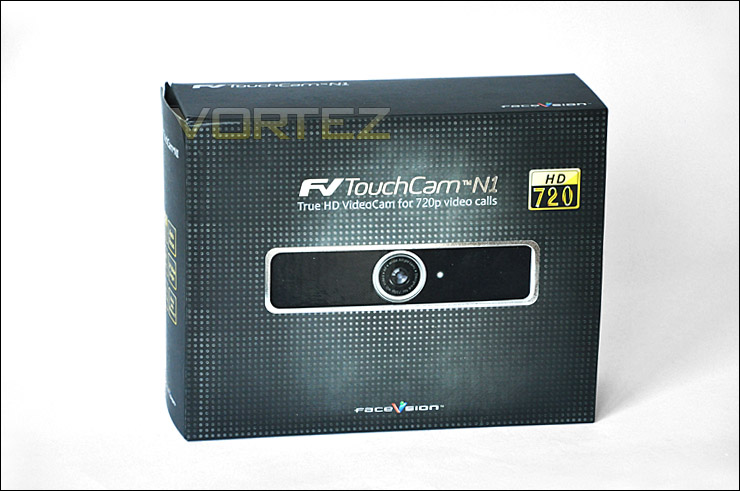
The TouchCam N1 packaging
Inside the box there is very little included in the bundle. We have the camera itself, a USB cable, a manual and a CD containing Skpe and Microsoft hotfix.
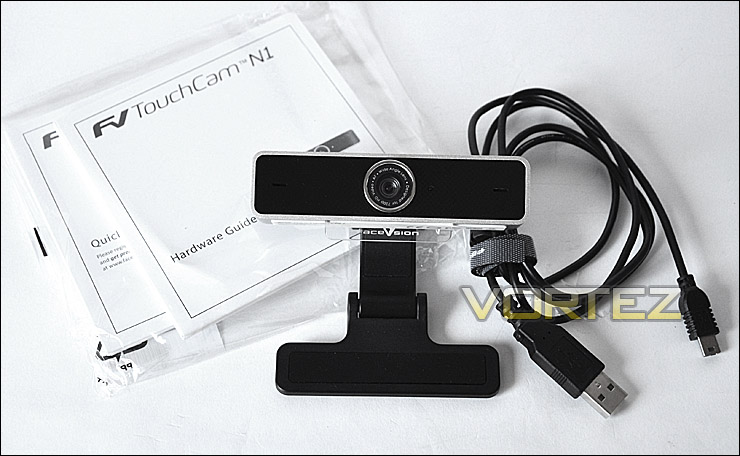
The TouchCam N1 bundle – not a great deal there!
The TouchCam N1 is quite a robust little camera, it features both a steel and plastic makeup. The lens if you haven’t read the specifications is a wide-angle auto-focus lens that features AF too. Either side of the lens we have a unidirectional microphones. So the sound will be retrieved from one direction only. This is ideal for a webcam, especially if there are other things going on in the same room. Less likelihood of noise interference.
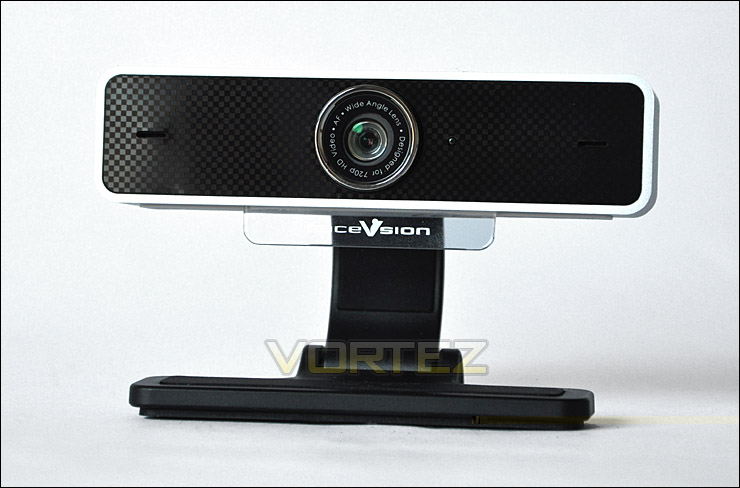
A front view of the N1
From a side view you can see that there are two significant pivot points that allow you to manipulate the angle/shape/position of the N1. This is especially useful as it means that whatever computer you are using, whether it be a laptop, netbook or desktop you have the ability to fix it to a selection of objects. The inside and outside of the foot on the N1 has rubber material attached as does the neck, this further assists with the securing of the camera to your desired object.
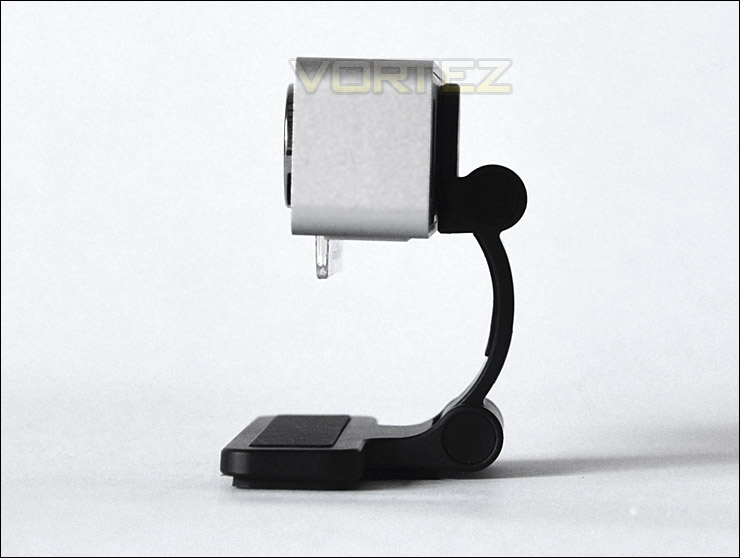
The TouchCam N1 bundle – not a great deal there!
Finally around the back we have a mini-USB slot for powering the N1 camera, the cable is provided within the bundle and is female USB to mini-USB. On either side of the camera you can make out the 2 mesh panels, here we have 2 speakers.
With the inspection over, lets see how this TouchCam N1 performs.
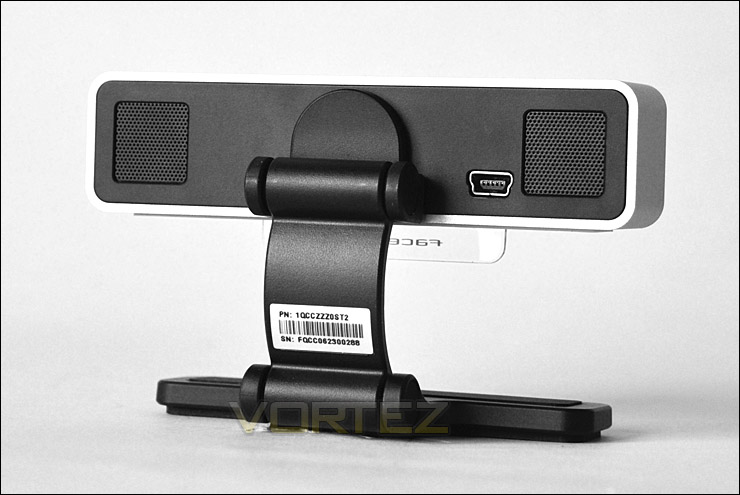
The back of the N1 with speakers and mini-USB
Performance
We haven’t reviewed a product like the TouchCam N1 before but such a simple product requires comparatively less testing analysis than the enthusiast products that we typically review at Vortez. So to ascertain how well the TouchCam N1 handles Skype and interaction I will be showing some imagery taken directly from Skype during testing.
Installation is very simple, connect the camera to your computer via the USB cable and ensure Skype is installed and you are good to go. It’s as simple as that, plug n’ play. If you don’t have Skype already there is a copy of the IM on a CD bundled with the N1, although this is now quite out of date (version 4).
Image Quality
From the below pictures you can see that the image quality is quite fair. It isn’t fantastic. The image quality of the phone is probably the best out of the bunch, the dog and fans appear to be quite blotchy and pixellated which is a little disappointing. That said though, the N1’s ability to operate in low light is quite pleasing as you can see from the picture of the fan with the lights off. It’s important to note that to get 720p HD quality your upload stream will need to be rated at above 1 Mbps. Otherwise quality is down-graded.
The N1 lens allows you to capture more content than a standard camera lens would thanks to the wide-angle. Auto-focussing is also very useful and it works extremely well on the camera. Motion capture is also extremely fluid and no jolts or juddering was experienced whilst using the N1.
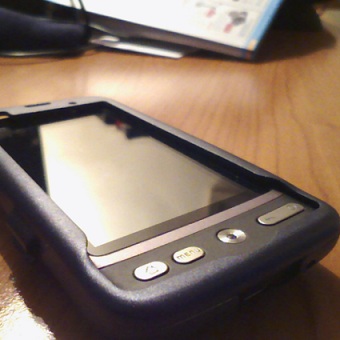

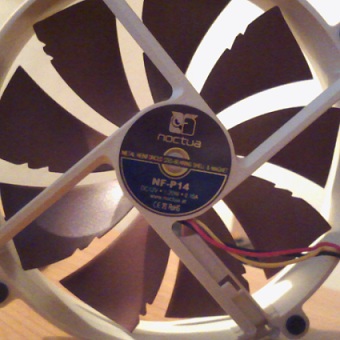
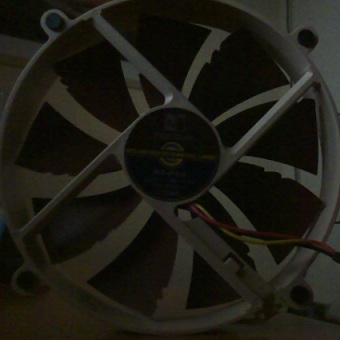
Additionally in order for the wide-screen capture to properly work the camera will need to have at least 1Mbps bandwidth and thus be in ‘HD mode’. So ideally you want to ensure that you have a decent upstream rate to guarantee best image quality.
Conclusion
Companies are seeking cheaper ways to operate in these economically difficult times in which we live and FaceVsion are right in there to assist with cheaper methods of web conferencing.
The TouchCam N1 is a Skype certified camera that can sustain 720p HD video performance and because its classified as being certified for Skype there is no need for drivers or software – just plug in and its ready to go! I’ve found in the past with previous web cameras that they require software in order to work and often the CD is misplaced – in general having to load software before using a device can be a irritating. Taking this out of the equation is a worthwhile thing, its going to appeal to a lot of individuals.
One of the advantages to the TouchCam having a built in H.264 encoder is that it takes unnecessary stress off the CPU load. Video encoding demands CPU power usually which would take a sustained effect on lower powered computers like netbooks and laptops. With the TouchCan N1 we have no such problems.
For the home/family user the TouchCam N1 is quite expensive, priced at £69 it isn’t going to sit well with most. Ideally the TouchCam, as already outlined is directed towards businesses wanting to execute web conferencing on a budget. For this application its a great offering. It’s build quality is excellent and performance is also pleasing.
Pros
+ HD 720p
+ Wide angle lens & auto focus
+ Encoder within unit – doesn’t drain CPU
+ Attach to different shaped objects
+ Plug in and its ready
Cons
– Expensive for home users
– Image quality dependant upon bandwidth
+ HD 720p
+ Wide angle lens & auto focus
+ Encoder within unit – doesn’t drain CPU
+ Attach to different shaped objects
+ Plug in and its ready
Cons
– Expensive for home users
– Image quality dependant upon bandwidth

