The CLUTCH 2 is the second pro-grade eSports mouse from Fnatic, question is, can it match the FLICK 2’s performance? Fnatic’s FOCUS 2 mousepad is a no-frills affair that has been designed to do one thing, but does it do that well?

Product on Review: Fnatic CLUTCH 2 & Fnatic FOCUS 2
Manufacturer: Fnatic Gear
Street Price: CLUTCH 2 €59.99 / $59.99
FOCUS 2 €14.99 / $12.99
The Fnatic CLUTCH 2 shares a variety of different features with their FLICK 2, these attributes include the same Pixart 3360 optical sensor, identical Omron switches and also the same 1000Hz polling rate and maximum CPI which is 12,000. The CLUTCH also utilises the same OP software suite which allows the same levels of customisation as you get with the FLICK 2. Where they slightly differ is in the design, the FLICK 2 is more low-profile and features a symmetrical shape whereas the CLUTCH 2 is slightly taller and favours right-handed users.
The FOCUS 2 mousepad is the base for the Asphalt series of pads which we reviewed alongside the FLICK 2 mouse. The FOCUS 2 mousepad is designed to perform one task, and that is to provide an excellent surface for your mouse which is done by utilising what Fnatic dub the ‘FOCUS TEXTURE’. This is a unique surface that is cloth based and is supposed to provide more precision and increased control when gaming.
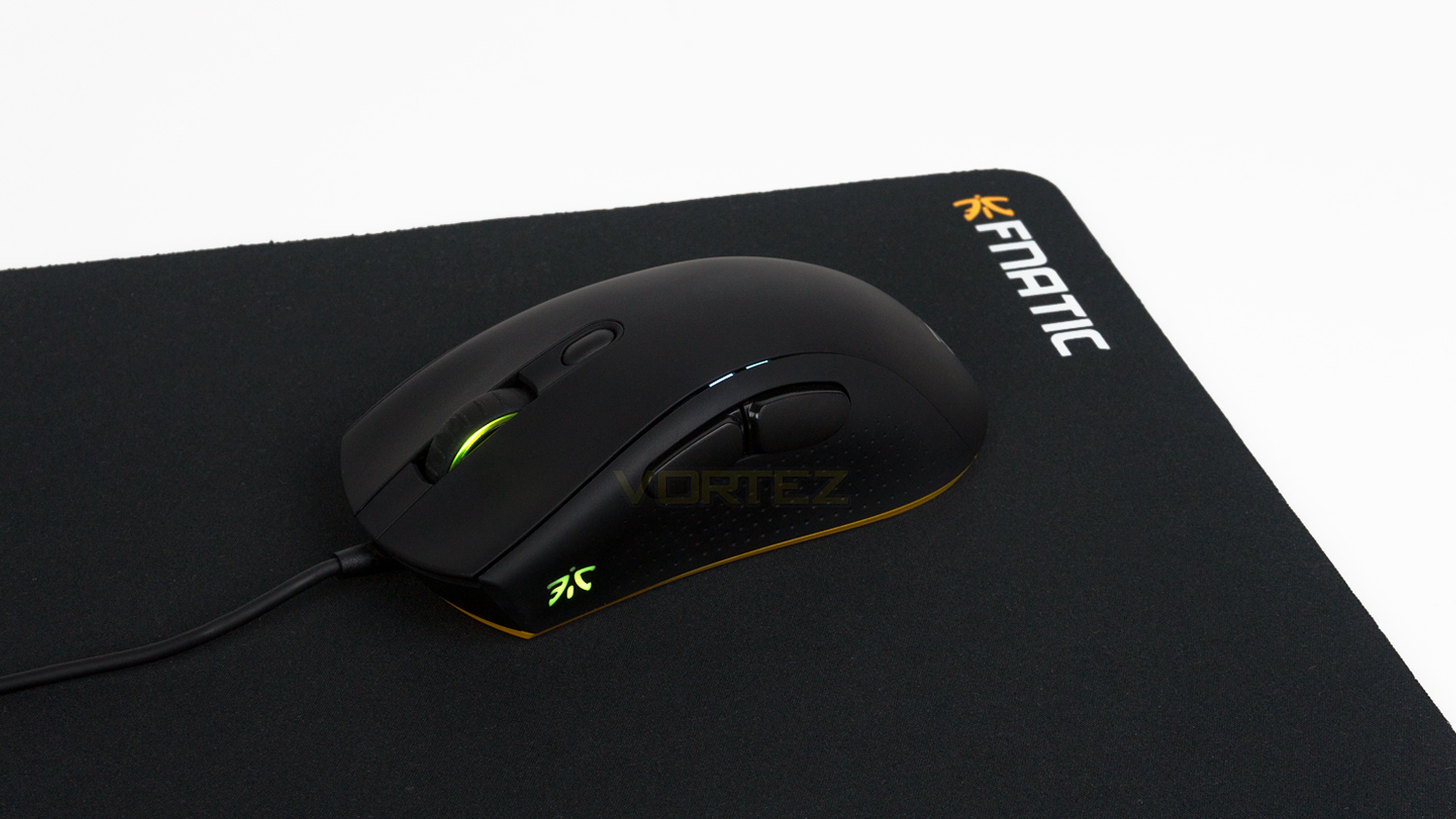
Fnatic on the CLUTCH 2 and FOCUS 2:
CLUTCH 2 a light-weight professional grade right-handed mouse, designed with pro gamers’ guidance but perfect for all gamers. Ready to deliver under the toughest circumstances, rest is up to you.
The Godfather: Part II. Terminator 2: Judgement Day. Focus 2. This mousepad is the ultimate sequel for the hardest working professional gamers.
The Godfather: Part II. Terminator 2: Judgement Day. Focus 2. This mousepad is the ultimate sequel for the hardest working professional gamers.
Technical Specifications
Mouse
Sensor – Pixart 3360
Sensor type – Optical
CPI – 12,000 maximum (100 CPI step)
Acceleration – 50G
Polling rate – 1000Hz
Response speed – 1ms/250ips
Processor – NXP
Memory – 8mb
Switches – Omron D2FC-F-7N (50M)
Design
Number of buttons – 6
Programmable buttons – 6
Dimensions – 131mm x 66.2mm x 43mm
Weight – 97g
Cable length – 1.8m (5.9ft)
Illumination – 2 RGB zones (Synced together) 1 LED zone (DPI indicator)
Compatibility
OS – Windows (USB port required)
Software – Fnatic OP
Warranty – 2 years
Adjustable LOD
On board profile Sections
FOCUS mousepad
Size – 380mm x 290mm x 3mm
Weight – 317g
Finish – cloth
Non-slip rubber base
Sensor – Pixart 3360
Sensor type – Optical
CPI – 12,000 maximum (100 CPI step)
Acceleration – 50G
Polling rate – 1000Hz
Response speed – 1ms/250ips
Processor – NXP
Memory – 8mb
Switches – Omron D2FC-F-7N (50M)
Design
Number of buttons – 6
Programmable buttons – 6
Dimensions – 131mm x 66.2mm x 43mm
Weight – 97g
Cable length – 1.8m (5.9ft)
Illumination – 2 RGB zones (Synced together) 1 LED zone (DPI indicator)
Compatibility
OS – Windows (USB port required)
Software – Fnatic OP
Warranty – 2 years
Adjustable LOD
On board profile Sections
FOCUS mousepad
Size – 380mm x 290mm x 3mm
Weight – 317g
Finish – cloth
Non-slip rubber base
Packaging & First Look (CLUTCH 2)
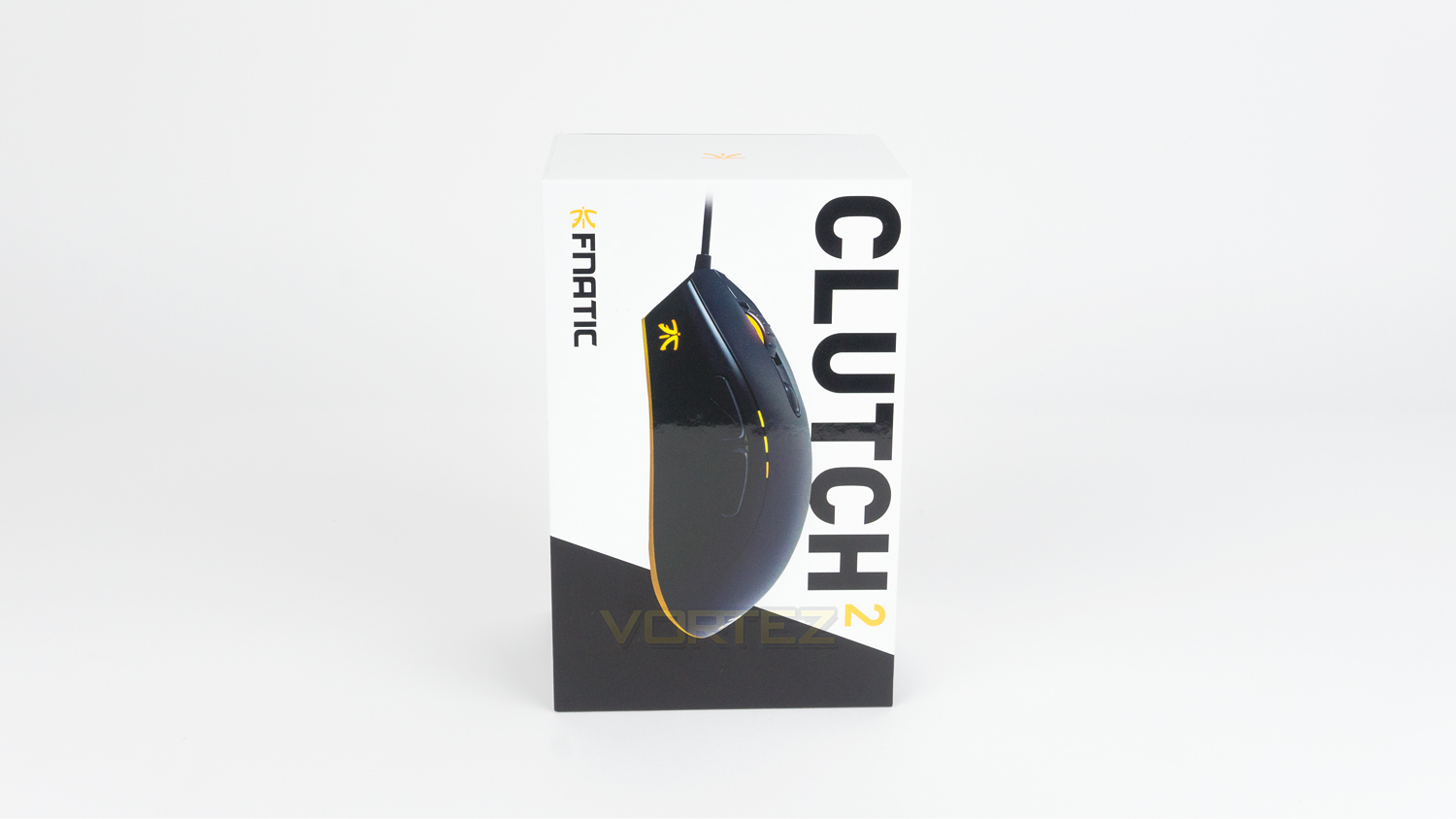
The CLUTCH 2 arrives in a sturdy black and white box that is very tasteful. There is a large image of the mouse that fills most of the centre, above that is the model name and below Fnatic’s branding.
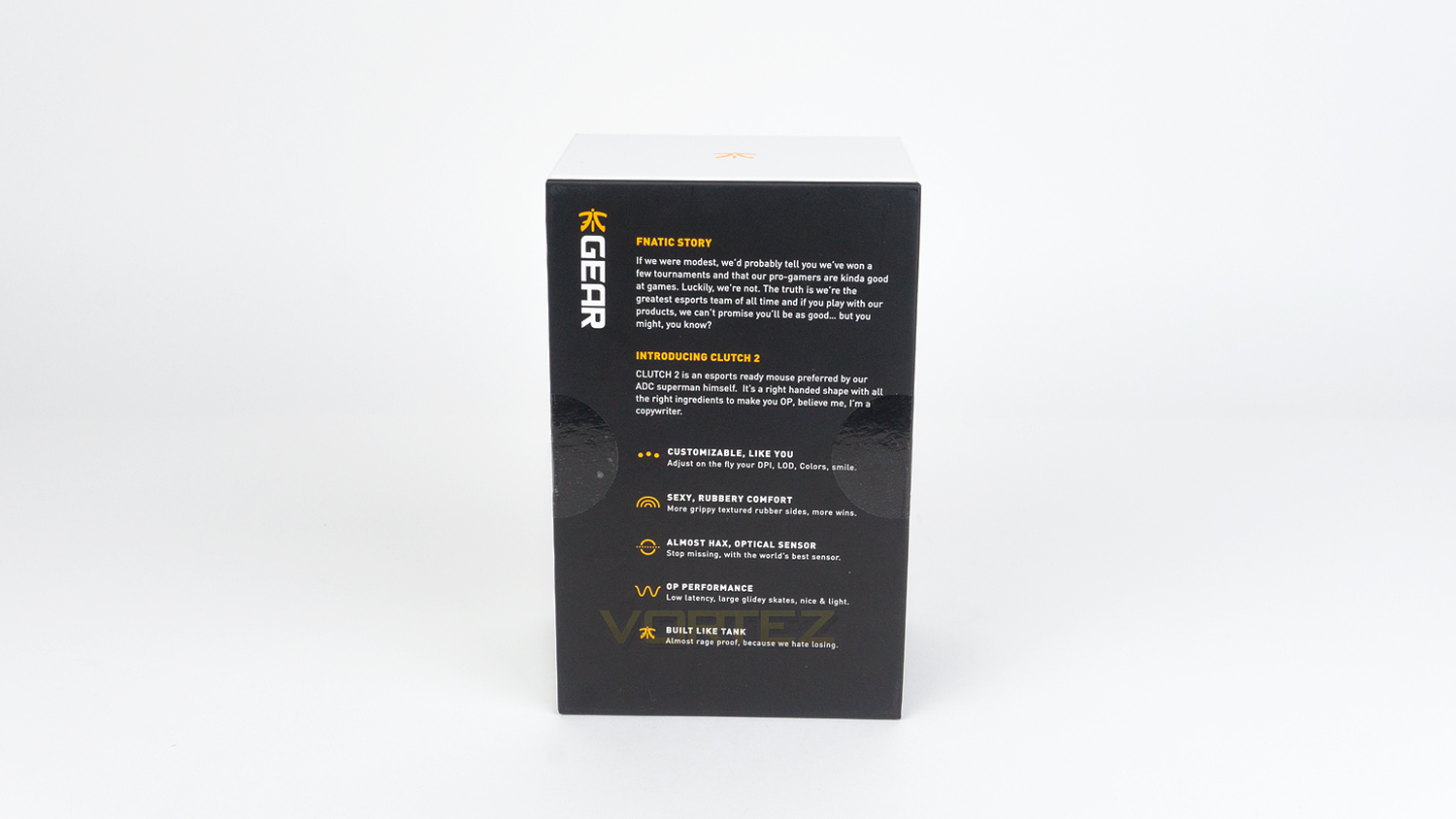
At the rear of the box, there is a short paragraph on the story of Fnatic with some product information below that.
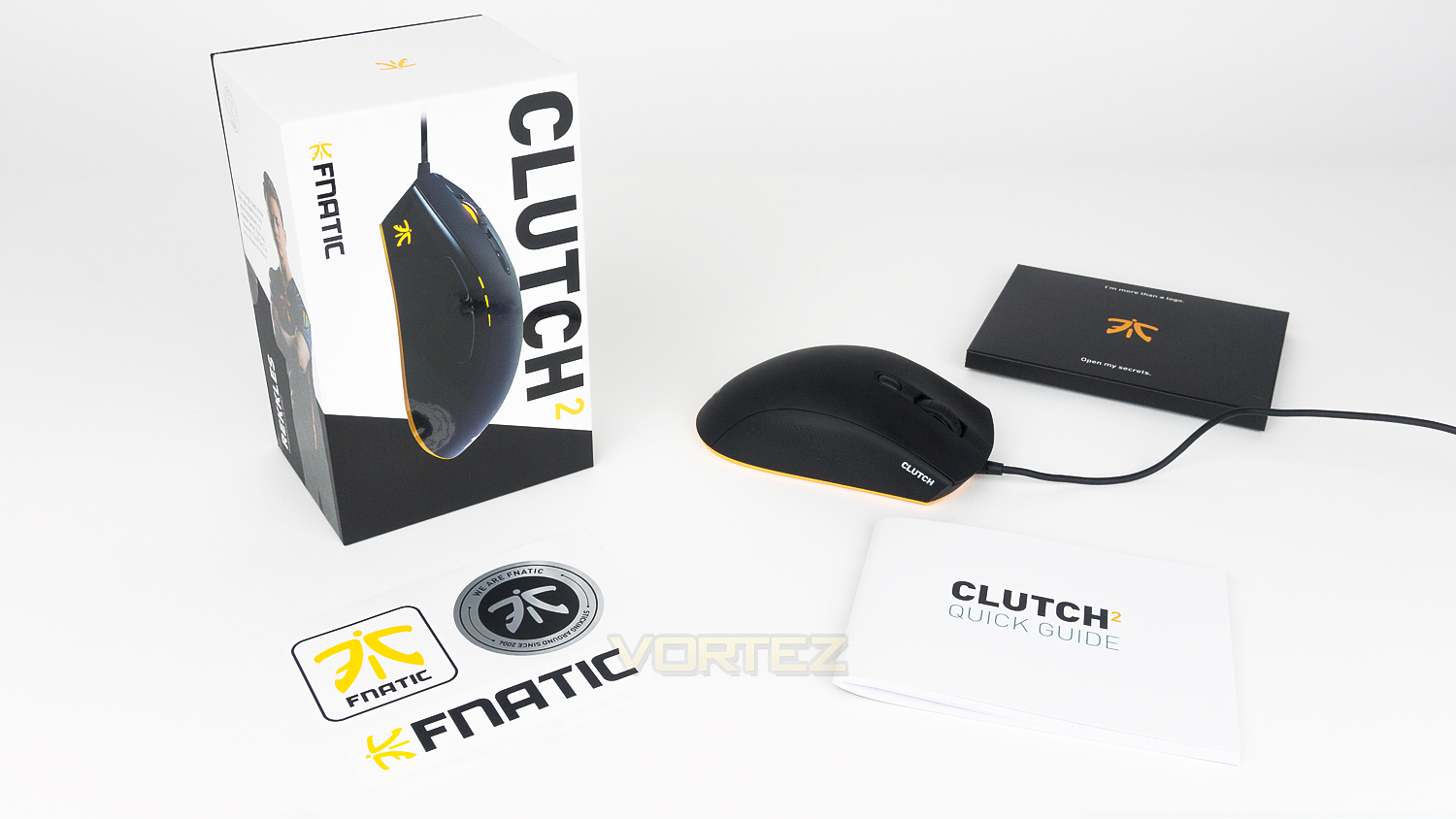
Included with the mouse there is a set of stickers and also a quick start guide which comes in their own branded box.
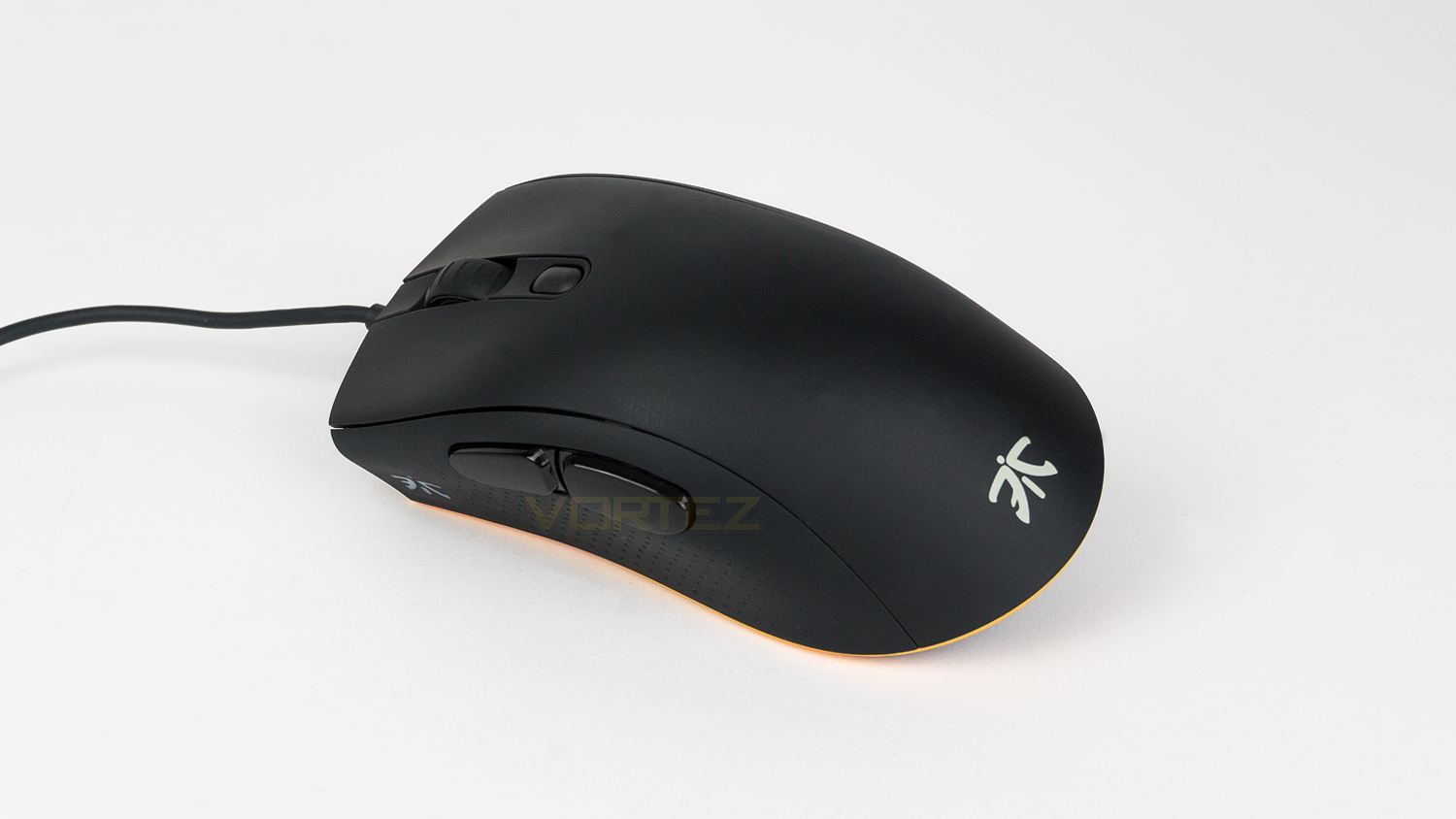
The CLUTCH 2 shares a similar design to that of the FLICK 2. This aesthetic is very clean and understated with just the right amount of branding.
Packaging & First Look (FOCUS 2)
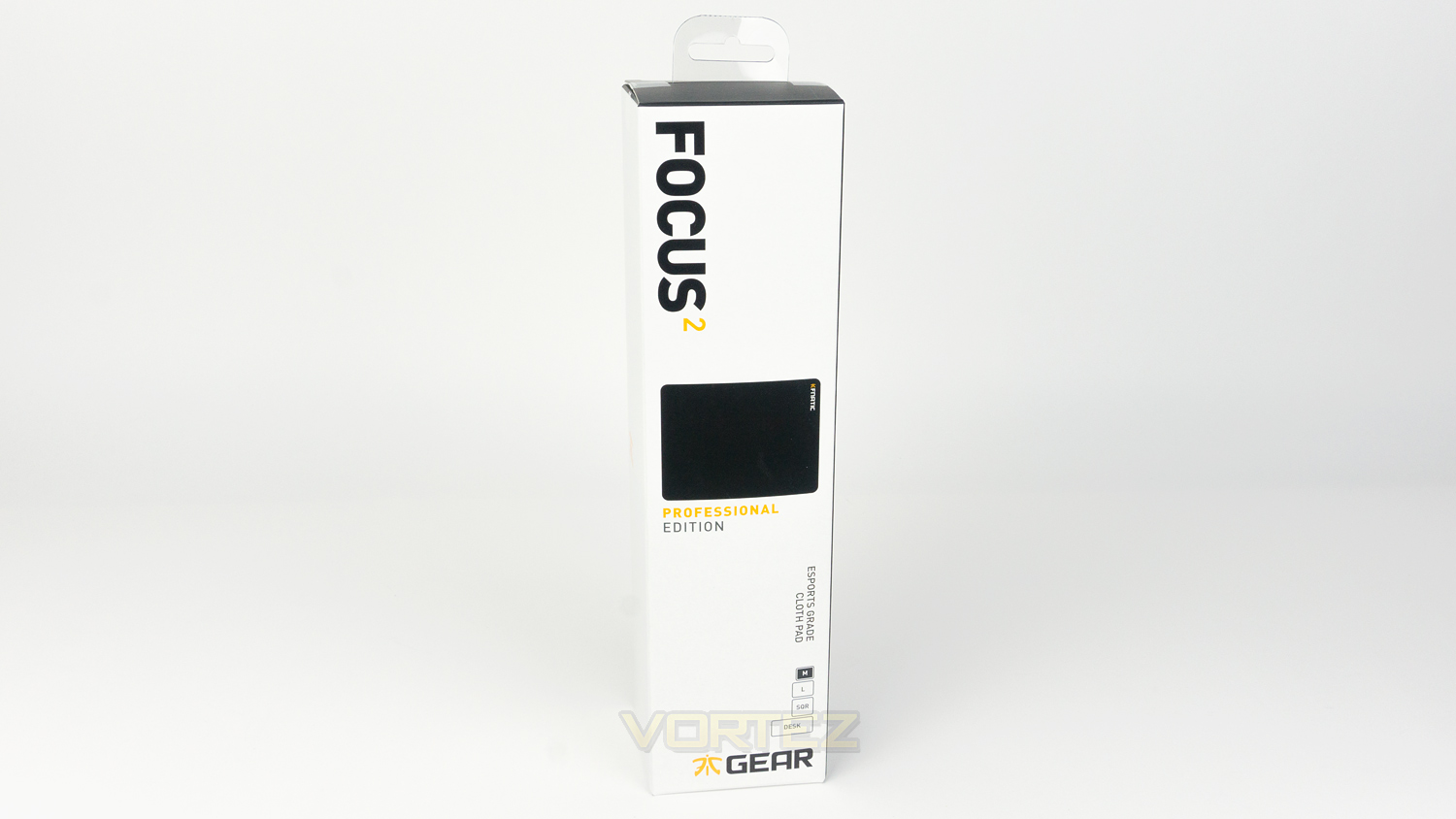
The FOCUS 2 mousepad comes in a minimally styled box that features the model name at the top, an image of the pad in the middle, some information on the sizes available and finally the Fnatic Gear branding at the bottom.
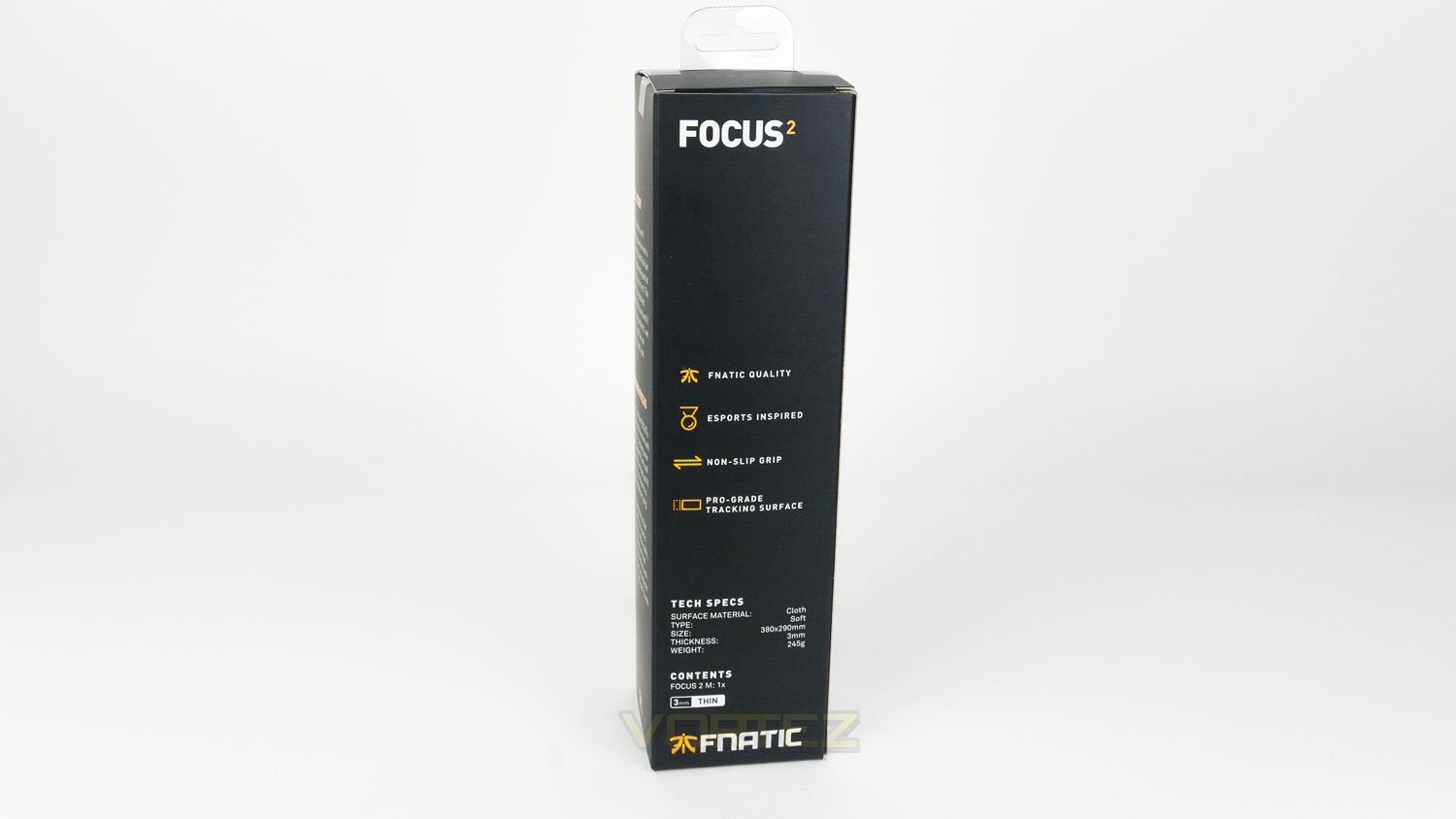
Round the back, there is some information about the FOCUS 2 as well as its specifications.
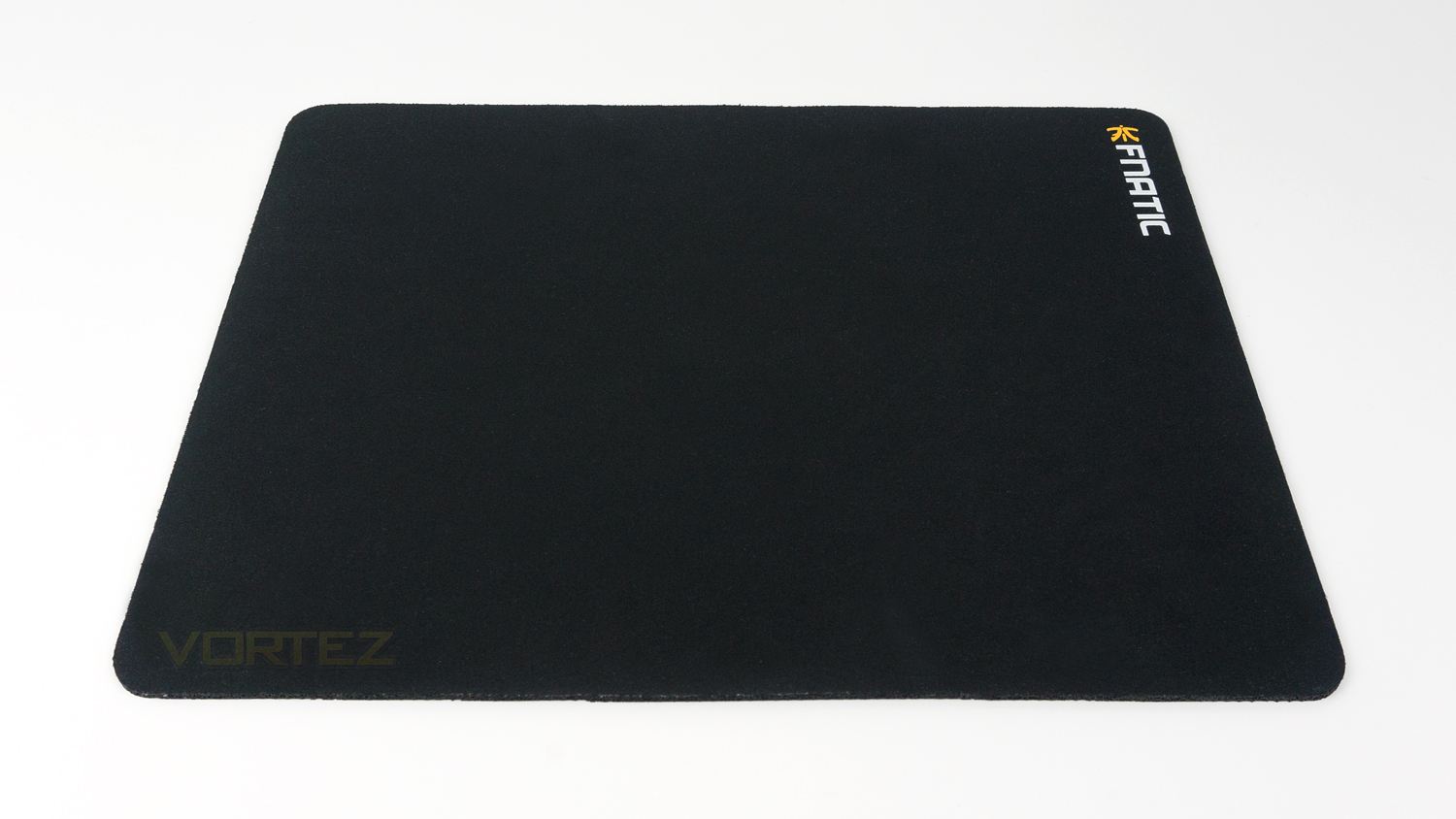
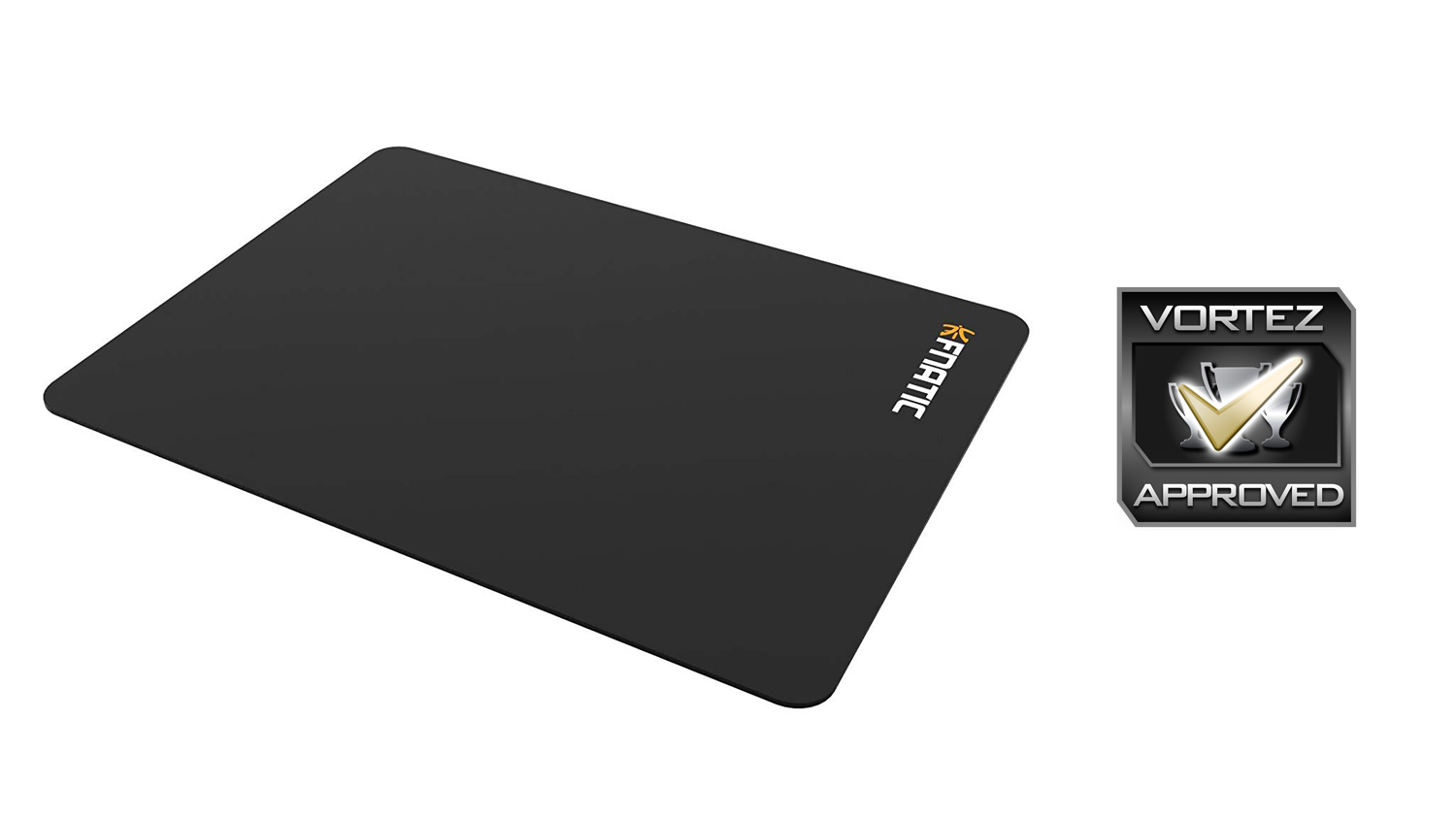
Taking a first look at the FOCUS 2 and the only thing to note is the Fnatic branding in the top right corner of the pad.
Closer Look (CLUTCH 2)
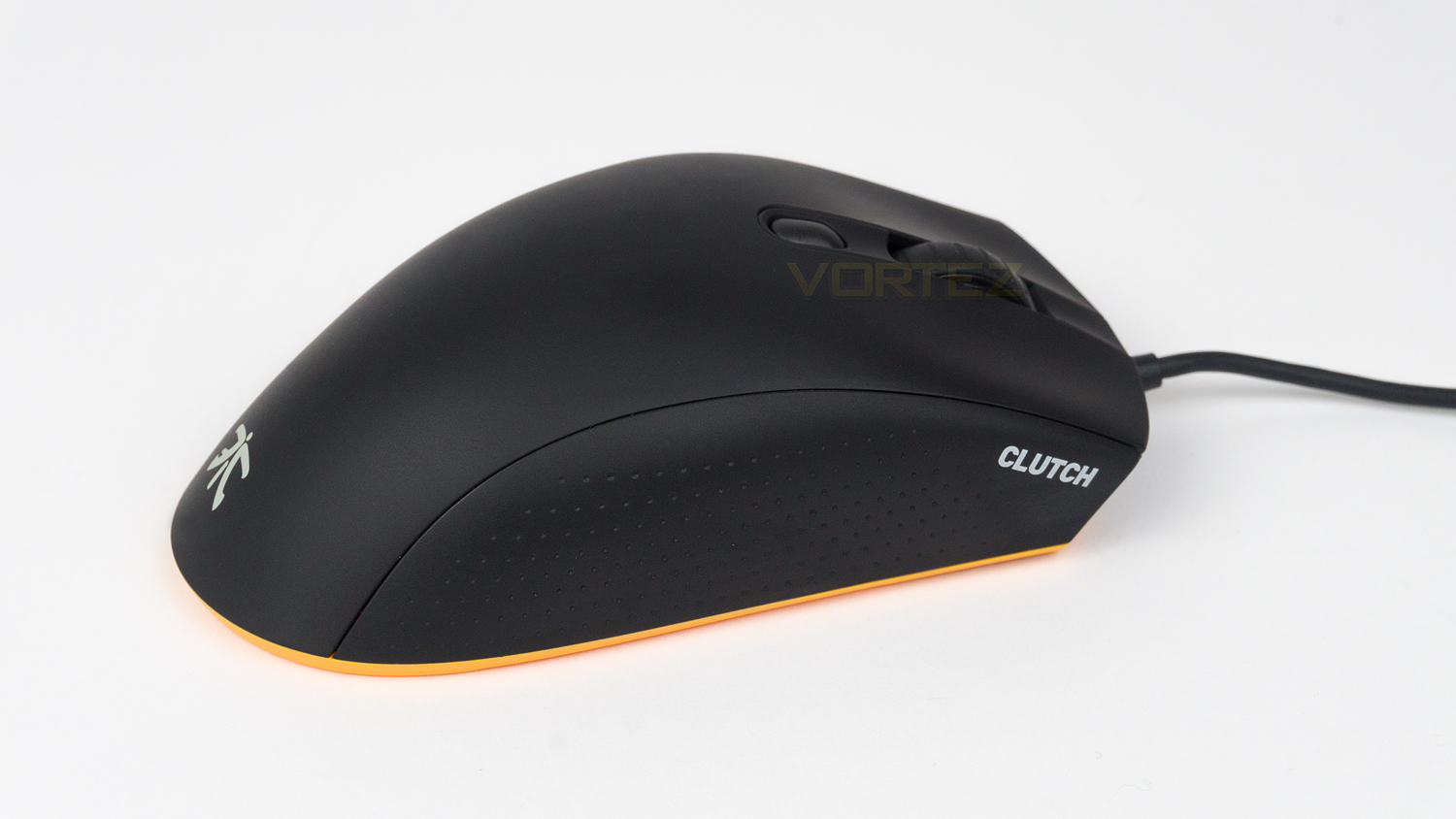
The right side of the FOCUS is nearly plain and only features the grip and model name. The profile of the mouse has a nice curvature but has a more raised and prominent hump than the FLICK 2, so if you prefer a more low-profile mouse, the FLICK 2 would be a better choice.
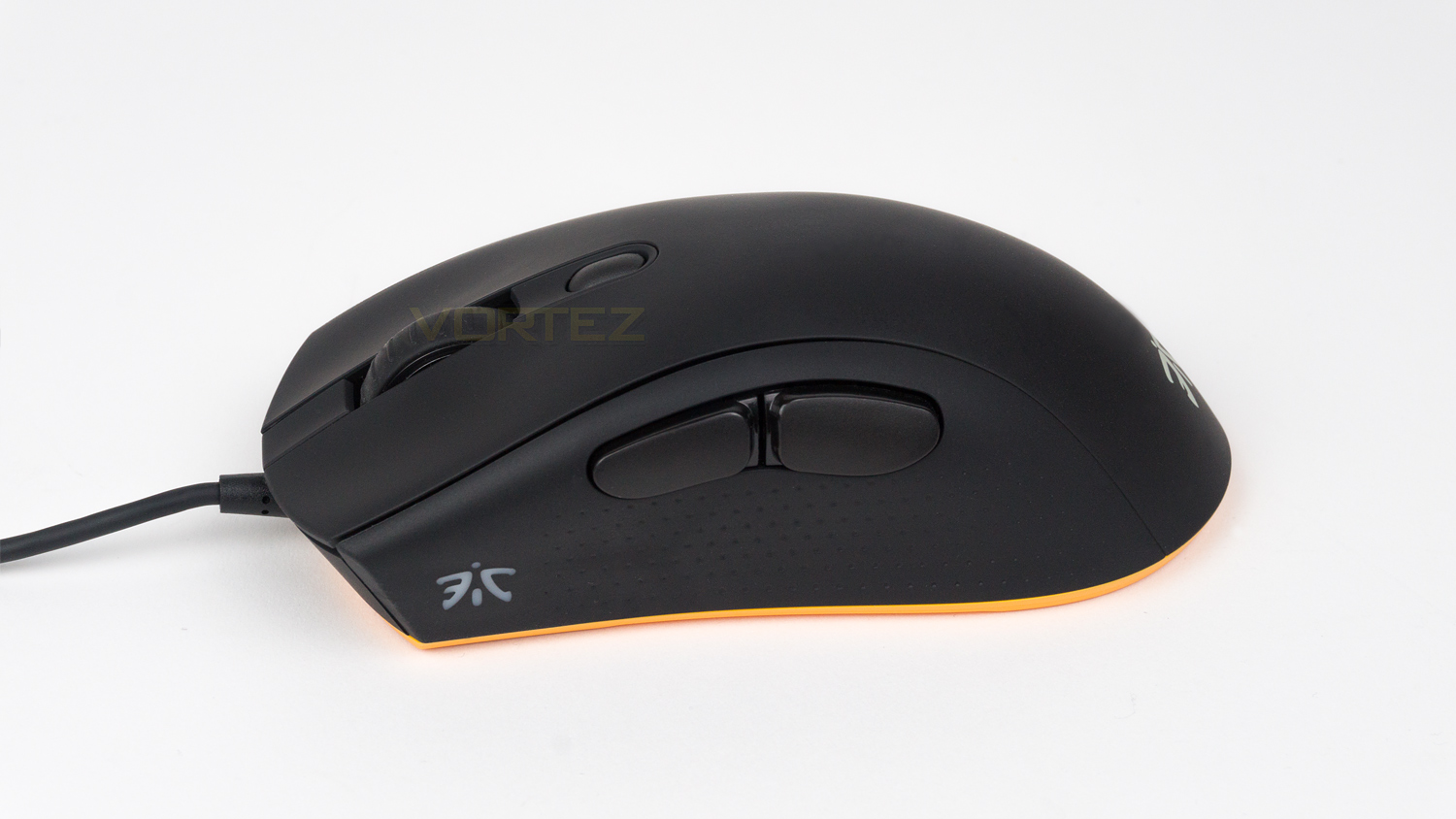
The left side features the same grip style as the right but at this side, but here there are the thumb buttons, and one of the RGB illumination zones which is in the shape of the Fnatic logo.
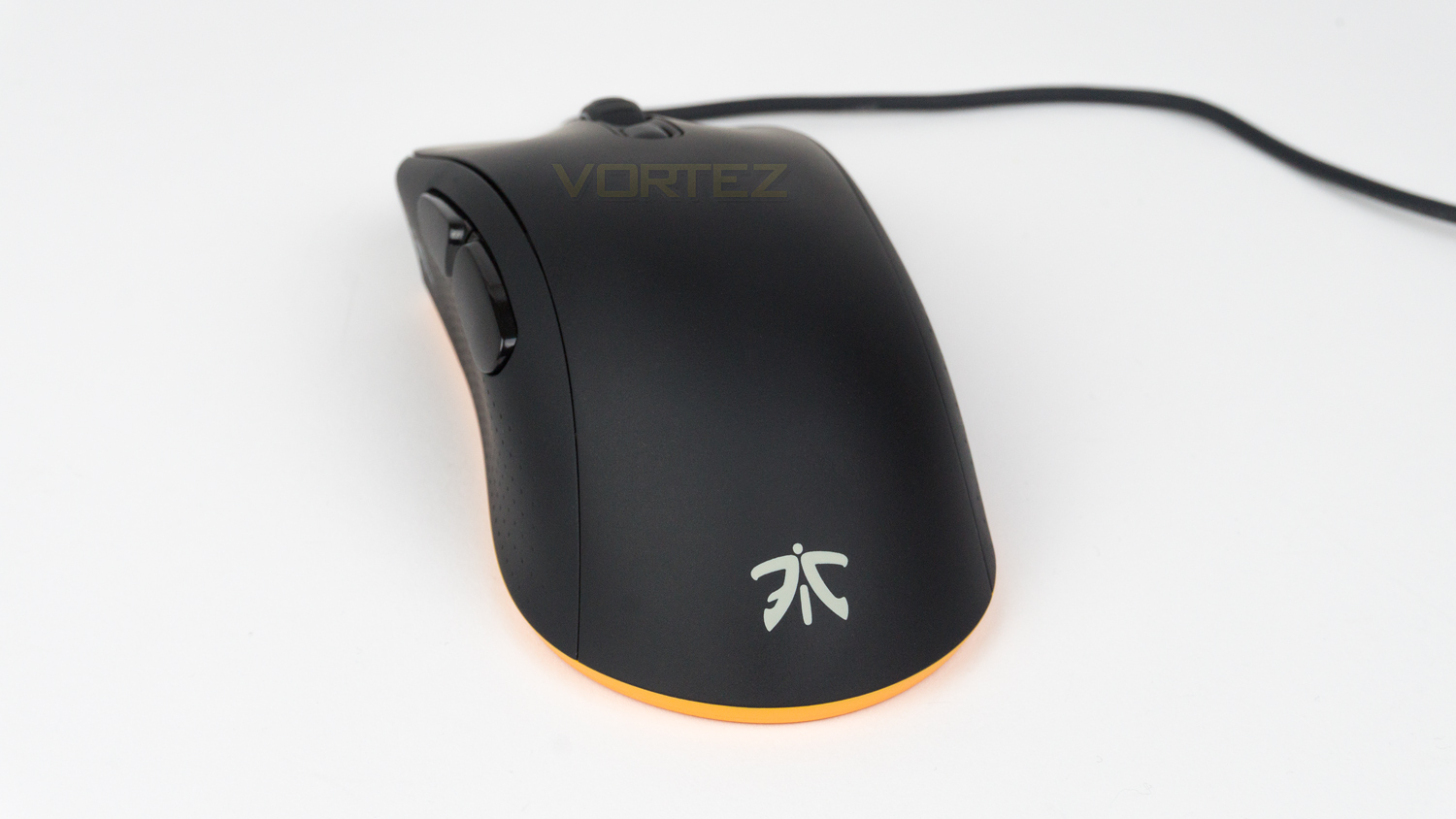
At the back of the mouse, there is the Fnatic logo and a little glimpse at the orange underside.
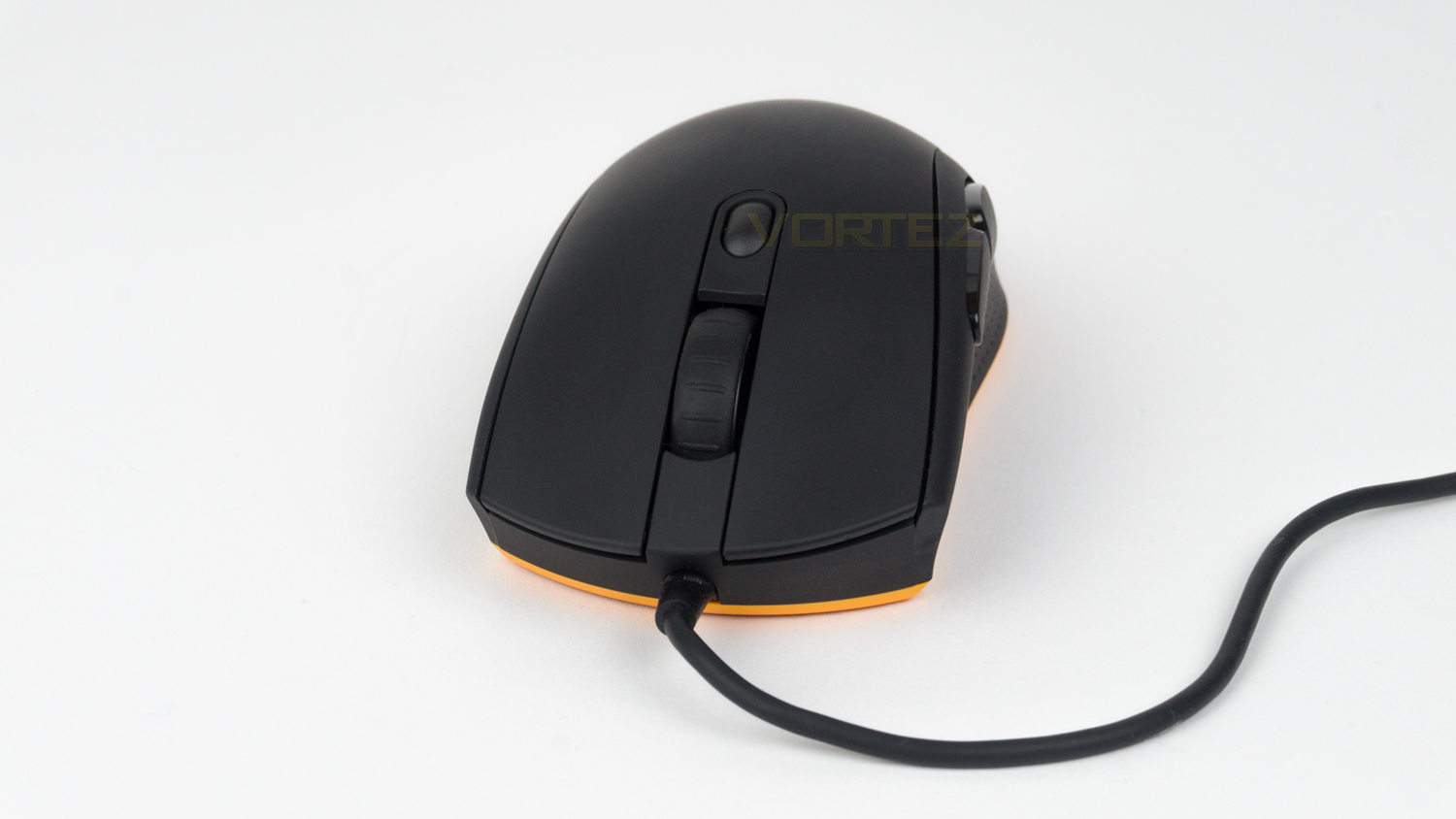
The front section shows the left and right click, these are almost flat and don’t have any major curves, there is, however, a very slight curve on the left click but this is not overly prominent. The front also houses the non-removable cable that has a rubberised coating.
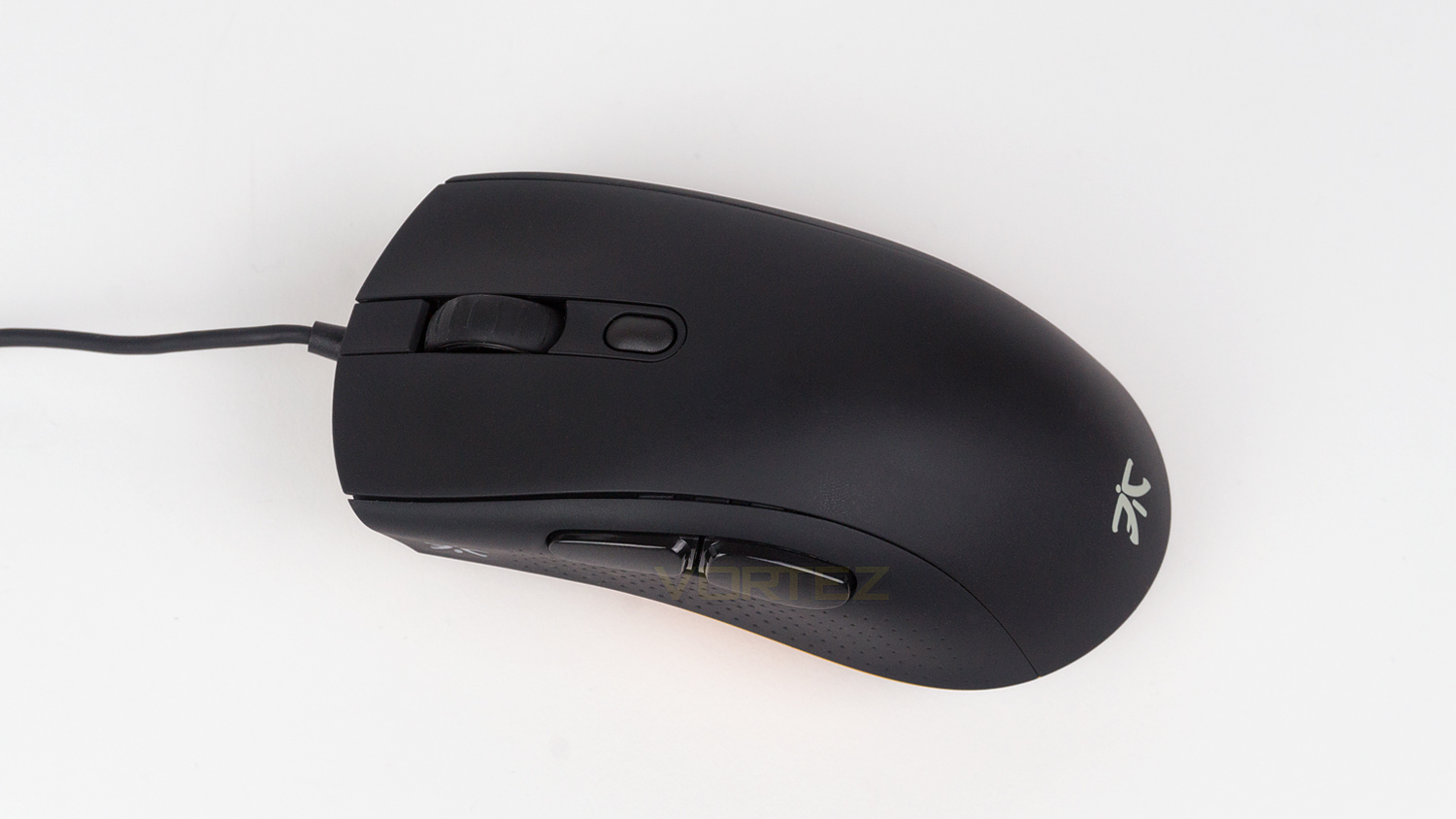
The top of the mouse features the scroll wheel as well as a solitary DPI switch. The scroll wheel is the second illumination zone which makes for a nice accent and the DPI switch is nicely set into the body and can’t be pressed accidentally when using the scroll wheel. The top surface is coated with a smooth rubberised texture that does show up grease, and lint quite easily, luckily it is very easy to clean.
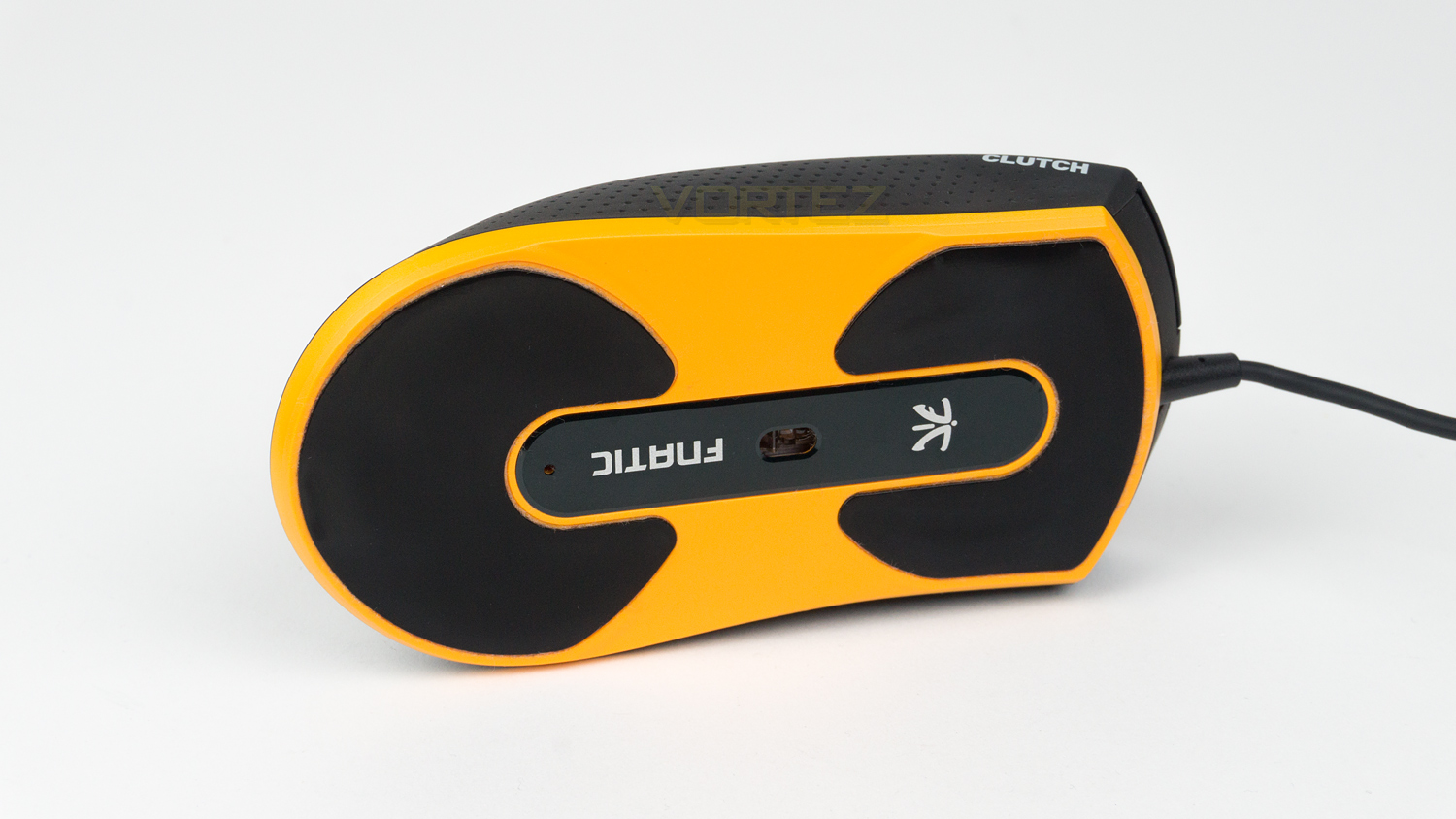
Underneath the mouse, there are two large glide pads with the sensor located in the centre. This is section also features the Fnatic logo and branding.
Closer Look (FOCUS 2)
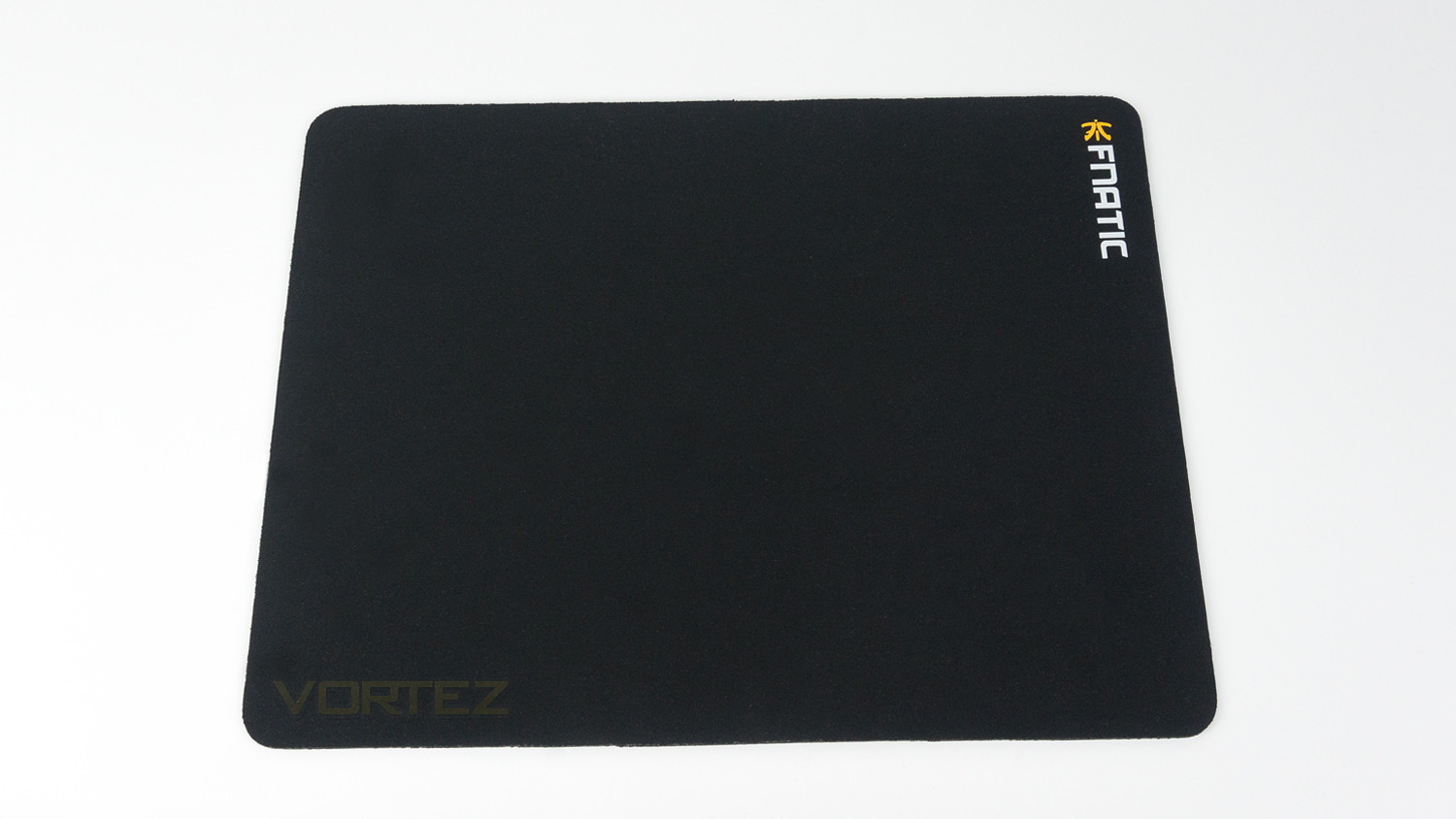
The FOCUS 2 is an all black mousepad with some branding on the top, and that is all, so if you like a clean, simple design, this would be ideal for you.
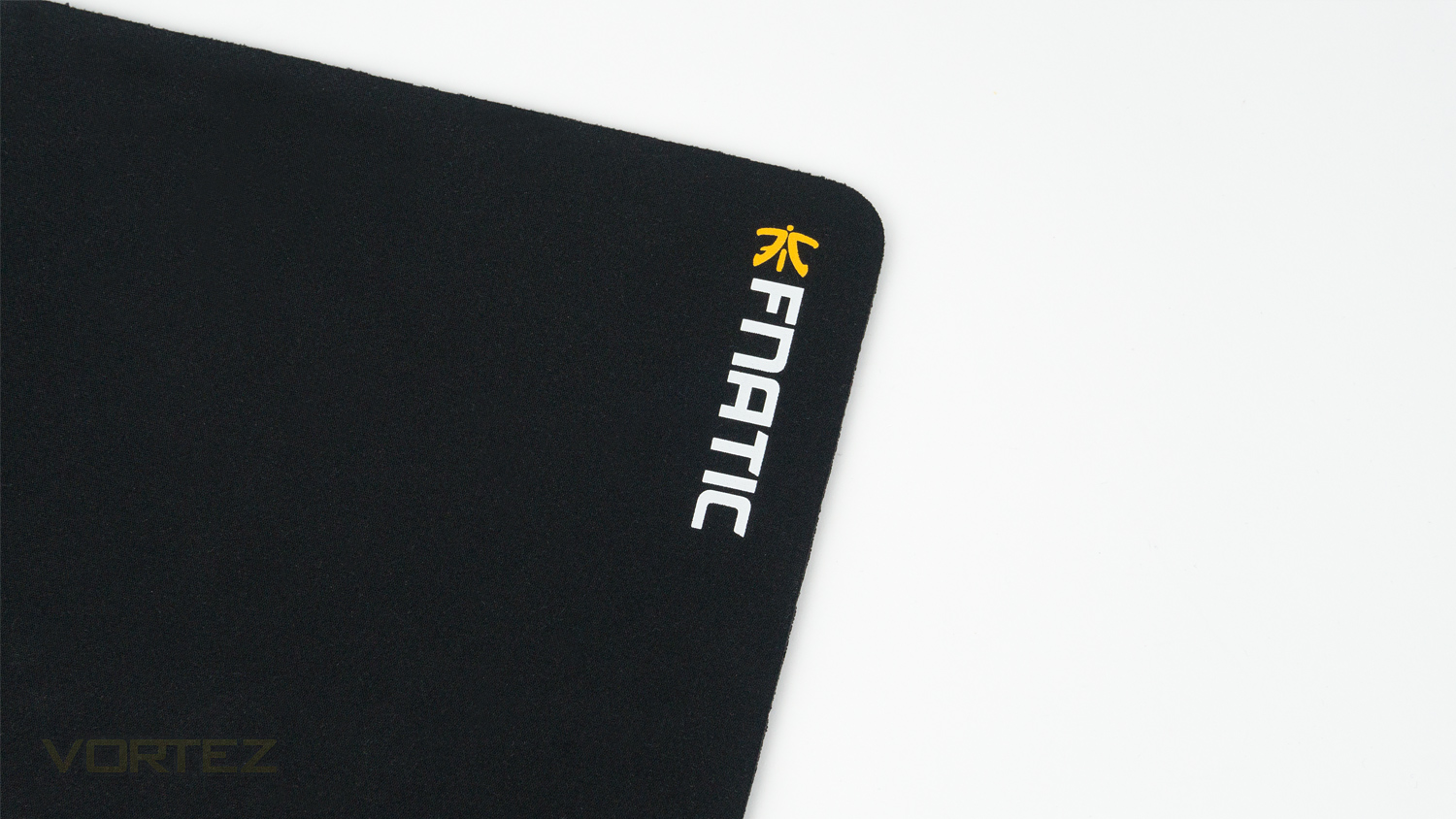
The print quality of the branding is very good and should stay looking that way for a long time.
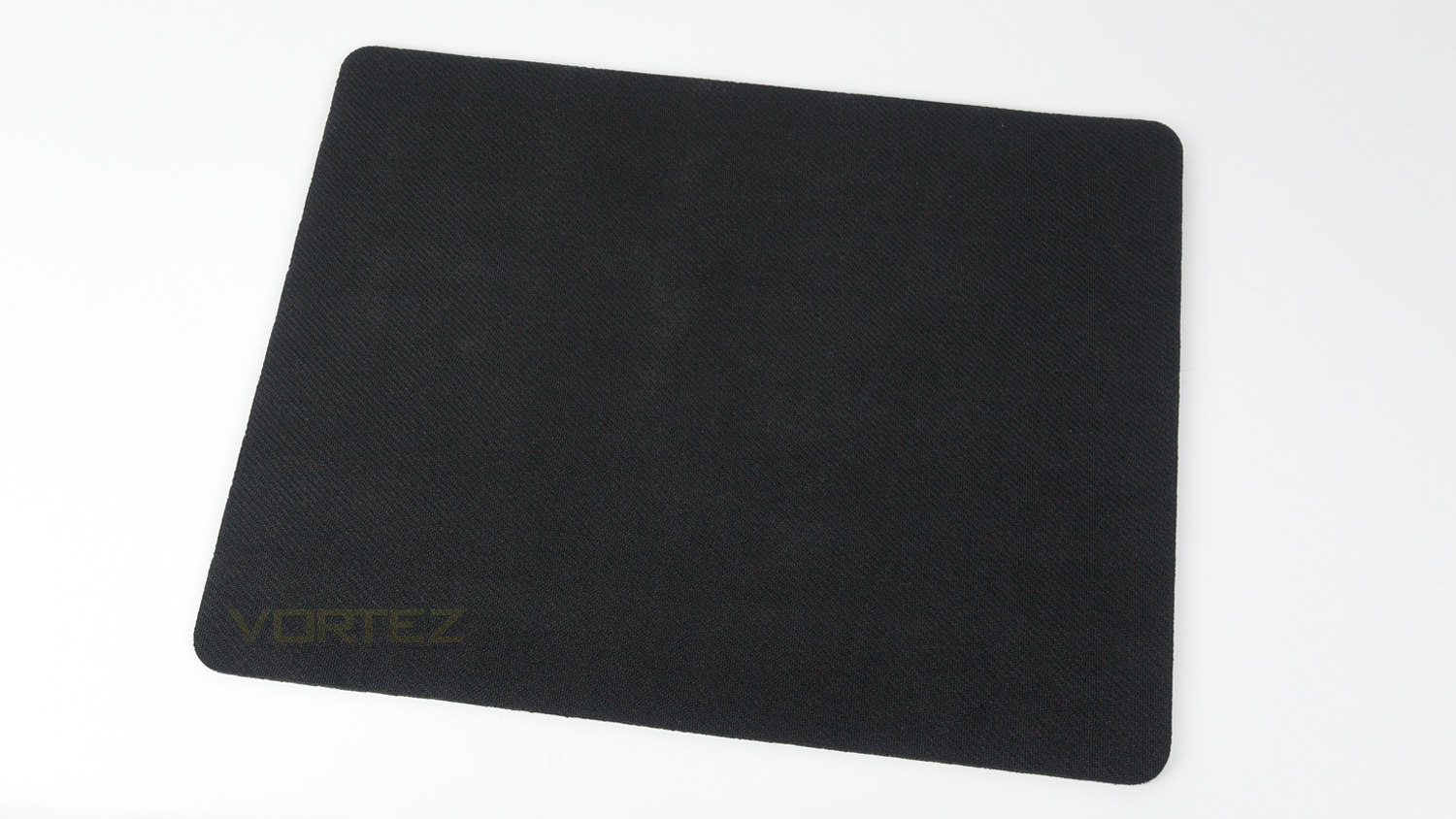
The underside is rubberised and provides a really great grip when in use.
Software
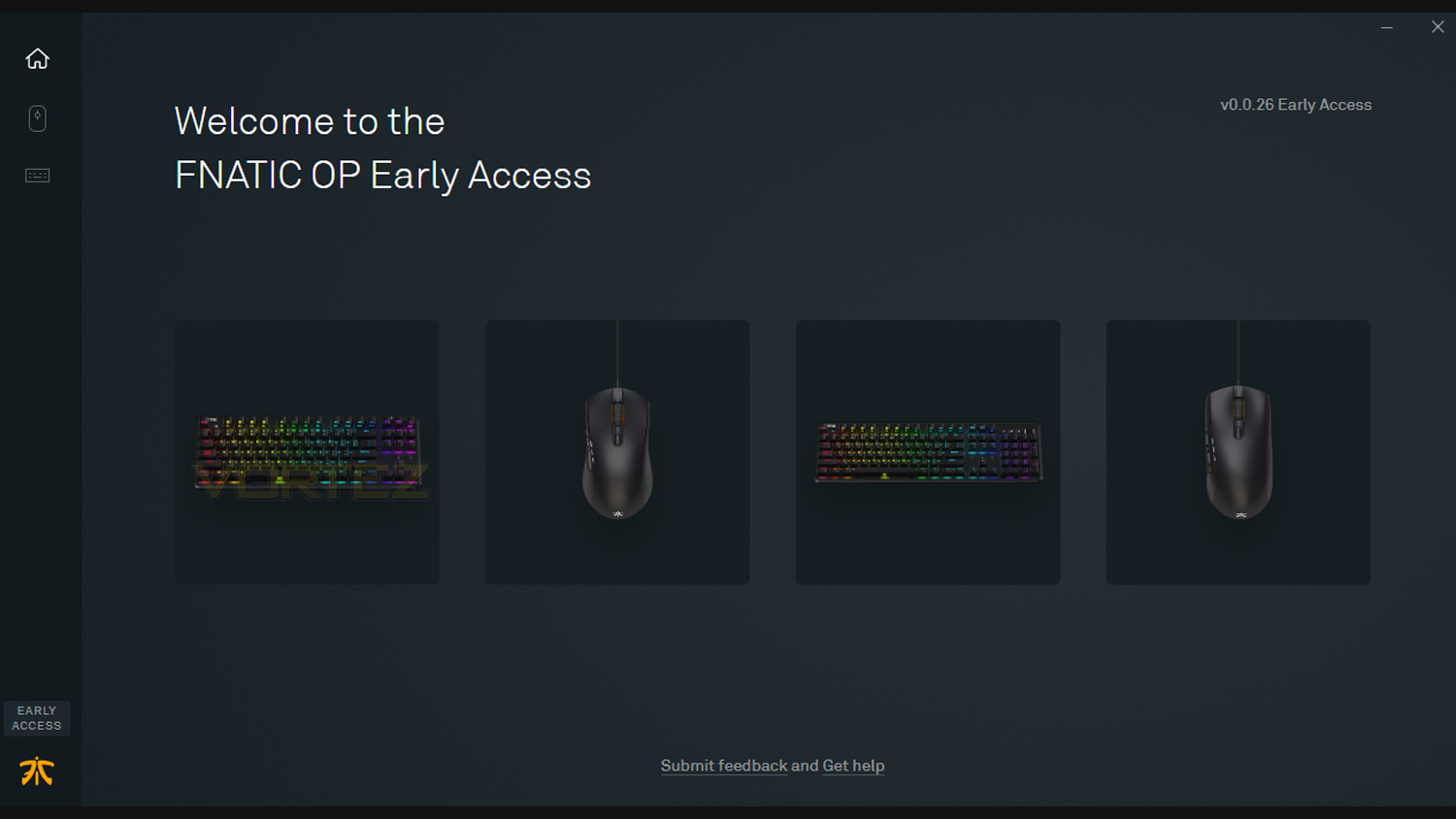
Fnatic’s OP software is designed to be used with their mice and keyboards. These include the STREAK, miniSTREAK and FLICK 2 mouse. The software is still in the early access phase and will likely be updated in the near future.
Performance Testing
Setup & Observation
Setting up the CLUTCH 2 is very straightforward, all you require is either a spare USB 2.0/3.0 port and a connection to the internet if you wish to use the OP software suite. By opting not to download, you don’t lose out on too much as some features can be adjusted using the mouse. A prime example of this is the CPI level and with that, there are three different levels that can be set at any one time. To do this via the mouse you hold down the forward and backward profile buttons for five seconds, and the LED indicators above the thumb rest buttons will flash indicating which profile you are adjusting. The next step is to then use the scroll wheel to alter the CPI in 100 increments. Once you’ve dialled in the correct CPI level, you can press the profile button and save the change. This is just one of the things that can be done via the mouse, but there are things that can’t, these include button remapping, calibration and macros. If you do plan on changing the various settings via the mouse, the quick start guide provides a great step-by-step guide on how to do so.
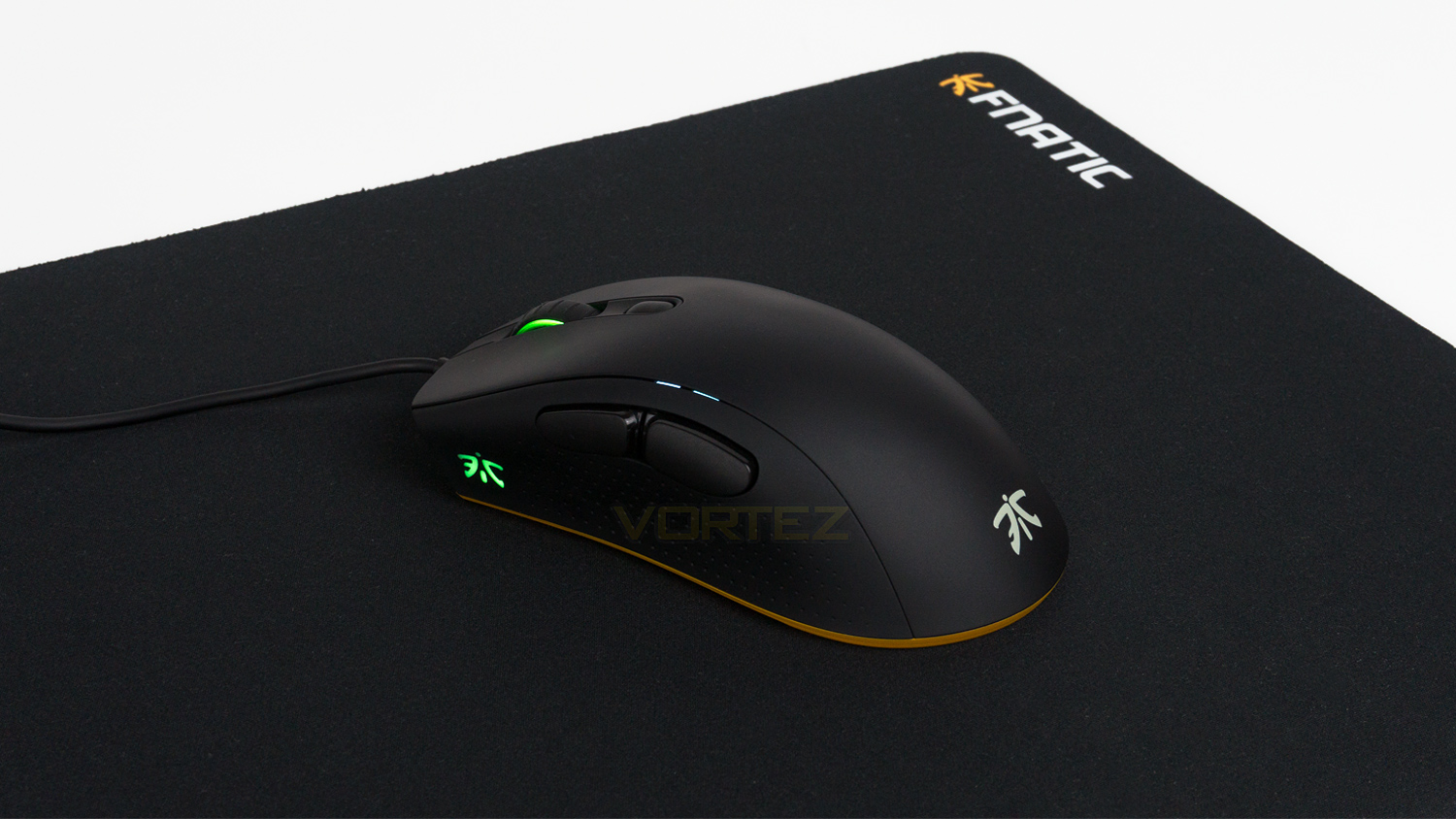
An observation we had with the CLUTCH 2 is the comfort, we found that the adjustment period was far less than that of the FLICK 2, but this is due to a right-hand prominence and the fact the mouse has been designed for right-handed users. If you prefer a more symmetrical design, then the FLICK 2 would be the one to opt for. The CLUTCH 2 is notably tall though which could lead to a brief adjustment period if you’re swapping from a mouse with a lower profile. The side grips are decent, however, they don’t provide as much grip as some other mice we’ve tested, but they are comfortable and do get the job done. The glide of the mouse is brilliant due to the two large glide feet on the underside of the mouse, and when using the mouse with a cloth mousepad the glide is super smooth and doesn’t catch or drag at all. The build of the mouse is tiptop as it just feels very well constructed. There is no scroll wheel wobble, and all the buttons, as well as the left and right click, feel superb. The body feels great too, it has a smoothly textured coating that is very comfortable, it does, however, mark easily and also shows up palm sweat prominently, but it is easy enough to clean.
Illumination
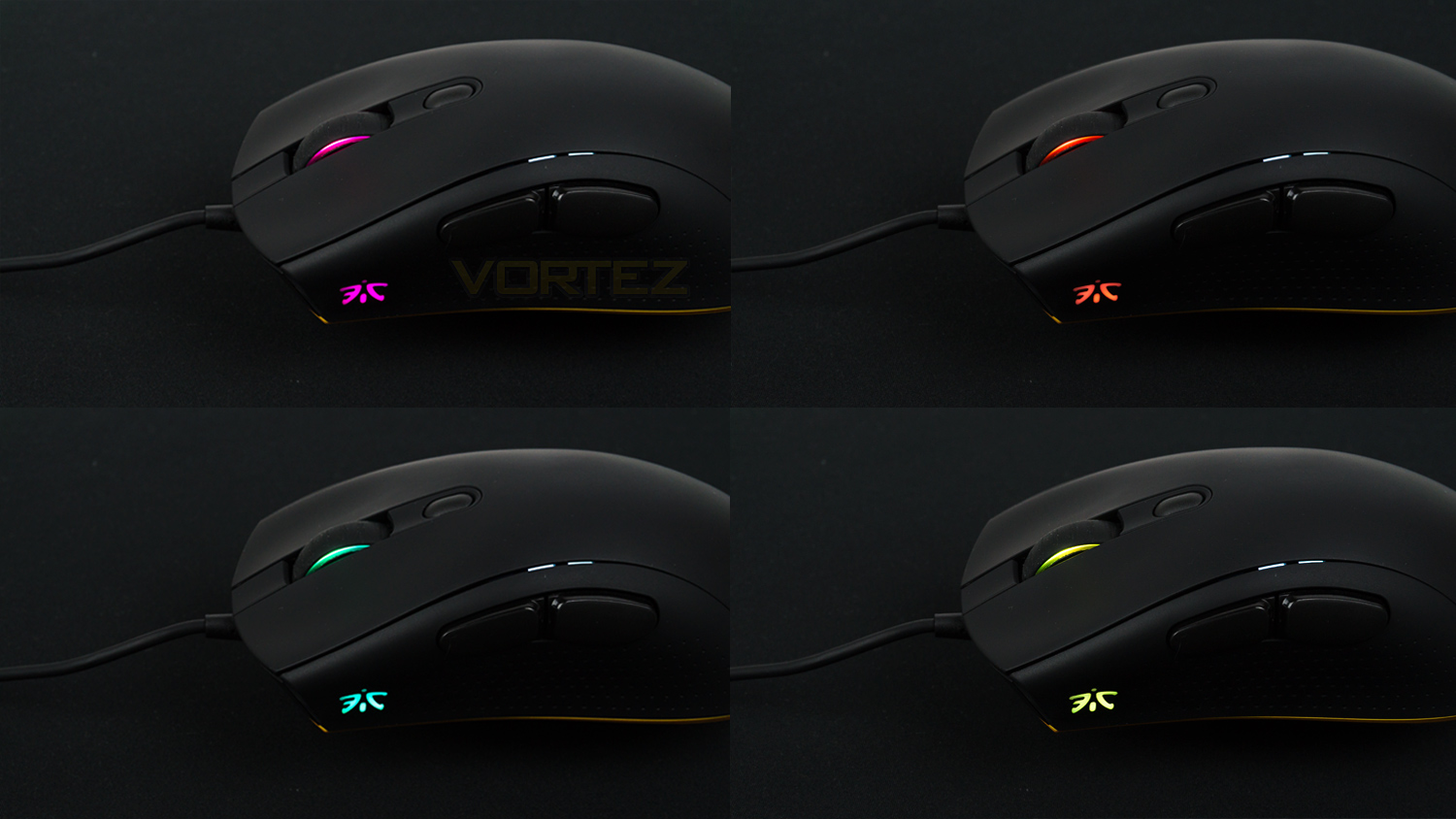
The RGB on the CLUTCH 2 is very toned down when compared to some other mice. There are only two small zones of lighting, but both are done very tastefully. The actual illumination is very good, there is a slight hot spot on the scroll wheel but other than that minor issue the lighting is vibrant, the colours are accurate and have nice levels of contrast and saturation. The lighting is also bright enough to be vibrant under the light provided by an LED desk lamp. To change effects – of which there are three main, you’ll either use the mouse or the software which is easier. The main effects include Pulse, Fade and the Colour editor. The main effects then have sub-effects that change the way the main effect act, these are nicely implemented and work very well. However, as the RGB zones are quite small, some of the effects are portrayed better than others, a good example of this is the Fade Gradient effect. This isn’t a negative of the mouse at all; it’s just that due to the small lighting area the effect can’t be fully appreciated.
CLUTCH 2 Performance
Using the CLUTCH 2 daily was a good experience, when navigating Windows or browsing the web the sensor felt responsive and even with a CPI of just 600 it was superb and didn’t require too much mouse movement to get across a 2560 x 1440 resolution monitor. For photo work it was surprisingly capable too, this is thanks to the adjustable CPI and brilliant sensor. Although the Pixart sensor is designed for gaming, the accuracy of it really helps when performing manual edits and it allowed the easy removal of any unwanted items. The adjustable CPI helped too as you could set a profile for photo editing and have three different levels to perform different tasks. The scroll wheel is also another strong suit as it feels great and doesn’t have any wobble, the action has some nice resistance and doesn’t scroll too freely, but yet it can cope with fast inputs. The individual steps are well defined which is great as you don’t often overshoot anything when using it to navigate vertically up and down a page or document.
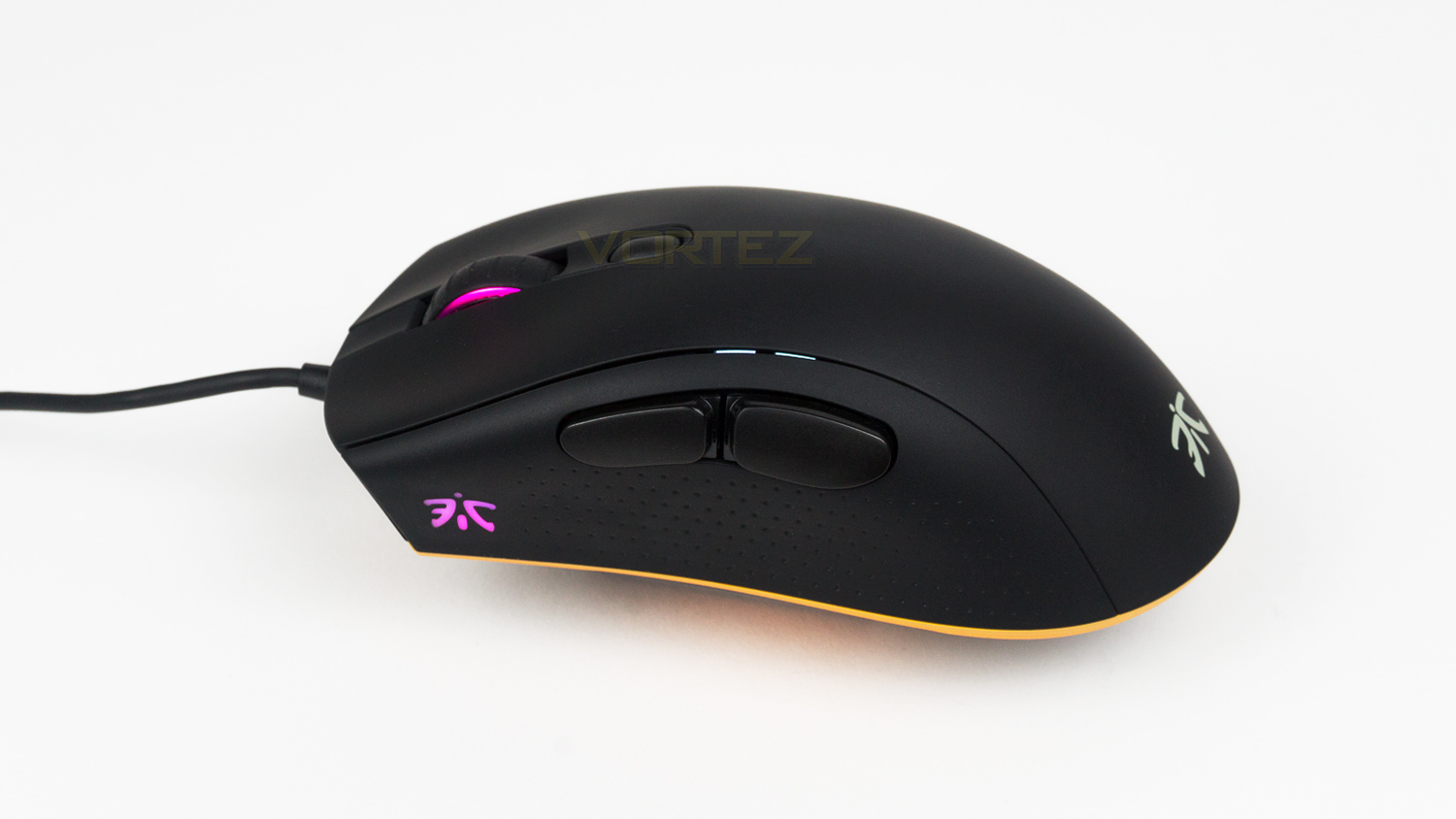
When getting some gaming done the CLUTCH 2 really shines thanks to all its core attributes. It starts with the left and right click that is speedy and precise due to the Omron D2FC-F-7N switches. This makes them great for controlling burst fire or carrying out melee attacks. The scroll wheel click is nicely tactile but does feel slightly more resistive than the one found on the FLICK 2. There is no side-to-side movement which is a huge bonus if you have it custom mapped to carry out an action in game. The thumb grip buttons are a good size with positioning that is ideal if you use a palm style grip but also are still very comfortable for claw grip users, they are also well sprung, tactile and responsive. The sensor utilised in the CLUTCH 2 is the Pixart 3360, this is optical and often regarded as one of the best sensors at this price point. It has a max CPI of 12,000 and works at speeds up to 250ips. The CLUTCH 2 also sports an acceleration of 50G and a polling rate of 1000Hz; the polling rate can be adjusted using the OP software if needed. For gaming this combination is great as the tracking is highly impressive as is the accuracy and responsiveness, this makes the CLUTCH 2 ideal for fast-paced shooters like CSGO or if play titles like Fortnite or Overwatch. There are no signs of lag, jitter or stuttering in sensor and the action of movement for tracking is very smooth and consistent. The CLUTCH 2 also supports an adjustable lift off distance, by default, this is set to 2mm but can be adjusted to 3mm if you prefer it higher. When performing lift offs we did note that there is a slight deviation in cursor movement when the mouse is placed back down, but after that, there is no additional movement. The weighting of the mouse is nicely judged which makes it feel very agile when gliding it around. Some may prefer a lighter mouse, and some prefer heavier, but at 97g this is a nice compromise in the middle.
FOCUS 2 Performance
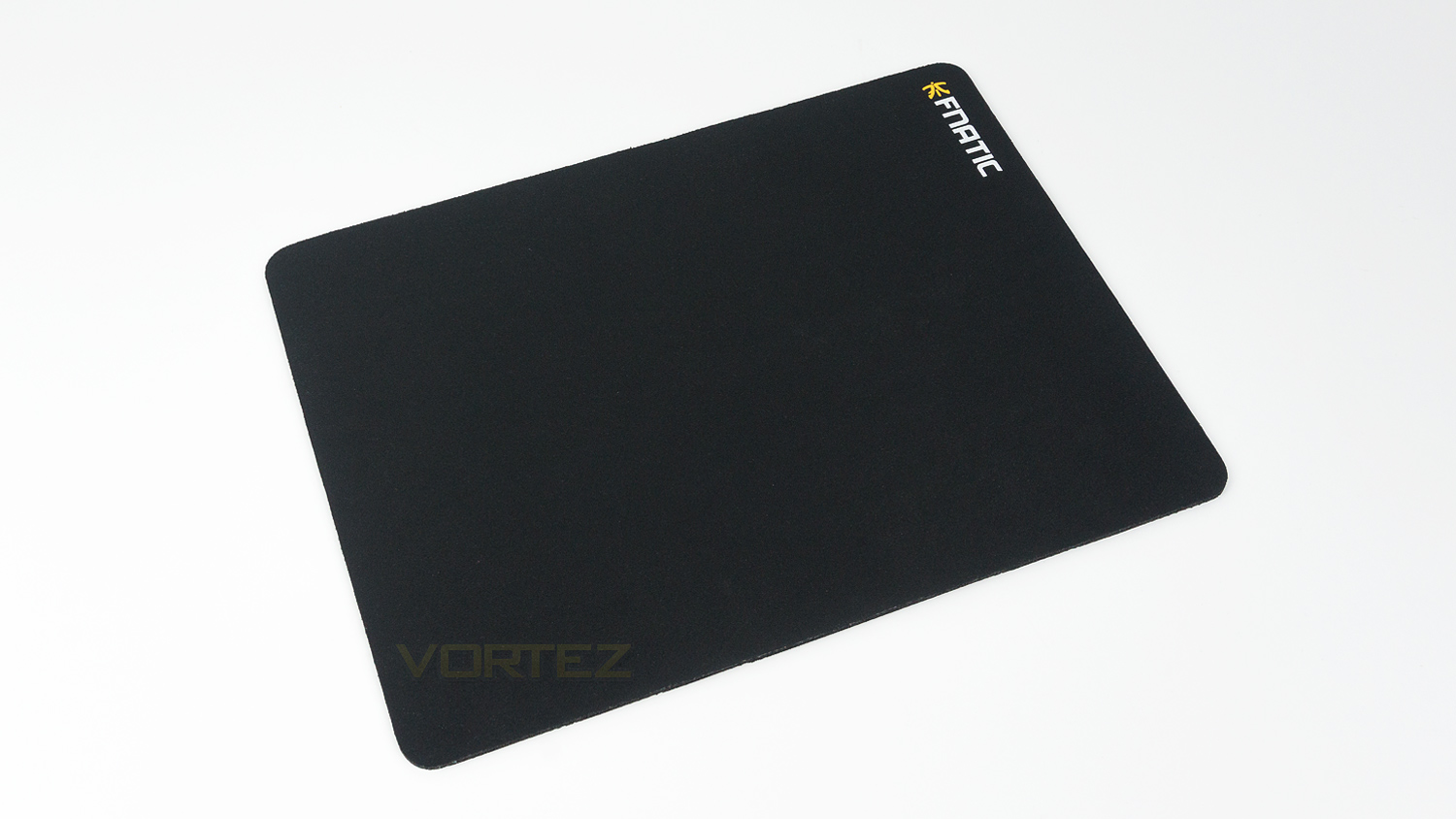
The FOCUS 2 mousepad is one of the better cloth ones we’ve tried at this price point, it feels smoother than most and the surface – thanks to the FOCUS TEXTURE, is brilliant. For tracking, we noticed some improvement as well as the way it’s made just seems to work better. We tried it against a SteelSeries QcK, and a Perixx and it feels superior for both gliding and tracking. The surface on the FOCUS 2 is less coarse and feels far smoother which results in an effortless glide. To try it further we used some different mice which include the Logitech G300s, Mionix Castor, the Fnatic FLICK 2 and an Xtrfy XG-M3 and the result was the same across the board. The underside grip is brilliant, and the pad stayed cemented to the desk surface.
Conclusion
What Fnatic have done with the CLUTCH 2 is take all the best components available at this price range and merge them into a package that is brilliant for both gaming and for getting work done. The gaming performance on offer is superb as the tracking is precise, the accuracy is excellent, and the glide is super smooth. The weighting is well judged, and it is very comfortable for right-handed users, but if you prefer a more symmetrical shape then opt for the FLICK 2. The design of the mouse is clean and features the right amount of branding as well as a tasteful orange accent around the bottom; the build quality is solid as it is well constructed from good quality materials that fall right in line with what you’d expect from a mouse at this price point. The software is well designed and easy to use, and the RGB illumination is tastefully implemented and not over the top.
One slight issue we had with the CLUTCH 2 was the same complaint we had about the FLICK 2, and that is the coating on the body, it feels great, but it does show palm sweat and marks quite easily. However, with a soft microfibre cloth it does clean, but keeping it that way is a bit of a chore. We do also have to bring up the software again; we understand that software does take time to develop and improve, but there has been nothing added since the FLICK 2 review. There is nothing wrong with the software, but it is a little behind the competition in terms of features.
The FOCUS 2 is a no-frills mousepad that offers a smooth, precise surface that is great for gaming and for productivity. The underside grip is brilliant, and the pad stays planted even during the most intense of battles or firefights. Another plus is that the FOCUS lineup is available in a variety of different sizes, there is either the M – which we have or the L, SQR or Desk. The M comes in at €14.99 whereas the L is €19.99, the SQR is €24.99 and the desk is €29.99. Another big plus is that if you want something a bit more flashy or fancy you can look at the Asphalt series, they use same surface and underside grip as the FOCUS but offer more unique and bold designs. These do come at a slight premium over the FOCUS 2 series, but if you’re a huge fan of Fnatic, then it would be a great way to show that.
Fnatic Gear has done it again with the CLUTCH 2 and have crafted a mouse that lives up to the pro-grade status.
The FOCUS 2 is a well priced superb performing mousepad that gets the job done.
CLUTCH 2
Pros
+ Simple but tasteful design
+ Great feature set
+ Superb everyday and gaming performance
+ Strong build quality
+ Subdued RGB illumination
+ Easy to use software
Neutral
+- Surface shows up marks and grease easily
+- Software still needs updating
Cons
– None to note
+ Simple but tasteful design
+ Great feature set
+ Superb everyday and gaming performance
+ Strong build quality
+ Subdued RGB illumination
+ Easy to use software
Neutral
+- Surface shows up marks and grease easily
+- Software still needs updating
Cons
– None to note
FOCUS 2
Pros
+ Smooth surface that is great for tracking
+ Strong underside grip
+ Clean design
Cons
– None to note
+ Smooth surface that is great for tracking
+ Strong underside grip
+ Clean design
Cons
– None to note
Click here for an explanation of our awards at Vortez.net.
Stay connected with the Vortez Social Media pages:
Join in with the discussions on Discord