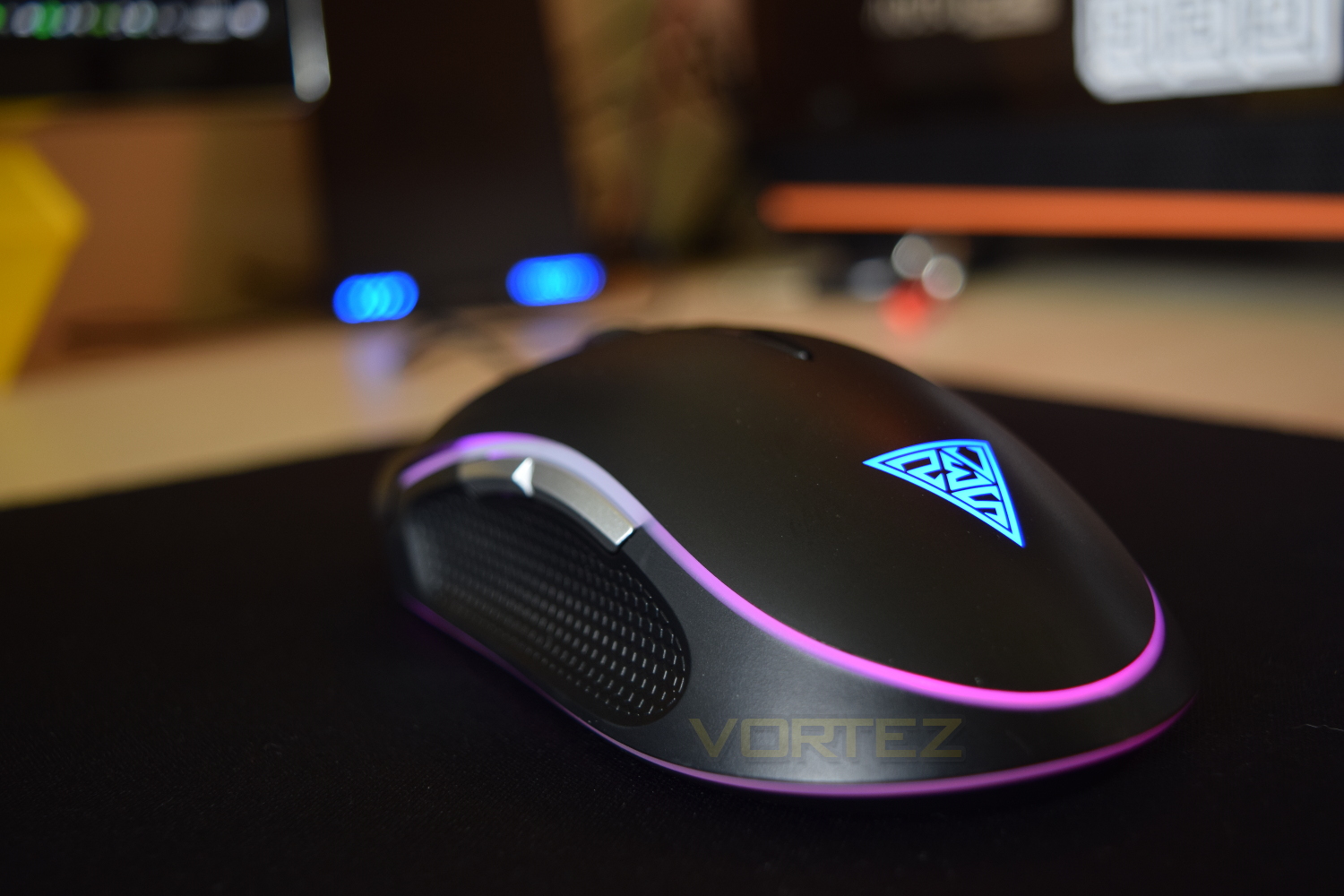
The GAMDIAS Zeus P1 RGB features a pair of lighting zones, a 12,000 DPI sensor and a design that’s likely to fit most hands comfortably.

Product on Review: GAMDIAS Zeus P1 RGB
Manufacturer: GAMDIAS
Street Price: £59.99 / $59.99
GAMDIAS base all of their products around Greek Mythology, naming each device after a Greek God, so their latest mouse, the Zeus P1 RGB, should promise to be their flagship model; with Zeus being the King of the Gods of Mount Olympus.
The GAMDIAS Zeus P1 RGB offers a 12,000 DPI optical sensor, 1000Hz polling rate, twin-zone RGB lighting and an ergonomic design.
The Zeus P1 RGB certainly talks the talk, let’s move on to the review and see if it can walk the walk.
GAMDIAS on the Zeus P1 RGB:
16.8 million double level RGB customizable streaming lighting design makes ZEUS P1 the most unique gaming mice! With eSports and LAN competitions becoming the norm, you’ll need a way to stand out. Two RGB light streams outline the Zeus P1 and give off a spectacular display in low lit rooms.
Technical Specifications
Tracking Method
Advanced Gaming Optical Sensor
Dimension(LxWxH)
127.26 x 72.45 x 40.85 mm
Weight
125g
Keys
8 Keys
Resolution
1600/2400/5600/8200/10800/12000 DPI
Polling Rate
1000Hz
Switch Lifecycle
20 Million
USB Cable Length
1.8m
Graphical UI
Yes (GAMDIAS HERA)
Advanced Gaming Optical Sensor
Dimension(LxWxH)
127.26 x 72.45 x 40.85 mm
Weight
125g
Keys
8 Keys
Resolution
1600/2400/5600/8200/10800/12000 DPI
Polling Rate
1000Hz
Switch Lifecycle
20 Million
USB Cable Length
1.8m
Graphical UI
Yes (GAMDIAS HERA)
Packaging & First Look
The Zeus P1 arrives in typical GAMDIAS packaging, with the black background, orange accents and white band surrounding the top of the box. The mouse is shown off from several angles on the front, with the main features easily readable.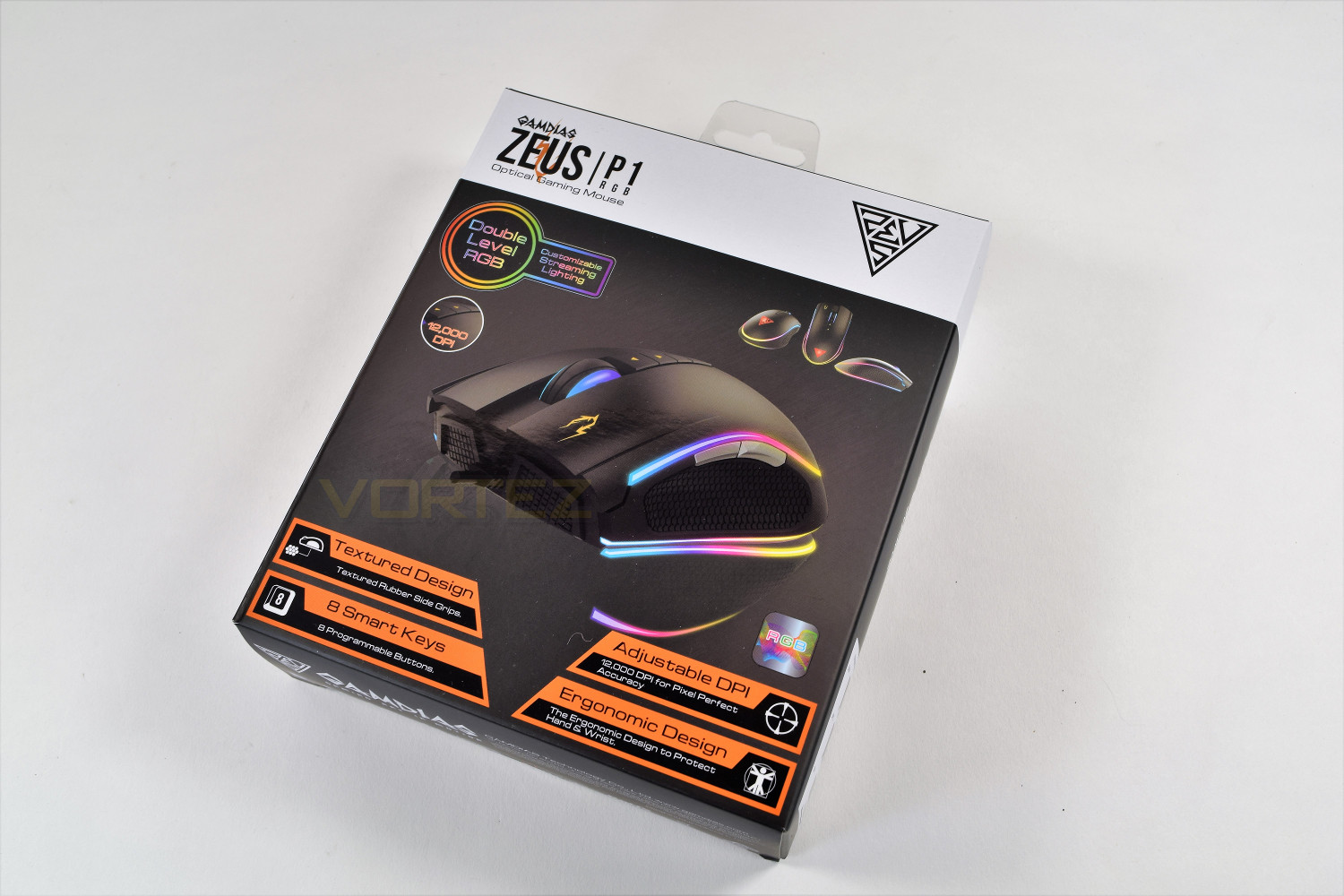
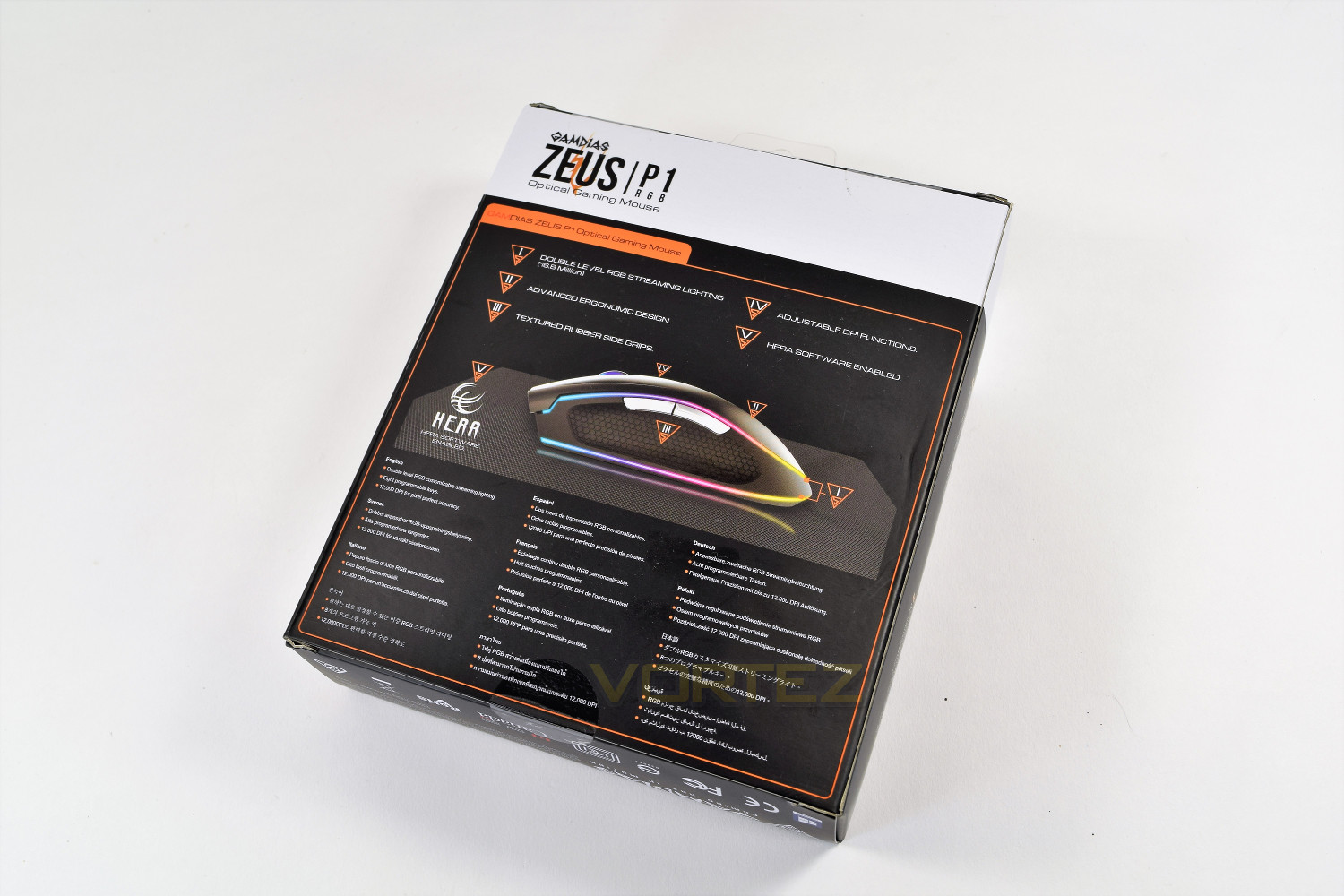
The rear of the box places a legend at the top which is used to show the customer the important features that GAMDIAS have added to their Zeus P1.
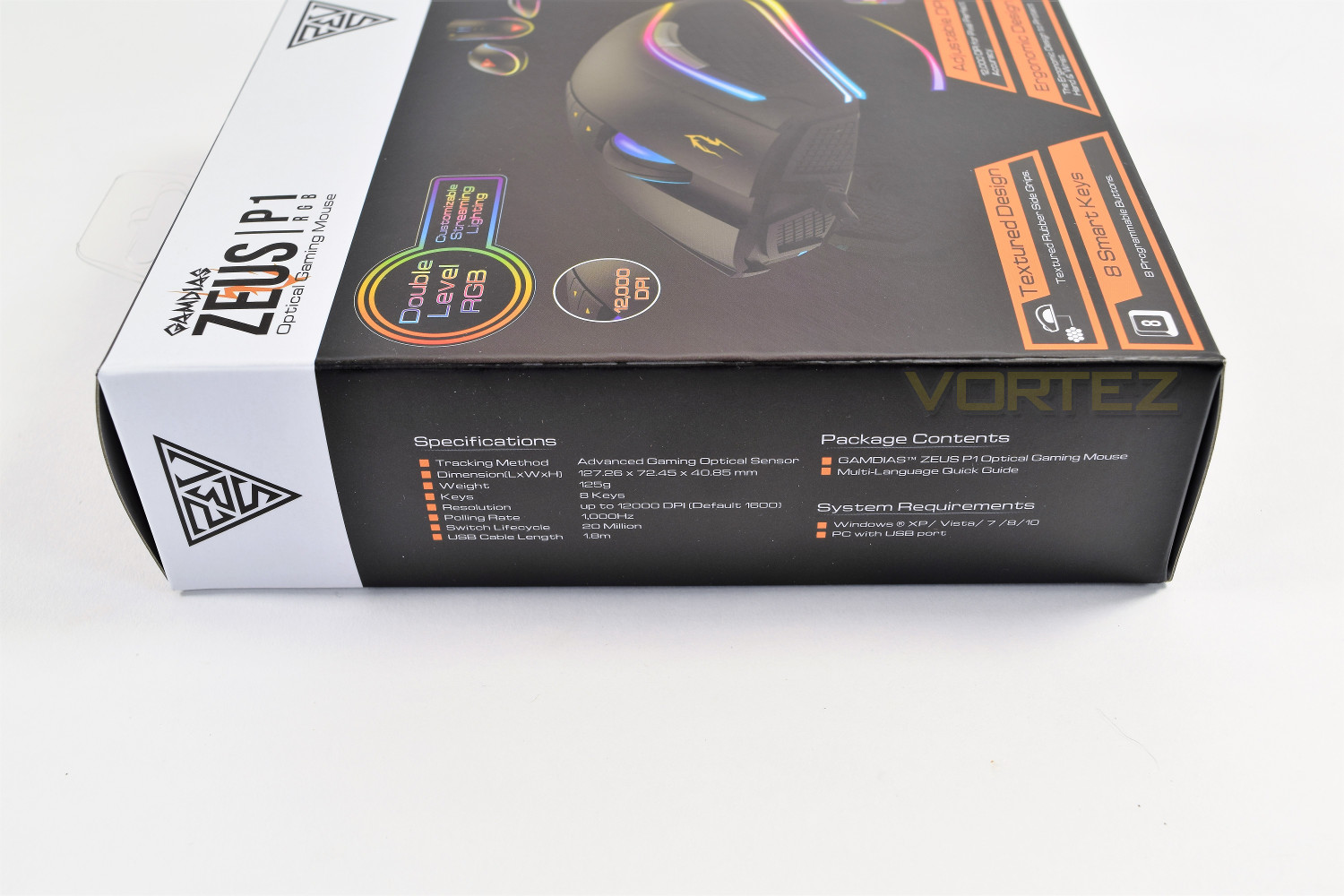
The side of the packaging gives the technical specifications and system requirements.
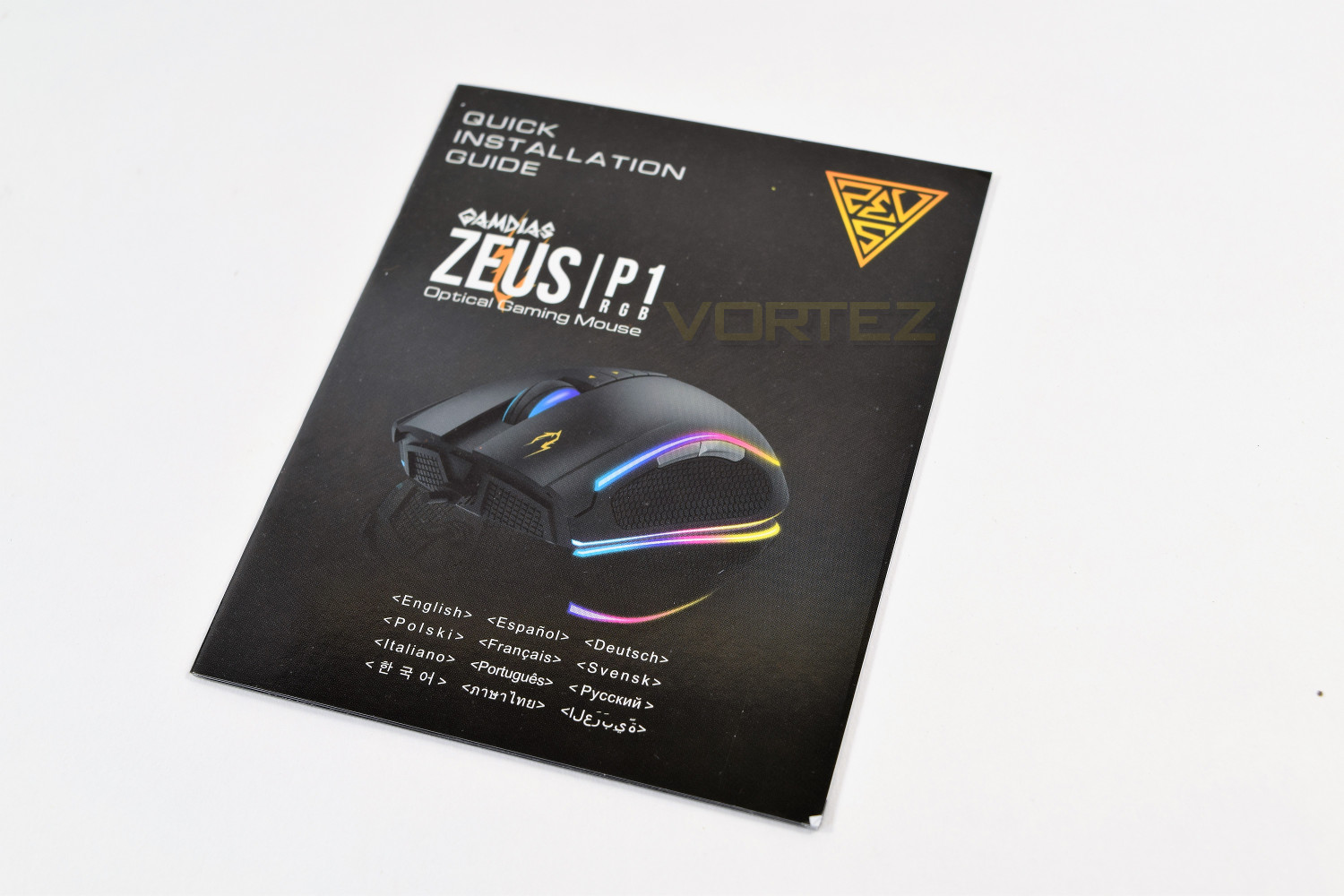
Included extras are non-existent, with only a quick install guide to keep the Zeus P1 company on the shelf.
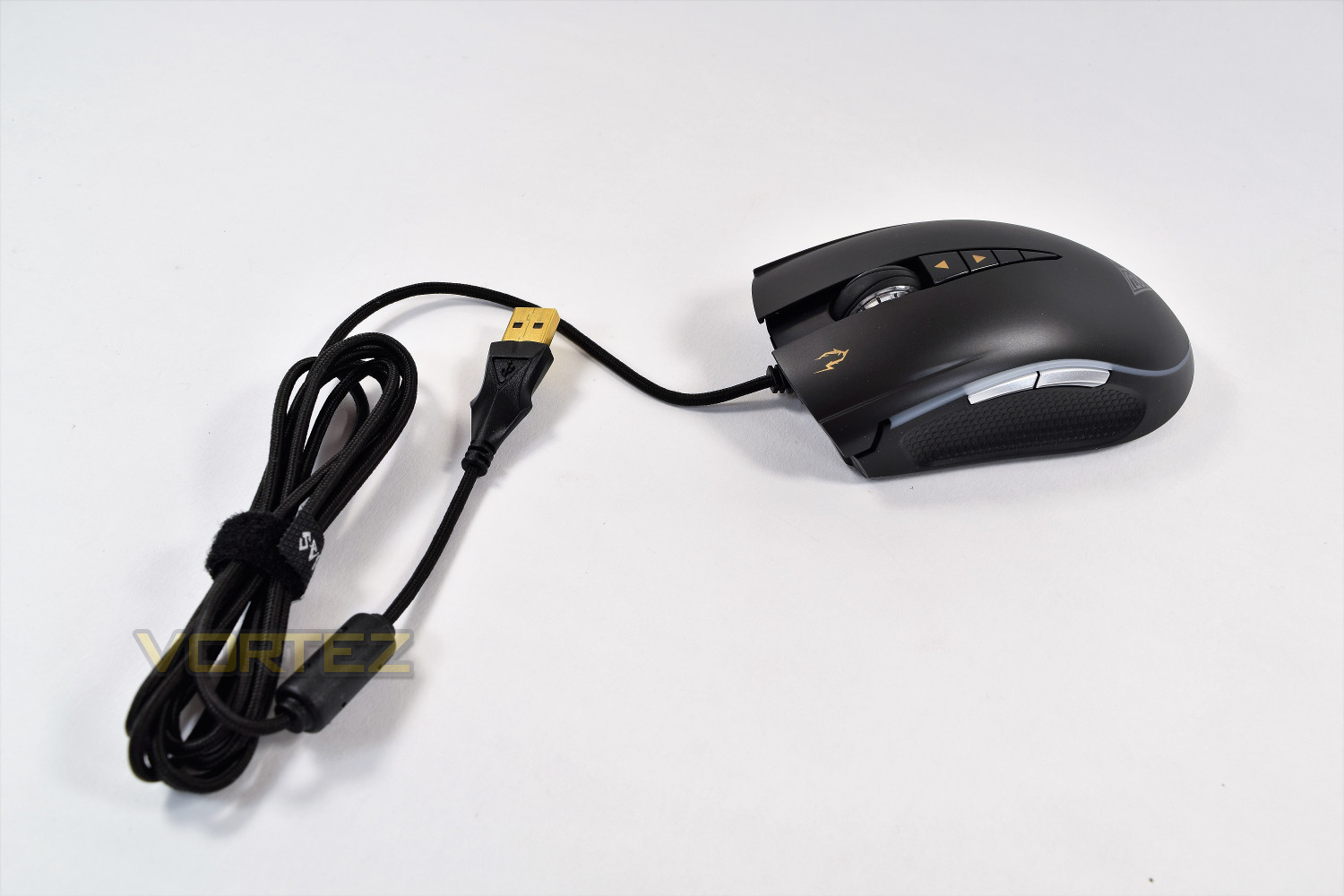
First impressions of the GAMDIAS Zeus P1 RGB are good, the mouse is on the heavier side, with a moulded section for the thumb; GAMDIAS’ inclusion of the moulded USB port along with the Velcro cable tidy are both very welcome.
Closer Look
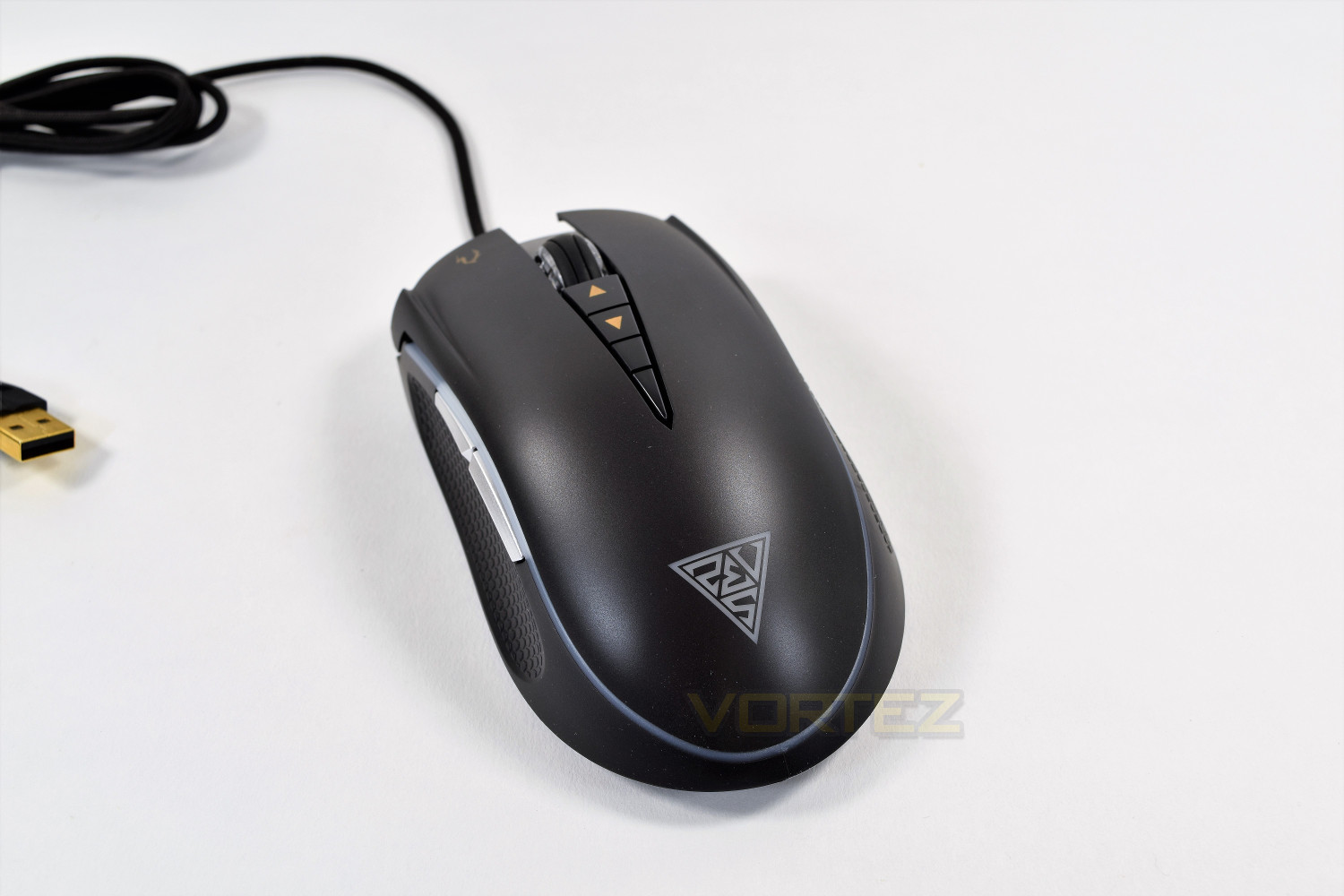
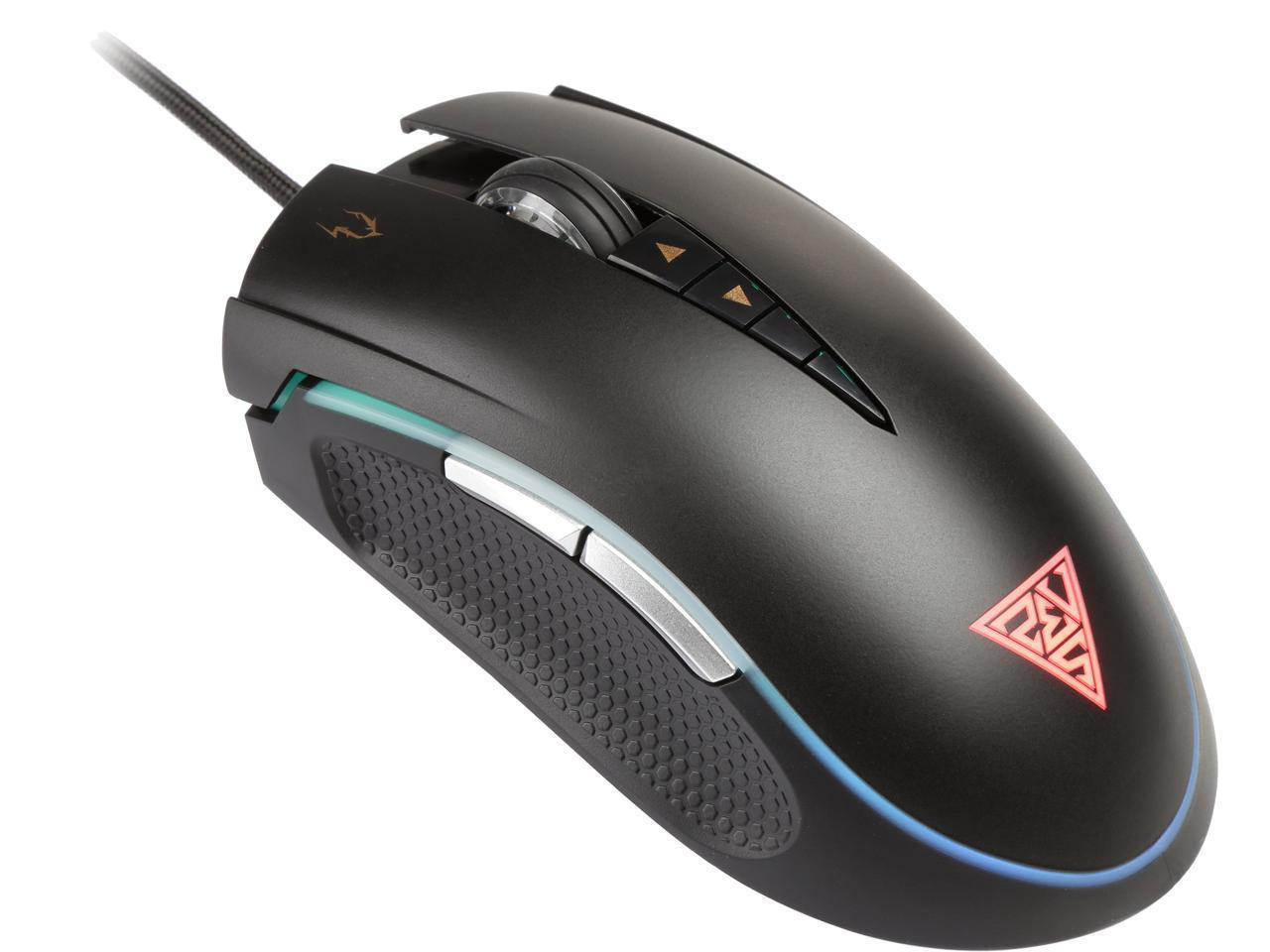
The GAMDIAS Zeus P1 RGB features a fairly classic design, aimed towards a right-hand user. The GAMDIAS logo resides on the rear of the mouse, which is lit by an RGB LED, along with two lighting strips which surround most of the outside of the mouse.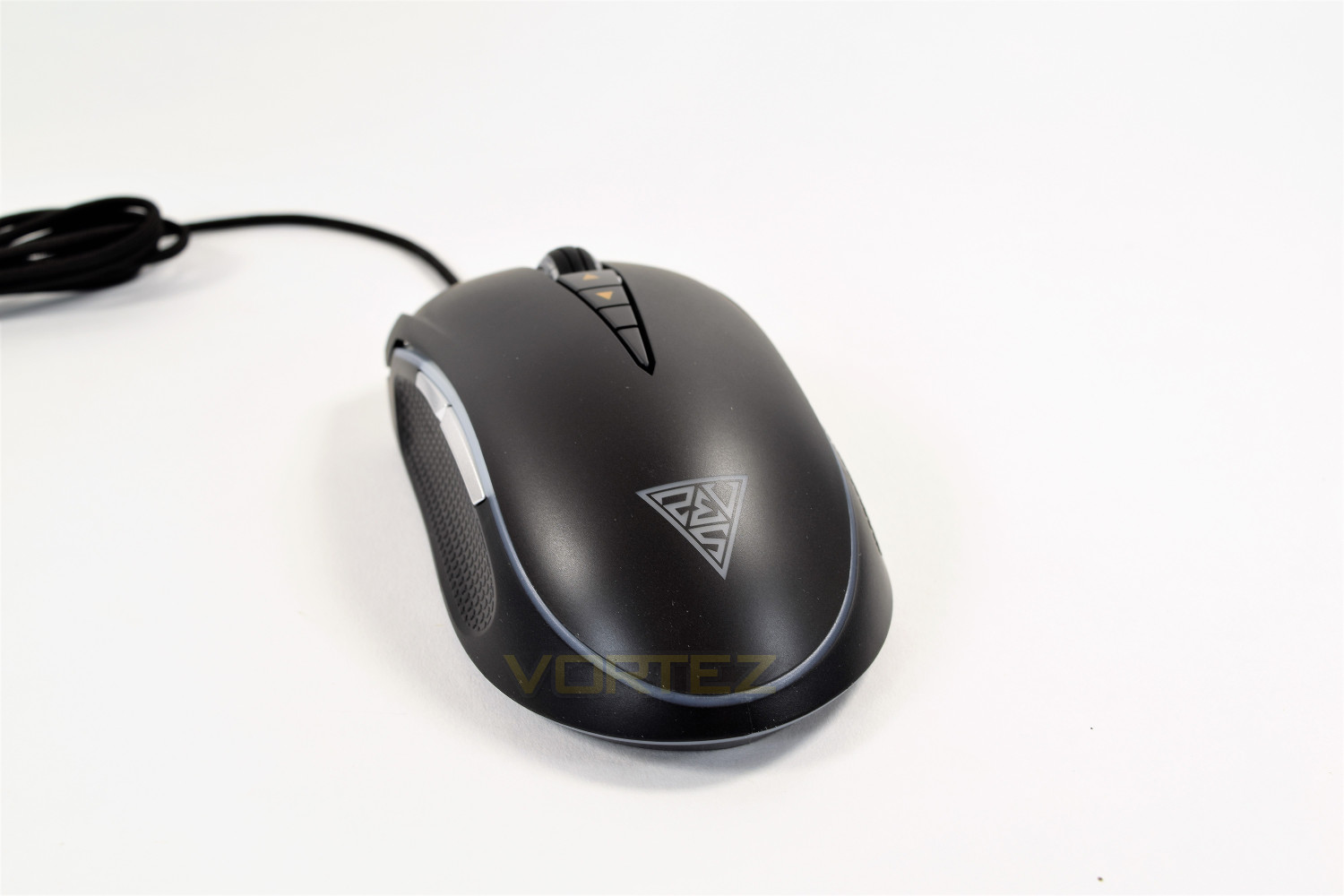
The front of the mouse loosely copies the styling on the sides, with the chequered design. There’s also the Zeus logo on the left click. The scroll wheel is smooth with an almost tennis-ball-like flow to the grooves.
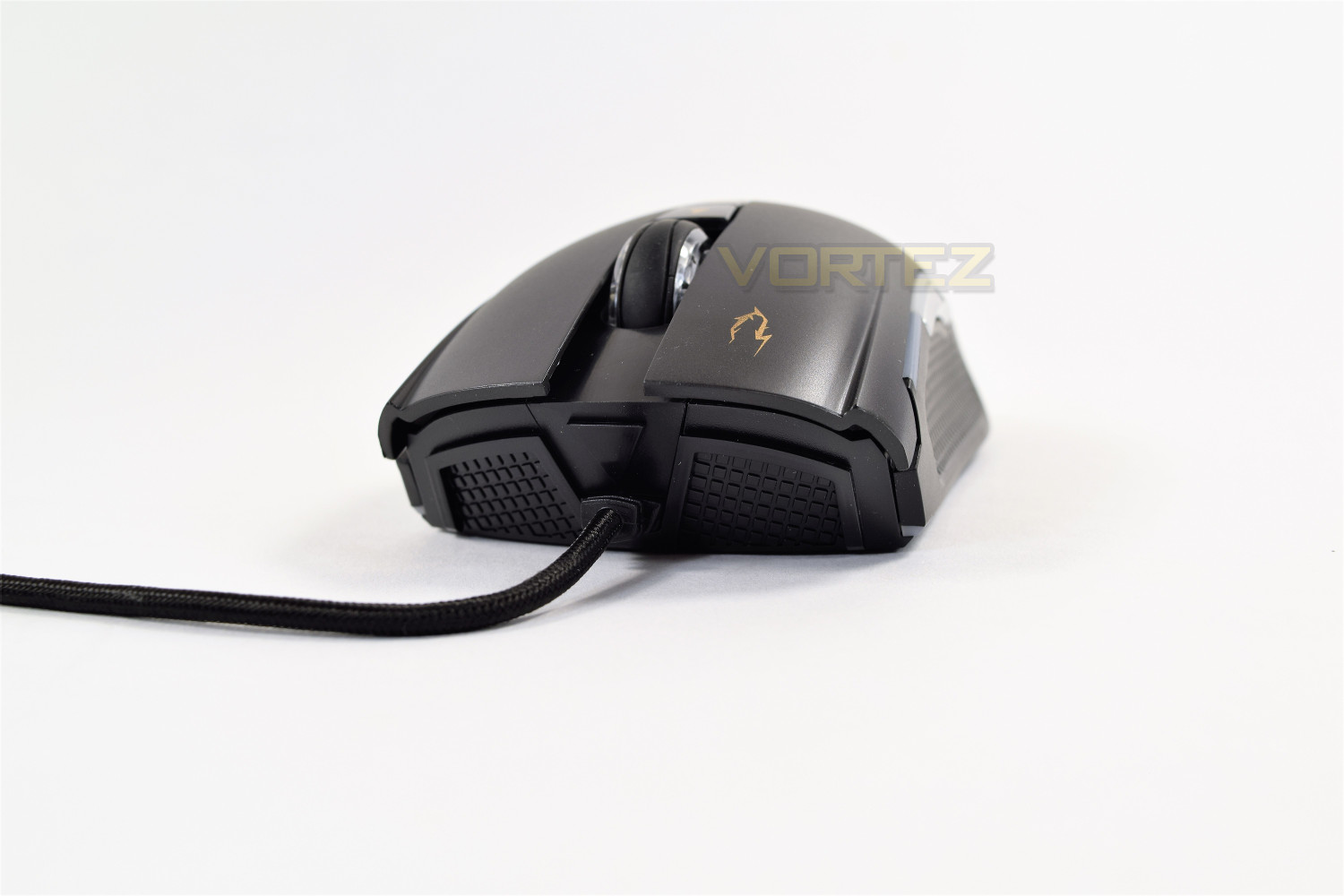
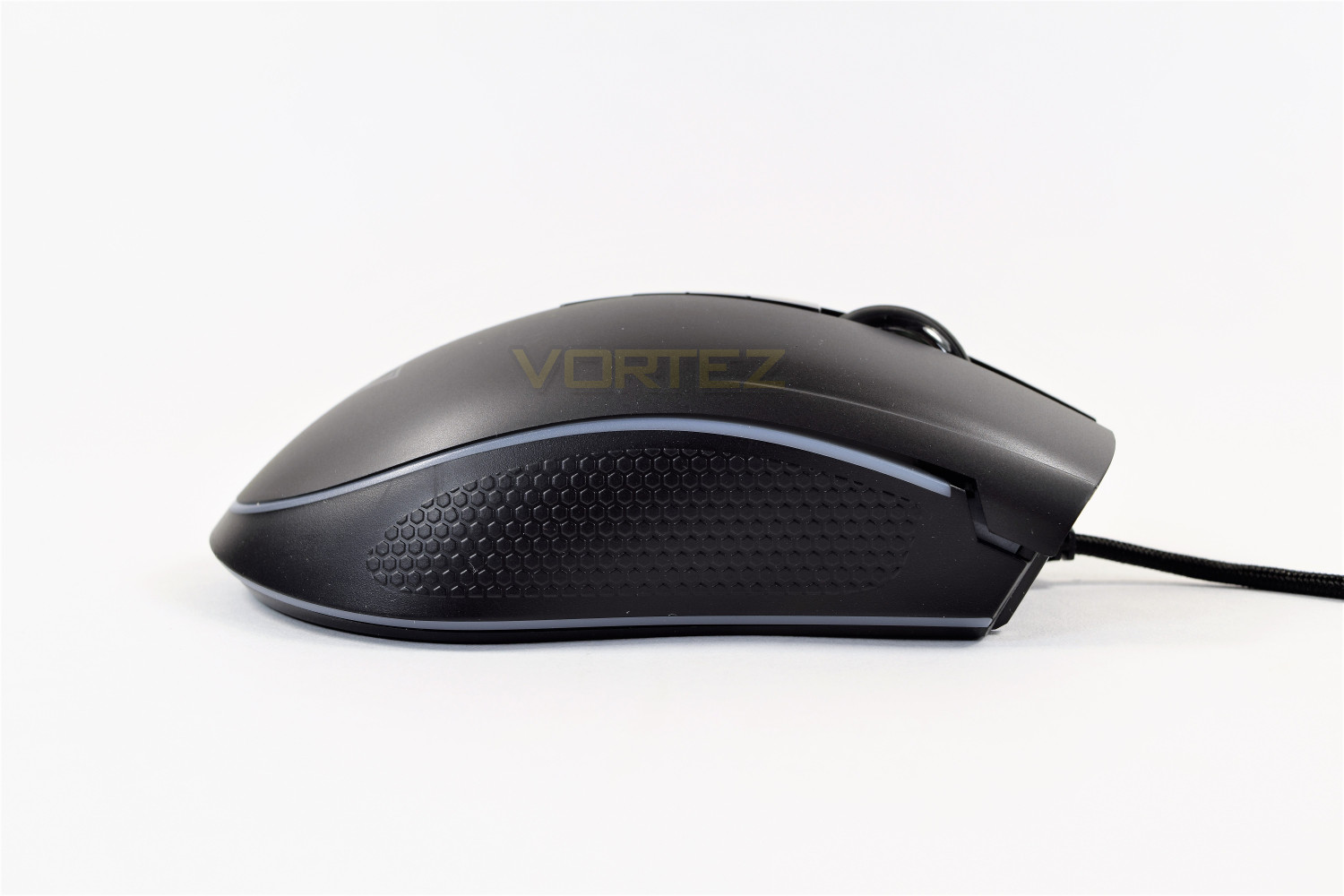
The right-hand-side of the Zeus P1 features a hexagonal grip surface, made from a very tough rubber, with the lighting strips above and below.
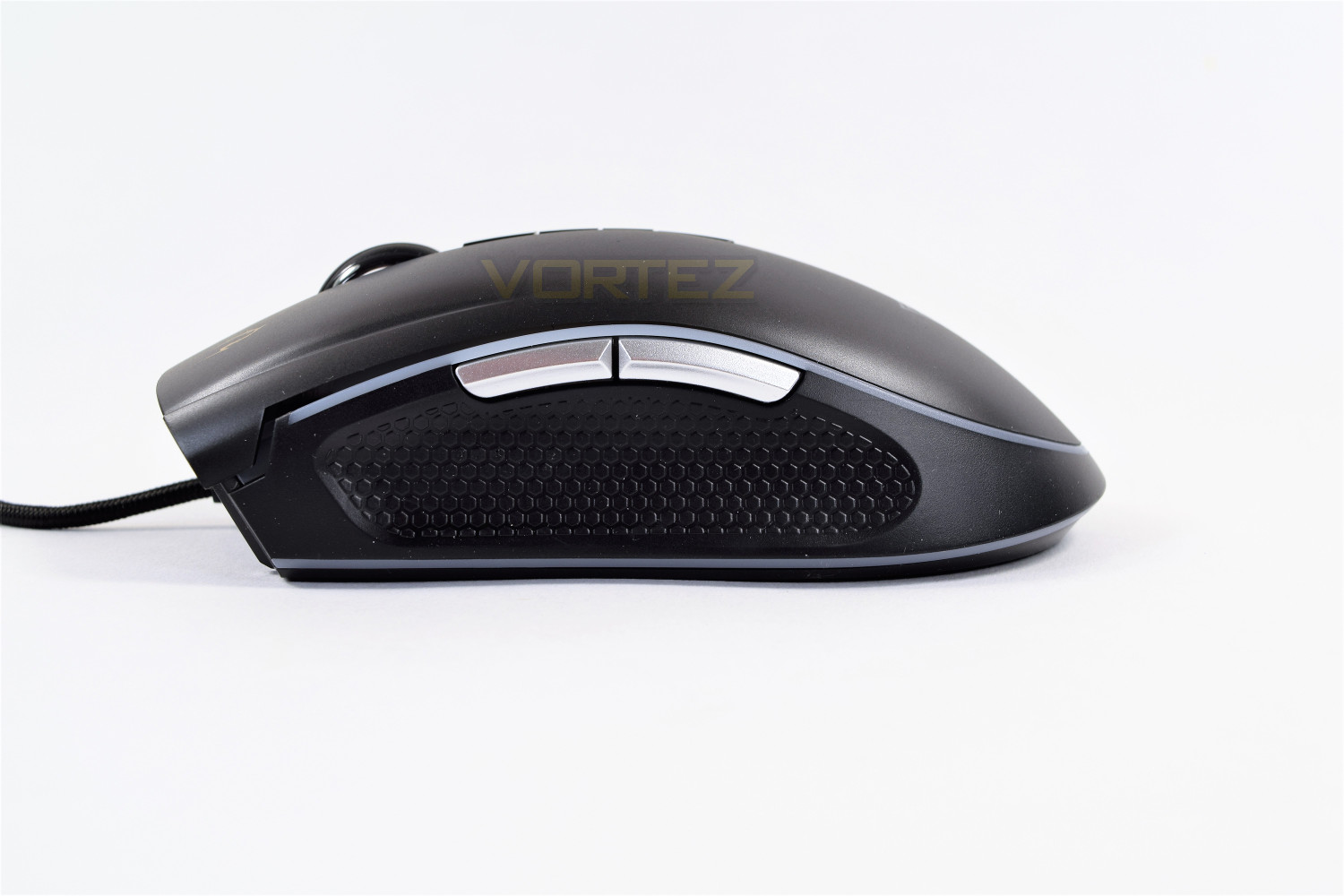
Over on the left-hand-side is a grooved section, in the same hexagonal shape, to allow your thumb somewhere to sit while using the mouse. You can see the other end of those lighting strips and some relatively large forward/backwards buttons.
The top of the mouse is a fairly standard affair, with DPI up, DPI down and DPI toggle switches all located behind the scroll wheel.
Closer Look (Continued)
Flipping the Zeus over, the underside holds the 3 Teflon pads, 2 smaller ones to the front and one large at the rear. The sensor is positioned fairly close to the front of the mouse, which can adjust the feel somewhat.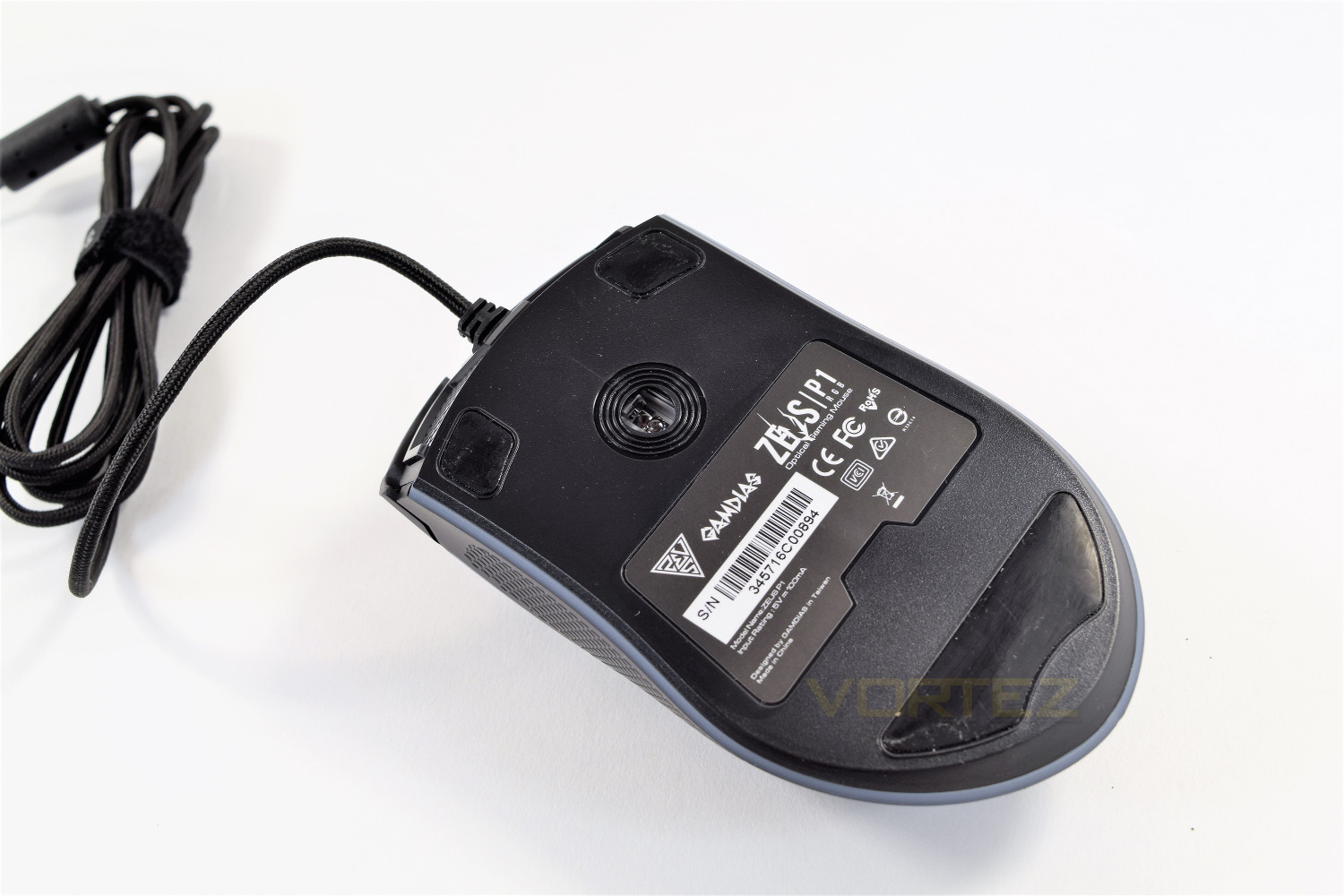
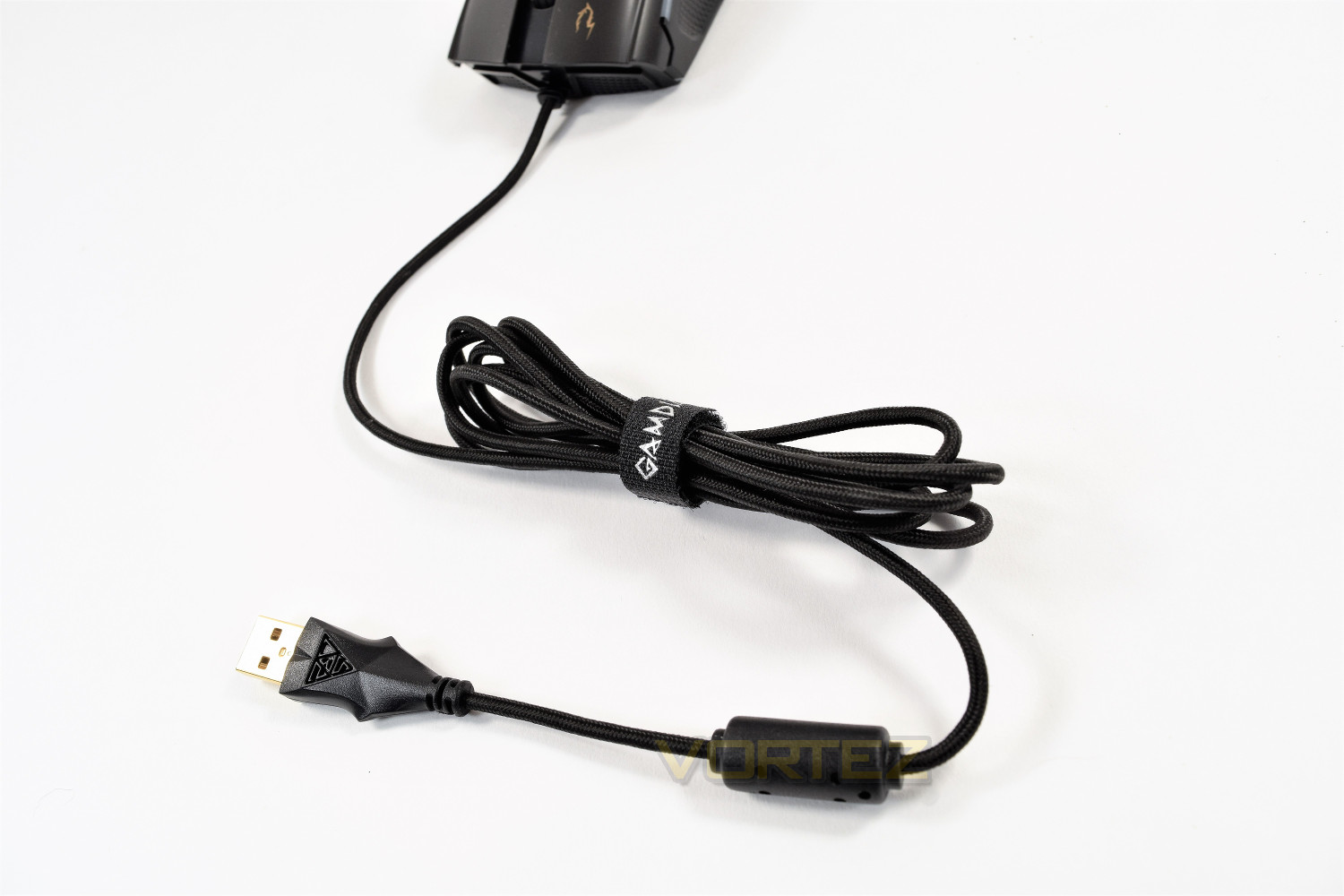
The 1.8M USB cable features a gold connector with a moulded surround, as well as a thick Velcro cable tie for those with a smaller setup, or for use with a laptop.
Software
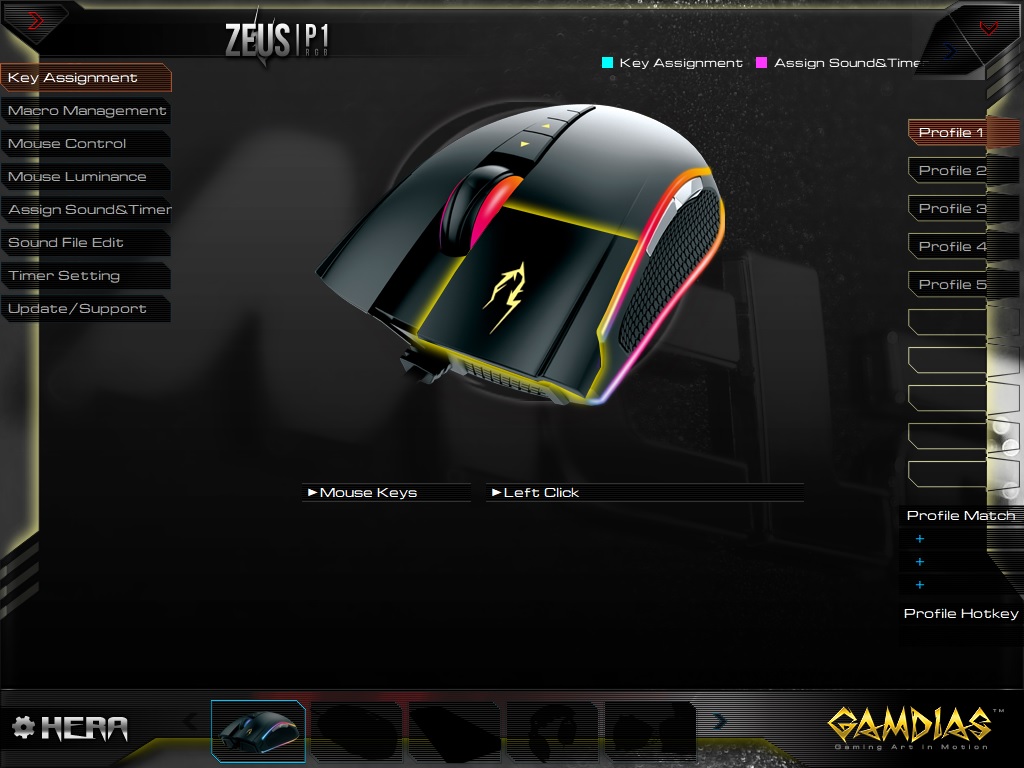
GAMDIAS provide the HERA software for use with all of their recent peripherals, including the Zeus P1. This allows customisation of all of the adjustables. The software isn’t pretty, and isn’t easy to work with, but it does do the job required of it. Some crashes in the software were found, one of which sent the entire screen white for several seconds.Within the first page, you will see that there’s an ability to set up up to 10 profiles, located on the right, along with being able to check the function of each button on the mouse. There’s no actual adjustment on this page, as might be expected.
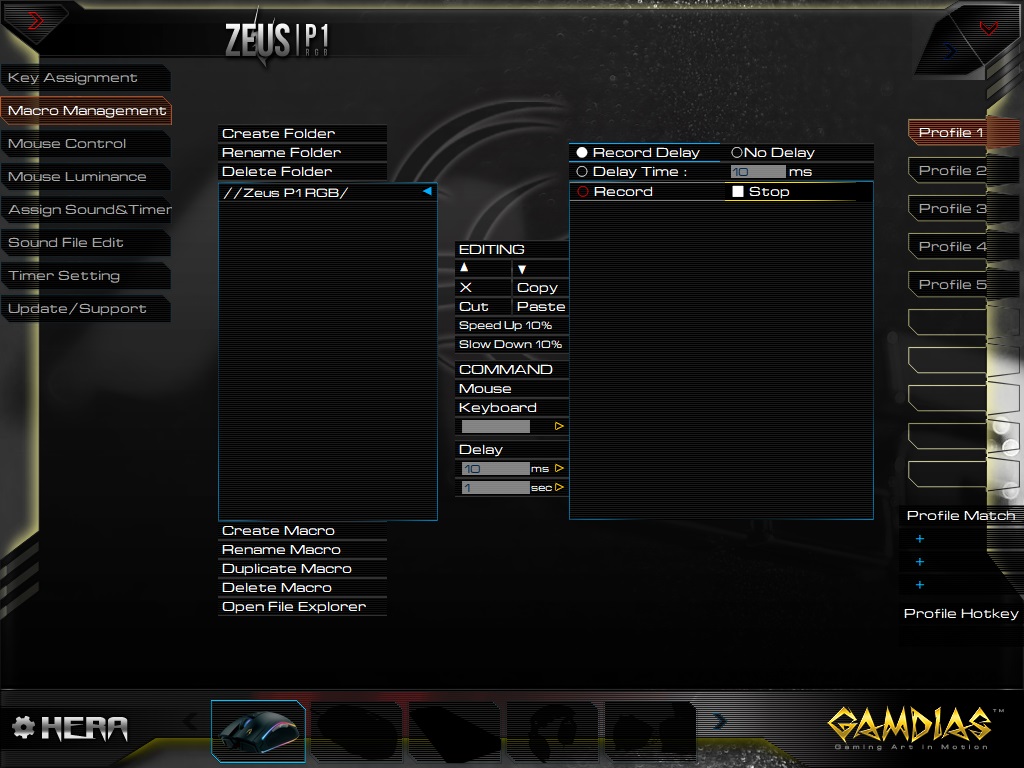
Secondly is the Macro Management screen; it’s a little busy and there’s a lot to take in, but it functions well and can be assigned to any of the buttons on the mouse.
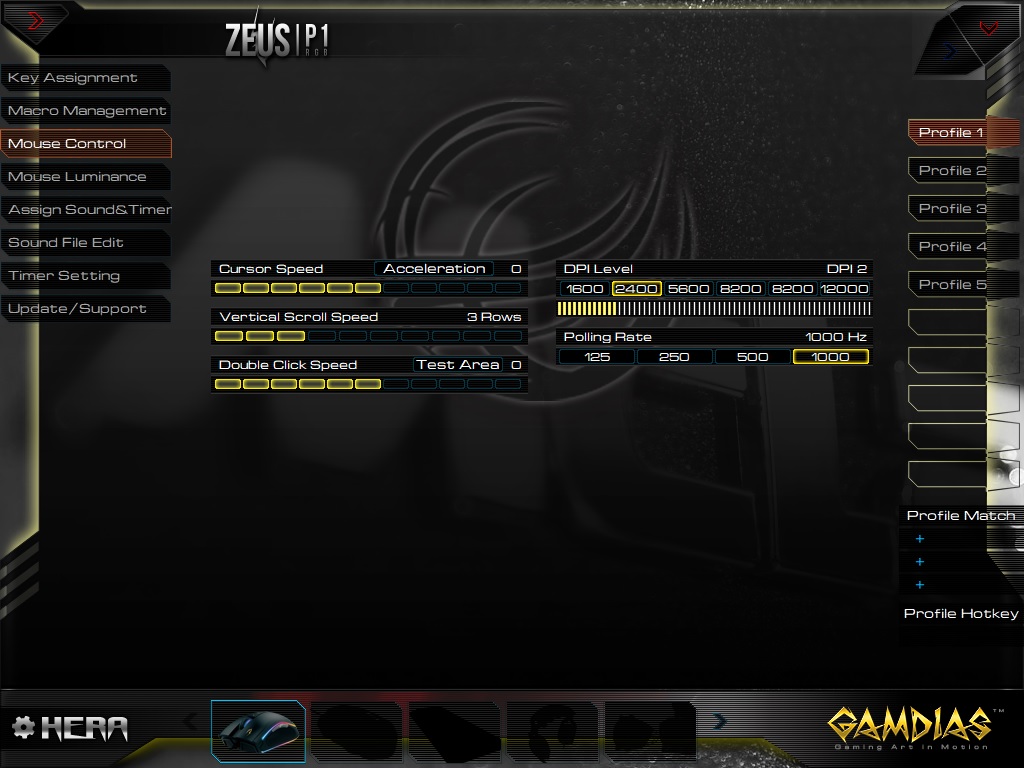
Mouse Control is the 3rd tab, allowing adjustment of all the major parameters. The DPI Level can be adjusted, but the presets, at 1600, 2400, 5600 etc are set and cannot be finely adjusted.
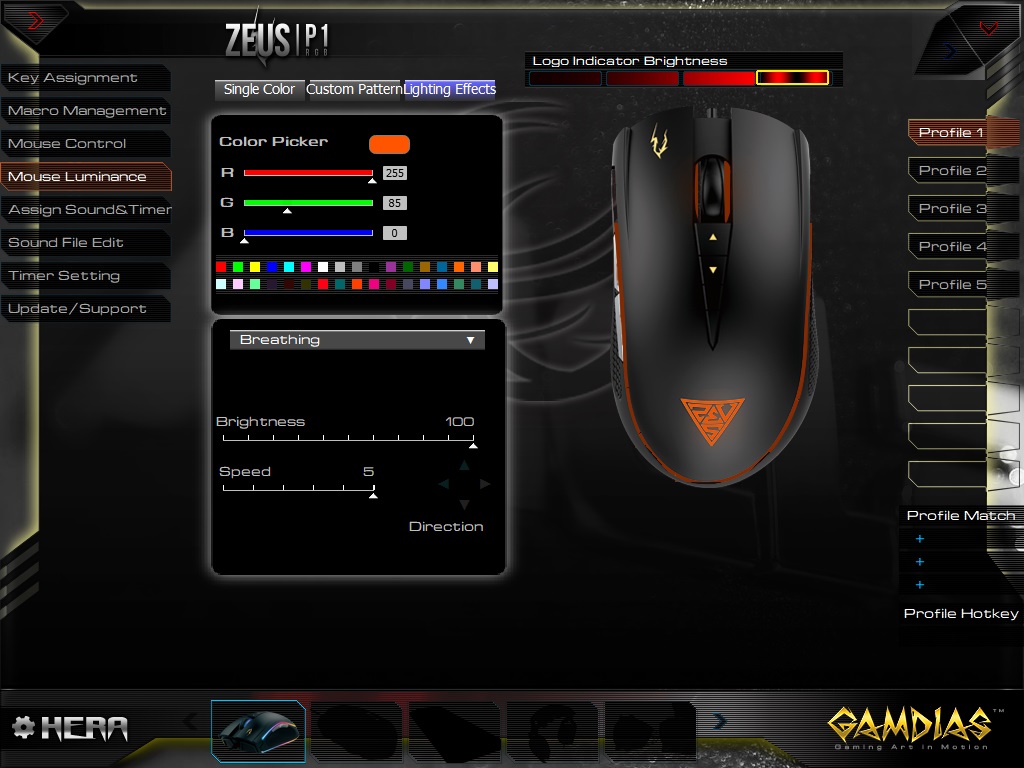
The RGB lighting controls are on the next page, allowing you any of the 16.8 million colours, along with several different effects and speeds. The GAMDIAS Zeus features 13 LEDs around the outside of the mouse, each of which can be assigned a different colour; this isn’t a feature we often see in the RGB settings of a gaming mouse. A great feature for those who wish to sport their eSports team colours.
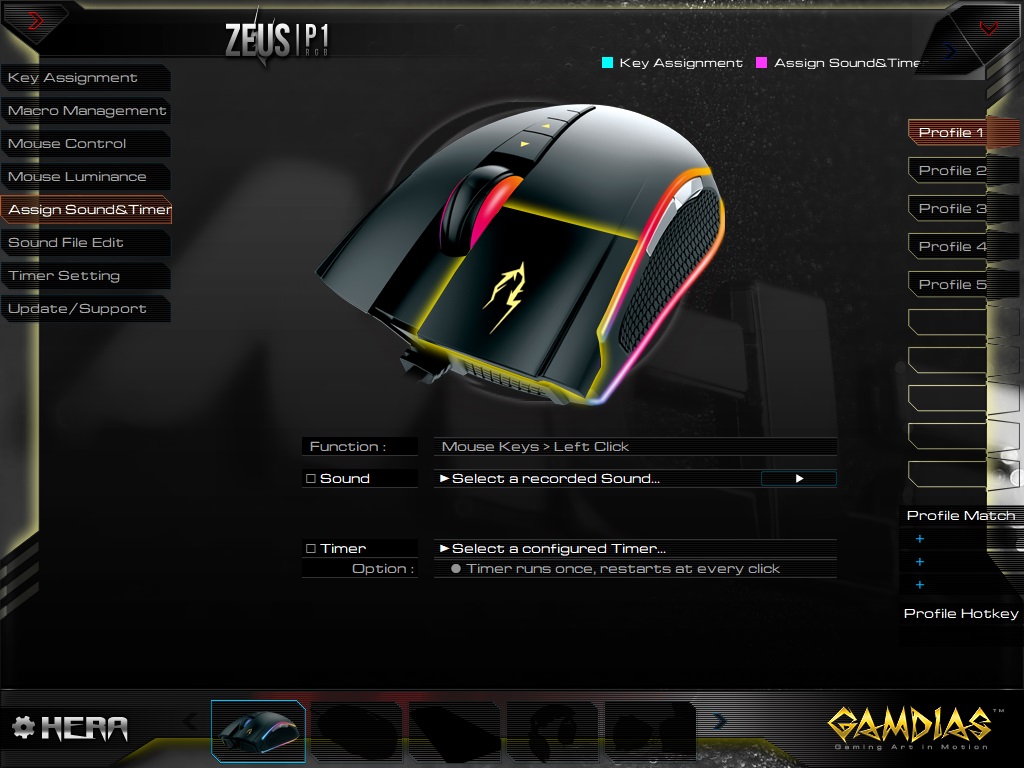
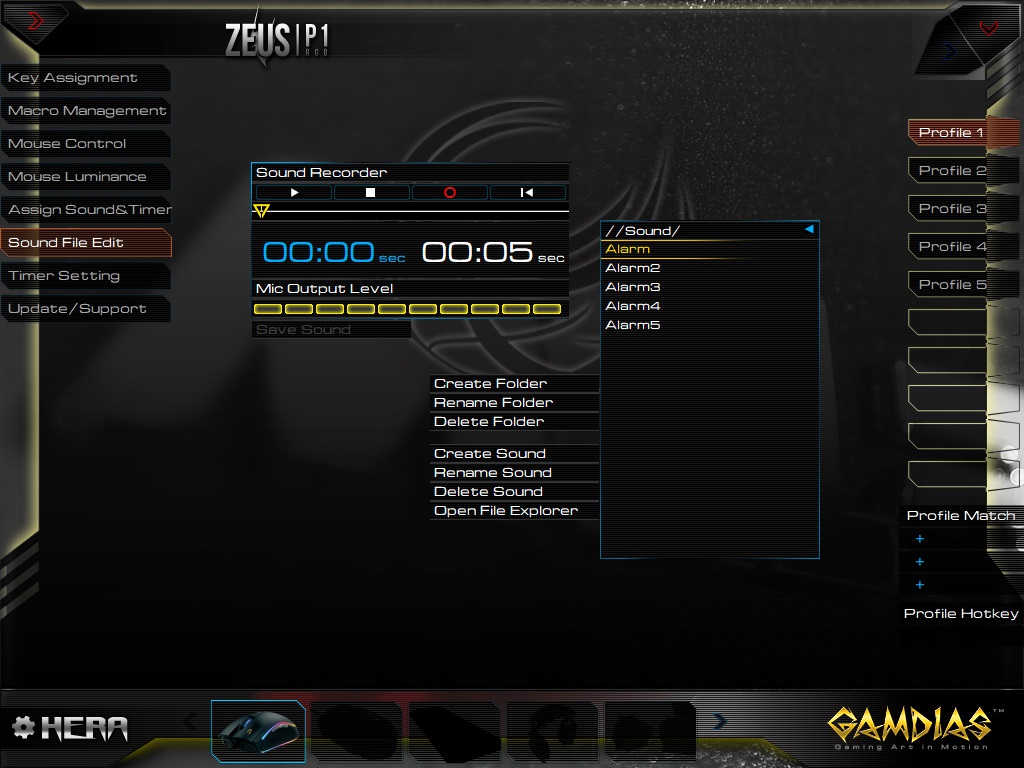
The next page allows you to assign certain sounds to buttons on the mouse, for whichever reason you please. The following screen allows further adjustment of those sound files, including a basic sound editor.
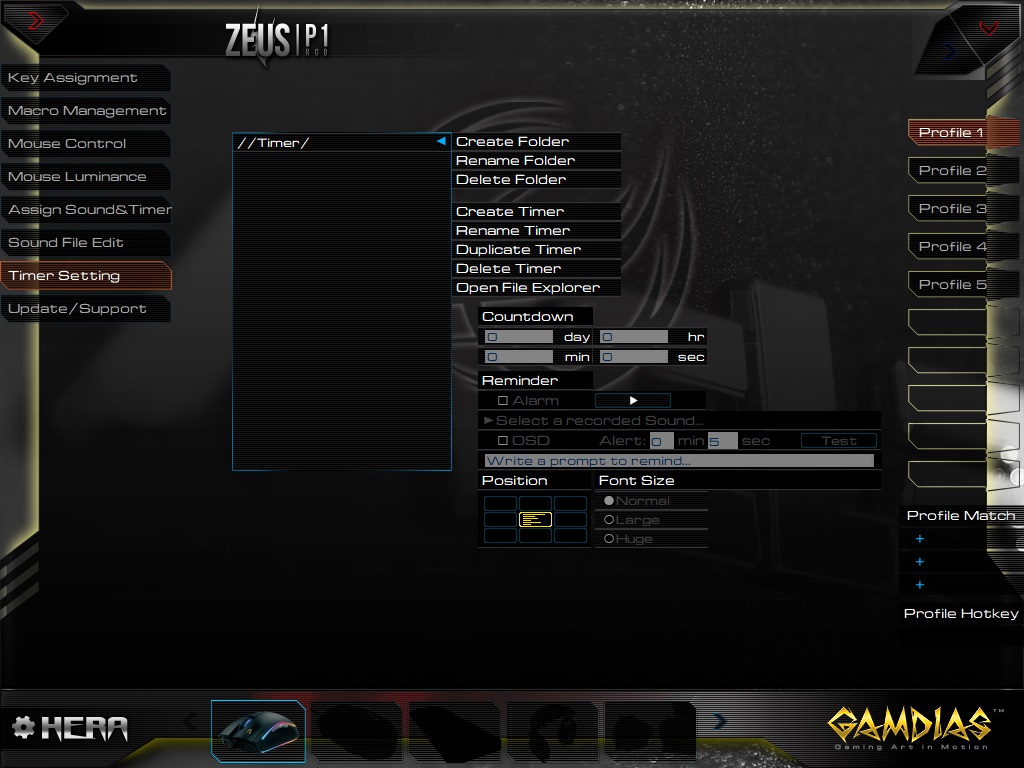
The final page is used to create timers for the Macros, based on certain scenarios.
Performance Testing
The shape and design aren’t anything to write home about, but with that comes a near universal fit, which could almost be used by a left-handed user, despite the bias towards a right-hand fit. The scroll wheel is a smooth, soft rubber, so even with the lack of ridges, it’s still incredibly grippy, even with the sweatiest of hands. The Zeus P1 tips the scales at 125g, without the cable, so this is definitely at the heavier end of the scale.Mouse buttons 1 and 2 are both good, providing a reassuringly solid click; they’re also rated to 20 million clicks, so should stand up to many a gaming session.
The sensor, positioned well forwards of the centre of the mouse, provides a slightly different feel to most mice we test, especially if you tend to keep your wrist in position and move around that point. The optical sensor is capable of up to 12,000 DPI, and it does perform well at those heights, though the sweet spot seems to be between the 1600 and 2400 presets. I often found myself requiring something in between, around the 2000 mark, so it would be handy if the software allowed some adjustment of the preset DPI settings.
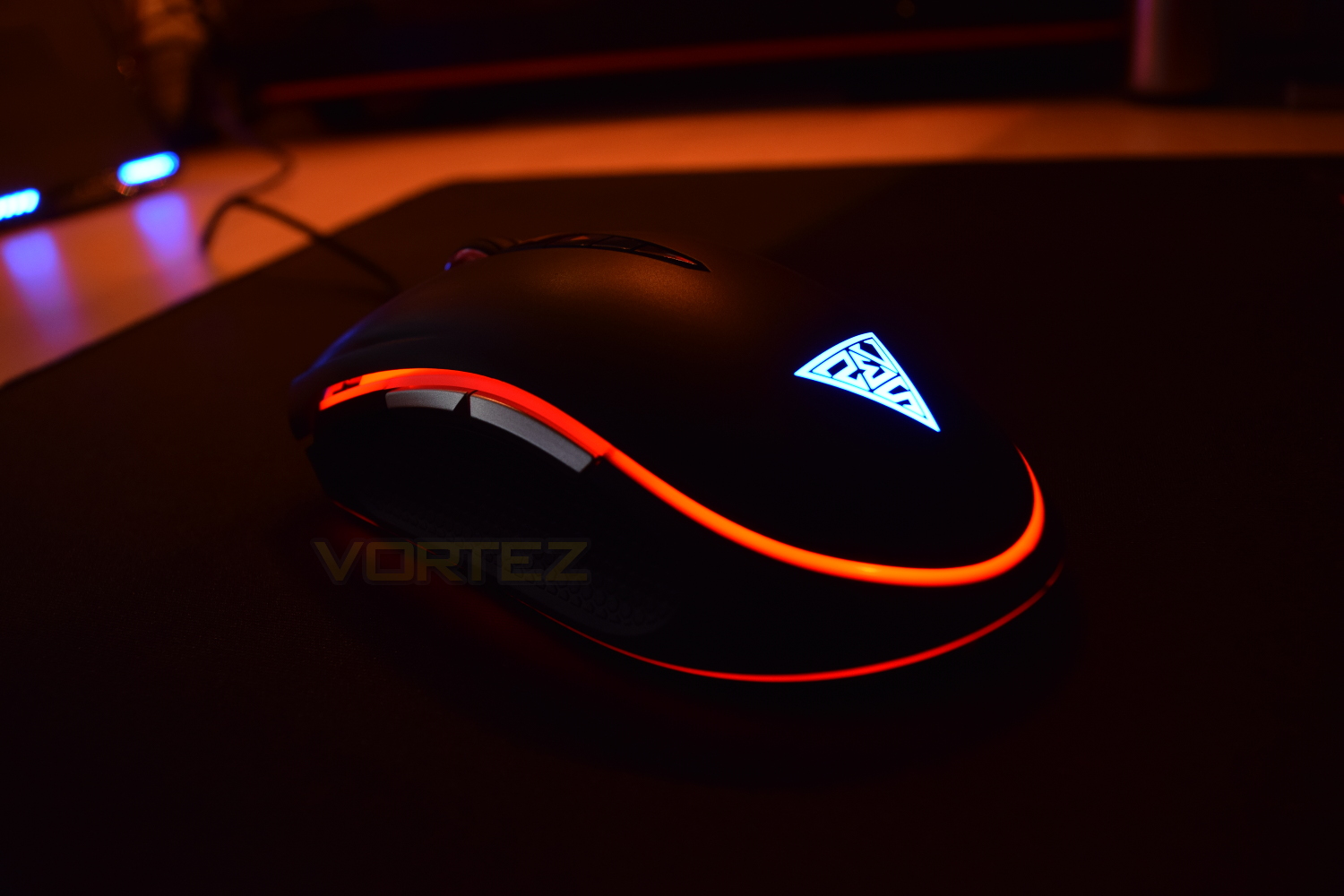
The GAMDIAS Zeus P1 RGB performed very well while gaming, with no hiccups at all; the games chosen were: Warframe, Battlefield 4 and War Thunder, providing a good test-bed for the sensor and mouse buttons.
The RGB lighting on the GAMDIAS is exceptional, with incredibly smooth transitions, plenty of effects to choose from and uniform lighting distribution. This would certainly compliment any desk-space designed around an RGB theme. As mentioned on the Software page, the Zeus sports 13 seperate LEDs around the skirt and top of the mouse, which can each be individually configured to create custom patterns or recognisable team colours.
Conclusion
The GAMDIAS Zeus P1 RGB is a decent mouse, but there aren’t any stand-out features which set it apart from the rest. The RGB lighting is great, the buttons all feel solid and are rated to 20 million clicks, the overall shape is pretty standard, but will fit a wider audience this way.This mouse sits on the shelves, priced at £59.99 in the UK, and being exactly the same in the US; this is an incredibly fierce price-point, with almost all peripheral manufacturers offering something better than the Zeus.
The GAMDIAS Hera software does require some further work to help streamline the process of setting up your new mouse, the two main factors that require work are the stability and overall layout of the functions.
We feel that this mouse could benefit from a lower-cost sensor, and possibly a change in materials used to bring the overall cost down to a more palatable level.
The GAMDIAS Zeus P1 RGB is a difficult mouse to recommend at the current price point, with so many other options out there, that offer better performance at the same price.
Pros
+ Feels sturdy
+ RGB lighting and effects are brilliant
+ Well-rounded design will suit a wider audience
Cons
– Priced too high
– Doesn’t stand out from the crowd
– Cheap plastic feel on the top
– Poor software
+ Feels sturdy
+ RGB lighting and effects are brilliant
+ Well-rounded design will suit a wider audience
Cons
– Priced too high
– Doesn’t stand out from the crowd
– Cheap plastic feel on the top
– Poor software
Click here for an explanation of our awards at Vortez.net.