The GIGABYTE AORUS K9 has a lot going for it with features like removable switches, an ultra-low debounce time and splash proofing, but how does fair with the basics?

Product on Review: GIGABYTE AORUS K9 Optical
Manufacturer: GIGABYTE
Street Price: £113.04 GBP / $128.66 US / $179.00 AUS
The GIGABYTE AORUS K9 has a stacked feature set, but also some impressive competition, so does its key attributes make for a compelling product or is it simply another keyboard trying to be different?
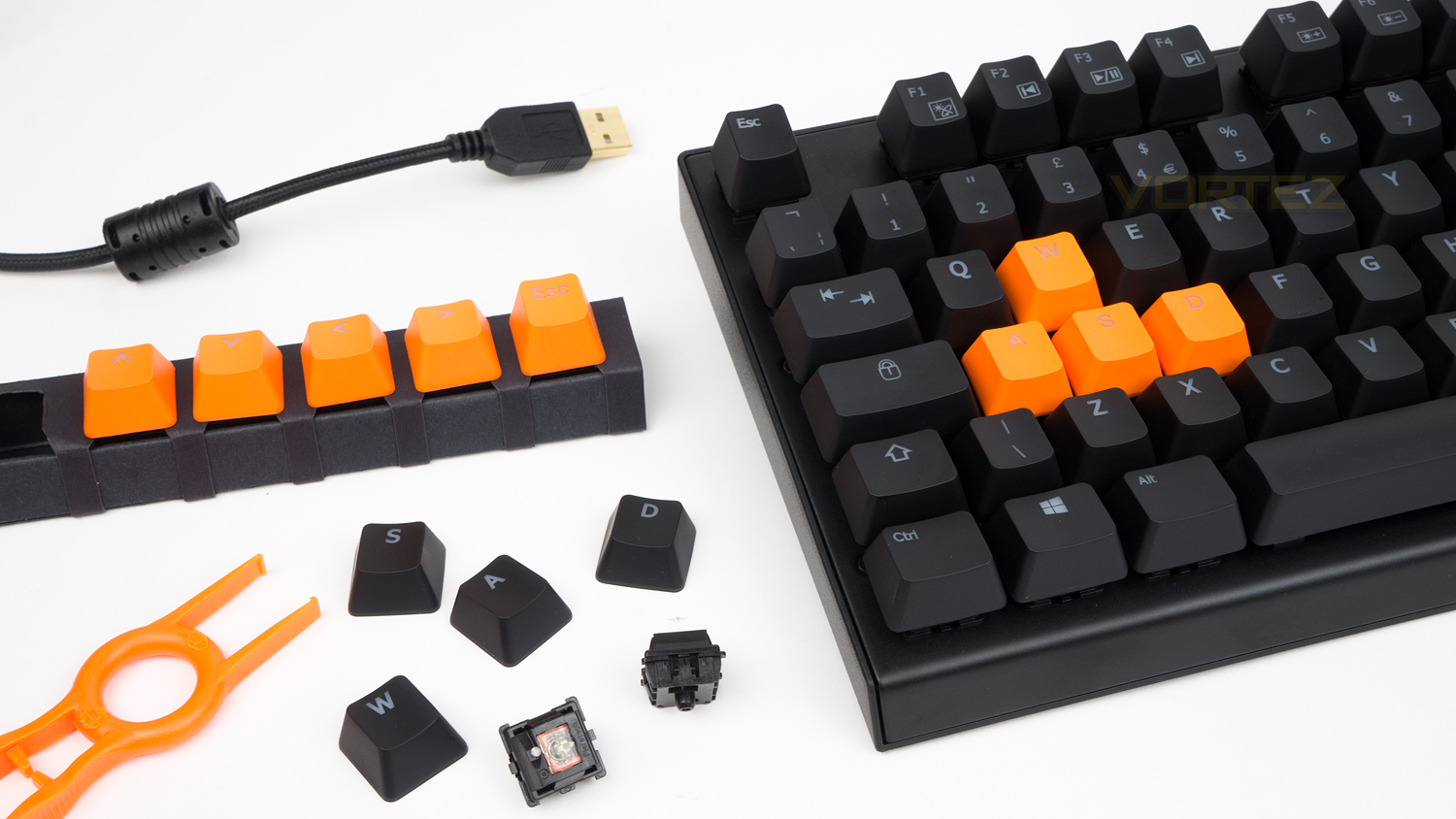
Well, right out of the box the AORUS K9 has some features other keyboards wish they had. One of these features is having the ability to remove the entire switch, this is something we rarely see, but it’s a very interesting feature. GIGABYTE have achieved this as the Flaretech switches don’t need to be soldered onto the main board and thus can be removed, the advantage here is that you could swap out the switches for some different ones (if you want a different experience) or if they so happen to break.
Other strong traits include a Hydrophobic Conformal Coating (splash proof design), underside cable management, replacement keycaps, RGB and plenty more. There are some notable omissions though with the main ones being a lack of a wrist rest and missing macro keys, will they heavily impact usability? Read on to find out.
GIGABYTE on the AORUS K9:
Forget about conventional mechanical switches. The optical Flaretech switch is faster and has a longer lifespan than traditional mechanical switches. AORUS has utilized this technology to craft a stylish, ultra durable performance keyboard that works flawlessly regardless of scenario.
Technical Specifications
Keyboard
Format – Full-size
Interface – USB 2.0
Report rate – 1000Hz
N-Key rollover
Splash proof
Floating key design
Switches
Switches – Flaretech Optical-Mechanical
Variant – Red
Lifespan – 100 million keystrokes
Actuation distance – 2mm
Travel distance – 4mm
Force – 55g
Debounce time – 0.03ms
Removable switch design
Dimensions & Weight
Dimensions – 439(L) x 140(W) x 37(H) mm / 17.3(L) x 5.5(W) x 1.5(H) inch
Weight – 1180g (2.6lb)
Cable length – 2m
Format – Full-size
Interface – USB 2.0
Report rate – 1000Hz
N-Key rollover
Splash proof
Floating key design
Switches
Switches – Flaretech Optical-Mechanical
Variant – Red
Lifespan – 100 million keystrokes
Actuation distance – 2mm
Travel distance – 4mm
Force – 55g
Debounce time – 0.03ms
Removable switch design
Dimensions & Weight
Dimensions – 439(L) x 140(W) x 37(H) mm / 17.3(L) x 5.5(W) x 1.5(H) inch
Weight – 1180g (2.6lb)
Cable length – 2m
Packaging & First Look
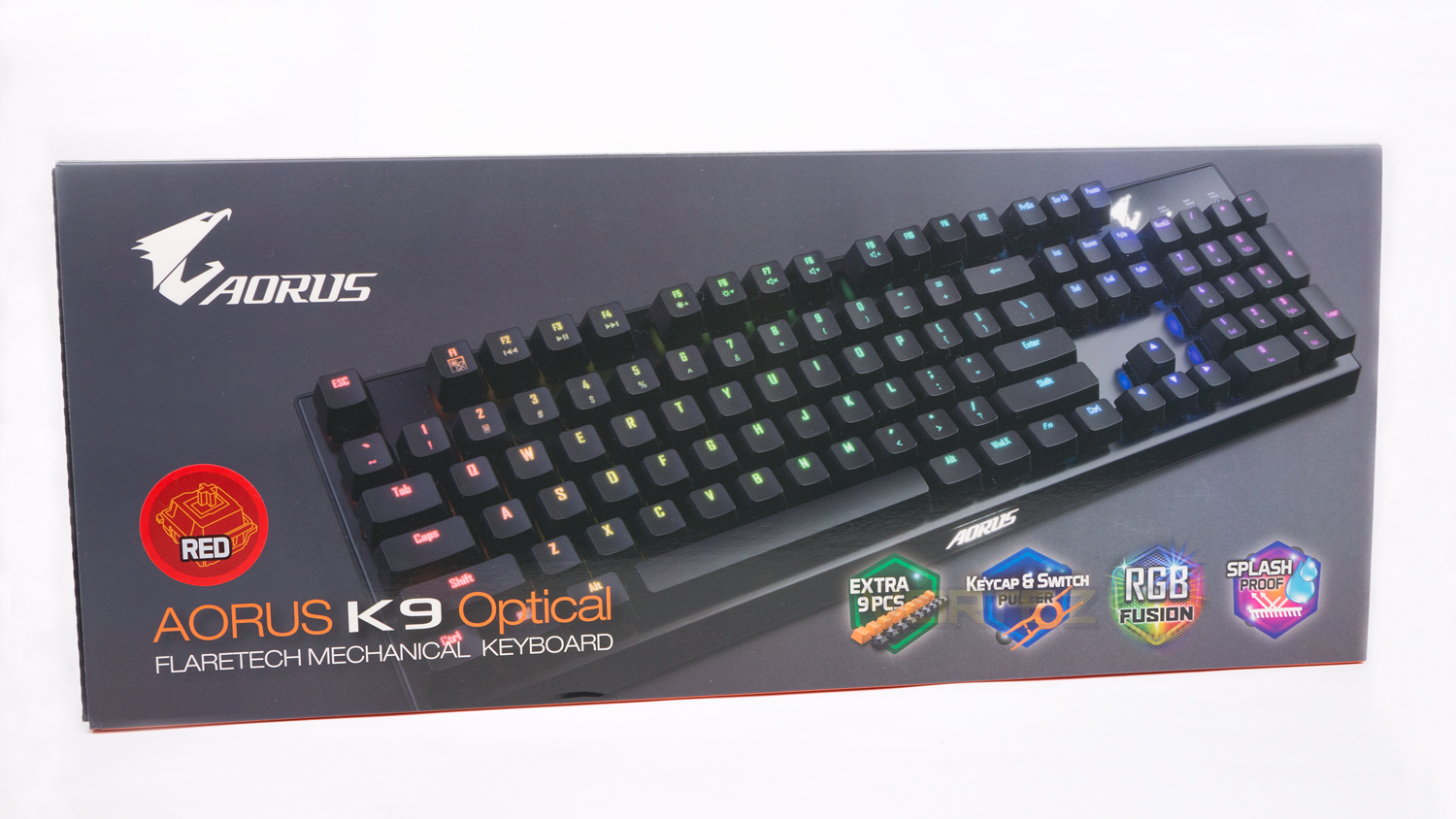
The AORUS K9 arrives in a grey box with a large image of the K9 slightly off centre. The front also displays some information about the keyboard as well as the switch variant.
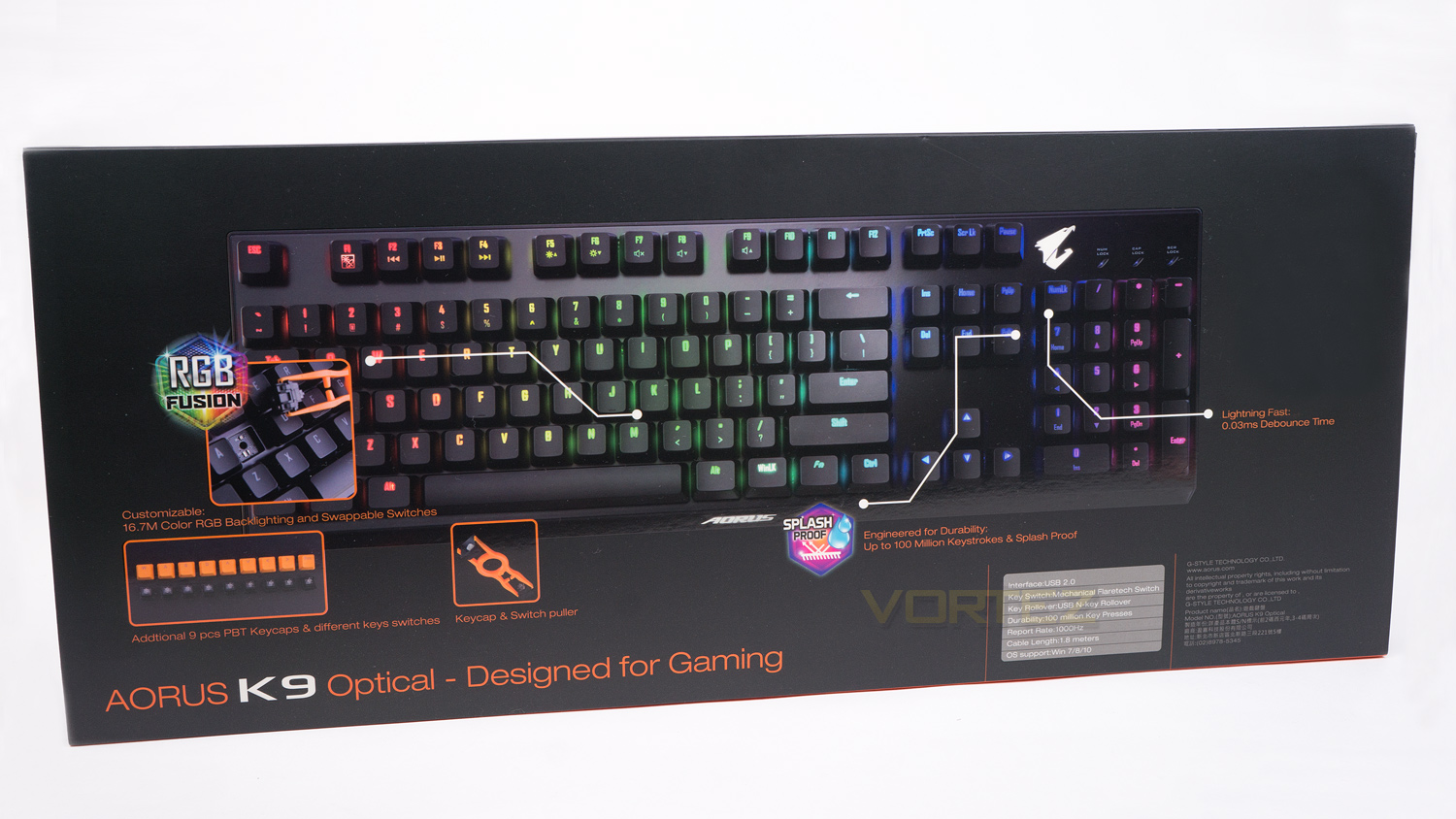
The back of the box is quite minimal and not too jam-packed with info, but there is still enough there. Also on the back, there is a short-list of the K9’s specifications.
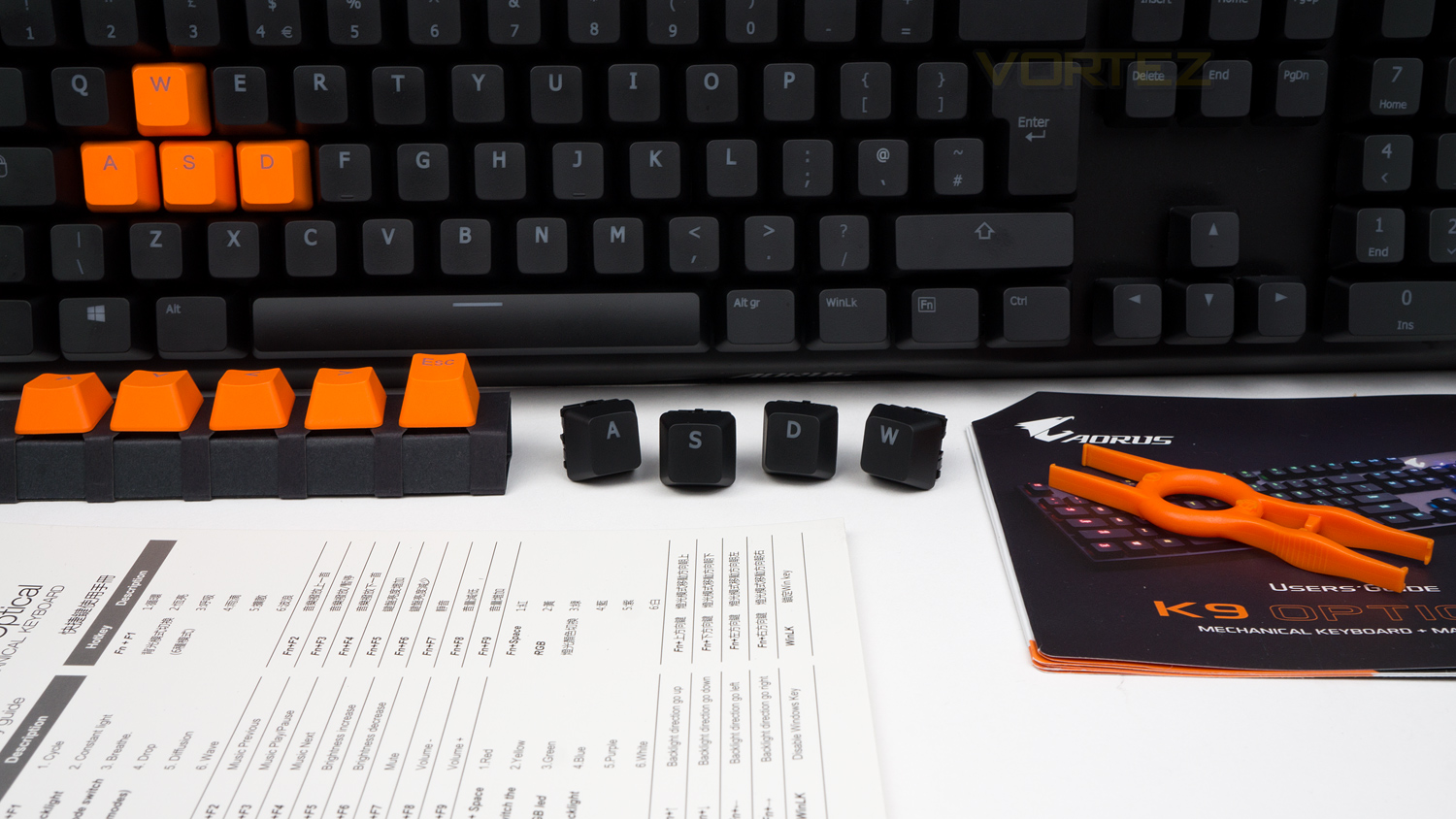
With the K9 you get a keycap/switch removal tool, a set of orange PBT keycaps, nine replacement switches and the documentation.
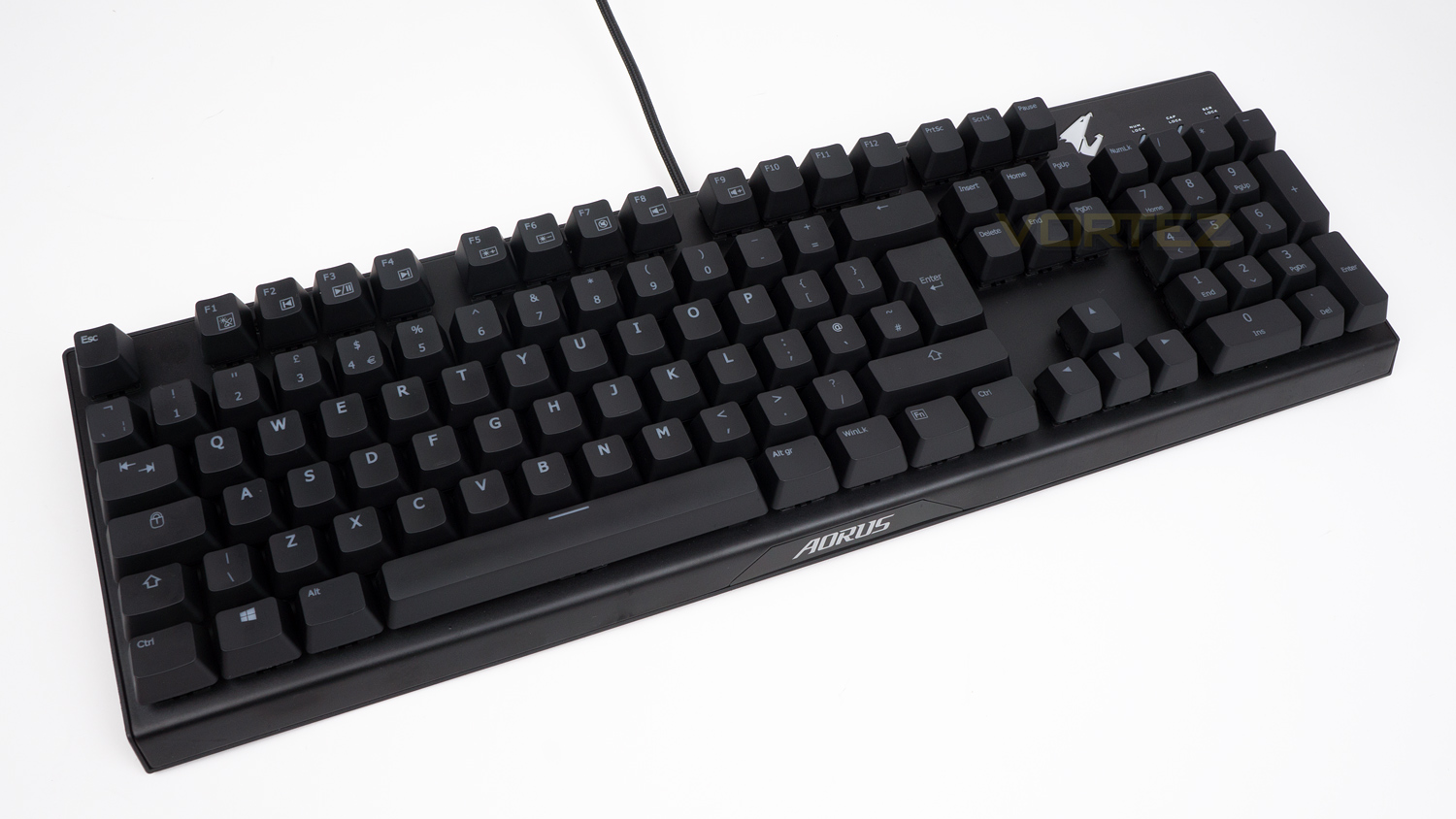
At first glance, the K9 is quite an unassuming keyboard as it isn’t too heavily stylised with gamery flourishes. The only real nod you get towards it being a gamers keyboard is the AORUS logo and branding.
Closer Look
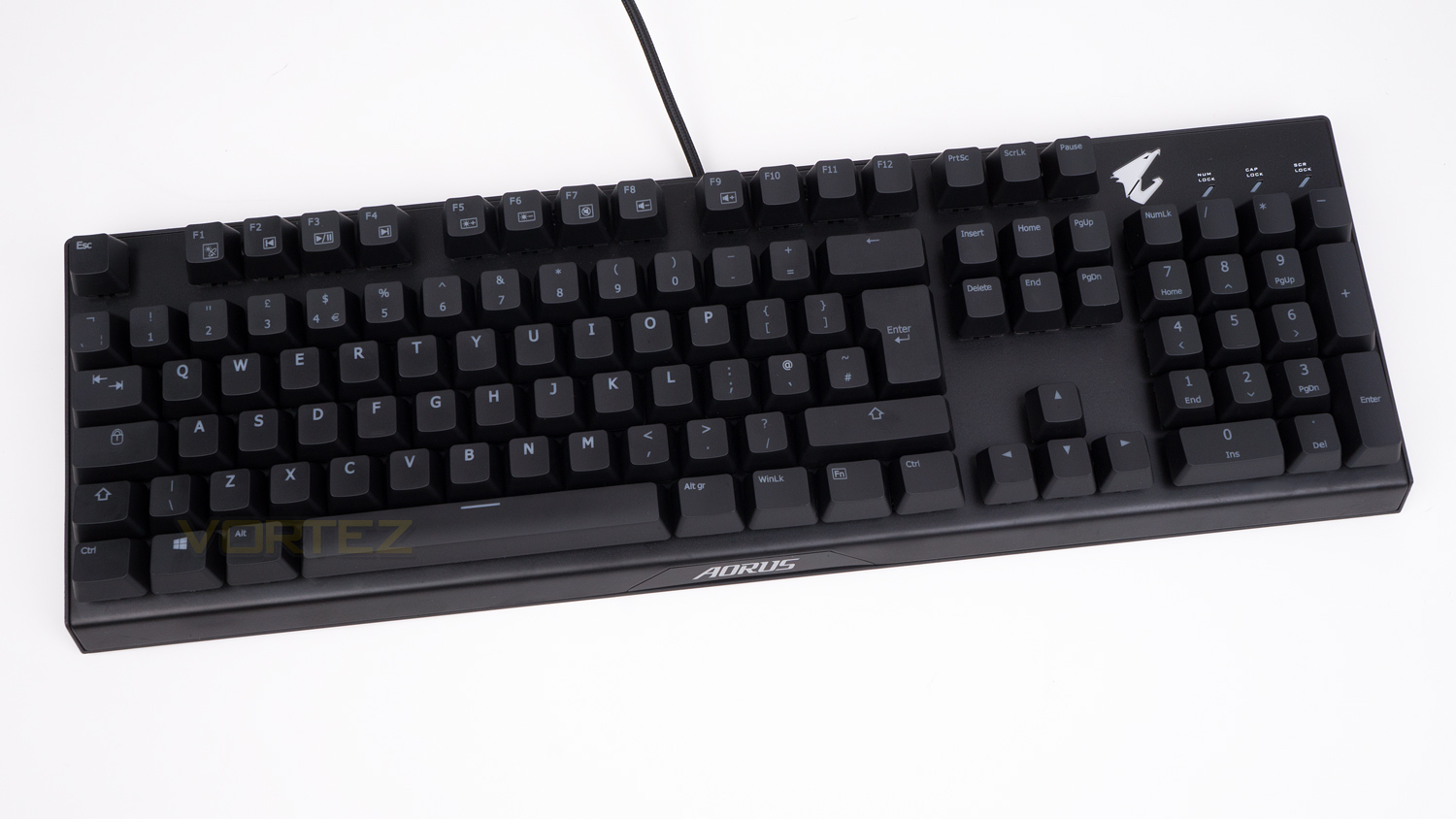
In terms of scale, the AORUS K9 is a decent size (439(L) x 140(W) x 37(H) mm), though it’s not the most massive we’ve ever seen. This slightly smaller stature is thanks to the slim border around the edges and lack of a wrist rest.
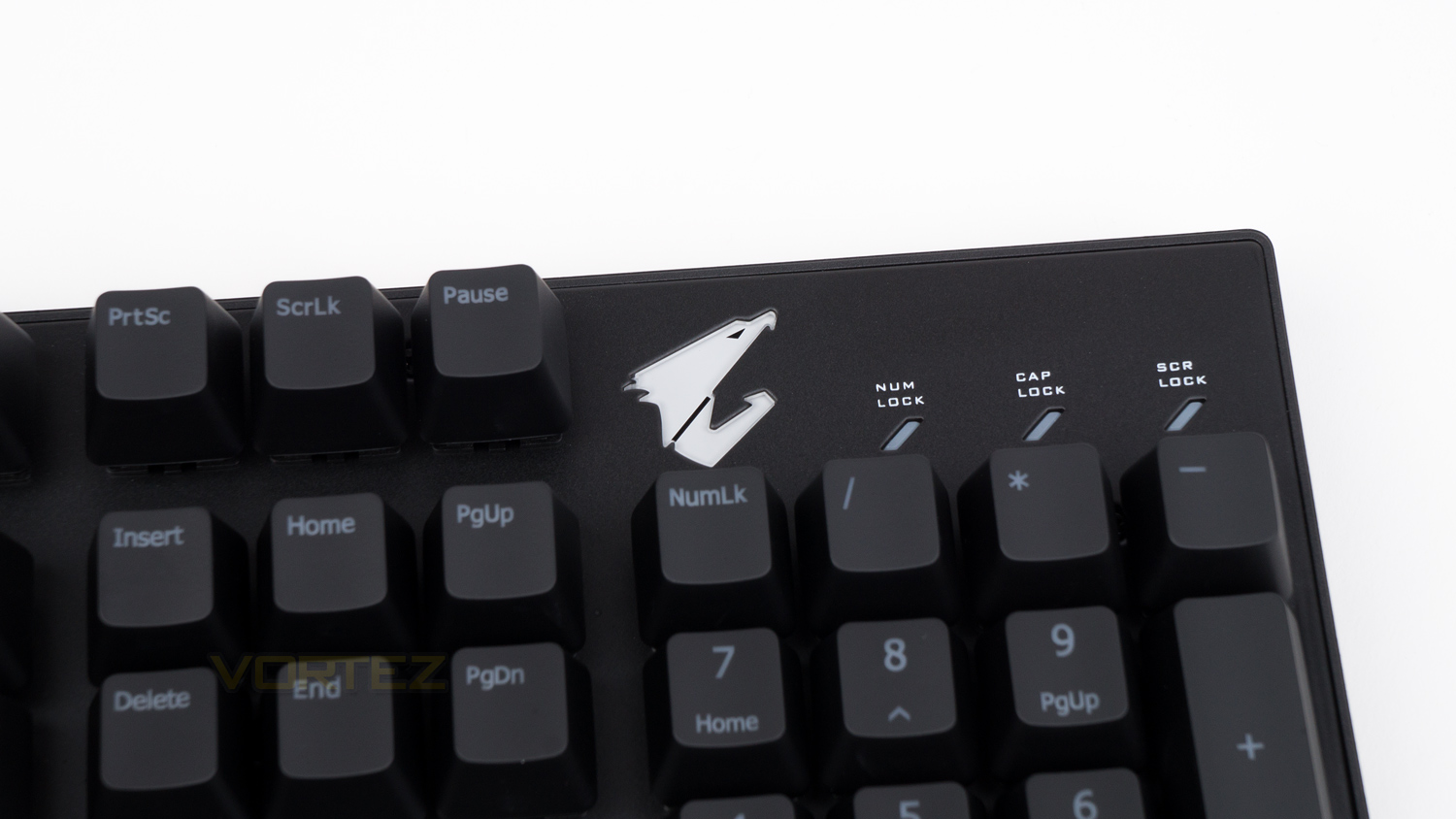
On the right-hand side of the keyboard, there is one of two bits of visible branding found on the top side of the K9; this branding takes the shape of the AORUS logo which is part of the main illumination.
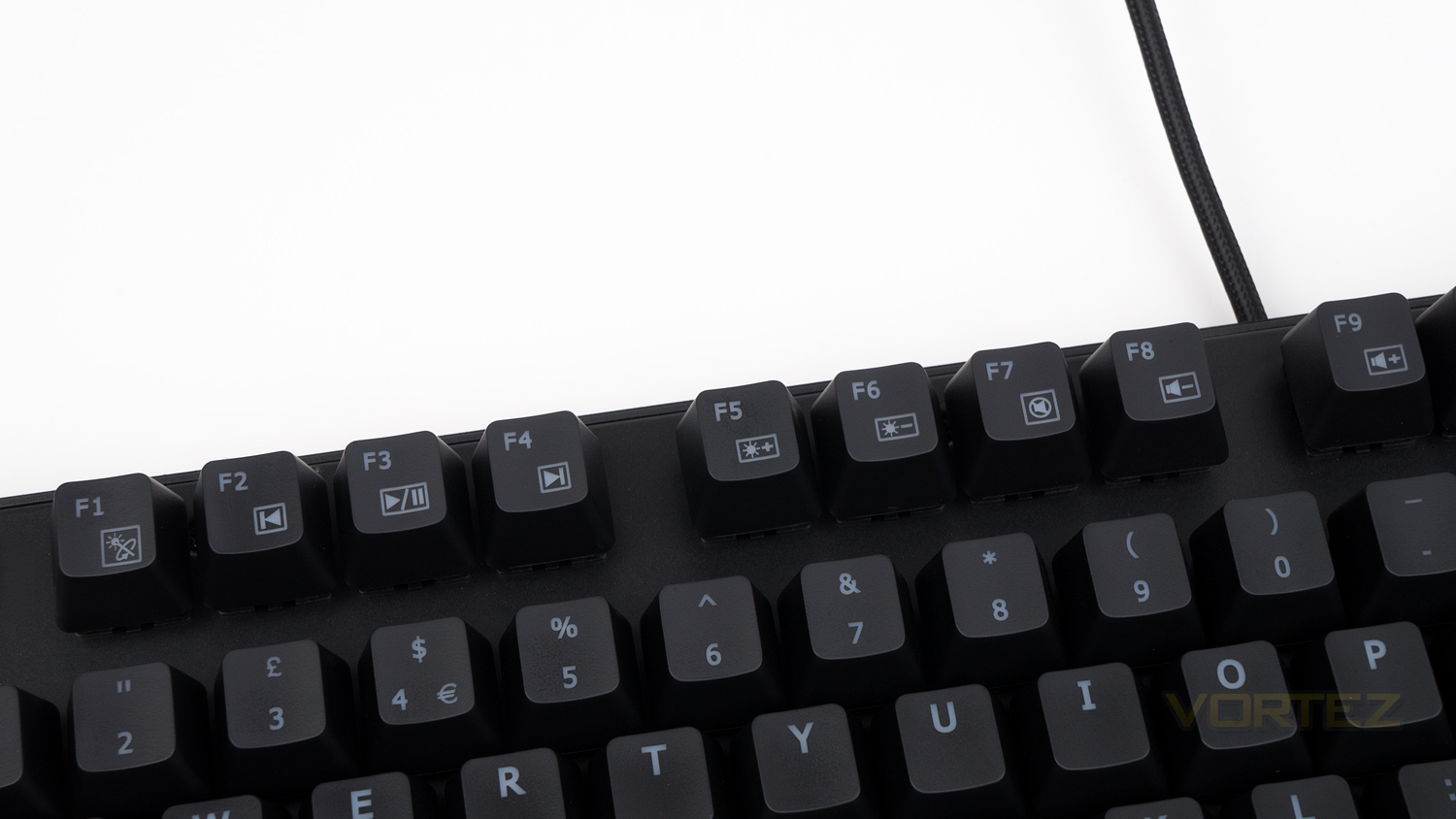
The left side of the keyboard has the F keys which are used for lighting control as well as for multimedia.
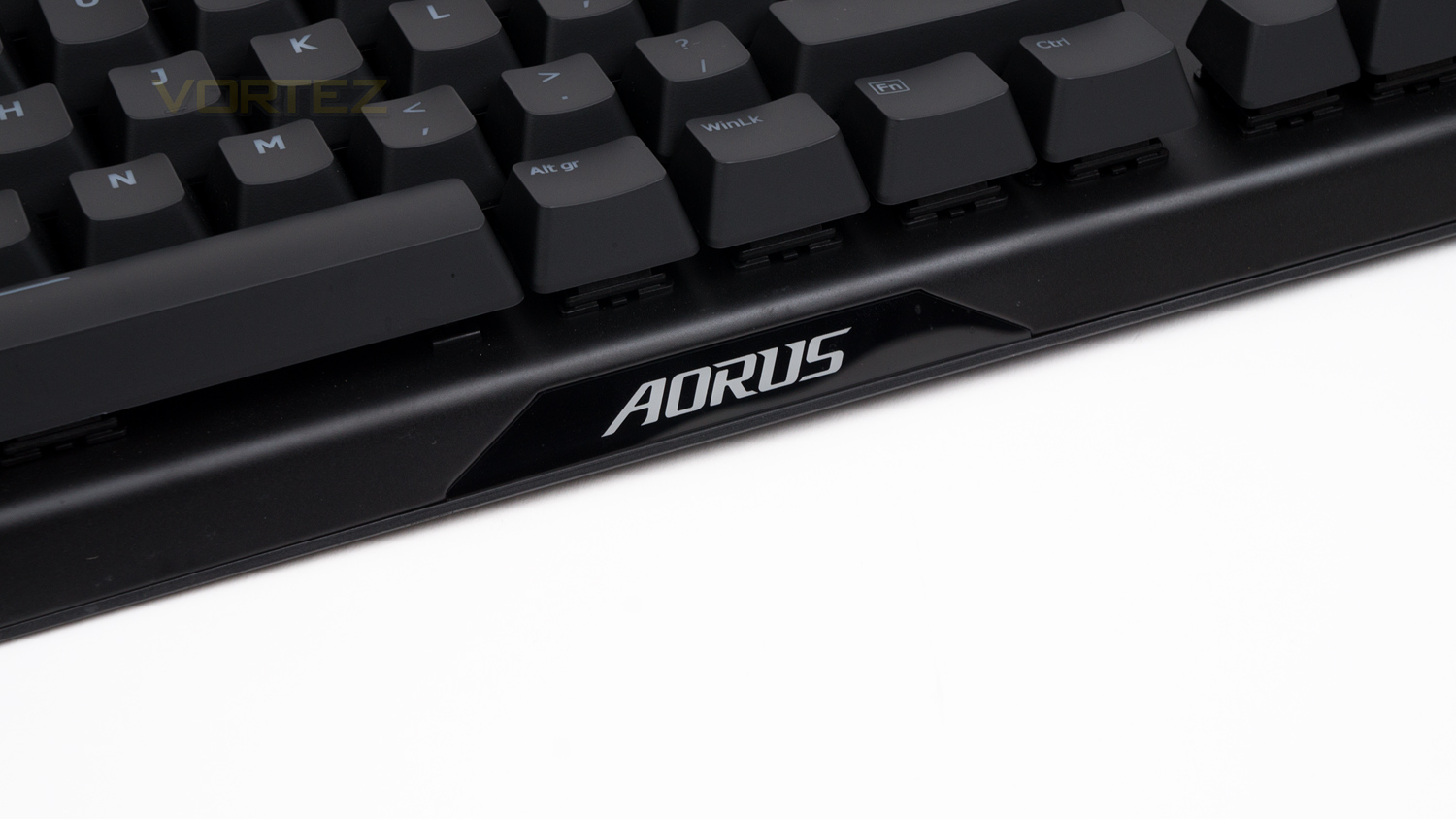
At the front, there is some more AORUS branding in the form of their name which glows white and can’t be changed.
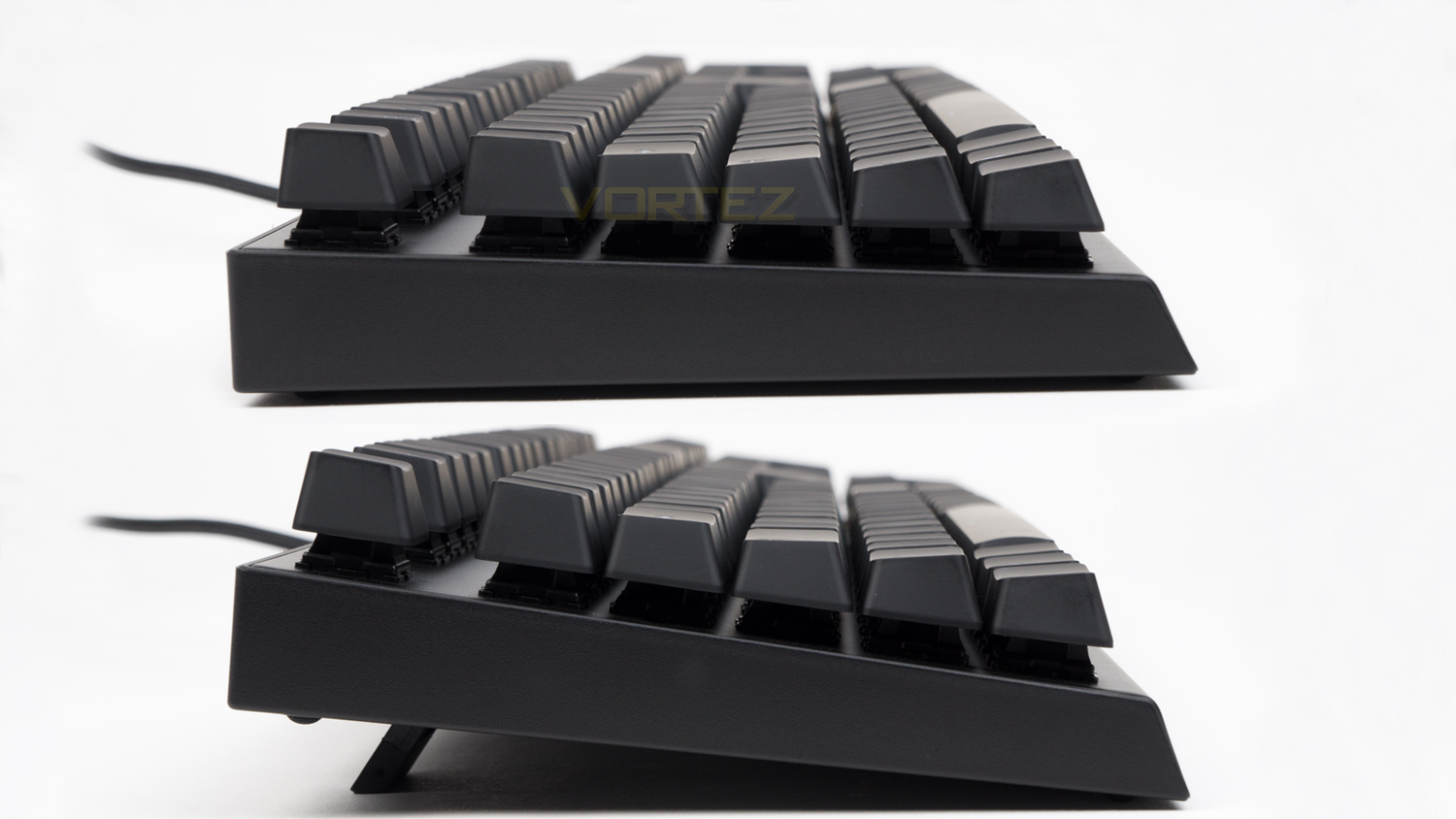
The side profiles of the K9 are clean and don’t have anything of note. The underside feet – when utilised, provide approximately 15mm of lift.
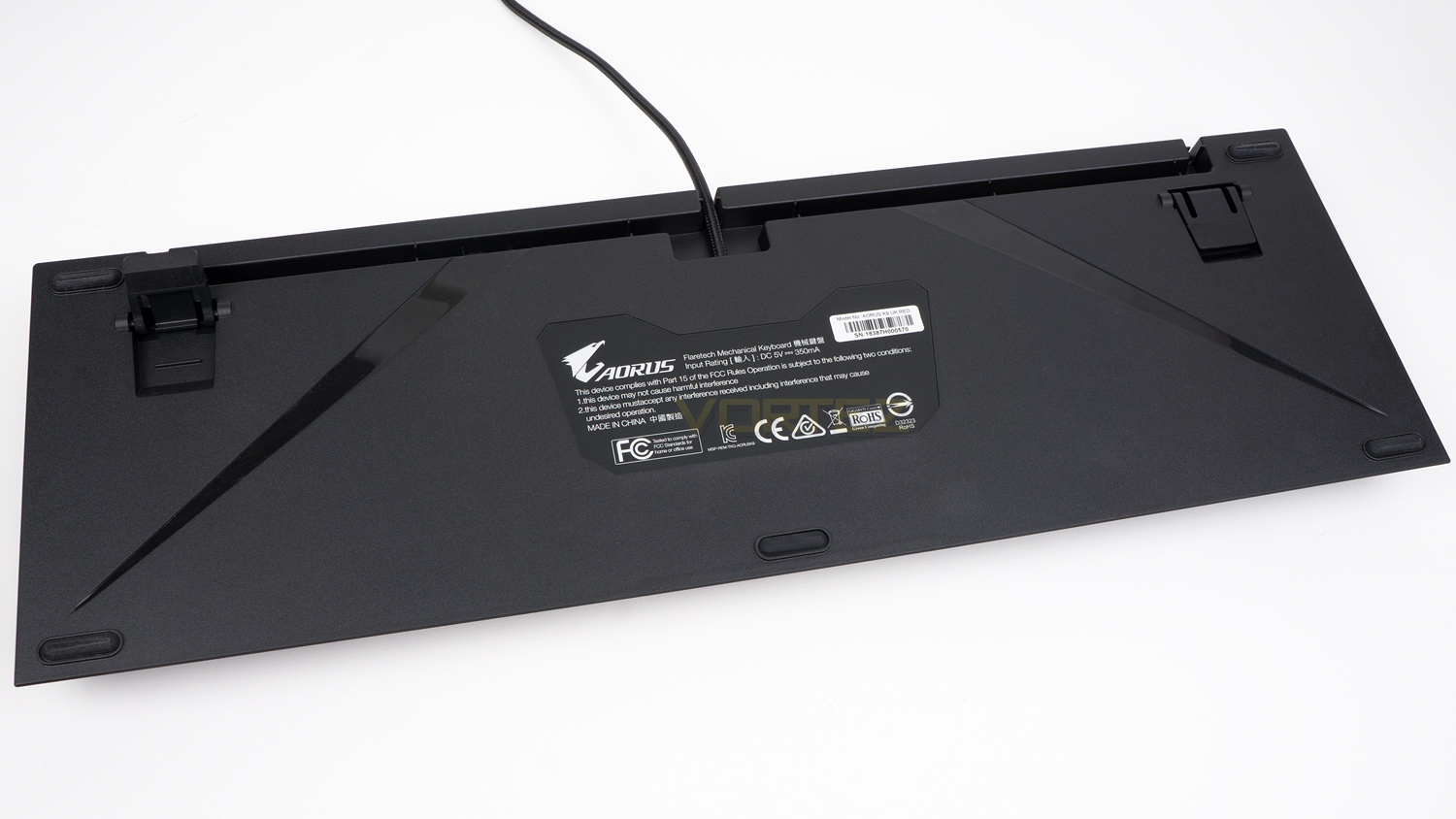
The underside of the K9 has five very small rubber feet which do a decent job at keeping the K9 planted. Also on the underside, you’ll see the two-way cable management which can route the main cable either left or right.
Software
GIGABYTE’s software for the AORUS K9 has all the right features, though it still needs some tweaks to bring up to par with the rest of the suites out there. Things like the scaling, speed and layout need work as at the moment the software isn’t the most pleasant to use. It is still usable, but compared to the offerings from Logitech, ASUS and Corsair, it is lagging quite far behind.
Performance Testing
Even if you’re job is gaming, you’re still bound to do some typing during your day and thus would require a keyboard that is capable of providing a good all-around experience. Well, the AORUS K9 does one of these admirably and the other, not so much. Typing on the K9 is a varied experience that has one or two good points, but then also some shortcomings. The good points are the key spacing and keycaps. The key spacing is about average which means that they have a nice amount of room between the keys so that you don’t easily knock two at the same time. The keycaps also feel good for the price and are reasonably spacious, though they aren’t as premium as some. Where the K9 starts to falter is with the missing wrist rest and switches. As is, the lack of a wrist rest does cause some wrist fatigue as the natural typing position is not all that comfortable. The Flaretech switches aren’t great for typing either as they quickly cause fatigue in your fingers.
You’ll also note that the K9 doesn’t offer any dedicated macro keys which could be a deal breaker for some as many use them to carry out daily tasks. You can of course still use macros, but they will have to be assigned to a pre-existing key. Though the K9 can’t make up for the missing keys, it can offer a splash-proof design which could be more important to some, especially if they have a lot of drinks around their work area.
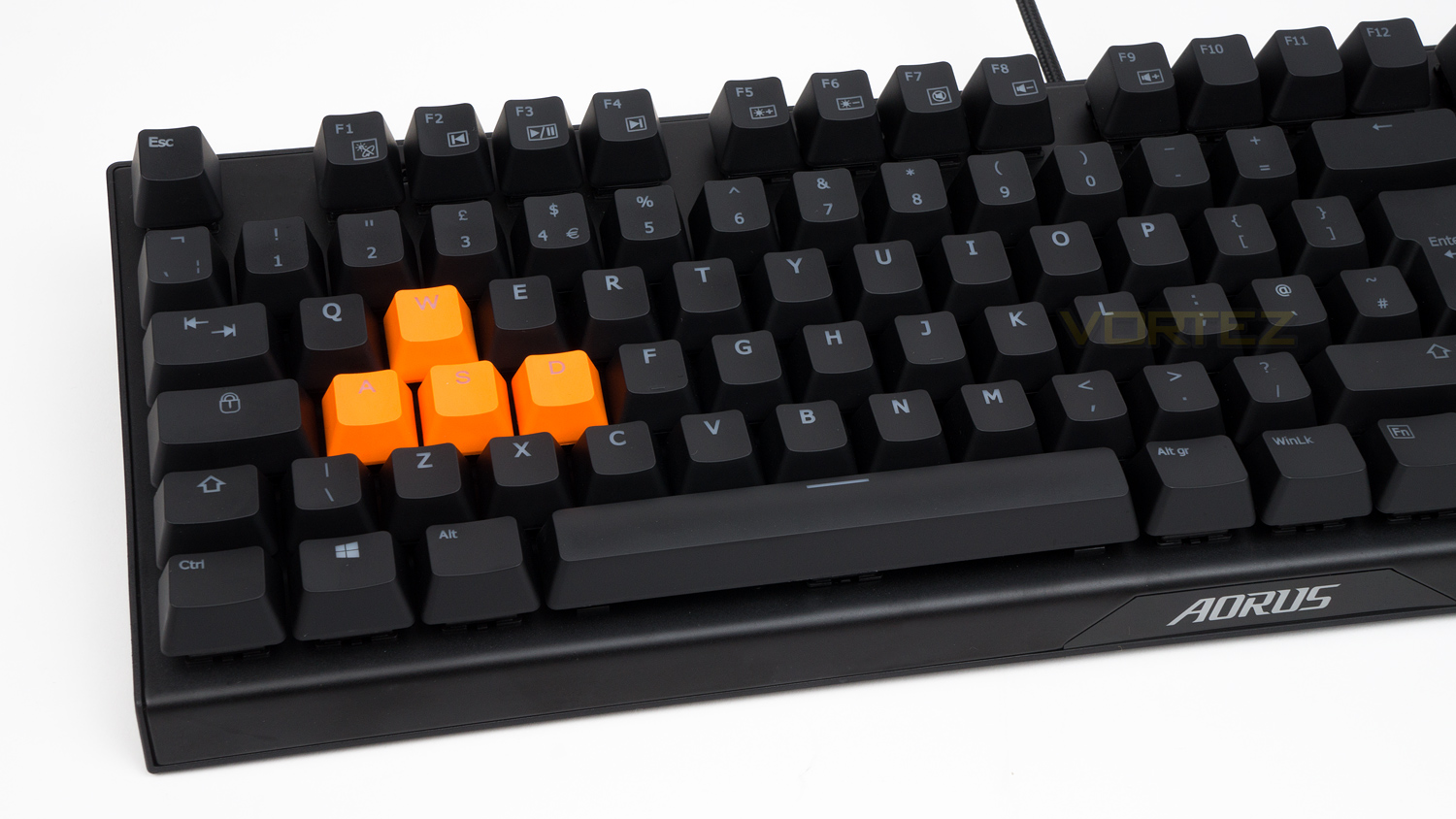
In terms of build quality, the K9 is good in ways, and not so good in others. The main body feels quite strong, and the top deck is metal which also feels nice, but it’s the switches that again let down the K9. When typing they don’t feel as planted or secure as Cherry MX do as the caps tend to wobble and move very easily. So if you are heavy handed, then the K9 might not be best suited to you. Design wise GIGABYTE has taken a more subdued approach with a pretty nondescript aesthetic. This would likely work for some, but for those that like a keyboard with a bit of flair, you’ll likely be disappointed.
In terms of performance, the K9 is great and offers a brilliant gaming experience – if you can live with the comfort issues. Comfort aside though, the K9 uses Flaretech Optical-Mechanical removable switches which are very good in ways, and not so great in others. As for the specs of the Flaretech Red (what we have on hand) they are about on par with the Cherry MX Red as they both offer similar performance specs. Both offer a 4mm travel distance with an actuation point of 2mm and have a similar actuation force (Flaretech = 55g / Cherry Red = 45g). They also use the same MX Cross stem meaning that you can use keycaps designed for Cherry MX switches. Where they differ is in the lifespan and debounce time, the lifespan of the standard Cherry MX switch is 50 million whereas the Flaretech offers double that. The debounce time though is more important (for gamers) as that is the rate in which the switch travels back after a press, and it’s here where the Flaretech beats the Cherry by a big margin. The Cherry Red offers a debounce time of 5ms compared to the Flaretech’s 0.03ms, which is a massive difference.
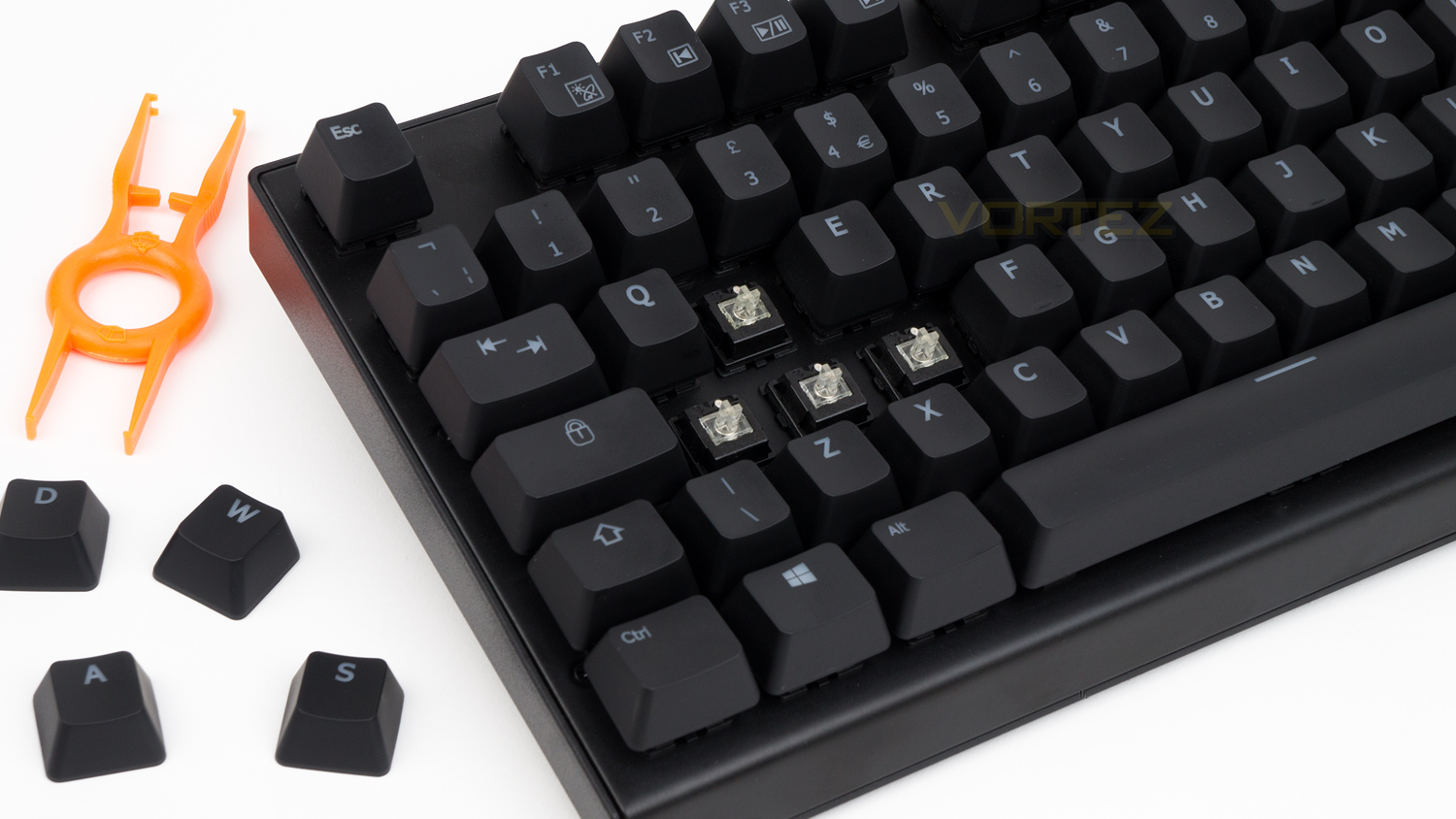
For actual gaming though, the Cherry MX do still feel better as they offer a smoother travel, more robust feel and are overall more polished than the Flaretech Reds. The Flaretech are still very smooth it’s just the Cherry are better in this regard. In terms of speed, however, the Flaretech do slightly edge out the Cherry MX Reds as they offer a slightly quicker feel, and when combined with the 1000Hz report rate, your input just seems to be dealt with a hair quicker. It isn’t much (we are talking ms of difference), but there is a slight difference in speed. That means that for quick paced games such as CSGO, Overwatch and similar fast-paced titles, the Flaretech are really great. For slower paced games, they aren’t as good as they are light and don’t offer much in terms of precision or outright control, that means making precise small movements is a little tricky.
In terms of noise, they are slightly louder than the Red offerings from Cherry, and they possess a more prominent mechanical noise though they don’t offer the activation click that the MX Blue does. But, if you are a game streamer or you capture your main audio while gaming, you may be able to hear the K9 in the audio.
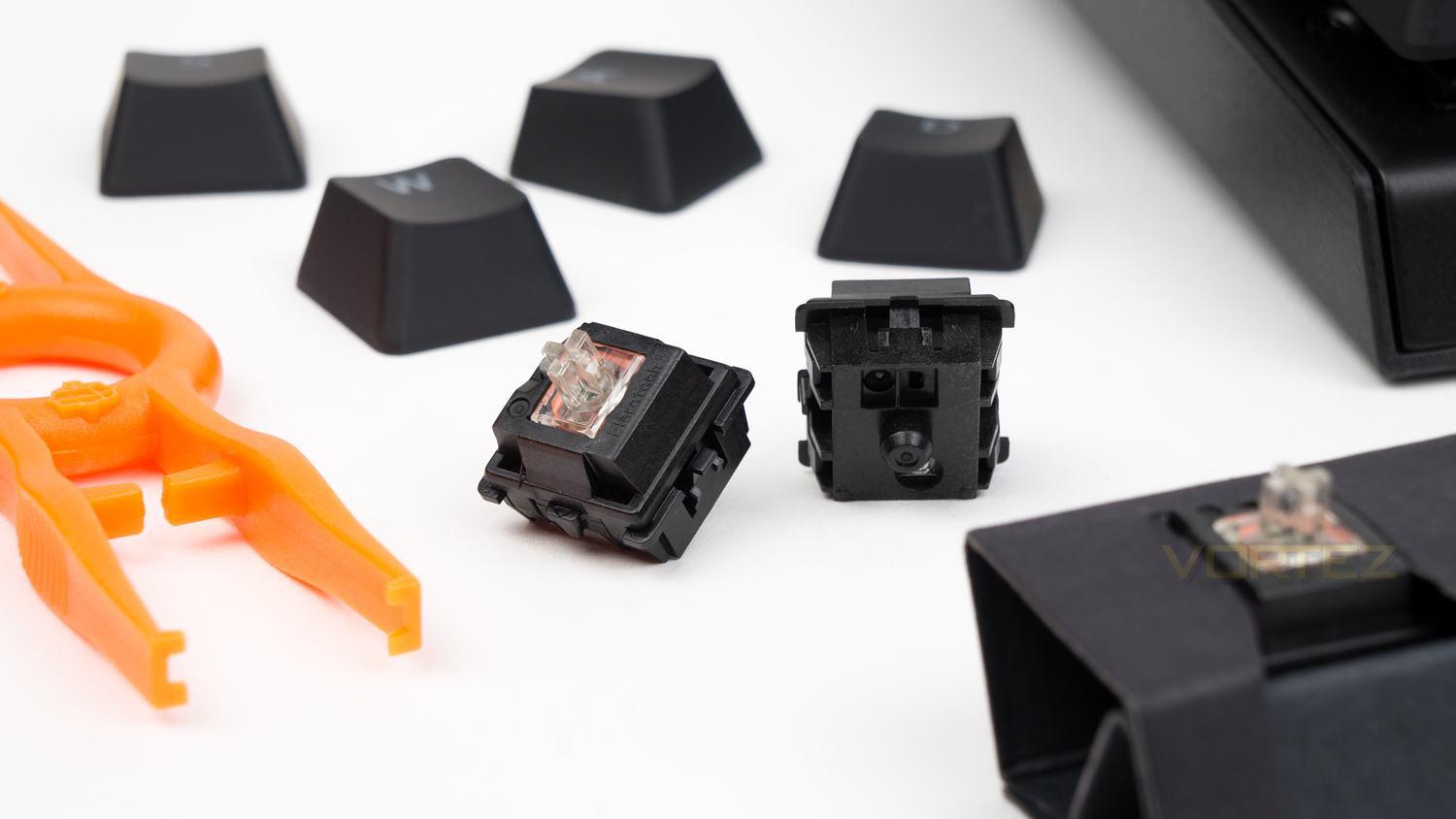
Another big plus the Flaretech has over the offerings from Cherry are that the switches are removable, that means that if the switches were ever to fail, you could swap in some replacements – which do come included with the K9. Within the box, you not only get some replacement keycaps, but you also get nice replacement Red switches. You could also purchase one of the other different Flaretech offerings if you wanted fast switches on your main gaming keys and ones that are better for typing on the others which is something Cherry enabled keyboards can’t offer. Another advantage the Flaretech has is the chatterproof nature of them. Because the Flaretech switches use optical actuation rather electromechanical, things like dust or debris won’t interfere with your experience. In all honesty, we haven’t had a “traditional” mechanical keyboard suffer from this, so take that as you will.
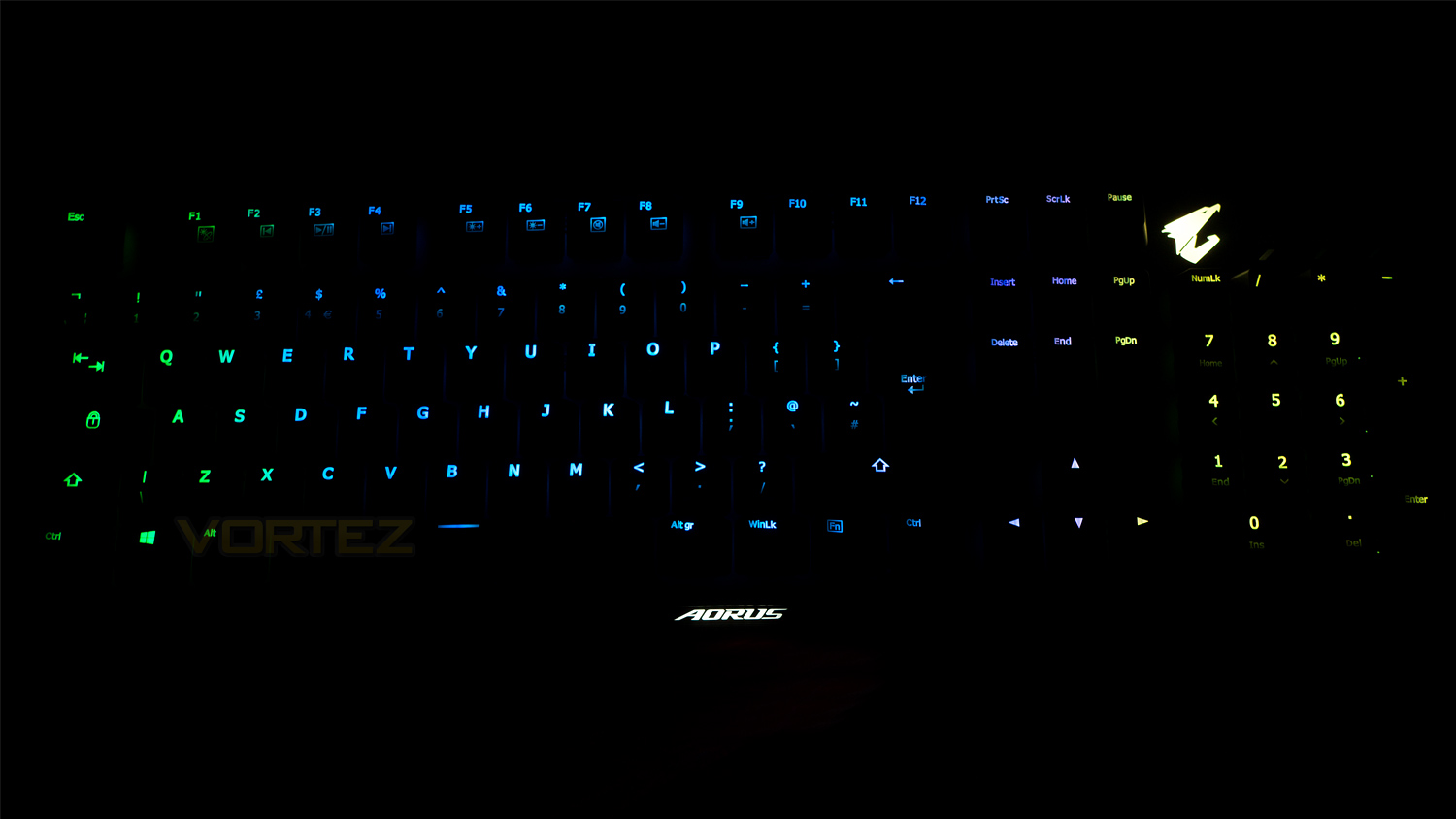
Finally to the illumination and it’s okay. The lighting isn’t the brightest nor the most vibrant, and it does have a few areas where the illumination is a bit spotty, this is most noticeable on the keys that have more than one line of text. The AORUS logo has good illumination and is nicely bright, but GIGABYTE has added a black line to it which looks odd and out of place. We understand that it would be difficult to make this section part of the main top deck, but surely there is a better solution than what GIGABYTE has opted for? As for the effects, they’re not great as the transitions are not overly smooth and the gradients are a bit inconsistent.
Conclusion
The GIGABYTE AORUS K9 has a lot of features that most other similarly priced keyboards don’t, and that does make it a somewhat compelling offering, though like with most products there are some notable caveats. One of those issues is the lack of a wrist rest, this would have definitely made the typing, and gaming experience better because as is, the K9 is not the most comfortable to type or game on. We understand that adding a wrist rest would obviously make the K9 more expensive, but it would have made the K9 that much more appealing. Also missing is a USB pass-through, though if one feature was missing, this is one thing that we think could be omitted given the rest of the feature set. Of course, some of you may need this feature and thus it’s omission could be a deal breaker, but for most, it’s an addition that is nice to have, rather than a necessity.
One final thing that doesn’t make an appearance are the macro keys, these are arguably more important to some than a USB pass-through, but sadly the K9 doesn’t offer them. Of course, macros can still be utilised, but they would have to take the place of an existing key. Another unfortunate negative is the software. The base of it is there, it just needs some tweaking to make the core experience better for the end user.
On the plus side, the AORUS K9 has quite a few favourable attributes, and one of them is the splash-proof design. Out of the box the K9 uses a Hydrophobic Conformal Coating which means that you can – accidentally, of course, get some liquid on the K9 without it causing permanent damage. Another strong and appealing features include the underside cable management which is great as you can route your cable to the left, right or straightforward depending on where your PC is located.
Then of course to the gaming experience and again if you can cope with the comfort issues, or are willing to invest in a wrist rest then the K9 offers a great experience (for a select few genres). The K9 as we know by now uses Flaretech switches which are fast, though they are not as well polished as Cherry MX switches. However, they do have a few more advantages which are the removable nature of them, this means that if you fancy a change or if one of the switches fails, you can easily swap it out and replace it. GIGABYTE has also gone one step further and included nine switches, so if one does break, you can use the supplied tool to swap it out.
Overall for £113.04 GBP ($128.66 US / $179.00 AUS) is a great package and if you can cope with the previously mentioned issues, it is a great keyboard that in theory could last you a long time and change with you.
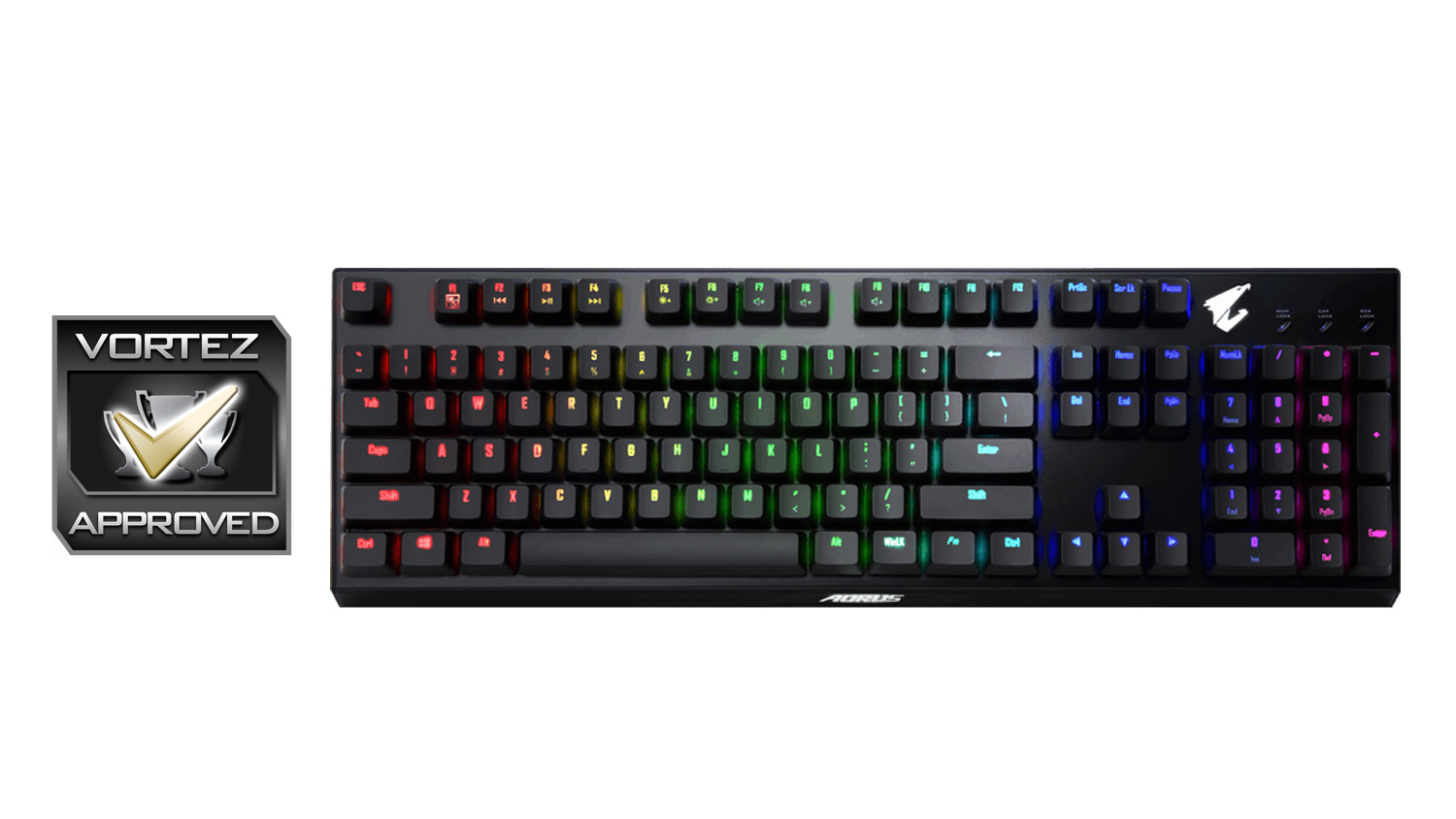
GIGABYTE have forged a different path with the AORUS K9, and it works thanks to the uncommon feature set and strong gaming performance.
Pros
+ Swappable switches
+ Splash-proof feature
+ Included replacement keycaps and switches
+ Great for fast-paced gaming titles
+ Underside cable management
+ Good build quality
+ Understated design
+ N-Key rollover
Neutral
+- Missing macro keys
+- A touch pricey
+- Not very comfortable for typing or gaming
Cons
– No included wrist rest
– Software needs works
+ Swappable switches
+ Splash-proof feature
+ Included replacement keycaps and switches
+ Great for fast-paced gaming titles
+ Underside cable management
+ Good build quality
+ Understated design
+ N-Key rollover
Neutral
+- Missing macro keys
+- A touch pricey
+- Not very comfortable for typing or gaming
Cons
– No included wrist rest
– Software needs works
Click here for an explanation of our awards at Vortez.net.
Stay connected with the Vortez Social Media pages:
Join in with the discussions on Discord