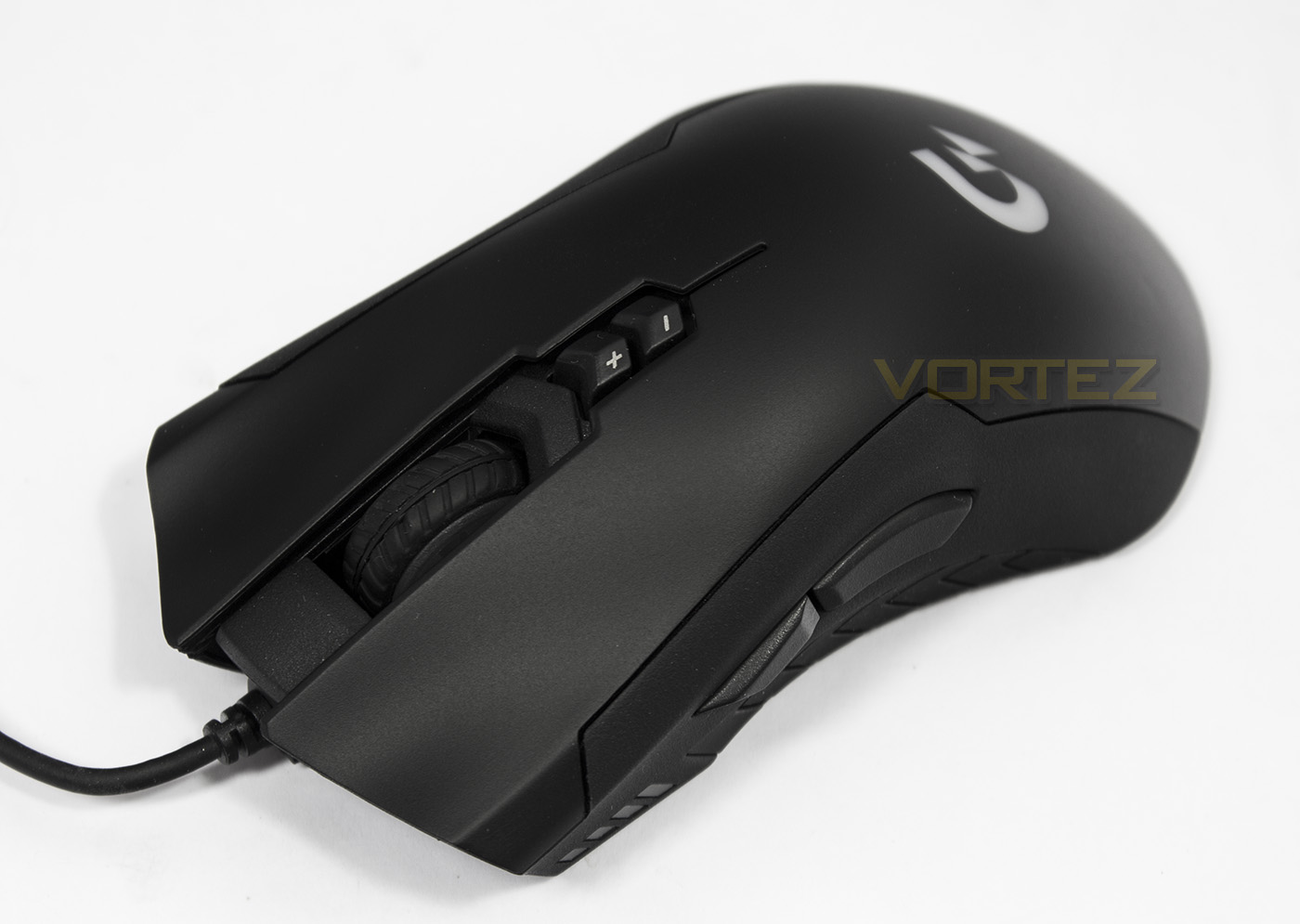
The XM300 is a fast and lightweight optical mouse based on the 3988 sensor, it features soft rubber side grips and an ergonomic shape suitable for most grip types.

Product on Review: GIGABYTE XM300
Manufacturer & Sponsor: GIGABYTE
Street Price: UK: £39.99, US: $49.99
It would appear that GIGABYTE are redoubling their efforts regarding gaming equipment and peripherals lately, but which branding they finally solidify behind could be anyone’s guess (Aorus or Xtreme Gaming). Here we get a look at the GIGABYTE branded XM300, which is an high speed ergonomic mouse that is specifically designed to provide comfort for all grip types. At 130mm long, and weighs just 100g, the XM300 fills the role of a fast, mid-sized mouse that will cater for most play styles, a category filled with some very popular mice including the Razer DeathAdder Chroma.
On the outisde, the XM300 has an ergonomic shape with rubberised grips at the sides and features a total of 7 programmable buttons. Other features include the use of OMRON switches, RGB lighting, an LED DPI indicator. Sitting at the core of the mouse is the Pixart 3988 optical sensor rated for 6400 DPI.
About GIGABYTE Gaming
GIGABYTE shares the same passion for gaming as all gamers. Therefore we have extended the premium gaming brand – AORUS, the pinnacle of our hardware excellence, to provide a full spectrum of innovative gaming products that deliver the ultimate performance and exemplify PC’s capability of bringing gamers unprecedented delights. We continue to participate in global gaming events, connect with the community and actively listening to gamers’ desires in order to create marvelous products that are focused on gamers’ needs. AORUS is a team of gamers in the PC industry, looking to side with gamers on the gaming conquest, to challenge the limits, and become legendary.
Technical Specifications
Interface: USB
Tracking System: Gaming Optical Sensor (Pixart 3988)
Sensitivity: 50~6400dpi with 50dpi increments (Default: 800/1600/2400/3200 dpi)
DPI Switch: YES
Scrolling: Standard (3D)
Frame Rate: Up to 12500 frames/second
Maximum Acceleration: 50g
Maximum Tracking Speed: 200 inches/ second
Switch Life (L/R click): 20 million times
Certificate: CE/ FCC/ BSMI/KCC
Color: Black
Cable Length: 1.8m matt black PVC cable / Gold-plated USB connector
Dimension: (L)130.0*(W)60.0*(H)43.0 mm , width: the length between 2 rubbers
Weight: 101g (+-3%) without cable
Packing Content: 2 sets spare mouse feet
Support OS: Windows 10/8/7
Tracking System: Gaming Optical Sensor (Pixart 3988)
Sensitivity: 50~6400dpi with 50dpi increments (Default: 800/1600/2400/3200 dpi)
DPI Switch: YES
Scrolling: Standard (3D)
Frame Rate: Up to 12500 frames/second
Maximum Acceleration: 50g
Maximum Tracking Speed: 200 inches/ second
Switch Life (L/R click): 20 million times
Certificate: CE/ FCC/ BSMI/KCC
Color: Black
Cable Length: 1.8m matt black PVC cable / Gold-plated USB connector
Dimension: (L)130.0*(W)60.0*(H)43.0 mm , width: the length between 2 rubbers
Weight: 101g (+-3%) without cable
Packing Content: 2 sets spare mouse feet
Support OS: Windows 10/8/7
Packaging & First Look
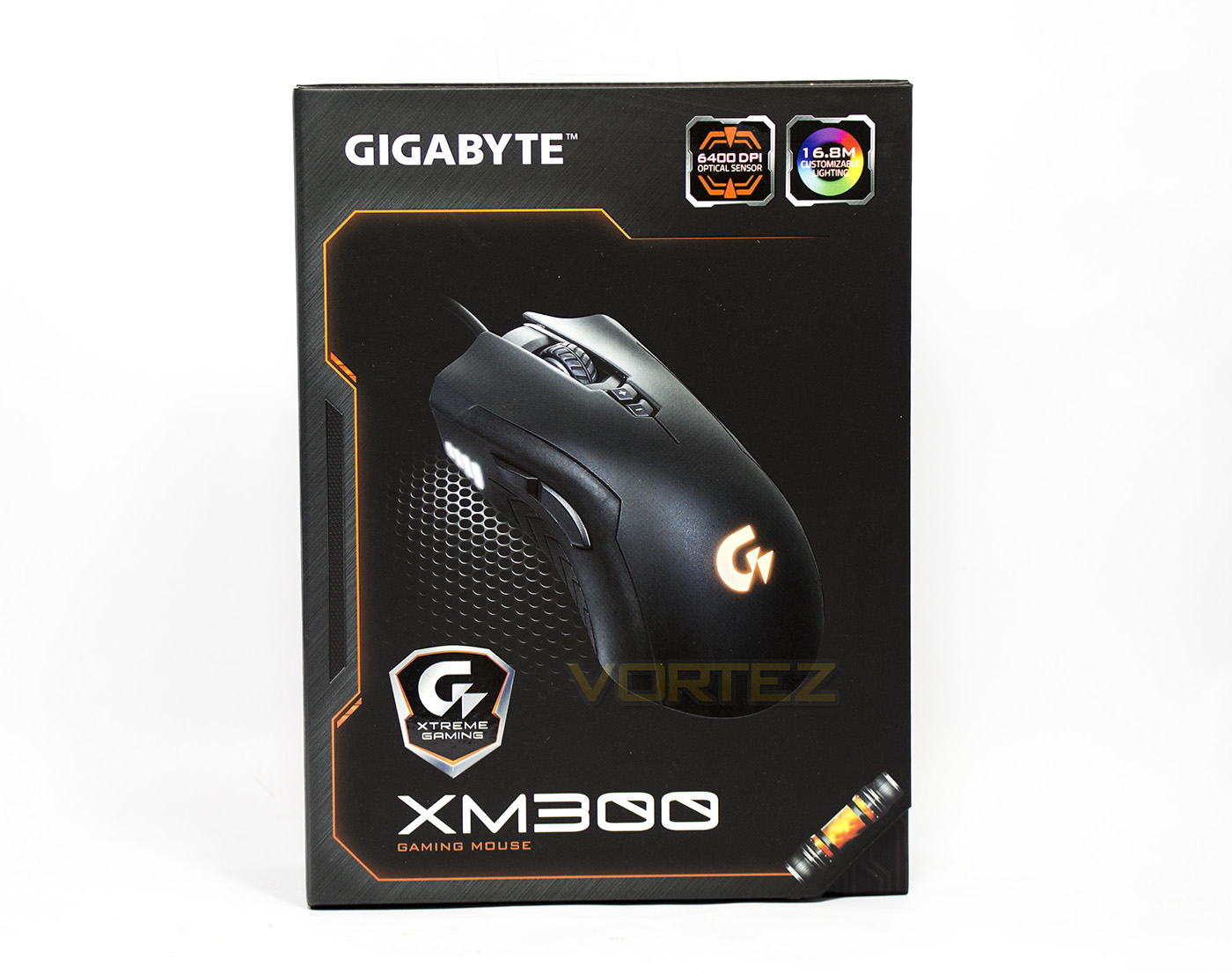
The packaging features a sleek livery that has clear branding with a large image of the product and the product name visible. In the top right we see that it features a 6400DPI optical sensor and RGB lighting. The packaging is framed by a deep orange colour and we also see the Xtreme Gaming logo with the smaller ‘G’ logo that is distinctively different from the Logitech G logo, but may cause some confusion.
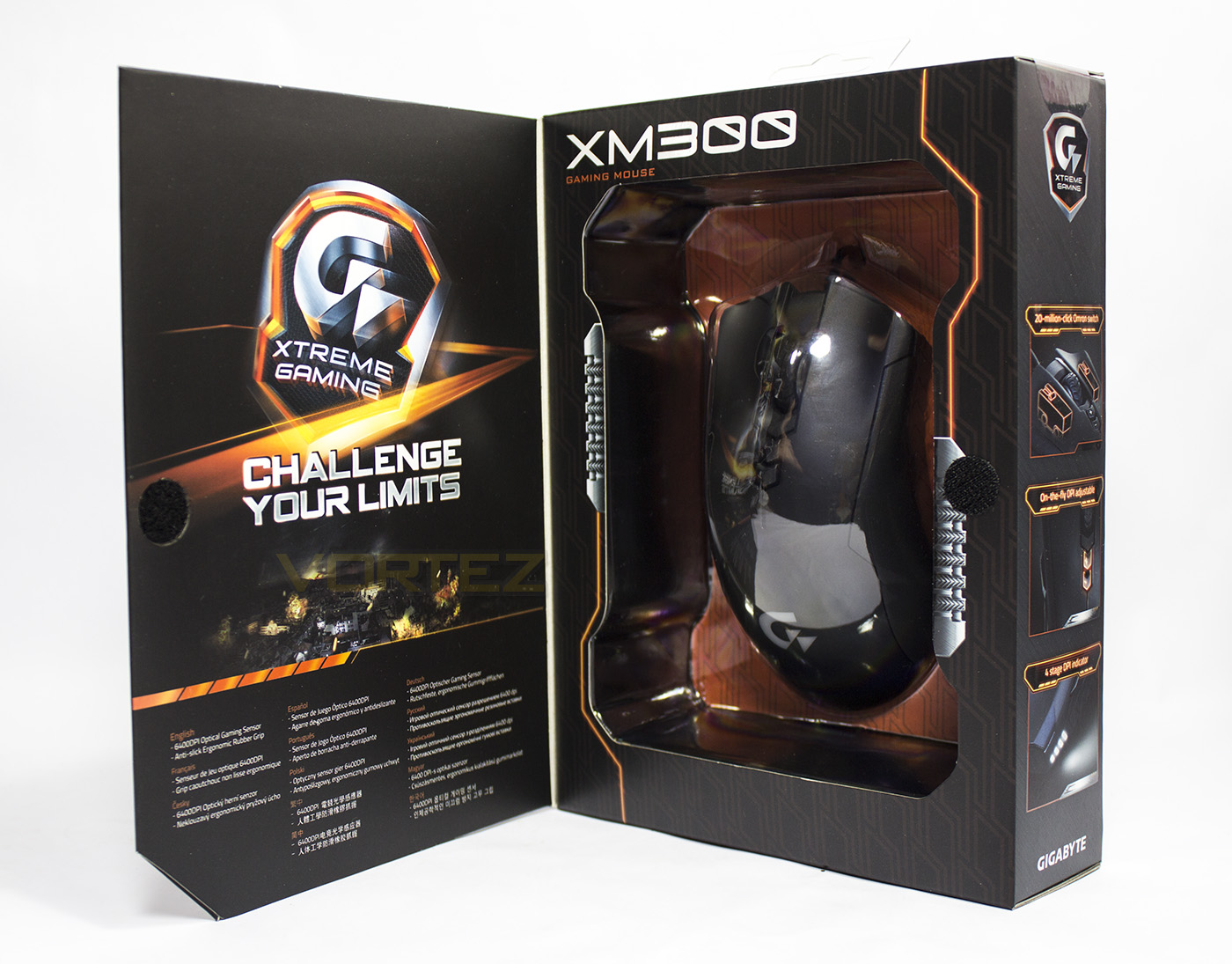
Opened up we can take a look of the product without having to extract it from the packaging. The inside leaf doesn’t really shed much light on the product but we find a more impressive Xtreme Gaming logo. I wonder if this brand will assimilate the Aorus branding?
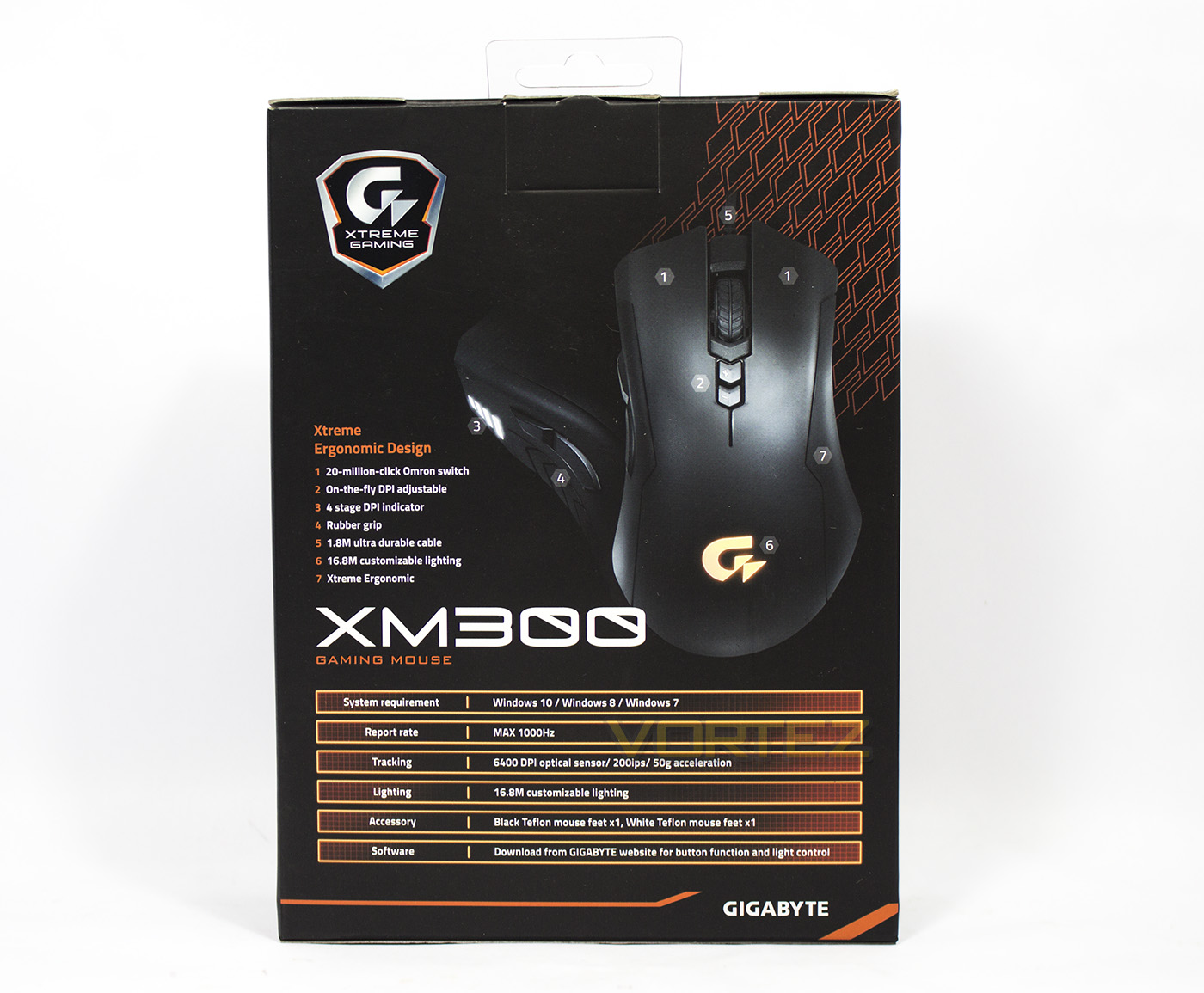
At the back there is a much clearer breakdown of the features and specifications of the XM300 mouse.
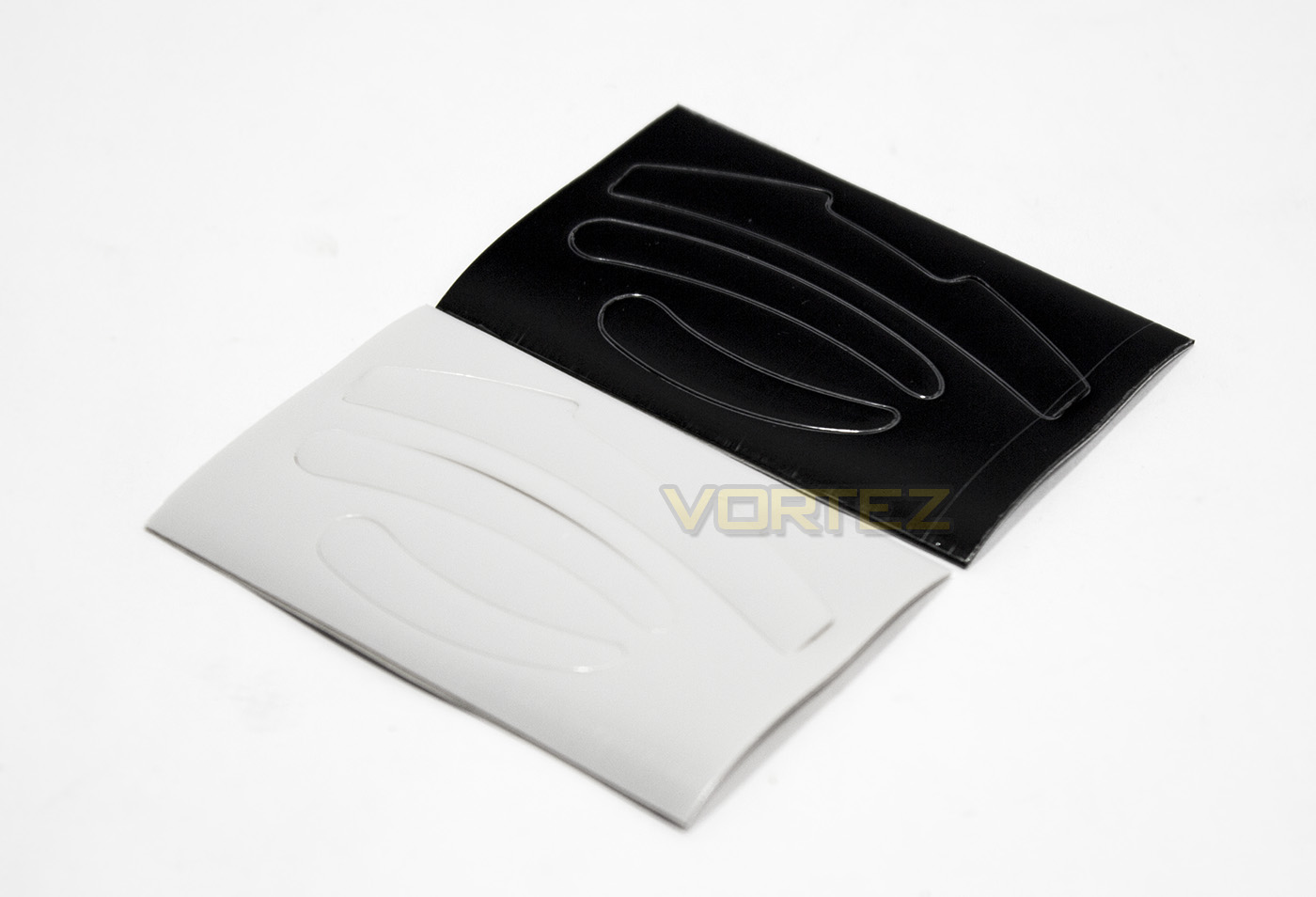
Inside there are additional two sets of teflon slip pads to ensure optimal performance as they wear down, which is amazing confidence in how long they expect the mouse to last.
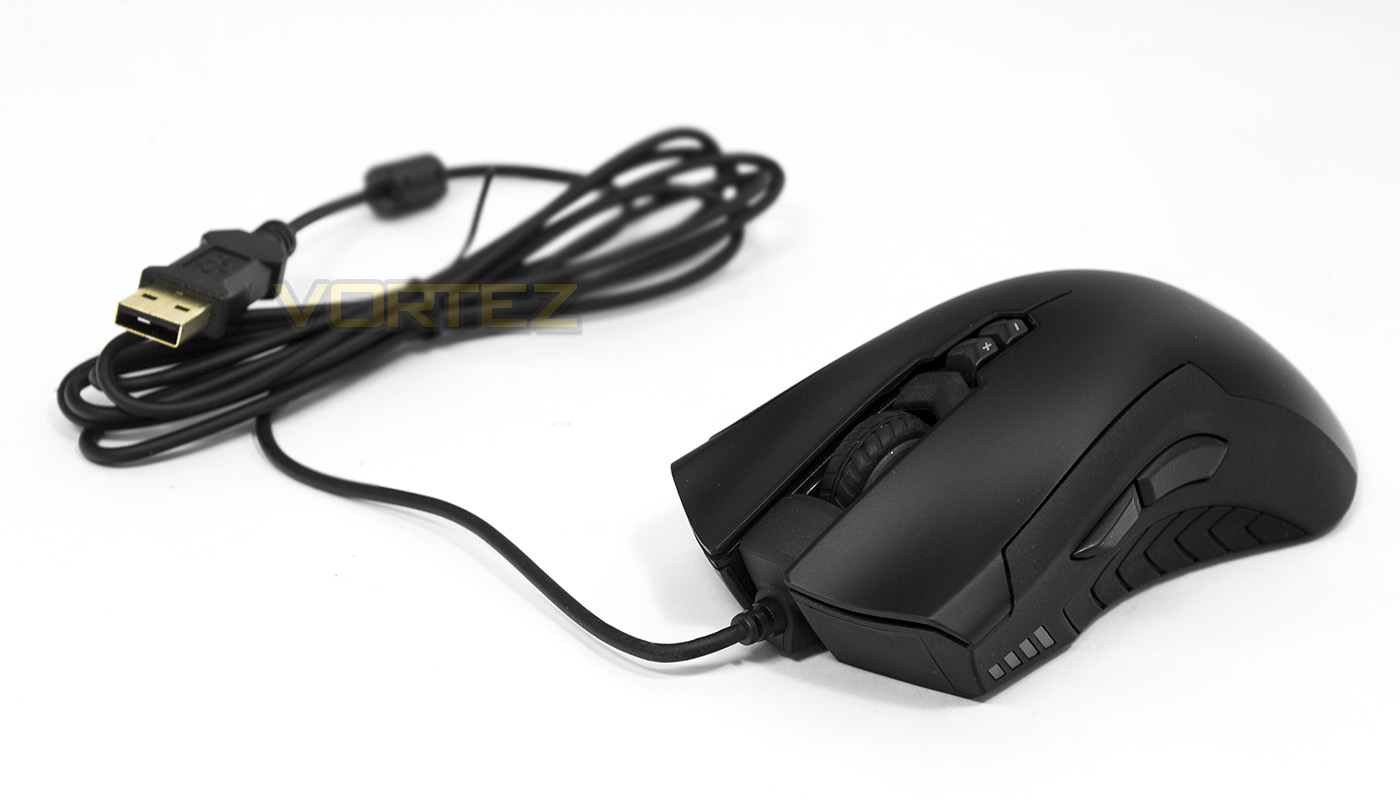
The XM300 mouse features a 1.8m long cable, which is neither soft/rubbery nor braided. At this point it is worth remembering that this is a mouse with premium features that can be found at a little over £30 and so forsaking details such as this is understandable.
Closer Look
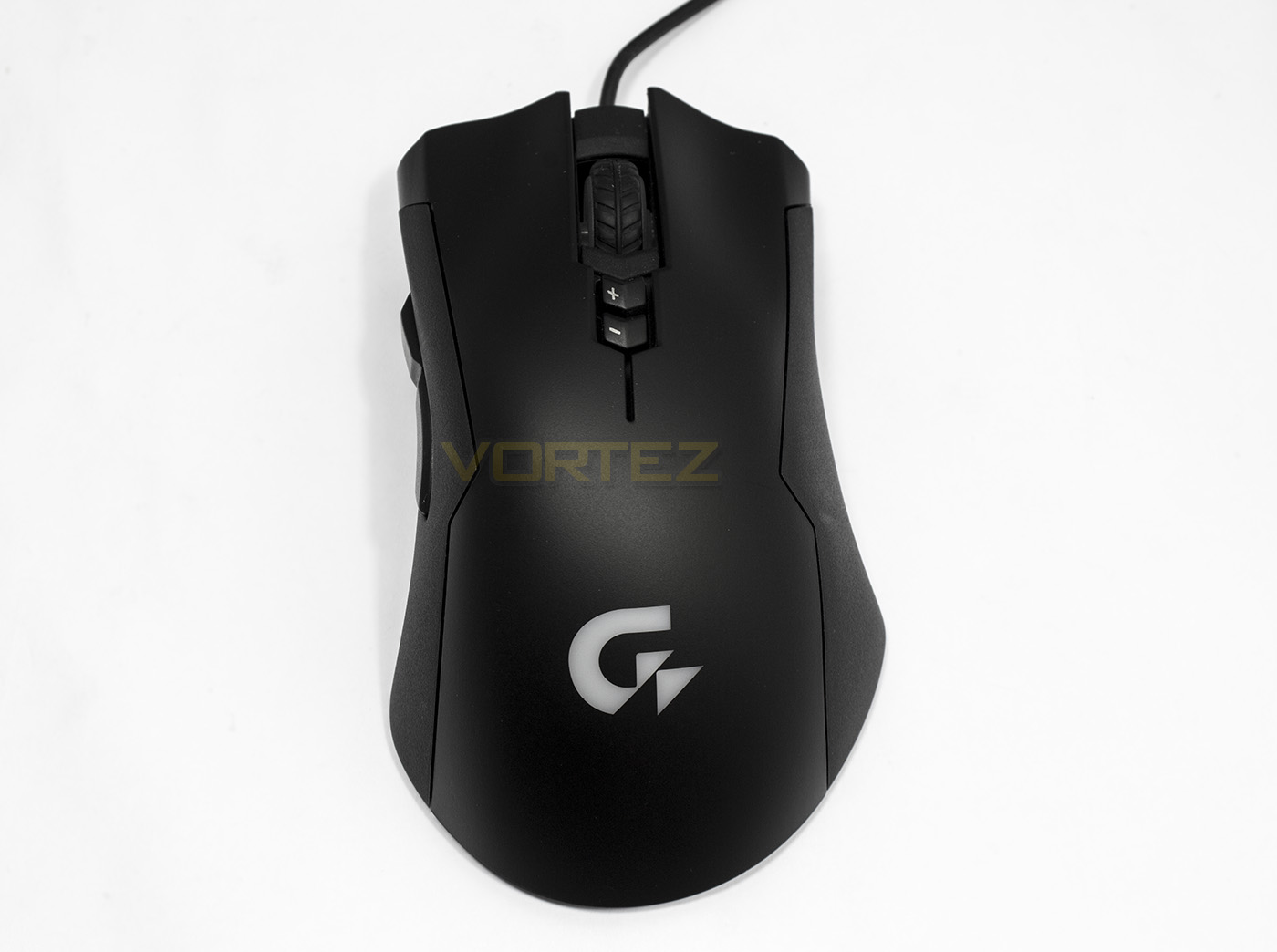
From the top down we see that it is a fairly neutral shape, though slightly wider or flanged at the rear. The main mouse buttons have deep wells for your fingers to sit and the left and ride side is made from a soft rubber material for additional grip.
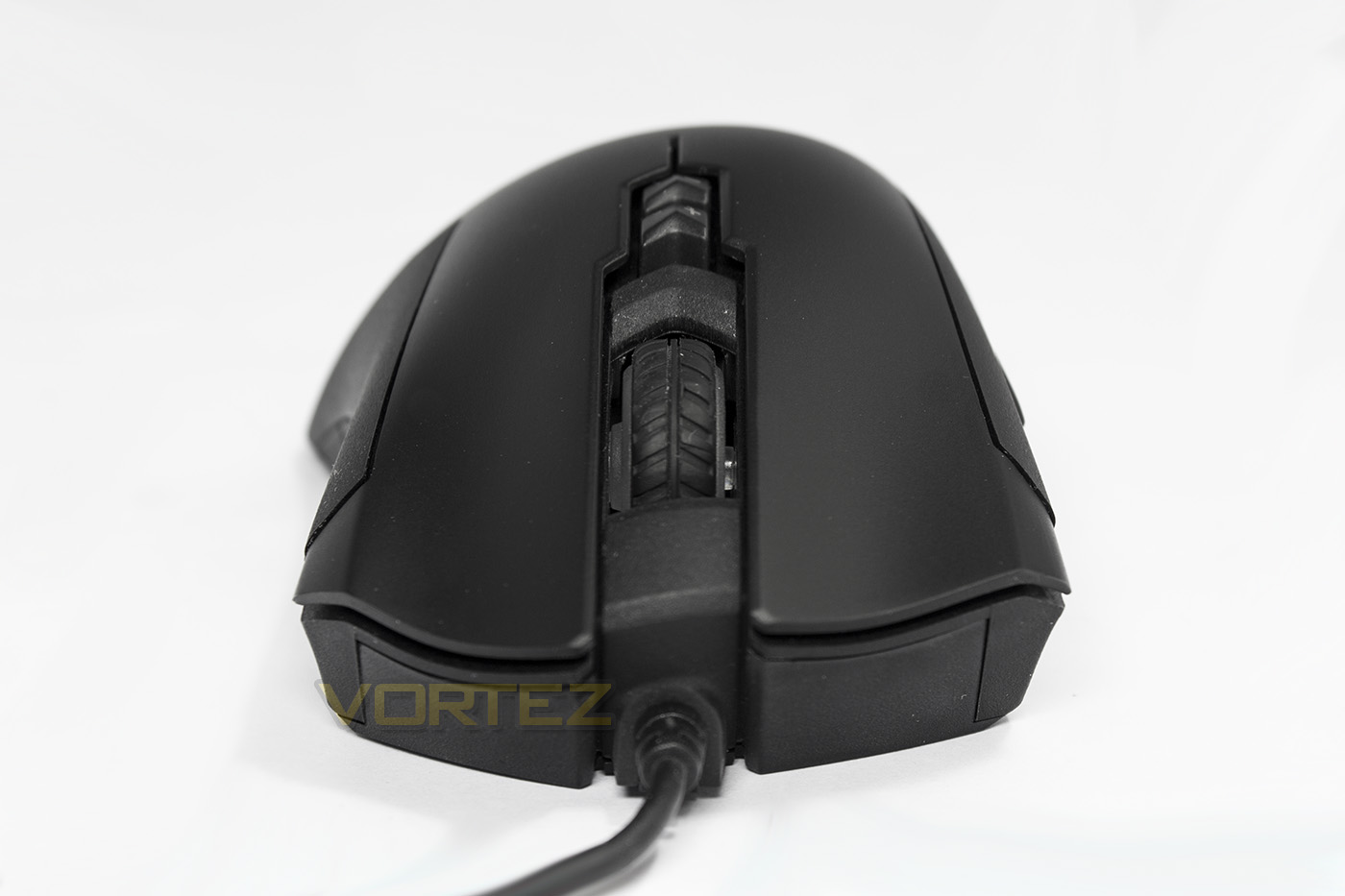
The mouse wheel is covered in a rubber grip and behind it are two buttons to increase/decrease DPI. The front view also shows the sloped arch as part of the ergonomic design.
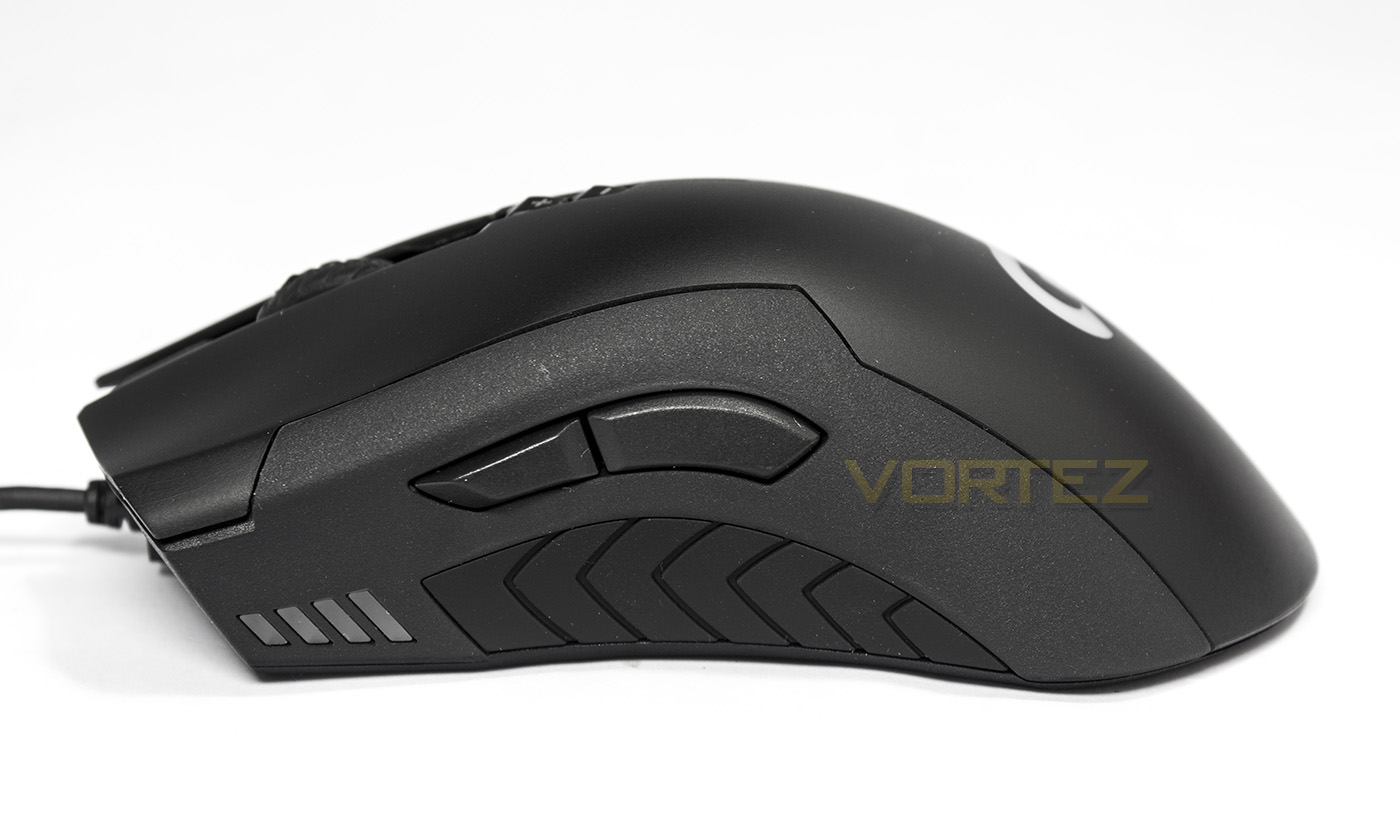
Here we can see the forward/backward buttons with the soft rubber grip beneath. Towards the front of the mouse there are 4 LED lights to indicate which DPI setting you are using.
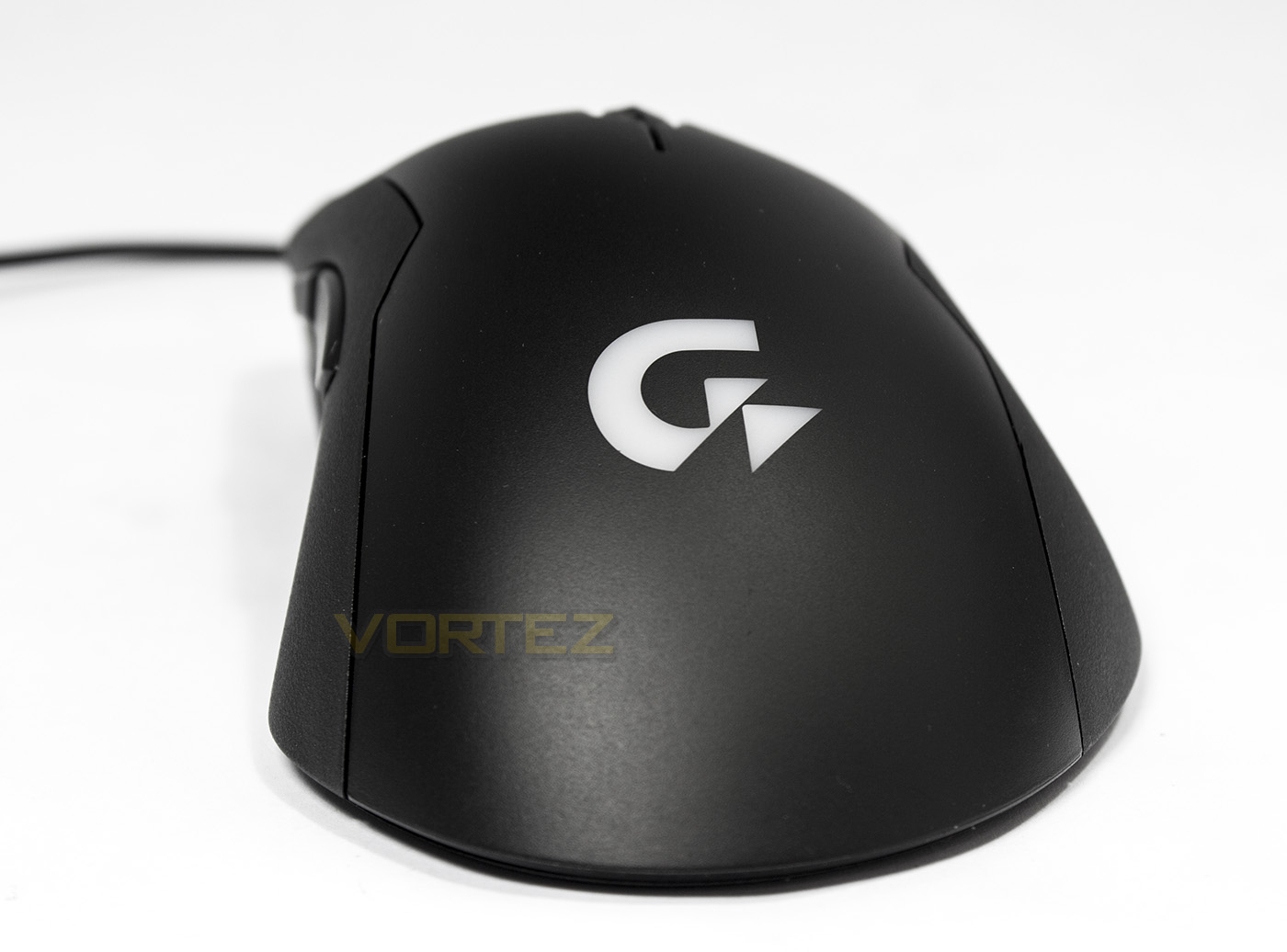
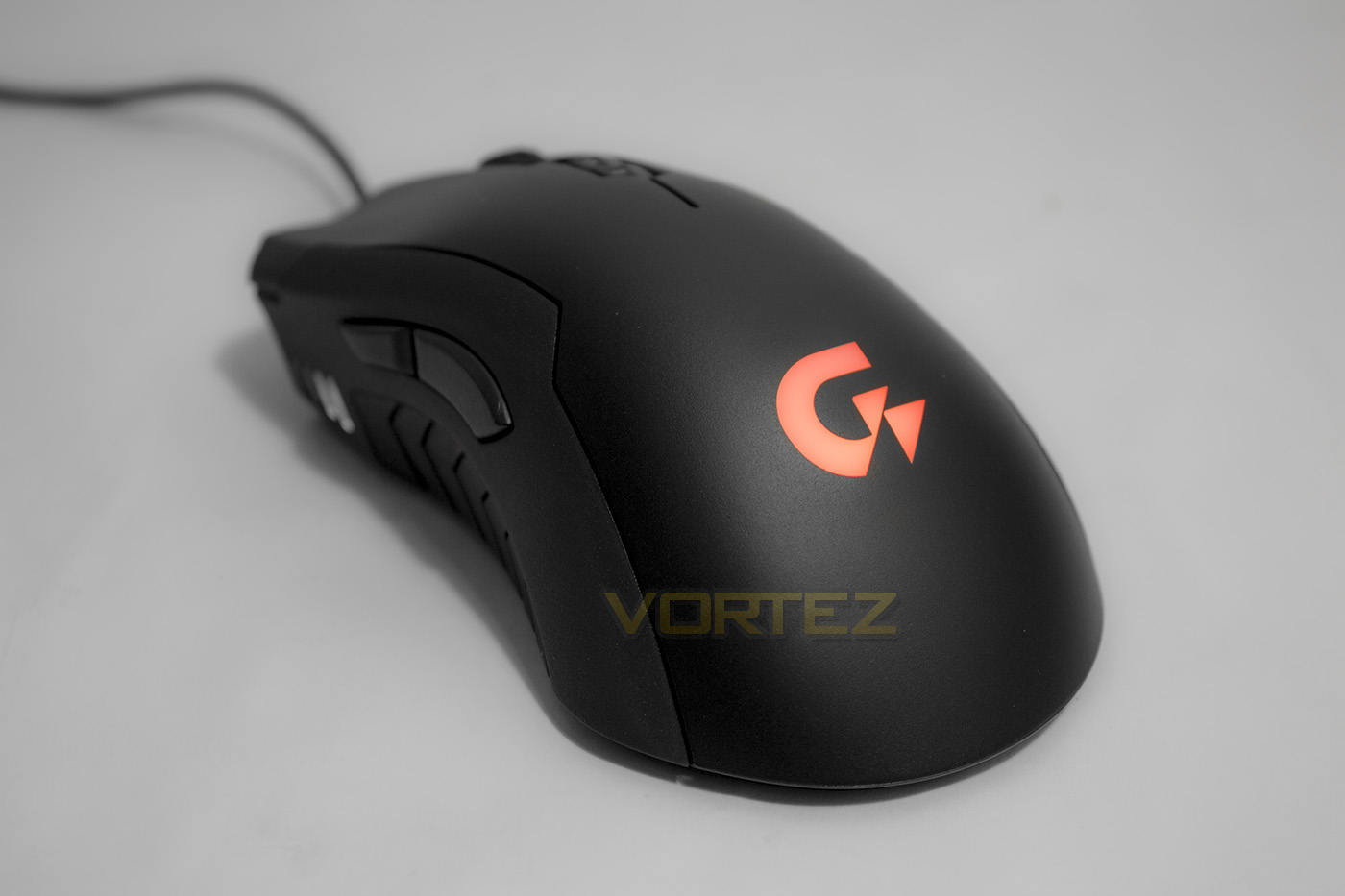
The rear of the mouse is significantly wider than the front and in the distance you can see the mouse almost twisting to the left a little. Overall it reveals a very subtle but neutral ergonomic design. Though it is enough to render it unusable for left handers. The rear logo is is also lit by RGB lighting.
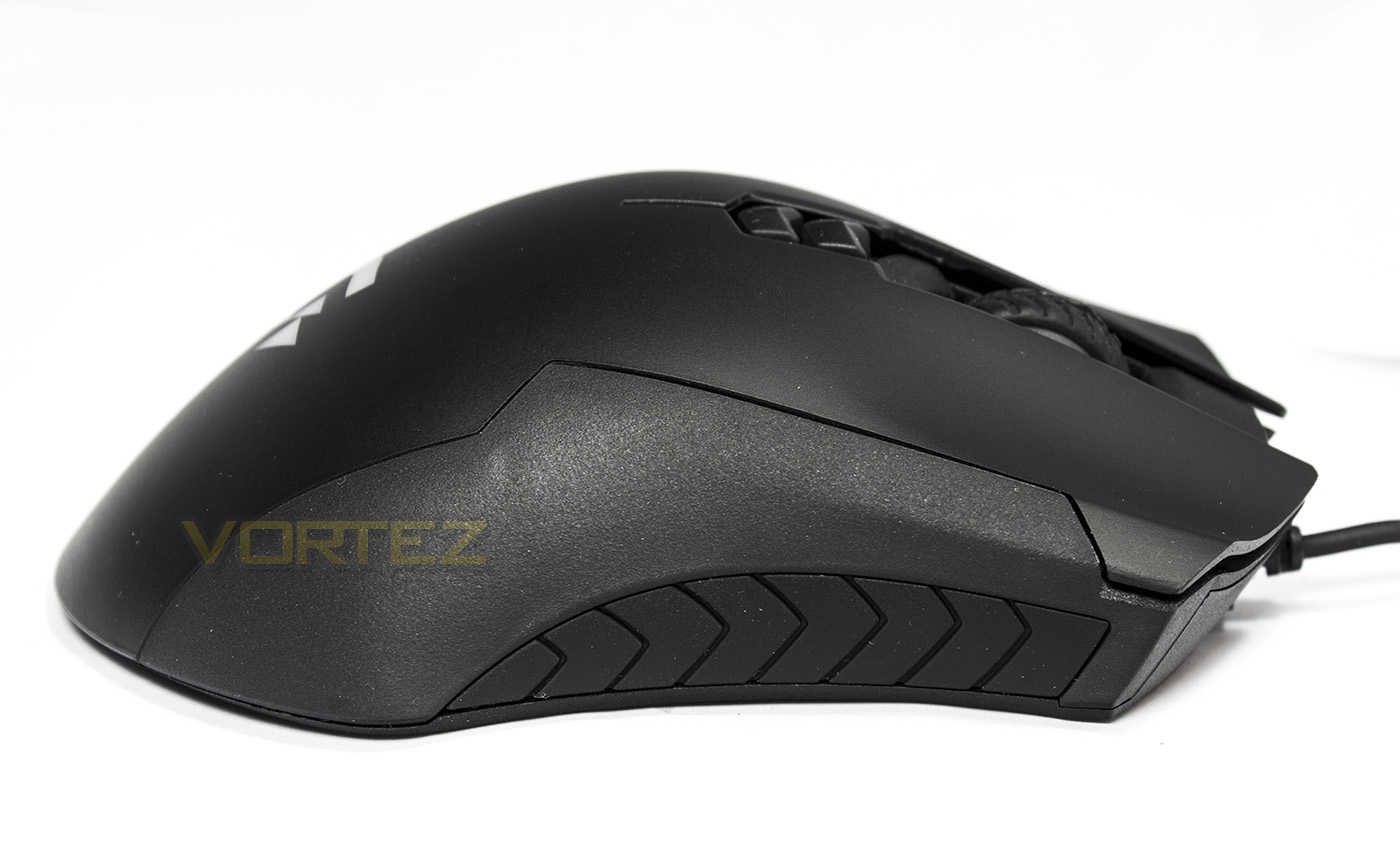
On the right side of the XM300 there is a larger rubber grip section.
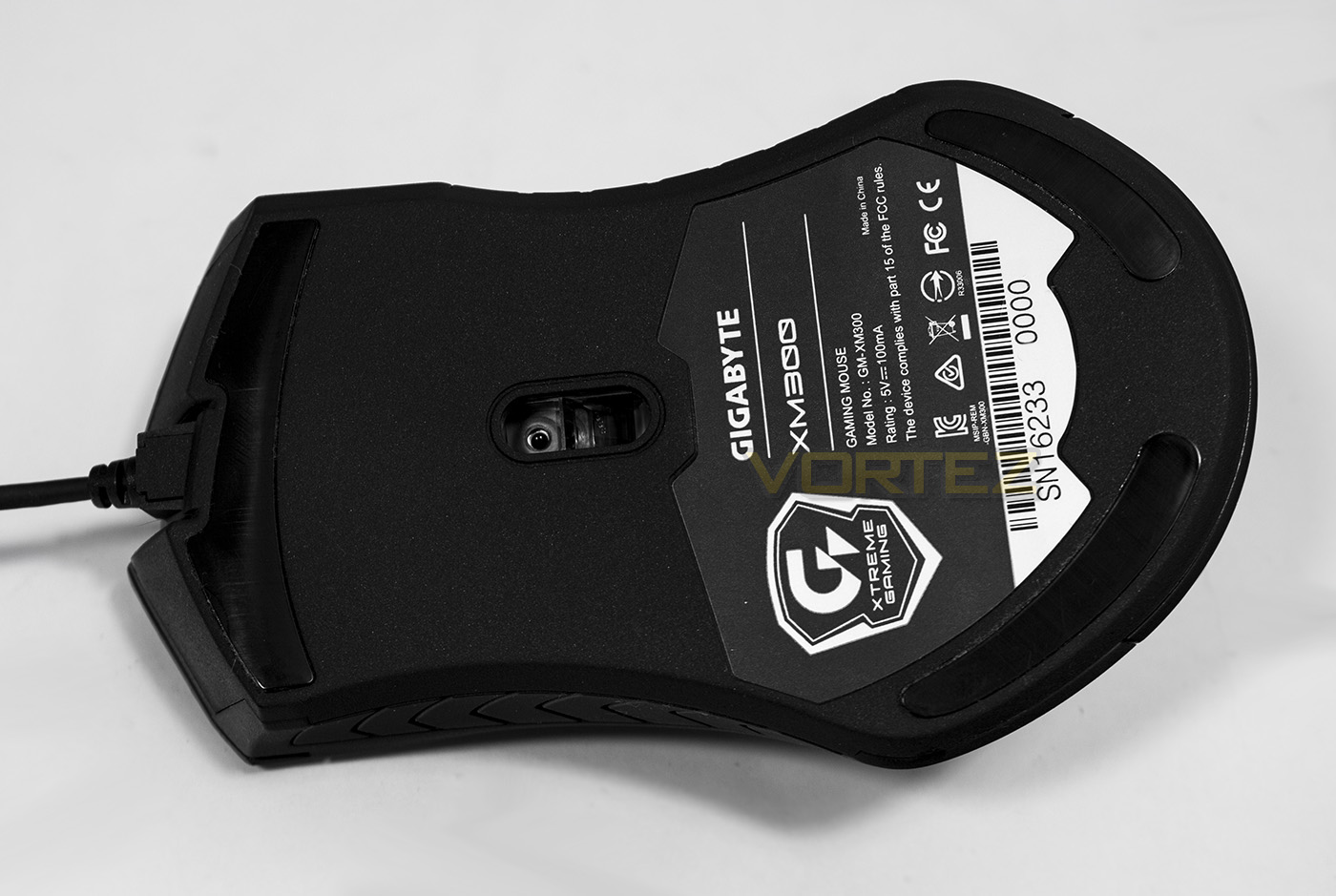
The shape of the base gives a better insight into the overall design of the mouse. The teflon slip pads are positioned in a way that is stable and balanced while the sensor is positioned a little forwards of the centre.
Software
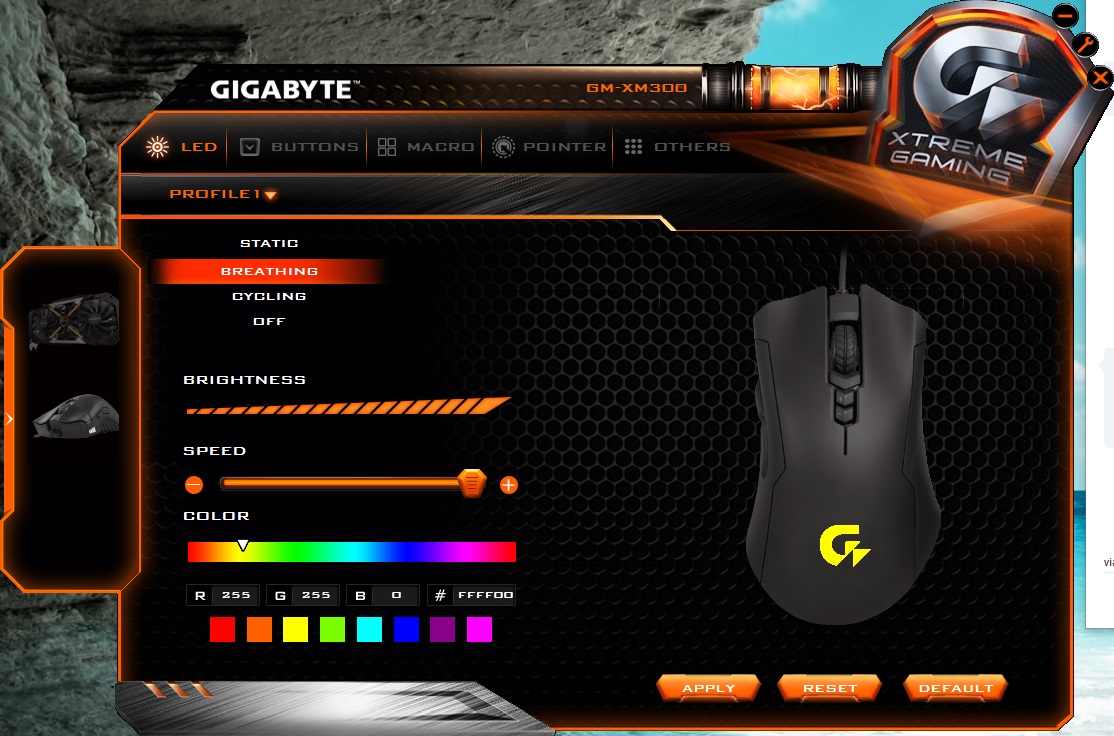
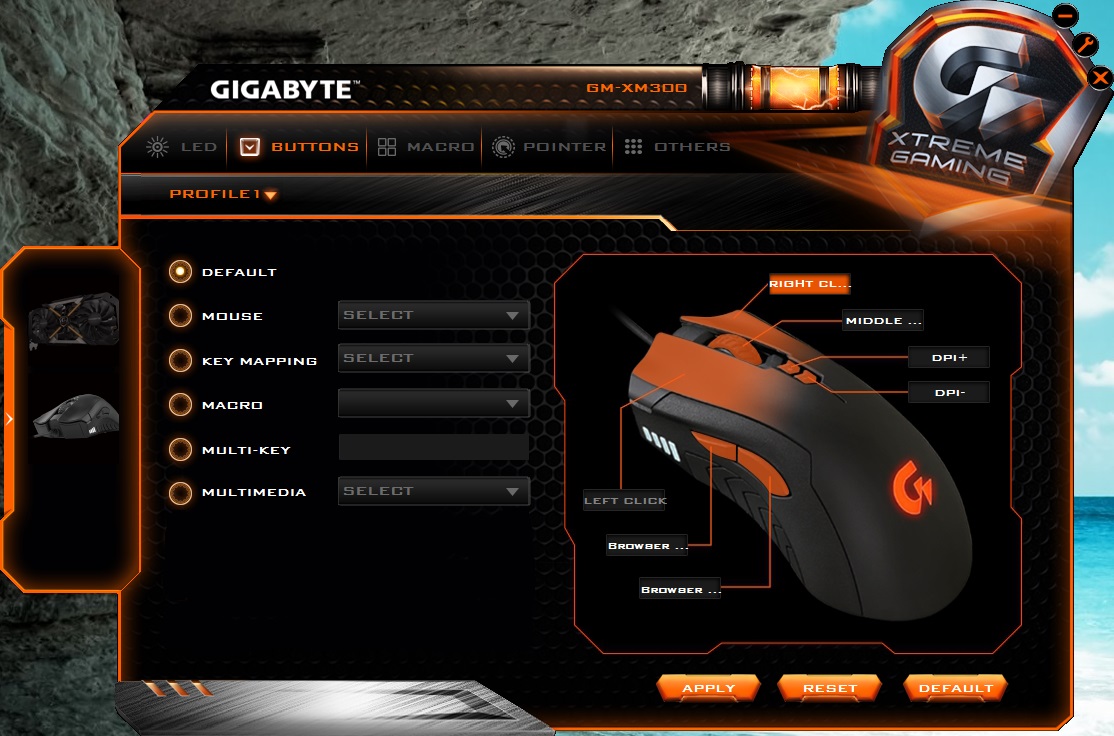
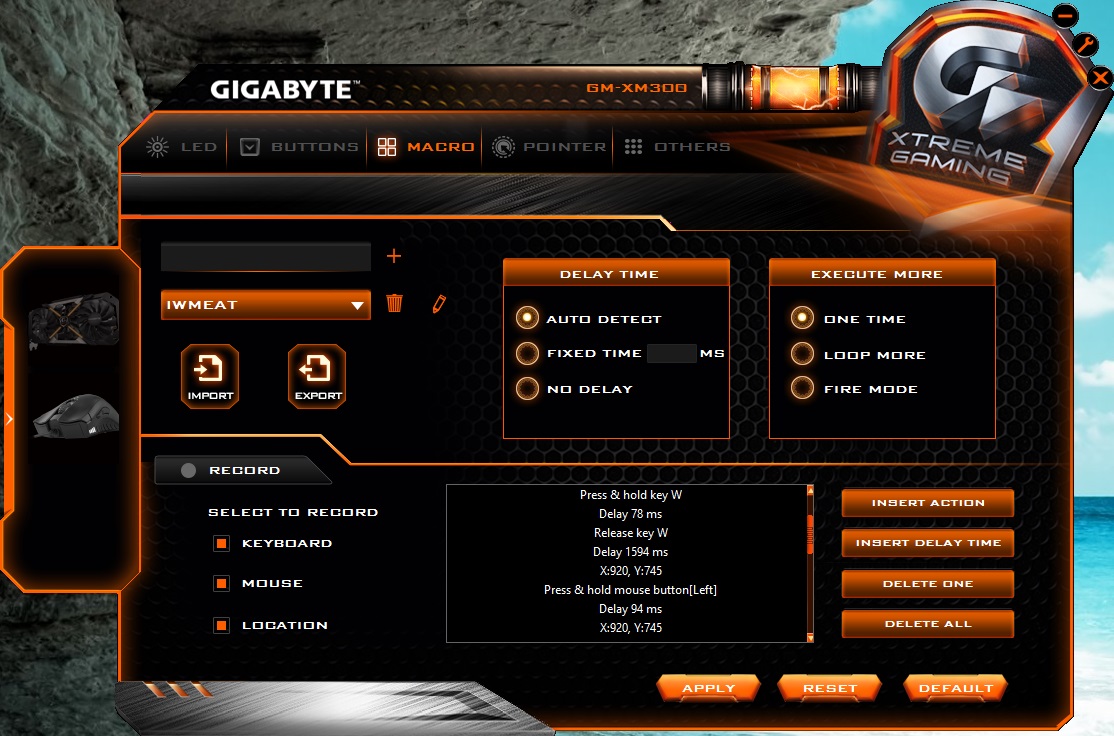
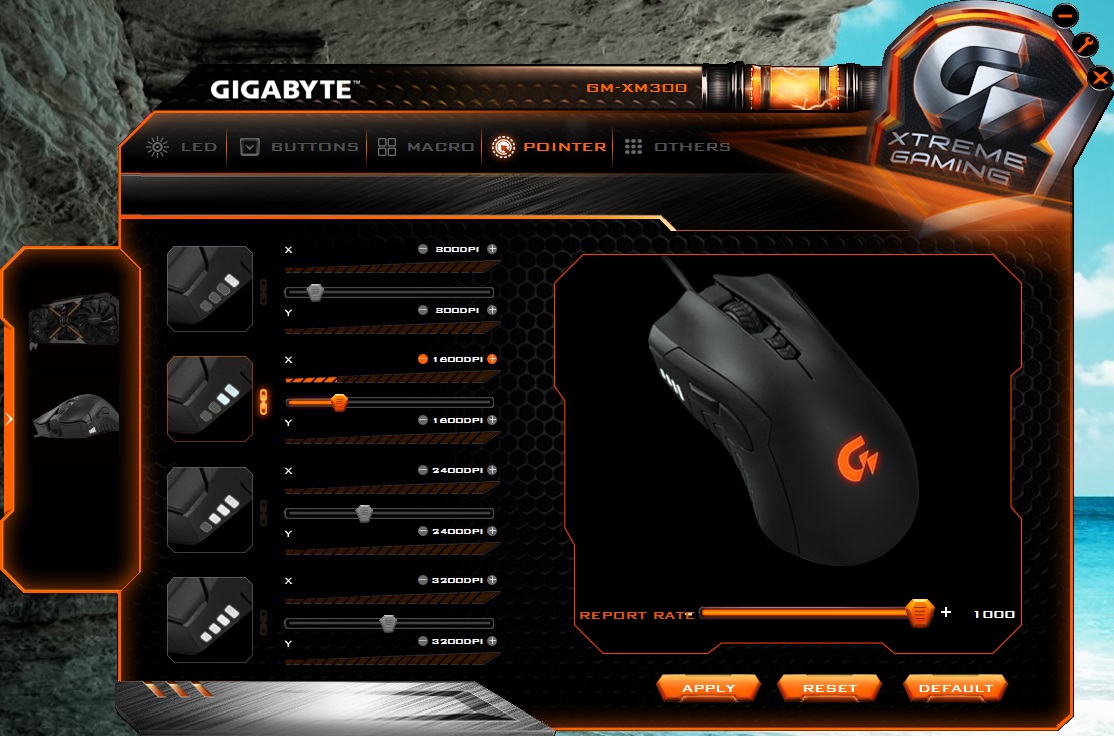
The Xtreme Gaming software was a little difficult to find on the GIGABYTE website, but that was because I missed the little dropdown menu on the support and downloads page where you have to select utility. Once installed, I manually updated the firmware under the ‘others’ tab. I was at first surprised that it was a unified utility which also recognised my graphics card and gave controls for that also.
On the XM300 controls, we are first given LED lighting options of static, breathing, cycling and off, as well as being able to change the speed and brightness of the effect. The Buttons tab allows you to assign custom actions and commands to the buttons. The macro recorder was easy to use and allowed various advanced recording types including mouse location which is a very interesting thing to consider, however it would only record main mouse clicks, and mouse wheel activity, not the side button presses. The performance controls of the mouse itself seemed rather limited, supplying just DPI settings and adjustable polling rate.
Performance Testing
Setup, Design & ObservationsOnce you have found a spare USB port for the gold plated connector, the mouse will function as it should using default DPI stages of 800/1600/2400/3200. In the hand the XM300 feels good, comfortable and sturdy regardless of which grip I used (palm or claw). As it is only 100g, it is reasonable to think that finger tippers may be able to use it well also, though they may find it a little large and so will be a matter of preference.
The built quality feels great, the side buttons click with confidence while the main mouse buttons are light and rapid with thanks to the OMRON switches. The mouse wheel felt good to scroll and press, though I discovered that the mouse wheel felt a little rattly, and had a strange nullzone where if you scroll up, once you stop there would be a single step in the opposite direction where the scroll wheel did nothing, and vice-versa, which means there is a down-up increment where nothing would happen at all. It is a very minor detail, though it is something that could be improved.
Performance
The 3988 optical sensor is a few years old now and was hailed as one of the best optical sensors of its time, as well as seeing a refresh in the form of the S3989 which was mostly down to firmware and optics. Having a native maximum DPI of 6400, this resolution is still wholly reasonable regarding gaming requirements. The use of this sensor could also be why GIGABYTE are able to ship such a great quality mouse at a reasonable price. At maximum DPI there was no jitter at all, and the XM300 was responsive, smooth and accurate. The downfalls of this sensor reared when it come to the surface testing where we found that it performed flawlessly on plain coloured surfaces such as white paper, plain black mouse mat, and bare desktop, though on coloured surfaces, glossy card, or mixed coloured surfaces the cursor was jumping around like like an intoxicated raver.
Games reflected our findings with its smooth, responsive performance that was reliable and enjoyable, but we would hazard against using with coloured/printed mouse mats. The nullzone in the mousewheel sometimes felt like it gained more attention that what it should be worth when it came to toggling through weapons in CS:GO. I also noted that the sensor had a fairly high lift of distance (maybe 2-3mm). This didn’t cause any real problems, but many of the optical mice we have looked at lately tend to be fairly good with barely a 1mm LOD.
Conclusion
Assuming GIGABYTE settle on their ‘Xtreme Gaming’ brand of peripherals, the XM300 shows us what we can expect from GIGABYTE now and in the future. The XM300 has a very comfortable body that is suitable for all grip types and has excellent all round performance. For convenience it has 4 stages of DPI selection along with a built in indicator.
When we consider the price, the downsides are minor at best, though it is worth mentioning a few areas that could be improved. Primarily, the mouse wheel had an interesting nullzone which meant that when in game, you may need to scroll two increments to swap weapon rather than one. This can sometimes cause an over-scroll that may be frustrating while in game. The other points are can easily be overlooked, such as the lift off distance, which felt a little high than most mice we have had a look at lately. Again we would advise that it is best to use this mouse on a typical plain black fabric mouse mat for optimal performance because the sensor didn’t like mixed coloured surfaces too much. There are some other details that could be improved too including maybe using a braided cable.
Overall the XM300 is an brilliant mouse that represents great value for gamers and while it doesn’t quite have the finishing touches of some others, it seems to be very good at providing that unbridled, raw performance that many will appreciate.
Comfort, reliability, performance and value. The GIGABYTE XM300 is certainly worth your attention if you are looking for a lightweight mid-sized mouse.
Pros.
+ Comfortable for various grip types
+ Responsive and accurate
+ Lightweight
+ Good quality components
+ Price
Cons.
– Mouse wheel could be better
+ Comfortable for various grip types
+ Responsive and accurate
+ Lightweight
+ Good quality components
+ Price
Cons.
– Mouse wheel could be better
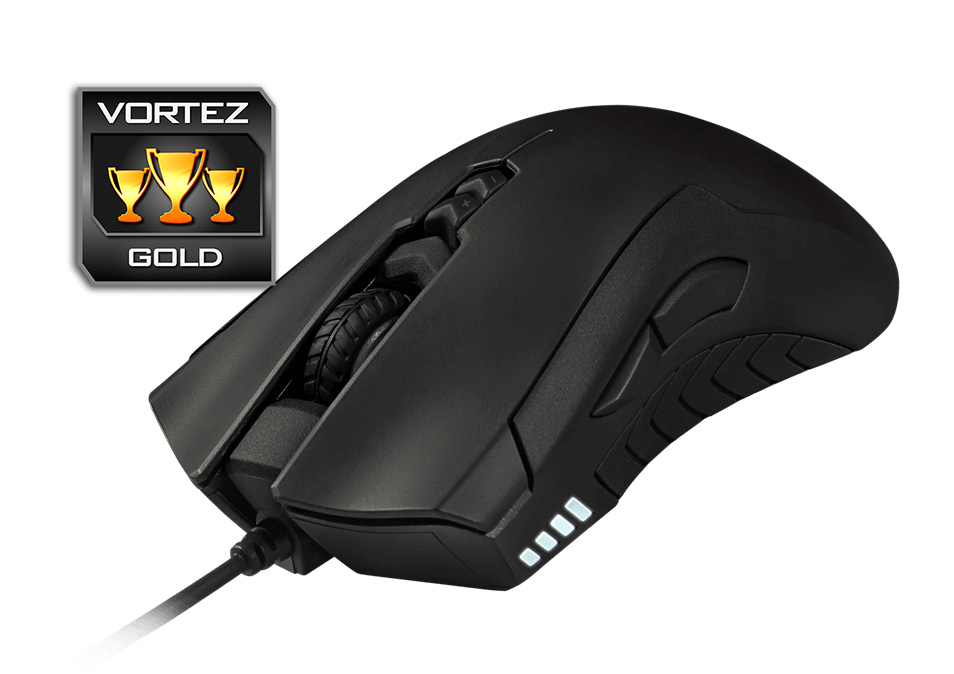
Click here for an explanation of our awards at Vortez.net.