Under the spotlight today is the HyperX Alloy Elite, boasting Cherry MX mechanical switches, red backlighting and steel construction.

Product on Review: HyperX Alloy Elite
Manufacturer: HyperX
Street Price: £119.99 / $109.99
HyperX, owned by Kingston, are still relatively new to the gaming peripherals market but they’ve already caused quite a stir. We reviewed their first mechanical gaming keyboard, the HyperX Alloy FPS, back in October of last year, with our findings being largely positive. We also tested their first gaming mouse, the Pulsefire, back in April.
The model in for testing today isn’t exactly a direct evolution of the Alloy FPS, though it does carry over a similar style. We’ve now got dedicated media controls, along with a volume-roller, a novel new light-strip along the top of the keyboard, handy buttons for lighting and gaming controls and a wrist rest for added comfort. On paper, the additions certainly sound good, and at only £20 more than the Alloy FPS, it seems to represent good value.
The Alloy Elite can be specced with a trio of Cherry MX mechanical keys, with MX Blue, MX Brown and MX Red. The MX Red is today’s choice, aimed towards gamers who use their keyboard primarily for gaming.
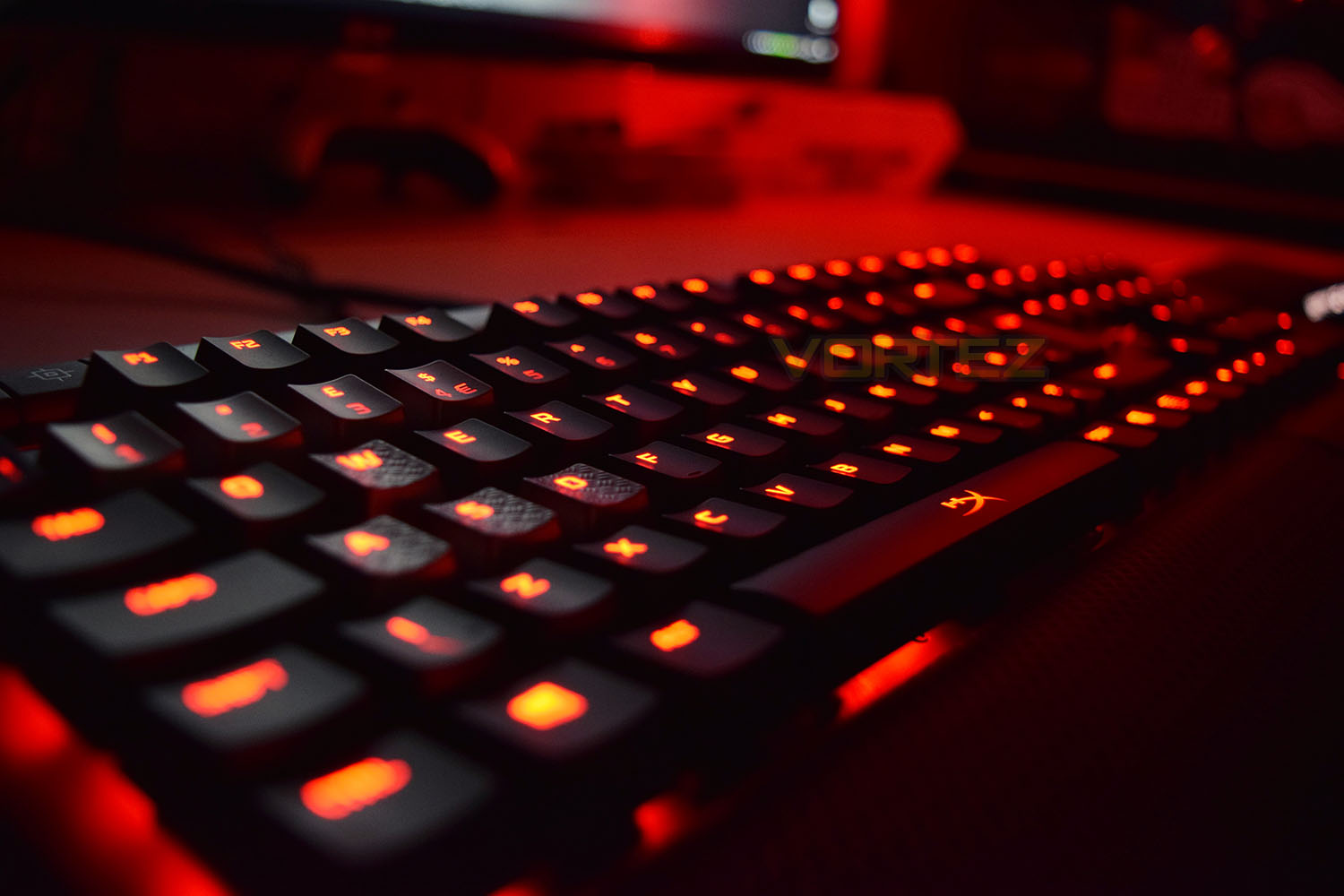
HyperX on the Alloy Elite:
The HyperX™ Alloy Elite Mechanical Gaming Keyboard is the perfect keyboard for the gamer that values both style and substance. The Alloy Elite wows with its dynamic lighting effects, stunning HyperX red backlighting and dazzling 18 LED light bar that delivers unmatched brilliance. It’s built tough with a solid steel frame that will both endure the test of time and hold position when the action gets intense. With dedicated media buttons, USB 2.0 pass-through, Game Mode, anti-ghosting and N-Key rollover, this multimedia keyboard is equipped to meet any user’s needs. Choose from CHERRY® MX Blue, Brown, or Red switches1 and get the guaranteed reliability of CHERRY key switches in the style that suits you best. Additionally, the Alloy Elite also comes with a comfortable, detachable wrist rest and HyperX titanium-coloured, textured keycaps that highlight the most important gaming keys.
Technical Specifications
Switch: CHERRY MX
Type: Mechanical
Backlight: Single color, Red
Light effects: 6 LED modes and 4 brightness levels
Connection type: USB 2.0 (2 USB connectors)
USB 2.0 Pass-through: Yes
Polling rate: 1000Hz
Anti-ghosting: 100% anti-ghosting
Key Rollover: N-key mode
Media control: Yes
Game Mode: Yes
OS compatibility: Windows® 10, 8.1, 8, 7
Switches1
CHERRY MX Blue: Clicky, 50cN
CHERRY MX Brown: Tactile, 45cN
CHERRY MX Red: Linear, 45cN
Cable
Type: Attached, braided
Length: 1.8m
Dimensions
Width: 444.00mm
Depth: 226.80mm
Height: 36.30mm
Weight (Keyboard and cable): 1467g
Type: Mechanical
Backlight: Single color, Red
Light effects: 6 LED modes and 4 brightness levels
Connection type: USB 2.0 (2 USB connectors)
USB 2.0 Pass-through: Yes
Polling rate: 1000Hz
Anti-ghosting: 100% anti-ghosting
Key Rollover: N-key mode
Media control: Yes
Game Mode: Yes
OS compatibility: Windows® 10, 8.1, 8, 7
Switches1
CHERRY MX Blue: Clicky, 50cN
CHERRY MX Brown: Tactile, 45cN
CHERRY MX Red: Linear, 45cN
Cable
Type: Attached, braided
Length: 1.8m
Dimensions
Width: 444.00mm
Depth: 226.80mm
Height: 36.30mm
Weight (Keyboard and cable): 1467g
Packaging & First Look
The HyperX Alloy Elite arrives within a substantial box wrapped in a glossy sleeve. There’s a large photo of the product on the front, along with information pertaining to the keyboard layout and Cherry MX keys.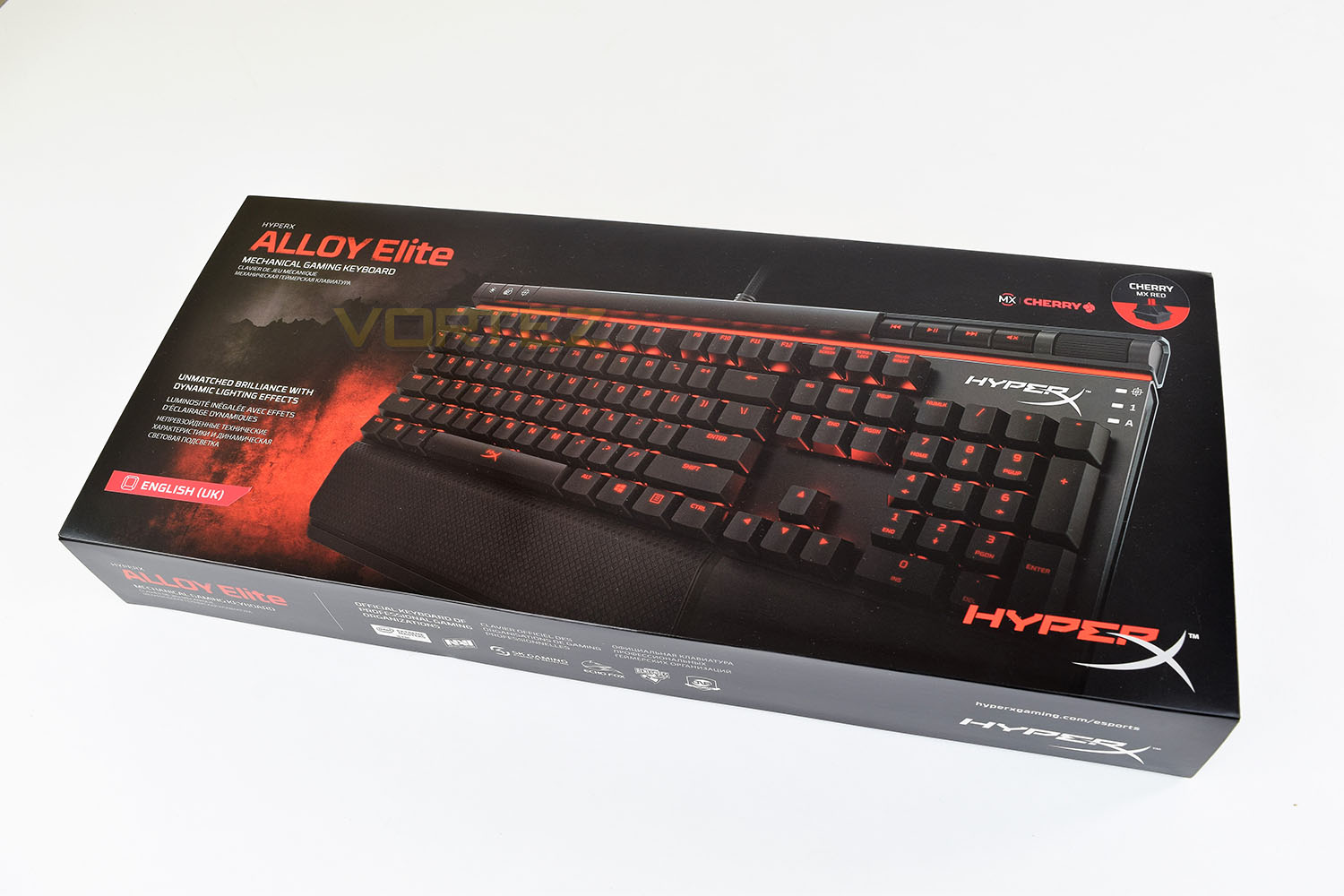
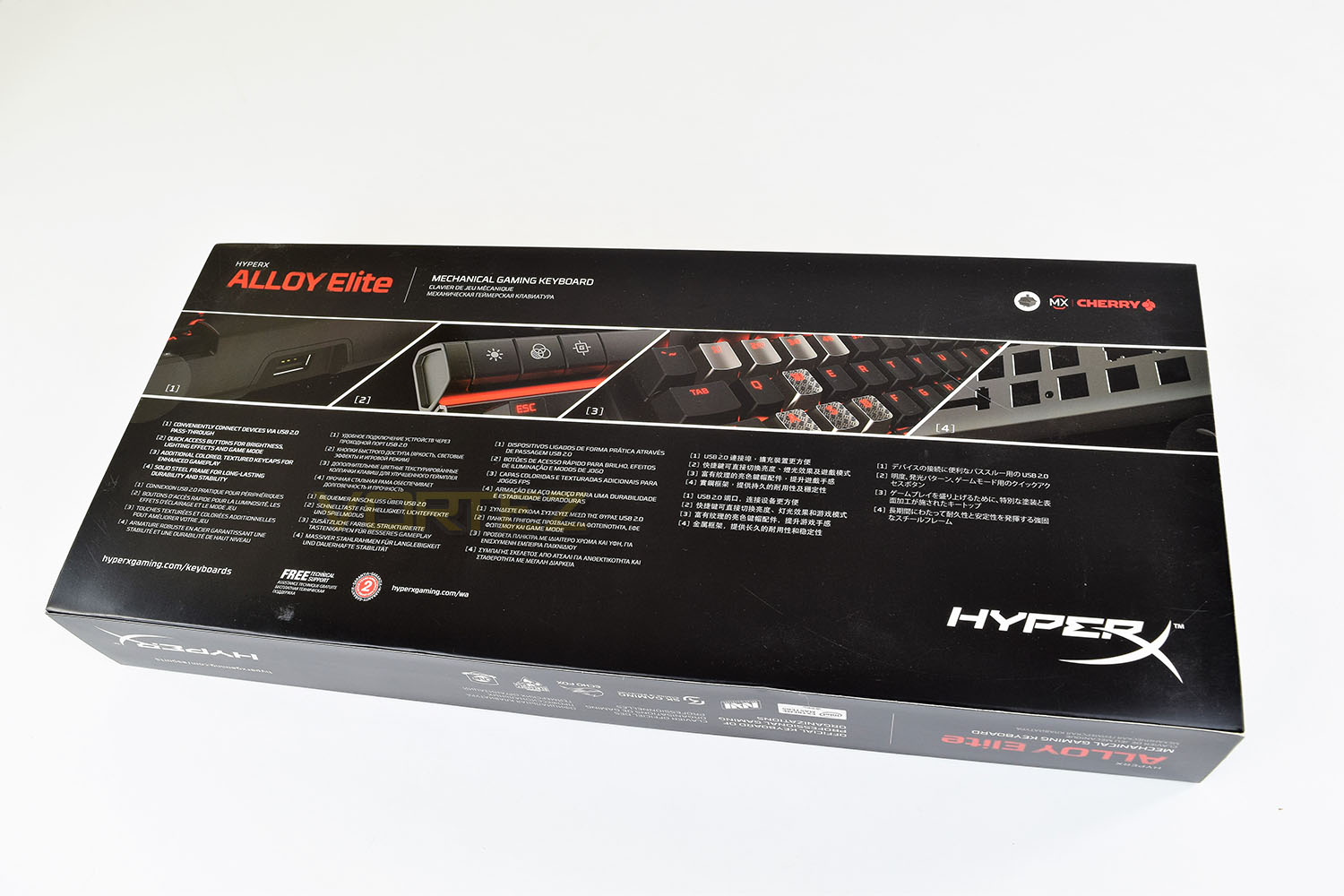
The flip-side shows off the keyboard’s main features, referring to the Solid Steel frame and USB-passthrough amongst others.
The inner carton is produced from a thick corrugated cardboard, offering excellent protection from even the most lackadaisical courier.
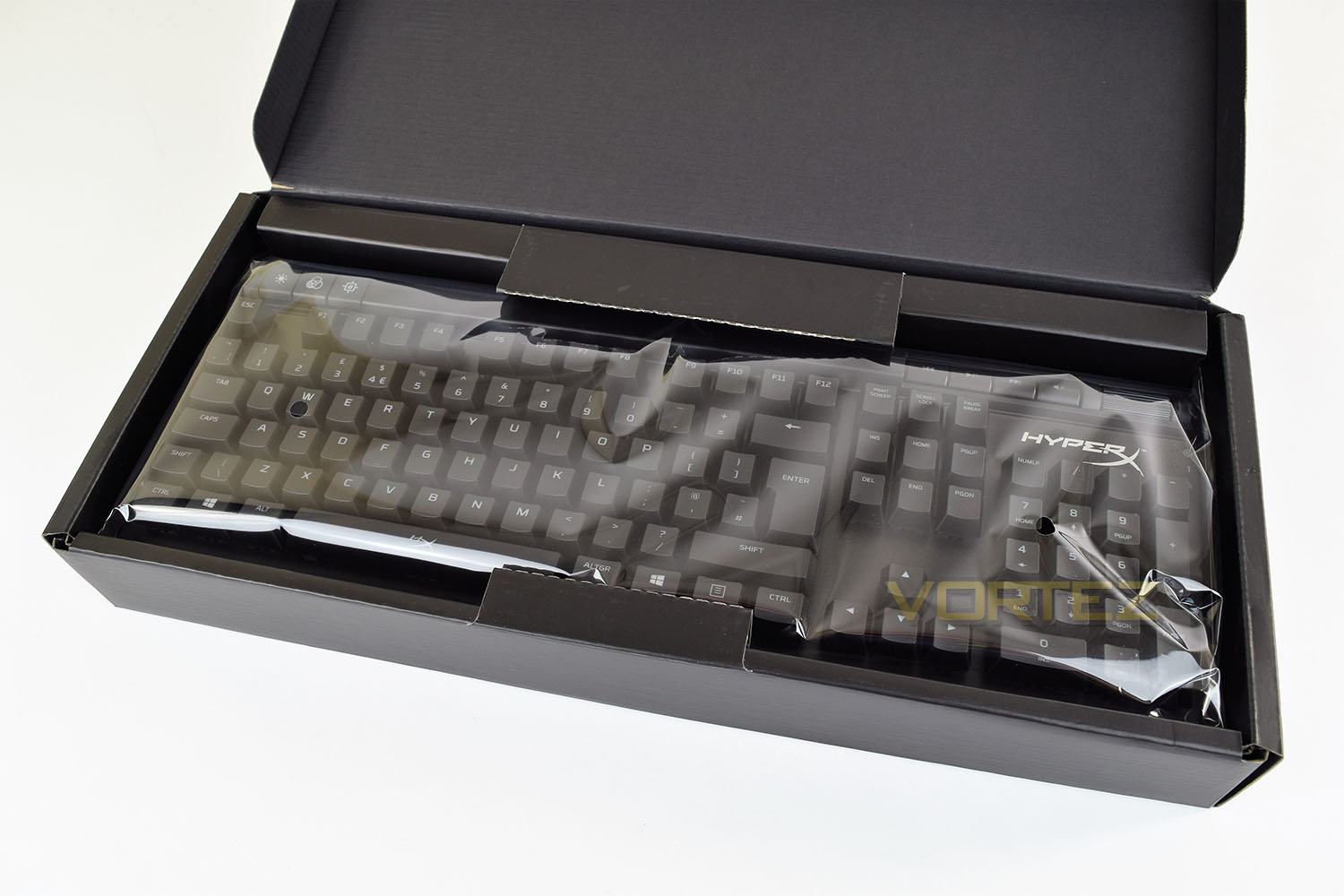
The keyboard is wrapped in a thick plastic, with all of the included extras placed underneath.
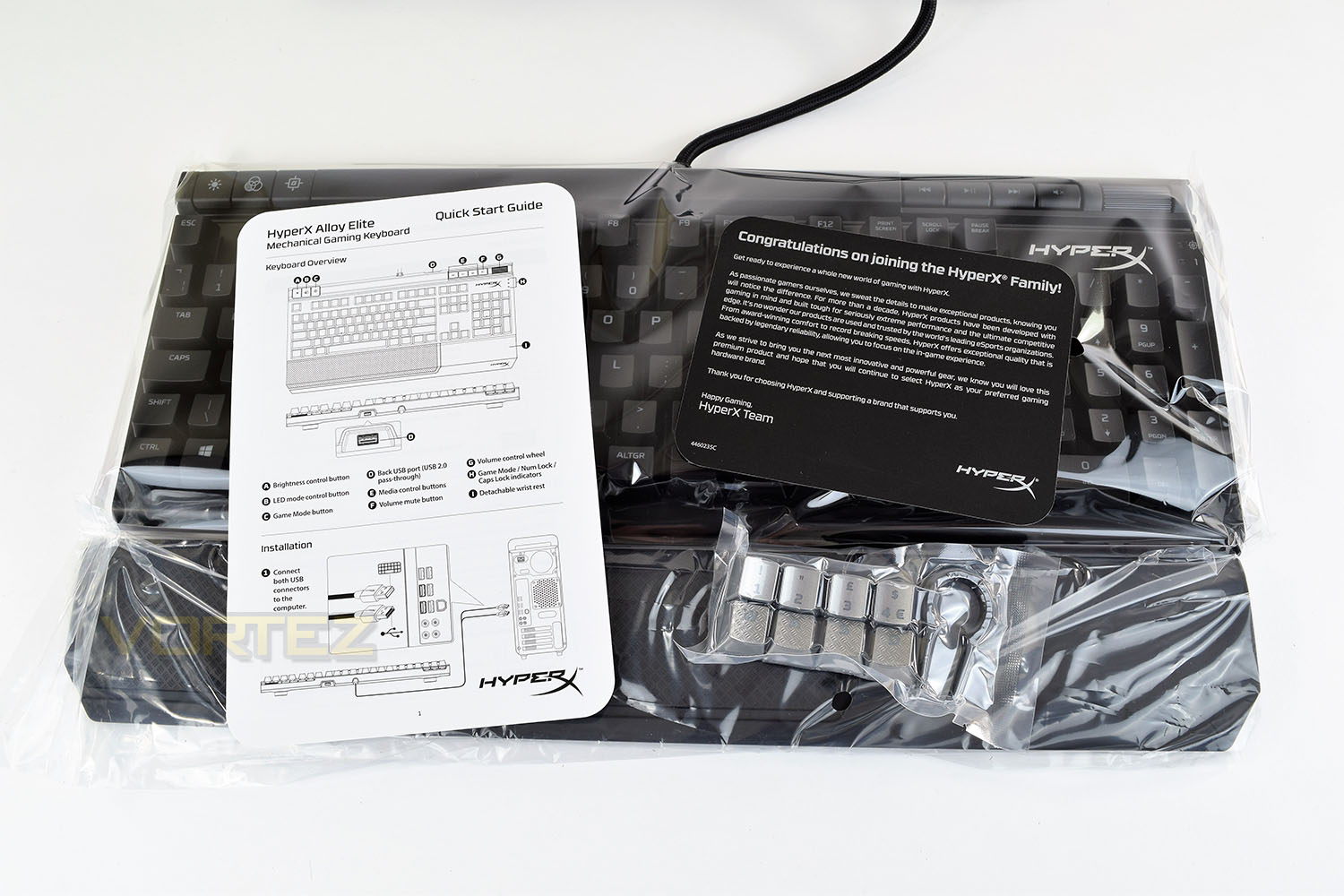
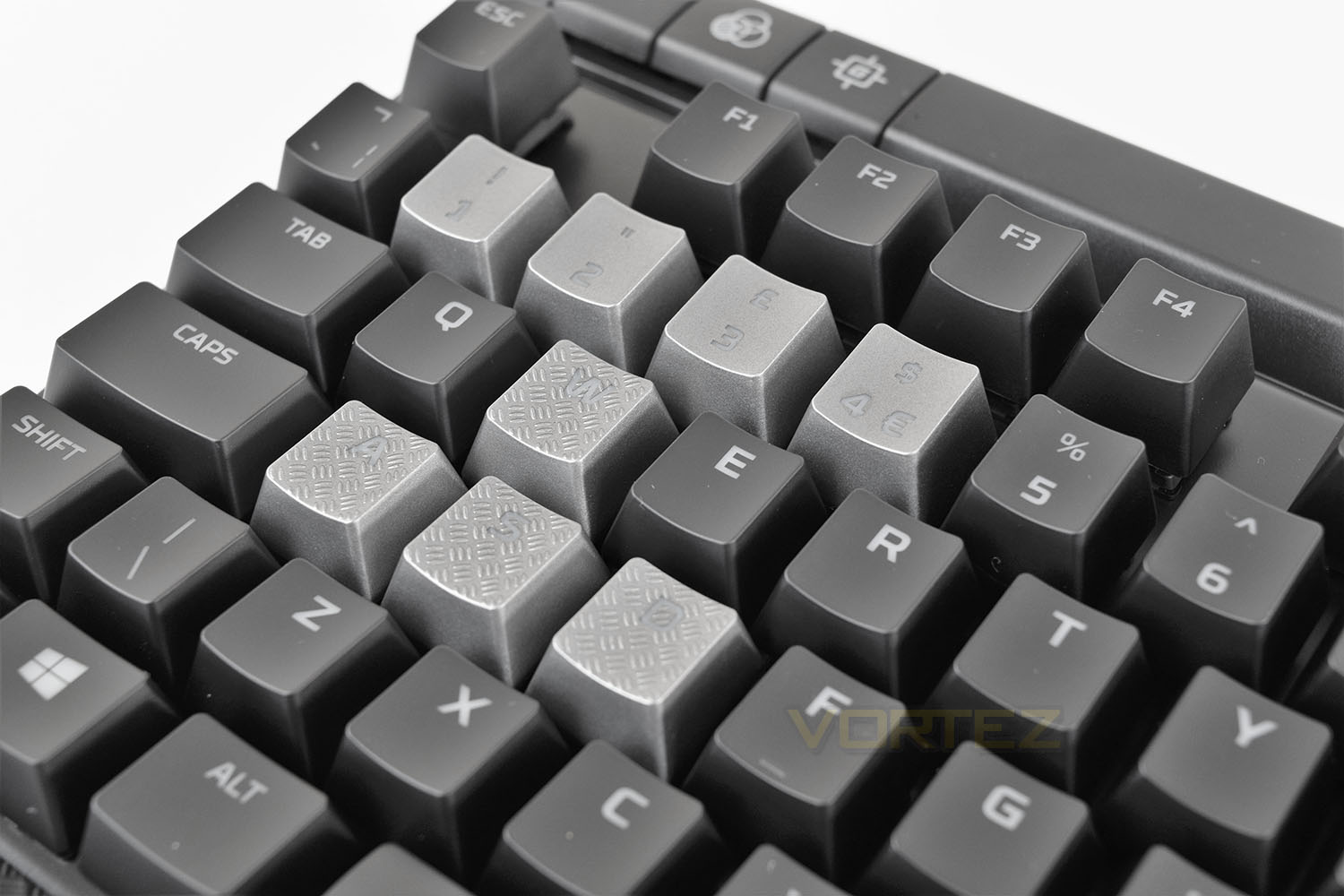
HyperX provide some optional keys alongside a key-puller. The WASD keys have a checker-plating texture while 1 through 4 are painted silver. There’s also a small welcome card and a Quick Start Guide.
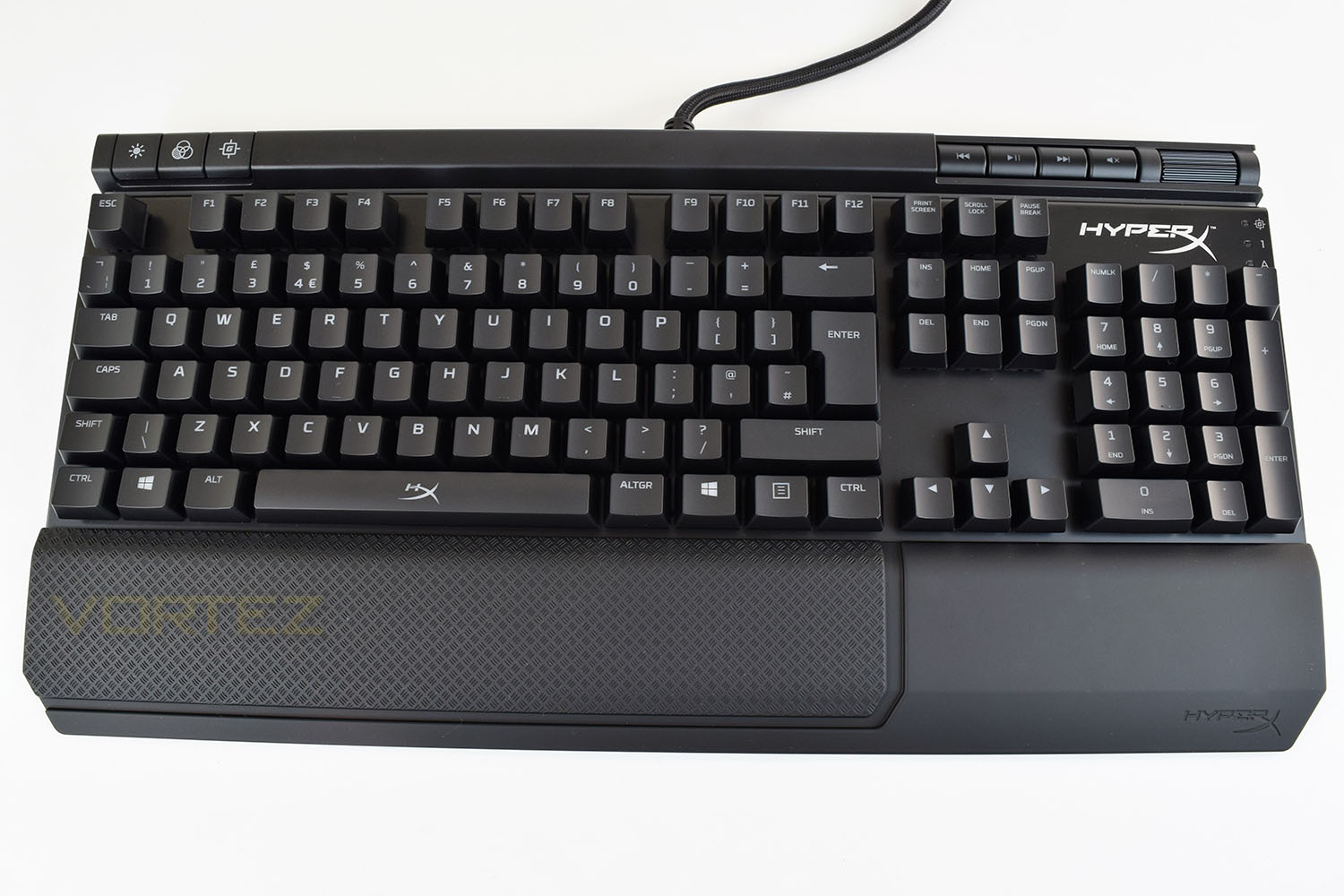
The keyboard is completely black and white, allowing for those red LEDs to be turned off, if you so wish, without there being any indication towards the colour scheme; some people still prefer a complete lack of LEDs.
Closer Look
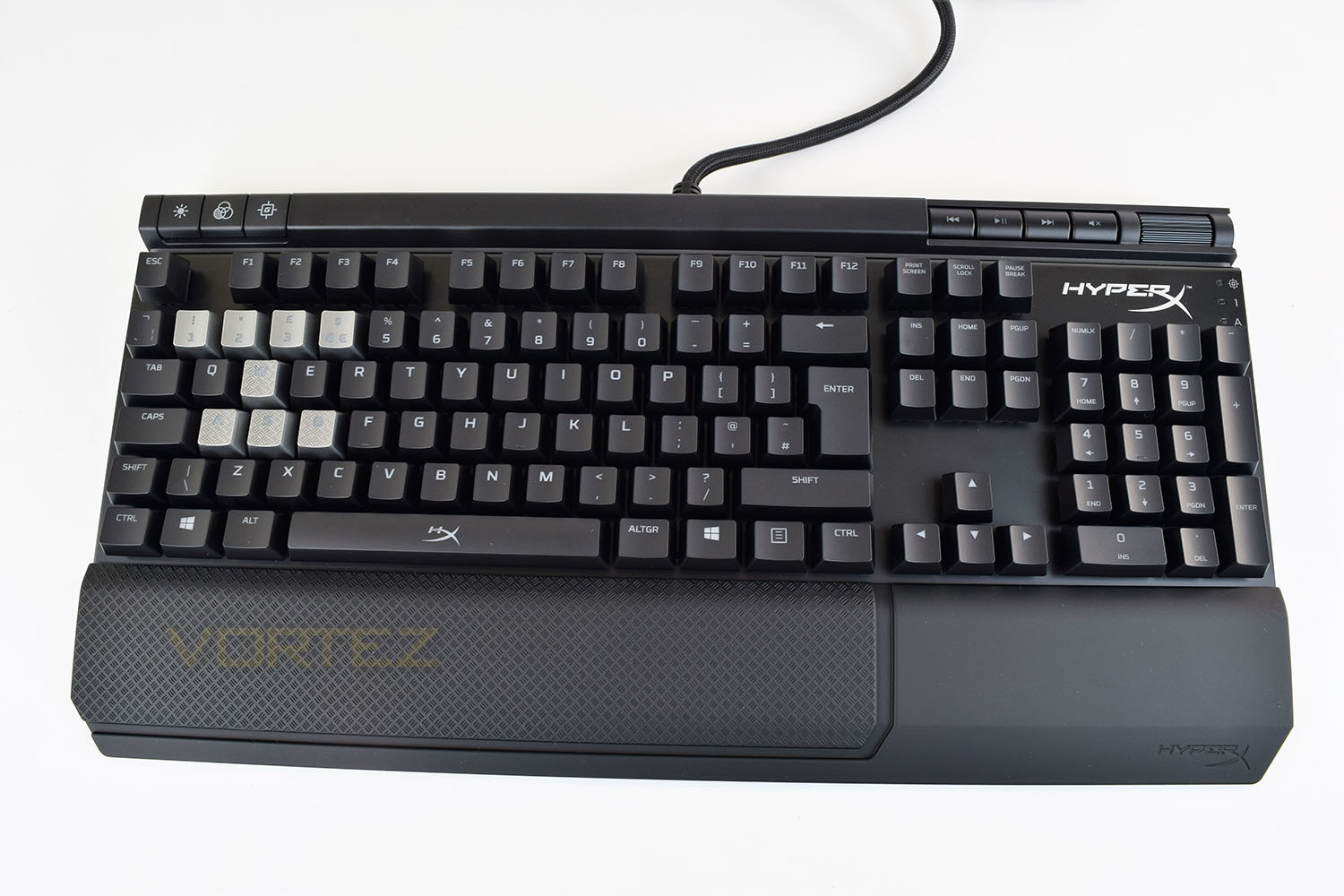
The keyboard, minus the wrist rest, is quite a bland affair, with the only redeeming feature being the strip across the top, housing the trio of buttons in the top-left along with your cluster of media controls on the opposite end. However, with the LEDs and lighting strip turned on, along with the silver gaming keys, it’s an entirely different kettle of fish (more on that later).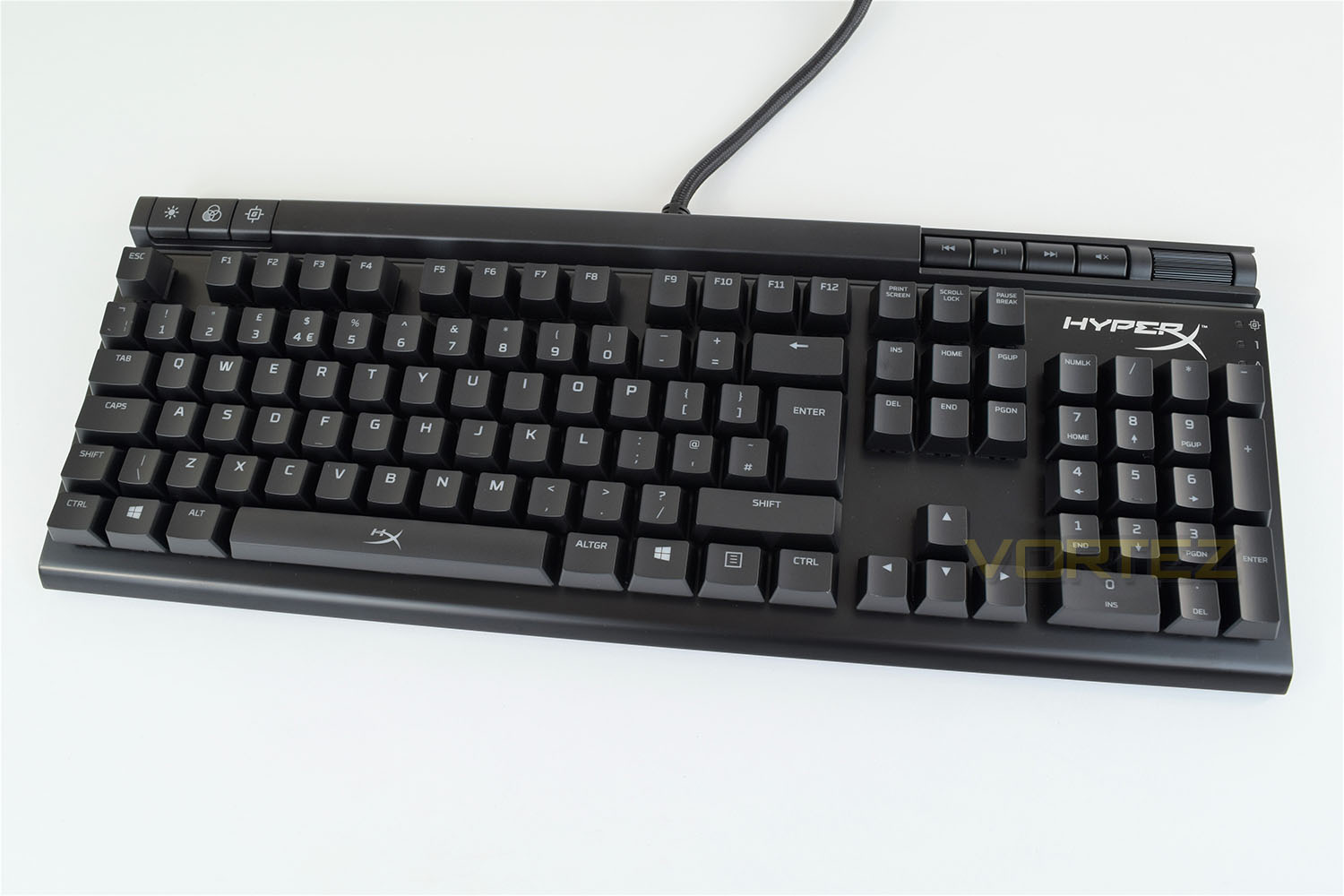
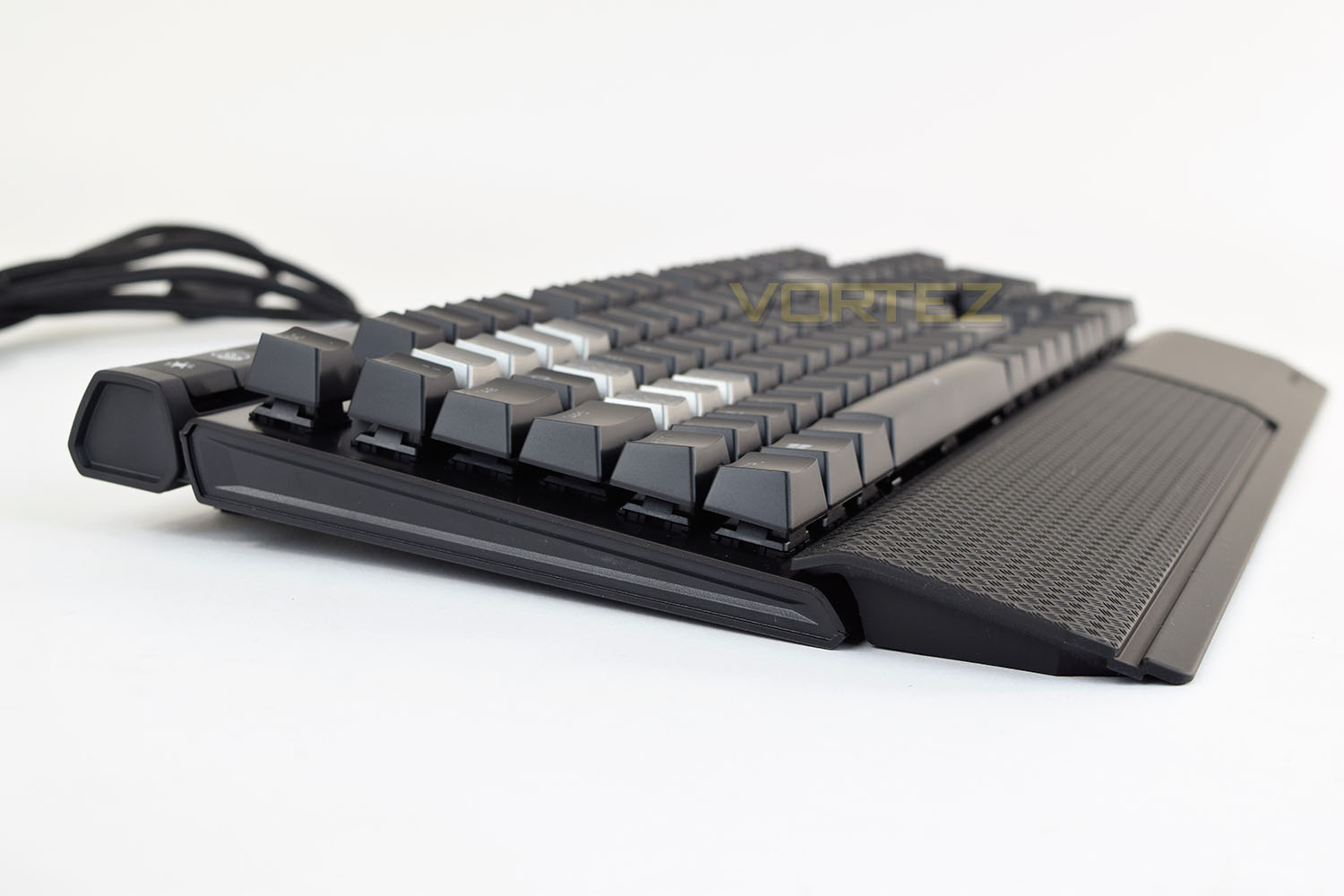
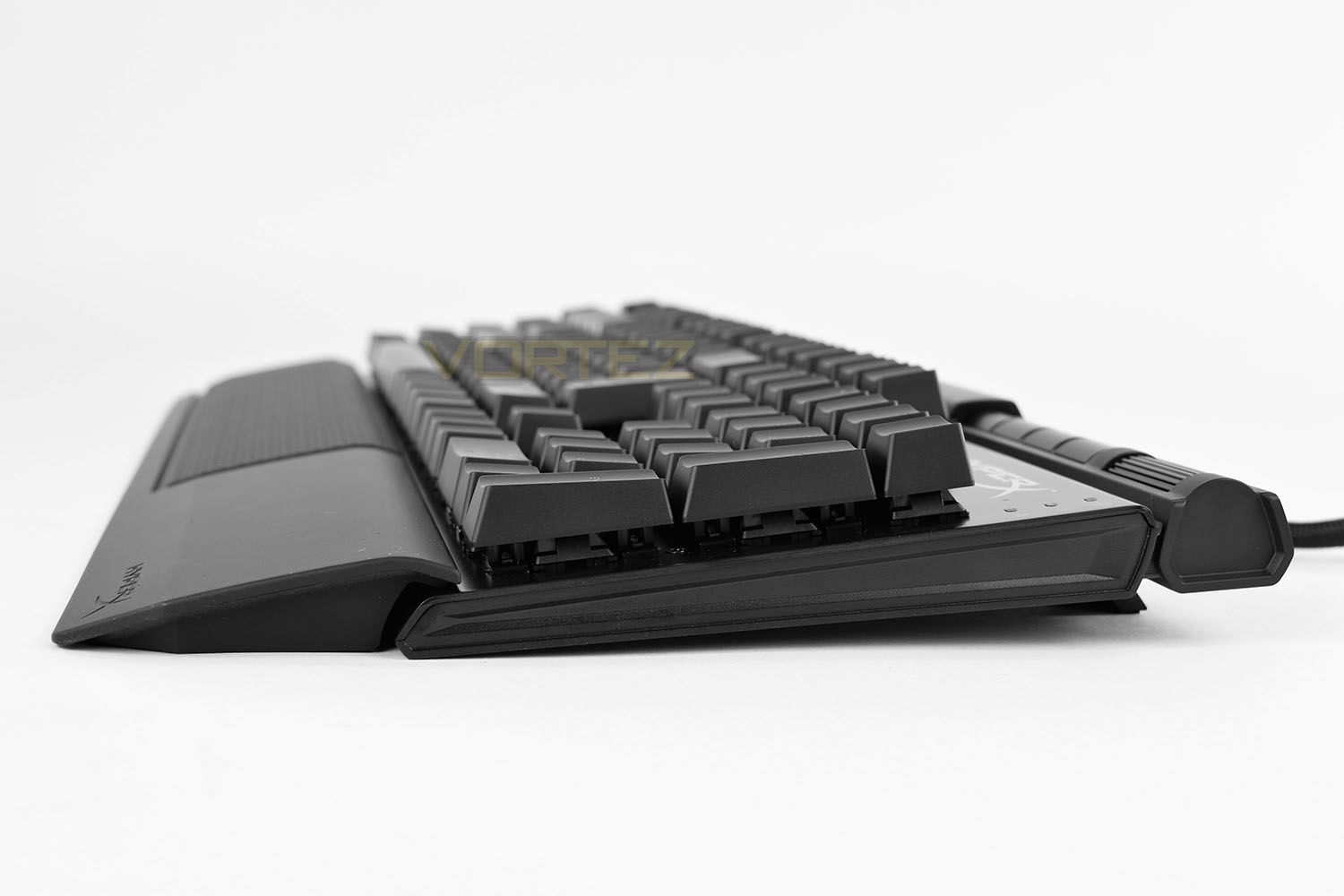
The keyboard, from the right and left hand sides, is incredibly sleek; being low down can help improve comfort as well as typing ability, as well as increasing the design appeal. You will notice the keys are exposed, which is conventional on a mechanical keyboard; this makes general cleaning duties much easier. The wrist rest is reasonably high, compared to the front edge of the keyboard.
As previously mentioned, the Alloy Elite comes with the textured and coloured gaming keys, to replace the typical WASD arrangement, as well as 1 through 4. The checker-plating on the WASD keys gives the entire keyboard a more “gamer-orientated” feel while providing a practical reason.
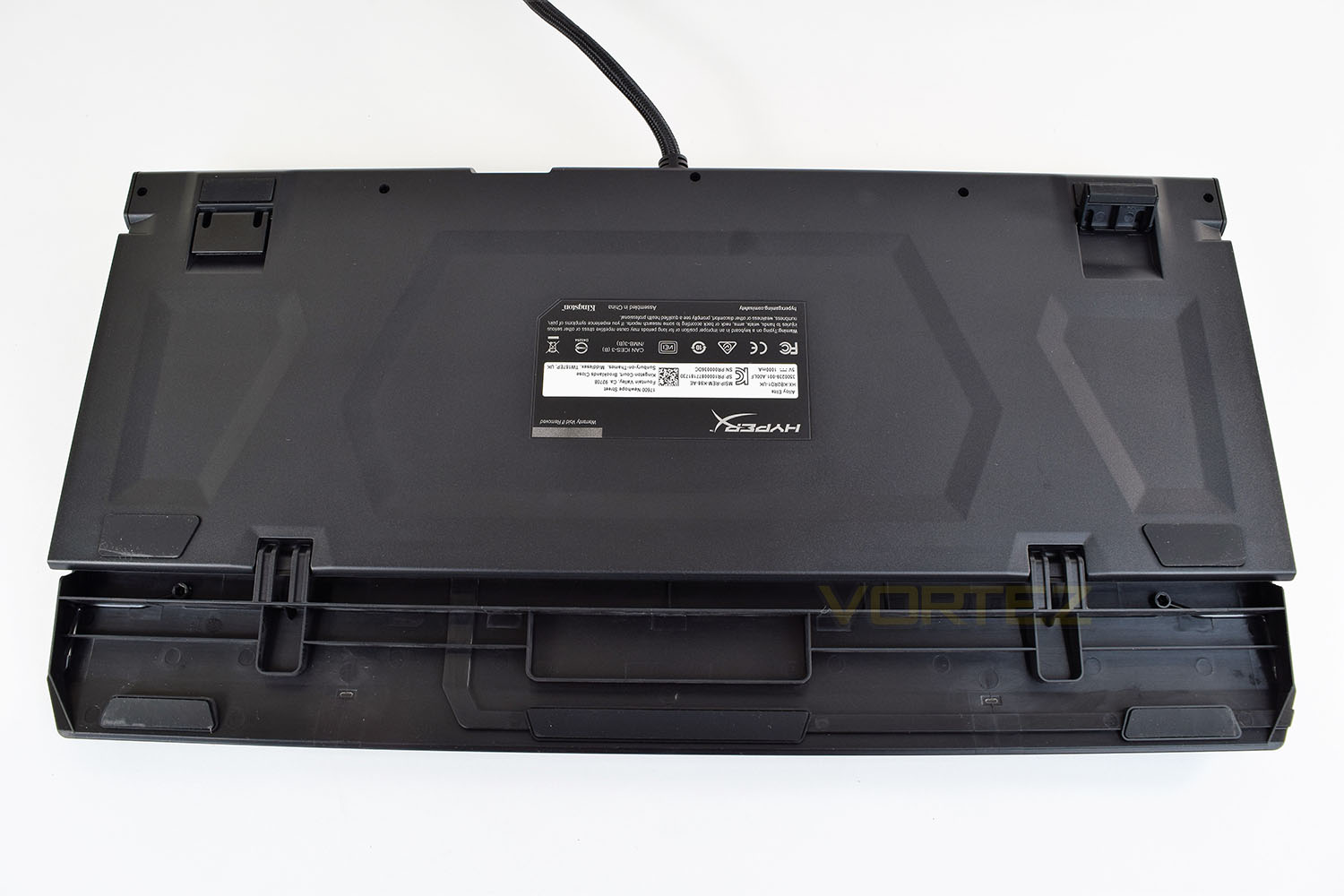
The underside is pretty basic, with 4 large rubber pads to prevent the keyboard from moving around. The feet come fitted with rubber shoes also. As is visible at the bottom of the photo, the included wrist rest clips into the front of the keyboard to prevent it from moving around.
Closer Look (Continued)
In the top-right section, HyperX has done away with the conventional indicator LEDs, used for CAPS lock and the like, going for a vertical array instead. Scroll lock has been replaced with a Gaming Mode indicator. Above the LEDs and HyperX logo are the media controls as well as a slightly resistant volume roller.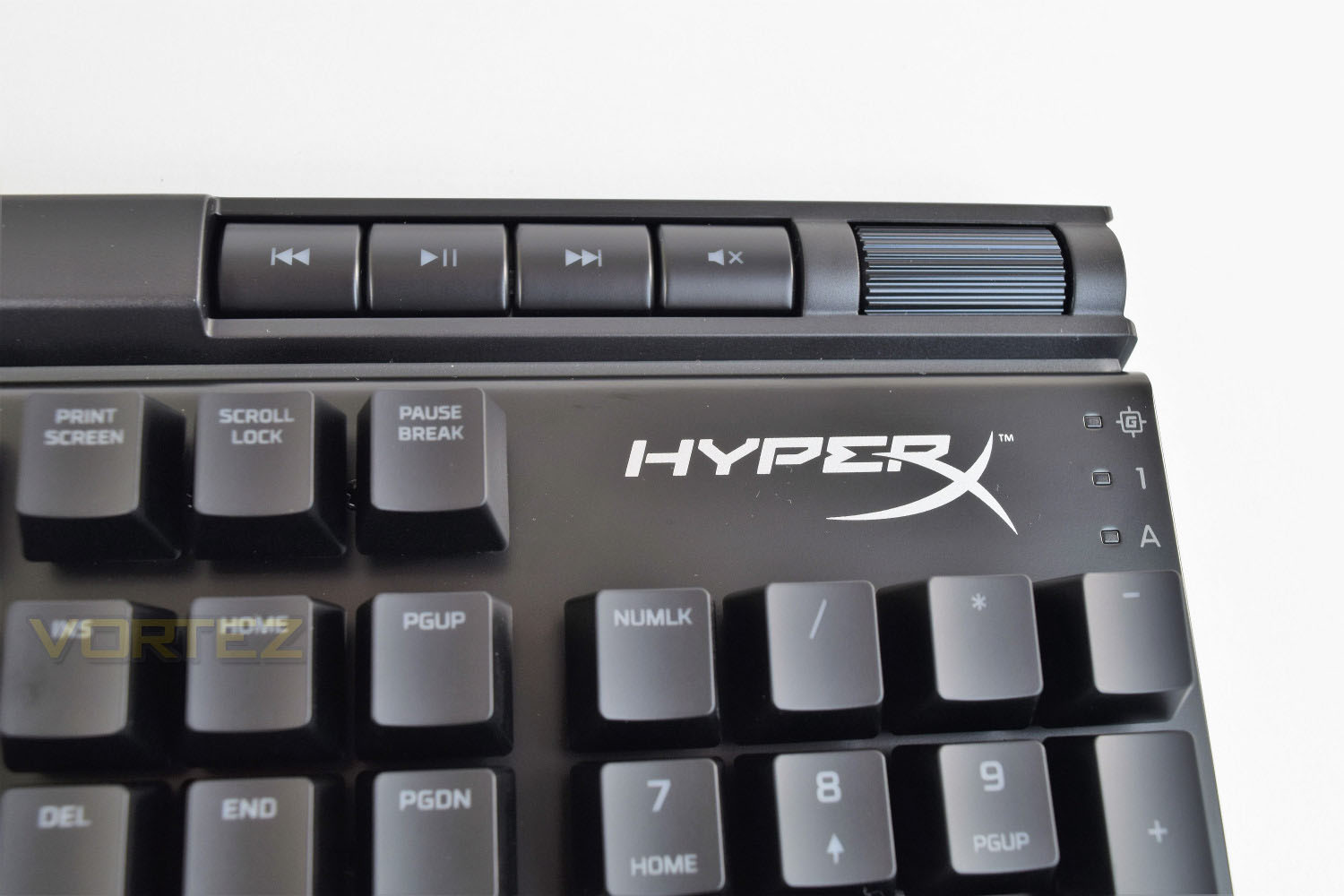
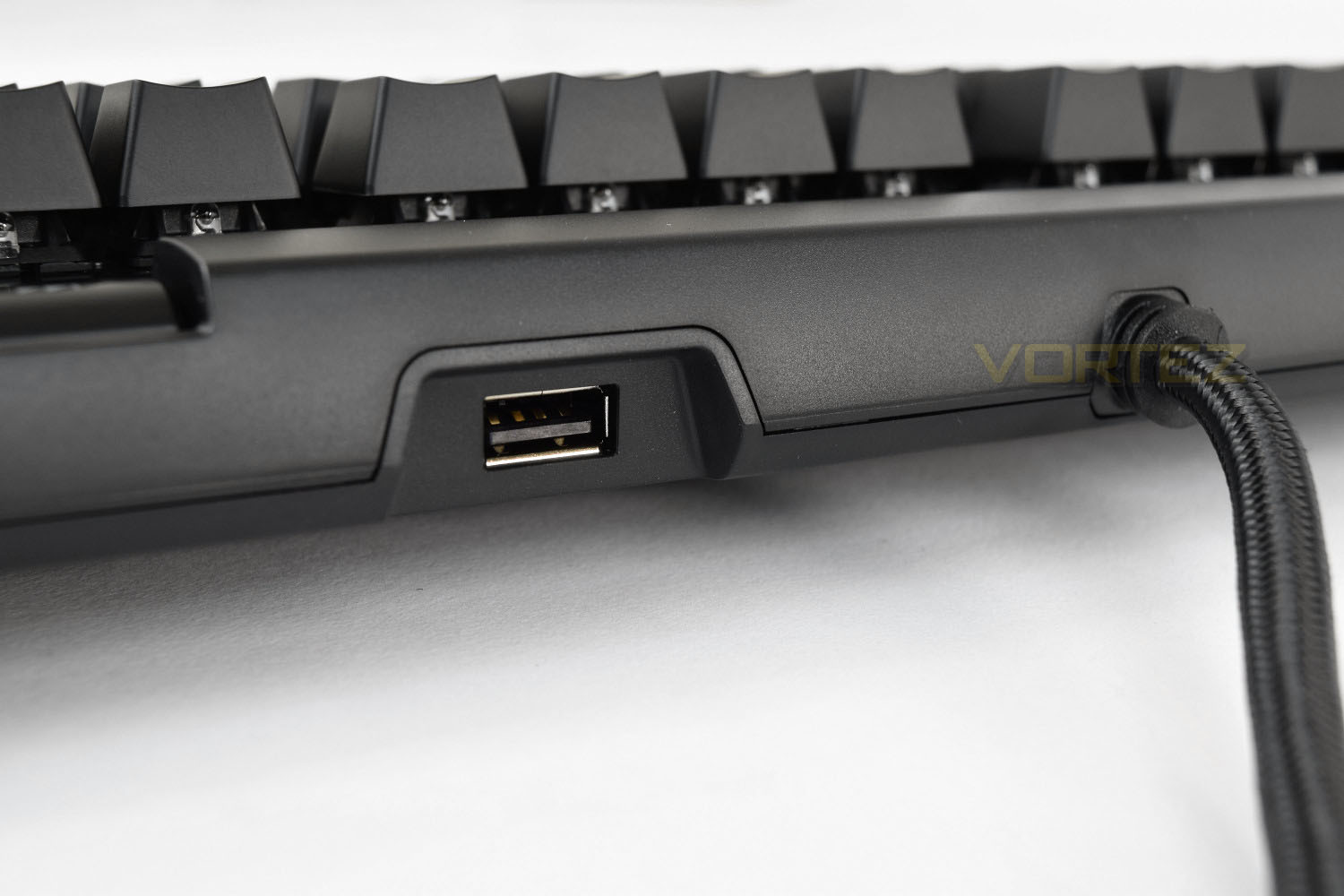
To the right of the USB cable is a USB 2.0 pass-through port, useful for charging your phone or connecting up a mouse.
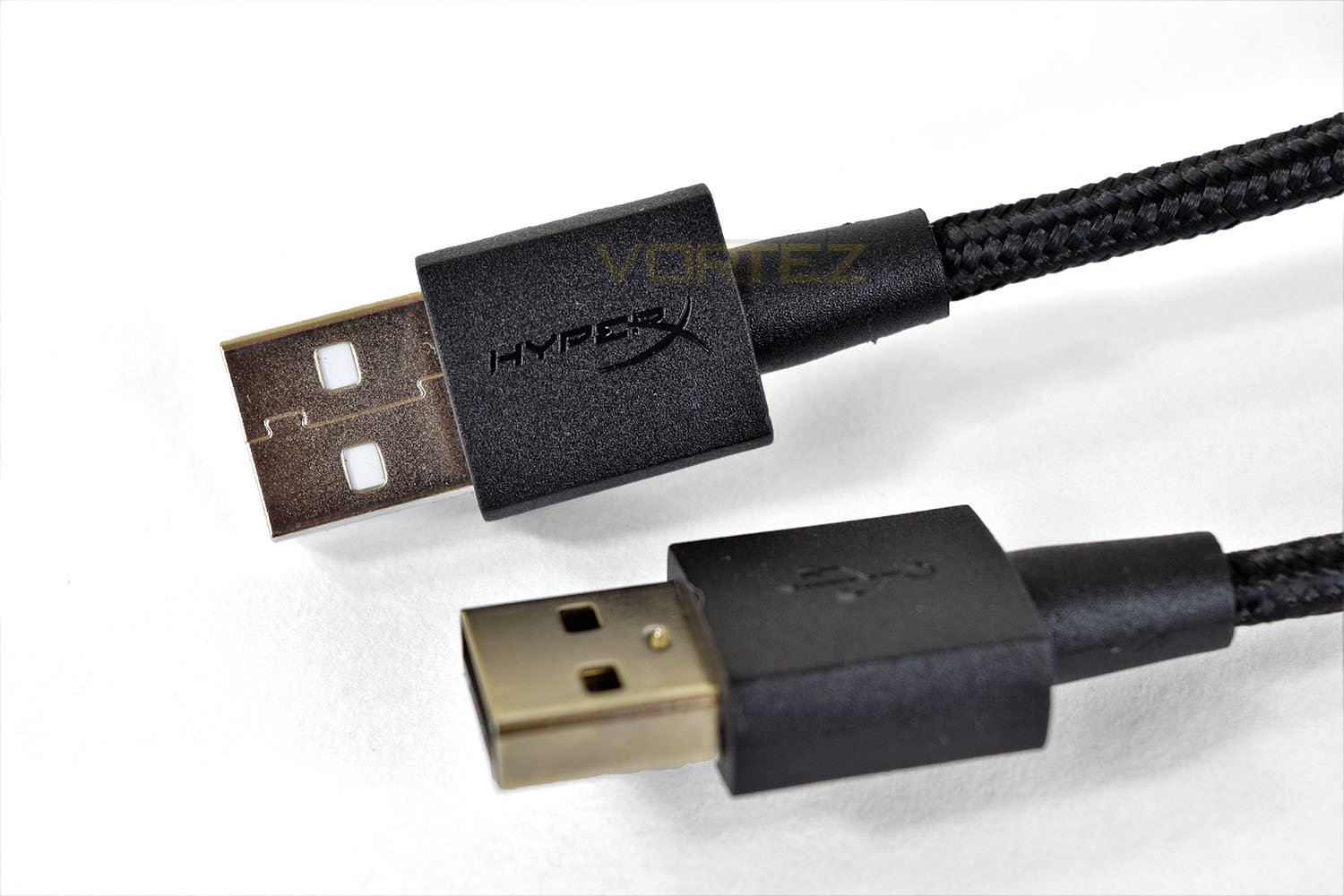
The USB cable splits into two heads, to allow full throughput for the keyboard and the USB 2.0 pass-through.
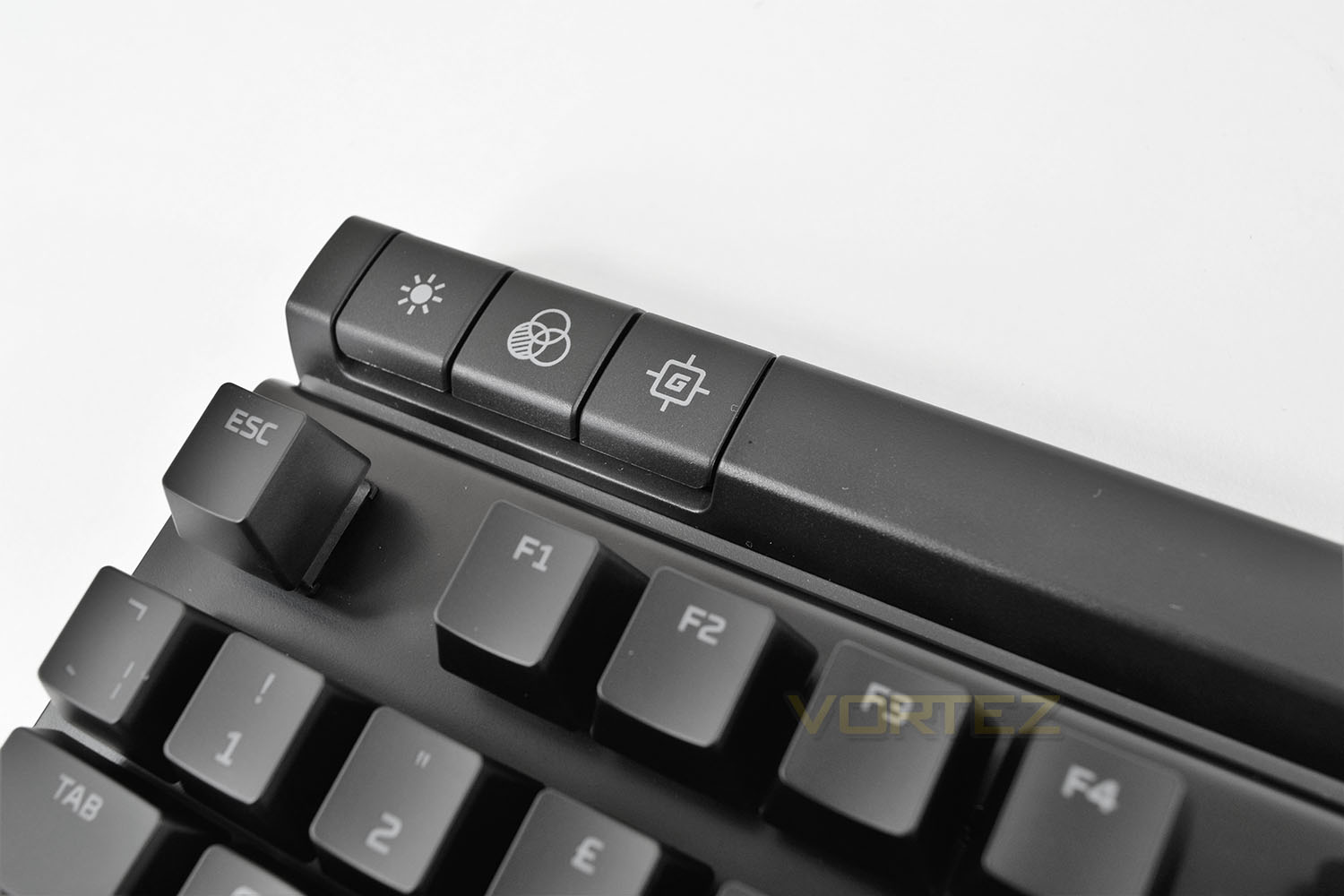
There’s a trio of keys above the Escape key, in the top left, these are used to control the backlight brightness, backlighting effects and the Gaming Mode, respectively. Left to right.
Performance Testing
The HyperX Alloy Elite requires no software to function, being an entirely plug and play affair, with all of the settings being controlled onboard the keyboard. Some users would see this as a negative, though you’re less likely to run into any issues or crashes, and things are kept simple; it also makes the keyboard much easier to take with you to events or a friend’s house while retaining the exact same feel and function. Custom backlighting can still be configured using the keyboard, all of which is clearly explained in the Quick Start Guide.HyperX has done a good job piecing the Alloy Elite together, there’s no noticeable flex within the keyboard, thanks mainly to that steel back plate. Unfortunately, the wrist rest feels flimsy and doesn’t rest flat on the desk, causing a lot of tapping against the surface underneath; we attempted to remount the wrist rest a couple of times to rule out bad placement but it didn’t resolve the issue. However, a large mouse mat that spans the desk does negate this issue completely.
For those looking for RGB backlighting, the Alloy Elite will disappoint. That being said, the red backlighting on the keys is excellent, distribution of the light is good and the adjustable brightness will suit everyone. But it does suffer from the LED bleed along the top row of F keys, caused by the nature of the exposed/raised key switches; this can reflect off shiny surfaces behind the keyboard, such as a glossy monitor bezel. The lighting strip across the top is a nice addition, providing an incredibly even light with no noticeable banding.
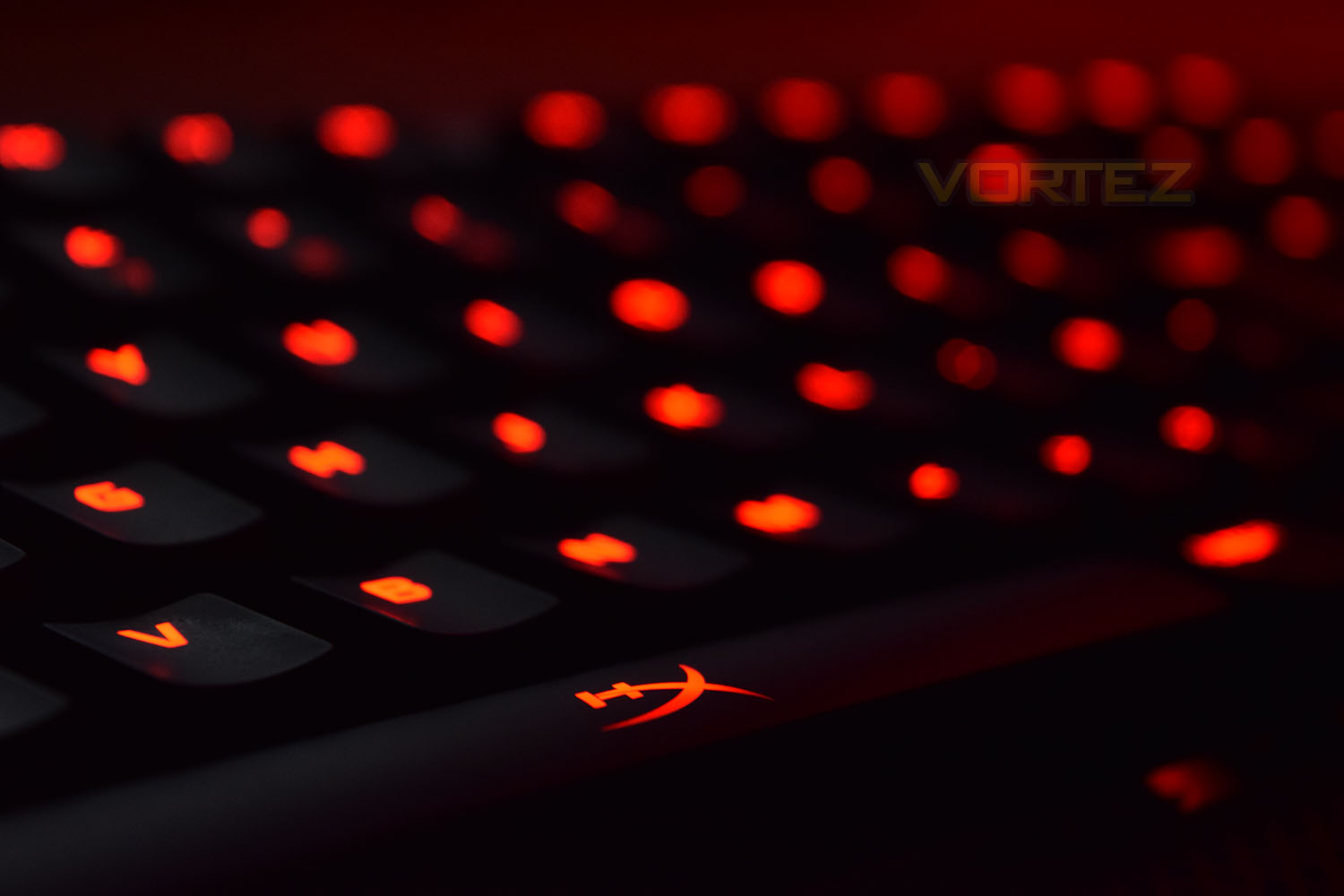
Kingston sent us the Cherry MX Red keys, aimed primarily at the gaming market due to their speed and lack of resistance, they’re the perfect choice for the vast majority of gamers. The keycaps have a rubbery texture providing plenty of grip while also feeling a little spongey. The included WASD keys, with the increased texture, added a lot of feel while playing your standard WASD layout FPS games. Battlefield 4, War Thunder, Orcs Must Die: Unchained, PLAYERUNKNOWN’S BATTLEGROUNDS and Paladins were tested to provide a reasonably general overview of gaming performance; the keyboard performed flawlessly; the ability to generate custom backlighting layouts paid dividends in games with many usable keys. The use of a standard font on the keycaps keeps things simple and recognisable, with the little addition of the X on the space bar looking great while backlit.
The braided USB cable is, substantial, to say the least, although HyperX may argue that 2 separate USB channels are being run through the single cable and that it’s built to last. The USB port on the back of the keyboard was handy, though it’s about time we started seeing some USB 3.0 pass-throughs on keyboards.
Last, but certainly not least, the volume control is an absolute joy to use, it’s by far the most natural way of adjusting the volume quickly and efficiently. The roller slightly resists you turning it, but only to prevent huge inputs which may result in a shock if wearing a loud set of headphones. The media keys were placed handily next to the volume.
Conclusion
Kingston’s gaming orientated brand, HyperX, are developing products with pace, with a rate of progression that must be commended. Their headsets receive huge praise, as do their mice, and now their latest keyboard seems to round out that trio perfectly.The choice of Cherry MX keys, in blue, brown or red flavours bodes well for the majority of users, though the lack of RGB backlighting will be a big turn-off for some, especially when there are plenty of keyboards offering Cherry MX mechanical switches and RGB lighting around the same price point.
If you’re invested in your media, the playback controls in the top-right will provide everything you need, with a beautiful volume adjustment tool to boot. They’re placed well away from other keys to help avoid any confusion, too.
The lack of any required software is great, keeping things very simple and barebones. You still get full customisation abilities, without the problems that poorly designed software can bring with it; this does appear to be the HyperX philosophy.
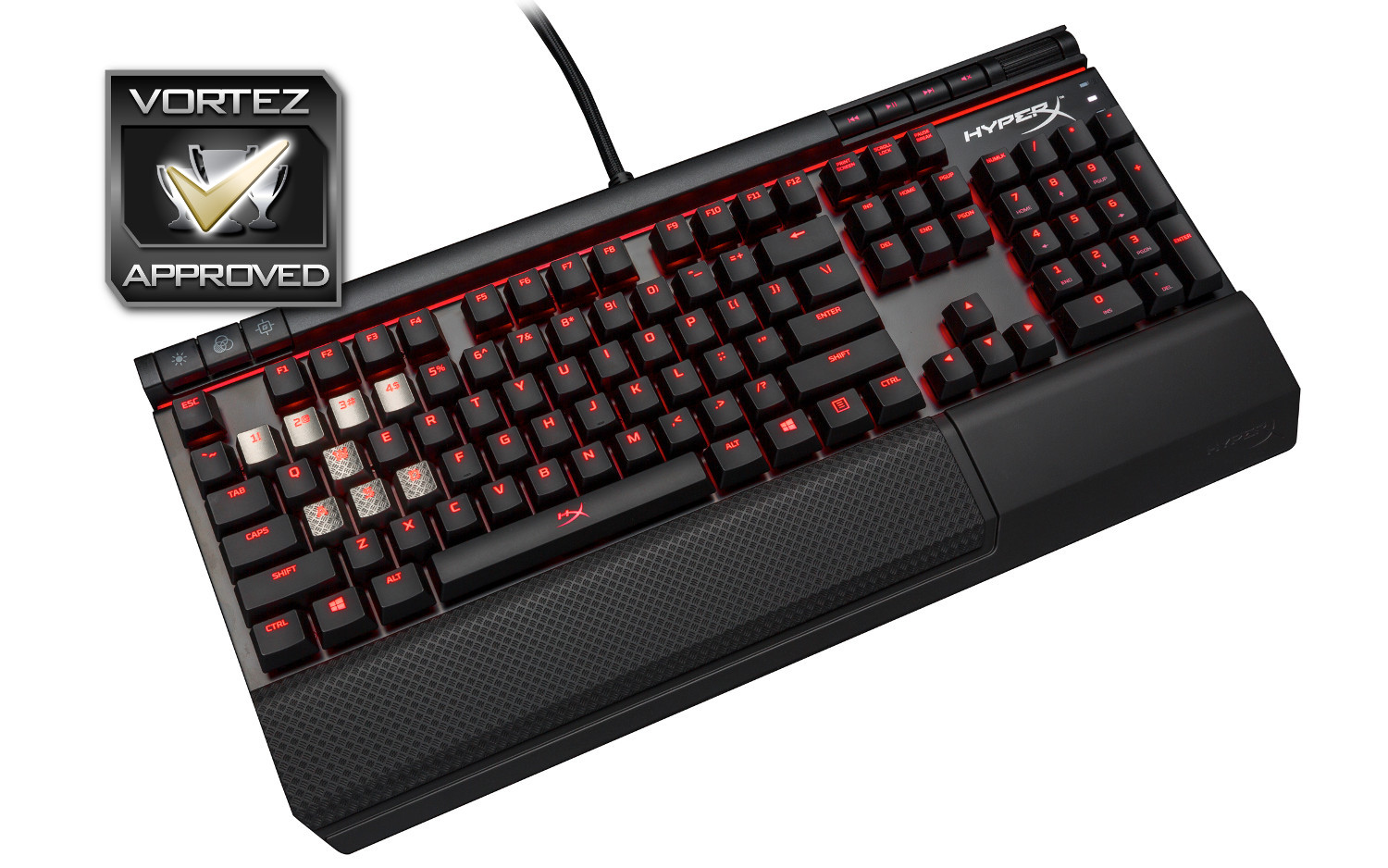
The HyperX Alloy Elite offers all of the necessary tools to enable a great gaming experience.
Pros
+ Good build quality and strength
+ Choice of Cherry MX Mechanical keys
+ Volume roller is a joy to use
+ Excellent red backlighting
+ Optional WASD keys
+ Requires no software
Cons
– Lacks RGB lighting
– Wrist rest doesn’t lie flat
– No Macro keys
+ Good build quality and strength
+ Choice of Cherry MX Mechanical keys
+ Volume roller is a joy to use
+ Excellent red backlighting
+ Optional WASD keys
+ Requires no software
Cons
– Lacks RGB lighting
– Wrist rest doesn’t lie flat
– No Macro keys
Click here for an explanation of our awards at Vortez.net.