HyperX have ventured into the fierce world of gaming mice, releasing the Pulsefire from its cage. Featuring red lighting, a Pixart sensor and comfortable shape, how well have they done?

Product on Review: HyperX Pulsefire
Manufacturer: HyperX
Street Price: £49.99/$49.99
HyperX have produced their first FPS Gaming Mouse in the form of the Pulsefire, featuring a Pixart PMW3310 Optical Sensor, Omron switches, huge mouse skates and red lighting.
HyperX, owned by Kingston, are better known for their memory and headsets, but keen to round off their offerings, HyperX are busy developing peripherals for the gaming market.
With this being the first mouse from HyperX, we have no idea of what to expect, so let’s delve straight into the review and see what it’s made of.
HyperX on their Pulsefire:
Hard-core and professional FPS gamers know that an accurate, reliable mouse can be the difference between victory and defeat. HyperX™ Pulsefire FPS uses the proven Pixart 3310 sensor for accuracy and precision. Pulsefire FPS features four DPI presets to fit any play style, and the ergonomic design allows for longer, more comfortable gaming. Omron switches and six durable, ultra-responsive buttons give crisp, tactile feedback. The braided cable and large mouse skates help provide smooth, fluid movement.
Technical Specifications
Ergonomic: Right handed
Sensor: Pixart PMW3310
Resolution: 400/800/1600/3200 DPI
Speed: 130ips
Acceleration: 30g
Buttons: 6
Left / Right buttons switches: Omron
Left / Right buttons durability: 20 million clicks
Backlight: Single color, Red
Connection type: USB 2.0
Polling rate: 1000Hz
USB data format: 16 bits/axis
Dynamic coefficient of friction: 0.16µ1
Static coefficient of friction: 0.21µ1
Cable type: Braided
Weight (without cable): 95g
Weight (with cable): 120g
Dimensions: Length: 127.54mm
Height: 41.91mm
Width: 71.07mm
Cable length: 1.8m
Sensor: Pixart PMW3310
Resolution: 400/800/1600/3200 DPI
Speed: 130ips
Acceleration: 30g
Buttons: 6
Left / Right buttons switches: Omron
Left / Right buttons durability: 20 million clicks
Backlight: Single color, Red
Connection type: USB 2.0
Polling rate: 1000Hz
USB data format: 16 bits/axis
Dynamic coefficient of friction: 0.16µ1
Static coefficient of friction: 0.21µ1
Cable type: Braided
Weight (without cable): 95g
Weight (with cable): 120g
Dimensions: Length: 127.54mm
Height: 41.91mm
Width: 71.07mm
Cable length: 1.8m
Packaging & First Look
Featuring a strong black and red theme, the front of the box is very simple. The mouse also claims the accolade of “Official mouse of Souris and Intel Extreme Masters (ESL).”The rear and sides of the box contain all of the information required to purchase this mouse.
Unfortunately, for those that still purchase items in store, the box is sealed and doesn’t allow the potential customer a clear feel of the mouse.
Once opened, the mouse is presented extremely well, along with foam for protection.
Along with the mouse is a Quick Start Guide and a small script from the team at HyperX.
Closer Look
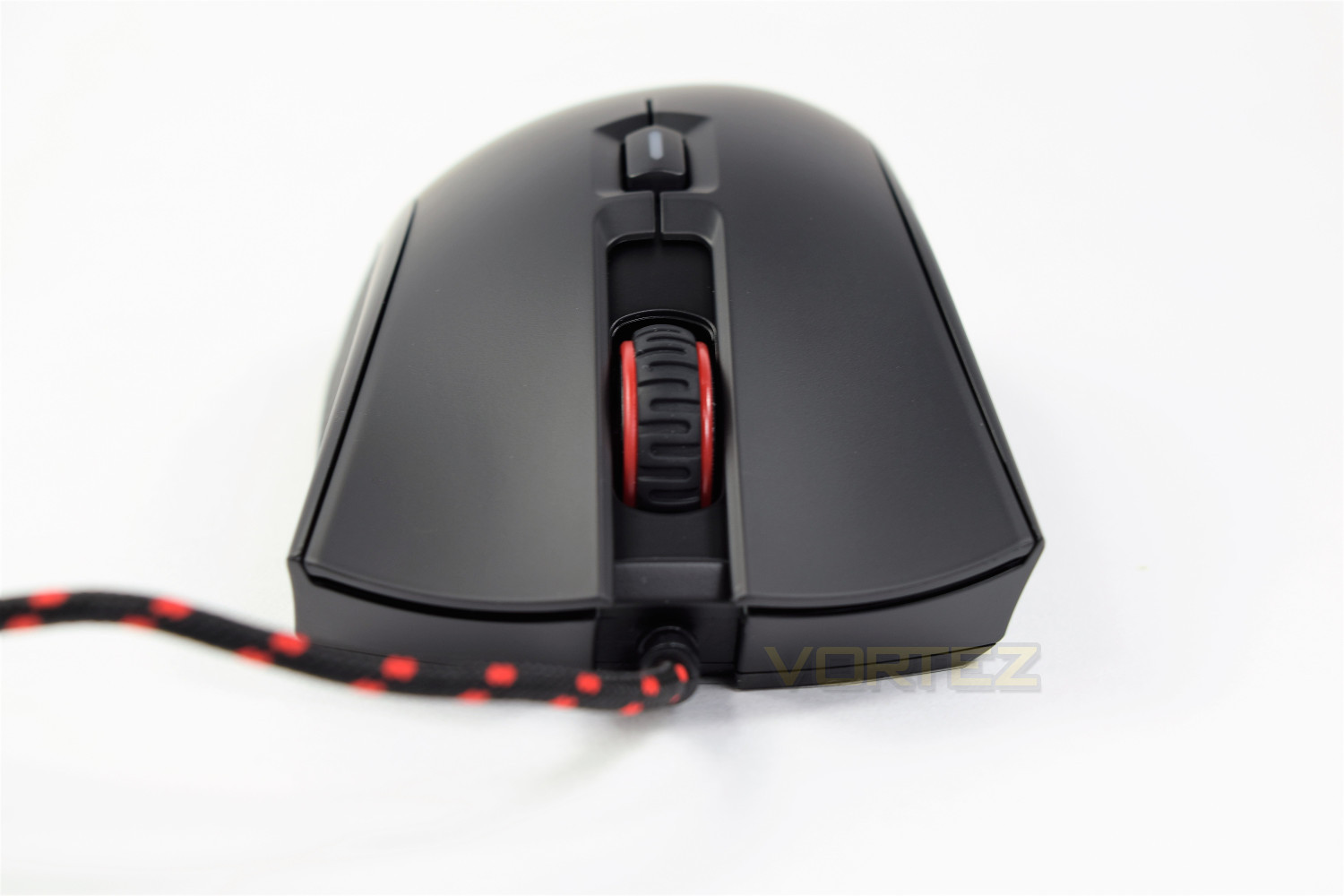
HyperX have opened with an ergonomic, right-handed design for their first venture, along with a black and red 1.8M braided cable, matching the styling on the mouse.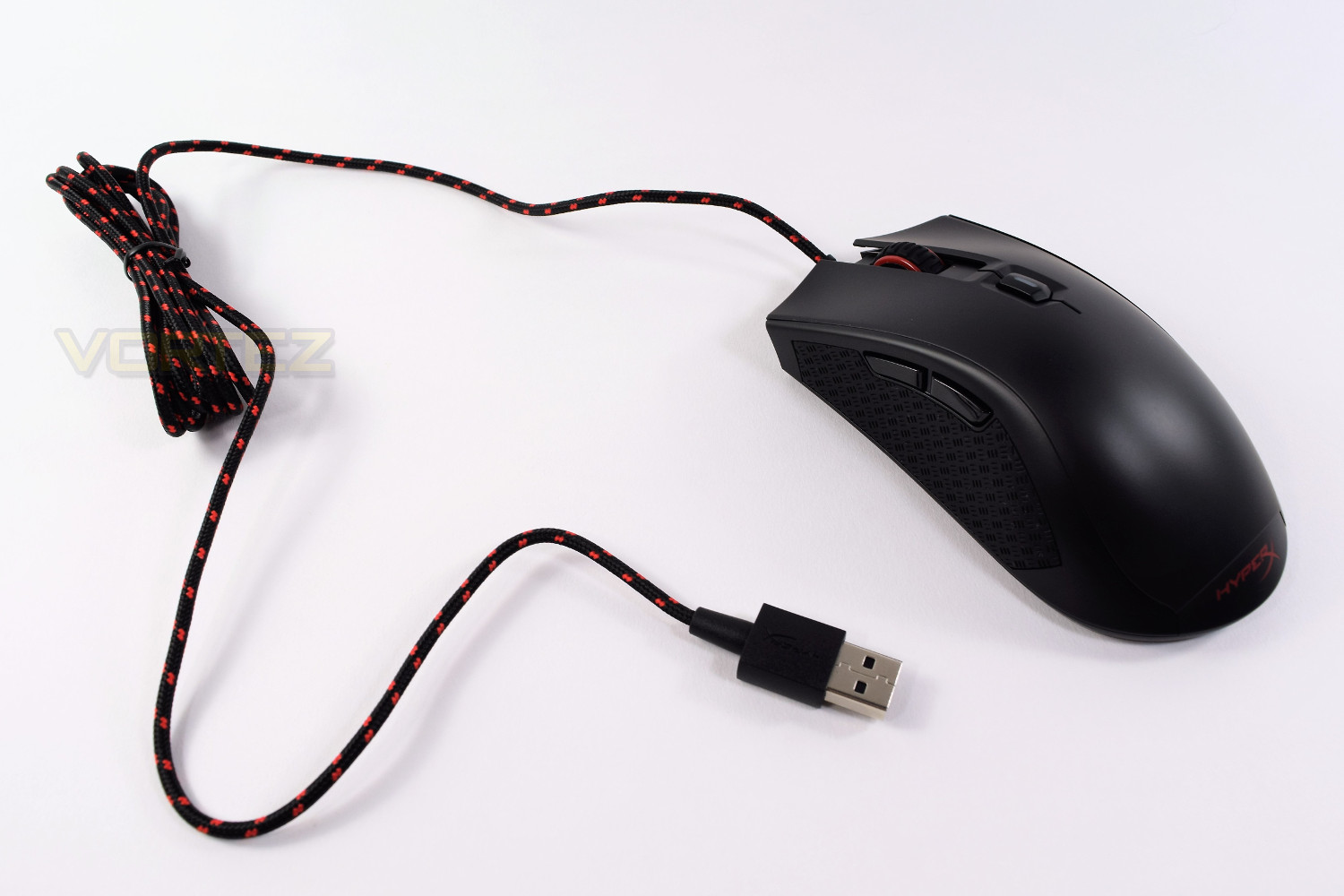
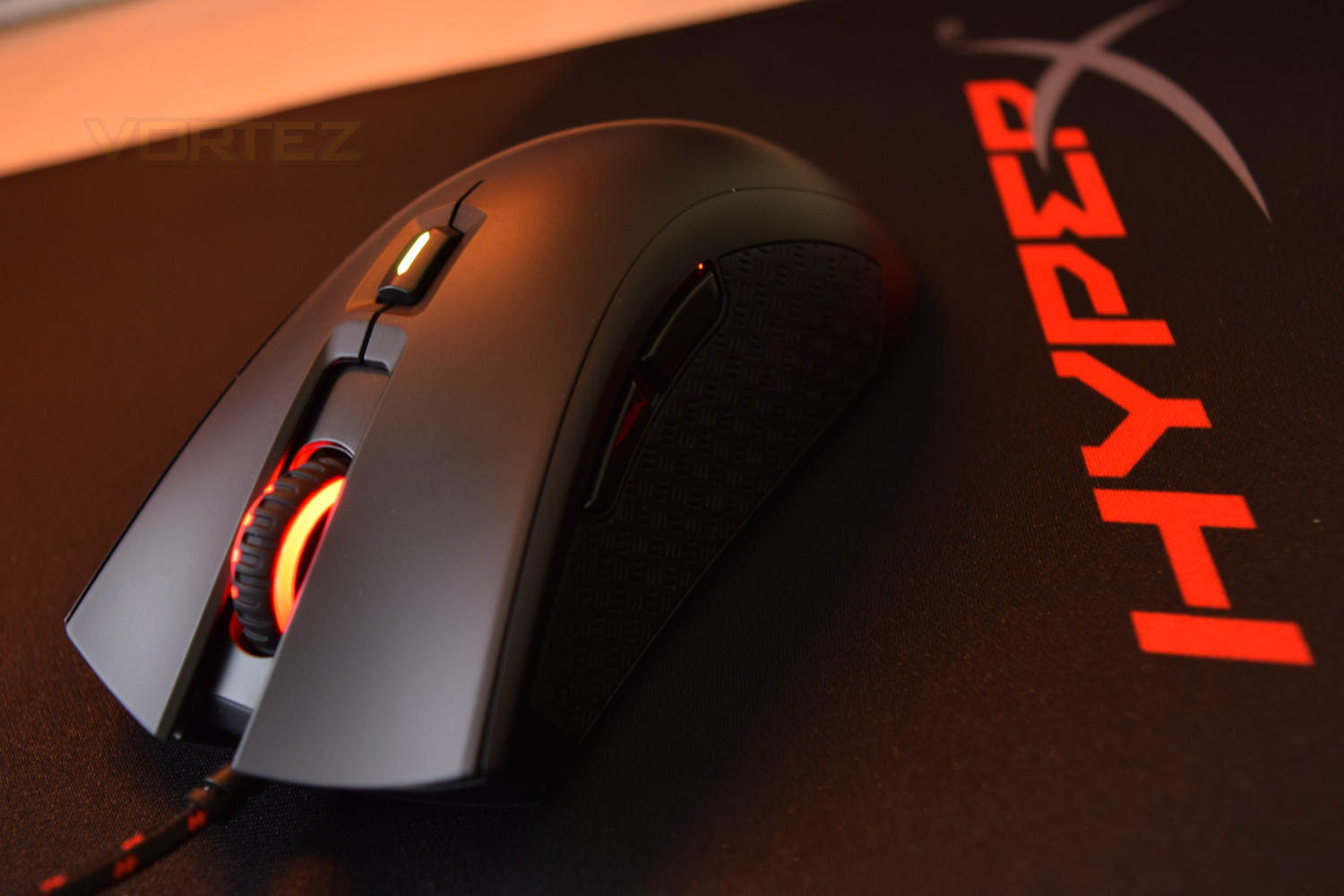
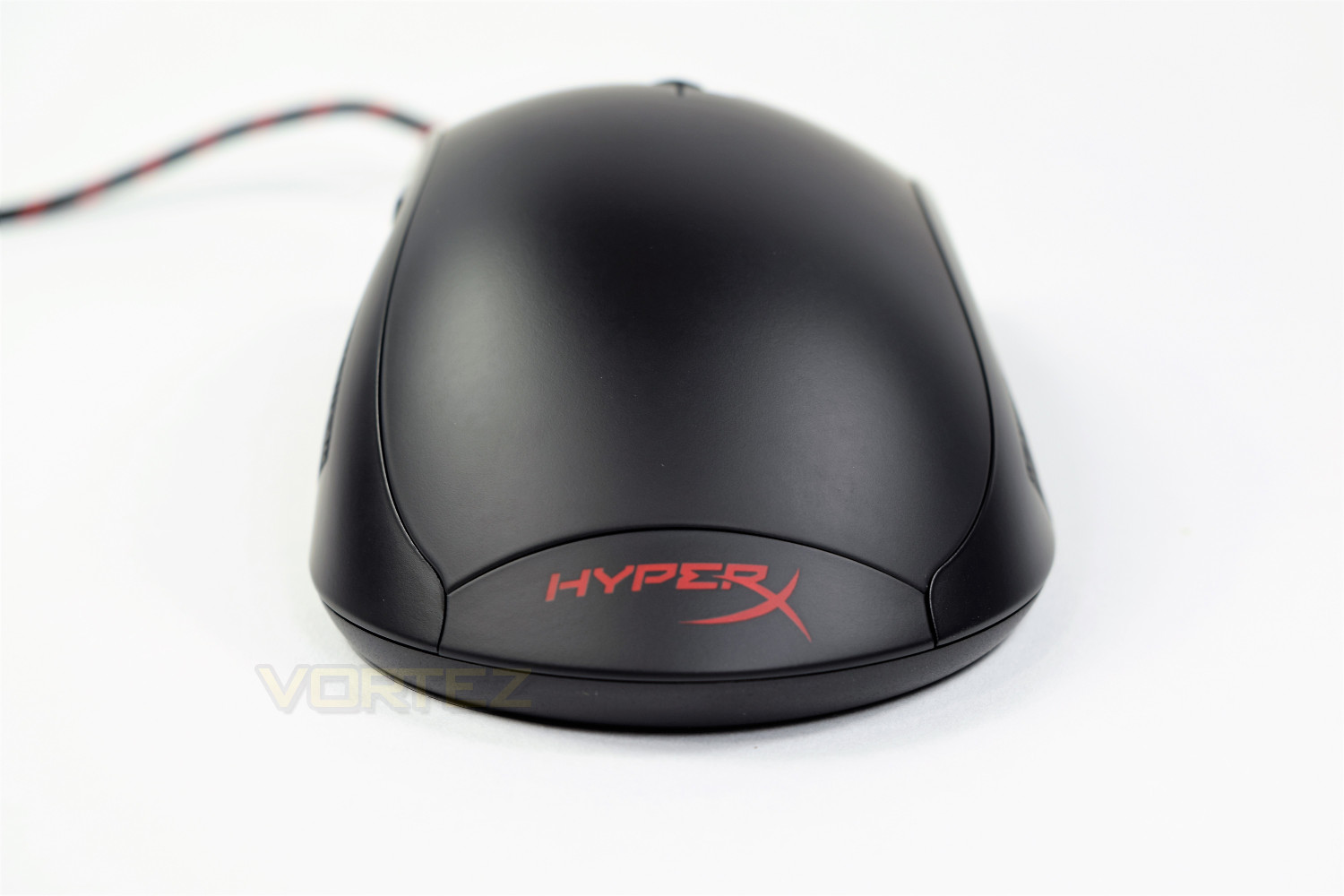
As with many gaming mice, the mouse 1 and 2 buttons feature the concave styling with the scroll wheel completely separate between. The scroll wheel, as well as the HyperX logo at the heel of the mouse, feature a red backlight.
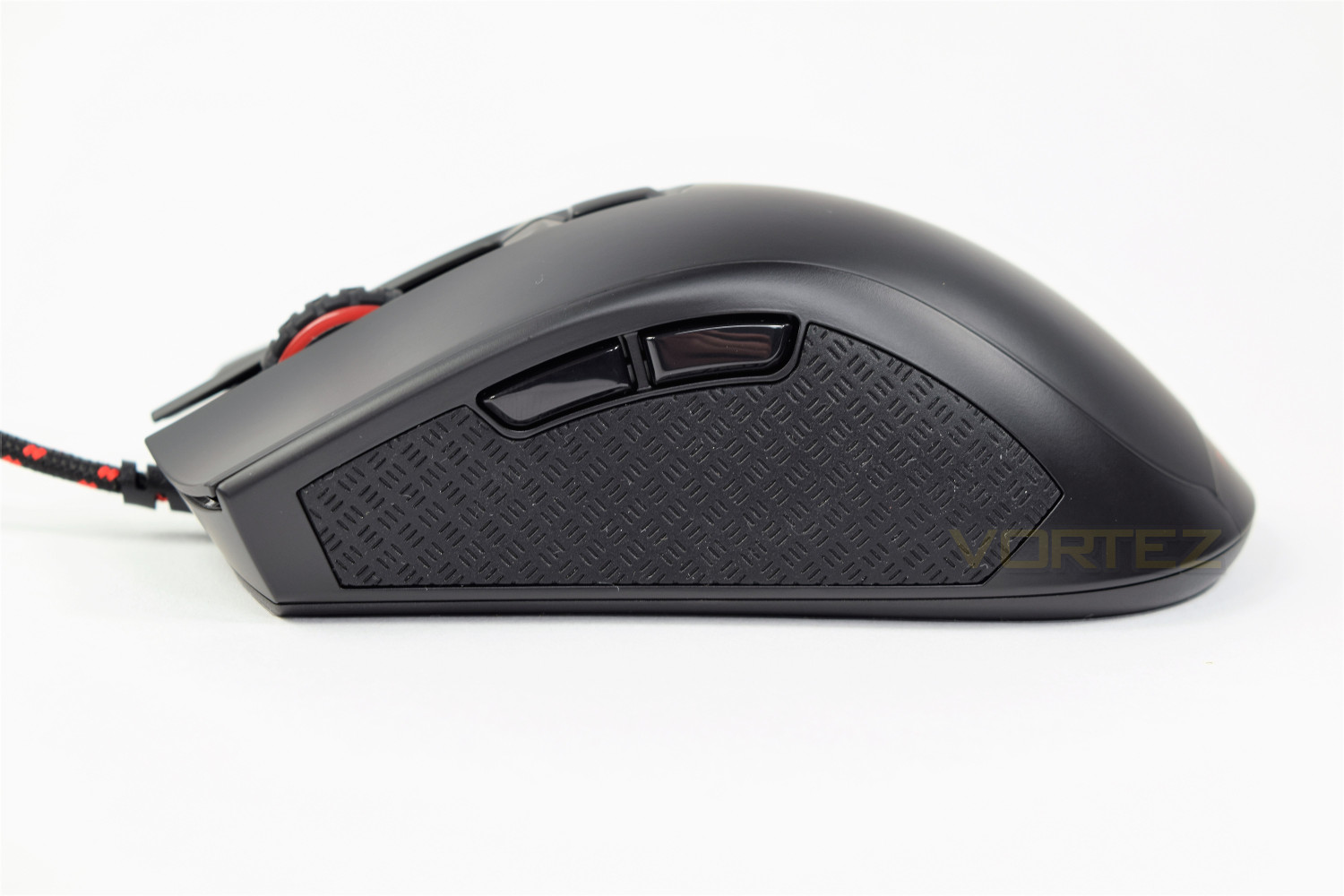
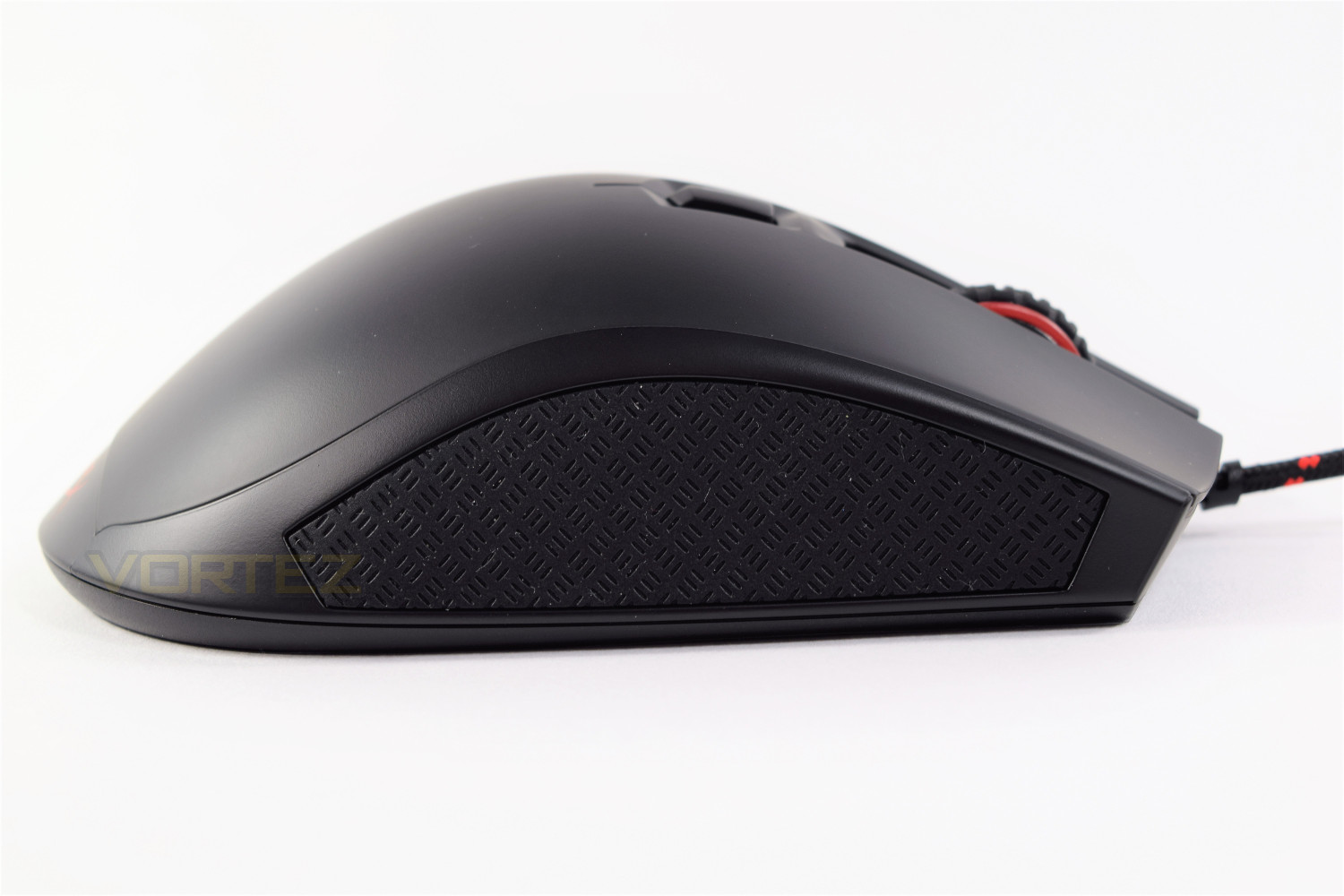
The right and left edges of the mouse incorporate grippy rubber patches, allowing the user a much better hold. The left edge also houses two buttons which can be mapped in game, or used as Forward and Back in your browser.
On top of the mouse is the DPI selector, pre-programmed to 400/800/1600/3200. The button contains within a small light, which changes colour based on the resolution chosen; Red, blue, yellow and white, respectively.
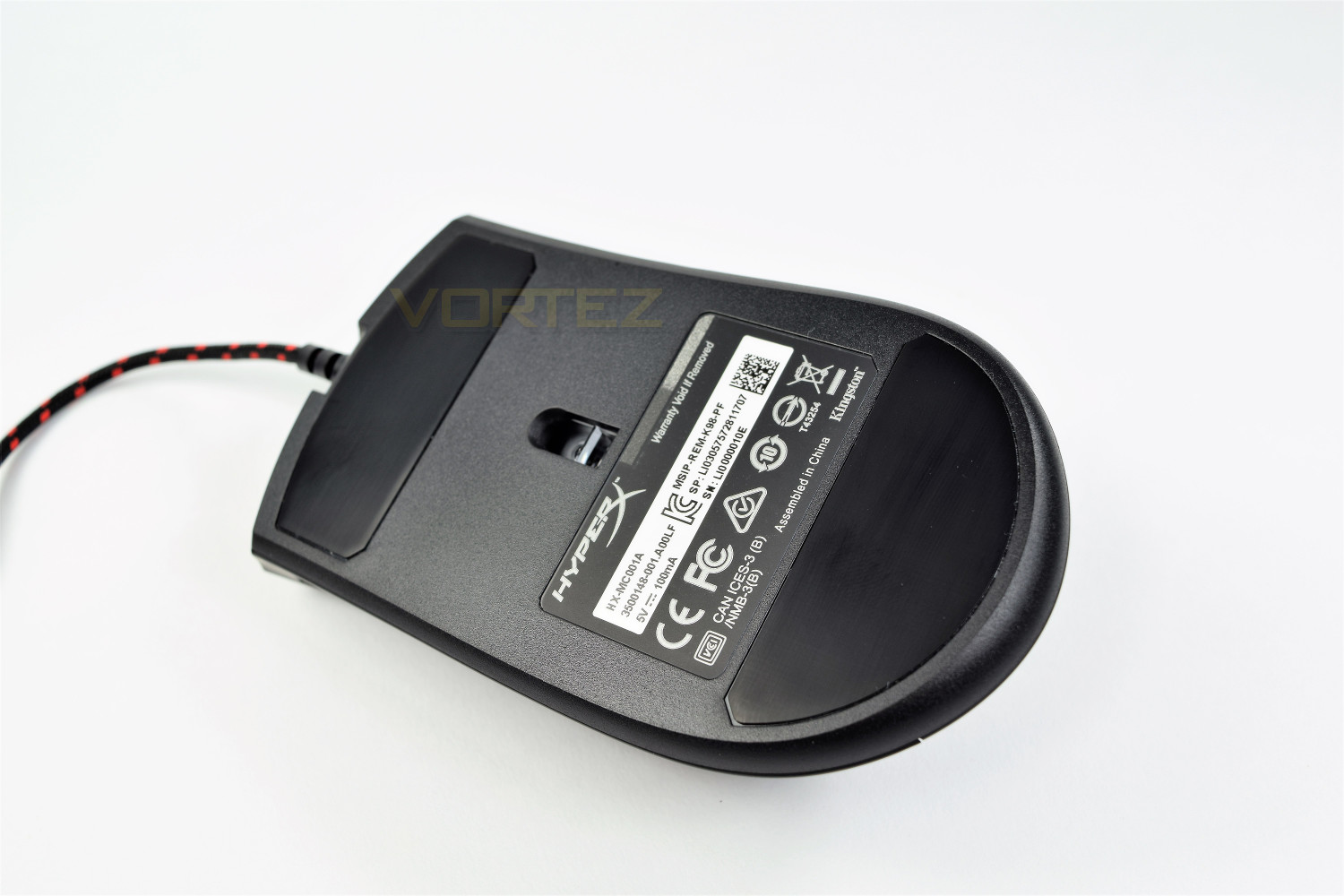
Underneath the mouse are two huge glides, top and bottom, with the PWM3310 sensor located in the centre of the mouse.
Performance Testing
Being a driverless offering from HyperX, there’s no messing about to begin with. You can enjoy the mouse straight away (After allowing Windows to install the generic drivers, of course.) This prevents any kind of customisation to the lighting or performance of the mouse.Weighing in at 95g, the mouse is on the lighter end of the FPS gaming mouse scale; which along with the massive glides underneath the mouse, makes the Pulsefire extremely easy to move about; this does give the mouse a bit of a “hollow” feel. The shape is very comfortable for long stints of usage, fitting all sizes of hand.
The mouse 1 & 2 buttons are louder than most mice, and require a reasonable amount of force. However, the spring underneath does rebound extremely quickly, allowing that follow up “double tap” to feel even sweeter.
The rubber grips on the left and right of the mouse are extremely soft, offering excellent grip, even with the sweatiest of hands. The only downfall of such a soft rubber is the likelihood of it collecting dust and other nasties, which we found happened incredibly quickly.
Sensor performance is excellent, as has been seen from other mice using the PMW3310 sensor from Pixart, working on all surfaces and being incredibly responsive. HyperX provided us with a Fury S mousemat to aid testing, which looks fantastic alongside the Pulsefire. The sensor doesn’t use acceleration so accuracy is spot on. The lack of drivers and/or software hinder the performance of the sensor slightly, not allowing you to alter the DPI settings on the mouse; this must be done within the Windows mouse settings, or in game.
Lighting is basic, as far as today’s standards lie, with the logo and scroll wheel being reasonably dimly lit, however, credit where credit is due, the backlighting is crisp and clear. The colour will match any black and red theme perfectly, and for those that don’t like any kind of glare from their peripherals, this mouse will be ideal.
Conclusion
The HyperX Pulsefire, overall, is a cracking little mouse, with the rubber grips, simple red backlighting, Pixart sensor and OMRON switches all coming together within a HyperX branded package.The driverless feature hinders the mouse, and with most manufacturers offering a full software suite with their gaming mice, this seems like a strange choice from HyperX.
Build quality certainly isn’t terrible, but as previously mentioned, the mouse does feel hollow and a little lacking, however, the OMRON switches and Pixart sensor do help to counter that with their solid performance. All of the accessory buttons, along with the scroll wheel, all feel sturdy and built to last.
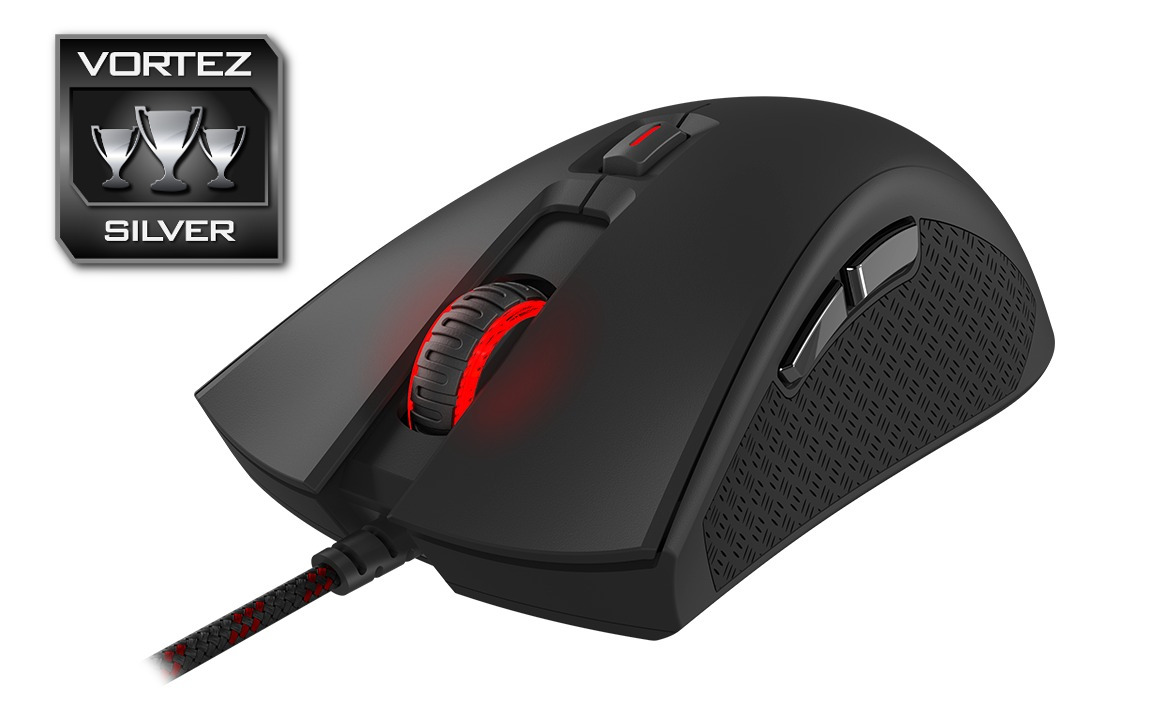
The Pulsefire is very understated by design, so lacks that “look at me” factor that many would like, but if you’re looking for a classic style mouse with some tasteful lighting, you might find this appealing. The rubber grips look great on the mouse, as well as aiding usage, and the DPI selector having a 4-colour display on top is a nifty feature.
Priced at £49.99/$49.99, HyperX have gone up against some already well-established manufacturers, with other offerings coming in at a lower price point while featuring higher specifications, makes this a difficult mouse to recommend. If the price point was to fall by £10-£15, this would be an excellent purchase!
Looking for a simple, reliable gaming mouse? The first mouse from HyperX is certainly worth considering.
Pros
+ Simple design
+ Red lighting
+ Braided cable
+ DPI selection button
+ OMRON switches
+ Pixart PWM3310 sensor
+ Rubber grips
Cons
– Simple design
– Lack of software
– Hollow/empty feel
– £50/$50 price tag.
+ Simple design
+ Red lighting
+ Braided cable
+ DPI selection button
+ OMRON switches
+ Pixart PWM3310 sensor
+ Rubber grips
Cons
– Simple design
– Lack of software
– Hollow/empty feel
– £50/$50 price tag.
Click here for an explanation of our awards at Vortez.net.