The C920 replacement is finally here. Can the C922 Pro Streaming Webcam dethrone the revered C920 and project you to Twitch stardom?
Product on Review: C922 Pro Stream Webcam
Manufacturer: Logitech
Street Price: £84.99 GBP / $92 USD
Twitch live streaming has taken the gaming industry by storm, and while YouTube may offer live streaming support, Twitch appears to have “come into its own” by offering something totally unique. Fundamental to any streamer is a trusty, reliable webcam which captures the reaction and interaction of the broadcaster. The Logitech C920 has been the go-to device for over four years, topping Amazon’s “Best Seller” category in the webcam department. But this could be about to change.
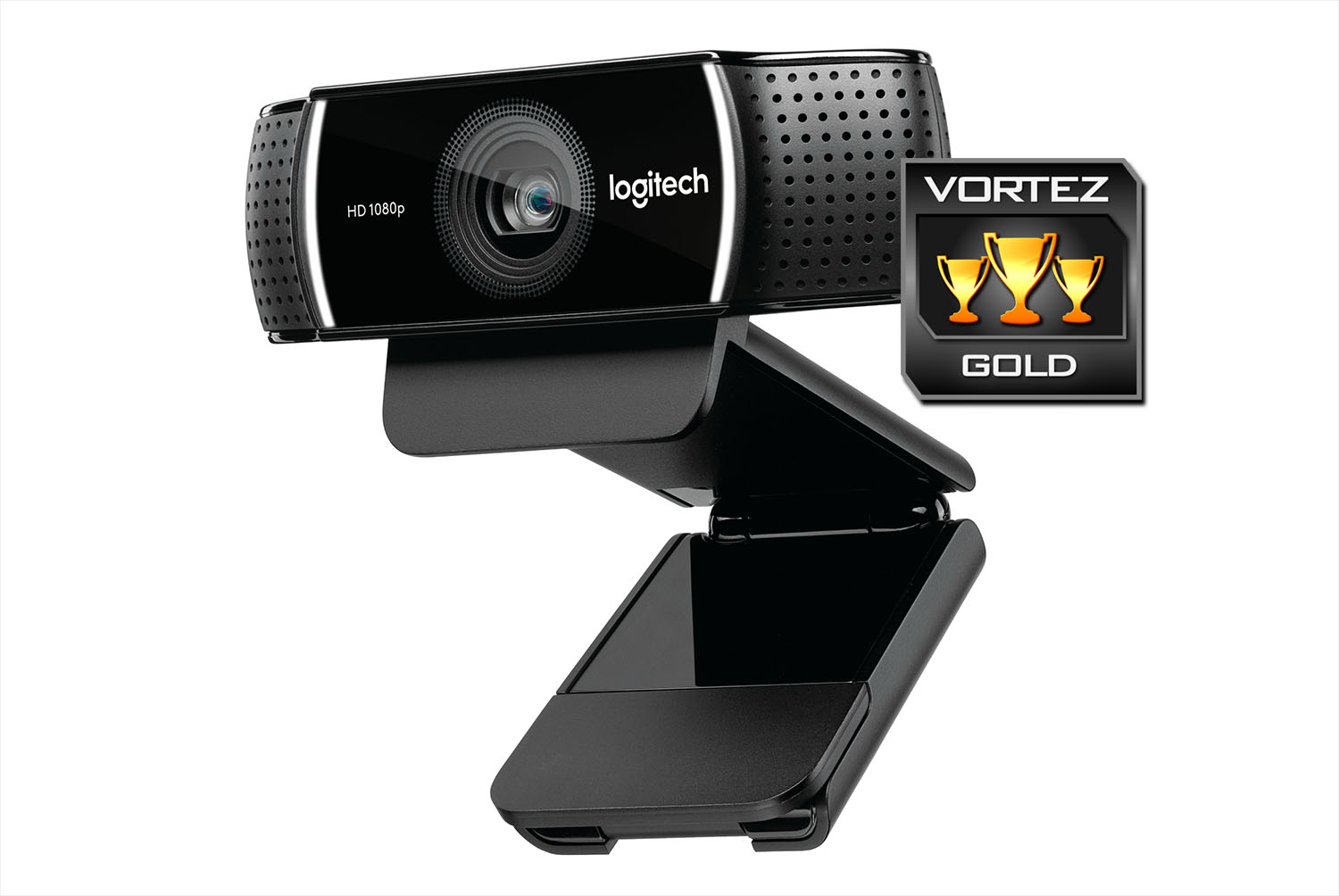
In a bid to dethrone the popular C920, Logitech are back with a successor named the C922. This new webcam may look decidedly similar to its predecessor; but looks can be deceiving. The C922 now carries 60fps via 720p, includes a handy mini tripod and bears the Personify background replacement feature.
Logitech on their C922
Connect with superior clarity every time you go live on channels like Twitch and YouTube. Stream anything you want in your choice of 1080p or fluid HD 720p at 60fps. Broadcast your gameplay in full HD with integrated background replacement (Powered by Personify), reliable no-drop audio, autofocus, and a 78-degree field of view. Includes free 3-month premium XSplit license.
Technical Specifications
Below are the technical specifications surrounding Logitech’s C922, supplied directly from Logitech:
Dimensions
Without clip:
Height x Width x Depth:
29 mm x 95 mm x 24 mm
Including clip:
Height x Width x Depth:
44 mm x 95 mm x 71 mm
Weight including clip and cable:
162 g
Cable length:
1.8 m
System Requirements
Windows® 7, Windows 8, or Windows 10
Mac OS X 10.9 or higher
Chrome OS™
Android™ v5.0 or above
USB port
Software Compatibility
XSplit
OBS
Package Contents
Webcam
Tripod
User documentation
3 month premium xsplit license
Warranty Information
2-Year Limited Hardware Warranty
Without clip:
Height x Width x Depth:
29 mm x 95 mm x 24 mm
Including clip:
Height x Width x Depth:
44 mm x 95 mm x 71 mm
Weight including clip and cable:
162 g
Cable length:
1.8 m
System Requirements
Windows® 7, Windows 8, or Windows 10
Mac OS X 10.9 or higher
Chrome OS™
Android™ v5.0 or above
USB port
Software Compatibility
XSplit
OBS
Package Contents
Webcam
Tripod
User documentation
3 month premium xsplit license
Warranty Information
2-Year Limited Hardware Warranty
Packaging & Bundle
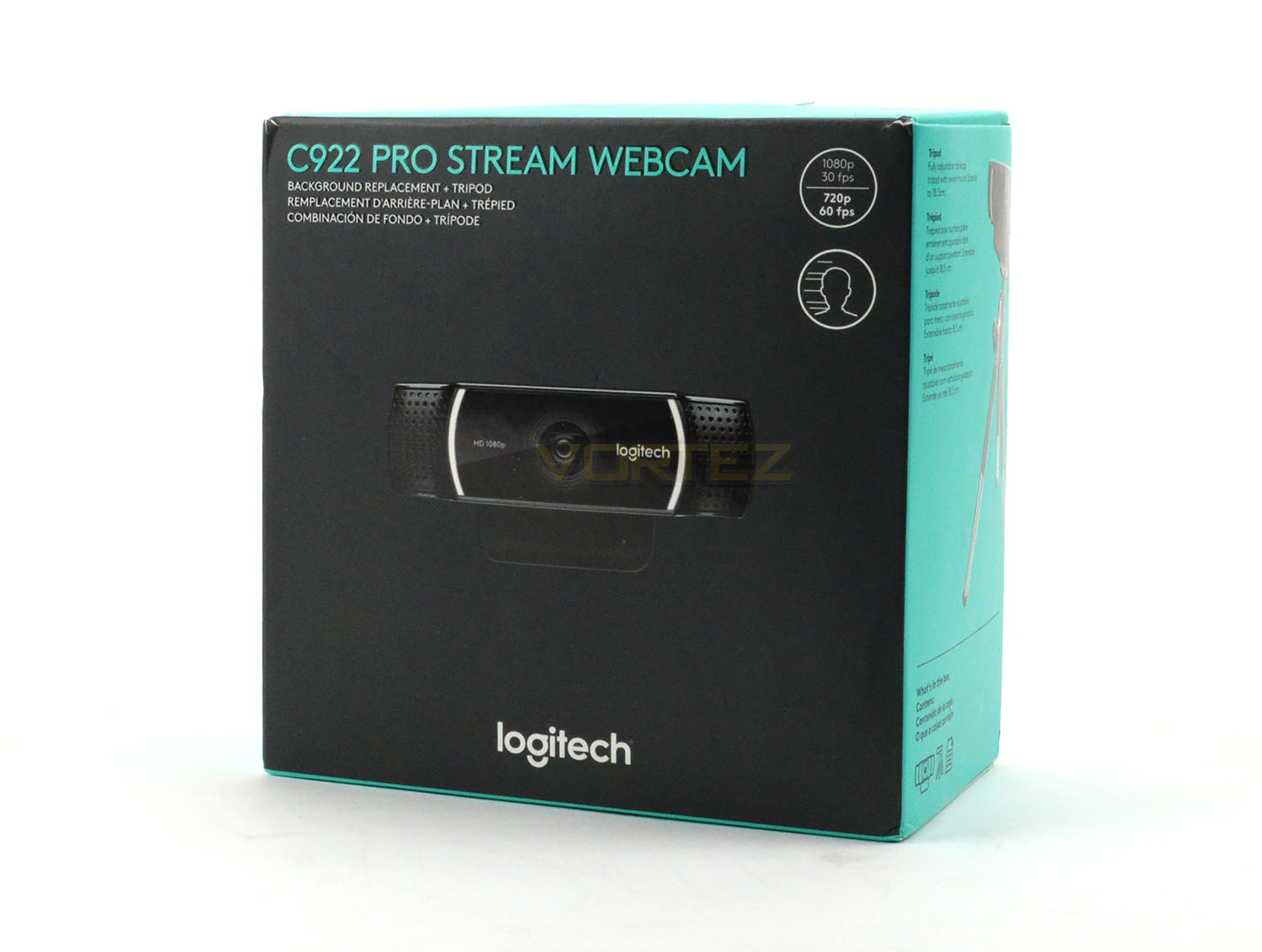
C922 arrives in a small box which carries a professional design. On the front we have a depiction of the camera along with the key output modes – 1080p (30fps) and 720p (60fps). The contents of the bundle are listed on the sides and there is more information on the reverse.
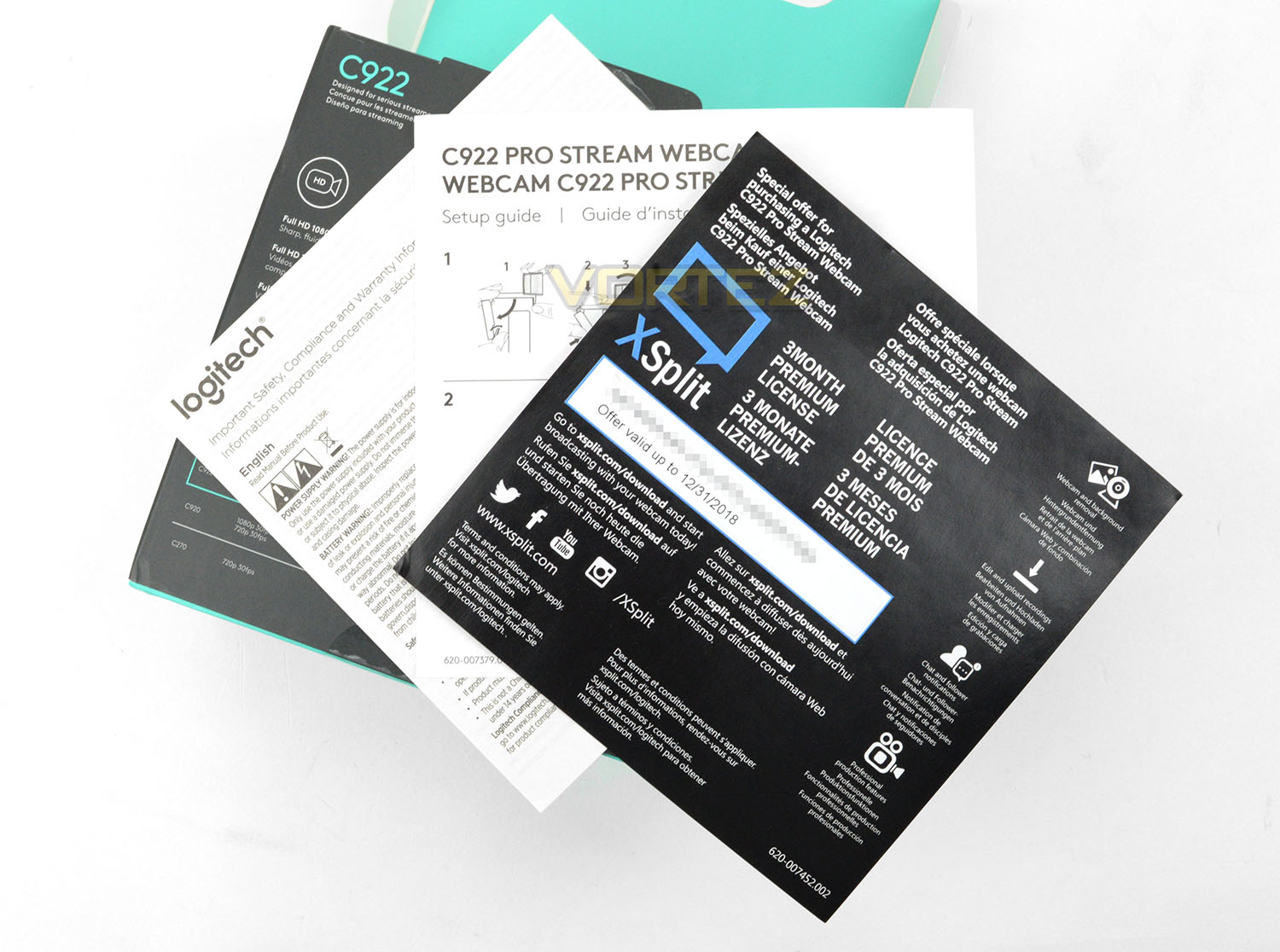
Inside the box there is little by way of bundled accessories. Aside from the included tripod (which we’ll look at on the next page) there is just documentation which consists of warranty information, setup guide and a 3 month XSplit premium license.
On the next page we’ll explore the webcam itself in plenty of detail.
Closer Look
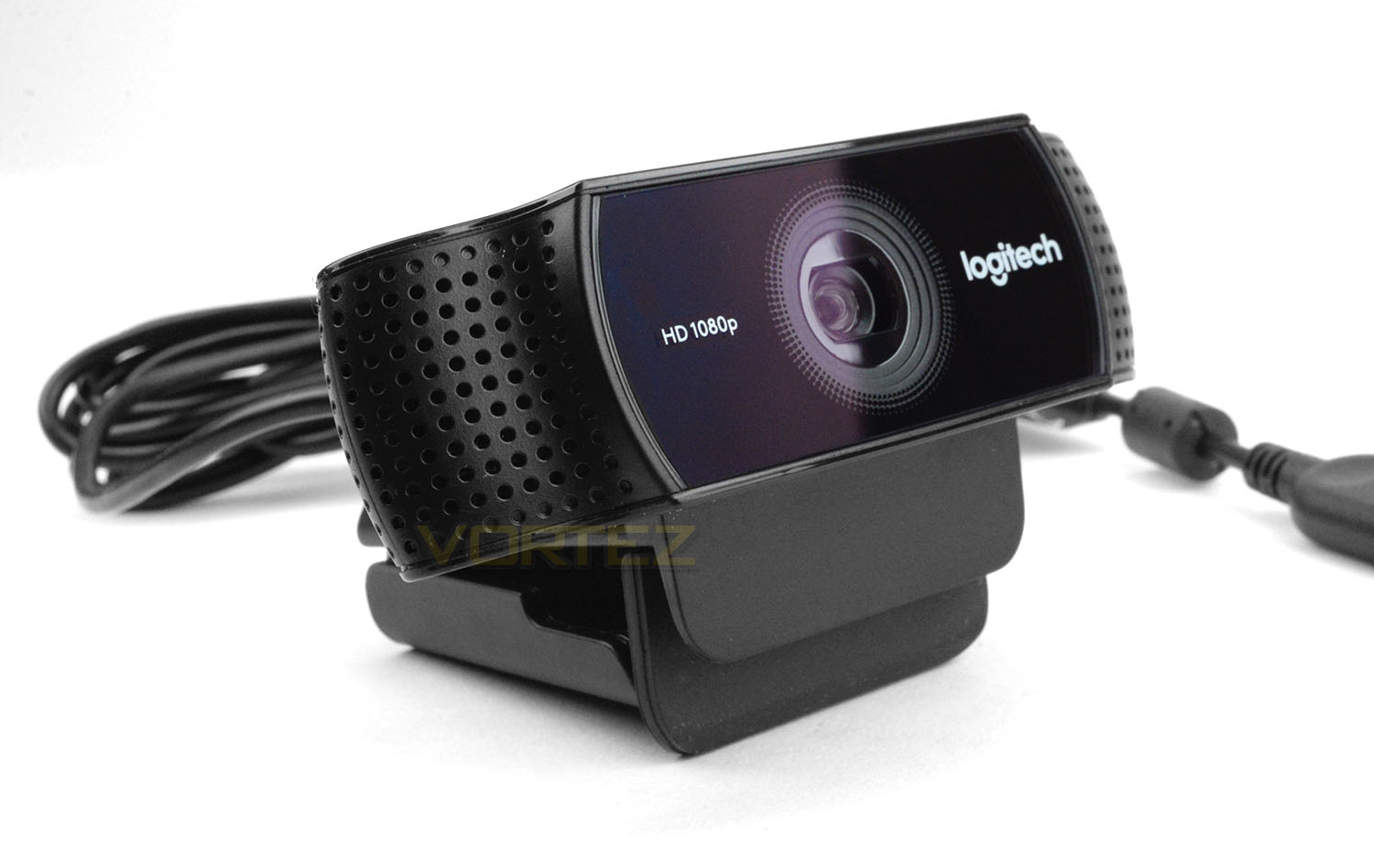
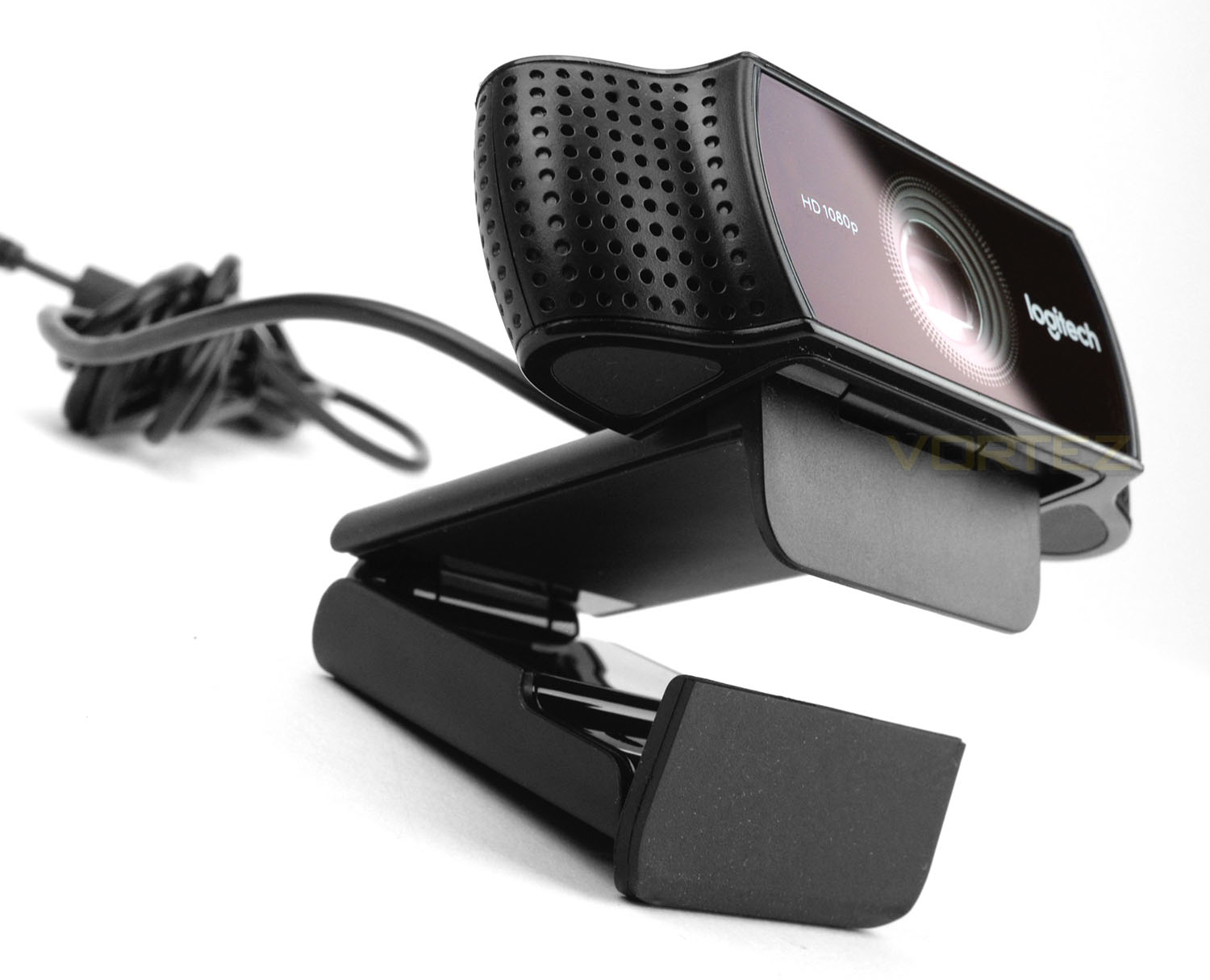
Logitech’s 922 folds up into a miniscule unit which makes it a veristile piece of kit. Since the design of this webcam utilises a horizontal orientation Logitech has engineered 922 to have Dual omni-directional noise cancelling microphones on either side.
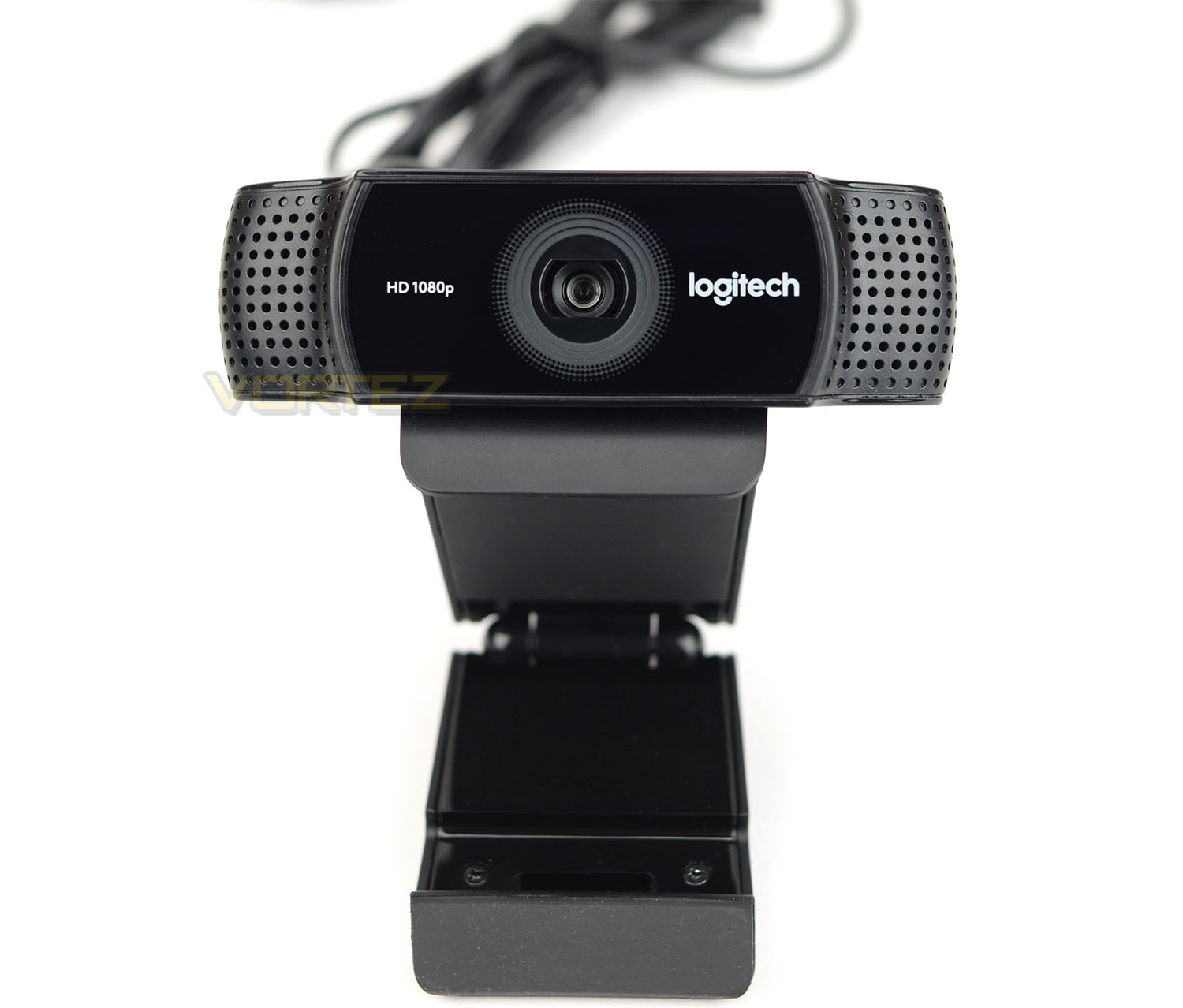
The built-in lens found on the C922 provides f/2.8 aperture and 78-degree field of view. This lens also carries features like automatic low-light correction for an instinctive adjustment to the brightness in different environments.
On offer with this camera are two modes – Full HD – 1080p @ 30fps and 720p @ 60fps. The idea being that users can opt for either better image quality or more fluid motion. While this does give you flexibility for streaming, by now we expect 1080p @ 60fps, this feels like a compromise for a camera which is touted as a camera “designed for serious streamers”. It’s true that using 1080p @ 60fps would demand greater internet bandwidth but web connections have improved, and having the best settings at your disposal would be preferred.
Other aspects to note with C922 is that we have H.264 video compression which should free up CPU/GPU from having to do all the work. Logitech has also designed this webcam to have Personify which effectively omits the requirement to have a green screen – Personify allows you to modify the background image on display with a pre-defined picture or you can even upload an image of your choice.
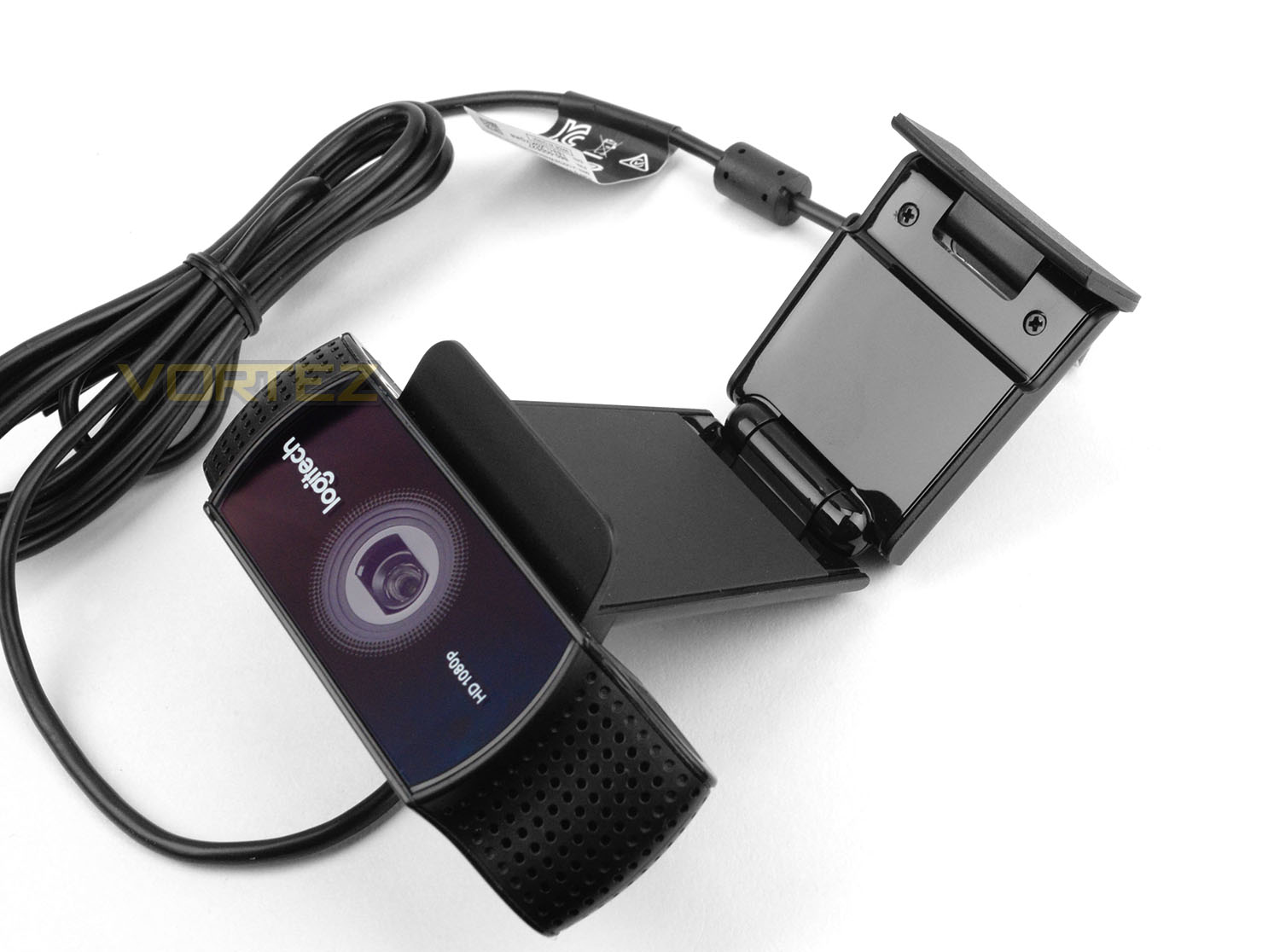
The C922 pivots at two points – the base of the camera lens unit and further down as shown in the picture above. This allows the camera to extend and thanks to the protraction and rubberised lip, C922 can easily perch to the top of your monitor.
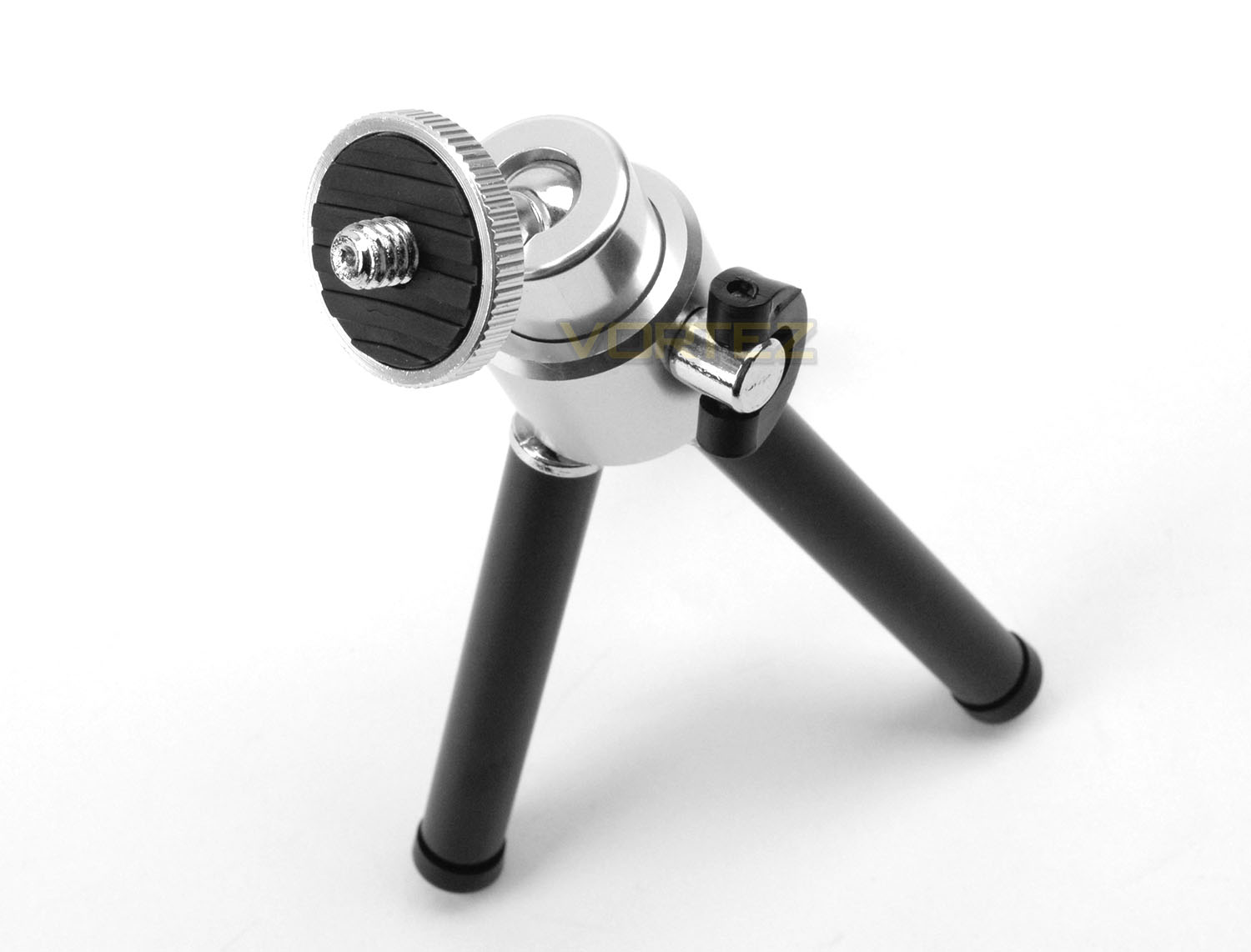
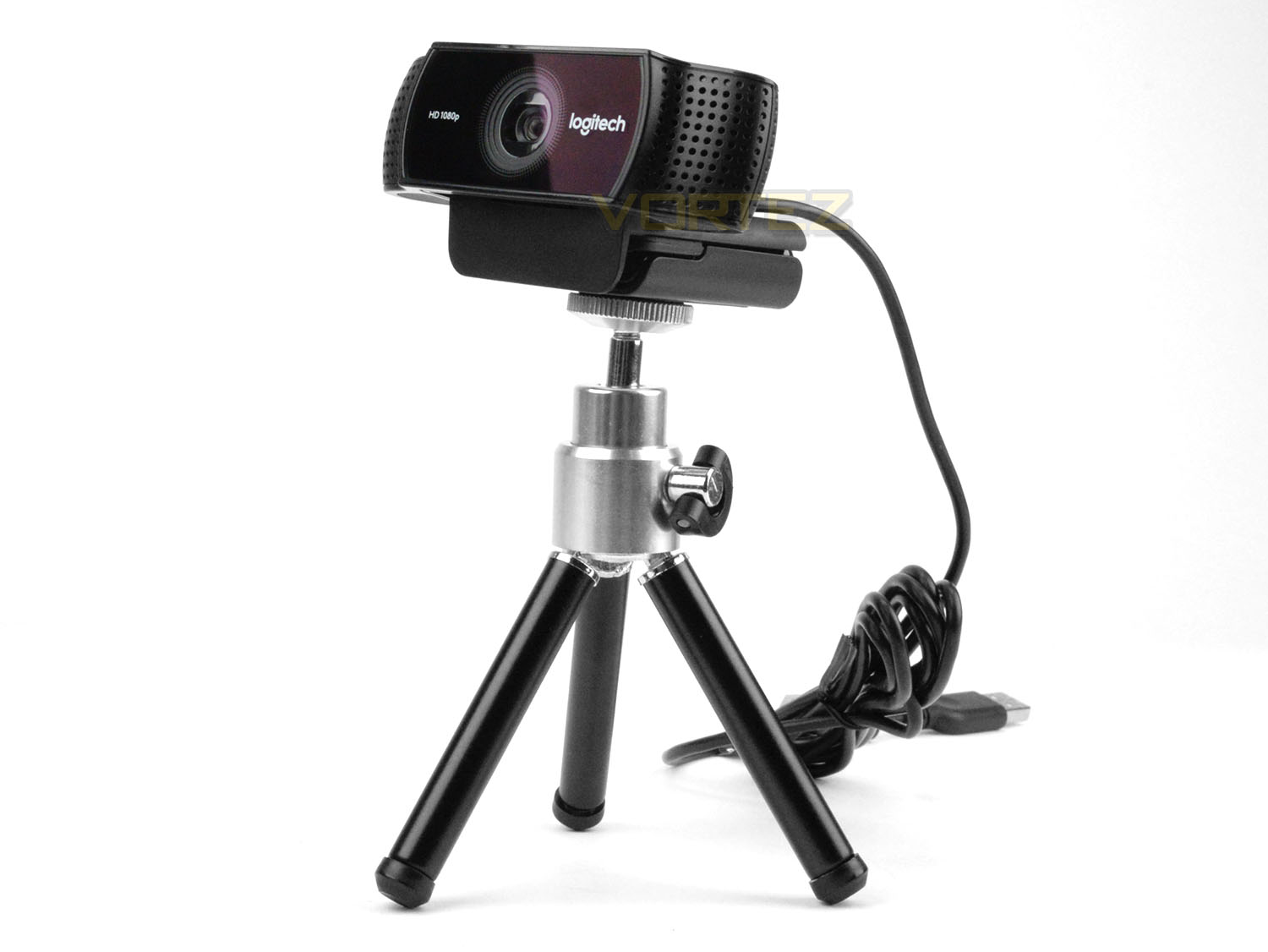
Logitech include a small tripod for the camera if you prefer to have the C922 positioned in an alternate spot, other than the top of your monitor. This tripod is part-metal and part-plastic, and uses a standard tripod screw and clamp system. The legs extend beyond the black plastic pipes to offer up to 18.5cm in height.
This is a useful inclusion and will give users different options for capturing at different angles.
Testing C922 – Video Capture, Image Quality
In order to evaluate C922’s capabilities we performed two sets of tests which focus on the camera in its 720p 60fps and 1080p 30fps modes. In order to perform such tests we used XSplit Broadcaster. Check out the videos and picture quality below, please bear in mind YouTube has compressed the videos:
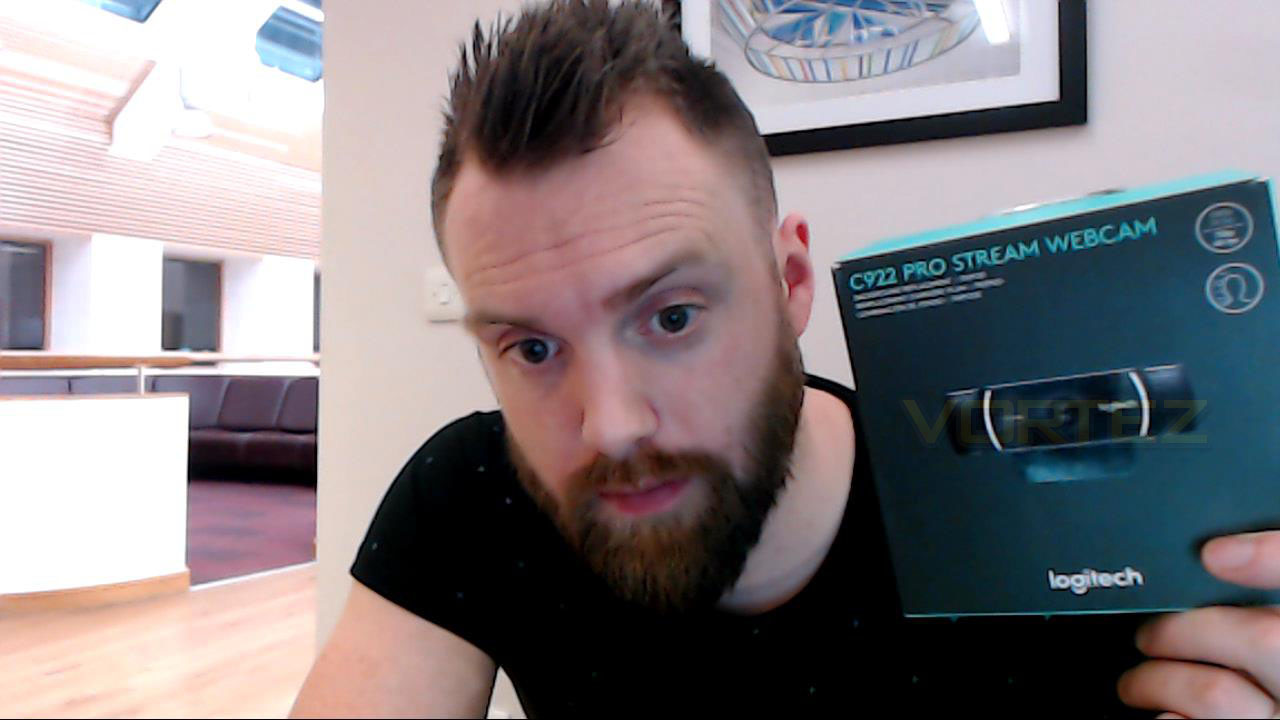
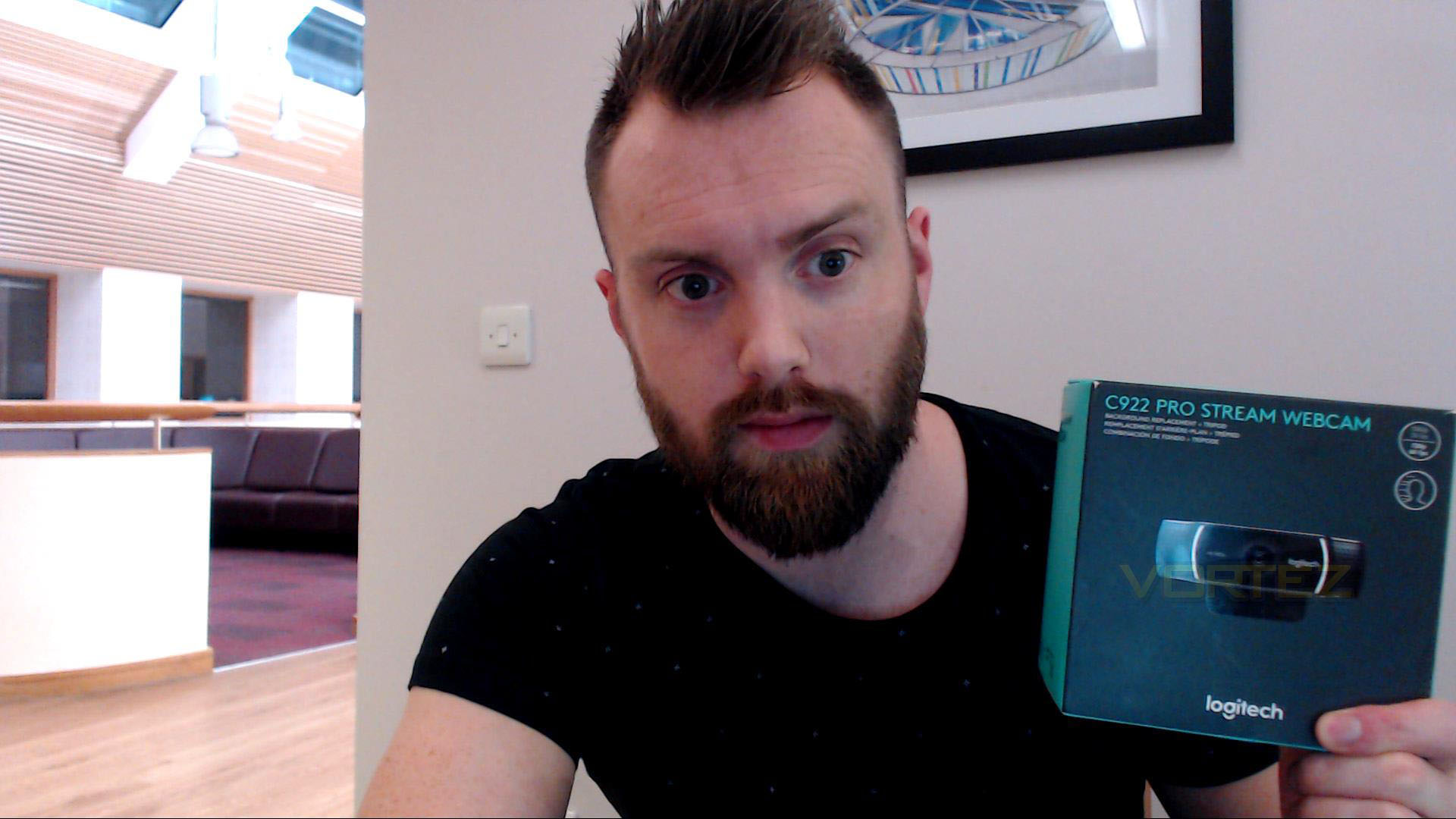
After capturing this footage, it’s clearly evident that the C922 in 1080p mode offers far greater clarity. The image quality is significantly better but this of course arrives with just 30fps – which, if you don’t plan on moving around as much probably won’t be an issue. In 720p the image quality appears quite pixelated and blurry, but the obvious benefit comes with much more fluid motion from the 60fps. So, there is a compromise with either mode you choose. There are two routes to take, do you want better image quality or better framerate?
Personify Background Replacement – Does It Work?
Bundled with the C922 is Personify which is an extra software package that allows you to modify the background without needing a green screen for chroma key. After installing the Personify software, we used XSplit Broadcaster to test out Personify. The results are demonstrated in the video below. As you can see, the keying isn’t always accurate. Certain areas are cut-out and then re-appear. If the person in front of the camera moves slowly, this issue isn’t as severe. We hope that Logitech can work on tweaking the efficiency of this tool to allow it to cut-out more precisely.
Incidentally, backgrounds can be altered to a selection of pre-defined images that Logitech supply – or your own background image of choice.
Conclusion
Logitech’s C920 has been the go-to webcam for enthusiastic broadcaster and streamers, for many years now and it was only a matter of time before its successor would arrive. So, is the new C922 a worthy replacement for the highly revered C920? Yes, it is.While some of the features on offer do retain a likeness to the predecessor, the C922 now offers 60fps for 720p mode. Not only this but there are other elements which peddles this webcam towards a rather functional piece of kit – a mini tripod is included for variable positioning, meaning you won’t be limited to fixing the webcam to the top of your monitor. We also have a built-in software package called Personify, which alleviates the requirement to go out and purchase a green screen for chrome key. This background replacement feature is a rather useful inclusion which is fairly easy to configure – wearing dark clothing along with a dark background does cause some discrepancies. Getting Personify to work effectively in XSplit can be tricky, but we’re hoping it’s just “early days” and it’ll be easier to get set up in future updates.
Now while the two modes (1080p/720p) will serve the vast majority of users, by now we expect 1080p 60fps implementation – especially when we look to a multitude of mainstream smartphones which output 4K 60fps. It’s also high time we saw such devices using USB 3.0 too. With the current output options, folks are limited to either better image quality (1080p 30fps) or better fluidity/framerate (720p 60fps).
Other things we really like about this webcam is the fact the cable is 6-foot in length. A fundamental gripe with a device such as a webcam is when users are restricted to using a USB extension cable or completely re-positioning their computer chassis to accommodate short cabling. The other great thing is how easy it is to get up and running with C922. If you’re using Windows 10, all you need to do is plug the webcam into an available USB port and software/drivers are downloaded and installed within minutes, this streamlined process is just what you want when buying a new gadget for your system.
The C922 utilises dual omni directional microphones which supply auto noise reduction. For serious streamers, a dedicated microphone is still likely to remain a fixture but nevertheless its still good to see reasonable microphone integration.
C922 is at the upper-end of the webcam price-range, coming in at £84.99 GBP / $92 USD. There are some clear advantages to upgrading from the C920 – 60fps now being available for 720p, mini tripod, Personify background feature to name the prominent benefits. While this successor may reveal a strong likeness to the camera its replacing, that isn’t such a bad thing; there’s a reason why the C920 is listed as Amazon’s best seller. It hosts the framework for what makes a webcam great and Logitech has built on this success.
The C922 is the ideal device for both novice and avid streamers. This new webcam effectively dethrones the popular C920 with innovative extras which tick all the boxes.
Pros
+ 720p & 1080p modes
+ 60fps available with 720p
+ Versatile placement options
+ Includes an adjustable tripod
+ Background replacement via Personify
+ Long cable
Cons
– Lacks 1080p 60fps
– Personify needs some work
+ 720p & 1080p modes
+ 60fps available with 720p
+ Versatile placement options
+ Includes an adjustable tripod
+ Background replacement via Personify
+ Long cable
Cons
– Lacks 1080p 60fps
– Personify needs some work
Click here for an explanation of our awards at Vortez.net.