Logitech has released a trio of new wireless gaming mice, we take a look at the G603 today, offering up to 18 months battery life and a 12,000 DPI sensor.

Product on Review: Logitech G603
Manufacturer: Logitech
Street Price: £69.99 / $69.99
Today we kick off a trio of Logitech reviews; we’ll be taking a look at their latest in the war against wires; the Logitech G603, G703 and G903. We’ll start off with the Logitech G603, designed to be a budget option offering gaming performance with the option of also extending battery life to 18 months.
Featuring Logitech’s HERO sensor, capable of 200 to 12,000 DPI without any smoothing, filtering or pixel rounding, resulting in a more precise and natural feel. The sensor also claims to be up to 10 times more power efficient than the previous generation.
Logitech’s LIGHTSPEED Wireless connection is capable of 1ms and 8ms response times, depending on your current usage scenario, offering both incredible performance or lengthy battery life. Bluetooth is also built into the G603, allowing you to connect to multiple different devices.
Priced at £69.99, the Logitech certainly isn’t cheap, but at least on paper, the device seems to offer everything you would need, read on to see how it performs.
Logitech on the G603:
HERO is a revolutionary new optical sensor designed by Logitech G to deliver class-leading performance and up to 10 times the power efficiency1. With HERO sensor, G603 also delivers exceptionally accurate and consistent performance across the entire DPI range, with zero smoothing, filtering or pixel rounding from 200 to 12,000 DPI.
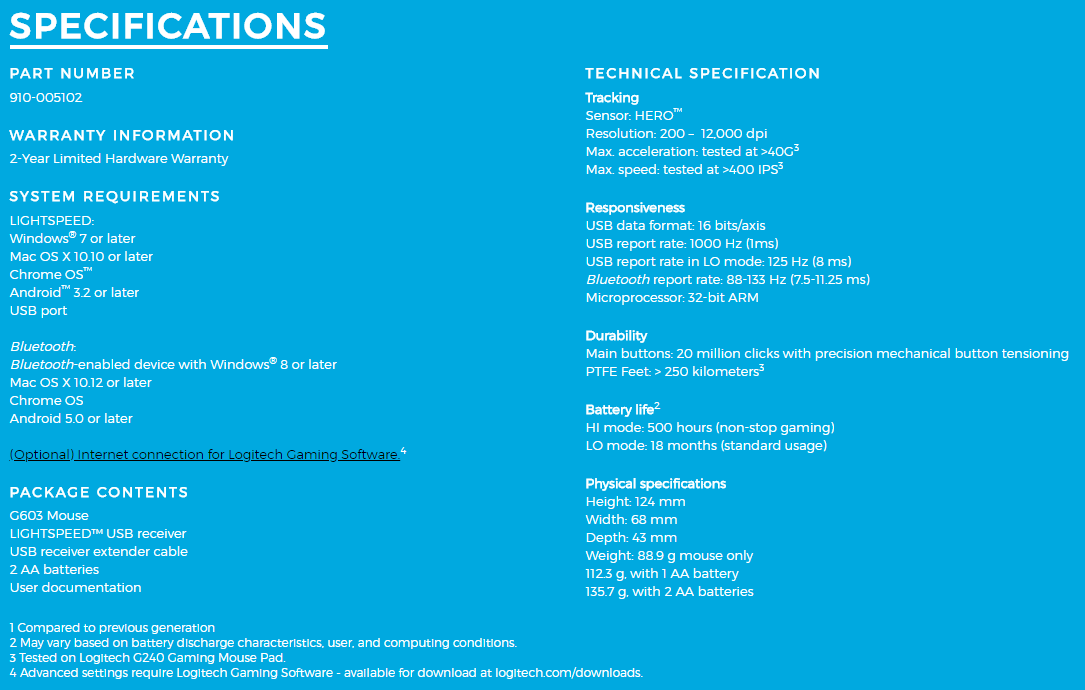
Technical Specifications
Packaging & Bundle
Arriving in a stylish, slim box, the G603 is clearly displayed across the front as well as reference to the LIGHTSPEED connection technology.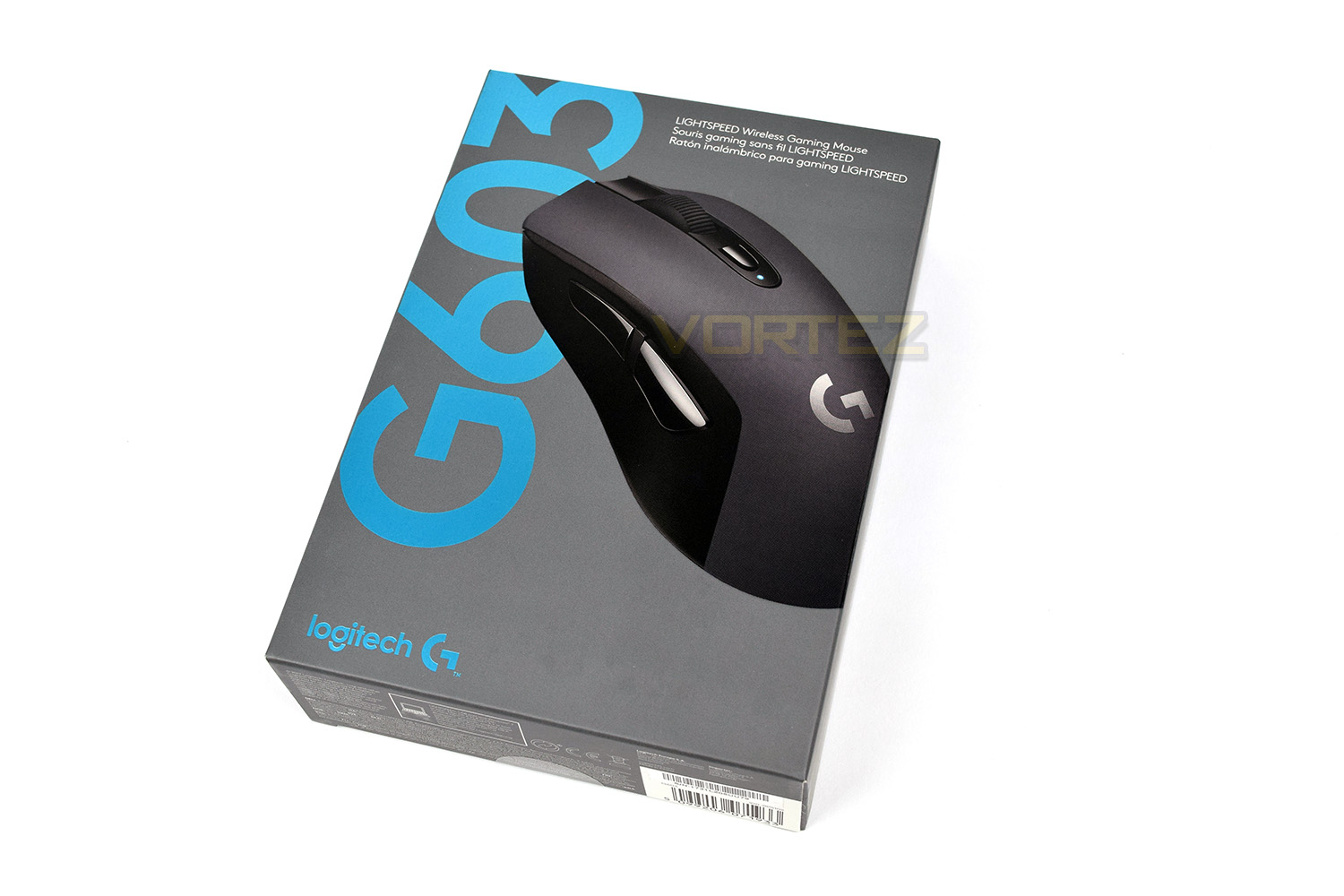
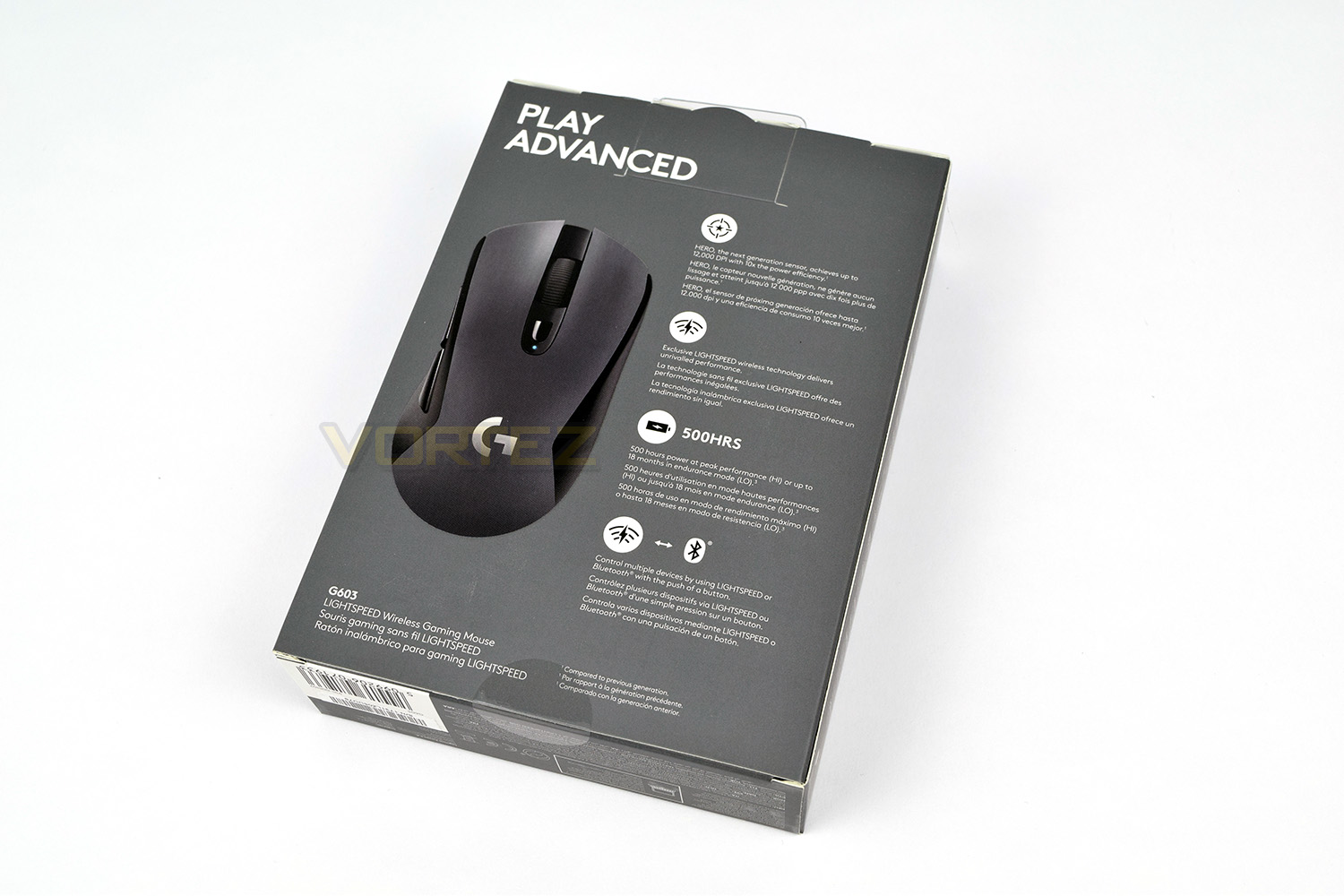
The reverse of the box provides a more orthodox angle of the mouse as well as information pertaining to battery life, connection options and details on the HERO sensor.
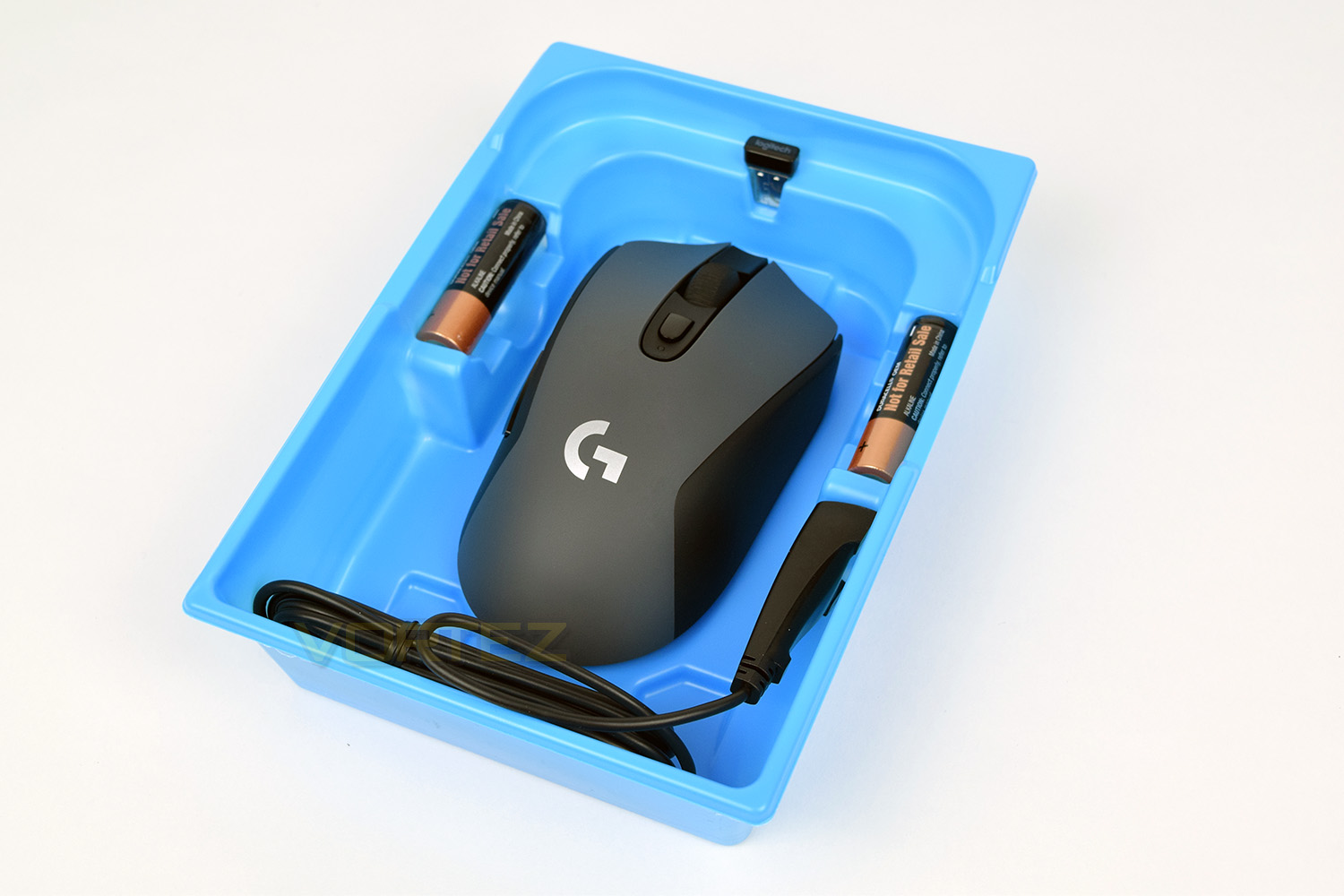
The mouse is held in place using a piece of clear plastic within a larger, blue tray (clear plastic removed for image). This ensures everything arrives to you in good condition.
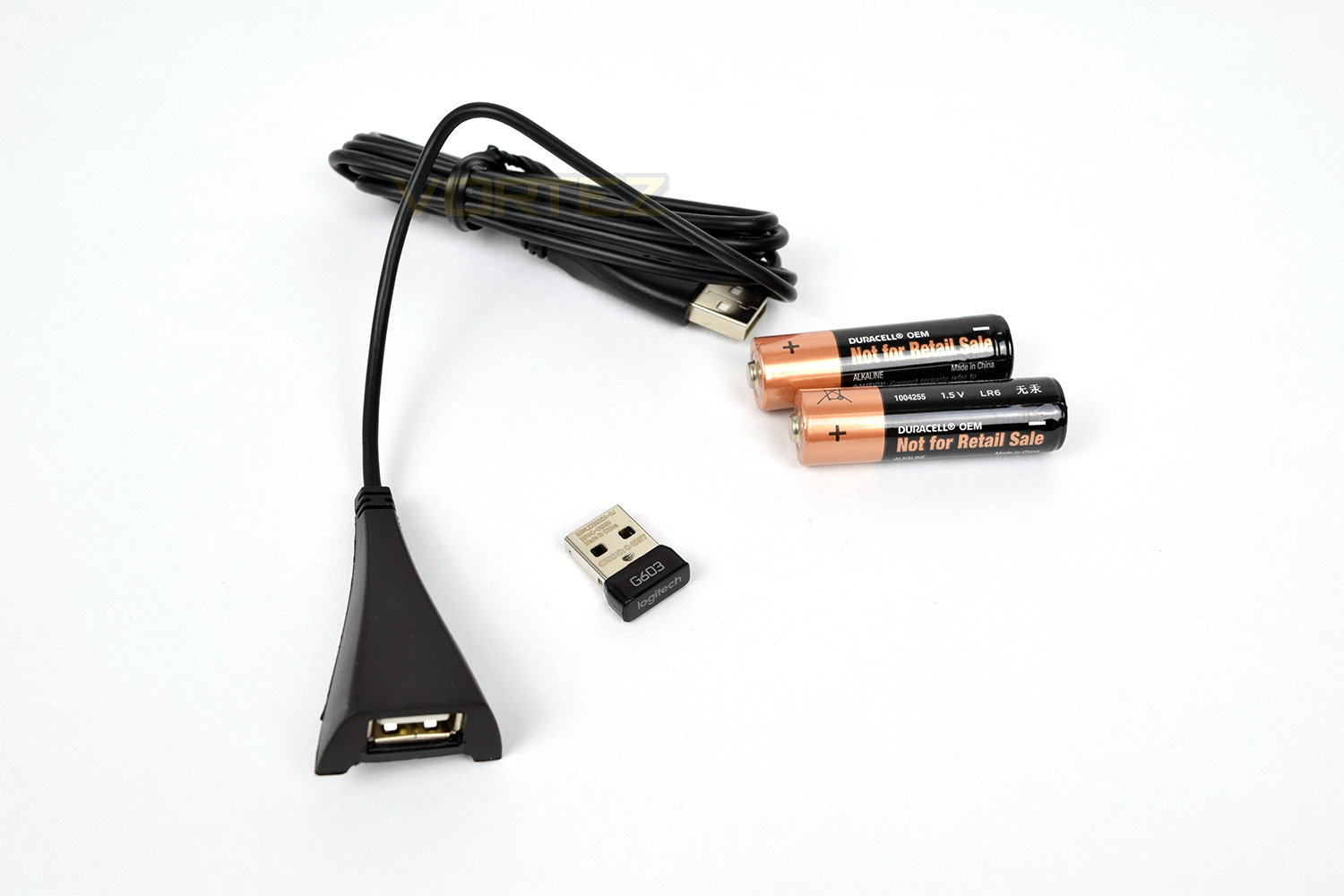
Bundled with the G603 is a 1.6M USB extension cable, the LIGHTSPEED receiver and a pair of DURACELL AA batteries. It’s nice to see they’ve included a high-end set of batteries with the device but a built in rechargeable battery would’ve been preferred.
Closer Look
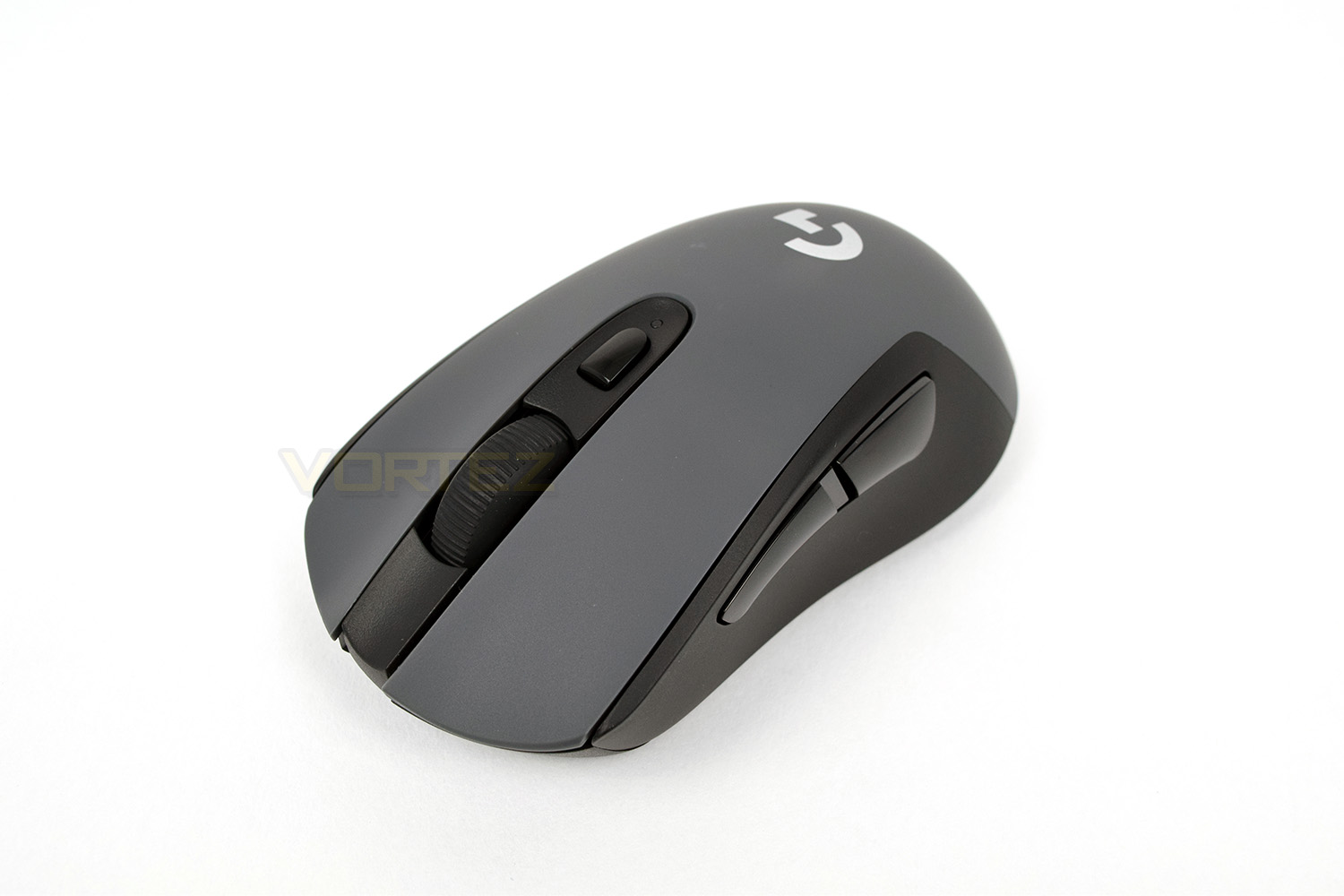
After laying the mouse out and taking a good look, the overall shape and design isn’t too “striking” but it should prove to be comfortable among a broad range of users. There’s no fancy RGB lighting to drain your batteries, save for the small multi-colour LED behind the DPI select button.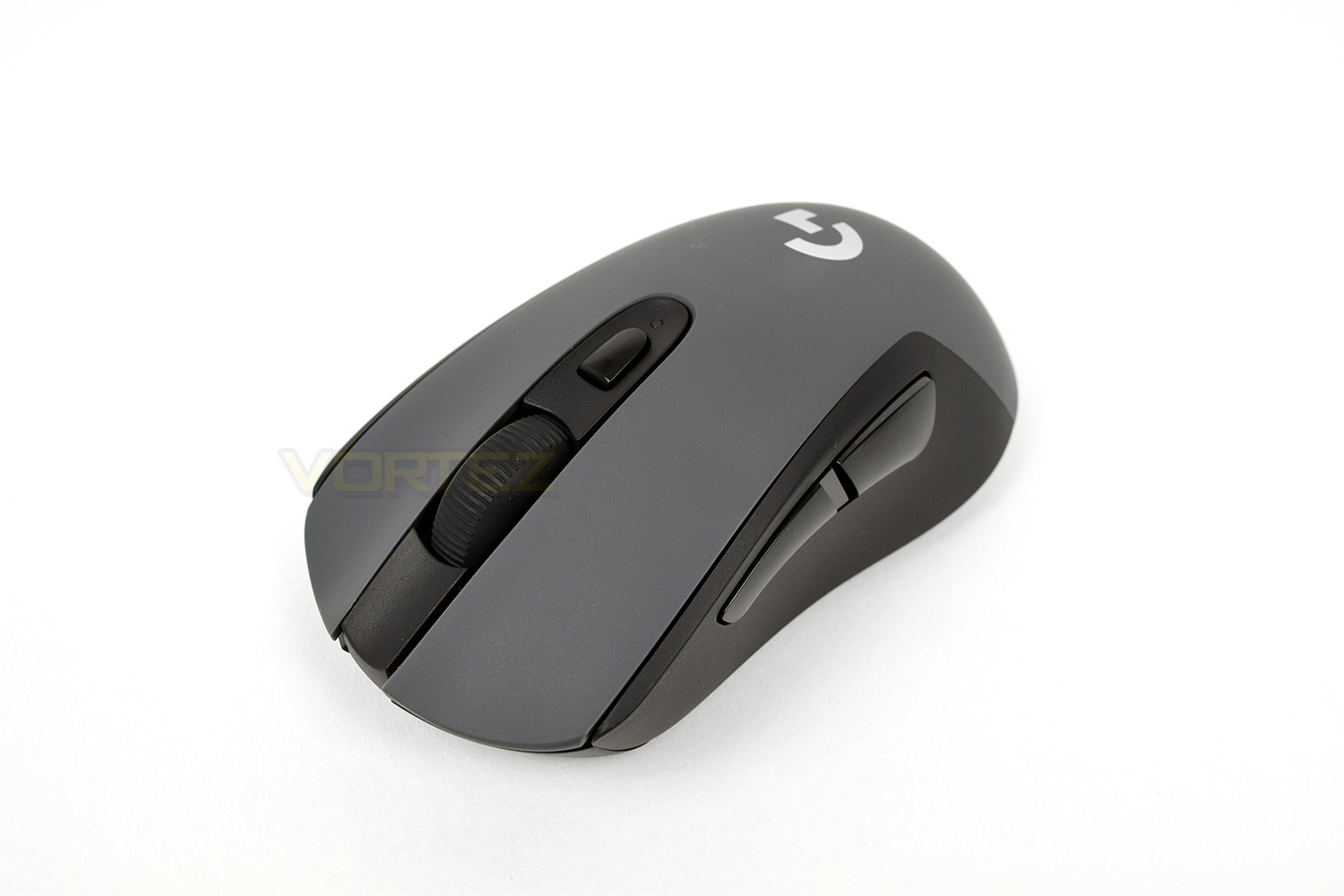
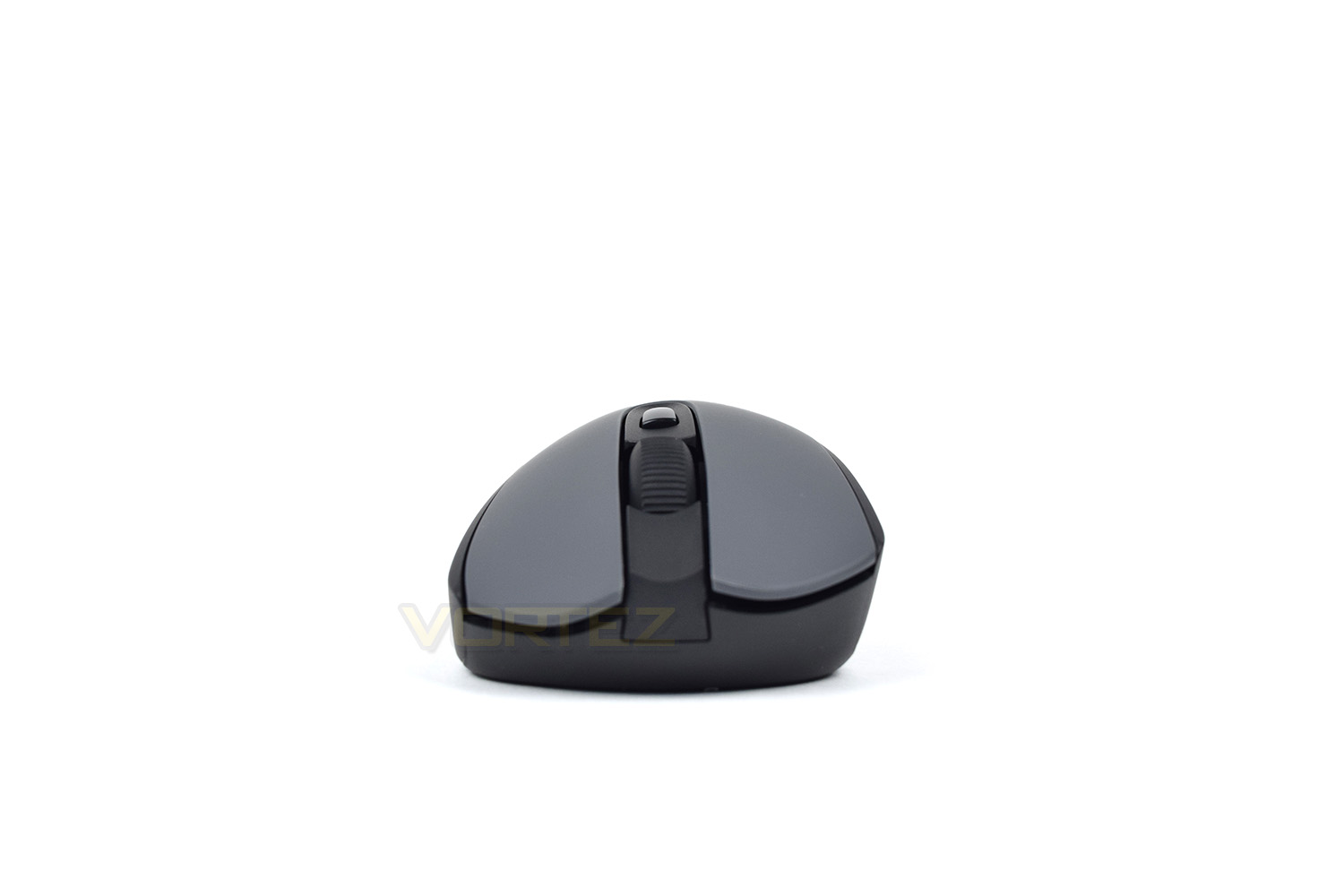
From the front, the mouse is decidedly aimed towards right-handed users though the shape isn’t that extreme that it’s impossible to use with the left hand. The scroll wheel is relatively wide and grooved, making it easy to grip.
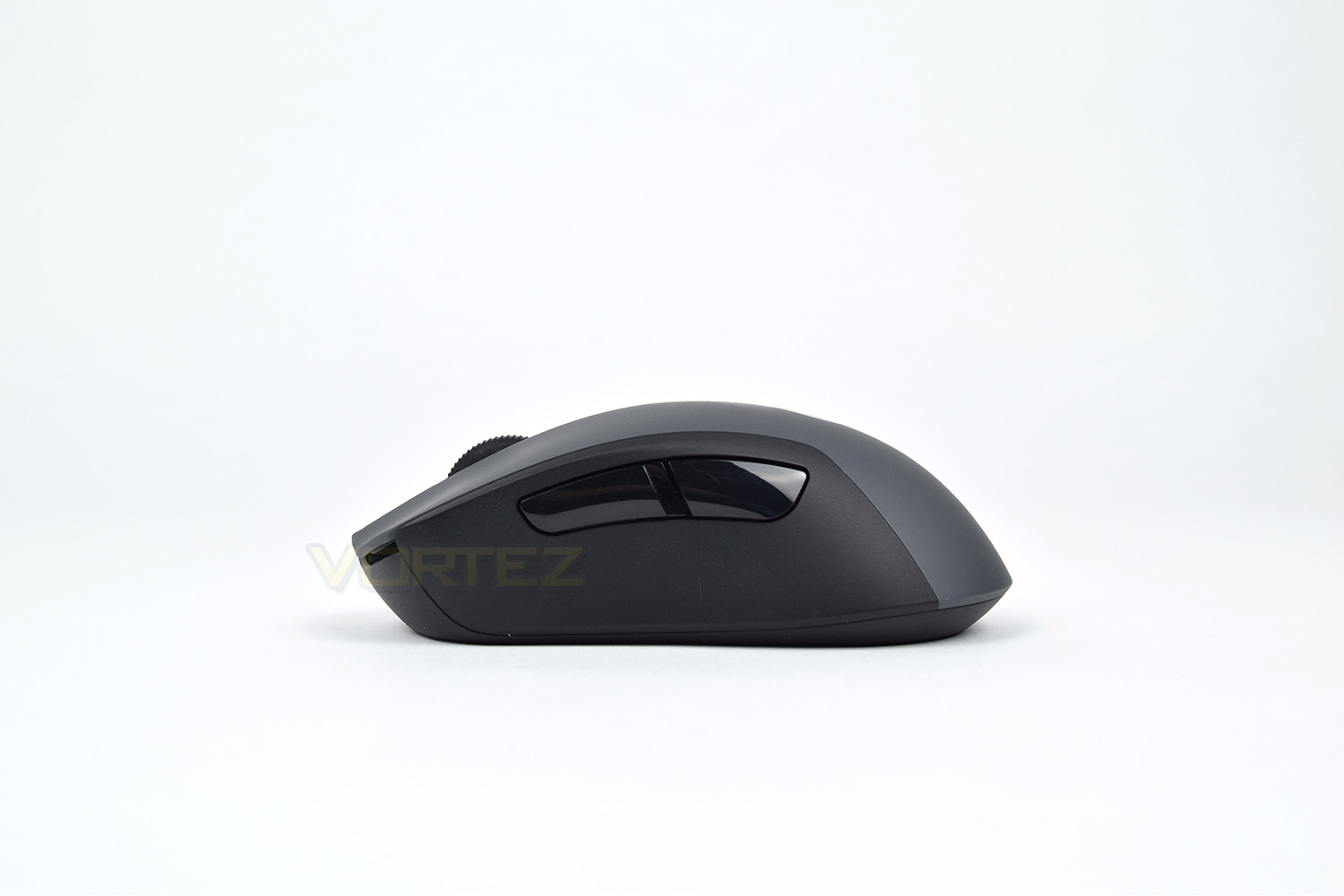
The left-hand-side of the G603 is home to two large, well-positioned forwards and backwards buttons. No rubber grips or anything of that description here, though.
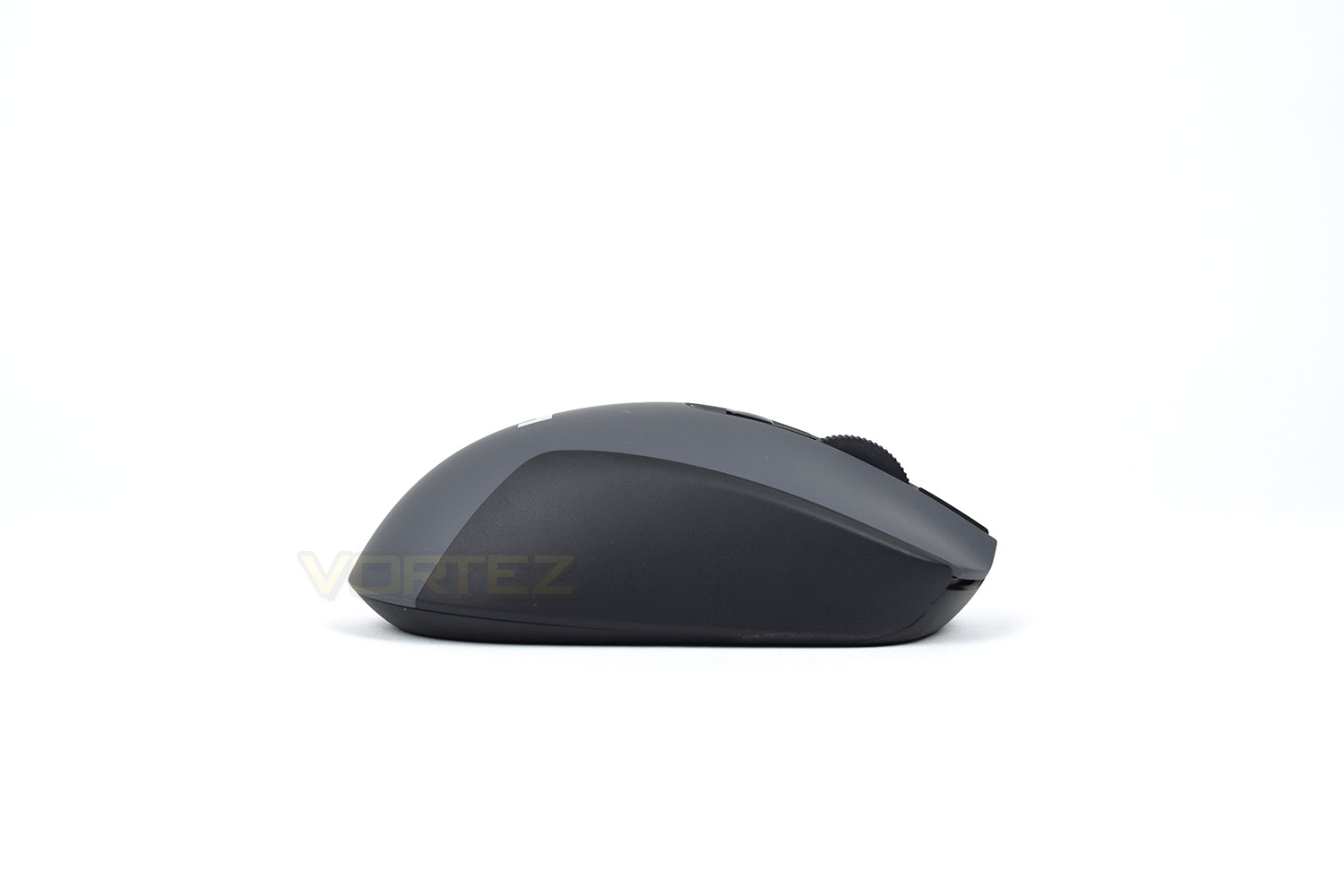
The right-hand-side leaves very little to be discussed apart from the flat surface on which your fingers can grip.
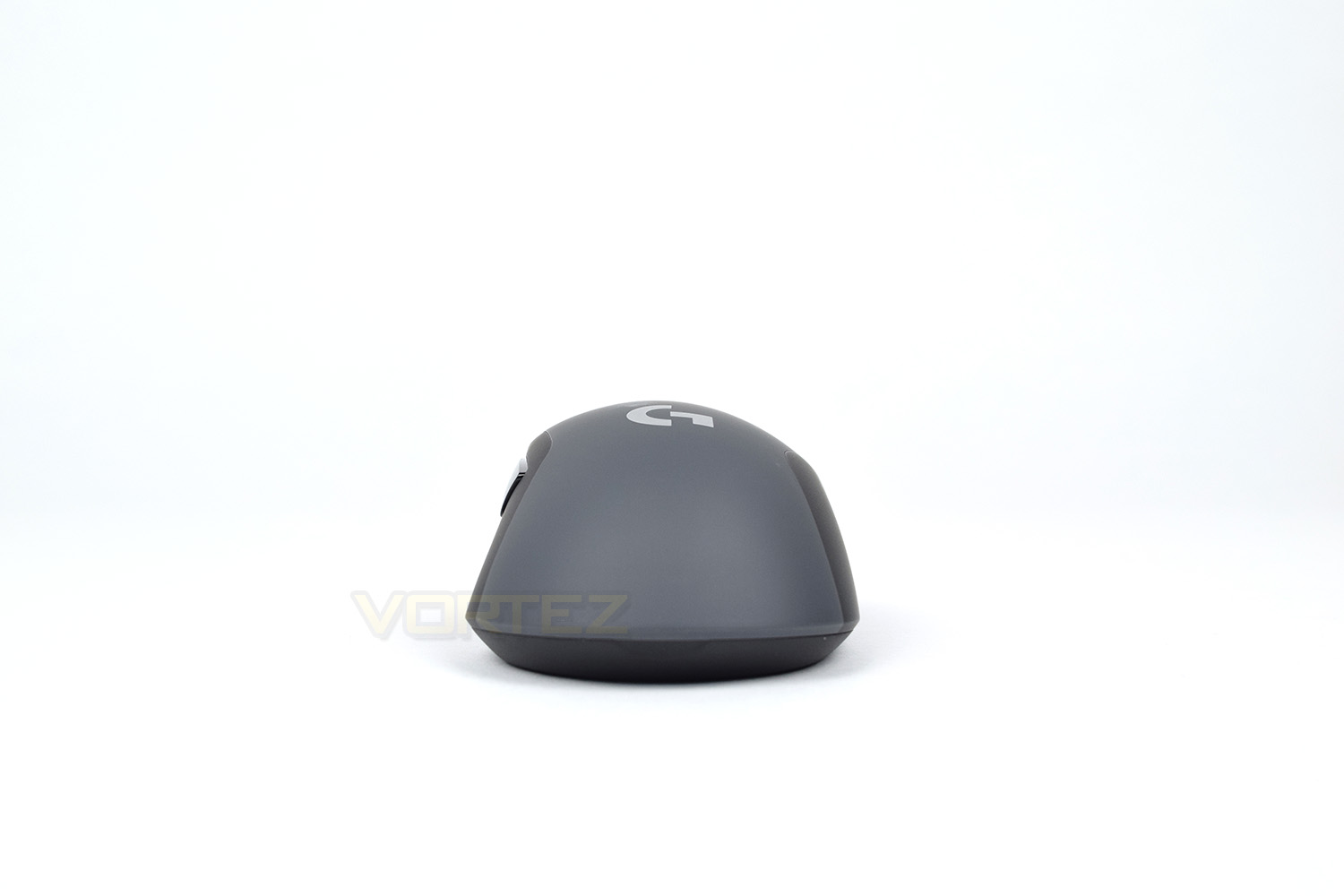
Looking at the mouse from the rear, that right-handed shape is shown off further, with the slight leaning over to the right.
Closer Look (Continued)
The G603 features a large, silver G on top of the shell, signifying Logitech’s gaming range of devices. Behind the scroll wheel is a DPI switch button, capable of storing up to 5 profiles. The small LED behind the button changes colour when cycling through the different profiles.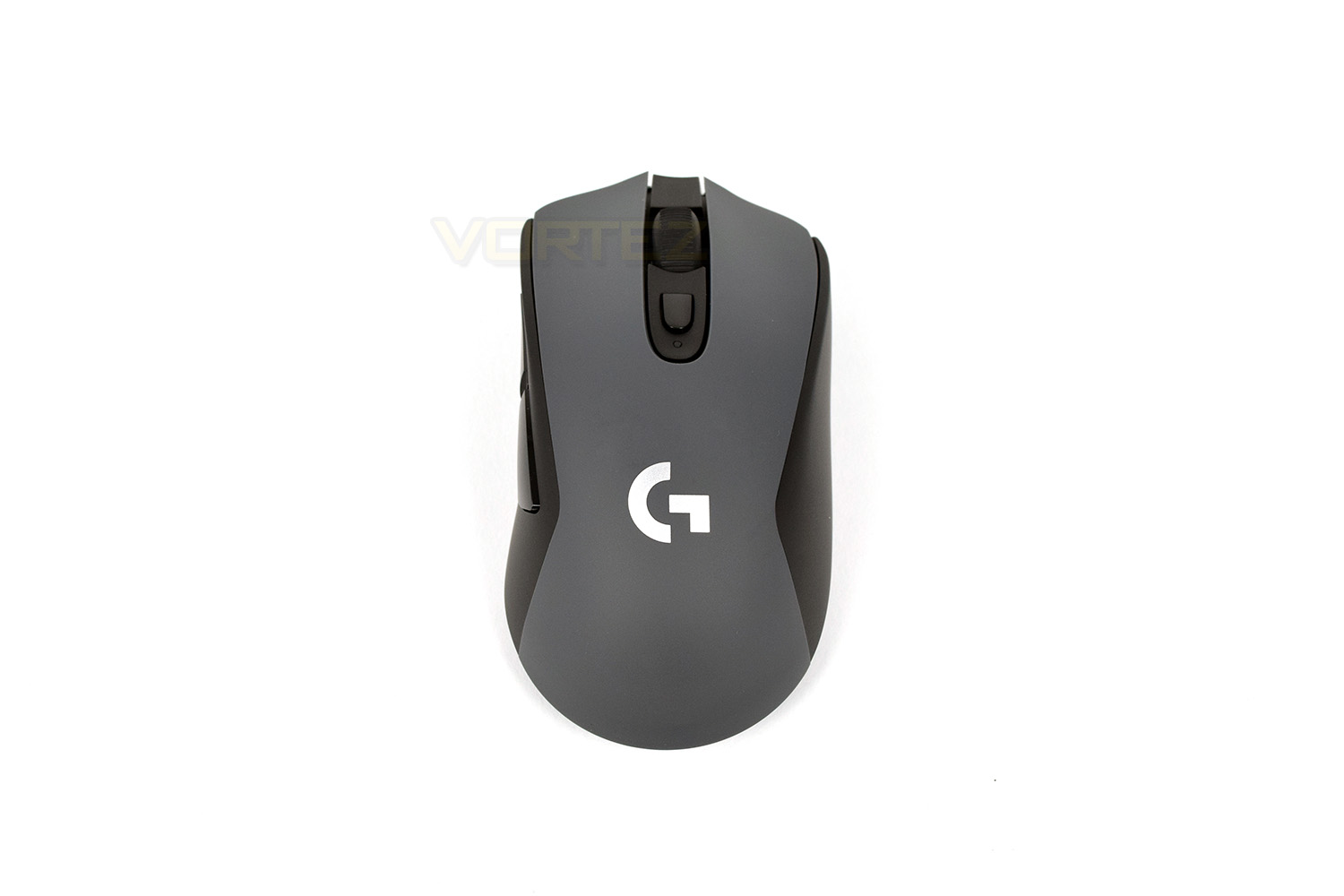
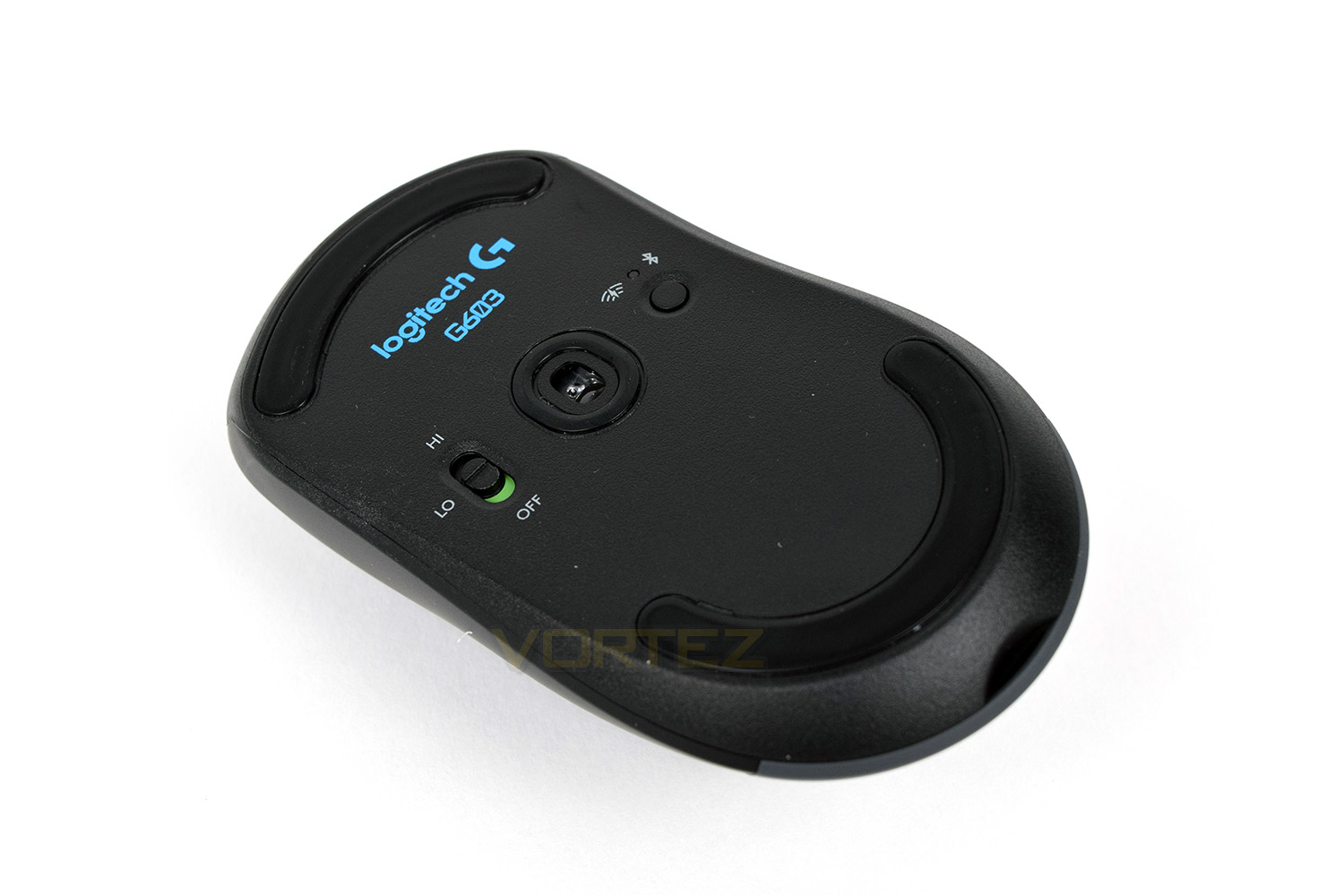
Underneath the mouse, the sensor is centred and slightly forwards, sealed by a small ring of PTFE material. The HI/LO/OFF switch toggles between the 8ms and 1ms response times, whereas the button on the other side of the sensor switches from Bluetooth to LIGHTSPEED connections.
The large circular pads, front and back, make sure the mouse glides well on any surface. Replacements are also available from Logitech for around £4.
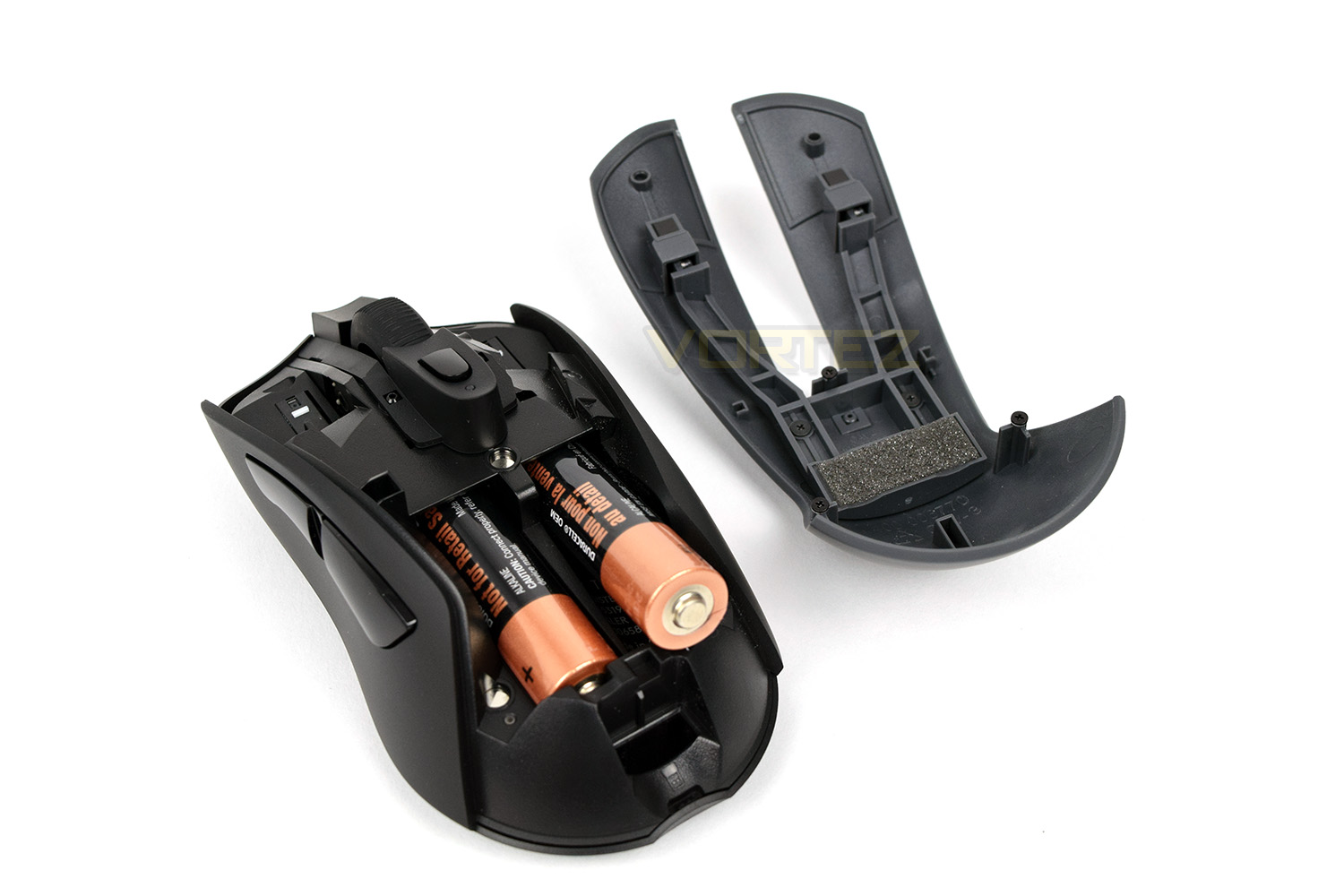
Removing the lid gives access to the internals, where you place batteries. Logitech have decided to allow the mouse to run on just one AA battery, giving you the choice of better battery life, or a lighter mouse; you can even choose which side you place the single battery to further customise the overall feel. Just behind those AA batteries is a tiny little groove, designed to hold the LIGHTSPEED USB receiver while transporting the mouse.
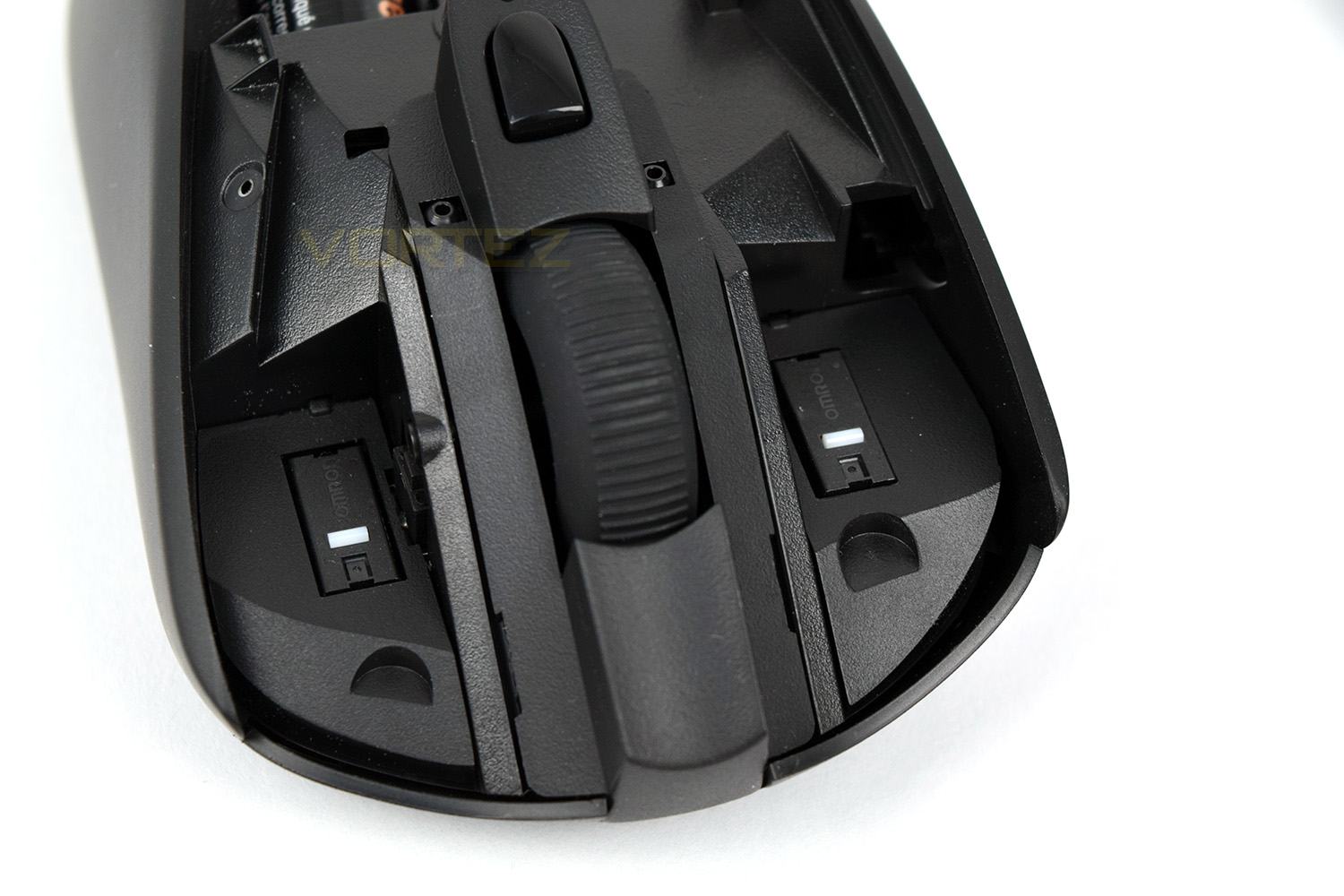
Under the right and left click are two OMRON switches, good for 20,000,000 actuations. OMRON are well known within the peripheral industry for their excellent performance and incredible reliability.
Software
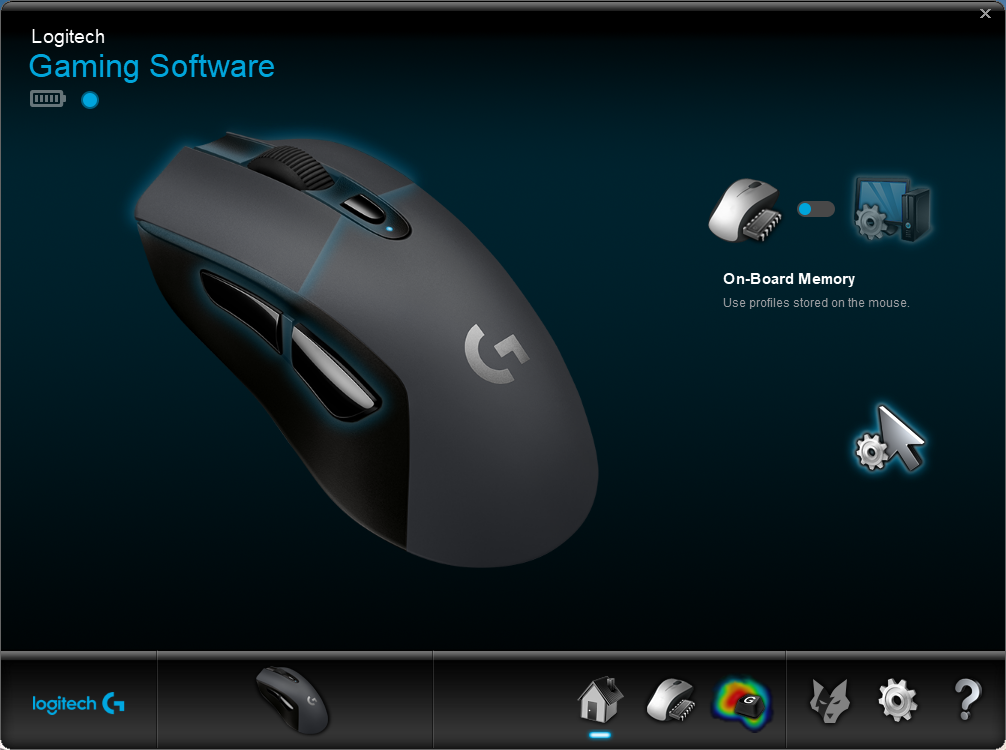
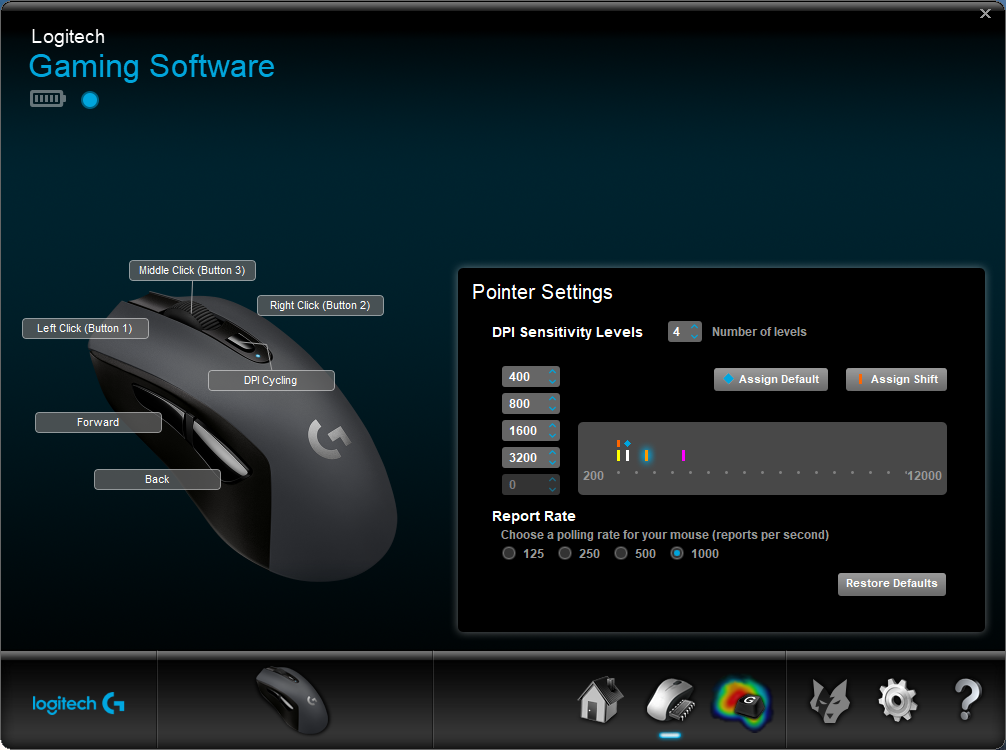
The G603 is perfectly usable without any kind of software suite, but if you wish to adjust the function of specific buttons, or change DPI settings away from the standard 400/800/1600/3200, the Logitech Gaming Software will be required.The initial splash page is used almost exclusively to swap between on-board memory, or profiles stored within the software. There’s also a battery indicator in the top left of the screen.
The second page is used to configure each of the buttons, if you wish to change their function. The options are plentiful, with the ability to assign keyboard keys or media functions. You can also adjust the DPI settings here, from 200 all the way through to 12,000.
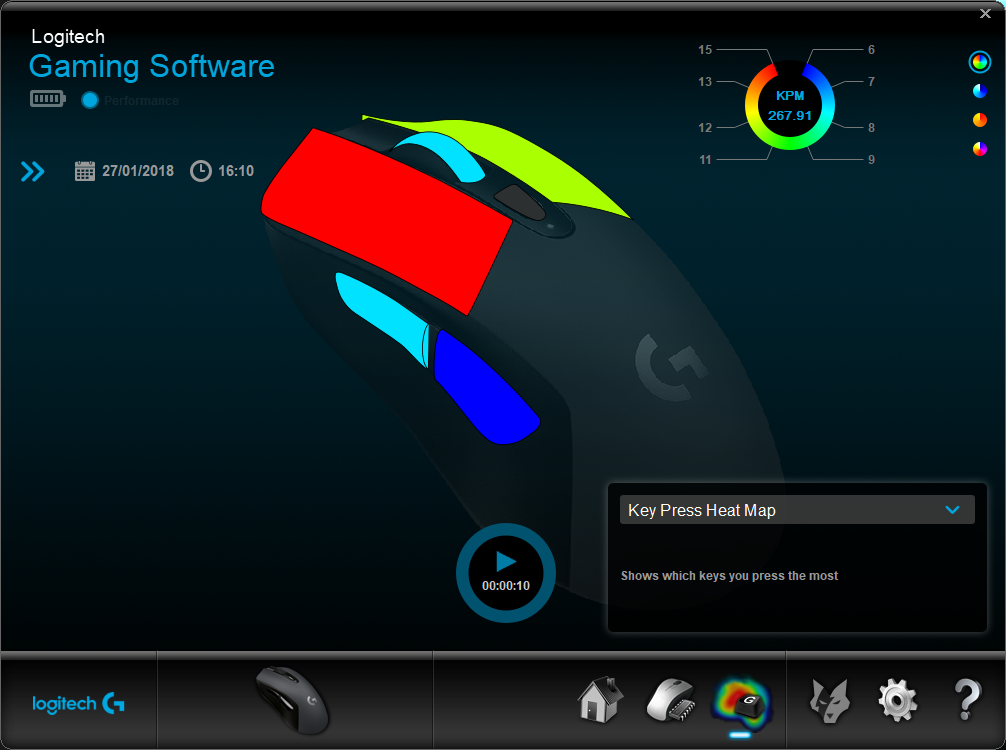
A heatmap is available on the 3rd page, giving you the ability to monitor which buttons are pressed most often.
Performance Testing
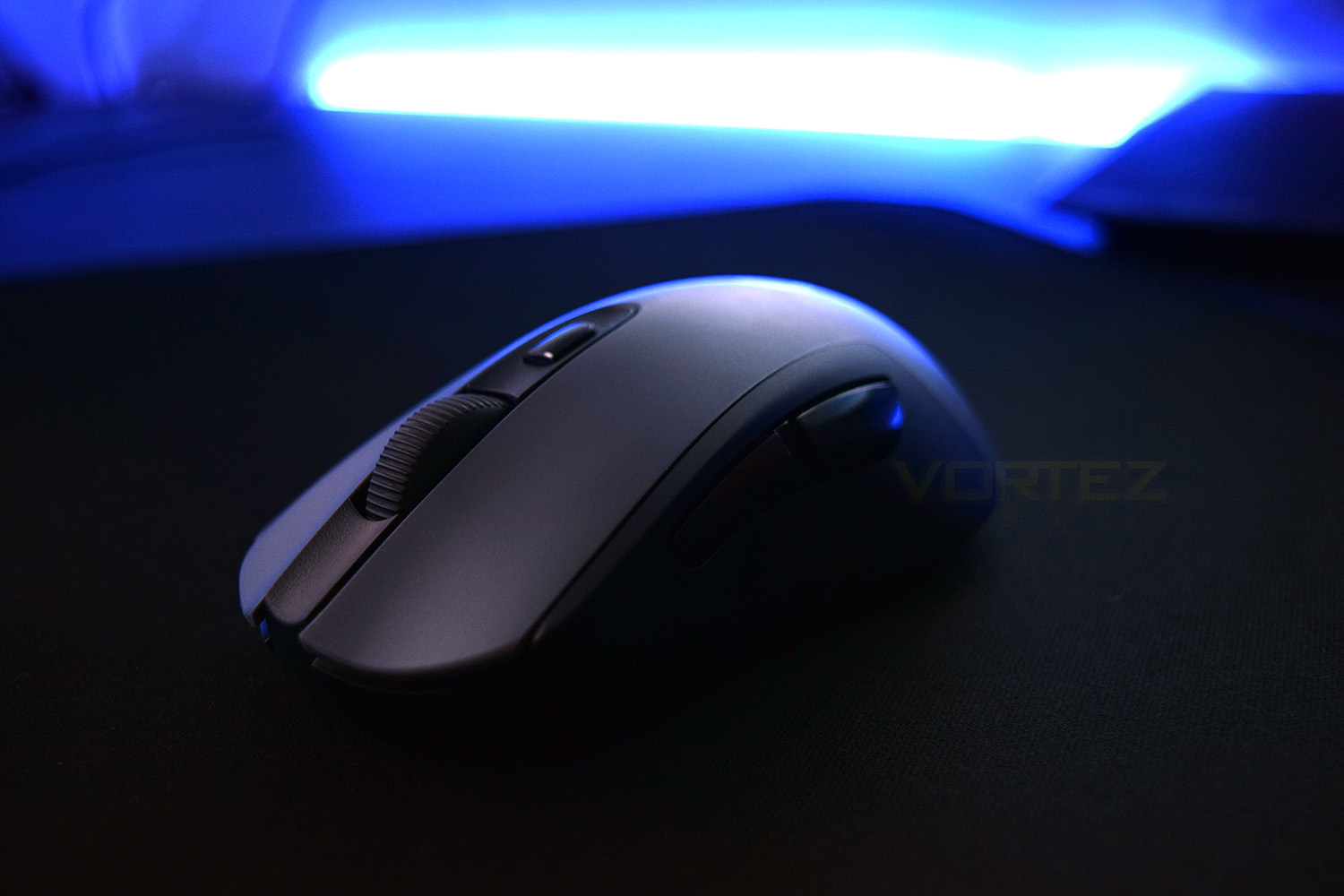
We kicked off our testing with some gaming, trying out Company of Heroes 2, Battlefield 1 and PLAYERUNKNOWN’S BATTLEGROUNDS, all of which felt perfectly playable. The 12,000 DPI sensor worked best between 1800 and 2600 DPI, giving accurate and repeatable results; it’s not the best gaming mouse we’ve ever used, but considering the energy efficiency and wireless flexibility, we were greatly impressed.Comfort is certainly a strong suit of the G603; the appearance may come across as bland, and maybe even boring, but the smooth plastic shell and flowing, curvy shape feels excellent in the hand. This should suit all grip styles reasonably well but is best suited towards a palm or claw grip. Positioning of the scroll wheel is good, while the thumb buttons are large and easy to locate quickly.
Perhaps the most impressive feature of the G603 is the wireless pliability. Featuring both Bluetooth and LIGHTSPEED, the device can be connected to Bluetooth laptops, mobile phones, tablets, almost anything with a Bluetooth connection, while also being completely usable with your main PC through the tiny LIGHTSPEED dongle. Turning the mouse over and pressing the button switches between the two connection standards, with connections already being made before the mouse comes back into contact with the tracking surface. Not forgetting, the G603 is also capable of switching, very quickly, between a 1ms (1000Hz) or 8ms (125Hz) response time, all in an effort to save battery life, when required.
As previously mentioned while initially looking at the mouse, Logitech have developed a power delivery system which can be configured to run on either one or two AA batteries with no performance hit for choosing a single battery. This gives the user the choice to use a much lighter mouse, with a typical AA battery weighing around 18g to 22g. You even get the choice of which side to place the battery.
Conclusion
Wireless mice are becoming more popular by the day, it seems, with almost every major peripherals manufacturer now offering a range of different wireless pointing devices. Logitech are undoubtedly a market leader in this sector, with their LIGHTSPEED connection technology and incredibly frugal devices prolonging battery life up to 18 months while maintaining good performance.The comfort of the mouse, despite the basic appearance, is awesome, with button placement being almost perfect and the OMRON switches only helping the overall feel. This provides an unobtrusive experience that feels natural to use.
Being able to choose between a LIGHTSPEED or Bluetooth connection, depending on the application at hand, is an incredibly useful feature, even allowing the G603 to be used with a Samsung Galaxy S7 smartphone. The switch from HI to LO performance is entirely painless and so easy to do if you use your PC for work and gaming, which is becoming ever more popular; of course, this relies on you remembering to switch the setting.
After around a week of testing, using the device everyday, for both business and pleasure, the Logitech G603 is deceptively impressive; so much so that we have no qualms about offering this device the Value and Premium awards. £69.99 for a mouse offering an accurate 12,000 DPI sensor, 1ms response times and also the ability to give up to 18 months of battery life is incredible. Bravo Logitech.
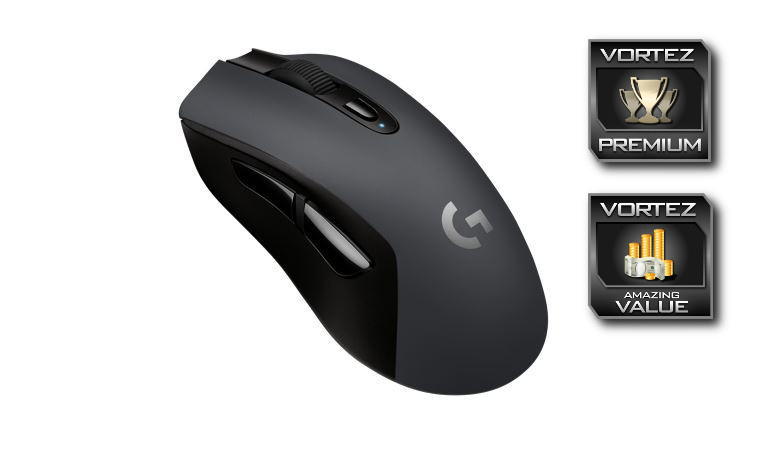
The Logitech G603 finally offers a viable bridge between wired performance and wireless freedom, without the need to charge your mouse every five minutes.
Pros
+ Excellent comfort
+ Amazing battery life
+ Accurate sensor performance
+ OMRON switches
+ Bluetooth or LIGHTSPEED connections
+ 1ms or 8ms response times
+ Tiny wireless dongle
+ Weight customisation
Cons
– No rechargeable battery
– Not compatible with Logitech PowerPlay Wireless Charging Pad
+ Excellent comfort
+ Amazing battery life
+ Accurate sensor performance
+ OMRON switches
+ Bluetooth or LIGHTSPEED connections
+ 1ms or 8ms response times
+ Tiny wireless dongle
+ Weight customisation
Cons
– No rechargeable battery
– Not compatible with Logitech PowerPlay Wireless Charging Pad
Click here for an explanation of our awards at Vortez.net.
Stay connected with the Vortez Social Media pages: