If we said you never had to charge your wireless mouse again, would you listen? Logitech have come up with a solution but there’s quite a price to pay.

Product on Review: Logitech PowerPlay
Manufacturer: Logitech
Street Price: £109.99 / $109.99
Wireless gaming mice have become more common in the last few years, with 1000Hz polling rates, incredibly accurate sensors and even multi-zone RGB lighting, but battery technology has unfortunately stagnated, resulting in operating times on some devices being less than 20 hours, meaning the chance of having to charge the device after every session.
Thankfully, Logitech have engineered a way around the age old issue; wireless charging beneath the mouse surface. The mouse picks up an electromagnetic field generated a few millimetres above the surface, which the G903 or G703 transfers into electrical energy to charge the batteries.
We’ve been provided the Logitech G903 and a PowerPlay mousemat for testing, but at £110 MSRP, there’s certainly a hefty price to pay to go completely wireless.
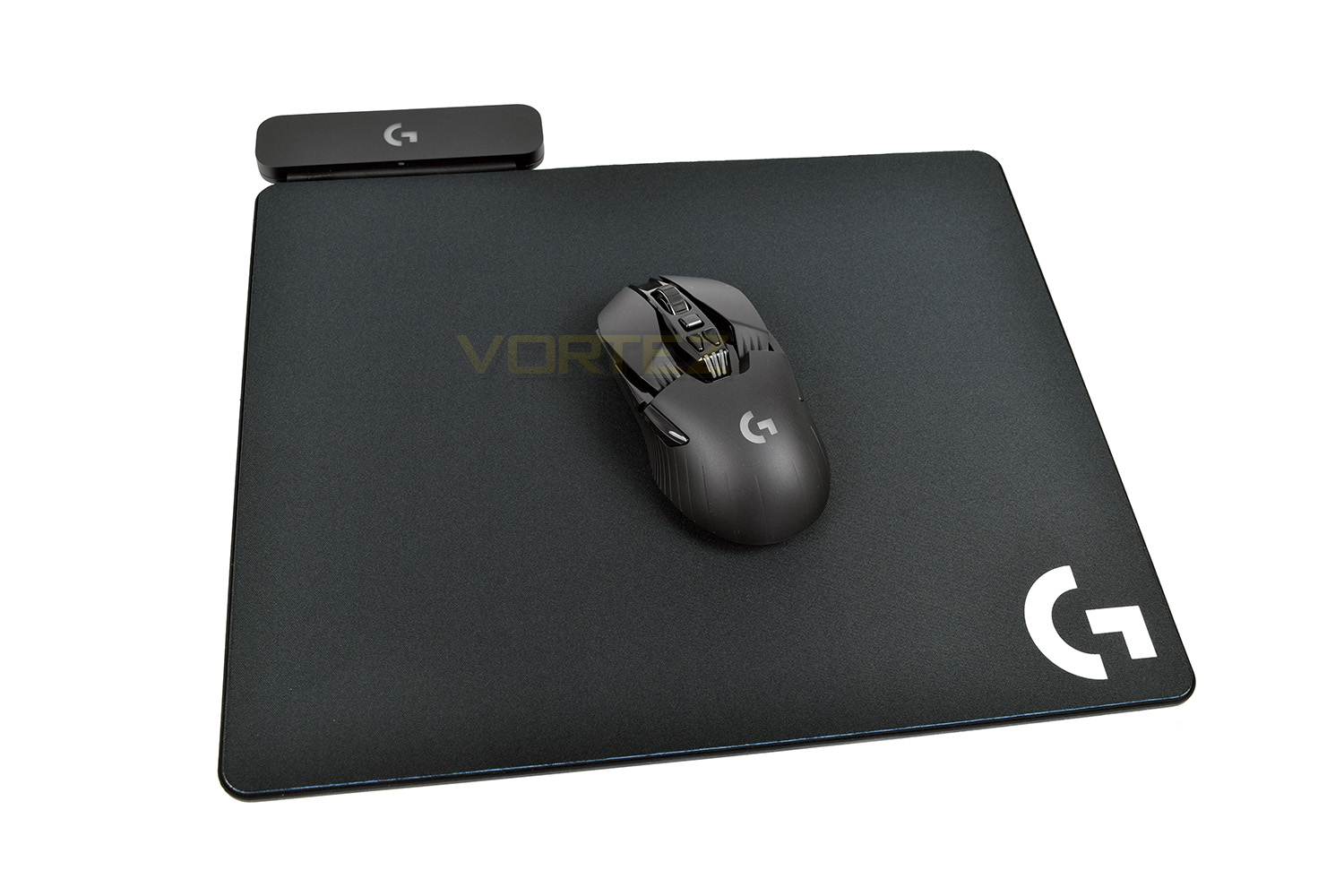
Logitech on the PowerPlay:
With POWERPLAY™ and LIGHTSPEED™ technology, Logitech G has solved the barriers to high performance wireless gaming. Input lag, wireless disconnects, and dead batteries are now a thing of the past. Welcome to the future of wireless PC gaming, achieved through advanced science and unrivaled engineering.
Technical Specifications
Packaging & Bundle
The Logitech PowerPlay, despite being a mousemat, arrives in a large, flat box. Most mats are obviously flexible by their very nature, but due to the wireless charging ability, this must not be bent or folded. The front of the packaging provides some basic information and a dramatized illustration of the Logitech G903 mouse charging.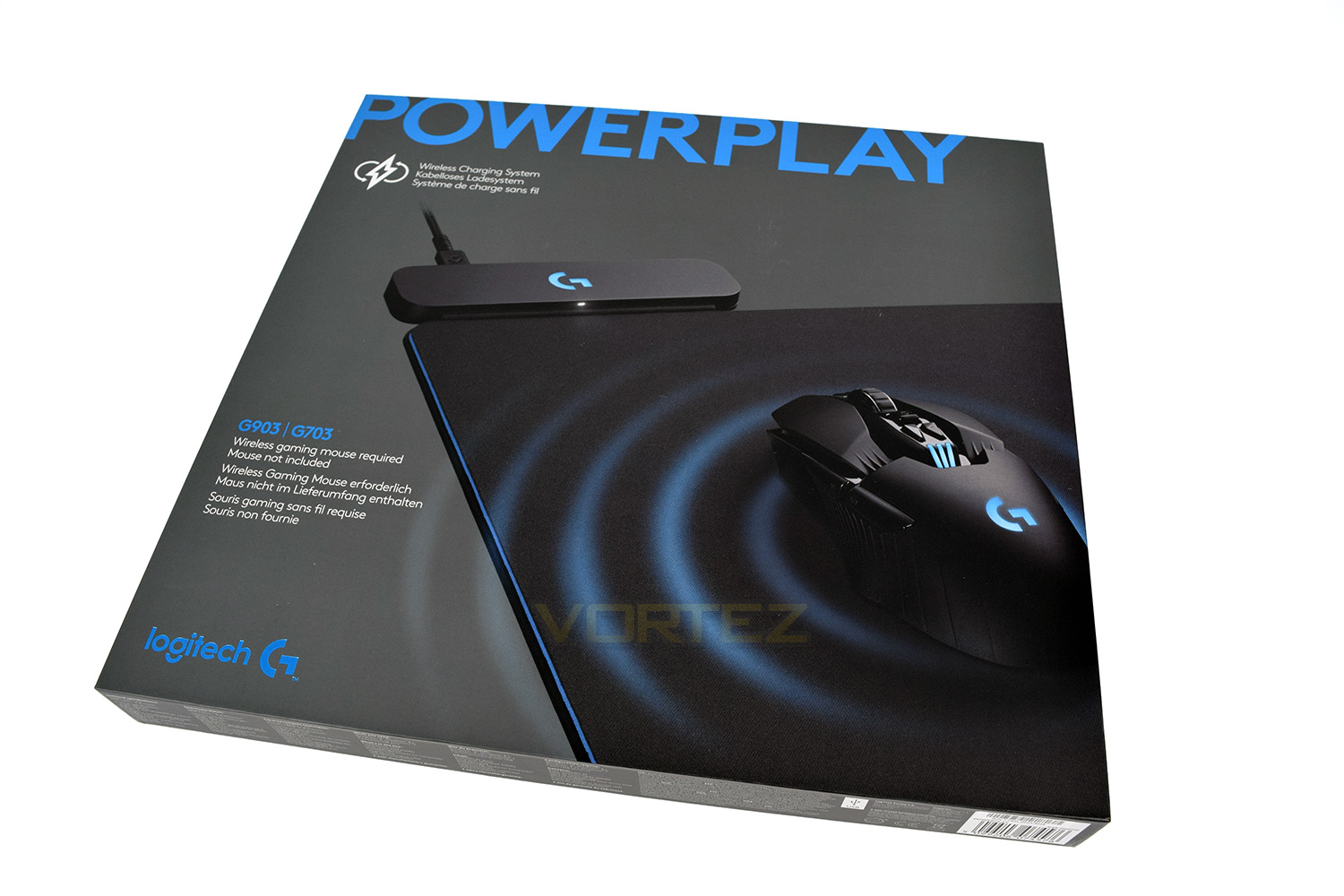
The flipside of the box gives a great deal more information pertaining to almost every function and feature of the mousemat.
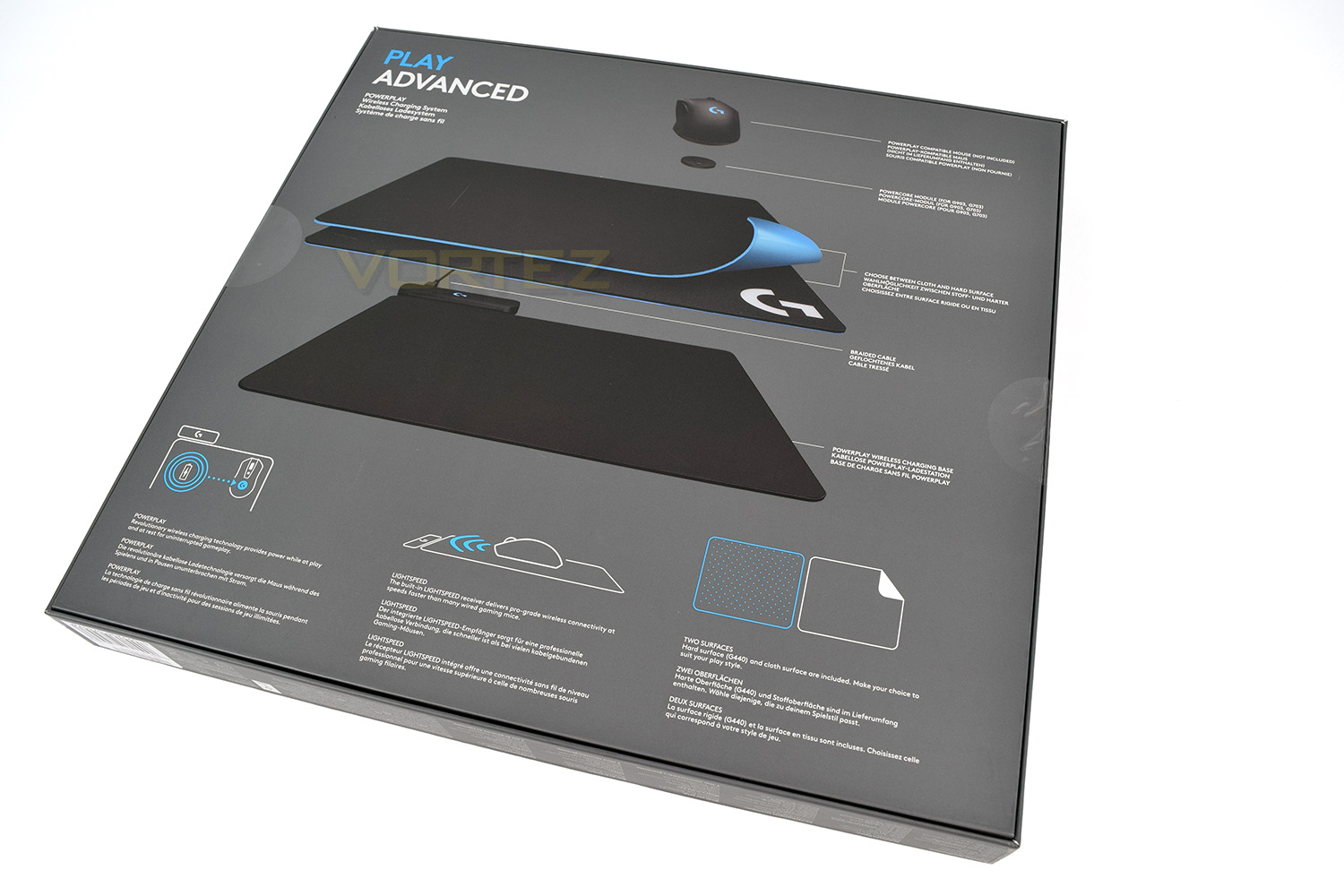
Opening up the packet, the base and the pair of mouse surfaces are located at the top, each in their separate cellophane wrapper.
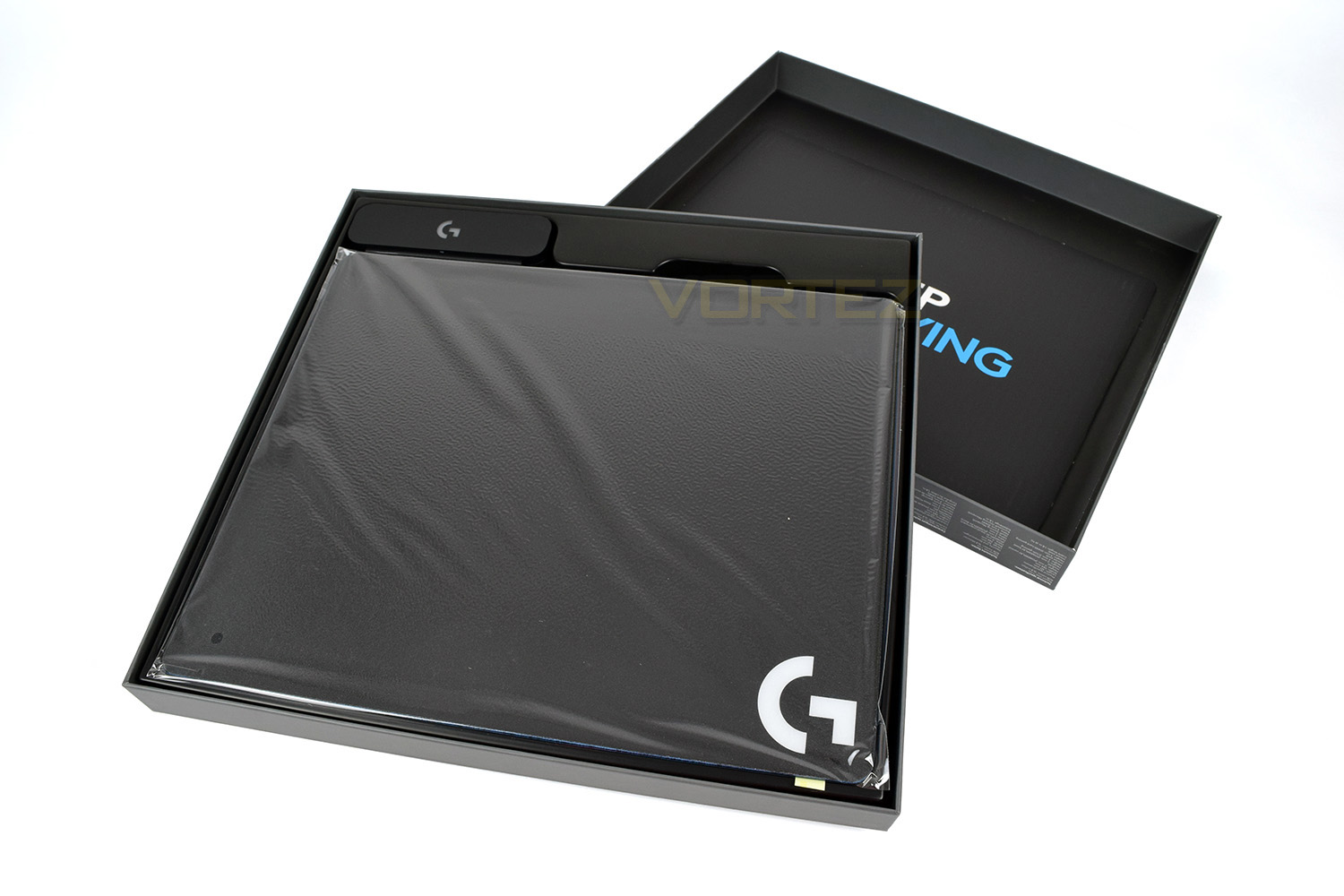
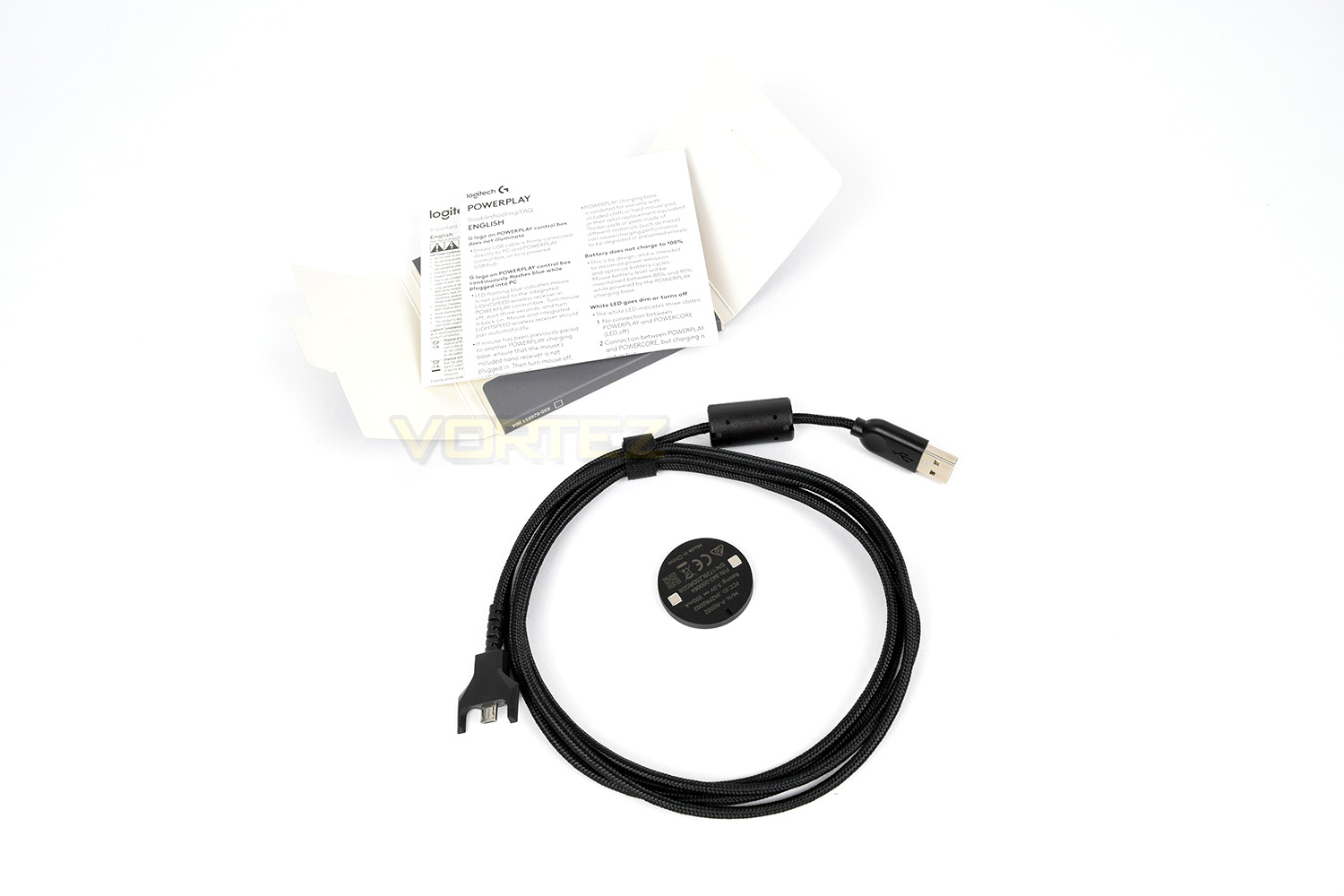
Under the mat is a card containing instructions on how to set up your device to be PowerPlay enabled, as well as the included USB cable and charging puck. There’s also some literature to read through if you wish.
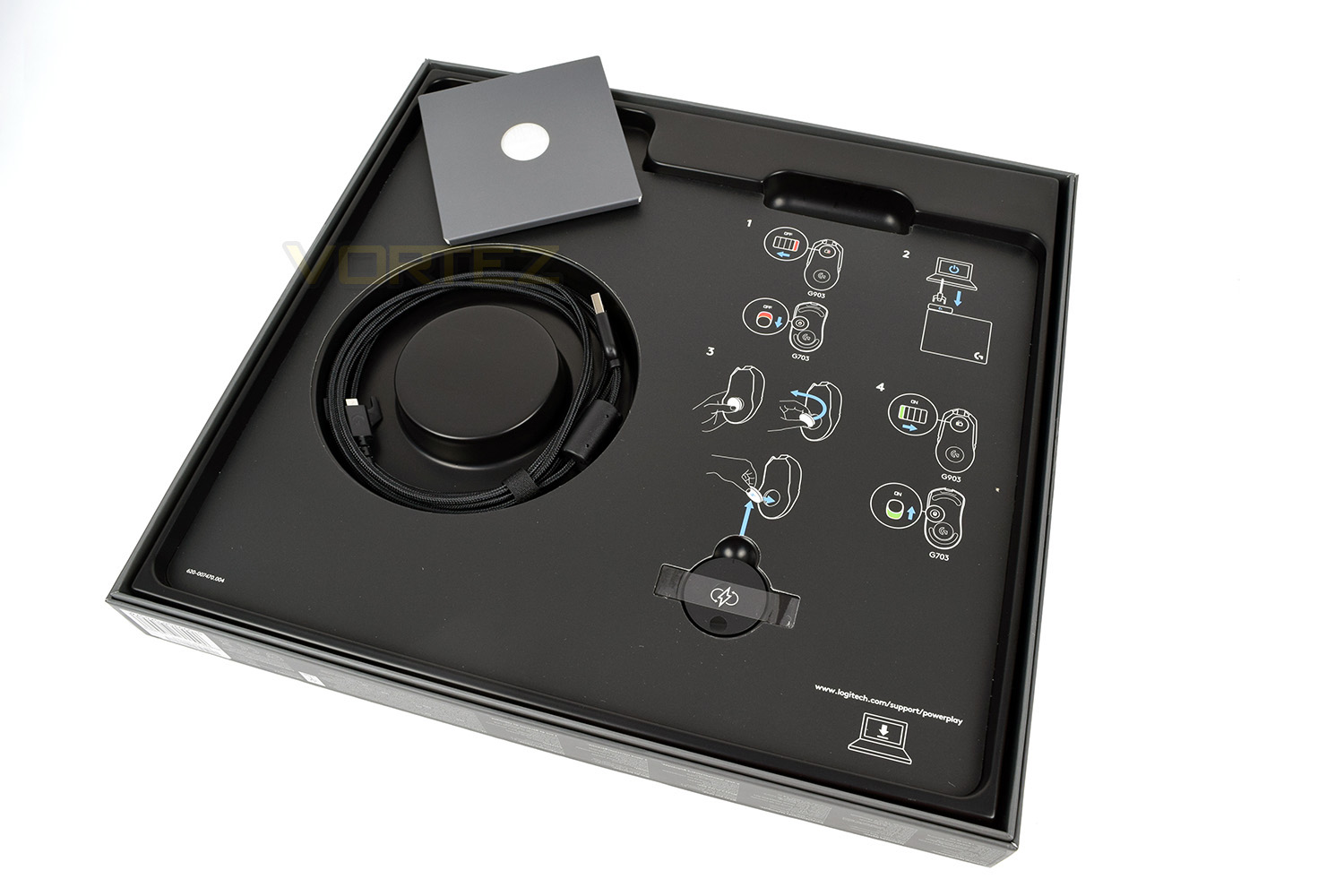
The included USB cable is largely the same as the one included with the G703 or G903, however the choke just behind the USB header is much larger on this cable so please use the provided cable with the PowerPlay mousemat.
Closer Look
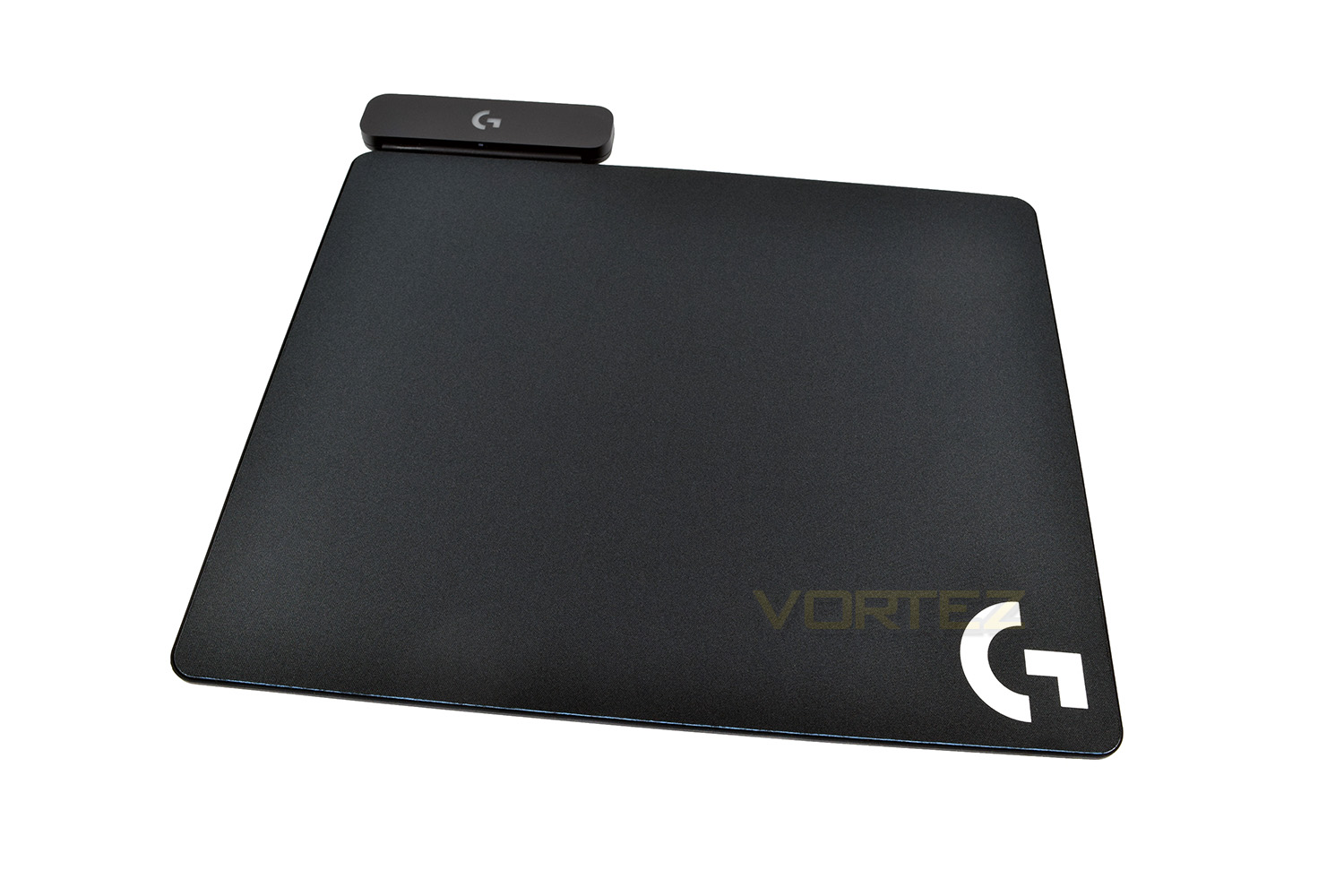
Provided as standard are a pair of surfaces, to cater to your preference. The left surface is a finely woven cloth and the right is a hard plastic with decreased friction.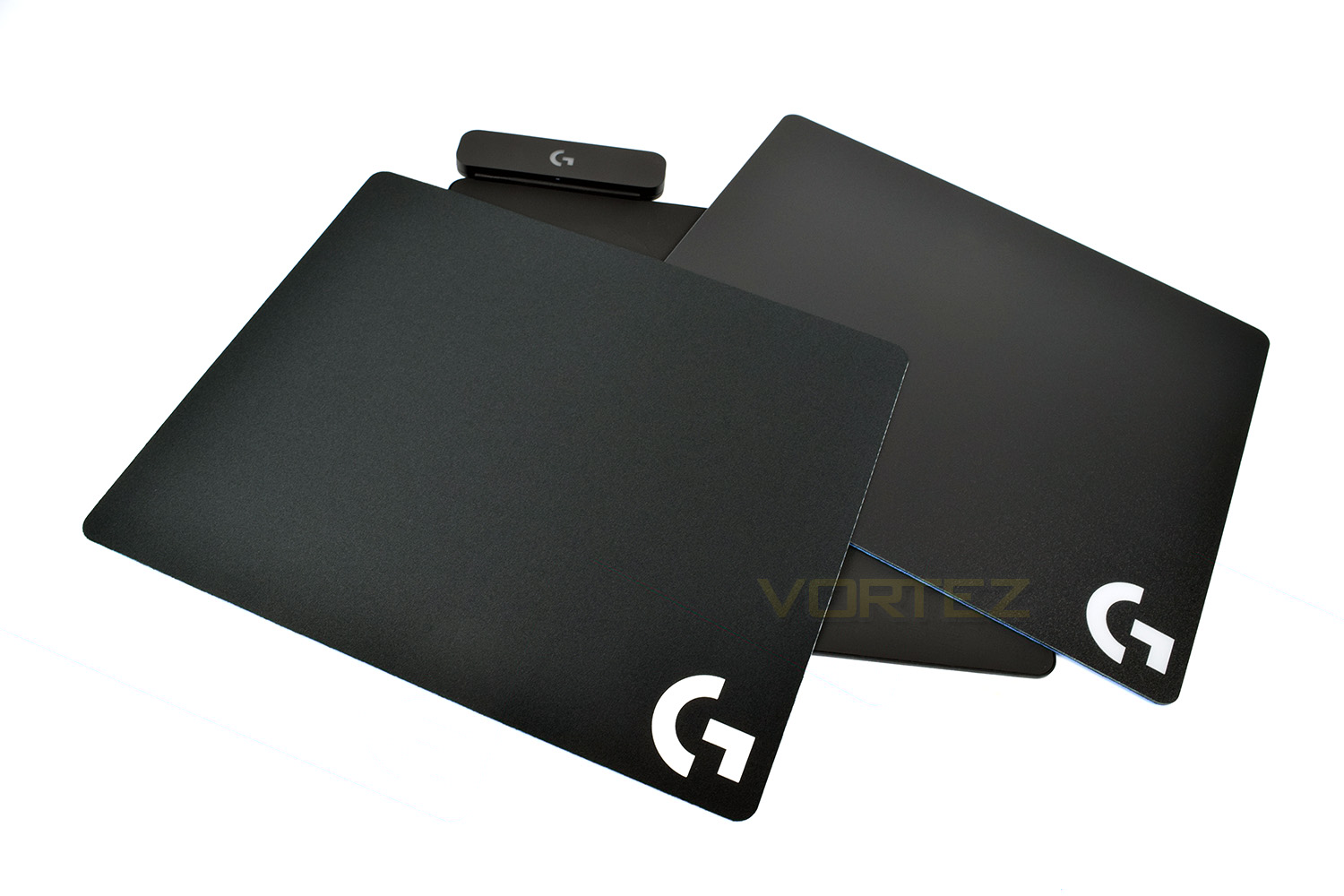
The mousemat behaves just like another other mat on the market, it gives your mouse a uniform, flat surface to read from, providing consistent performance, however, with the PowerPlay, we also get the added bonus of RGB lighting on the module to the top-left and wireless charging.
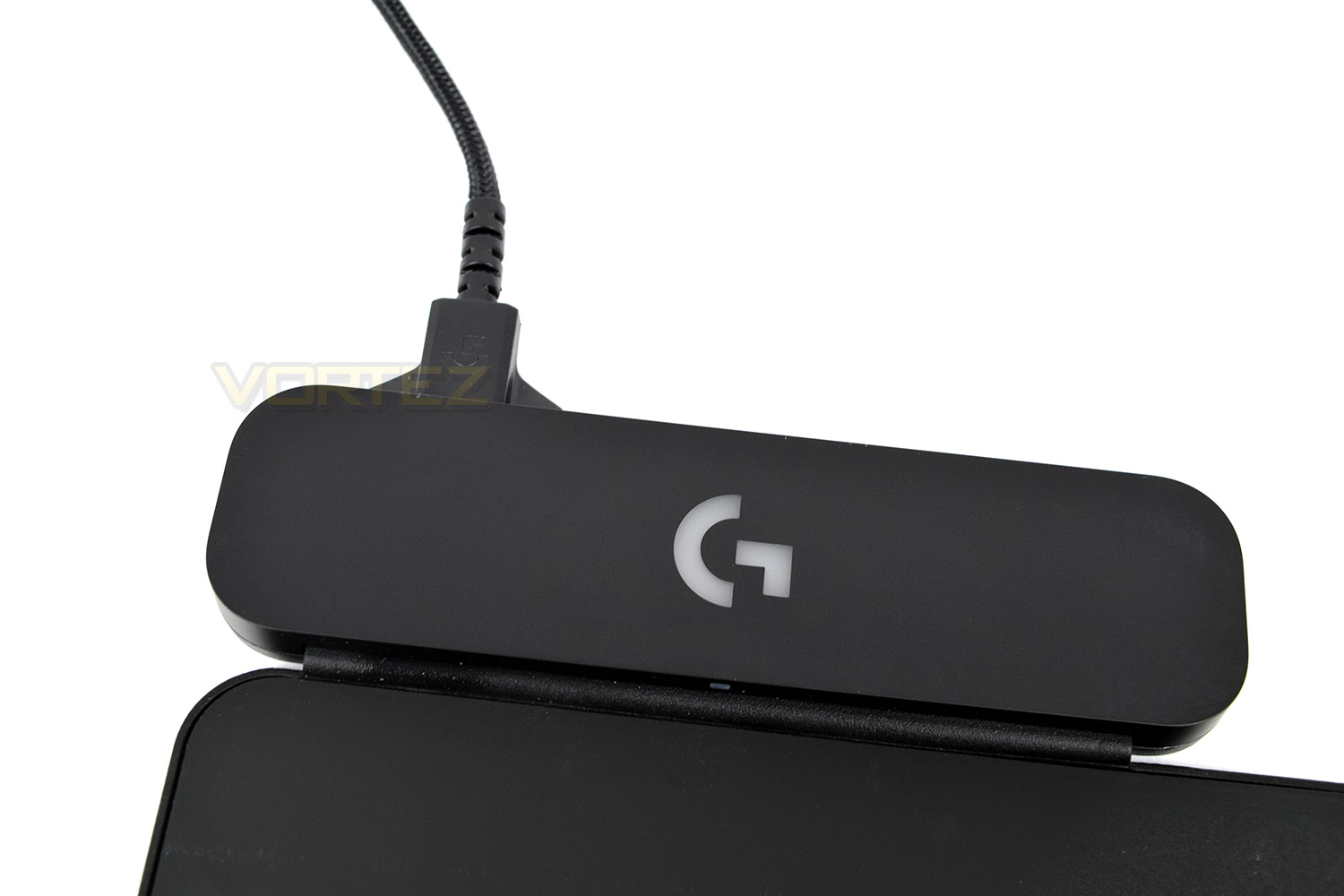
The module itself acts as a hub for the USB cable to plug into, illuminates with bright RGB lighting and also allows communication with the mouse itself through Logitech’s LIGHTSPEED connection, further saving another USB port. The RGB lighting can by synced with the Logitech G703 and G903 gaming mice for added effect.
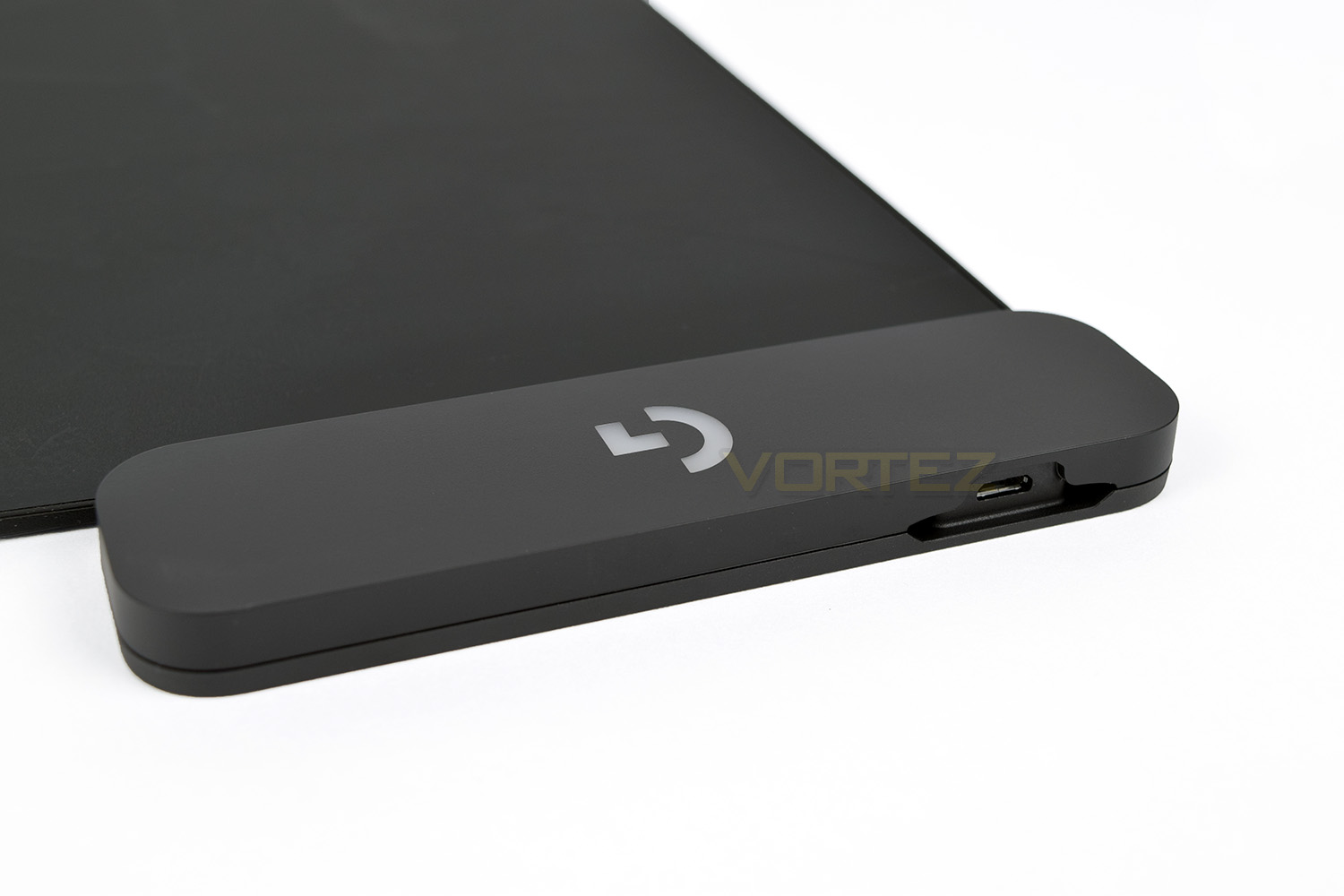
Having the LIGHTSPEED hub so close to the mouse minimises the risk of any interference and provides a solid point which would be incredibly difficult to move.
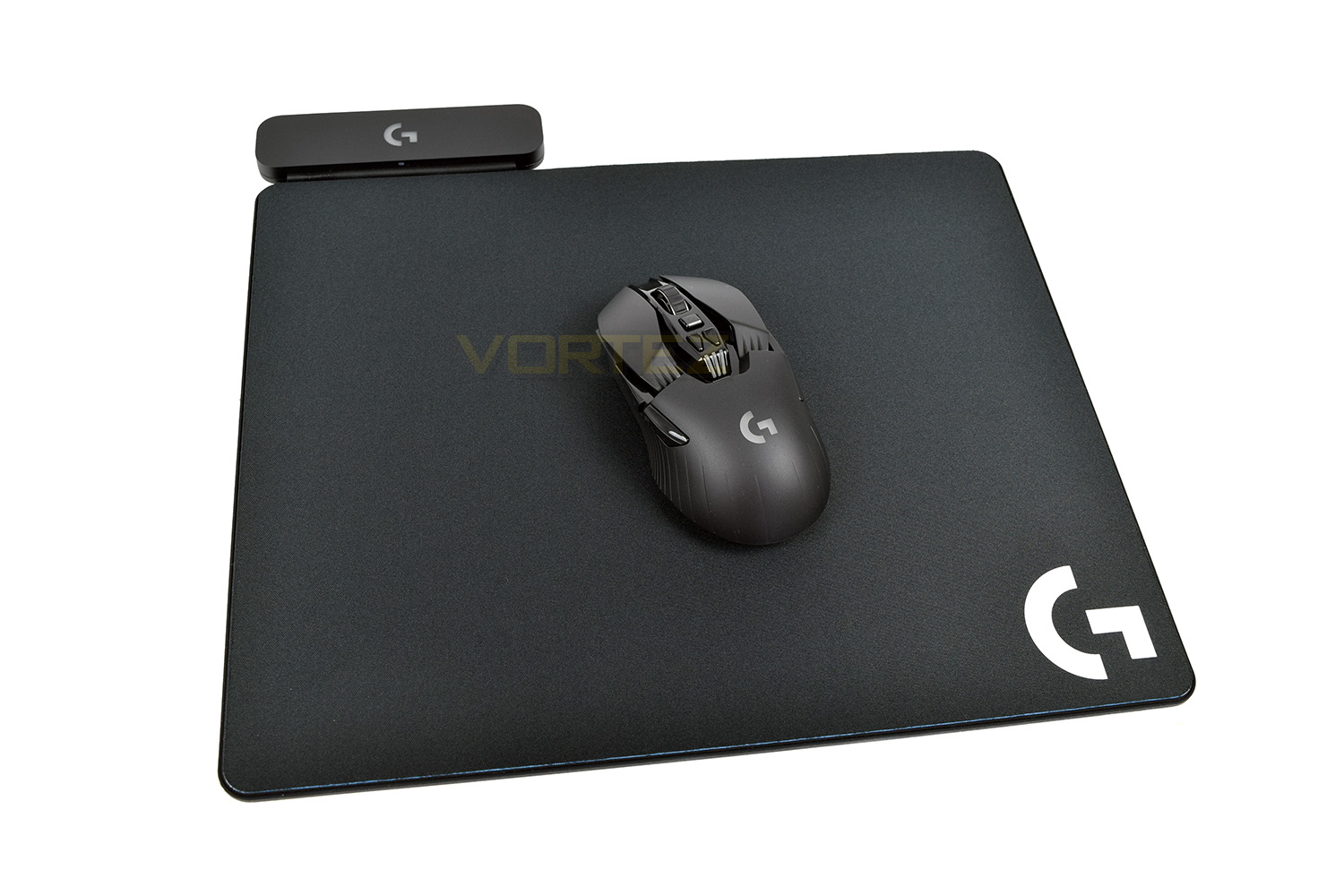
Overall, we’re a fan of the styling. There’s not much to like or dislike, in all honesty, but it should suit most desktop setups.
Software
Software isn’t strictly required for the PowerPlay mat to function, though it’s pretty much a necessity for the G903 or G703 gaming mice, which both use the same software suite.Ignoring the presence of a connected mouse for now, we’ll focus purely on the mousemat specific settings.
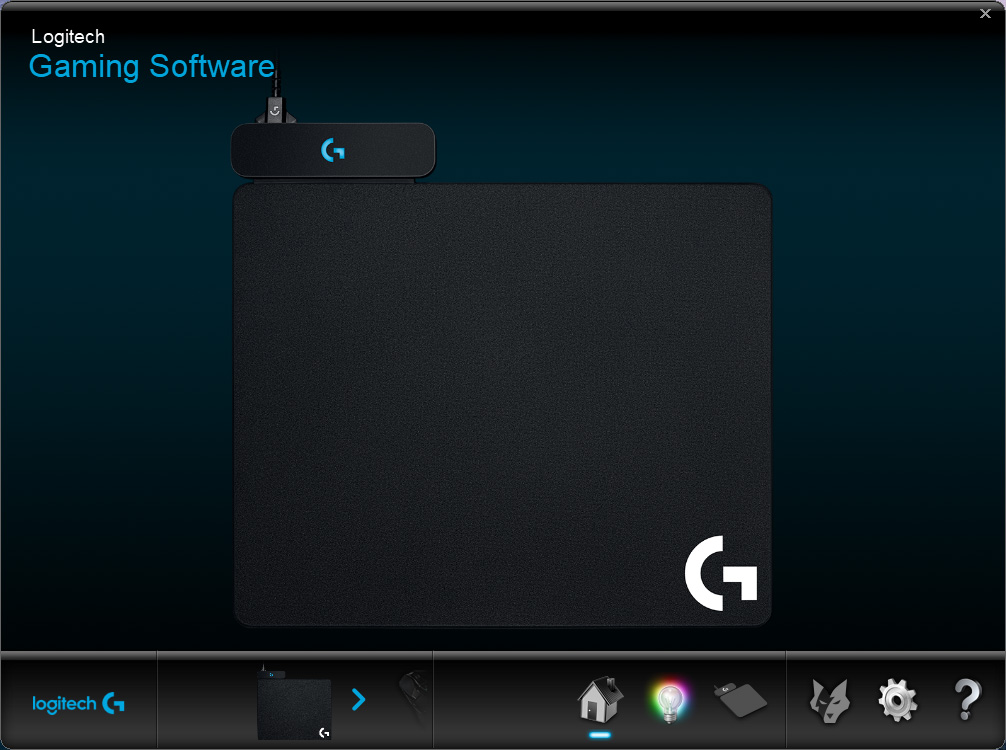
Opening the software, the home page gives a photograph of the device and that’s it. We’re not entirely sure what this page is for, other than continuity from other devices.
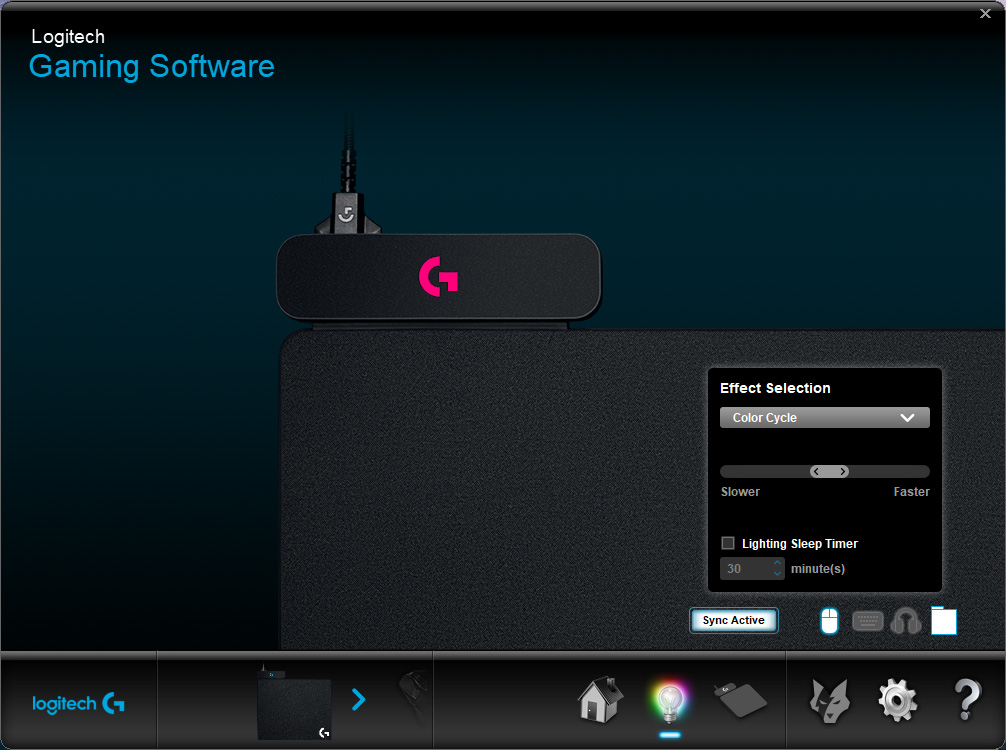
The 2nd tab allows you to control the RGB lighting on the hub section of the device. This can be synced to any other RGB Logitech products you might own, as well as the G903 or G703.
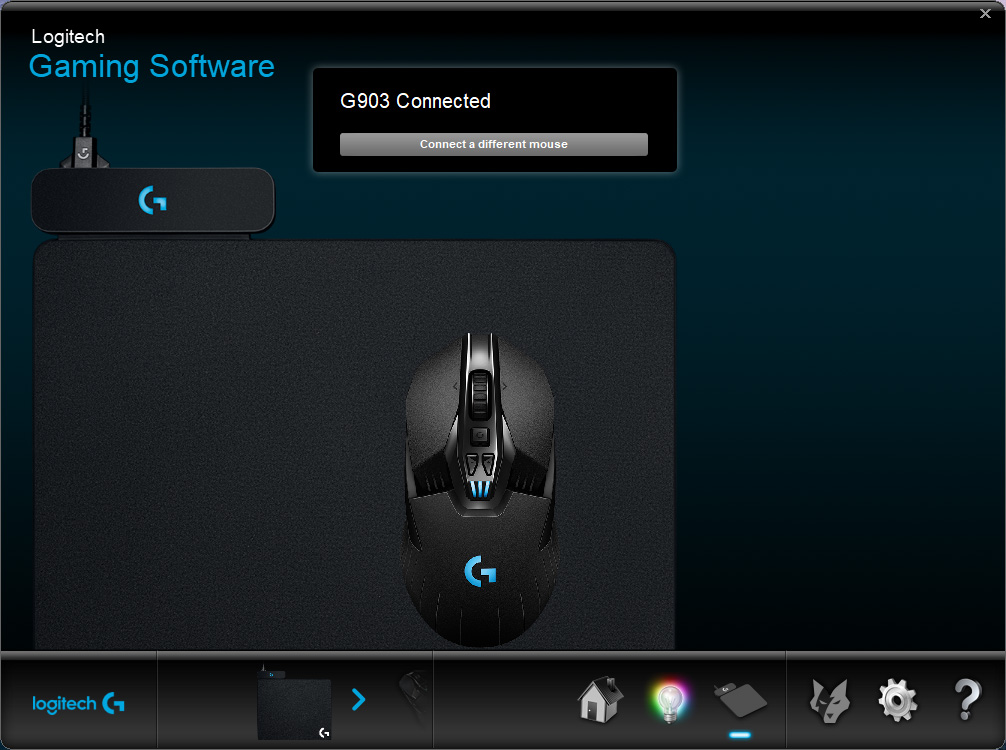
The third section is for connecting and disconnecting devices from the LIGHTSPEED hub, if you happen to have more than one PowerPlay compatible device. We imagine Logitech will add this functionality to more of its peripherals in the future.
Performance Testing
Having now used the Logitech PowerPlay for roughly three weeks, and with the Logitech G603, G703 and G903, we feel confident in saying that, even as a basic mousemat, it performs exactly as advertised. Our fear was that some compromise might be made to the fundamental operation to incorporate the wireless charging. The option of a cloth or hard plastic surface is pretty much essential, in our eyes, allowing the user to try both and choose which they prefer. Both surfaces feature an incredibly sticky blue rubber coating on the underside; we attempted to move this with absolutely no joy, whatsoever. It will never budge under normal, real world conditions, we’re convinced of that.To use the PowerPlay mousemat, you must first replace the optional 10g weight, located on the underside of the mouse, with a small “puck” like piece, which converts the electromagnetic energy into electrical power for the battery. Once that’s replaced, you’re all set to go. No settings on the mouse need to be adjusted.
The RGB lighting is another area we particularly liked. The G can be configured to a single colour, or synced to cycle through colours with the G703 or G903. The LED is bright and vivid with a clearly drawn outline. One odd choice by Logitech, however, is the inability of actually turning the RGB lighting off, we don’t feel this should be forced upon you; some users prefer a desk space entirely free of any kind of distraction.
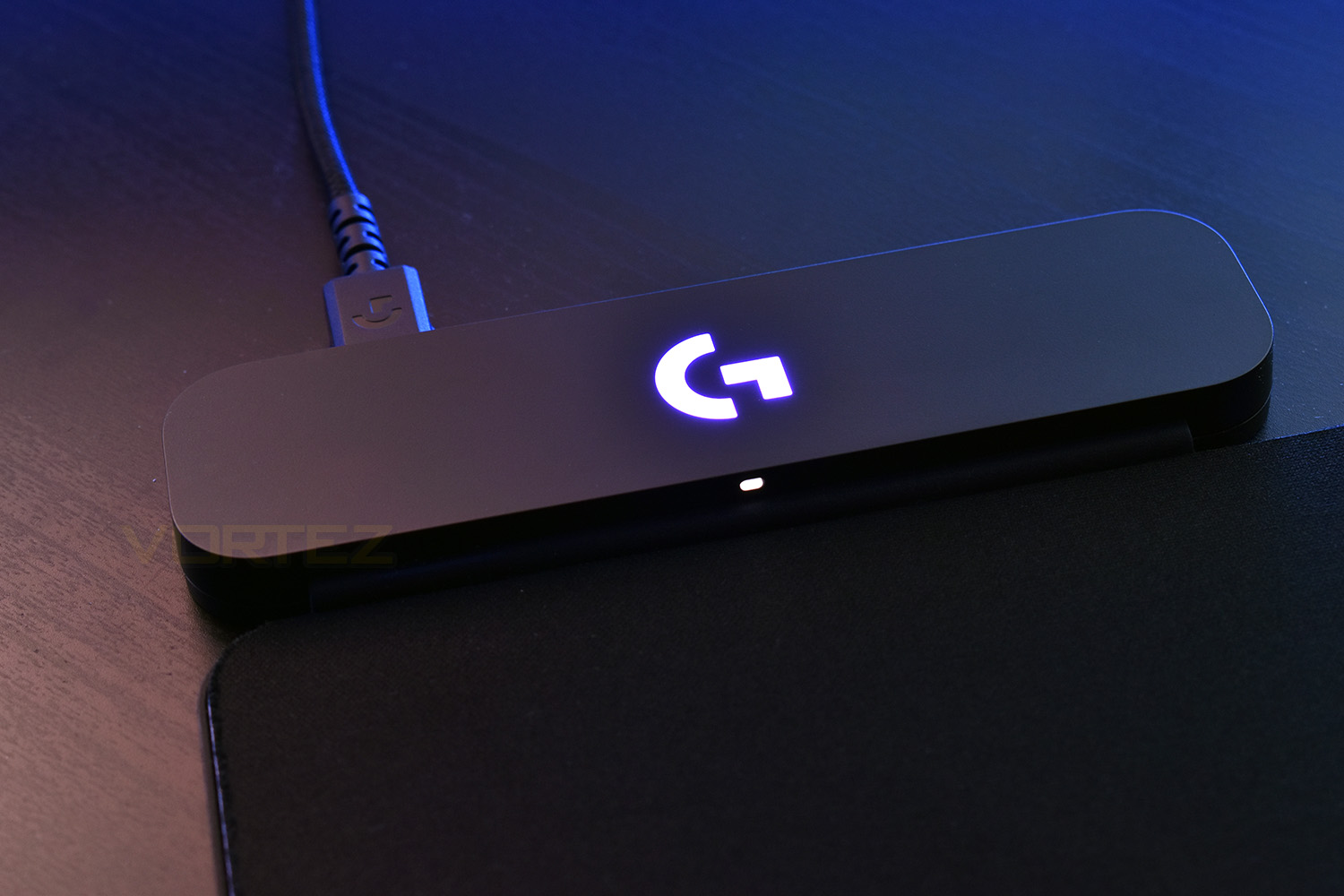
Built into the hub, at the top left, is the LIGHTSPEED wireless connectivity. This makes the nano receiver with the G703 and G903 completely redundant. Not only does this then pass the wireless charging power but also all of the LIGHTSPEED data through the same USB port, saving vital USB connections on your PC, while also decreasing the distance between the mouse and the receiver.
After a small amount of time, you become completely unaware that your mouse is even wireless. The convenience of not needing to remember to charge the device or even think about battery life is more than worth it for us. Gone are the days of it cutting out mid-game and frantically searching for the cable underneath piles of crisp packets or stacks of paperwork. That being said, if you planned to use the device to charge your mouse, you would be waiting a long time. Using the cable, the G703 and G903 both charged within a couple of hours, from empty, whereas with the PowerPlay pad, we waited around 12 hours. Also note, the PowerPlay mousemat will never charge the device all the way to 100%, in order to prevent premature battery degradation and to optimise battery cycles.
Conclusion
Overall, we’re incredibly impressed by the Logitech PowerPlay mousemat. The RGB lighting is crisp, the wireless performance is impeccable, much like we’ve come to expect from Logitech’s LIGHTSPEED connections, and the charging is so unbelievably convenient.Looking back 5 or 10 years, wireless was in a very early stage, being used to some extent by games consoles such as the PlayStation 3 and Xbox 360, where the perceived lag wasn’t as noticeable and wires were becoming much more of a hindrance; now we’re seeing virtual 7.1 wireless headsets, wireless keyboards and wireless mice with zero latency issues; the only problem lies in having to charge the product on a regular basis.
PowerPlay is the next big step towards Logitech’s overall goal of a 100% wireless peripheral lineup, finally getting towards that tipping point which pushes many dedicated wired mice users into a wire free Utopia.
Despite everything we’ve said, our only main concern is the price. £110 MSRP is an incredible precedent to set – the technology is brand new, and it works flawlessly, but when you include the price of a G903 into that, you’re approaching £260. Of course, some deals are available, and we’ve seen “bundles” as low as £180, but even at that, we struggle to recommend it to all but the most dedicated. Perhaps hang on for a couple of years, let the technology mature and the price drop somewhat, then jump aboard; we’re certain this implementation of wireless is here, and here to stay!
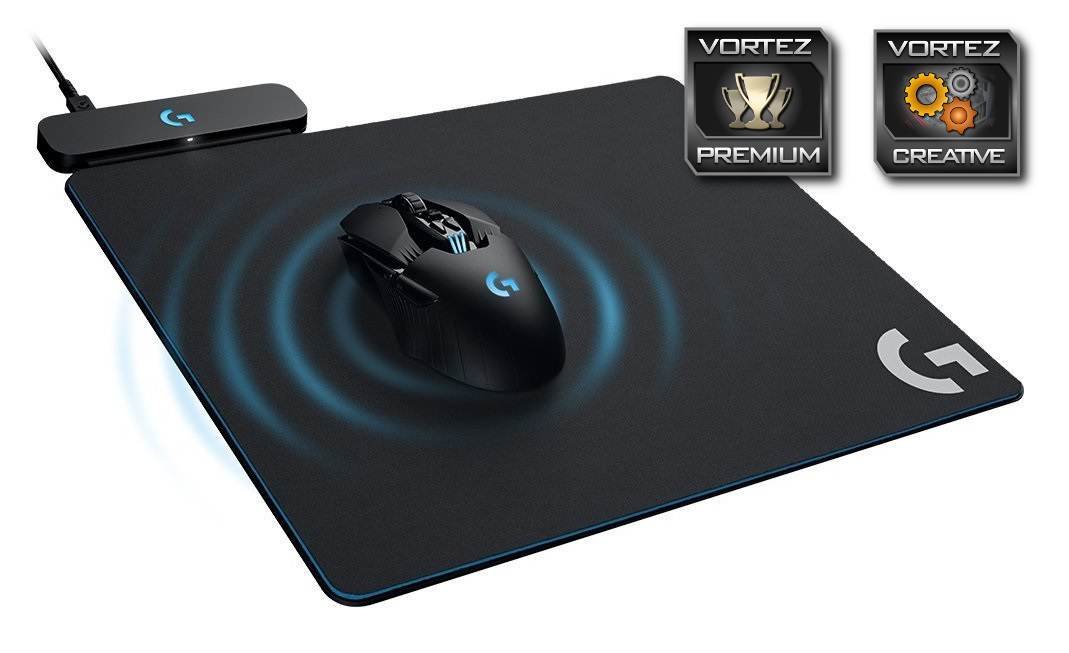
PowerPlay is the final piece in the wireless gaming mouse puzzle, removing the annoyance of charging the device while retaining the beautiful freedom of a wireless device.
Pros
+ Glorious freedom from wires
+ Looks great
+ Will suit most desktop workspaces
+ RGB lighting is crisp and vivid
+ LIGHTSPEED wireless works flawlessly
+ Choice of hard plastic or cloth surfaces (both included)
+ Easy to implement into the G703 and G903
Cons
– Price
– Cannot turn off RGB lighting
– Only currently compatible with two devices
+ Glorious freedom from wires
+ Looks great
+ Will suit most desktop workspaces
+ RGB lighting is crisp and vivid
+ LIGHTSPEED wireless works flawlessly
+ Choice of hard plastic or cloth surfaces (both included)
+ Easy to implement into the G703 and G903
Cons
– Price
– Cannot turn off RGB lighting
– Only currently compatible with two devices
Click here for an explanation of our awards at Vortez.net.
Stay connected with the Vortez Social Media pages:
Join in with the discussions on Discord