Did you enjoy our last review on the Mionix Wei keyboard? Perhaps you need a mouse just as unique? This may be the one to match.

Product on Review: Mionix Castor
Manufacturer: Mionix
Street Price: £60.99 / $69.99
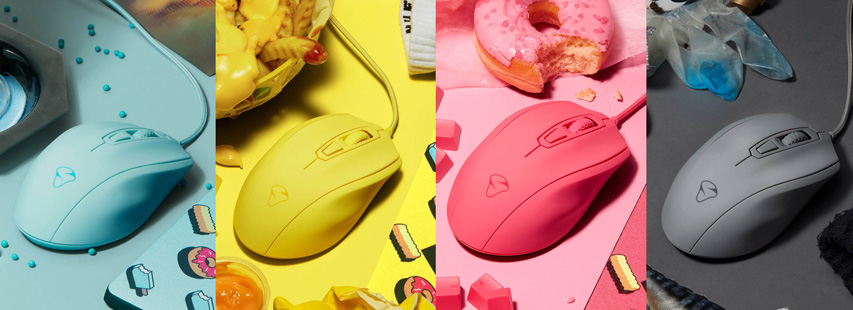
Earlier in the week we covered the Mionix Wei keyboard, a crazily unique keyboard with a bold style; in contrast to that, we have the Mionix Castor, a gaming mouse with a very understated style; at least our sample isn’t too garish, anyway. There’s a range of 5 colours available, Frosting (pink), Ice Cream (blue), French Fries (yellow), Shark Fin (grey) and the standard Castor, which is black.

The Castor is a right-handed ergonomic chassis with a moulded, grooved shape to accommodate all 5 fingers. The shell features a 4-layer rubber coating to provide a soft-touch feel along with optimum grip.
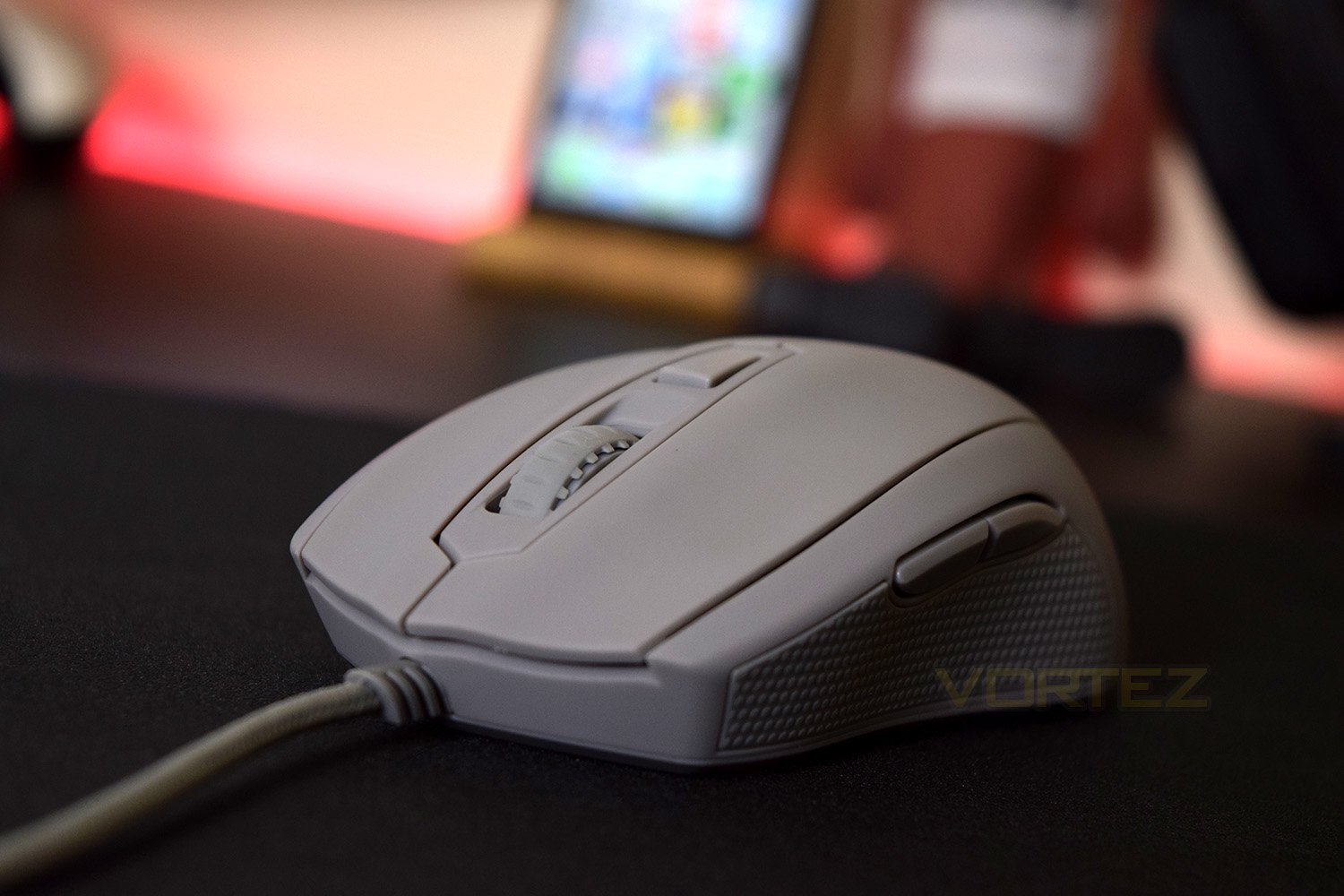
Behind the scenes we have a 32bit, 32MHz ARM processor to provide the processing power required by that PMW-3310 optical sensor; the PixArt sensor is capable of 10,000 DPI (5,000 DPI native).
Technical Specifications
5000 native DPI optical sensor (PMW-3310)
128 kB built-in memory
Adjustable DPI-settings in 50-steps
6 fully programmable buttons
Truly ergonomic design
Soft touch coated surface
128 kB built-in memory
Adjustable DPI-settings in 50-steps
6 fully programmable buttons
Truly ergonomic design
Soft touch coated surface
Packaging & First Look
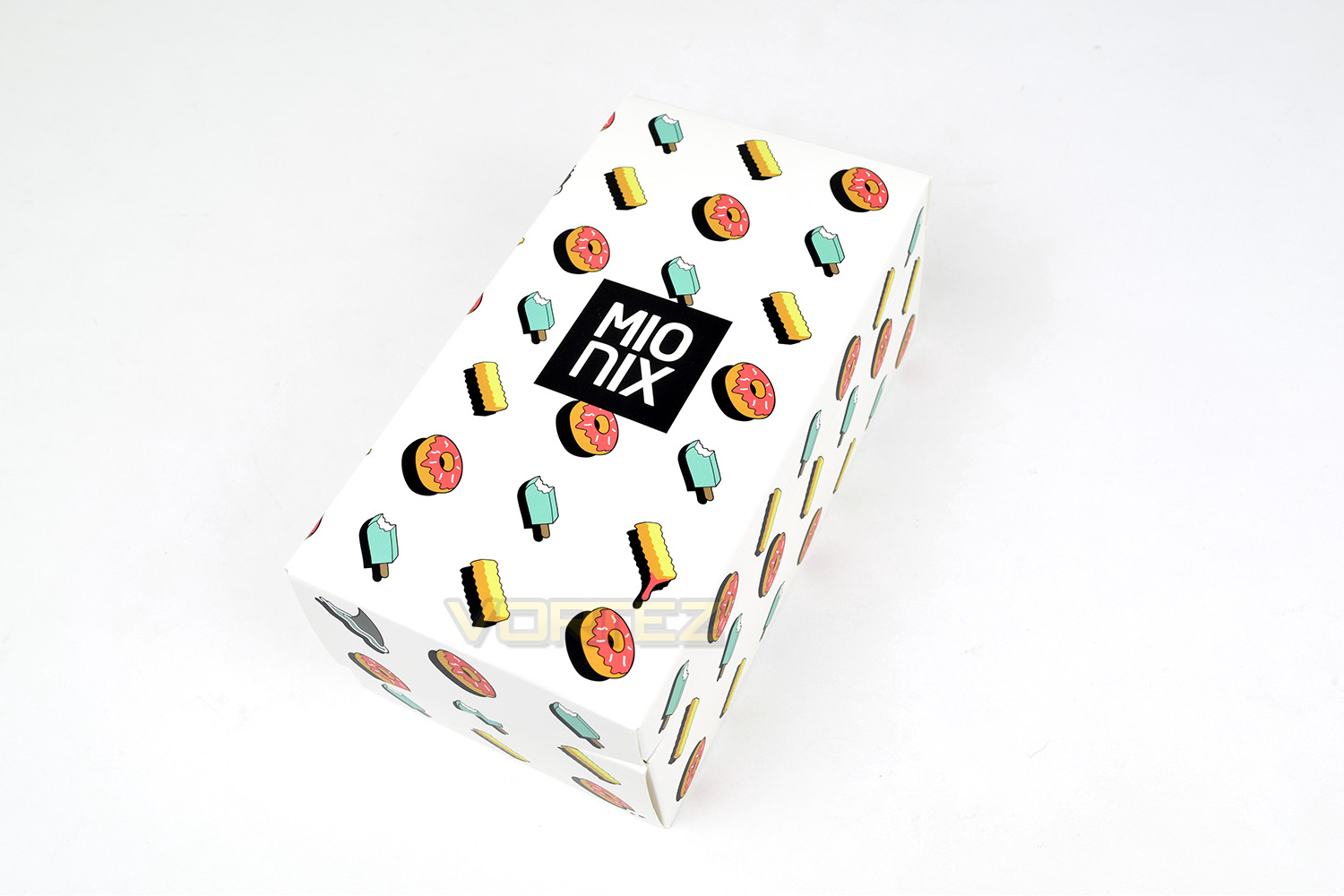
Mionix is really enjoying the fast food theme on their packaging and products, which we think looks great. The box is fairly simple, which seems to be the latest trend from the Swedish manufacturer.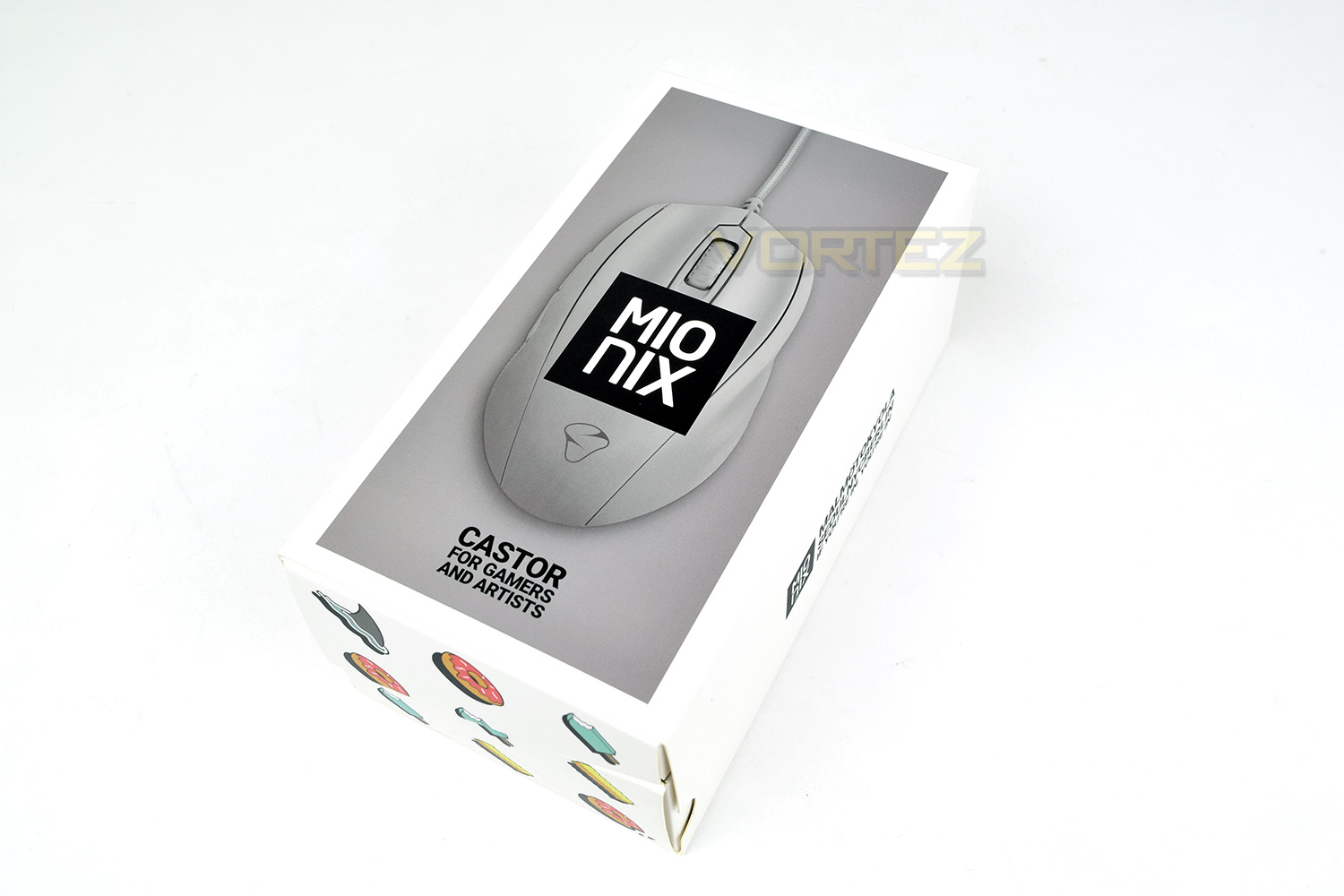
Once you remove the outer sleeve, the box is incredibly striking. We love this cartoon theme.
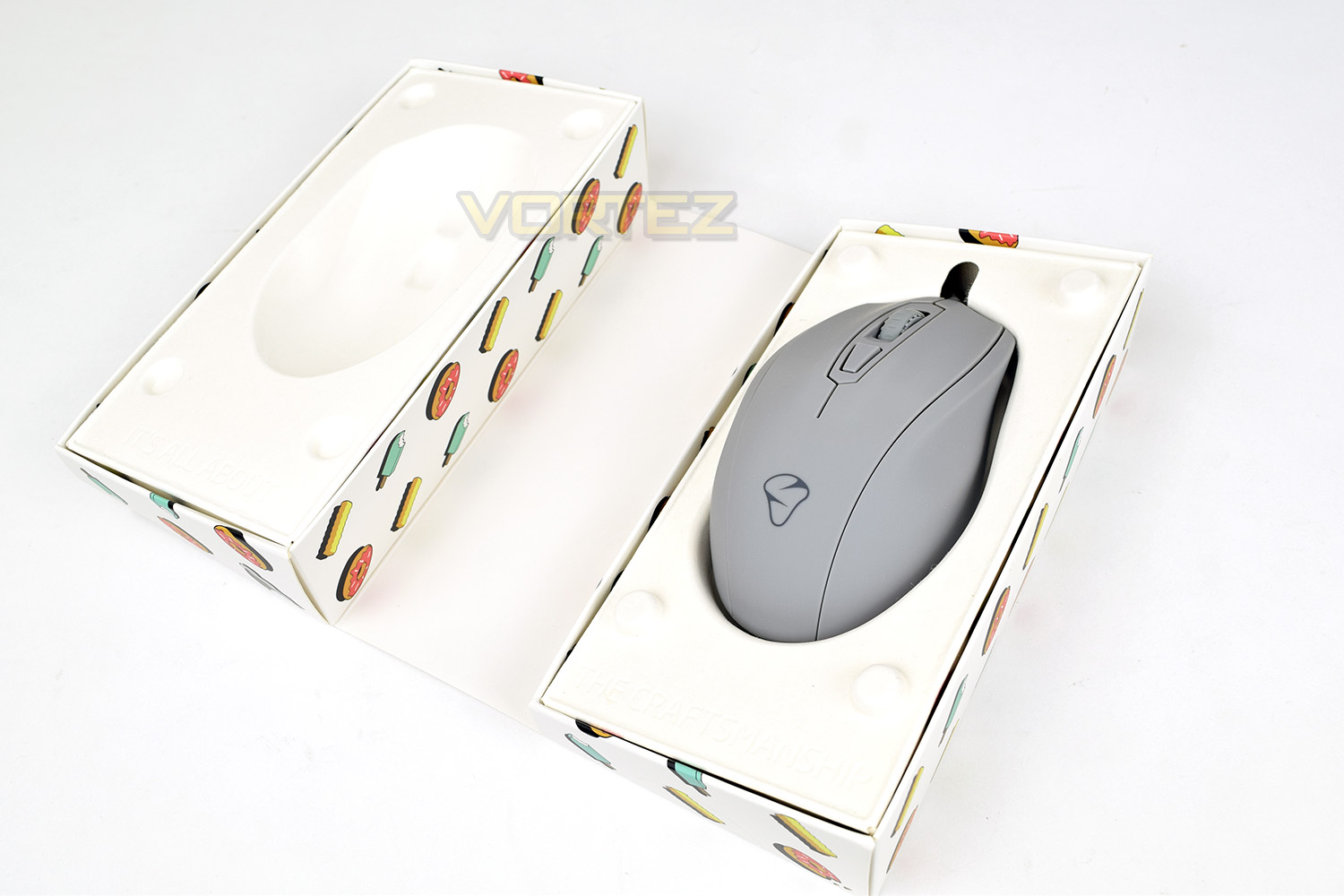
Folding open the carton, the Castor is held in place securely by a moulded cardboard insert, helping to look after the environment somewhat.
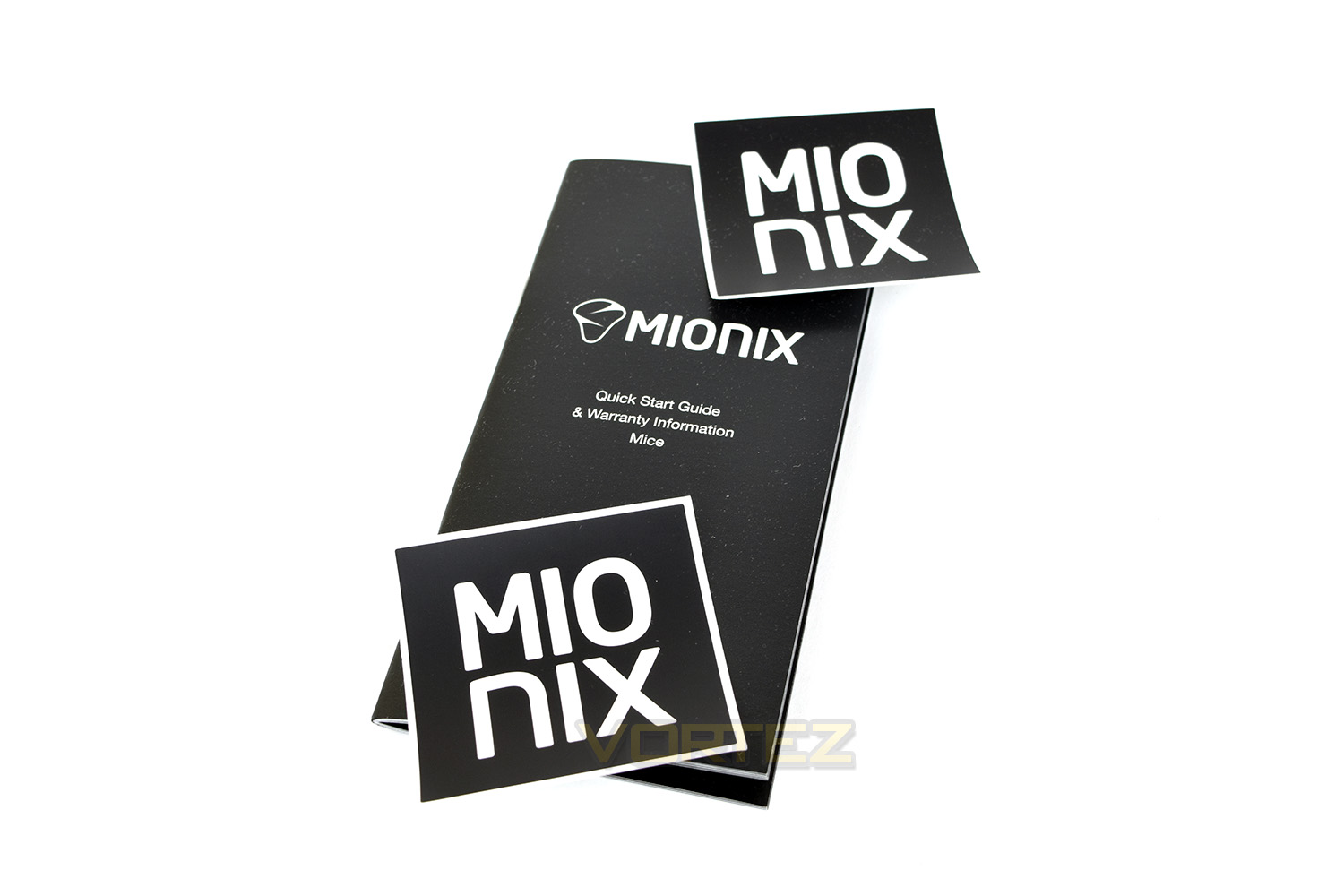
Along with the mouse you can expect a Quick Start Guide which includes the warranty information, along with a couple of small Mionix stickers.
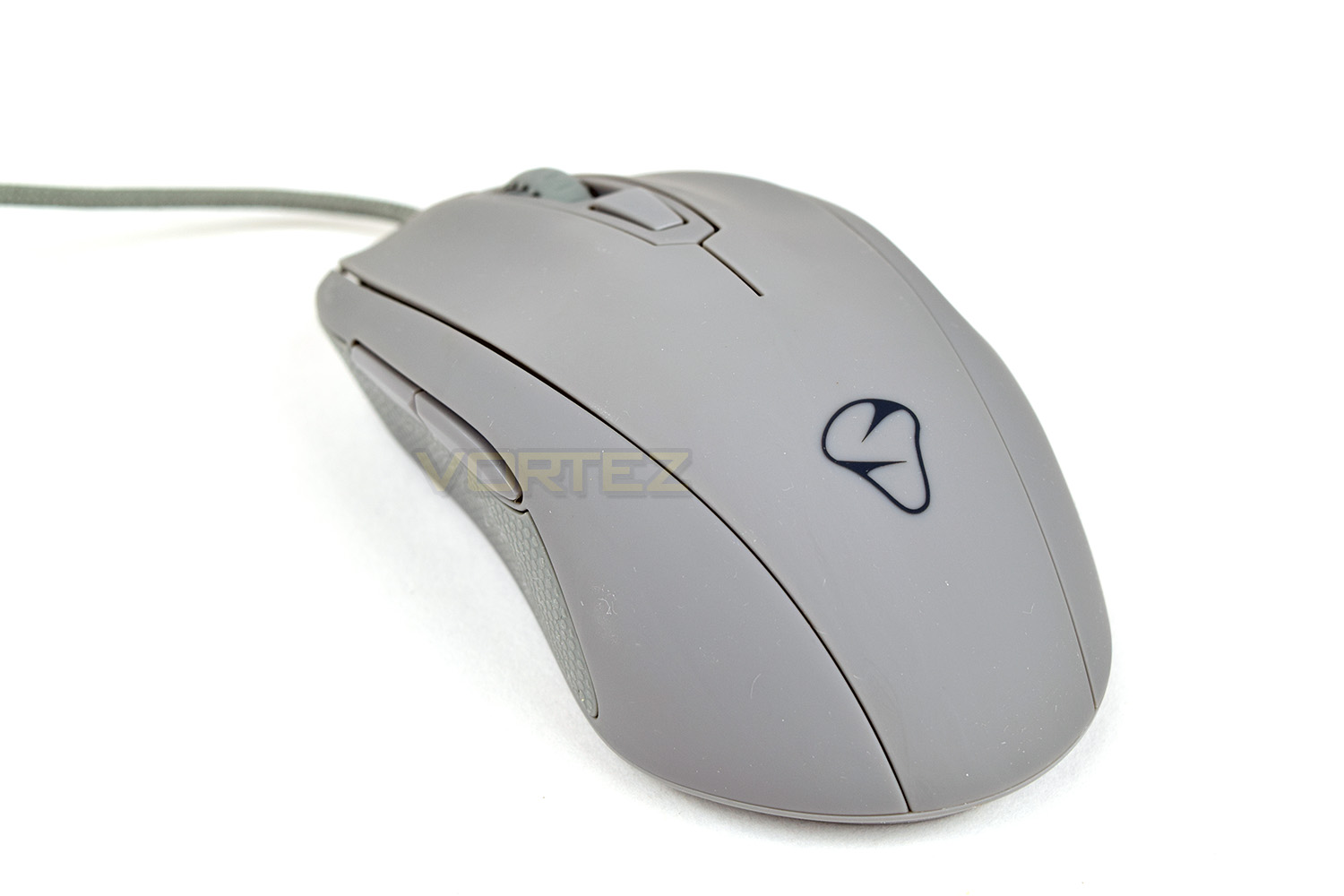
Taking a first look at the Castor, the Shark Fin colour is by far the least ‘in your face’ of the range. The curvy and flowy shape of the mouse is rather appealing, too.
Closer Look
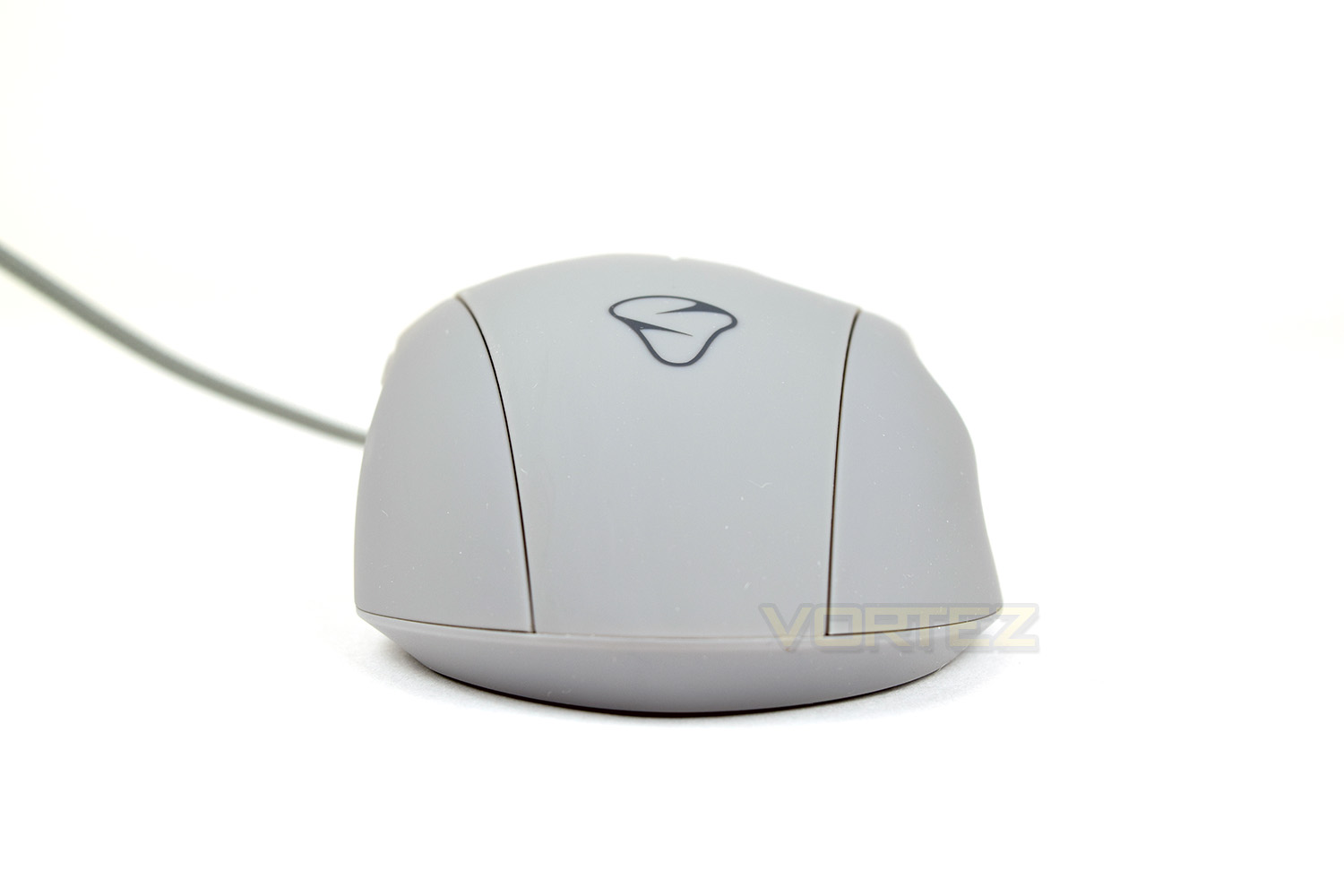
From the front, you can see the mouse leans to the right slightly, increasing comfort for right-handed users. The notched mouse wheel is also fairly prominent, featuring a rubbery texture to match the mouse. Right and left click are both wide and easy to press.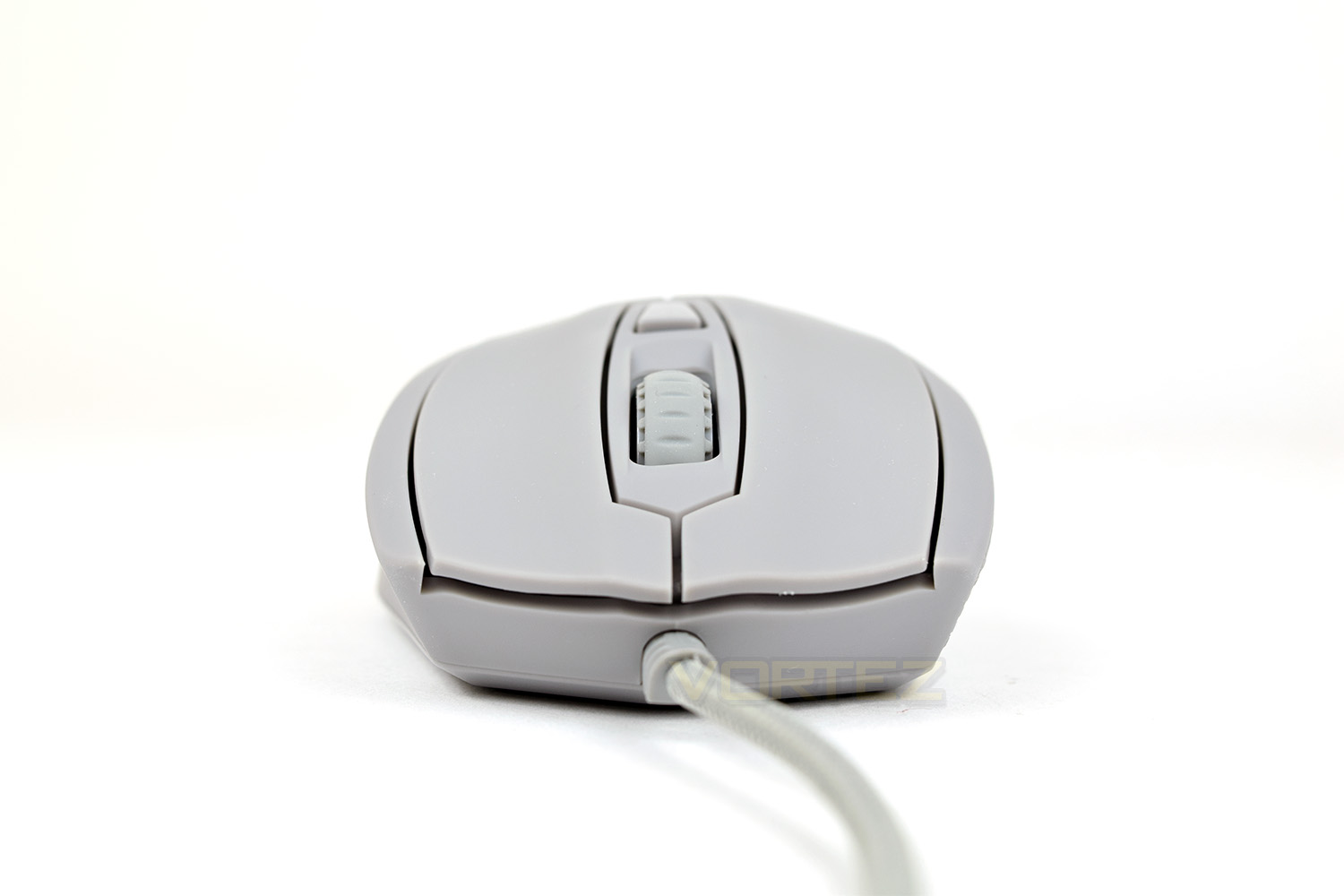
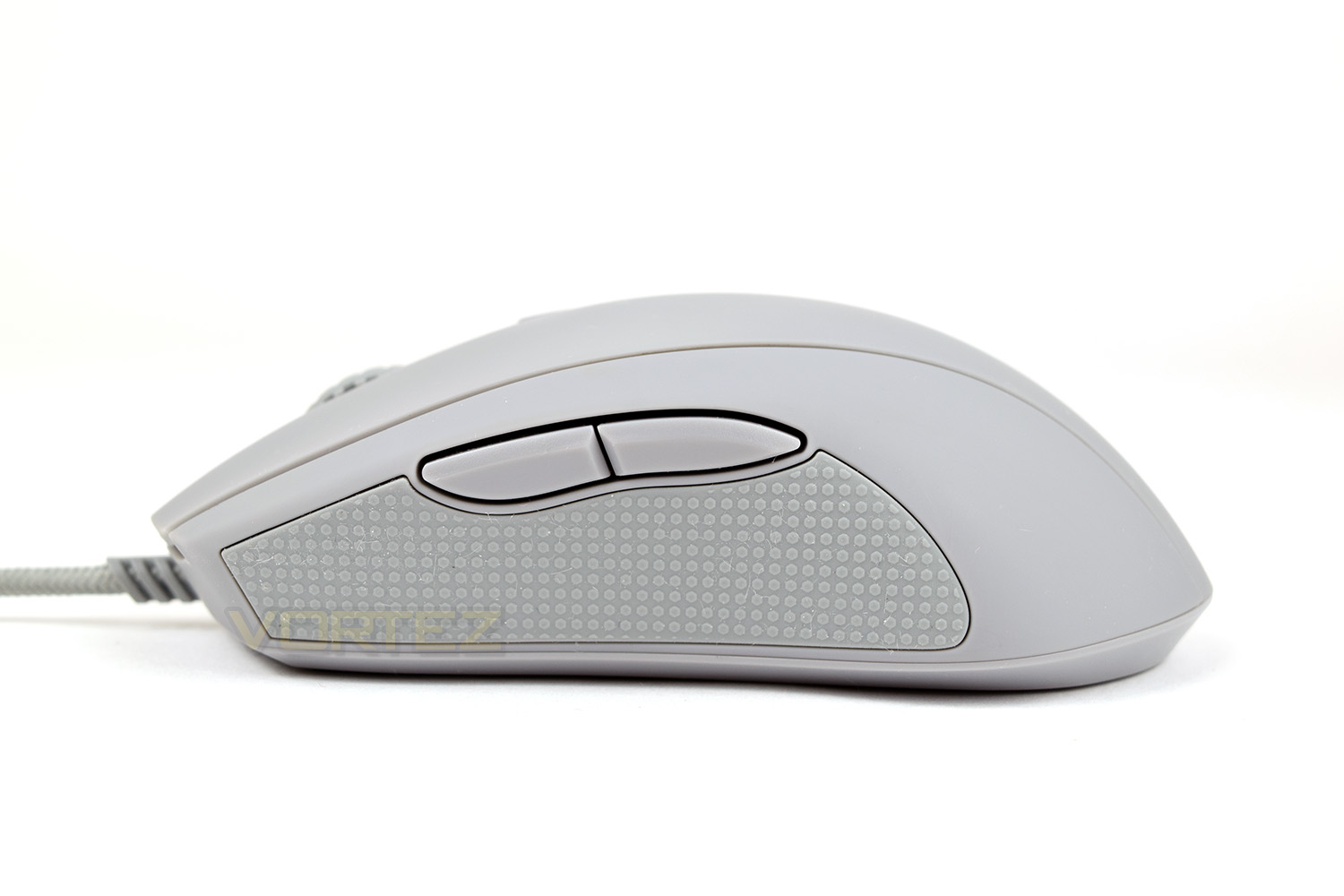
From the left, there’s a large rubber pad for the thumb to help increase grip. The two thumb buttons aren’t bookmatched, which is slightly odd from a gaming mouse, however they’re placed in a good position and easy to press.
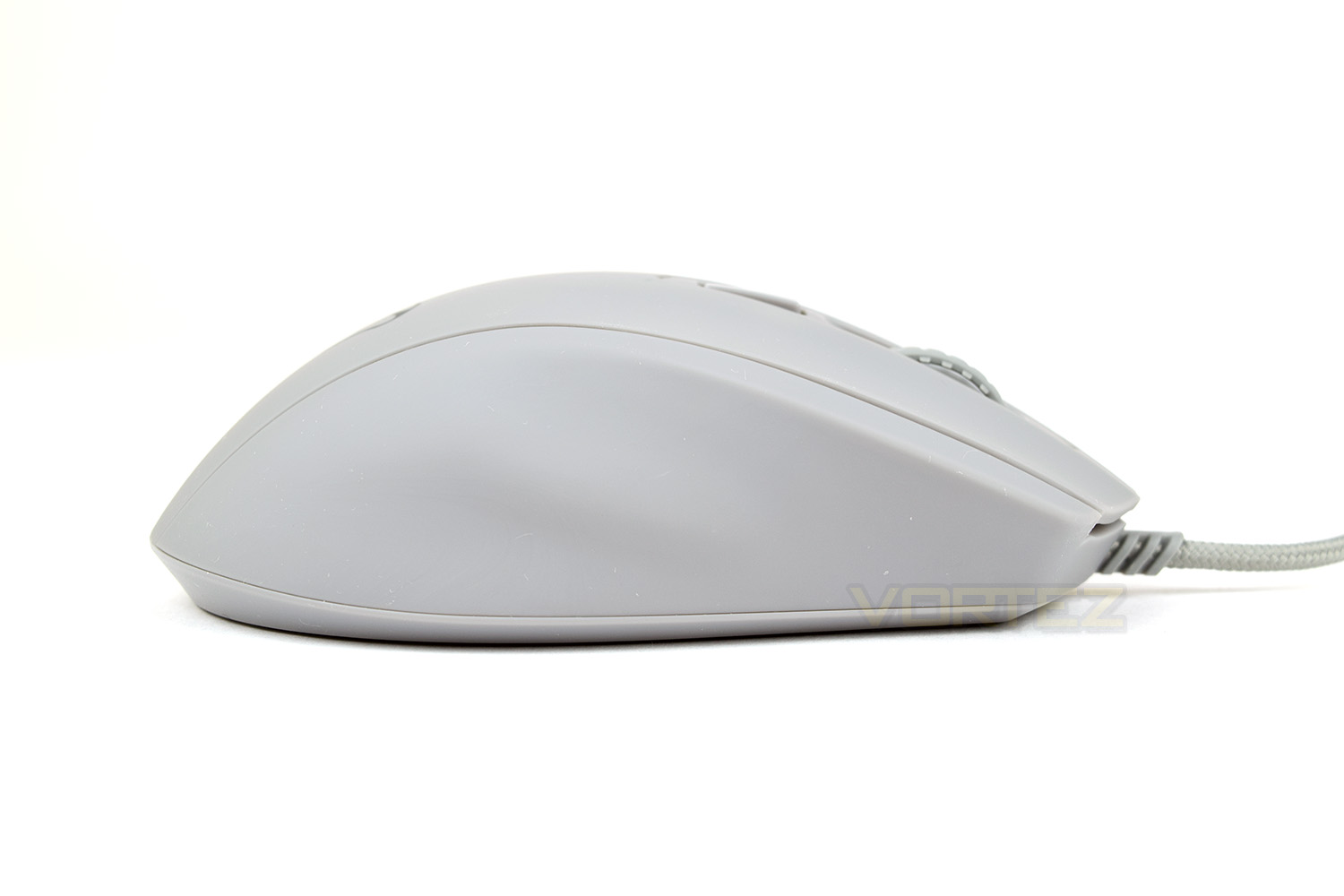
You may expect to see a rubber grip on the other side, however this edge features a moulded shape to accommodate the 4th and 5th fingers.
From above, you can see the lumpy shape of the Castor. This moulded shape should prove to be comfortable.
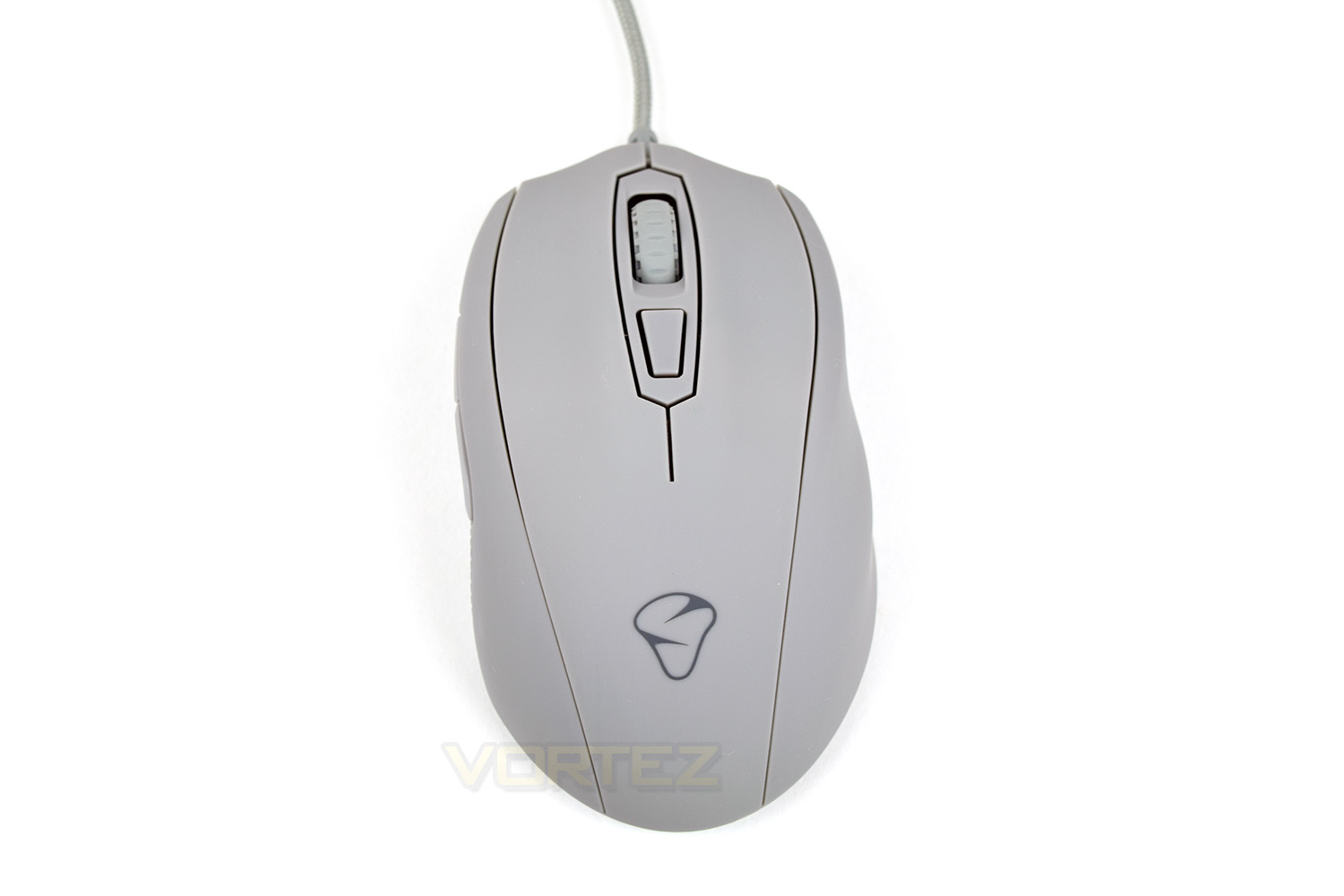
This angle further accentuates the curvy shape of the mouse, with the Mionix logo plonked in the centre.
Closer Look (Continued)
The underside of the mouse follows suit from above, there’s nothing fancy going on here; simply the optical sensor in the centre with 2 large PTFE pads to ensure the mouse glides over your mouse surface.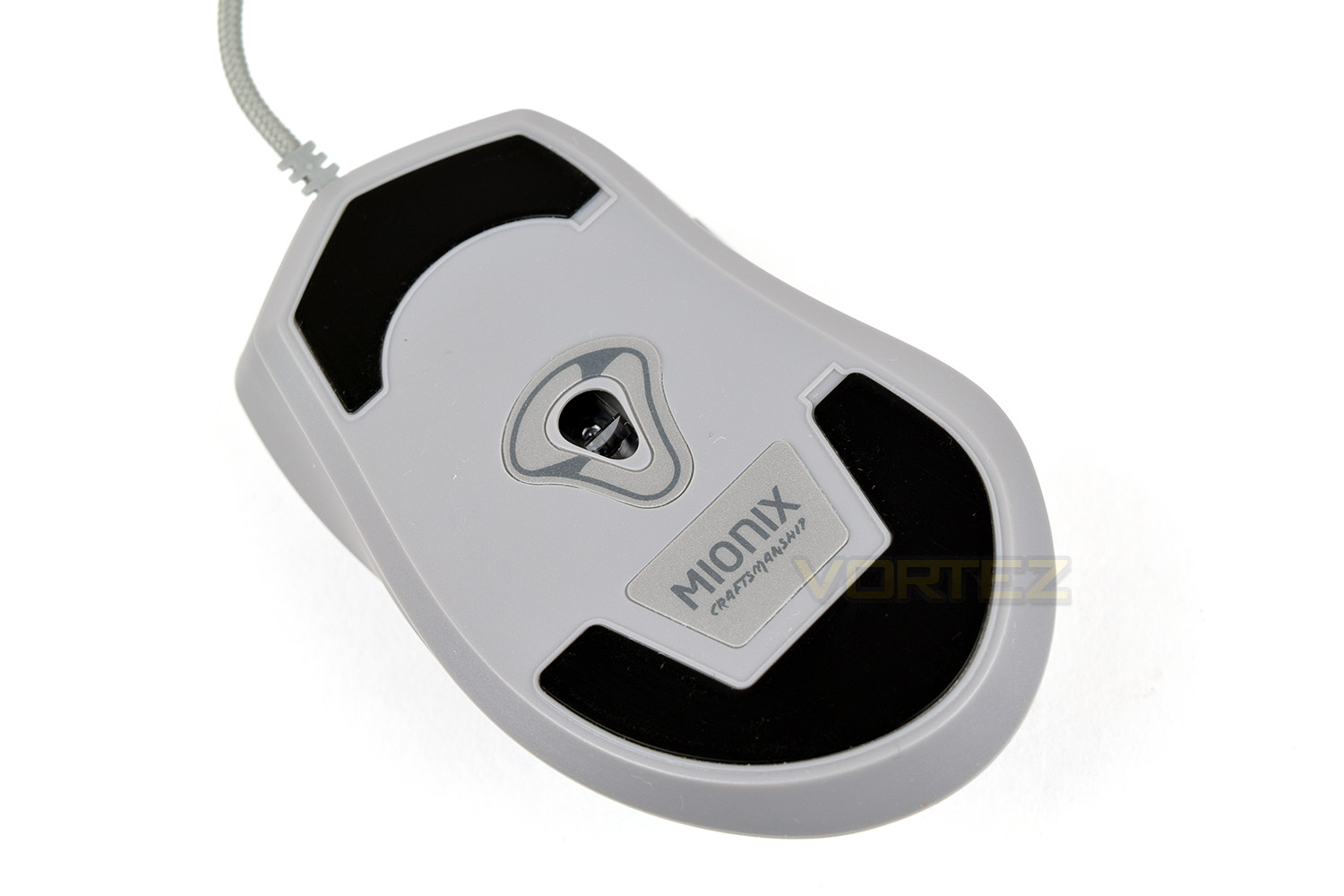
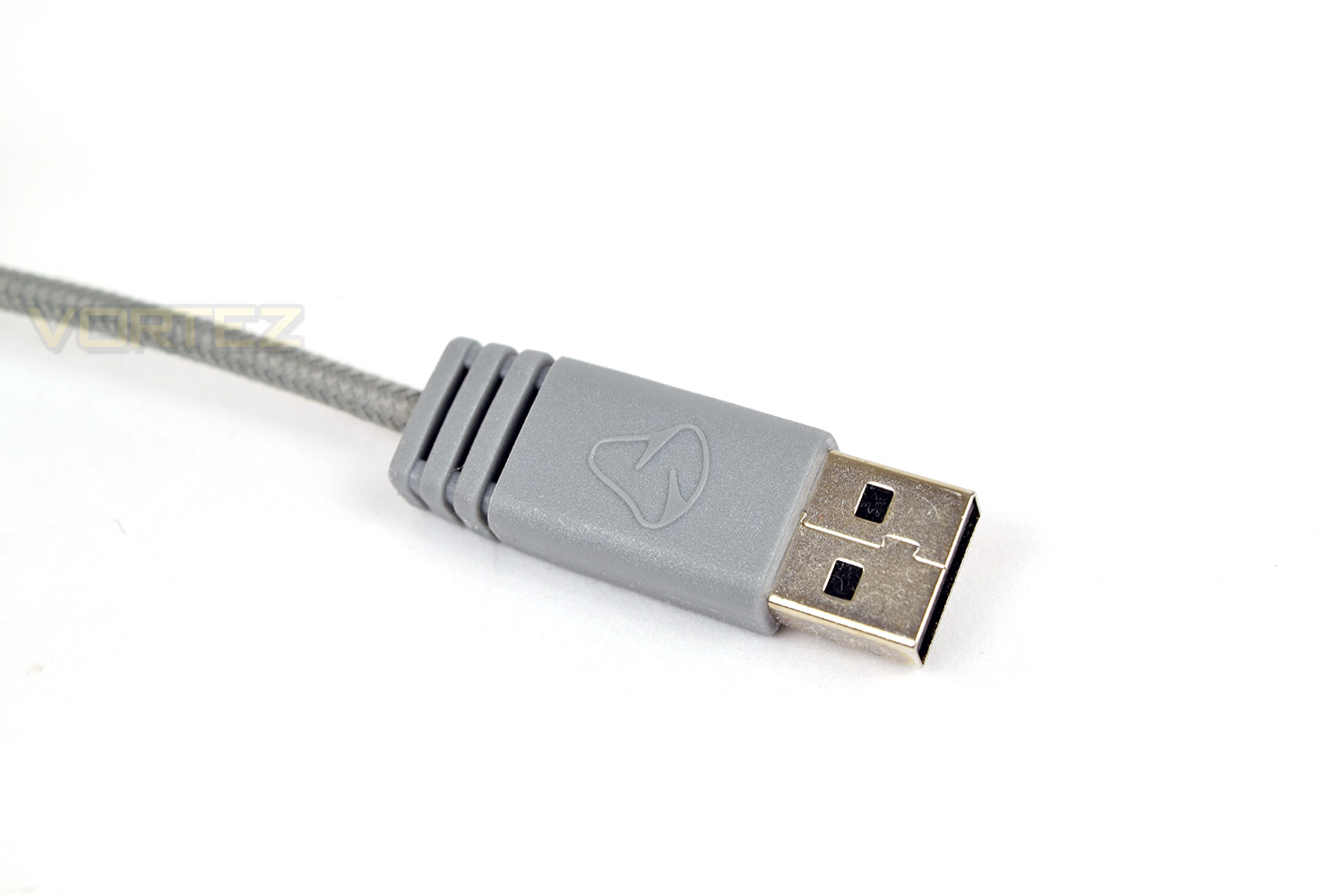
The 2M braided cable is capped off with a moulded USB head.
Software
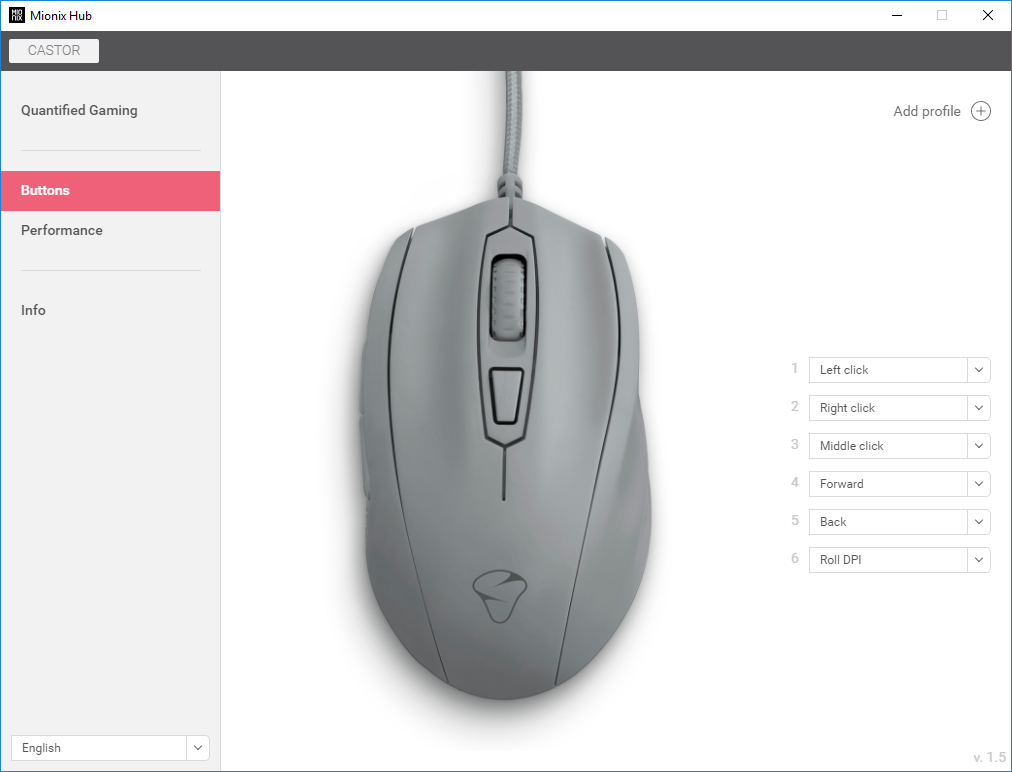
The Castor uses a set of software called Mionix Hub; it’s basic but it provides the bare essentials.Upon installing the software, you’re greeted with a top-down view of the Castor. This landing page allows some customisation of each button, though you’re limited with what it actually possible with there being no macro functionality.
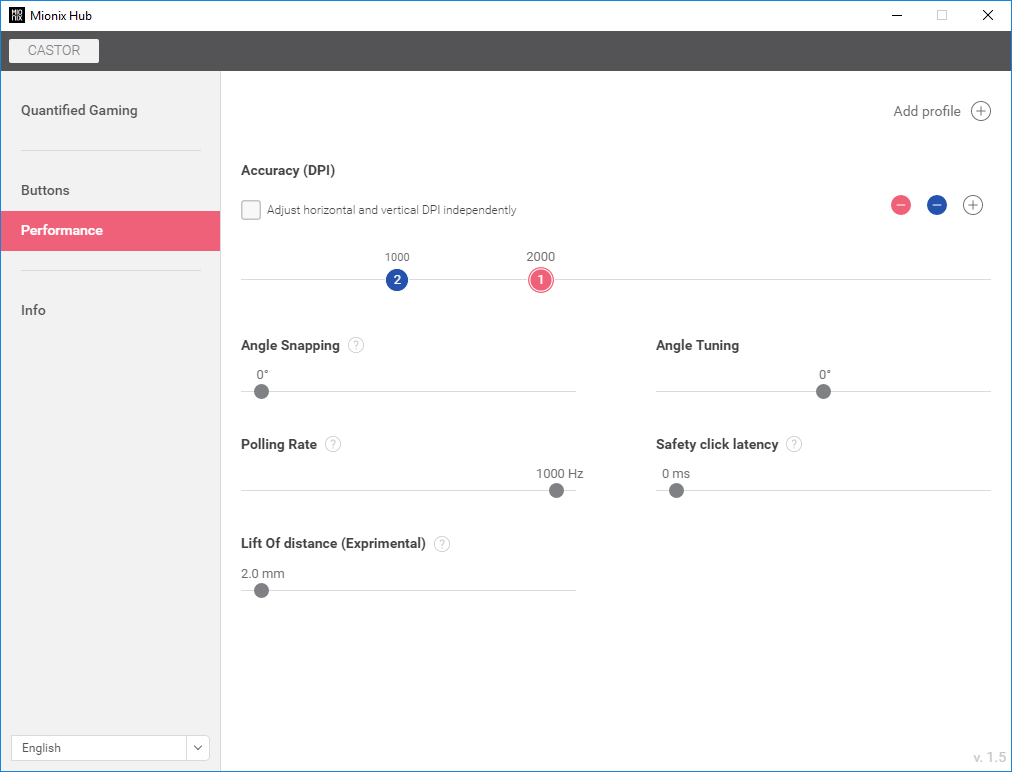
The Performance page allows you to add DPI toggles with which you can switch through with the top button on the mouse, they’re set on a slider in increments of 50. You can also tune Angle Snapping, Angle Tuning, Polling Rate and something called Safety Click Latency, which can help prevent accidental clicks.
In the latest update we see the additional of Lift Off Distance adjustment though this is currently experimental and shouldn’t be relied upon at this stage.
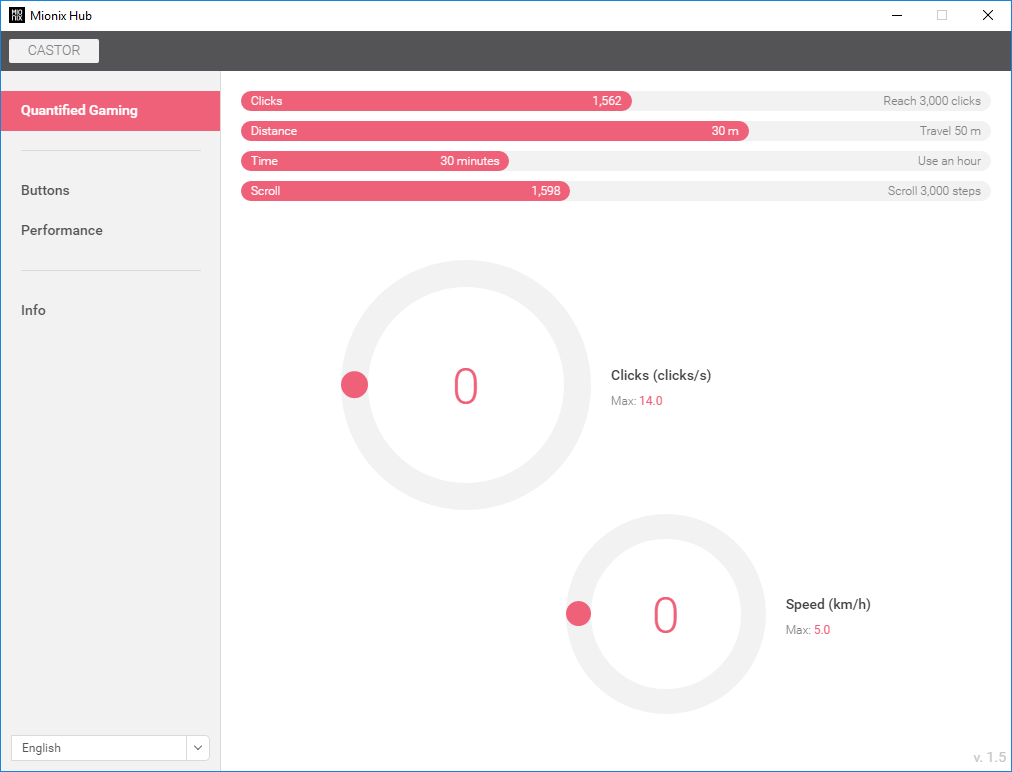
Quantified Gaming provides a snapshot of how you use the mouse; this doesn’t provide any useful information unless you’re playing at a professional level but it’s still fun to try and beat your previous results.
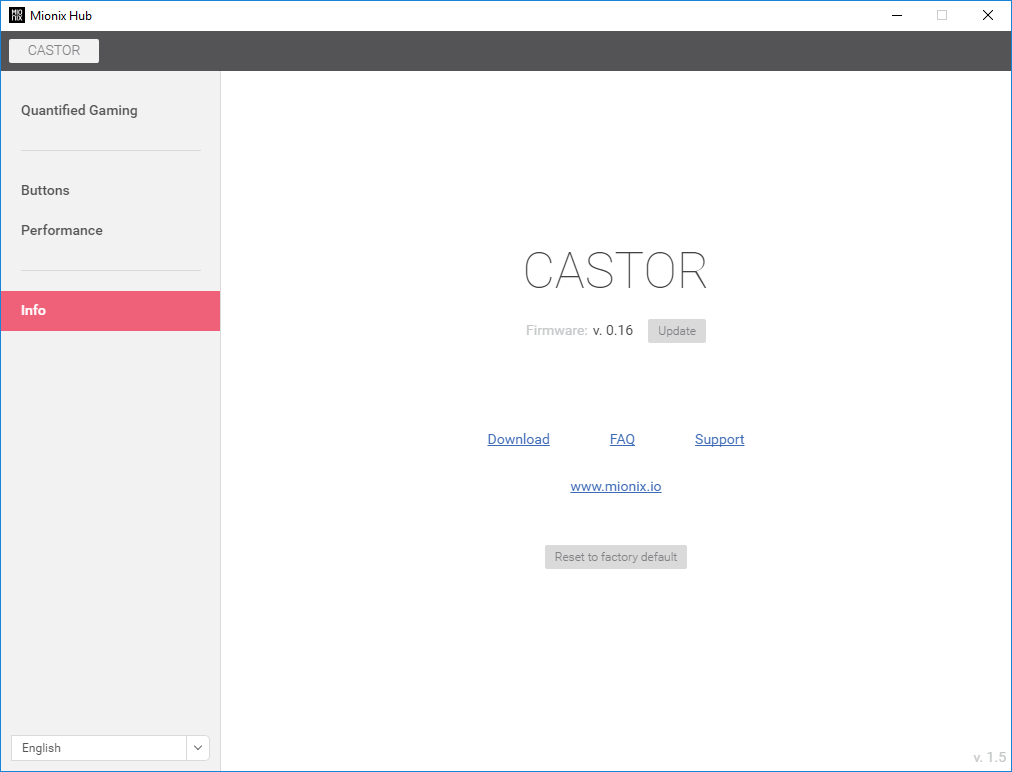
The Info page allows you to reset the mouse if you happen to ruin any settings within the Performance tab or if a problem occurs. You also perform firmware updates on this page, however you have to download the file from their website; the software should be able to check this for you and perform upgrades without any user effort at all.
Performance Testing
The Mionix Castor, primarily being marketed as a gaming mouse, should, therefore, perform well in-game. We used Battlefield 1, Orcs Must Die: Unchained, War Thunder and PLAYERUNKNOWN’S BATTLEGROUNDS for testing; we feel they provide a broad range of game type to test the sensor and button layout. All 4 games posed no issue for the PixArt optical sensor, which shouldn’t come as a surprise. We tested at 1000, 2000 and 2500 DPI, all of which felt brilliant and provided accurate headshots in Battlefield 1, on par, or better, than anything else we’ve tested recently.The shape of the Castor, with all of its lumps and bumps, may not be to everyone’s tastes but those curves provide a very solid base for your hand, allowing all 5 fingers a place to lie. The rubber grip under your thumb isn’t strictly necessary due to the rubberised coating on the mouse, but it does appear to provide a little extra traction if you suffer from sweaty hands in tense moments; the rubber is soft, but it’s a very thin layer which resists any kind of movement under the thumb.
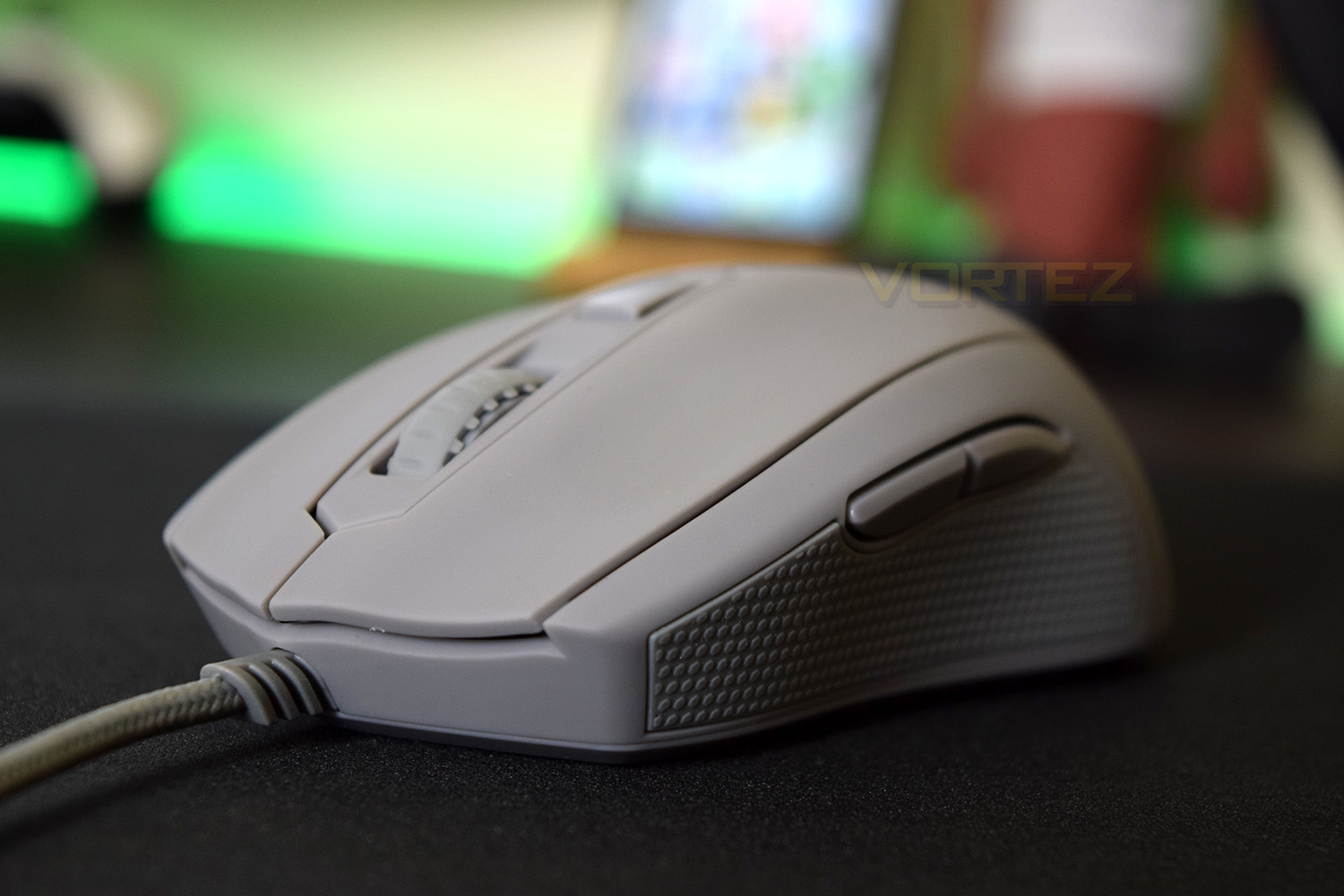
Due to the all-in-one top shell, the right and left-click are hinged towards the back of the mouse, this is fine if you’re a palm grip user; however they do get a little hard to click if your hand is held further towards the rear of the mouse. We’ve been unable to find out who makes the switches underneath but we can tell you they’re reasonably loud and provide a nice feedback.
The scroll wheel provides a nicely weighted ‘clicky’ feel – it’s not too much to prevent the wheel being easily spun, but it won’t move of its own accord. This is one of the best scroll wheels around at the moment.
Conclusion
We’re a big fan of the styling that Mionix have conjured up; it’s simple yet aesthetically pleasing; it would’ve been nice to see another sample of a different colour to see how the pink, blue or yellow changes that but we can recommend the Shark Fin colour. If you’re interested in the Mionix range of products, which all tend to be crazy colours, you may find yourself falling in love with the Castor; nothing else can realistically compete with the unique colours and shape of this mouse.The elephant in the room is the price. At £60 in the UK, the Castor faces a great deal of competition, most notably from the SteelSeries Rival 310, ASUS ROG Pugio and the Corsair Glaive, all of which offer a great deal more functionality. That being said, the Castor offers something the rest don’t – pure simplicity.
The PixArt sensor paired with the 32-bit ARM processor is a brilliant match and easy to program in the software. We had no issues with tracking on a solid wooden surface, cloth mousemat and plastic mousemat.
Overall, we’re very impressed by the simplicity of use. There’s no excess of buttons or tricky software to combat, it simply works as a gaming mouse.
Mionix are offering something unique with an appeal no other manufacturer can match, variety is the spice of life, after all.
Pros
+ Rubberised shell feels brilliant
+ Curvy shape accommodates the hand well
+ Excellent sensor performance
+ Understated yet beautiful appearance
+ Available in crazy colours
Neutral
+- No RGB lighting
Cons
– Pricey
– Software is very basic
+ Rubberised shell feels brilliant
+ Curvy shape accommodates the hand well
+ Excellent sensor performance
+ Understated yet beautiful appearance
+ Available in crazy colours
Neutral
+- No RGB lighting
Cons
– Pricey
– Software is very basic
Click here for an explanation of our awards at Vortez.net.
Stay connected with the Vortez Social Media pages: